


ComfyUI Tutorial Series 51-60
I learned ComfyUI from these tutorials ComfyUI Tutorial Series

Ep01 - Introduction and Installation
Ep02 - Nodes and Workflow Basics
Ep03 - TXT2IMG Basics
Ep04 - IMG2IMG and LoRA Basics
Ep05 - Stable Diffusion 3 Medium
Ep06 - Get 300 Free Art Styles
Ep07 - Working With Text - Art Styles Update
Ep08 - Flux 1: Schnell and Dev Installation Guide
Ep09 - How to Use SDXL ControlNet Union
Ep10 - Flux GGUF and Custom Nodes
Ep11 - LLM, Prompt Generation, img2txt, txt2txt Overview
Ep12 - How to Upscale Your AI Images
Ep13 - Exploring Ollama, LLaVA, Gemma Models
Ep14 - How to Use Flux ControlNet Union Pro
Ep15 - Styles Update, Prompts from File & Batch Images
Ep16 - How to Create Seamless Patterns & Tileable Textures
Ep17 - Flux LoRA Explained! Best Settings & New UI
Ep18 - Easy Photo to Cartoon Transformation!
Ep19 - SDXL & Flux Inpainting Tips with ComfyUI
Ep20 - Sketch to Image Workflow with SDXL or Flux!
Ep21 - How to Use OmniGen in ComfyUI
Ep22 - Remove Image Backgrounds with ComfyUI or Photoshop
Ep23 - How to Install & Use Flux Tools, Fill, Redux, Depth, Canny
Ep24 - Unlock Flux Redux & Inpainting with LoRA
Ep25 - LTX Video – Fast AI Video Generator Model
Ep26 - Live Portrait & Face Expressions
Ep27 - Photo to Watercolor, Oil & Digital Paintings – Workflow
Ep28 - Create Flux Consistent Characters + Train Loras Online
Ep29 - How to Replace Backgrounds with AI
Ep30 - Game Design with AI and Photoshop
Ep31 - ComfyUI Tips & Tricks You Need to Know
Ep32 - How to Create Vector SVG Files with AI
Ep33 - How to Use Free, Local Text-to-Speech for AI Voiceovers
Ep34 - Turn Images into Prompts Using DeepSeek Janus Pro
Ep35 - How to Run ComfyUI in the Cloud
Ep36 - WAN 2.1 Installation – Turn Text & Images into Video!
Ep37 - LTX 0.9.5 Installation, Images to Video Faster Than Ever!
Ep38 - Bring Portraits to Life! Talking Avatar with Sonic
Ep39 - Using WAN 2.1 with LoRAs for Wild Effects: Squish, more
Ep40 - TeaCache: Speed Up Your Workflows with Smart Caching
Ep41 - How to Generate Photorealistic Images - Fluxmania
Ep42 - Inpaint & Outpaint Update + Tips for Better Results
Ep43 - KayTool – Align Nodes, Tweak Image Colors, Monitor
Ep44 - HiDream AI – How to Set Up & Choose the Best Model
Ep45 - Unlocking Flux Dev ControlNet Union Pro 2.0 Features
Ep46 - How to Upscale Your AI Images (Update)
Ep47 - Make Free AI Music with ACE-Step V1
Ep48 - LTX 0.9.7 – Turn Images into Video at Lightning Speed!
Ep49 - txt2video, img2video & video2video with Wan 2.1 VACE
Ep50 - Generate Stunning AI Images for Social Media, 50+ Free
Ep51 - Nvidia Cosmos Predict2 Image & Video
Ep52 - Master Flux Kontext – Inpainting, Editing & Character ..
Ep Nunchaku - Speed Up Flux Dev & Kontext with This Trick
Ep53 - Flux Kontext LoRA Training with Fal AI - Tips & Tricks
Ep54 - Create Vector SVG Designs with Flux Dev & Kontext
Ep55 - Sage Attention, Wan Fusion X, Wan 2.2 & Video Upscale ..
Ep56 - Flux Krea & Shuttle Jaguar Workflows
Ep57 - Qwen Image Generation Workflow for Stunning Results
Ep58 - Wan 2.2 Image Generation Workflows
Ep59 - Qwen Edit Workflows for Smarter Image Edits
Ep60 - Infinite Talk (Audio-Driven Talking AI Characters)
Ep61 - USO - Unified Style and Subject-Driven Generation
Ep62 - Nunchaku Update | Qwen Control Net, Qwen Edit & Inpa..
Ep63 - API Nodes - Run Nano Banana, GPT-5 & Seedream 4
Ep64 - Nunchaku Qwen Image Edit 2509
Ep65 - VibeVoice Free Text to Speech Workflow
Ep66 - Qwen Outpainting Workflow + Subgraph Tips
Ep67 - Fluxmania Nunchaku + Wan2.2 and Rapid AIO Workflows
Ep68 - How to Create Anime Illustrations - NetaYume v3.5
Ep69 - Create Long Videos with LongCat Video Model
Ep70 - Nunchaku Qwen Loras - Relight, Camera Angle & Scene..
Ep71 - QwenVL 3 - Get Prompts From Images & Video
Ep72 - Z-Image Turbo Workflows, ControlNet Esse.. & LoRA Trai..
Ep73 - Final Episode & Z-Image ControlNet 2.0
ComfyUI Tutorial Series Ep 51: Nvidia Cosmos Predict2 Image & Video
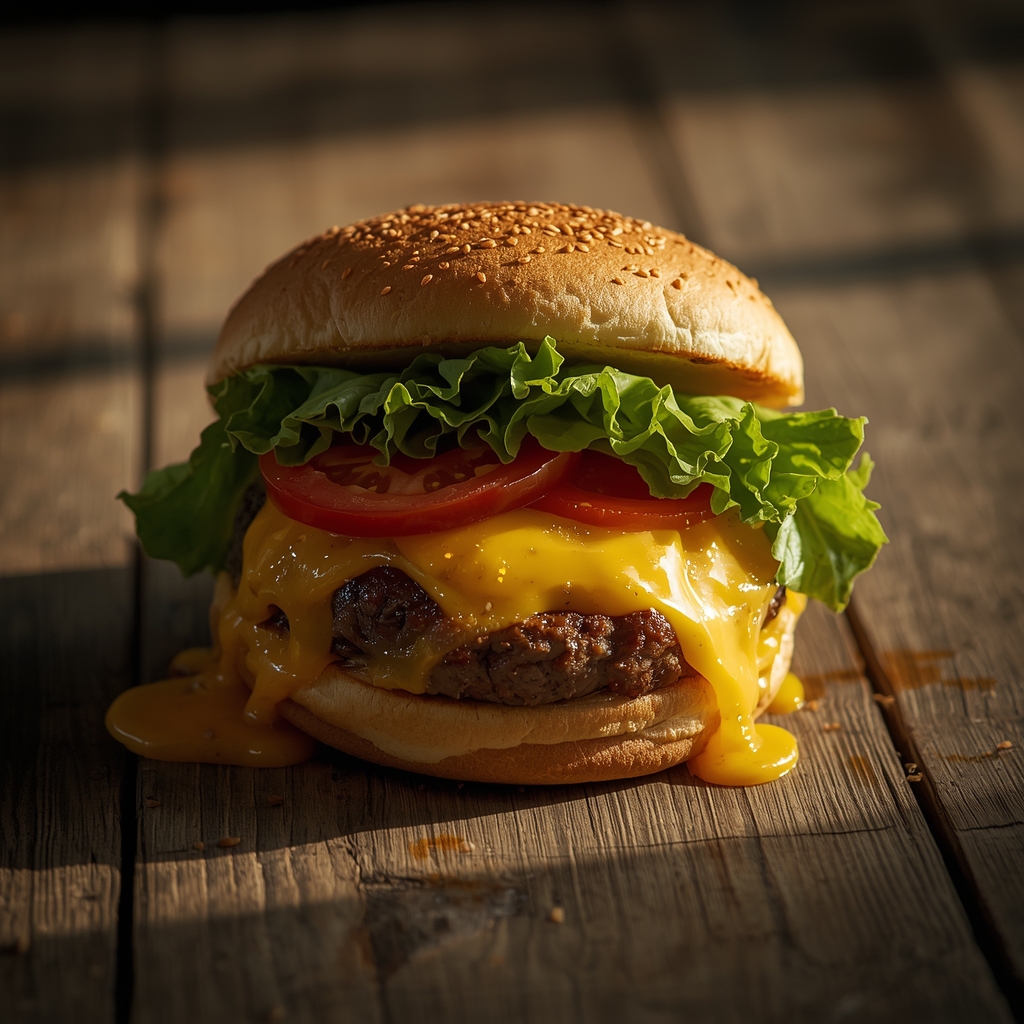
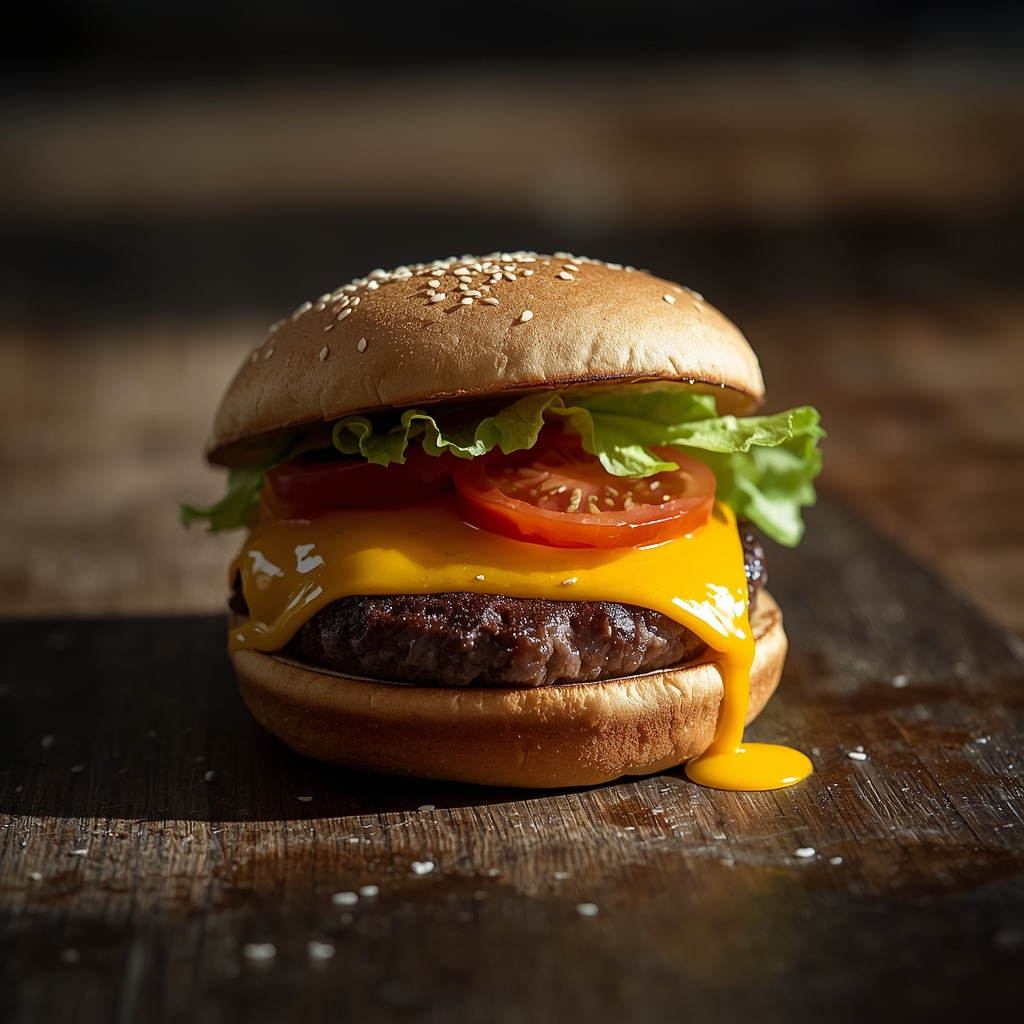
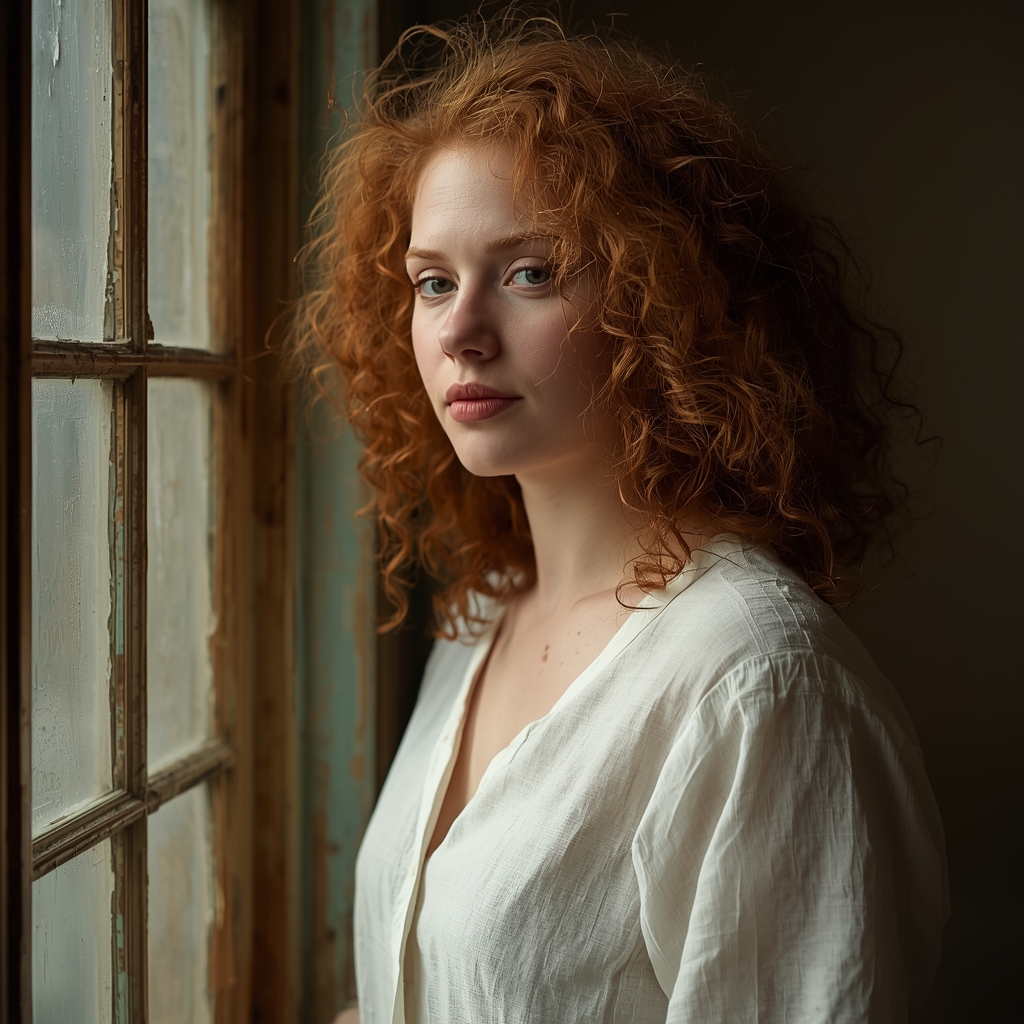
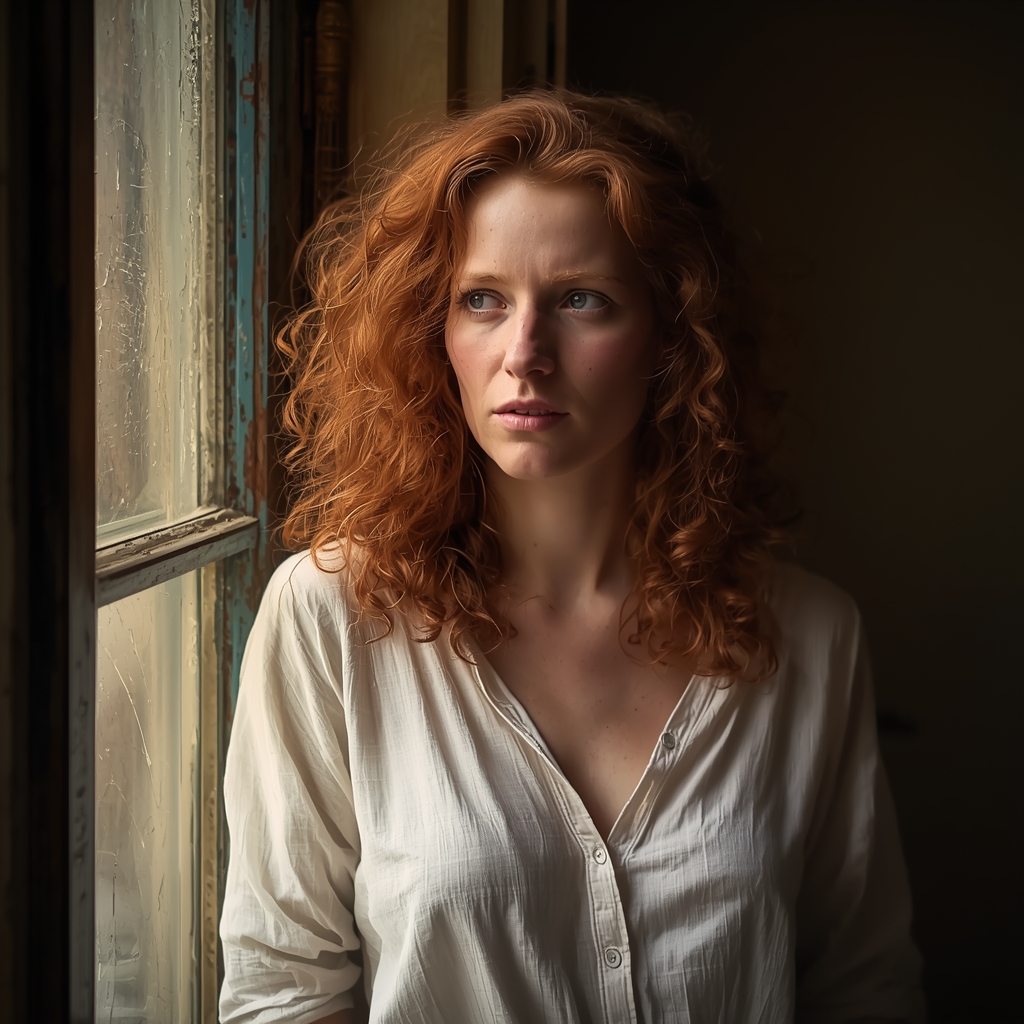
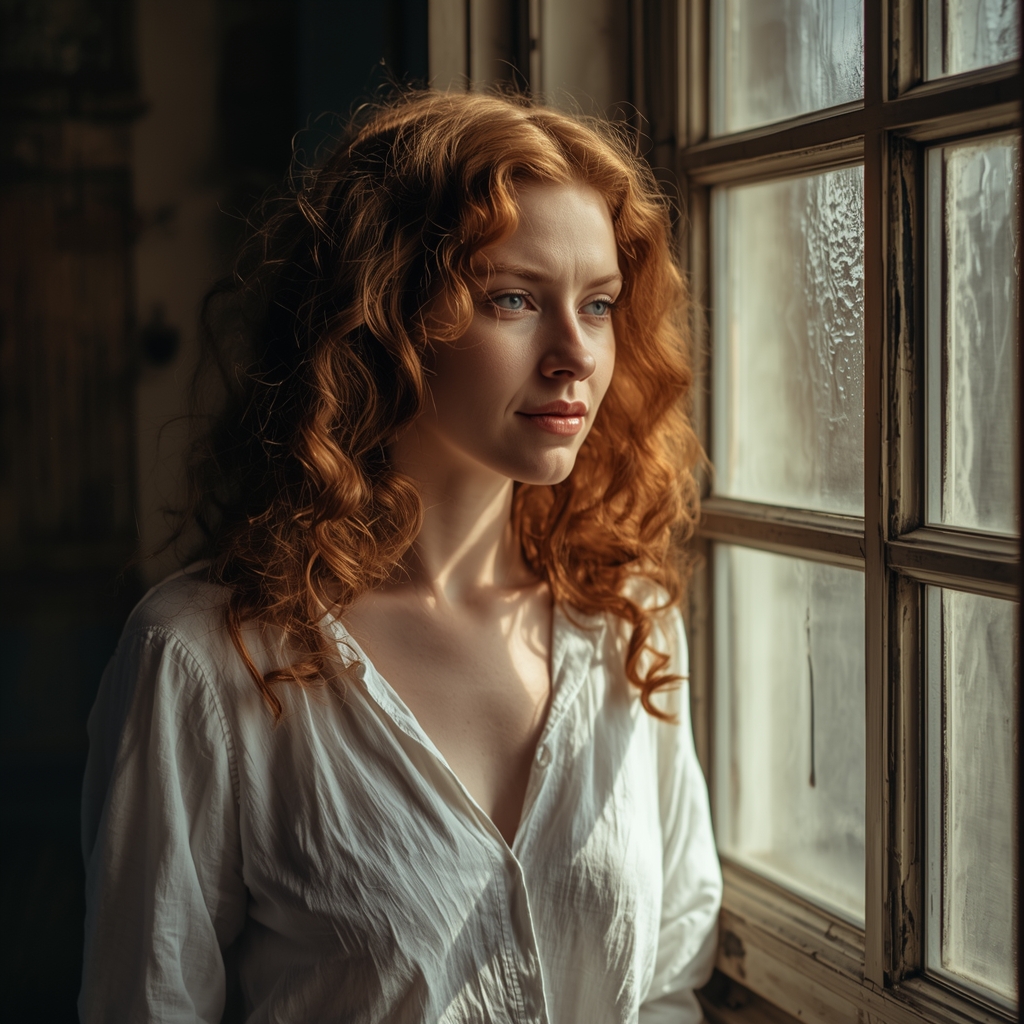
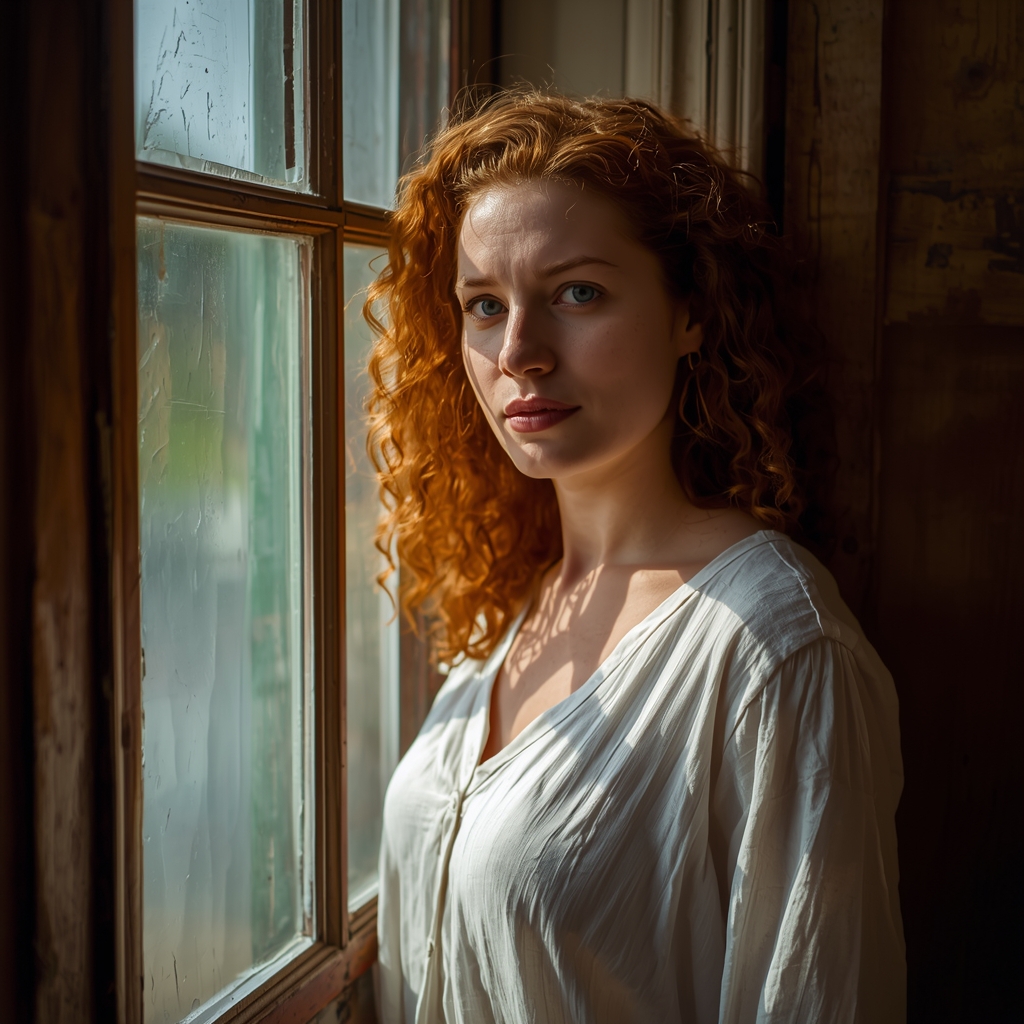

































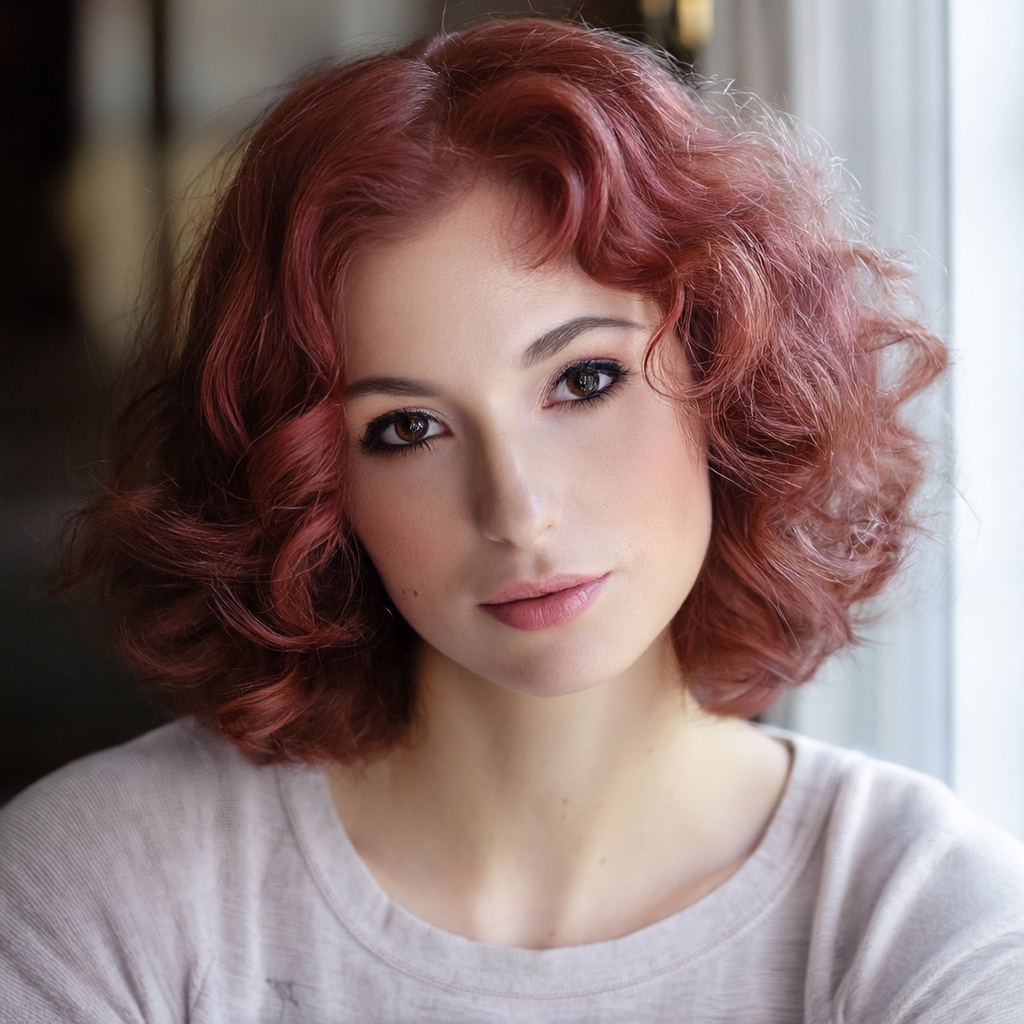
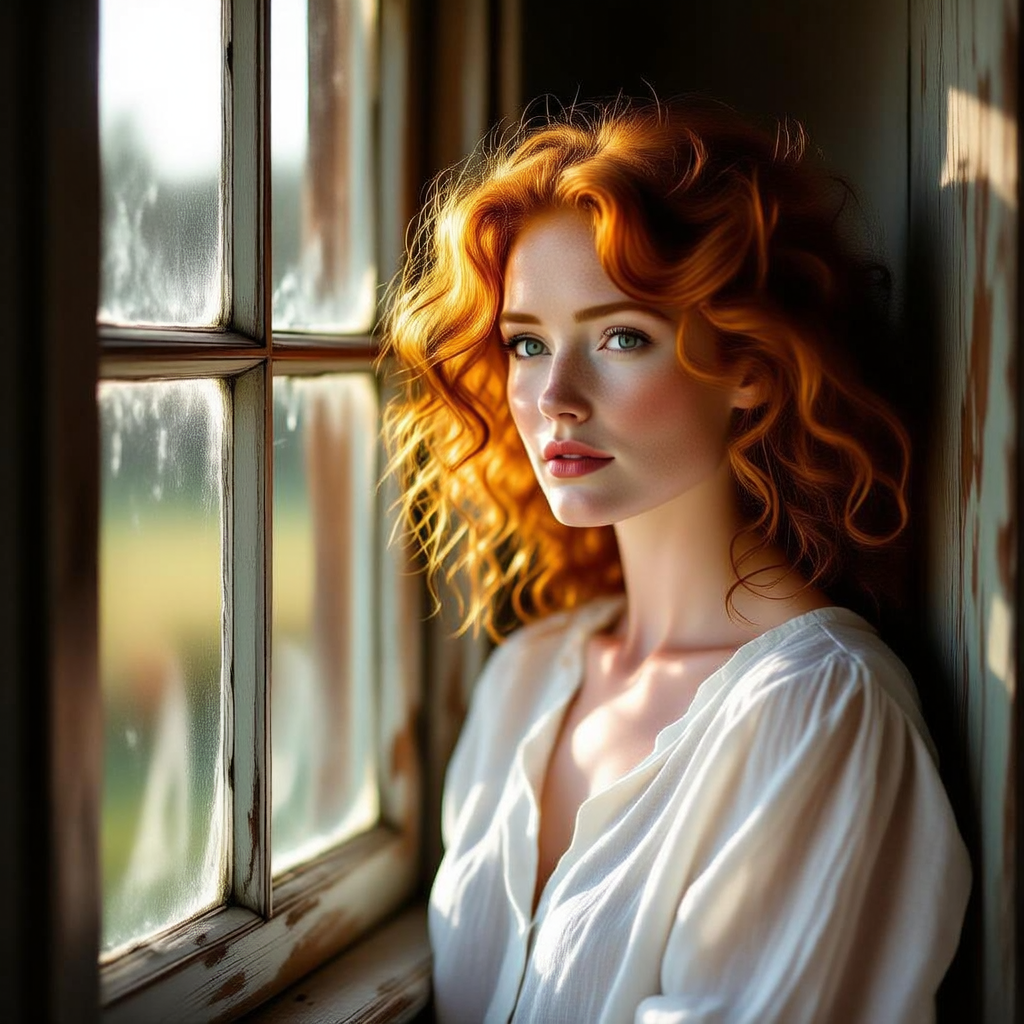

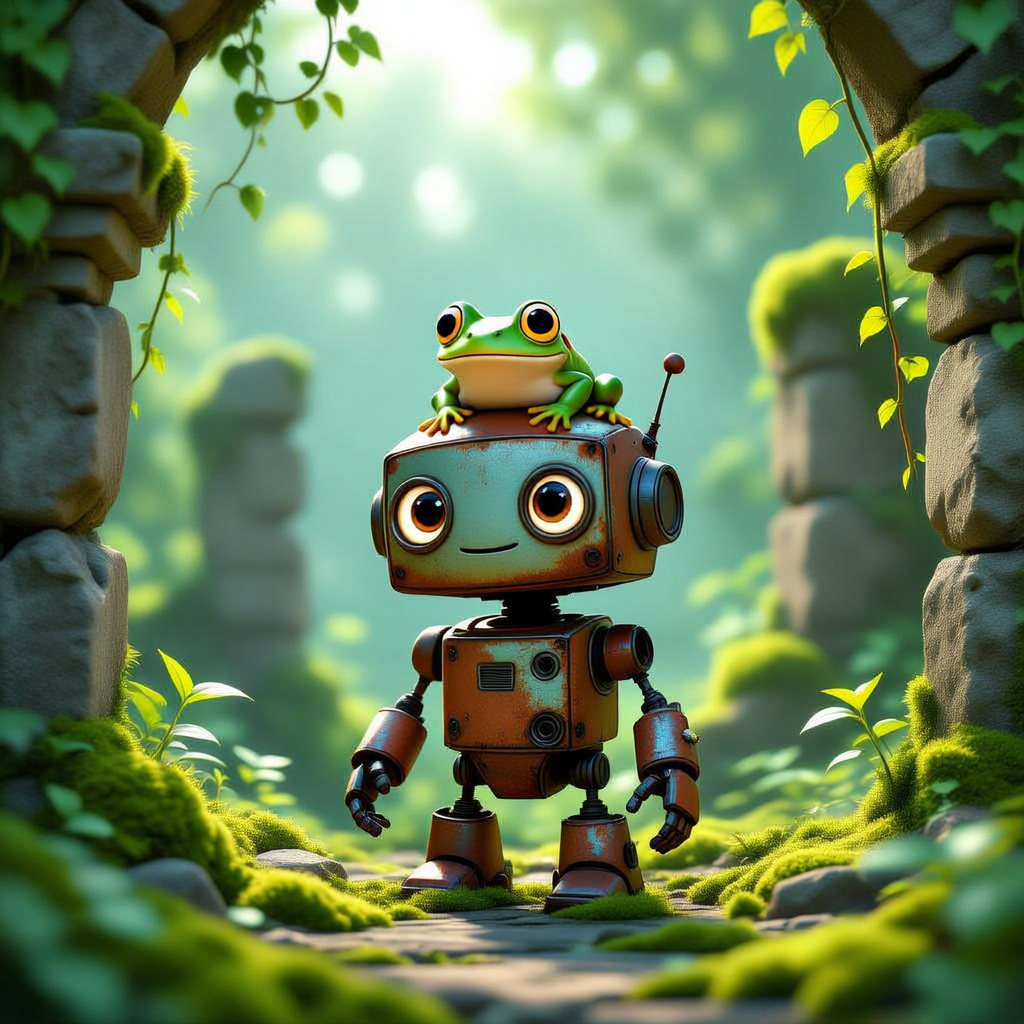















































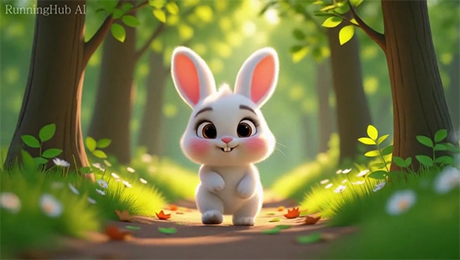
Prompt for video:
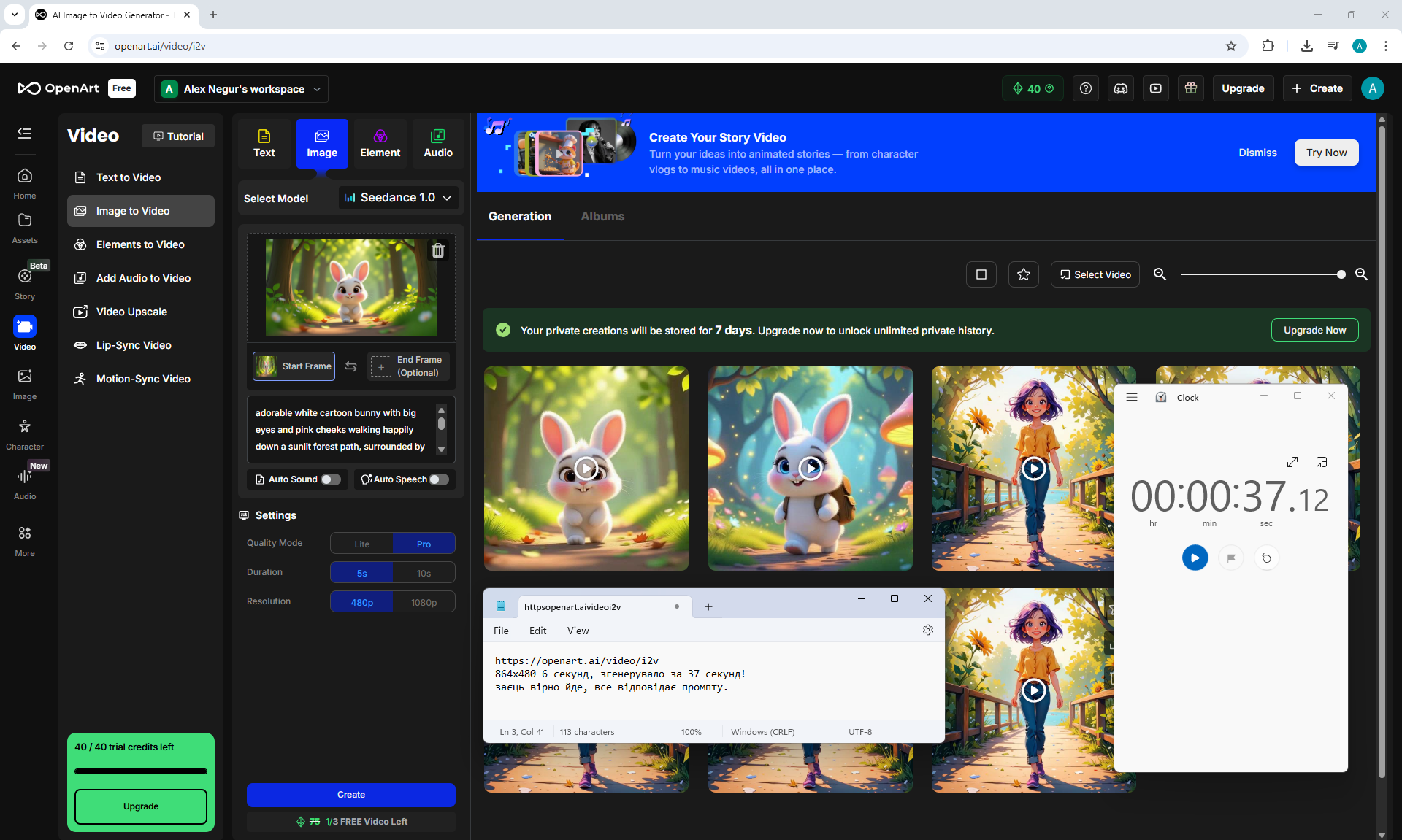
adorable white cartoon bunny with big eyes and pink cheeks walking happily down a sunlit forest path, surrounded by tall trees, soft grass, and blooming daisies, warm morning light filtering through the leaves, cinematic depth of field, vibrant colors, soft shadows, slow cinematic camera movement





Prompt for video:
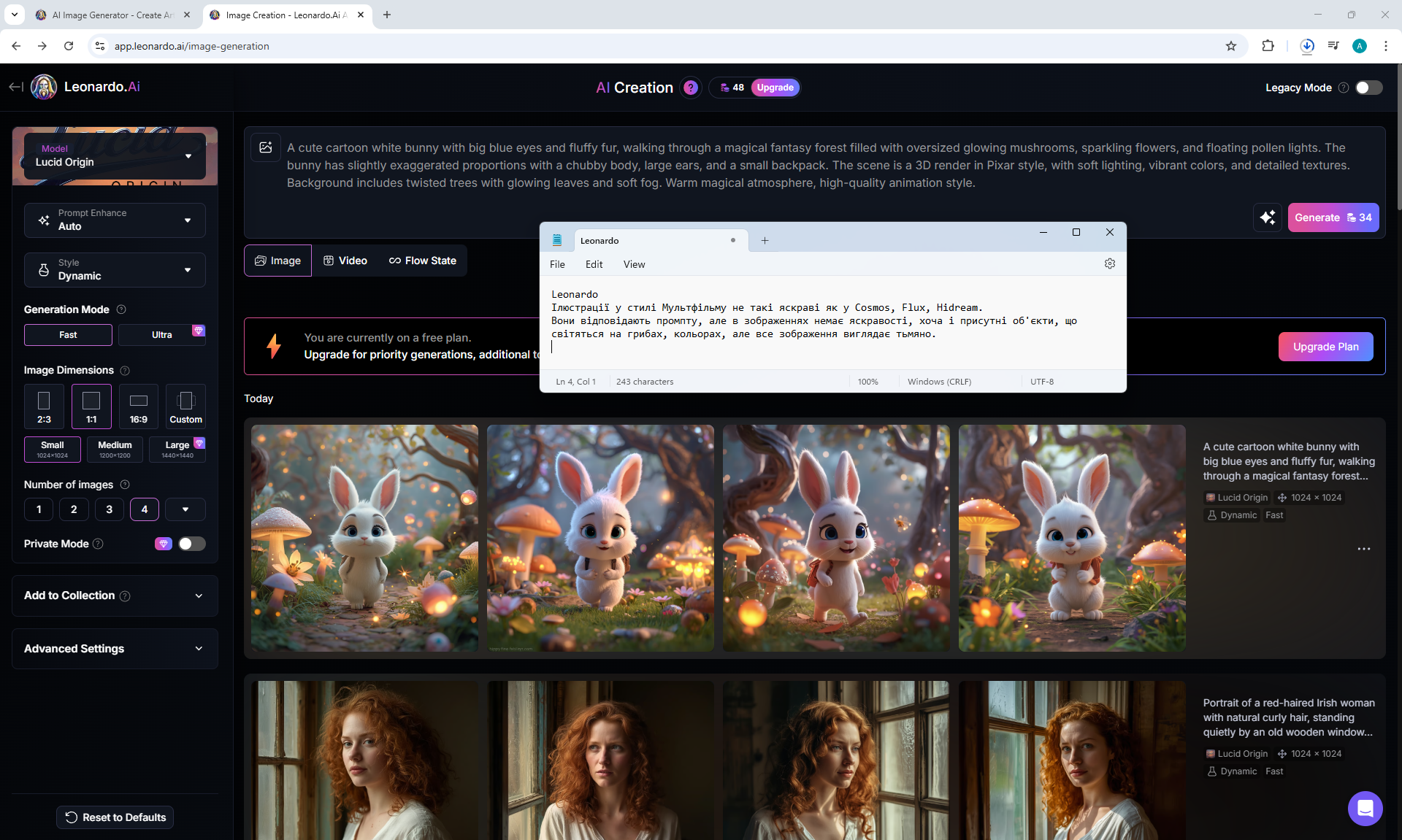
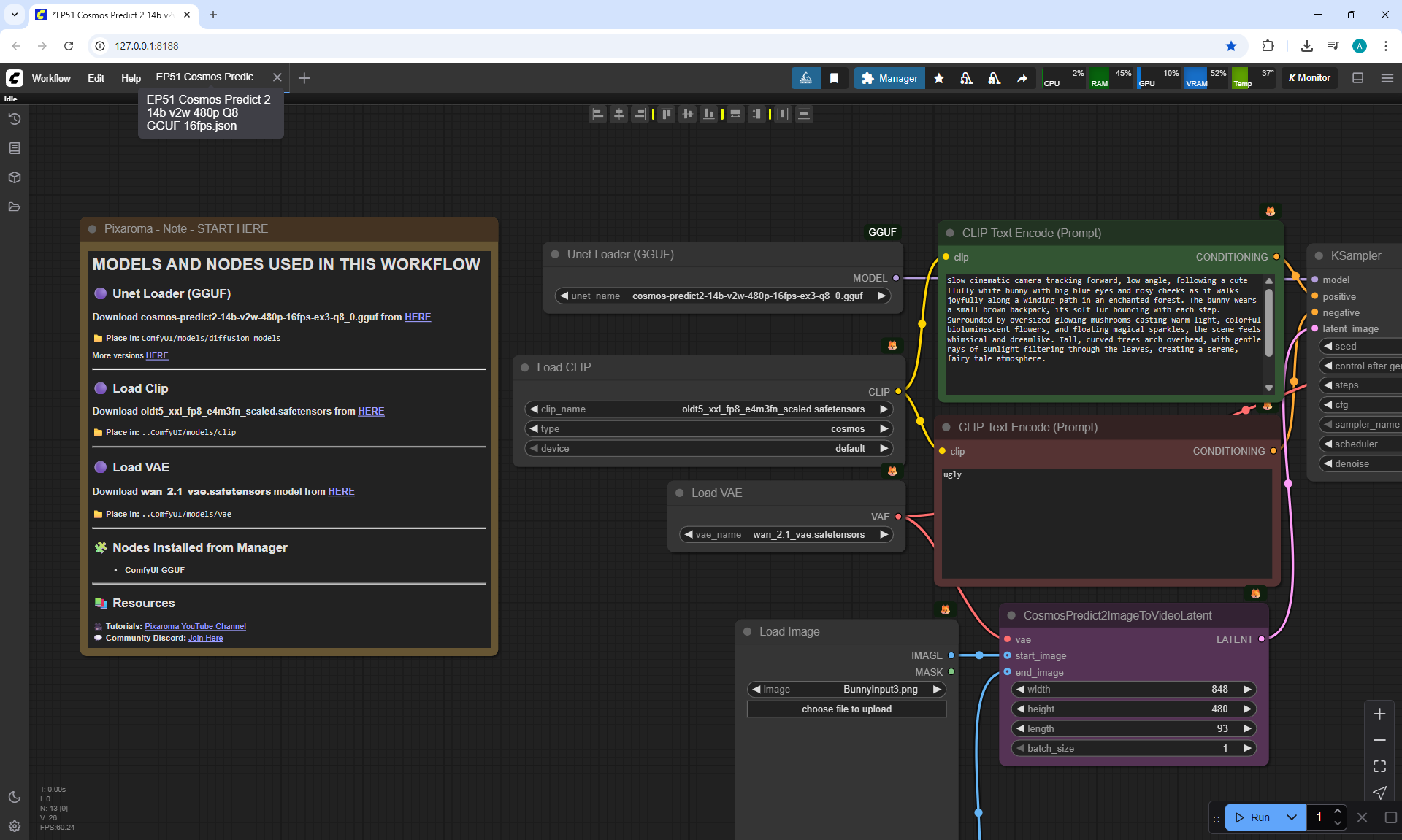
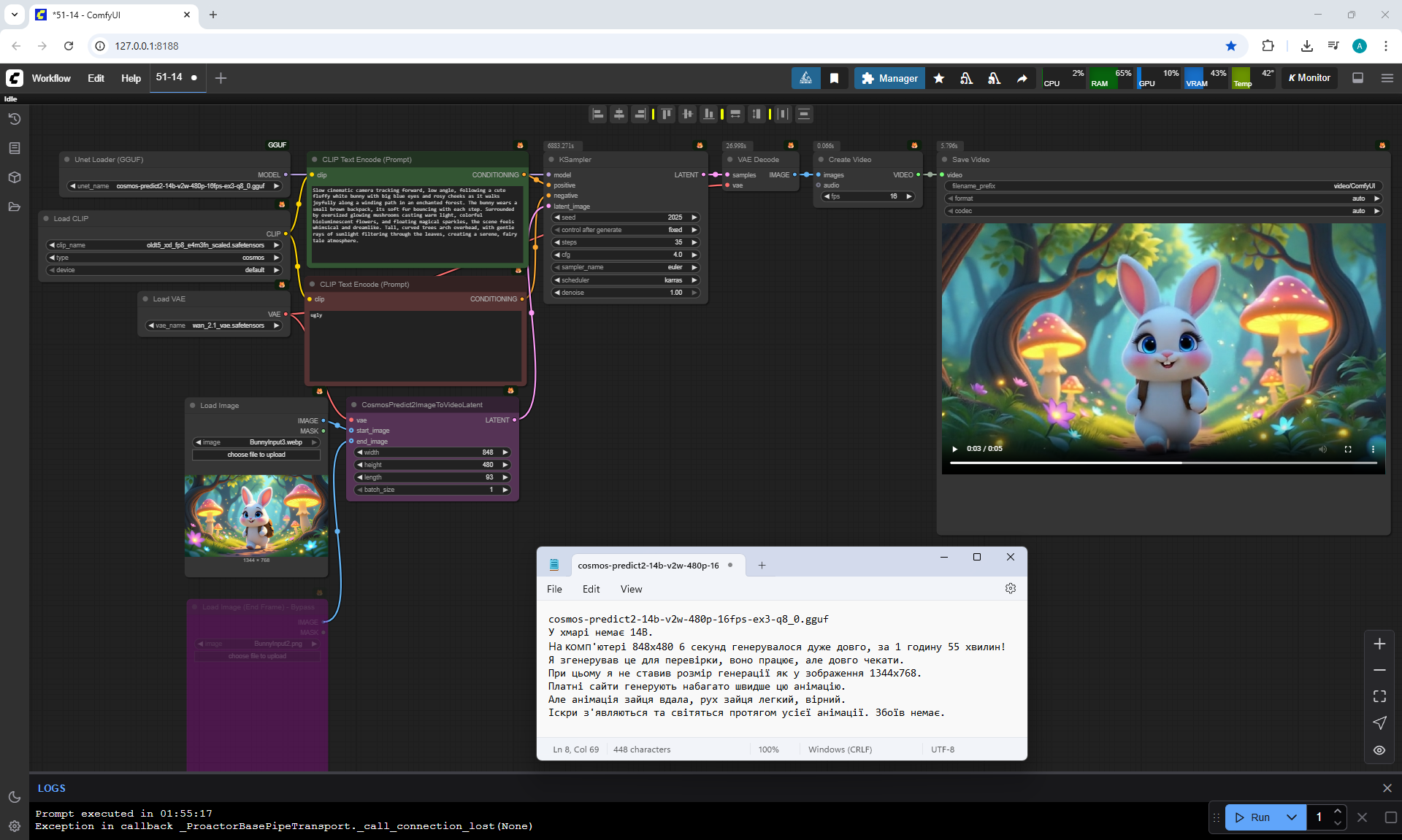
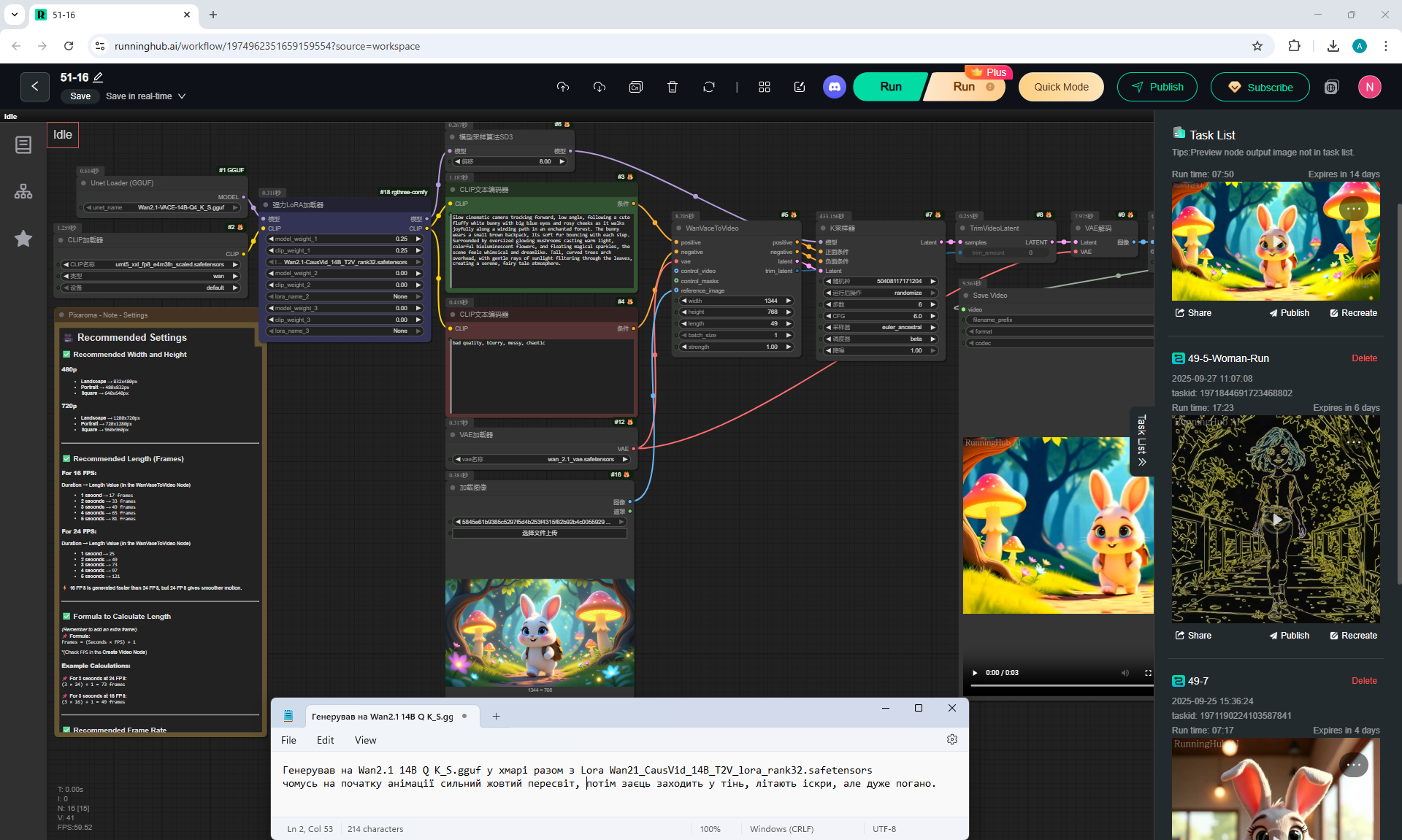
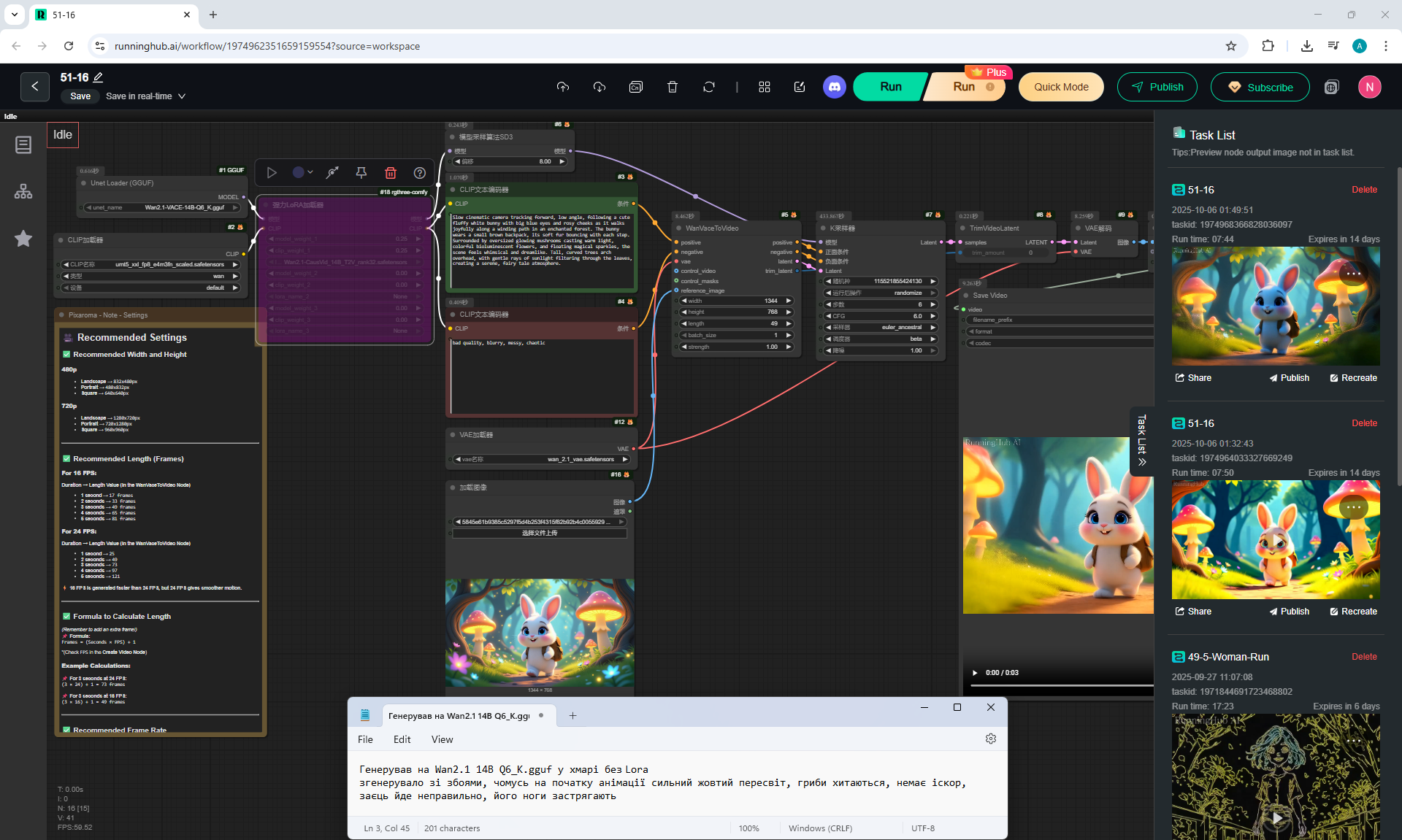
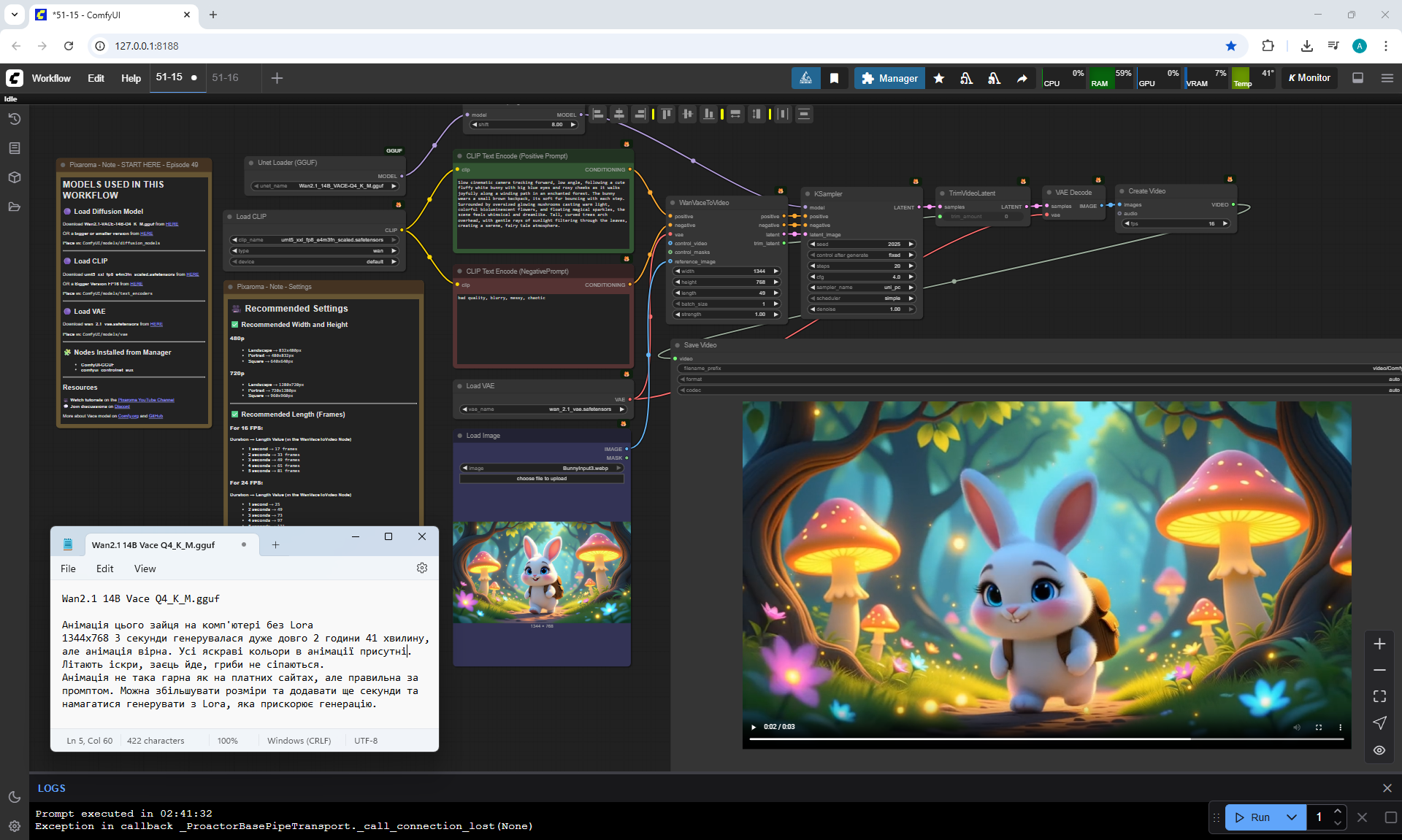
Slow cinematic camera tracking forward, low angle, following a cute fluffy white bunny with big blue eyes and rosy cheeks as it walks joyfully along a winding path in an enchanted forest. The bunny wears a small brown backpack, its soft fur bouncing with each step. Surrounded by oversized glowing mushrooms casting warm light, colorful bioluminescent flowers, and floating magical sparkles, the scene feels whimsical and dreamlike. Tall, curved trees arch overhead, with gentle rays of sunlight filtering through the leaves, creating a serene, fairy tale atmosphere.
















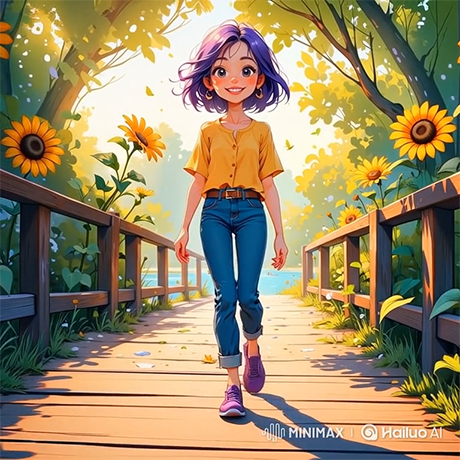
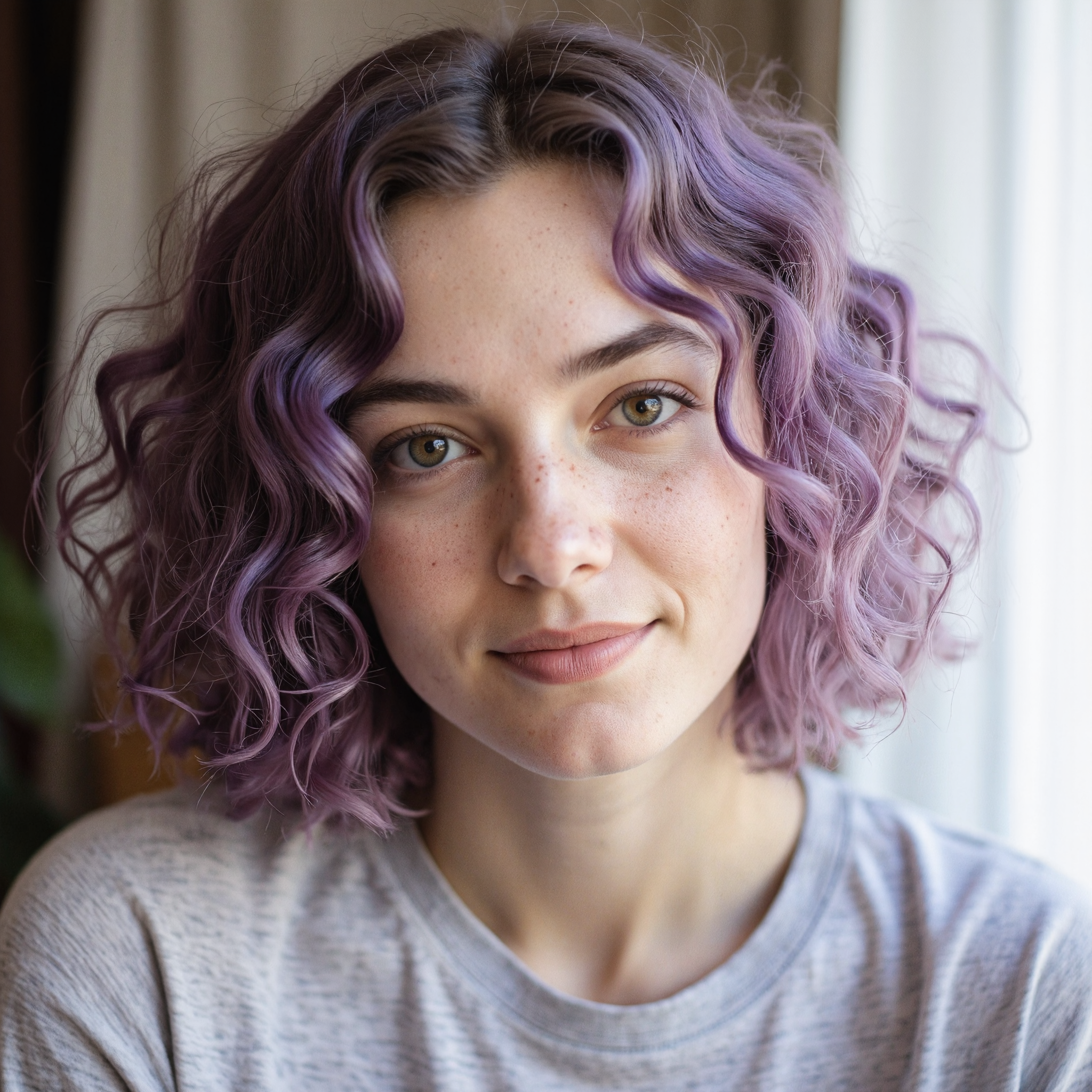
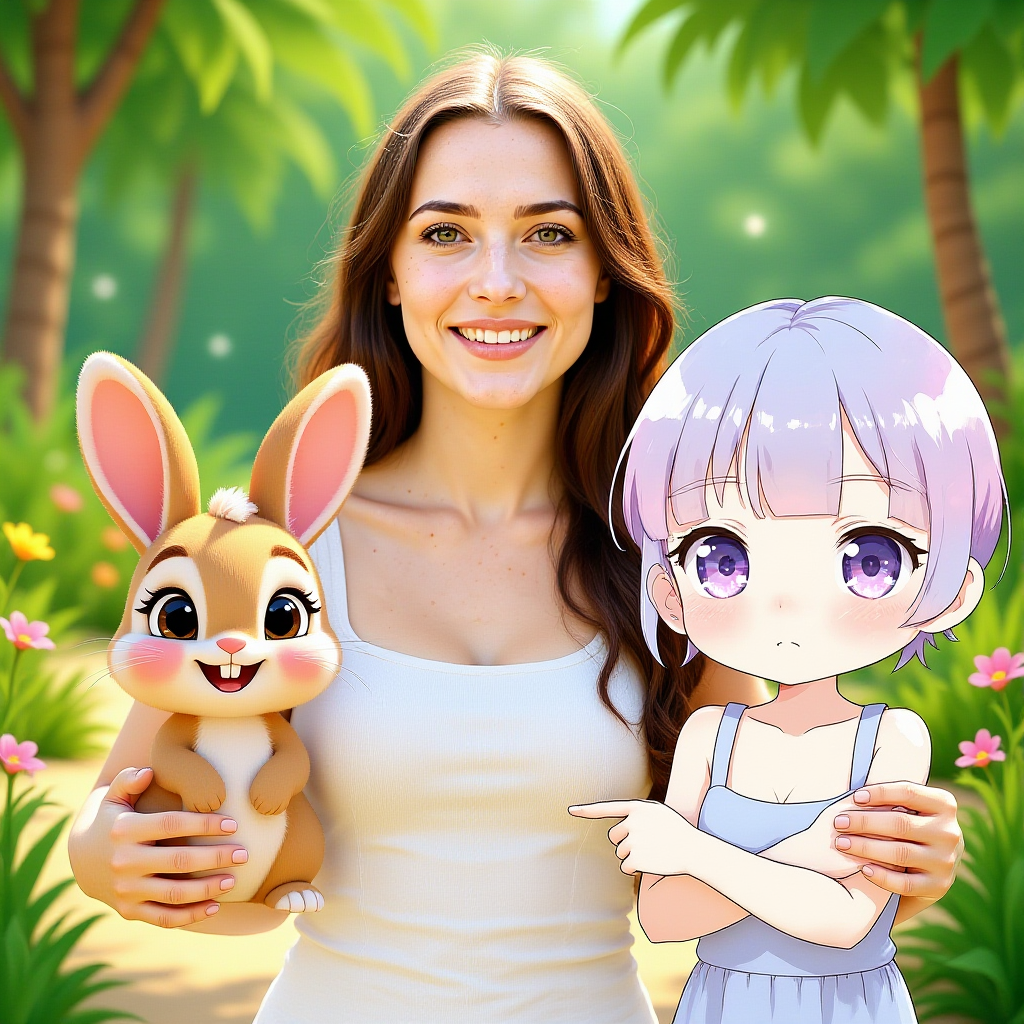
I generated this girlin the episode 28.
Prompt for video:
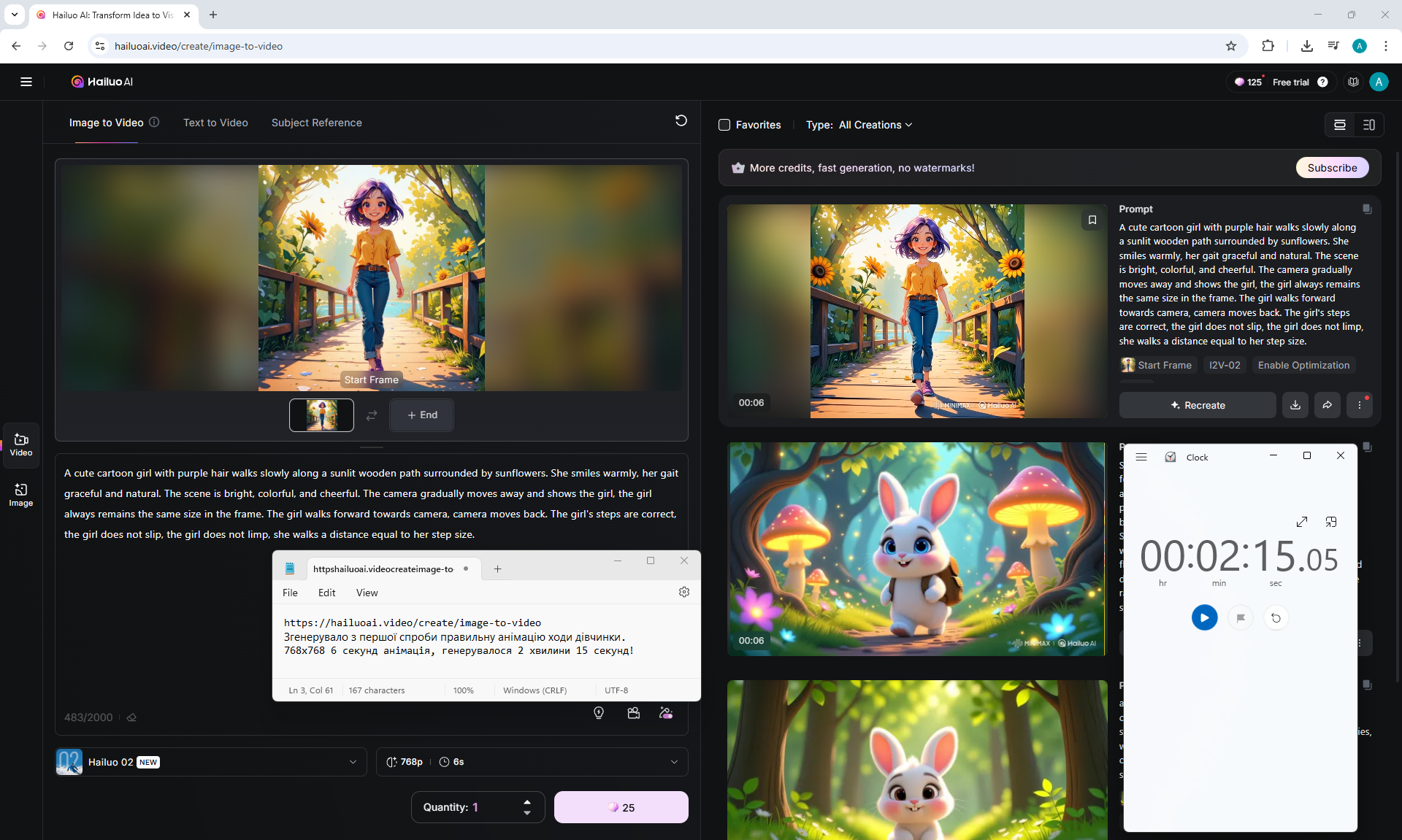
A cute cartoon girl with purple hair walks slowly along a sunlit wooden path surrounded by sunflowers. She smiles warmly, her gait graceful and natural. The scene is bright, colorful, and cheerful. The camera gradually moves away and shows the girl, the girl always remains the same size in the frame. The girl walks forward towards camera, camera moves back. The girl's steps are correct, the girl does not slip, the girl does not limp, she walks a distance equal to her step size.
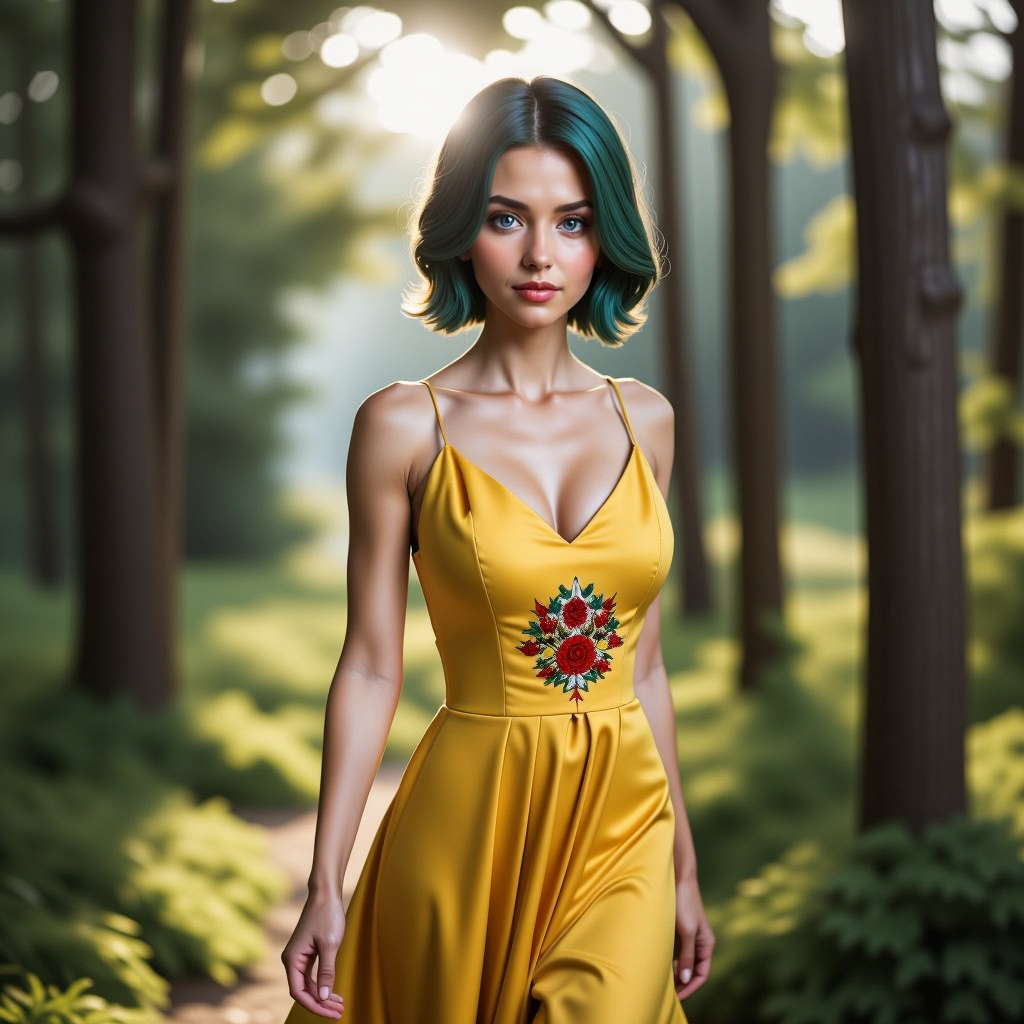
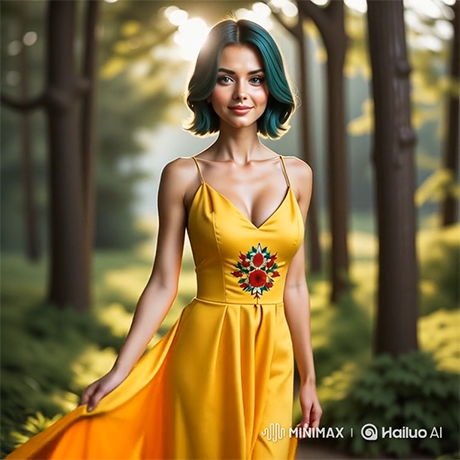
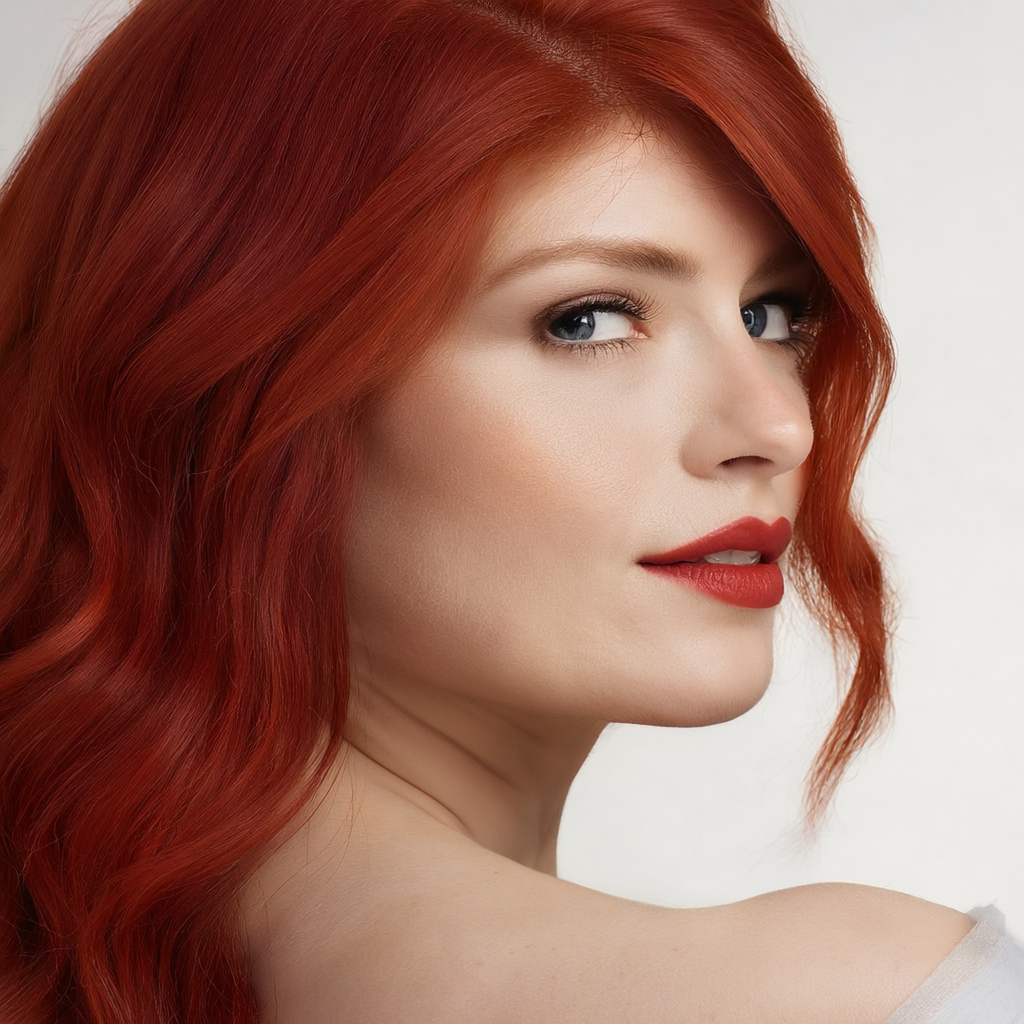
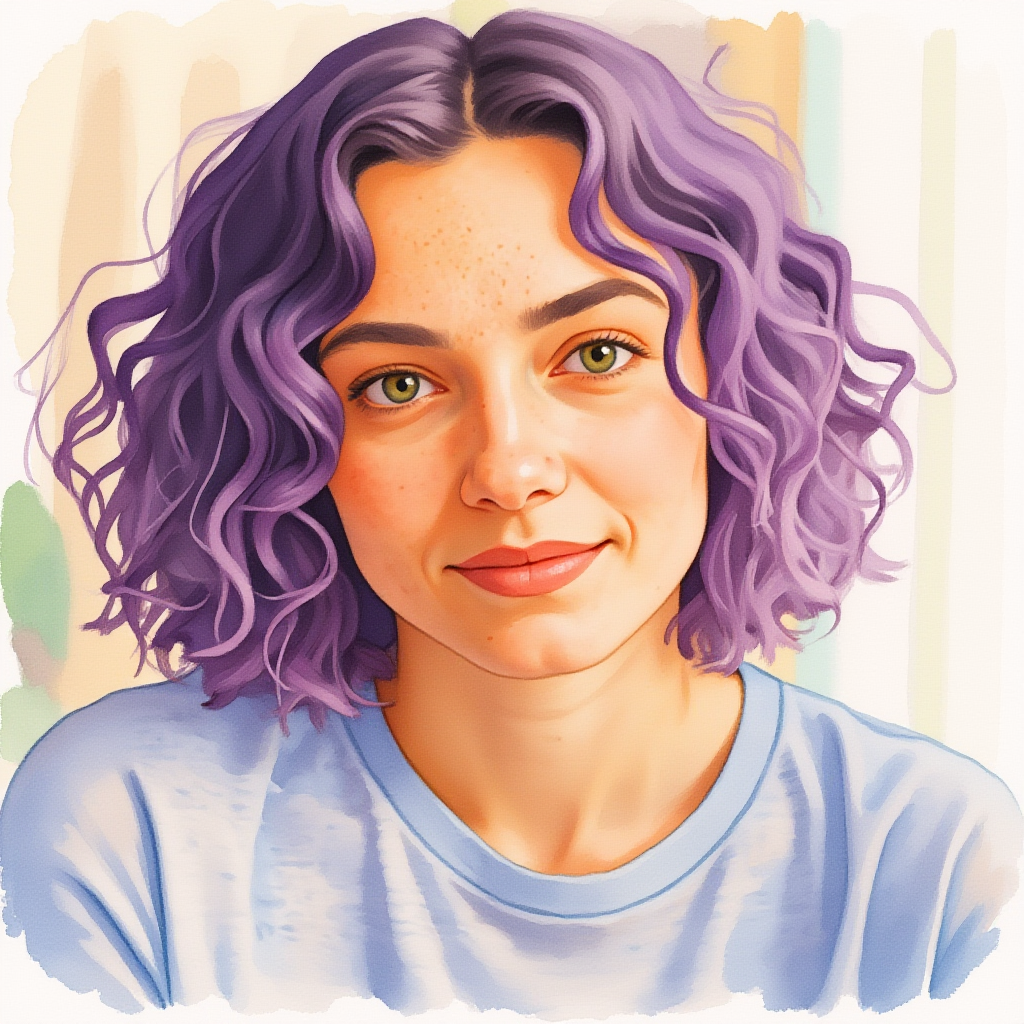
I generated this womanin the episode 28.
Prompt for video:
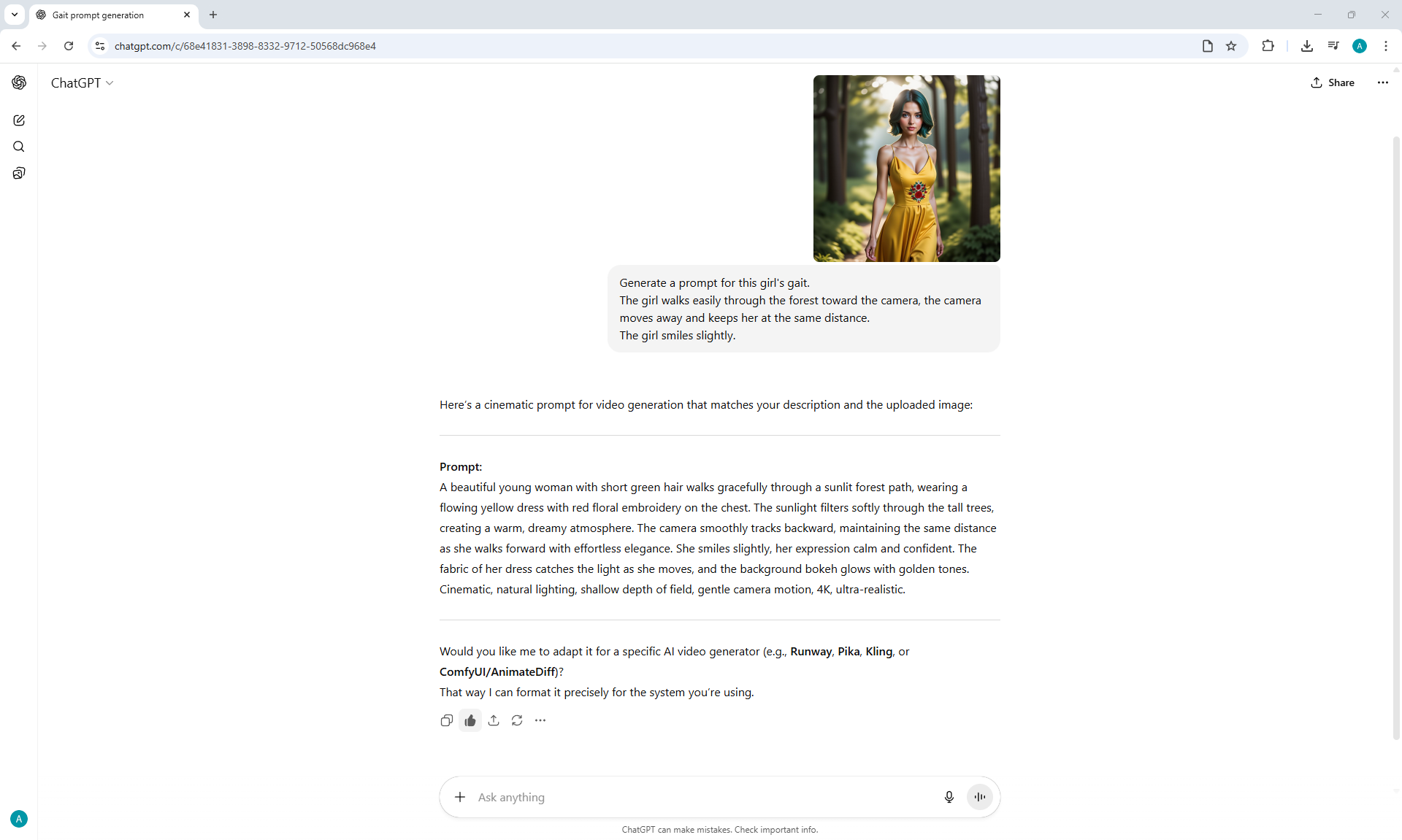
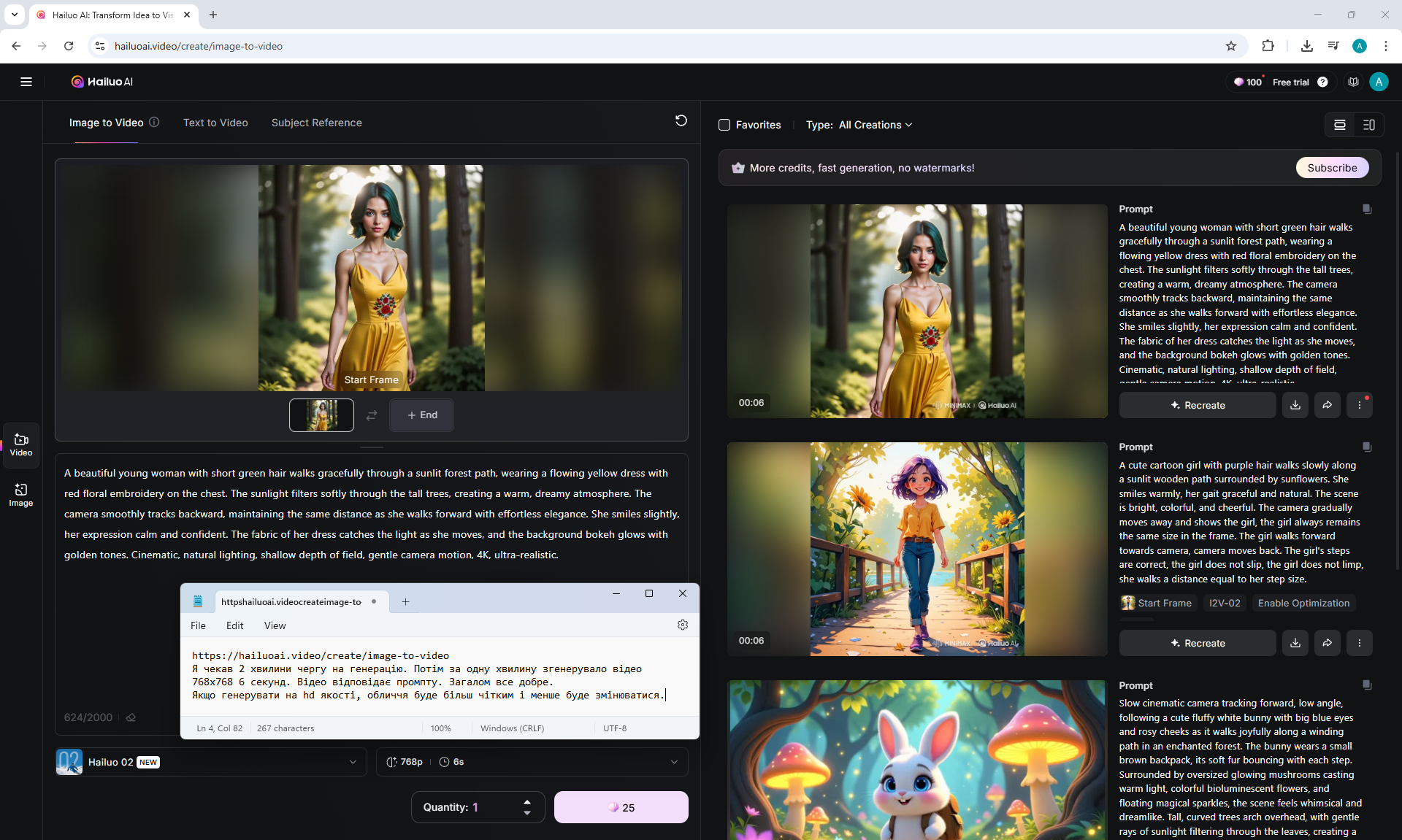
A beautiful young woman with short green hair walks gracefully through a sunlit forest path, wearing a flowing yellow dress with red floral embroidery on the chest. The sunlight filters softly through the tall trees, creating a warm, dreamy atmosphere. The camera smoothly tracks backward, maintaining the same distance as she walks forward with effortless elegance. She smiles slightly, her expression calm and confident. The fabric of her dress catches the light as she moves, and the background bokeh glows with golden tones. Cinematic, natural lighting, shallow depth of field, gentle camera motion, 4K, ultra-realistic.
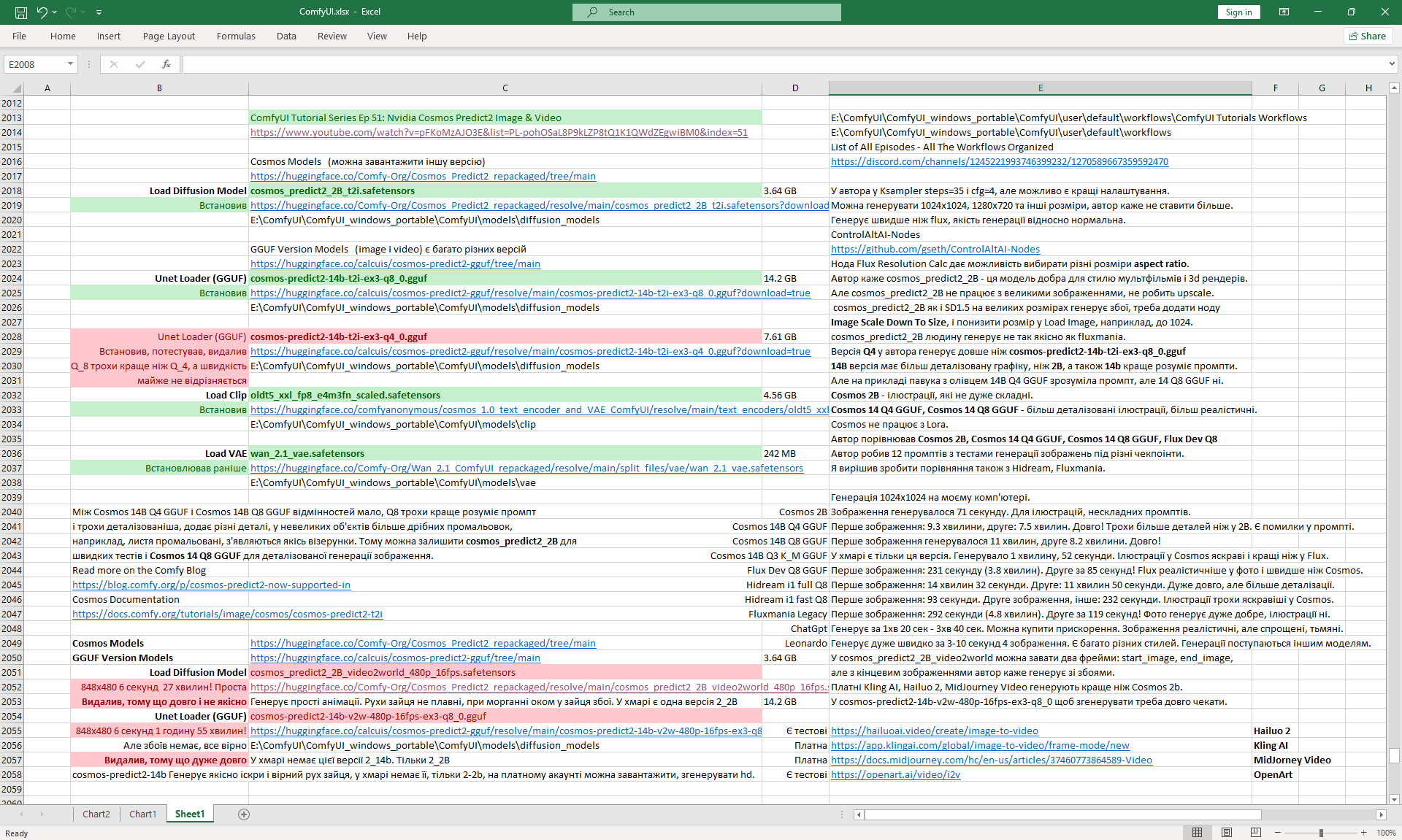
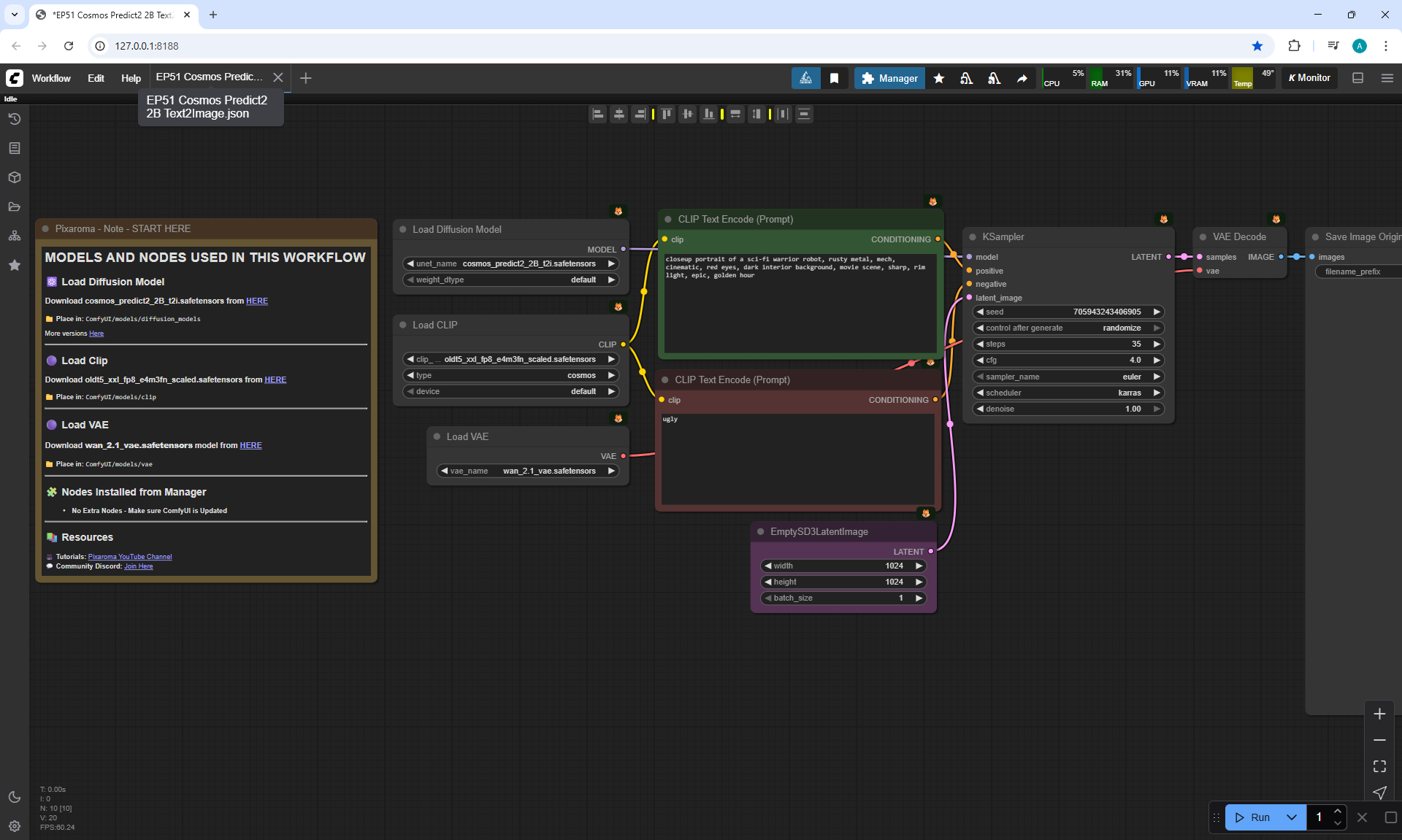
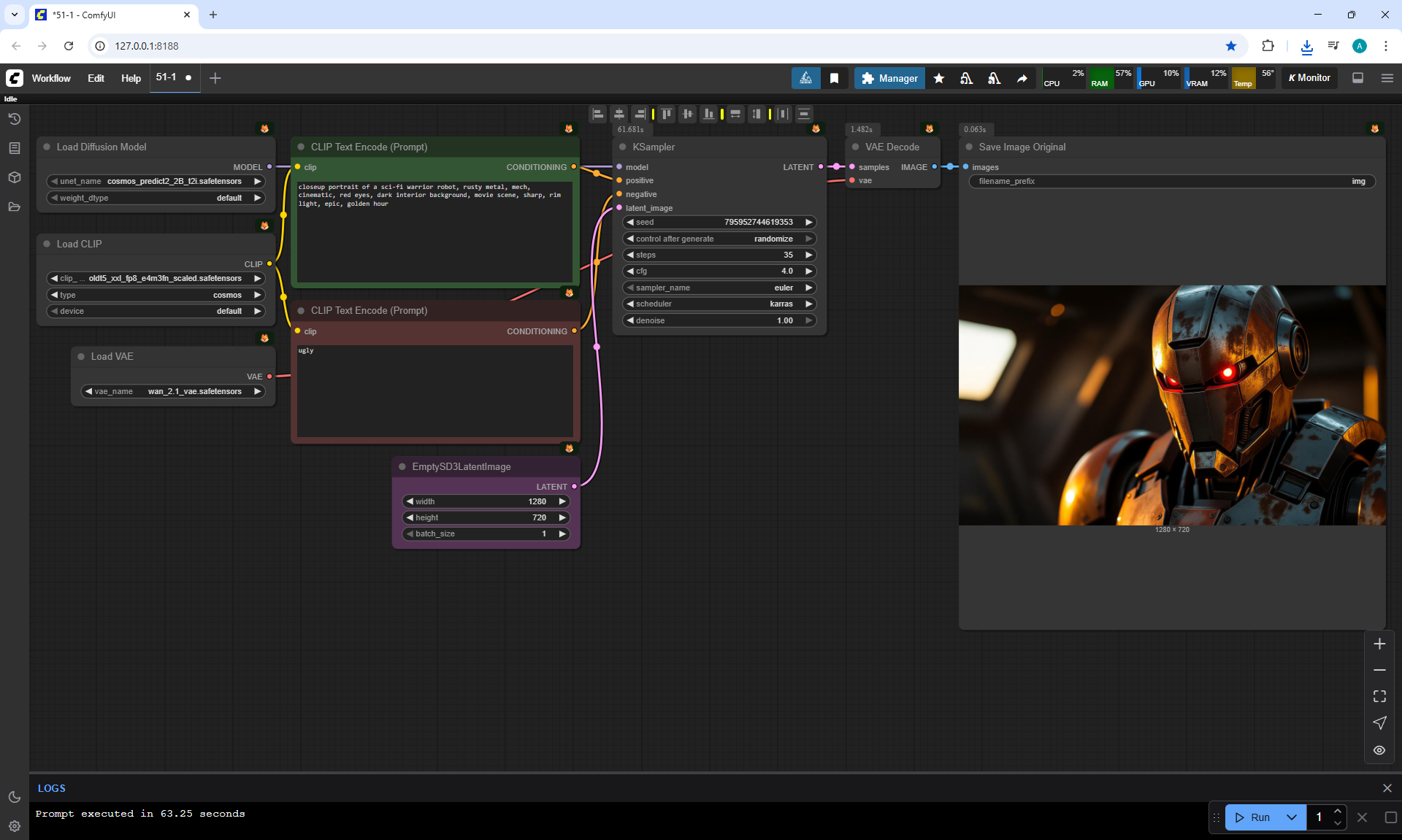
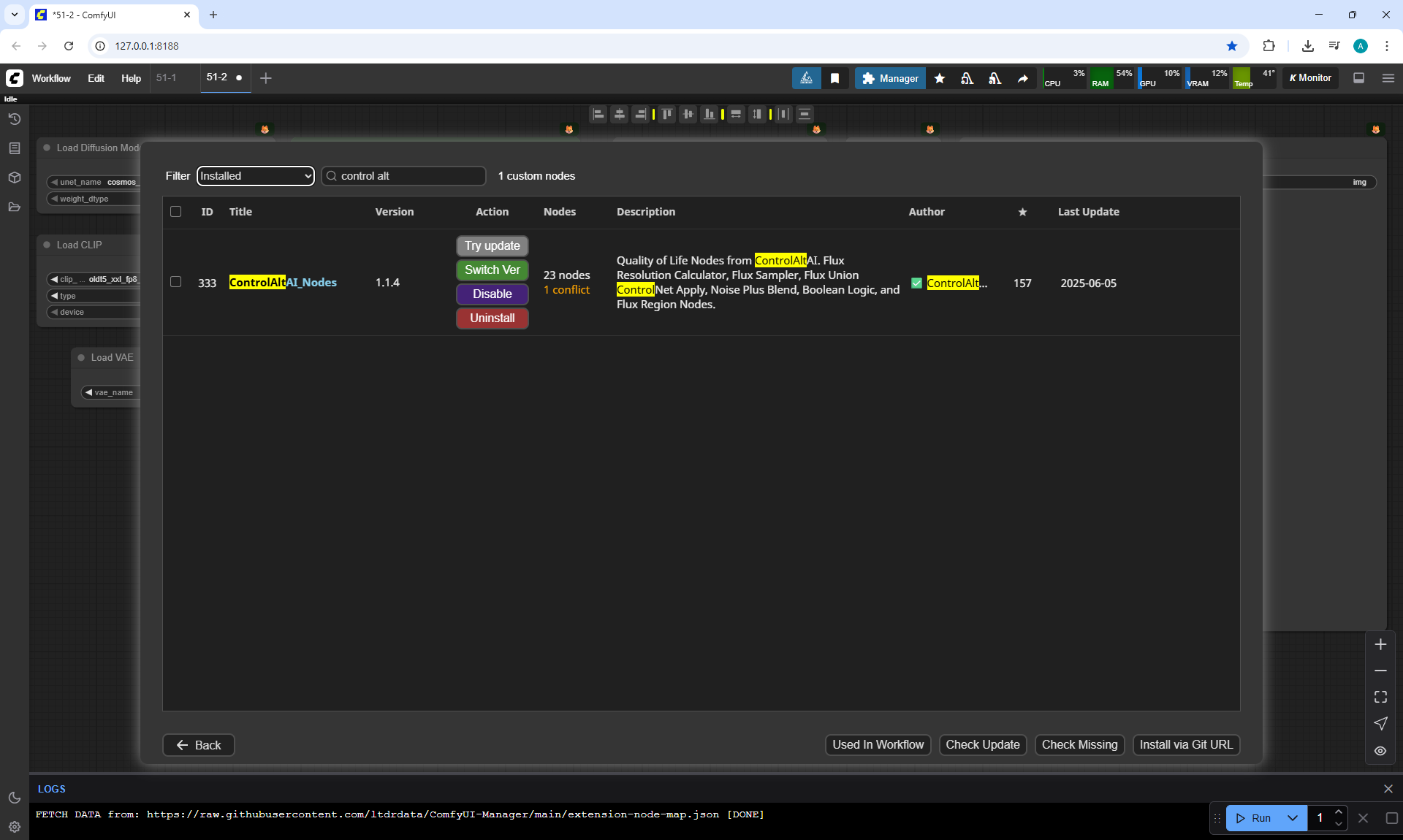
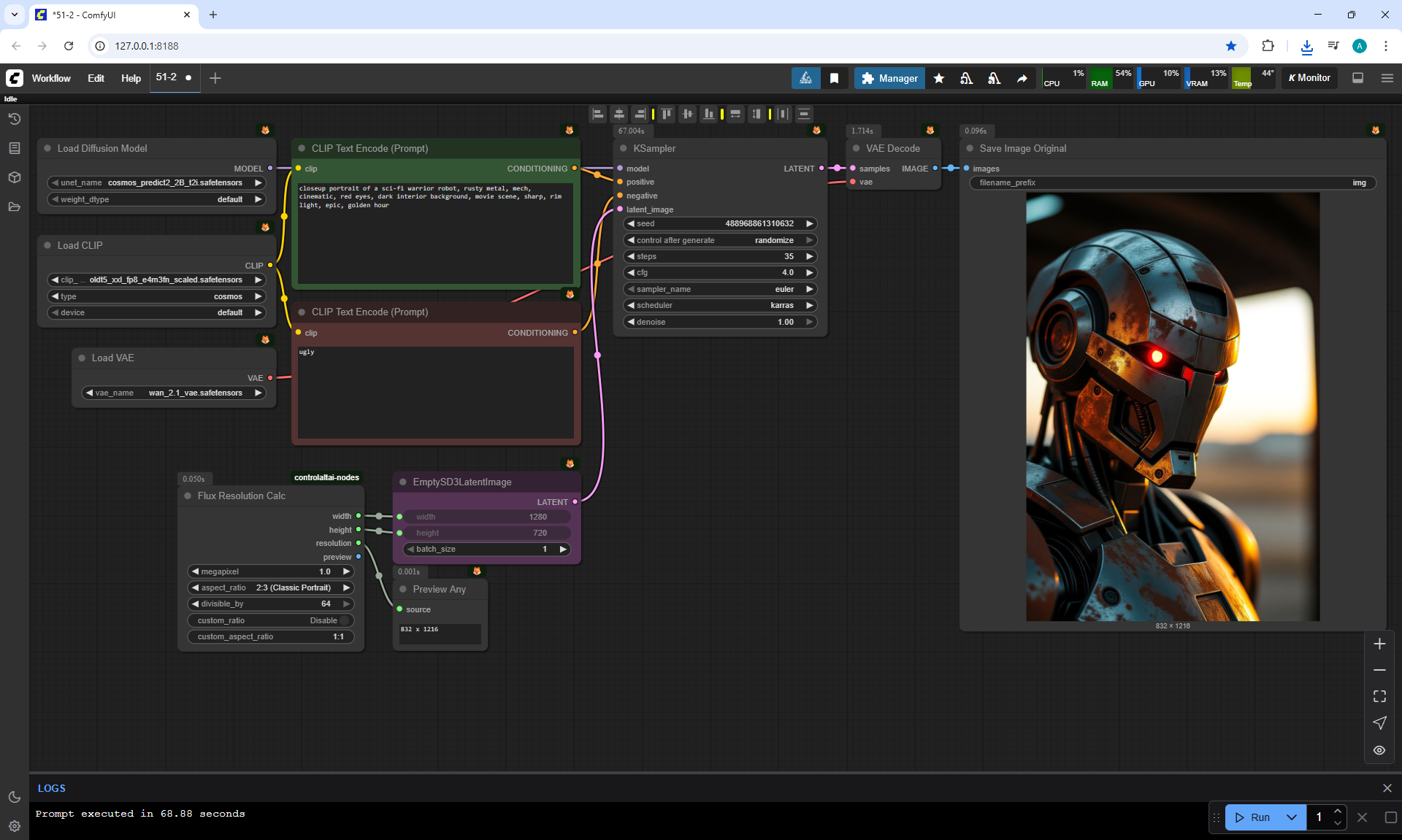
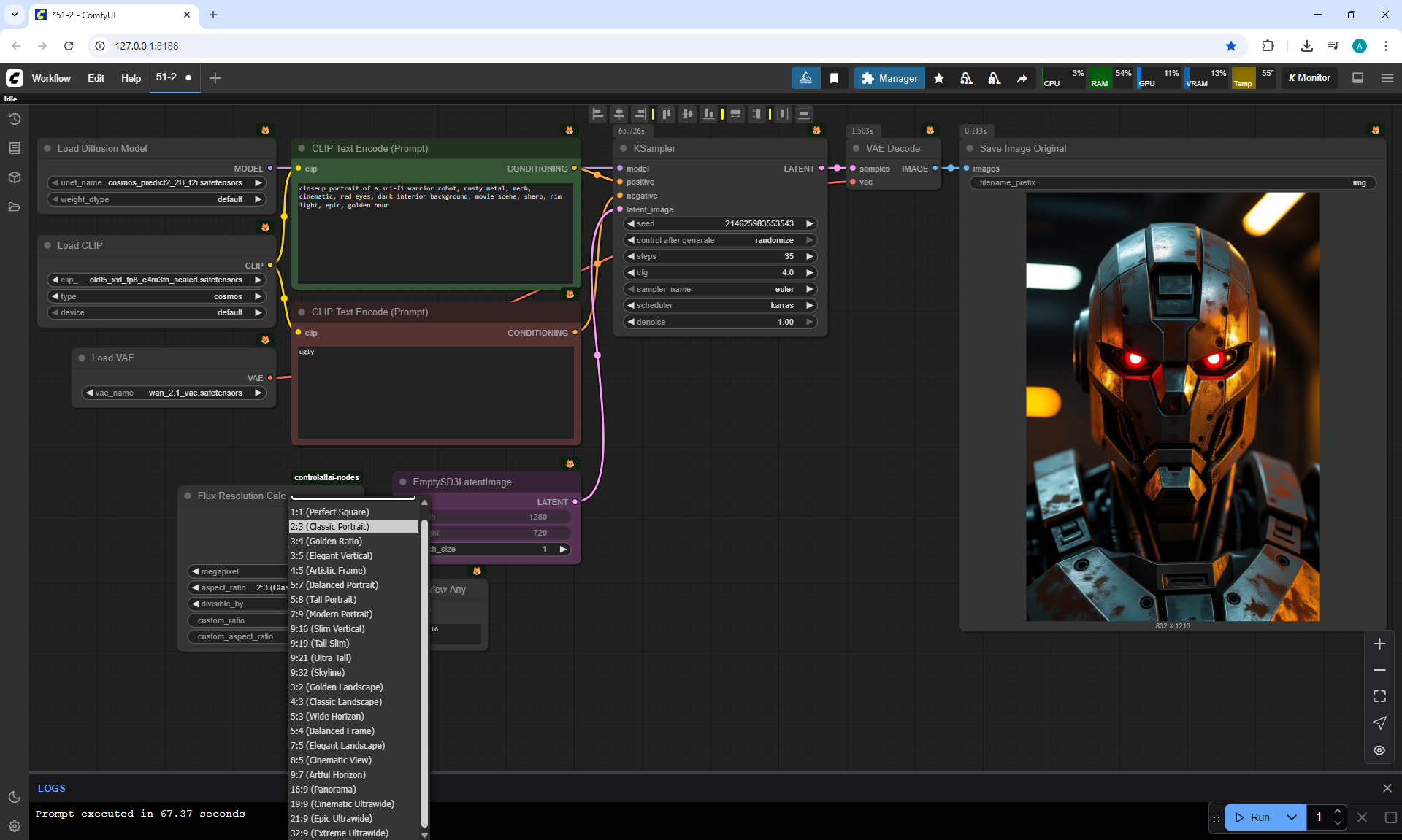
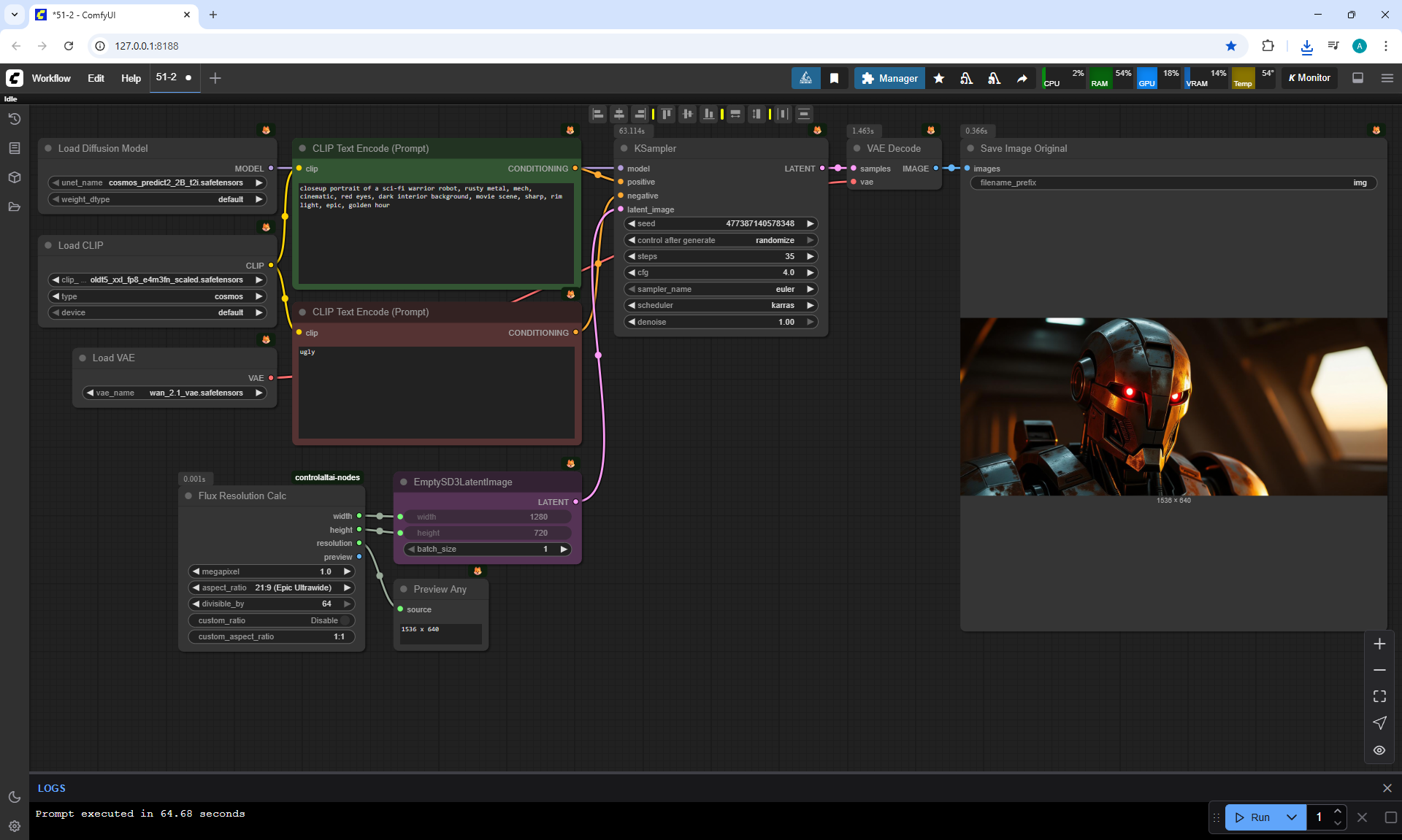
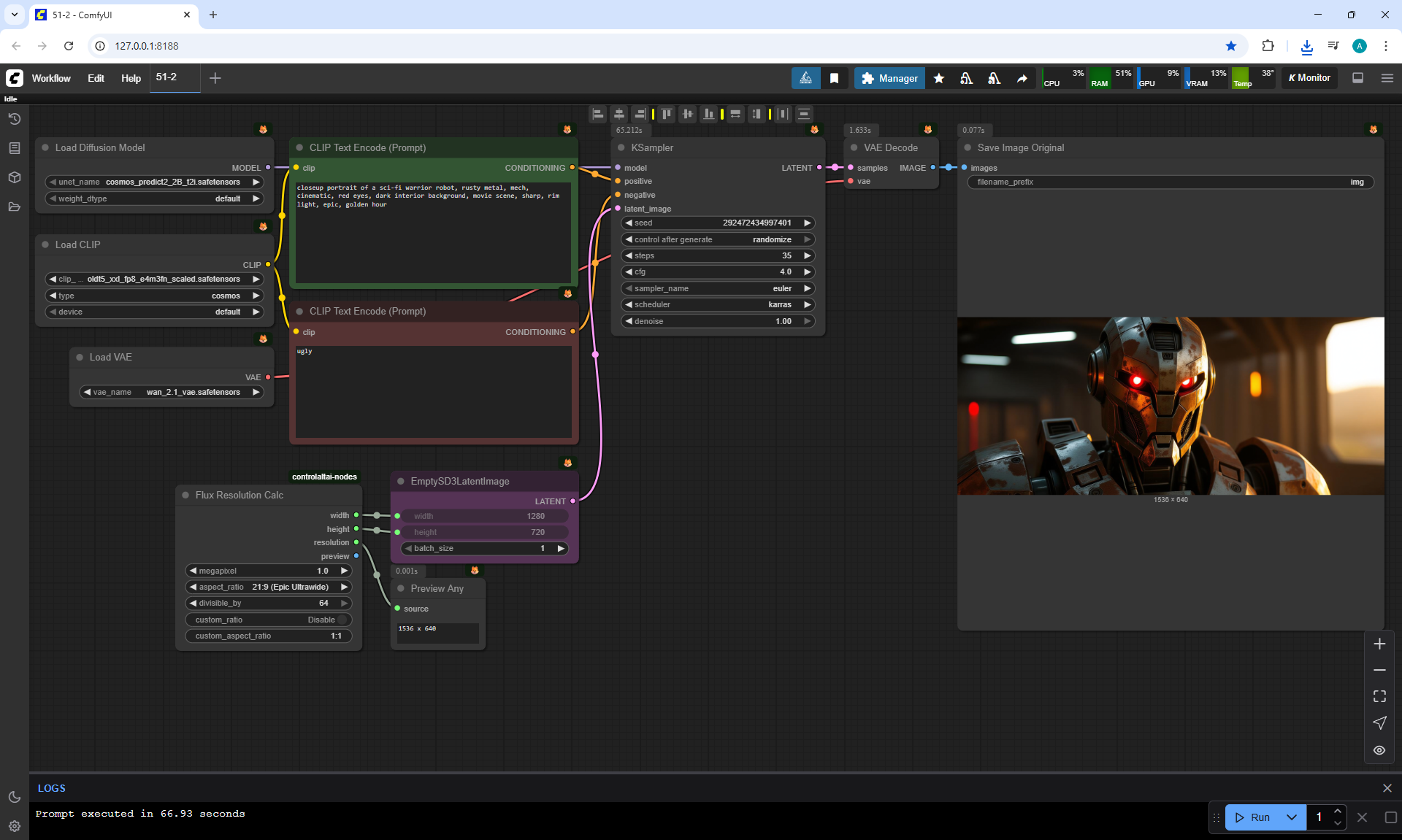
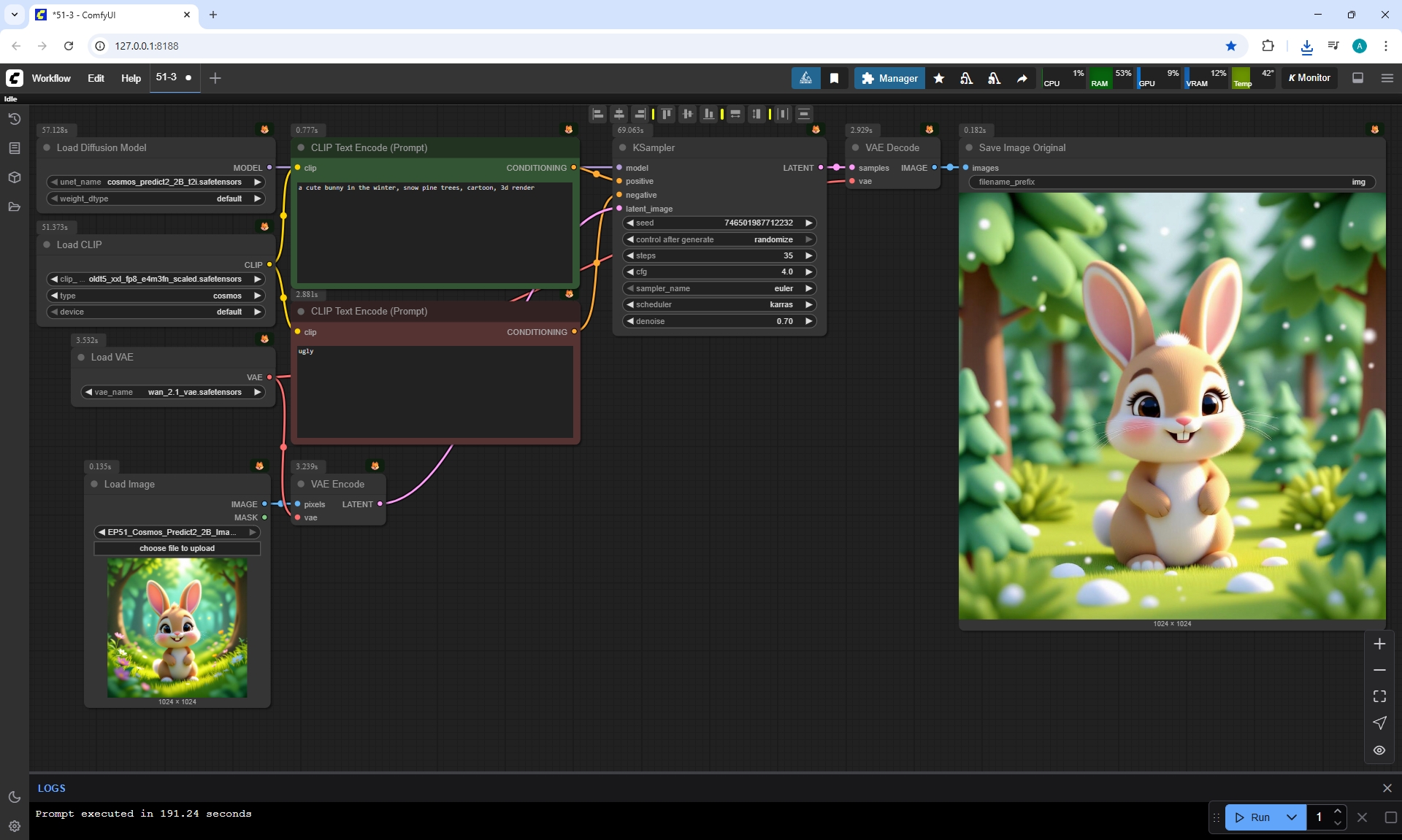
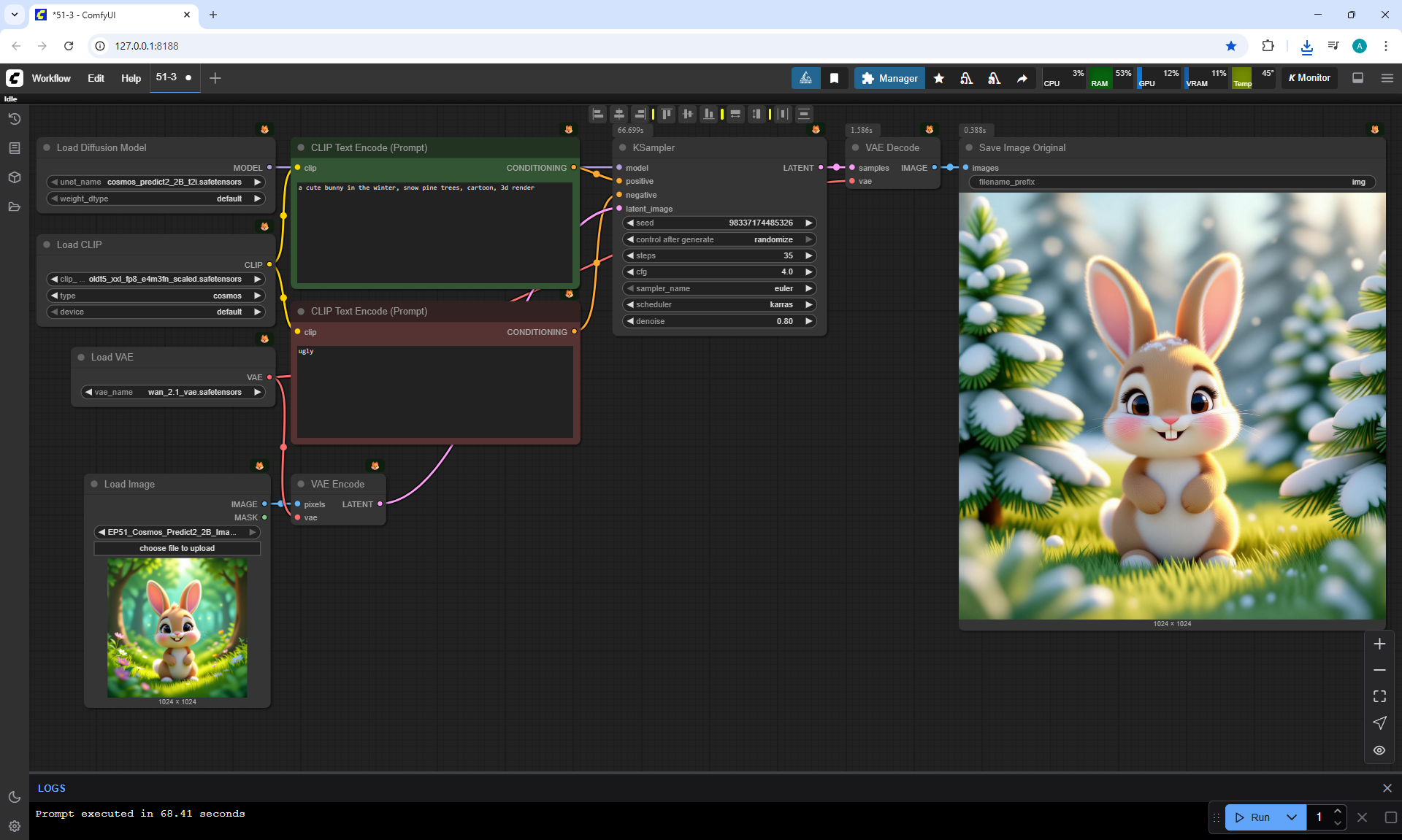
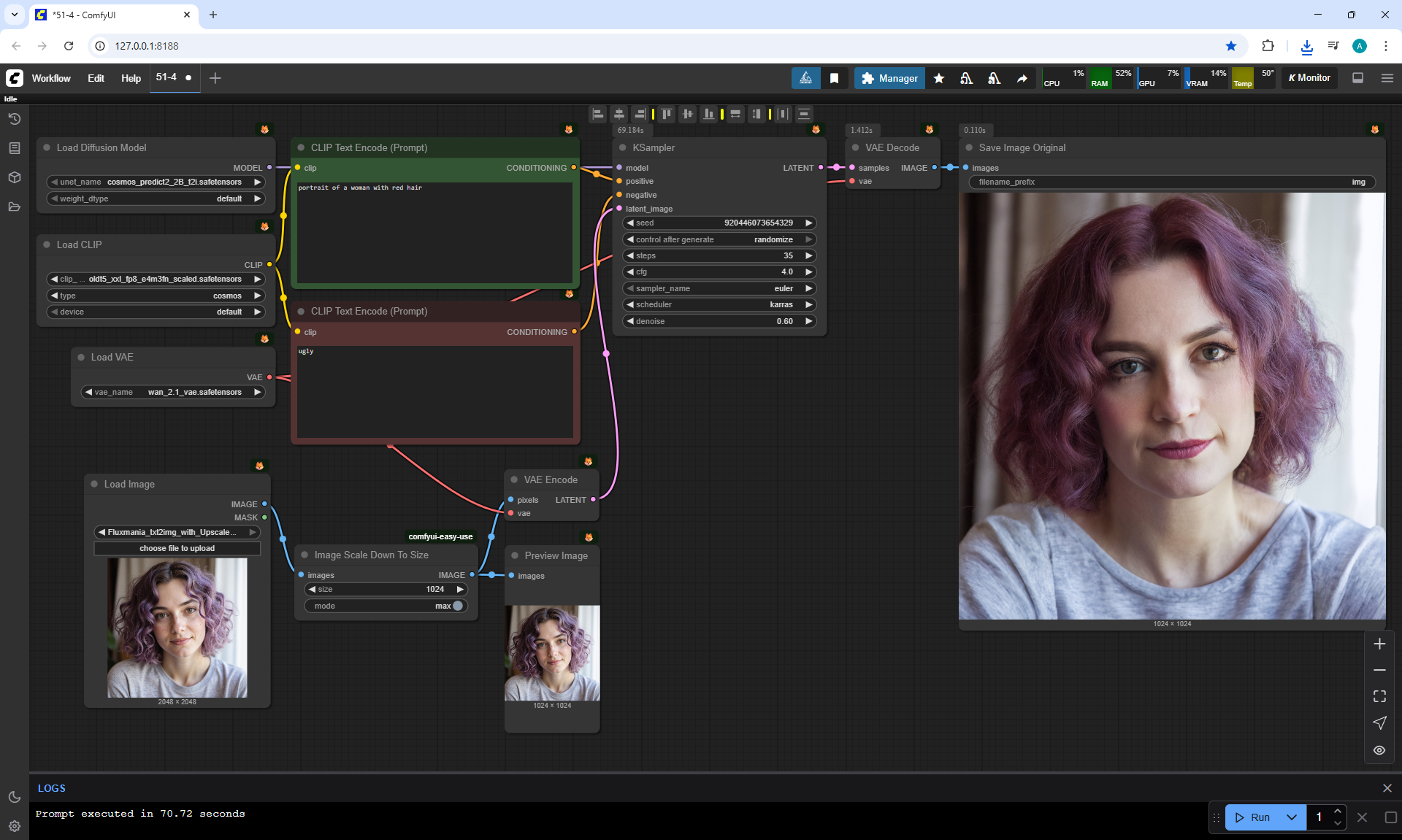
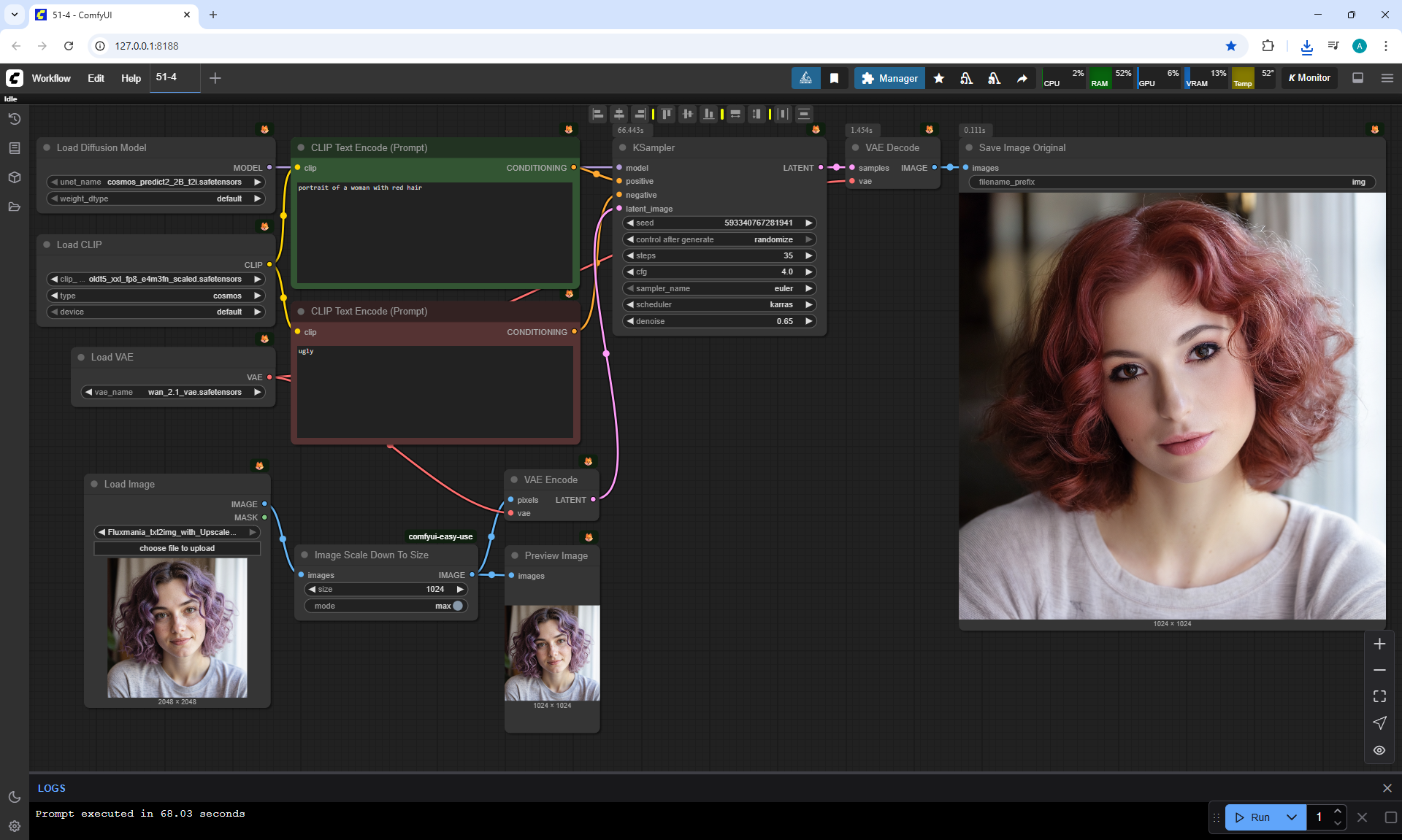
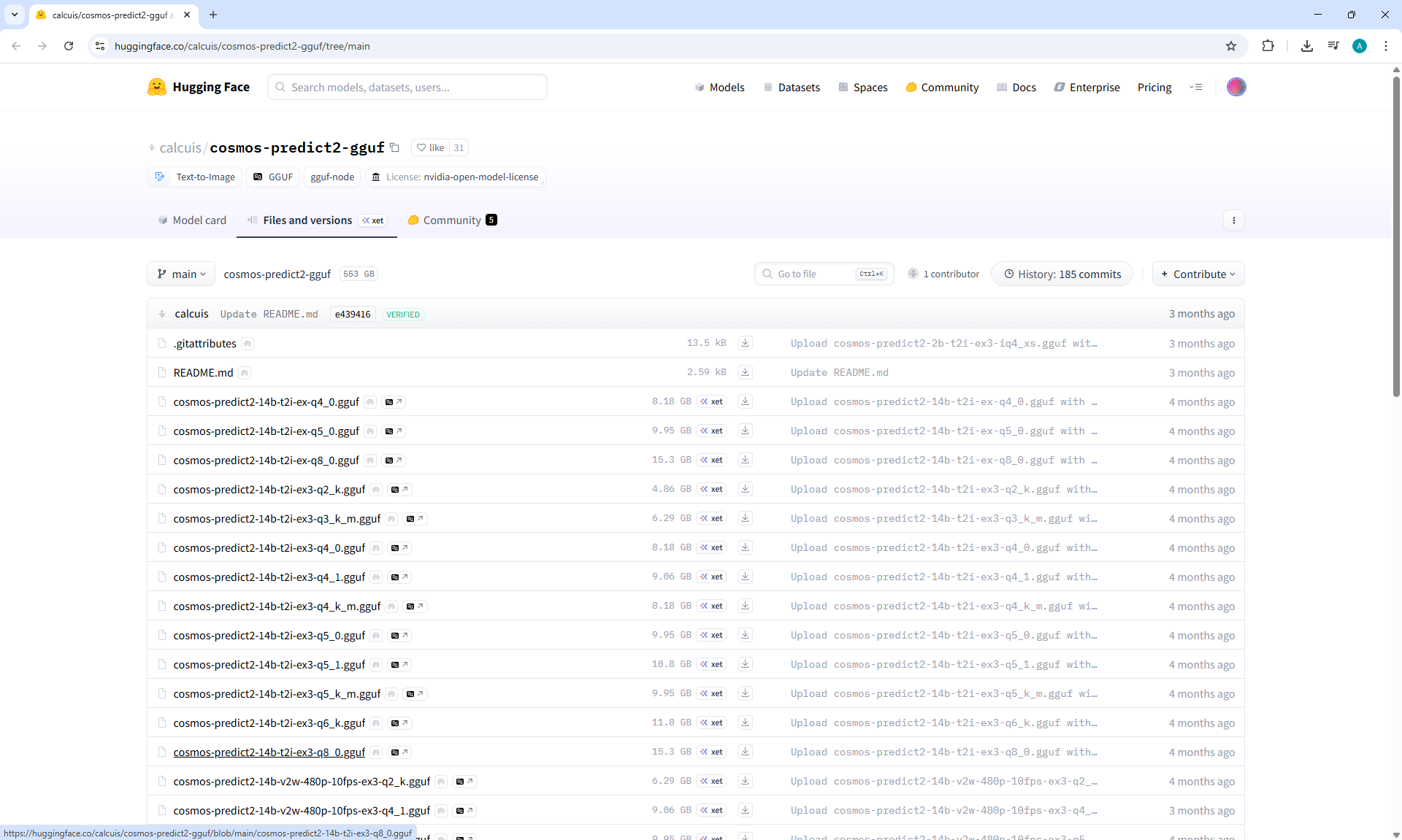
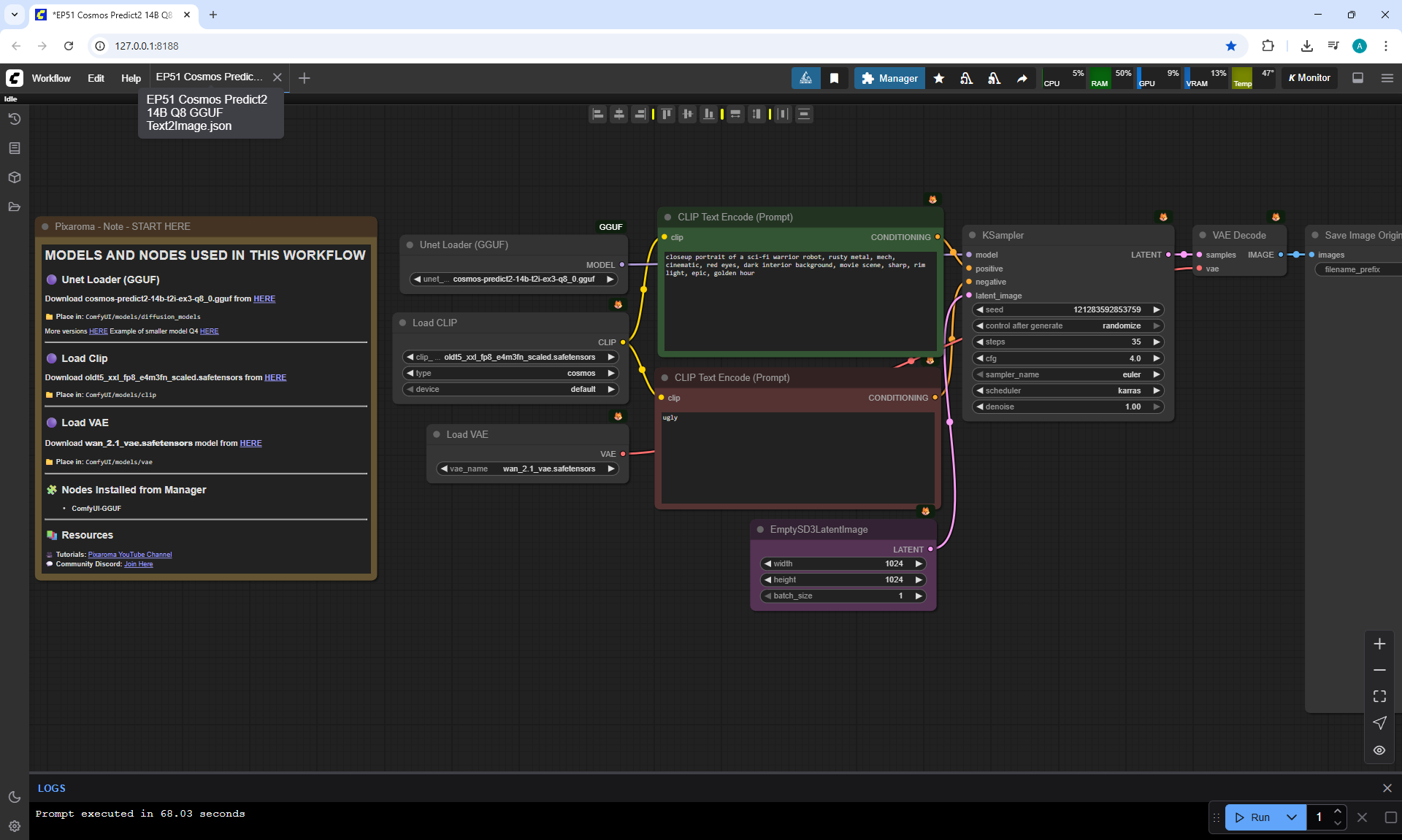
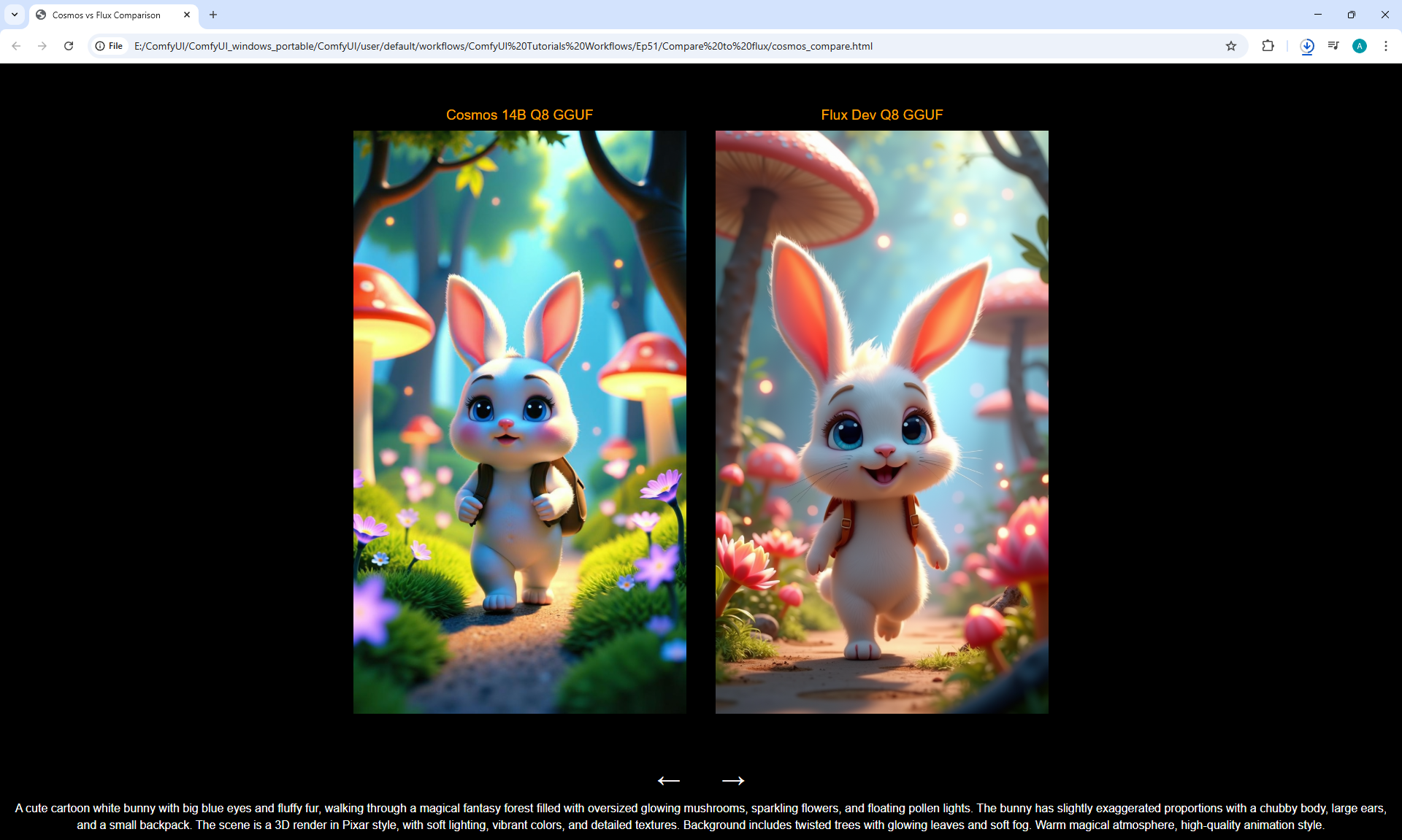
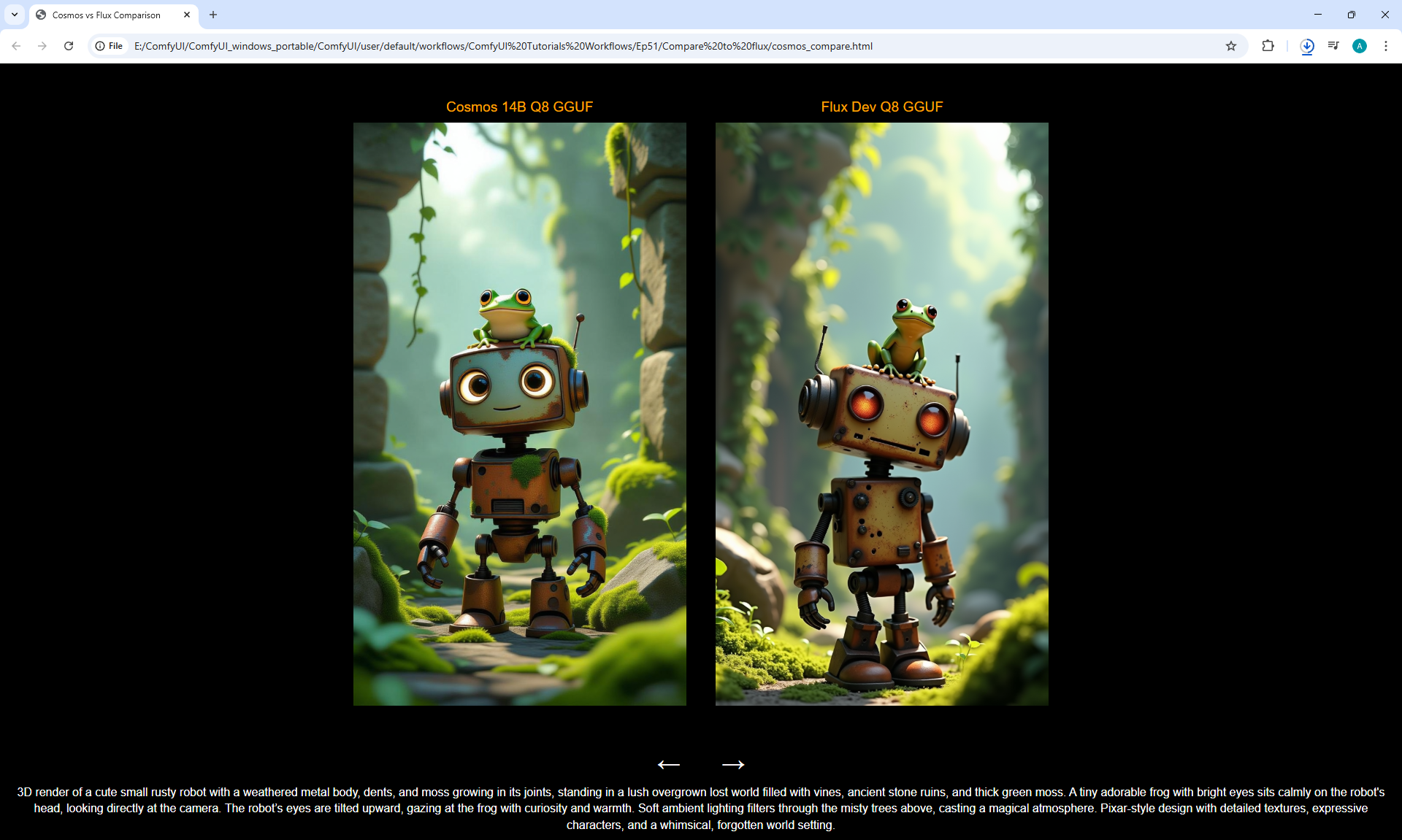
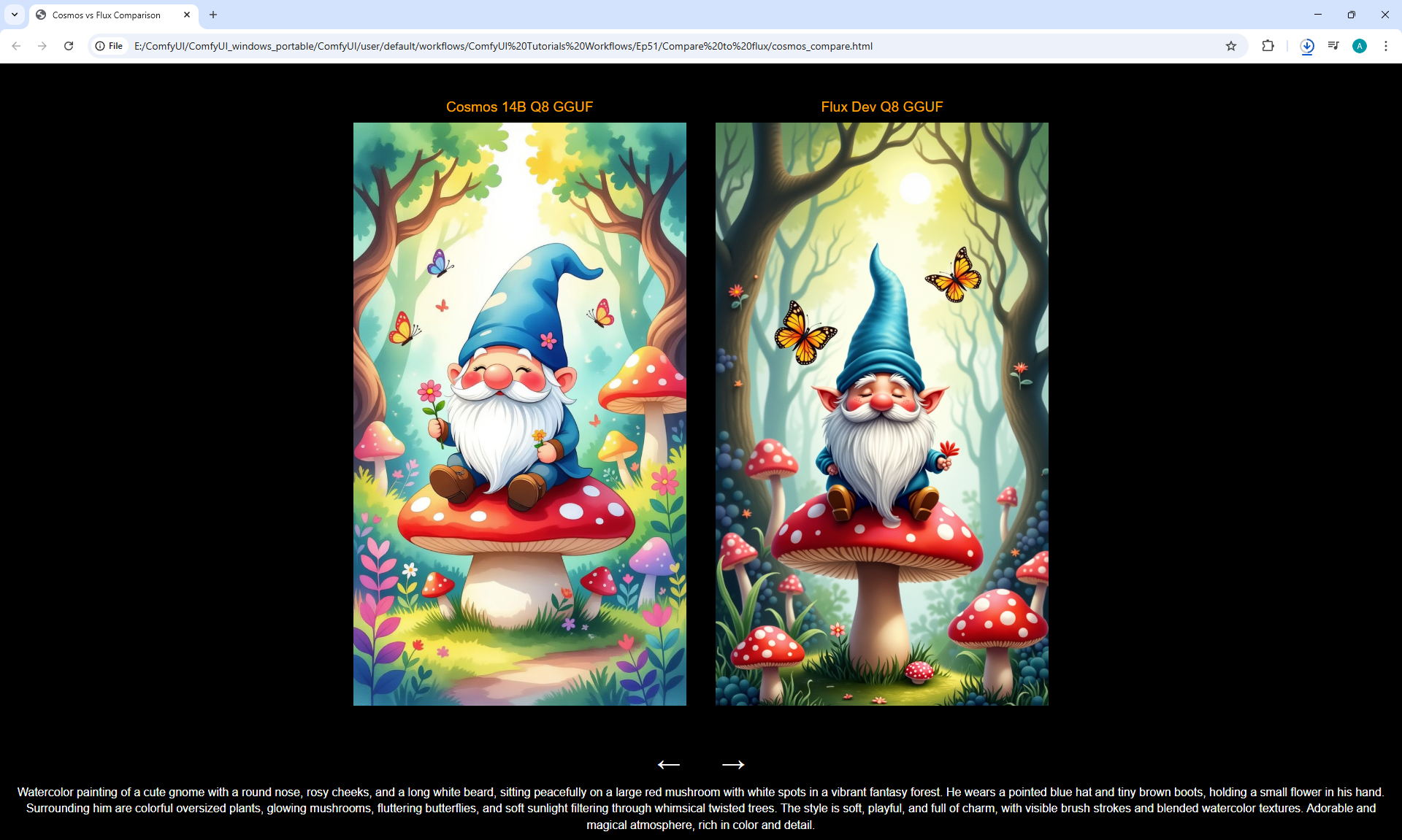
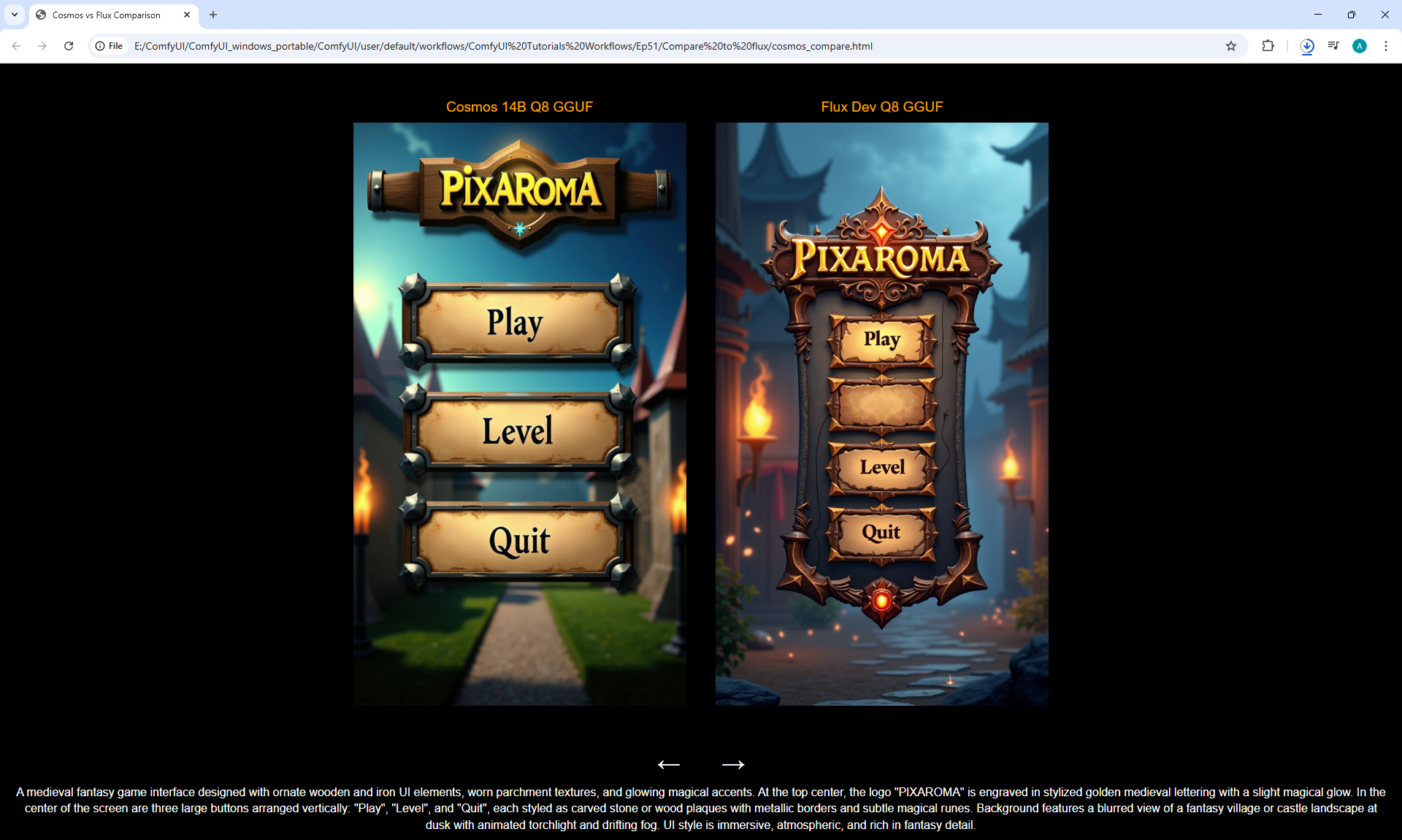
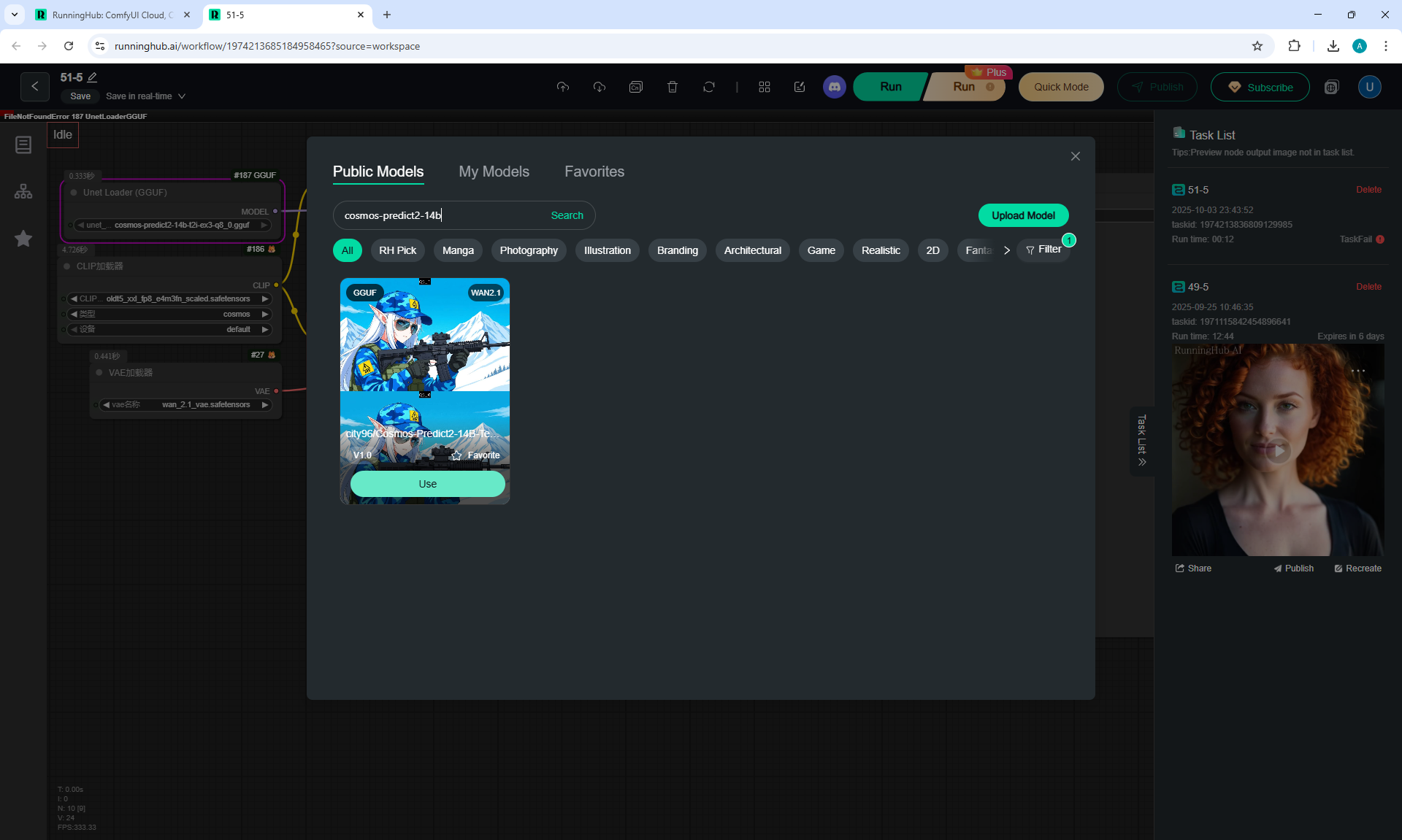
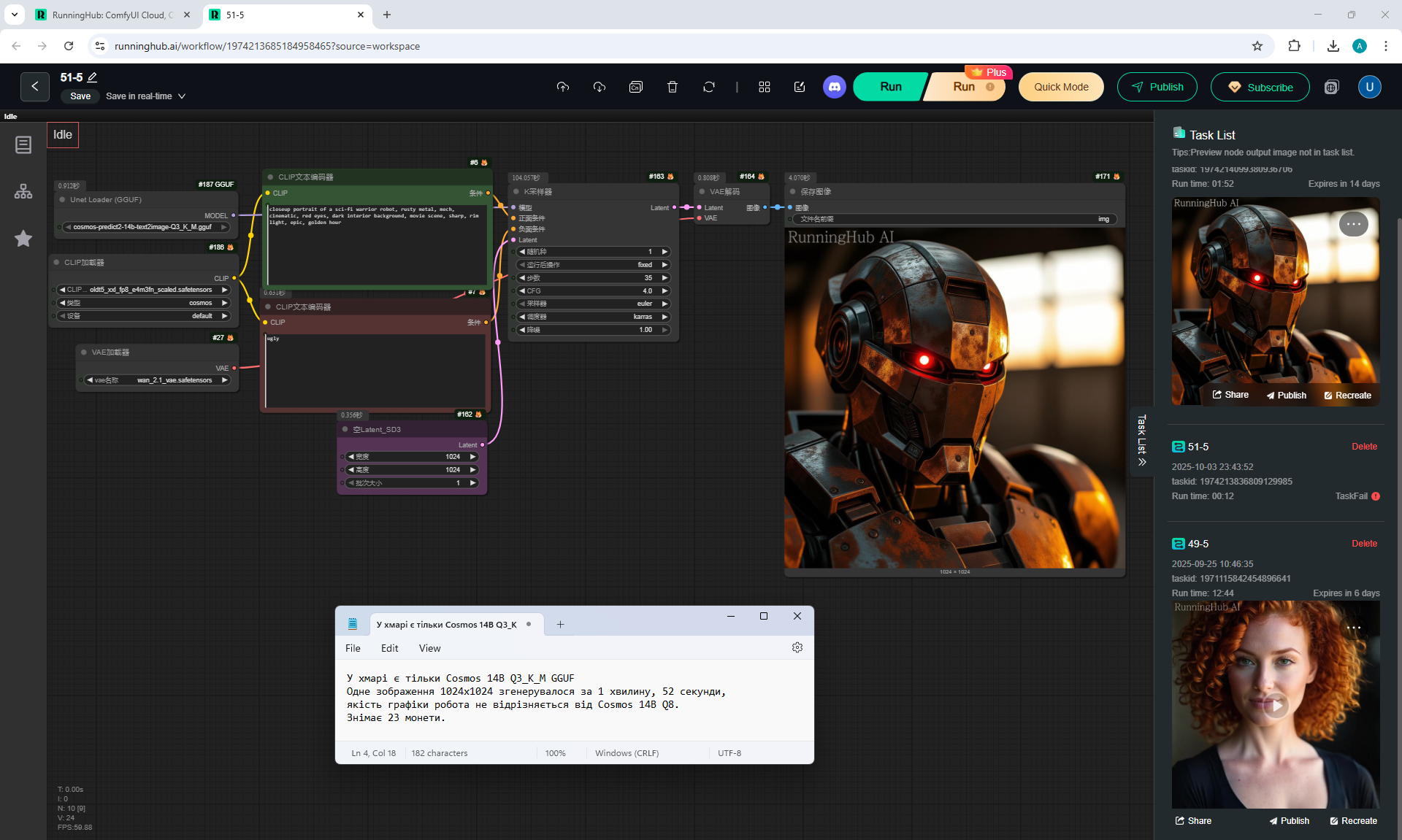
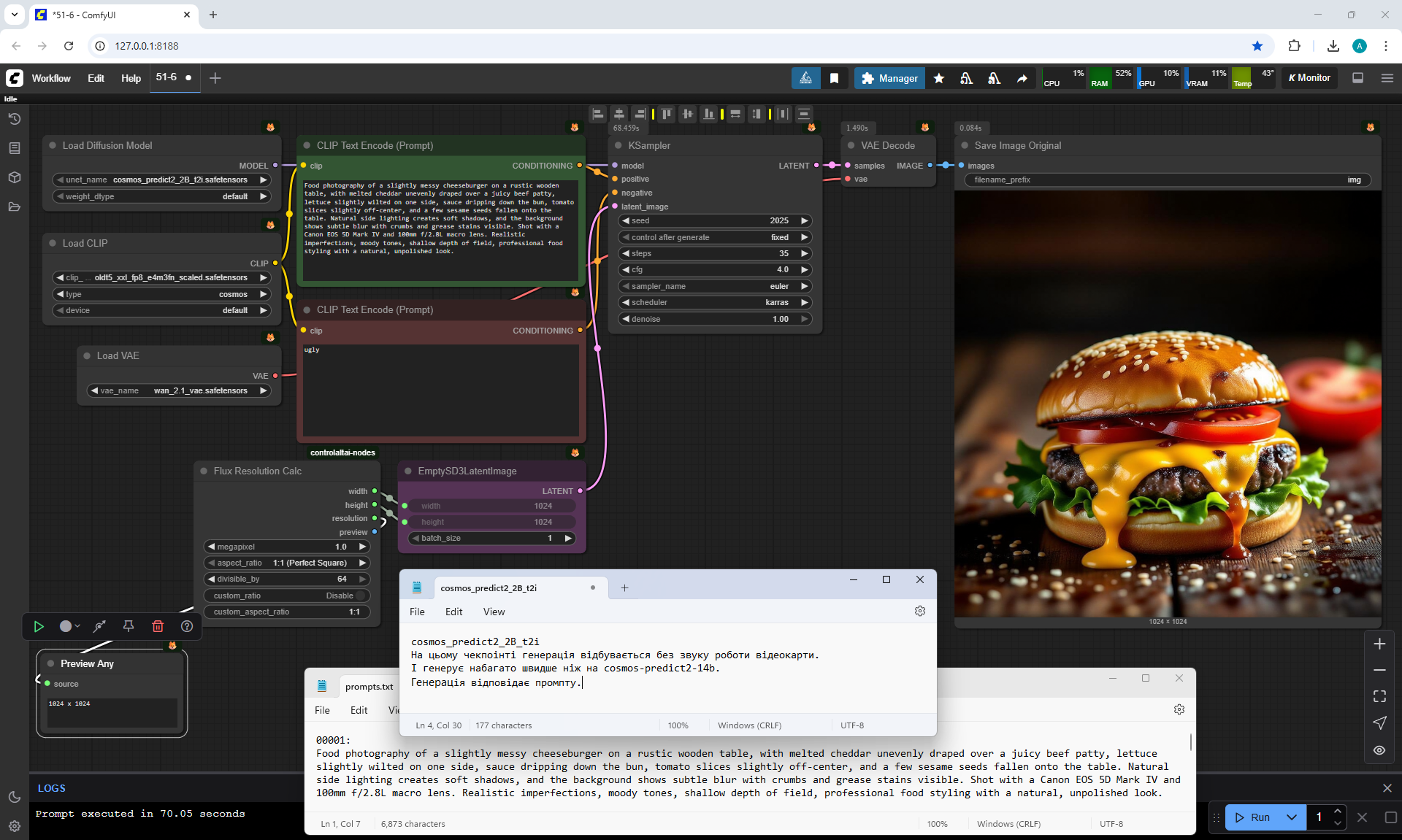
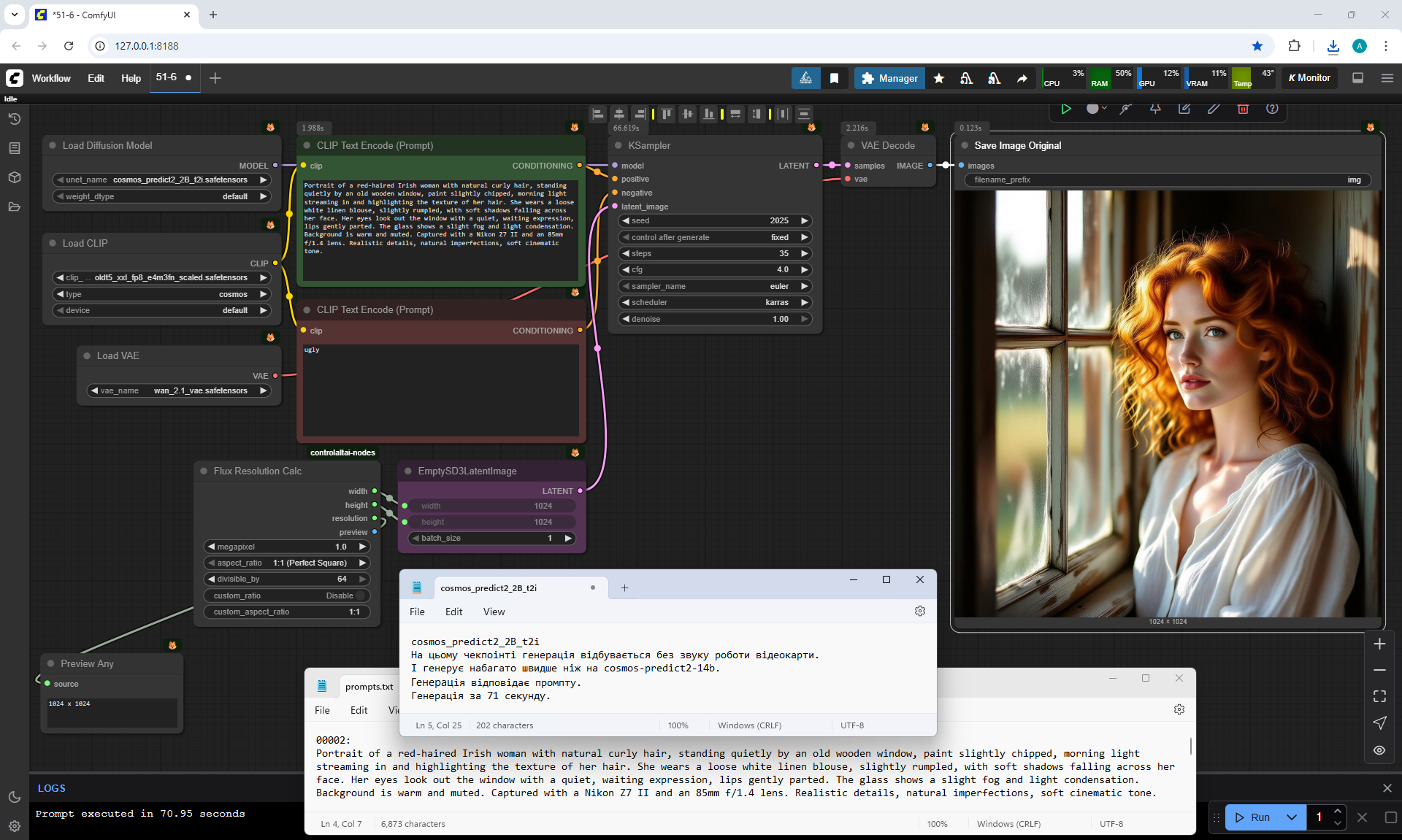
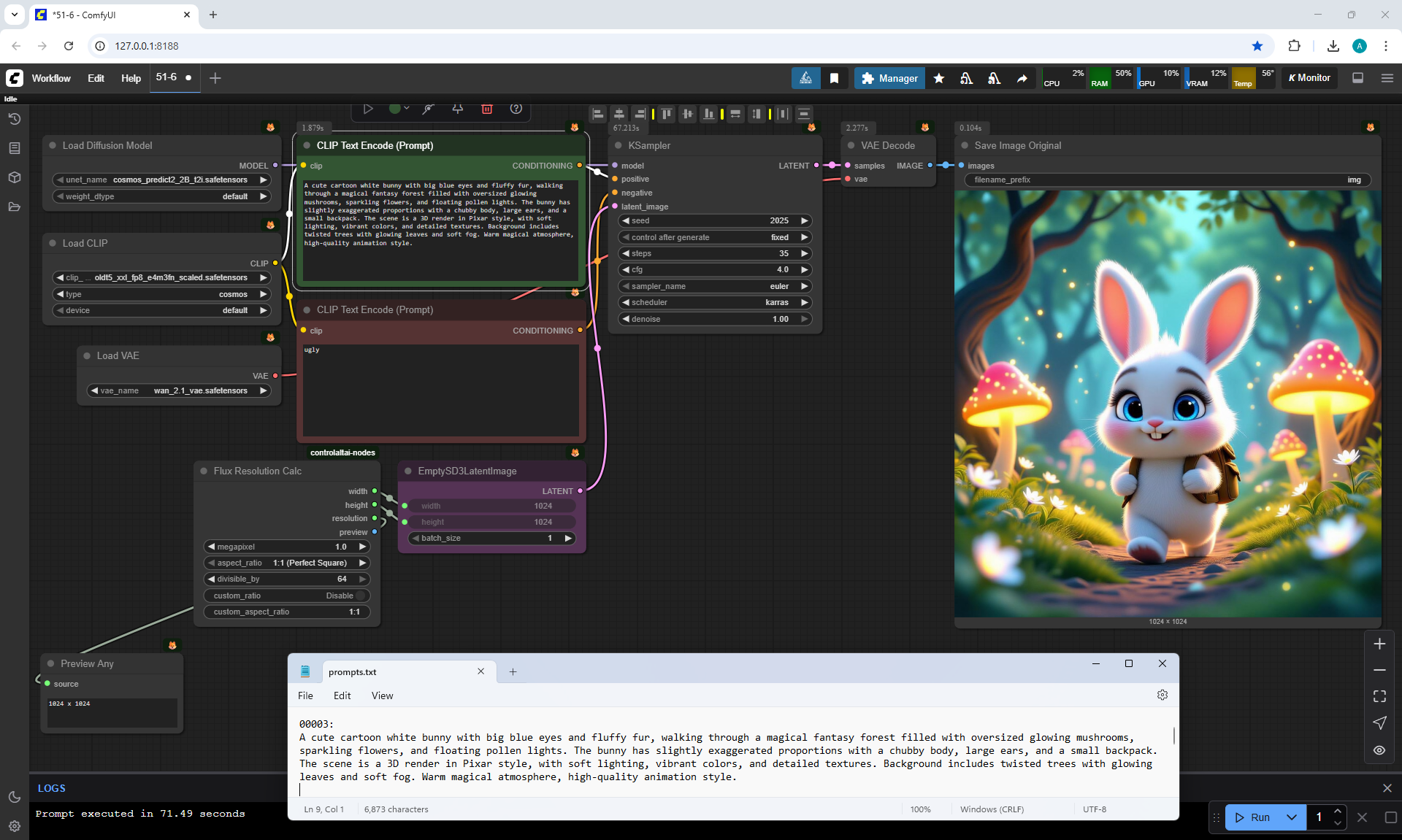
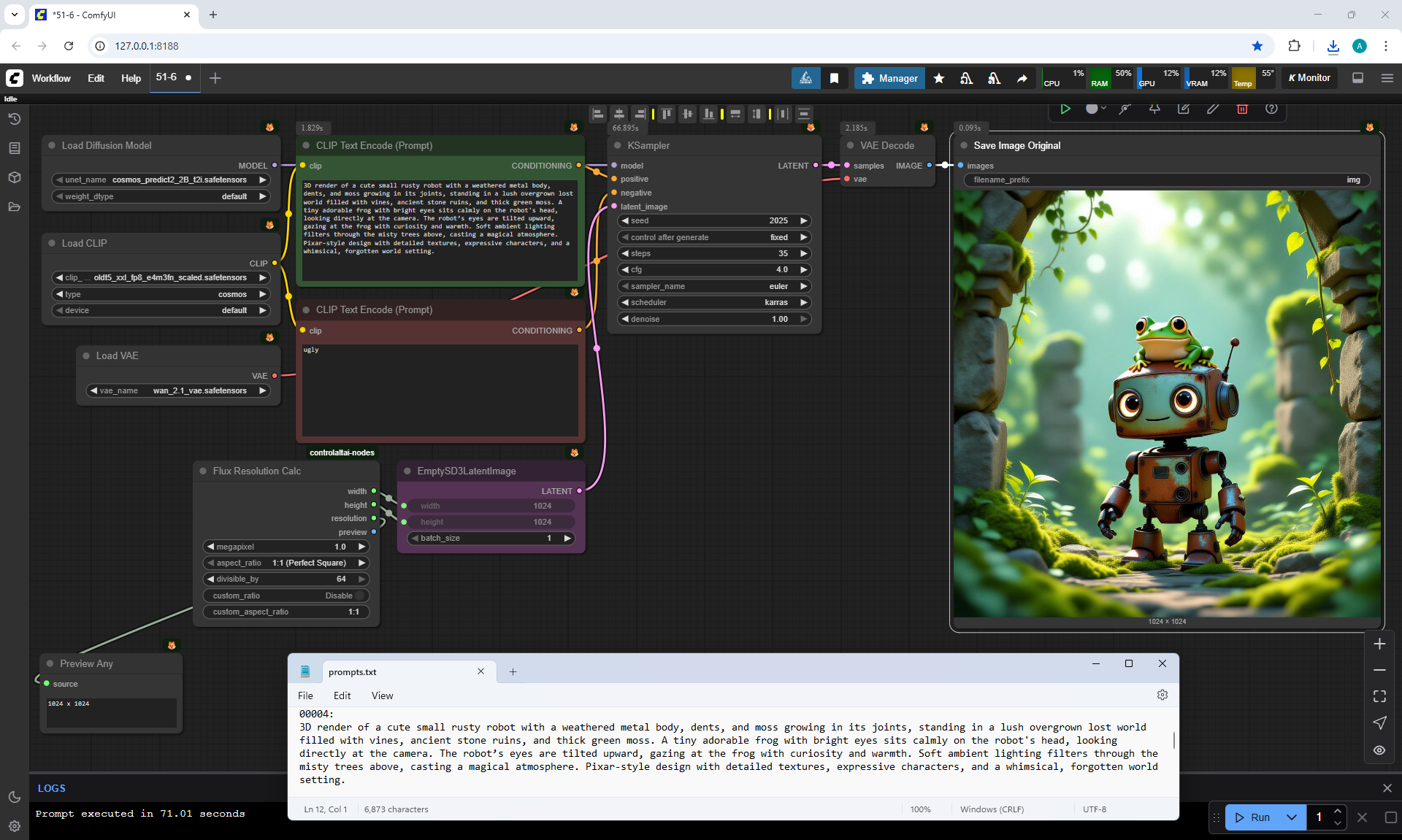
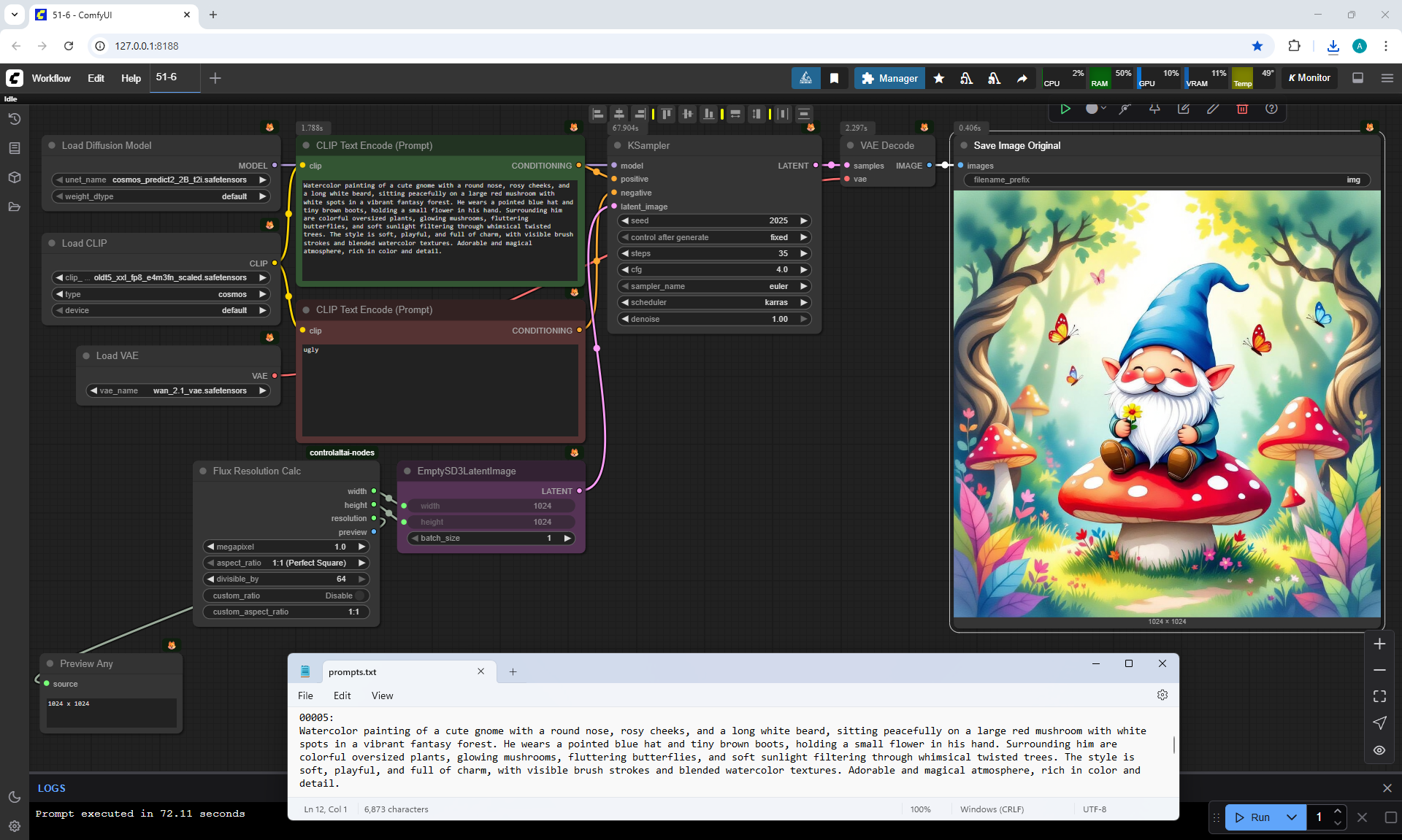
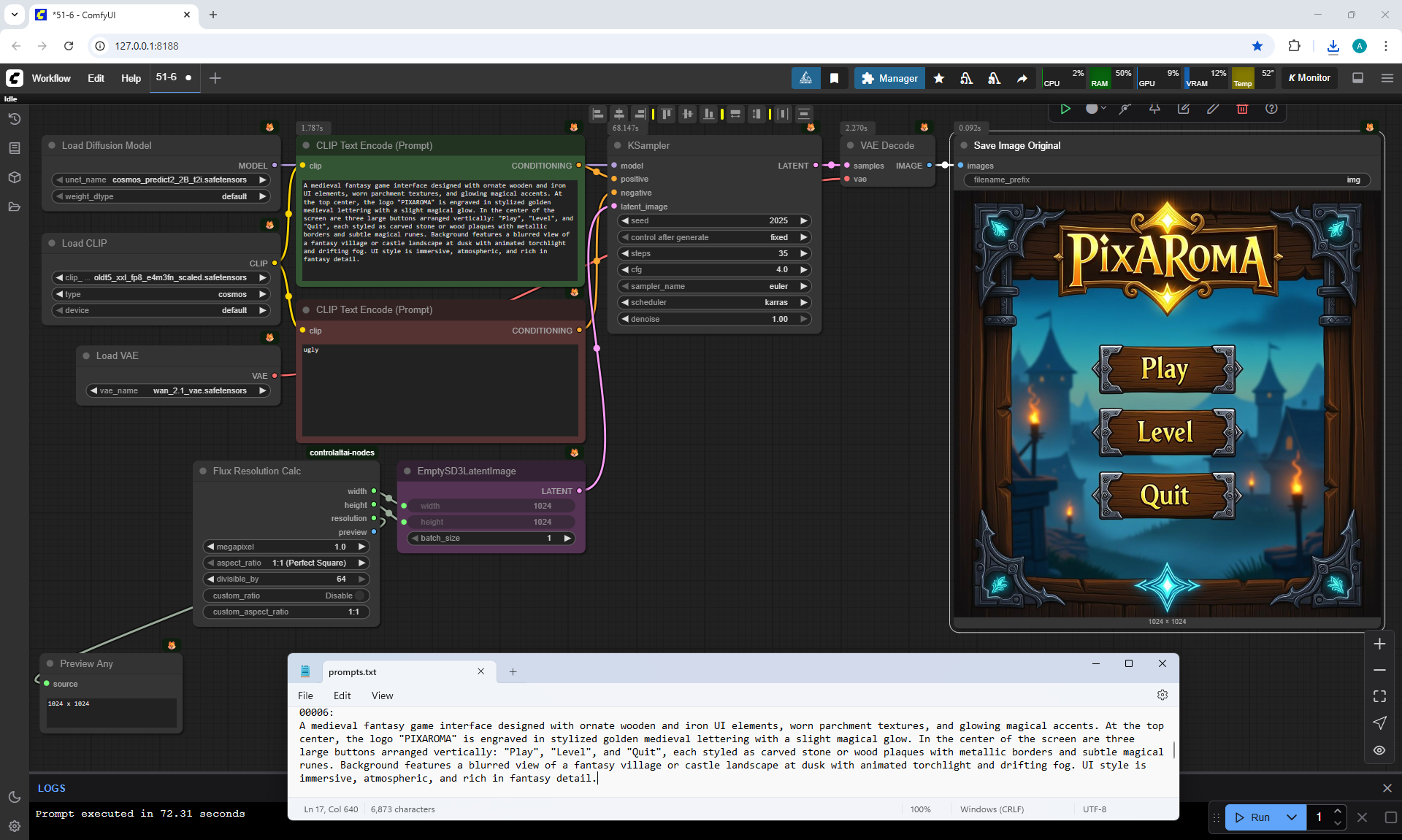
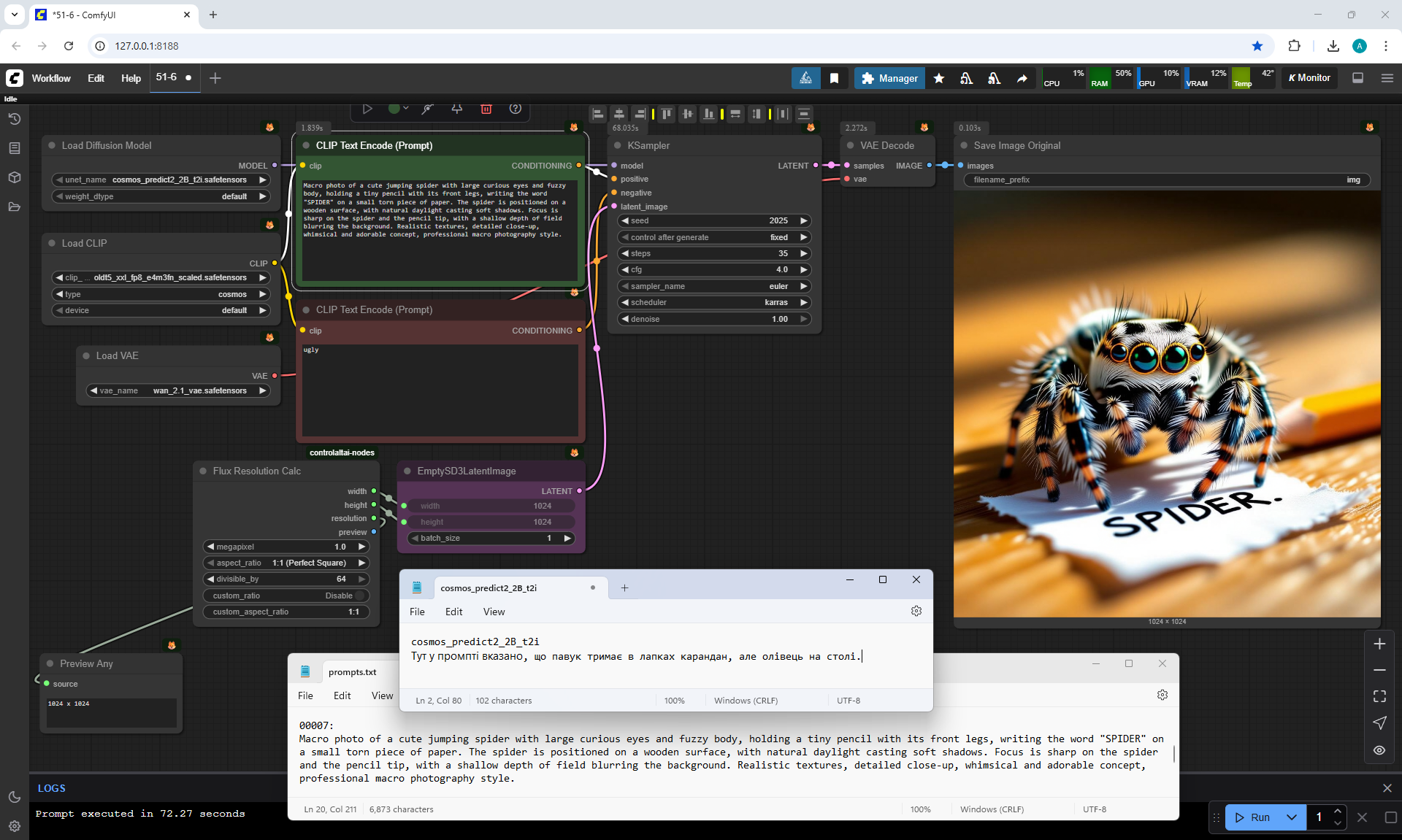
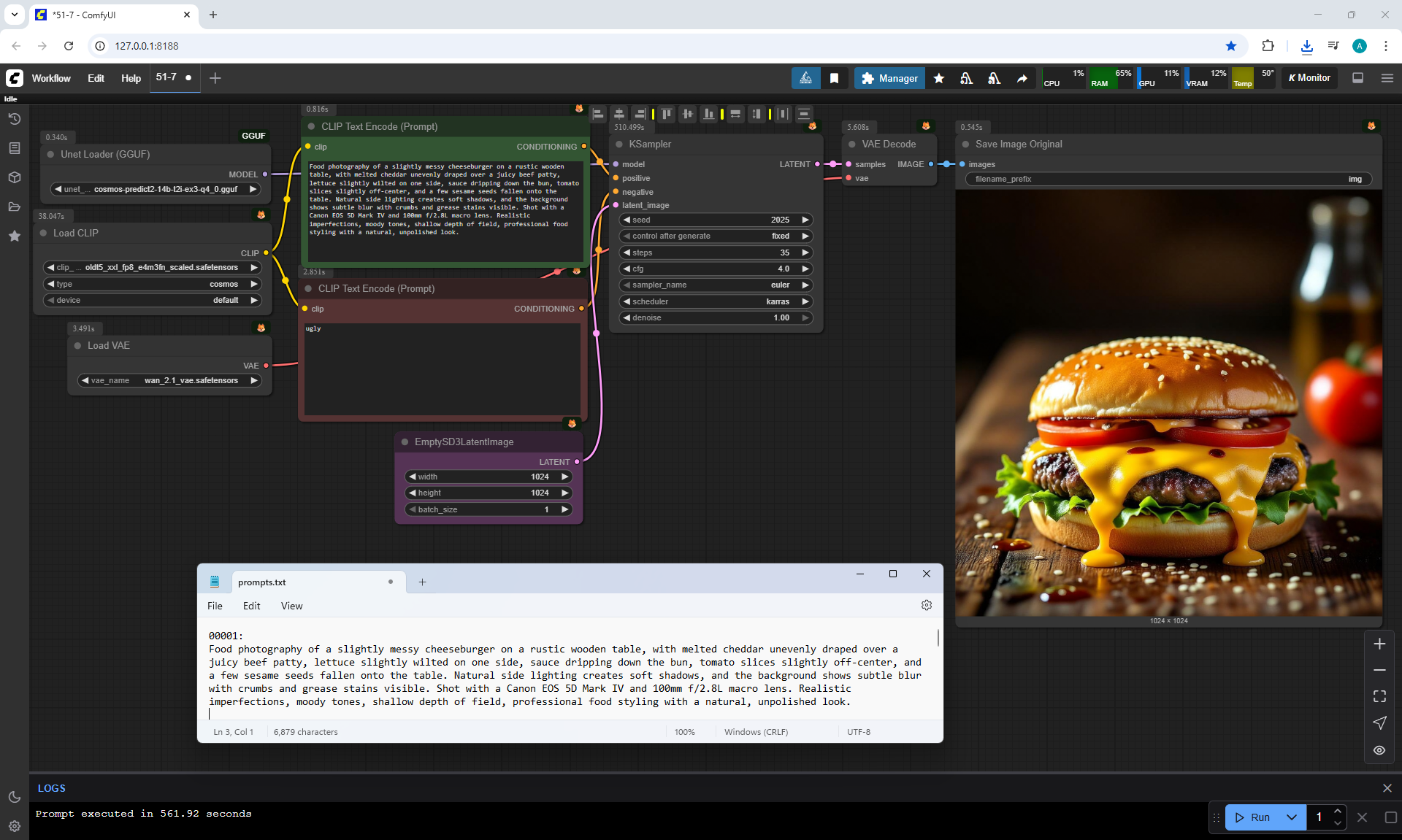
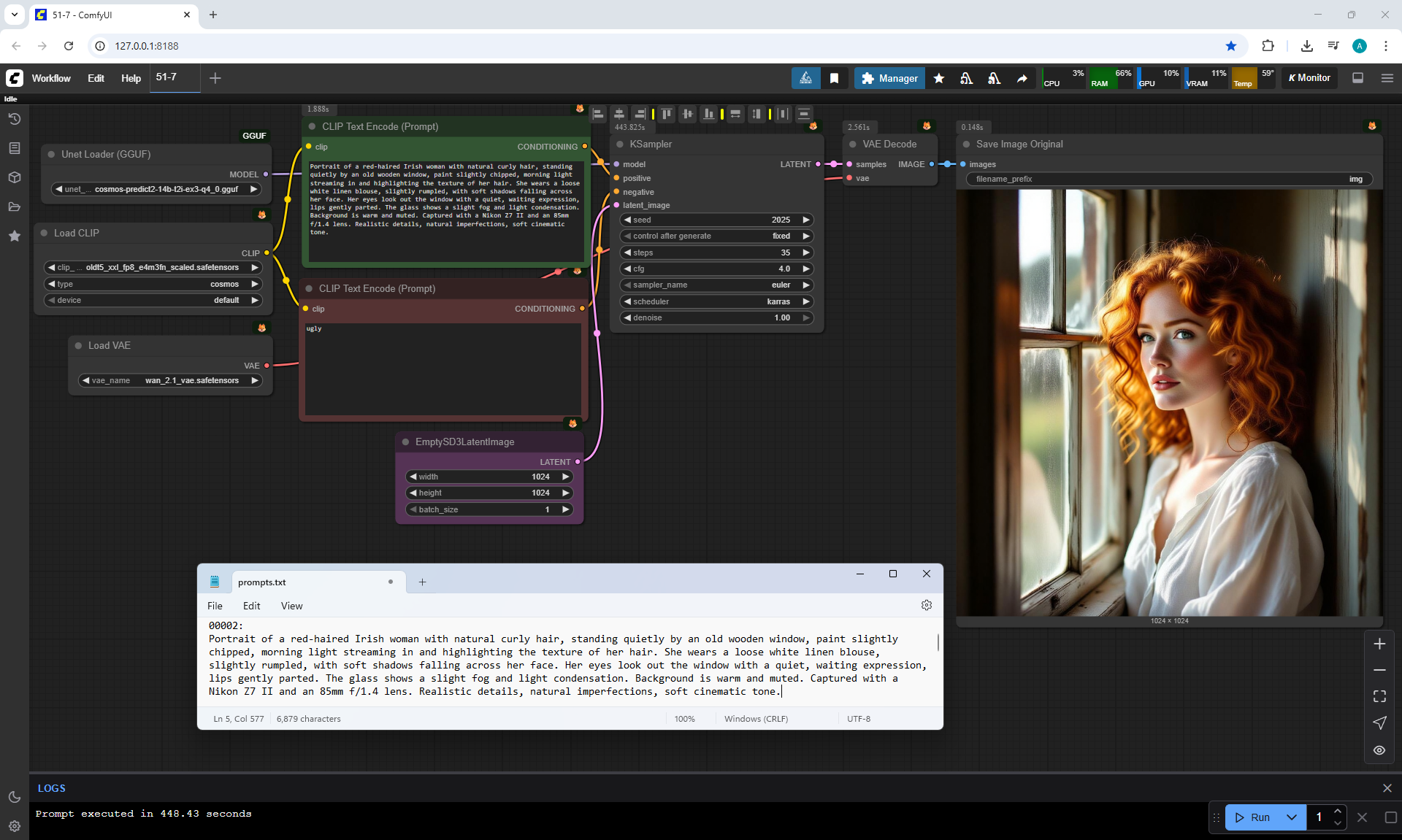
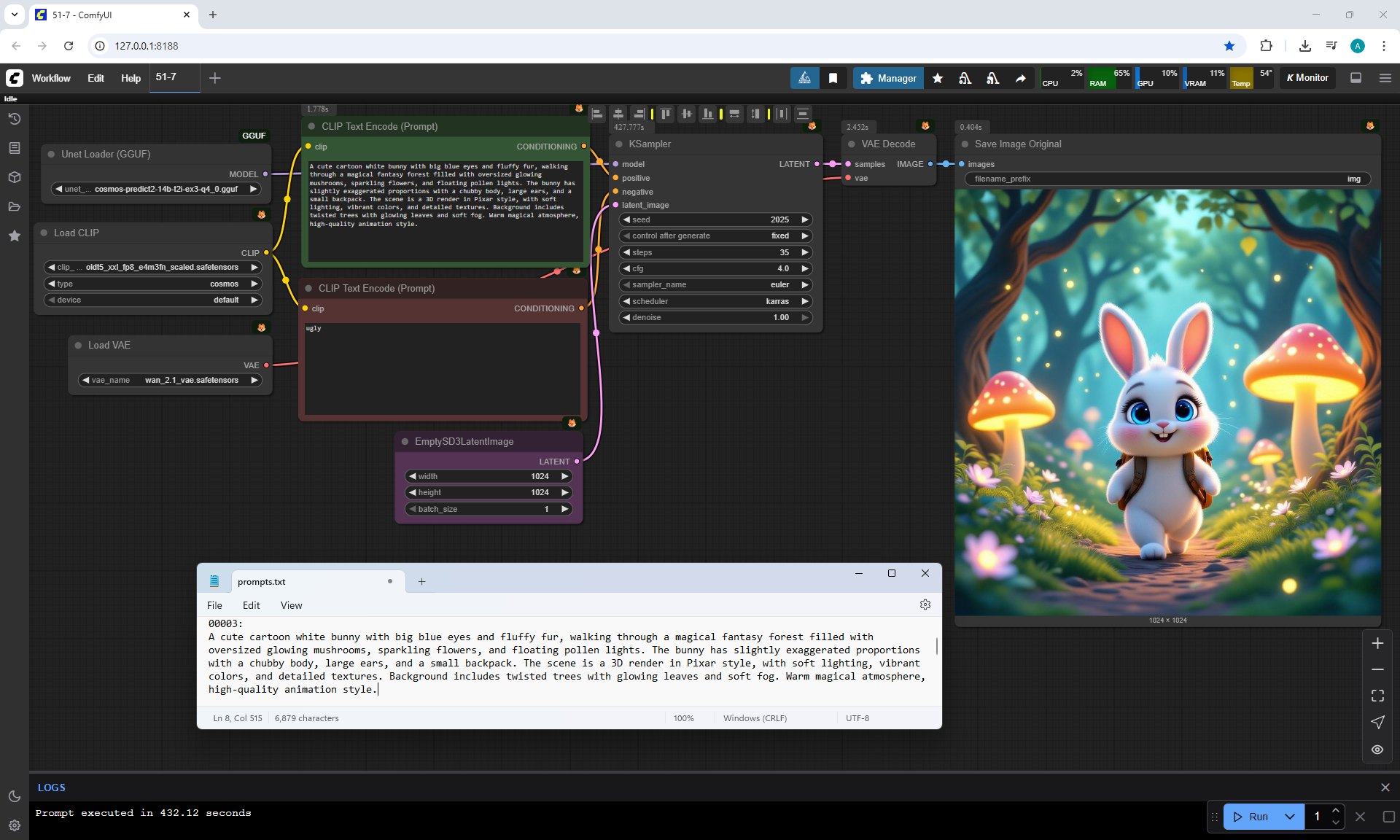
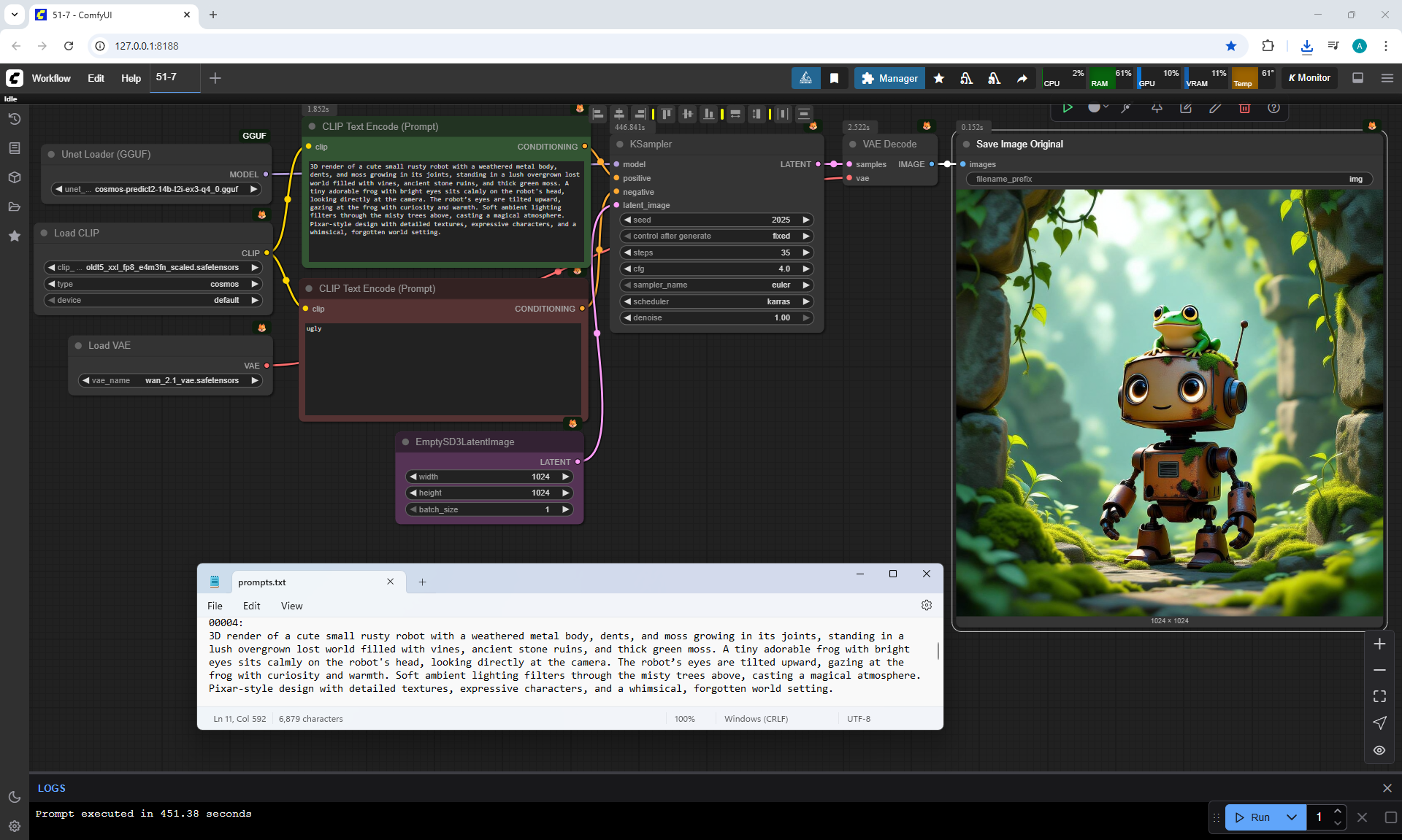
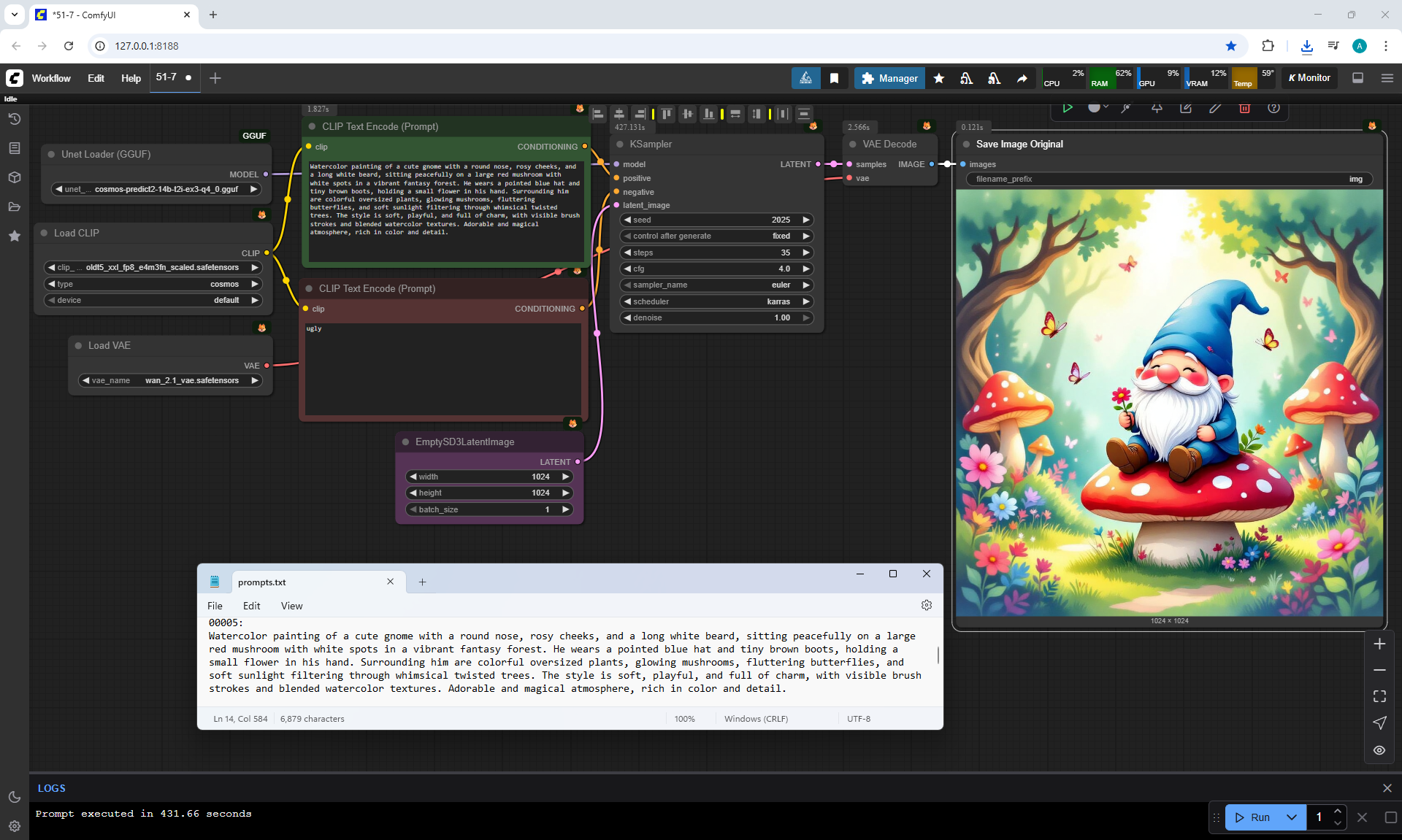
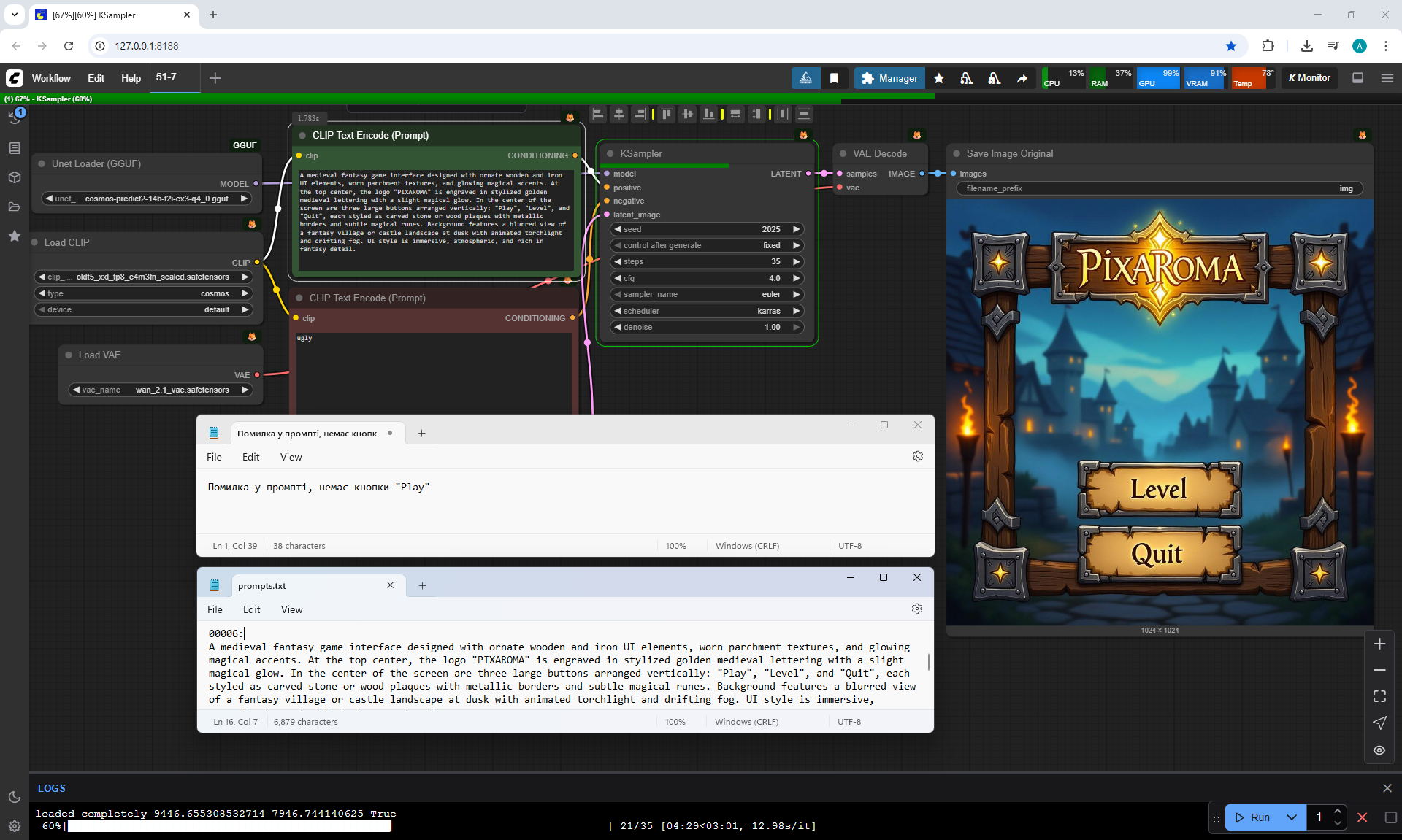
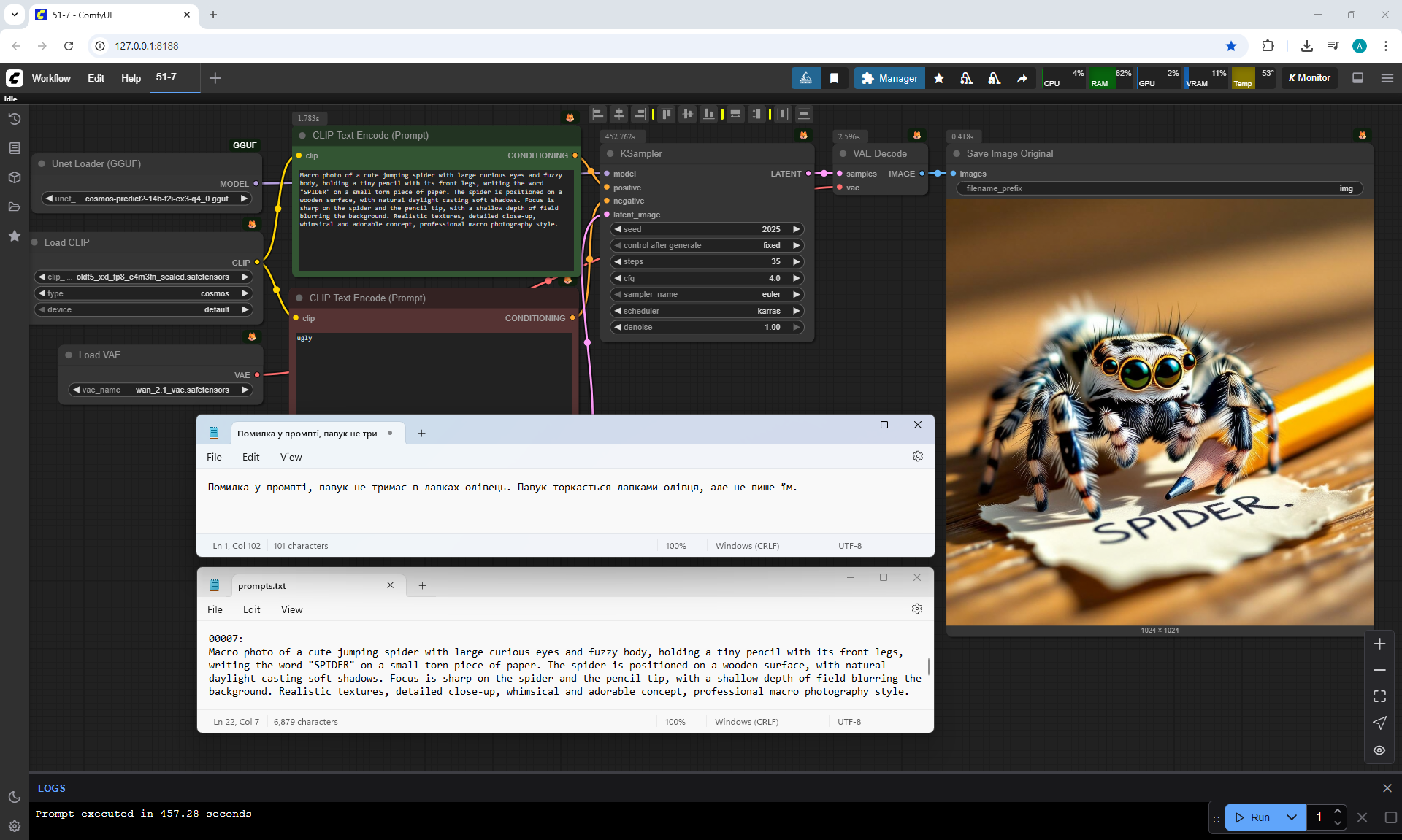
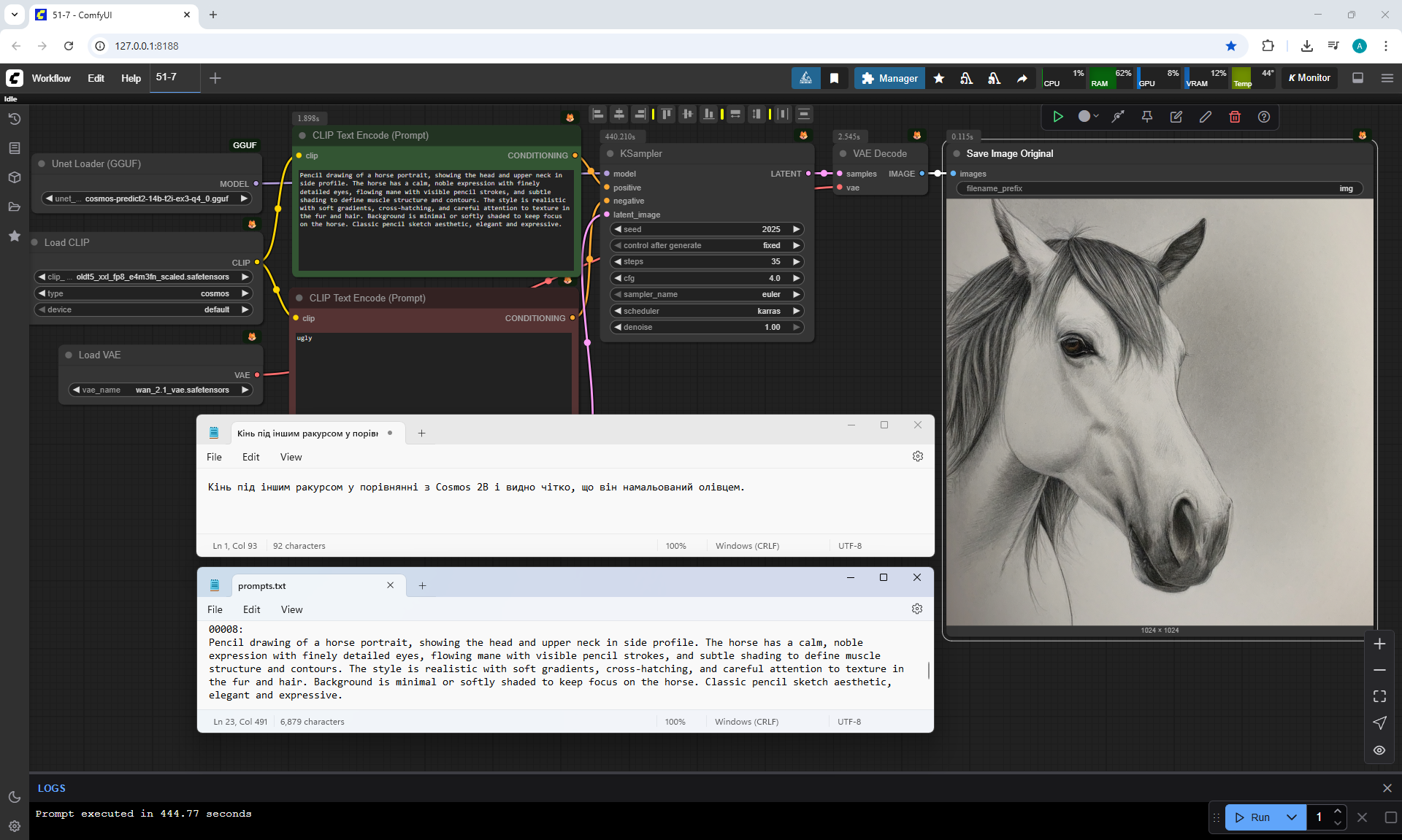
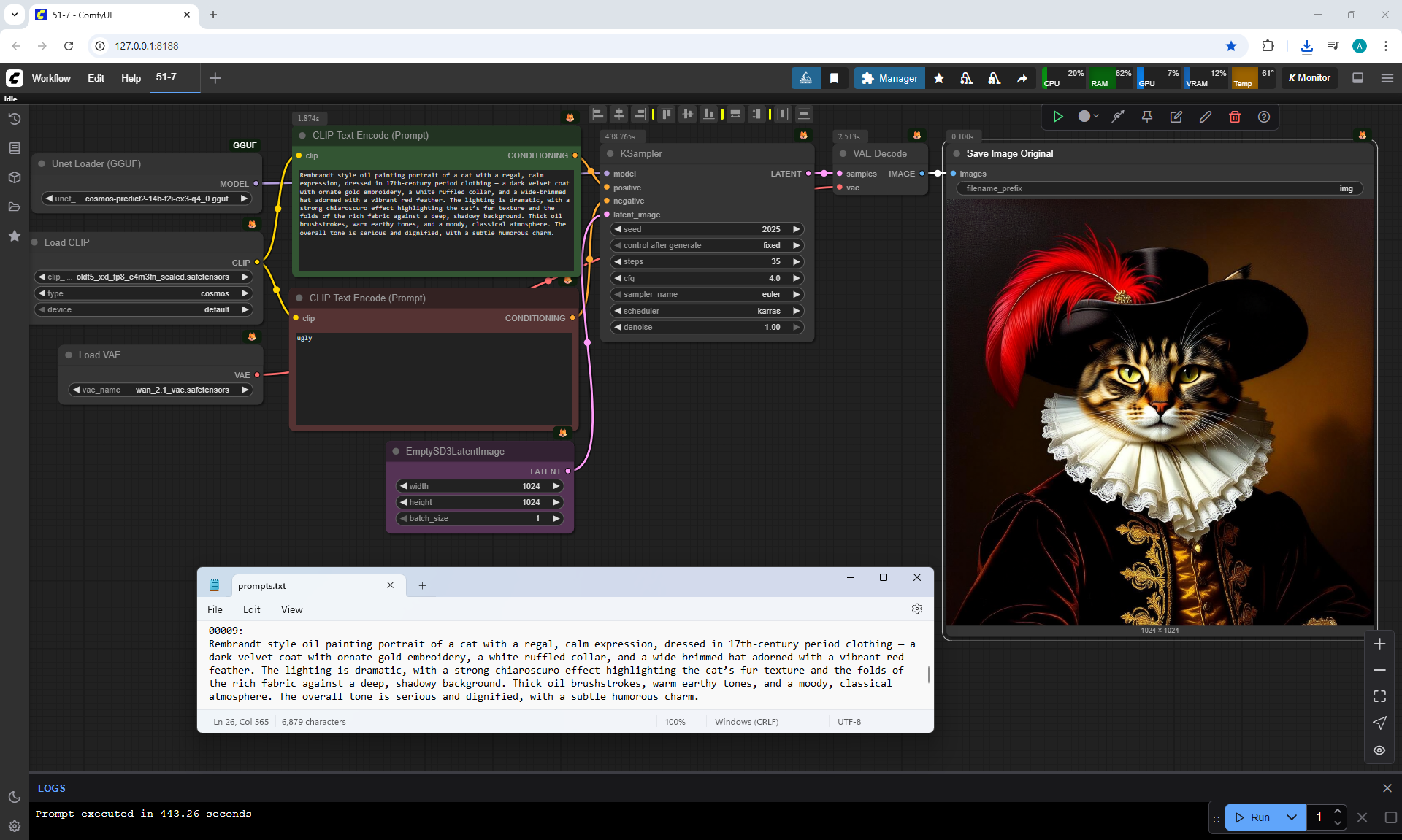
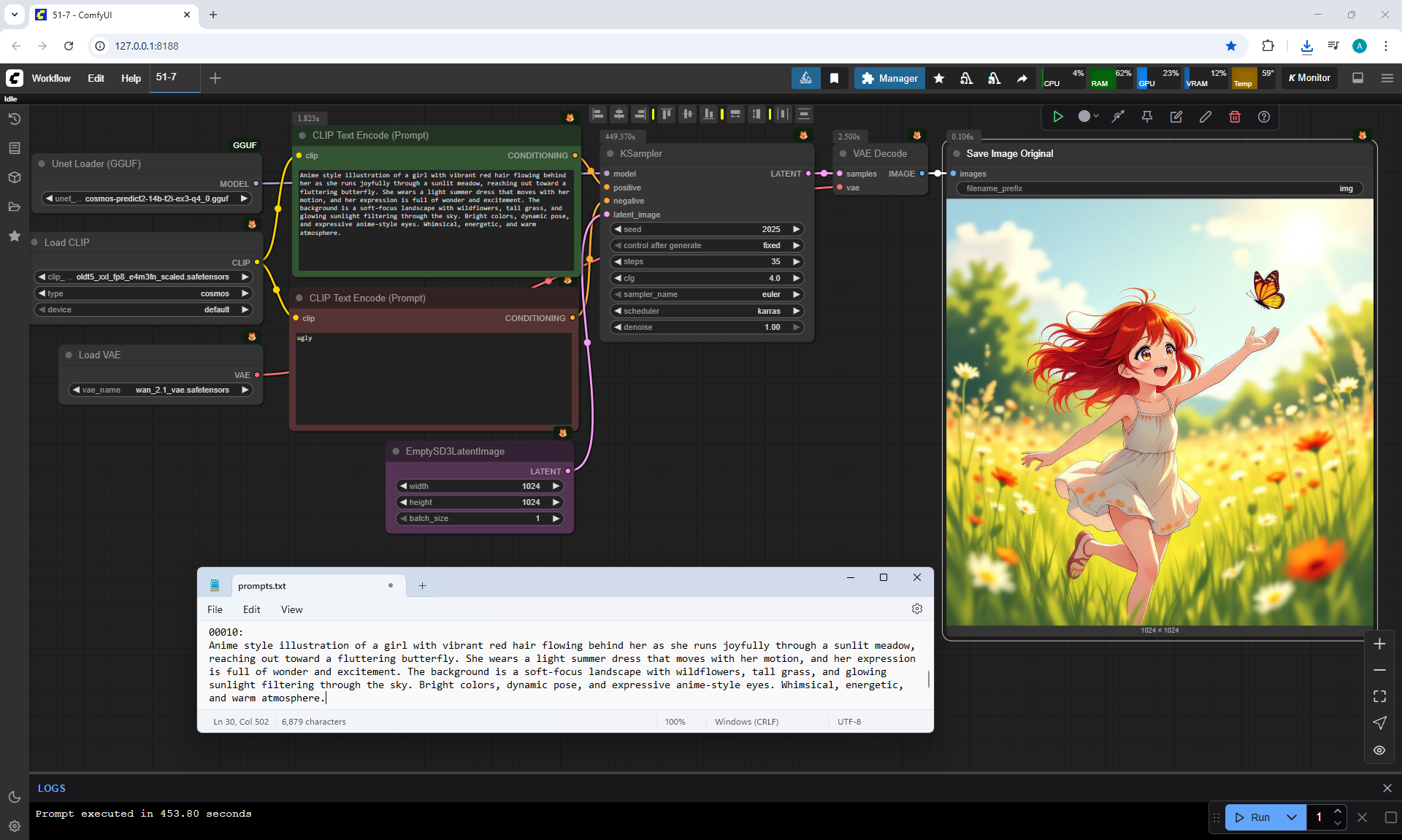
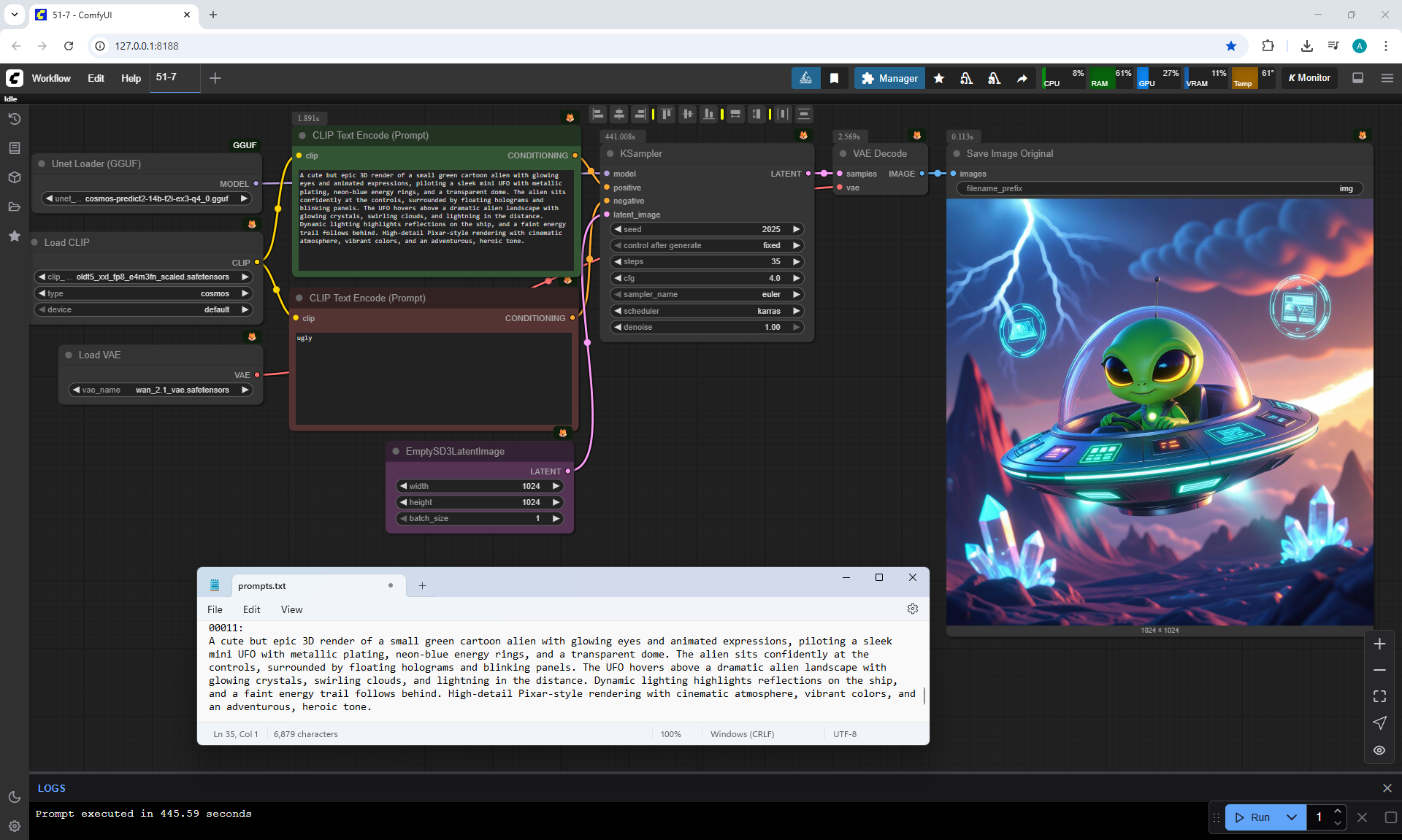
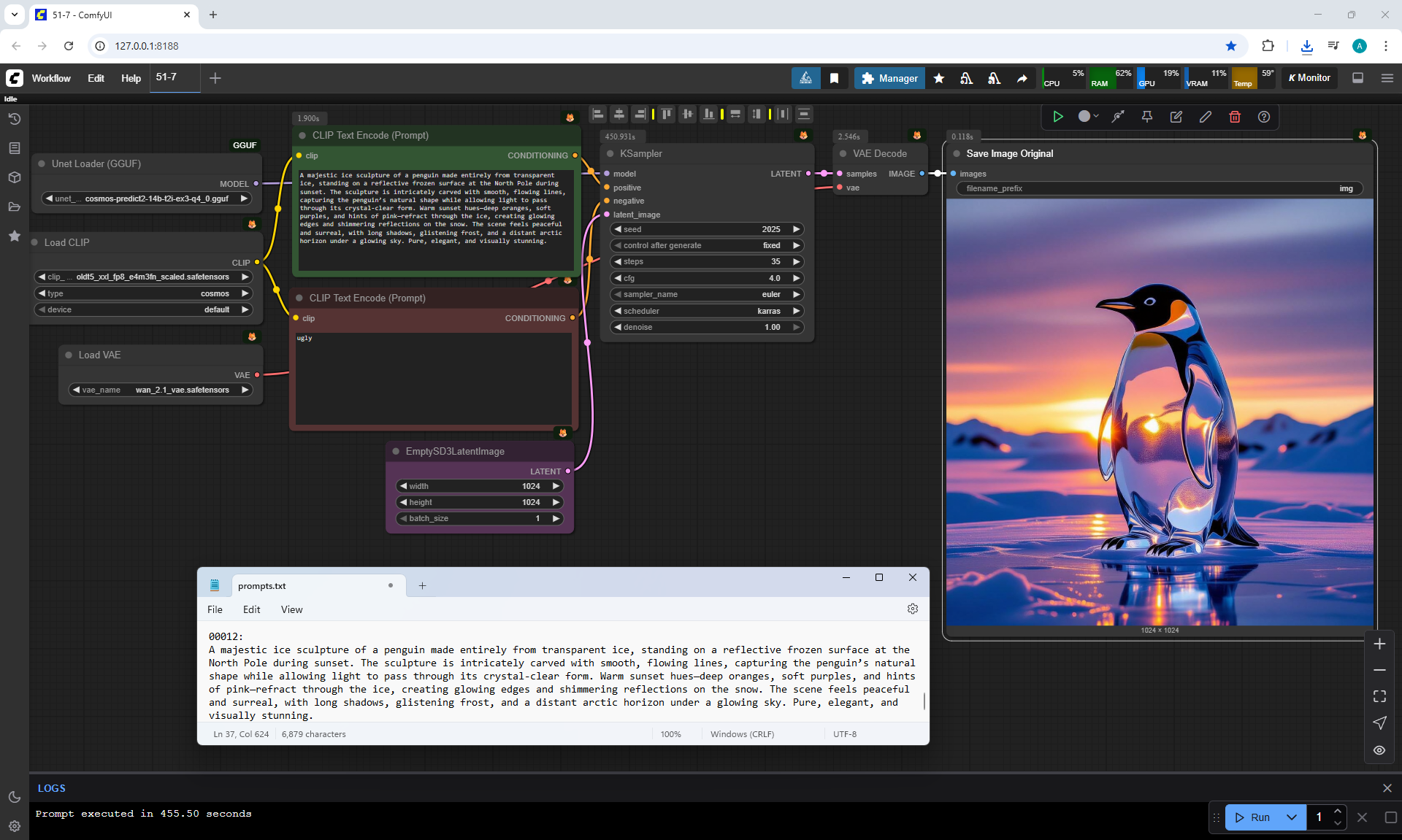
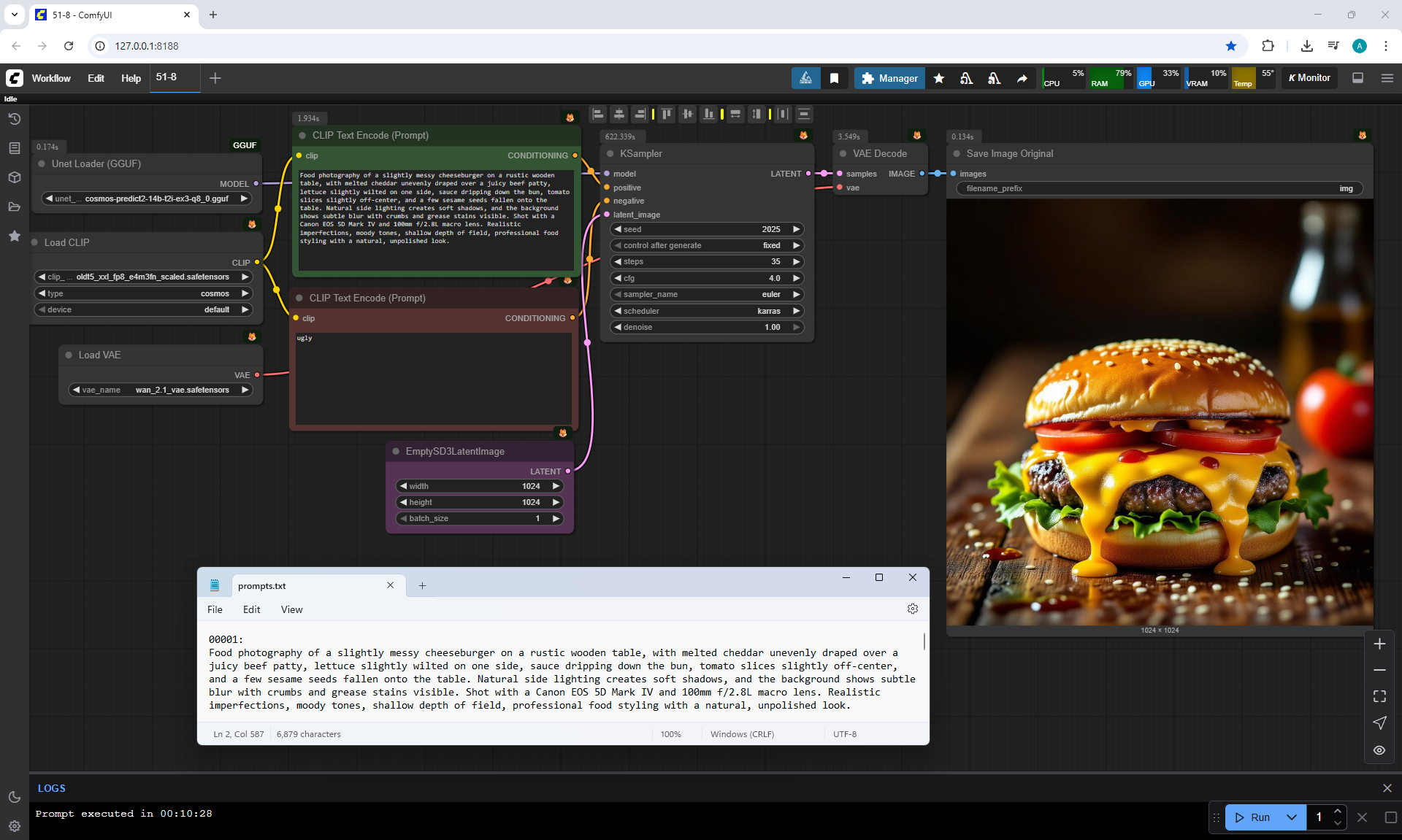
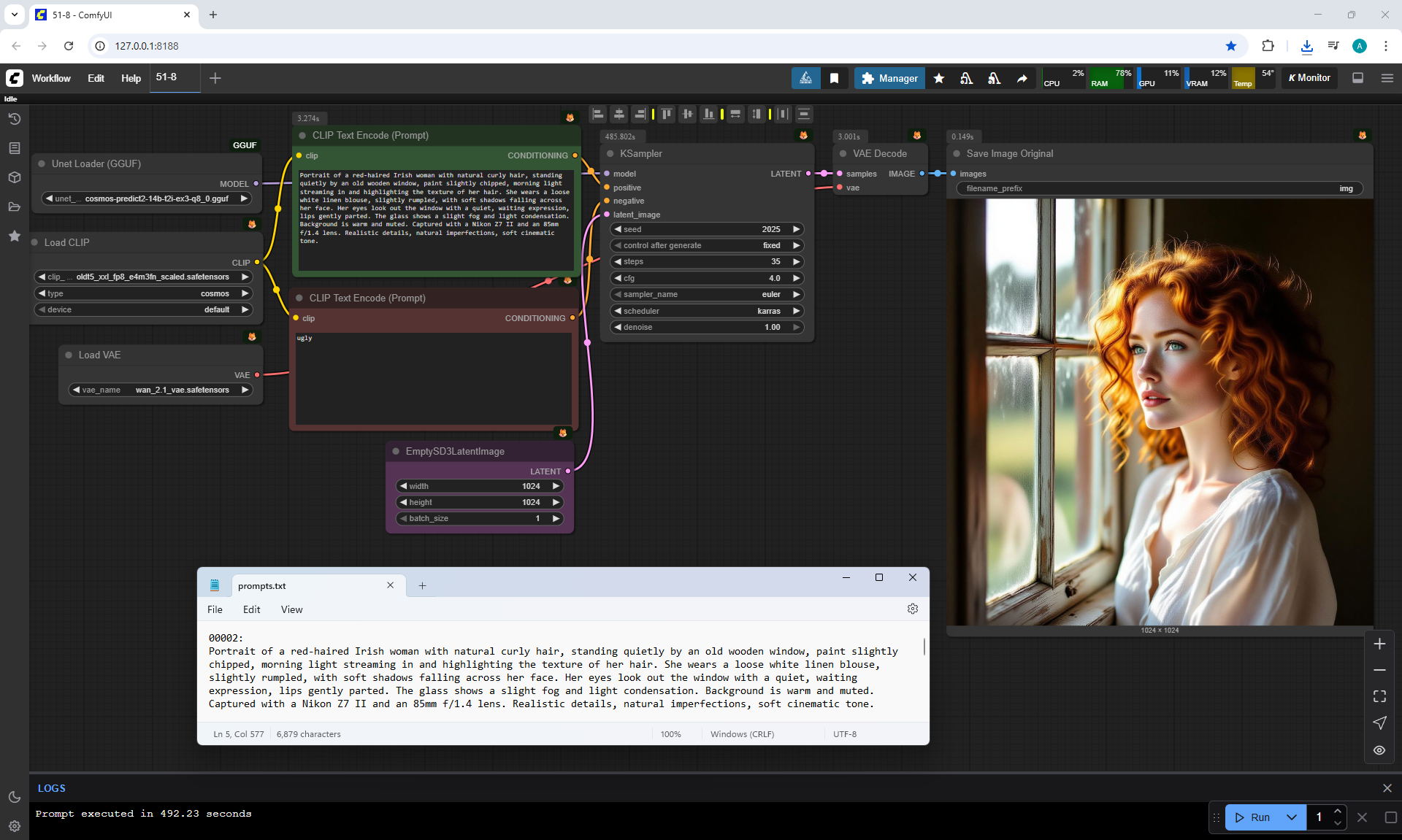
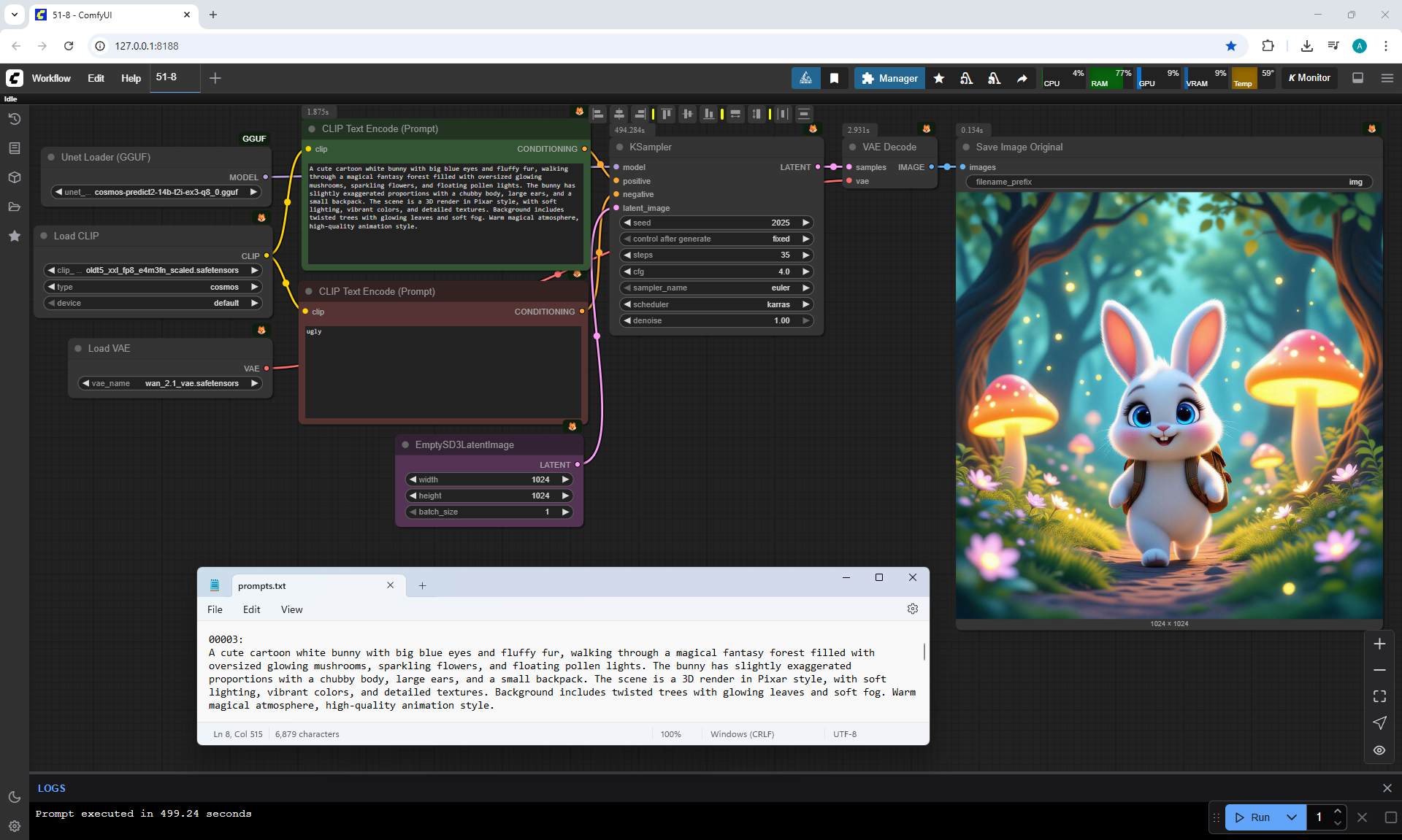
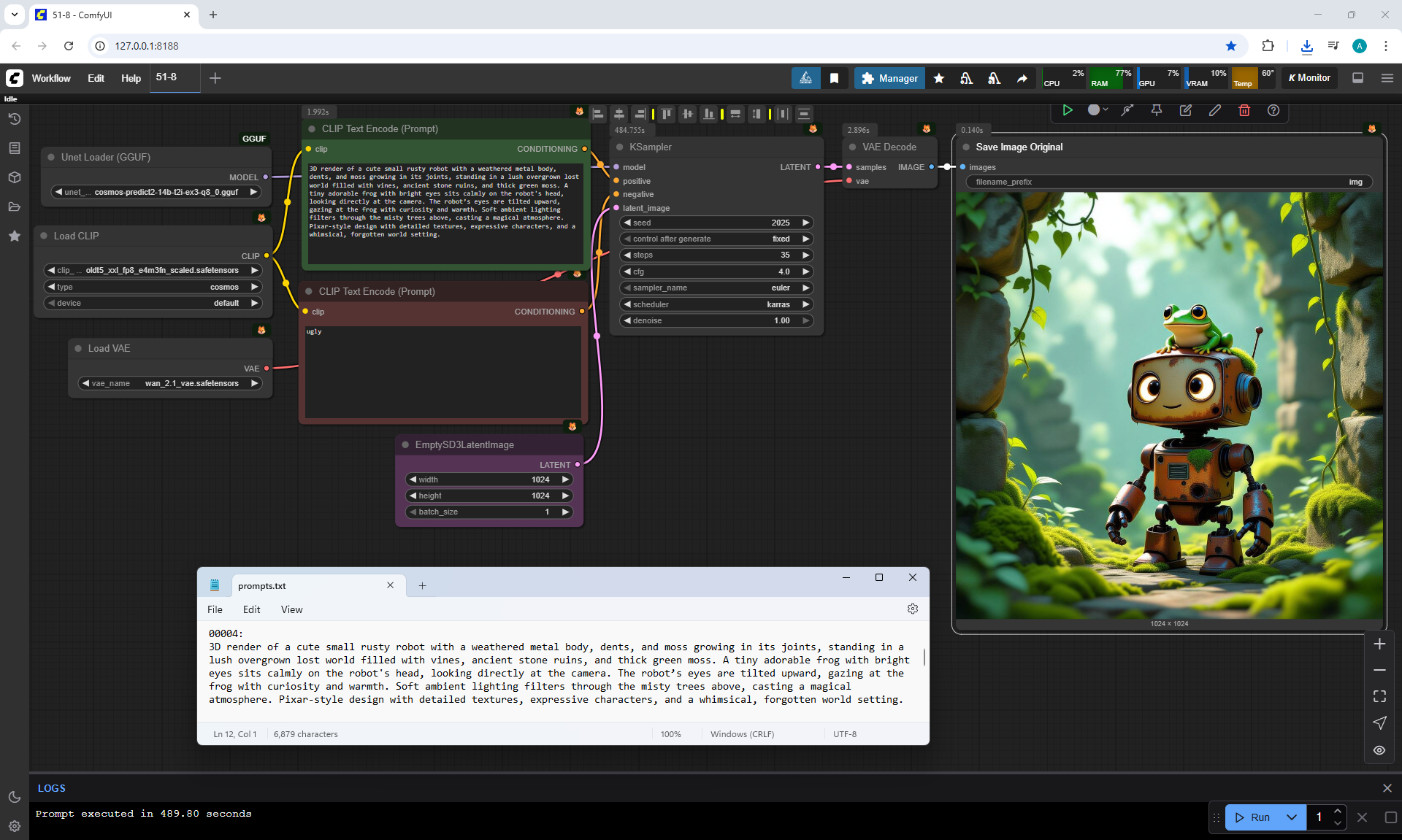
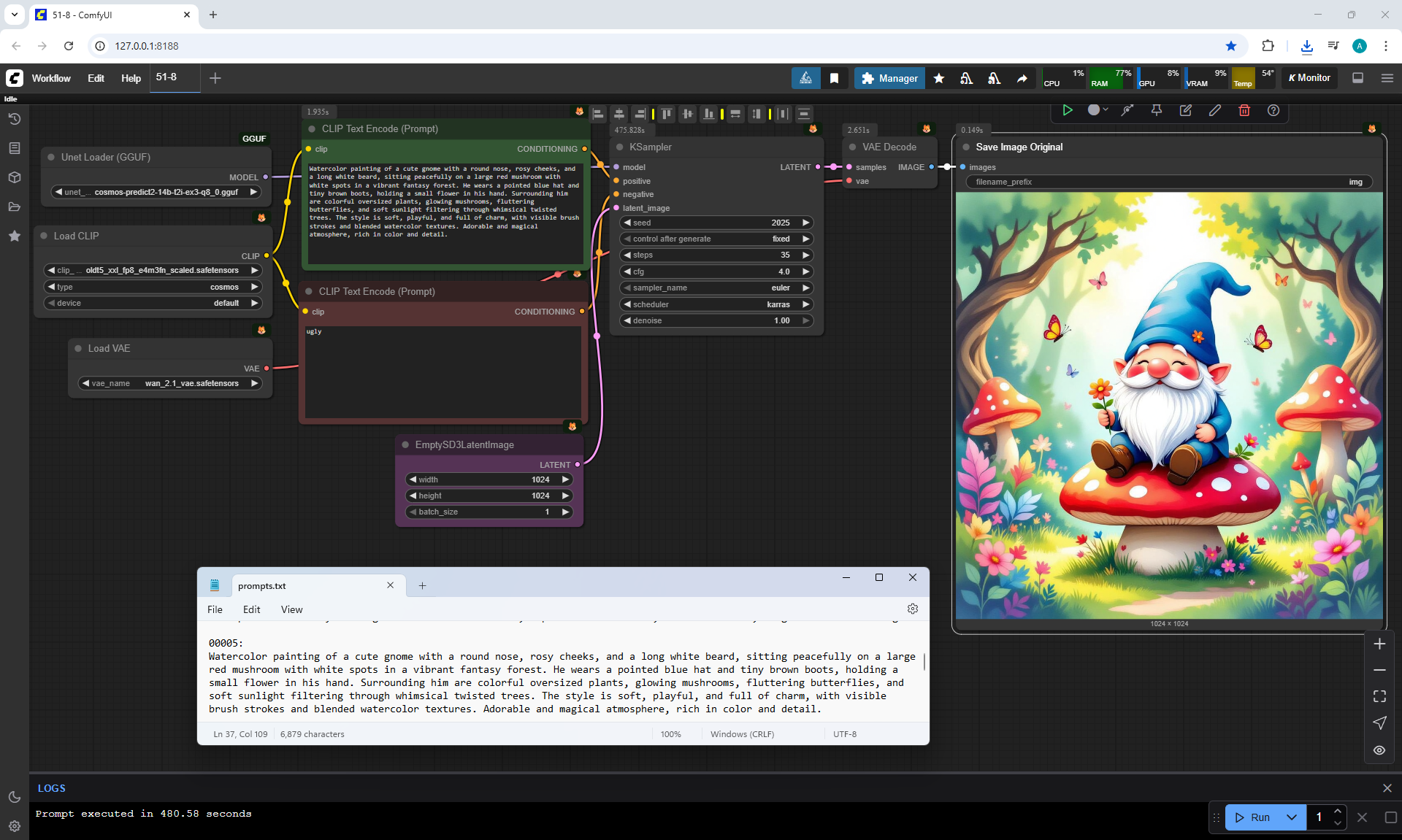
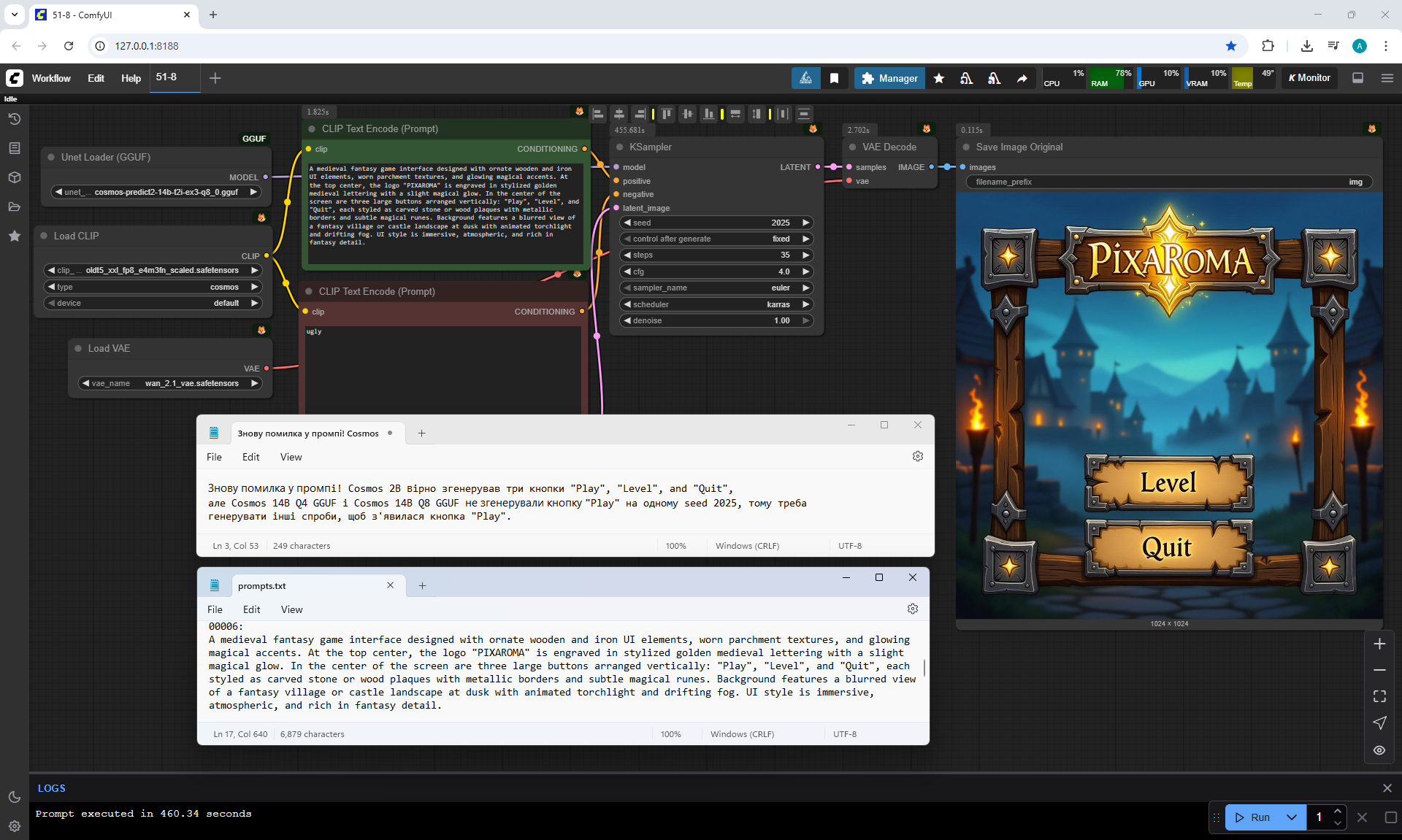
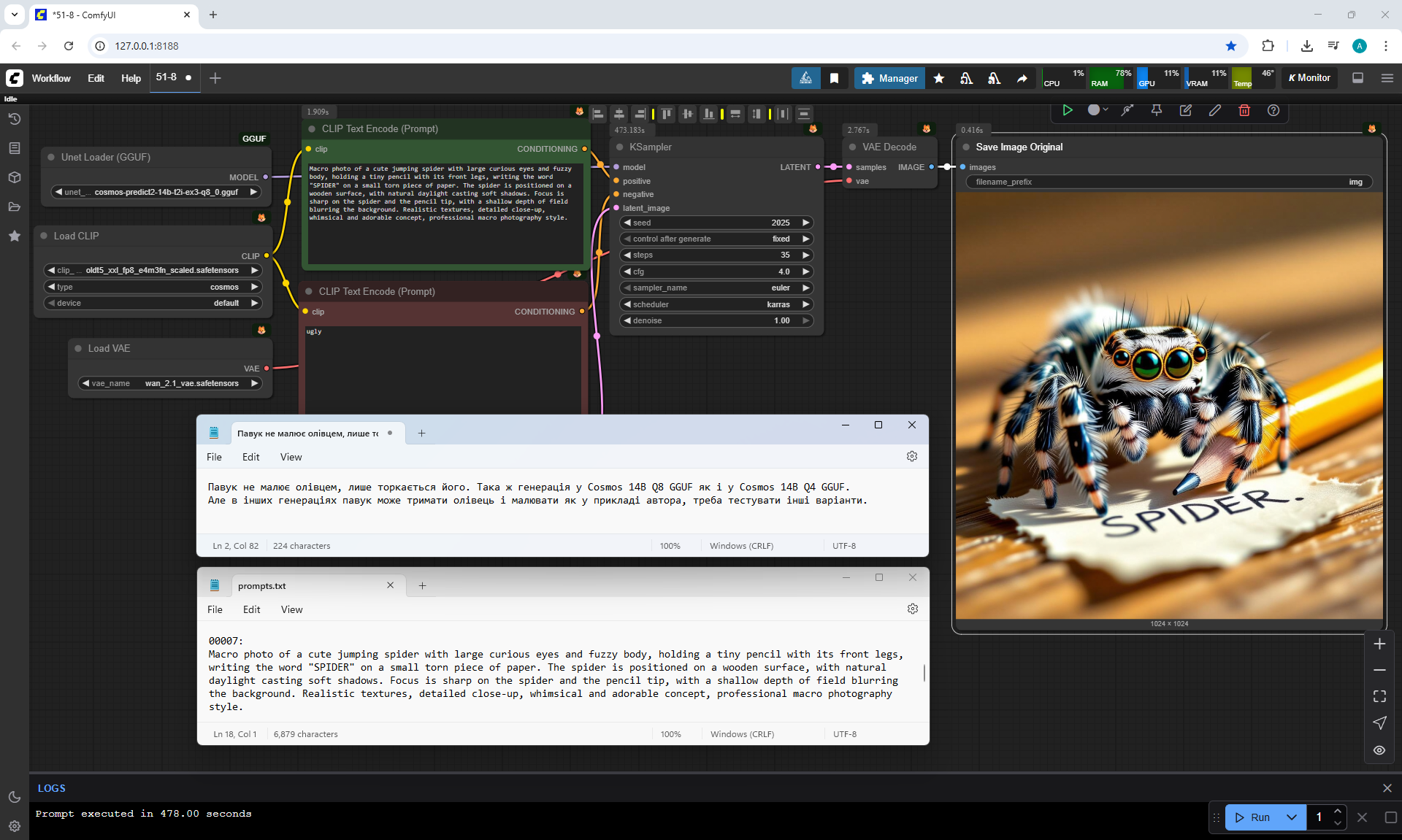
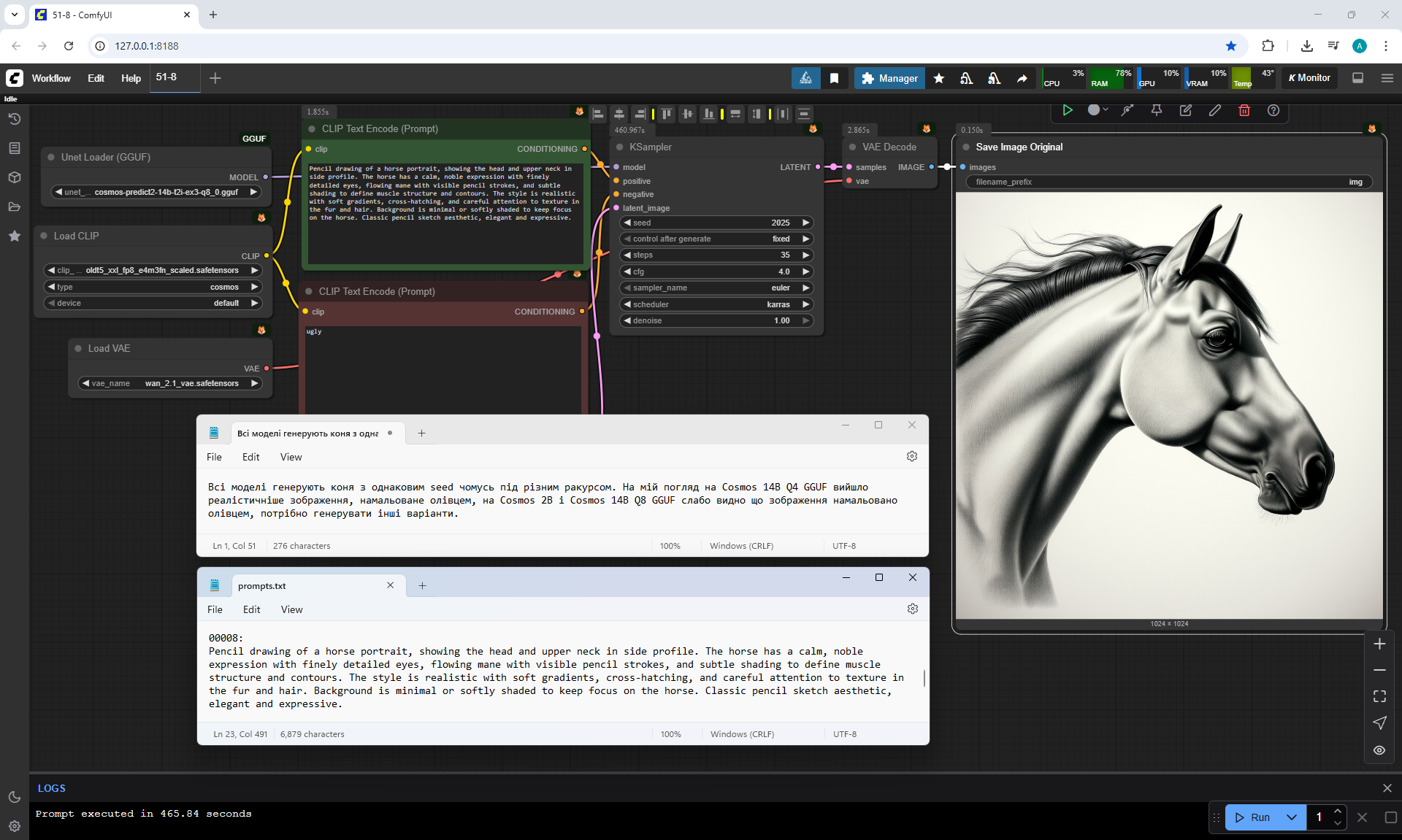
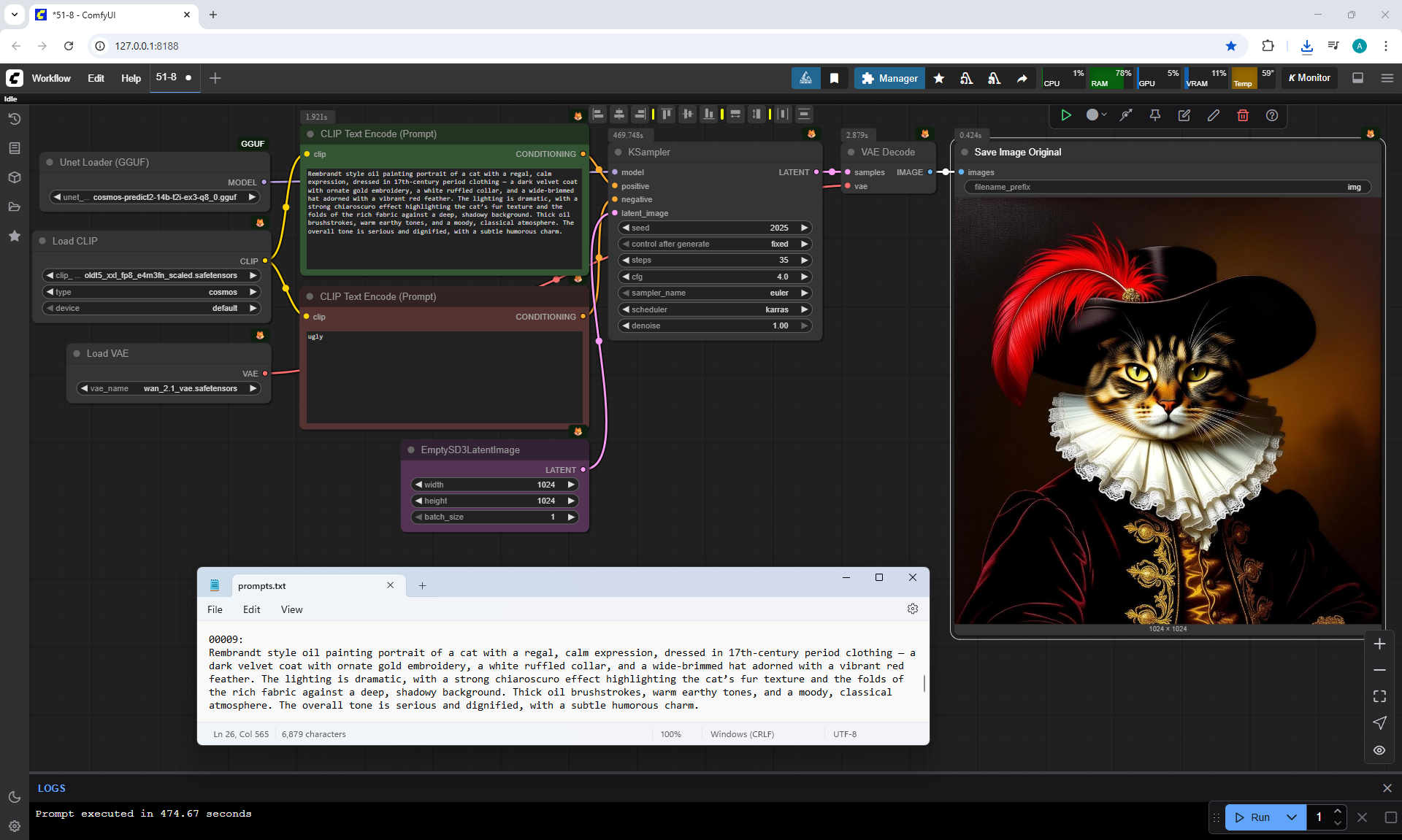
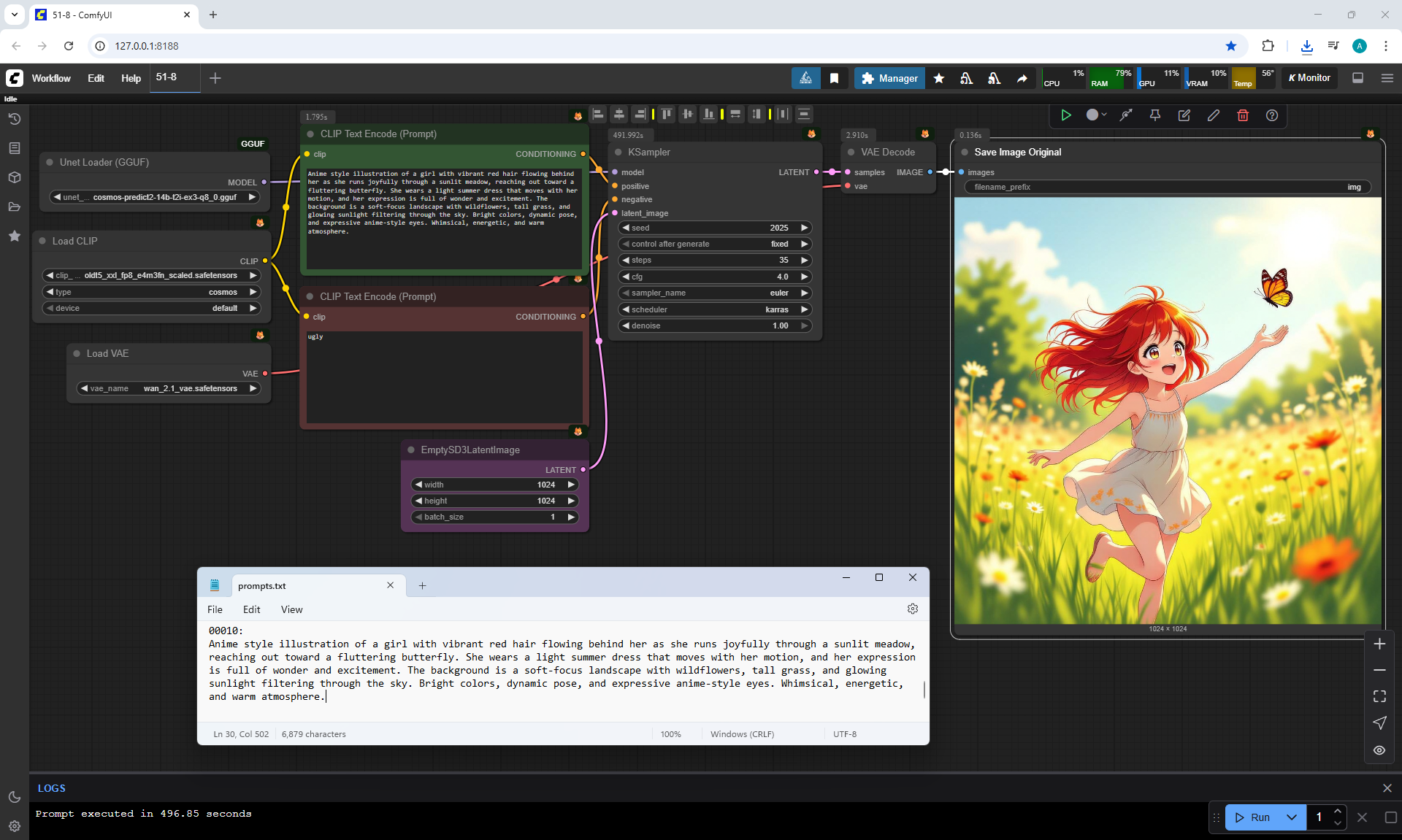
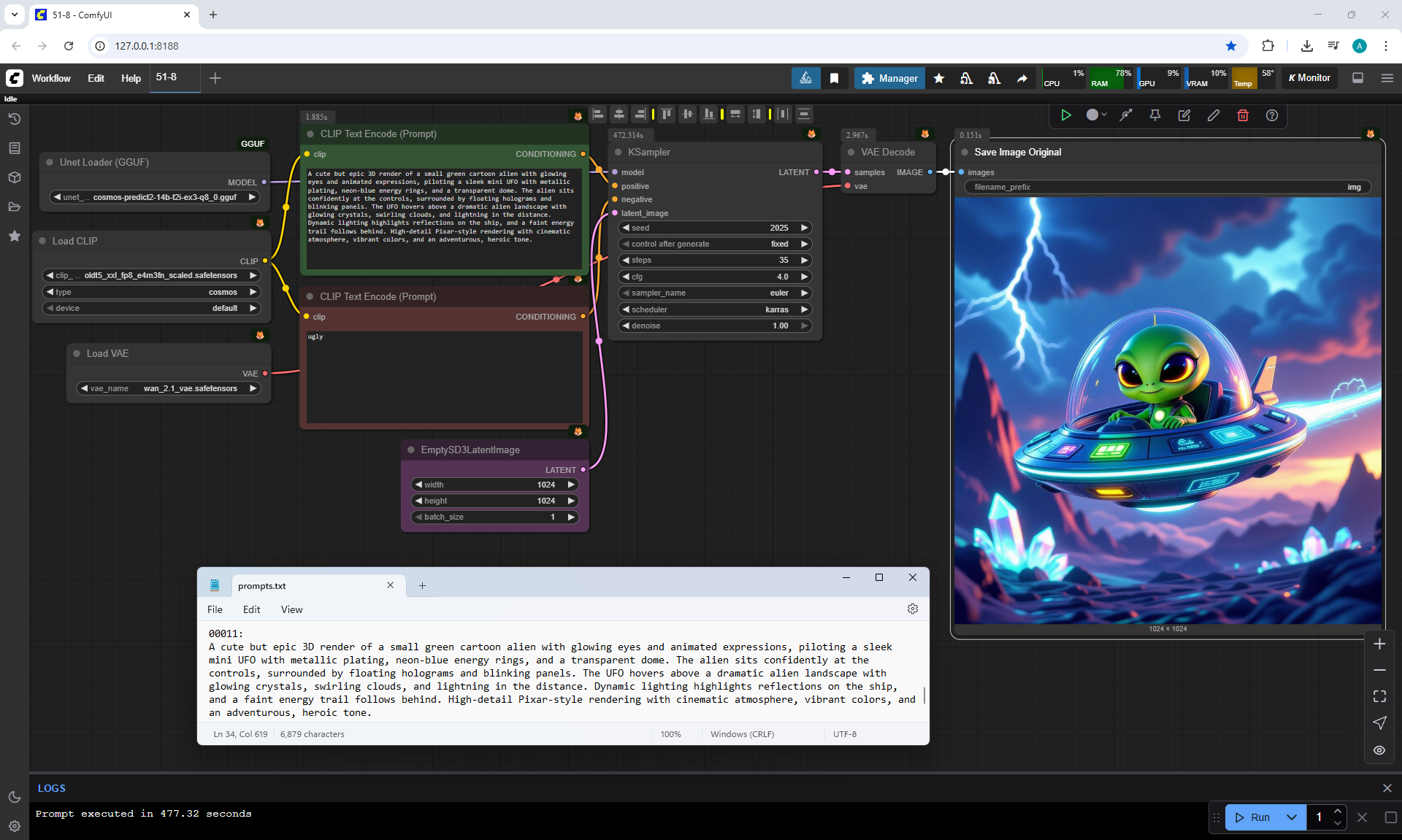
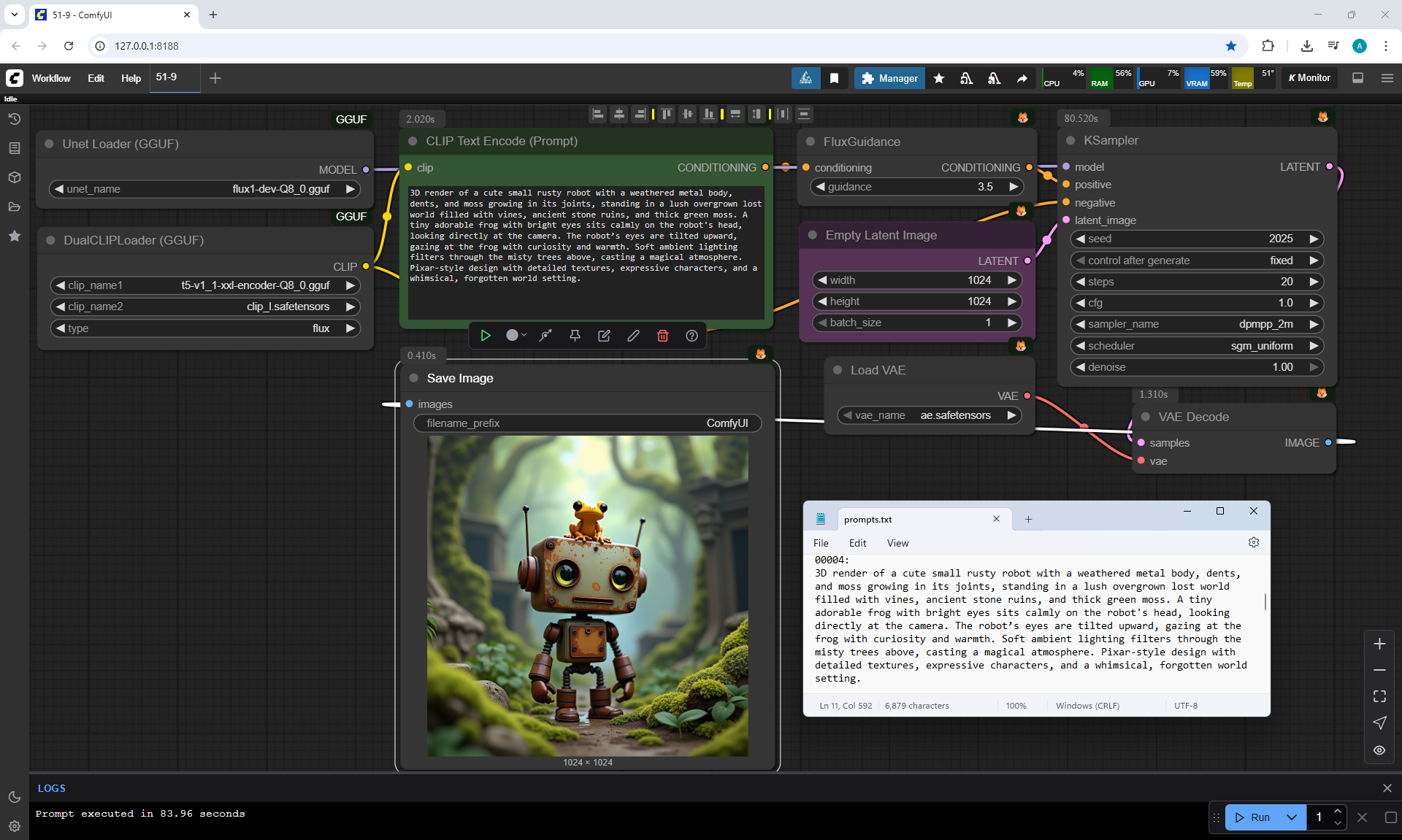
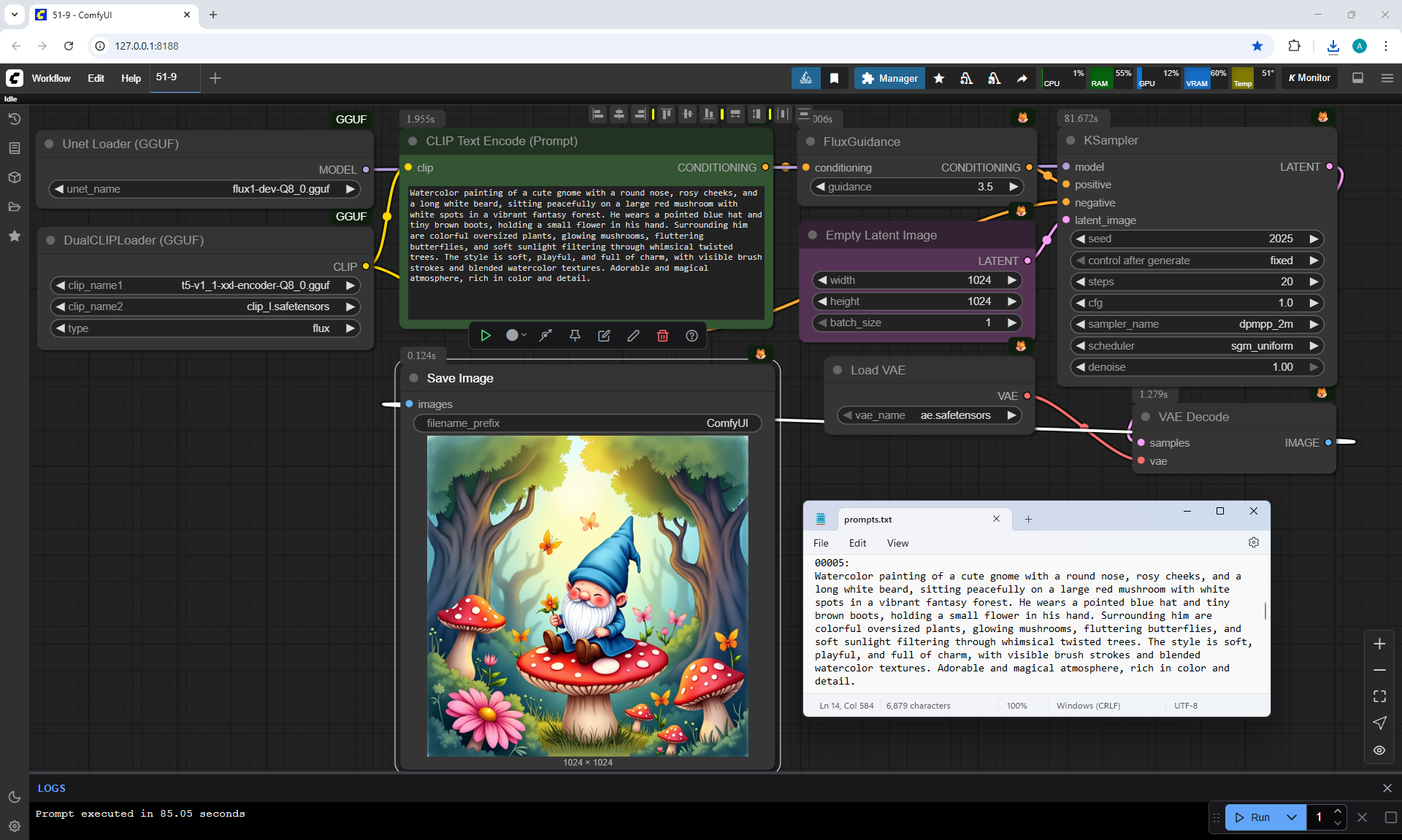
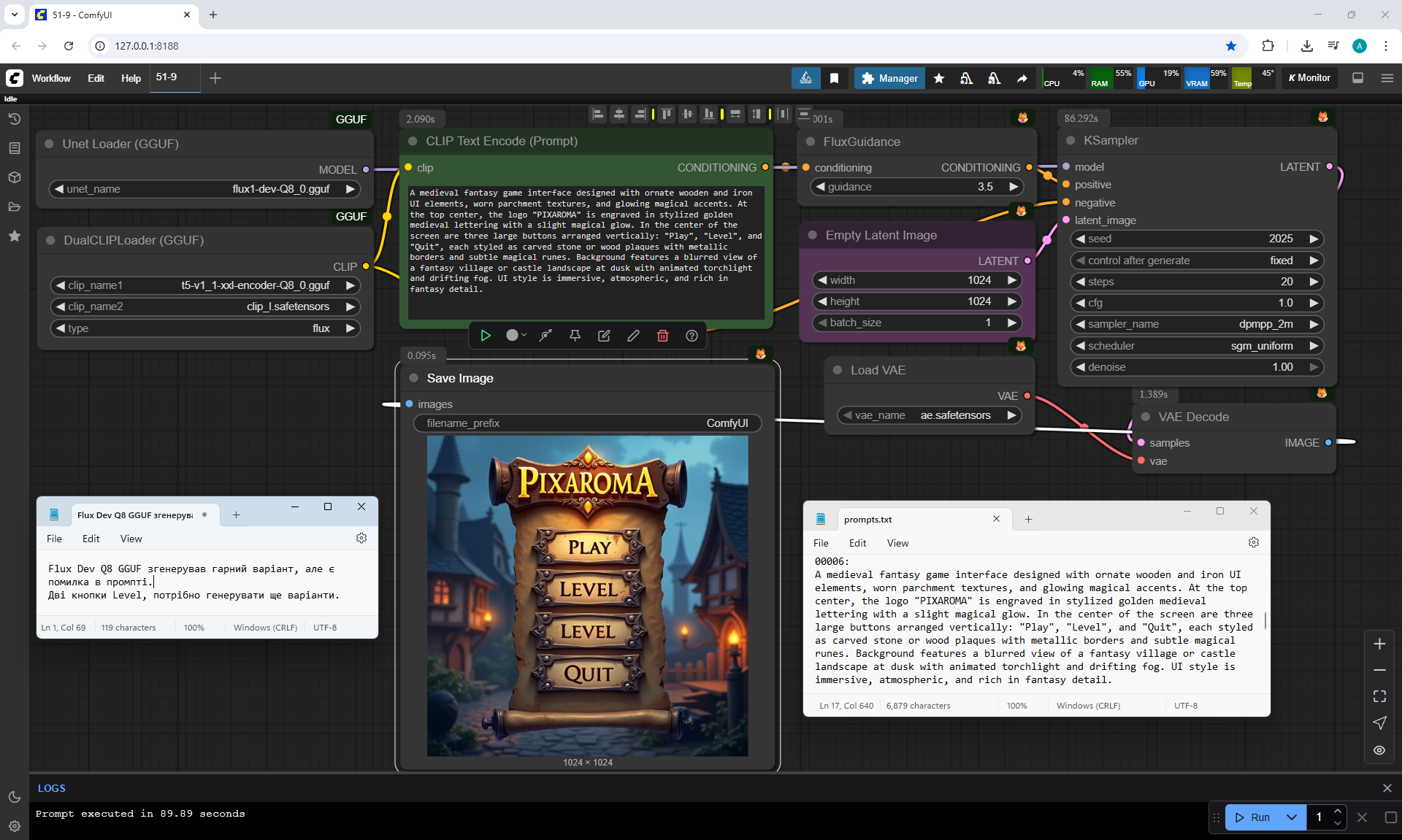
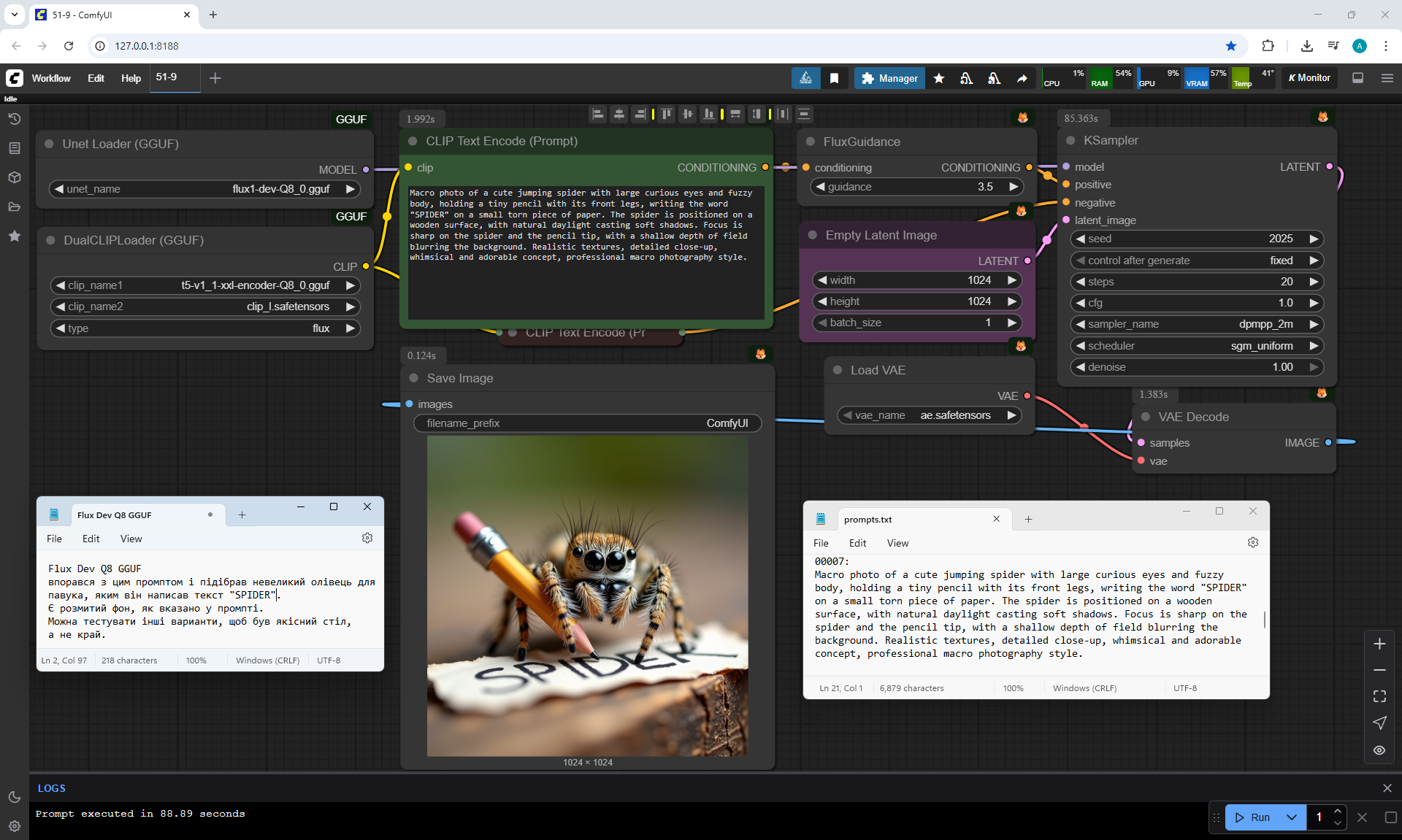
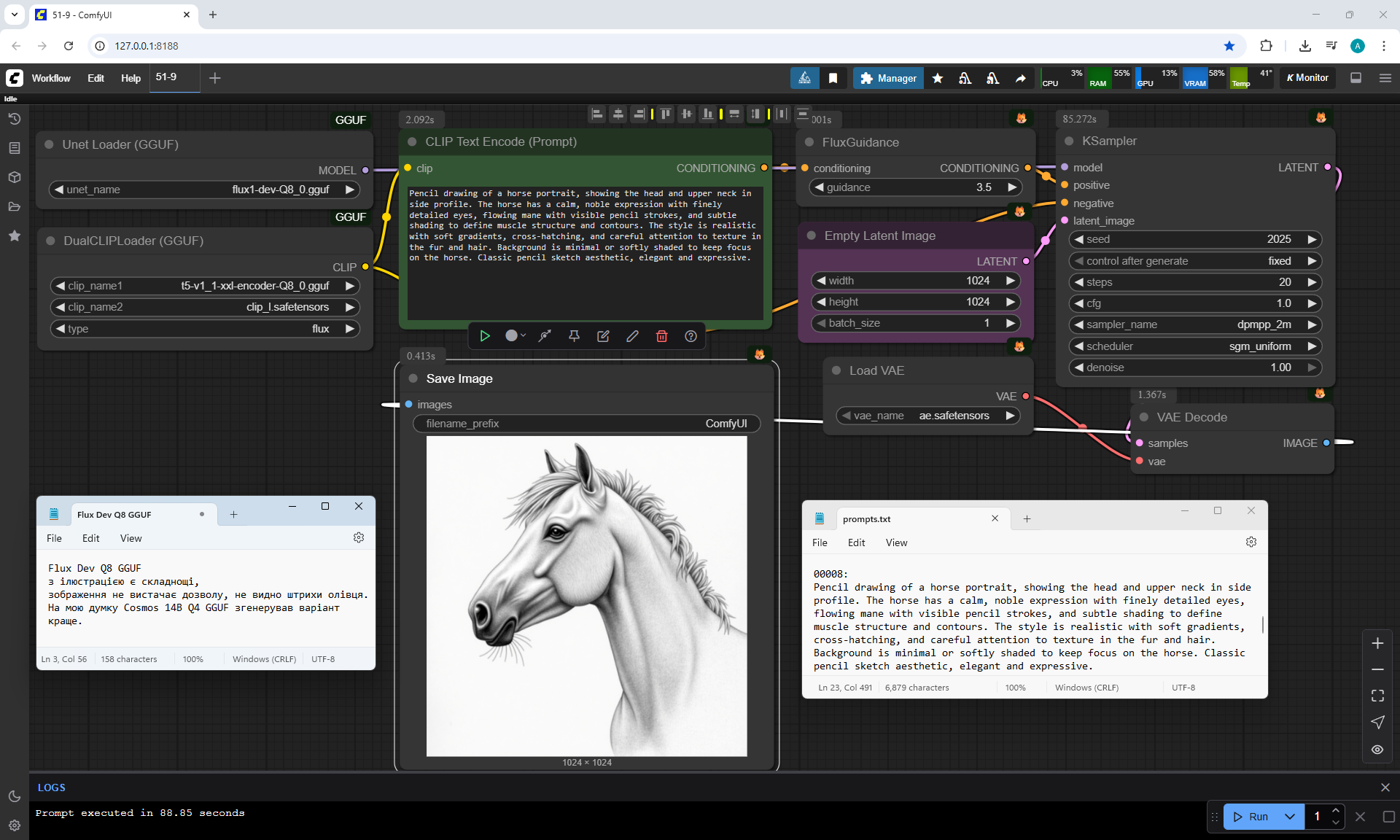
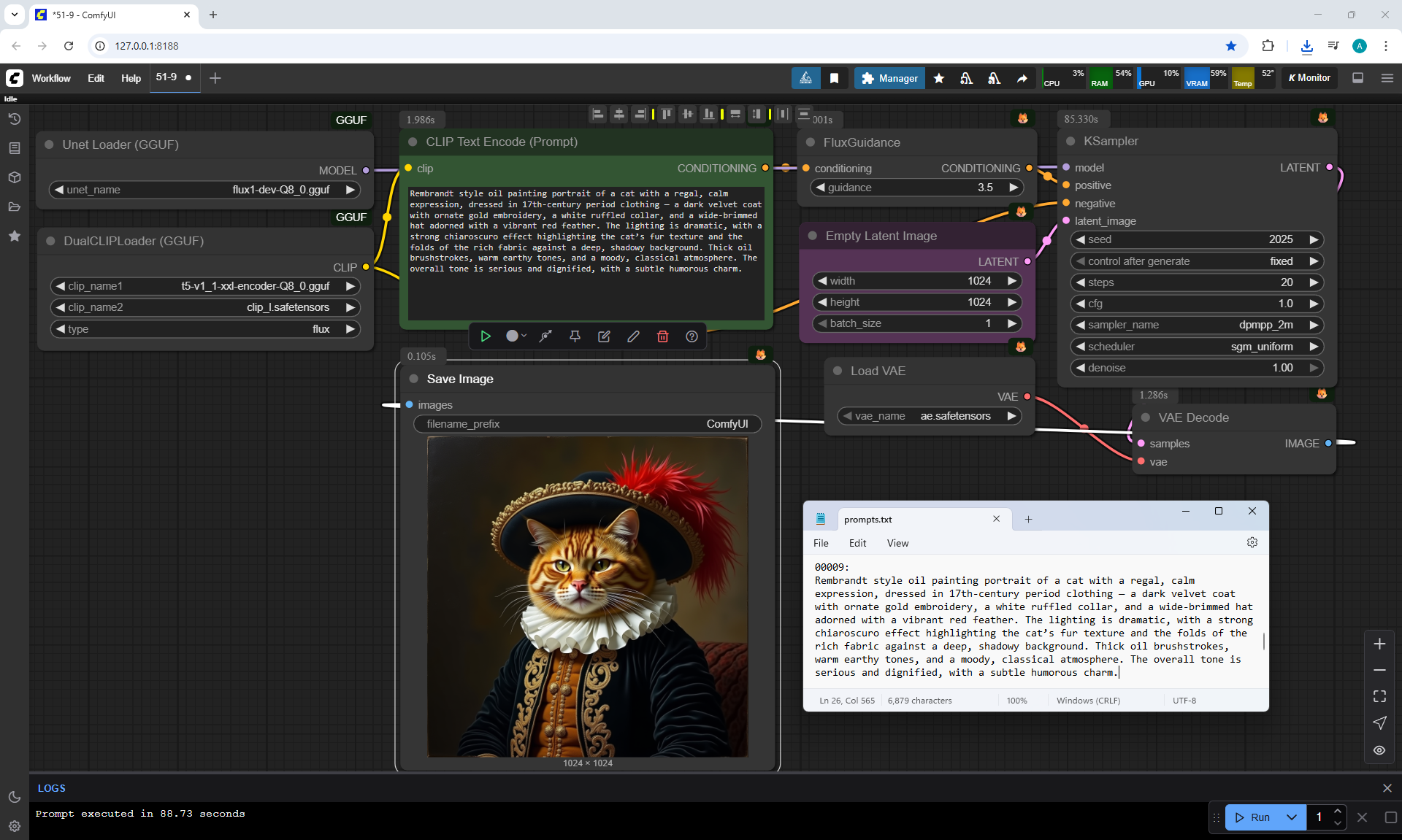
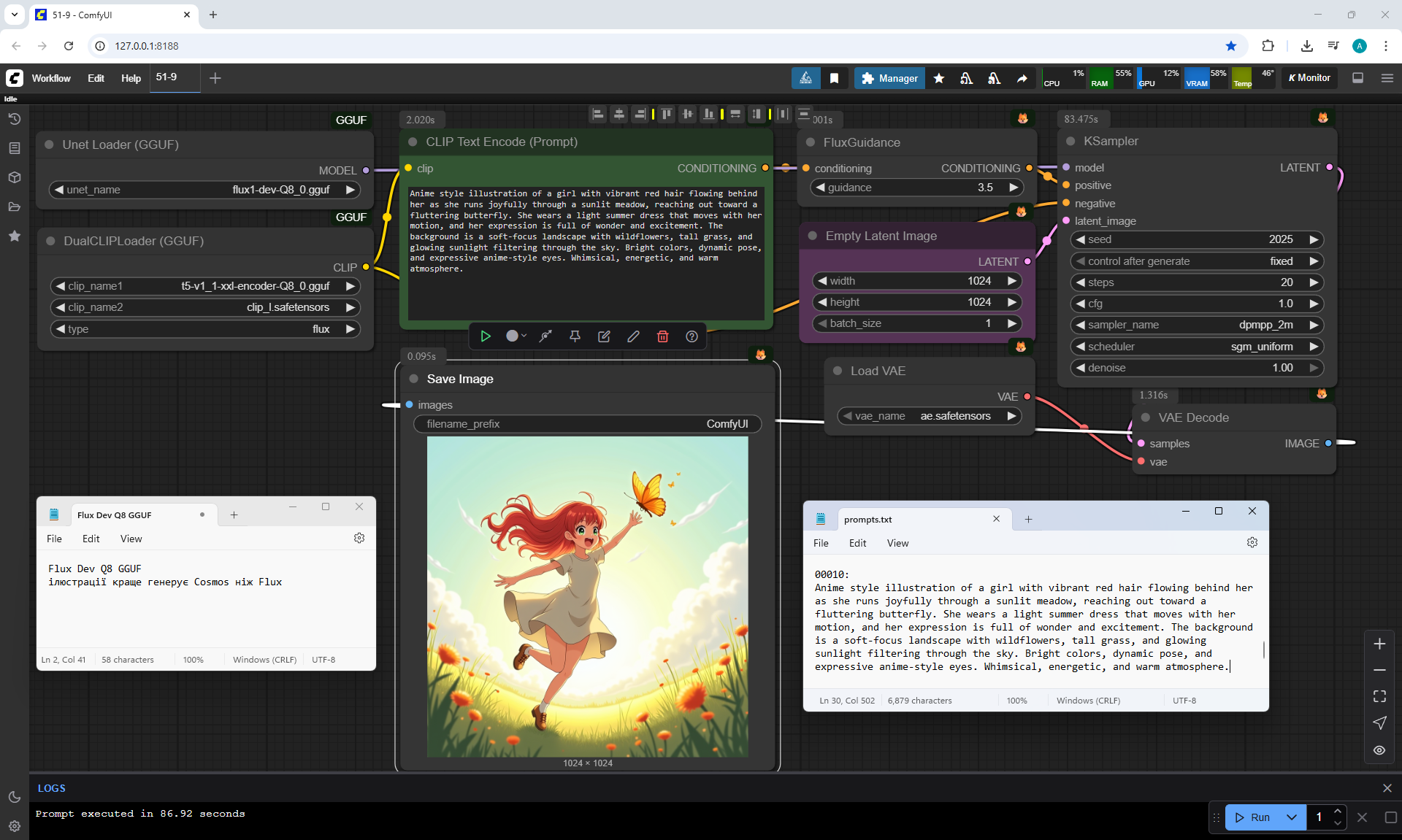
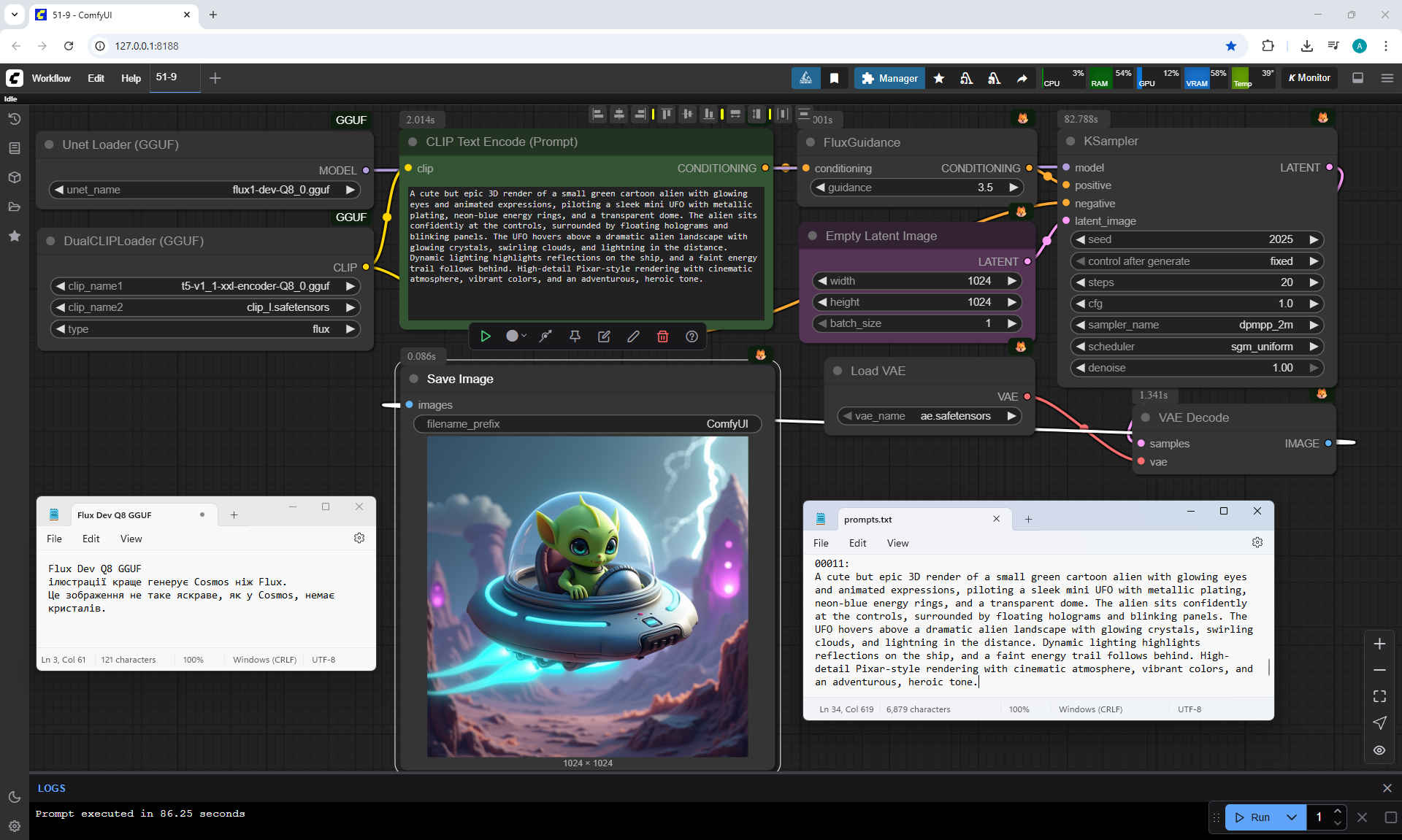
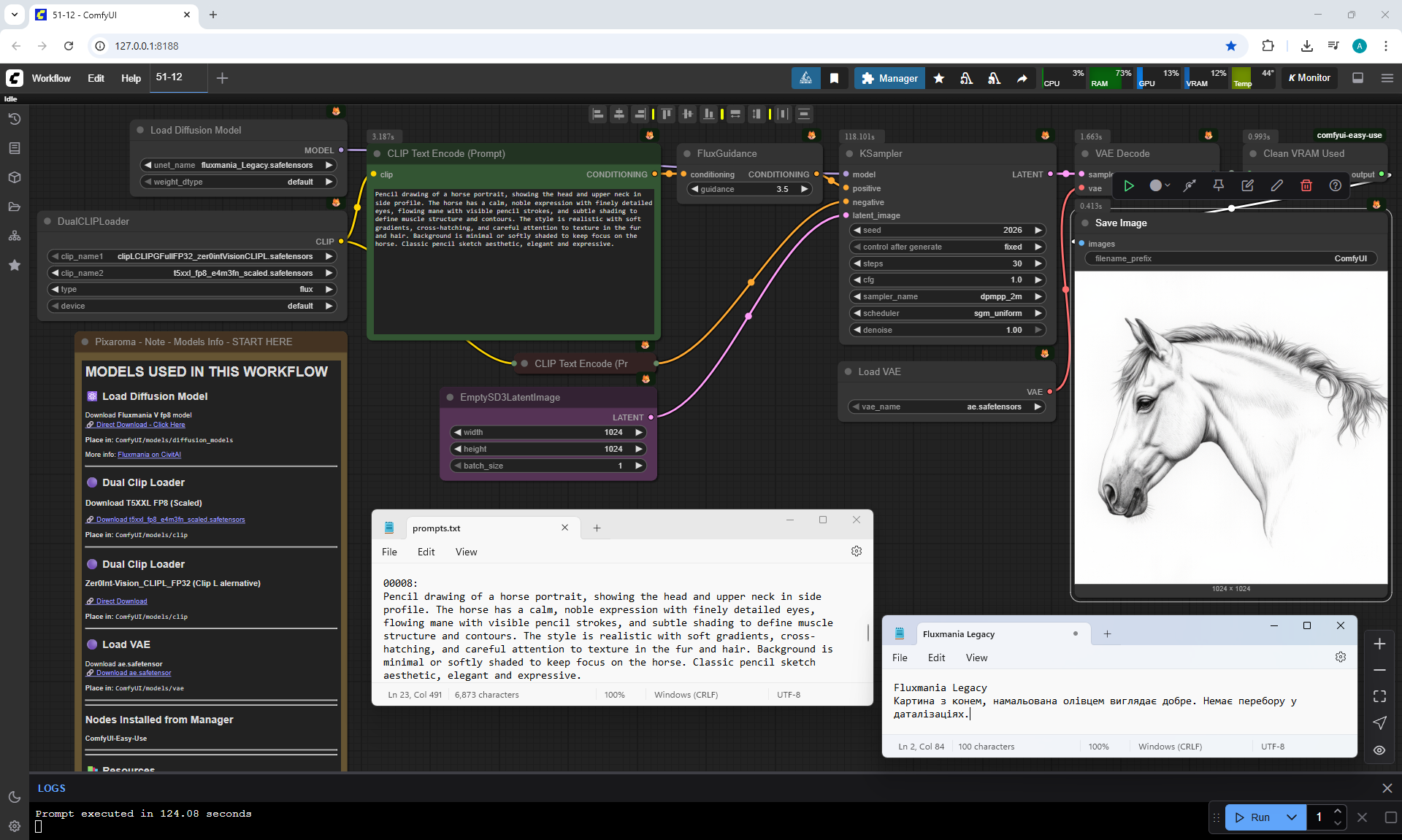
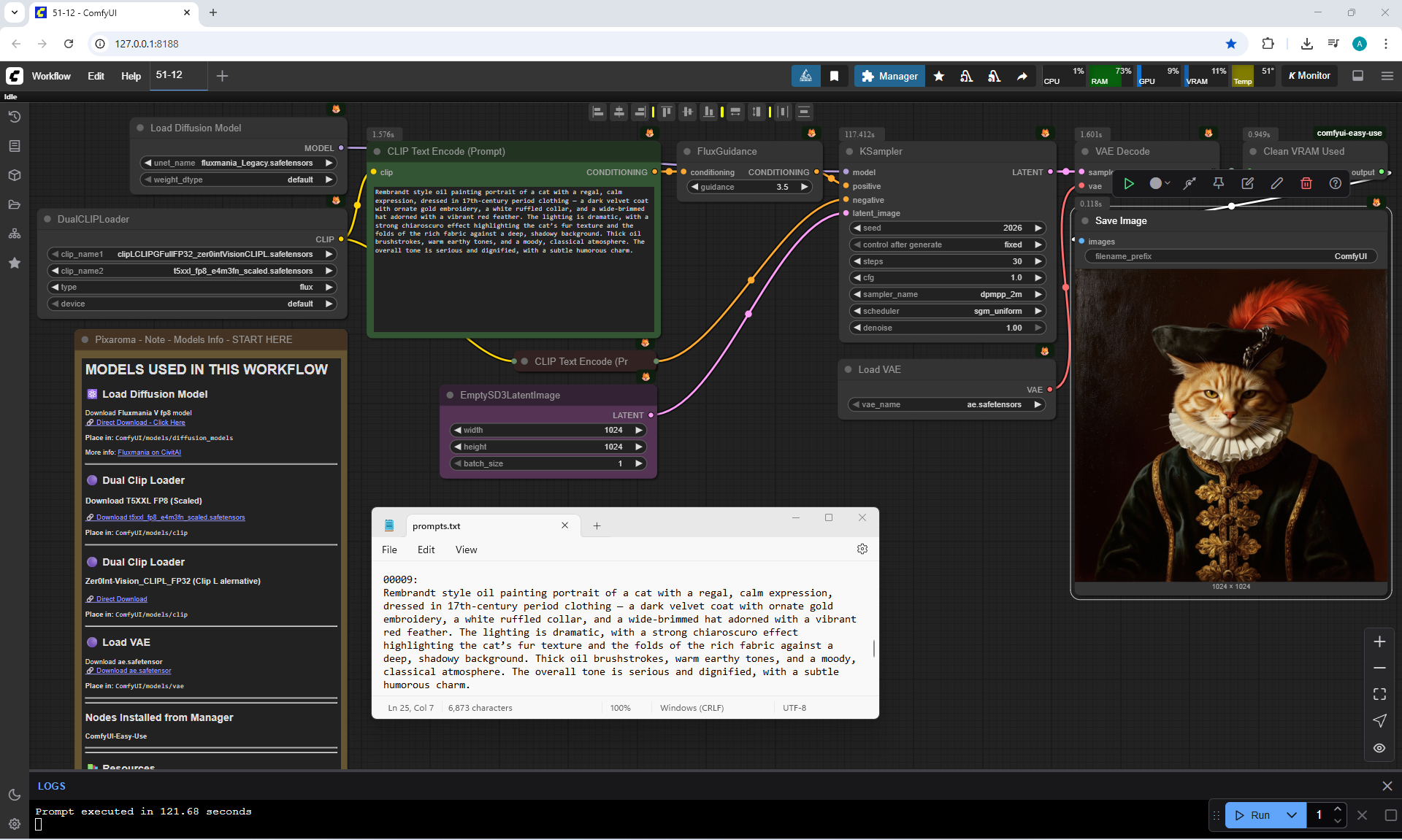
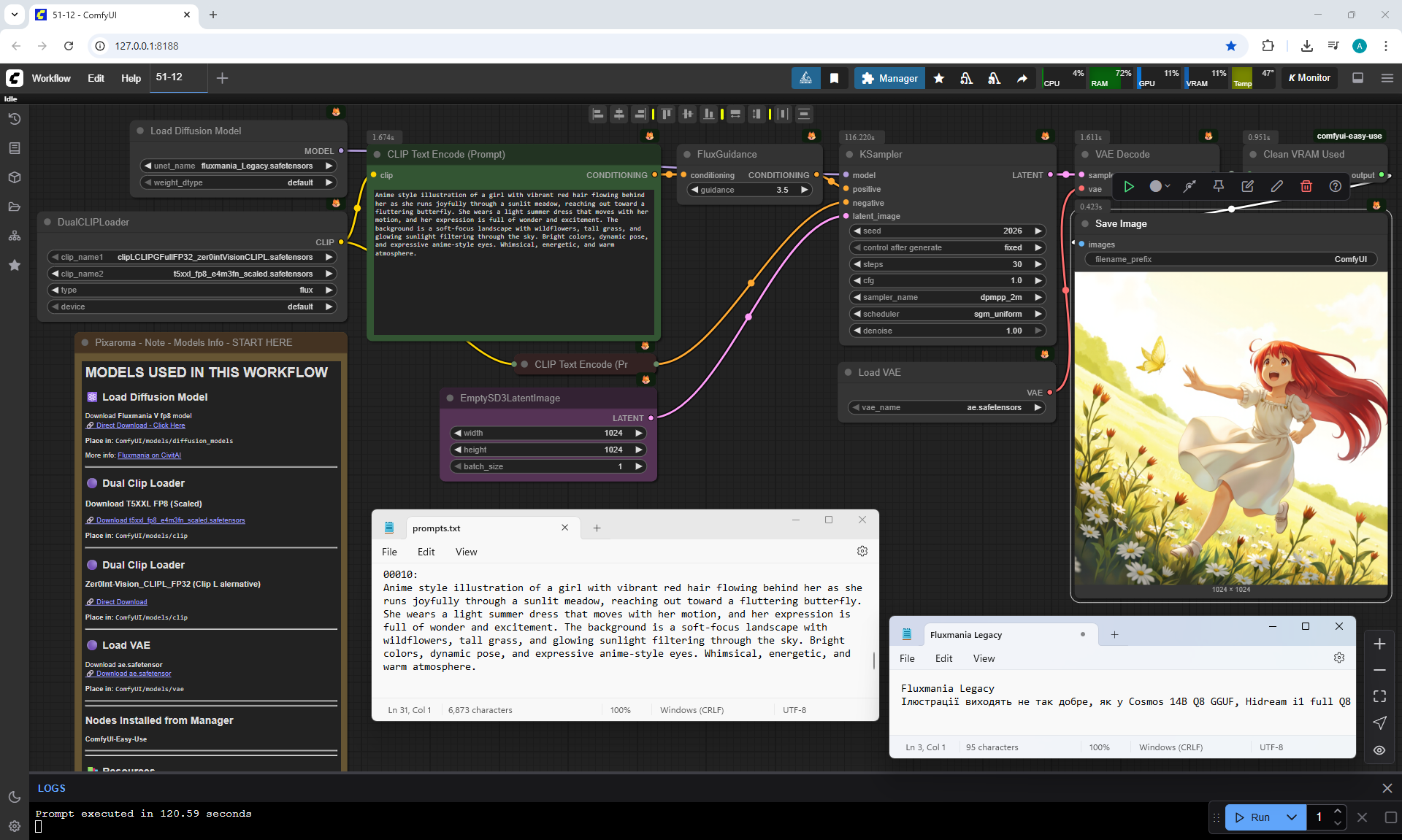
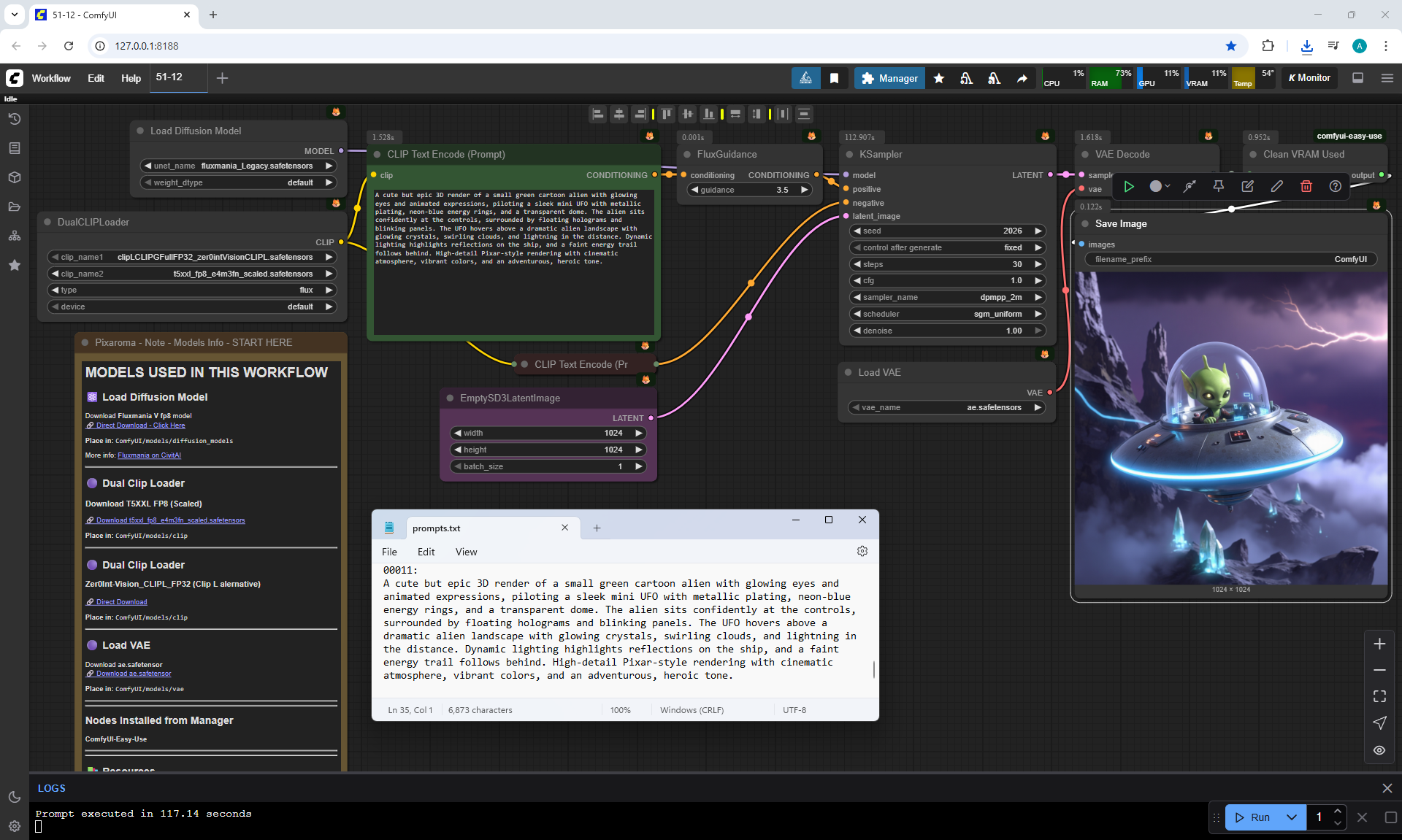
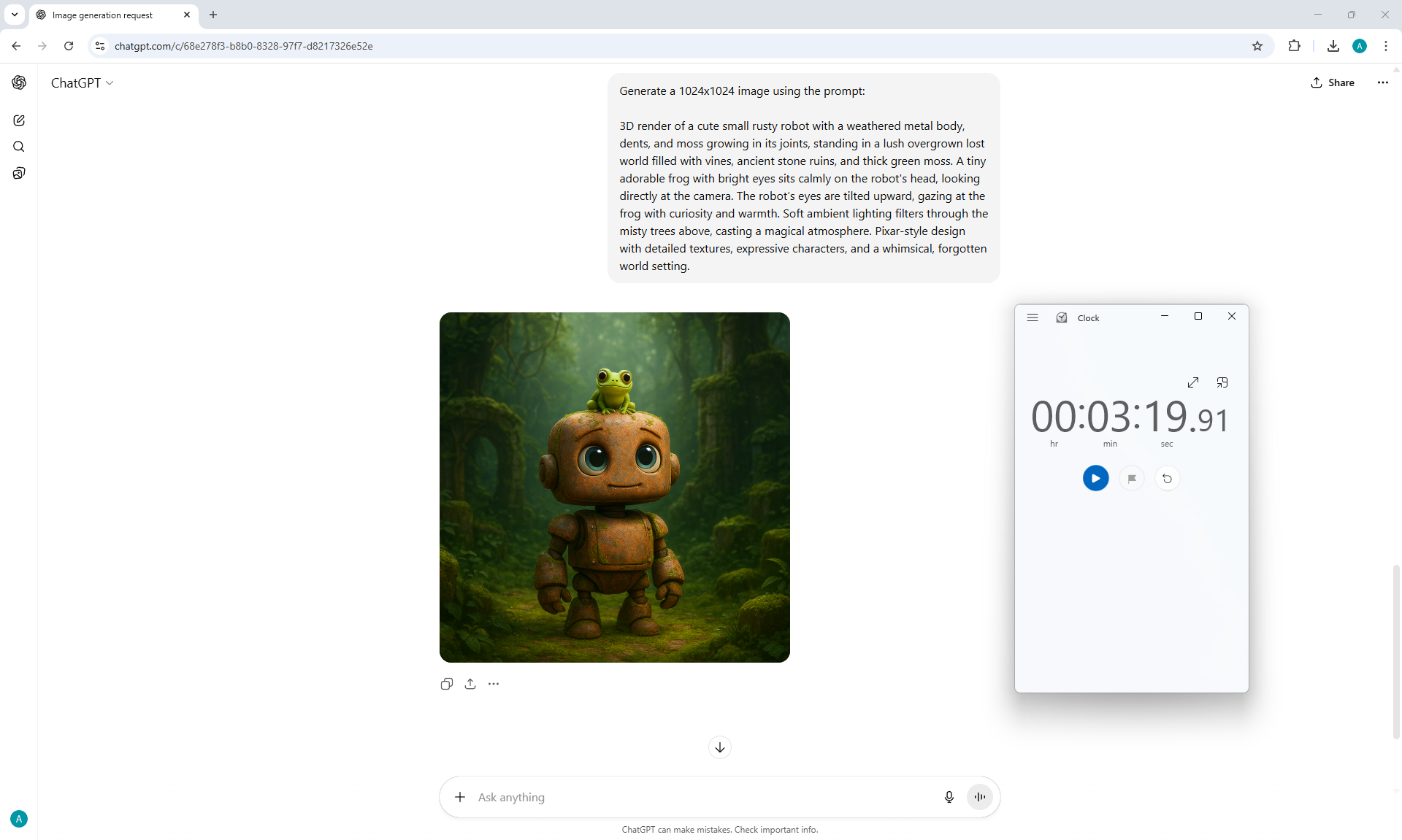
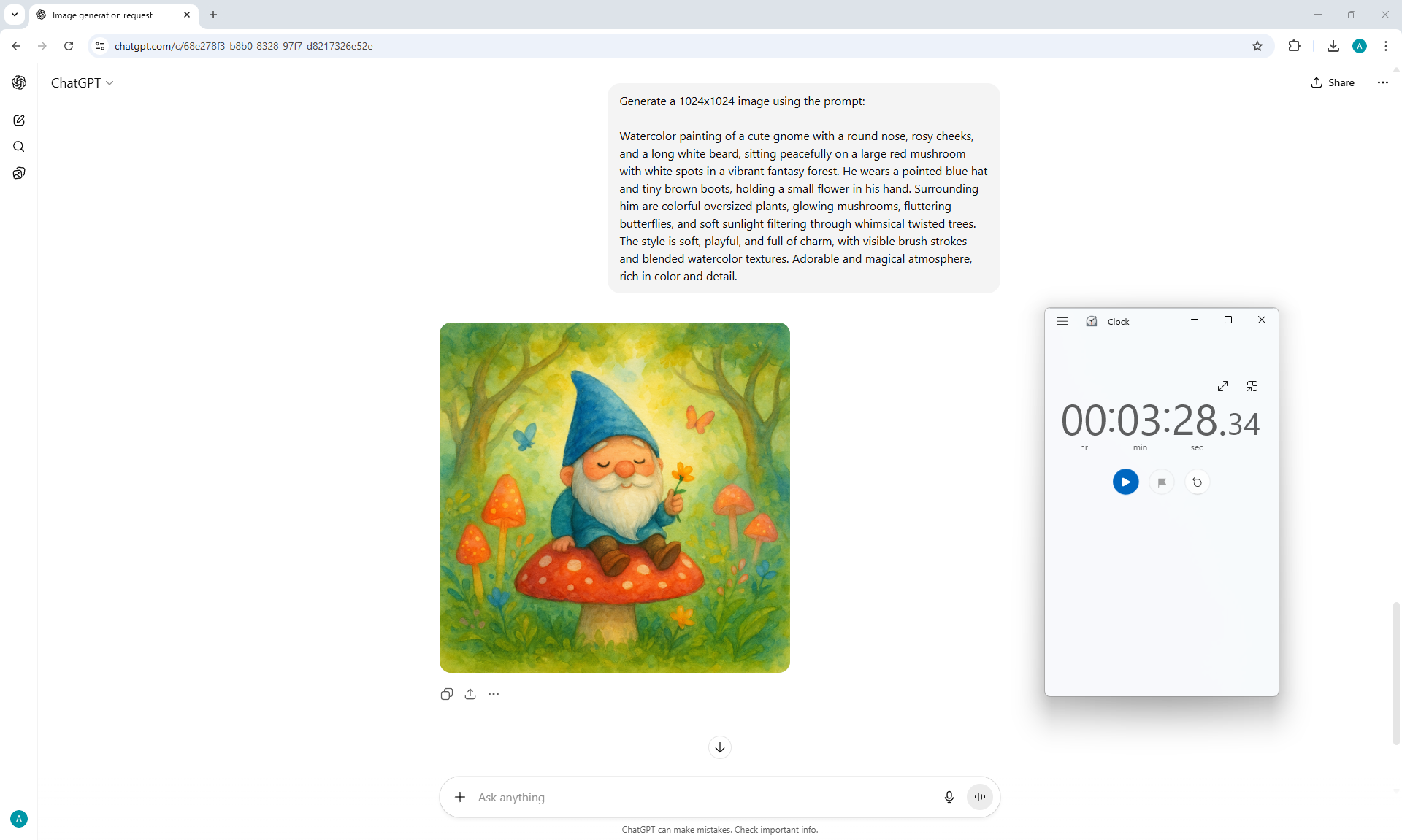
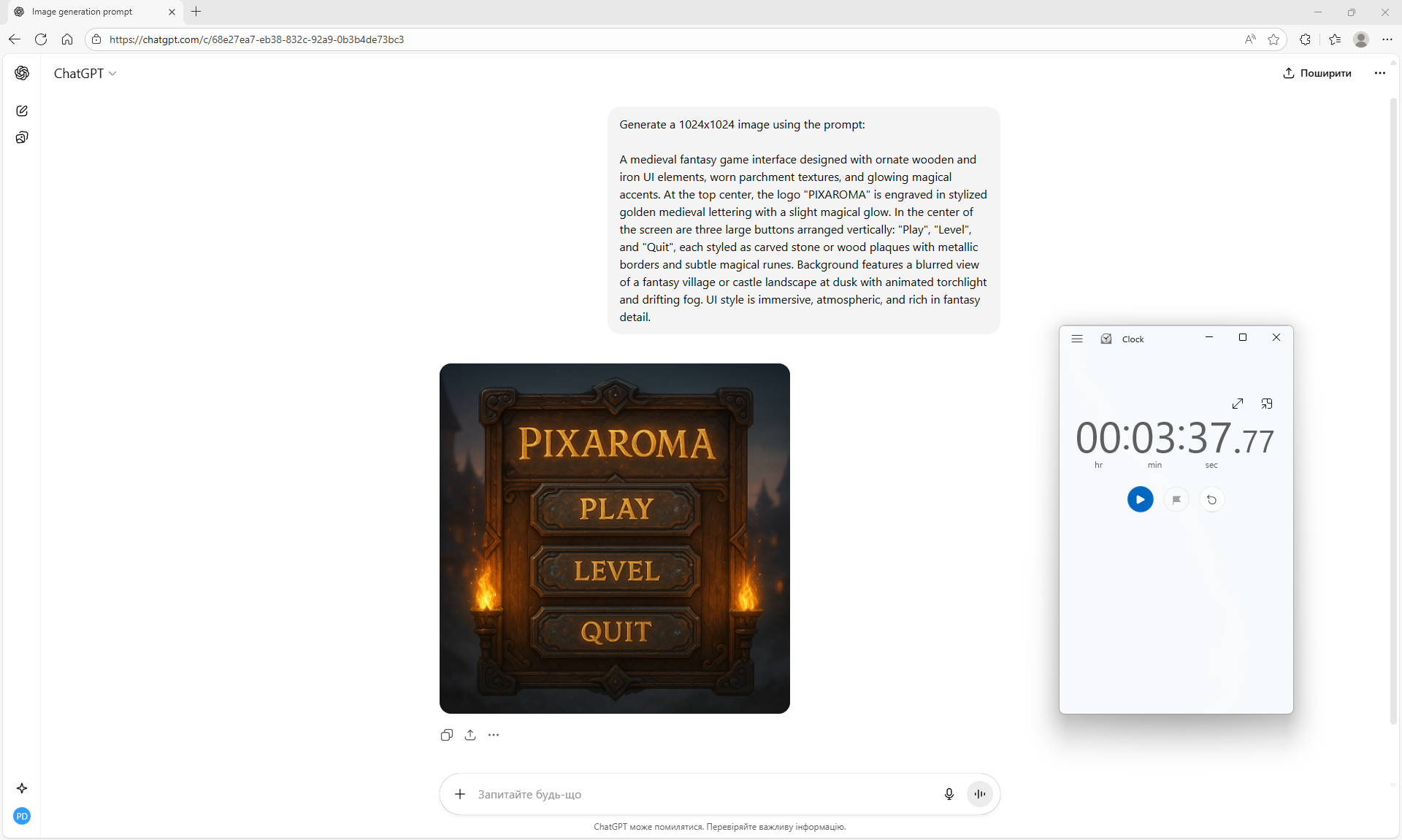
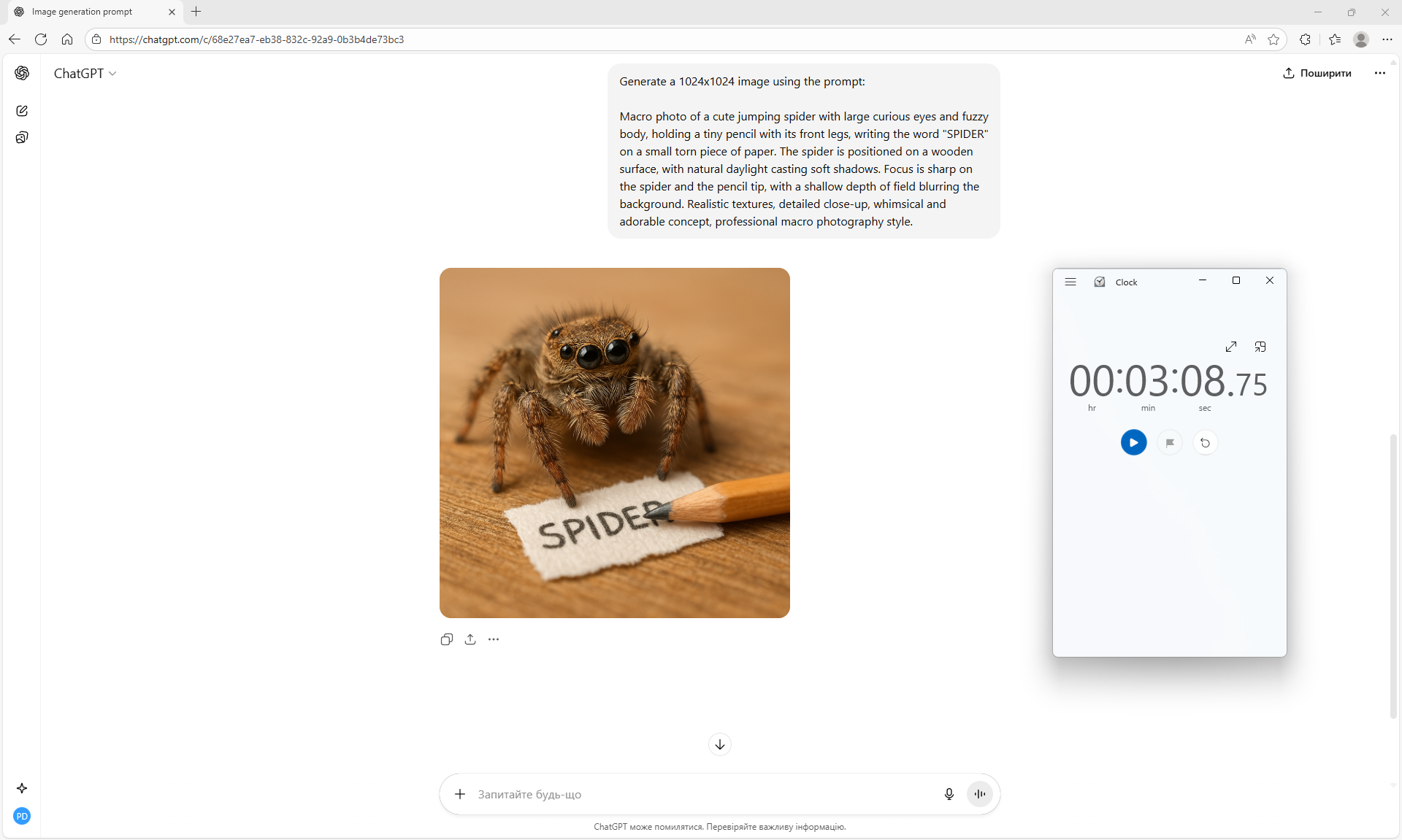
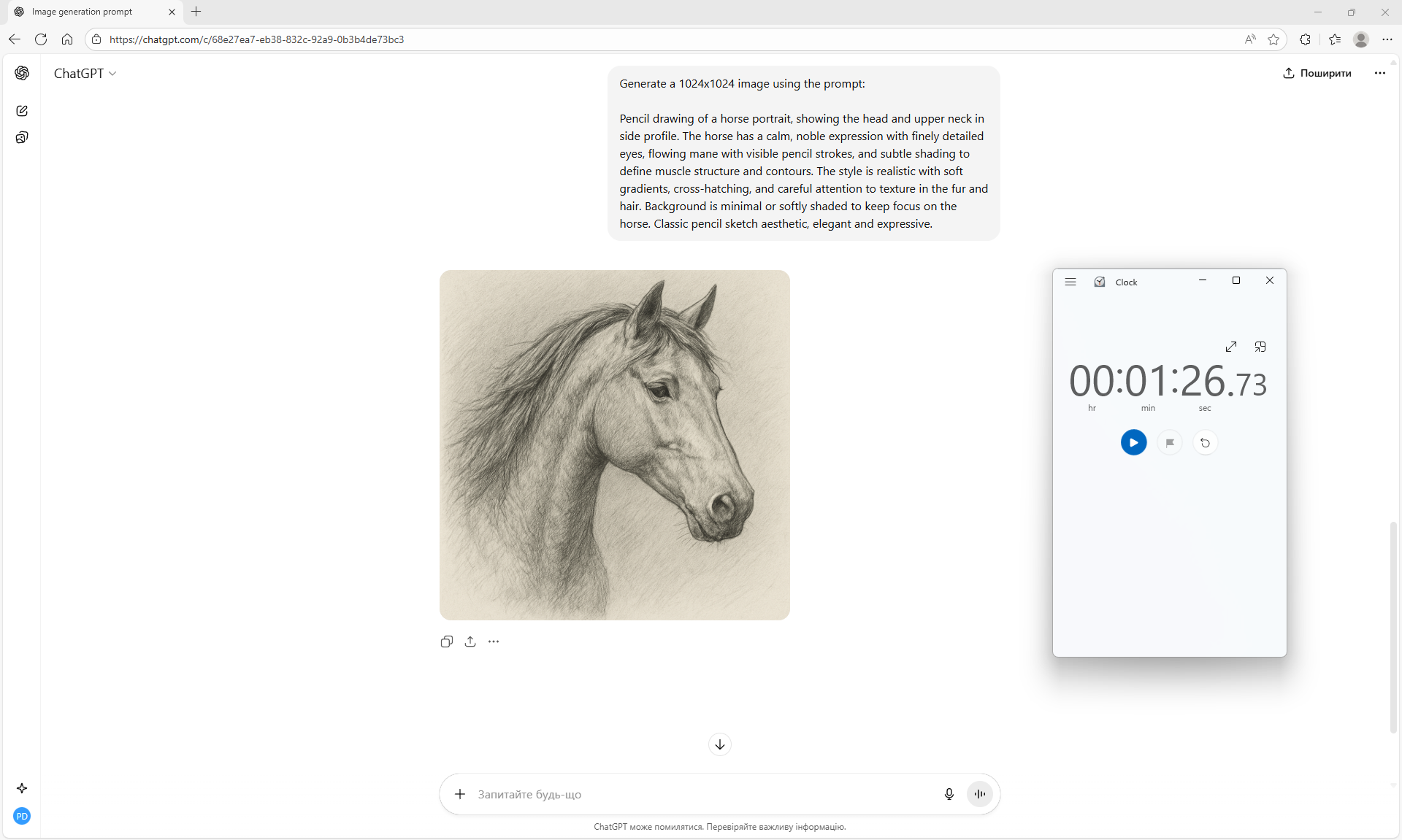
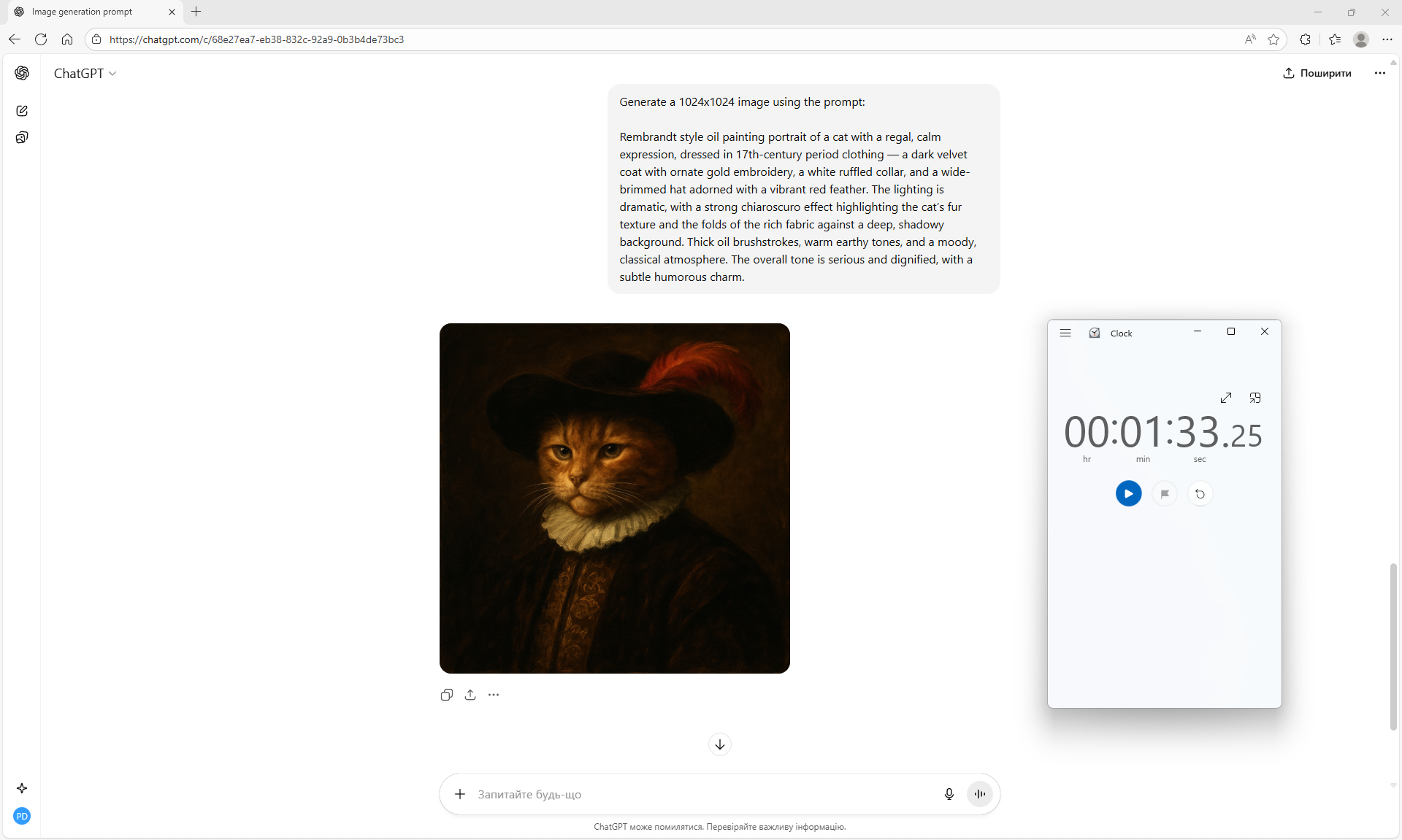
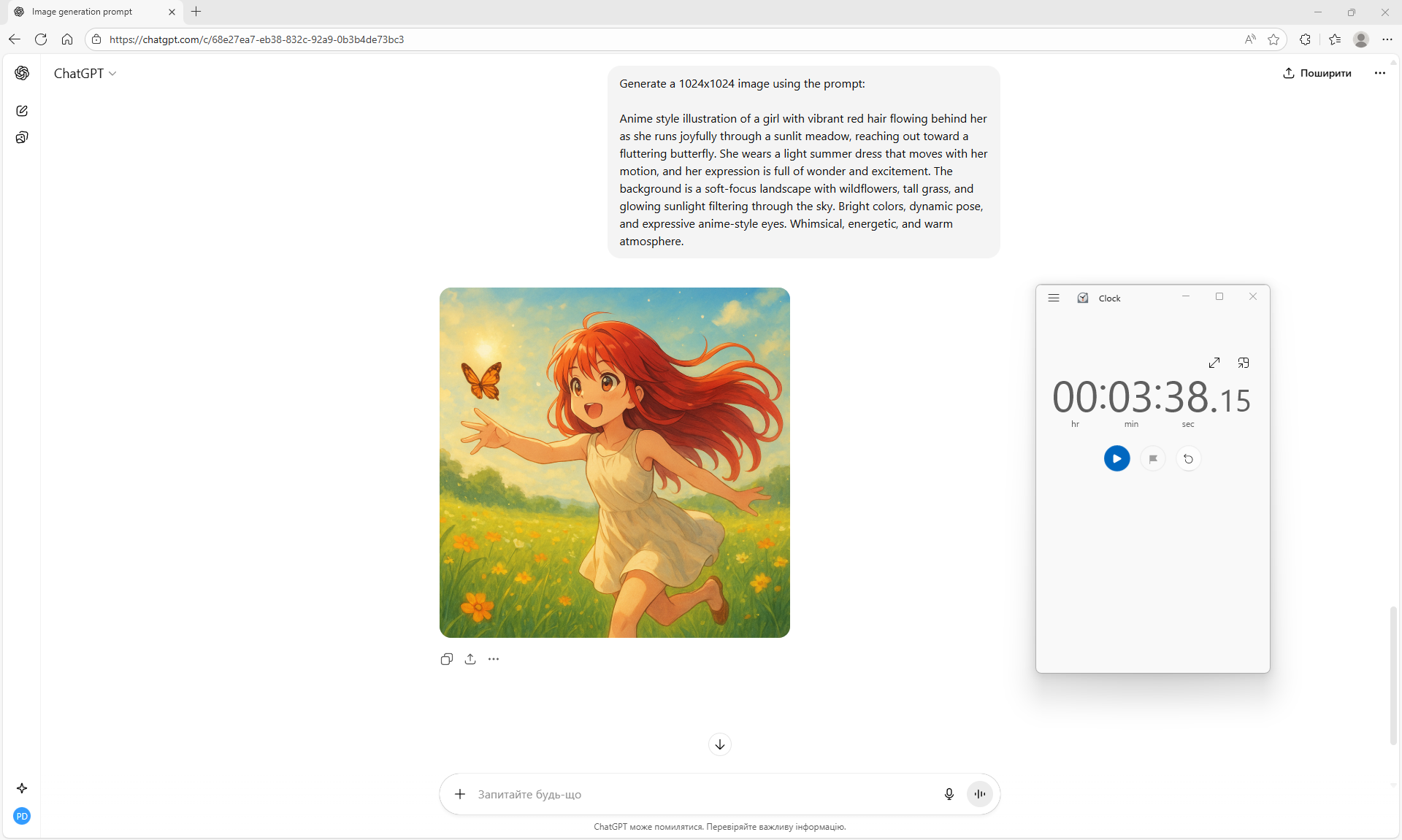
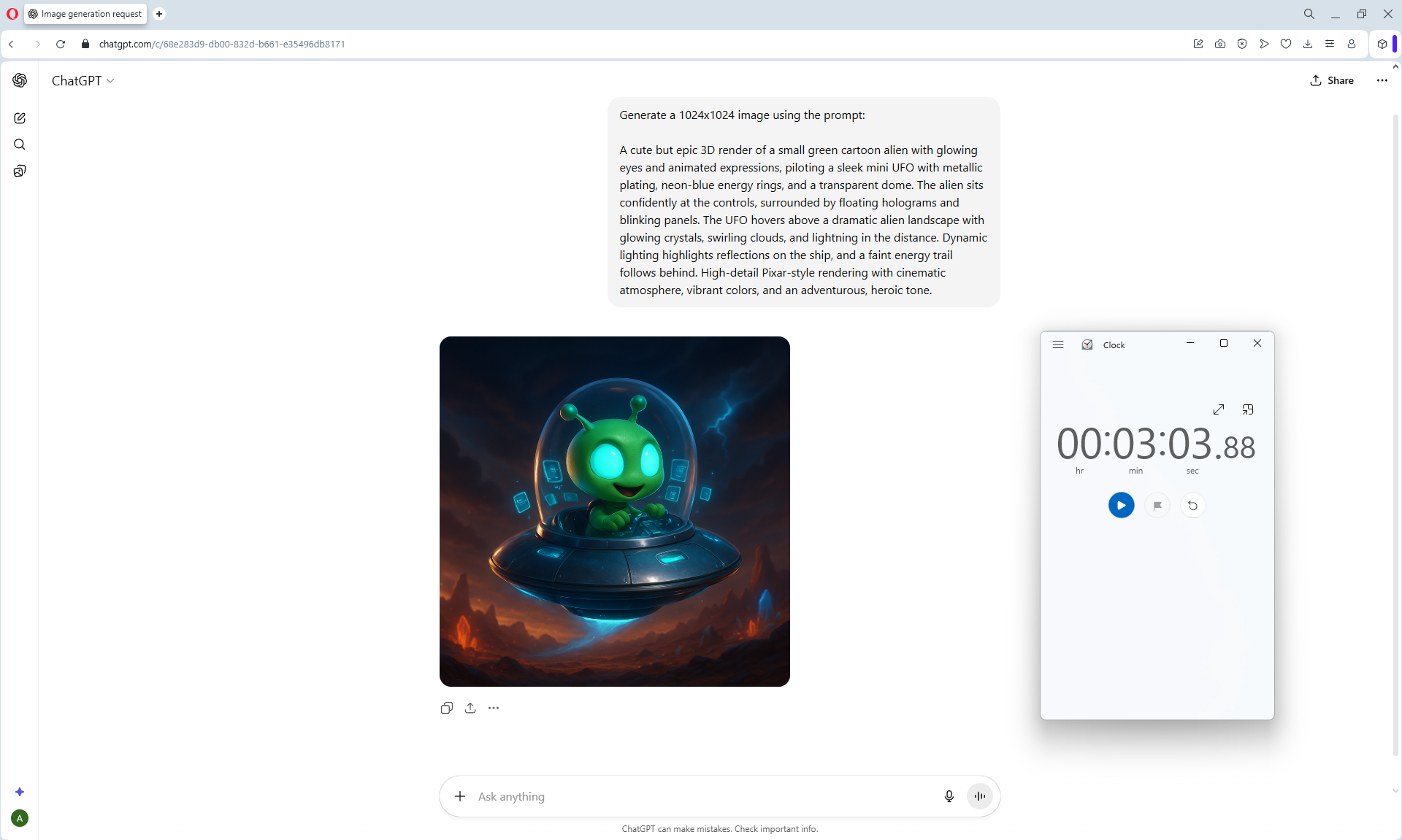
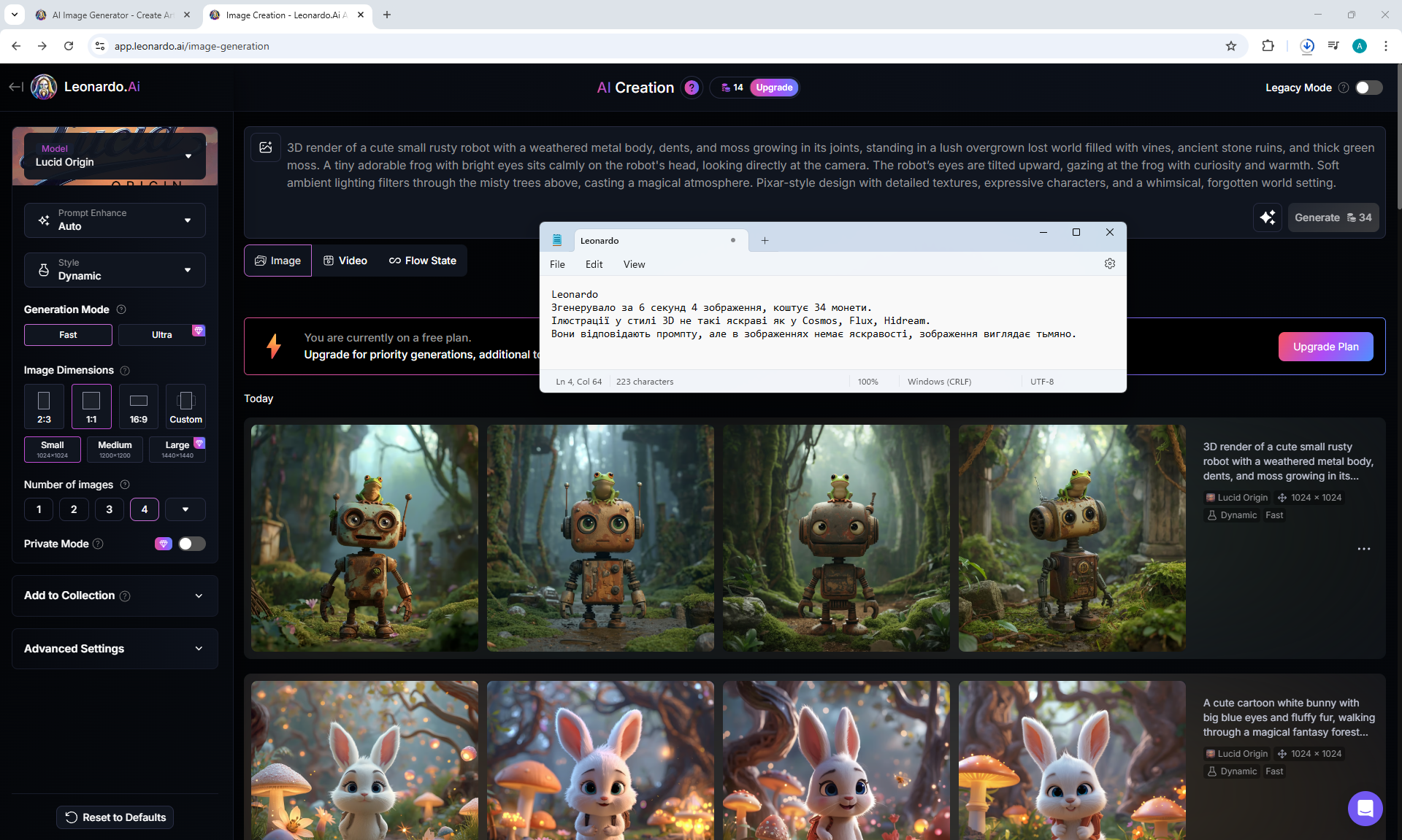
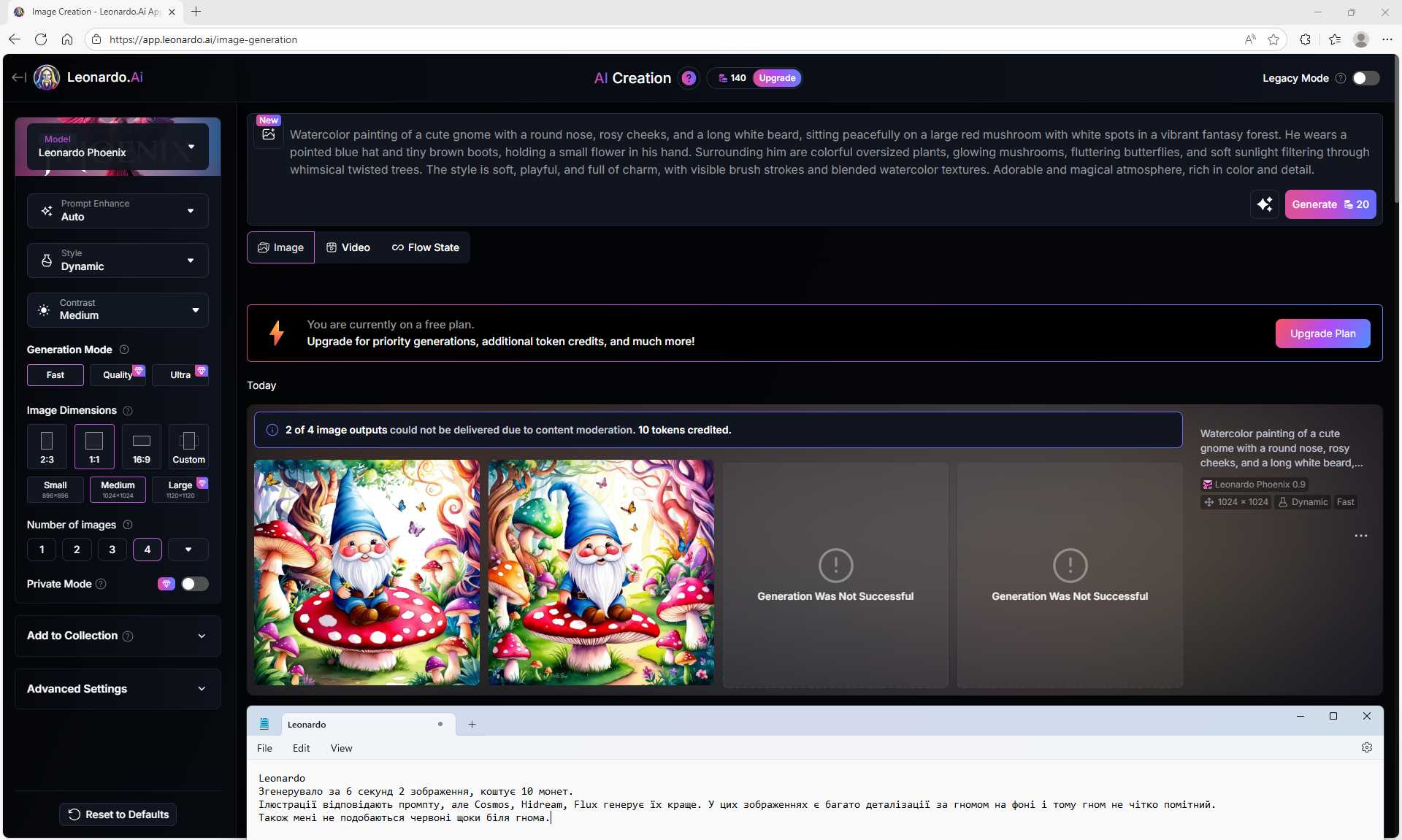

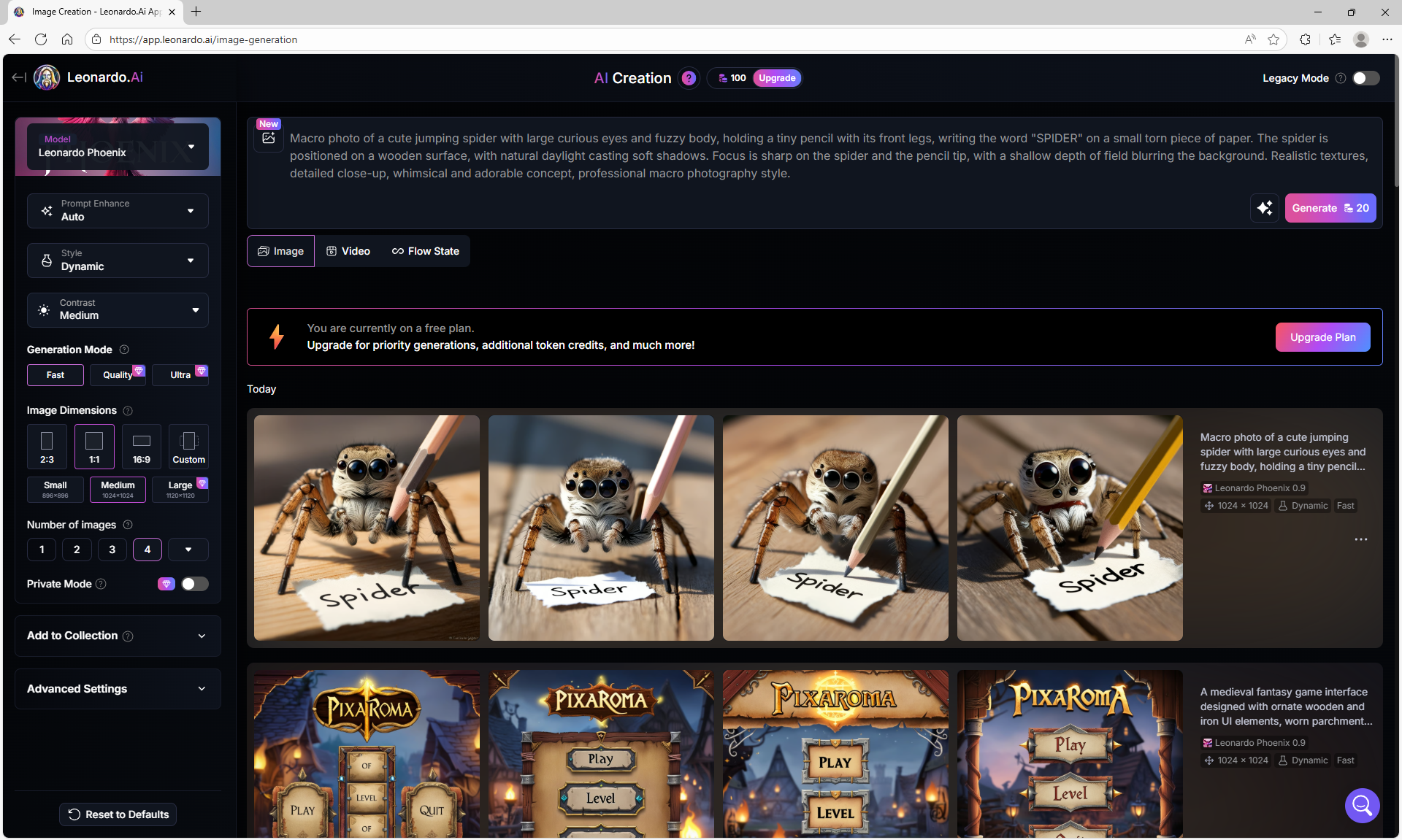
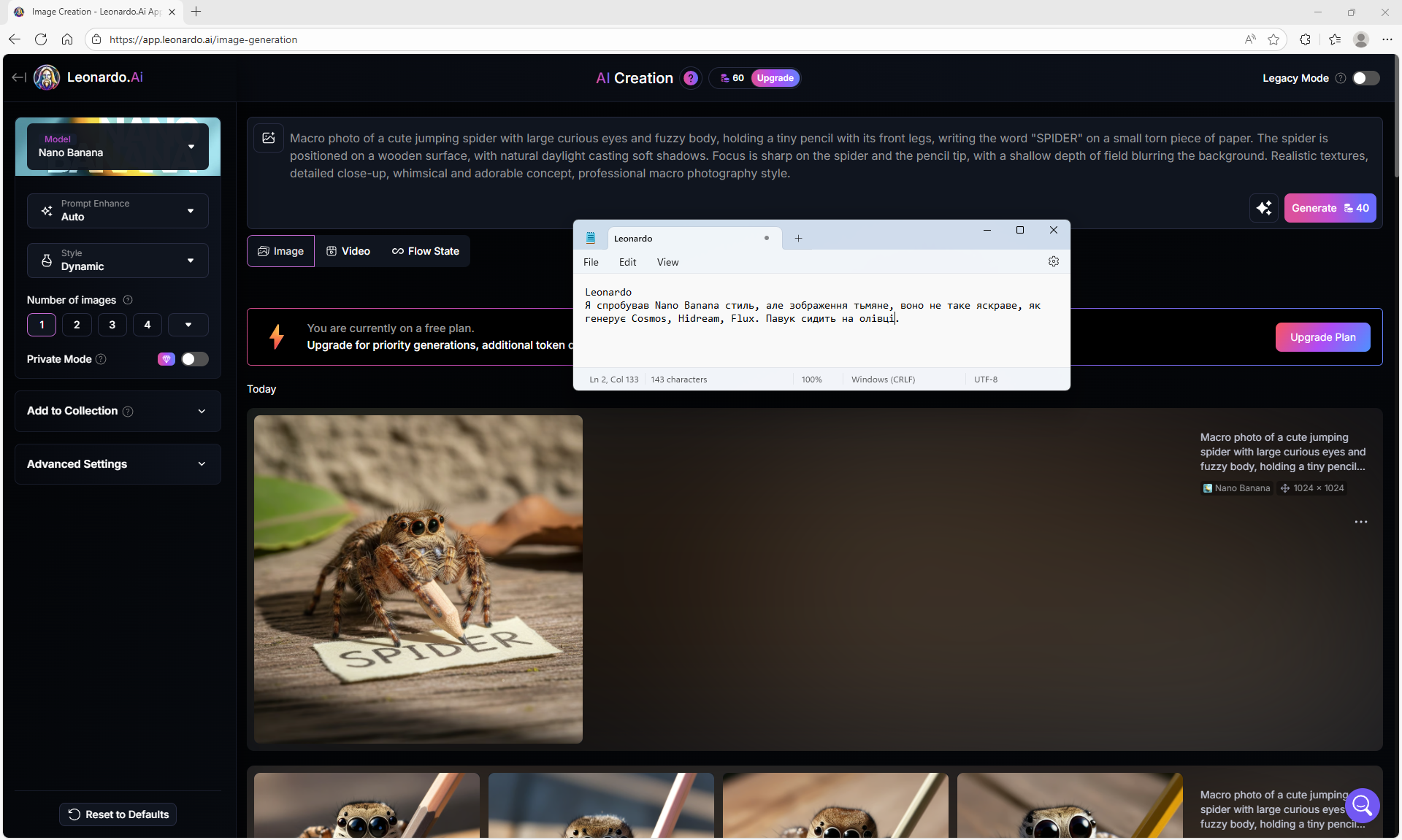
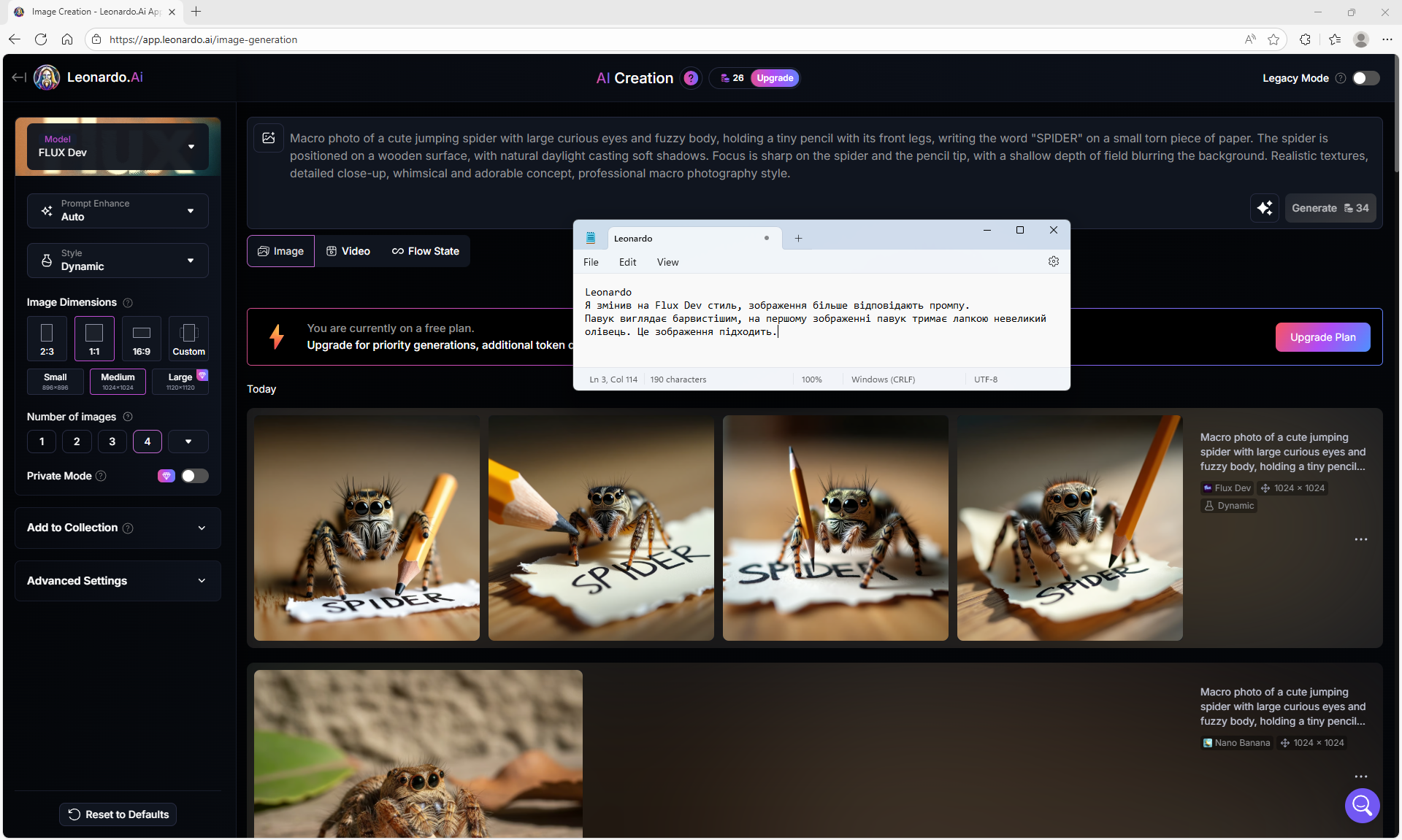
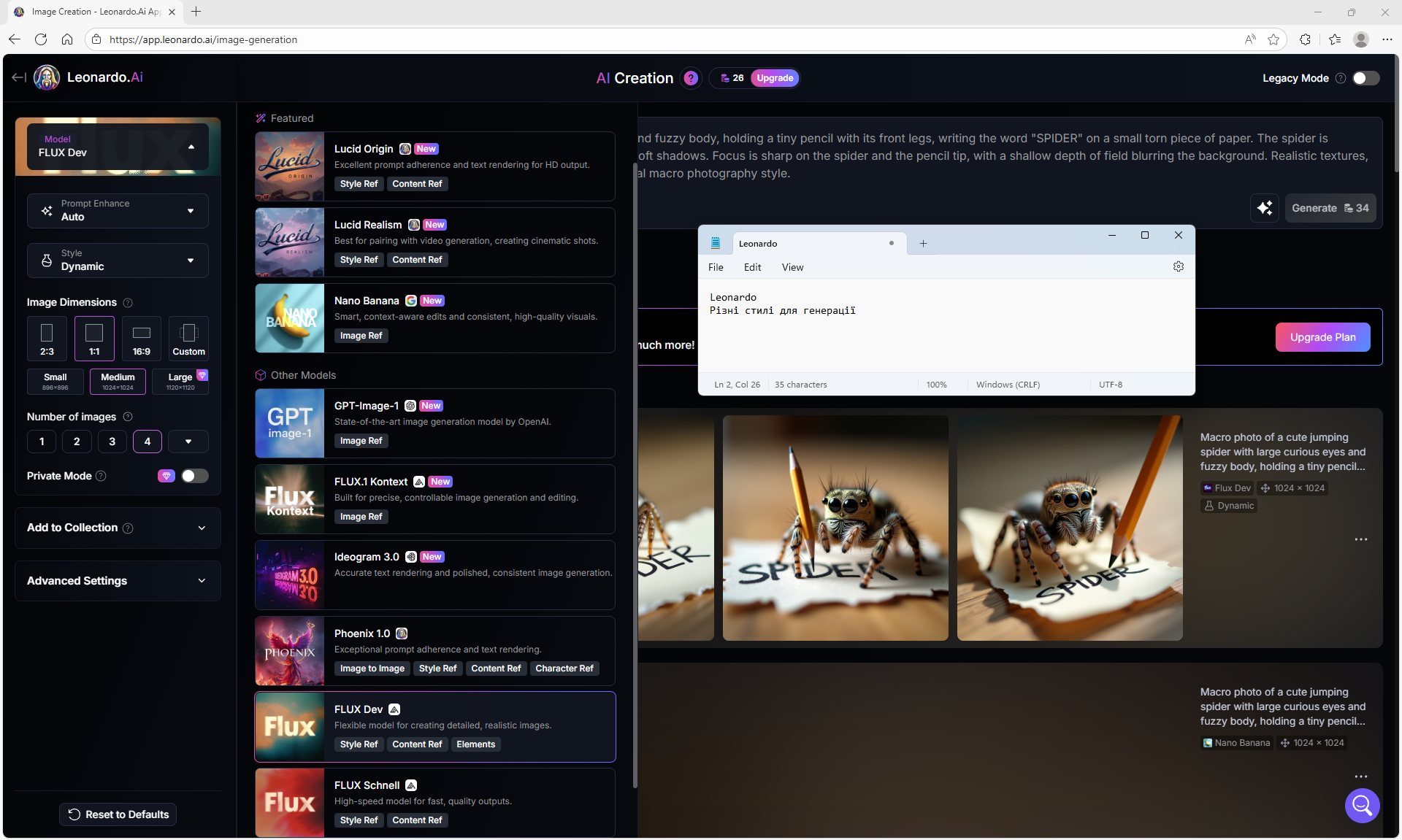
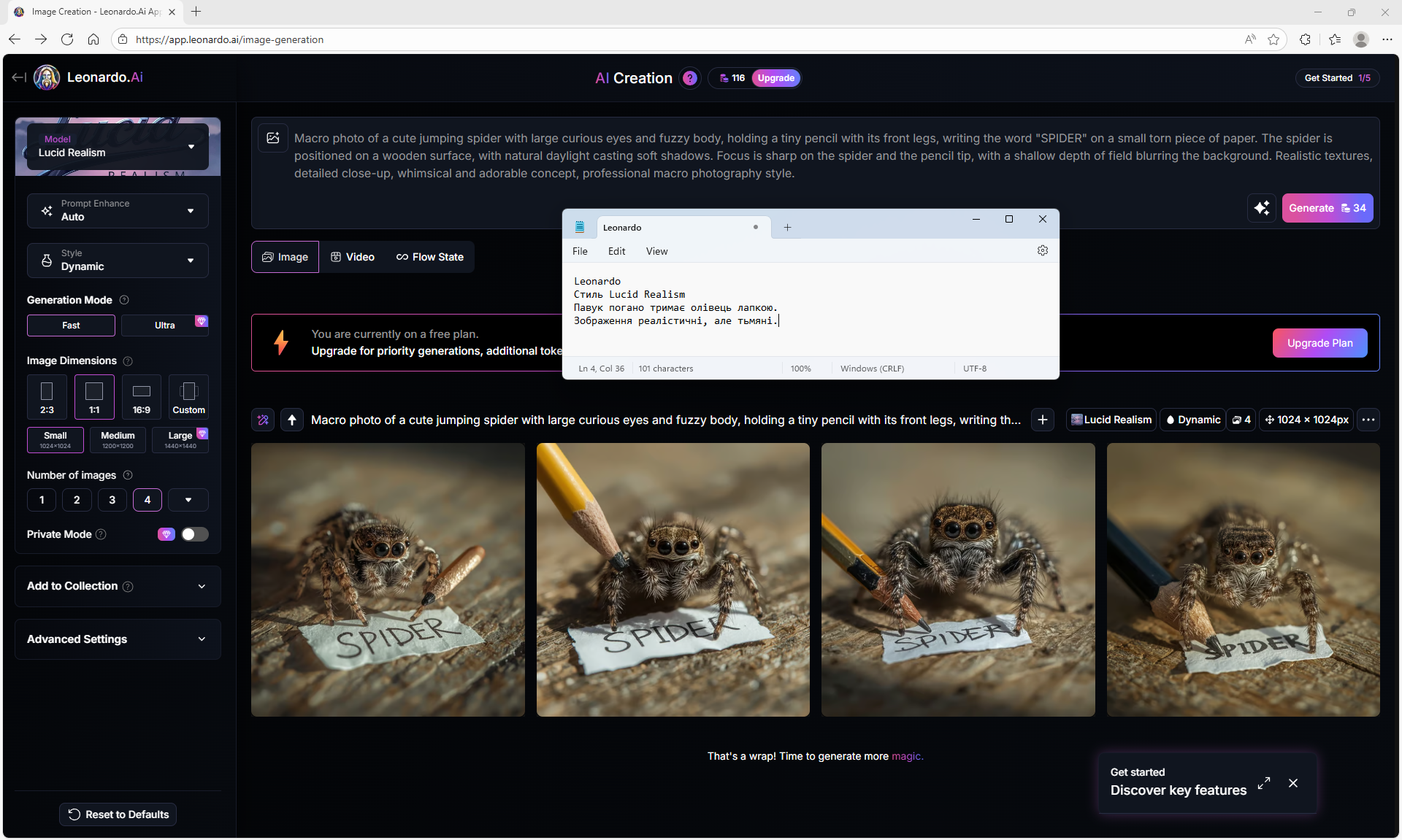
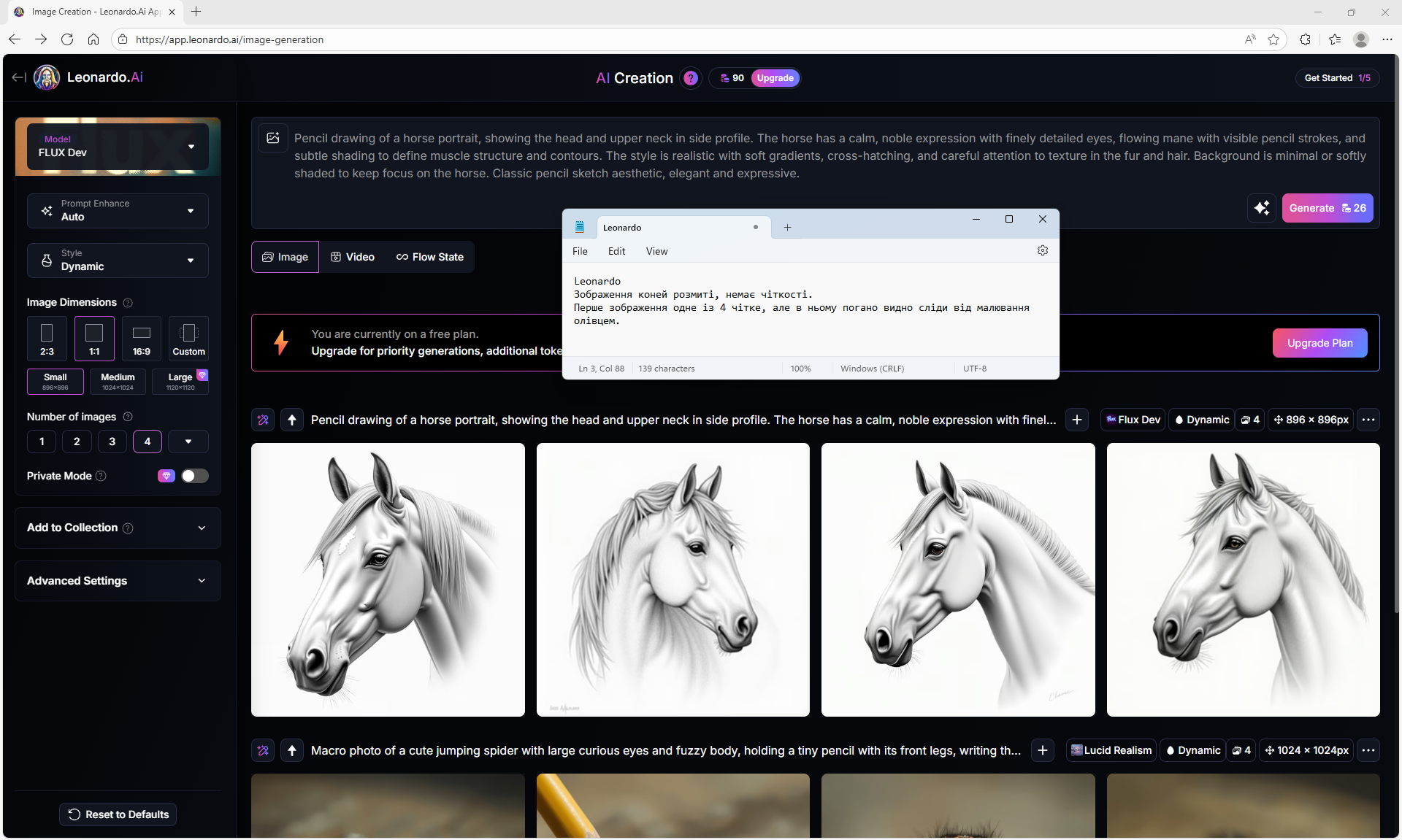
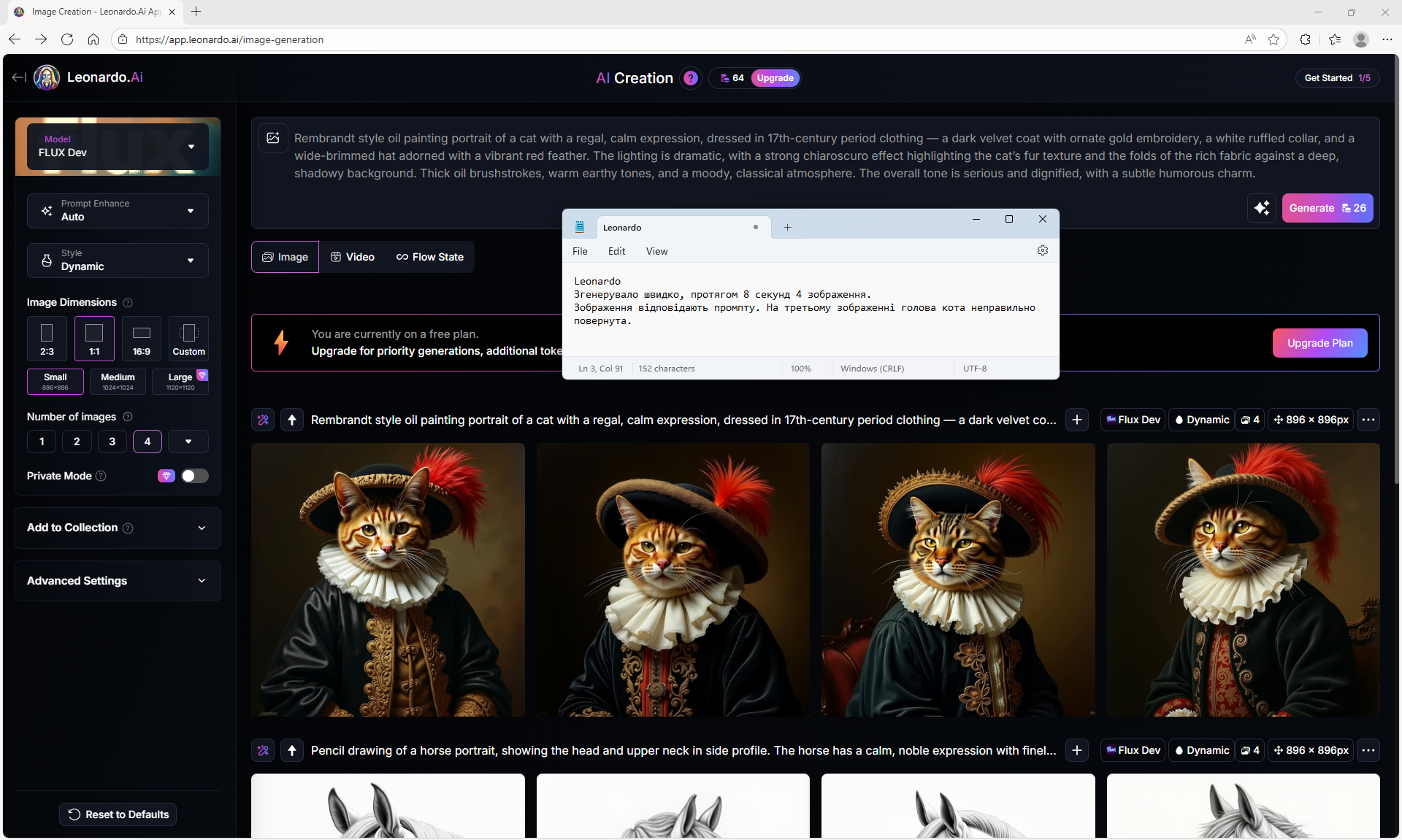
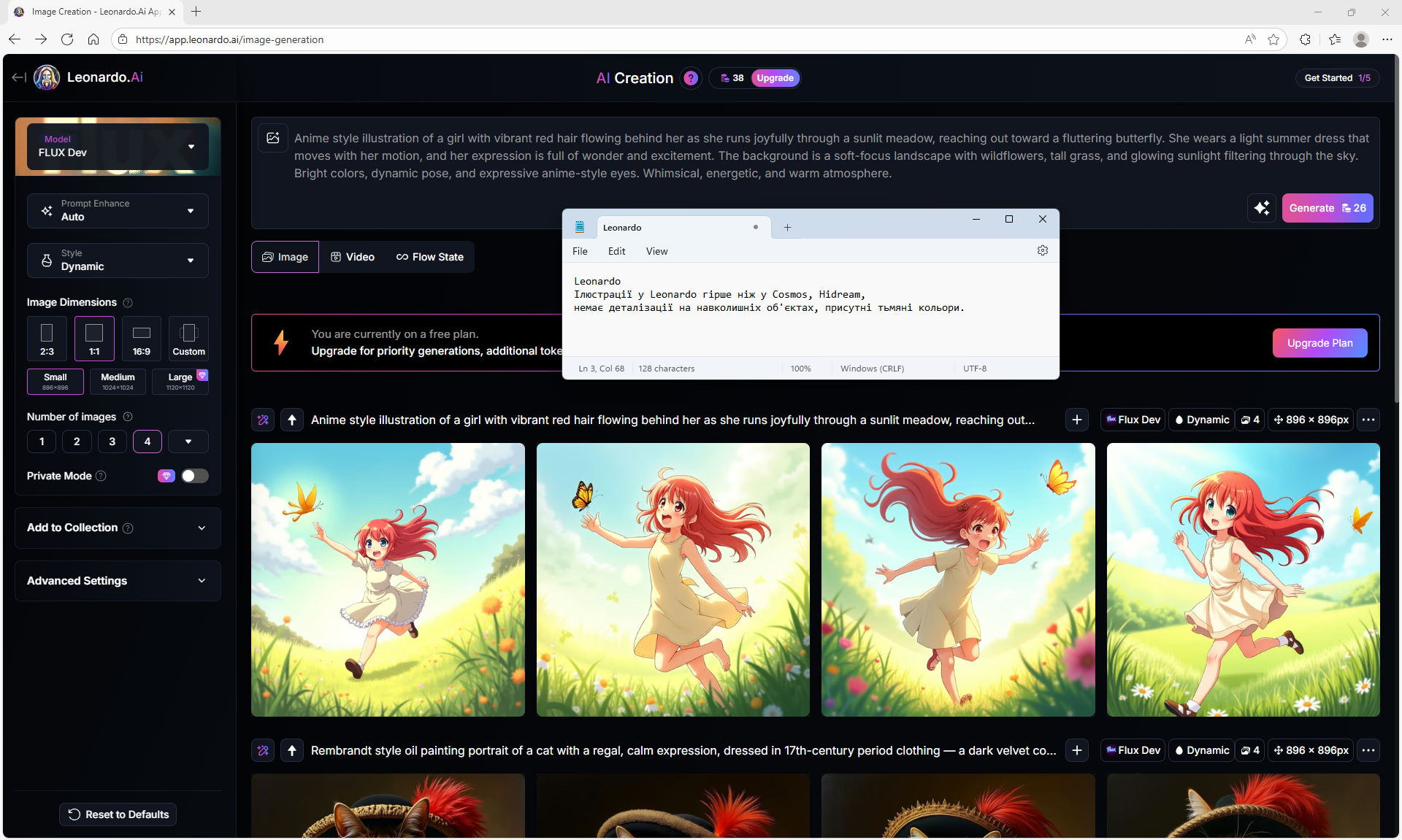
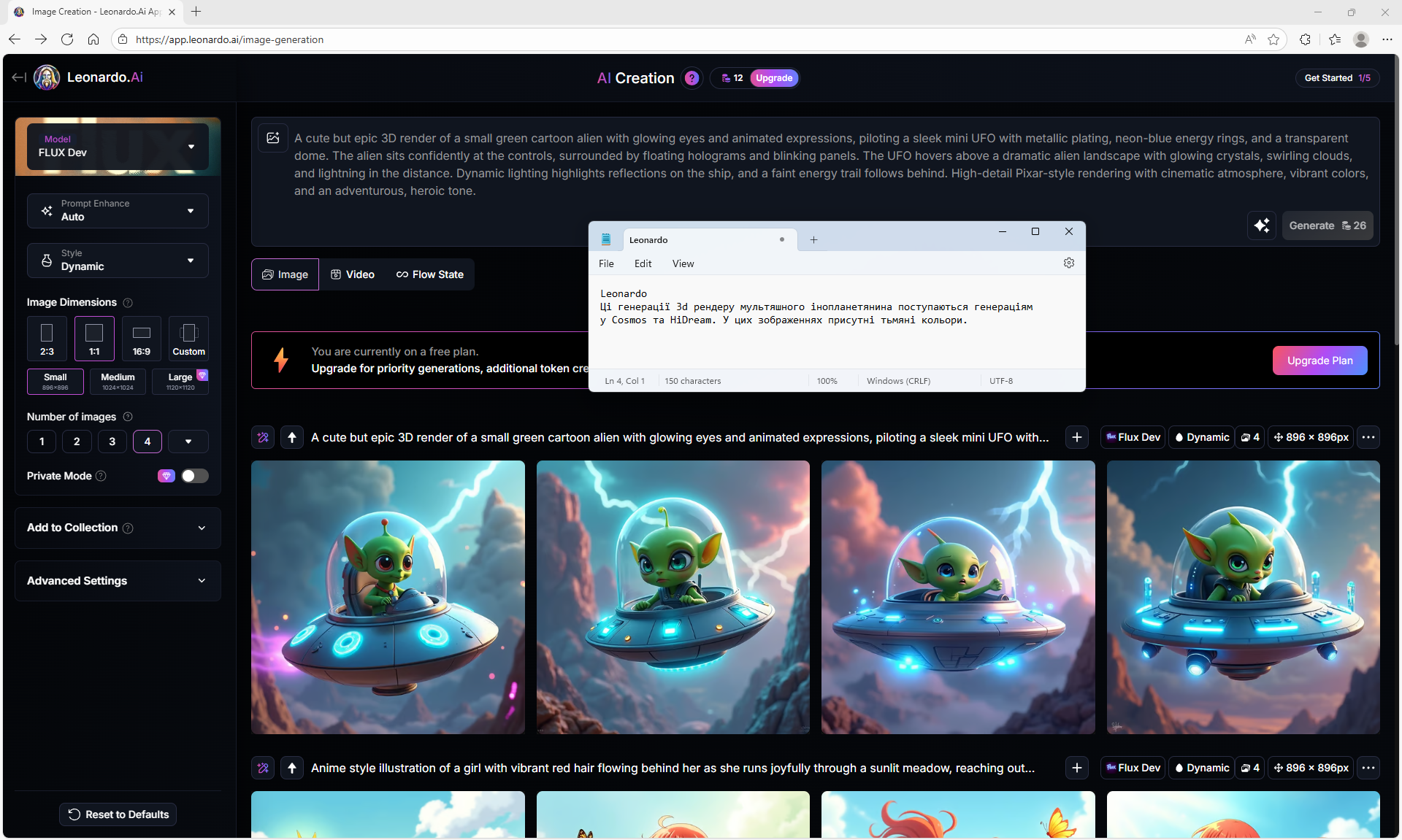
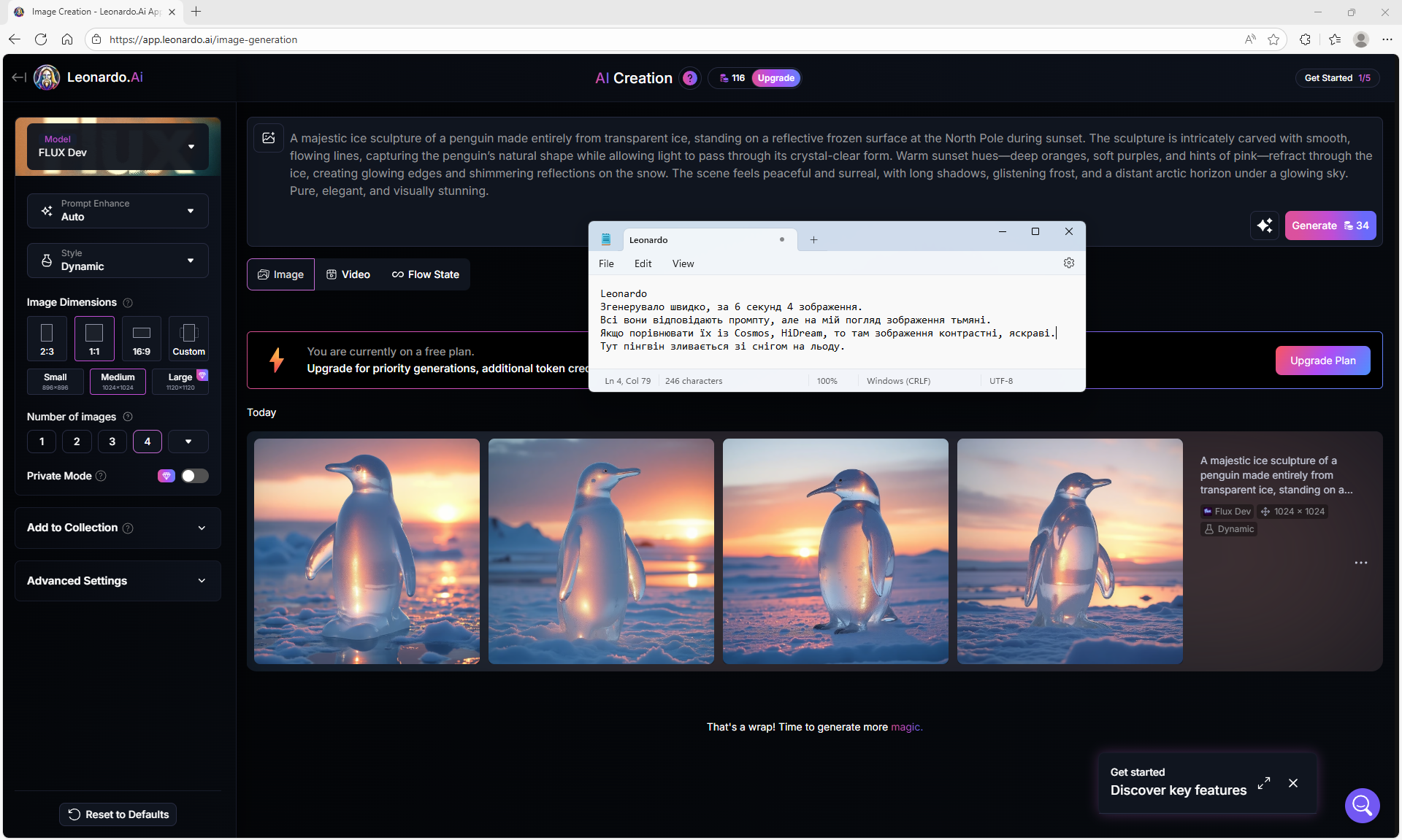
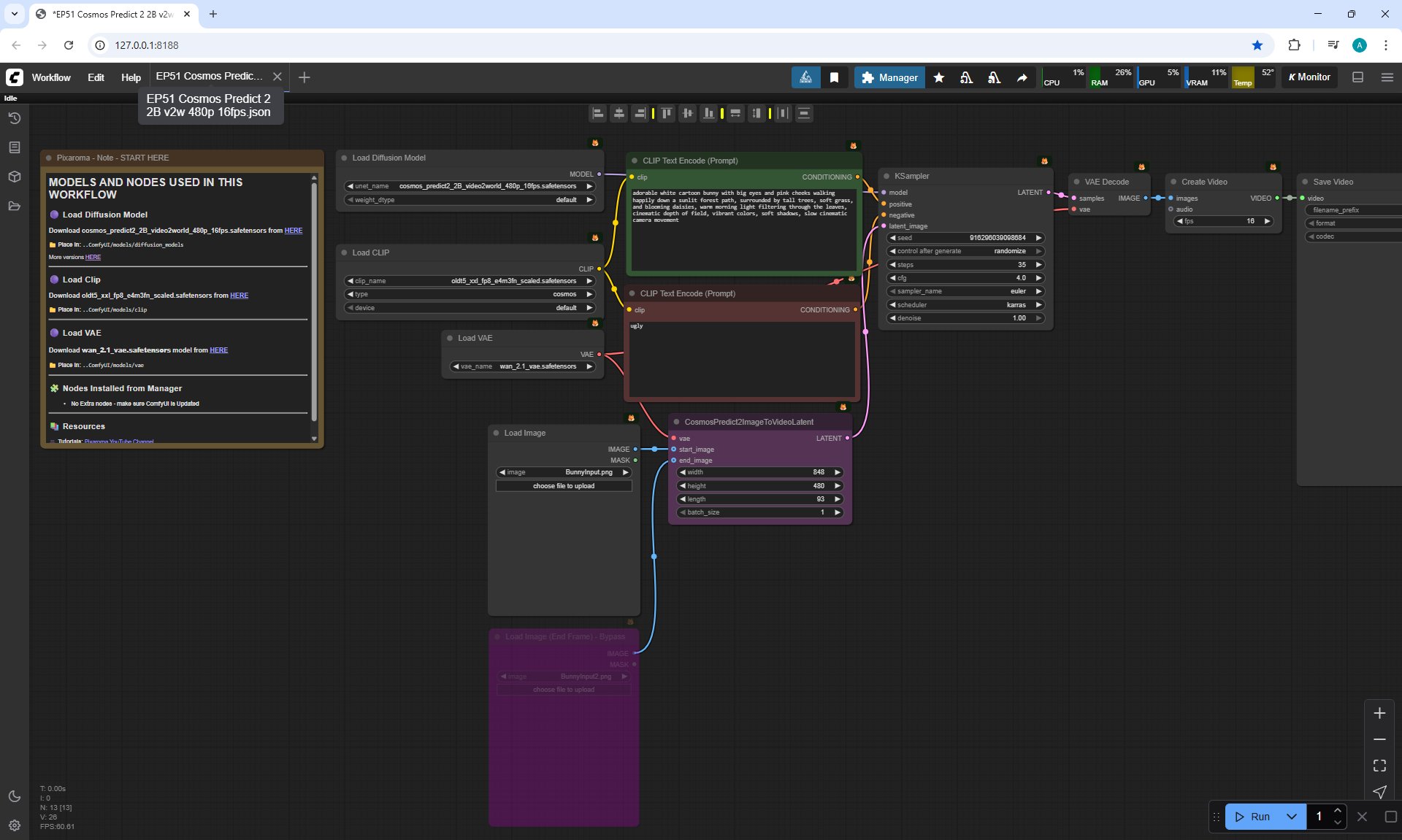
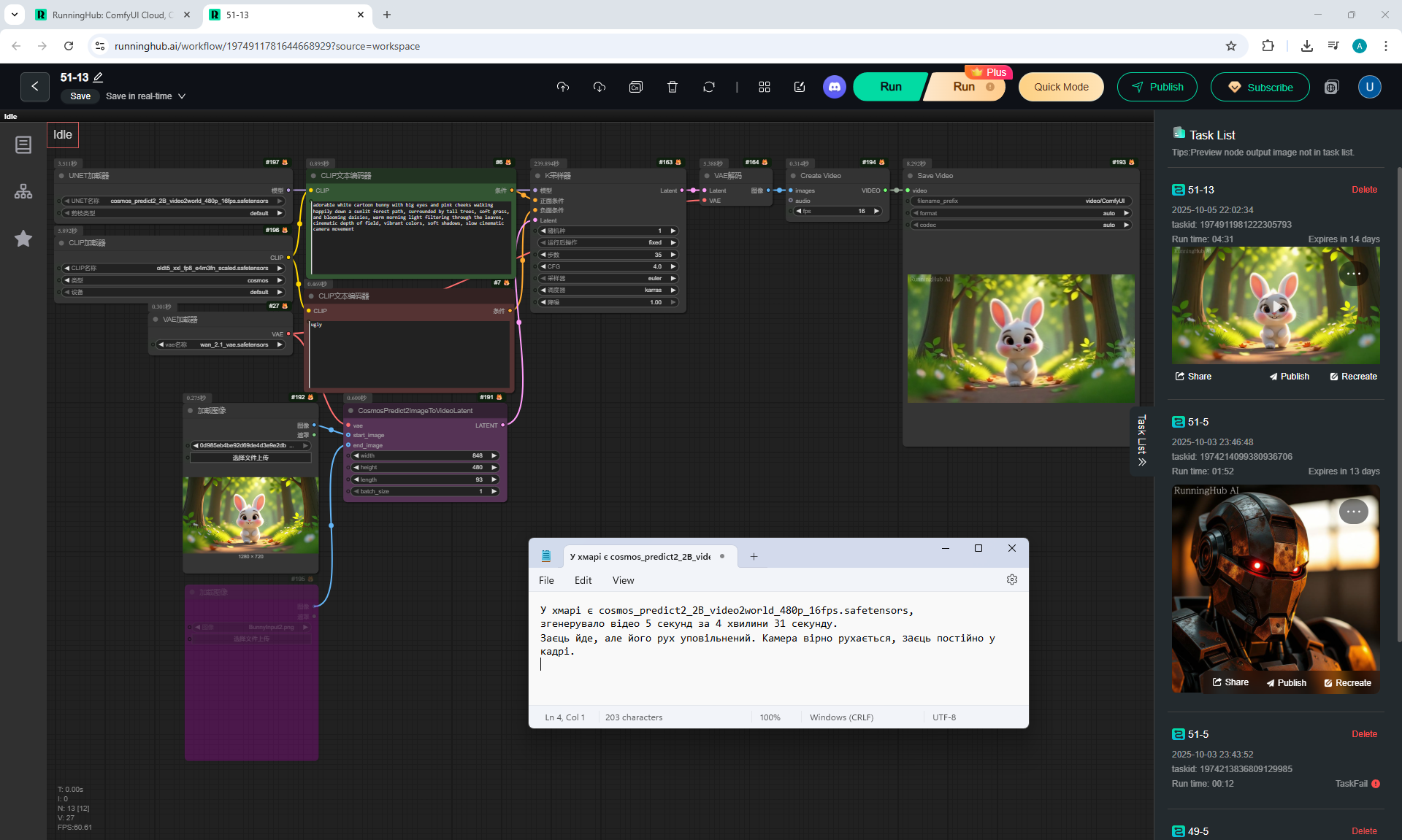
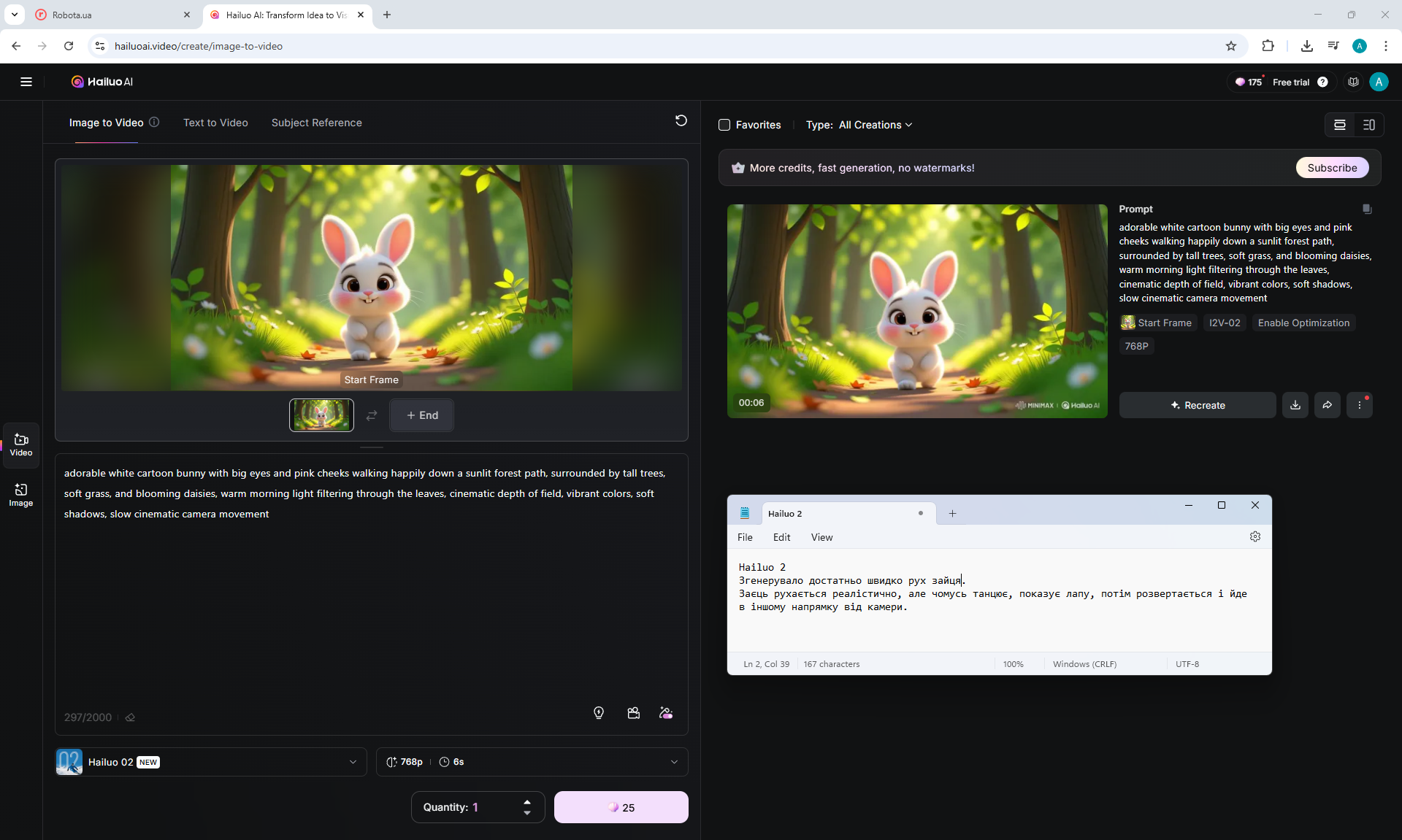
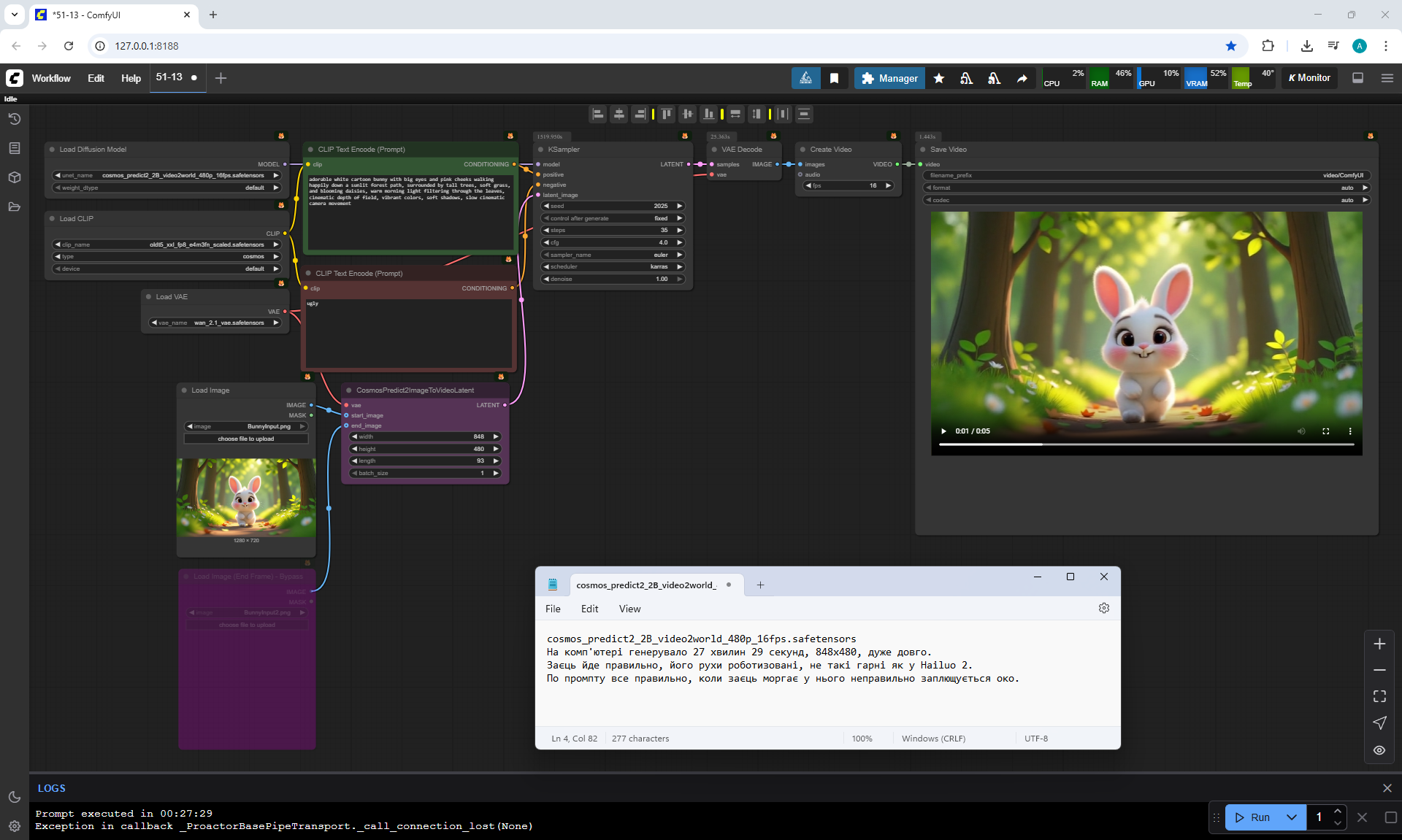

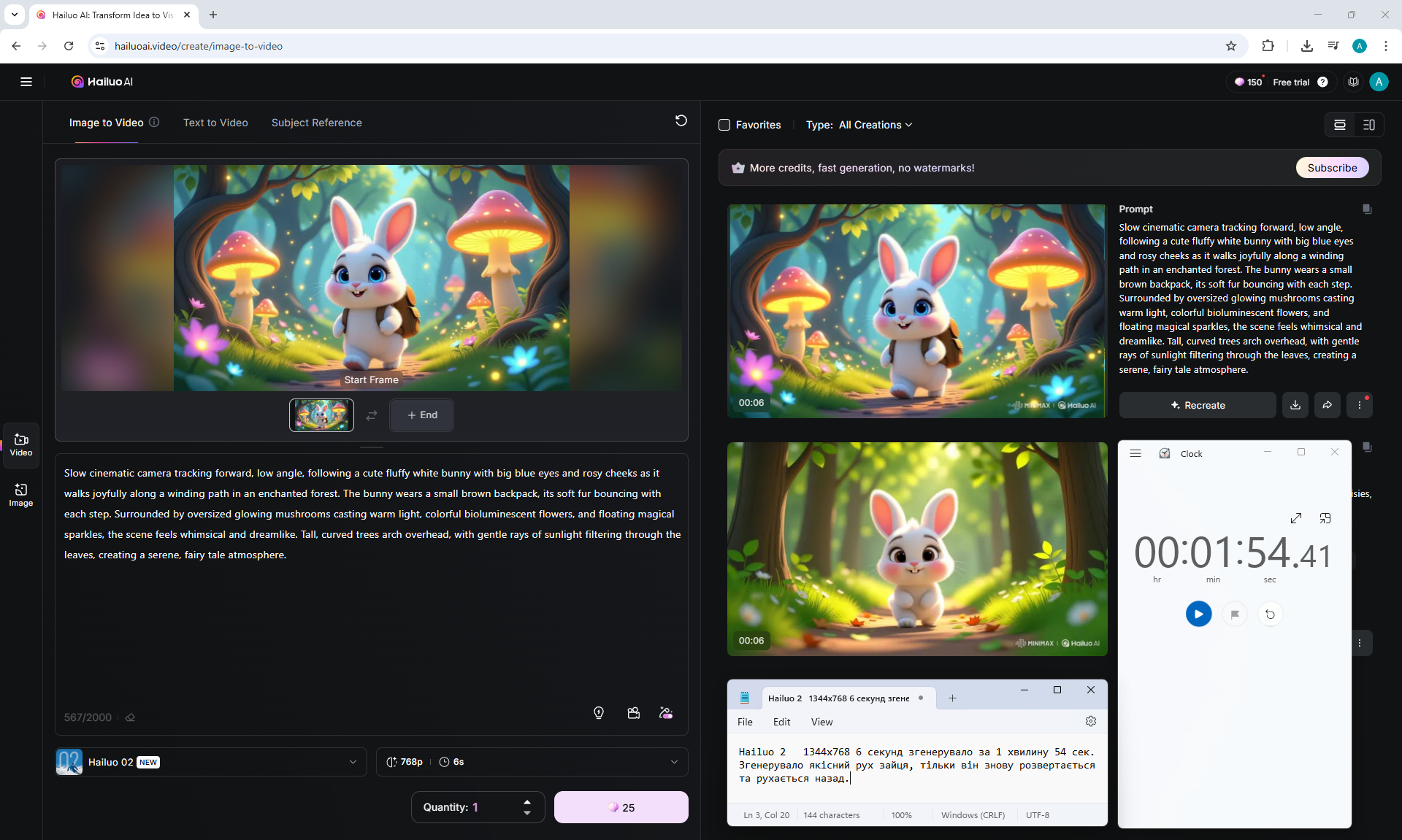
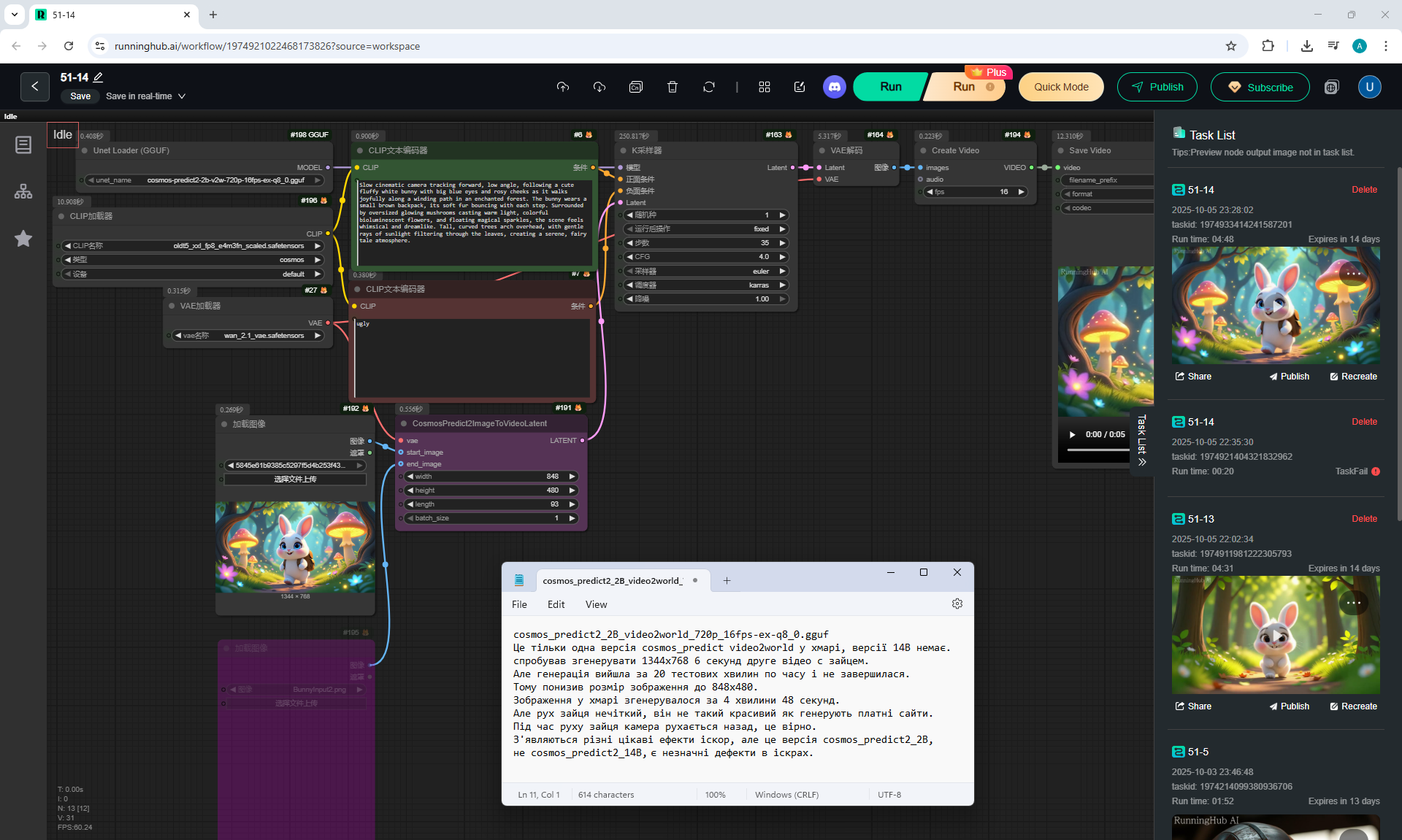
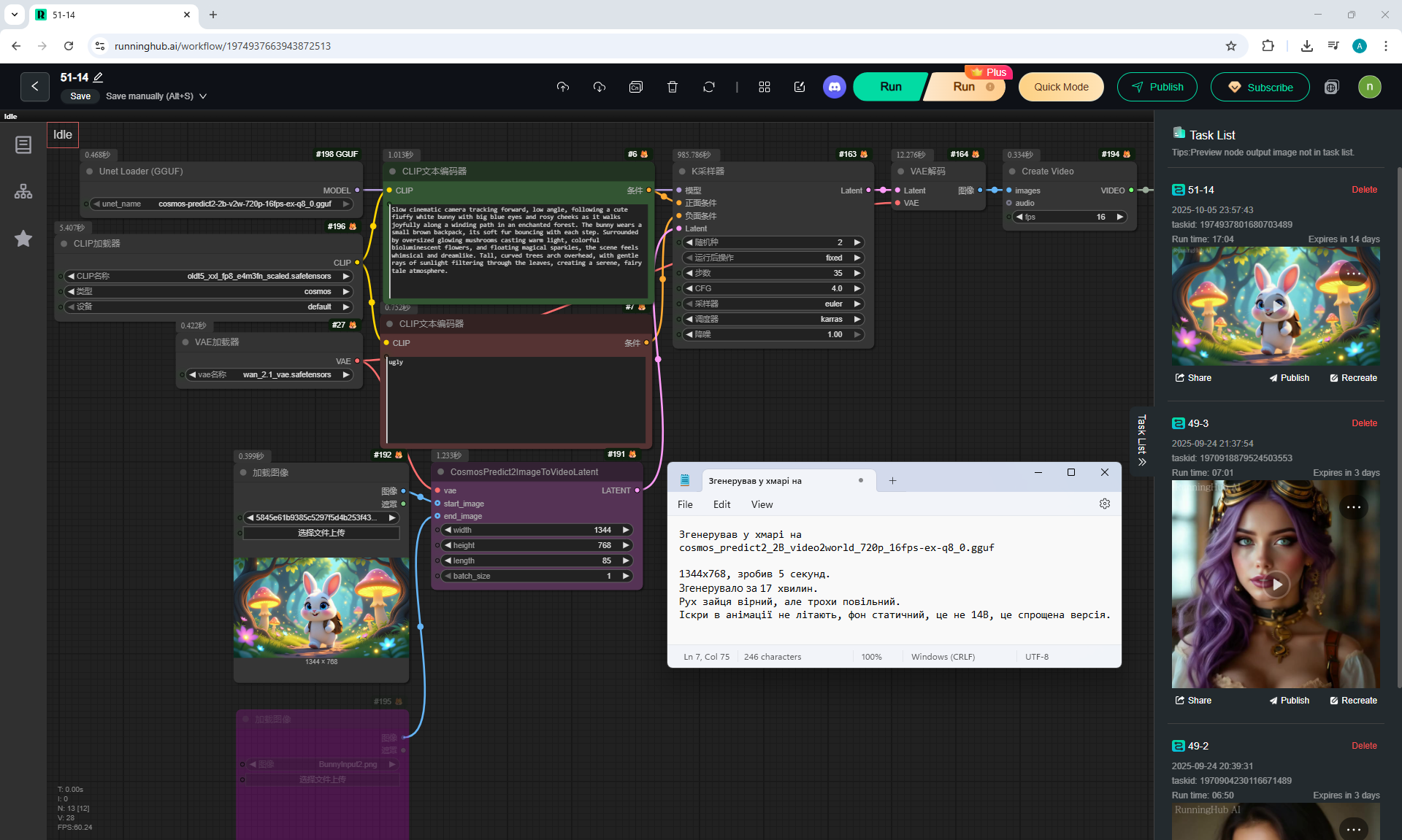
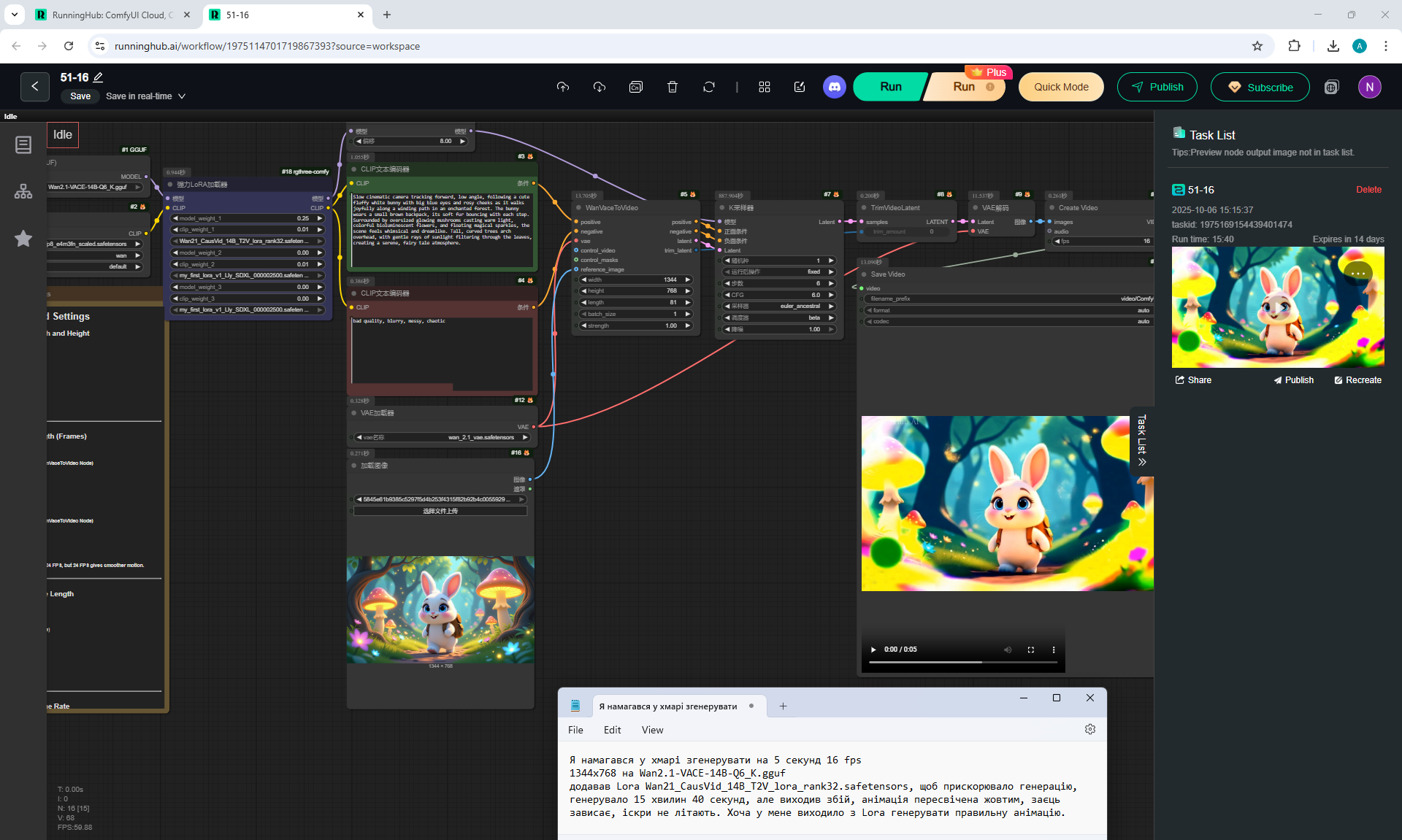
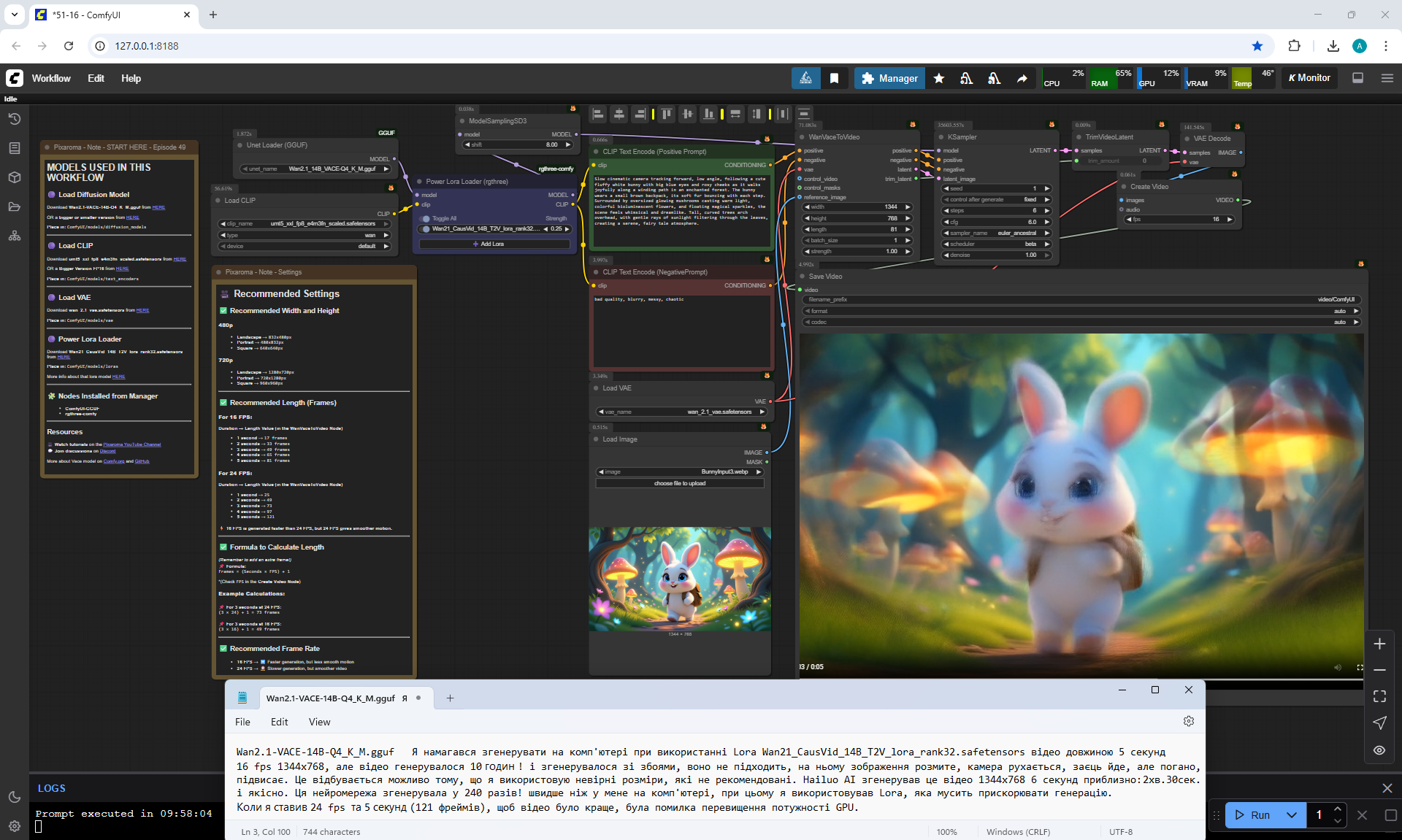
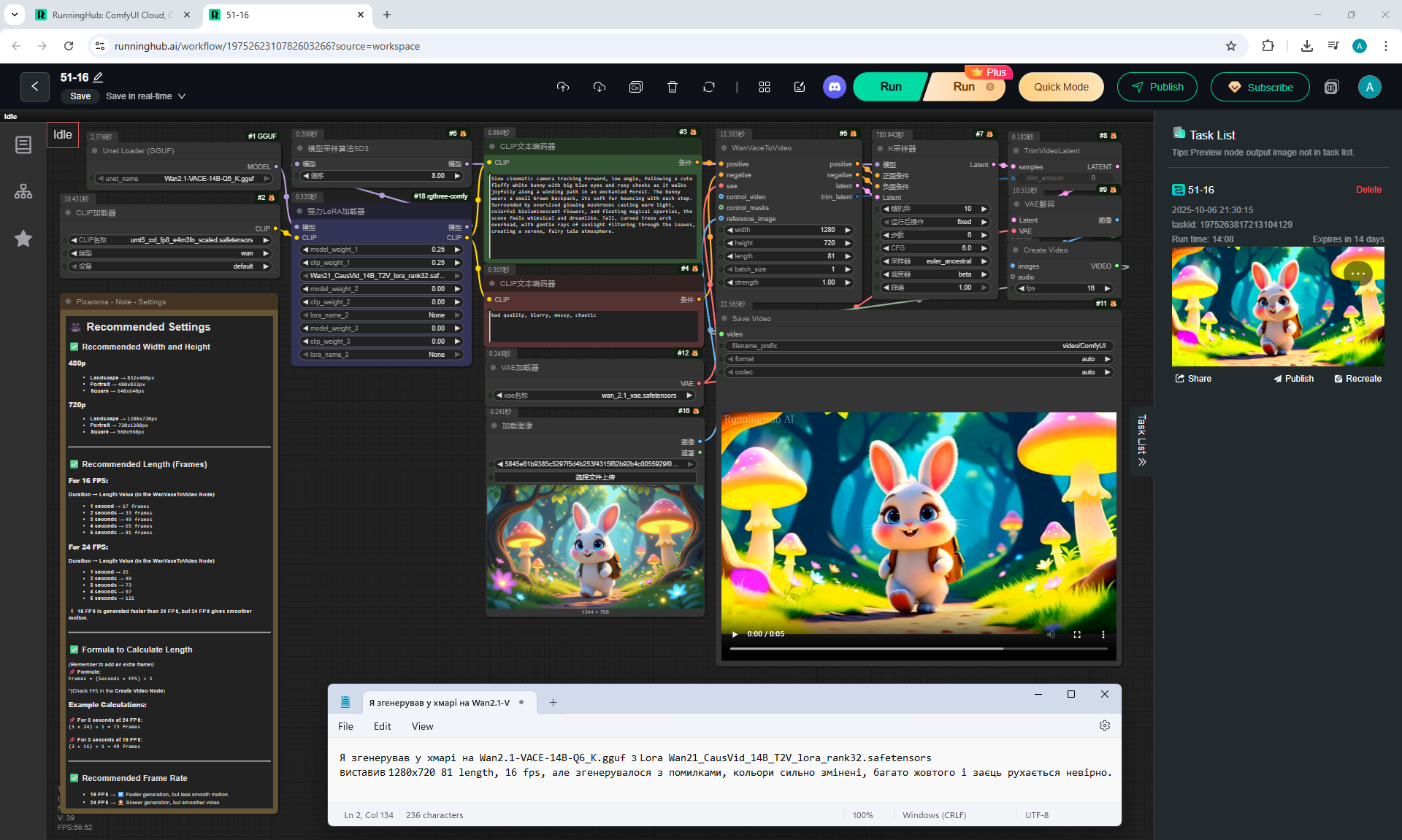
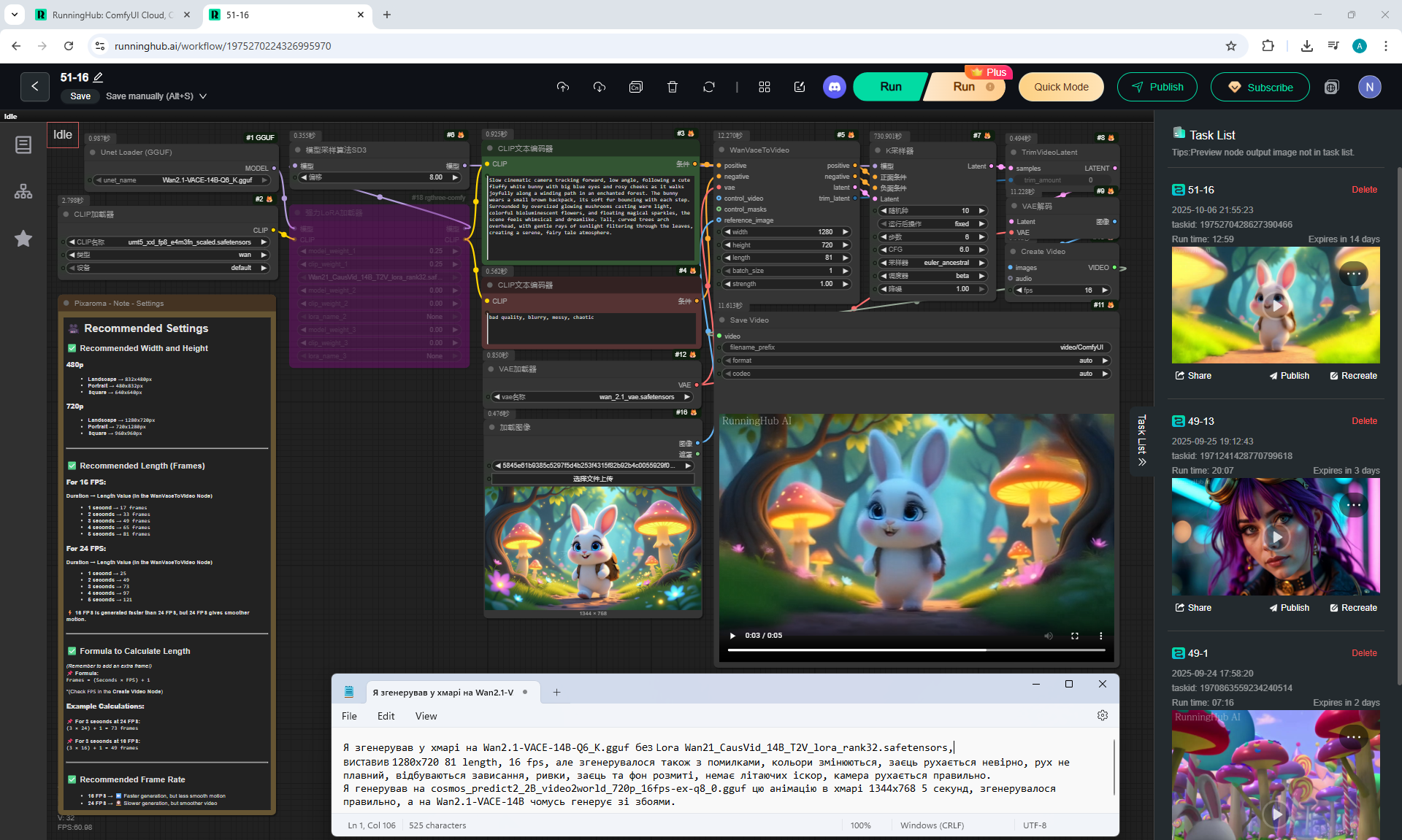
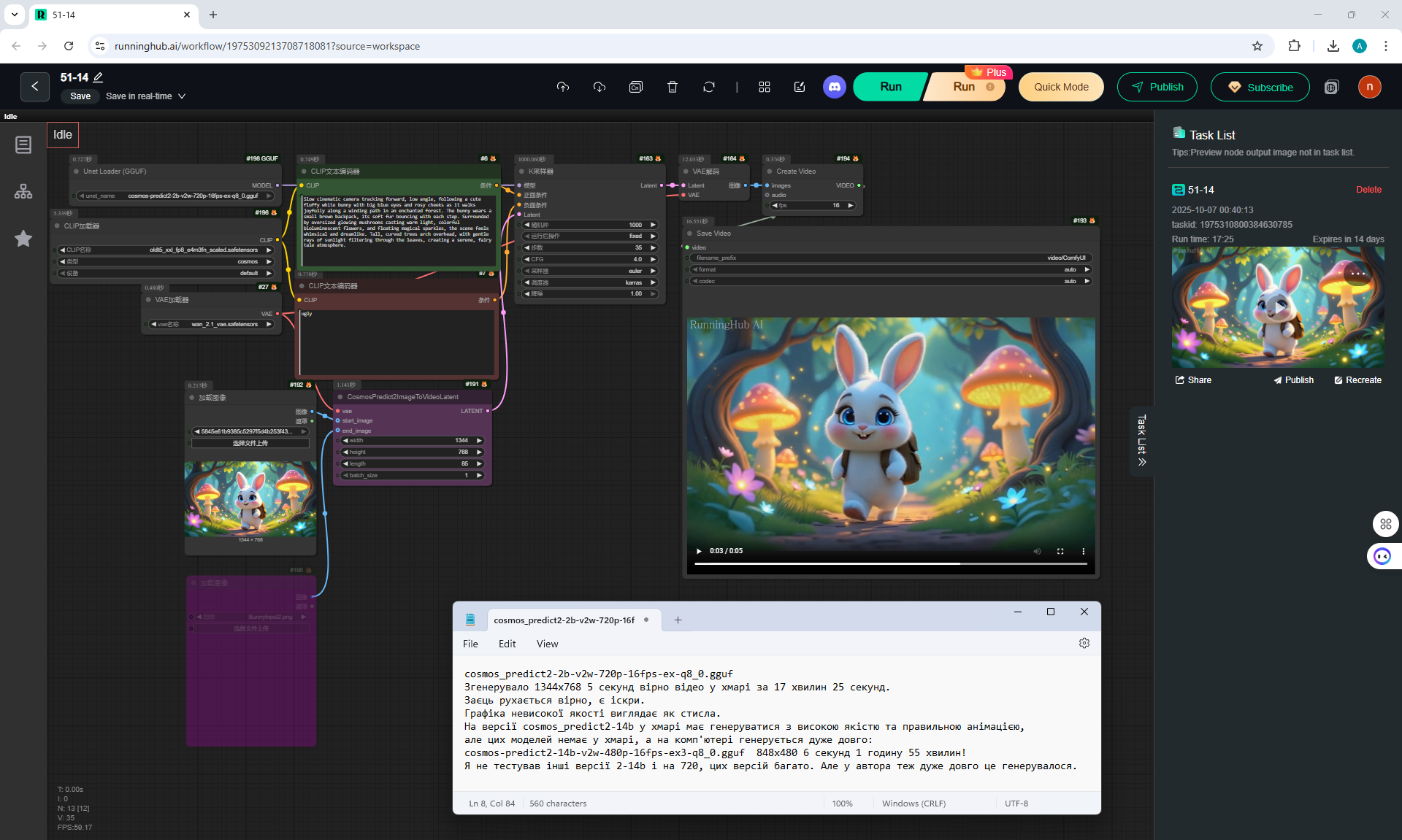
orkflow with ComfyUI generated in the cloud on the website:
runninghub.ai
Other videos generated on the sites:
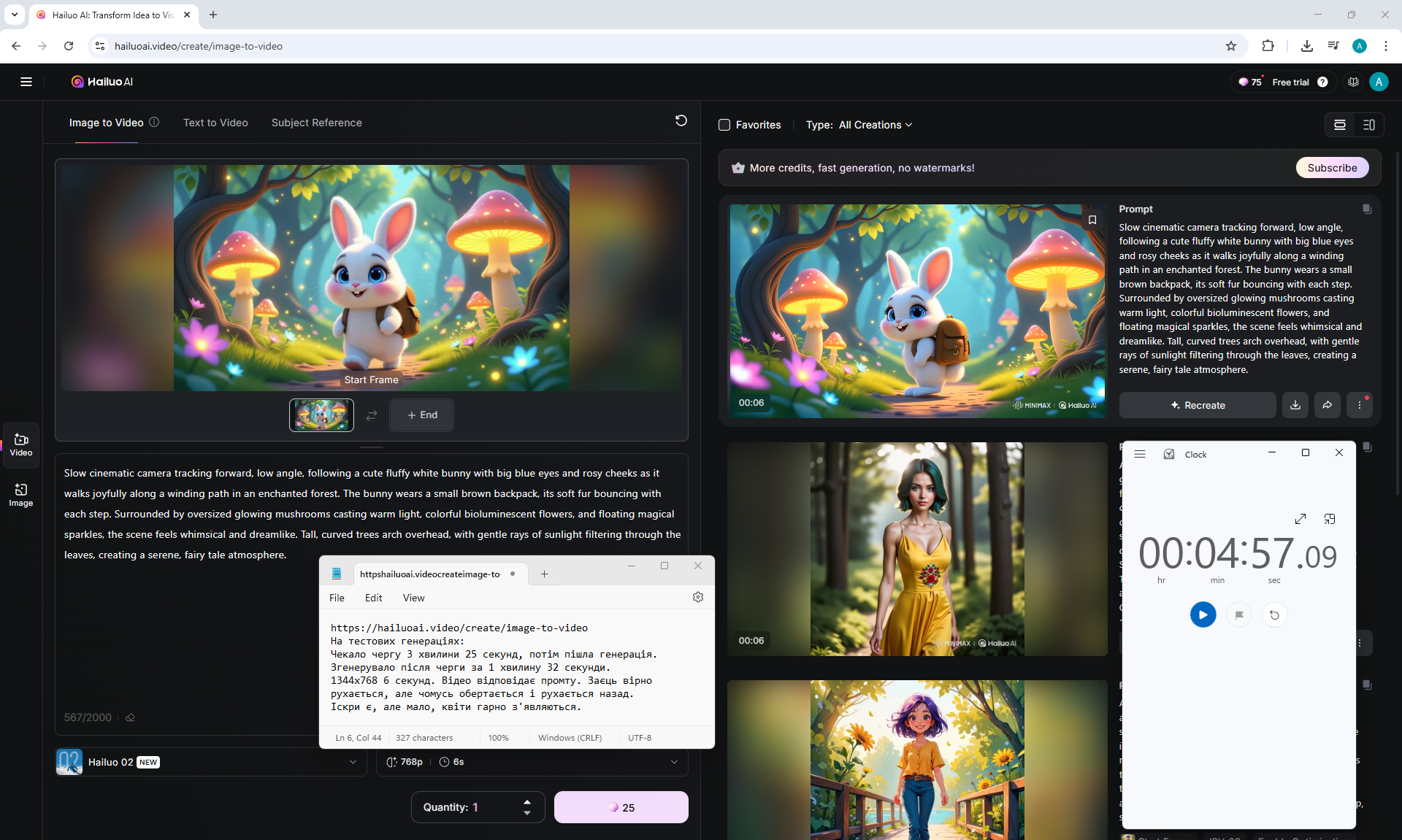
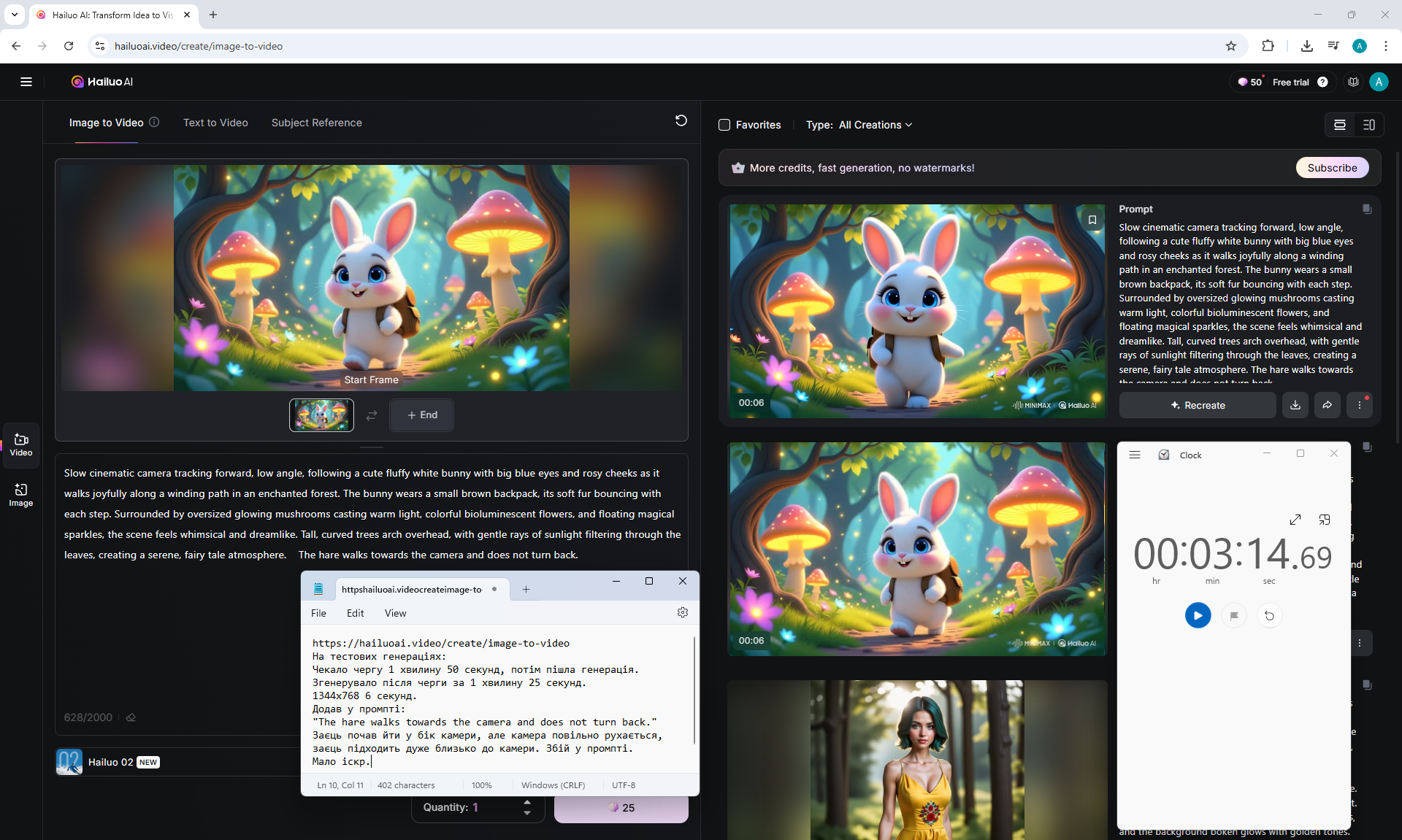
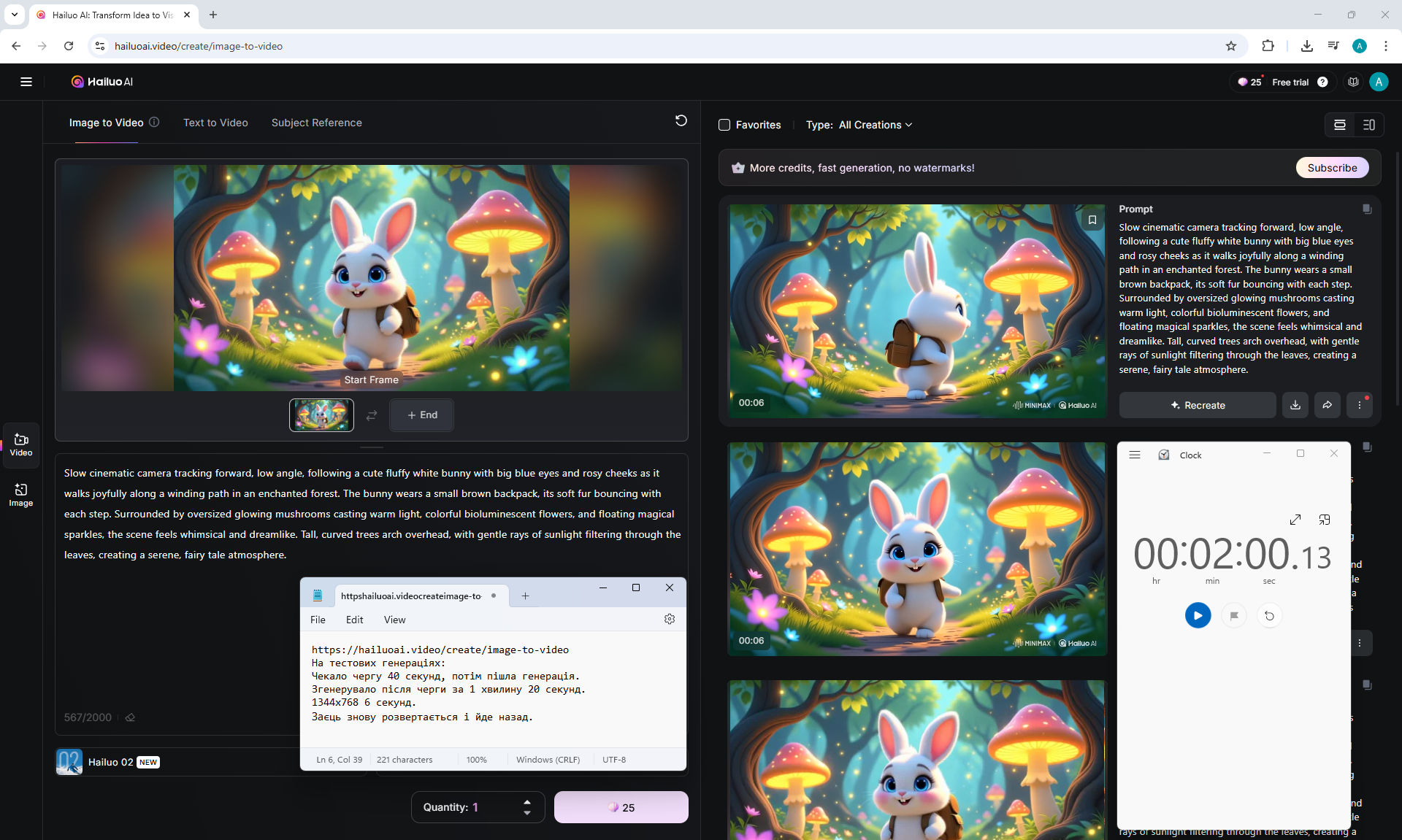
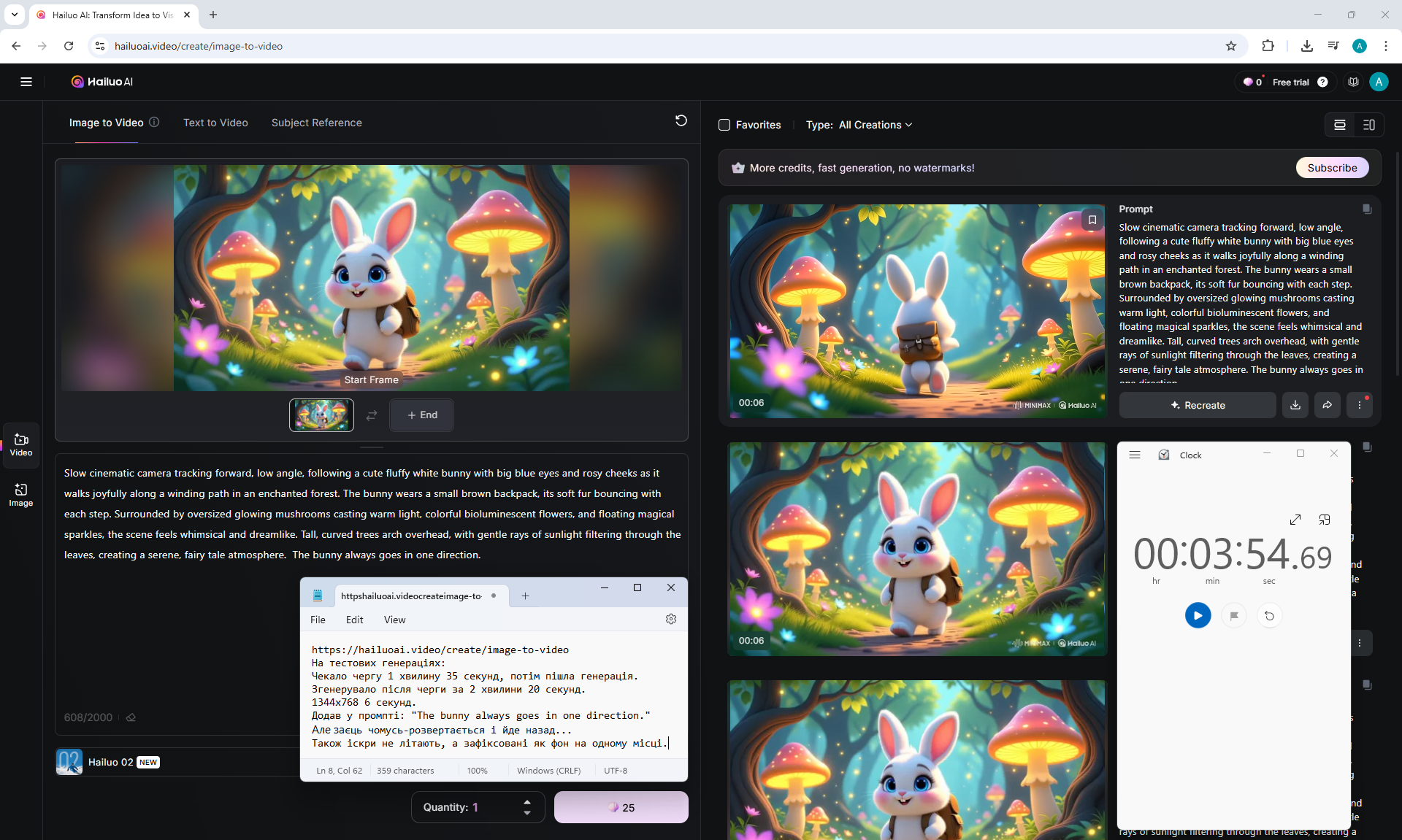
hailuoai.video/create/image-to-video
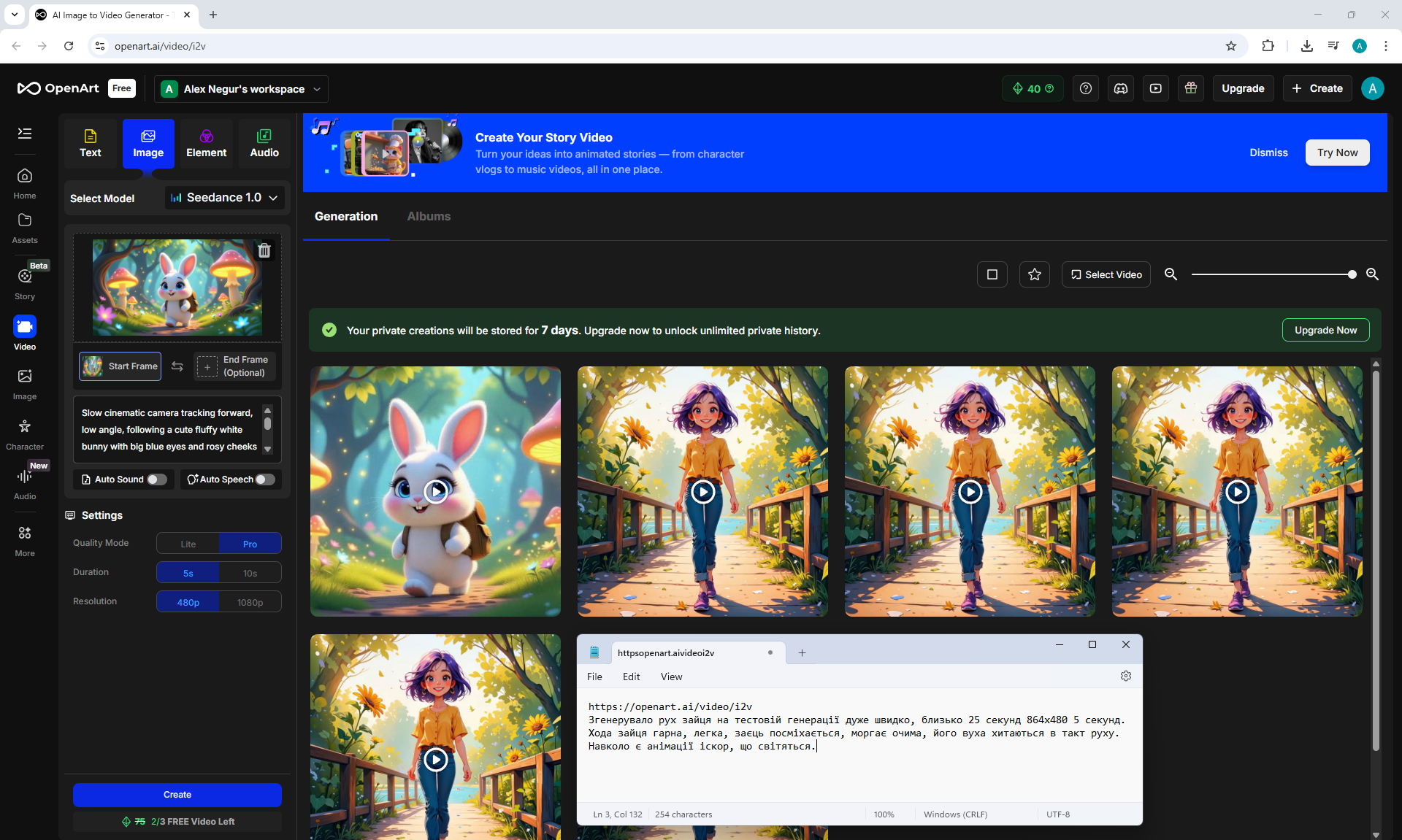
openart.ai/video/i2v
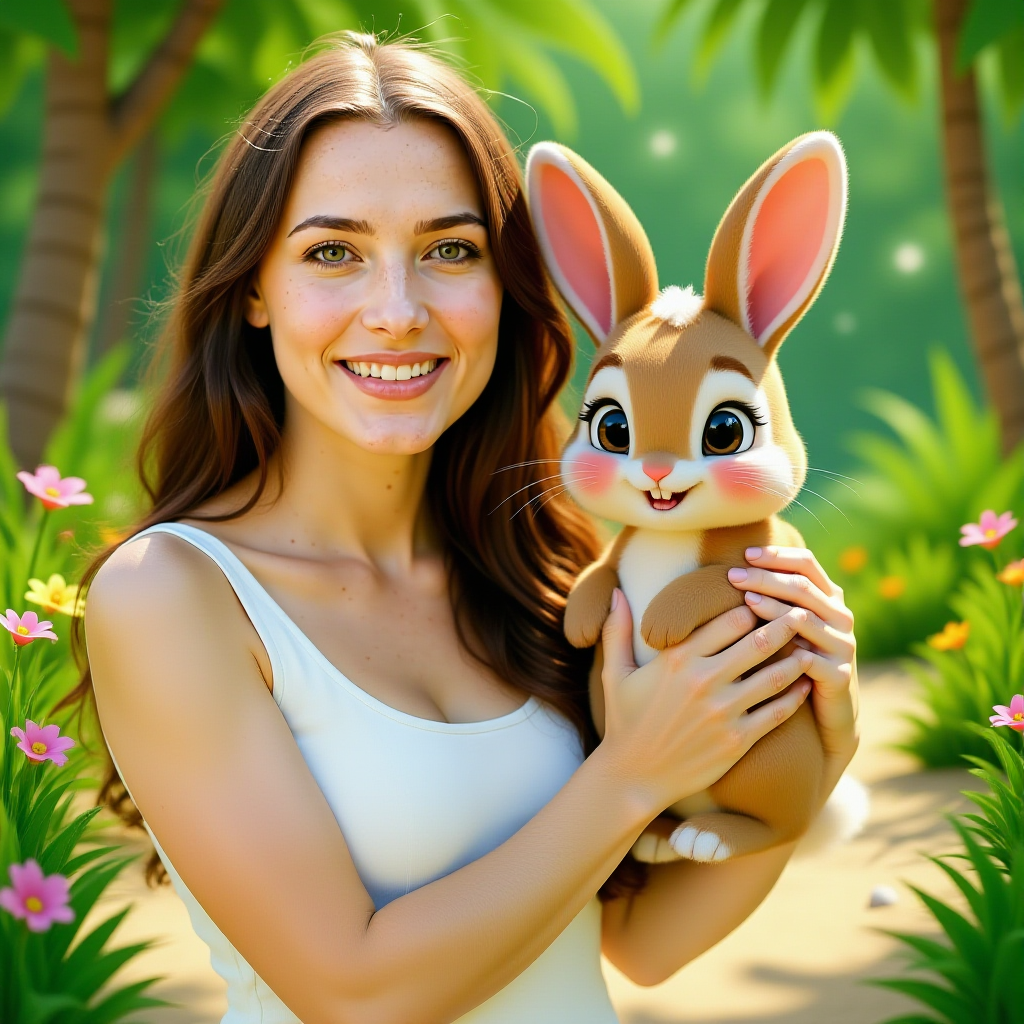
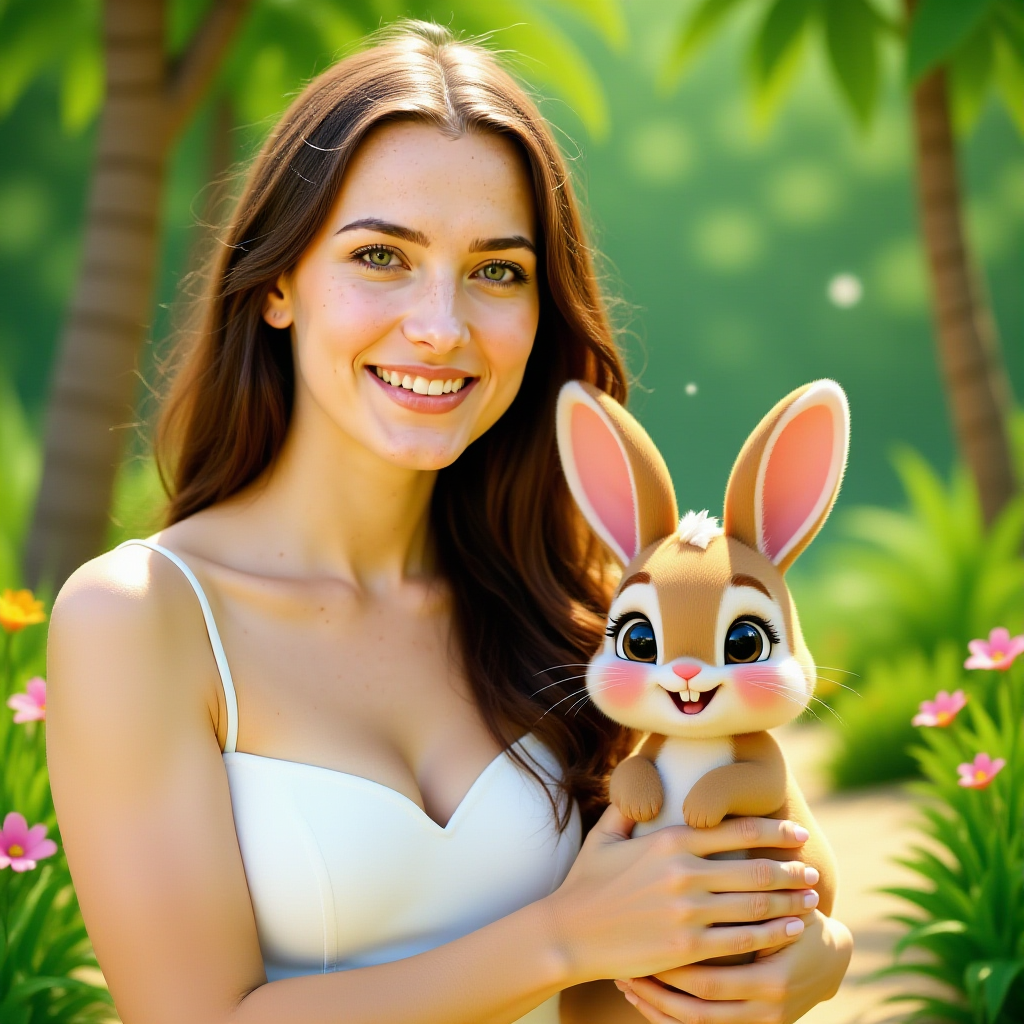
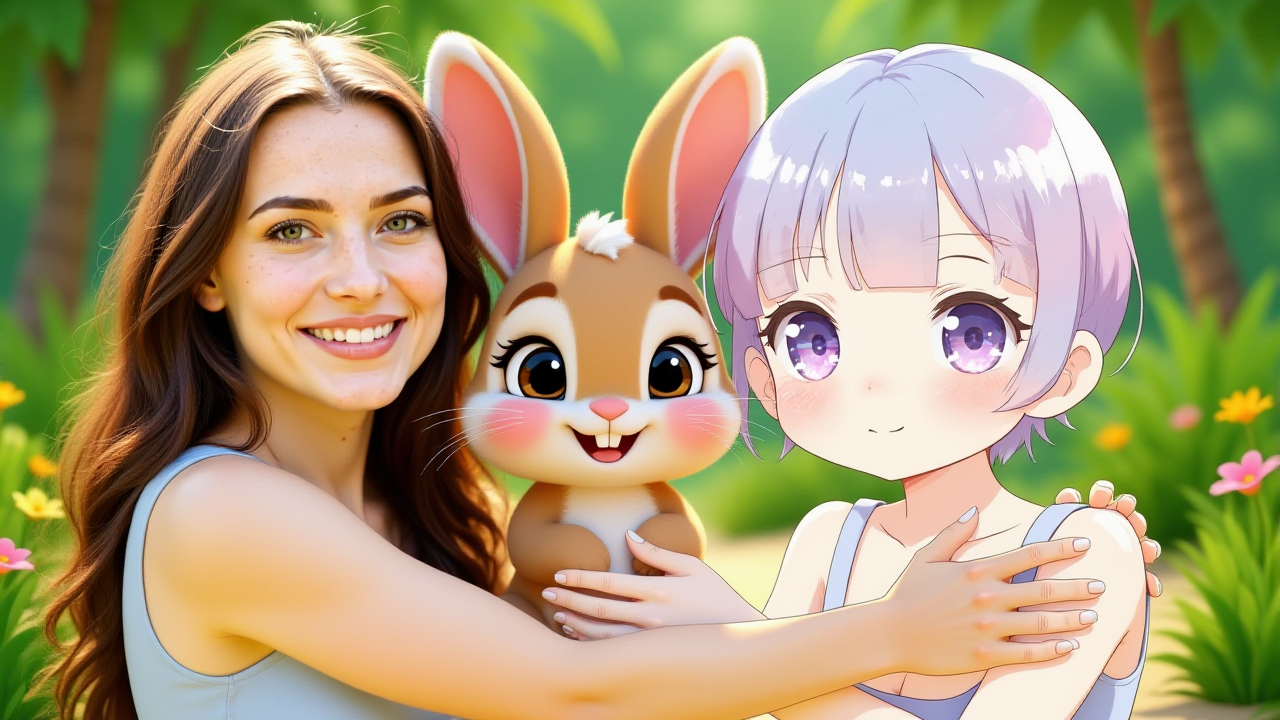
ComfyUI Tutorial Series Ep 52: Master Flux Kontext – Inpainting, Editing & Character Consistency








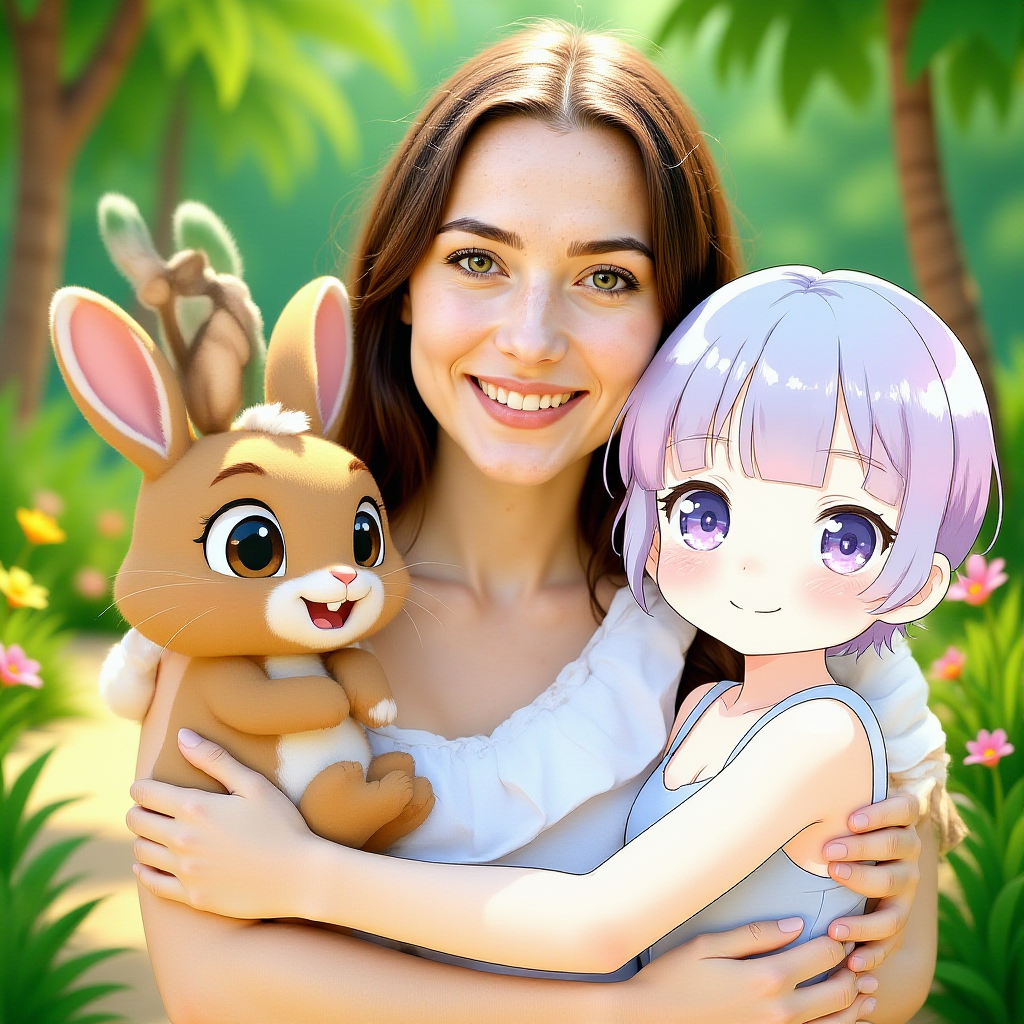
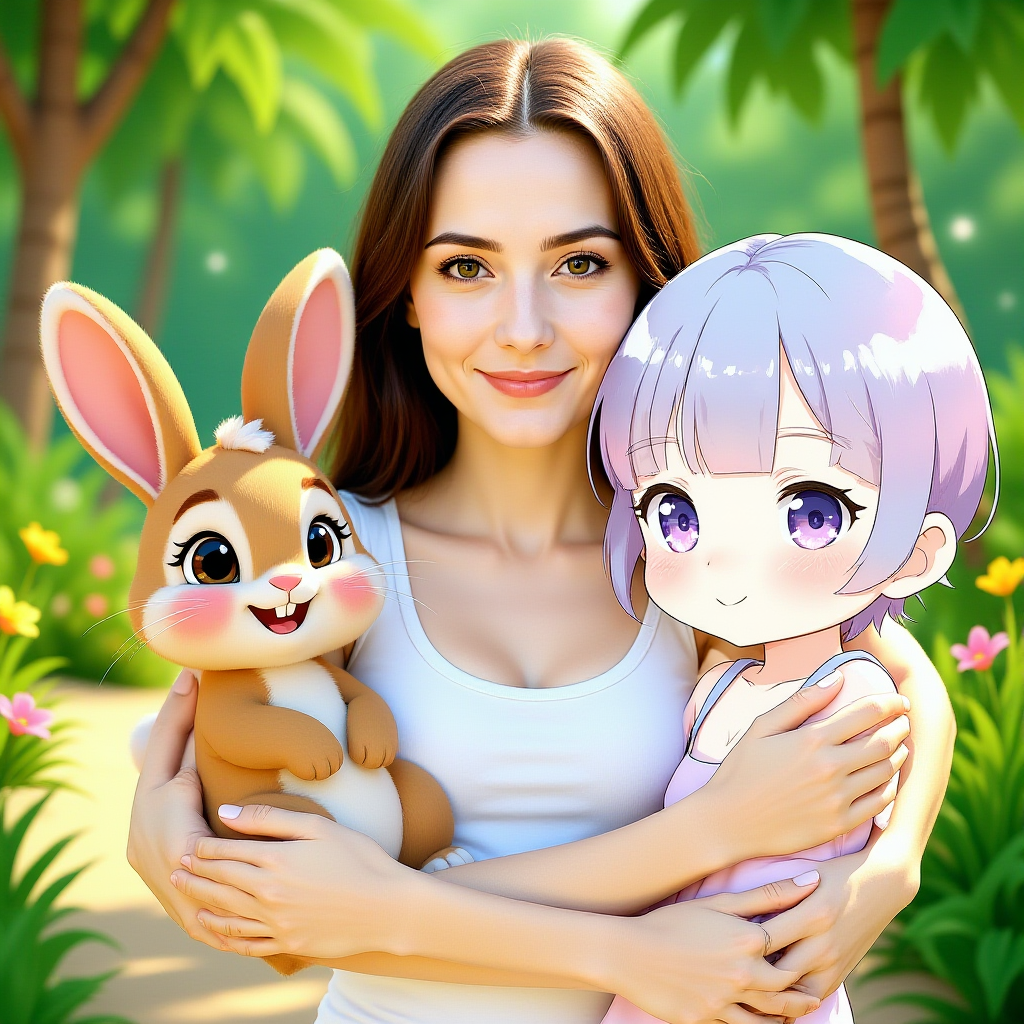
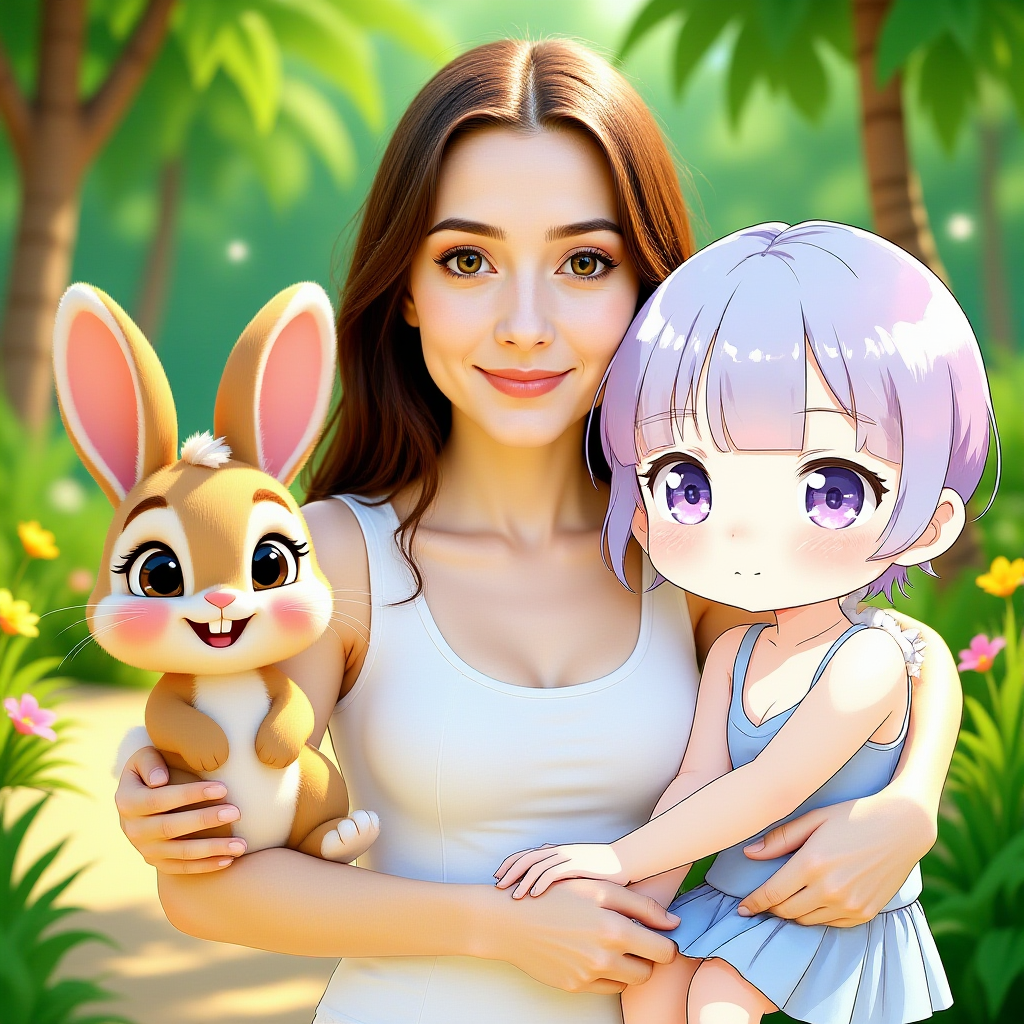
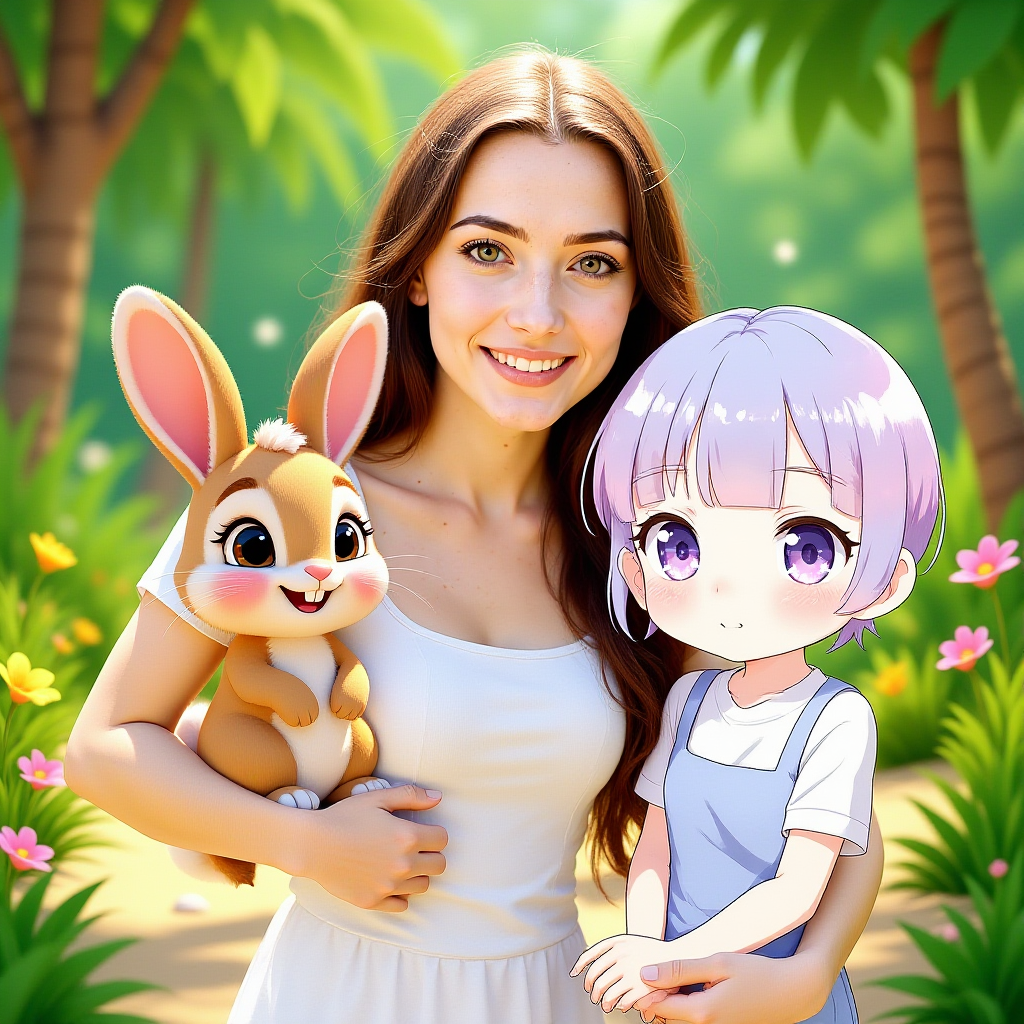
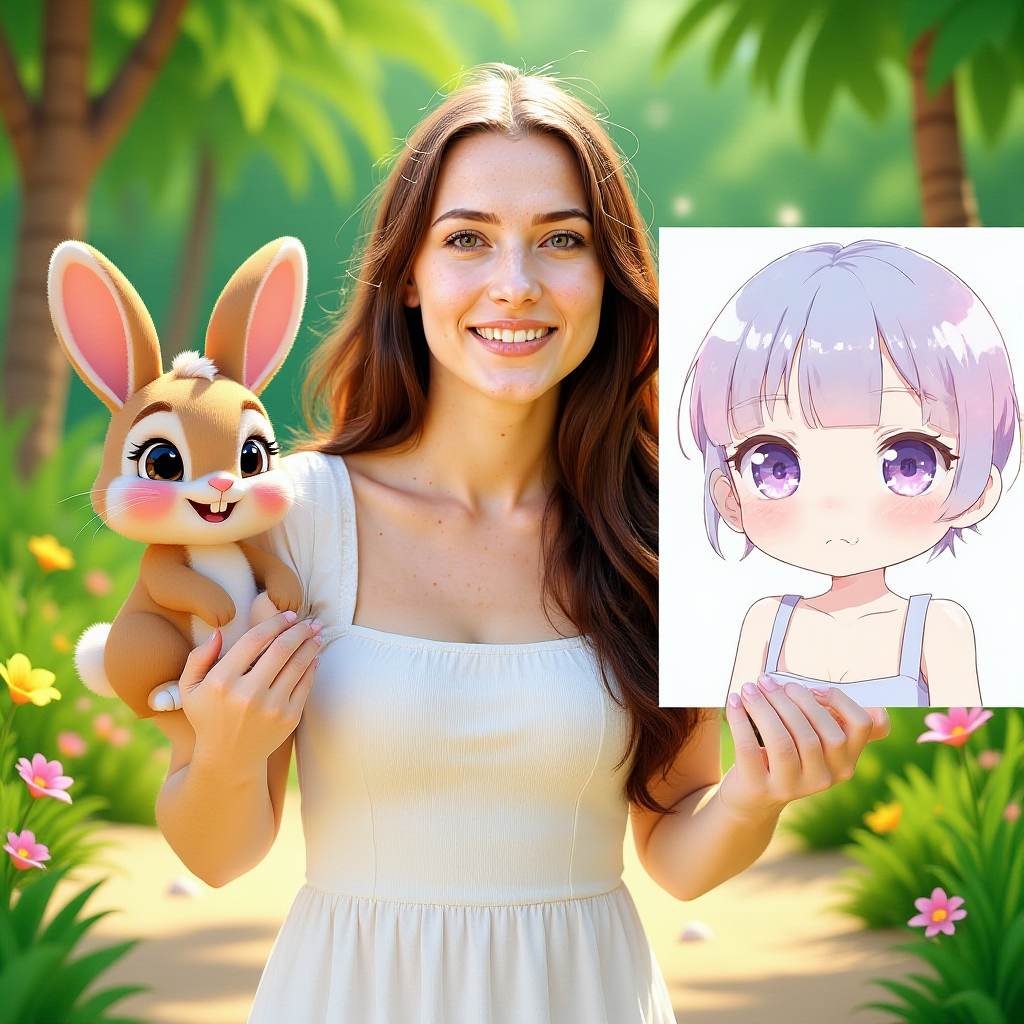
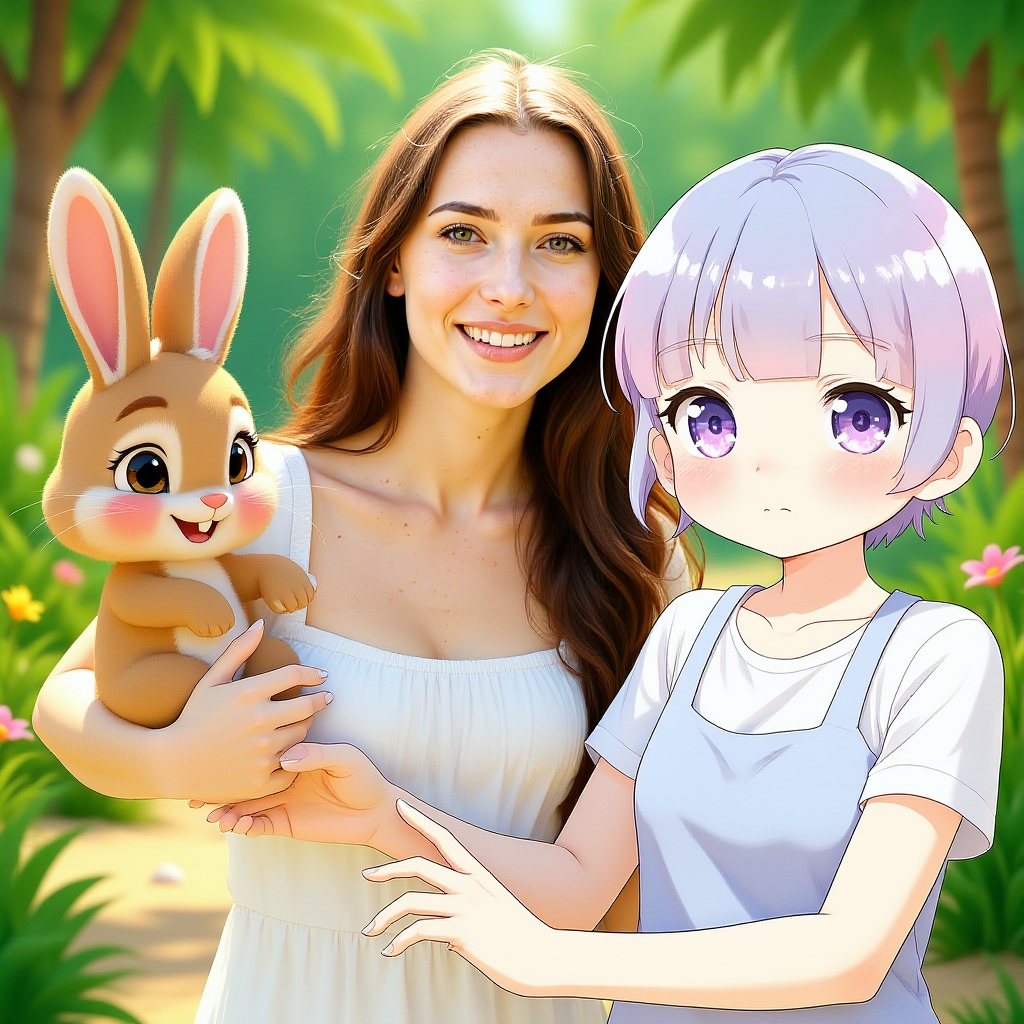
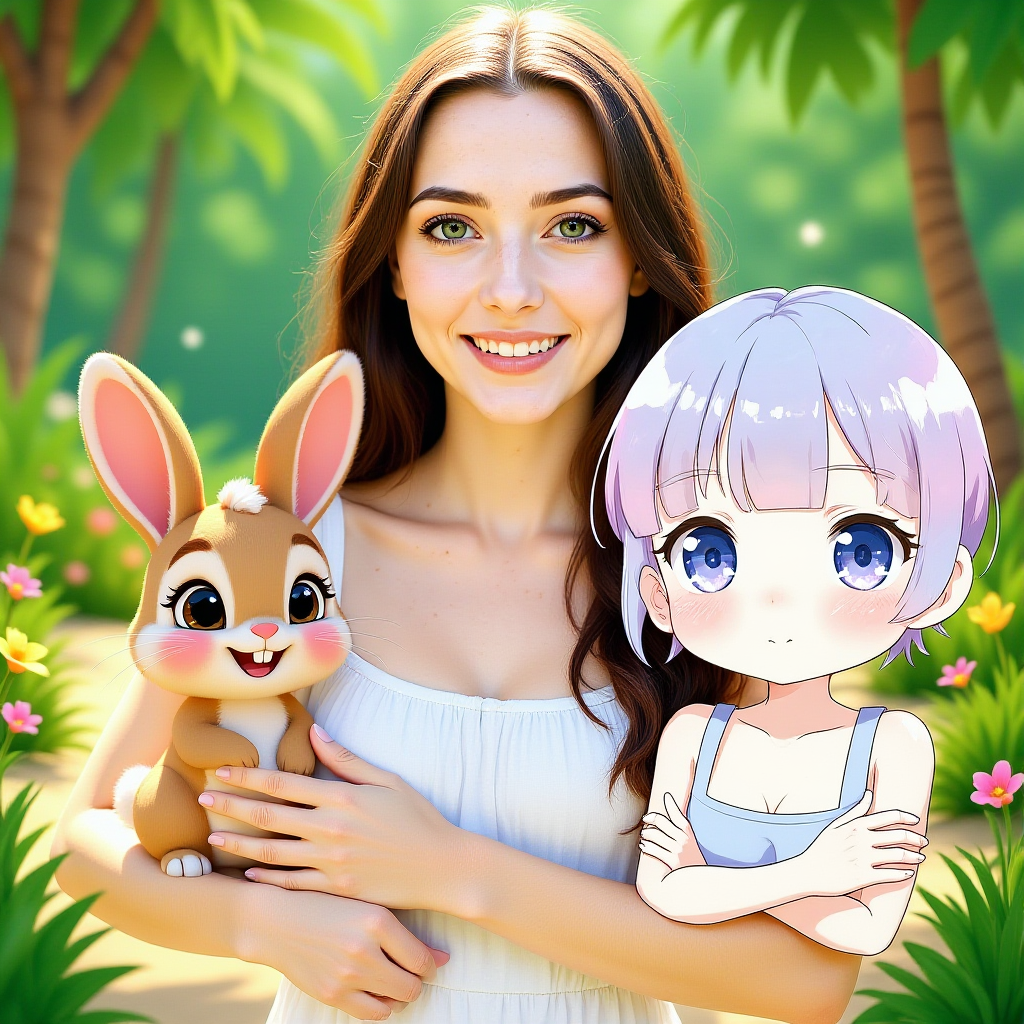
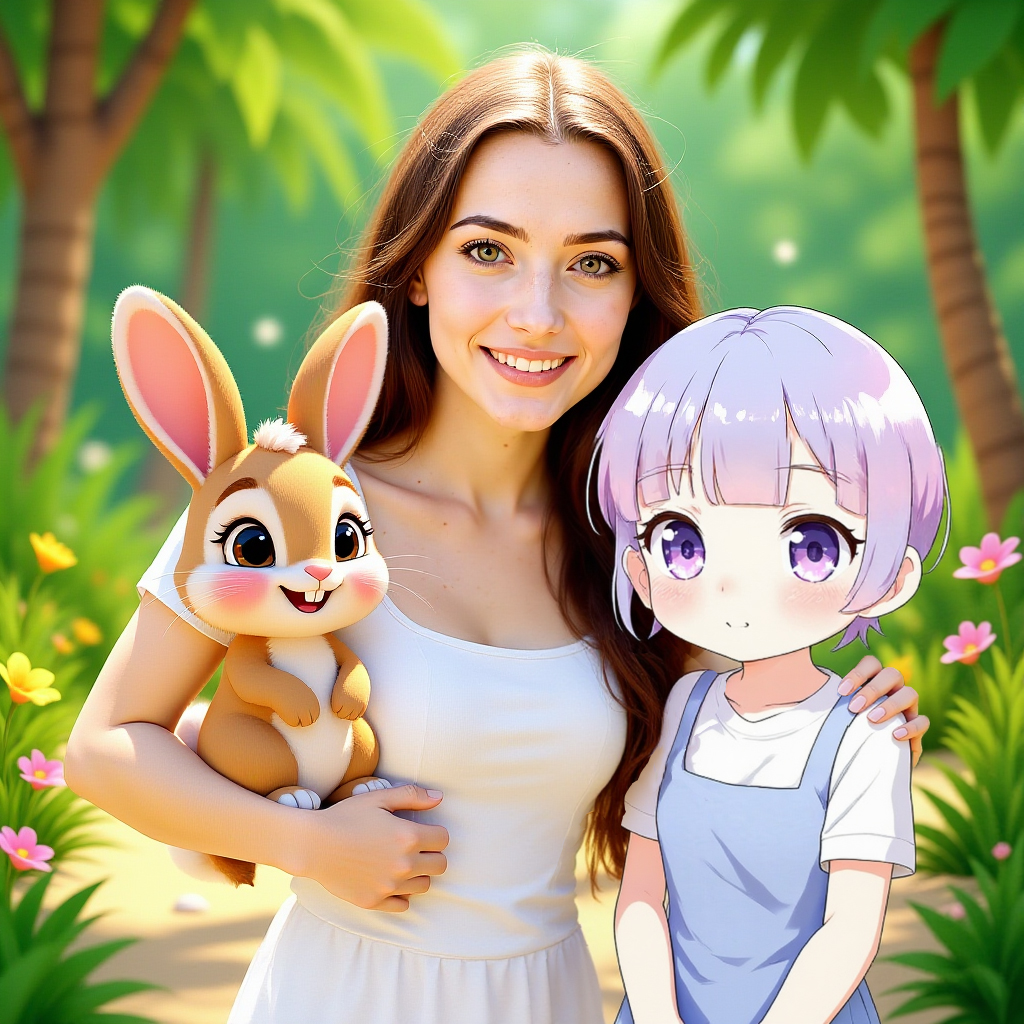






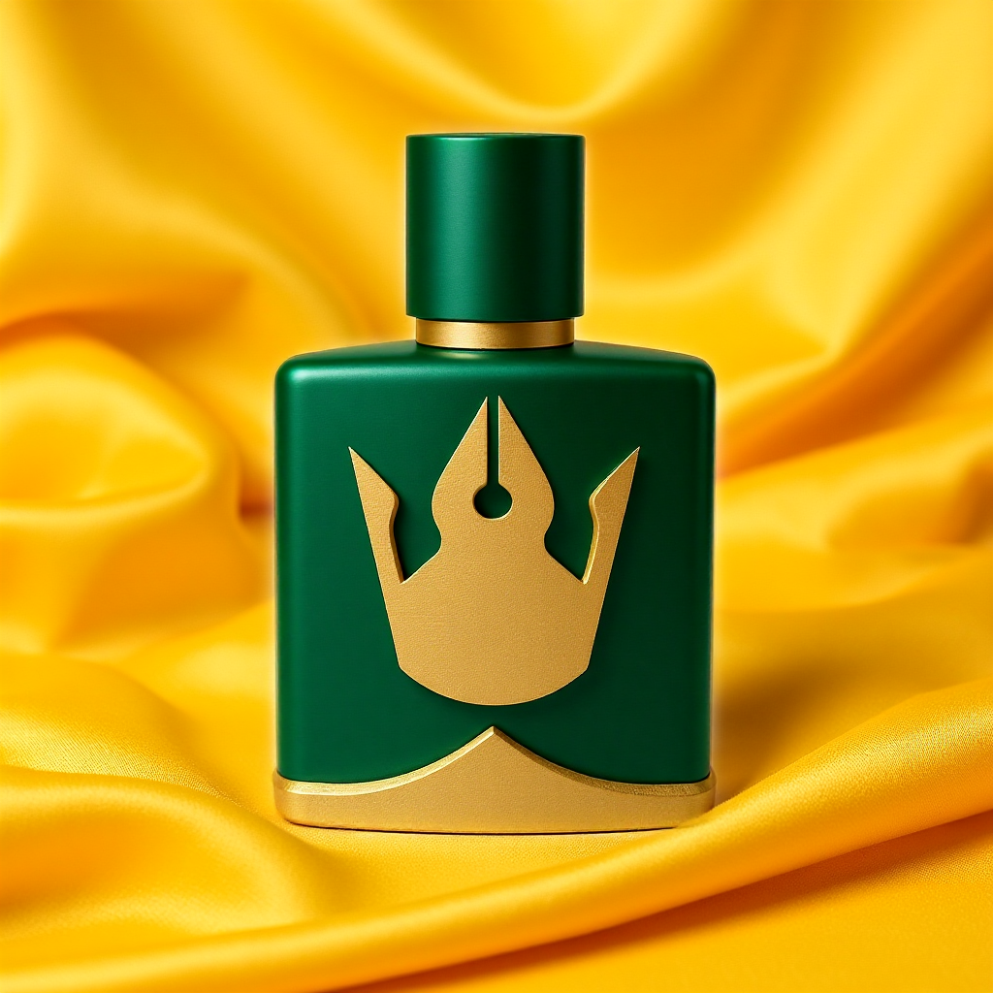
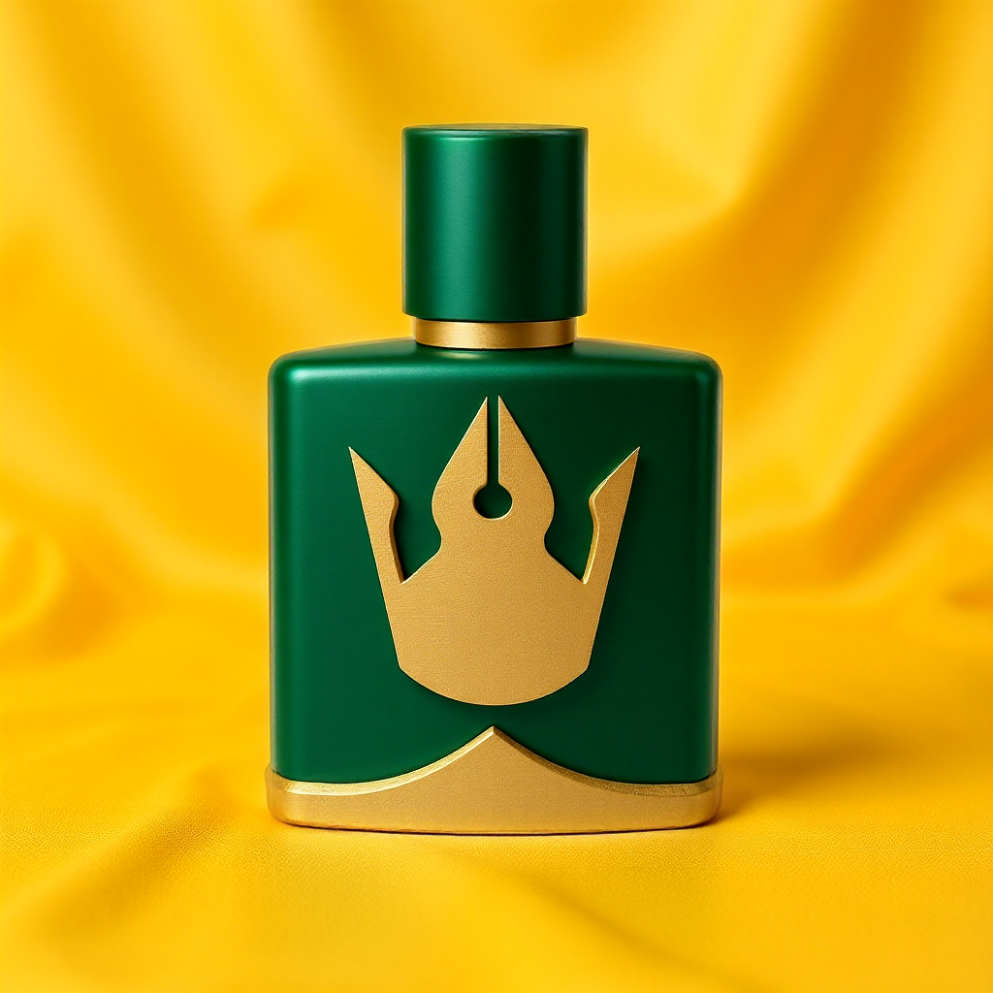
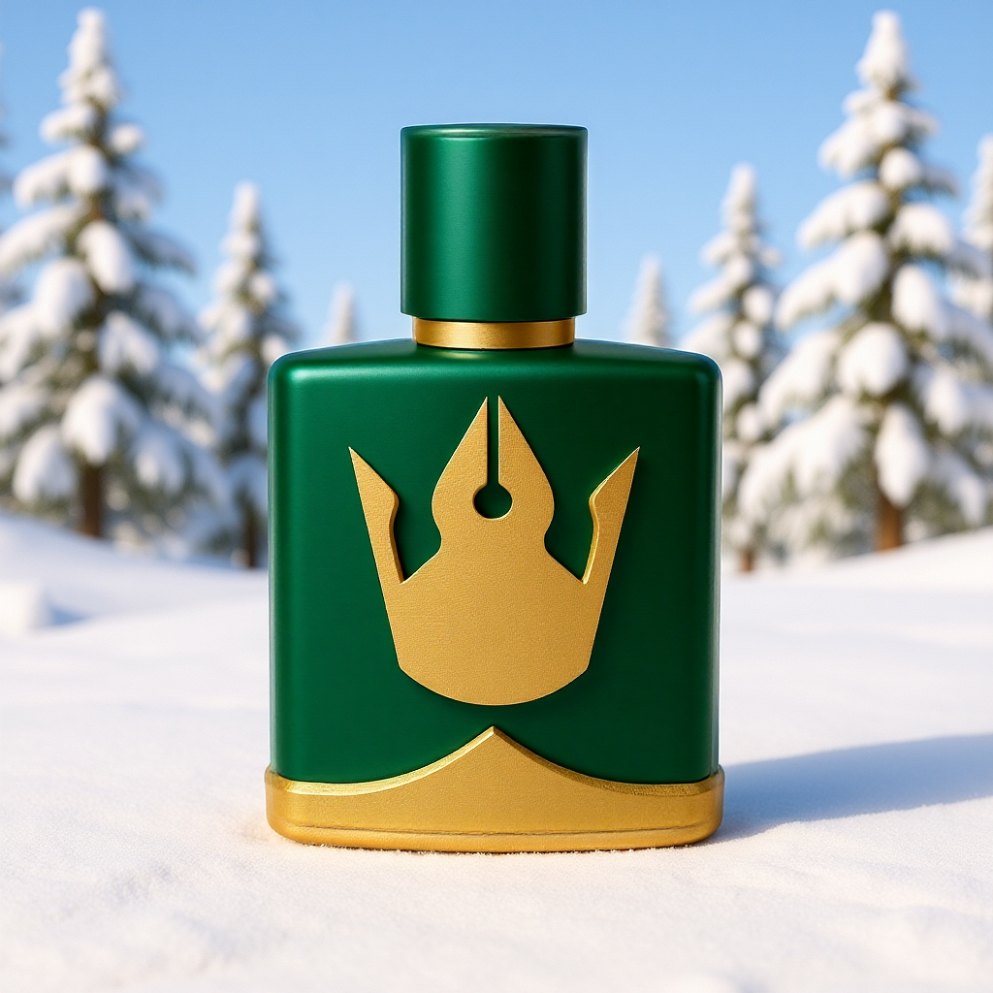
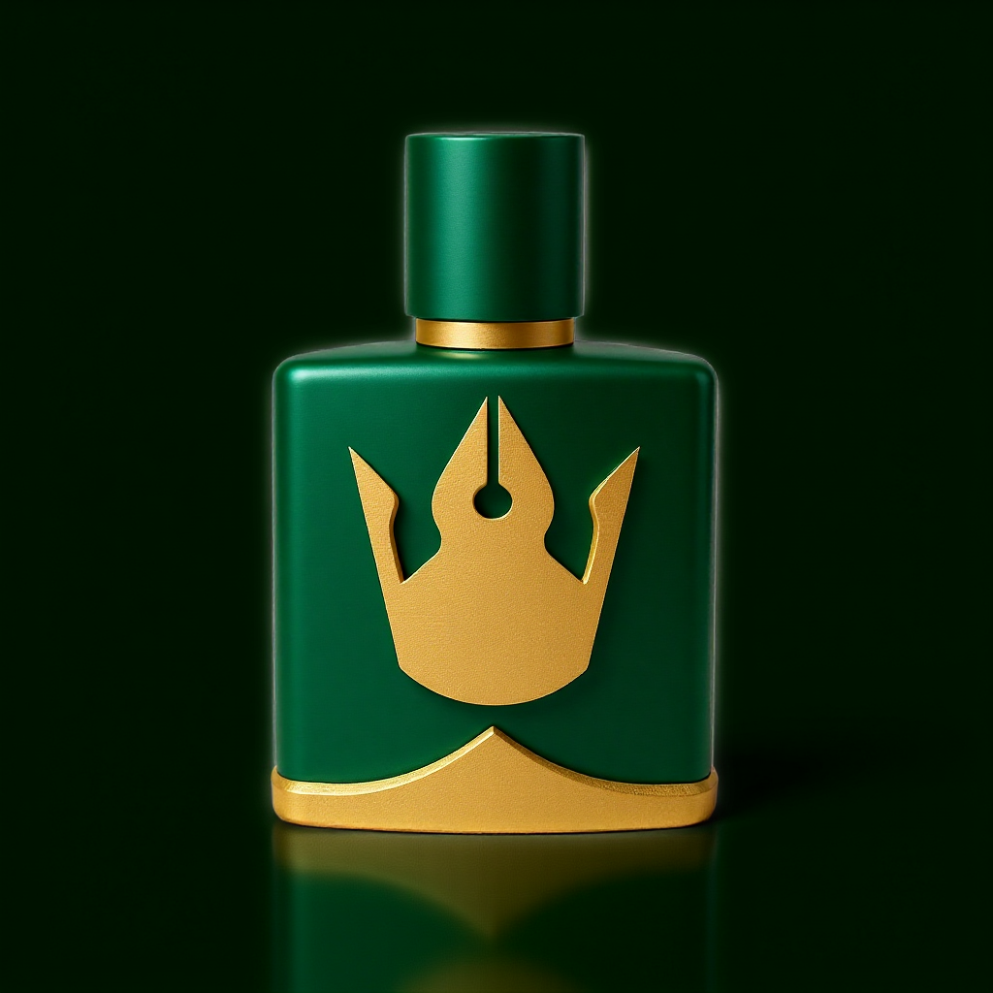
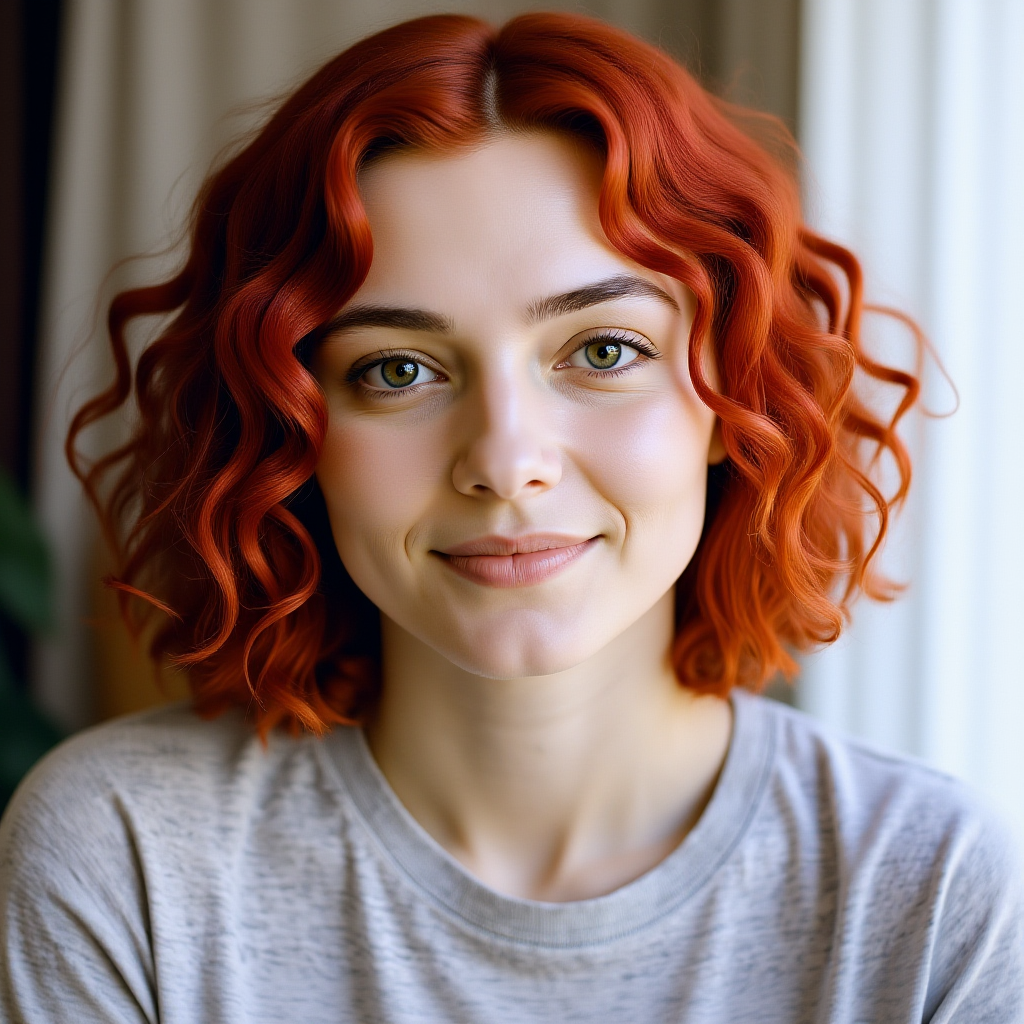
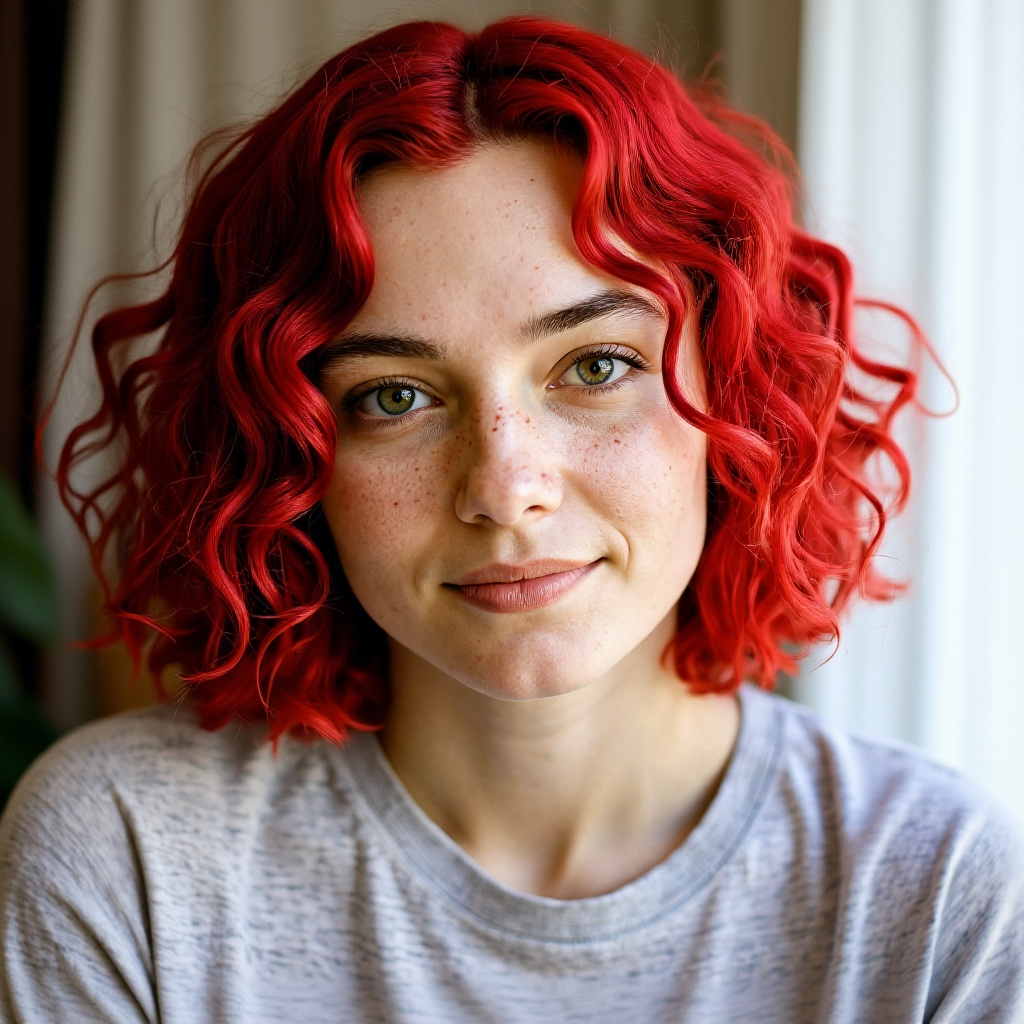
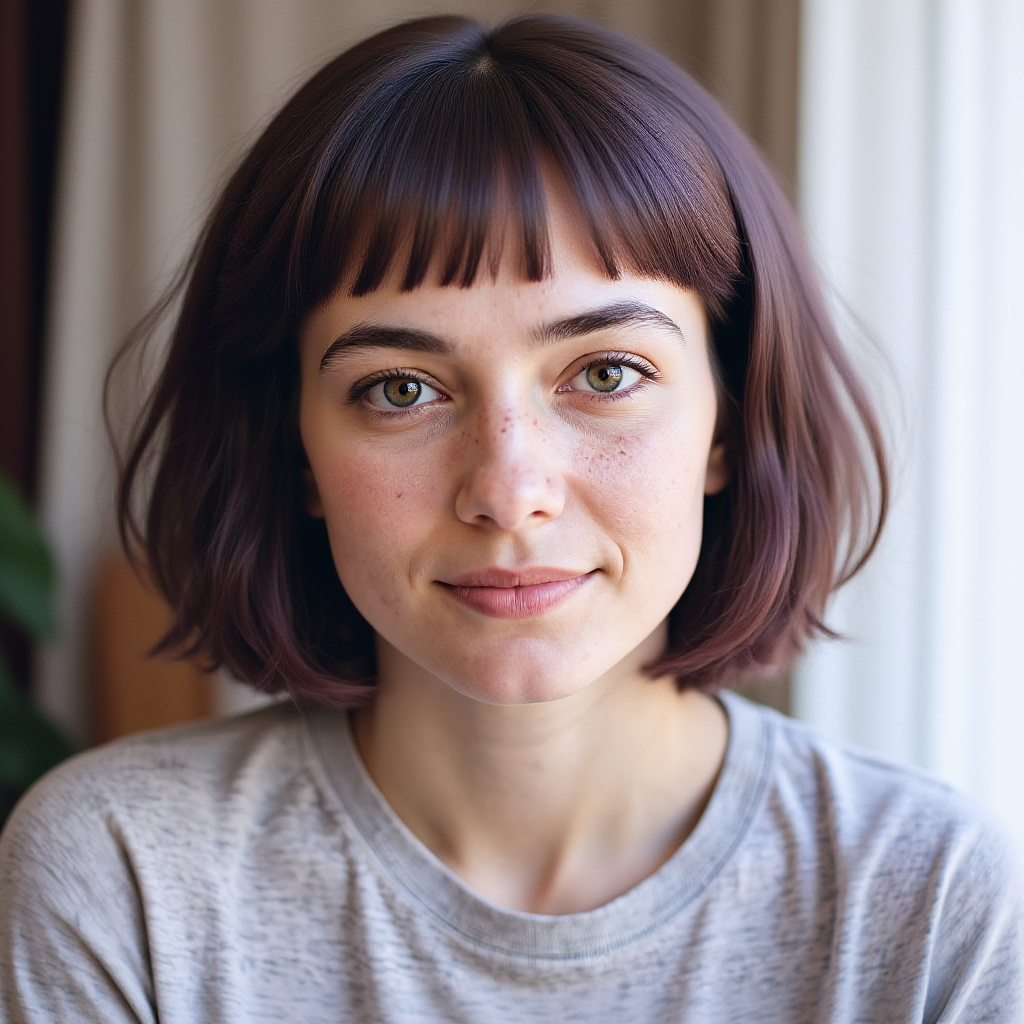
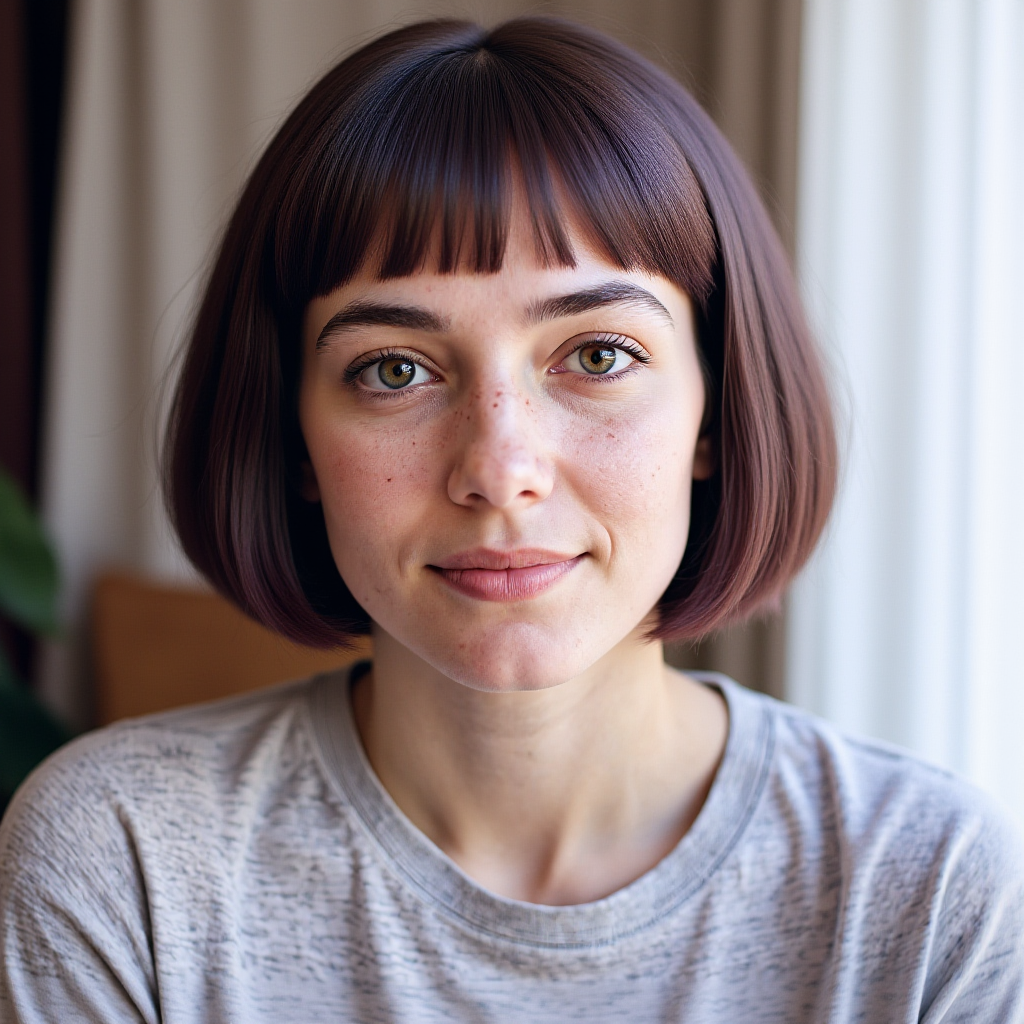








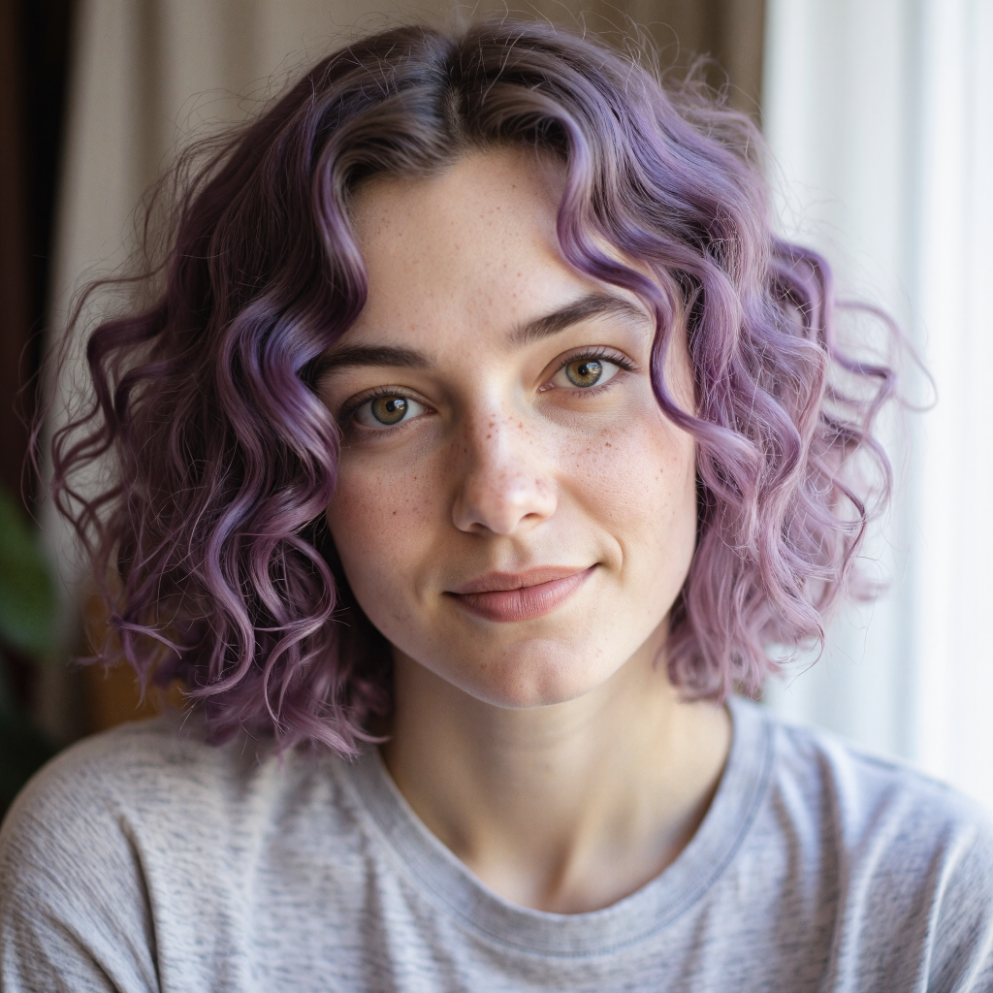

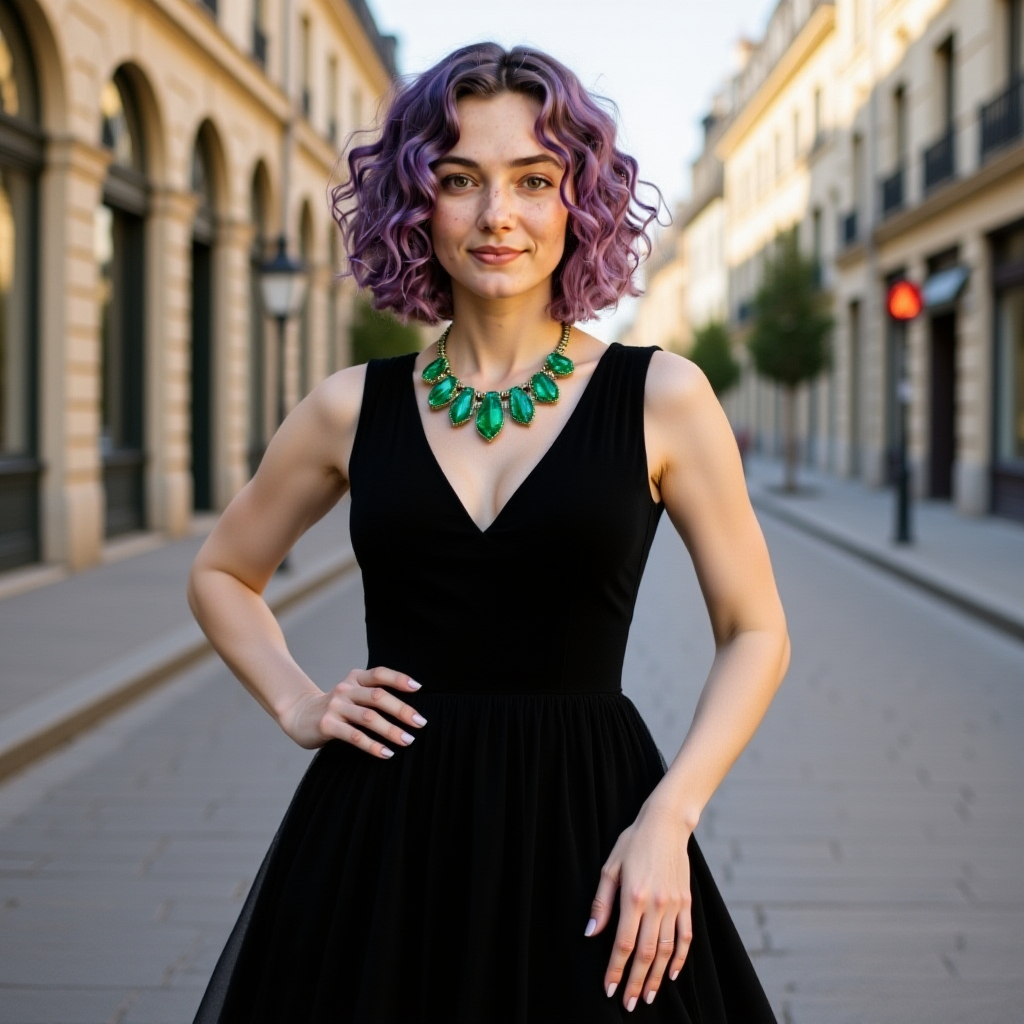
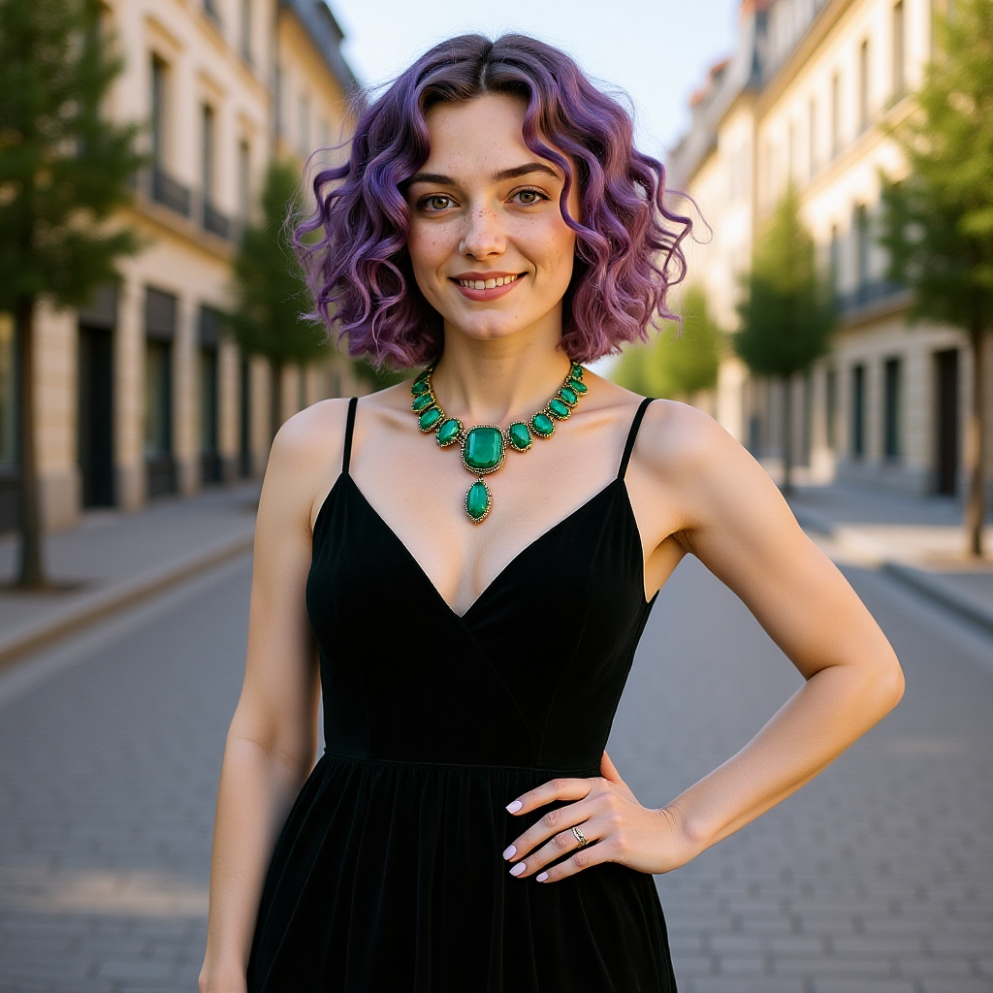
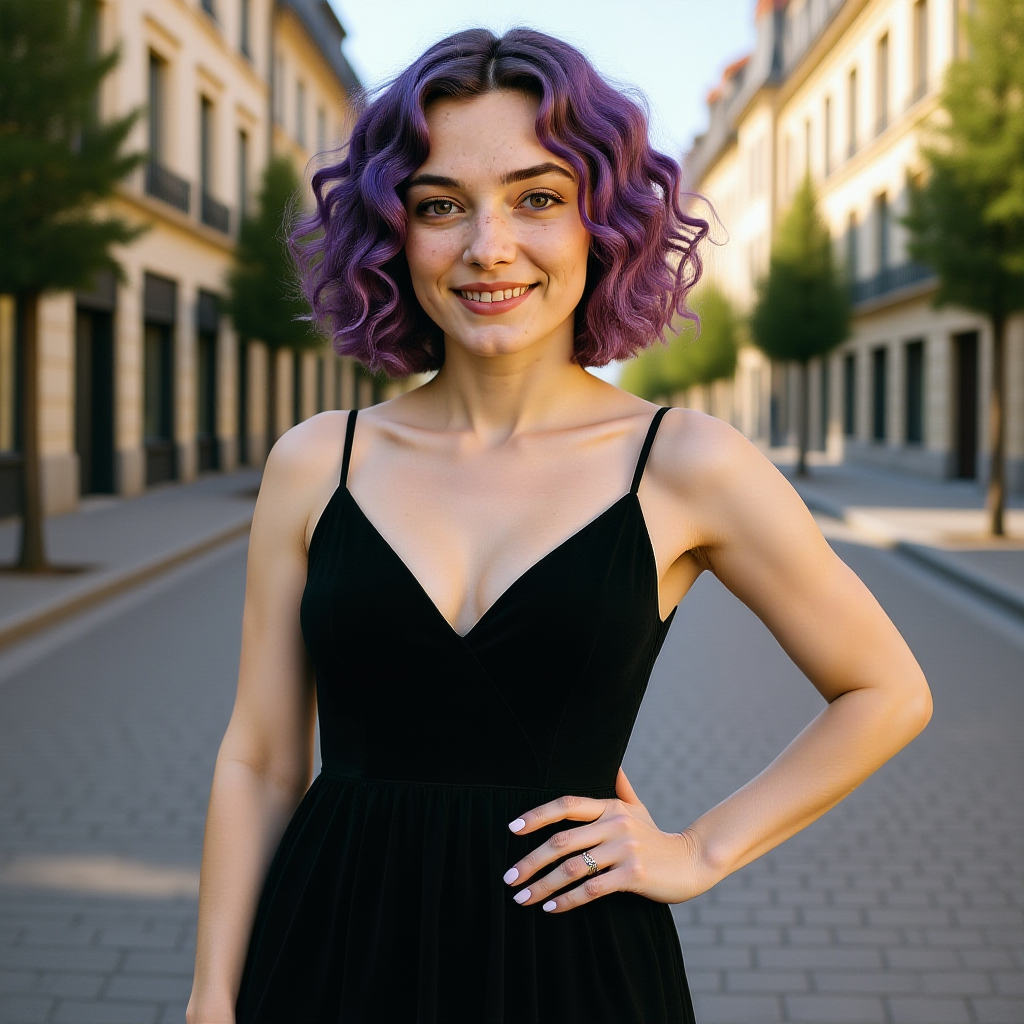
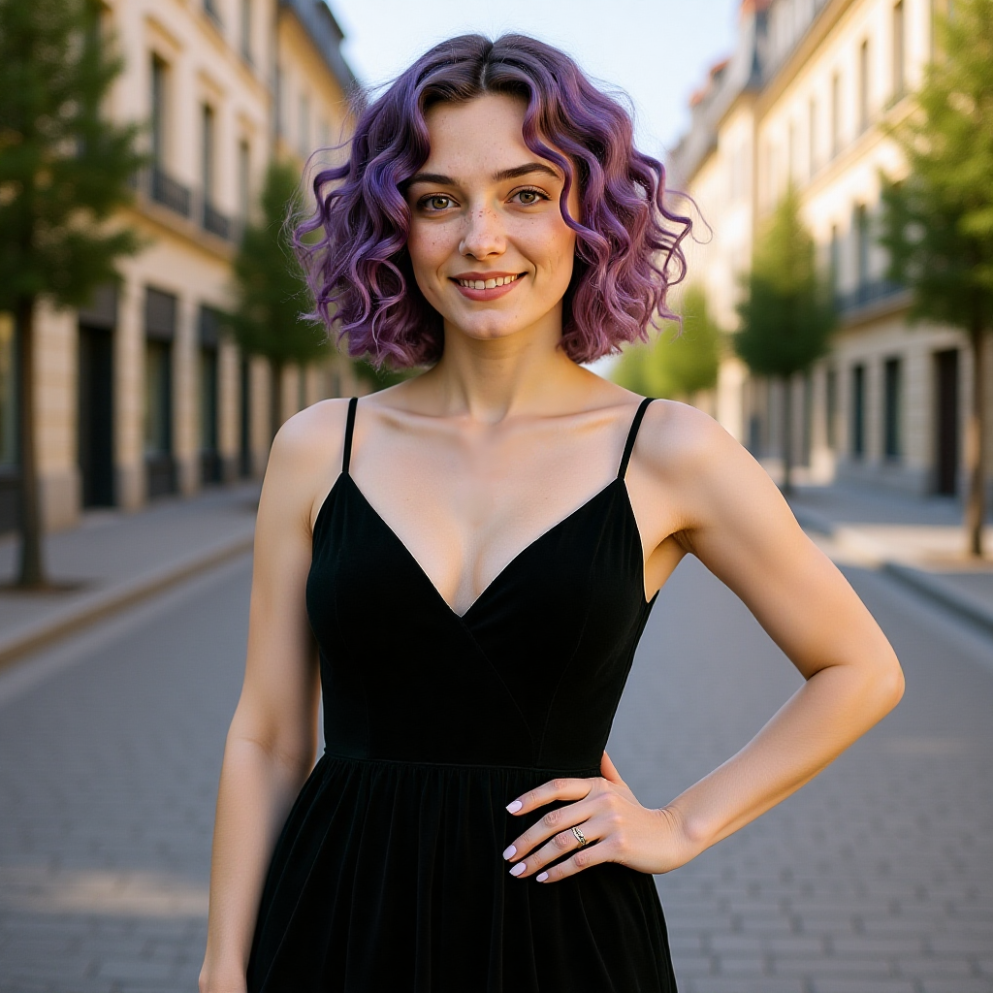
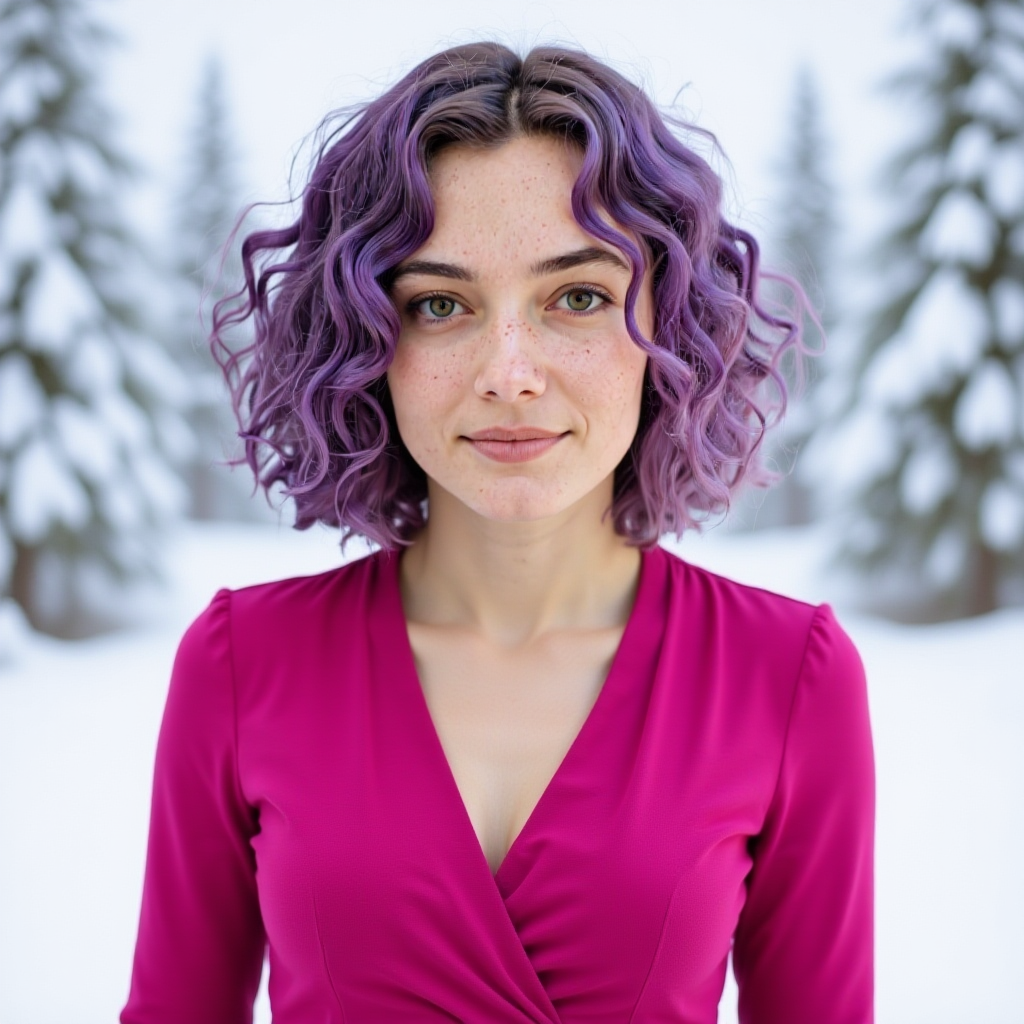
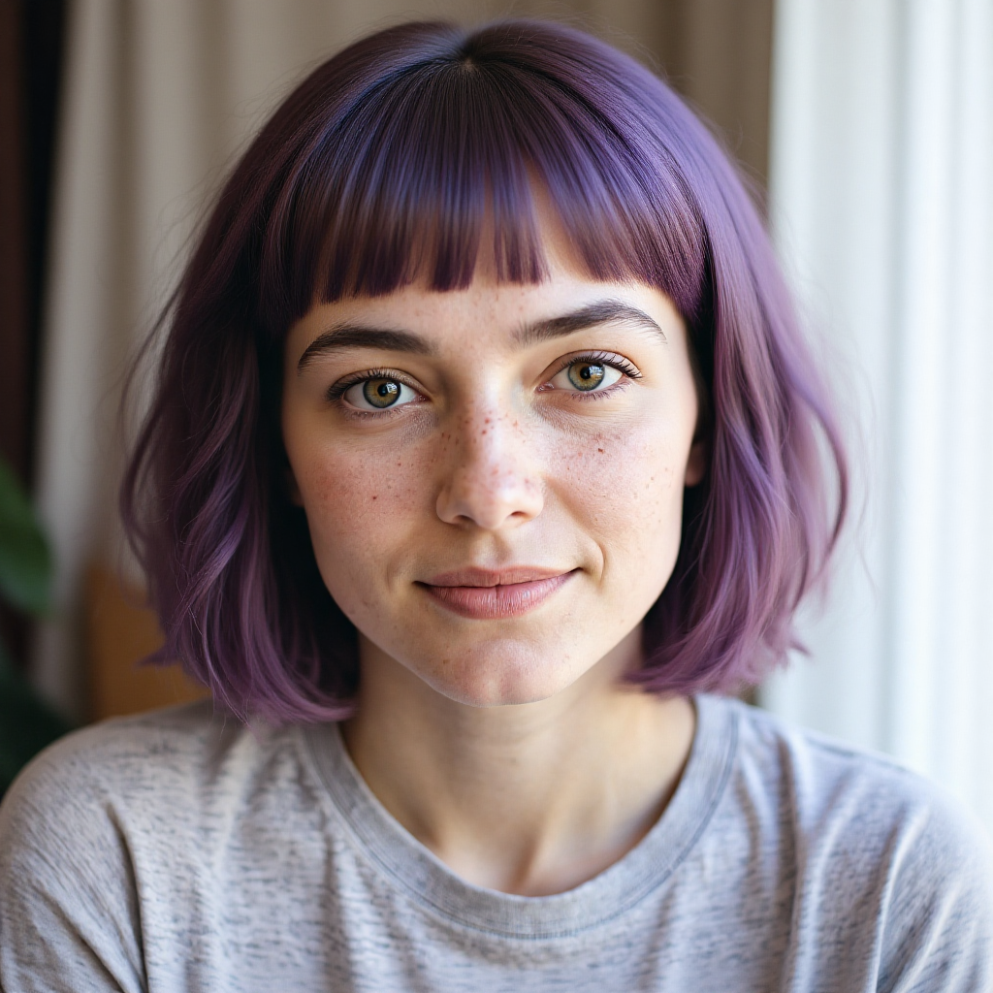
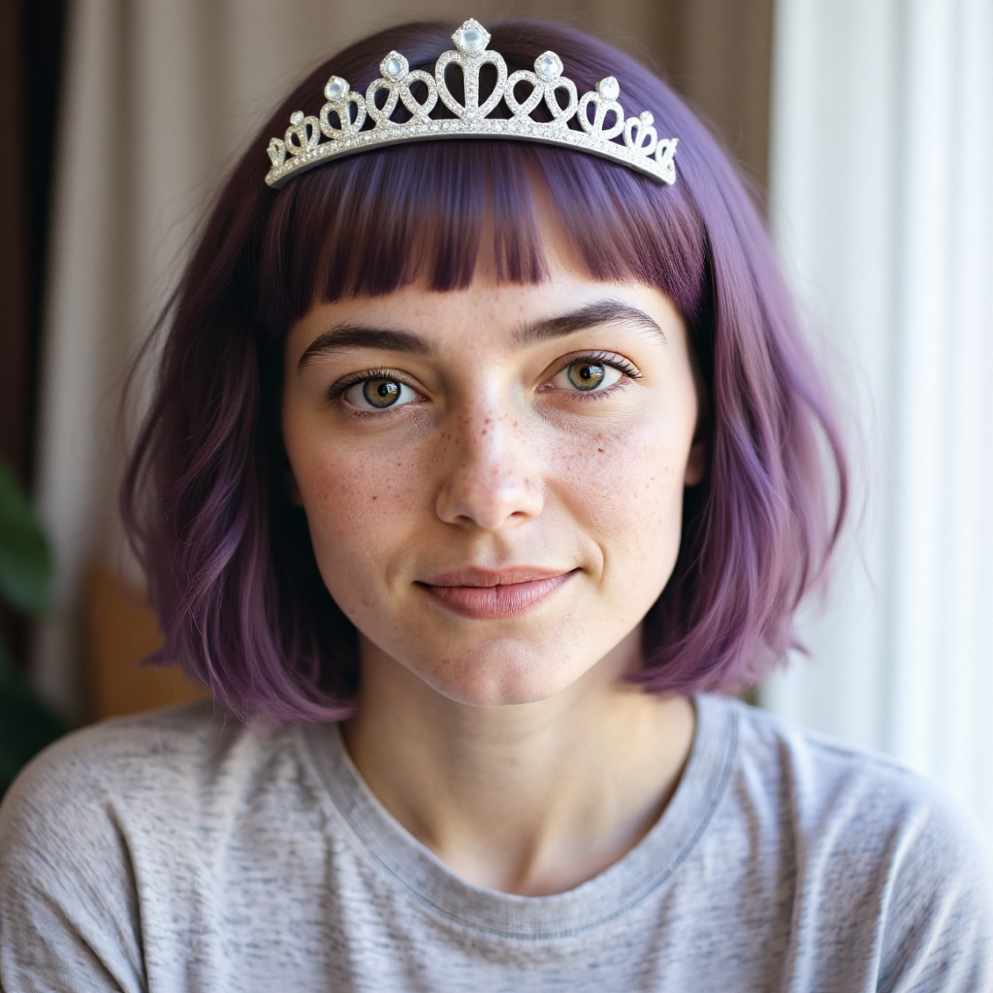
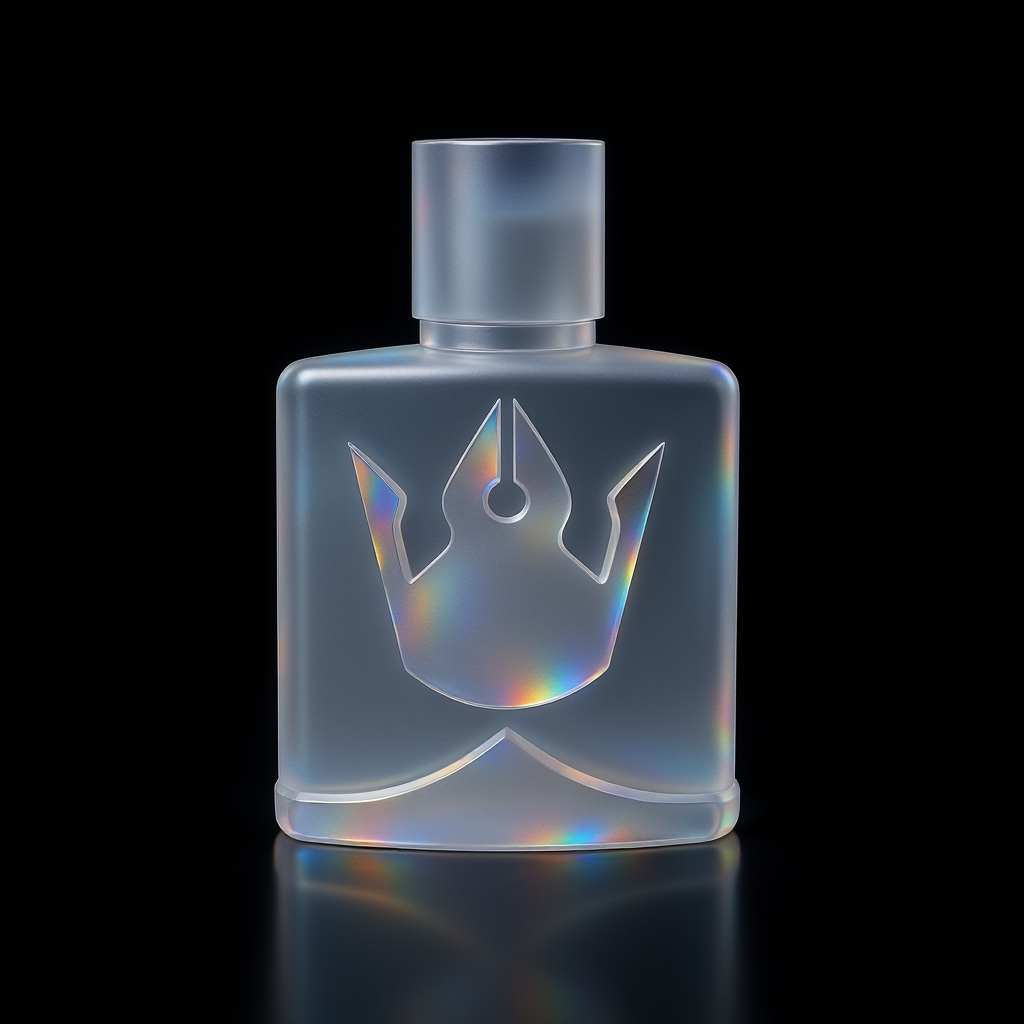



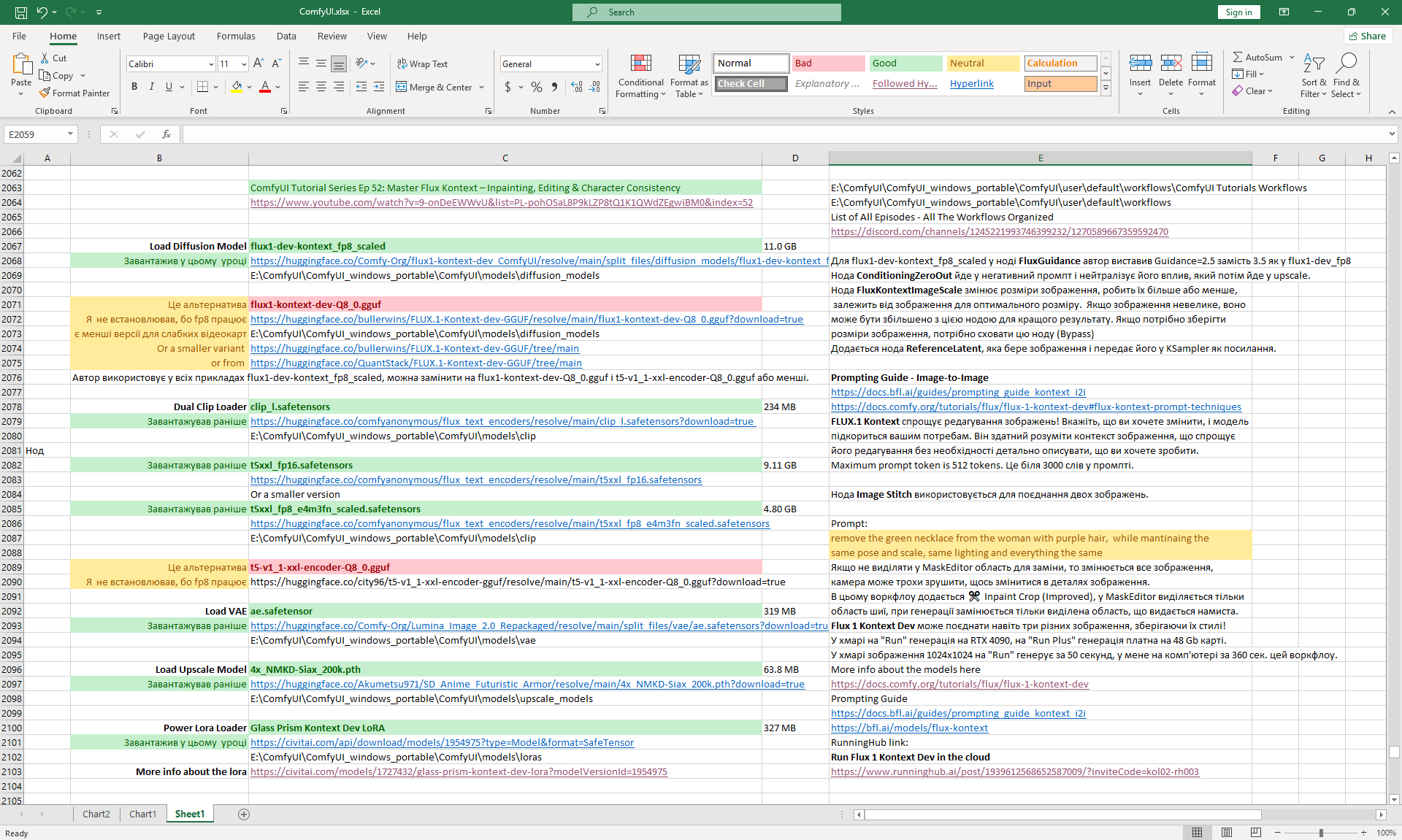
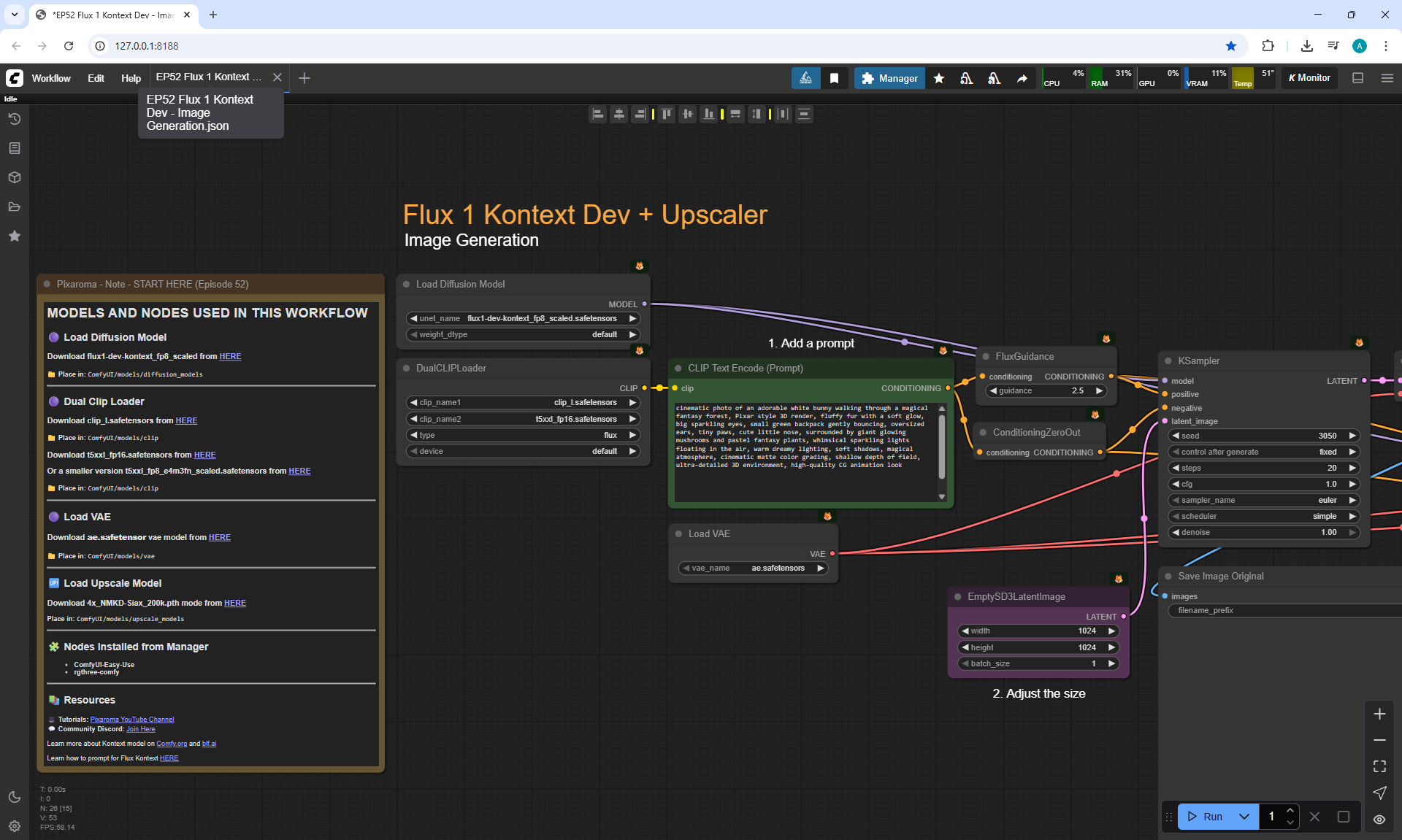
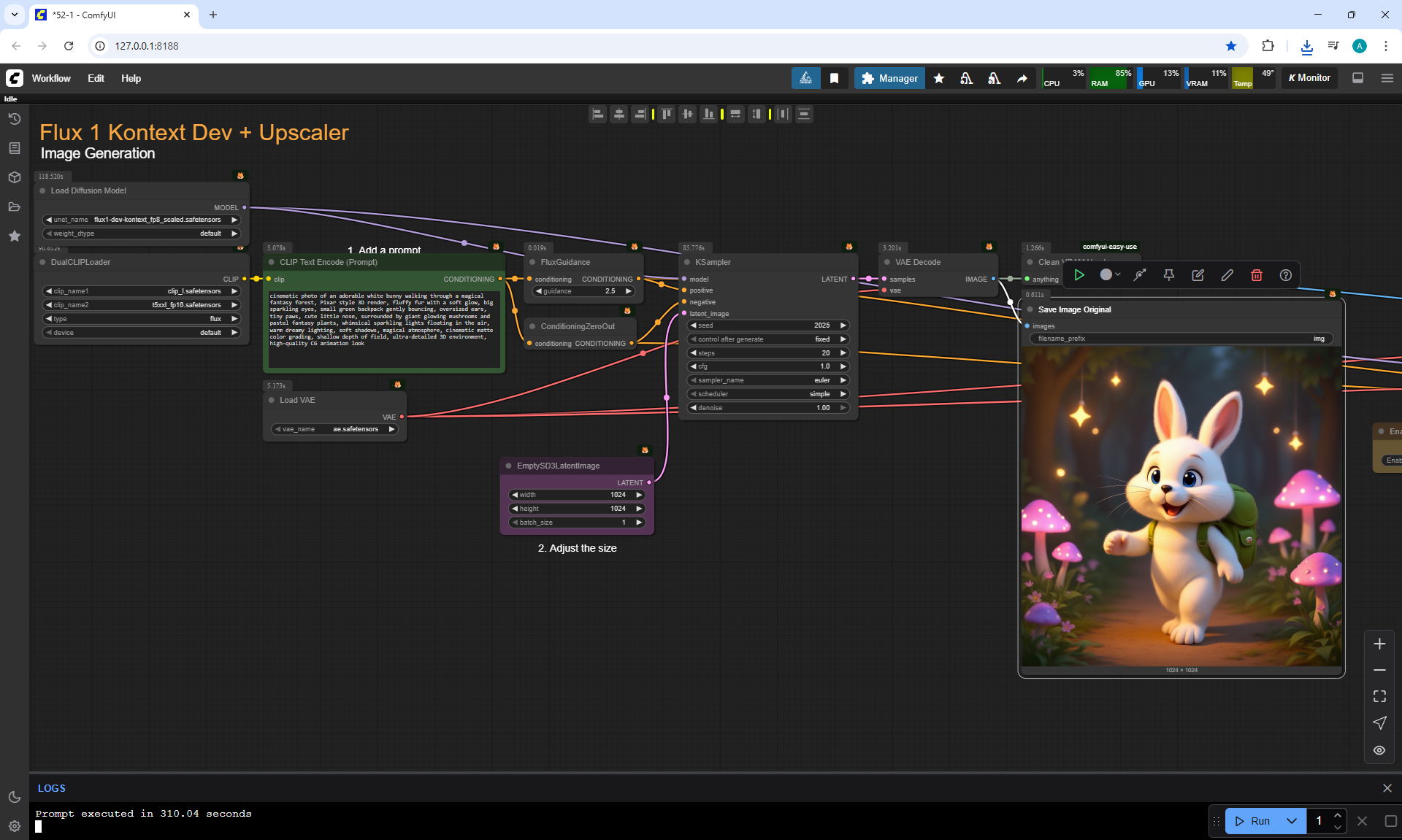
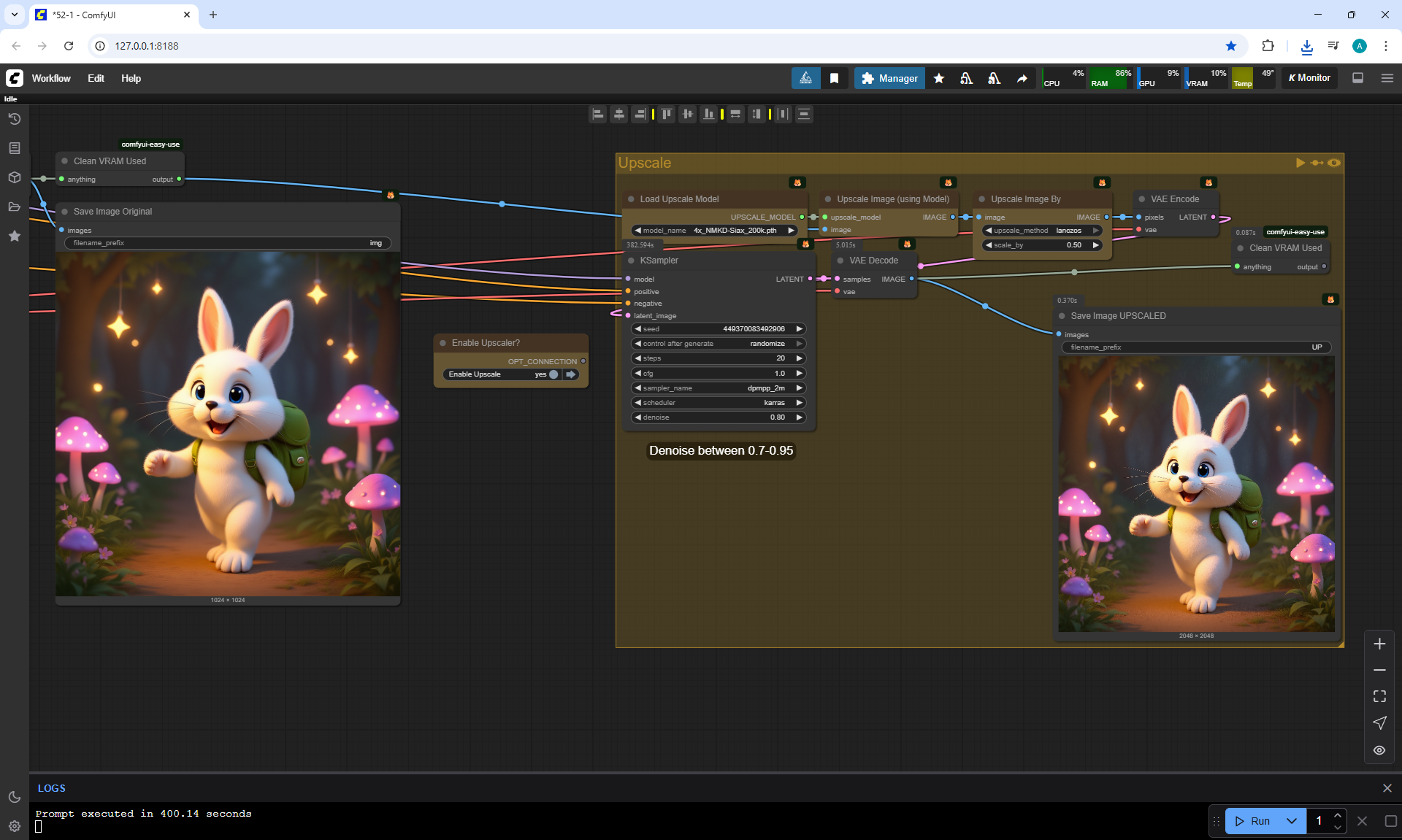
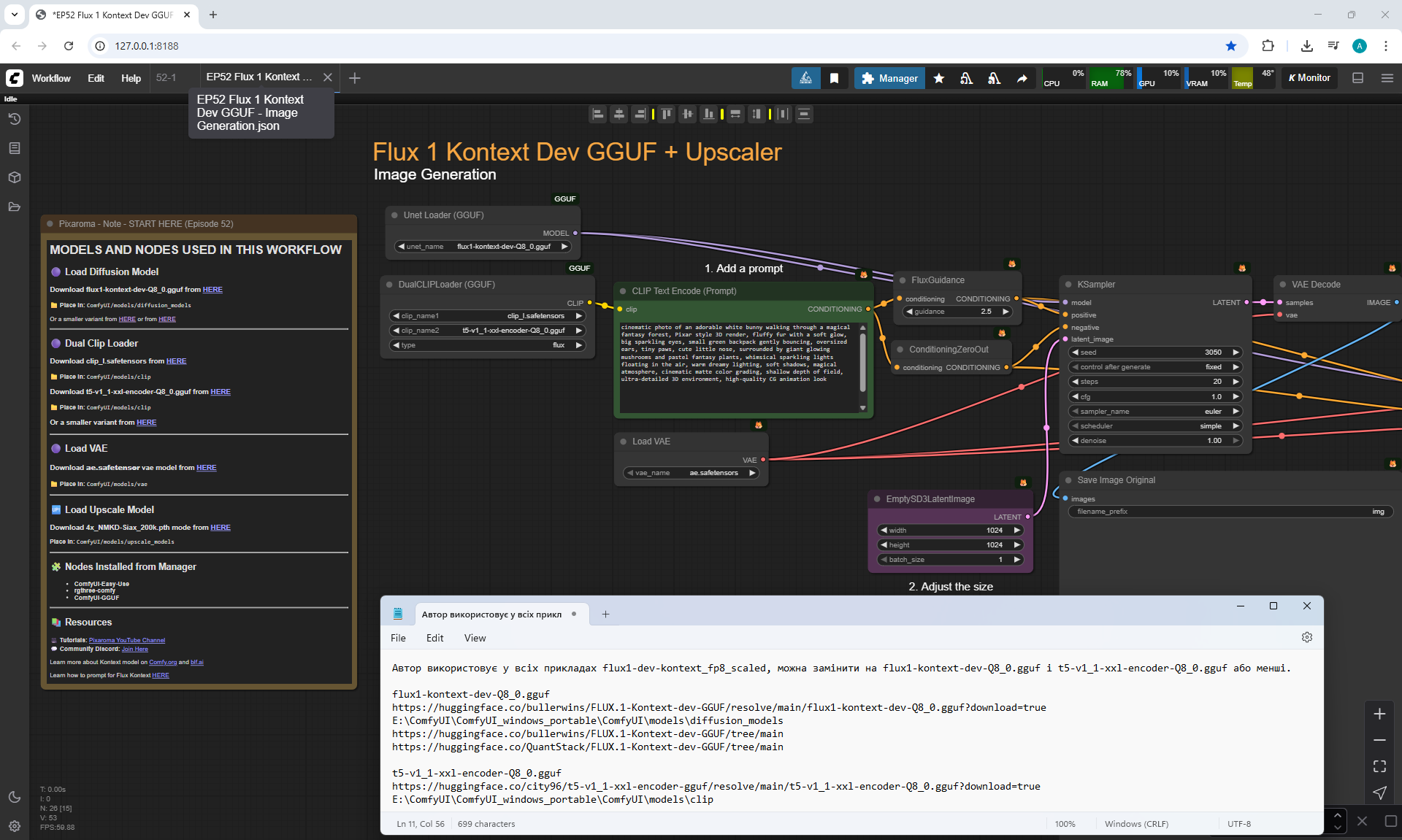
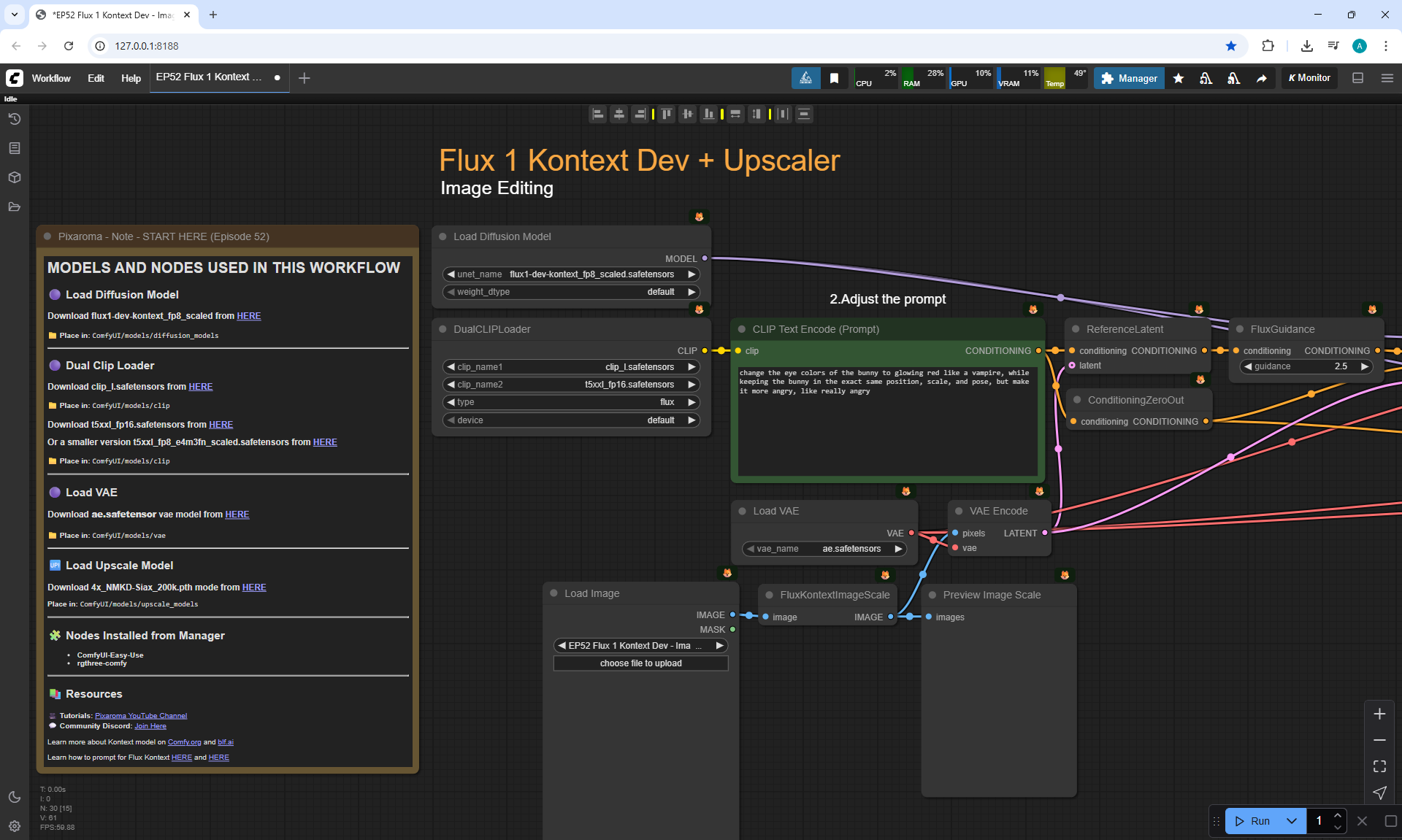
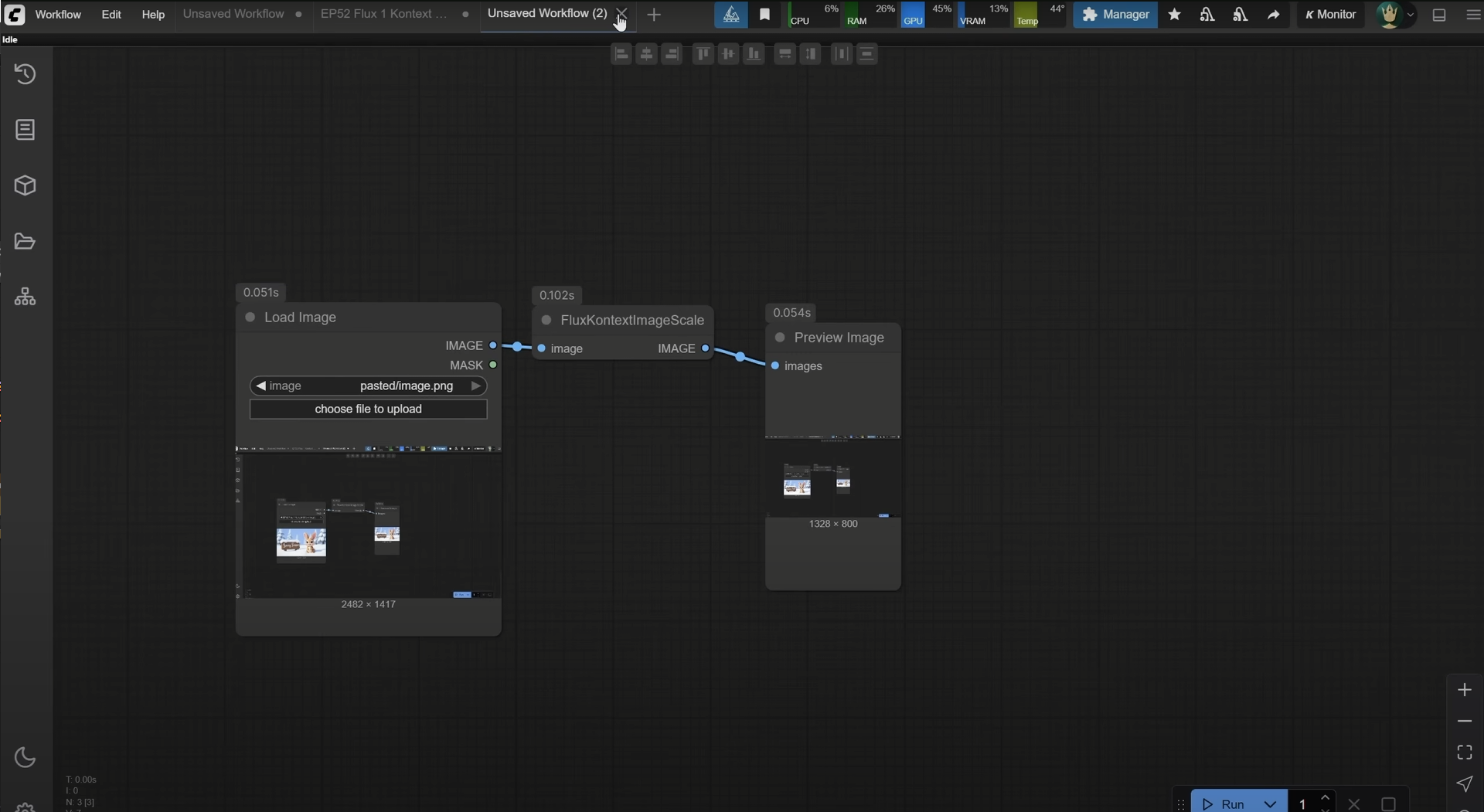
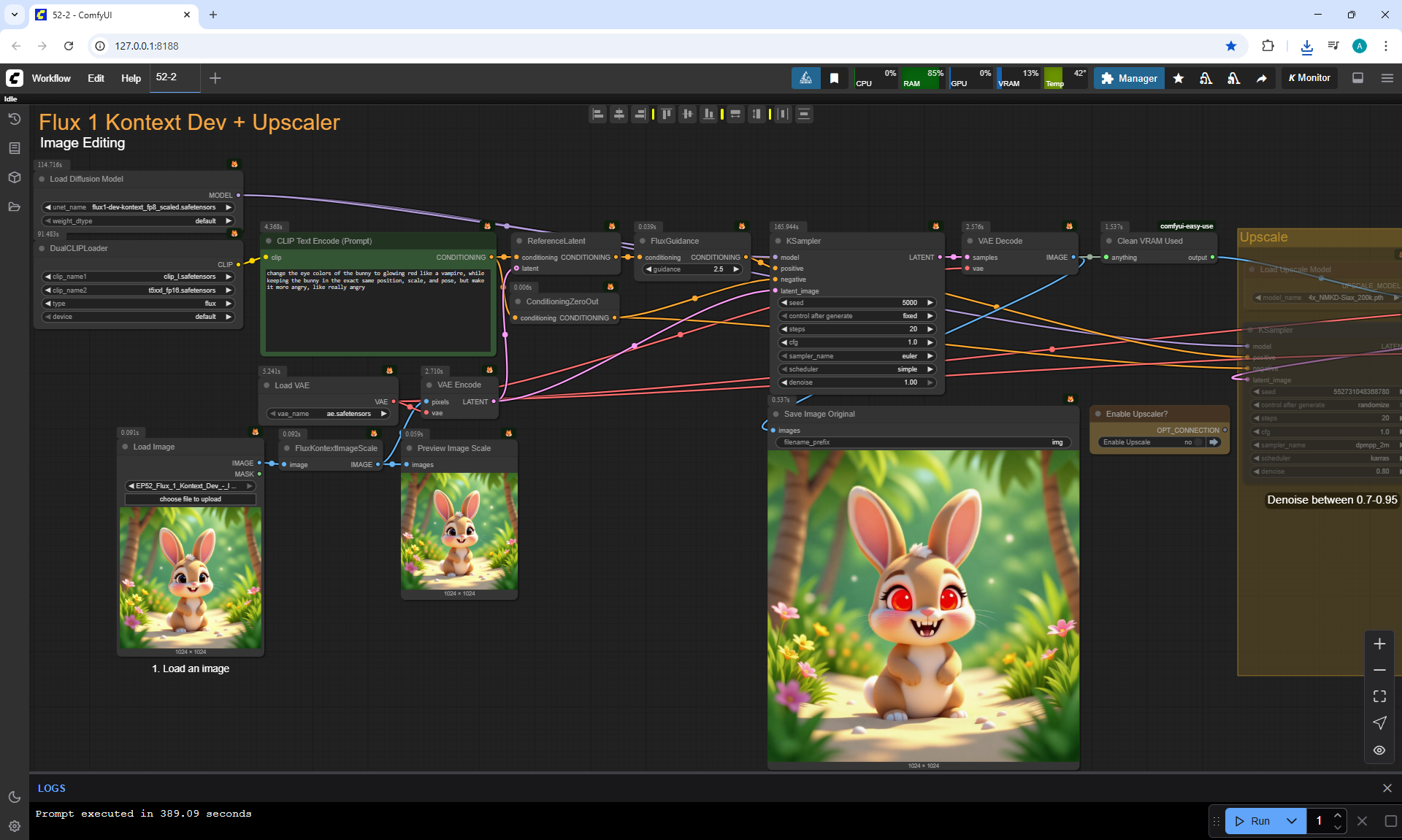
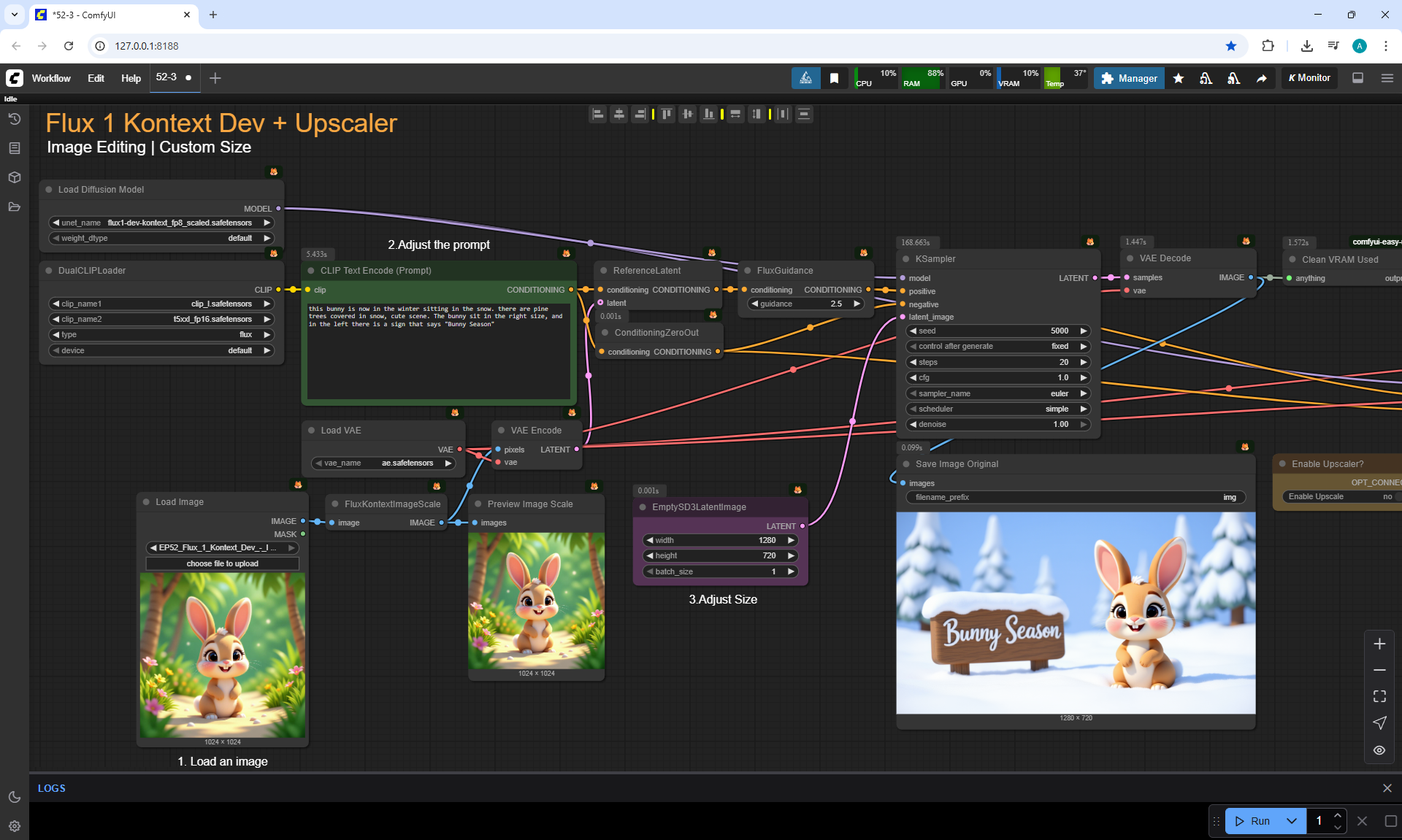
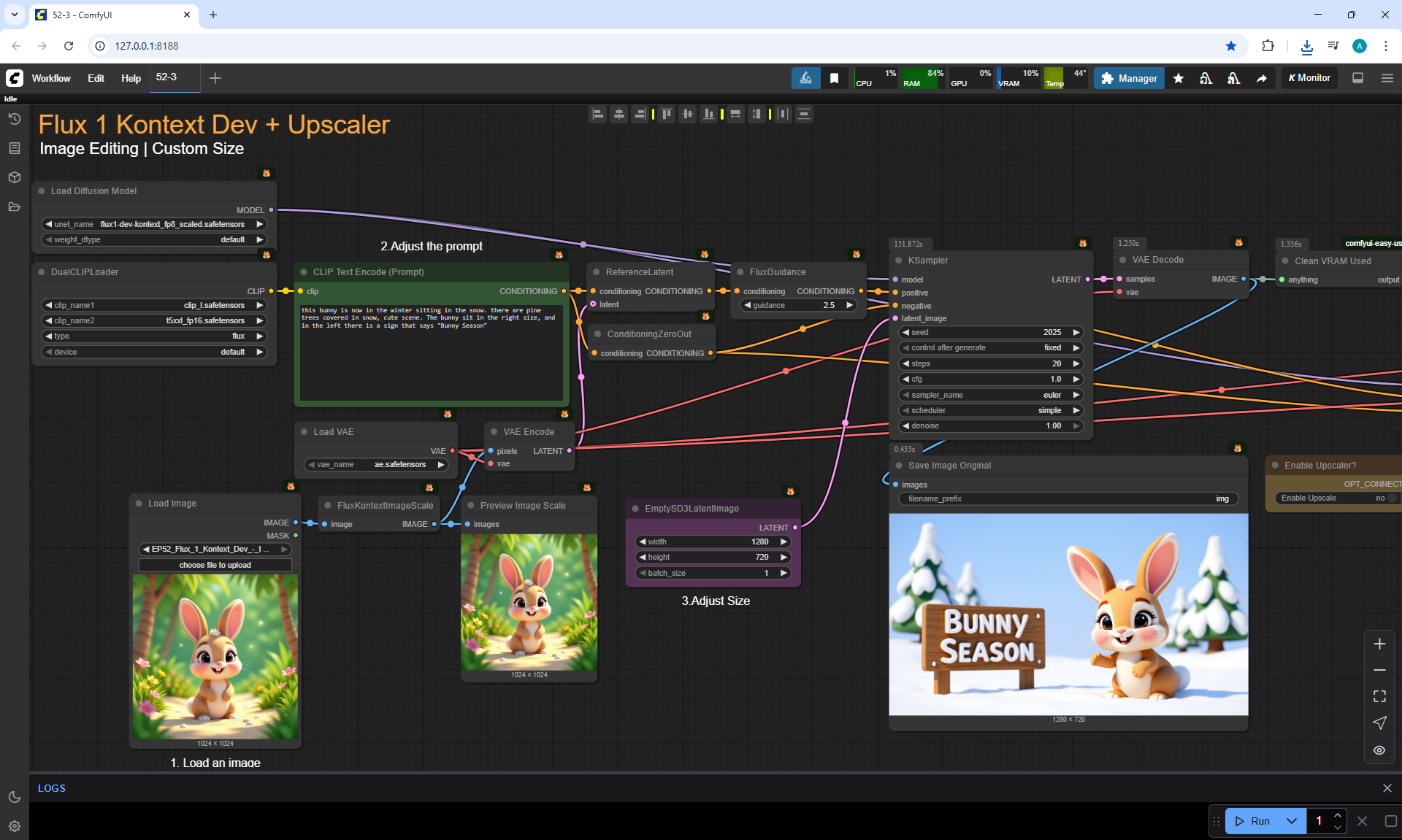
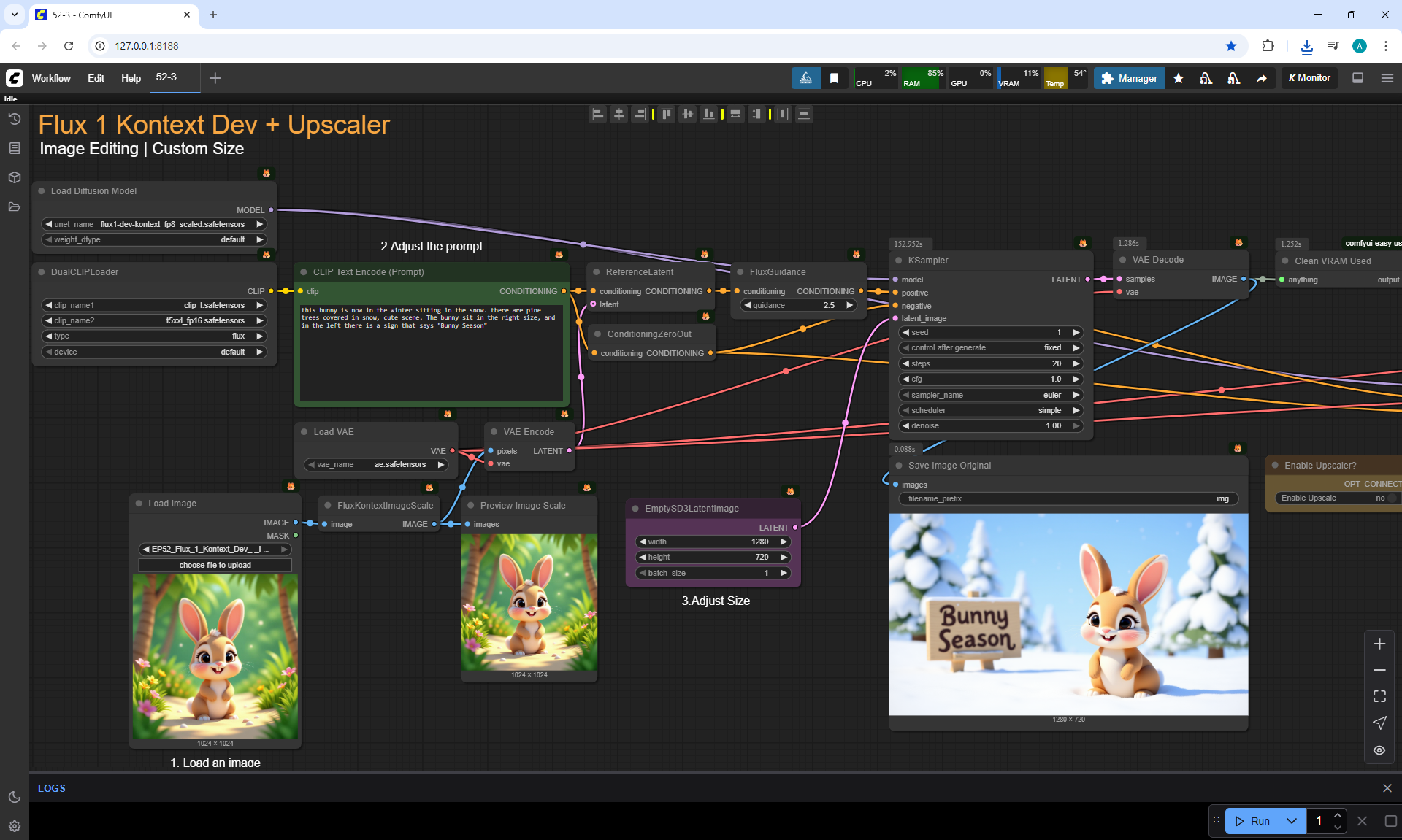
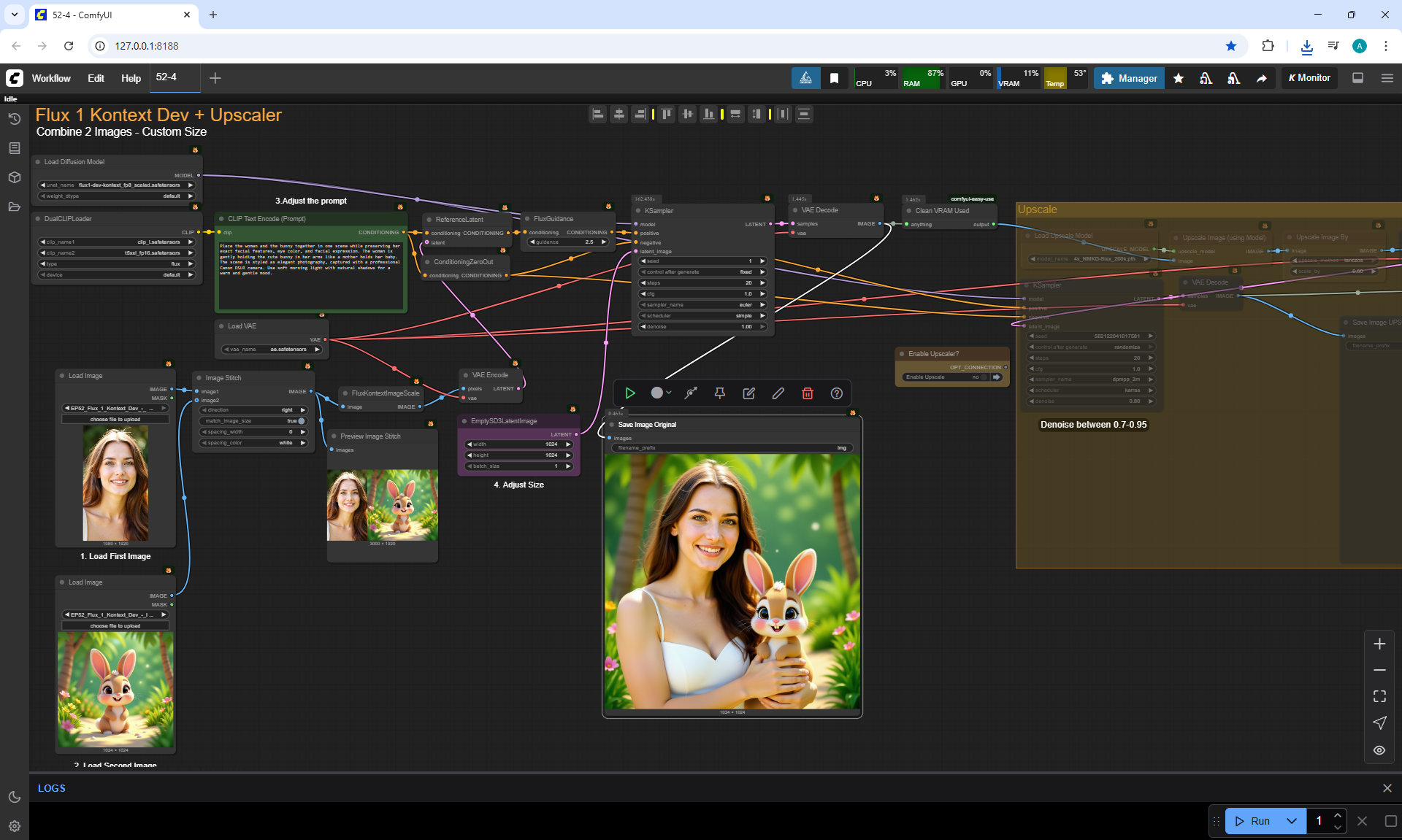
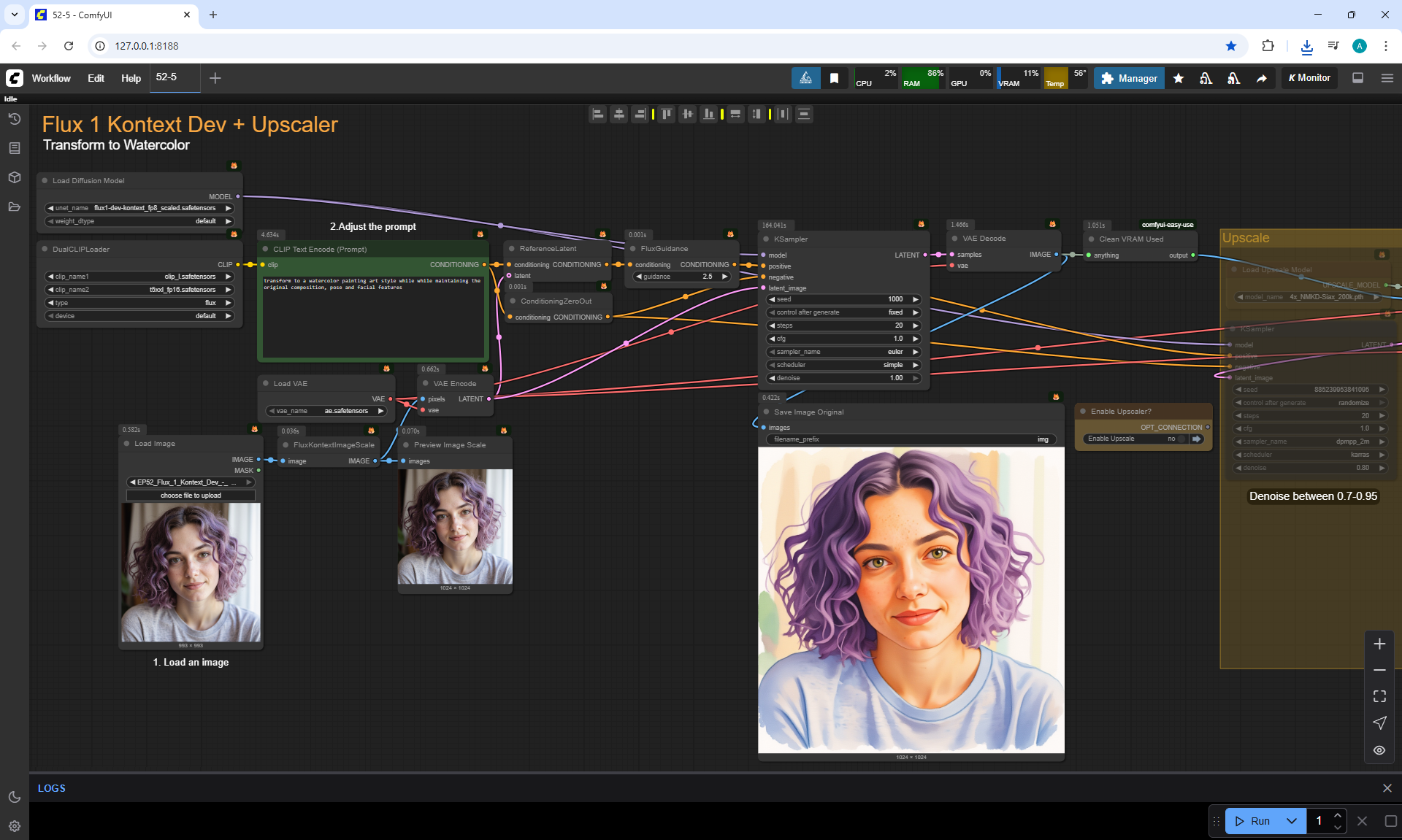
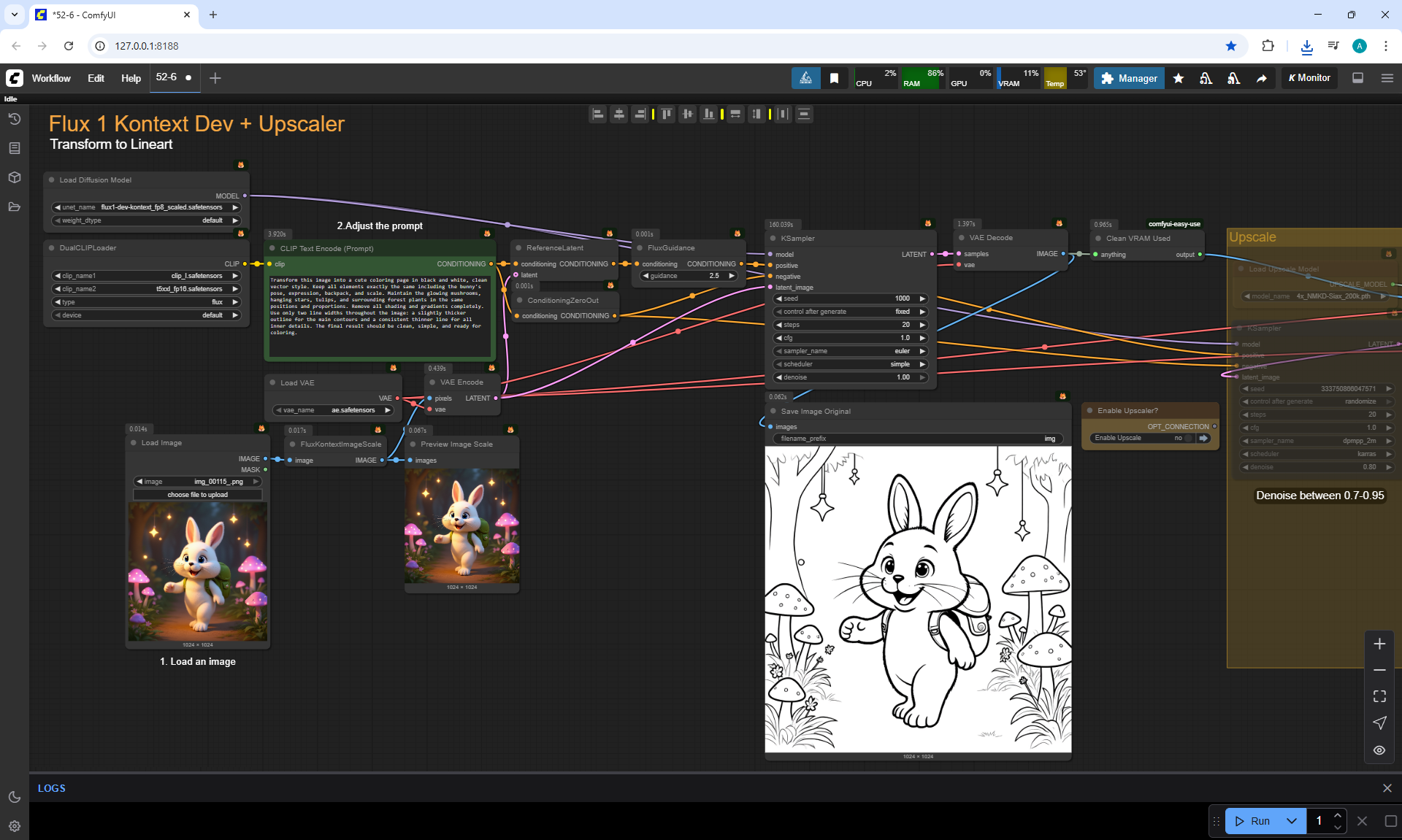
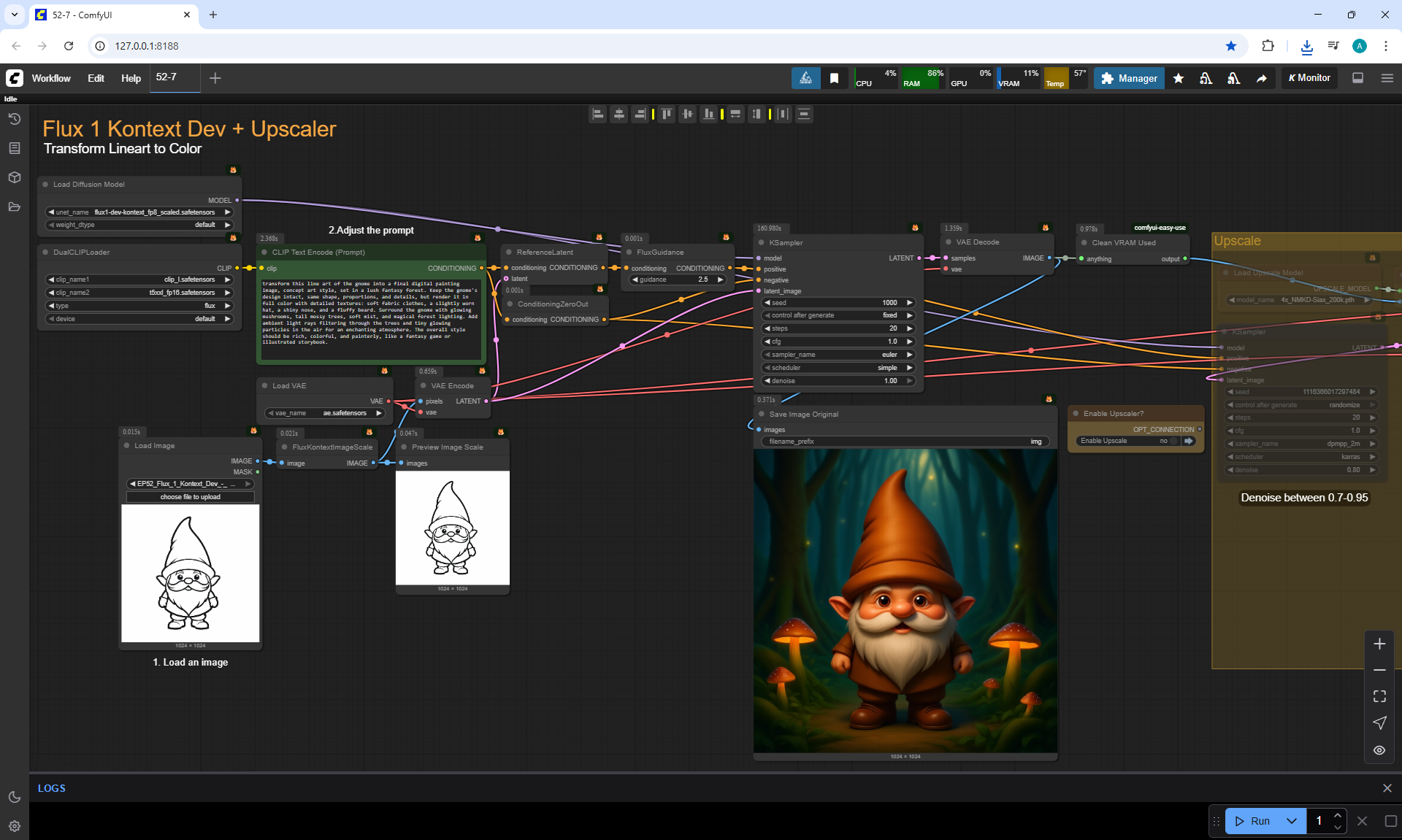
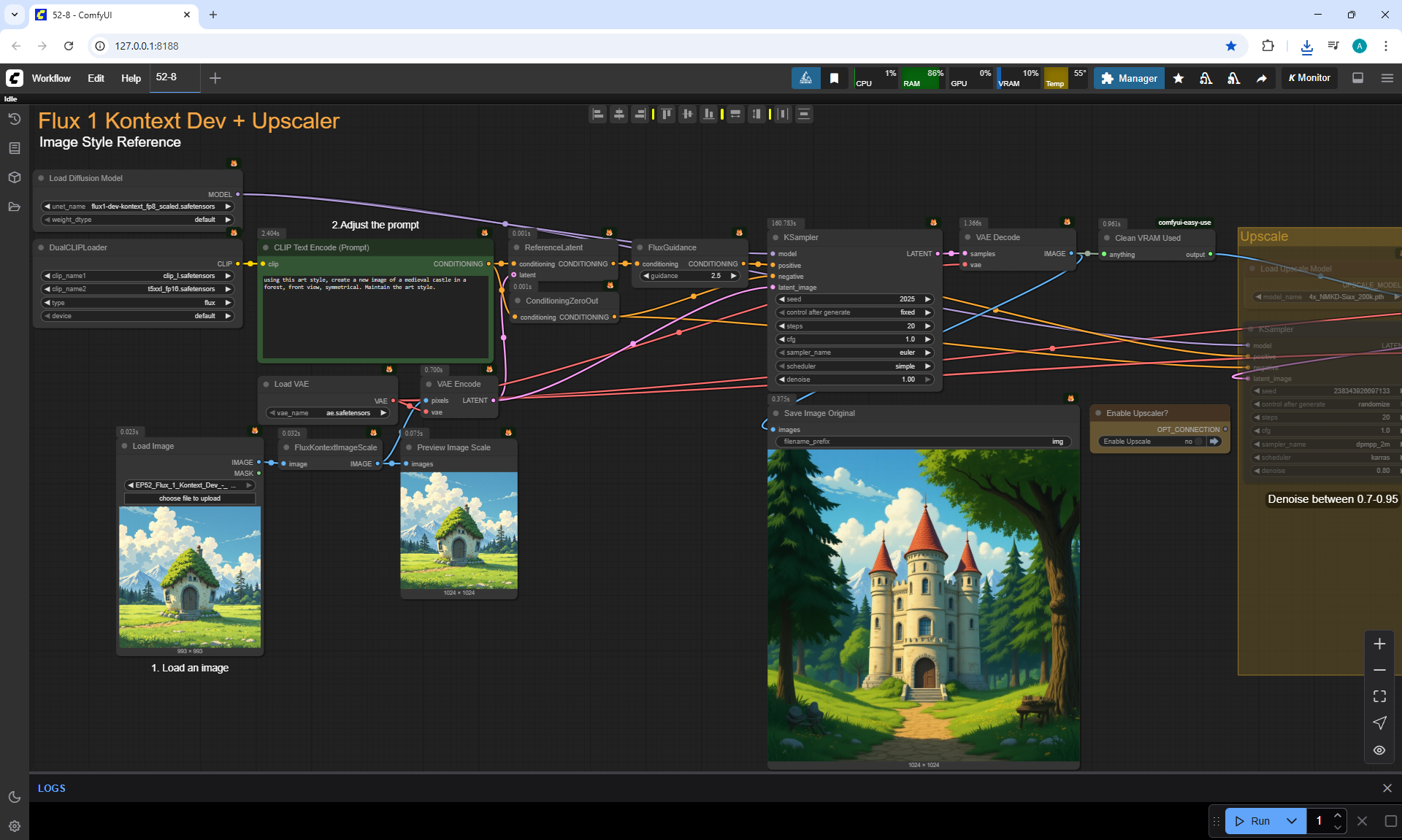
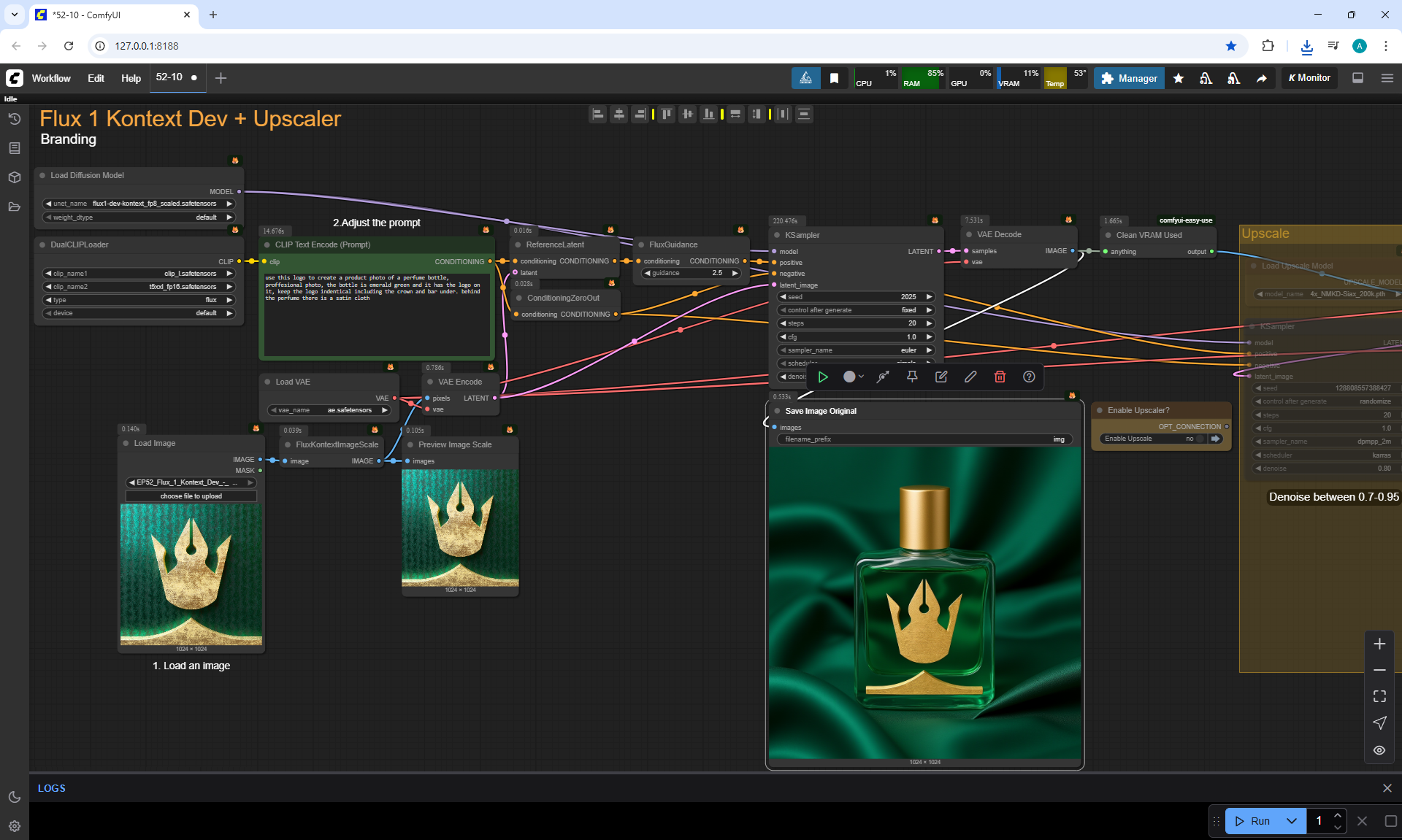
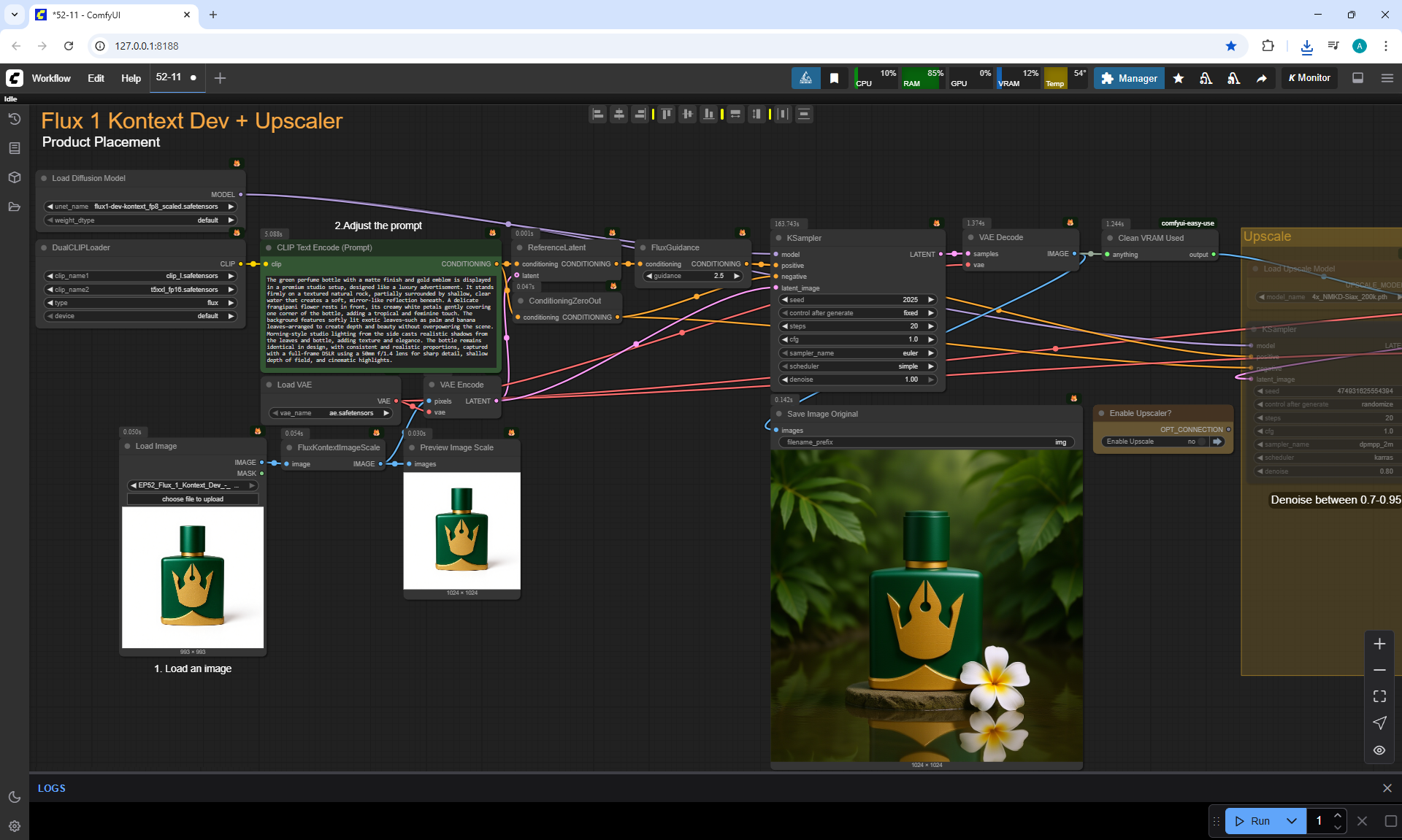
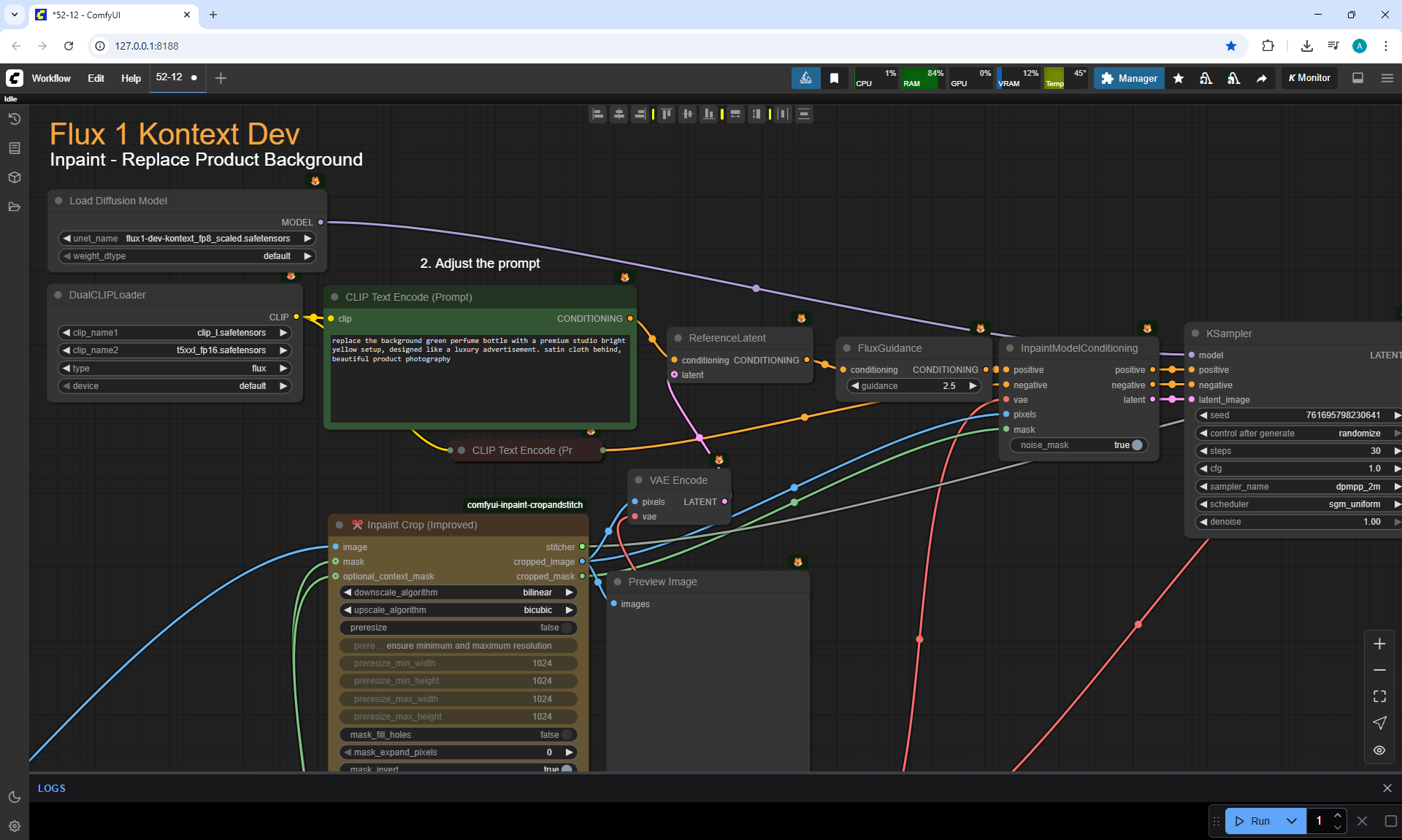
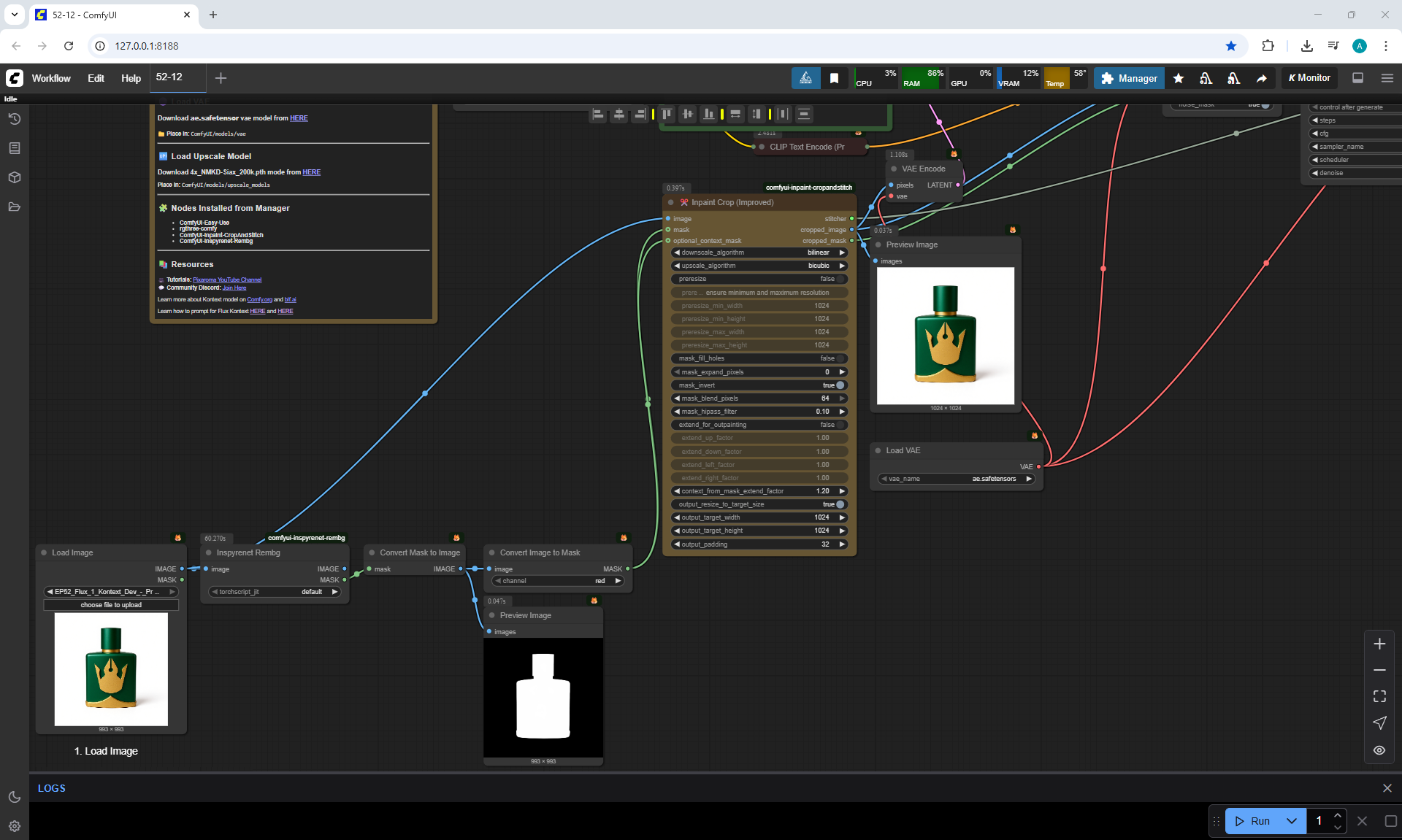
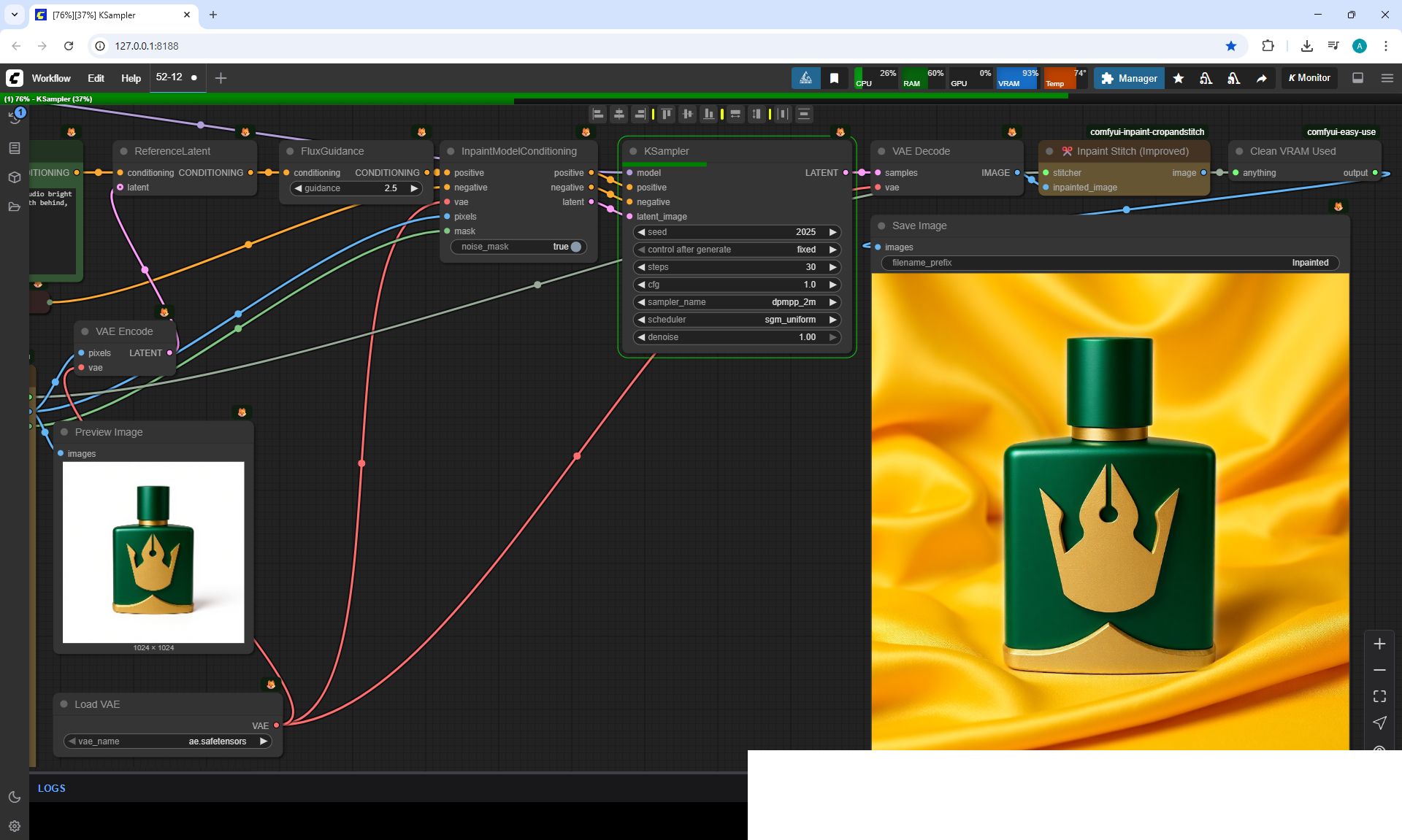
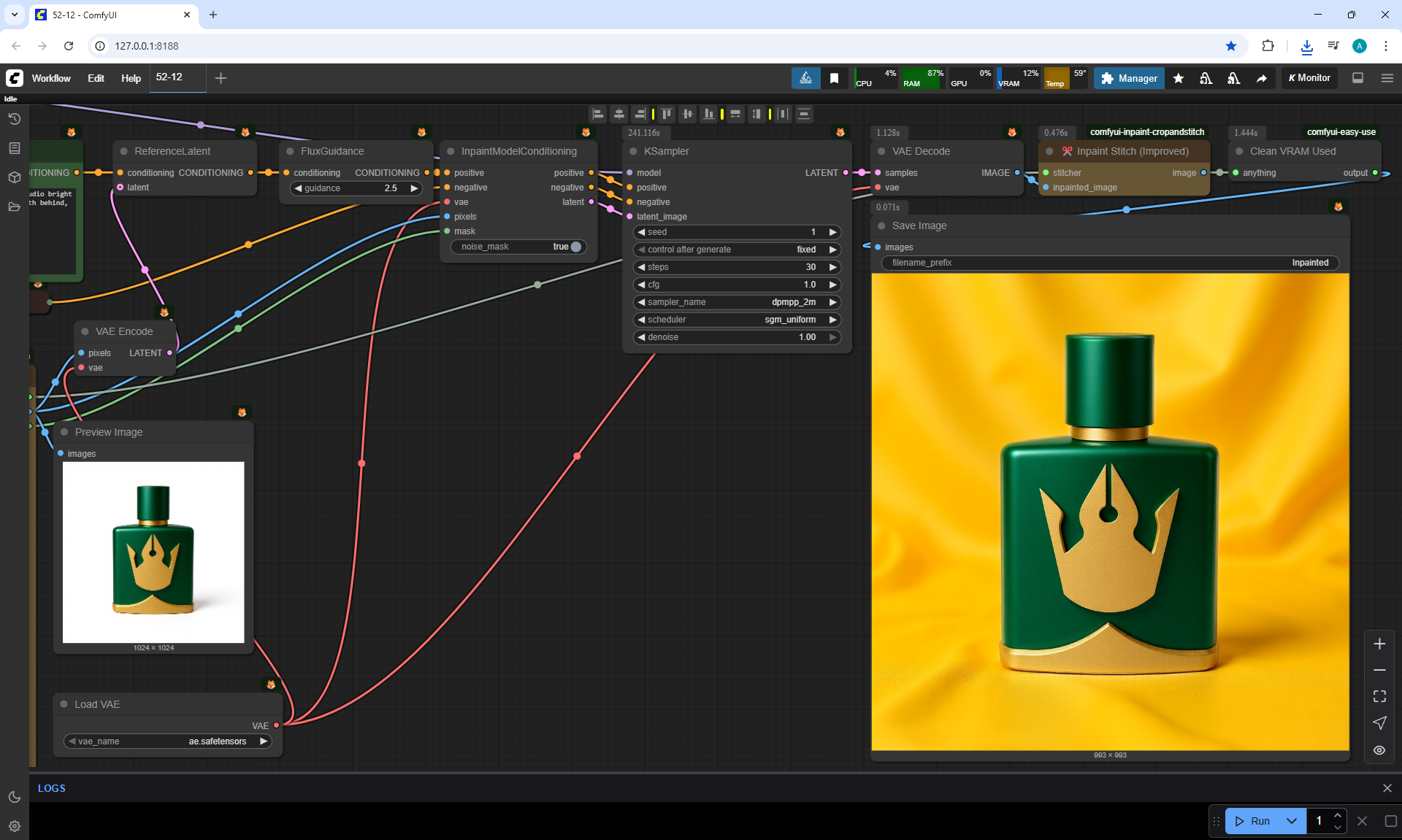
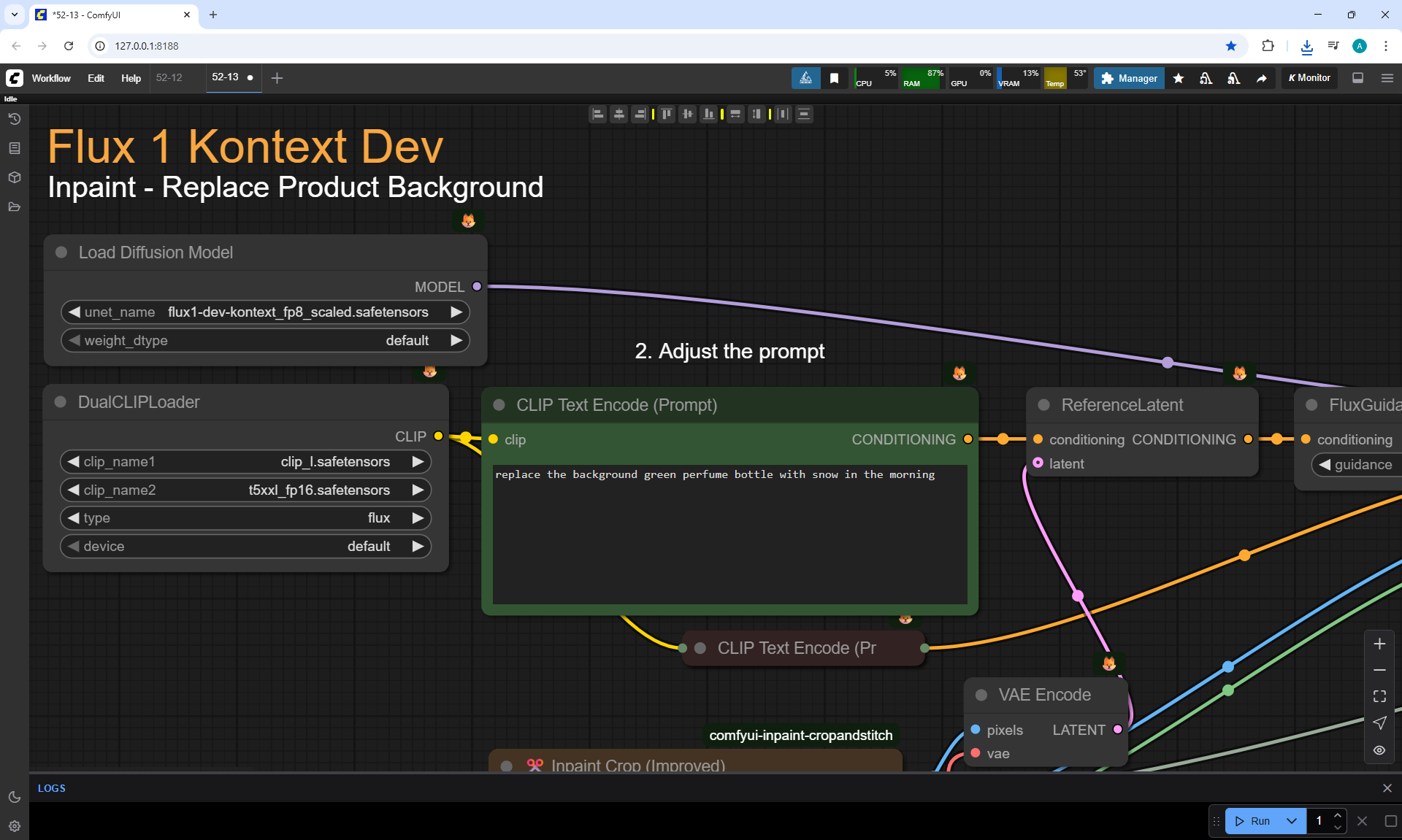
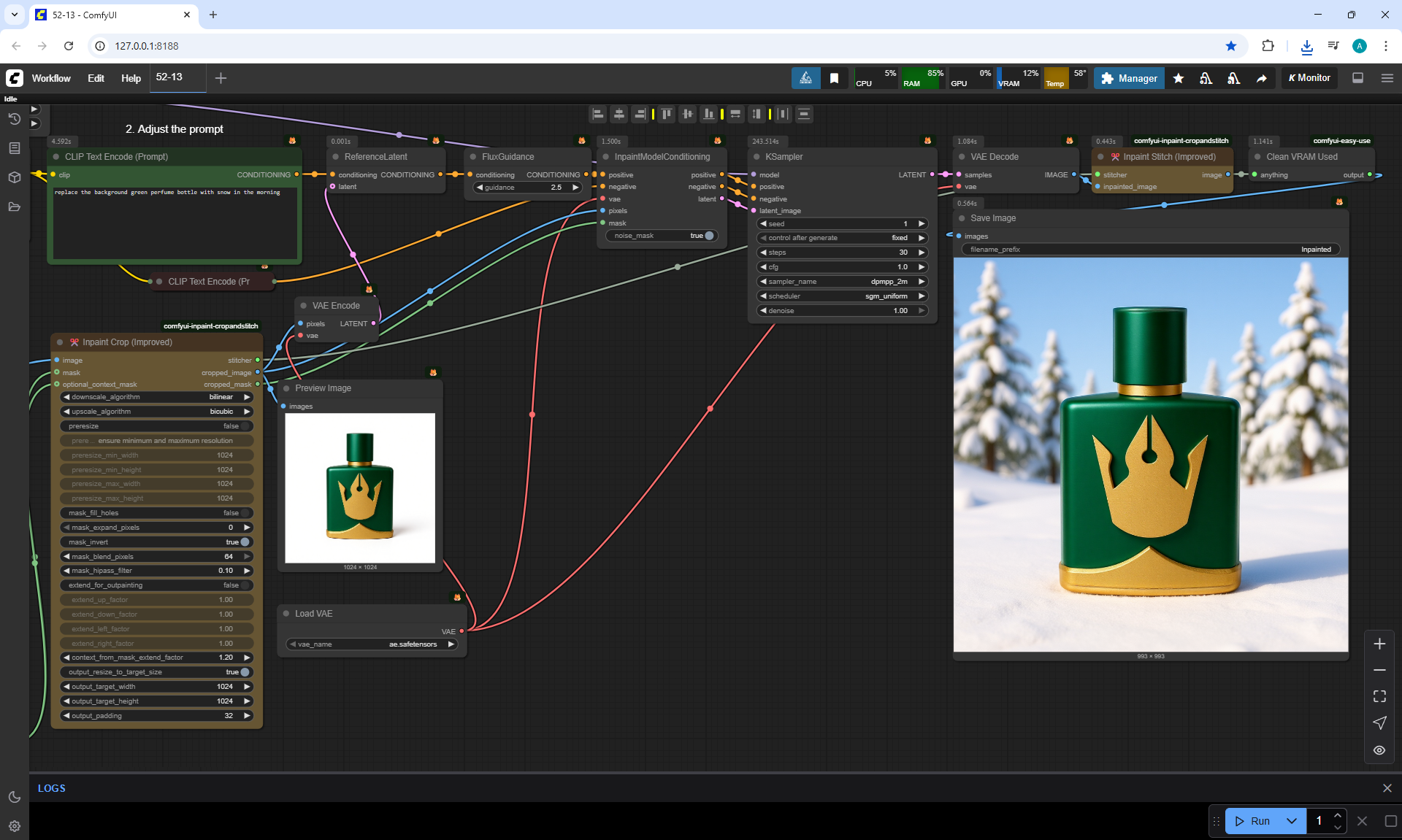
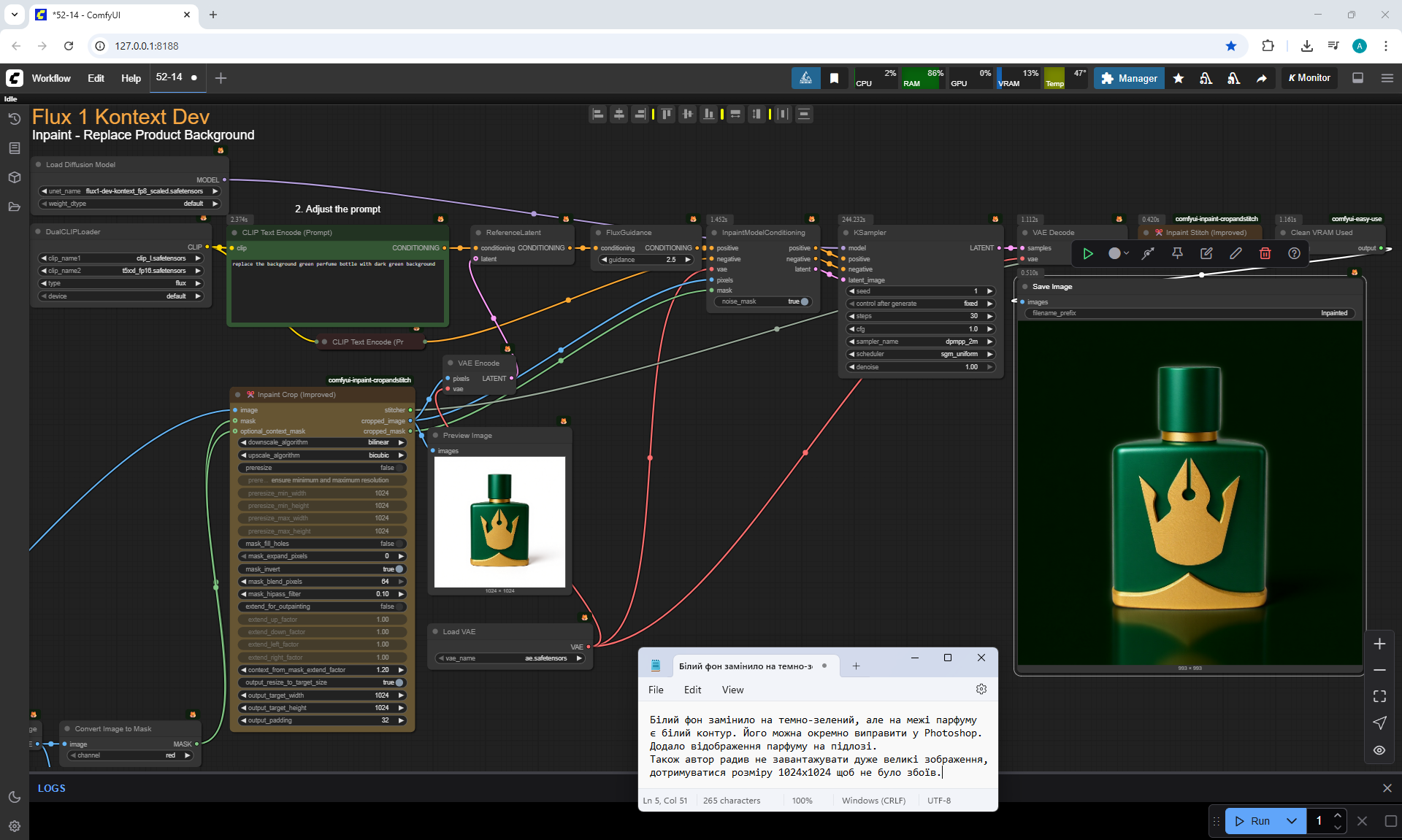
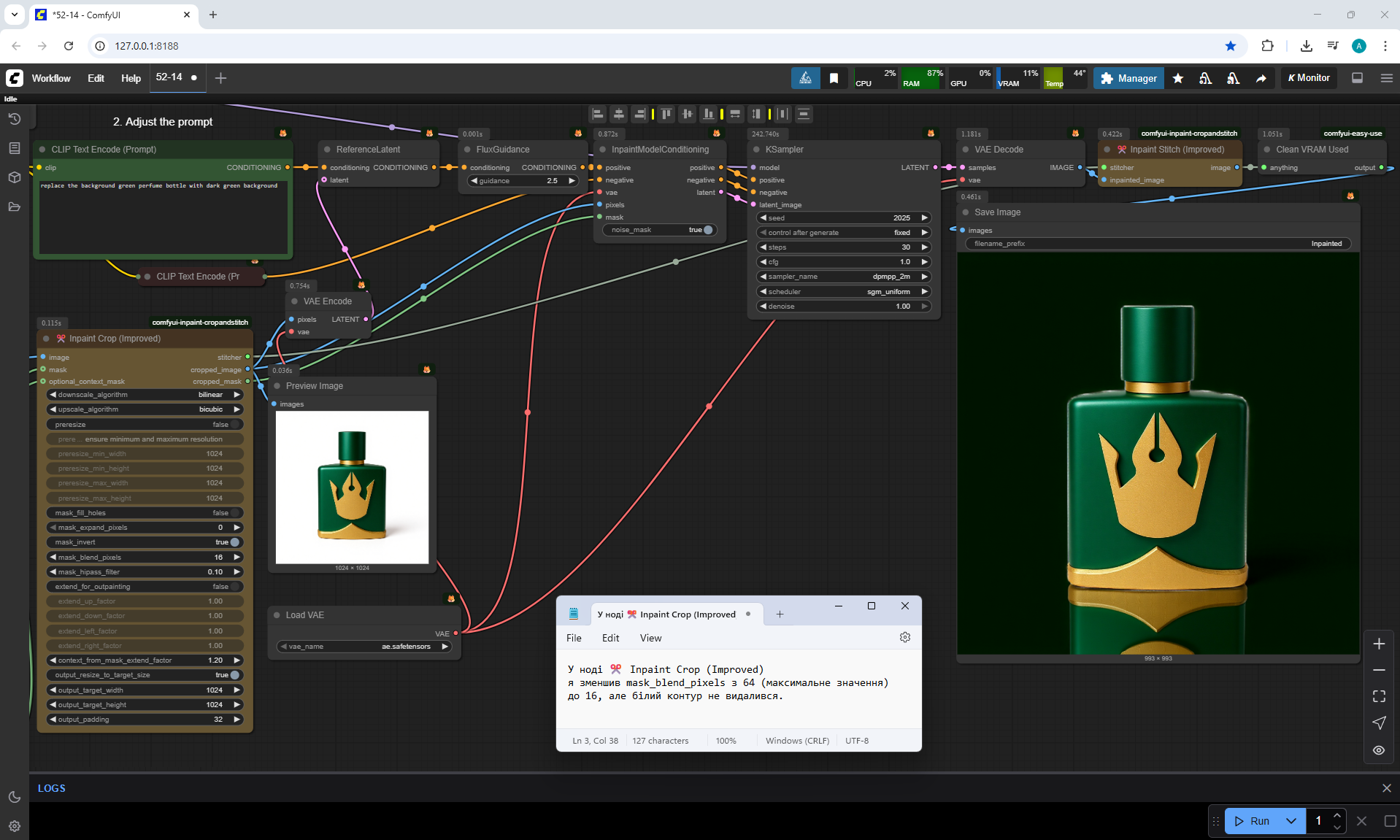
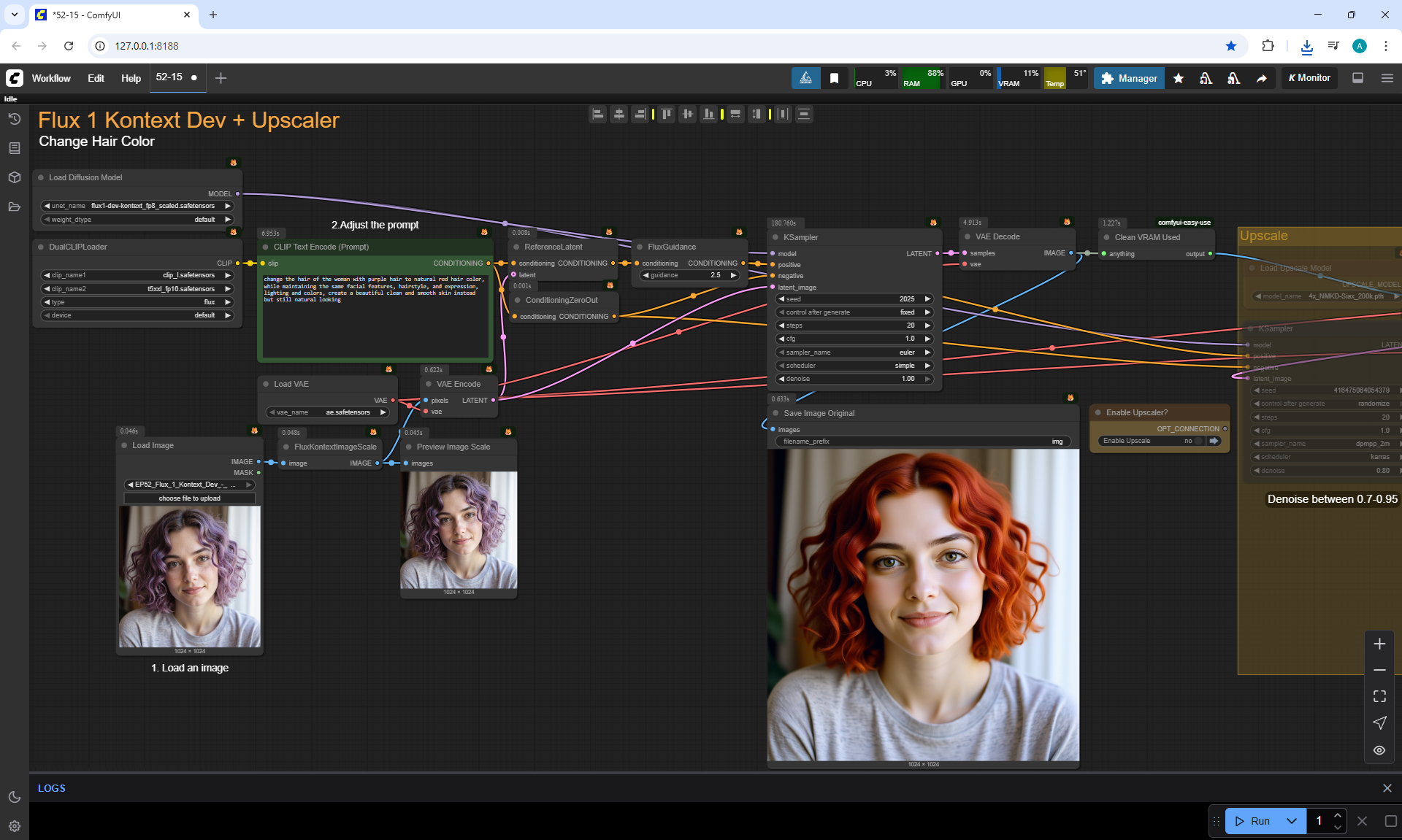
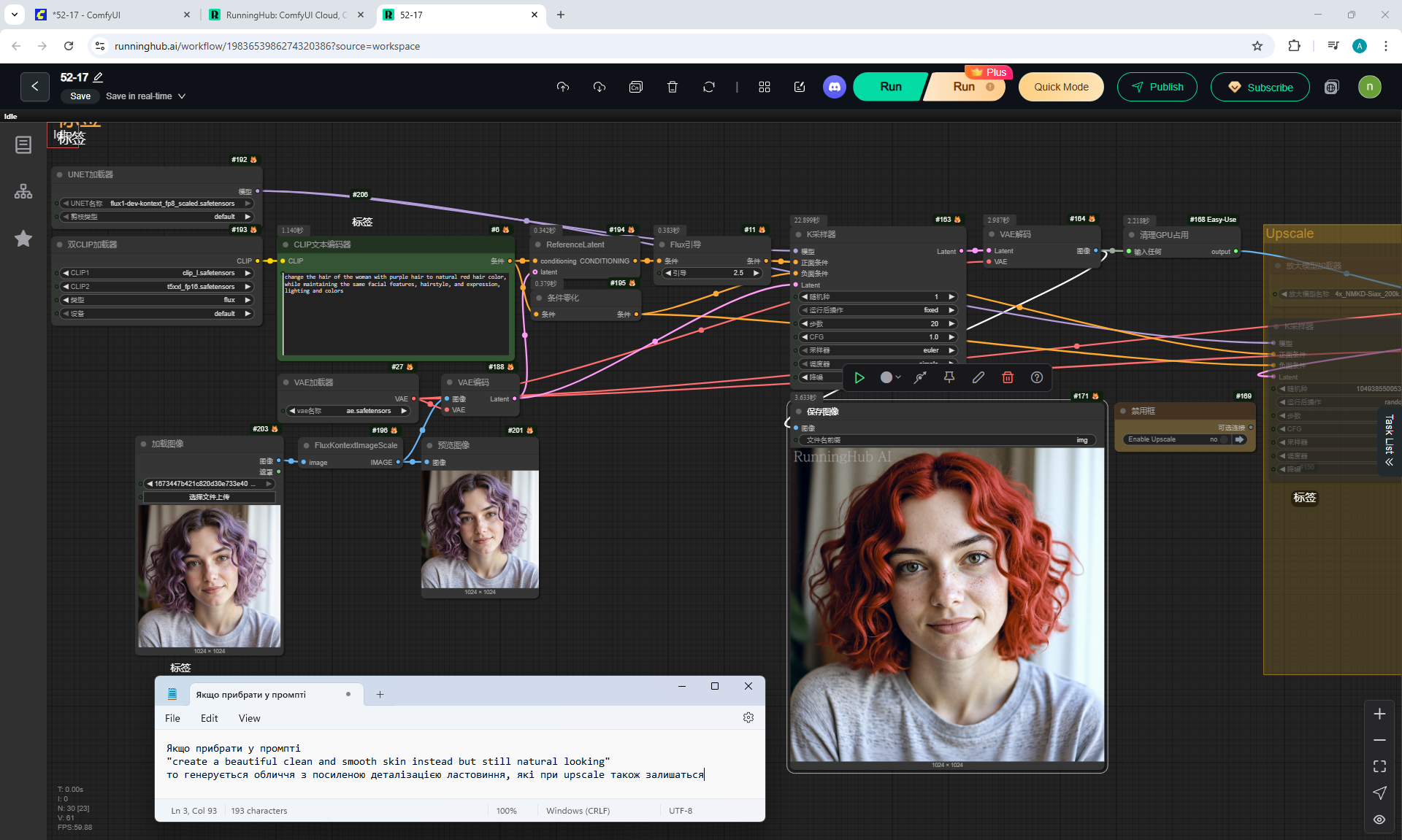
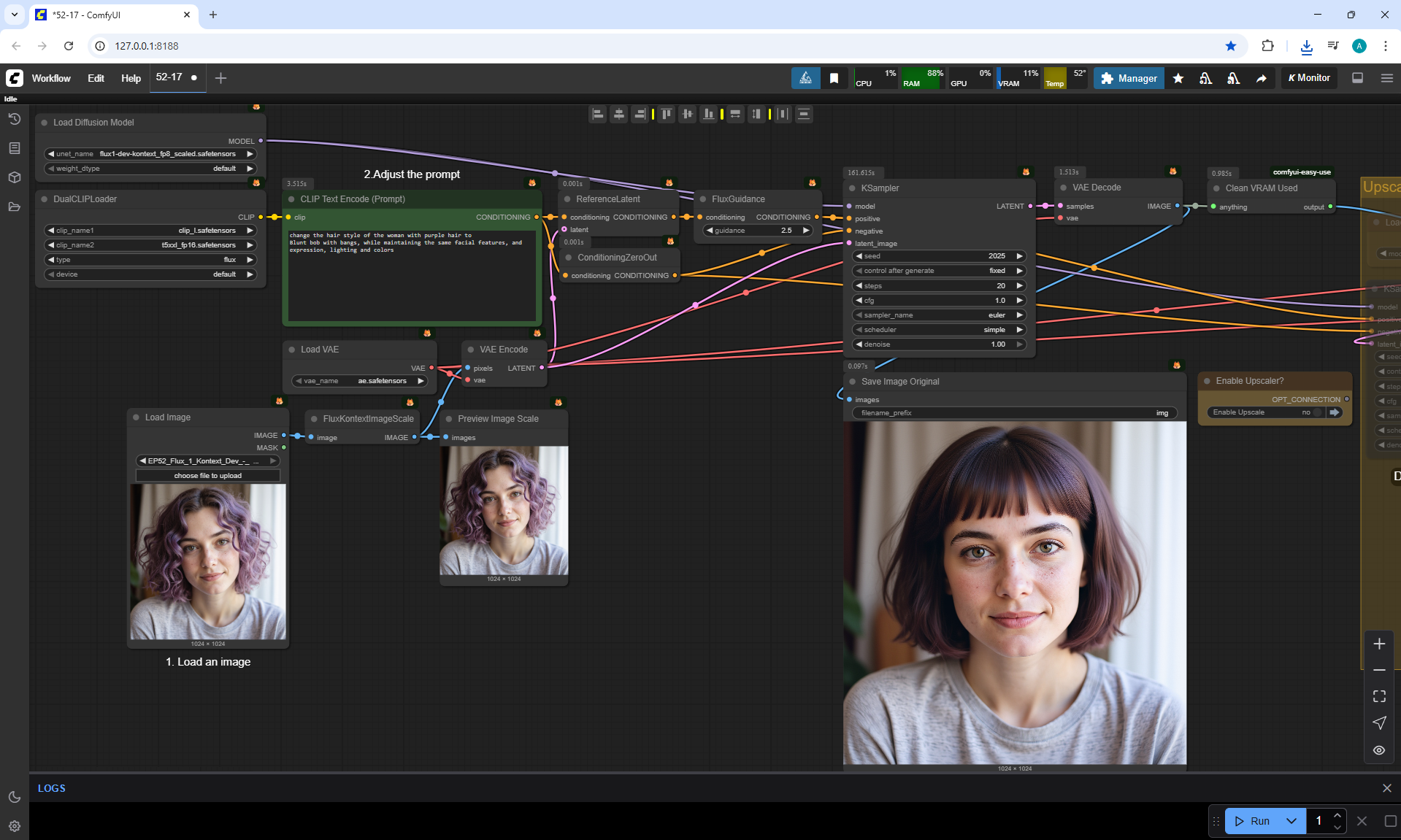
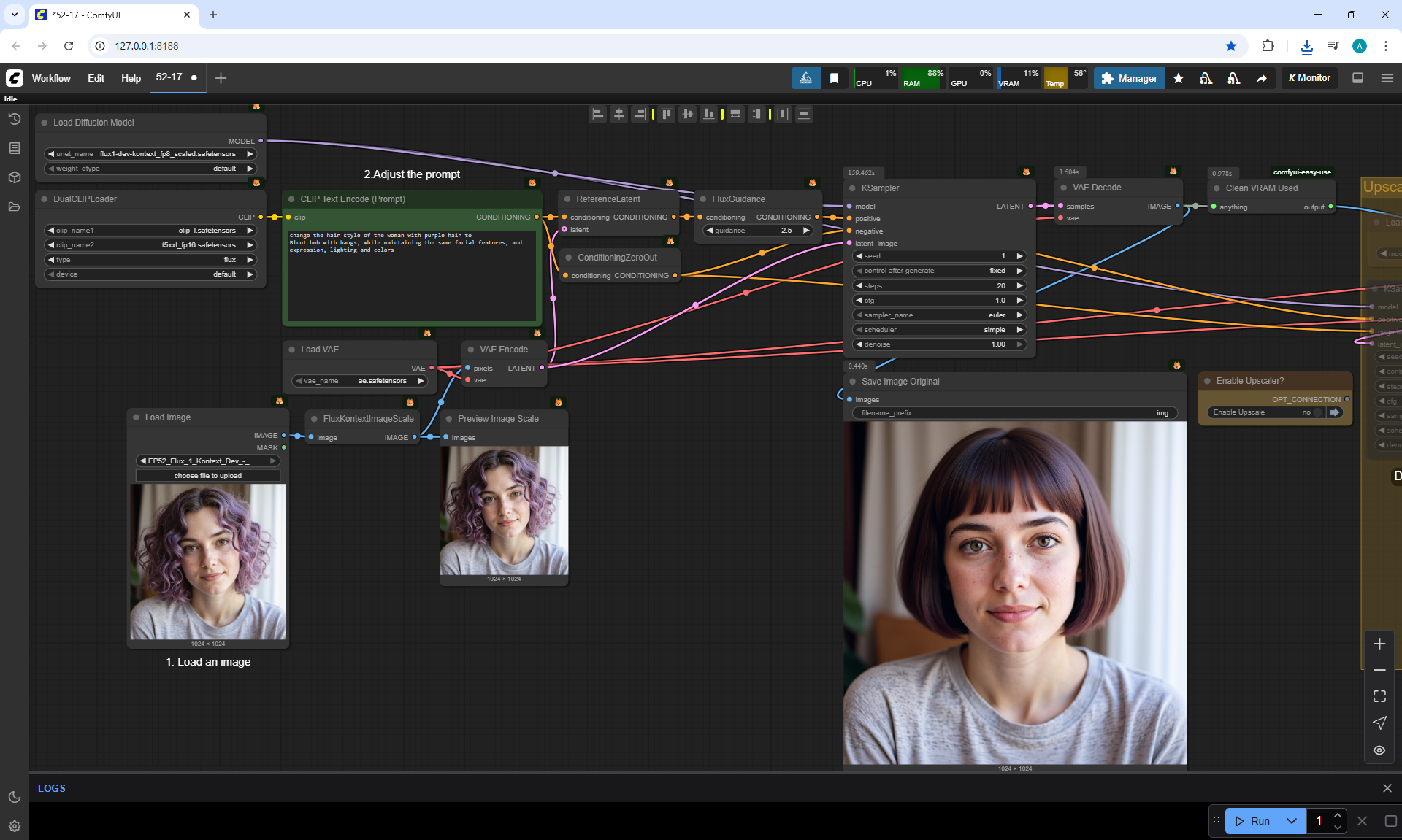
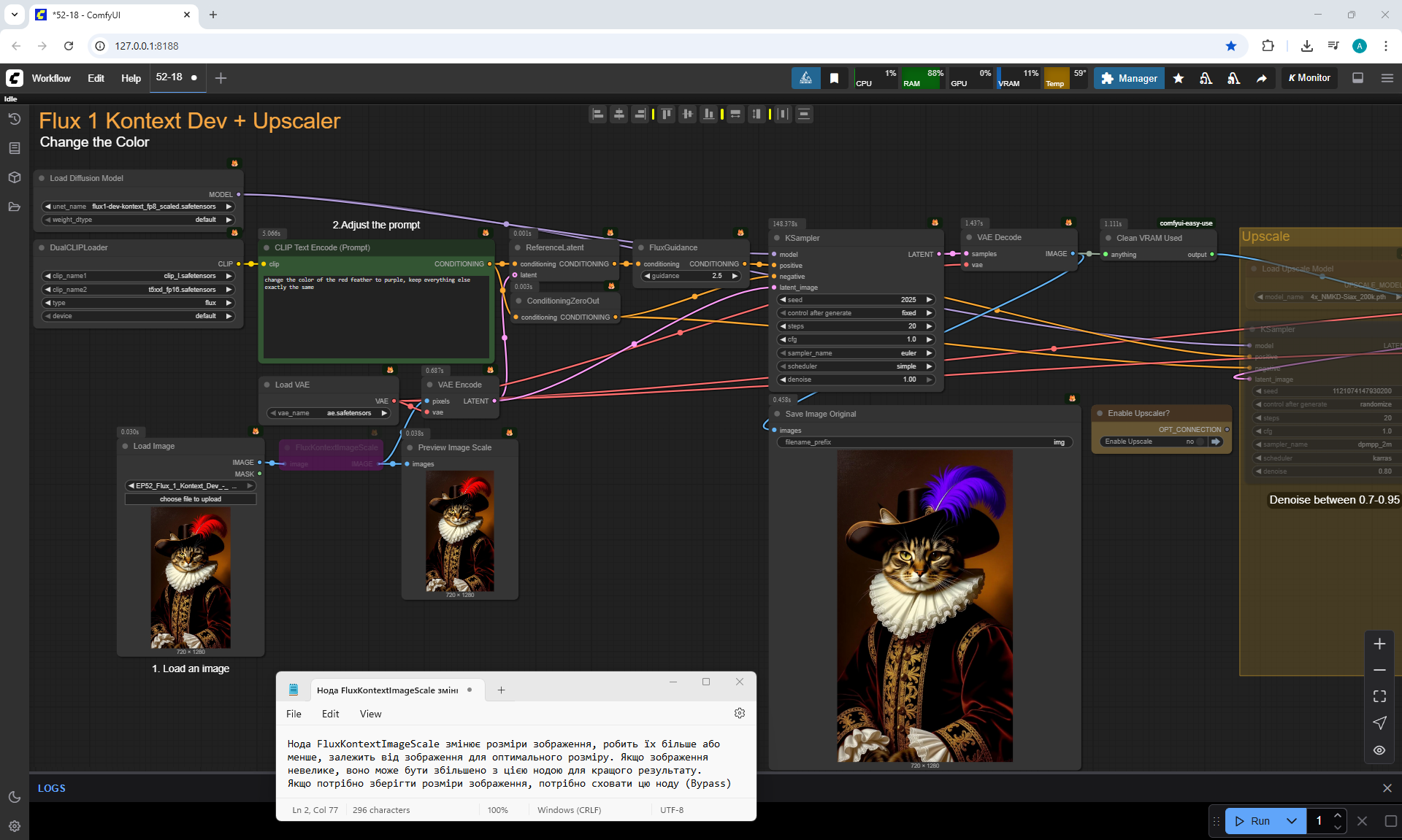
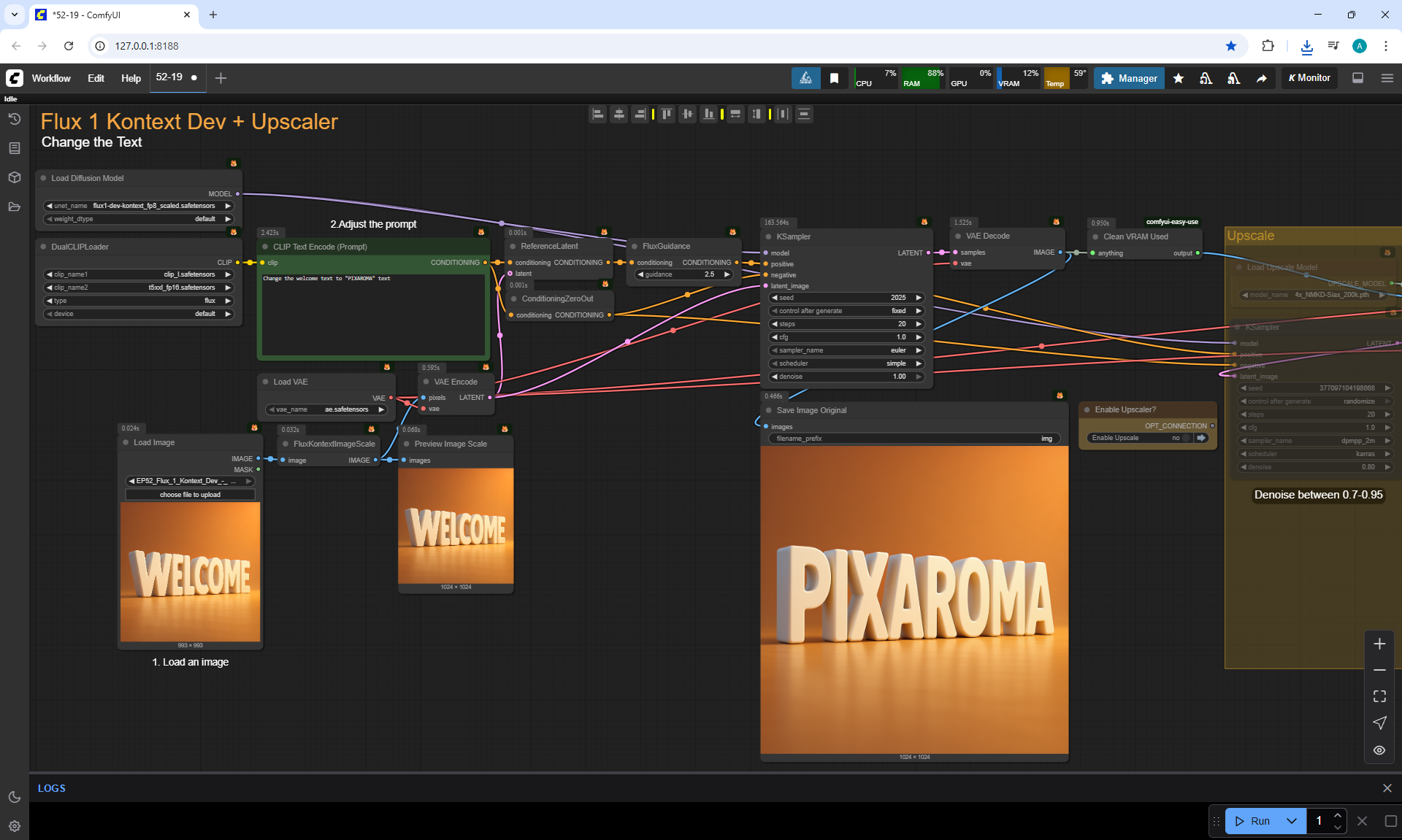
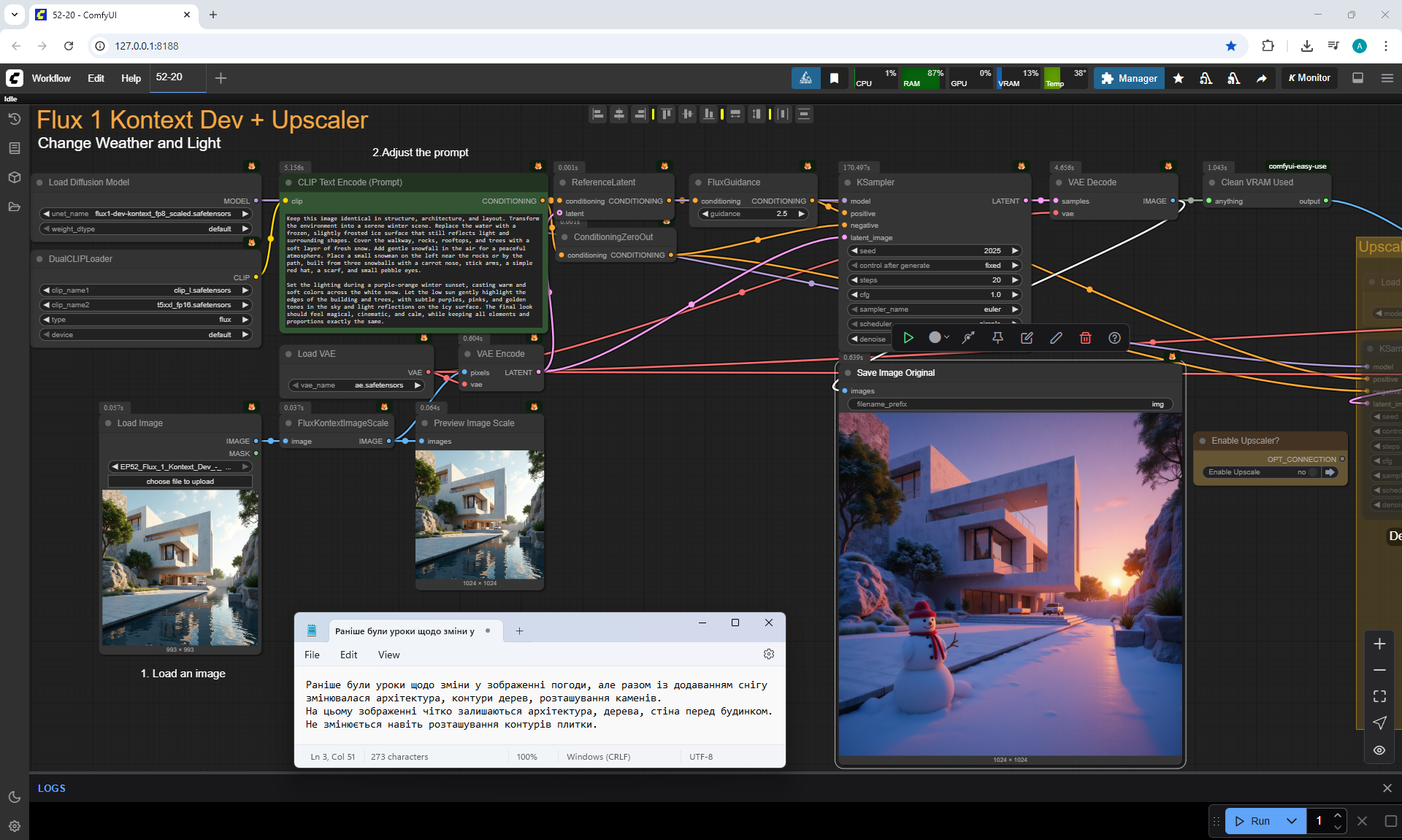
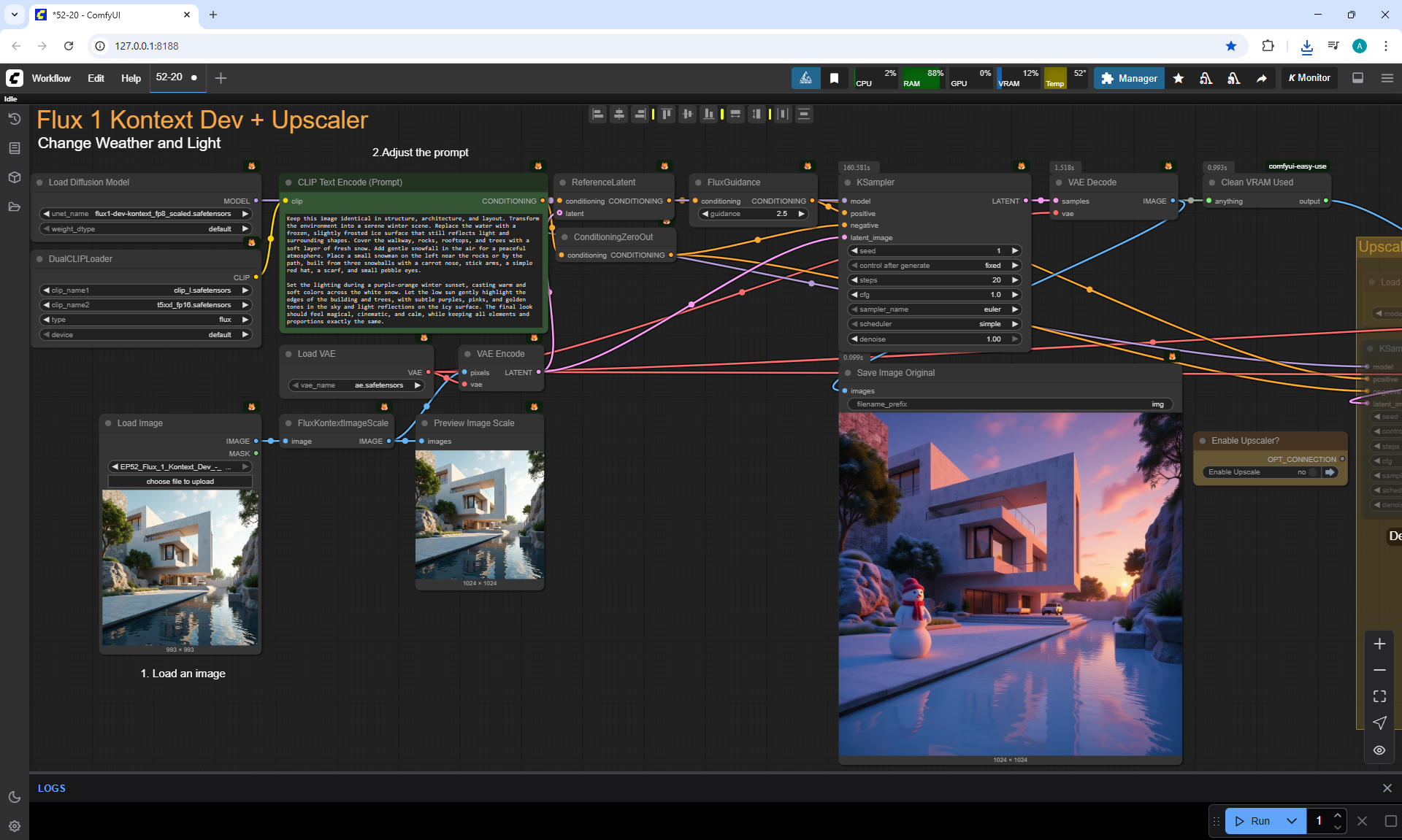
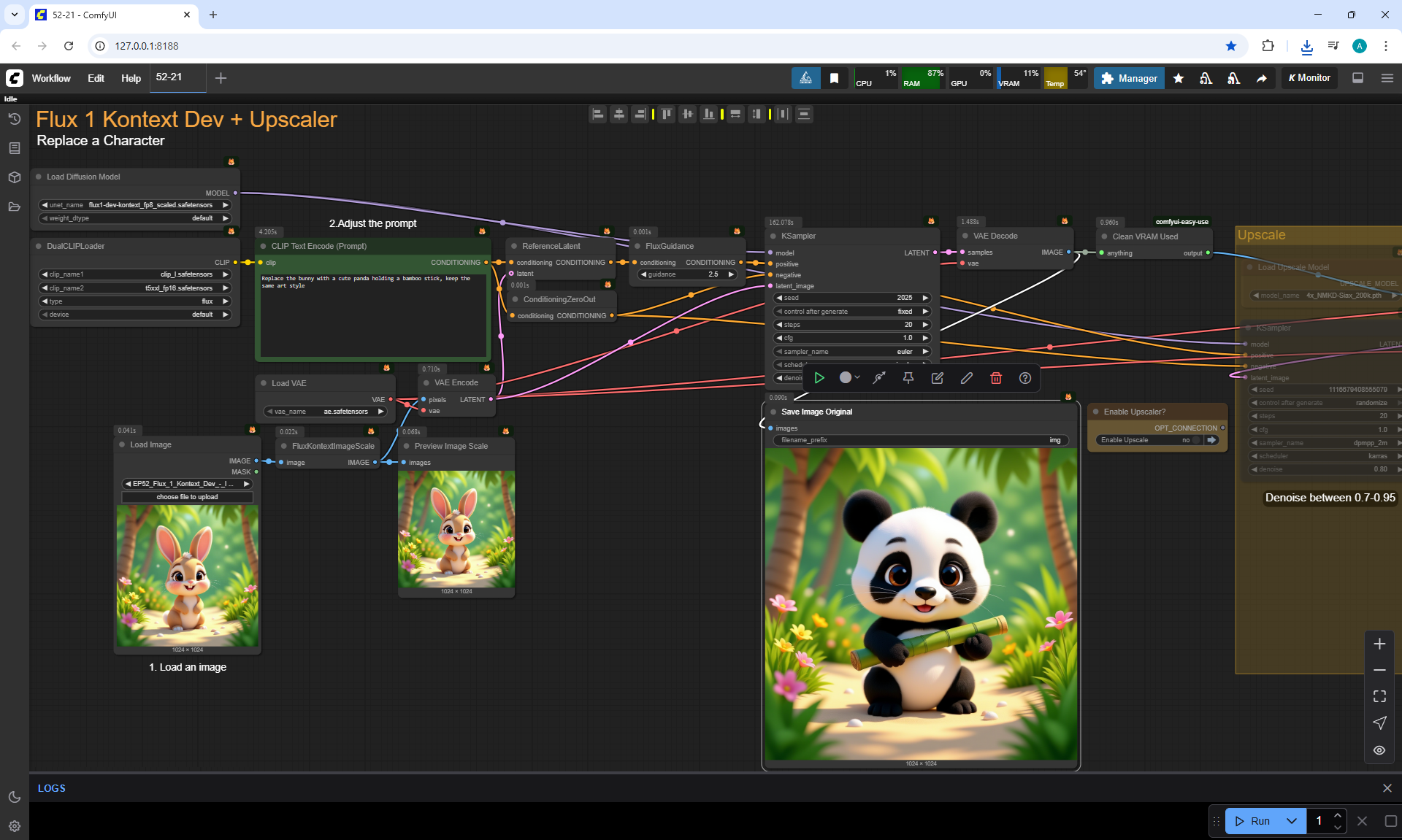
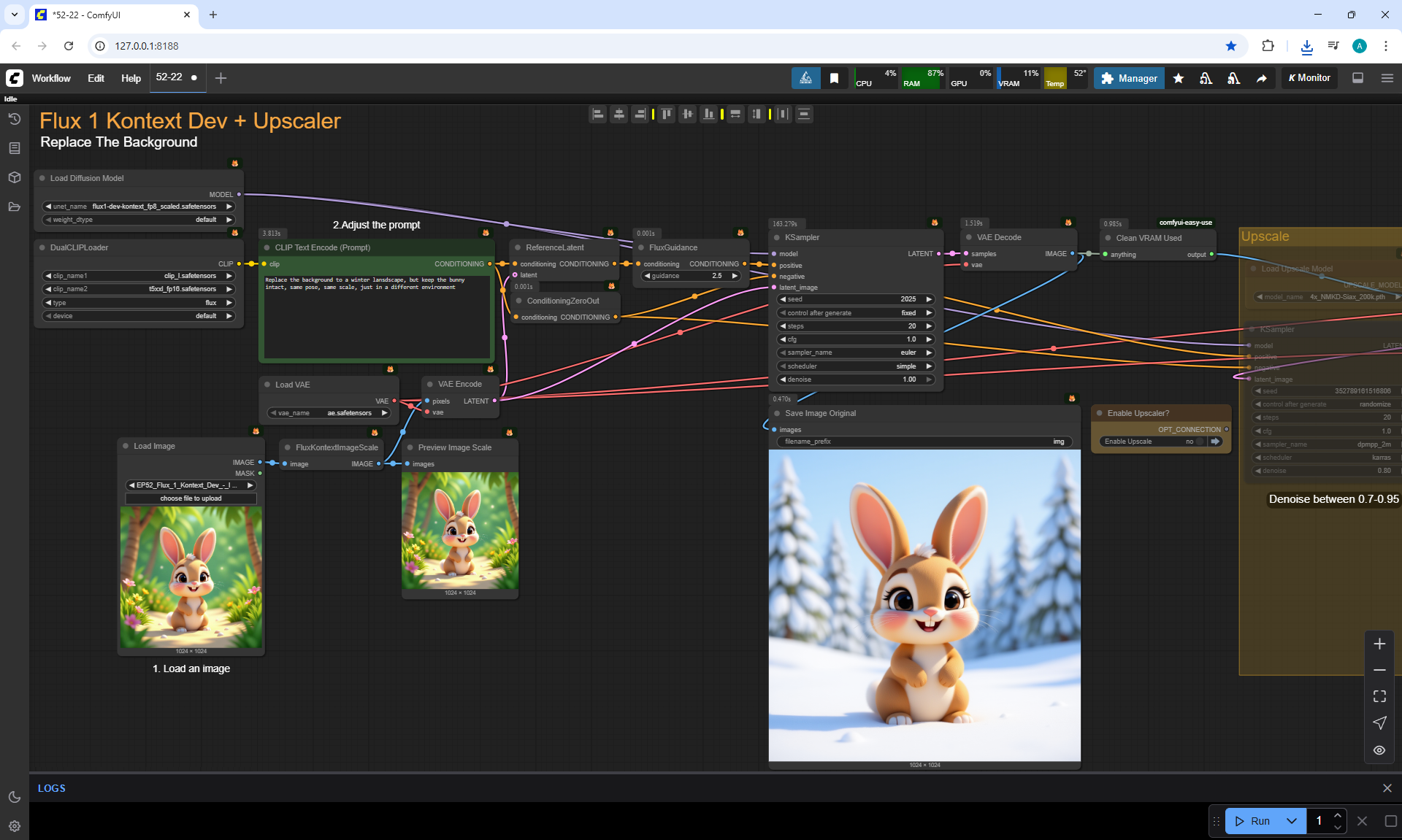
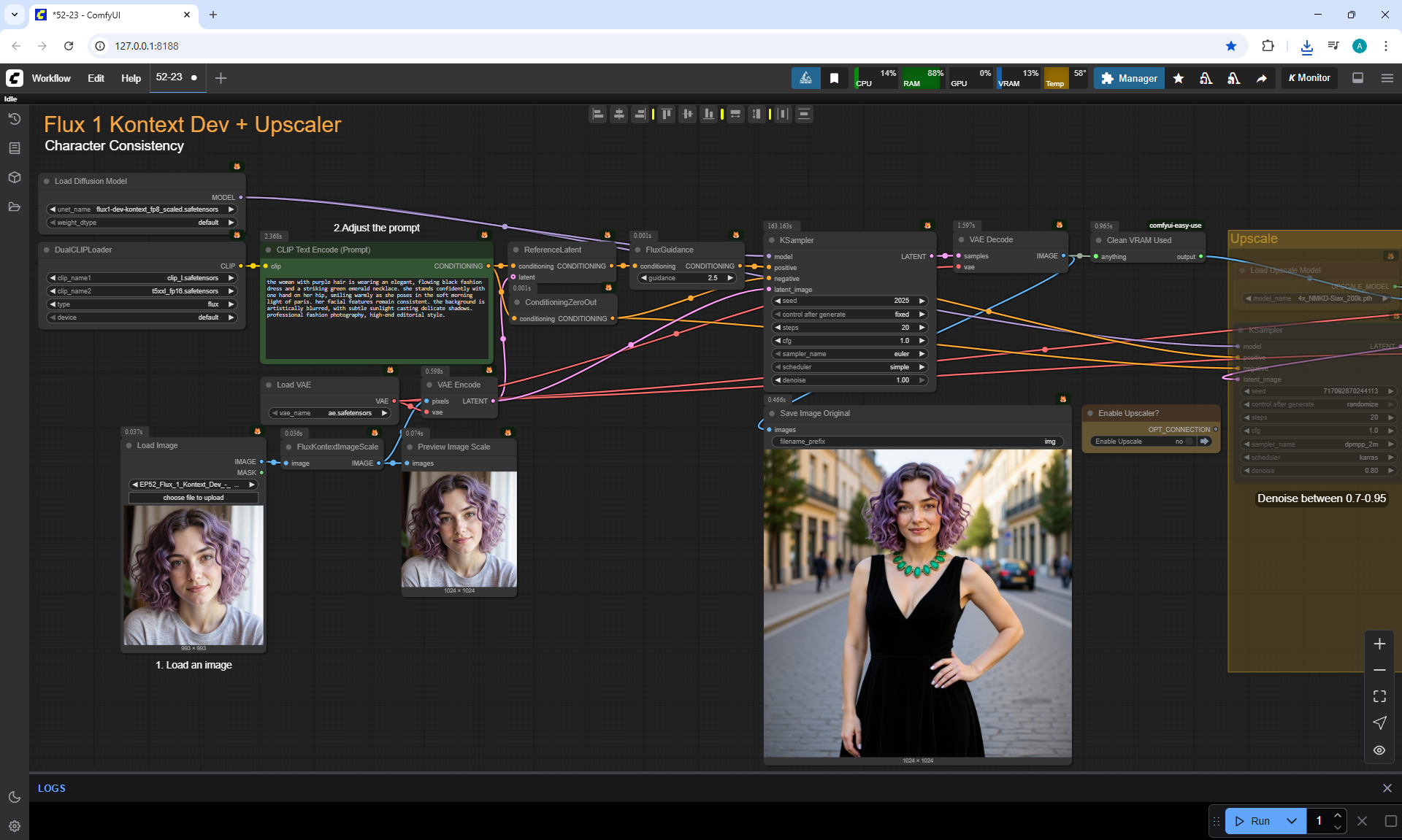
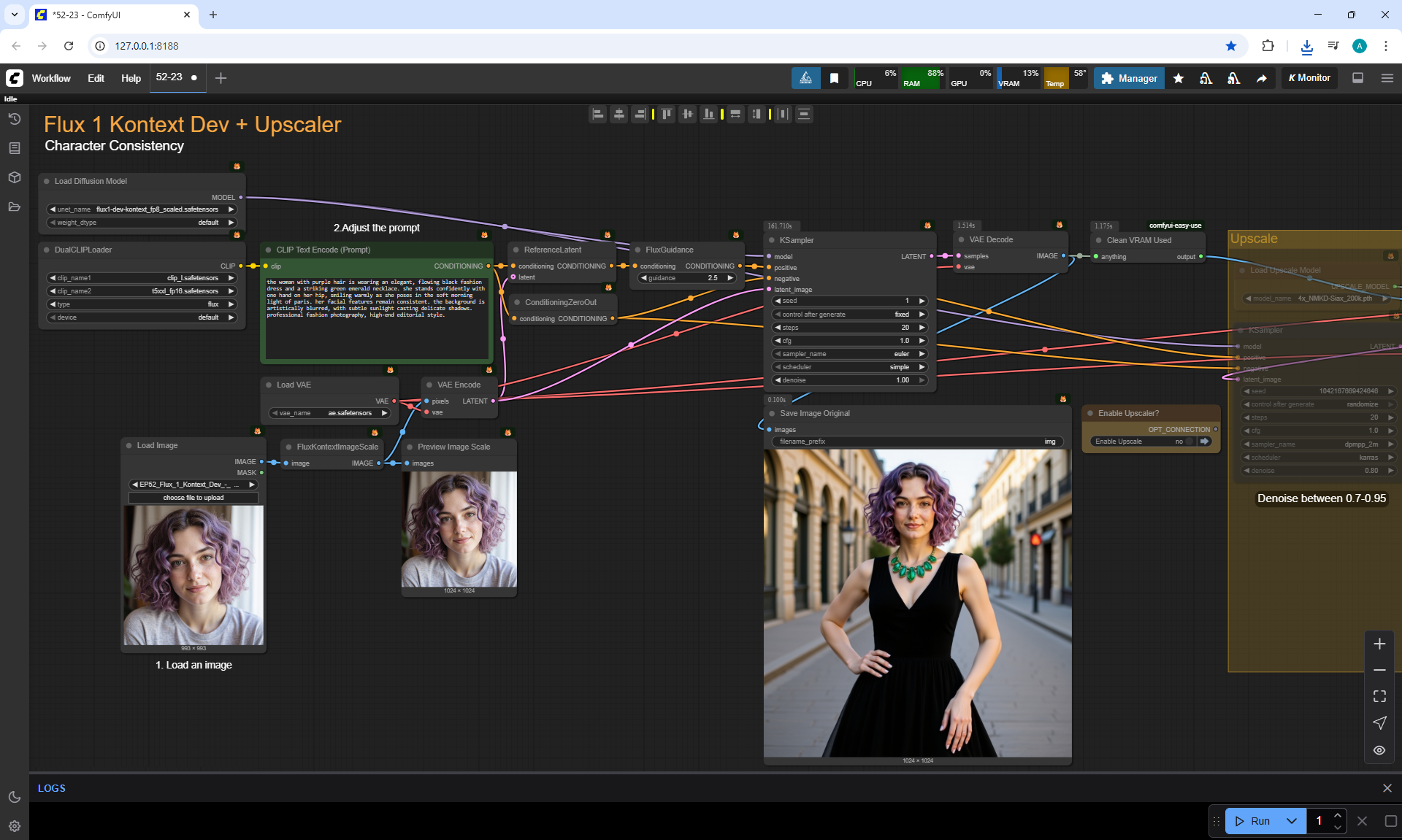
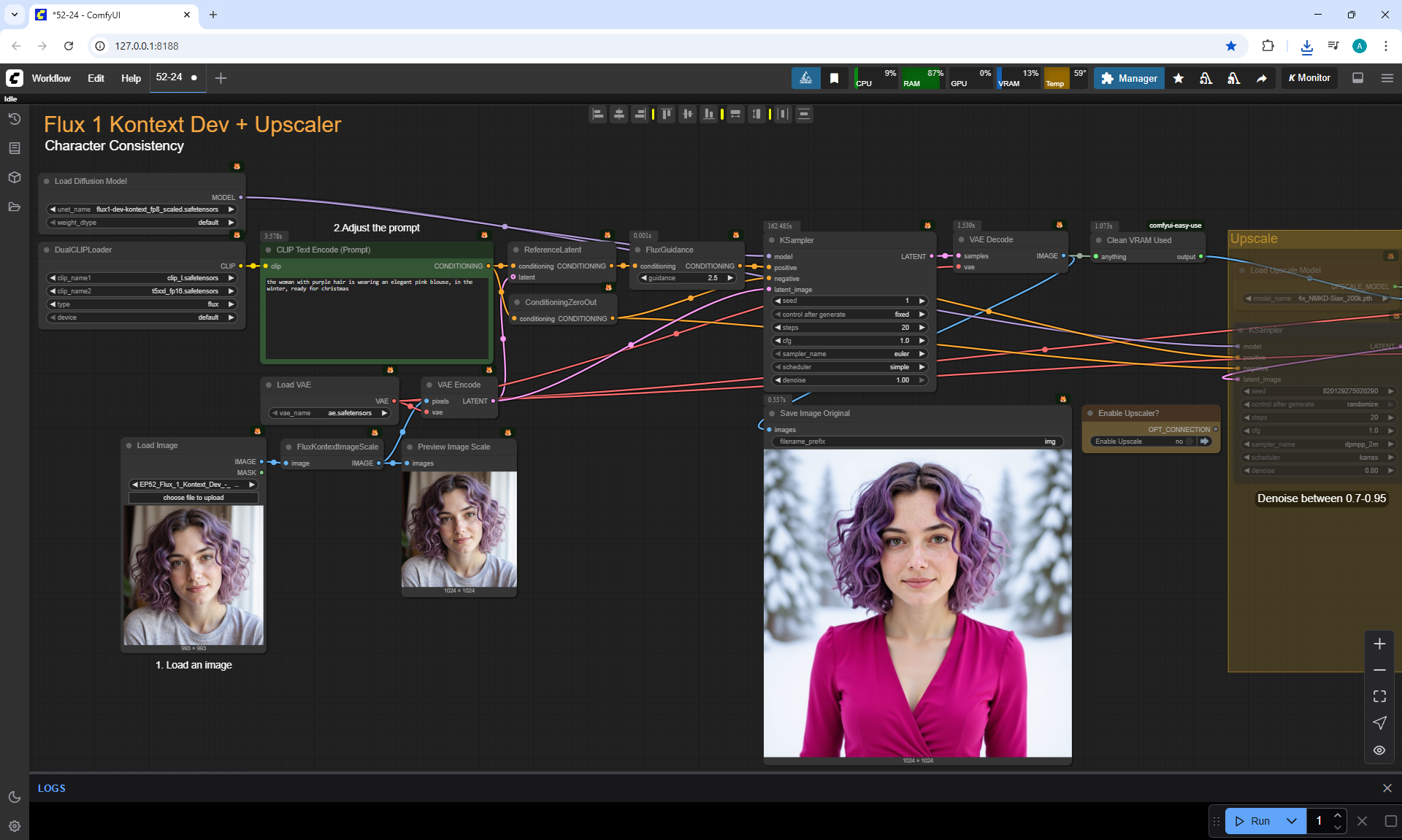
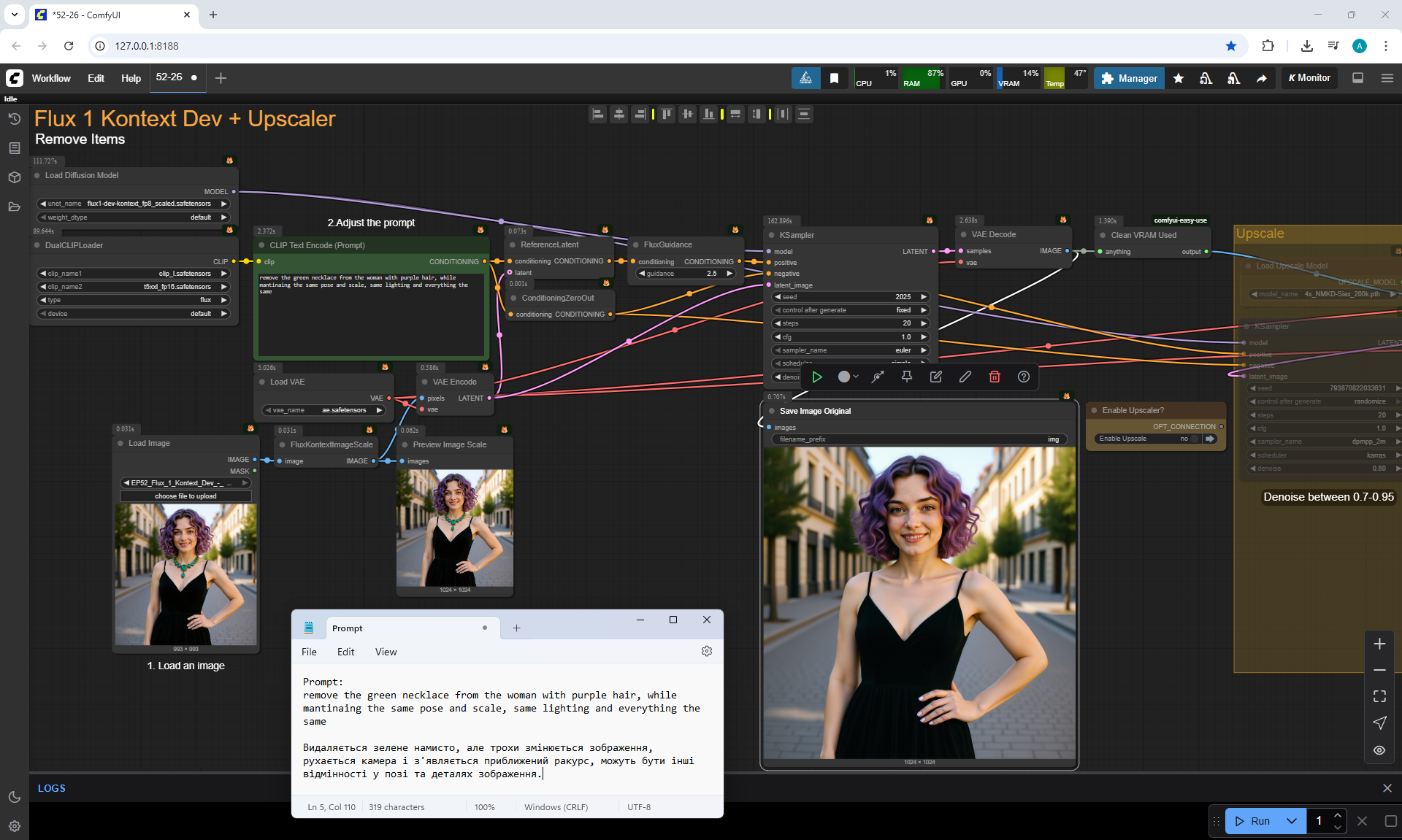
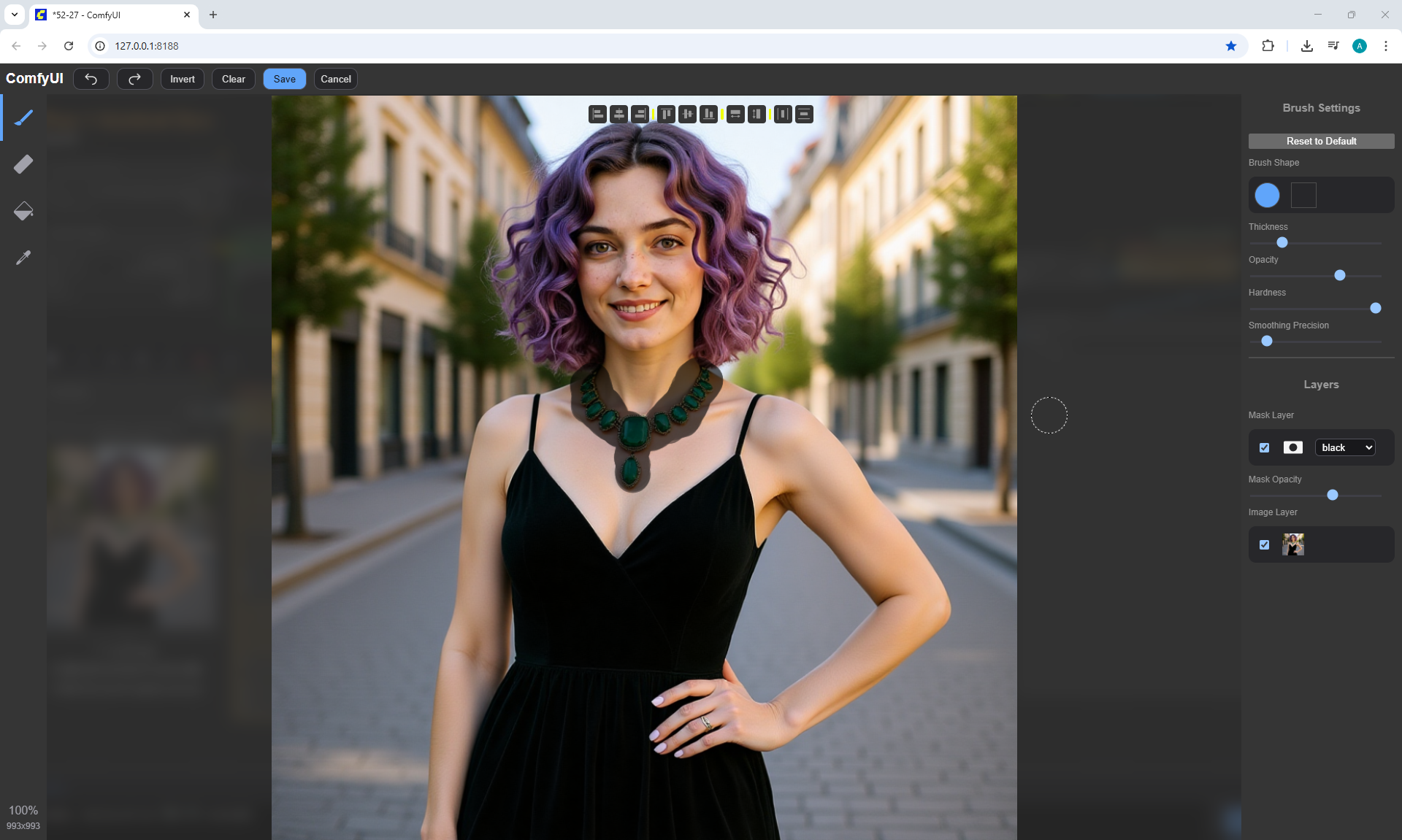
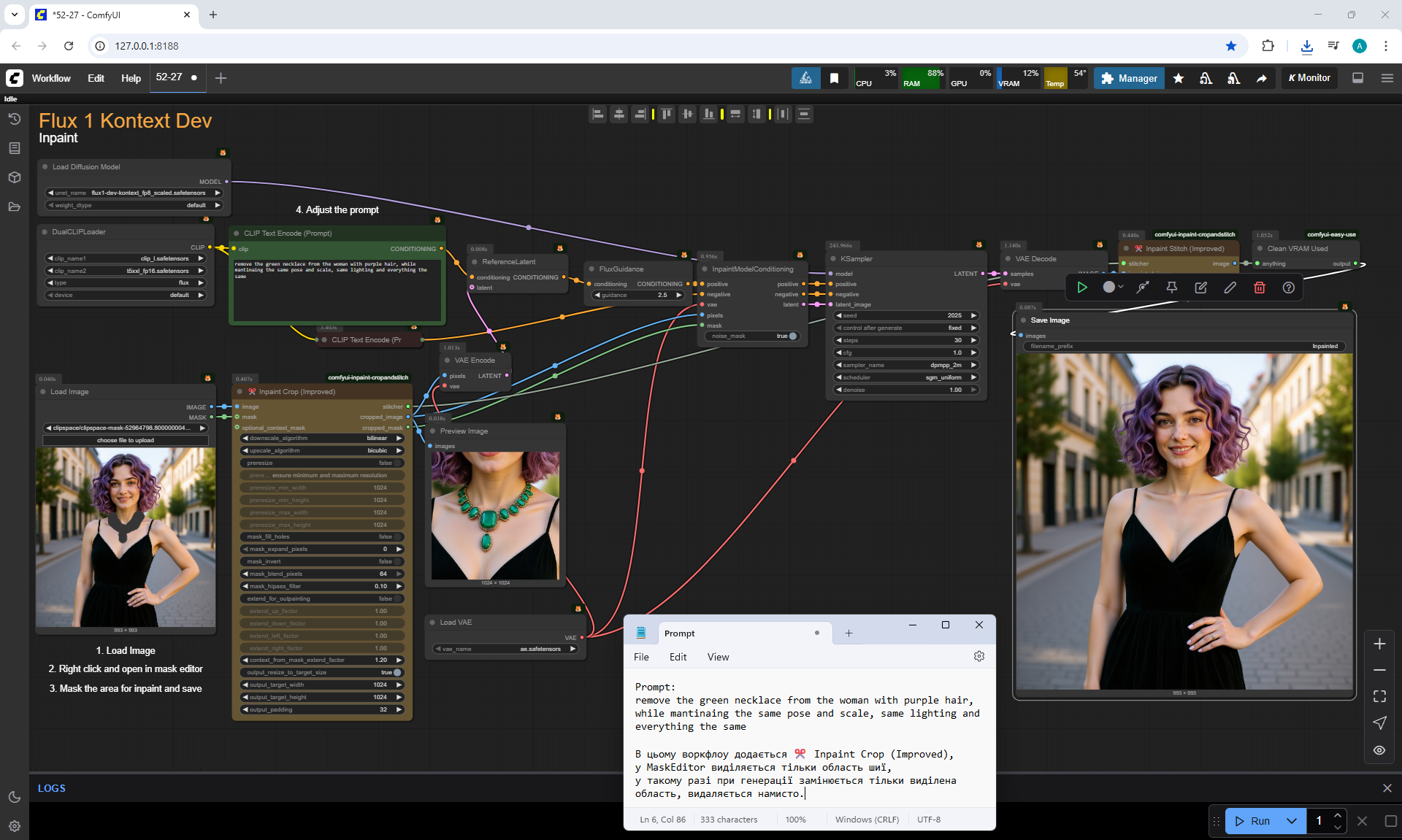
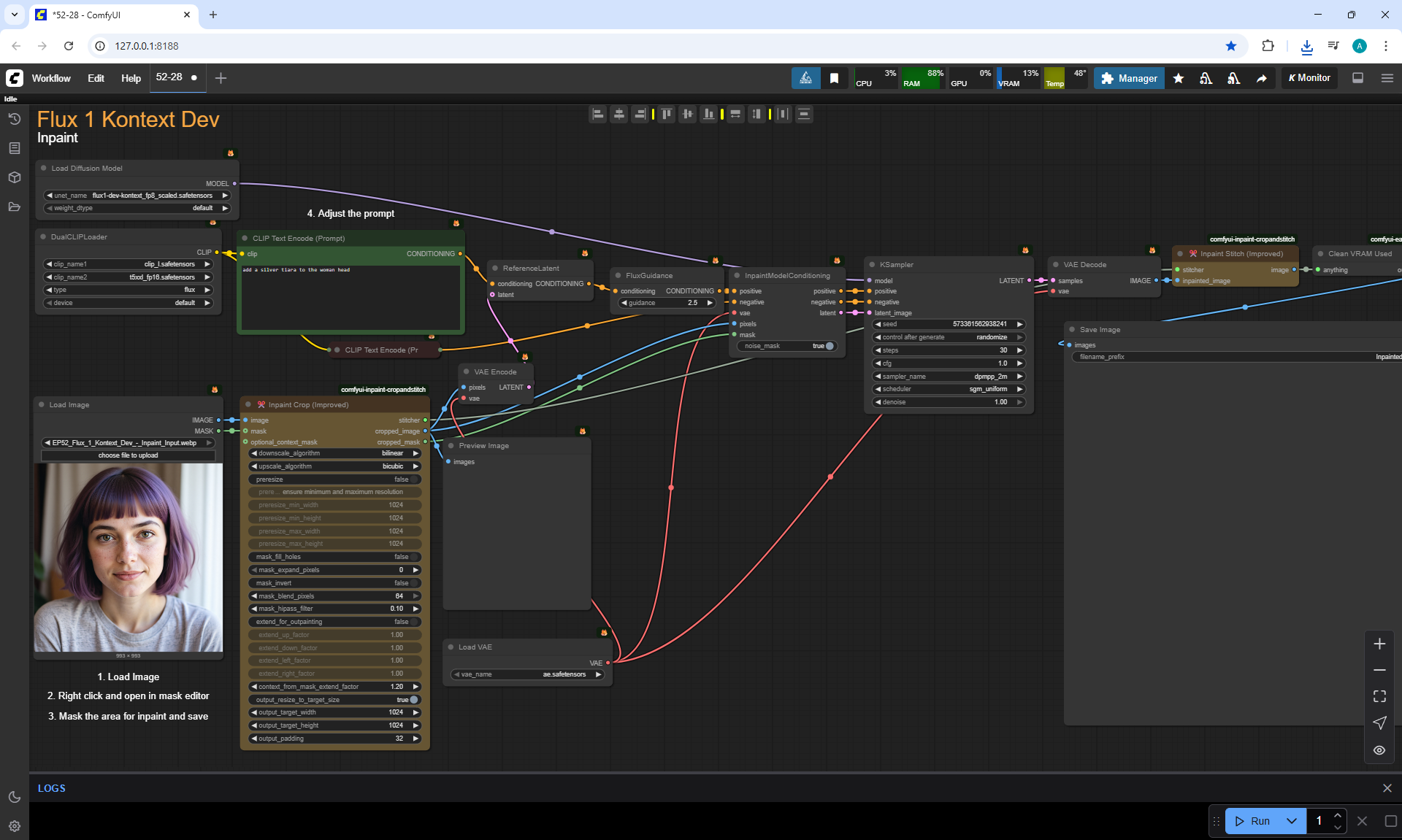
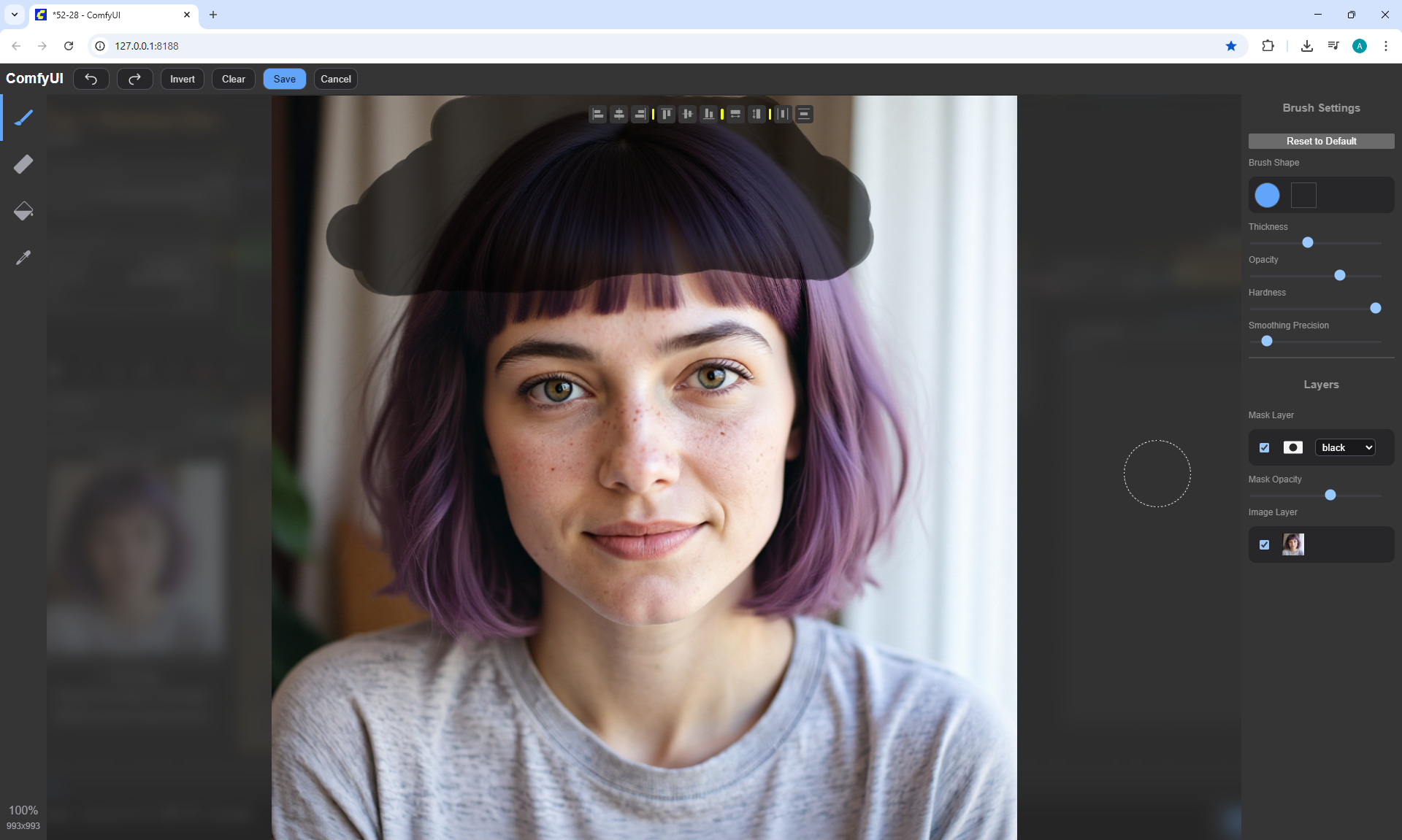
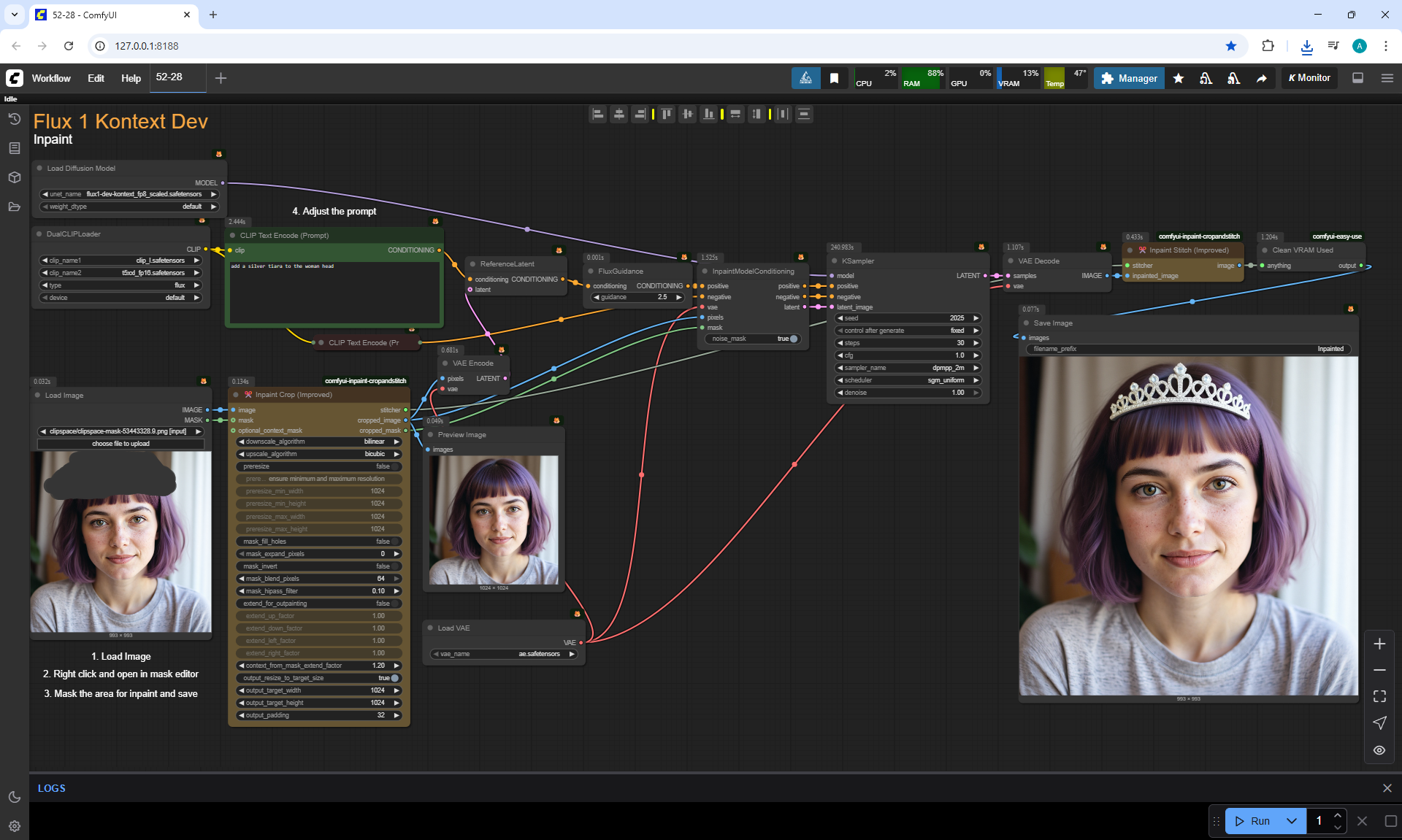
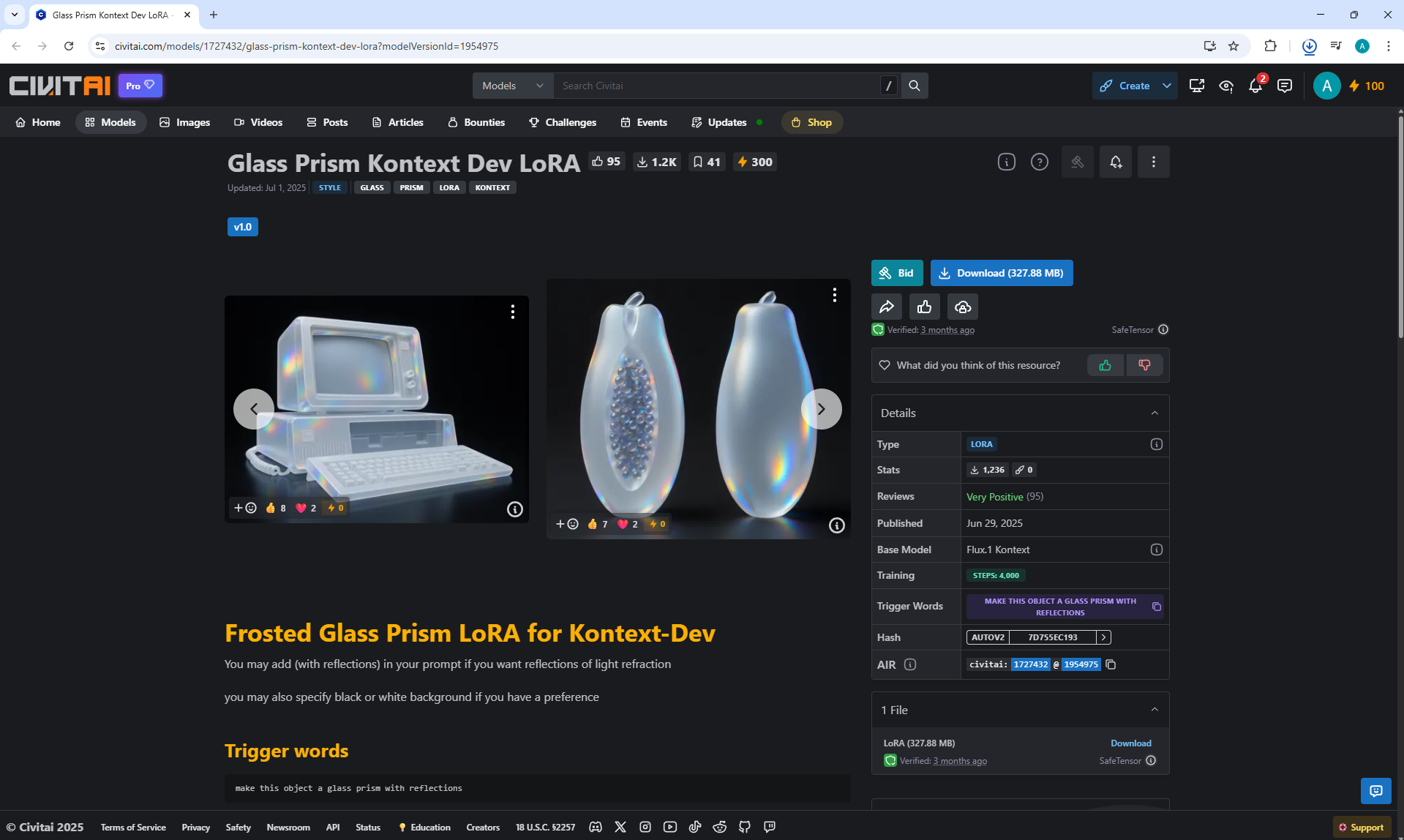
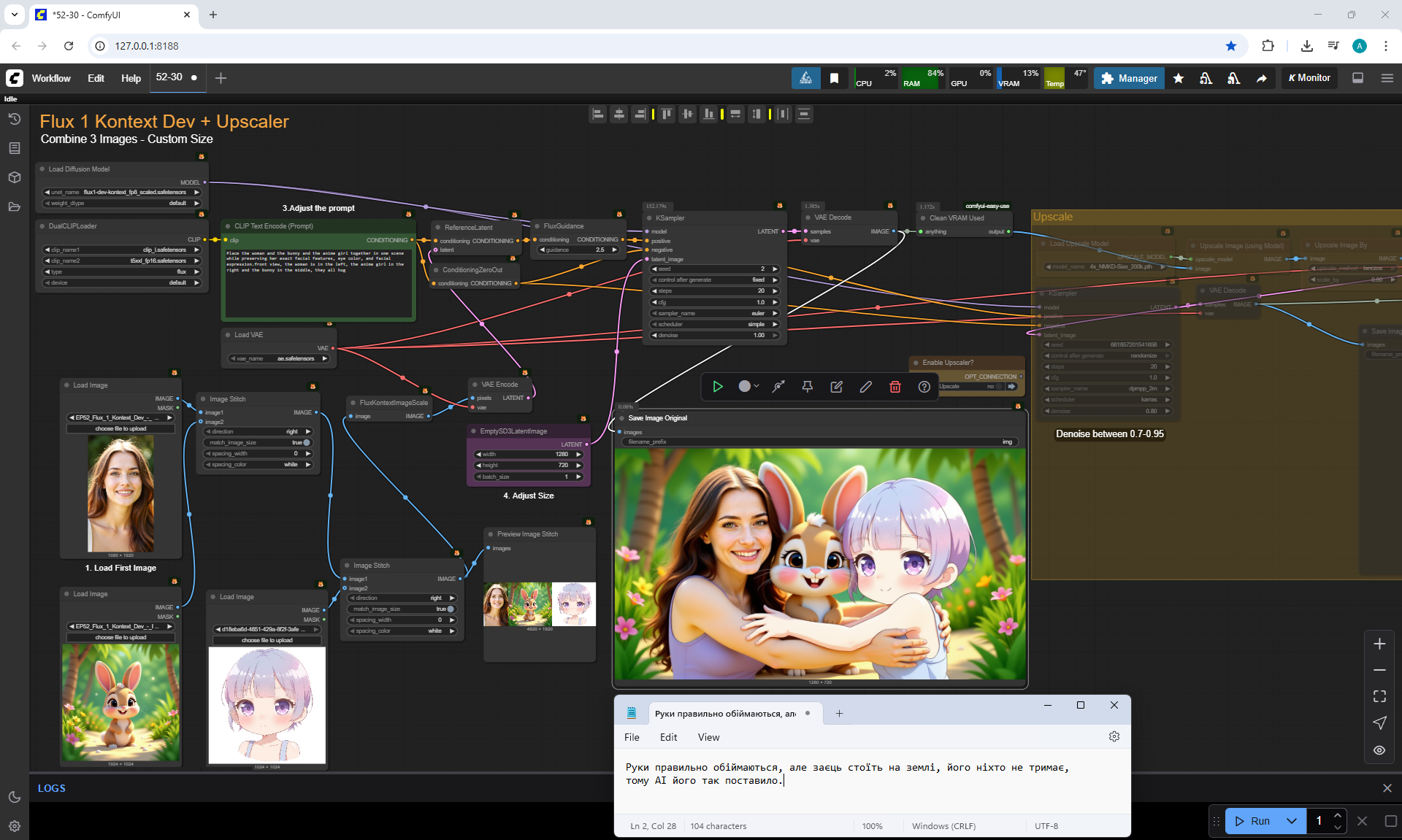
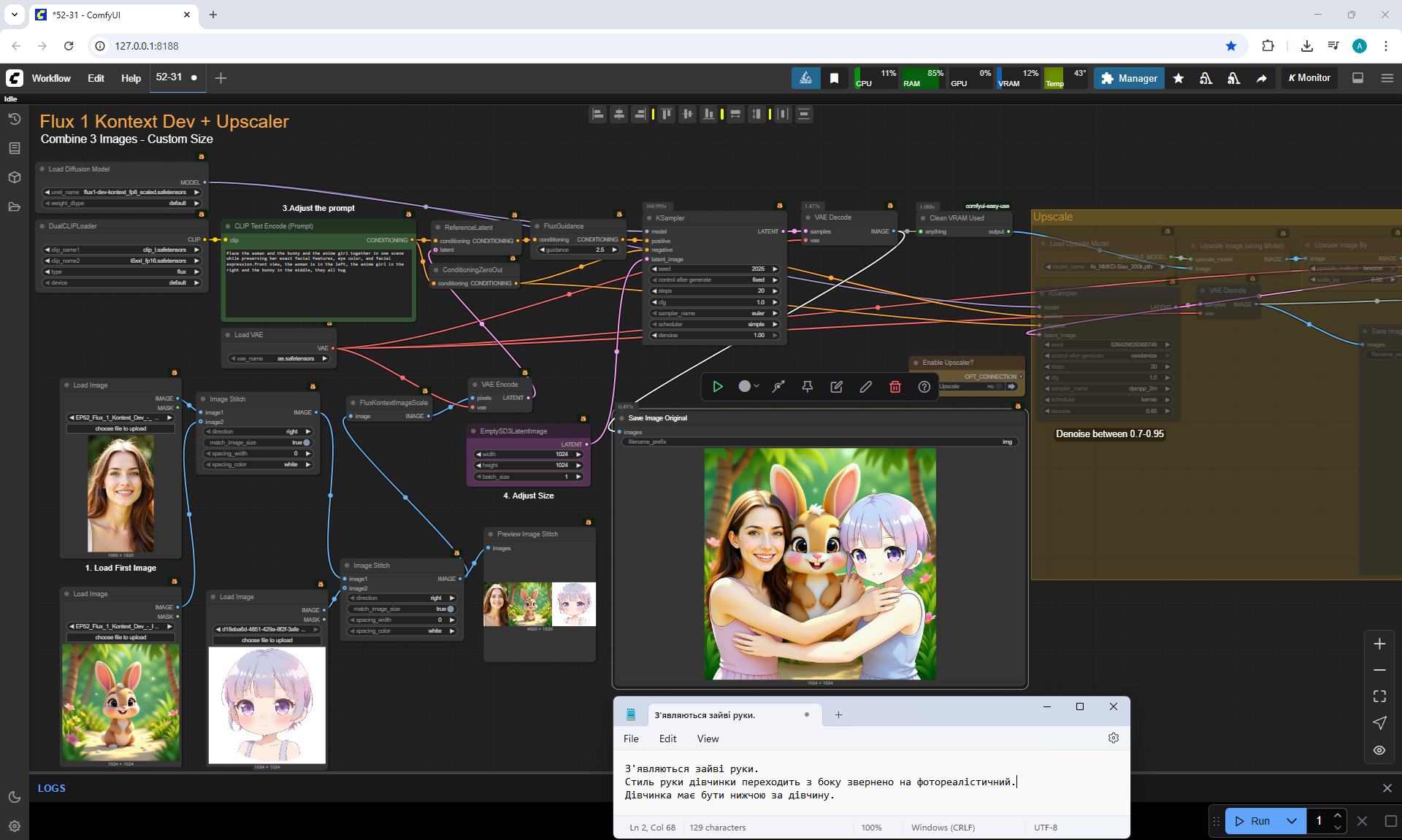
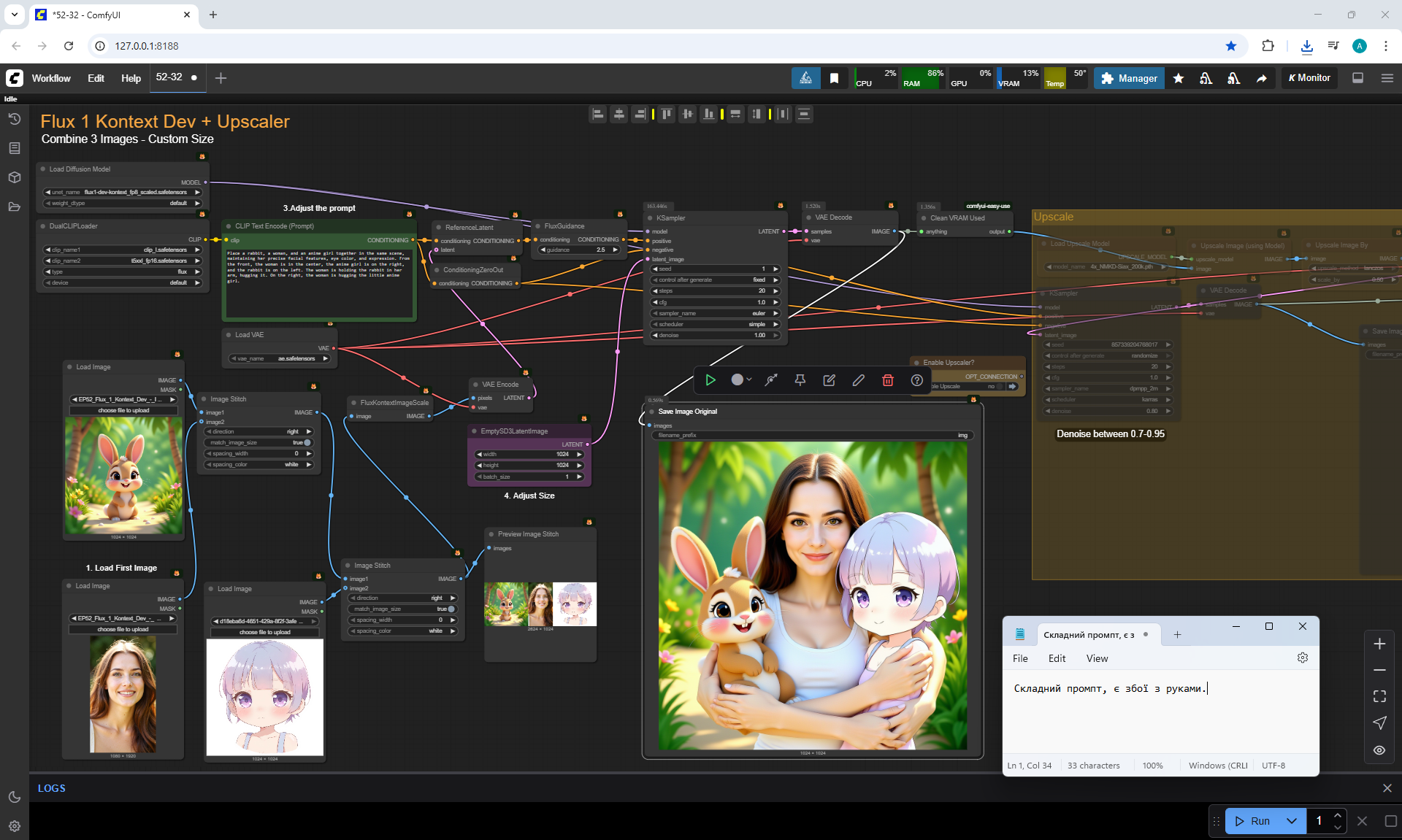
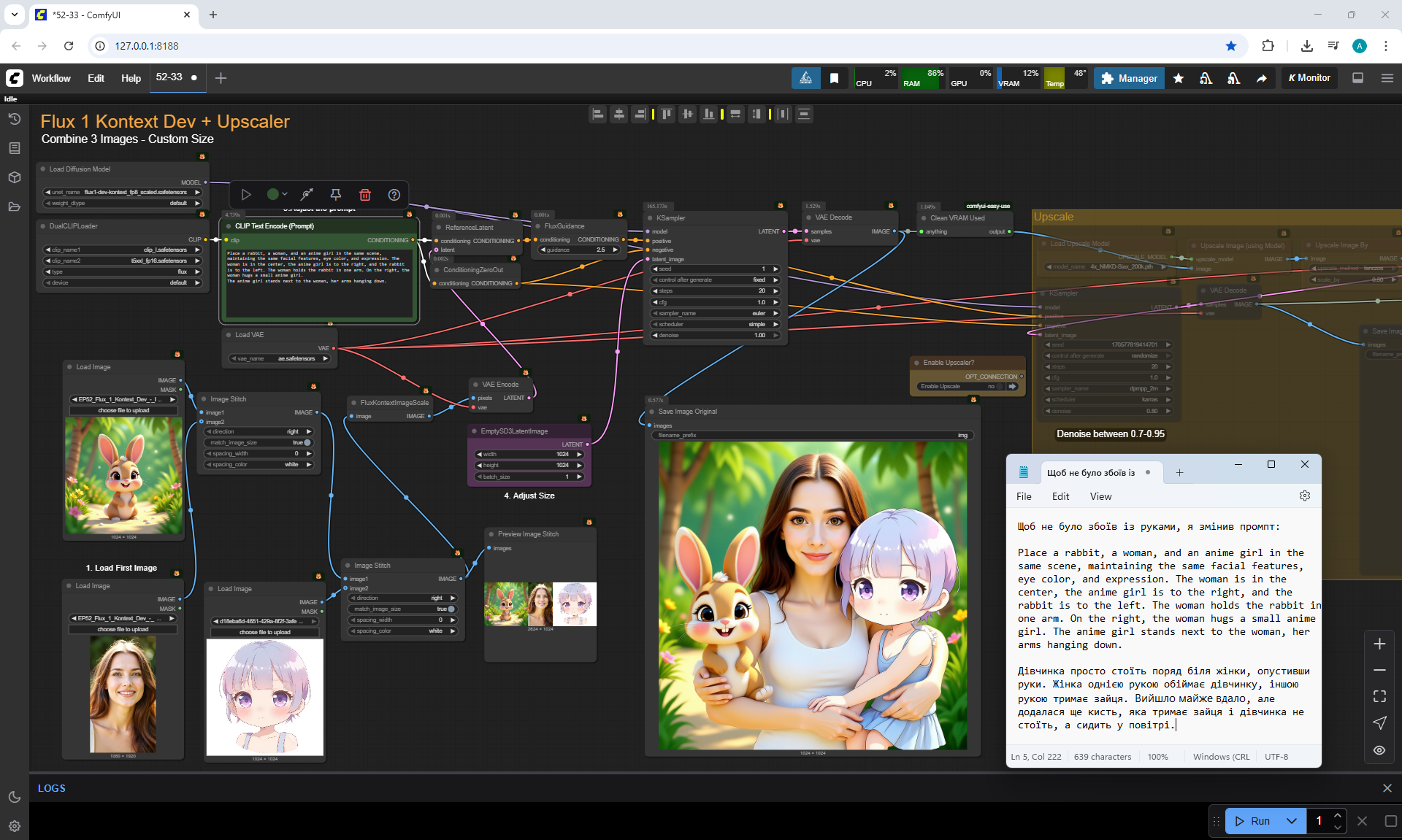
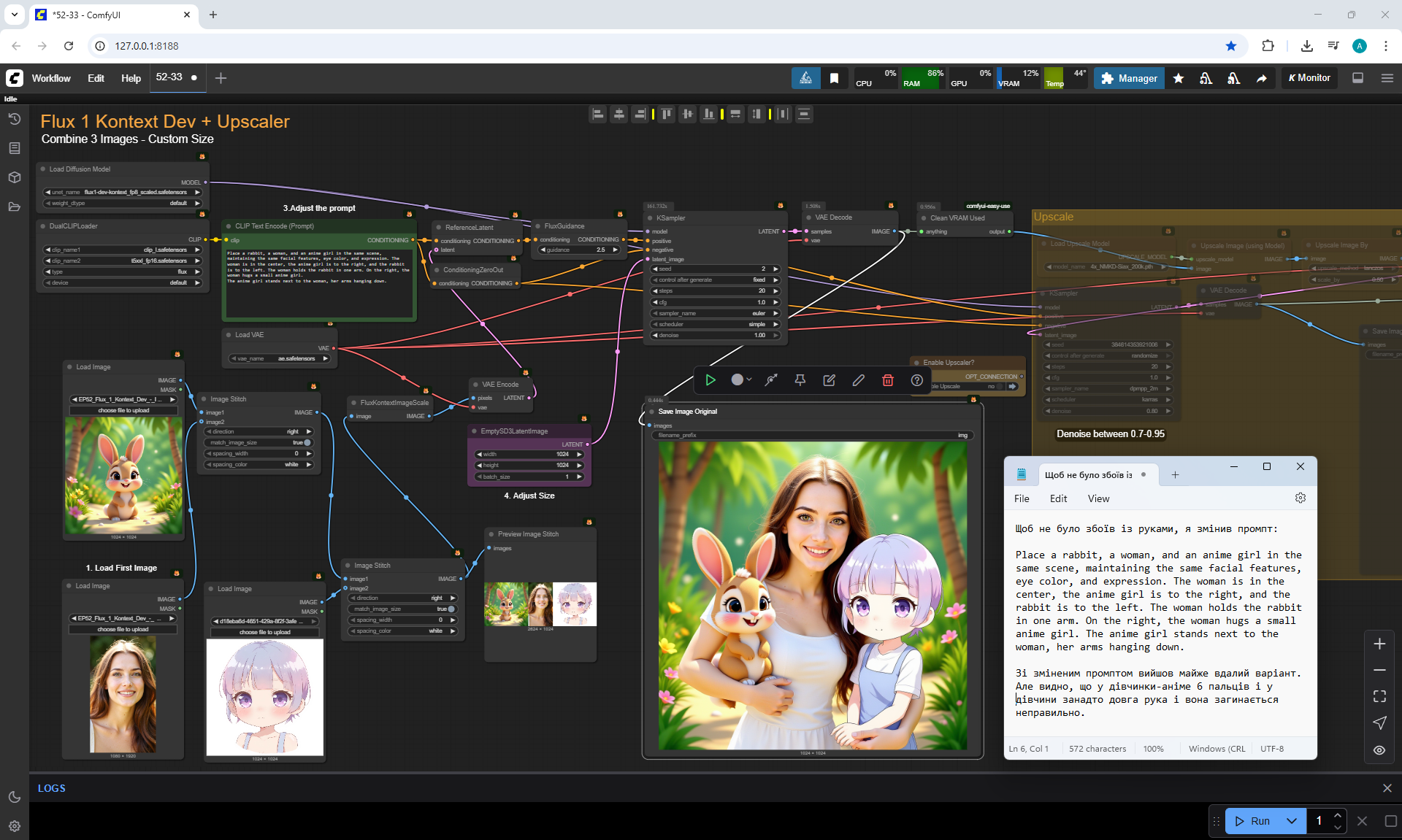
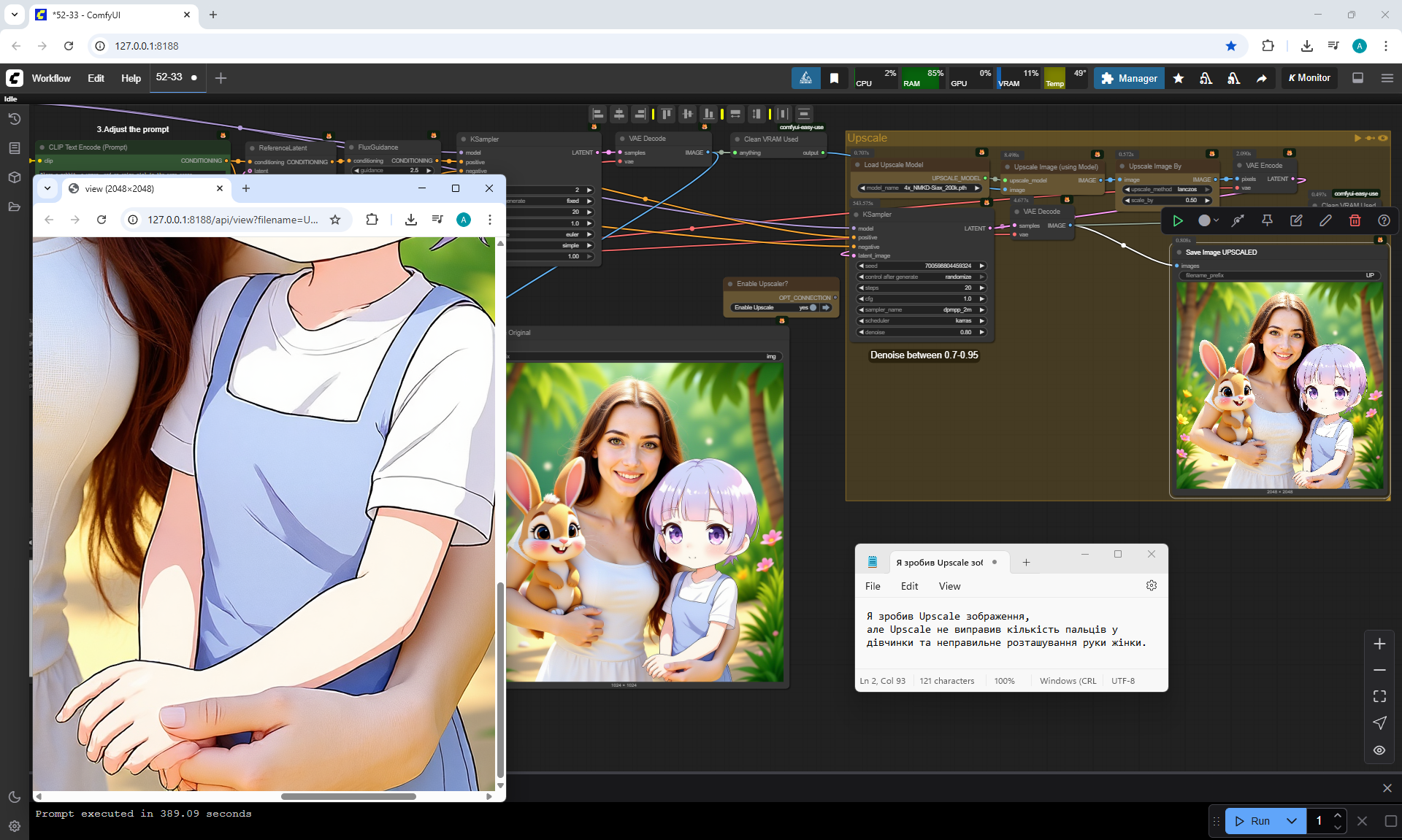
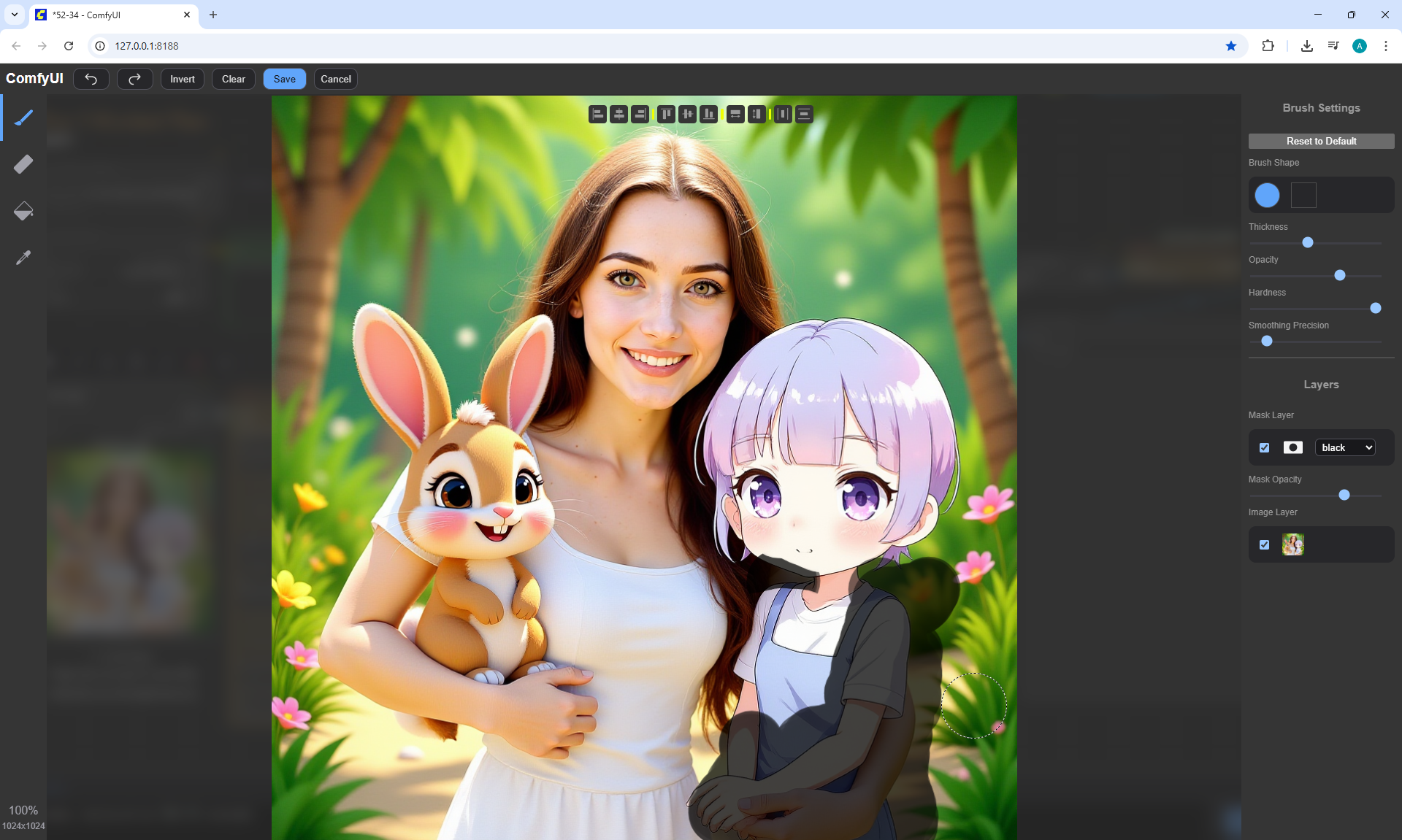
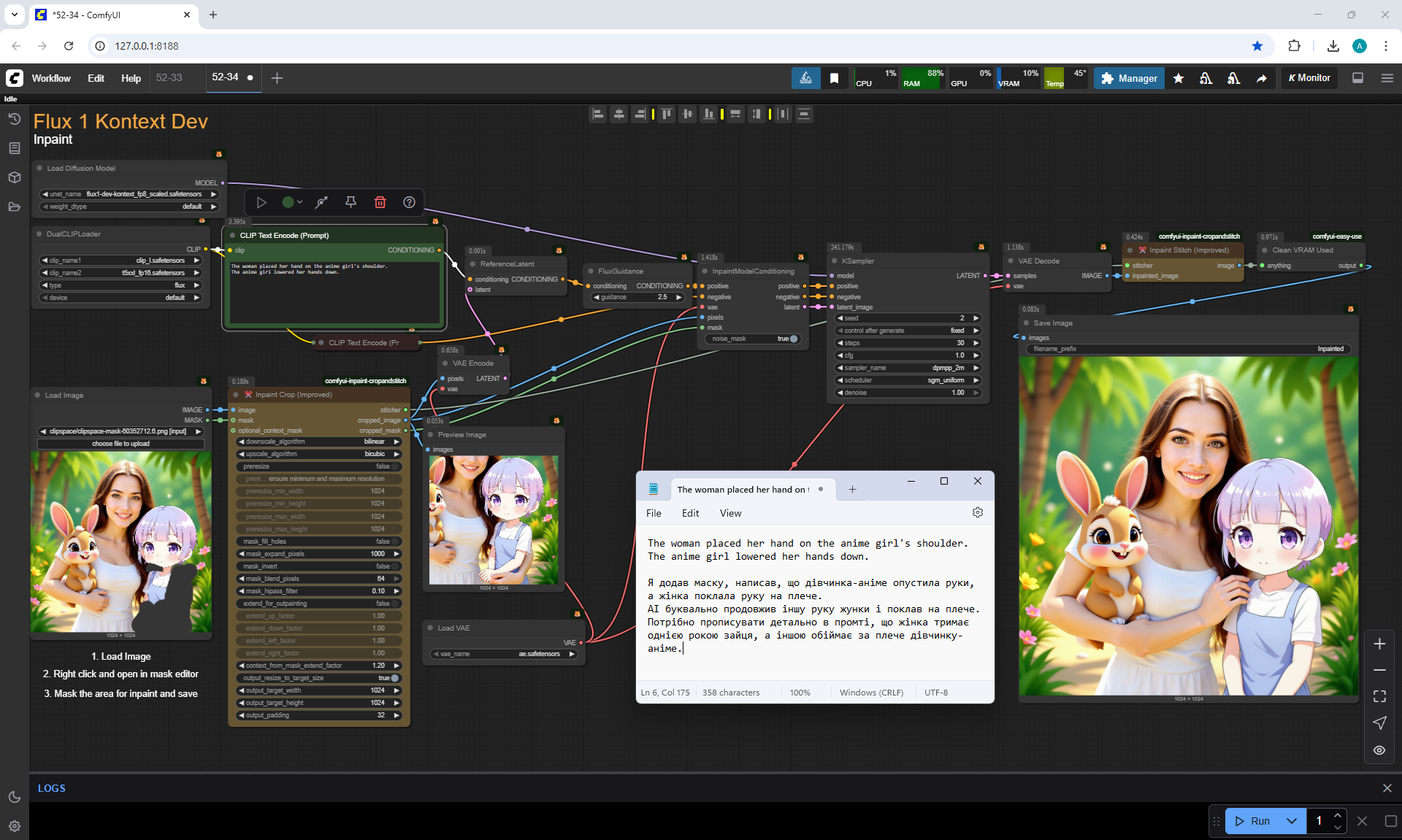
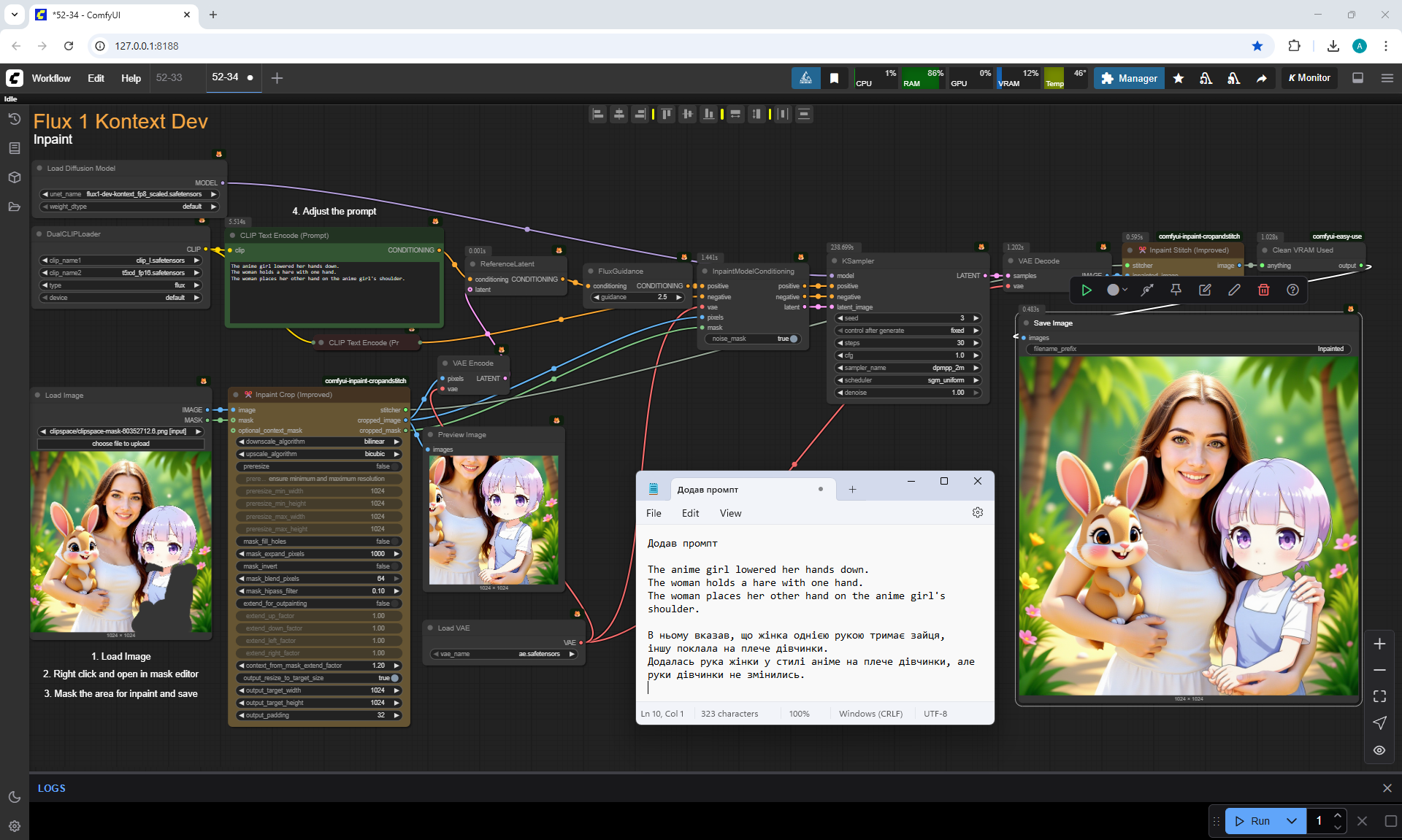
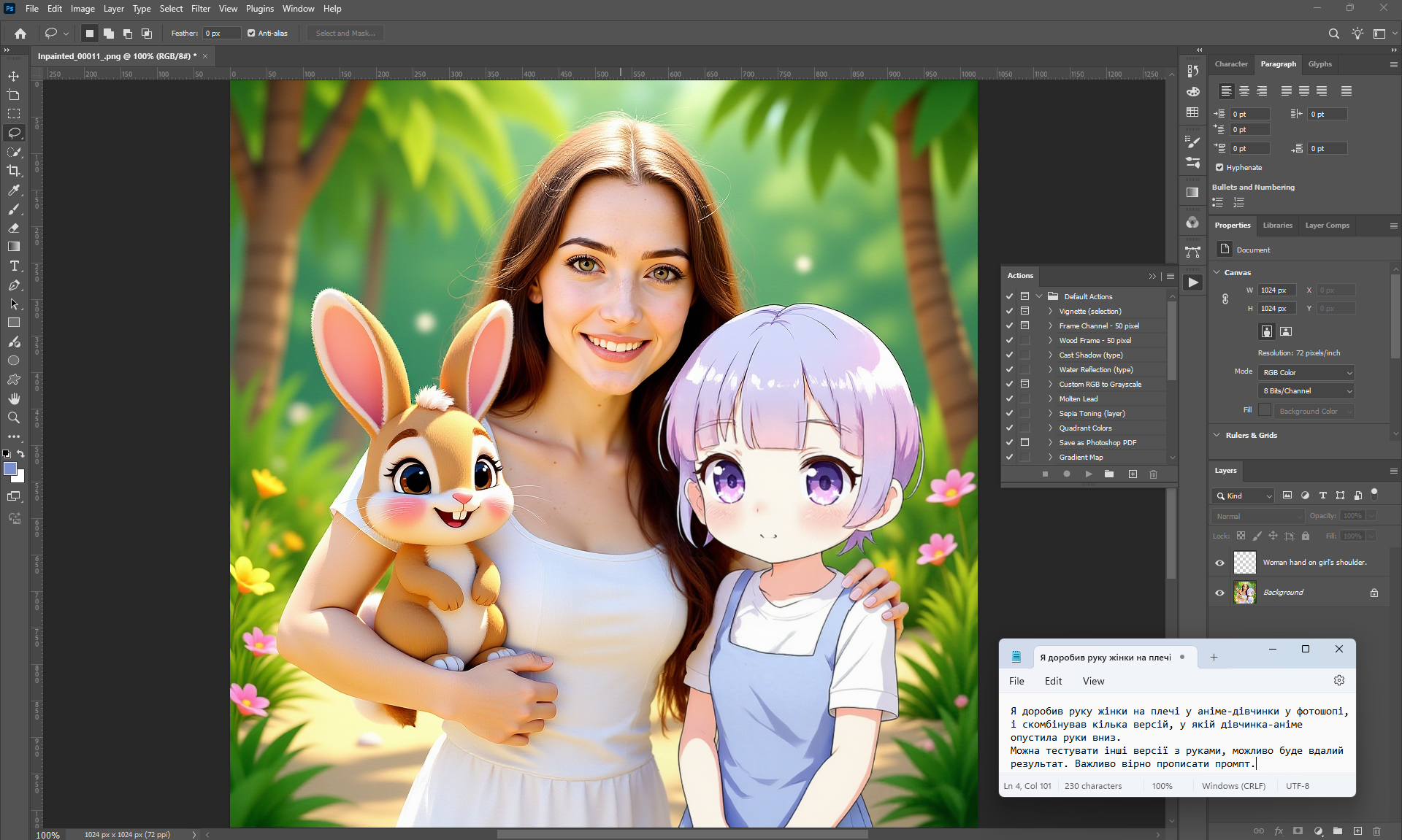
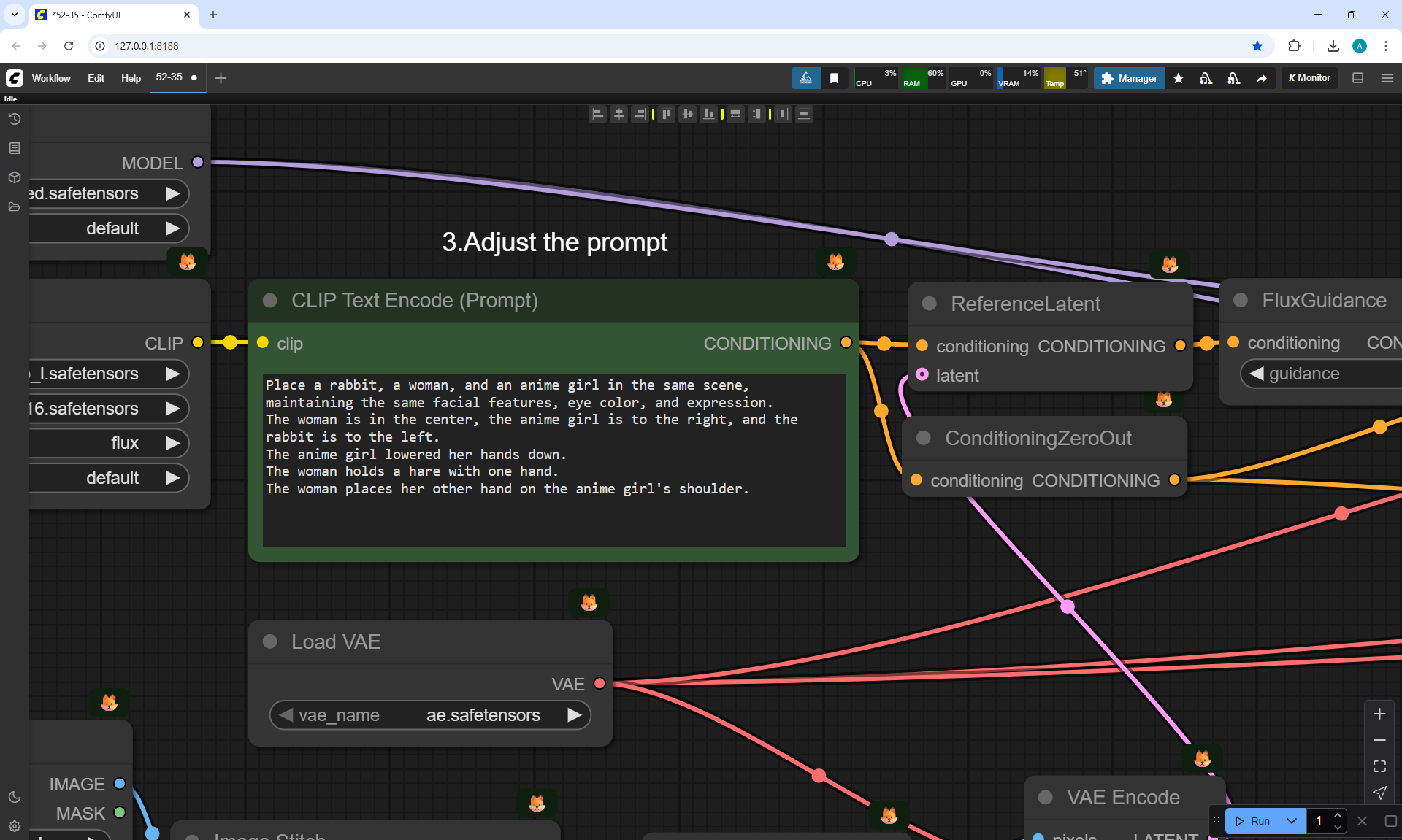
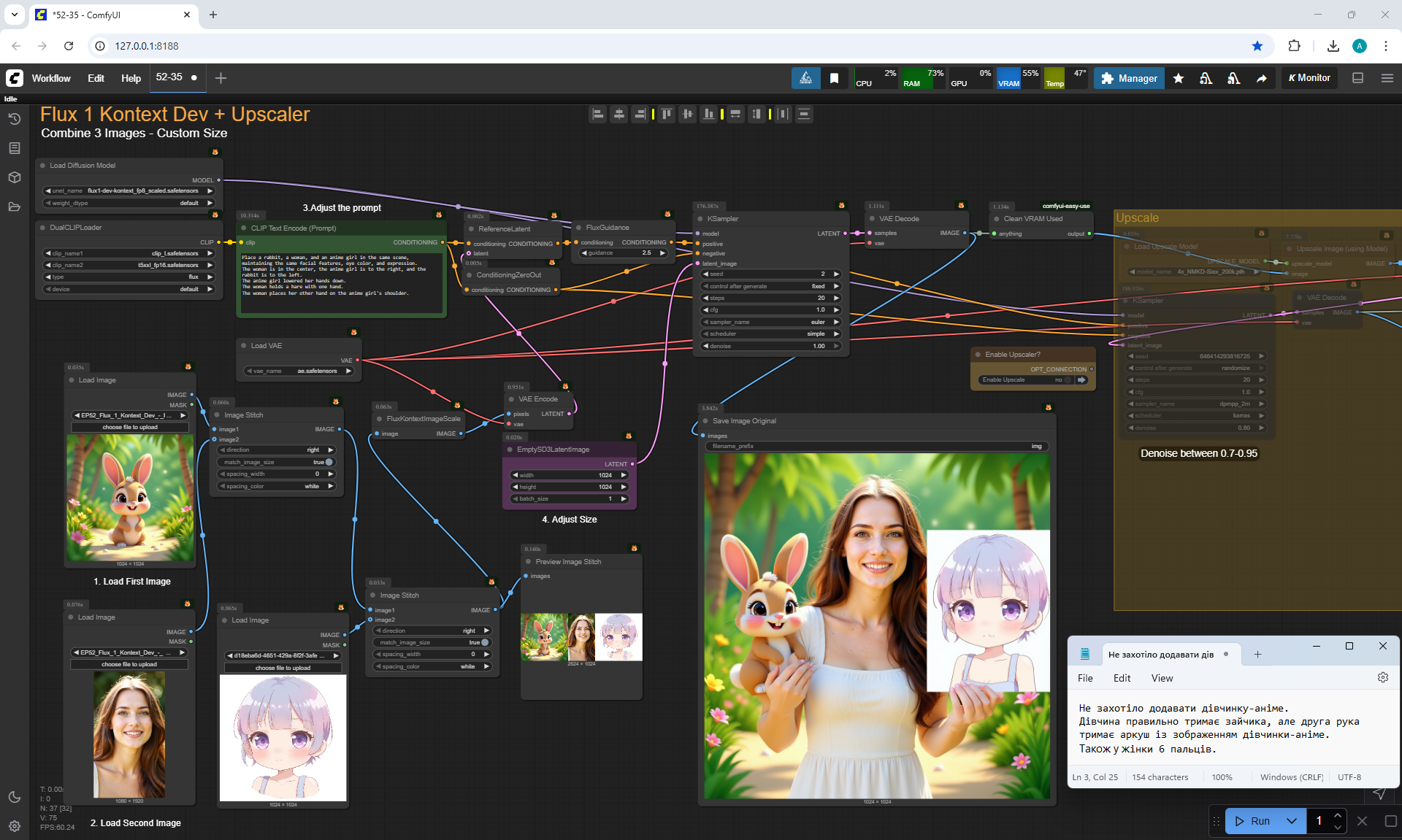
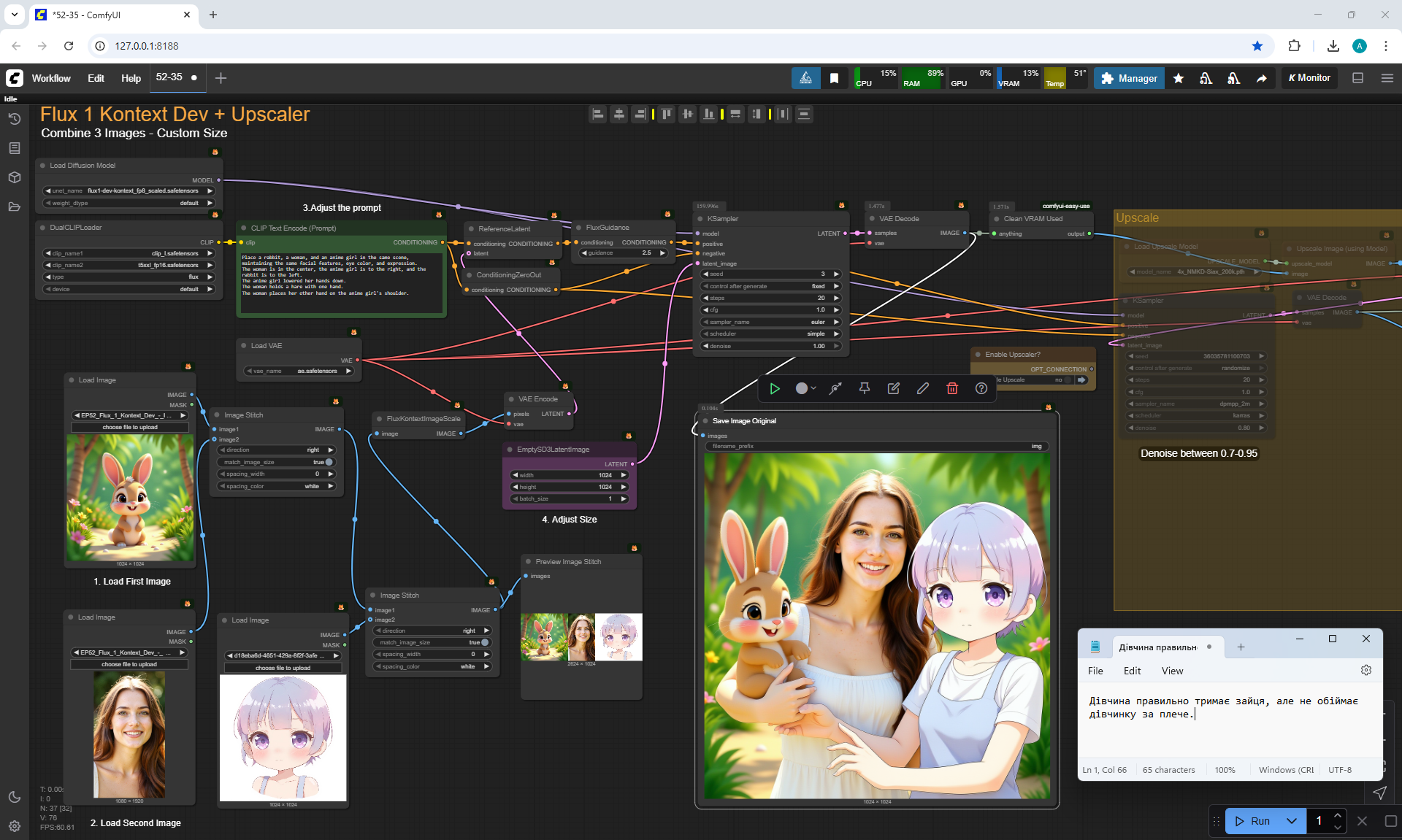
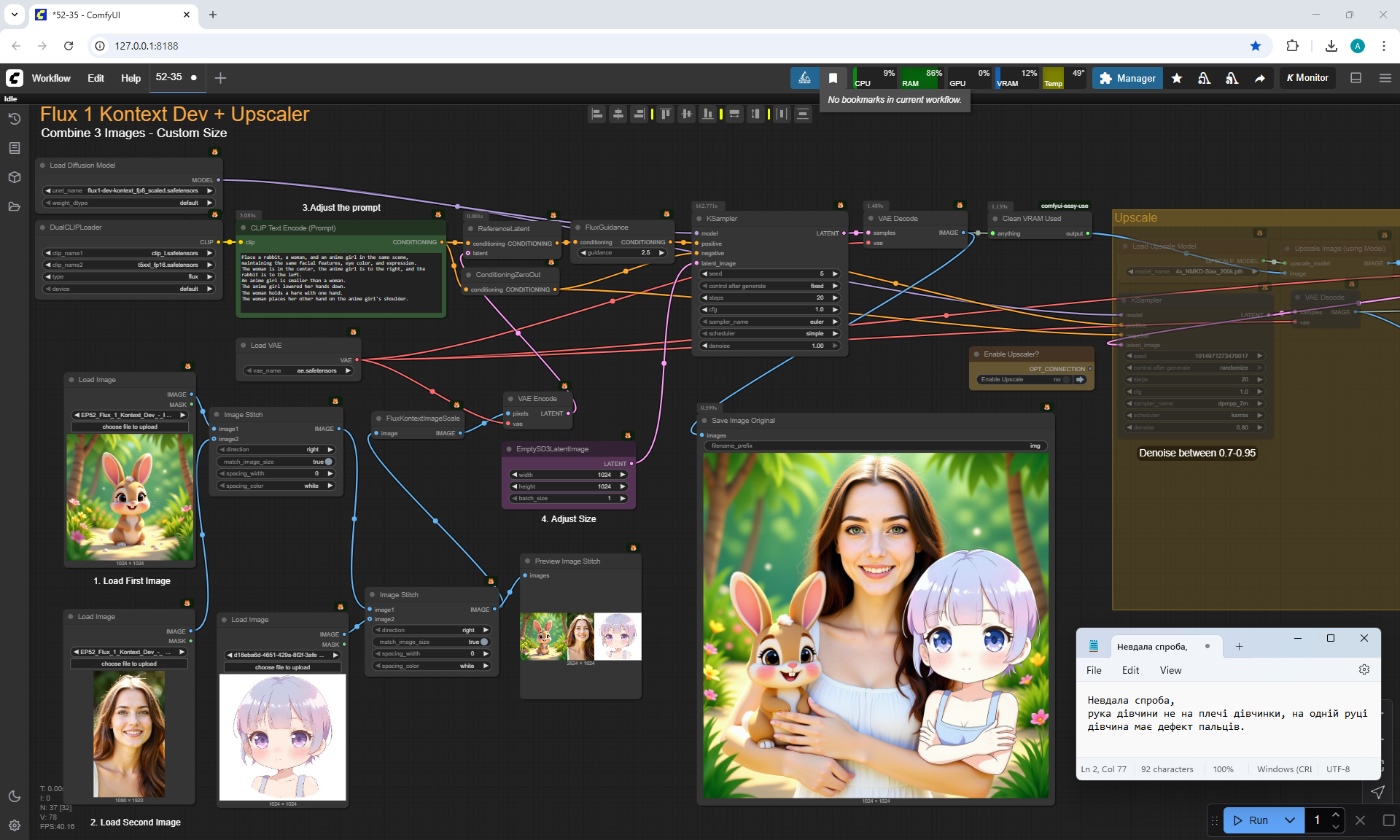
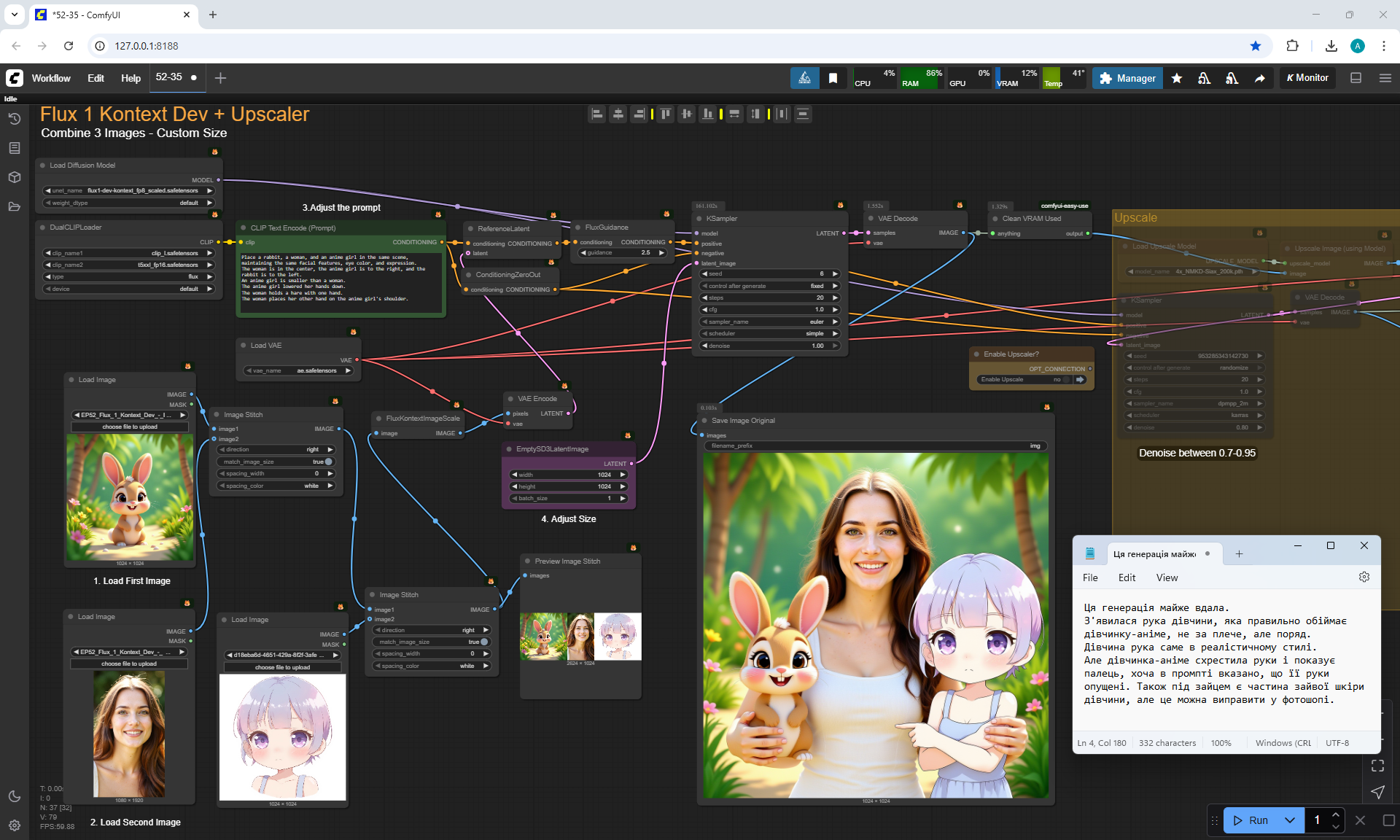
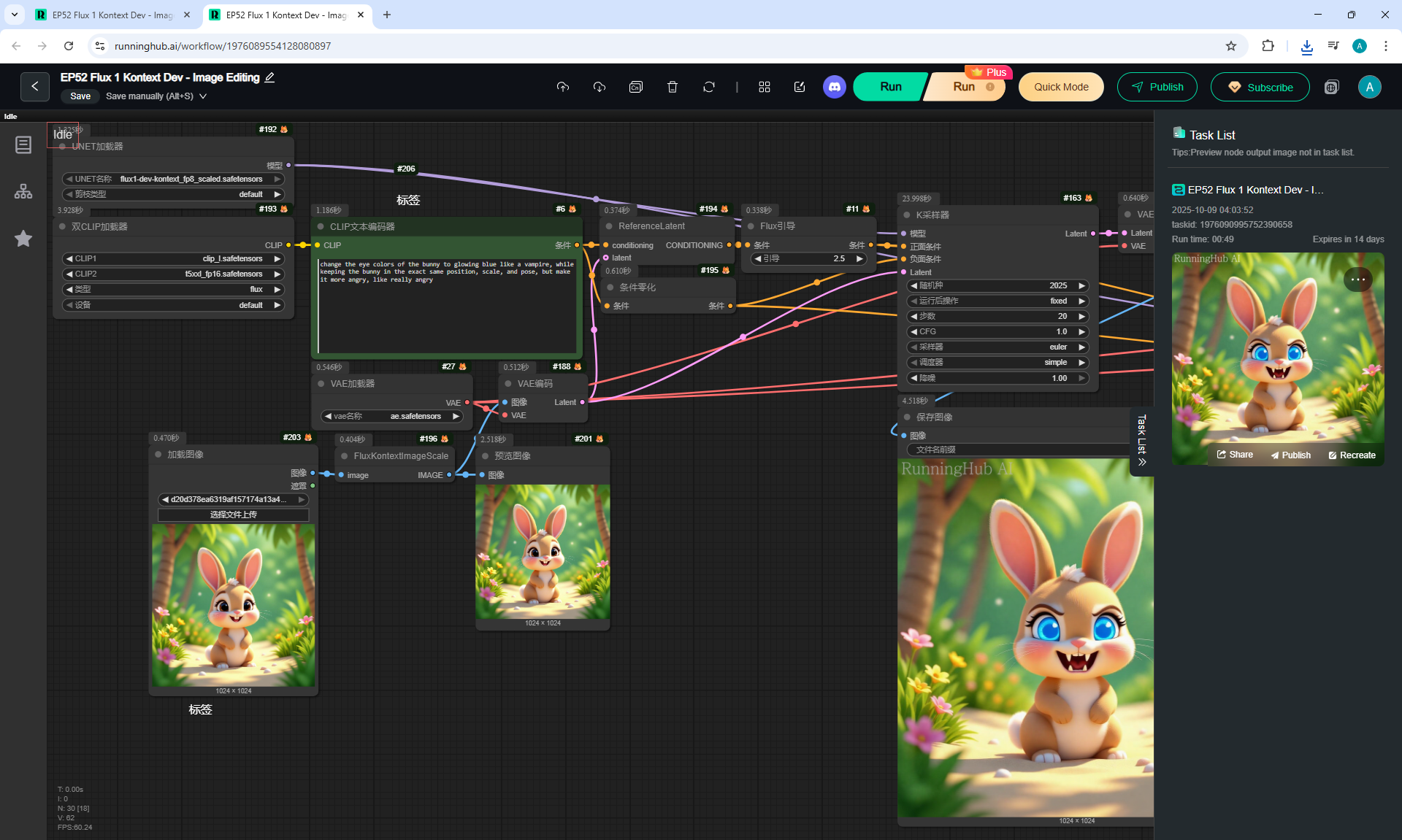
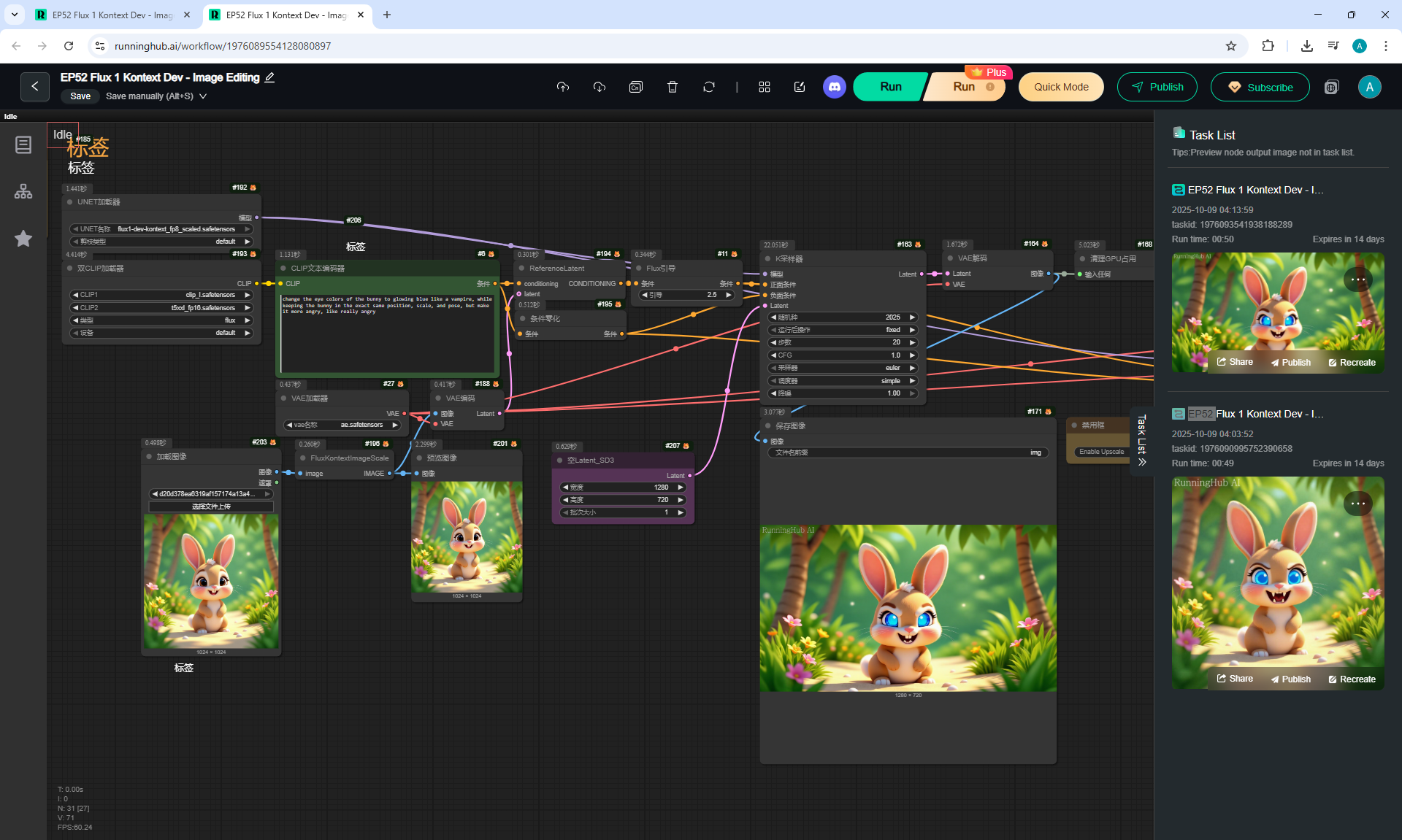
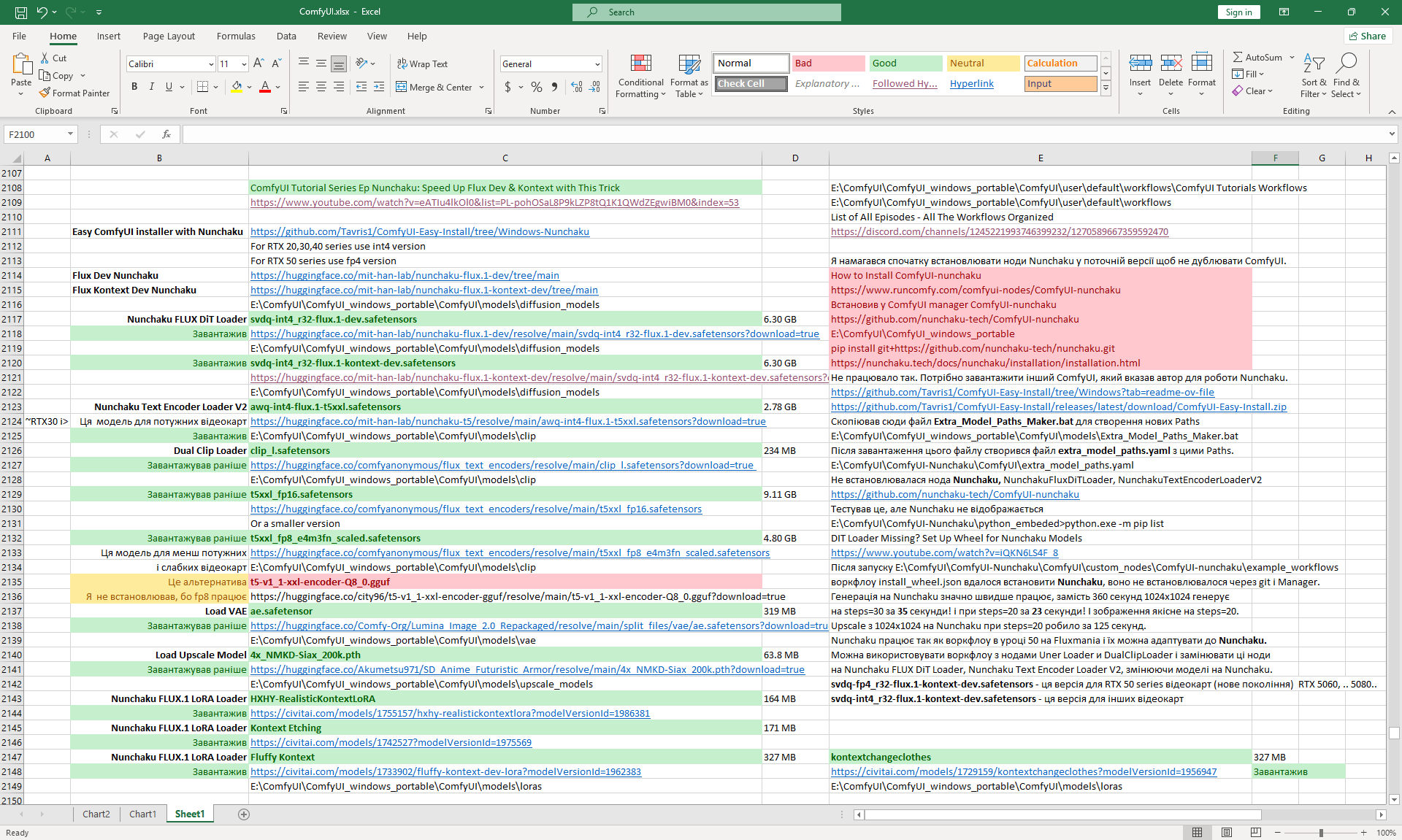
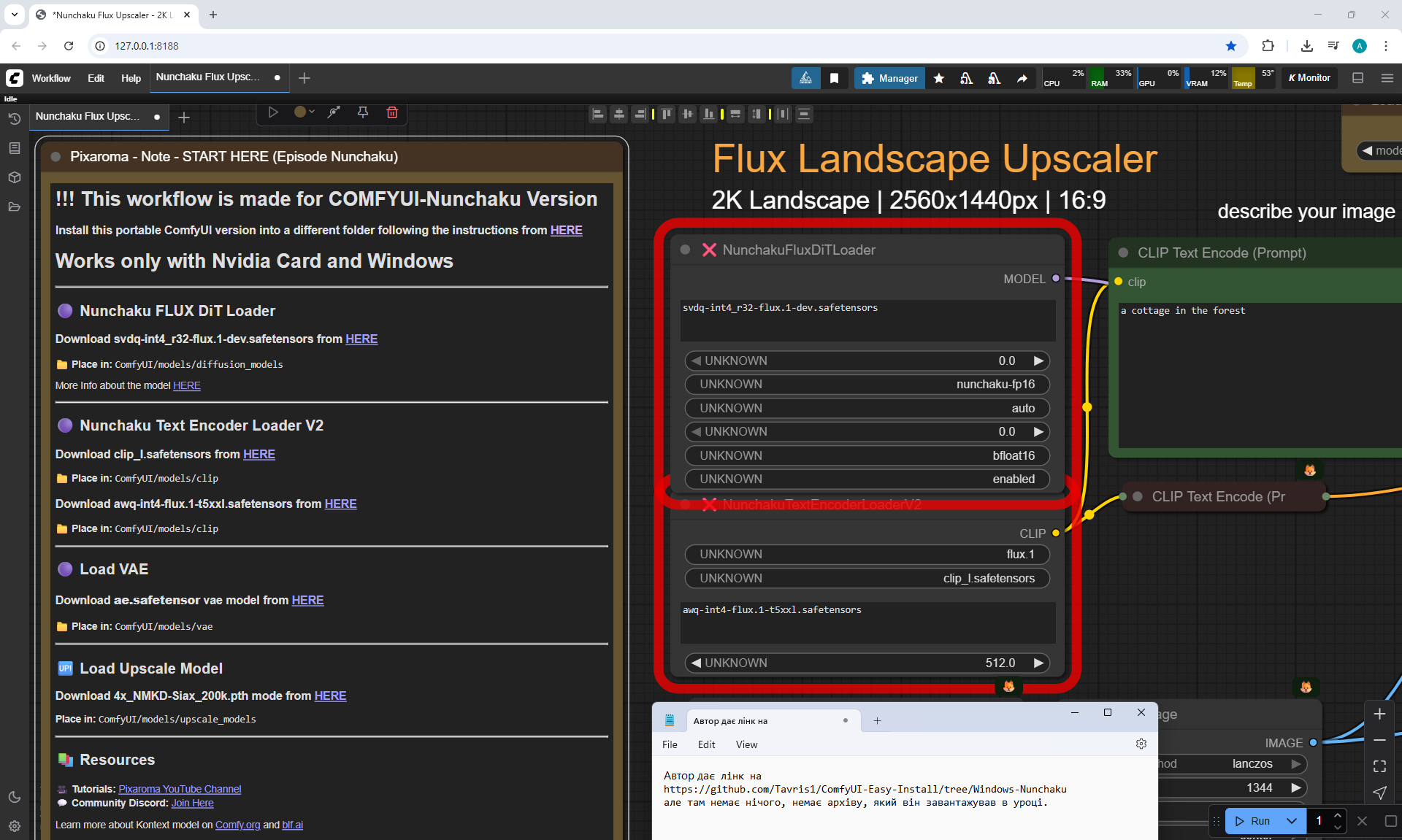
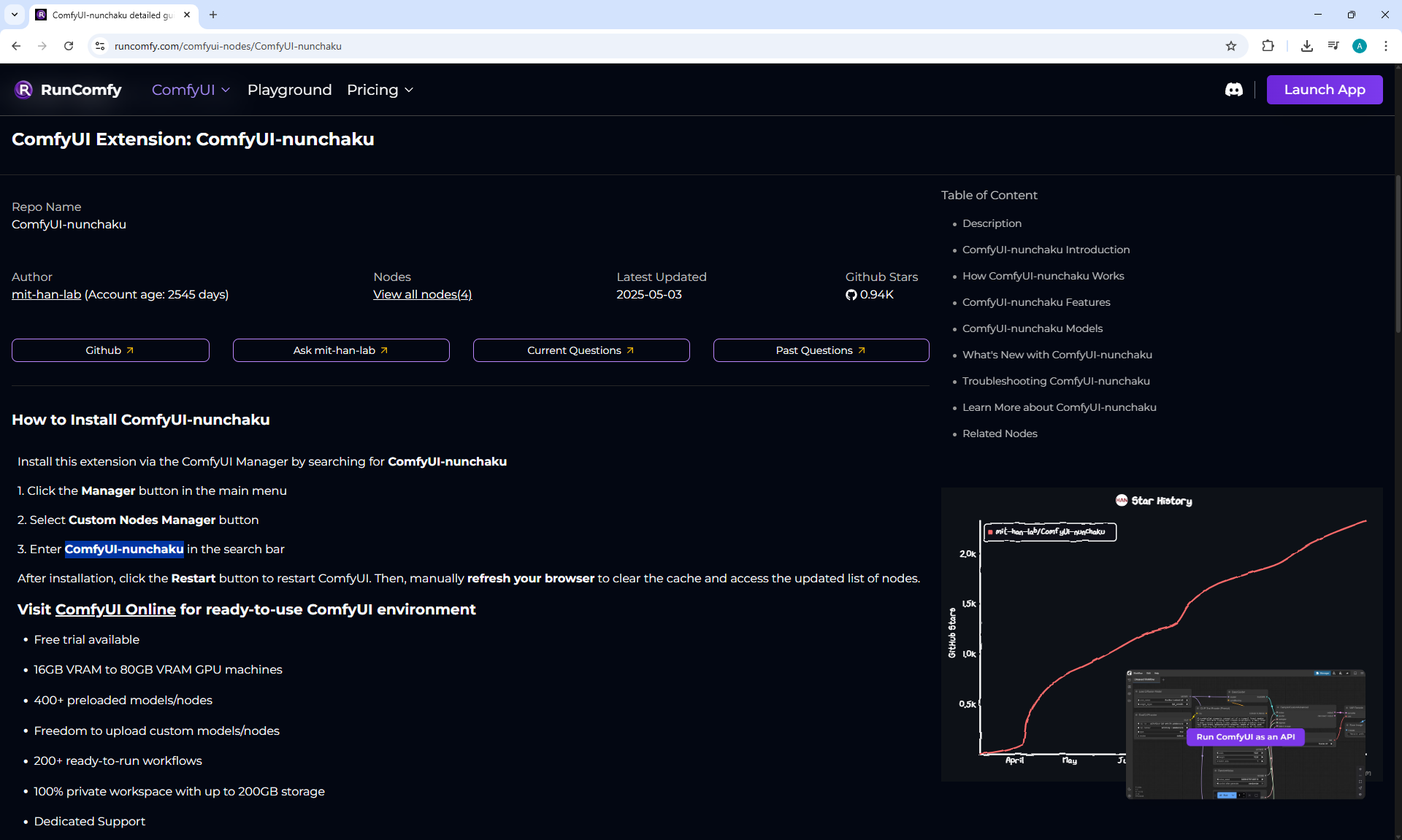
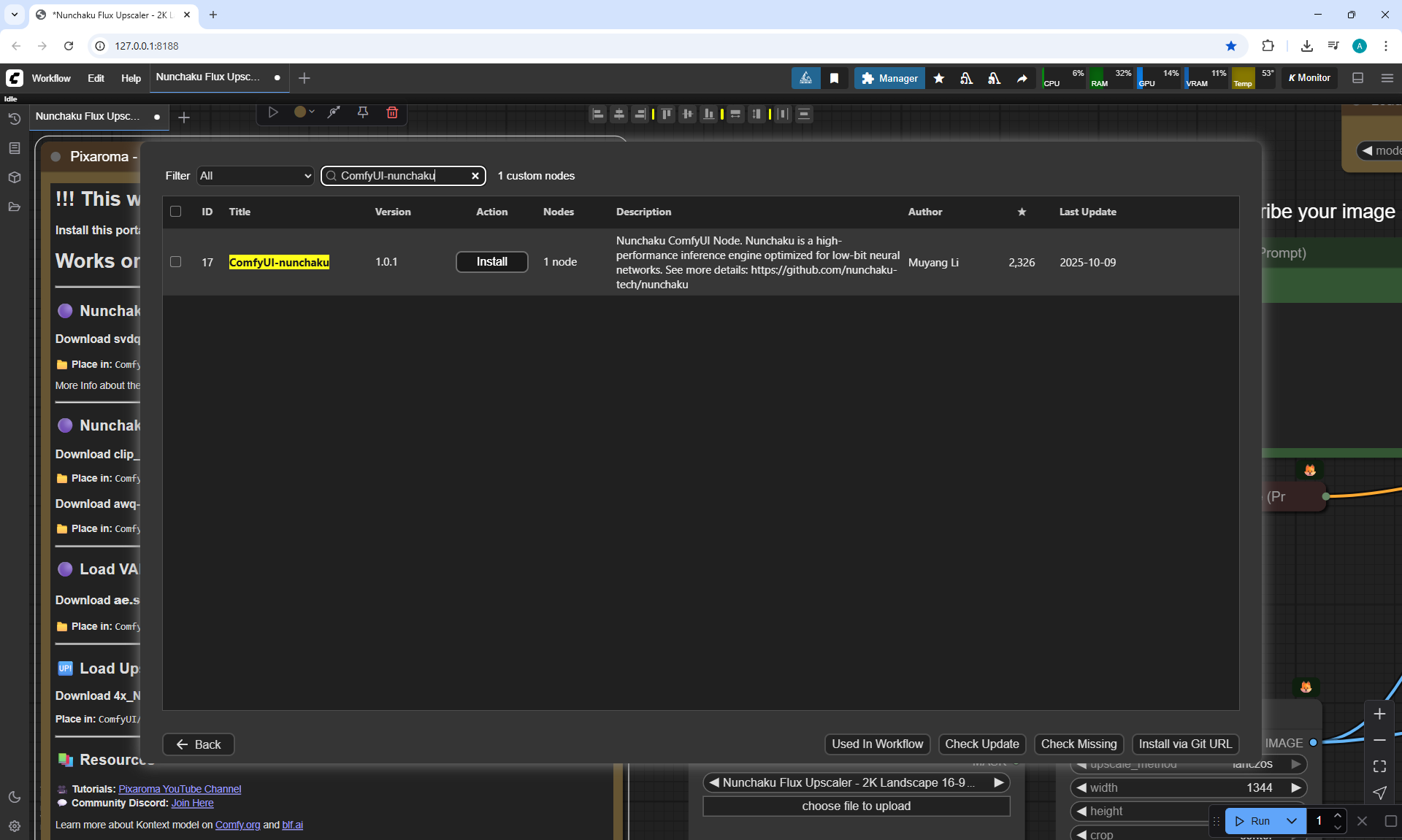
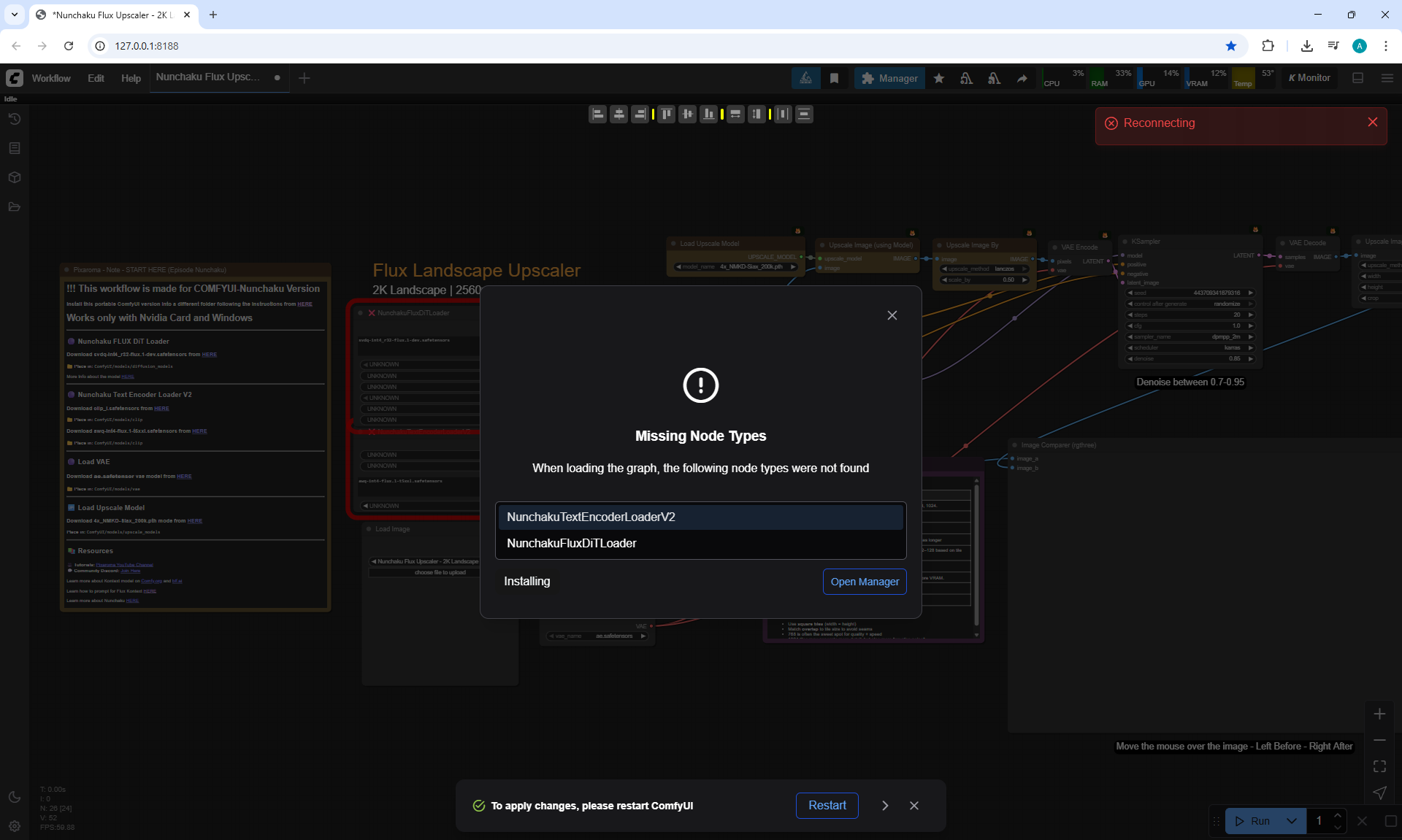
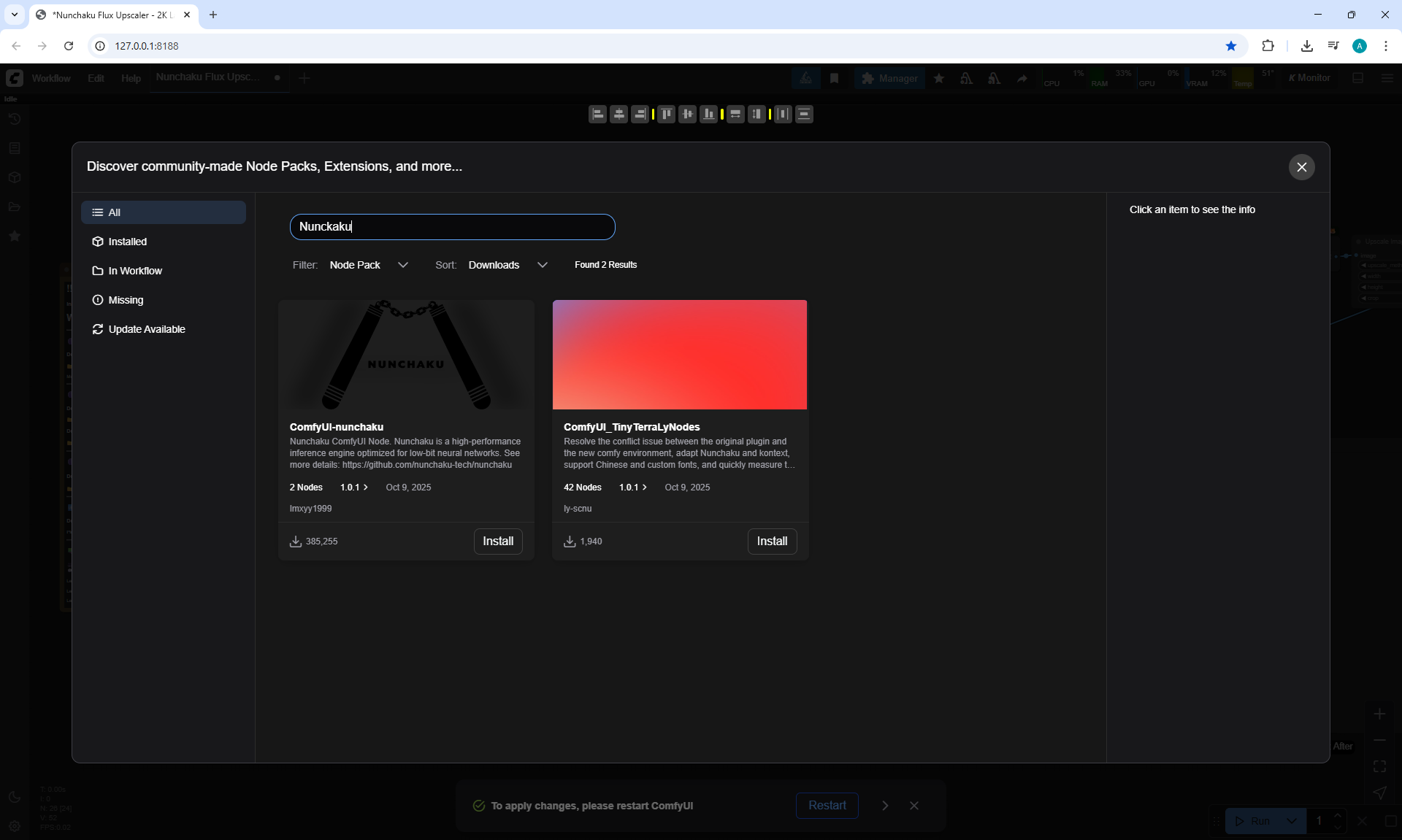
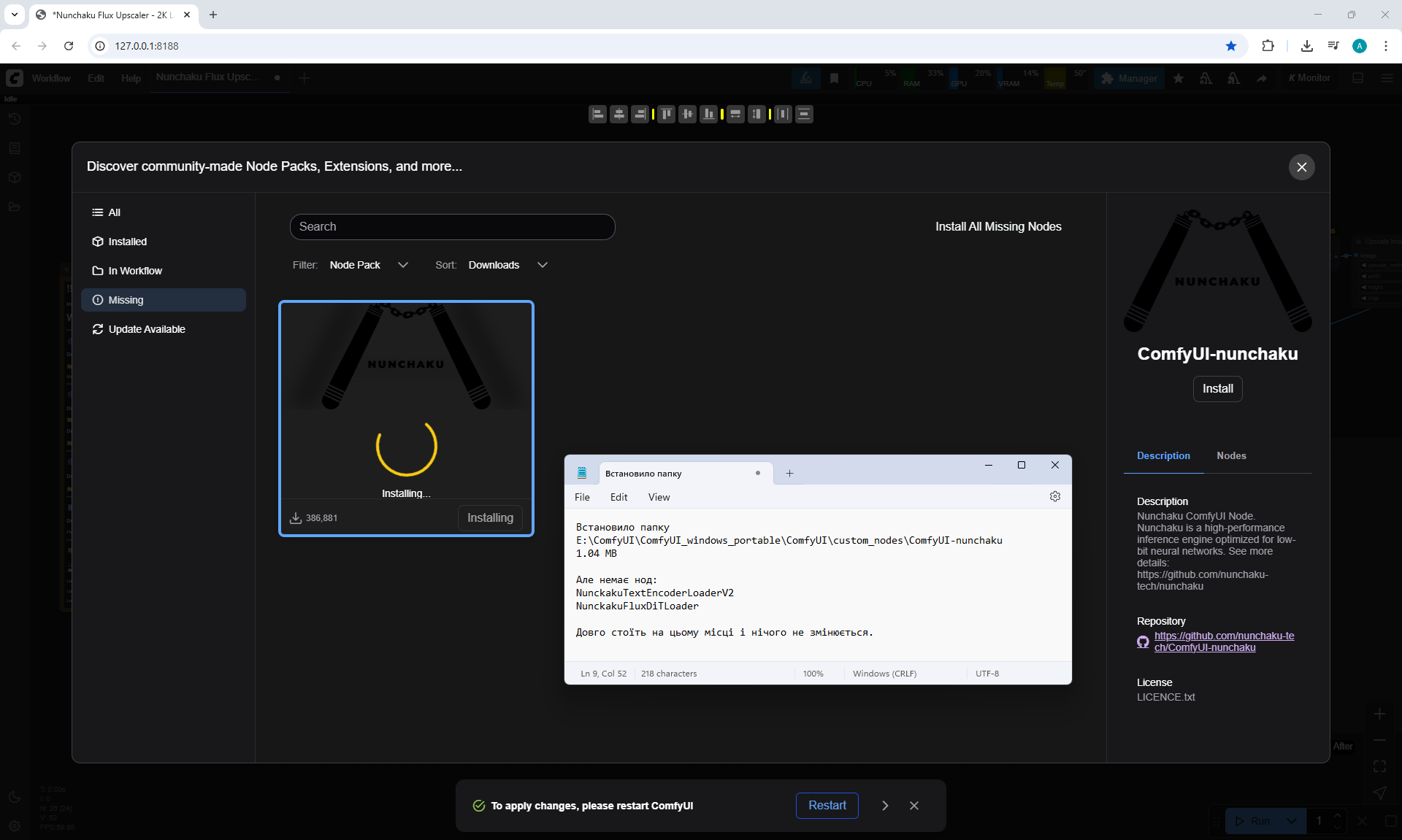
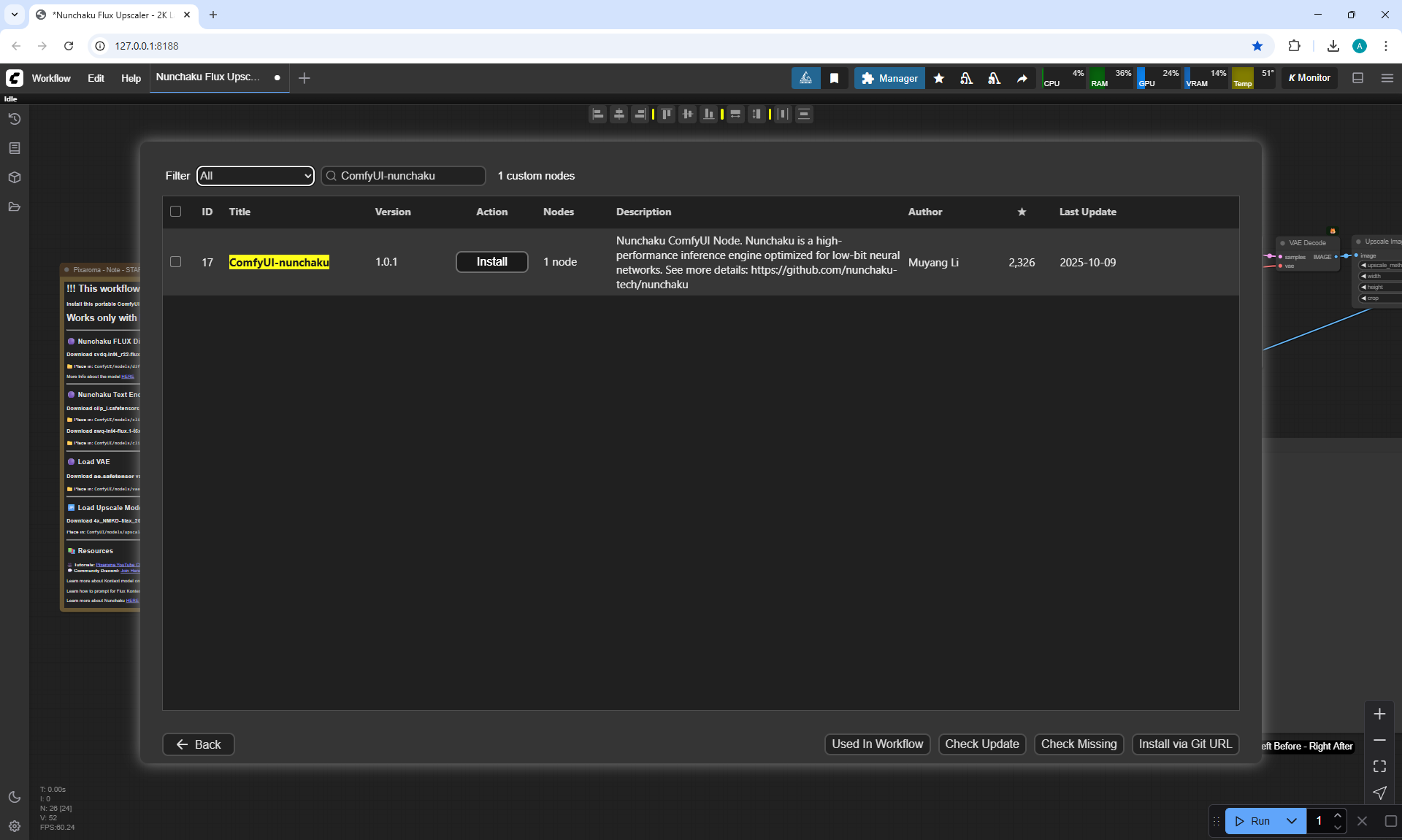
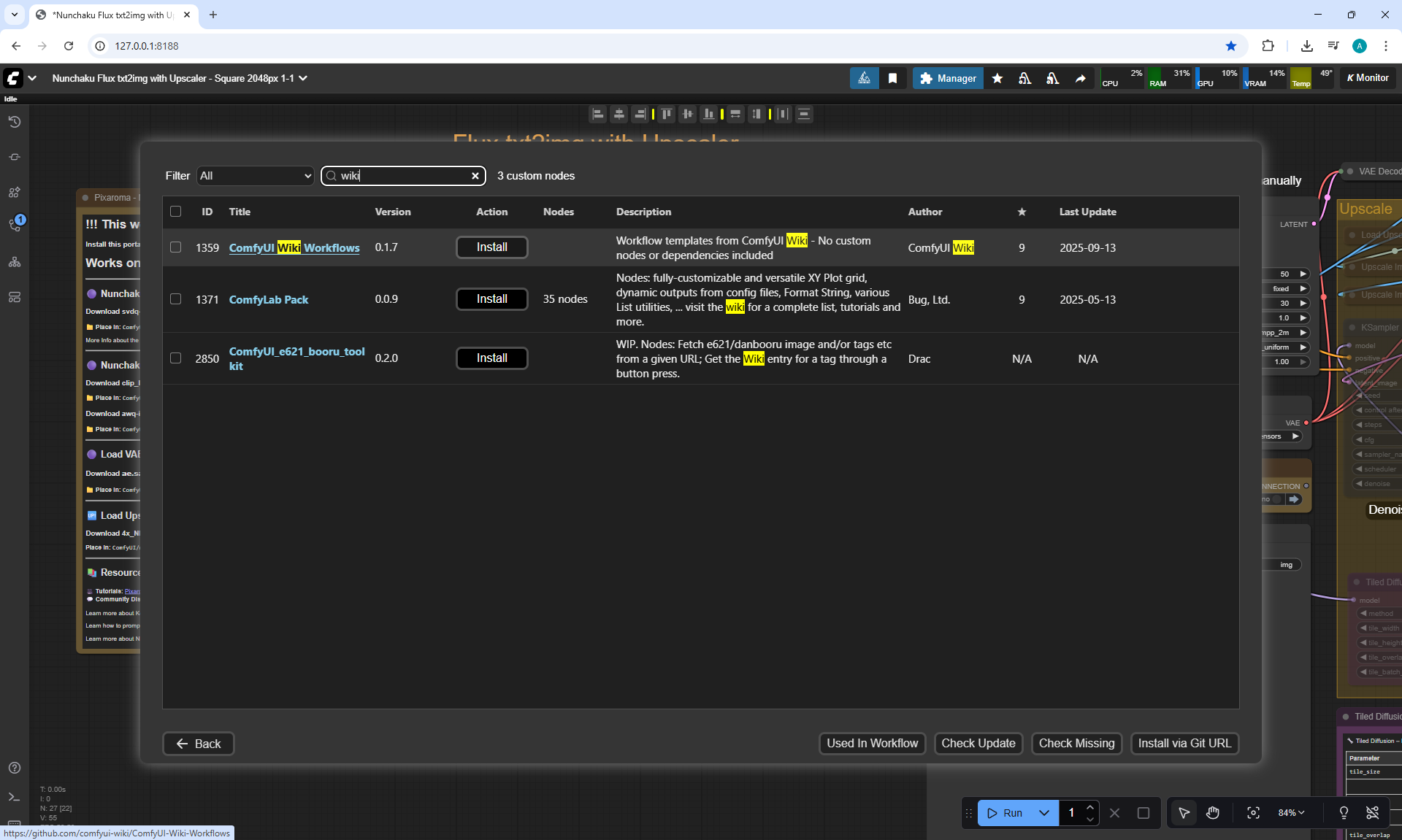
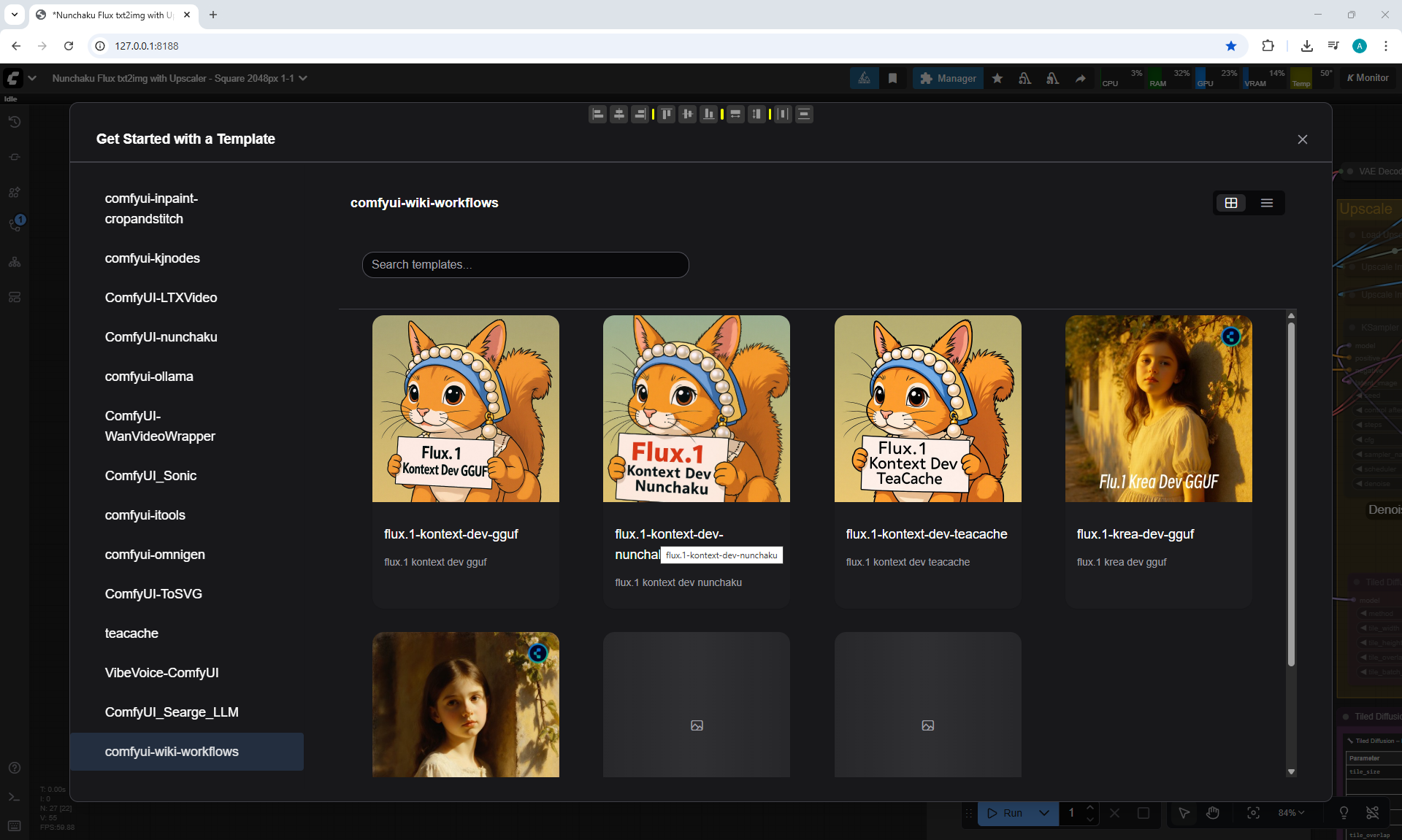
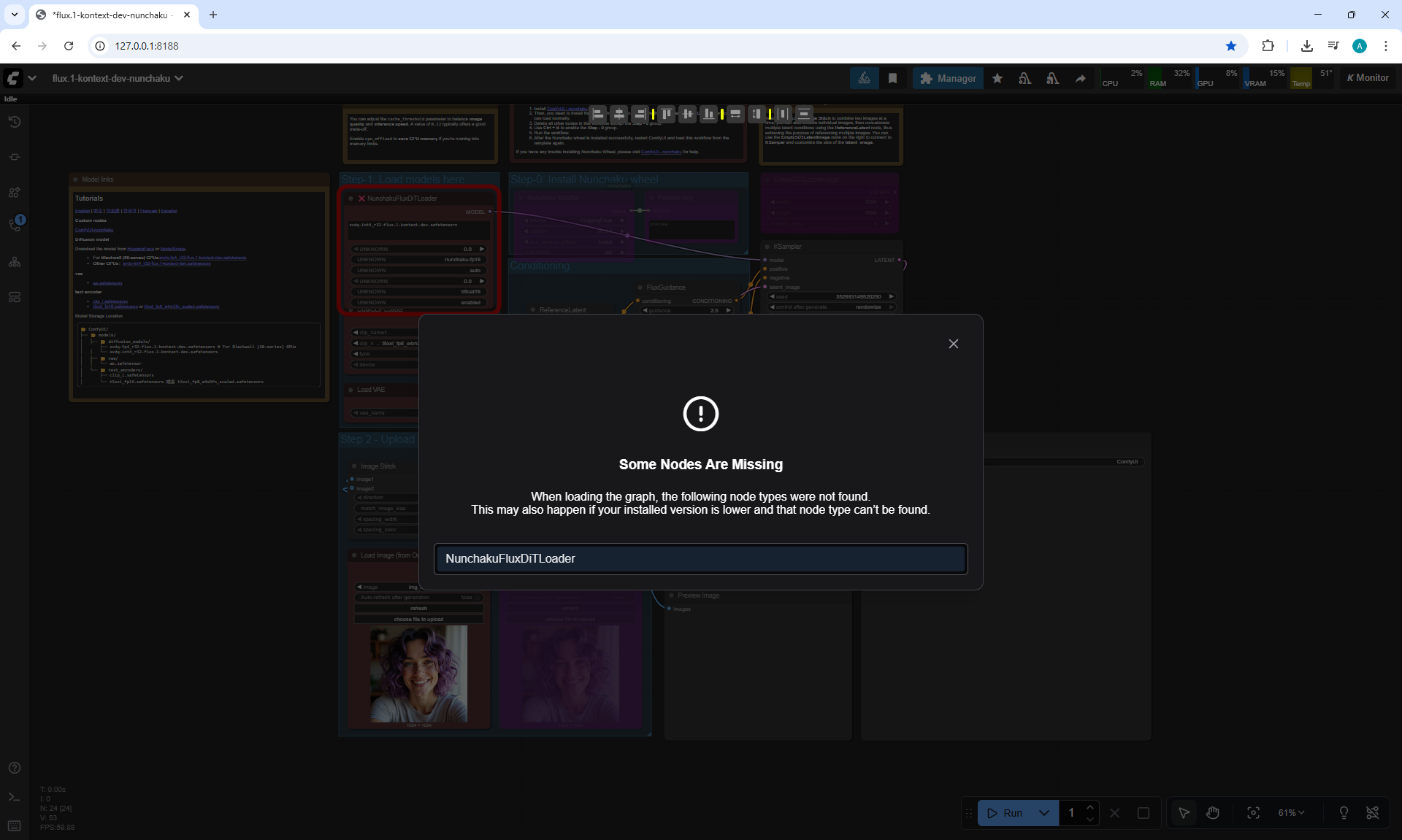
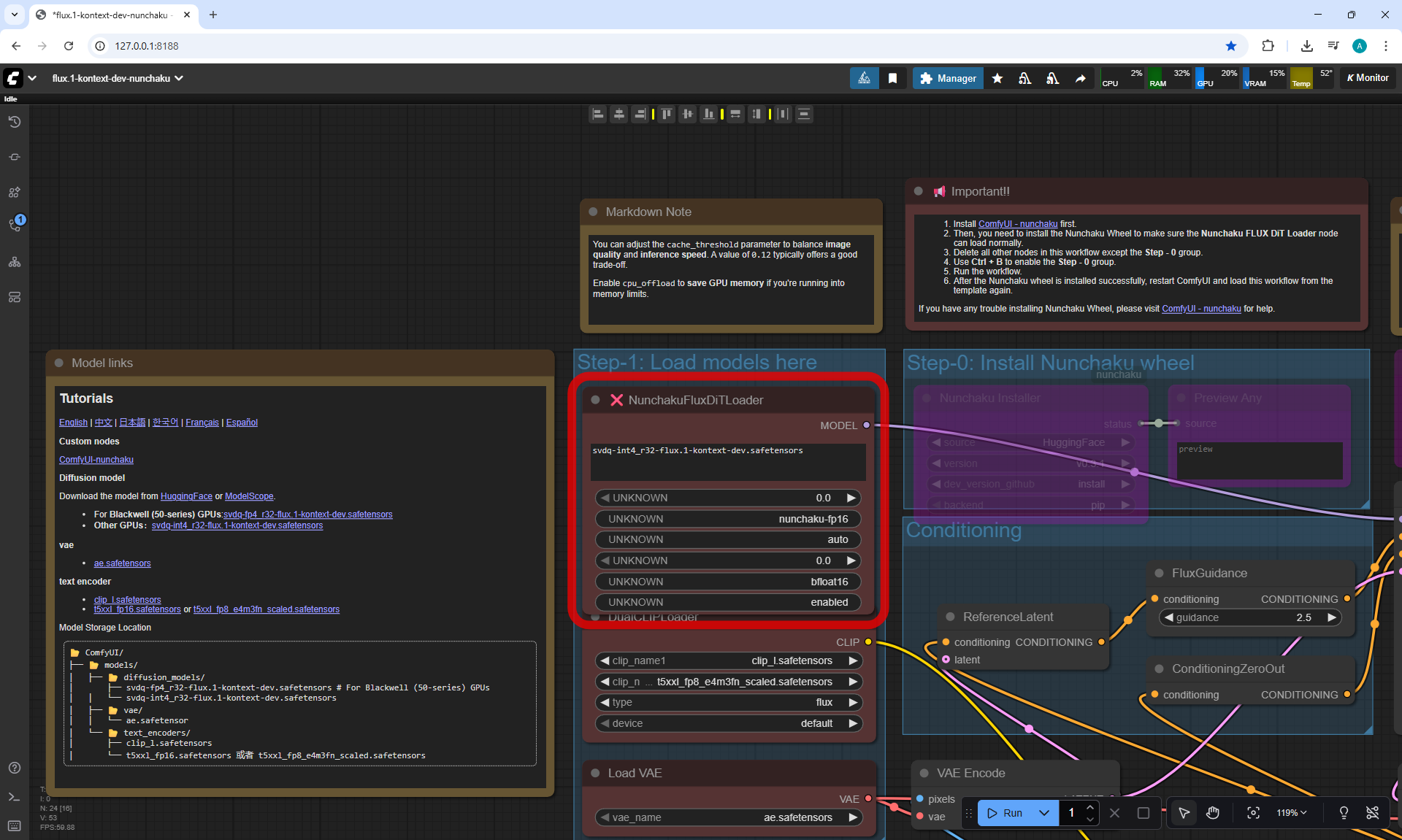
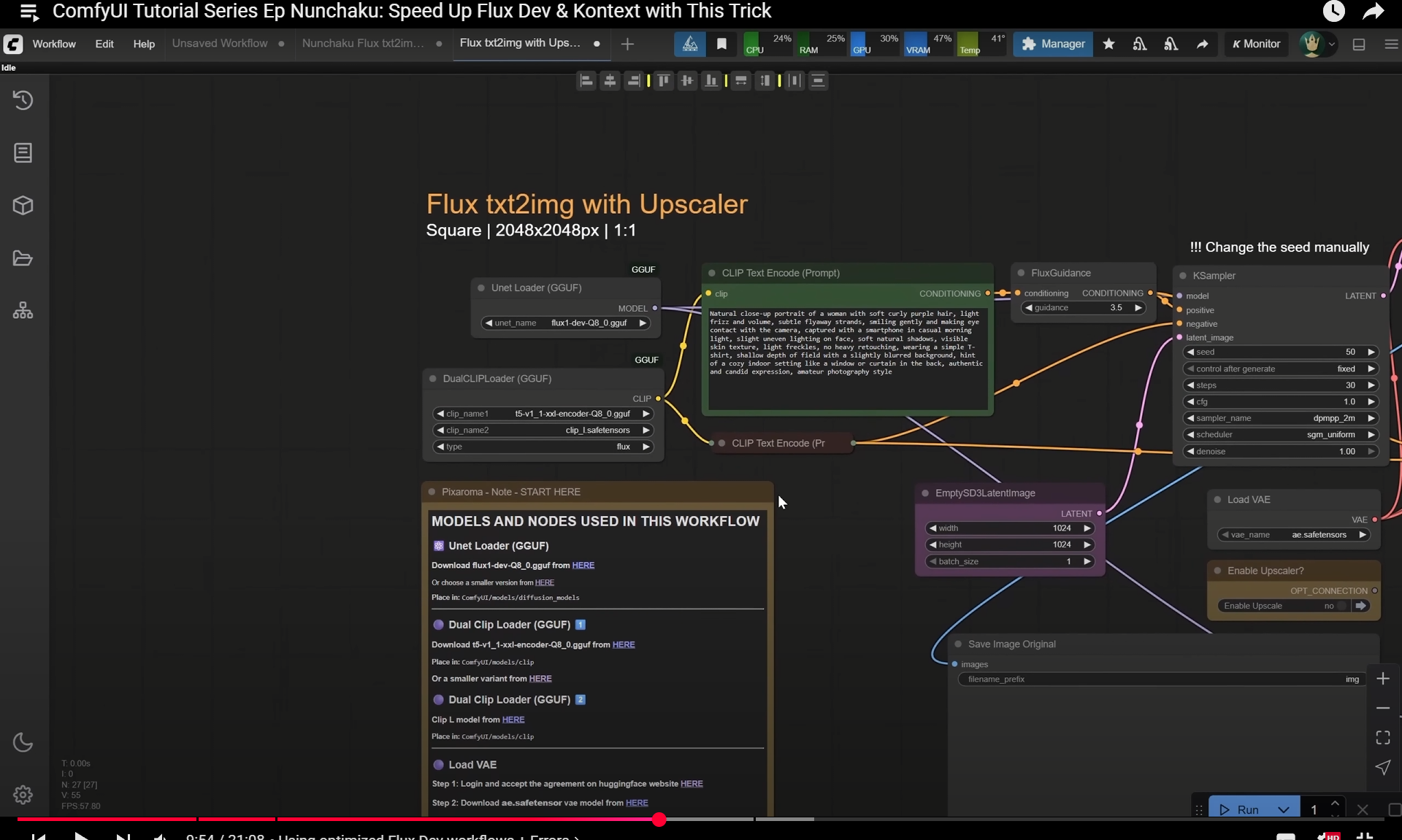
ComfyUI Tutorial Series Ep Nunchaku: Speed Up Flux Dev & Kontext with This Trick













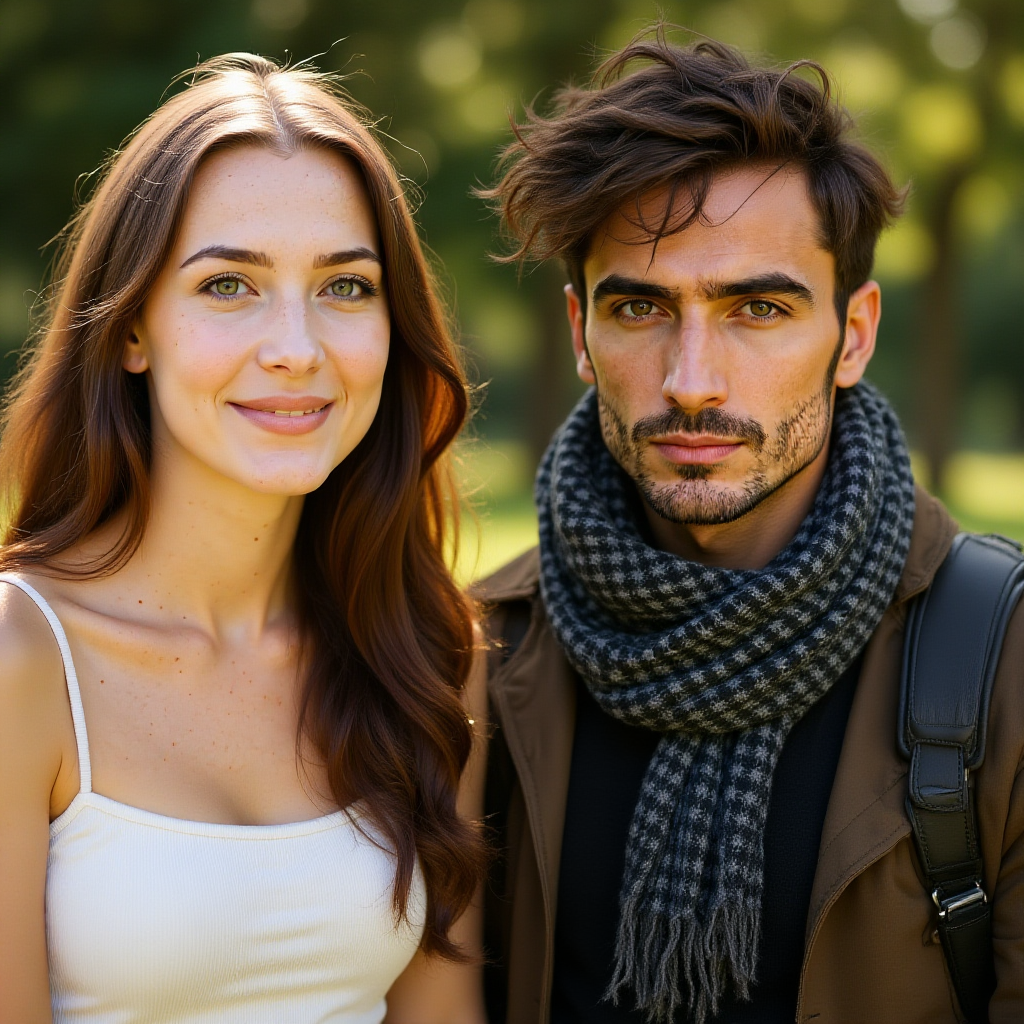

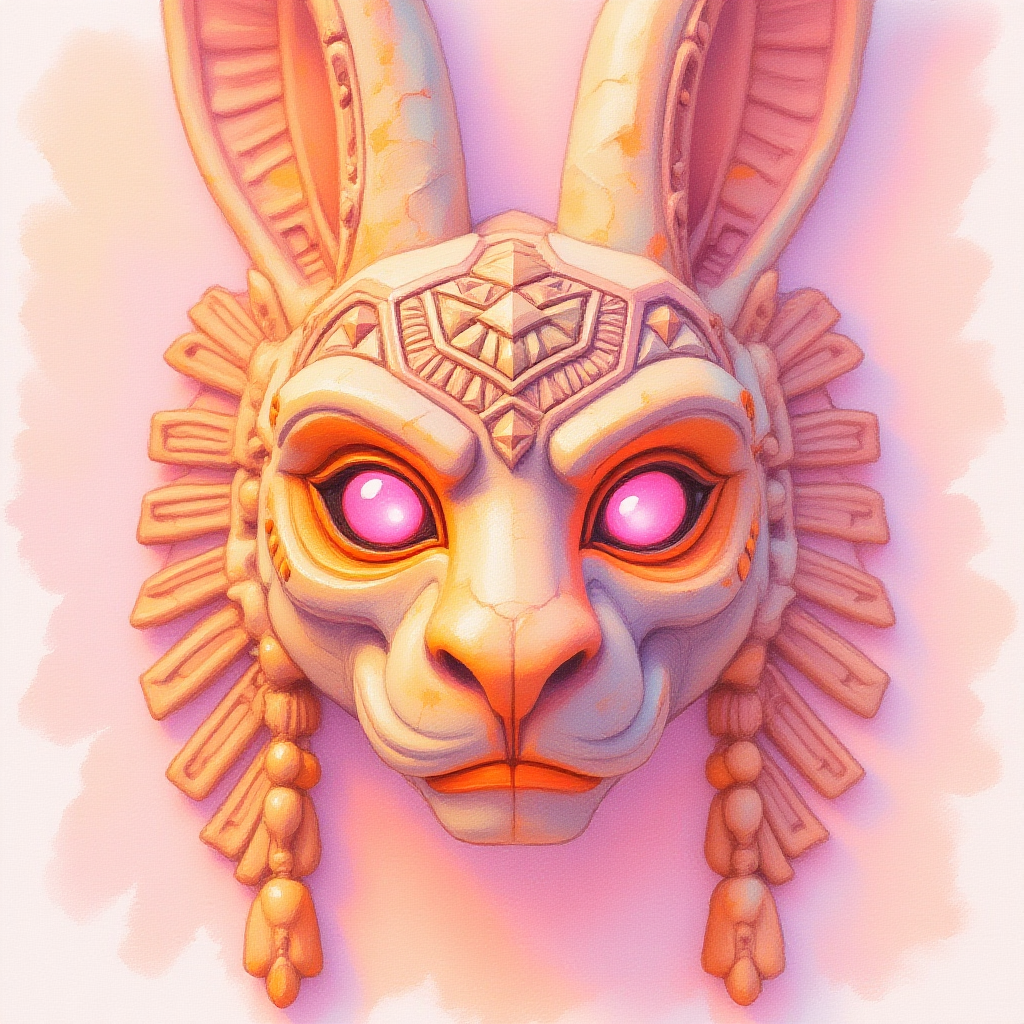

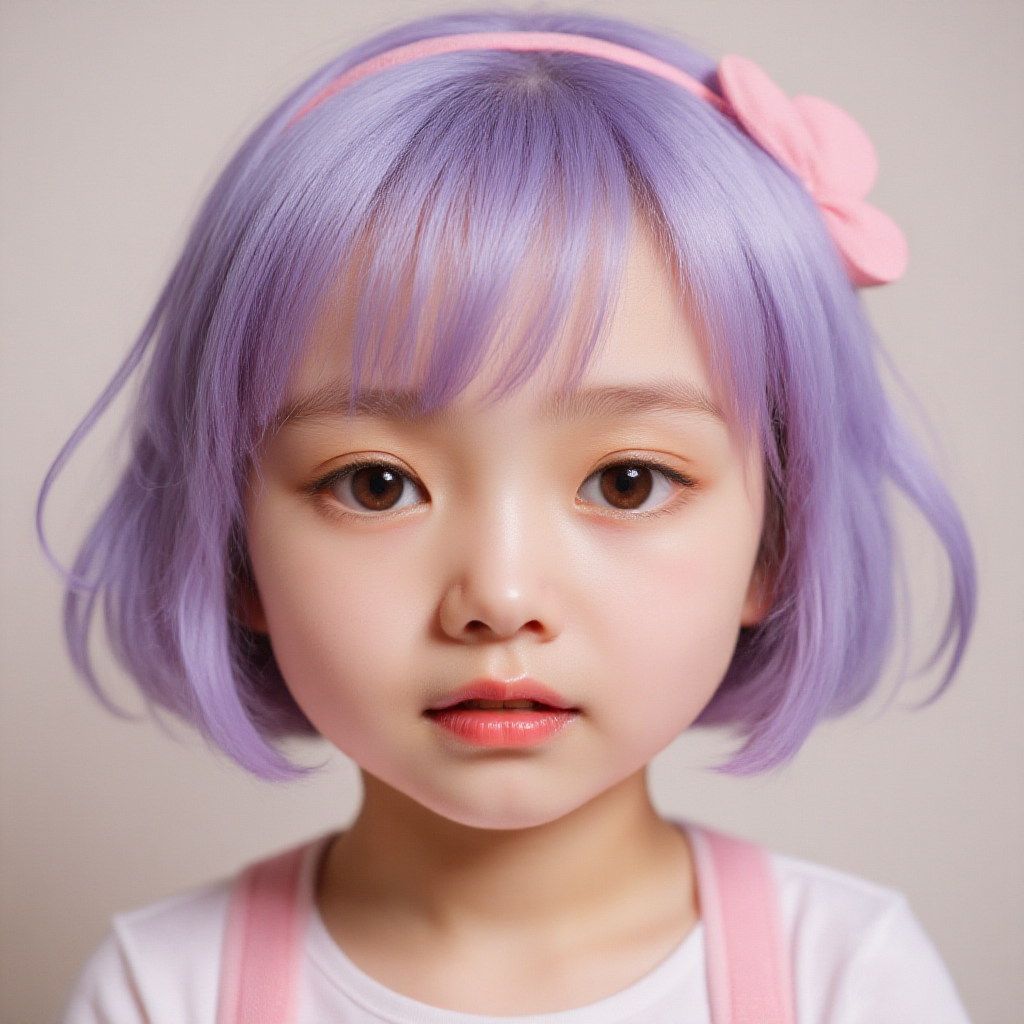




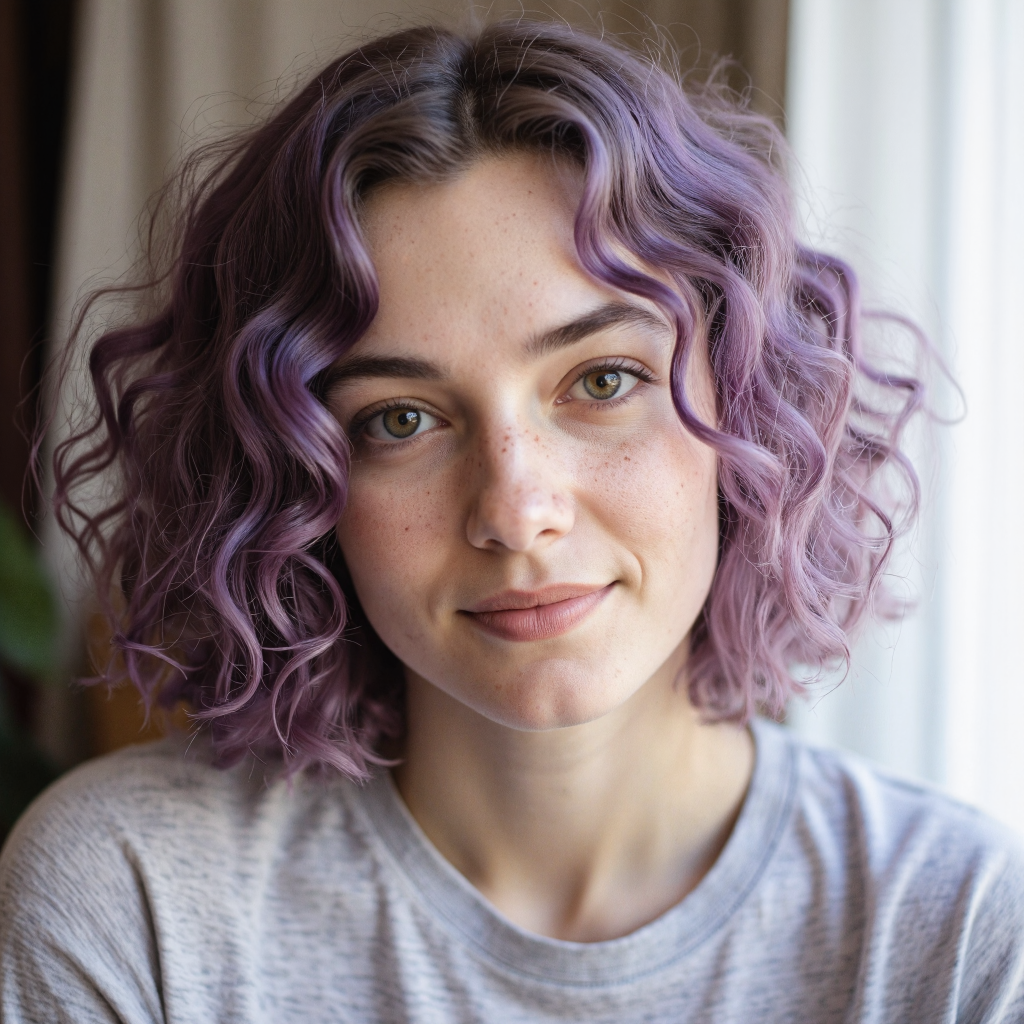

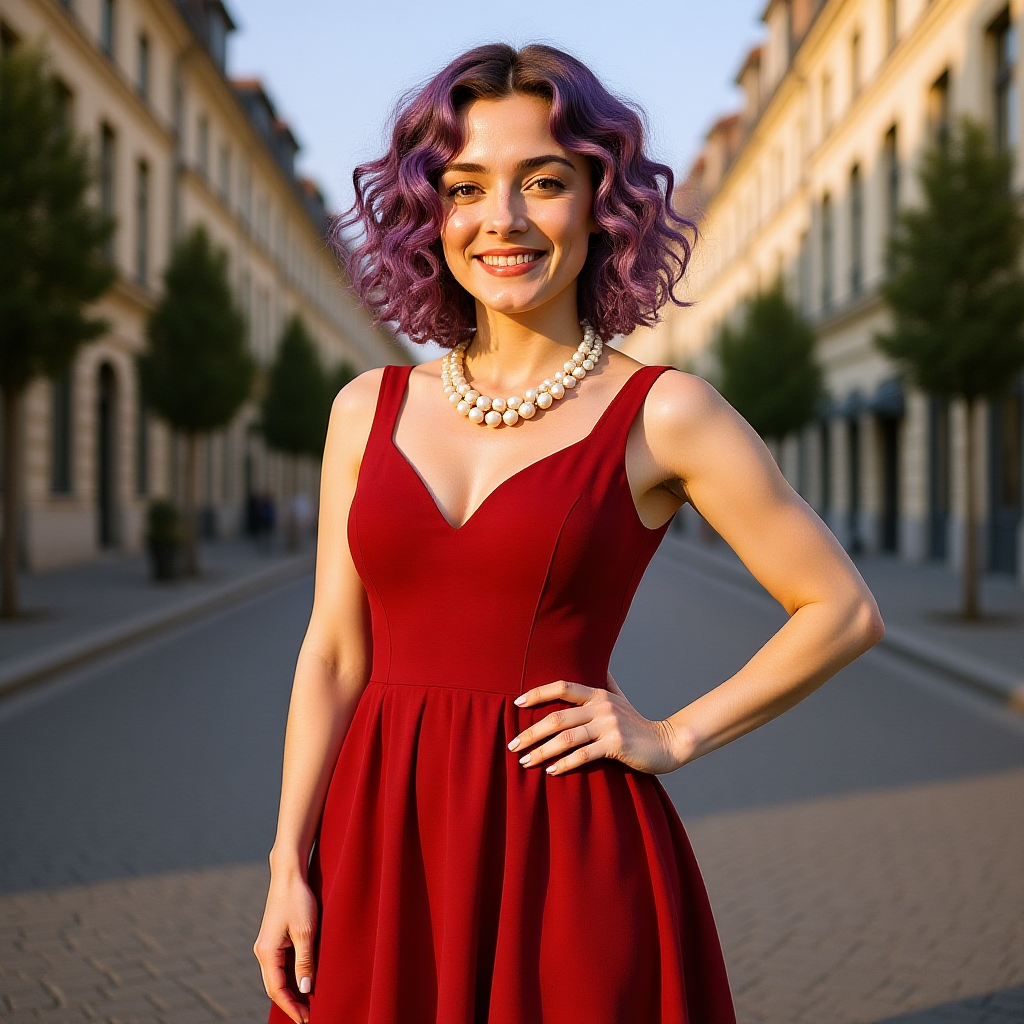
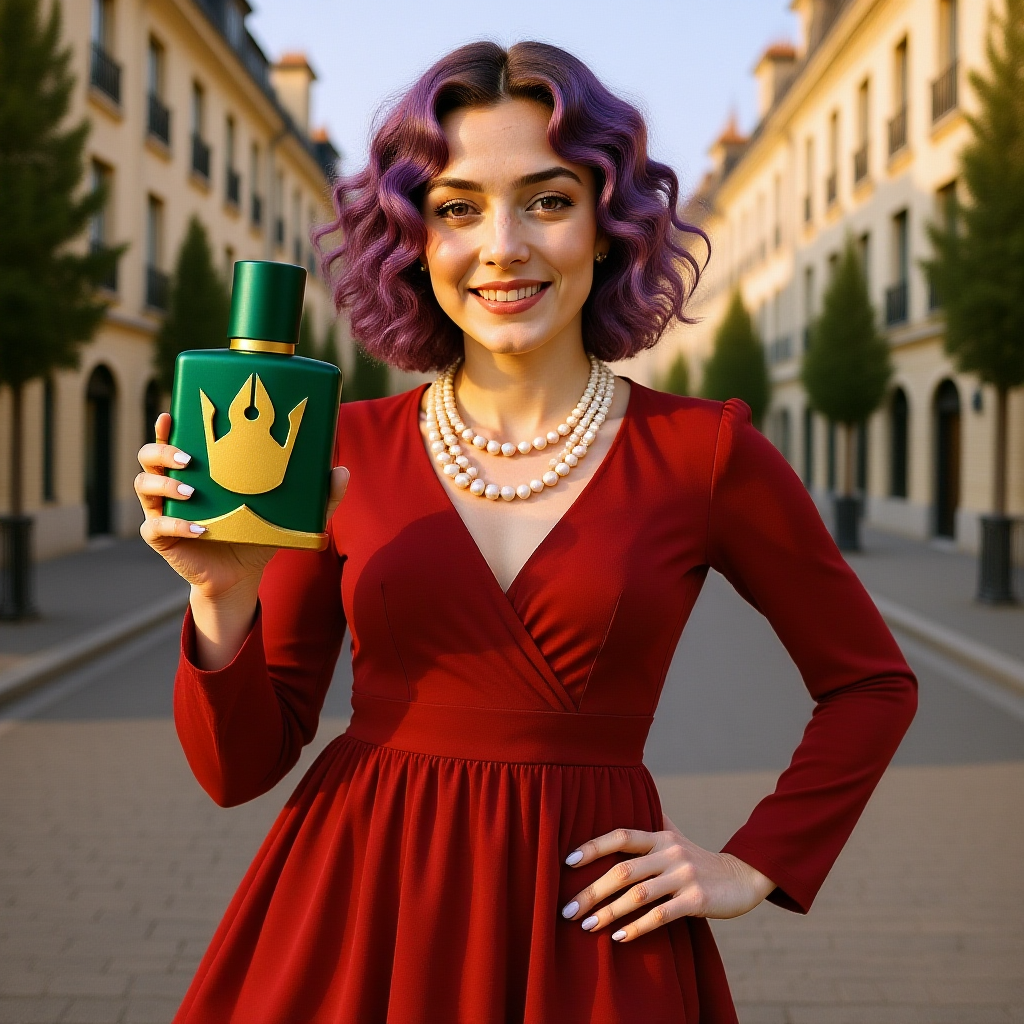
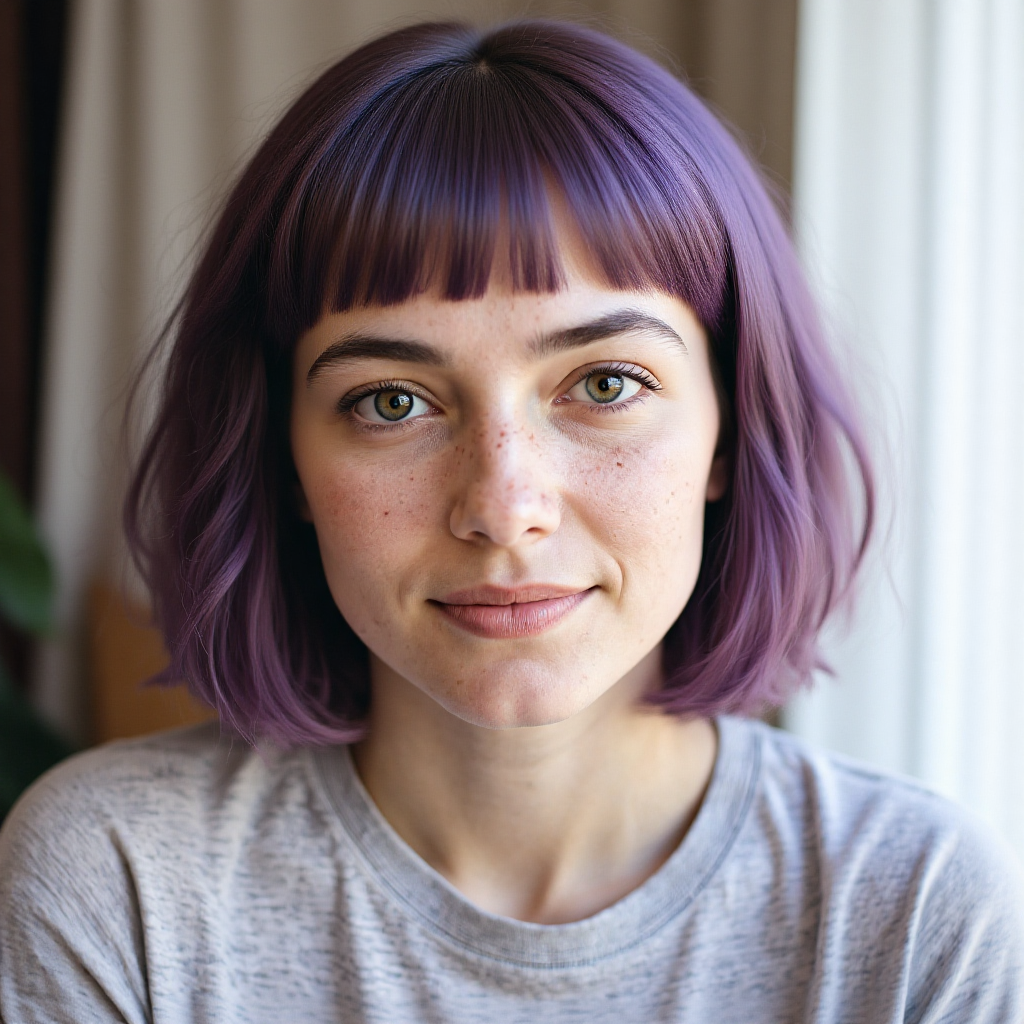
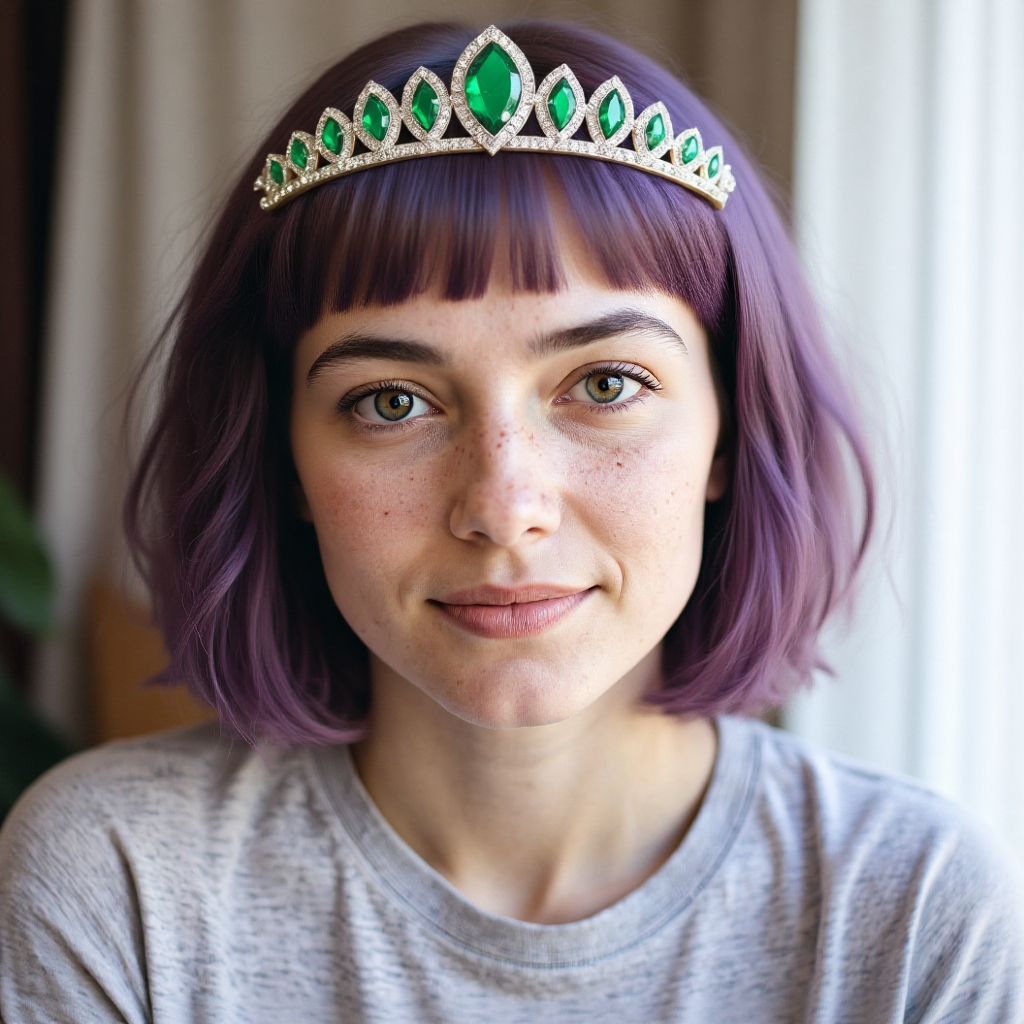
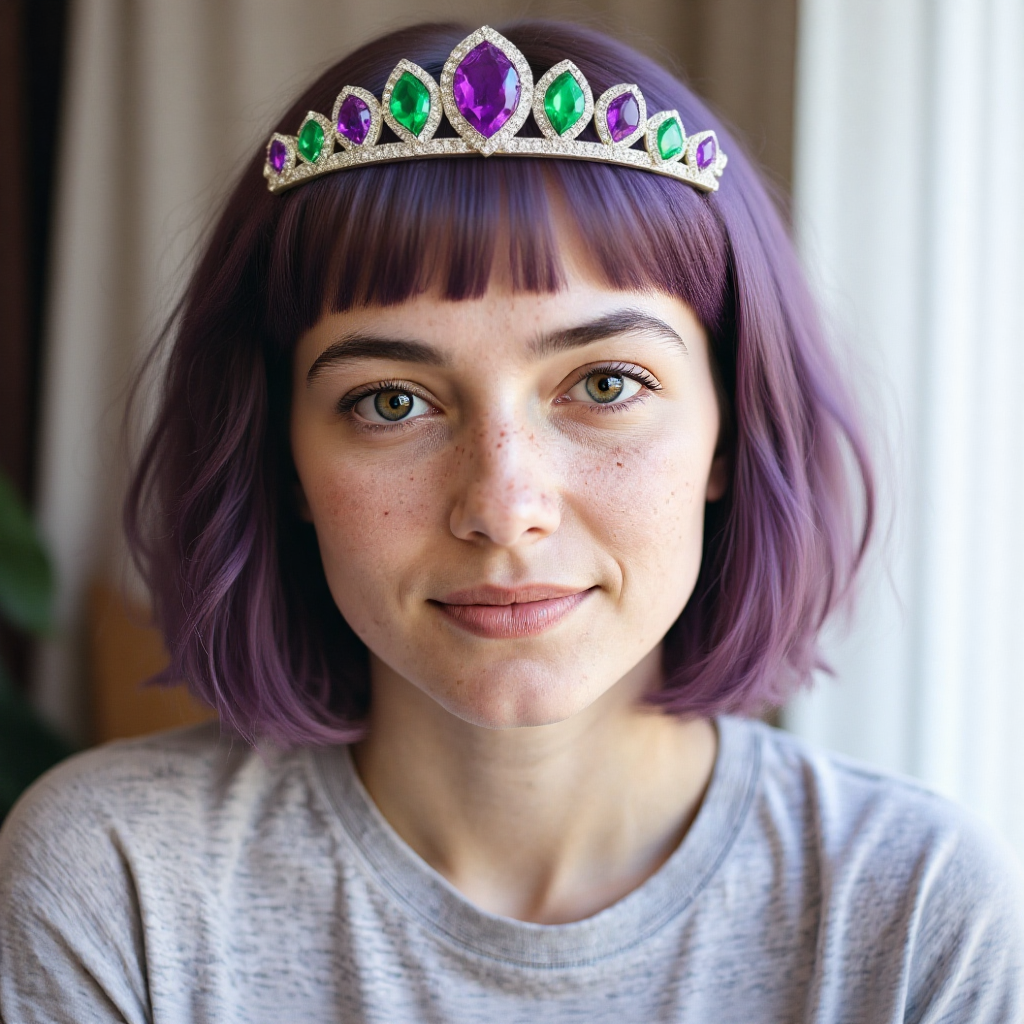
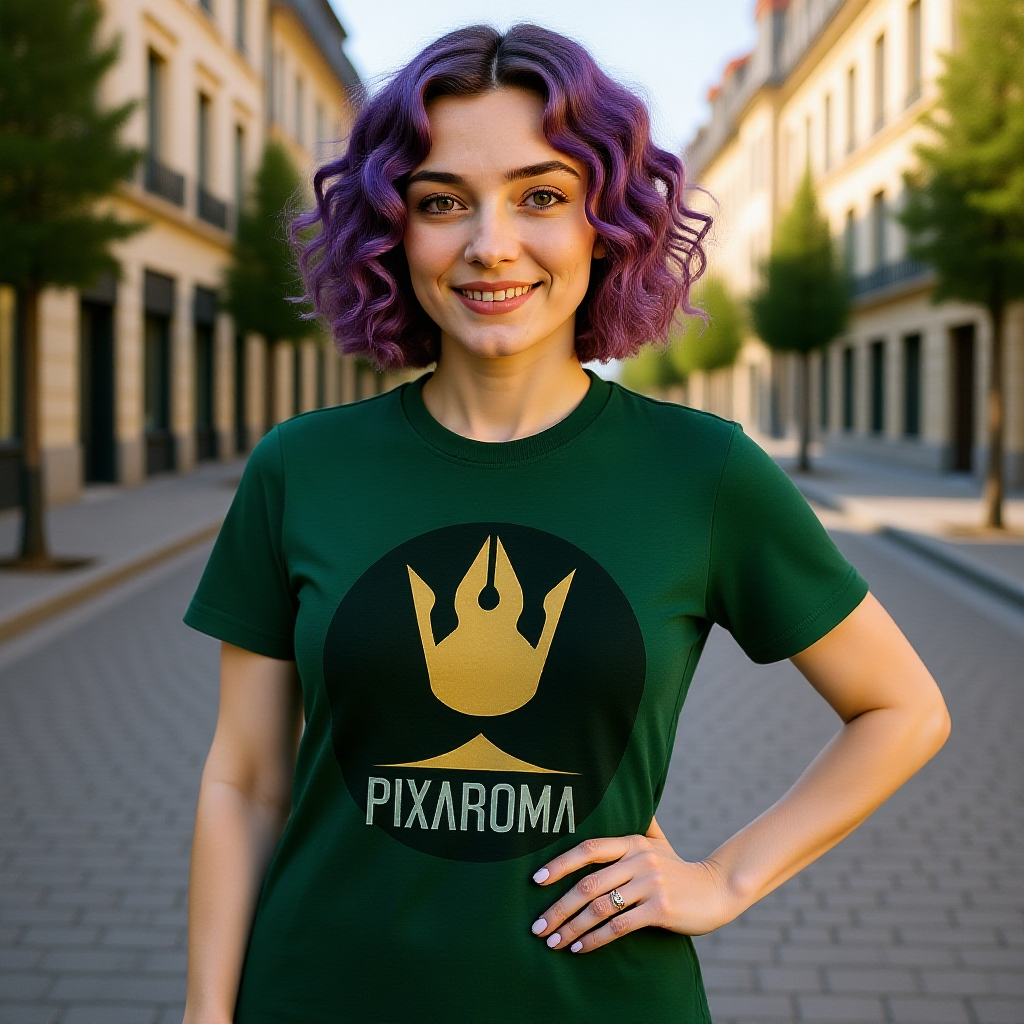
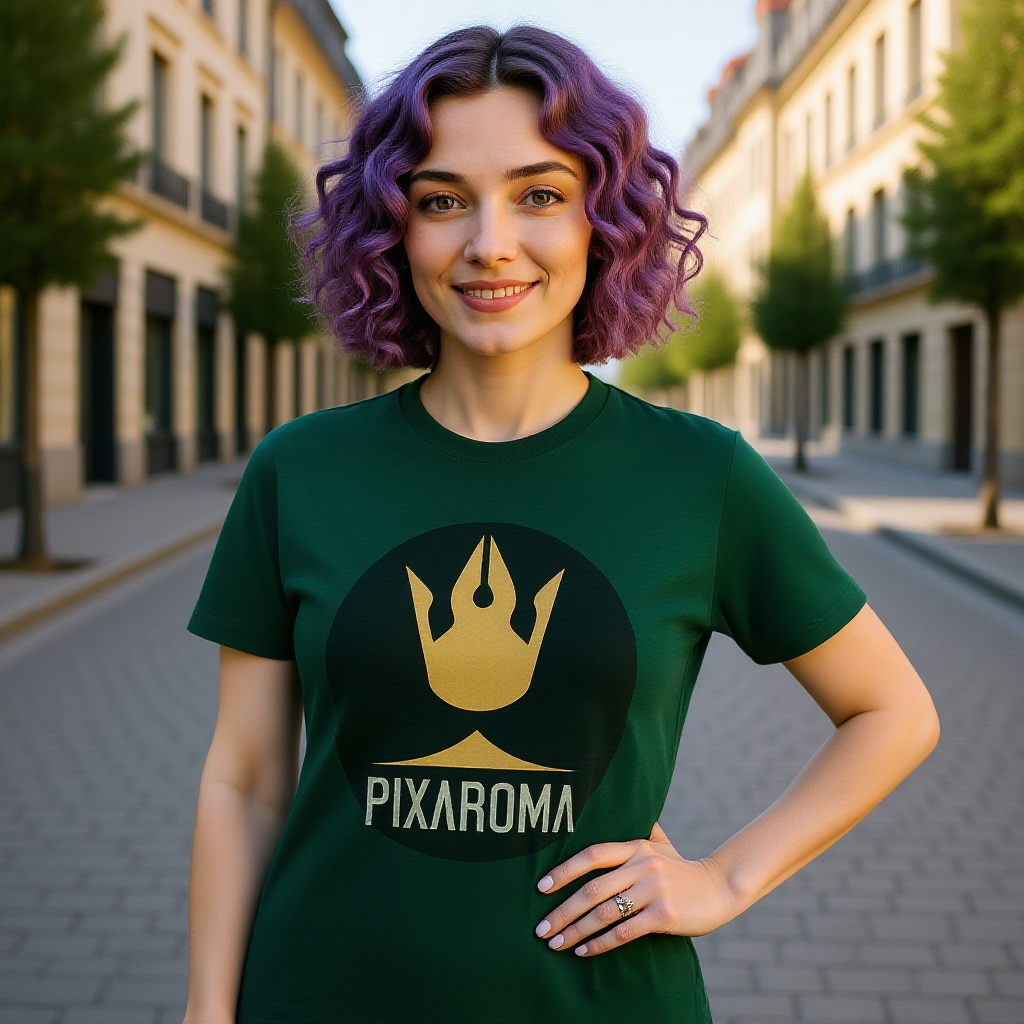

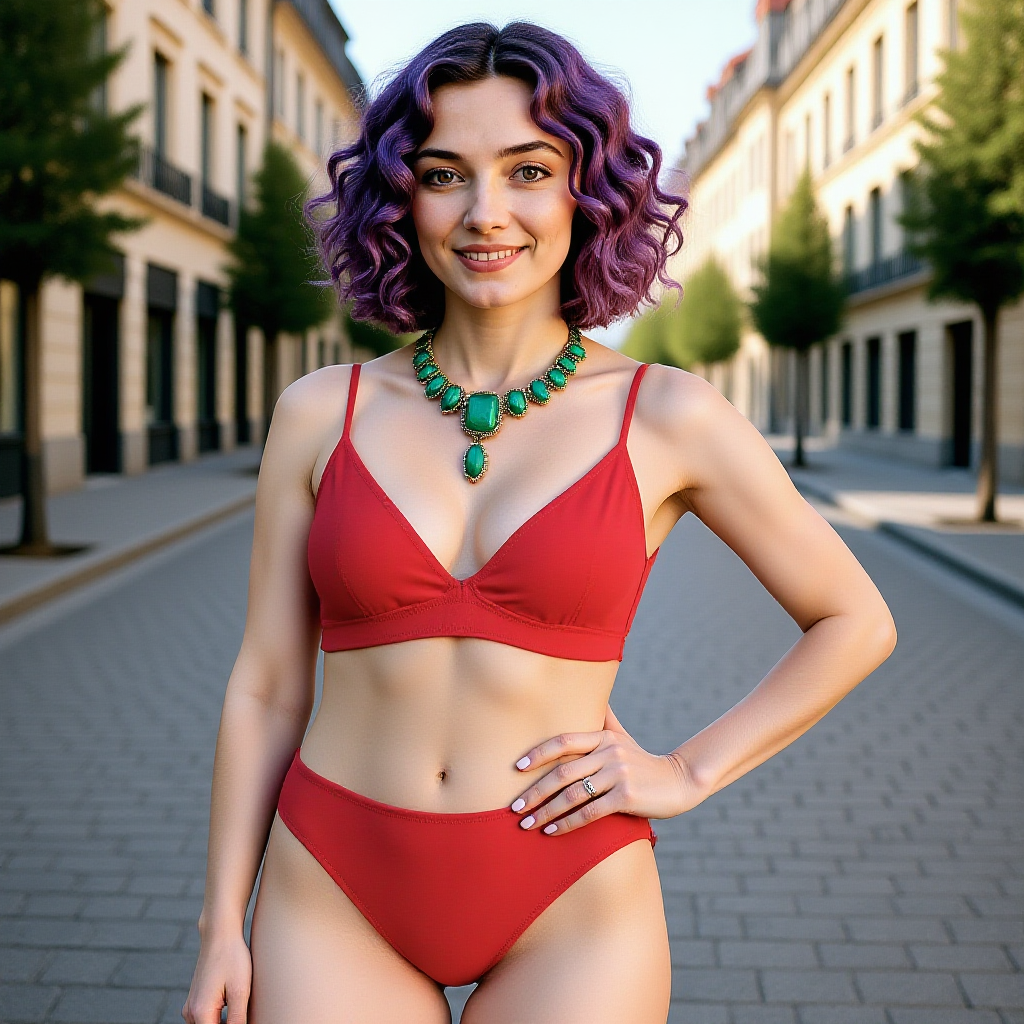
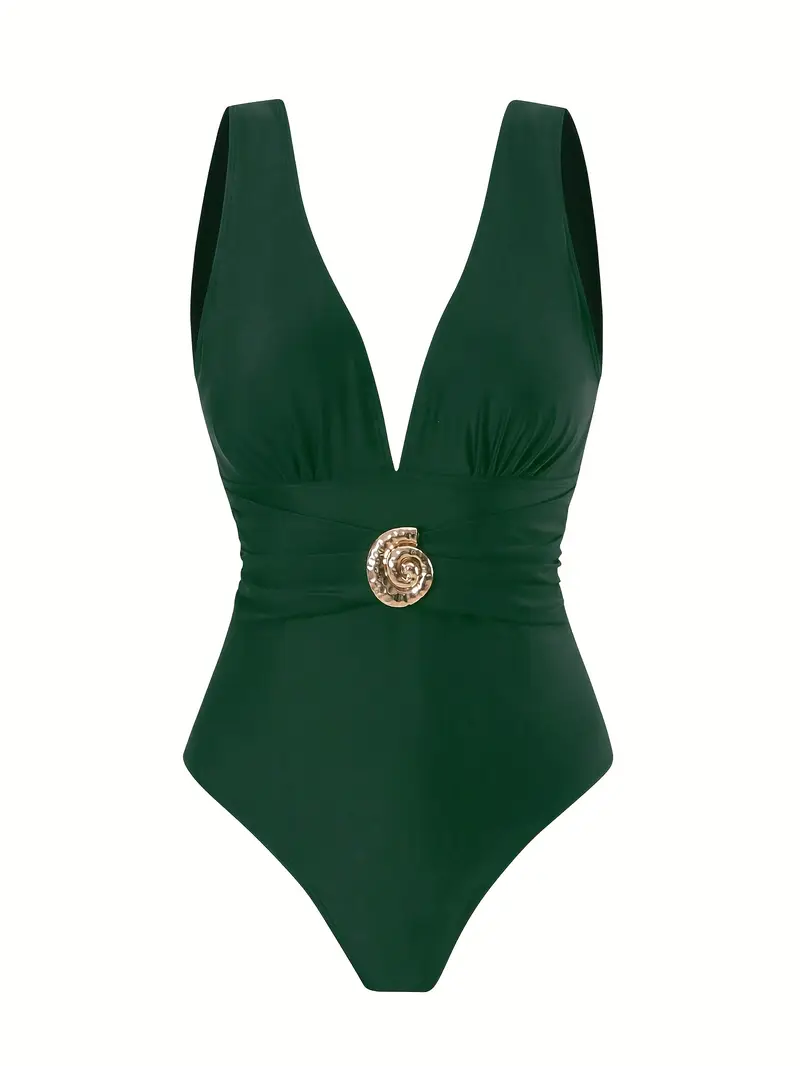
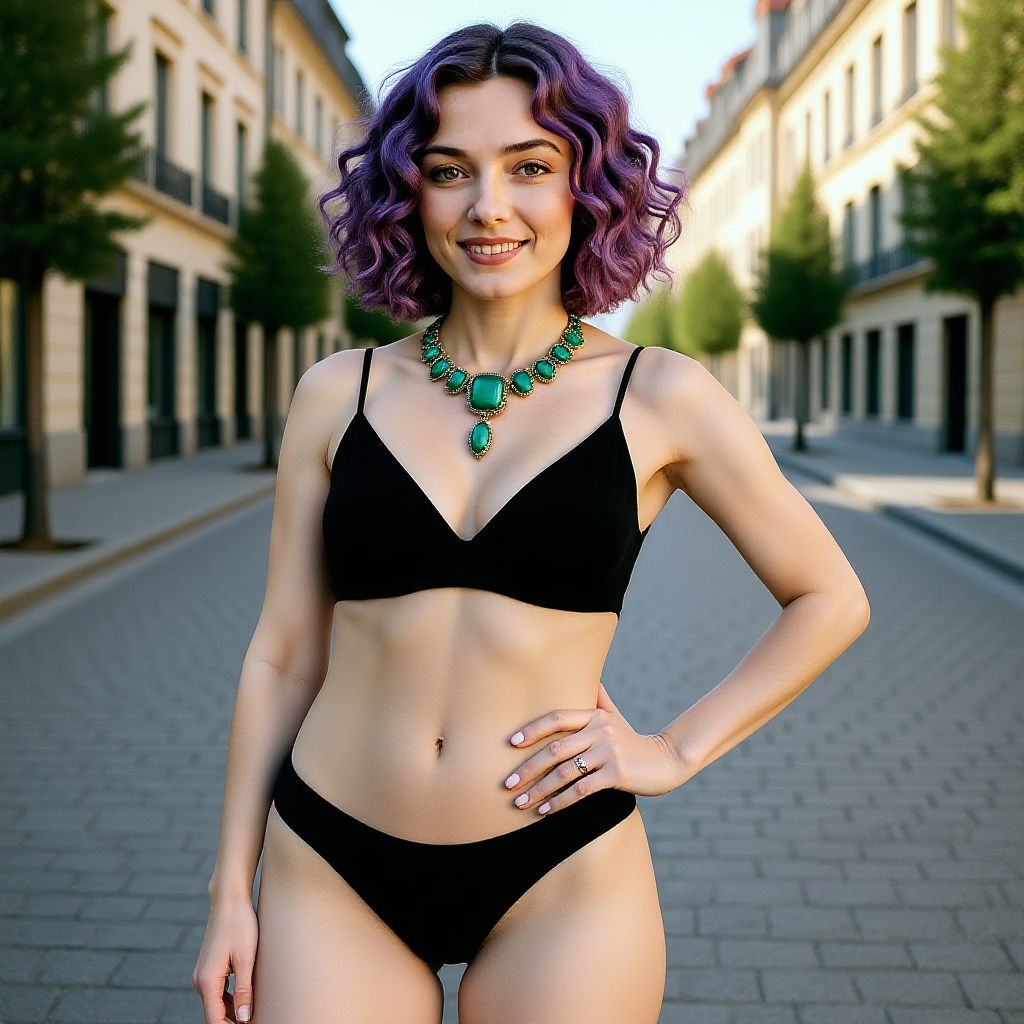
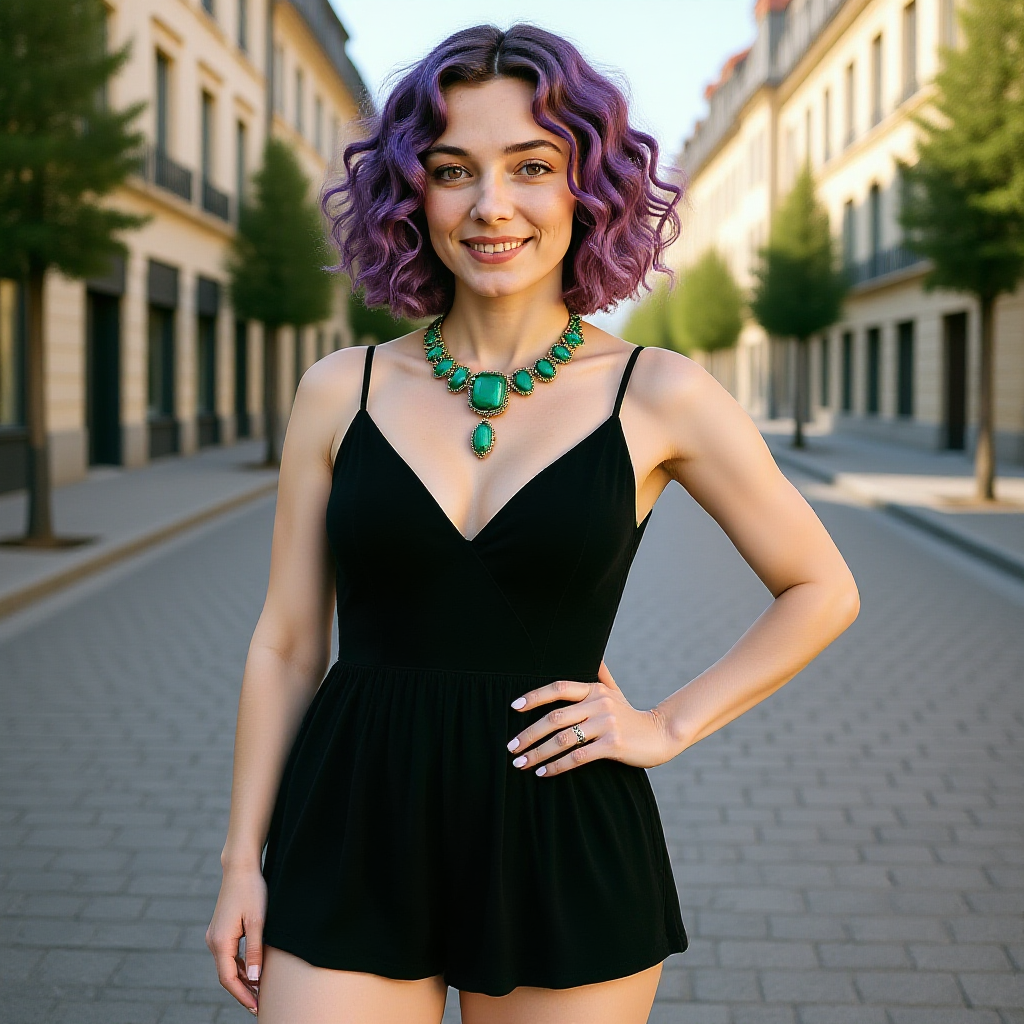
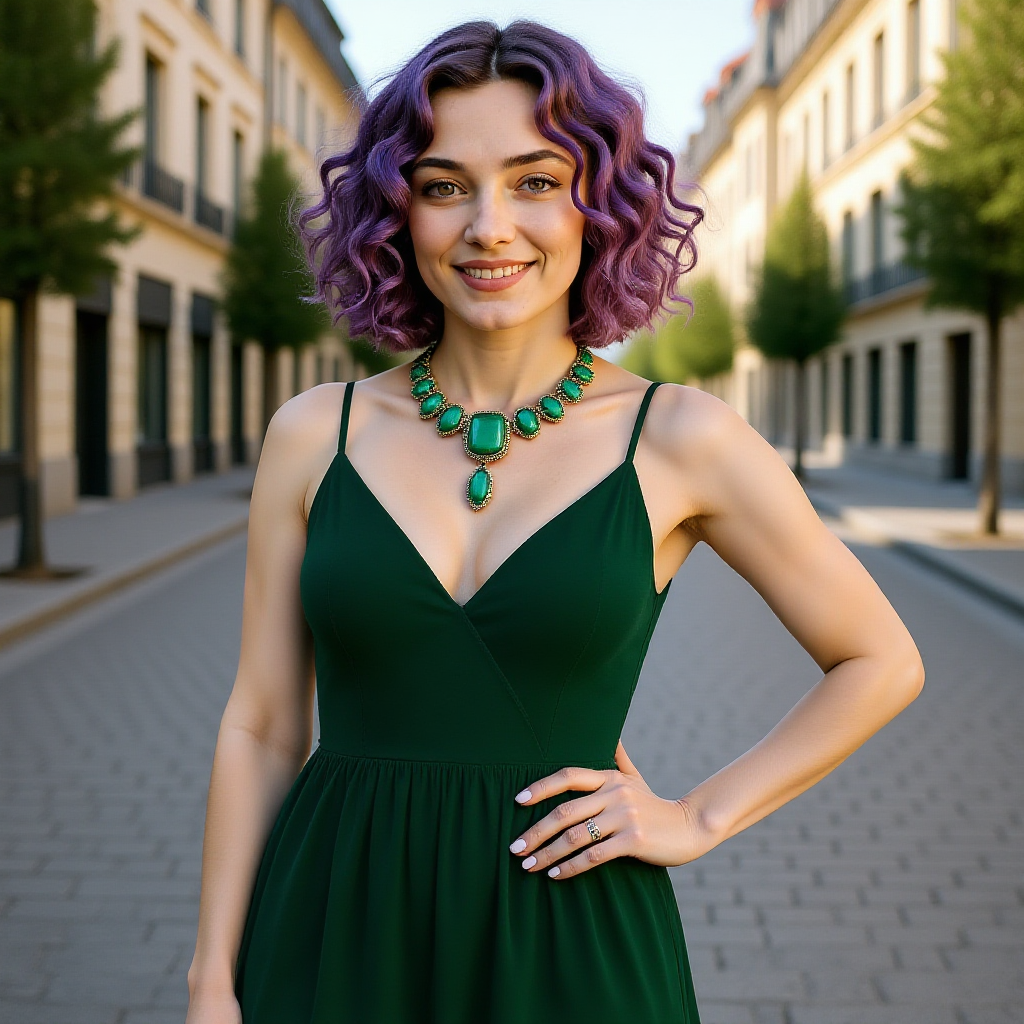
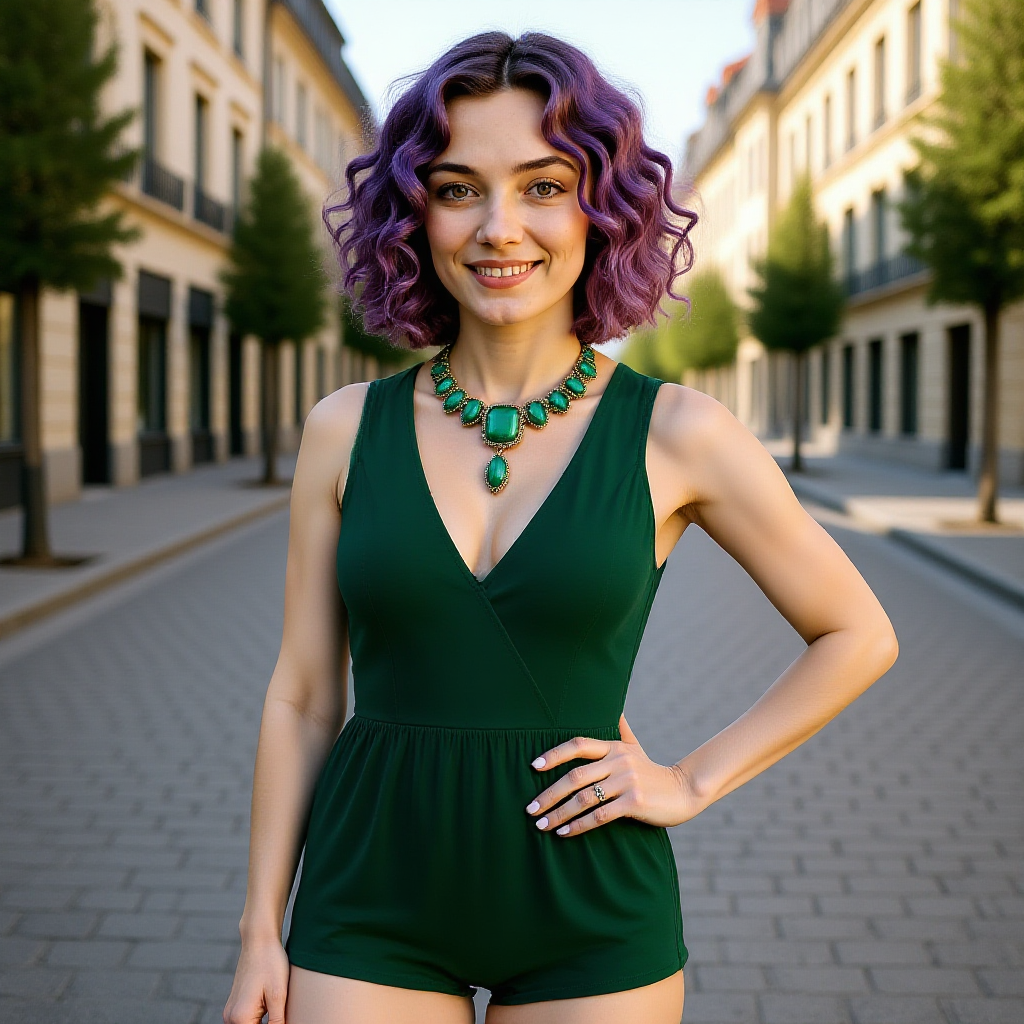
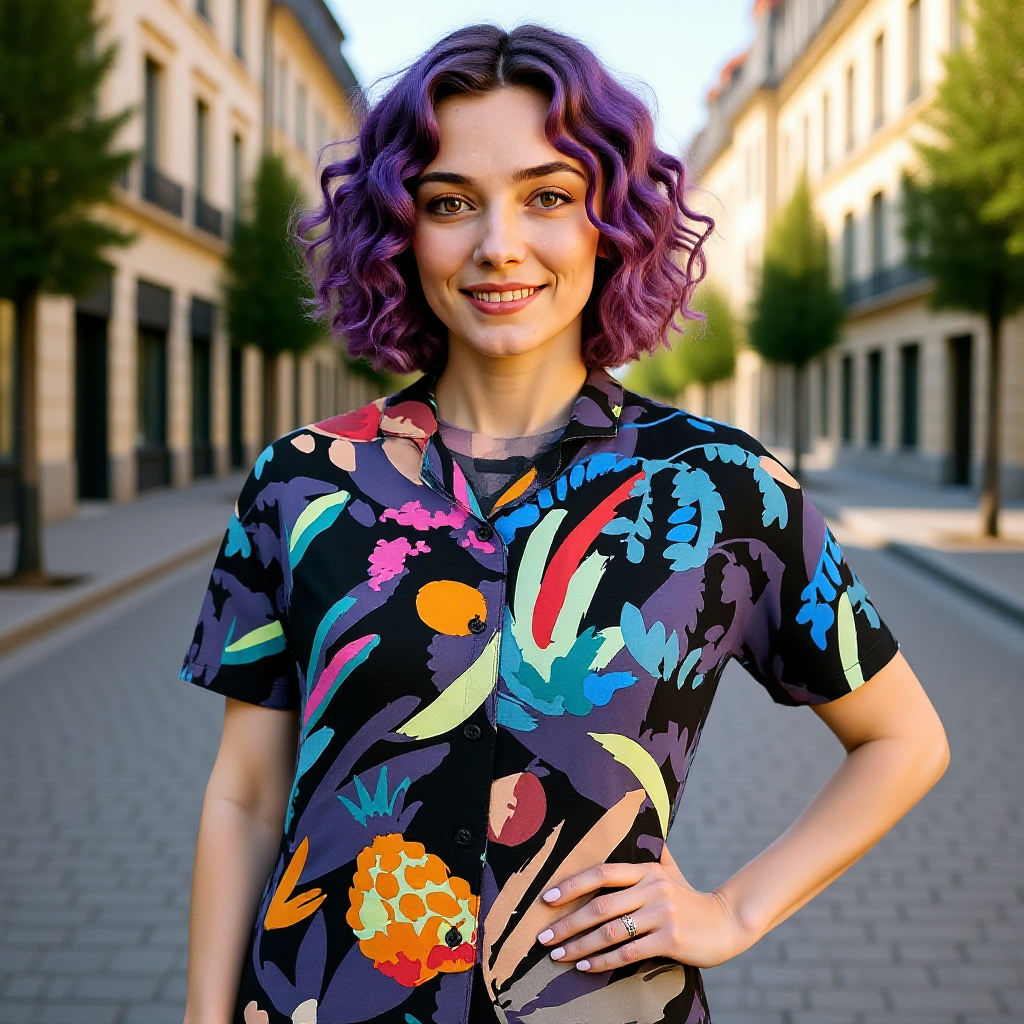
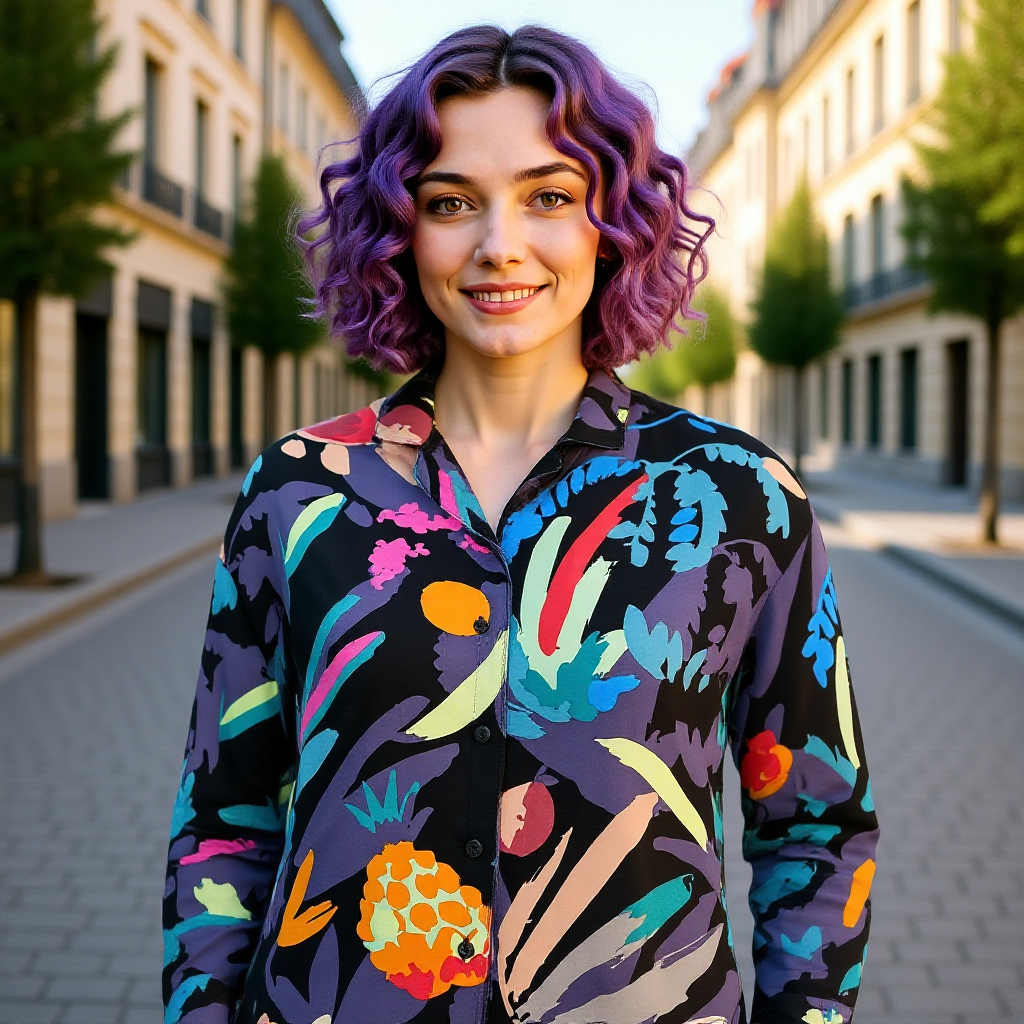
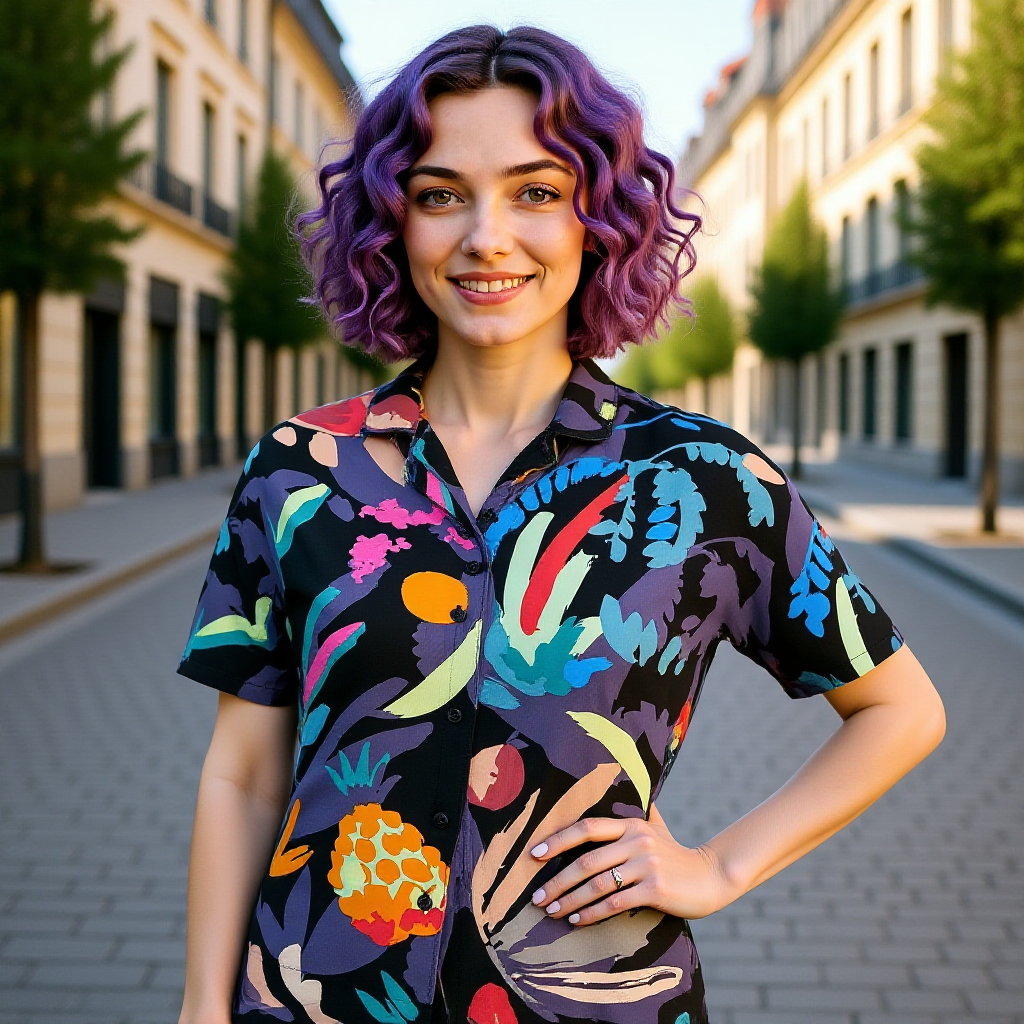


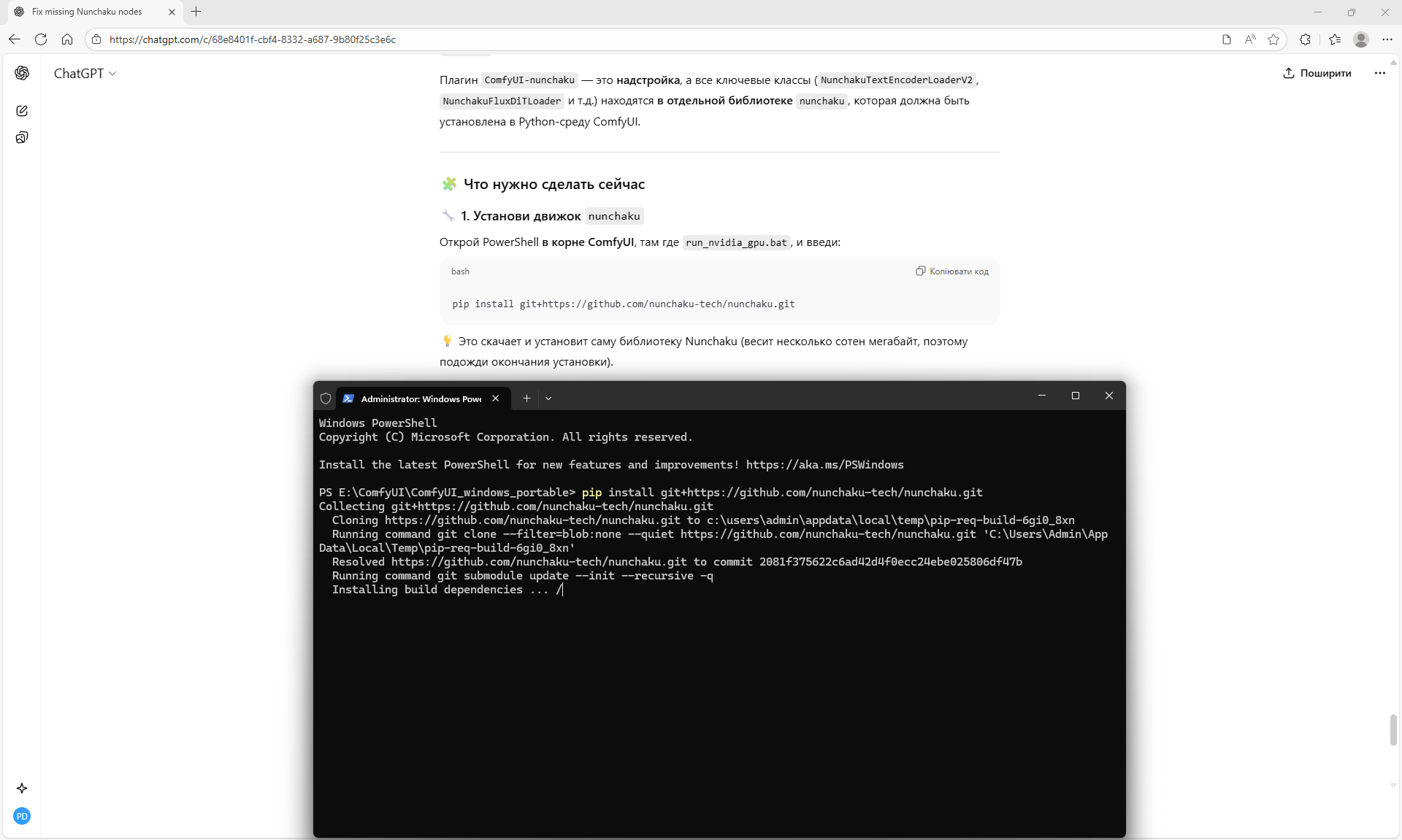
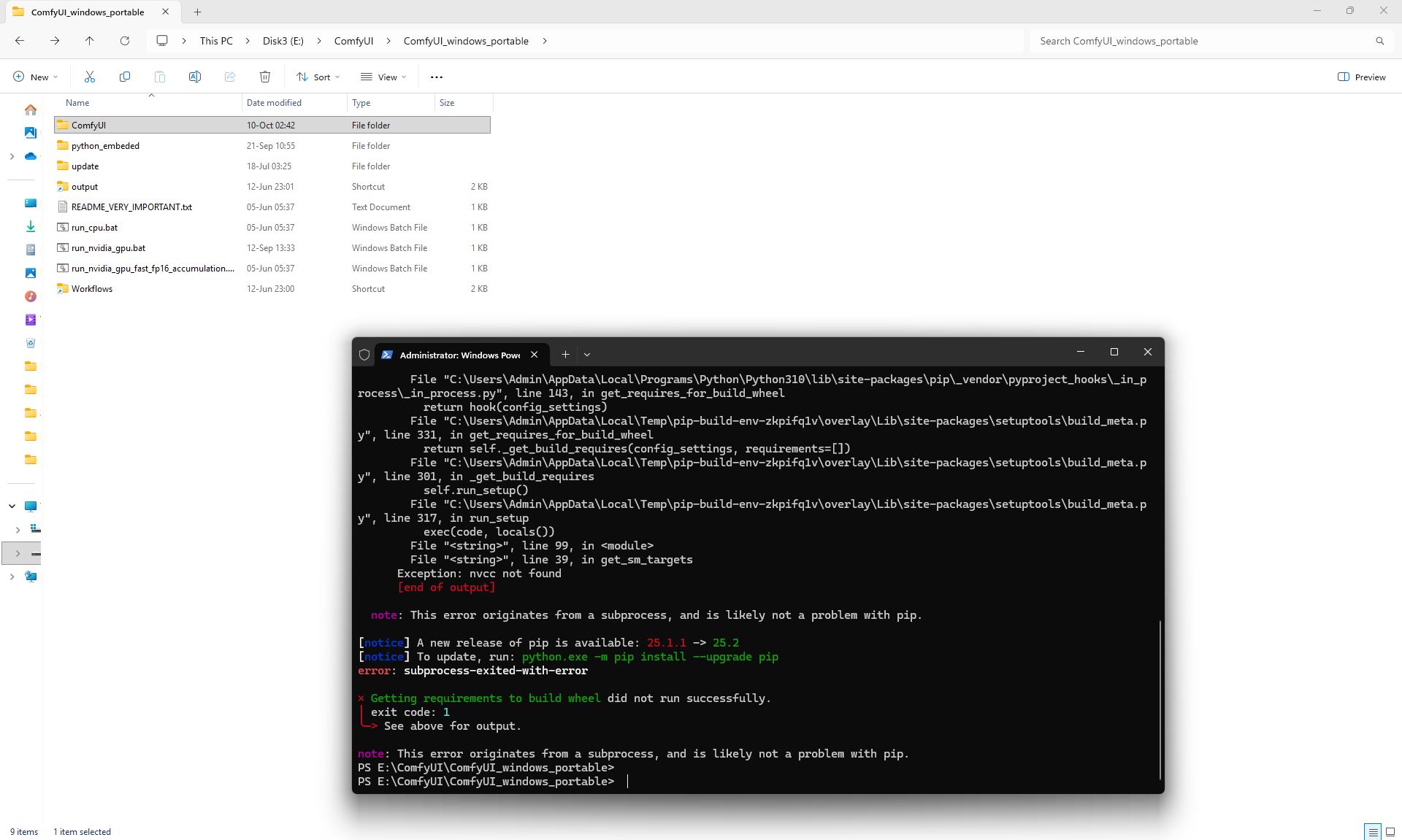

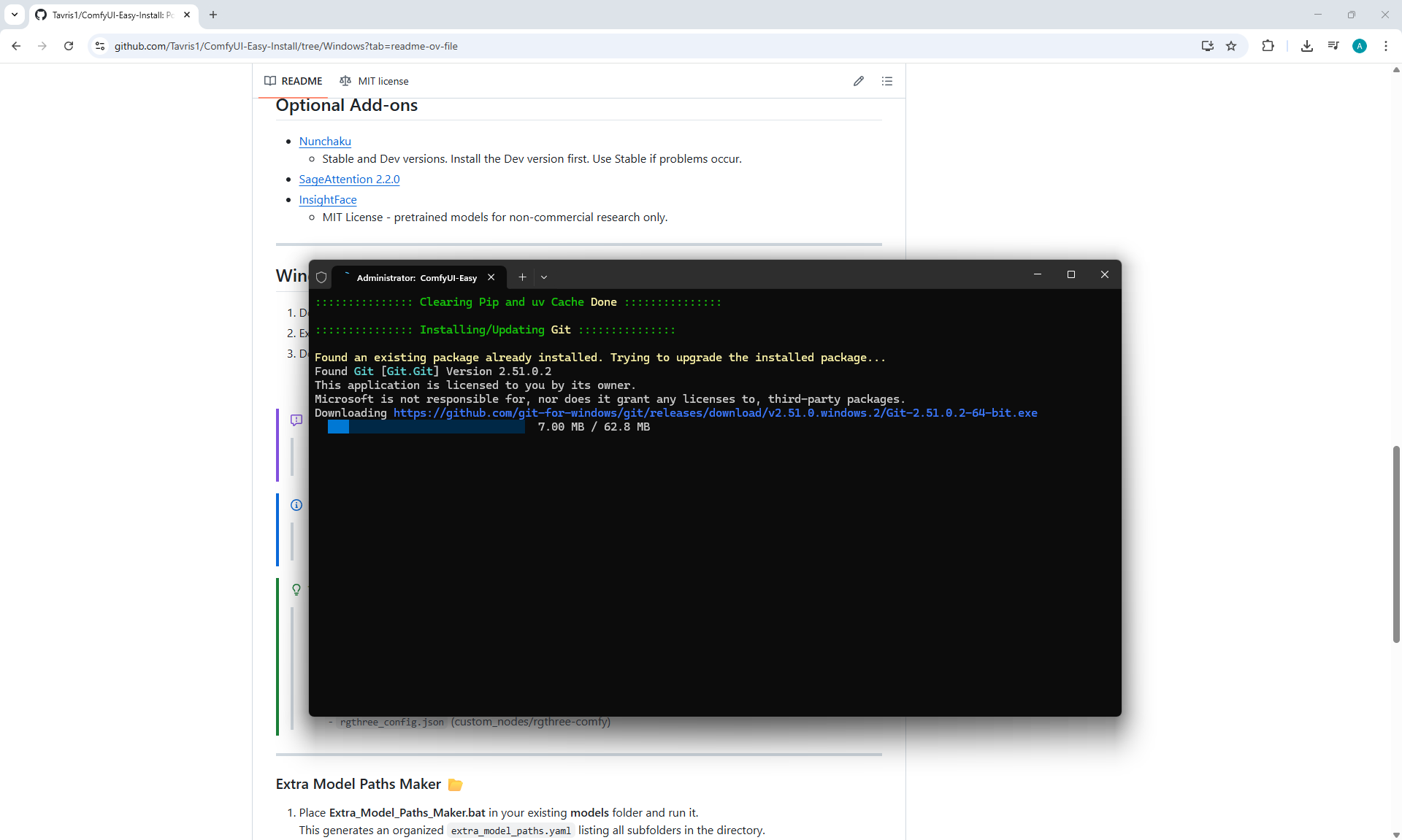
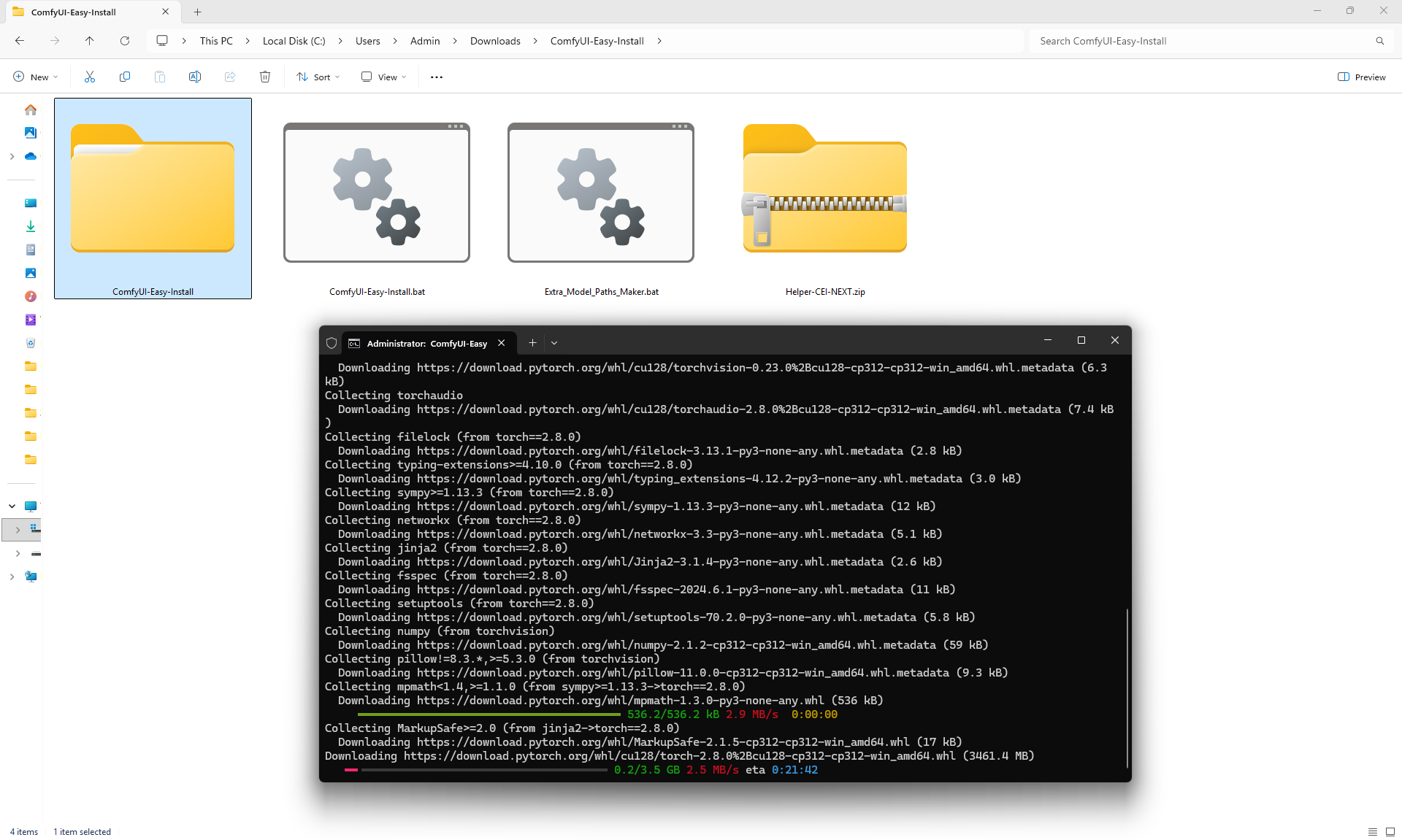
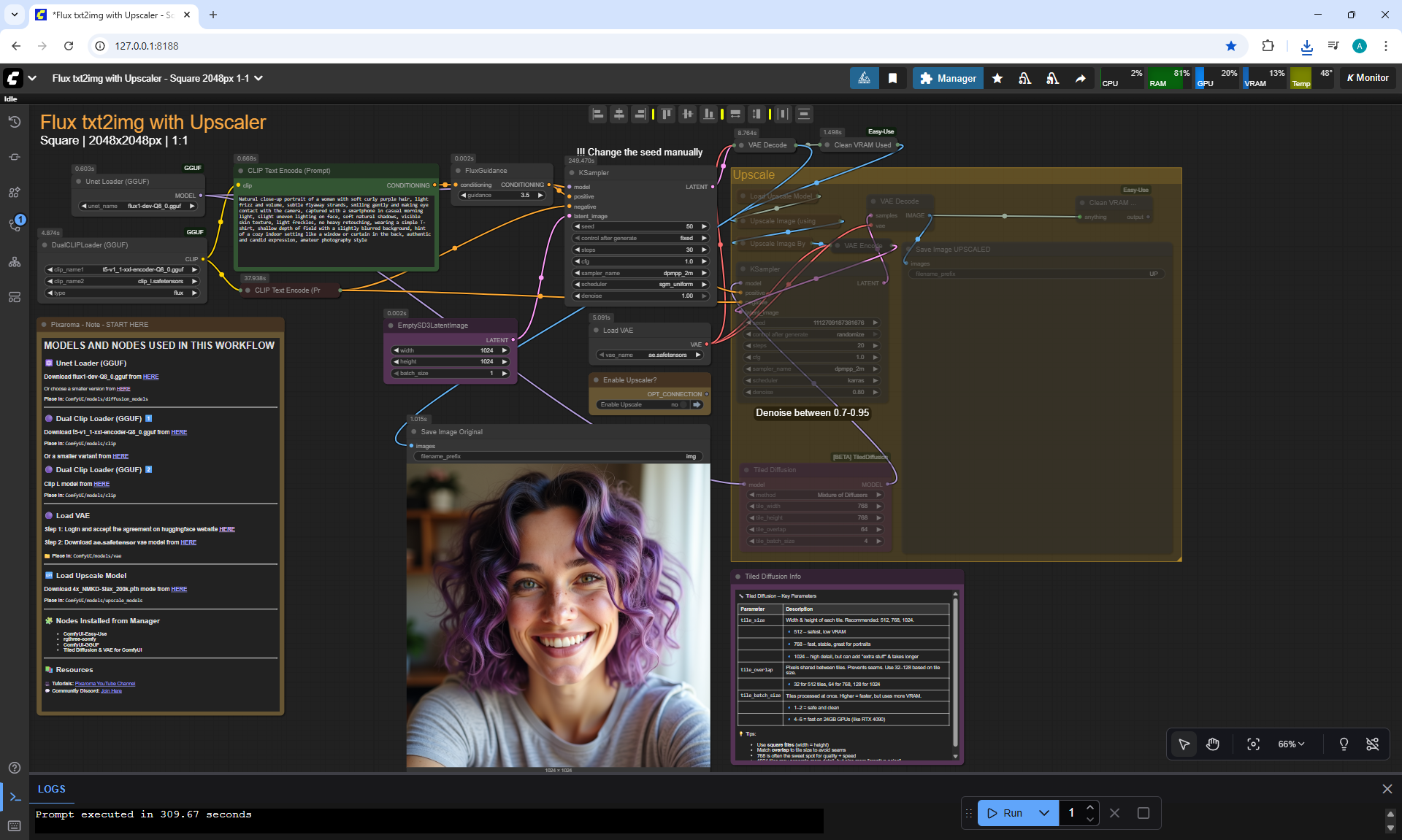
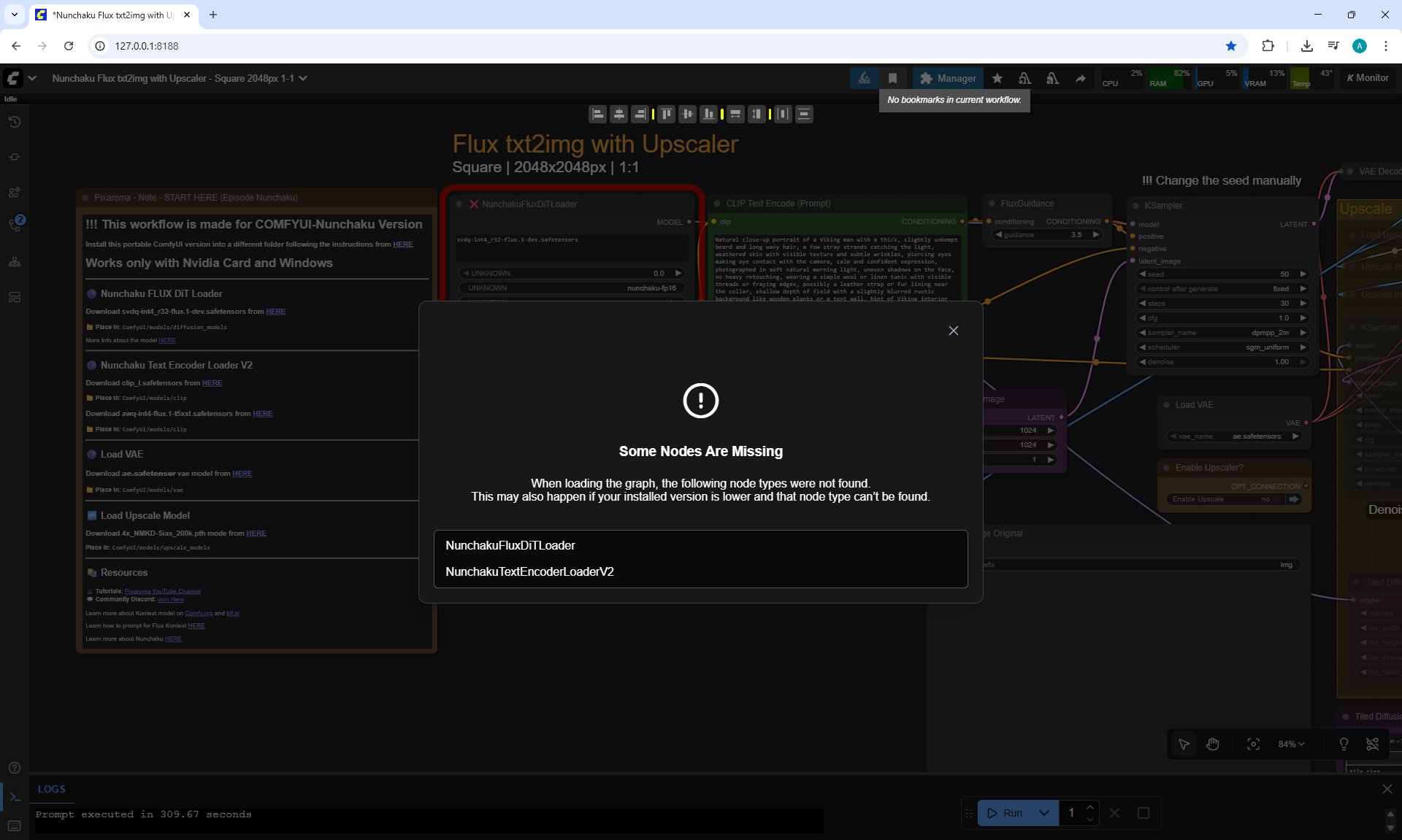
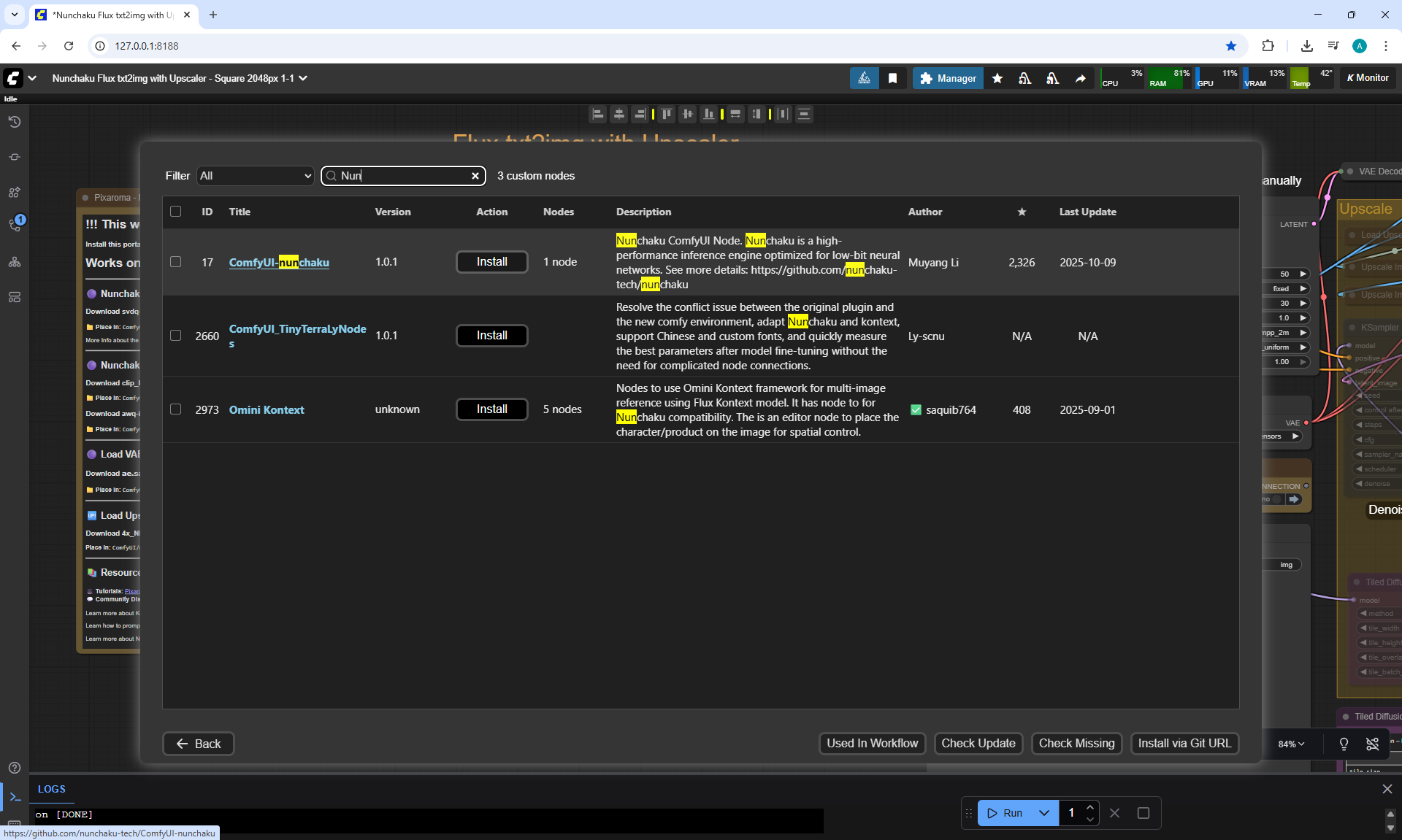
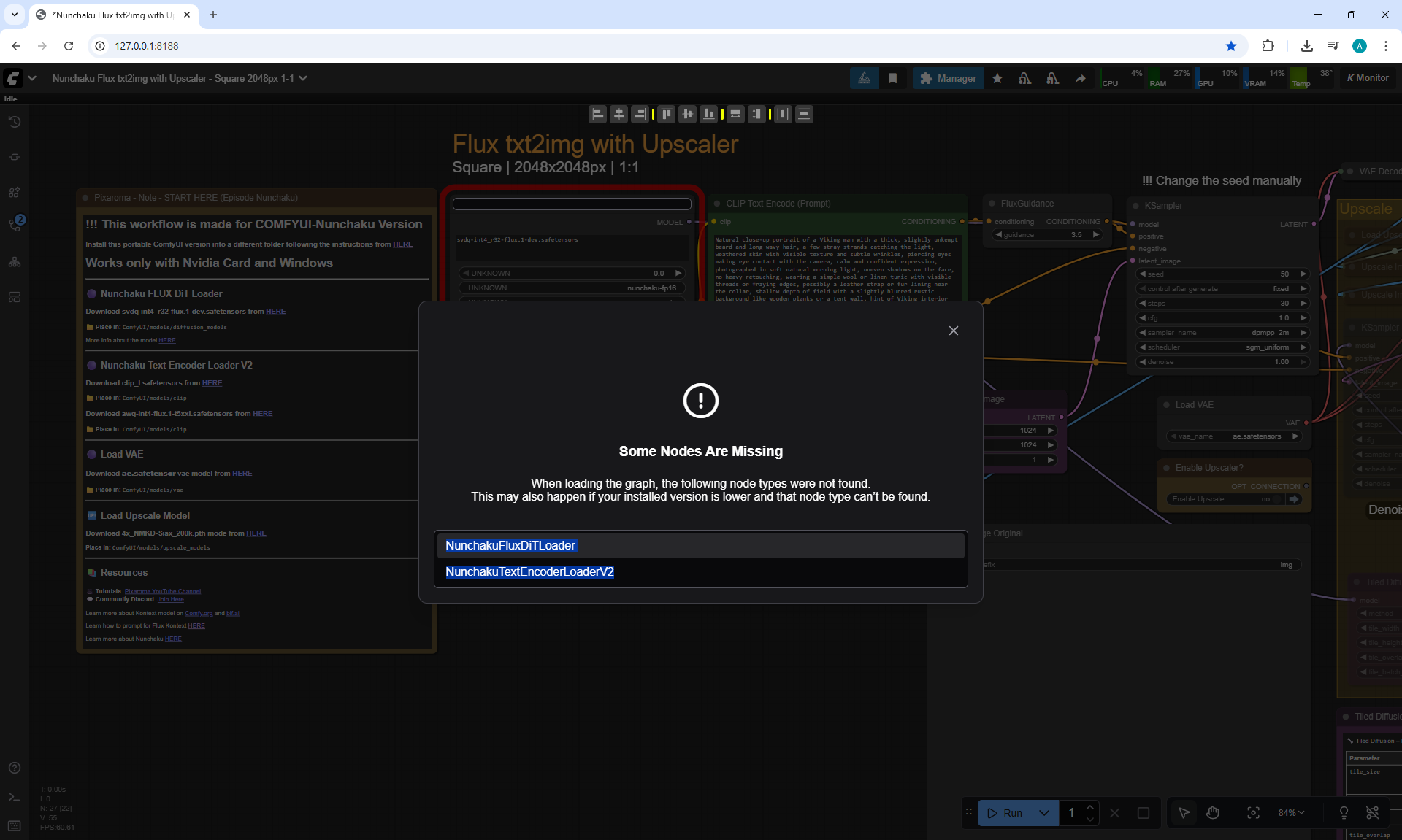
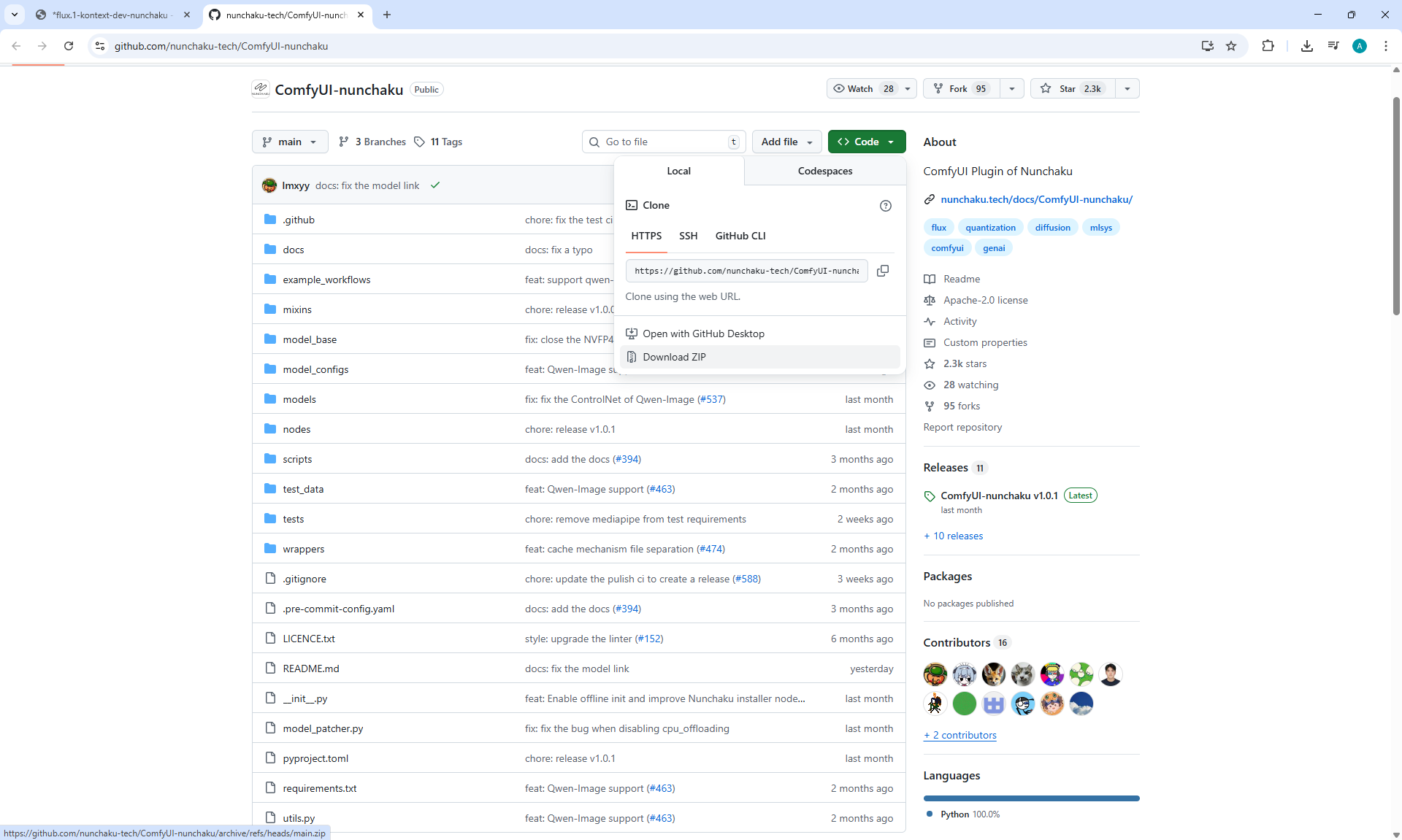
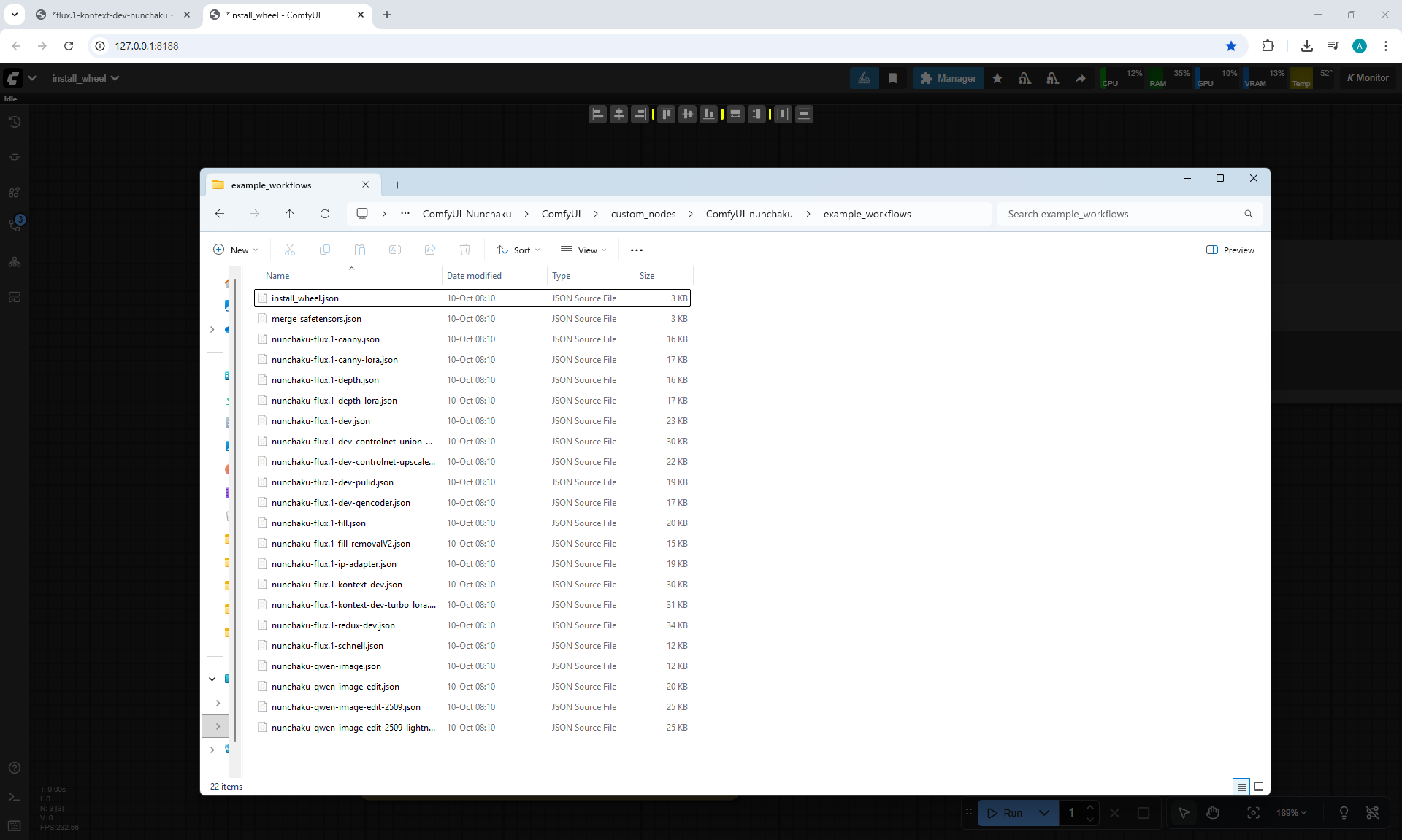
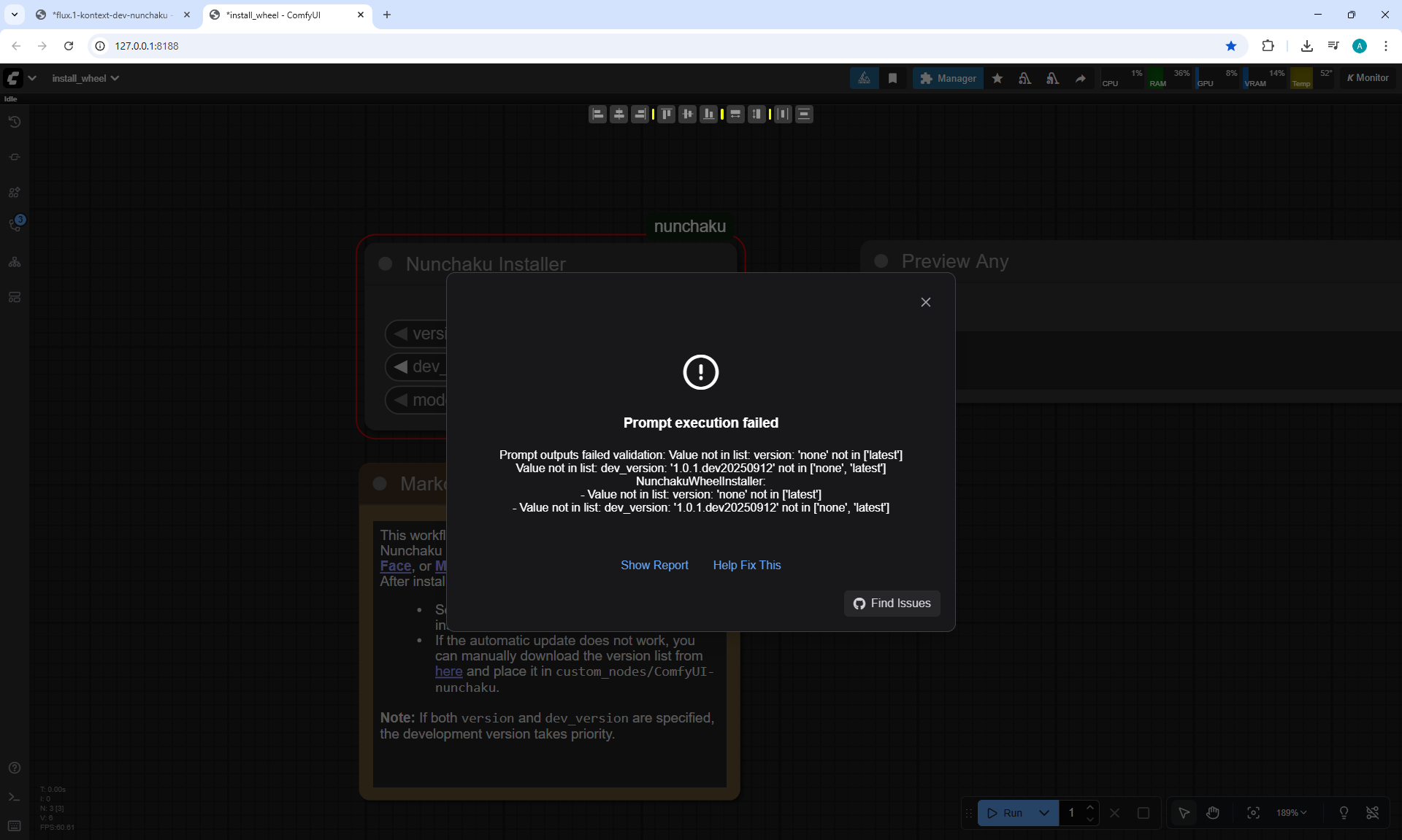
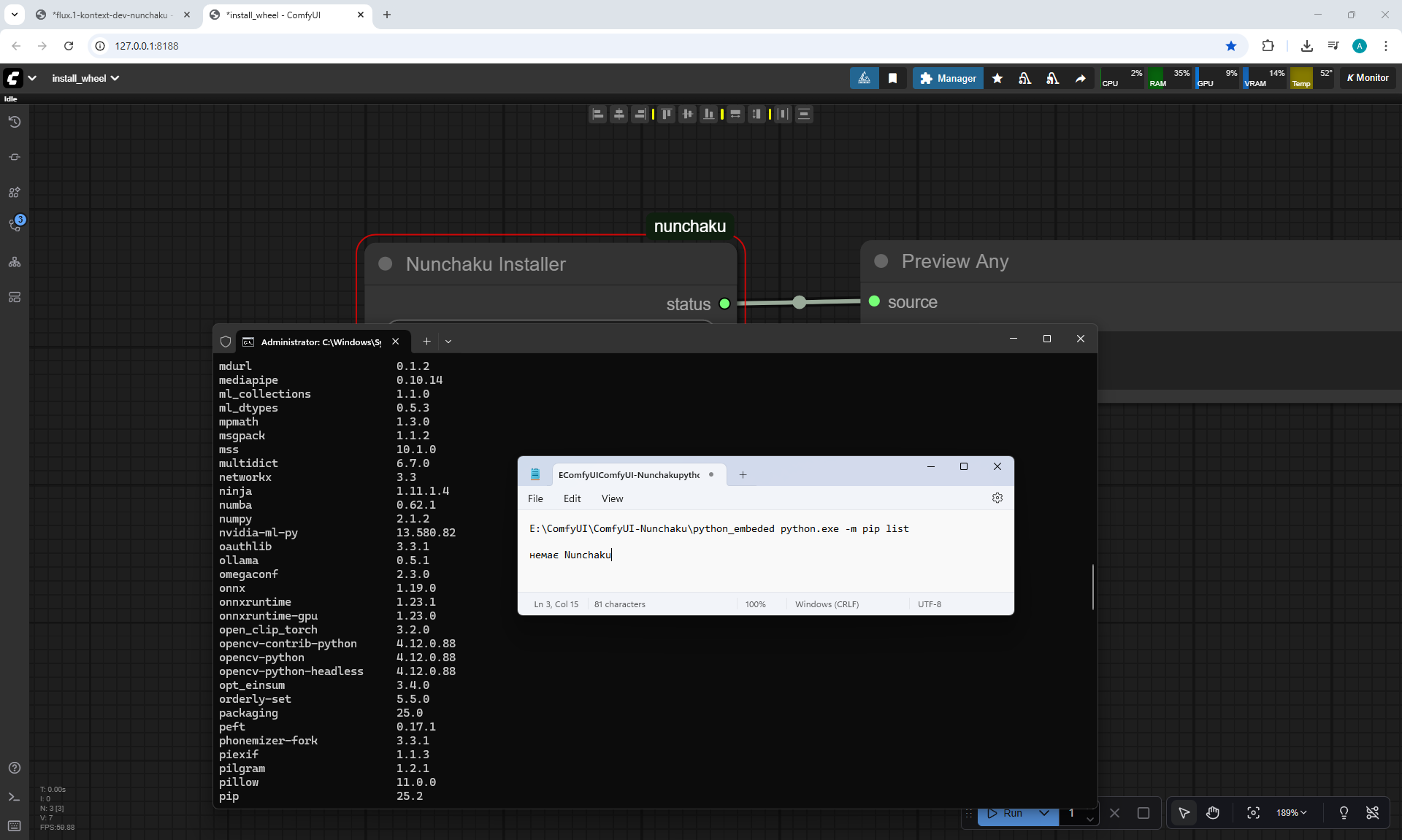
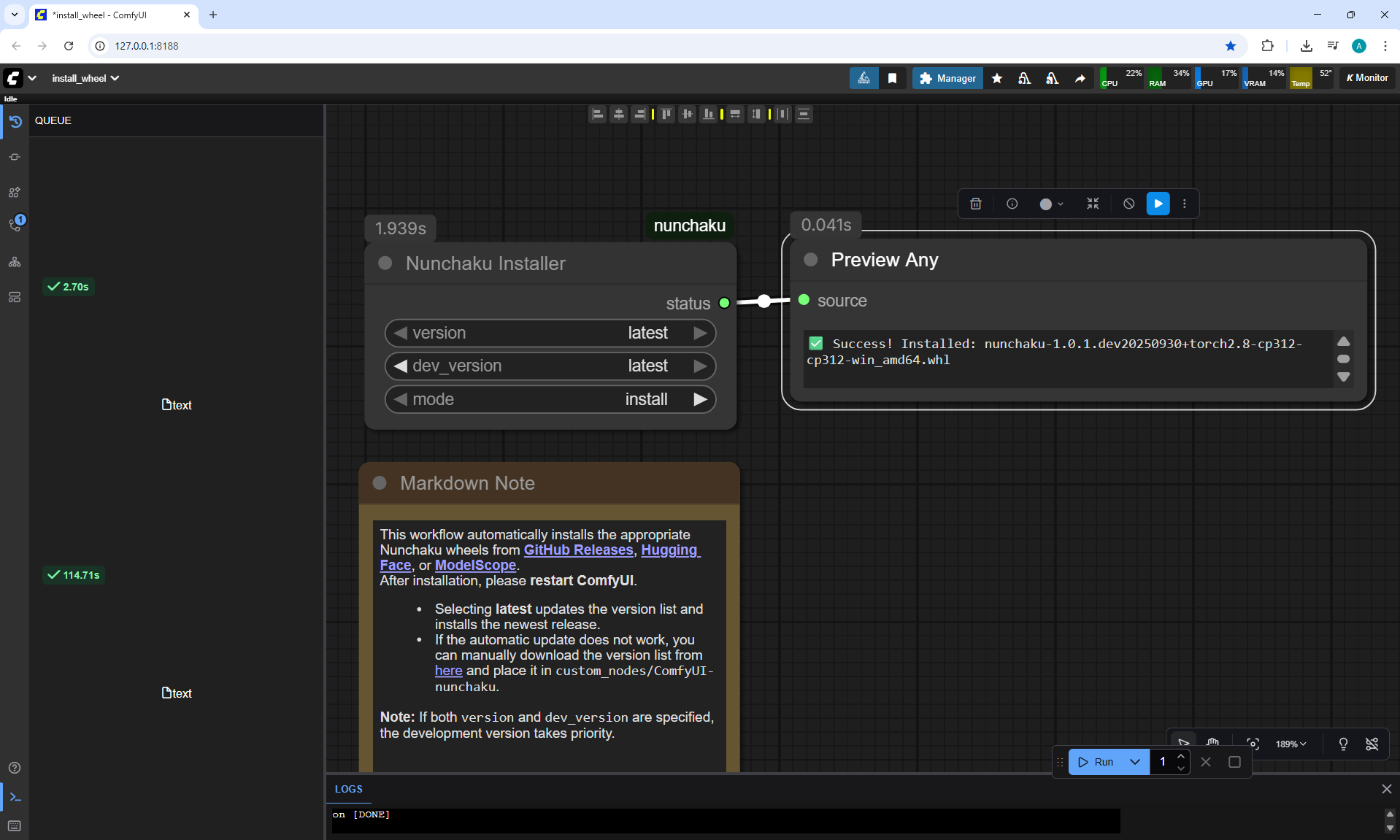
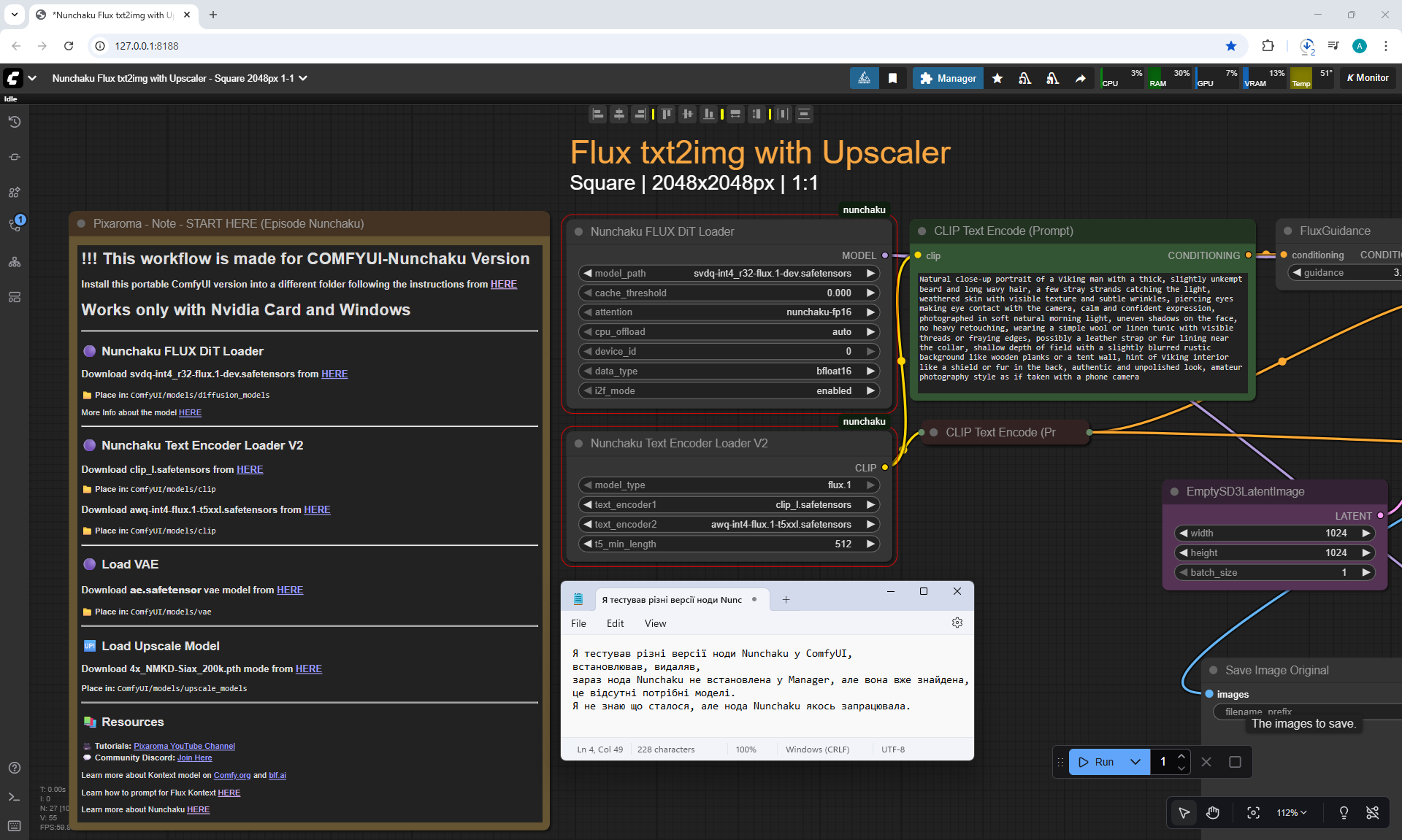
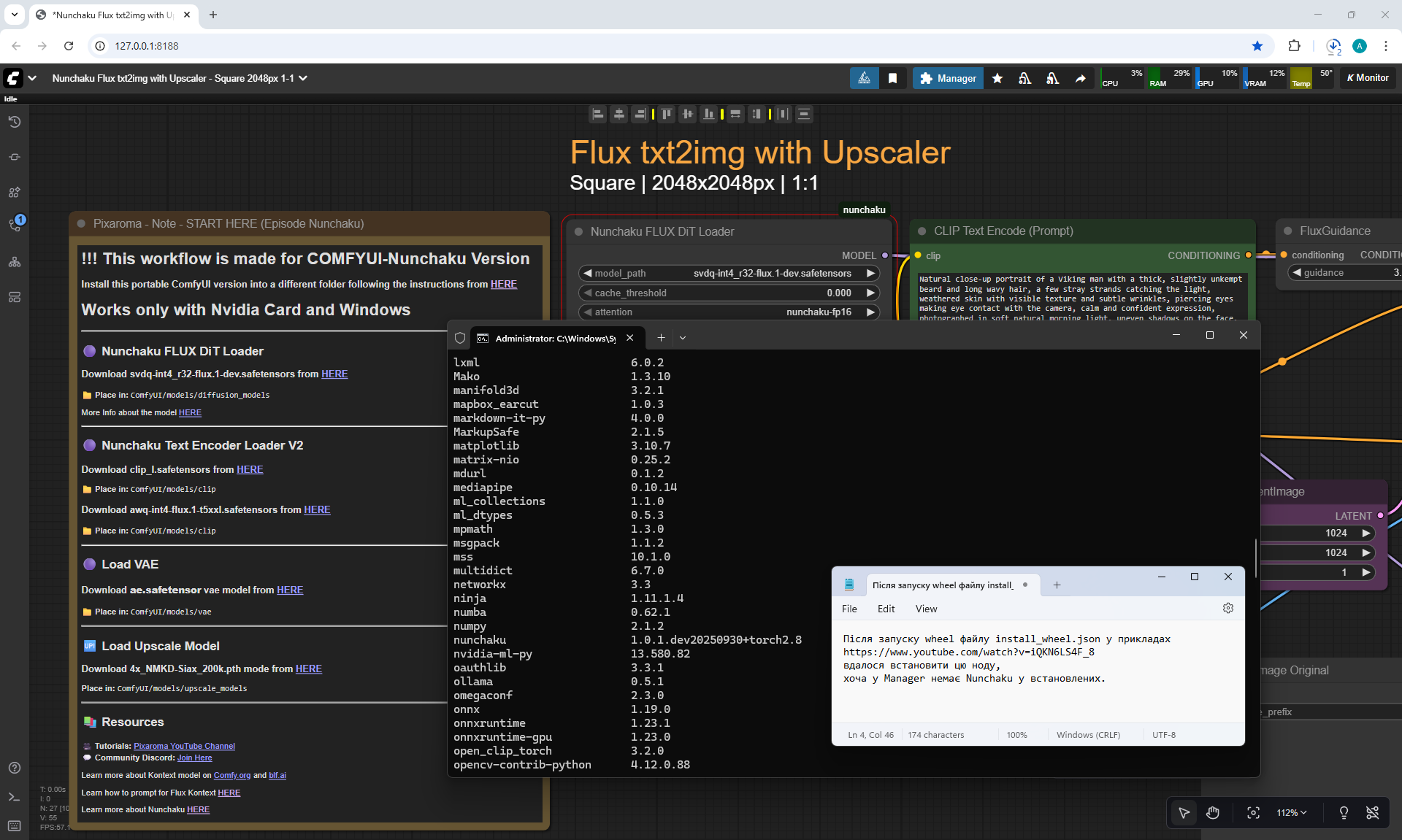
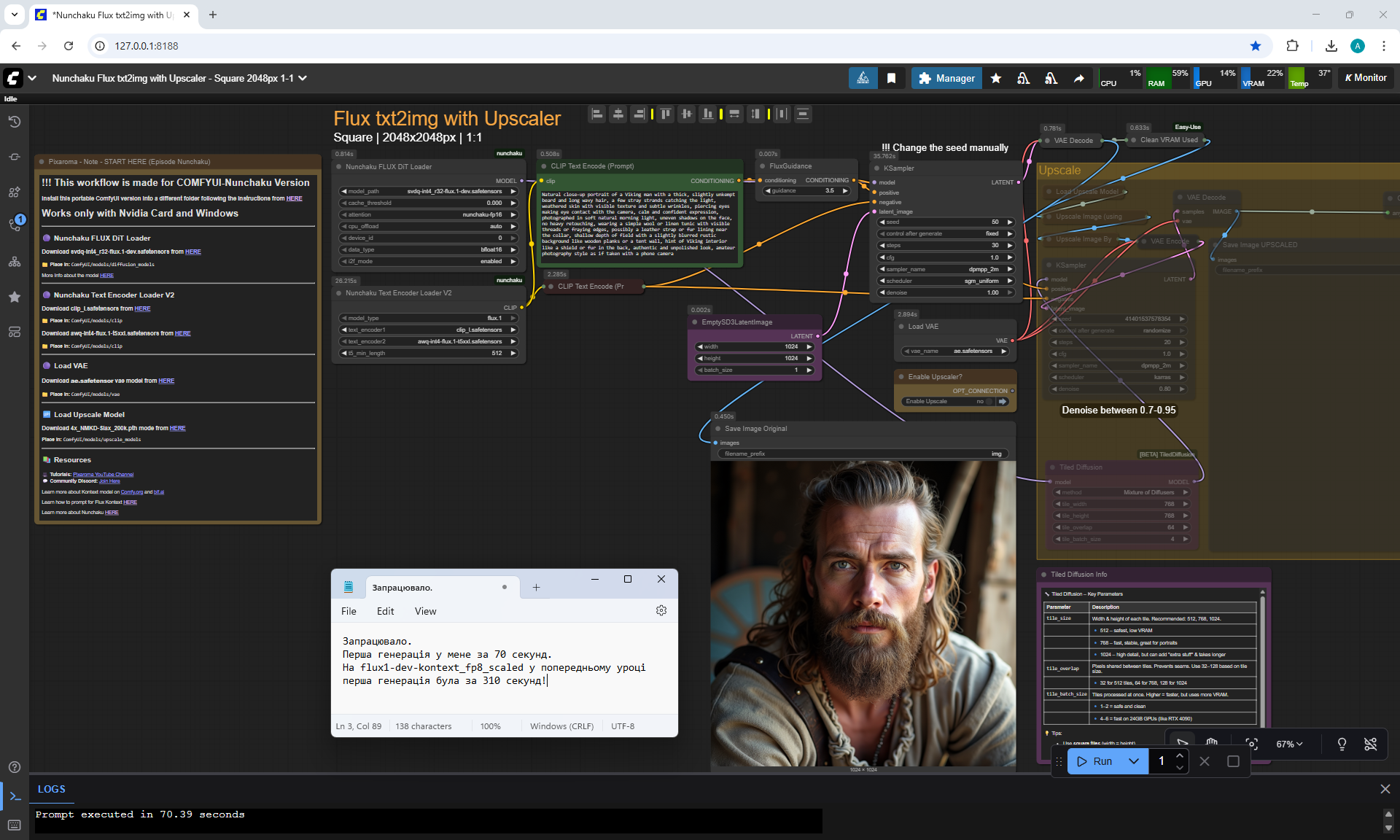
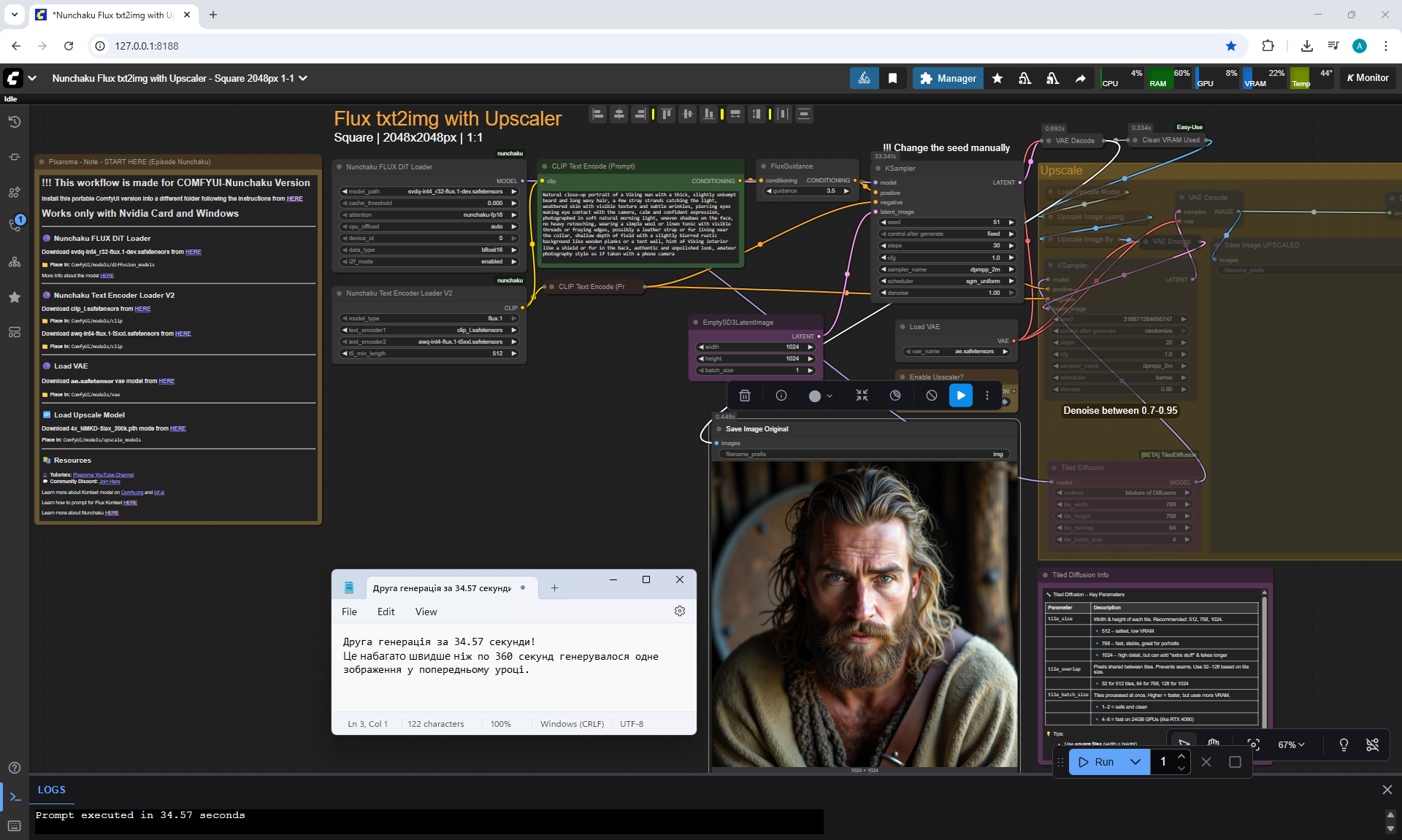
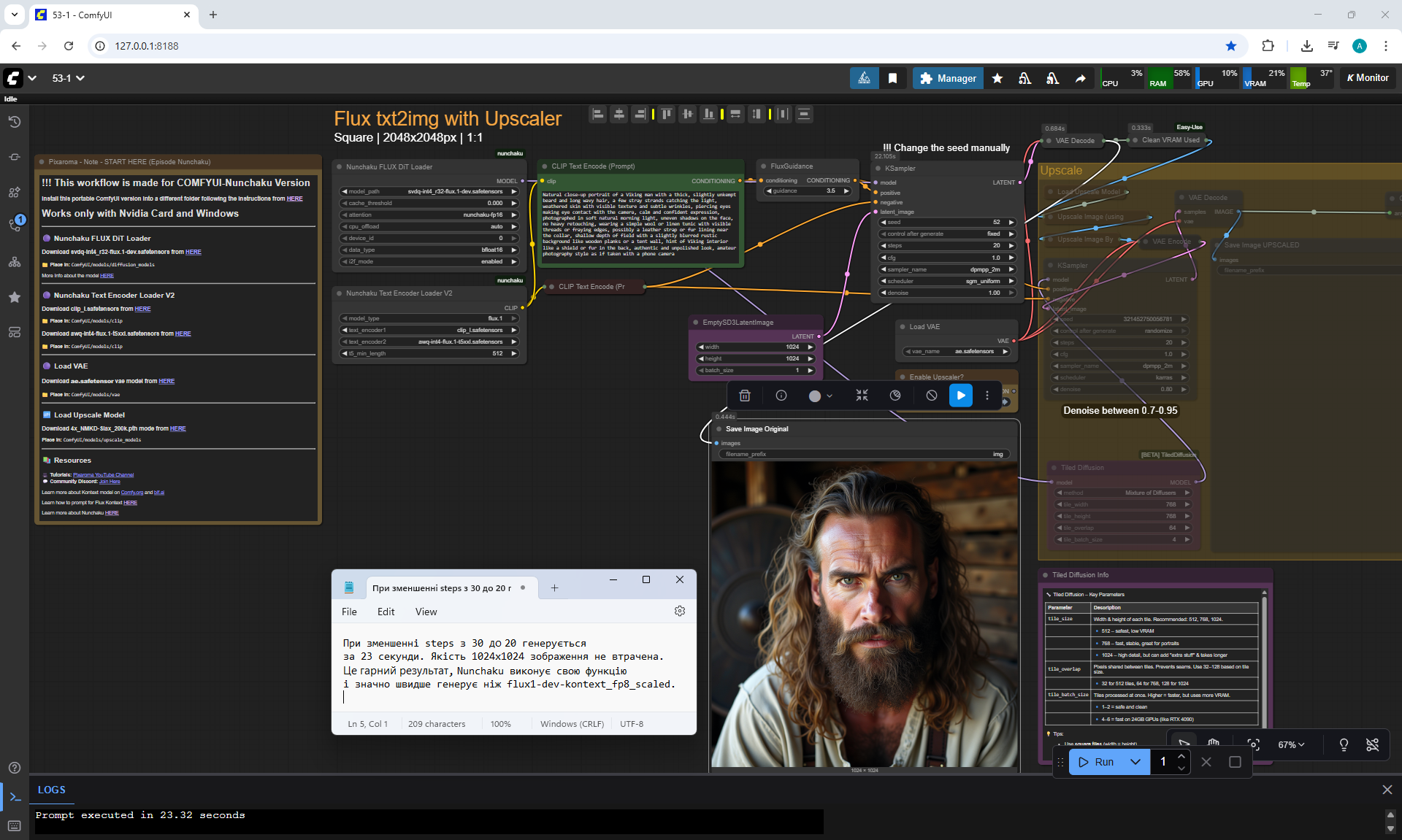
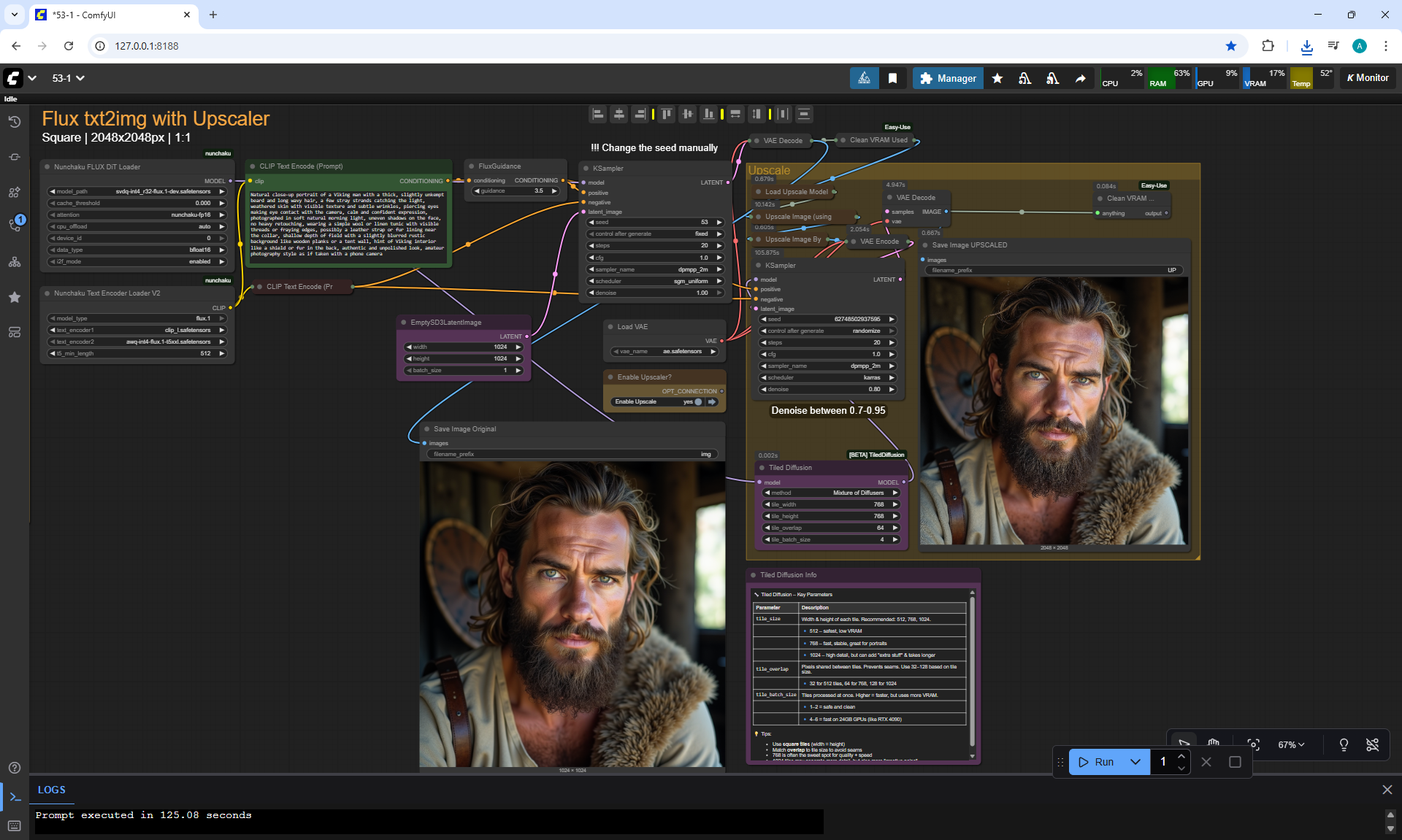
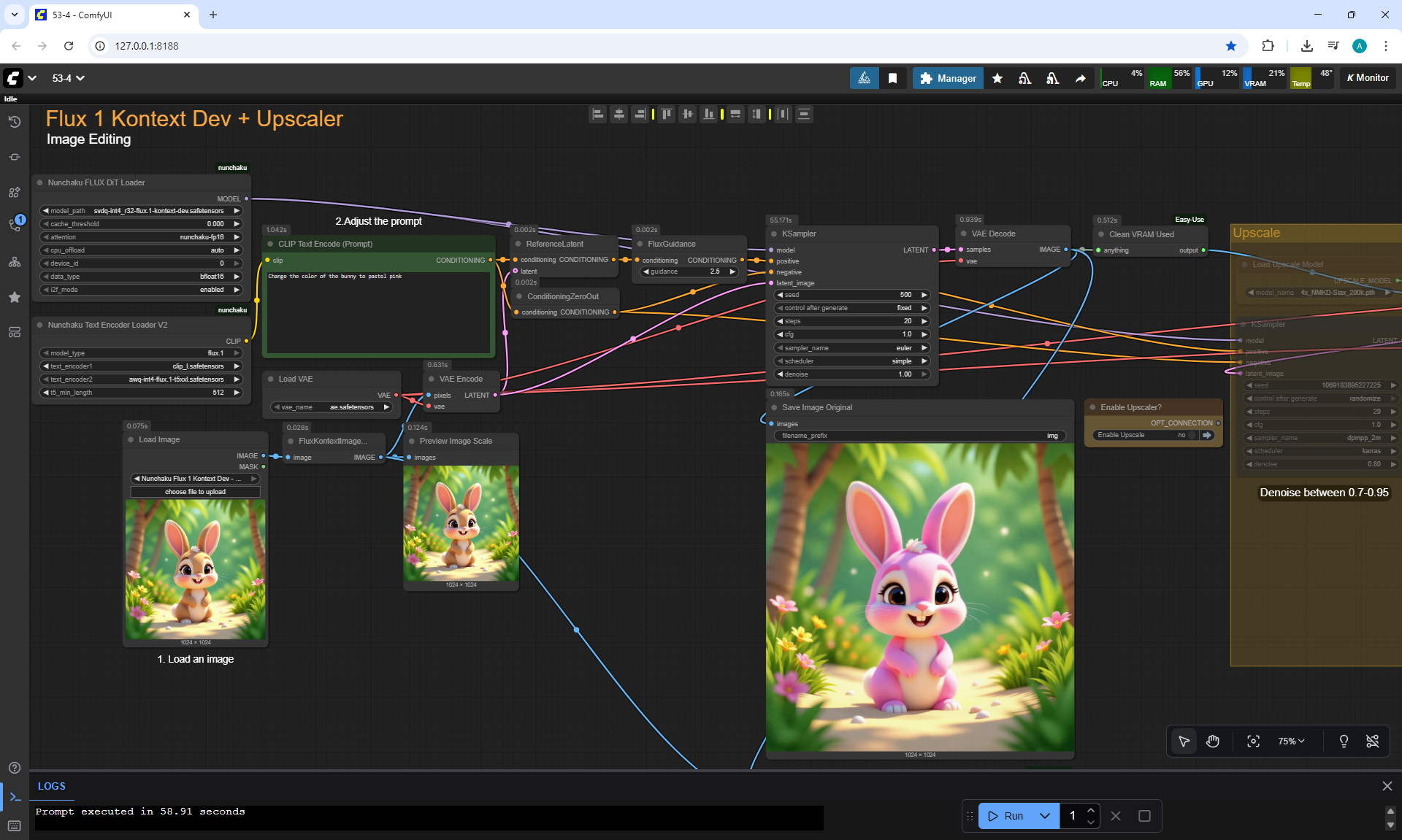
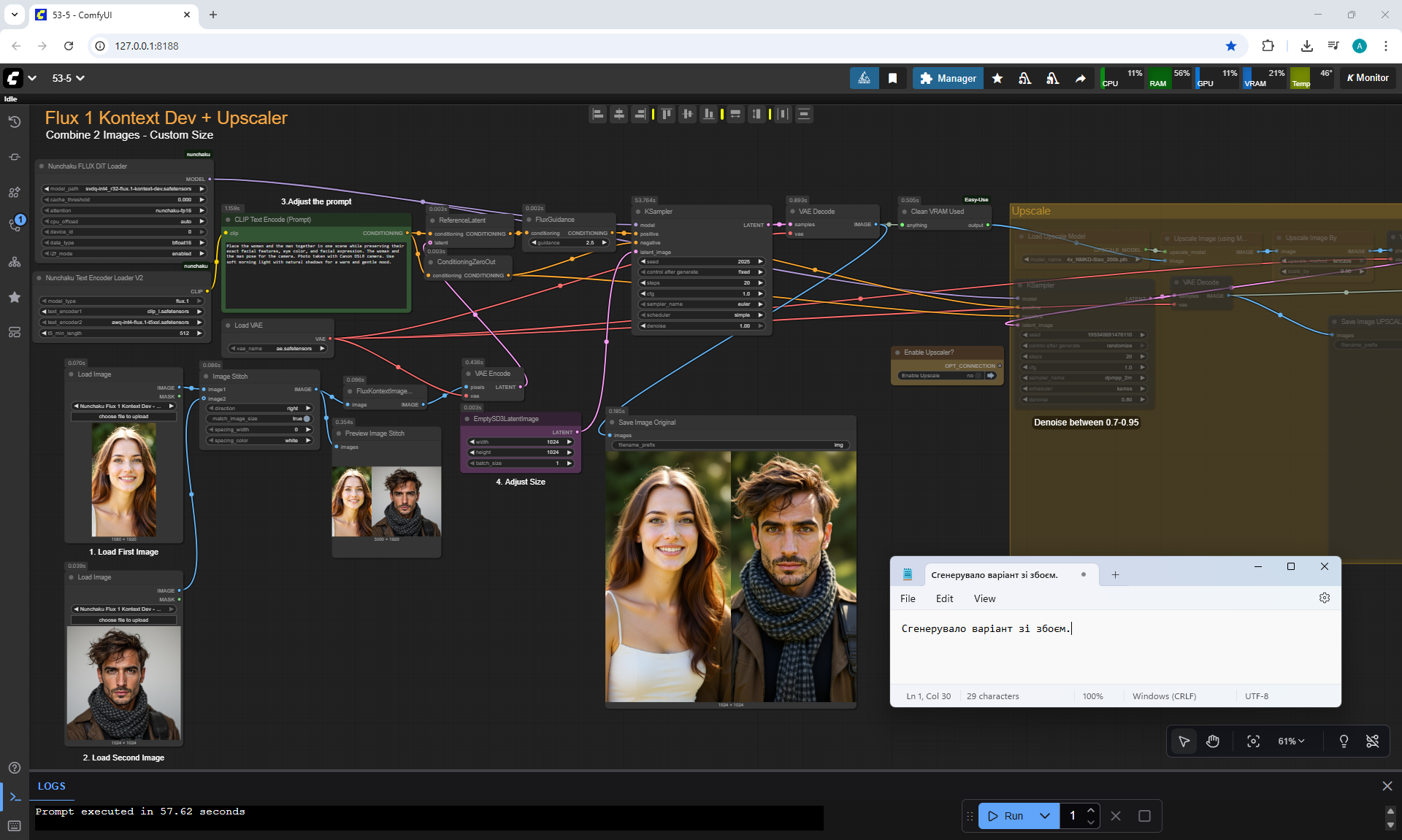
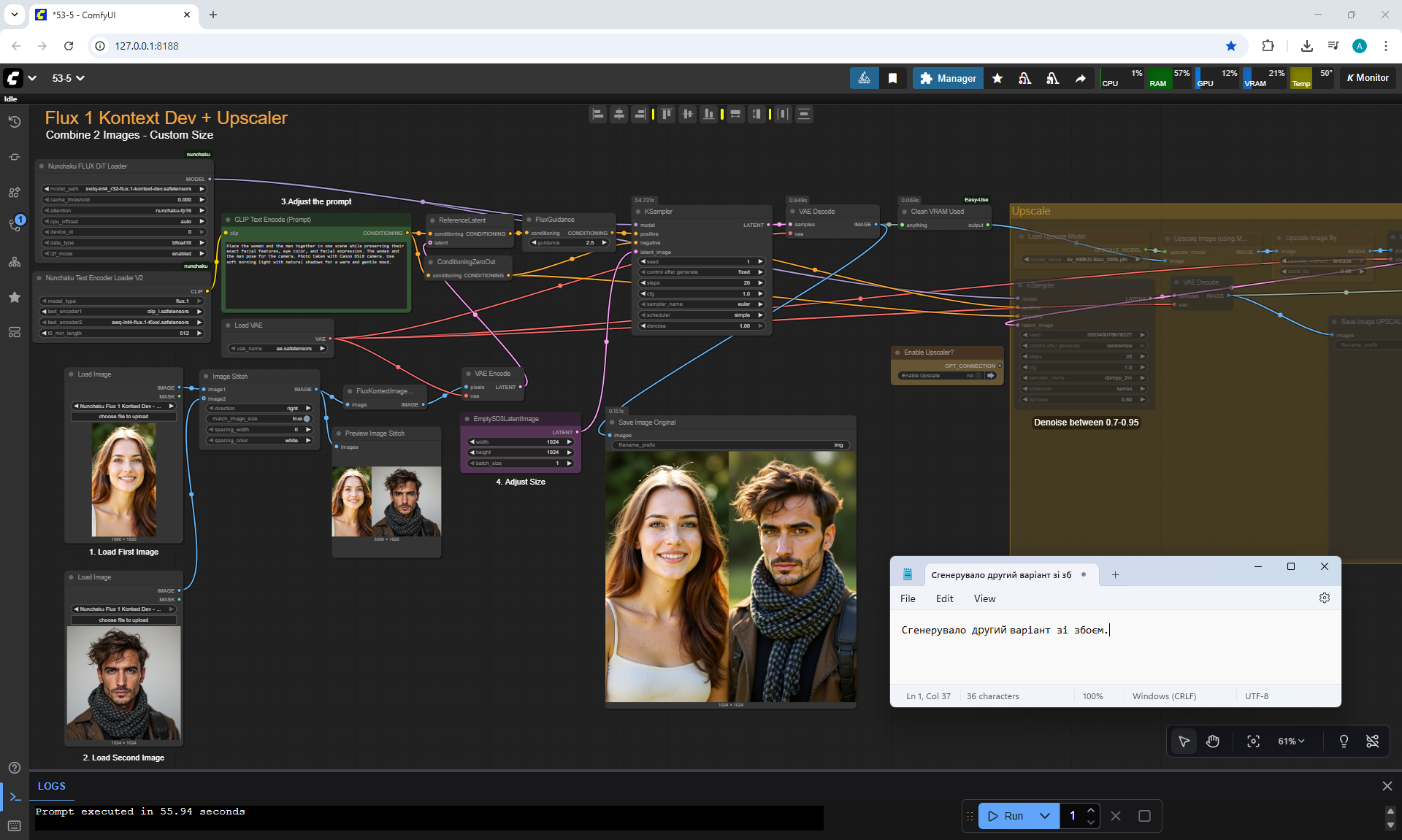
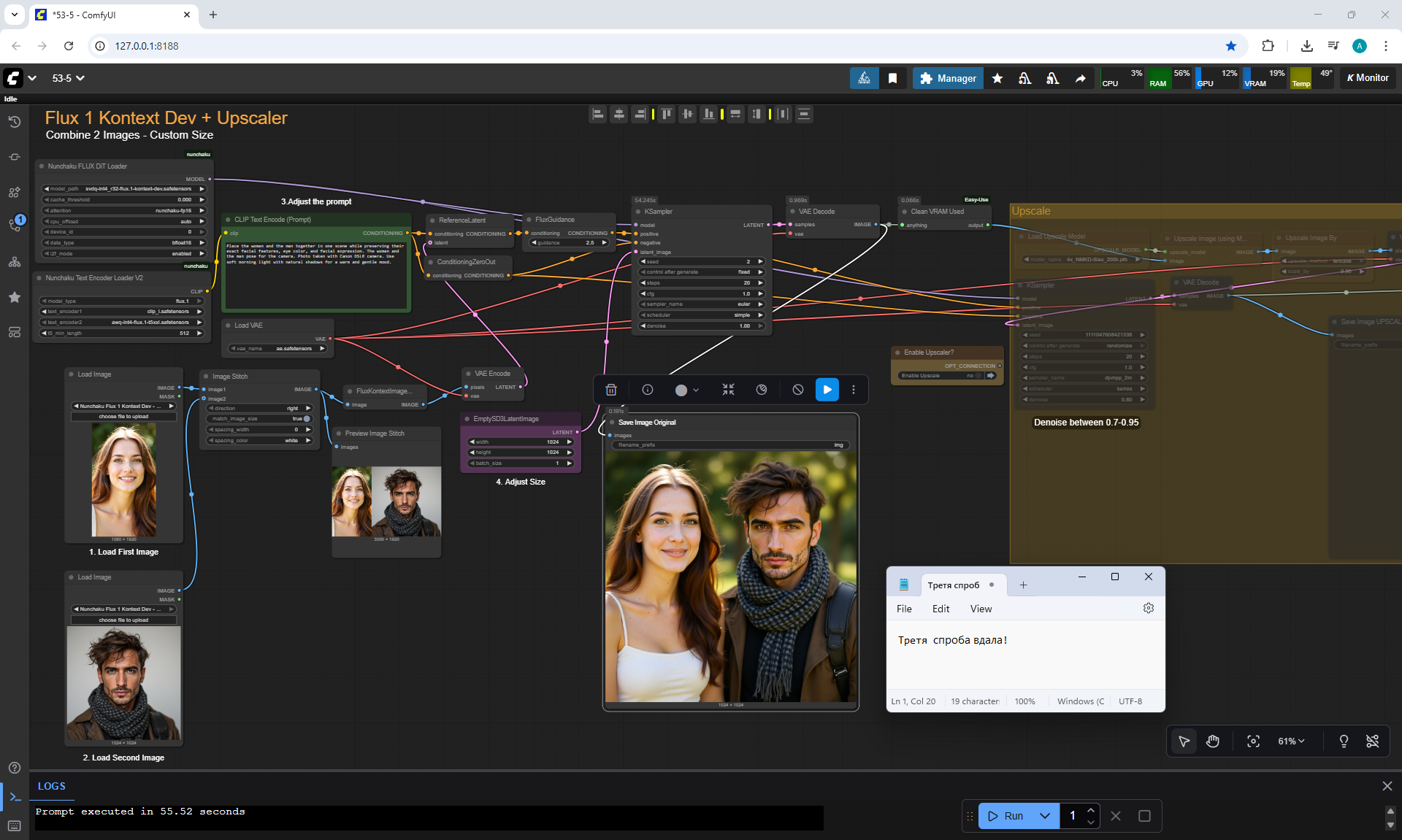
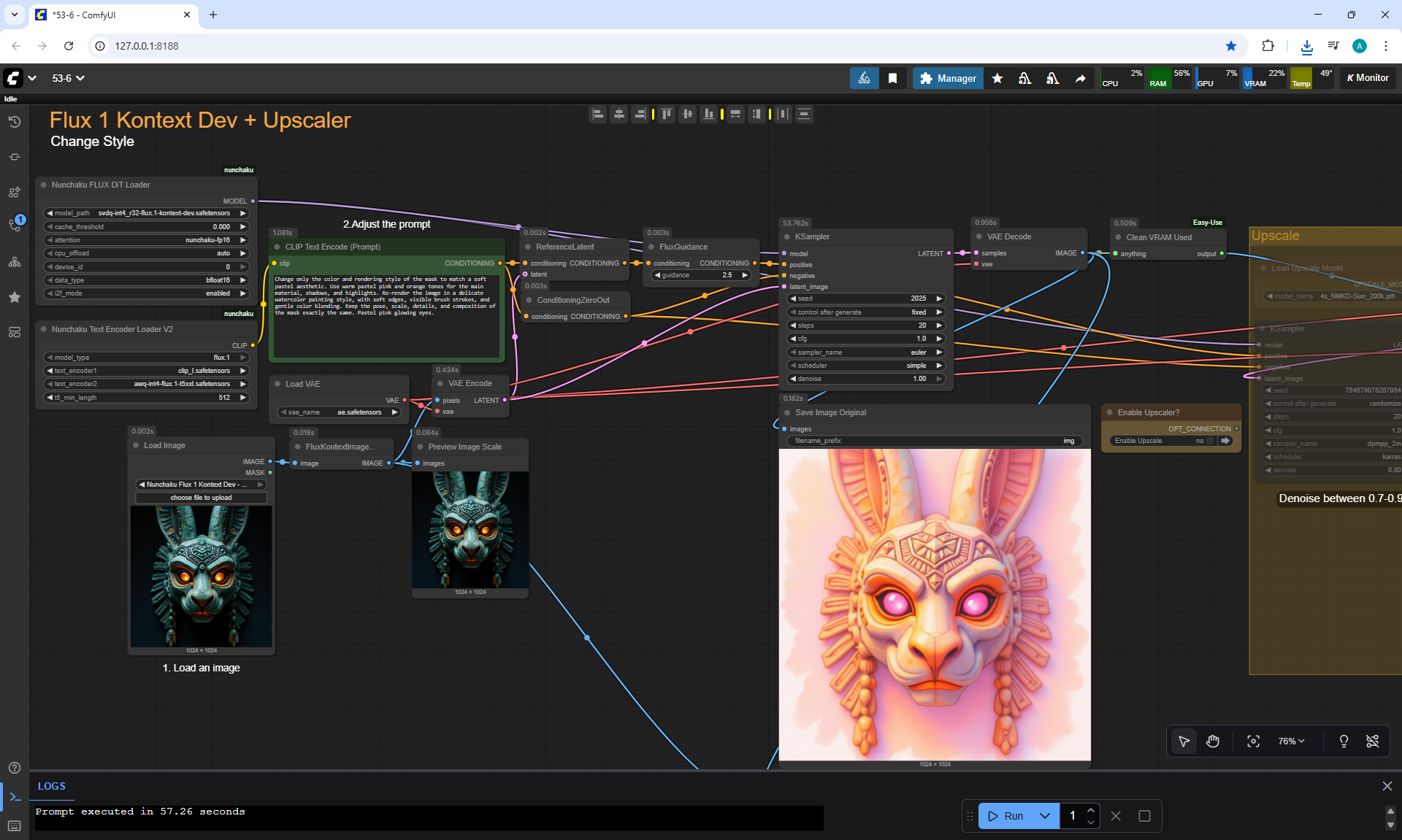
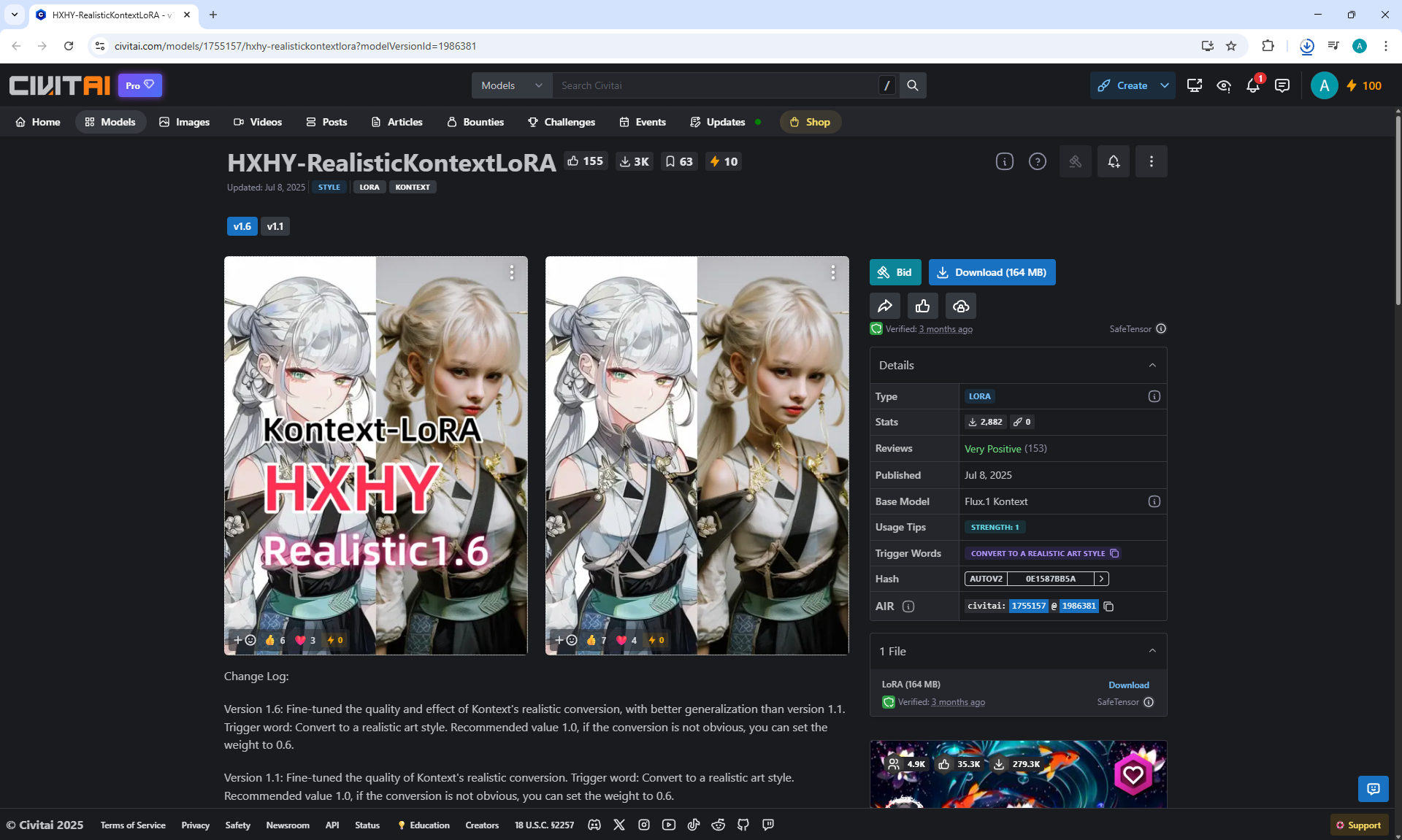
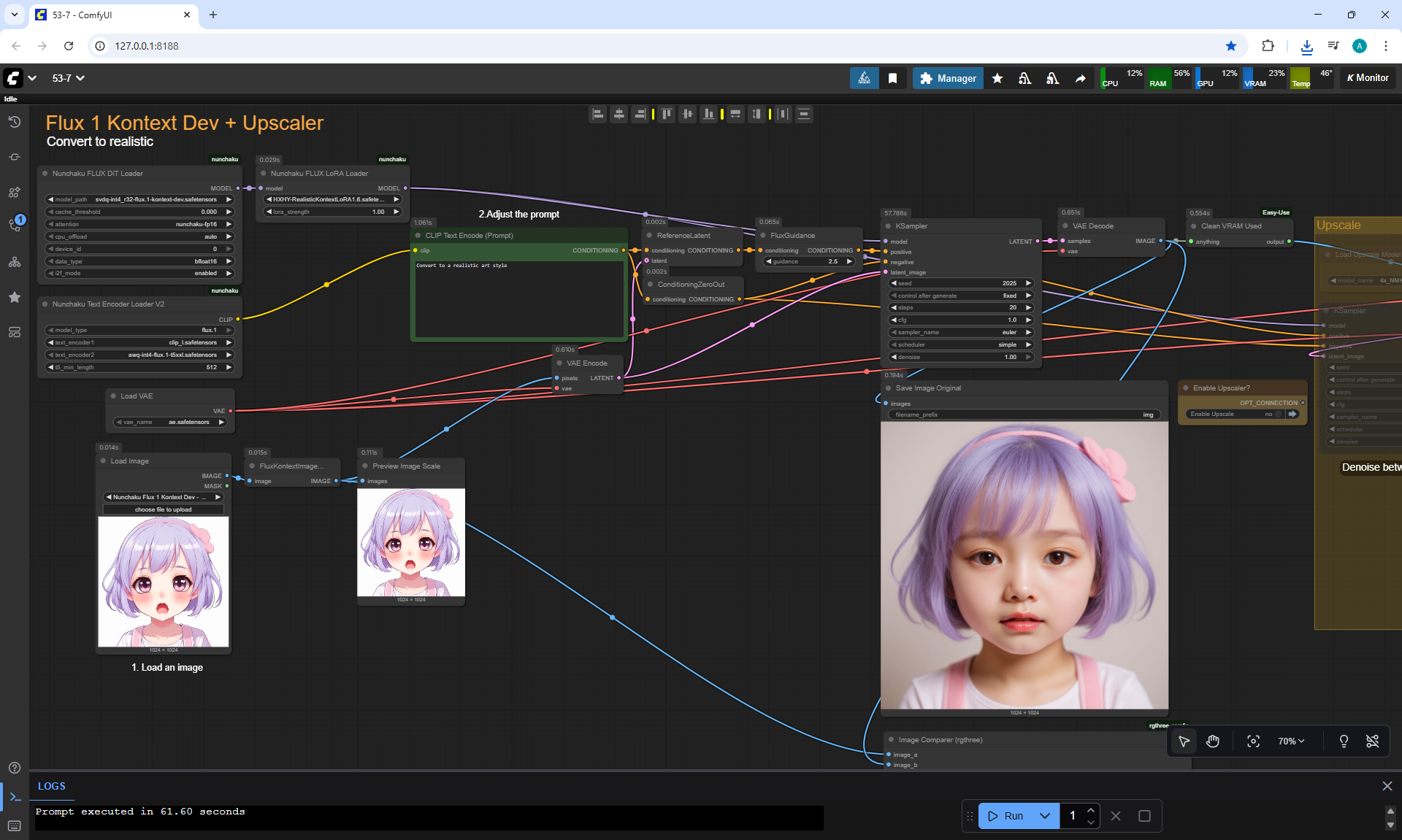
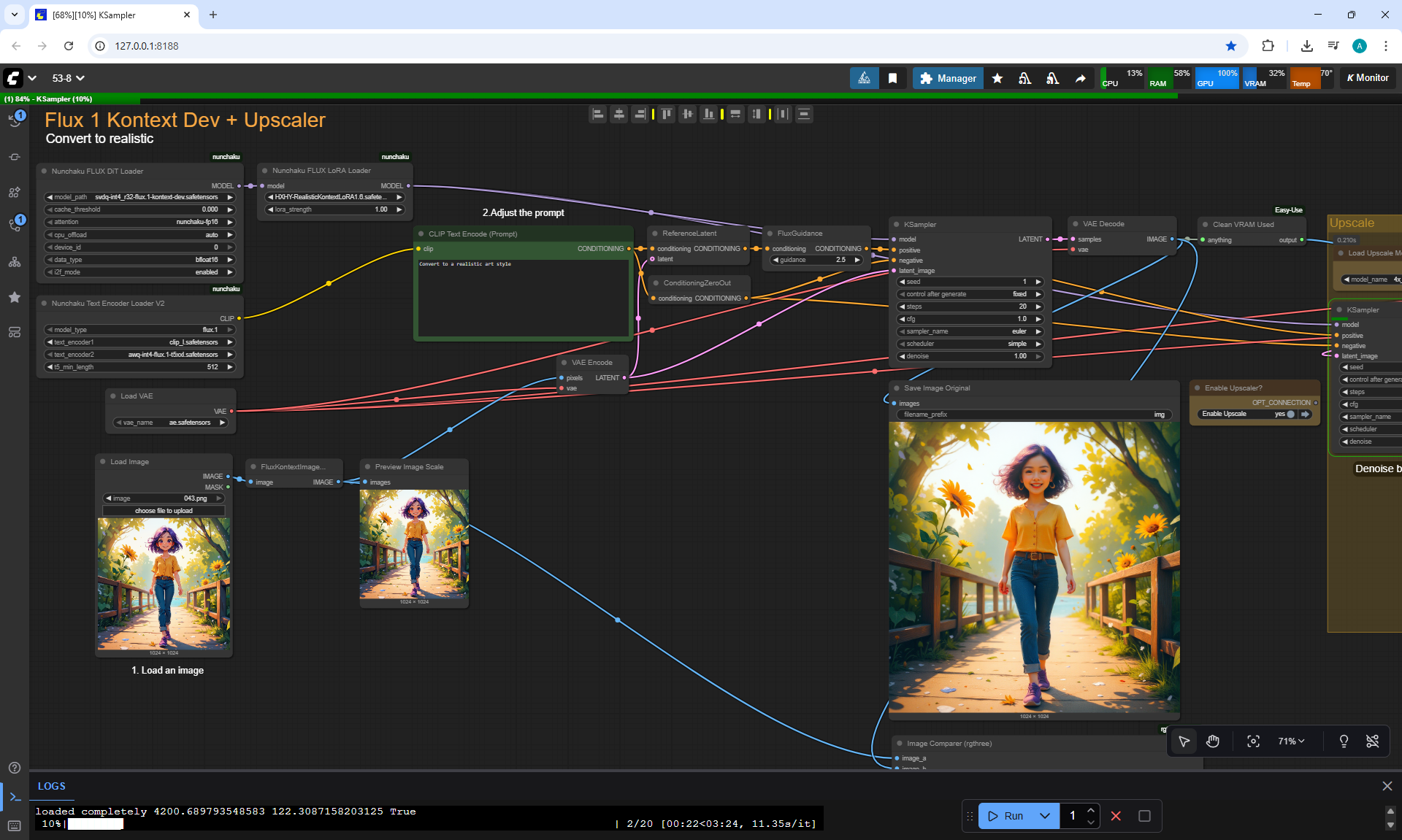
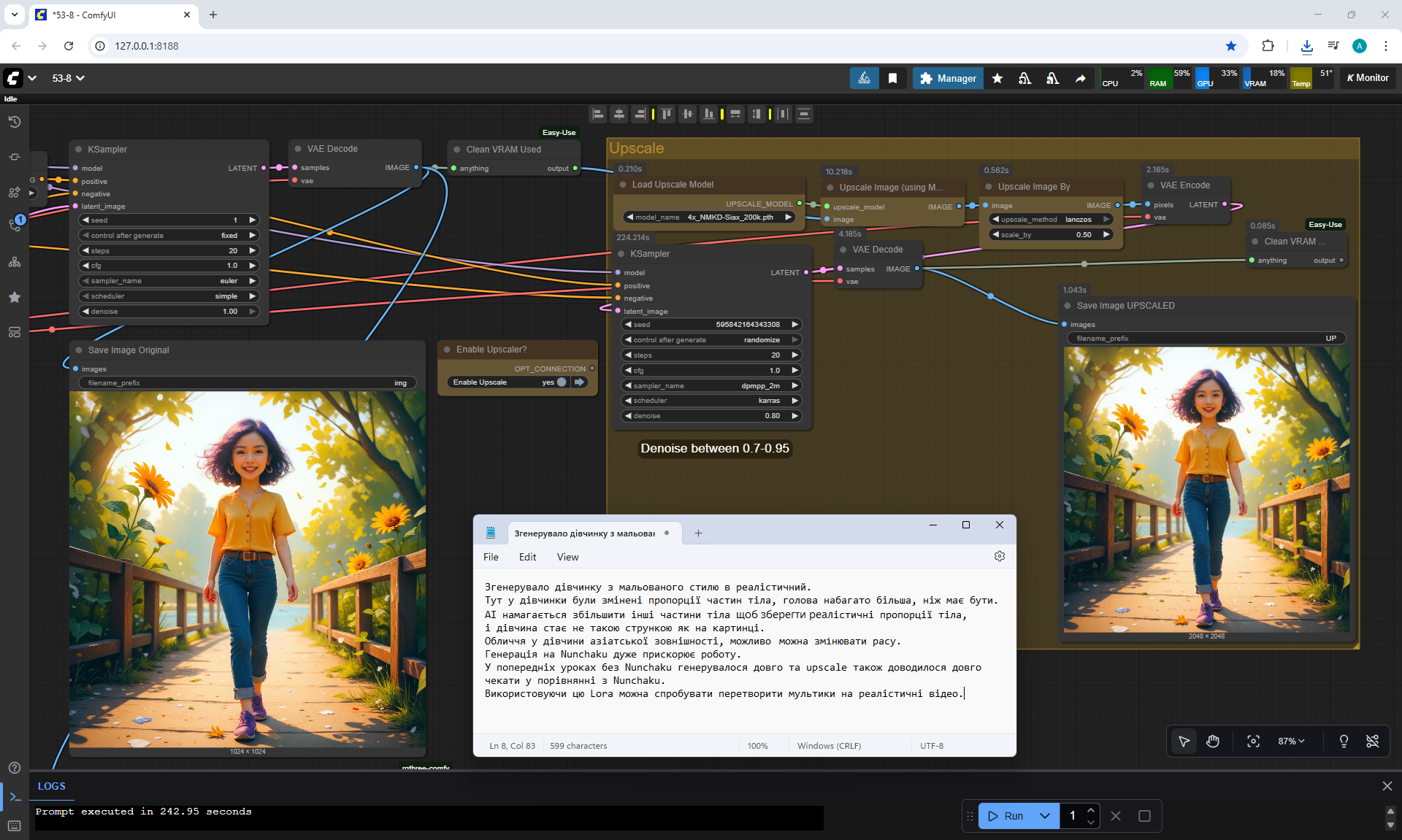
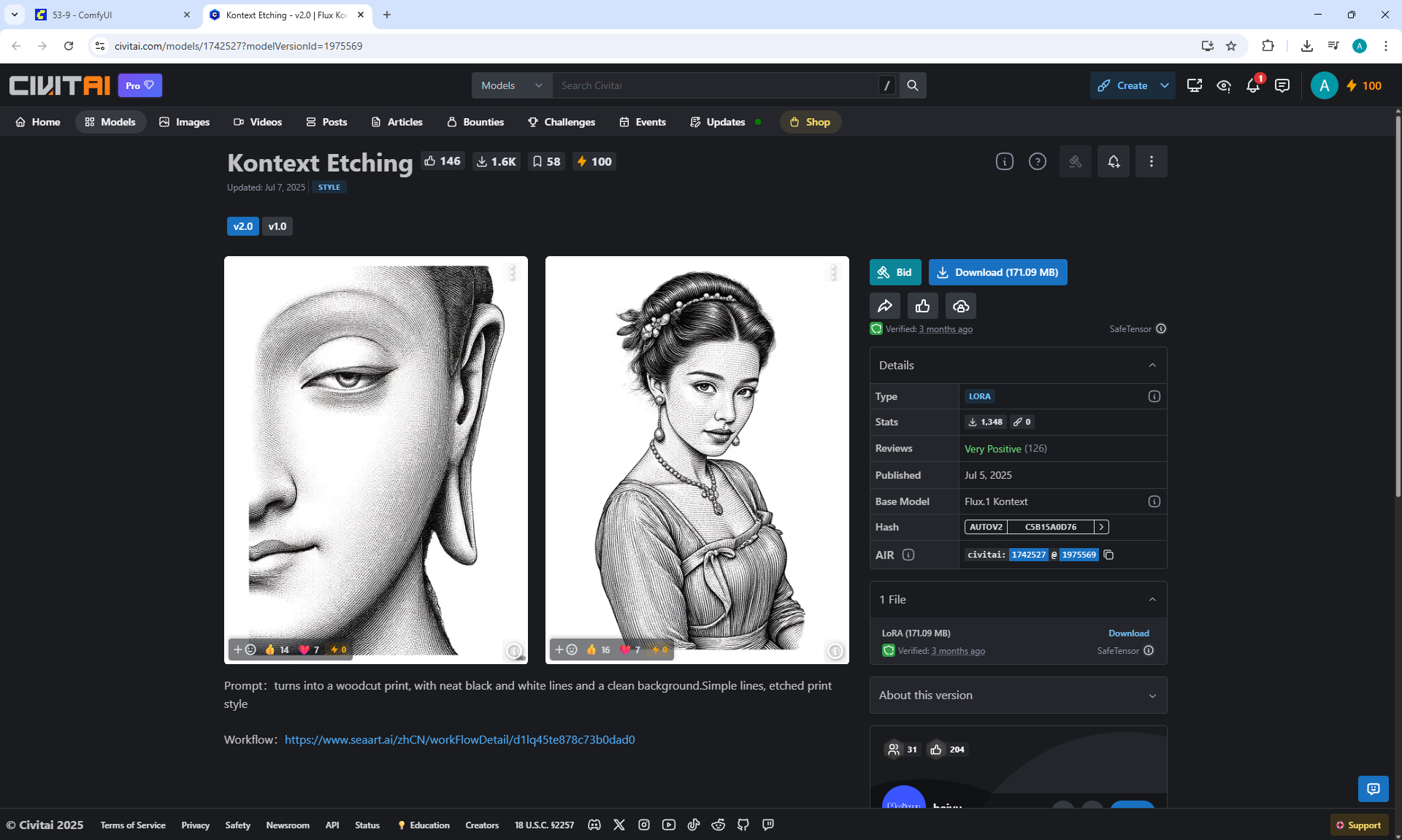
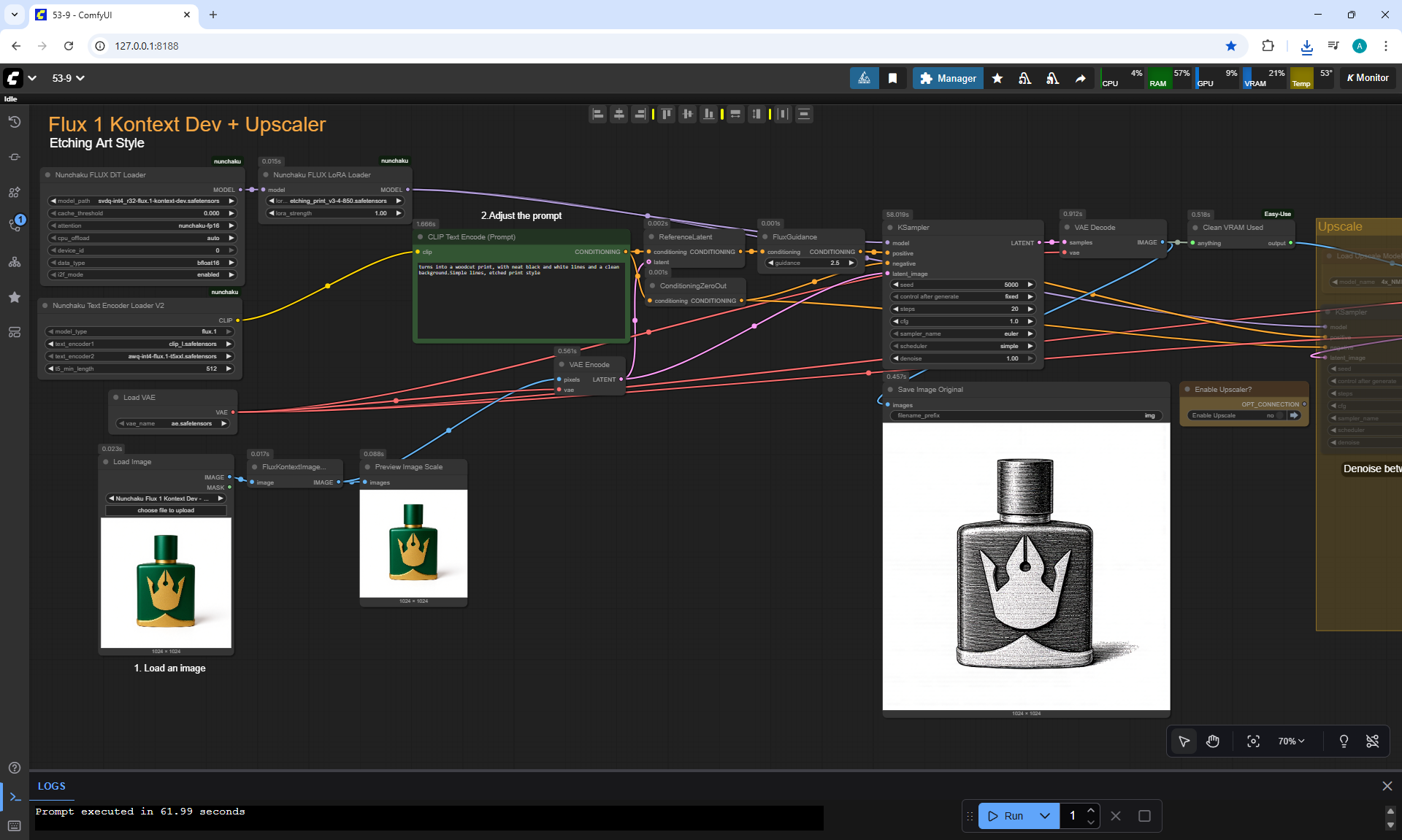
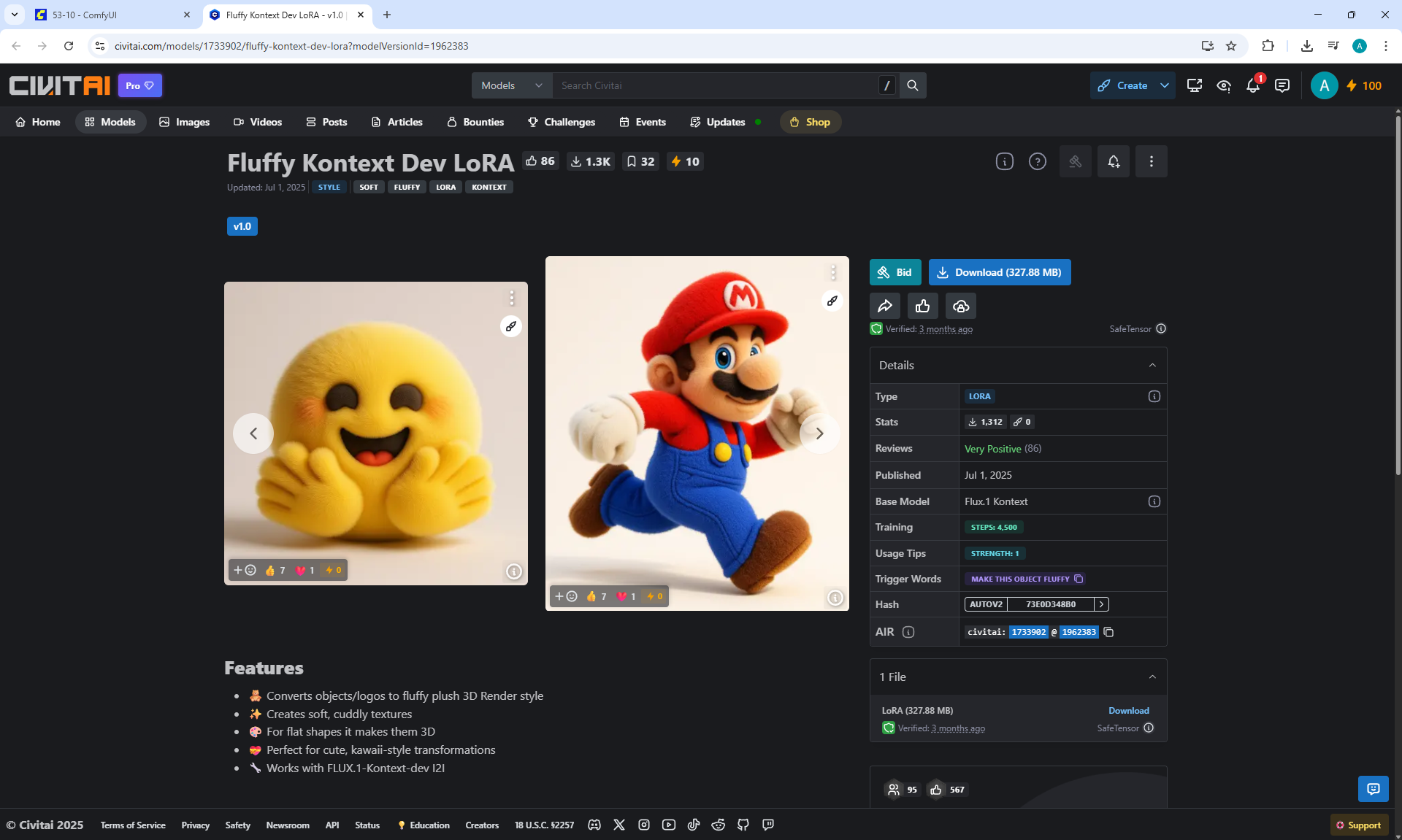
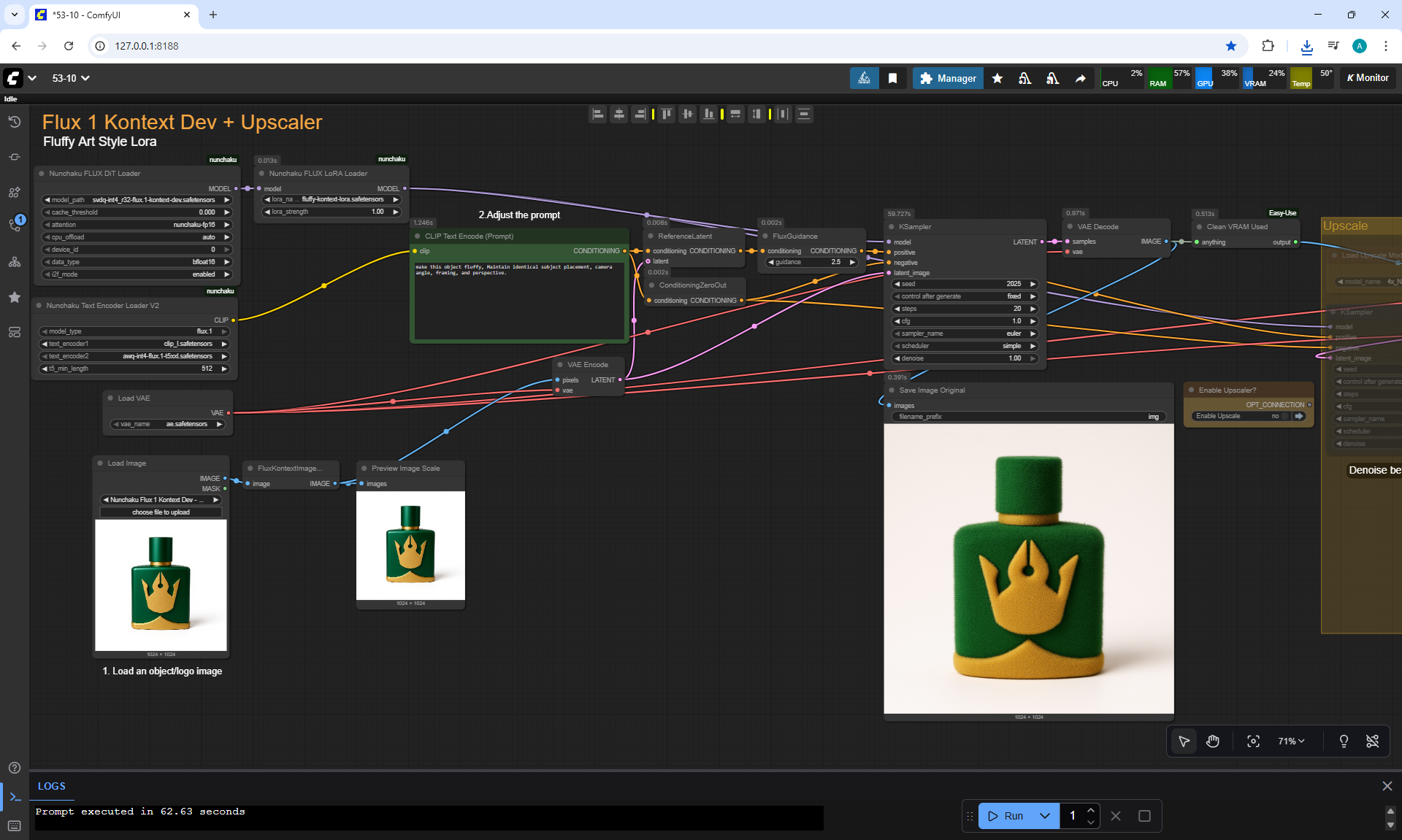
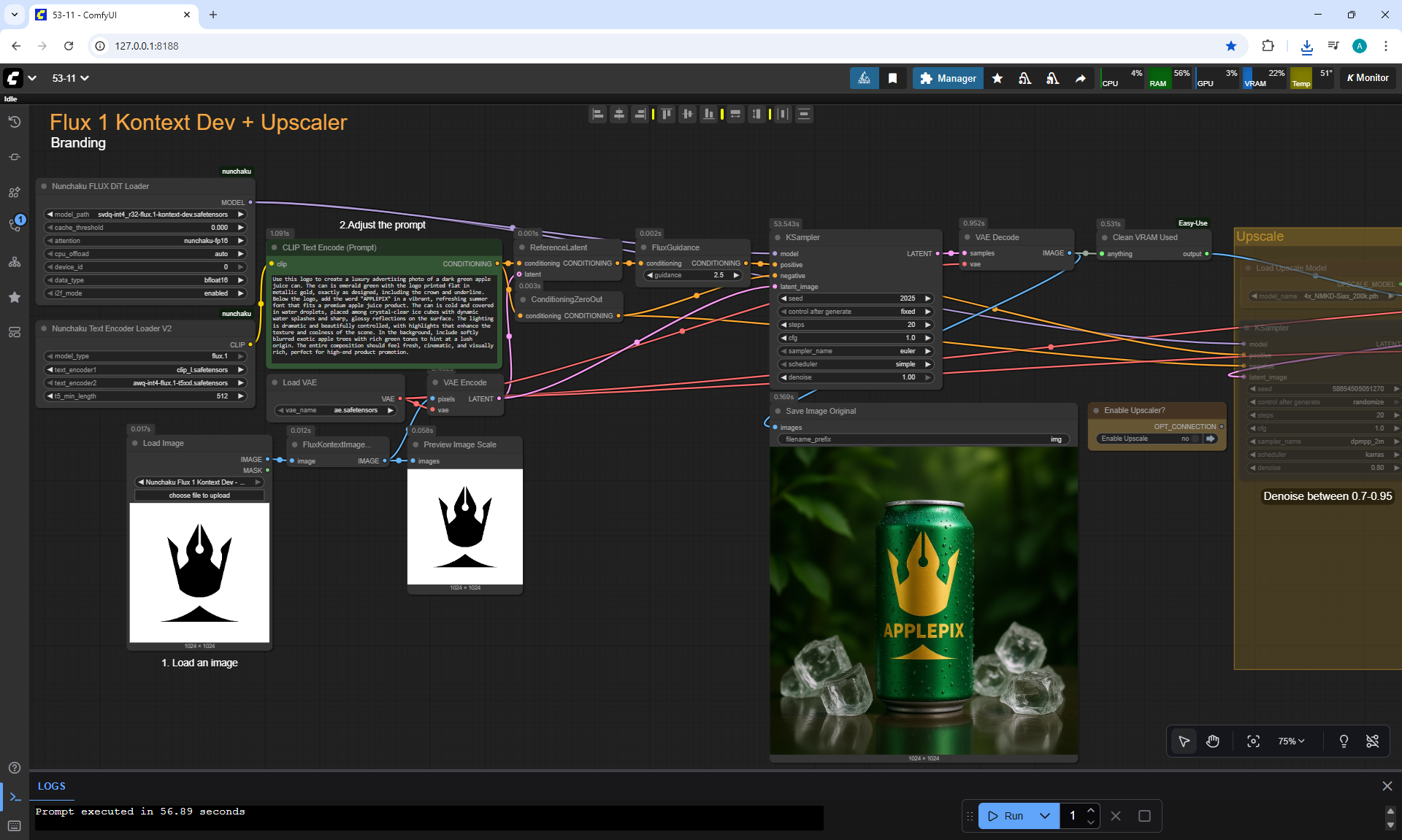
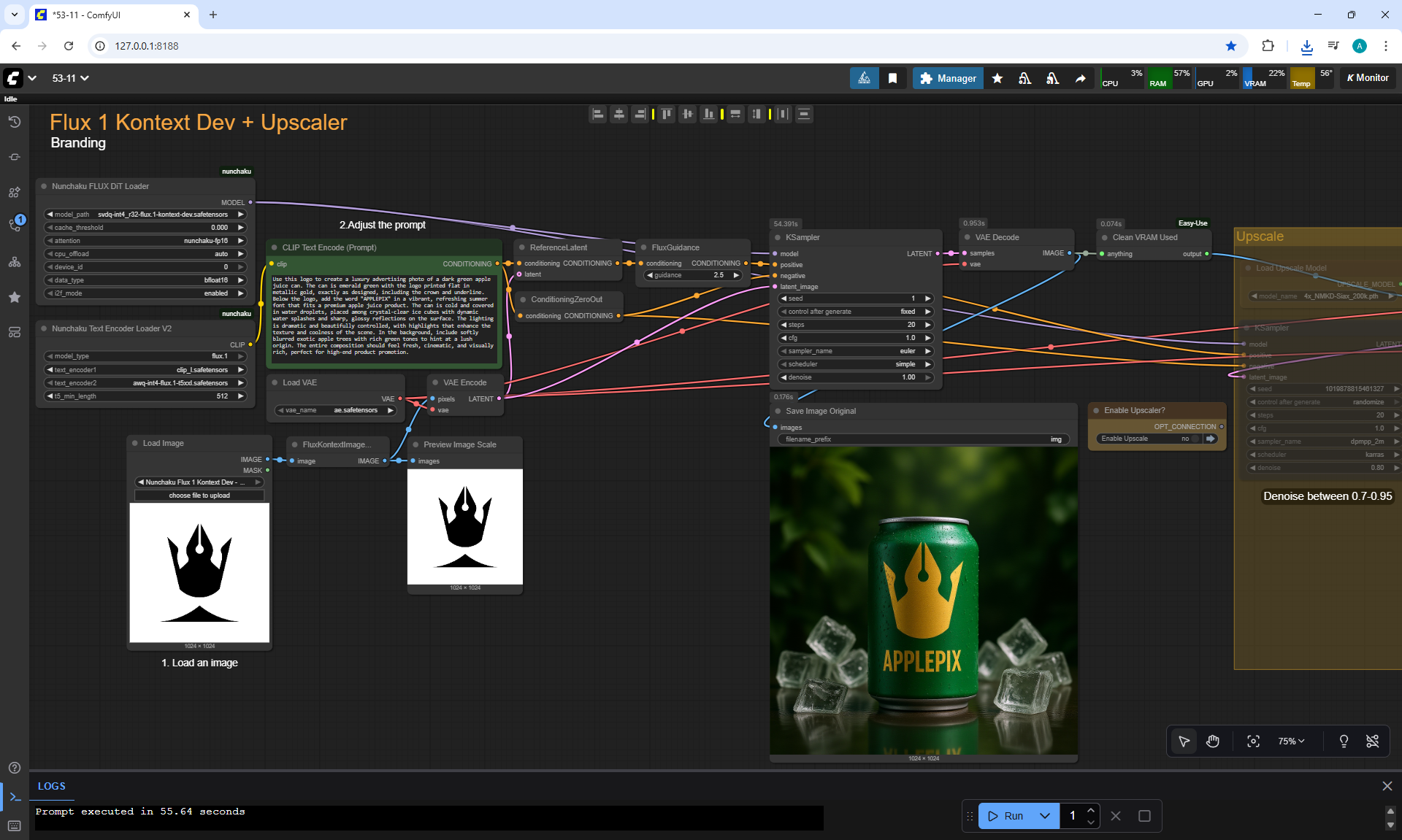
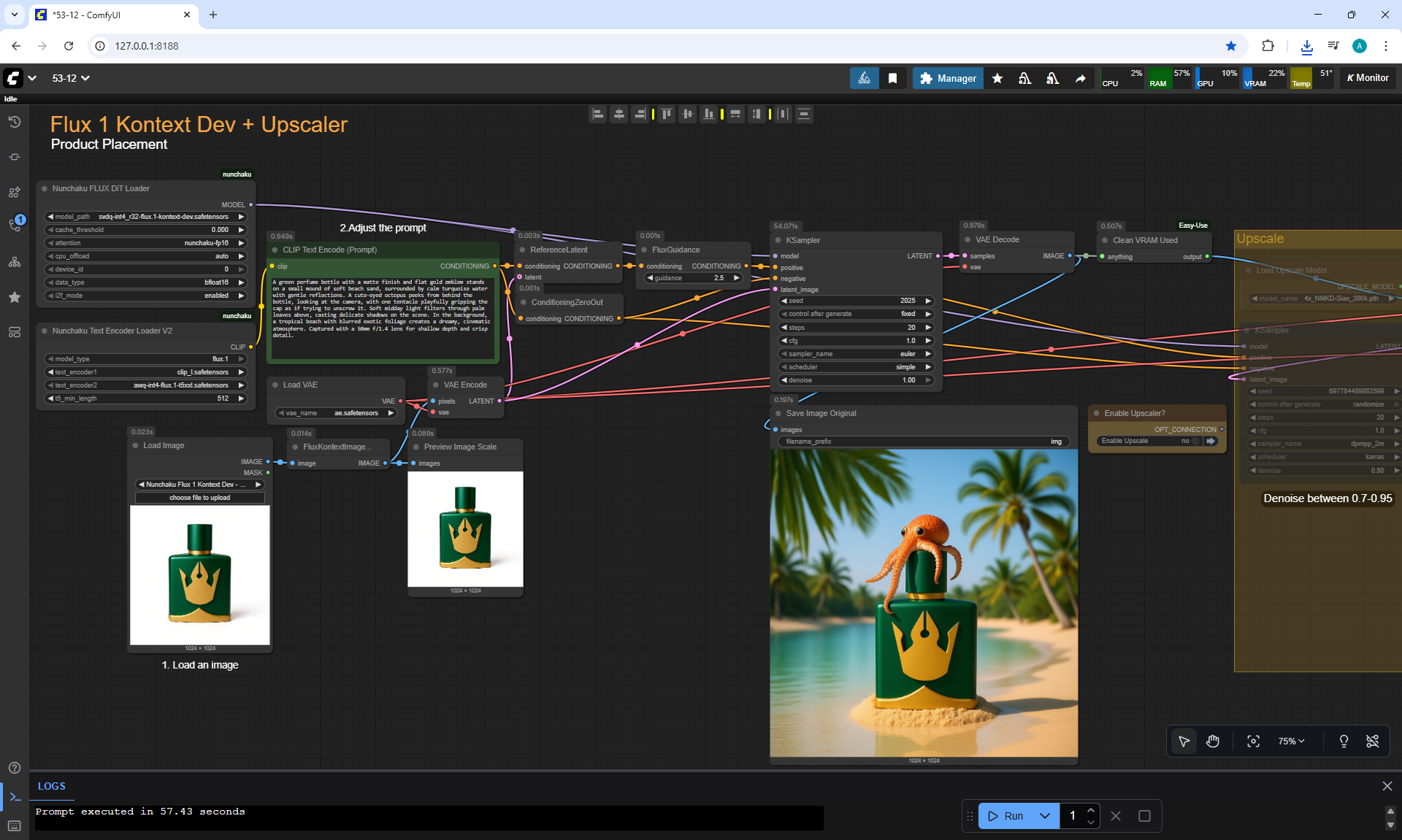
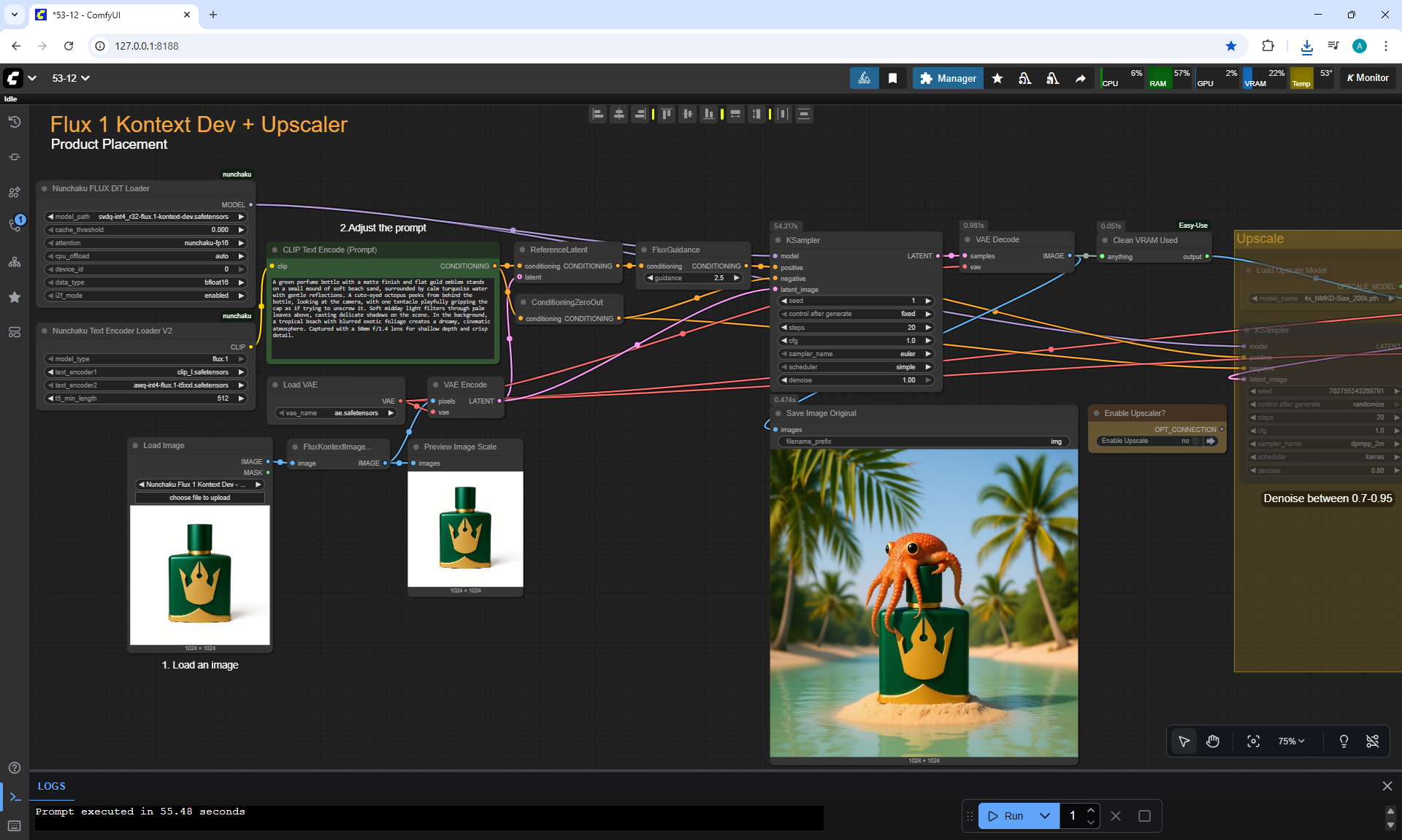
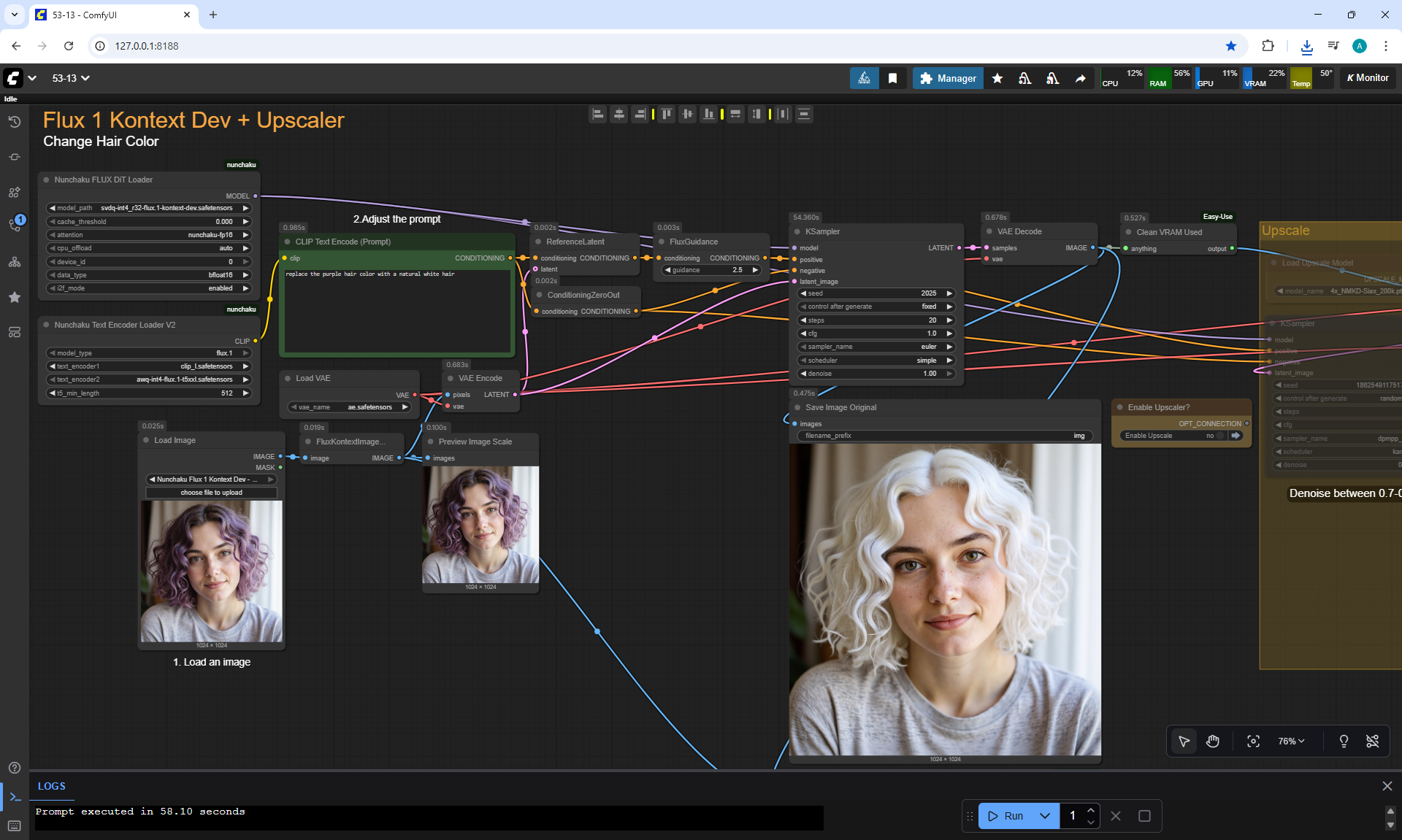
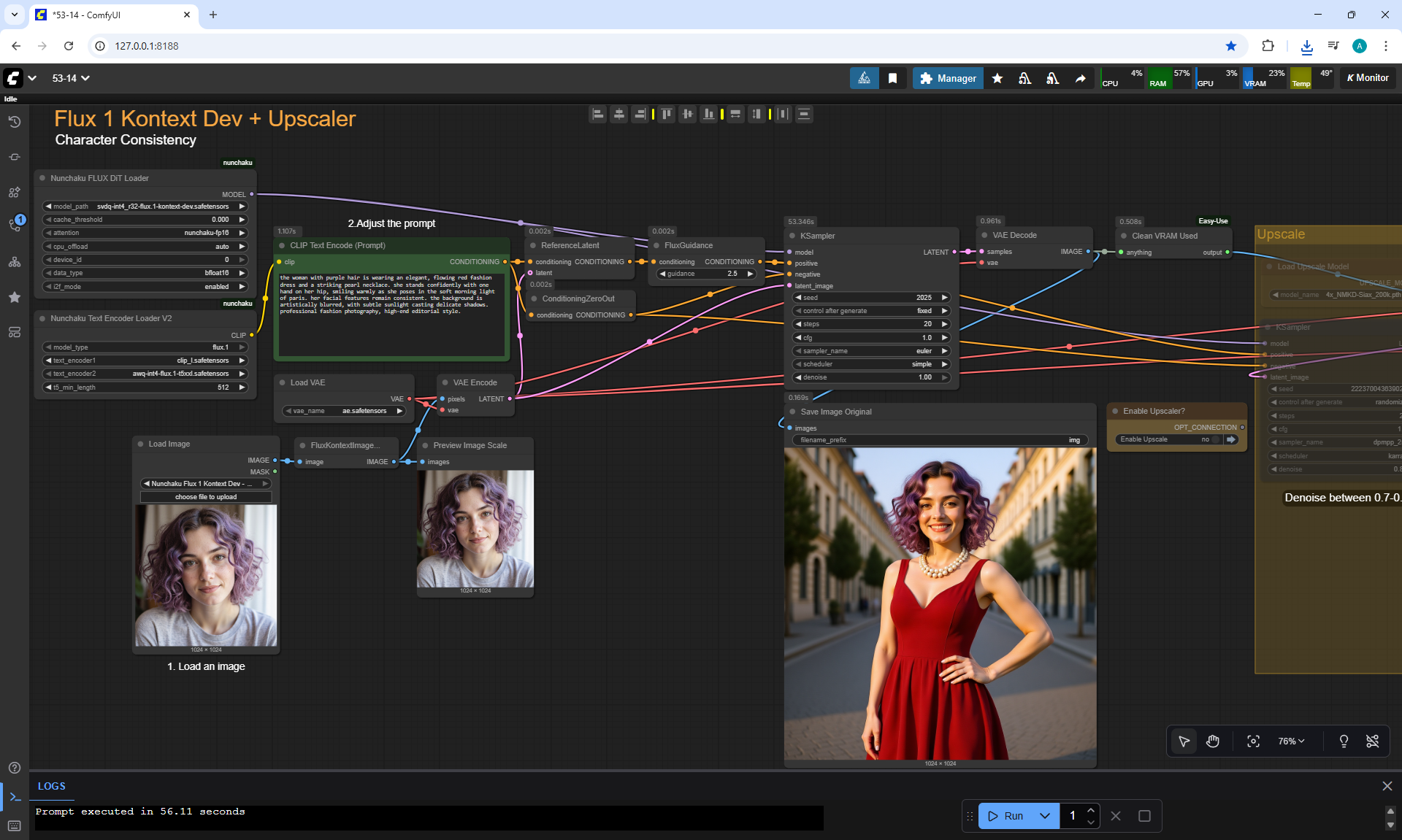
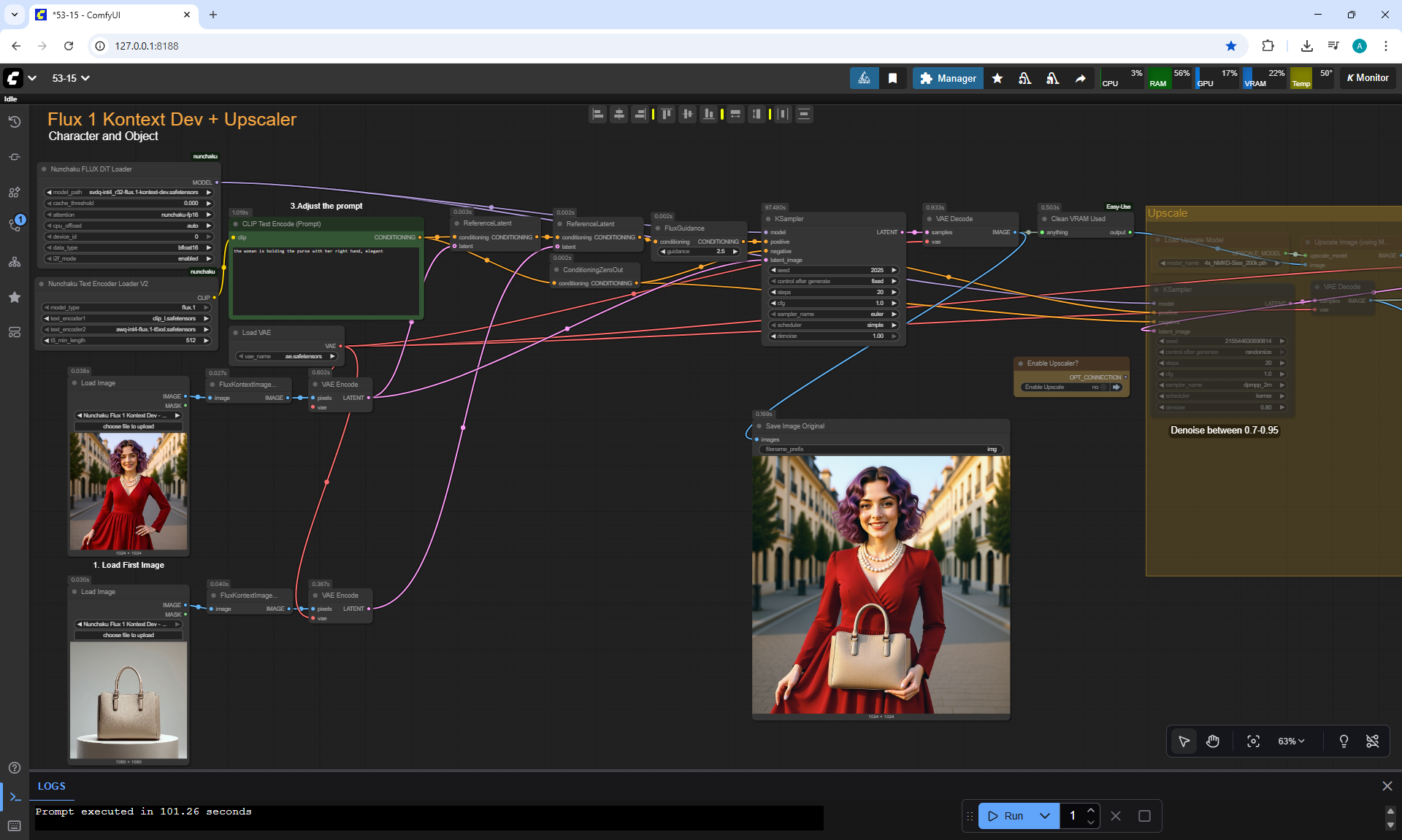
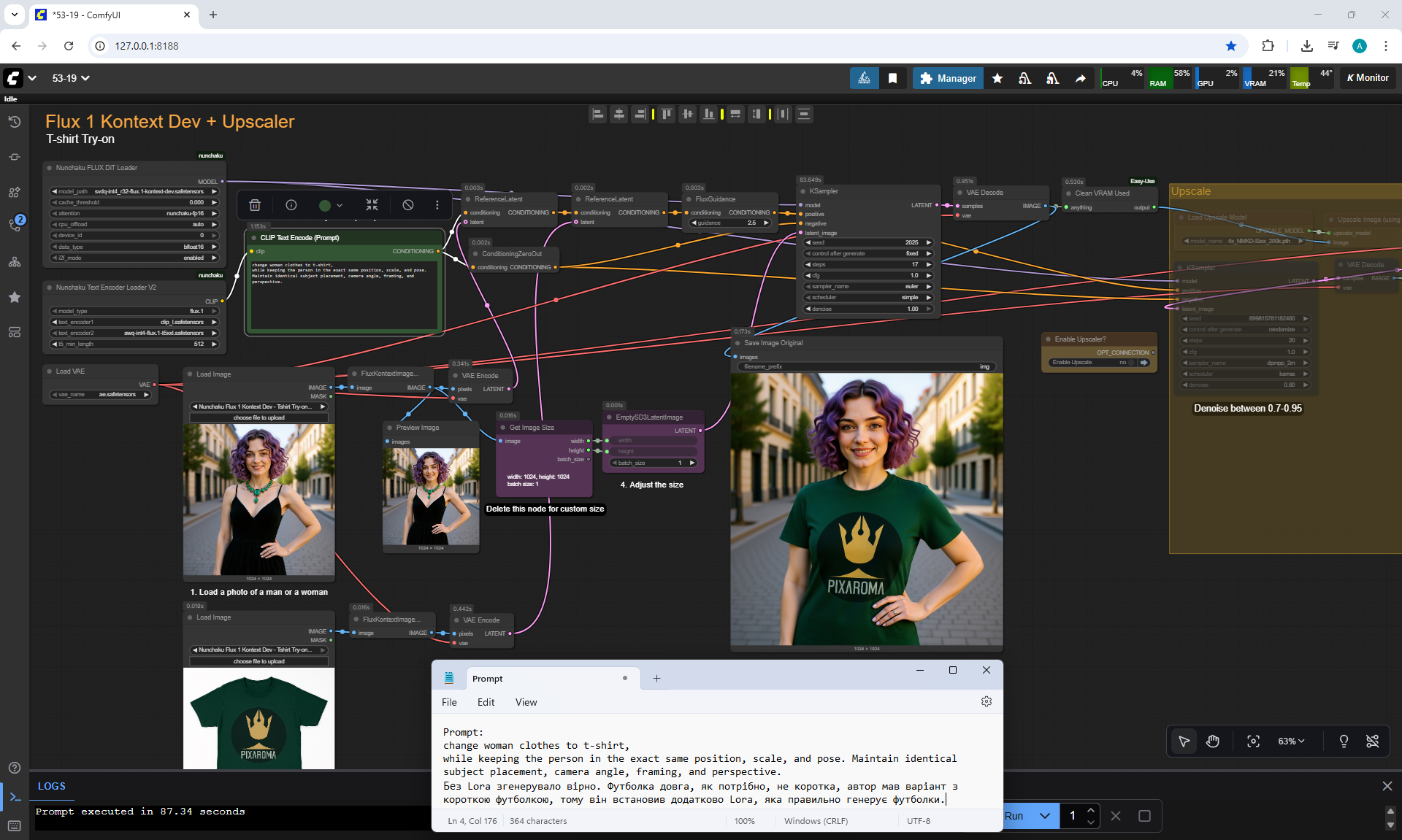
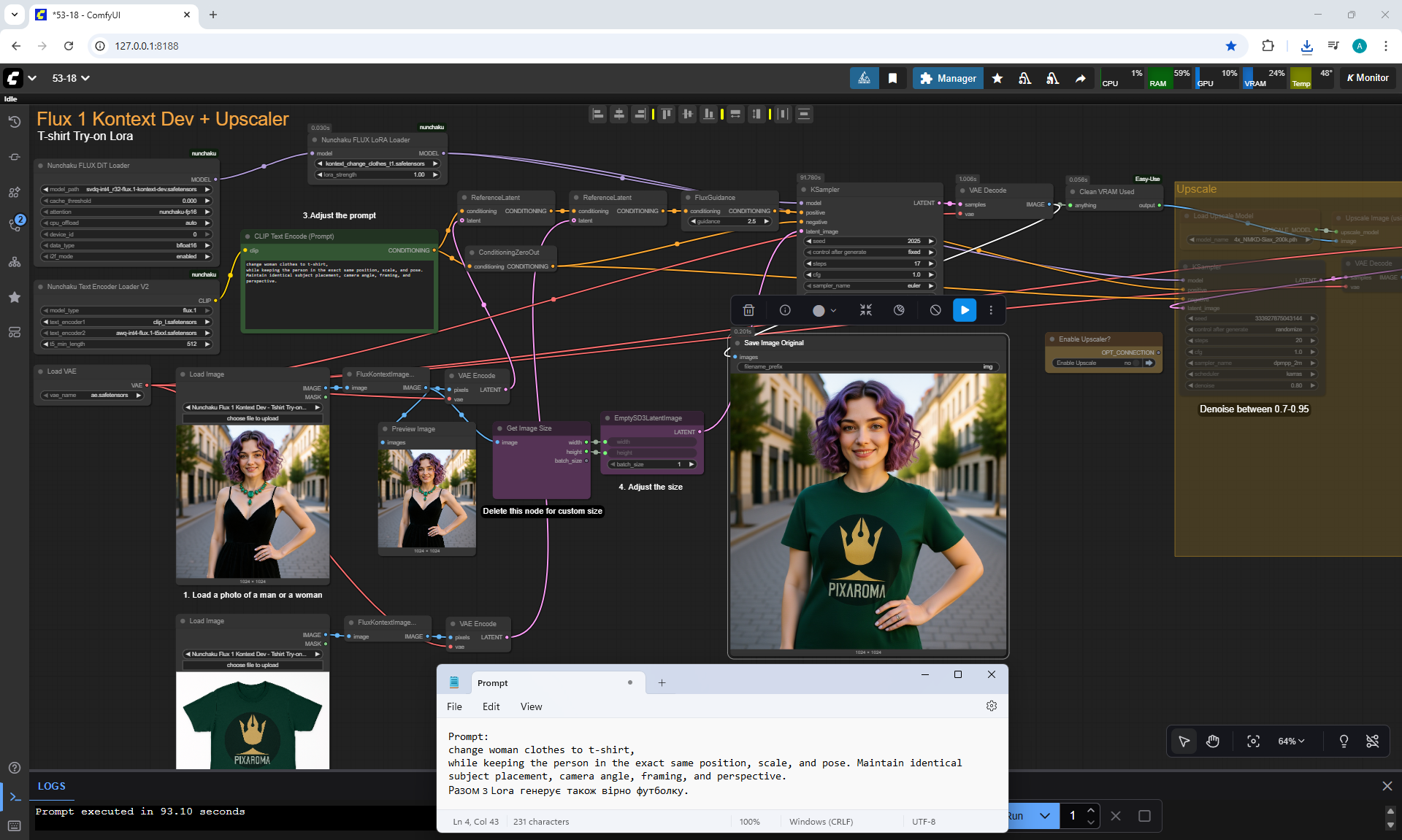
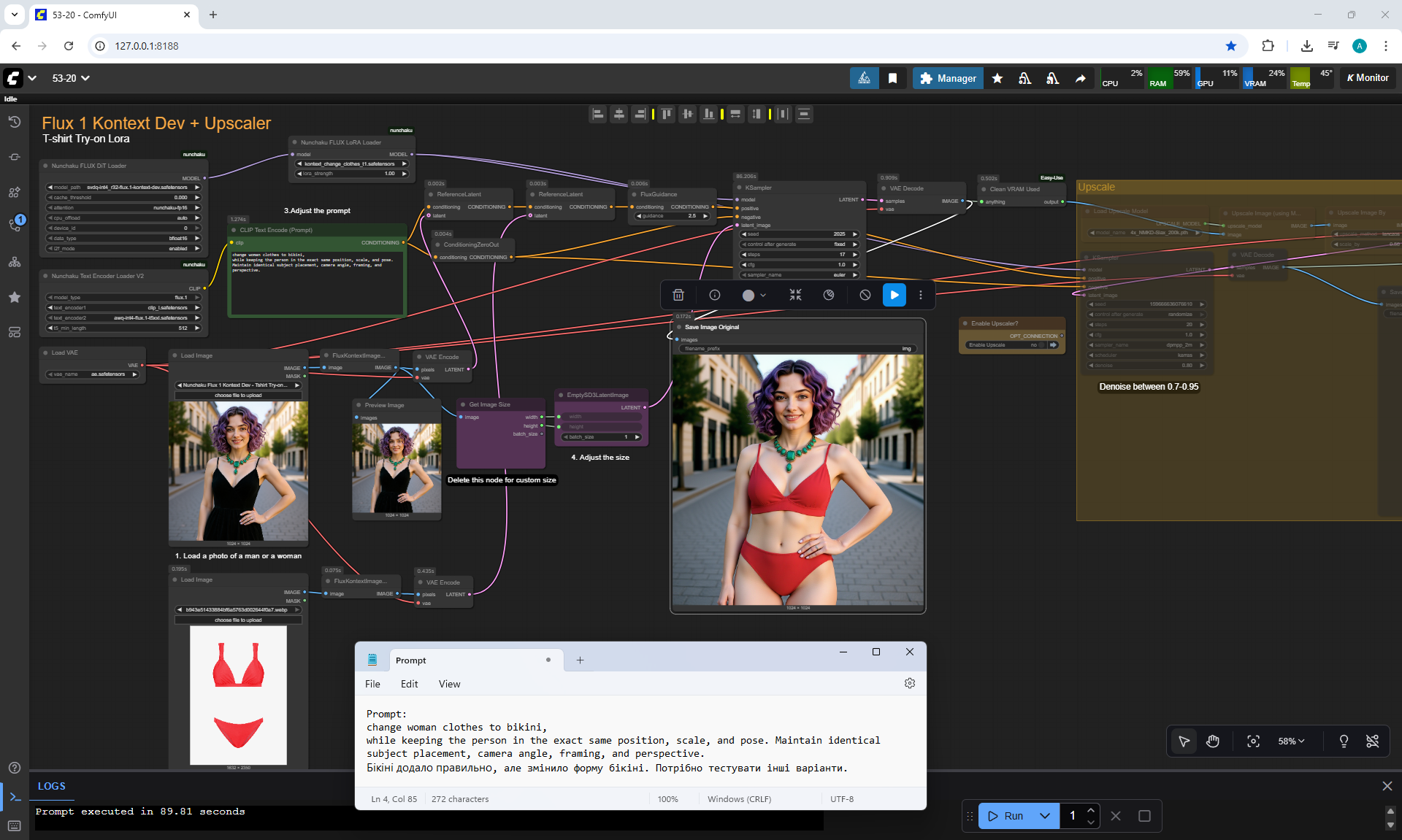
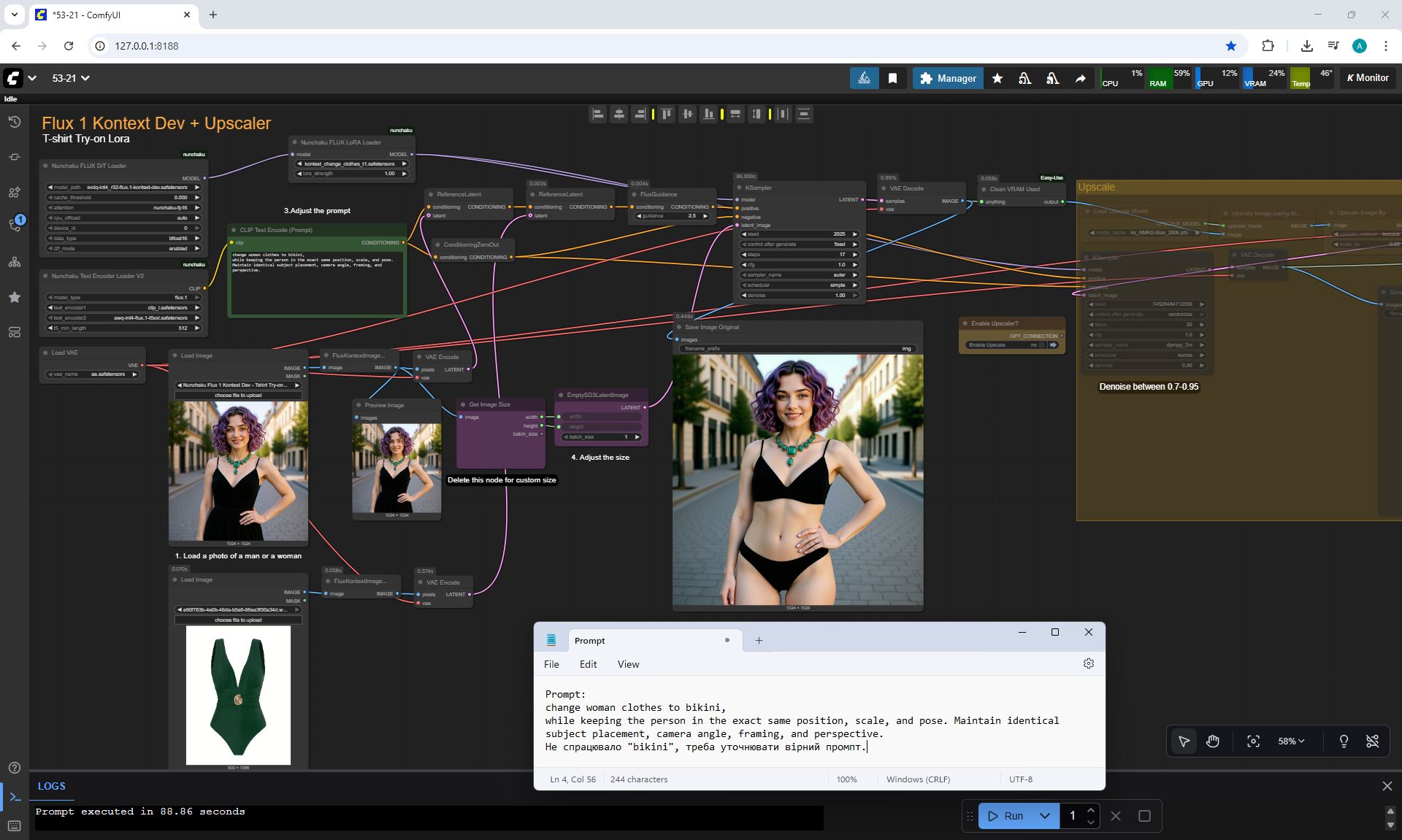
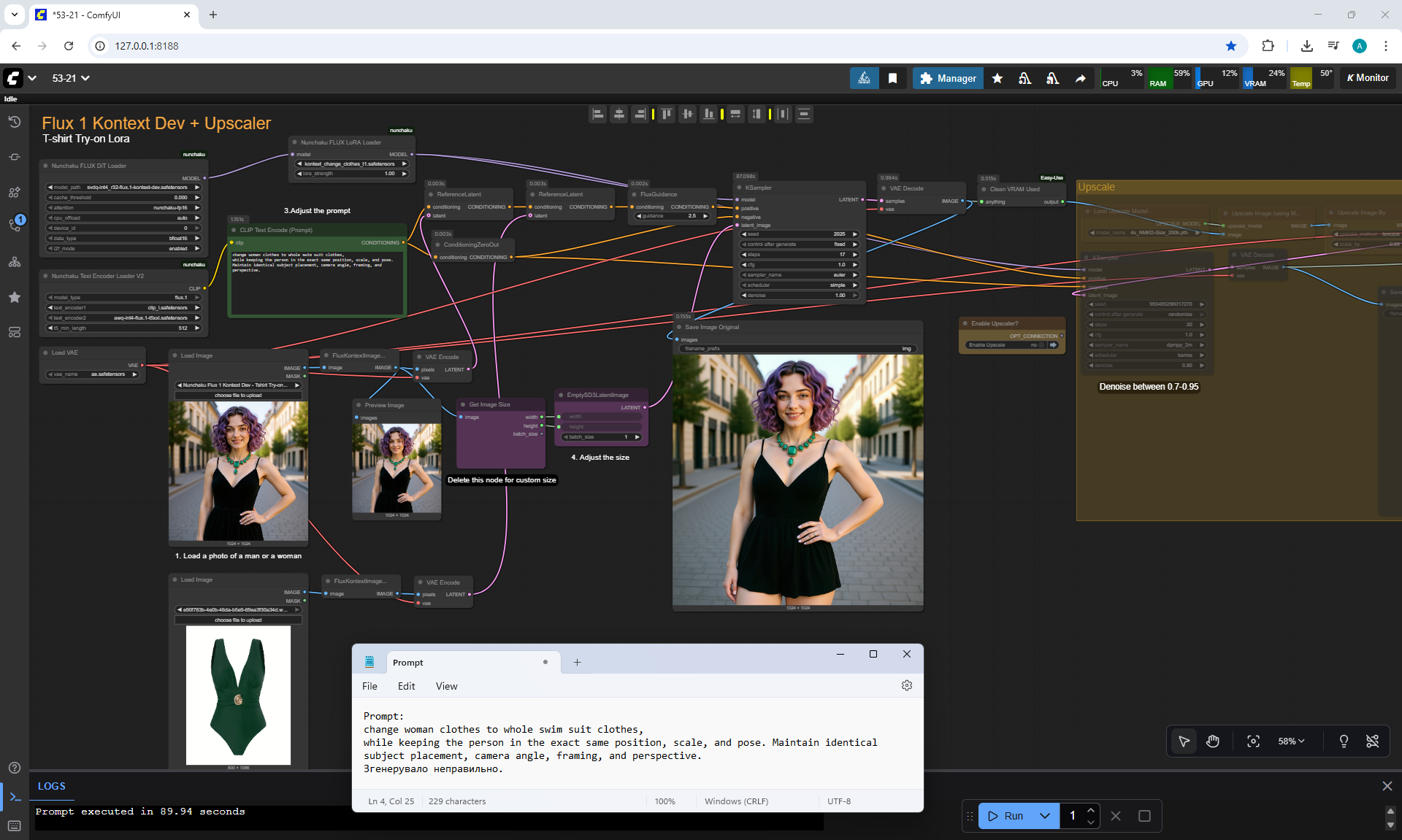
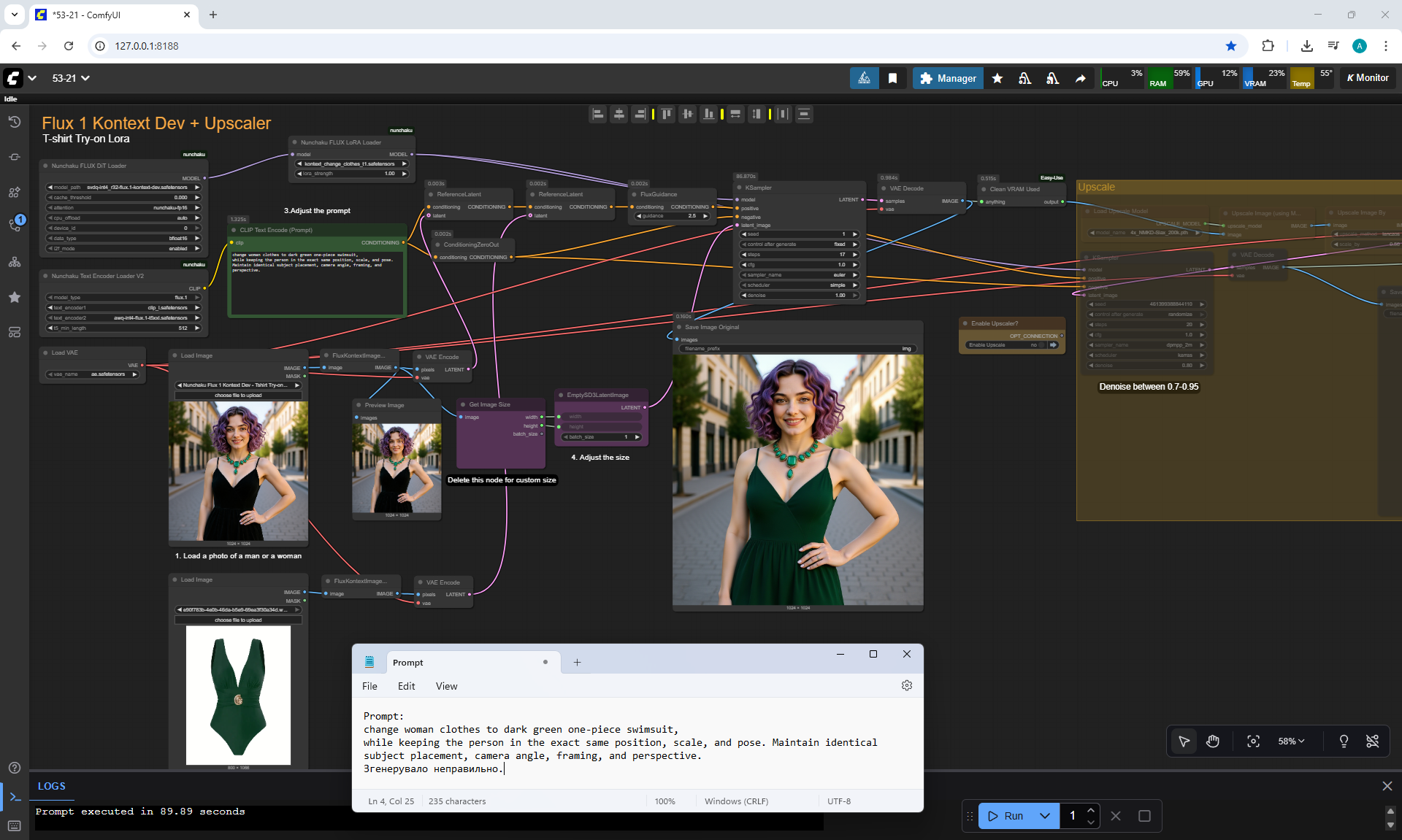
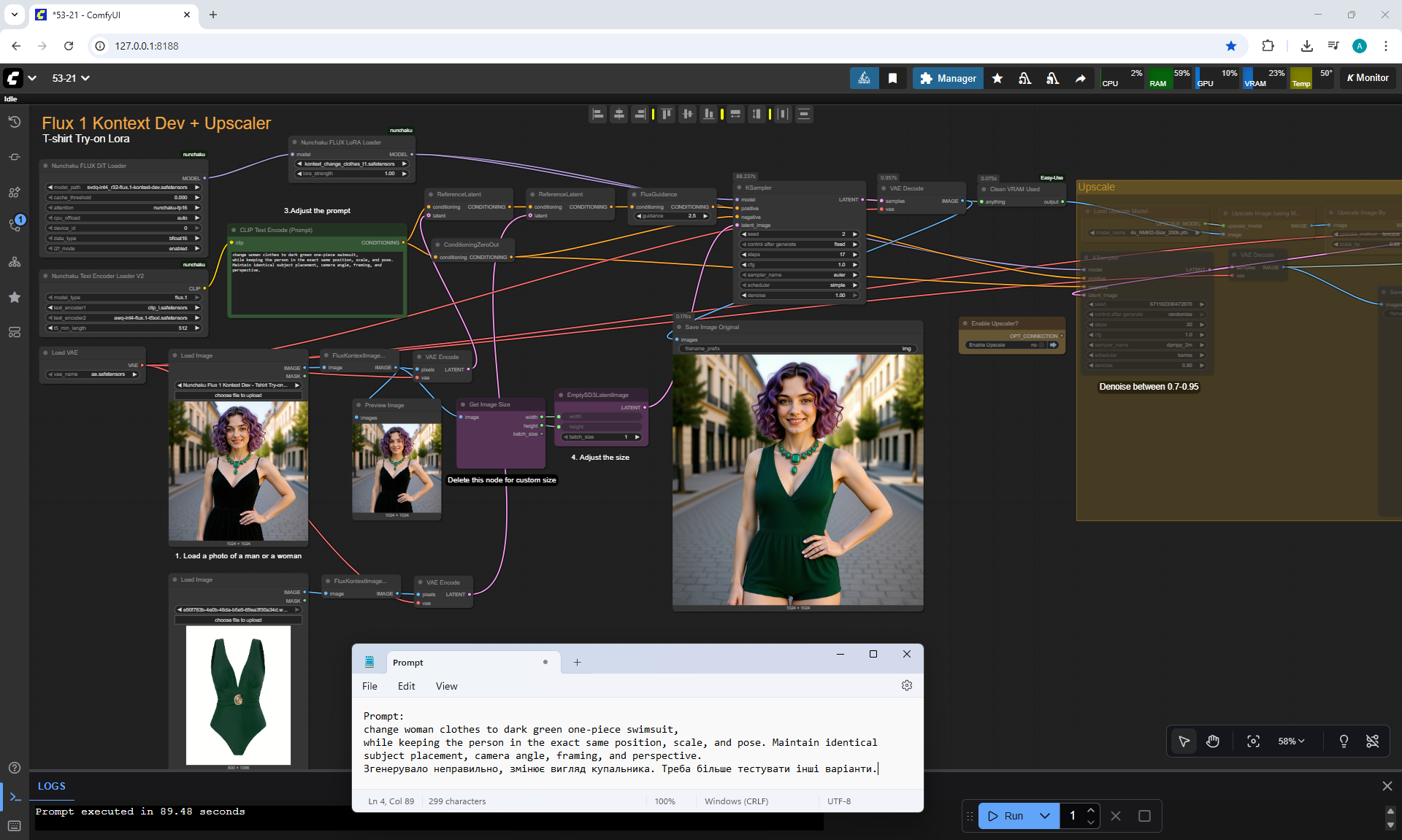
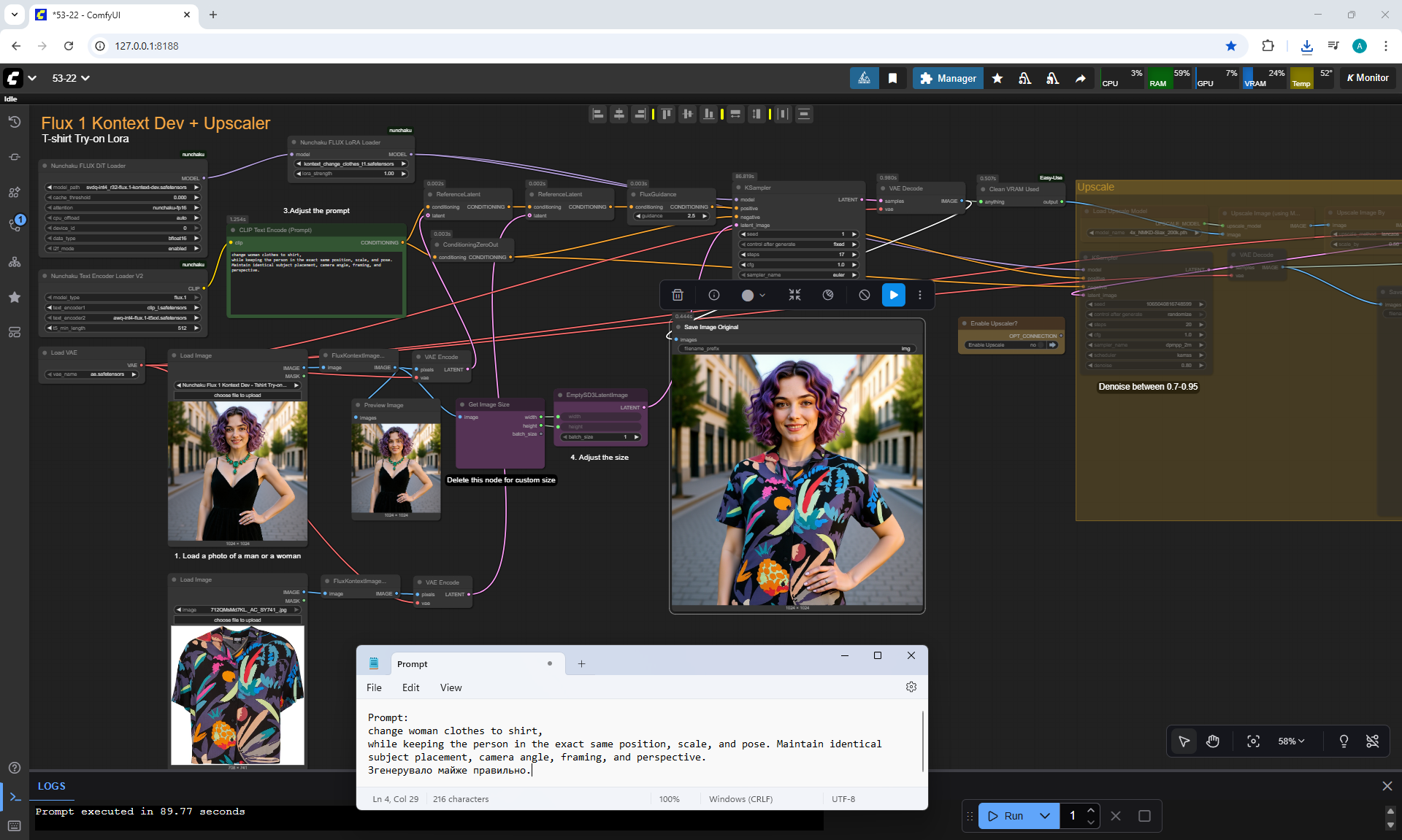
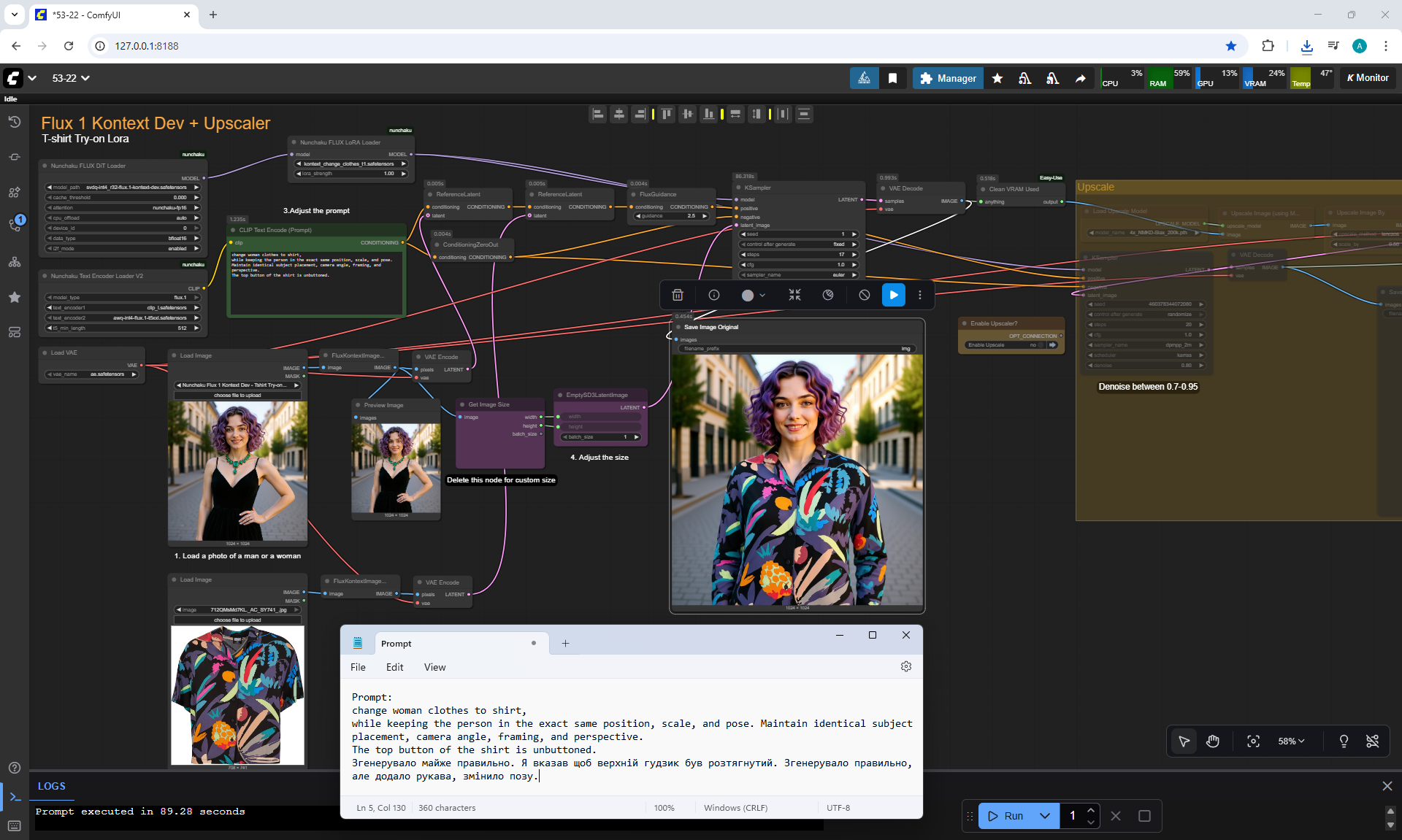
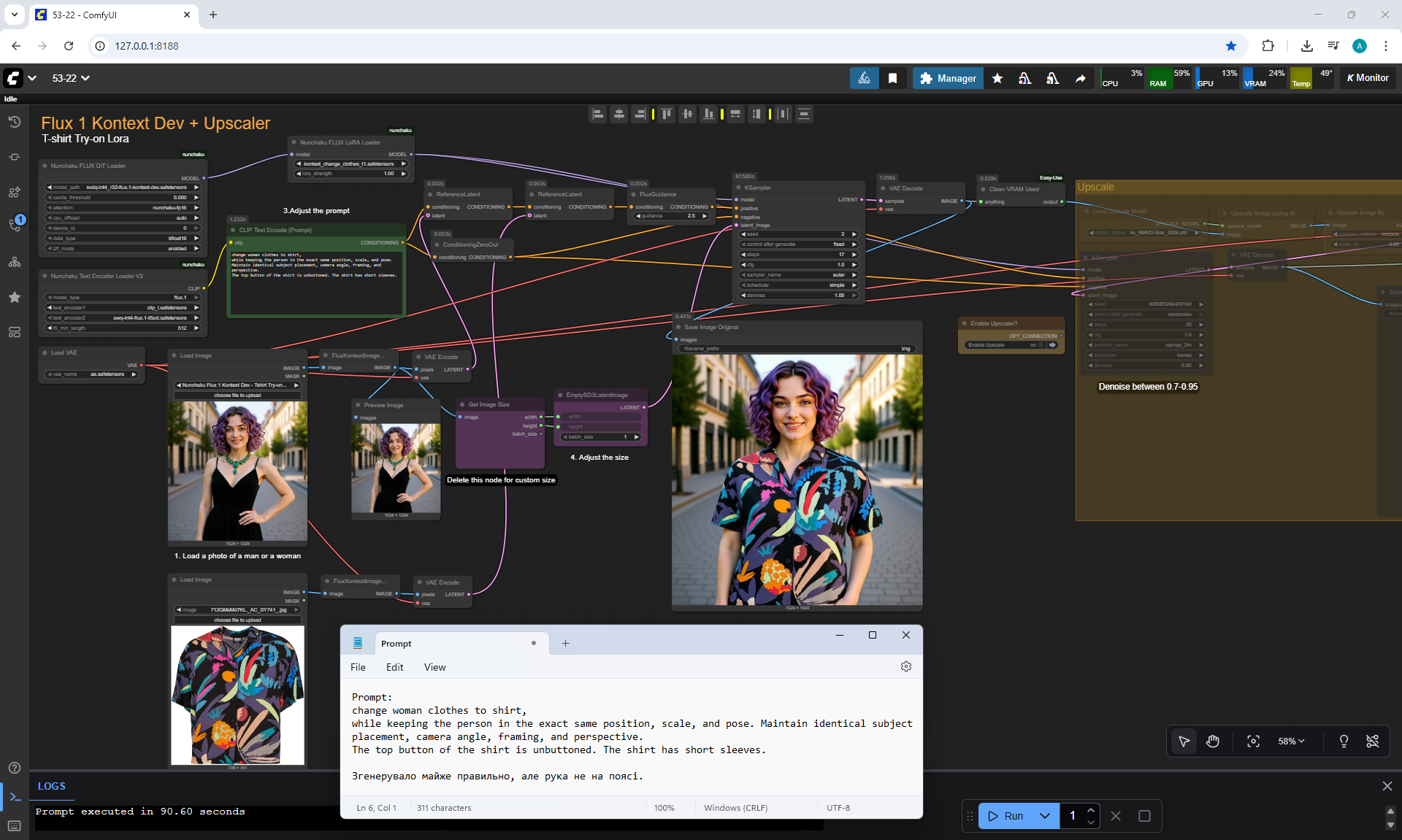
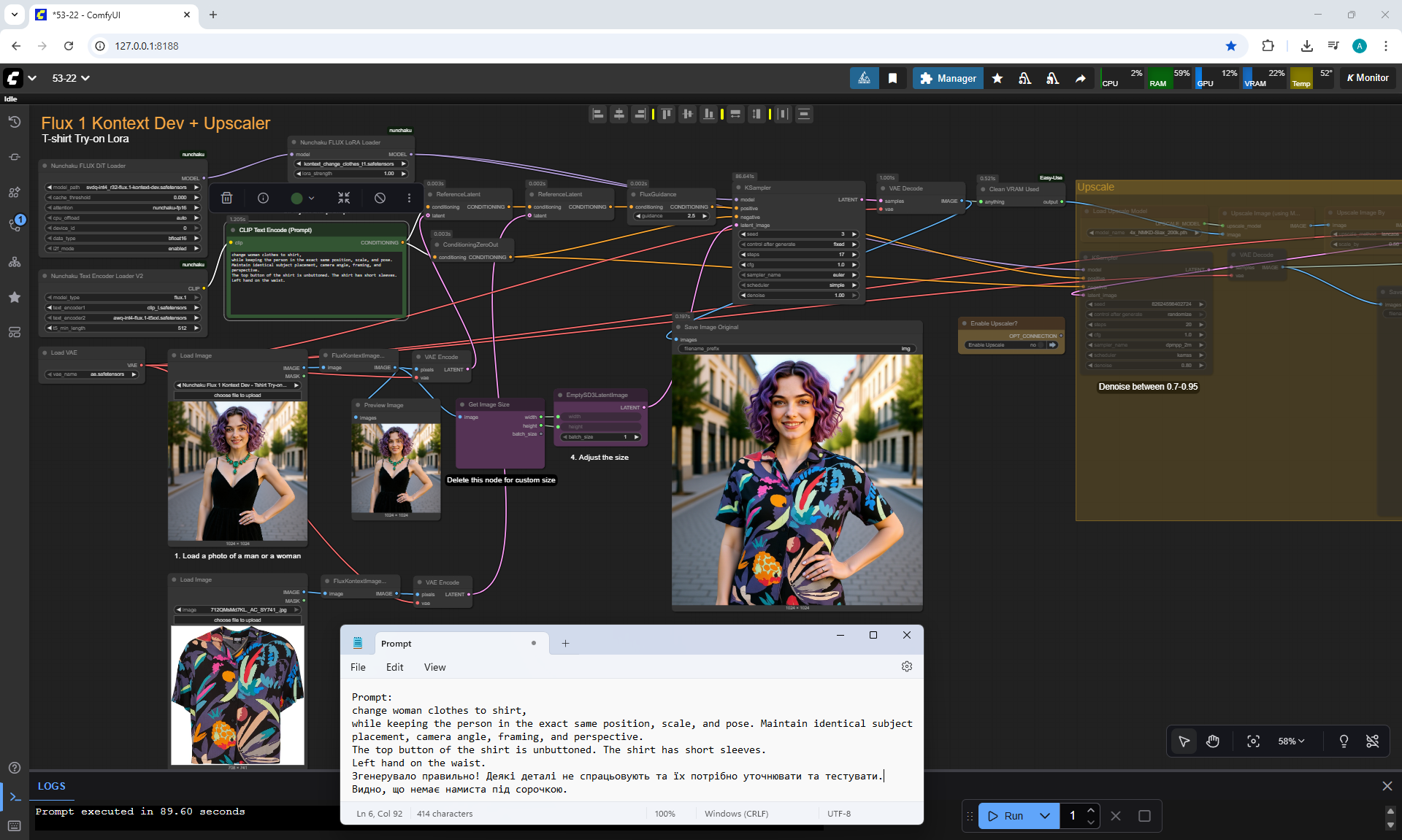
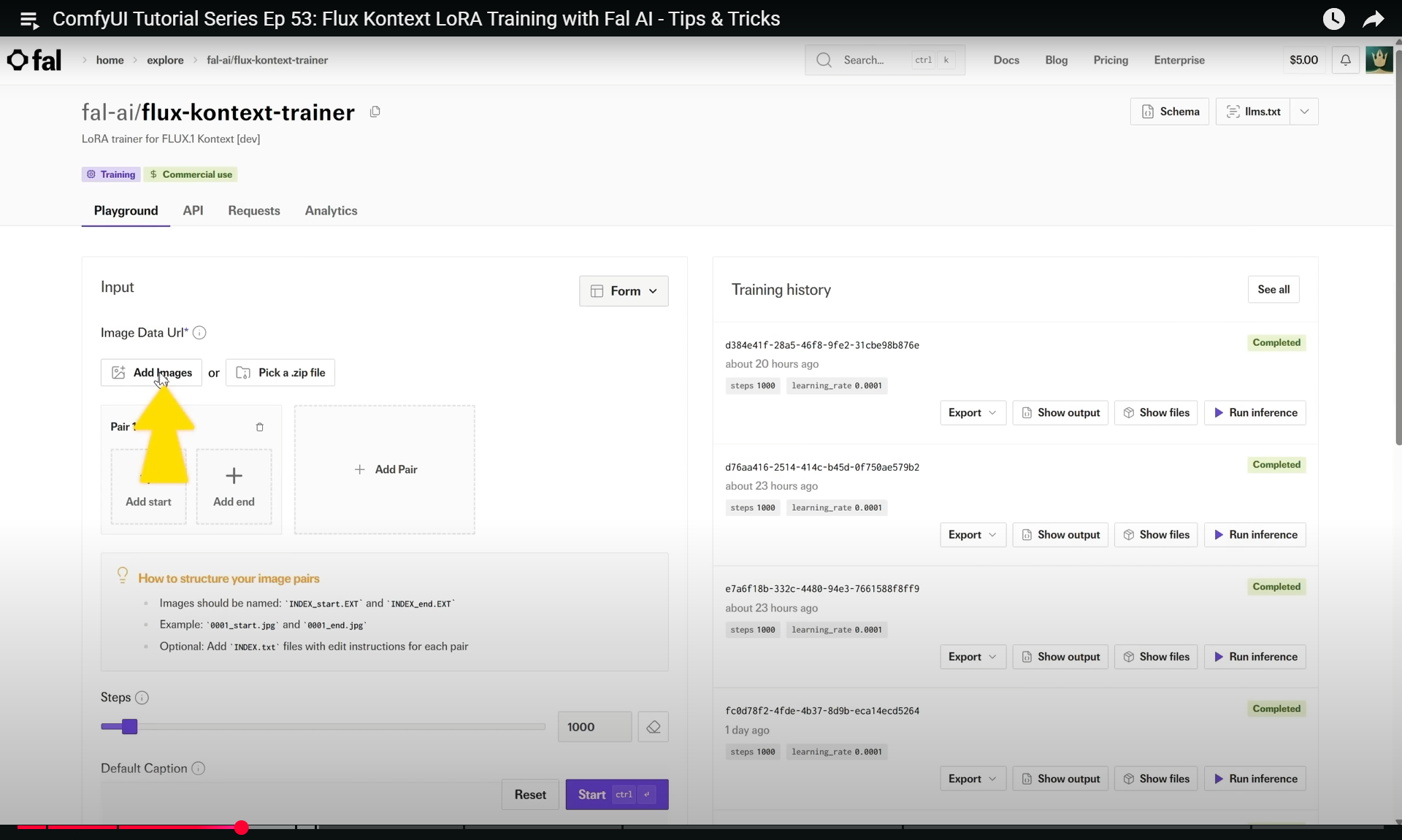
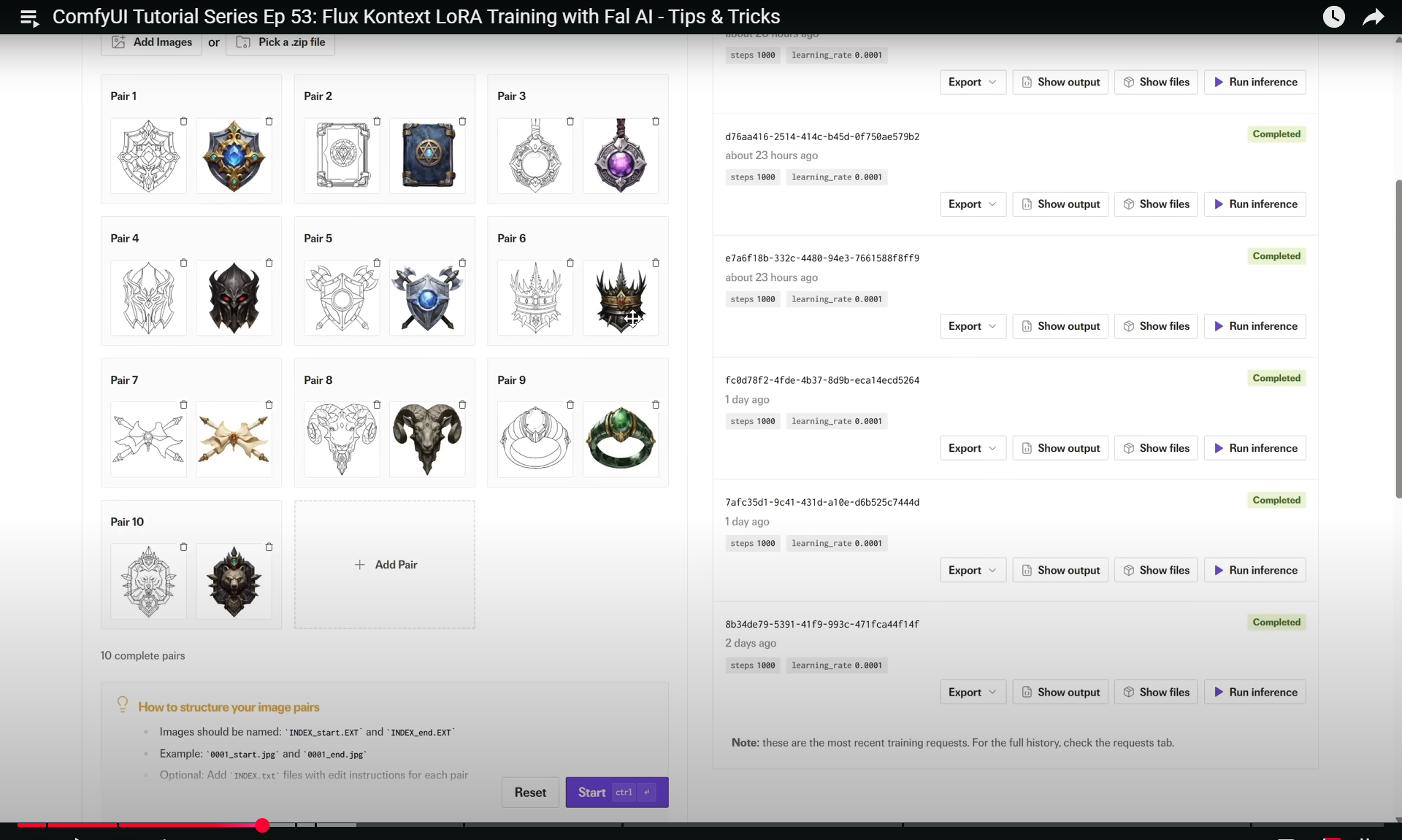
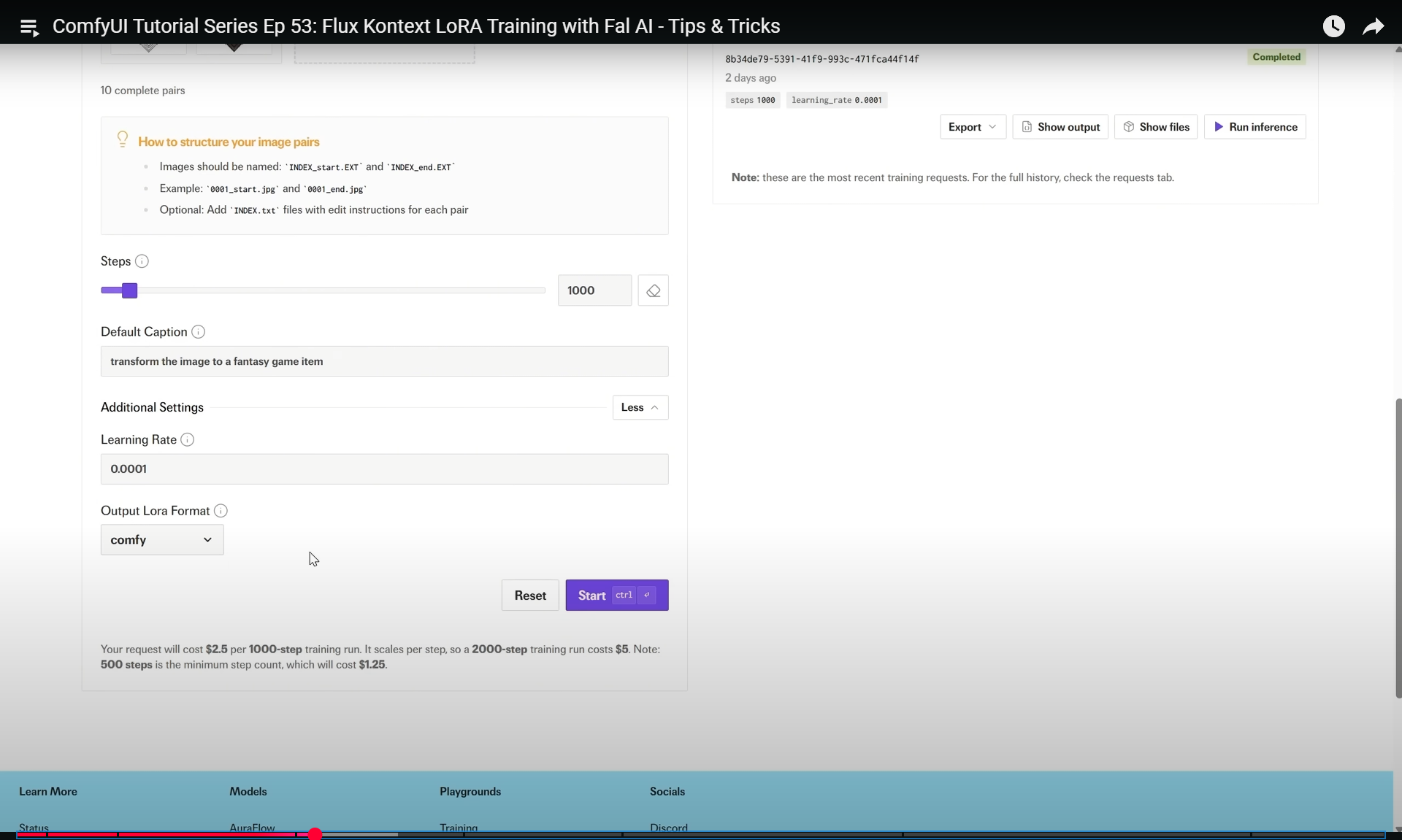
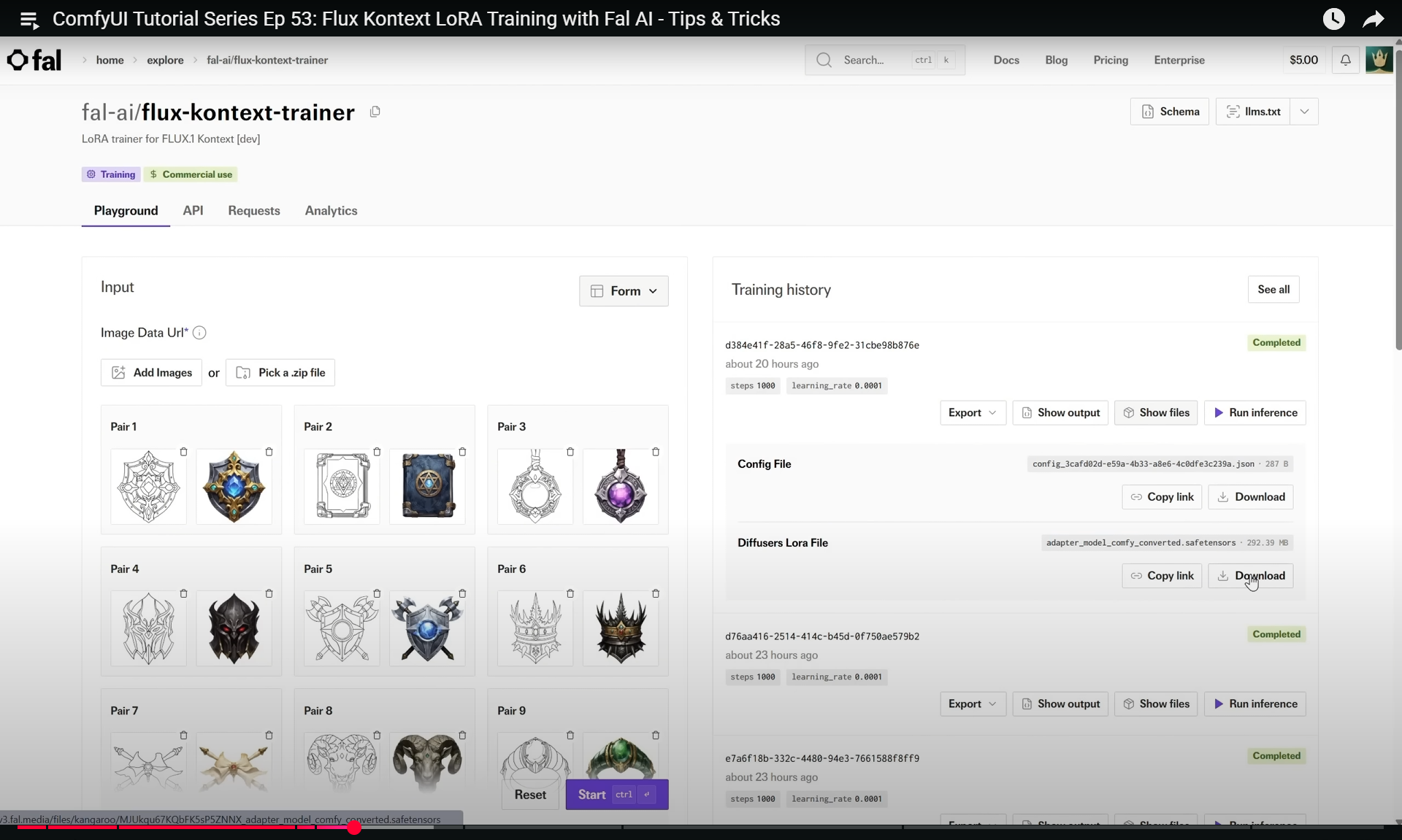
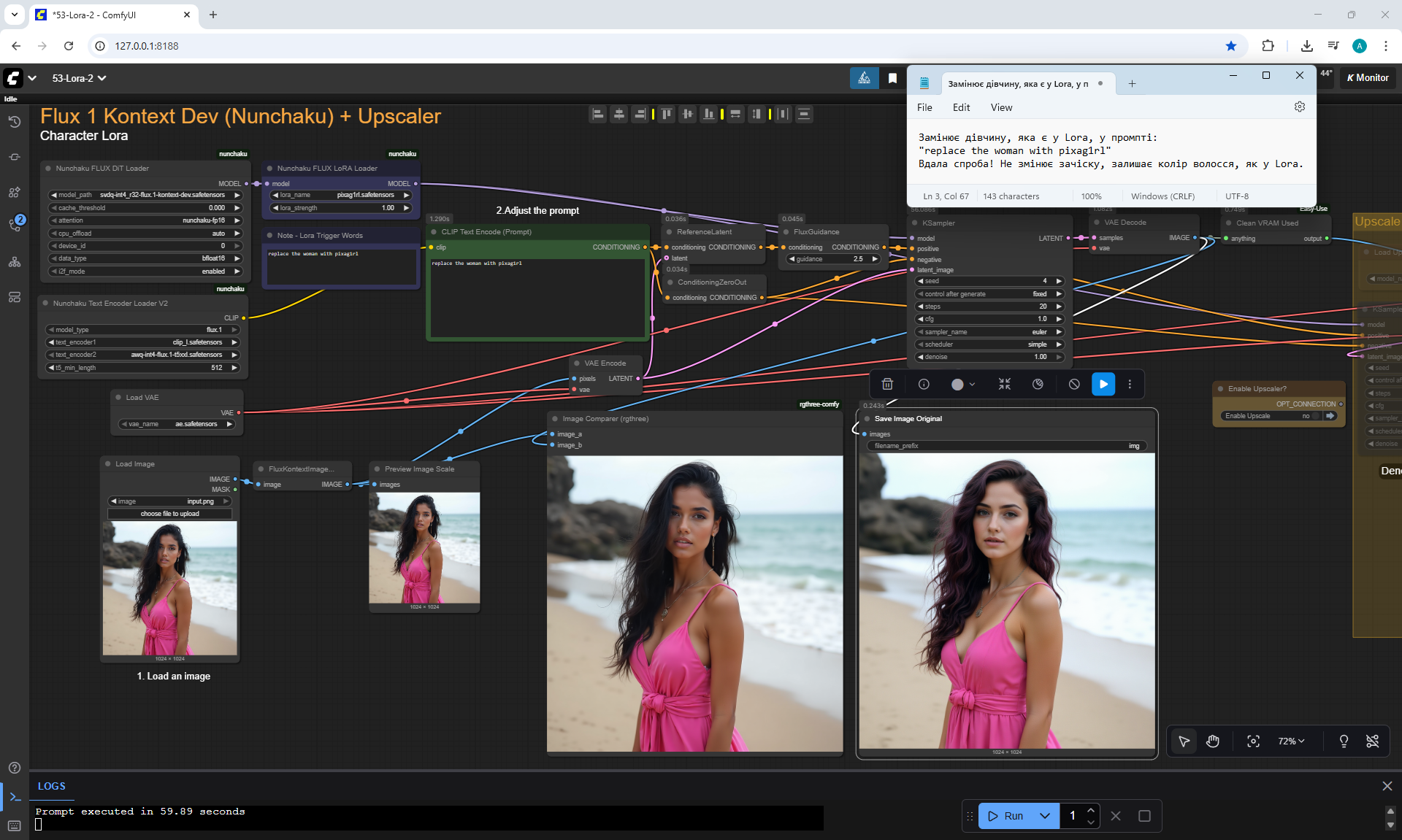
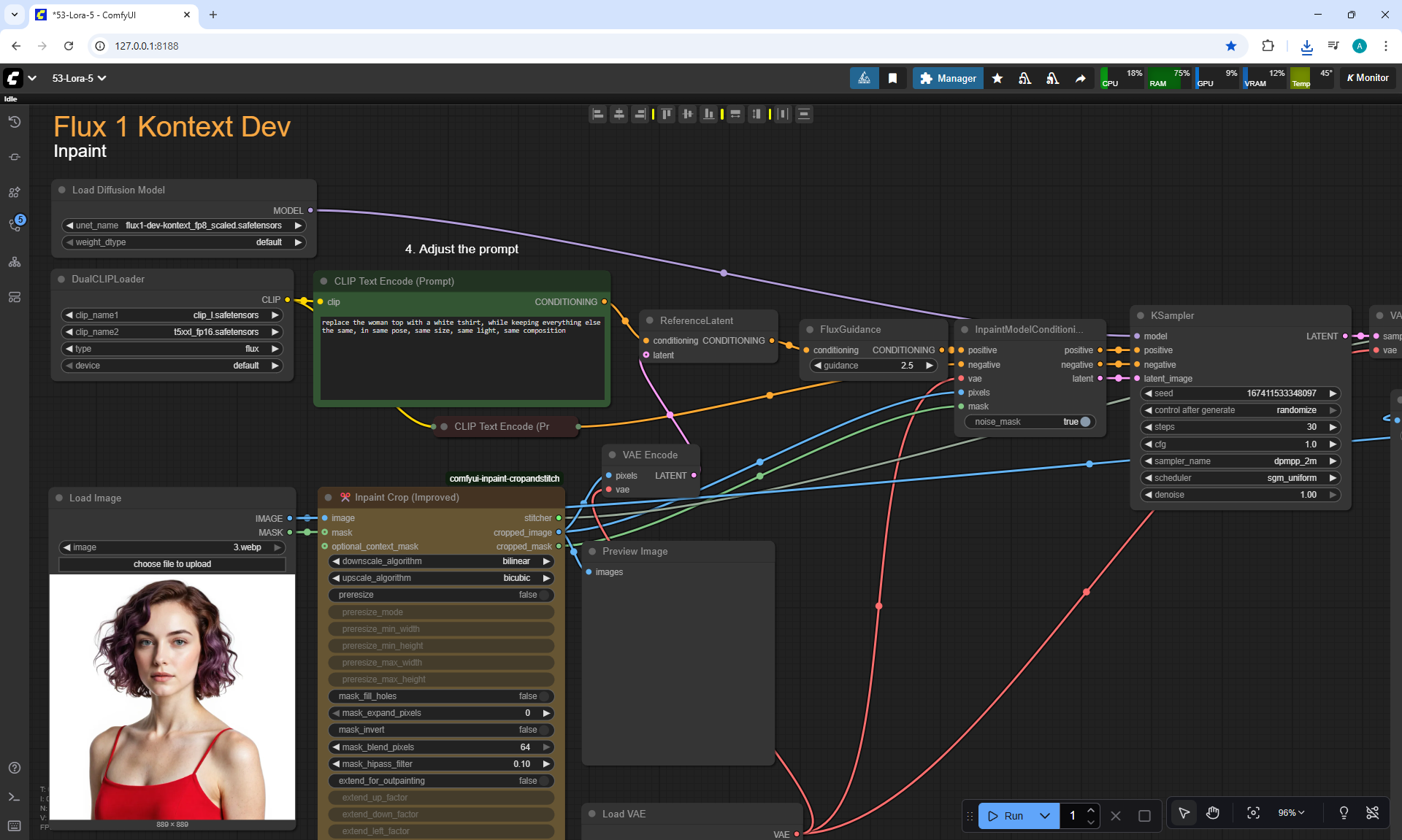
ComfyUI Tutorial Series Ep 53: Flux Kontext LoRA Training with Fal AI - Tips & Tricks
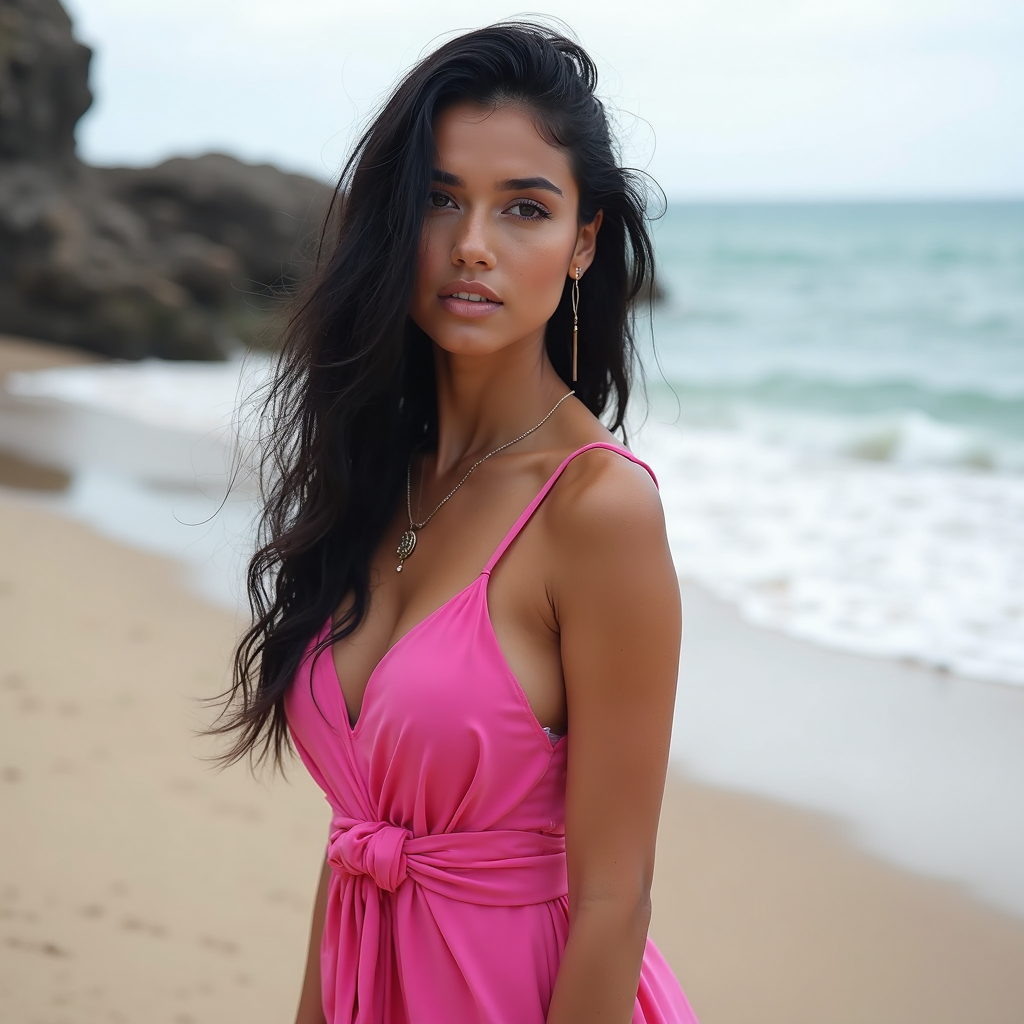
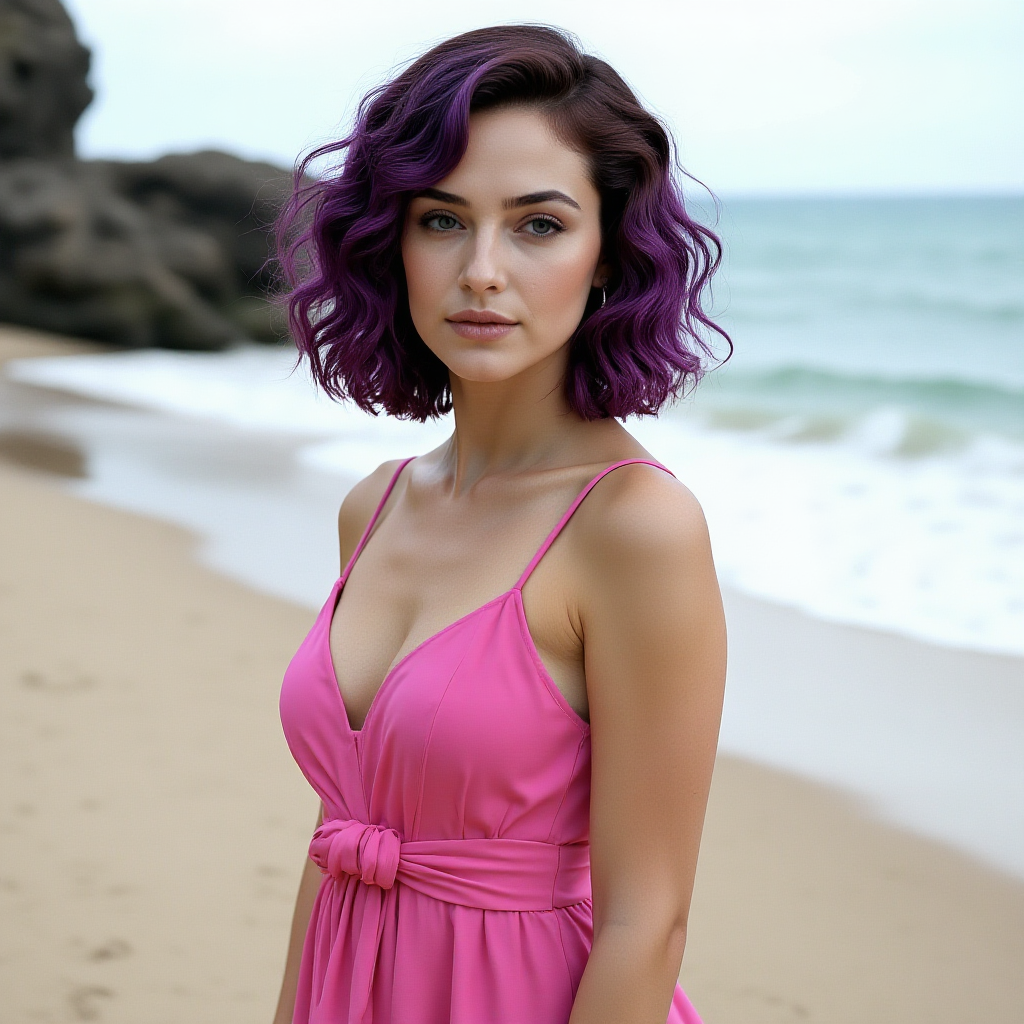
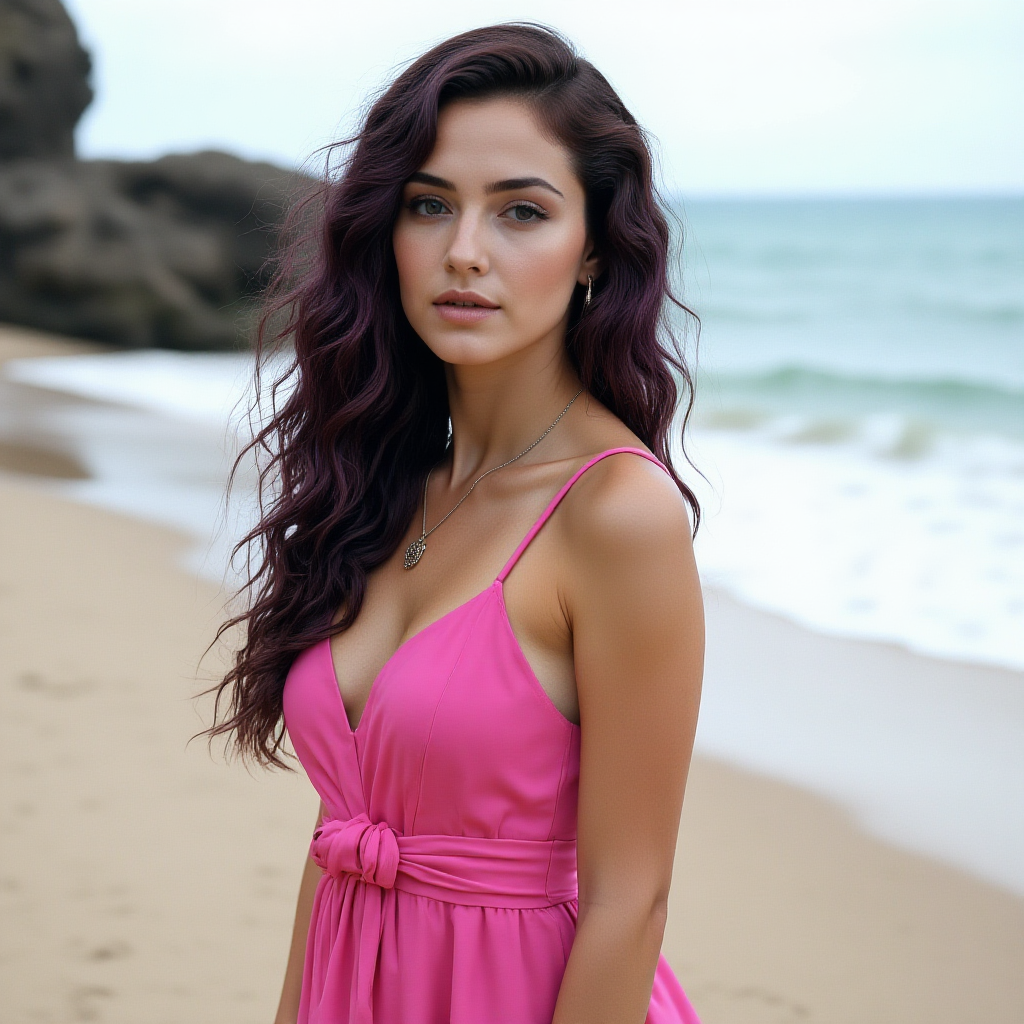
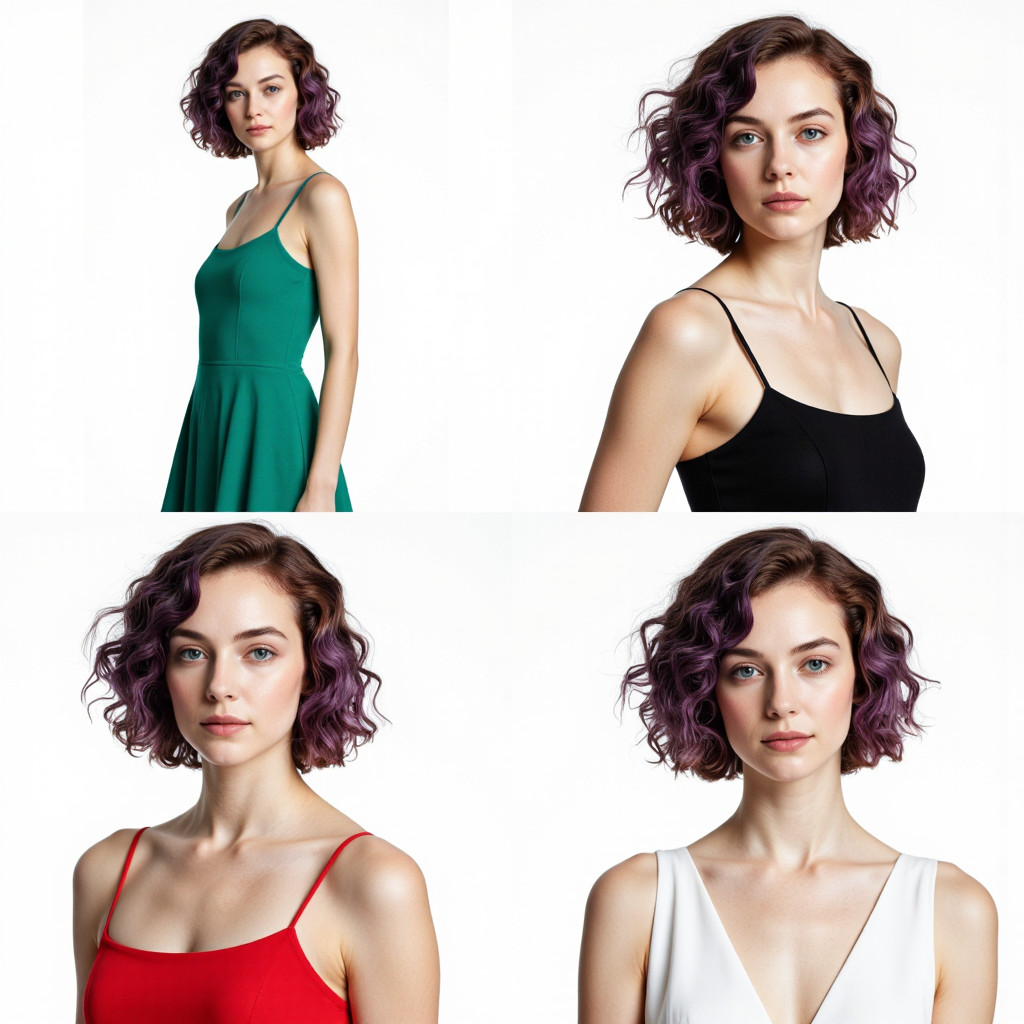
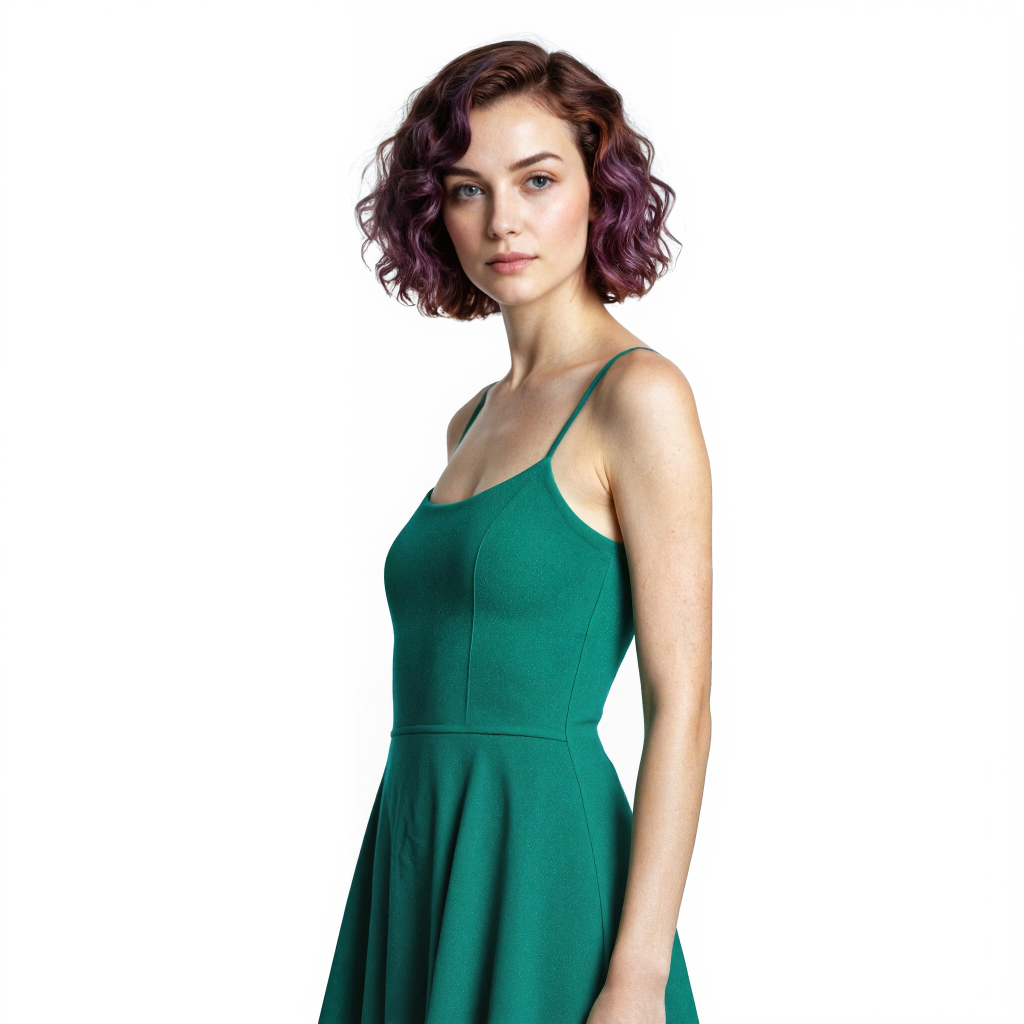
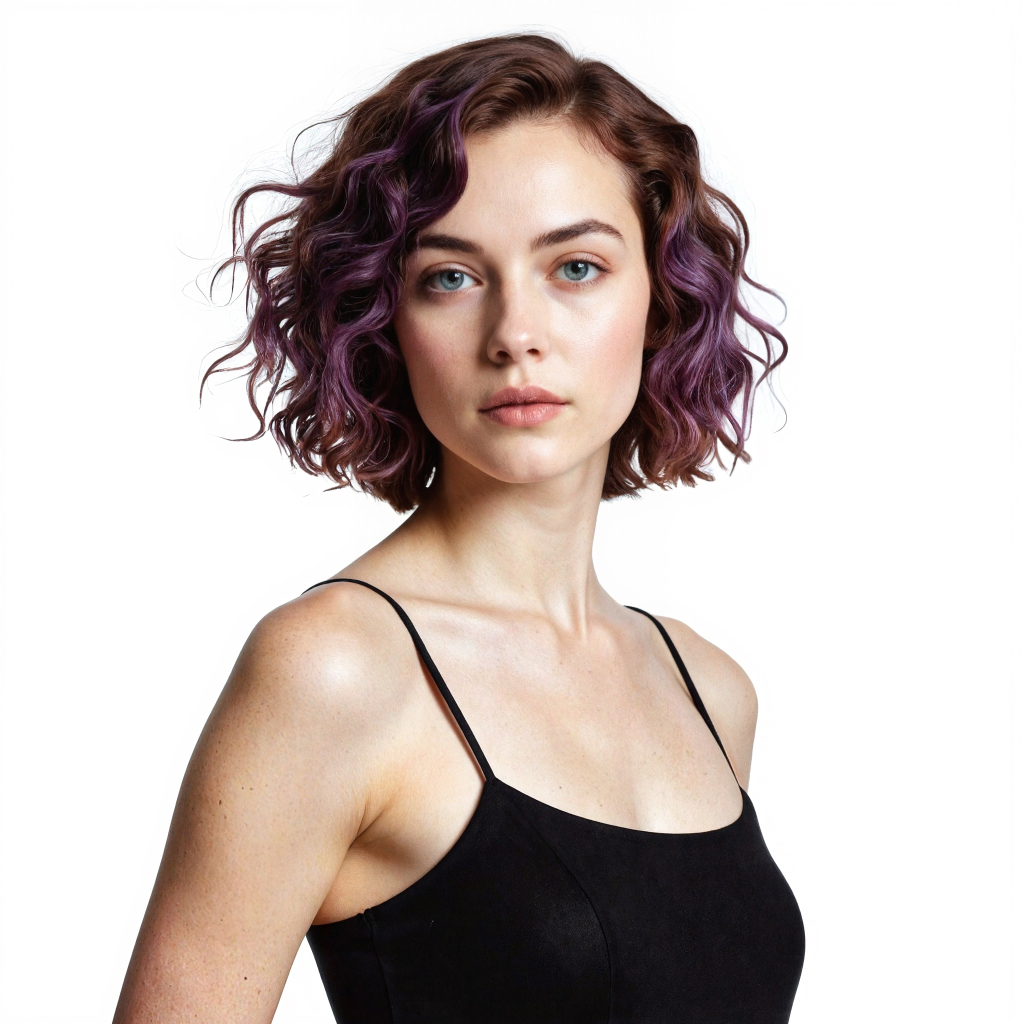
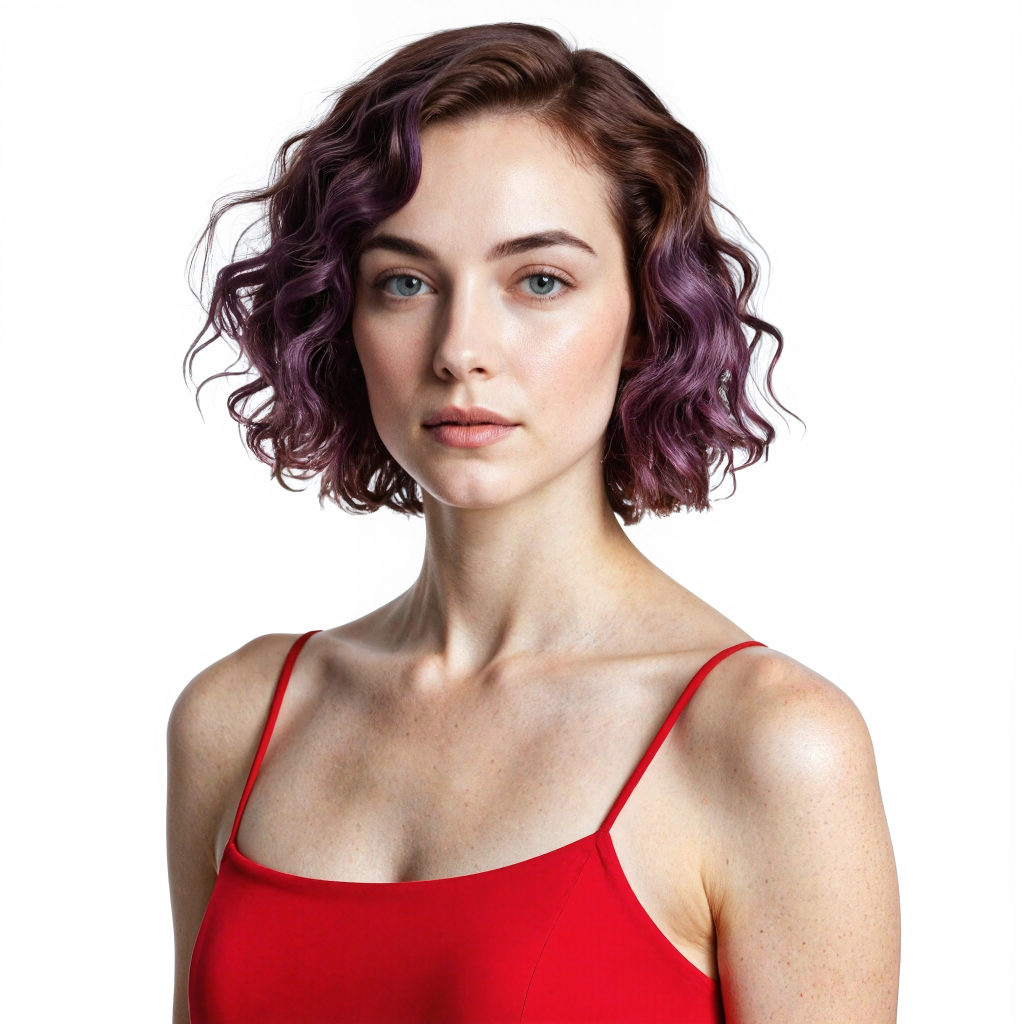


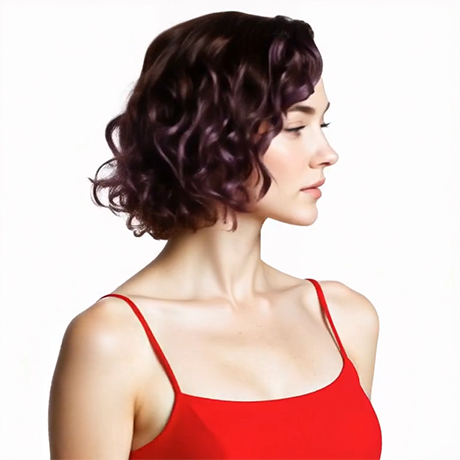
Prompt for video:
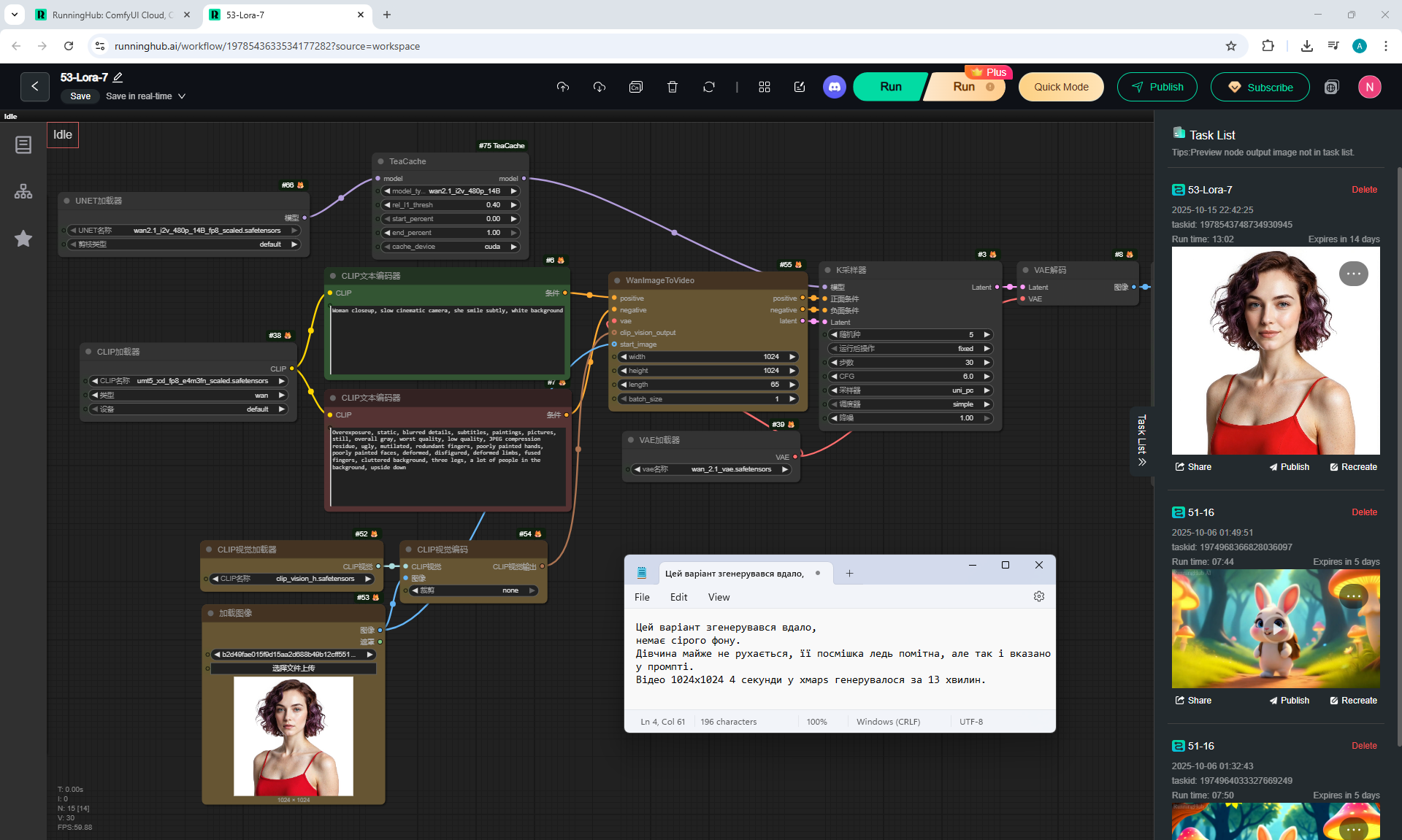
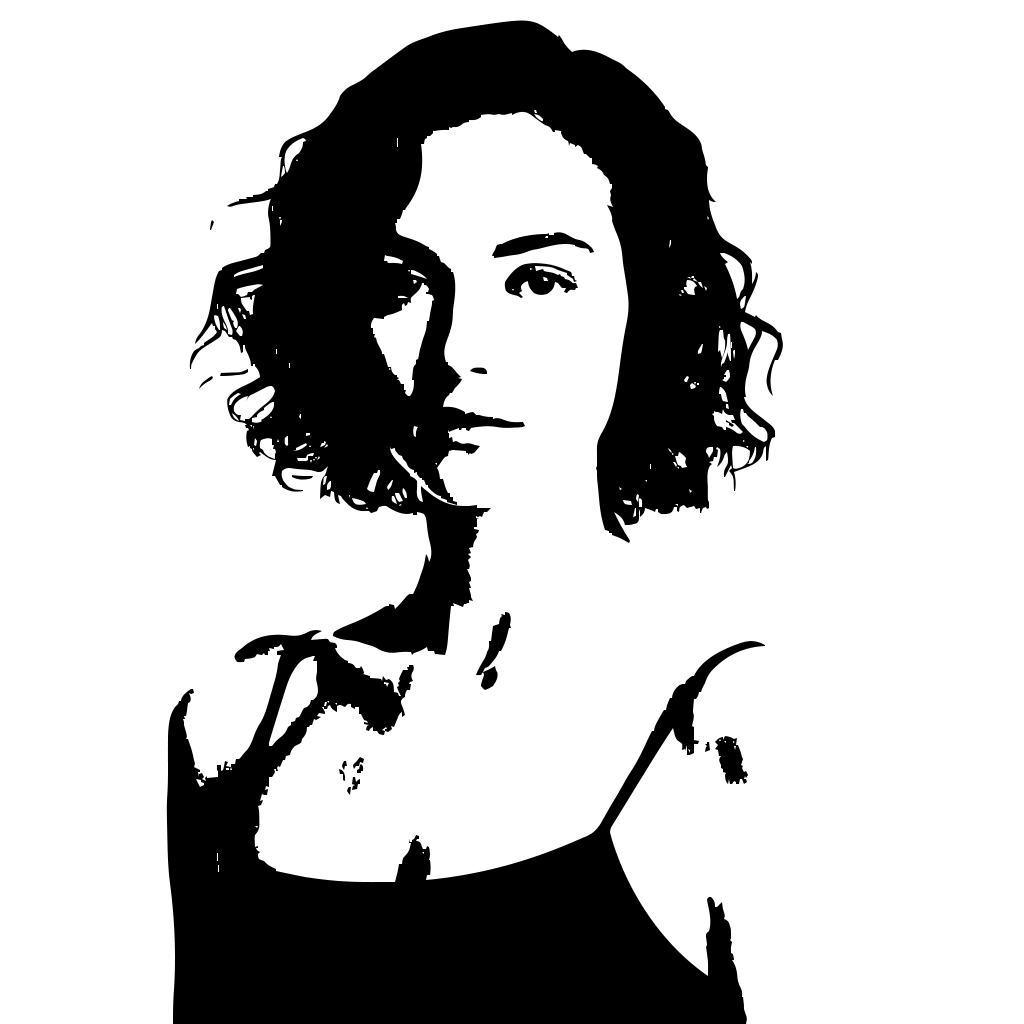
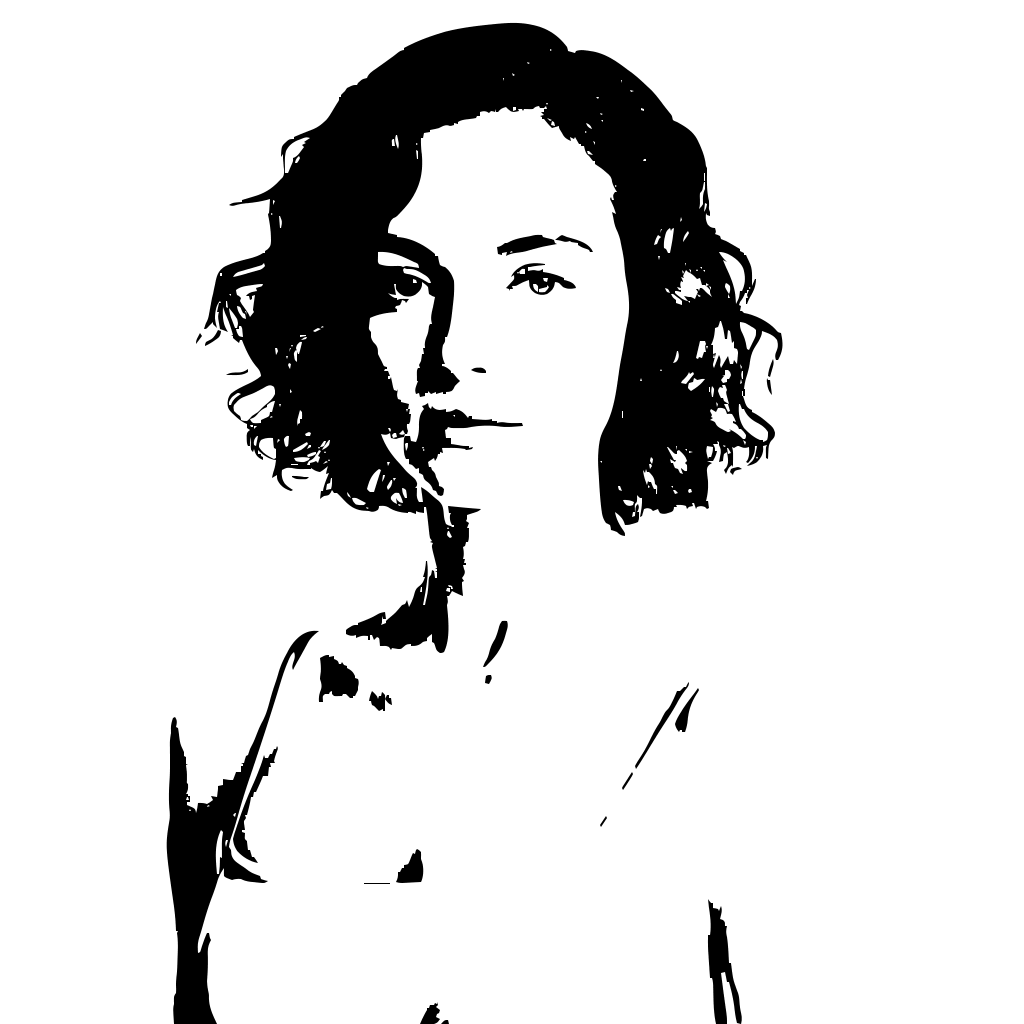
360 degree camera rotation, slowly cinematic, woman smile subtly, white background
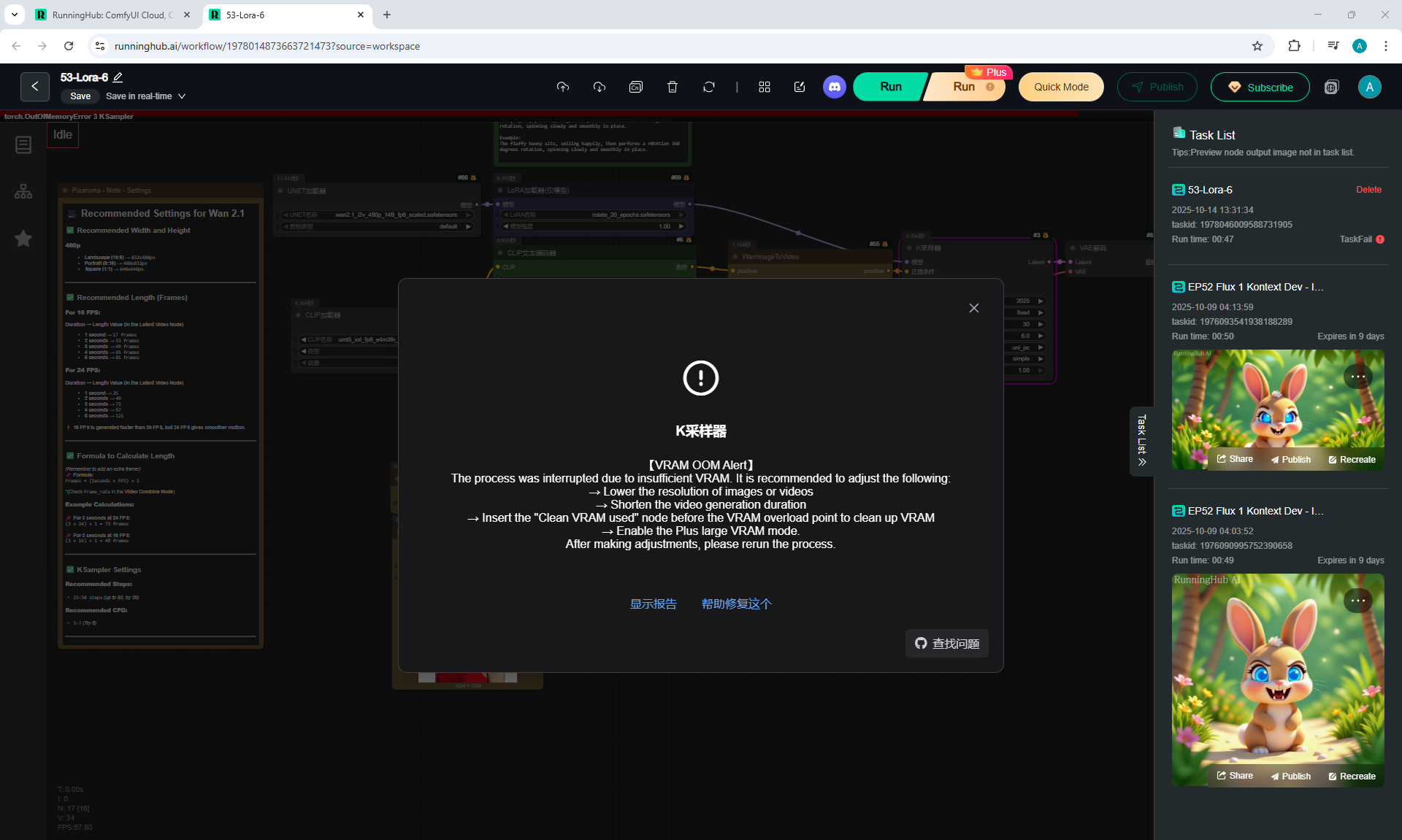
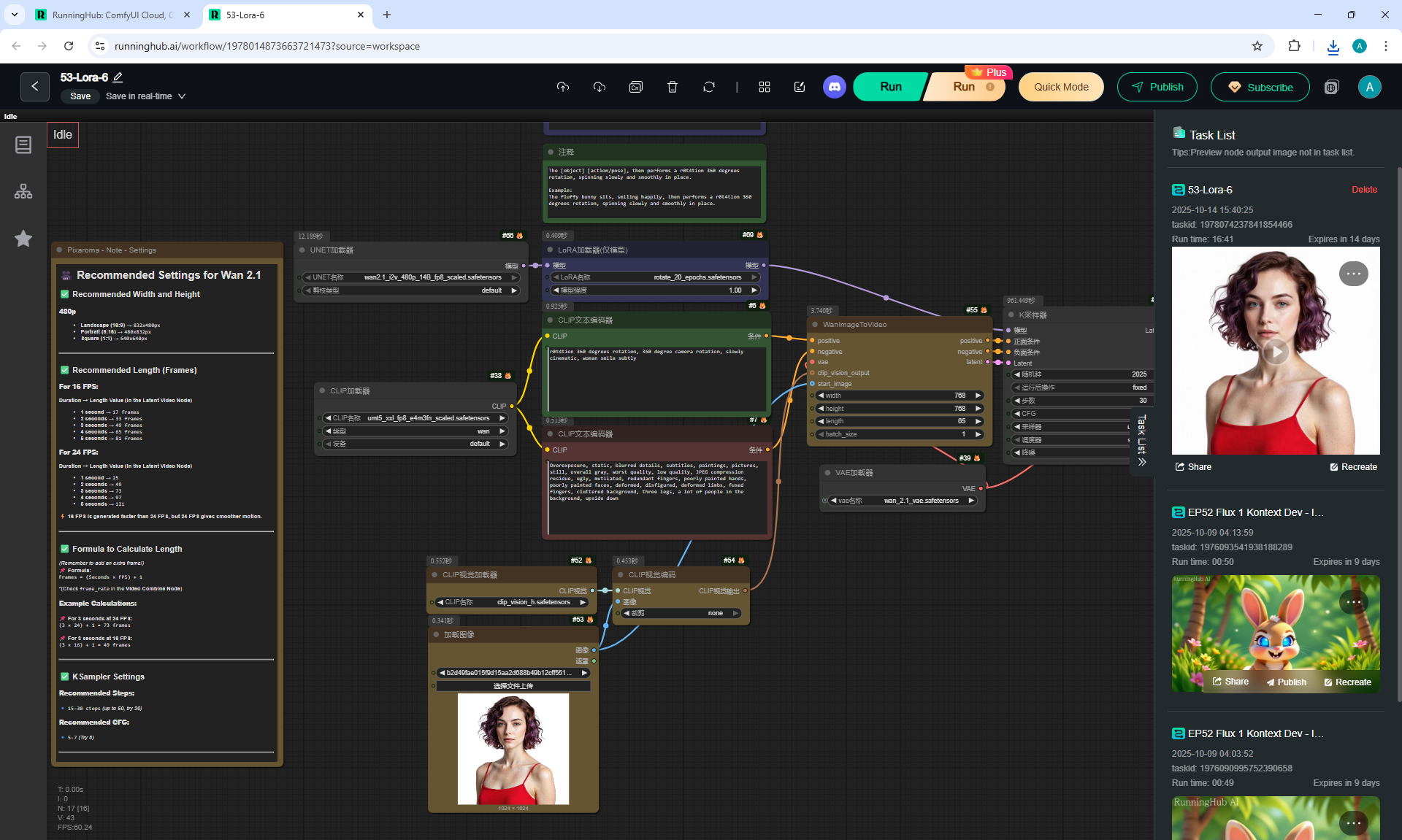
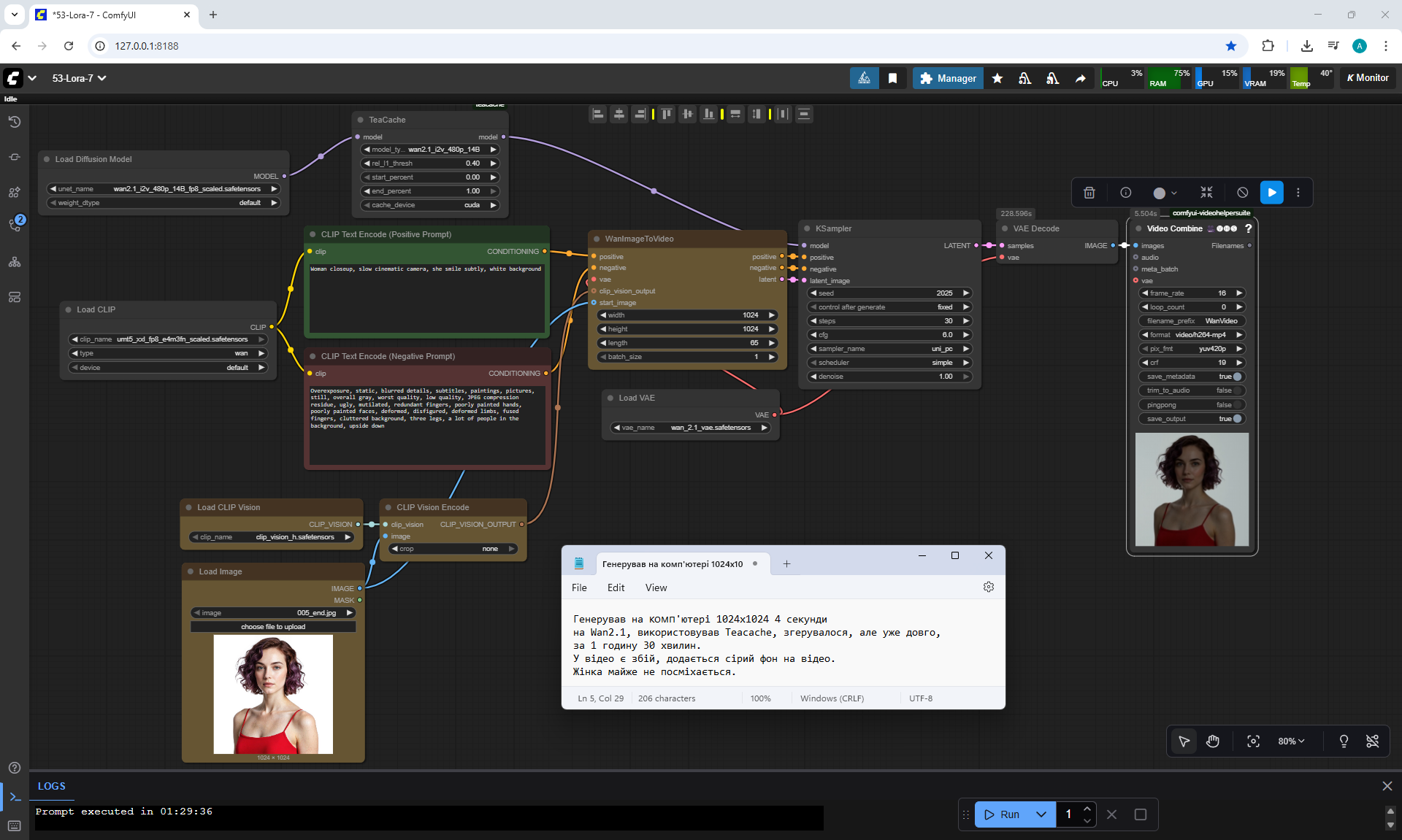
I generated this video in ComfyUI, workflow, on the model wan2.1_i2v_480_fp8_scaled and LoRA rotate_20_epochs.
This Lora was specially trained to rotate the camera around objects. The video is generated correctly, clearly one rotation of the camera 360 degrees around the girl, but the girl's smile is not visible.
On some paid graphics generation sites, such a prompt to rotate the camera around an object will not generate the correct video without this Lora.
I generated this workflow in the cloud:
runninghub.ai

Prompt for video:
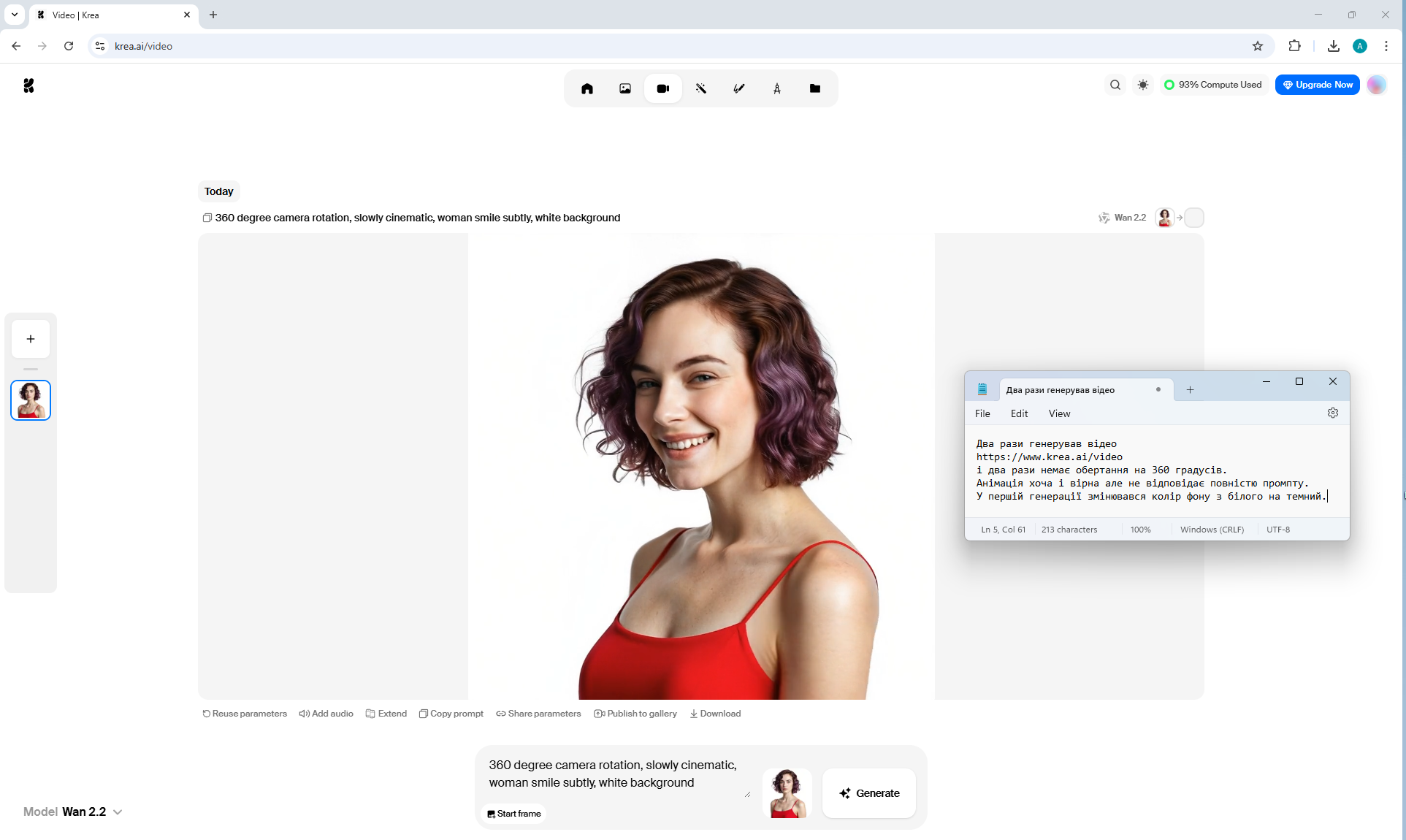
360 degree camera rotation, slowly cinematic, woman smile subtly, white background
I generated this video on the website: krea.ai/video
I generated several times, but the camera did not rotate around the girl. In the second generation, the girl's body rotated, but her head did not move, although the prompt did not indicate that there was rotation, it generated wrong video.
In this video, there is a slight rotation of the girl by 45 degrees. Although the generation does not correspond to the prompt and the camera does not rotate 360 around the girl, in my opinion the girl's smile turned out to be very lively and realistic.


Prompt for video:
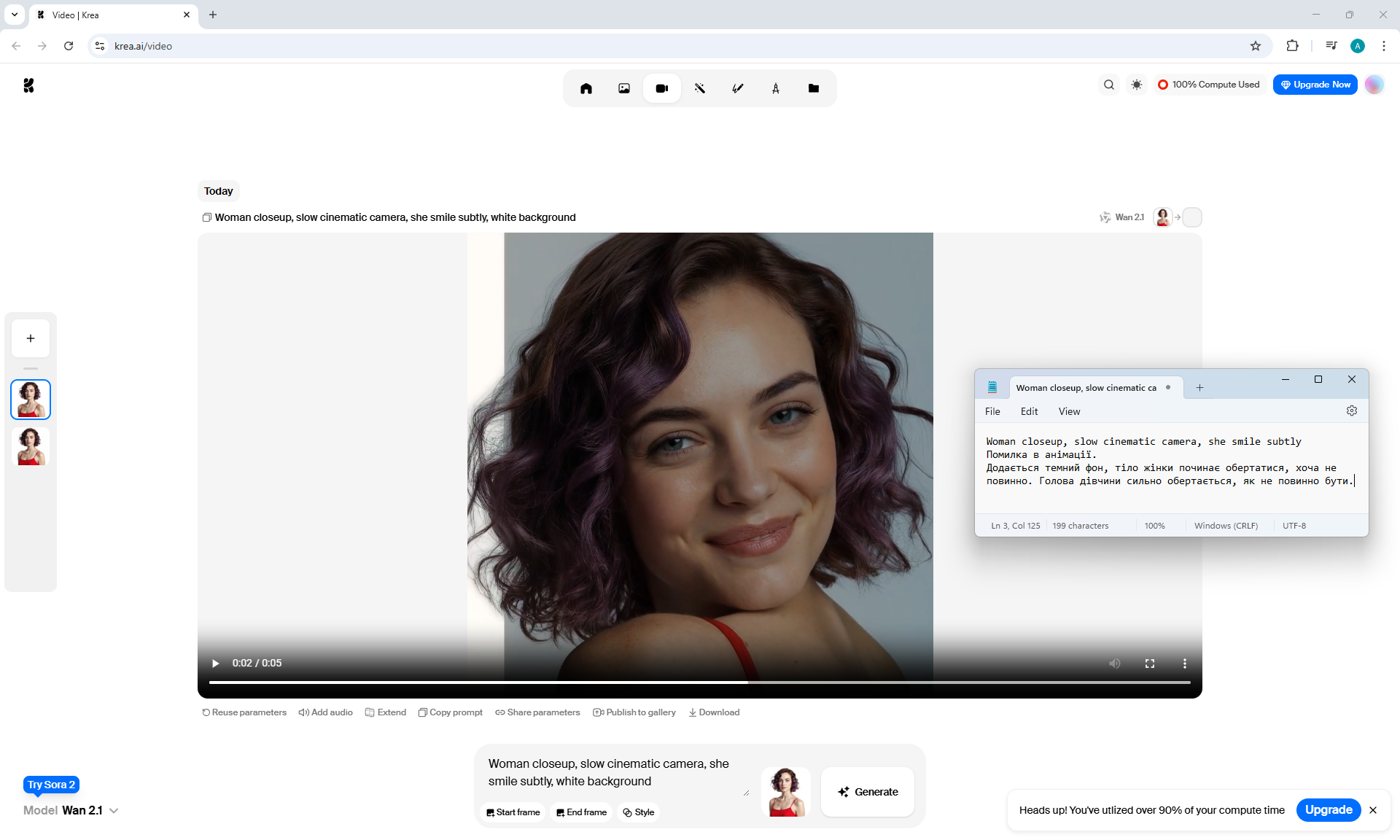
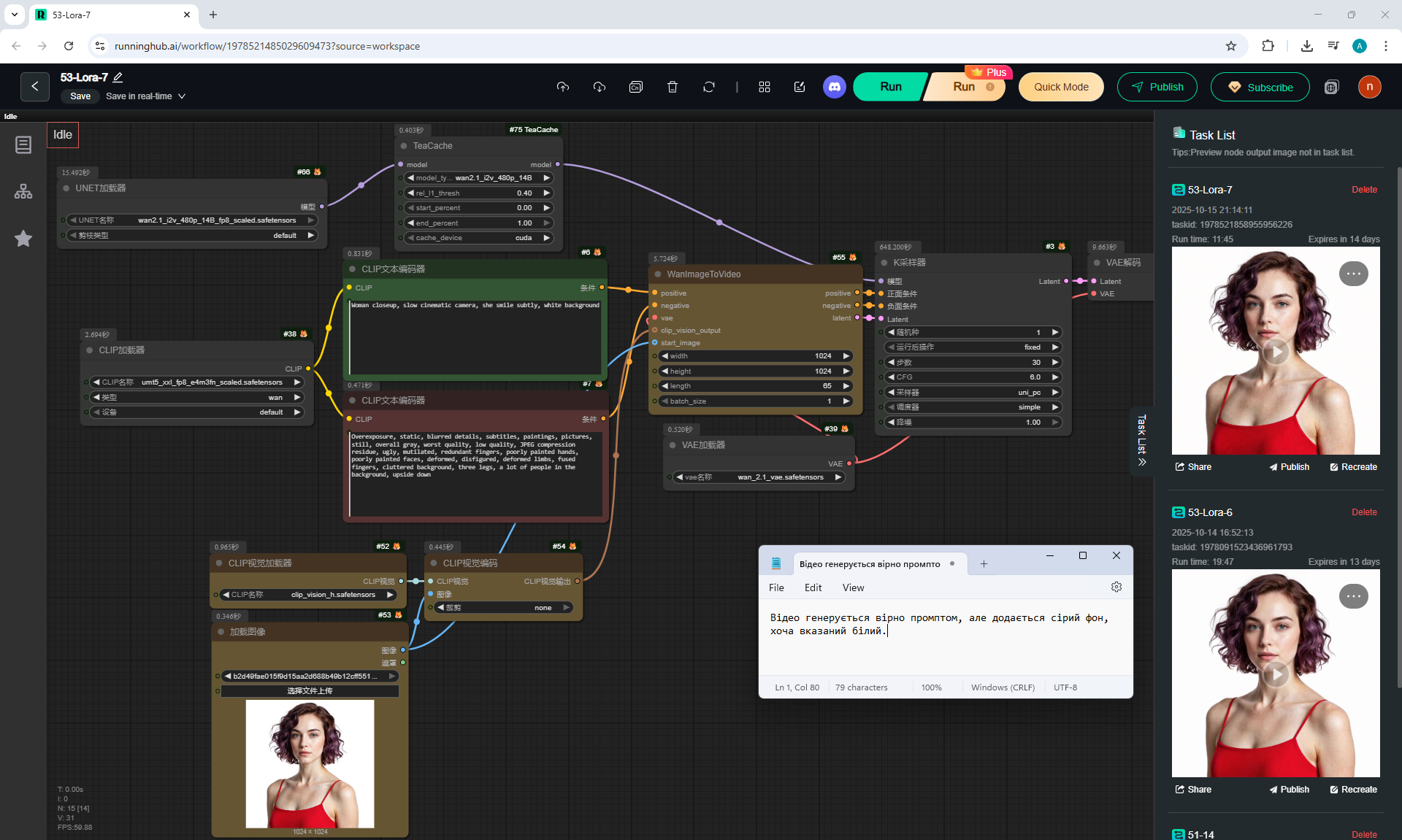
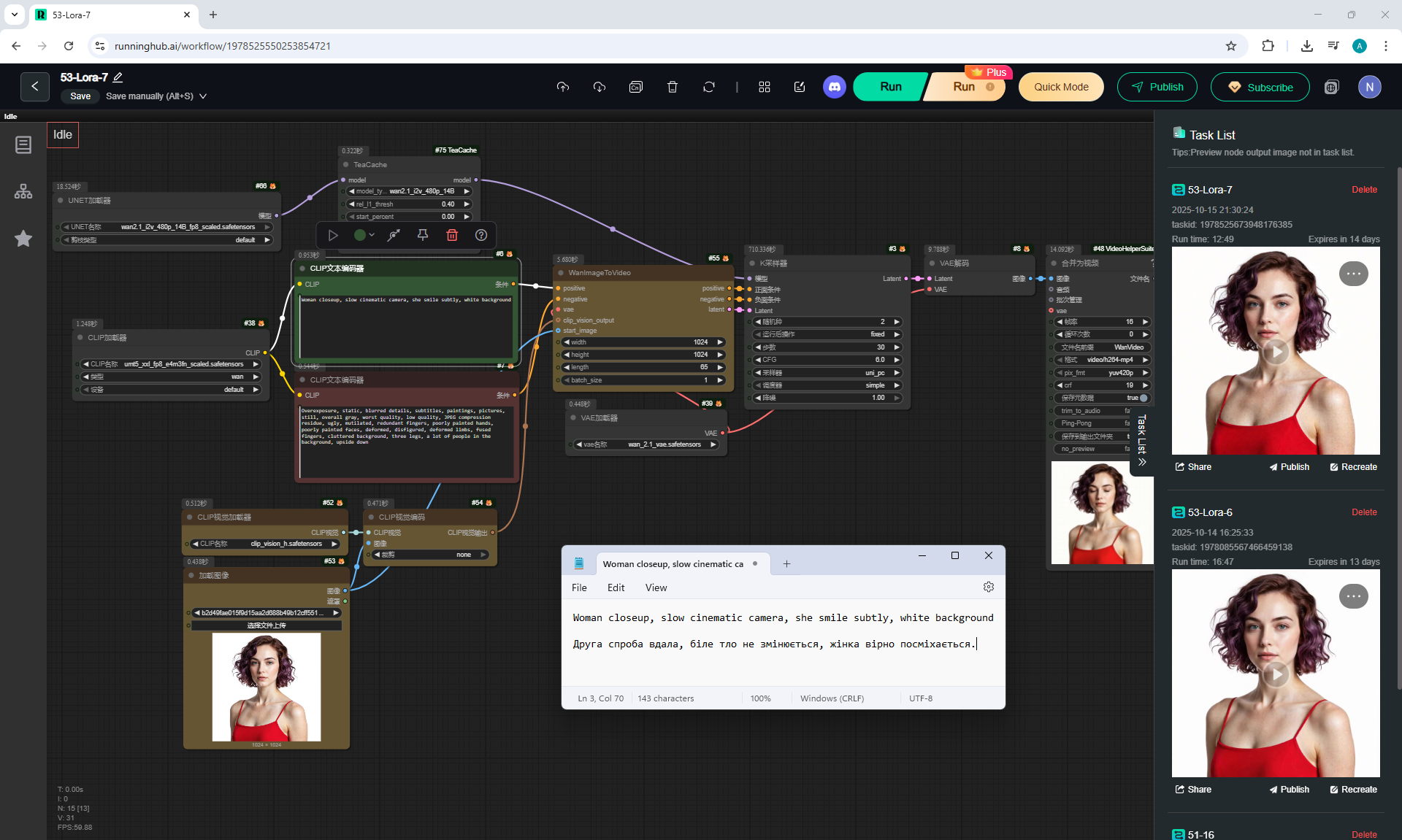
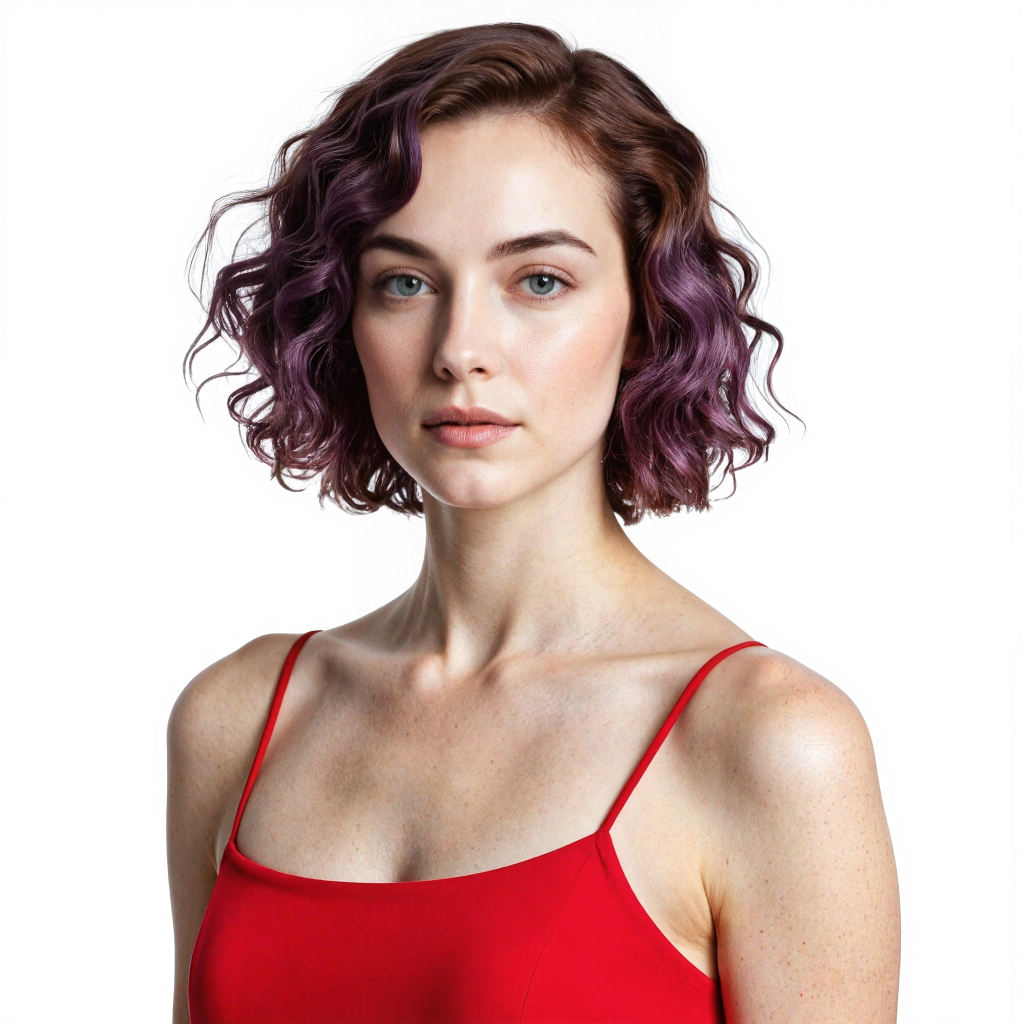
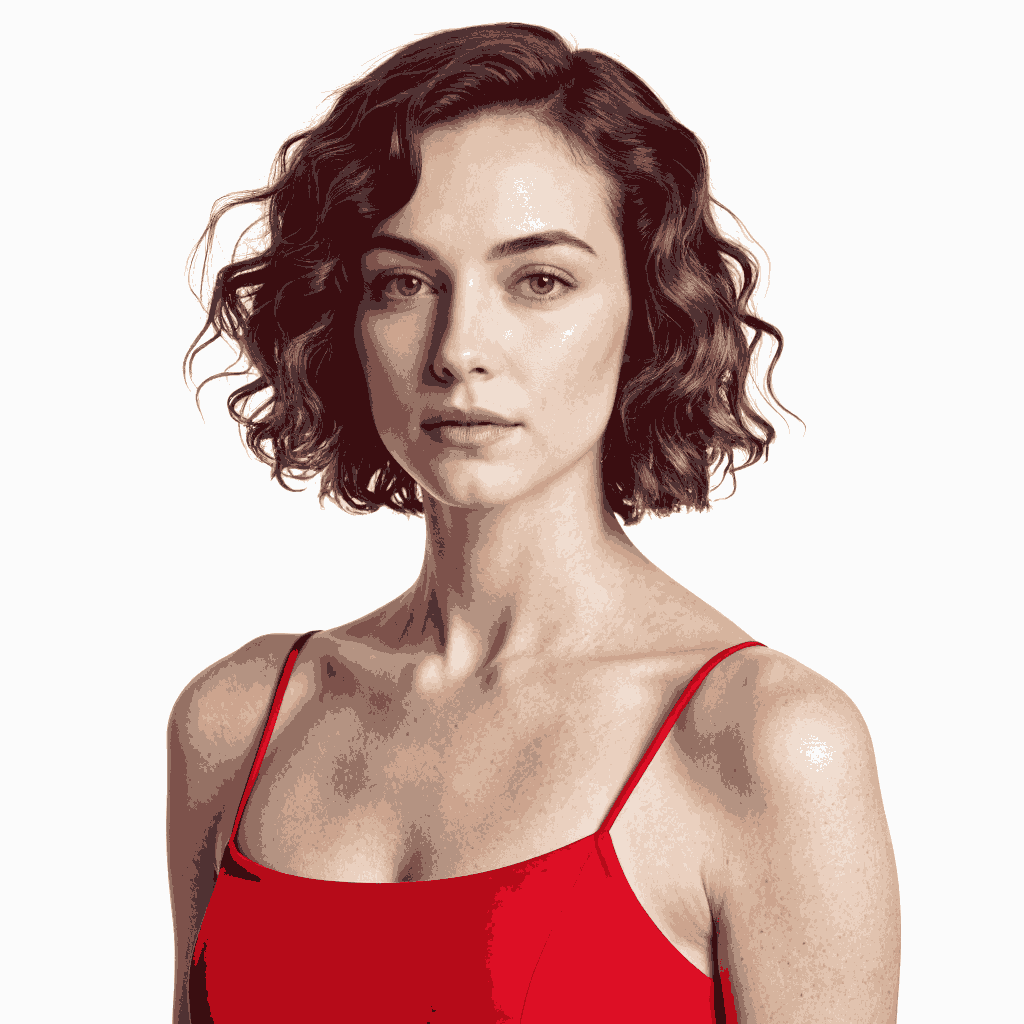
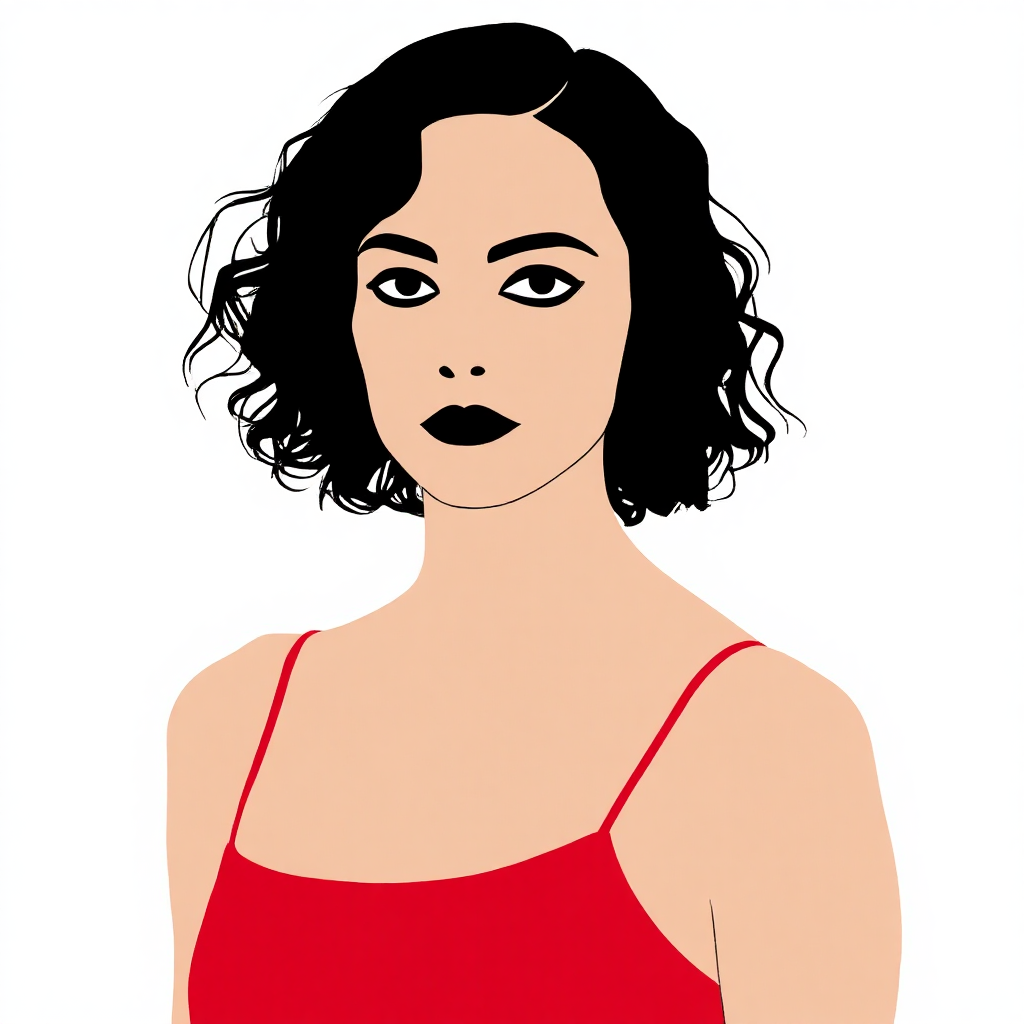
Woman closeup, slow cinematic camera, she smile subtly, white background
I generated these two videos in which the girl is smiling in ComfyUI: workflow, on the model wan2.1_i2v_480_fp8_scaled.
The videos correspond to the prompt, only in the first video the girl does not smile for a long time.
Before that, there were unsuccessful generations, a gray background was added instead of white. Only when I added in the prompt: "white background", the white background did not change.
The gray background was also added to the paid site in one generation even when the prompt said: "white background".
I generated these two videos in ComfyUI in the cloud:
runninghub.ai
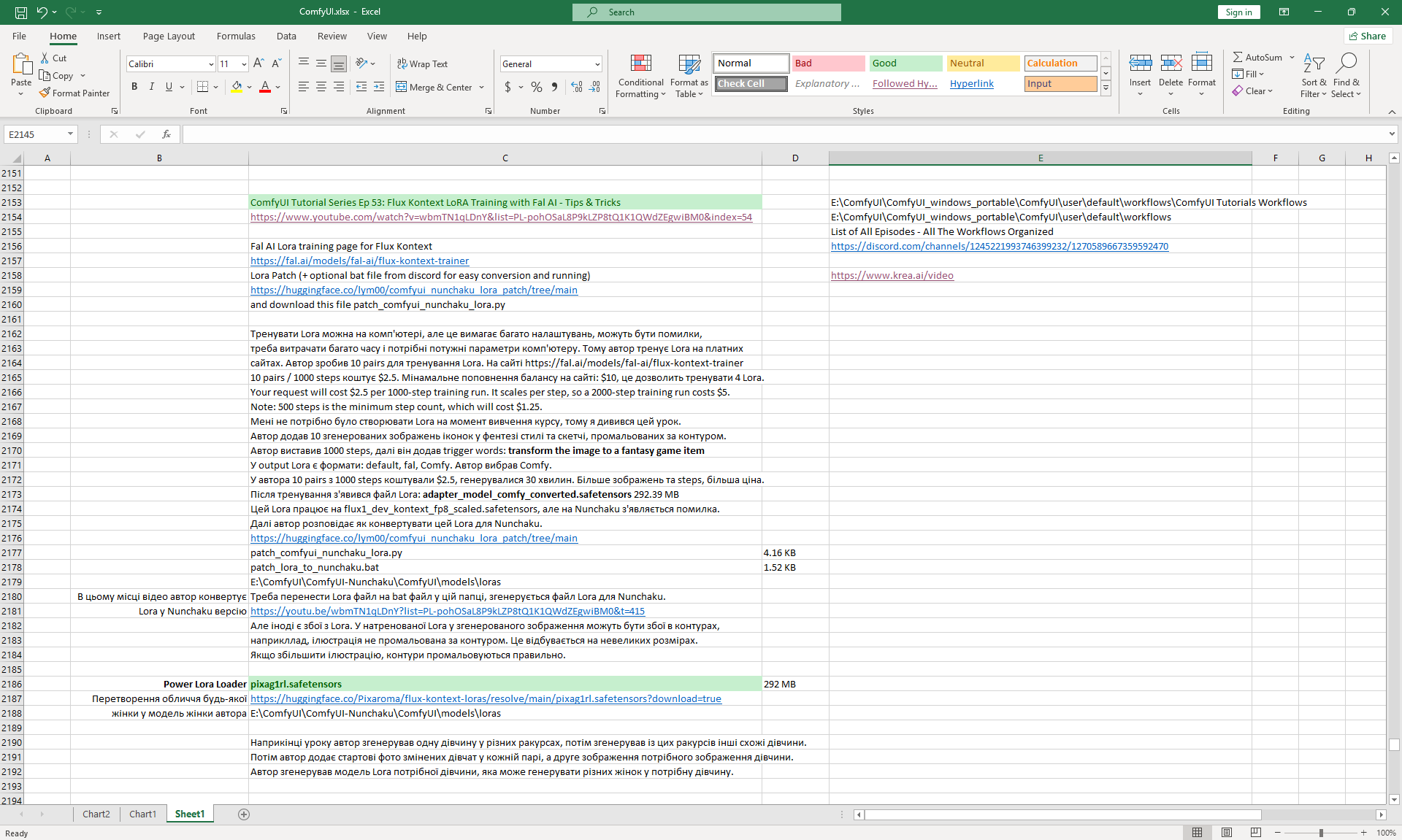
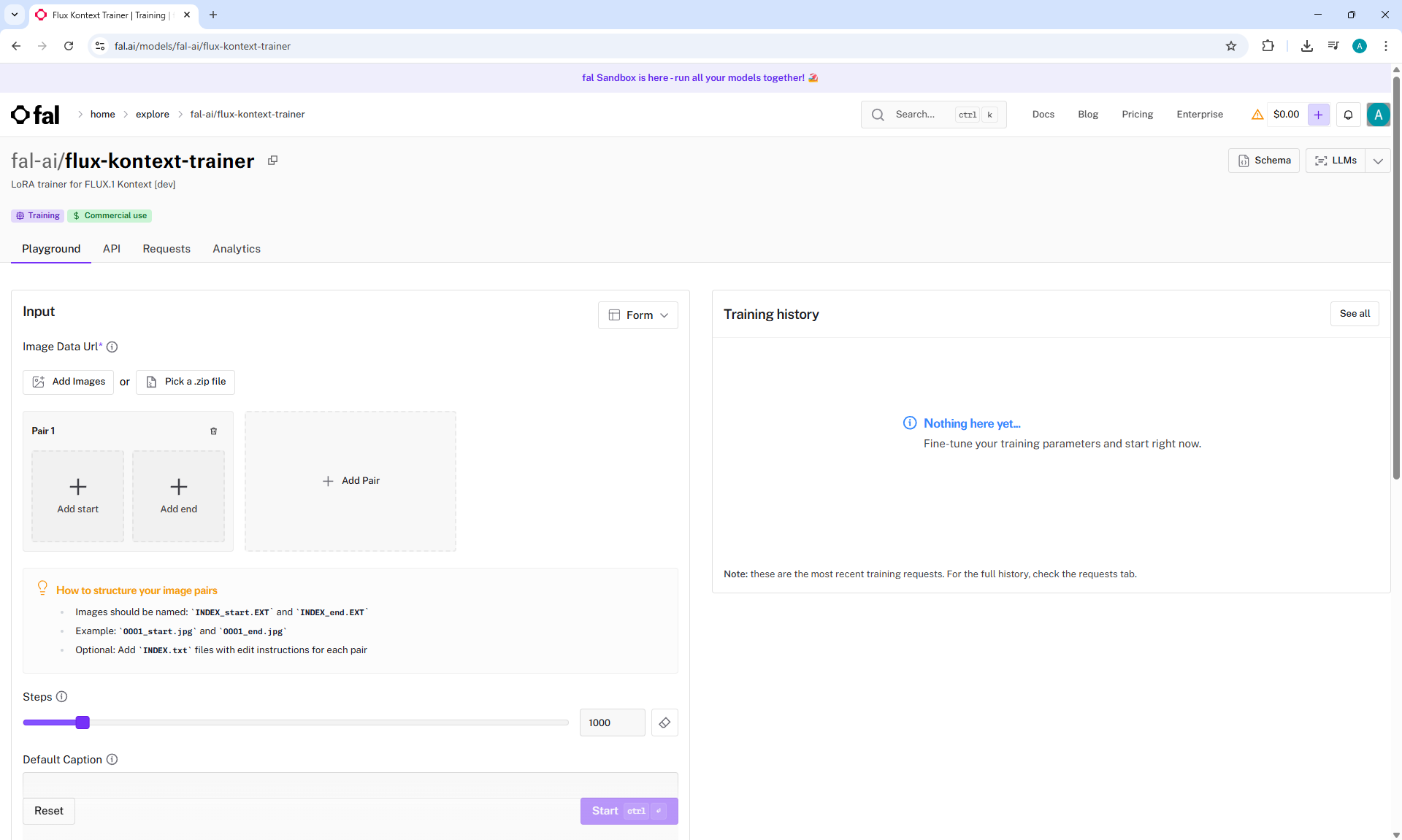
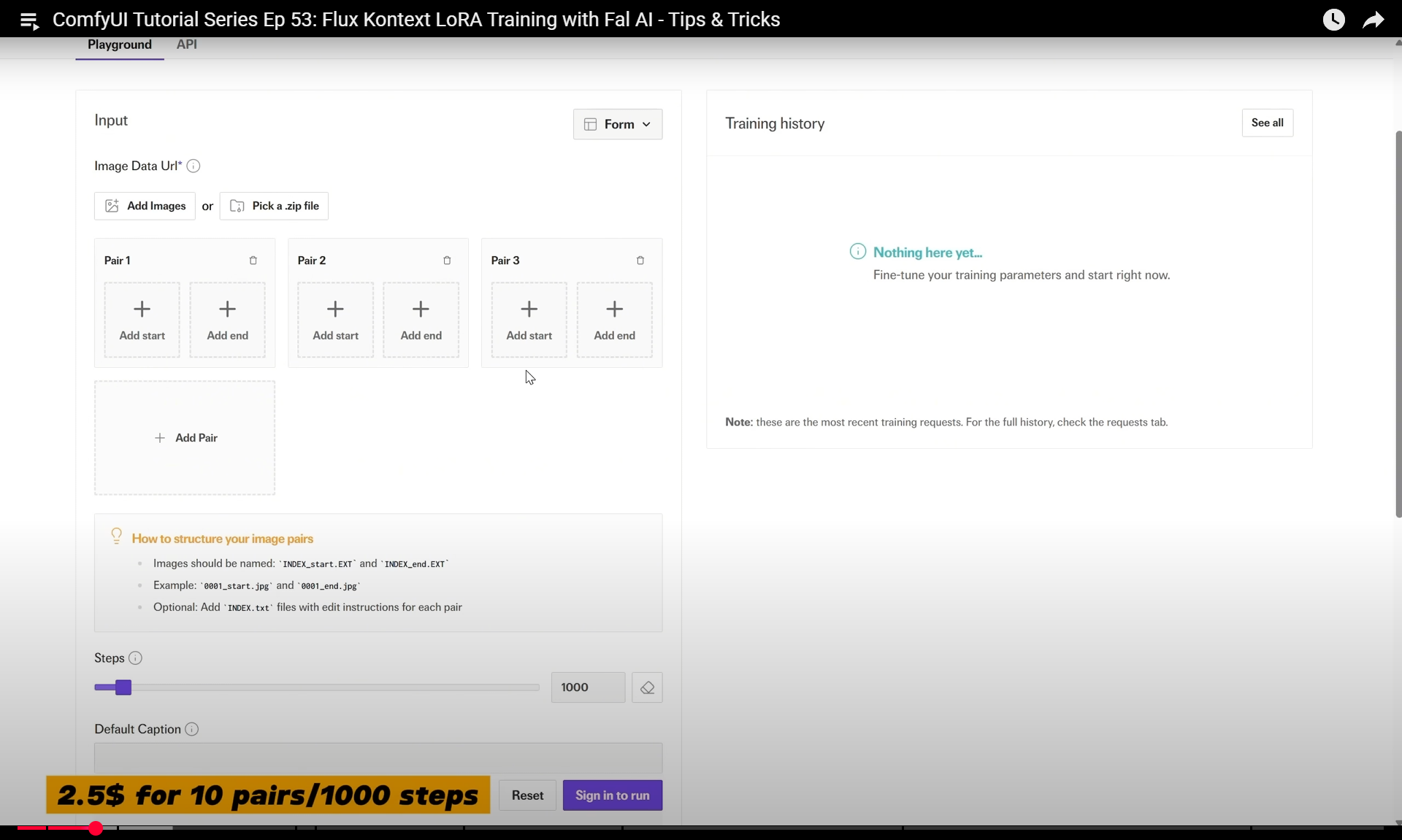
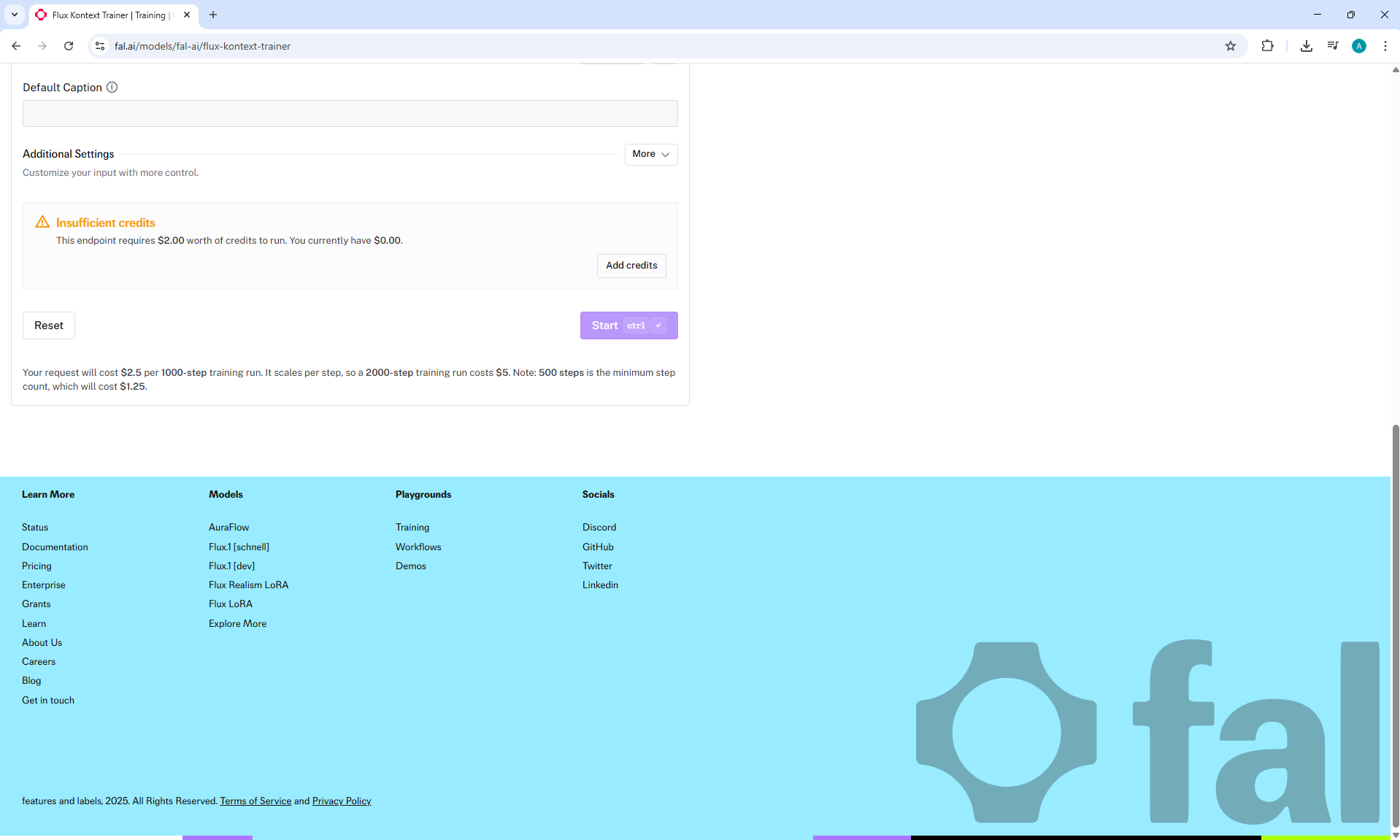
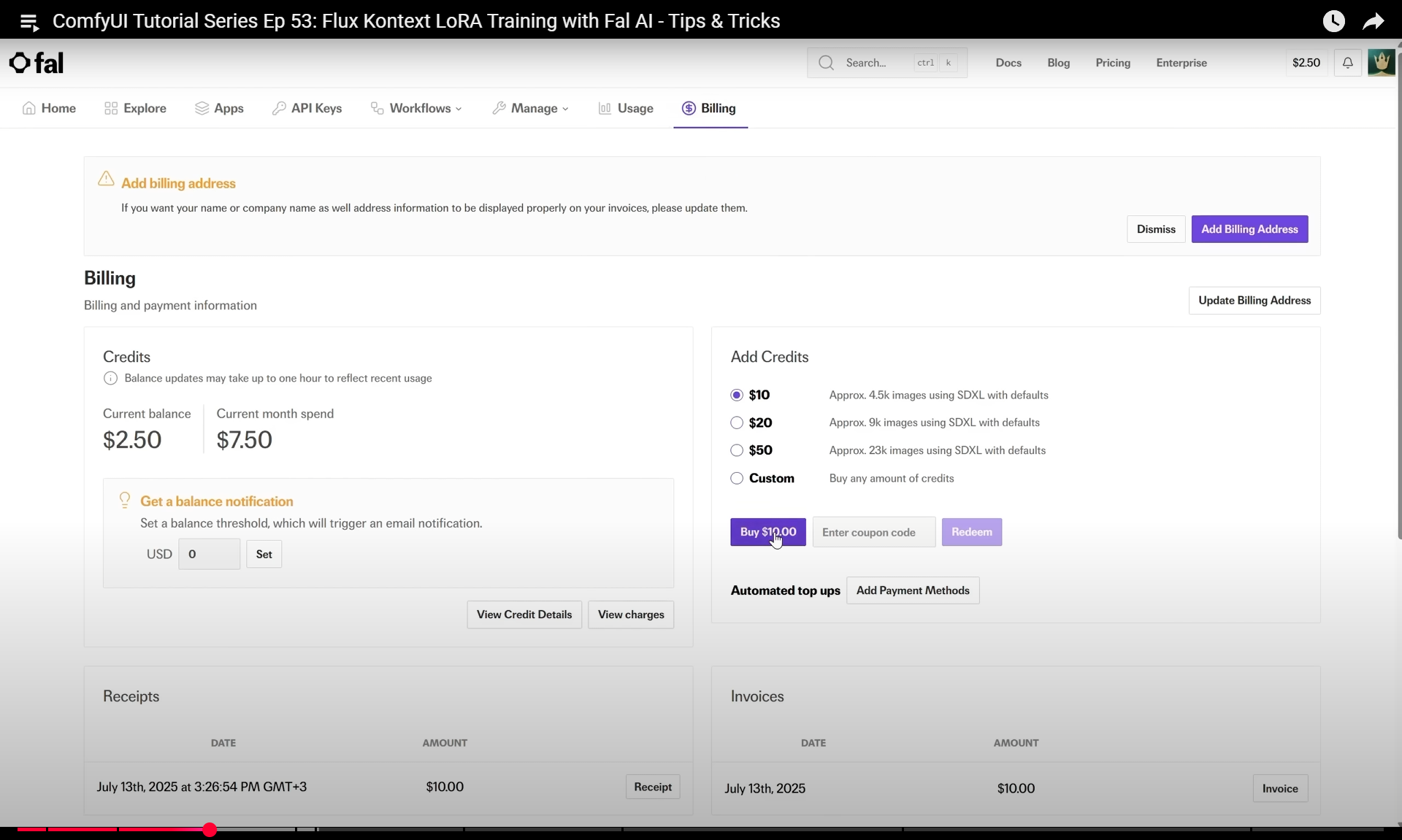
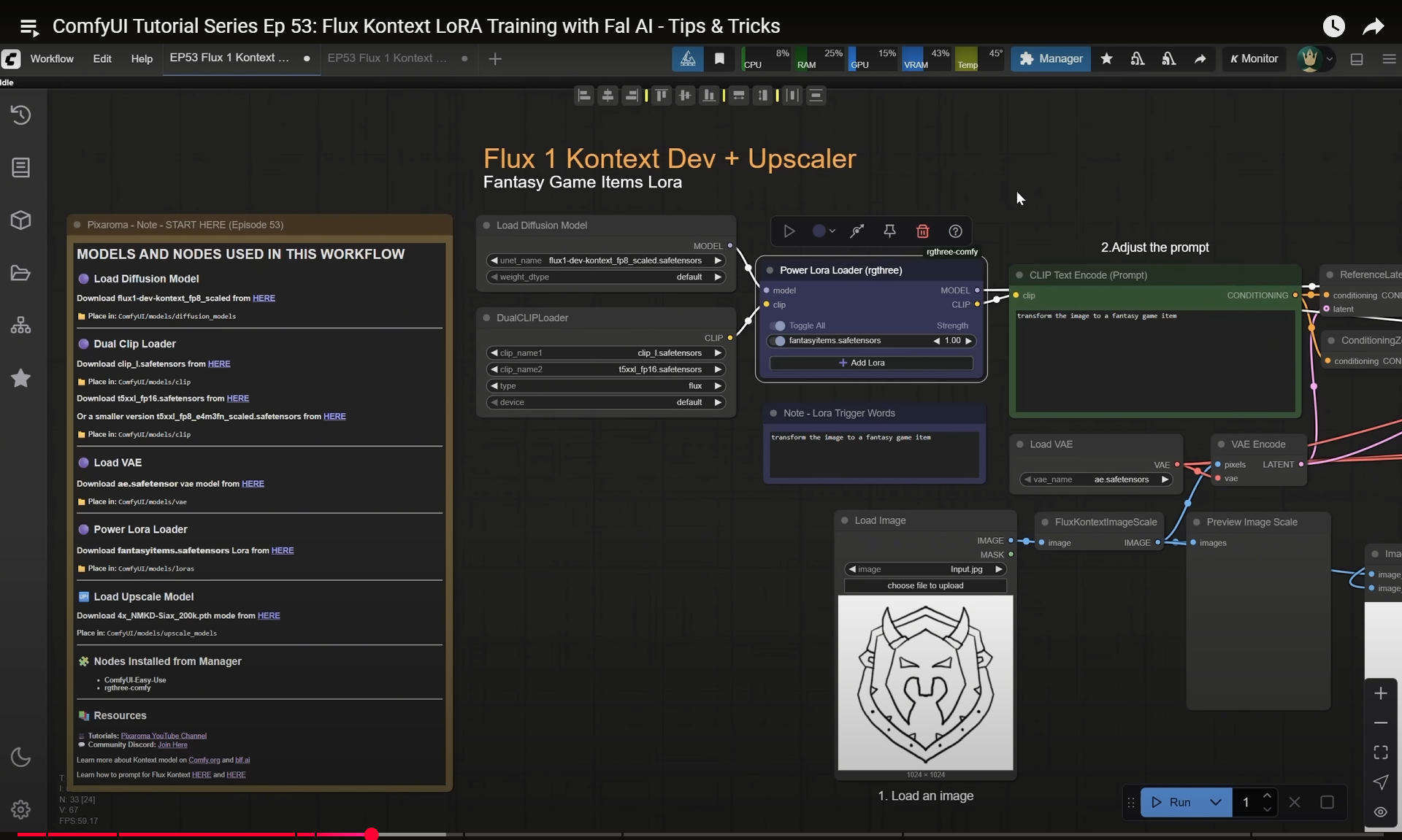
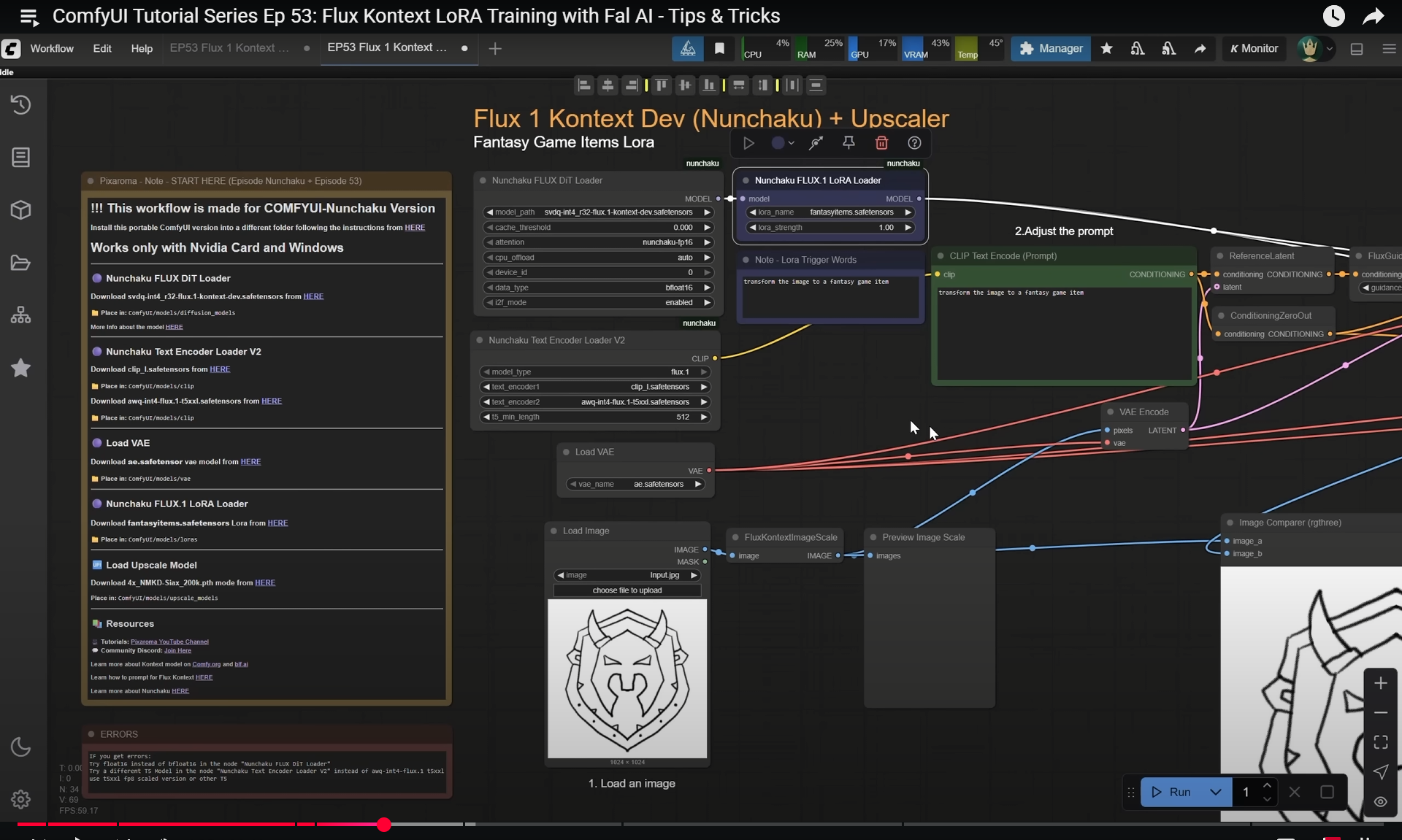
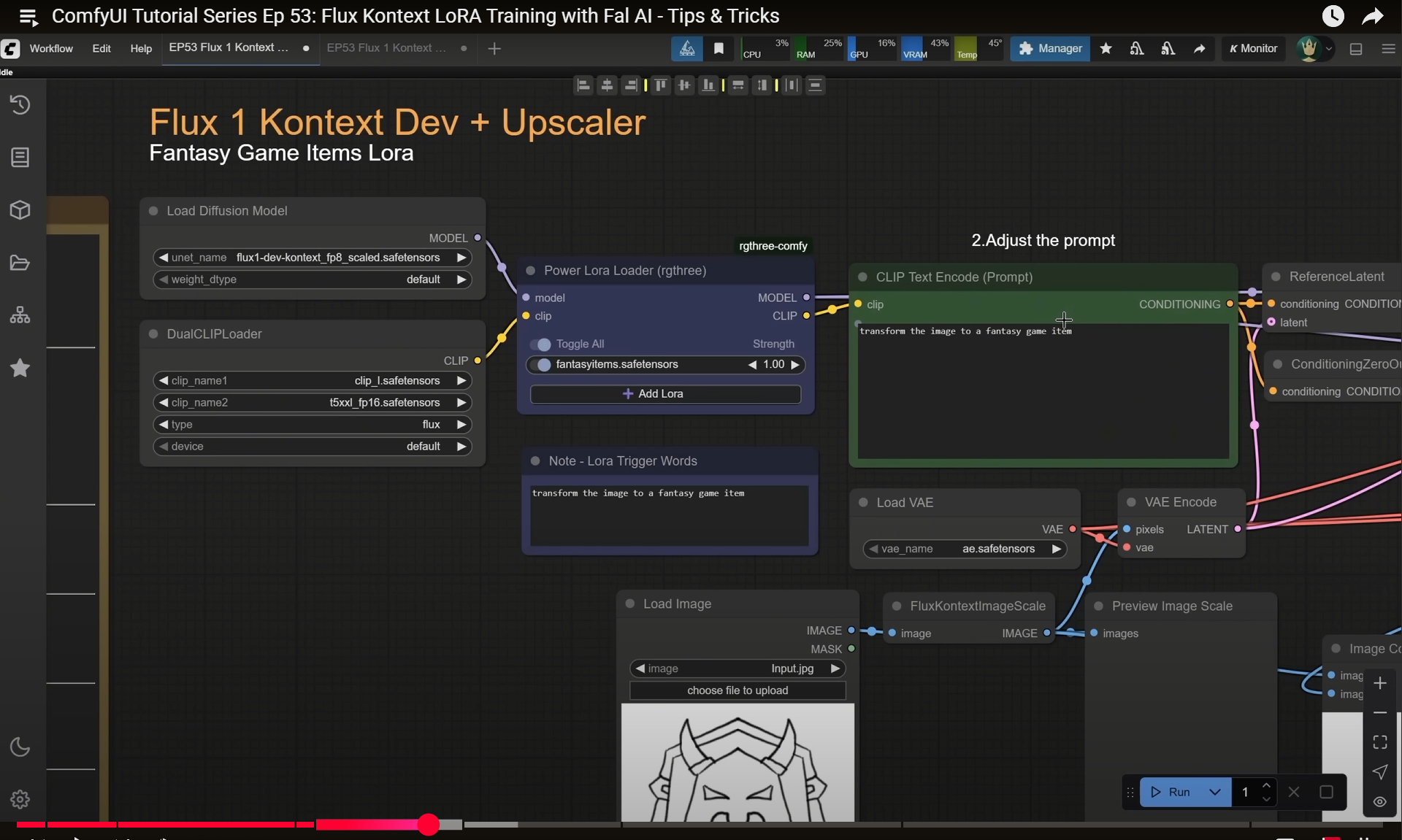
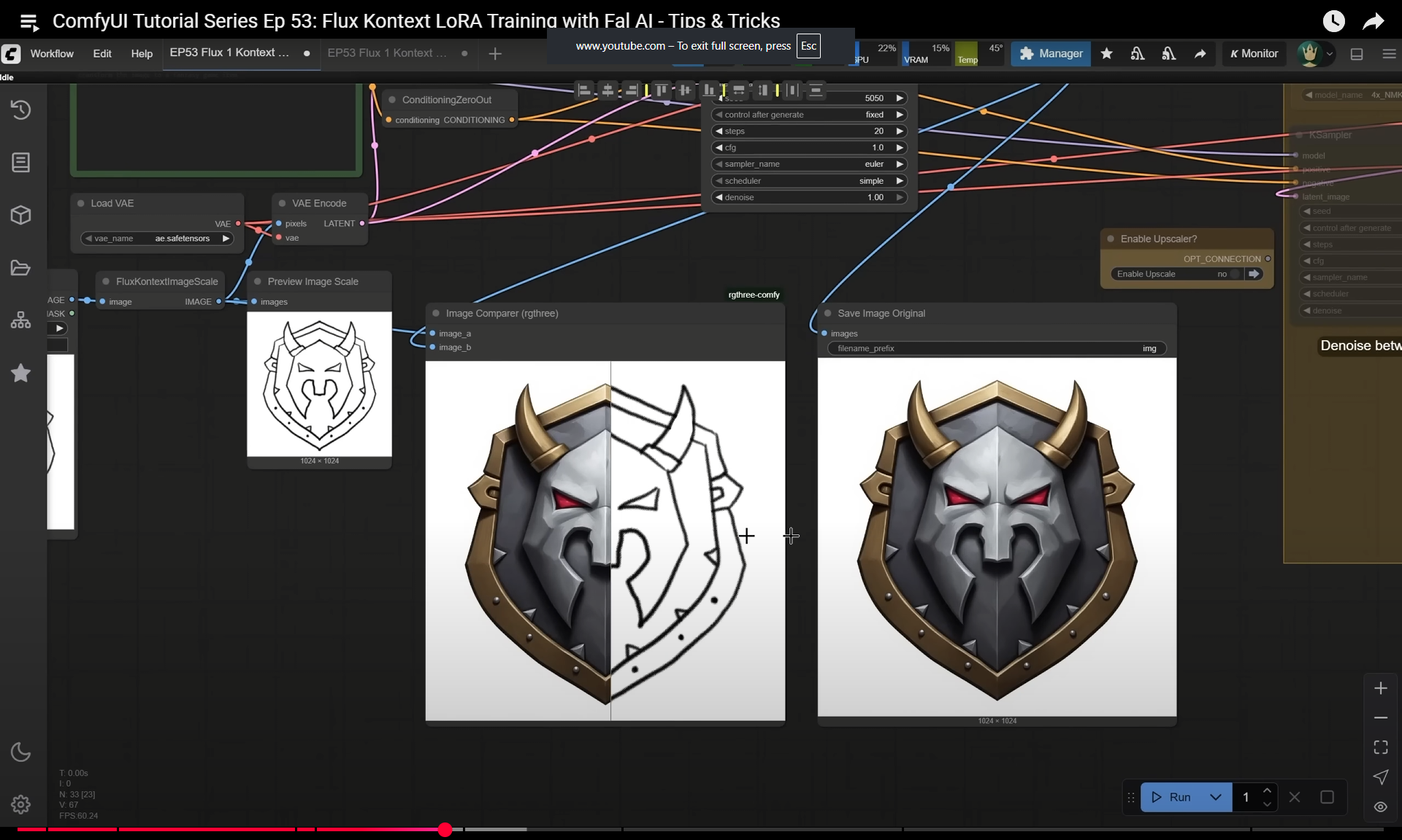
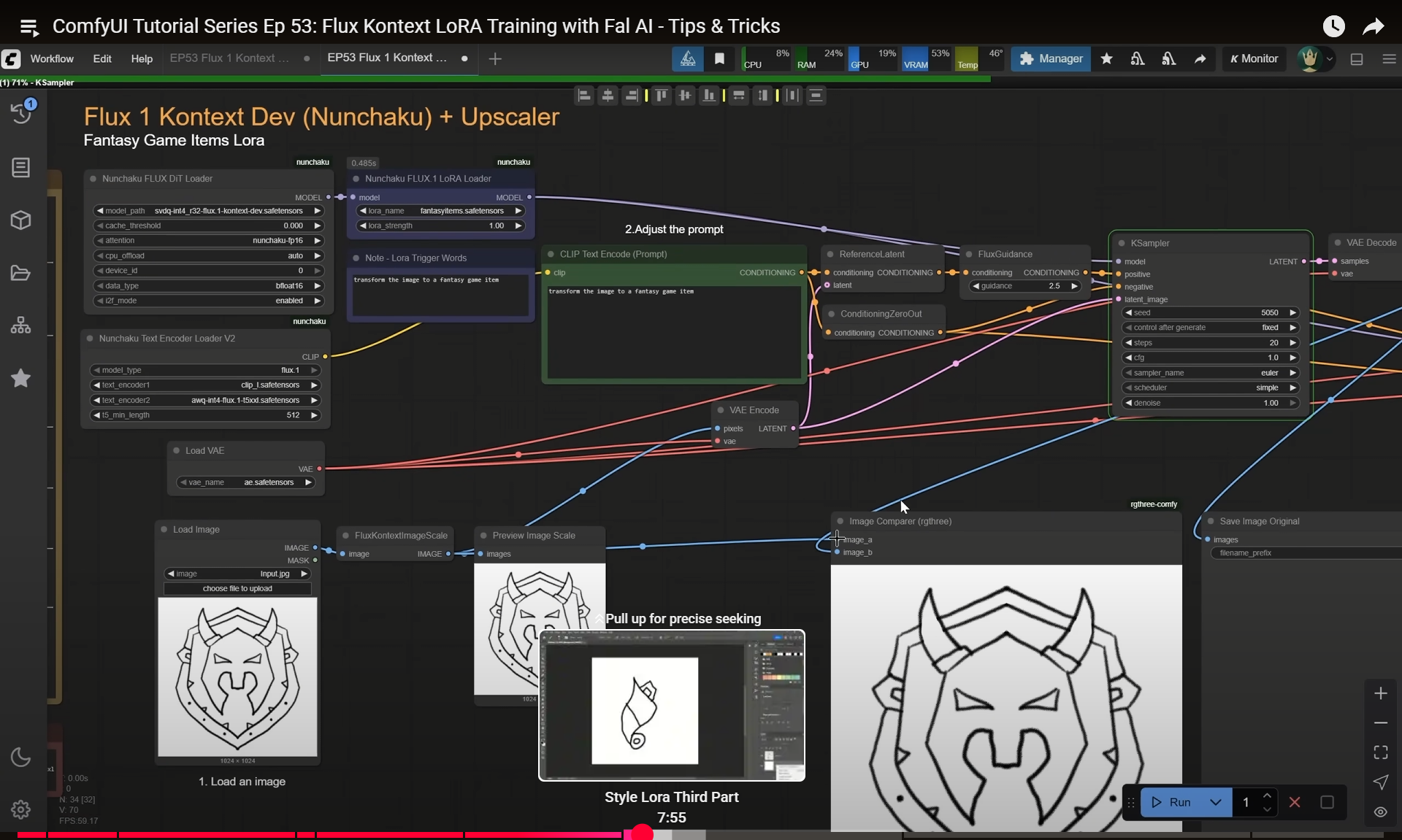
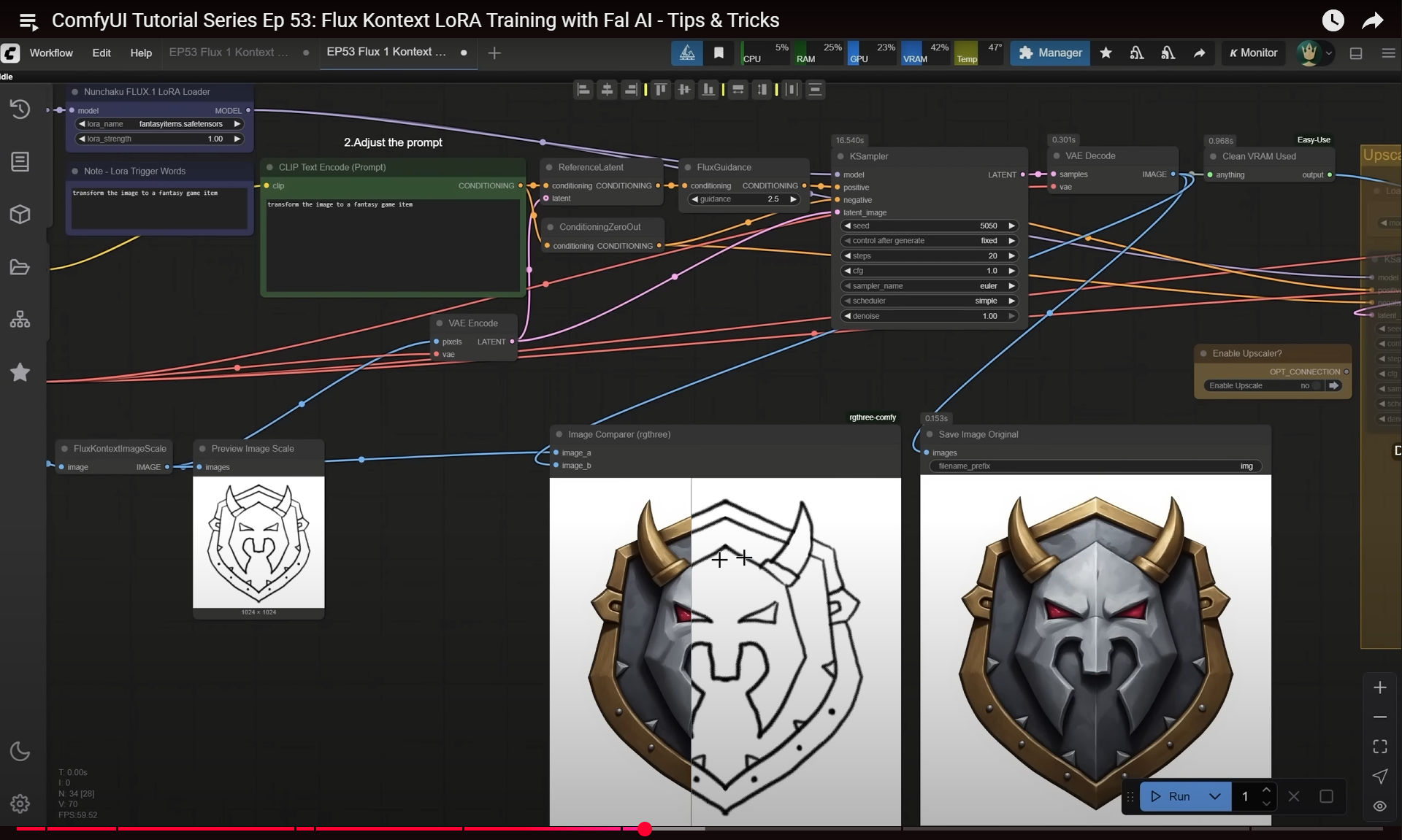
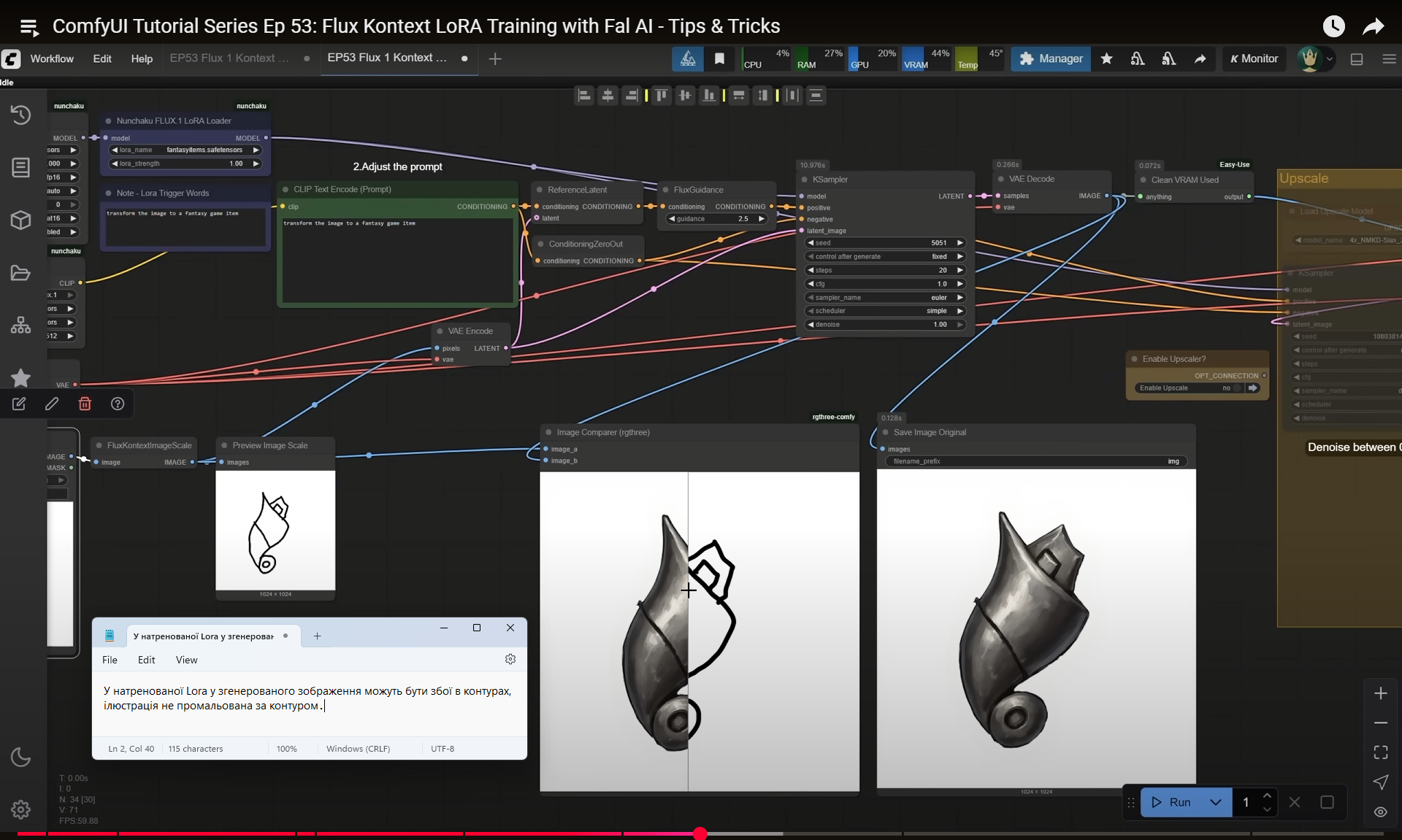
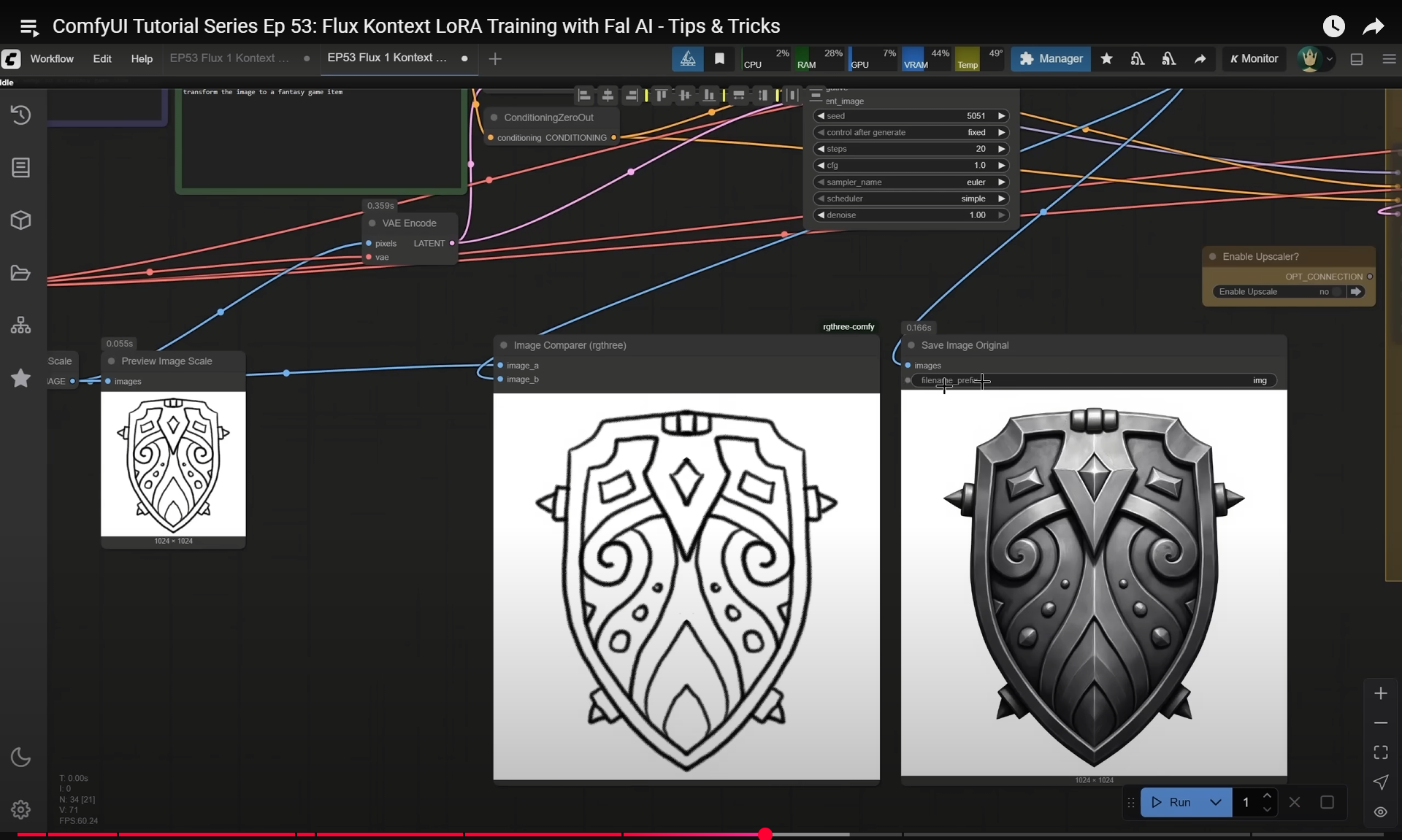
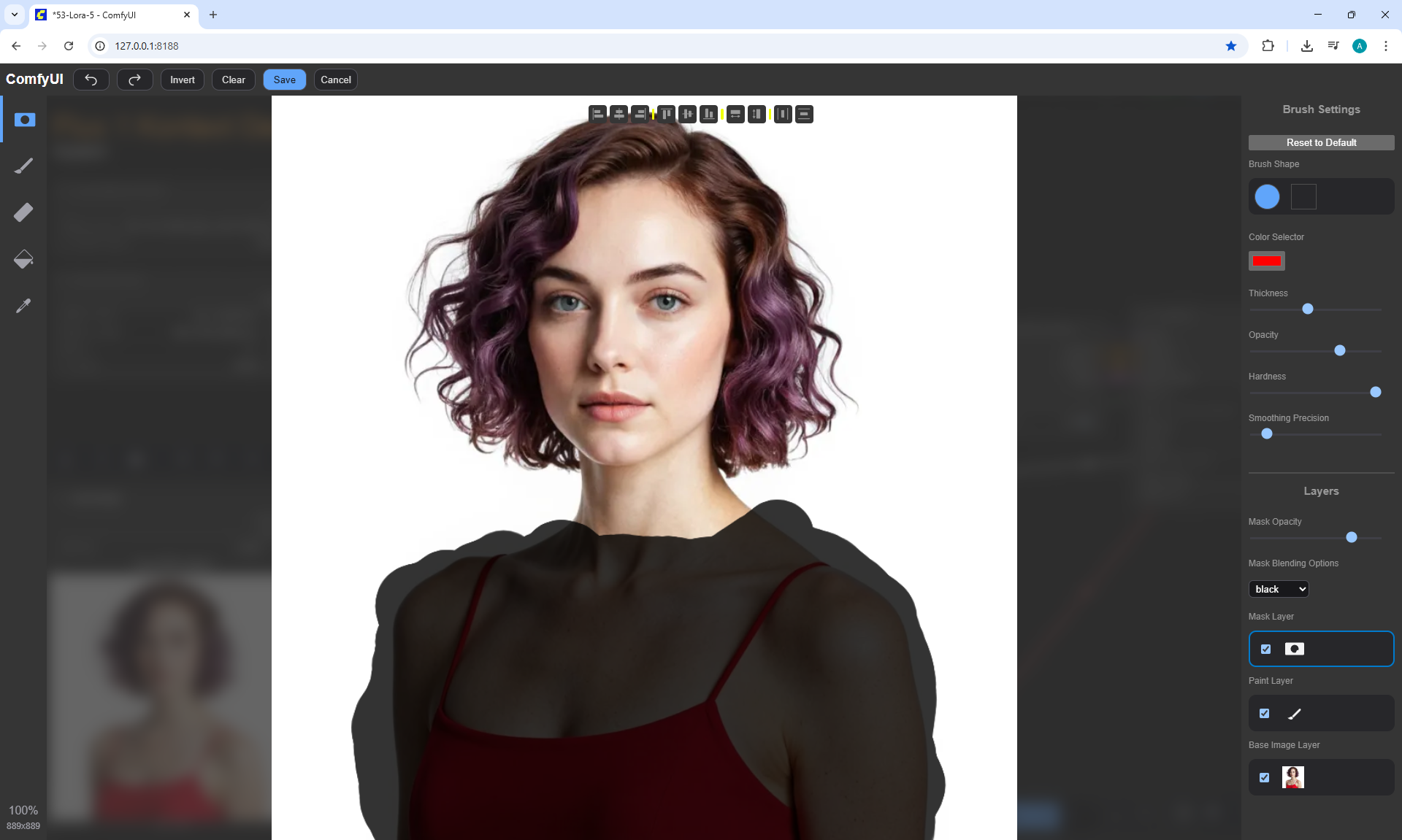
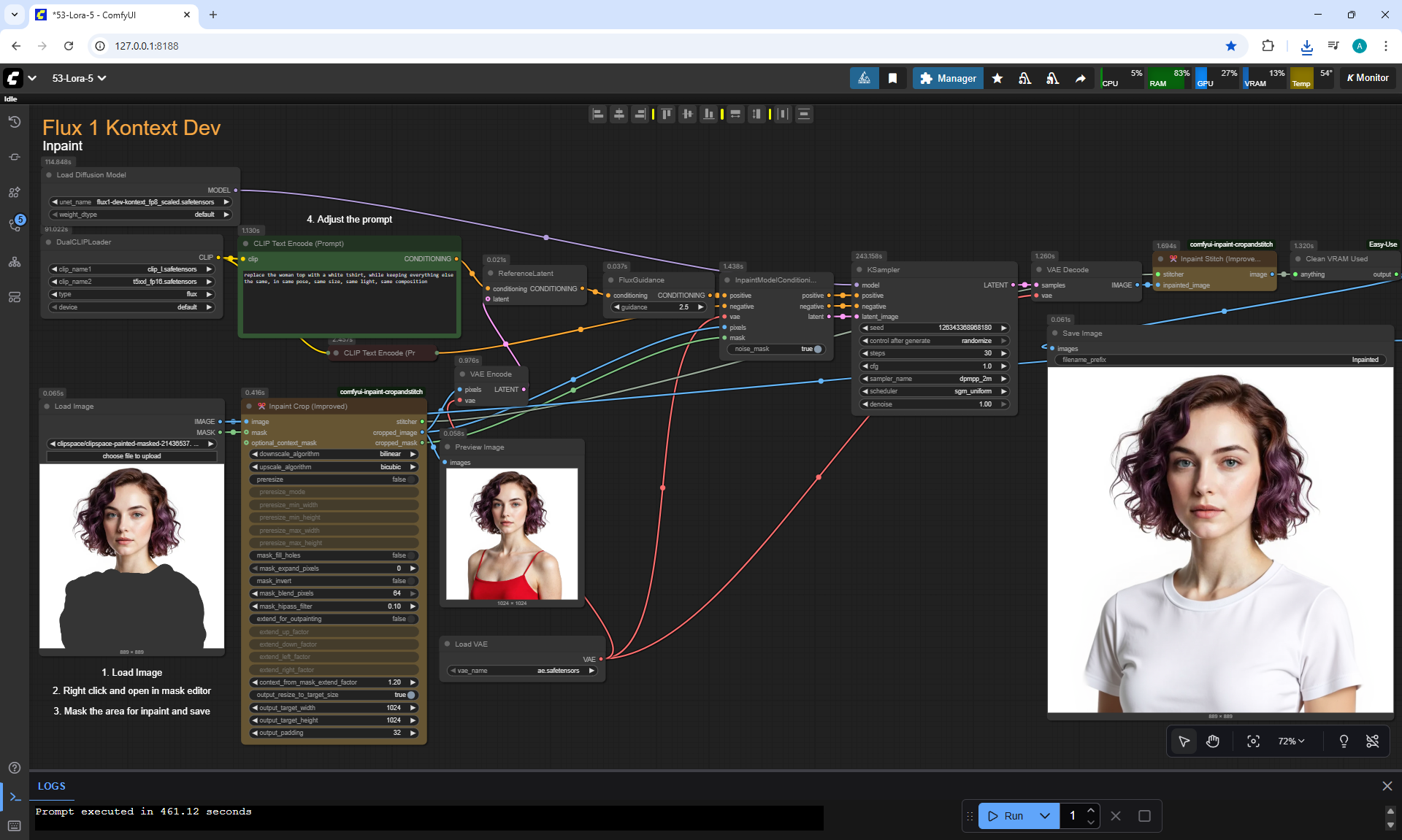
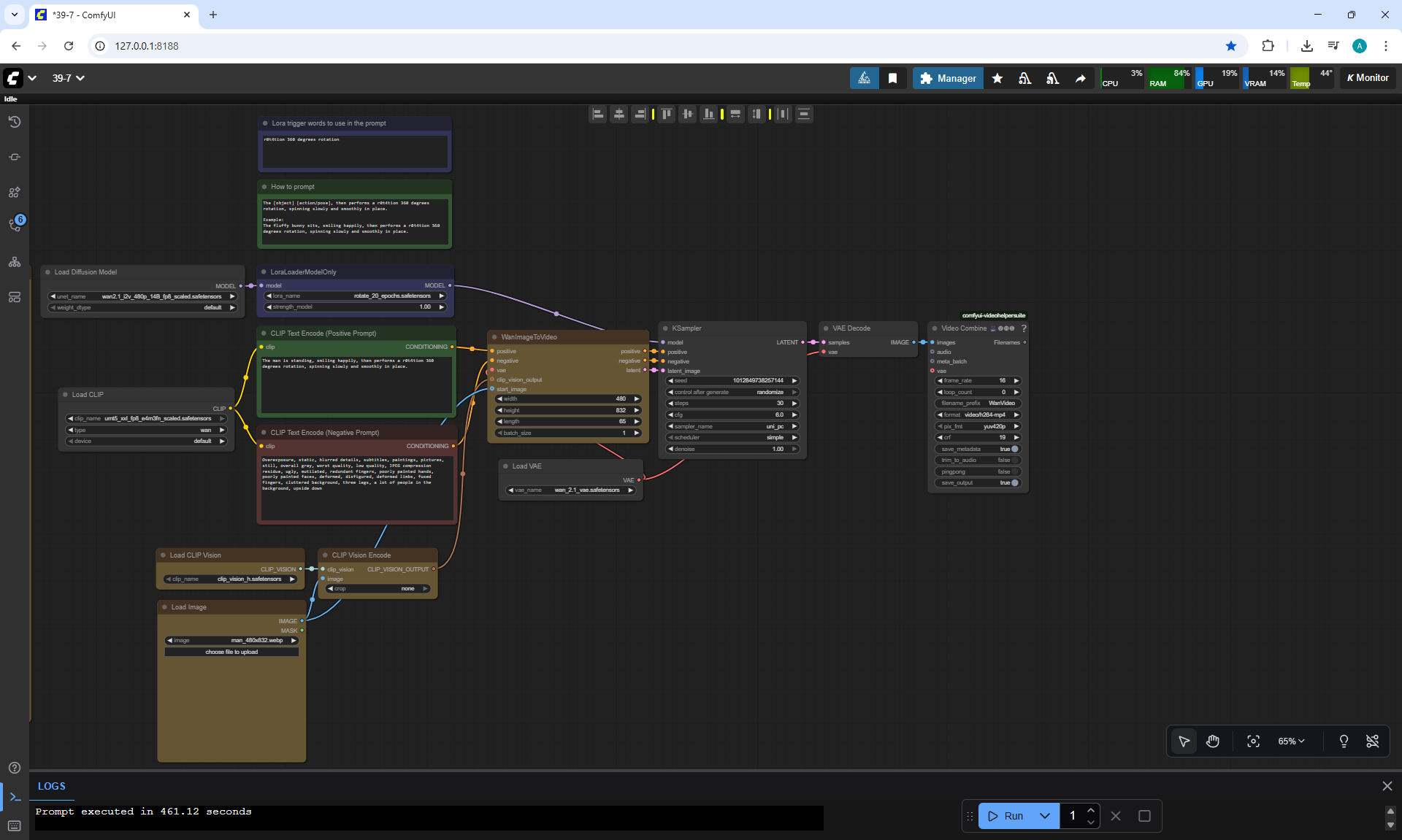
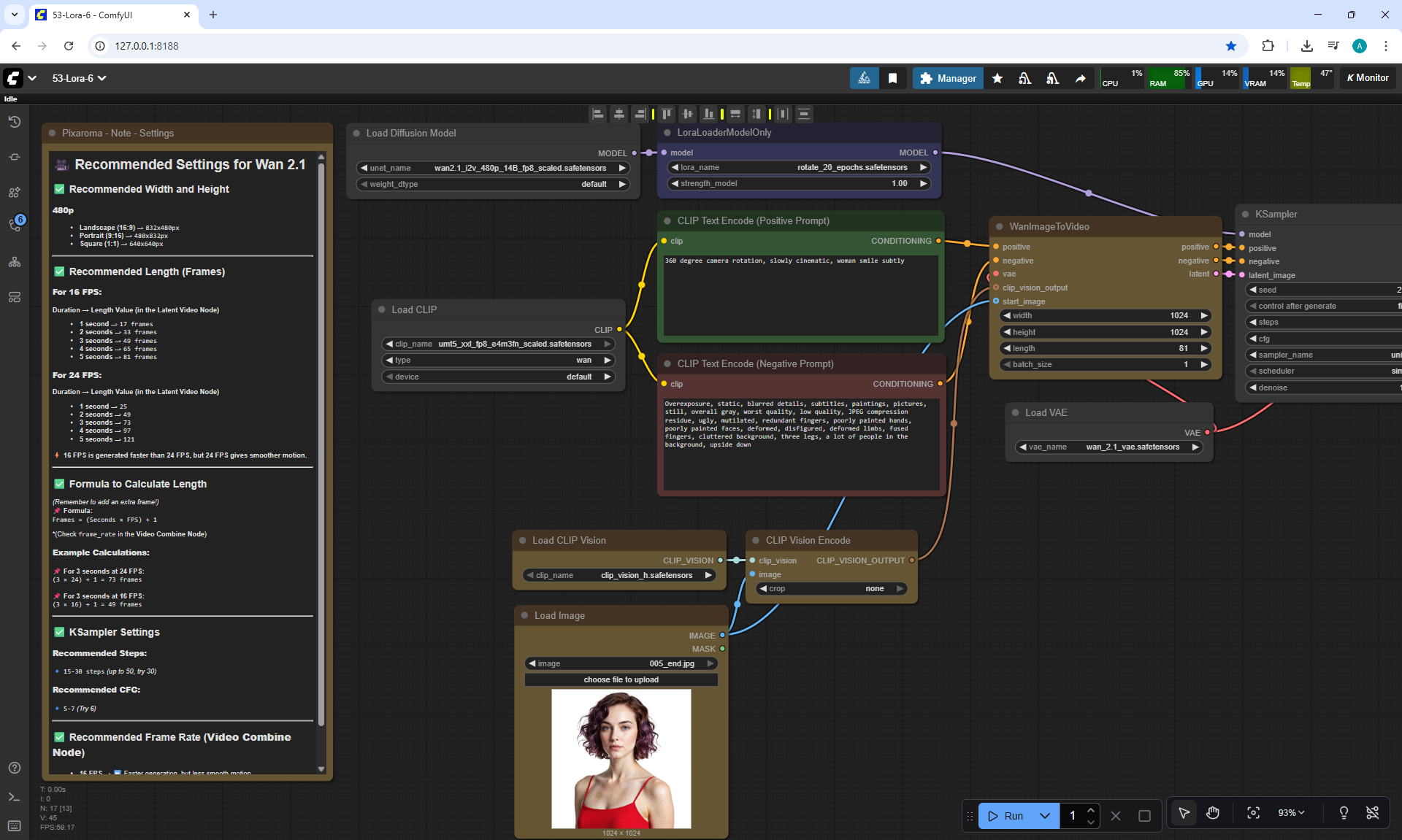
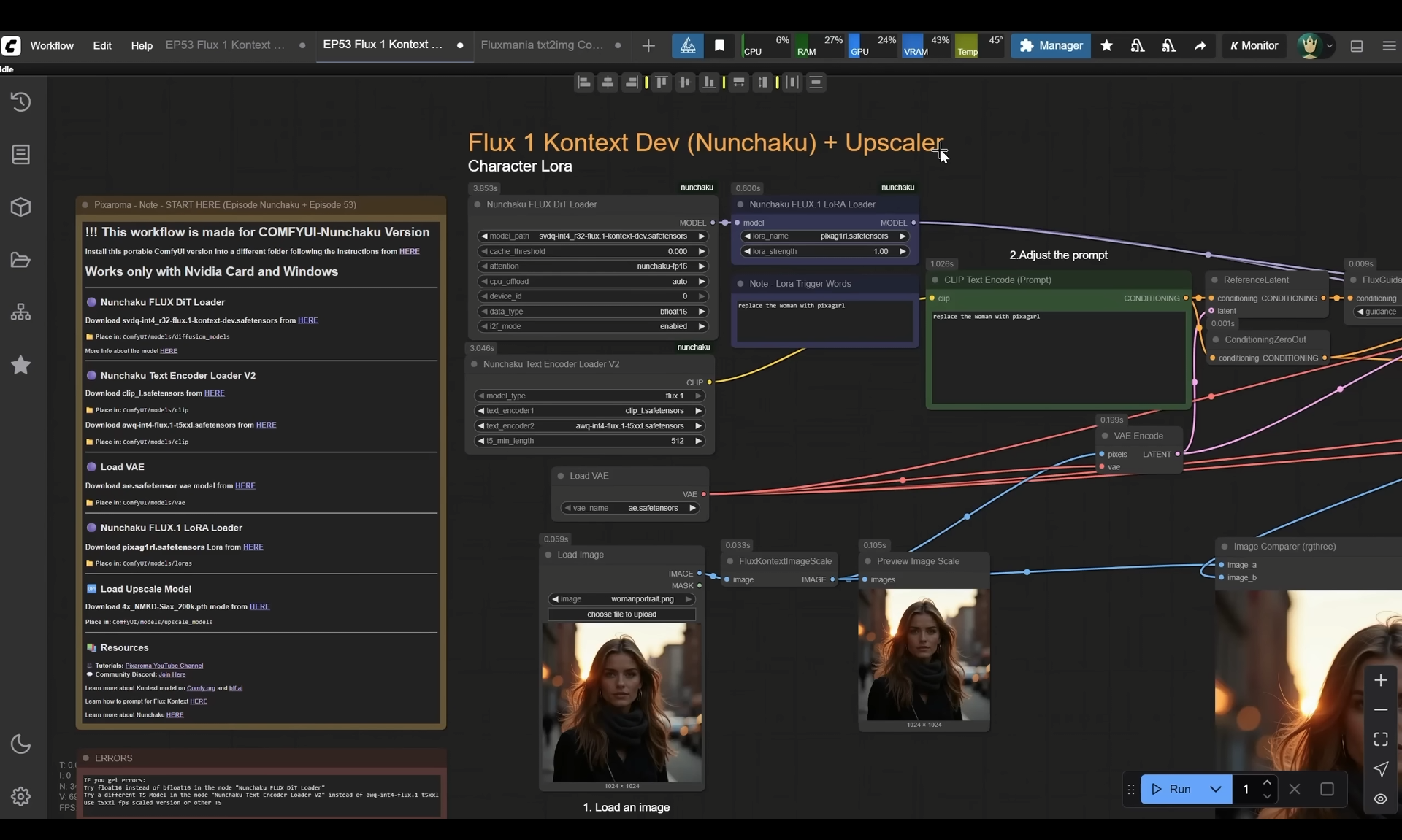
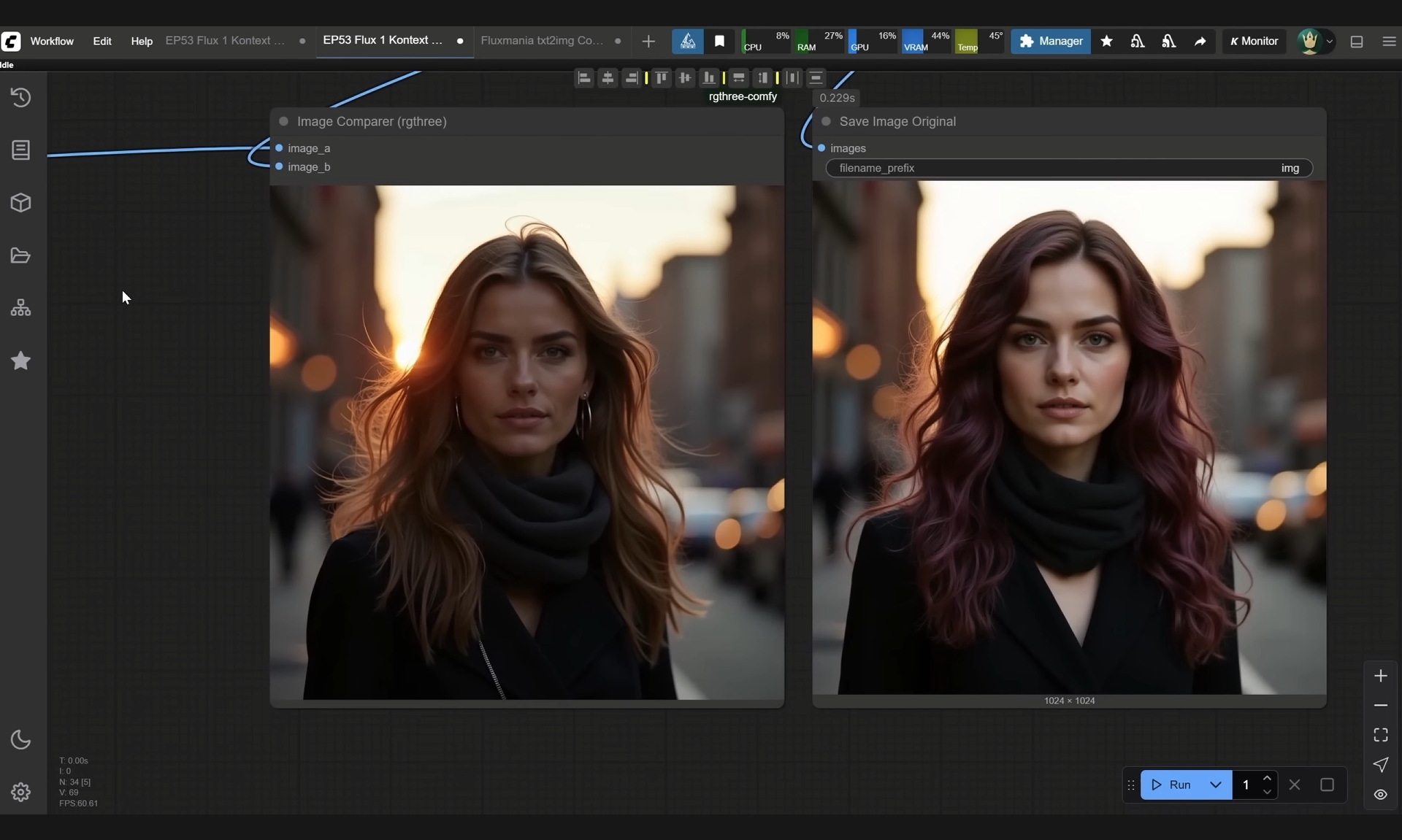
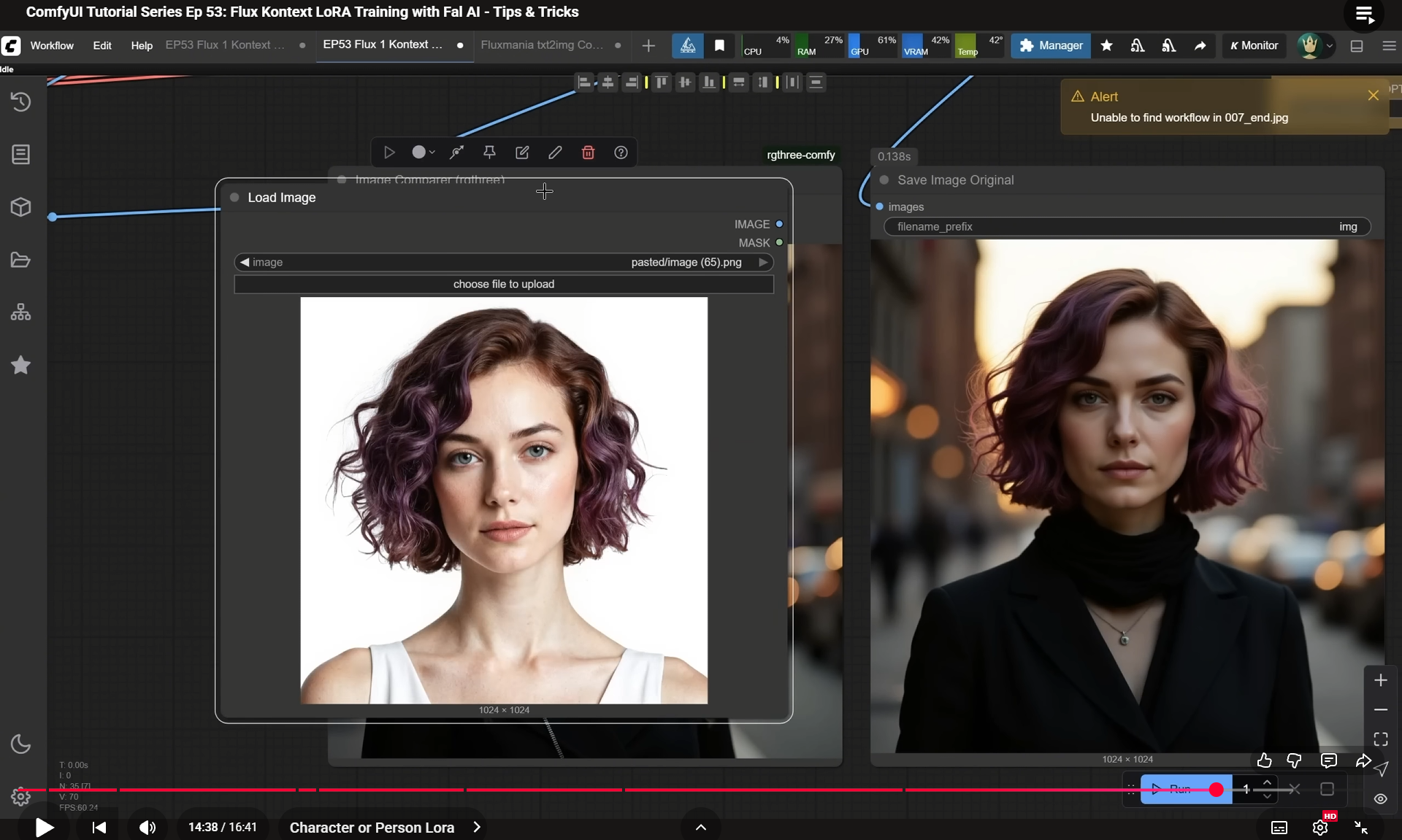
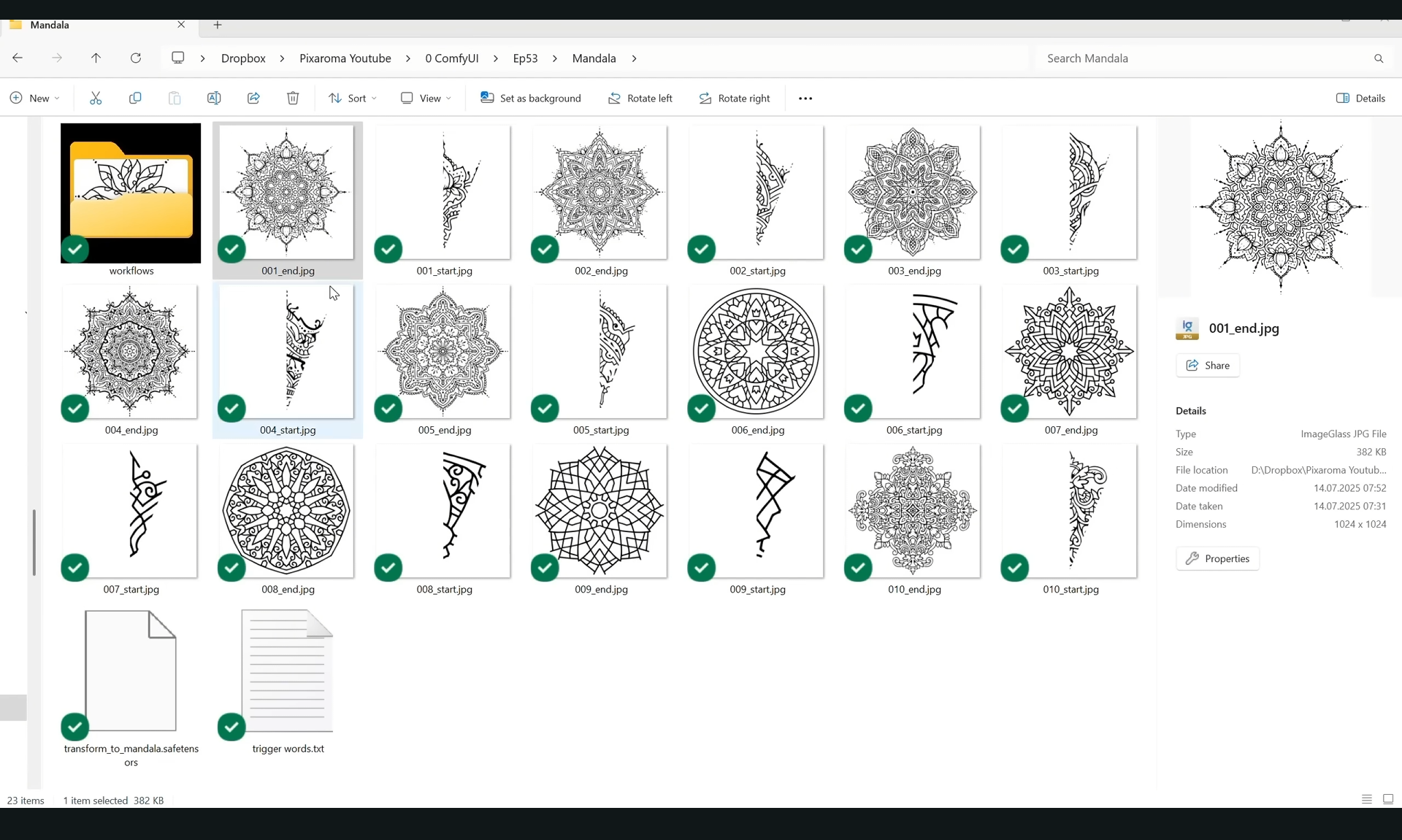
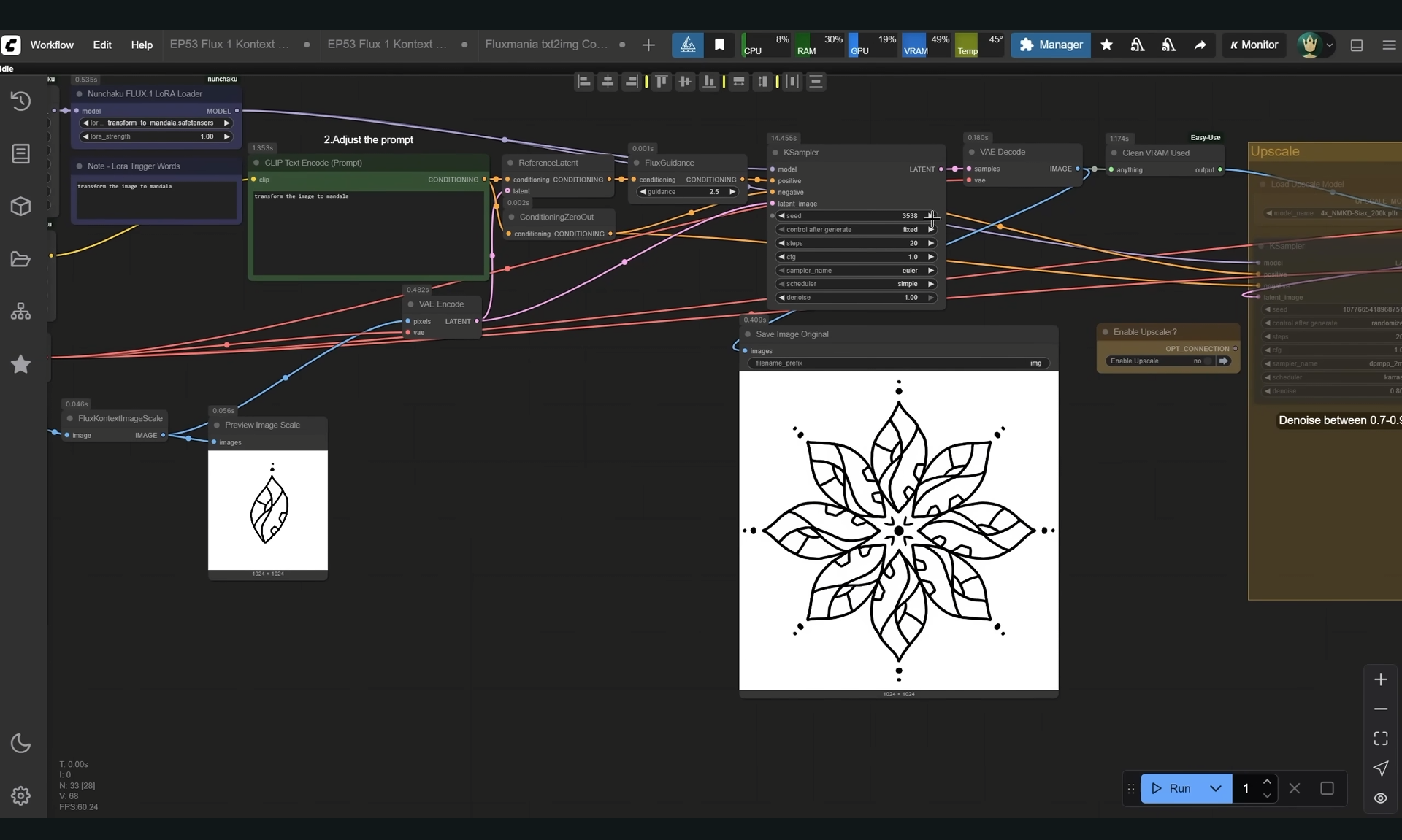
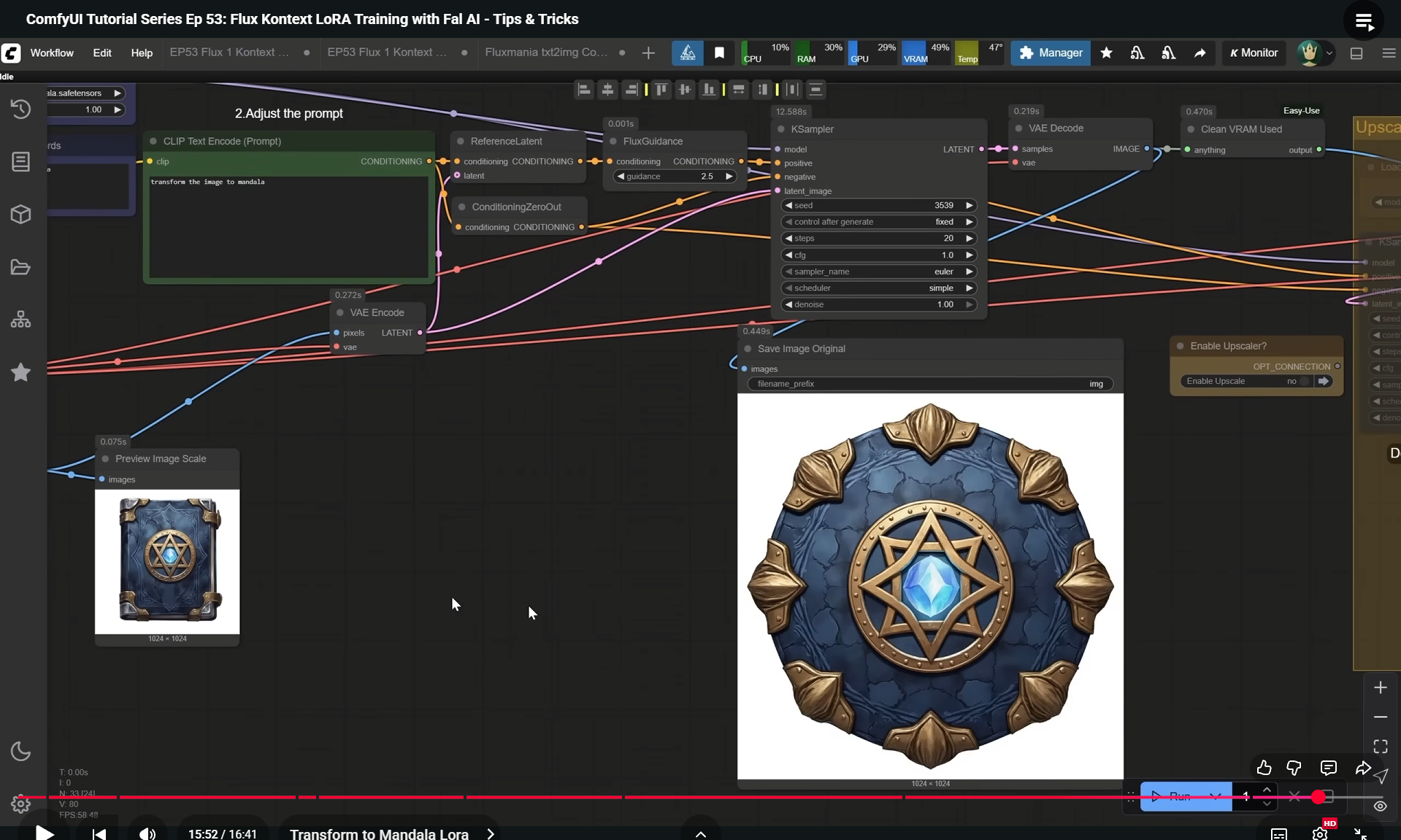
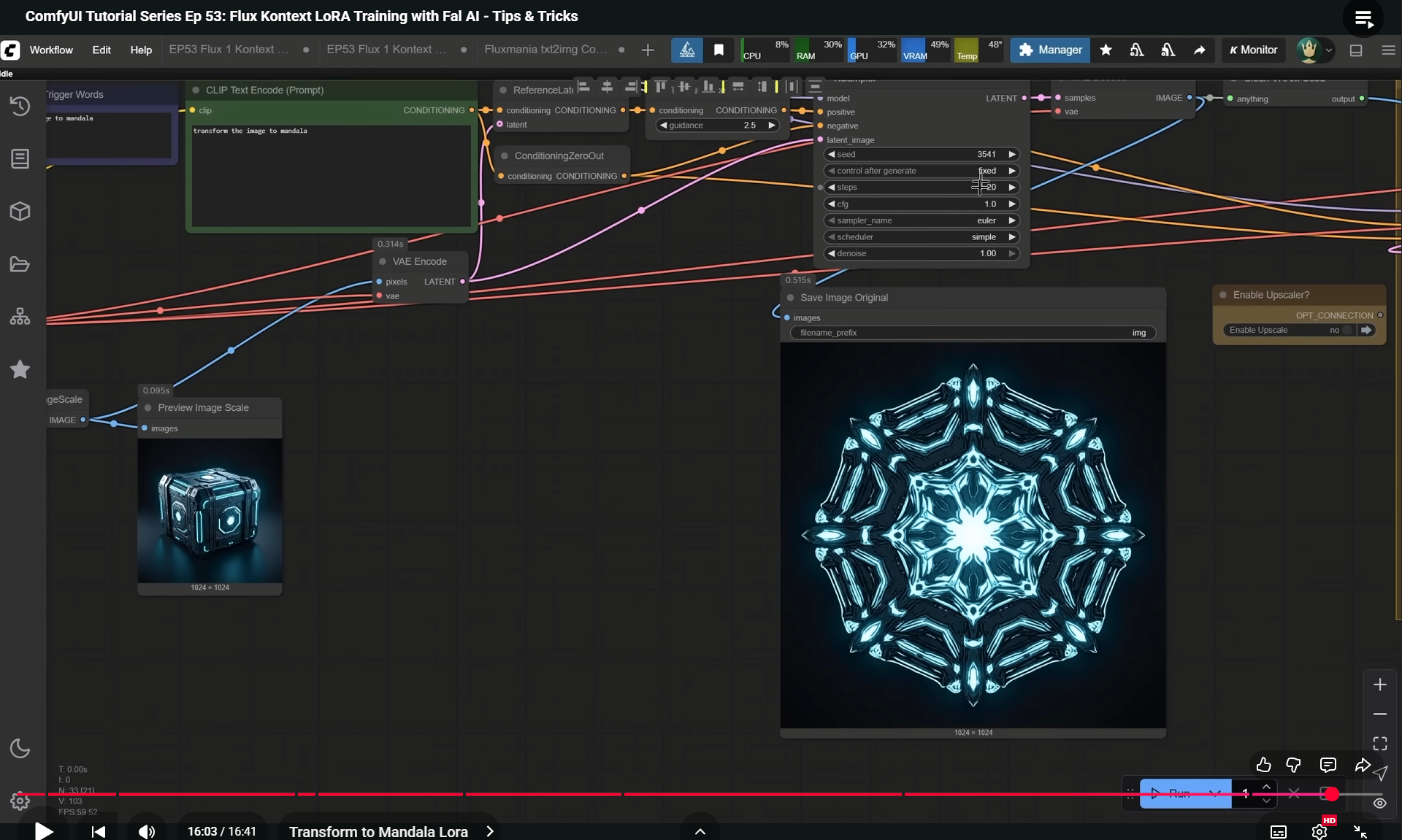
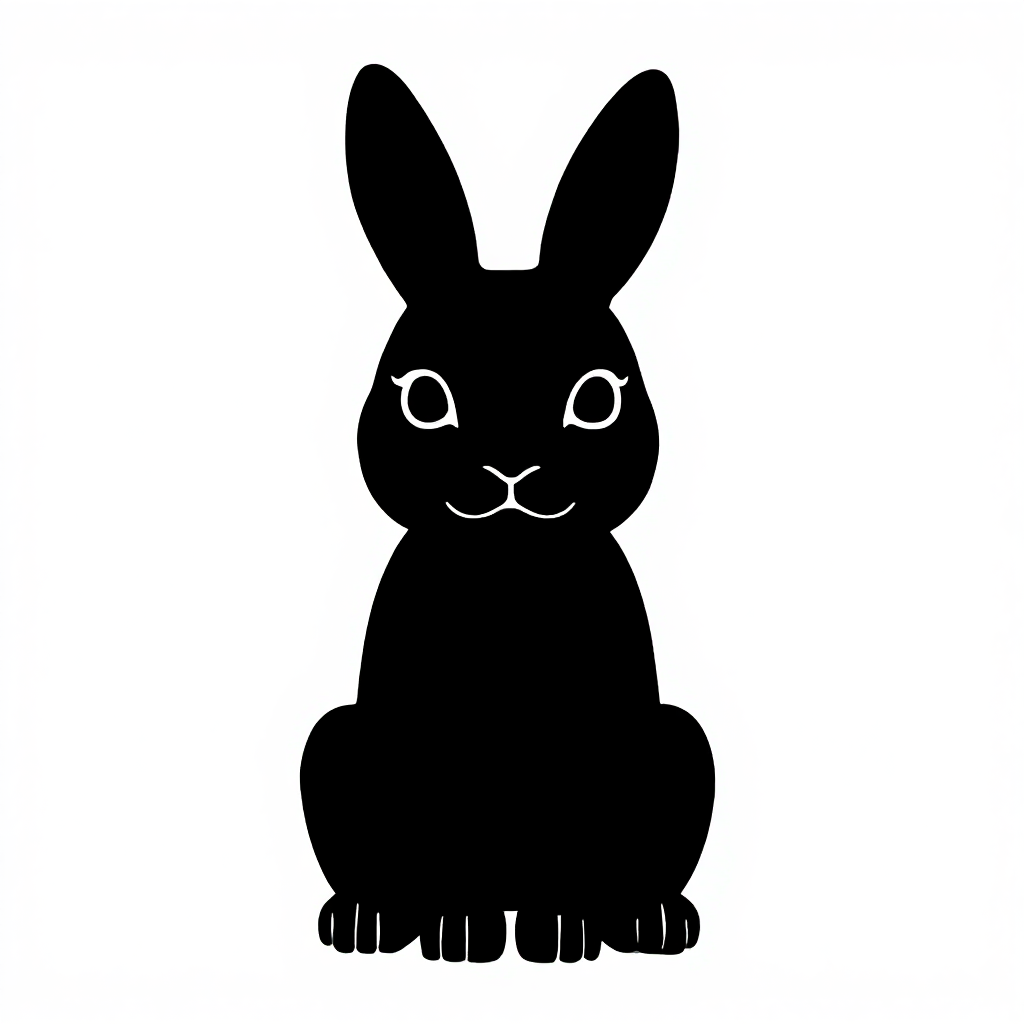
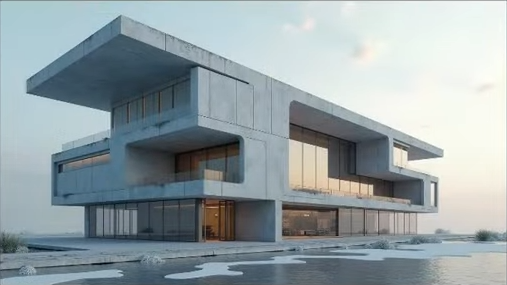
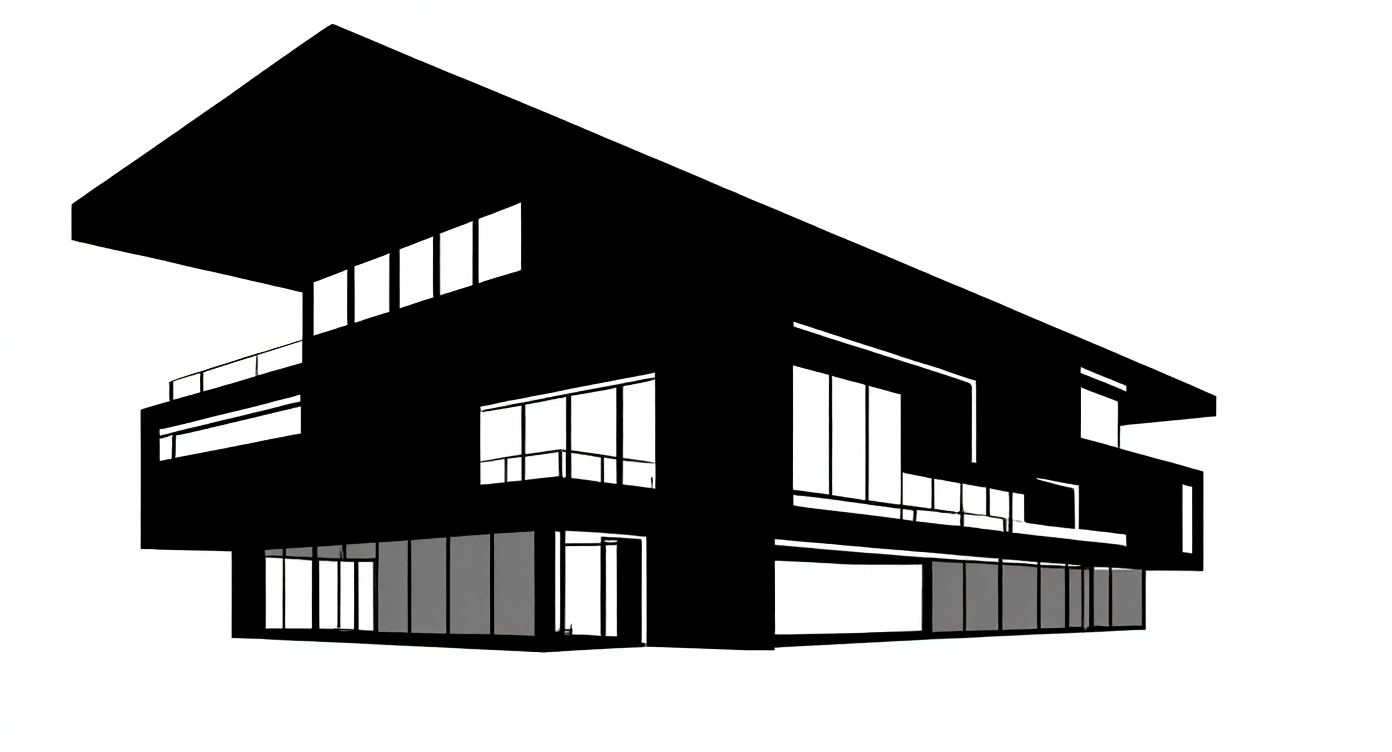
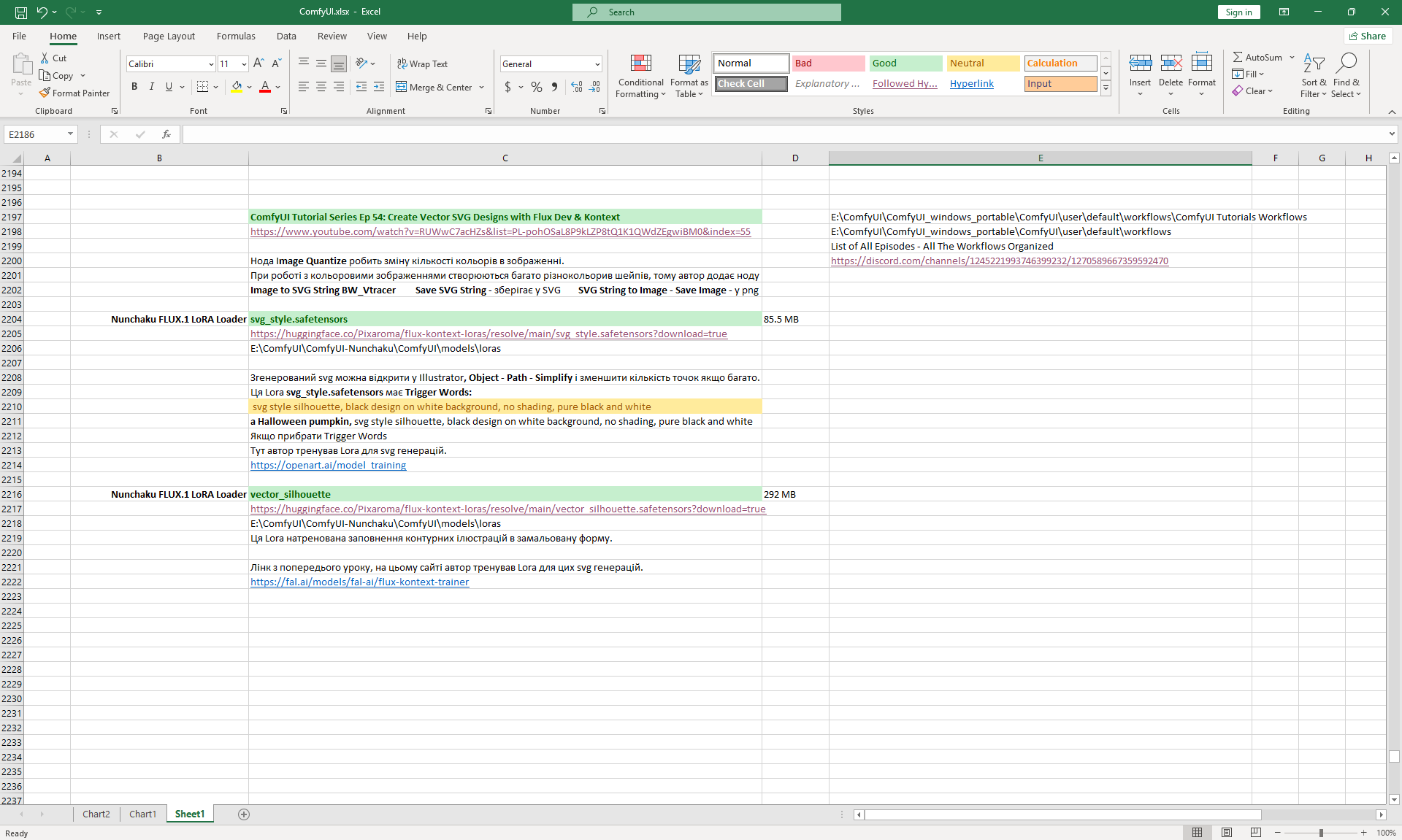
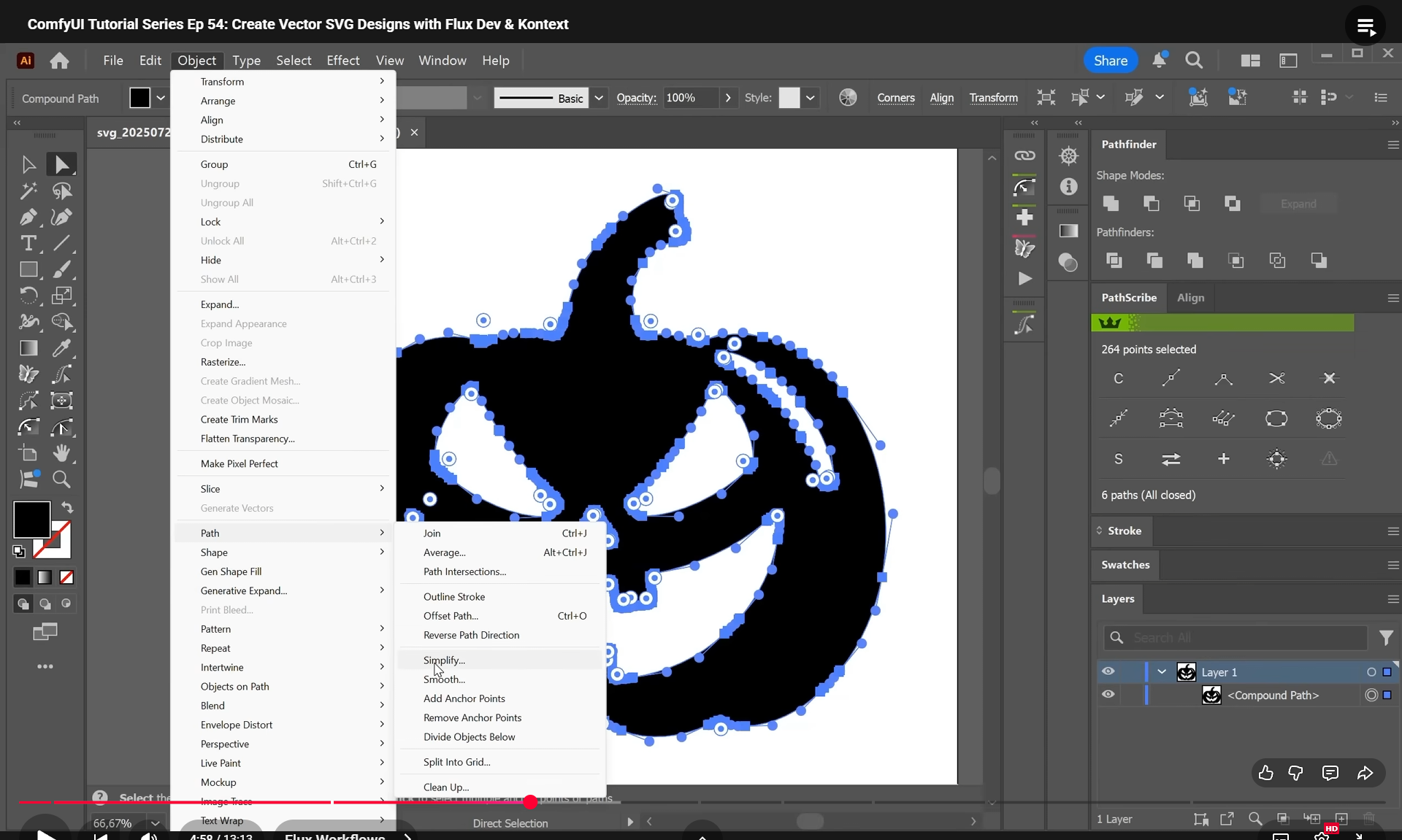
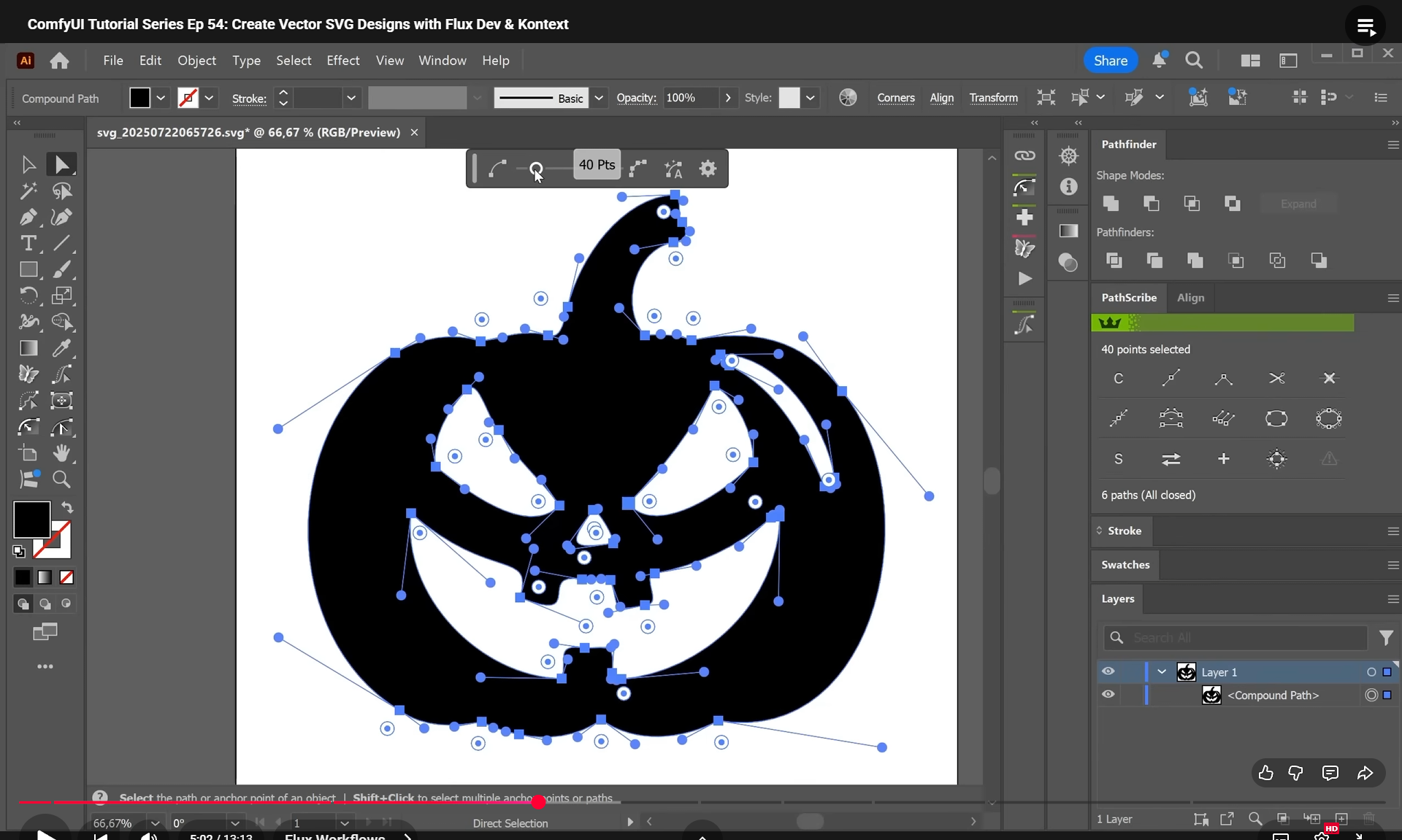
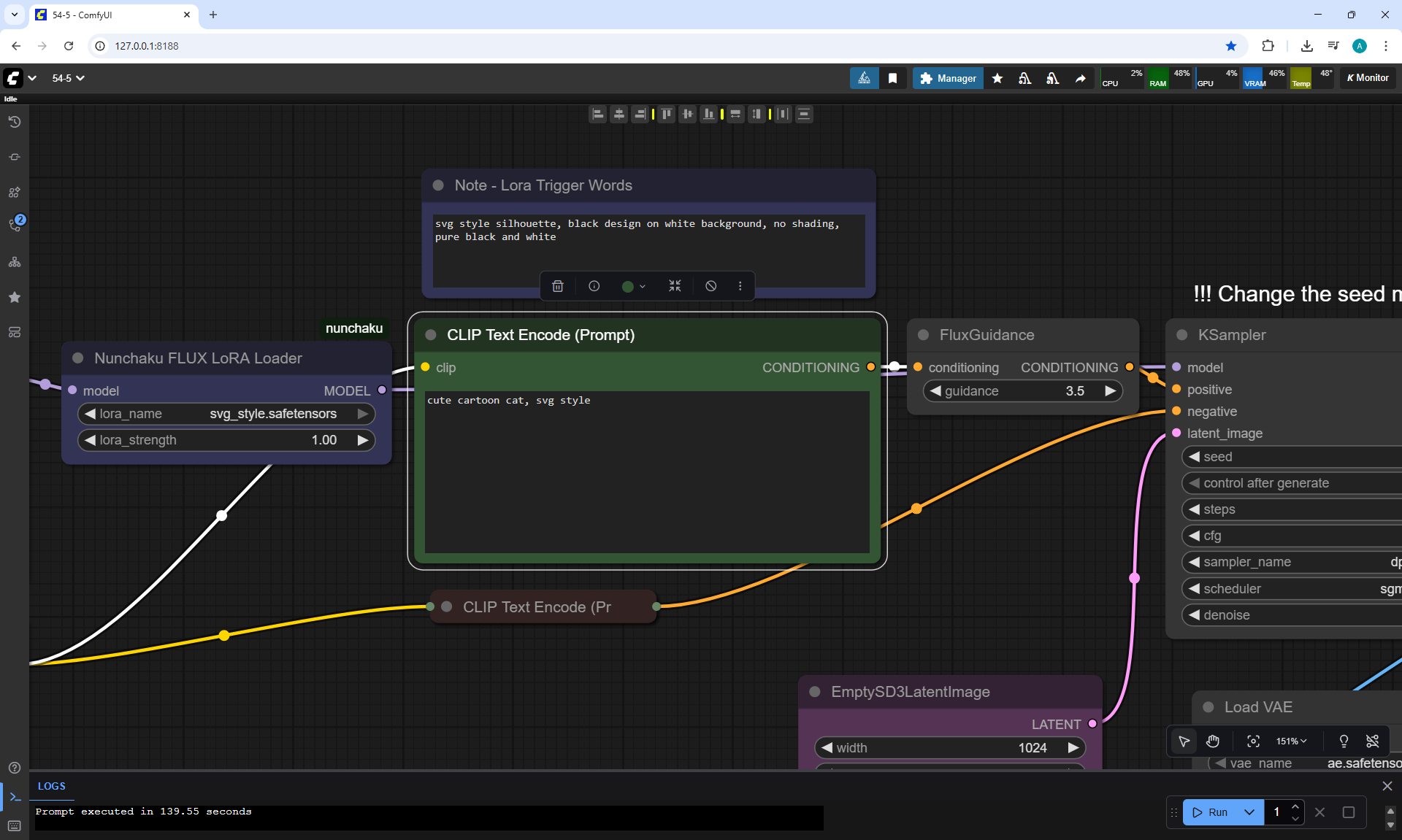
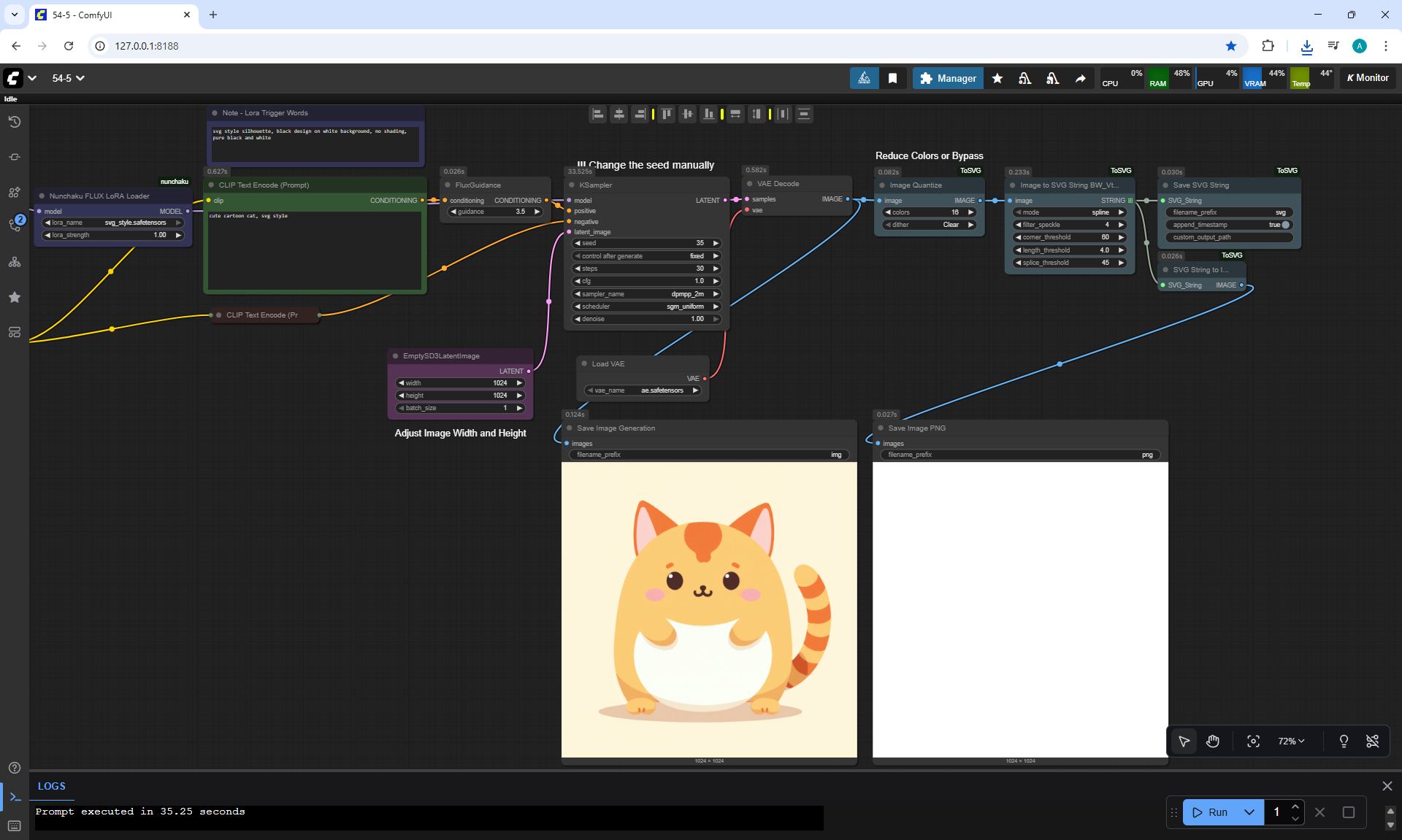
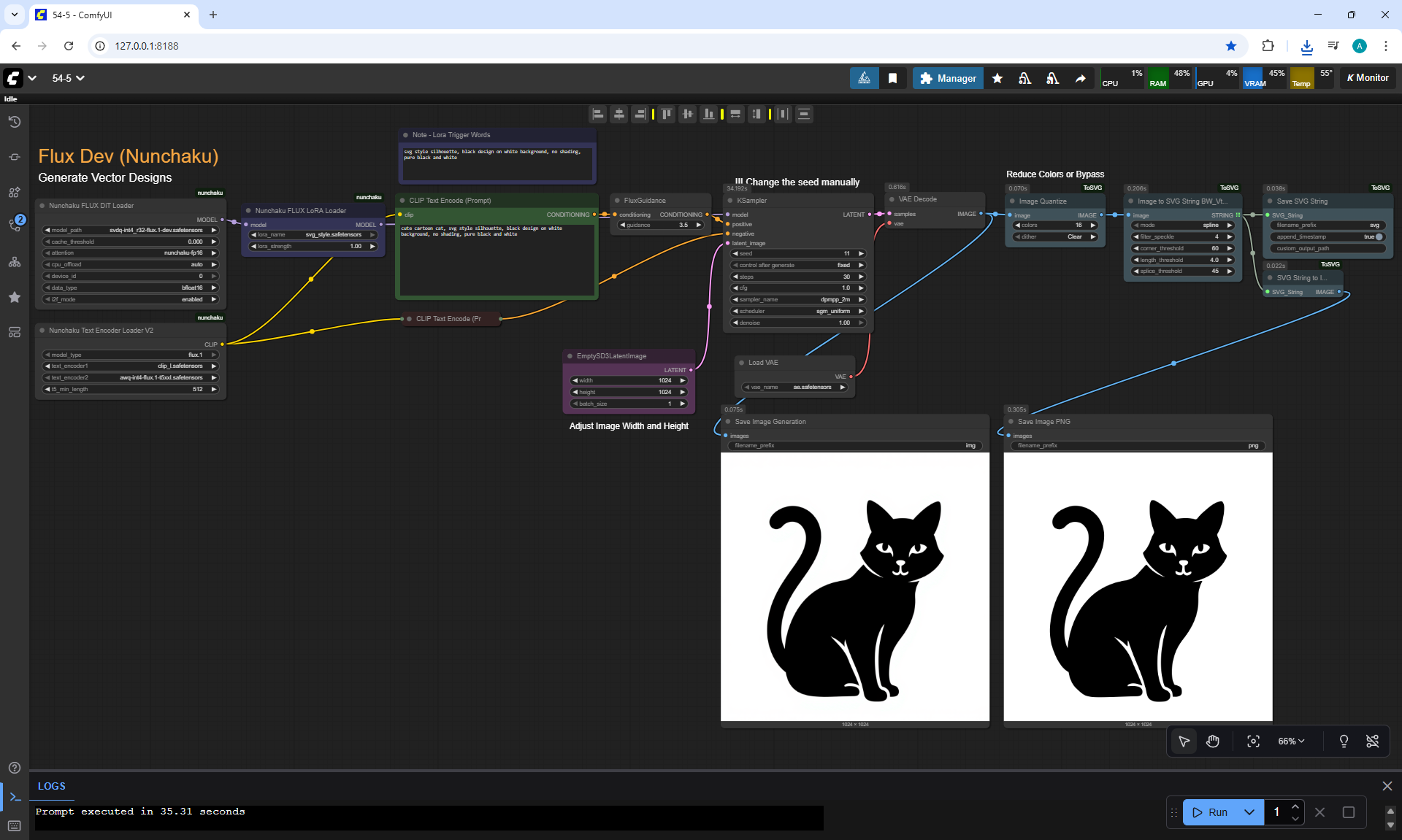
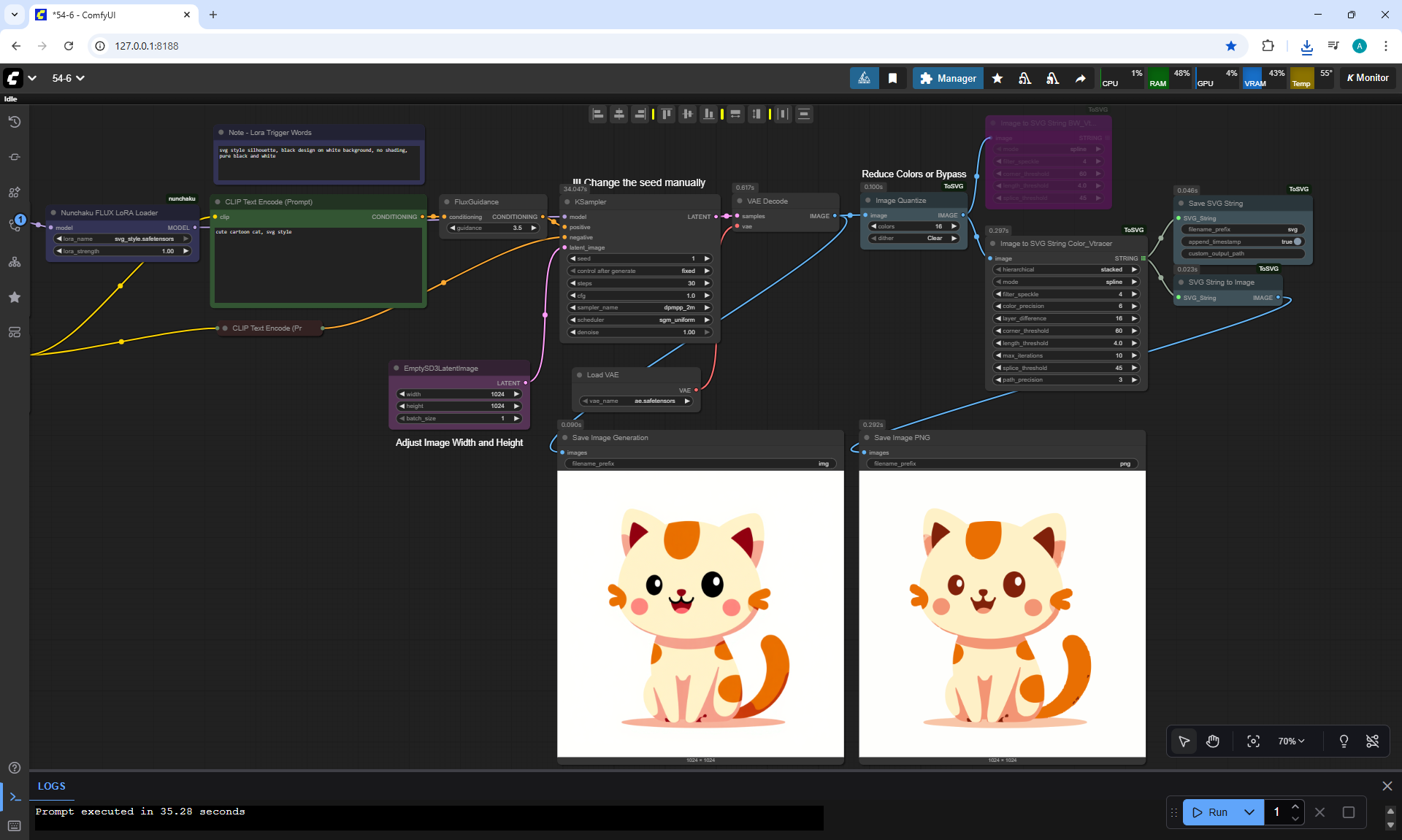
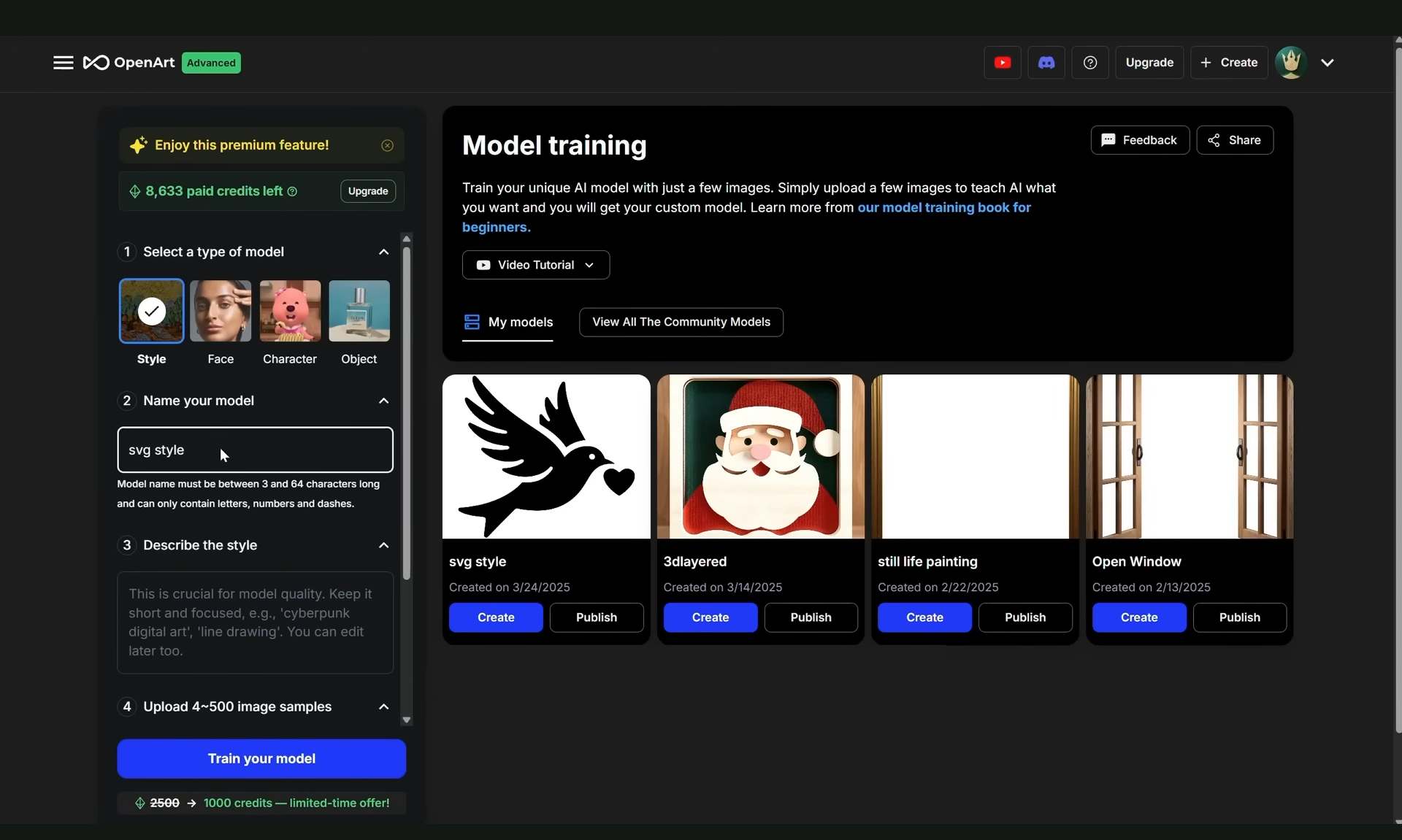
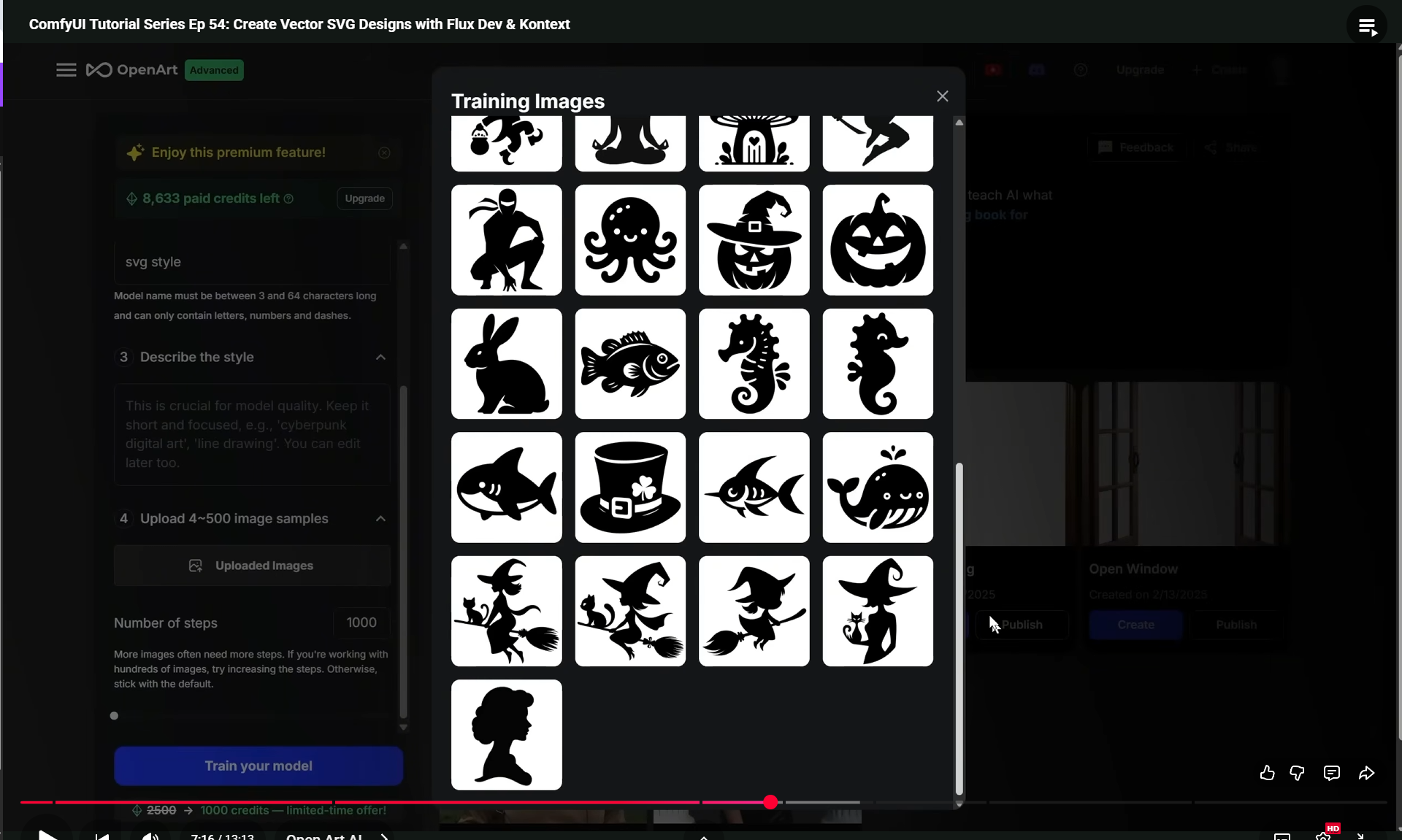
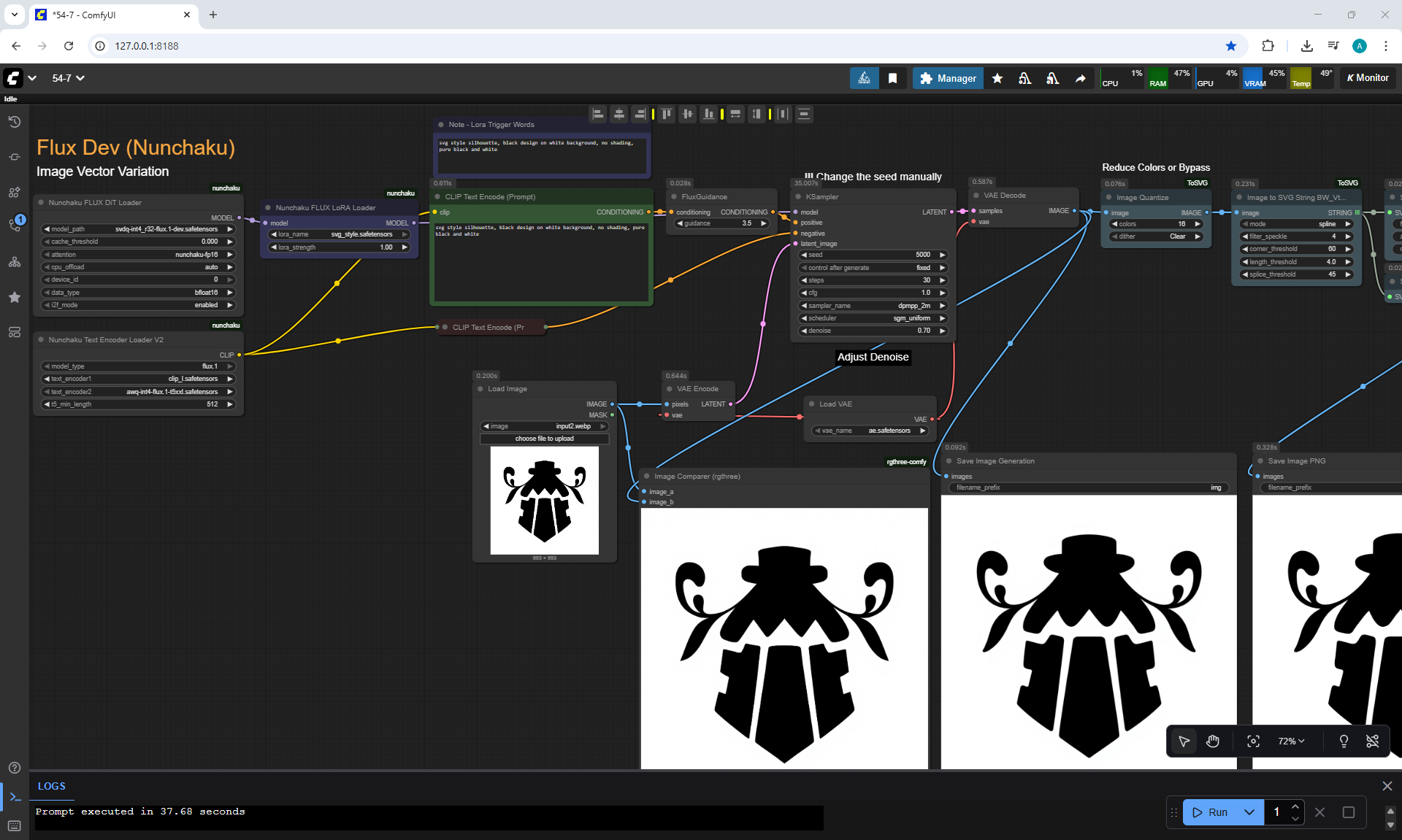
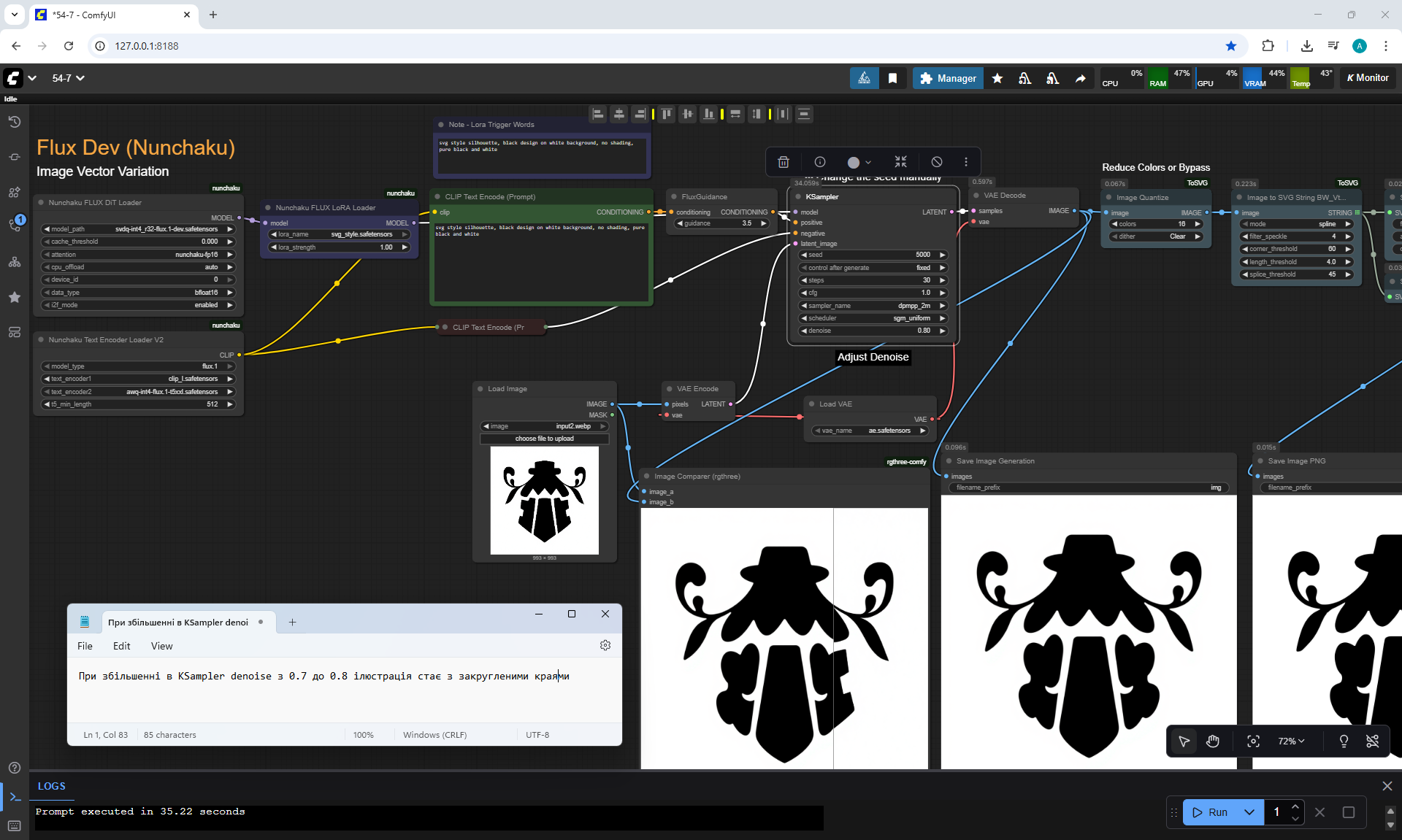
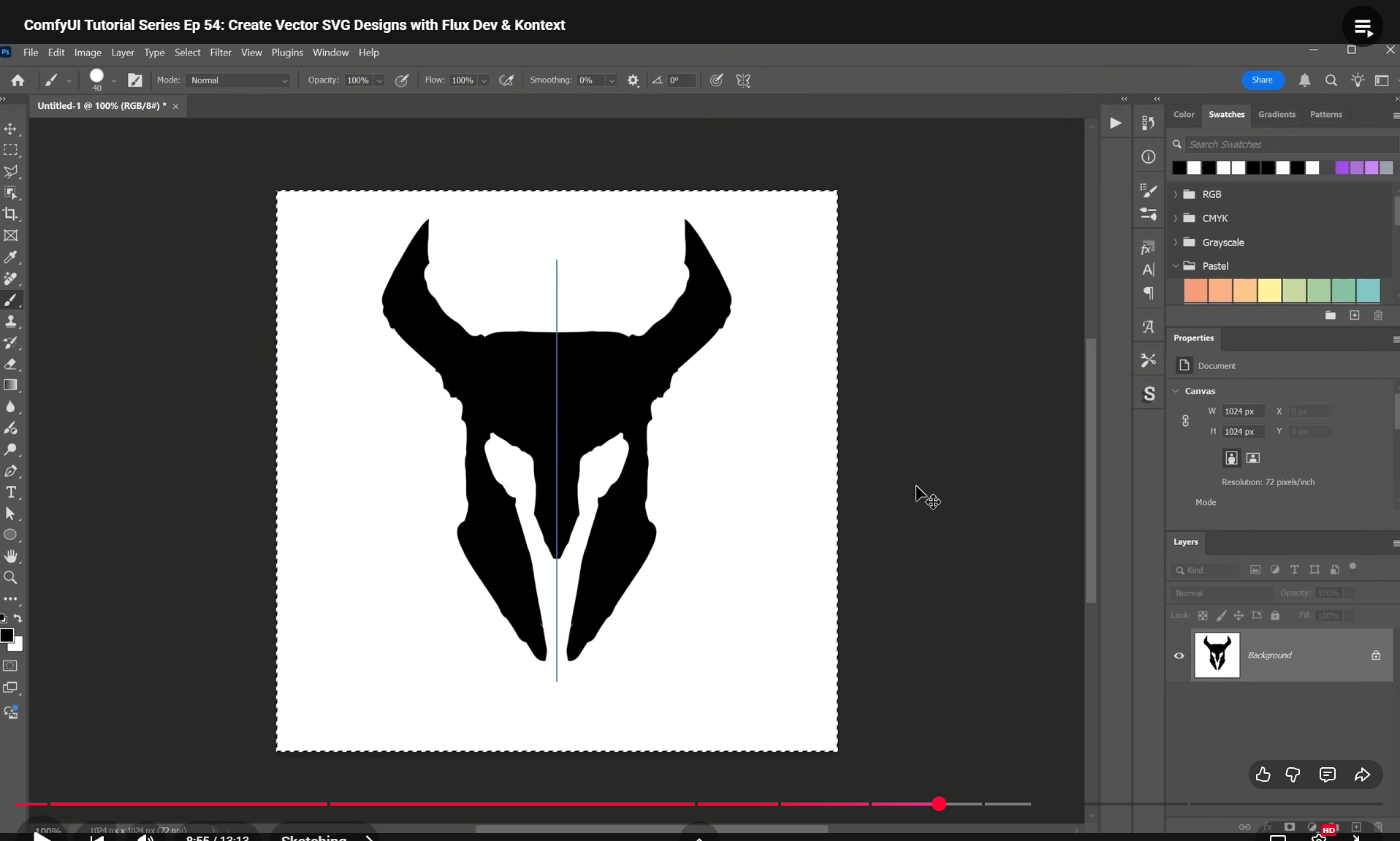
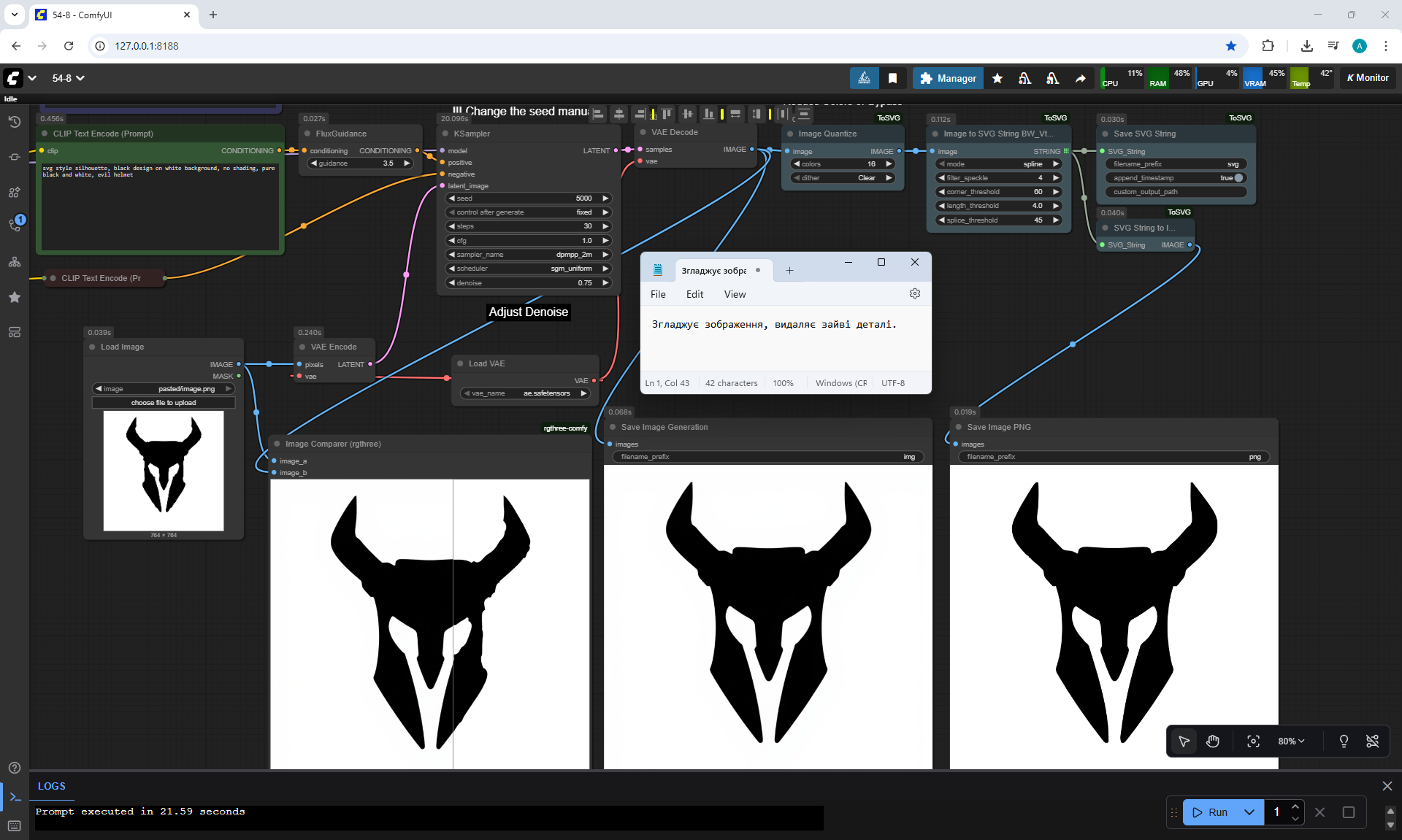
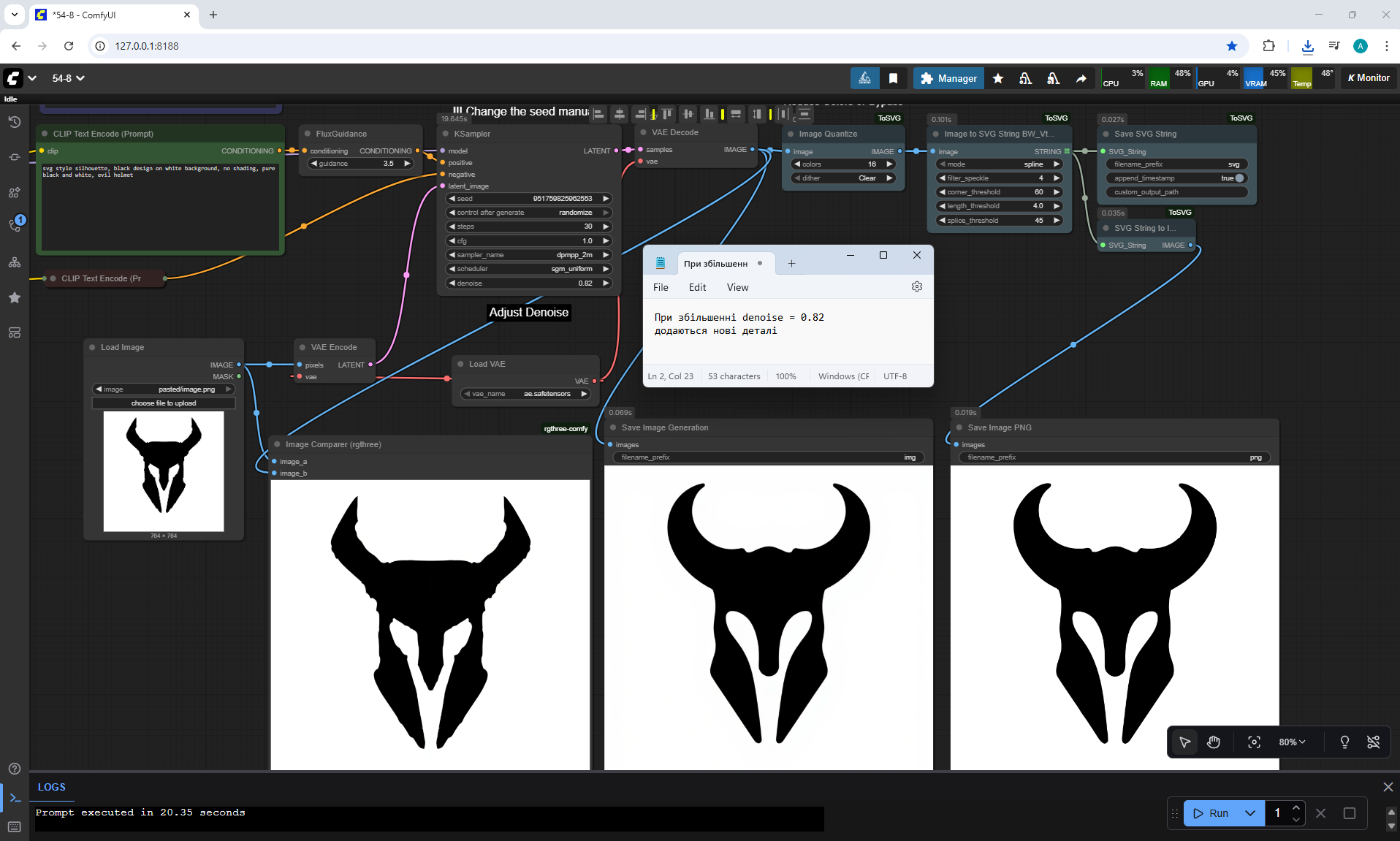
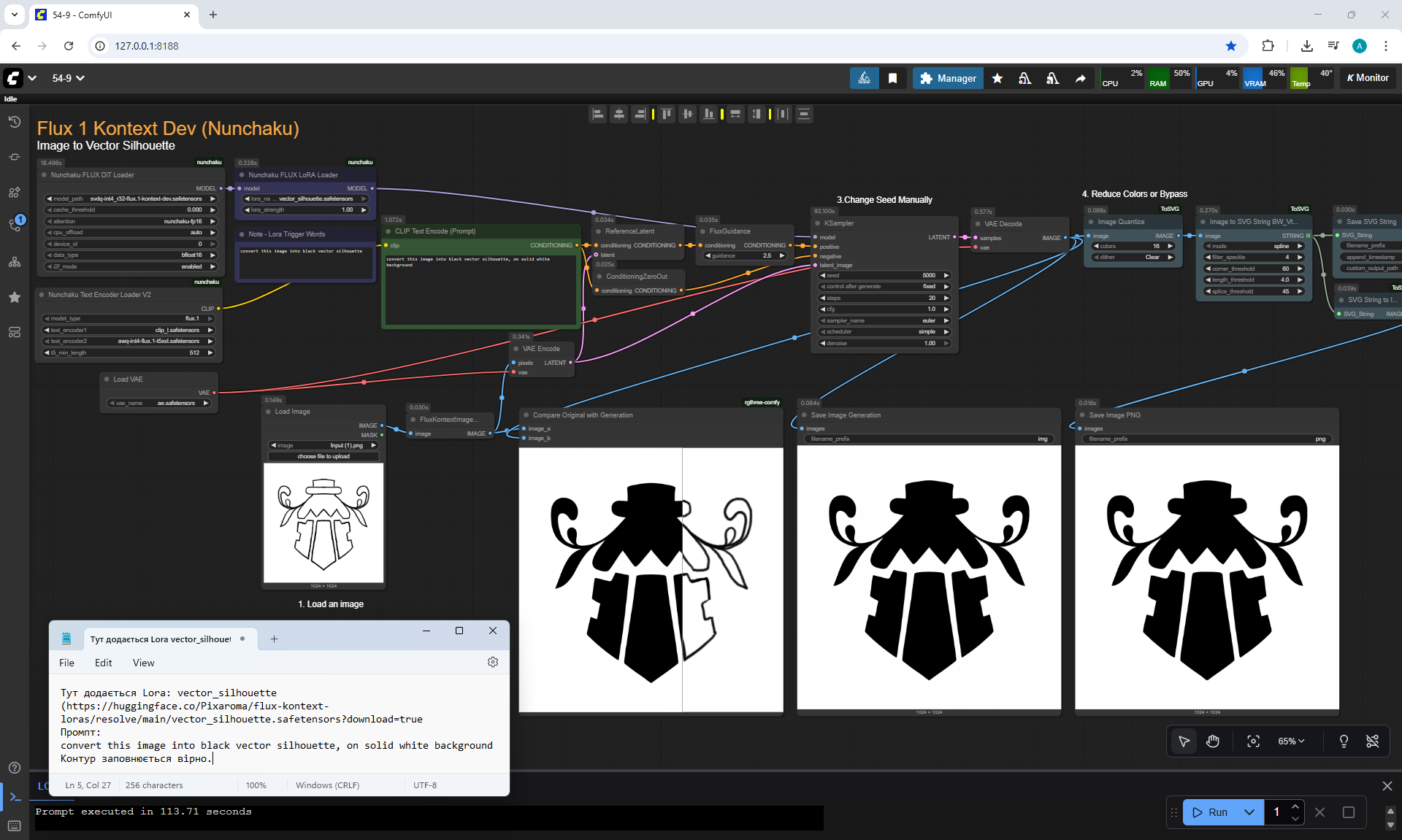
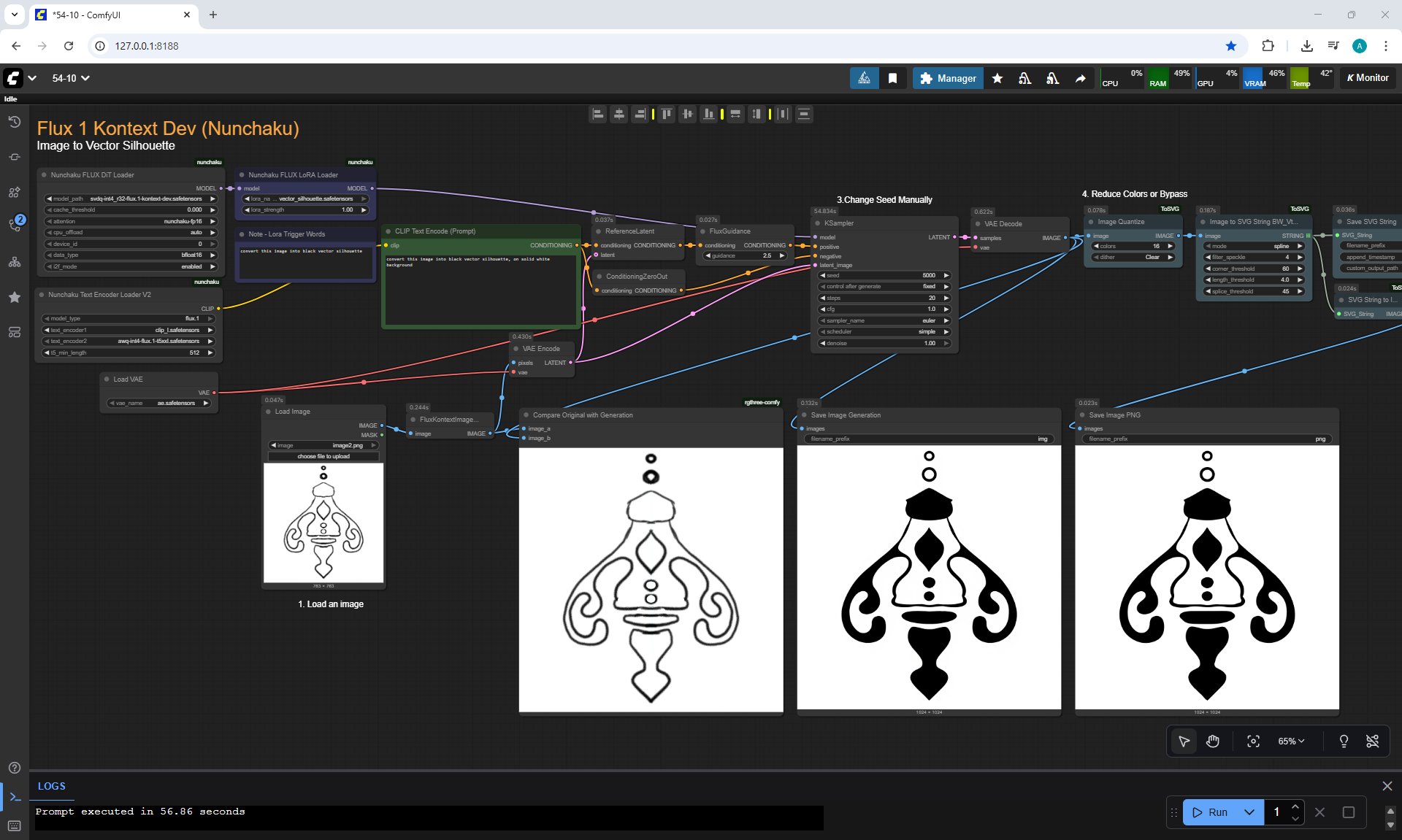
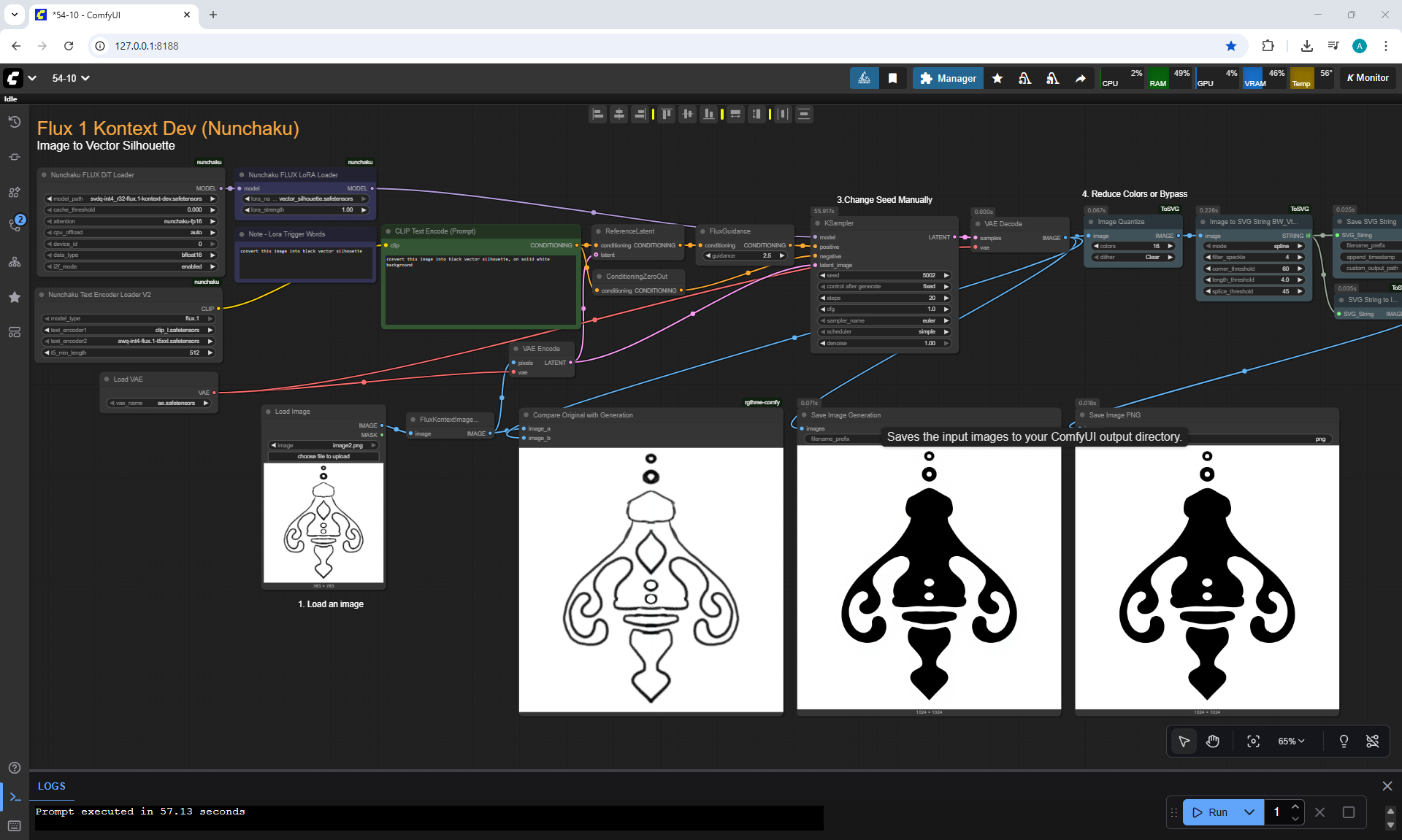
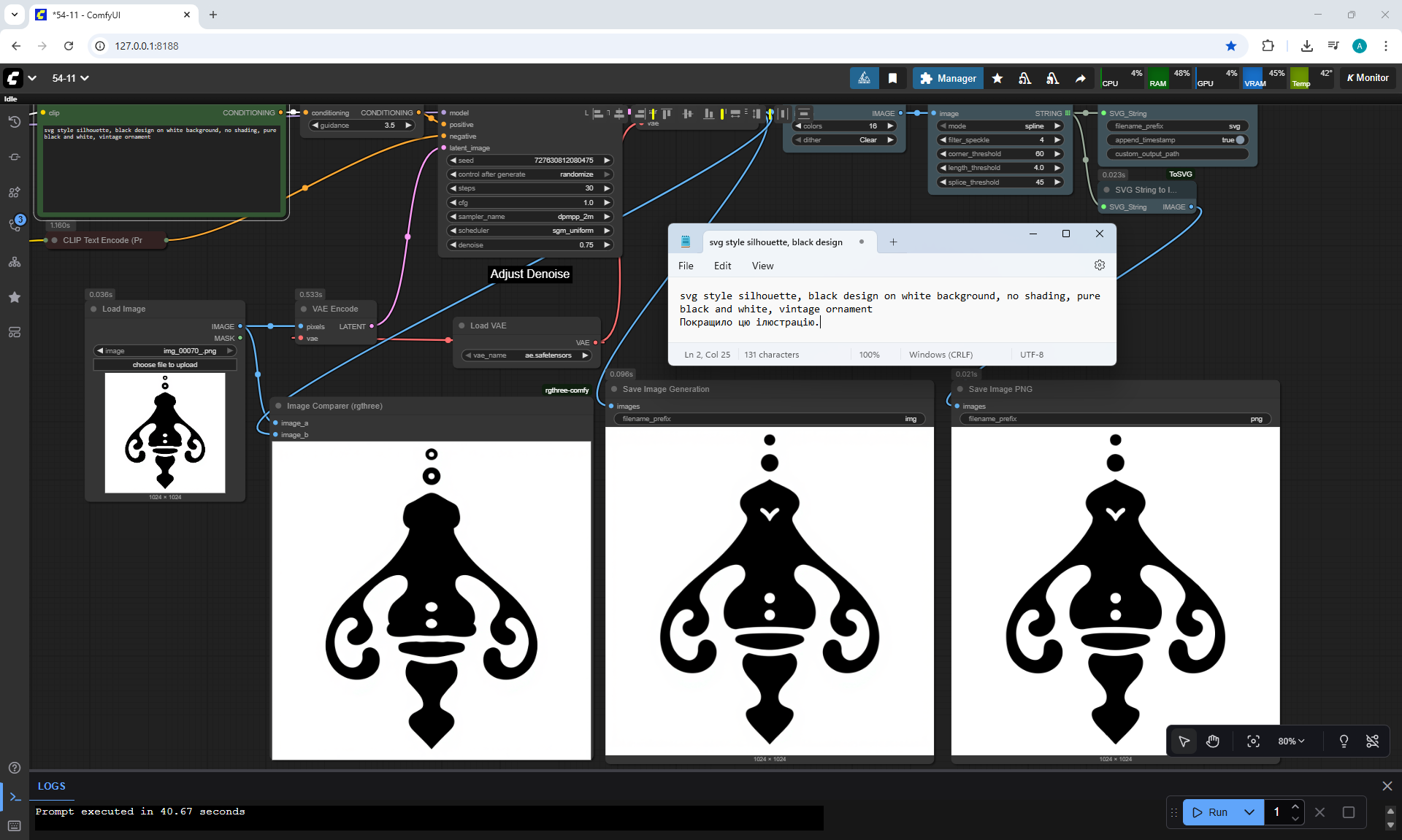
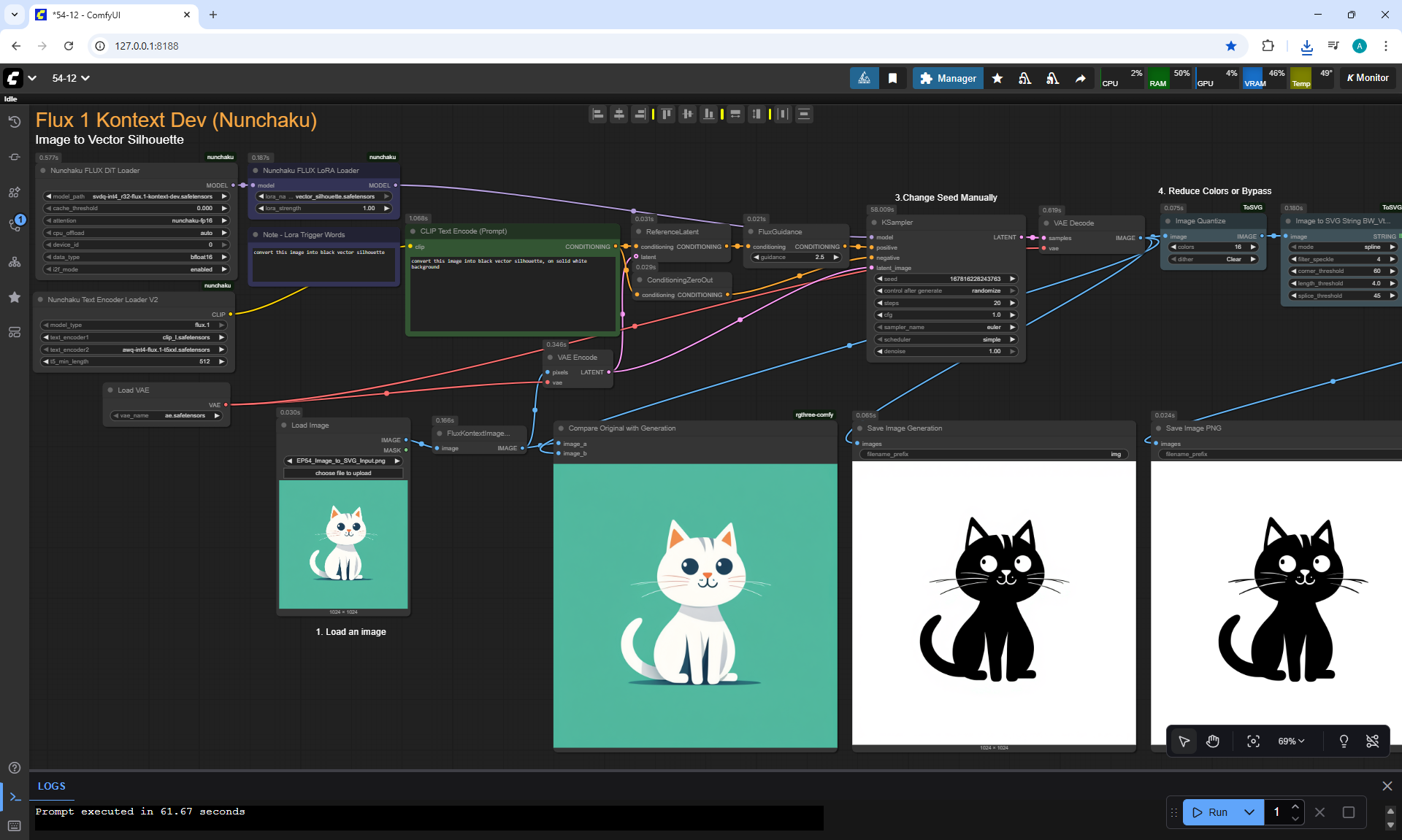
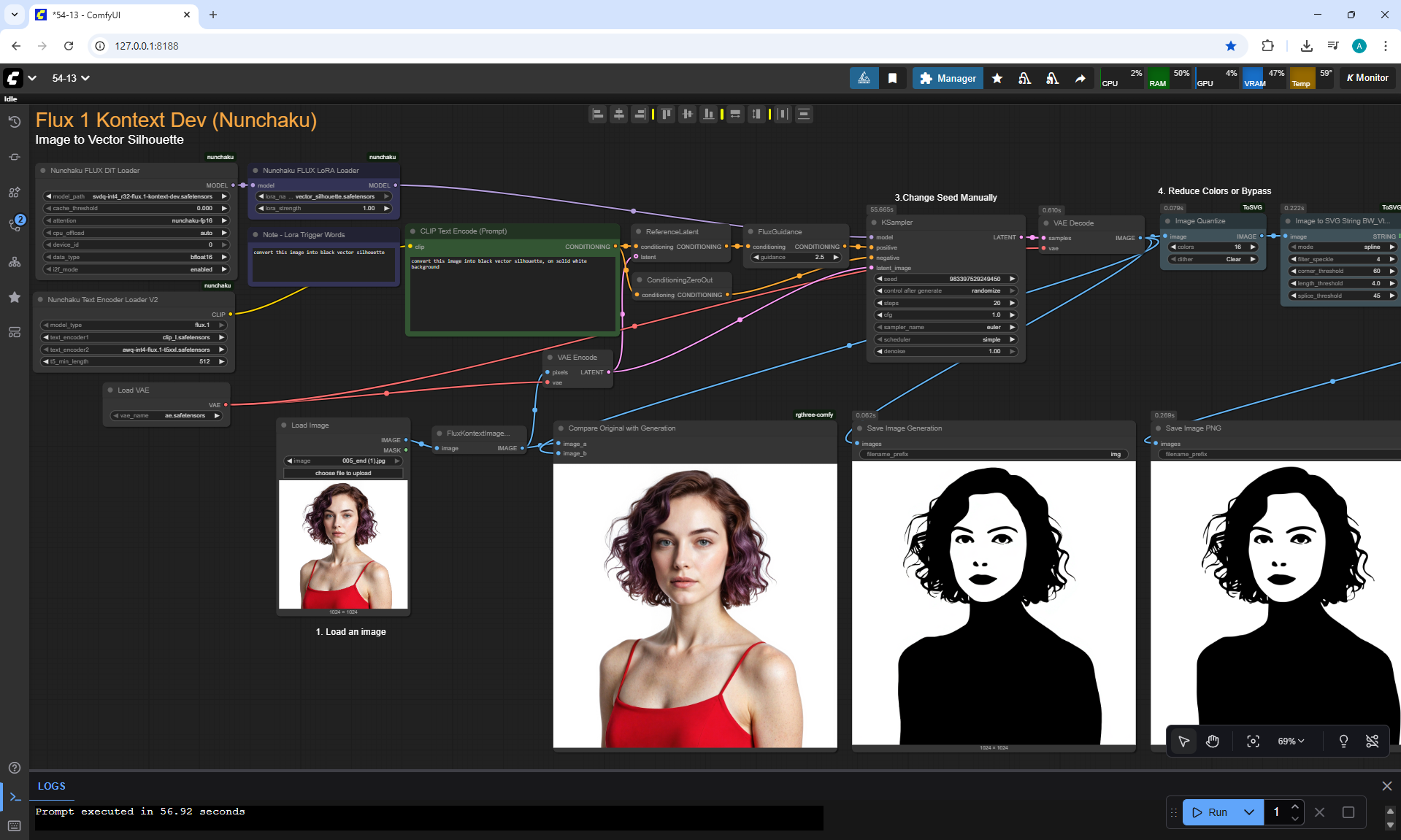
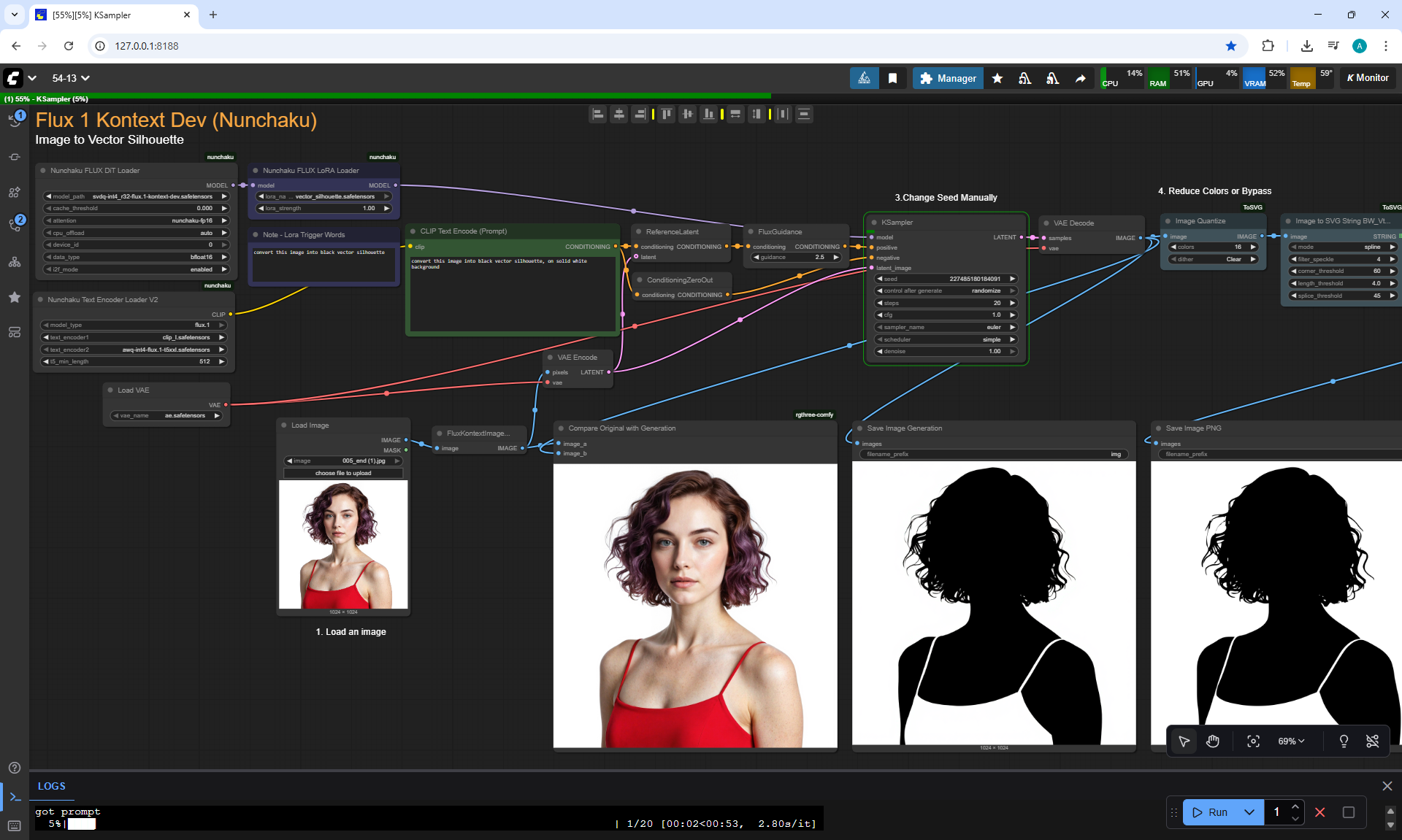
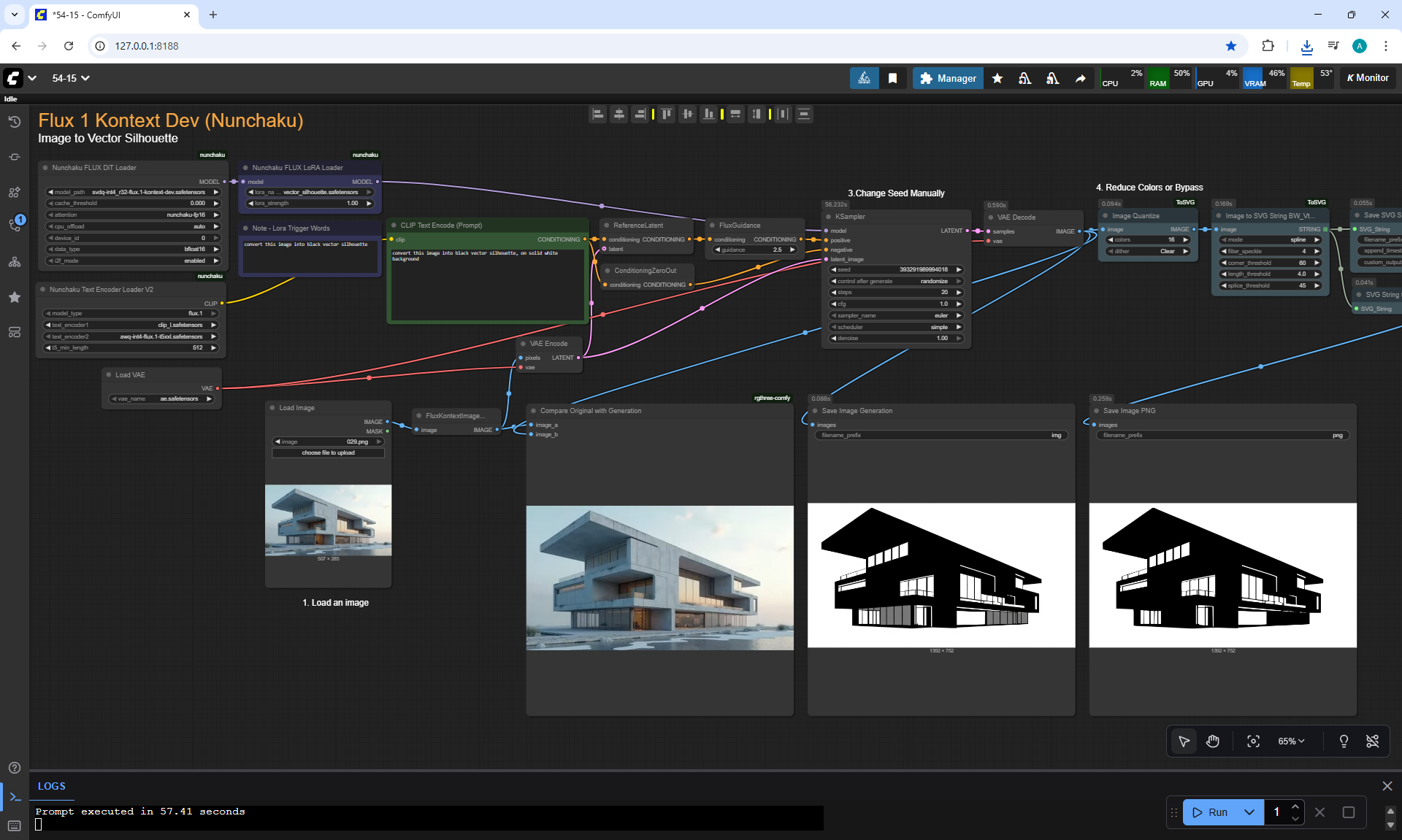
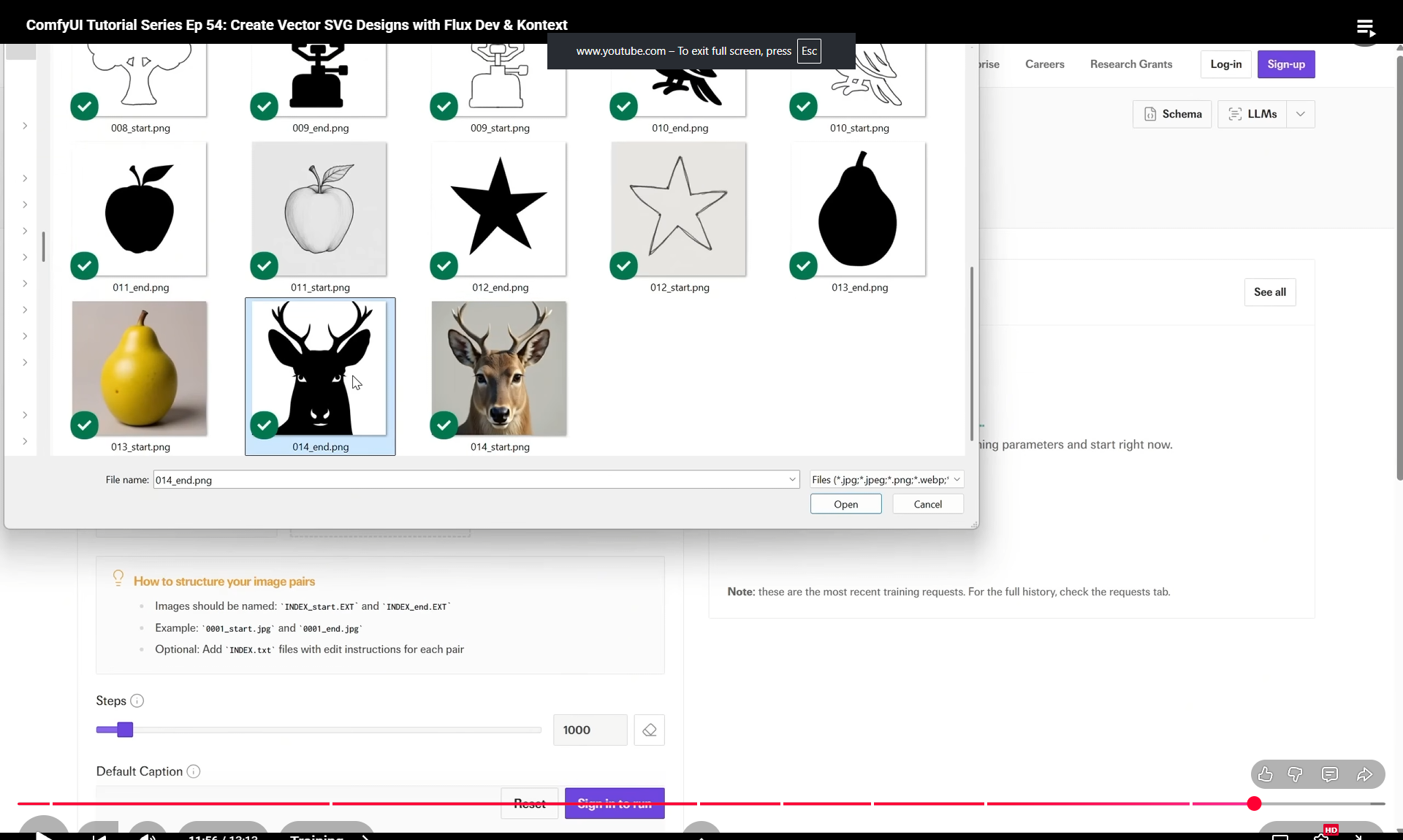
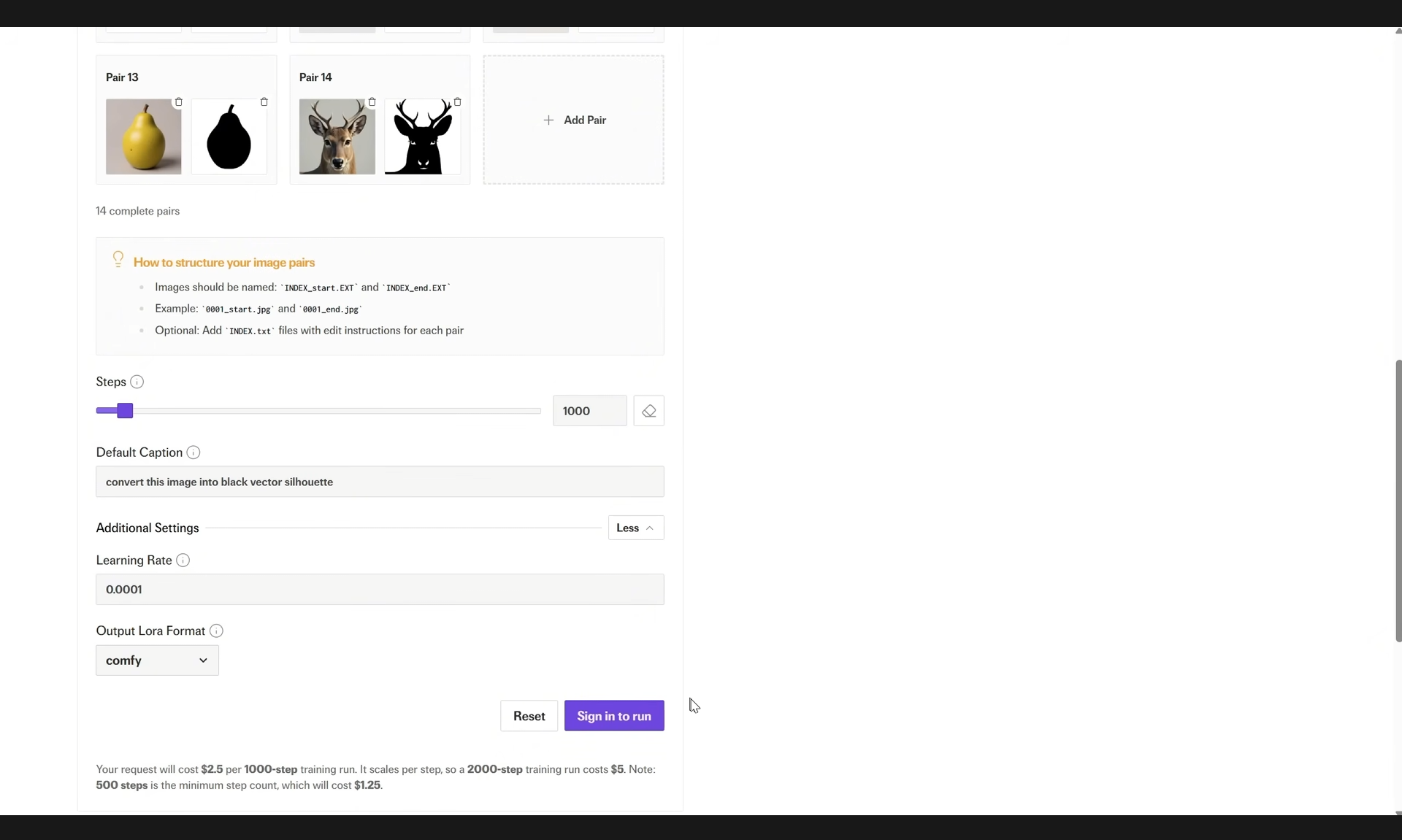
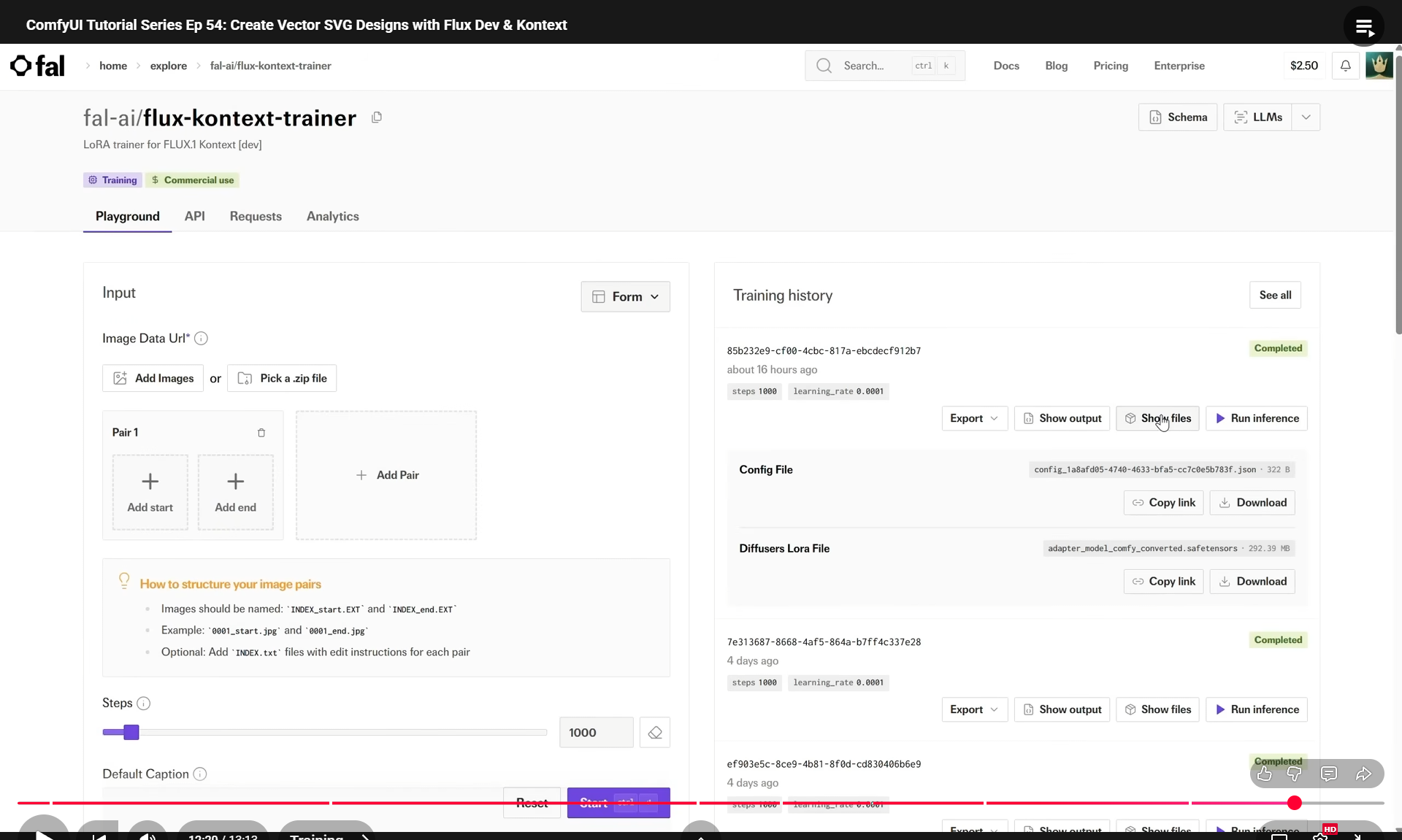
ComfyUI Tutorial Series Ep 54: Create Vector SVG Designs with Flux Dev & Kontext




















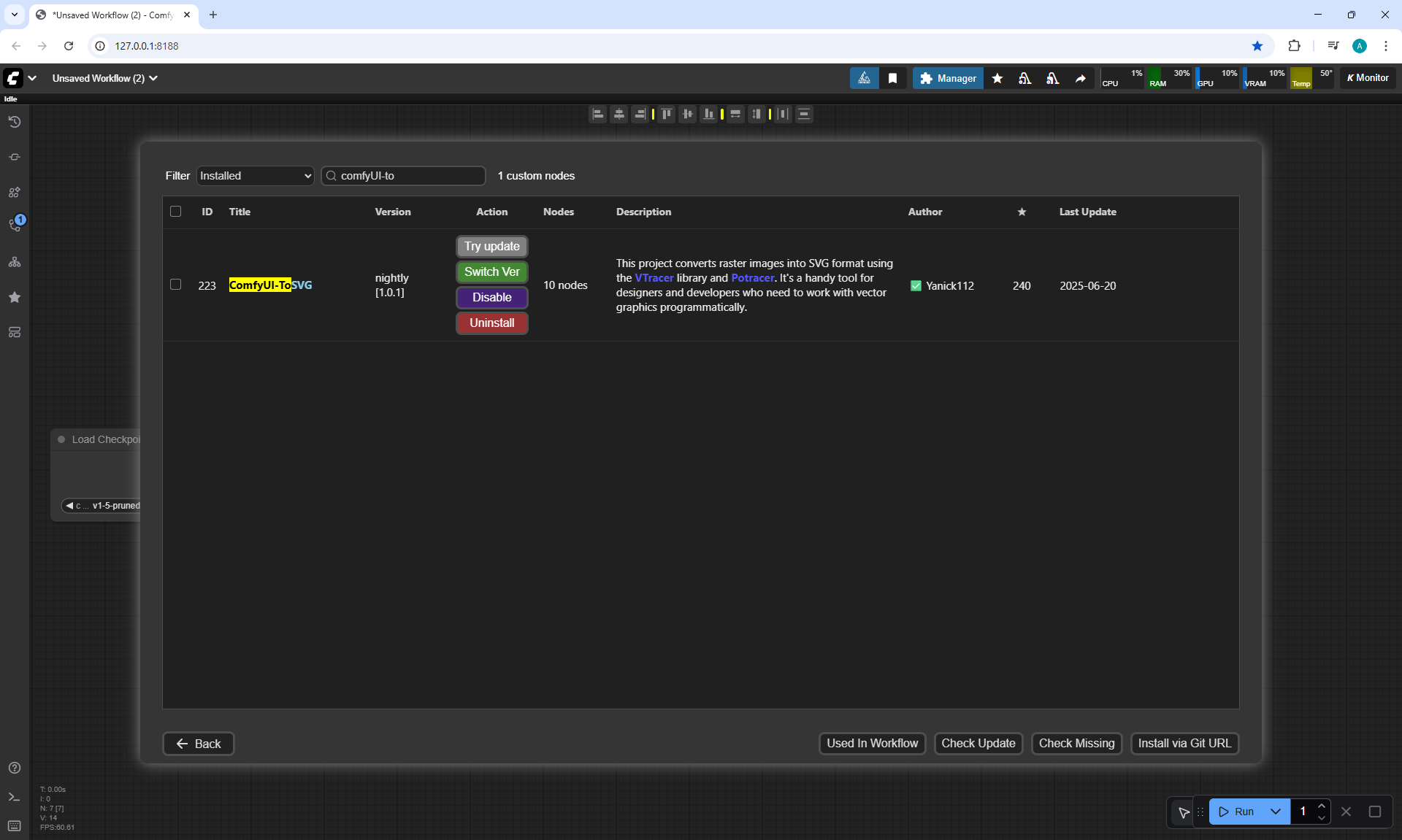
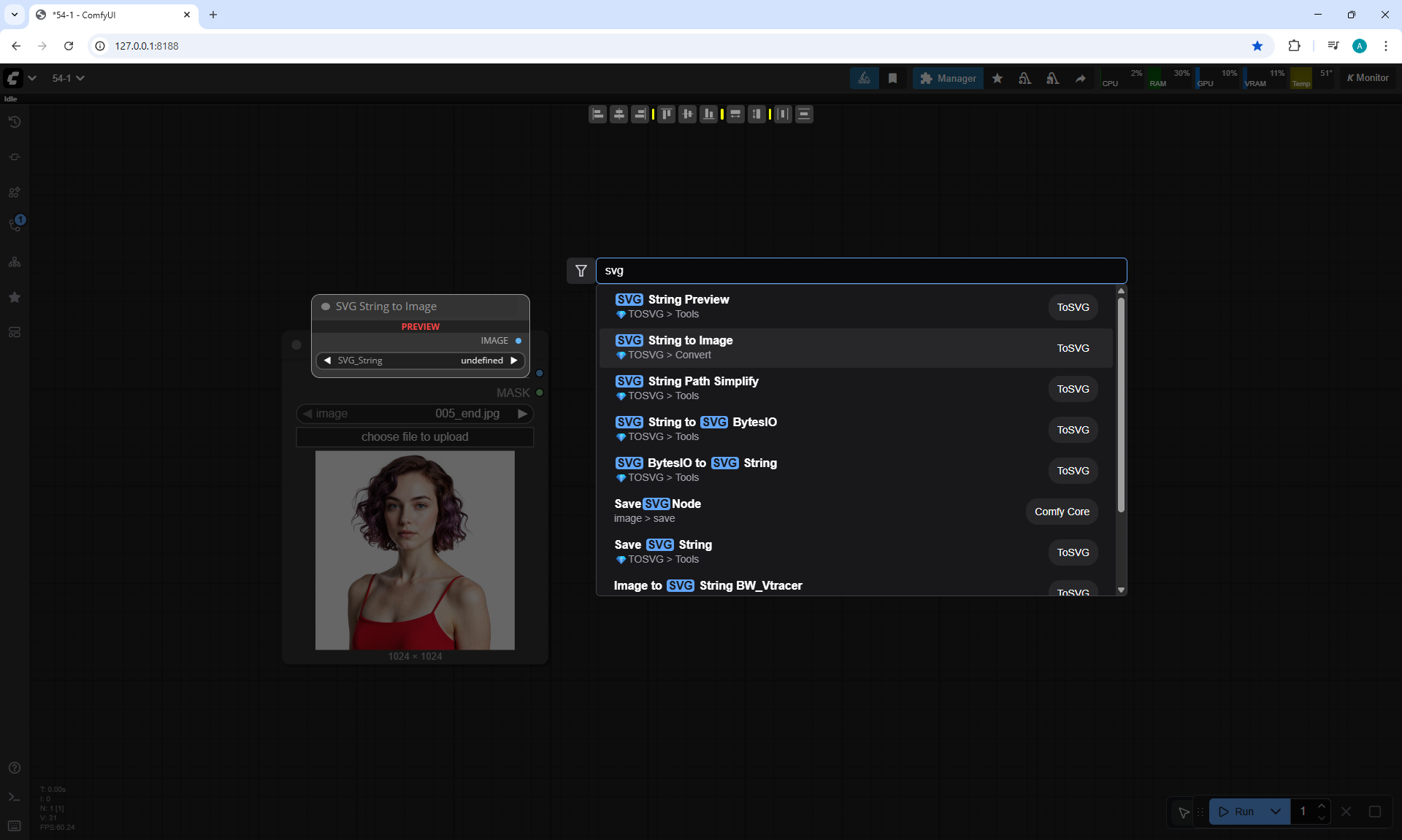
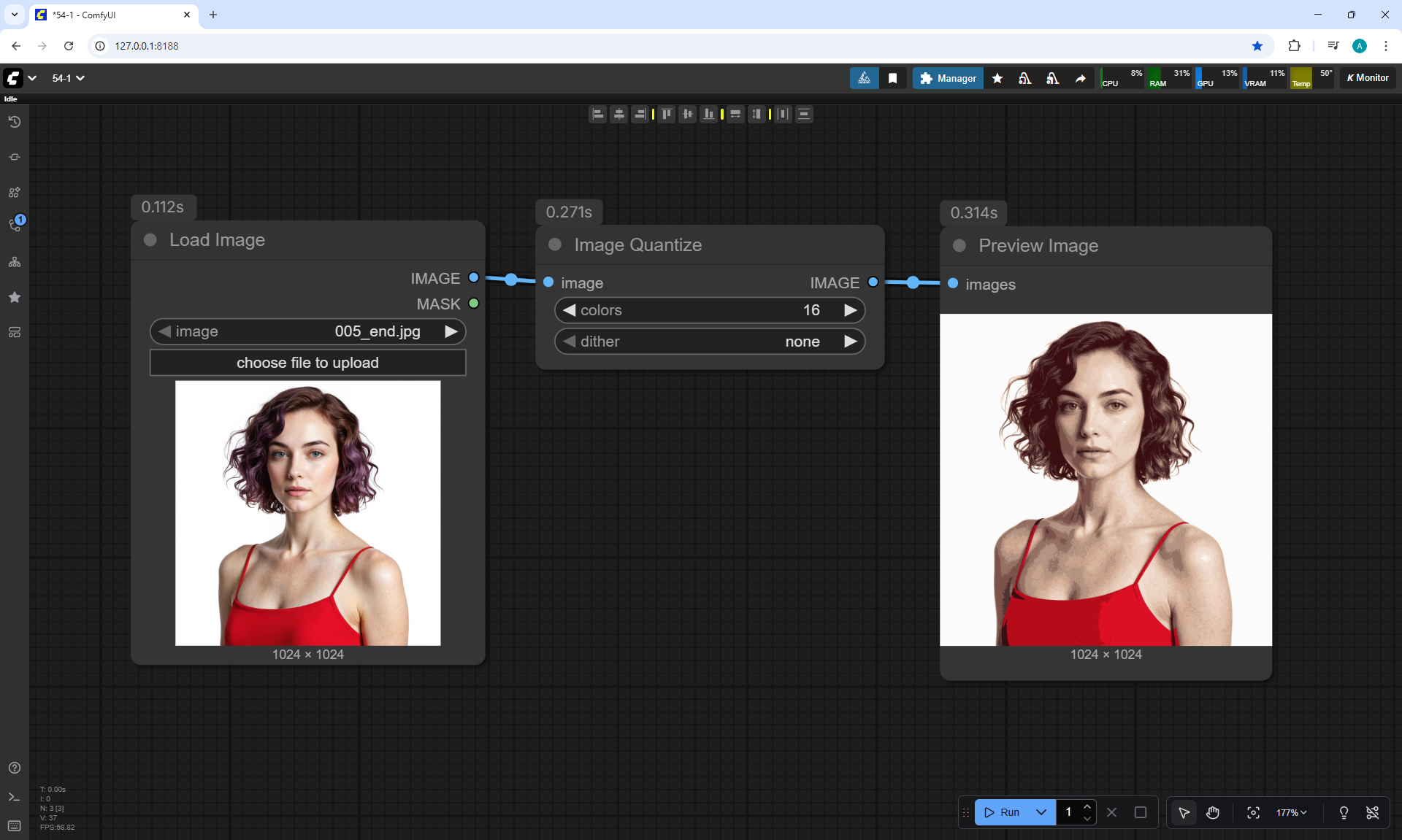
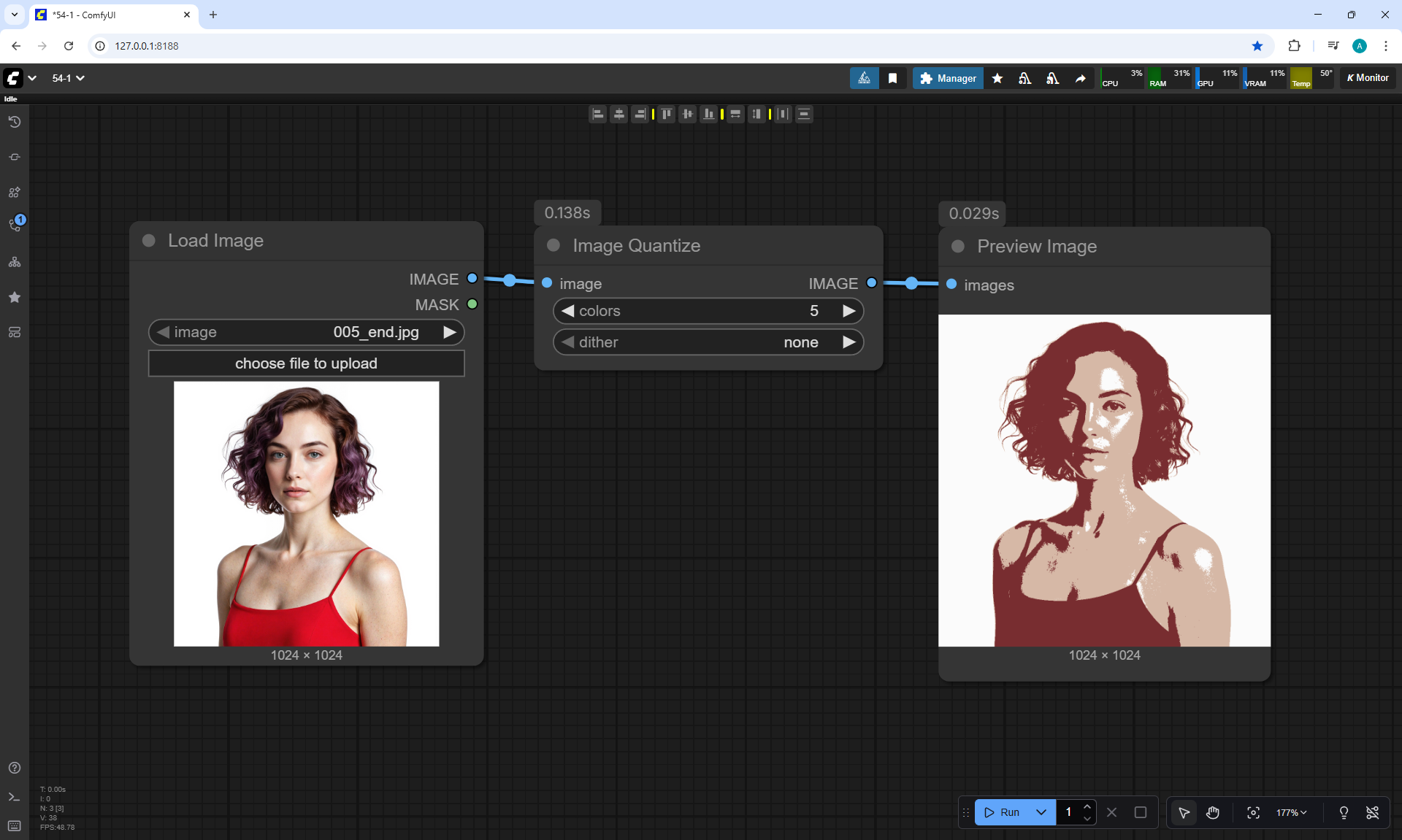
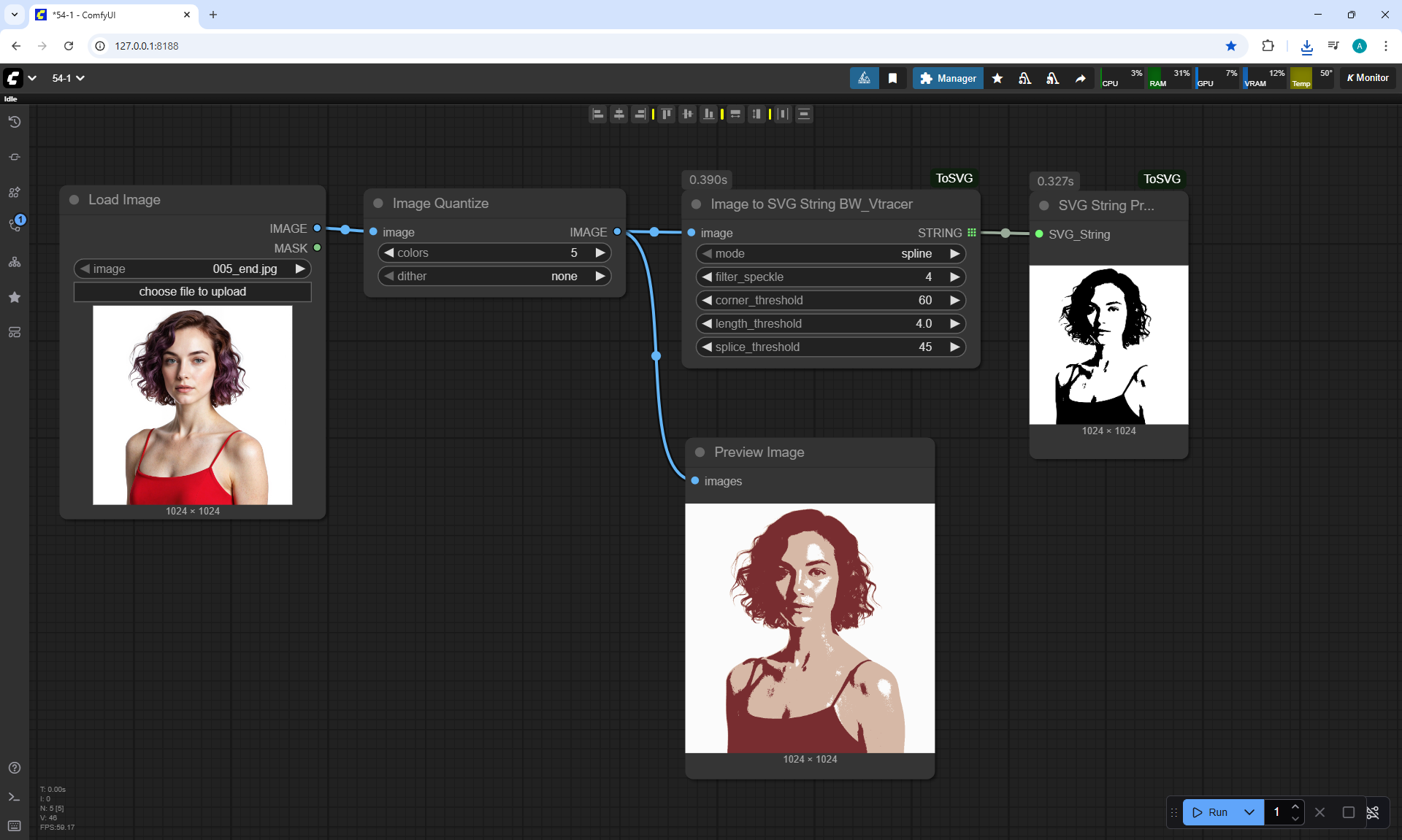
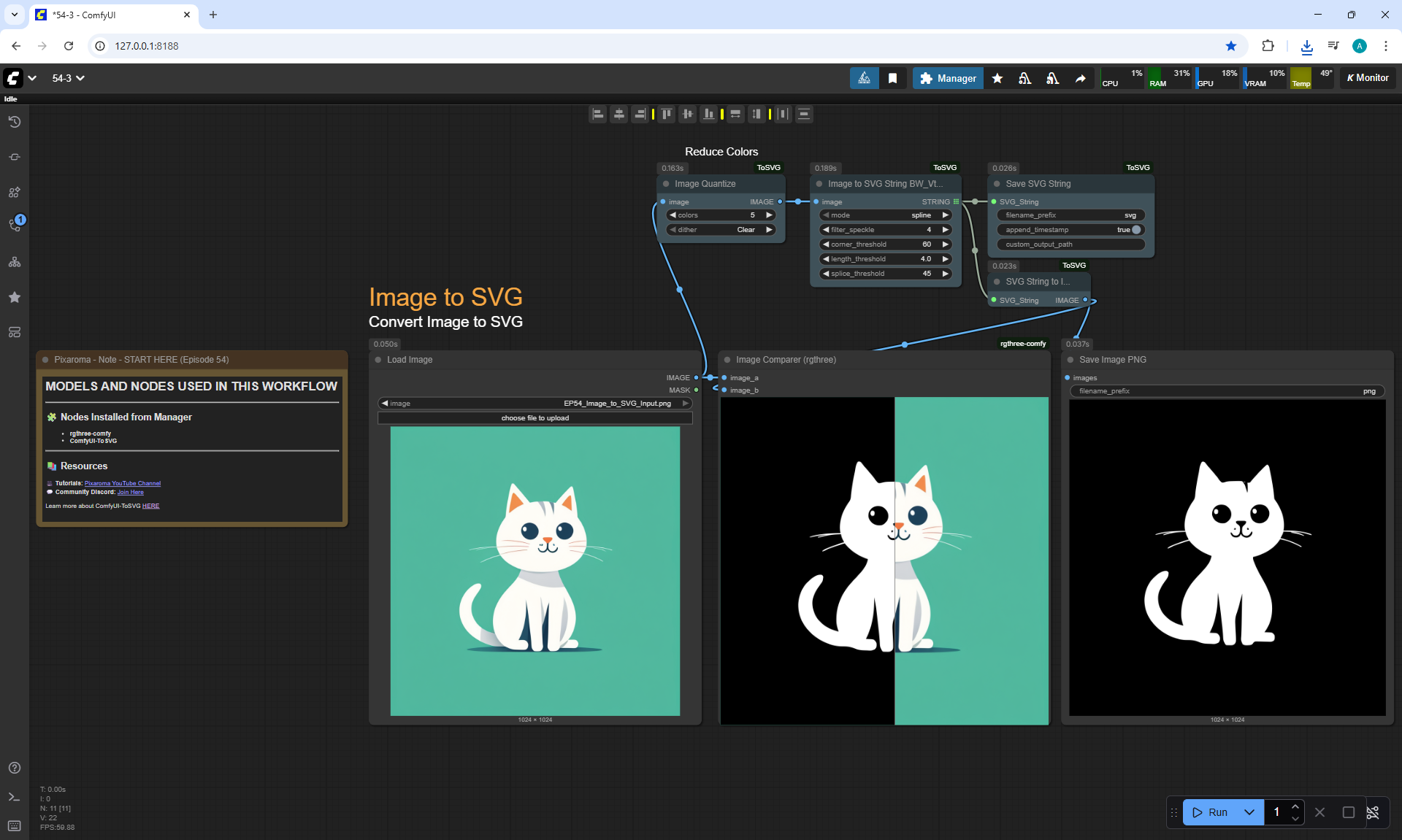
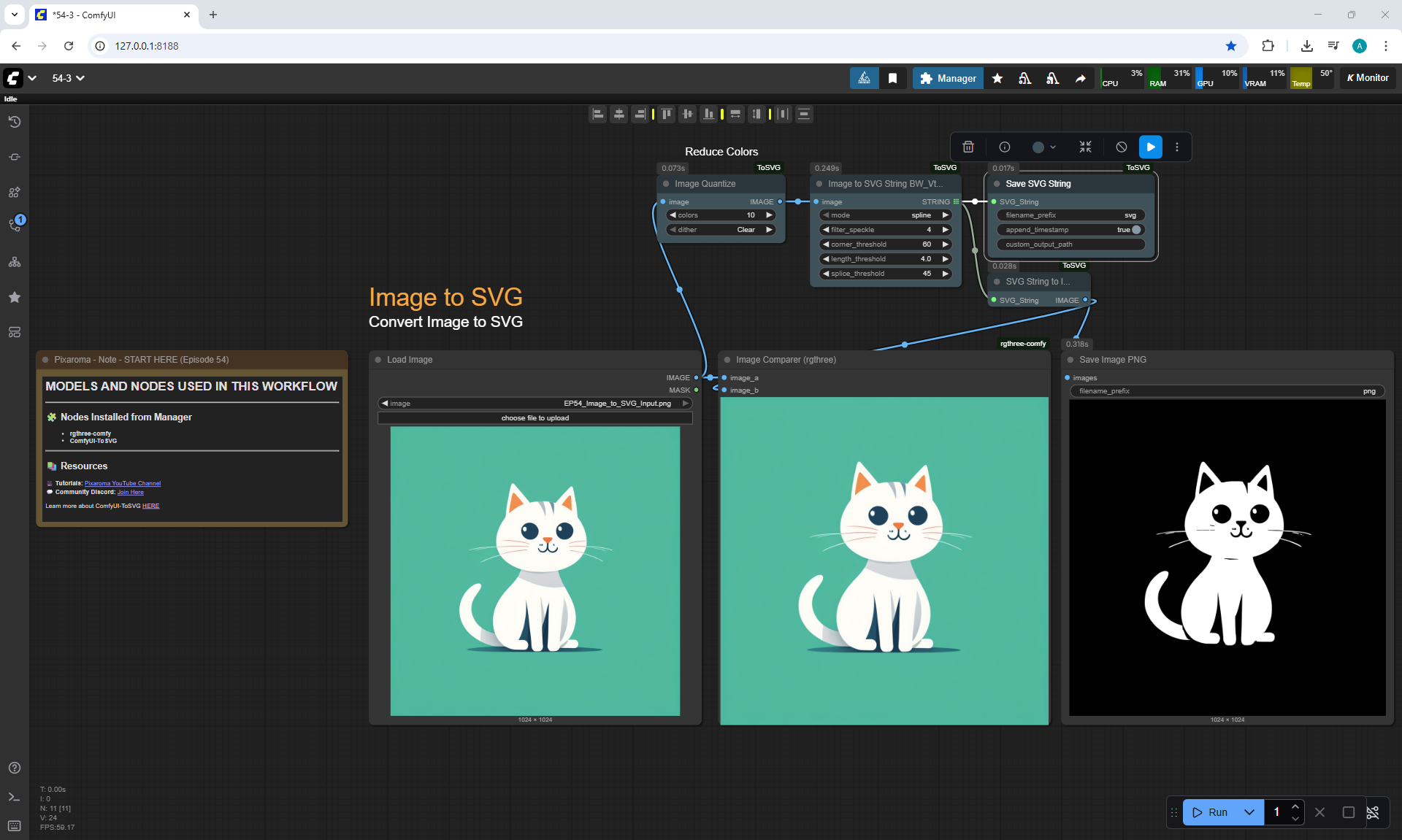
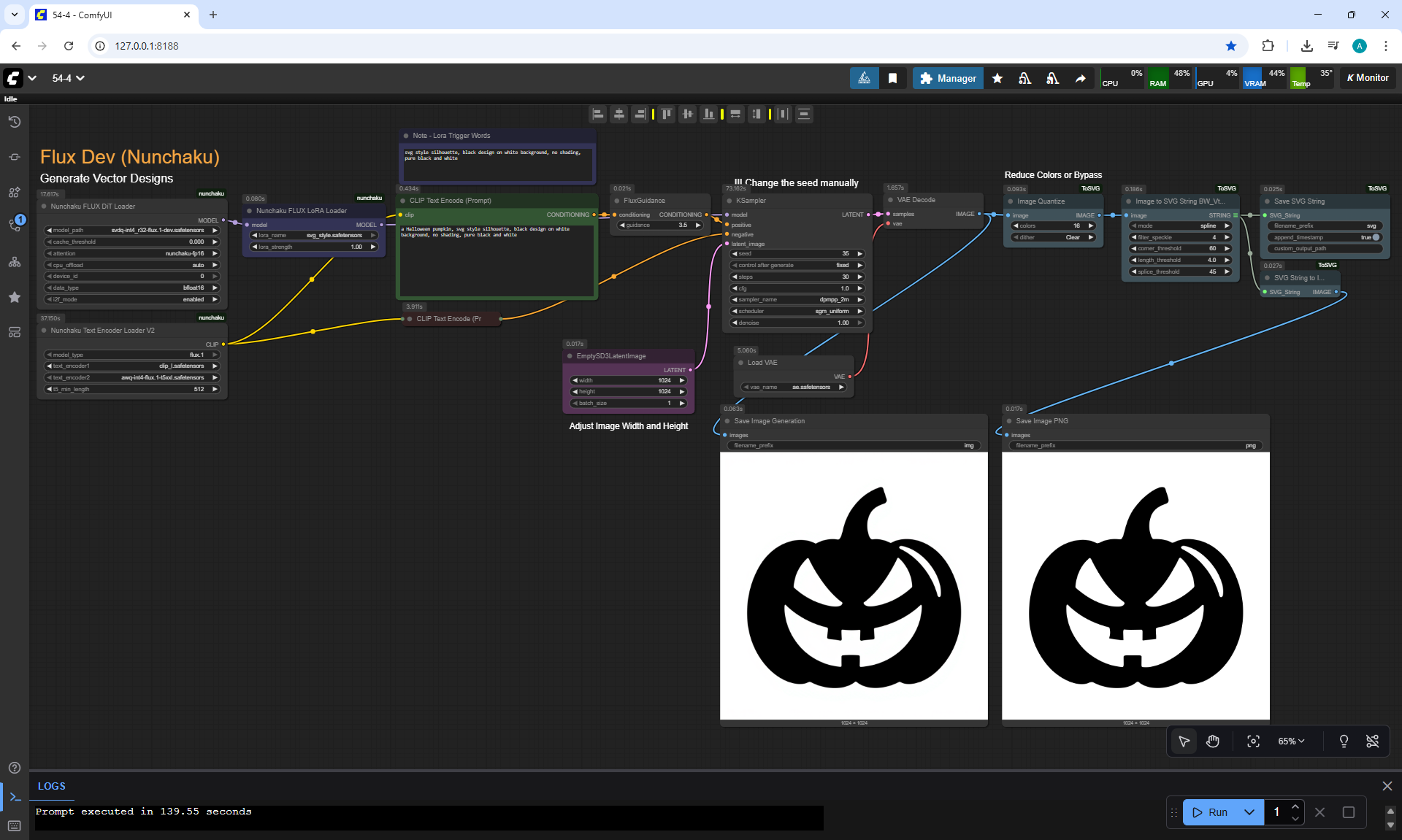
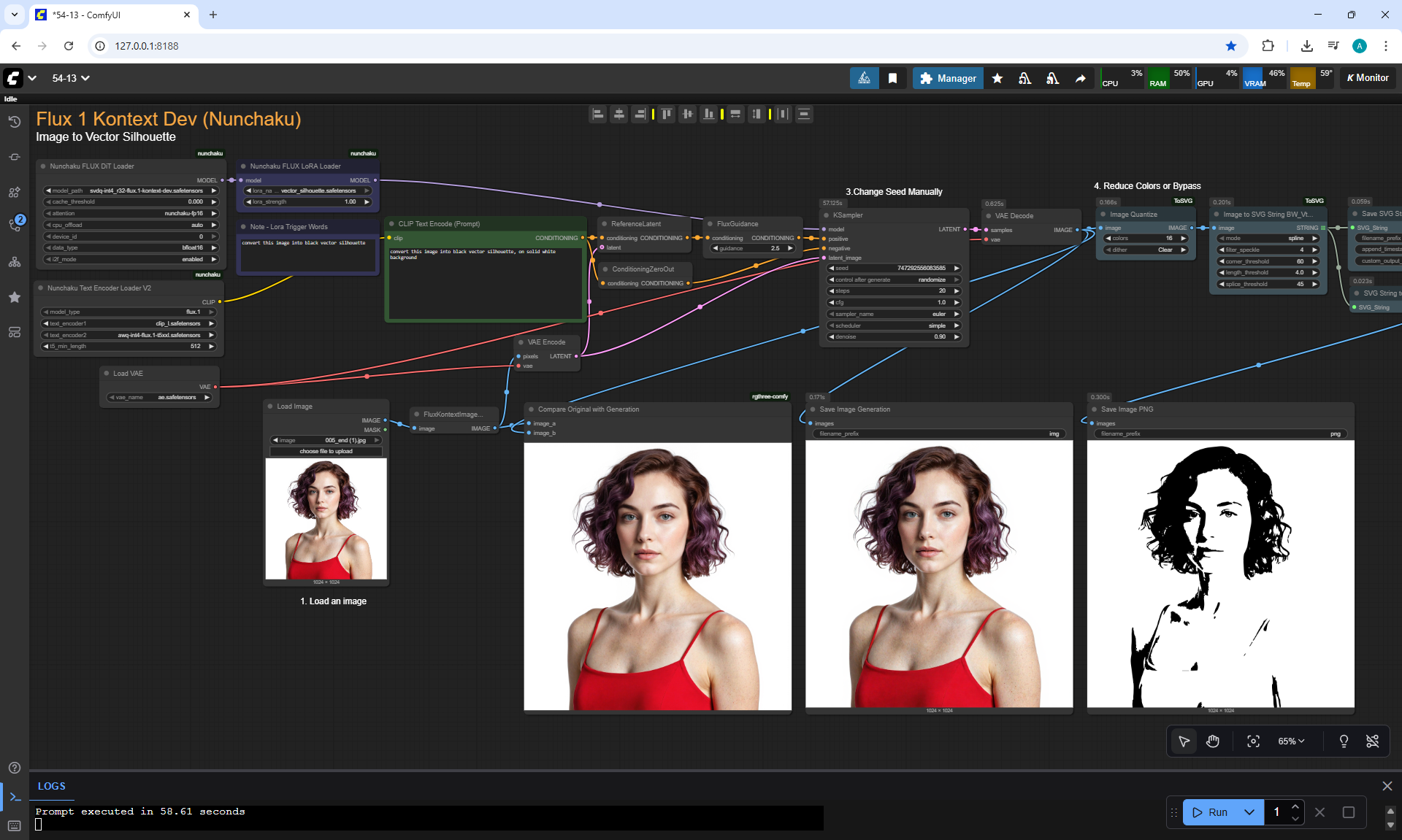
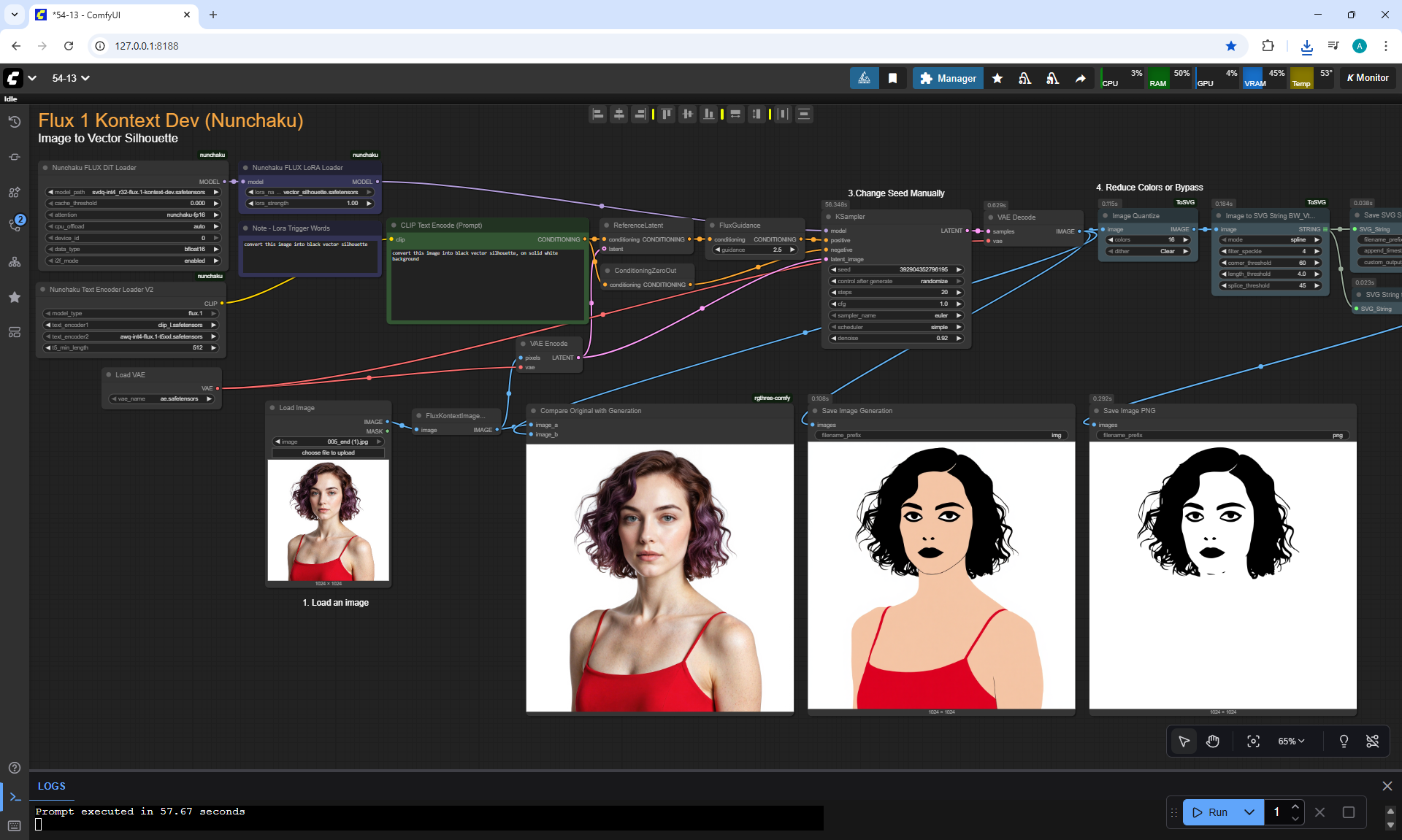
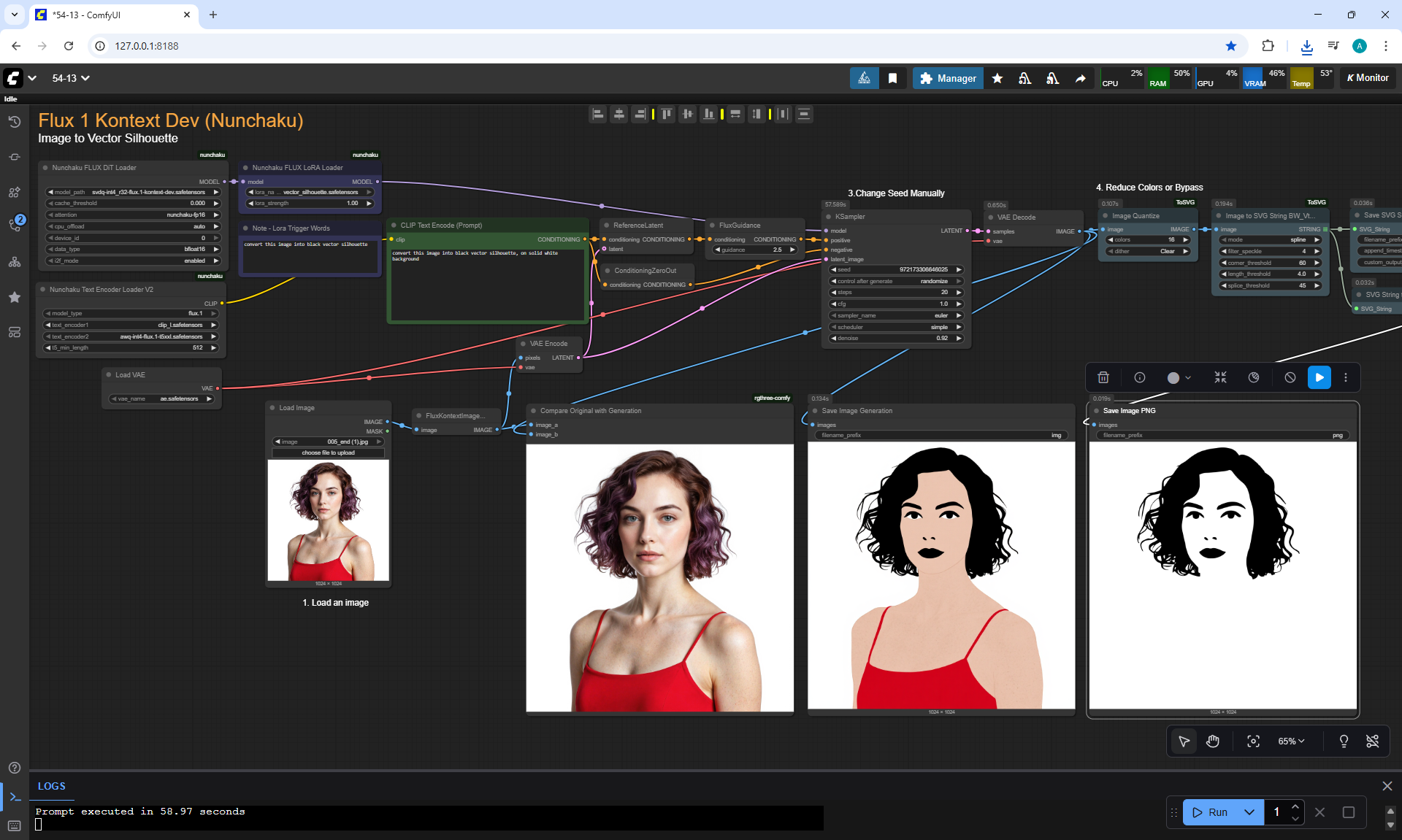
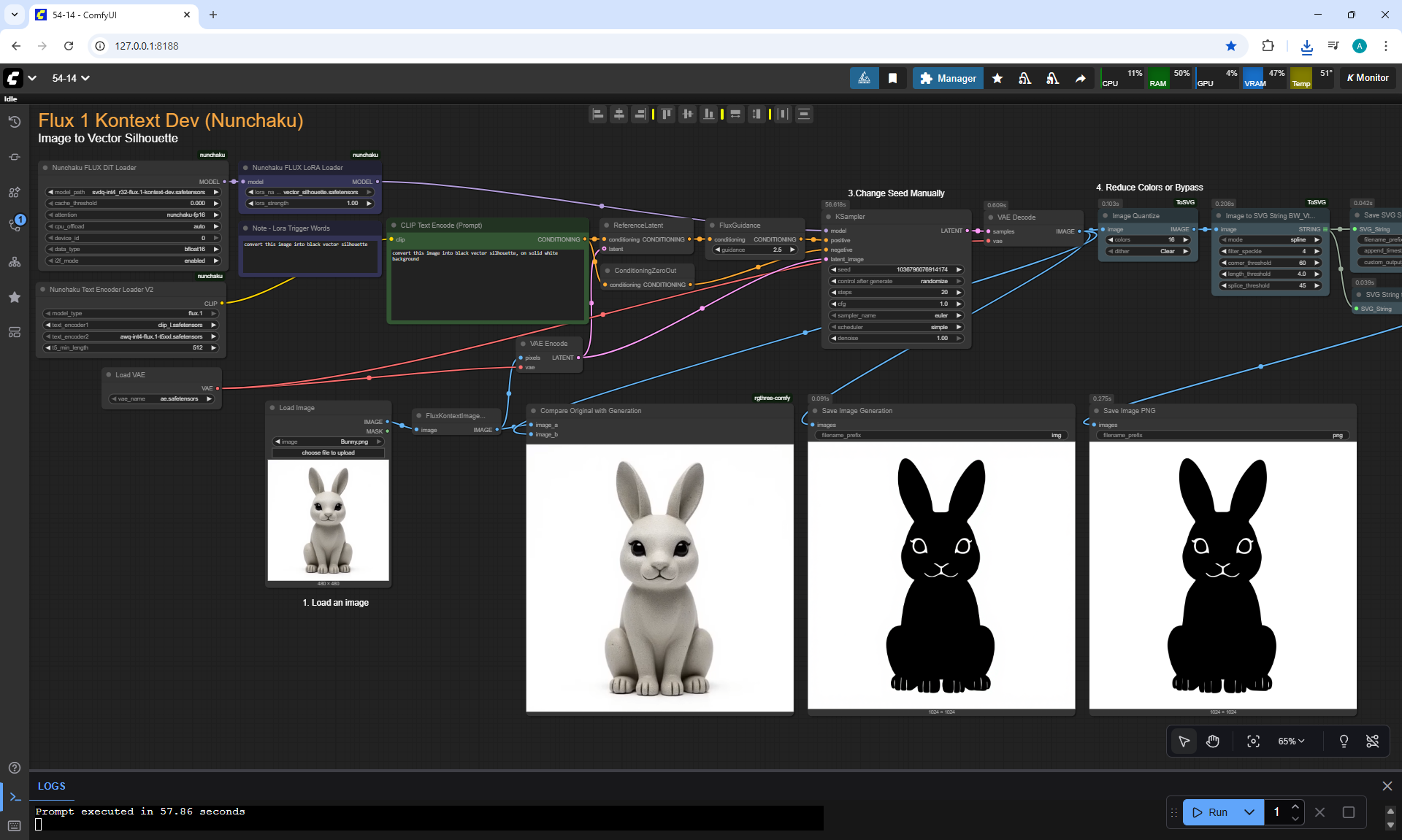
ComfyUI Tutorial Series Ep 55 Sage Attention, Wan Fusion X, Wan 2.2 & Video Upscale Tips
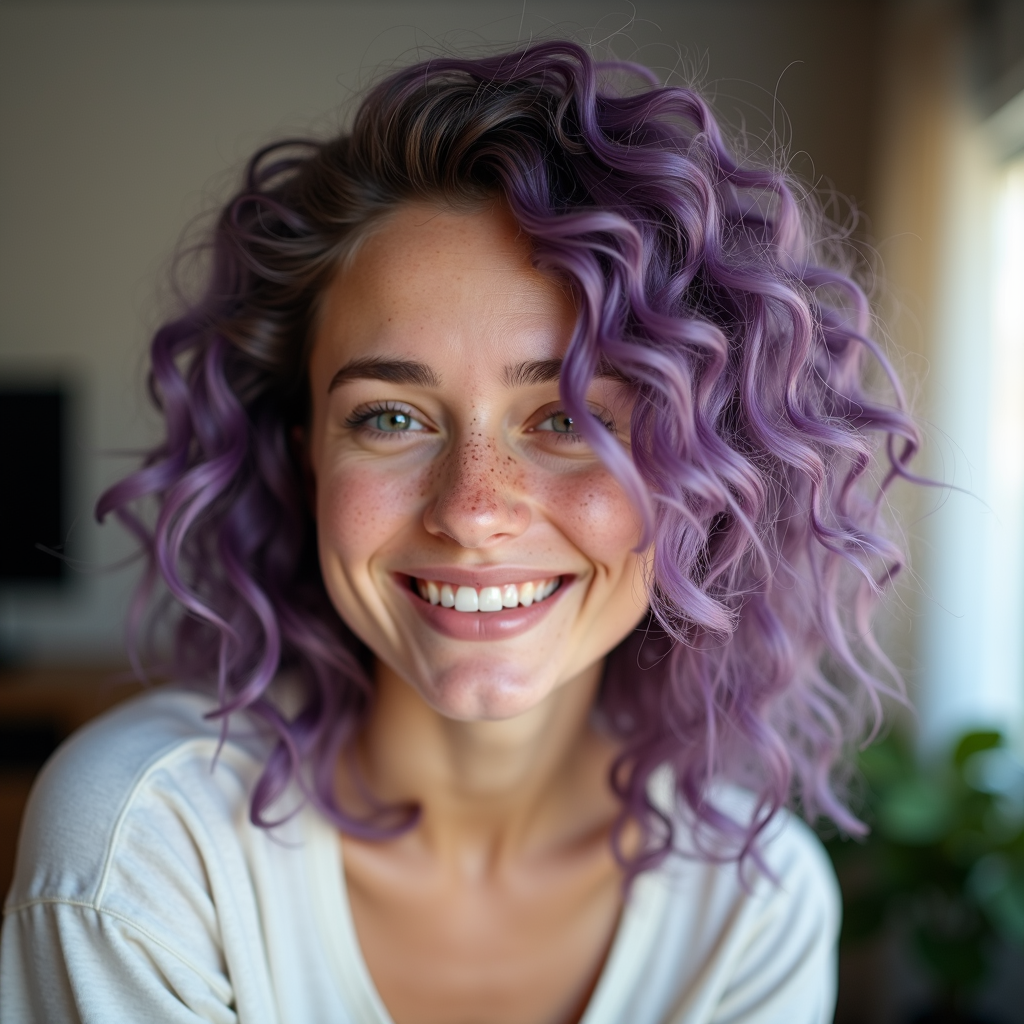
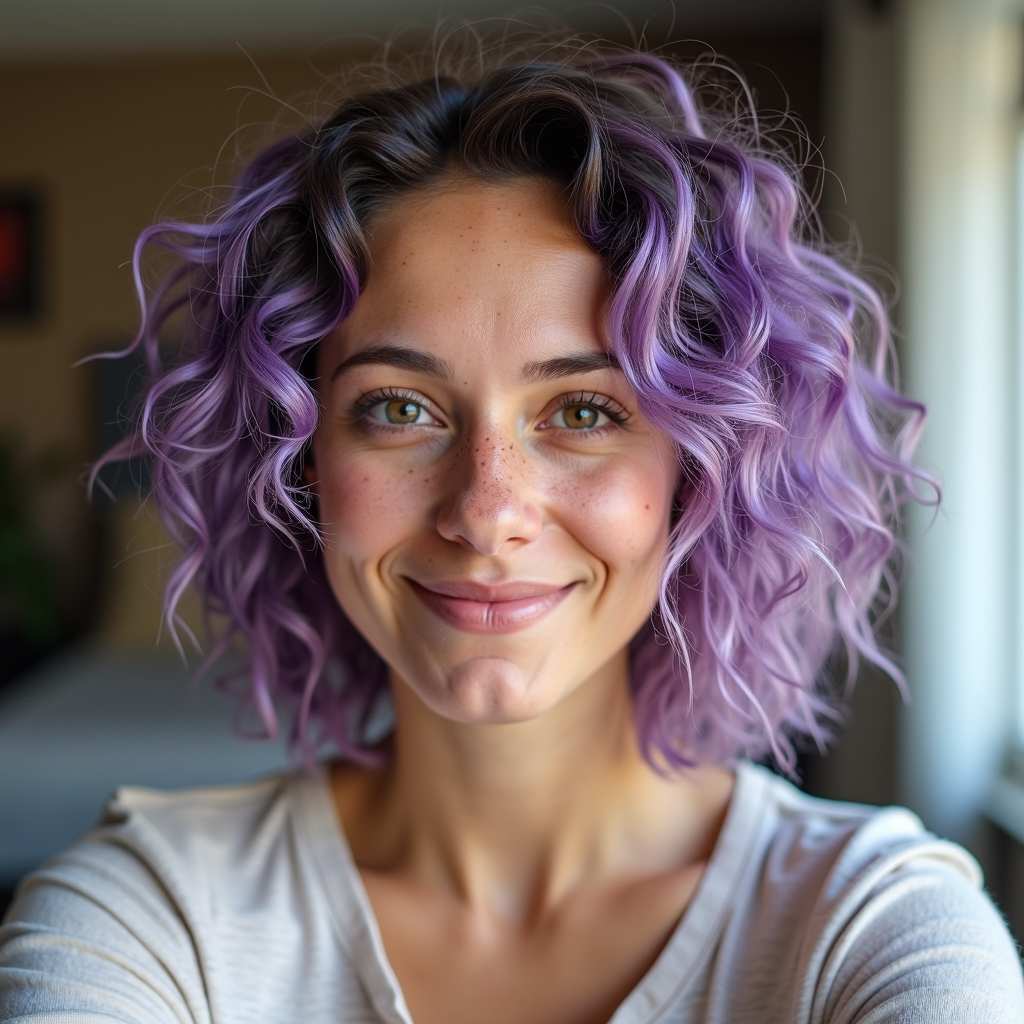






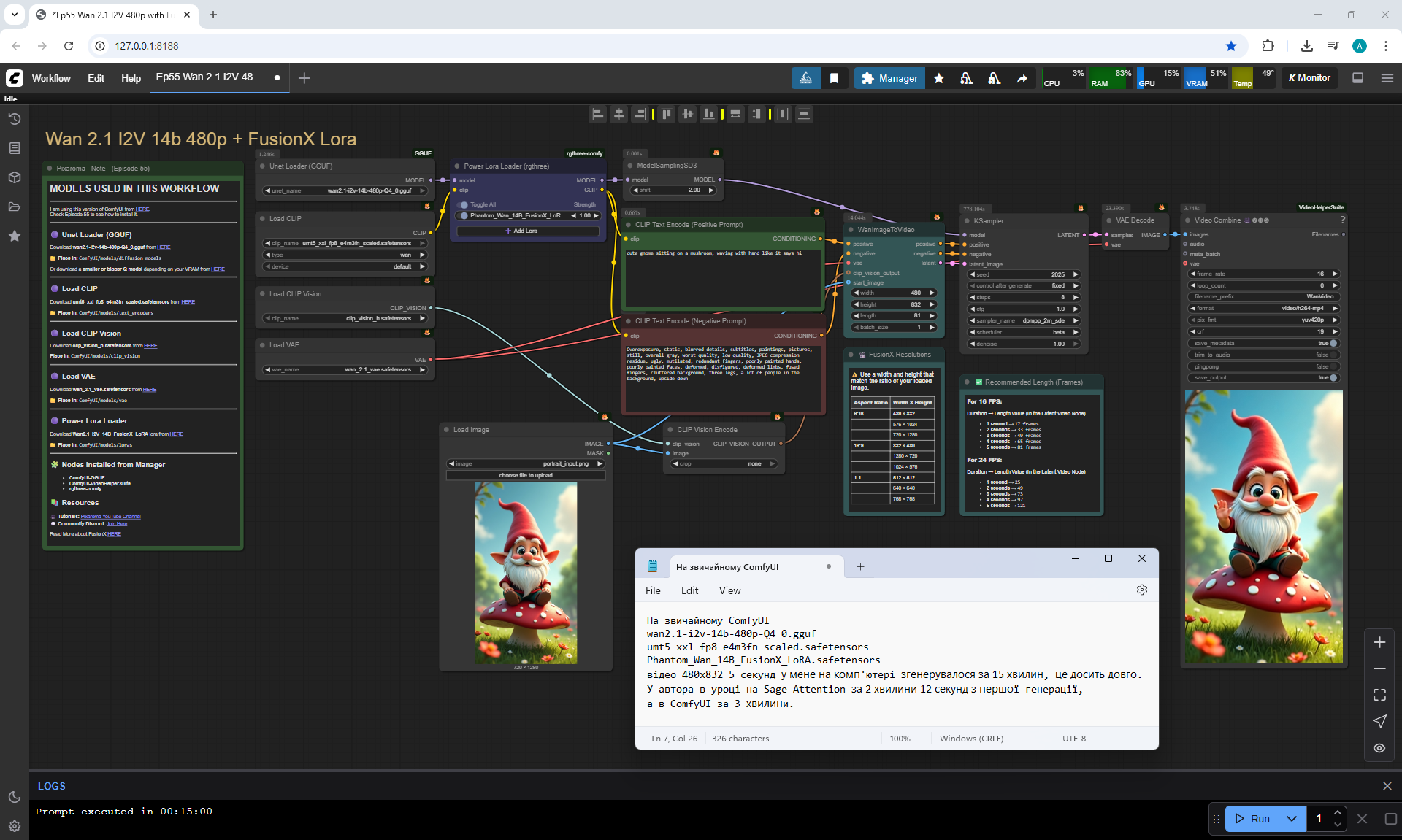
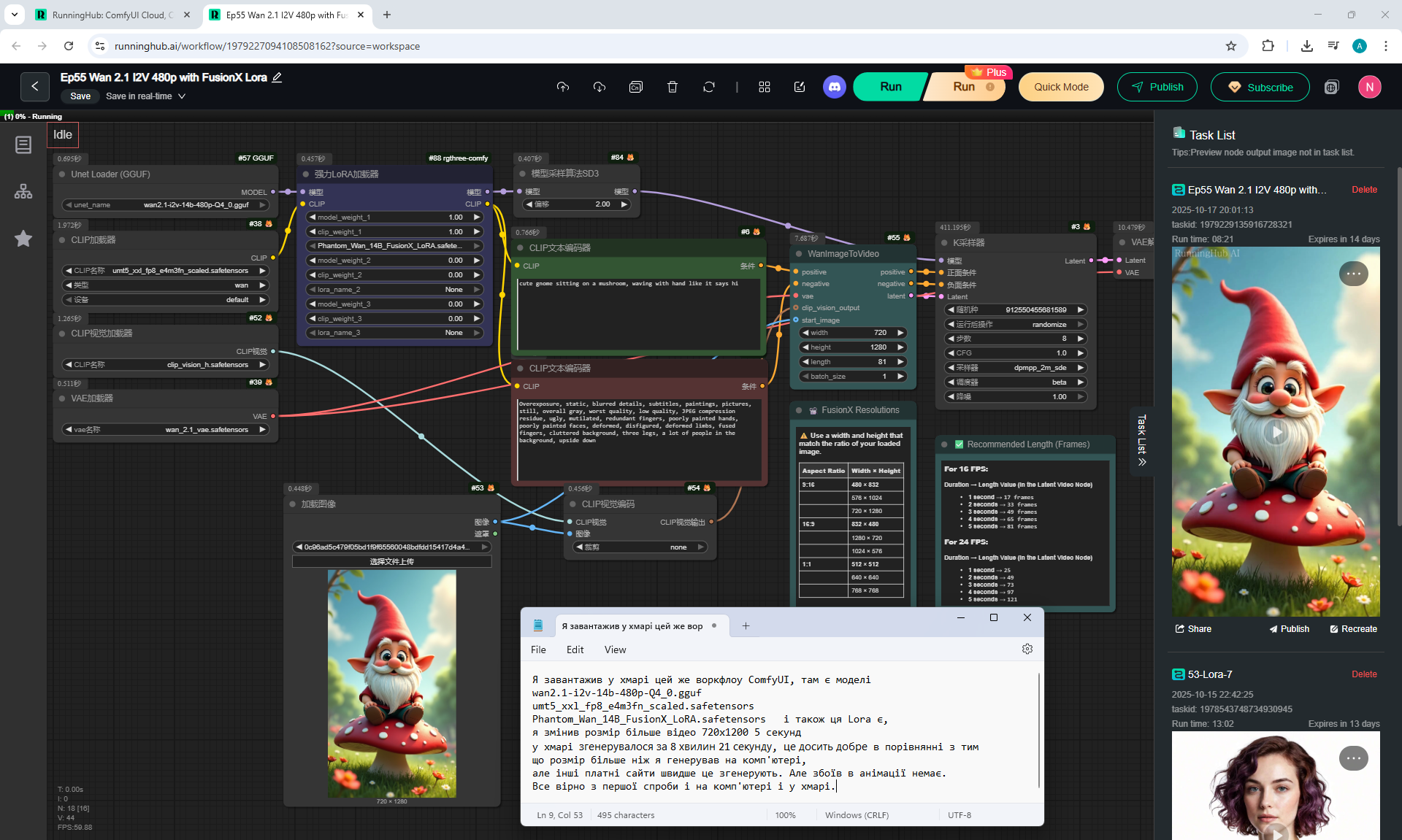
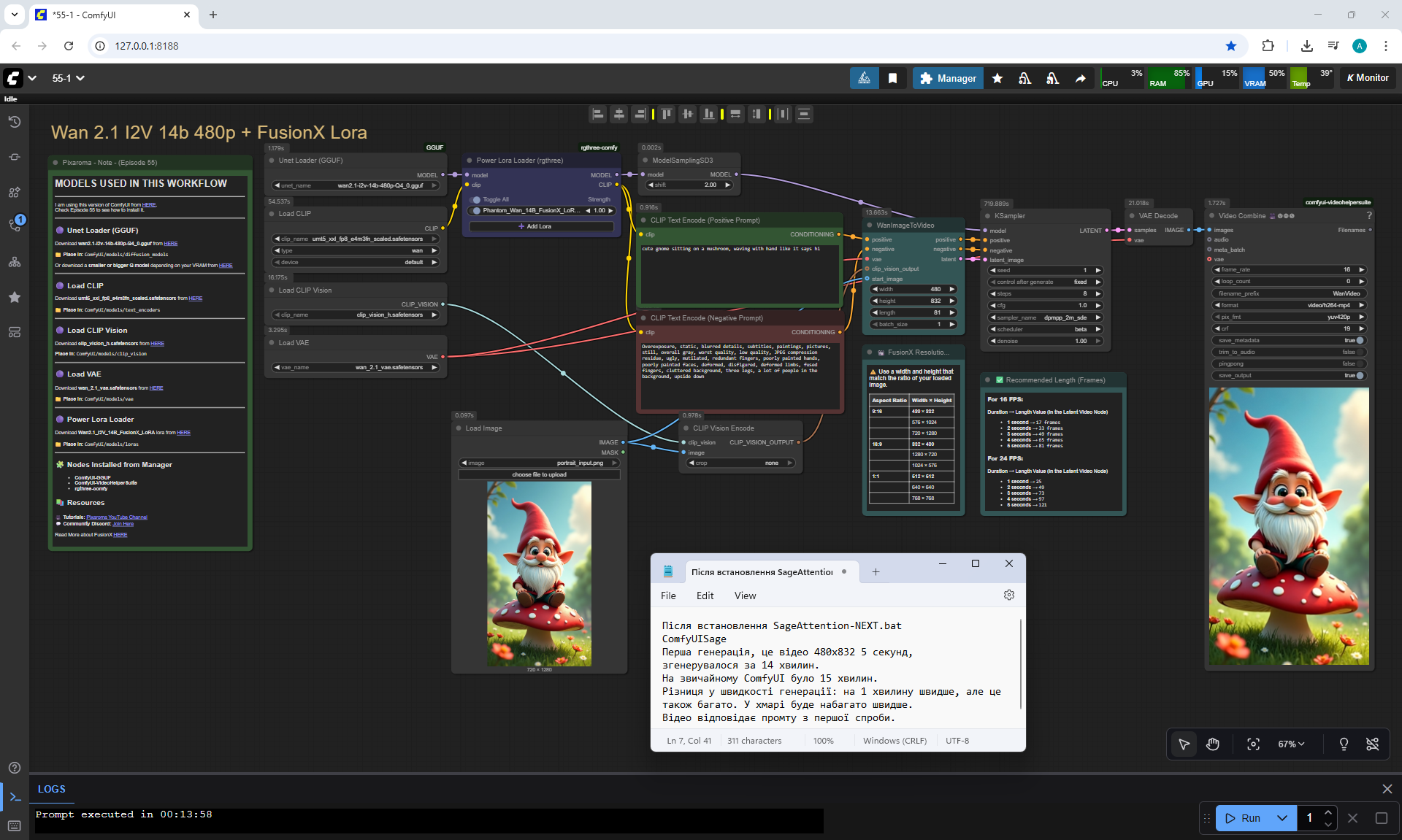
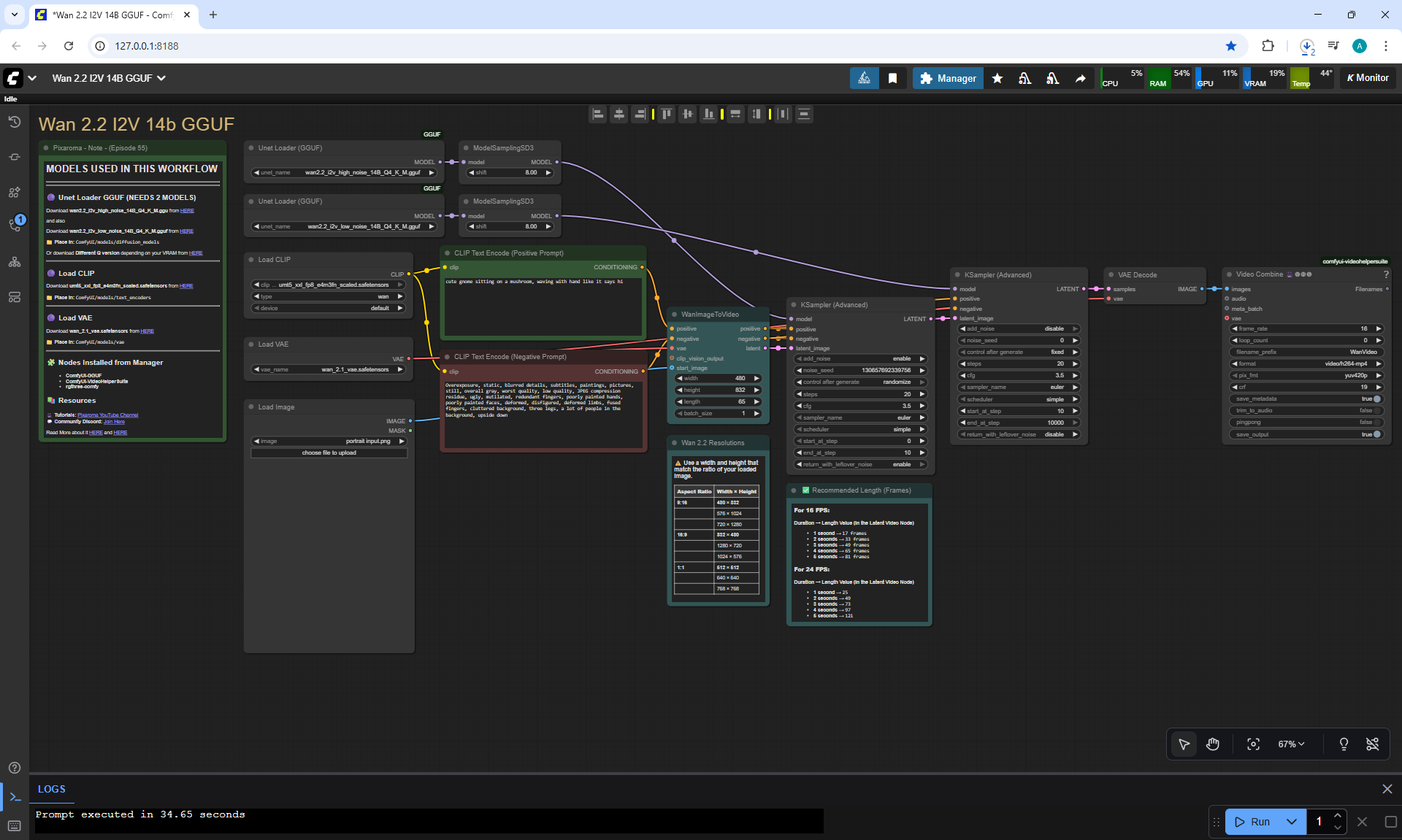
Prompt for video:
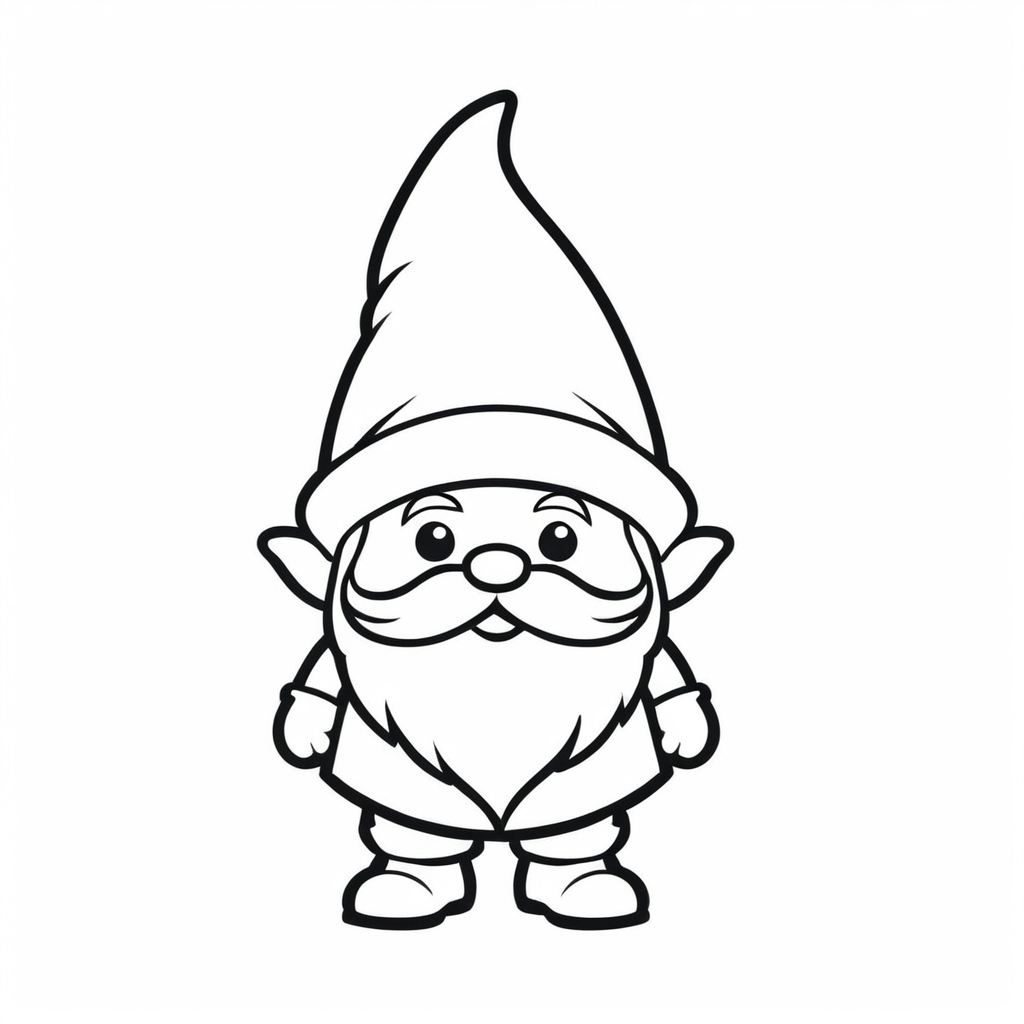
cute gnome sitting on a mushroom, moving with hand like it says hi
The animation matches the prompt. Sometimes the gnome waves with two hands instead of one.



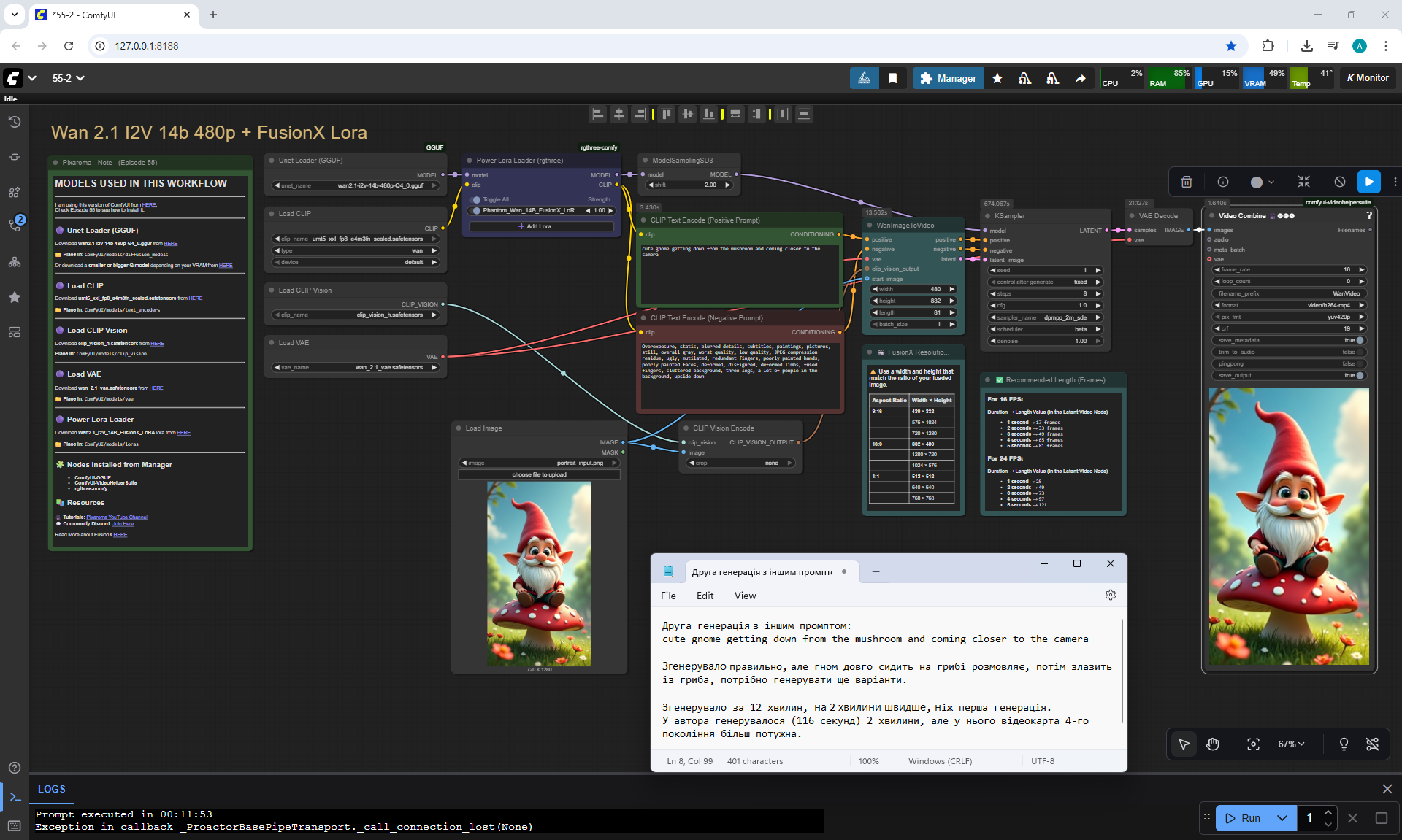
Prompt for video:
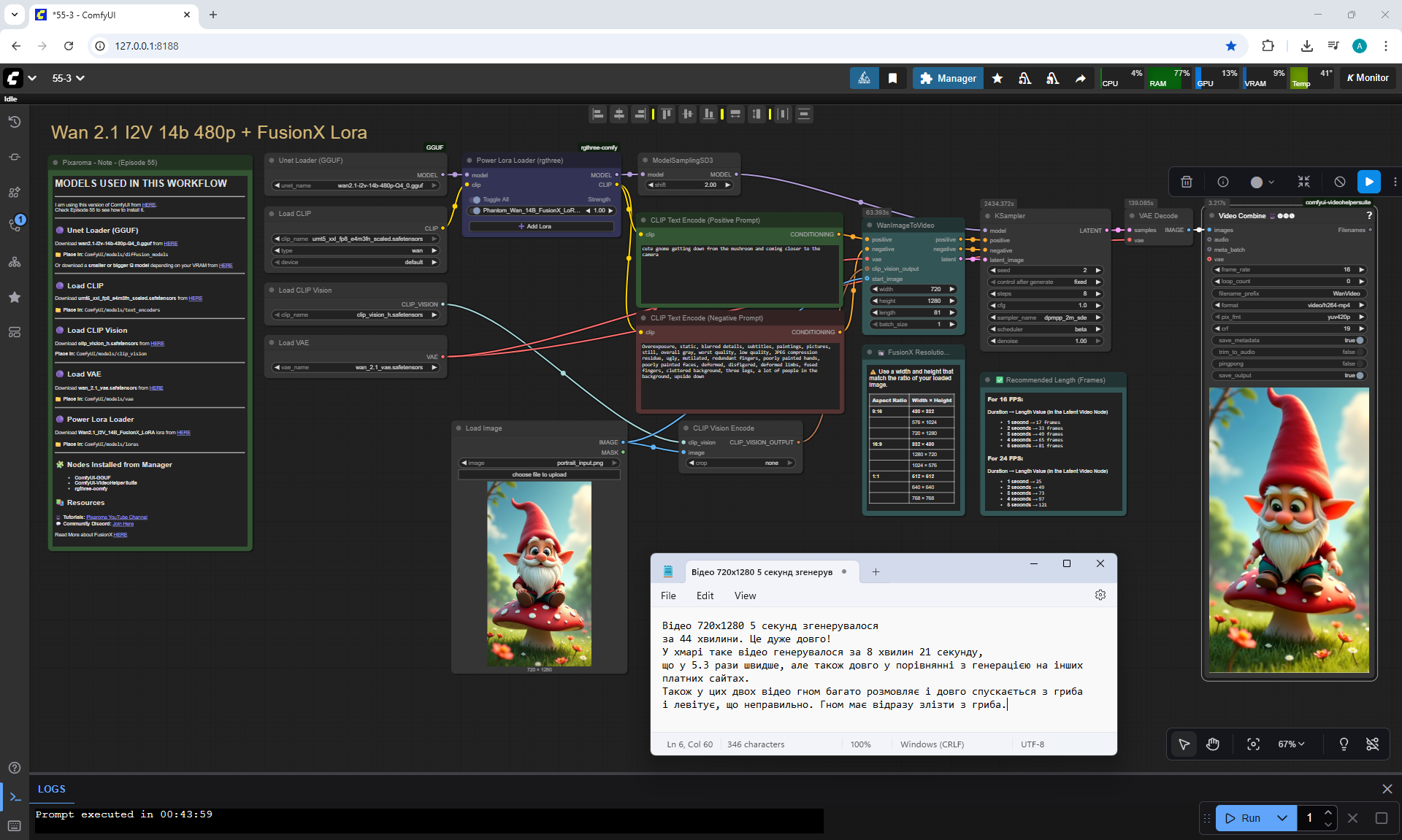
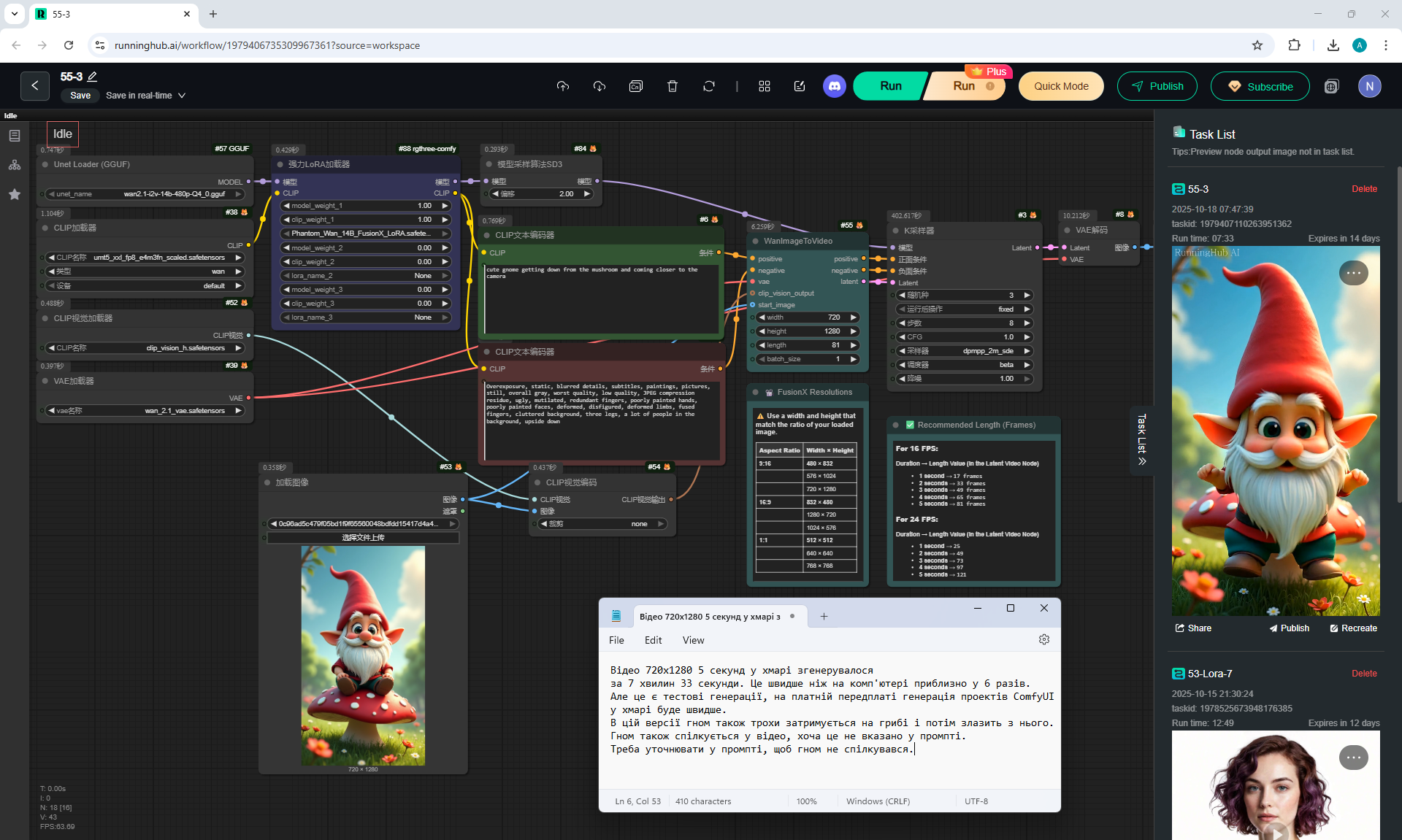
cute gnome getting down from the mushroom and coming closer to the camera
At first I created a prompt that the gnome just jumps off the mushroom, but the gnome jumped in different directions not directly towards the camera.
Added this to the prompt. The gnome jumps correctly, but does it for a long time, communicates a lot, lingers and does not jump quickly onto the grass. The gnome jumps like levitation or swimming in water. It is necessary to specify in the prompt the speed of his jump.



Prompt for video:
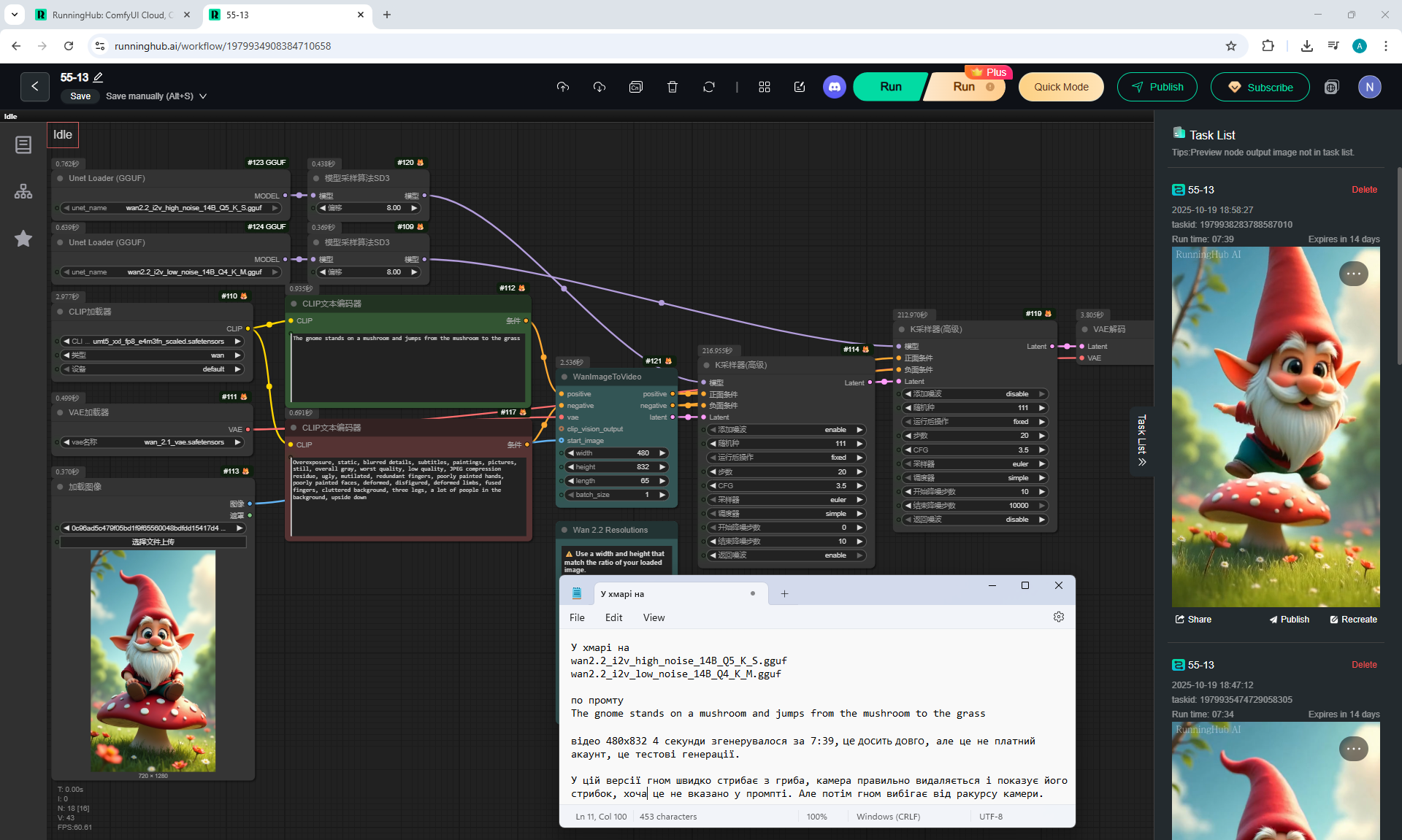
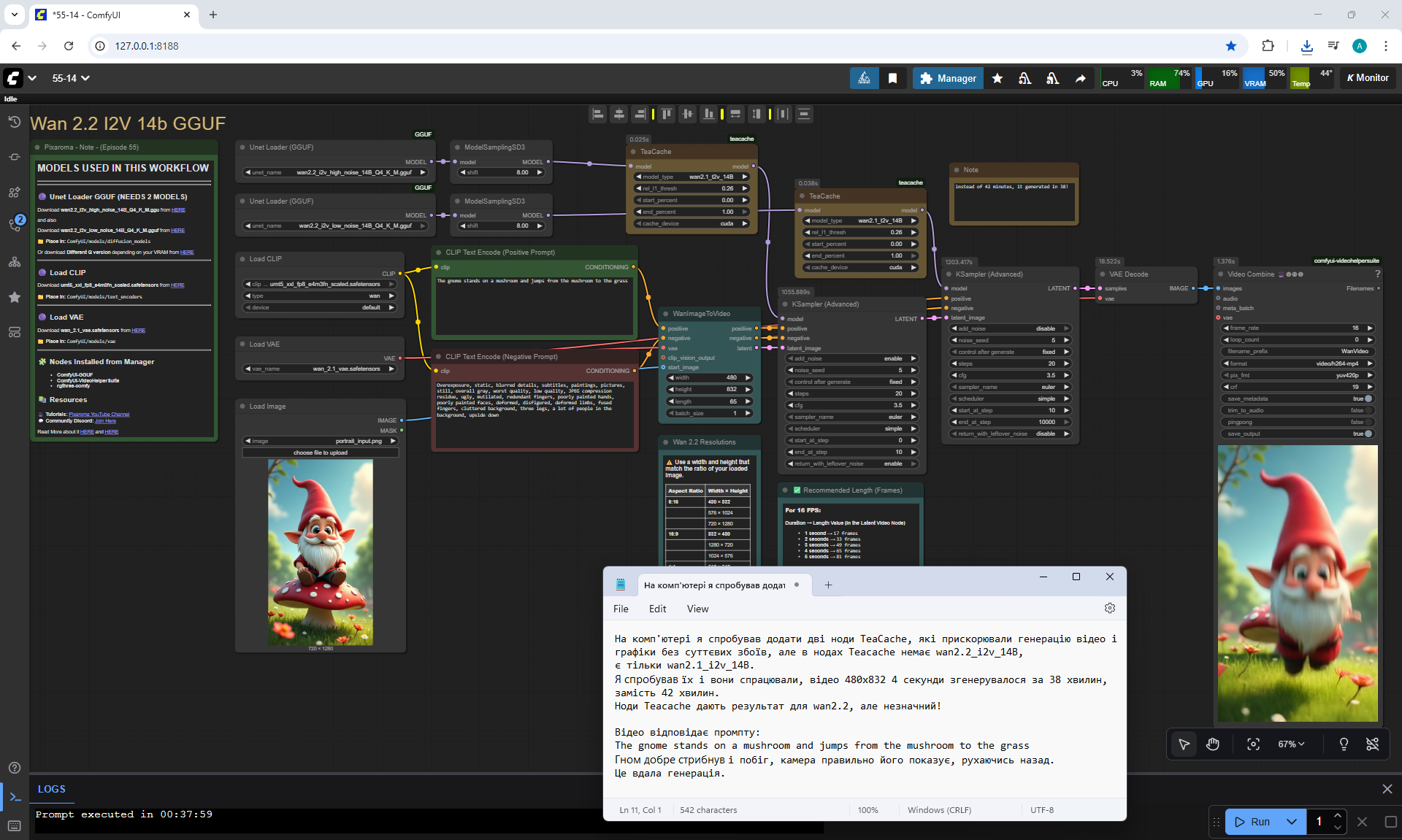
The gnome stand on a mushroom and jumps from the the mushroom to the grass
Some options are less successful and the dwarf can jump to the side or fly away like a bird, but sometimes the jump is correct and the dwarf bounces several times on the grass when he jumps. You need to test different options and edit the prompt to get a successful animation. You can add to the prompt so that the camera does not move and the dwarf does not jump on the grass.




Prompt for video:
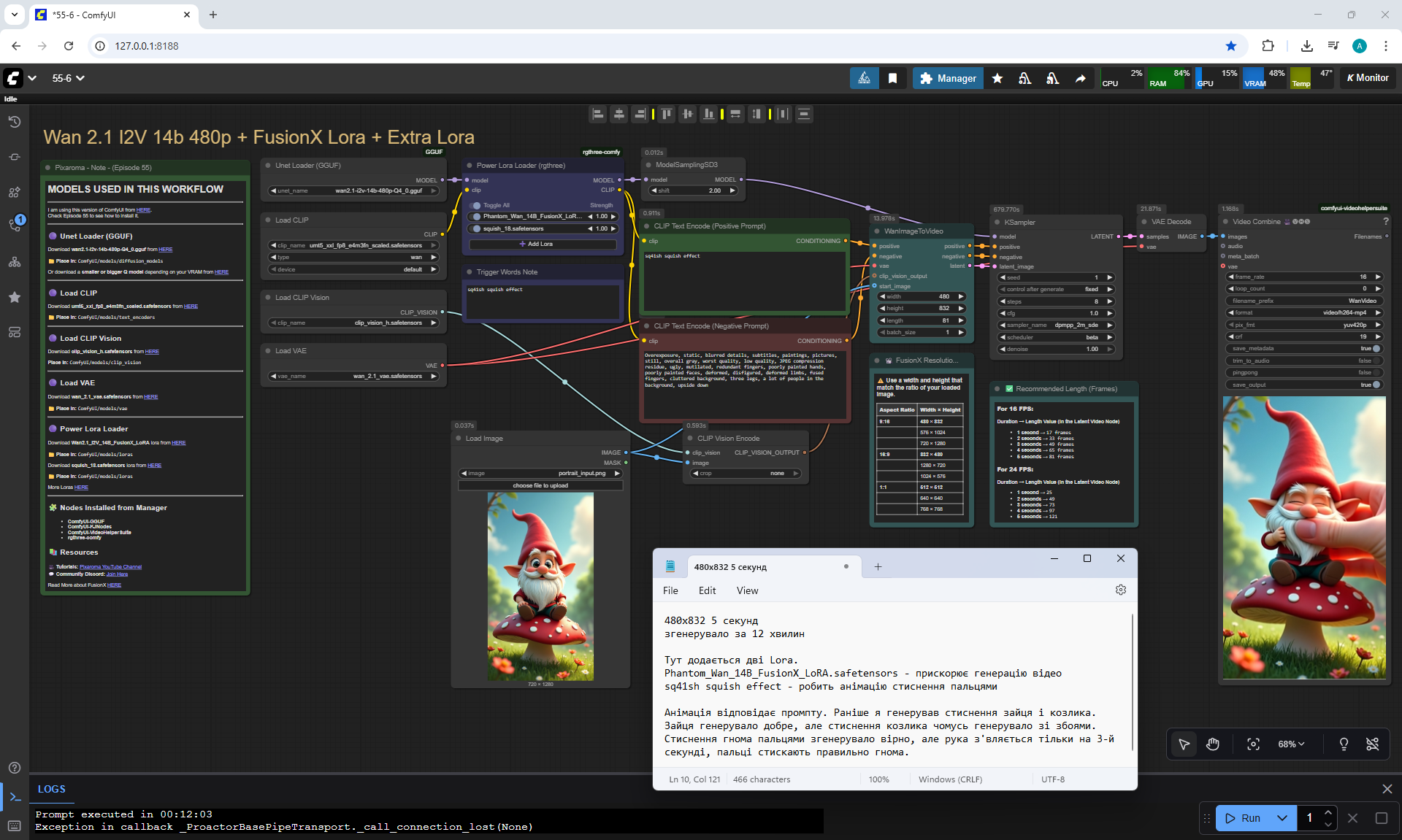
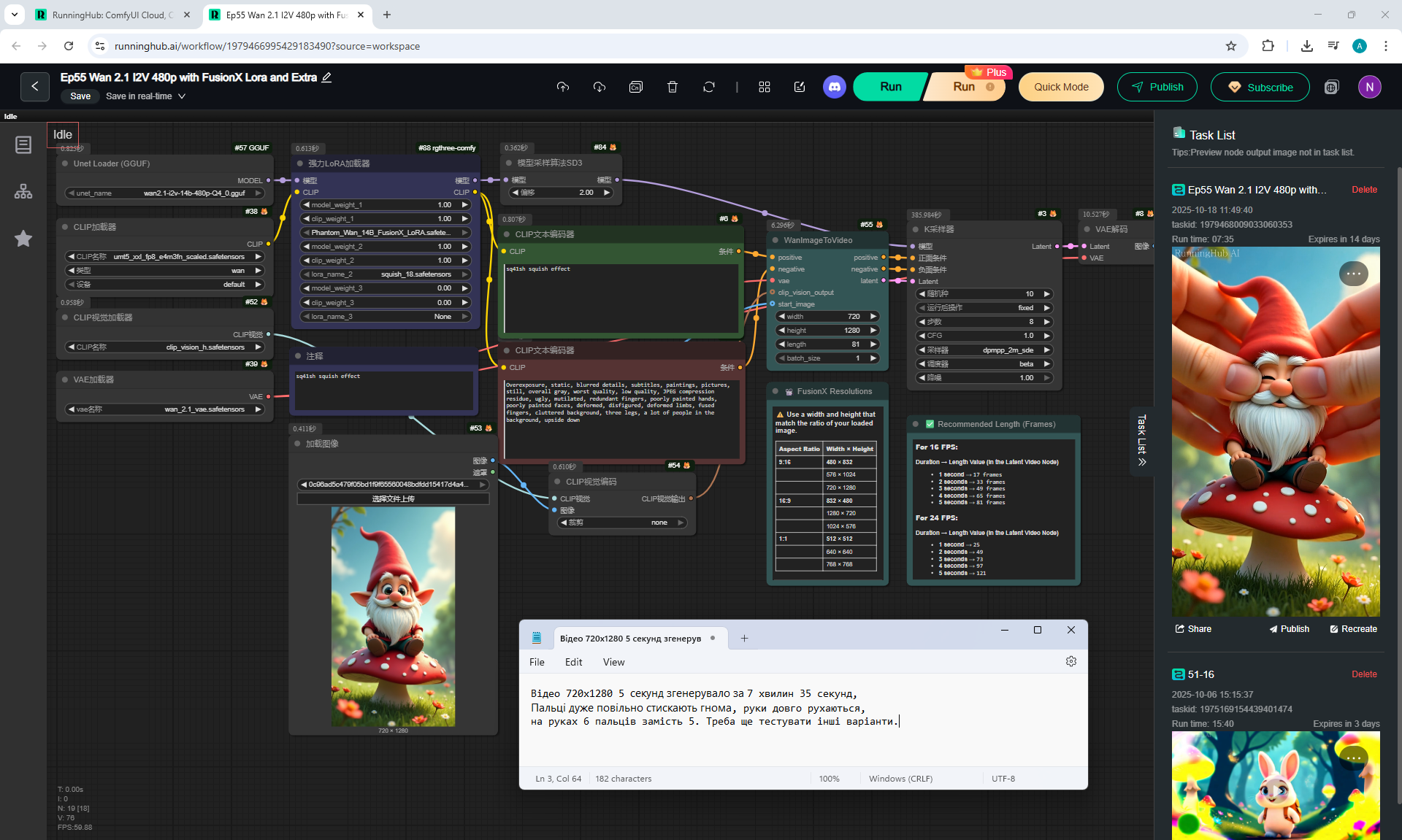
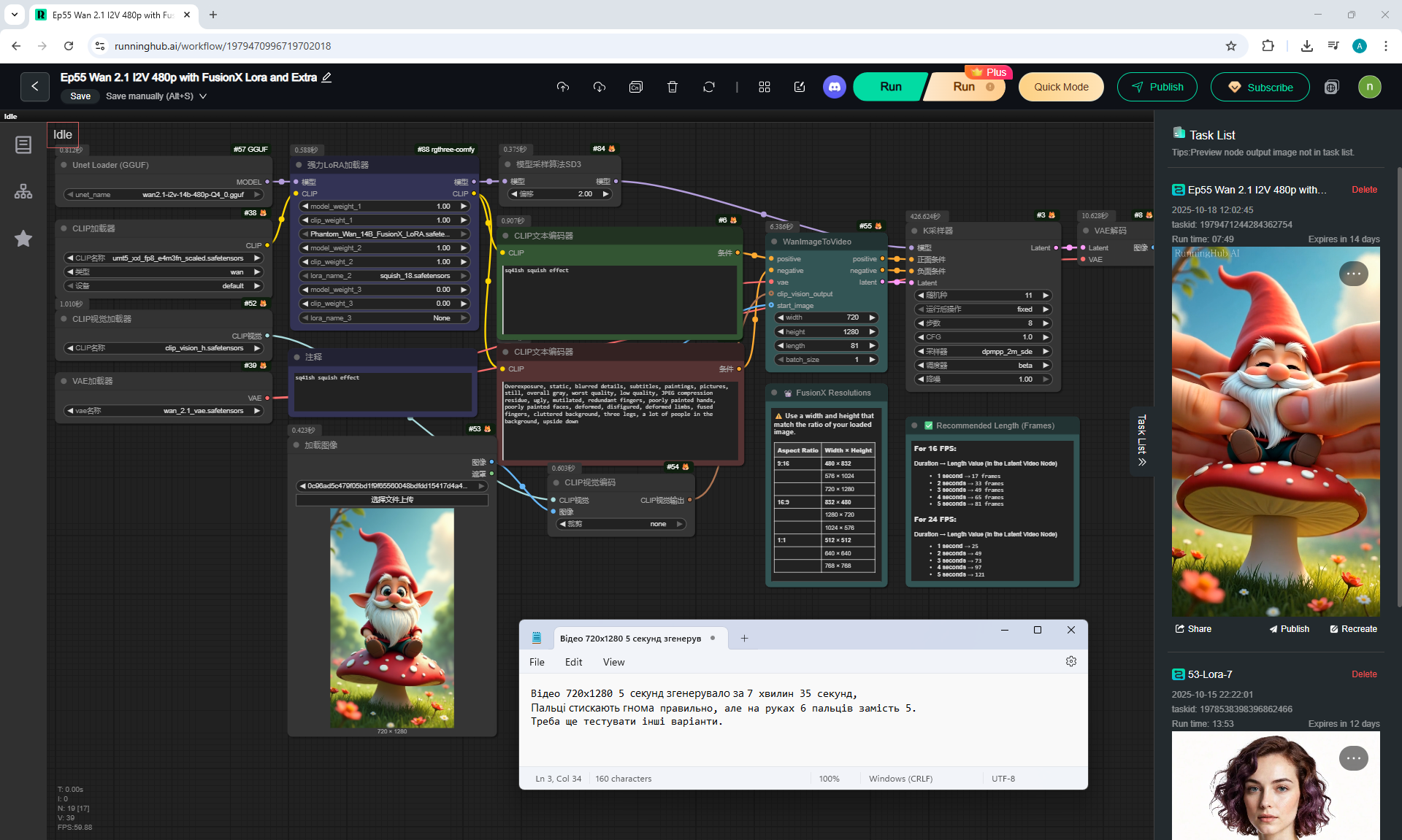
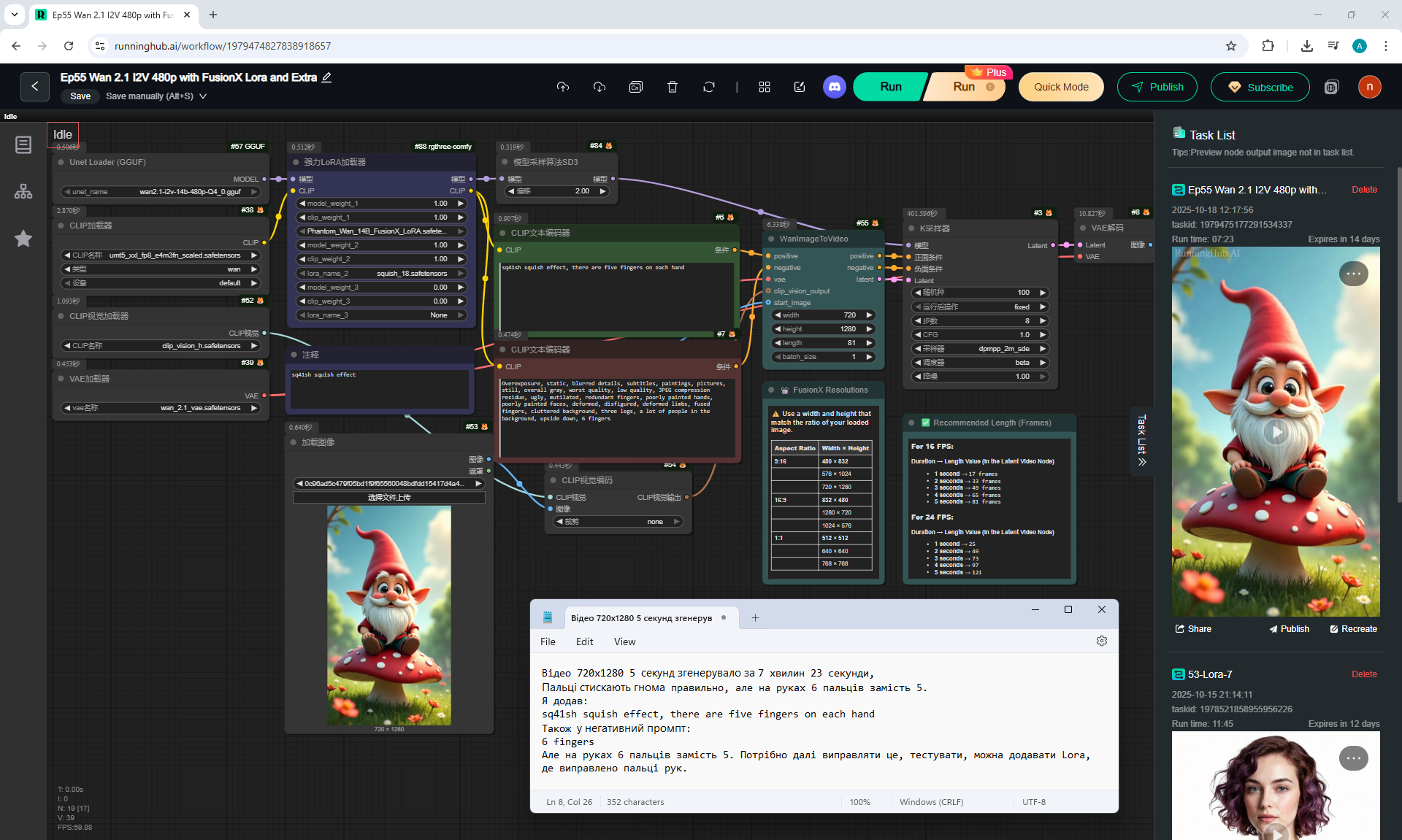
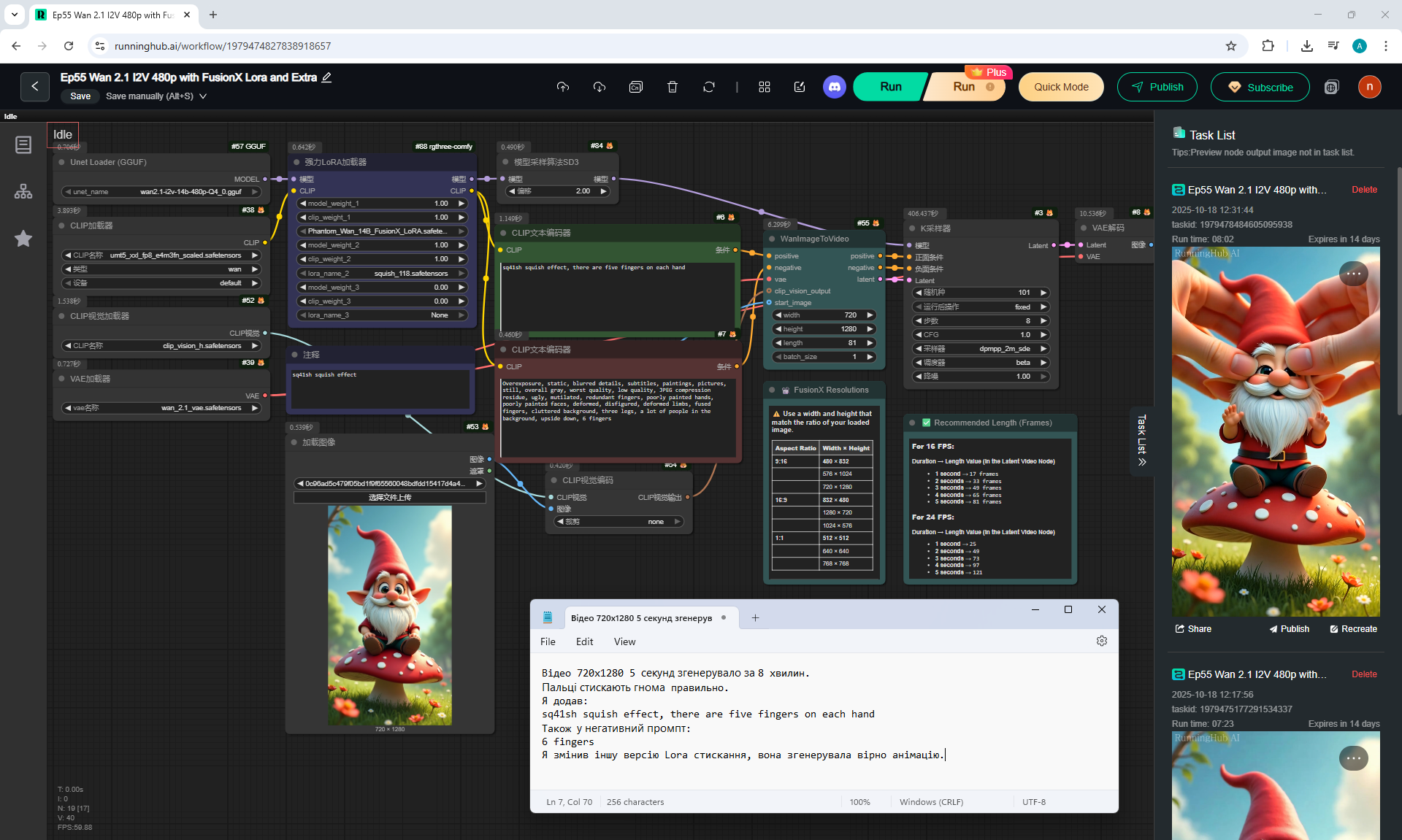
sq41sh squish effect, there are five fingers on each hand
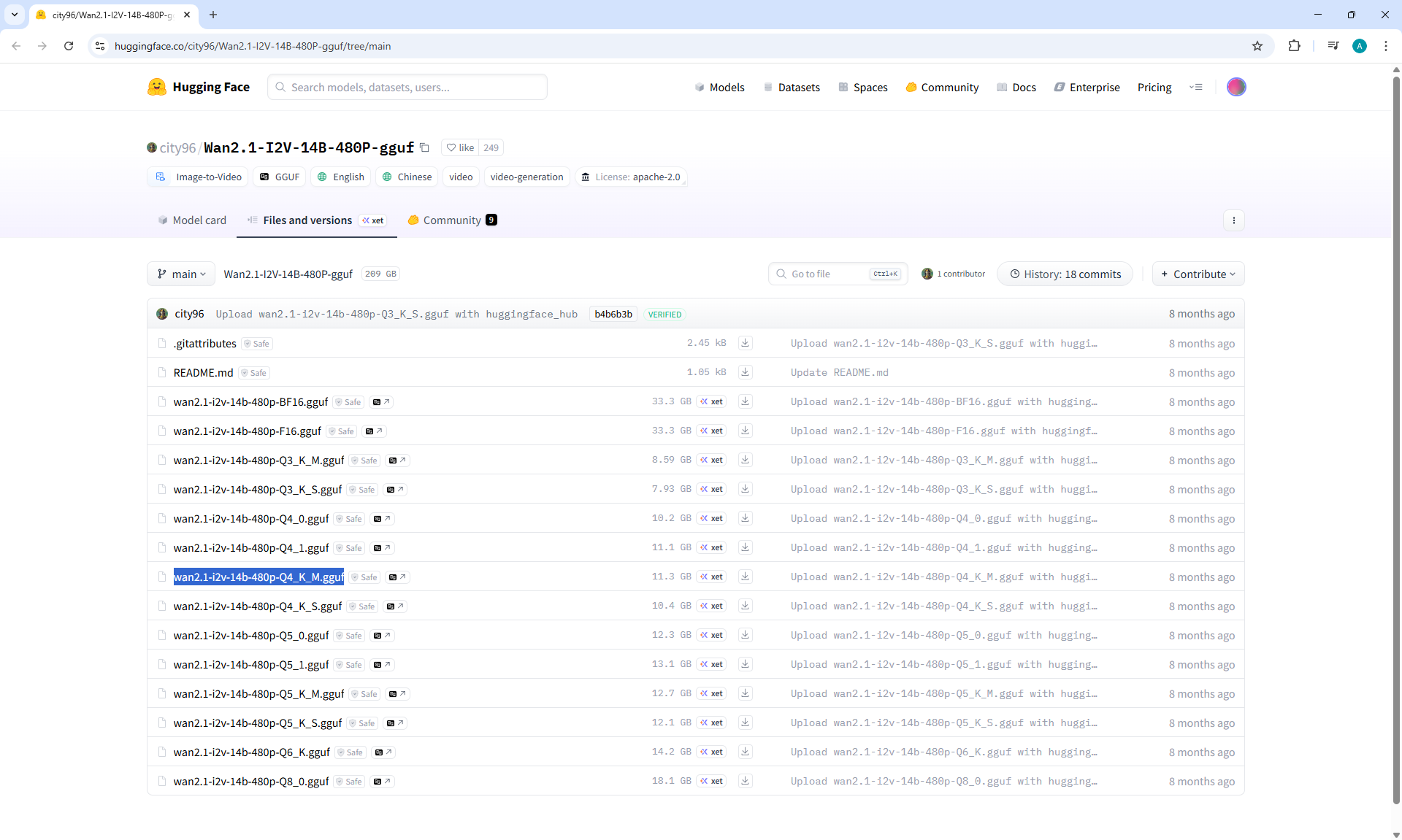
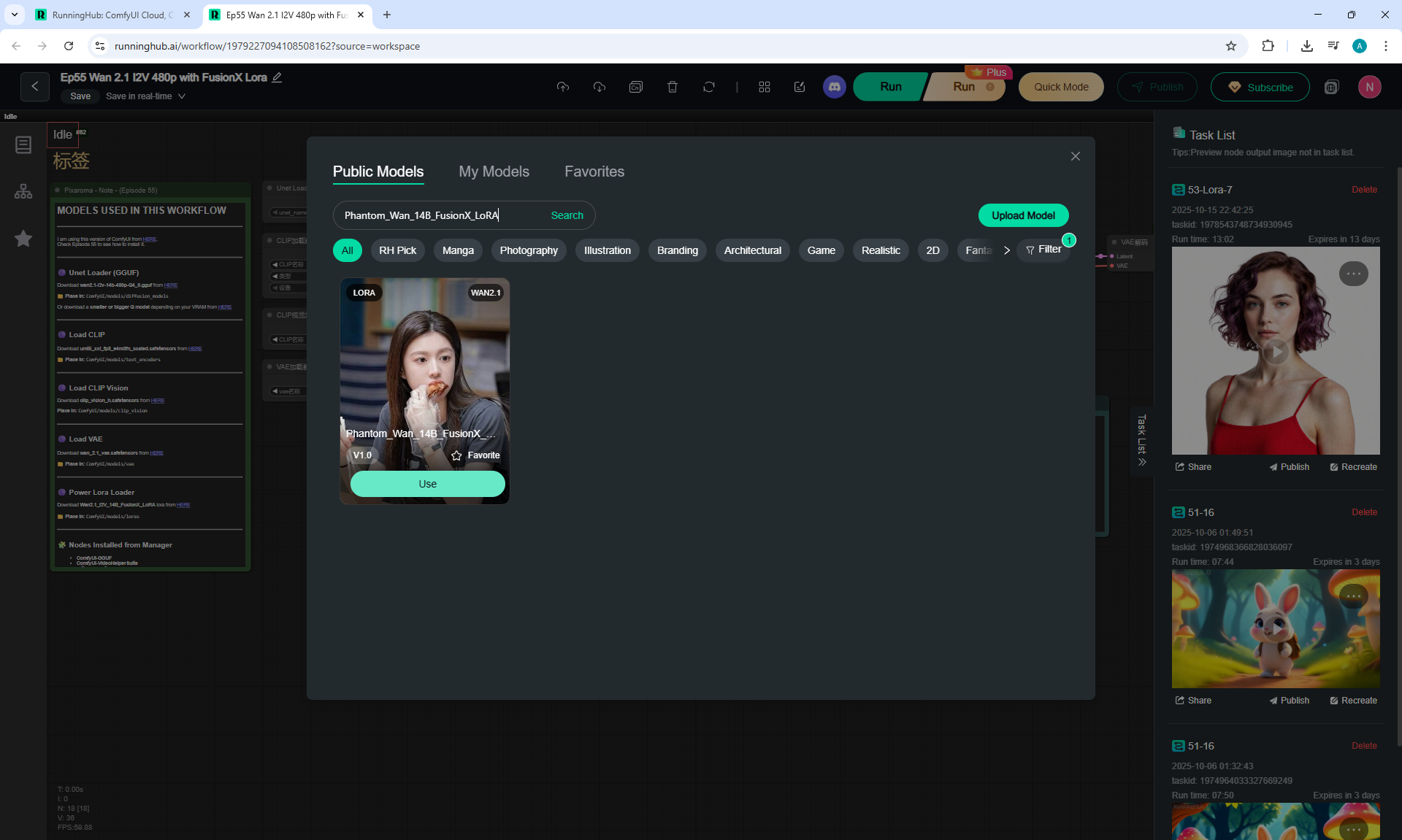
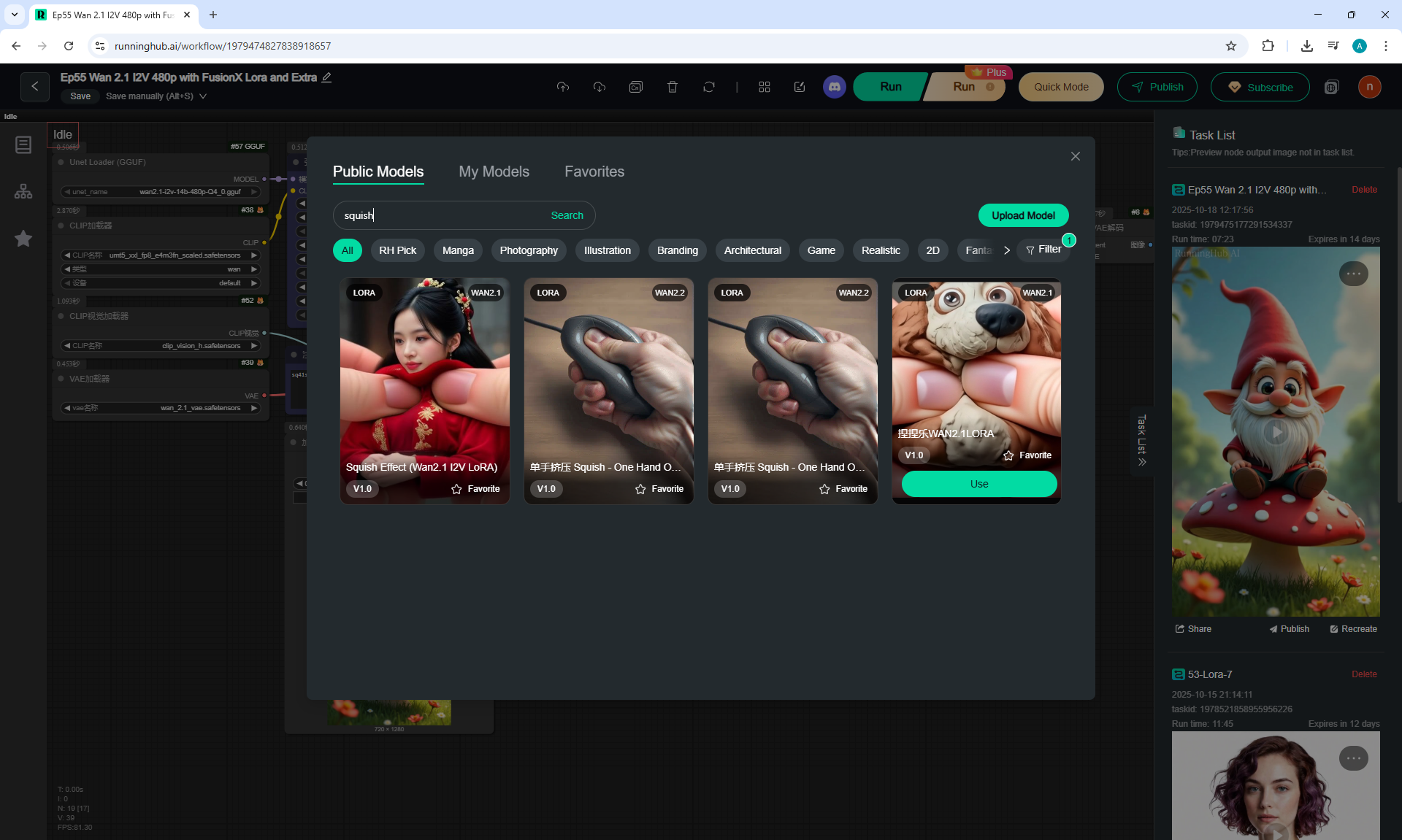
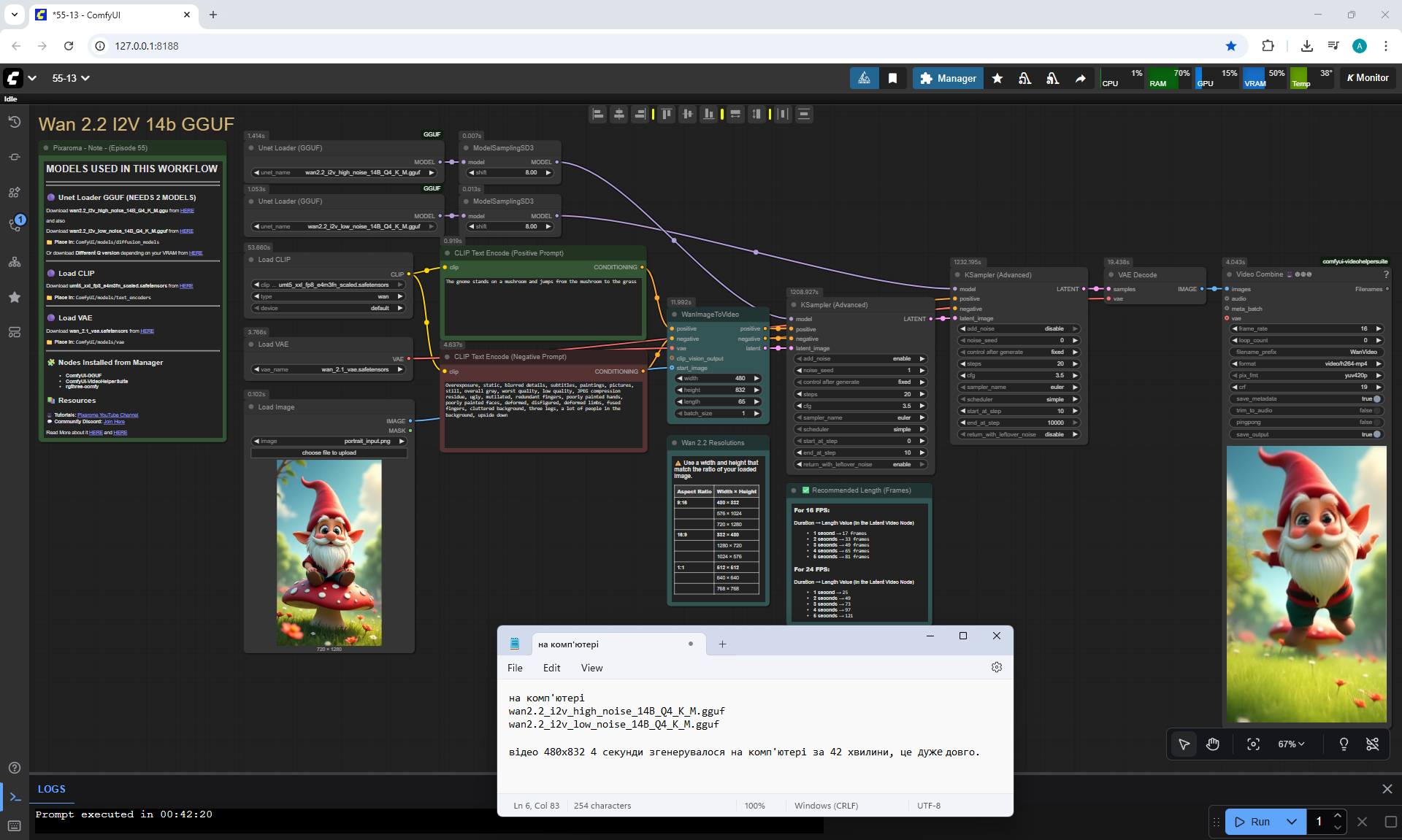
In this workflow I used in the lesson the model wan2.1-i2v-14b-480p-Q4_0.gguf (there are other versions, weigh more and are of better quality), model Lora: Phantom_Wan_14B_FusionX_Lora(improves video), Lora: squish_18 (trained model of squeezing various objects with fingers).
The animation is correct, the fingers correctly mimic the gnome. But sometimes there are six fingers on each hand.
Sometimes the gnome reacts to the movement of the hands, starts moving his hands, covering his eyes, as if he understands that he will be squeezed.


Prompt for video:
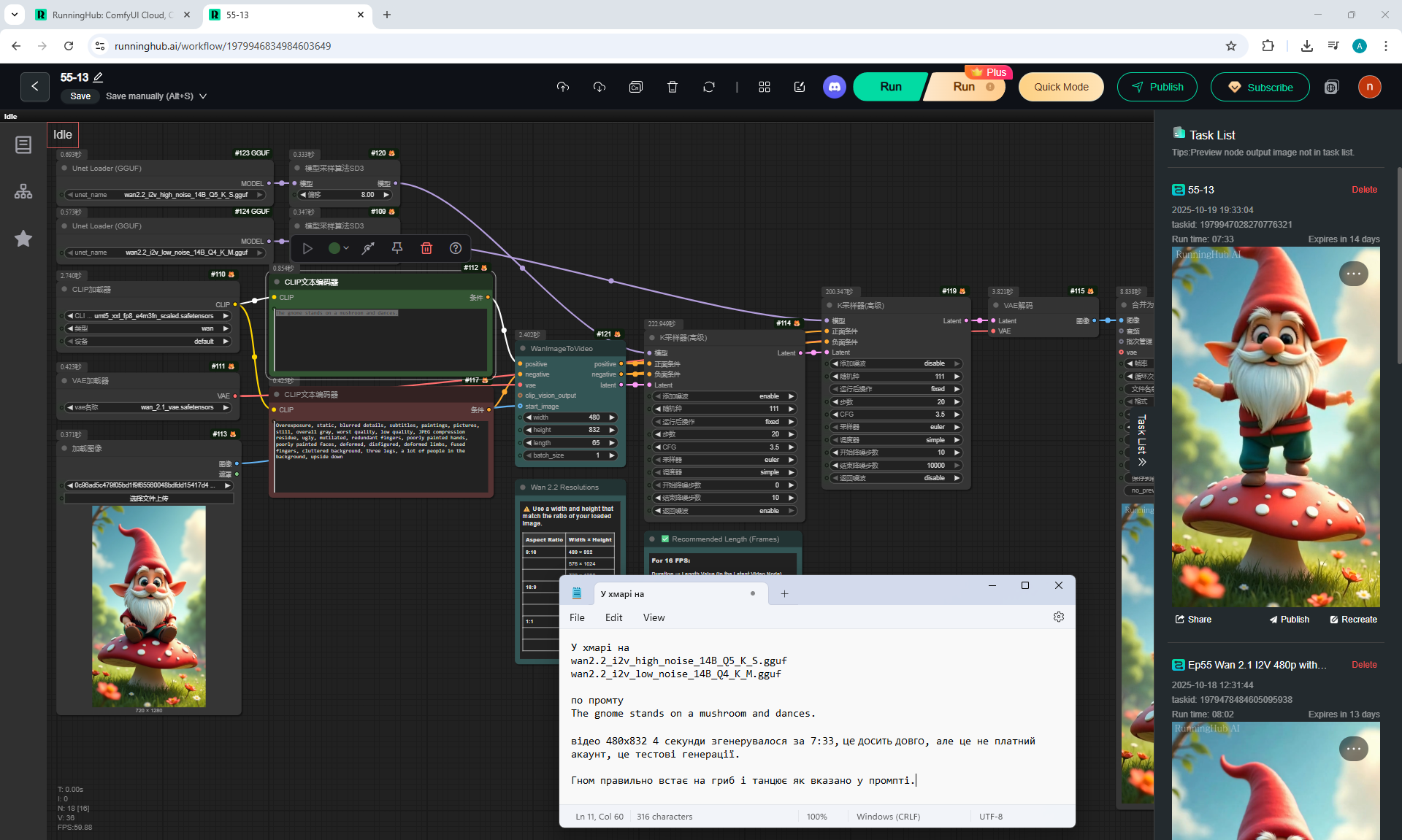
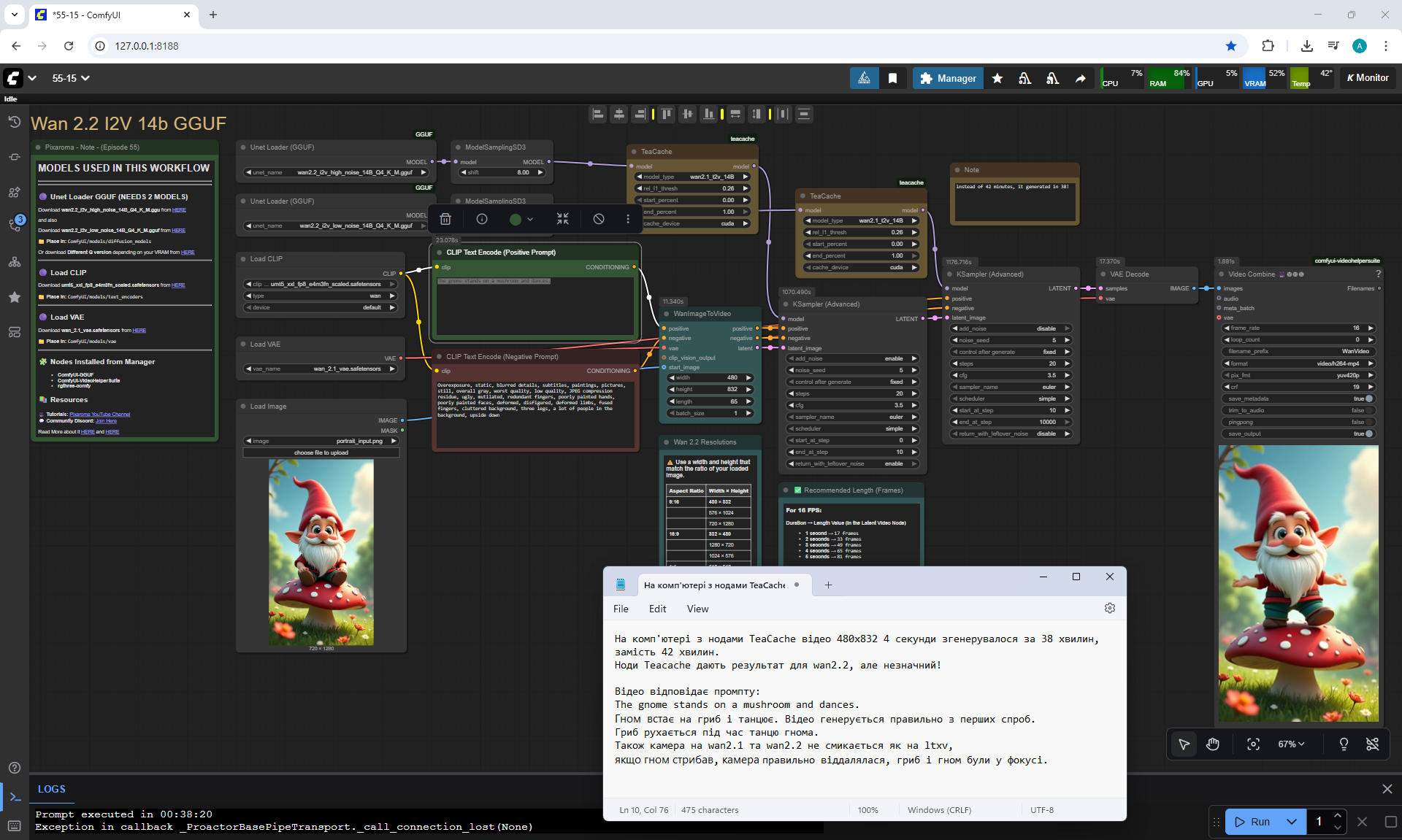
The gnome stands on a mushroom and dances
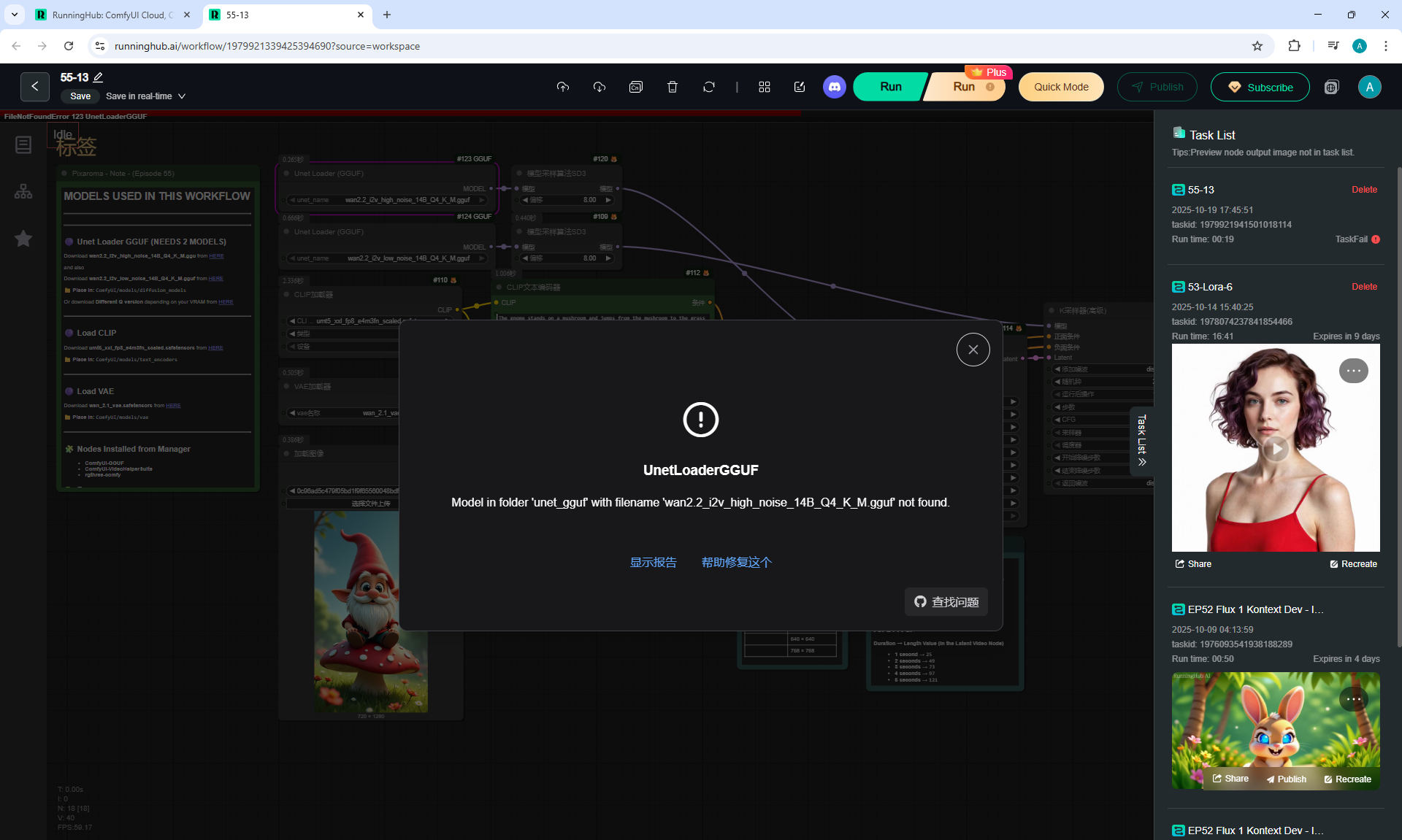
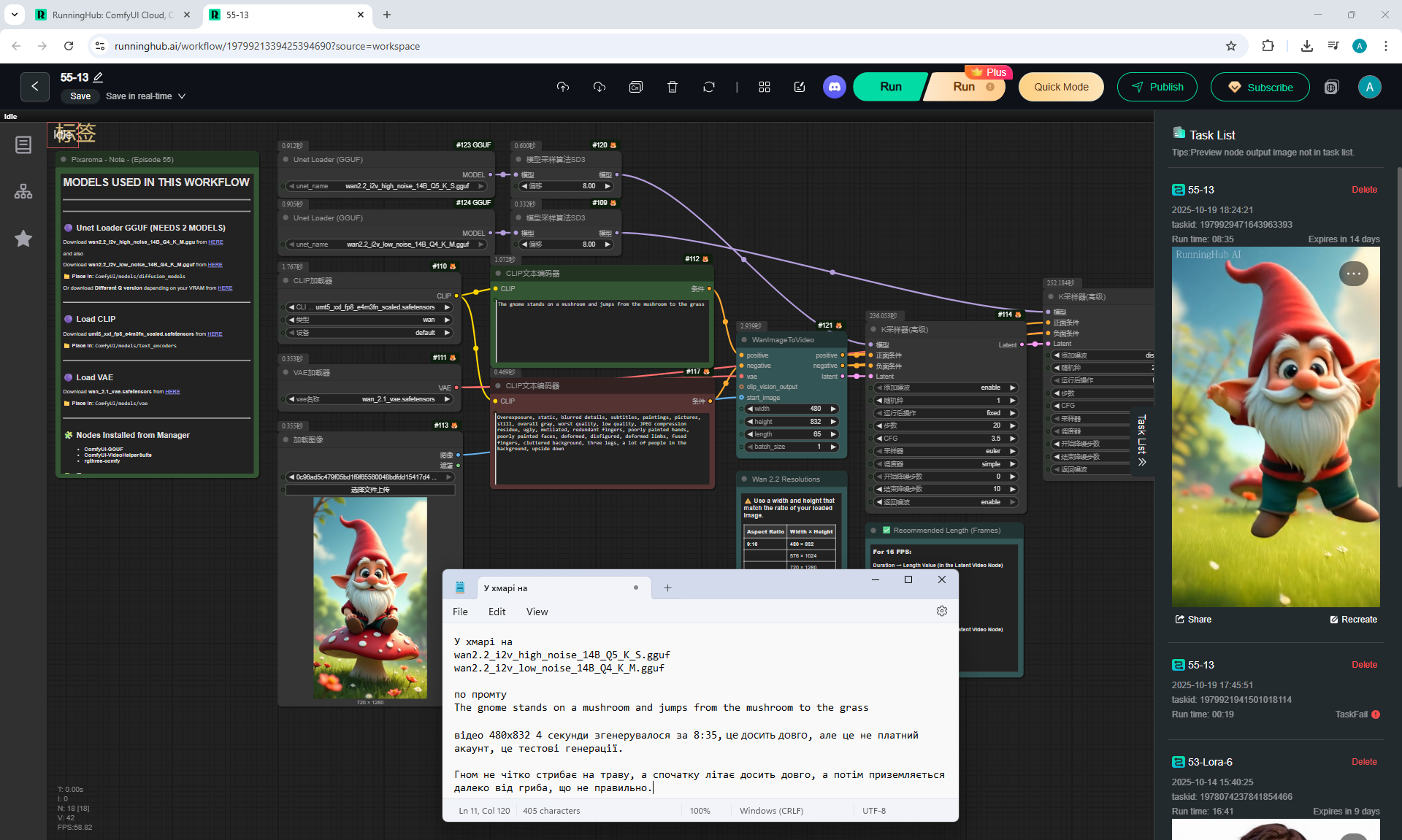
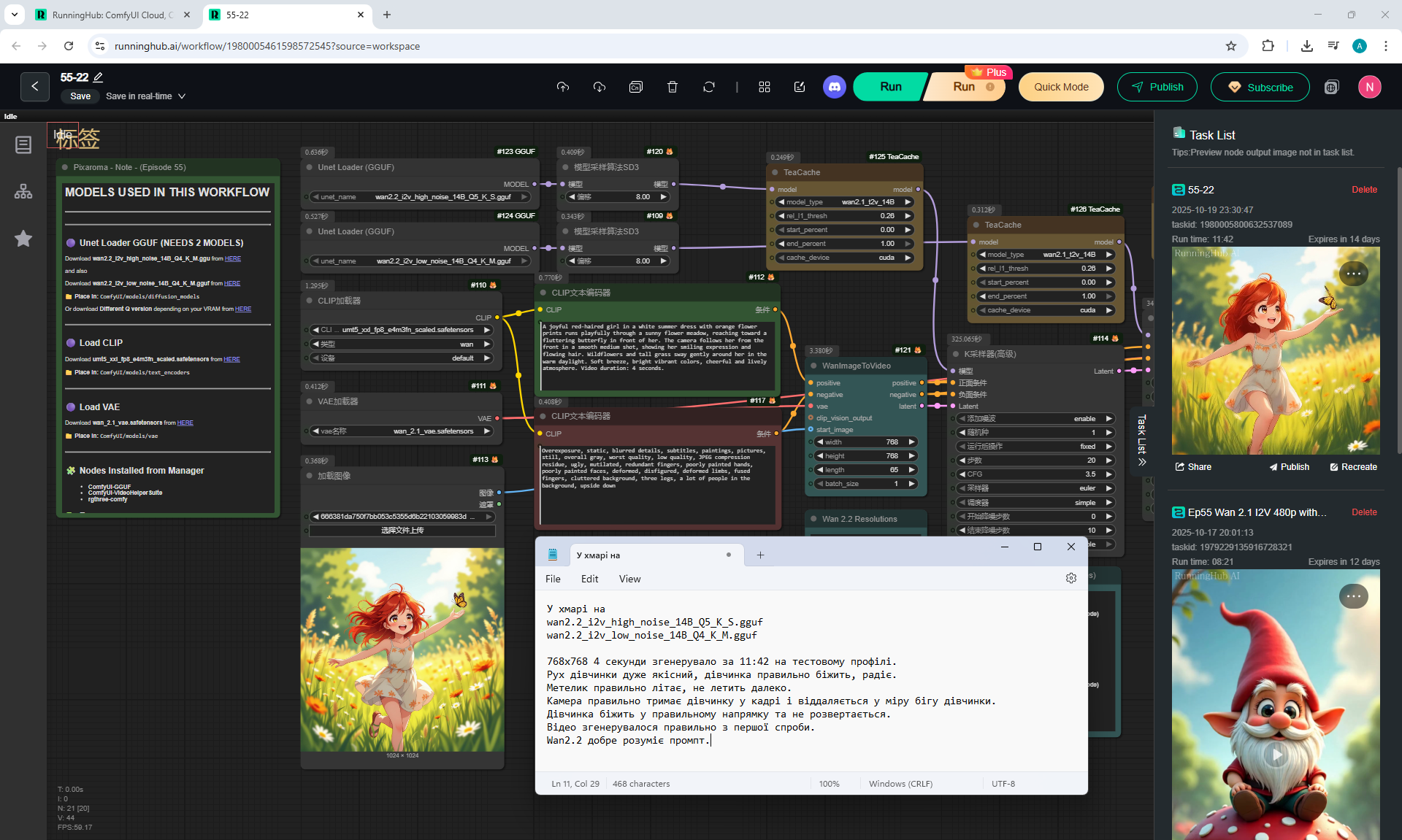
This workflowу I generated ComfyUI in the cloud
RunningHub AI
on models Wan2.2_i2v_high_noise_14B_Q5_K_S.gguf, Wan2.2_i2v_low_noise_14B_Q4_K_M.gguf, which were there.
The animation is correct, the gnome stands on the mushroom and dances. The mushroom leans in different directions under the gnome's weight.


Prompt for video:
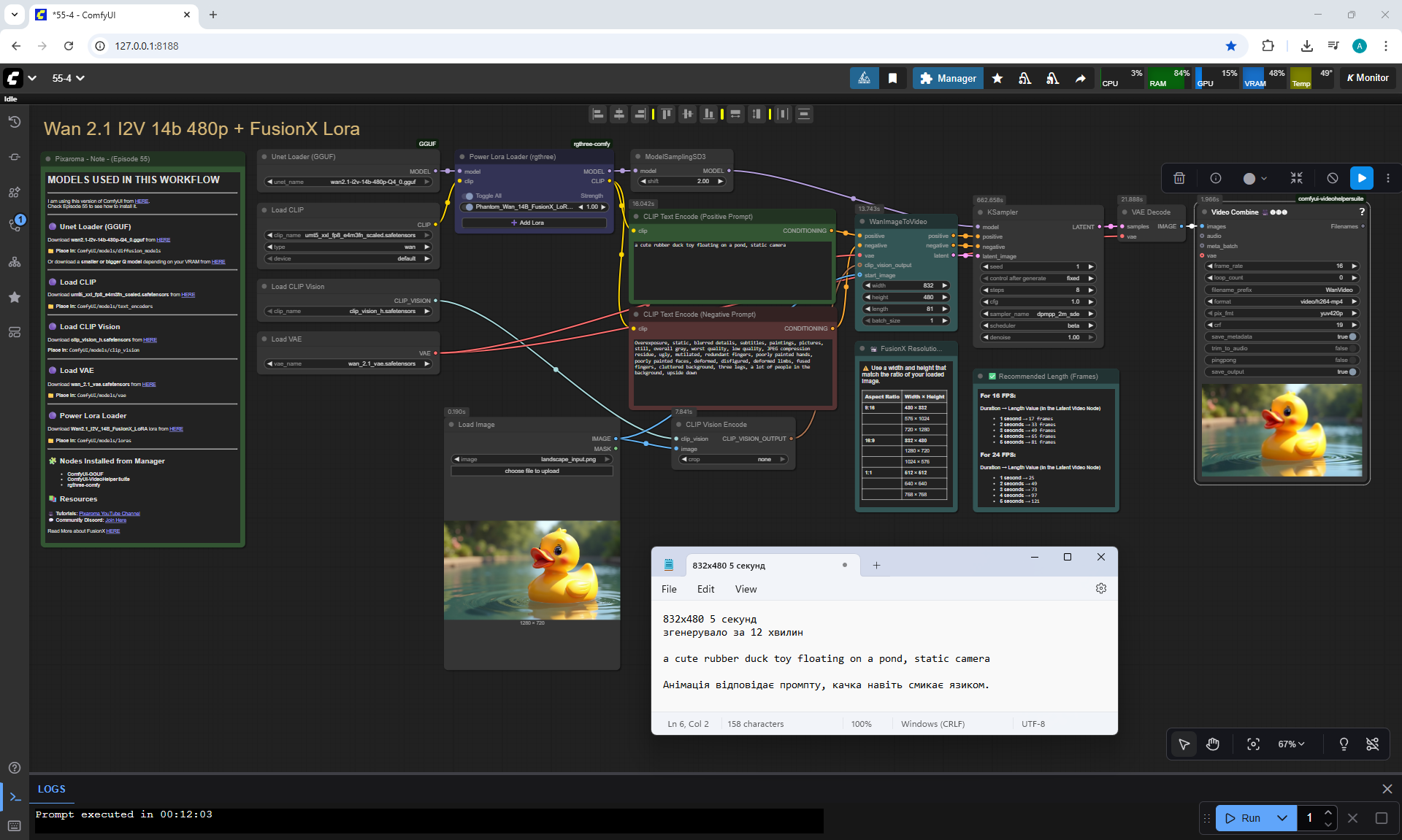
a cute rubber duck toy floating on a pond, static camera
The animation is correct. You can do
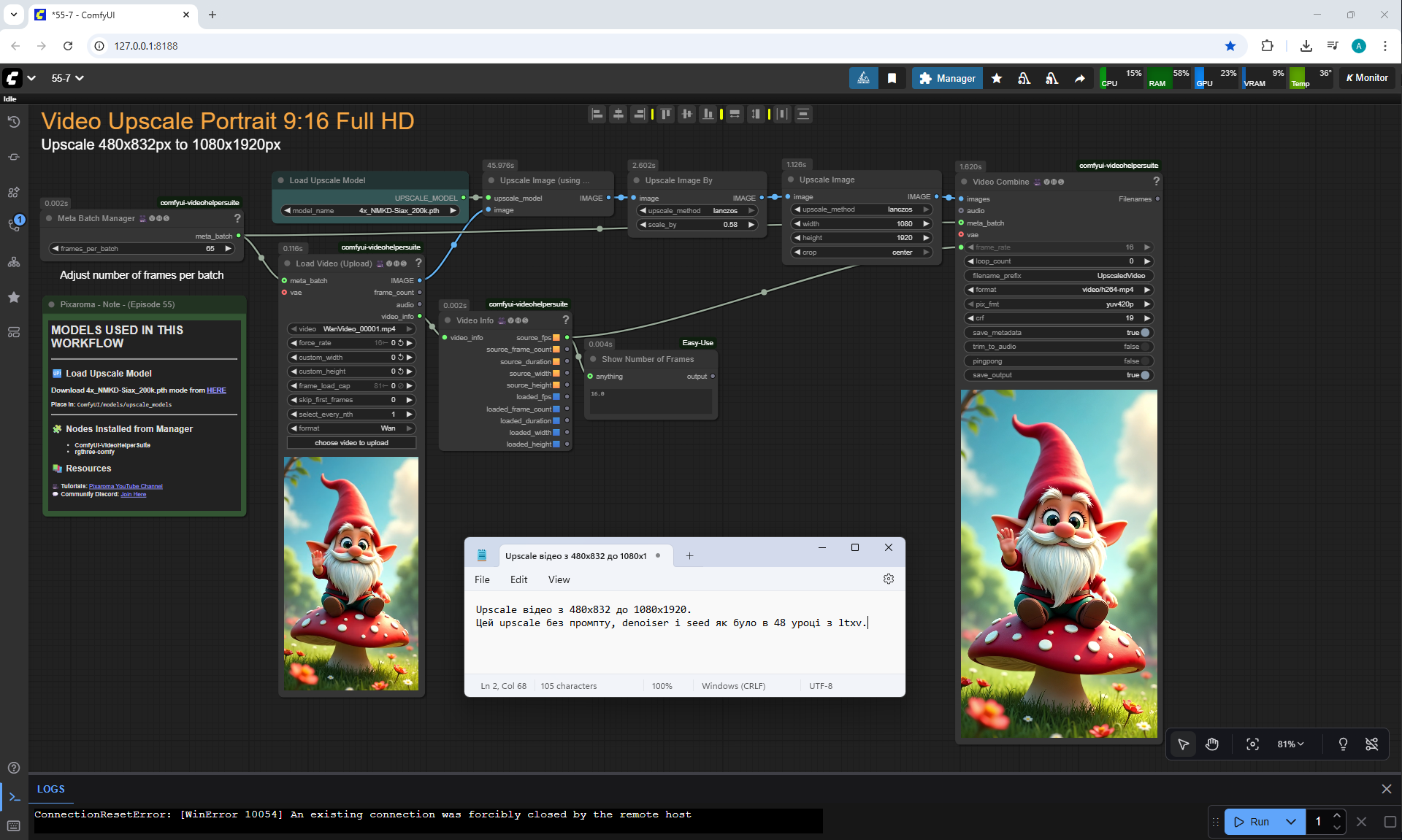
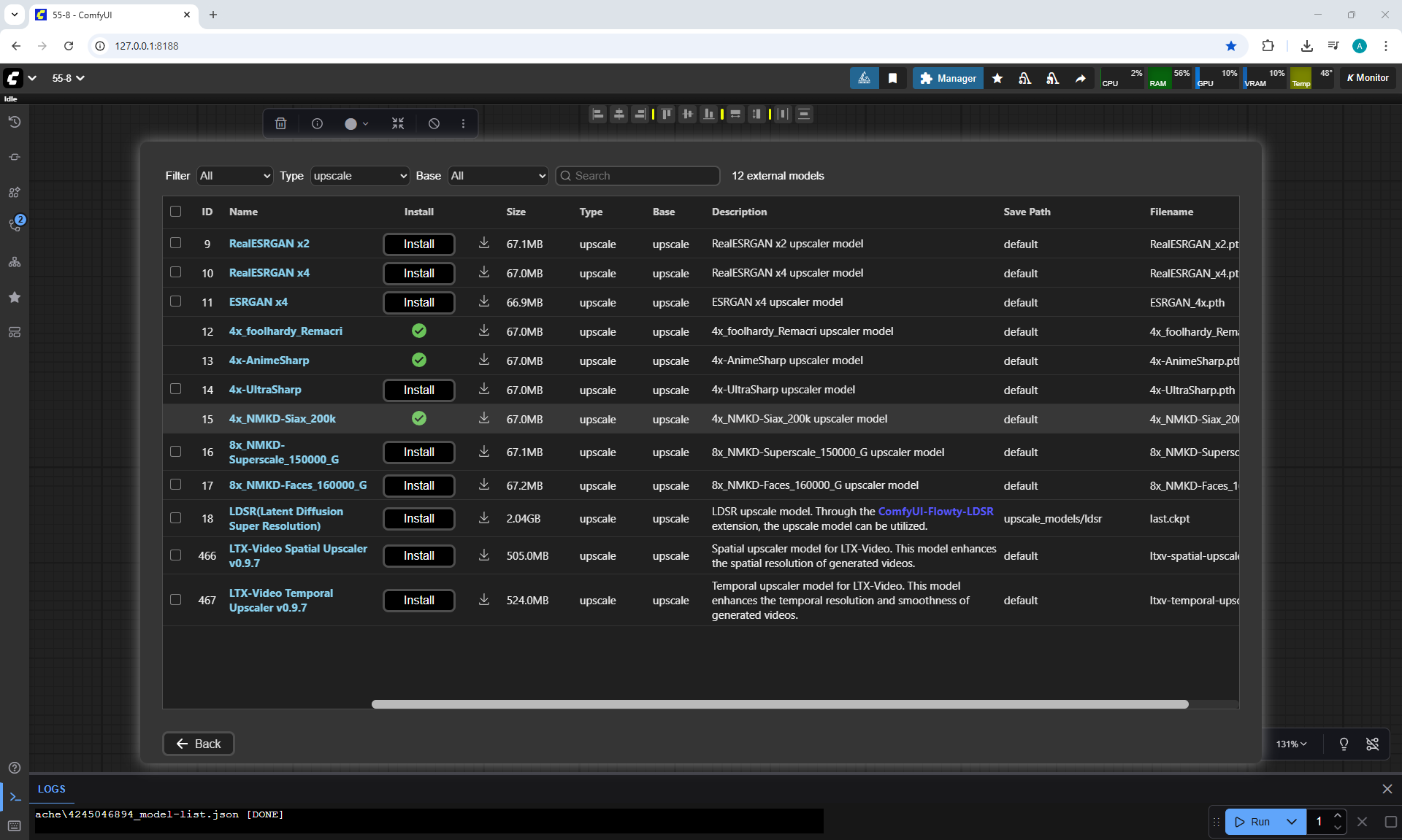
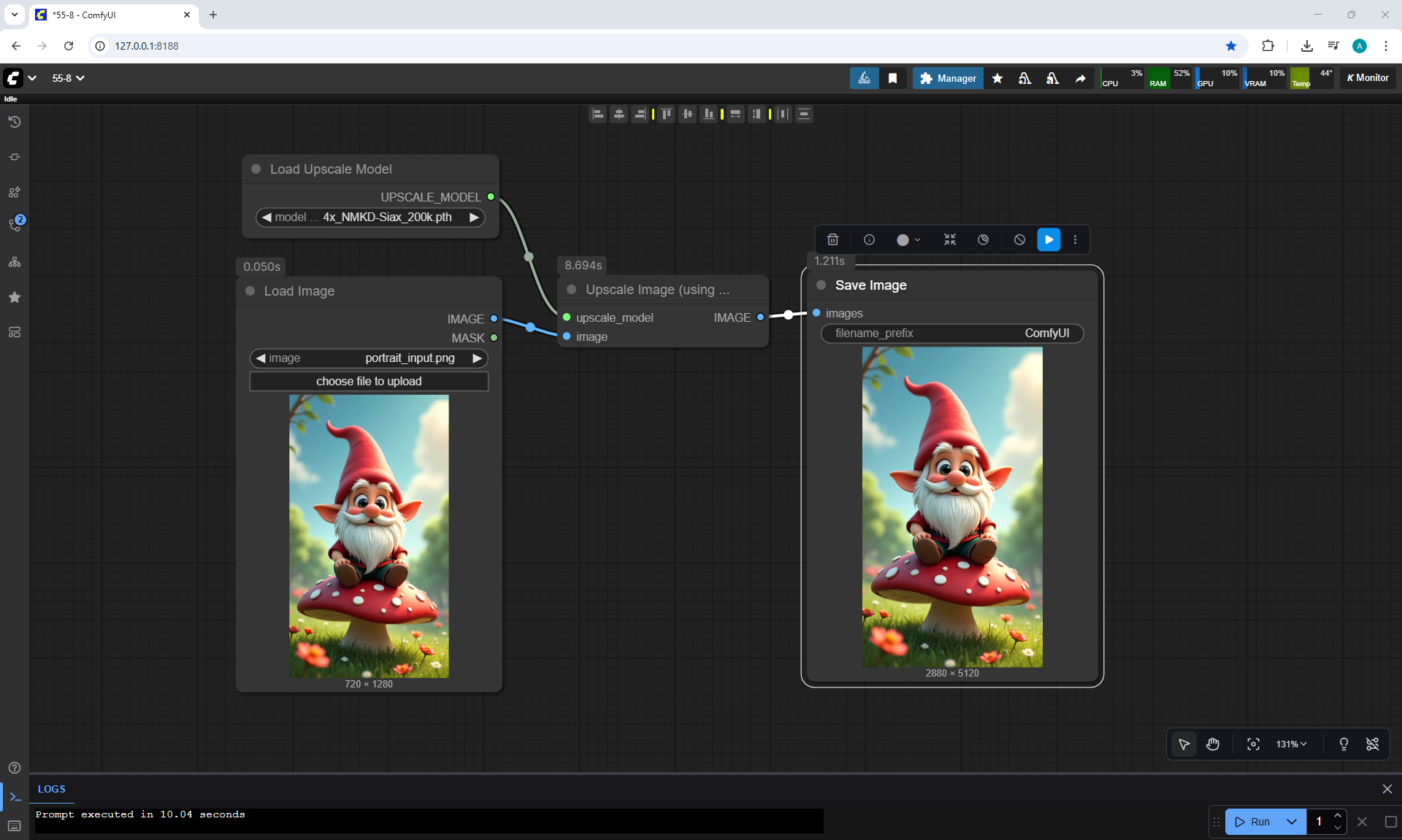
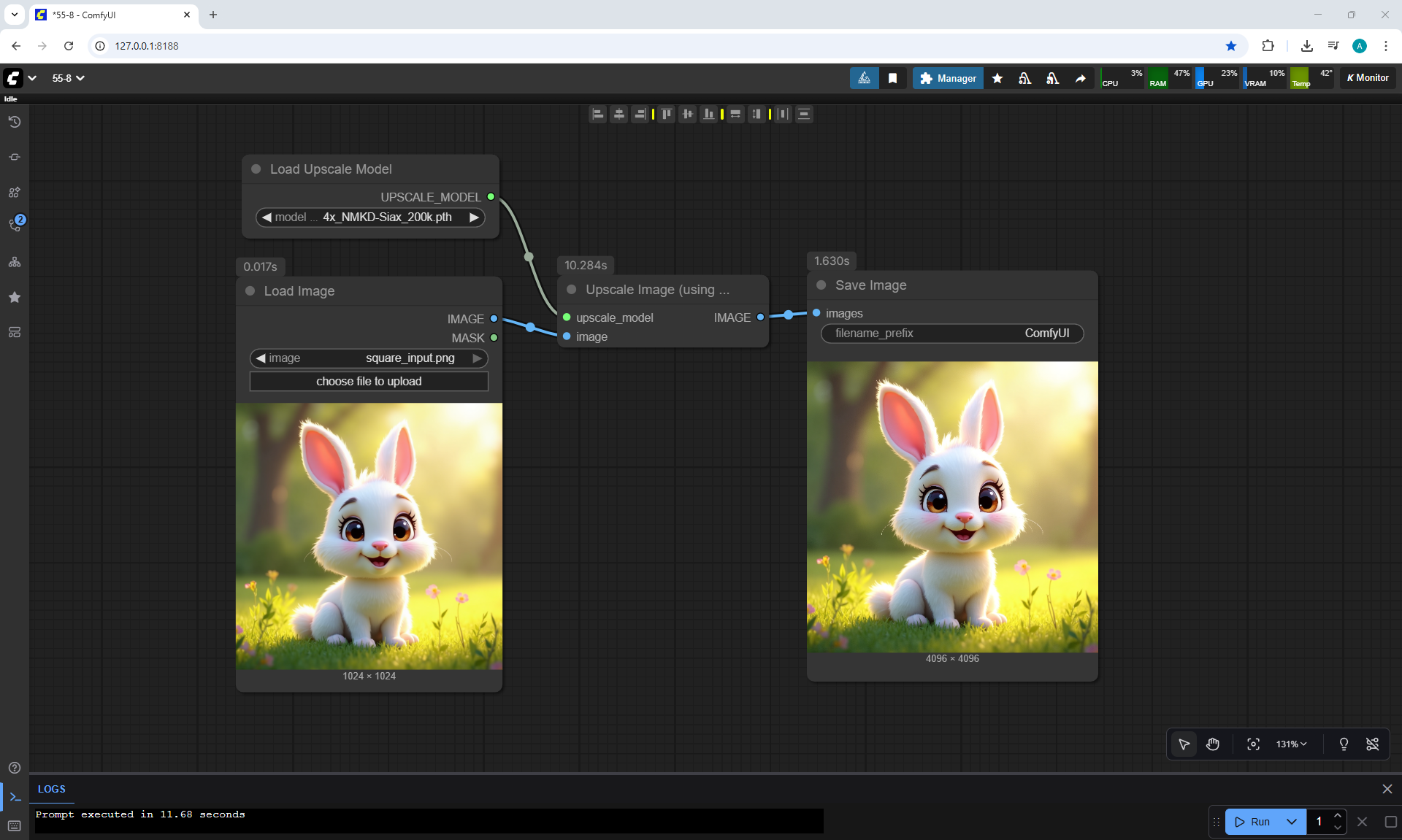
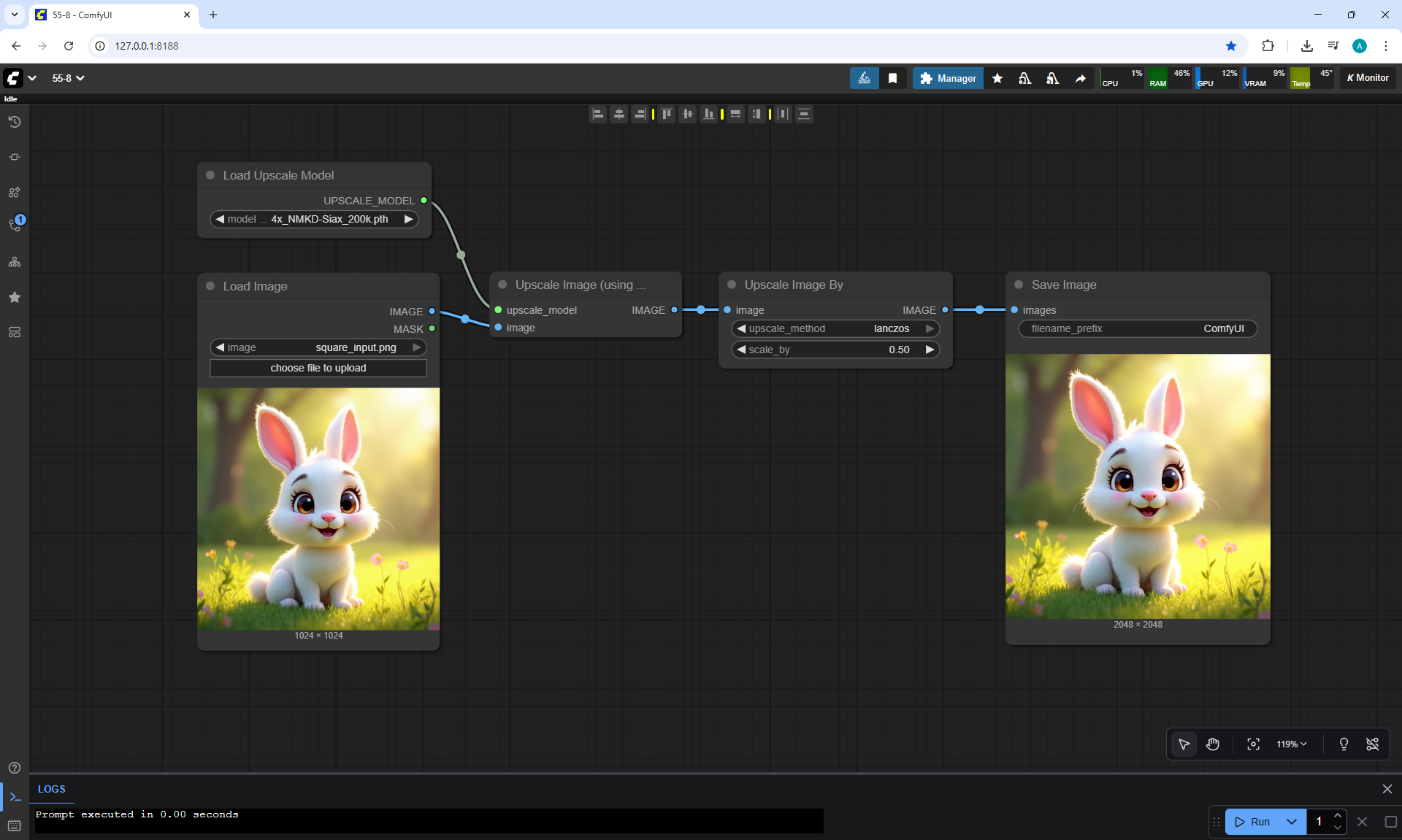
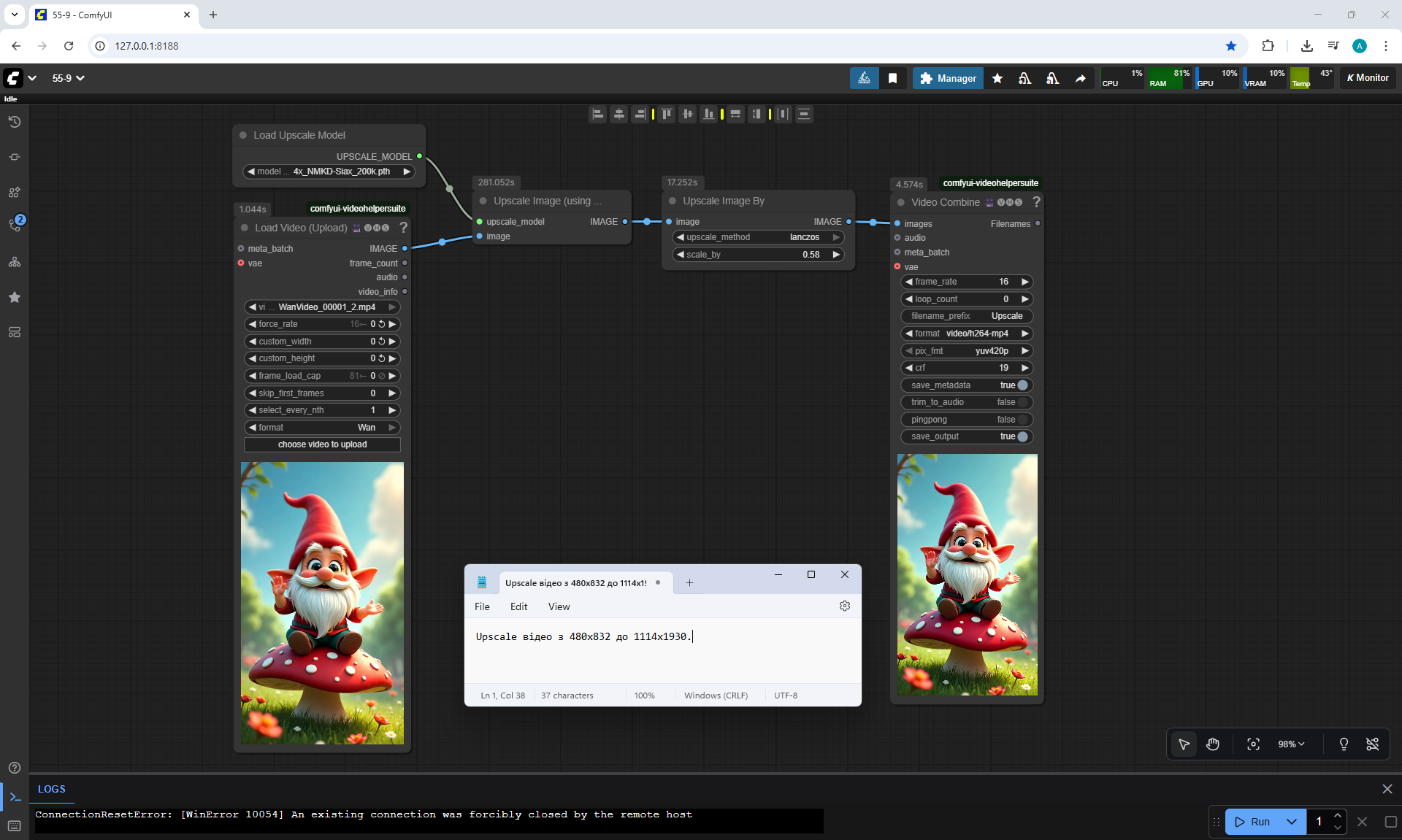
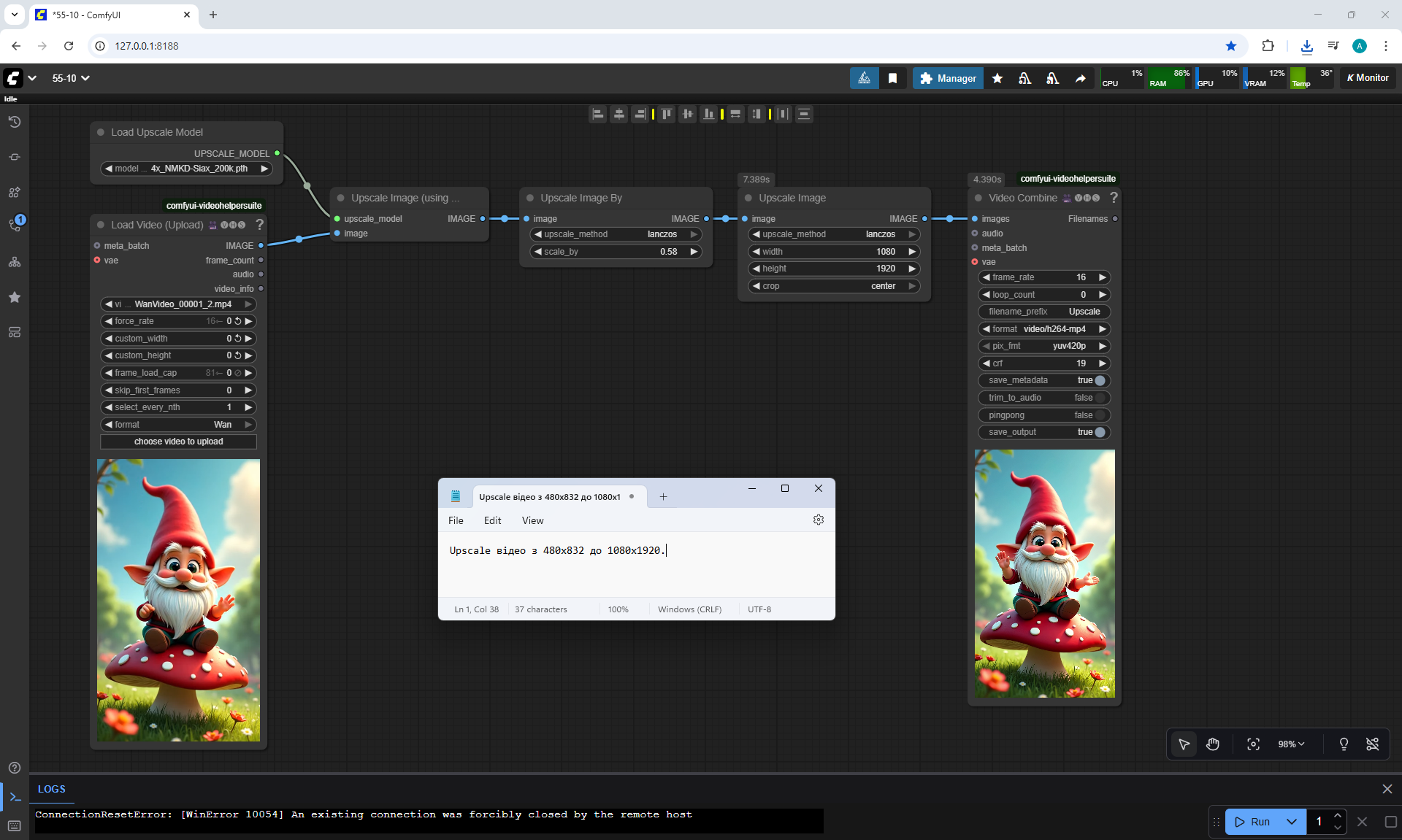
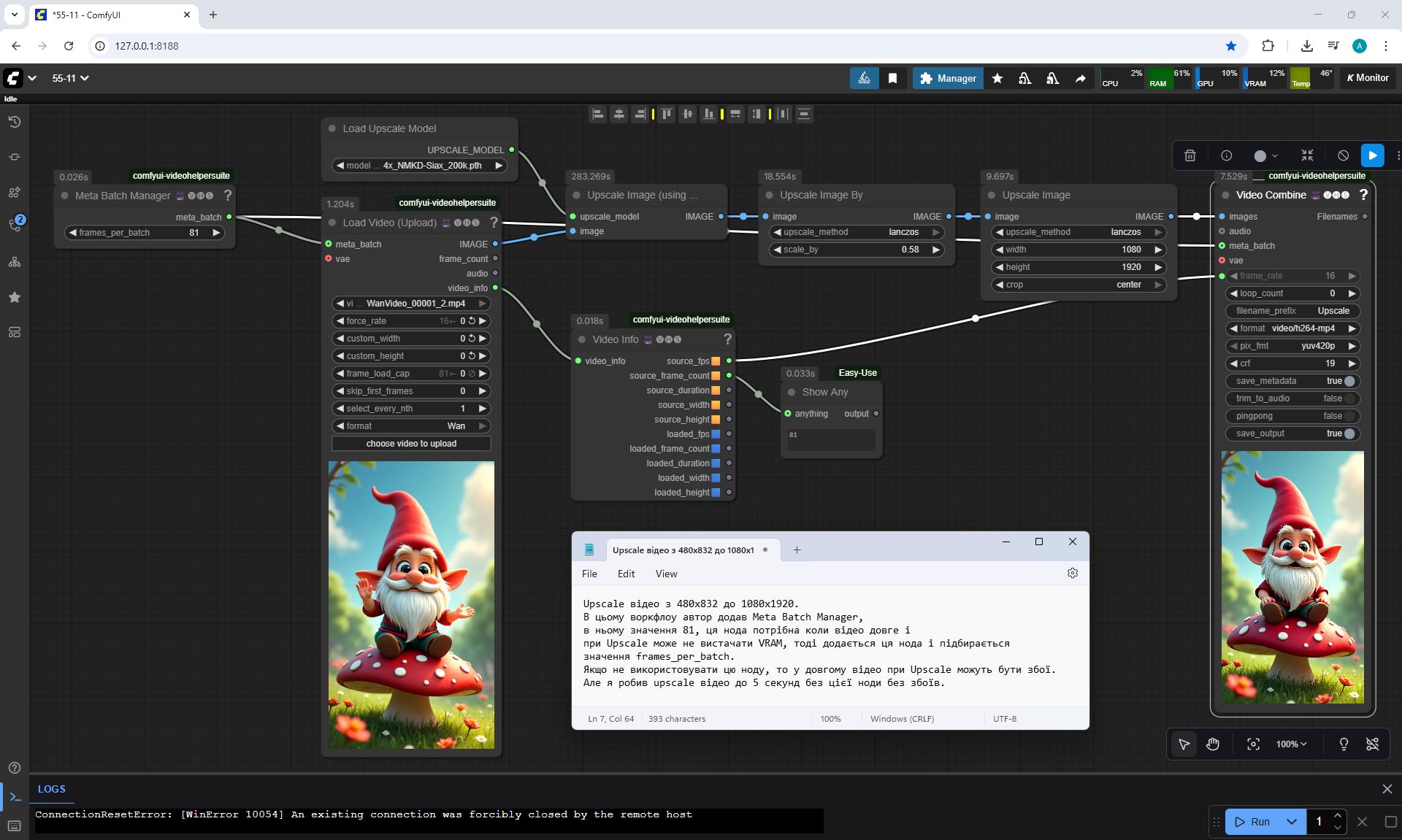
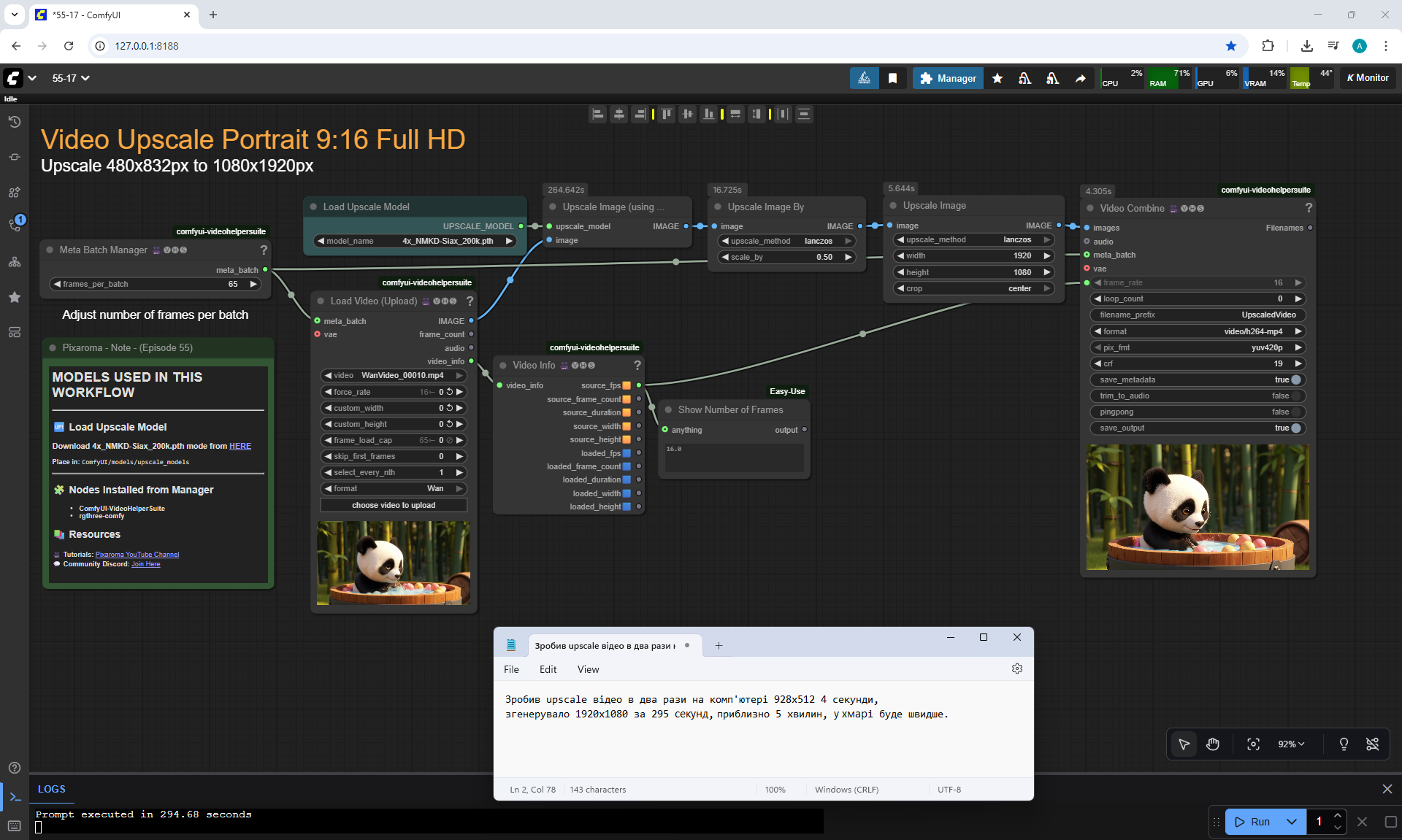
Upscale відео.


Prompt for video:
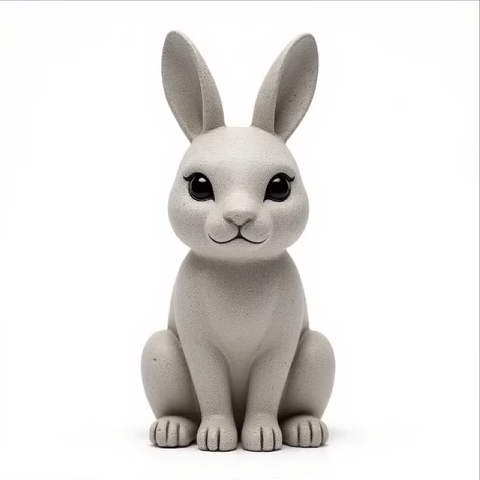
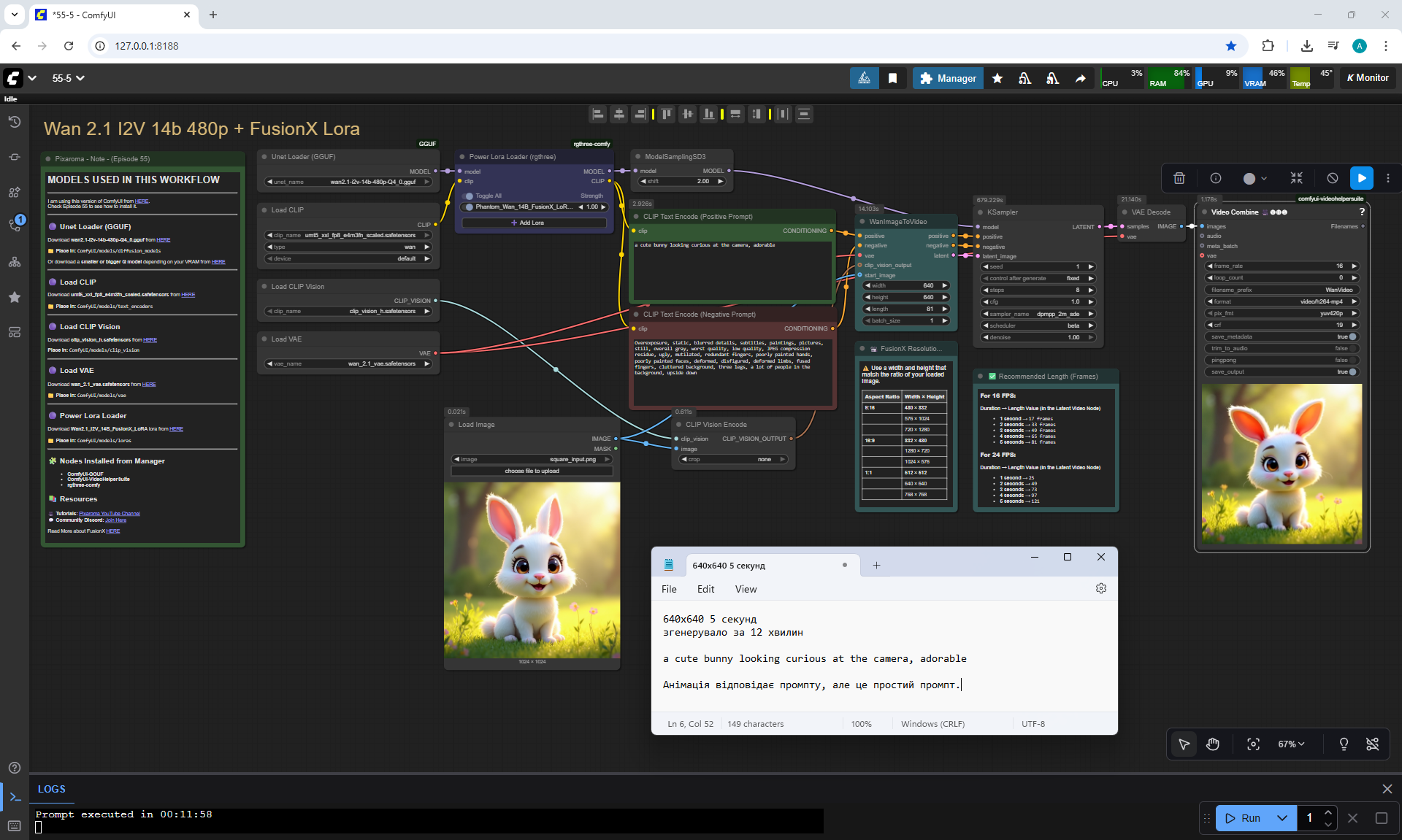
a cute bunny looking curious at the camera, adorable
The animation is correct. You can do
Upscale відео.


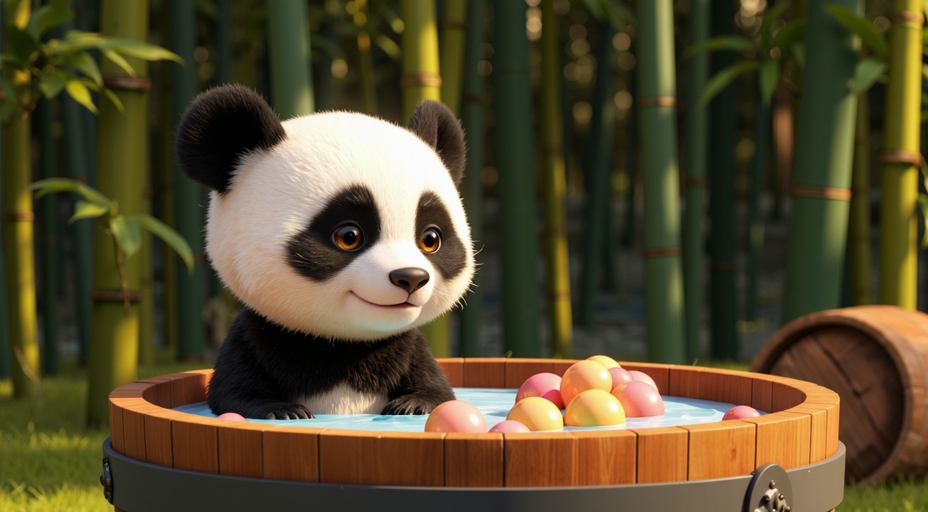
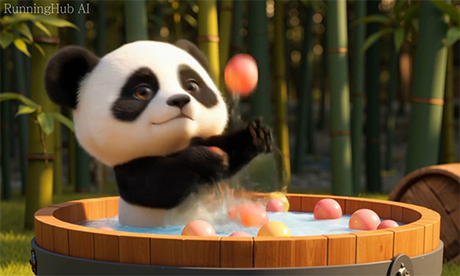
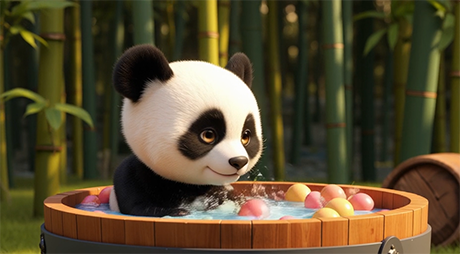
Prompt for video:
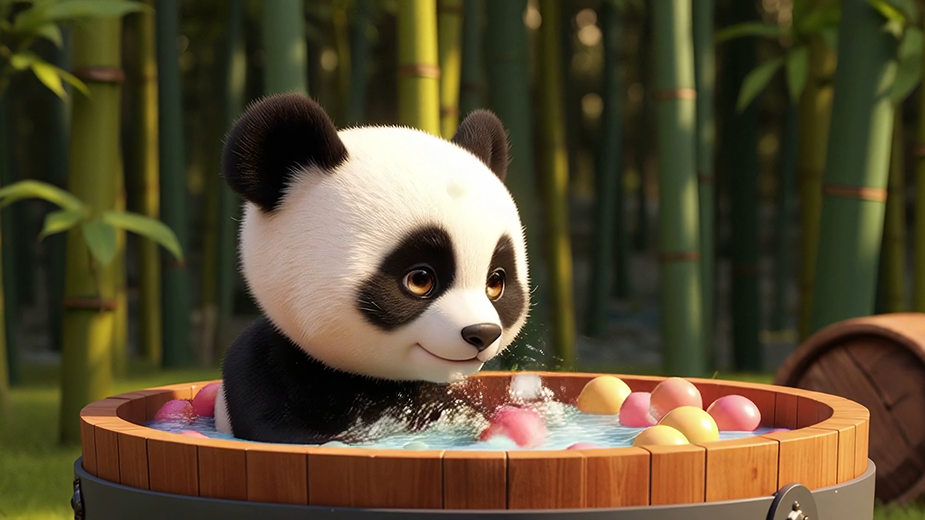
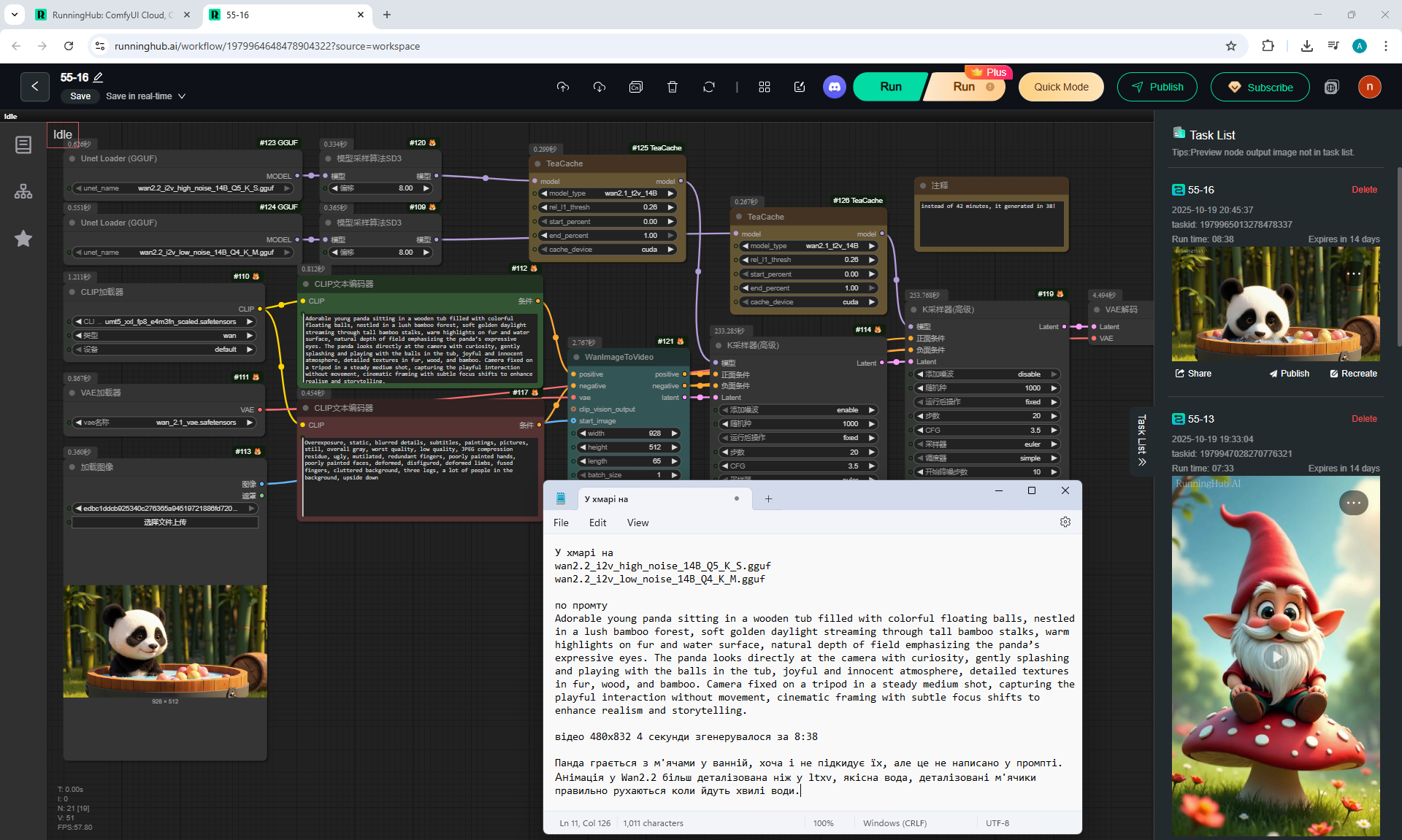
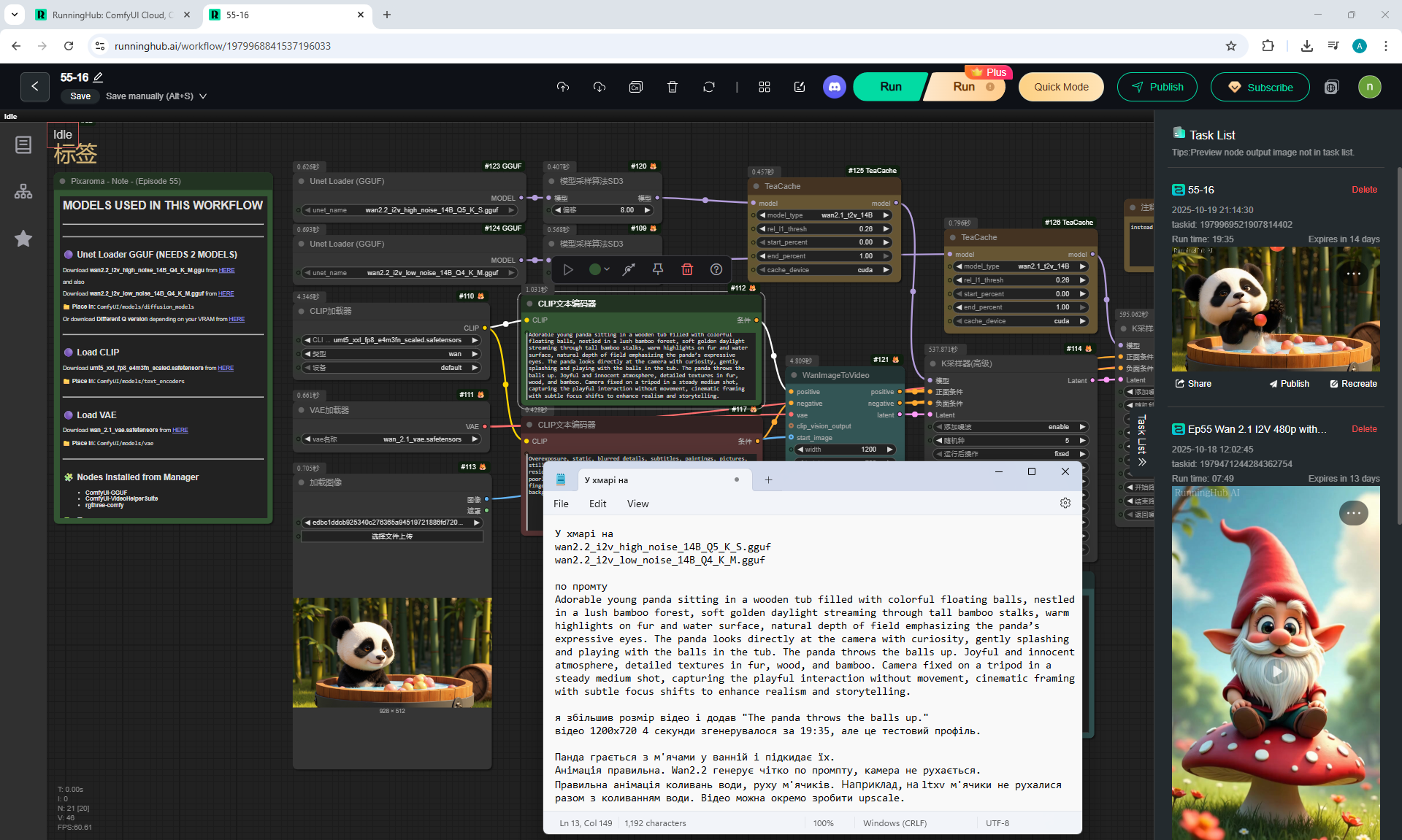
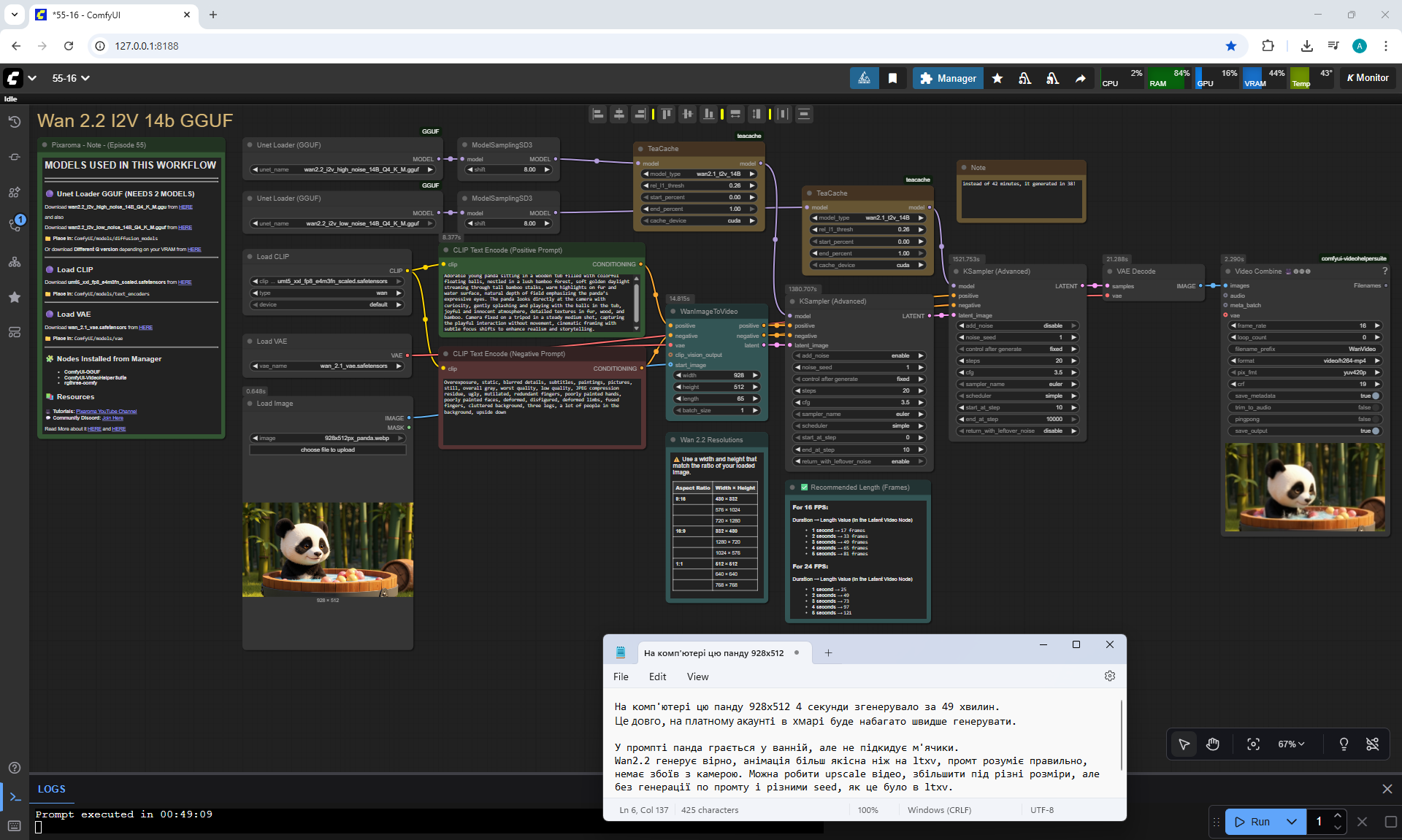
Adorable young panda sitting in a wooden tub filled with colorful floating balls, nestled in a lush bamboo forest, soft golden daylight streaming through tall bamboo stalks, warm highlights on fur and water surface, natural depth of field emphasizing the panda’s expressive eyes. The panda looks directly at the camera with curiosity, gently splashing and playing with the balls in the tub. The panda throws the balls up. Joyful and innocent atmosphere, detailed textures in fur, wood, and bamboo. Camera fixed on a tripod in a steady medium shot, capturing the playful interaction without movement, cinematic framing with subtle focus shifts to enhance realism and storytelling.
The animation is correct. I did the last video Upscale below.
Воркфлоу у ComfyUI у хмарі
In lesson 48 I generated such a video with a panda on a model Ltxv and did upscale, but you can see that it is not as detailed as on the wan2.2 model. For example, on Ltxv the color of the balls changed when the panda threw the balls, one ball became large, but it was not in the bathroom, the balls did not move on the water, the water splashes, although they flew correctly, were poorly detailed.
On the wan2.2 video, all the balls float on the water separately, more realistic bubbles, water splashes, there are no camera failures. The workflow with wan2.2 understands the prompt better, the animation is more detailed, you can add other Lora models compatible with the Wan2.1 model, the video generation speed is longer than on ltxv, but the videos with failures are less.
Paid sites can generate this video better, but the free wan2.2 model generates normal videos that can match the prompt.

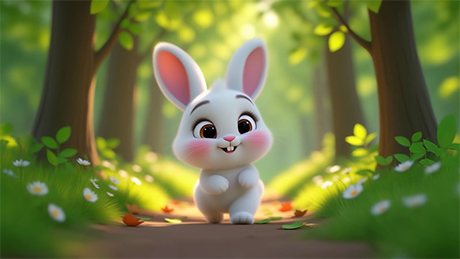
Prompt for video:
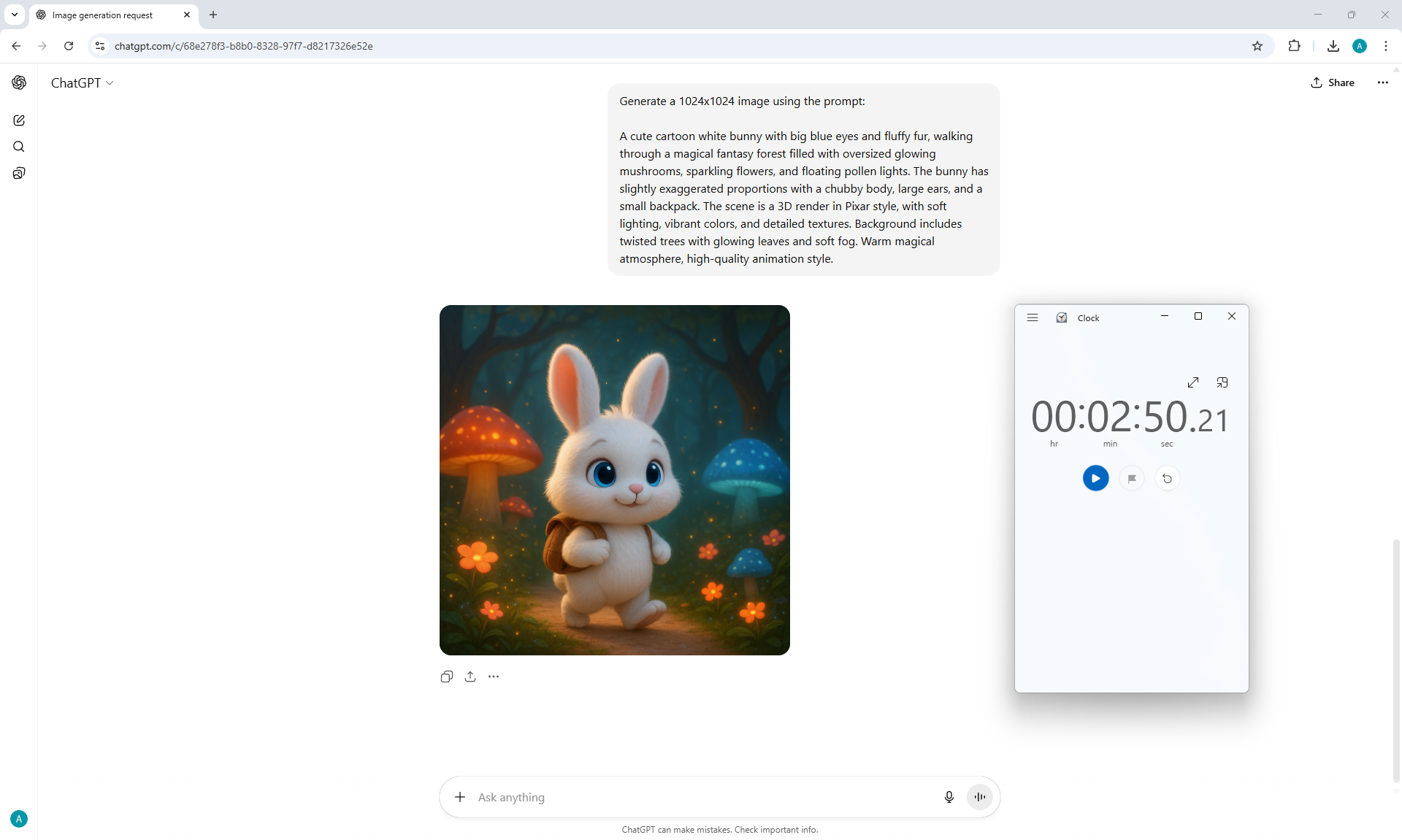
adorable white cartoon bunny with big eyes and pink cheeks walking happily down a sunlit forest path, surrounded by tall trees, soft grass, and blooming daisies, warm morning light filtering through the leaves, cinematic depth of field, vibrant colors, soft shadows, slow cinematic camera movement
The animation is correct. But the hare is walking slowly. Workflow in ComfyUI in the cloud RunningHub AI
In lesson 51 I generated such a video with a hare on a paid site hailuoai.video. t generates such animation better. But for some reason the hare turned and moved back from the camera, although other models generate the correct animation of the hare's movement at such a prompt.
Also in lesson 51 I generated this
video with a hare on a model Cosmos Predict2, which is free. You can see the similarity of the video Cosmos Predict2 і Wan2.2.

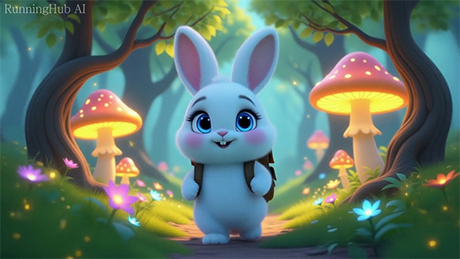
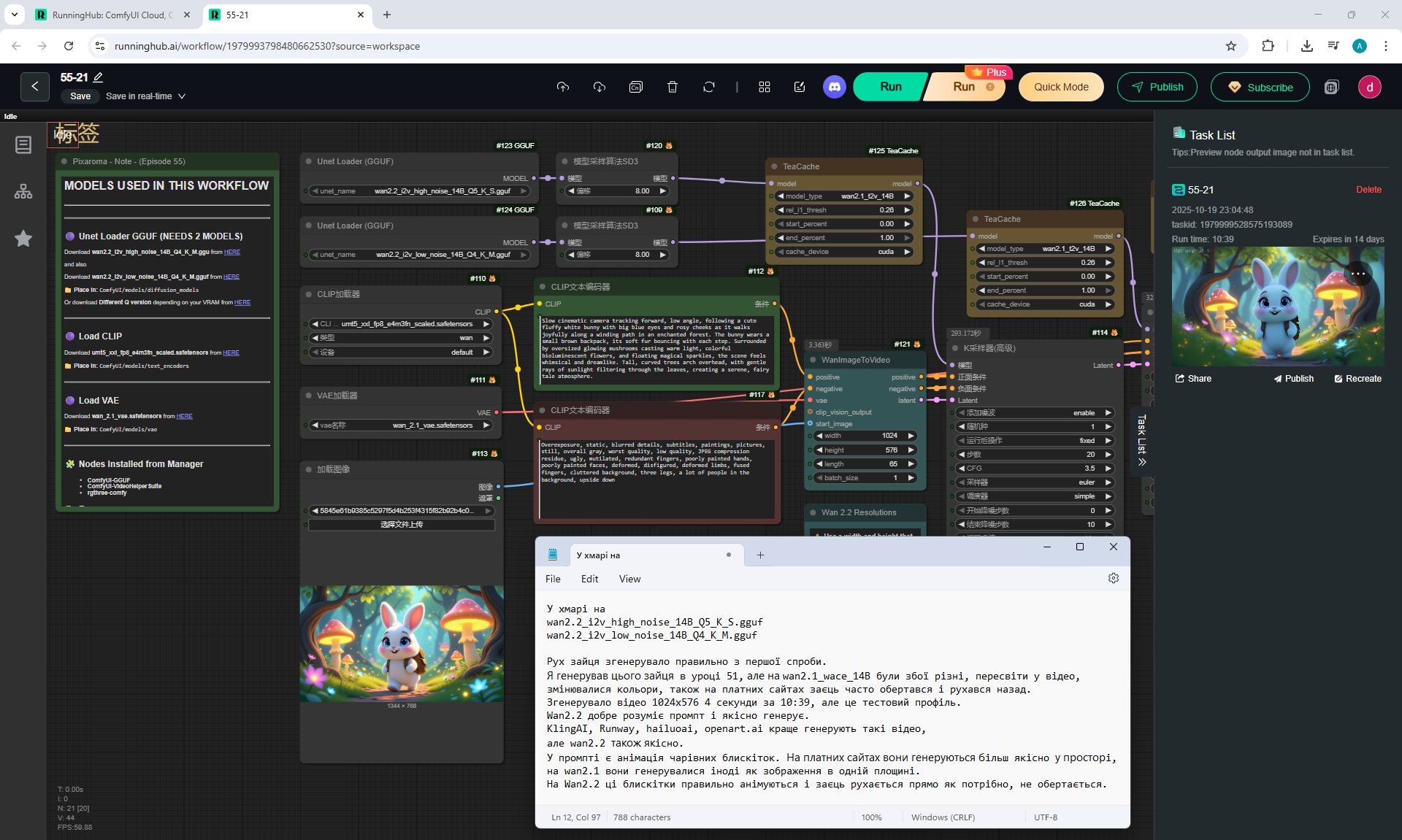
Prompt for video:
Slow cinematic camera tracking forward, low angle, following a cute fluffy white bunny with big blue eyes and rosy cheeks as it walks joyfully along a winding path in an enchanted forest. The bunny wears a small brown backpack, its soft fur bouncing with each step. Surrounded by oversized glowing mushrooms casting warm light, colorful bioluminescent flowers, and floating magical sparkles, the scene feels whimsical and dreamlike. Tall, curved trees arch overhead, with gentle rays of sunlight filtering through the leaves, creating a serene, fairy tale atmosphere.
The animation is correct. Workflow in ComfyUI in the cloud RunningHub AI. This animation of a hare walking through the forest is good, the sparks are shining brightly, not in one plane, but flying in space.
В уроці 51 я генерував such a video with a hare on a paid site hailuoai.video. It generates such animations better. But for some reason the hare kept turning and moving back from the camera, although other models generate the correct animation of the hare's movement with such a prompt.
Also in lesson 51 I generated
this is a video with a rabbit on a model Cosmos Predict2. The hare moved correctly, albeit a little slowly.
The results of video generation on Cosmos Predict2 and Wan2.2 are similar, although paid sites generate much faster and sometimes better, but also do not always generate correctly.
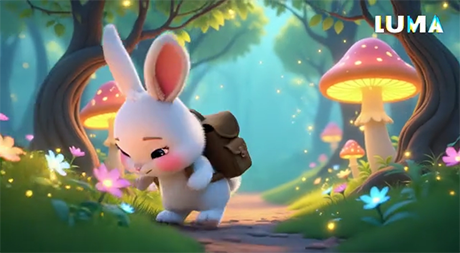
Prompt for video:
Slow cinematic camera tracking forward, low angle, following a cute fluffy white bunny with big blue eyes and rosy cheeks as it walks joyfully along a winding path in an enchanted forest. The bunny wears a small brown backpack, its soft fur bouncing with each step. Surrounded by oversized glowing mushrooms casting warm light, colorful bioluminescent flowers, and floating magical sparkles, the scene feels whimsical and dreamlike. Tall, curved trees arch overhead, with gentle rays of sunlight filtering through the leaves, creating a serene, fairy tale atmosphere.
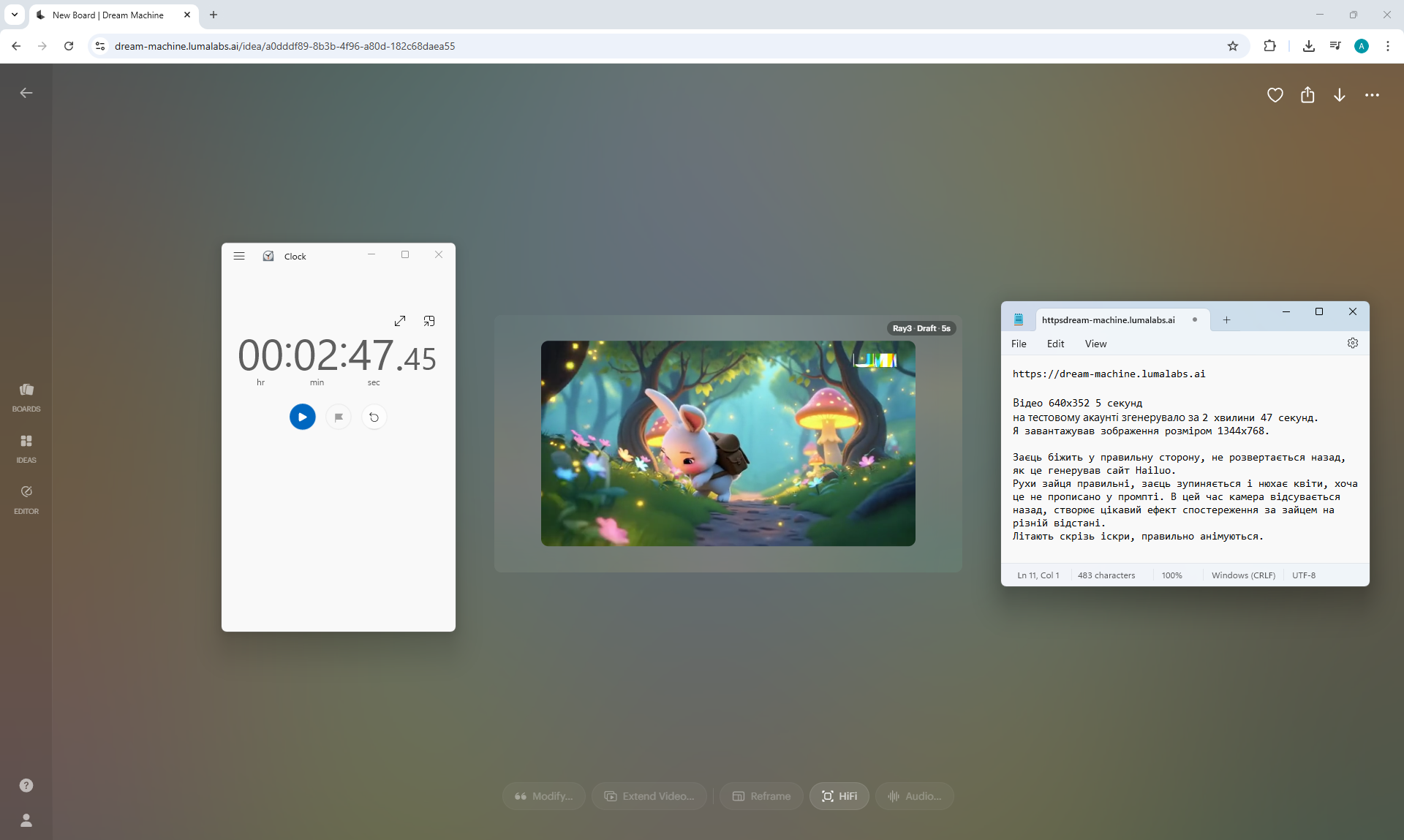
I tested this video with a hare on the website: dream-machine.lumalabs.ai
Screenshot of generation
You can see the difference in the animations. Here the hare is not just walking, he even runs, jumps, his gait is light. You can also see that he pays attention to the flowers and runs up to them to smell them.
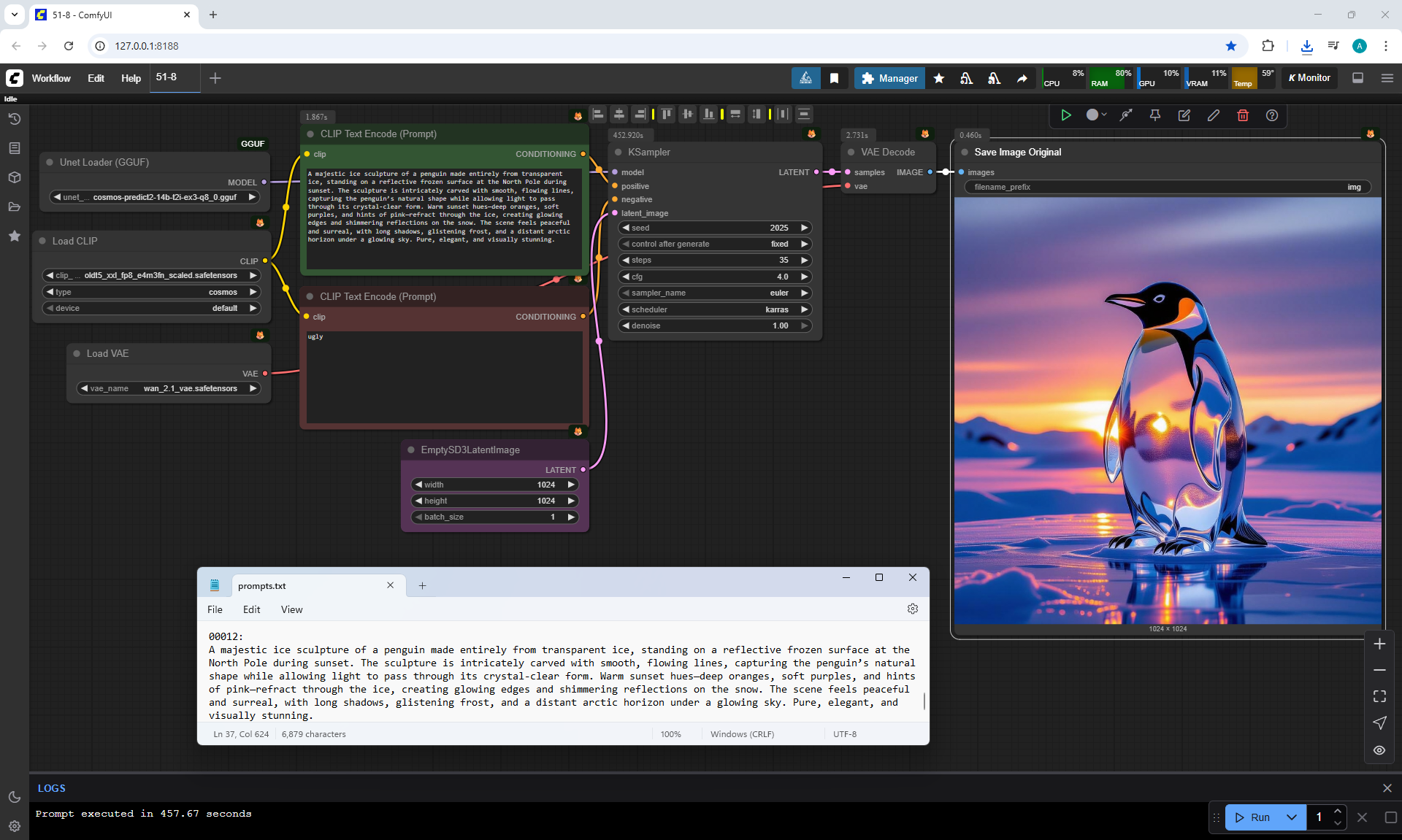
In 51 lessons in one video The hare also came and smelled the flowers.. I generated that animation for a ComfyUI lesson on the Cosmos Predict2 model. On the one hand, this is an interesting moment in the animation, but the prompt did not indicate that the hare should smell the flowers.
Sparks fly qualitatively, the camera moves away from the hare at different distances. Many events occur in this animation, the hare does not just walk, it does various actions, sways to the side, leans towards the flowers. The sun's rays fall on the hare, the glow from the sparks is also visible on the hare.
Each model generates video in its own way, for example, on the site
openart.ai/video/i2v there is a choice of different paid models.
On one of them, sparks are added
fireworks effects, that shouldn't be. Hailuo AI generates vivid videos, correct beautiful movements and a calm, pleasant atmosphere in the environment animation but you need to specify the prompts so that the hare moves correctly. Each model has its own subtleties. For example, Wan2.2, although free, generates quite correctly, although the hare may walk slowly. In one animation on Wan2.2, sparks can animate correctly, and, for example, on Cosmos Predict2 in one of the generations spark animation can be very complex, not just in the form of balls, but some flashes of various forms.
Depending on the image and the prompt, different models may generate higher quality variants than others.

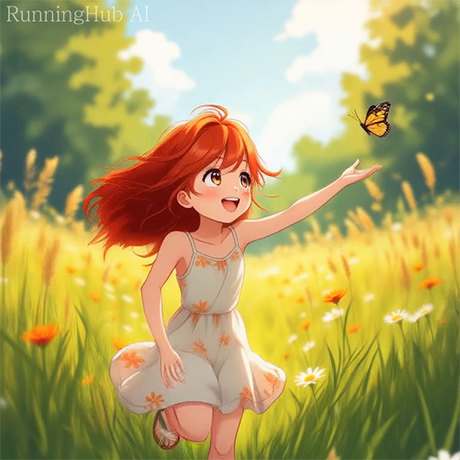
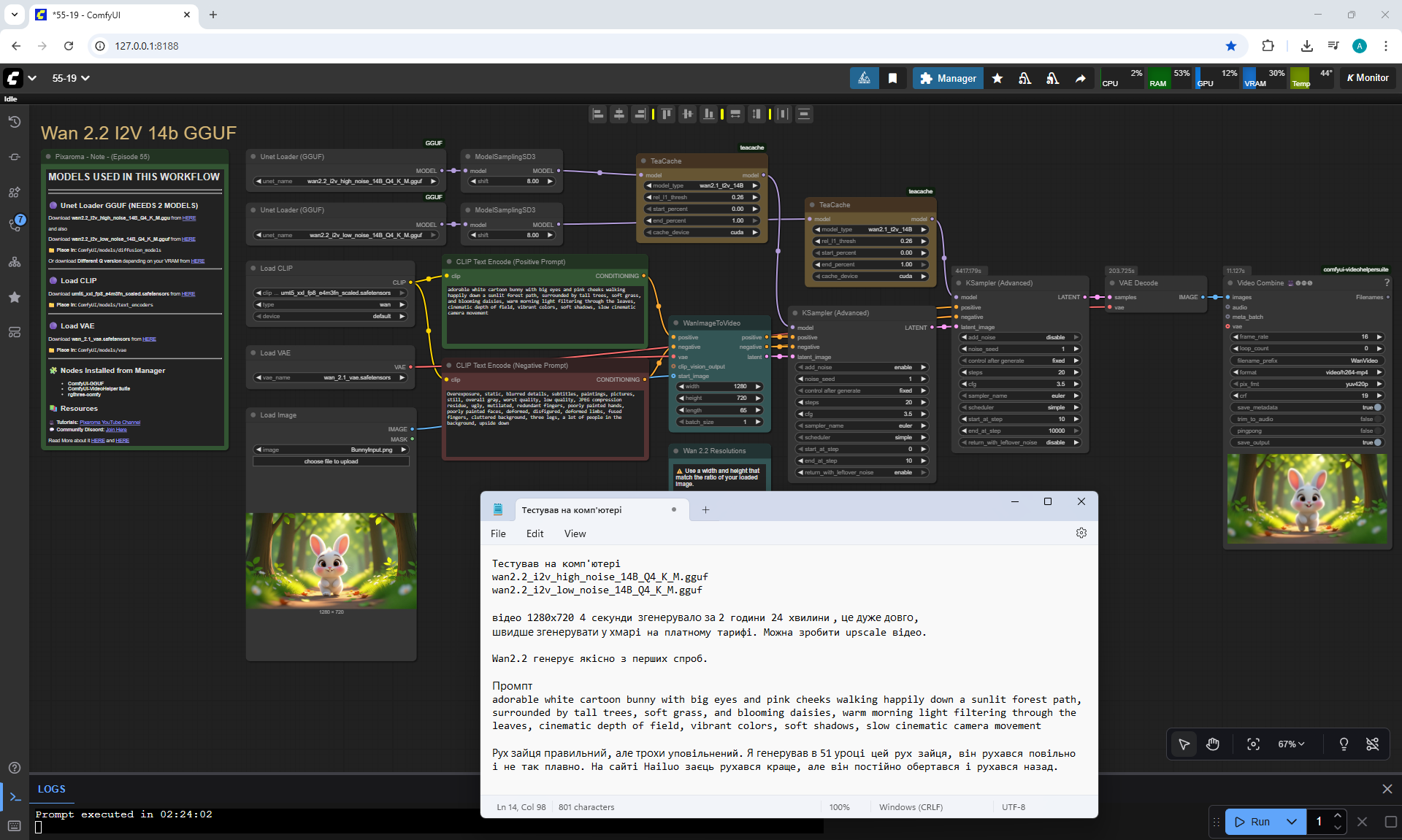
Prompt for video:
adorable white cartoon bunny with big eyes and pink cheeks walking happily down a sunlit forest path, surrounded by tall trees, soft grass, and blooming daisies, warm morning light filtering through the leaves, cinematic depth of field, vibrant colors, soft shadows, slow cinematic camera movement
The animation on Wan2.2 is correct from the first generation.
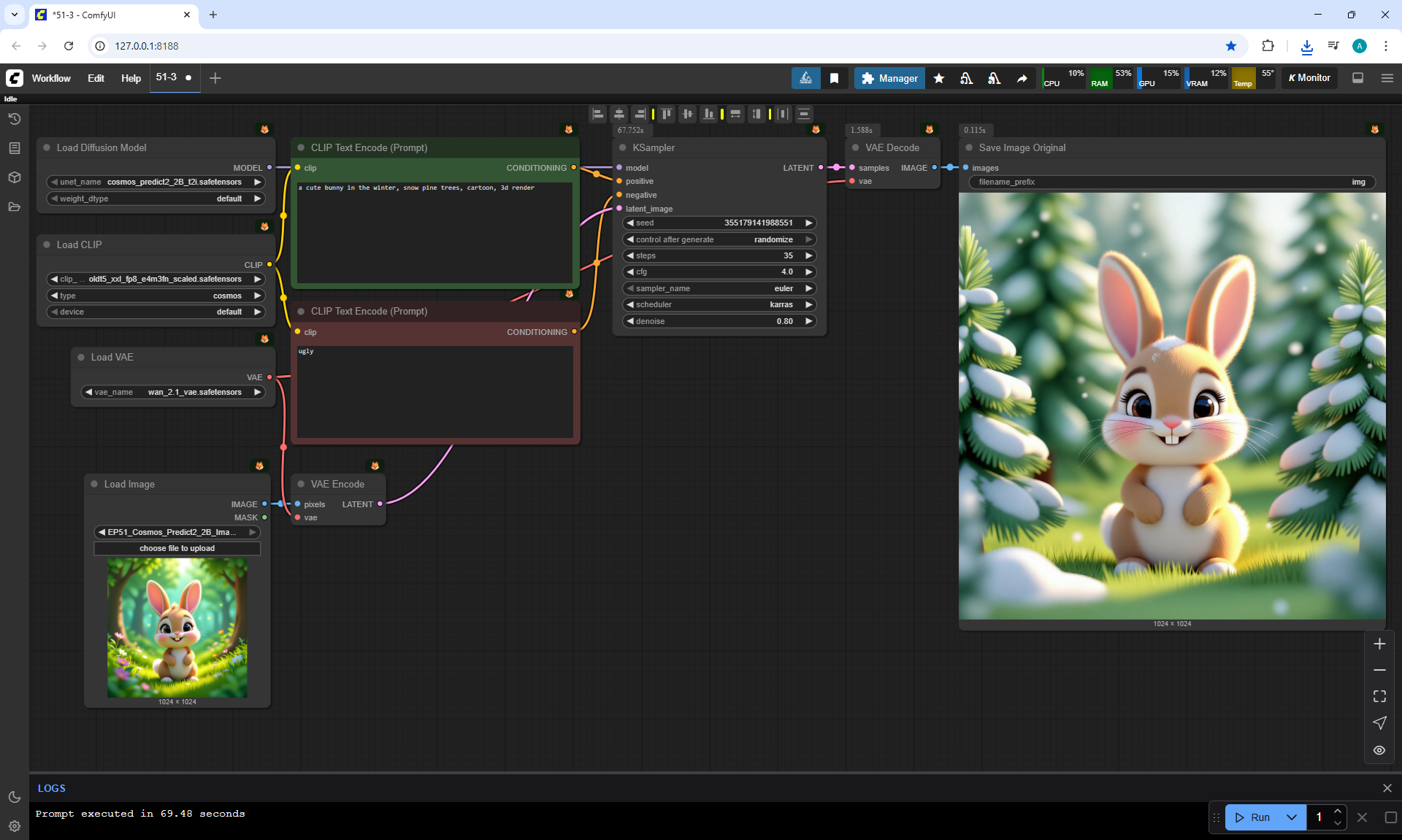
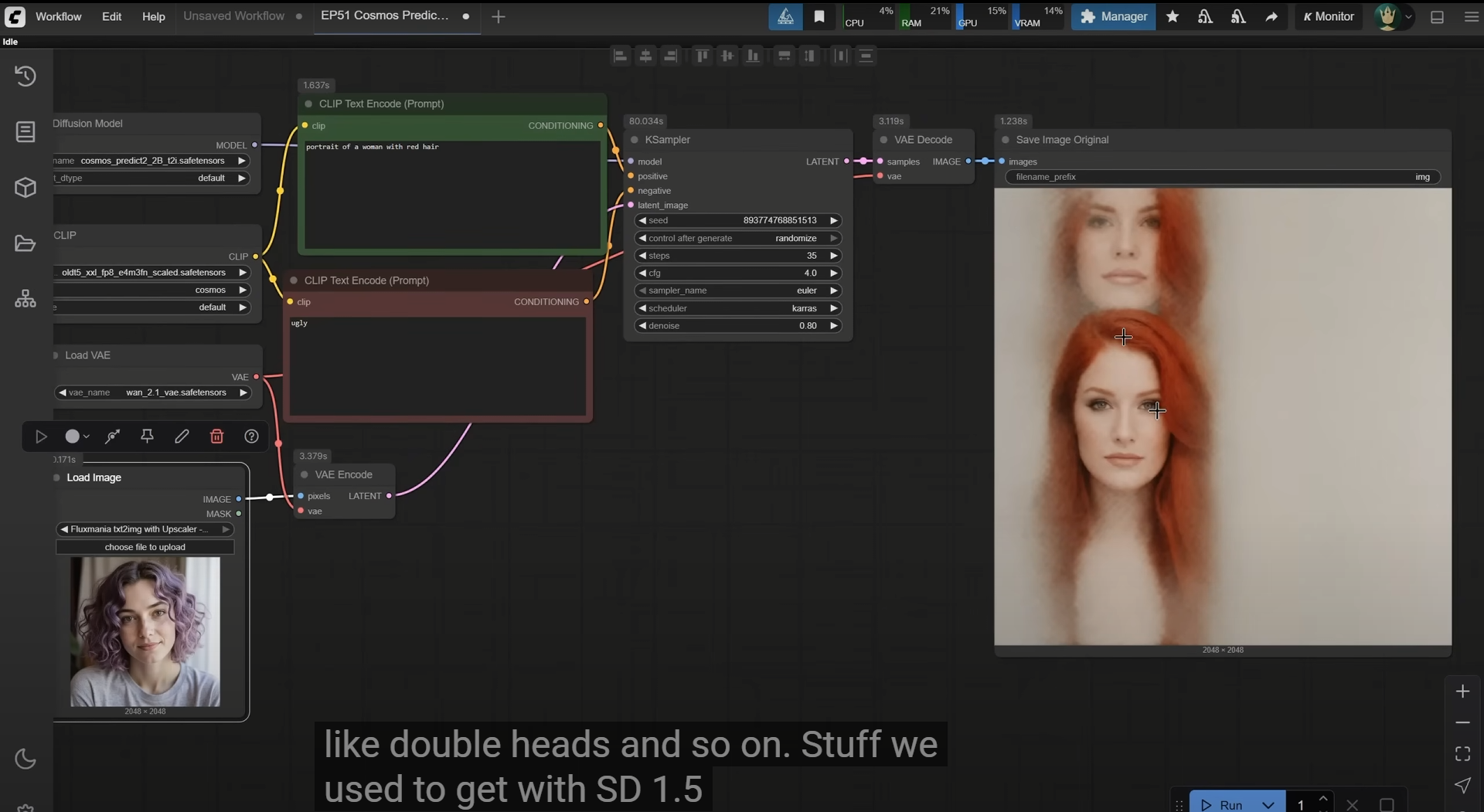
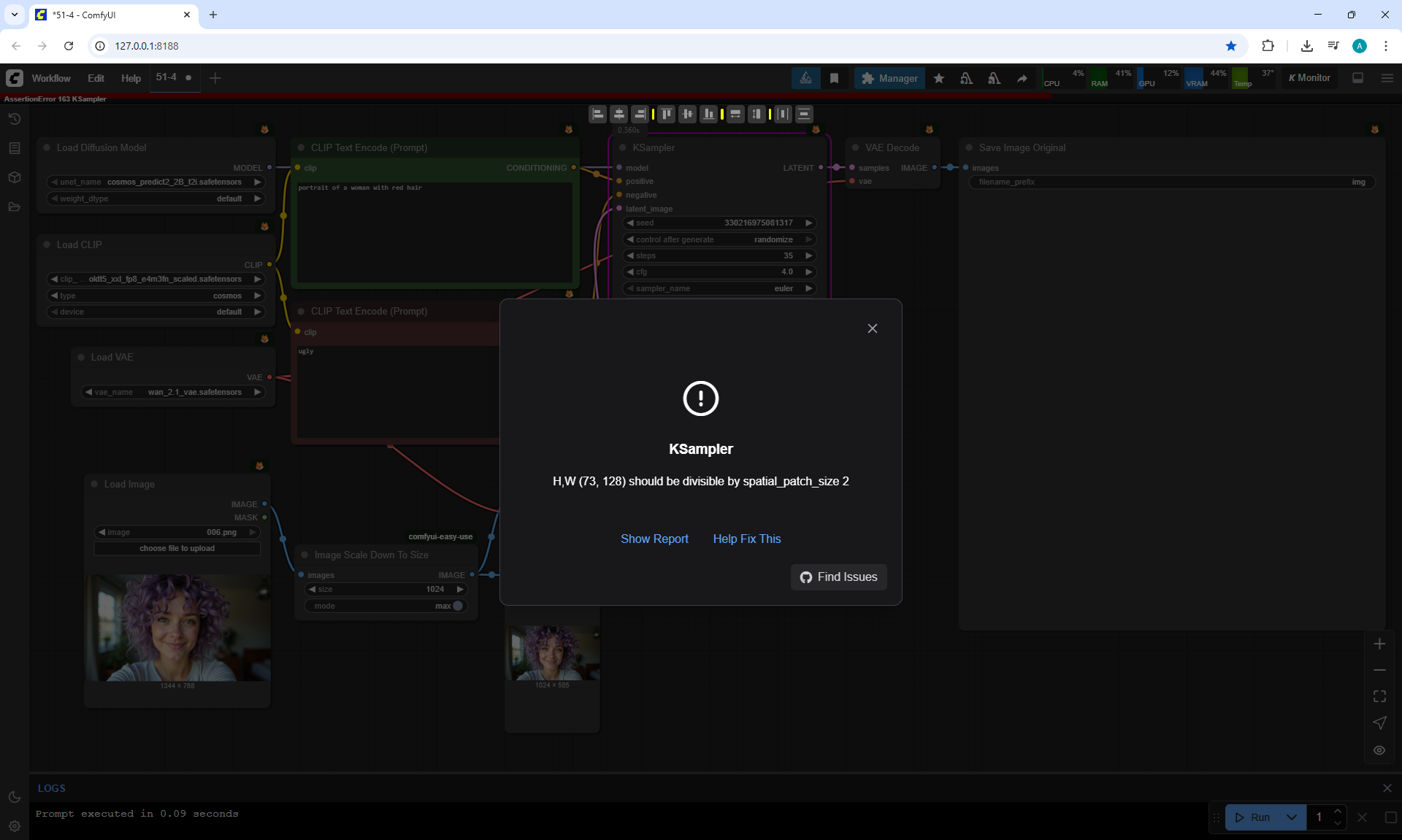
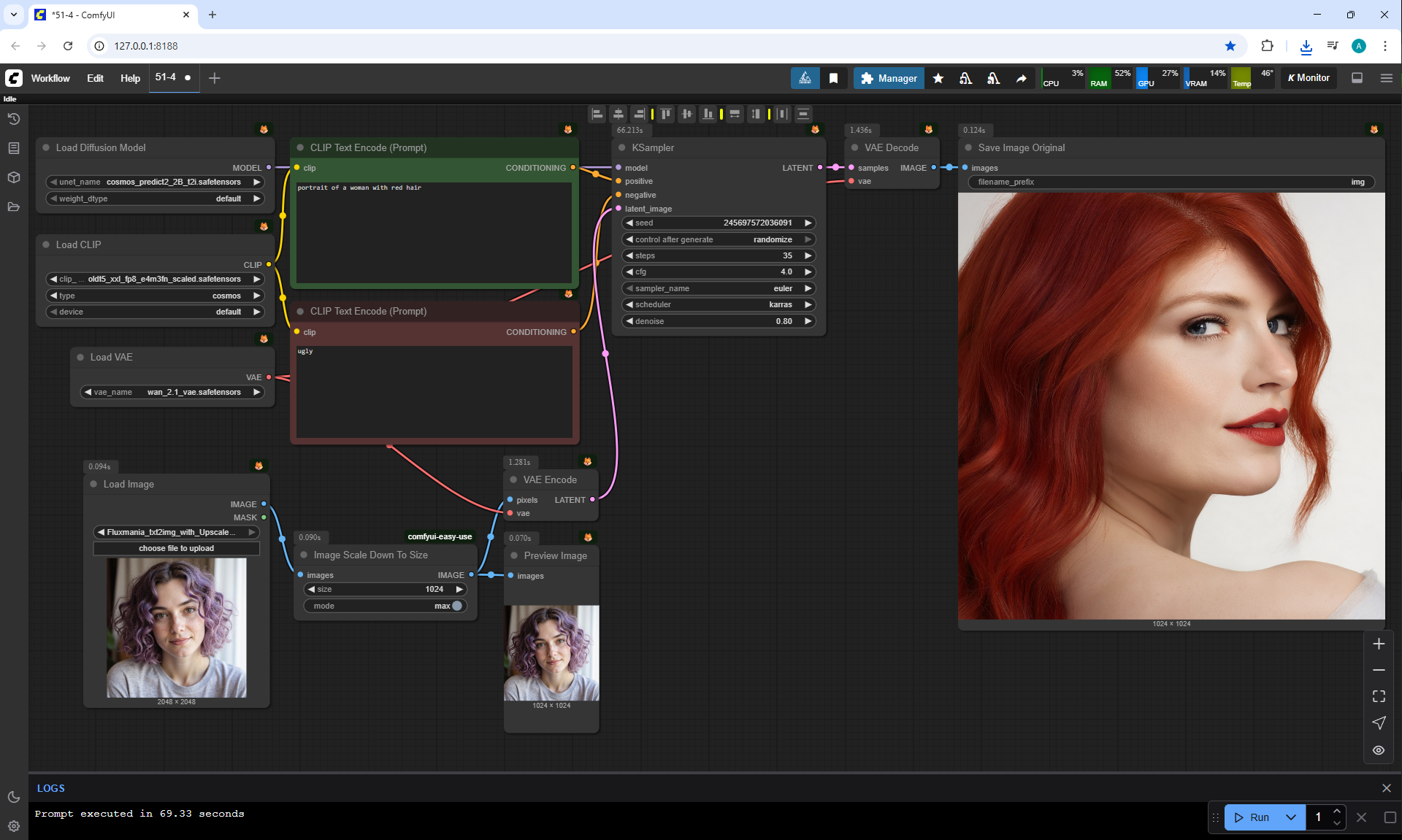
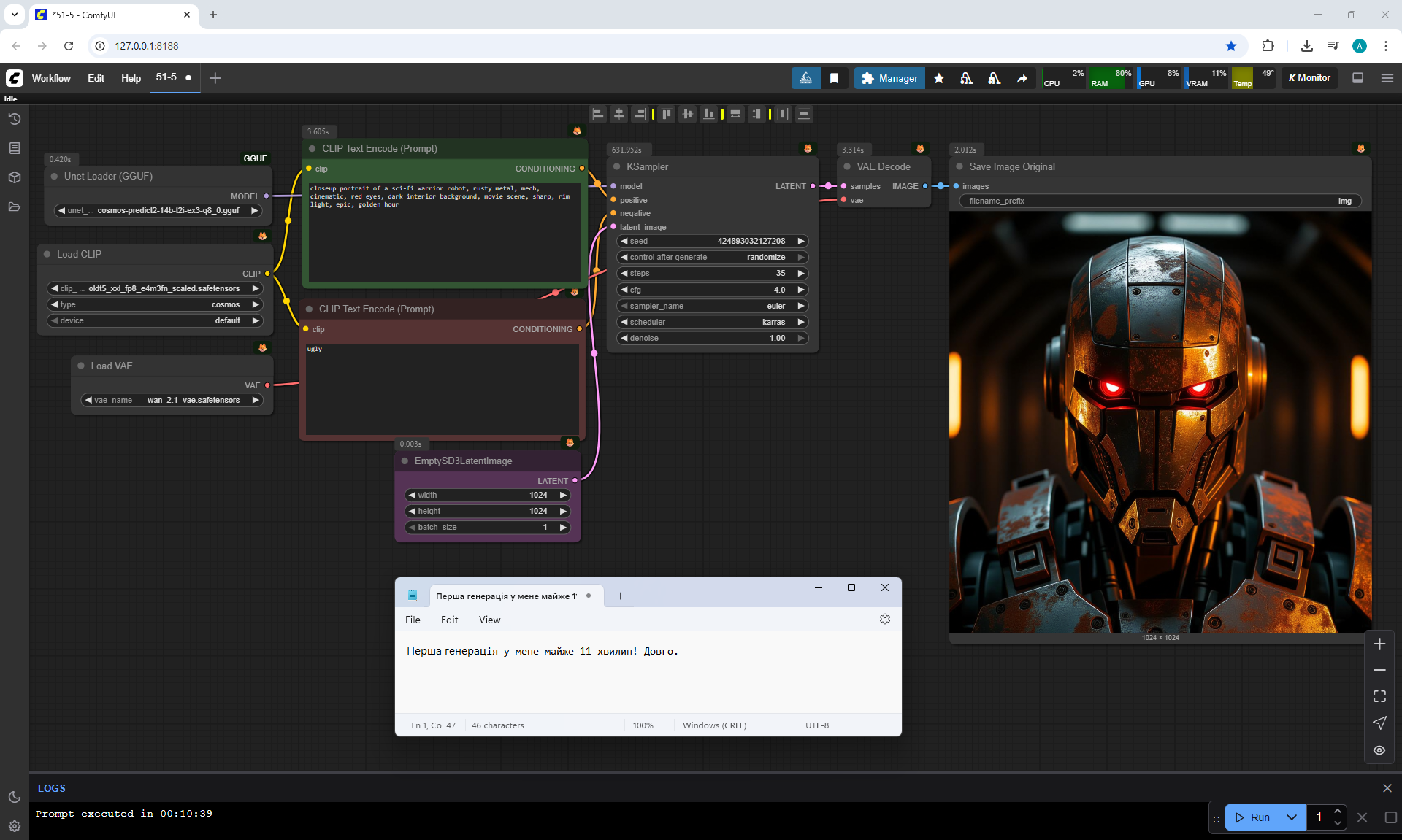
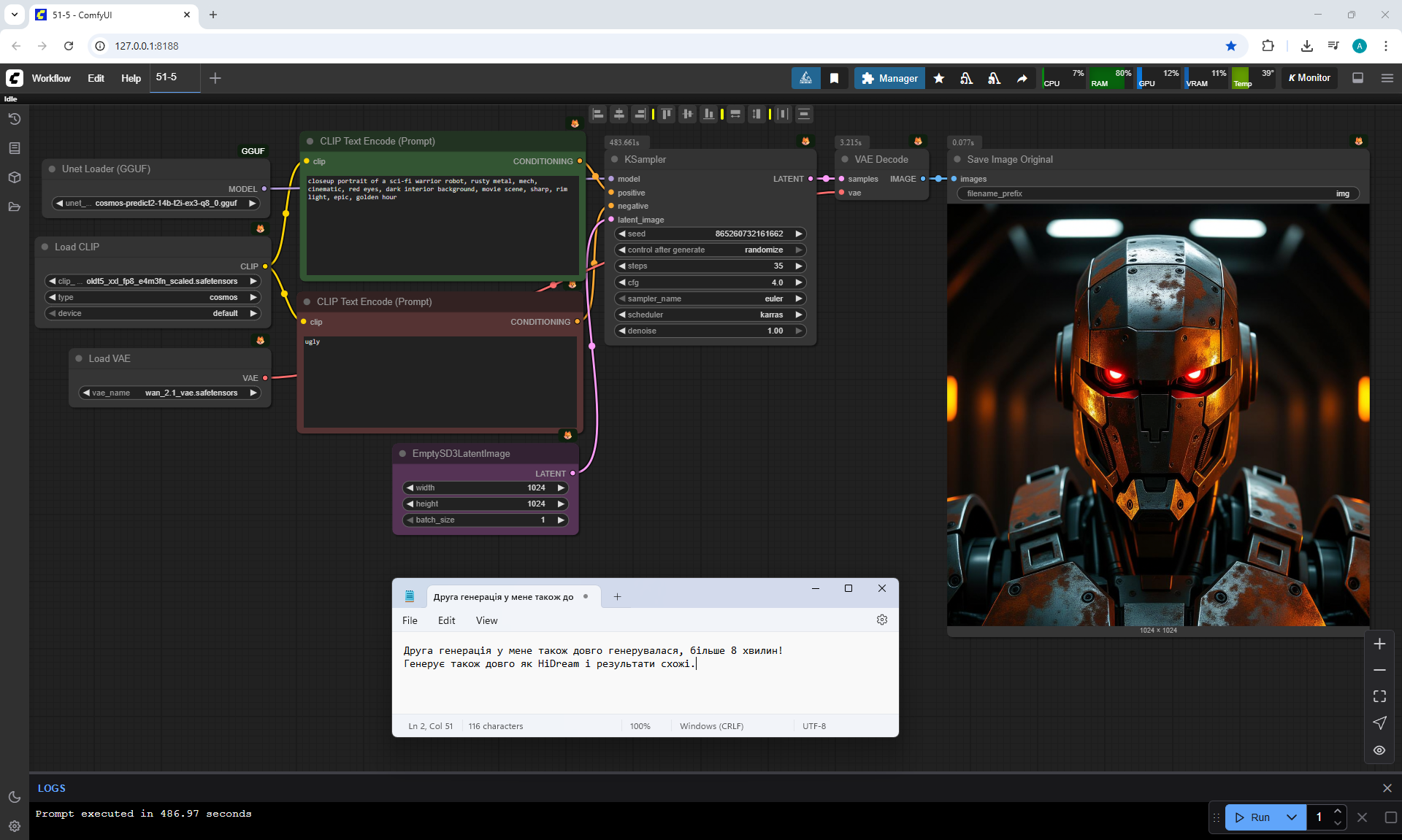
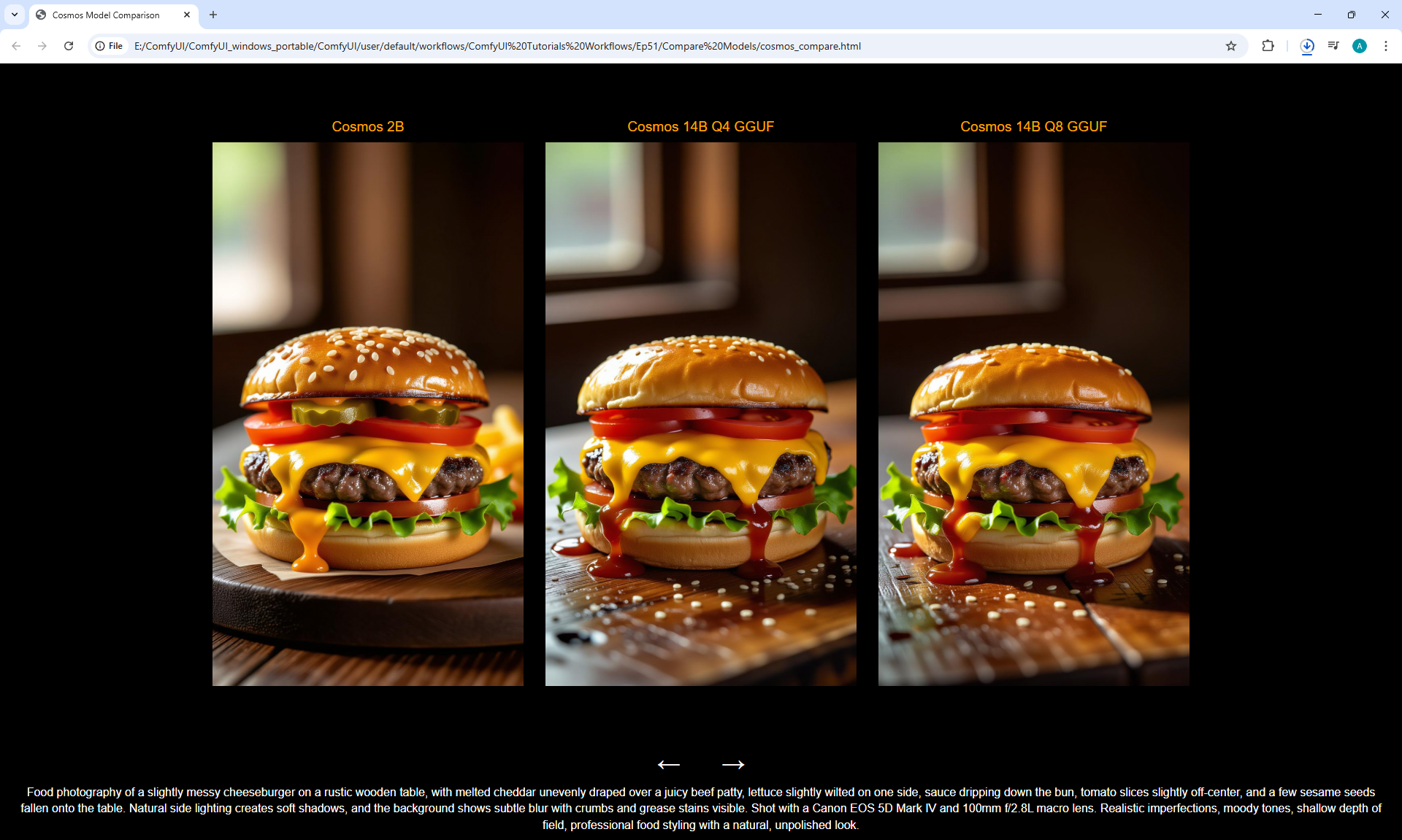
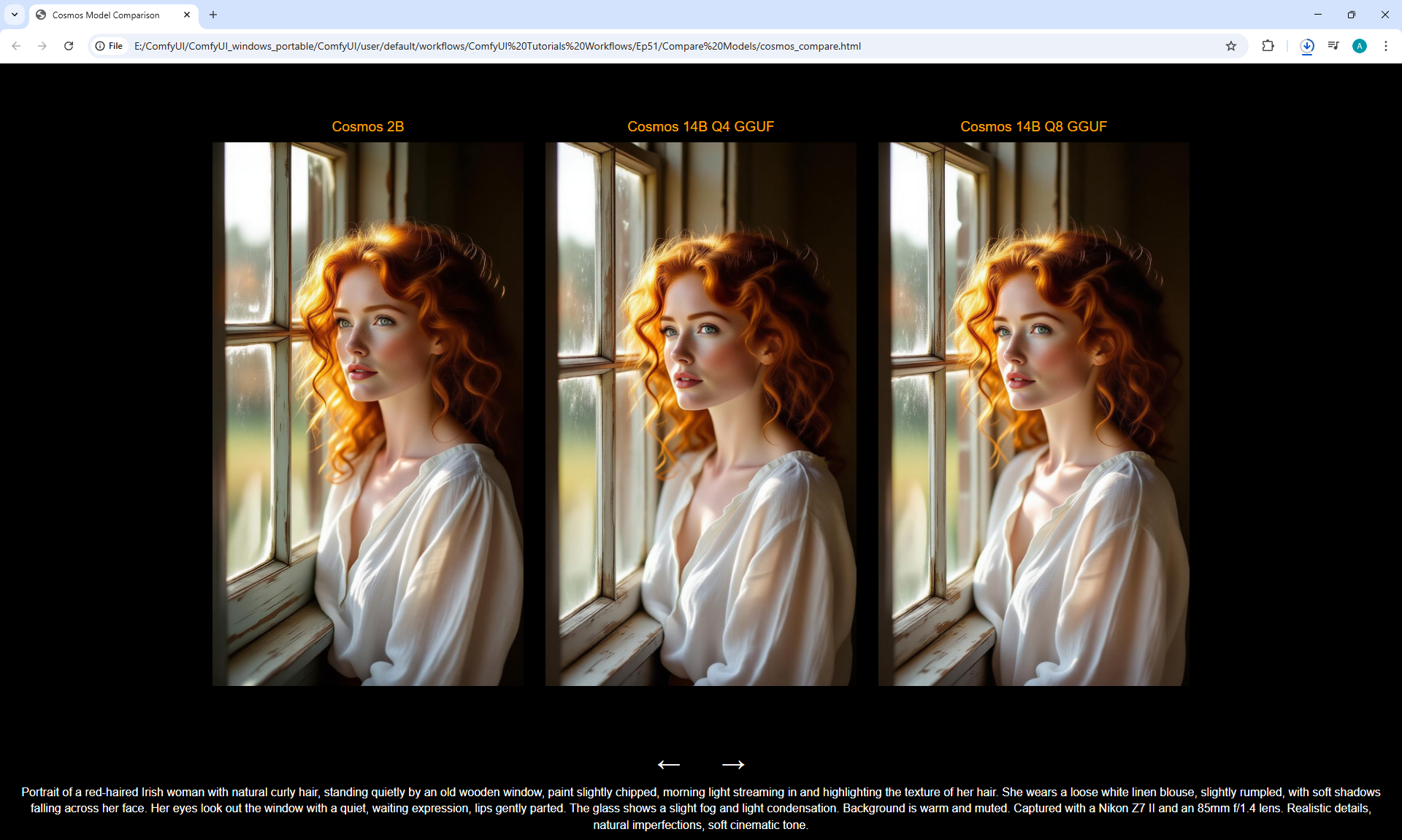
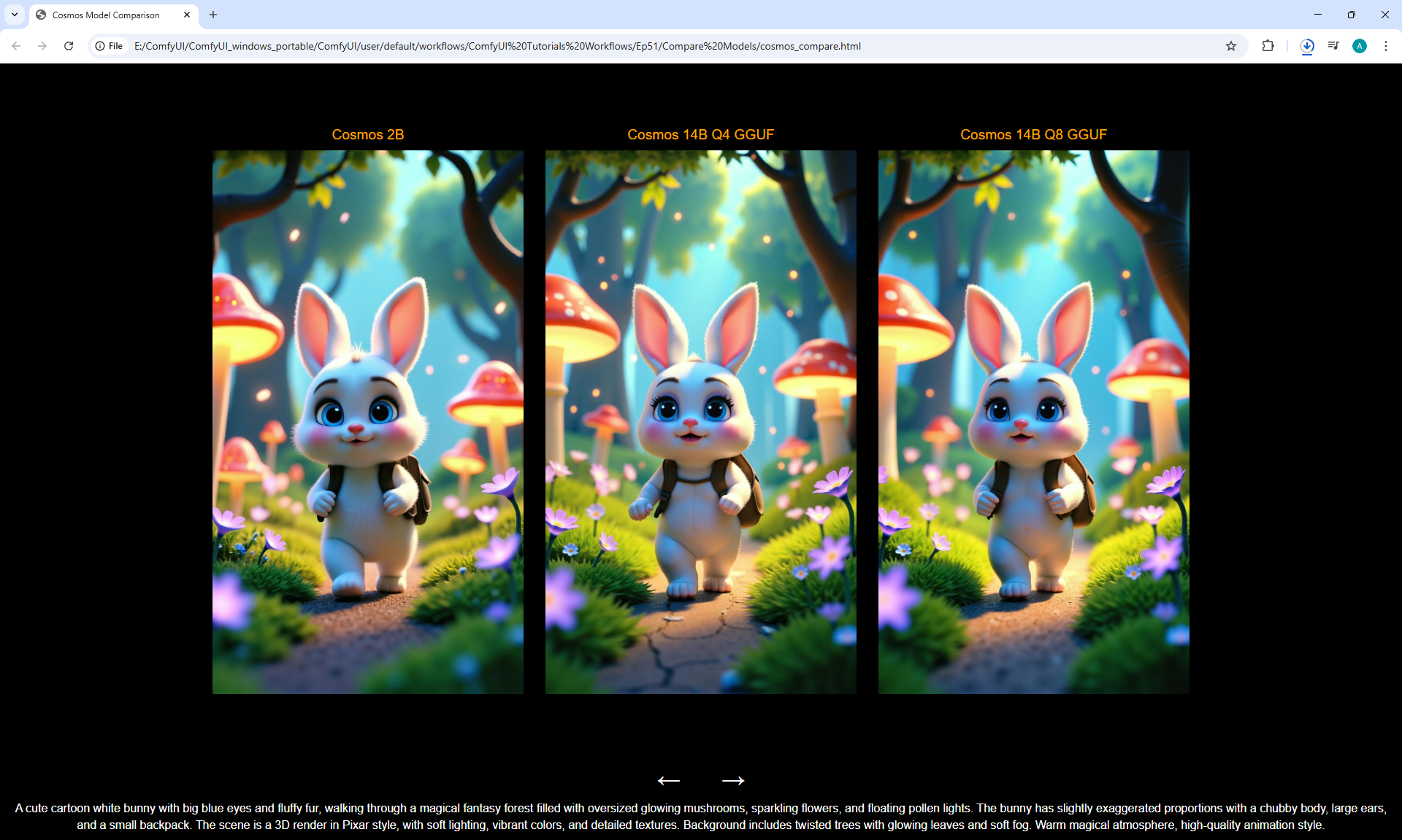
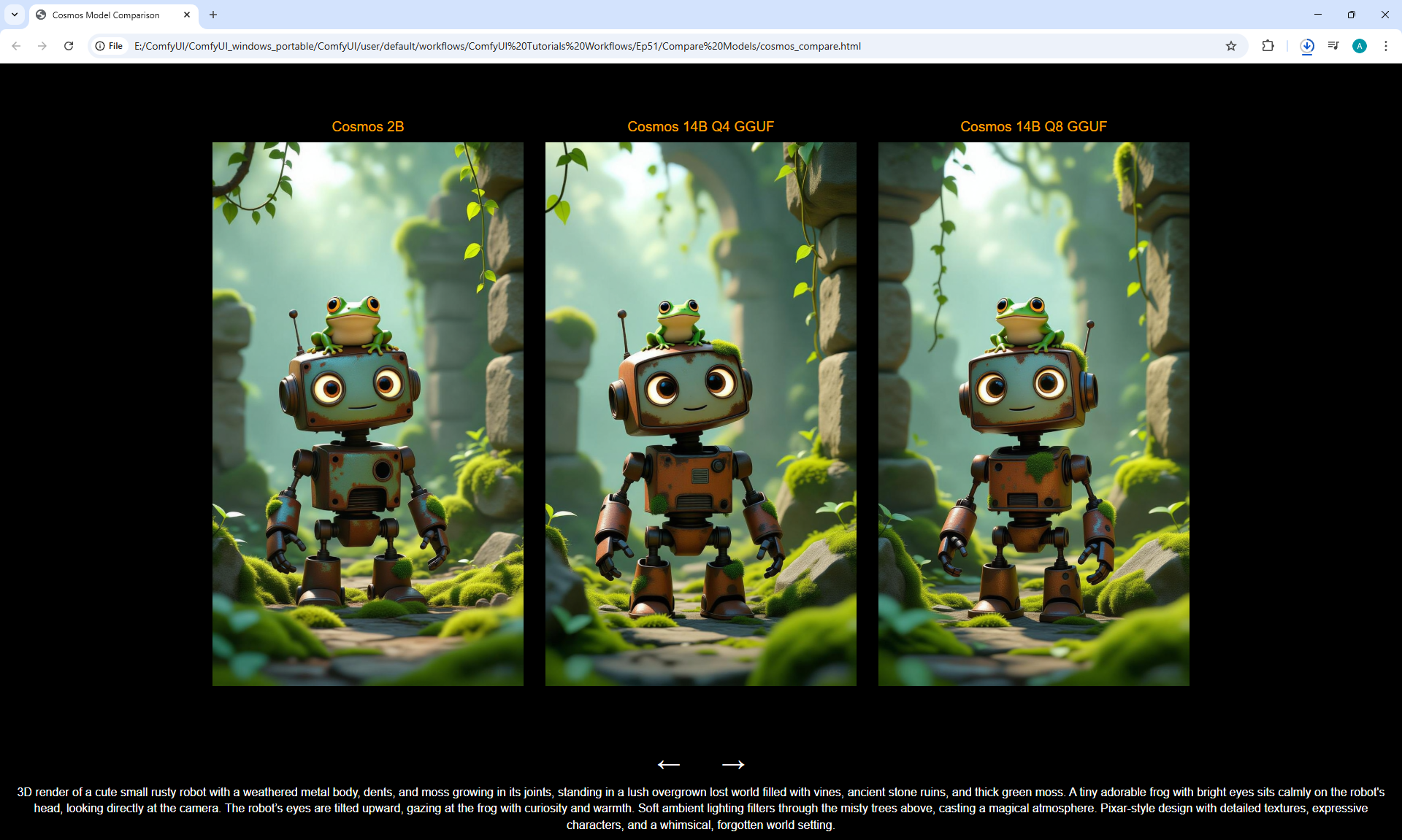
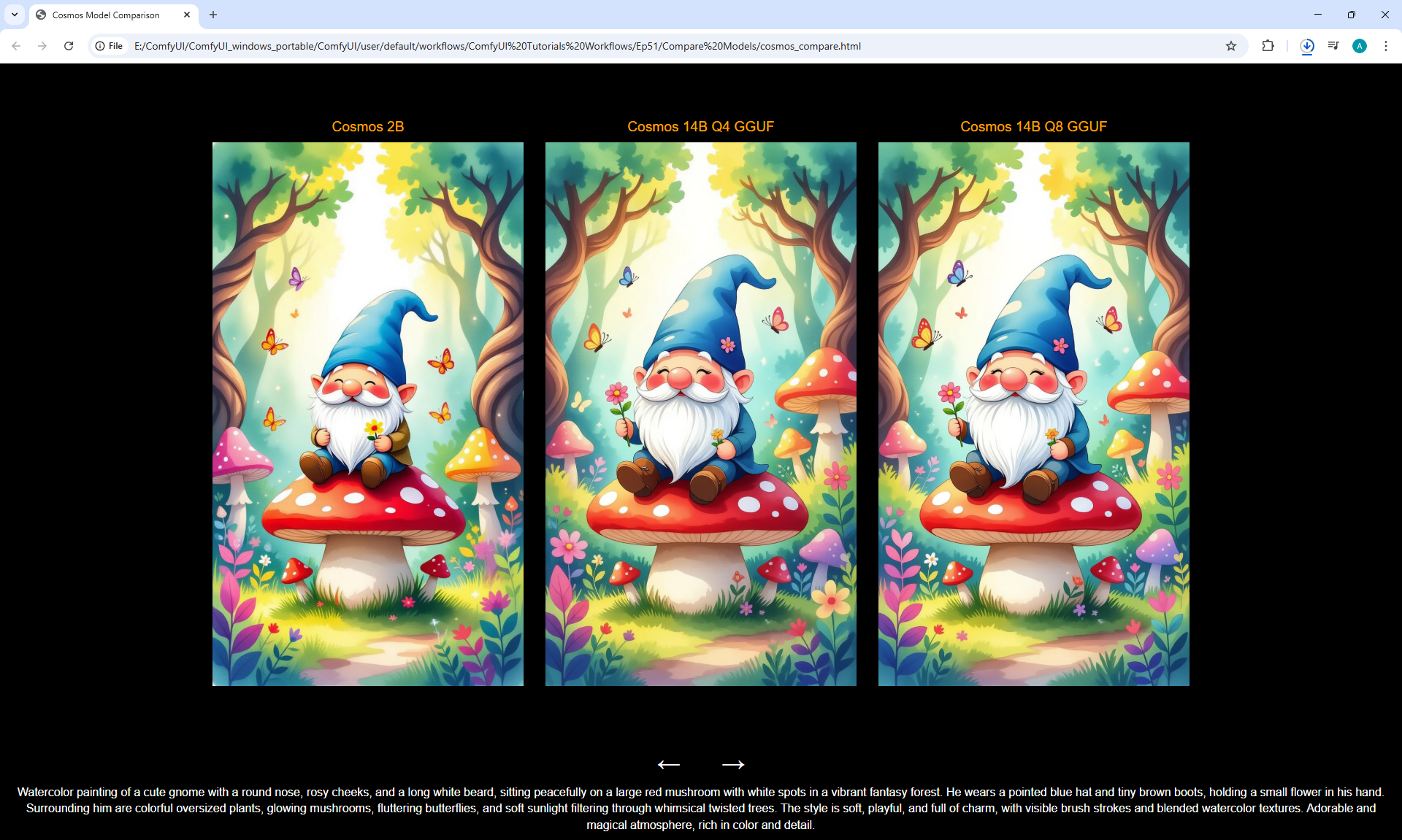
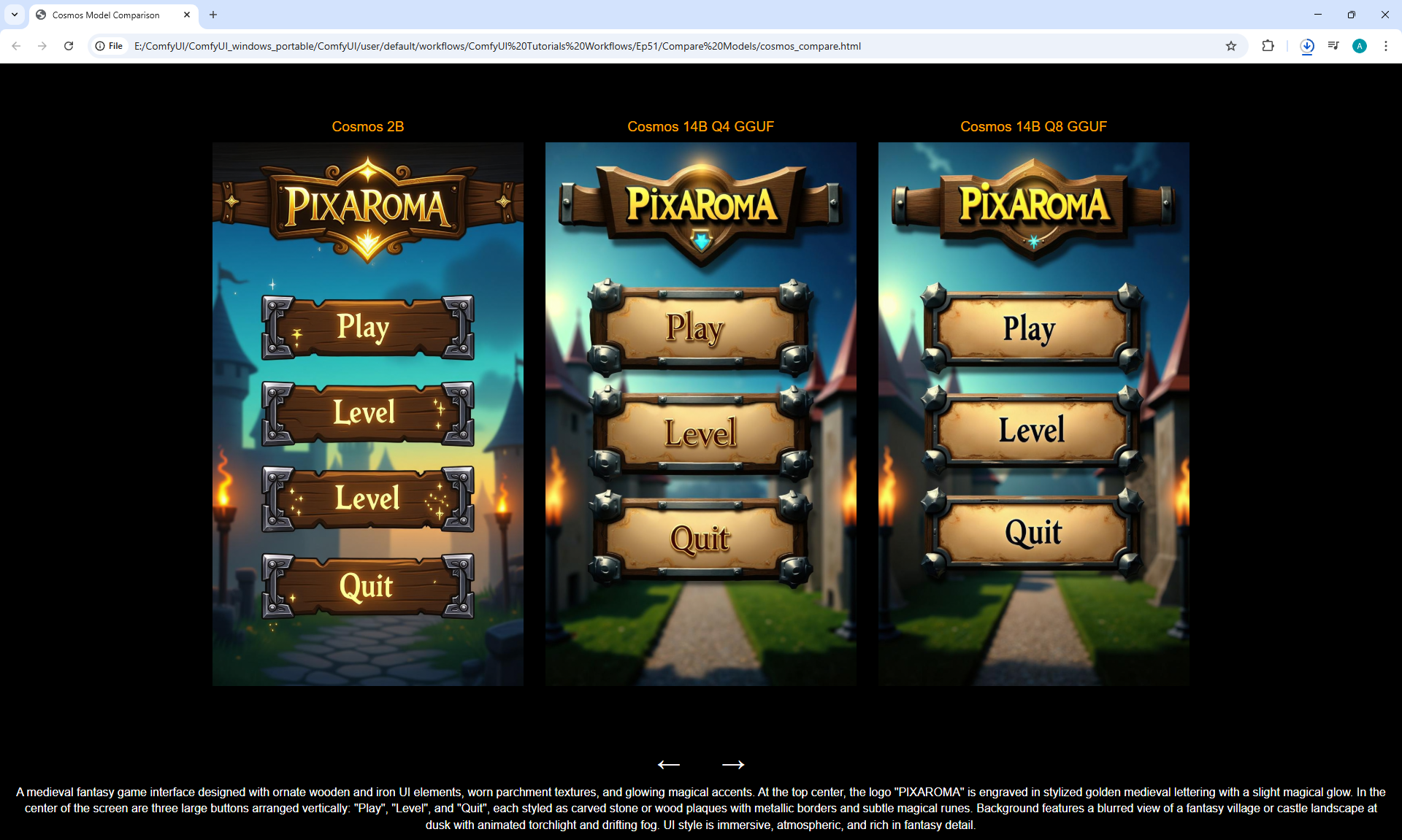
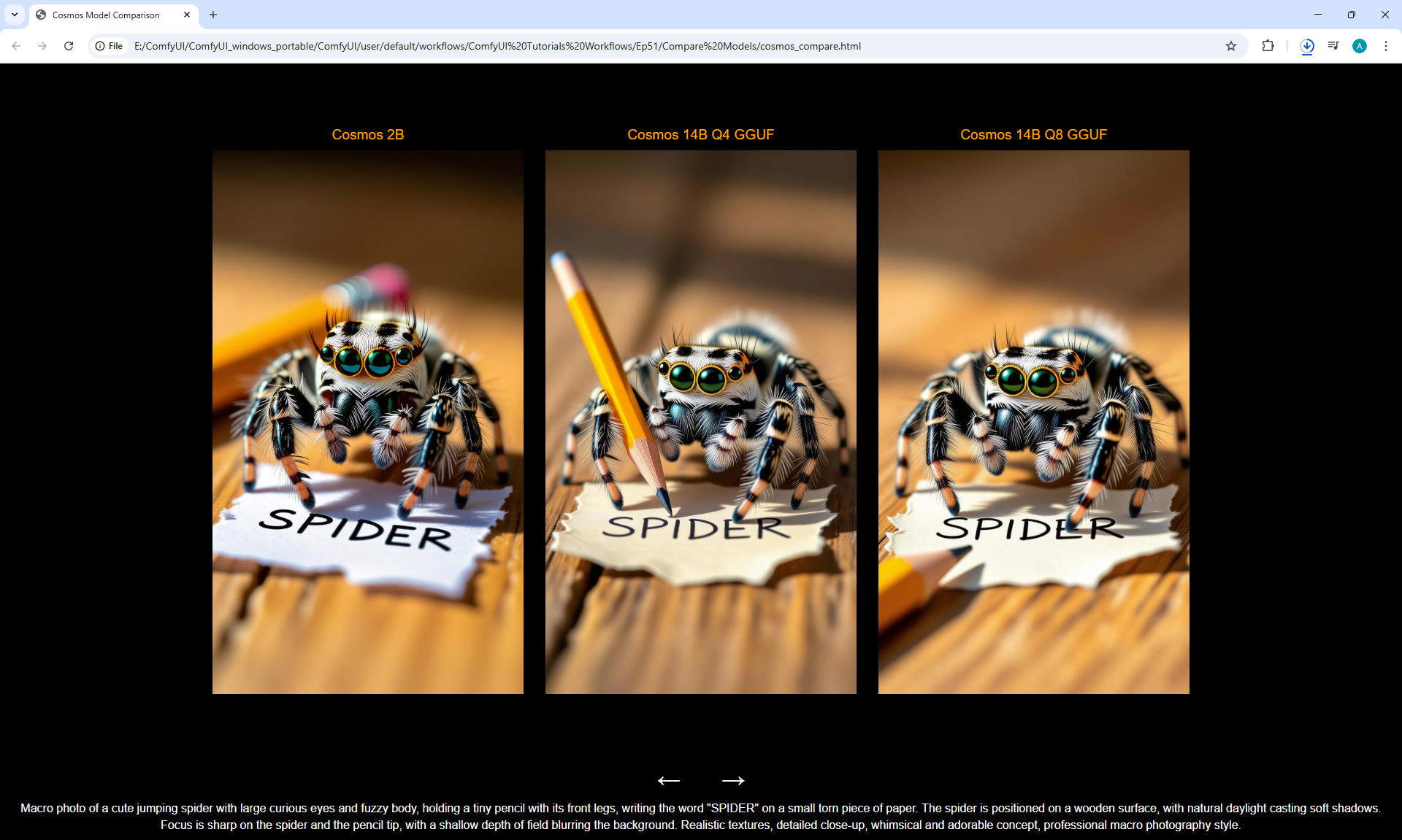
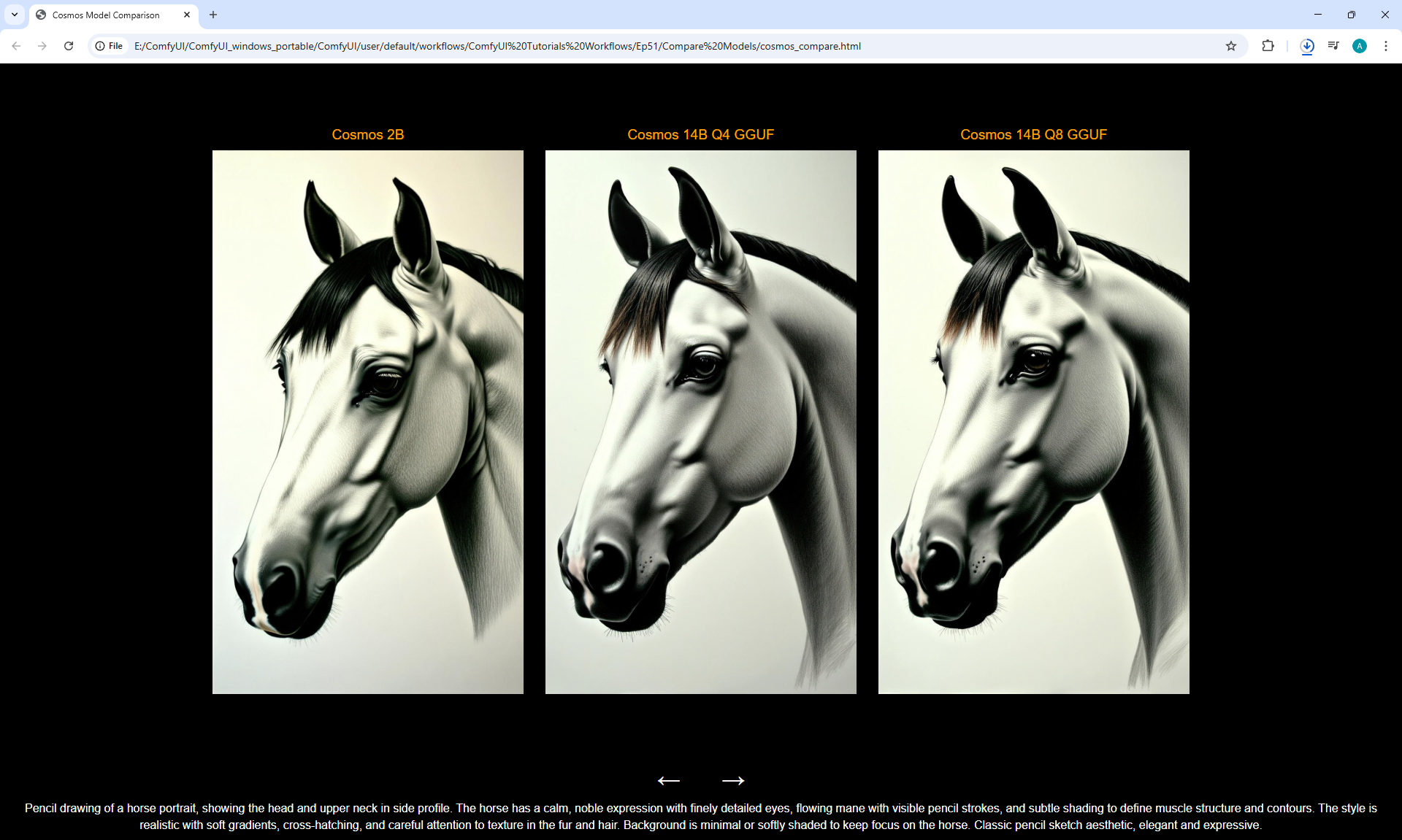
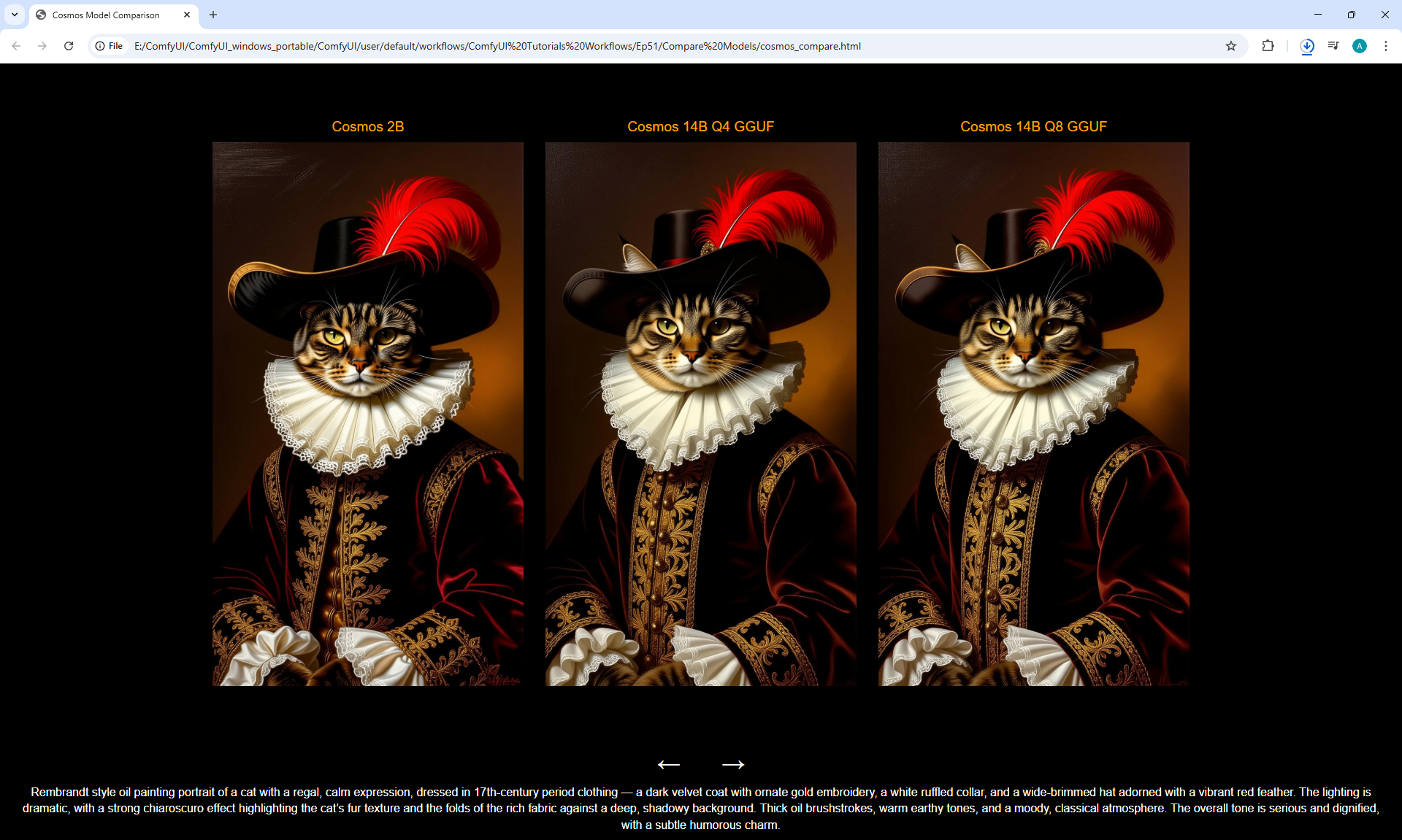
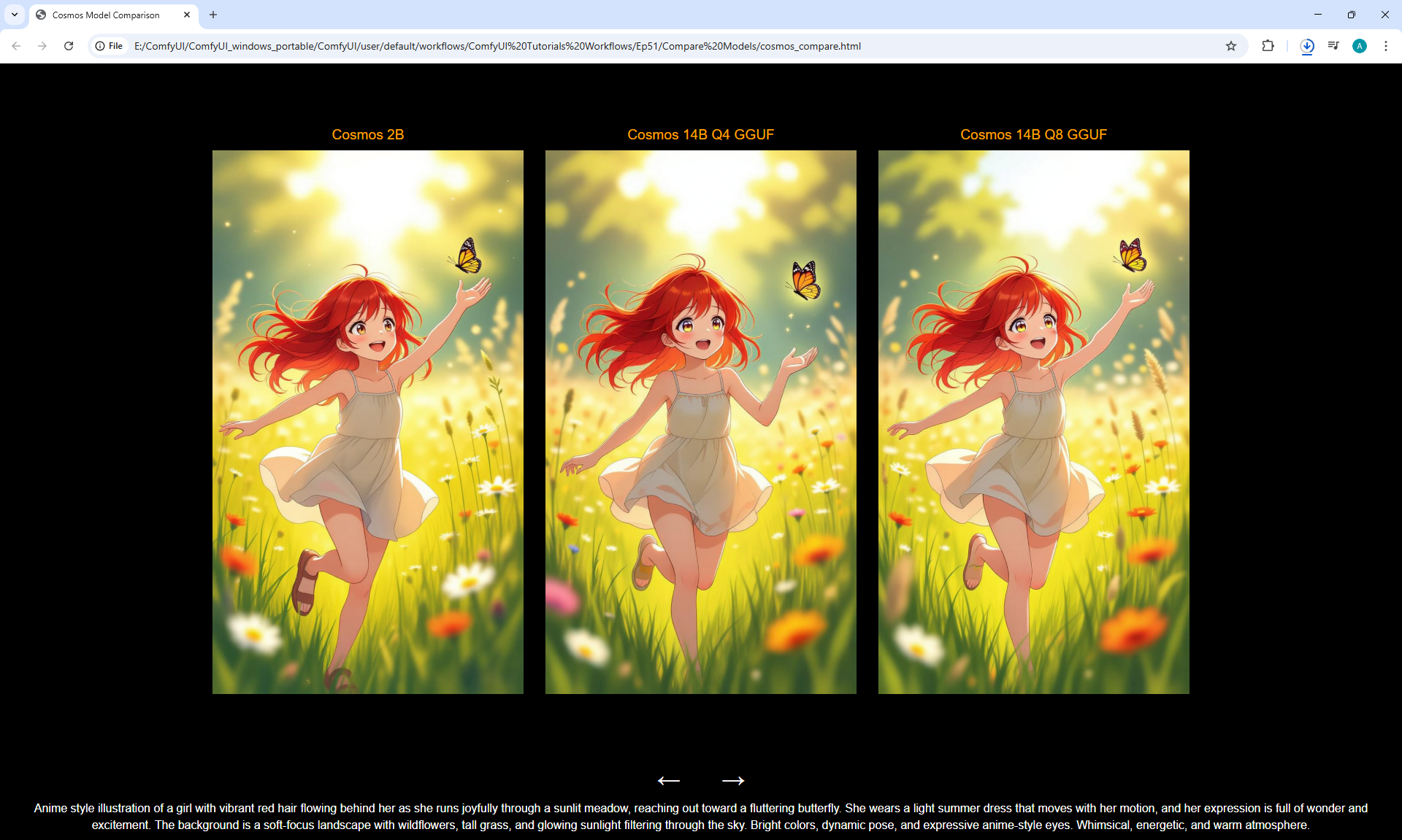
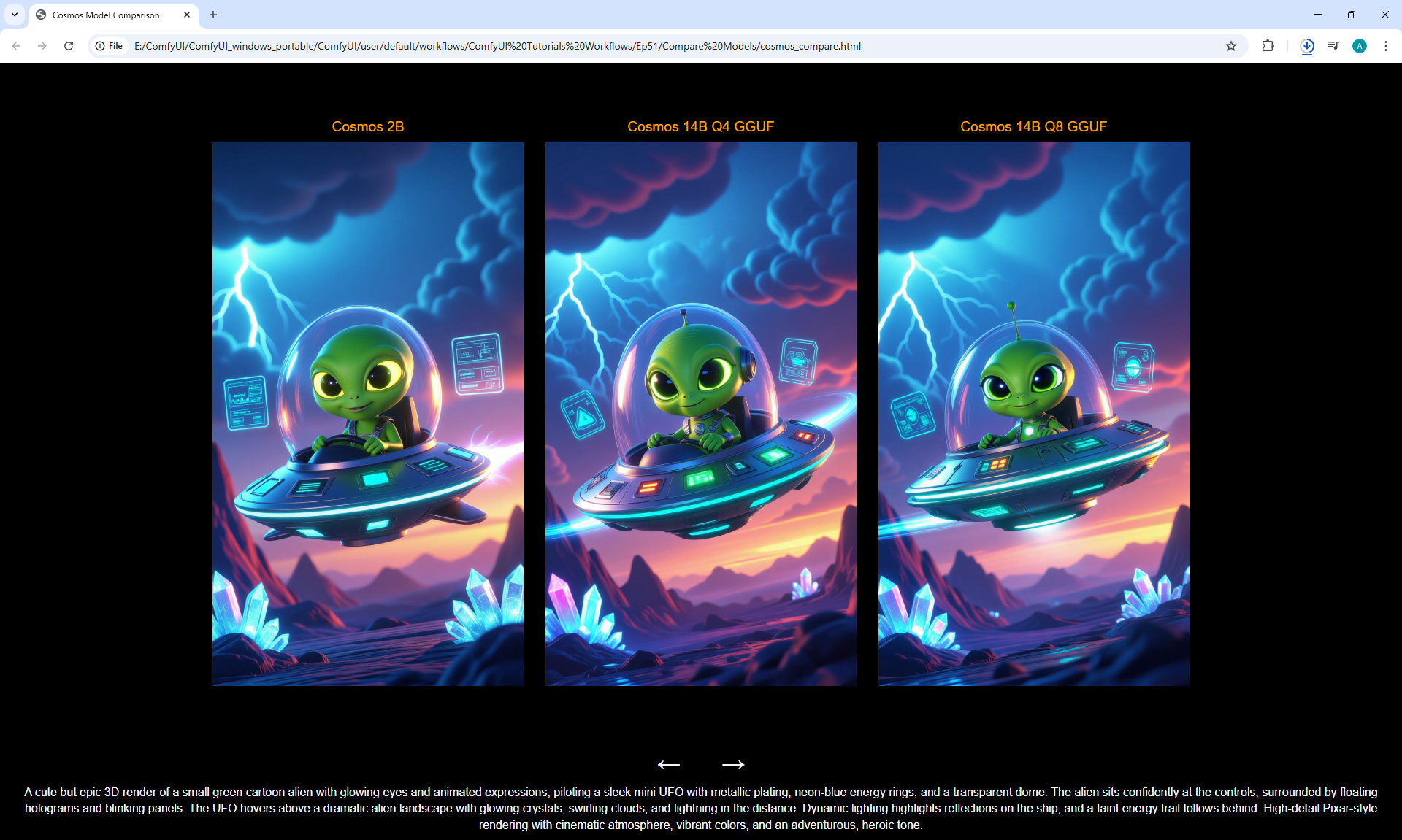
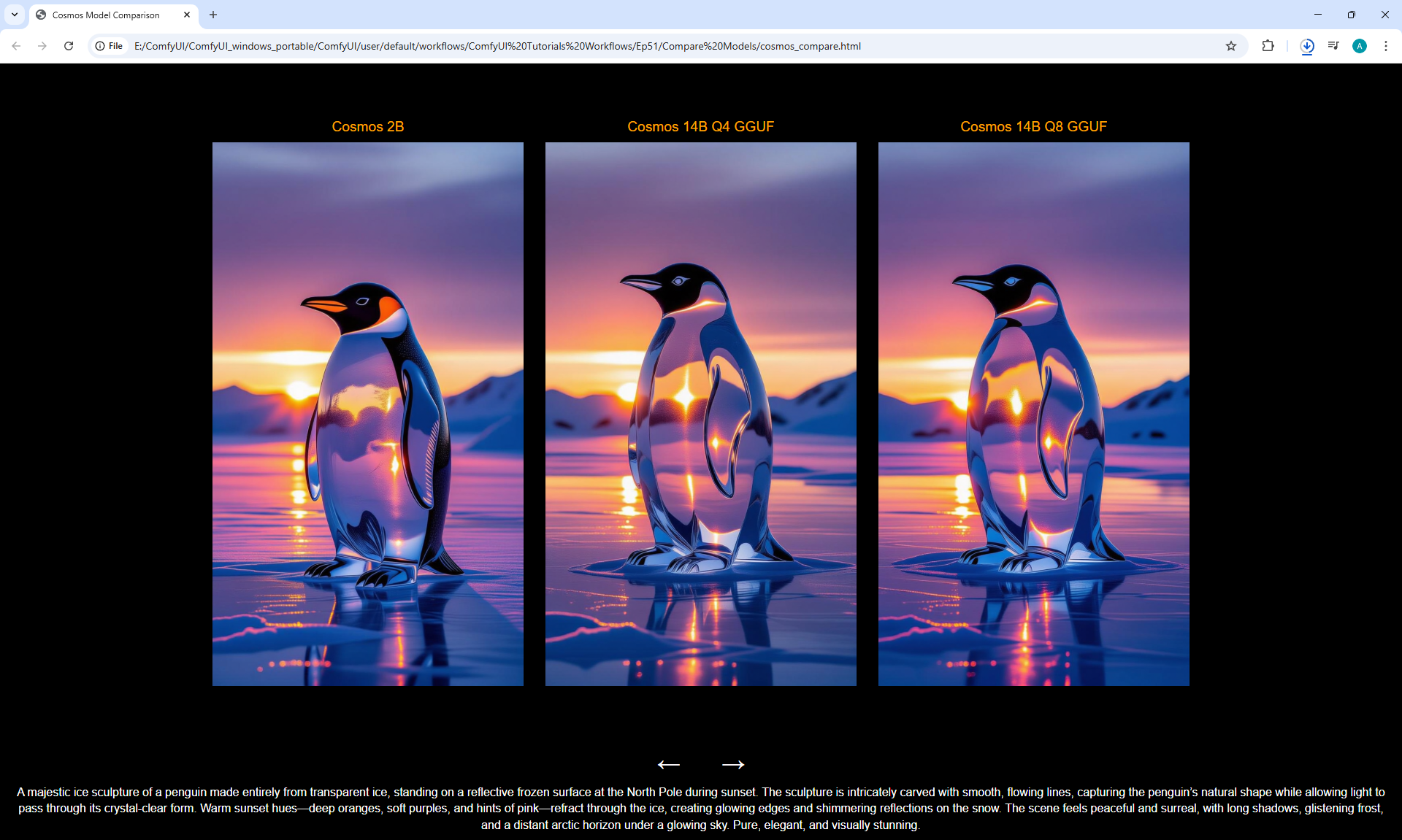
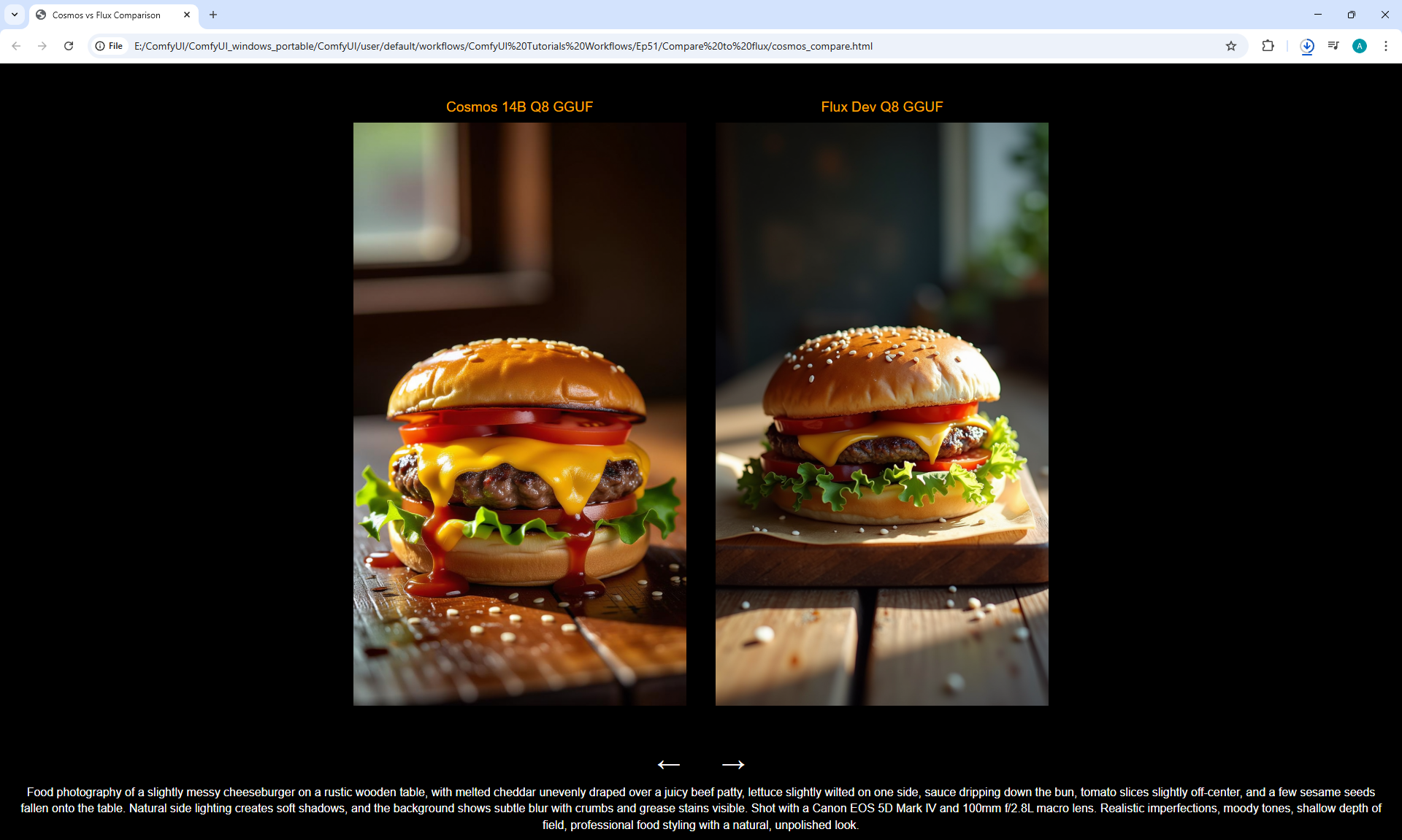
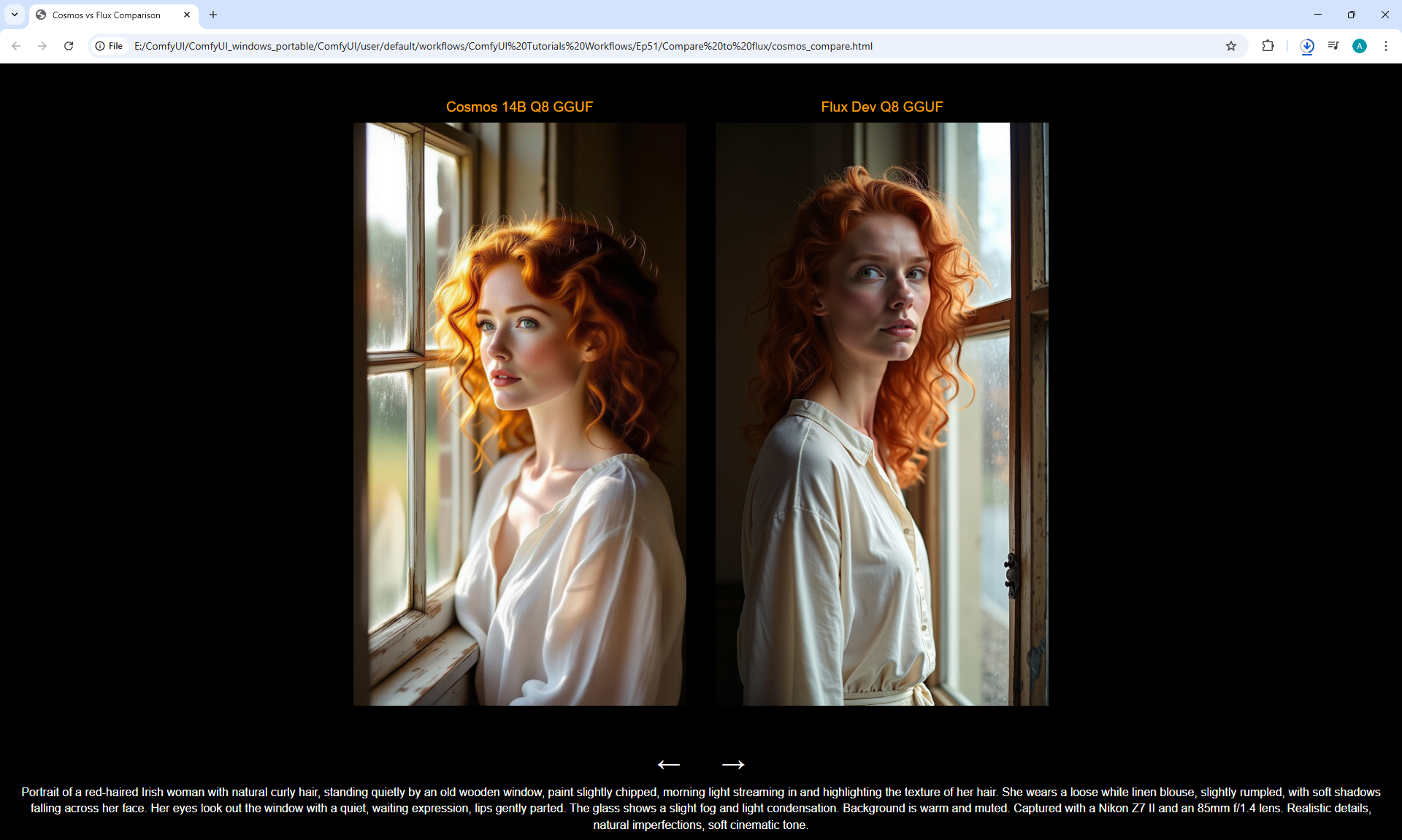
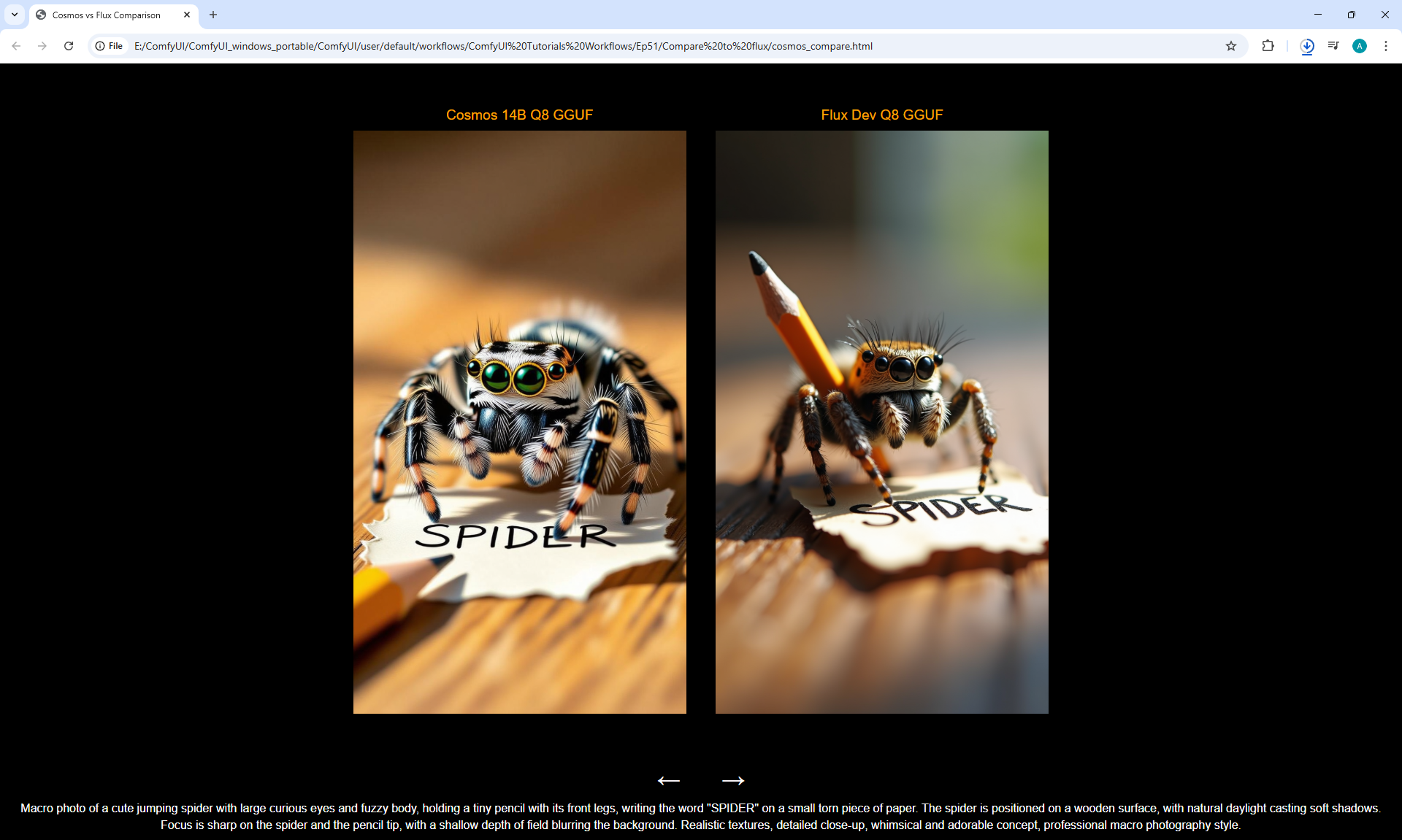
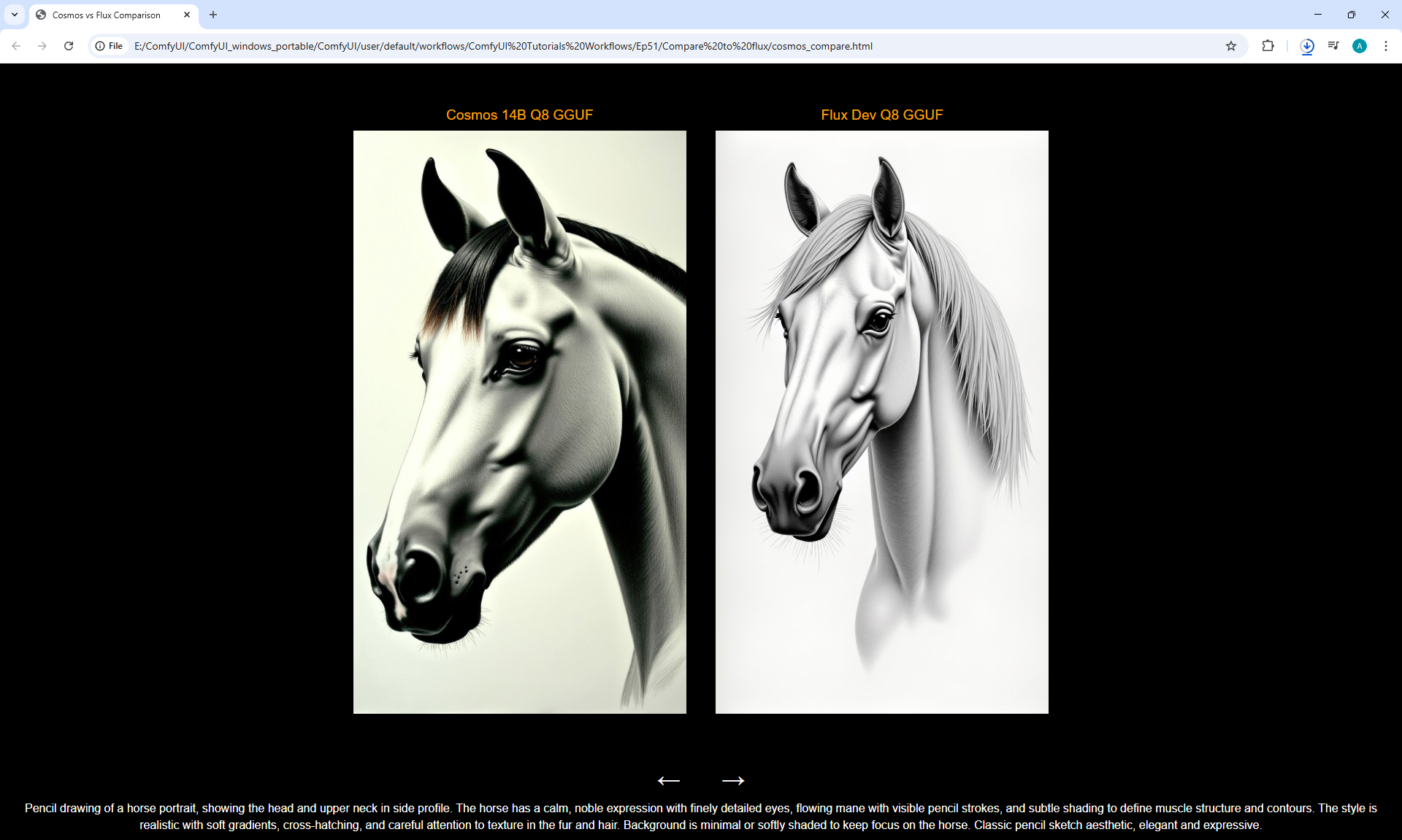
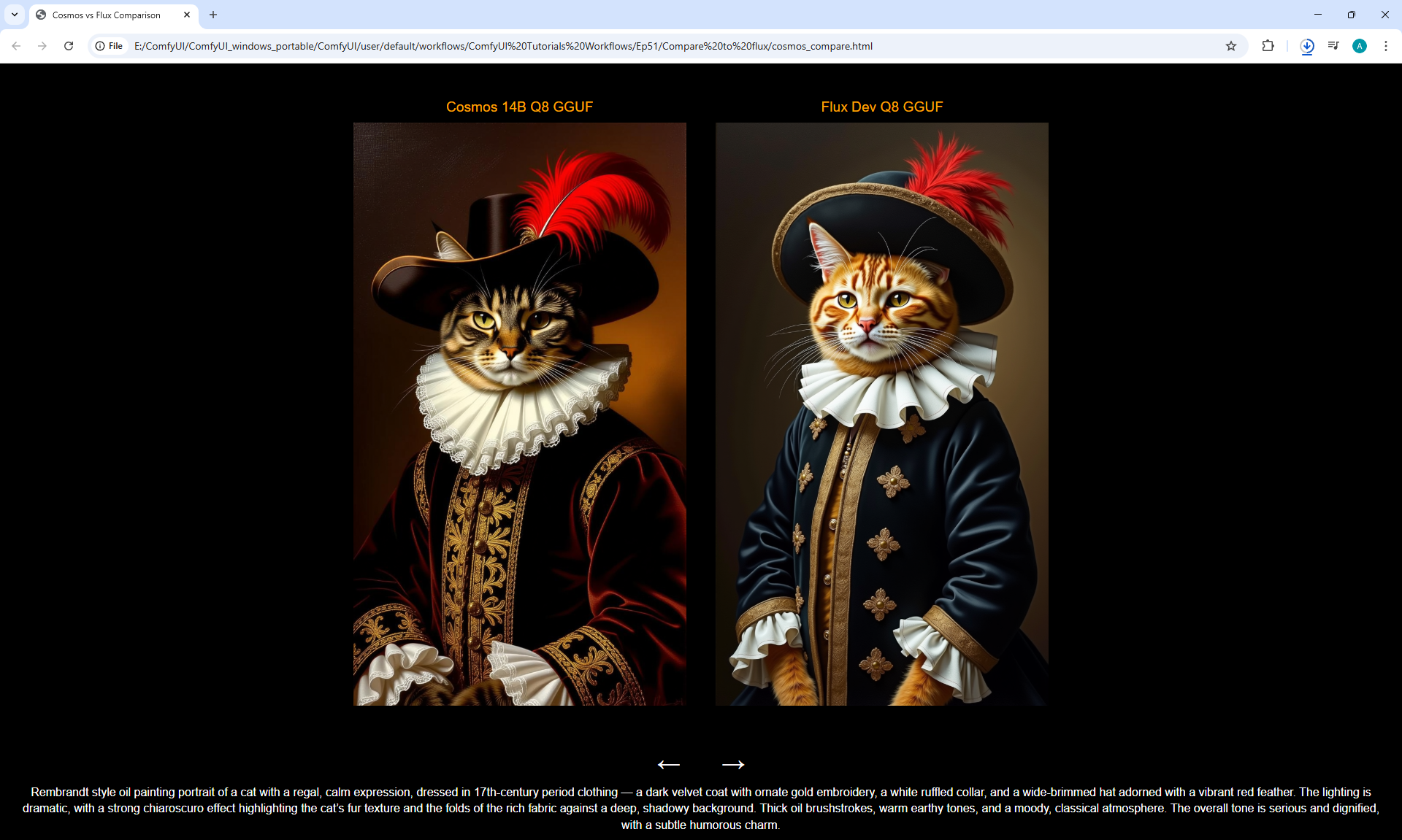
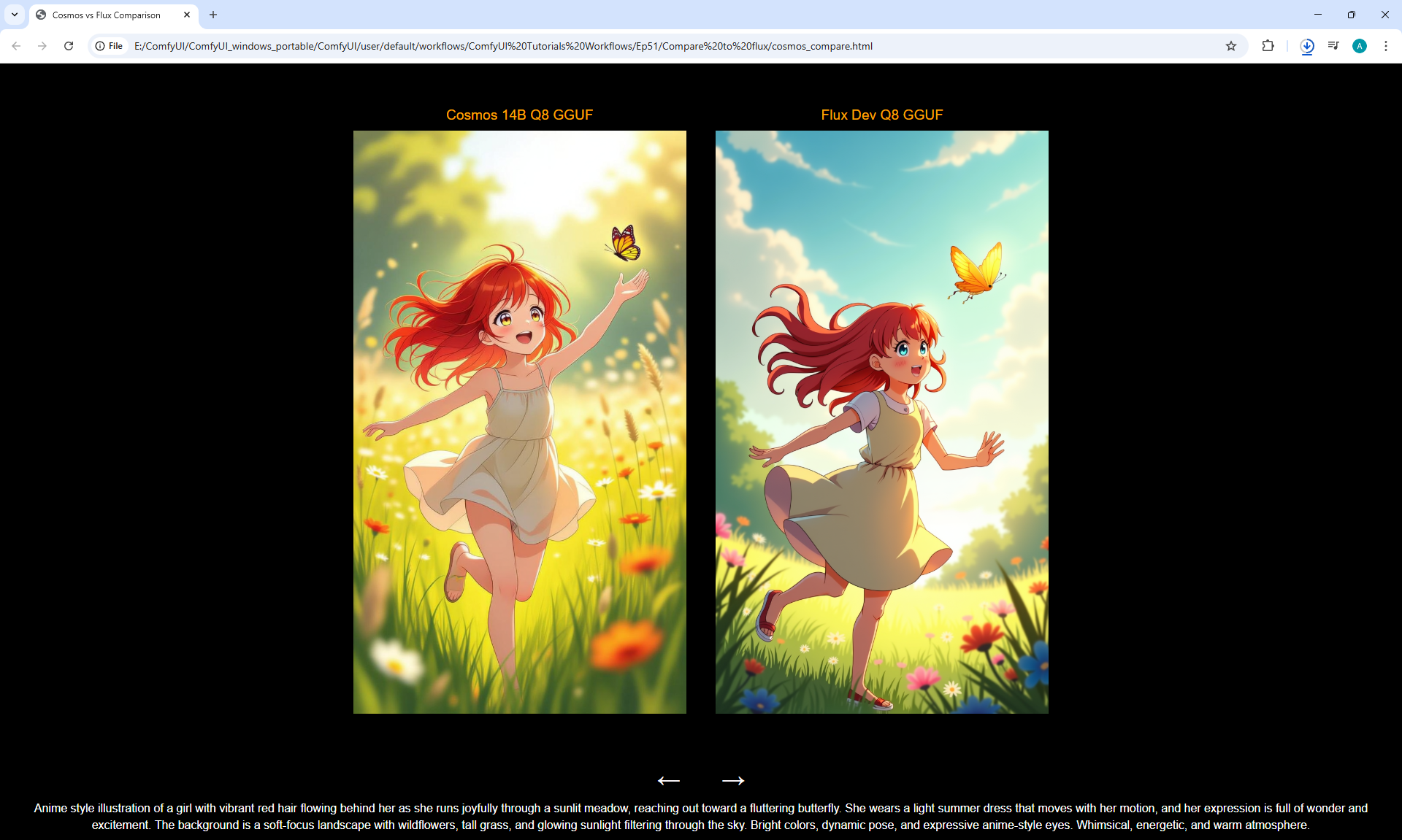
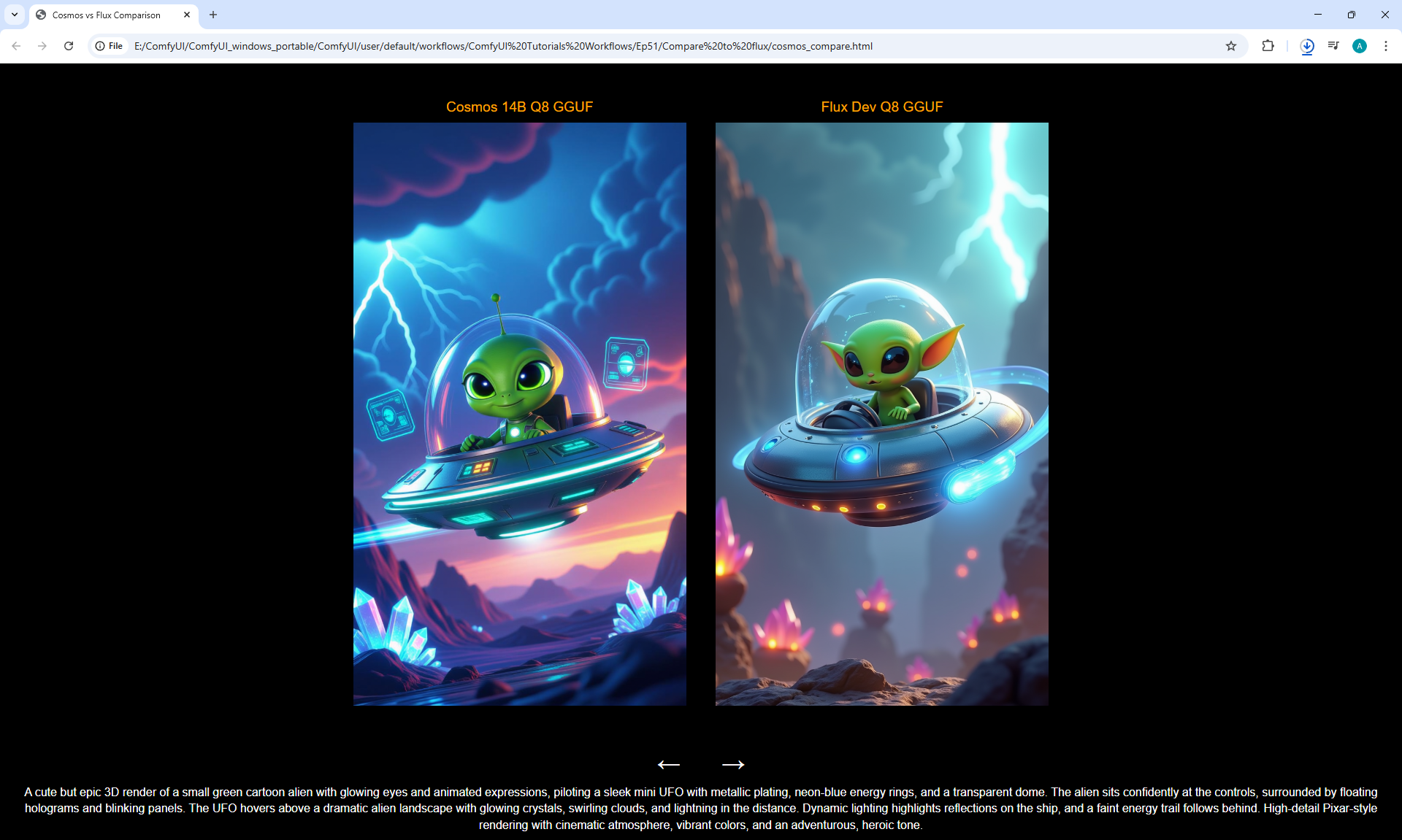
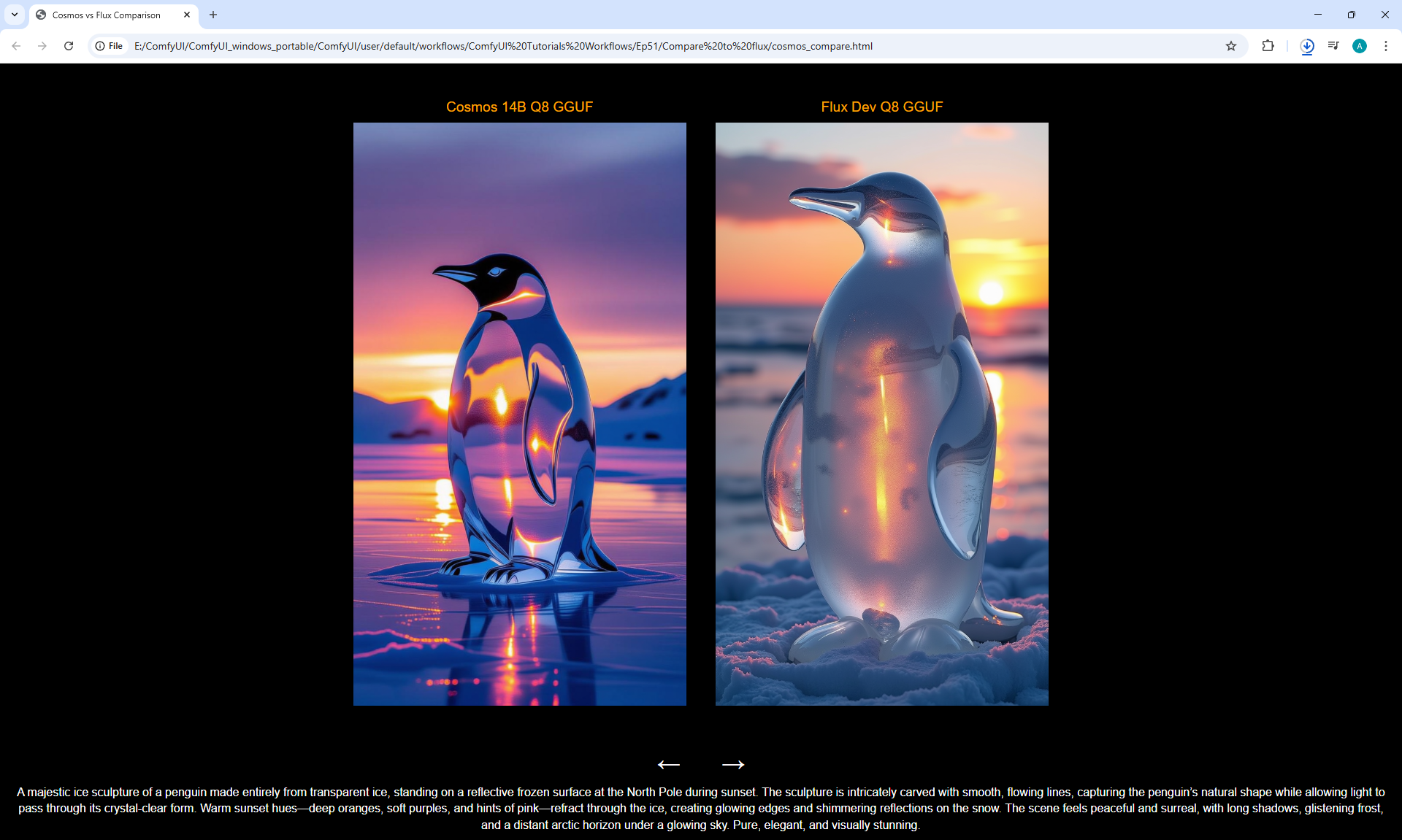
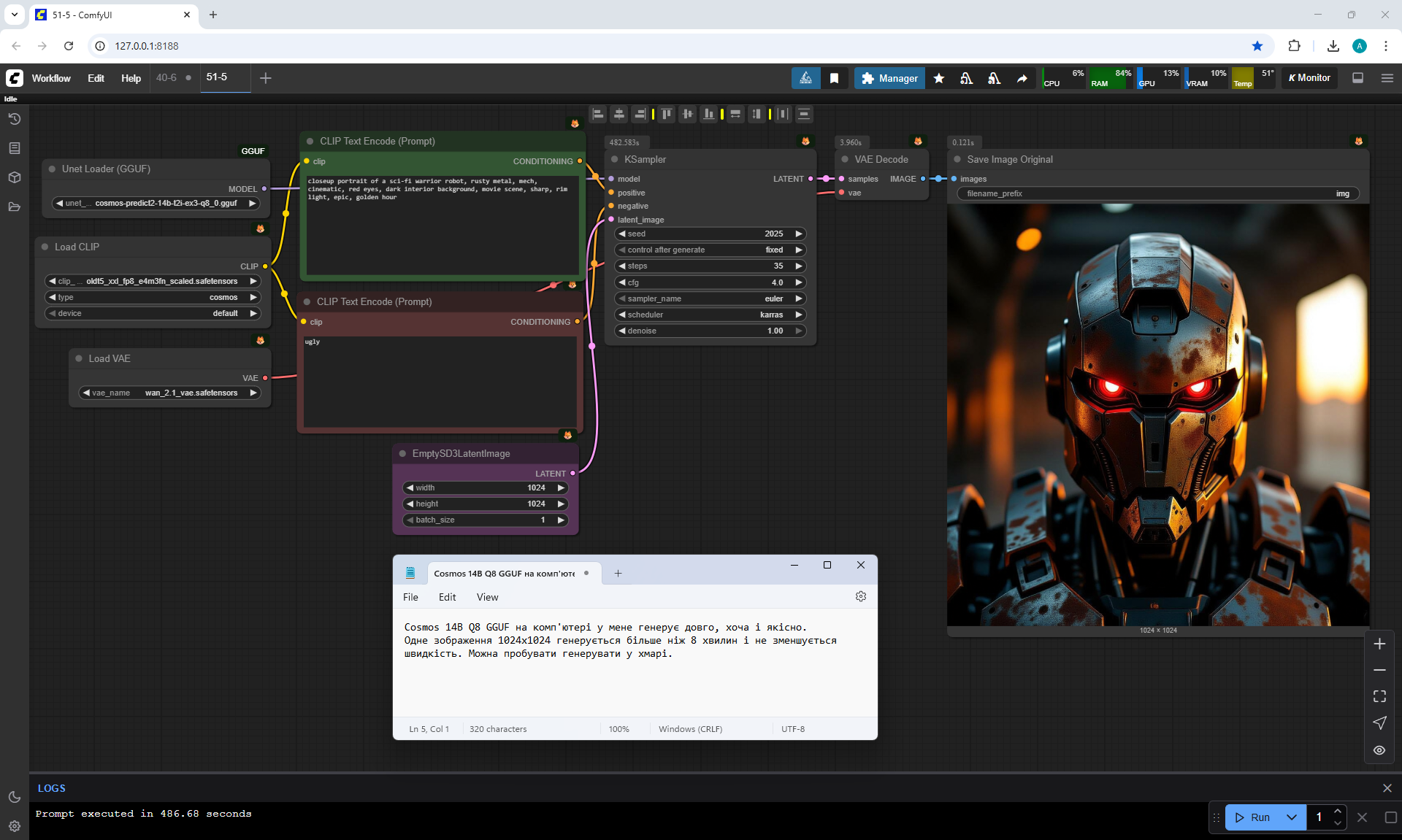
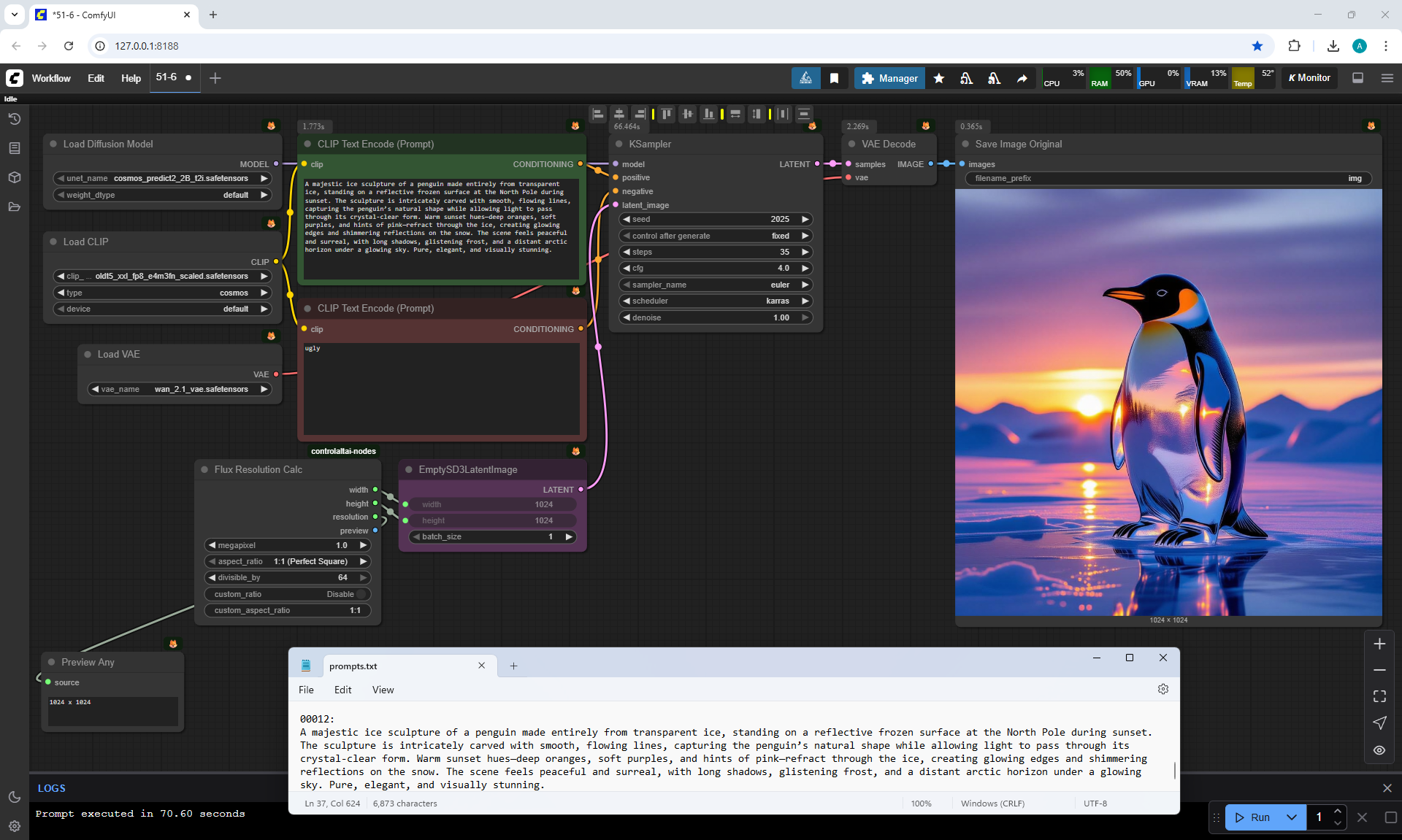
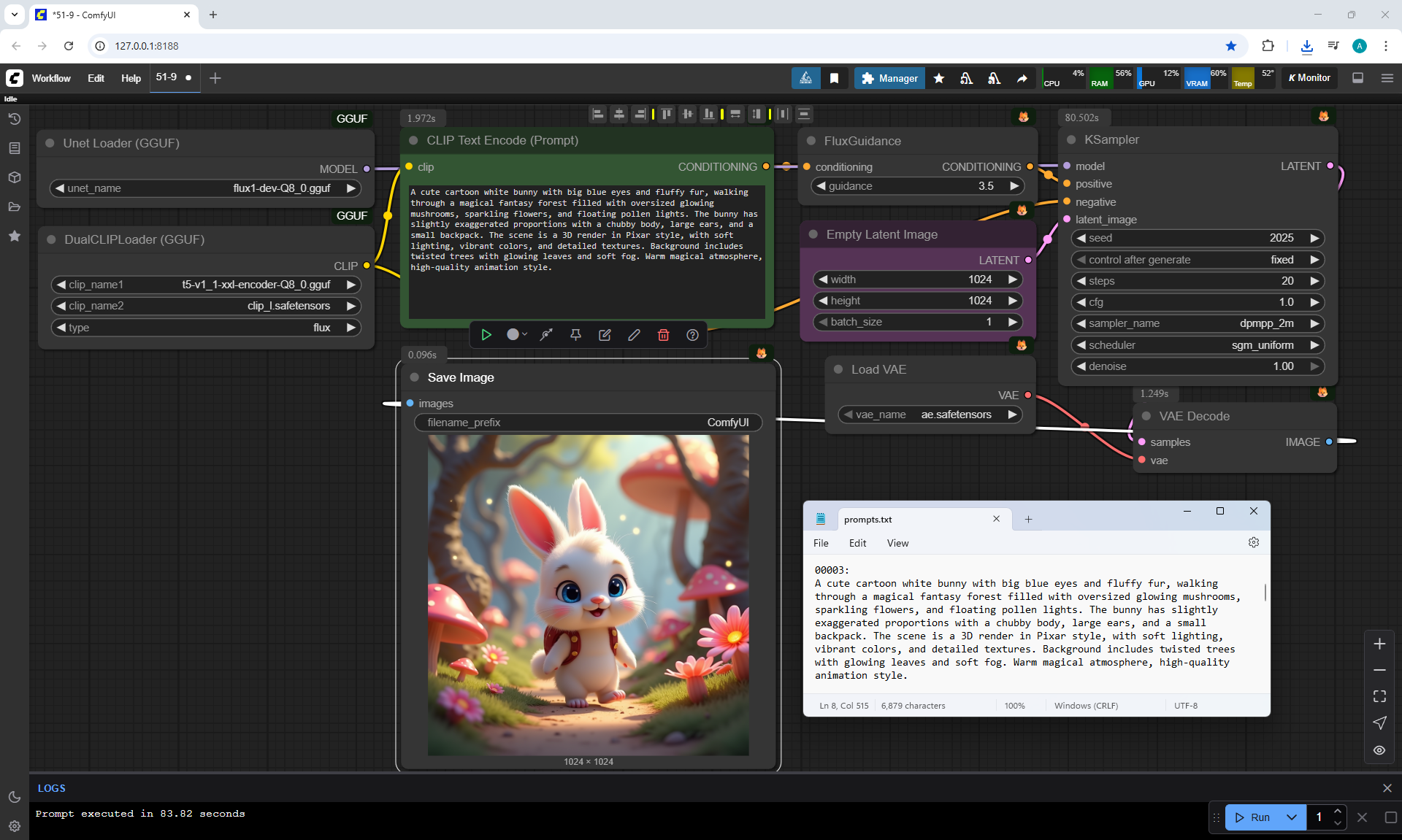
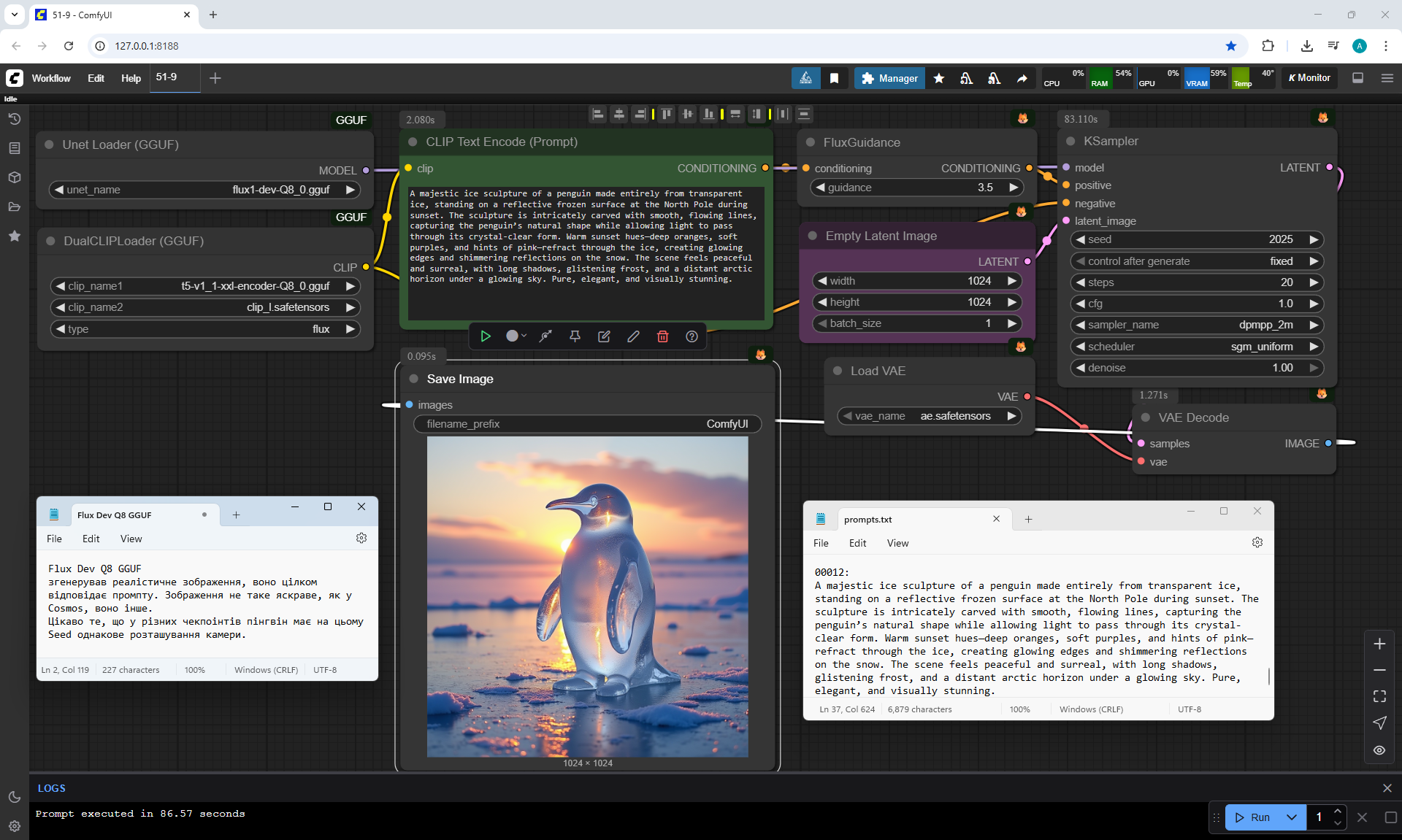
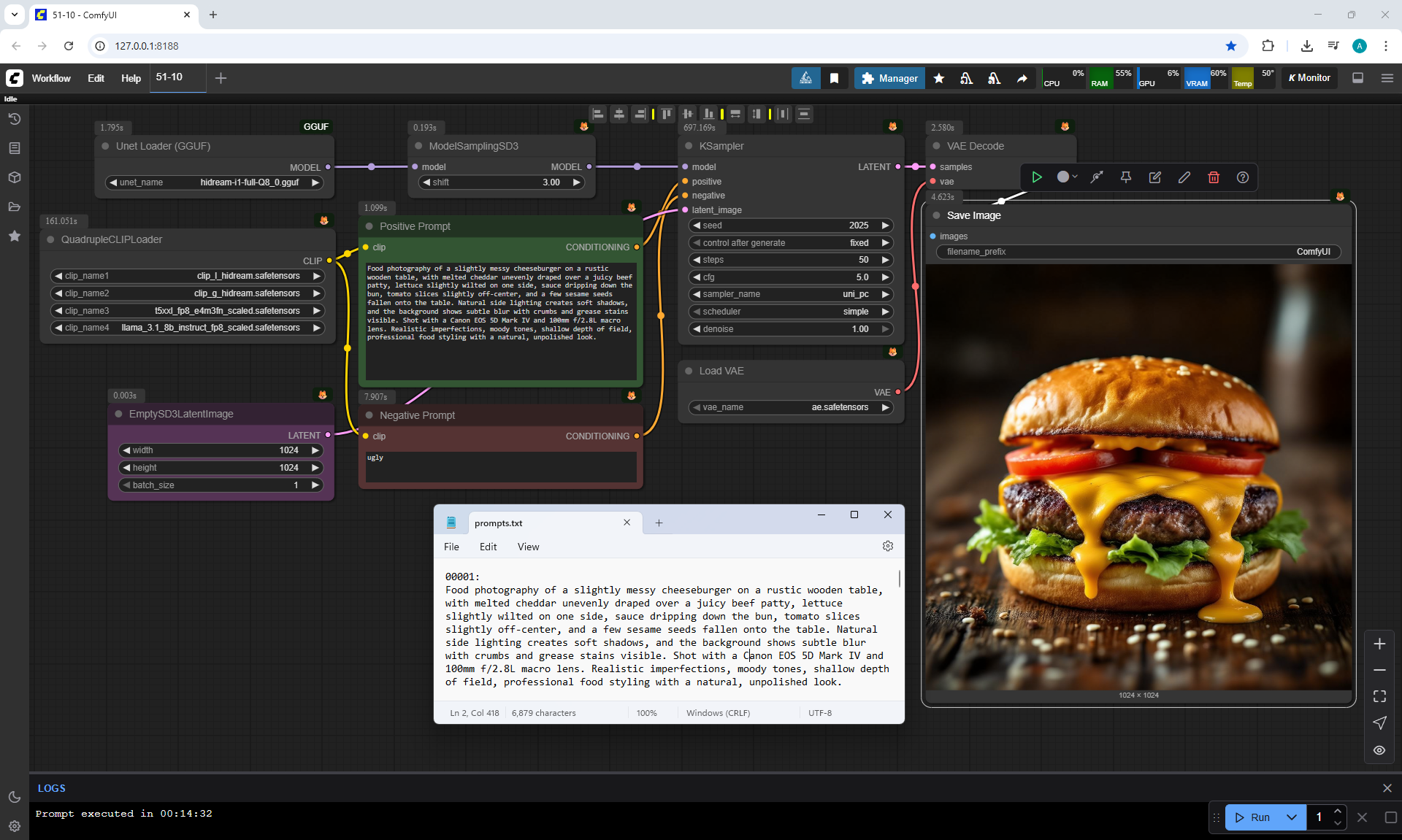
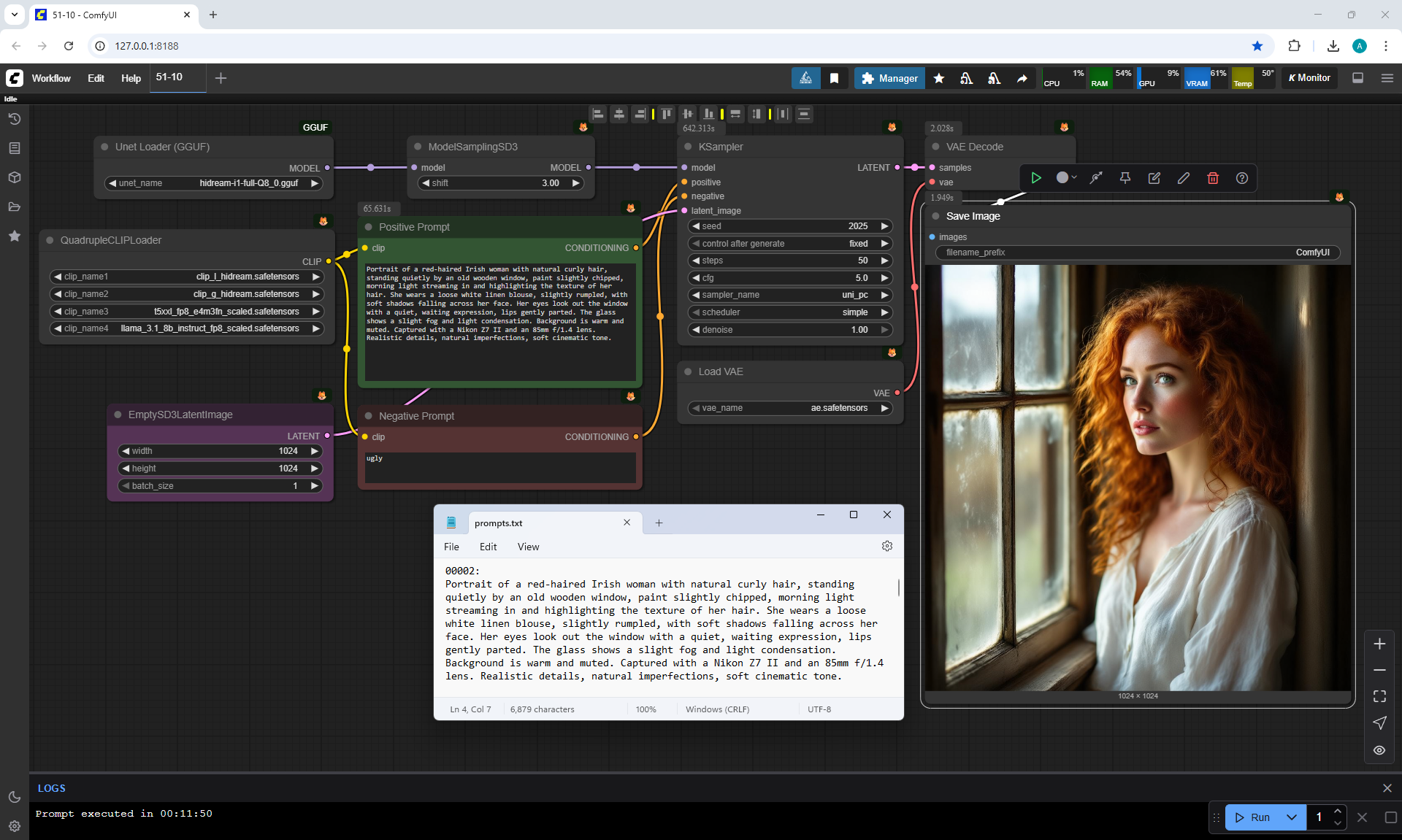
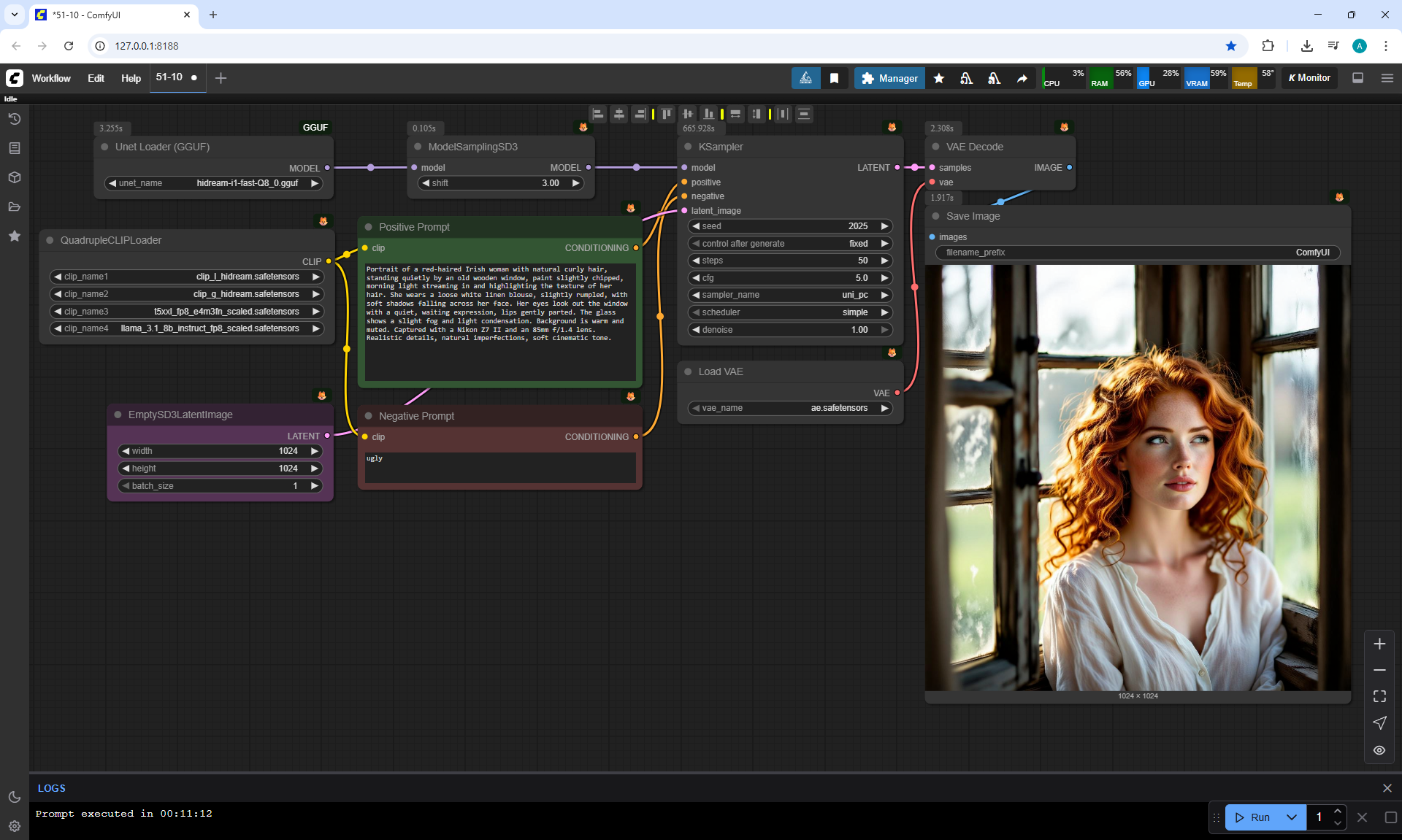
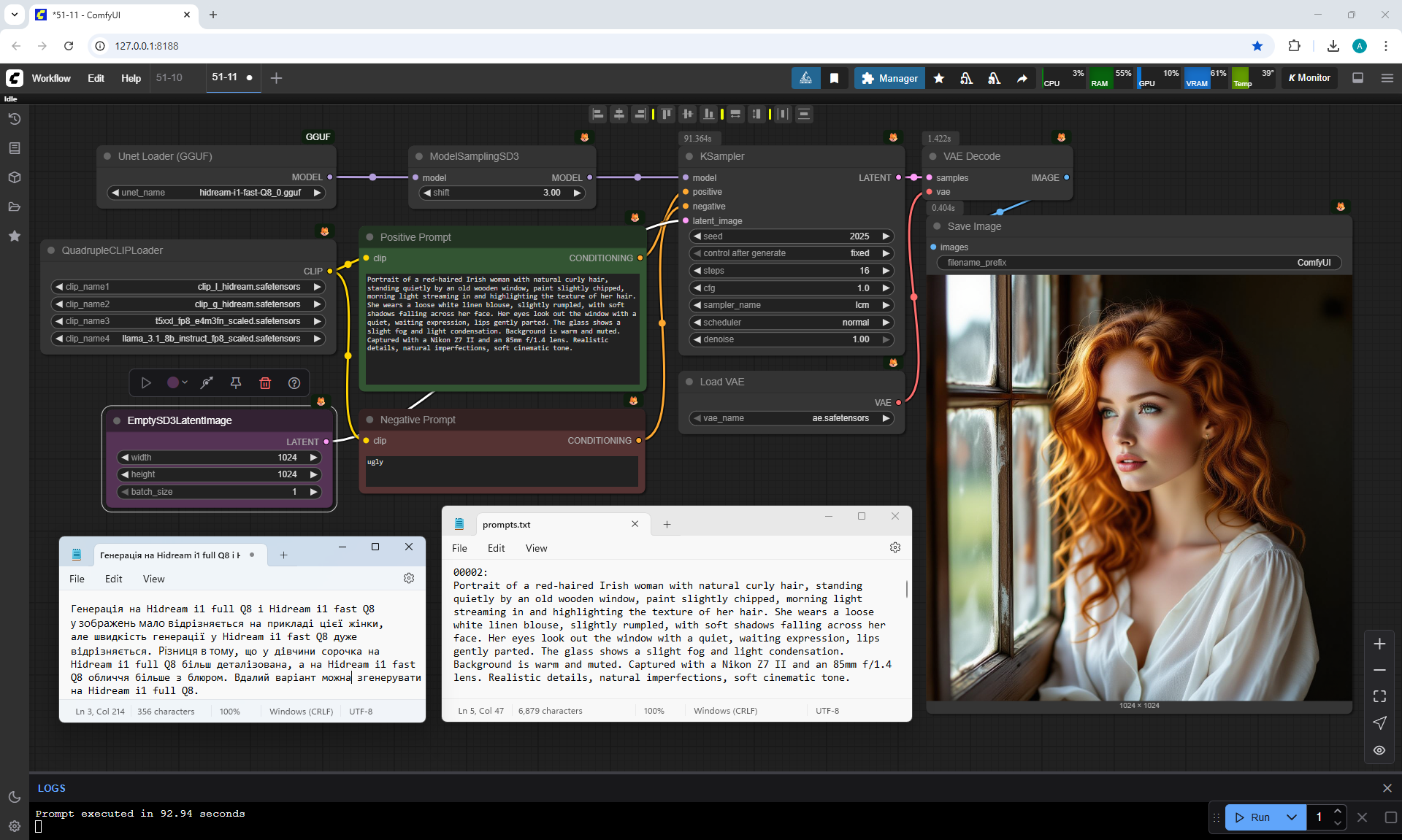
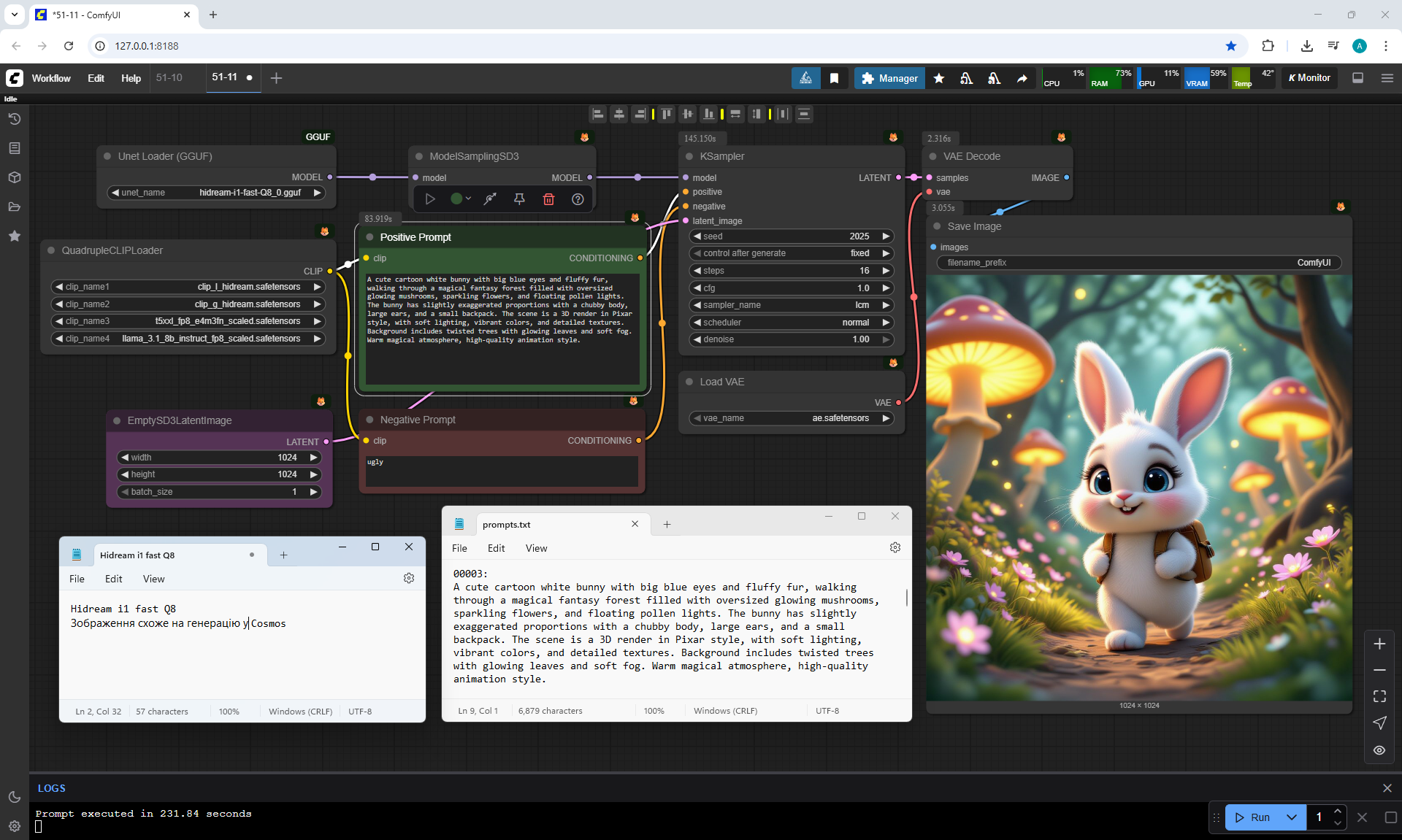
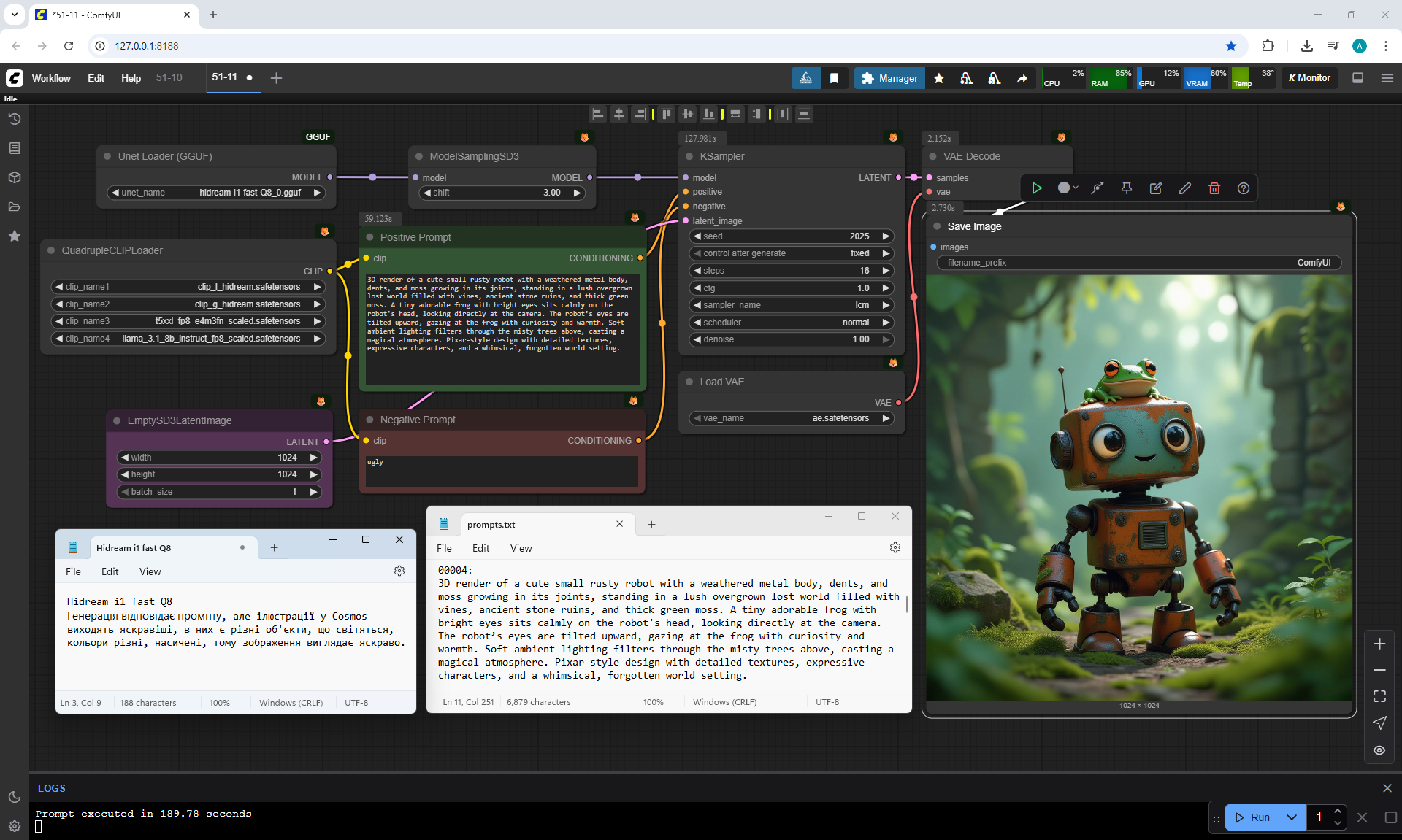
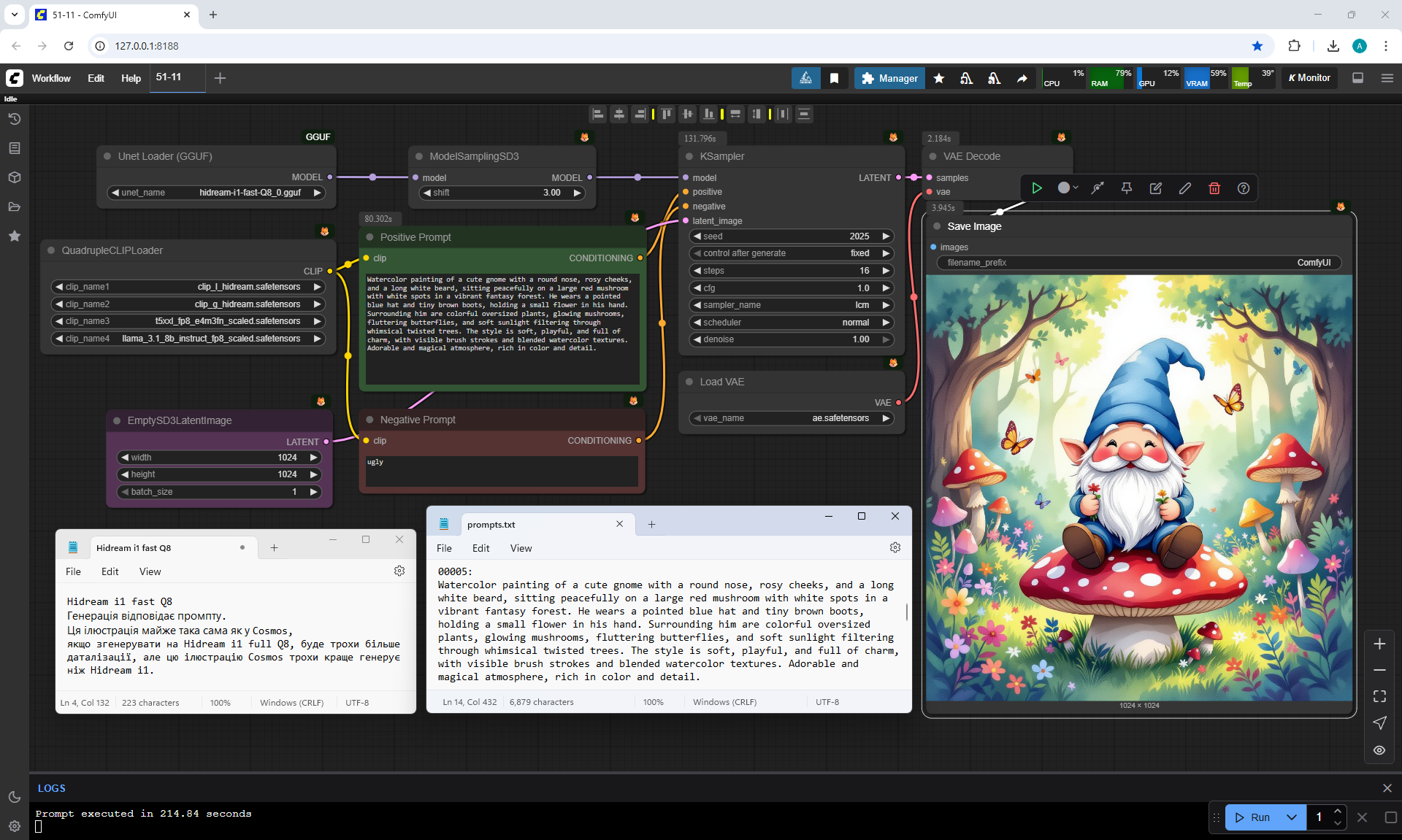
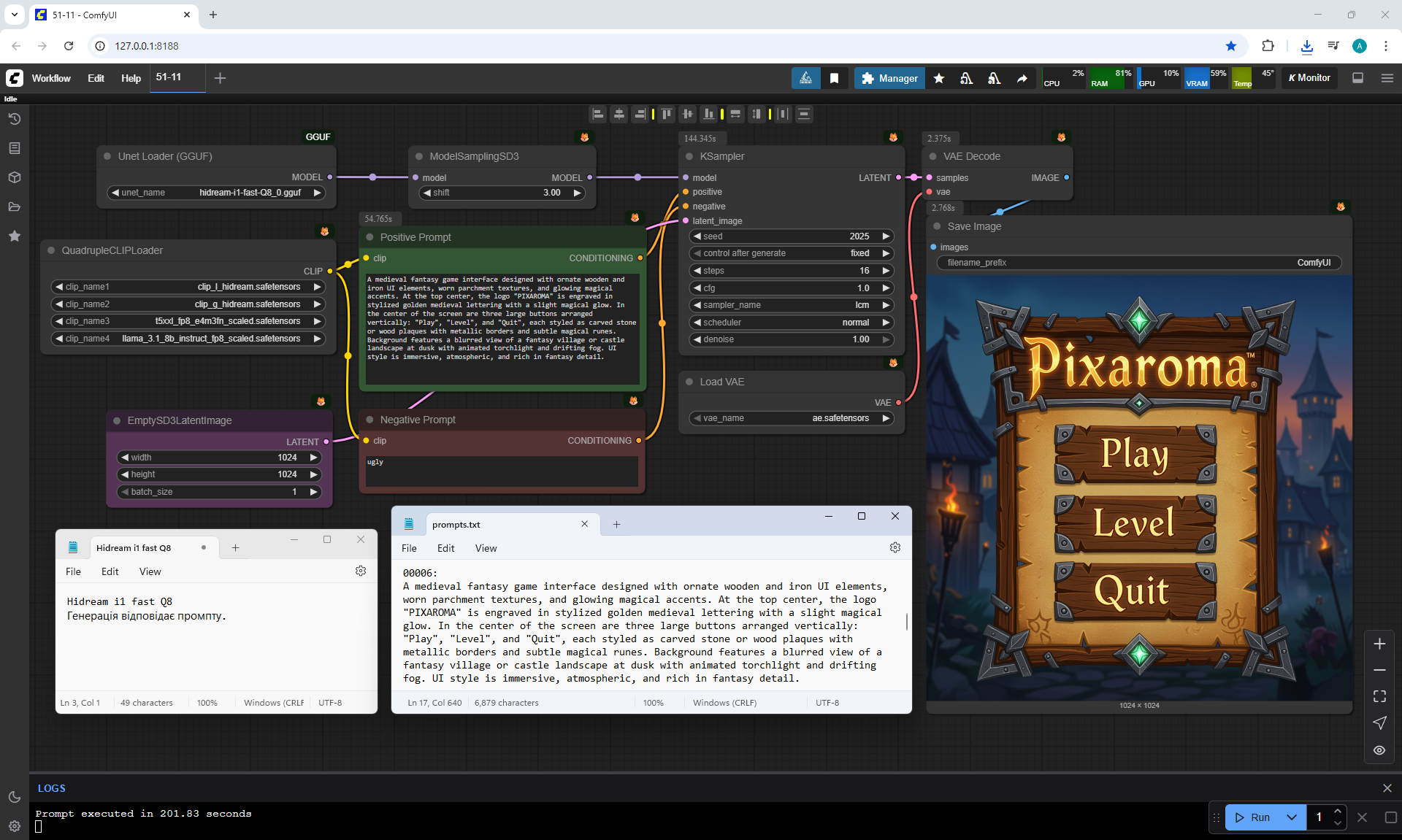
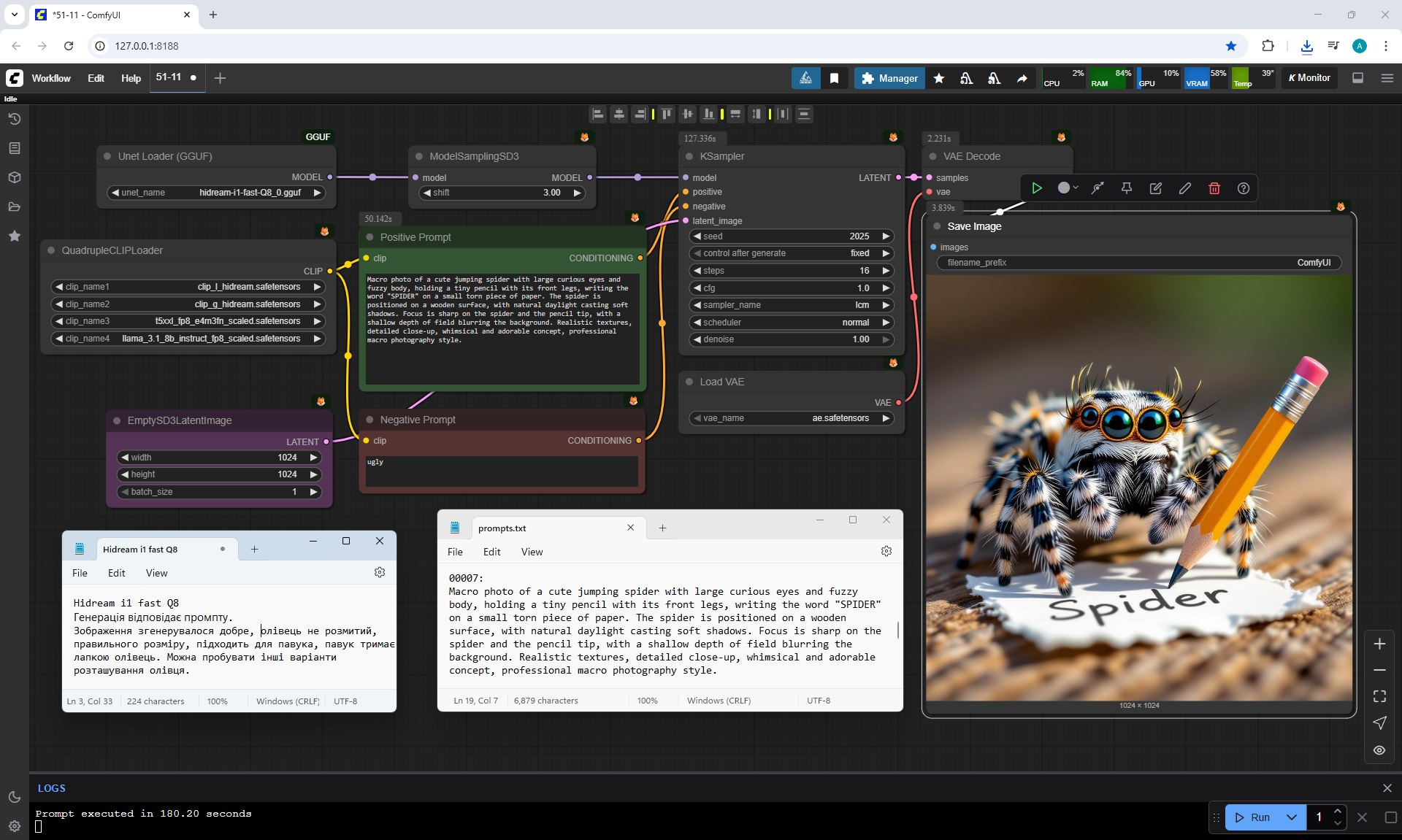
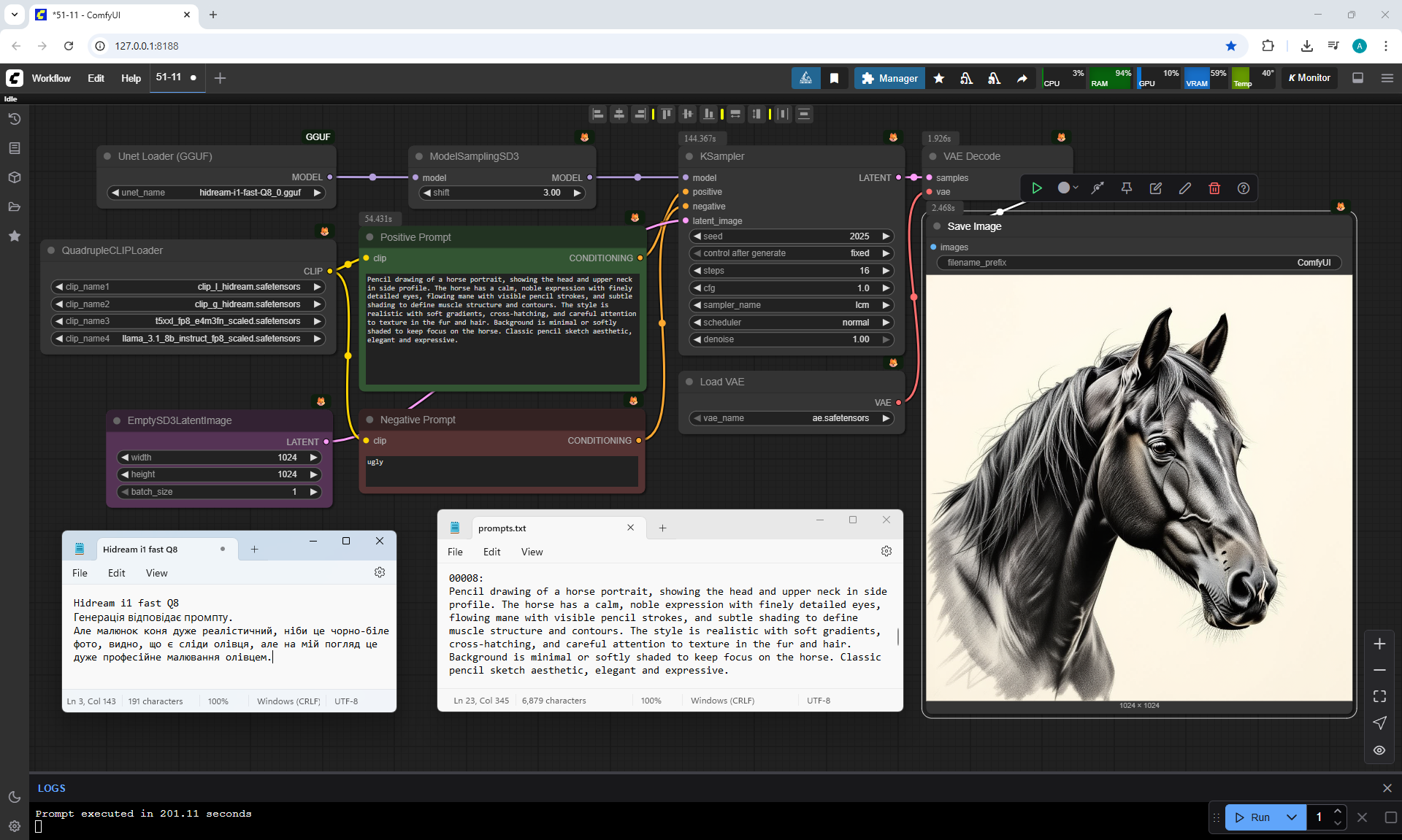
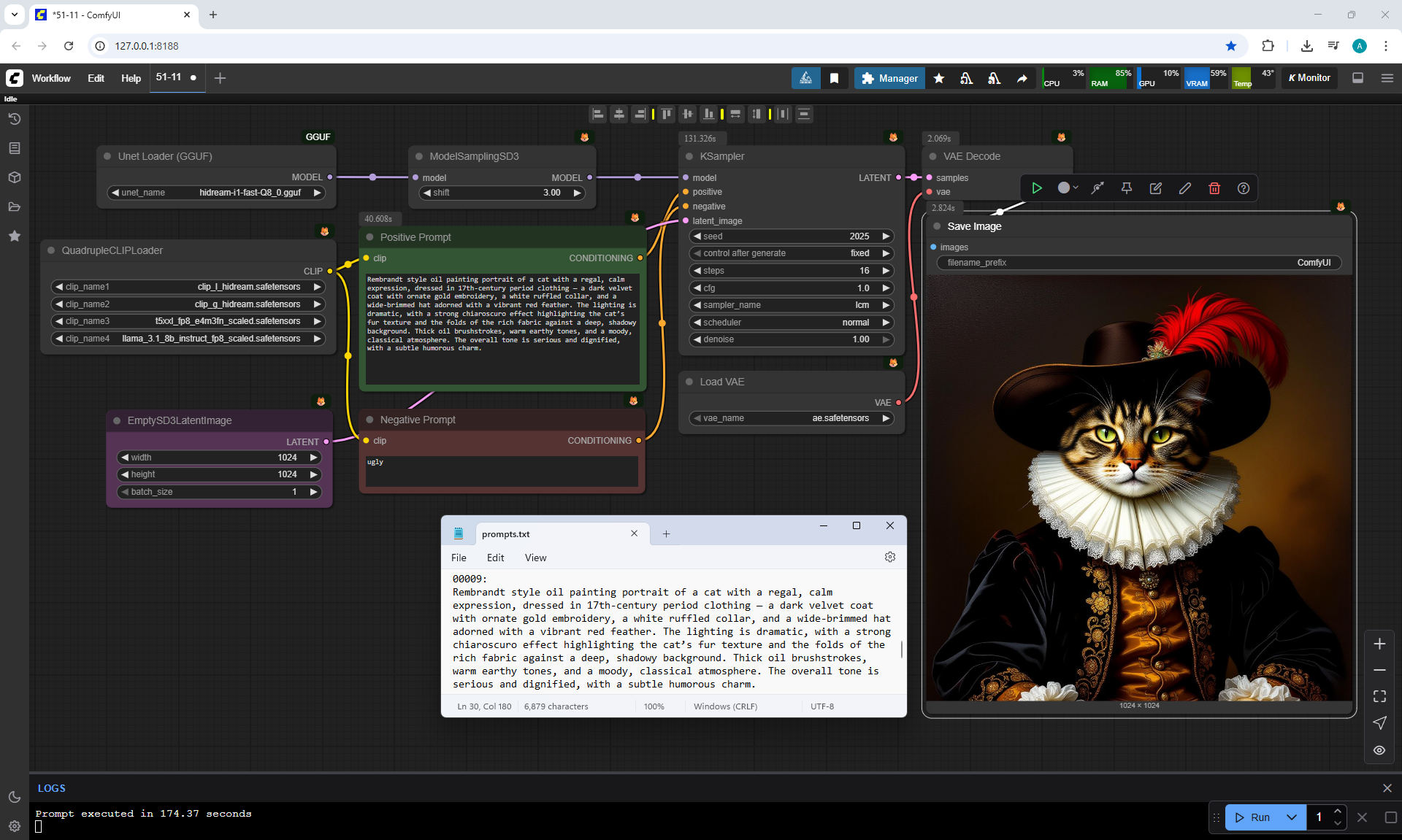
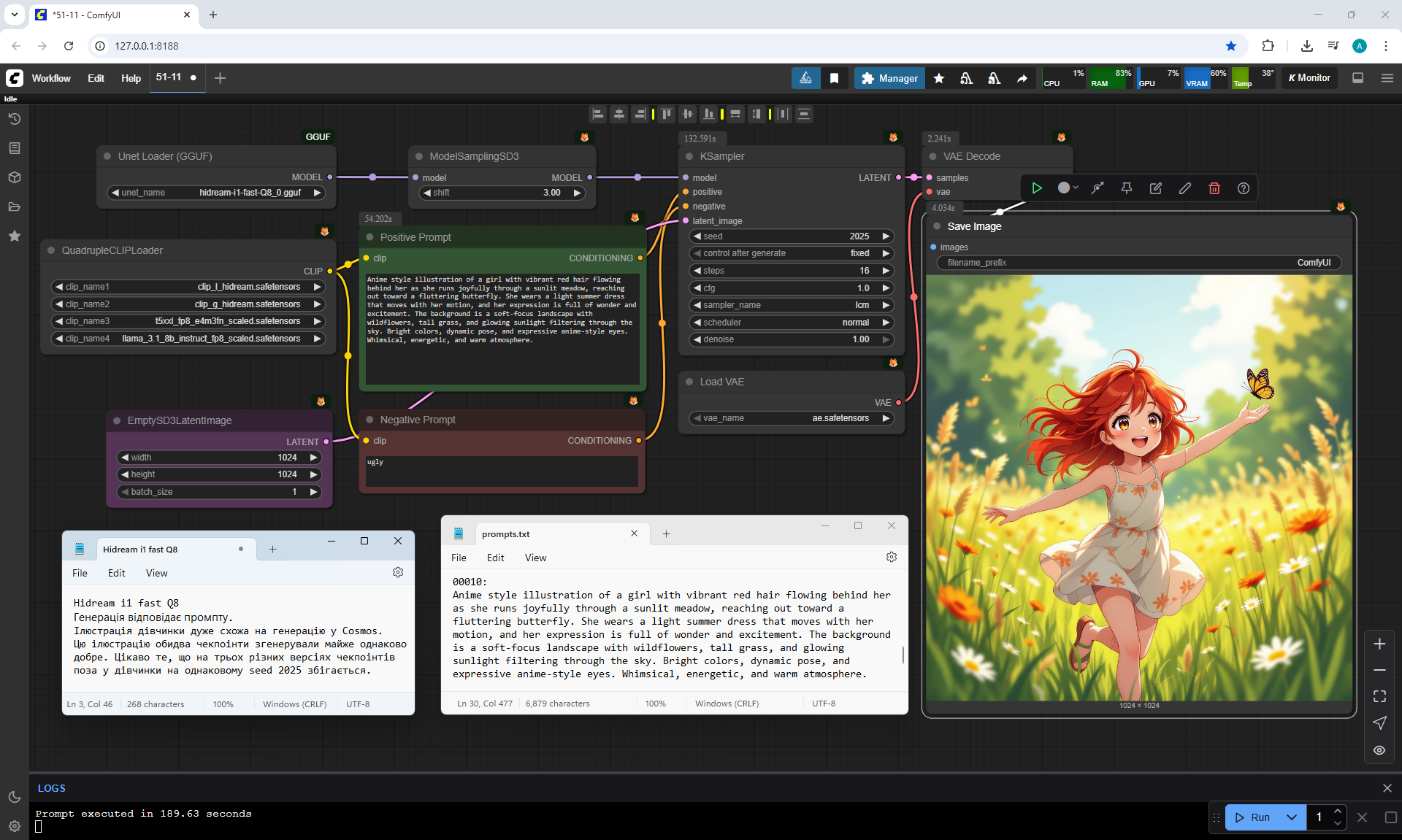
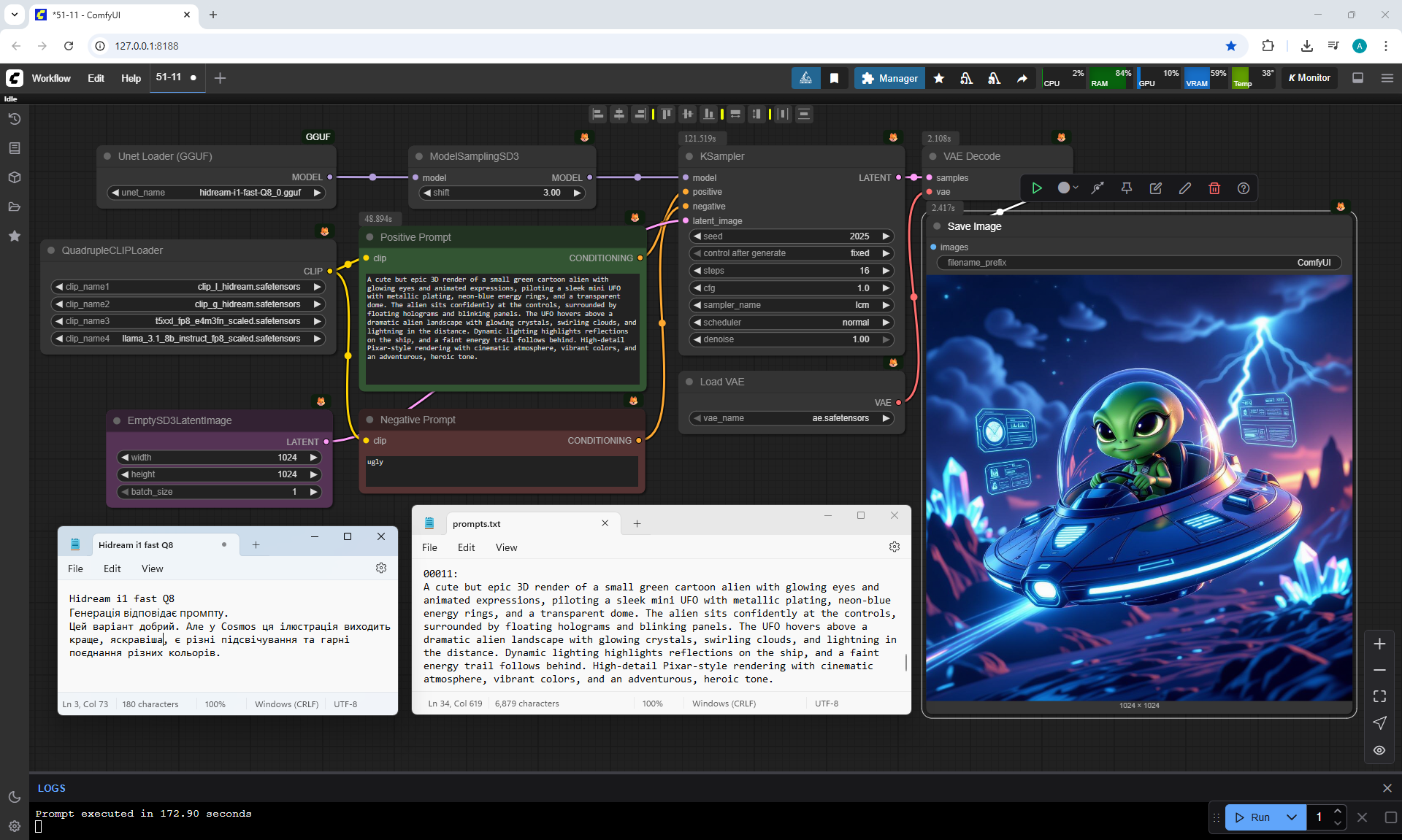
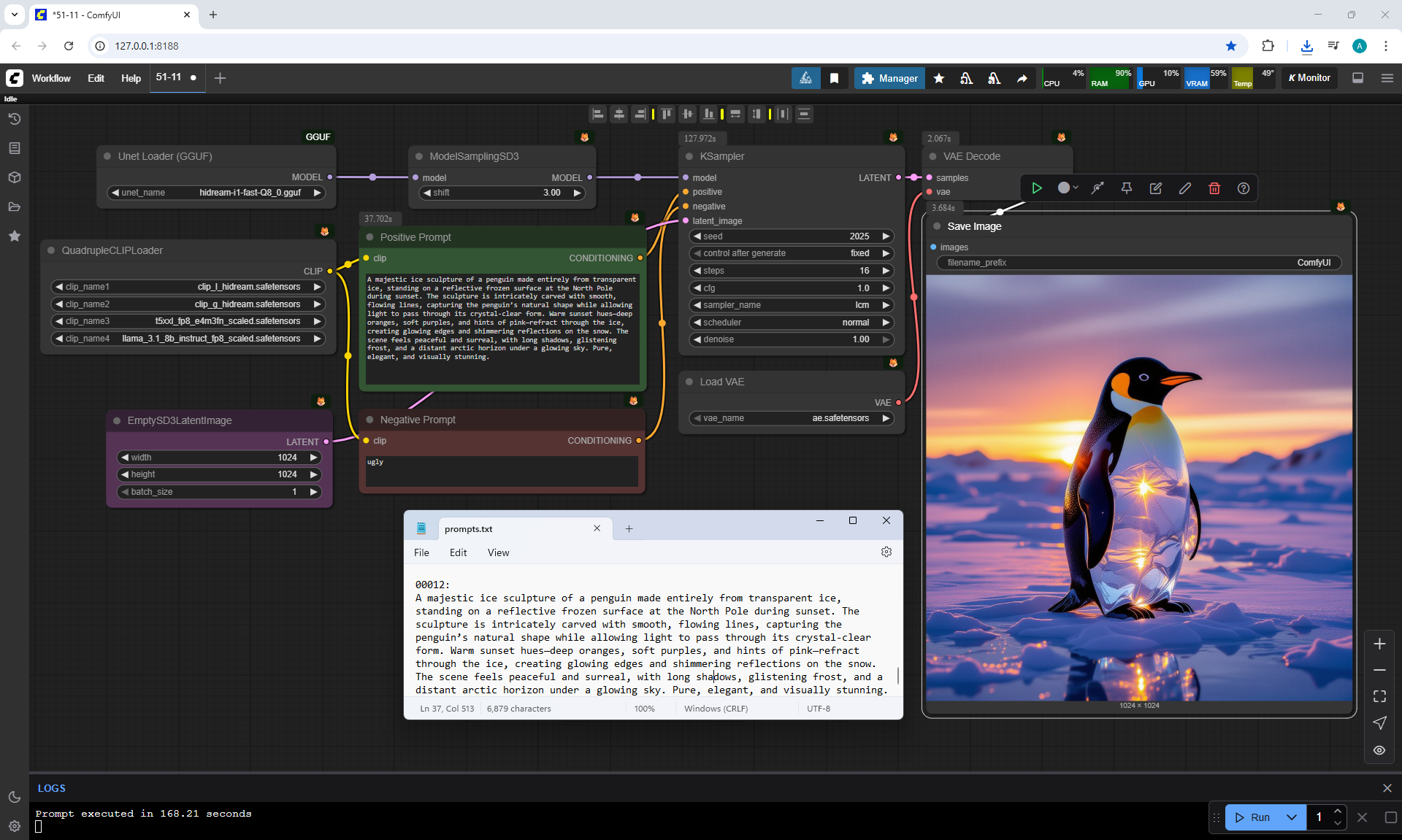
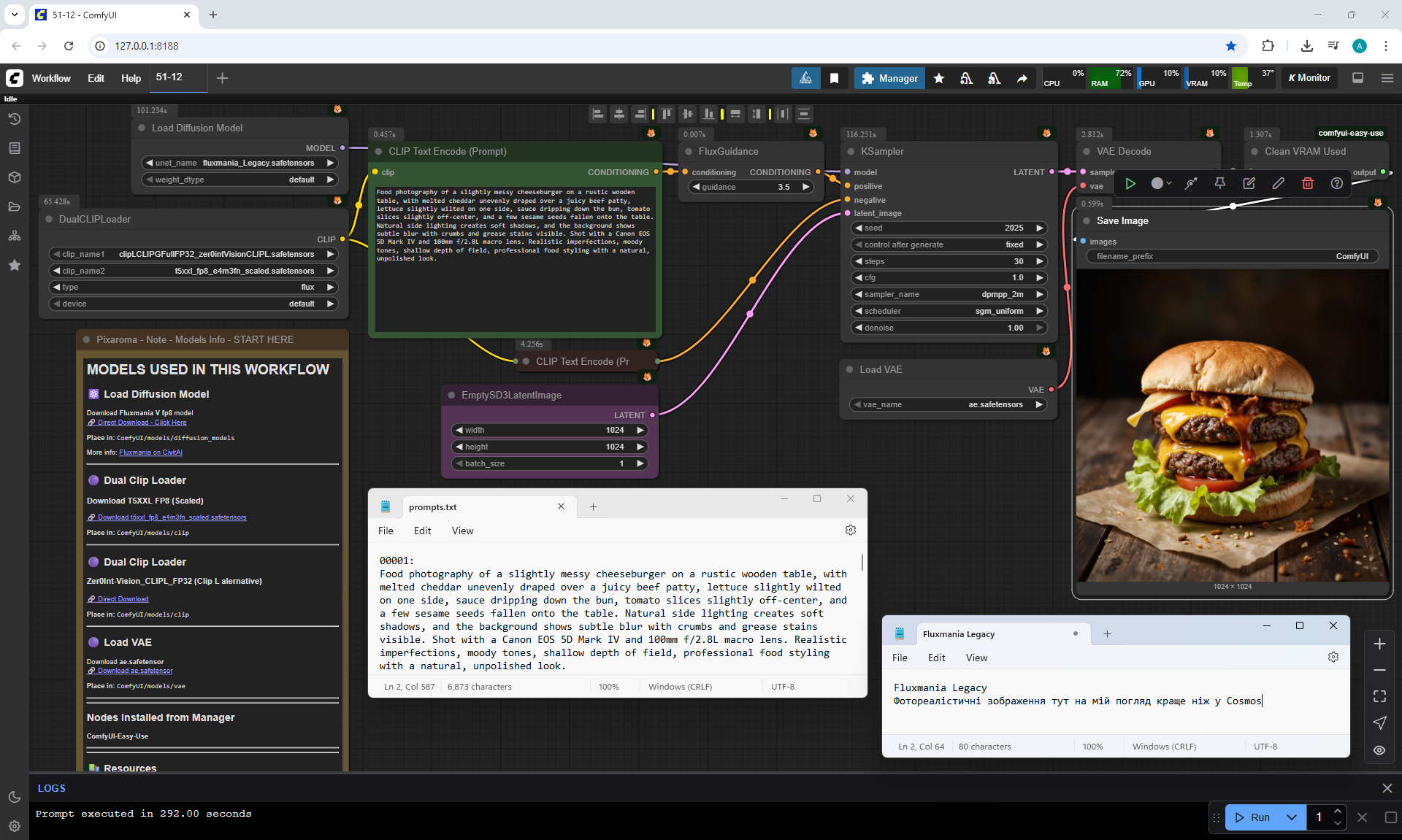
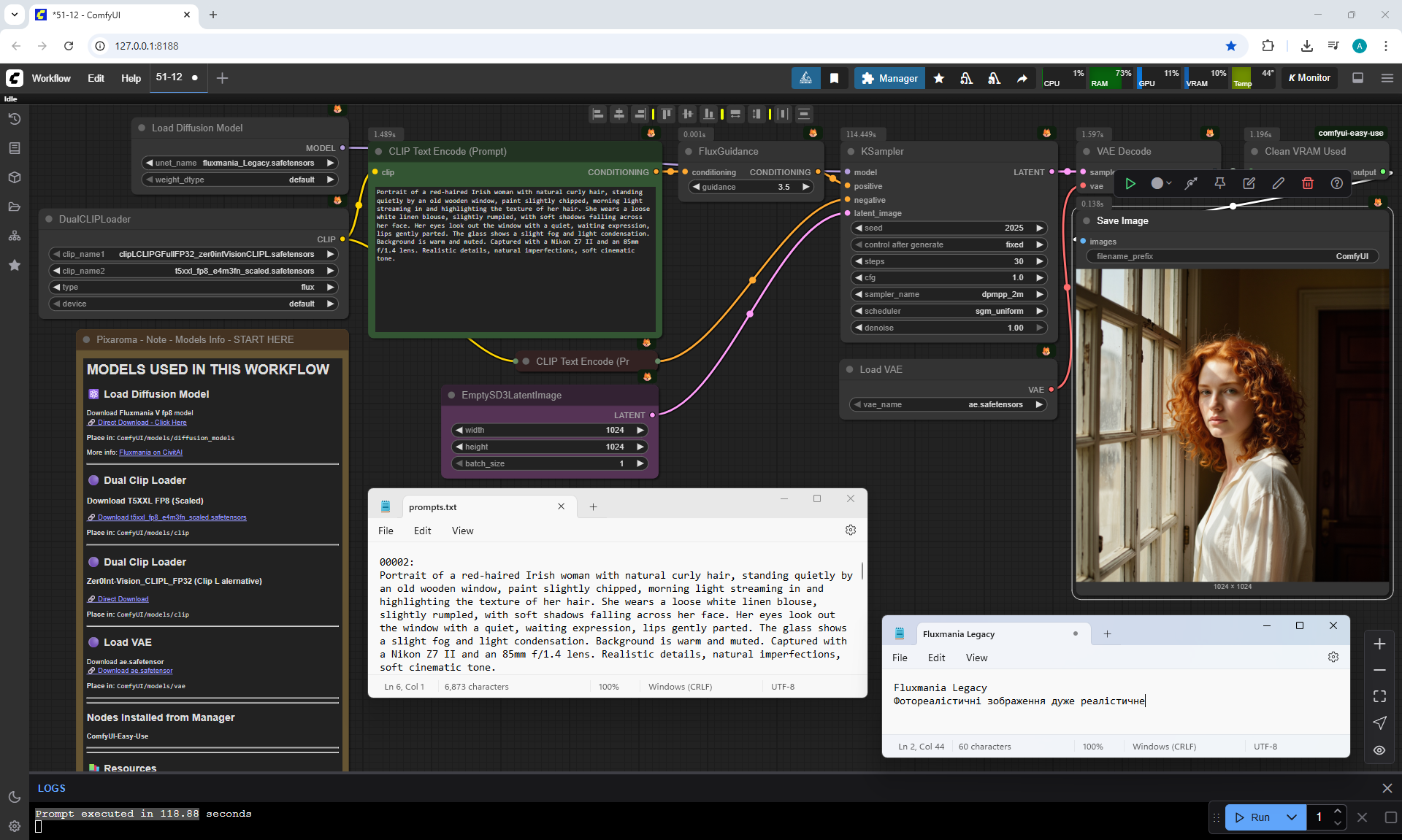
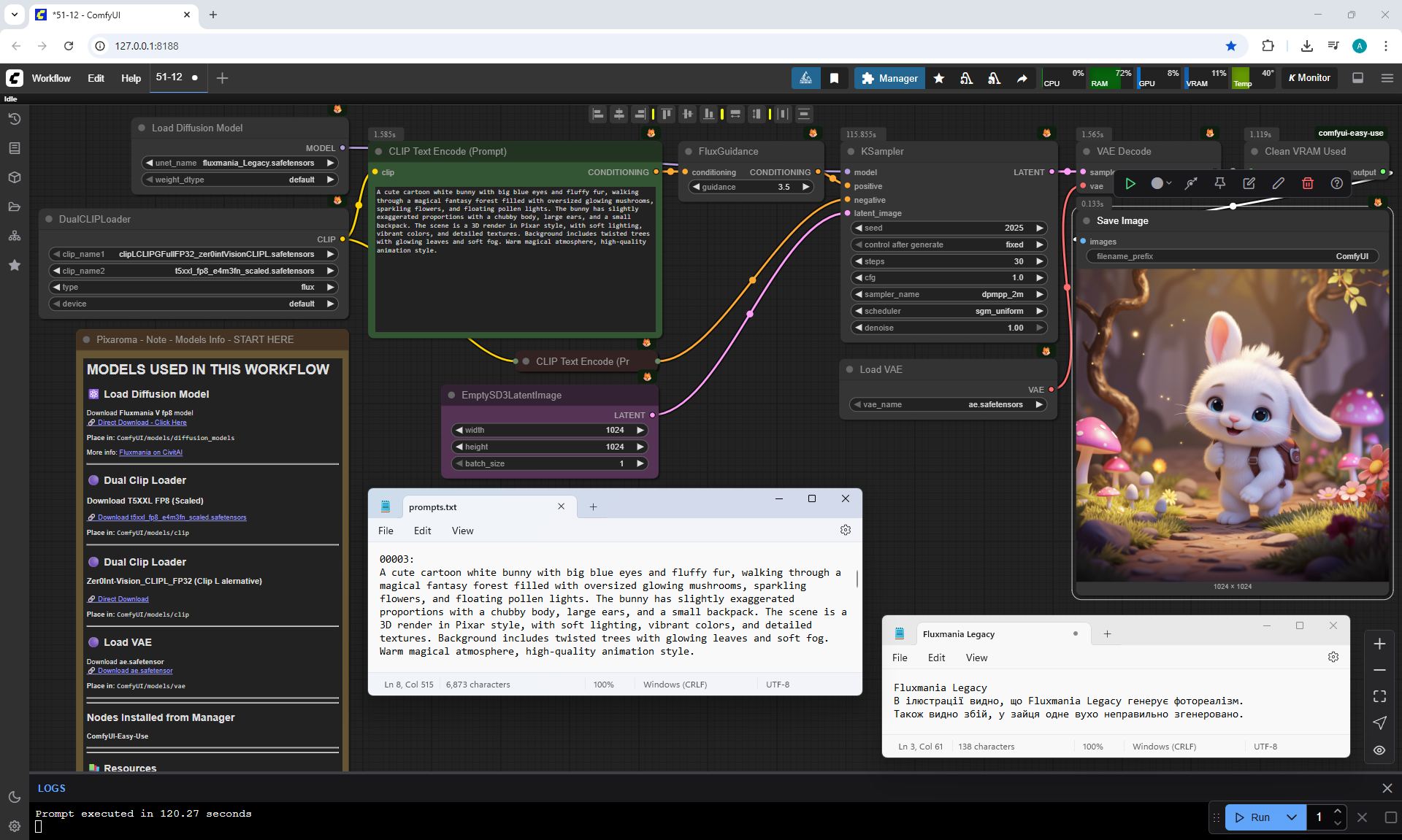
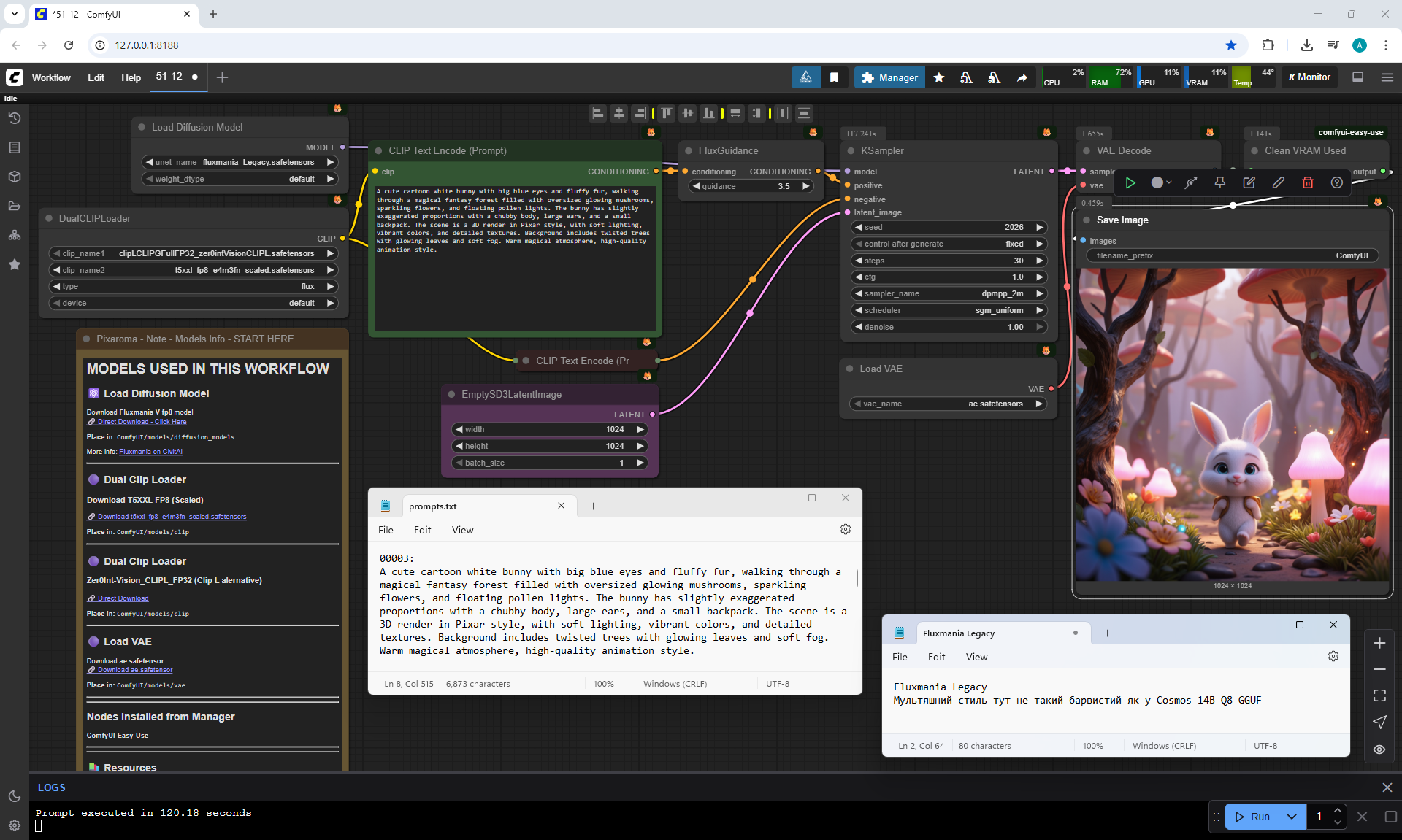
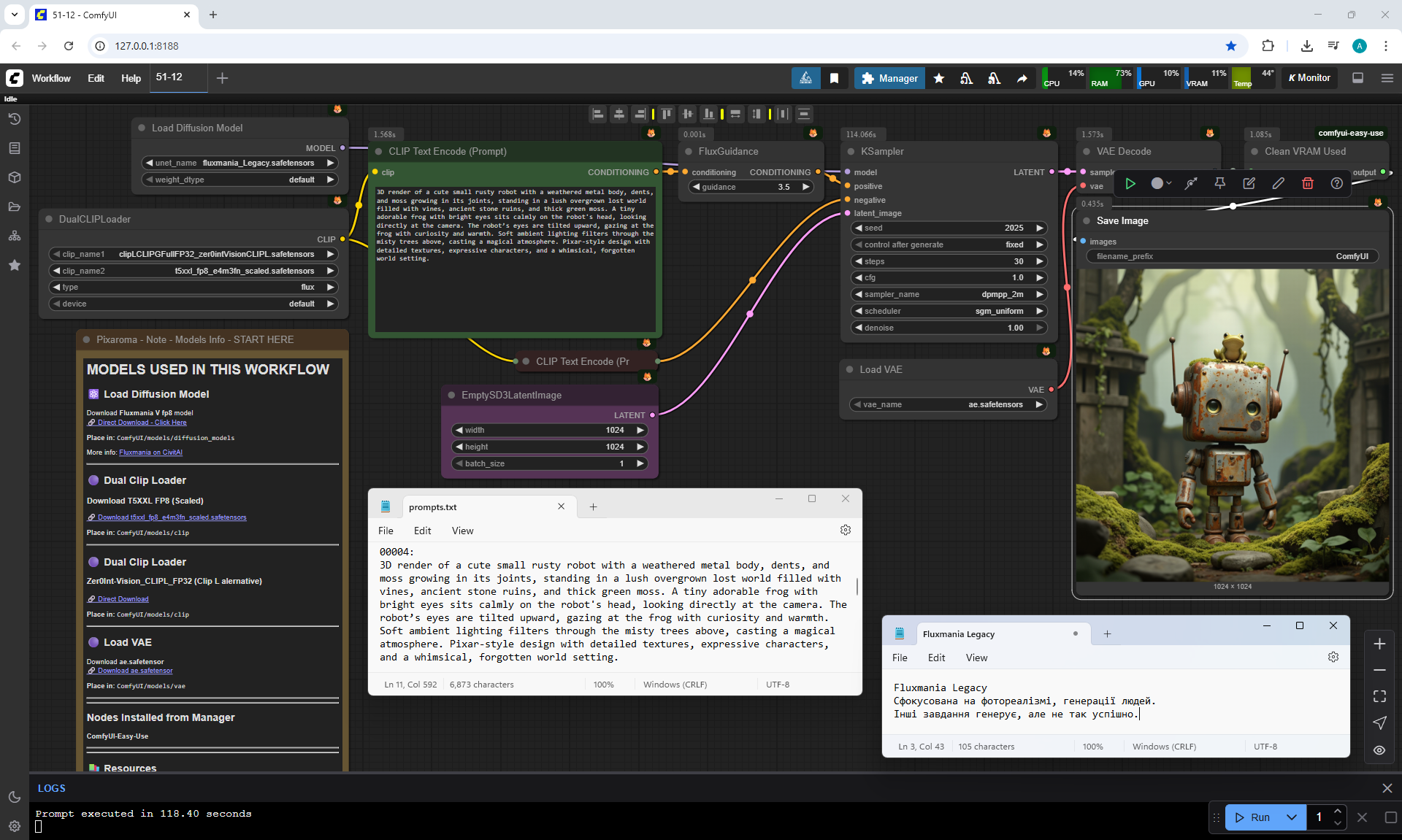
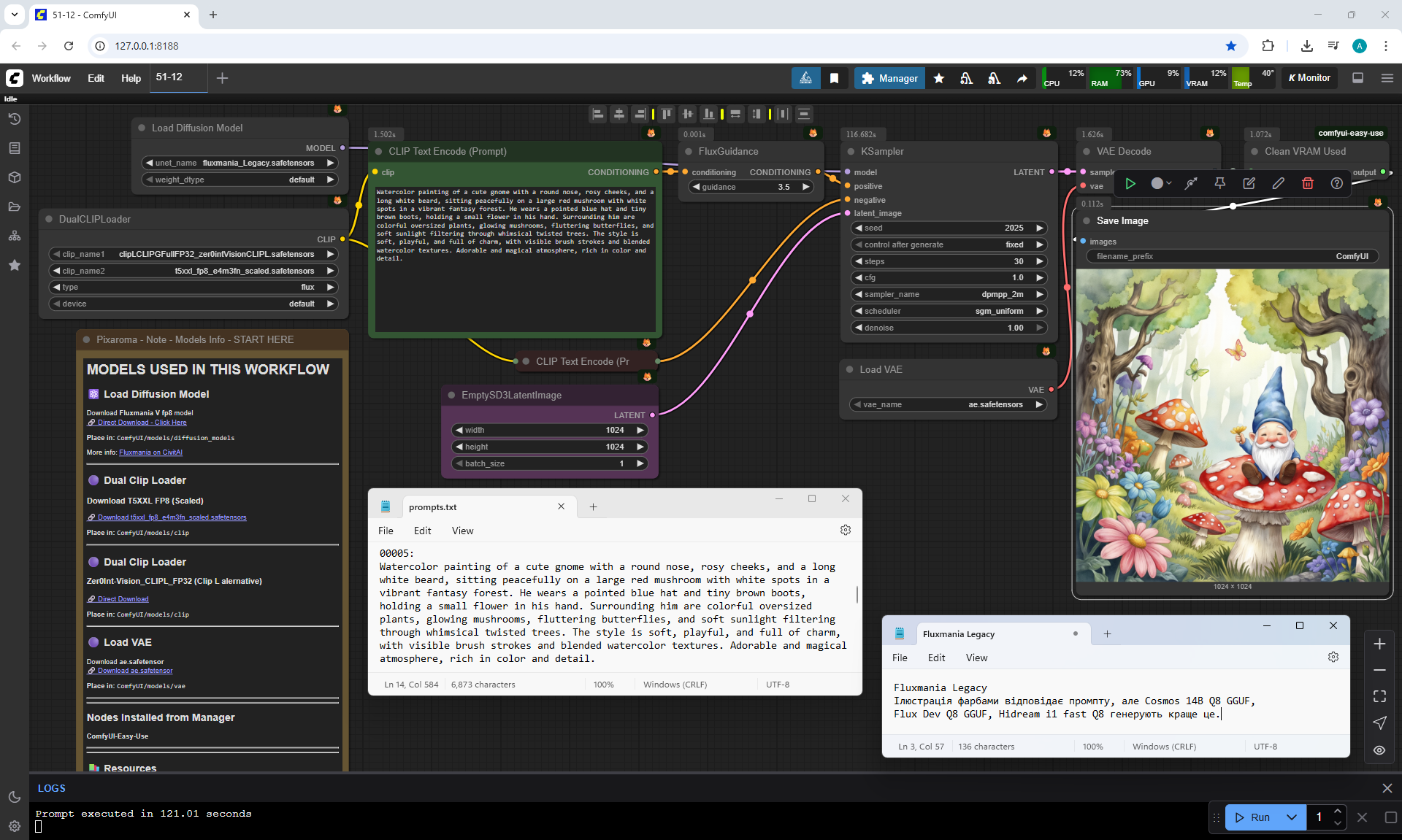
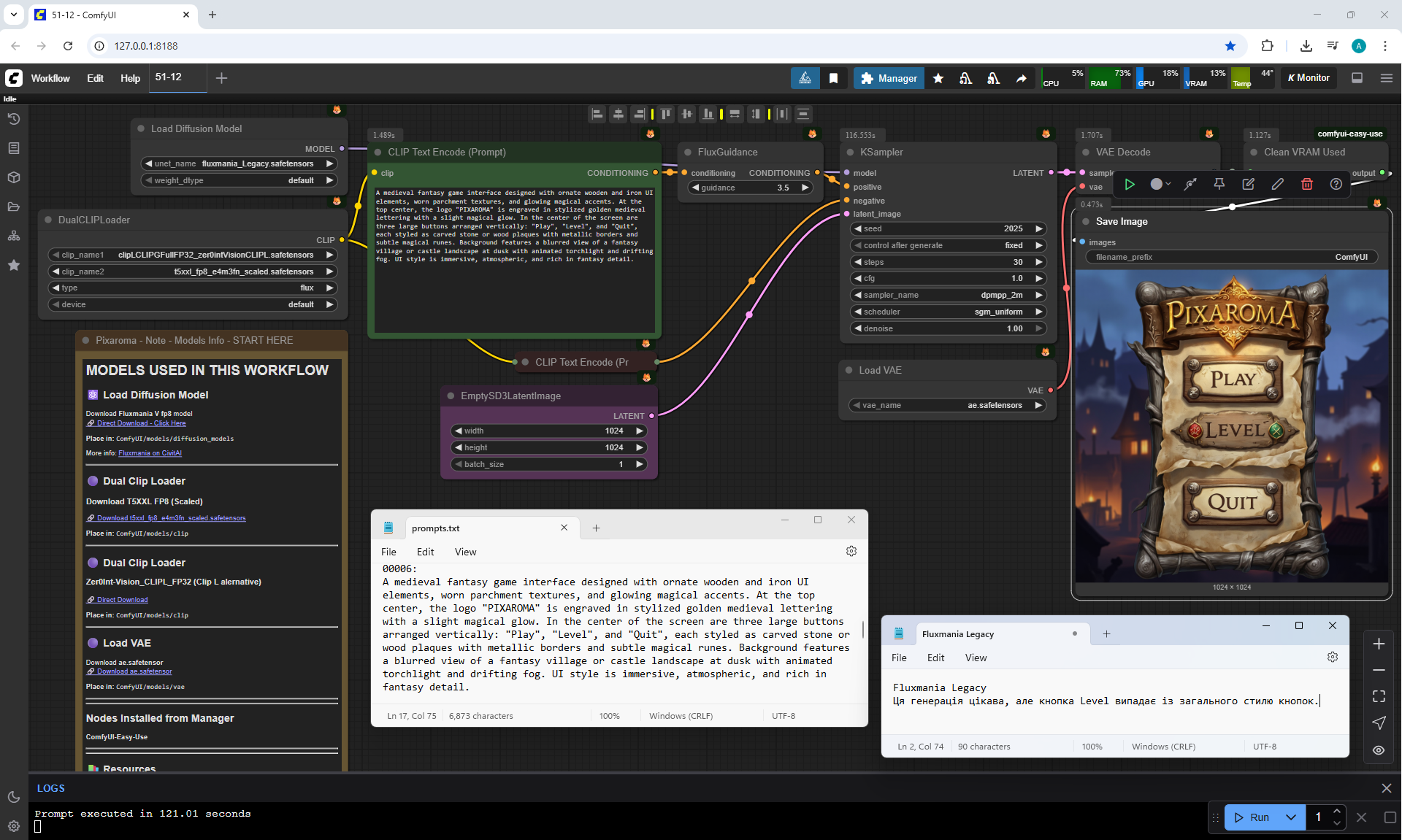
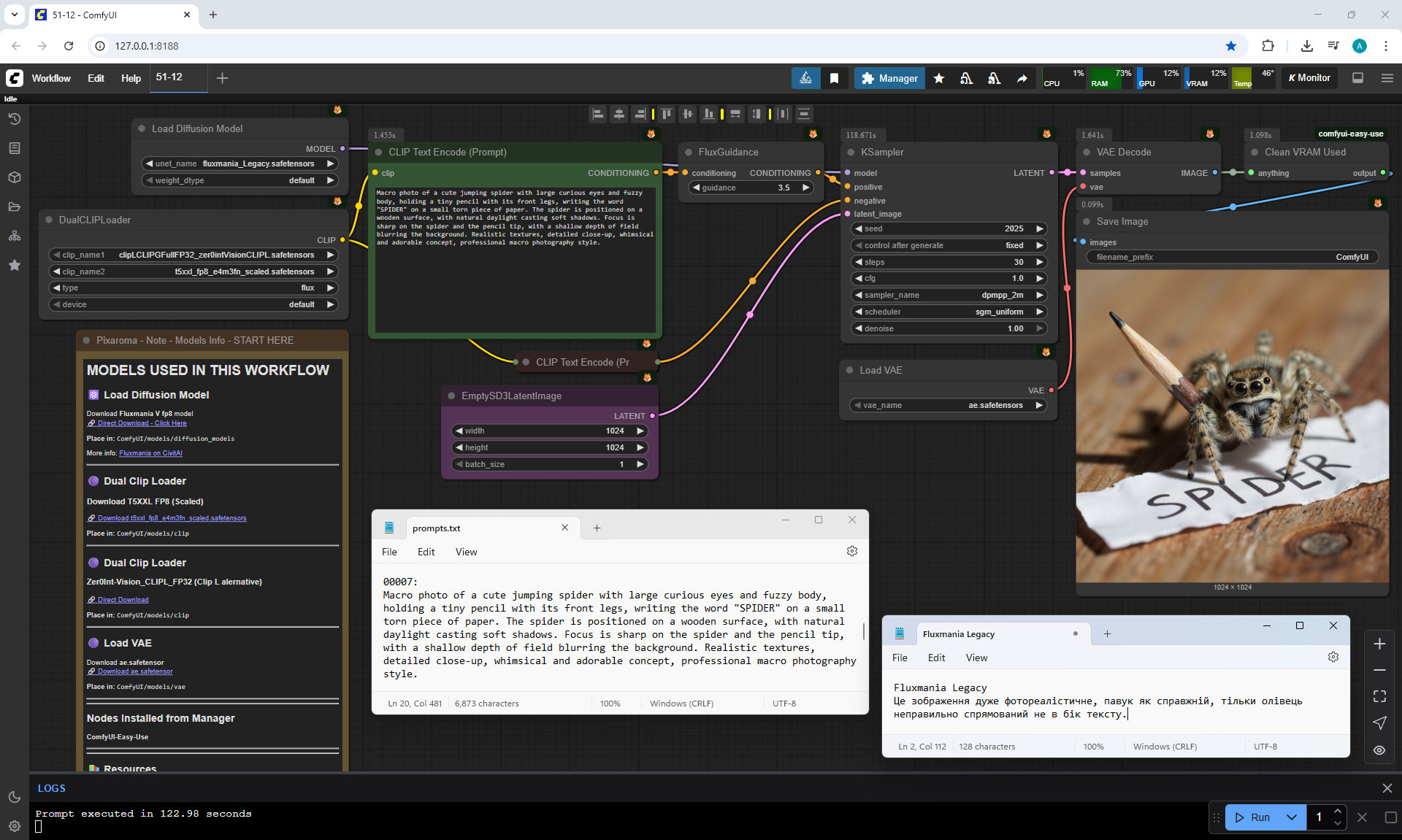
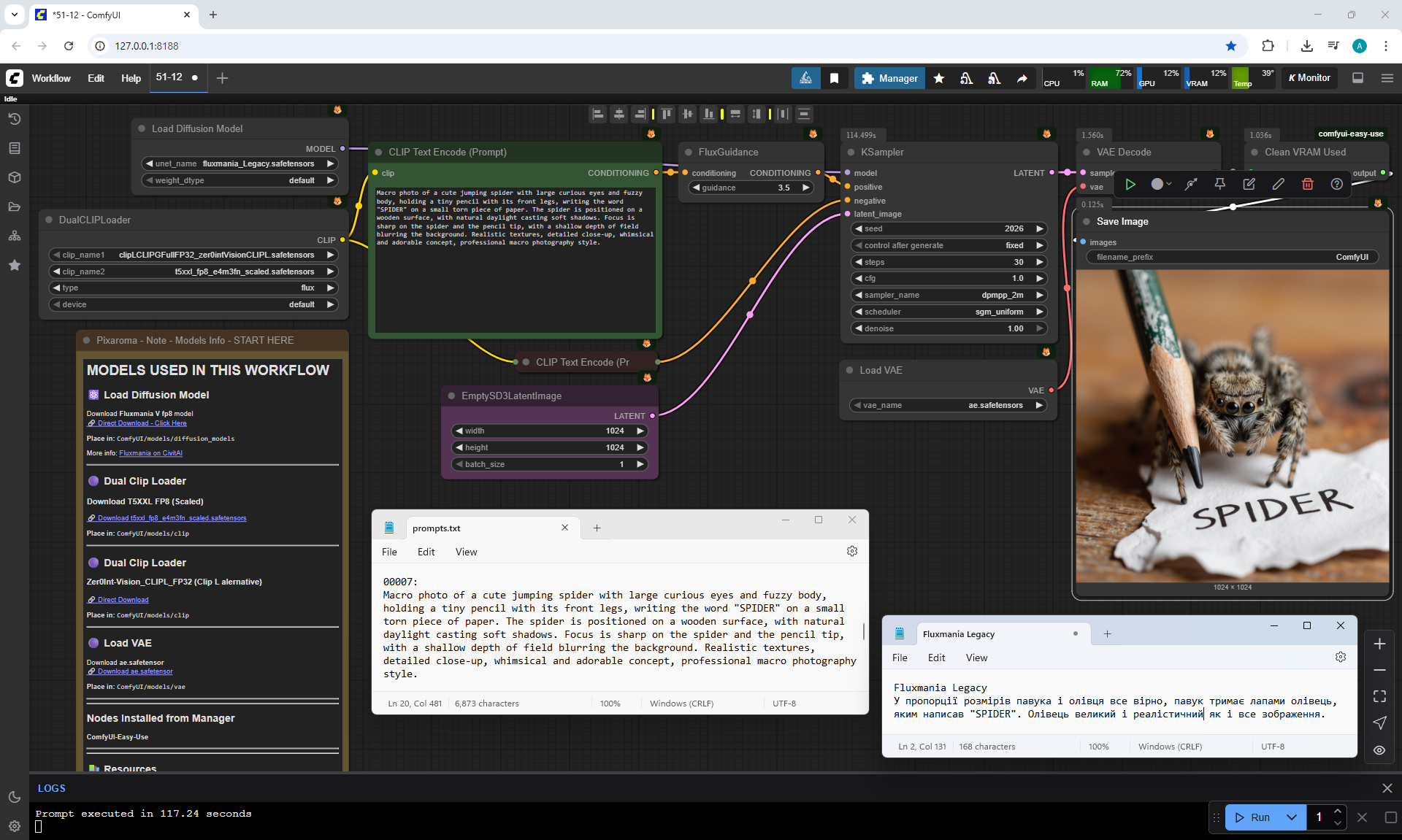
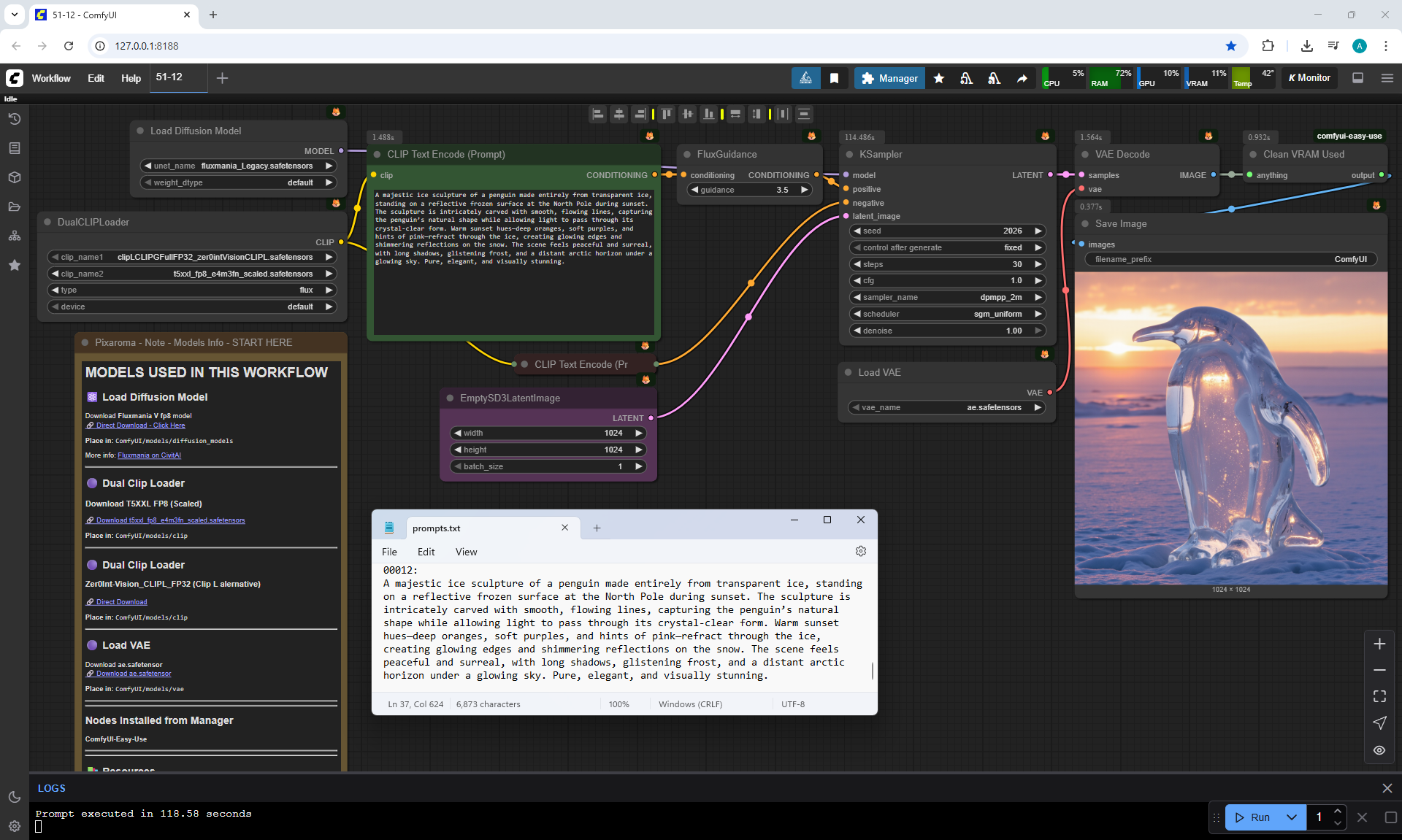
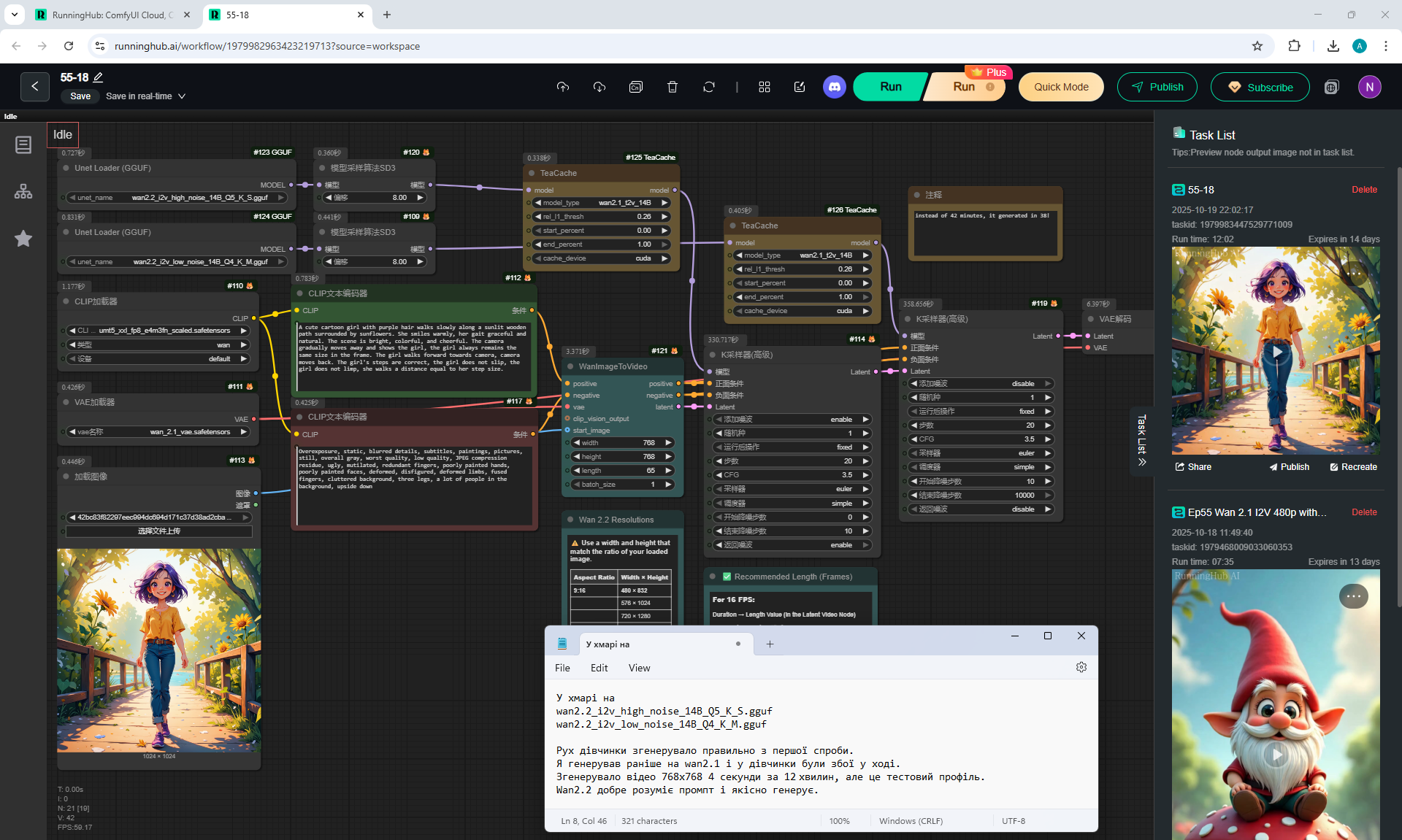
Image of a girl I generated in lesson 51 on the model hidream-i1-fast-Q8_0.gguf, workflow screenshot, when comparing the generation of different models with the model Cosmos Predict2.

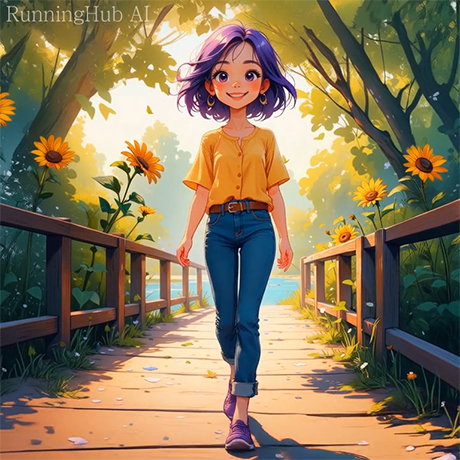
I generated this girlin episode 28.
Prompt for video:
A cute cartoon girl with purple hair walks slowly along a sunlit wooden path surrounded by sunflowers. She smiles warmly, her gait graceful and natural. The scene is bright, colorful, and cheerful. The camera gradually moves away and shows the girl, the girl always remains the same size in the frame. The girl walks forward towards camera, camera moves back. The girl's steps are correct, the girl does not slip, the girl does not limp, she walks a distance equal to her step size.
This animation of the girl's walk on Wan2.2 is correct, I generated it on the first try. Wan2.2 began to understand the prompt better and generate videos better than Wan2.1.
In previous lessons I generated this girl on different models.
On Wan2.1 sometimes The girl moved back.
Often on Wan2.1 The girl's gait was irregular.
On Wan2.1 The girl's gait was erratic.
Although I managed to generate The correct animation of the girl's walk on Wan2.1,
but there were many errors in the other videos.
I also generated High-quality animation of this girl's gait
on the website openart.ai/video/i2v
I generated High-quality animation of this girl's gait on the website hailuoai.video
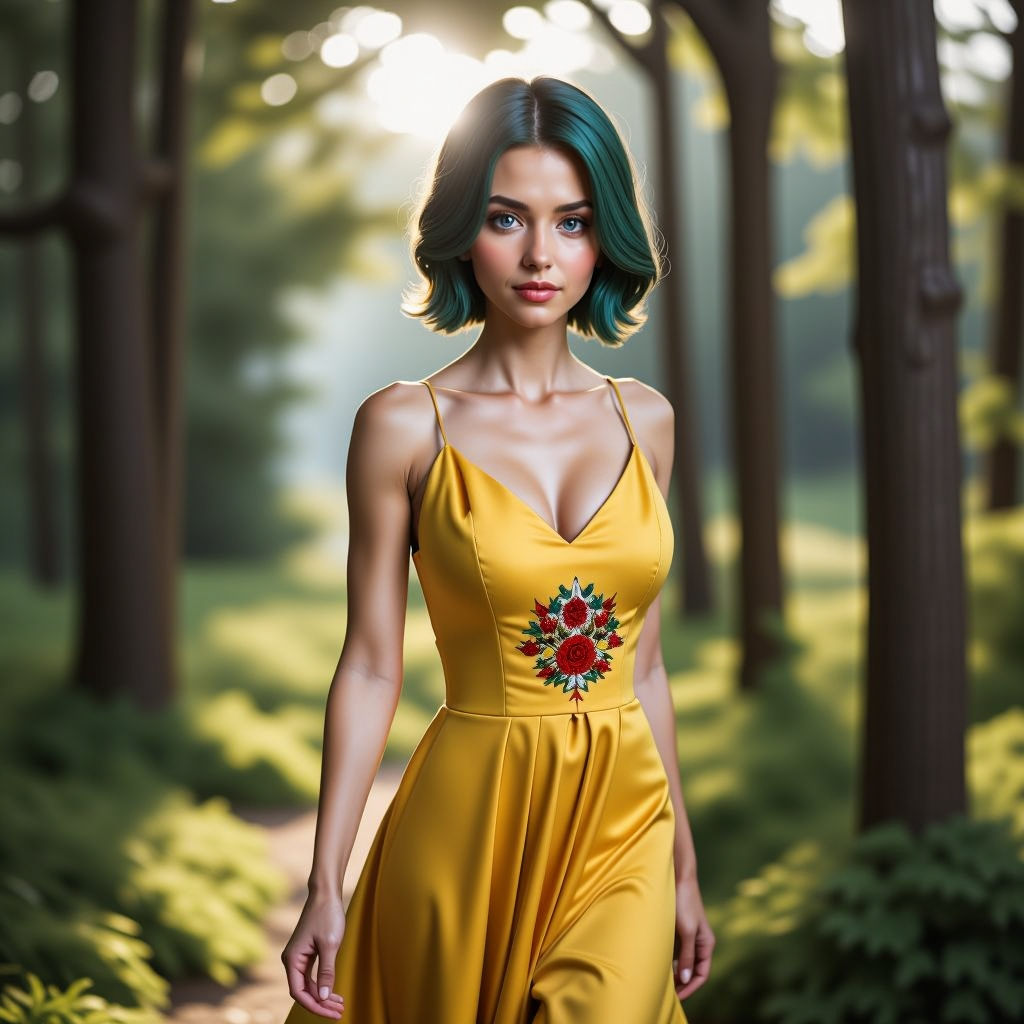
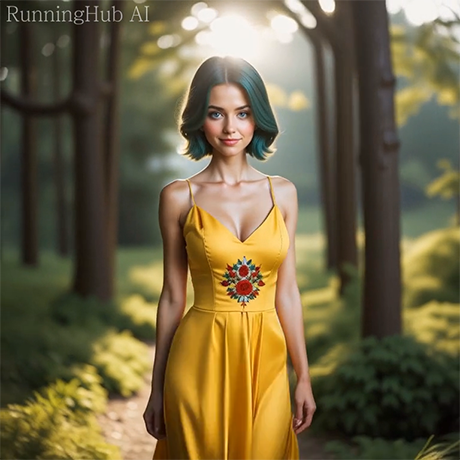
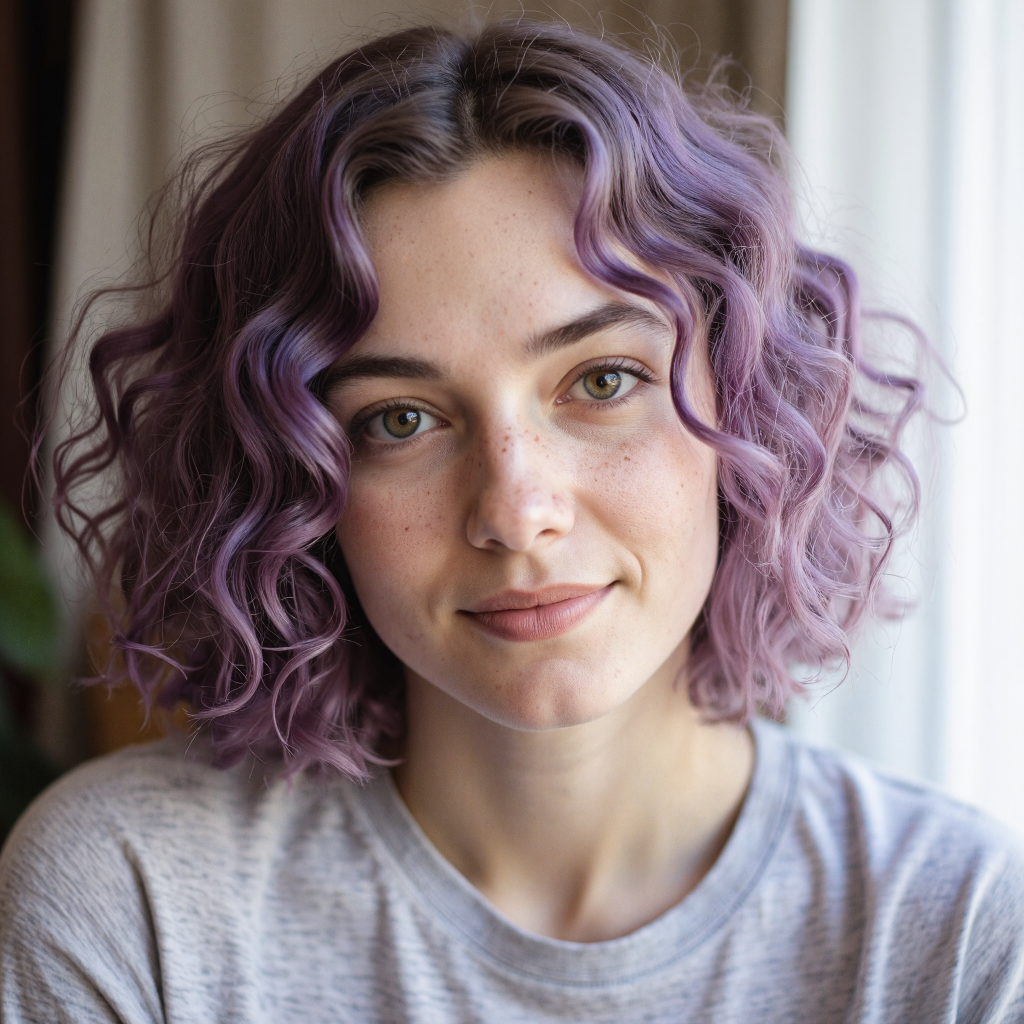
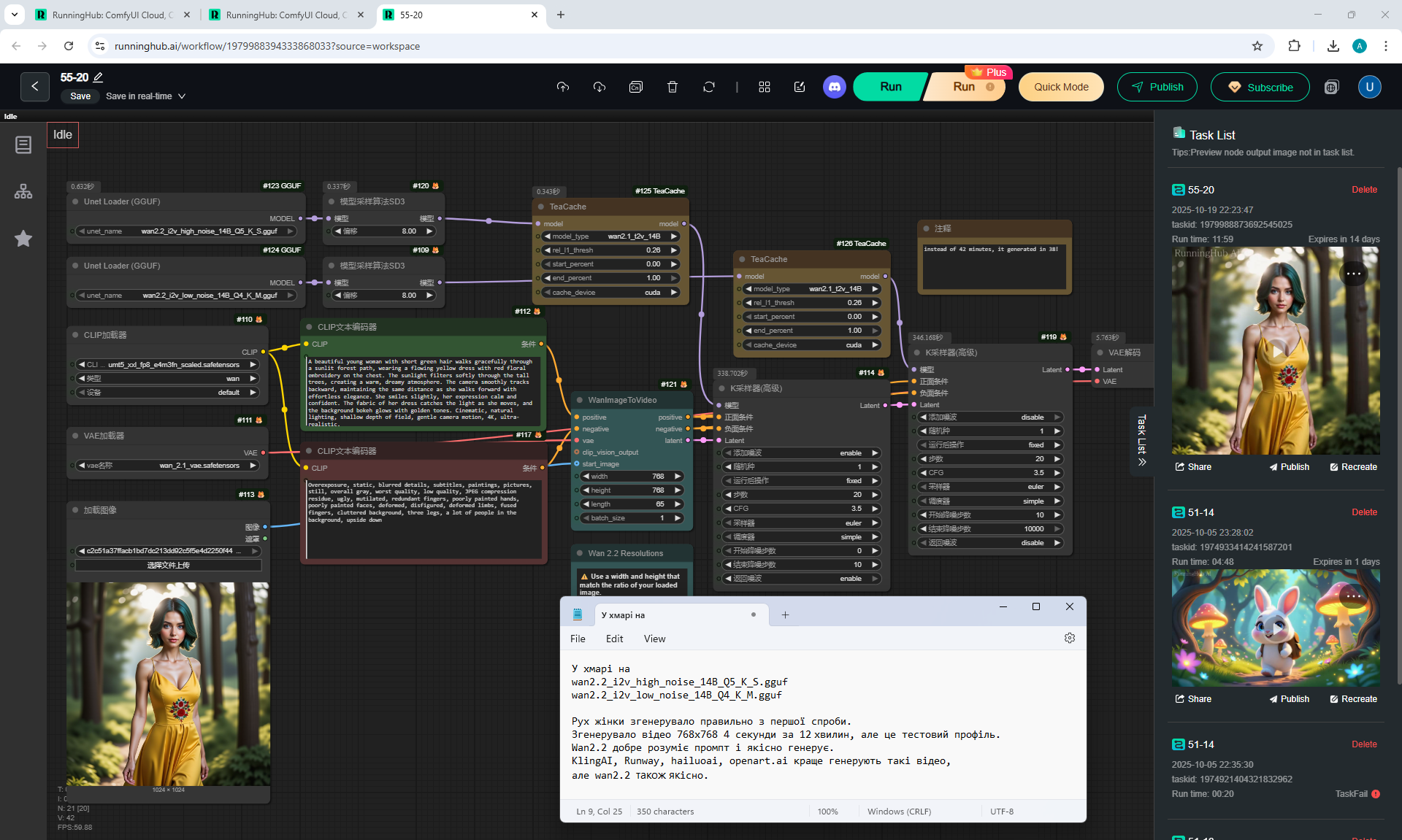
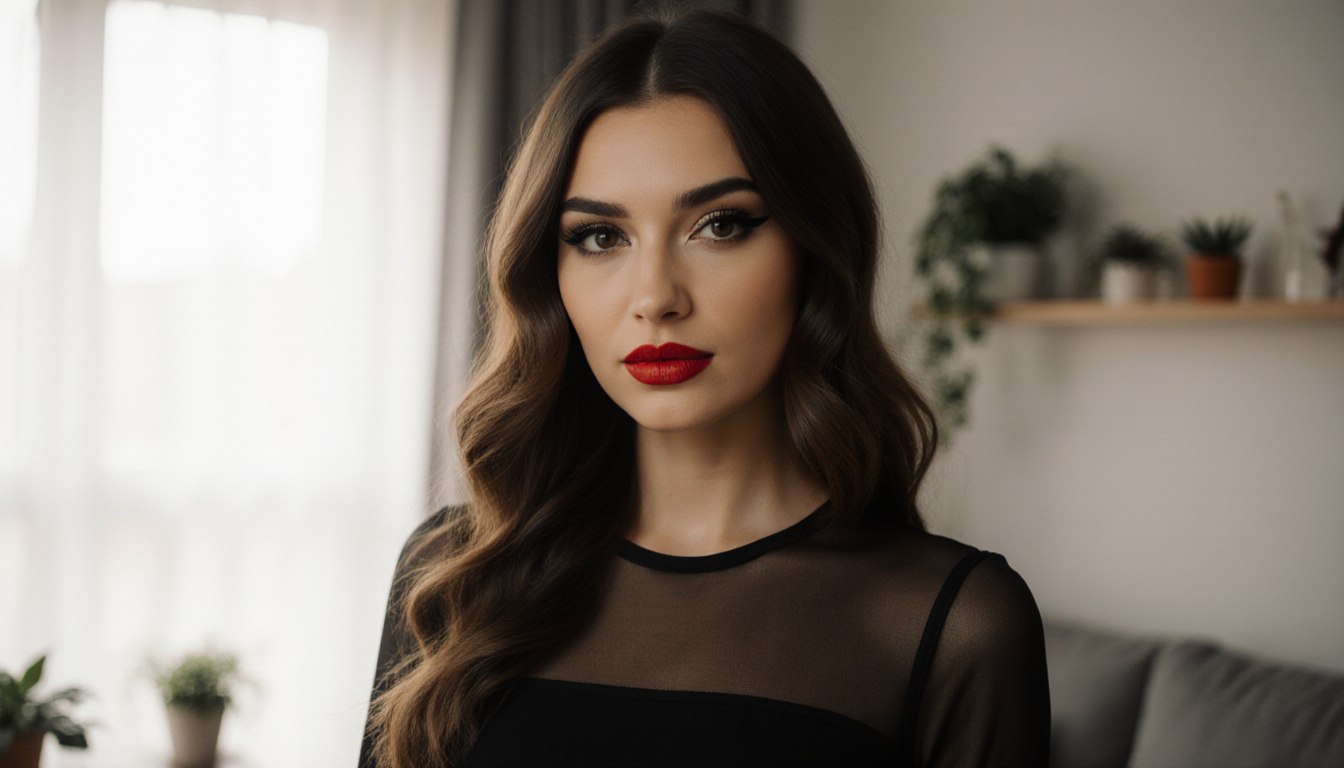
generated this woman in the episode 28.
Prompt for video:
A beautiful young woman with short green hair walks gracefully through a sunlit forest path, wearing a flowing yellow dress with red floral embroidery on the chest. The sunlight filters softly through the tall trees, creating a warm, dreamy atmosphere. The camera smoothly tracks backward, maintaining the same distance as she walks forward with effortless elegance. She smiles slightly, her expression calm and confident. The fabric of her dress catches the light as she moves, and the background bokeh glows with golden tones. Cinematic, natural lighting, shallow depth of field, gentle camera motion, 4K, ultra-realistic.
The animation on Wan2.2 of the girl's gait is correct from the first attempt. You can see that the face has hardly changed in the video. The colors in the video have not changed, but the camera has slightly changed the angle, adding more space from above. The girl's movement is correct, there is a smile. The head tilts slightly in different directions, the body and arms move correctly. The girl's hair also sways correctly with each step.
Previously I generated The correct 360 degree rotation animation of this woman with Lora additions on Wan2.1.
But there were many glitches with body parts on Wan2.1, incorrect movements. Tested other Lora with "With a kiss" and "Samurai" on Wan2.1.There were a lot of errors in video generation on Wan2.1: the animation was unclear because of what was indicated in the prompt, and the objects moved erratically. Wan2.2 began to understand the prompts better and animate better.
Previously I generated High-quality animations of this girl's gait on the website Runway. Runway saved the girl's face in the video with high quality and added a lively smile to her.
I generated Correct animation of this woman's gait on the website Hailuo AI.
The woman is holding the hem with one hand, but the girl's face has changed and the contrast and brightness in the video have increased slightly. The girl's face in the video was generated better on Wan2.2 in this lesson.

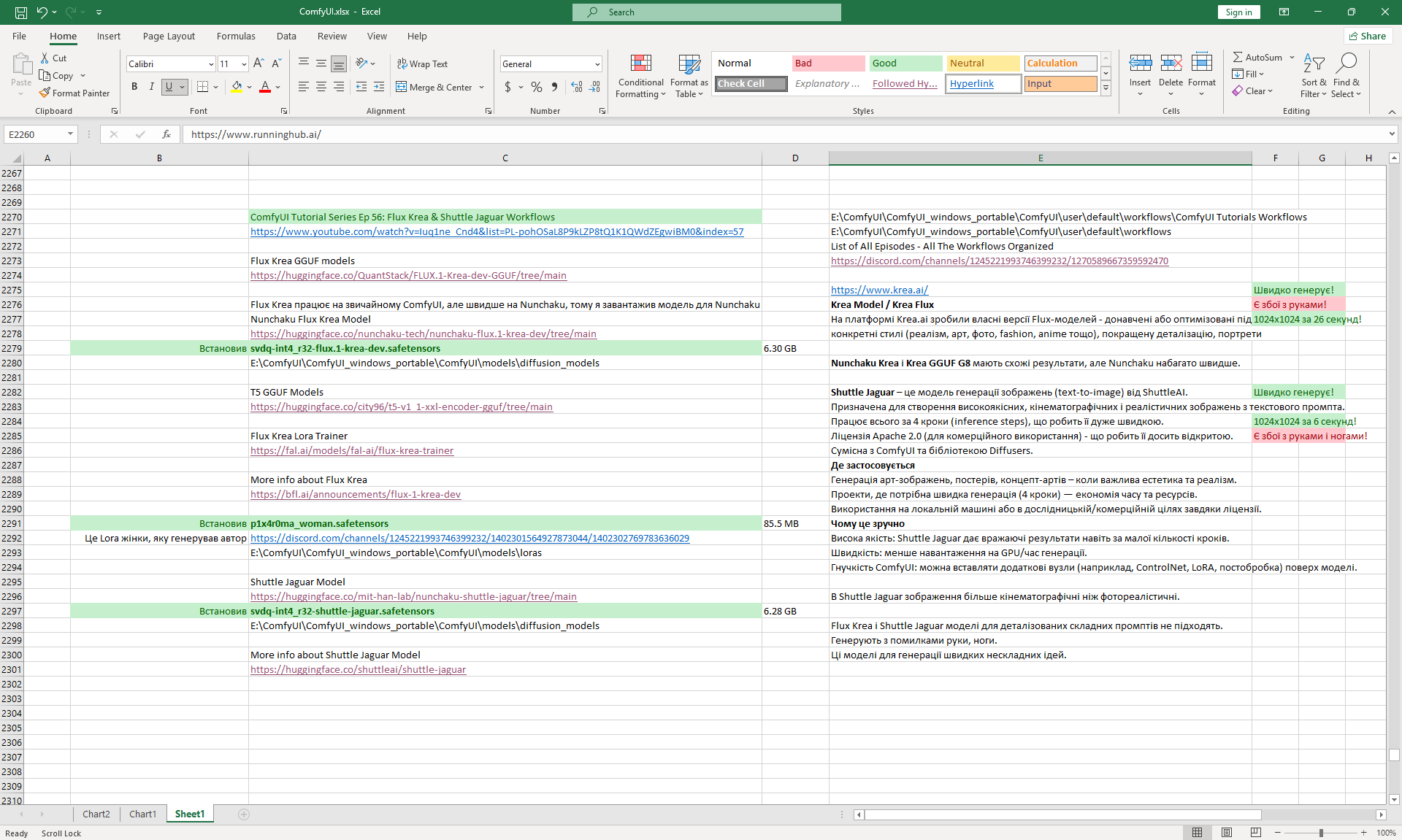
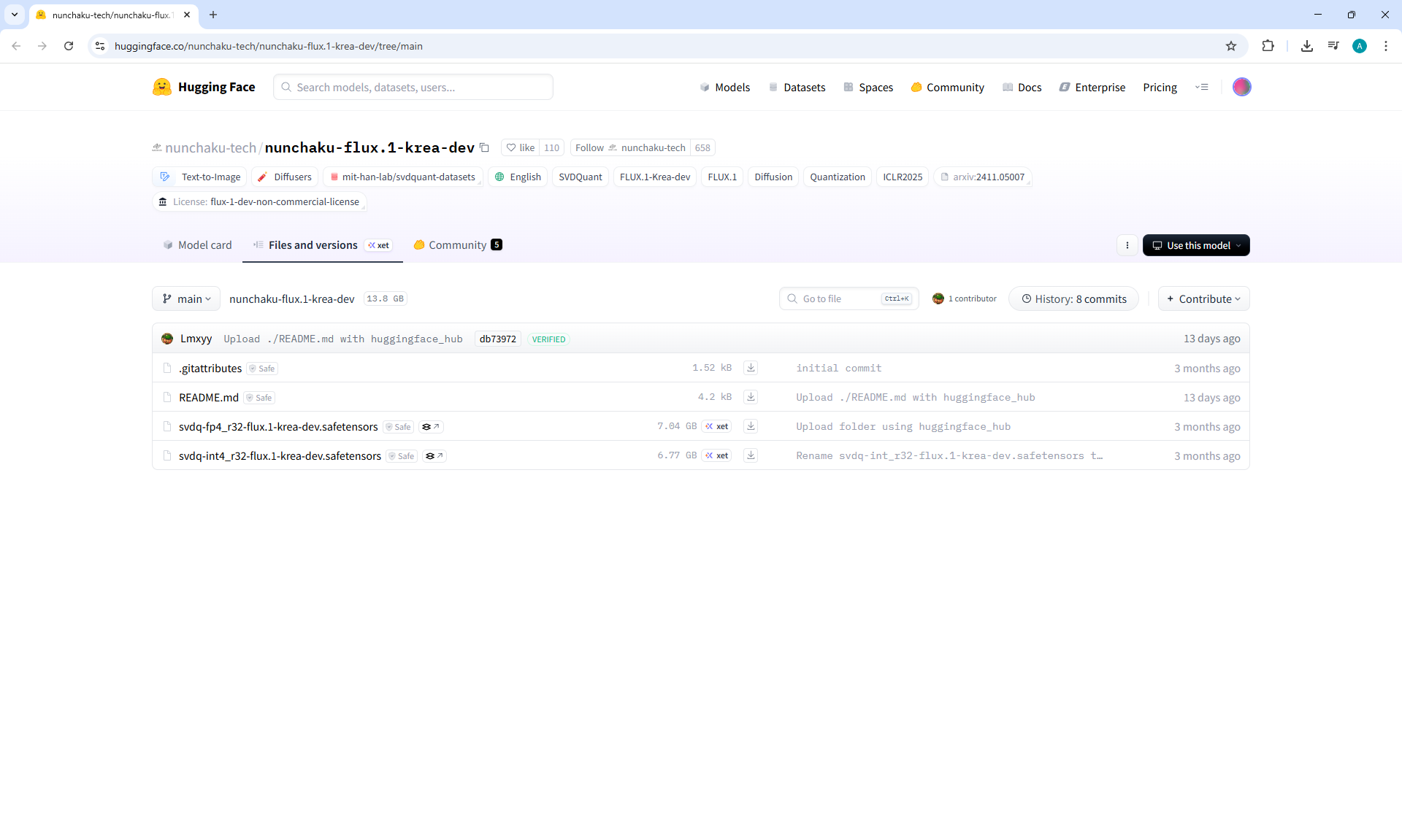
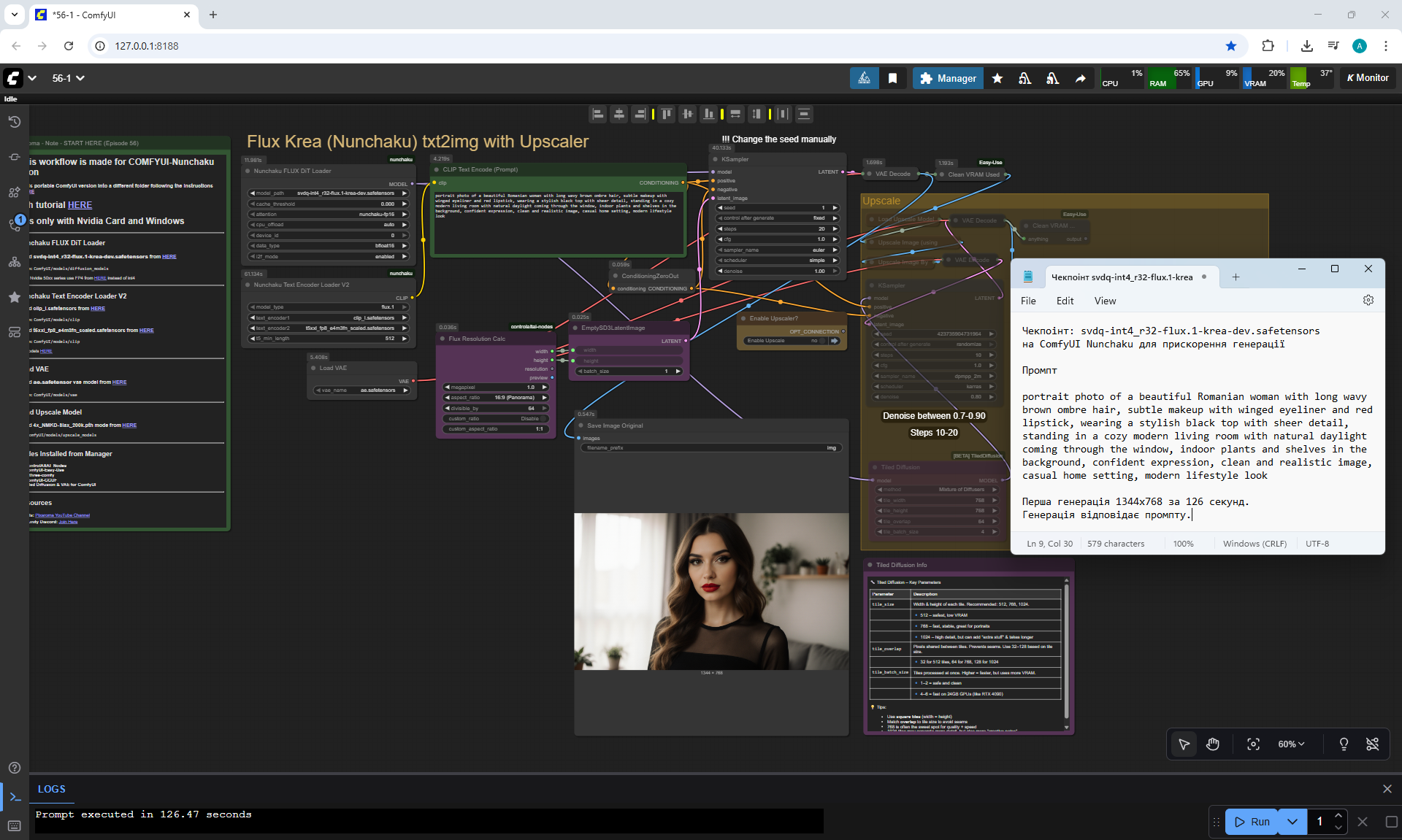
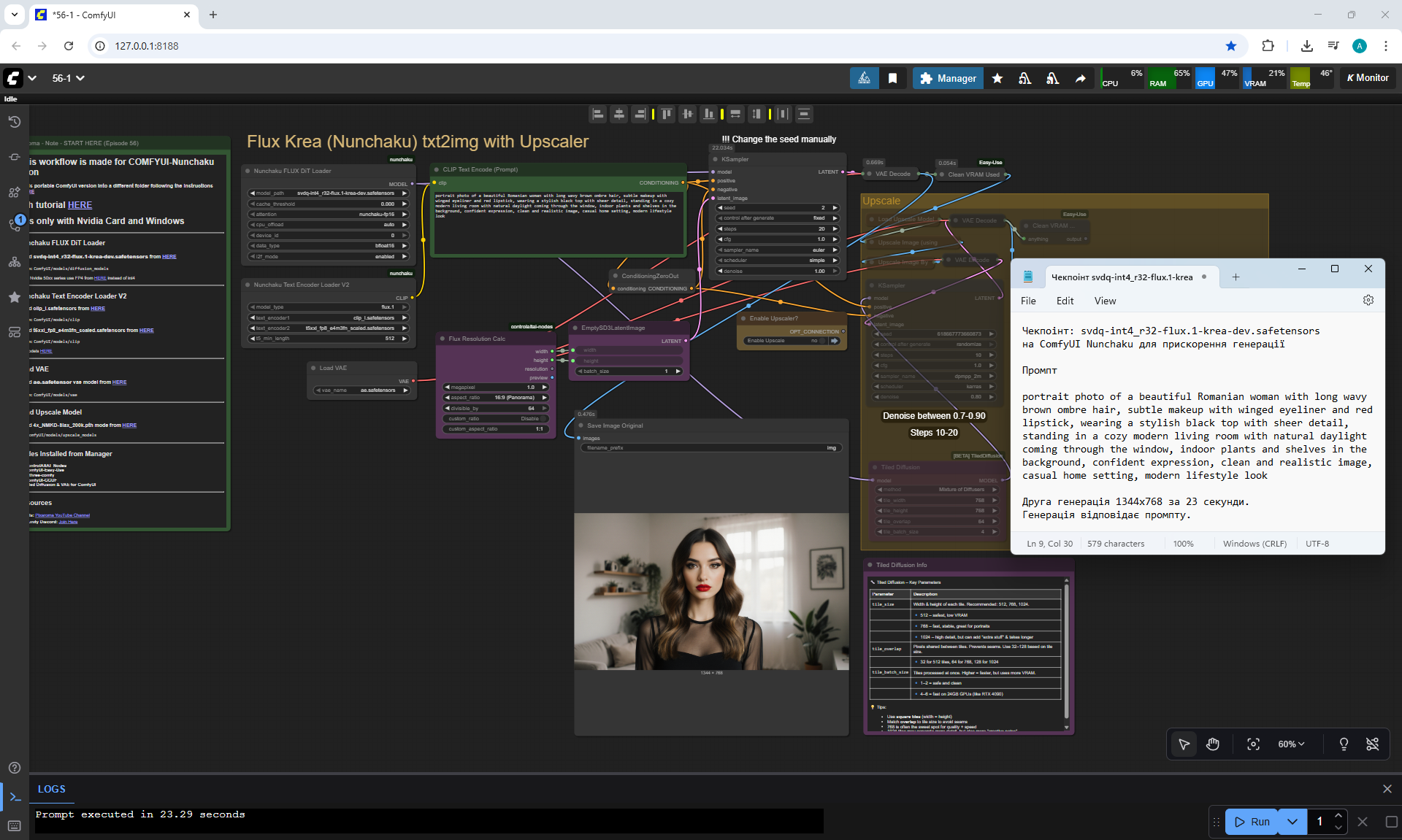
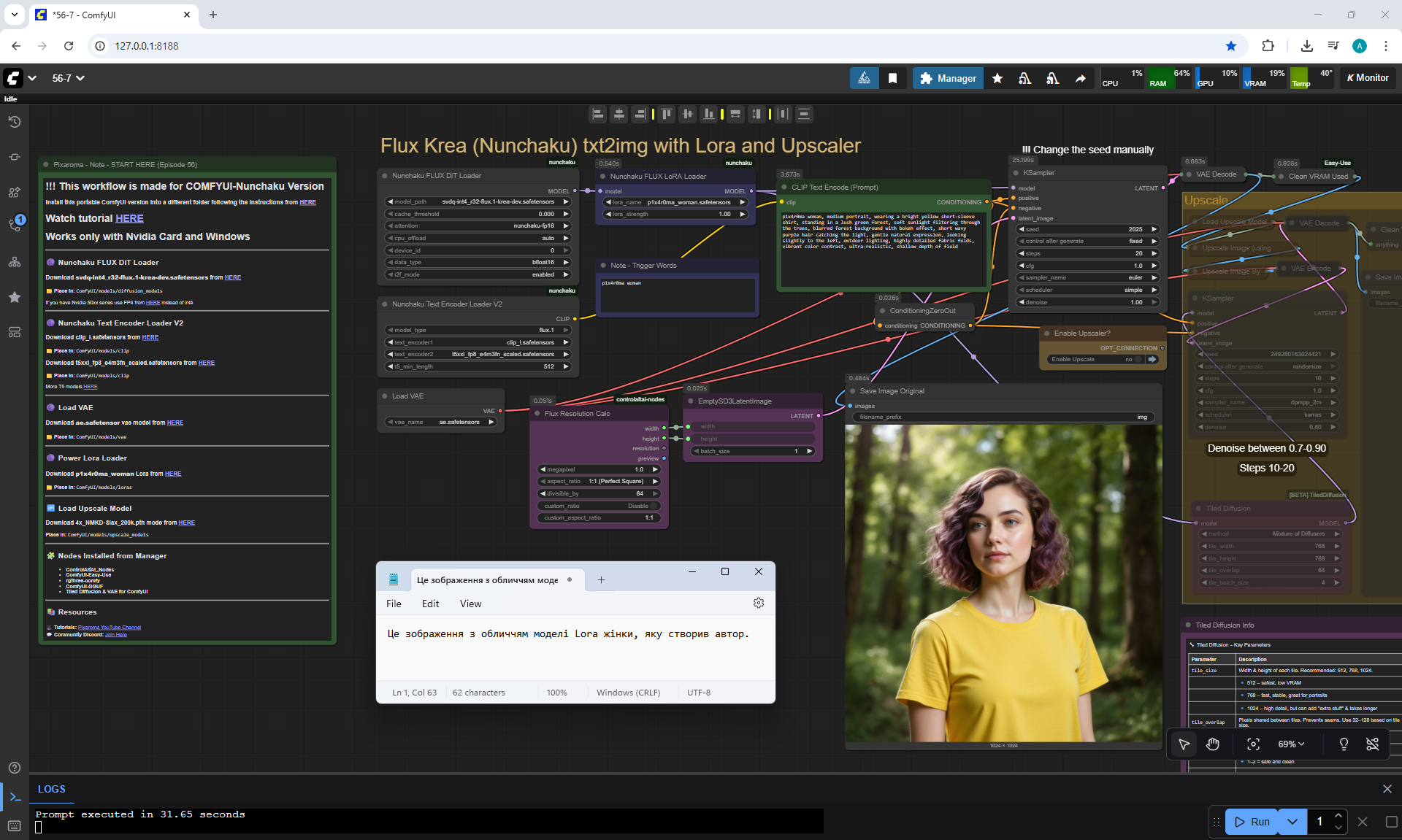
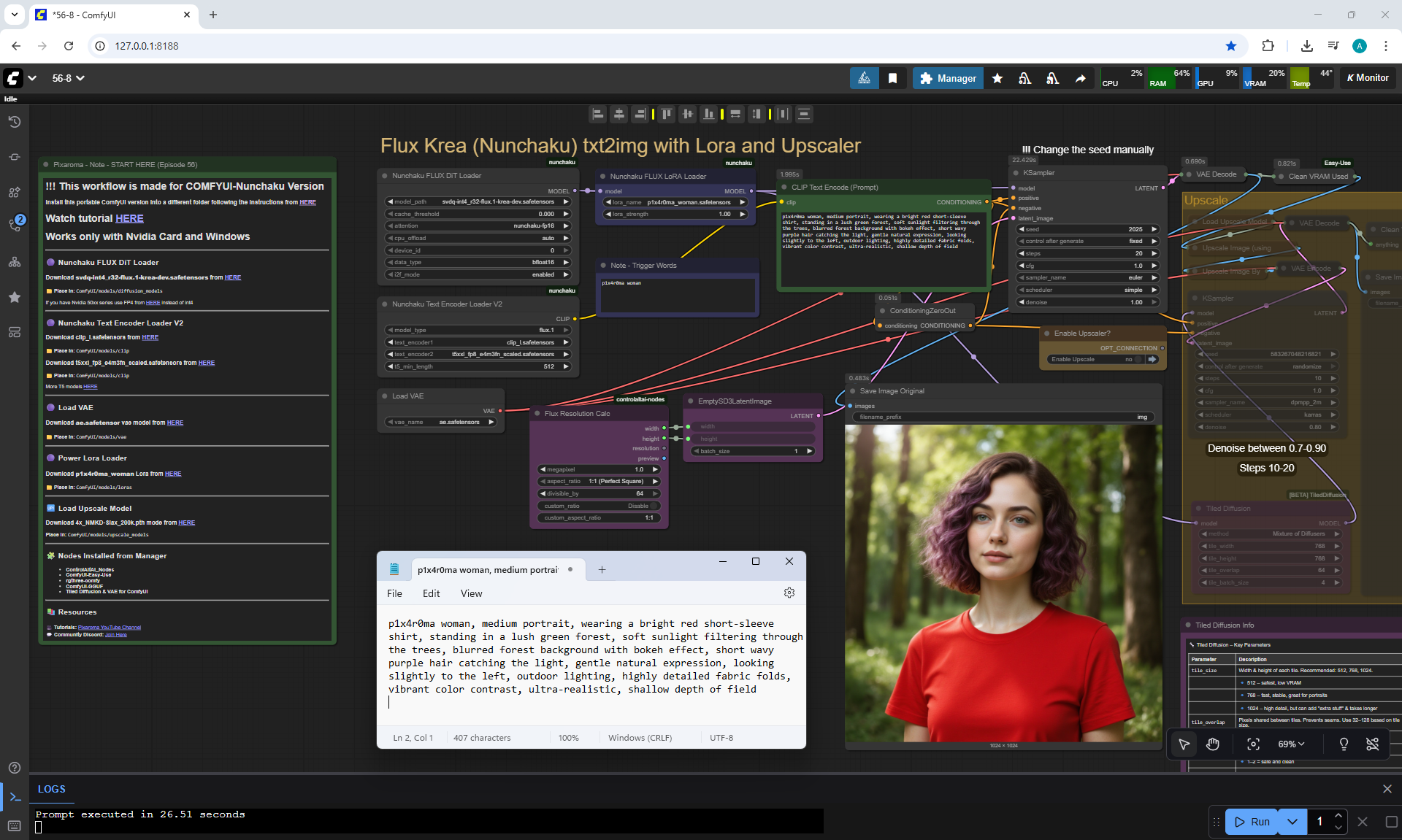
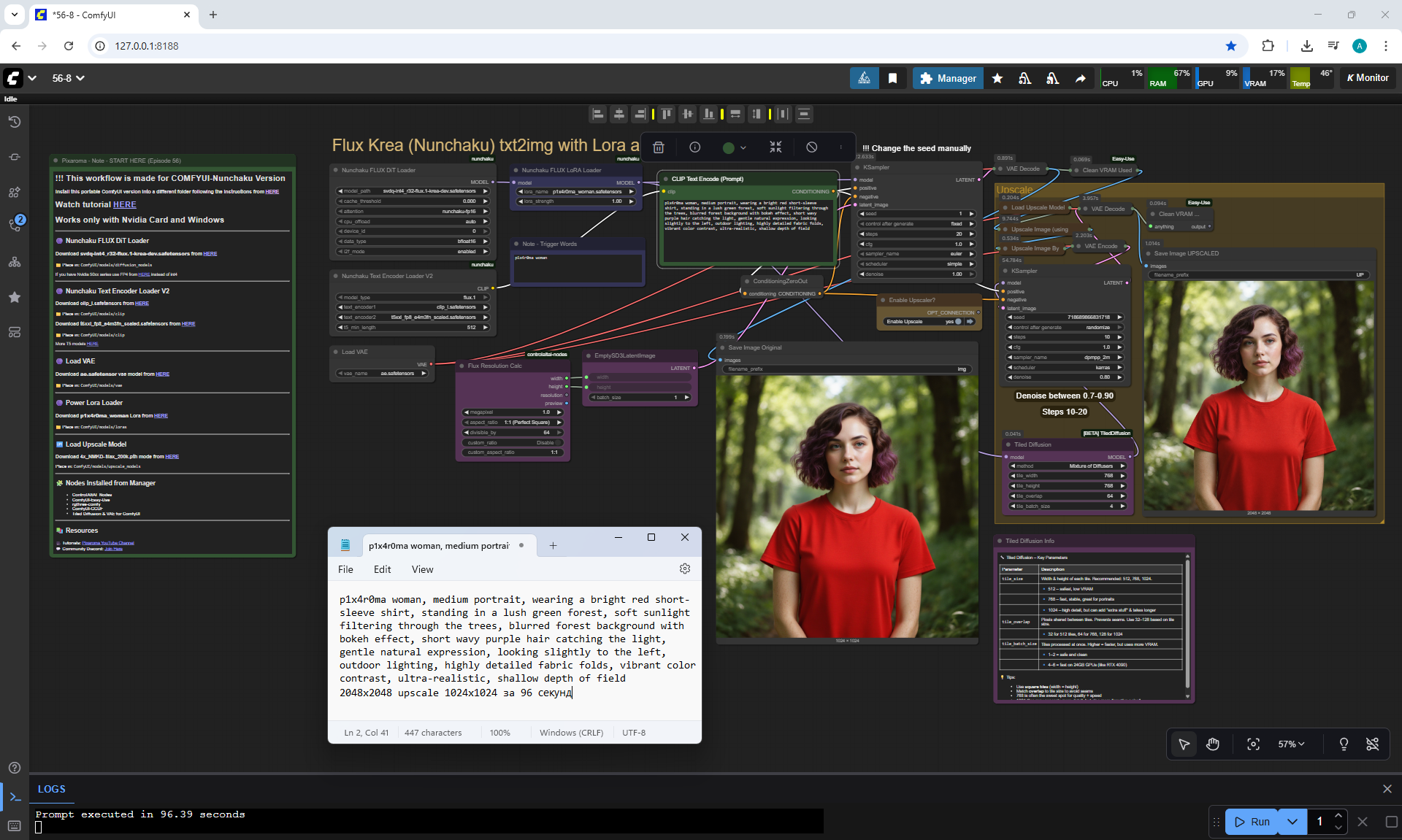
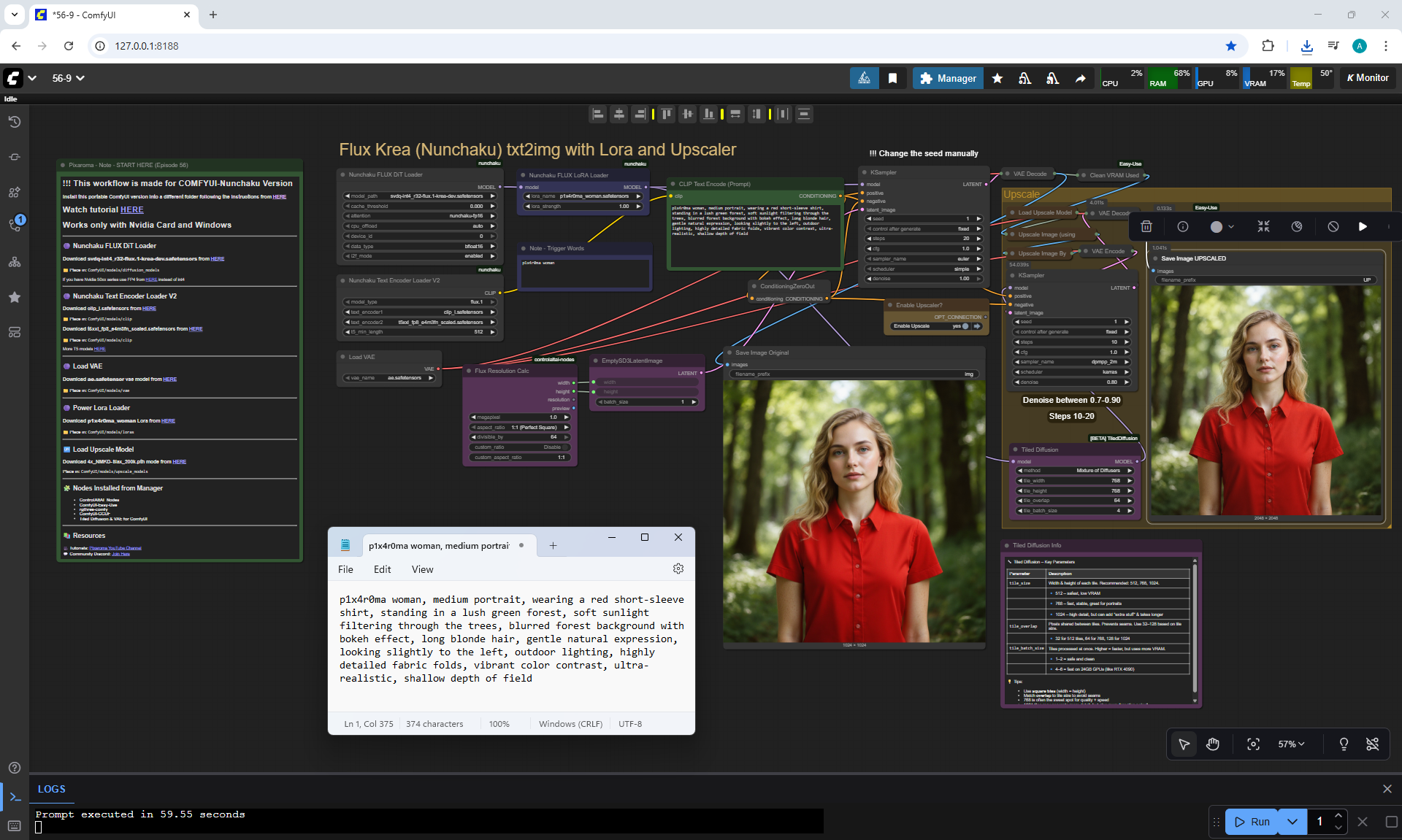
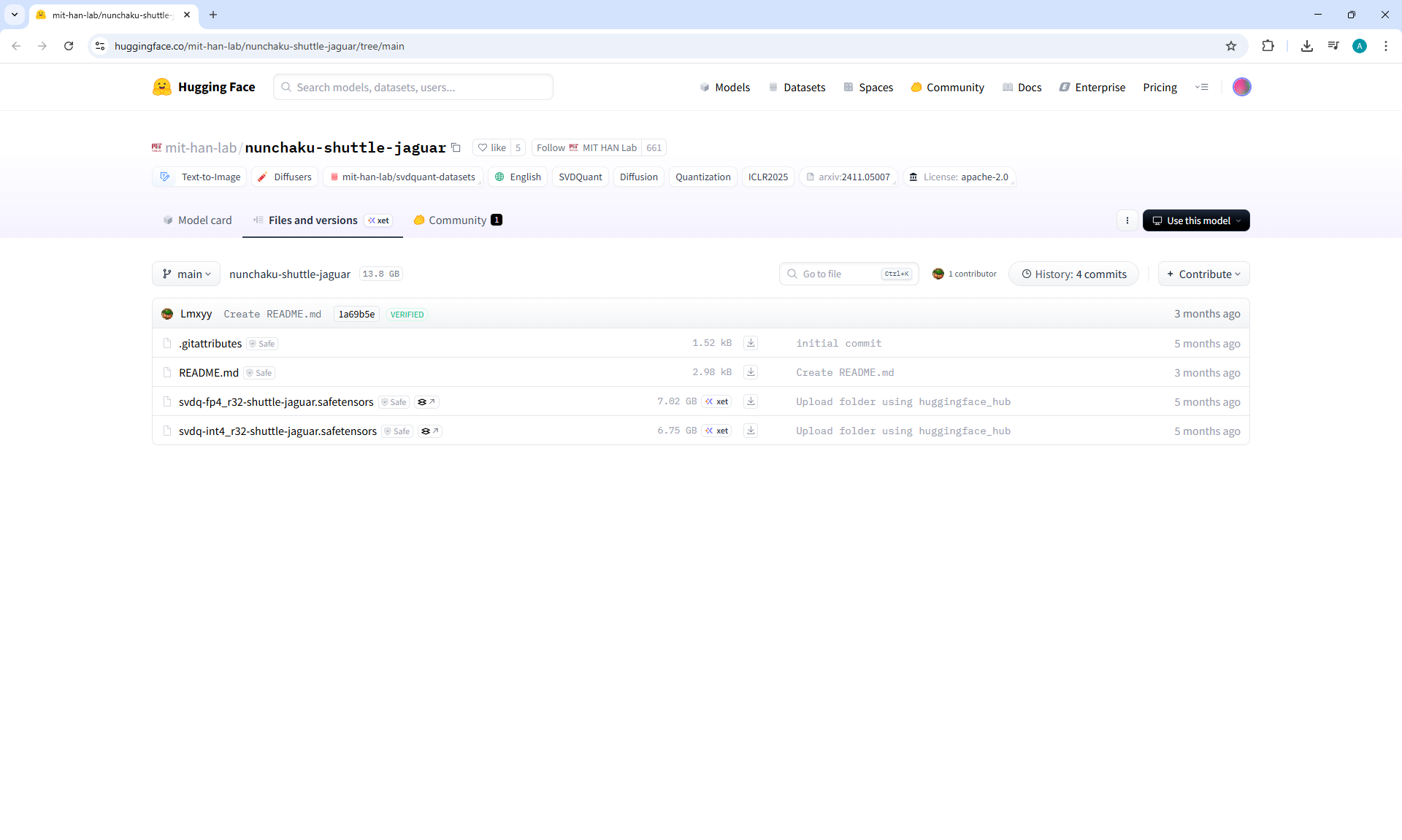
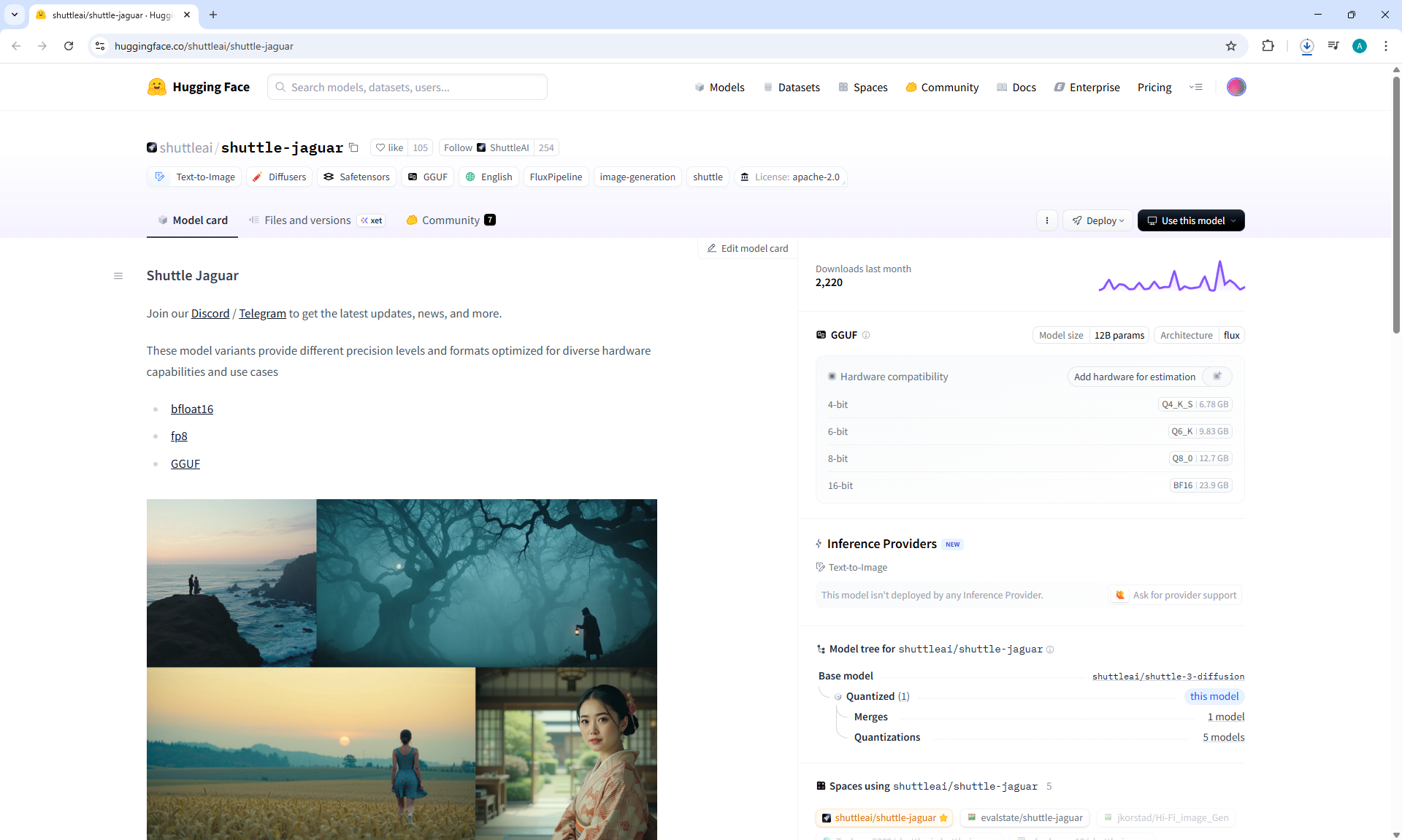
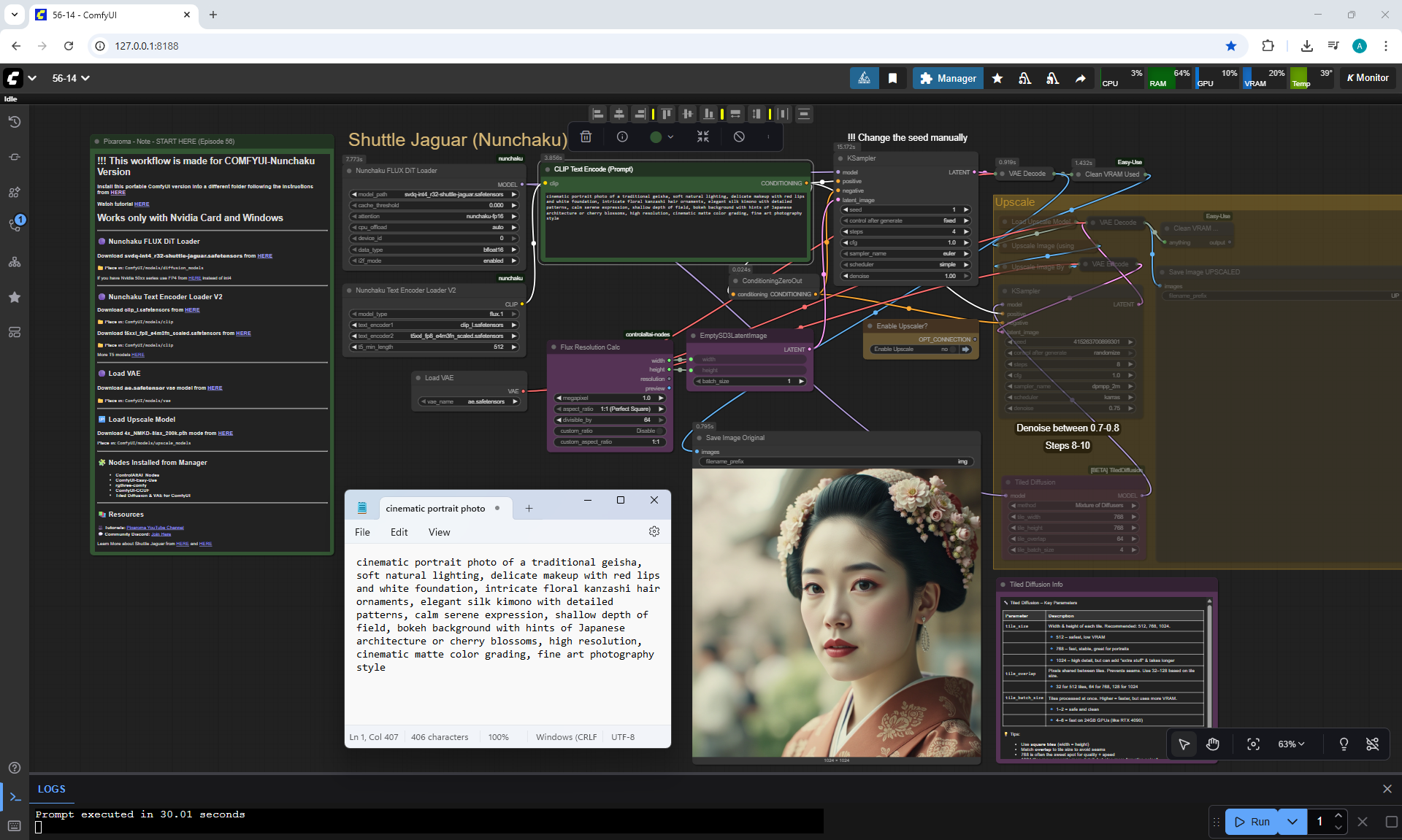
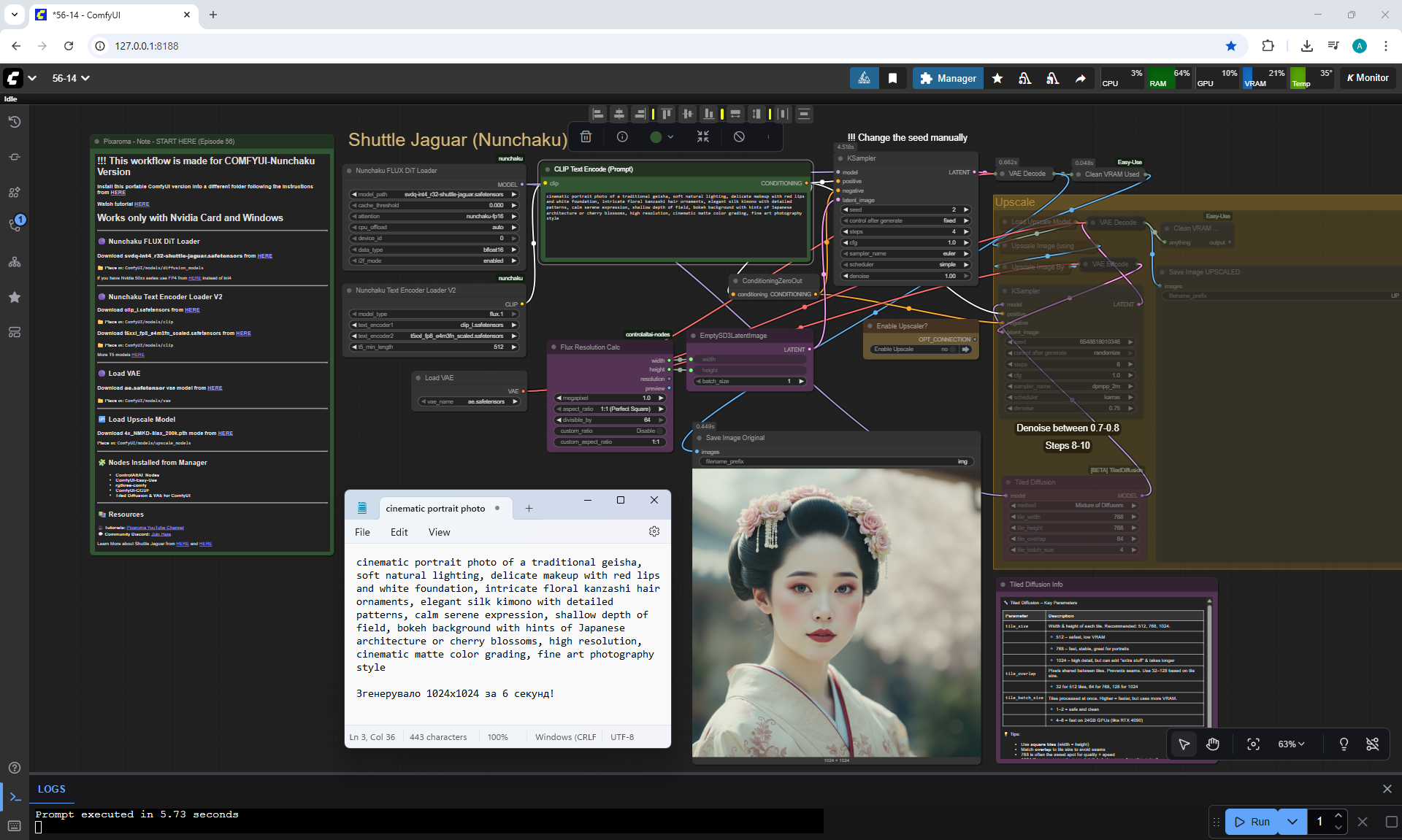
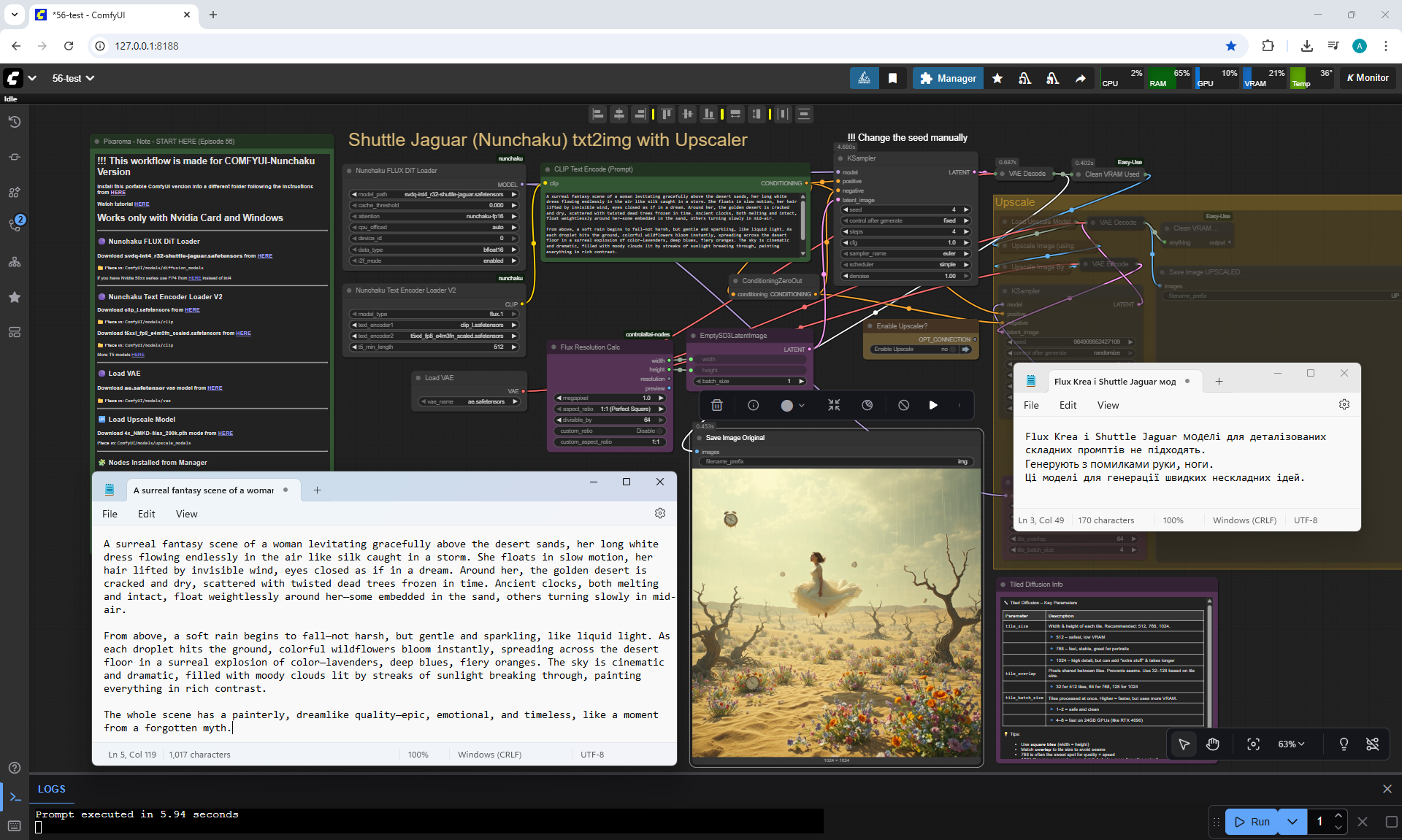
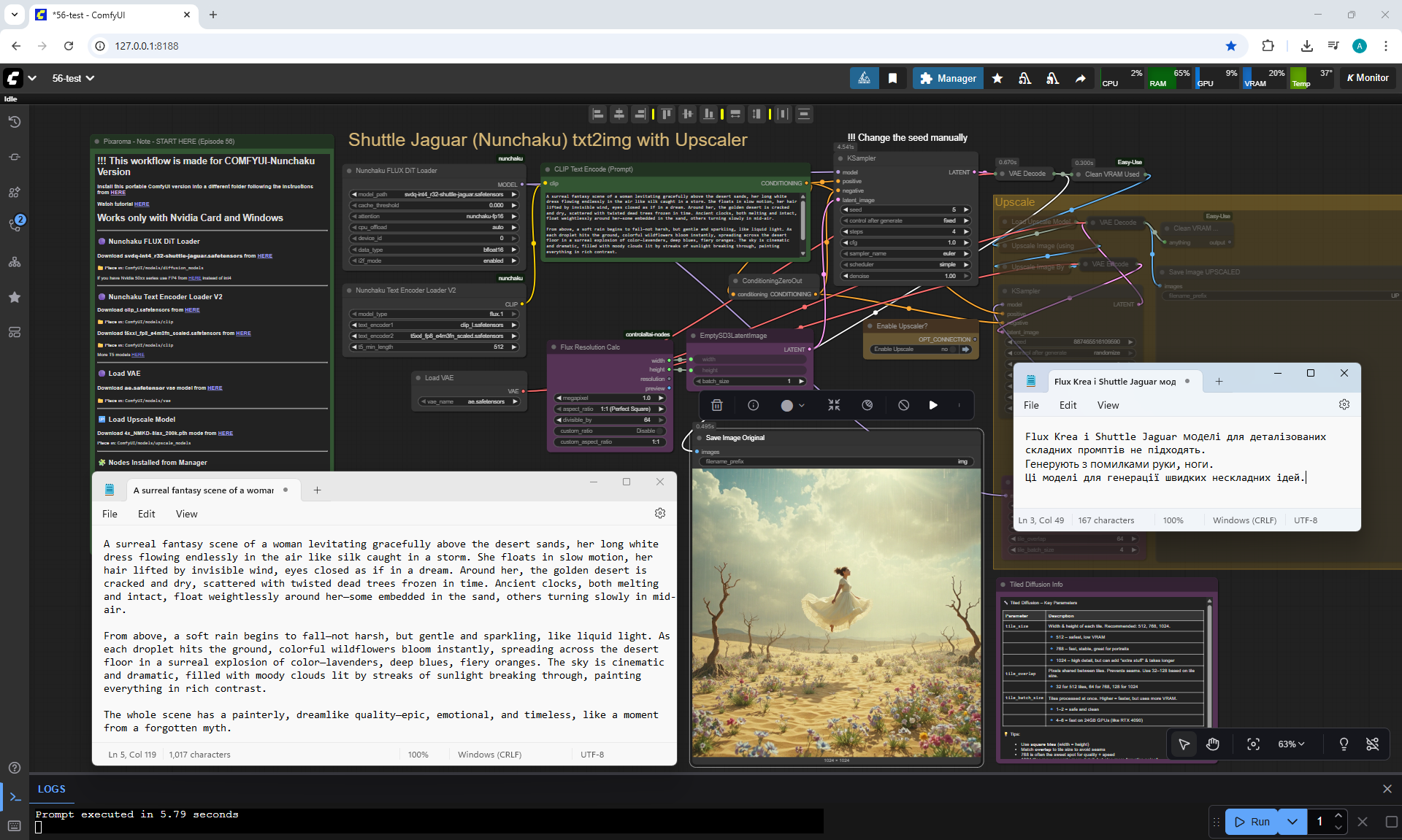
ComfyUI Tutorial Series Ep 56: Flux Krea & Shuttle Jaguar Workflows
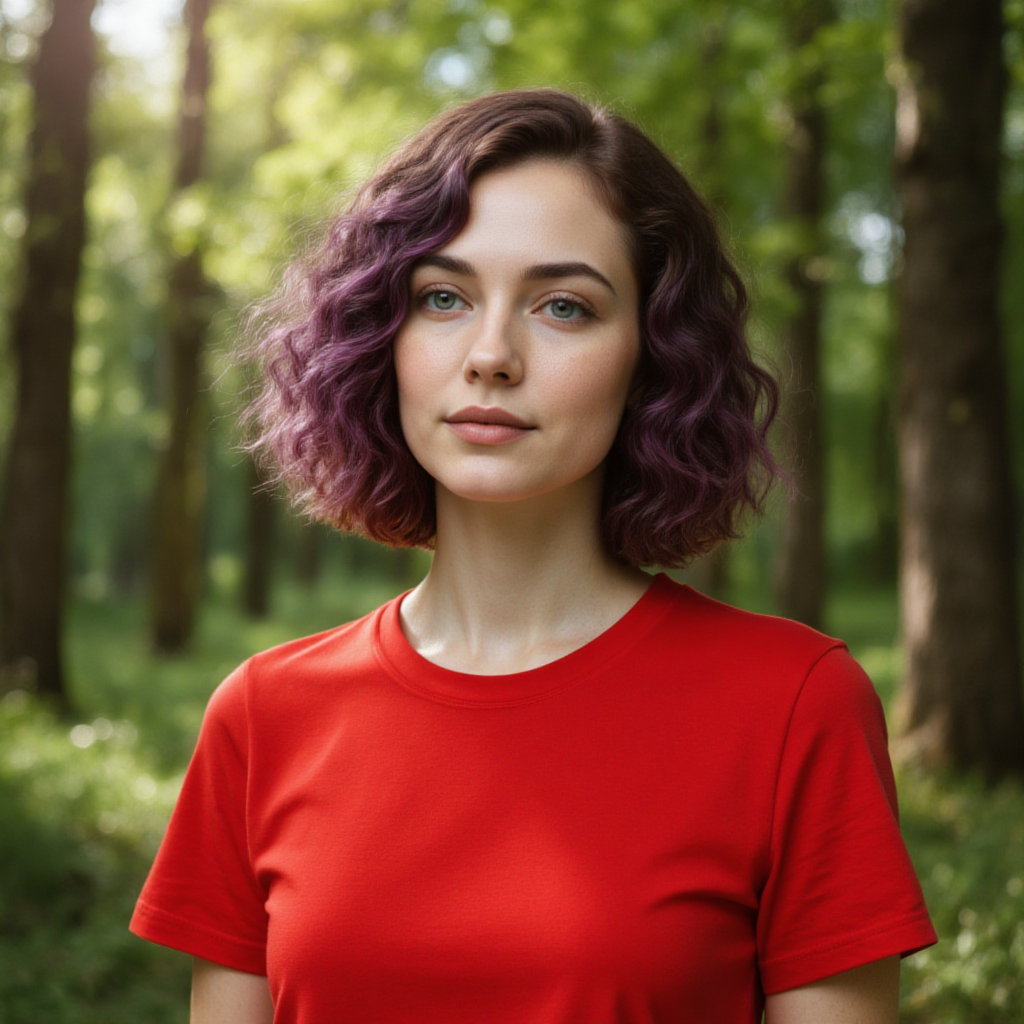
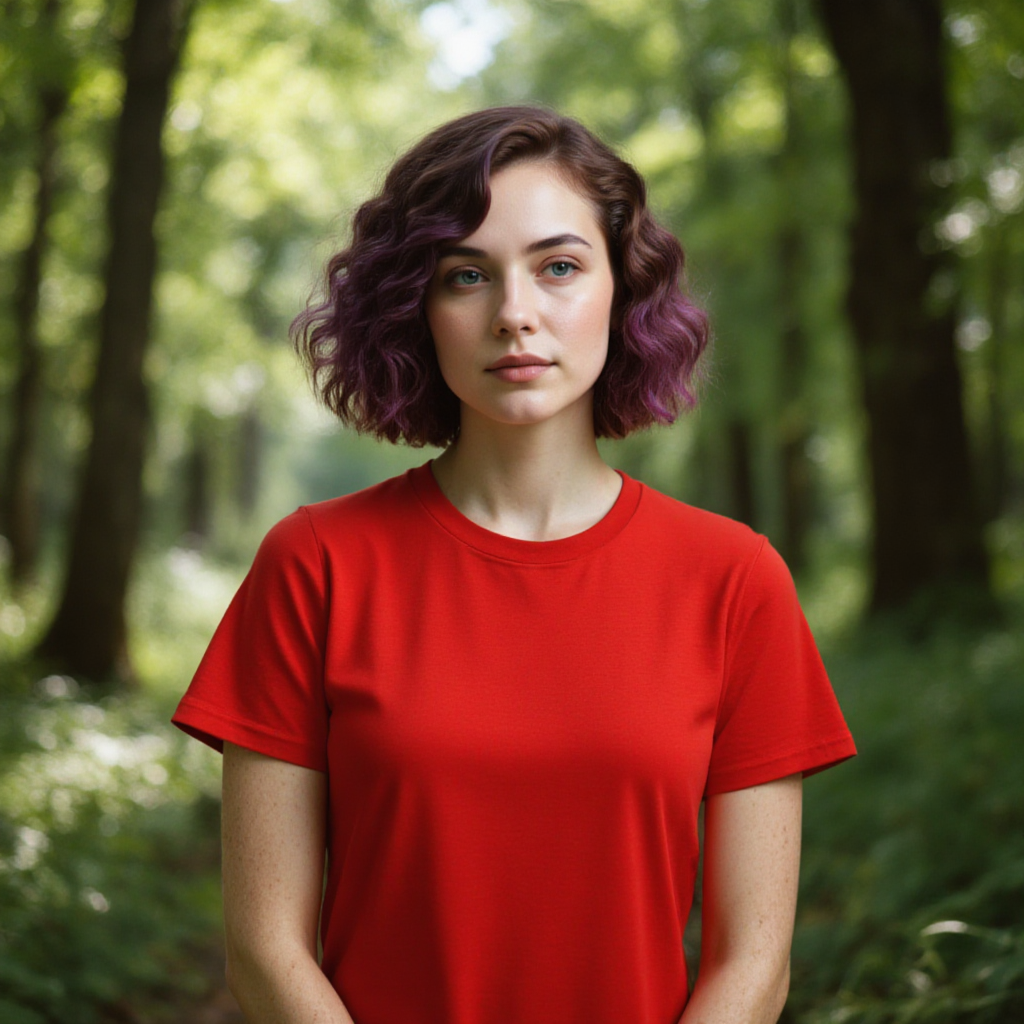
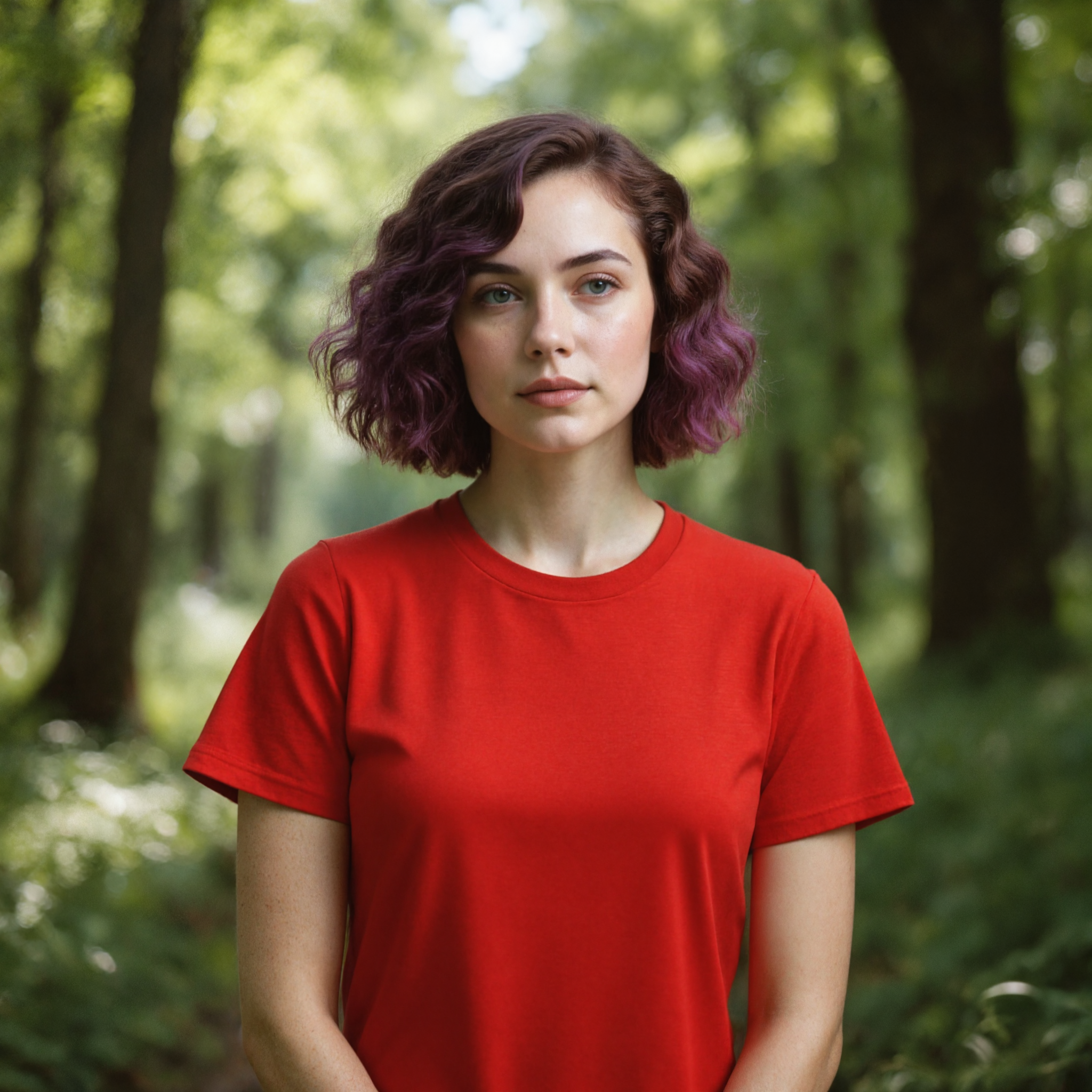
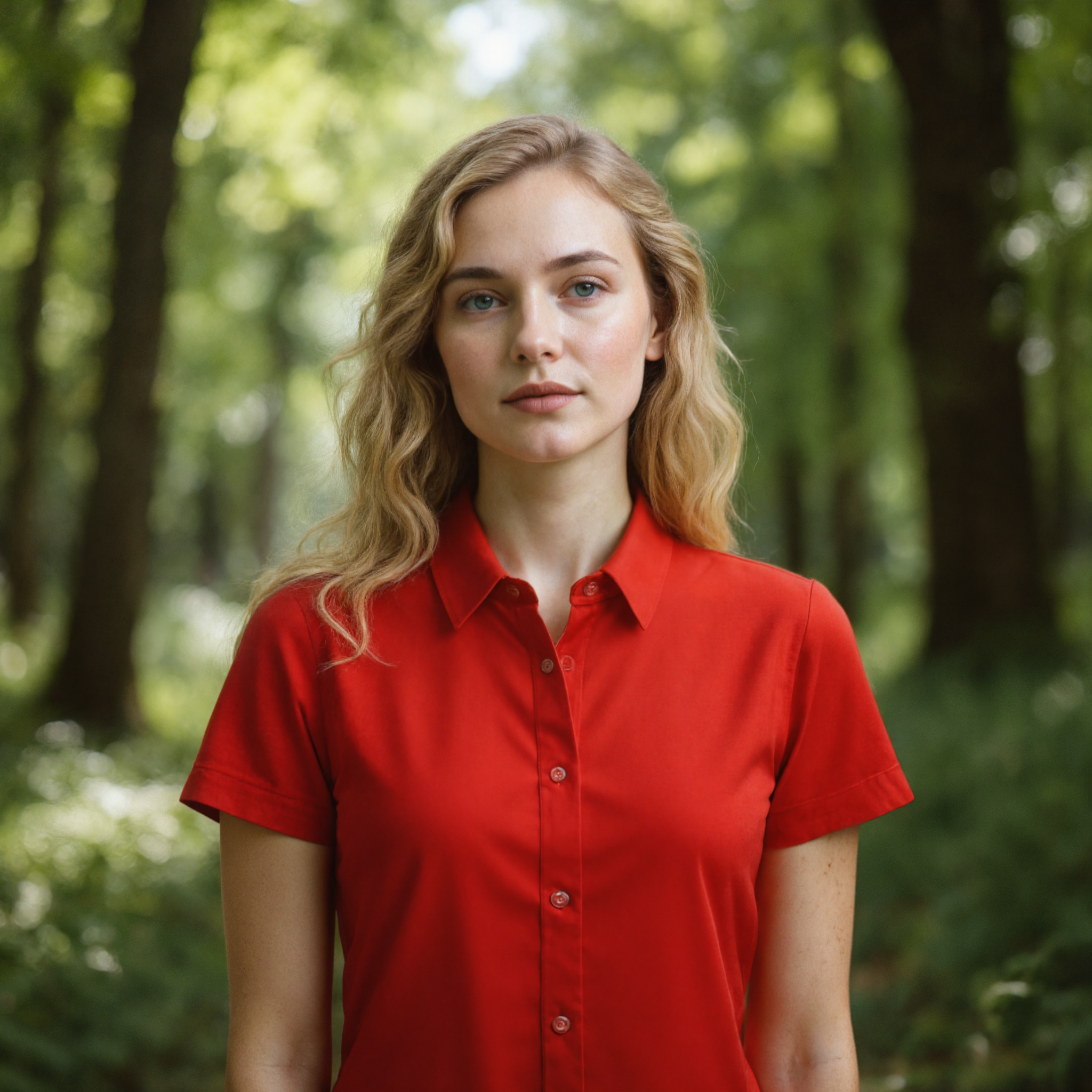
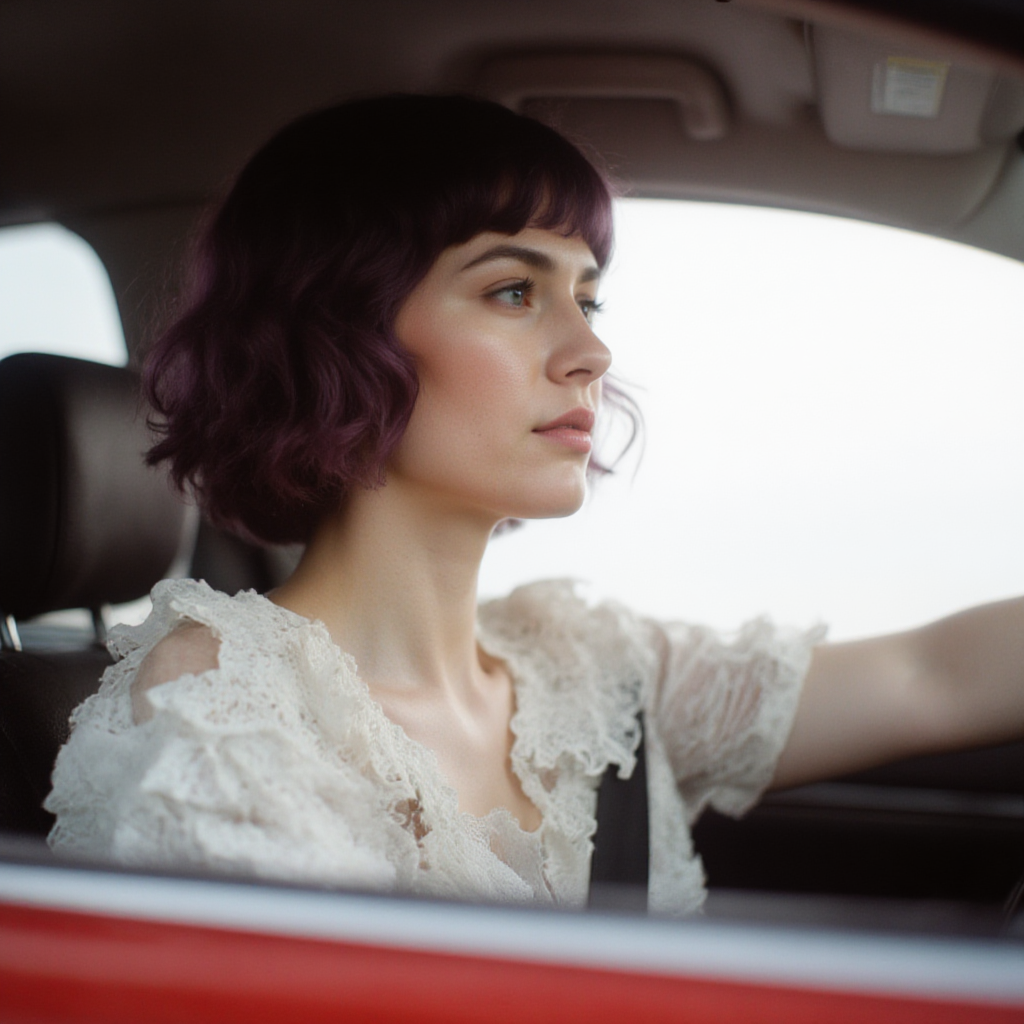
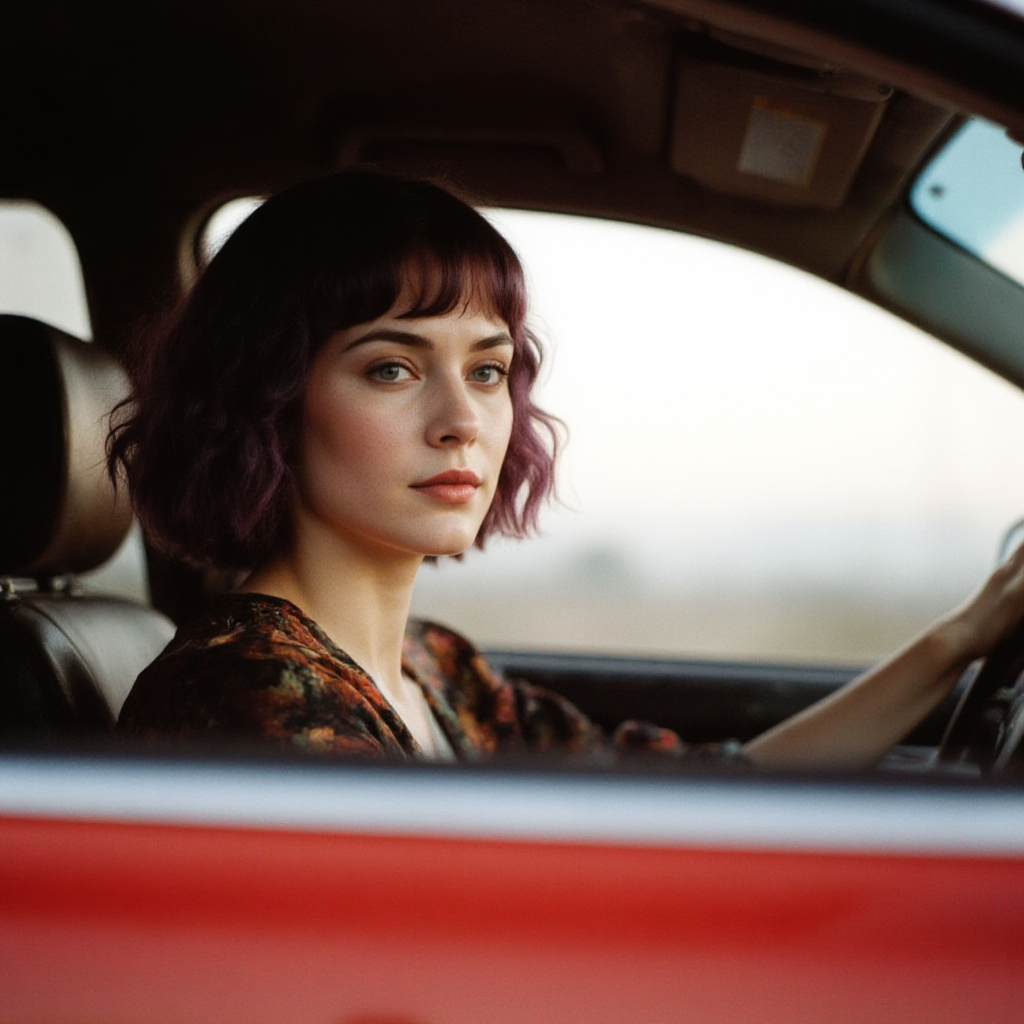
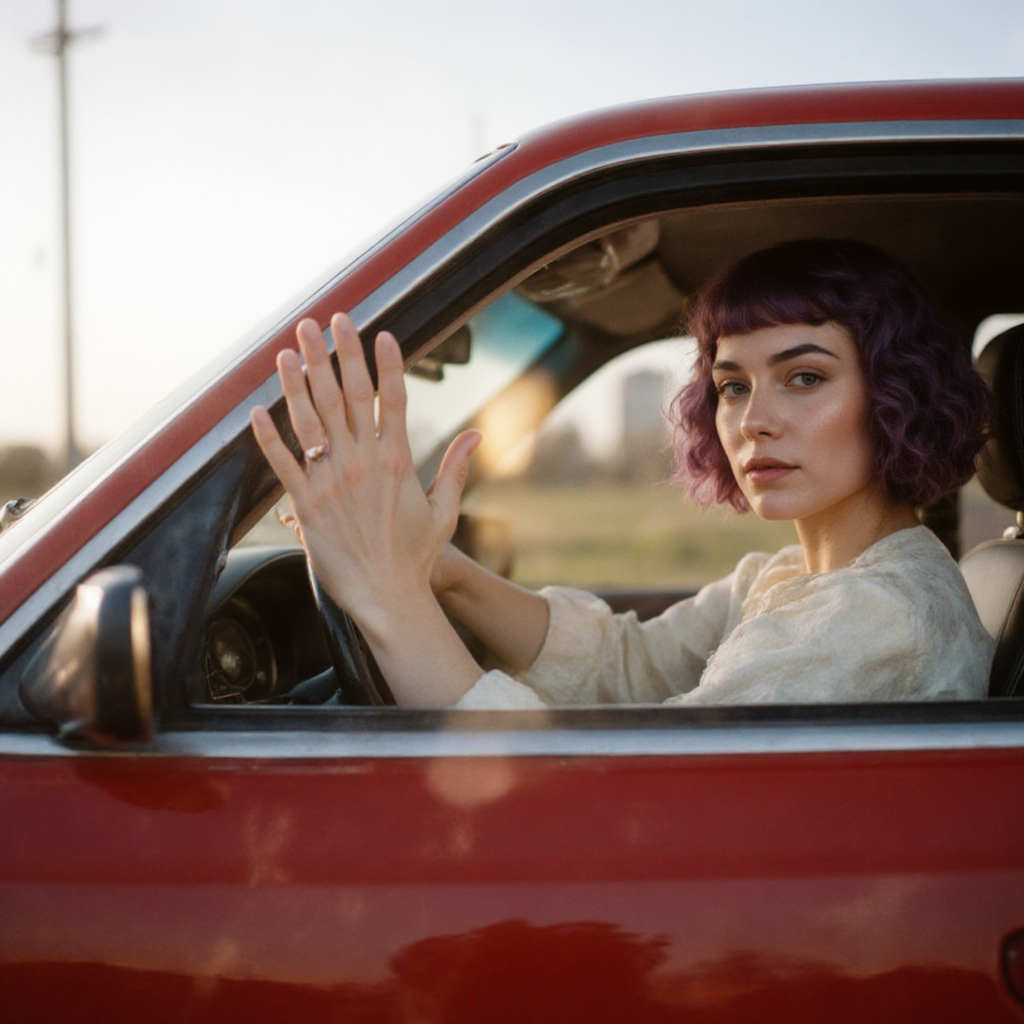
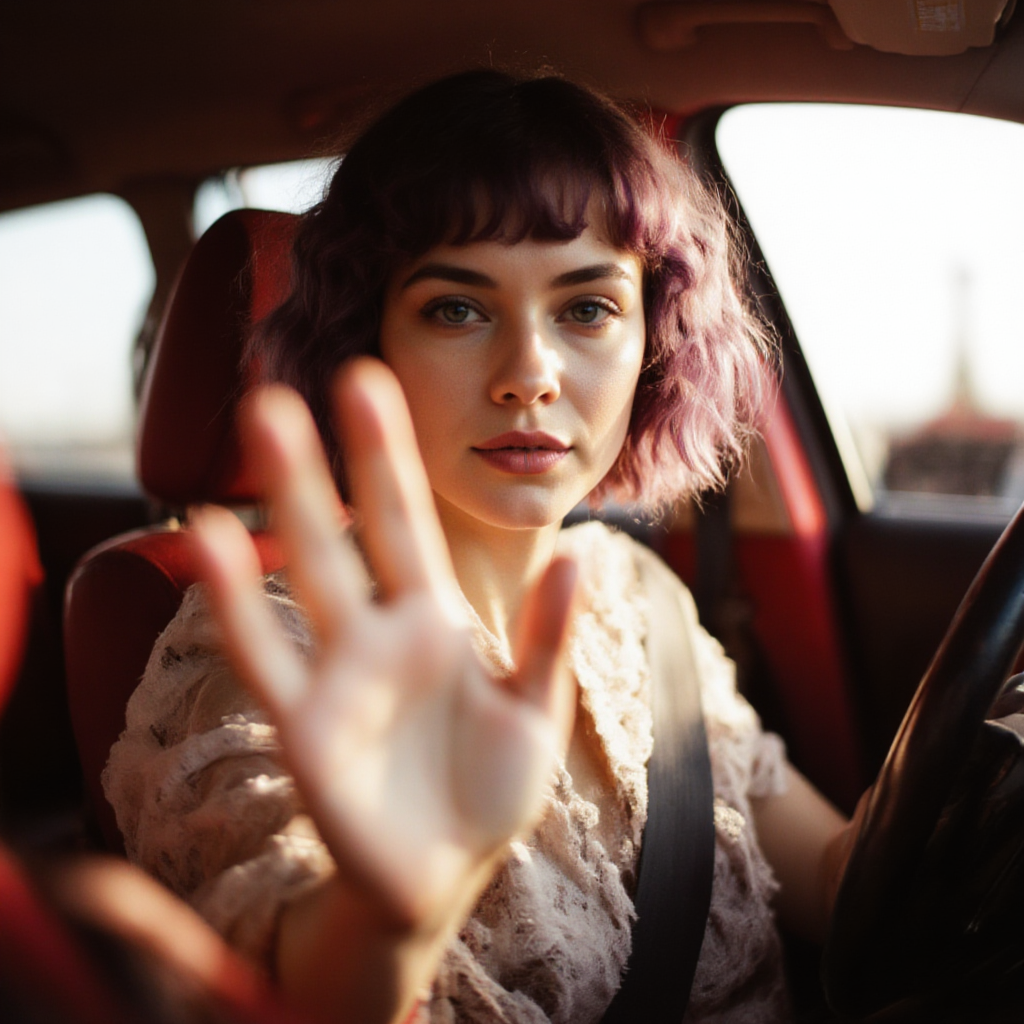
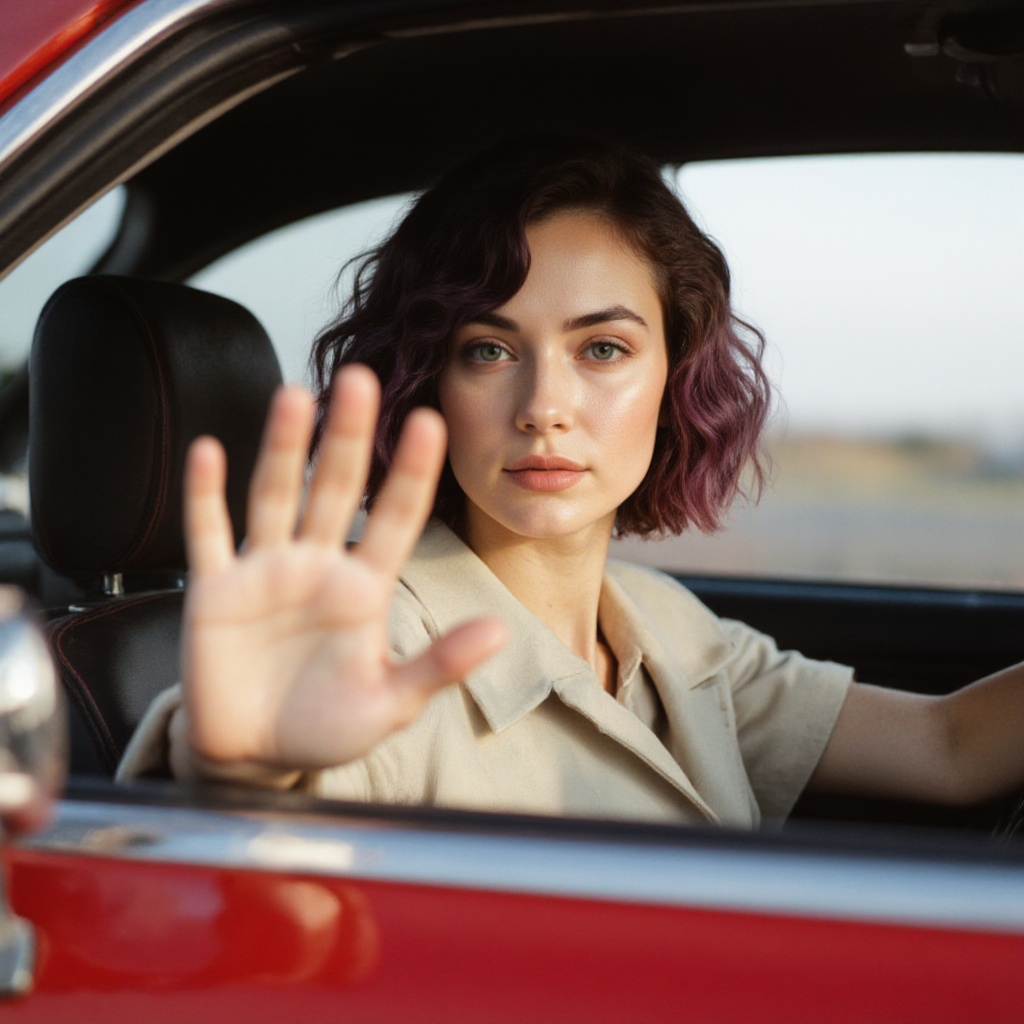


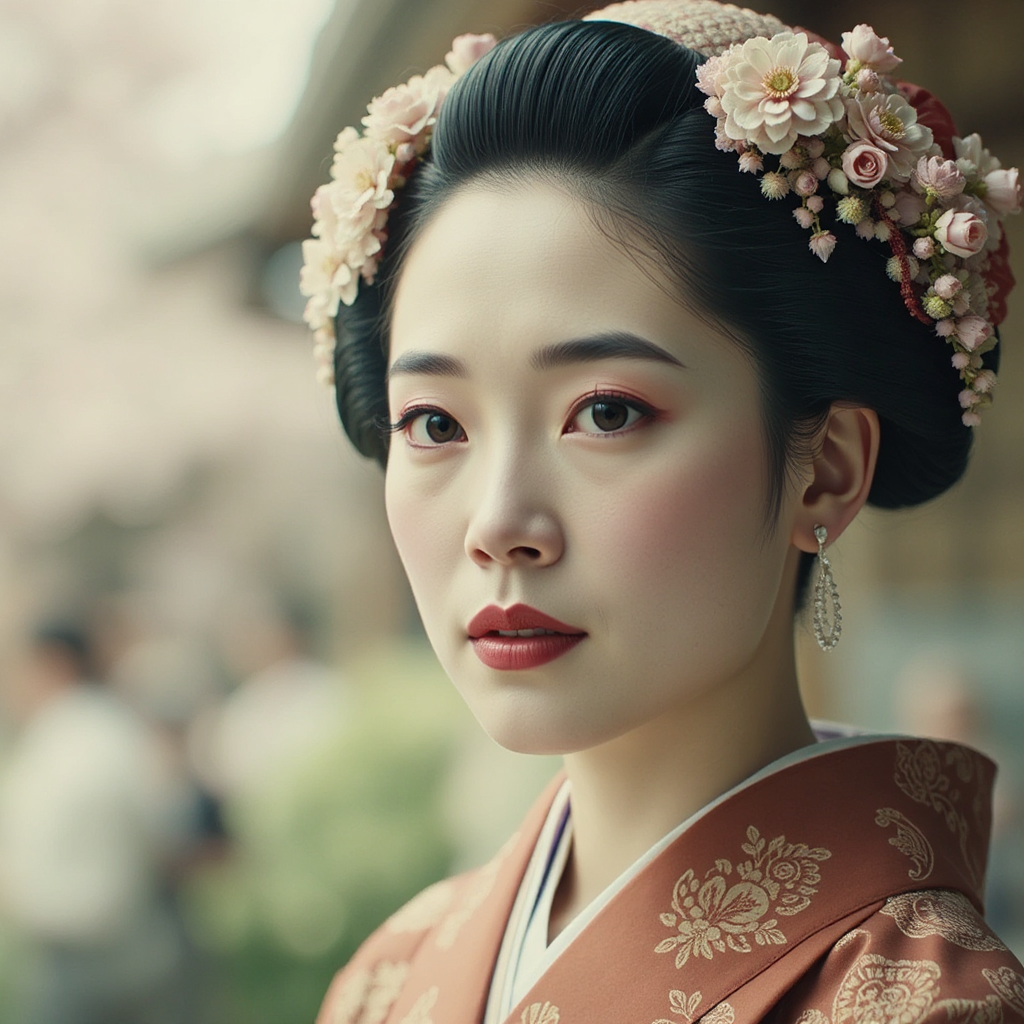
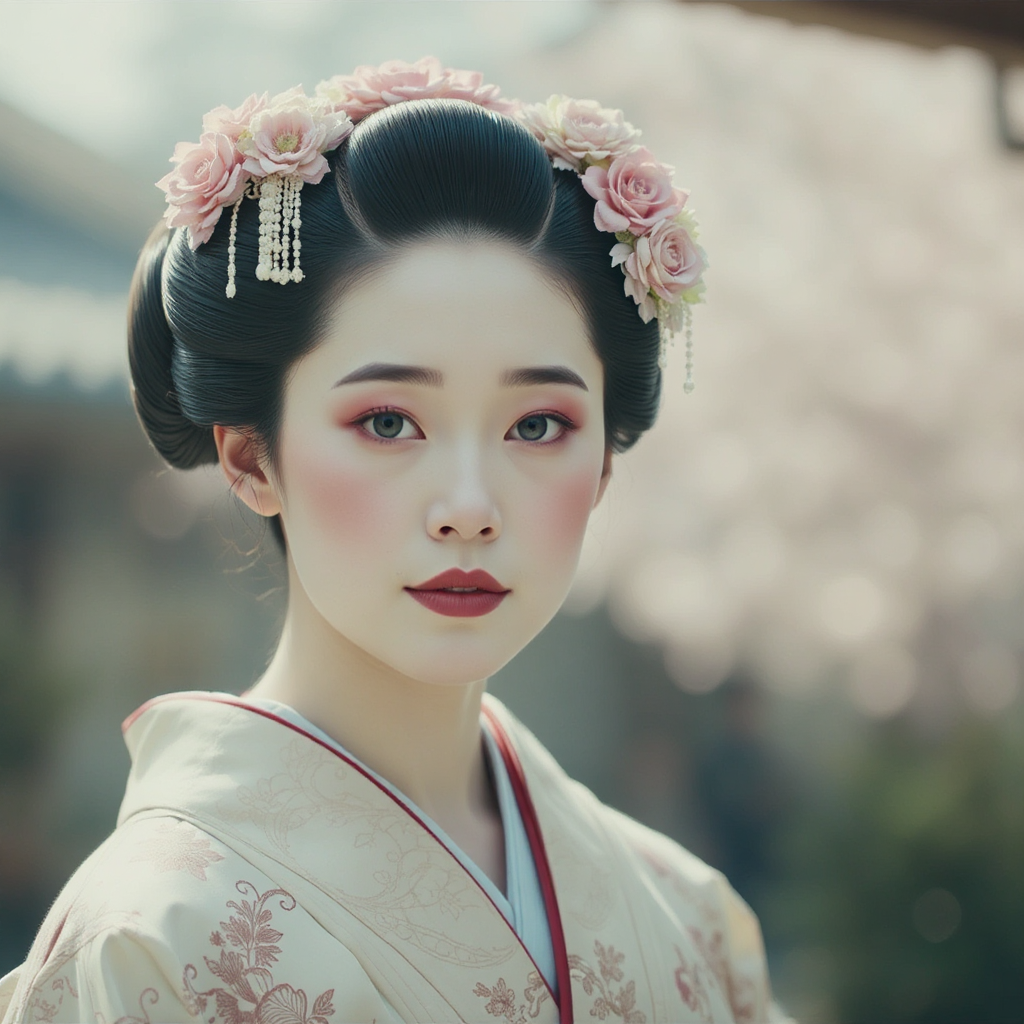
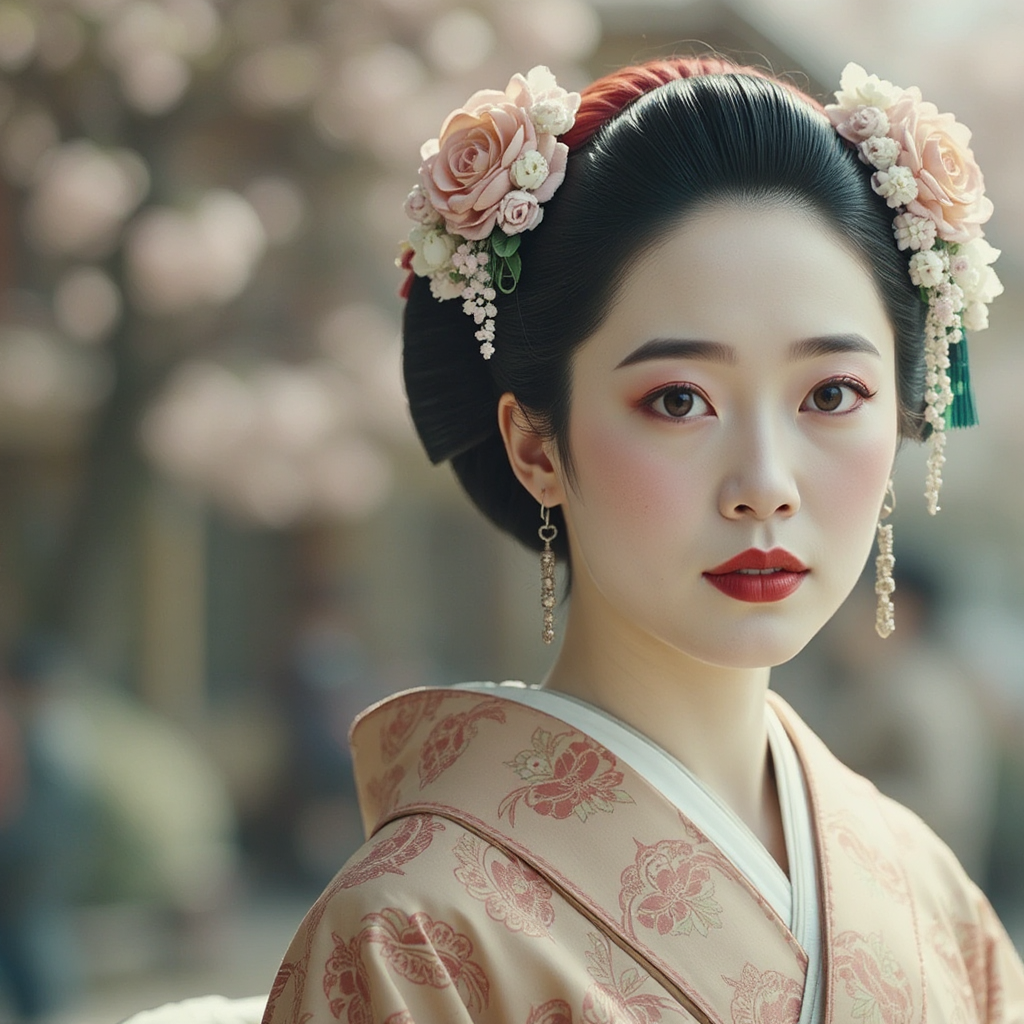

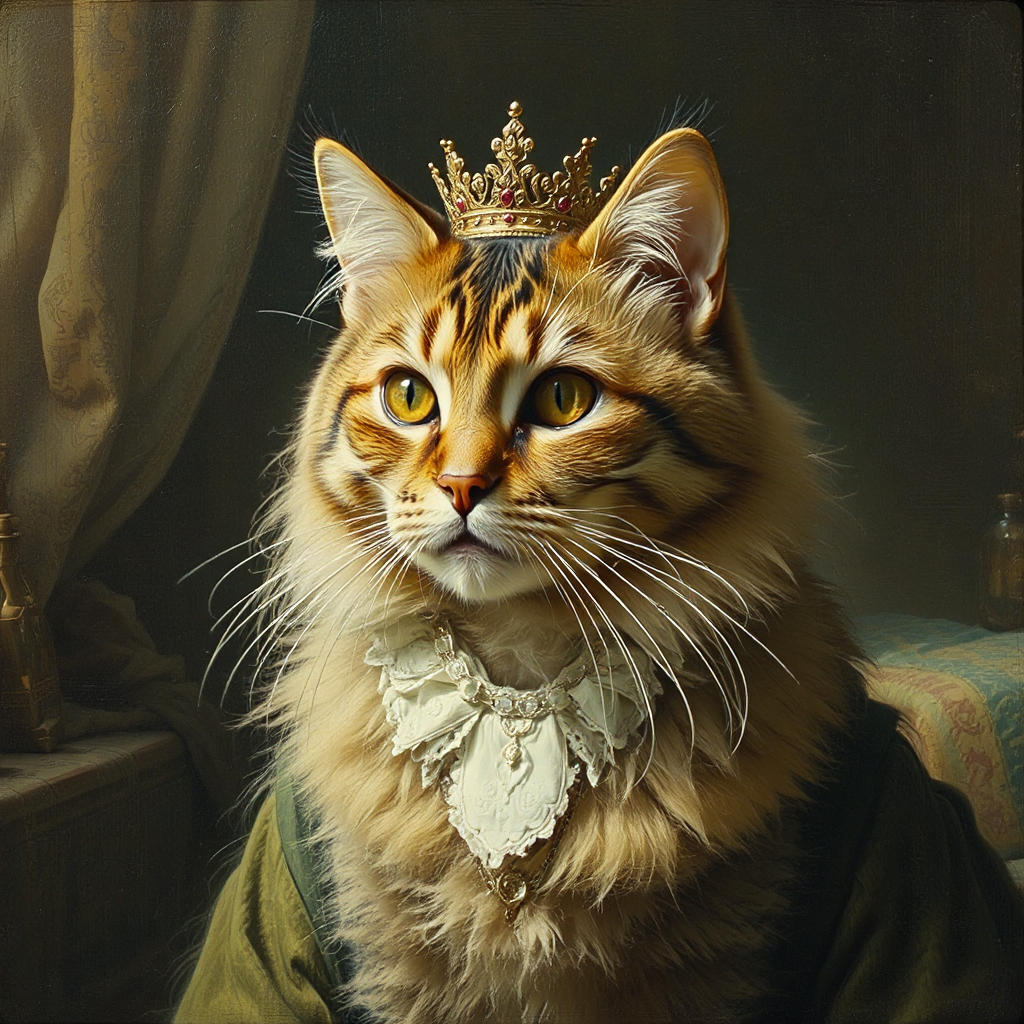
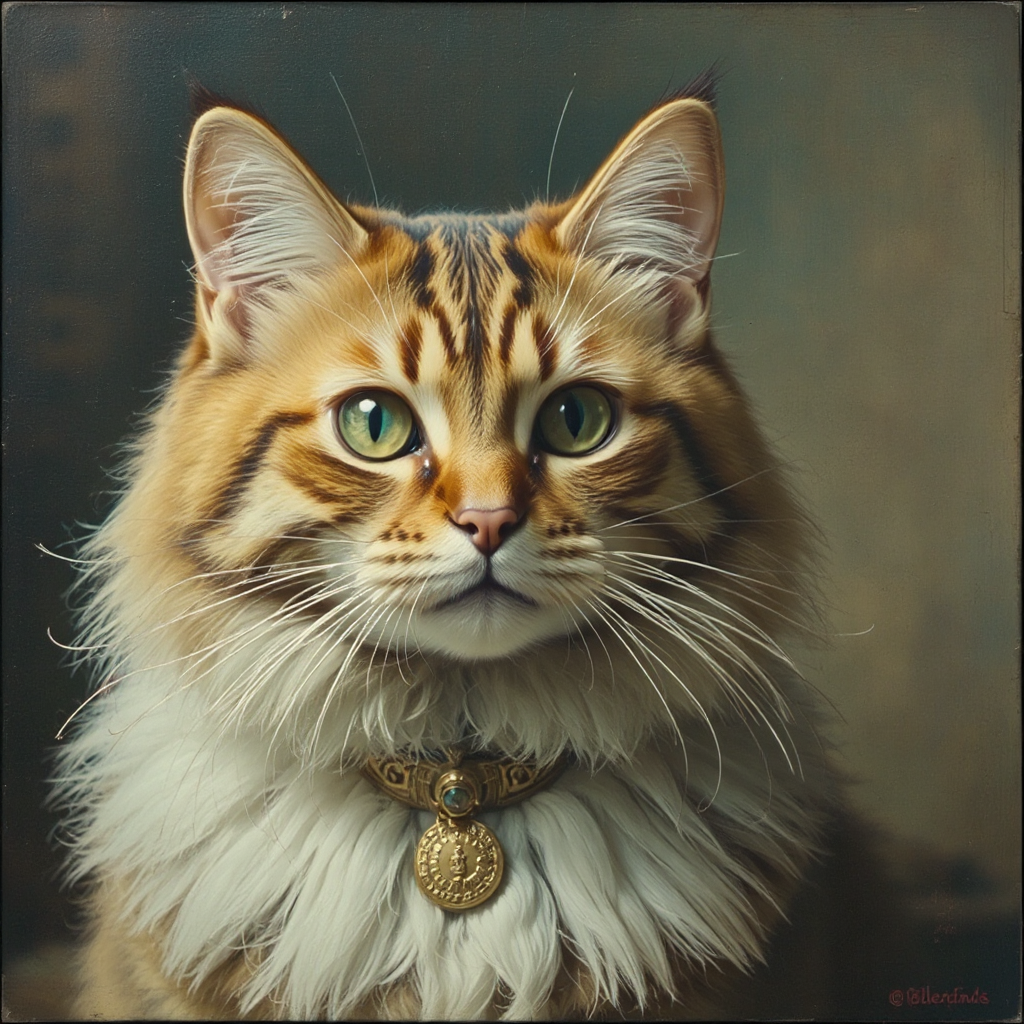
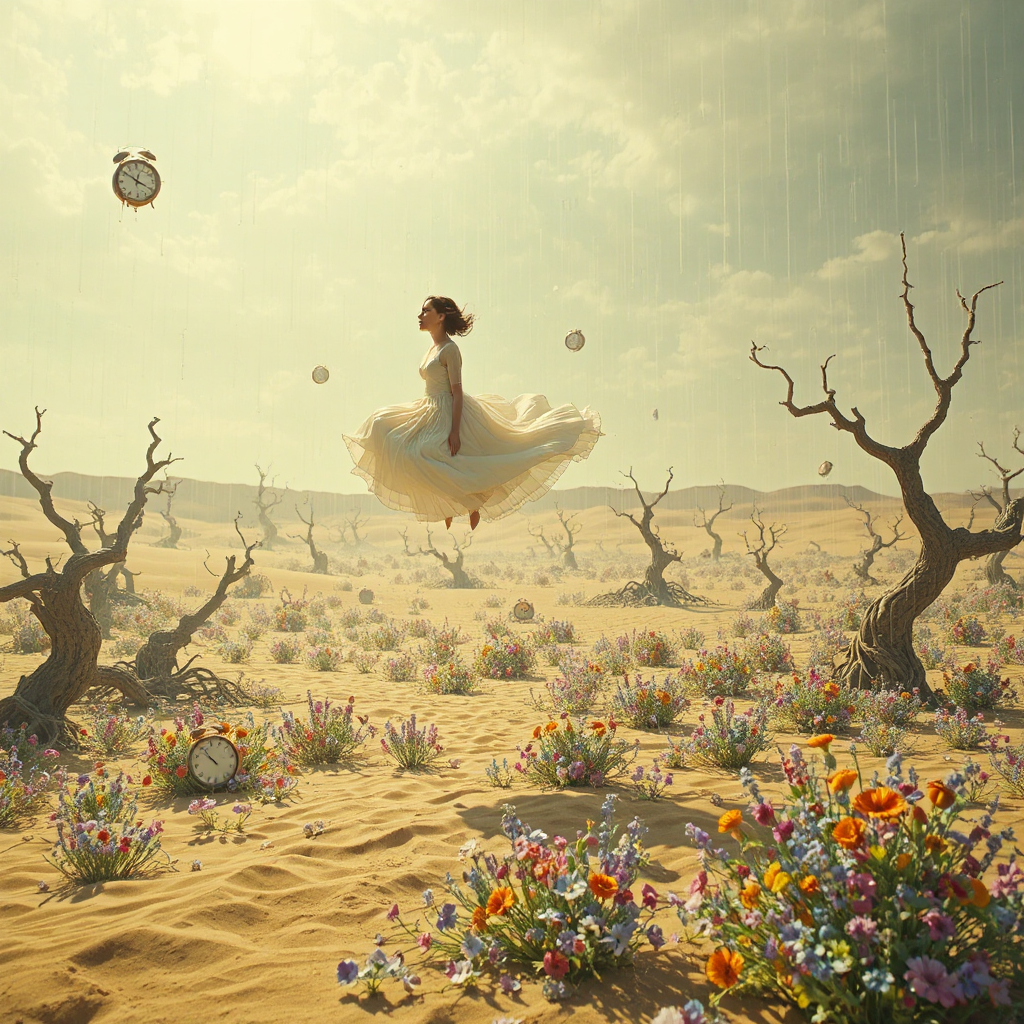
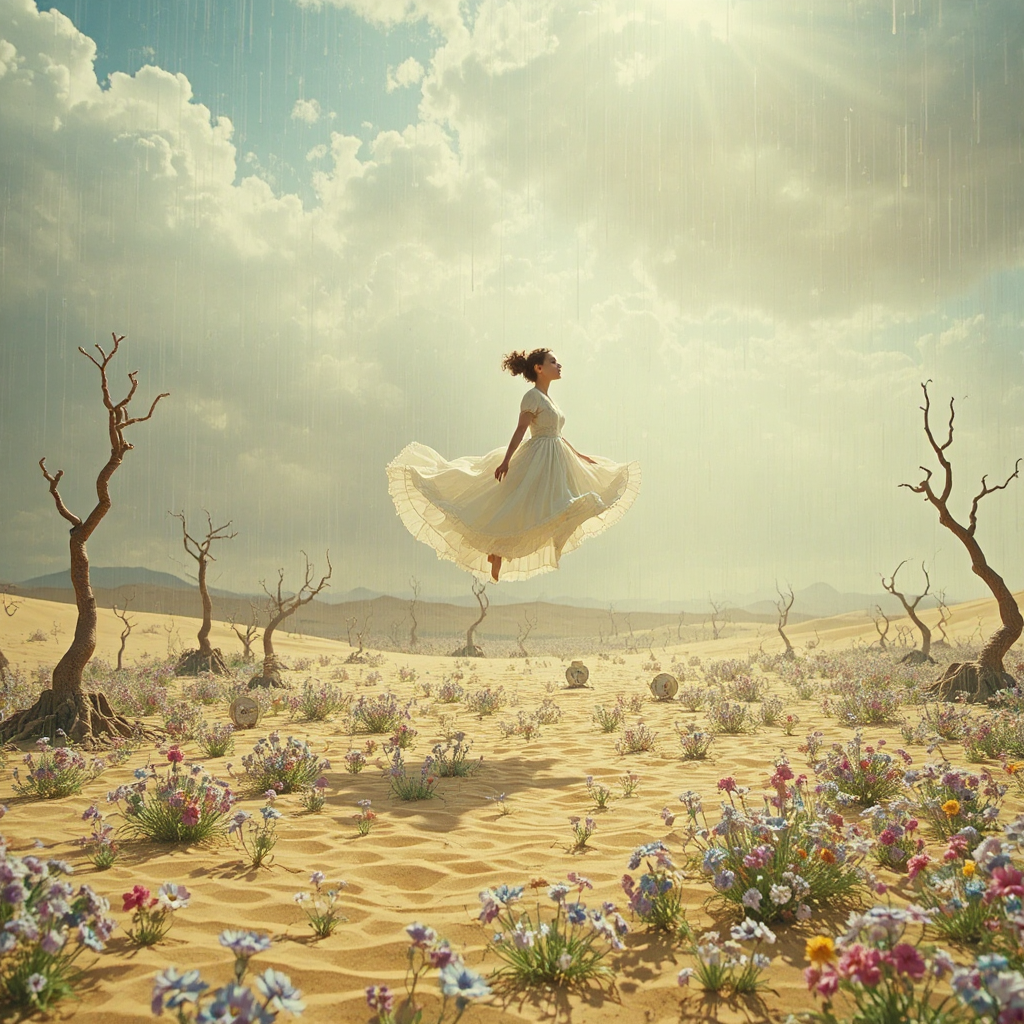
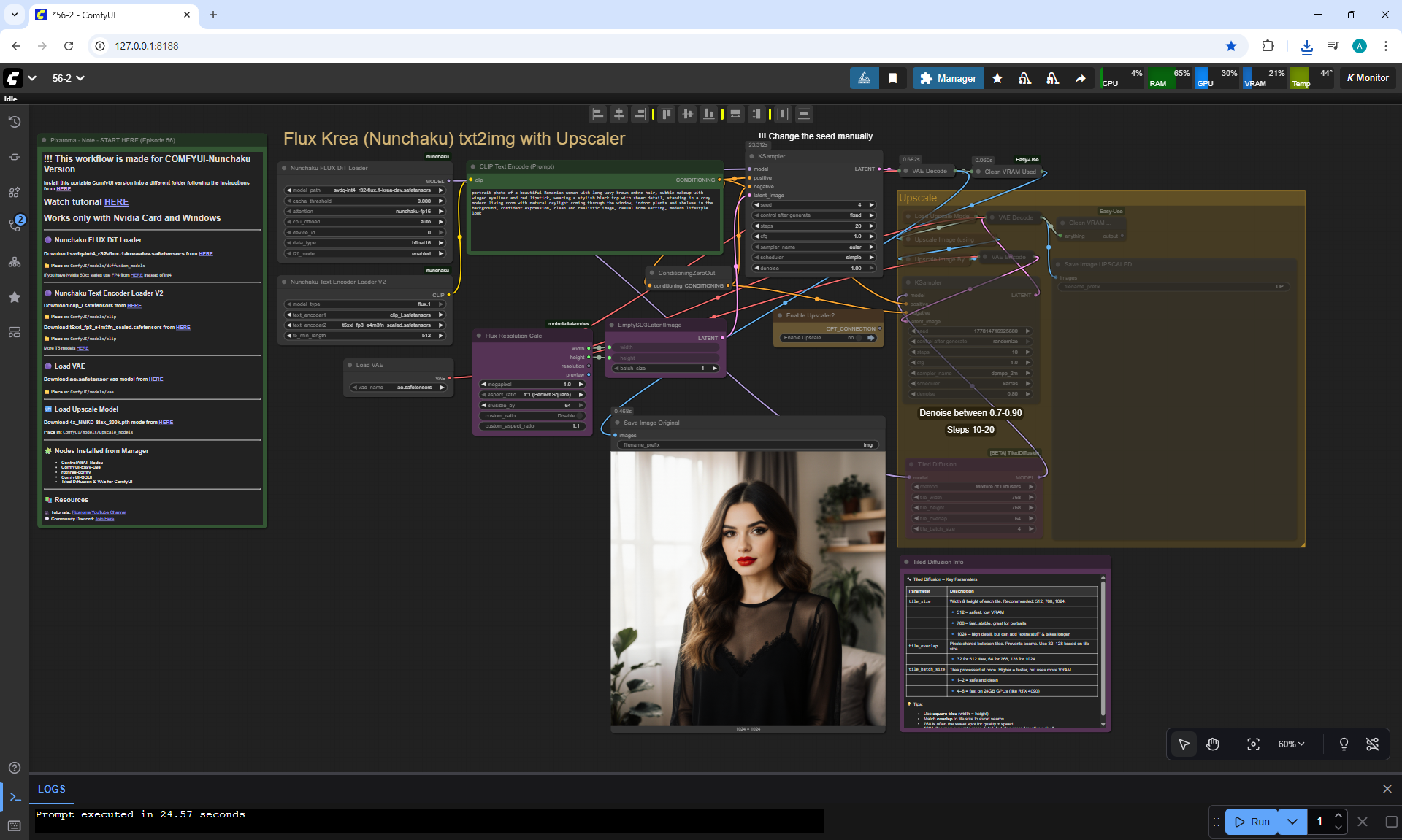
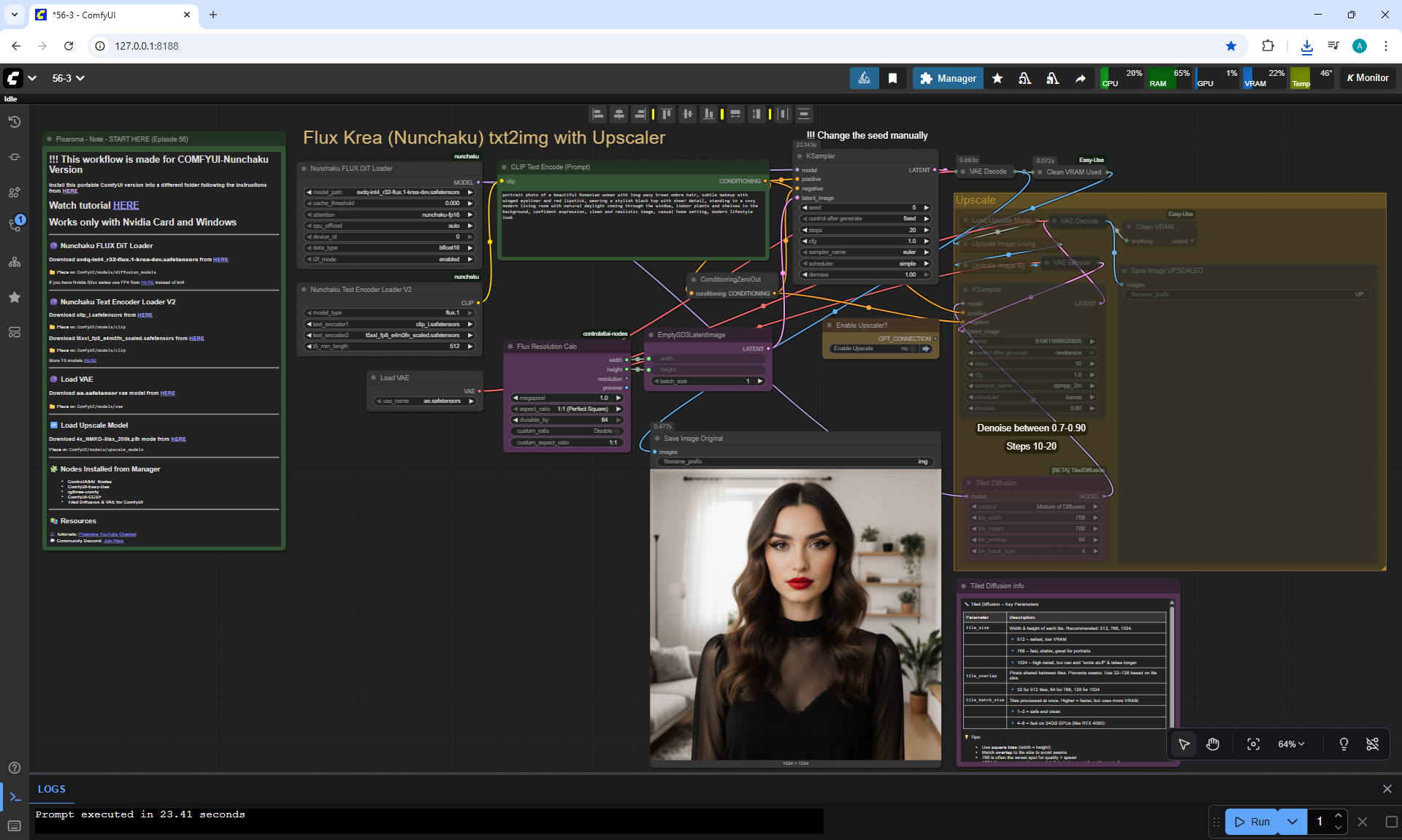
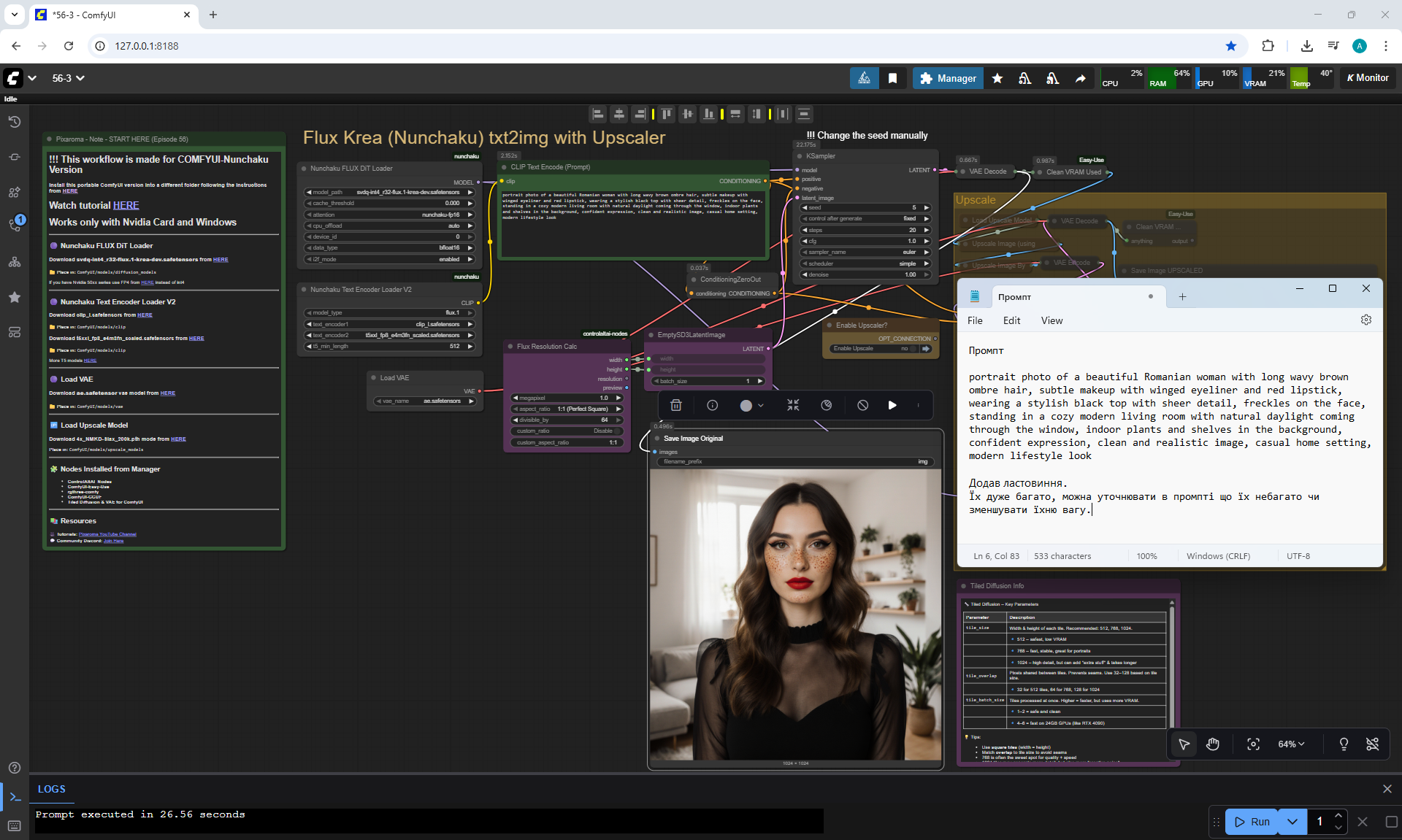
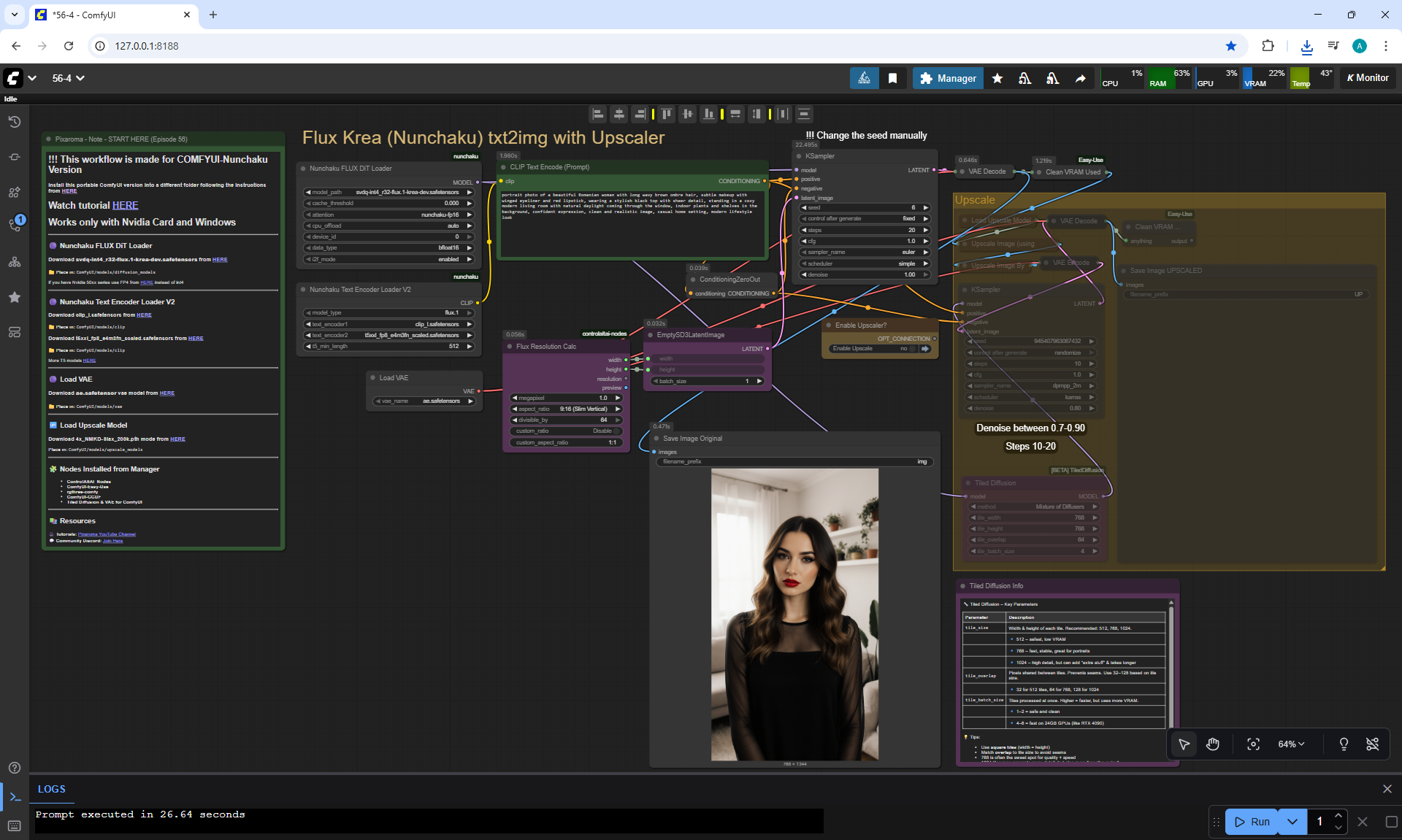
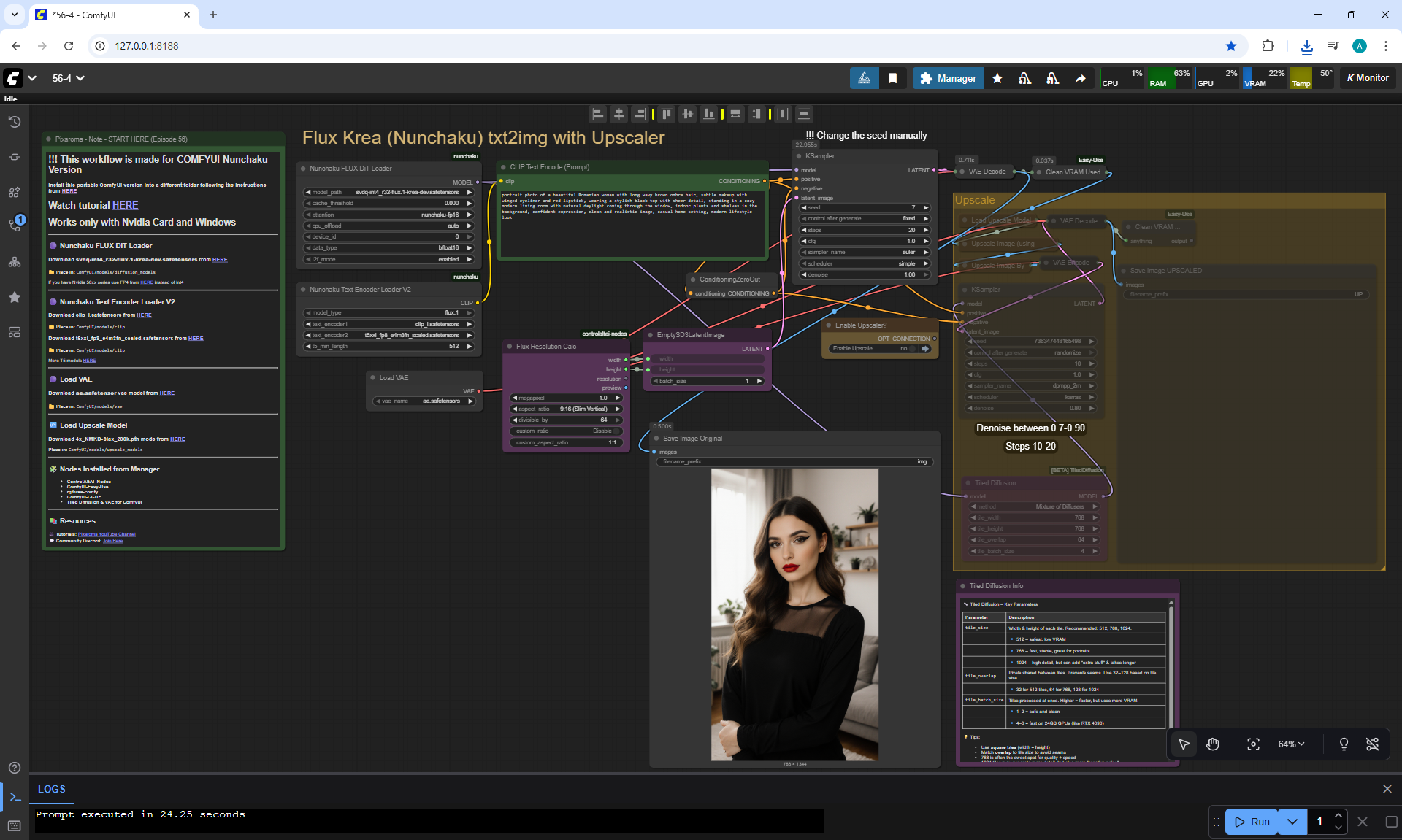
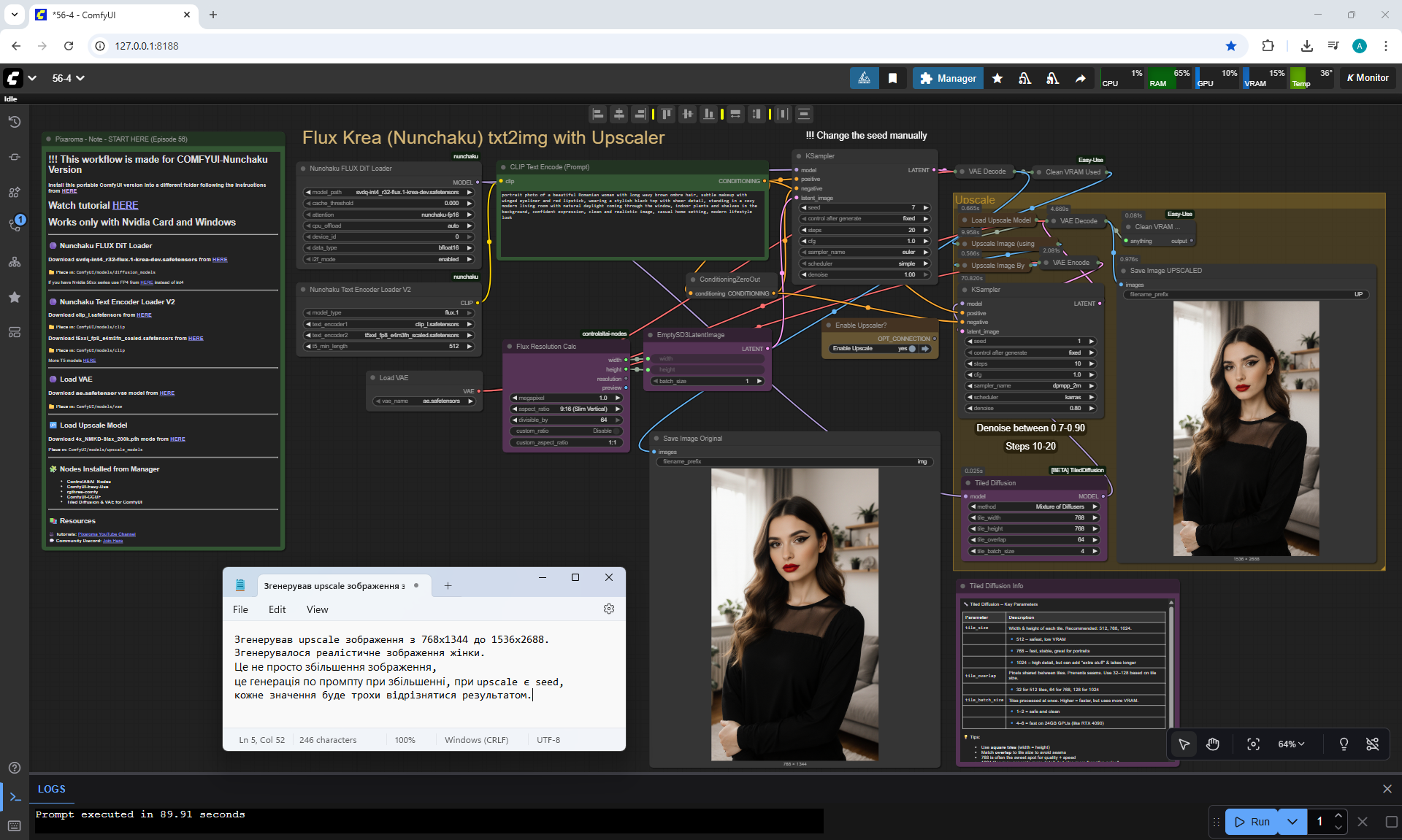
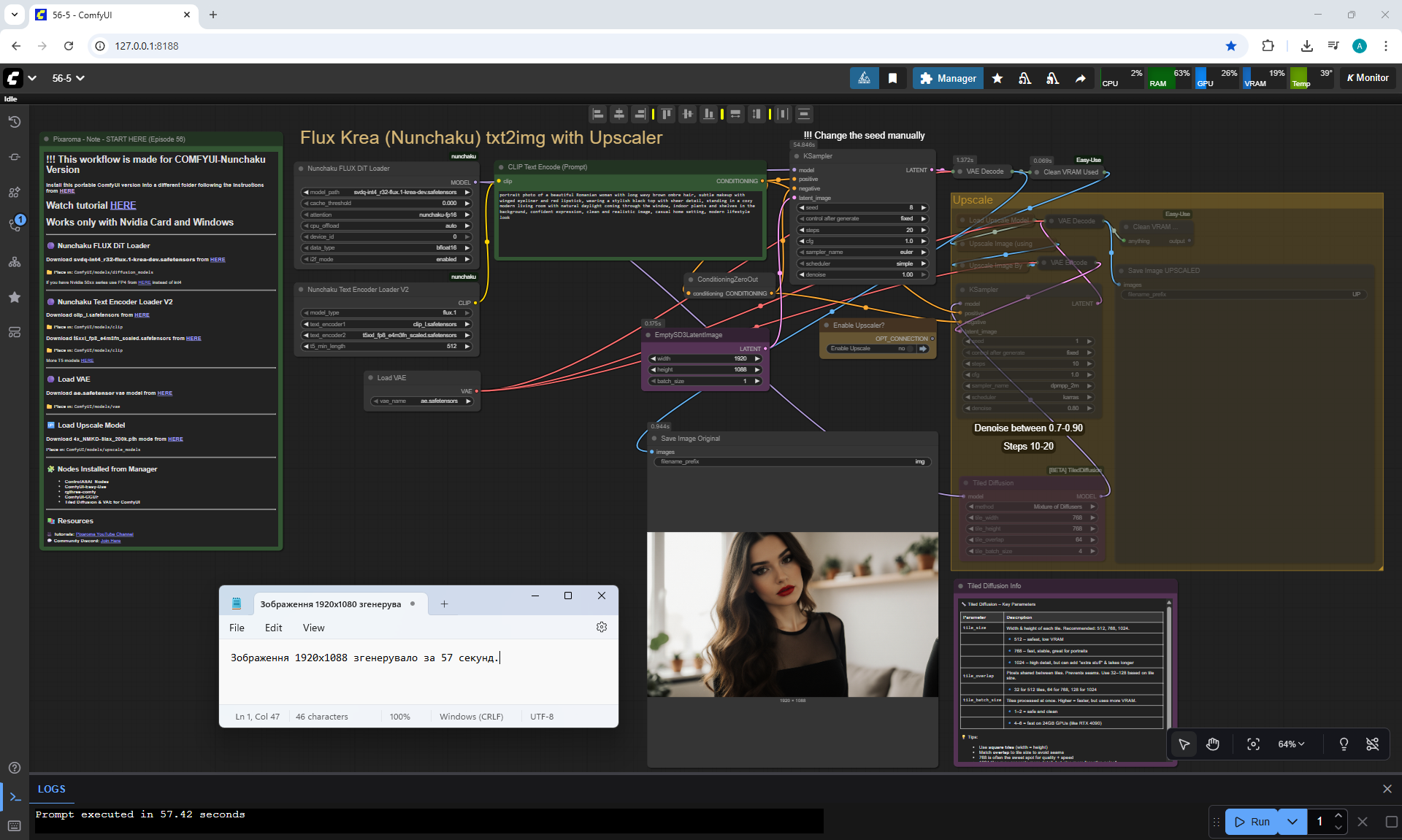
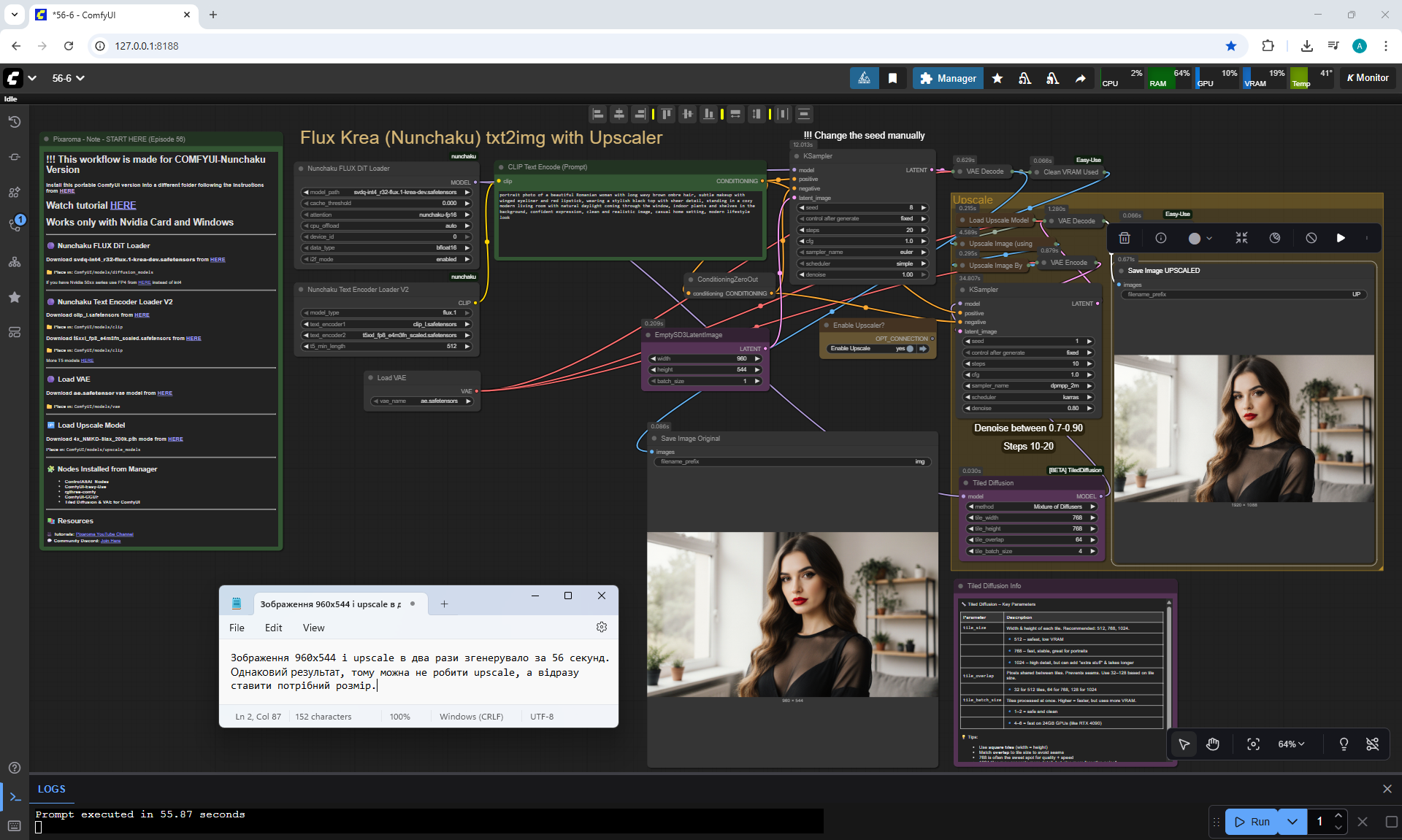
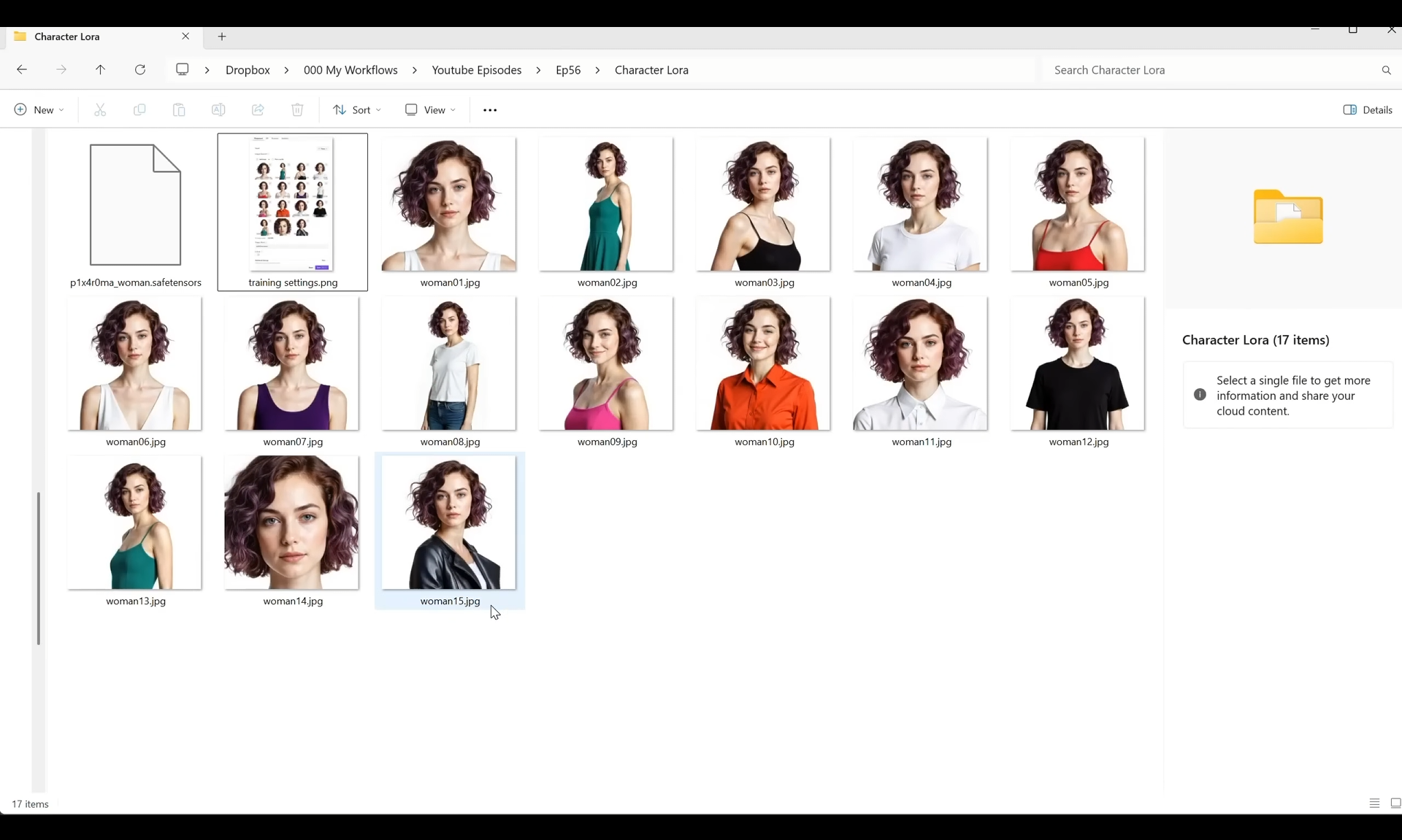
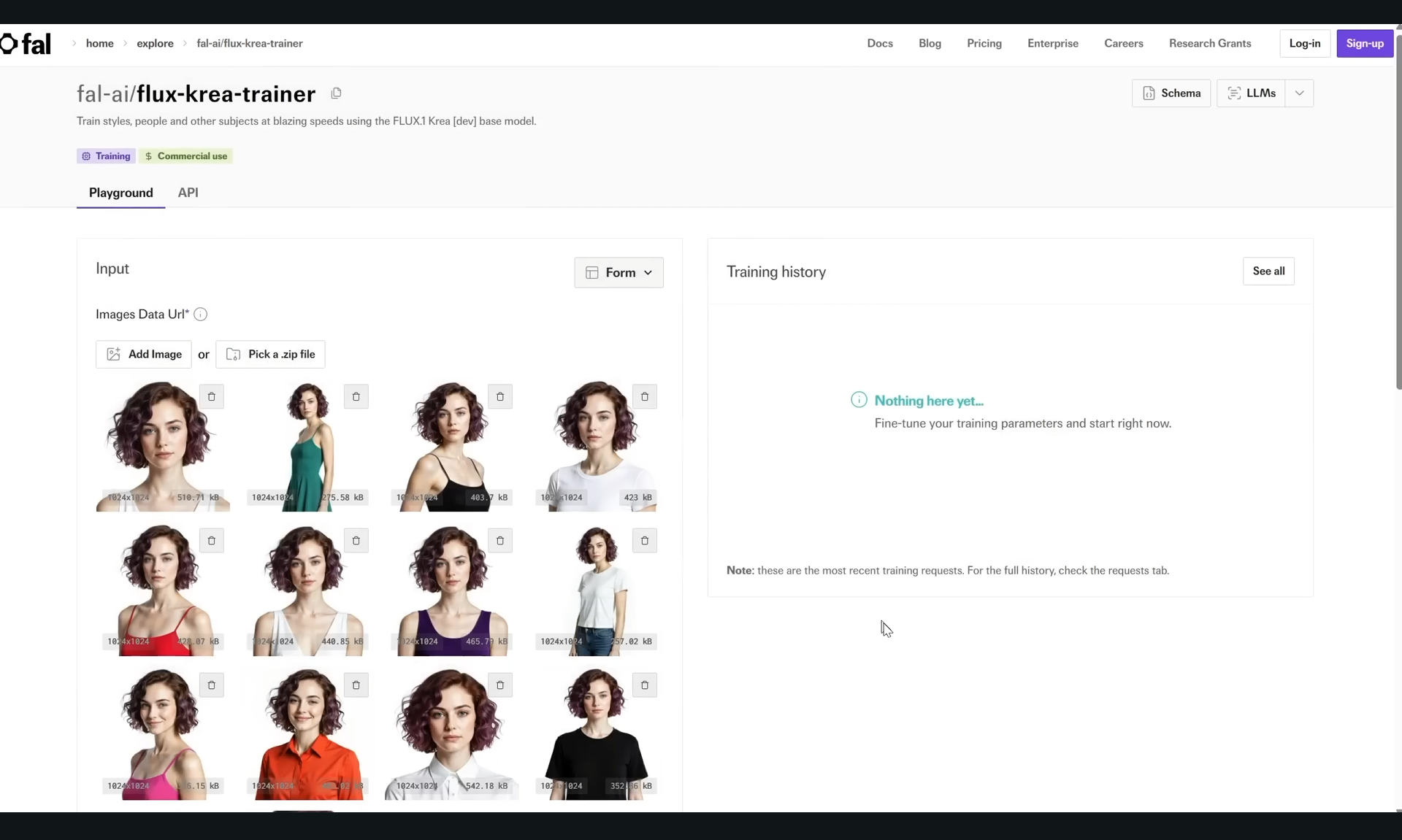
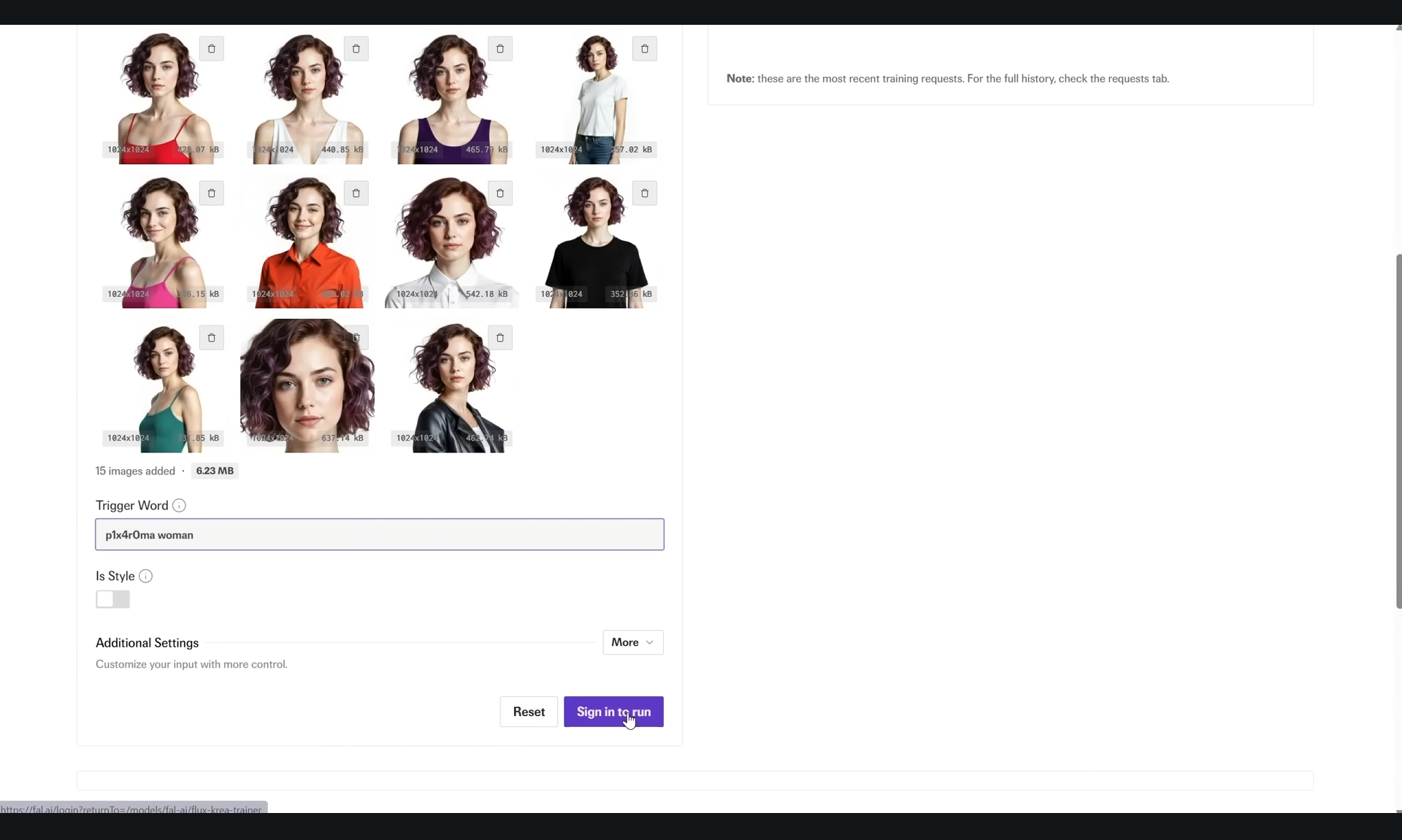
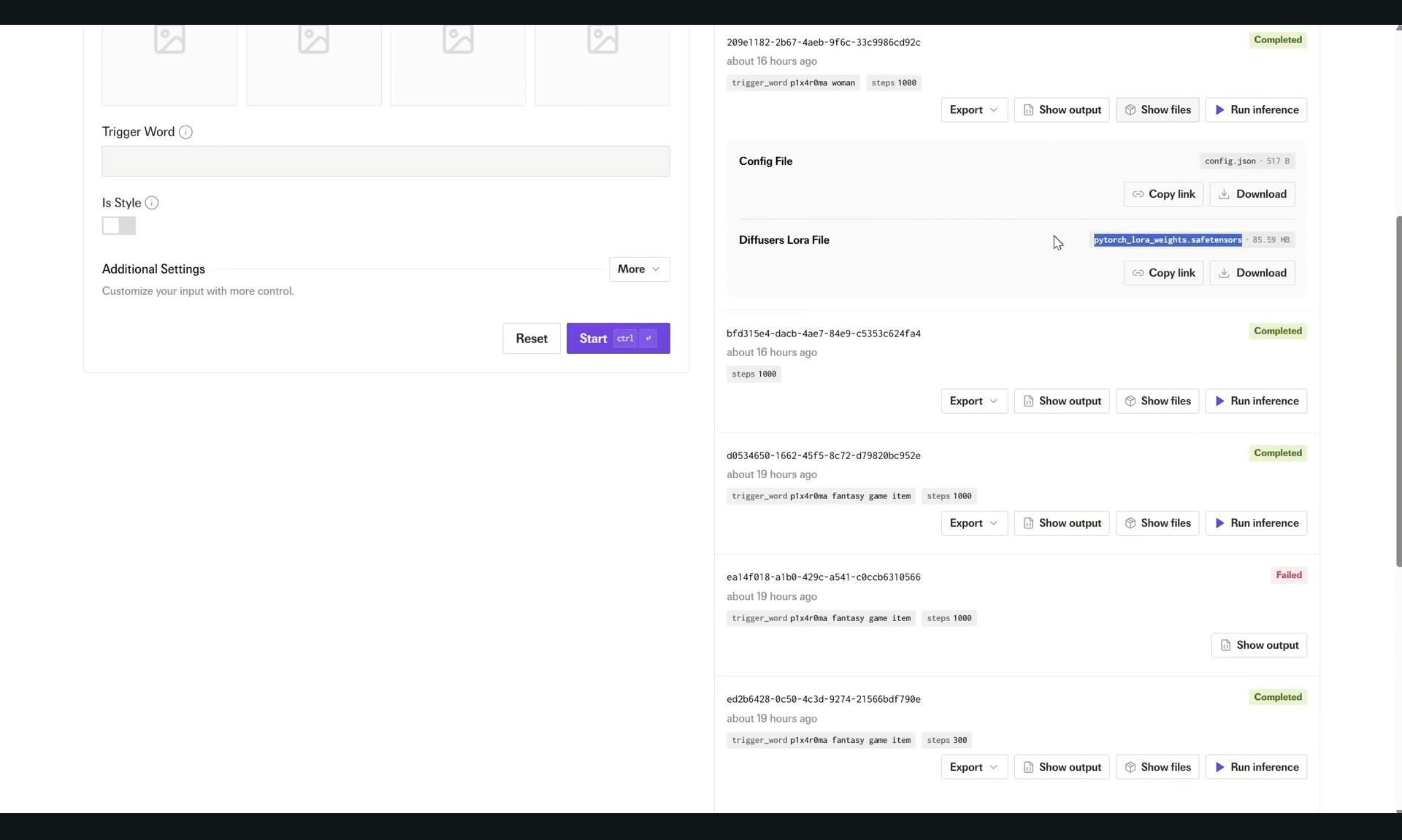
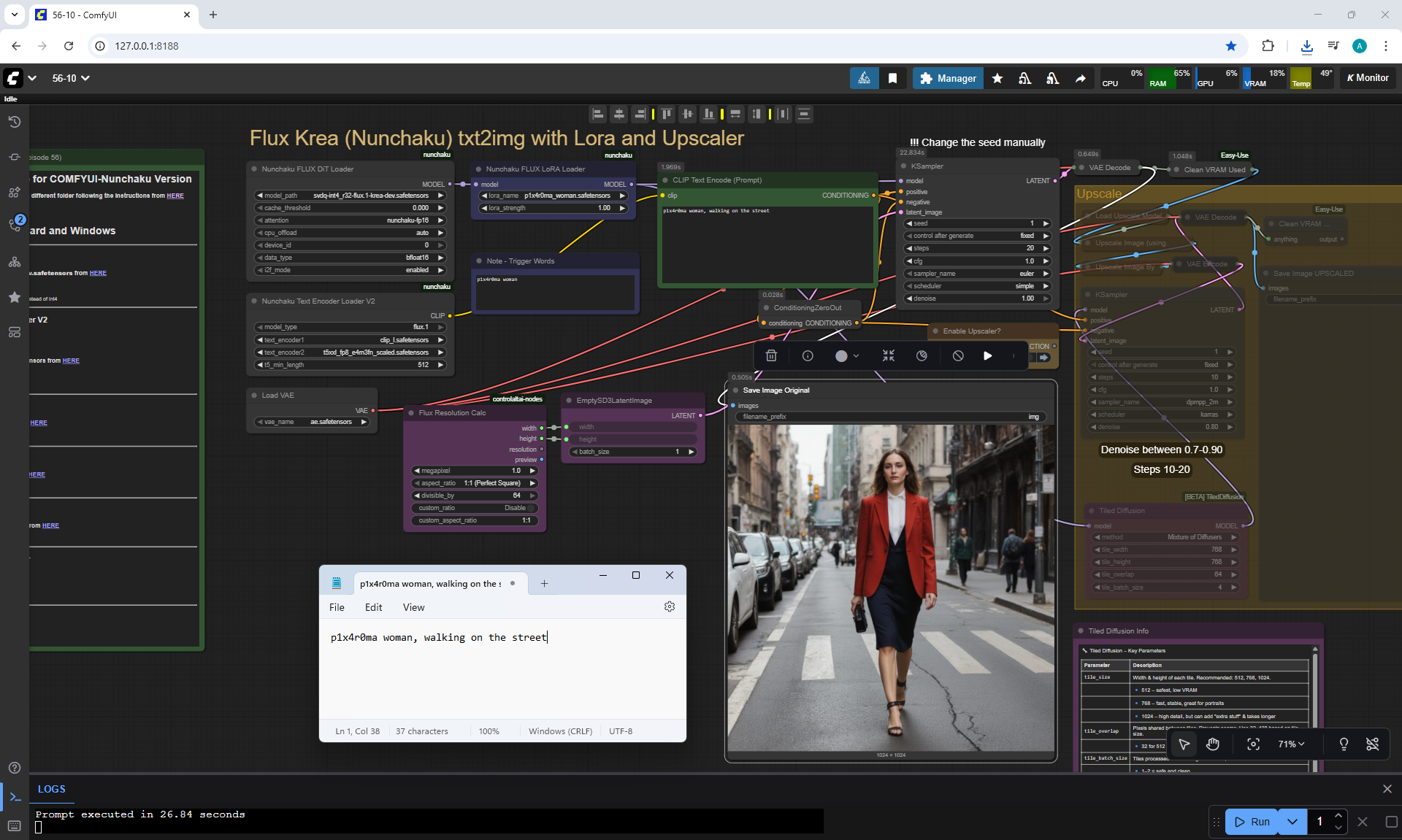
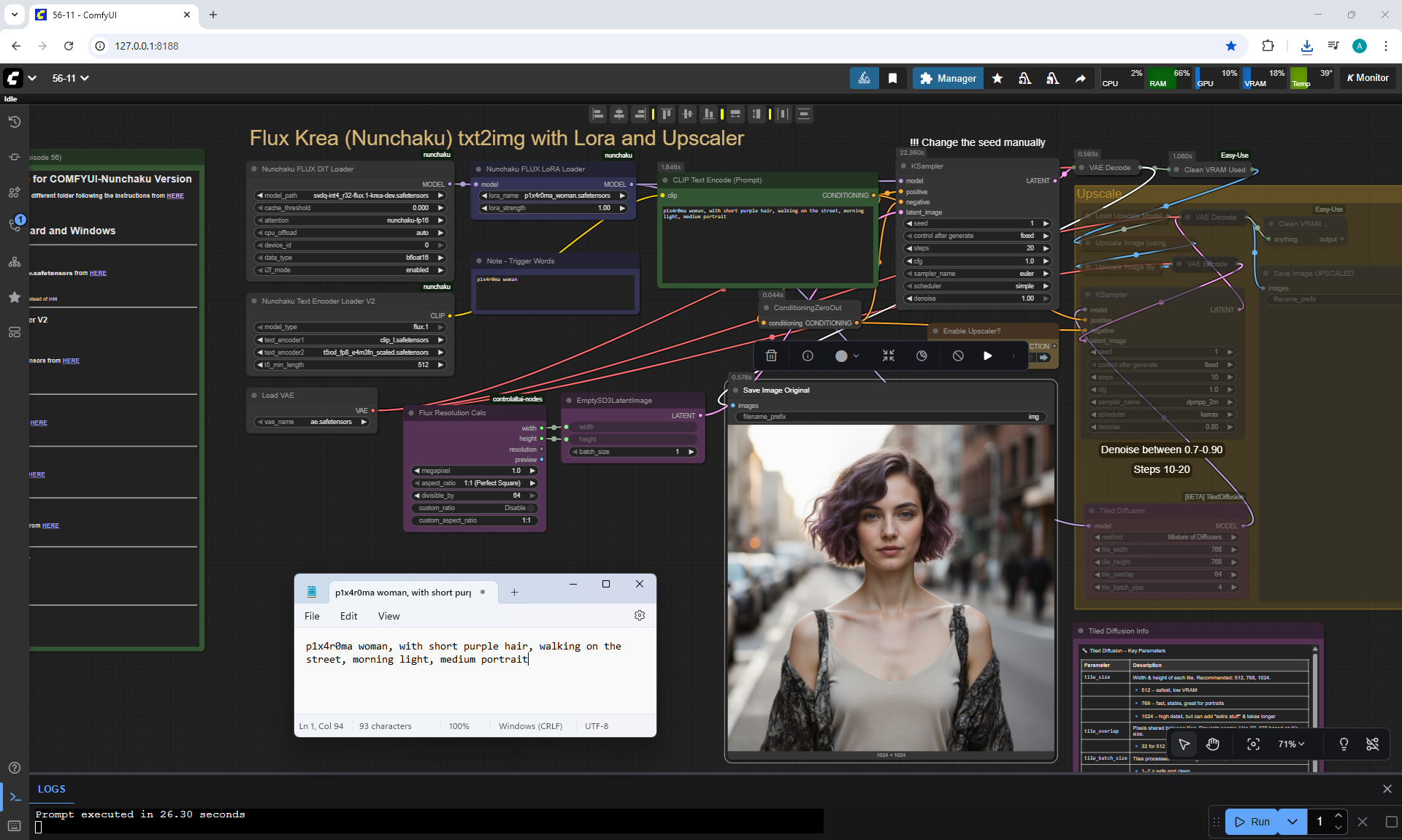
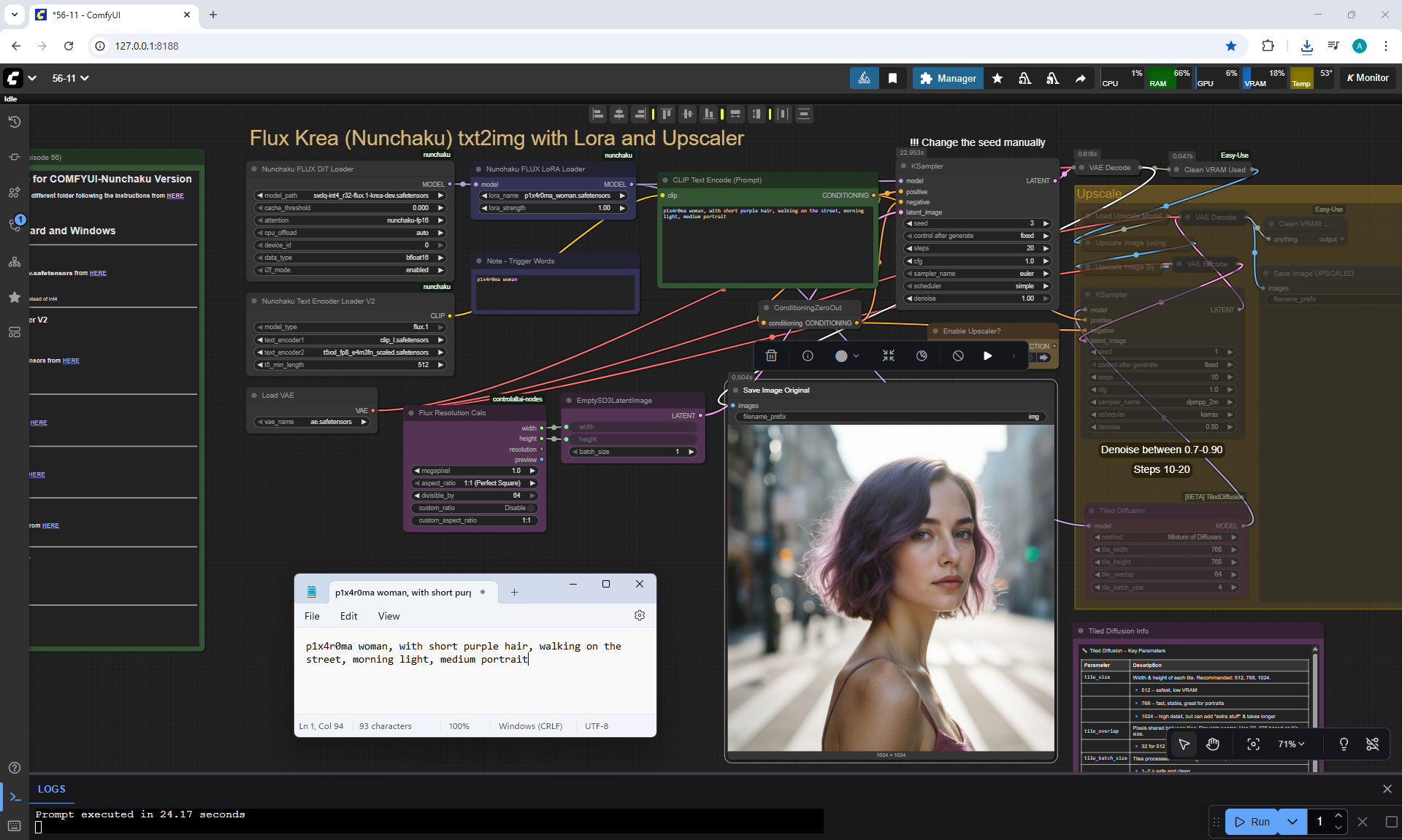
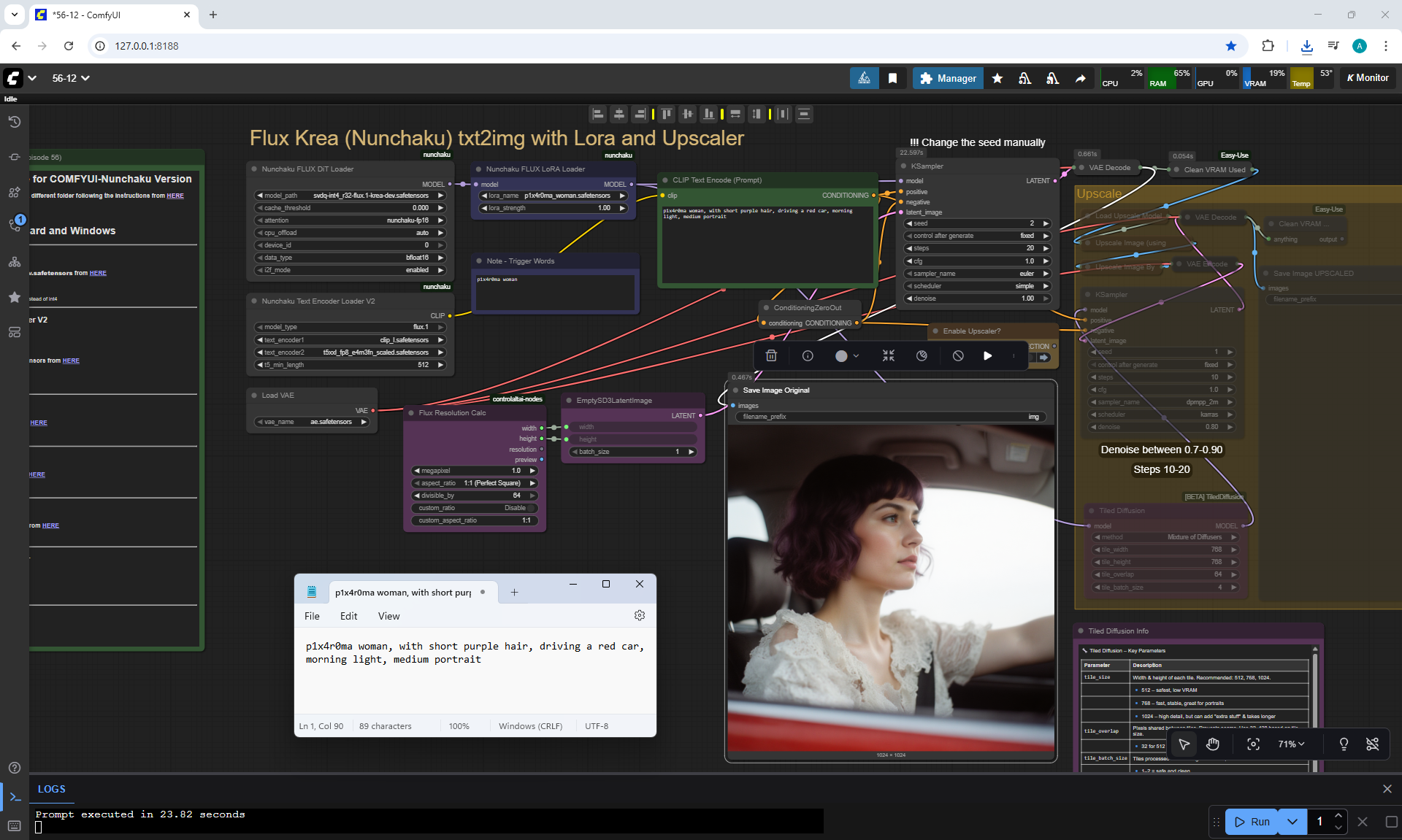
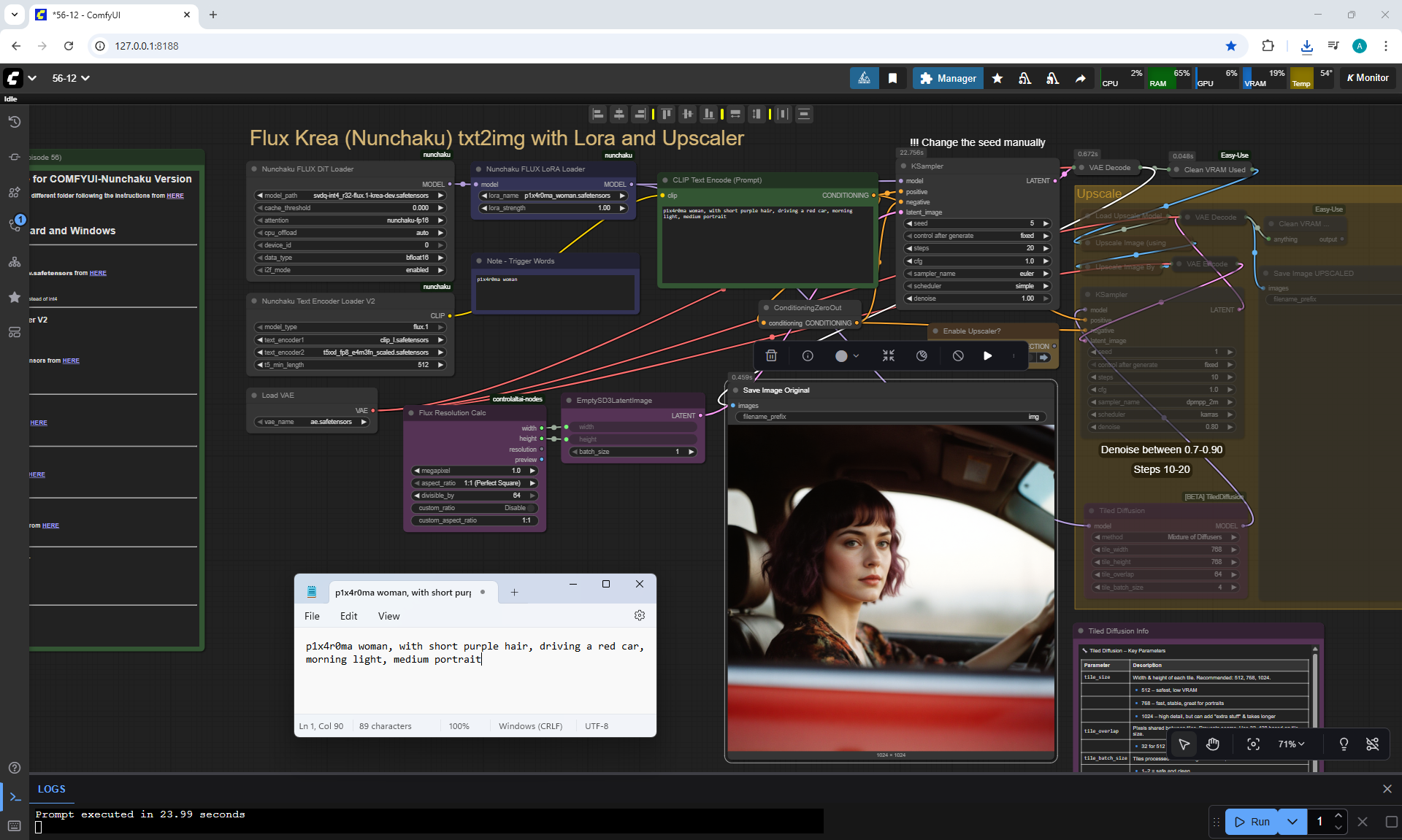
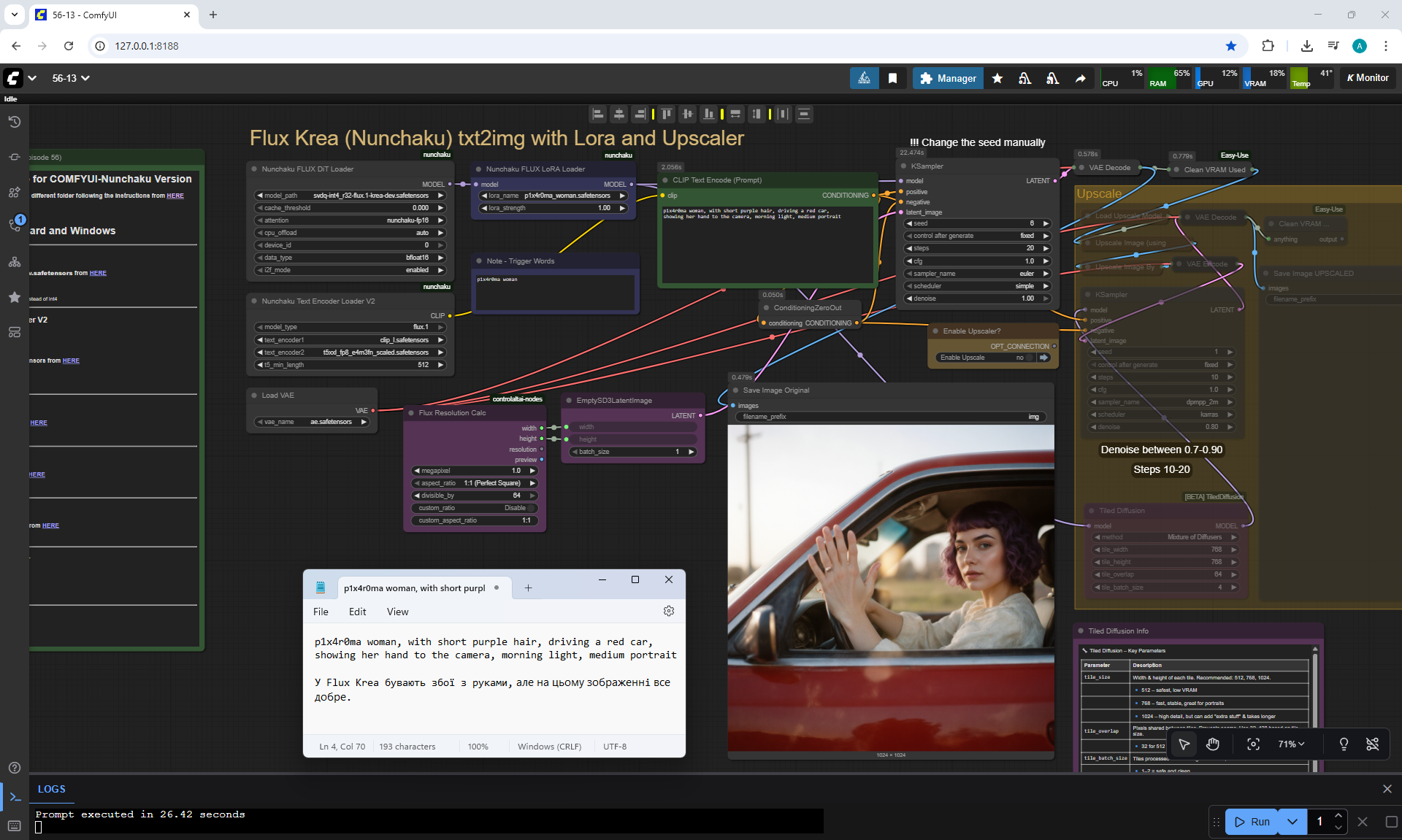
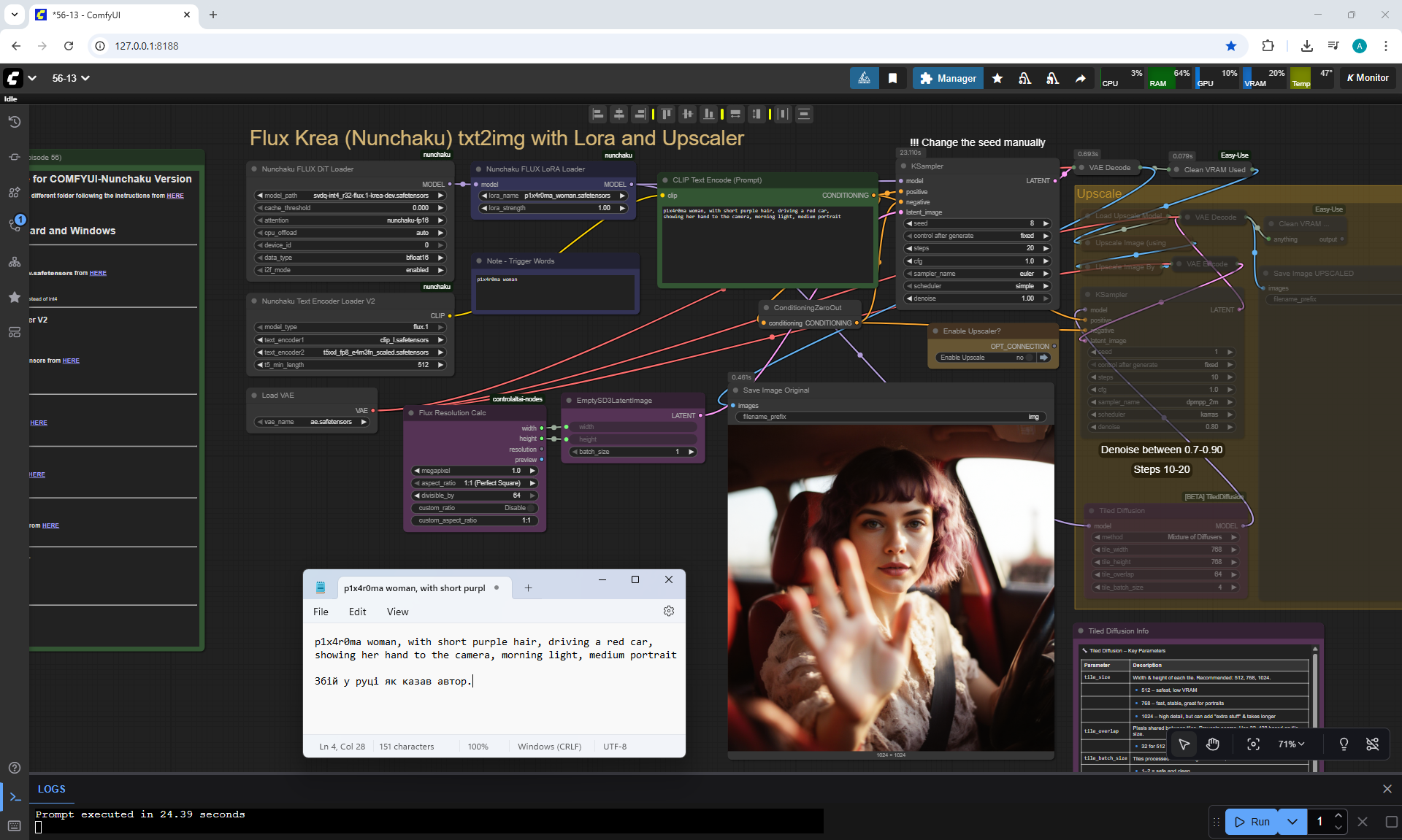
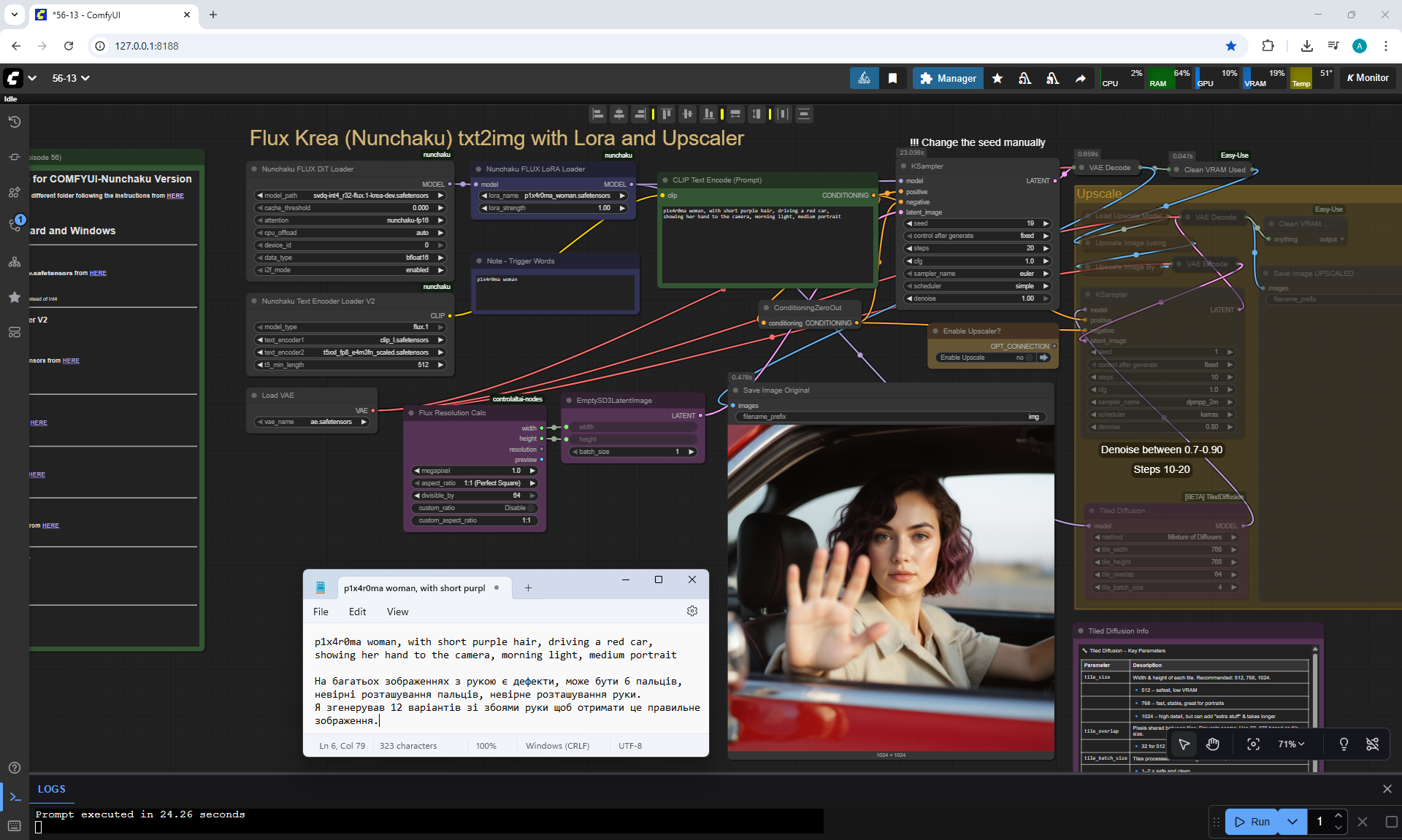

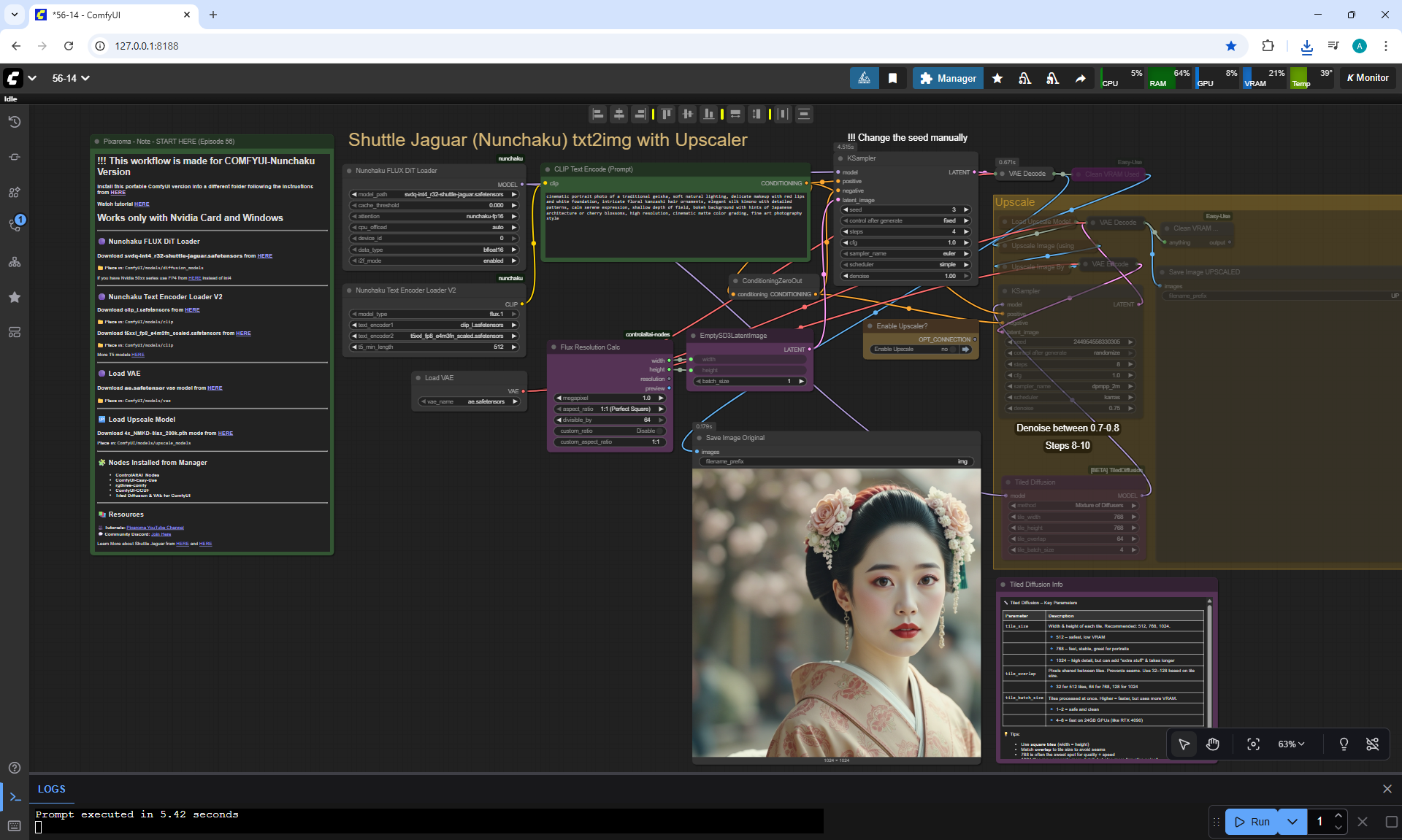
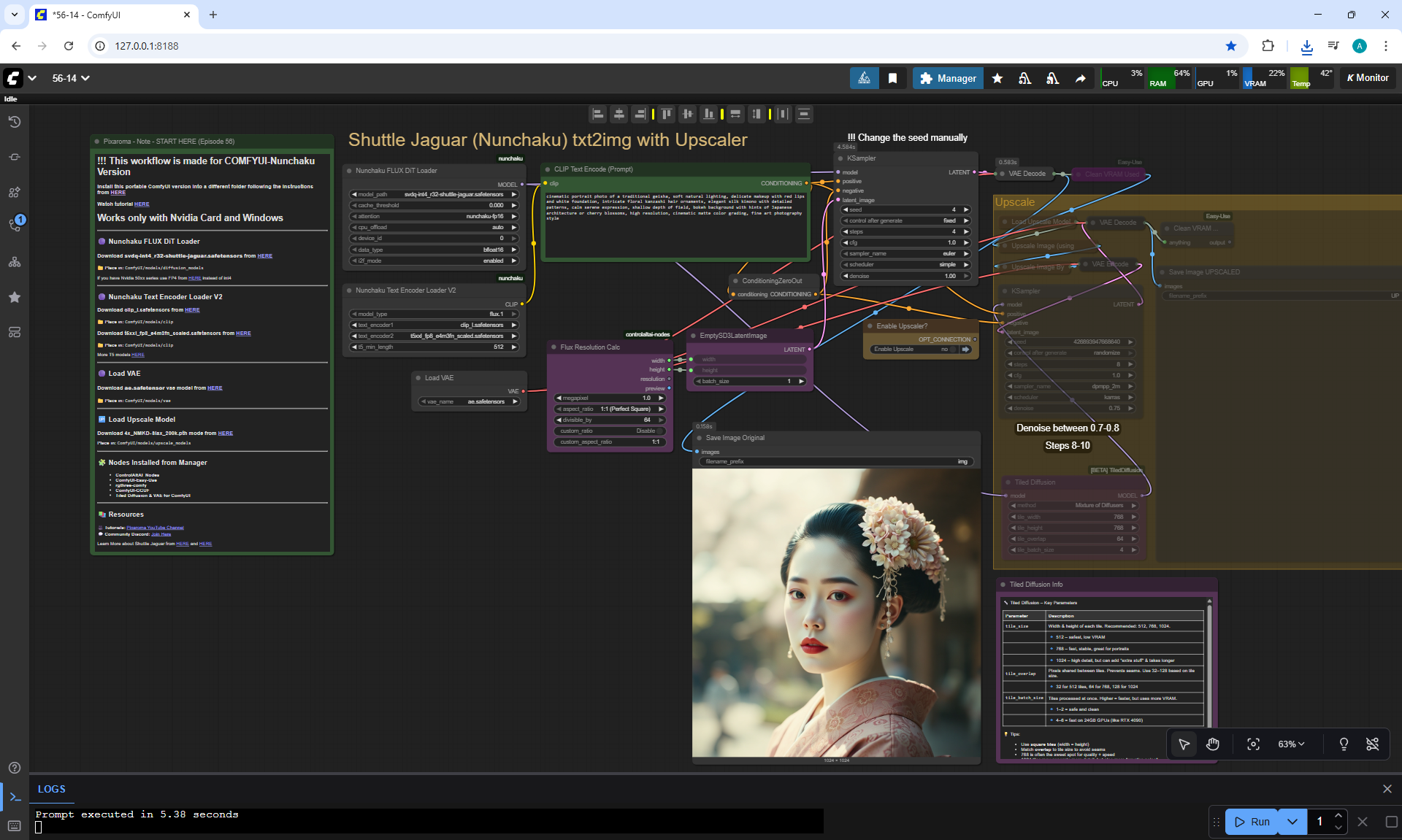
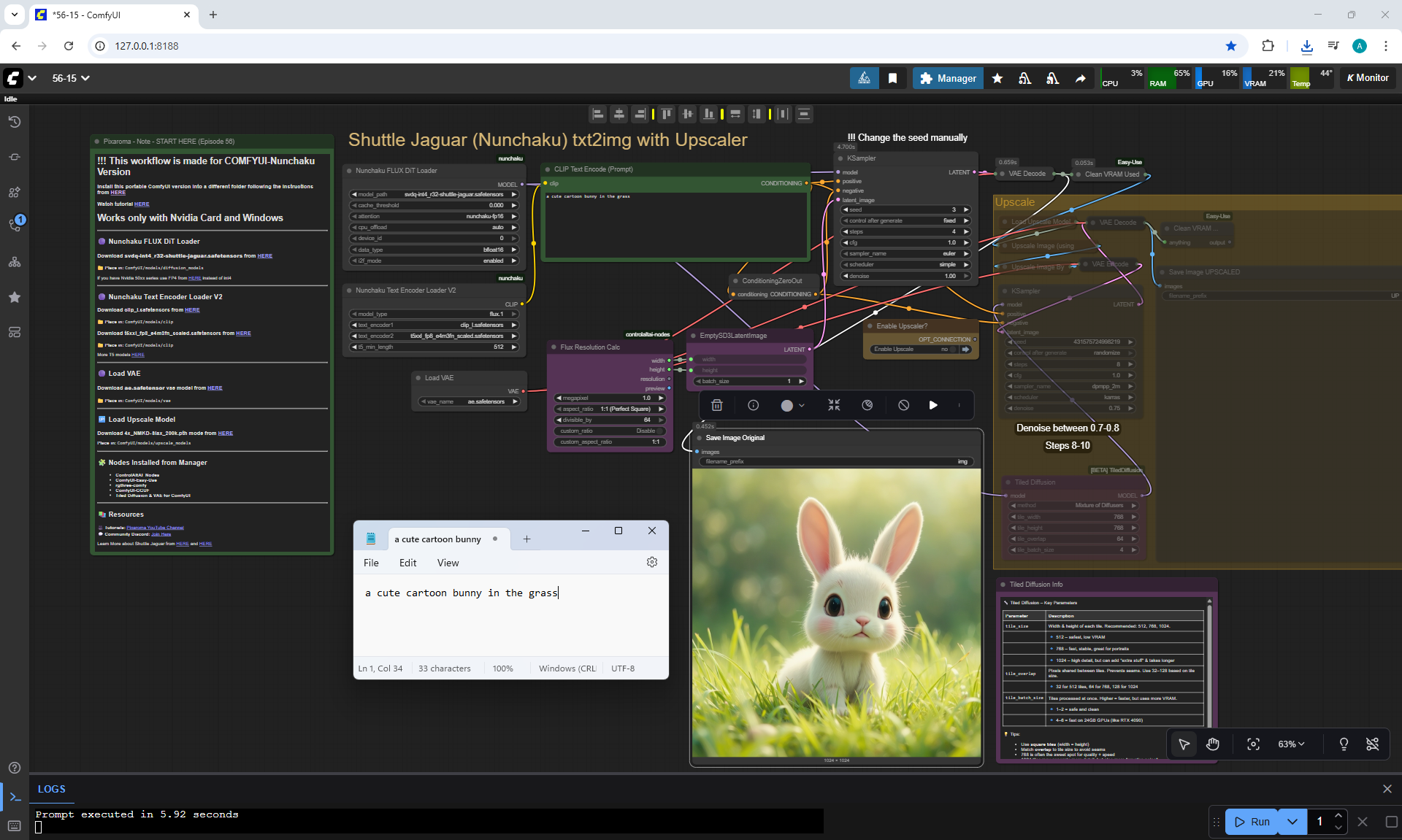
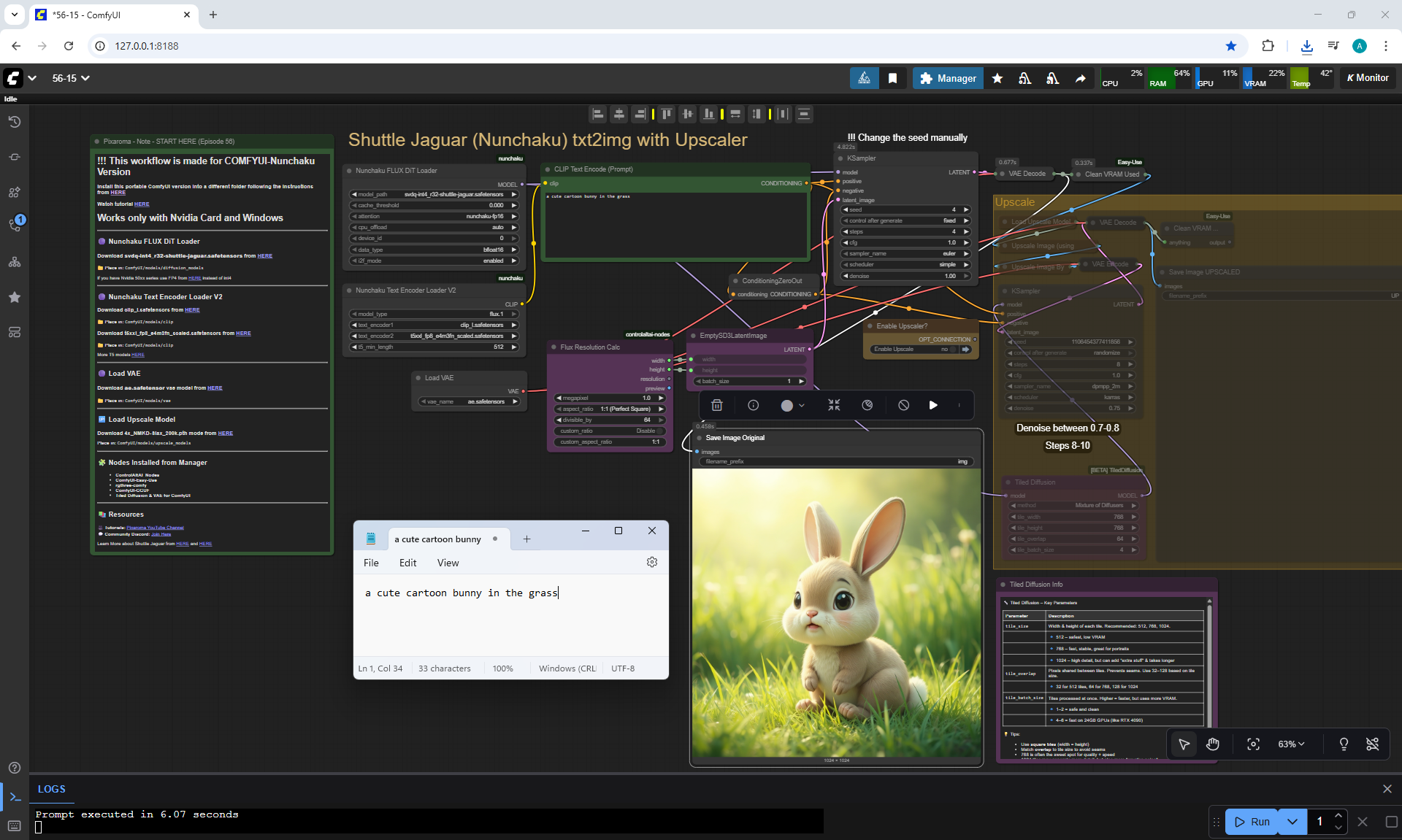
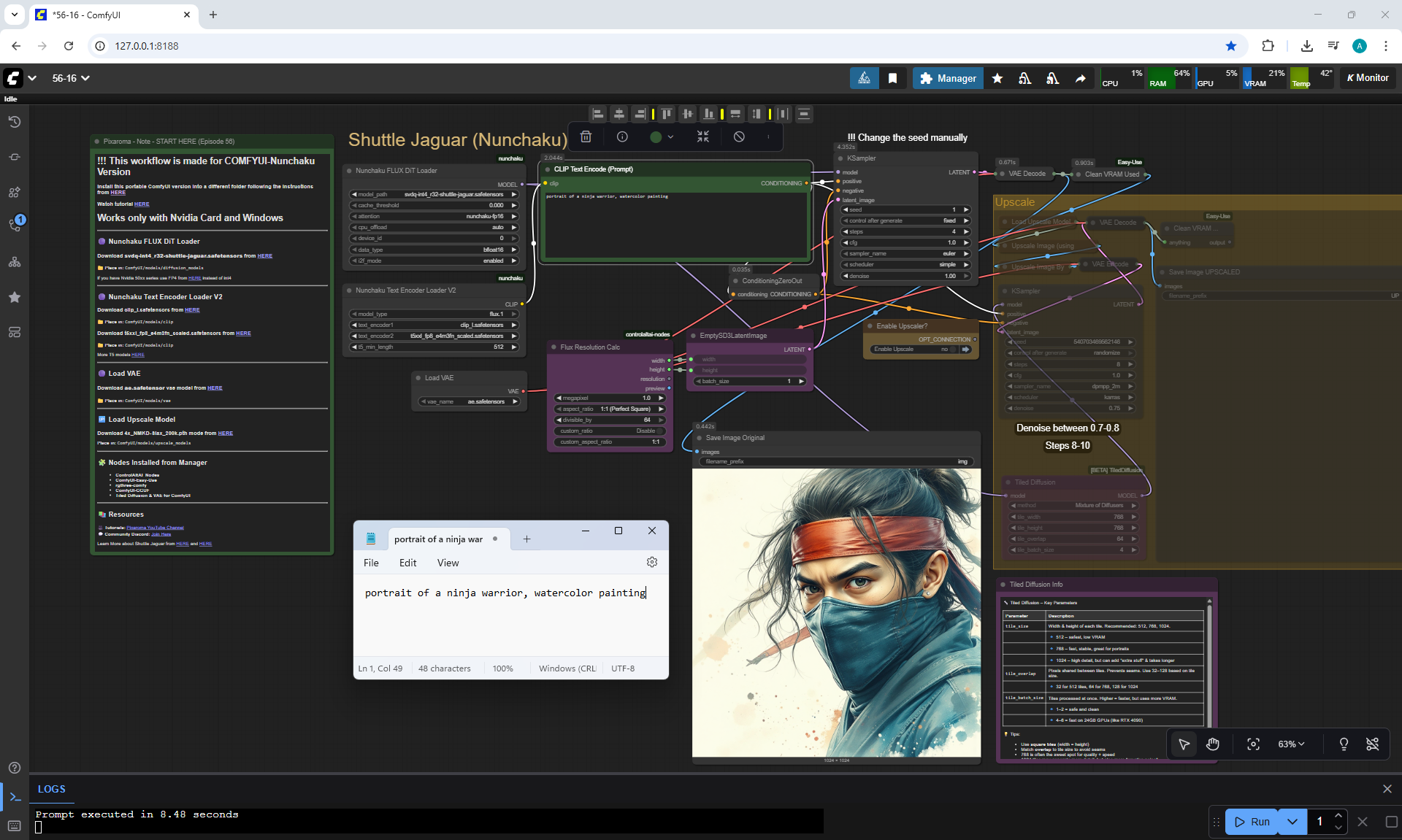
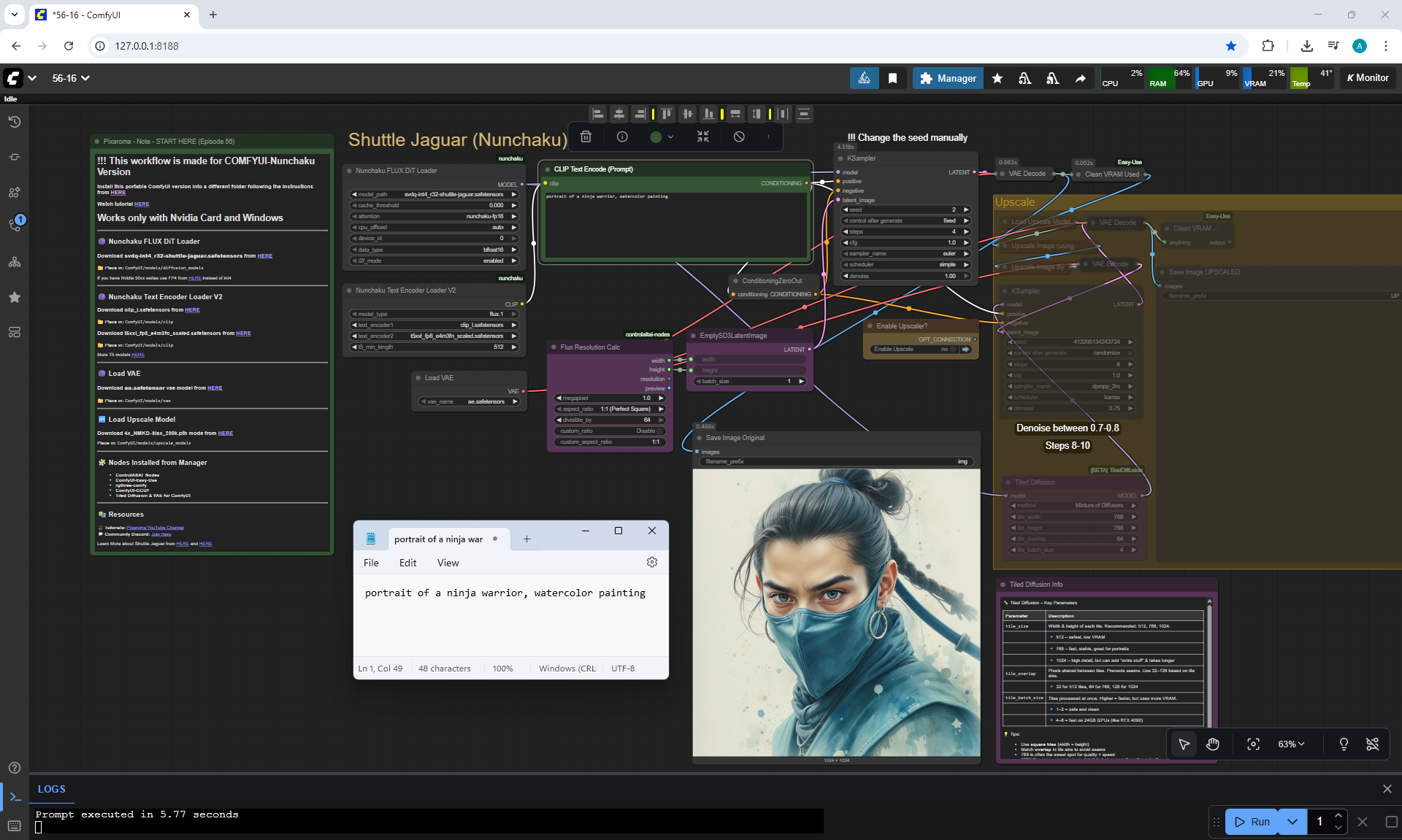
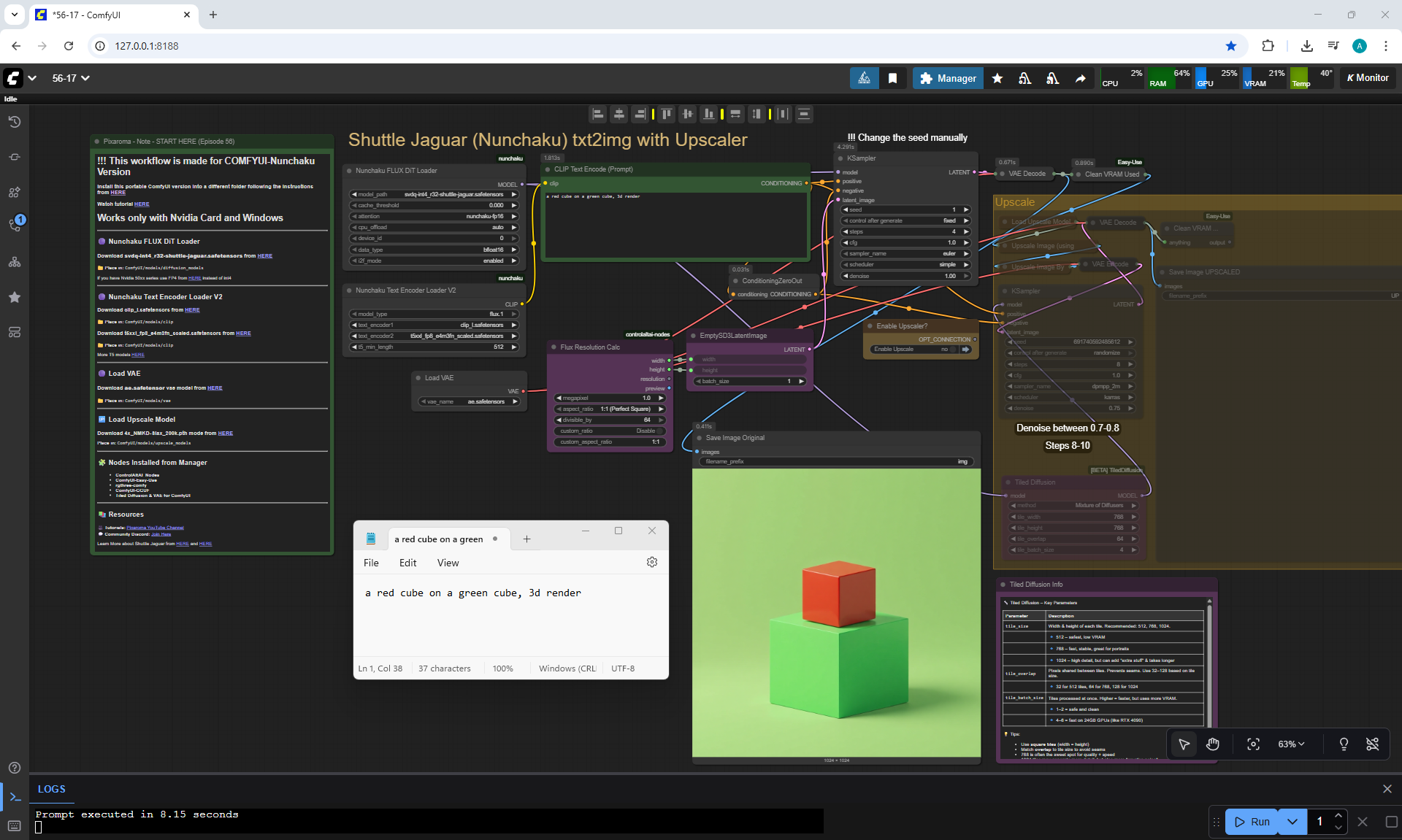
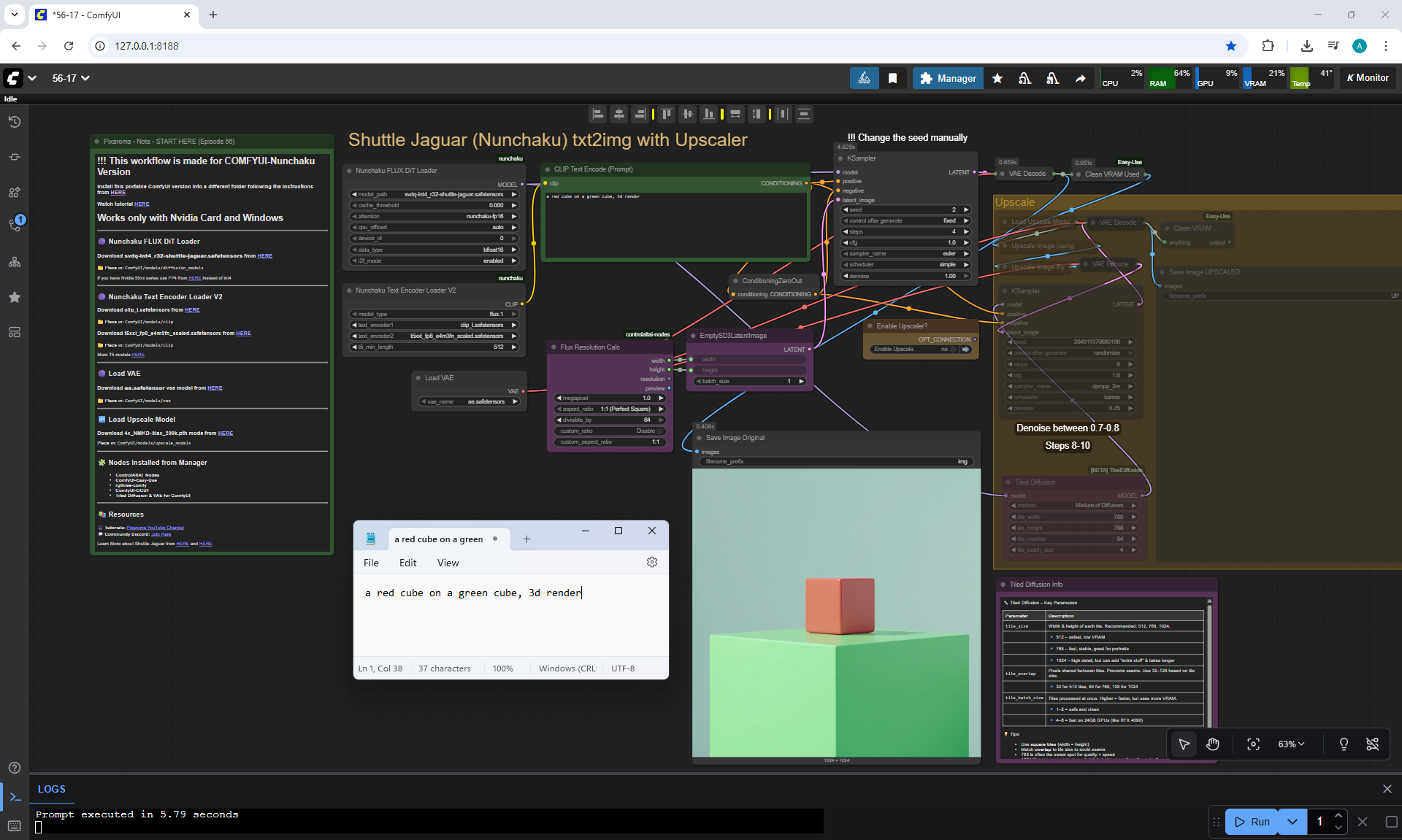
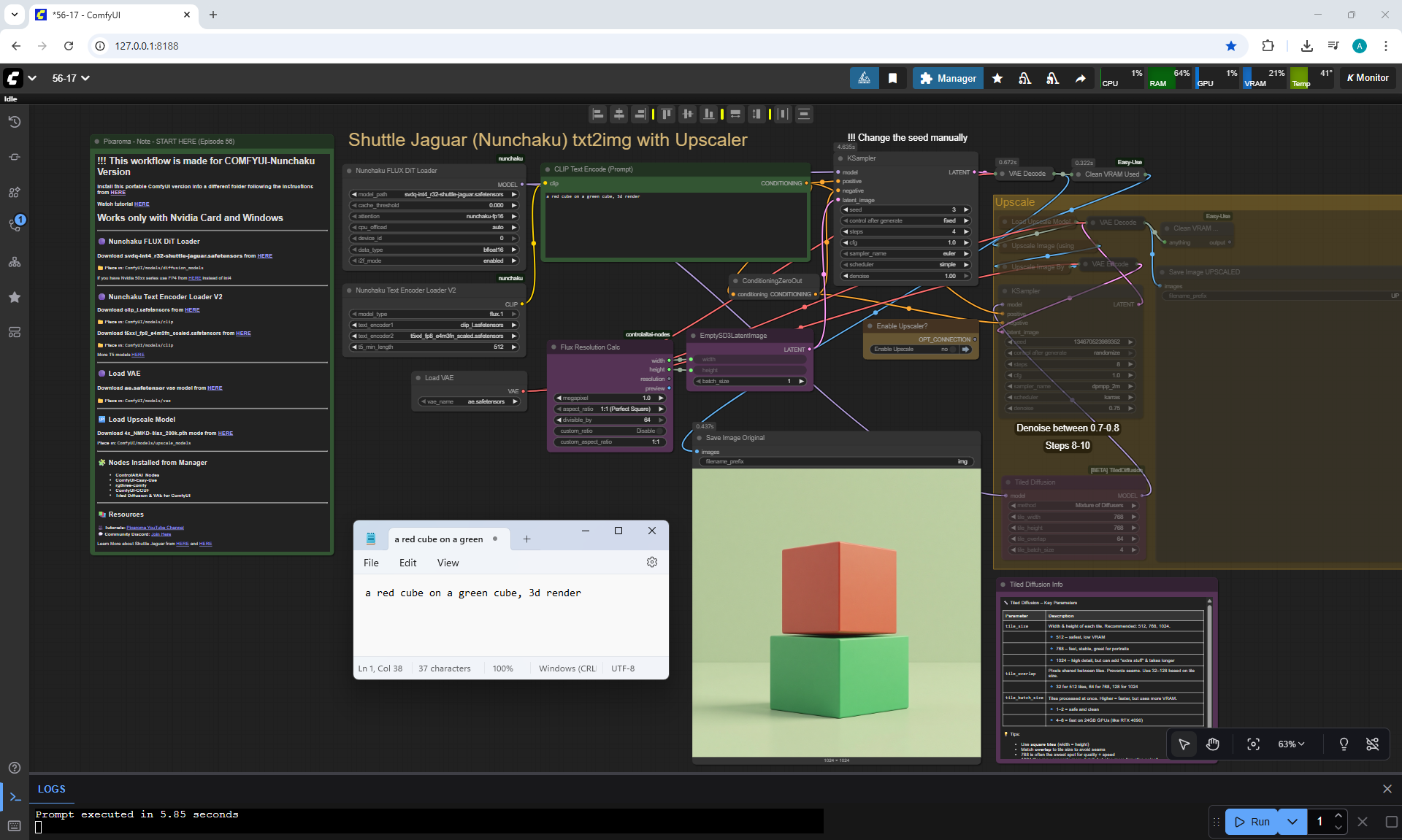
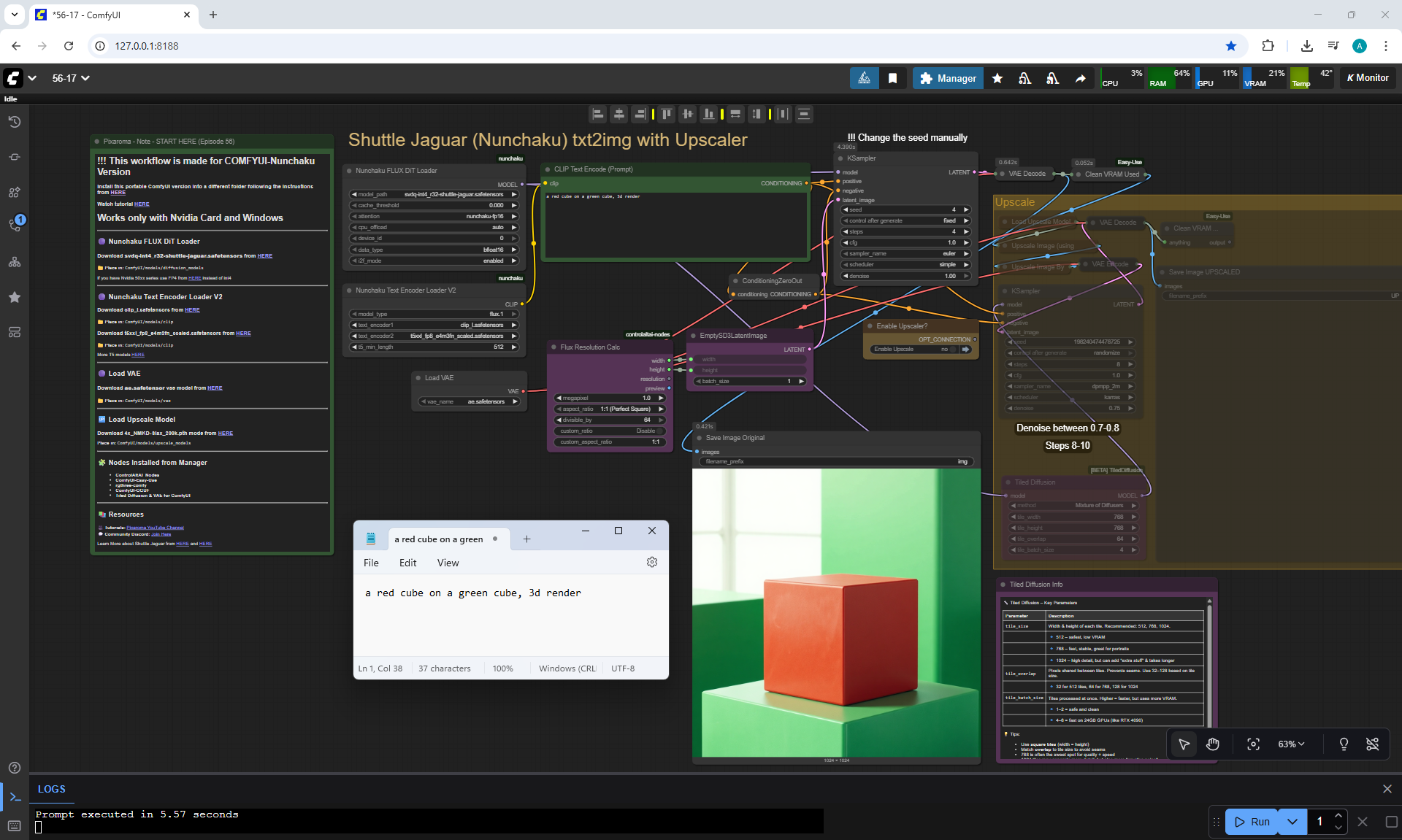
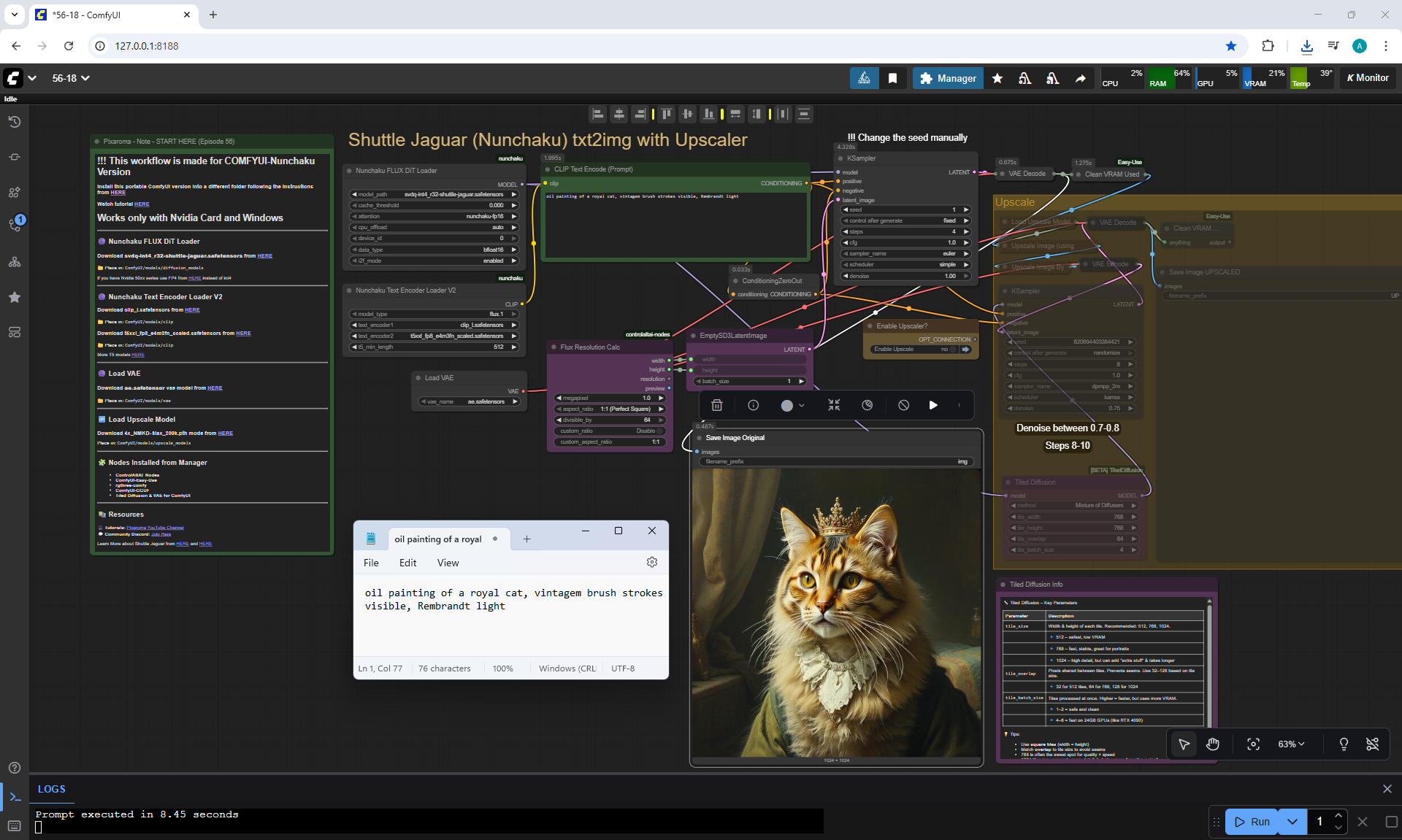
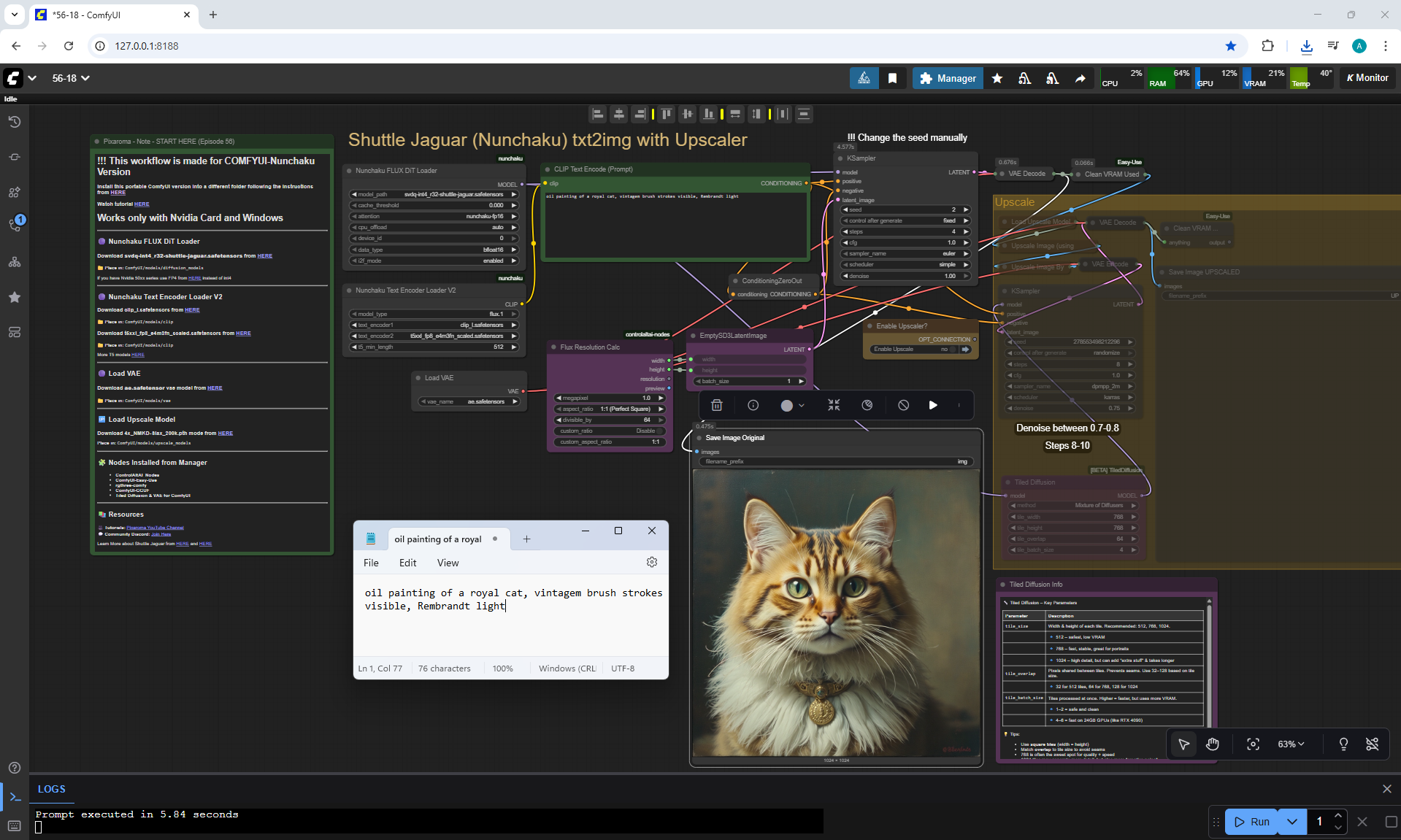
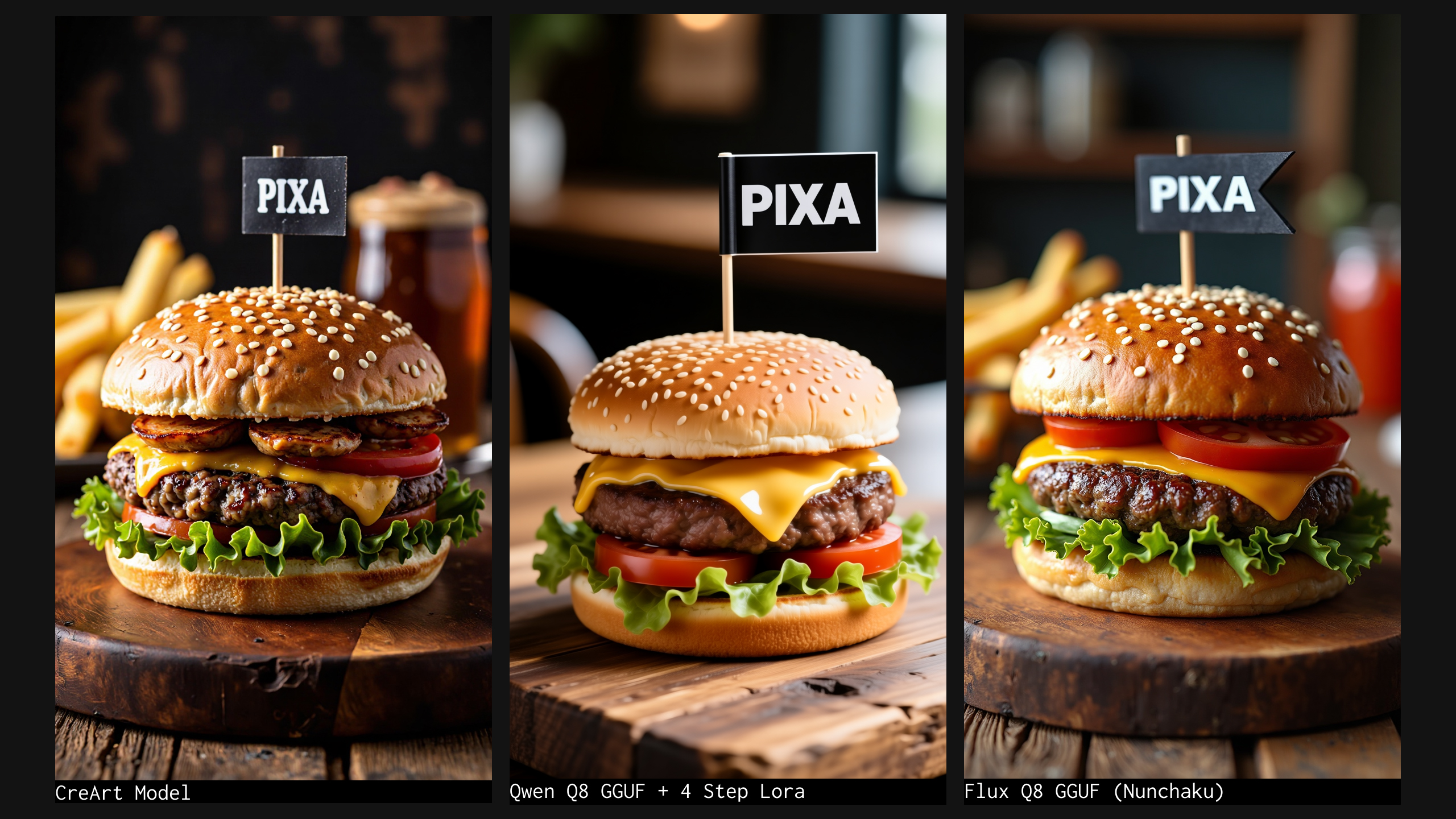
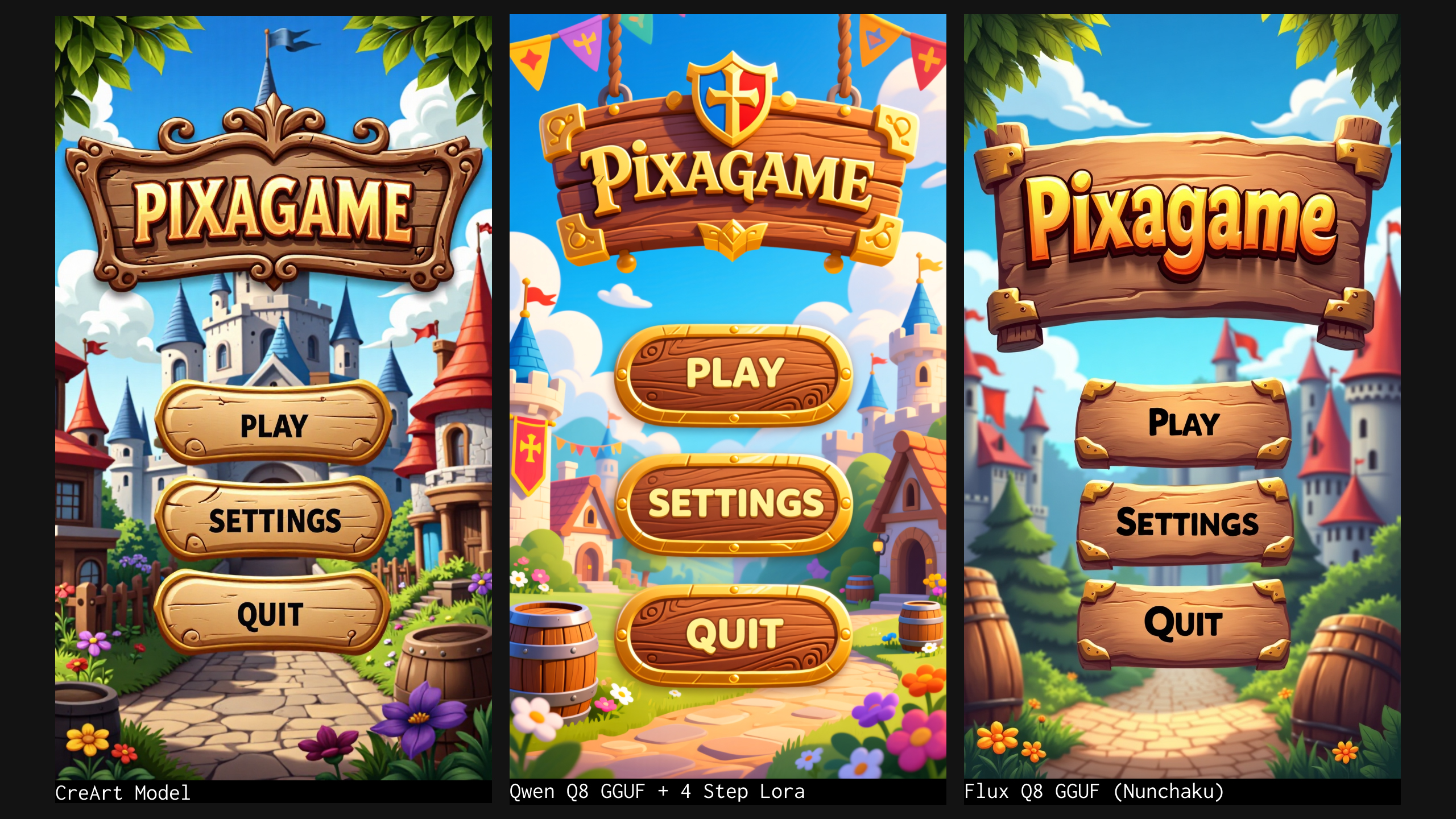
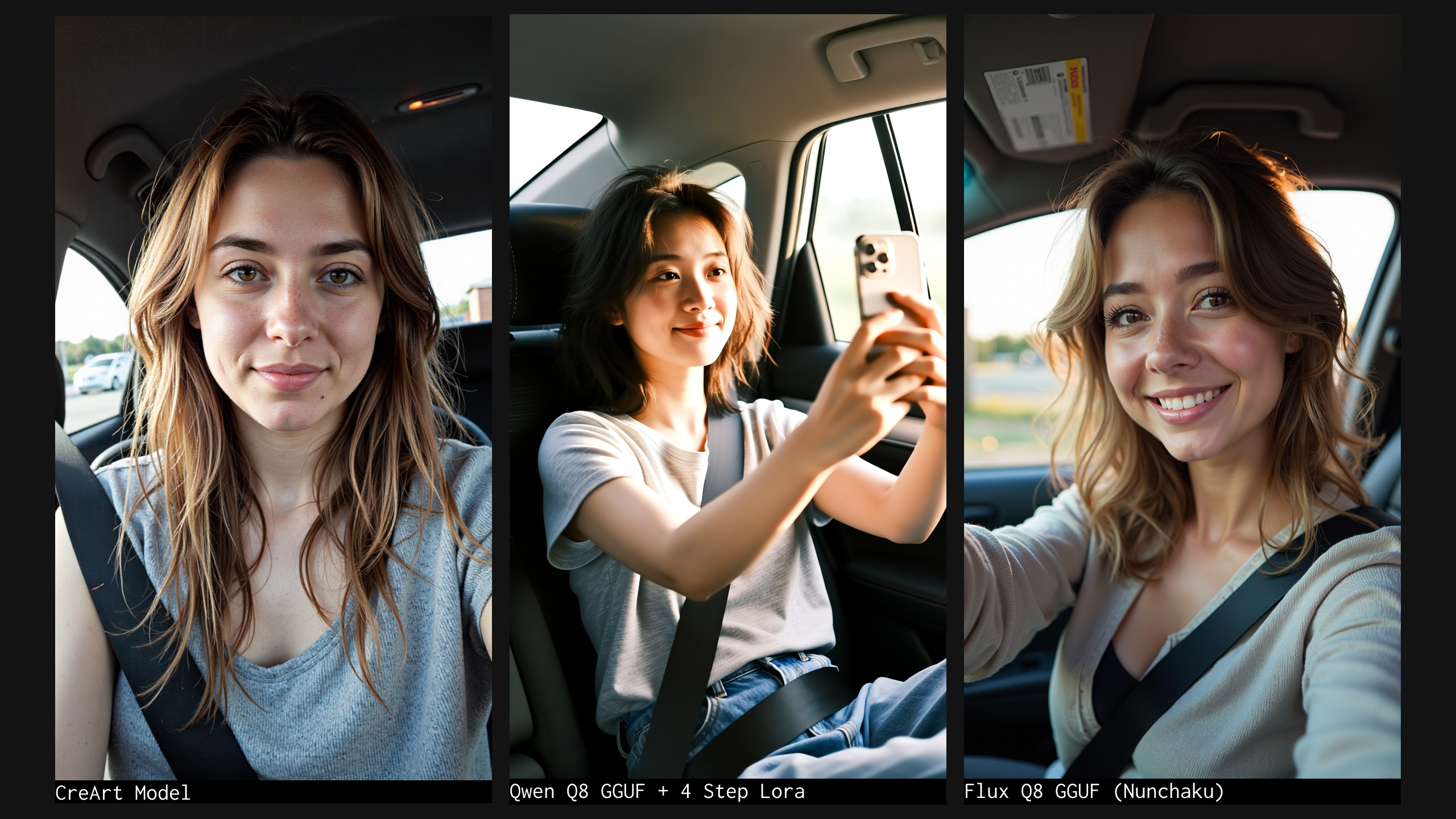
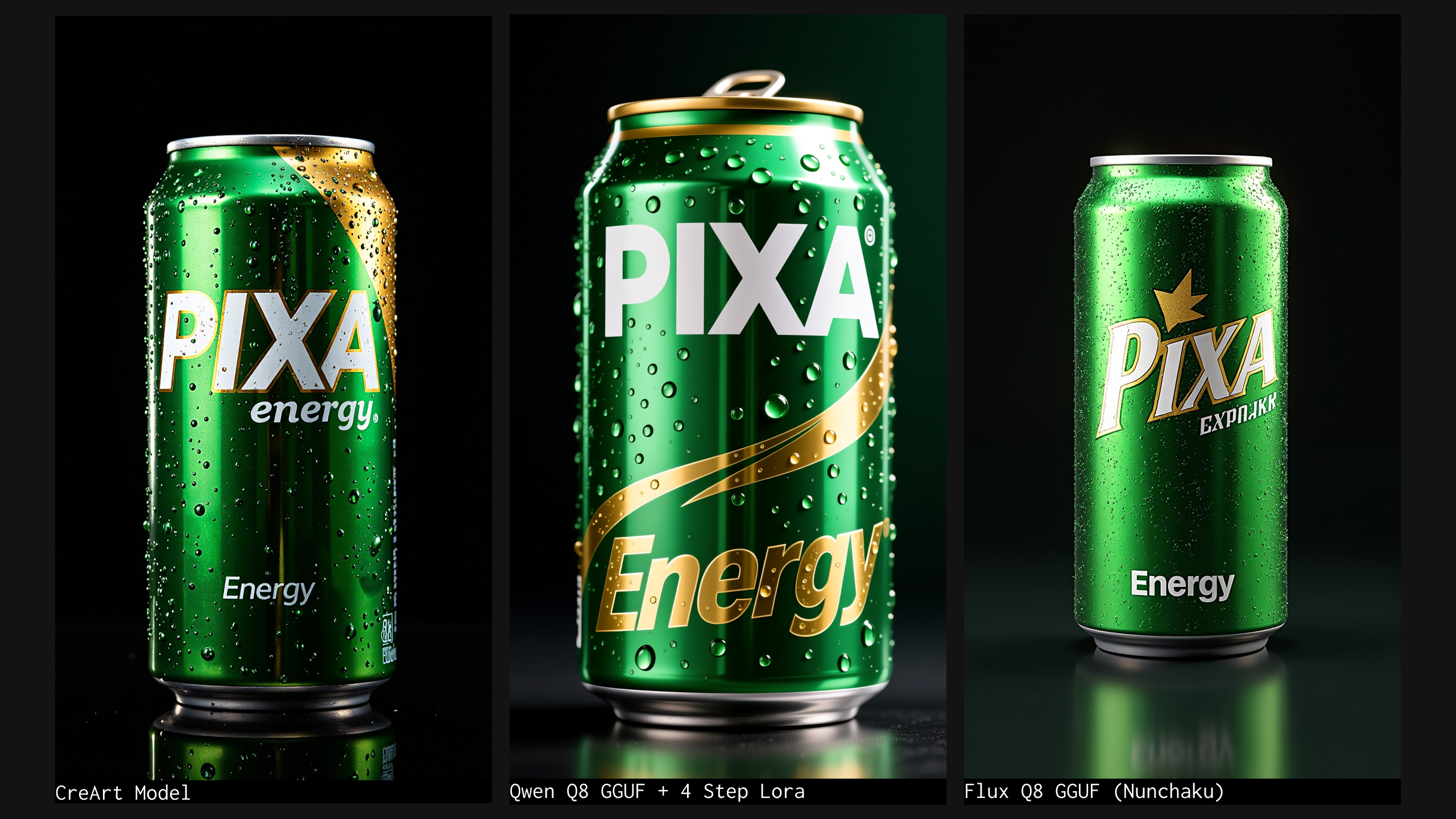
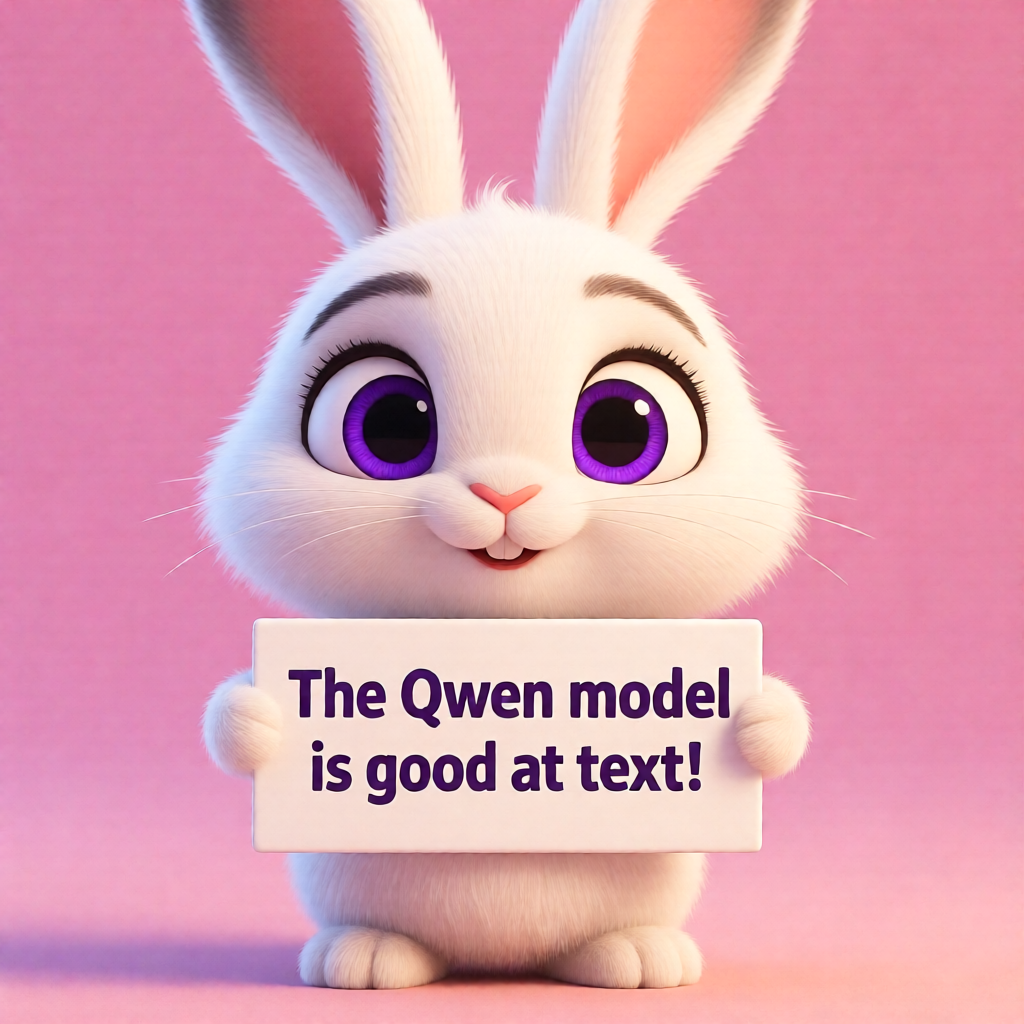
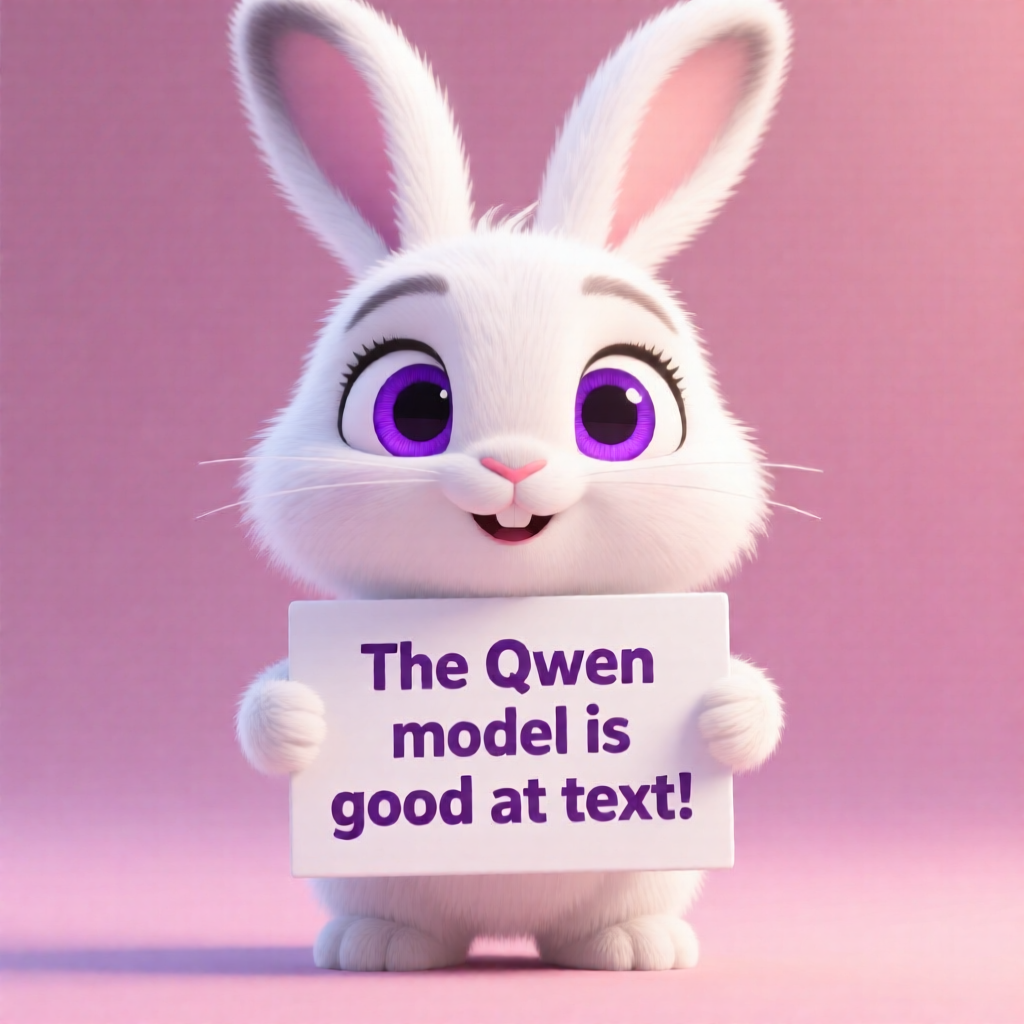
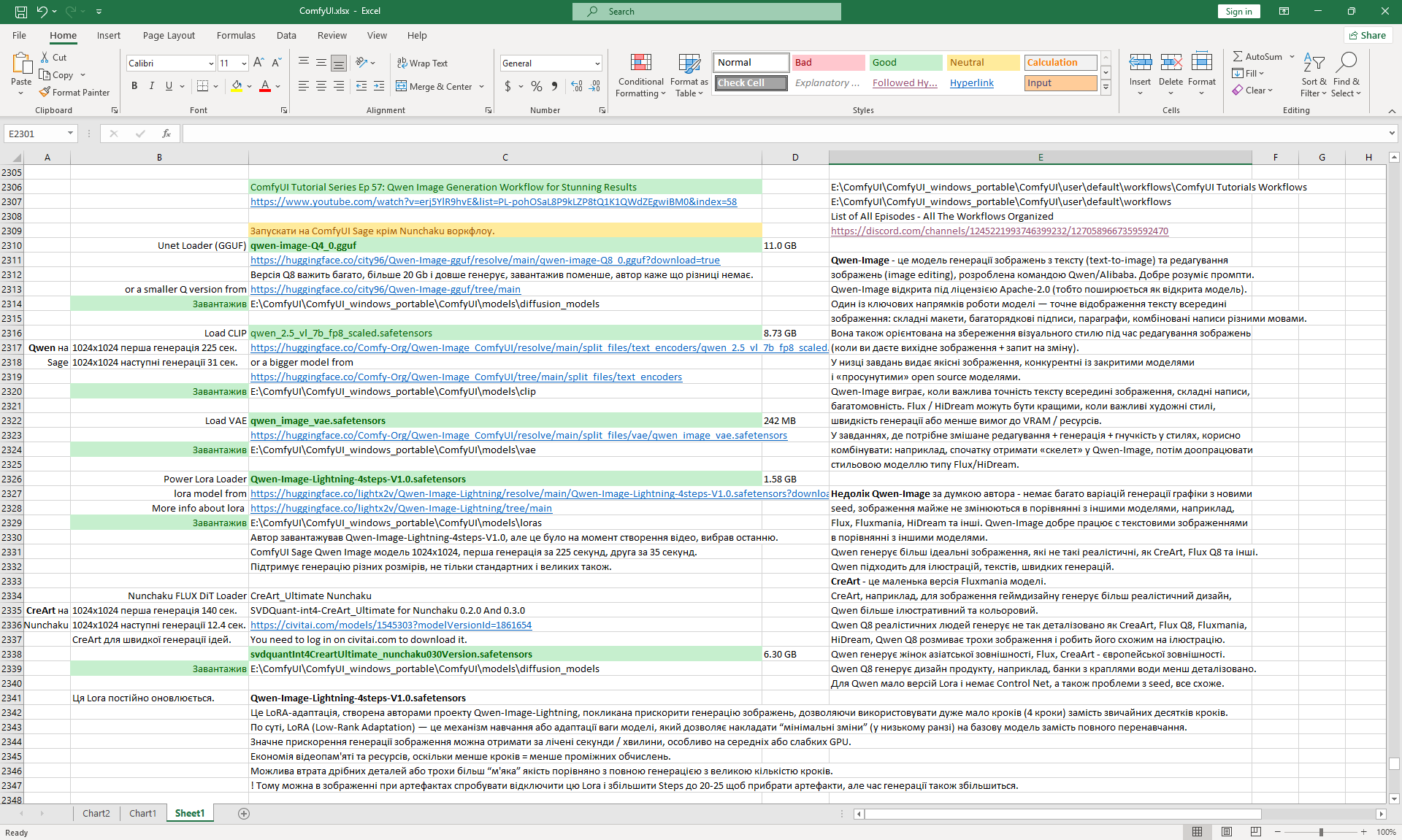
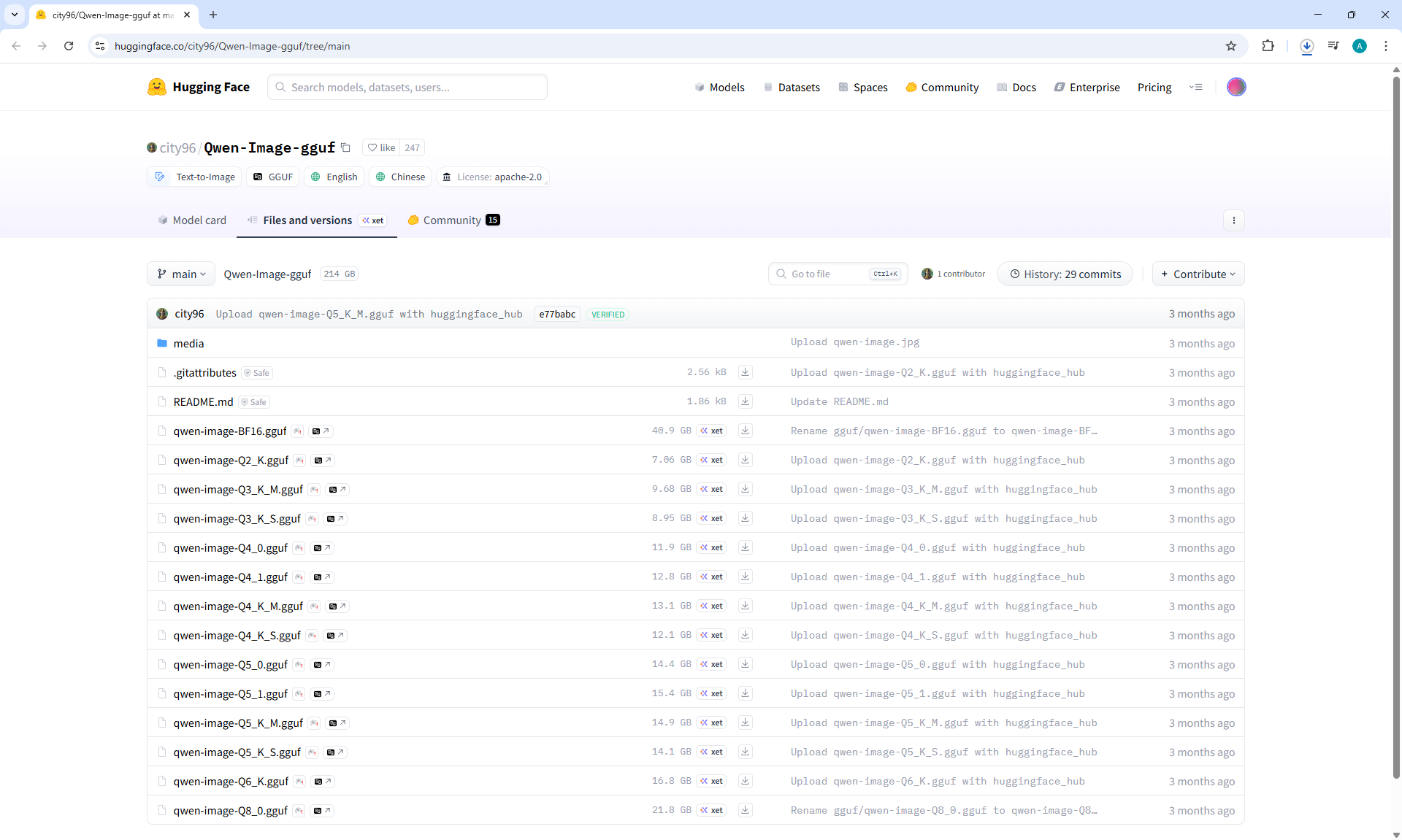
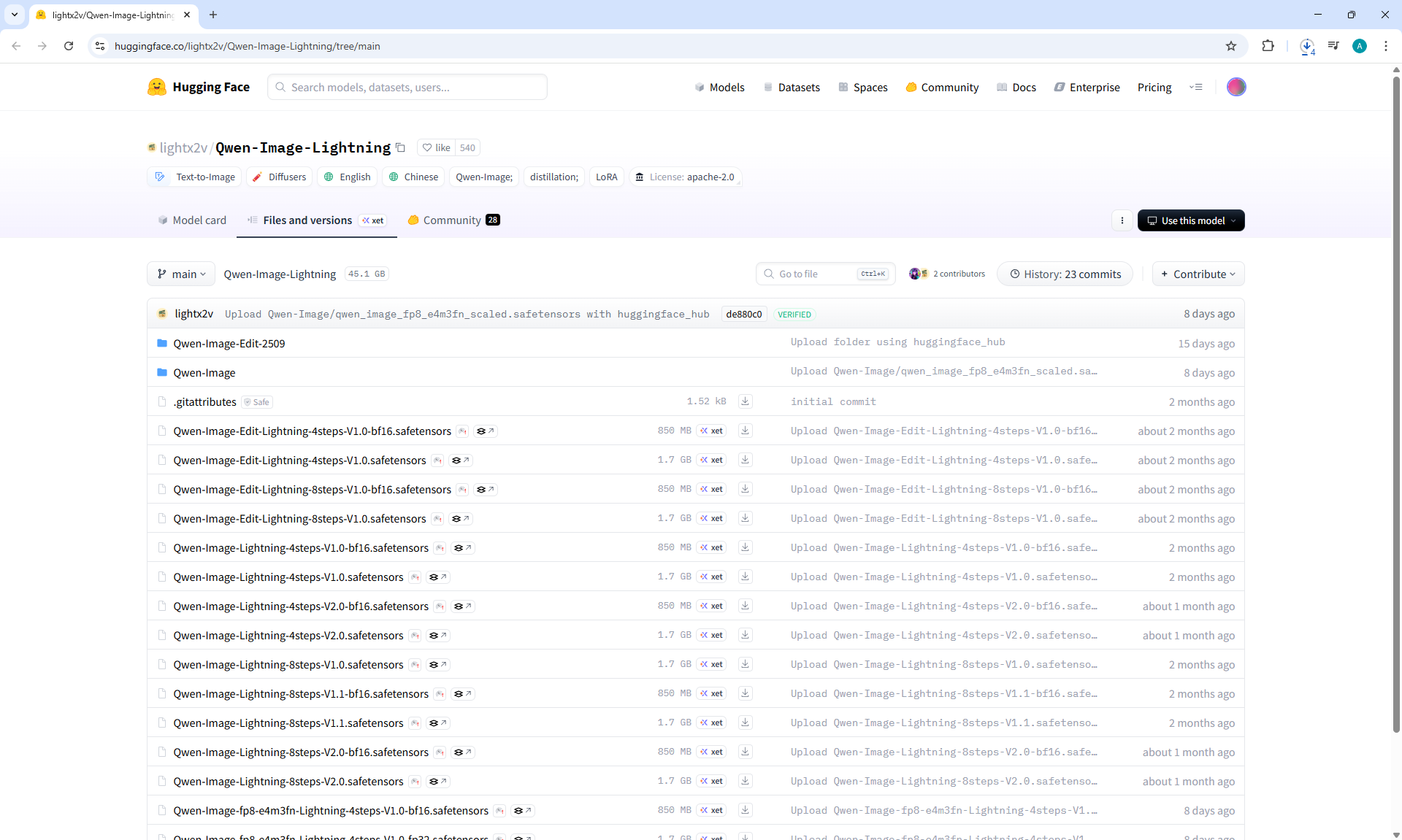
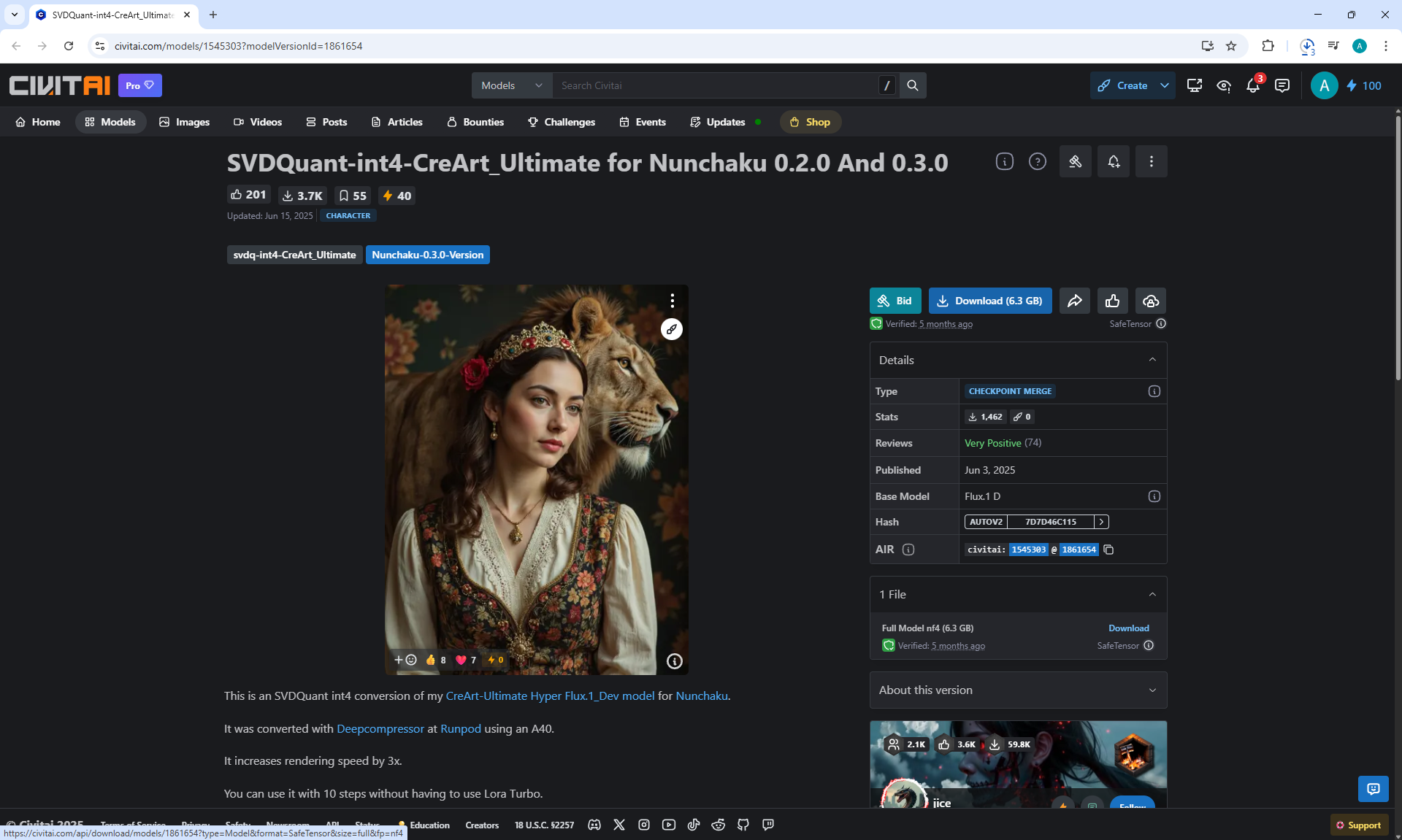
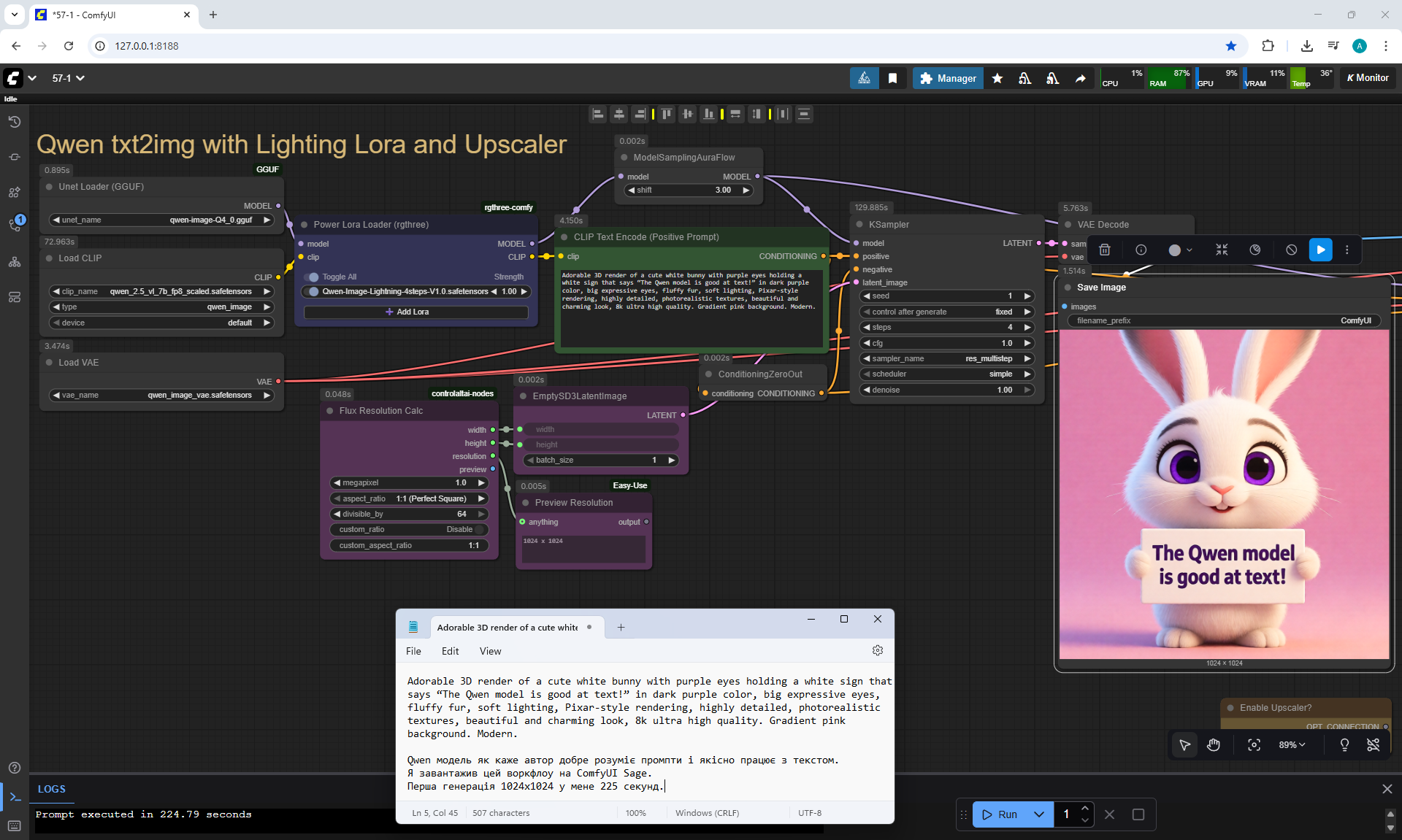
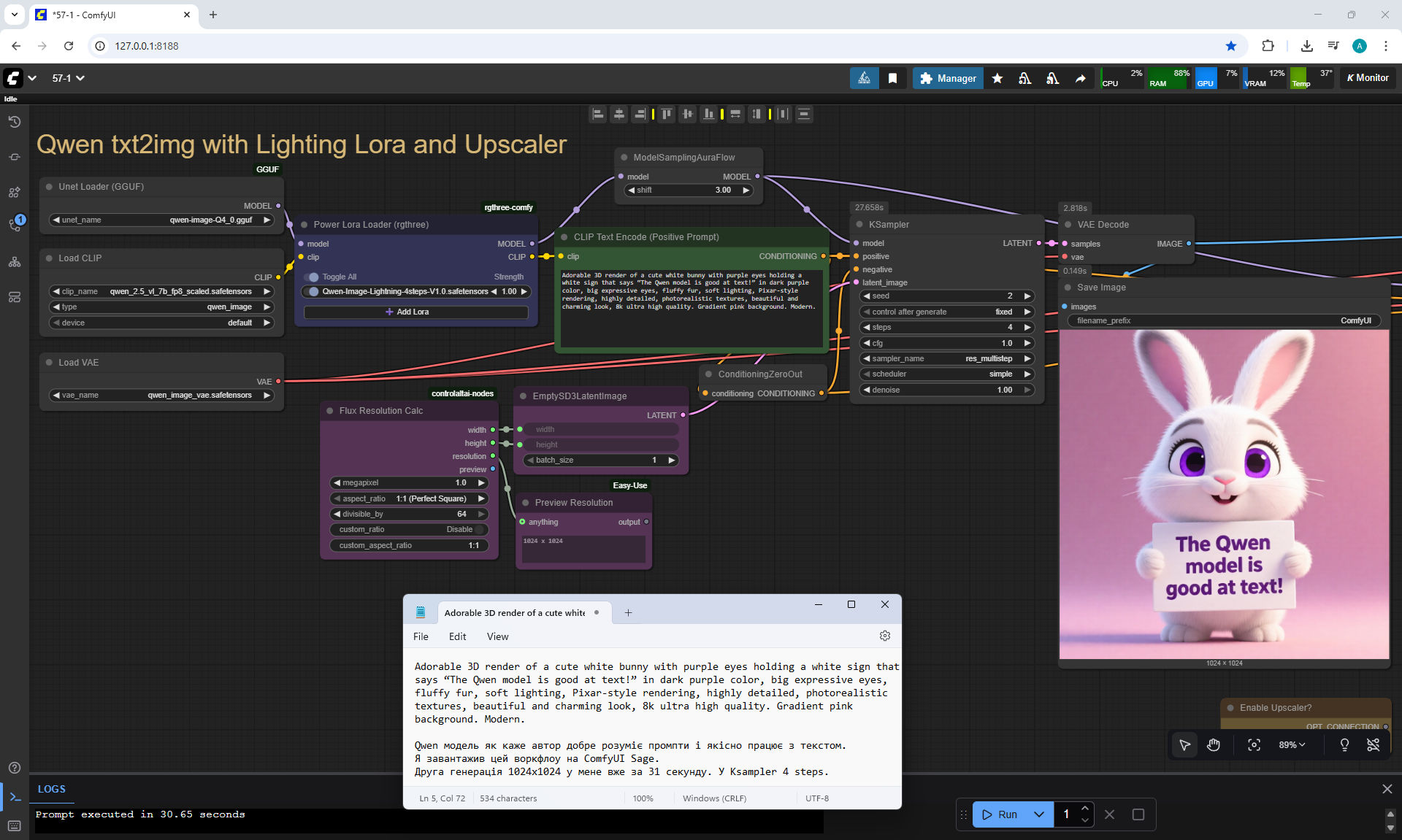
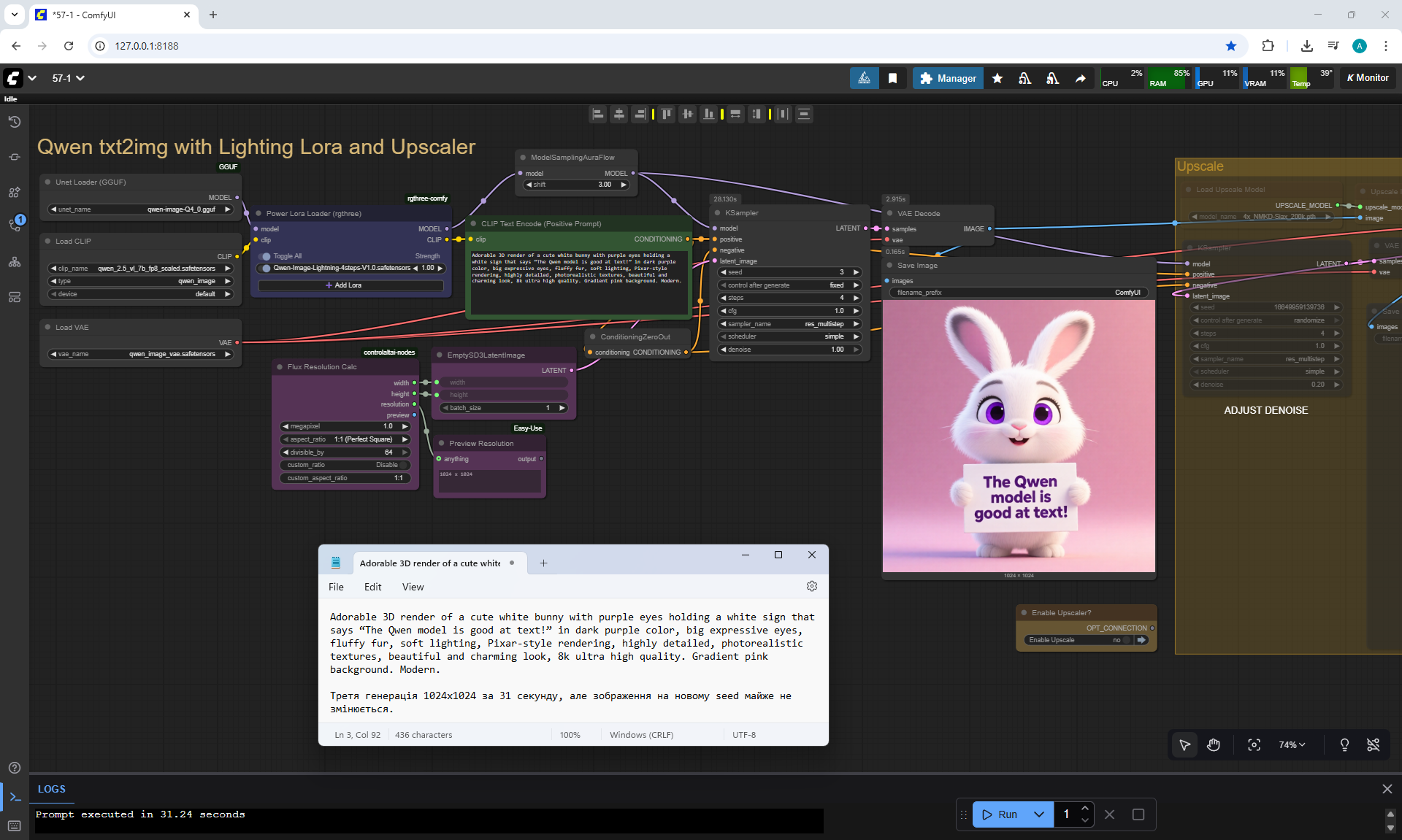
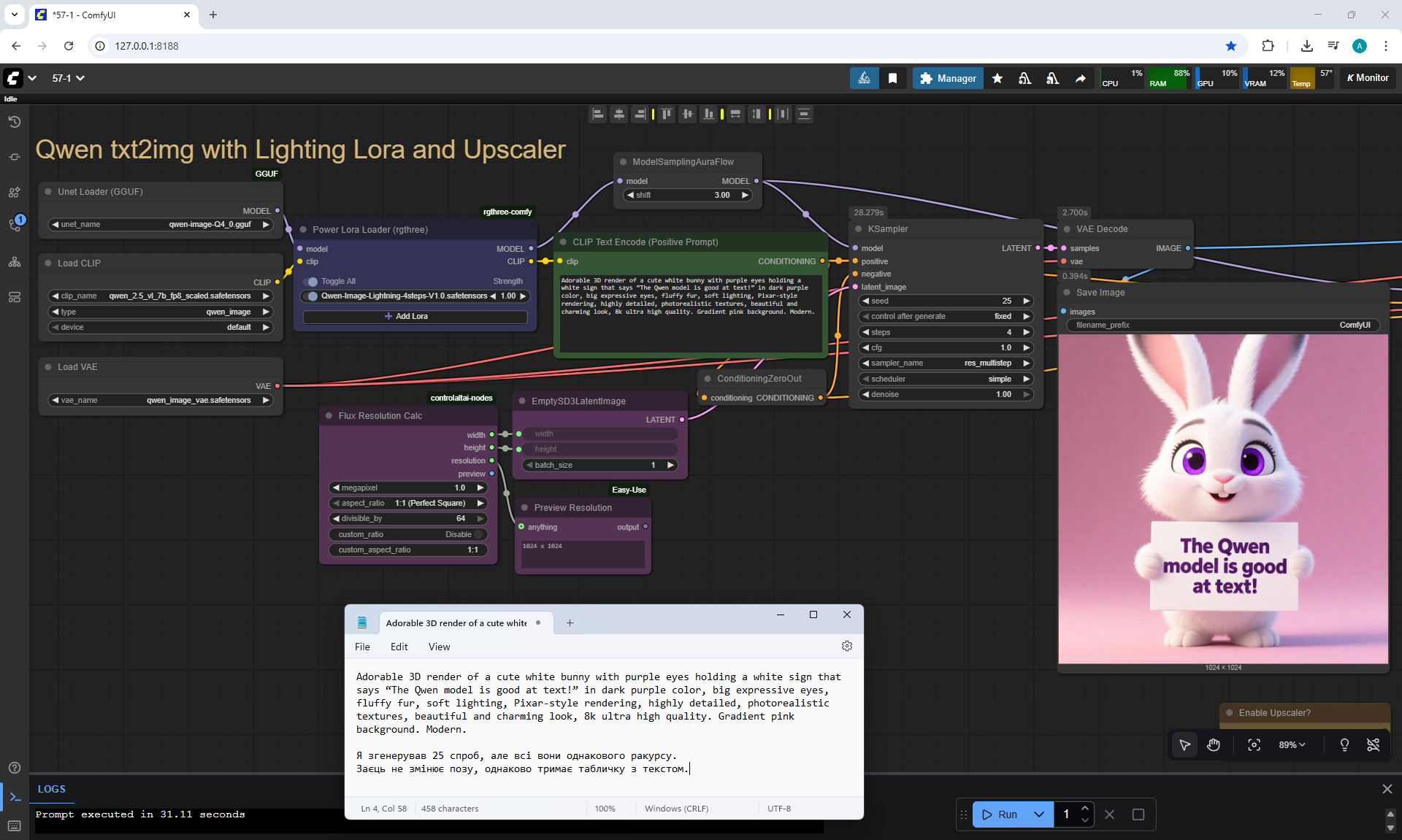
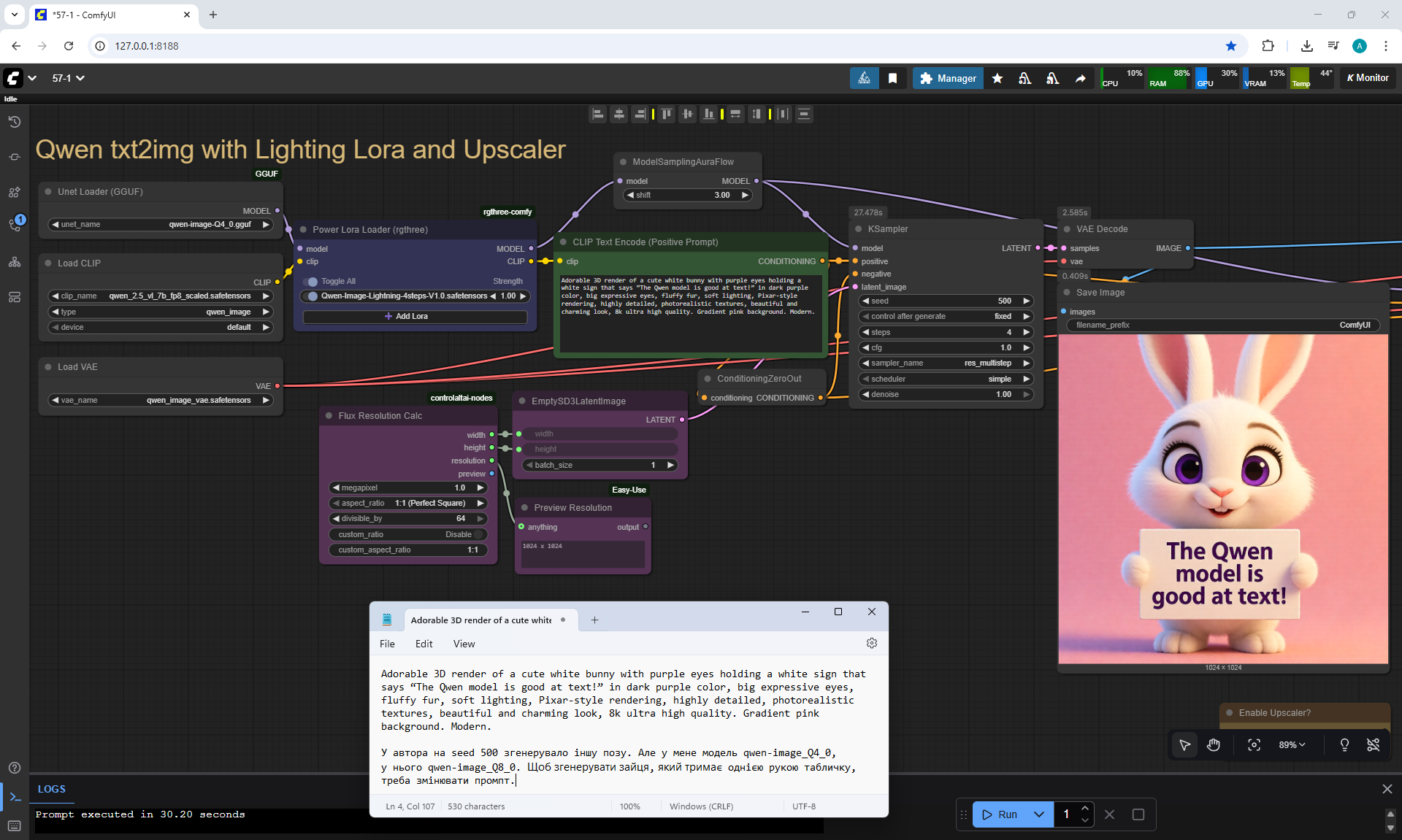
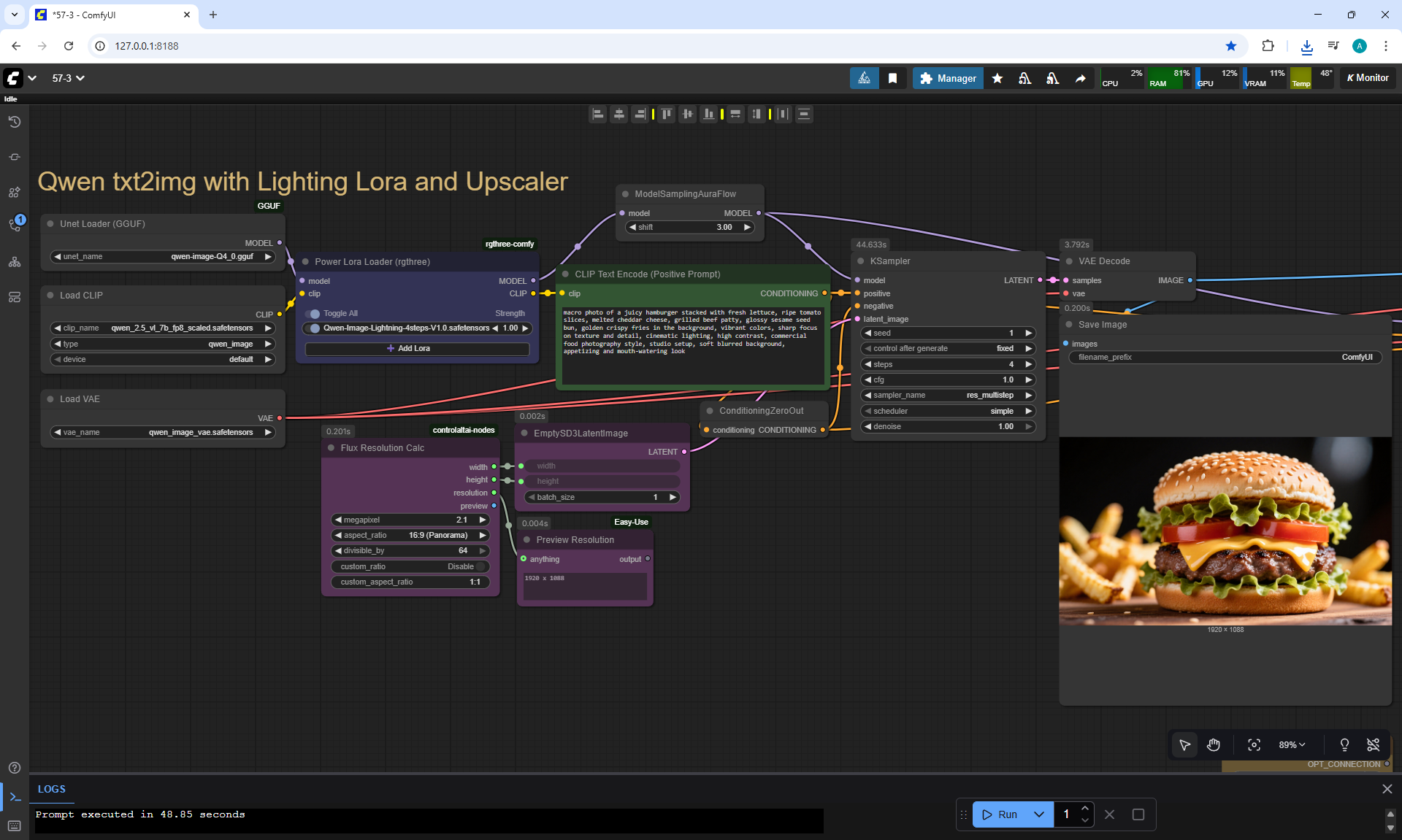
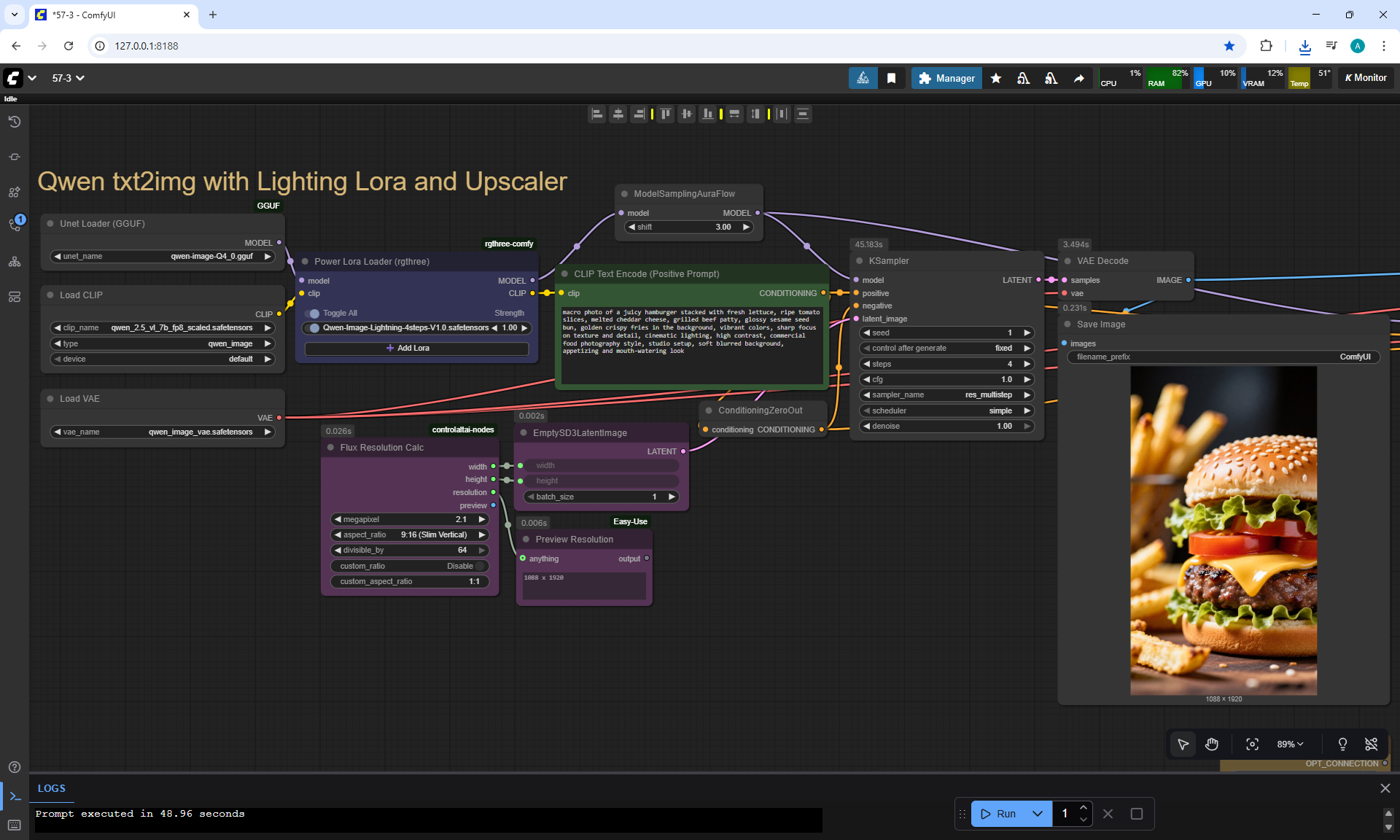
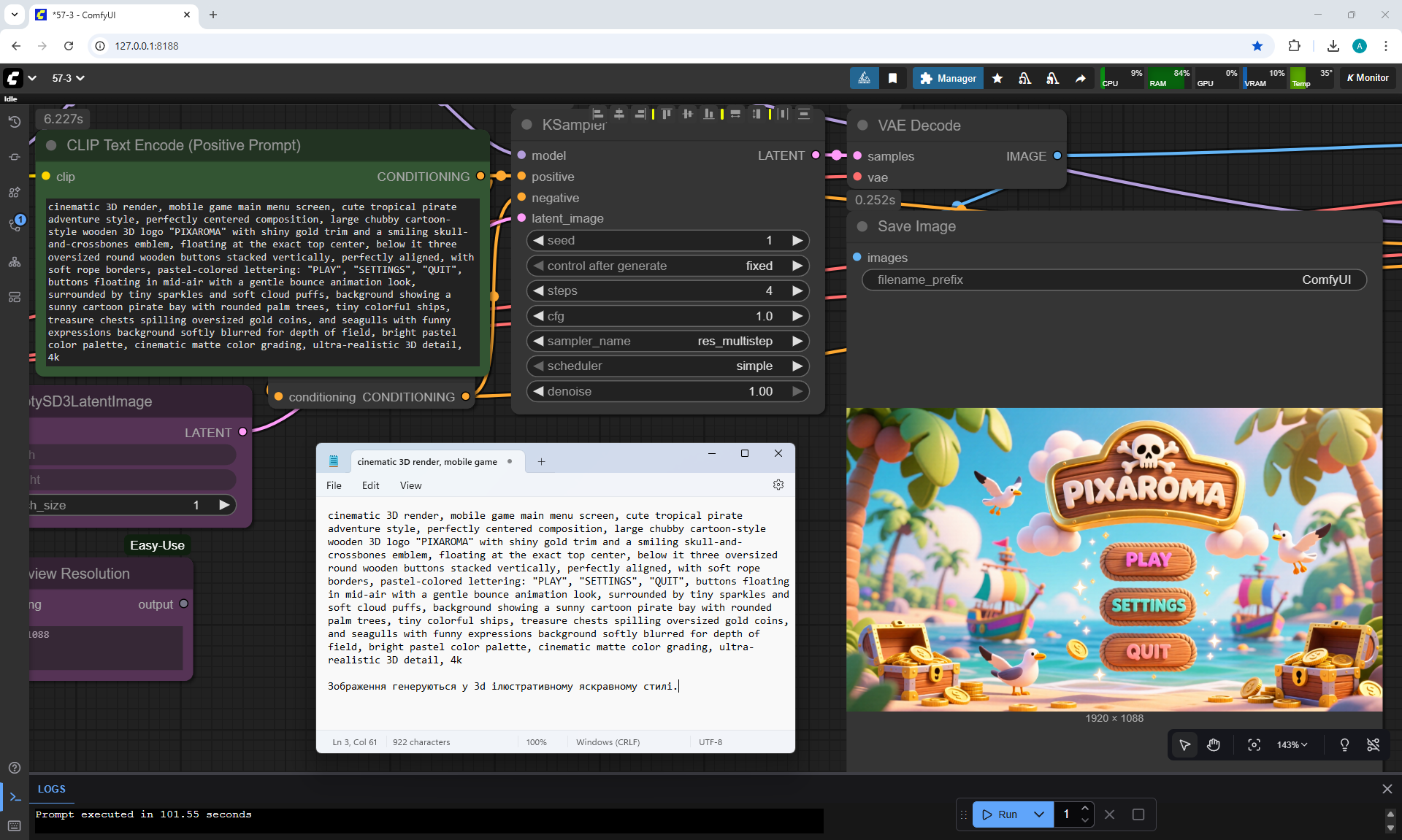
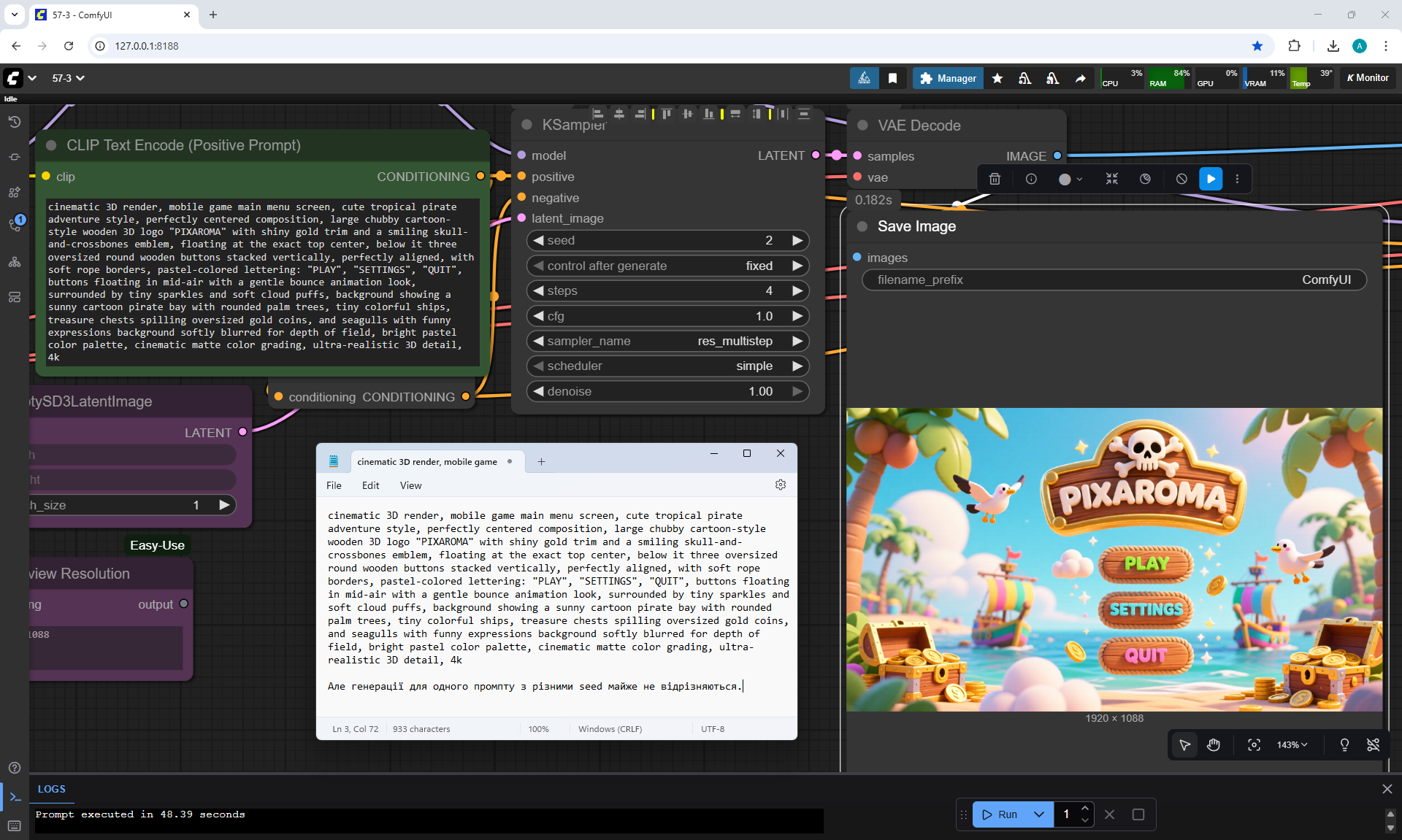
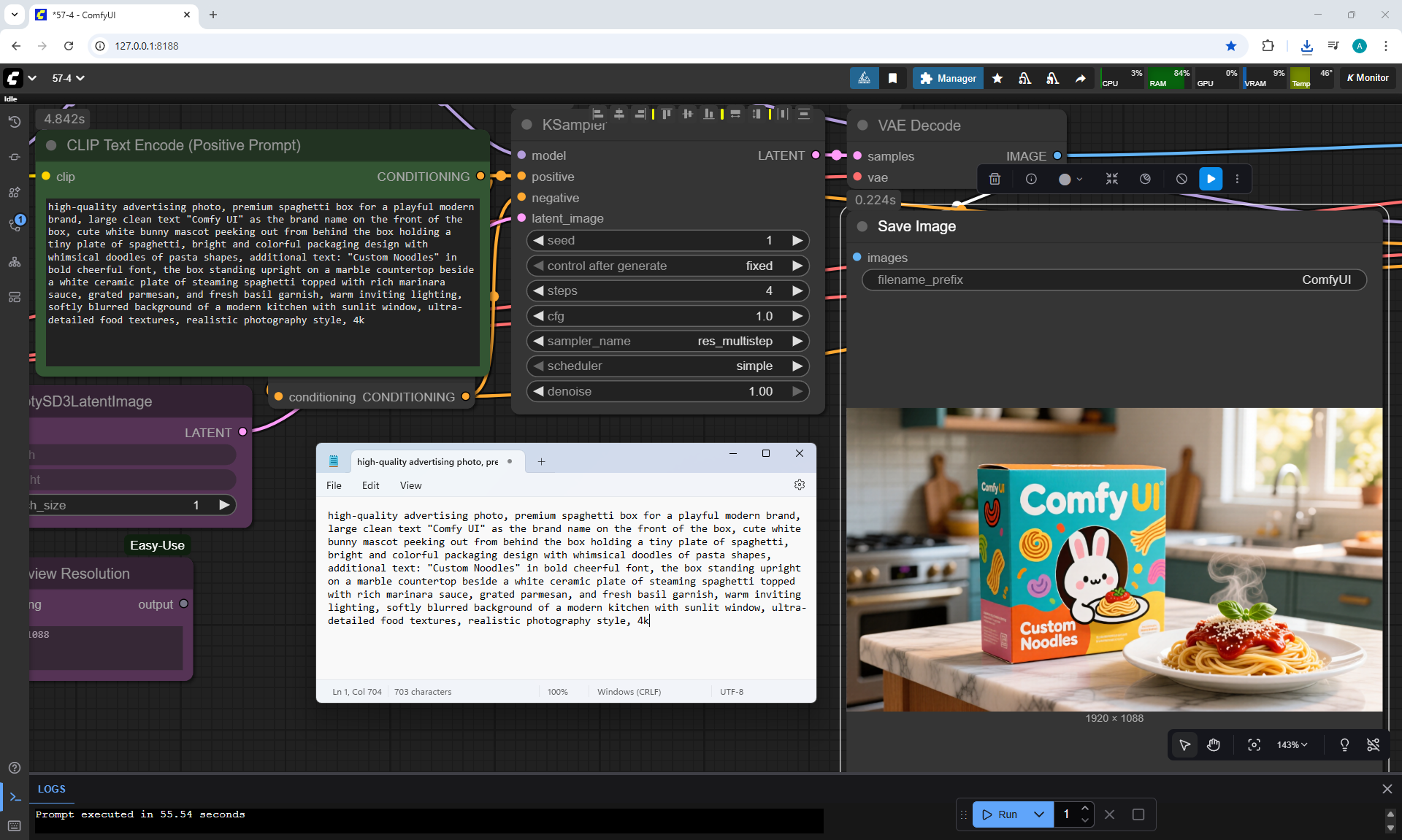
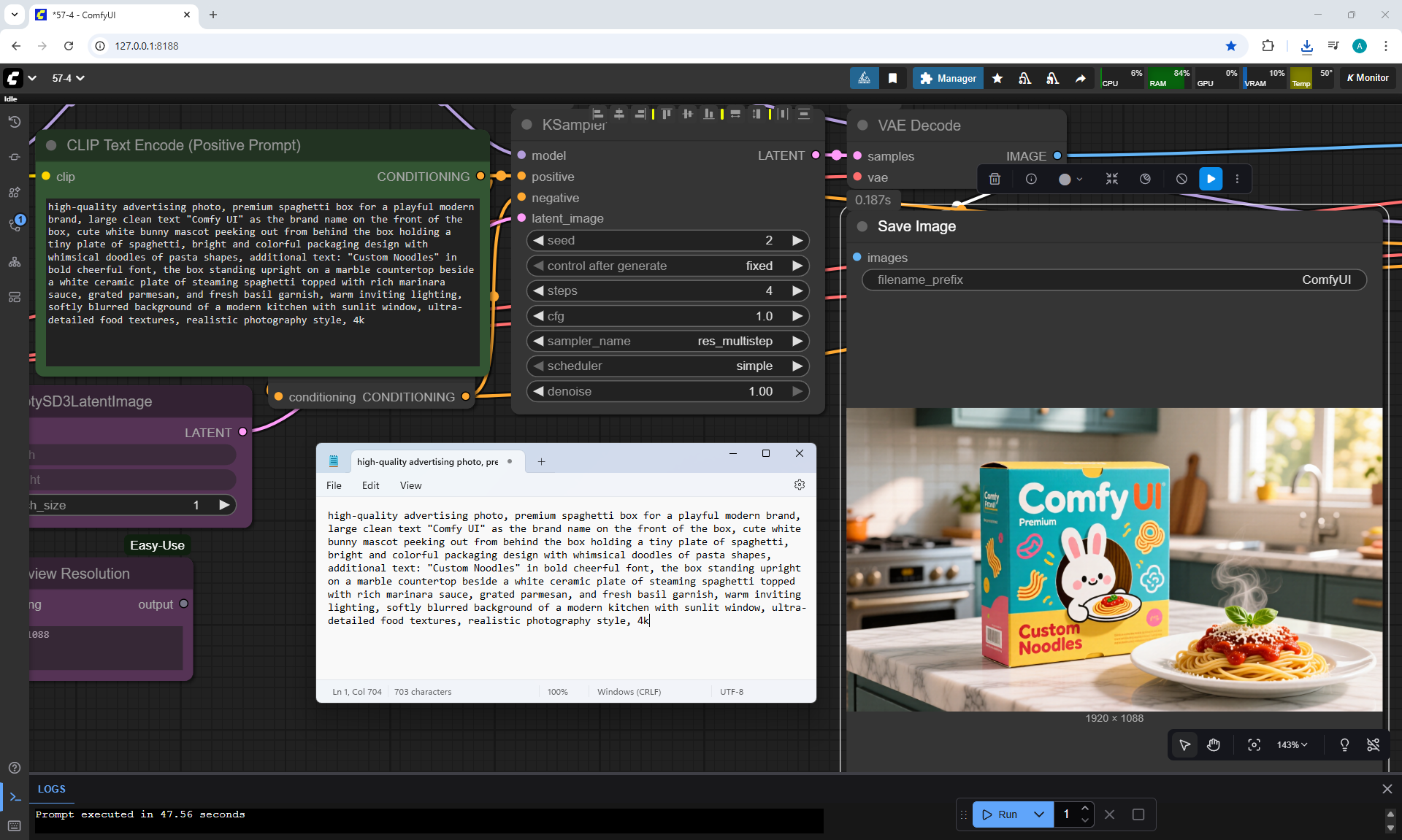
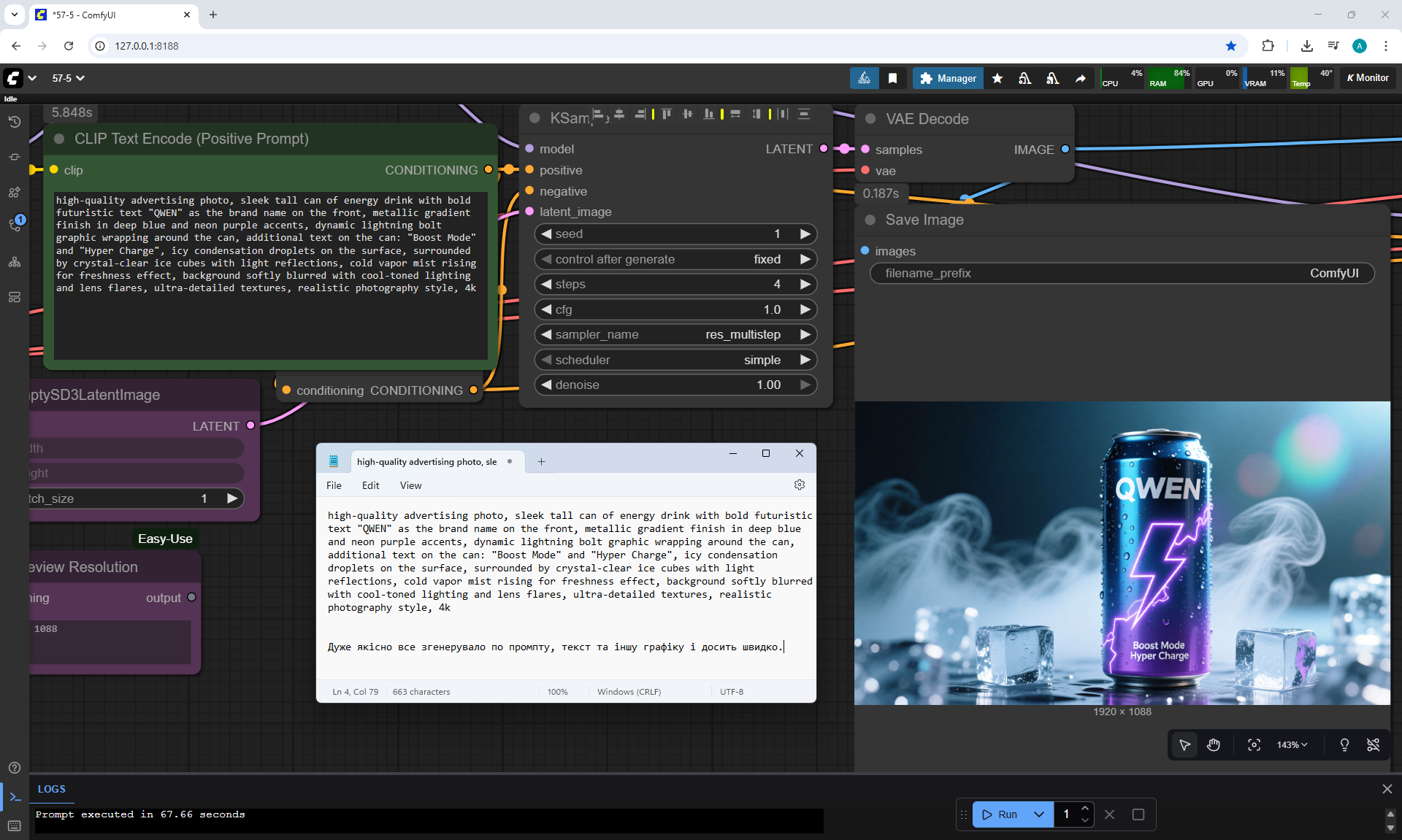
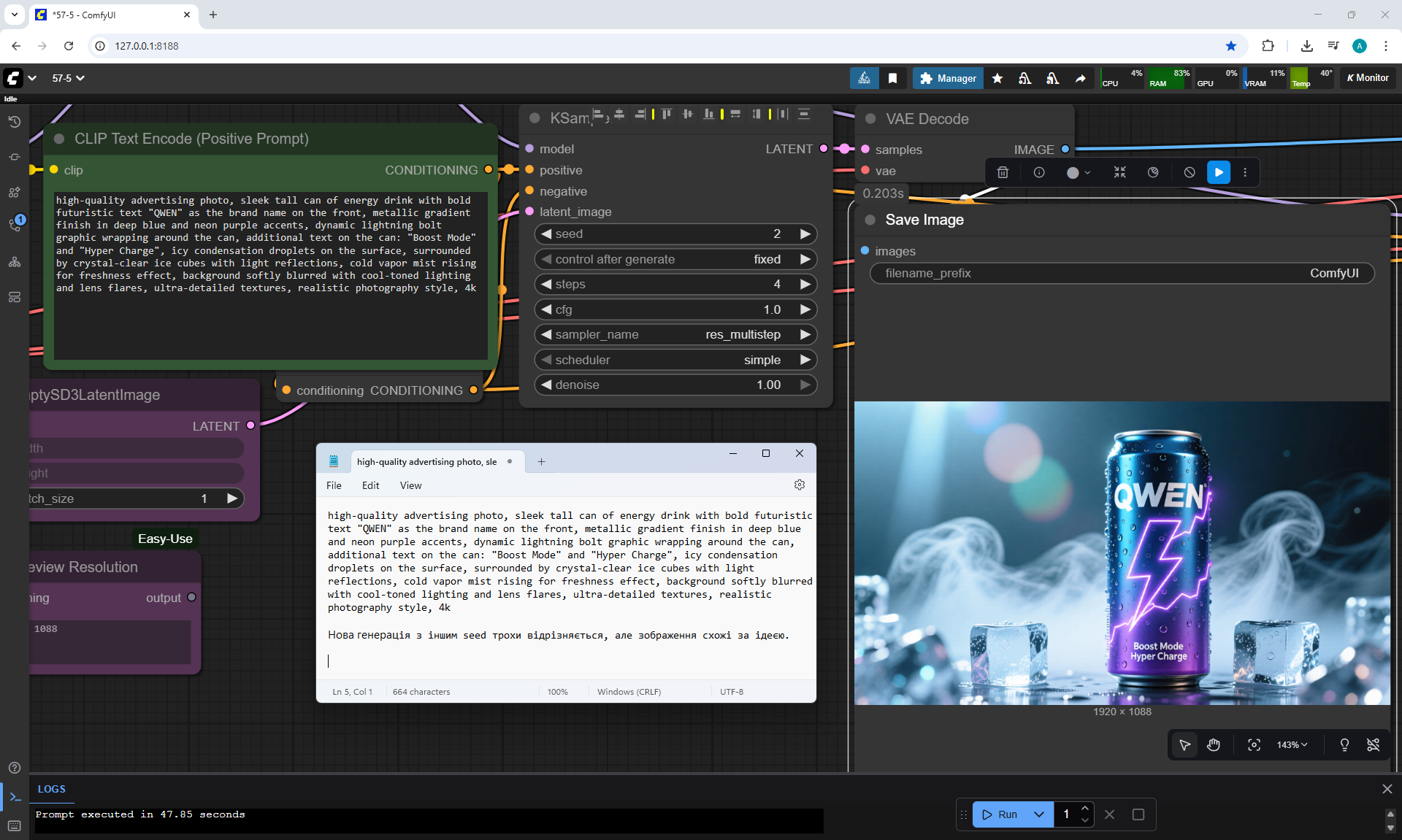
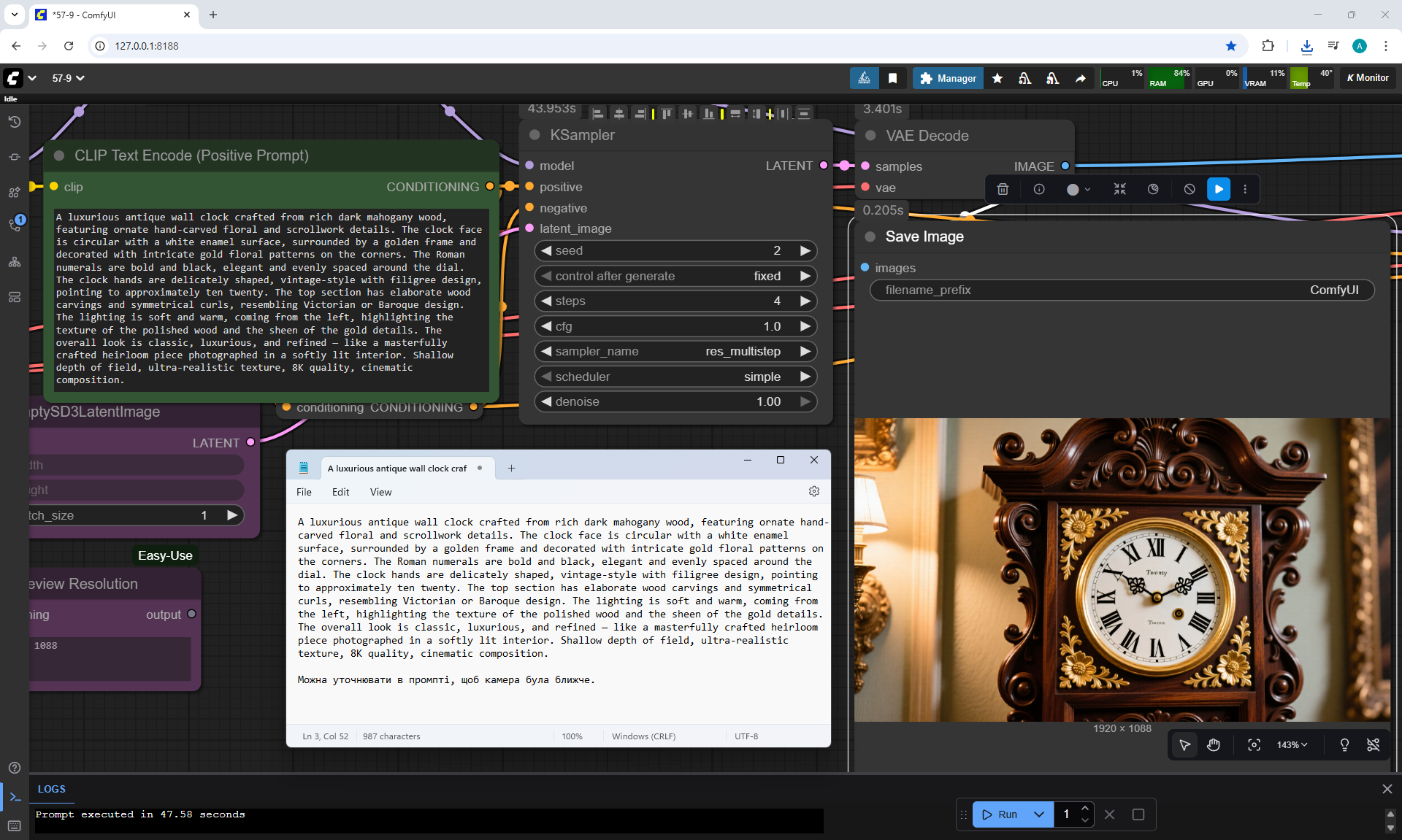
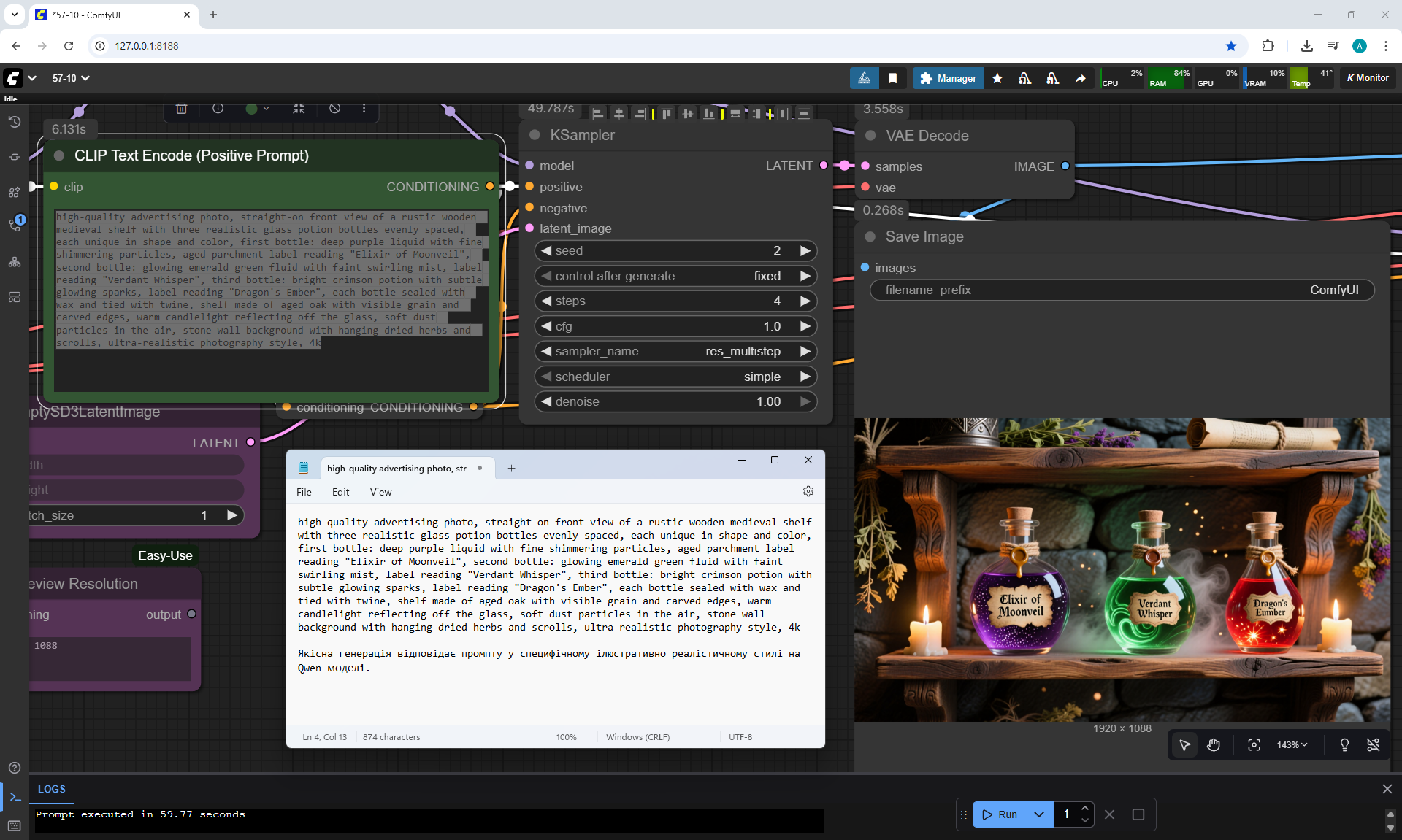
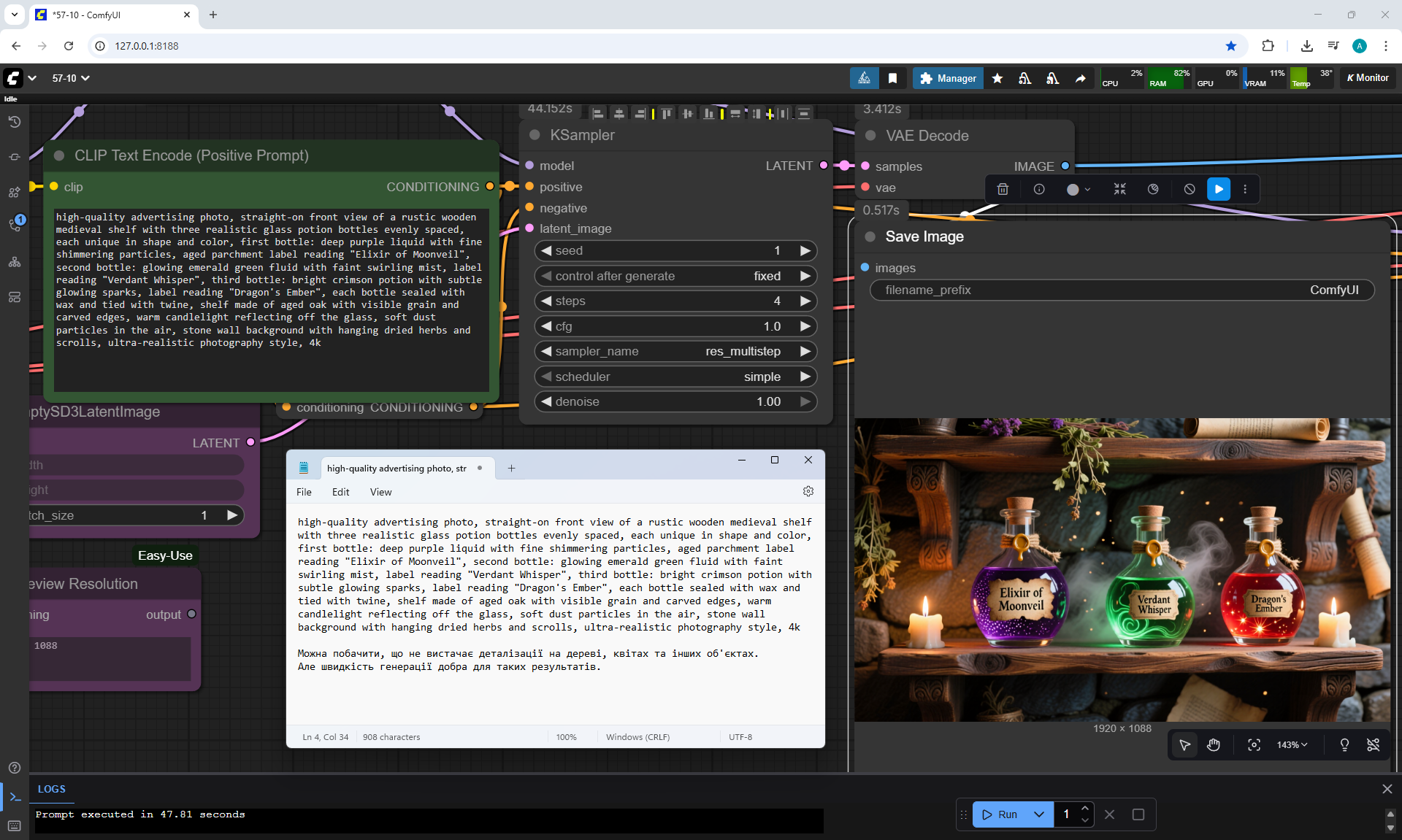
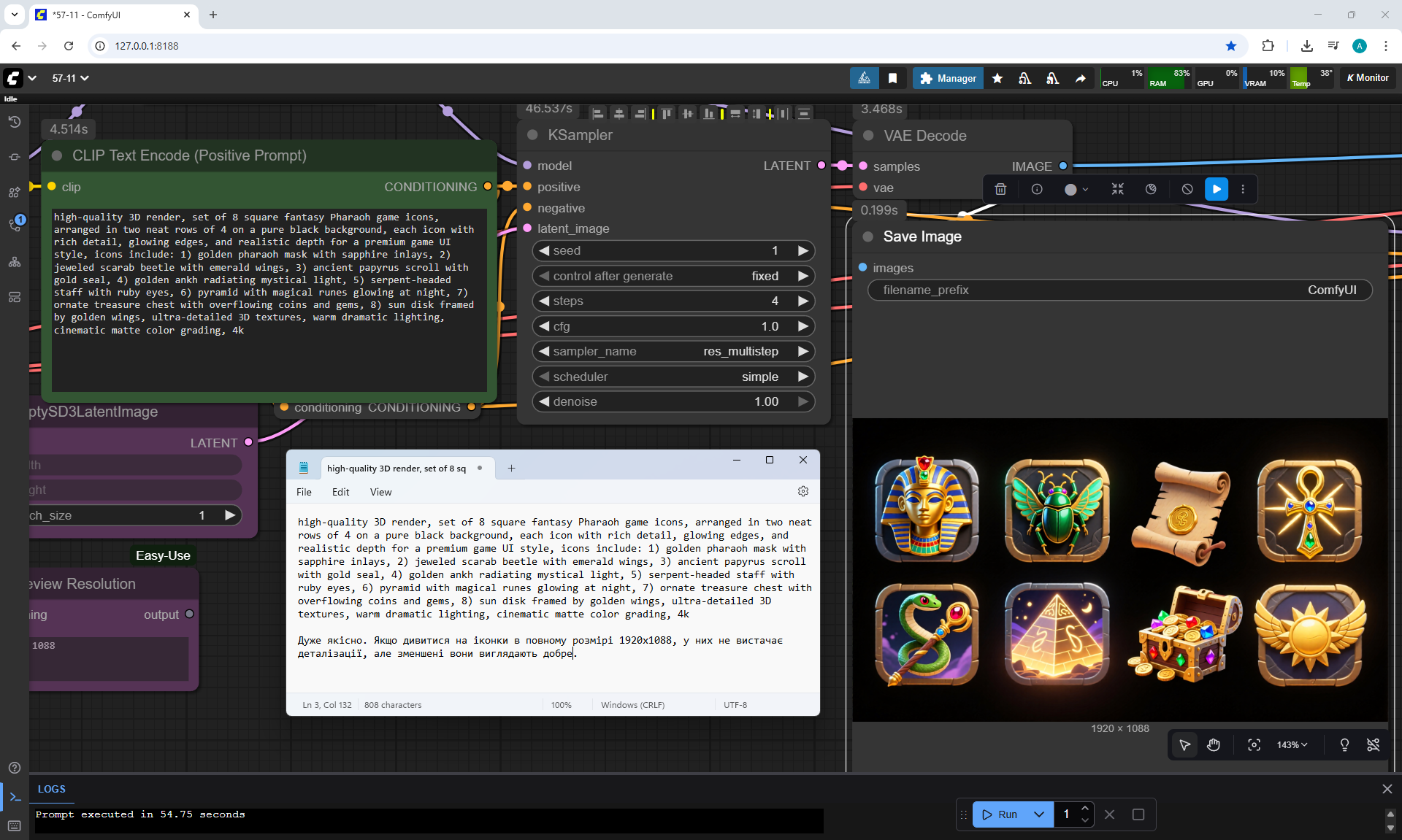
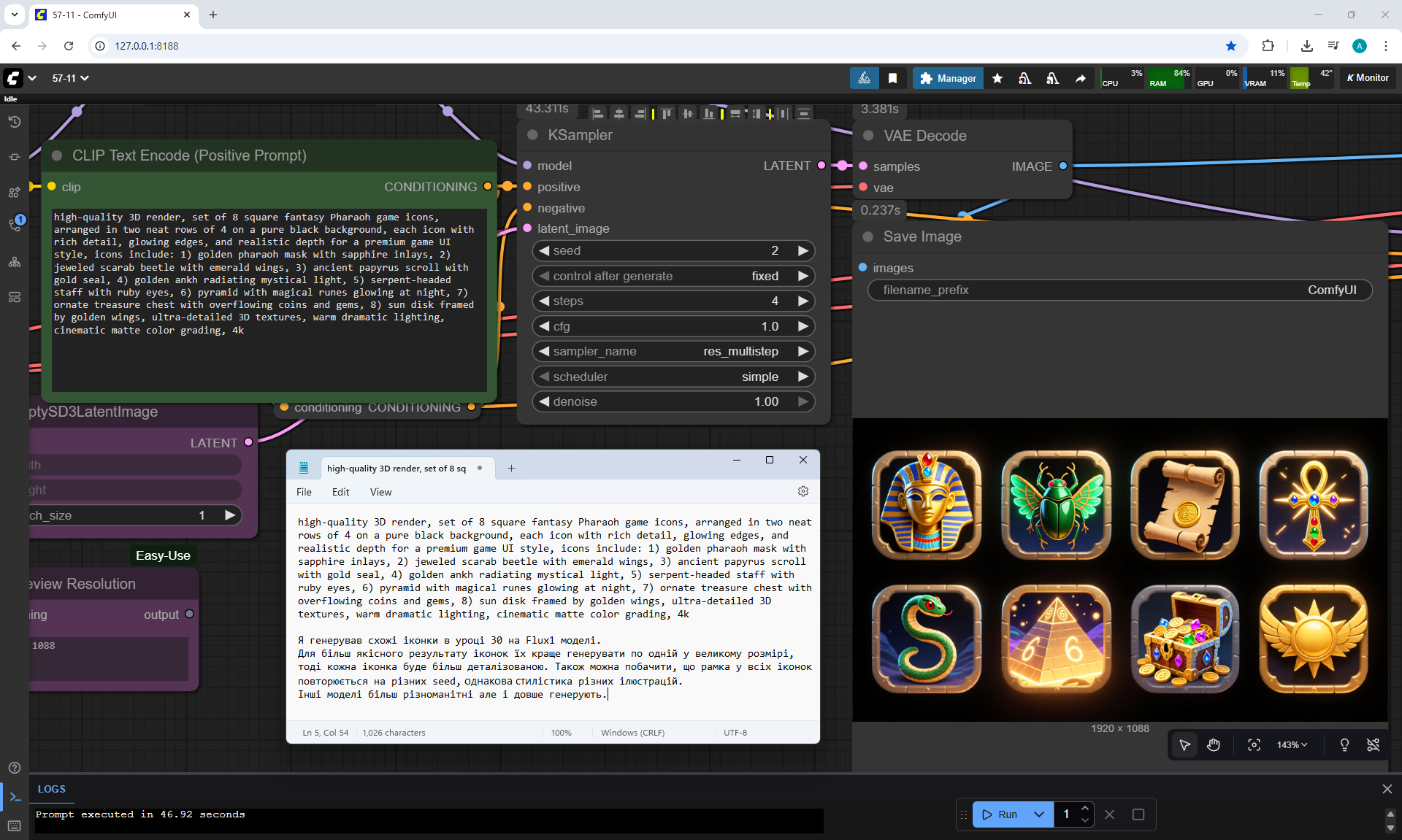
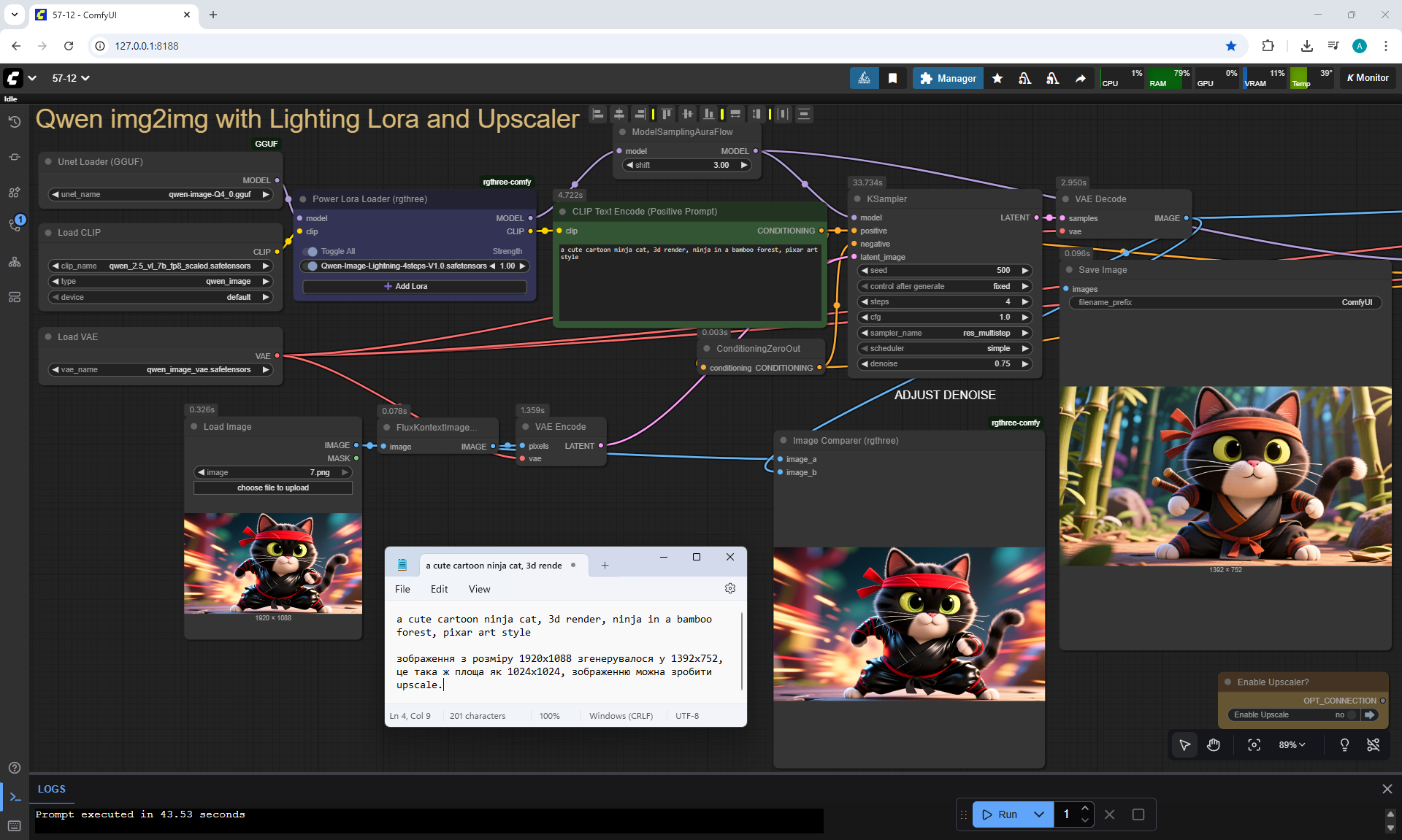
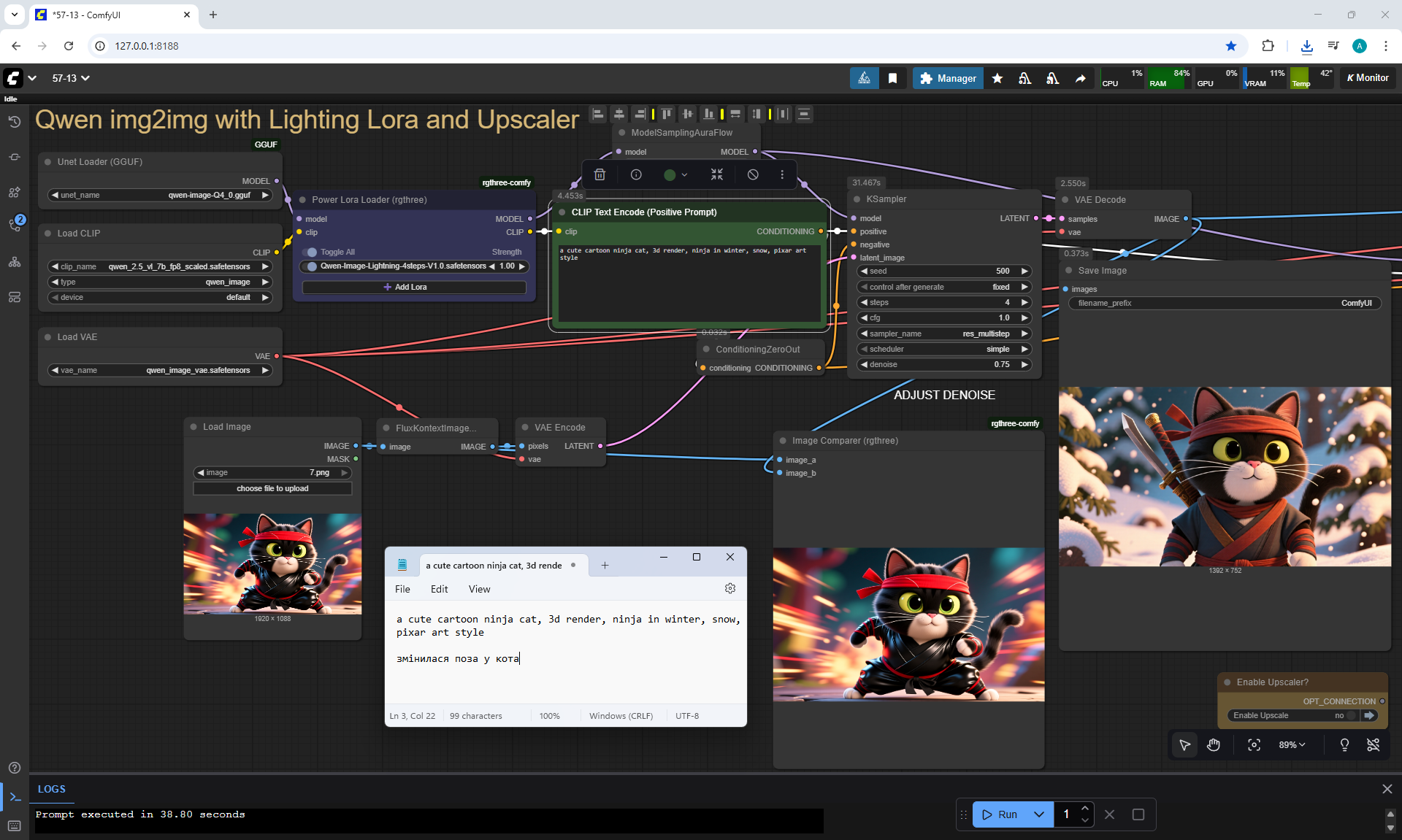
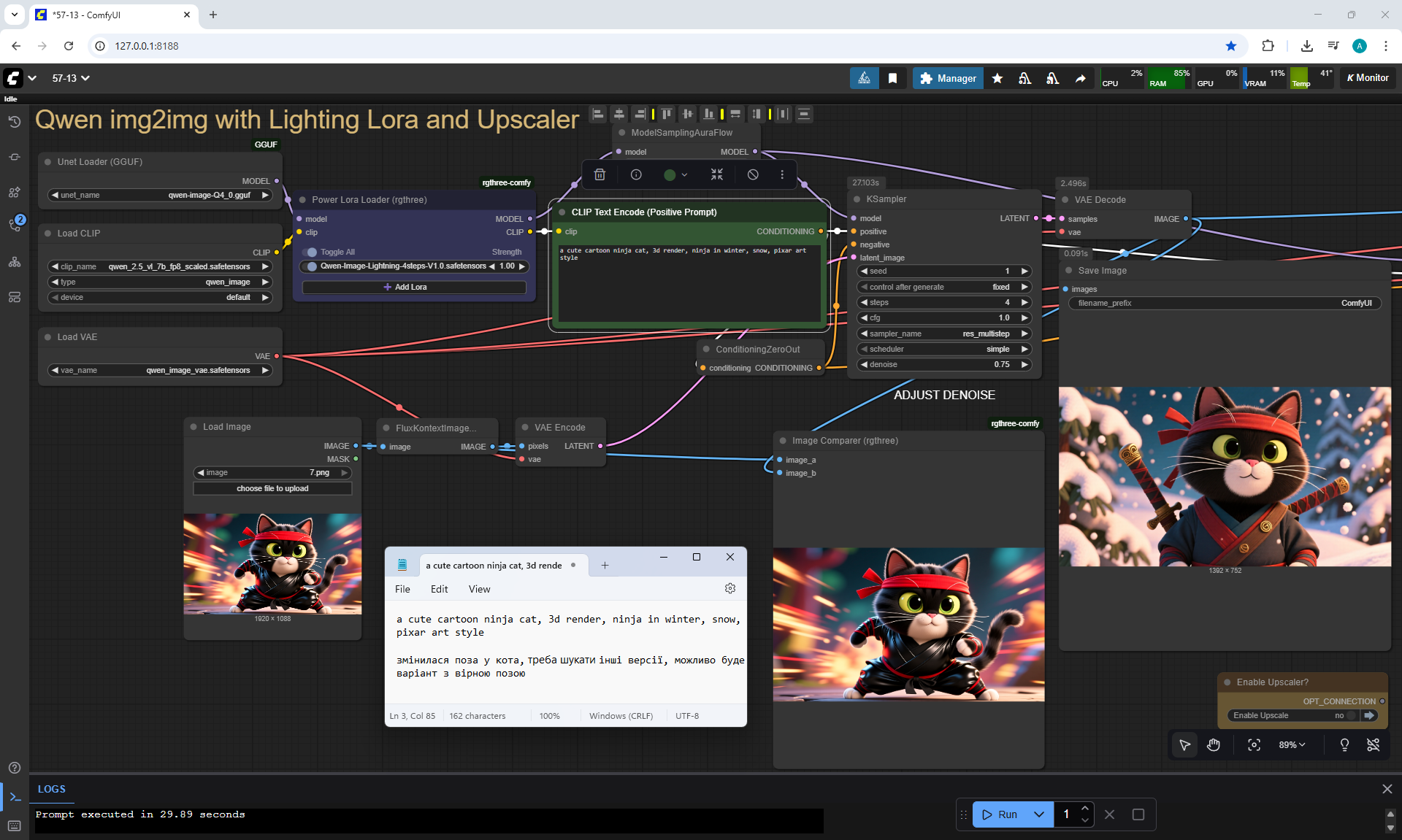
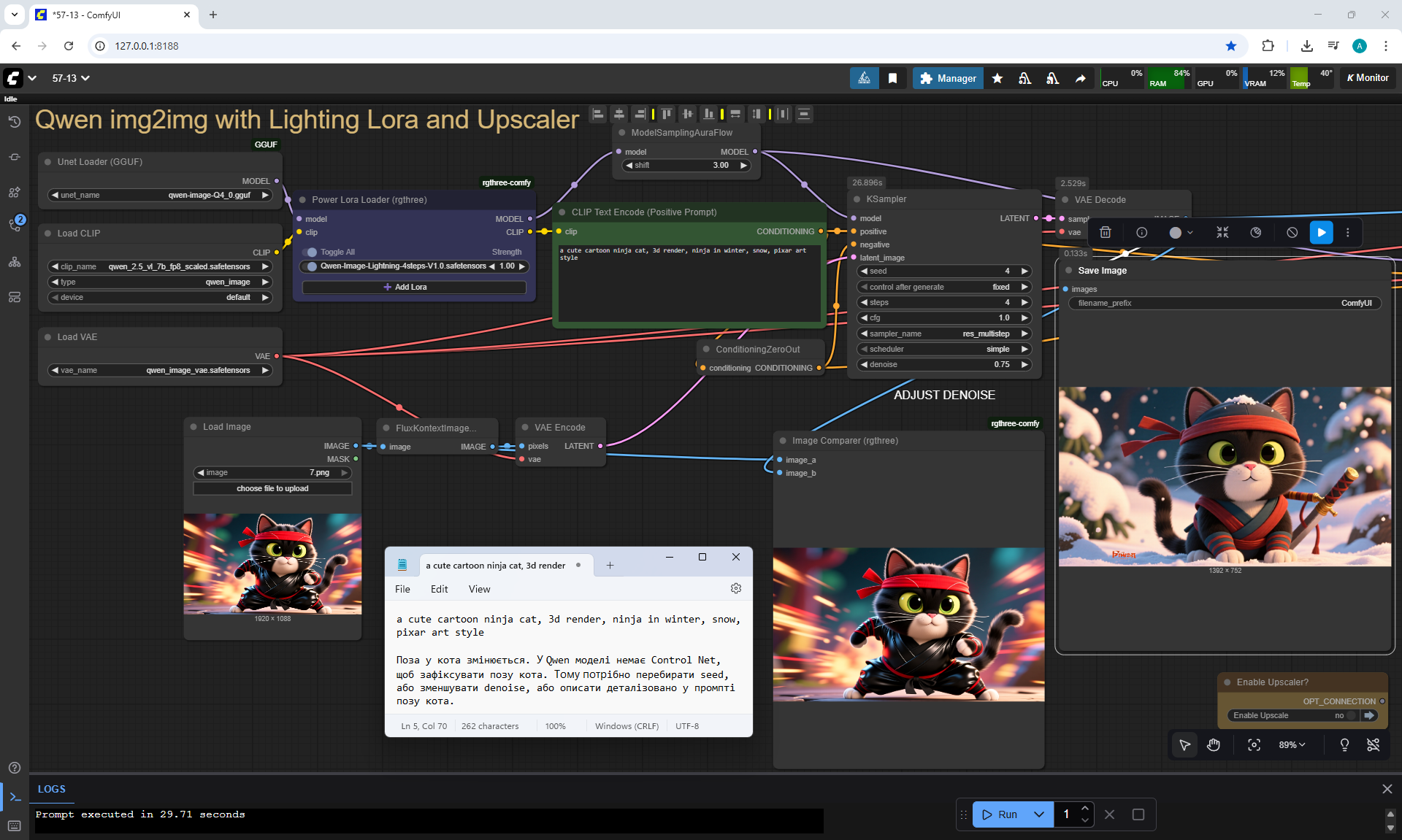
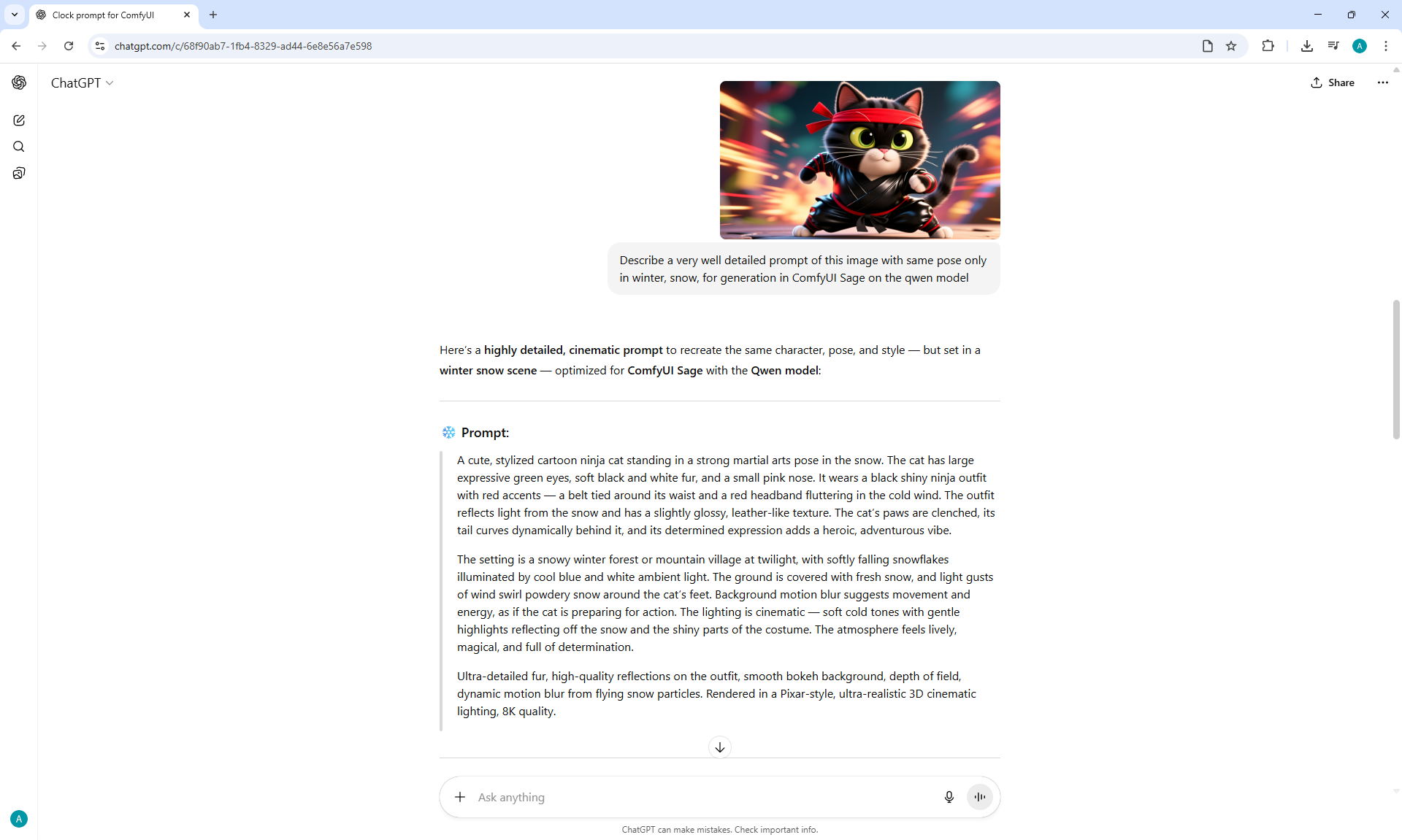
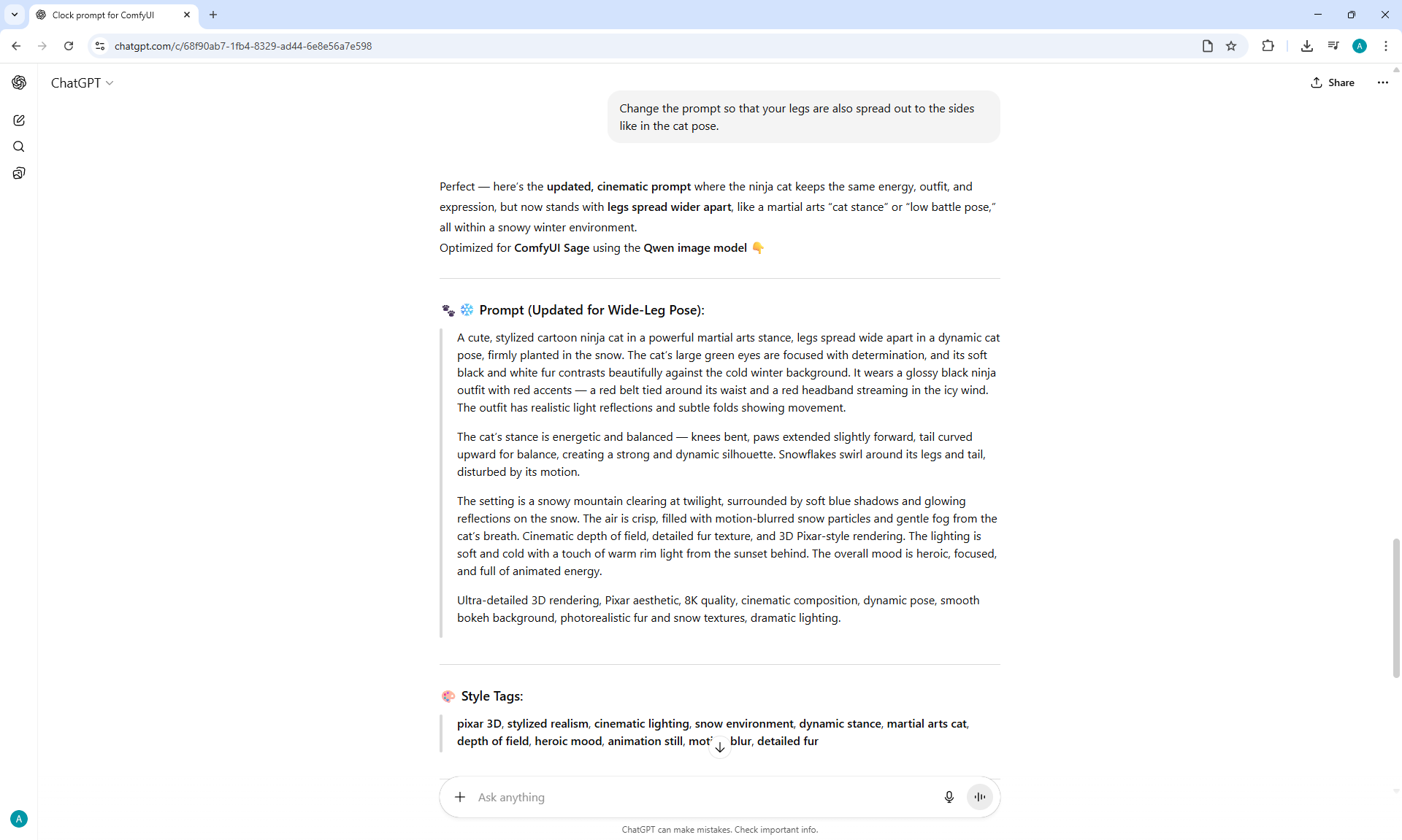
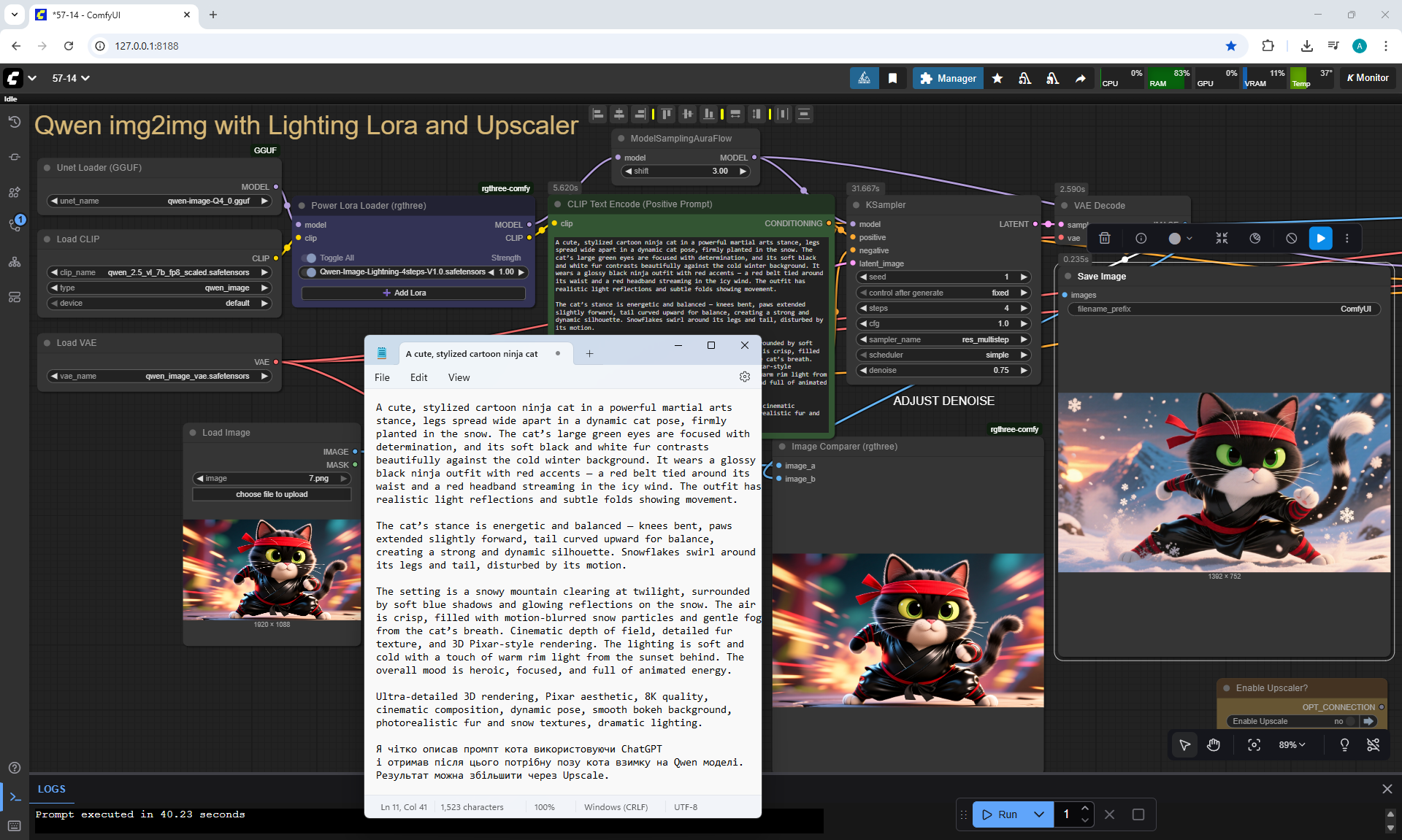
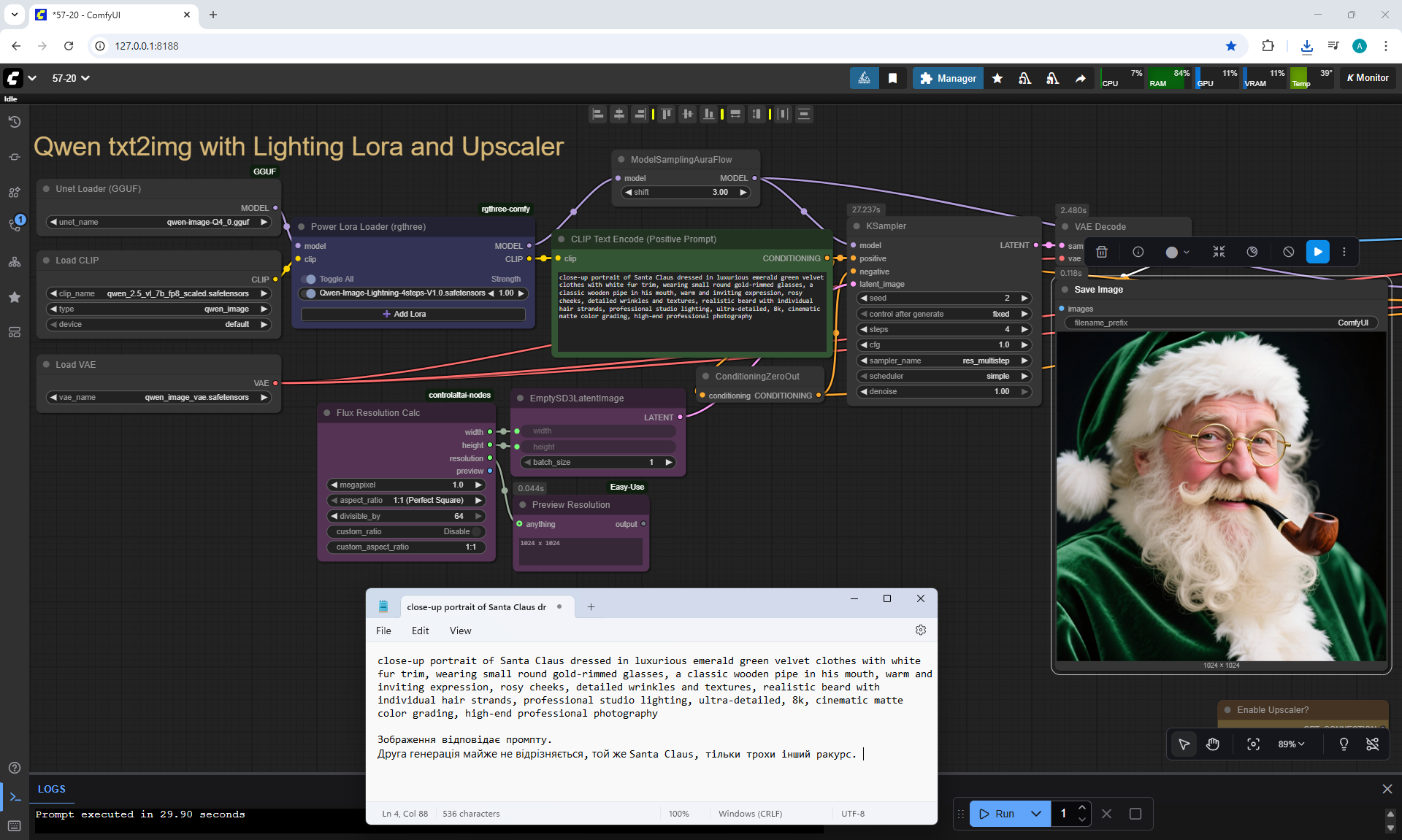
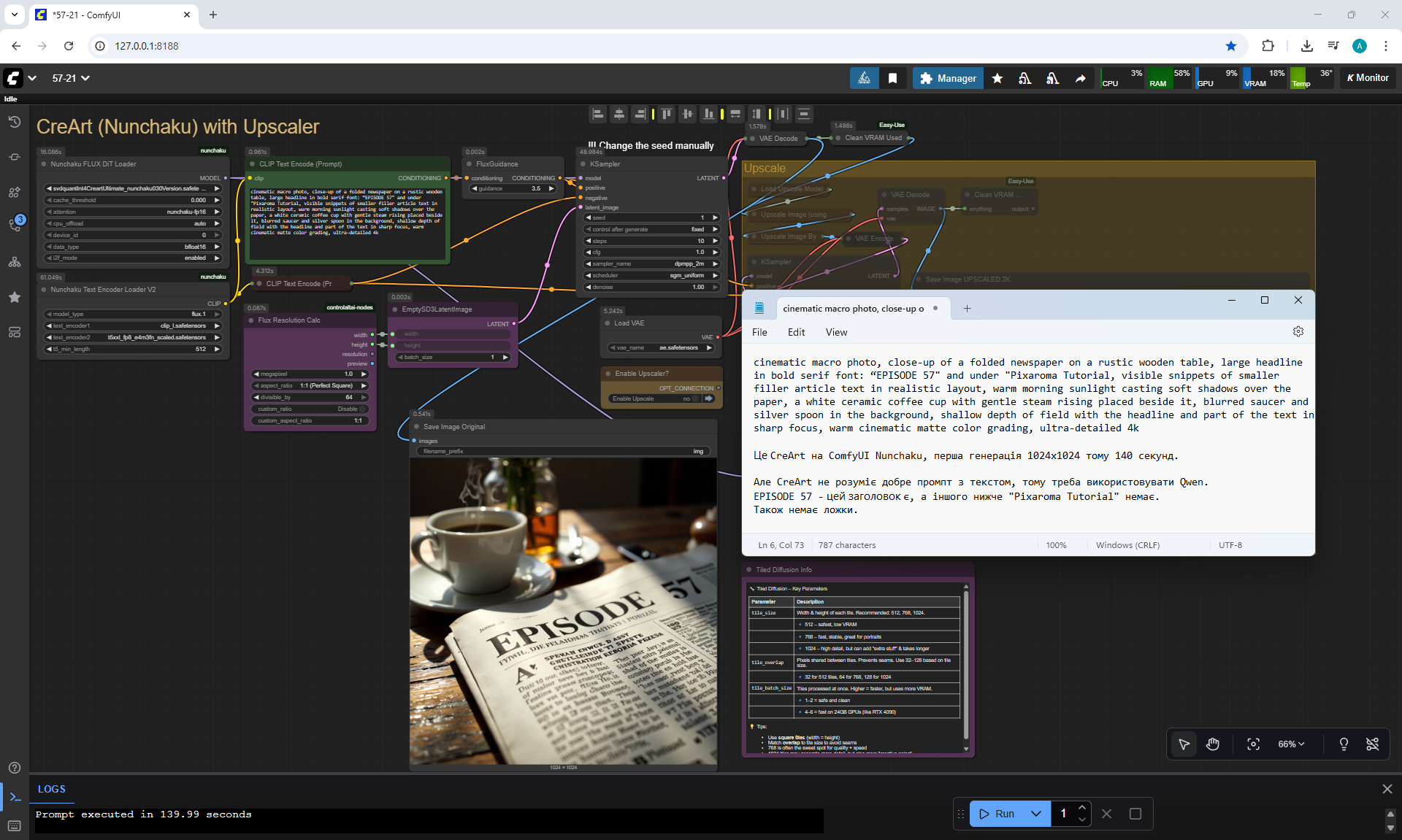
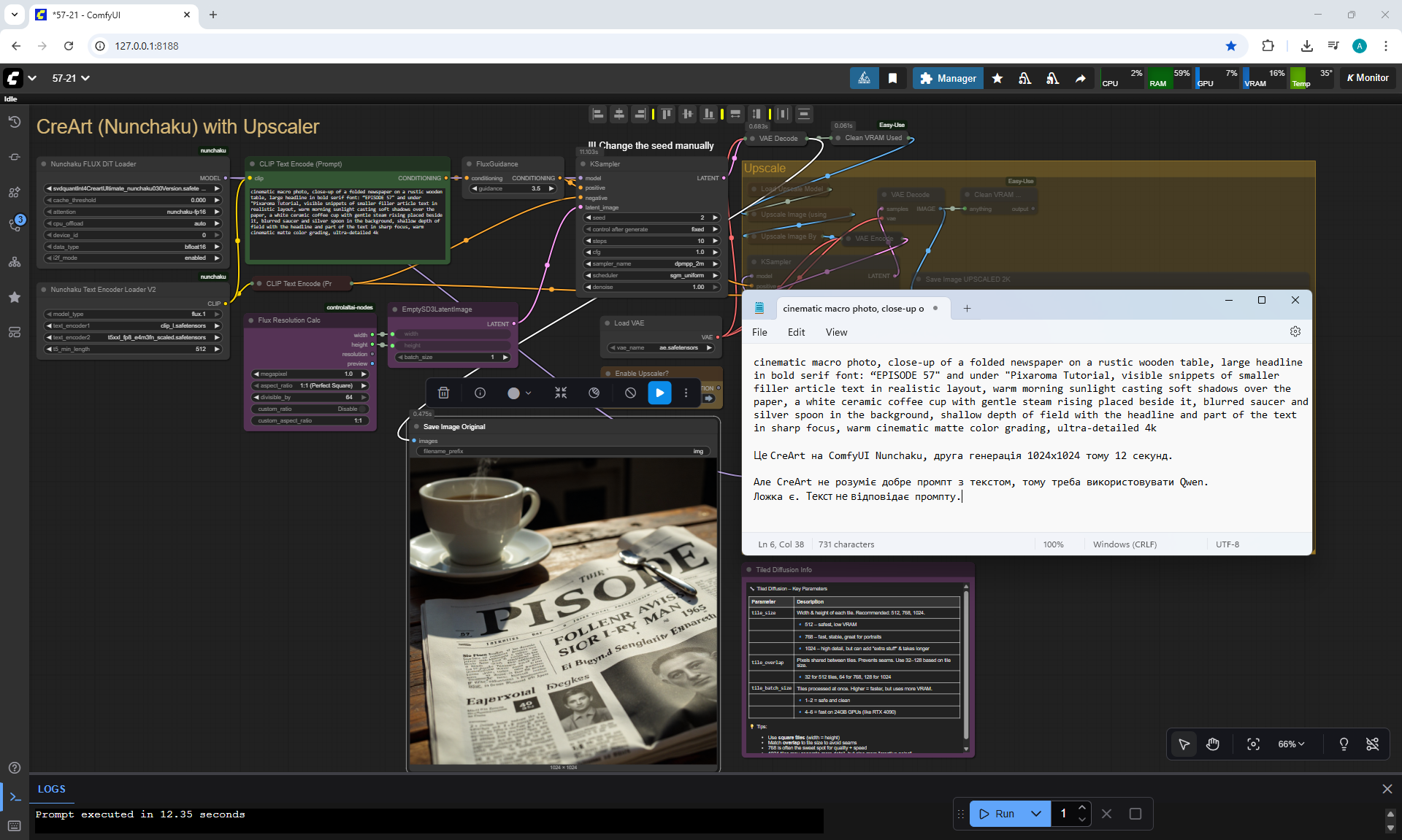
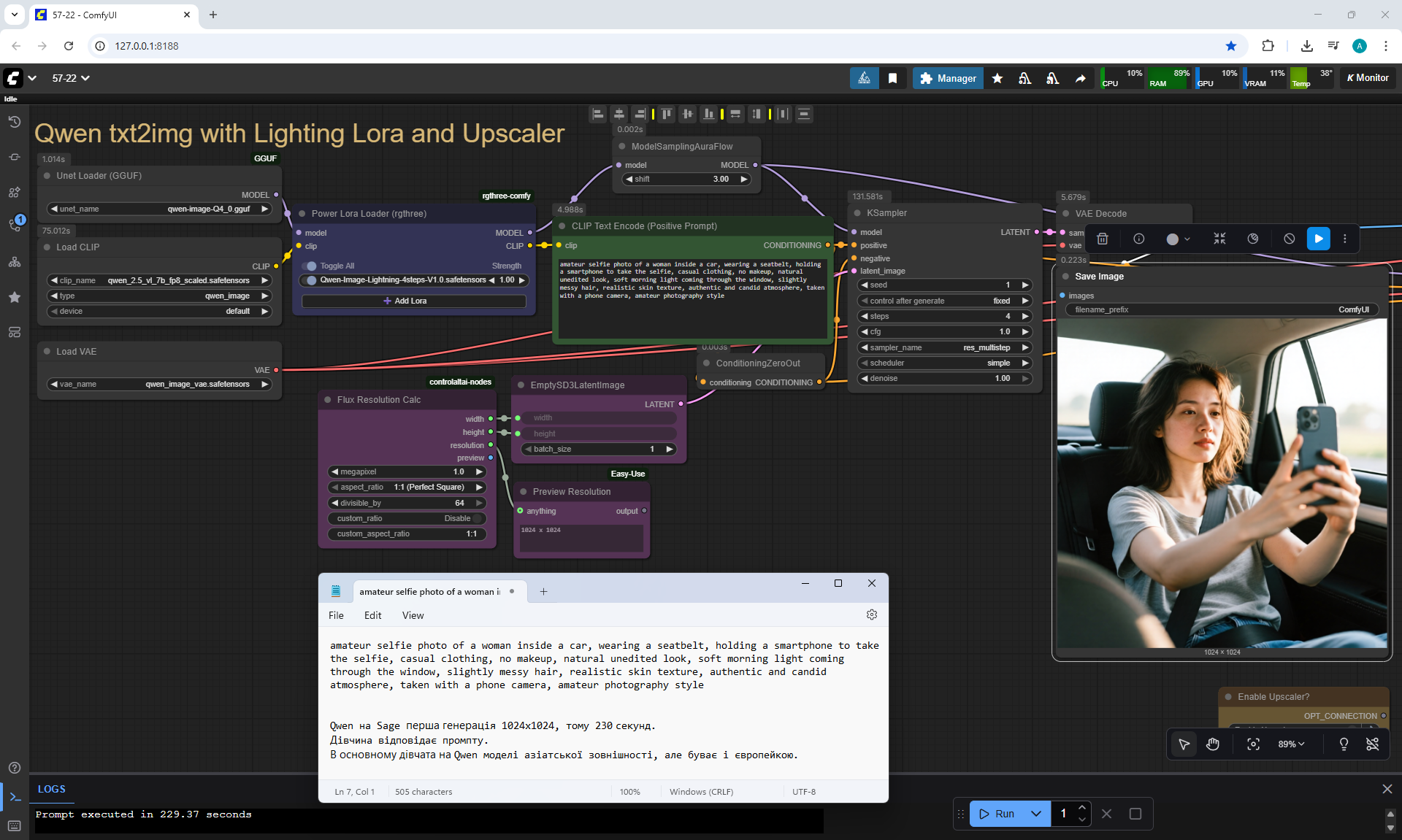
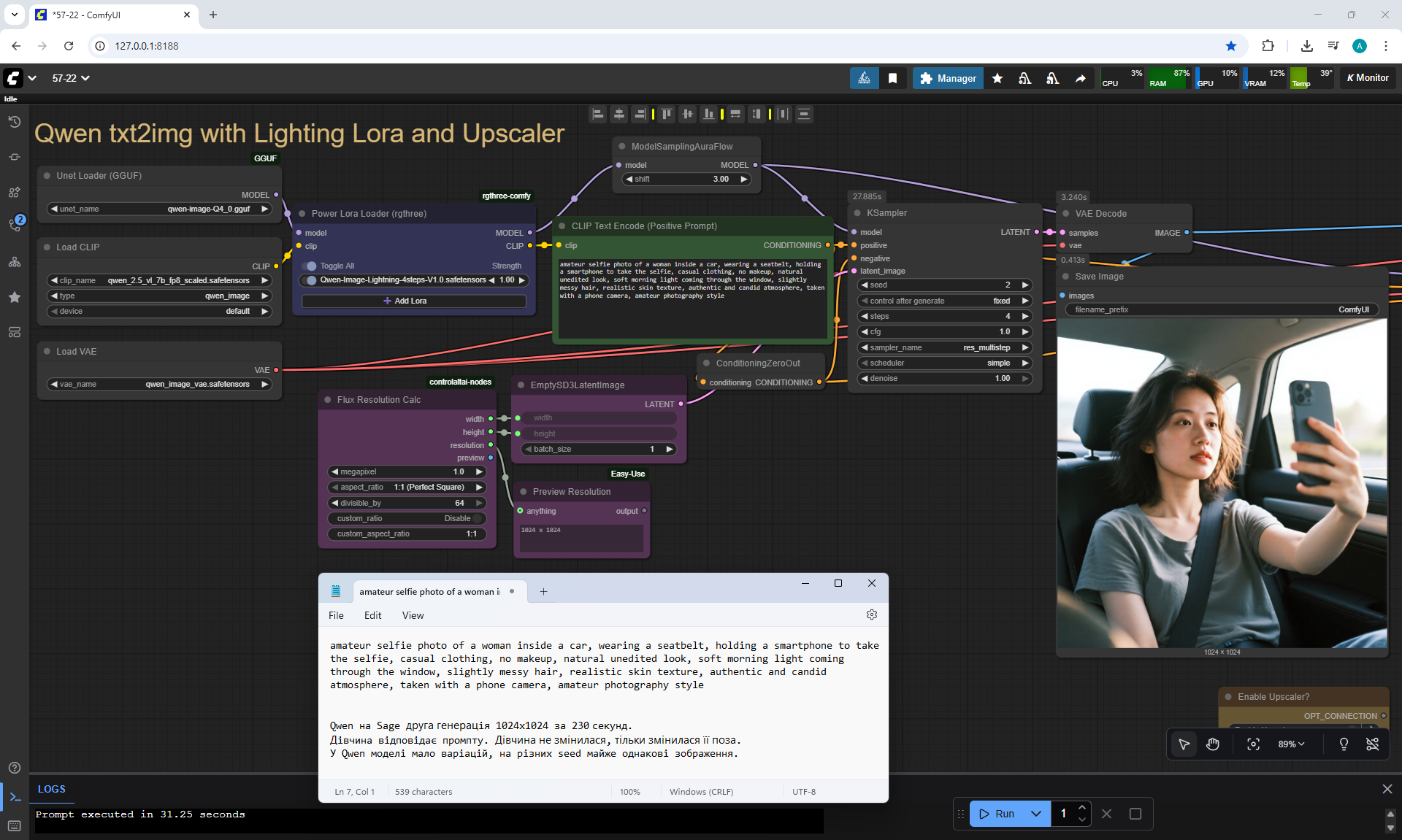
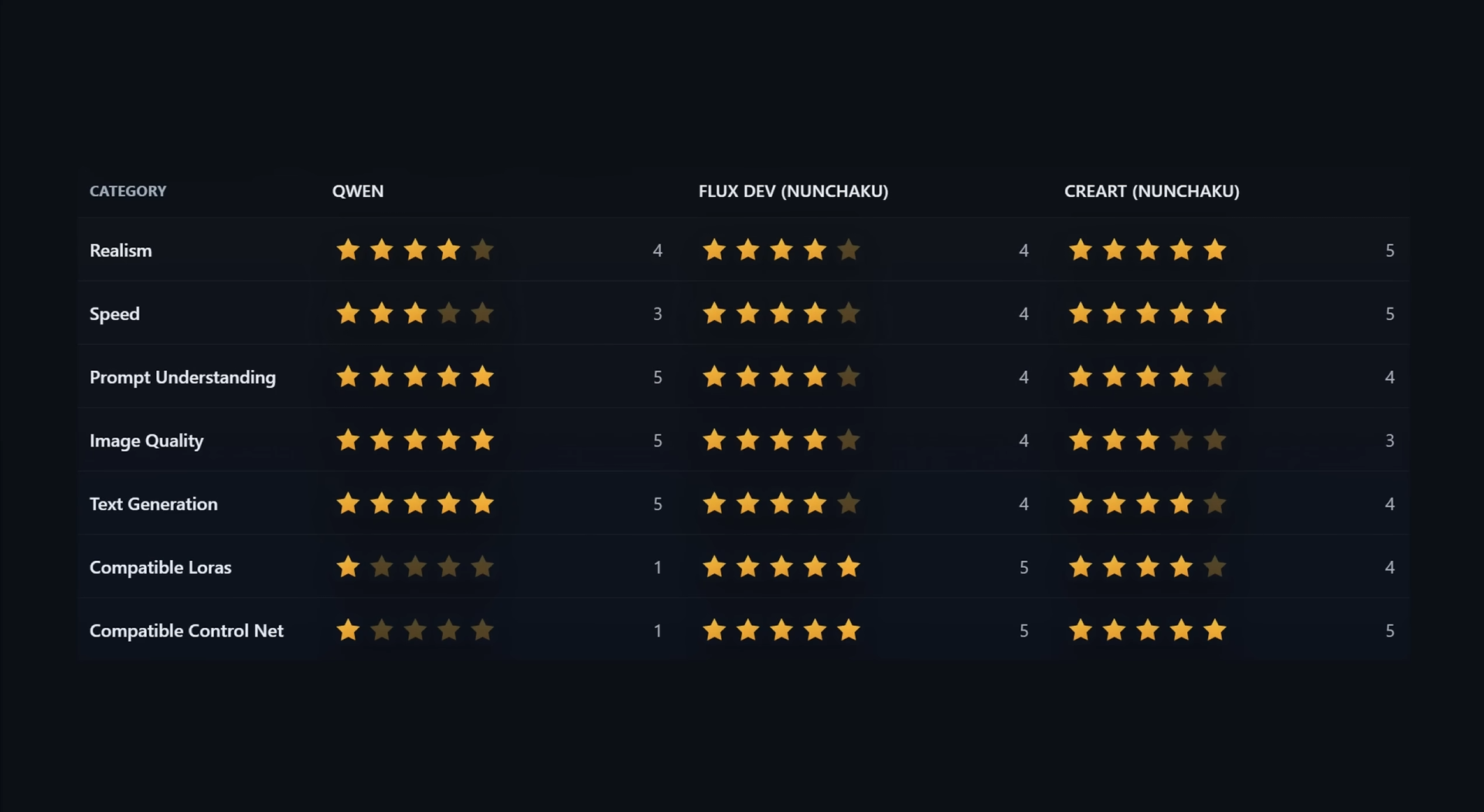
ComfyUI Tutorial Series Ep 57: Qwen Image Generation Workflow for Stunning Results



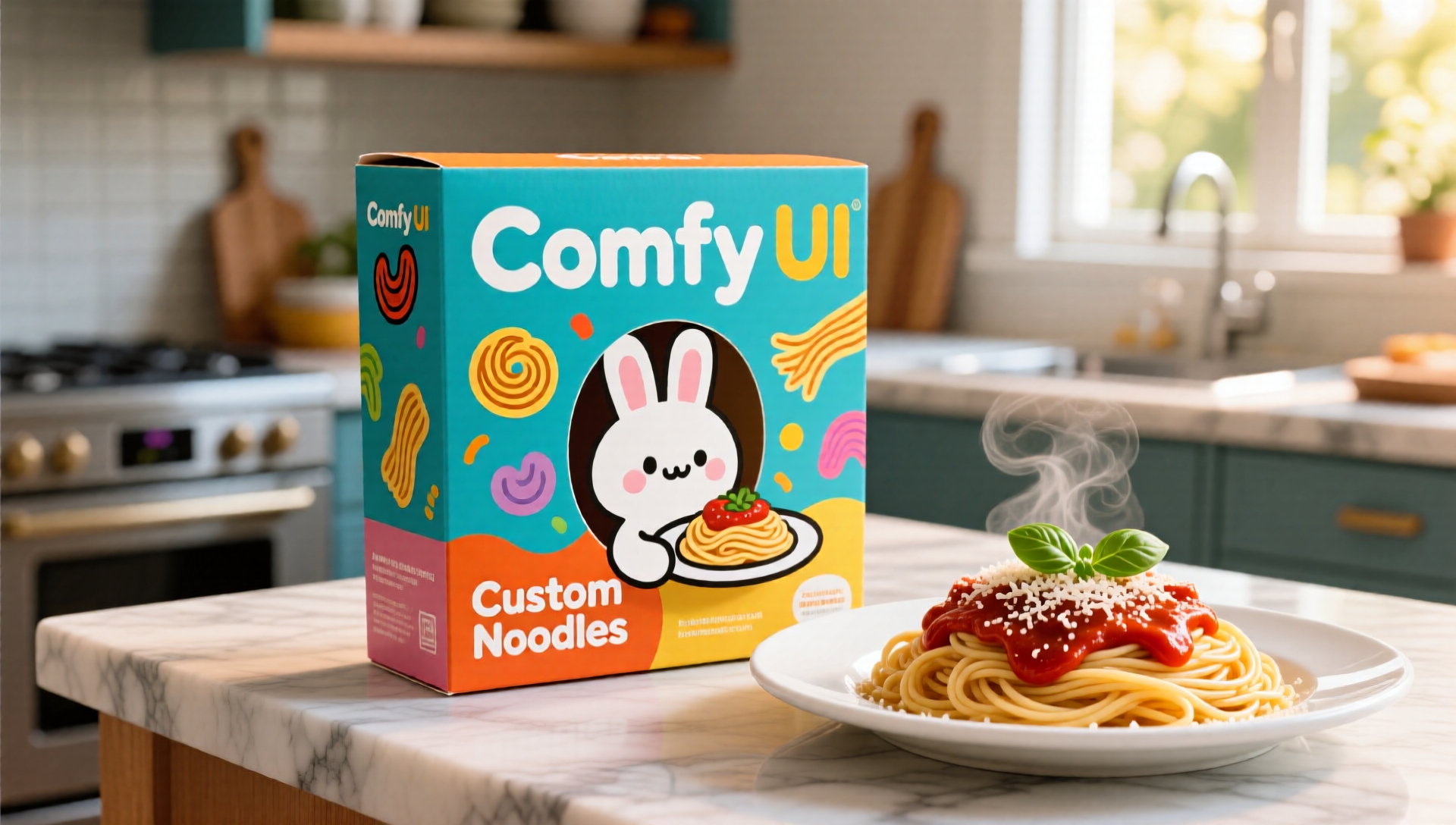
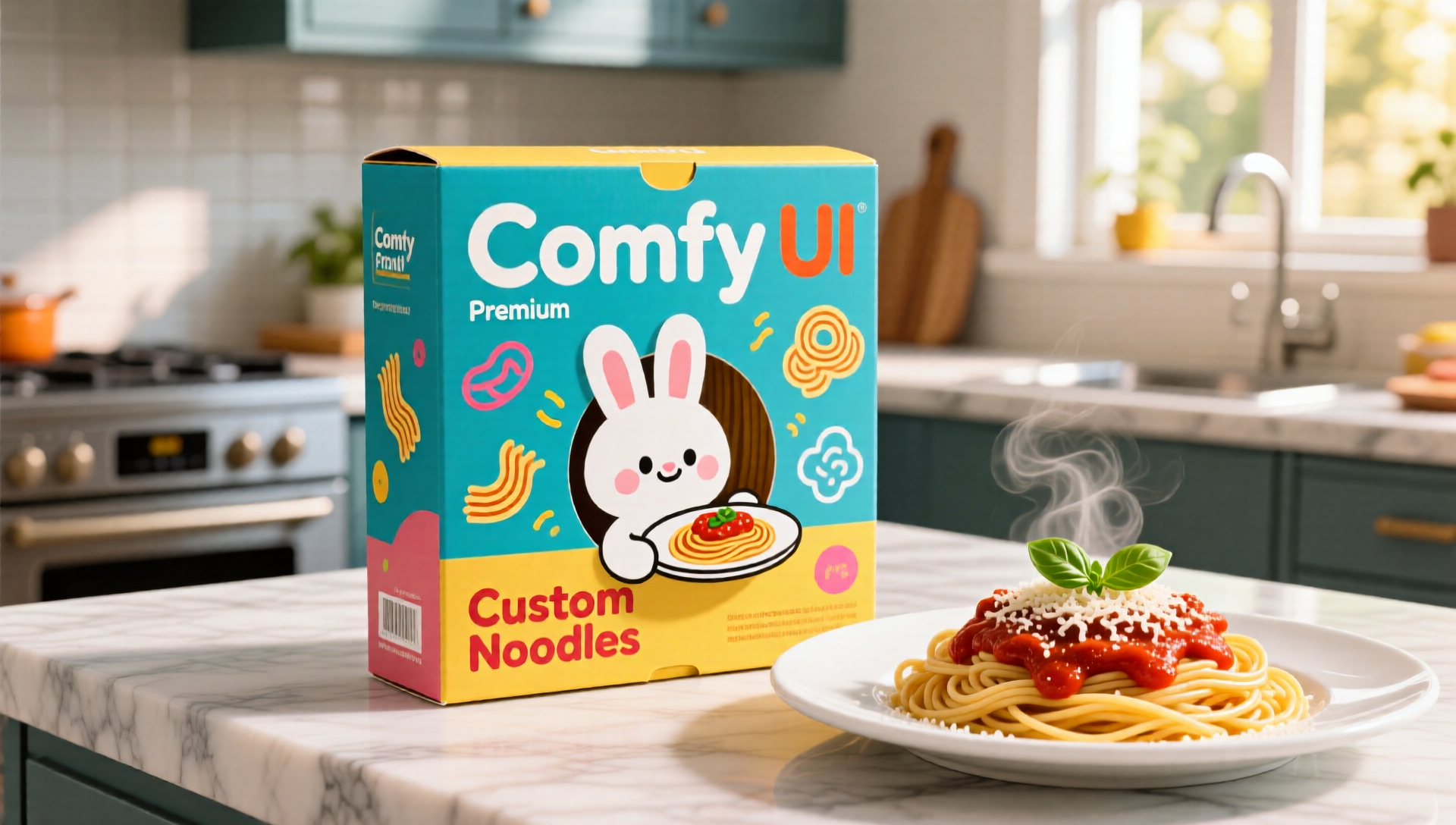
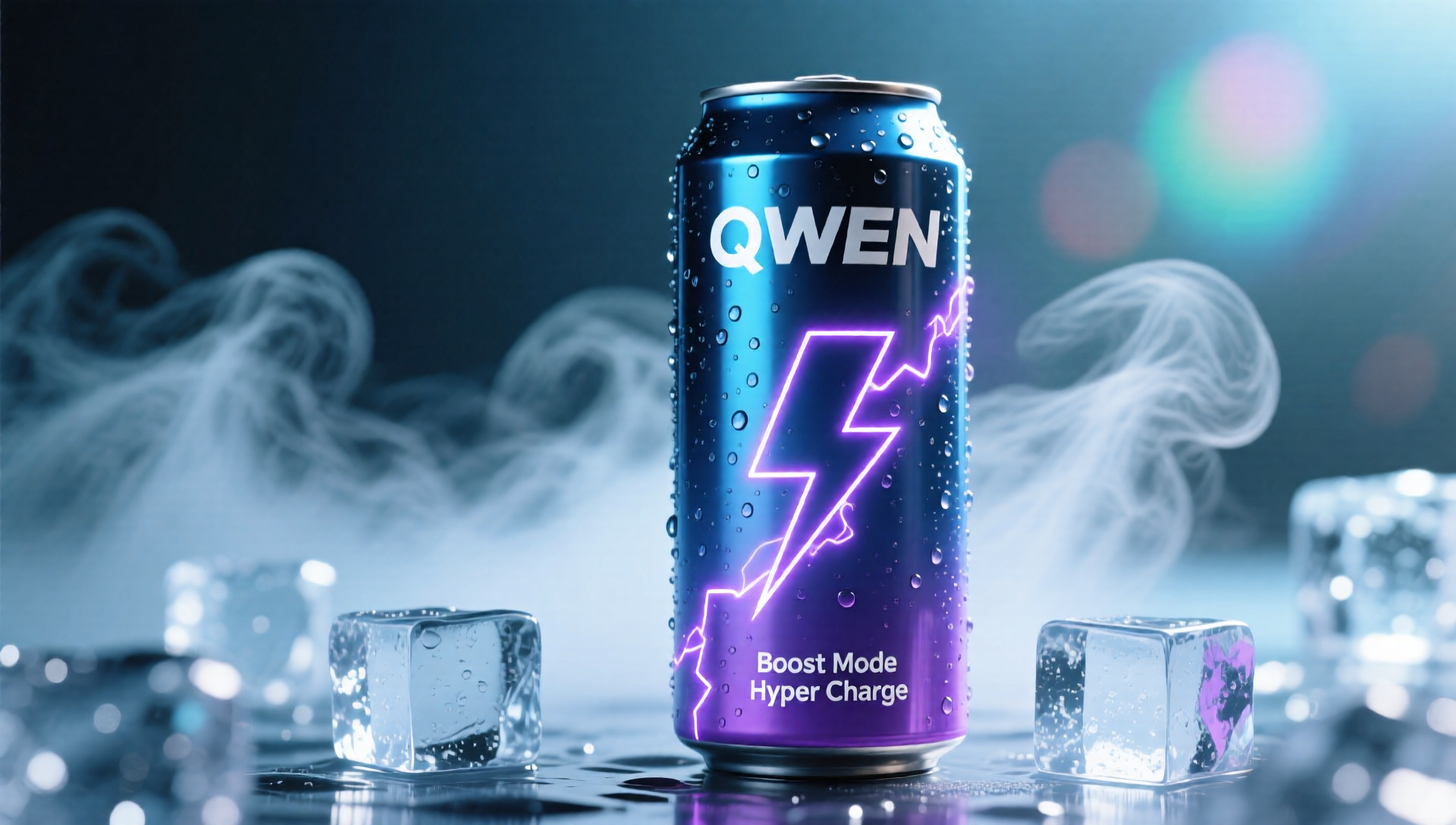
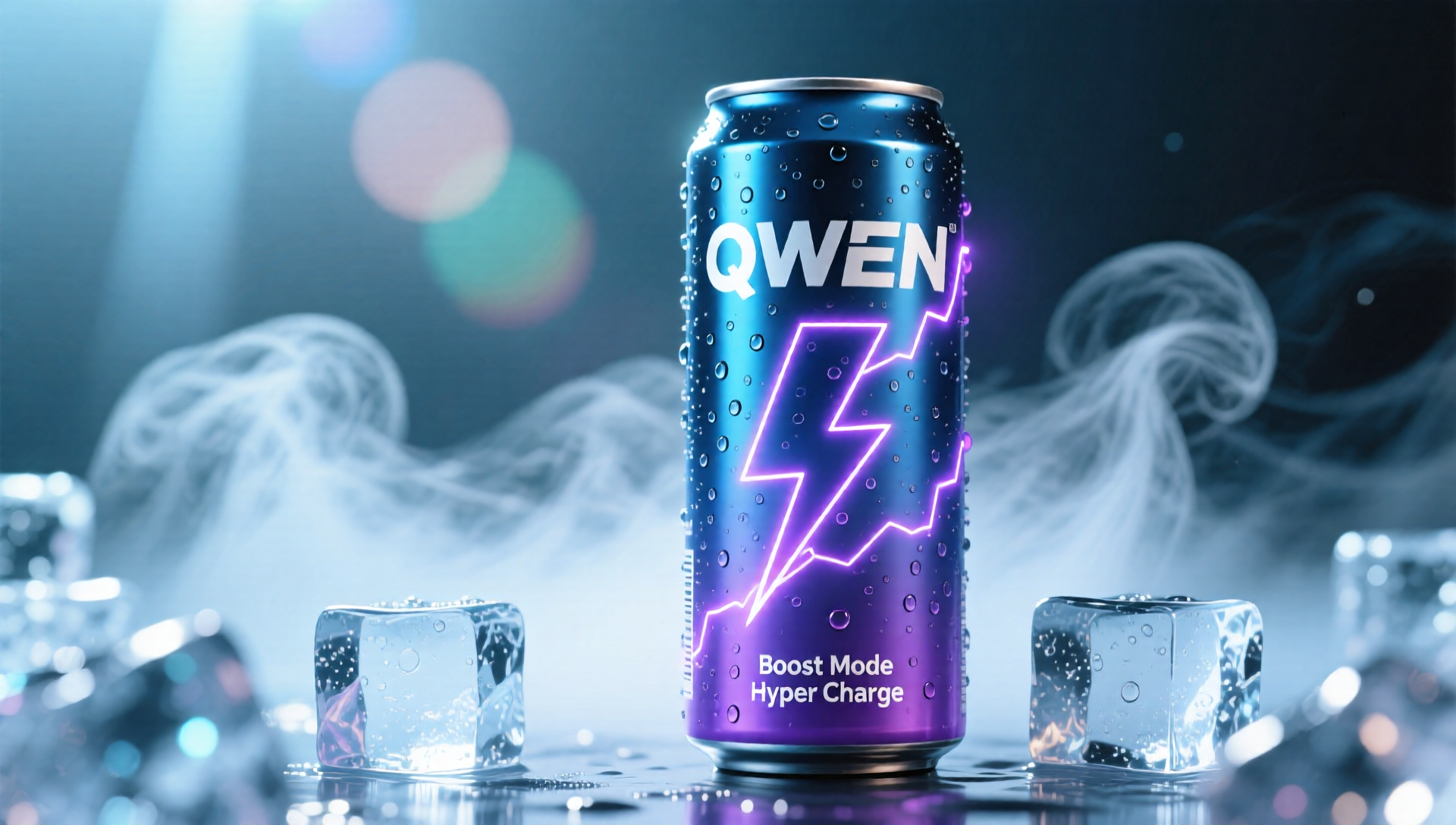


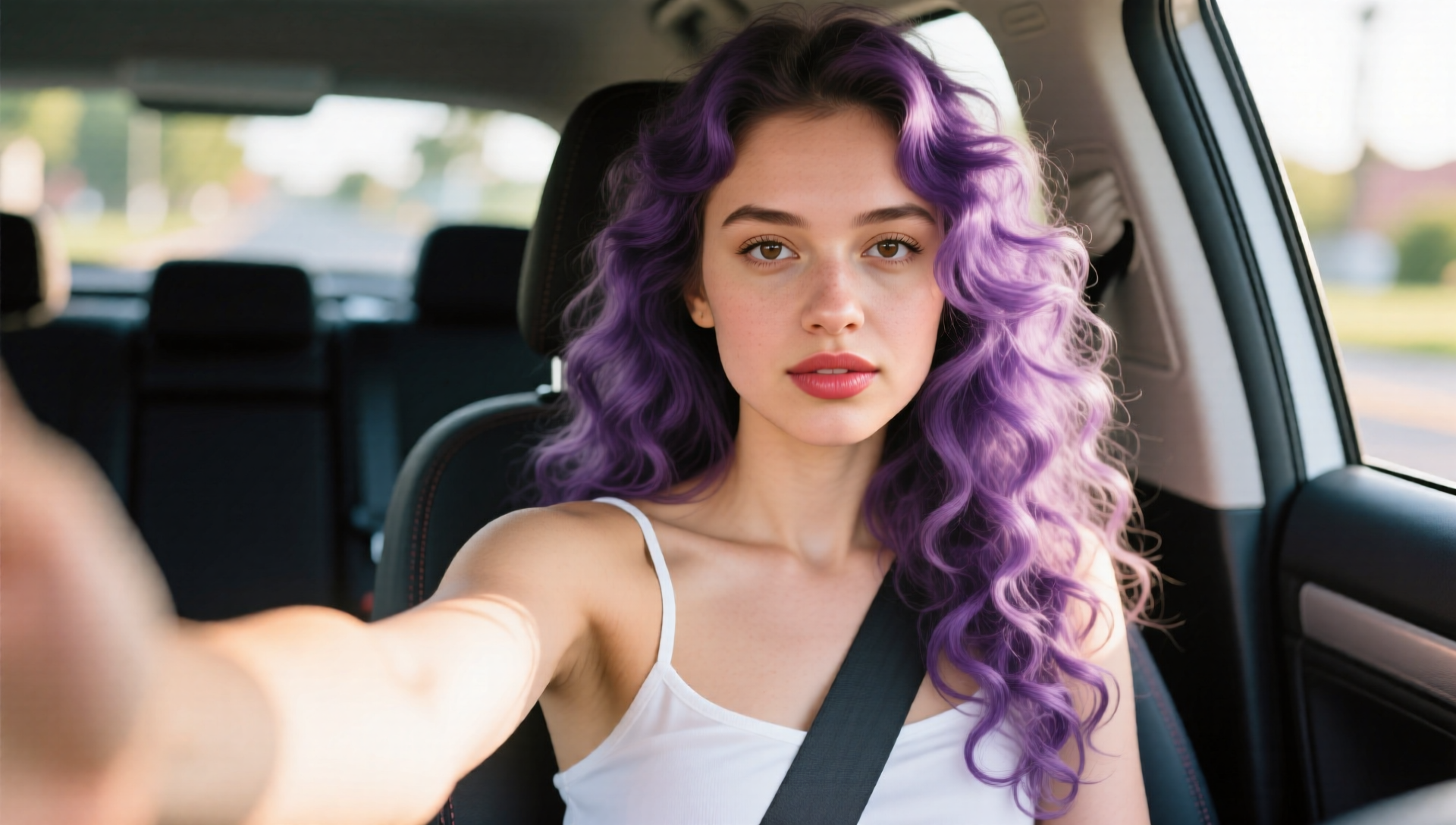
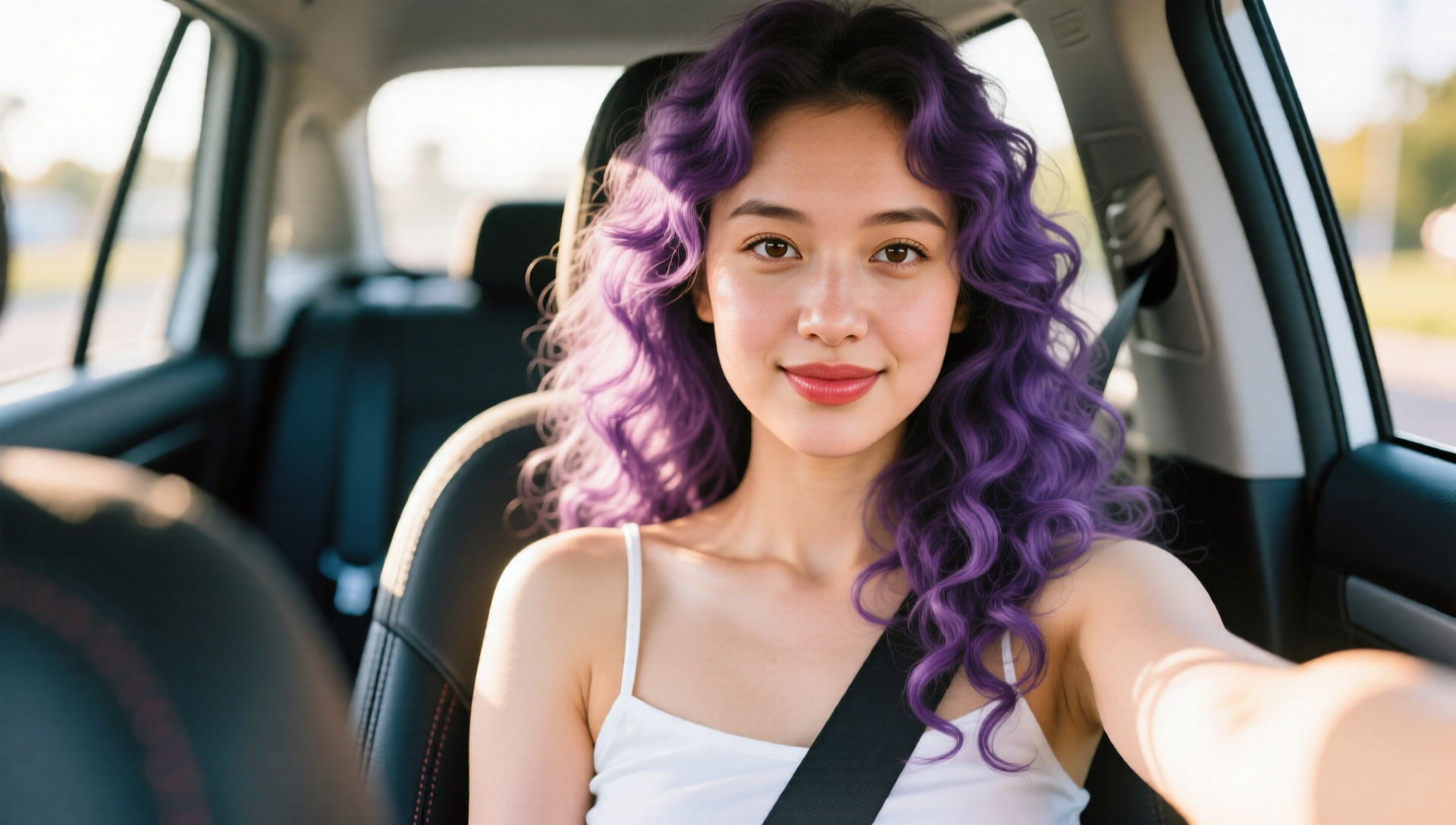
























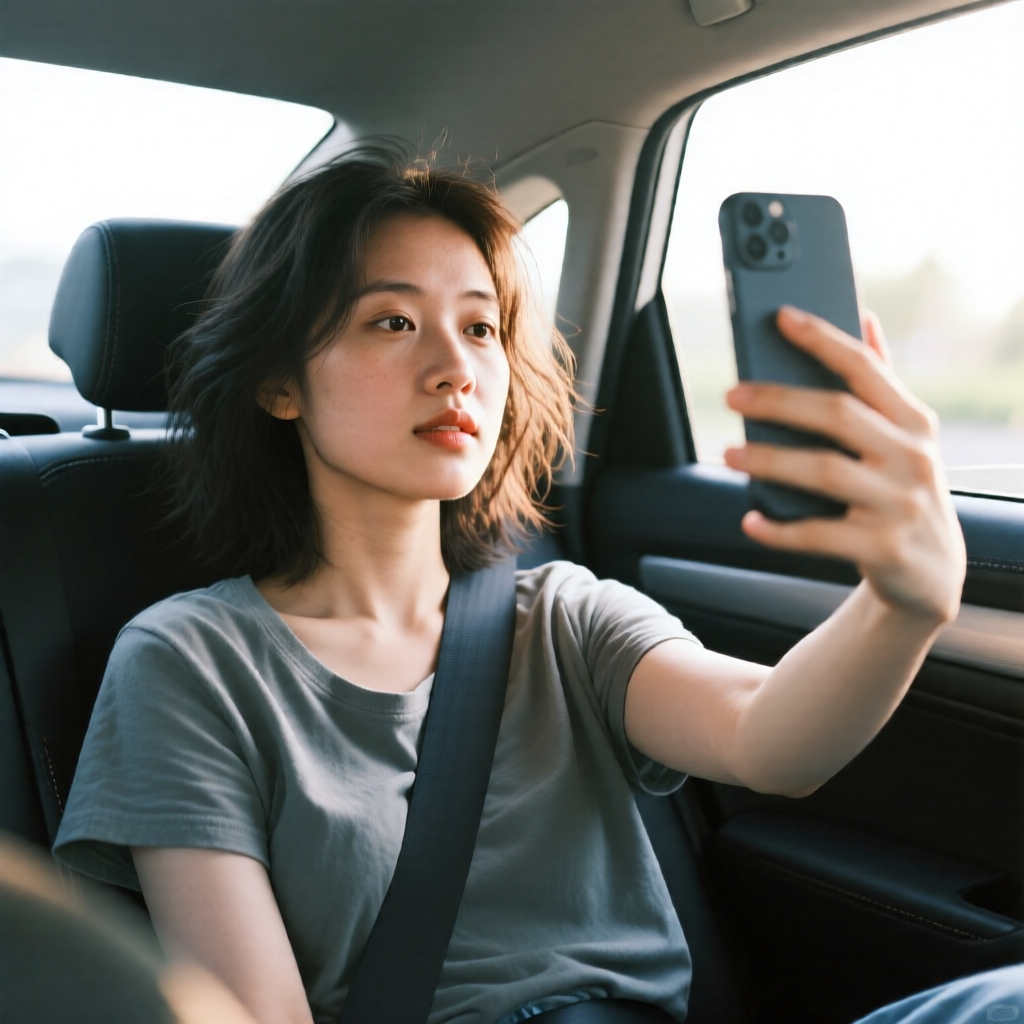




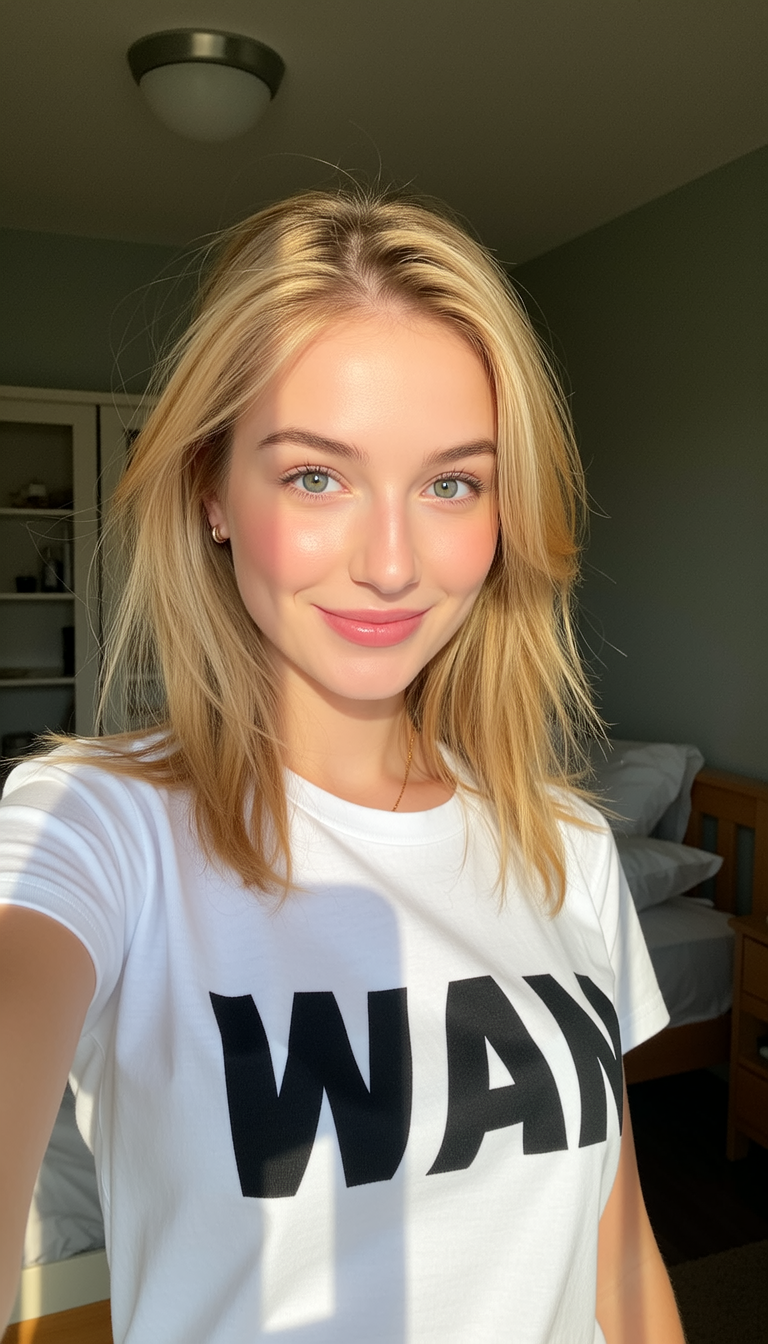
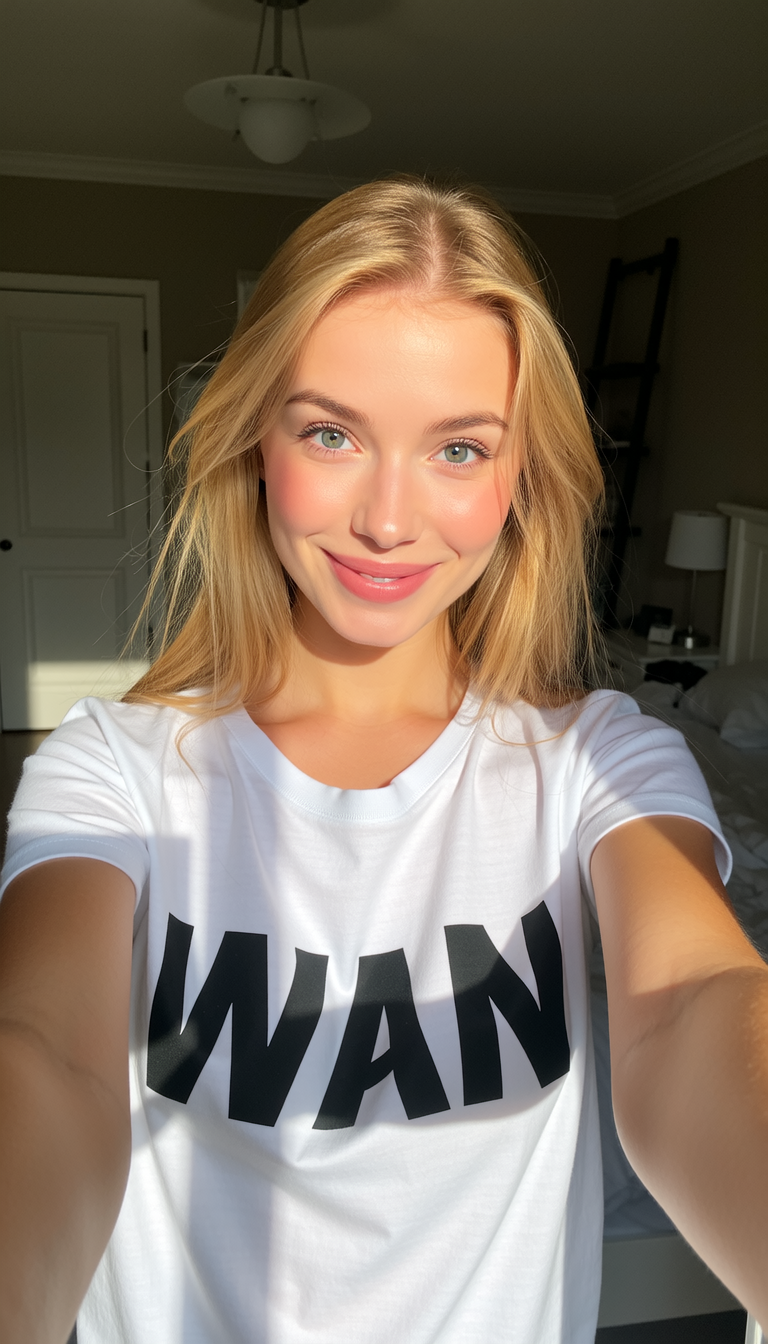
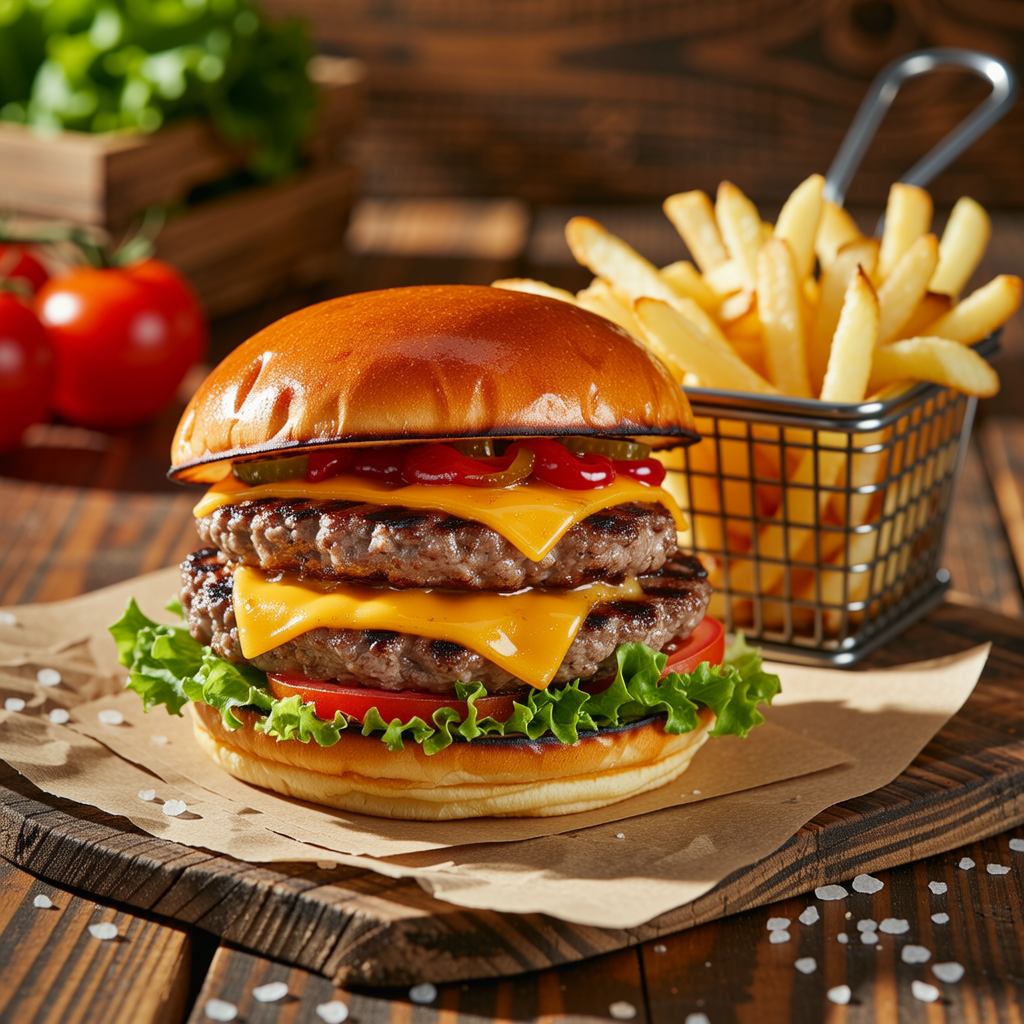
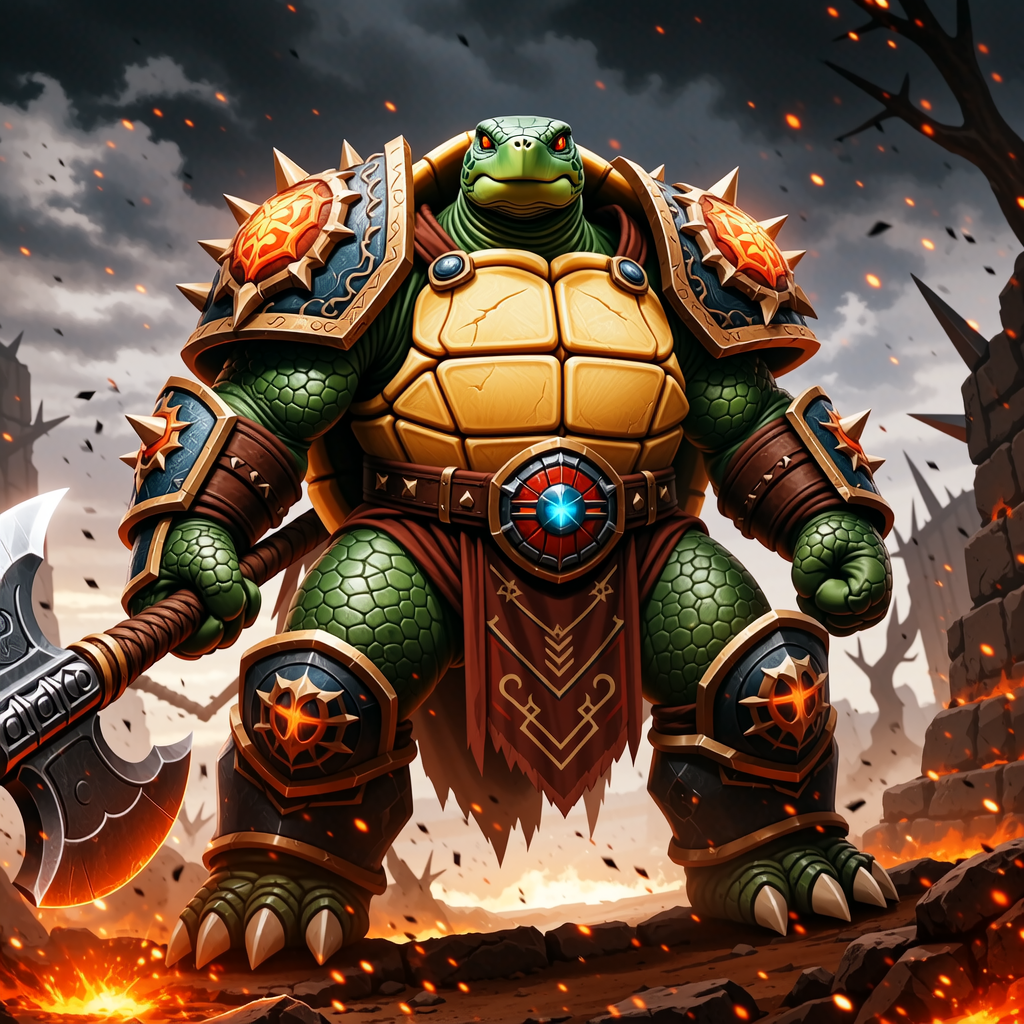
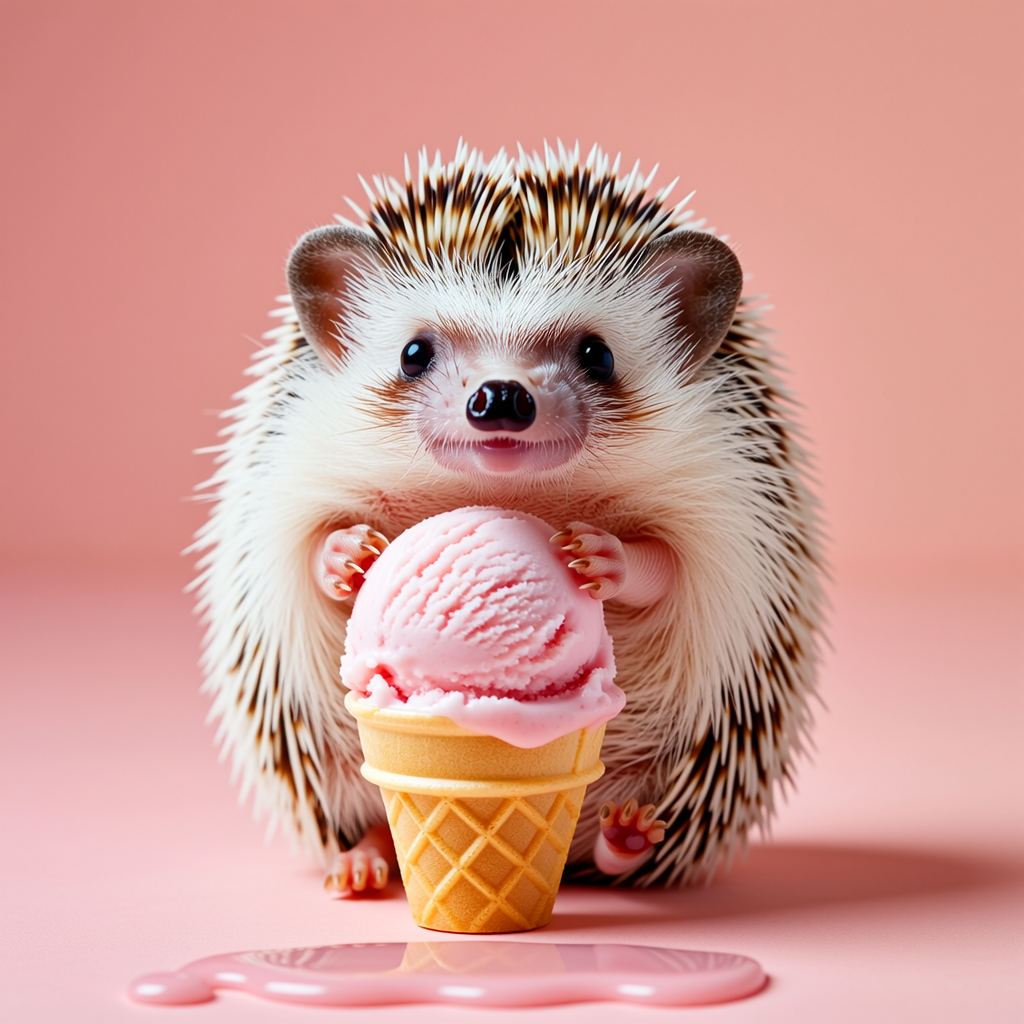
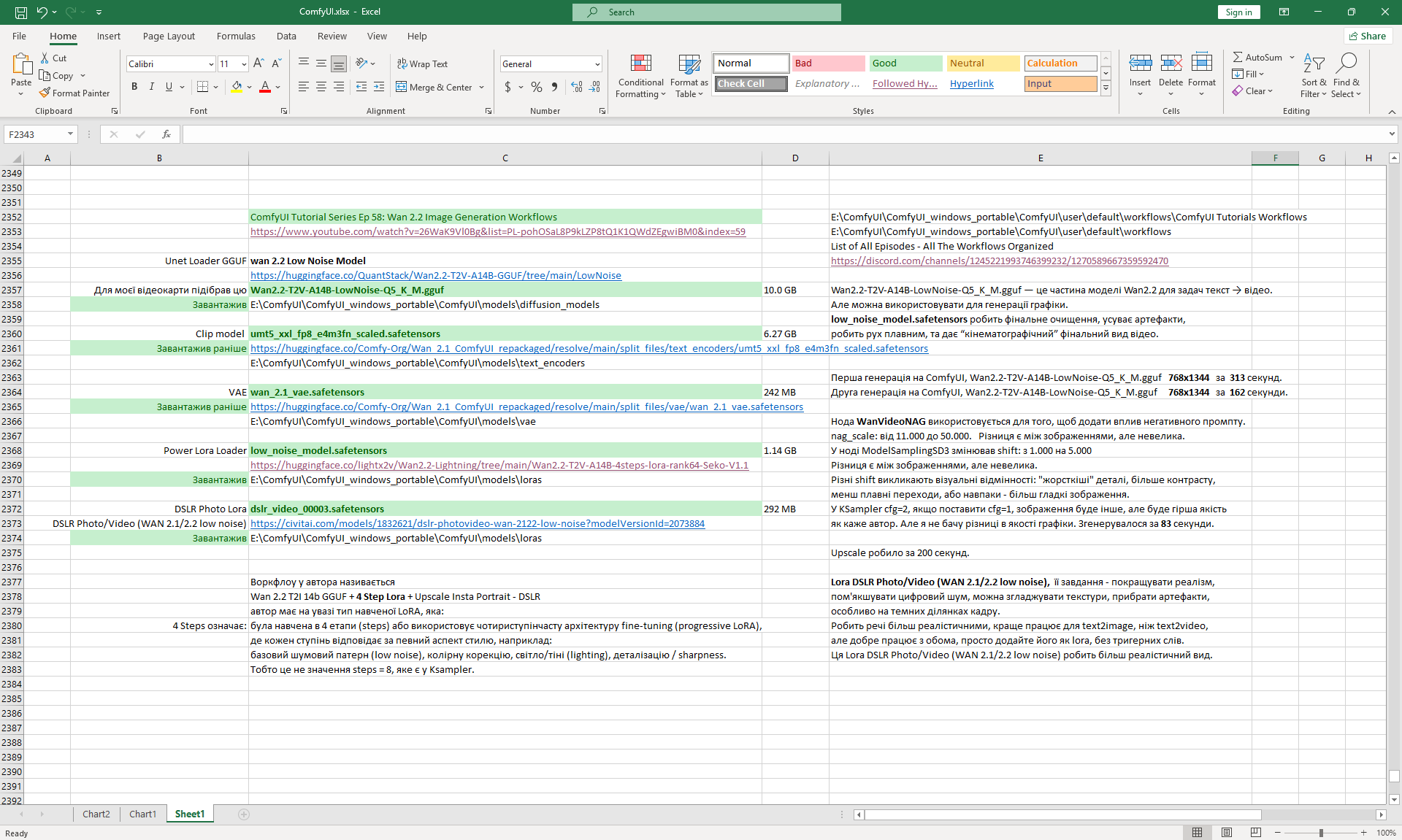
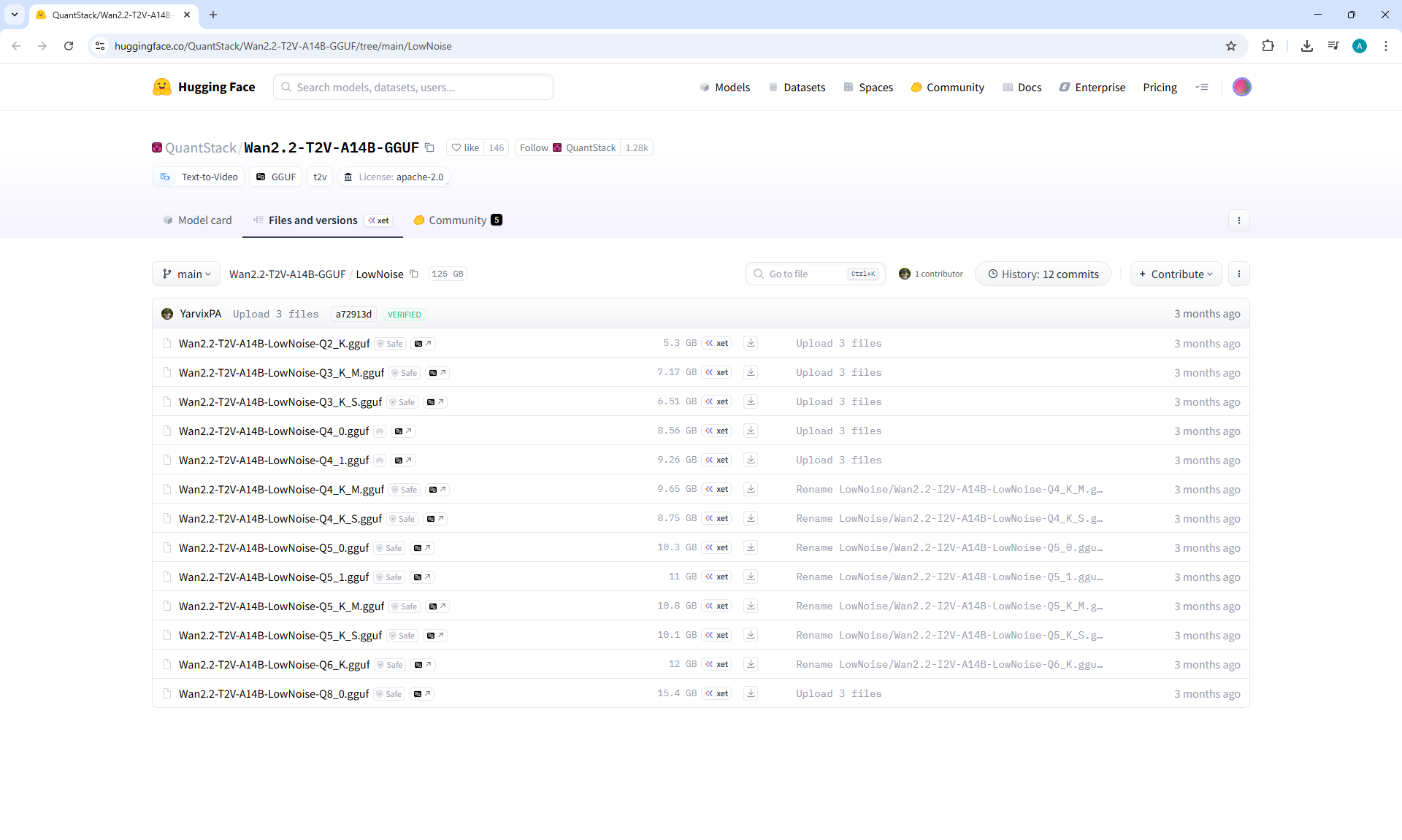
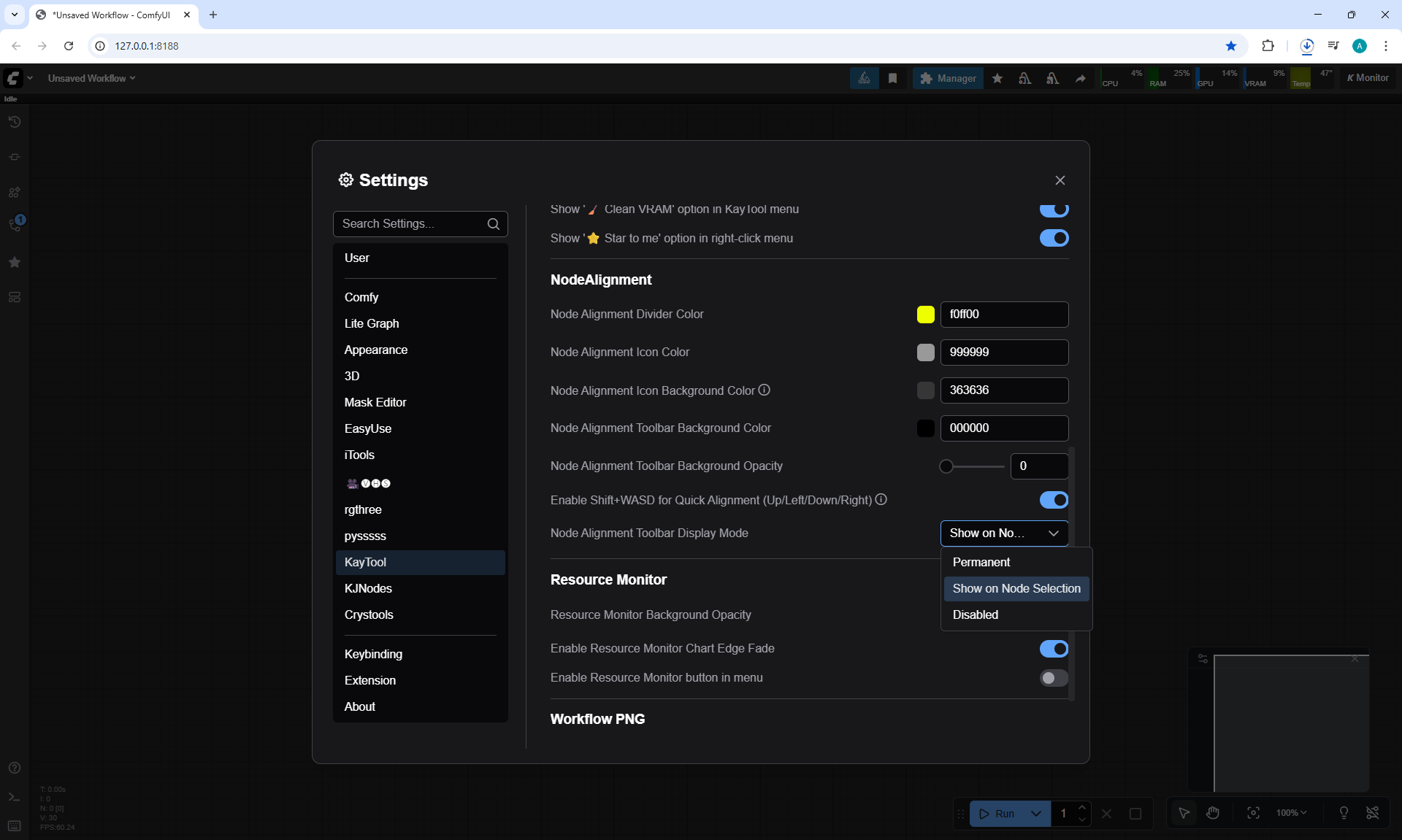
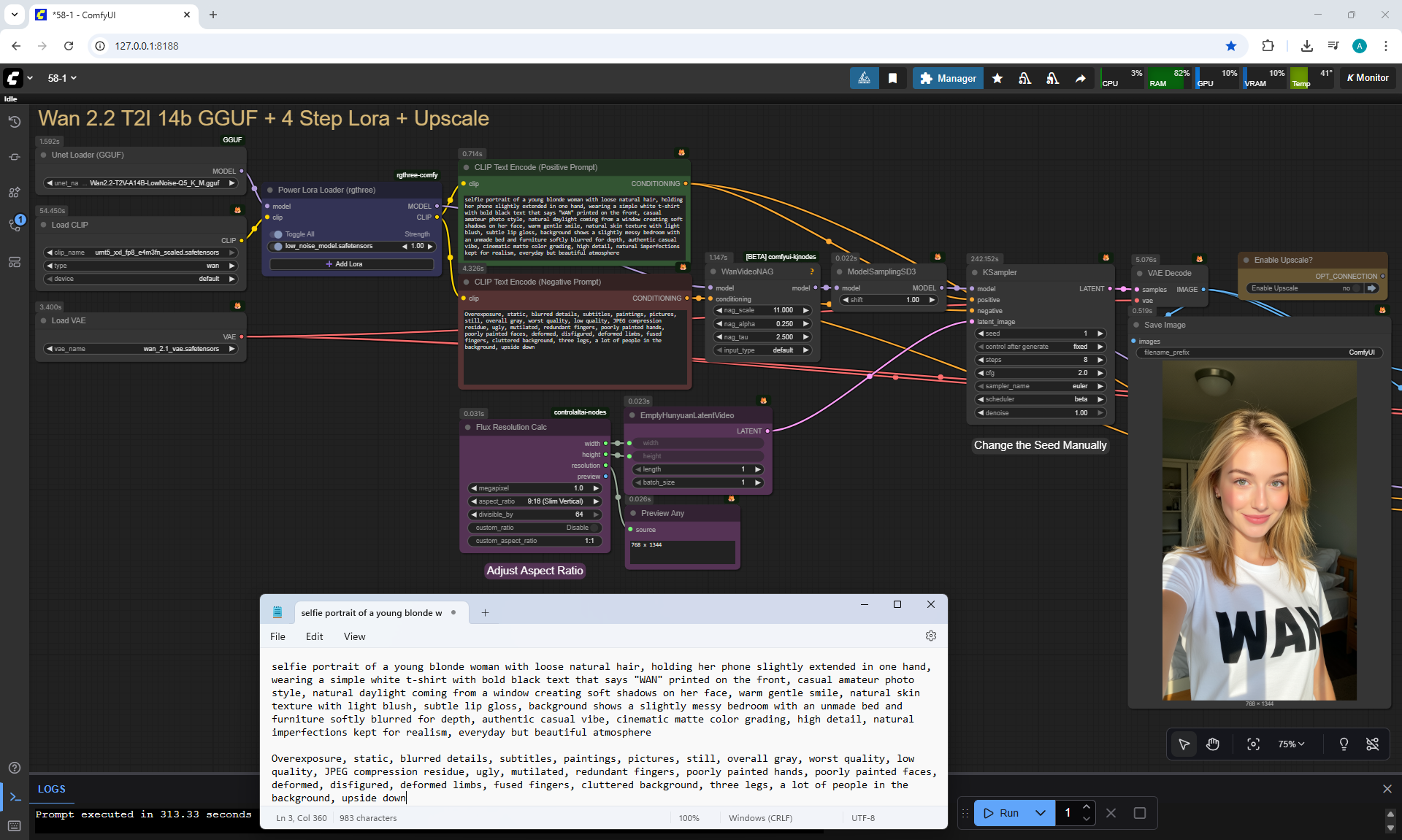
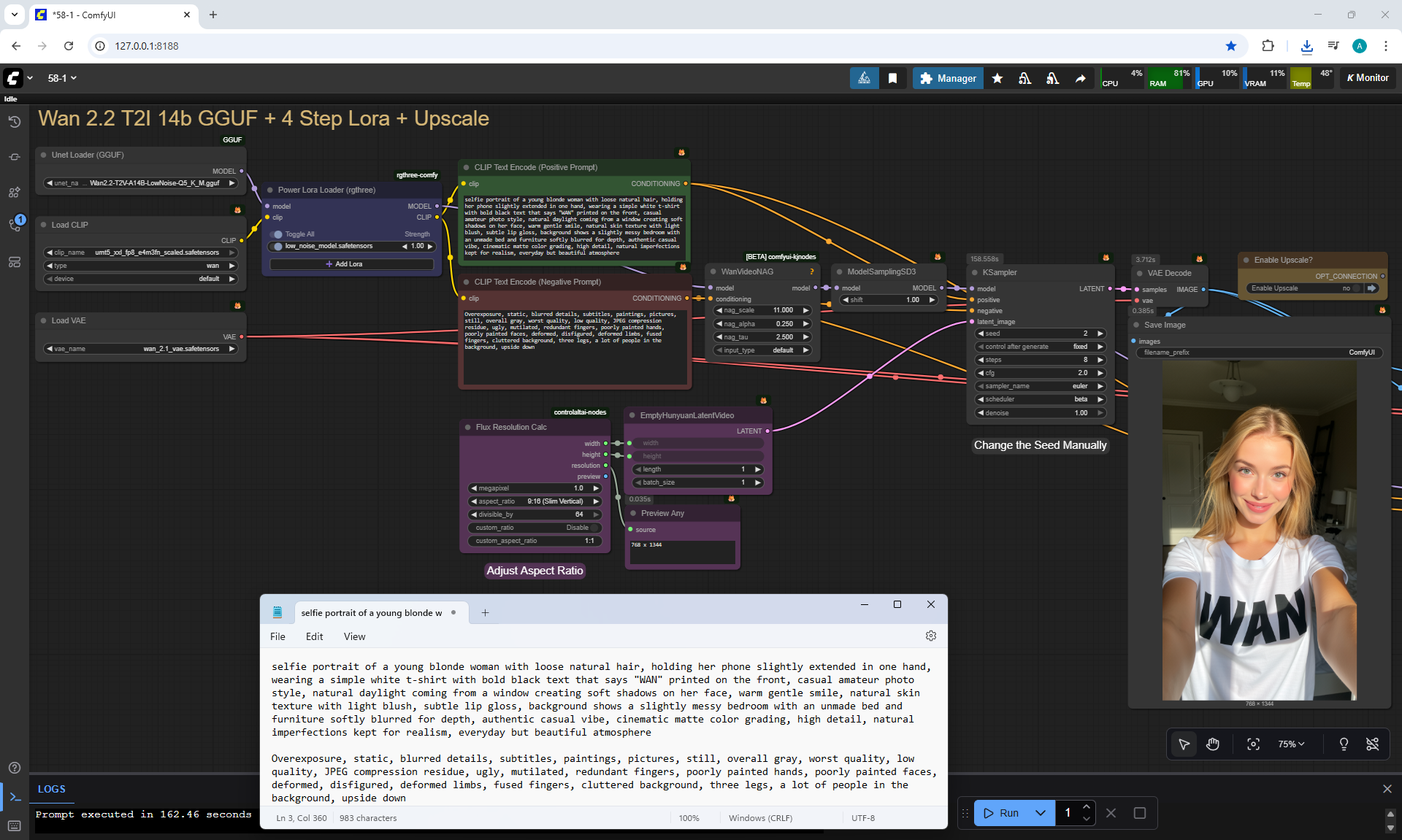
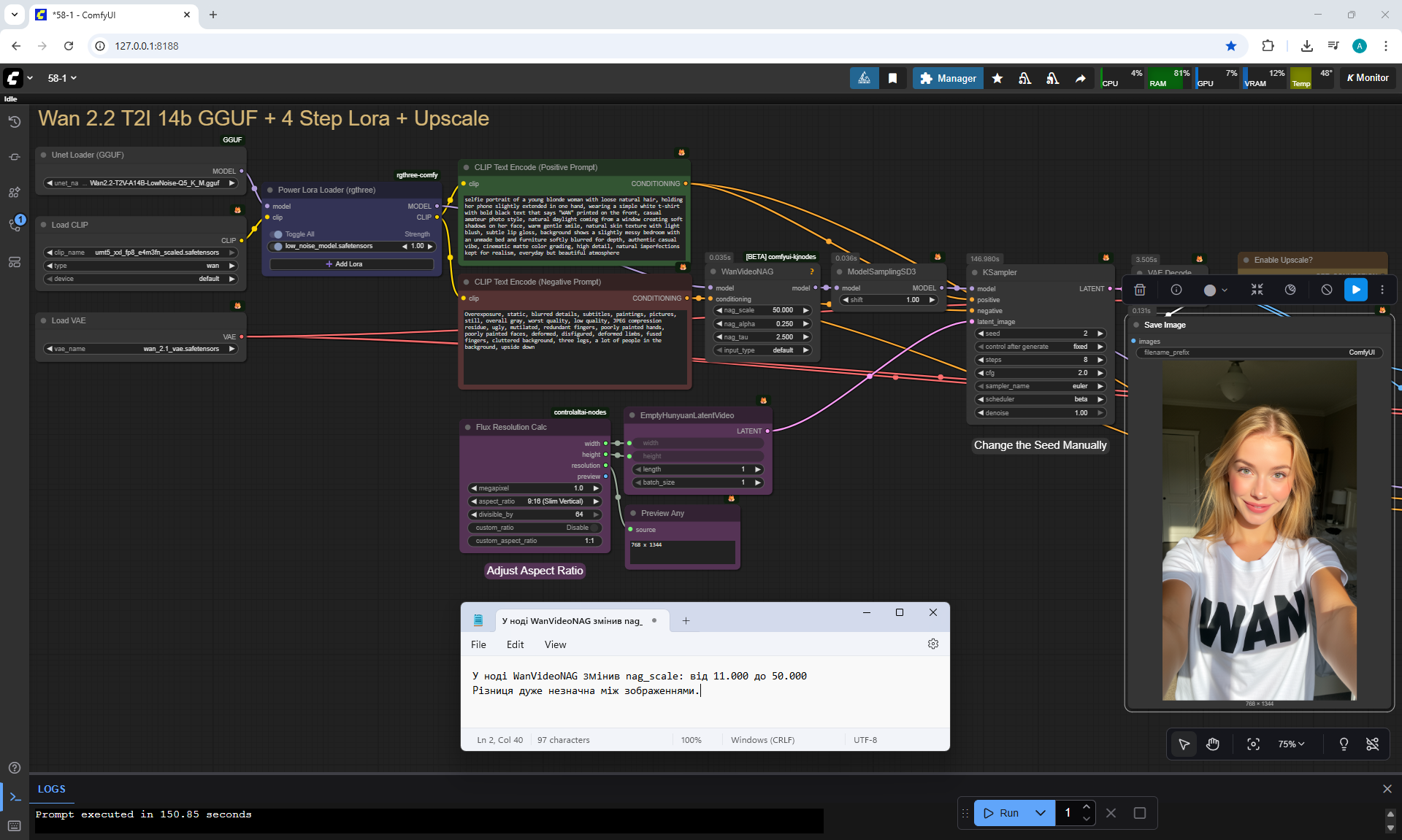
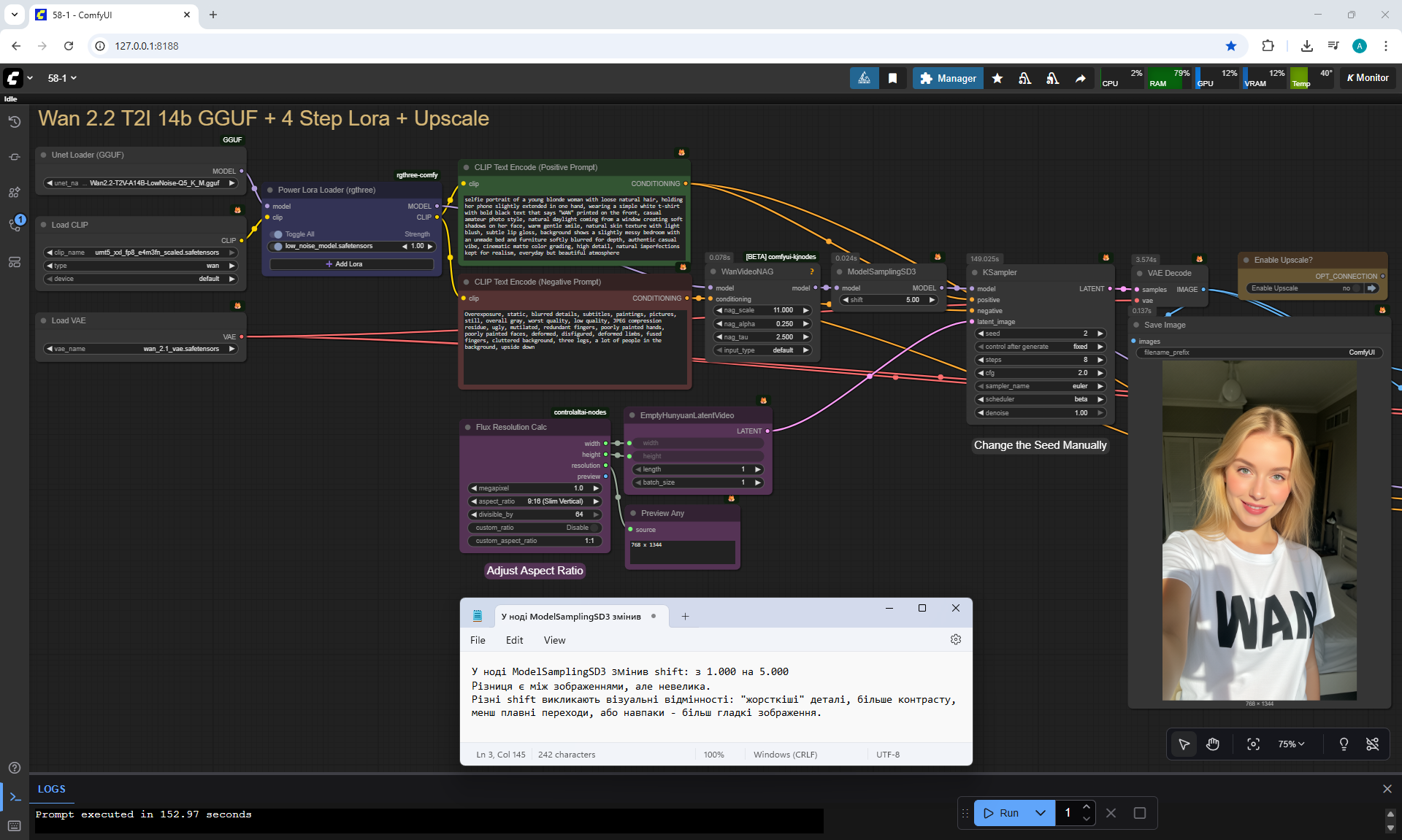
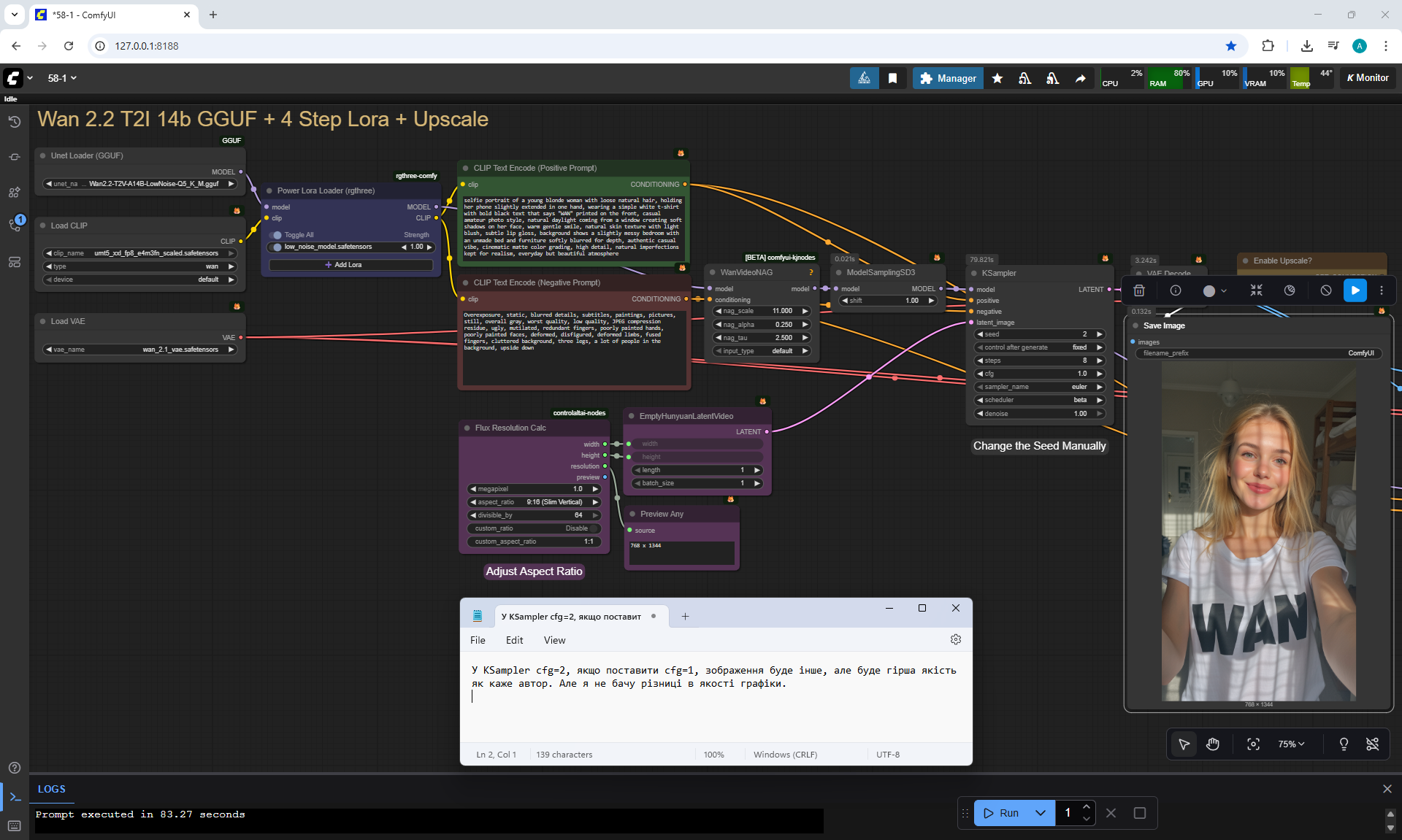
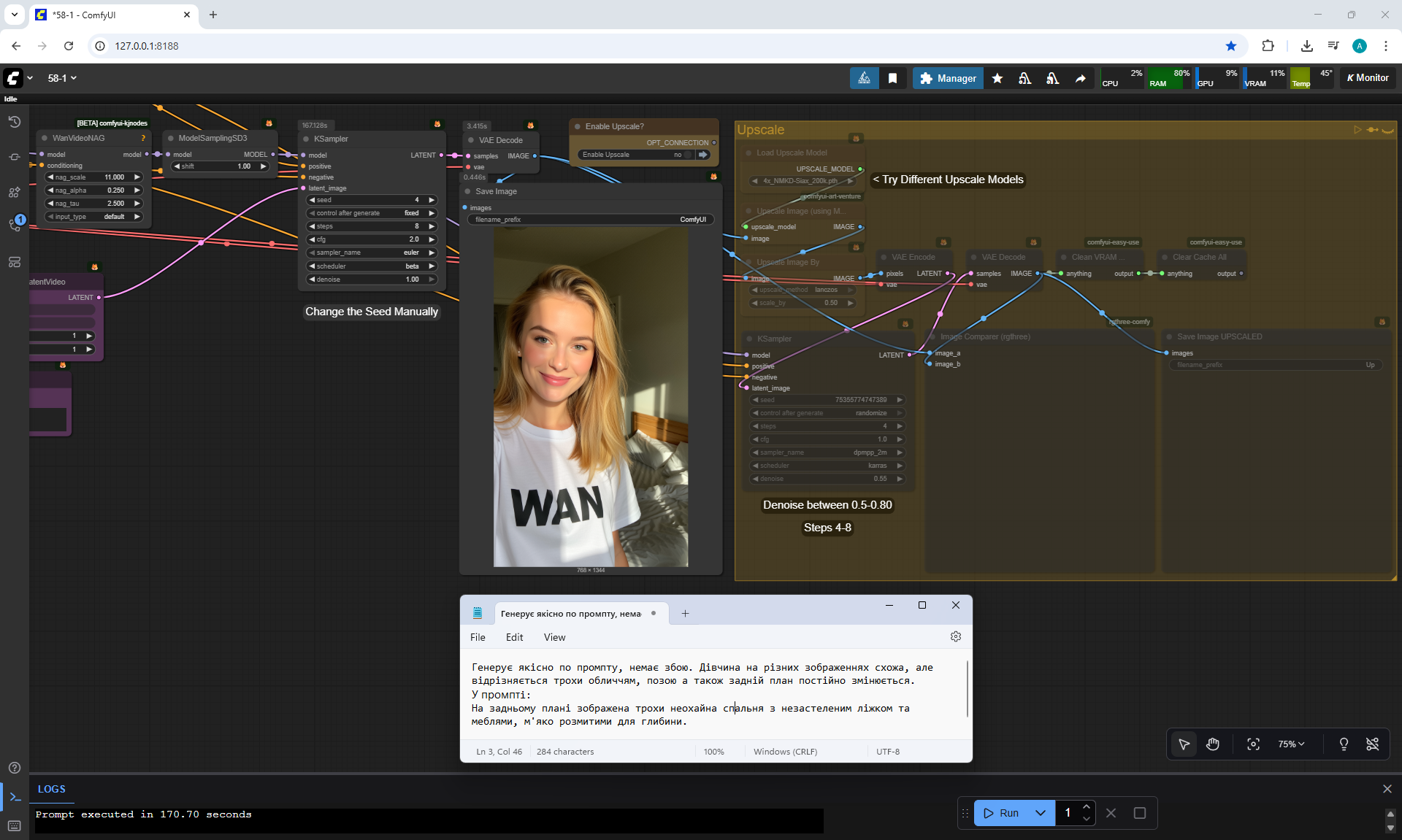
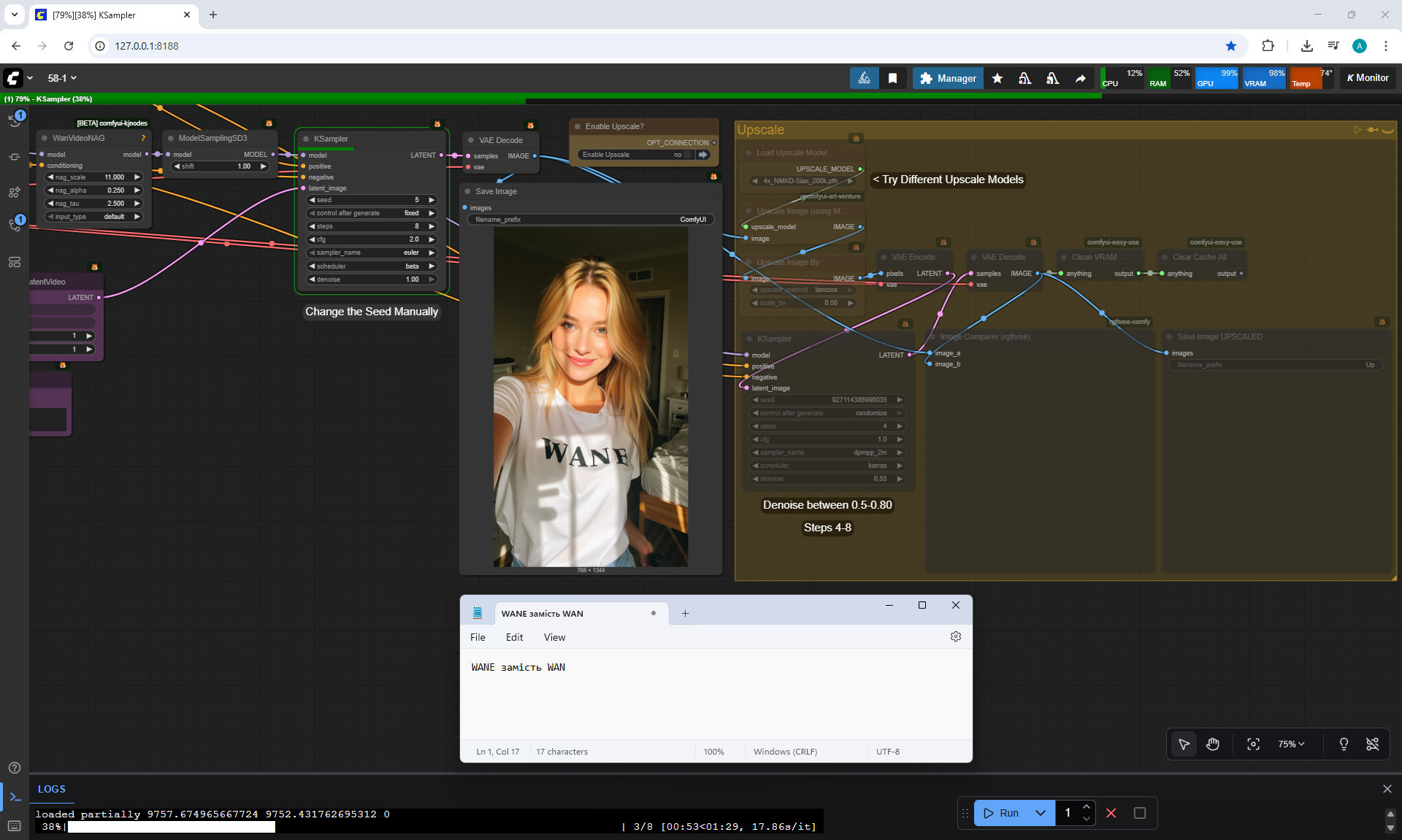
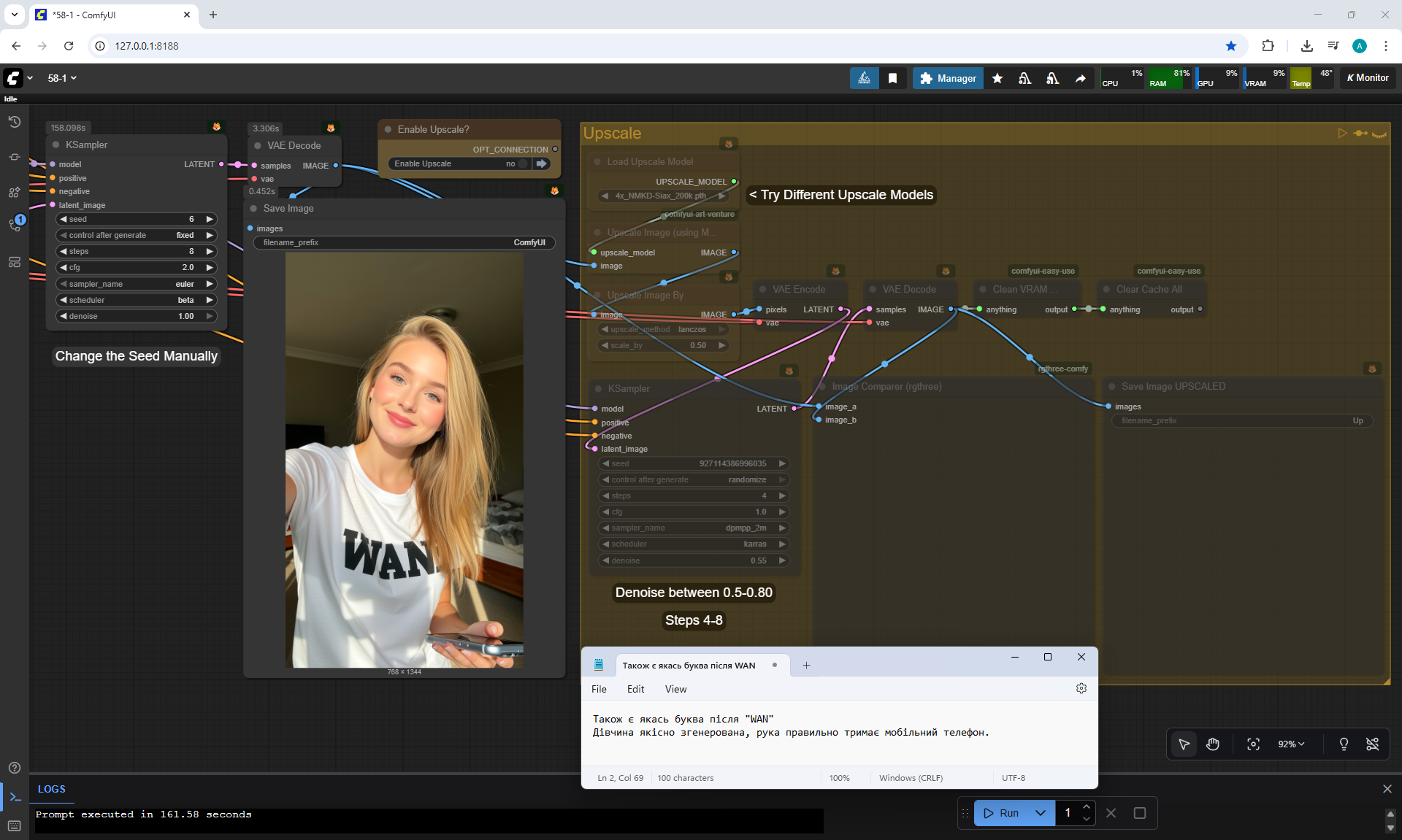
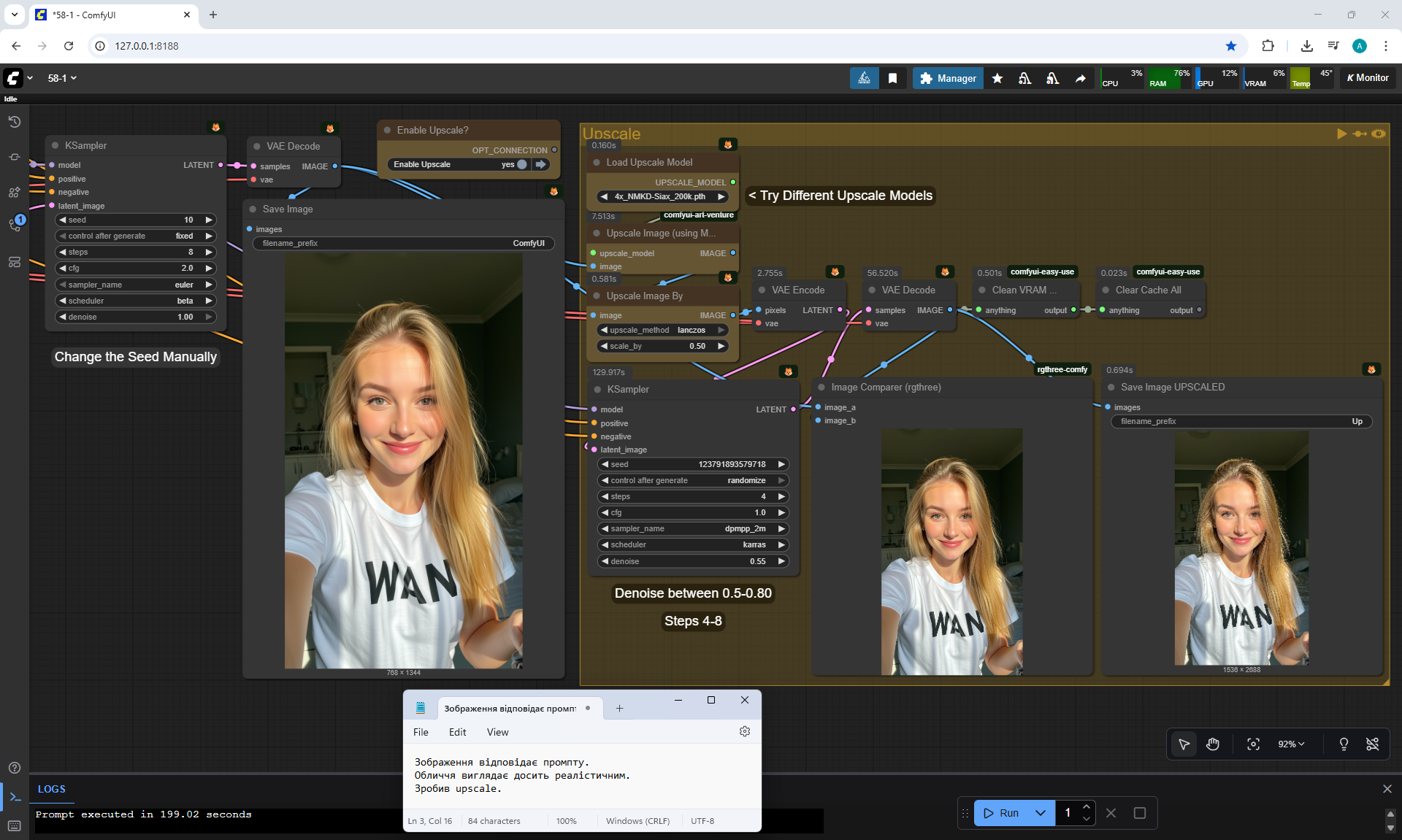
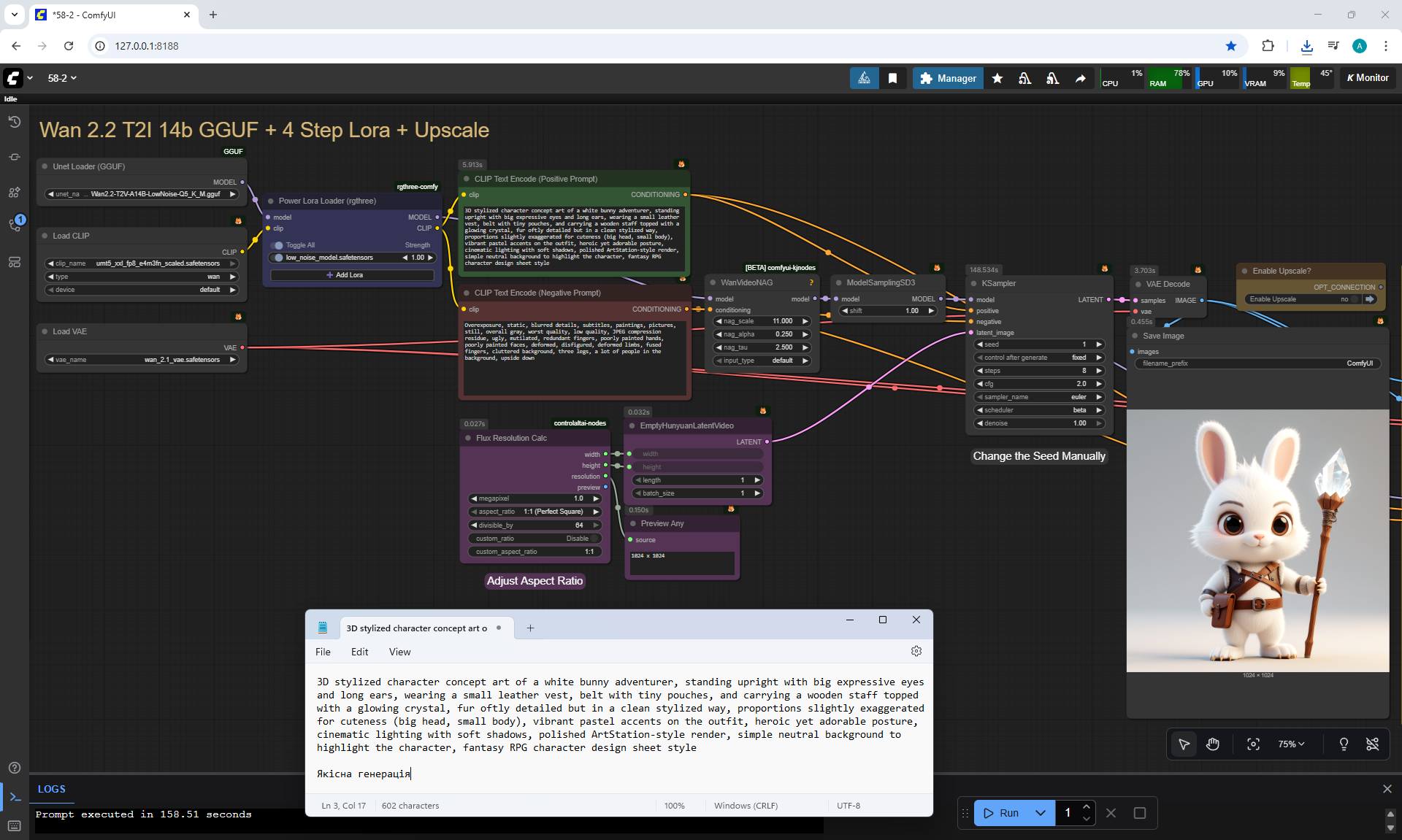
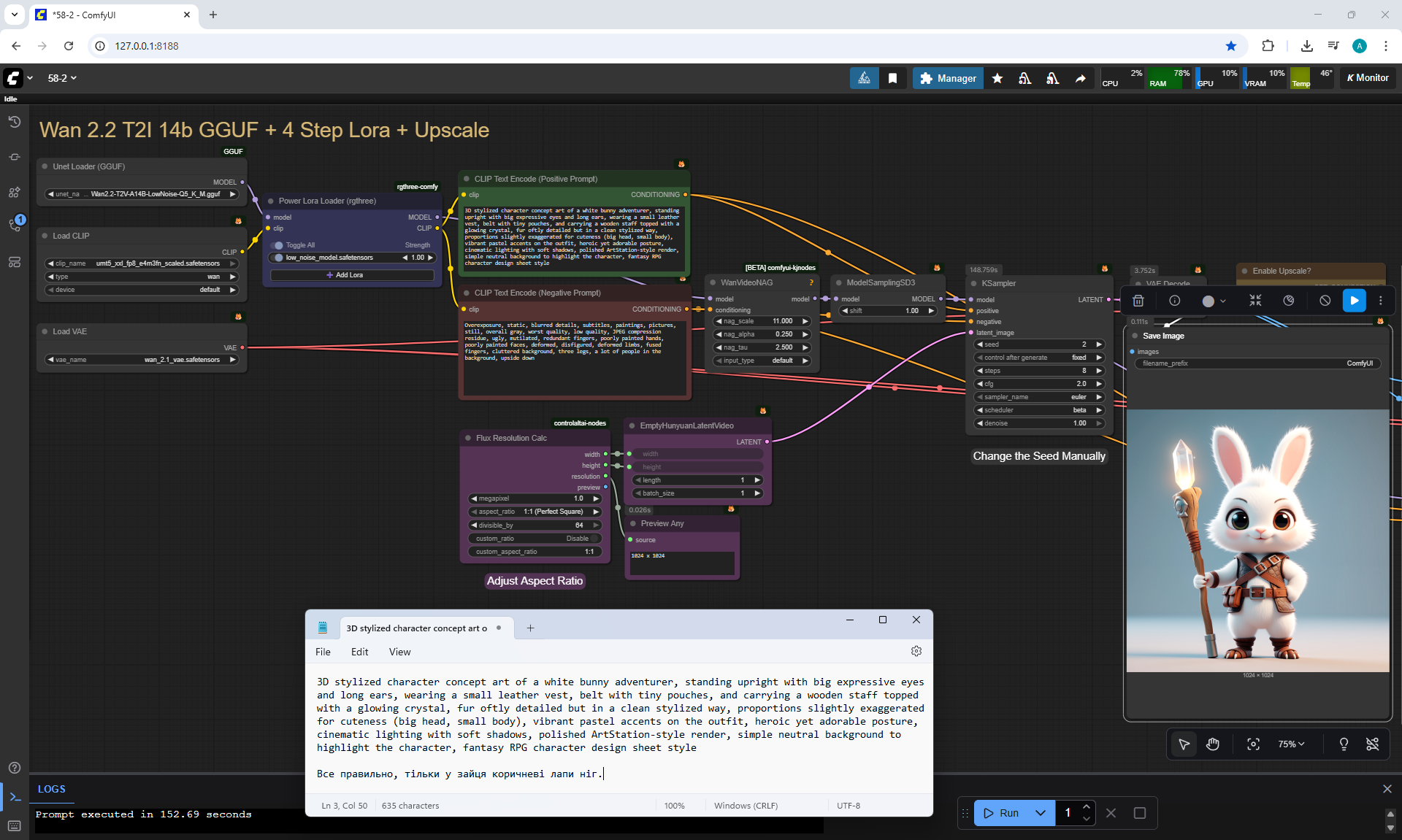
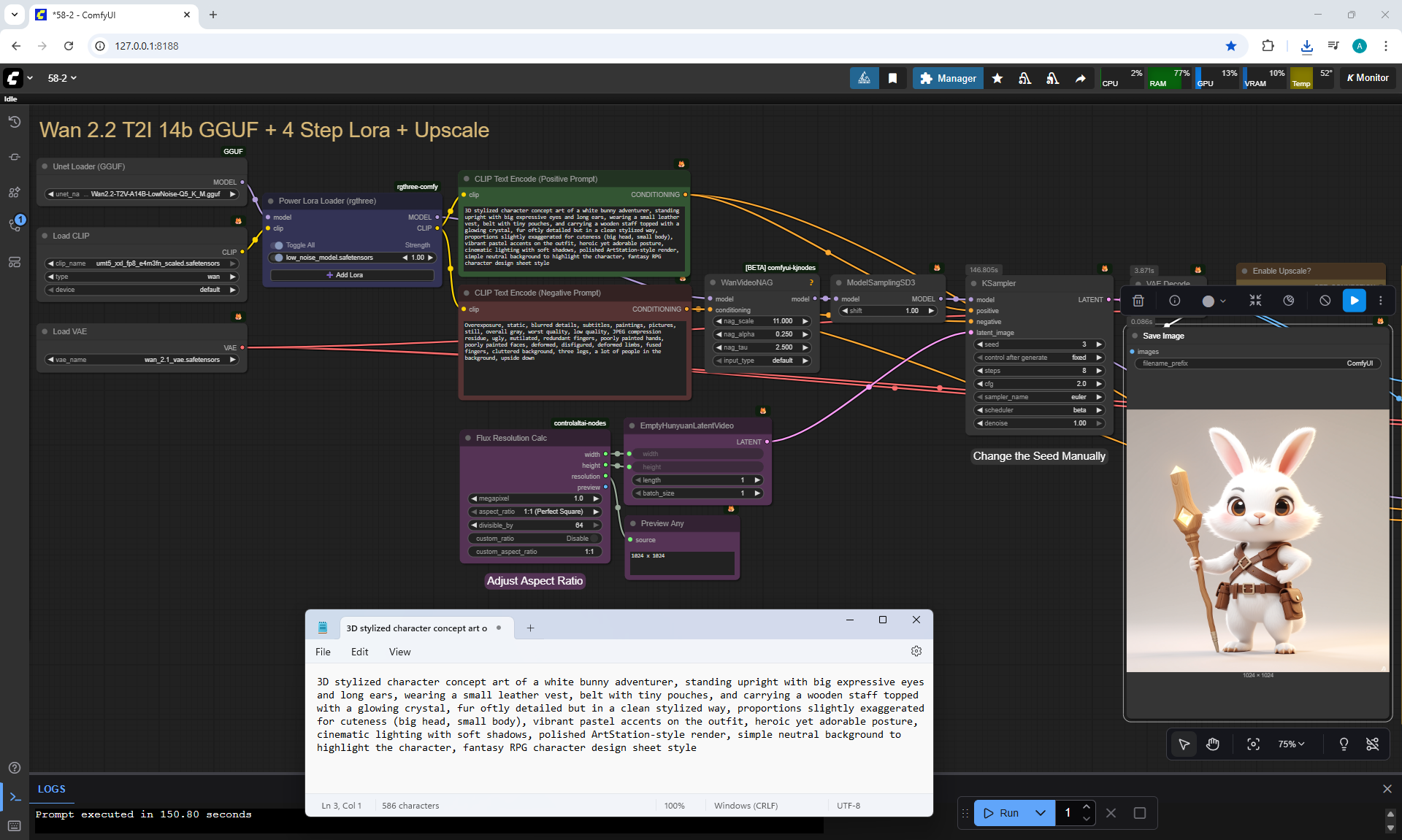
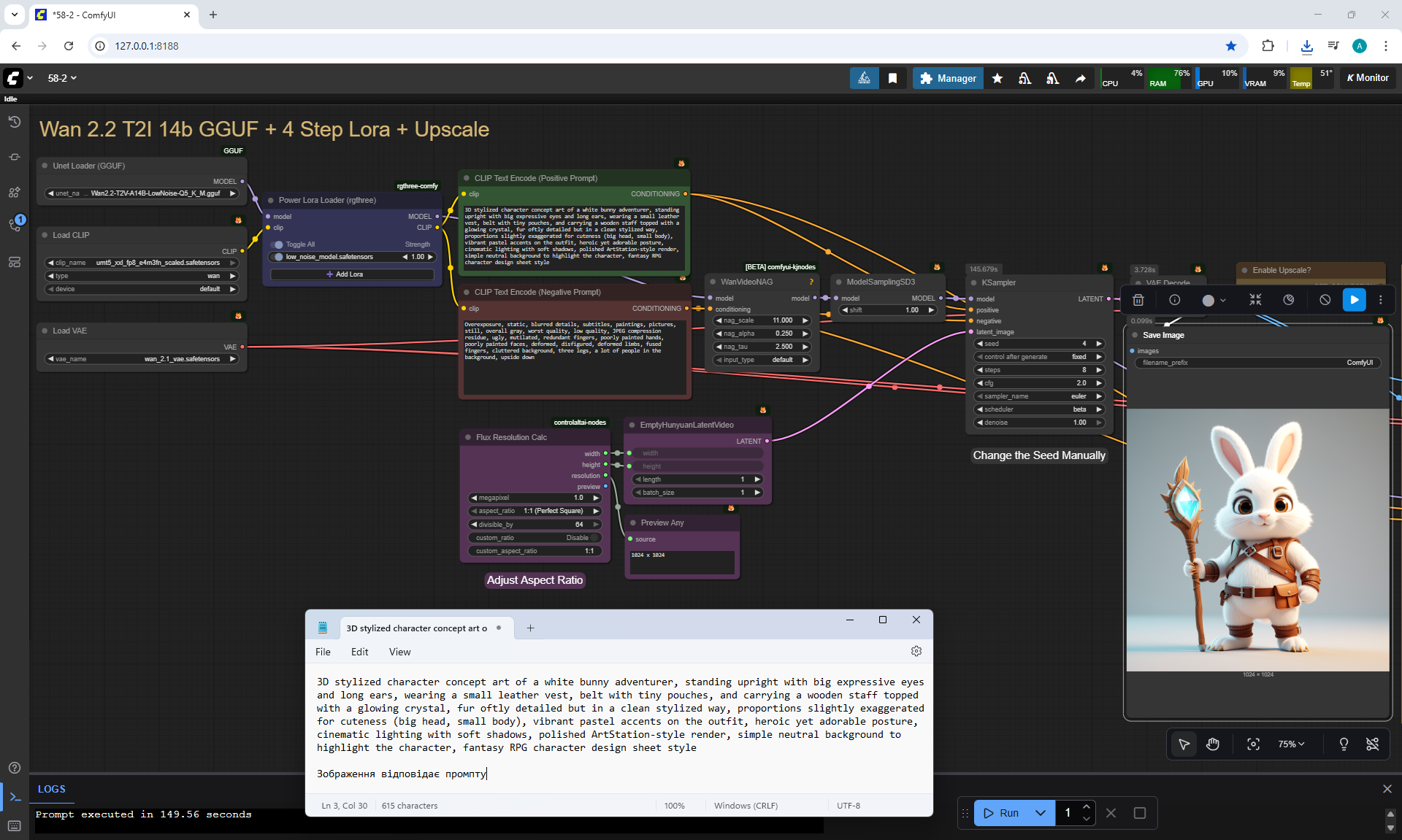
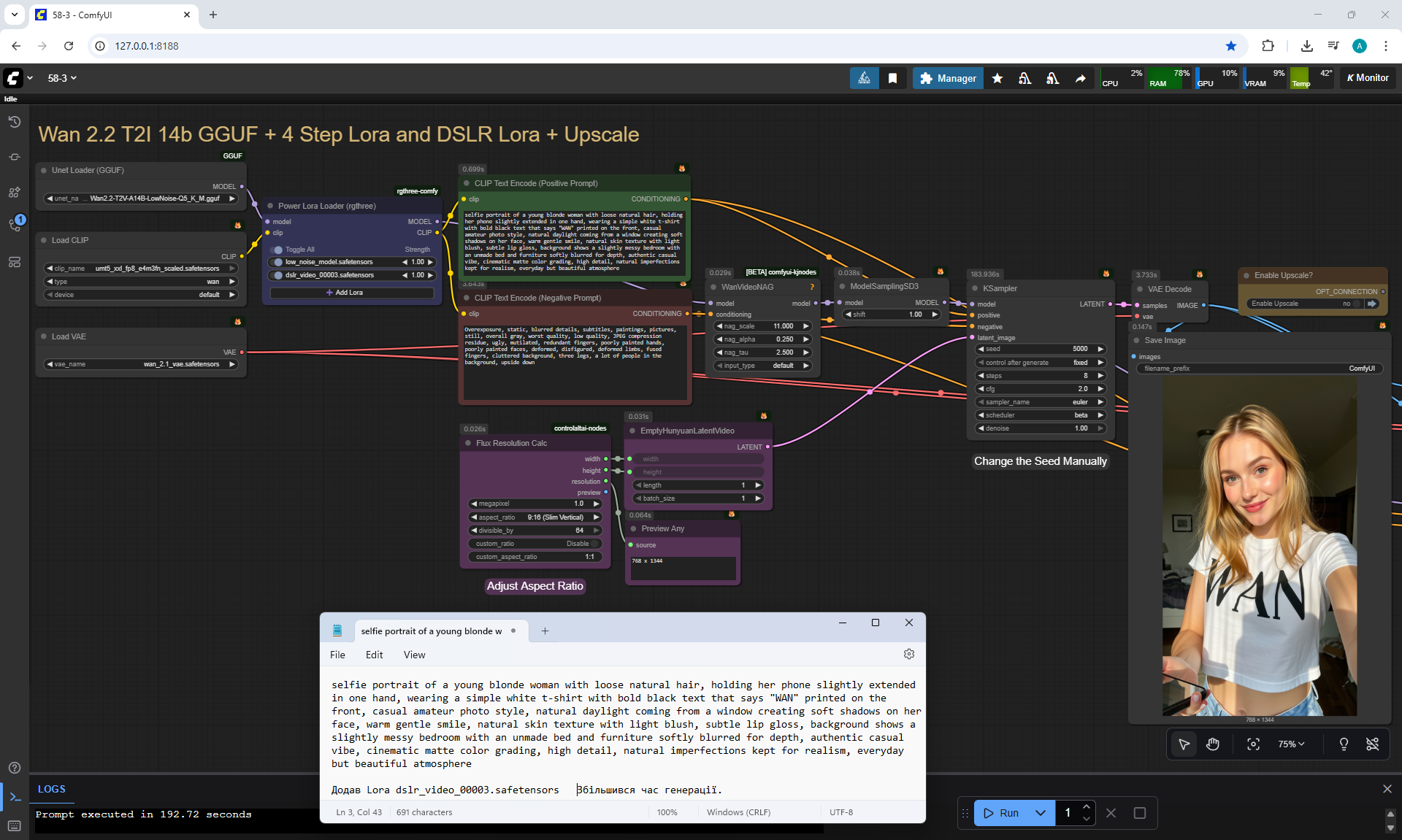
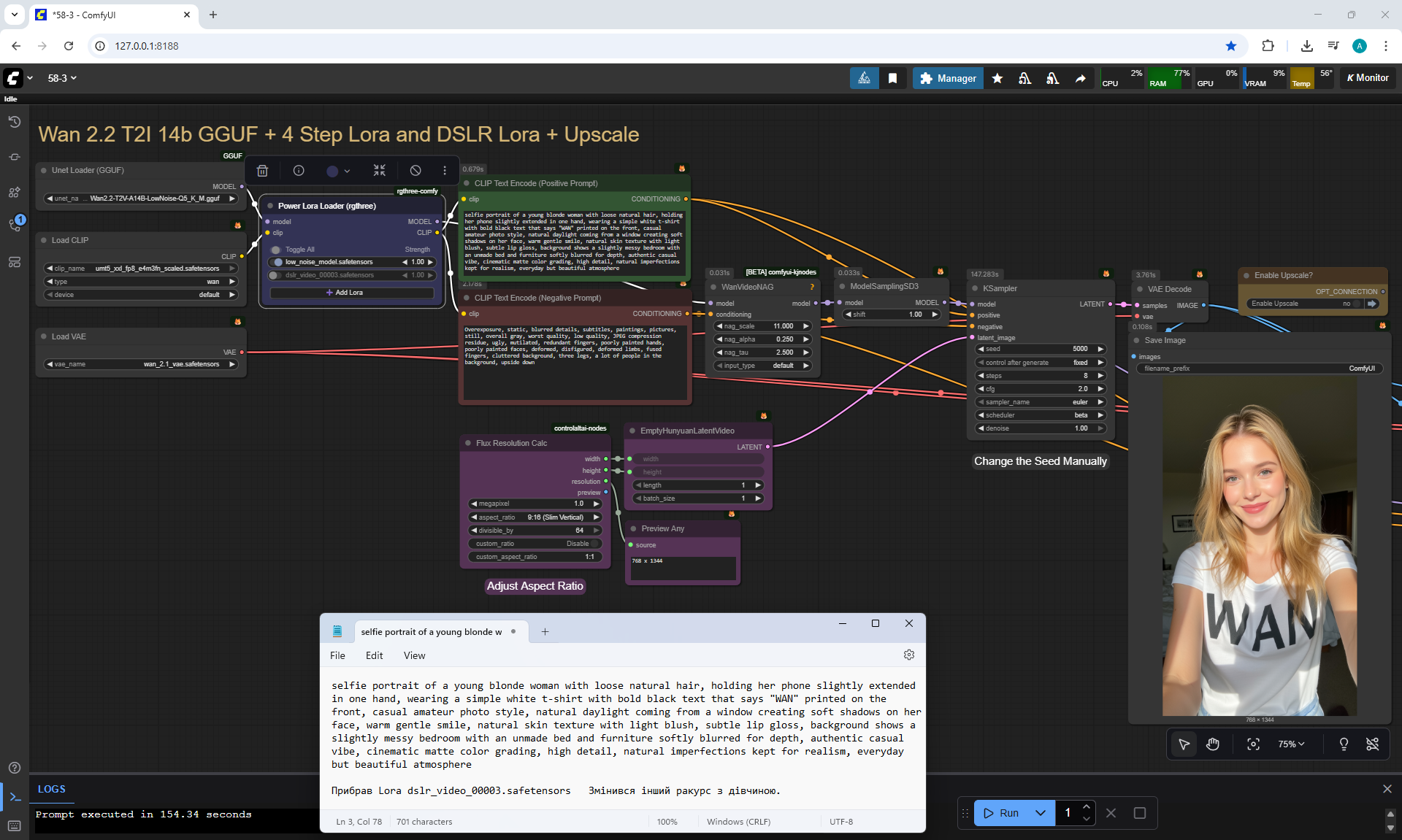
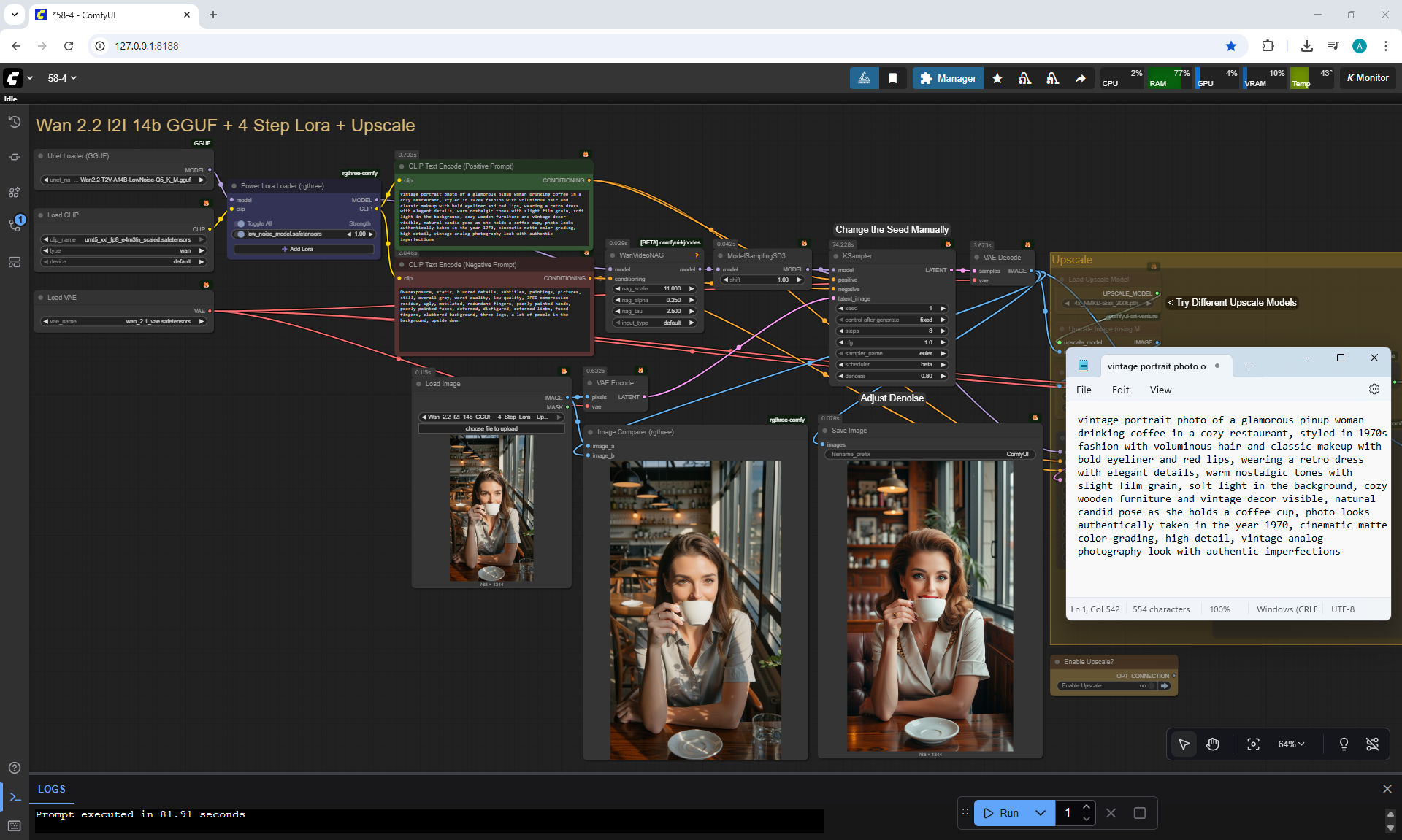
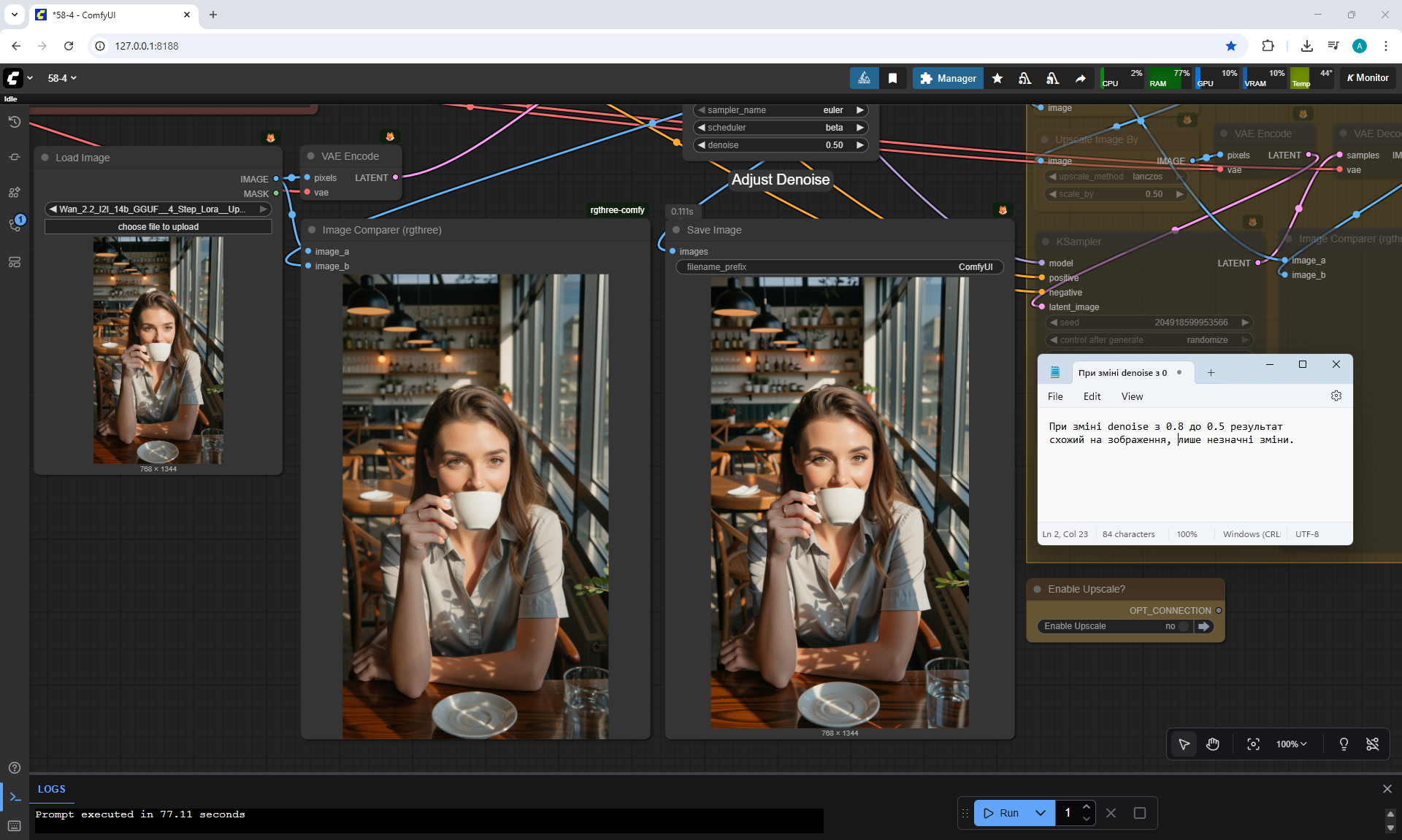
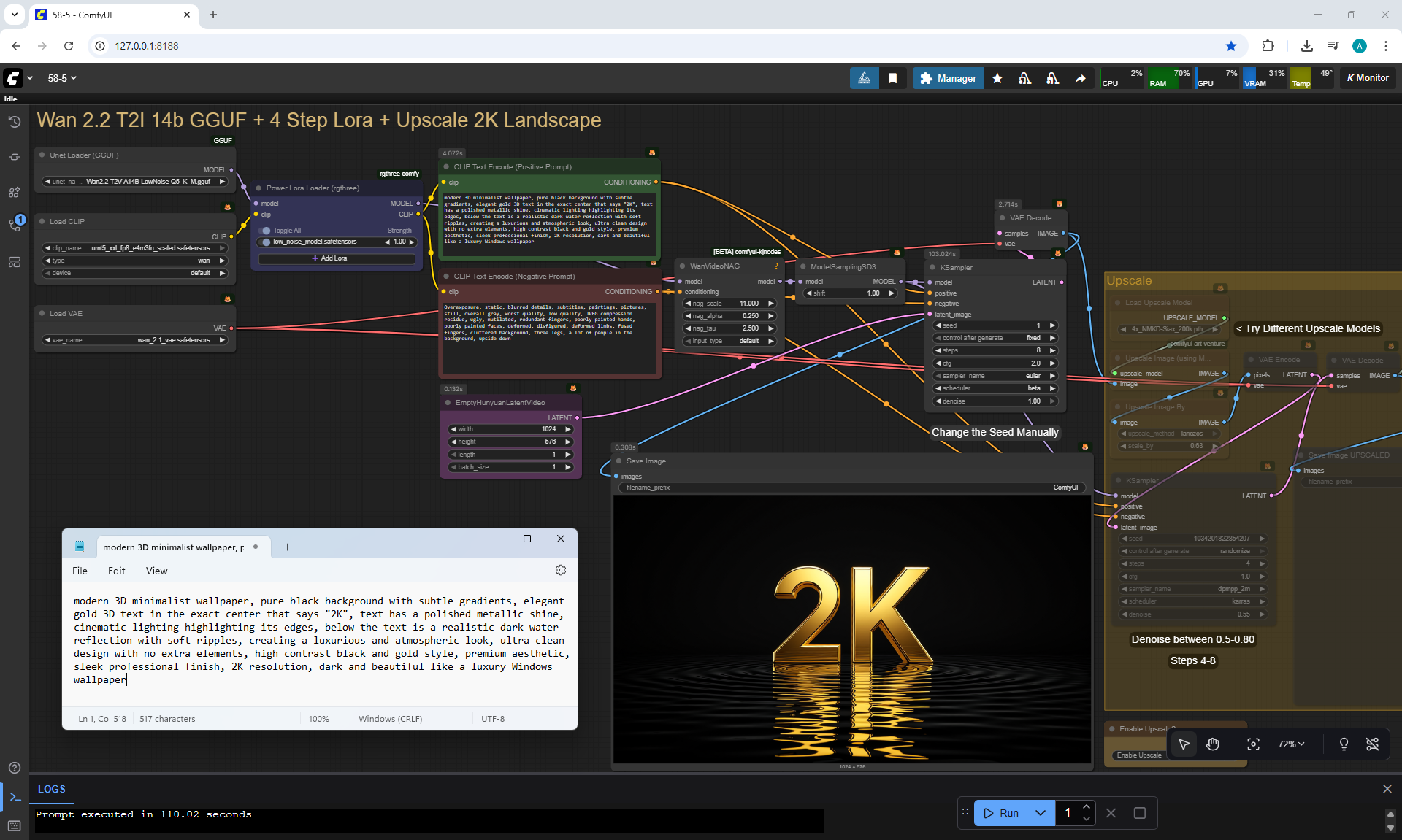
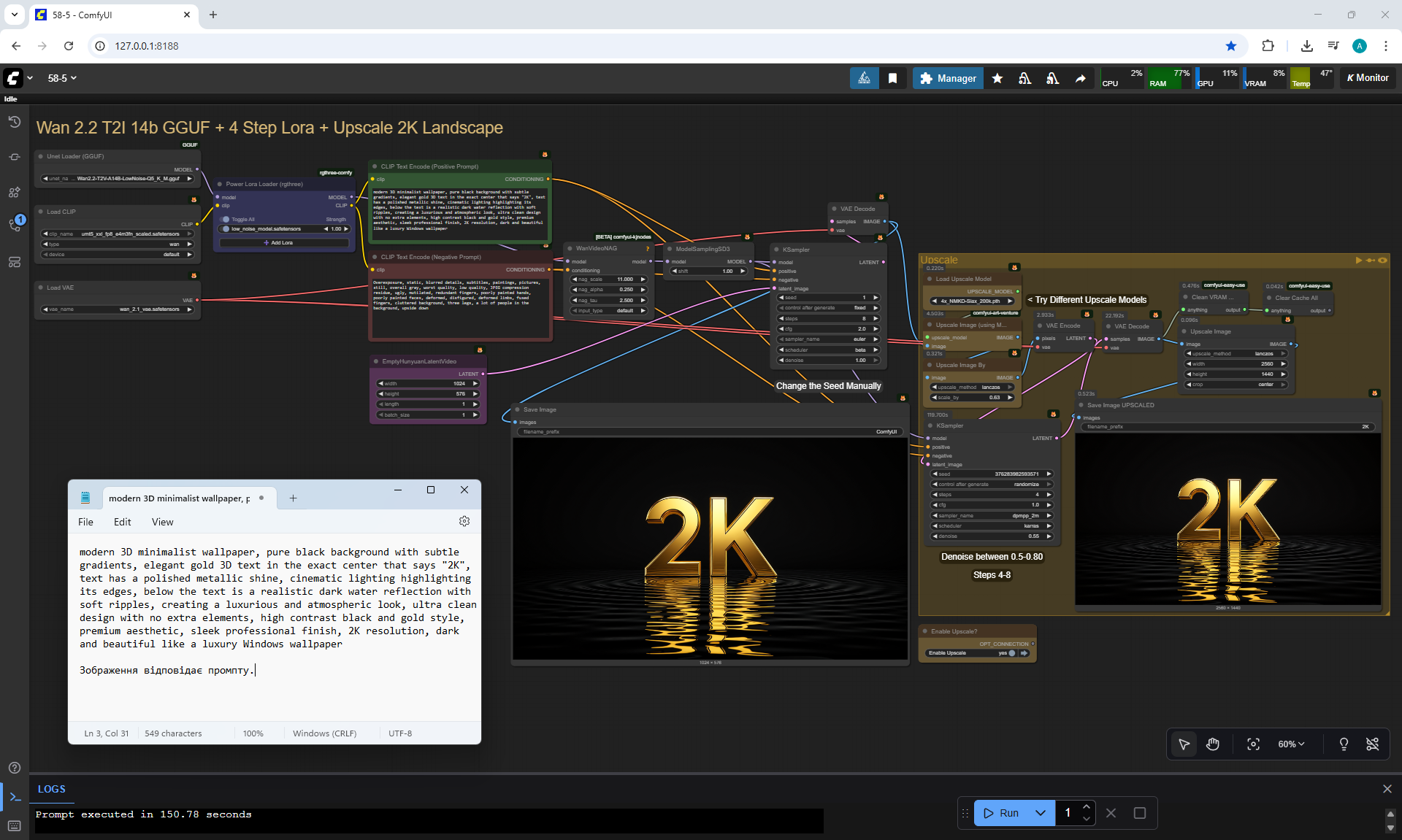
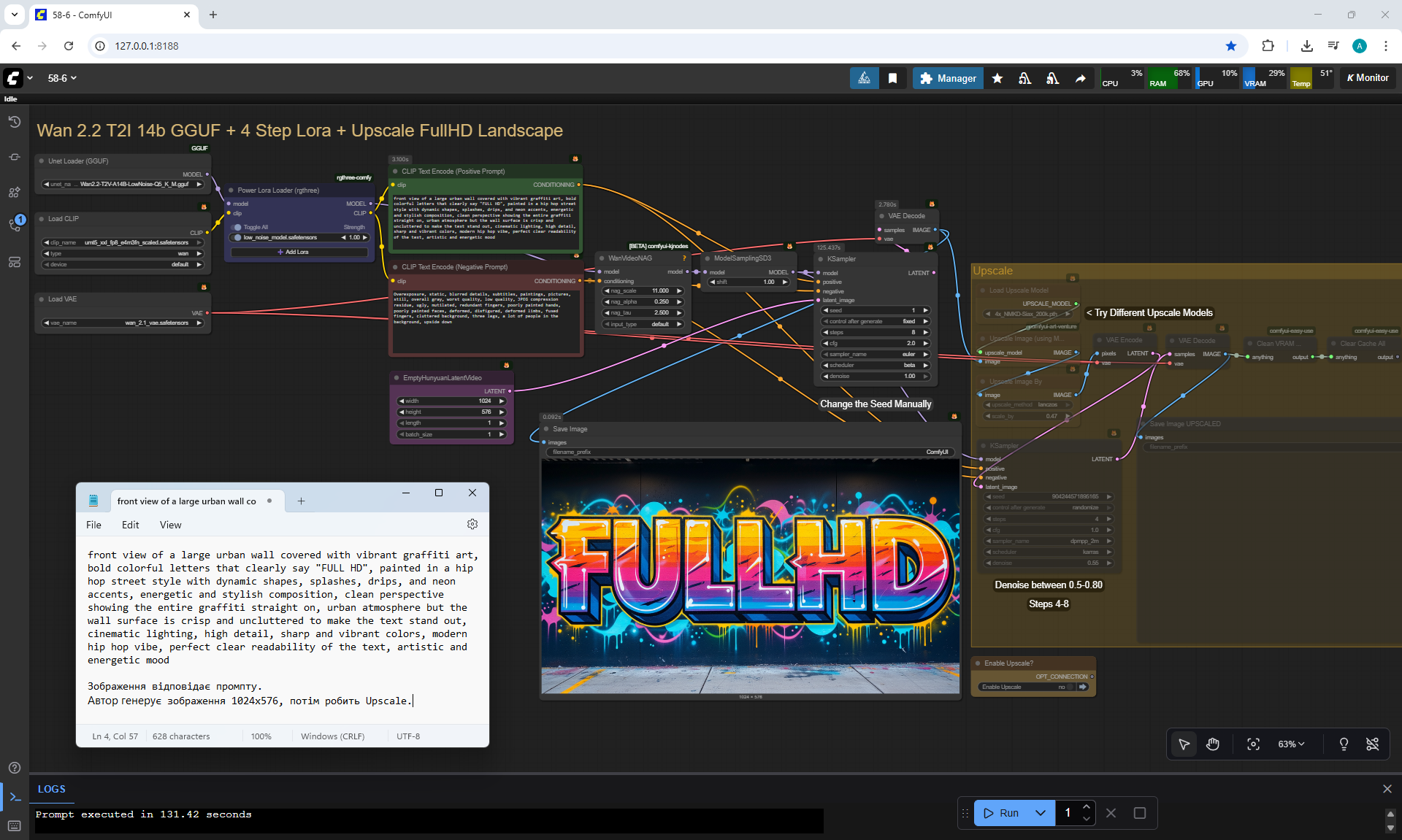
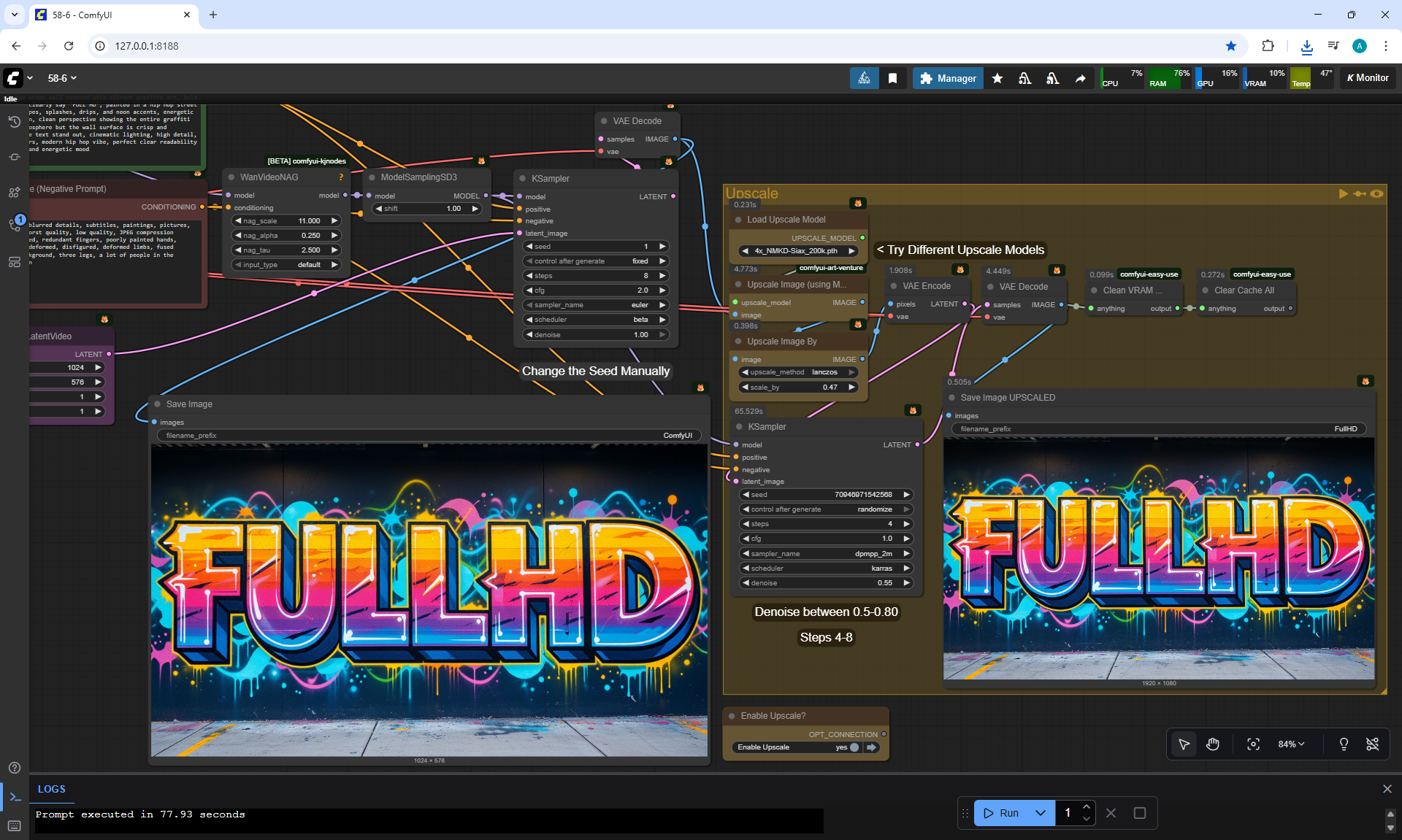
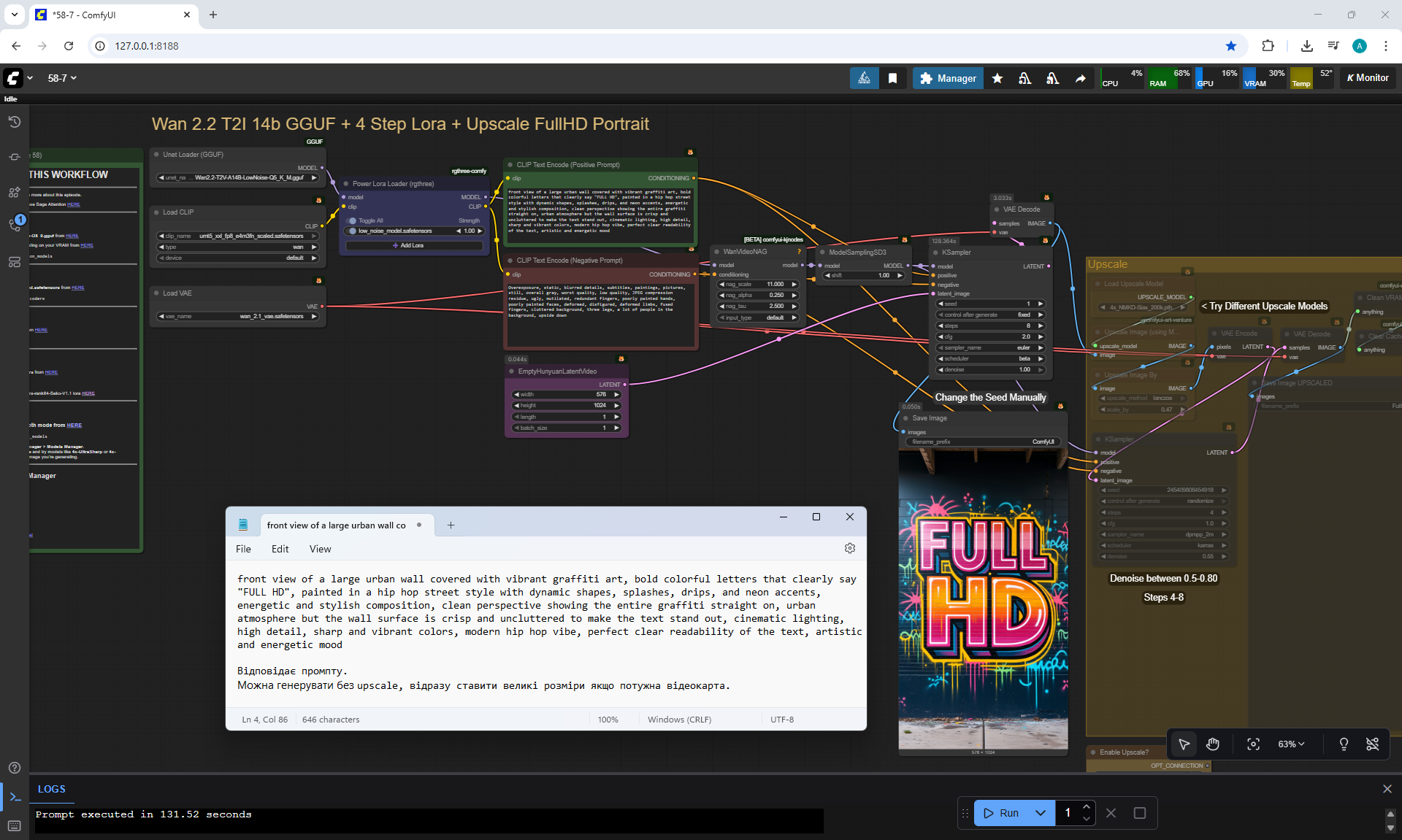
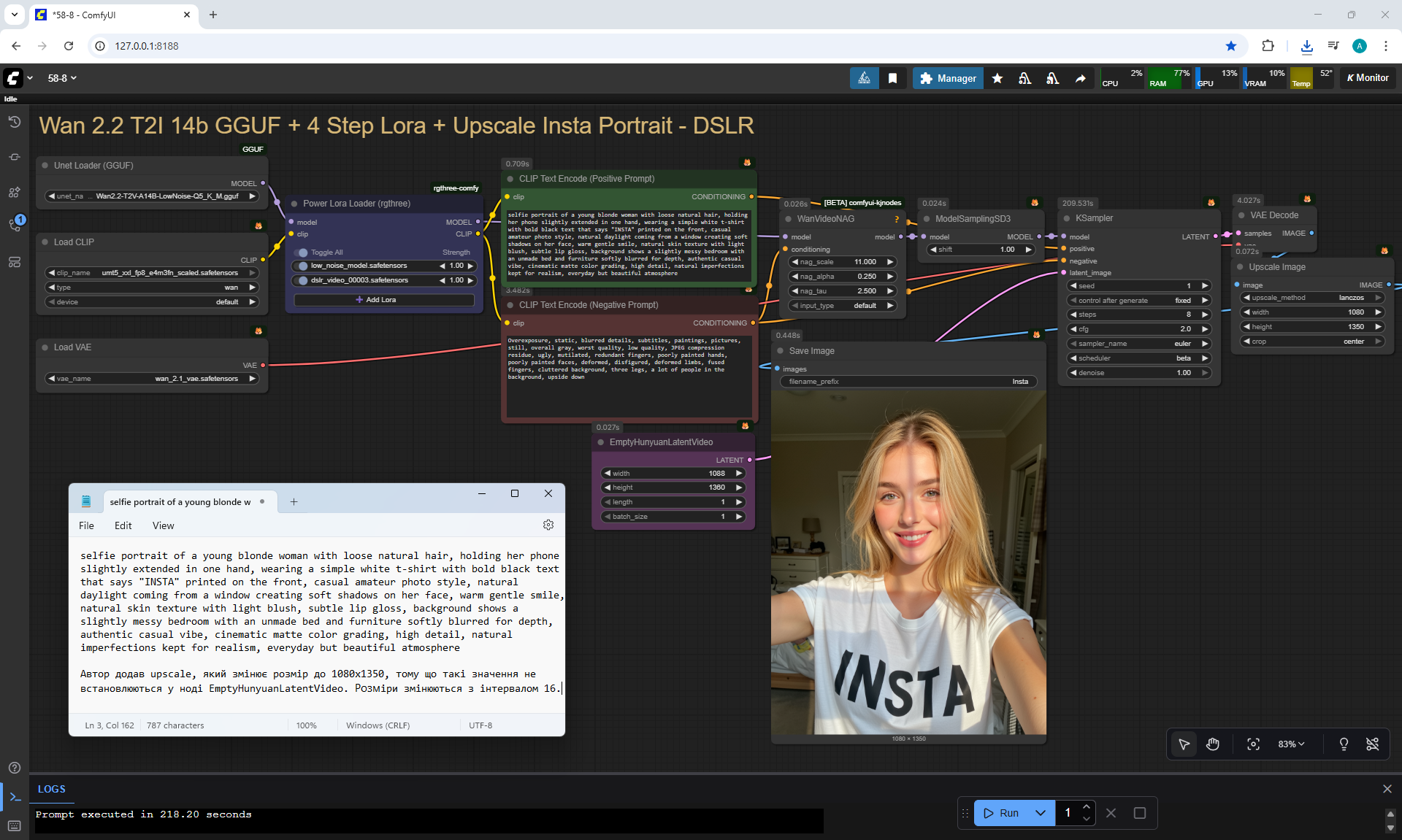
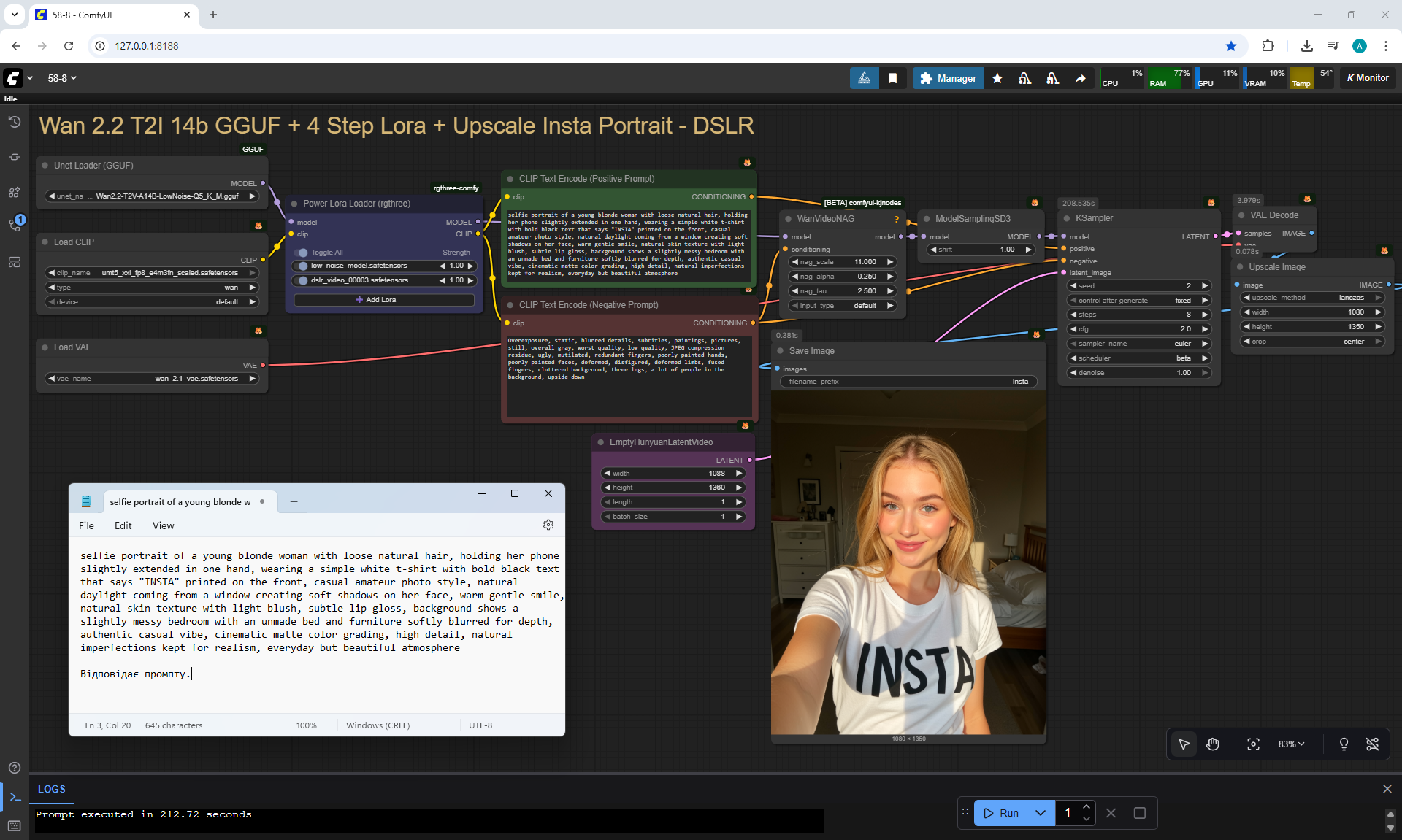
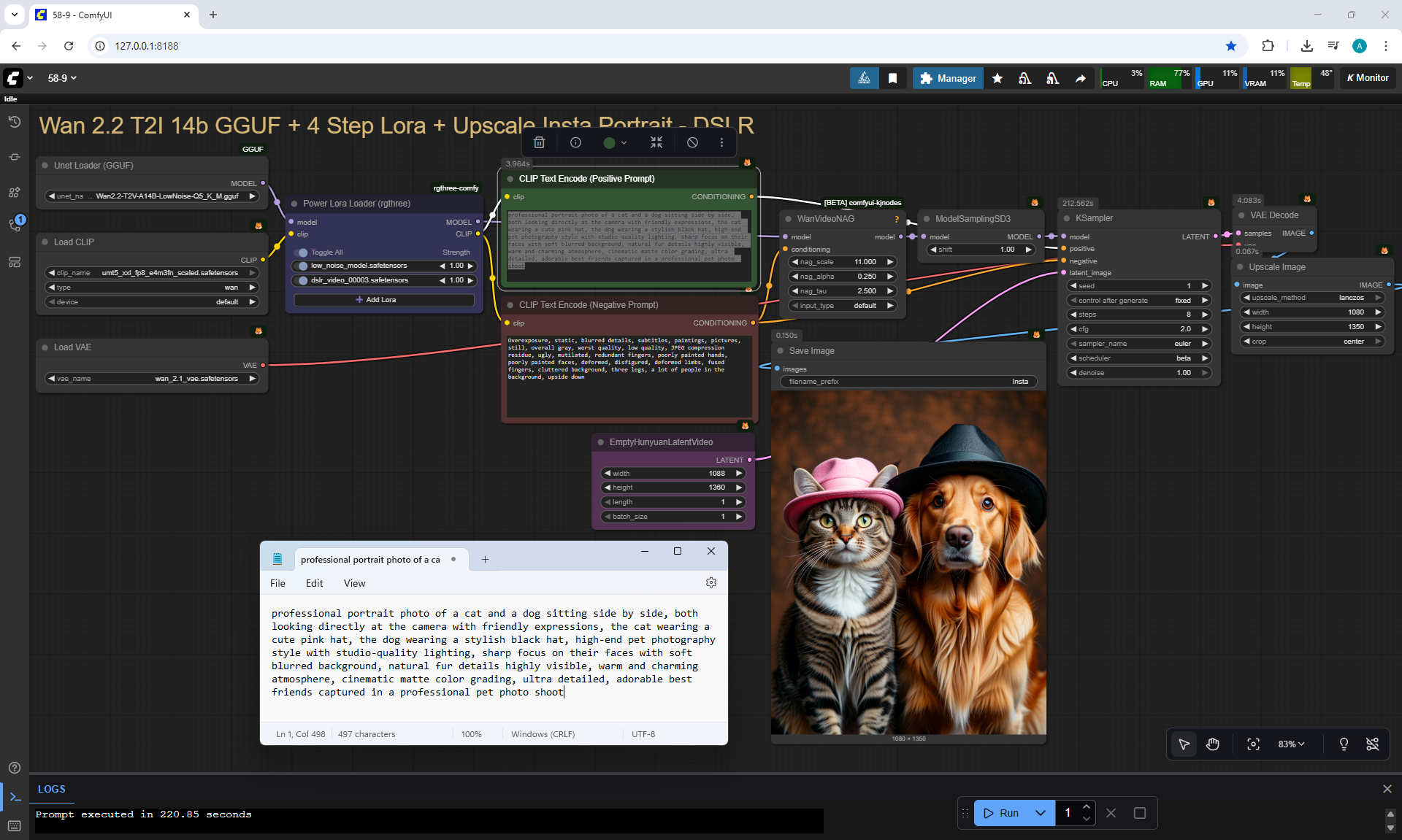
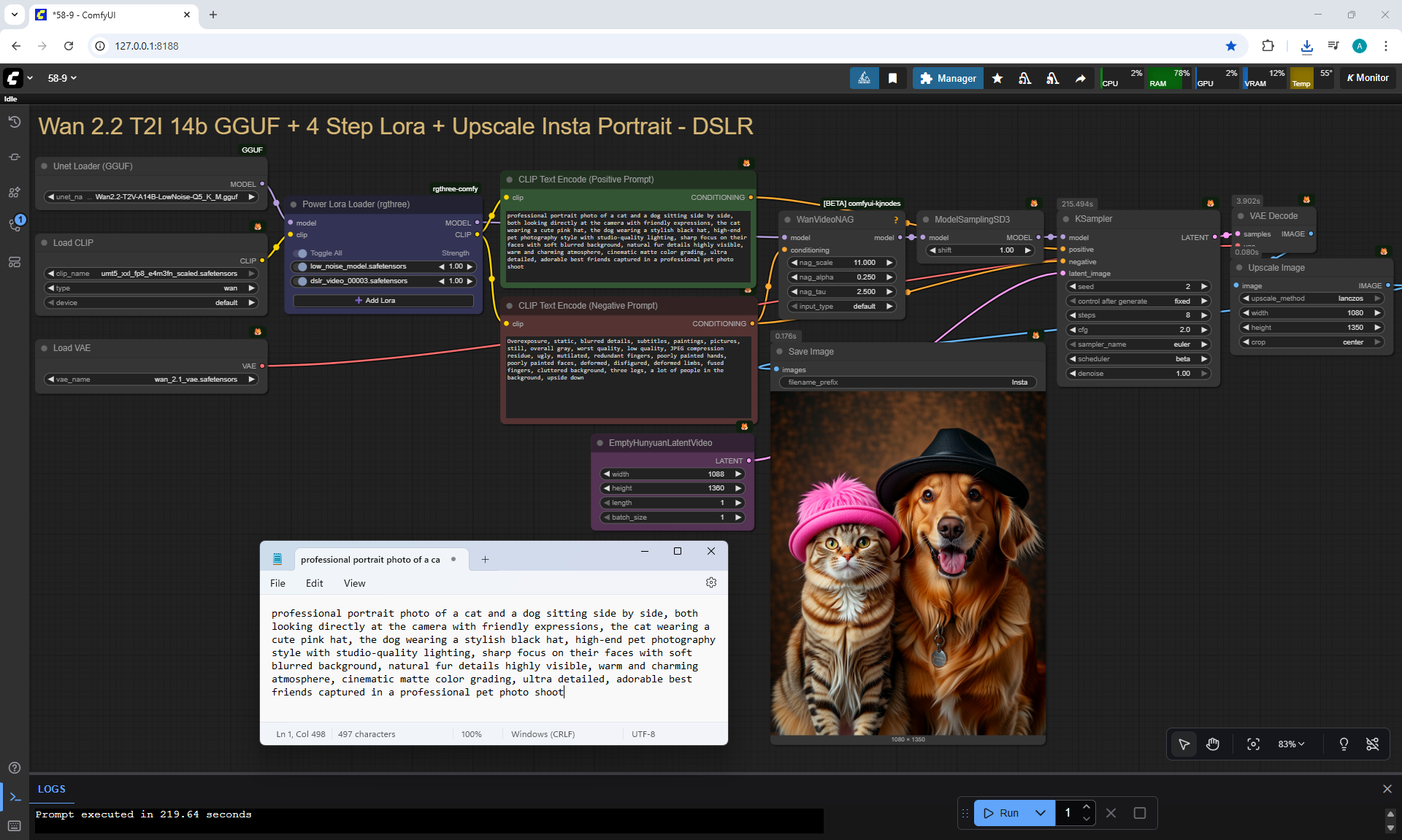
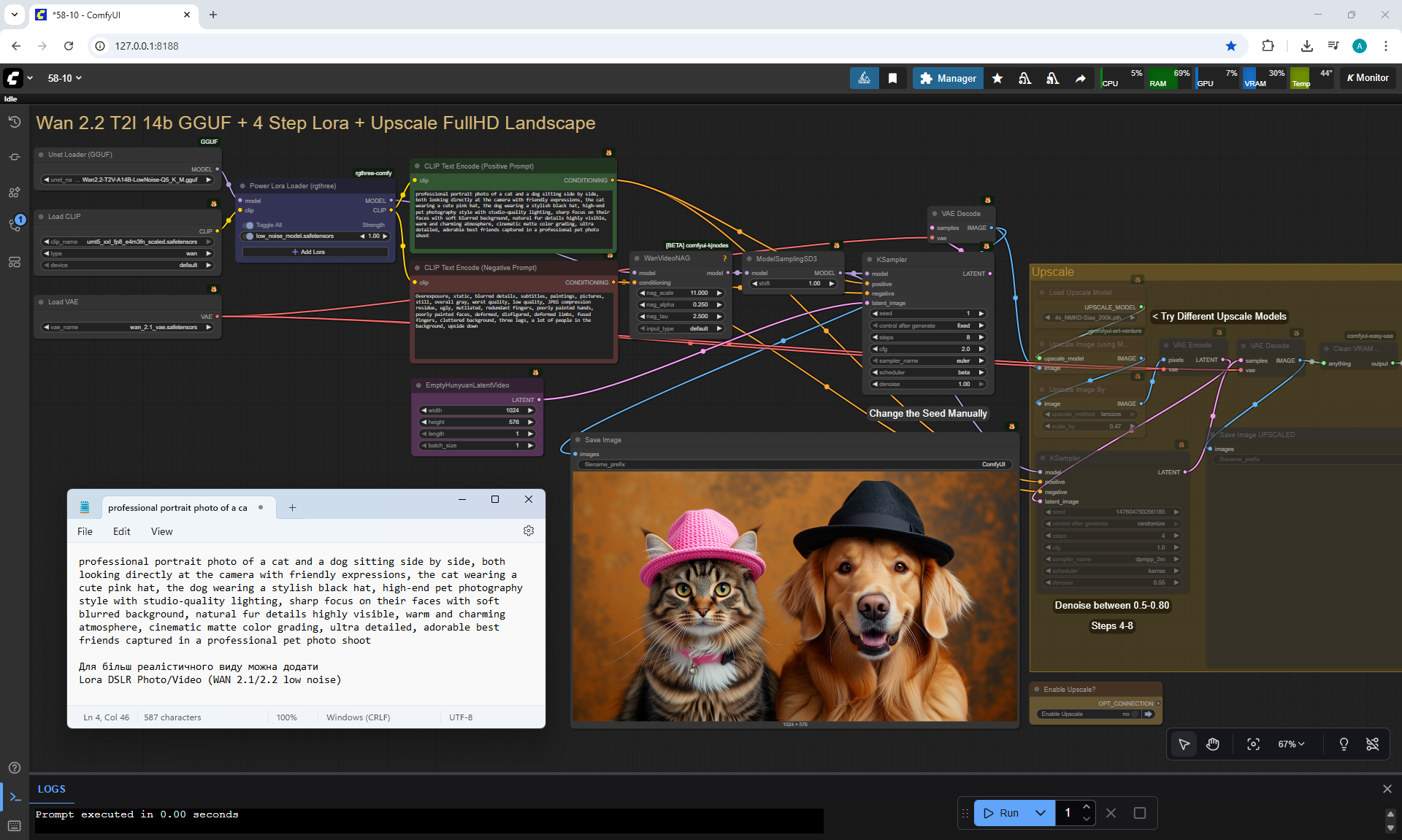
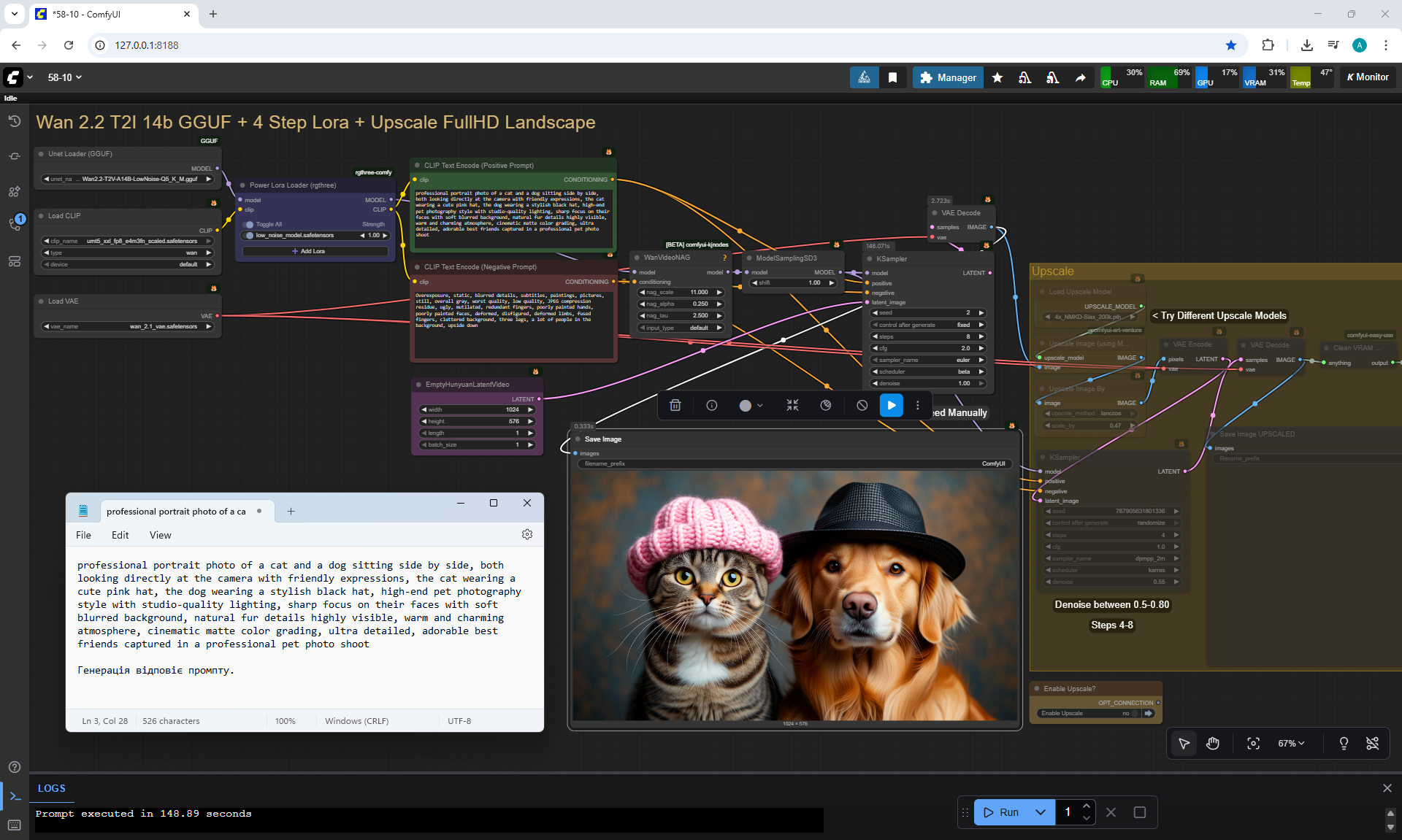
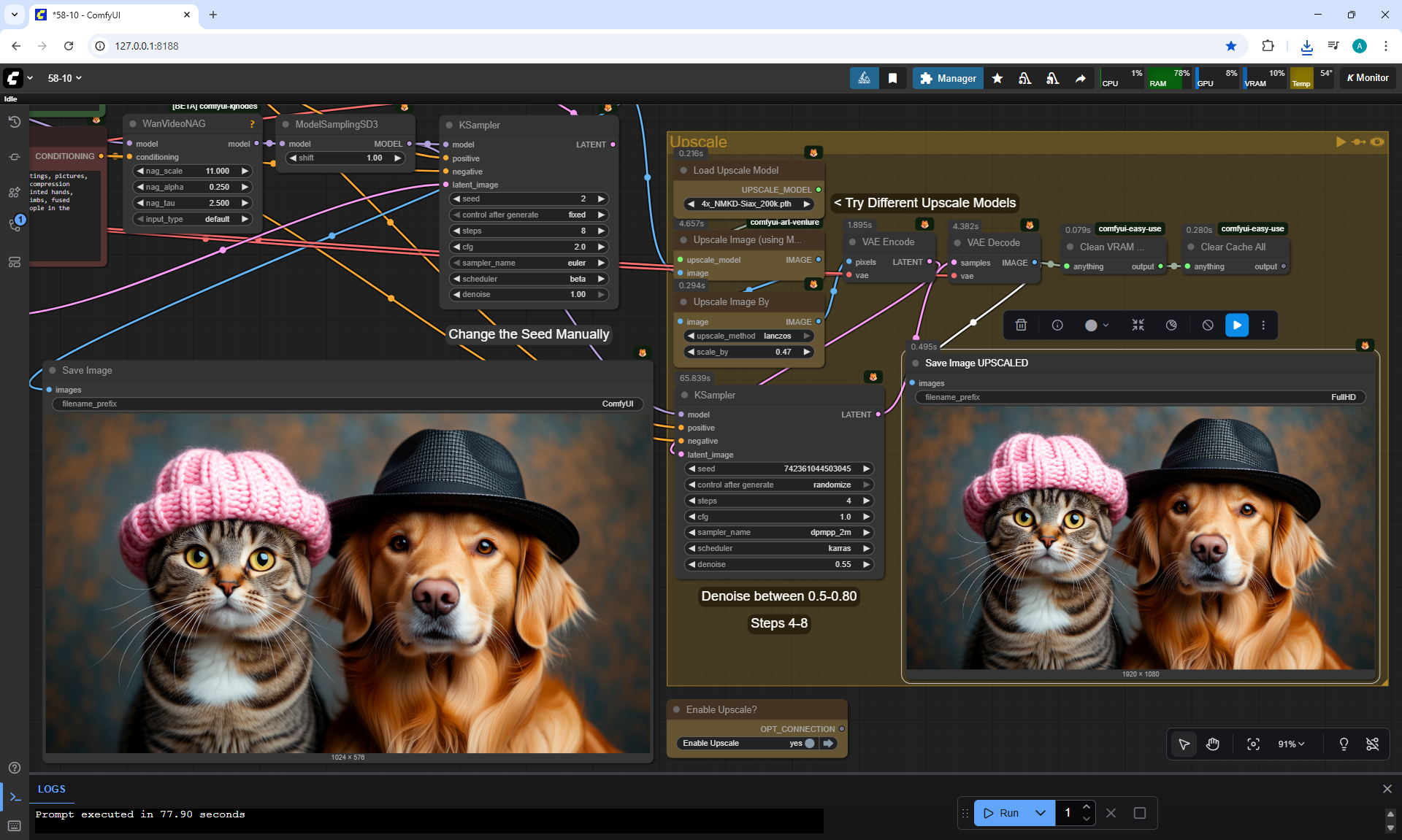
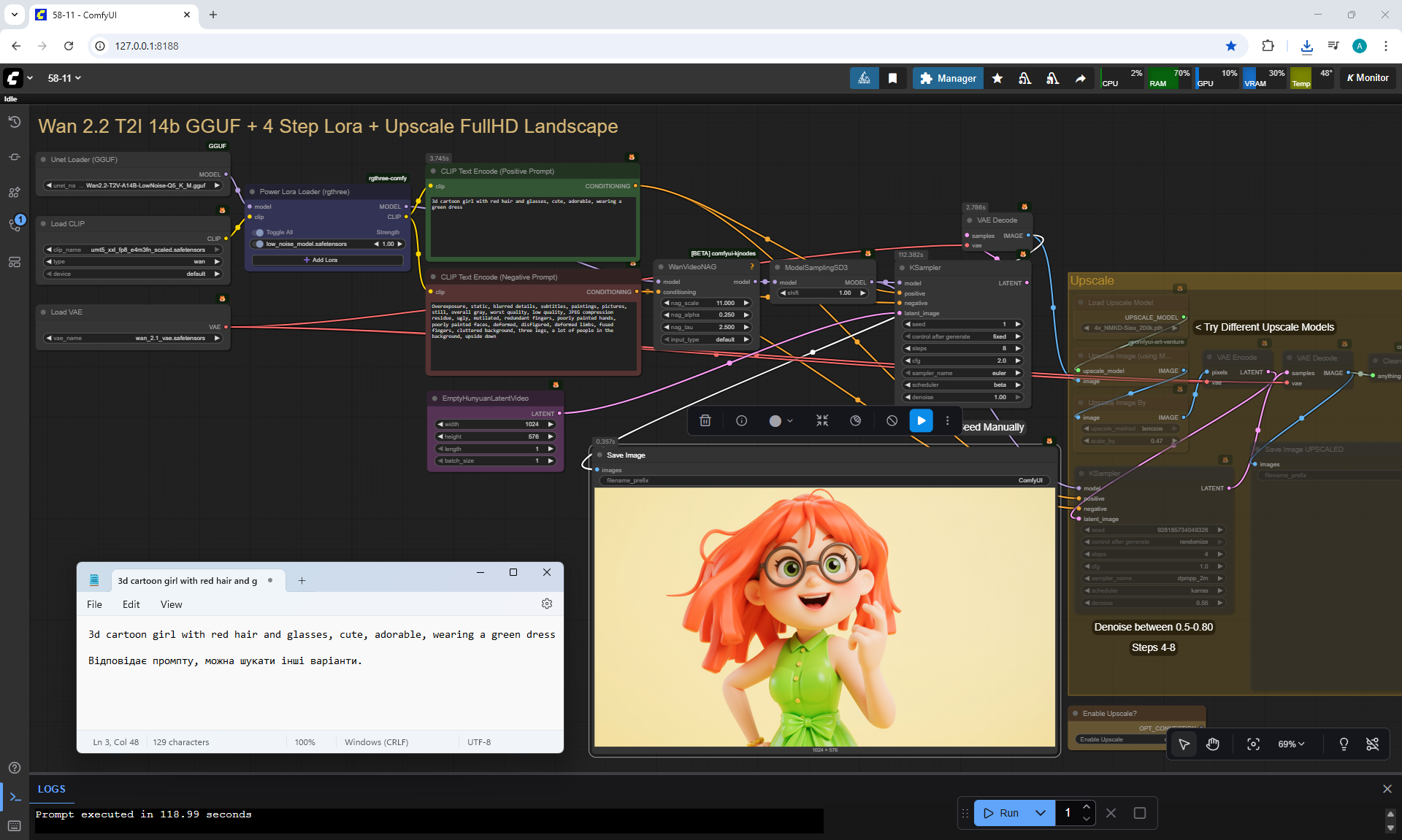
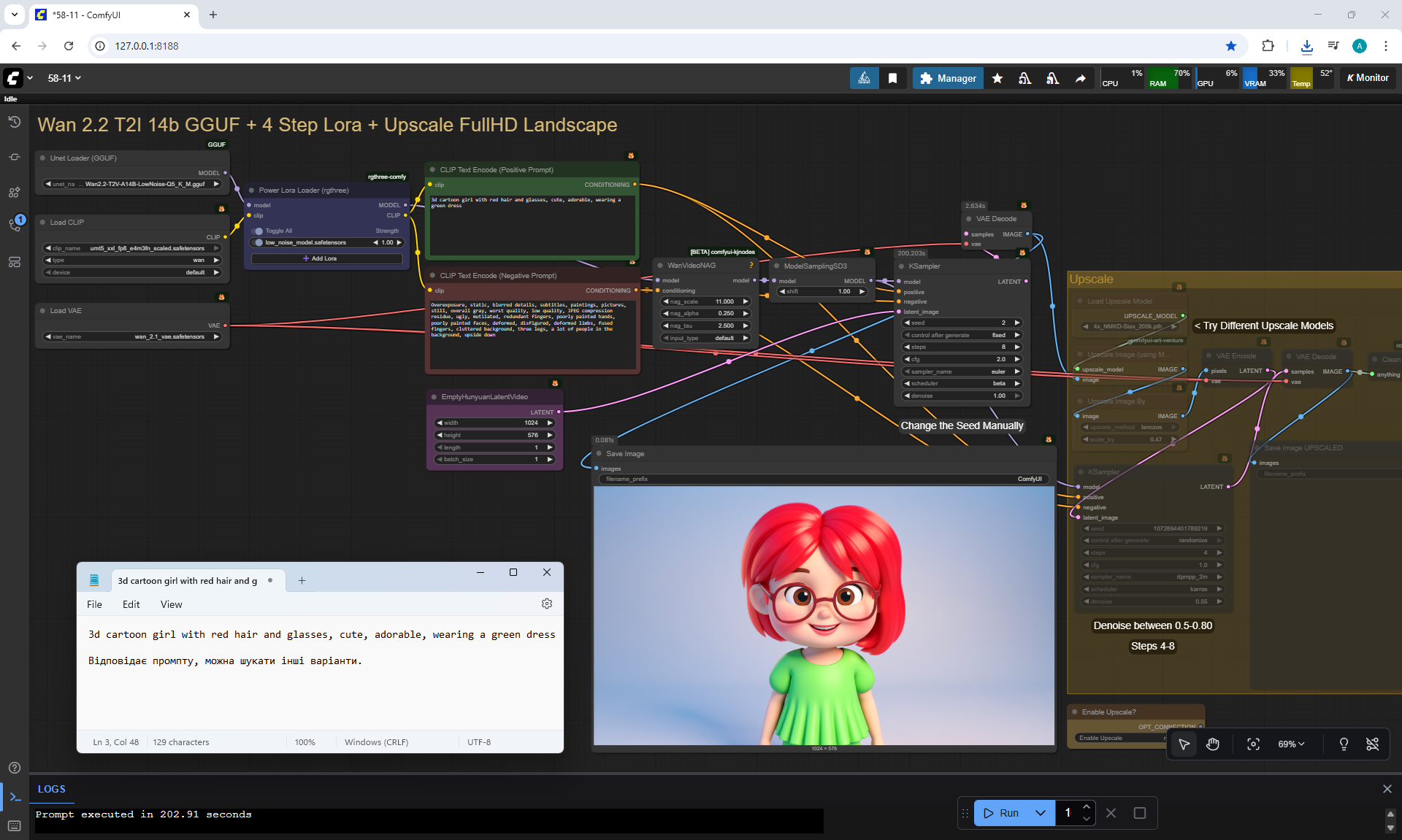
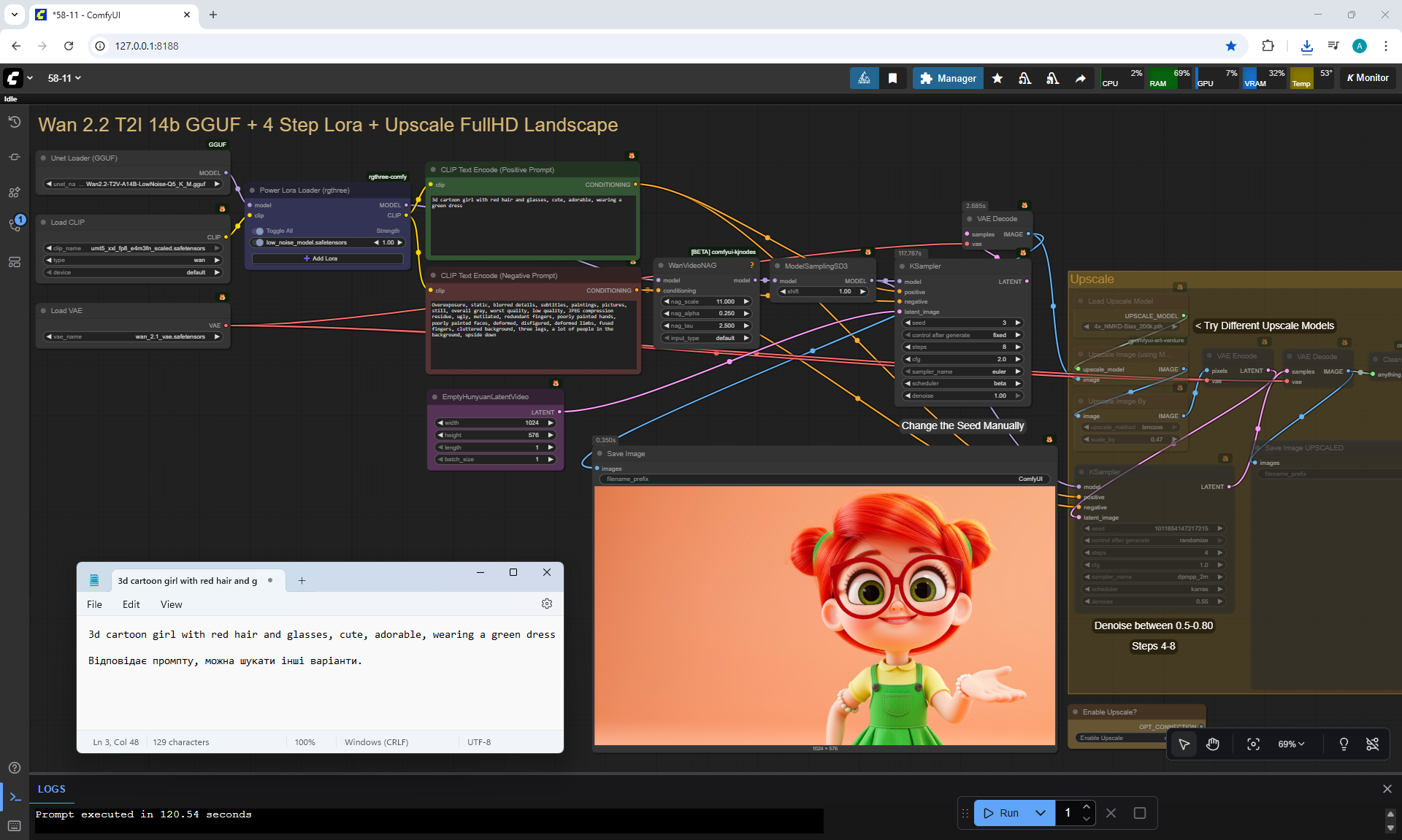
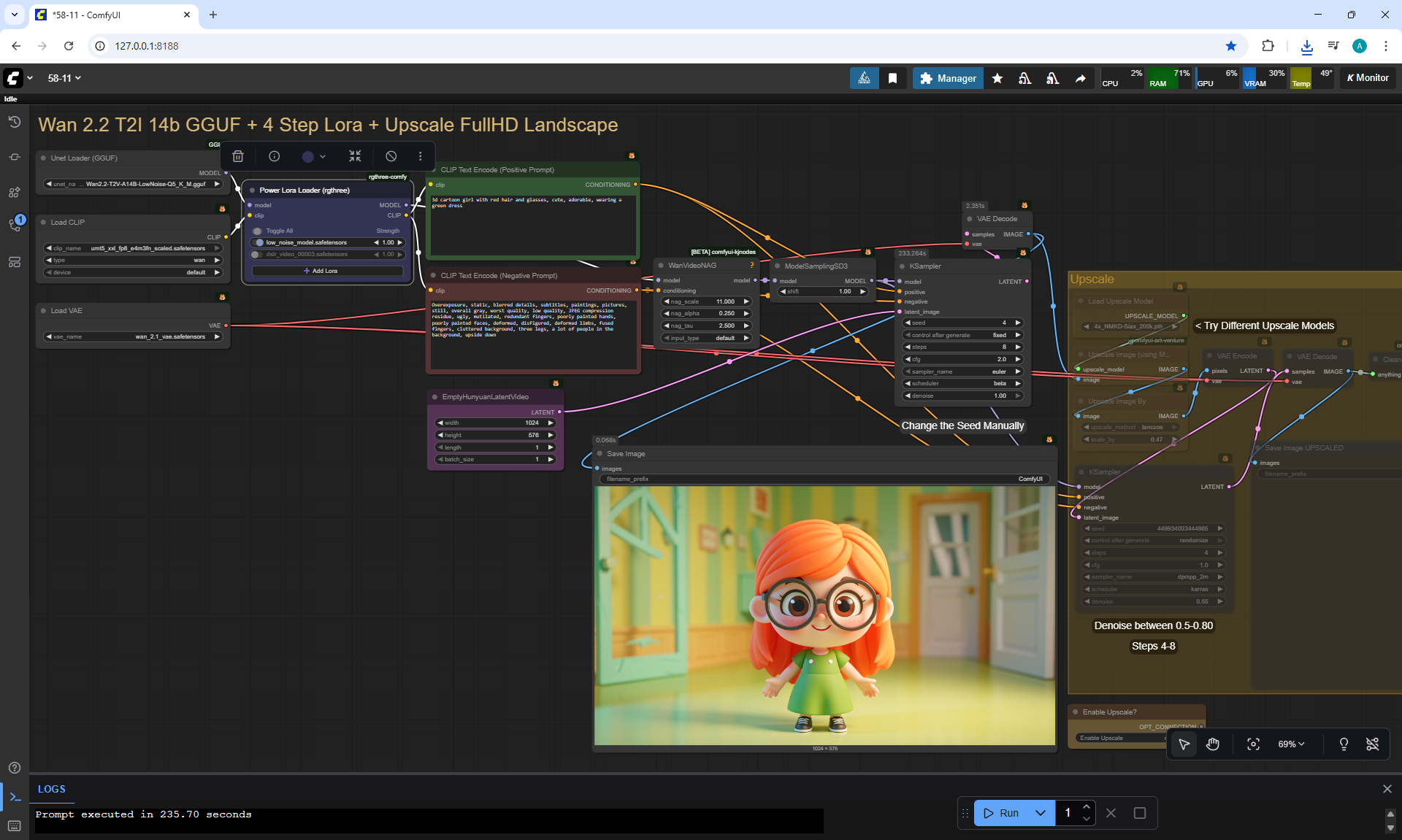
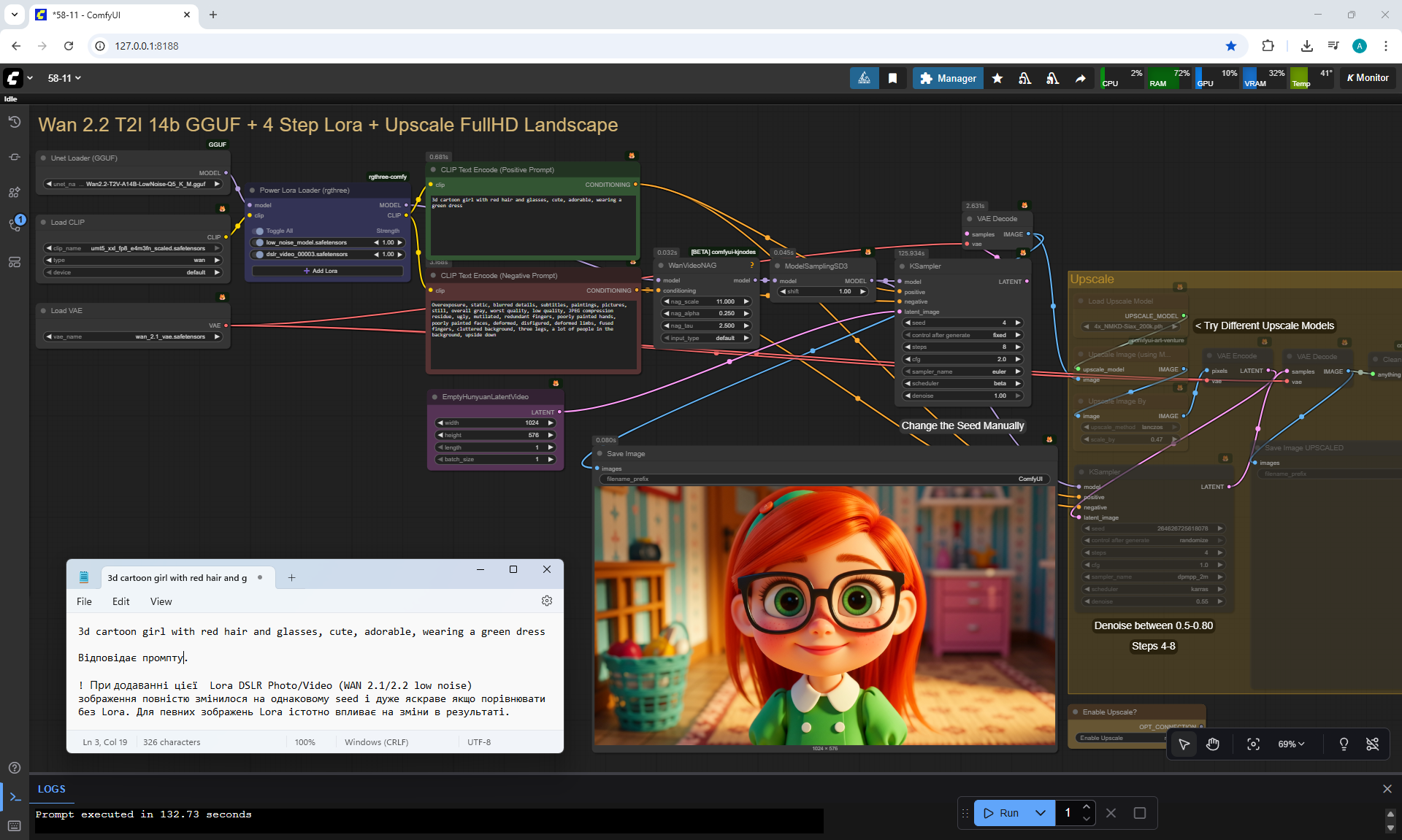
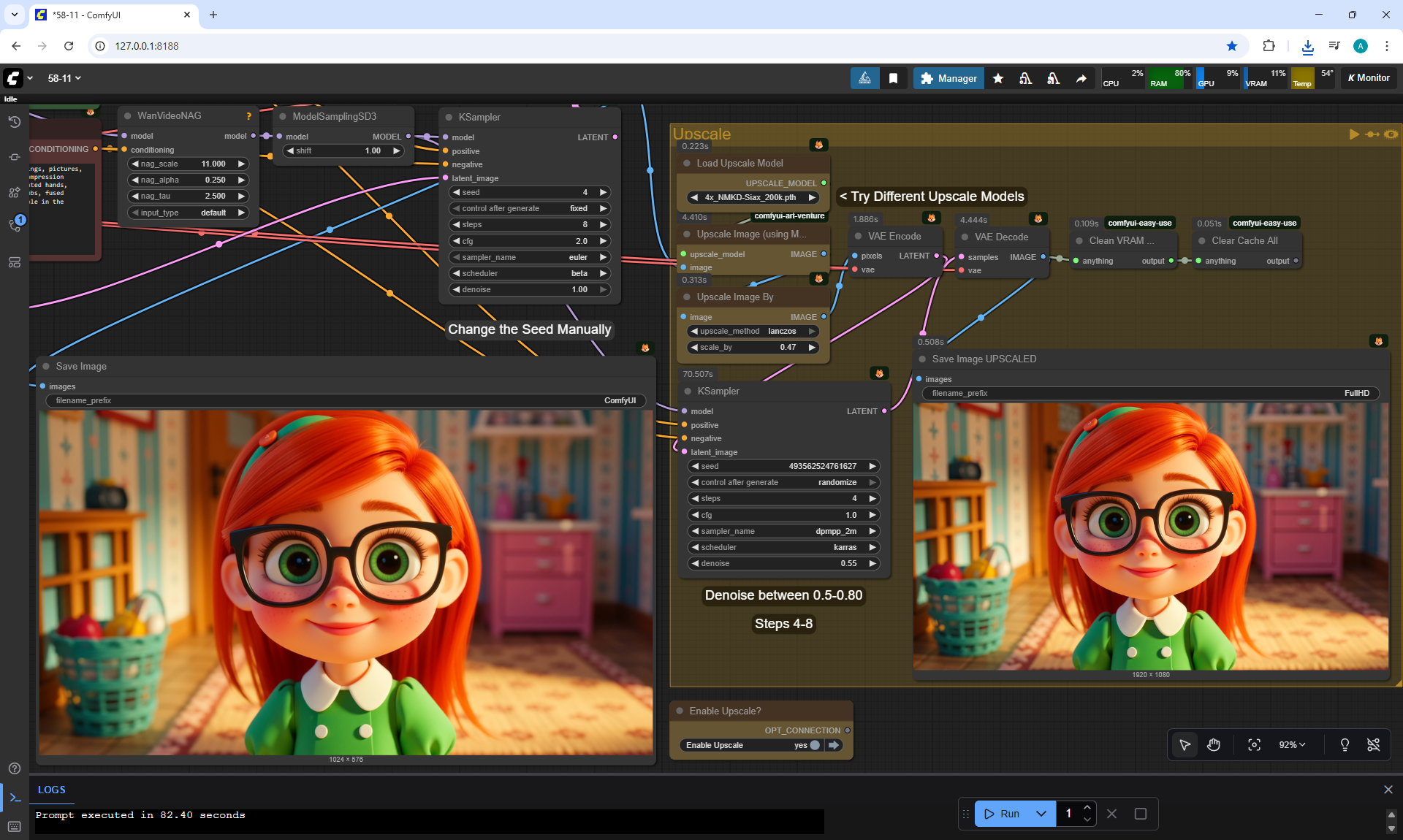
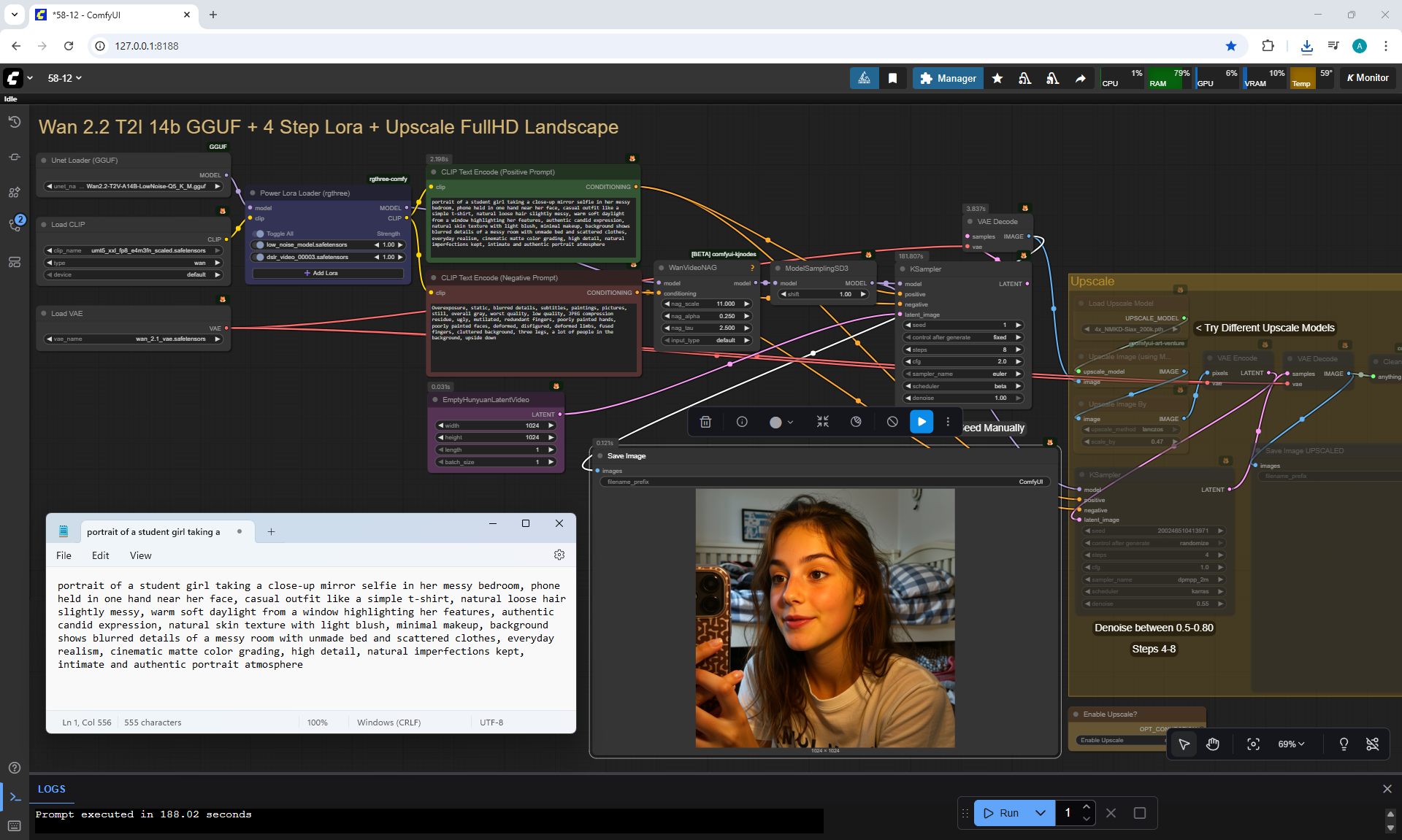
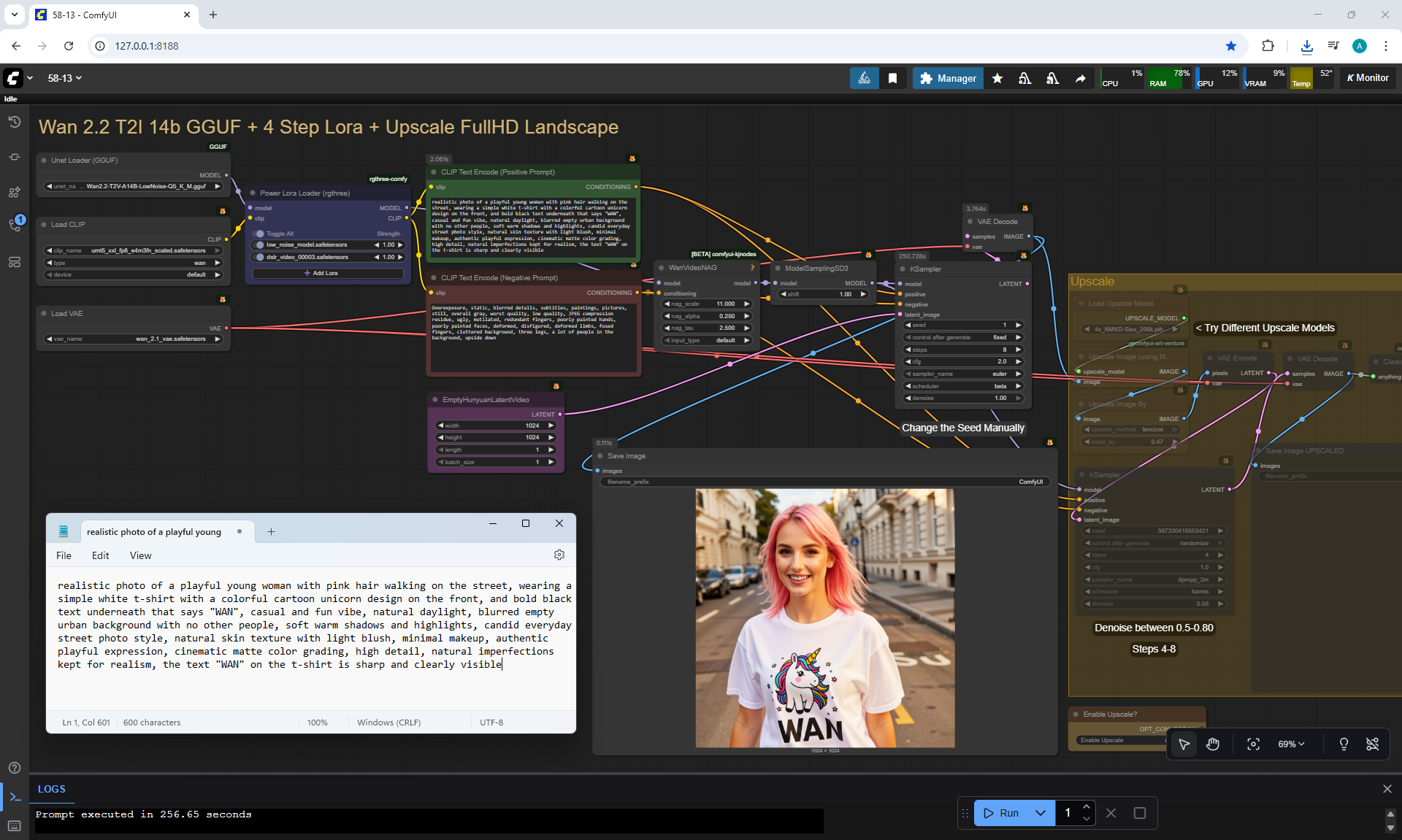
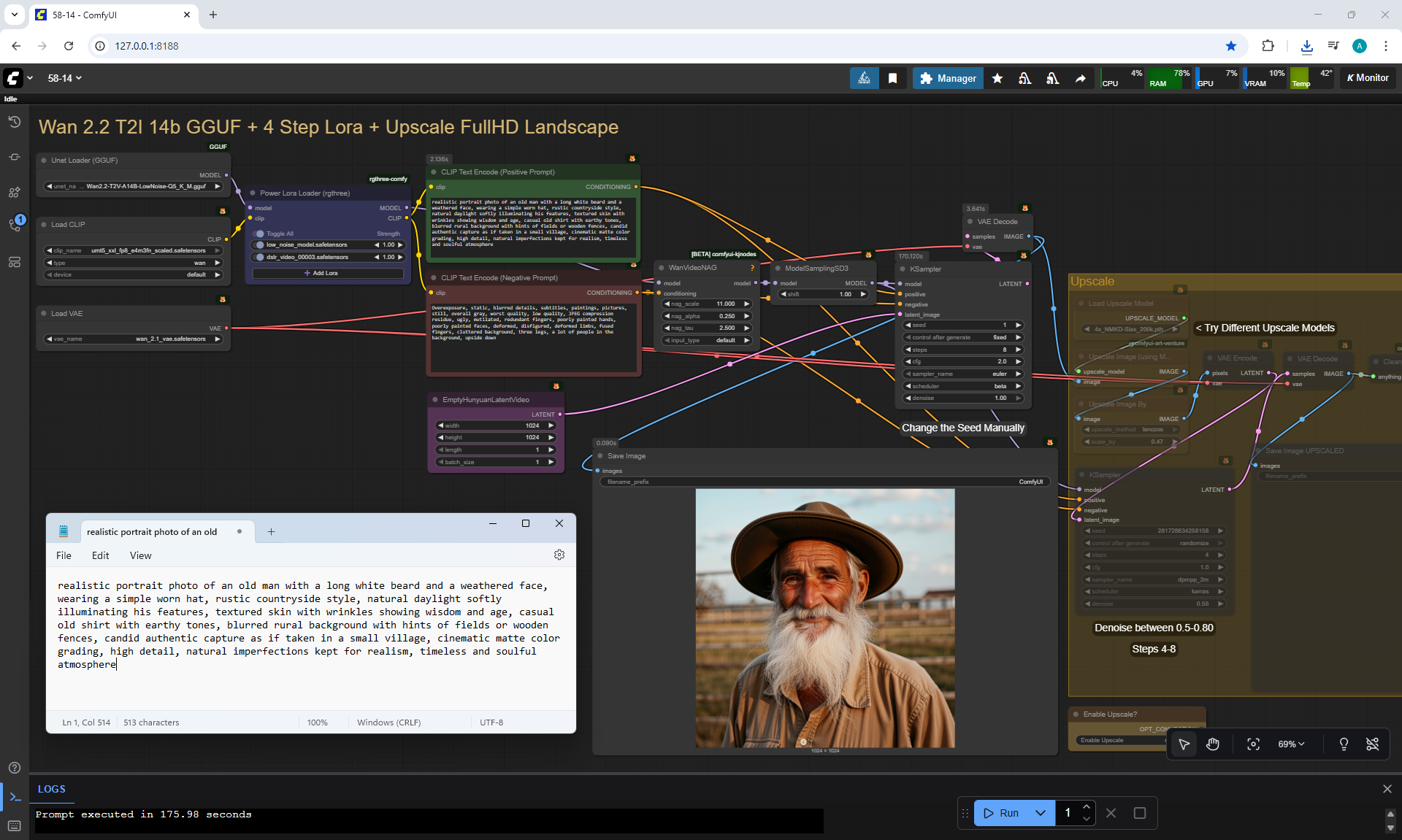
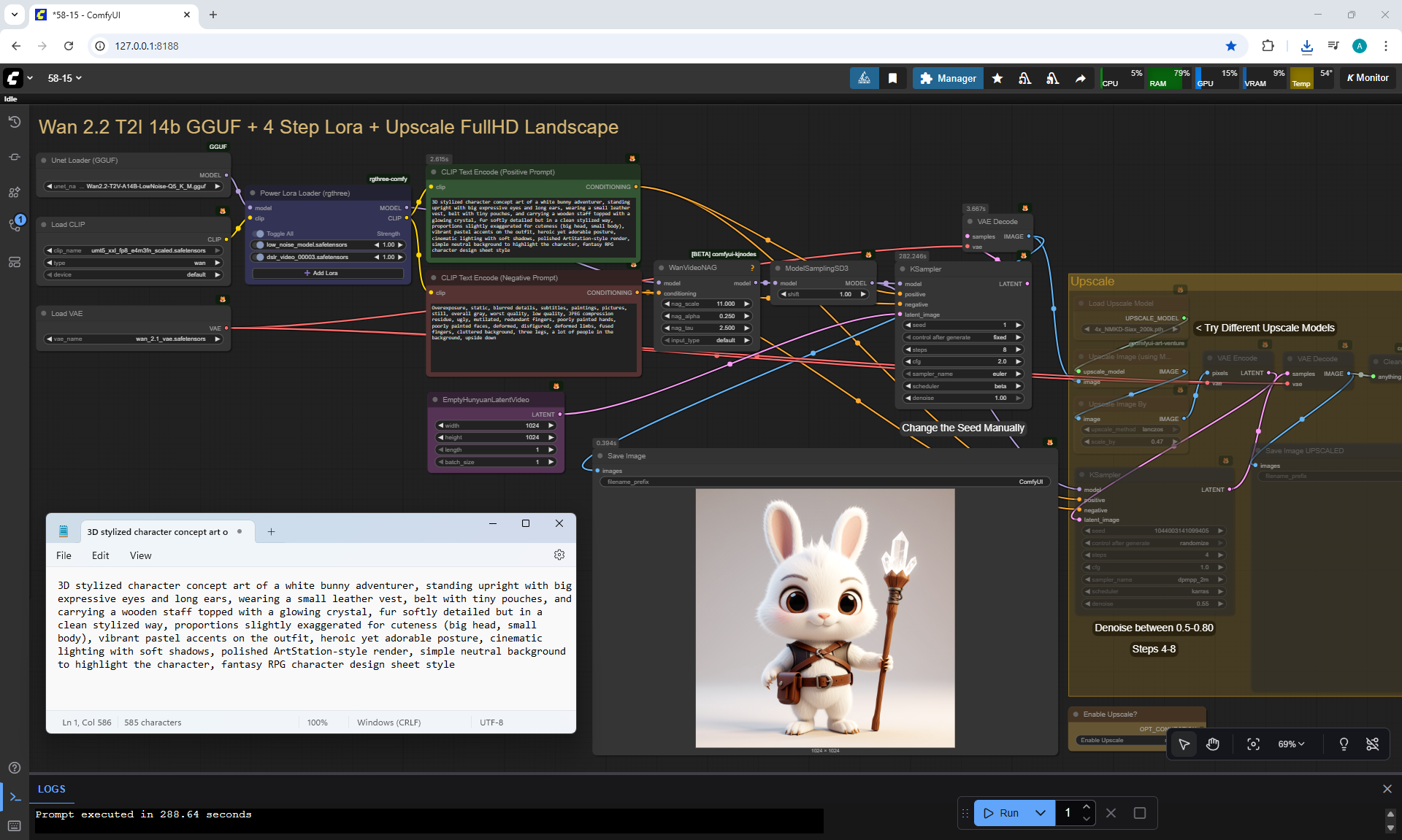
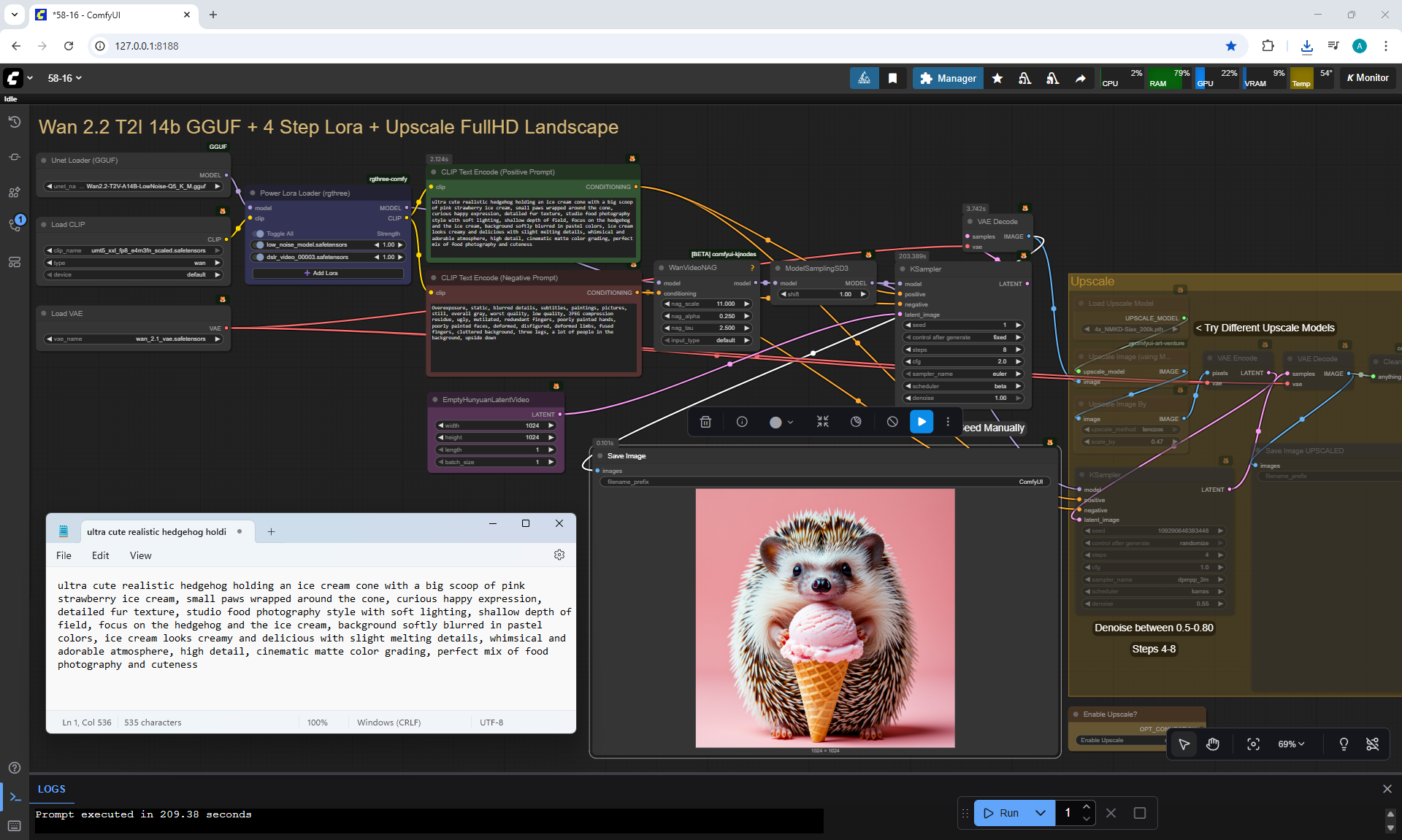
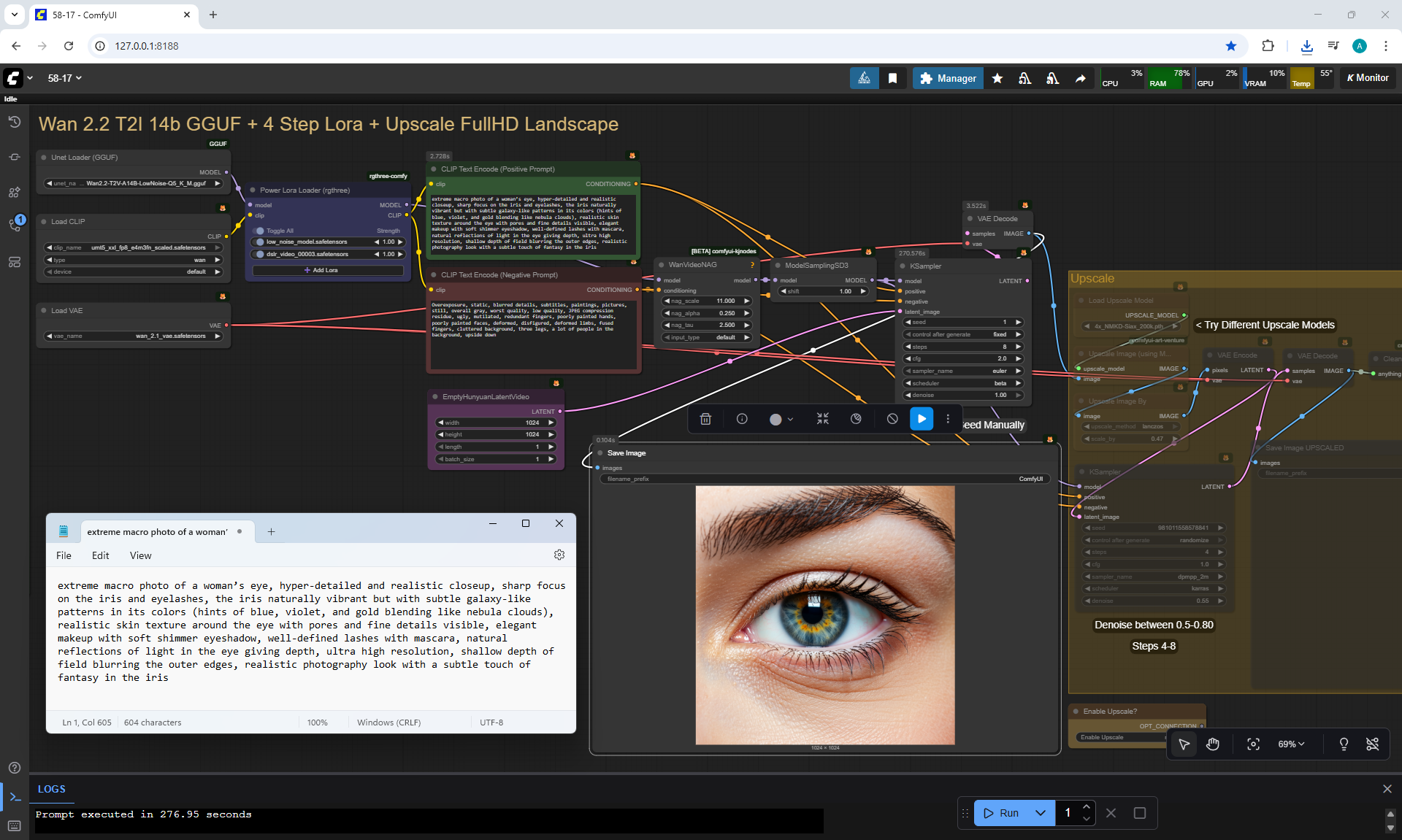
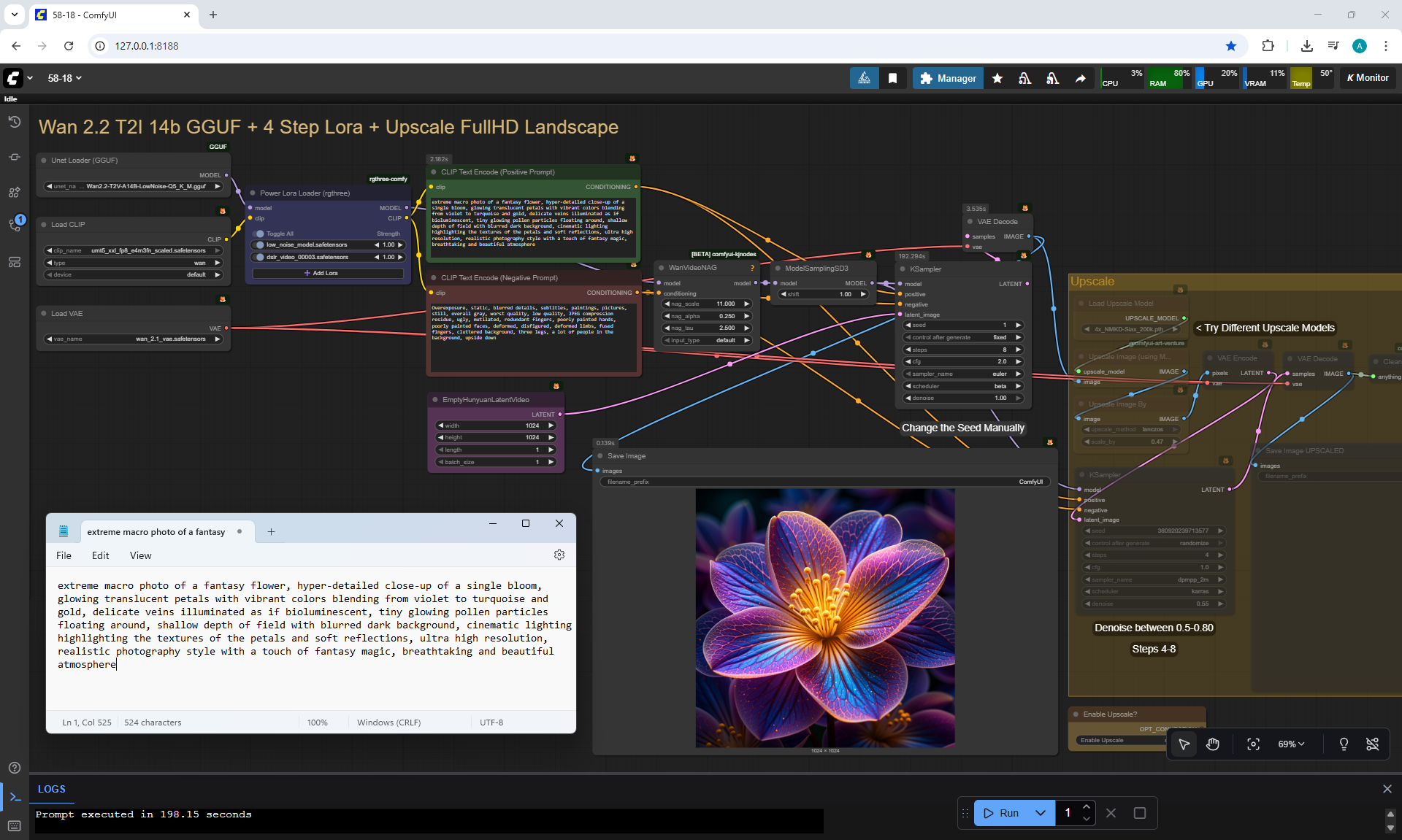
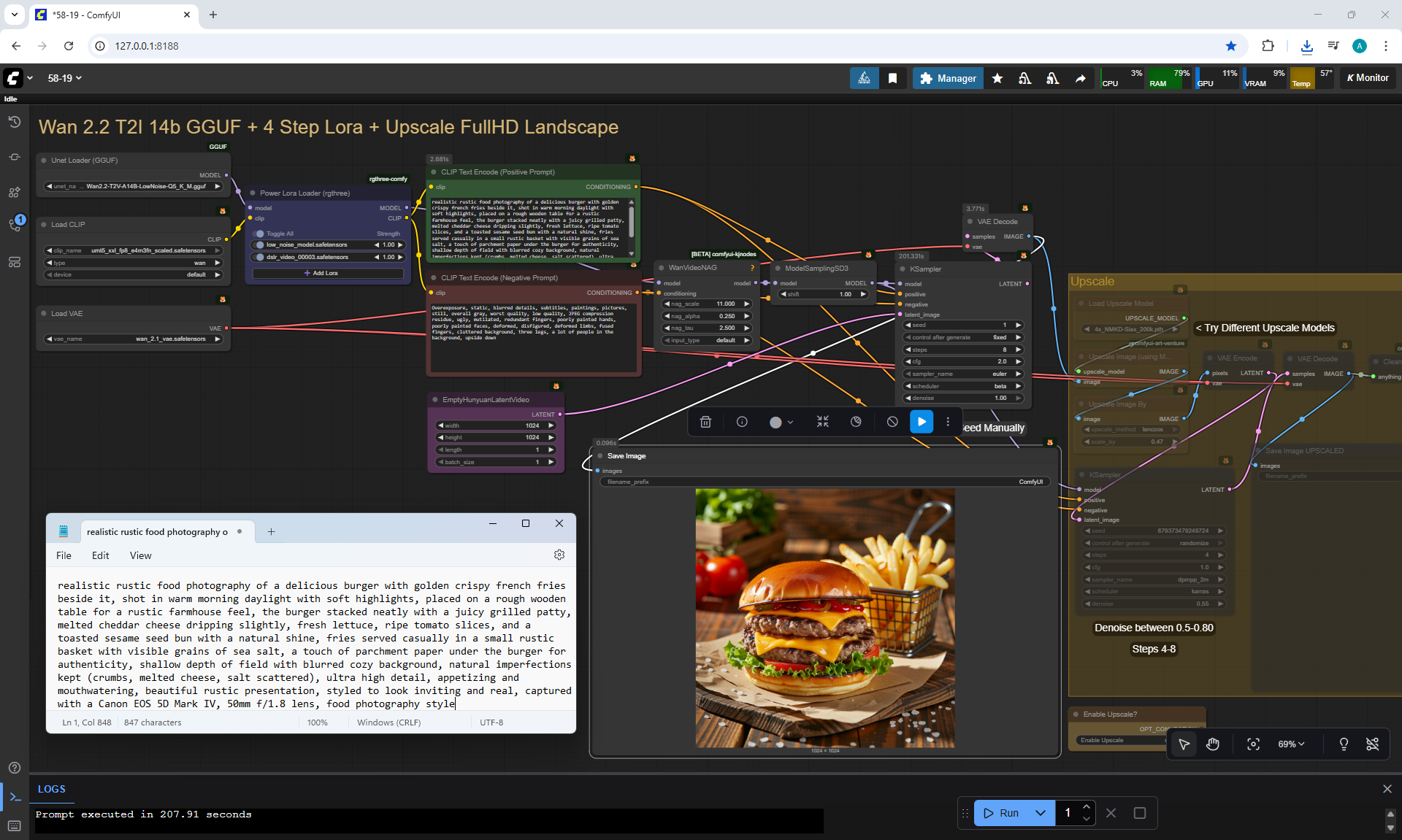
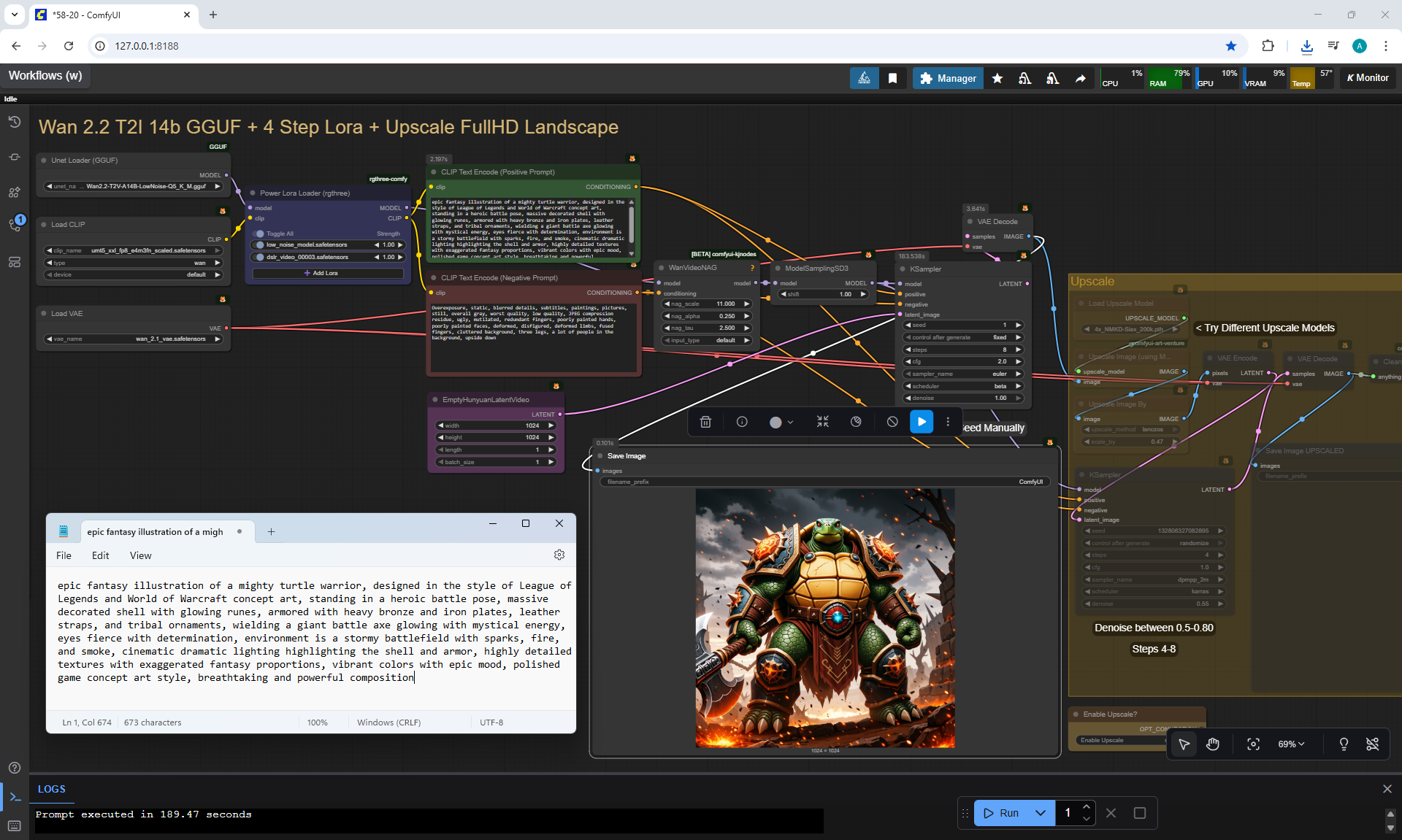
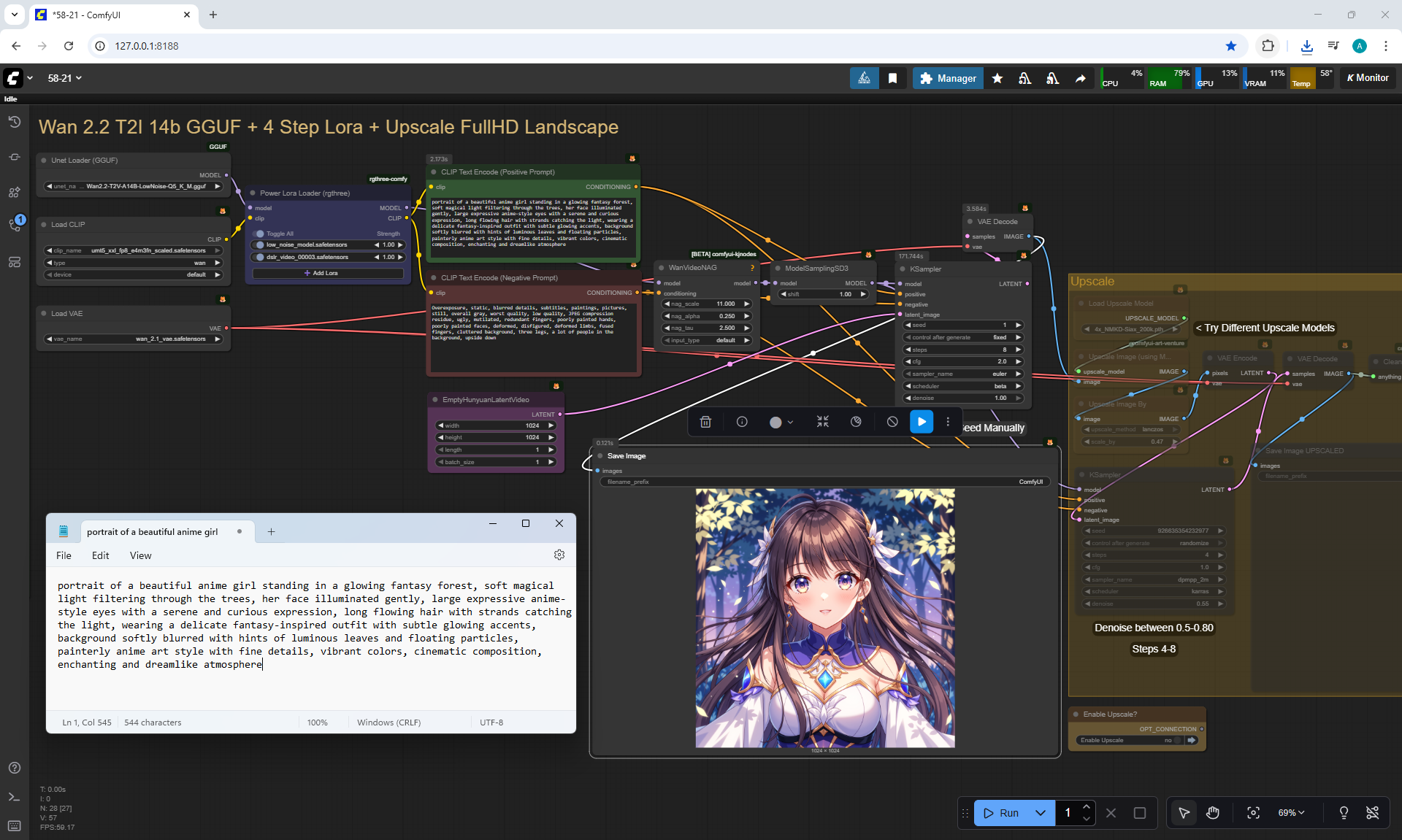
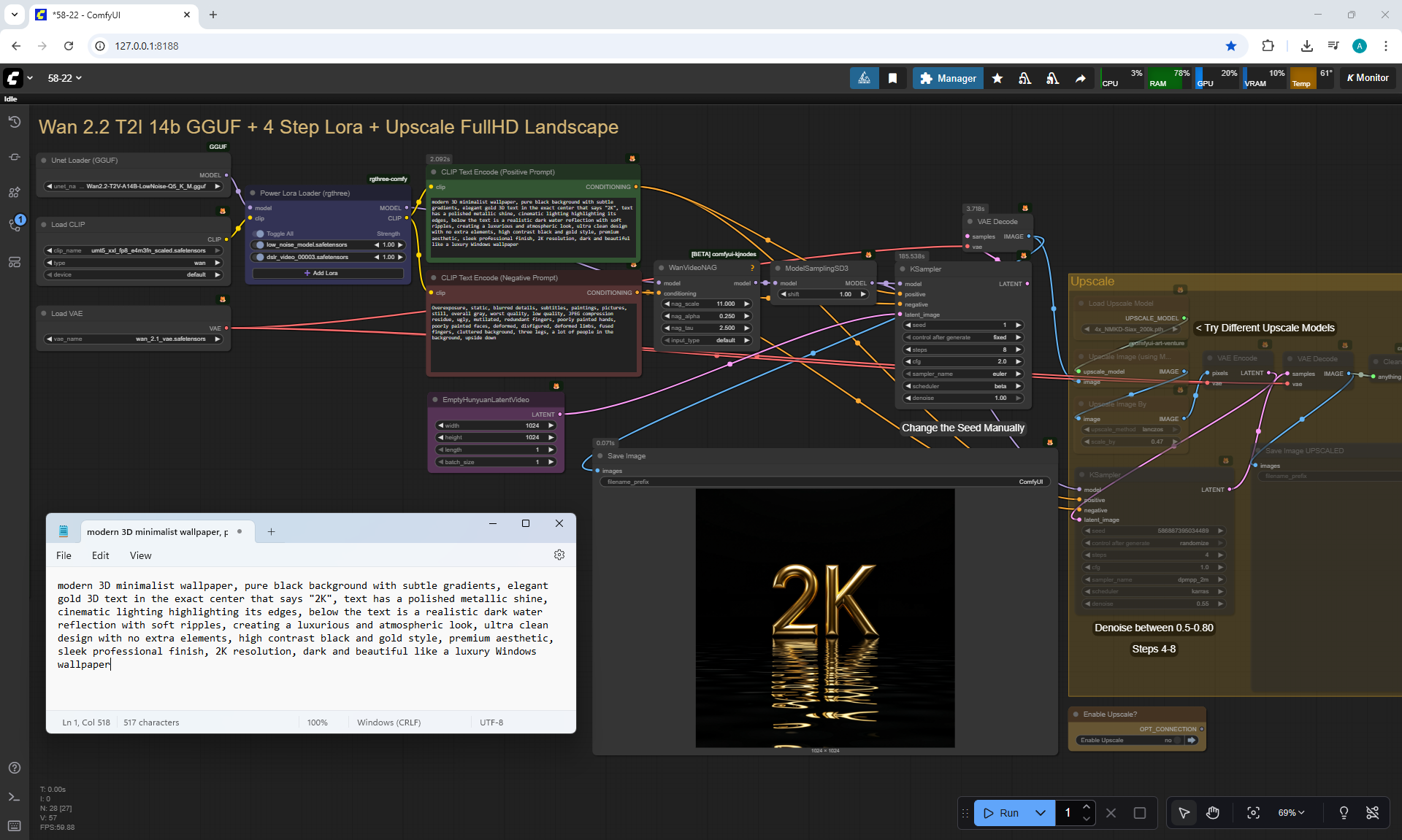
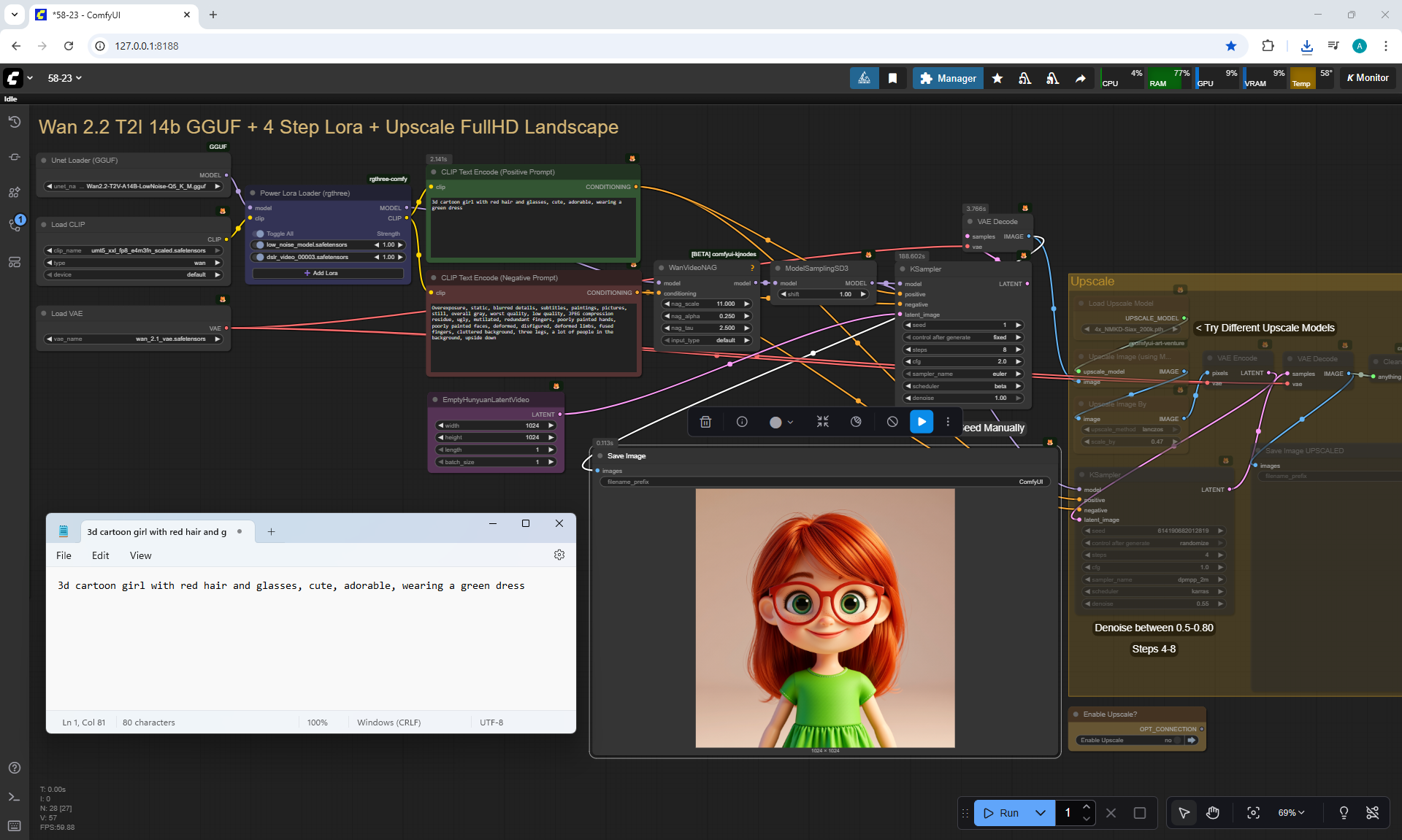
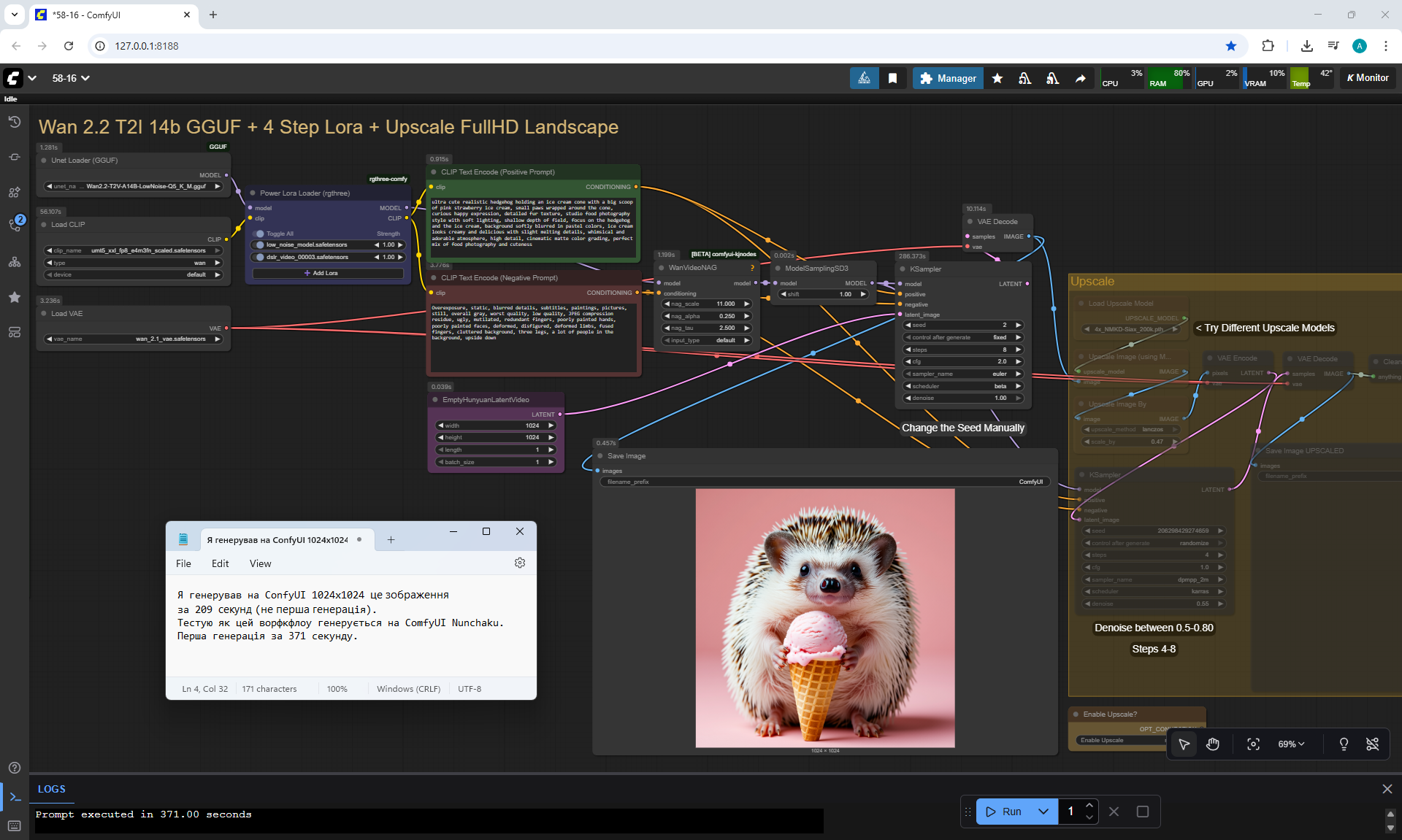
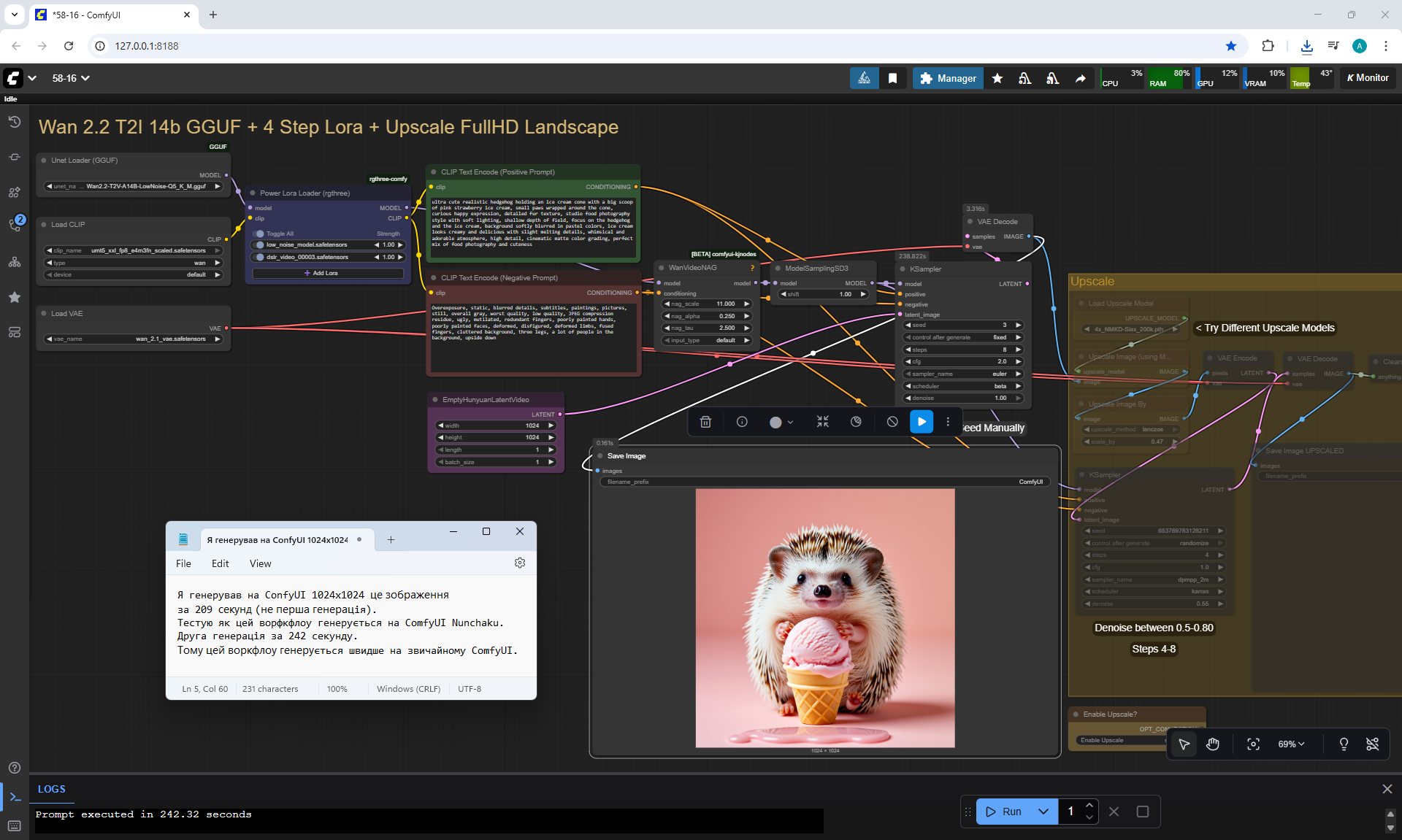
ComfyUI Tutorial Series Ep 58: Wan 2.2 Image Generation Workflows
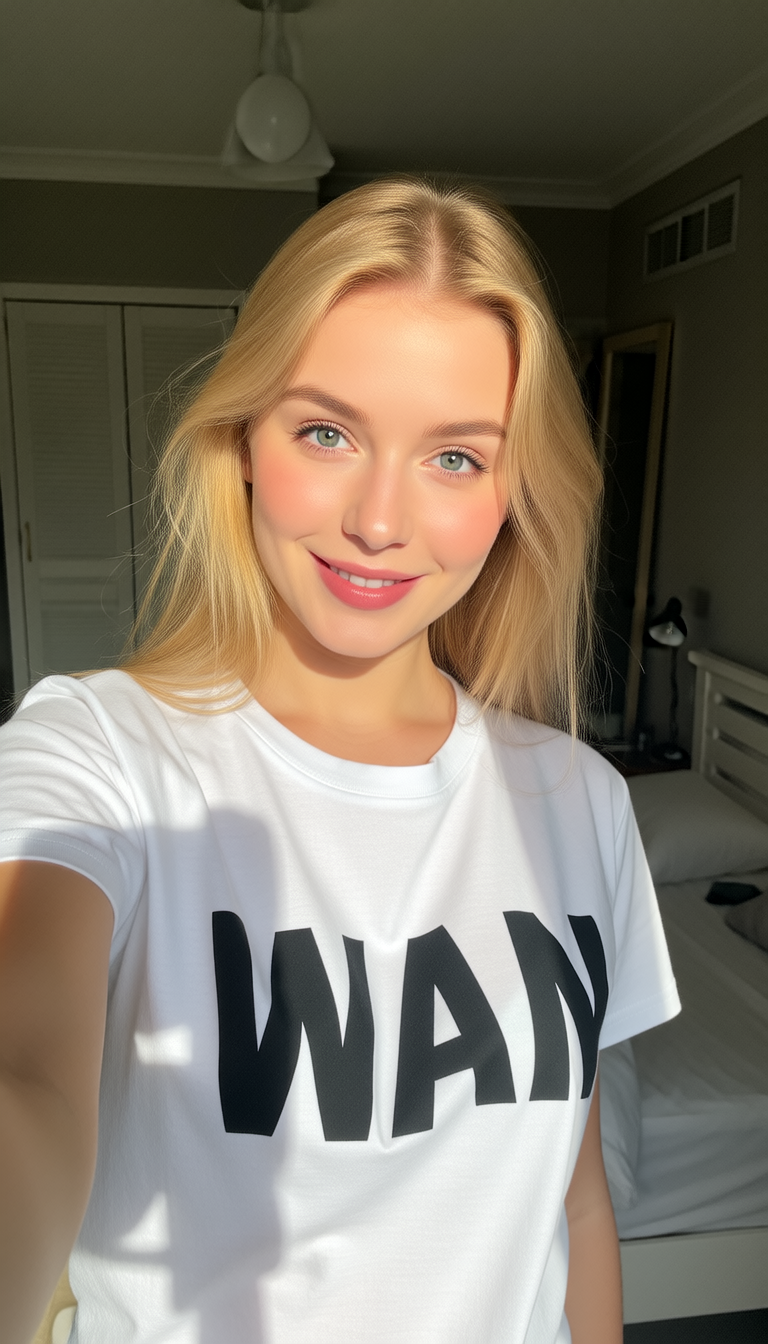
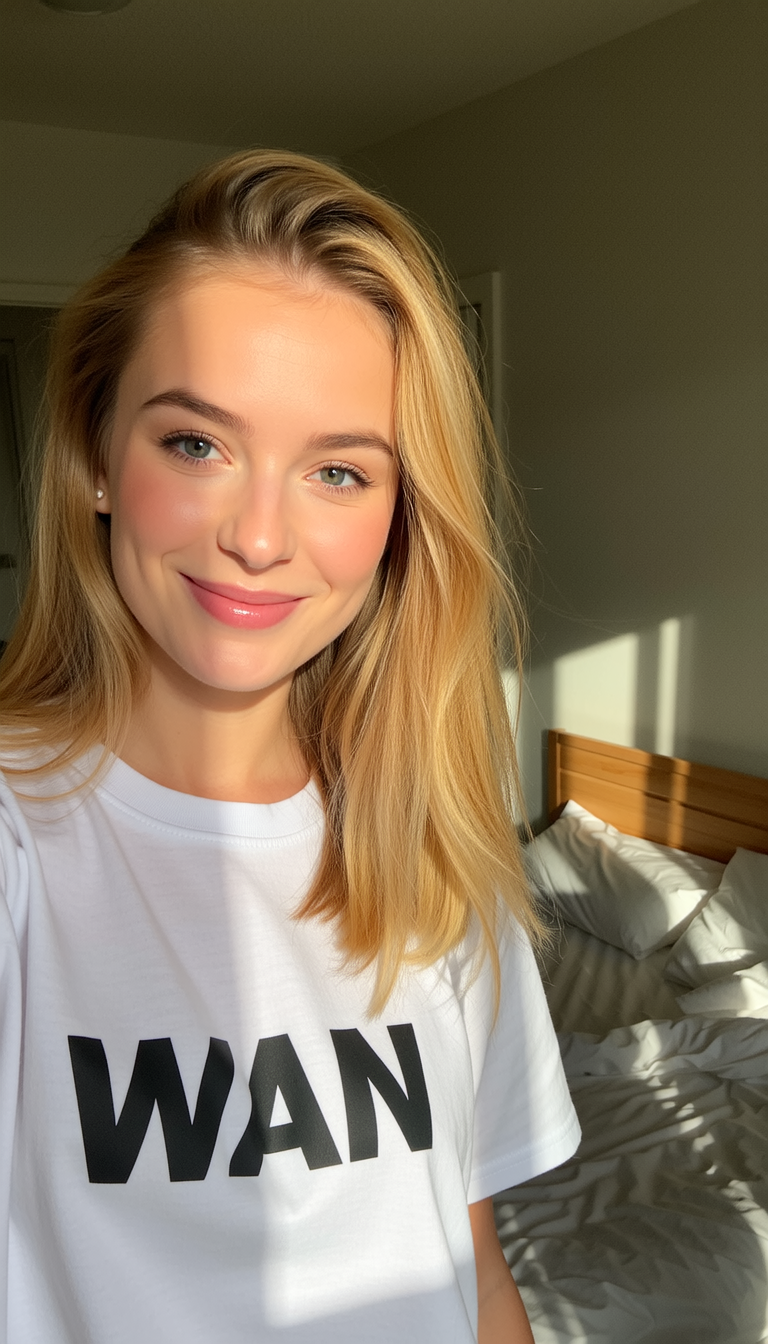
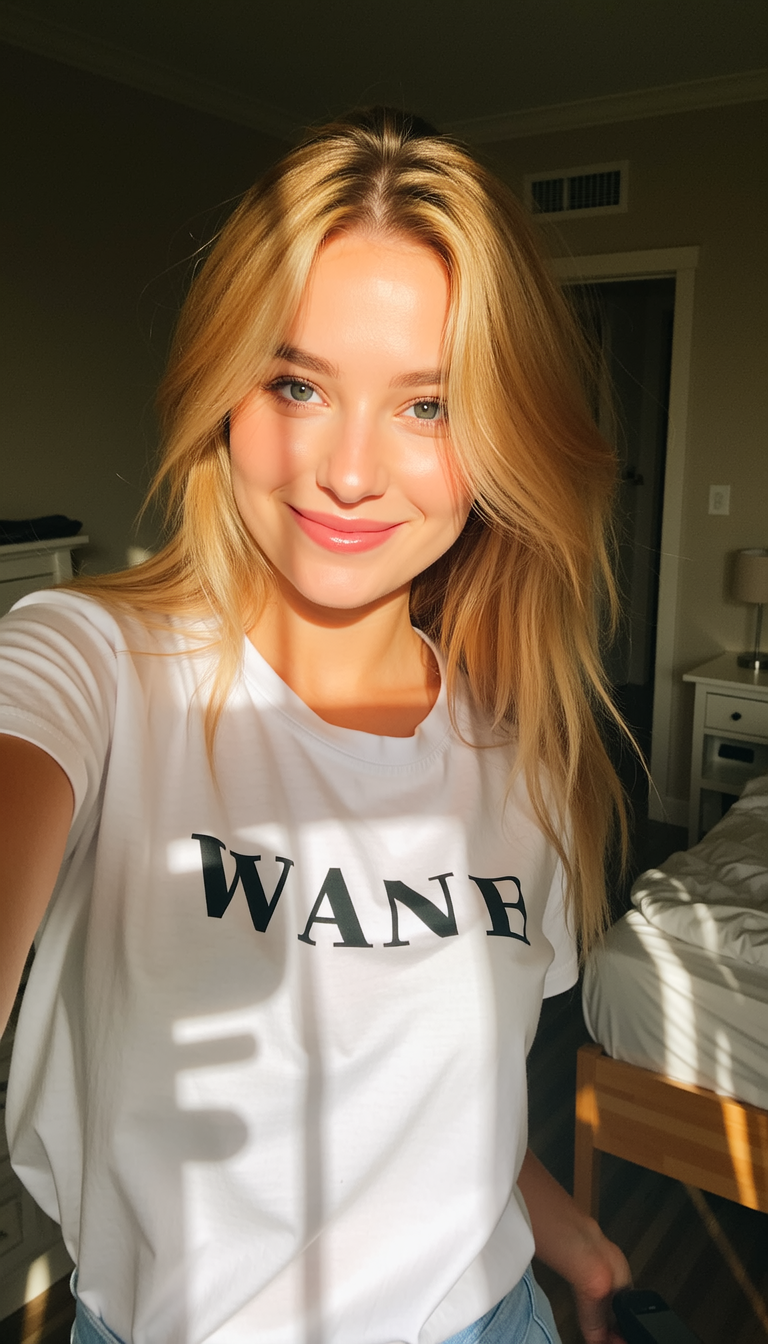
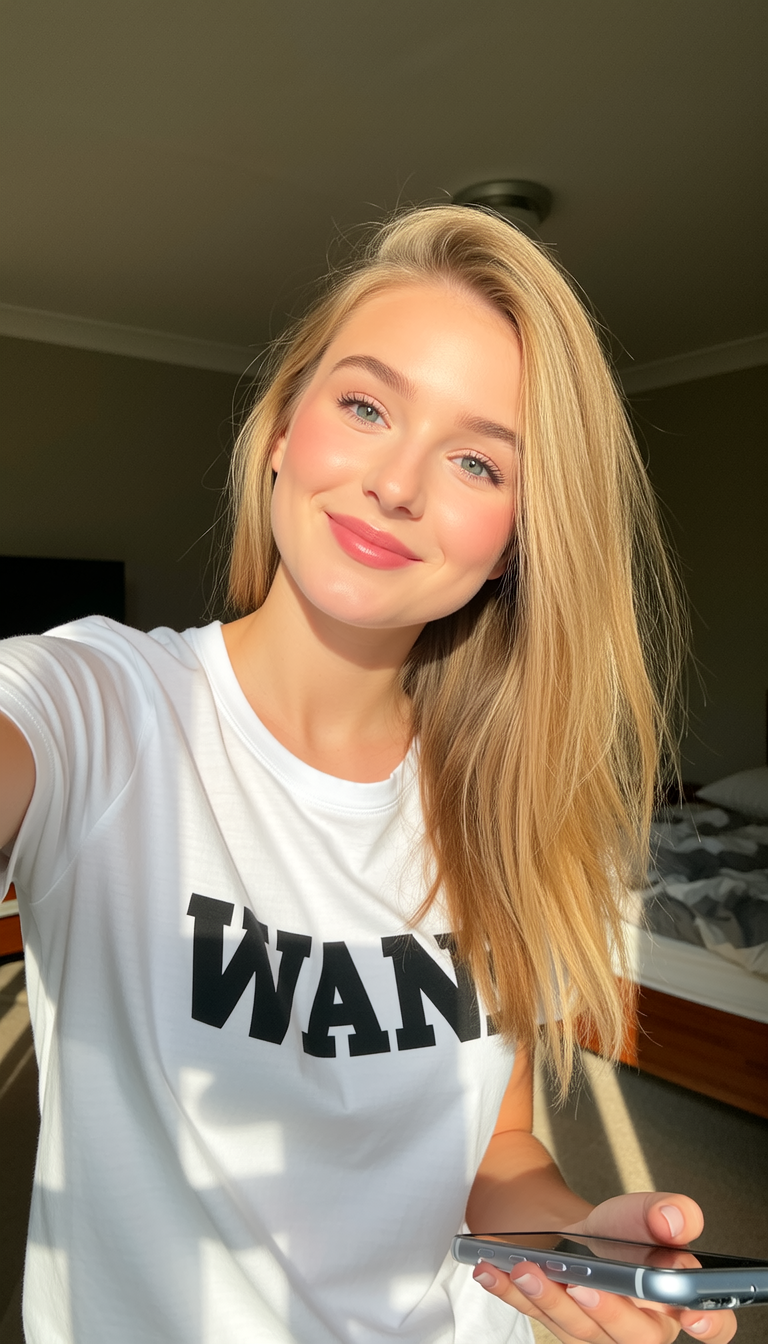







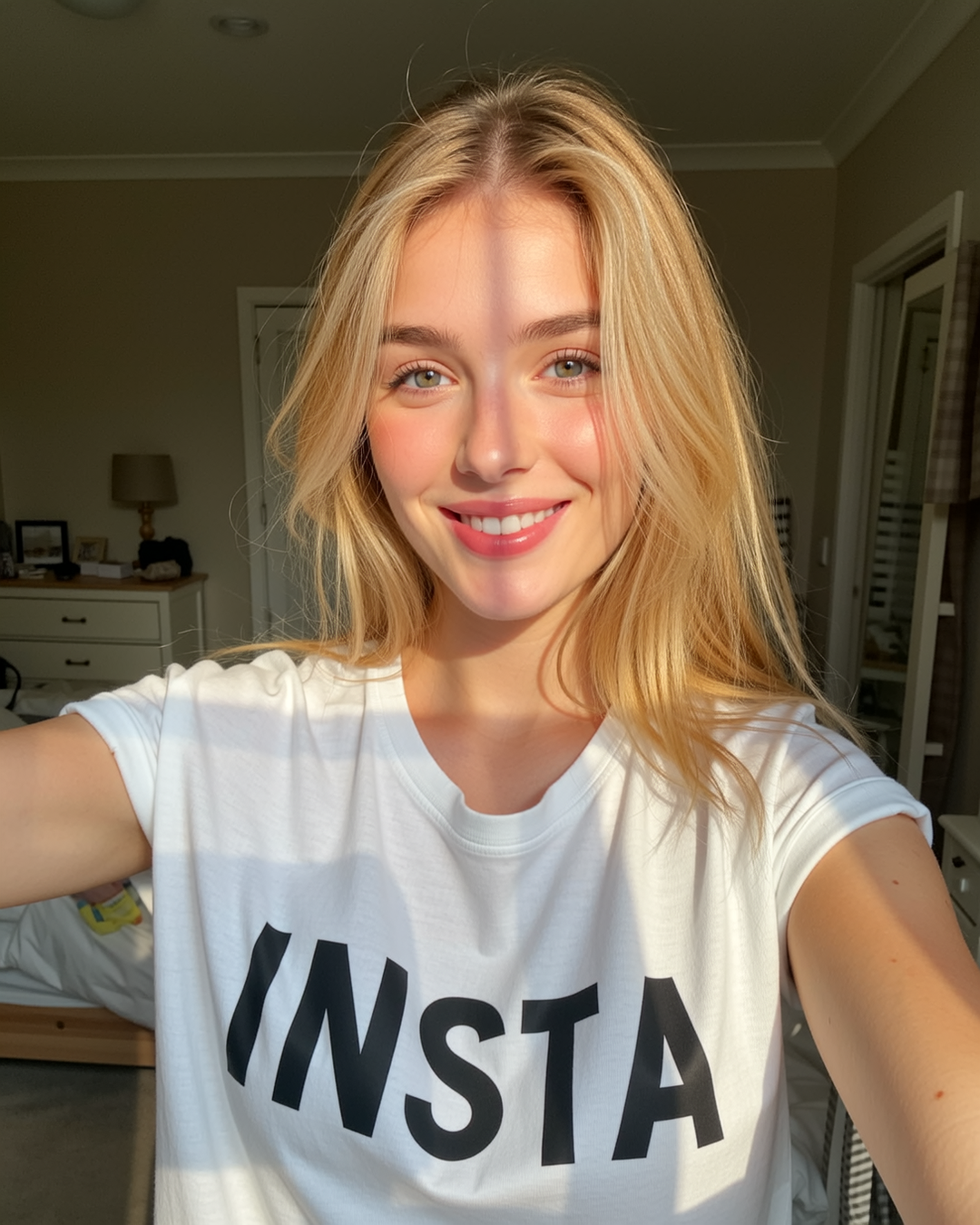
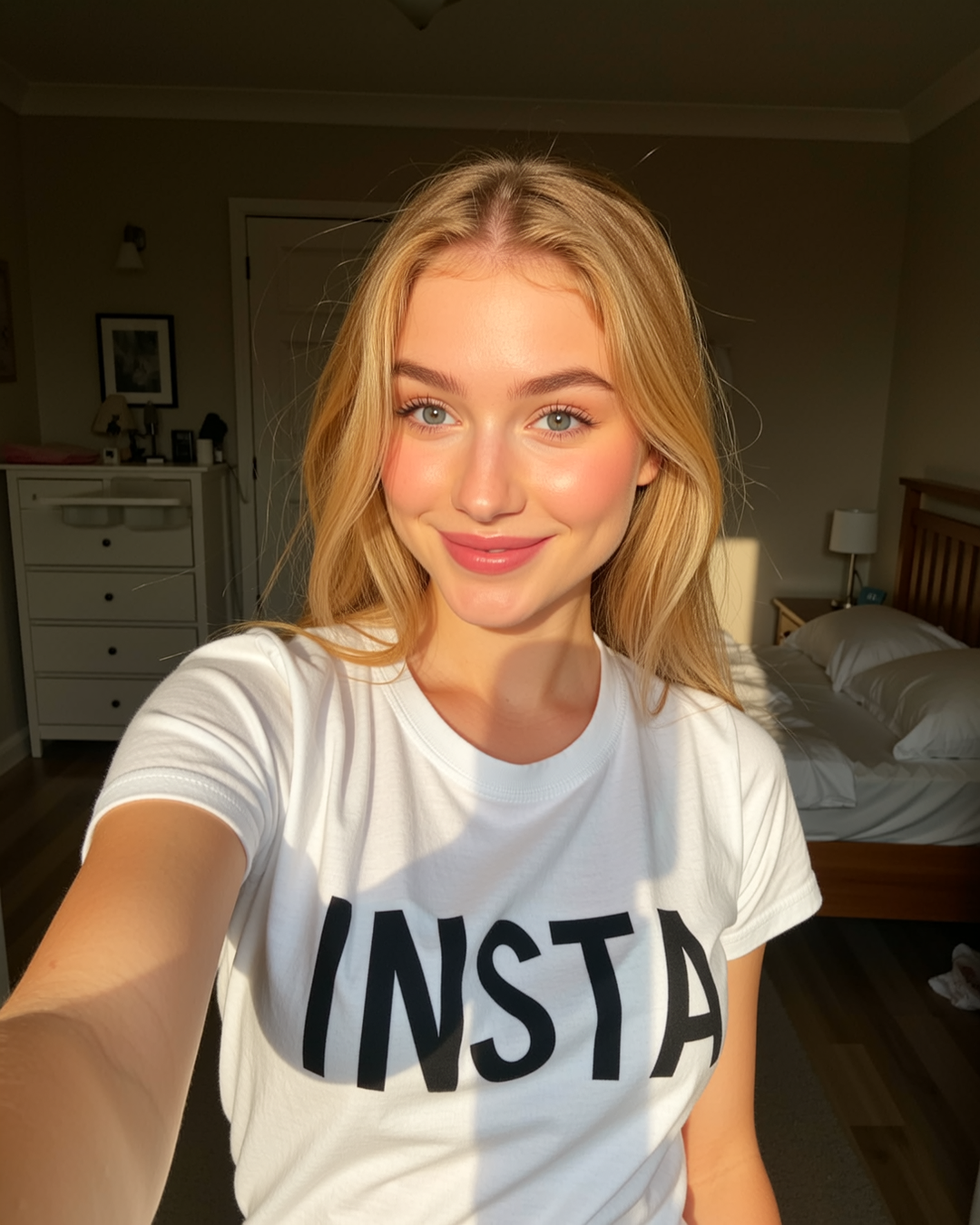
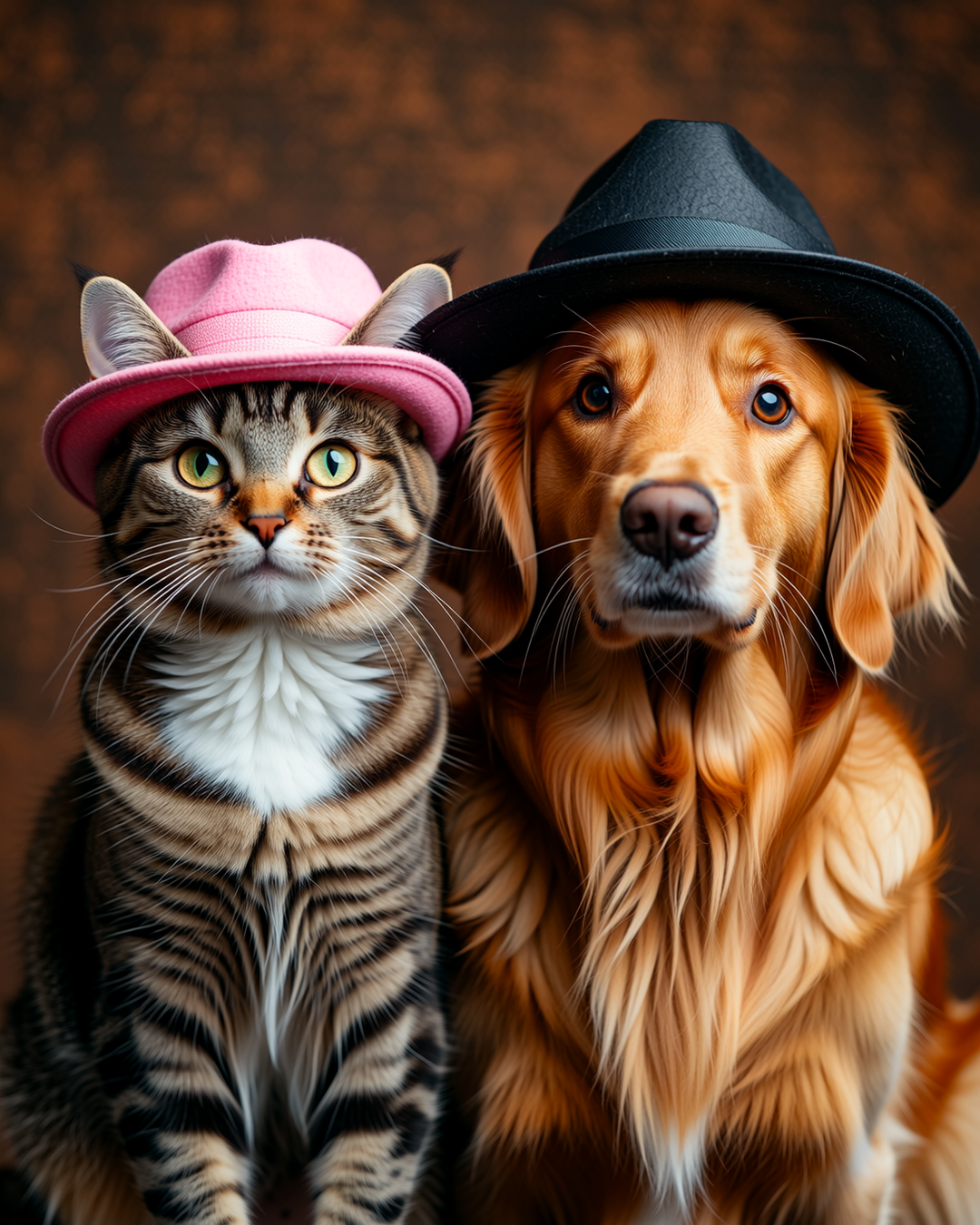
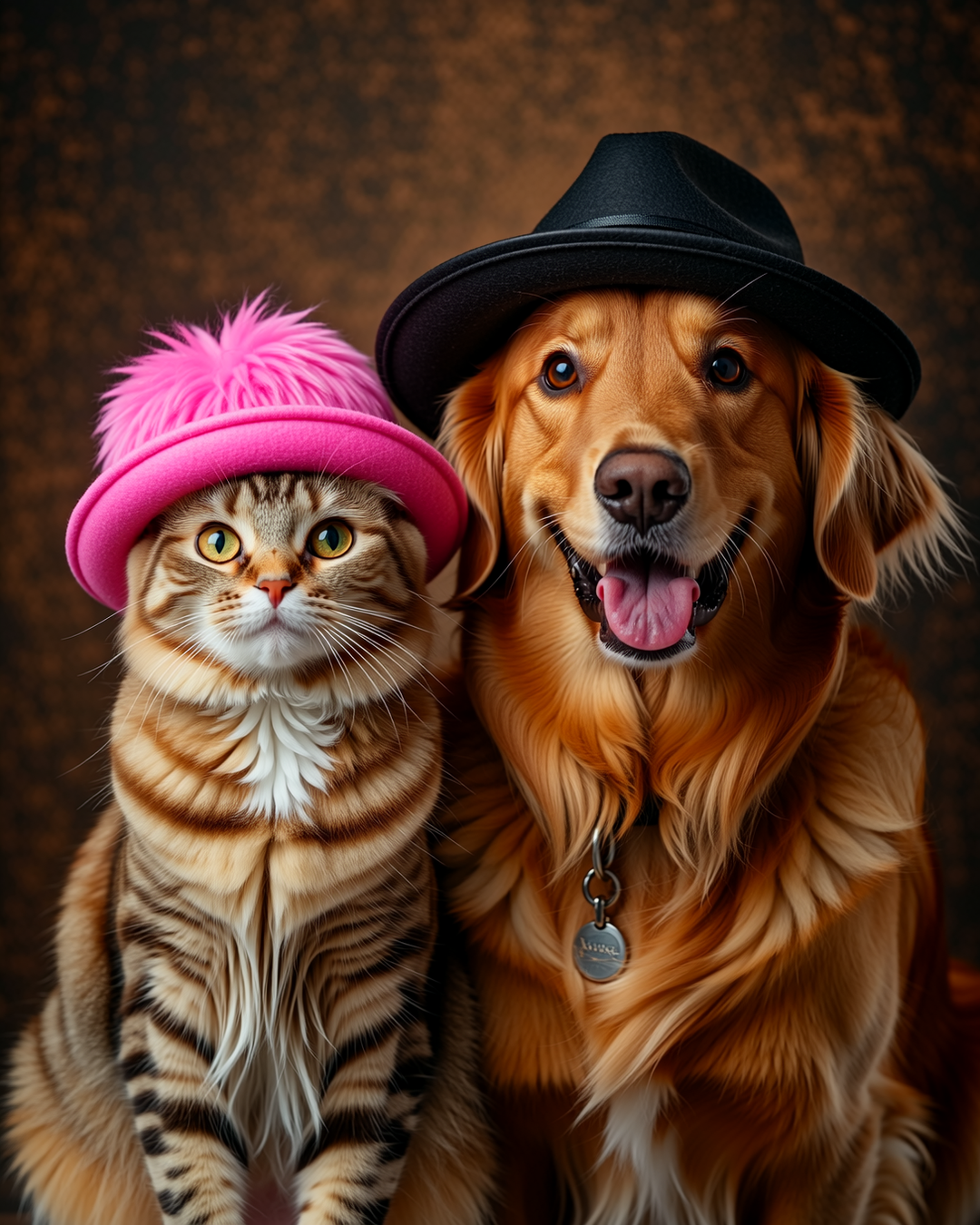



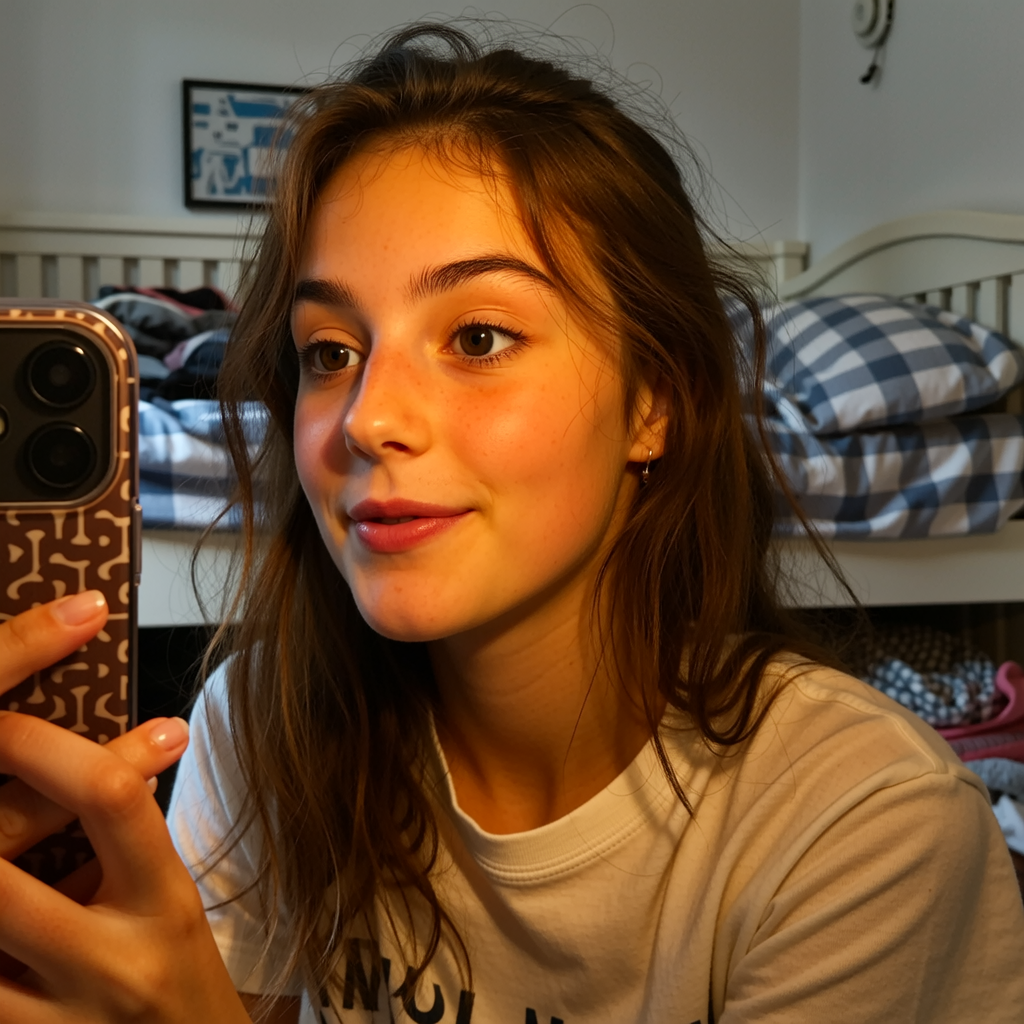
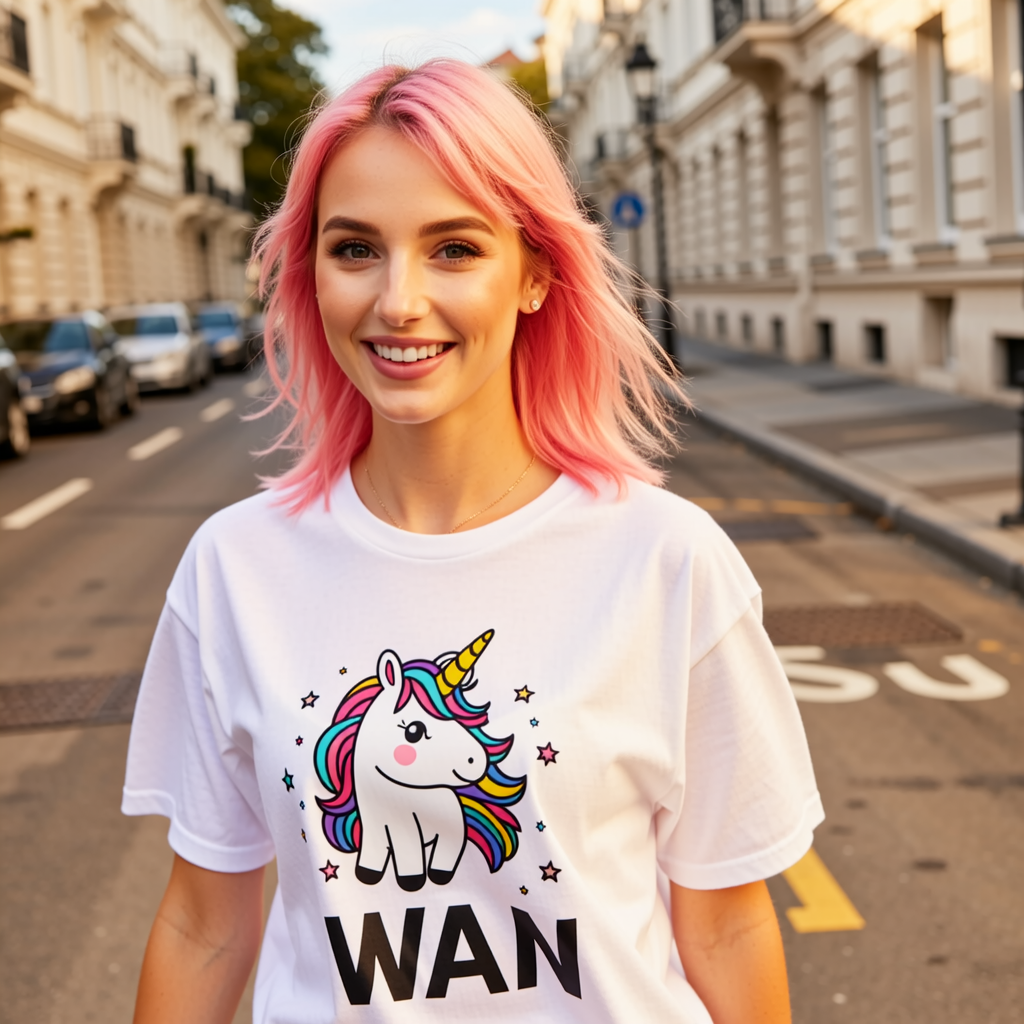
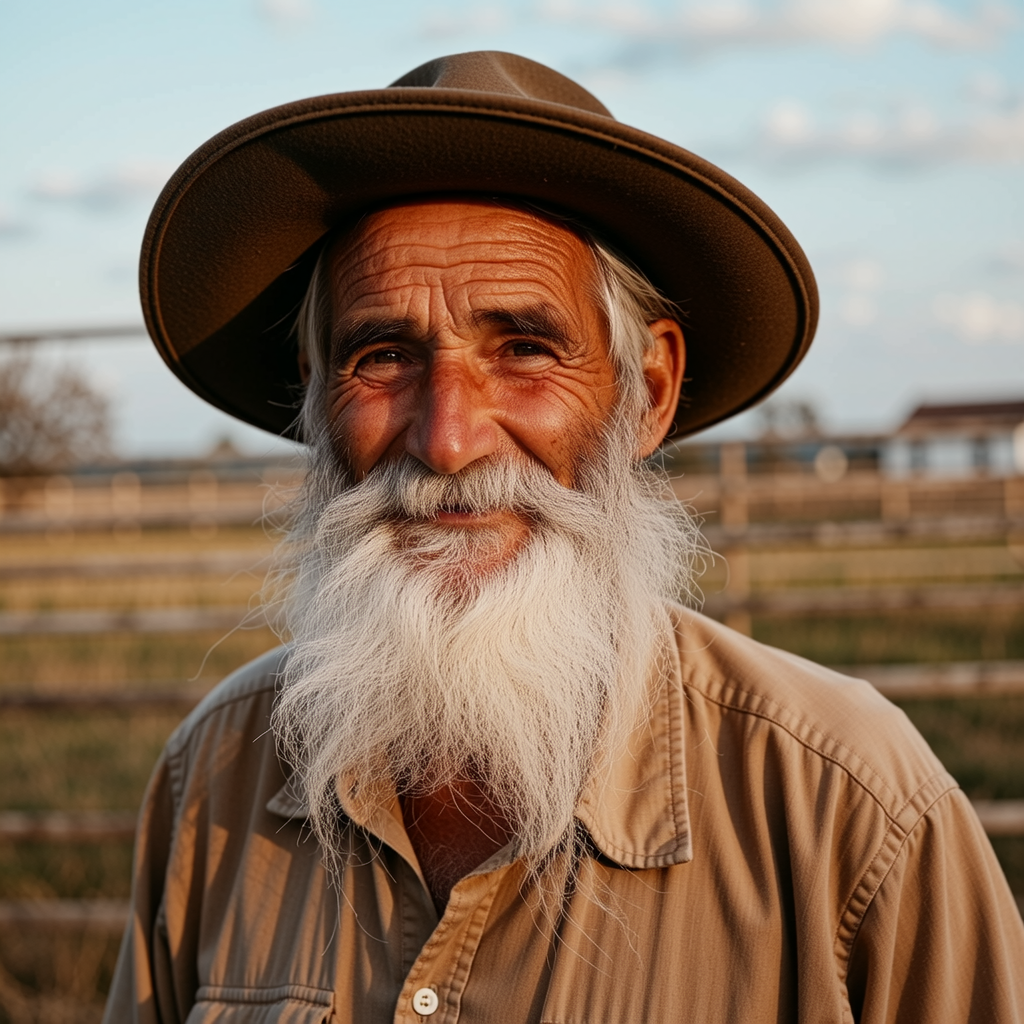


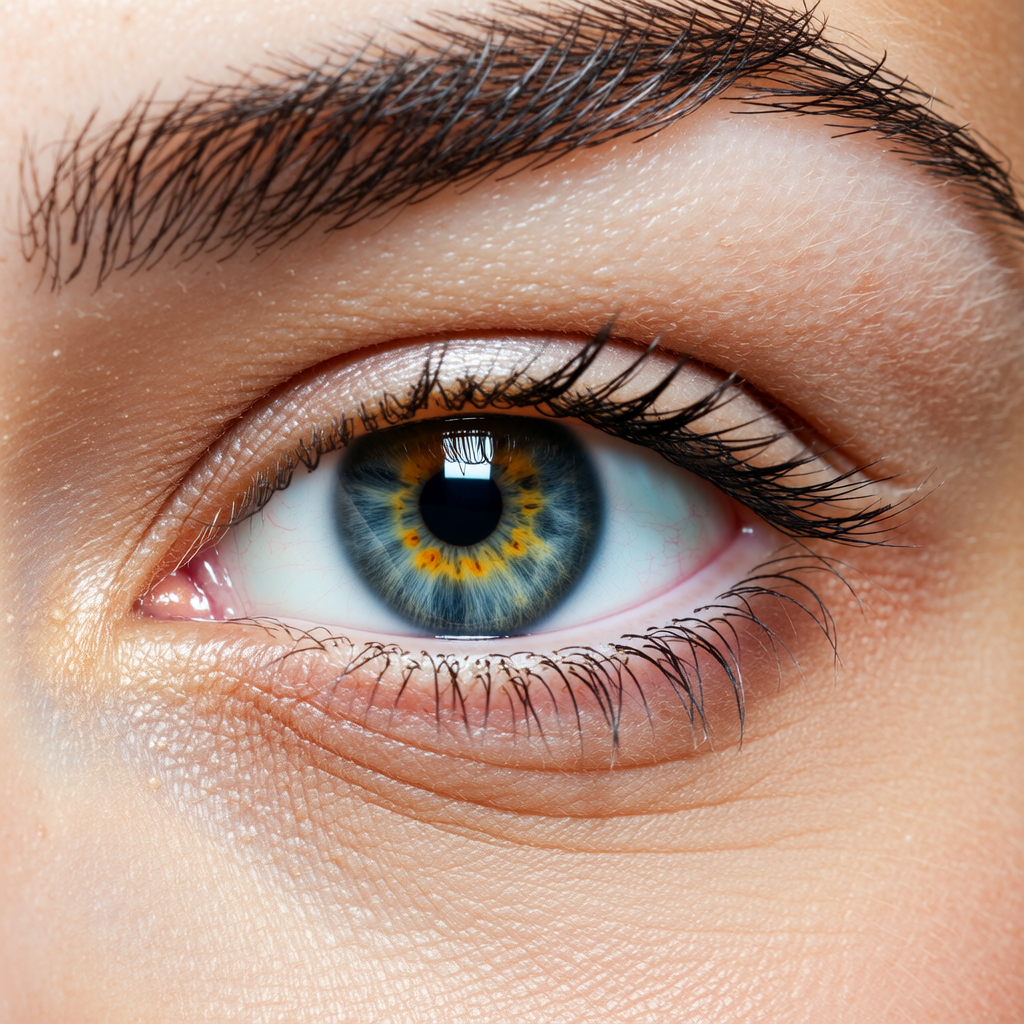




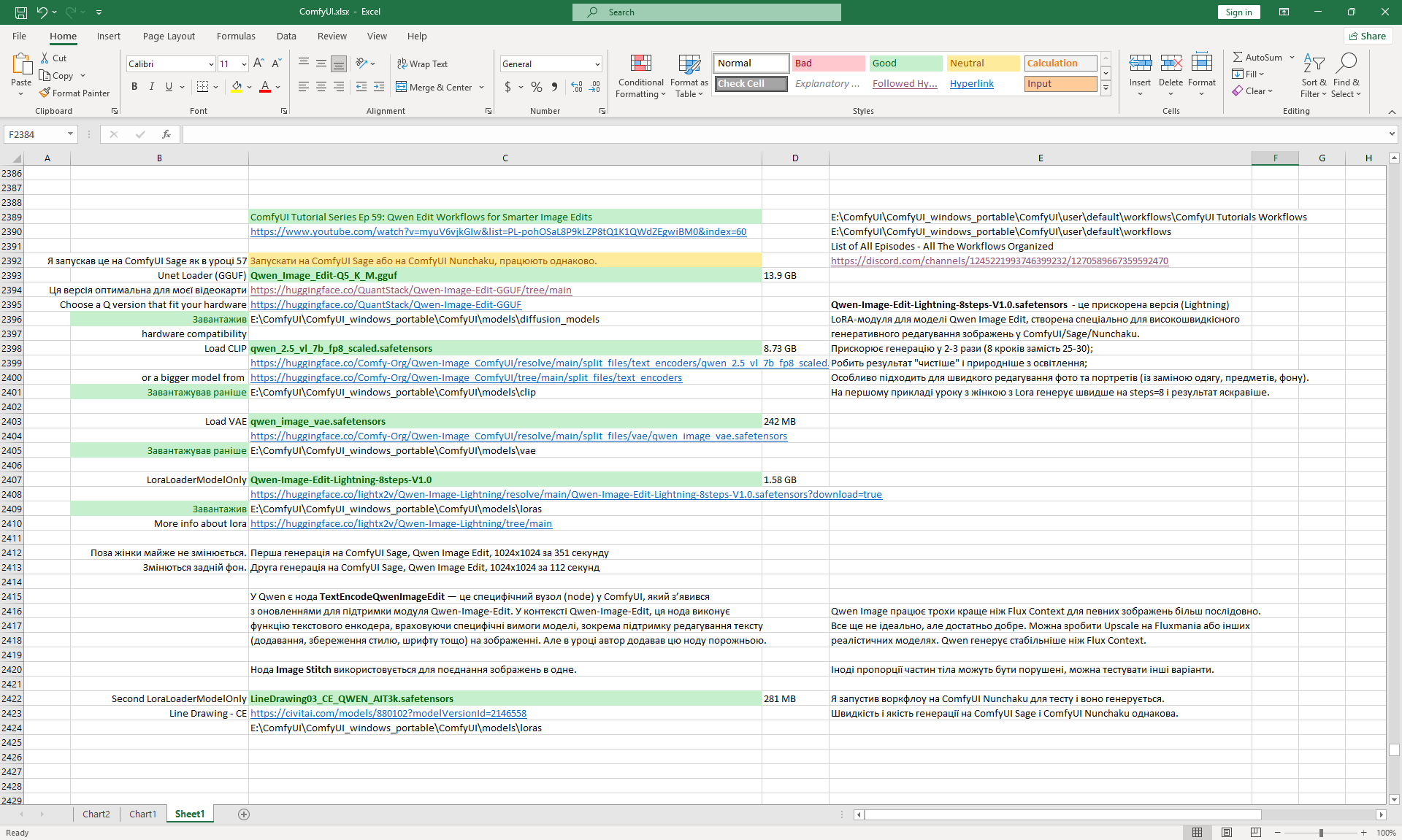
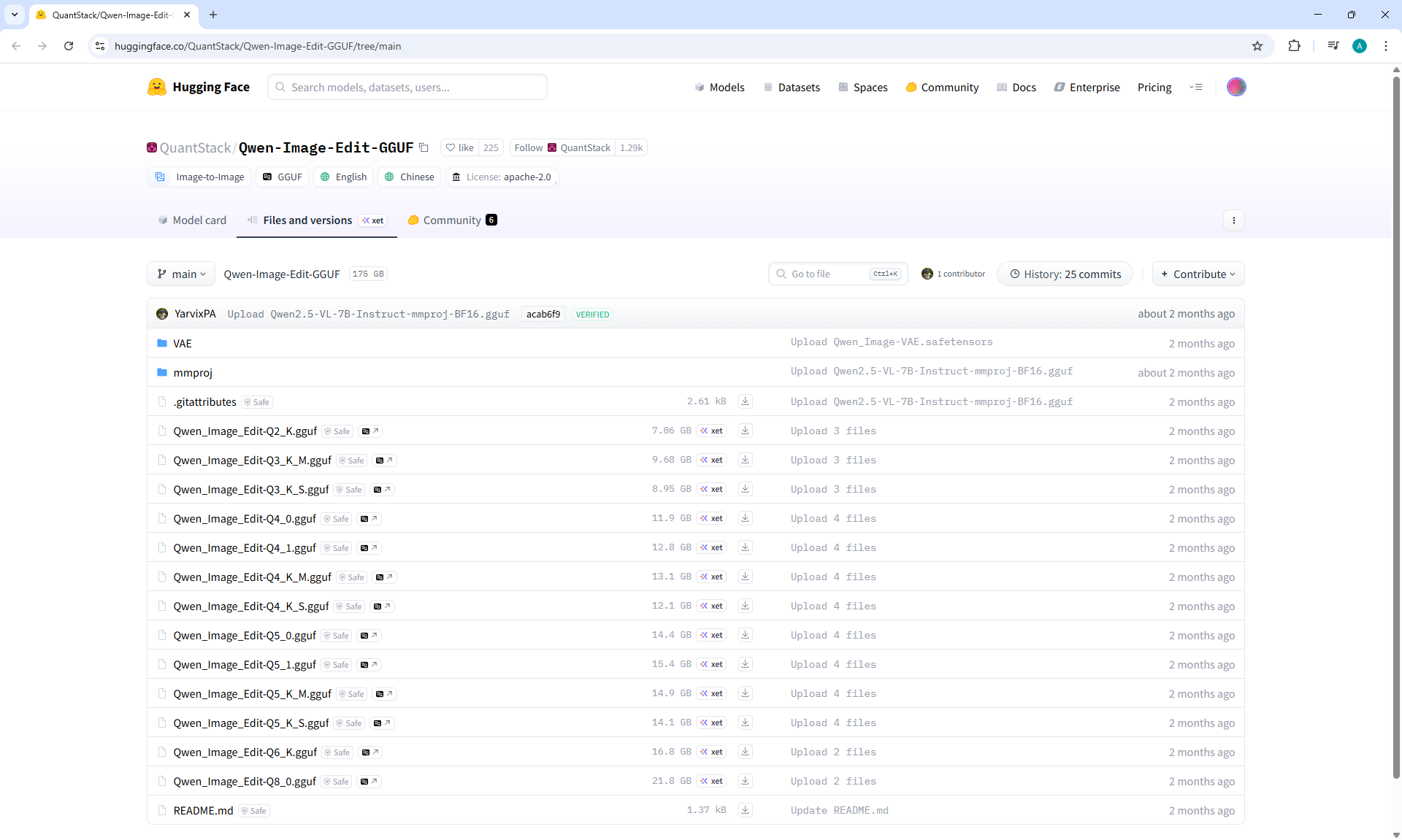
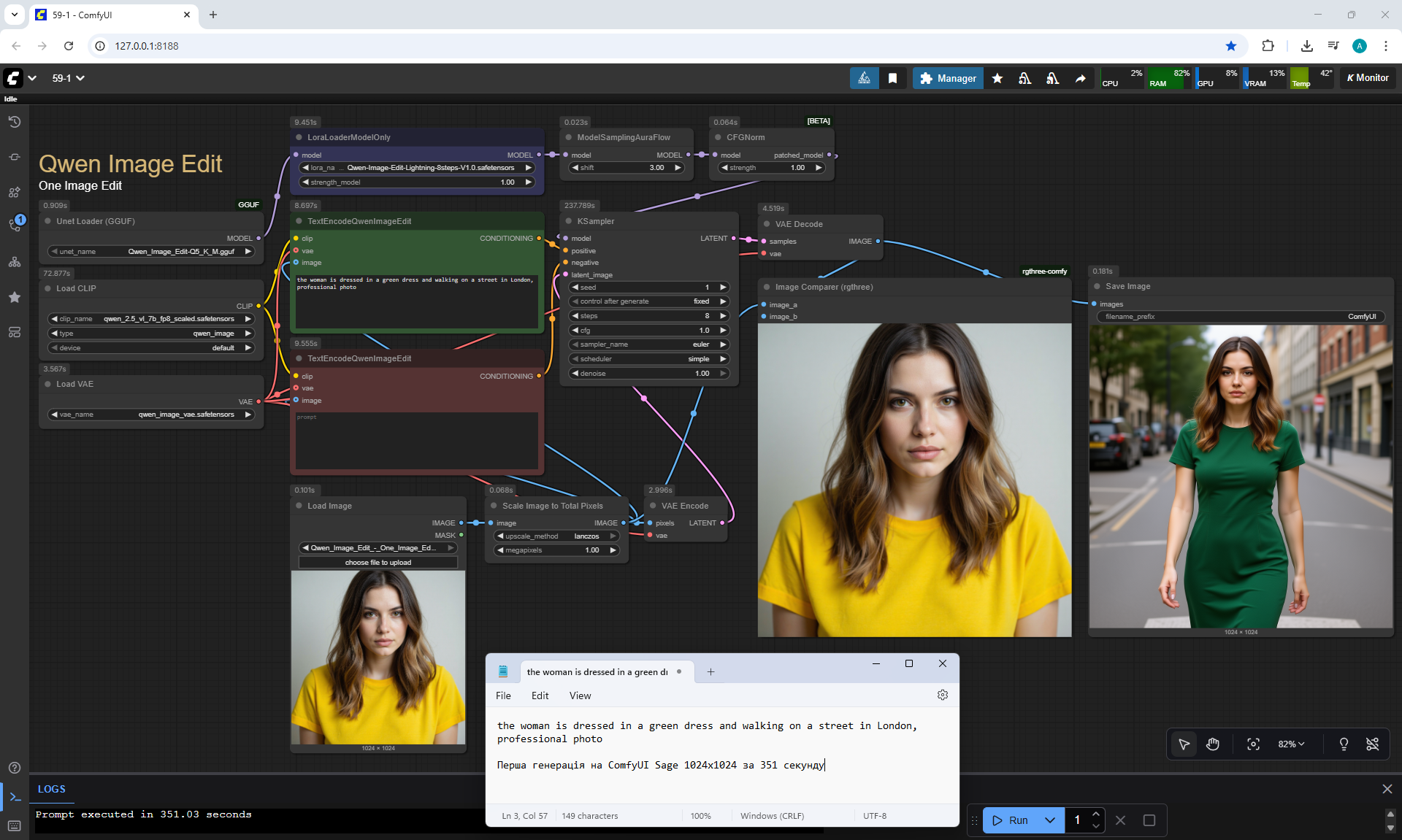
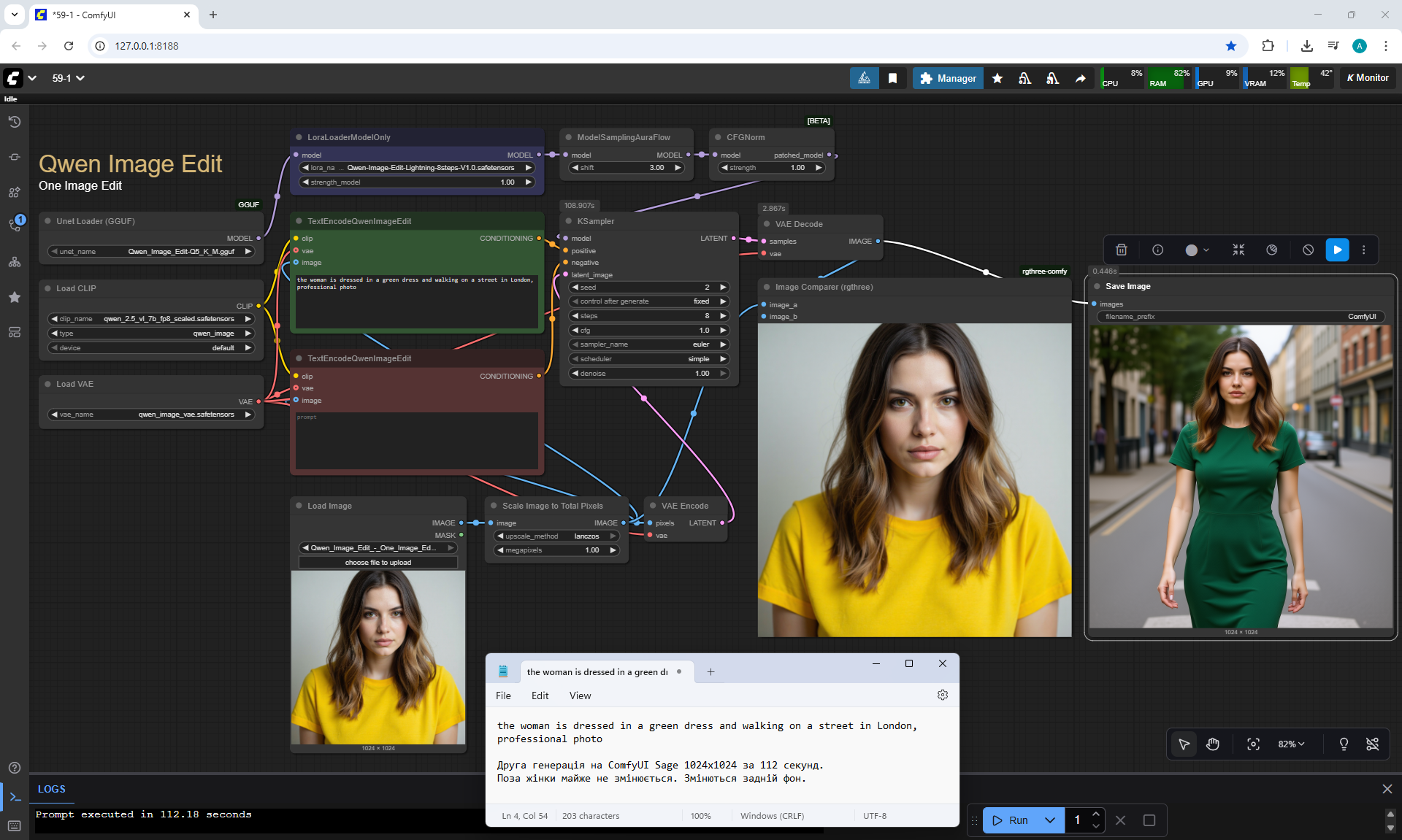
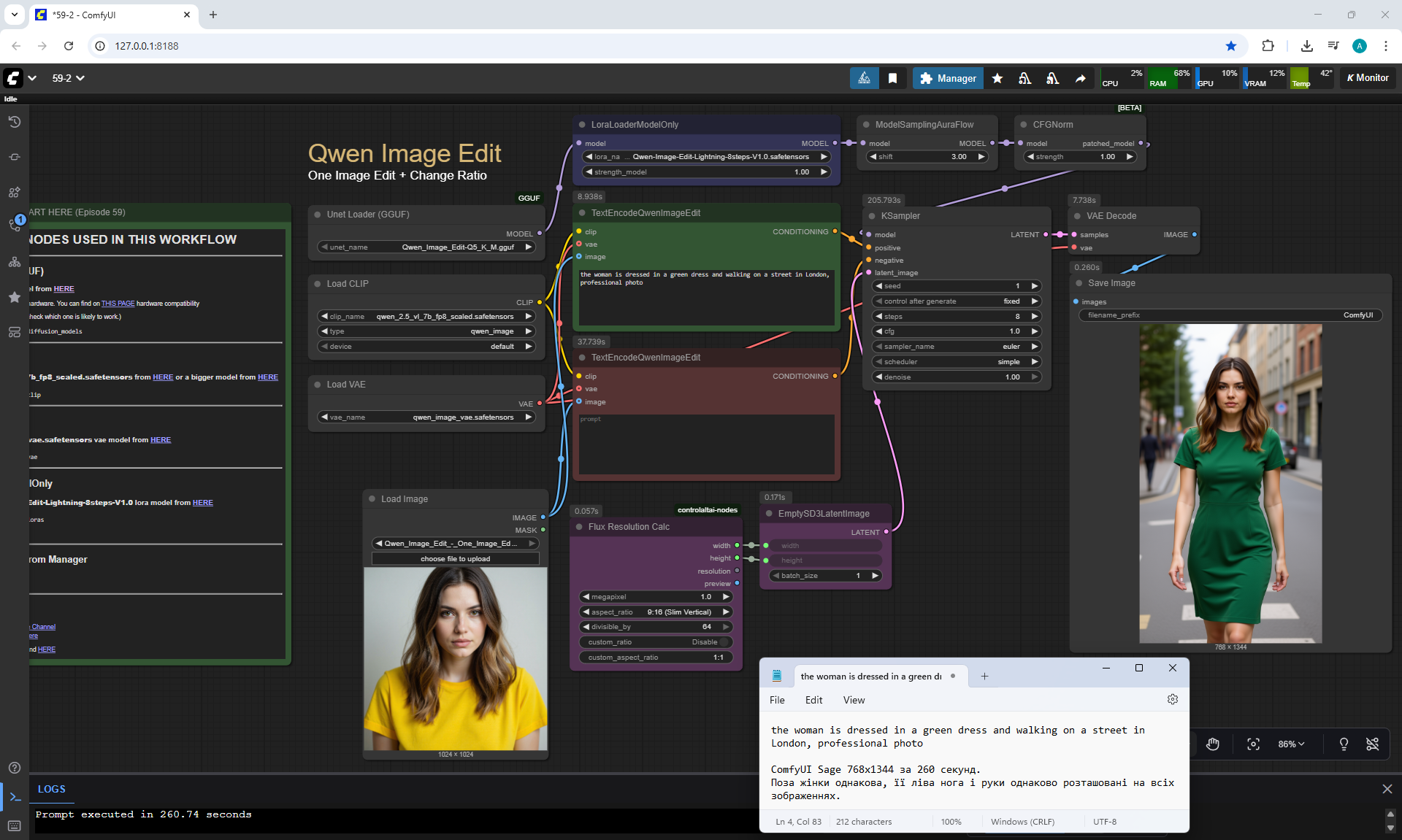
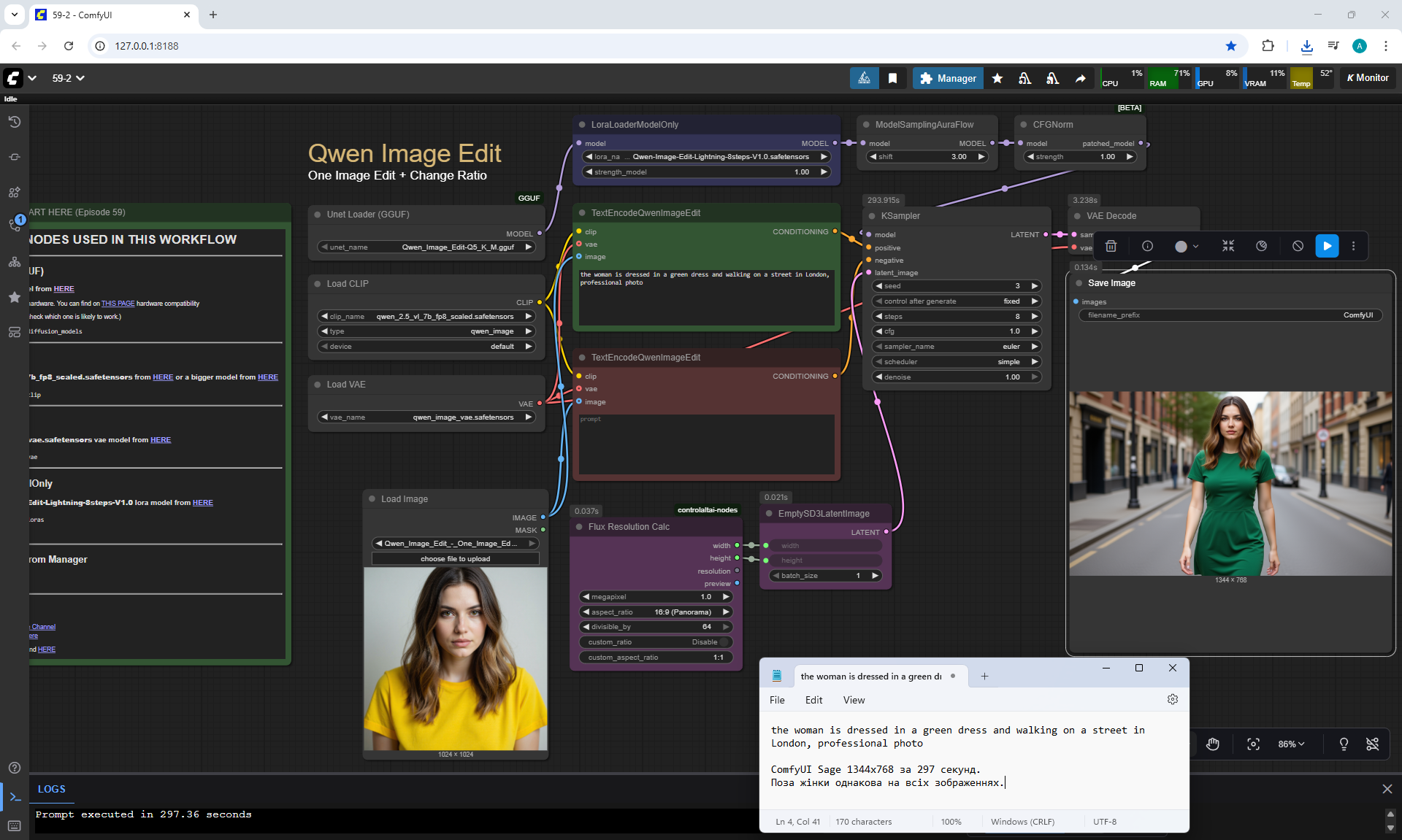
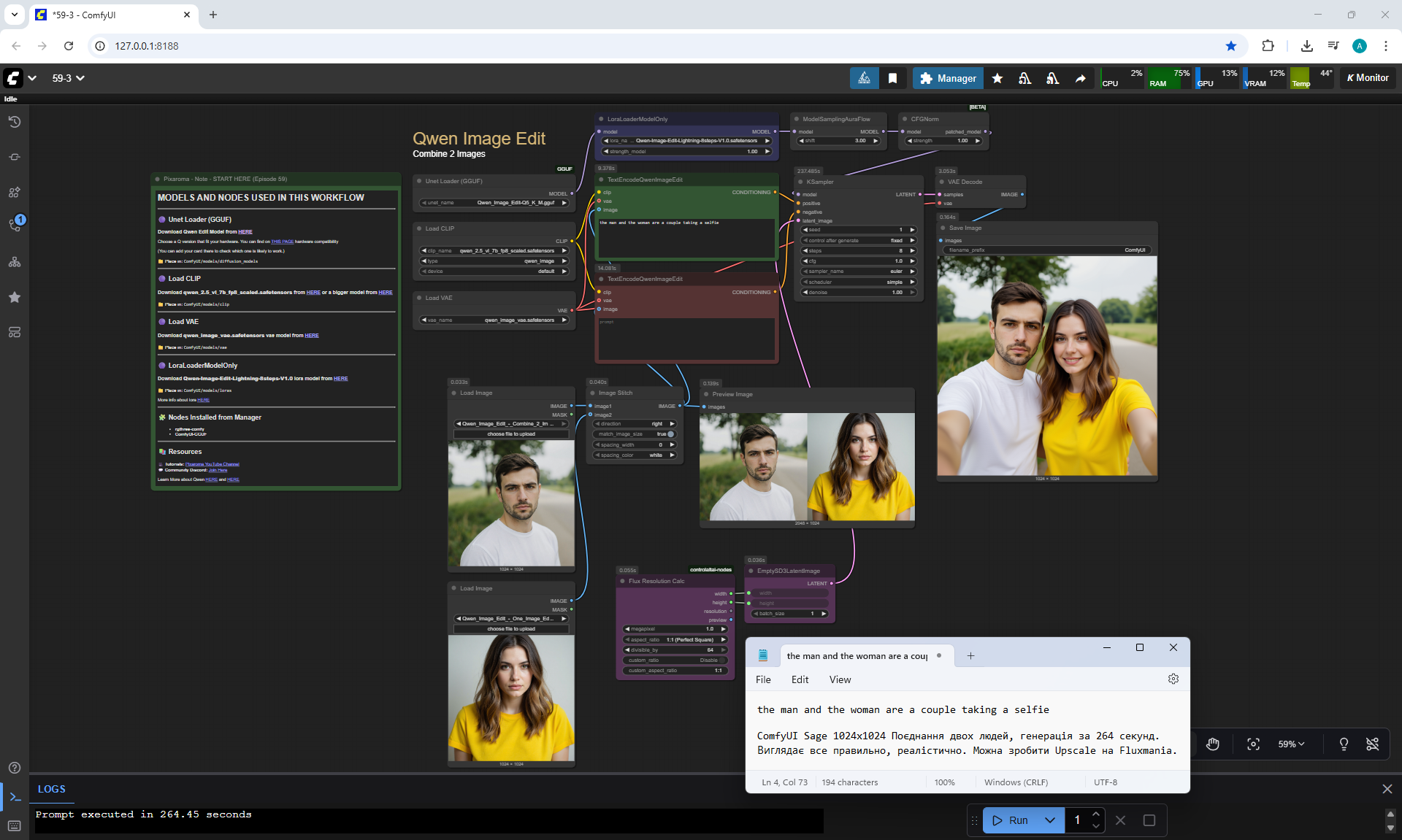
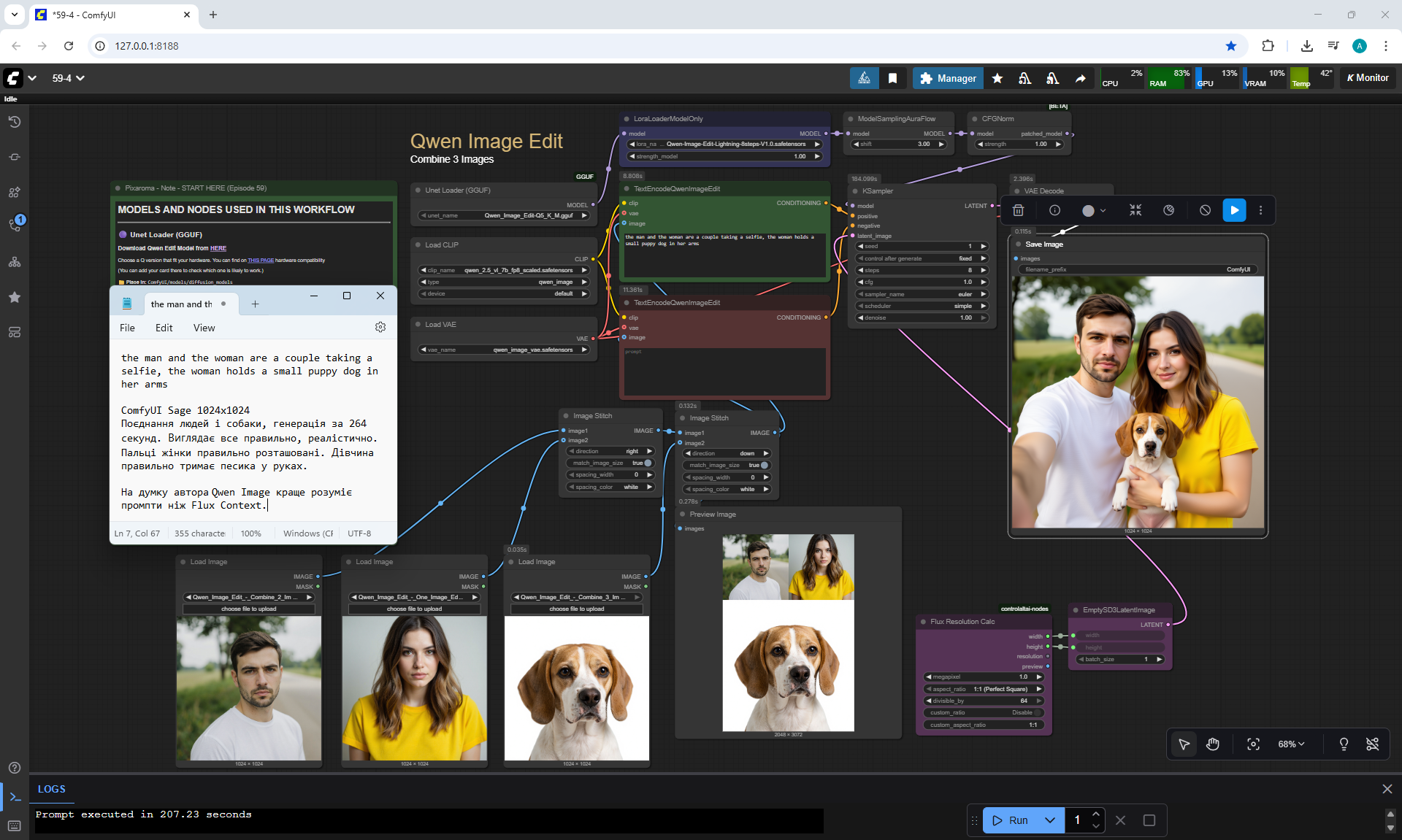
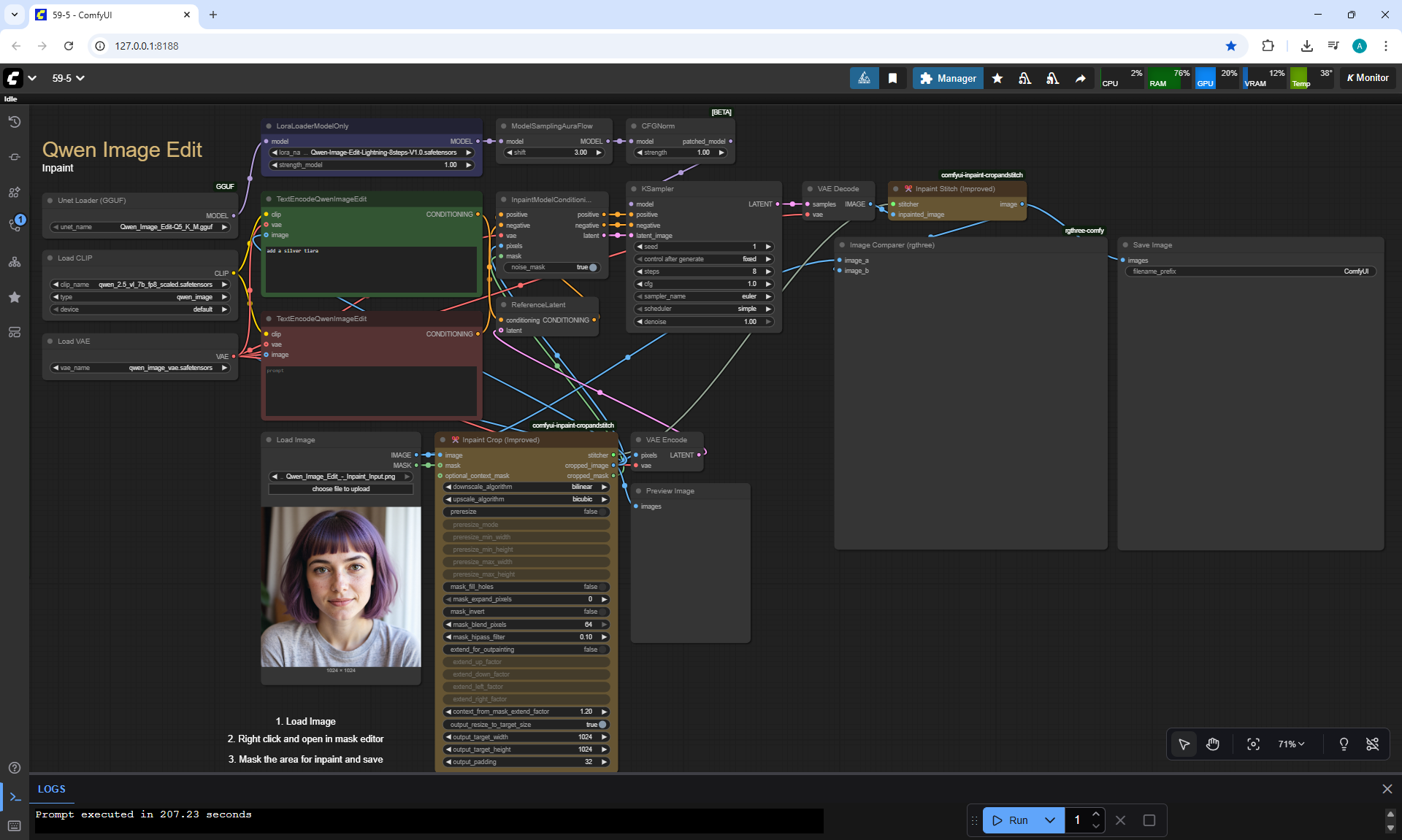
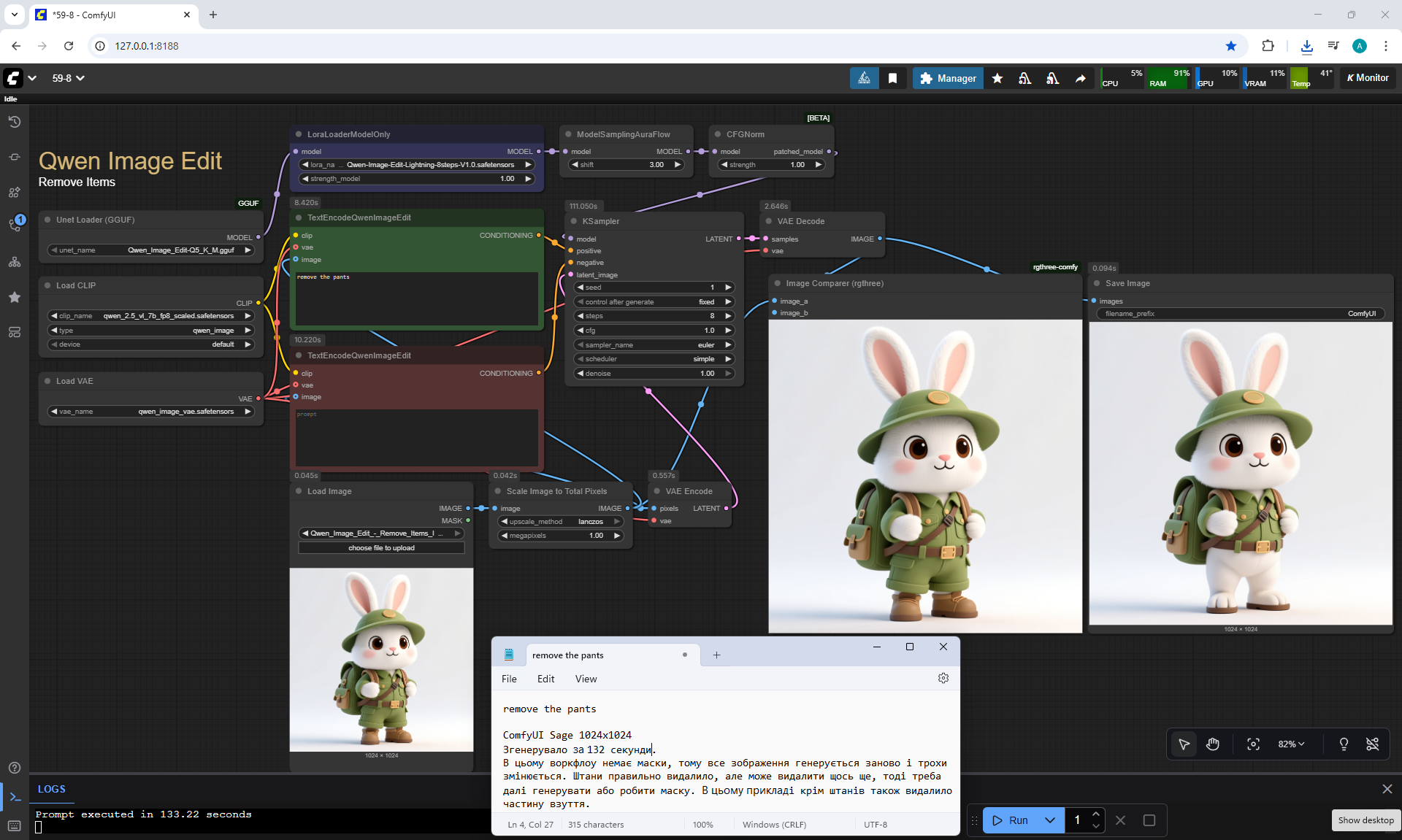
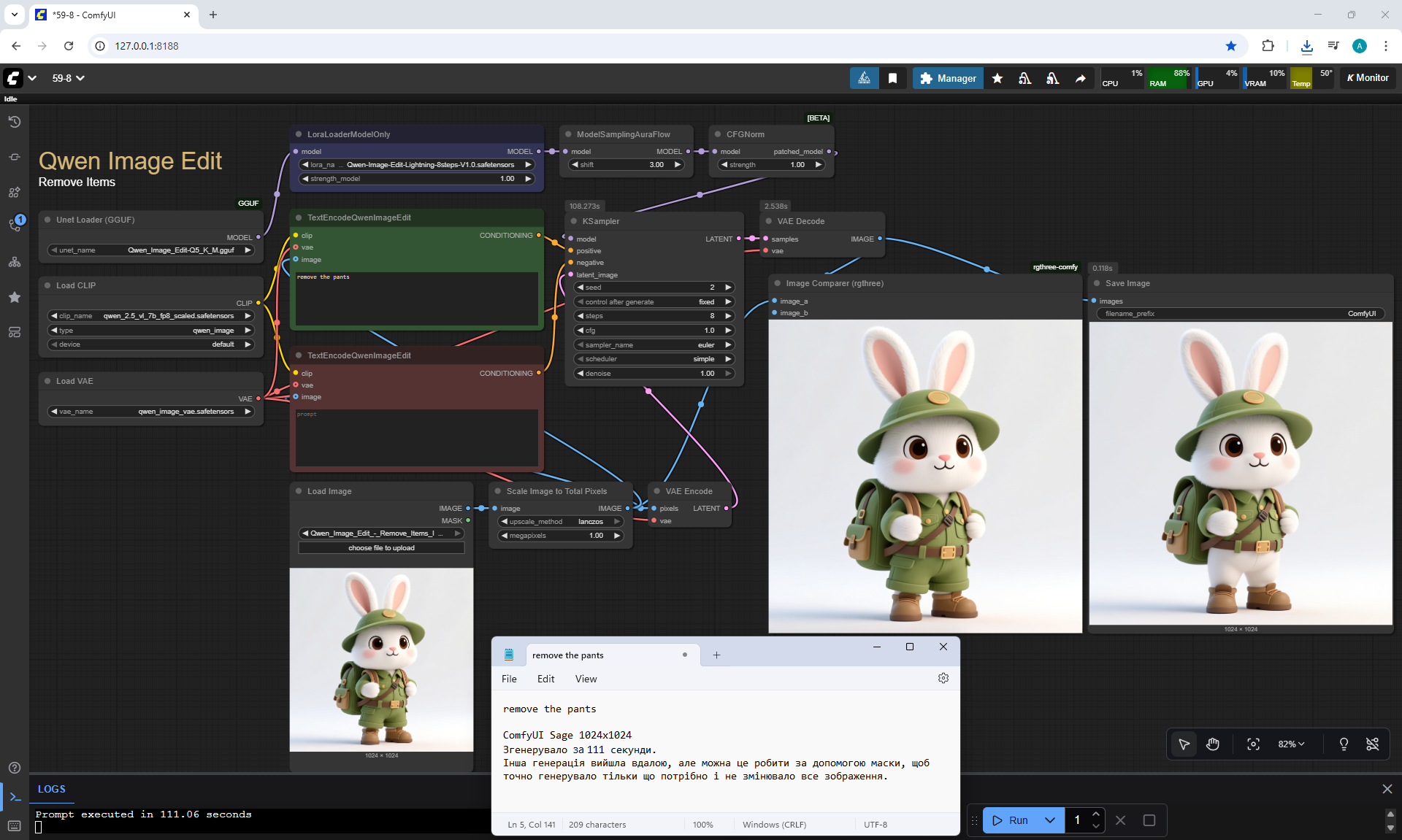
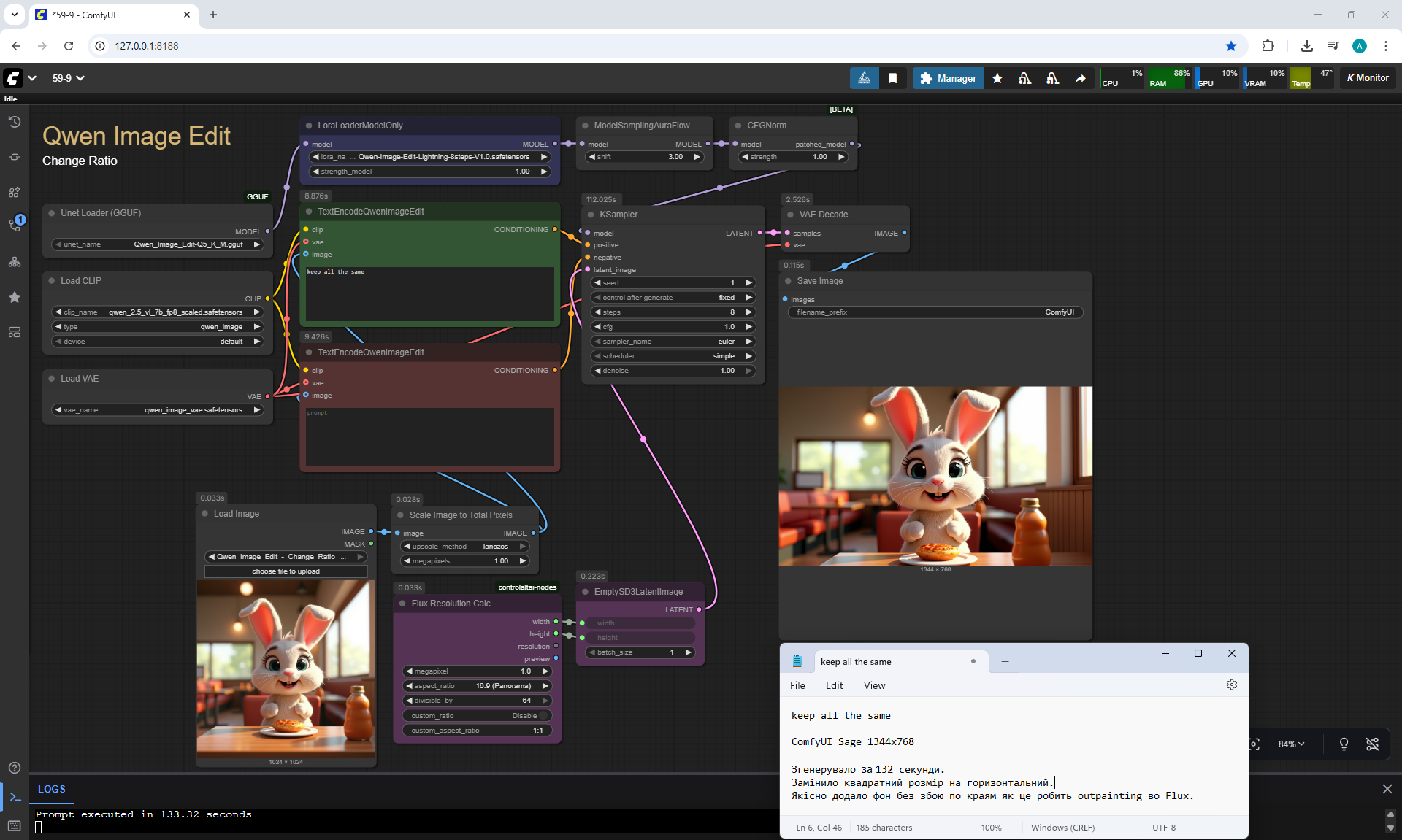
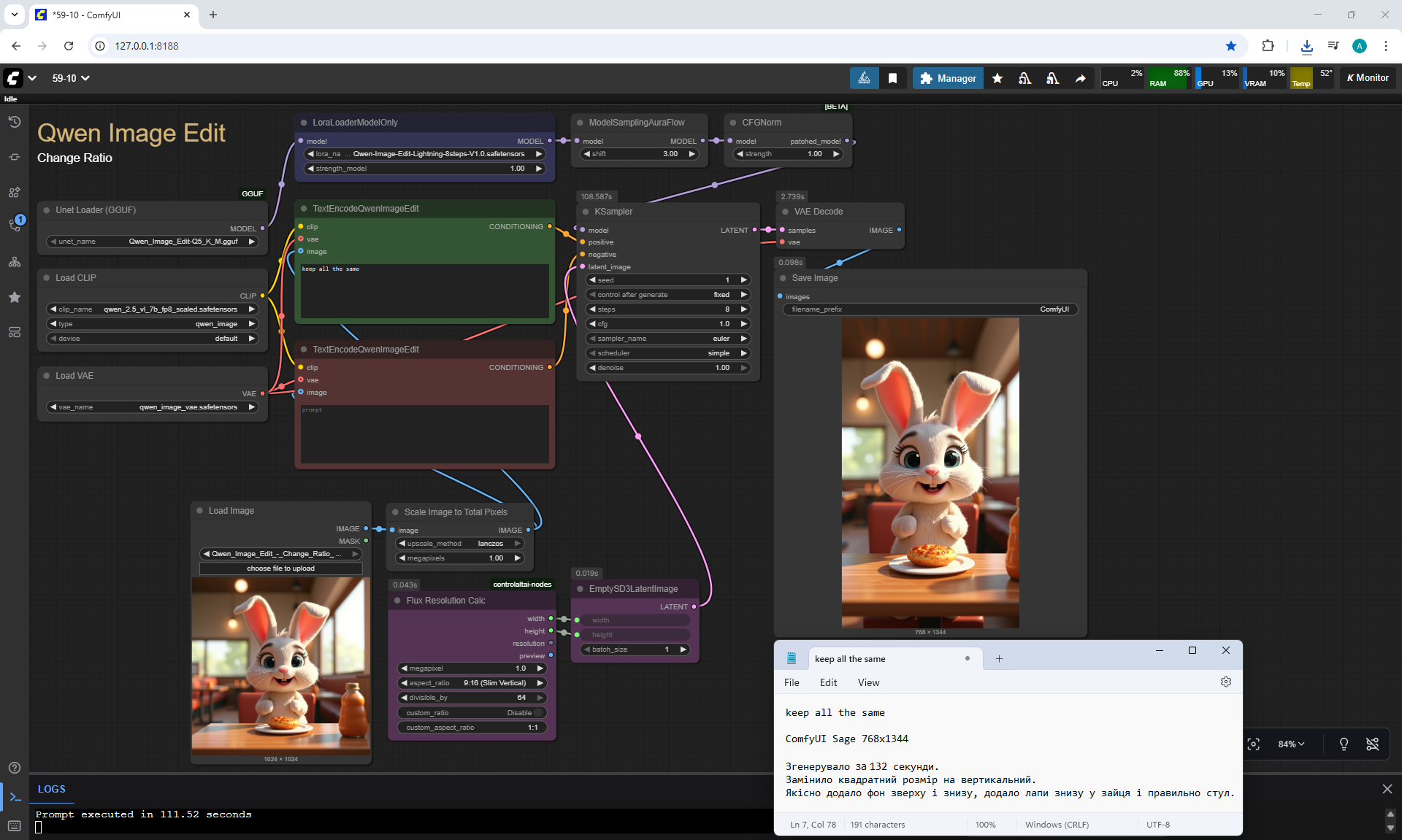
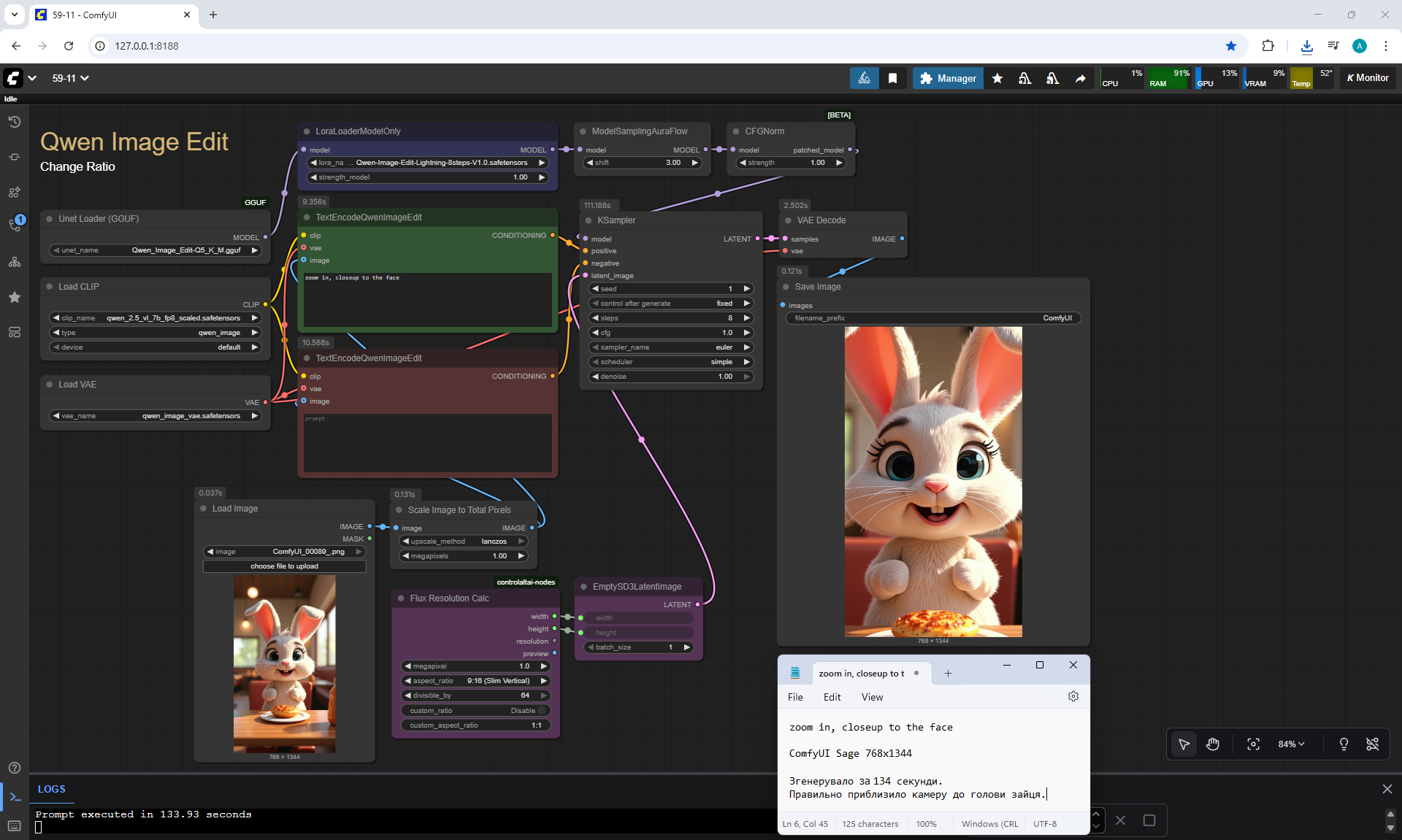
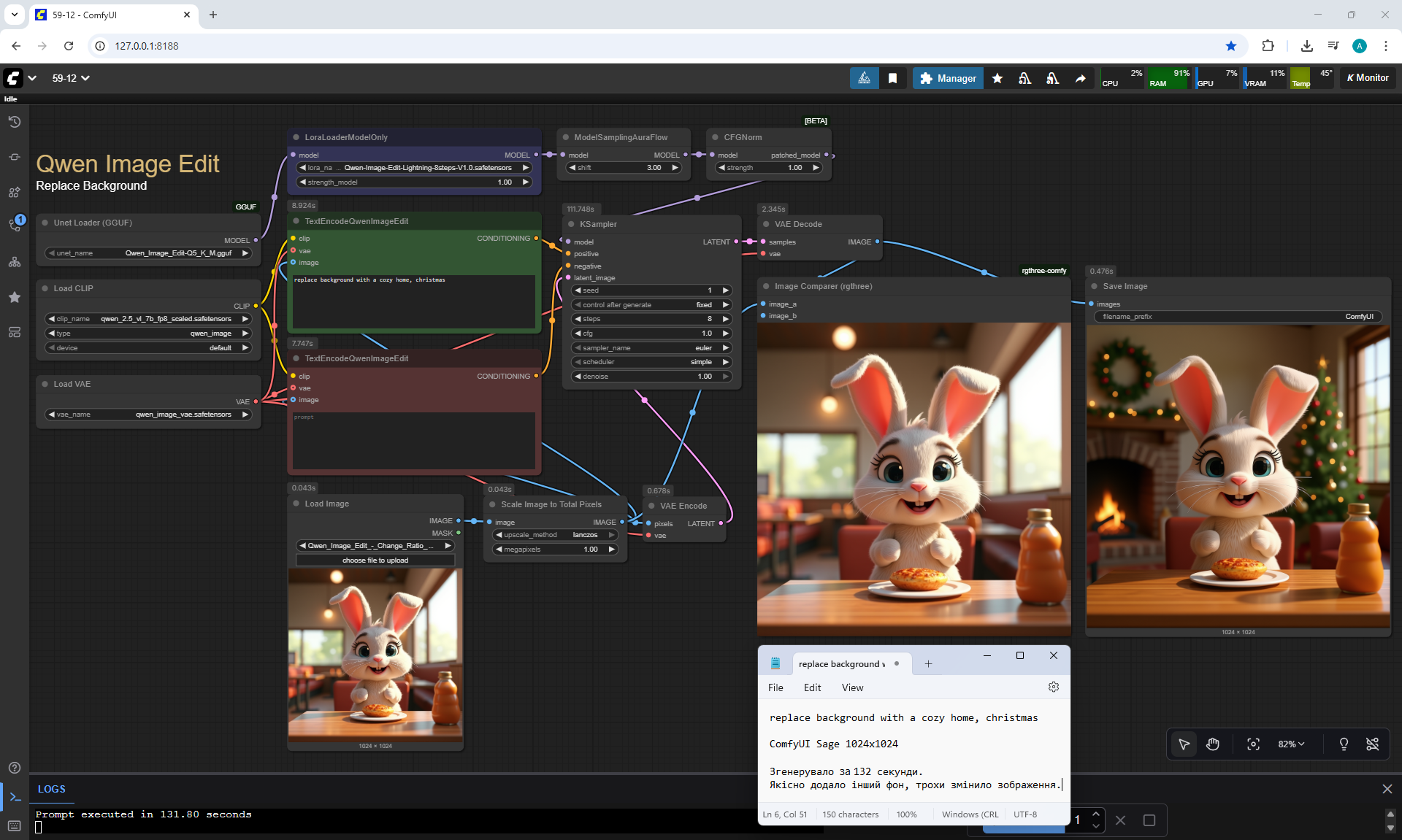
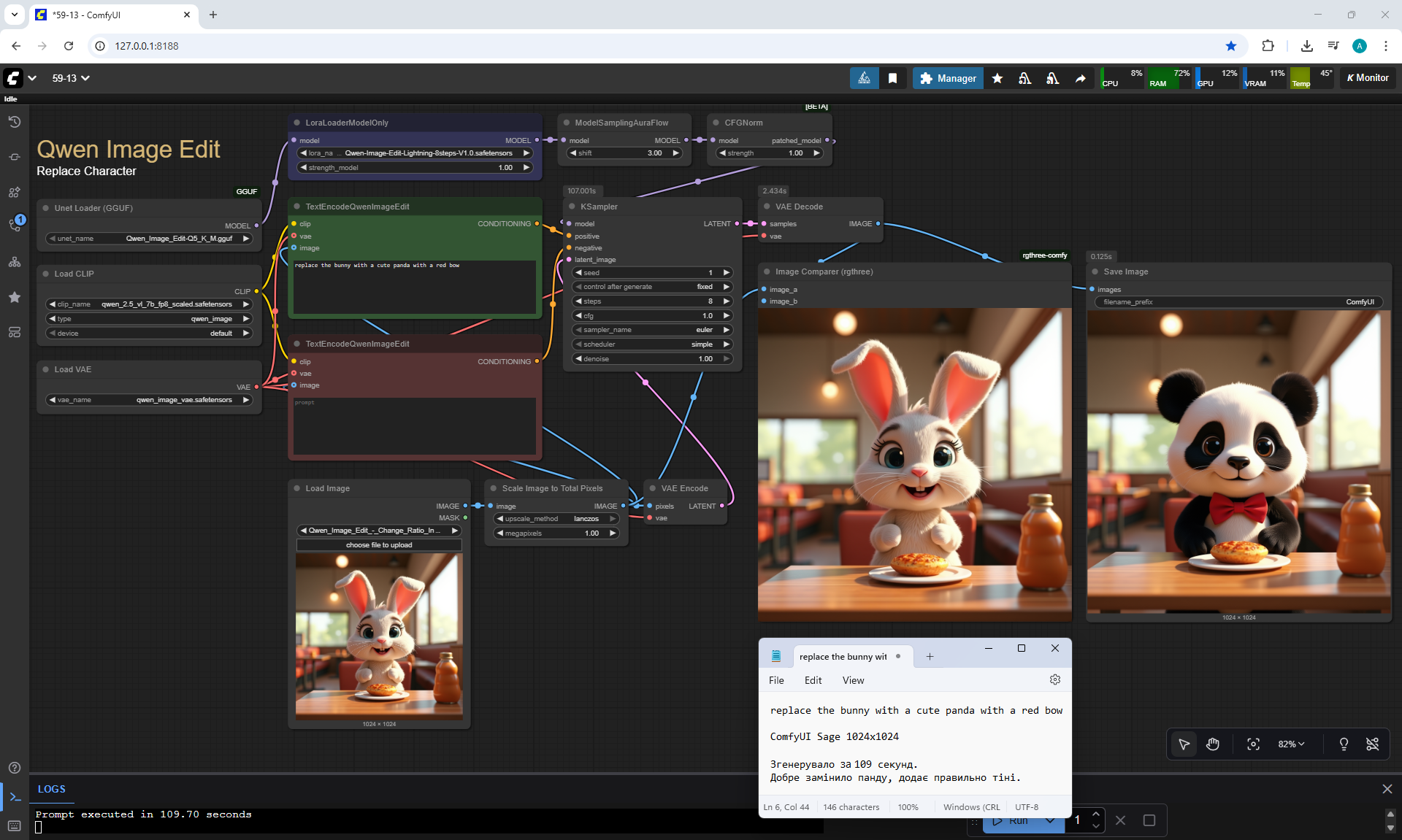
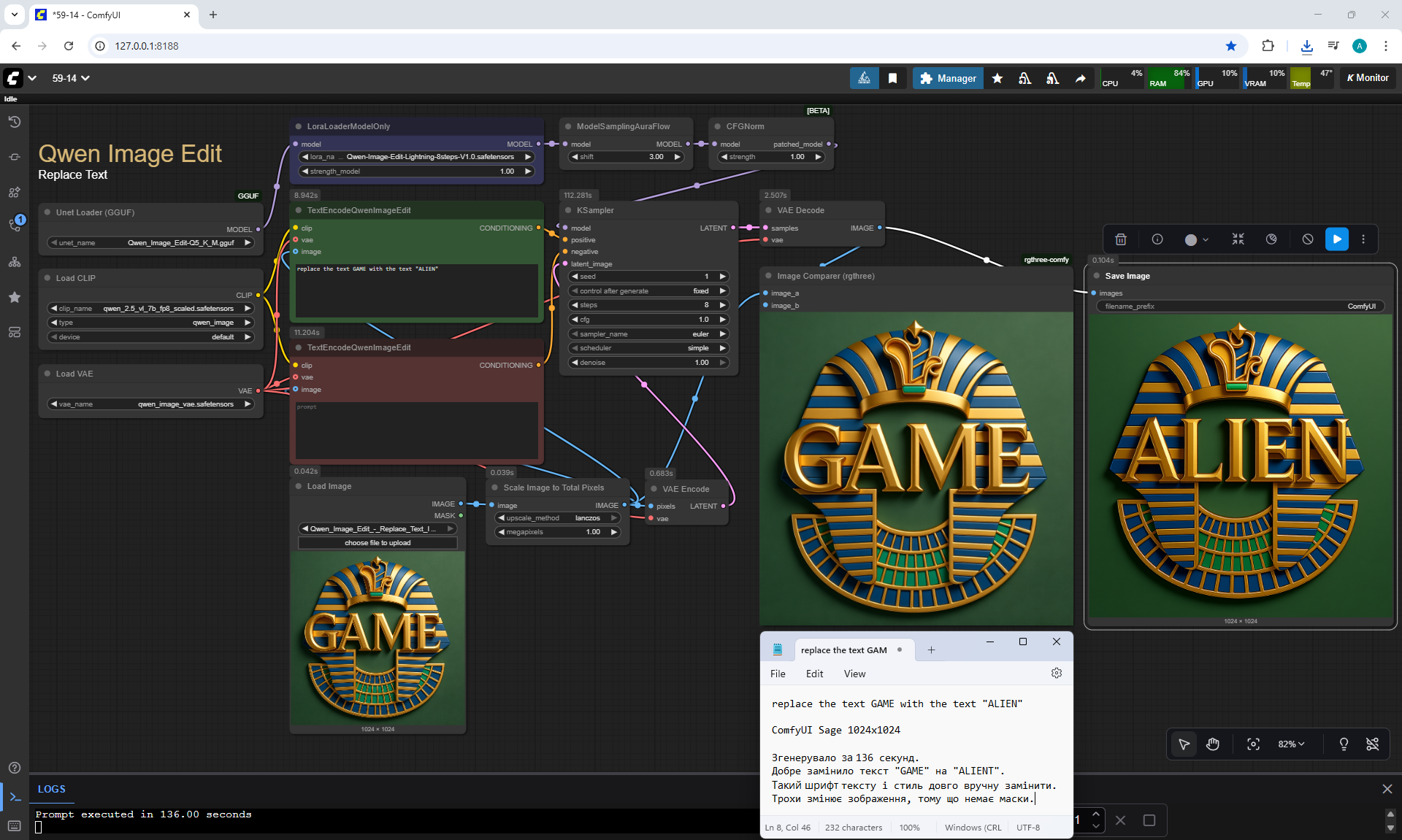
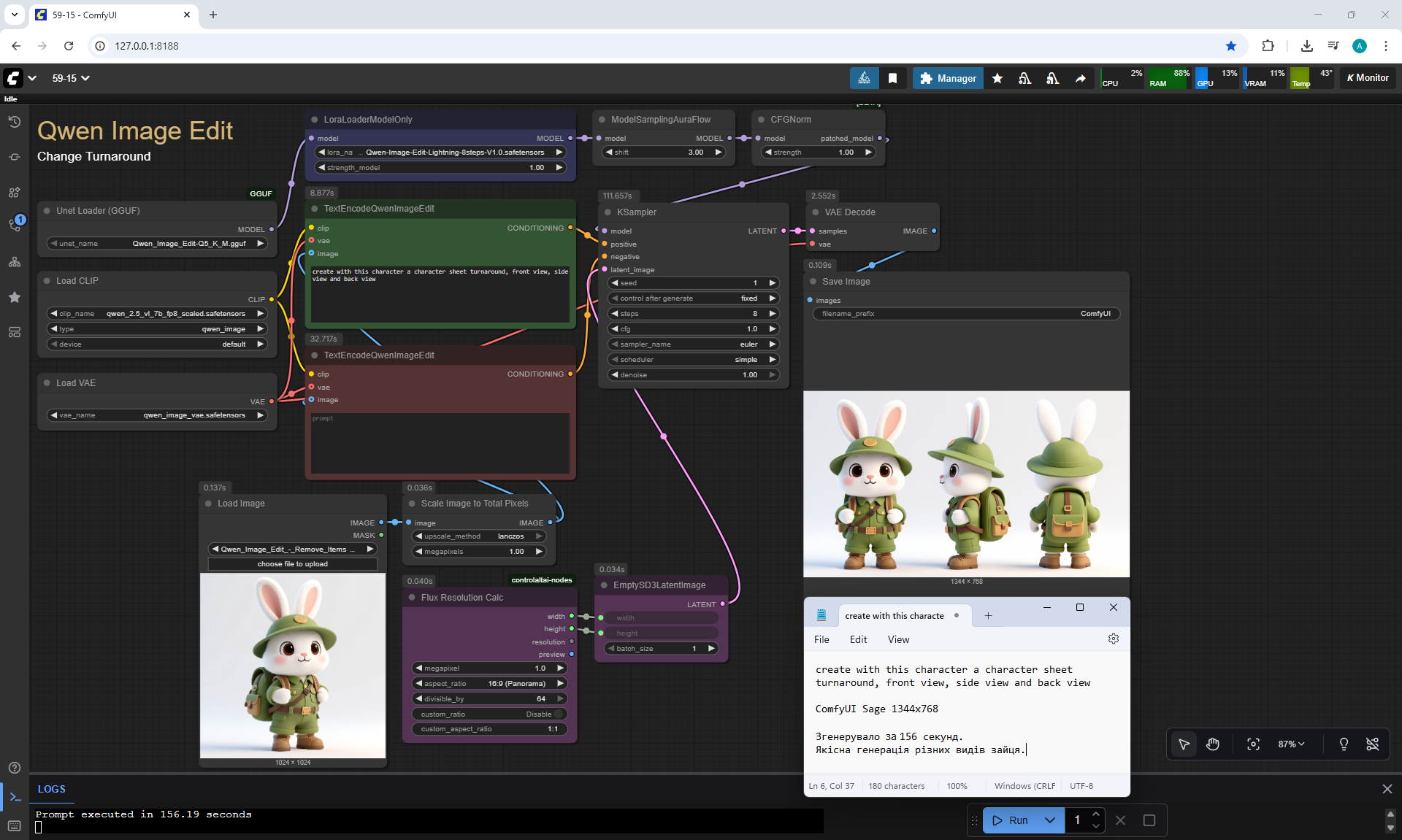
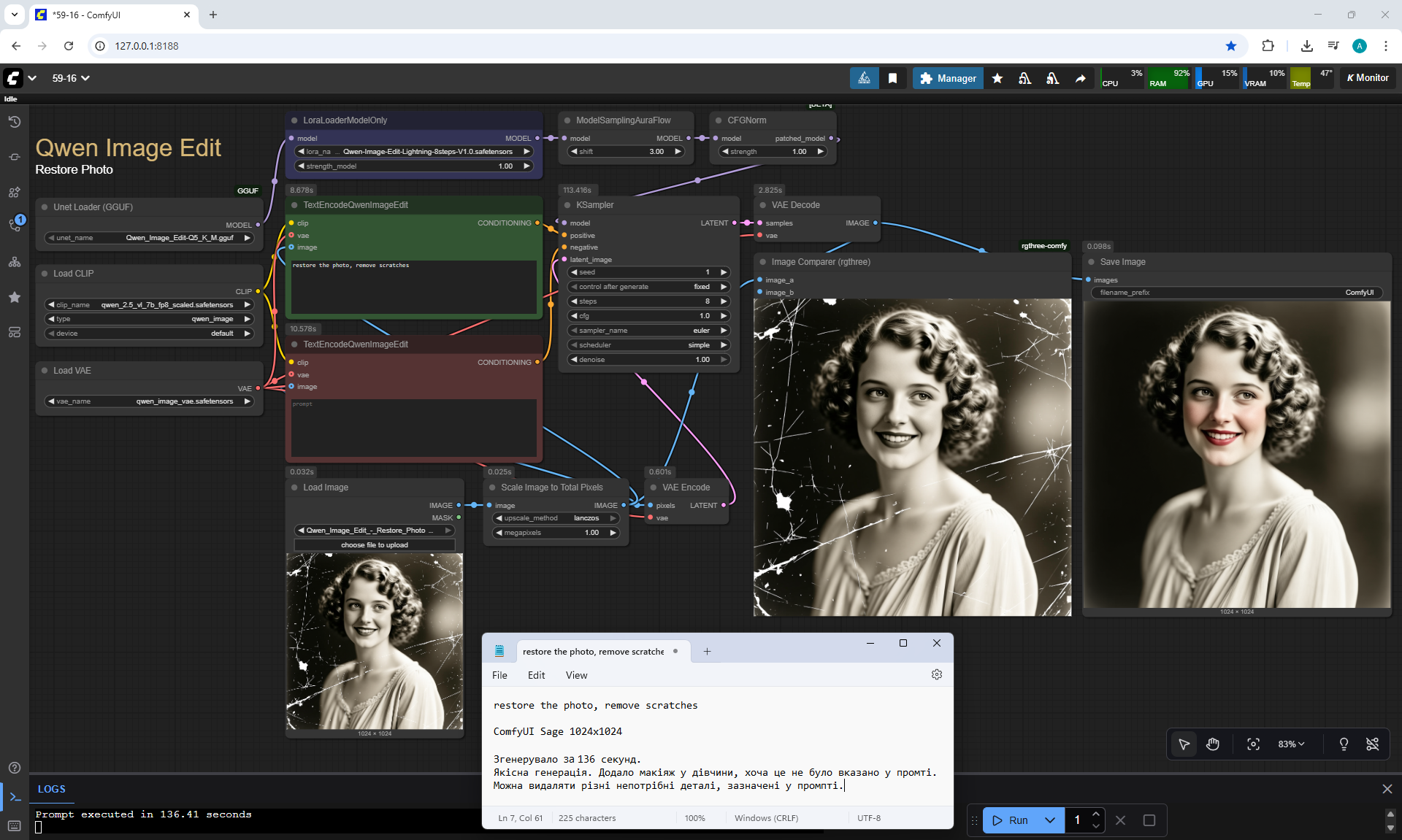
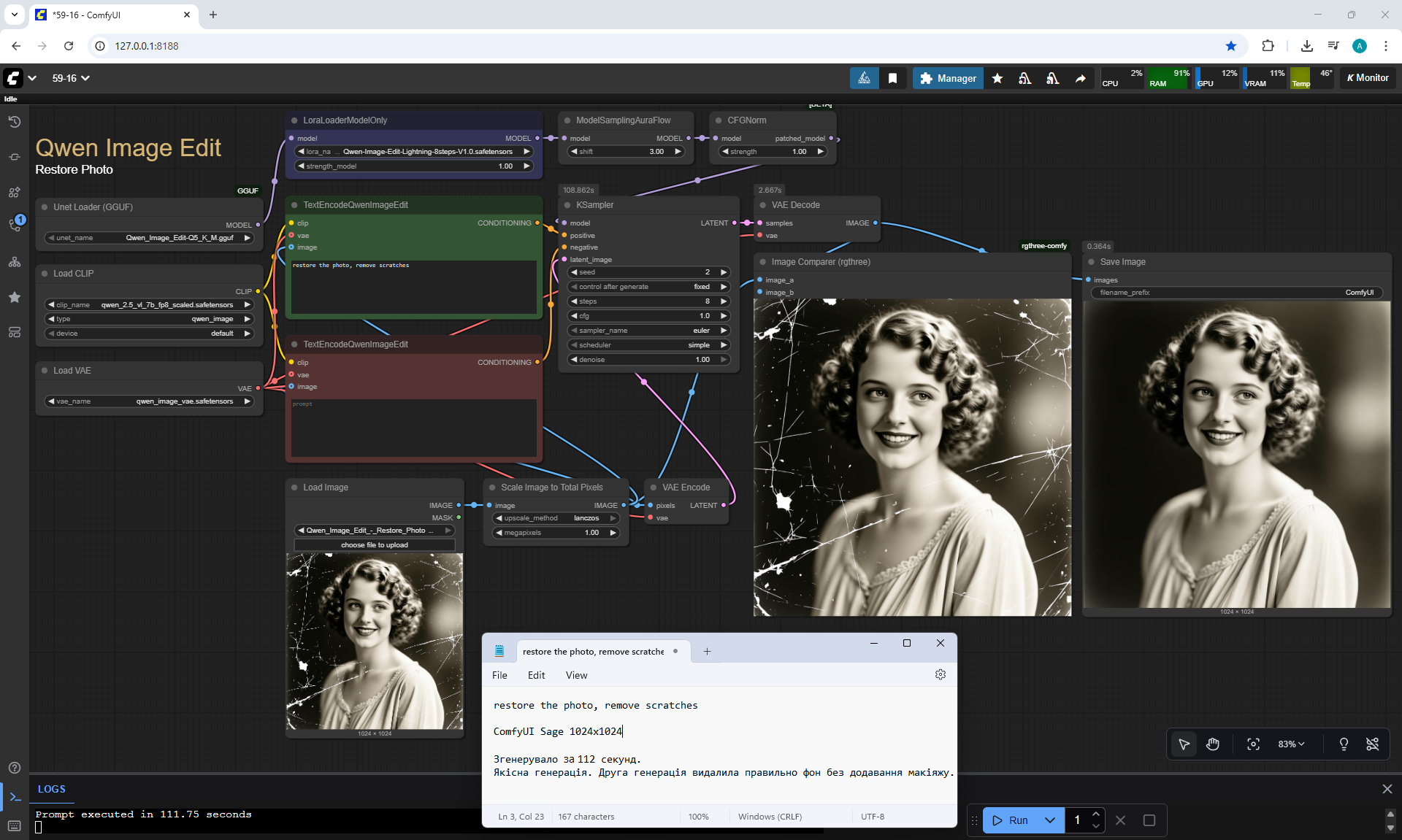
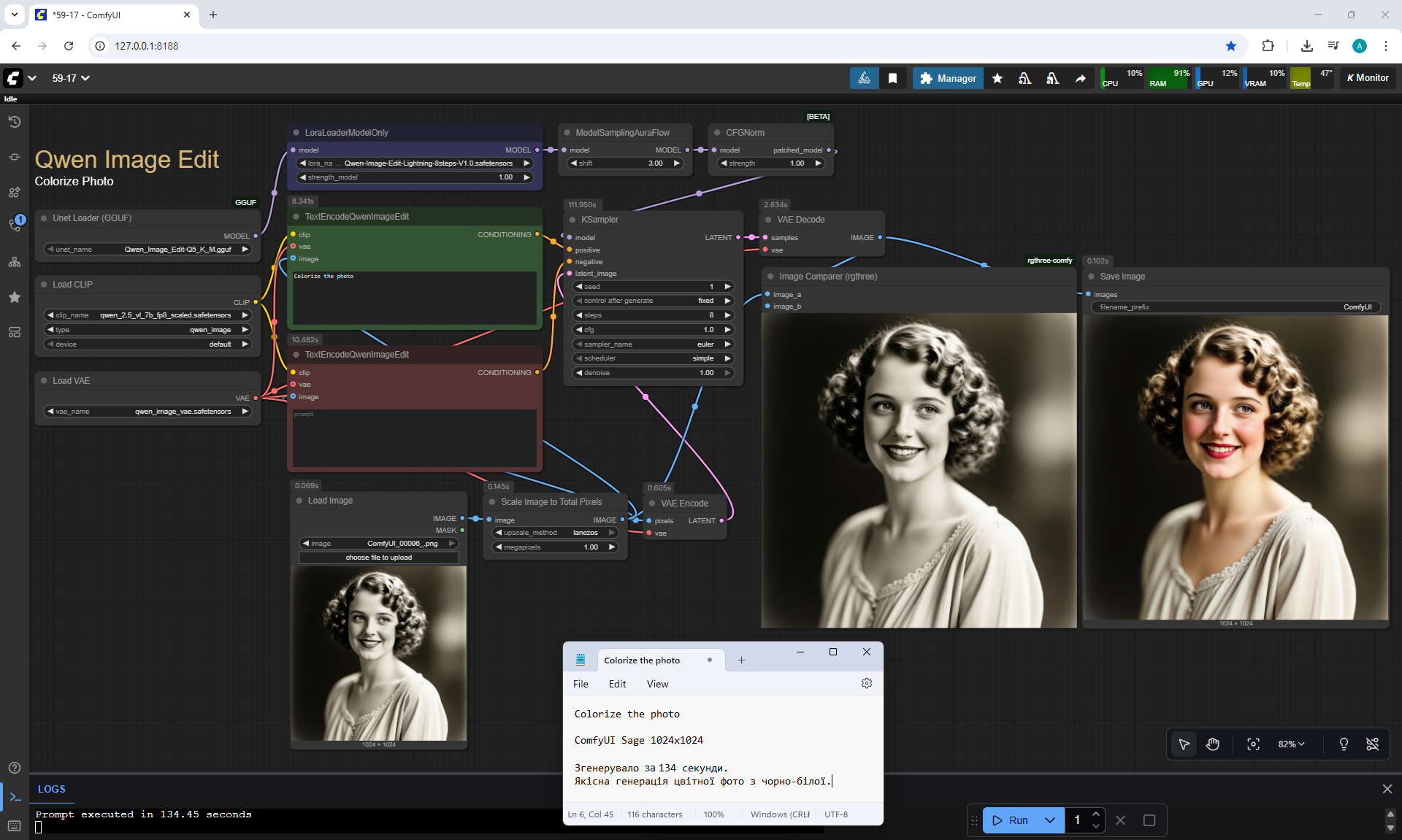
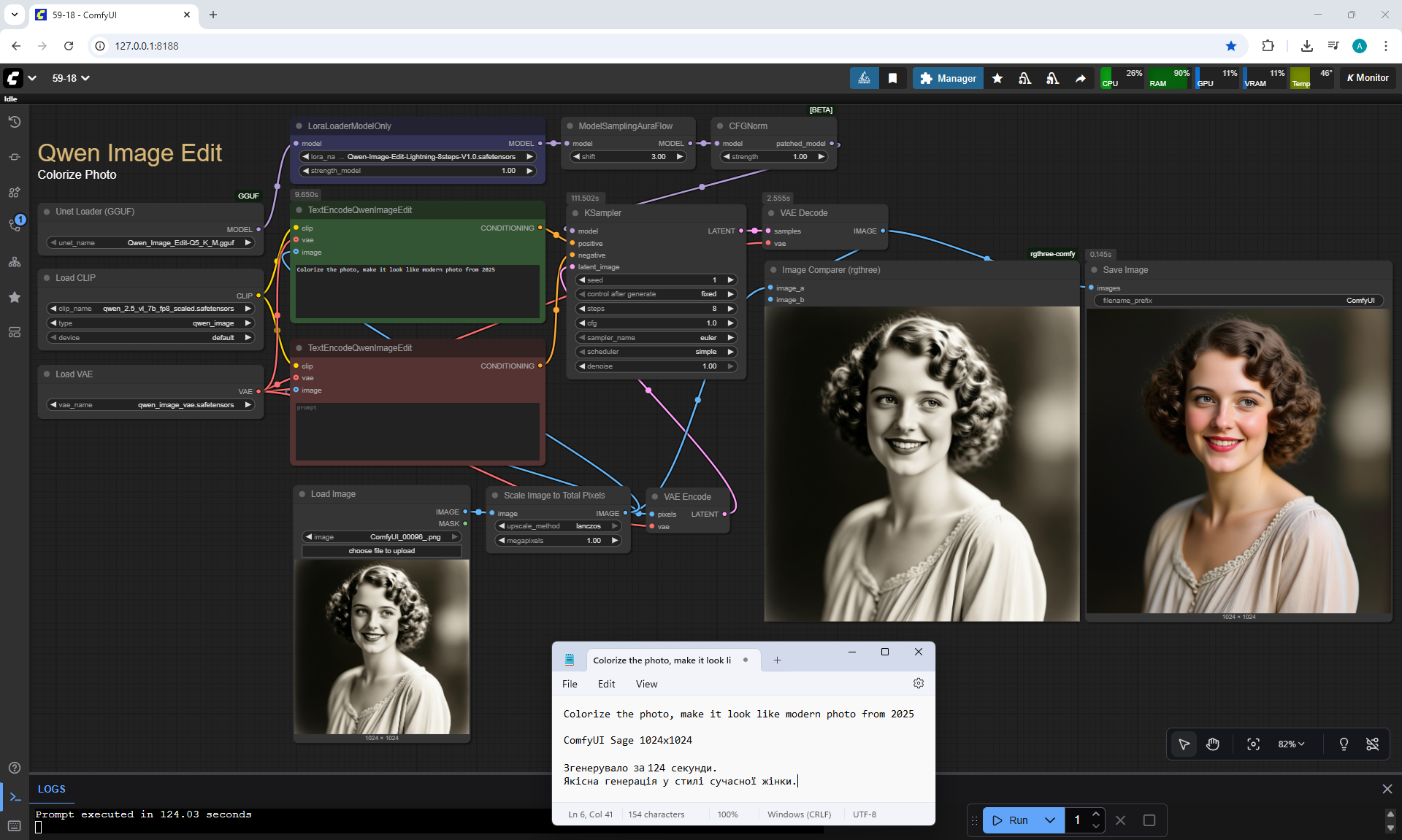
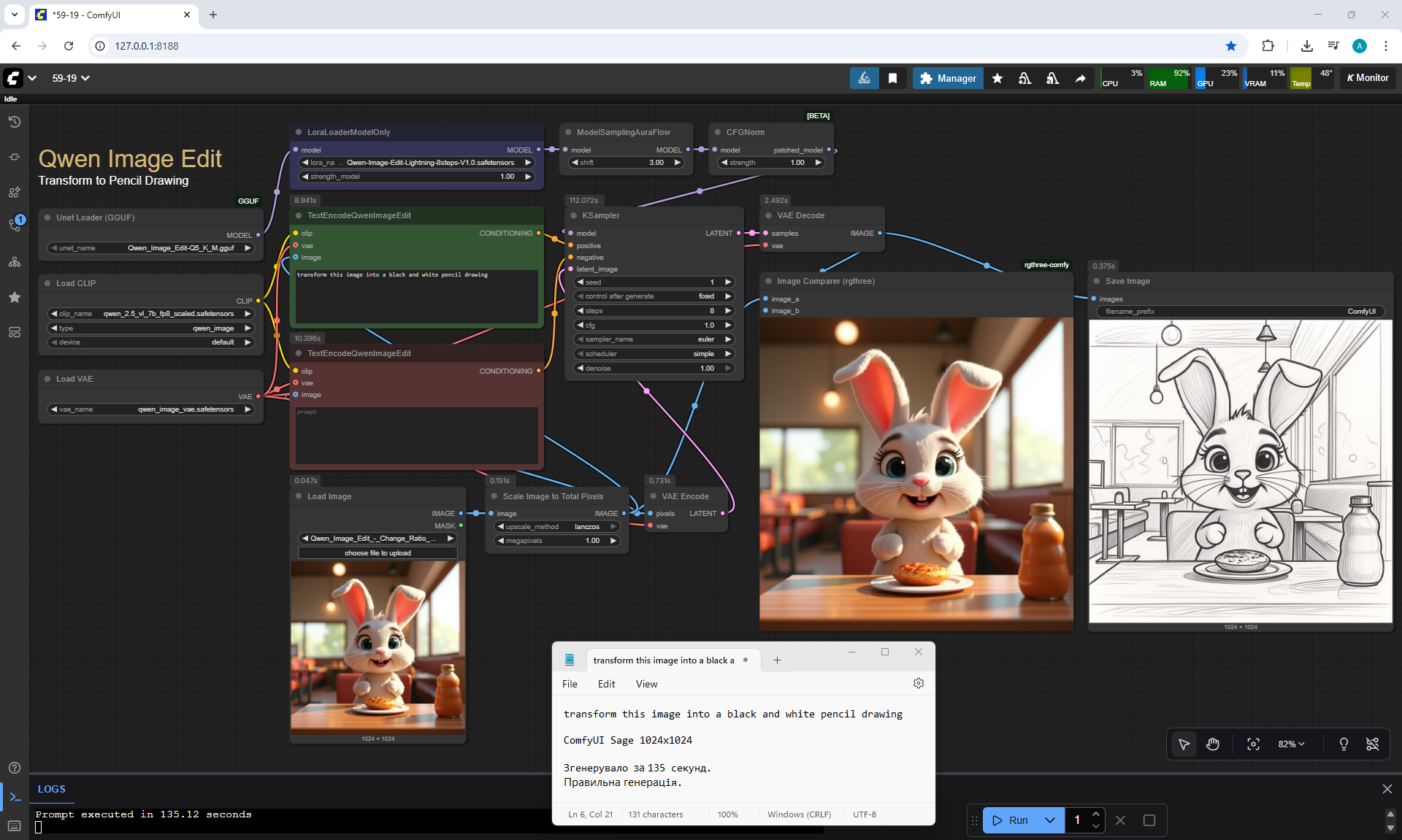
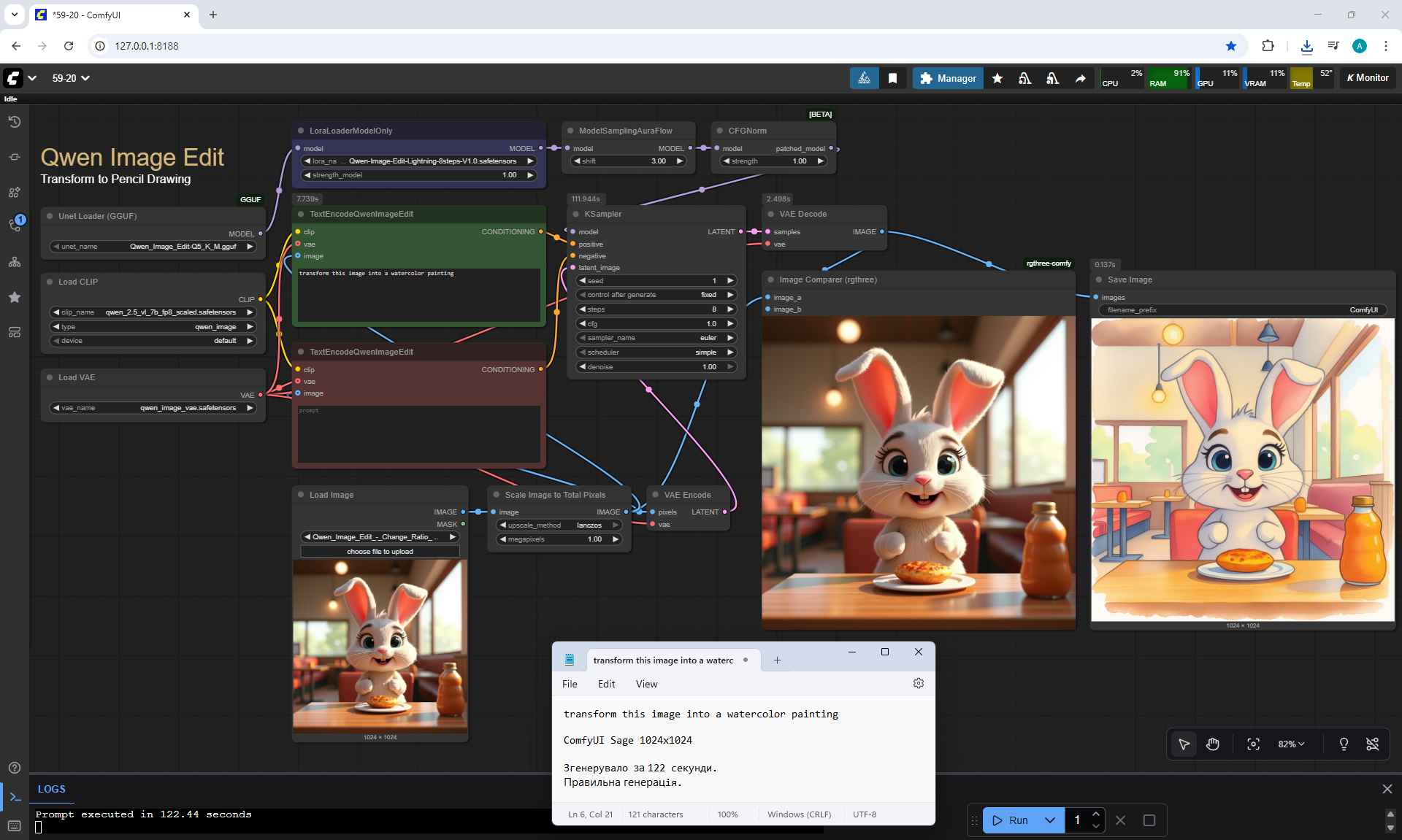
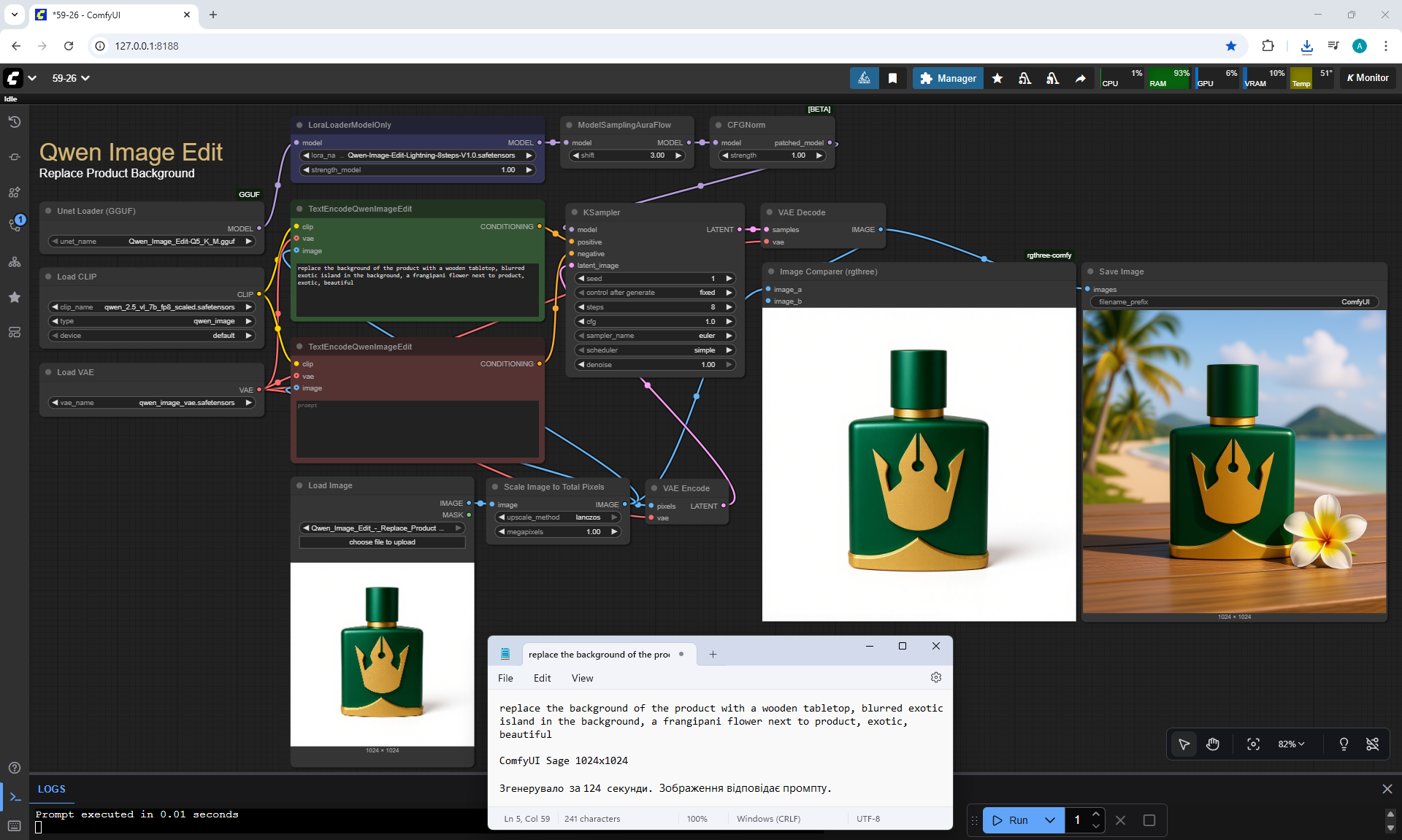
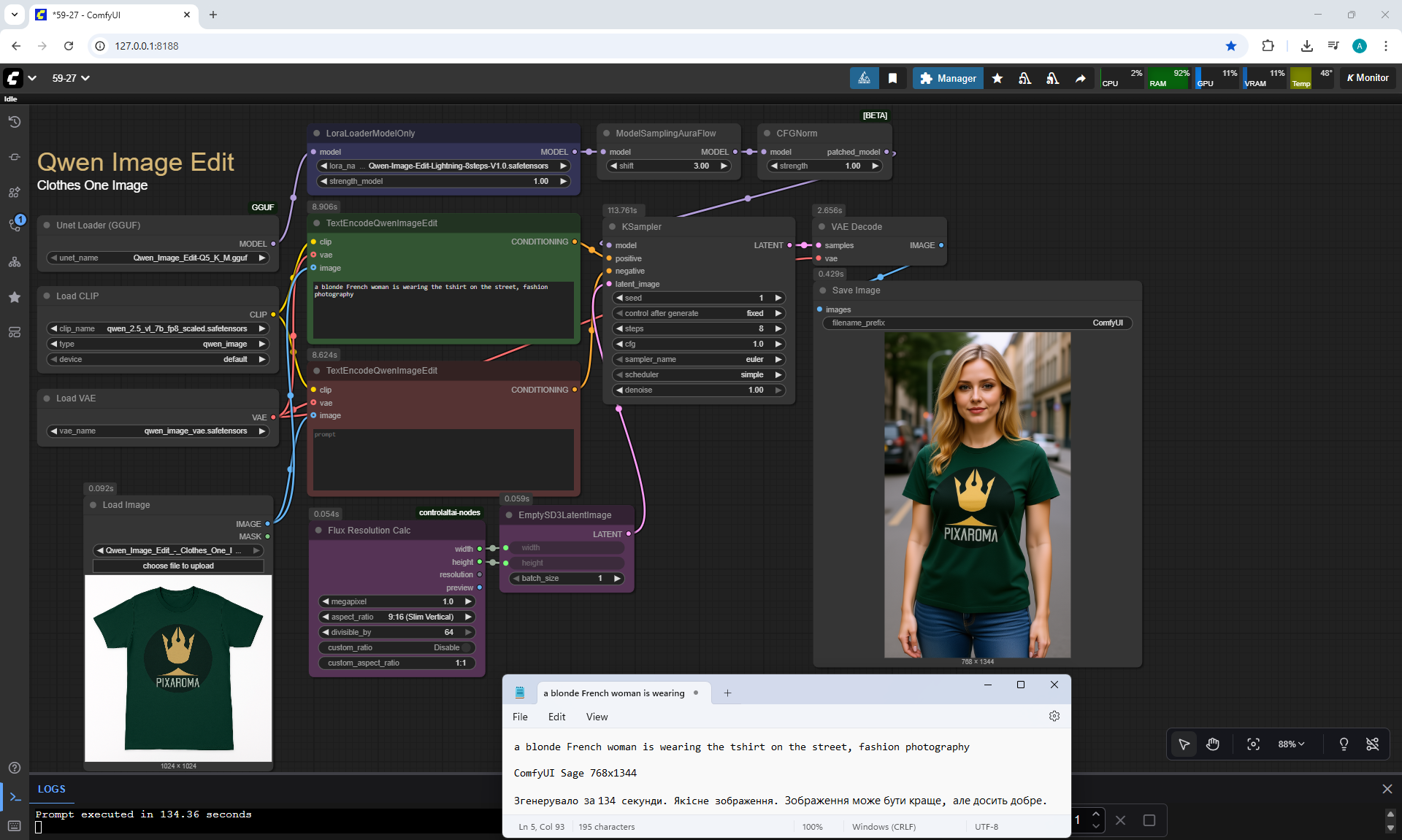
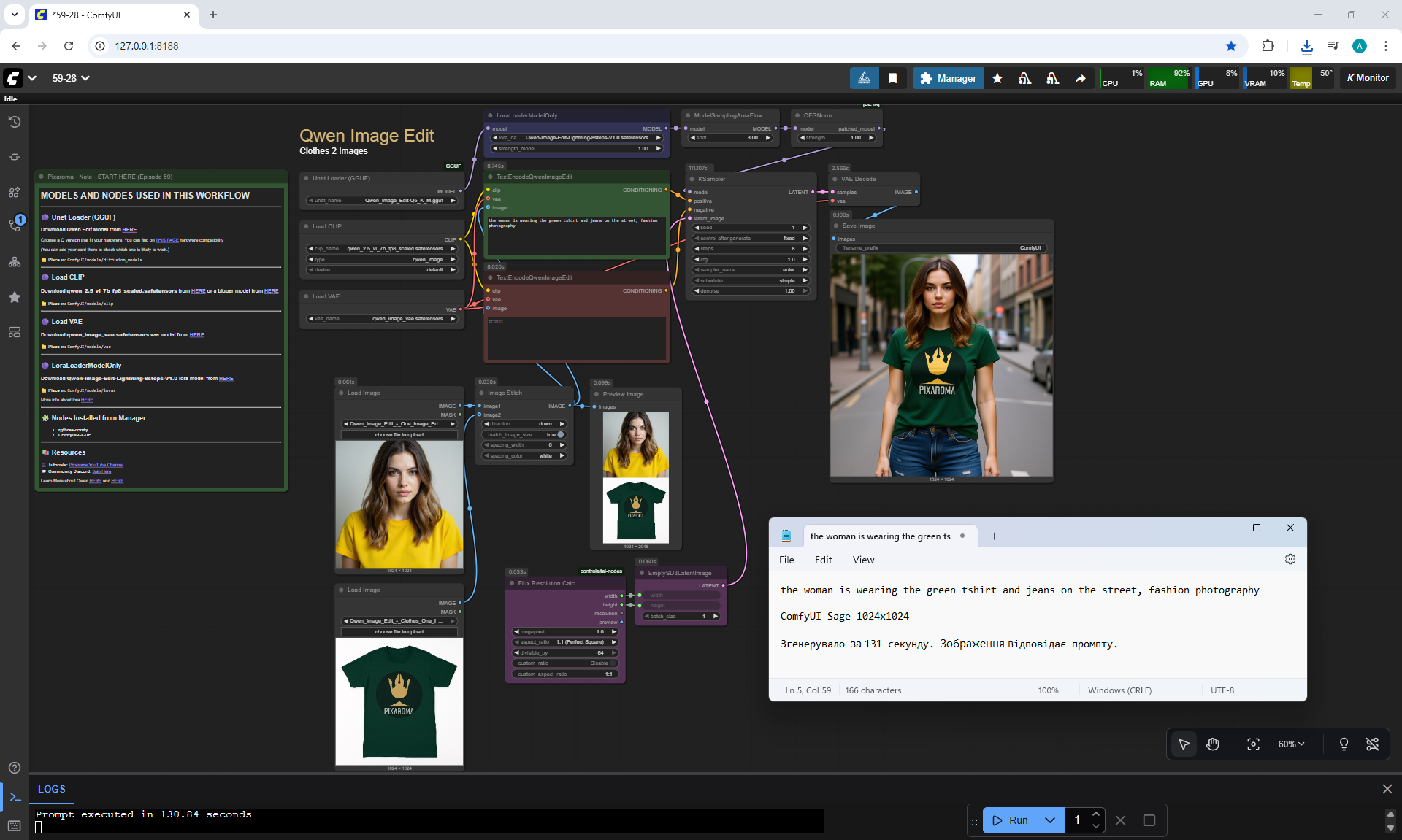
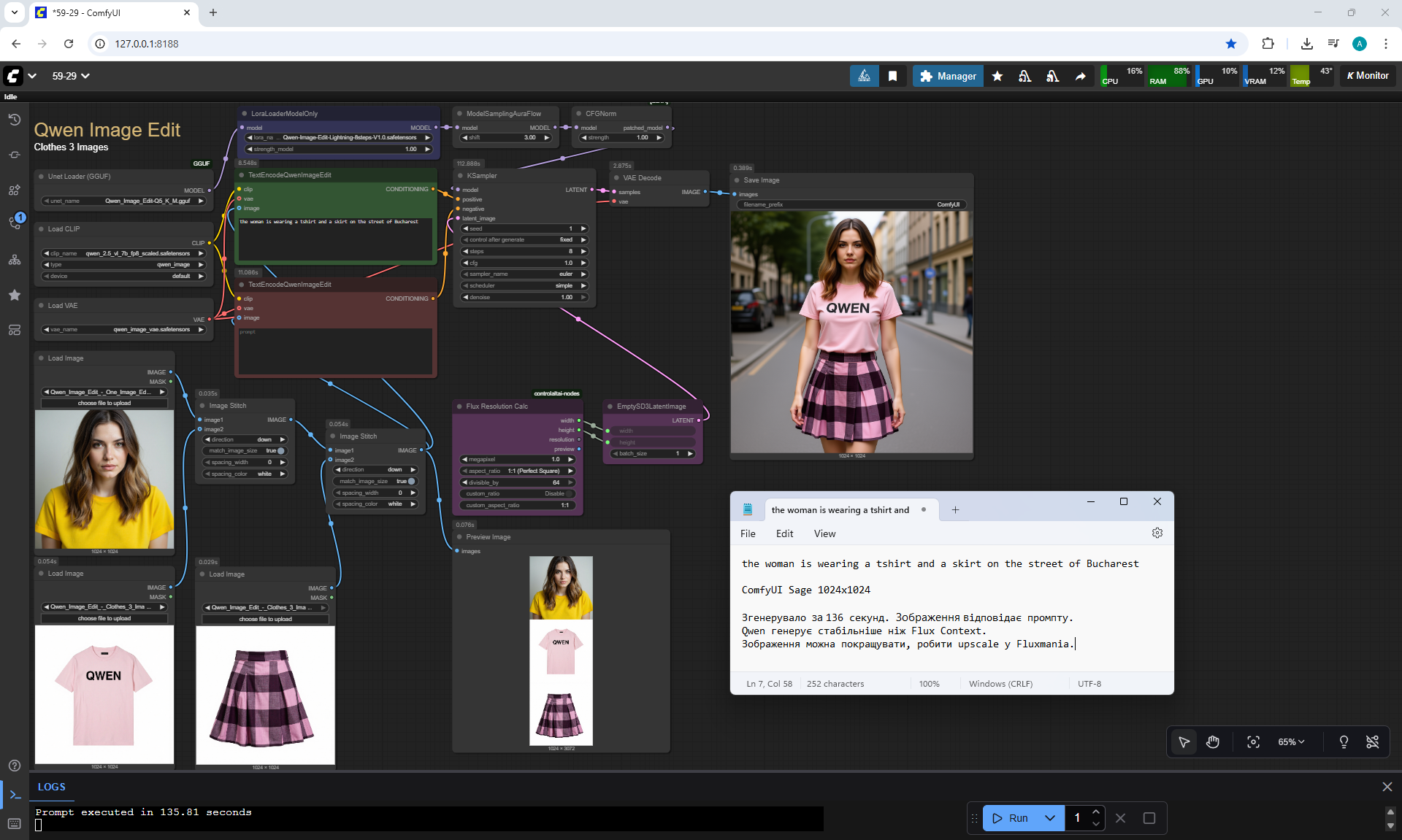
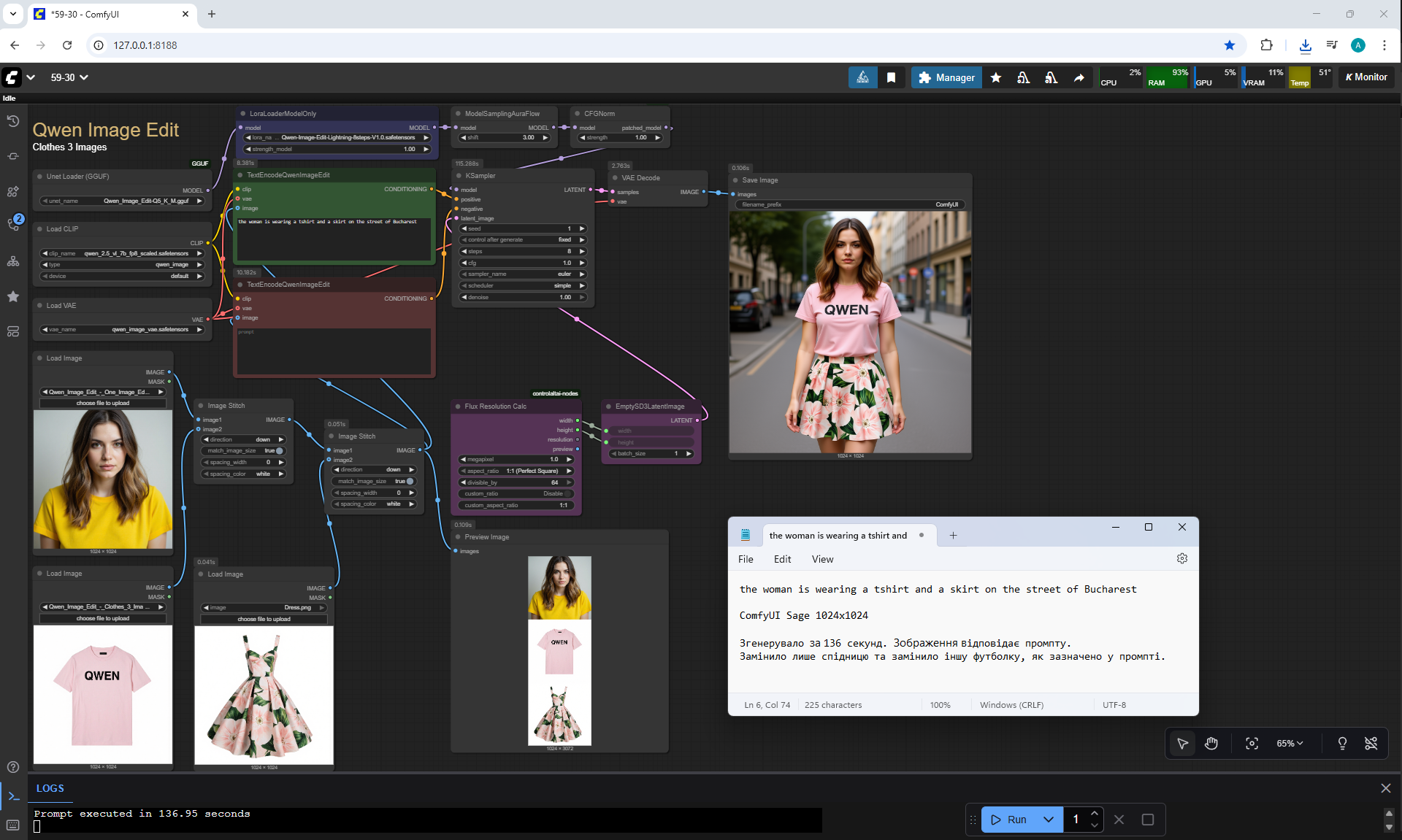
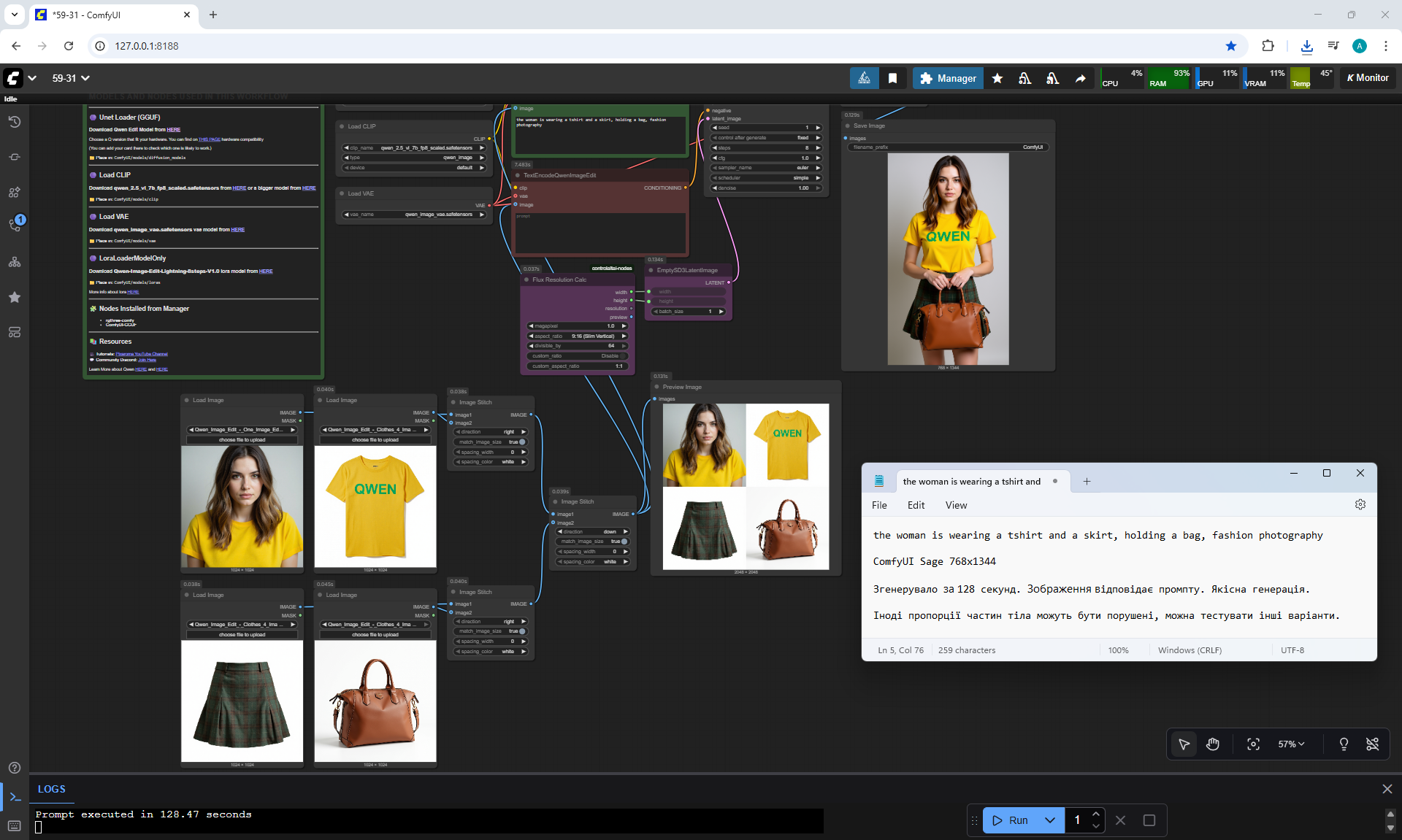
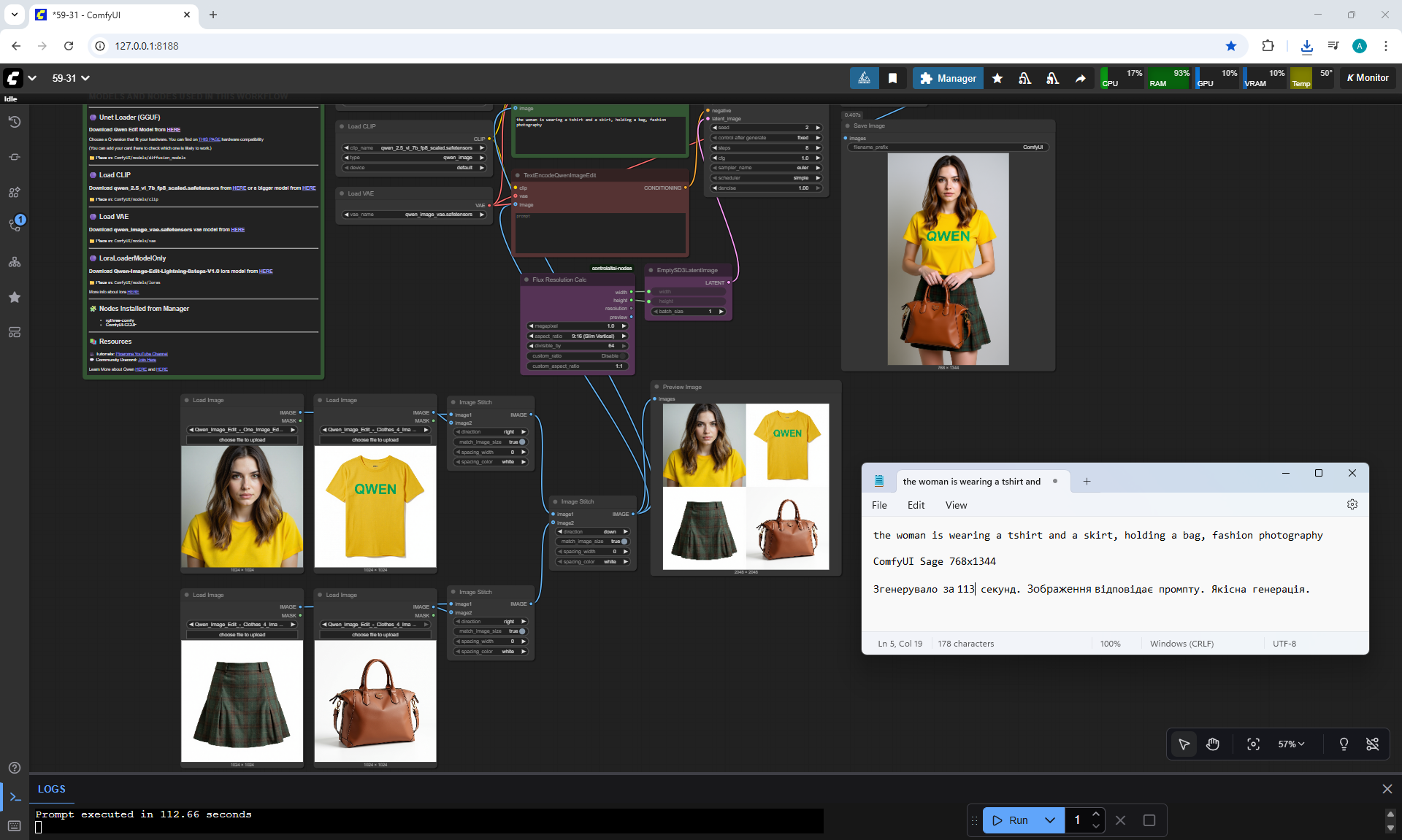
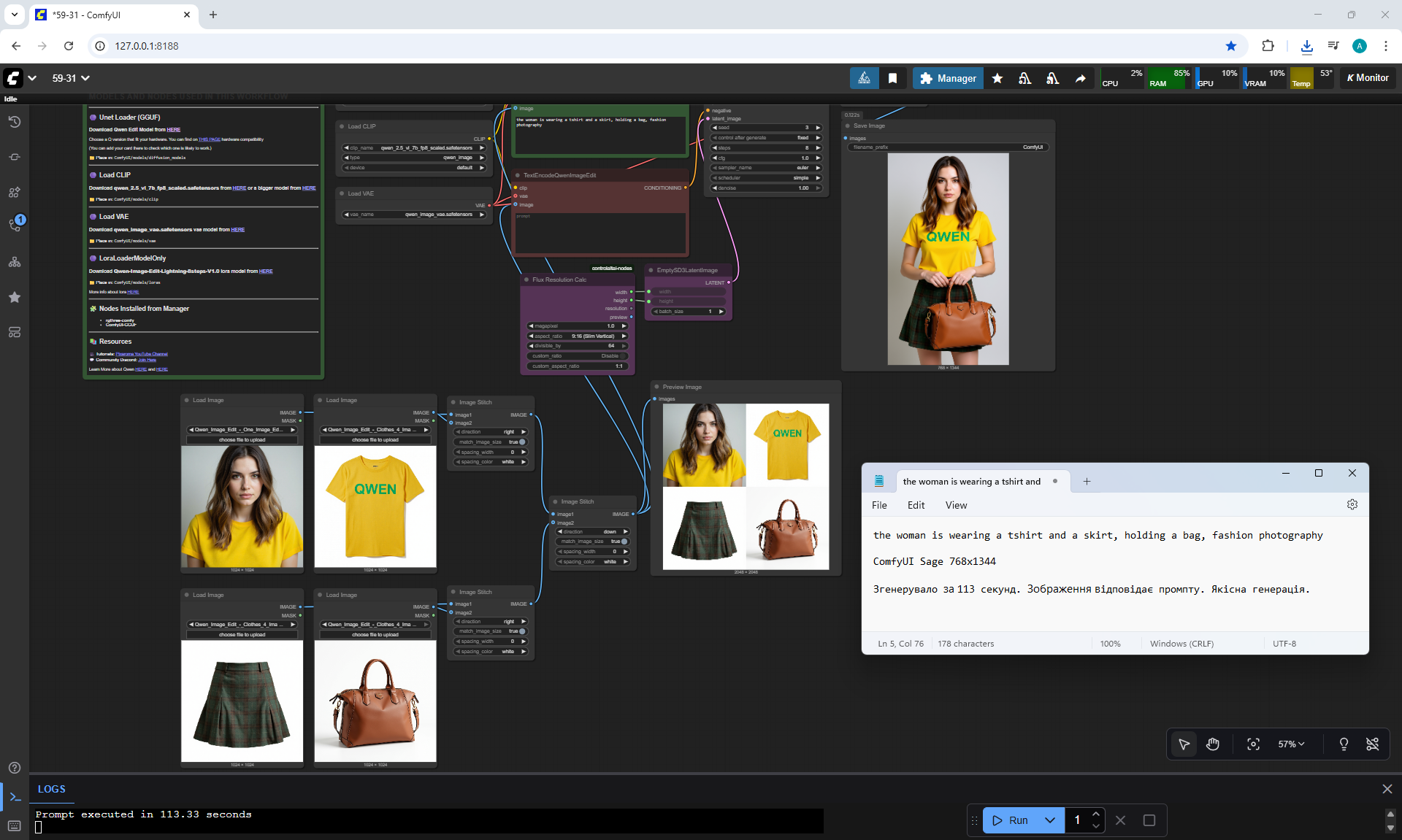
ComfyUI Tutorial Series Ep 59: Qwen Edit Workflows for Smarter Image Edits
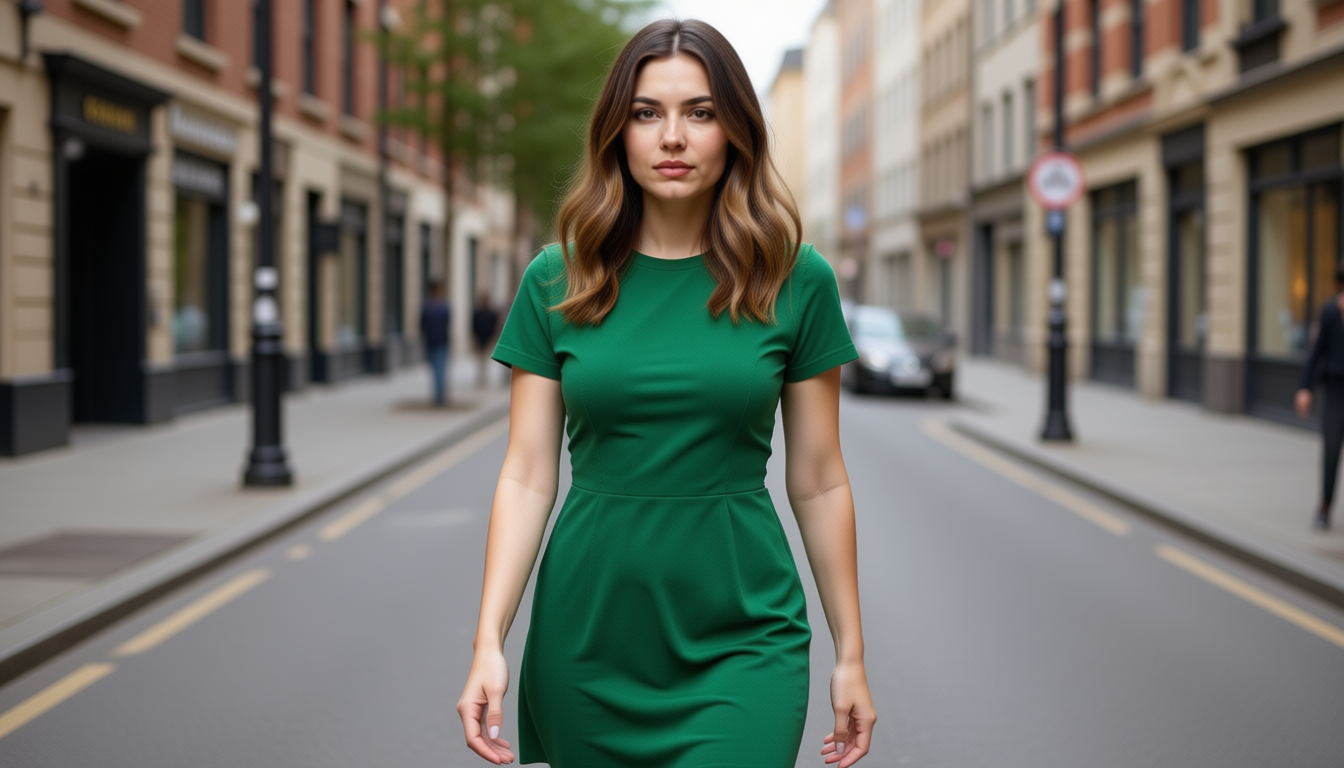

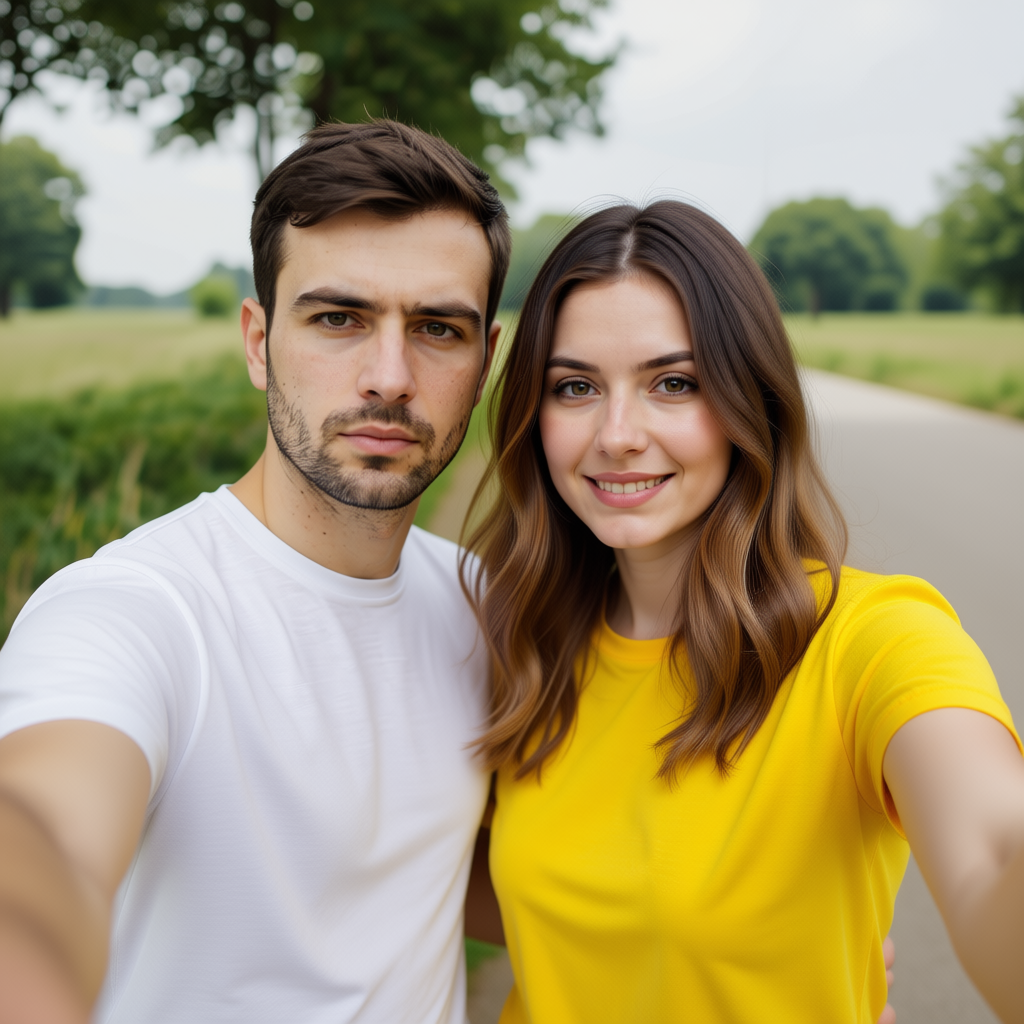

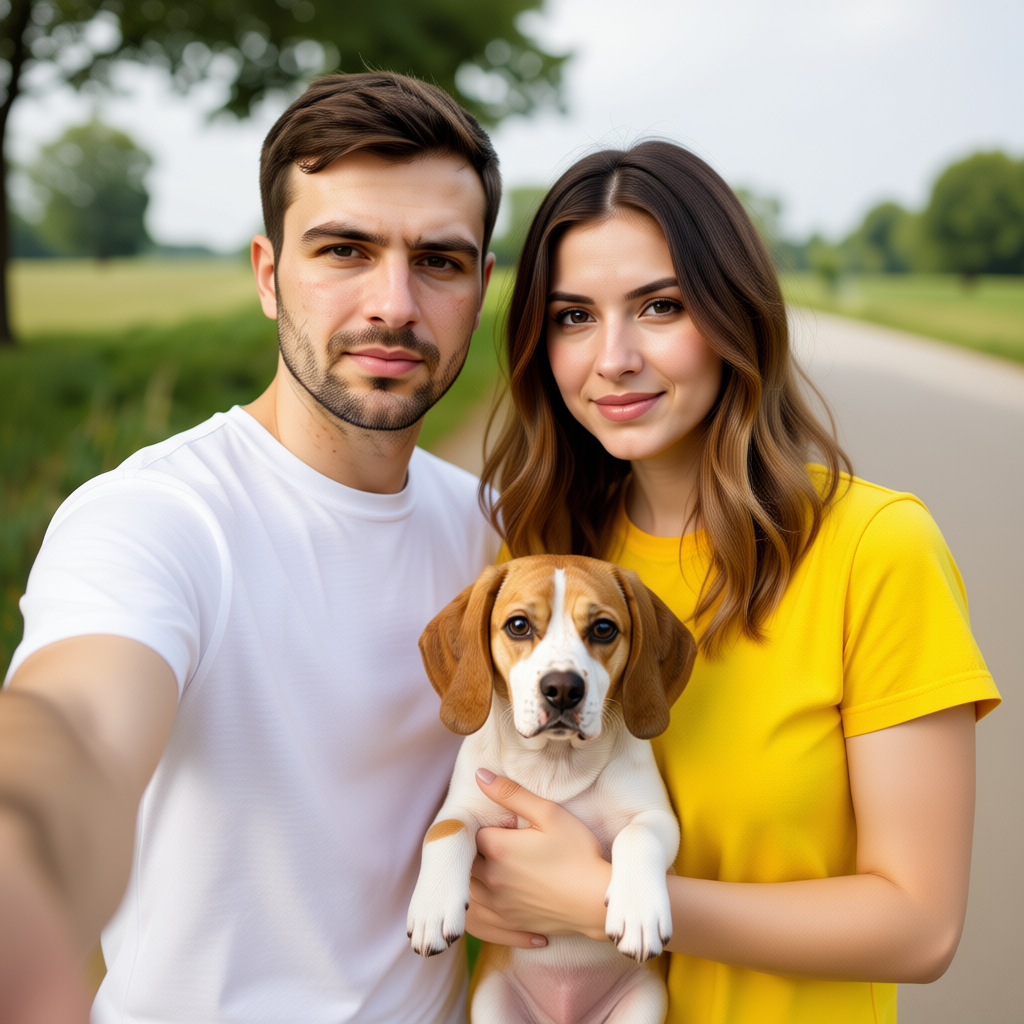
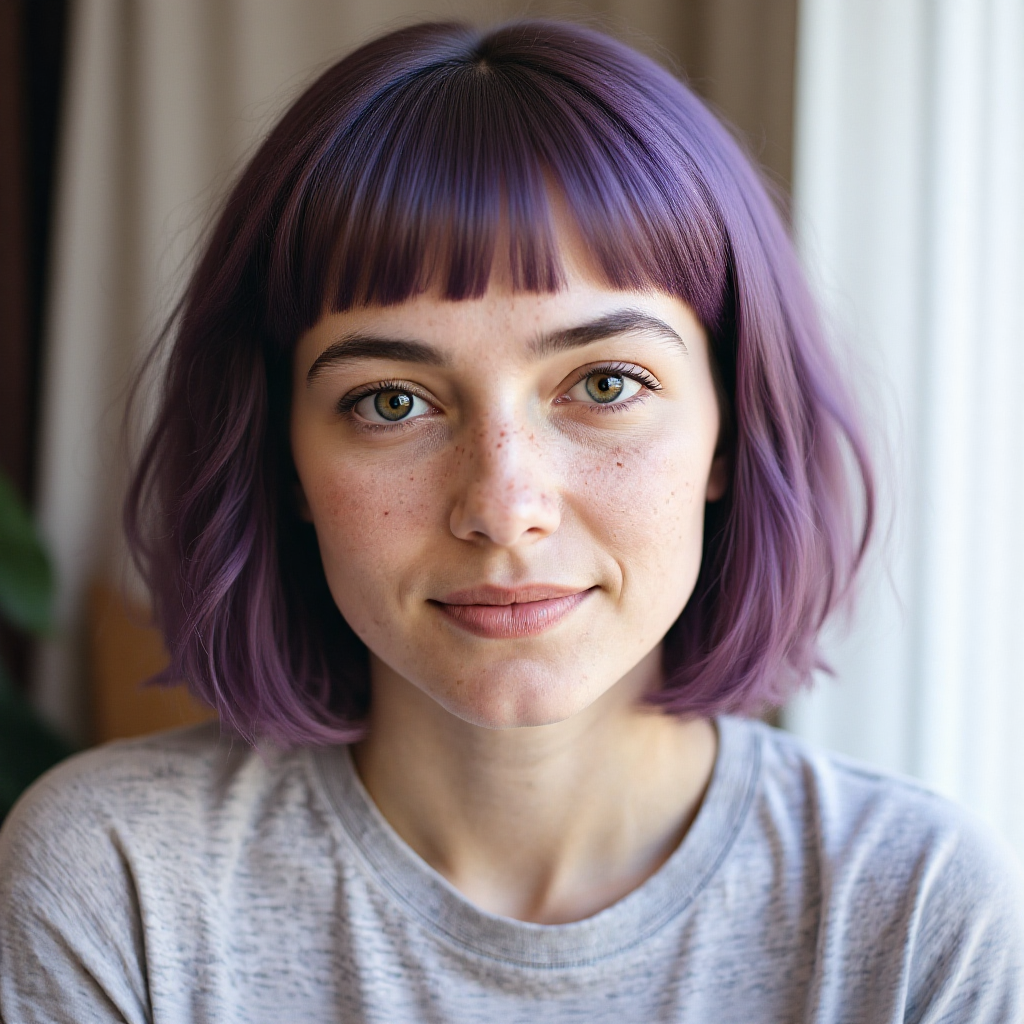






















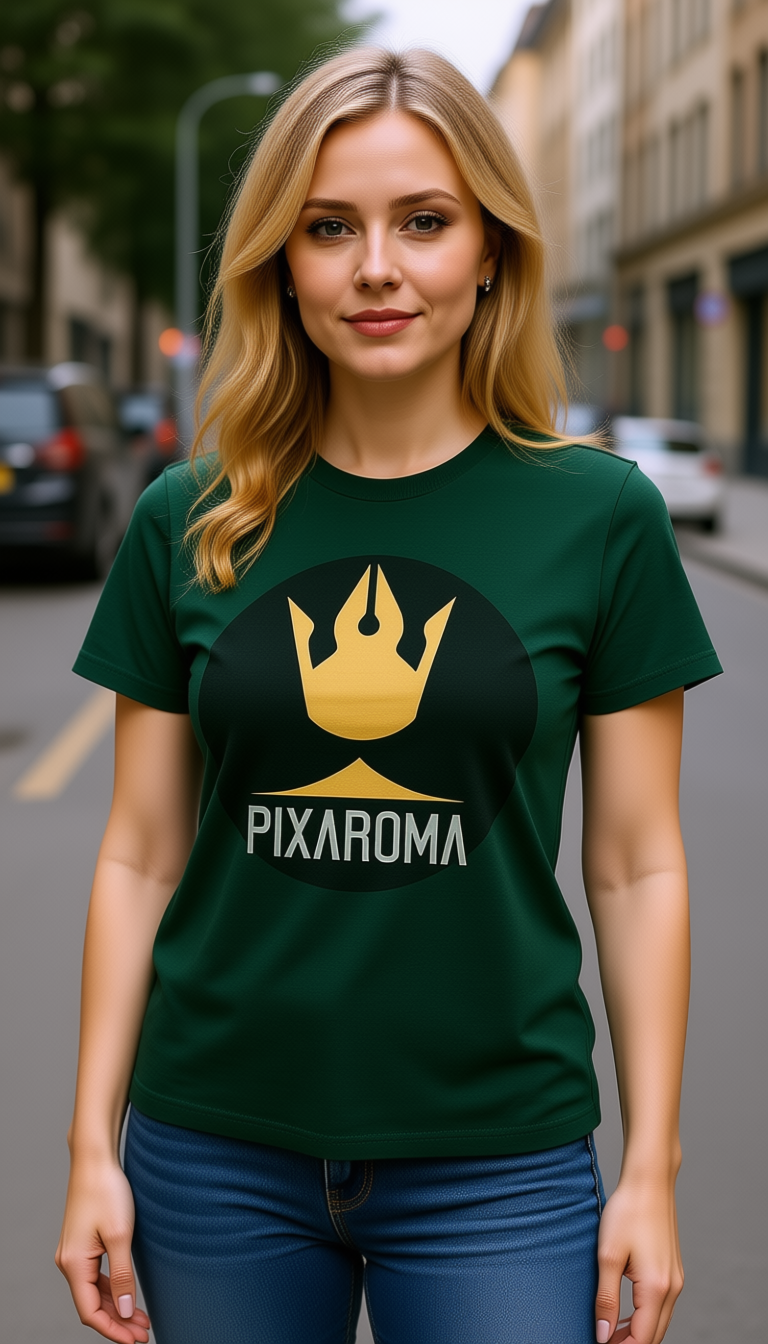
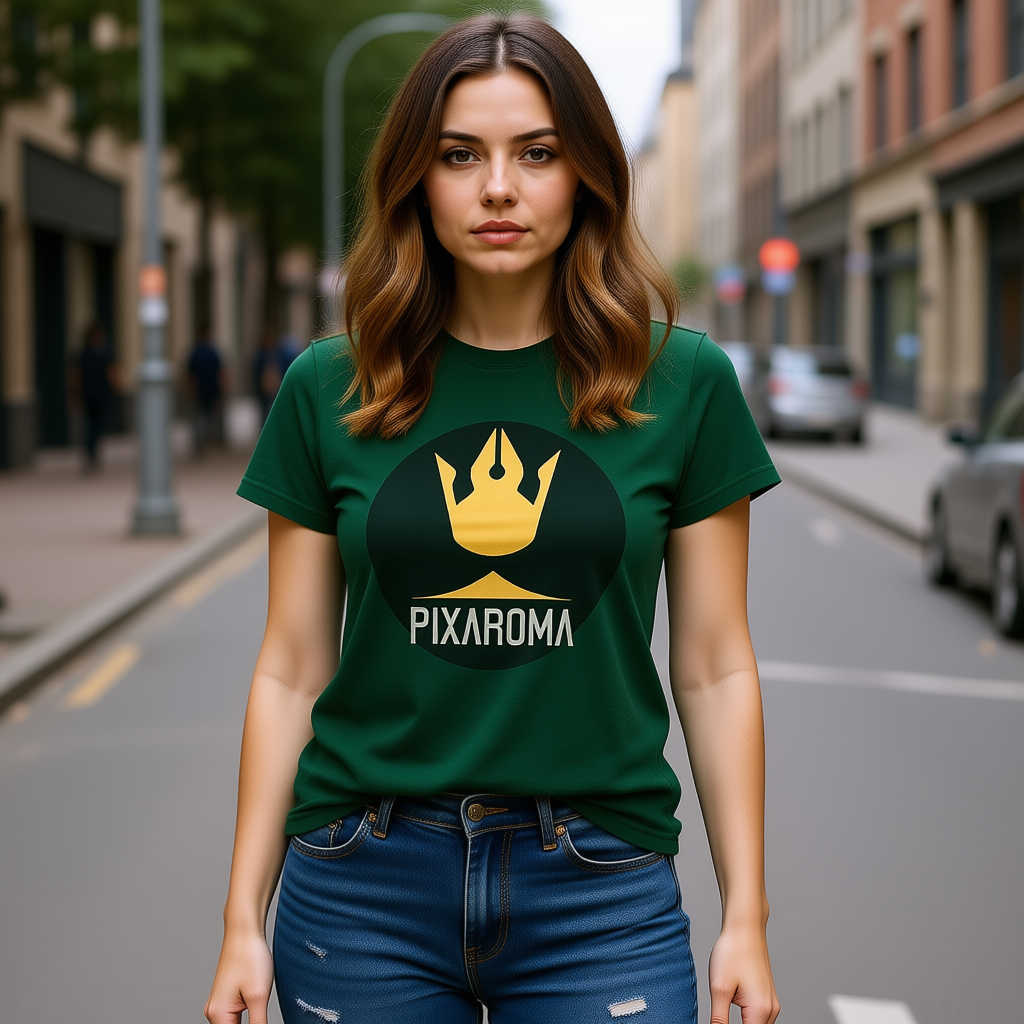
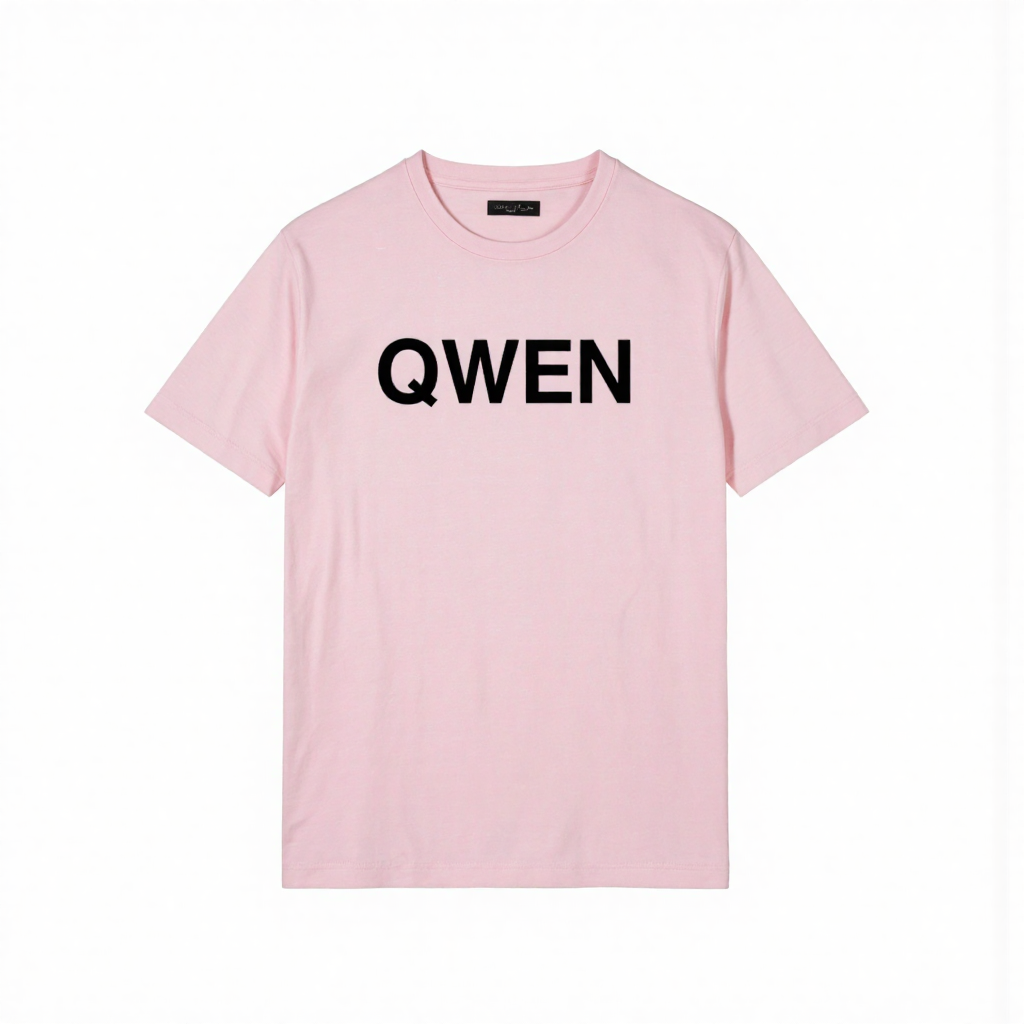
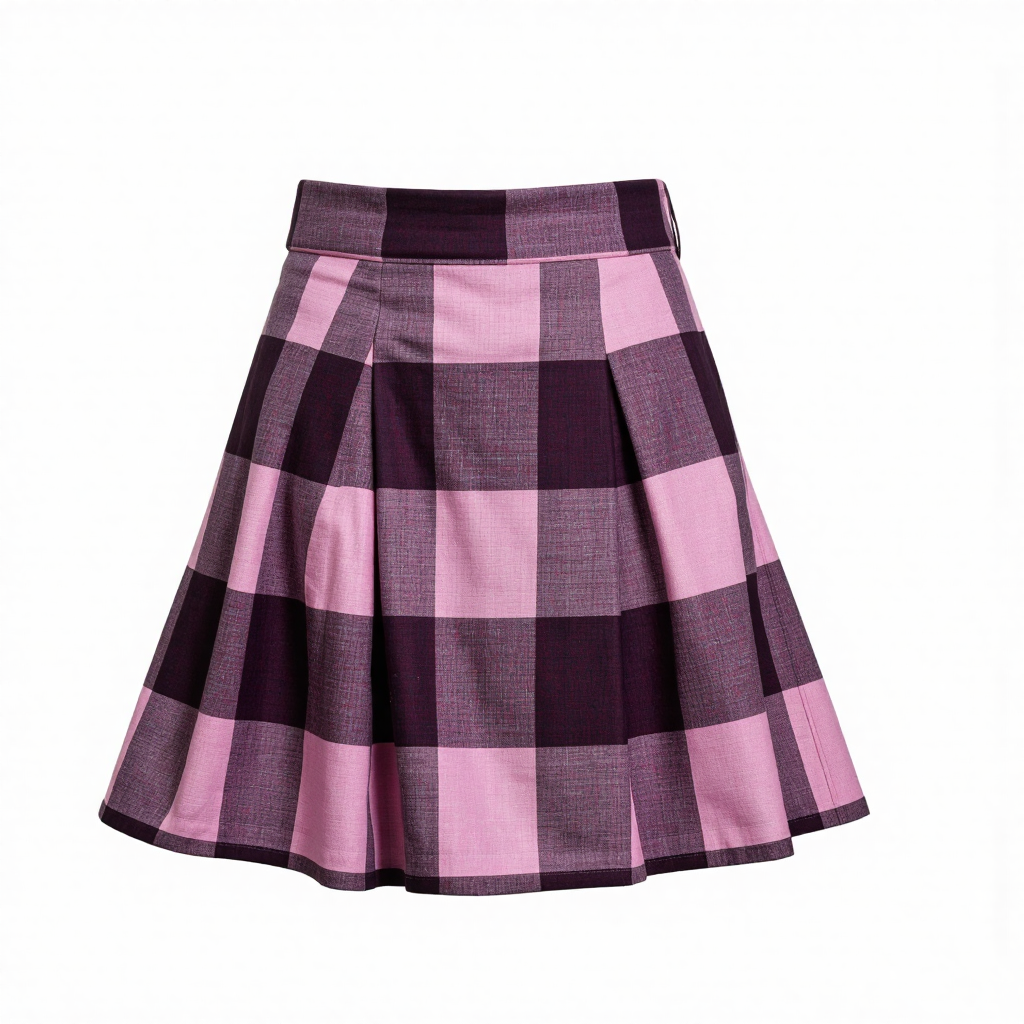
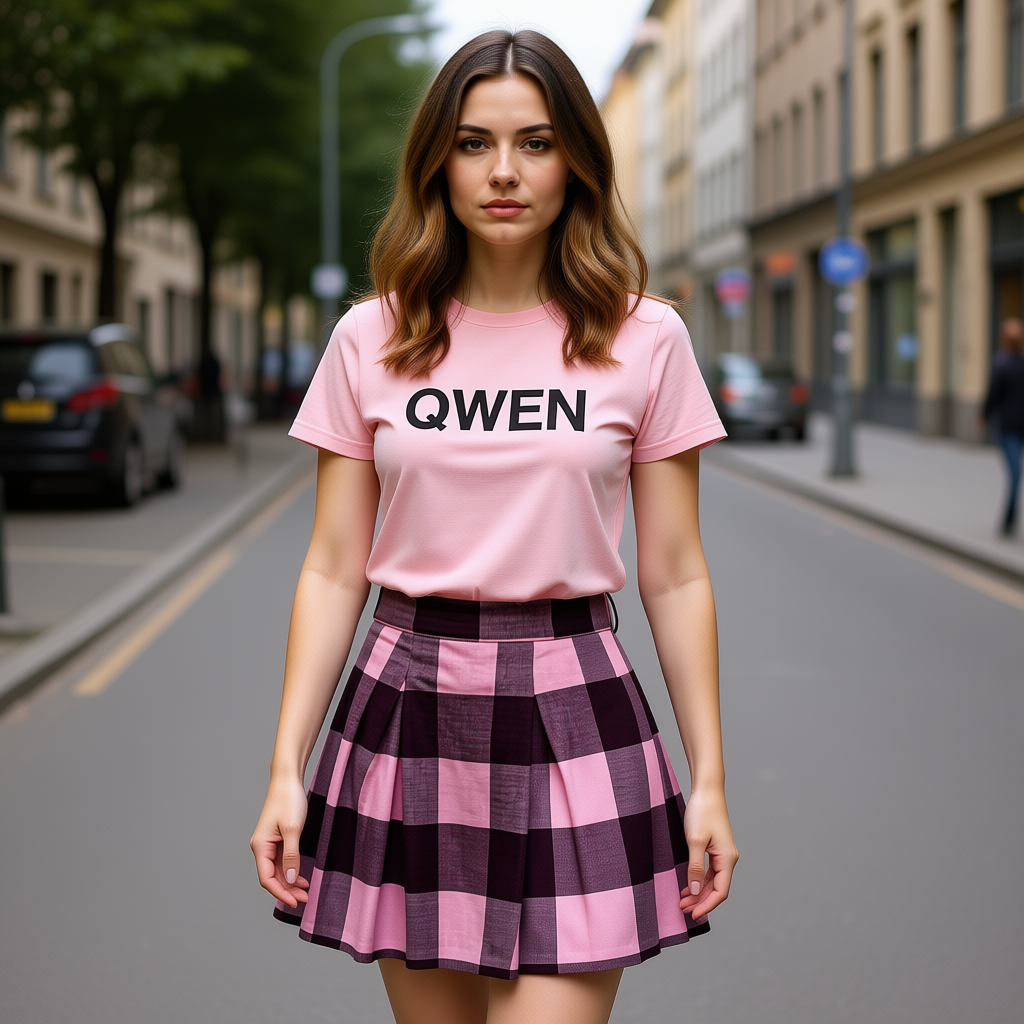
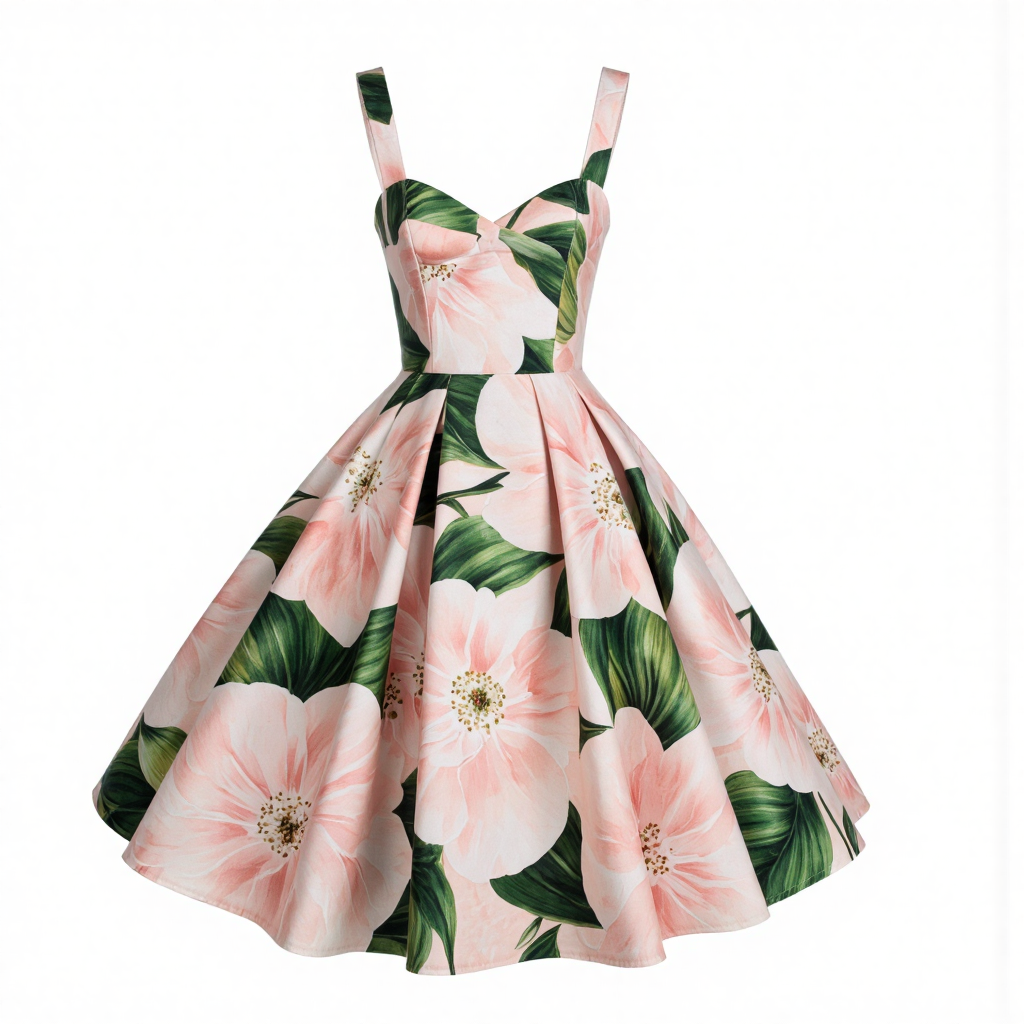
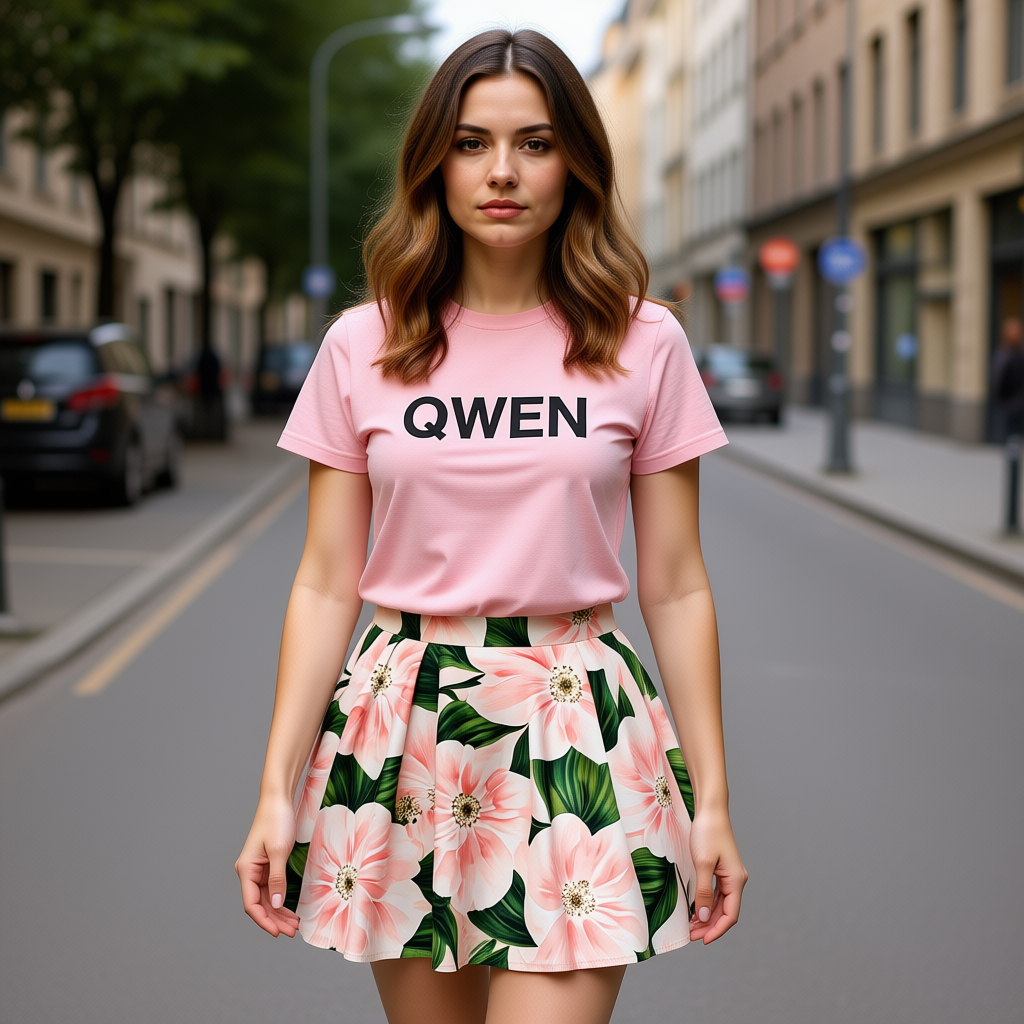
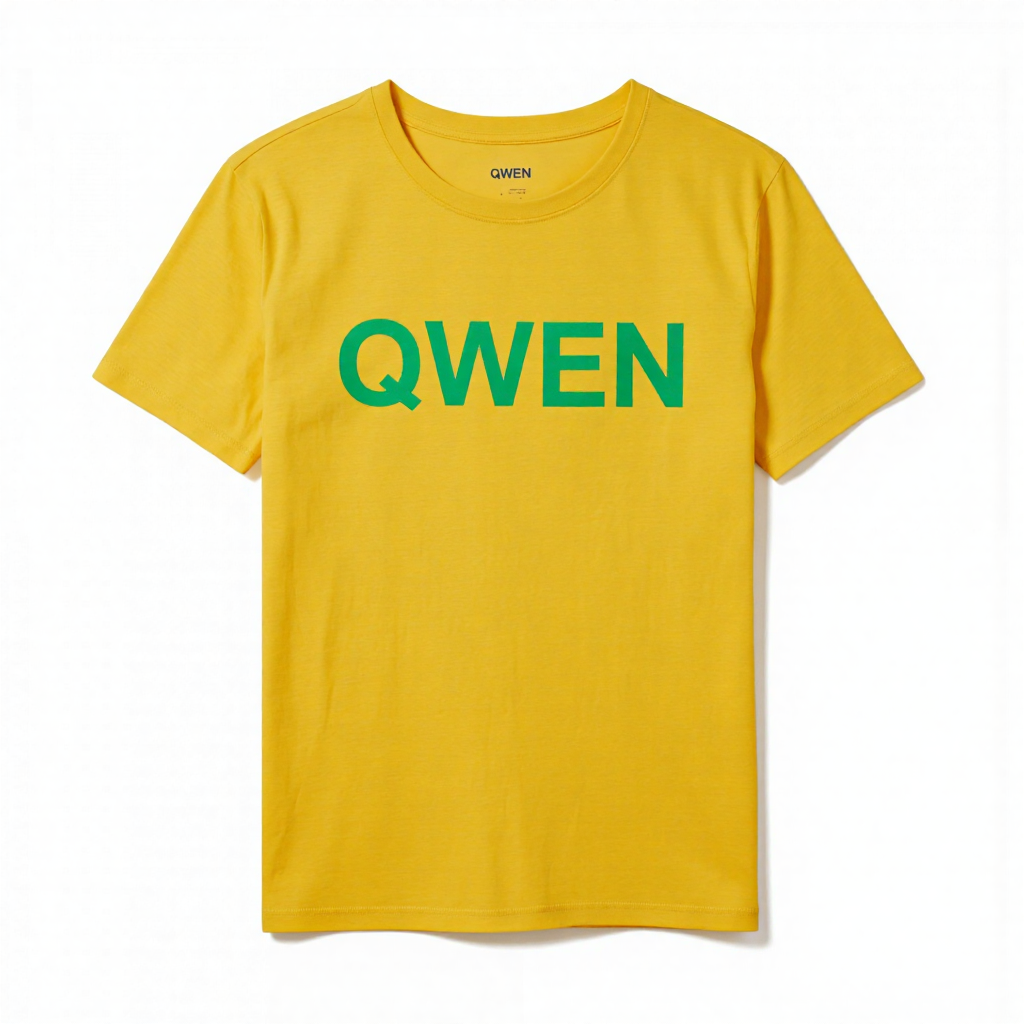
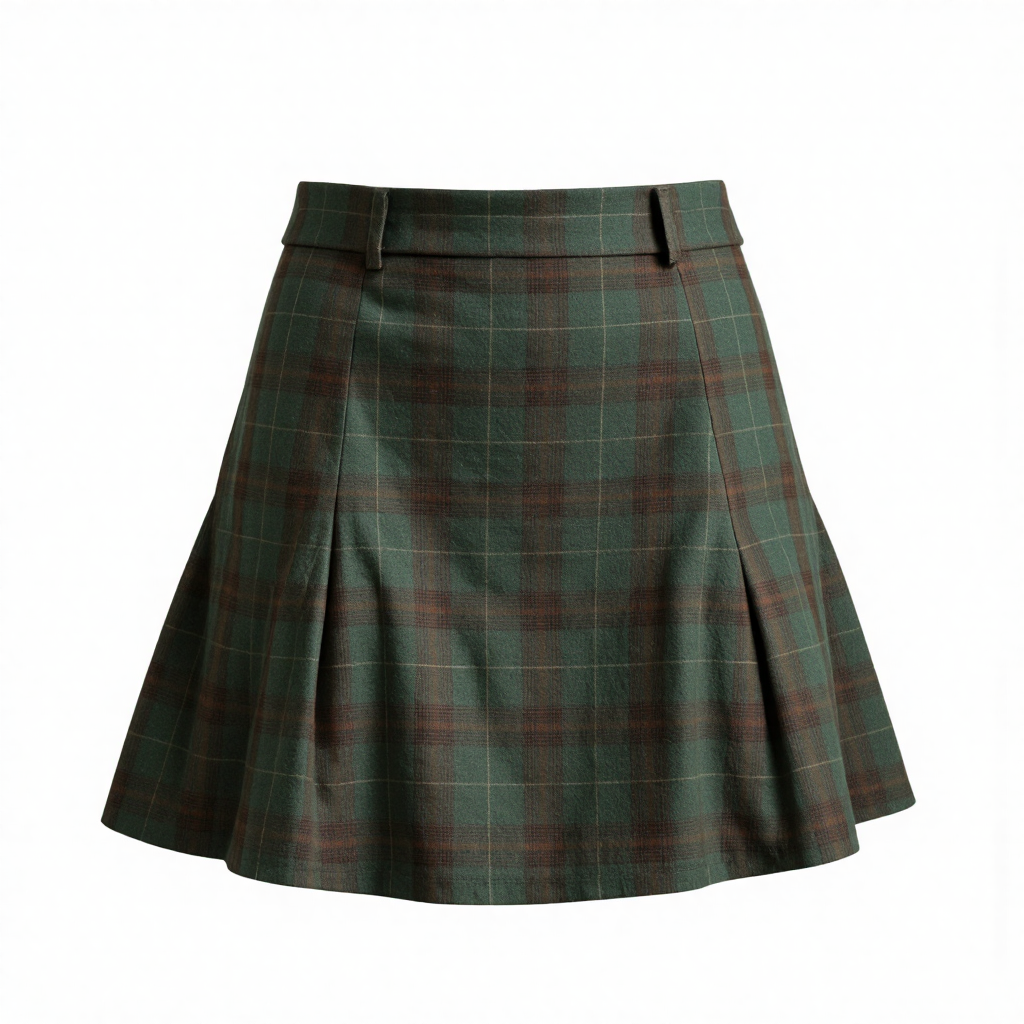
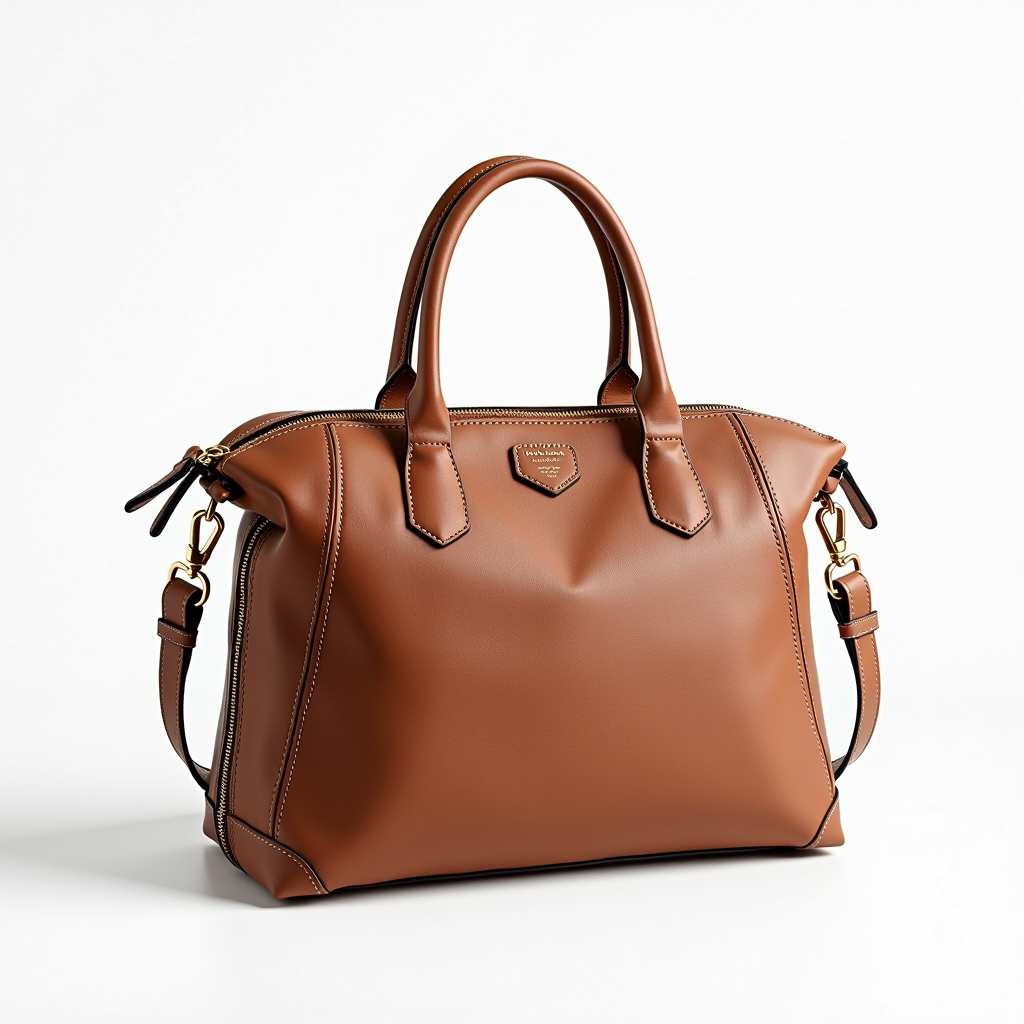
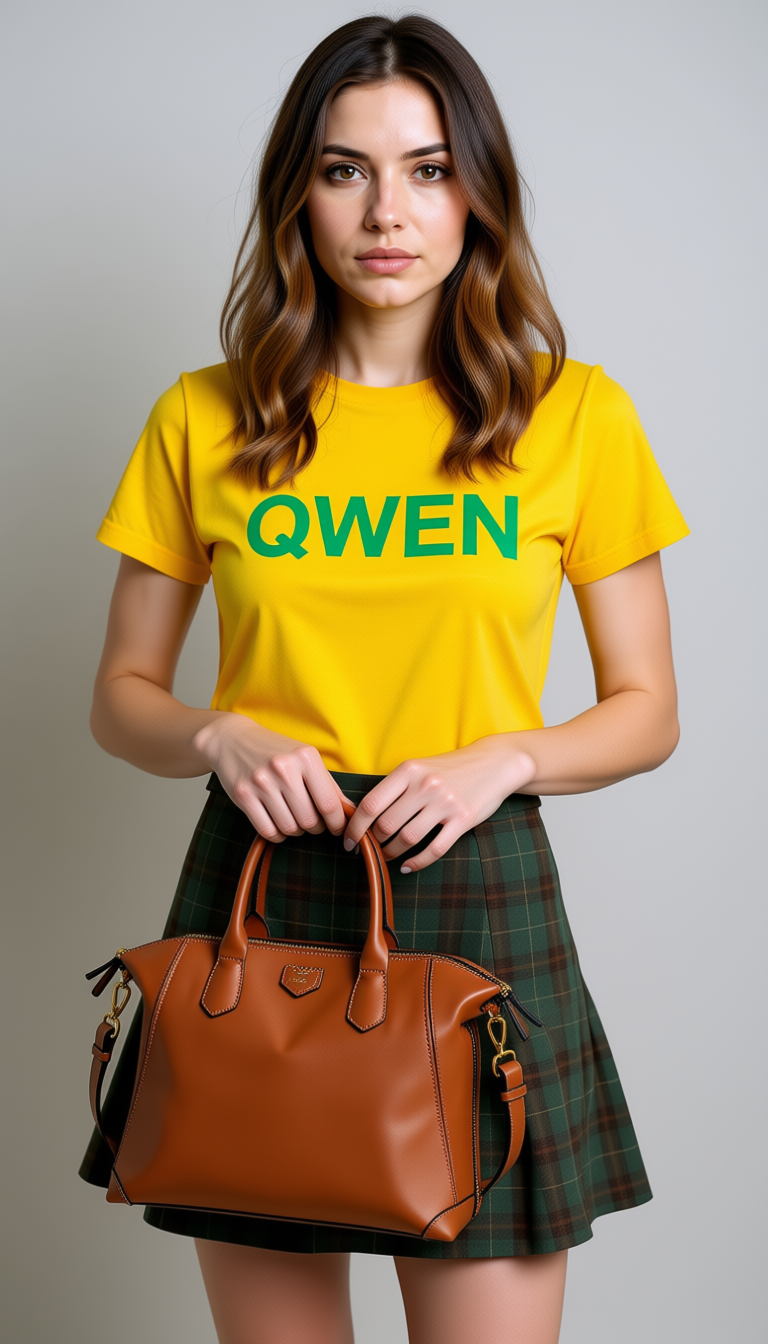
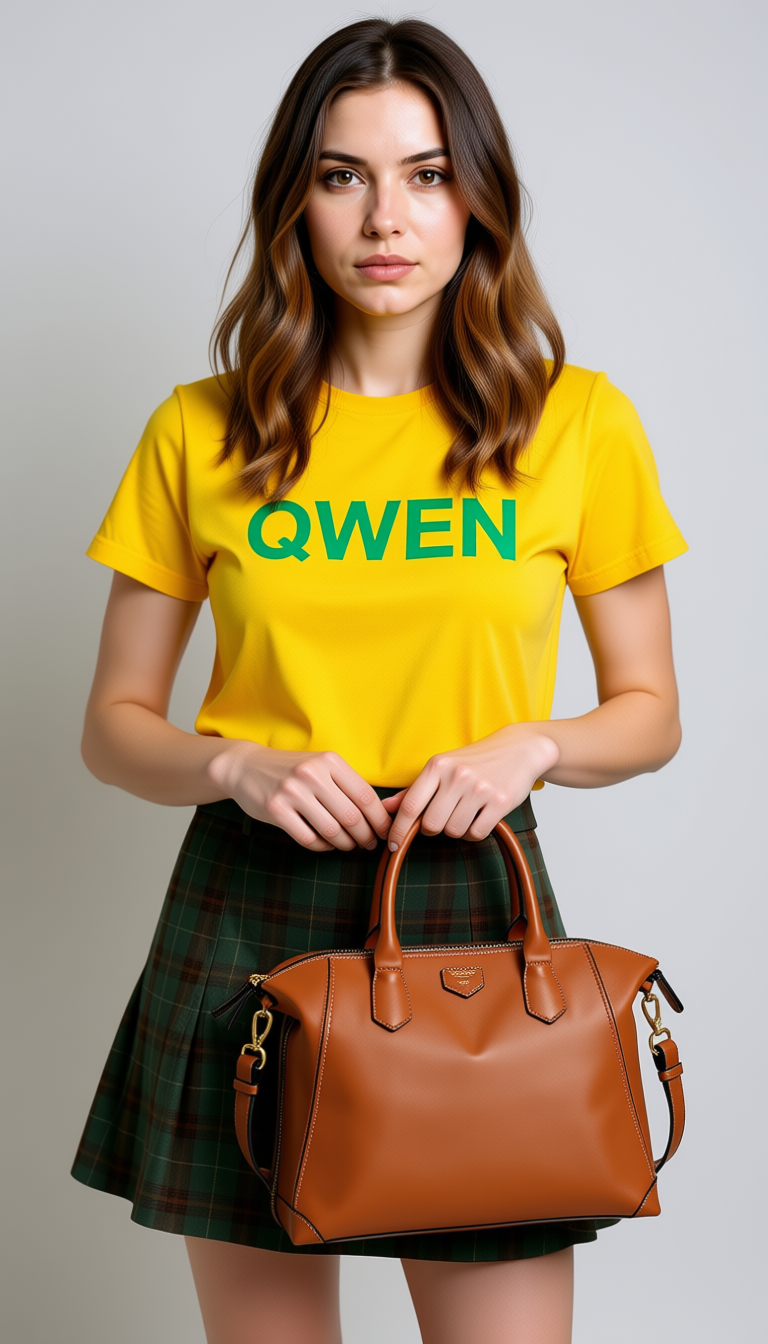
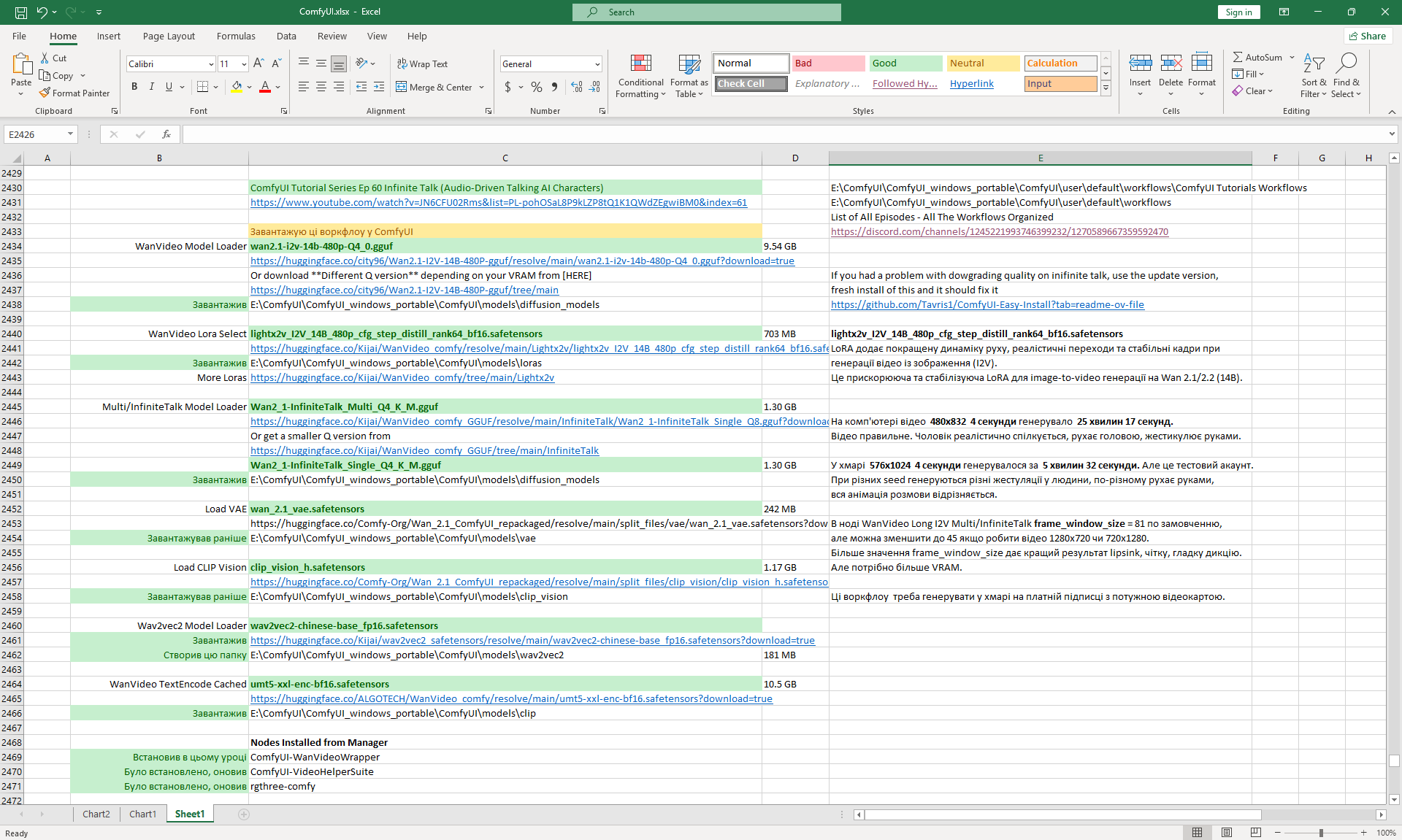
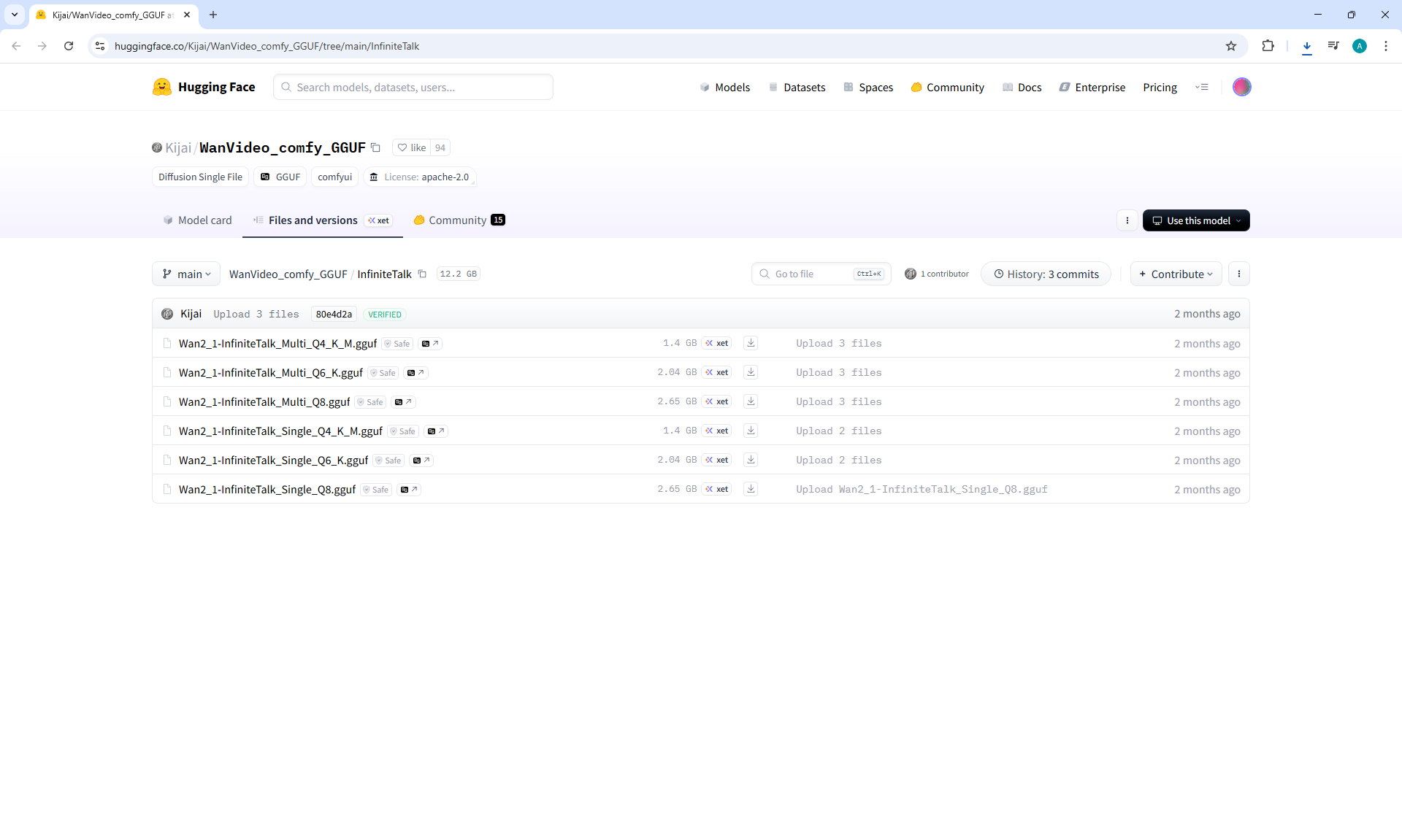
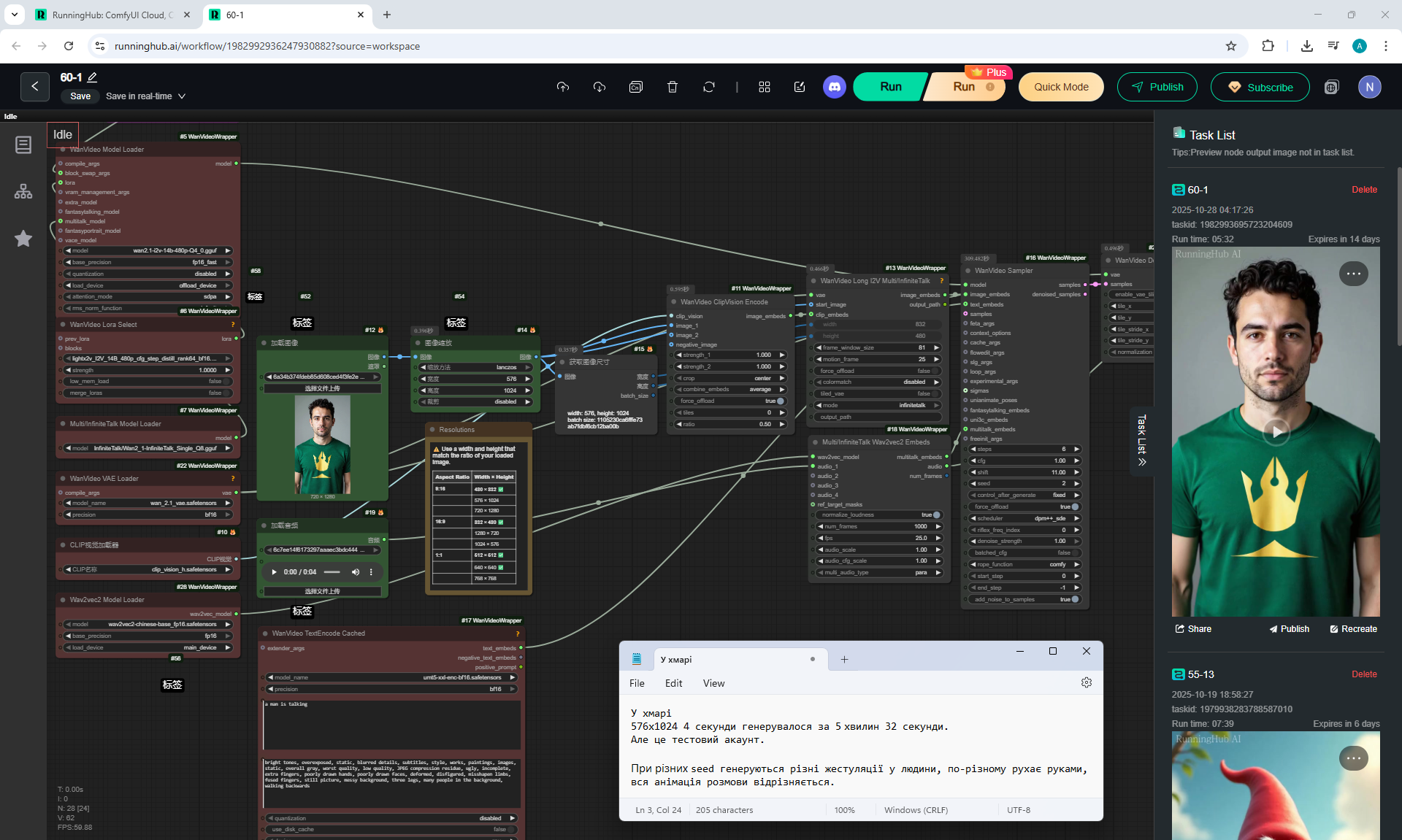
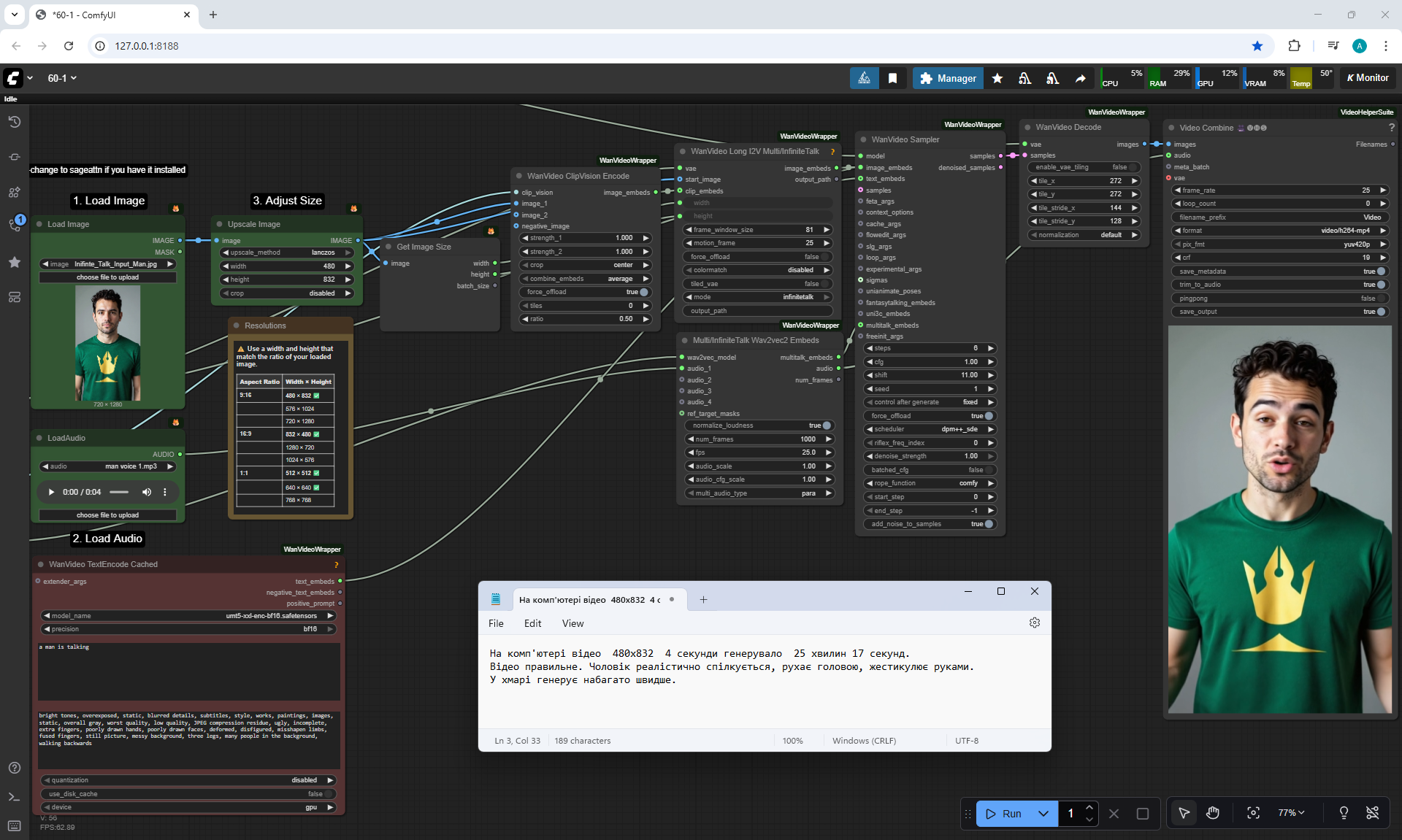
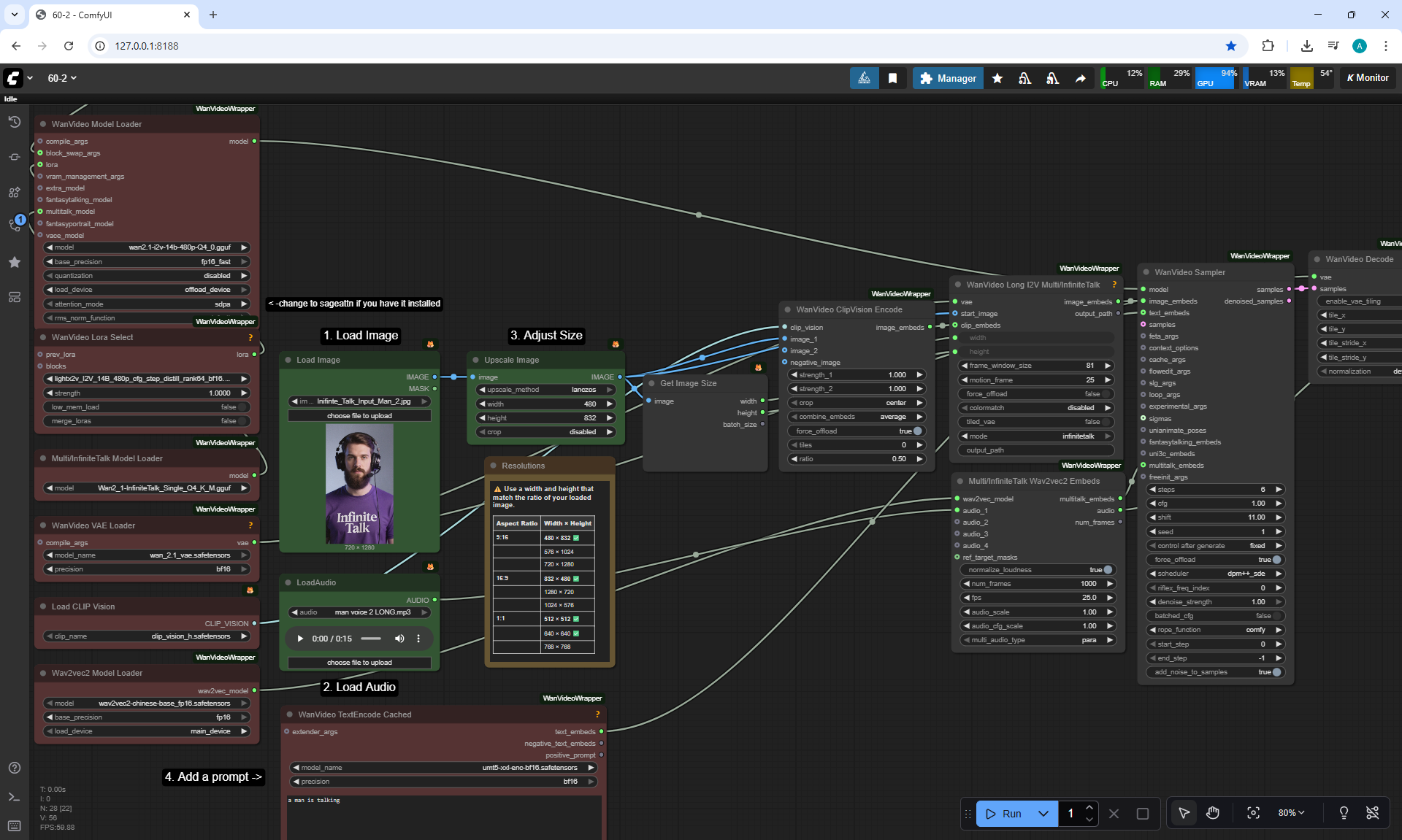
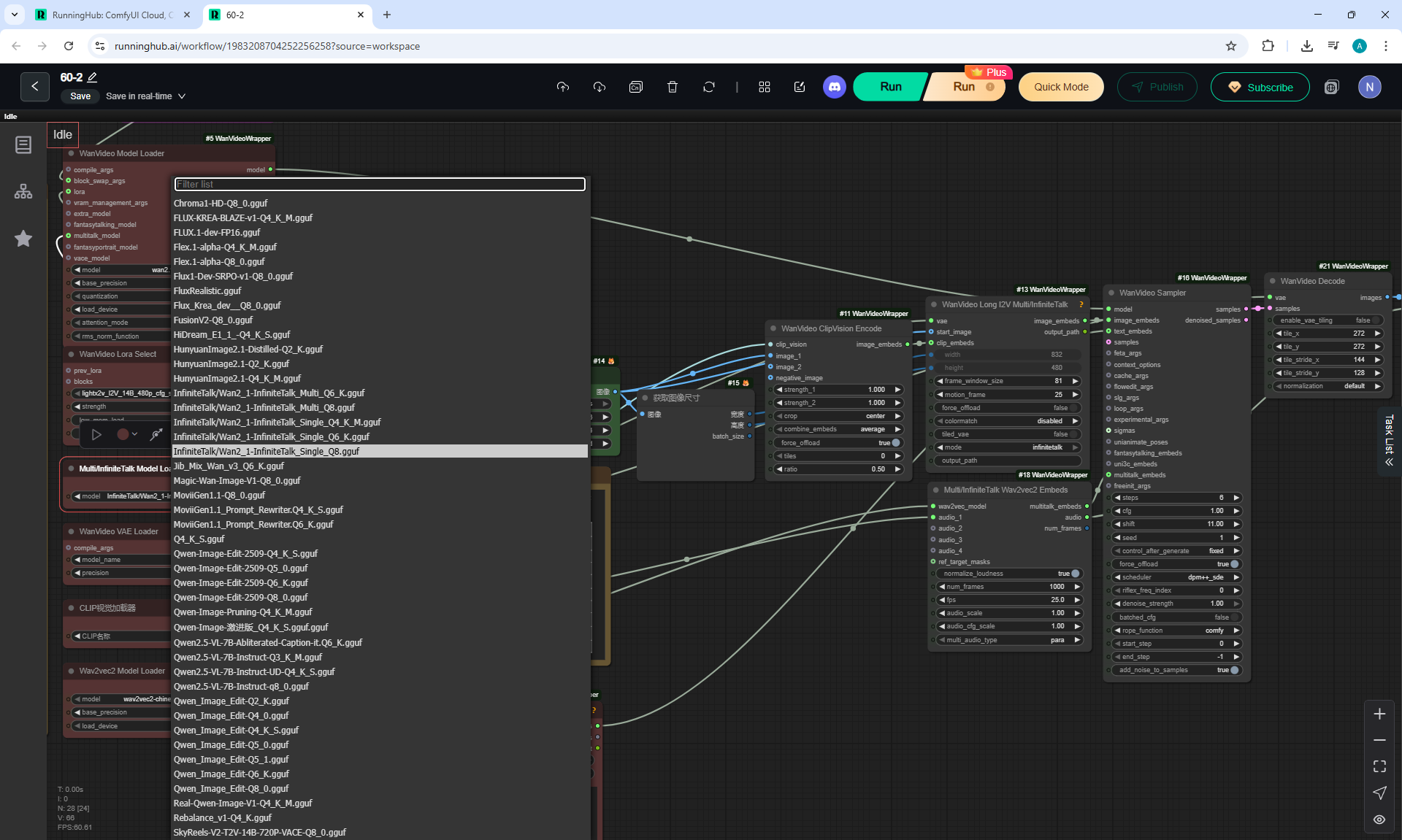
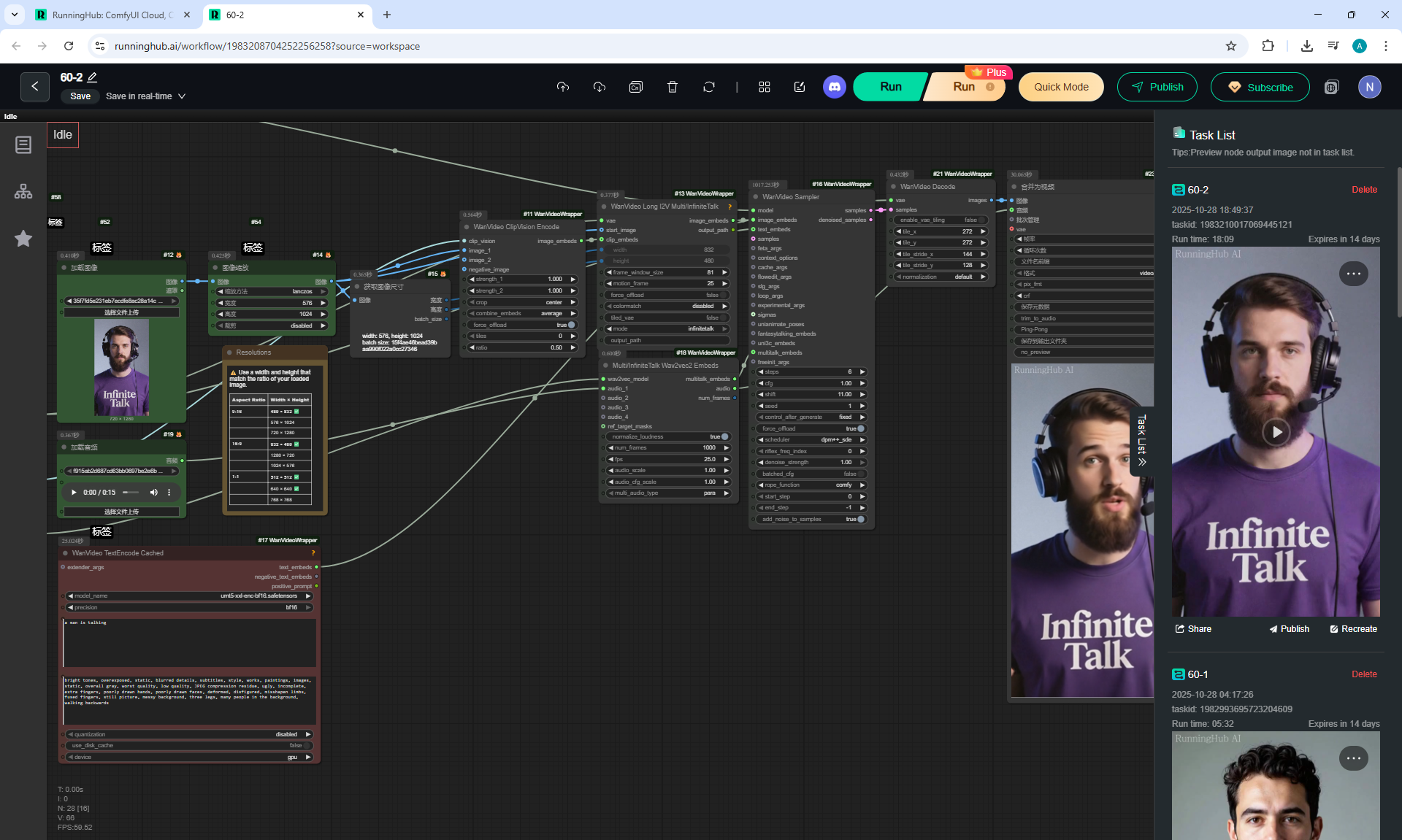
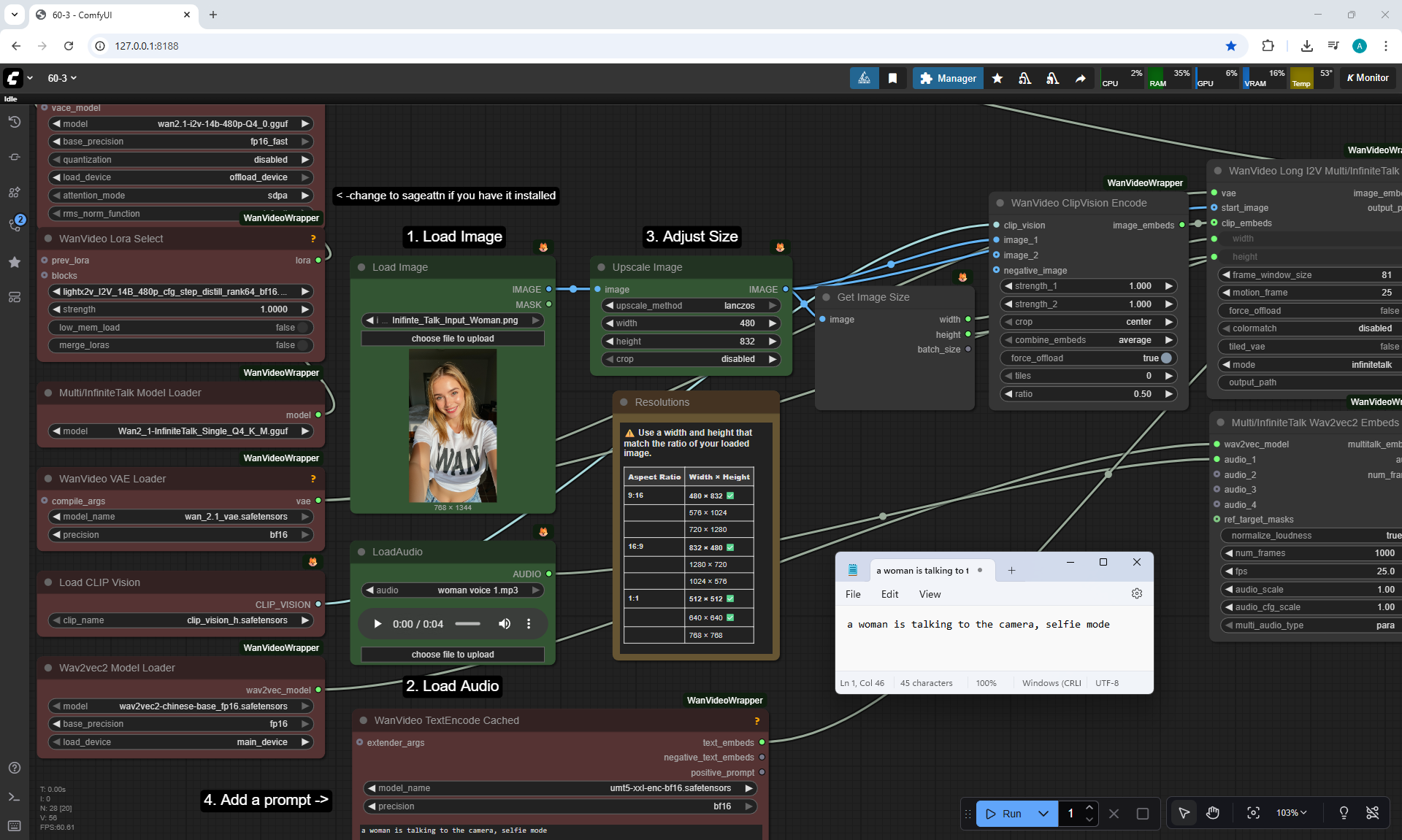
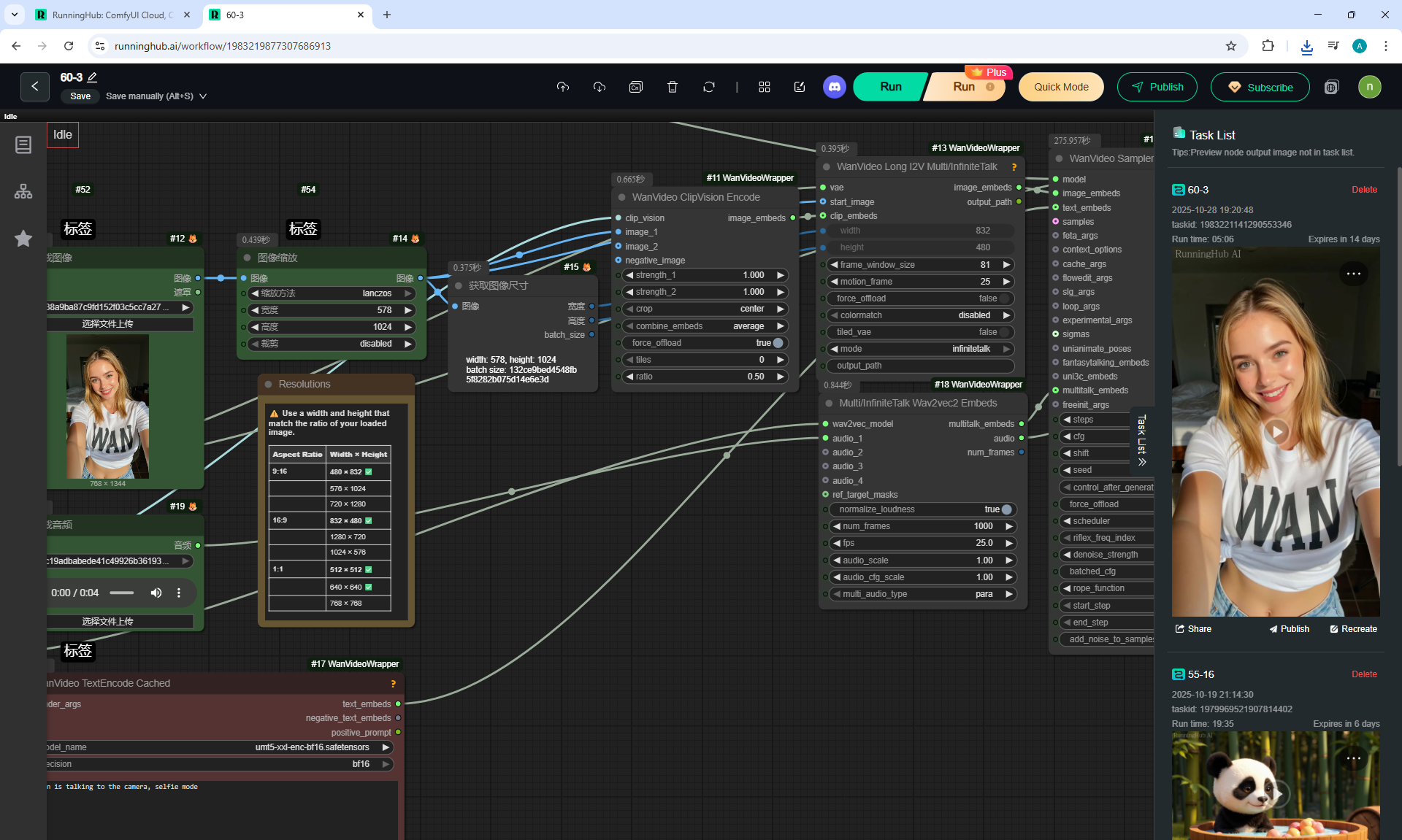
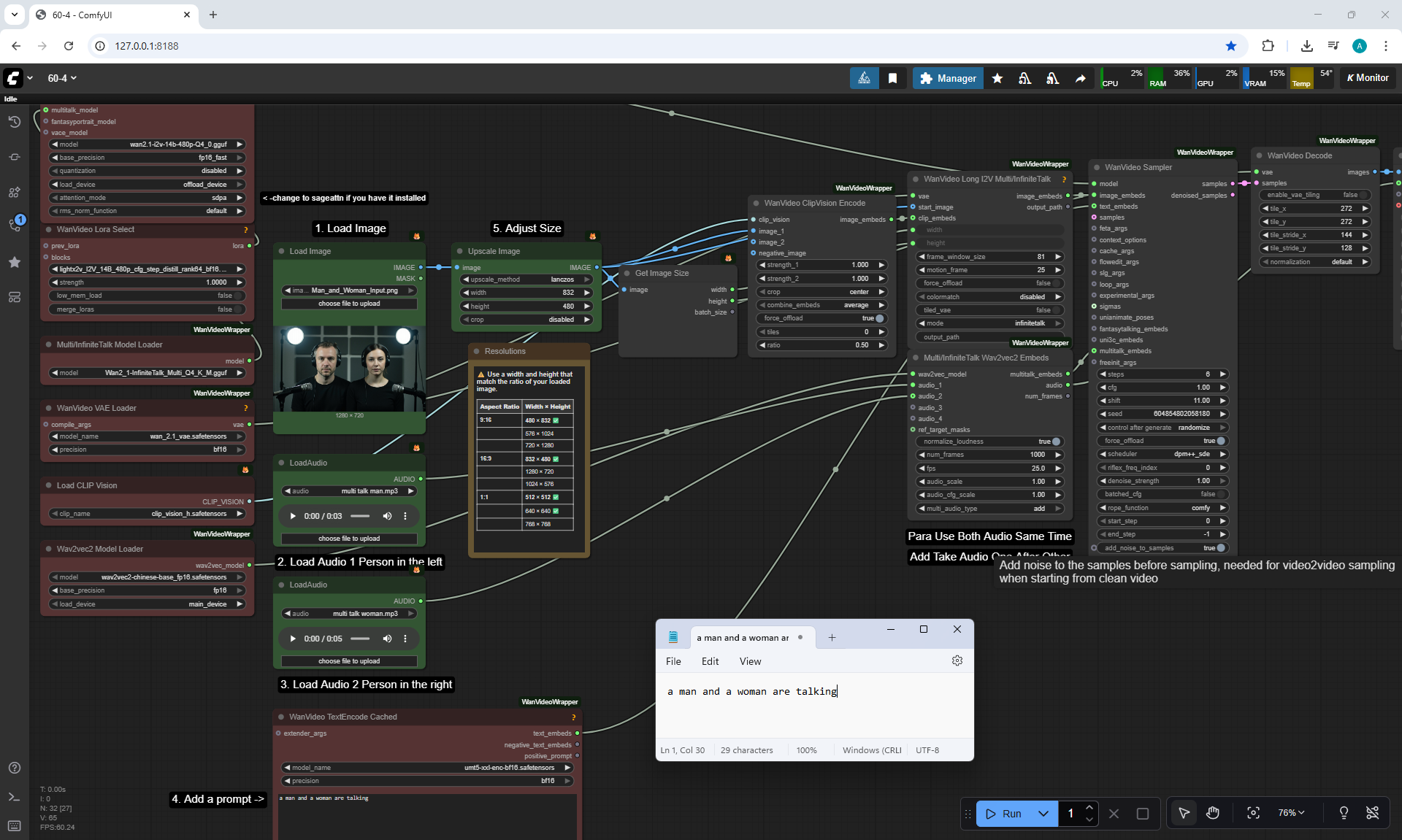
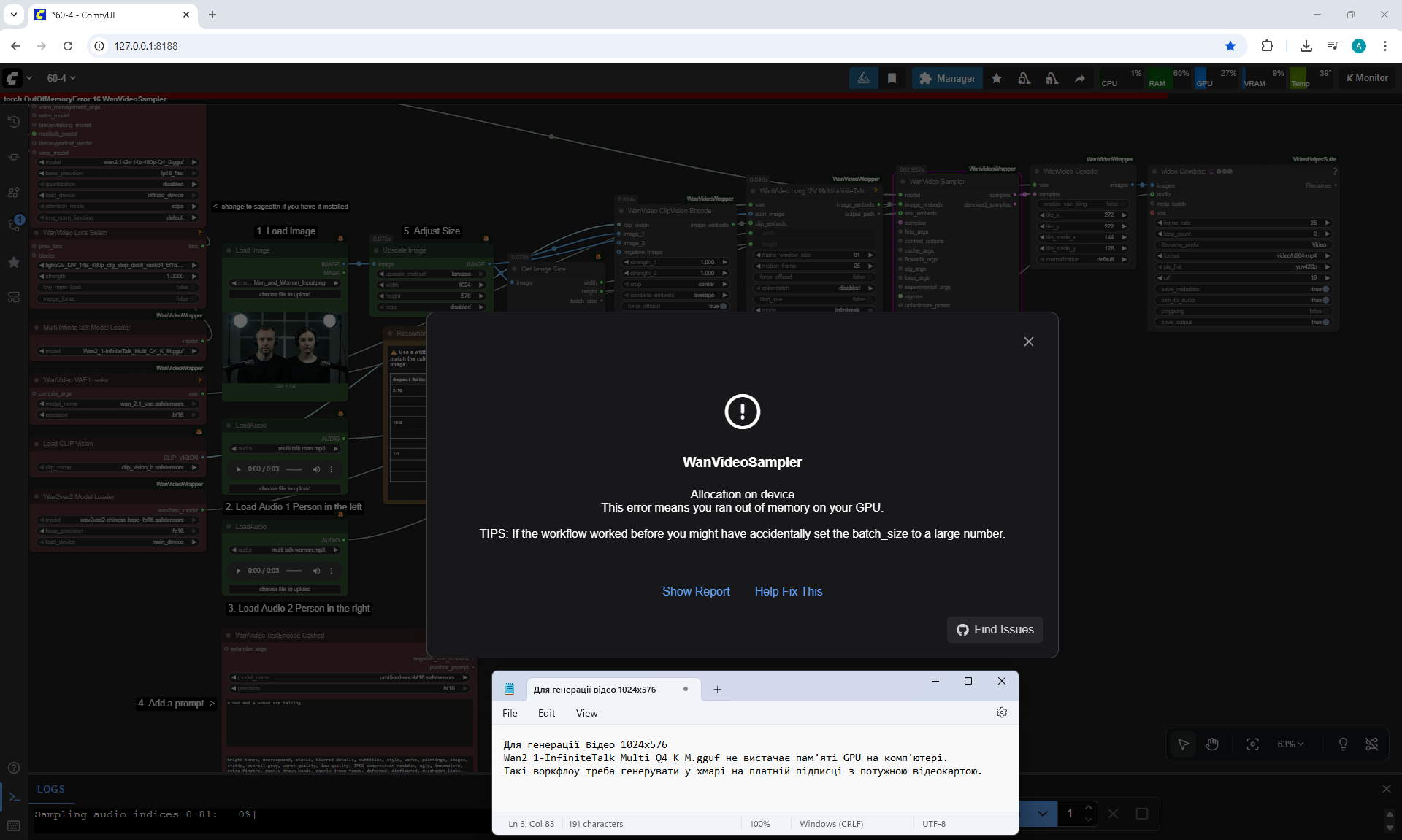
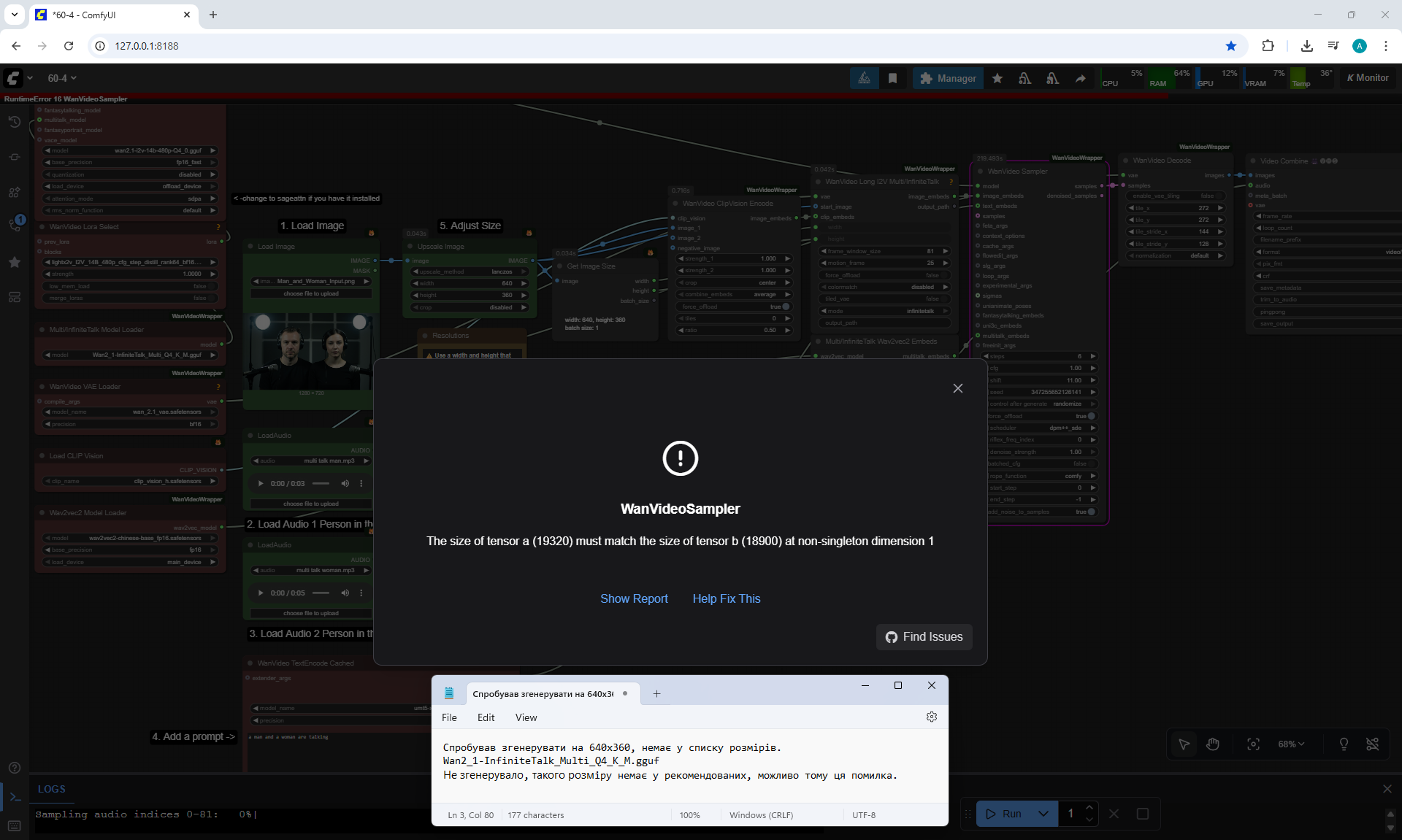
ComfyUI Tutorial Series Ep 60 Infinite Talk (Audio-Driven Talking AI Characters)