


AI lessons 2
Here are other AI lessons that are not included in a separate course, which I have studied and completed.
Training LoRA inside ComfyUI for character and style
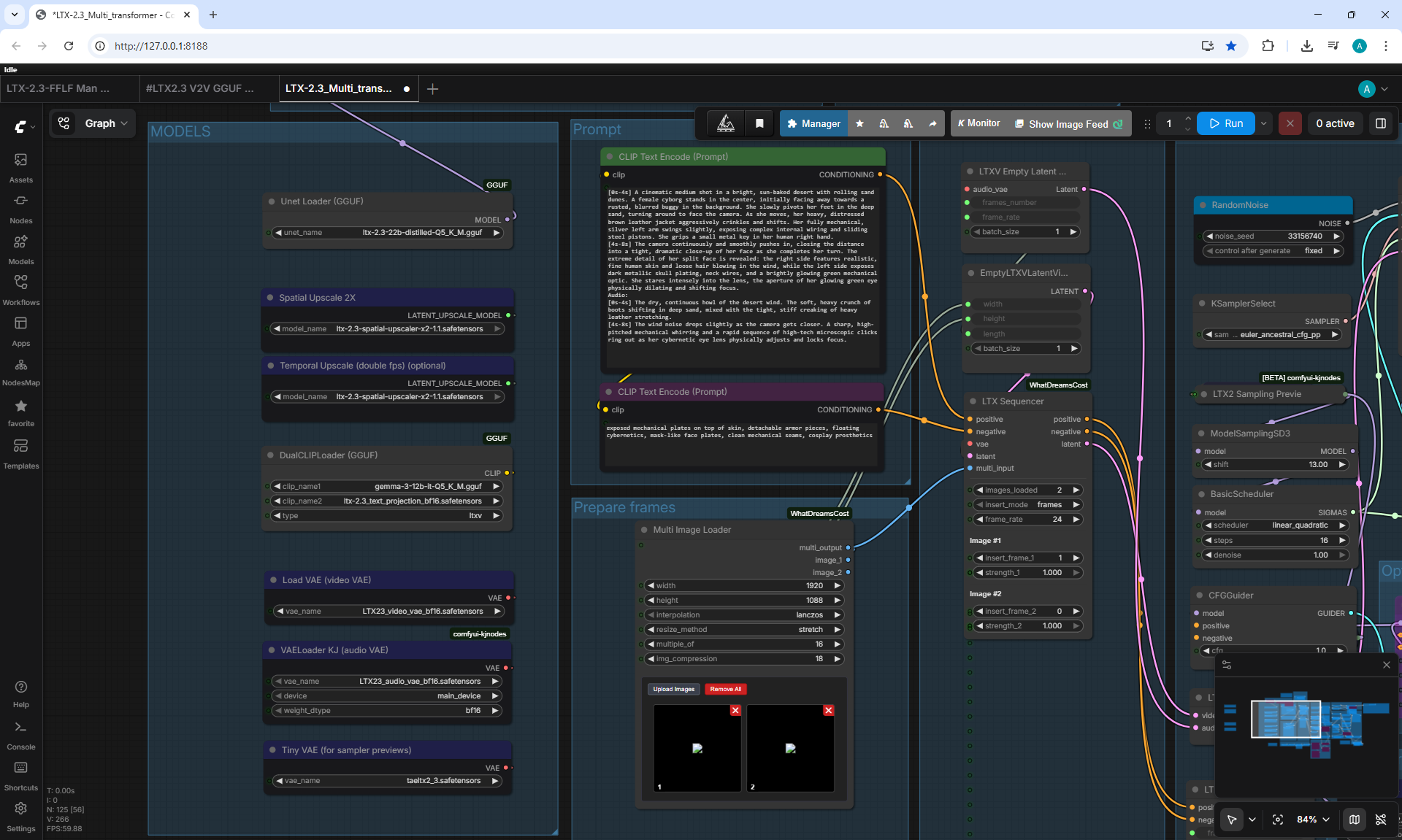
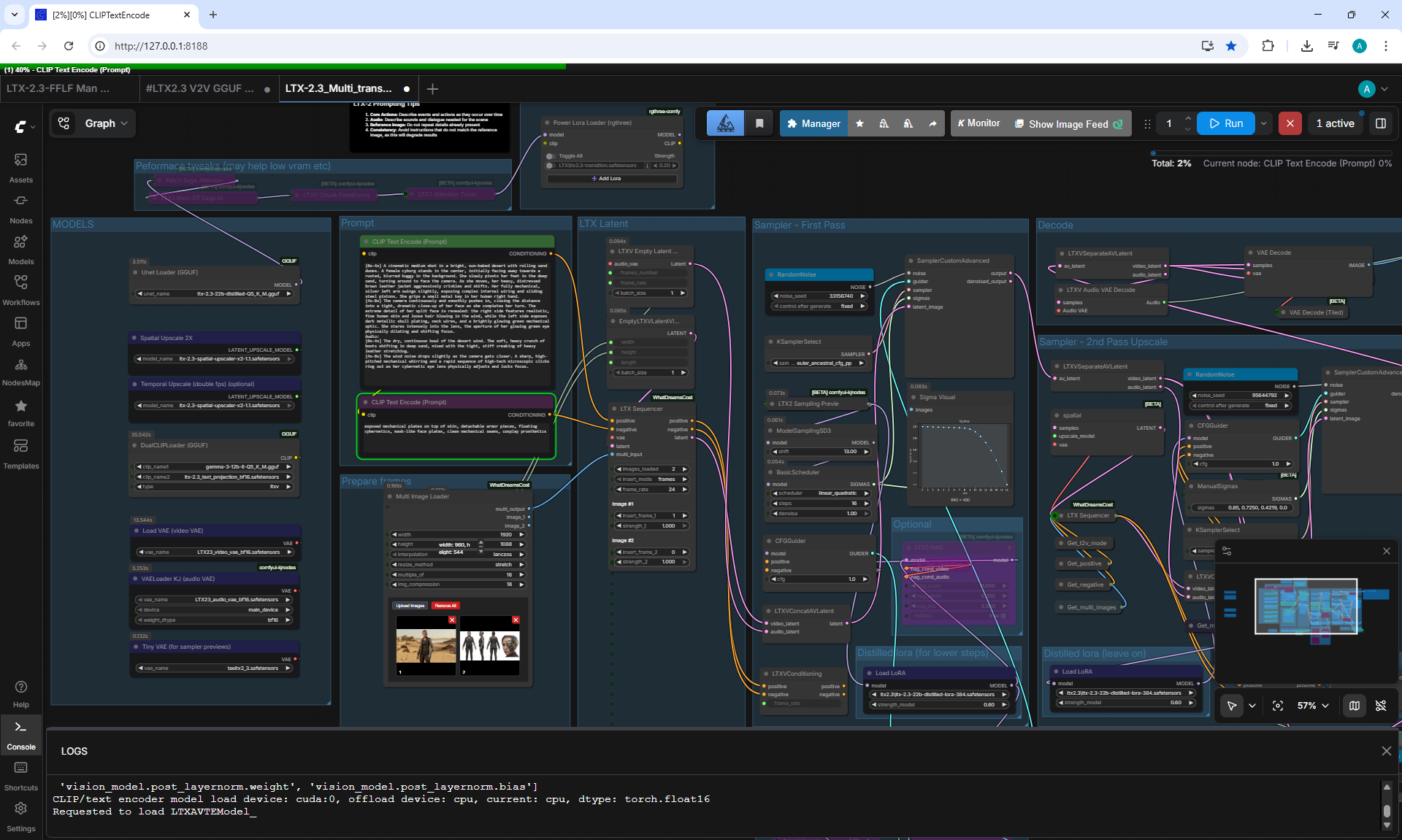
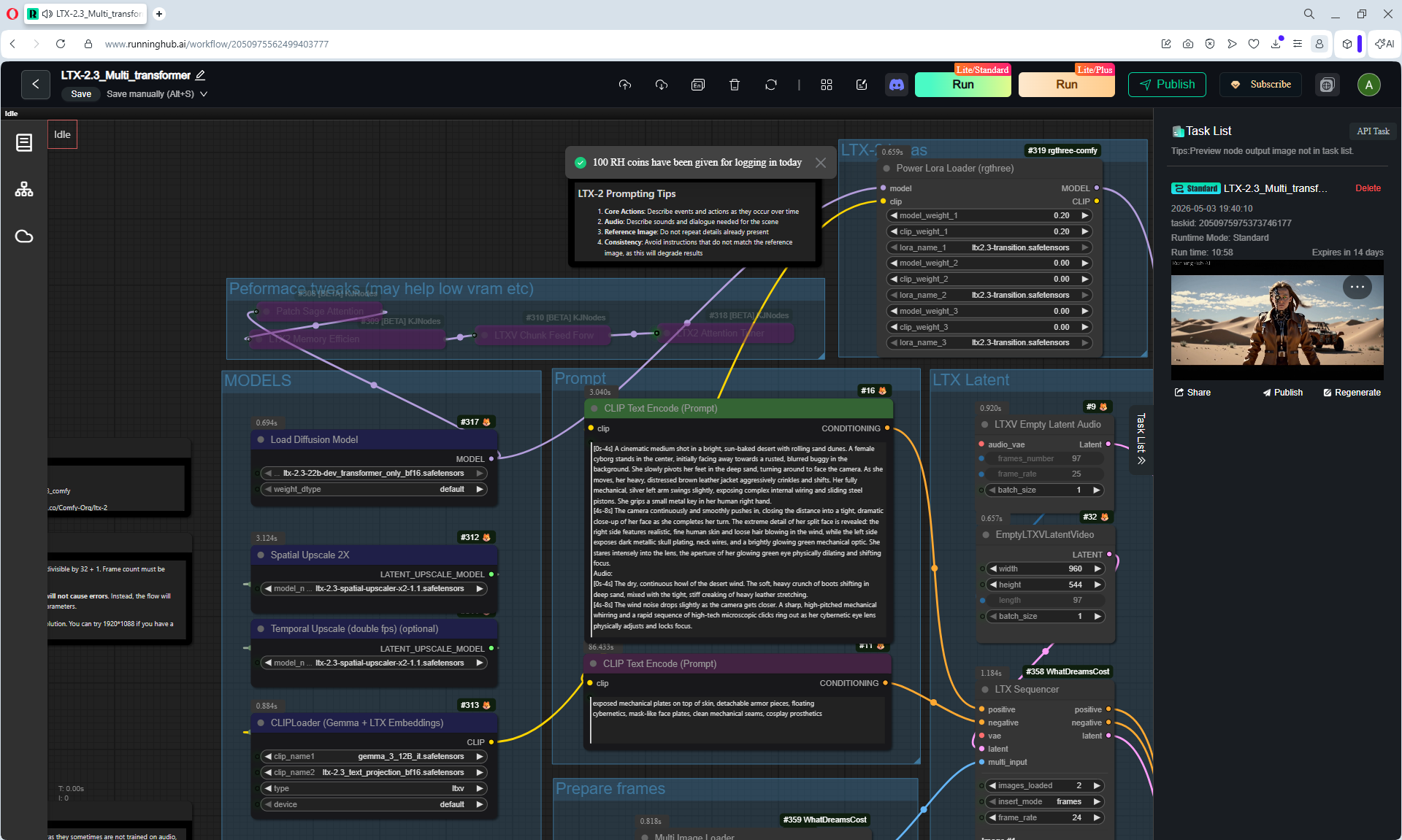
Create Talking AI Characters with LTX 2.3 + Identity LoRA..
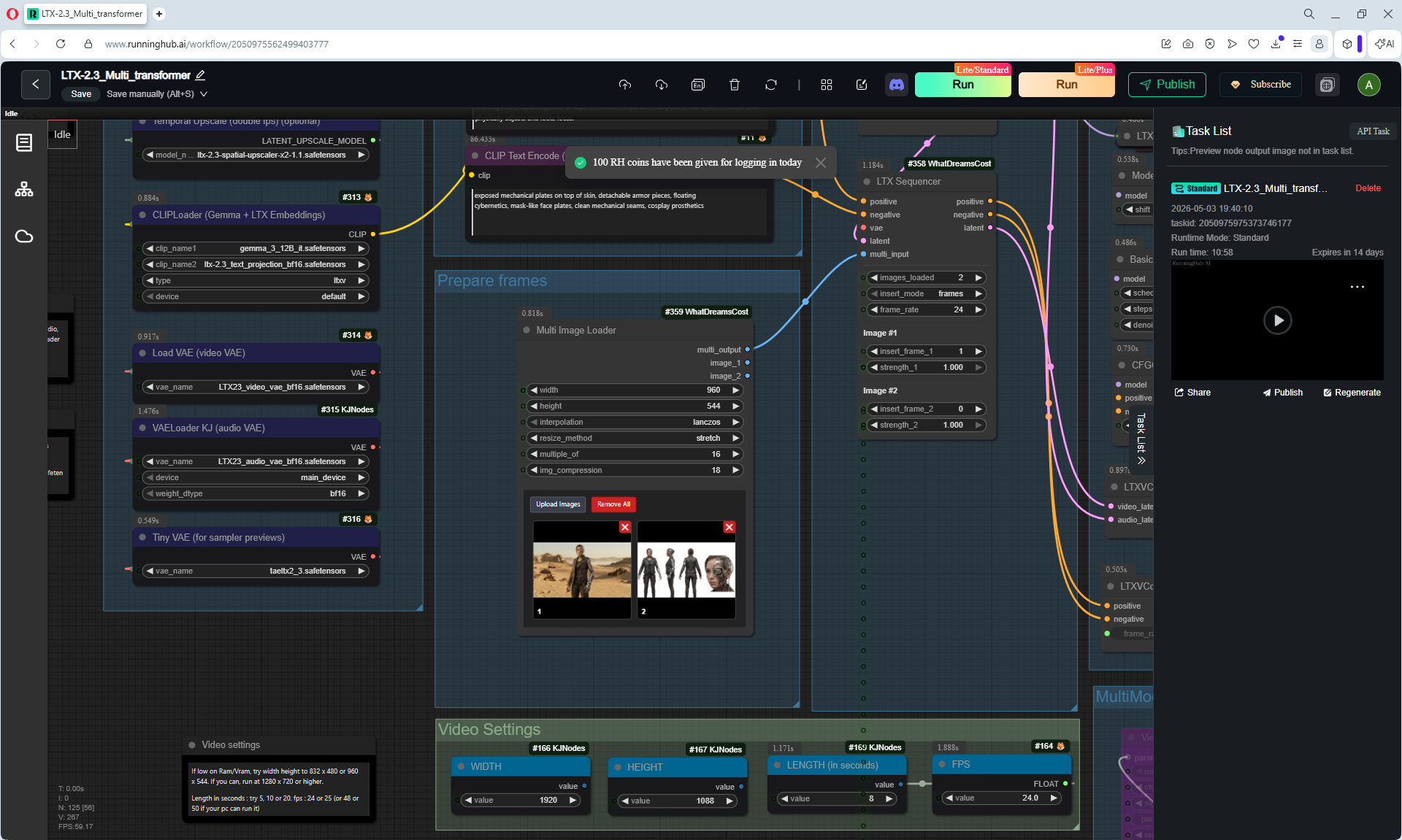
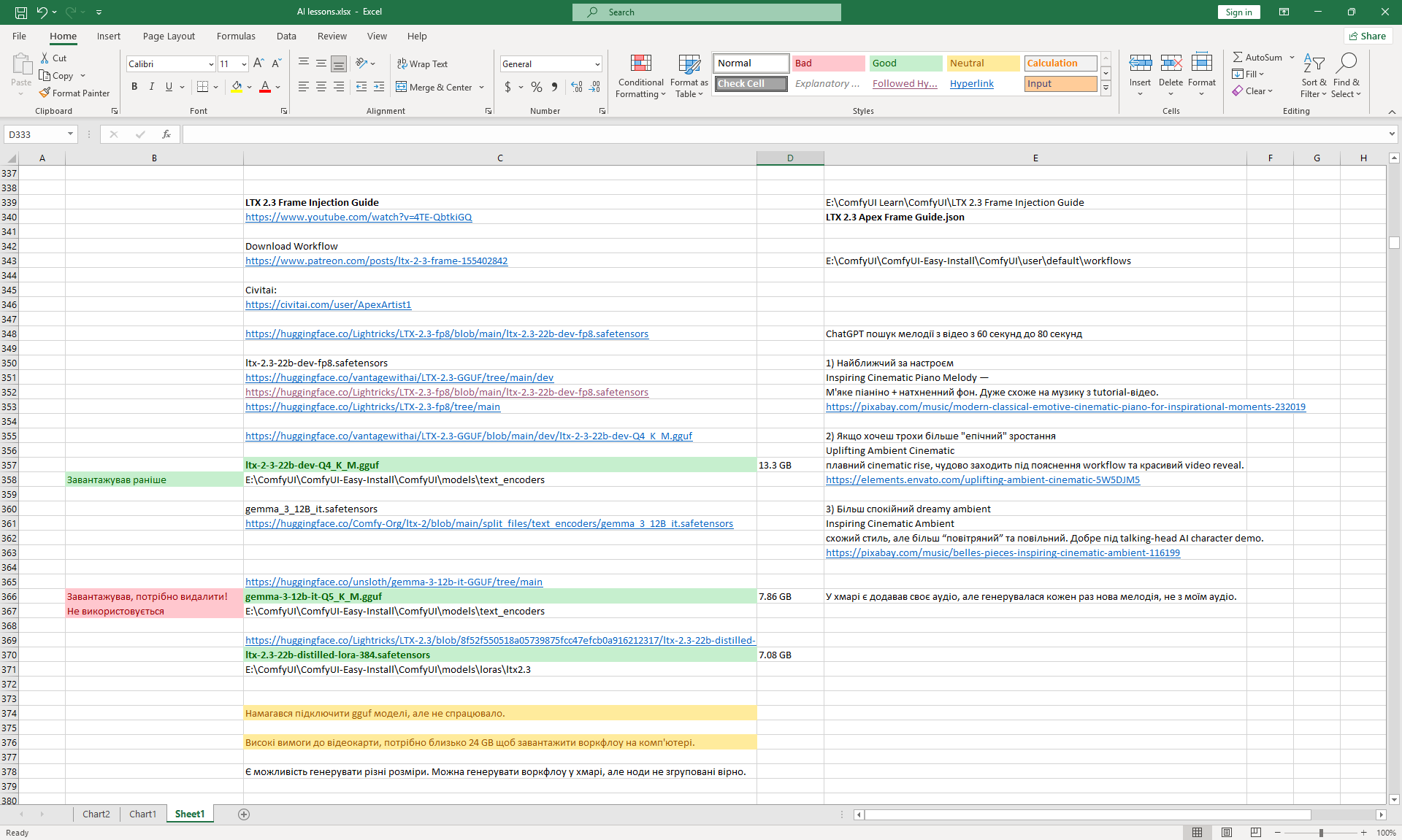
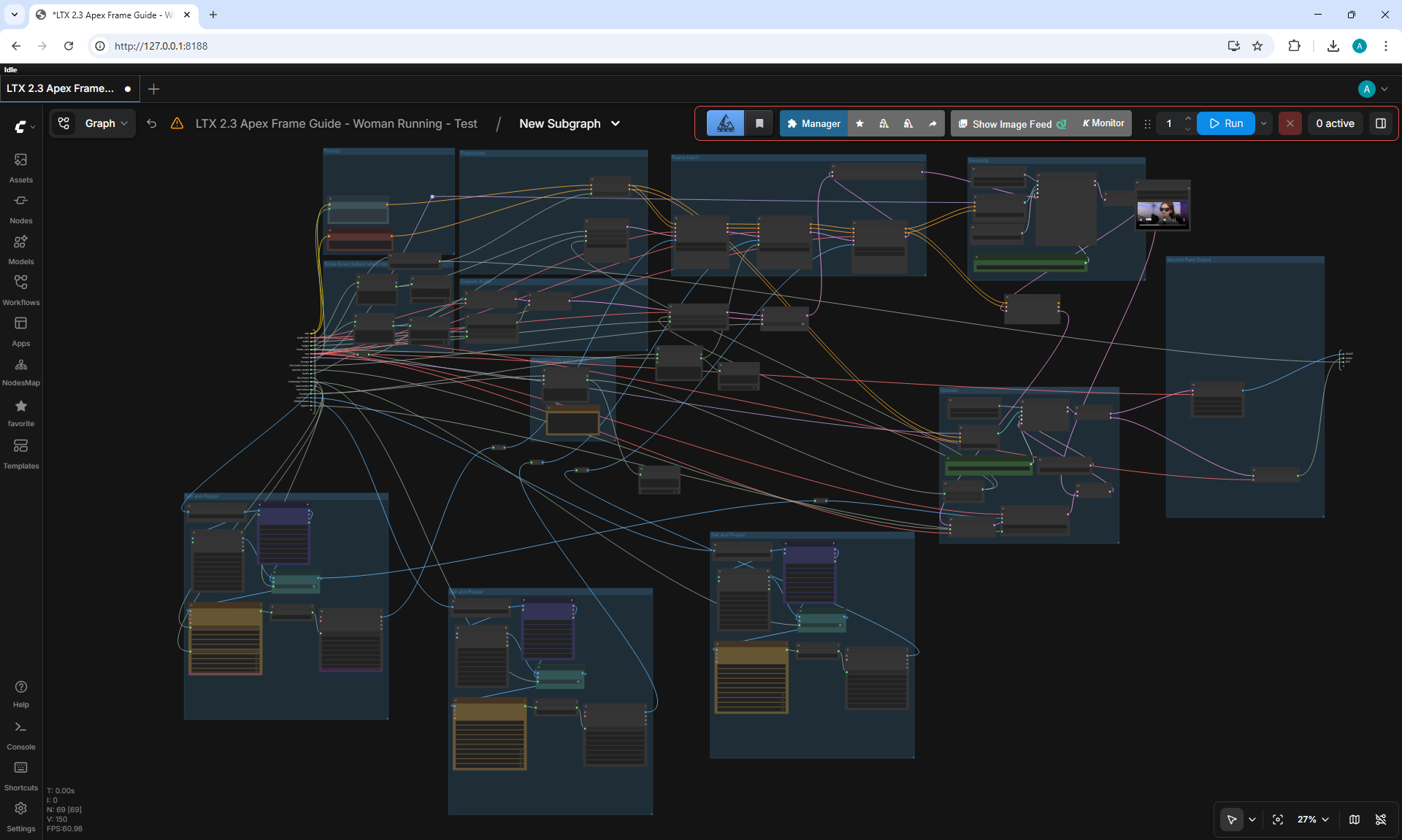
LTX 2.3 Frame Injection Guide (3 Frames)
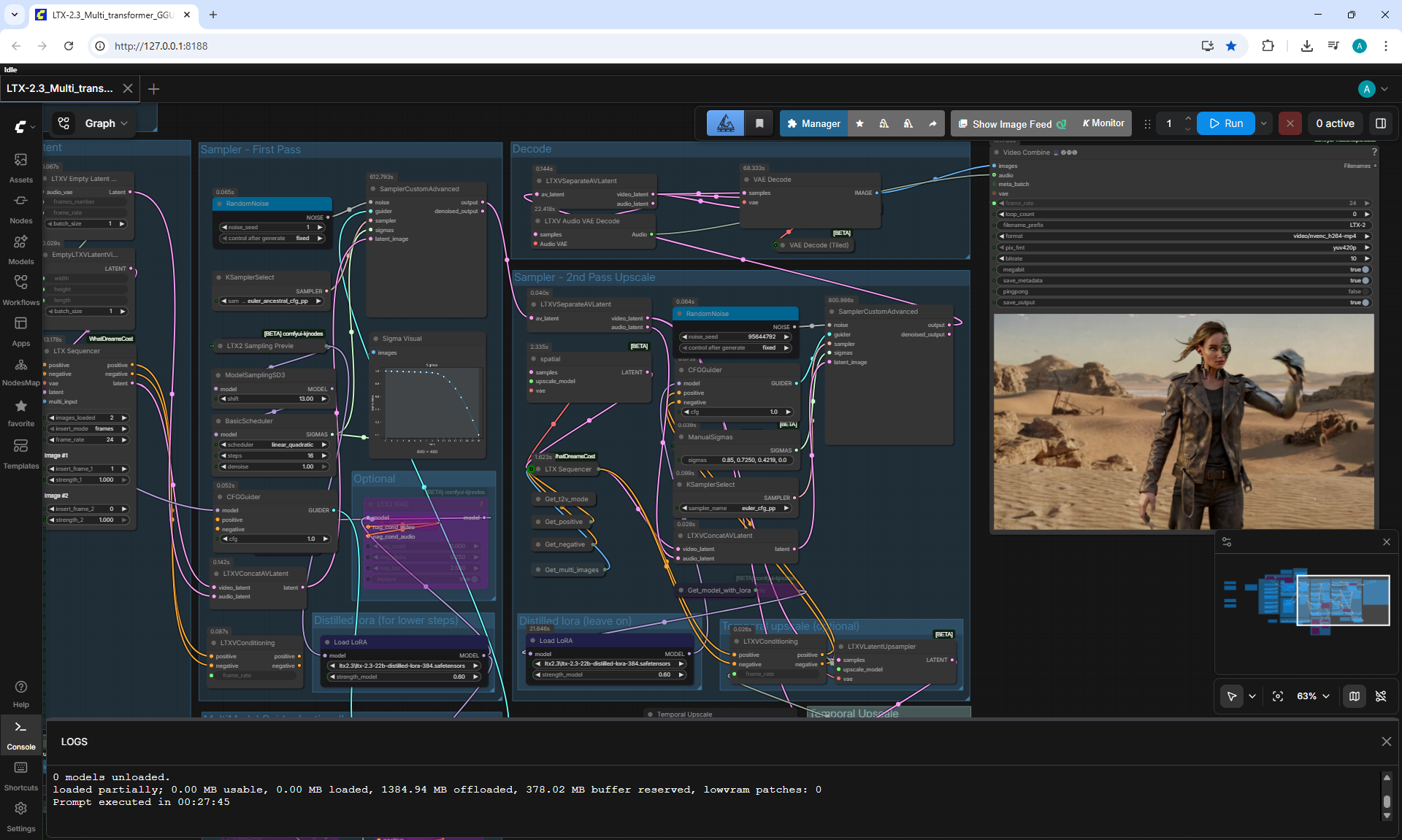
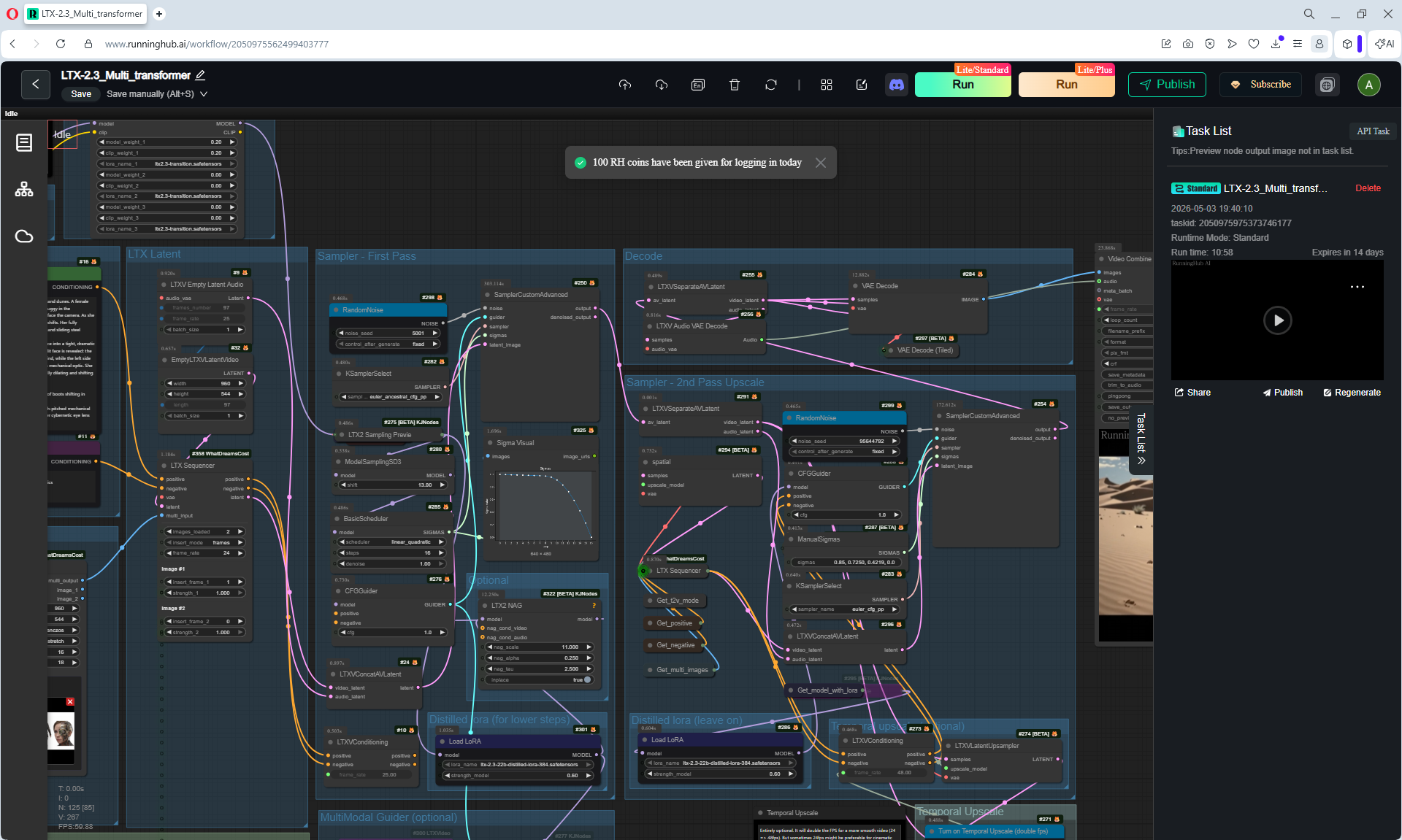
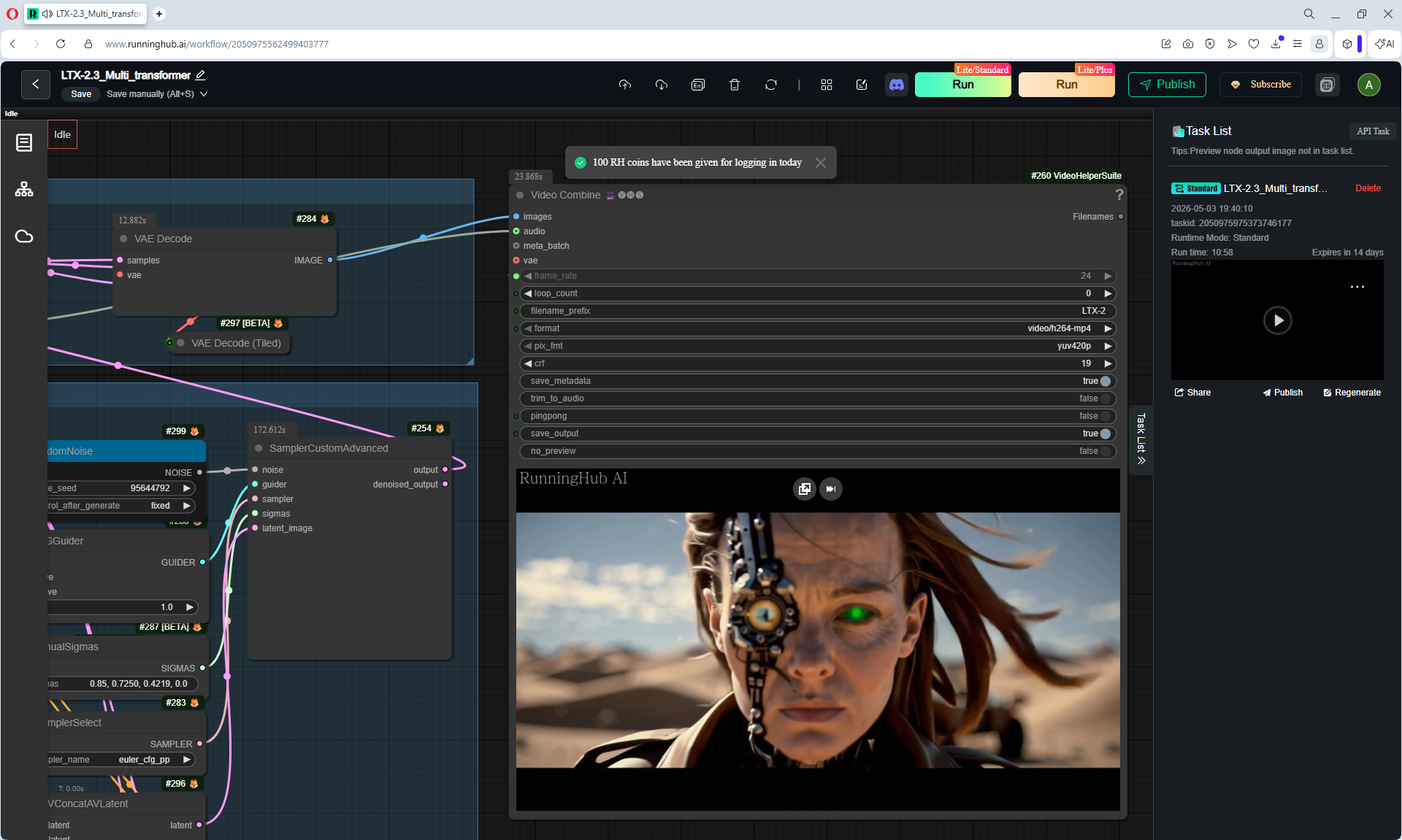
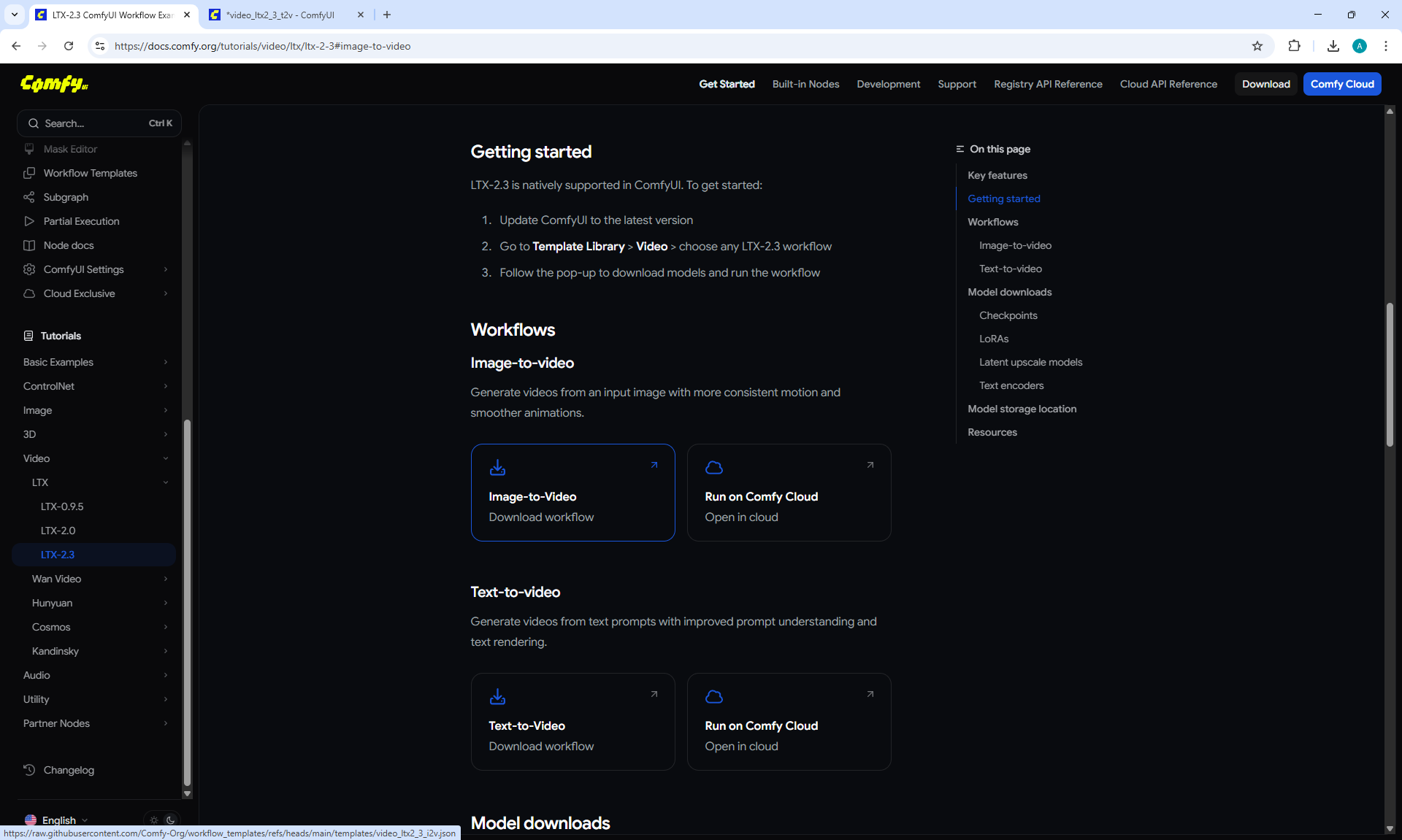
LTX 2.3 ComfyUI Workflow Examples
LTX 2.3 Start to End Frame Workflow build from scratch
LTX 2.3 First Middle Last Frame, Extend Video, I2V Infinite..
LTX 2.3 Face Swapping in Videos | Seamless Face Swapping
LTX 2.3 First & Last Frame Guide. 8GB Vram ComfyUI Workflow
LTX 2.3 I2V First + Last Frame ComfyUI Workflow for Low Vram
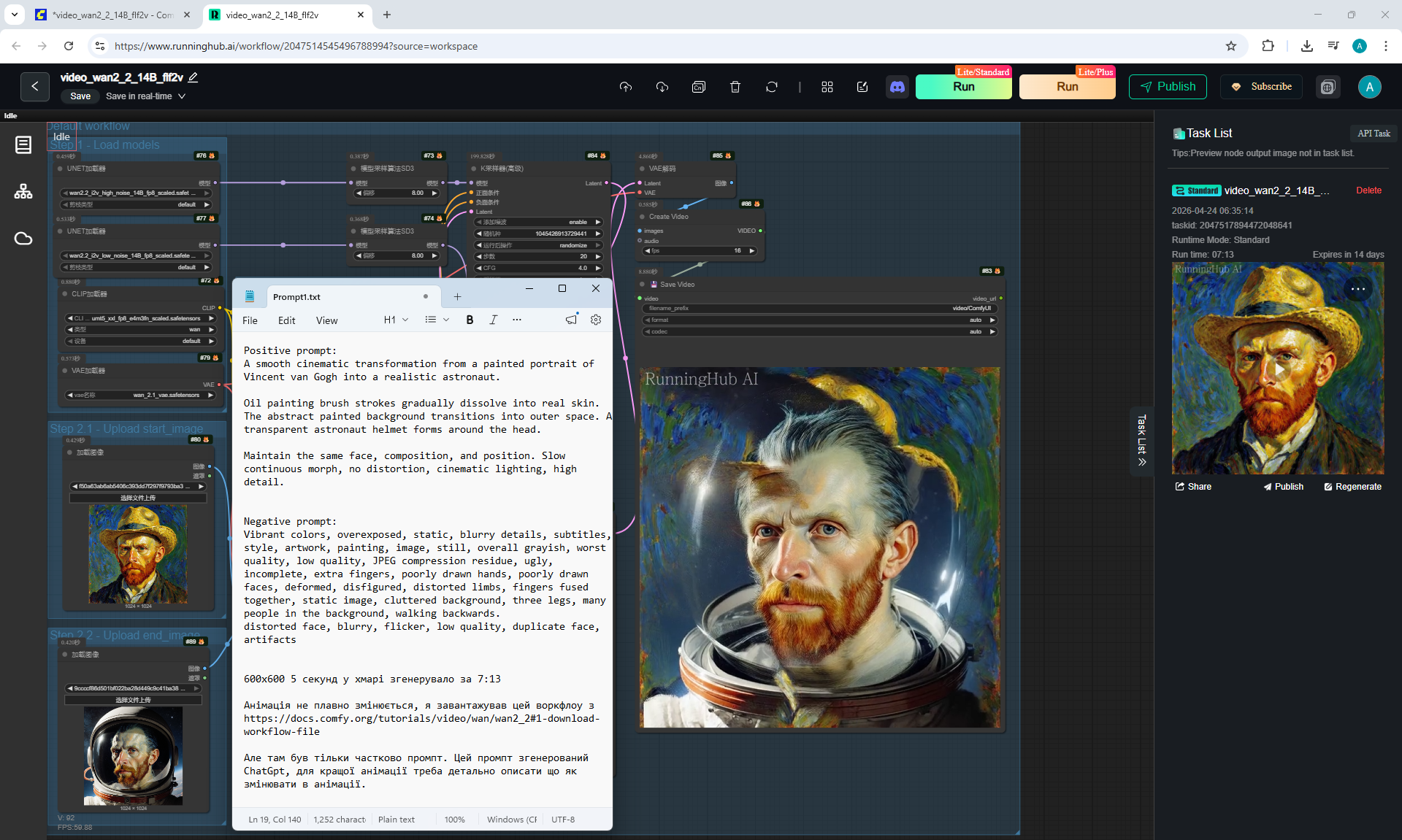
Wan 2.2 I2V First Frame or Last Frame or Both! ComfyUI Work..
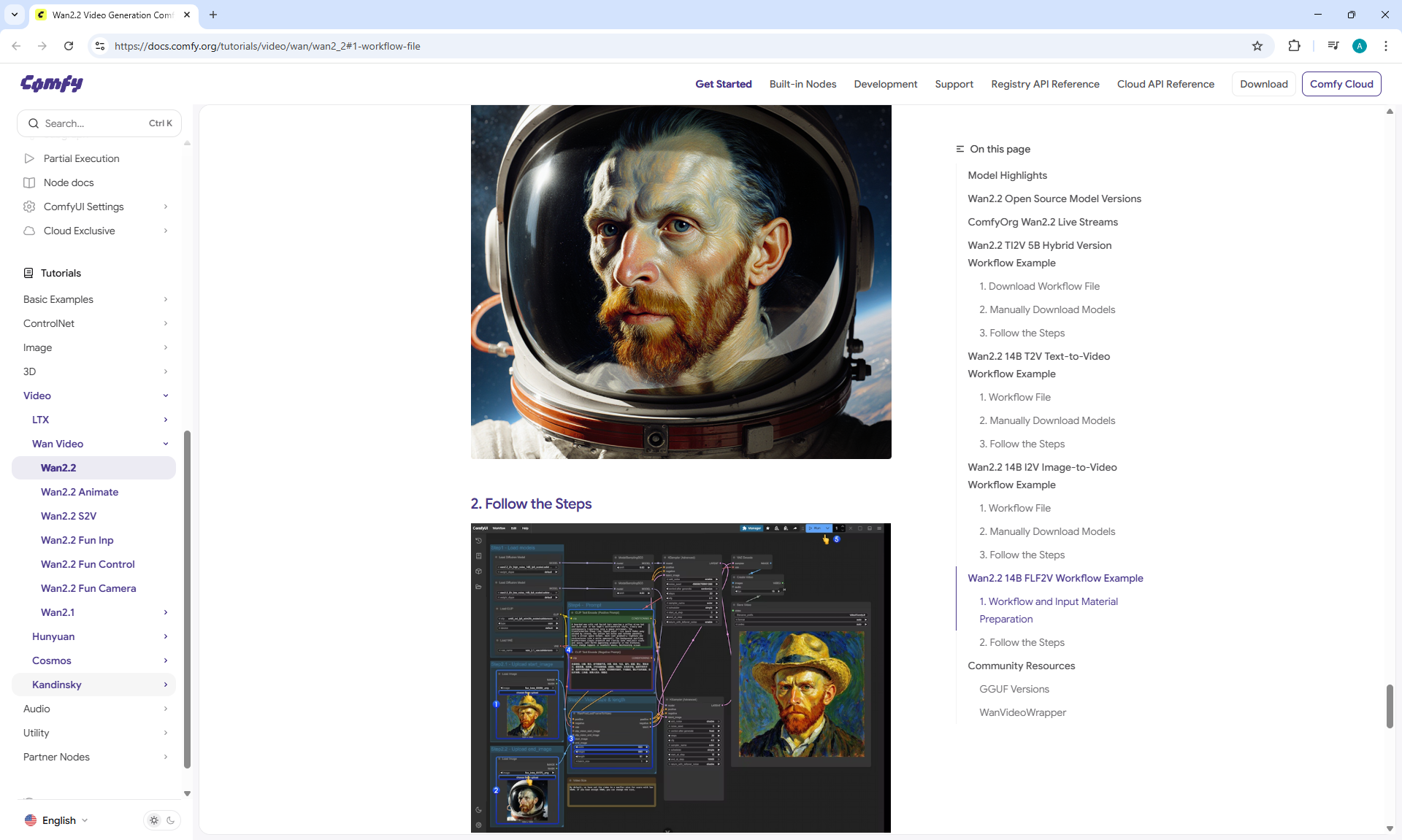
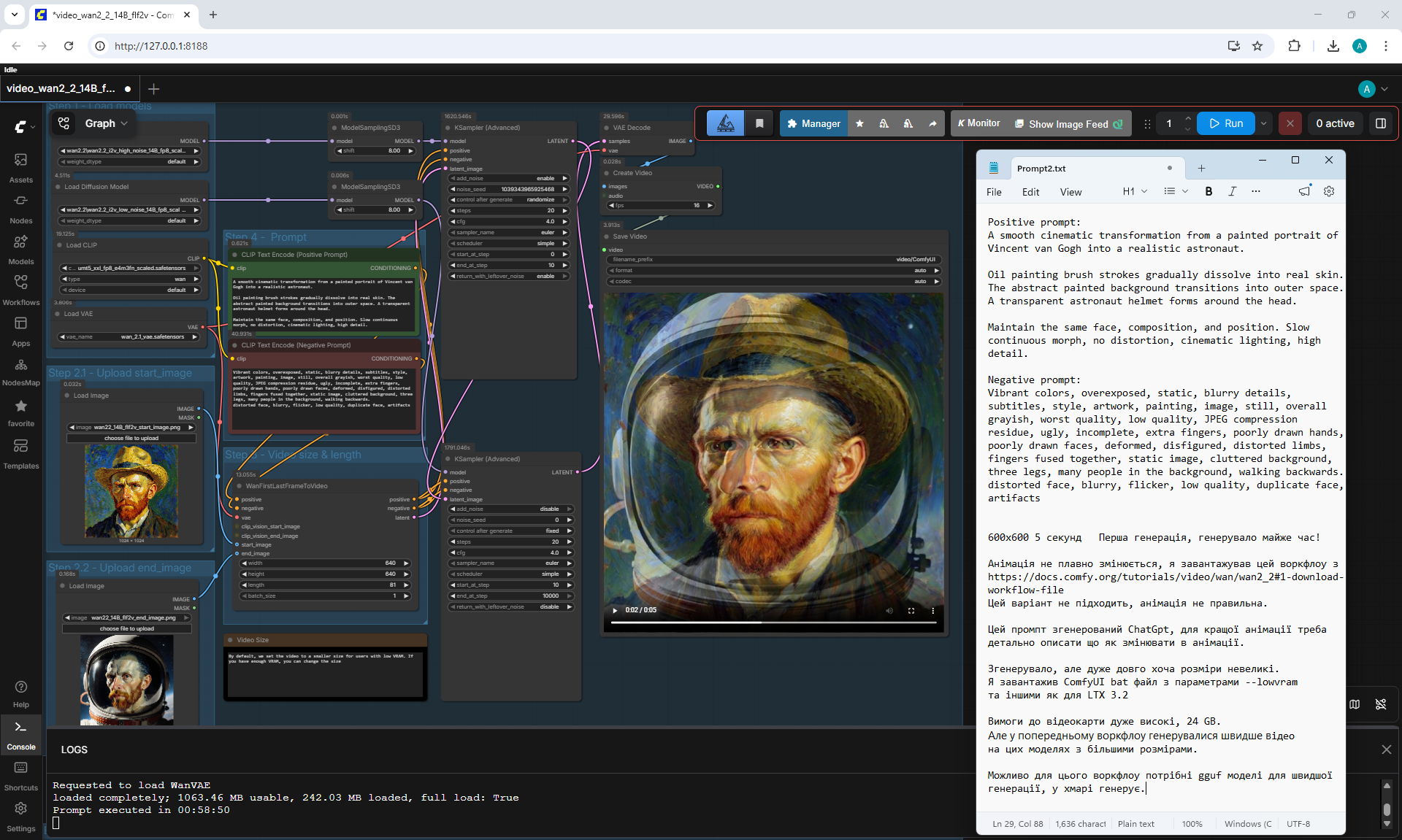
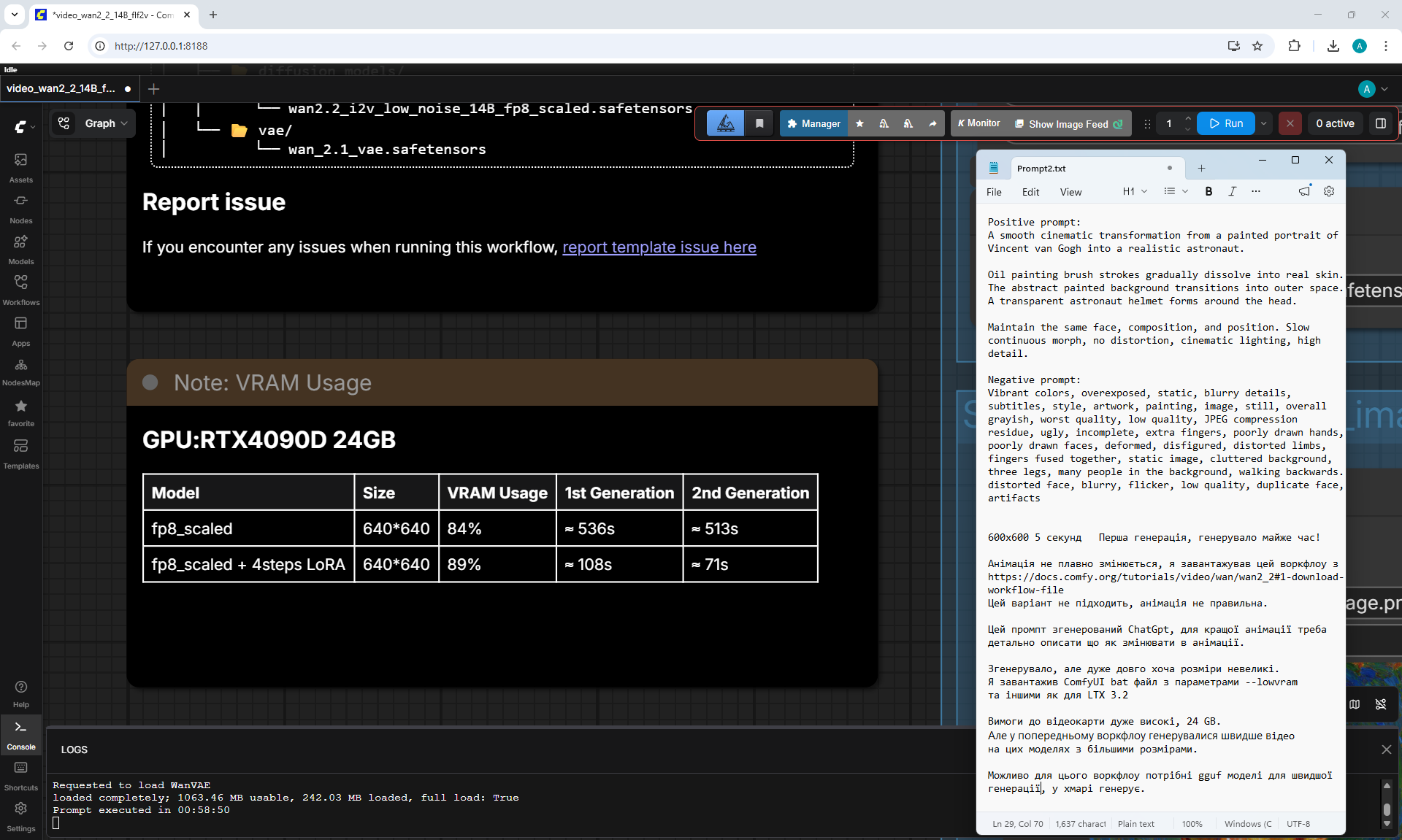
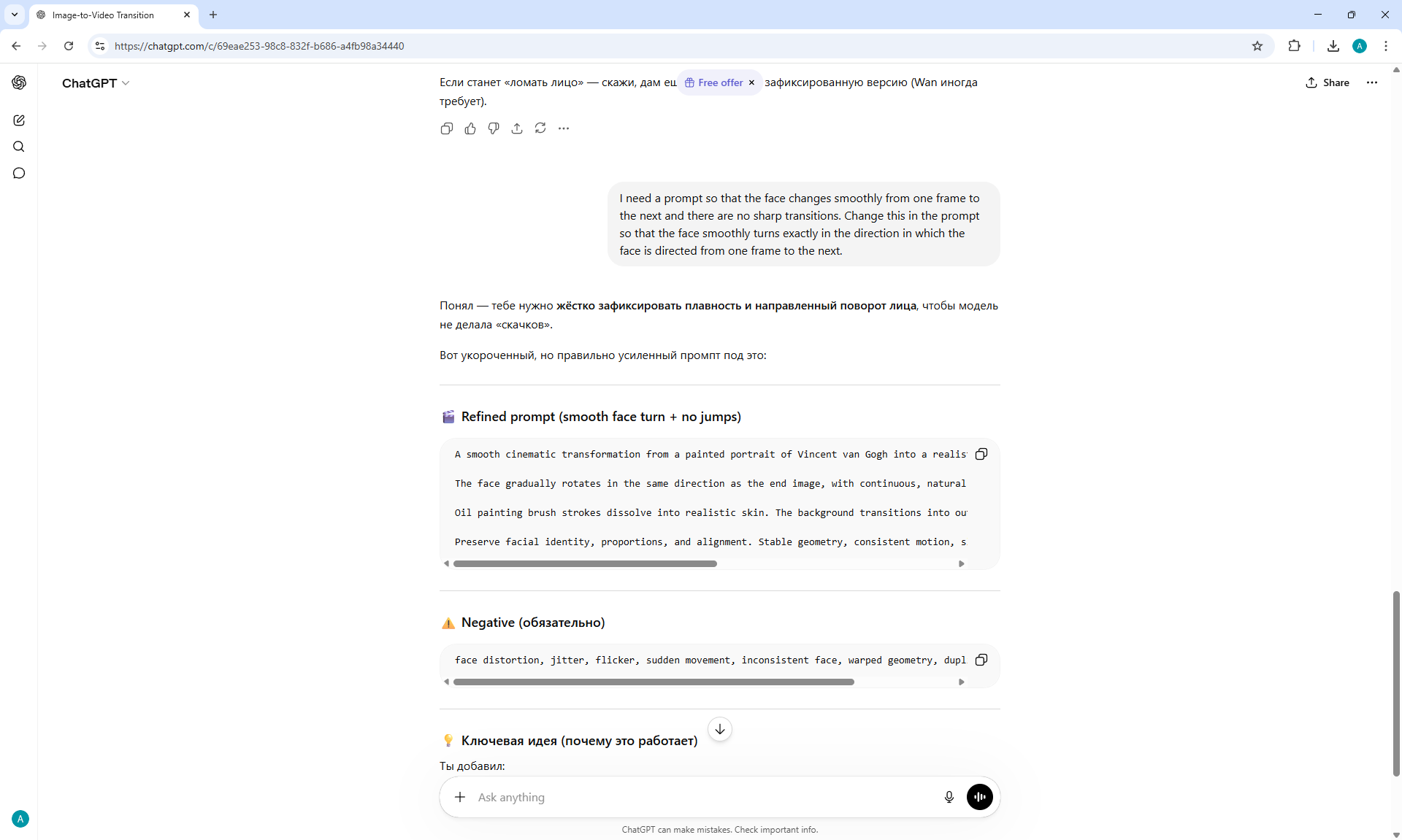
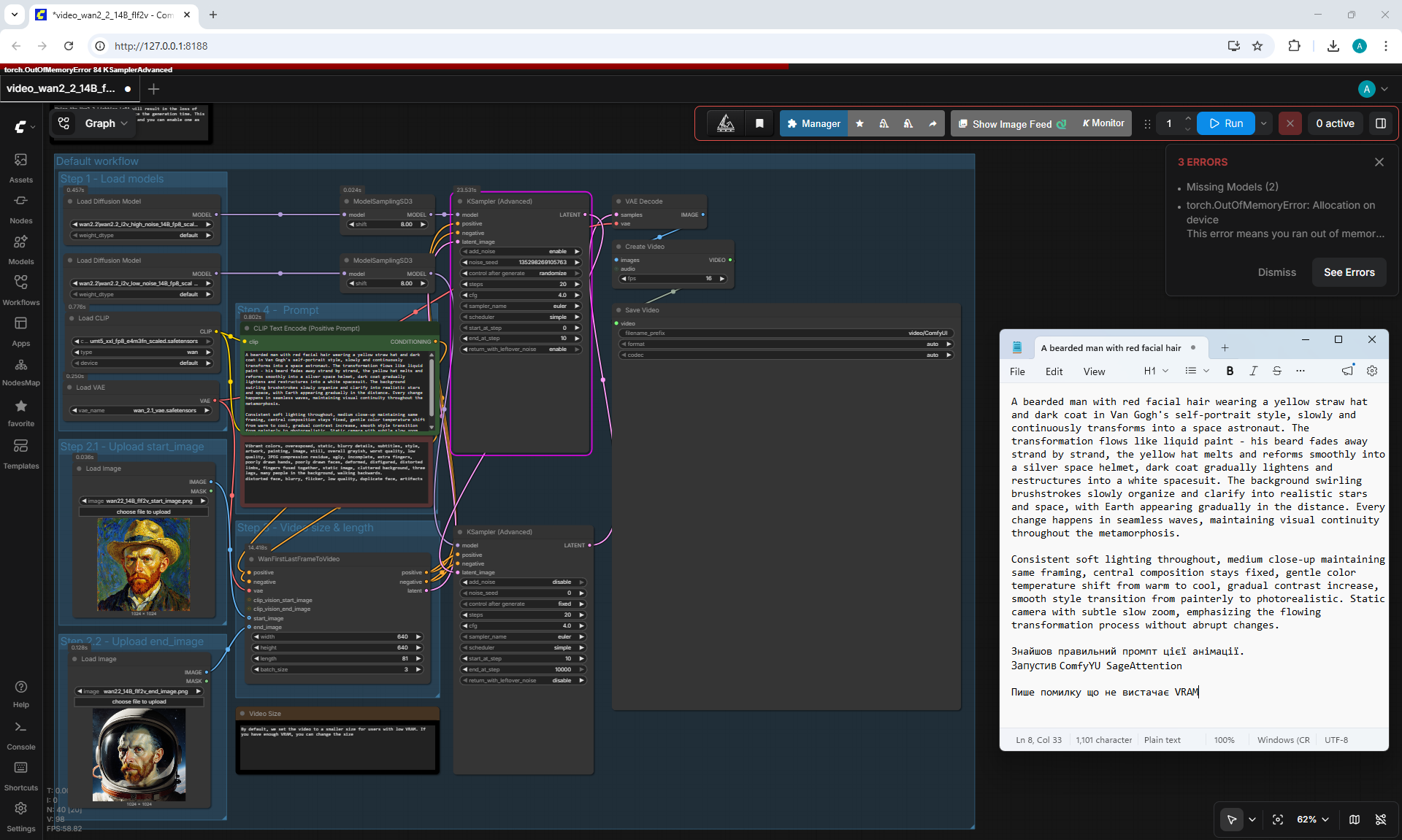
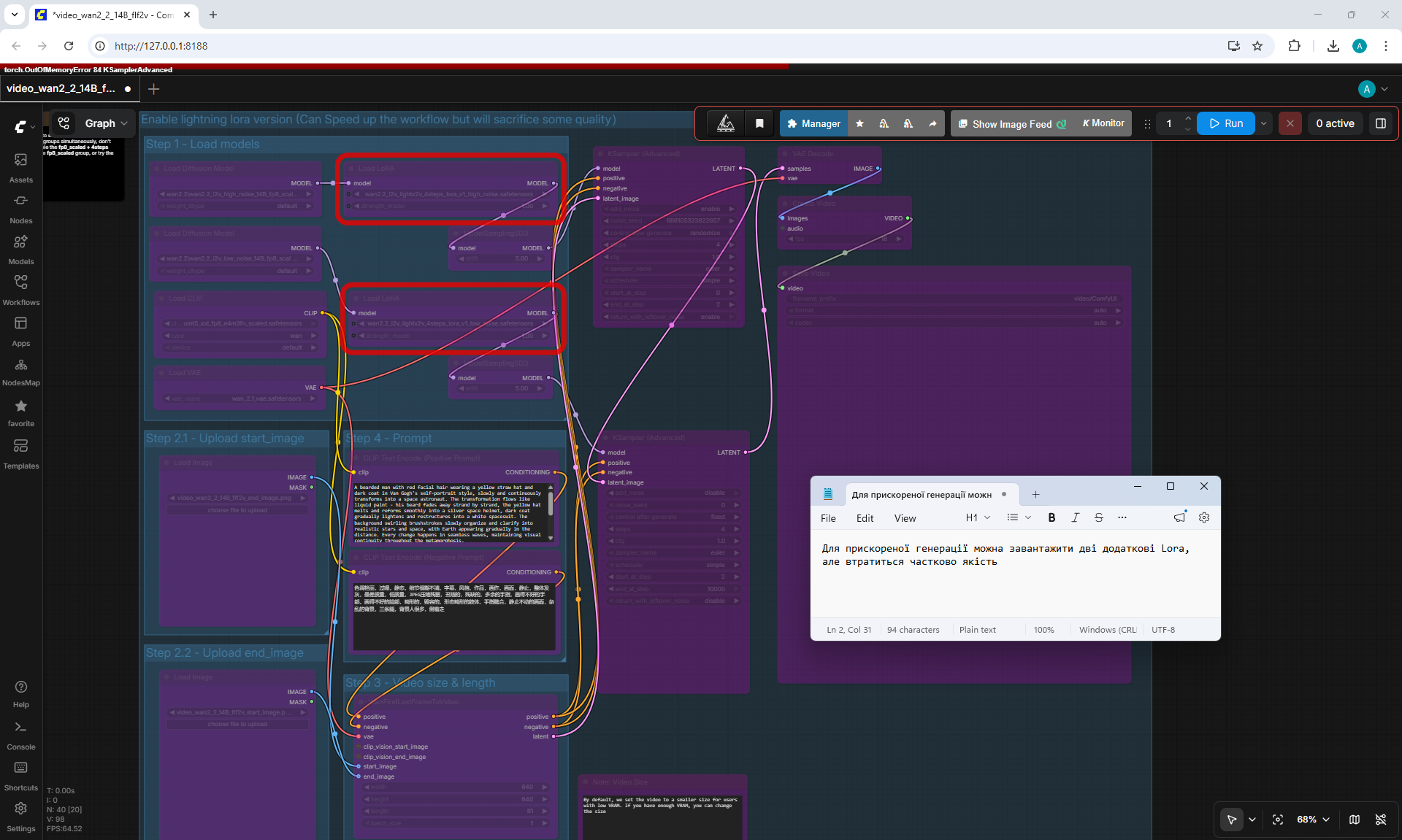
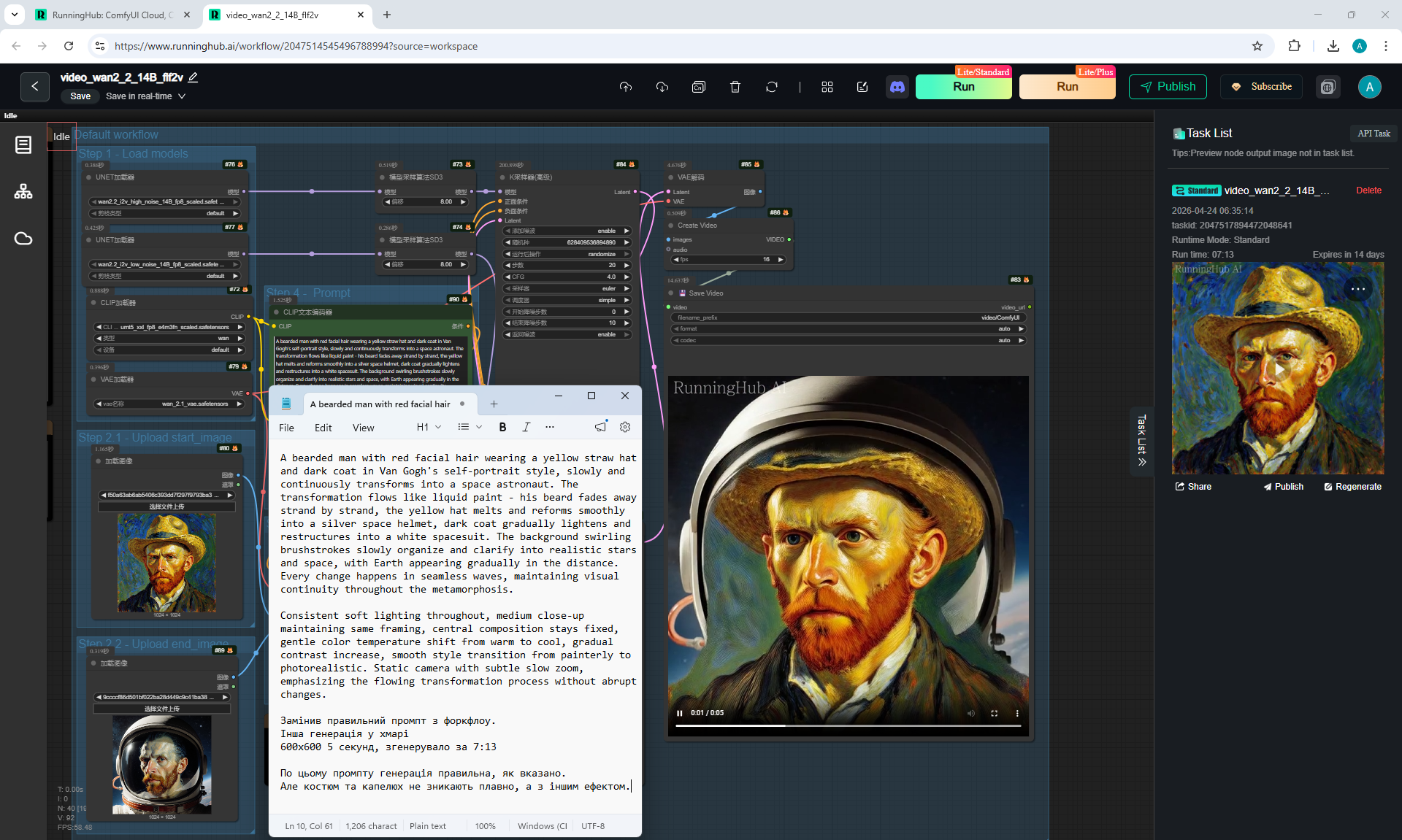
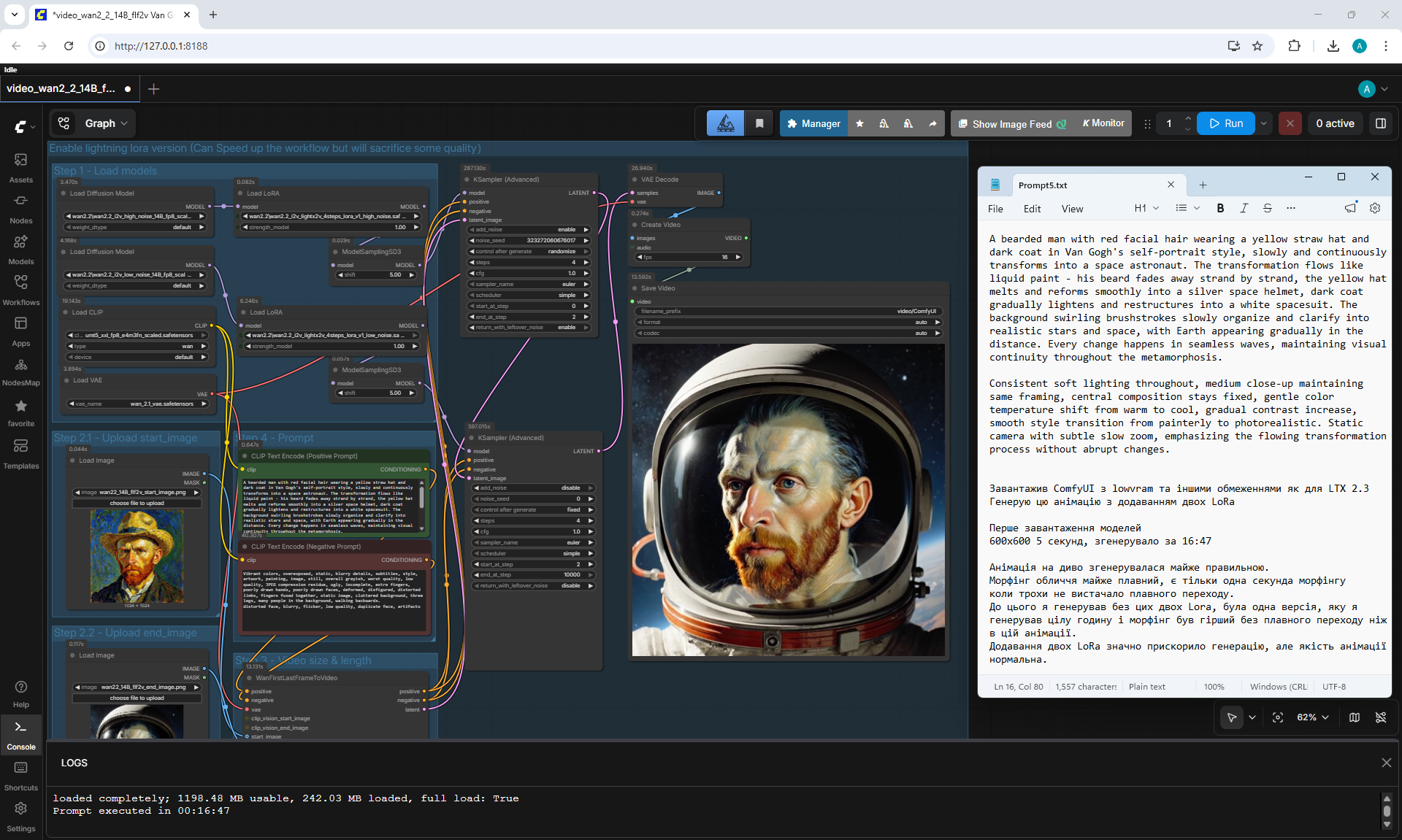
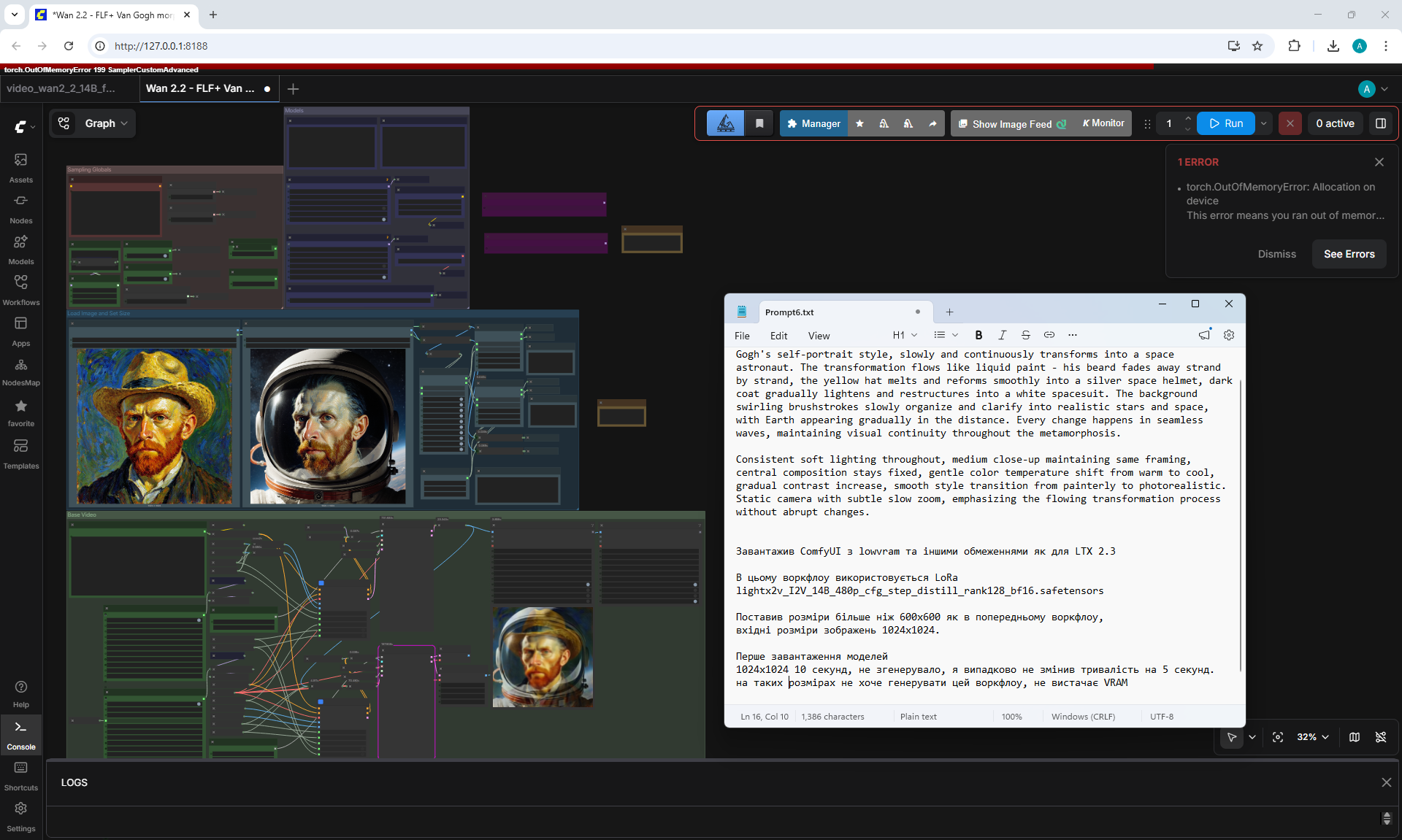
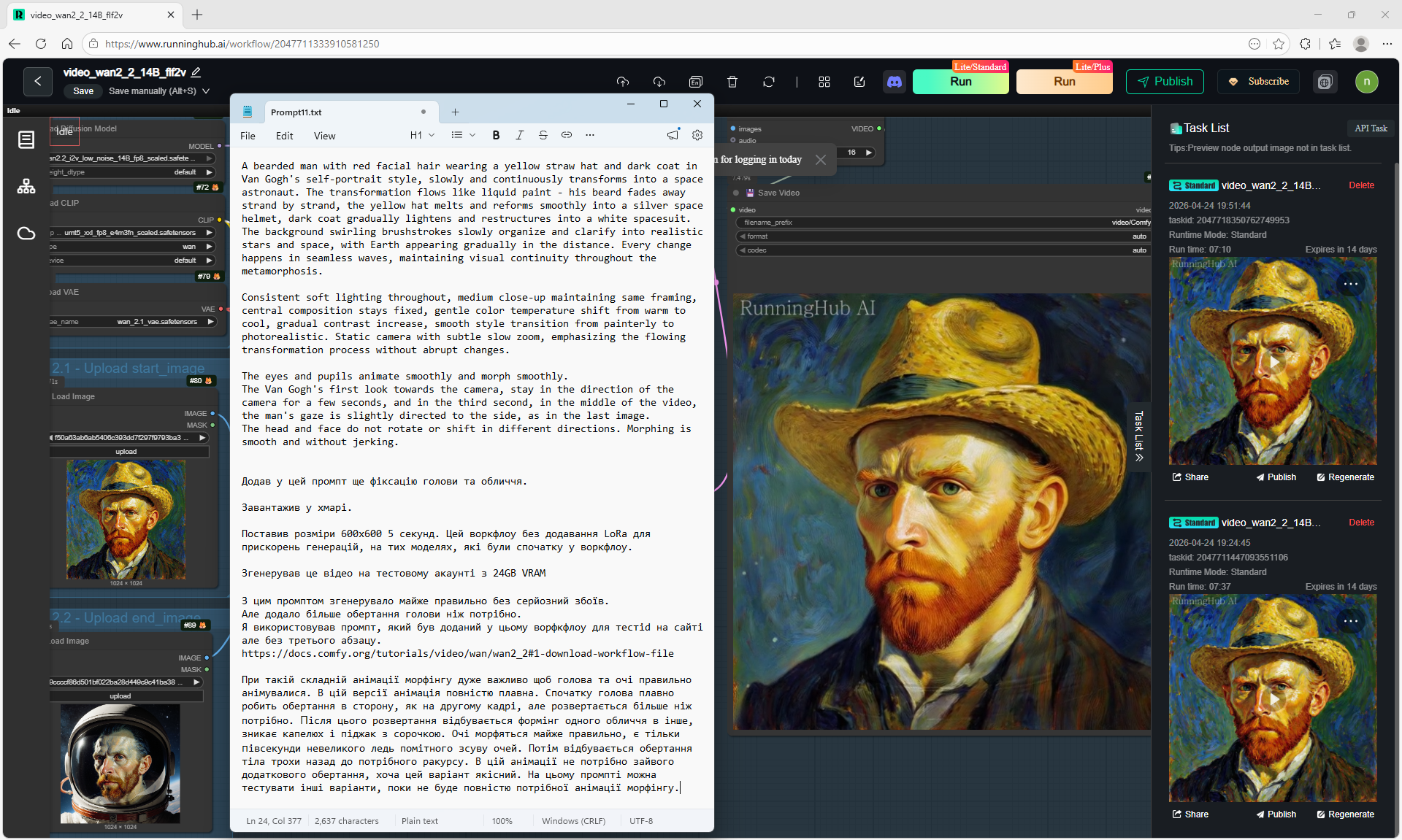
Wan 2.2 14B FLF2V Workflow Example
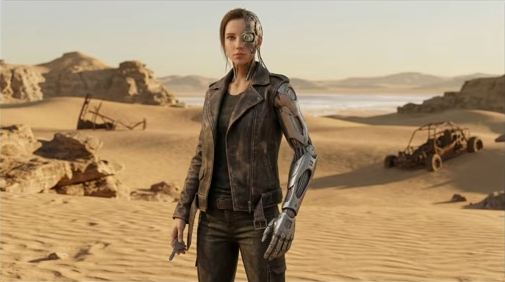
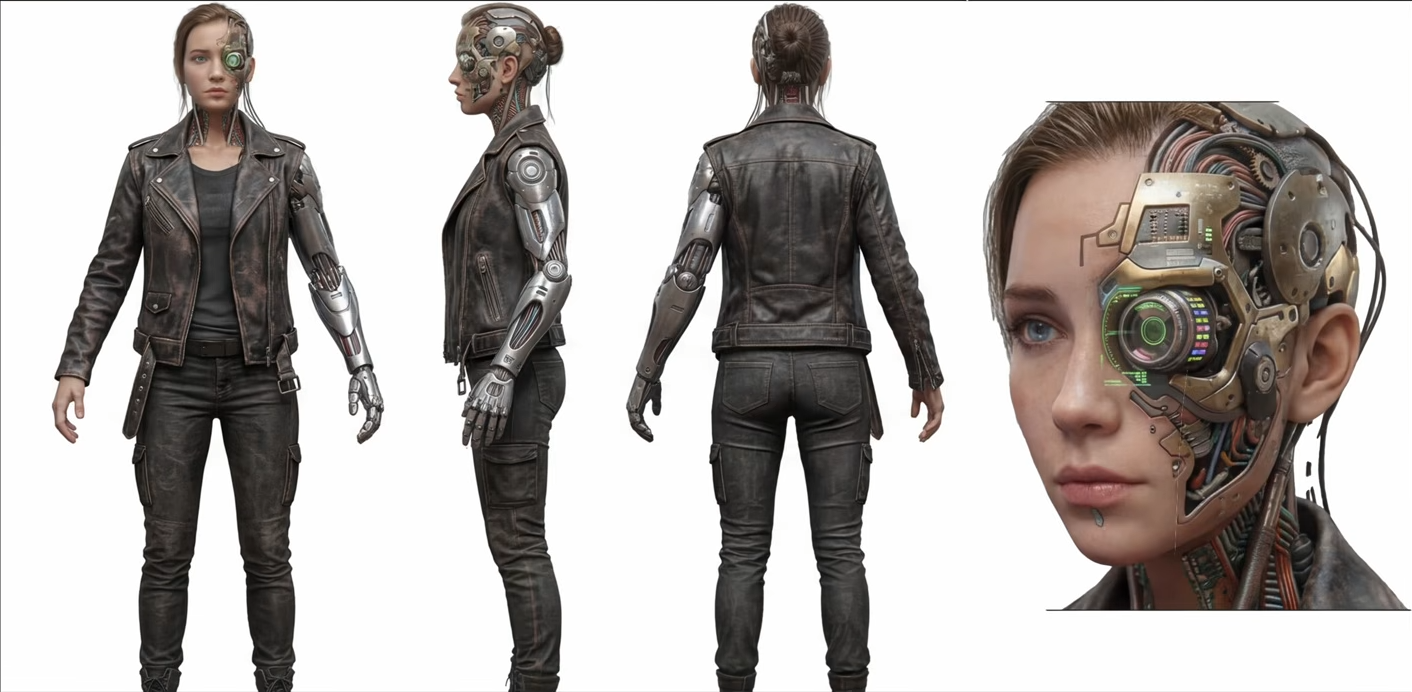
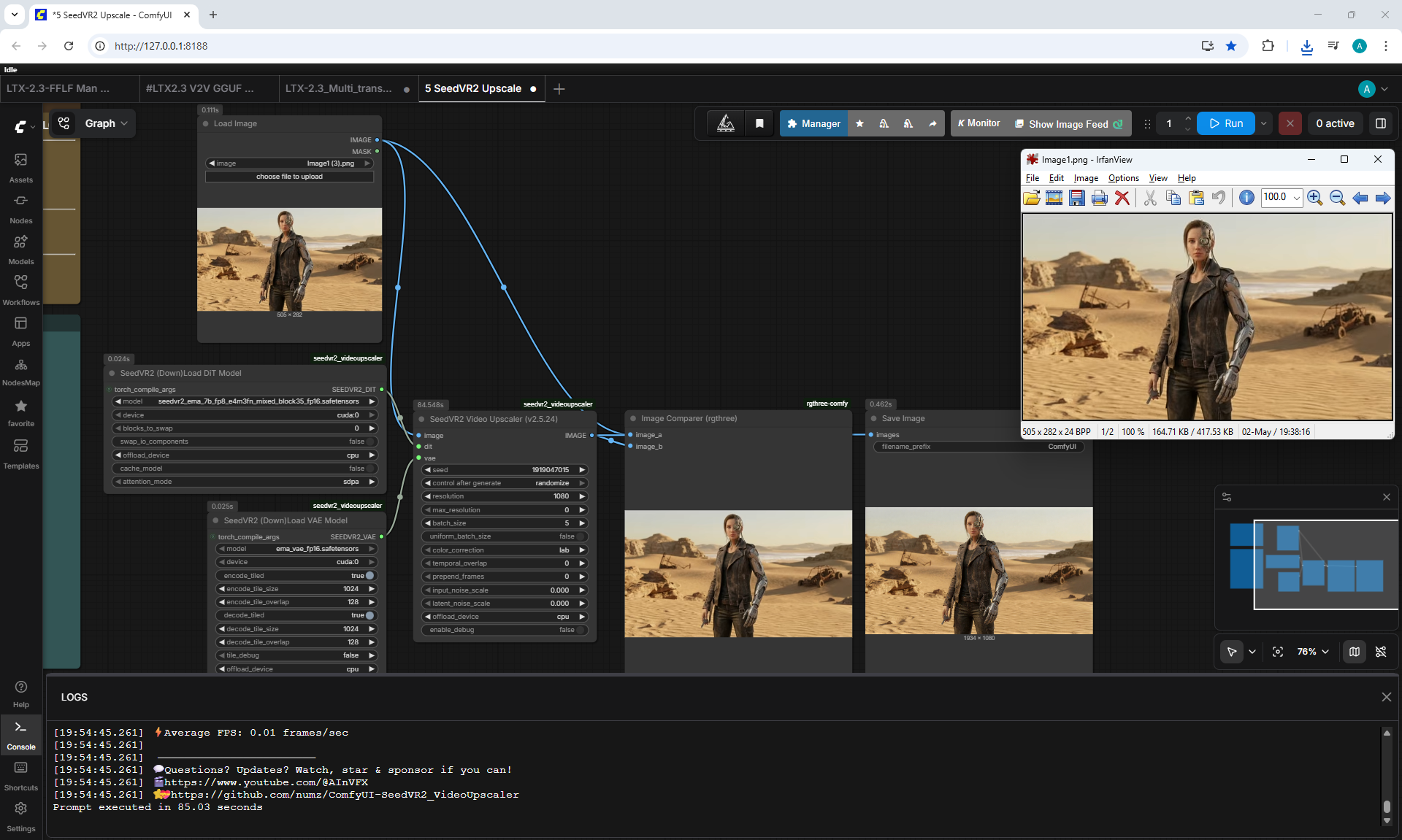
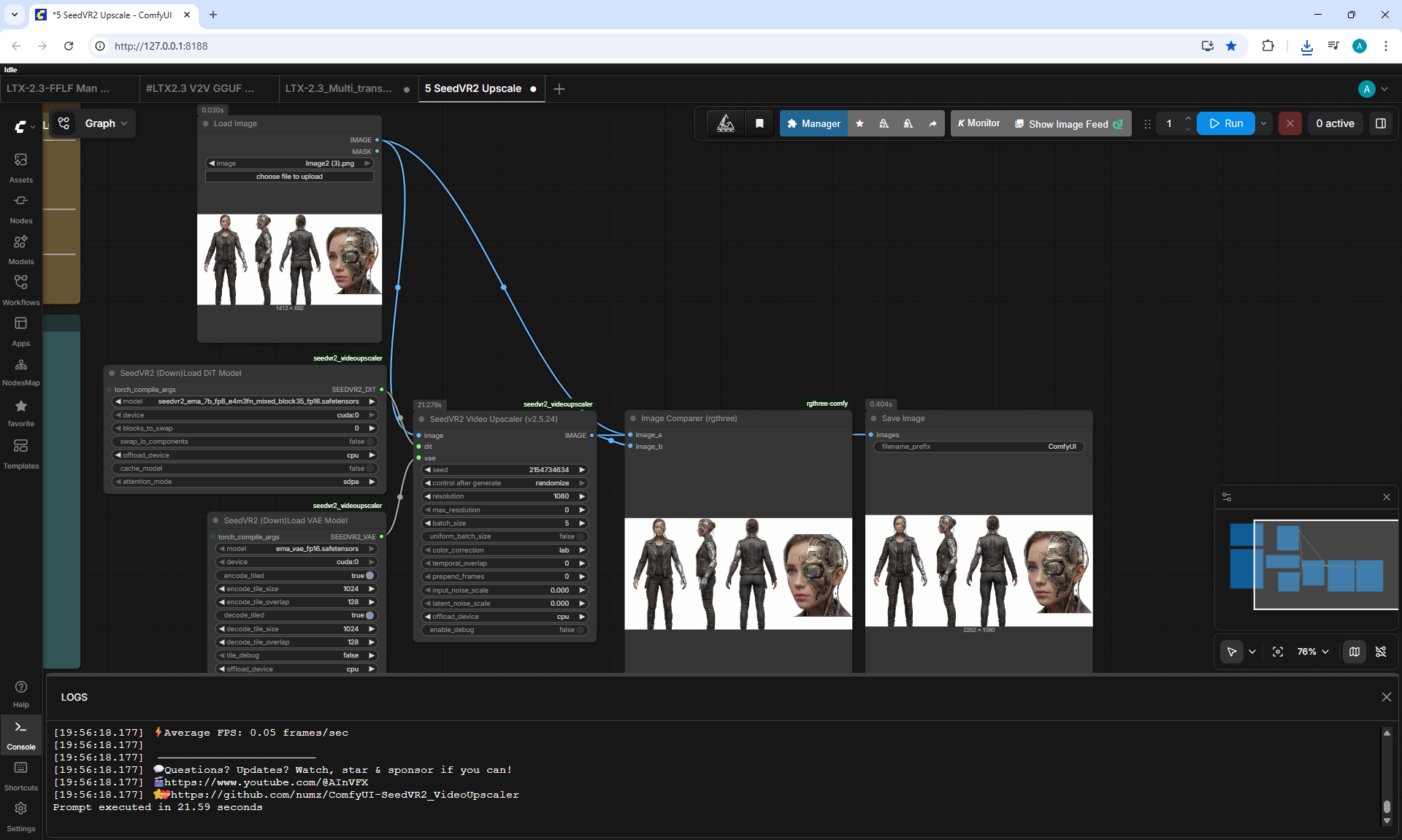
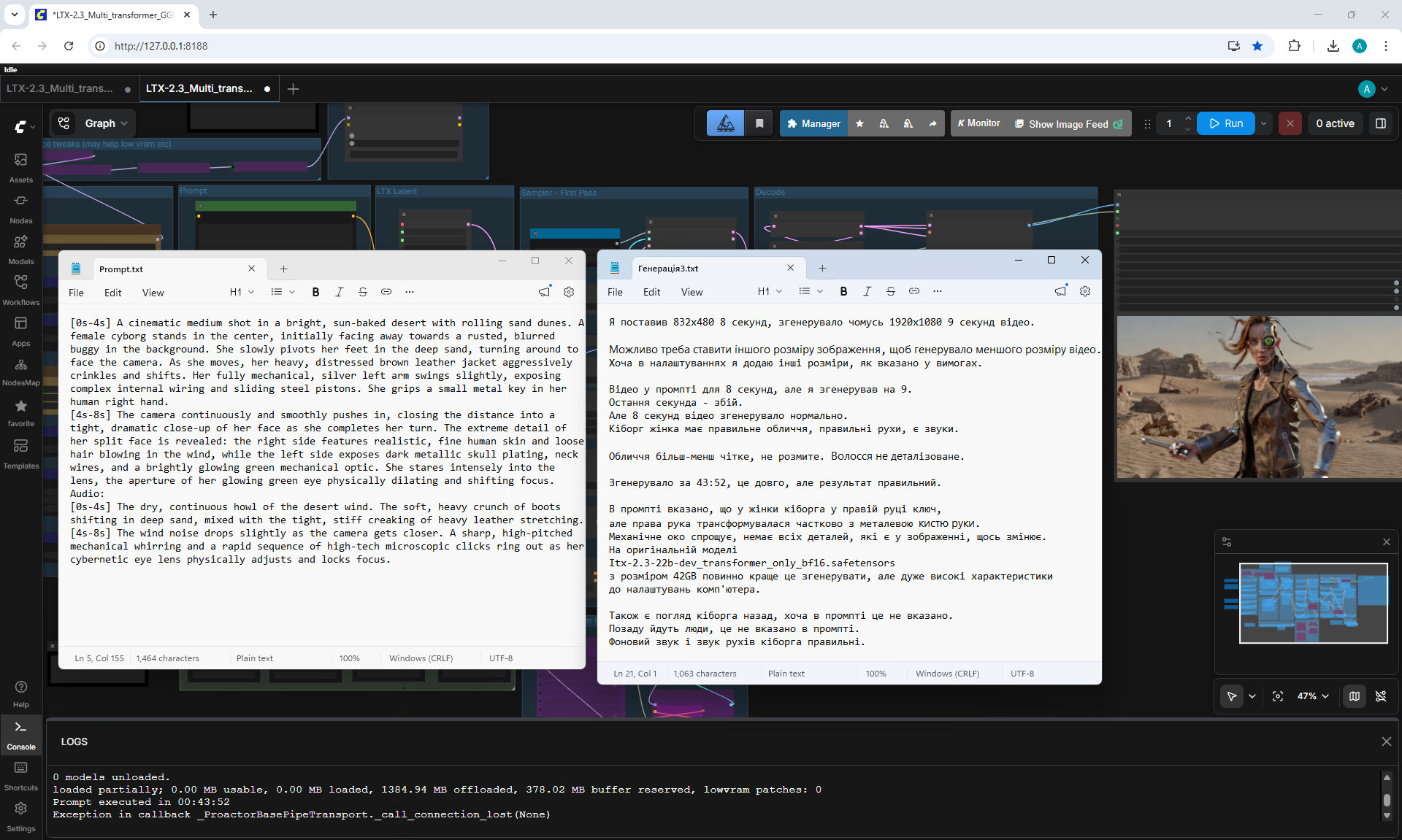
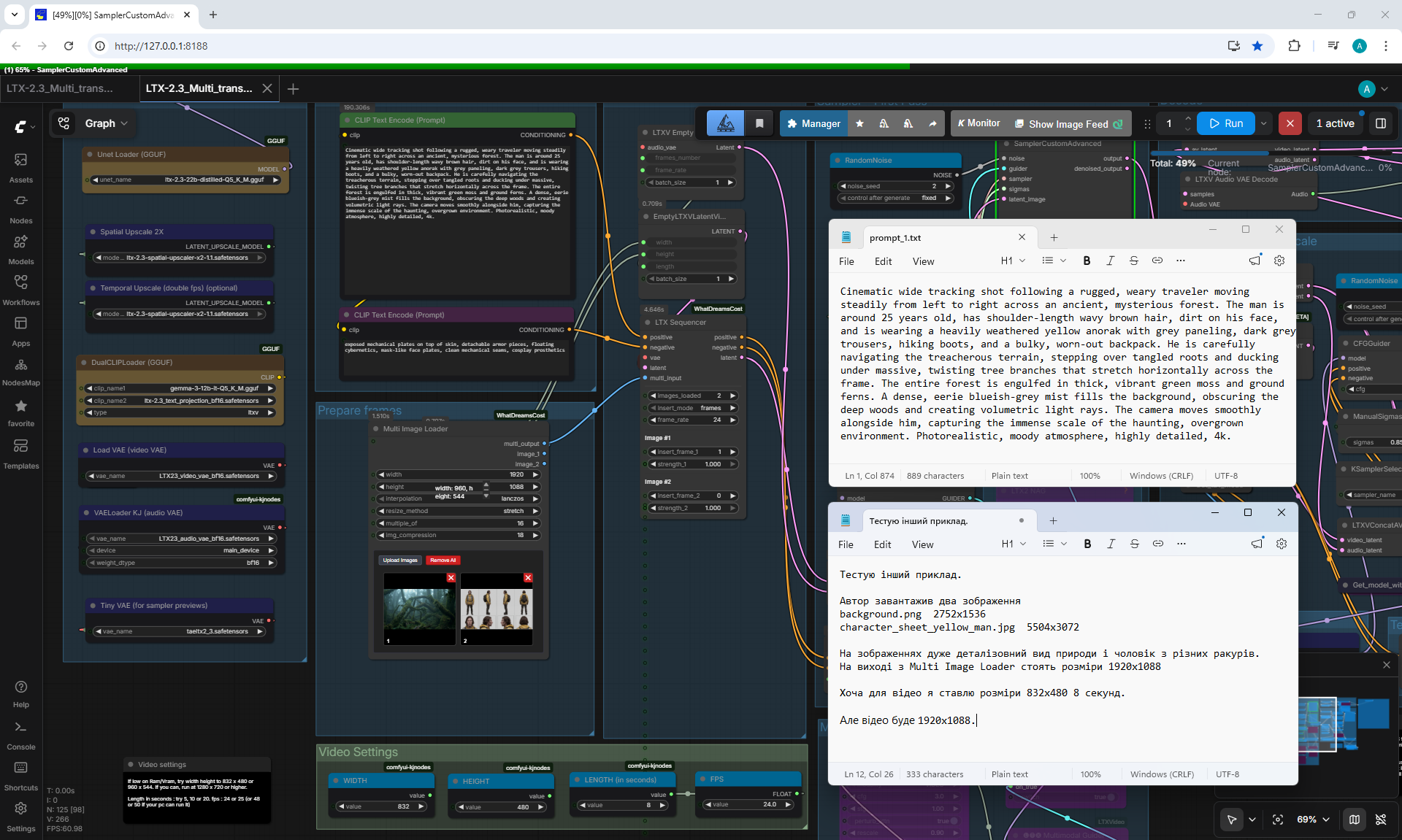
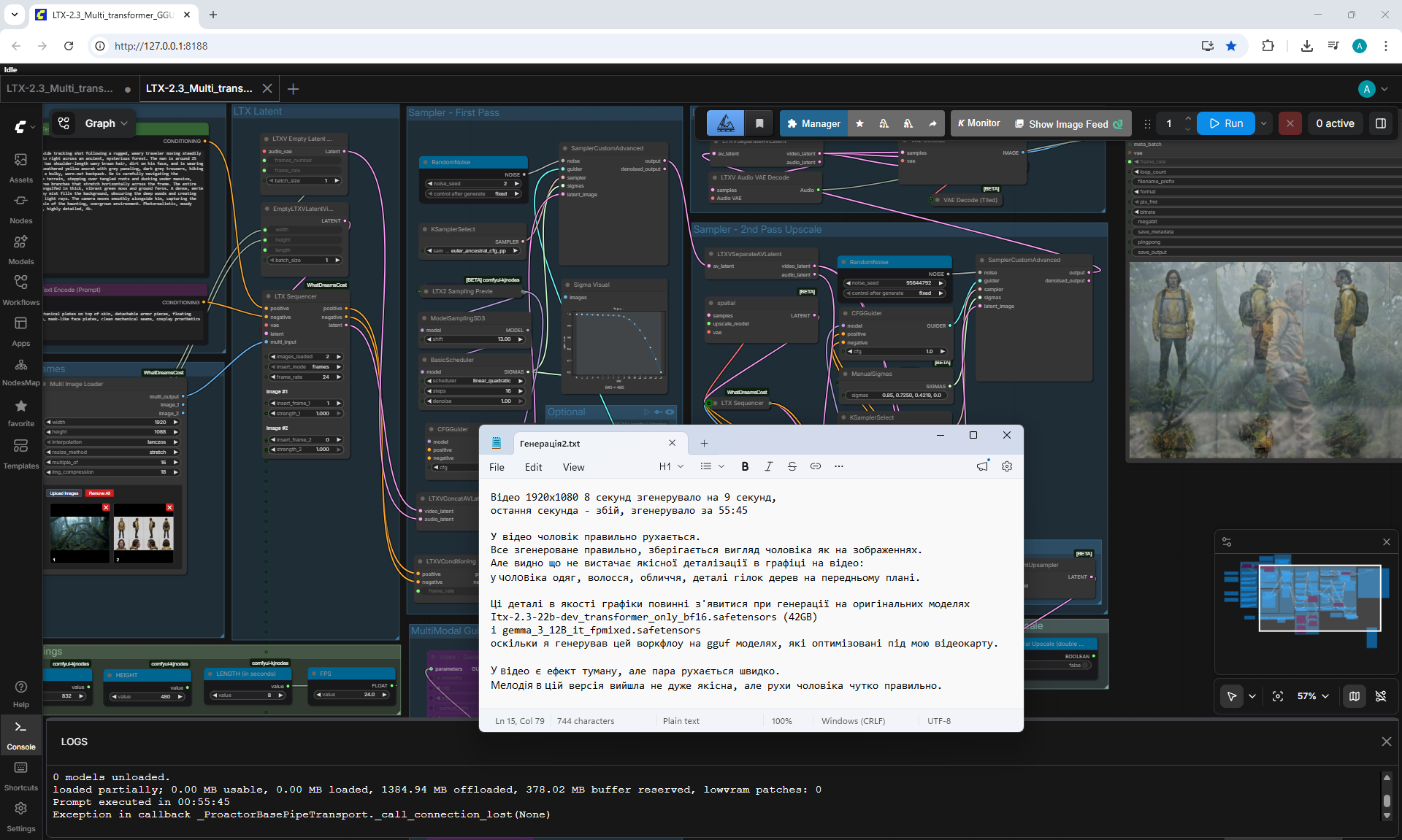
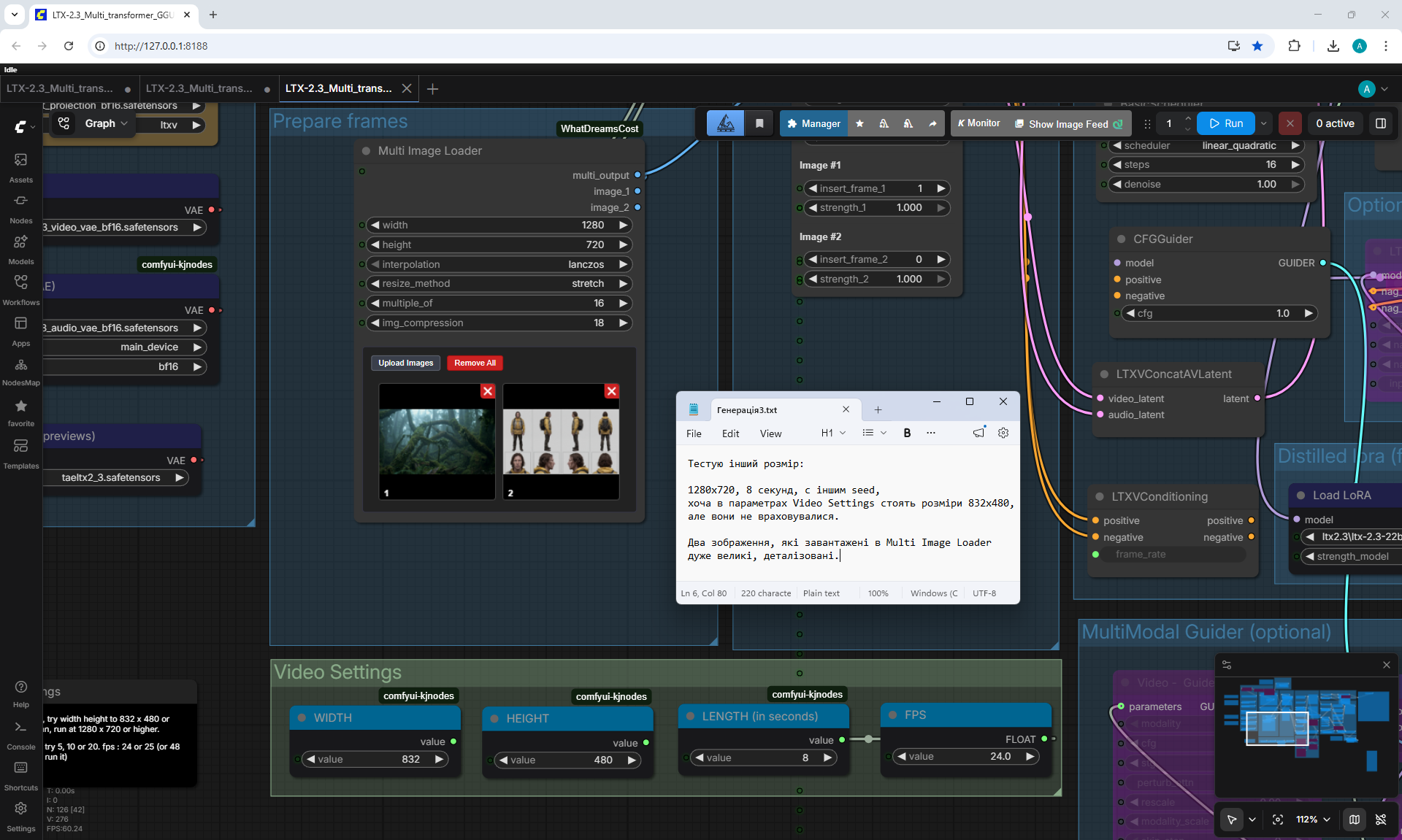
Character sheet for more consistency and flexibility on LTX2.3
Train Your LoRA with AI Toolkit Ostris: Image, Video, Music
LTX 2.3 Character Sheet optimized workflow update
How to use LTX Director - A Free Open Source Tool for Creating LTX 2.3 AI Videos Locally in ComfyUI

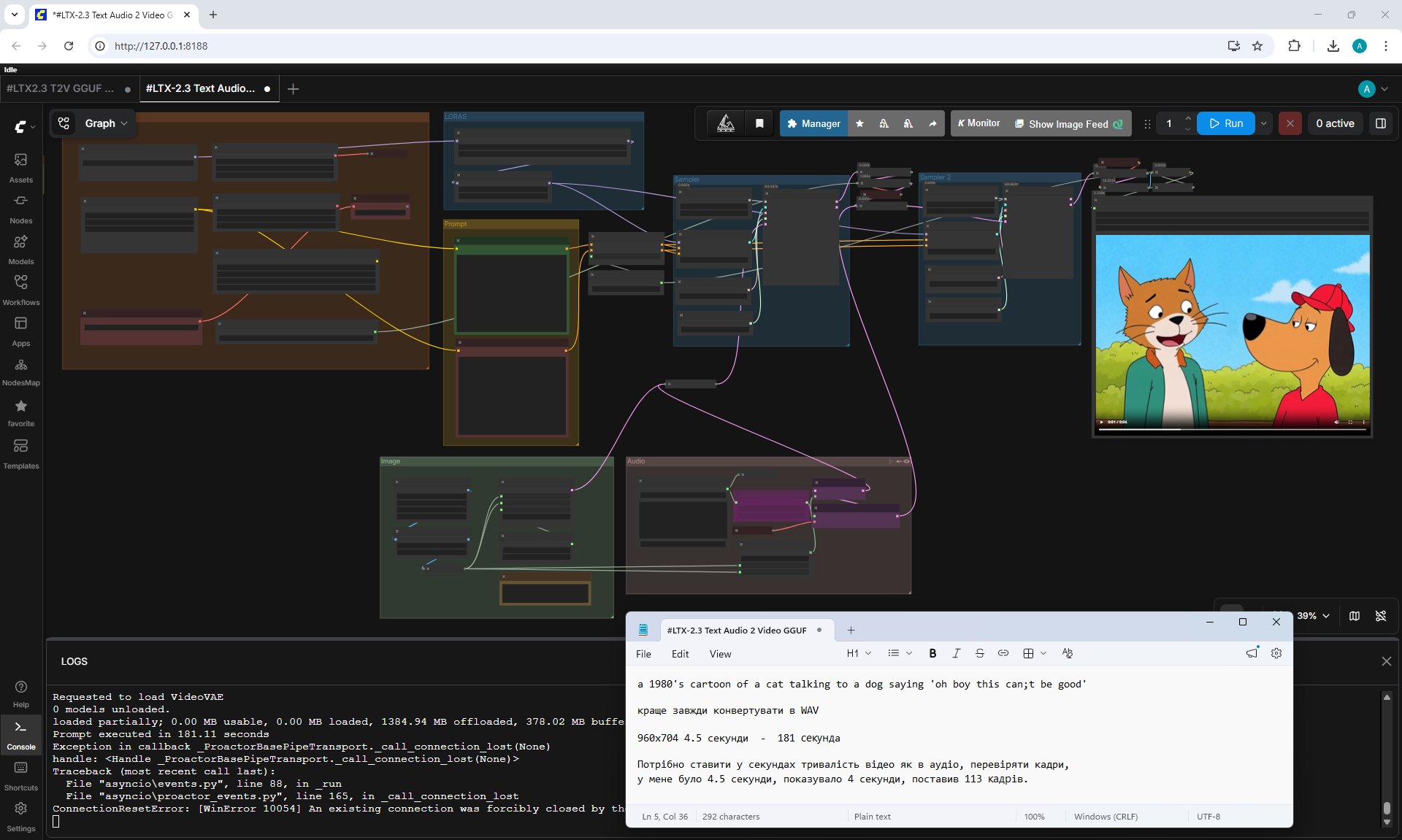
Create Talking AI Characters with LTX 2.3 + Identity LoRA (Voice Cloning + Lip Sync)
/002.png)
/Preview/004.png)
/Preview/005.png)
/Preview/006.png)
Male voice for cloning
/Screenshot_0.png)
/Screenshot_1.png)
/Screenshot_2.png)
/Screenshot_3.png)
/Screenshot_4.png)
/Screenshot_5.png)
/Screenshot_6.png)
/Screenshot_7.png)
/Screenshot_8.png)
/Screenshot_9.png)
/Screenshot_10.png)
/Screenshot_11.png)
/Screenshot_12.png)
/Screenshot_13.png)
/Screenshot_14.png)
/Screenshot_15.png)
/Screenshot_16.png)
/Screenshot_17.png)
/Screenshot_18.png)
/Screenshot_19.png)
/Screenshot_20.png)
/Screenshot_21.png)
/Screenshot_22.png)
/Screenshot_23.png)
/Screenshot_24.png)
/001.png)
/Preview/007.png)
/Preview/008.png)
/Preview/009.png)
Male voice for cloning
/Screenshot_25.png)
/Screenshot_26.png)
/Screenshot_27.png)
/Screenshot_28.png)
/Screenshot_29.png)
/Screenshot_30.png)
/Screenshot_31.png)
/Screenshot_32.png)
/Screenshot_33.png)
/Screenshot_34.png)
/003.jpeg)
/Preview/010.png)
/Preview/015.png)
Sound for video without cloning
/Screenshot_35.png)
/Screenshot_36.png)
/Screenshot_37.png)
/Screenshot_38.png)
/Screenshot_53.png)
/Preview/011.png)
/Preview/012.png)
/Preview/013.png)
/Preview/014.png)
Male voice for cloning
/Screenshot_39.png)
/Screenshot_40.png)
/Screenshot_41.png)
/Screenshot_42.png)
/Screenshot_43.png)
/Screenshot_44.png)
/Screenshot_45.png)
/Screenshot_46.png)
/Screenshot_47.png)
/Screenshot_48.png)
/Screenshot_49.png)
/Screenshot_50.png)
/Screenshot_51.png)
/Screenshot_52.png)
In the course (Ep06) ComfyUI Video Models: InfiniteTalk + Wan 2.2 + SCAIL + LTX-2 I generated video on InfiniteTalk + Wan 2.2
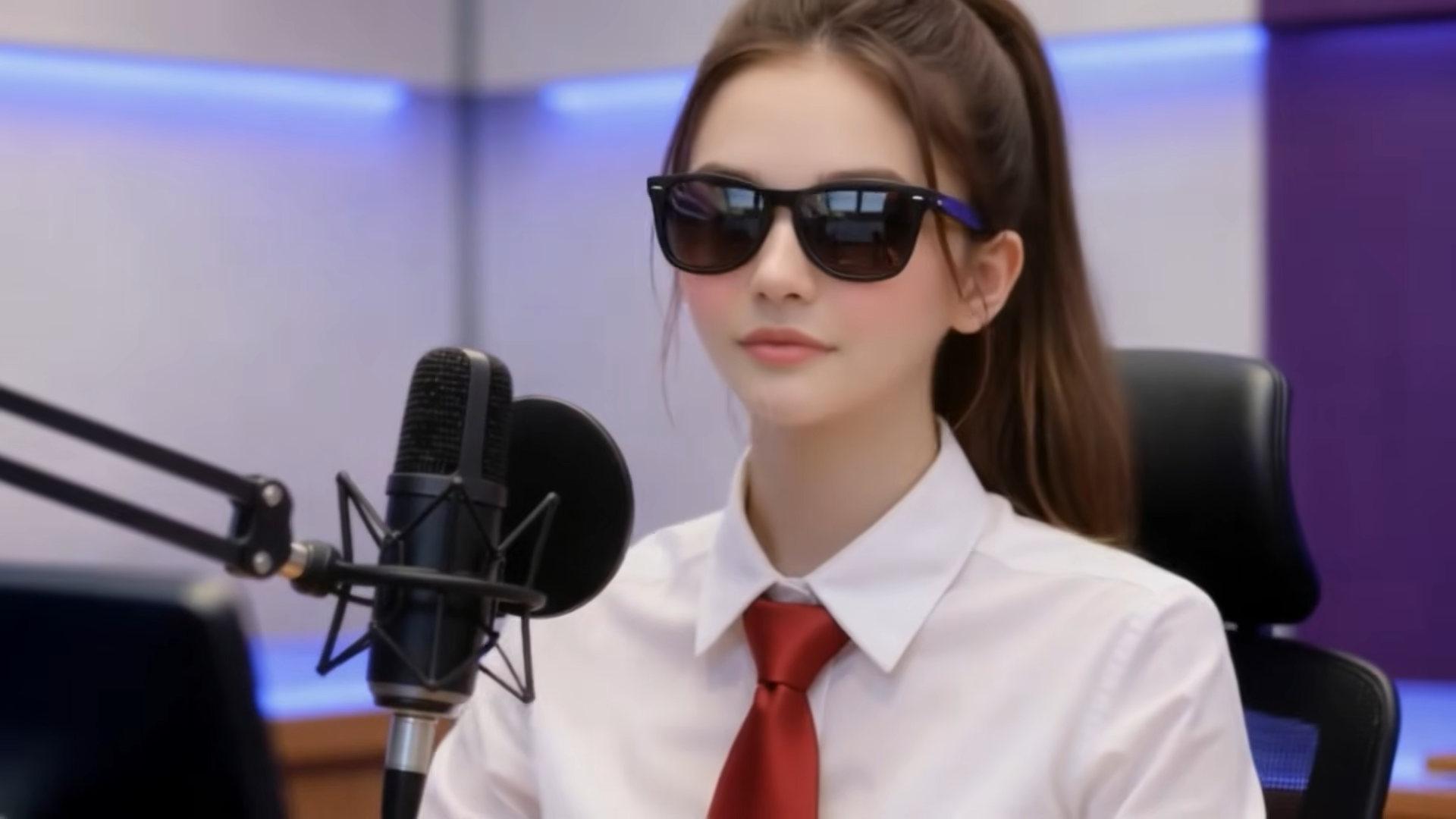
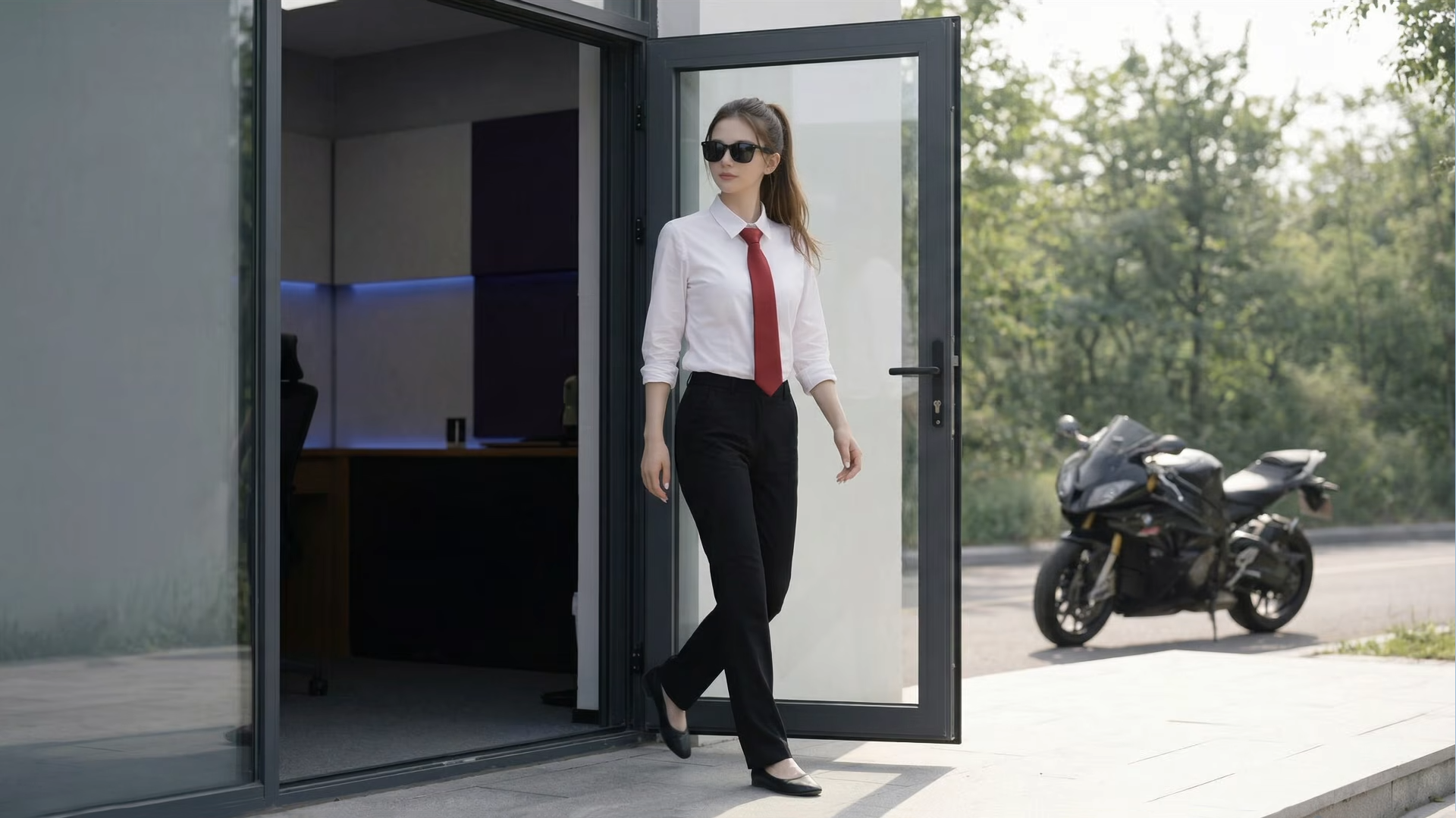
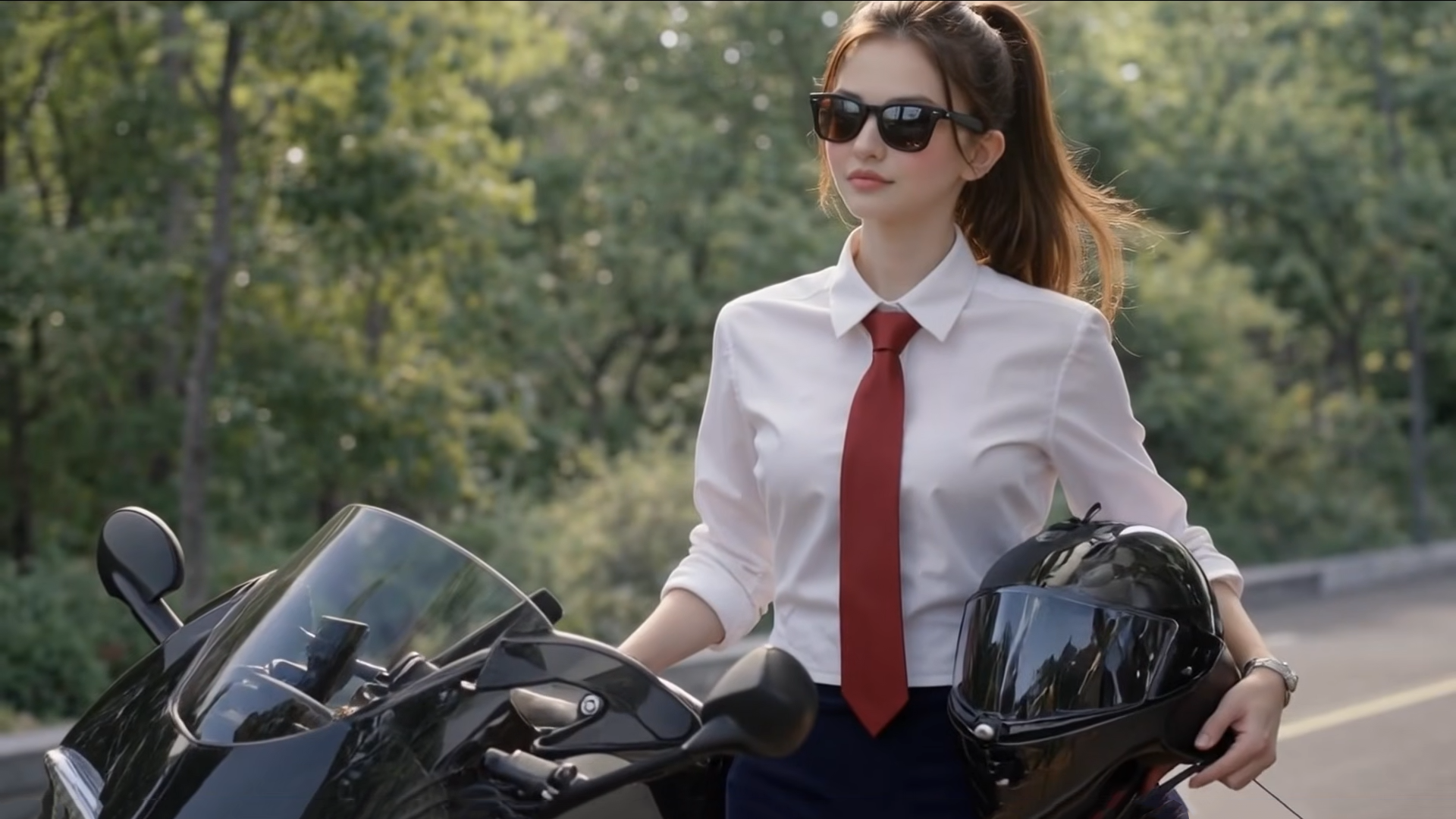



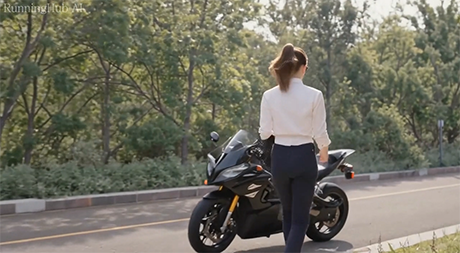

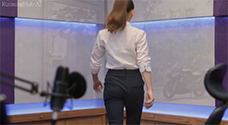

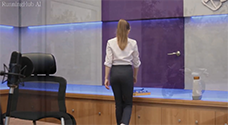





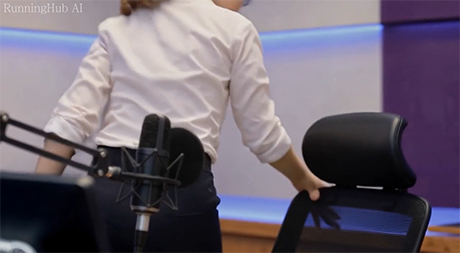





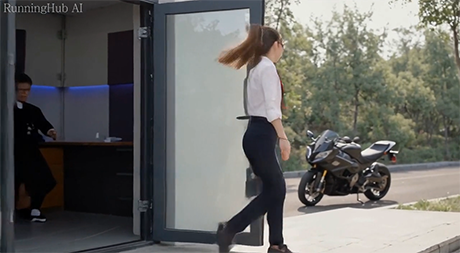


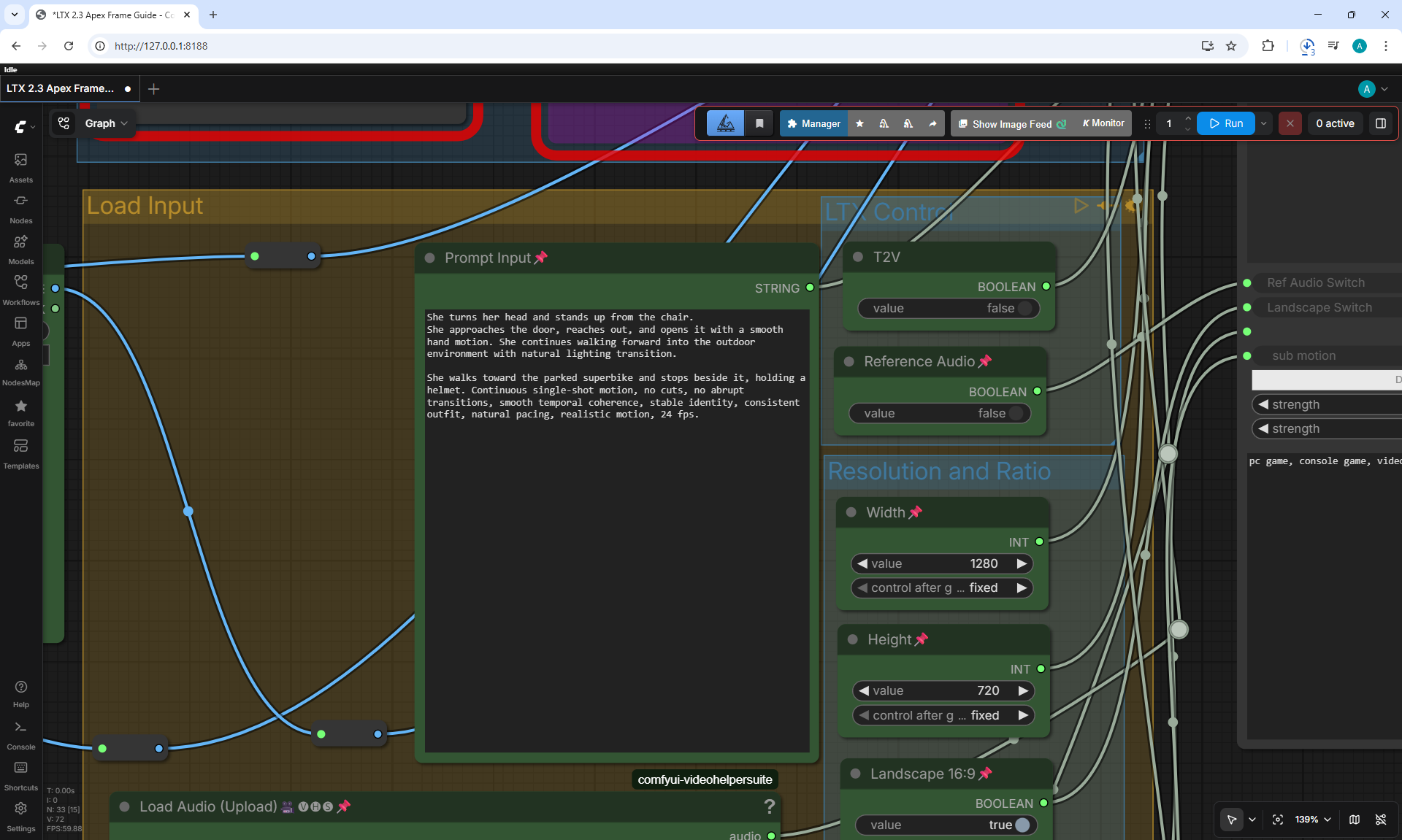
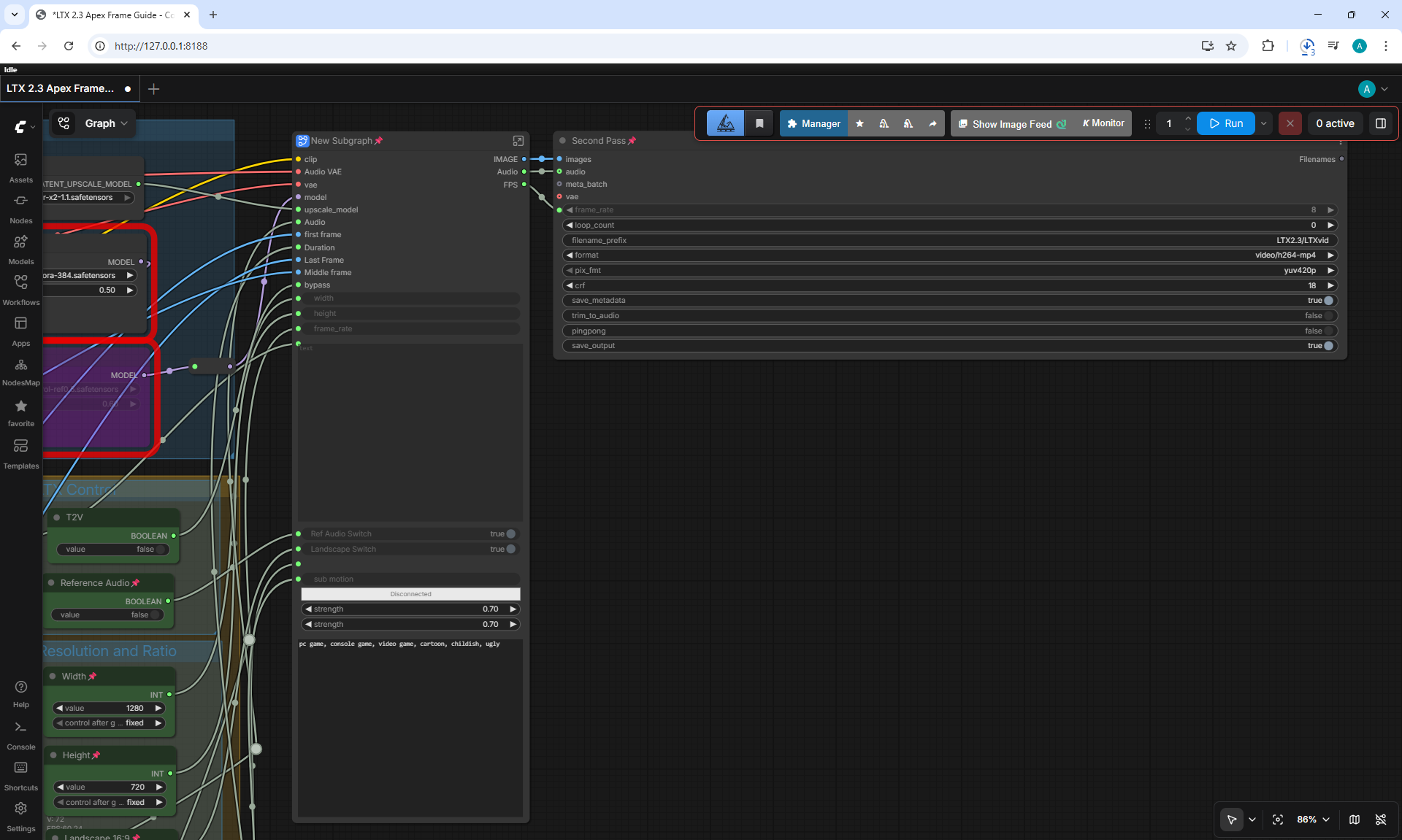
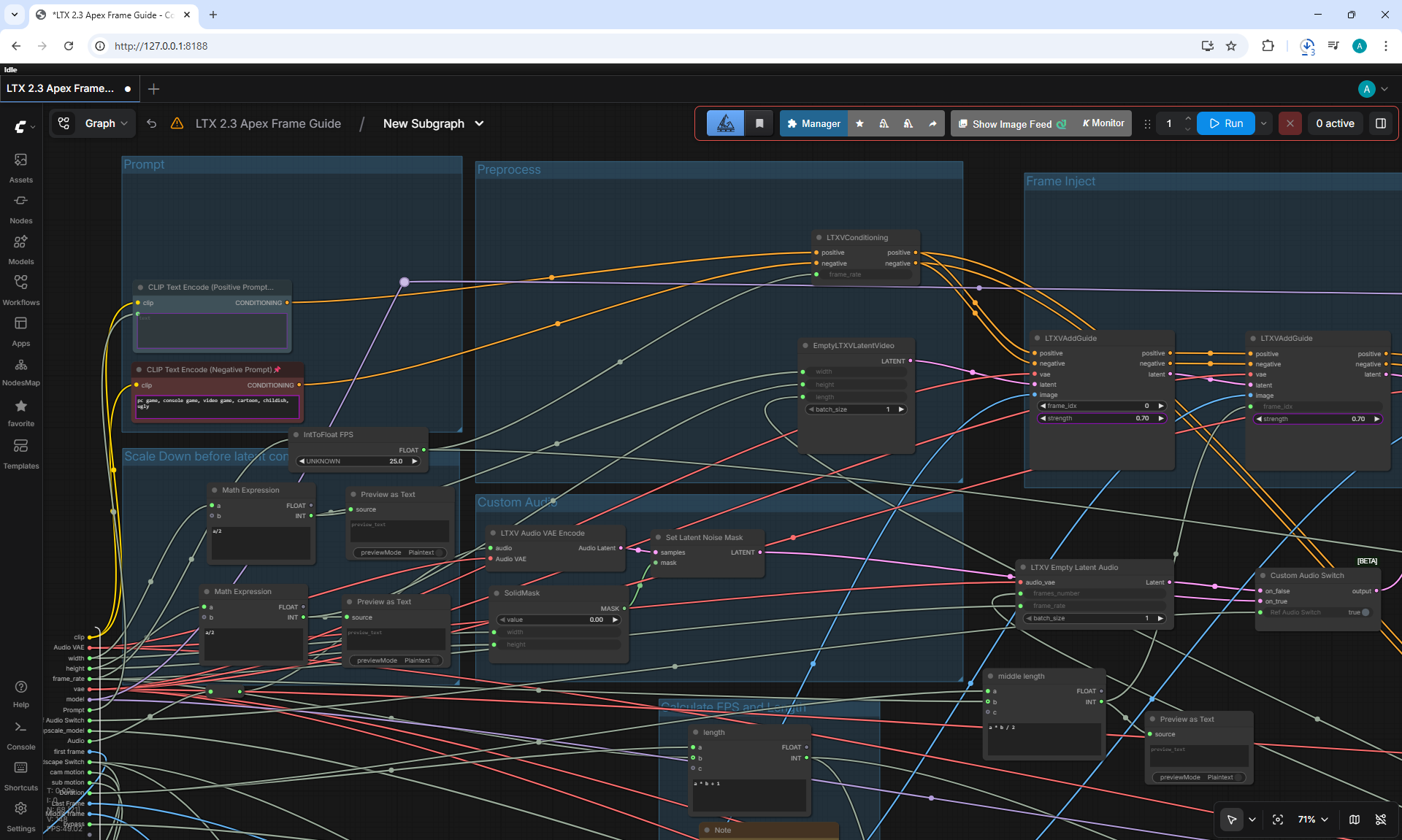
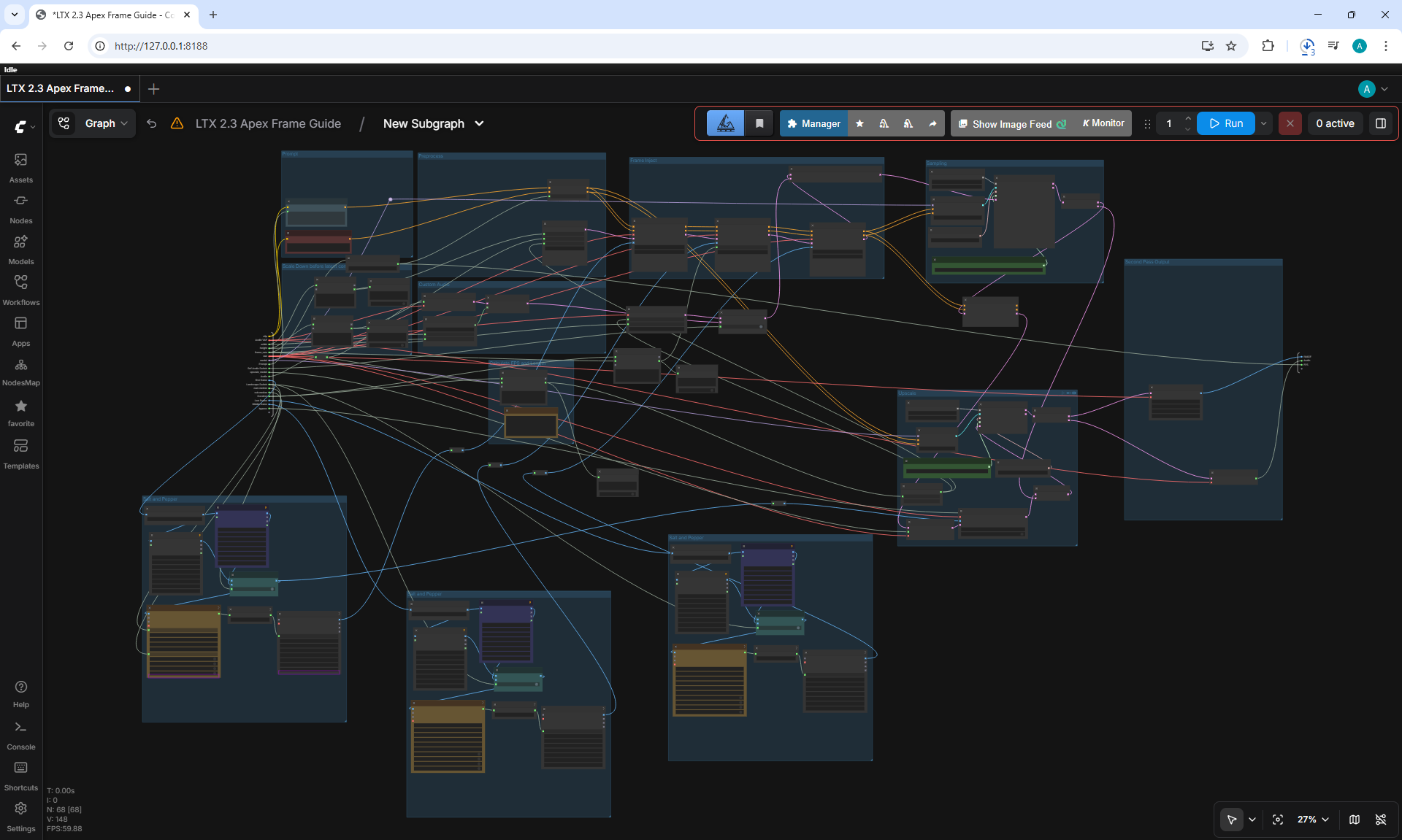
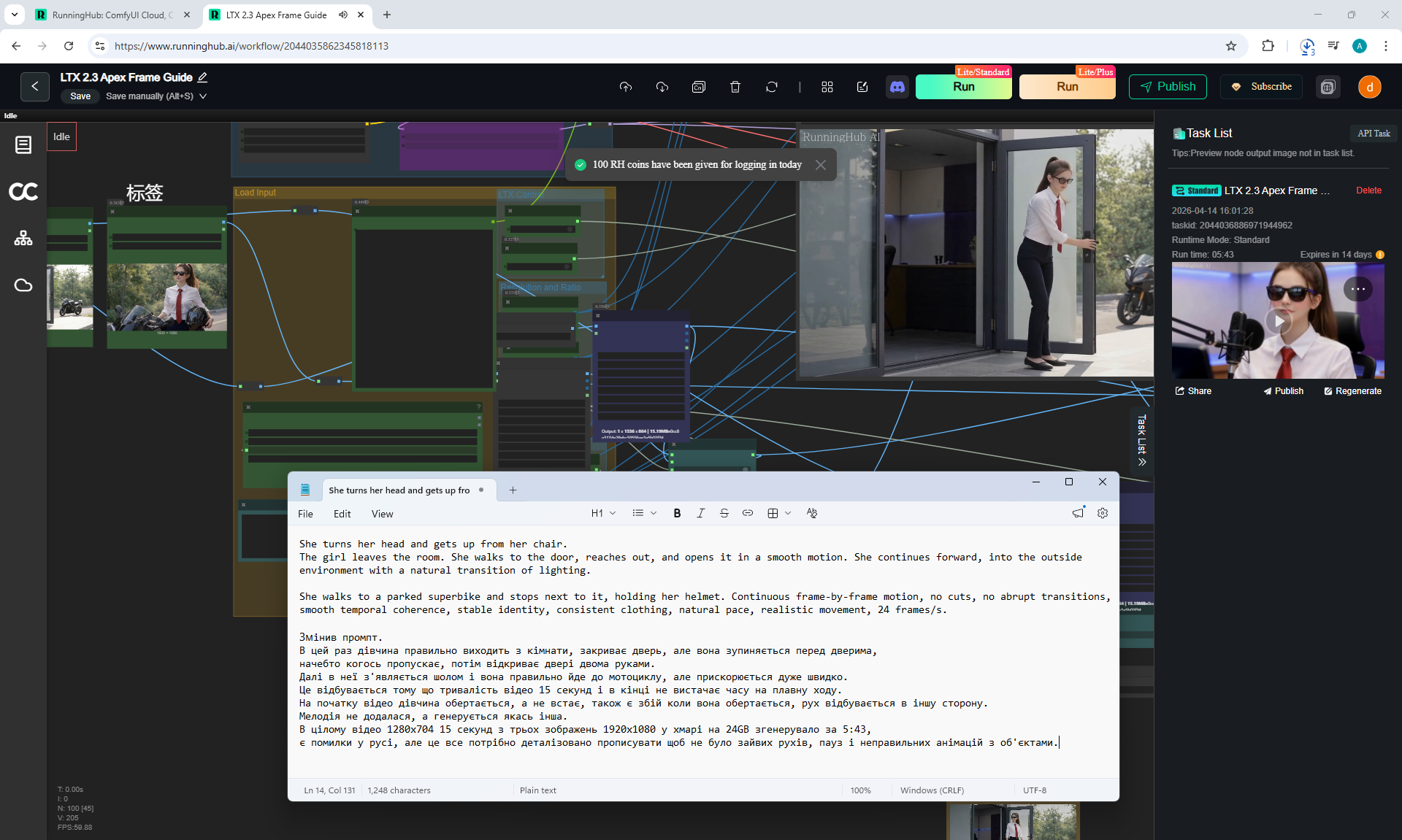
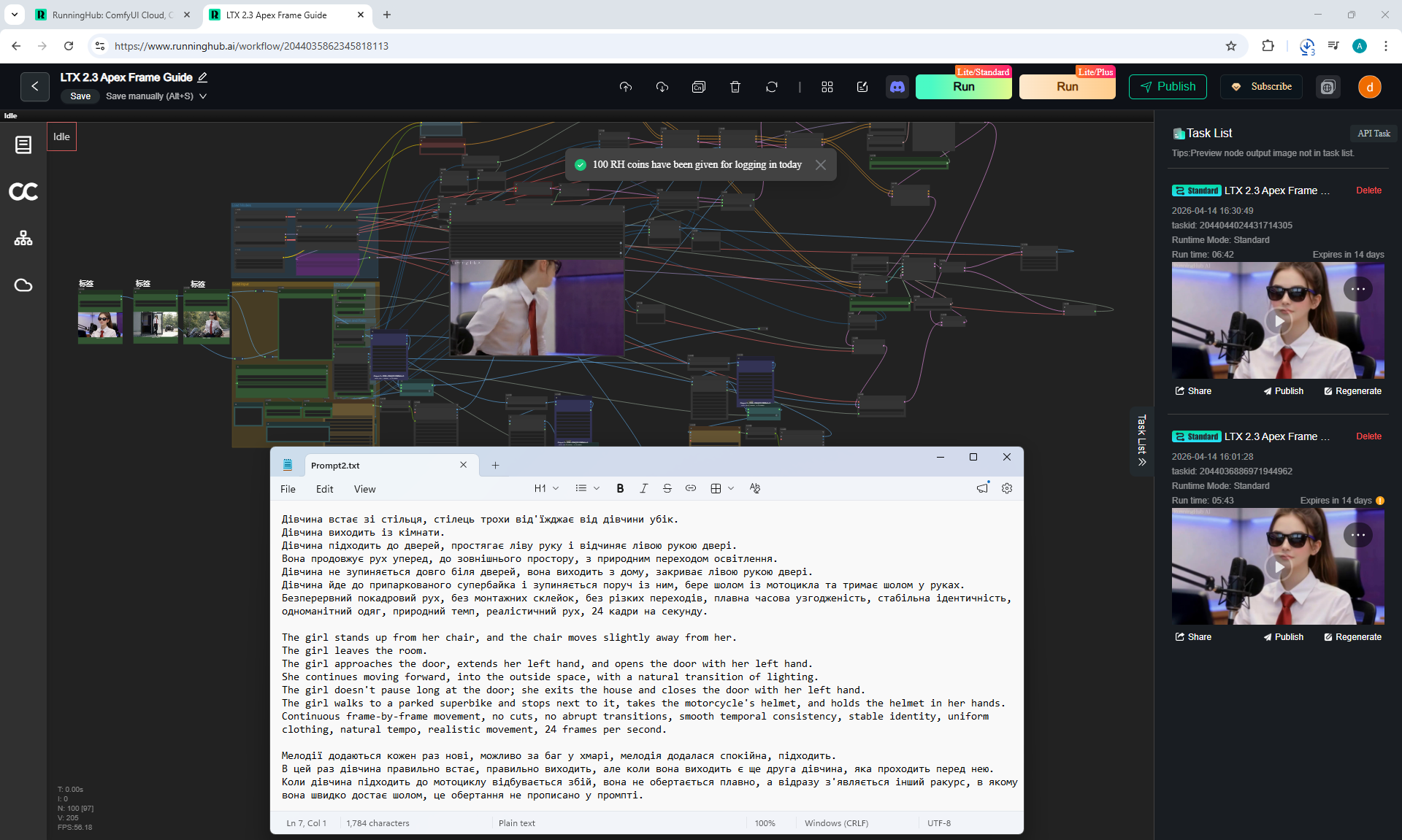
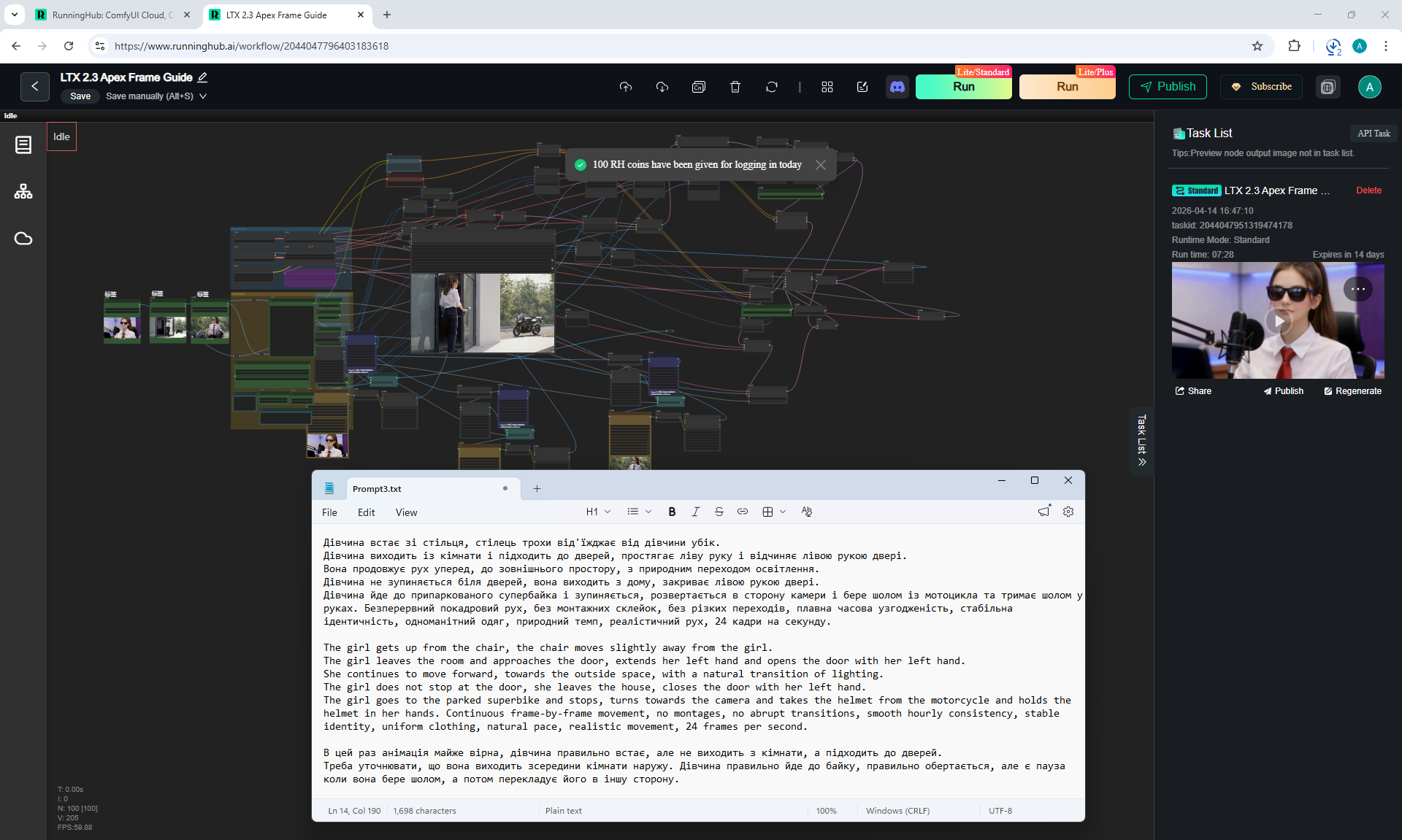
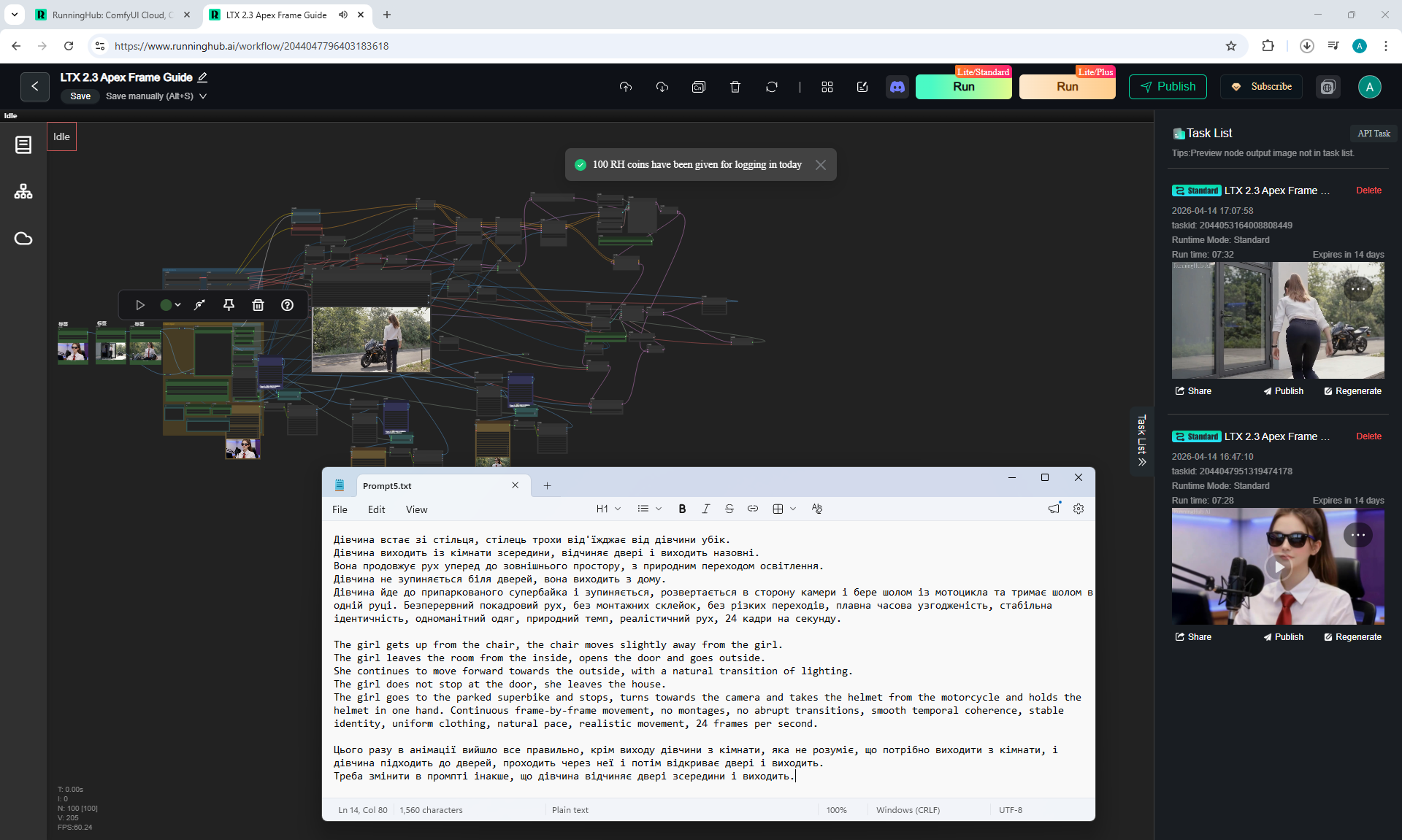
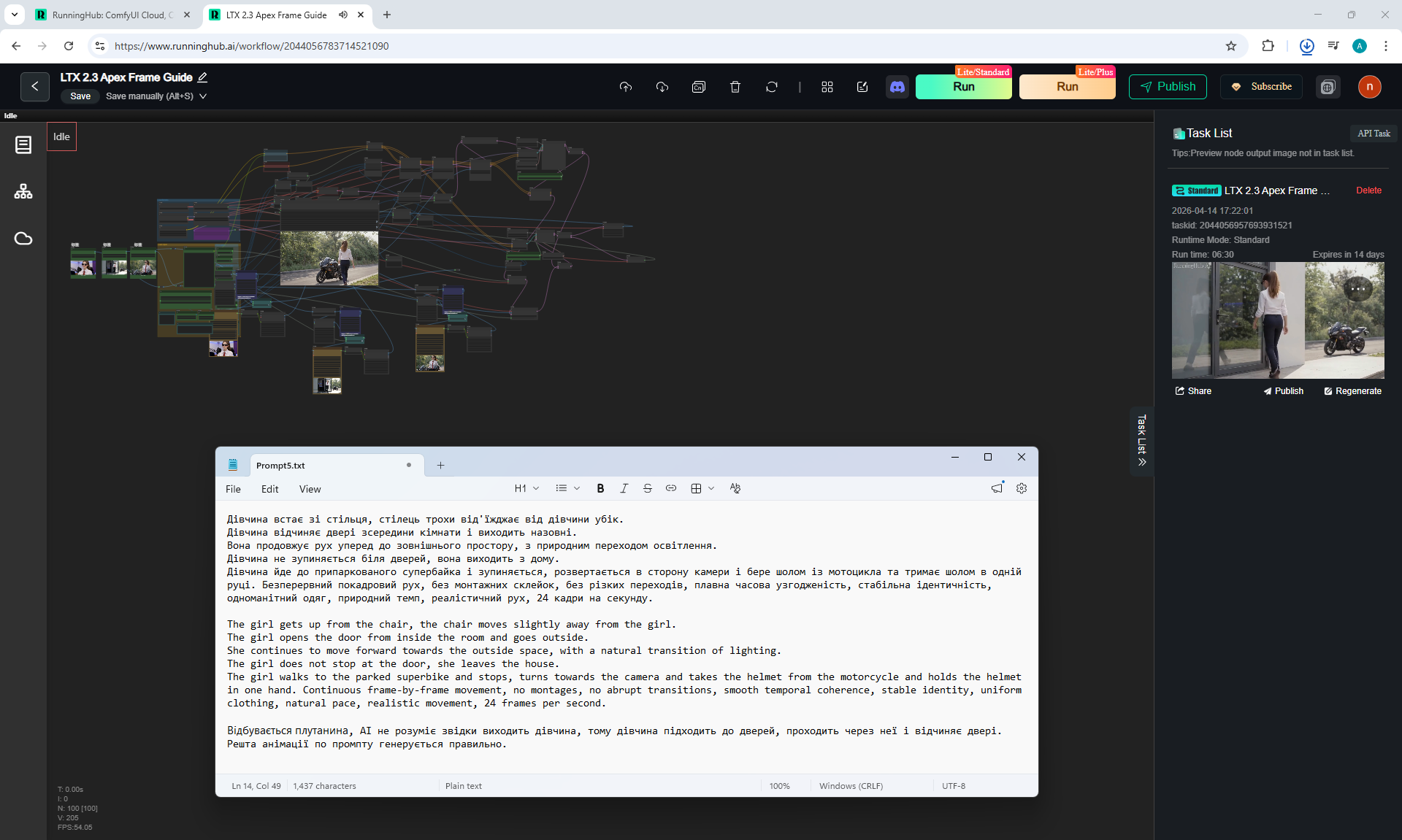
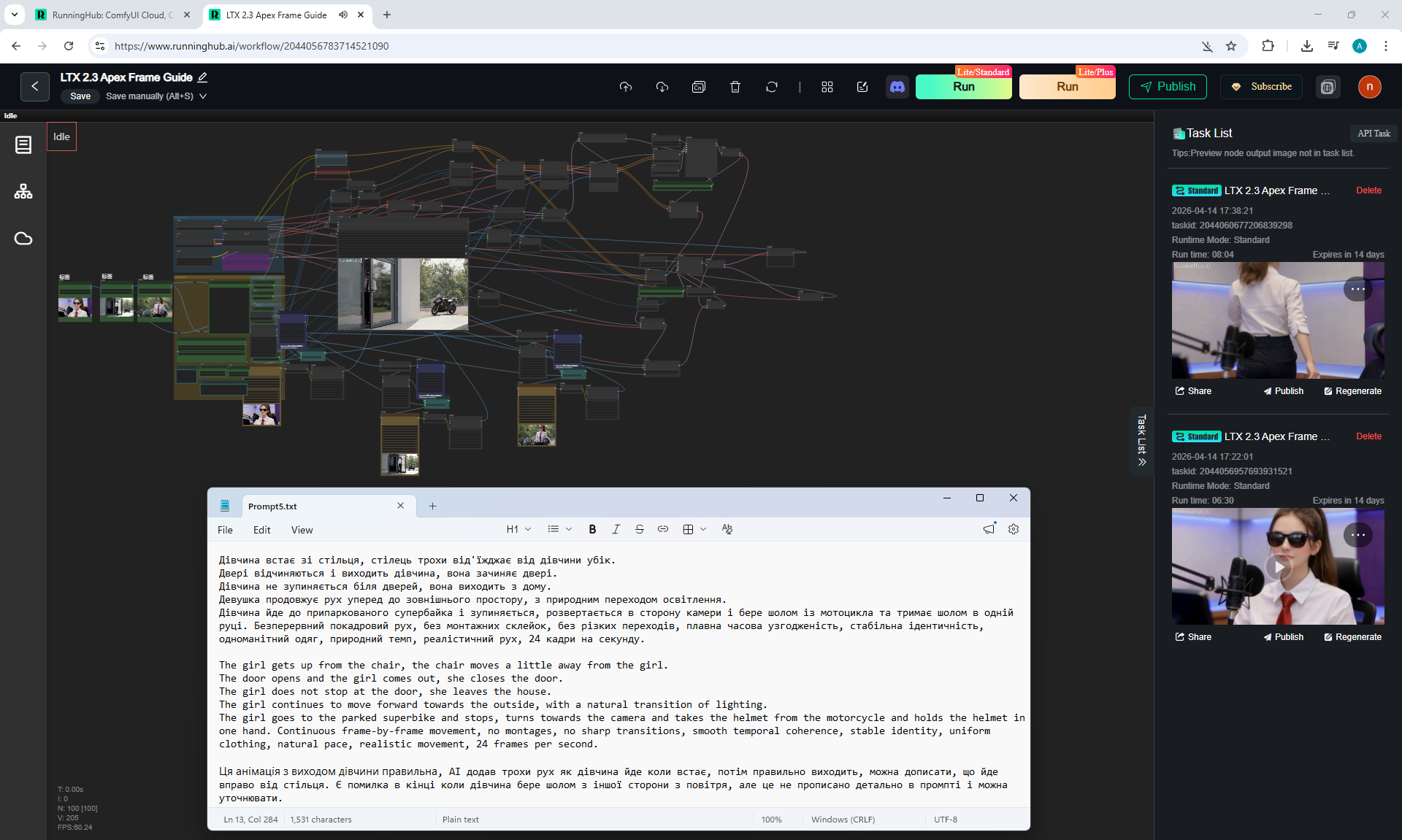
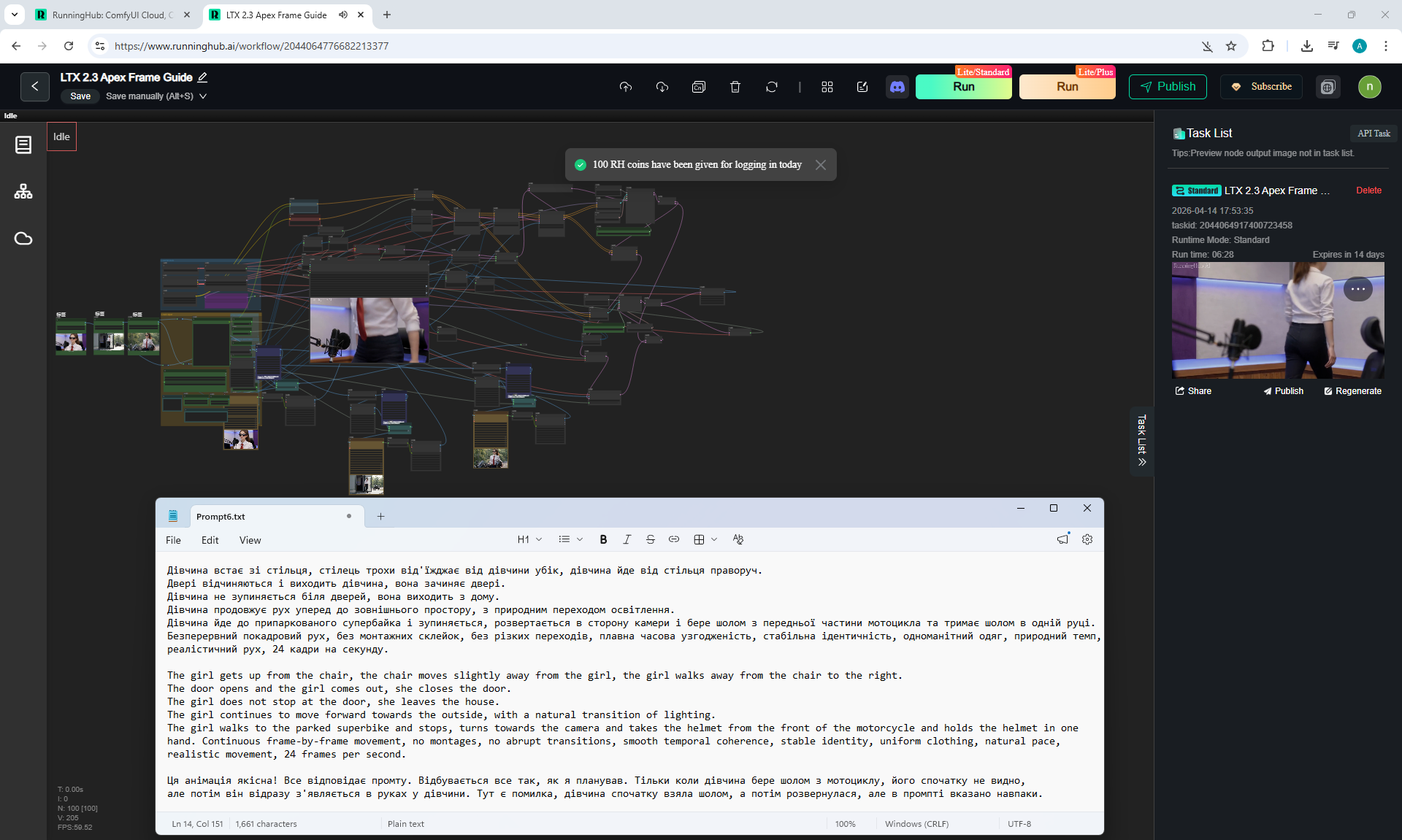
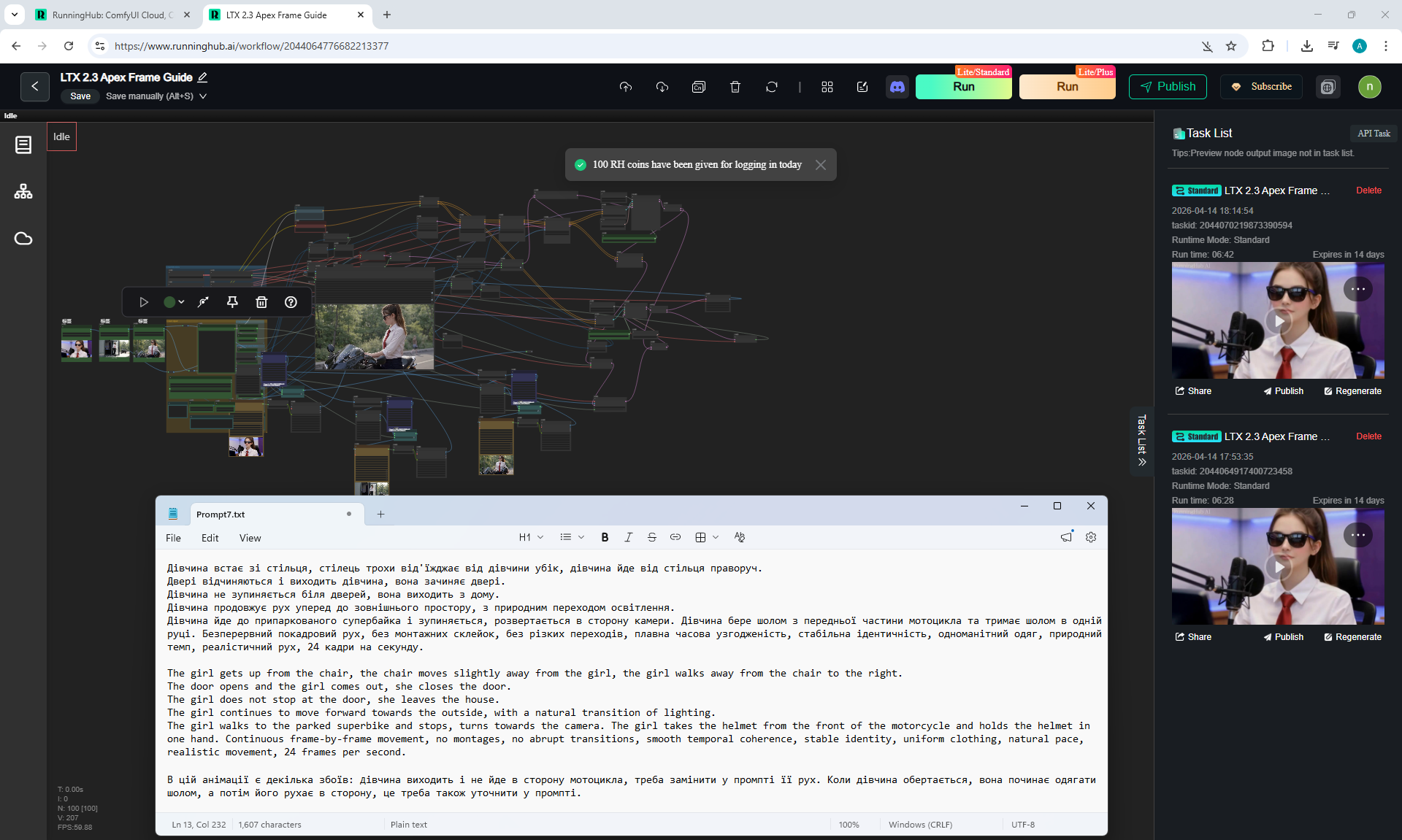
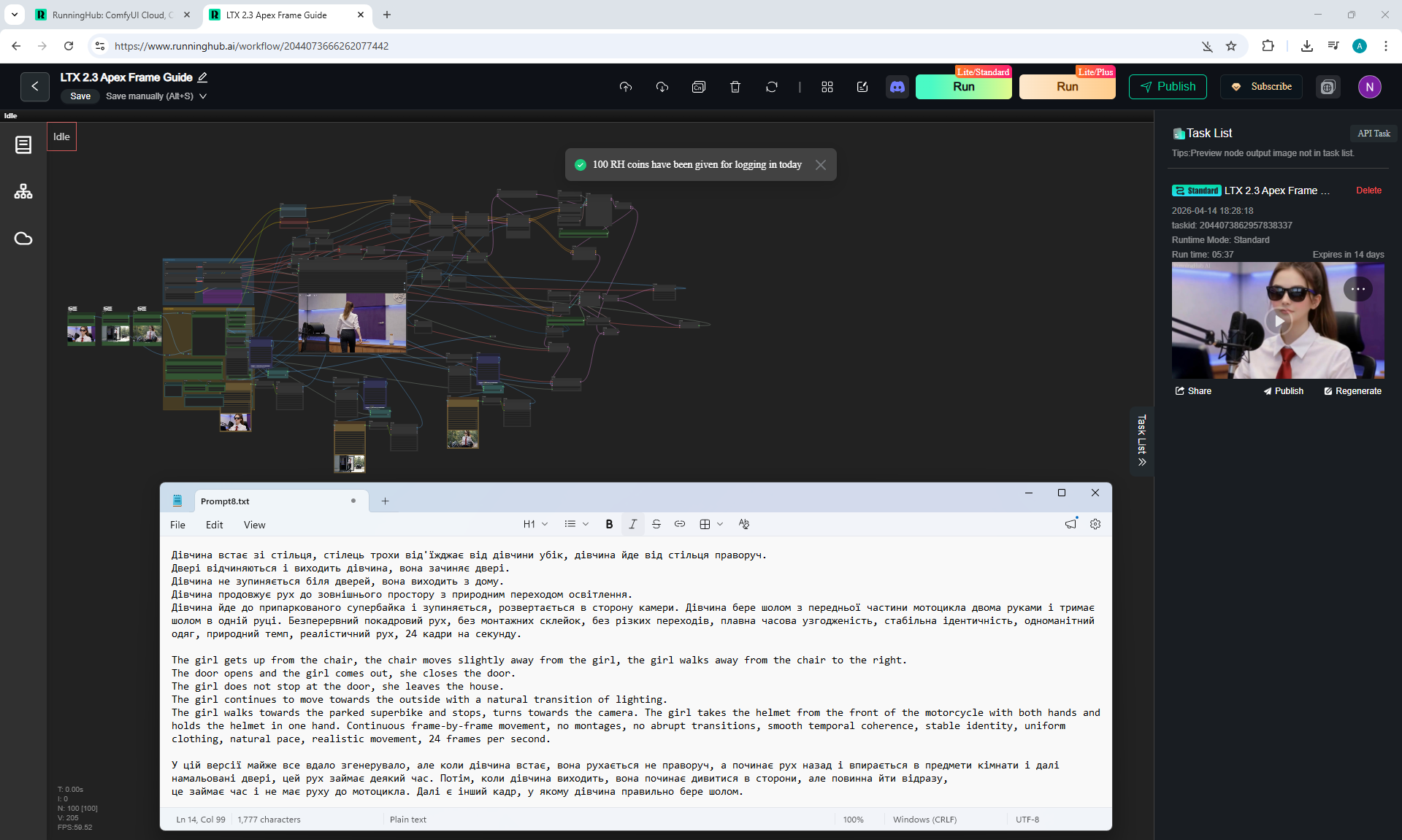
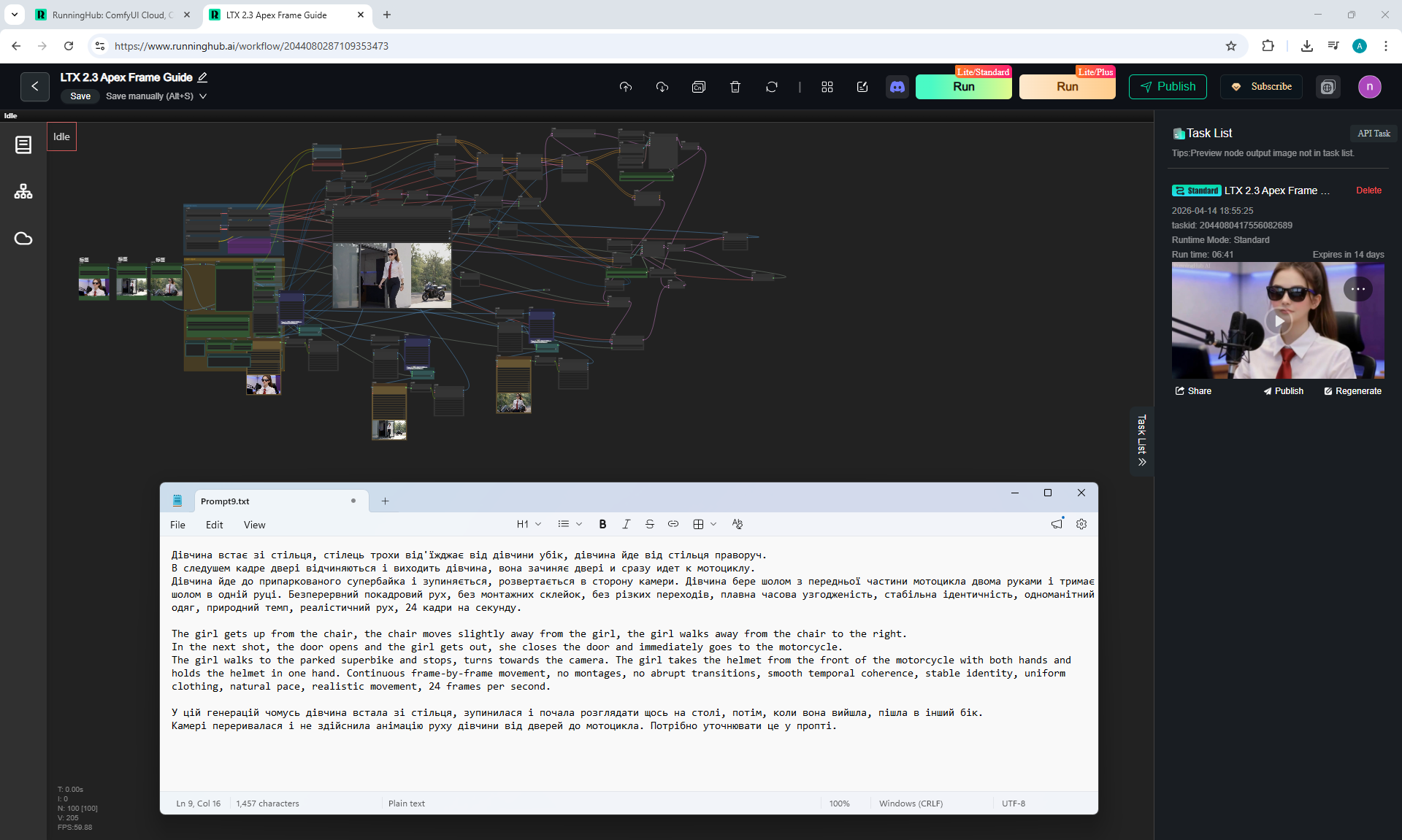
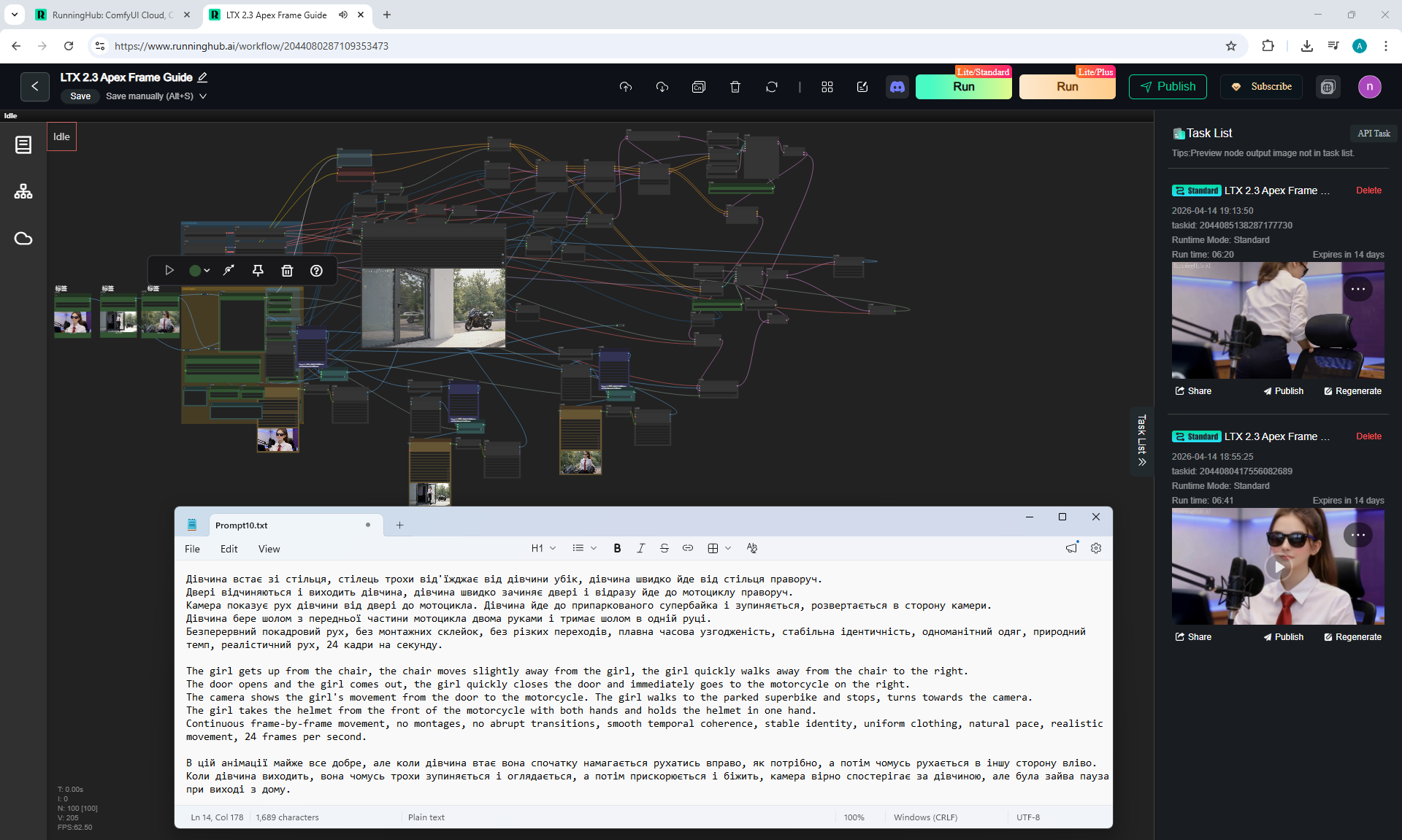
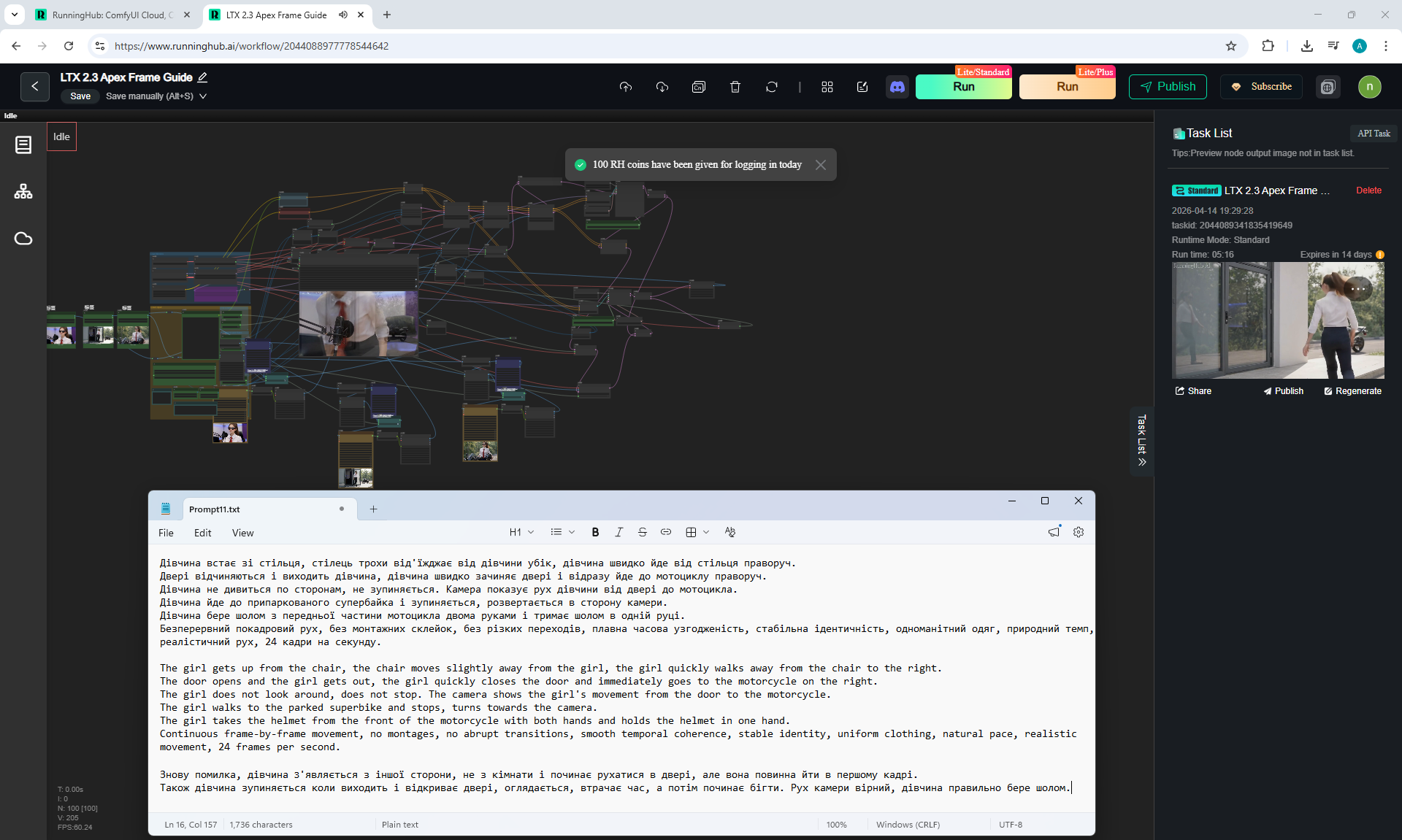
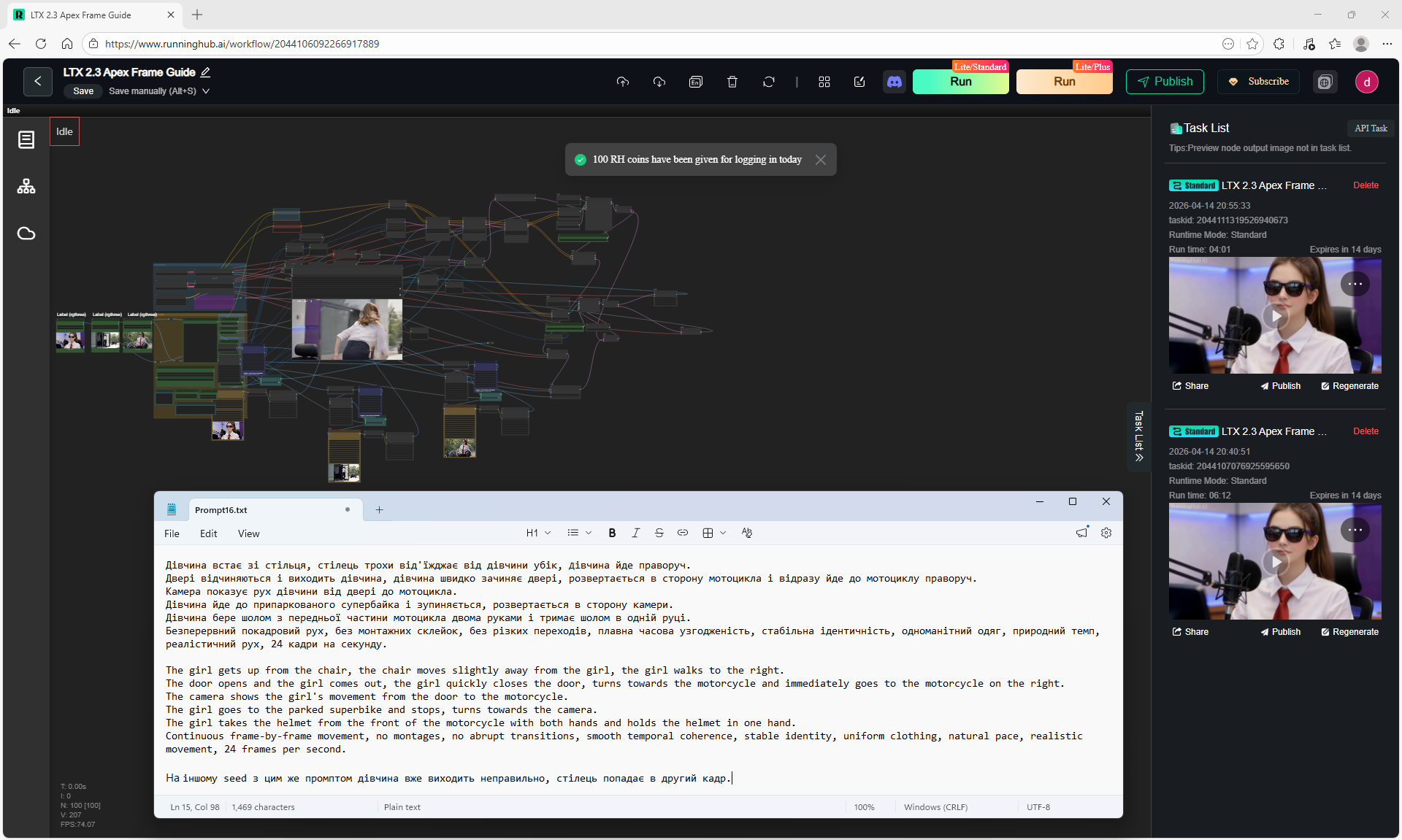
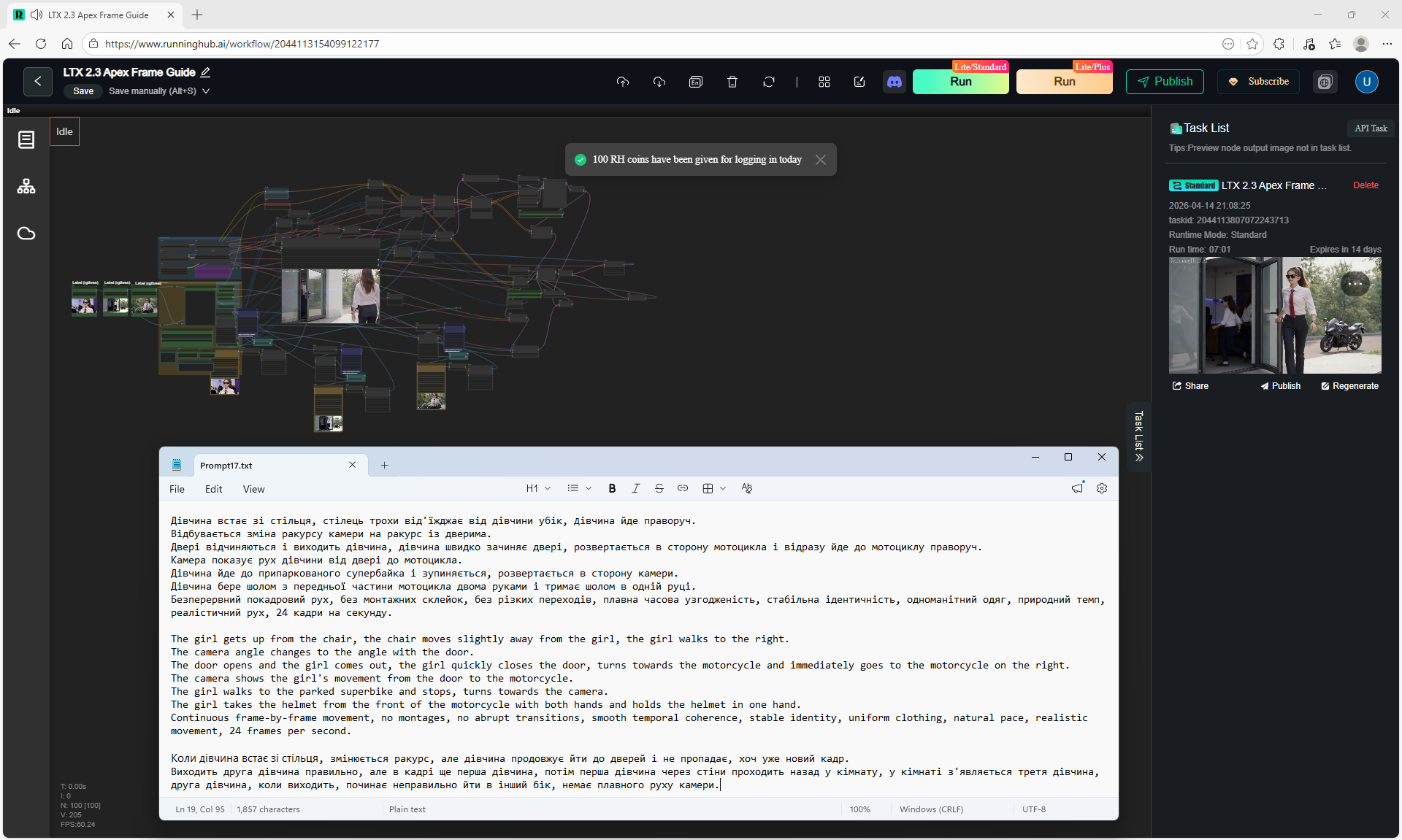
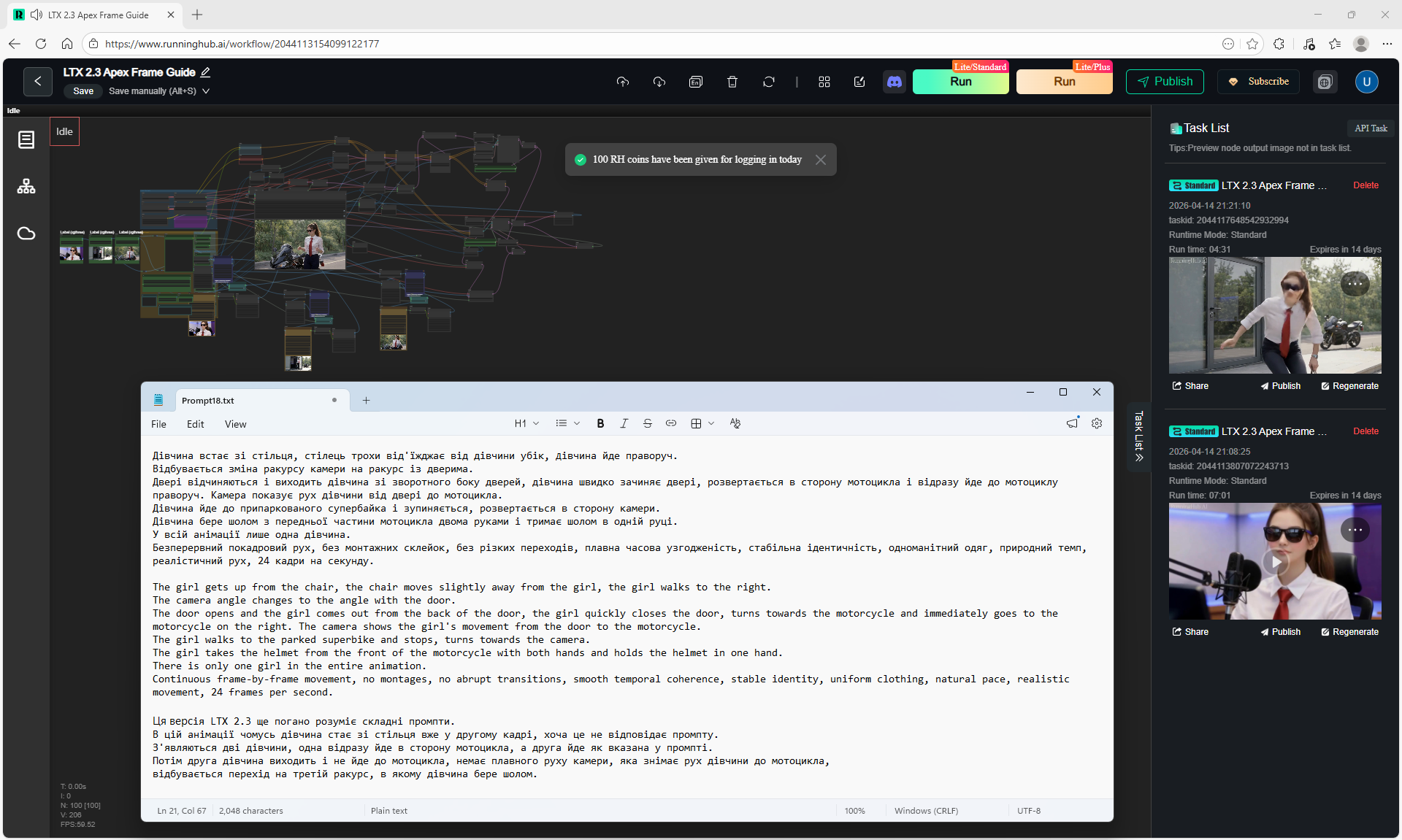
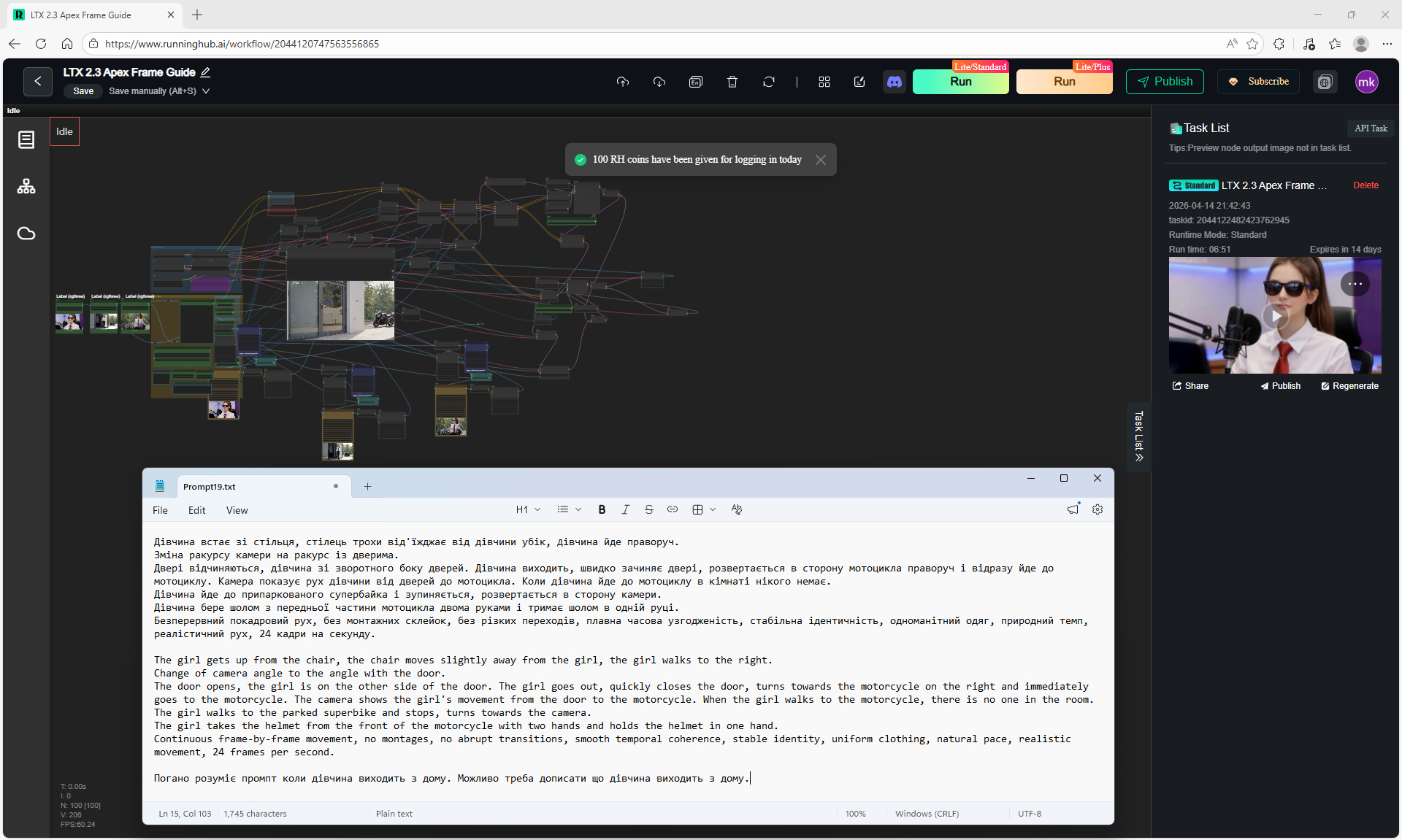
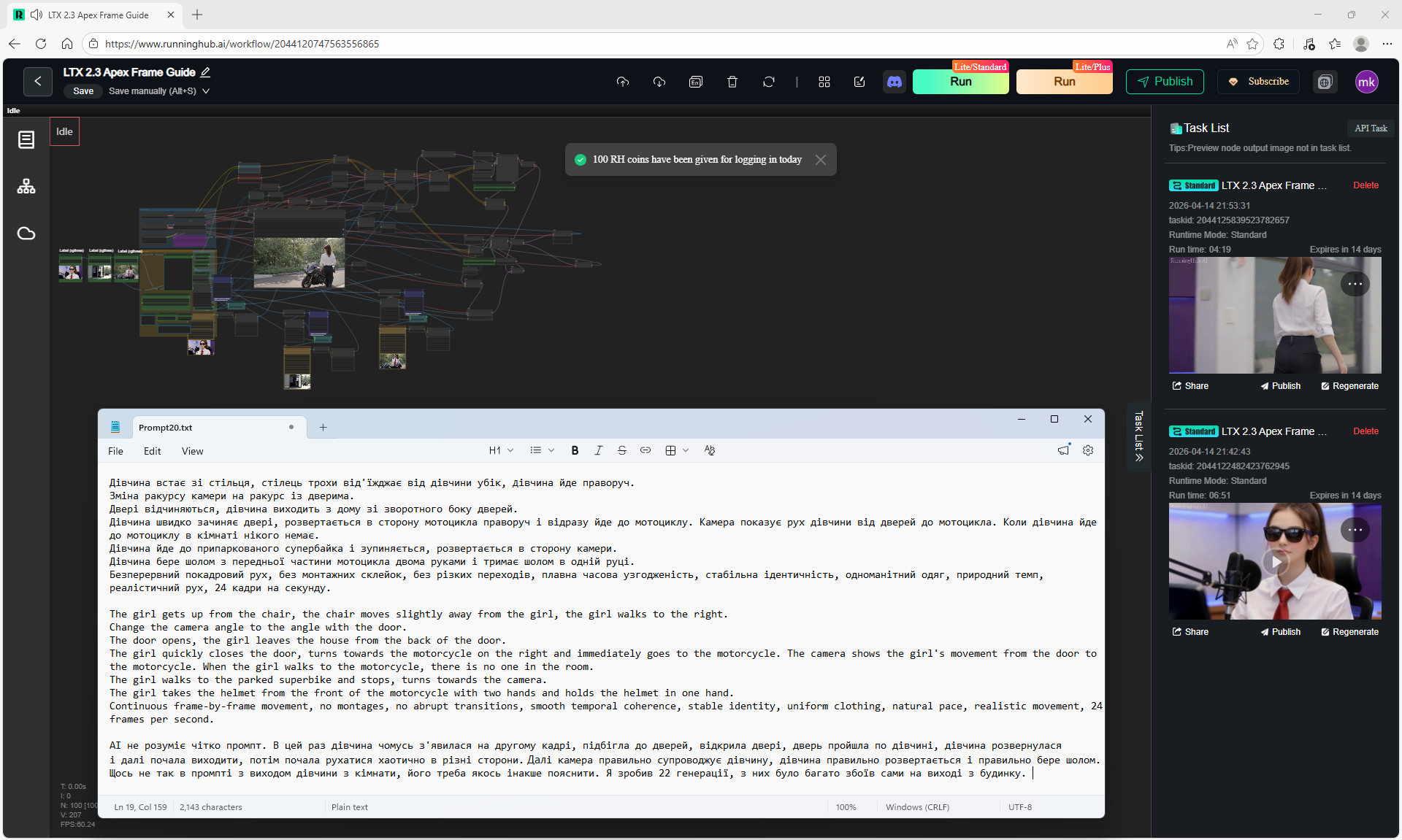
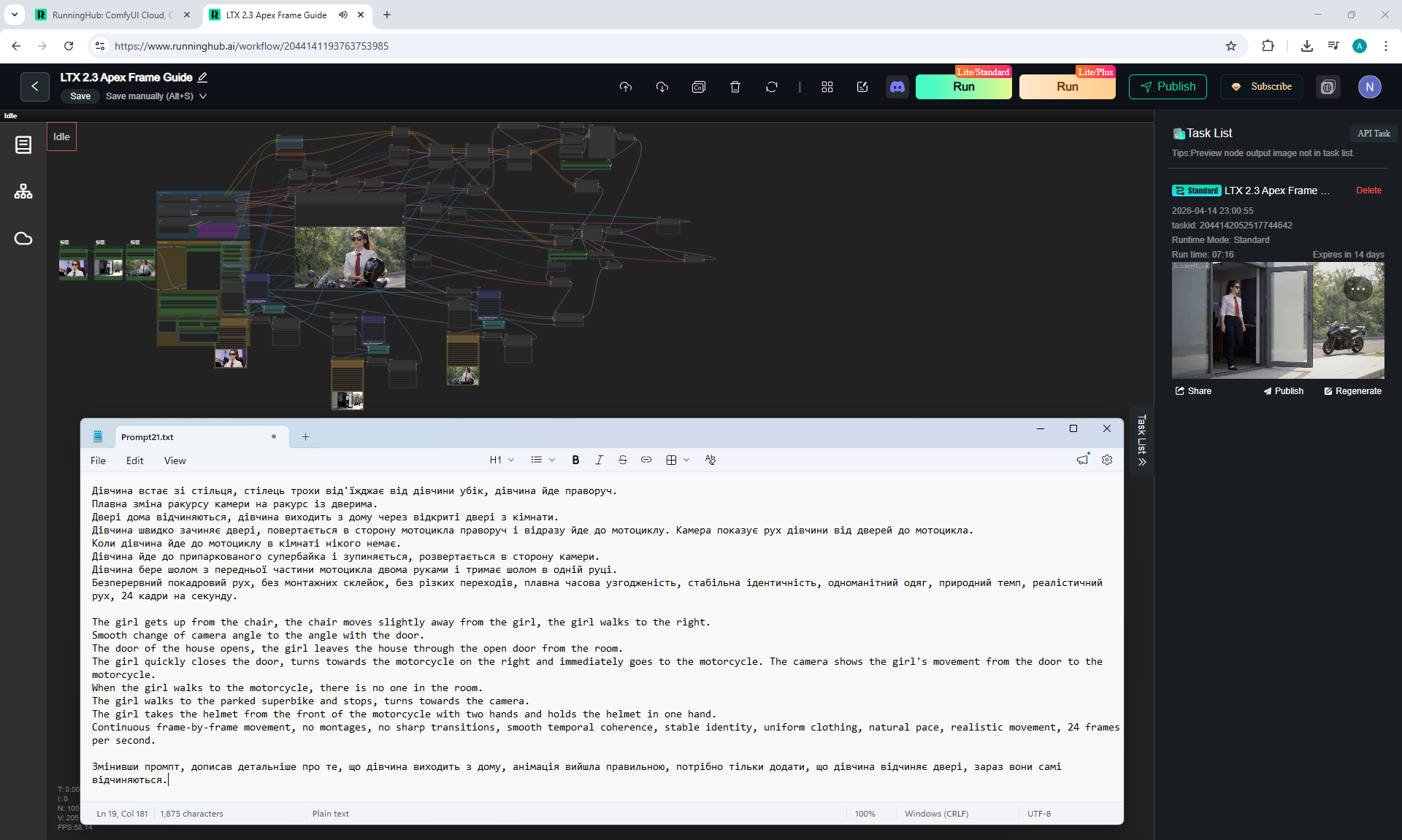
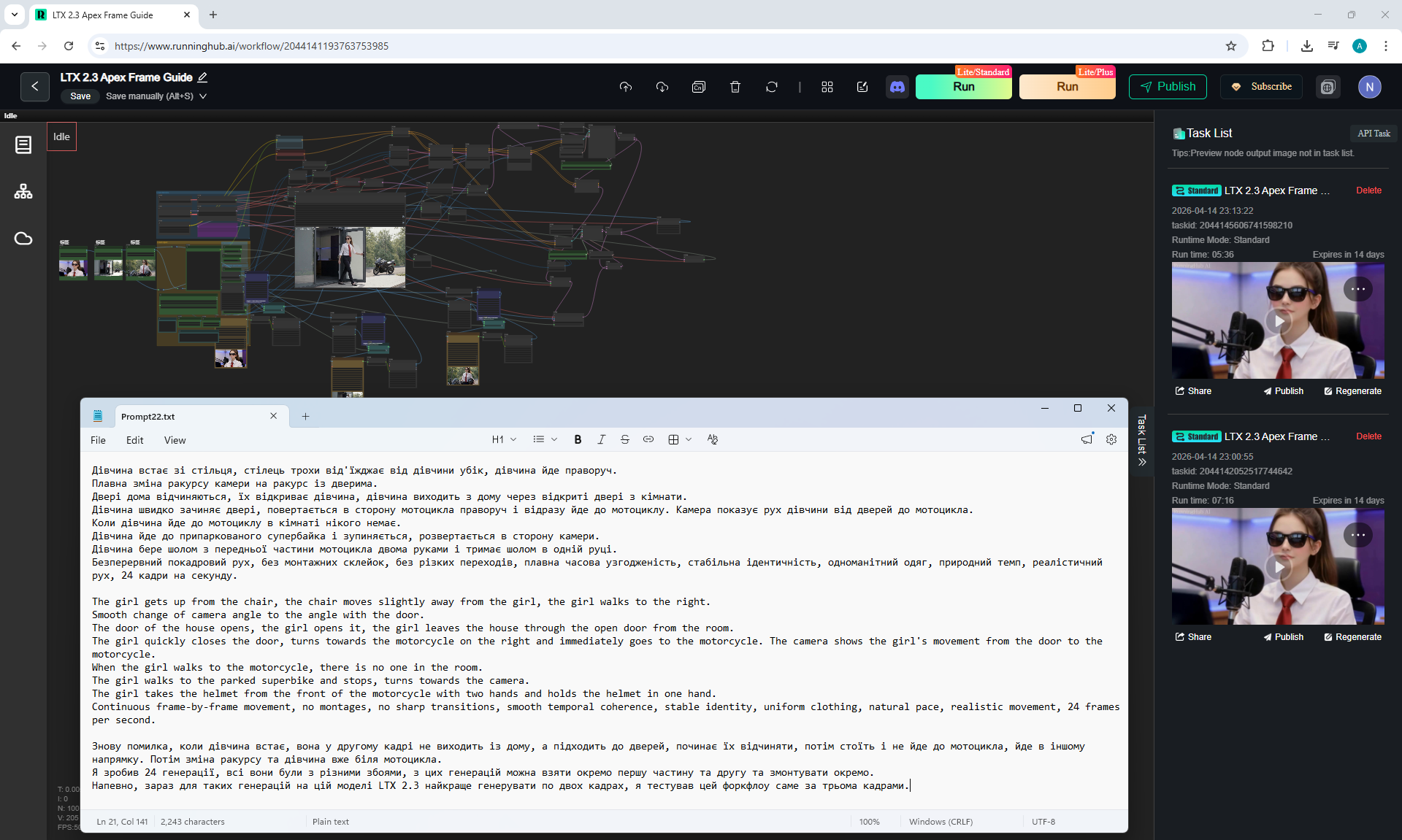
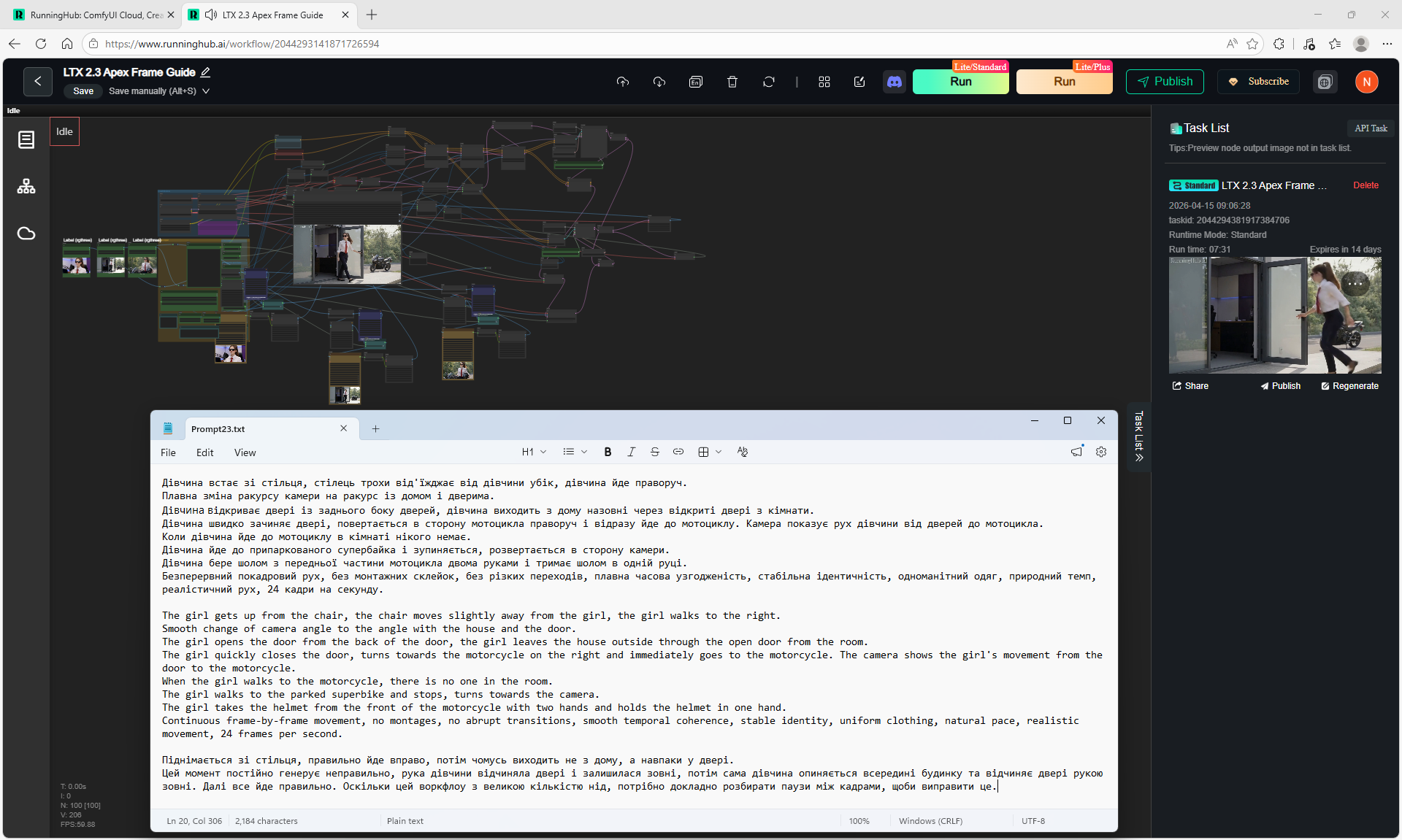
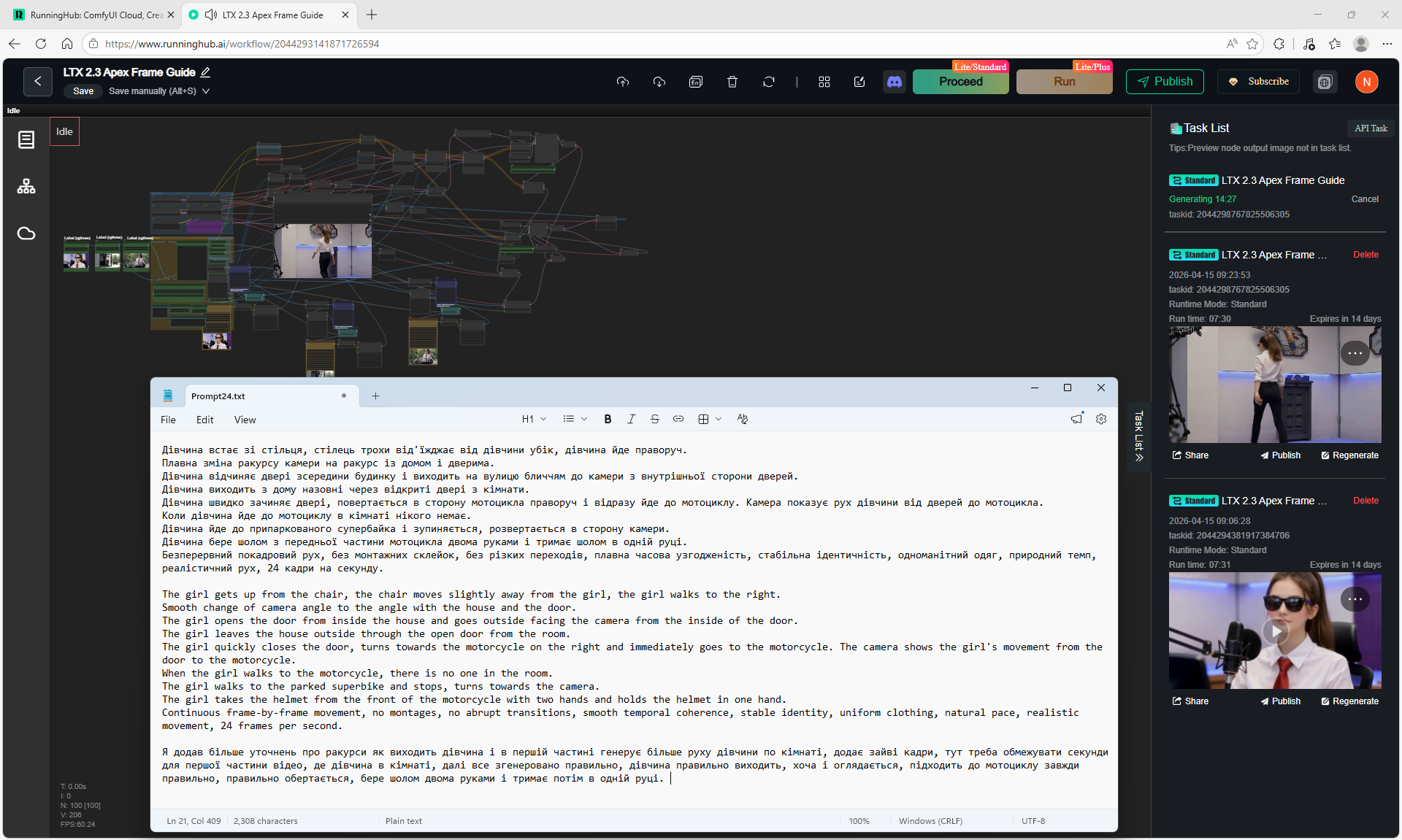
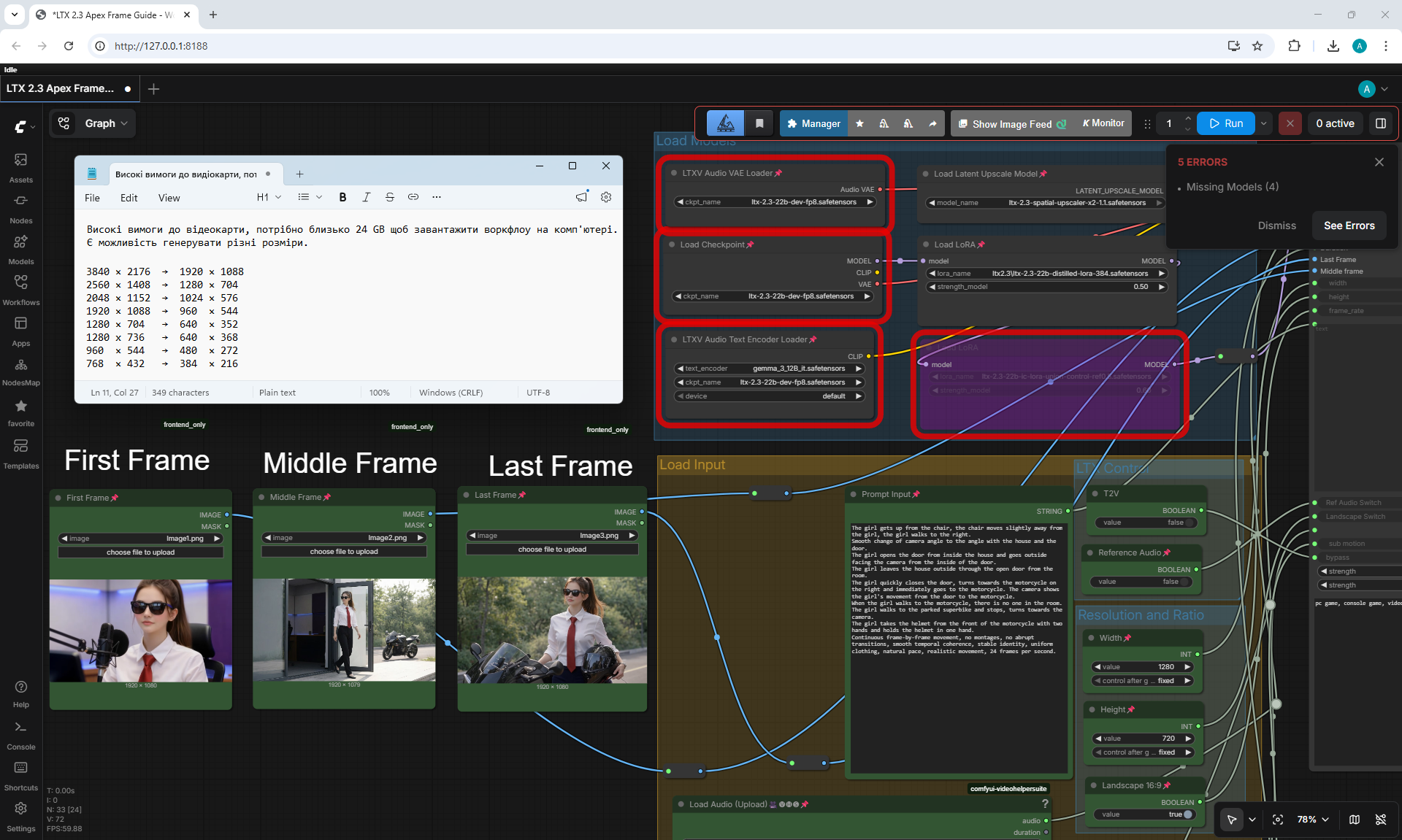
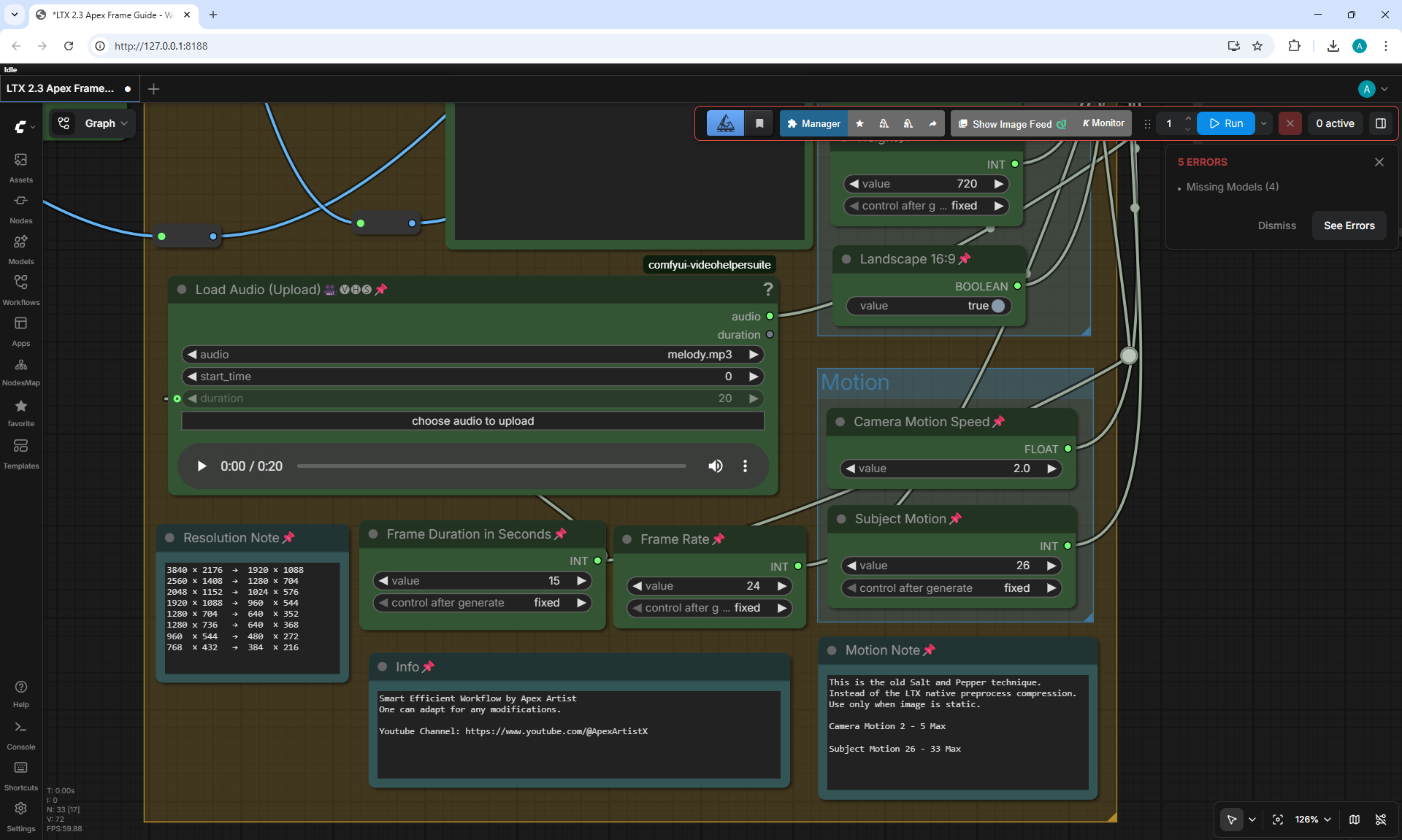
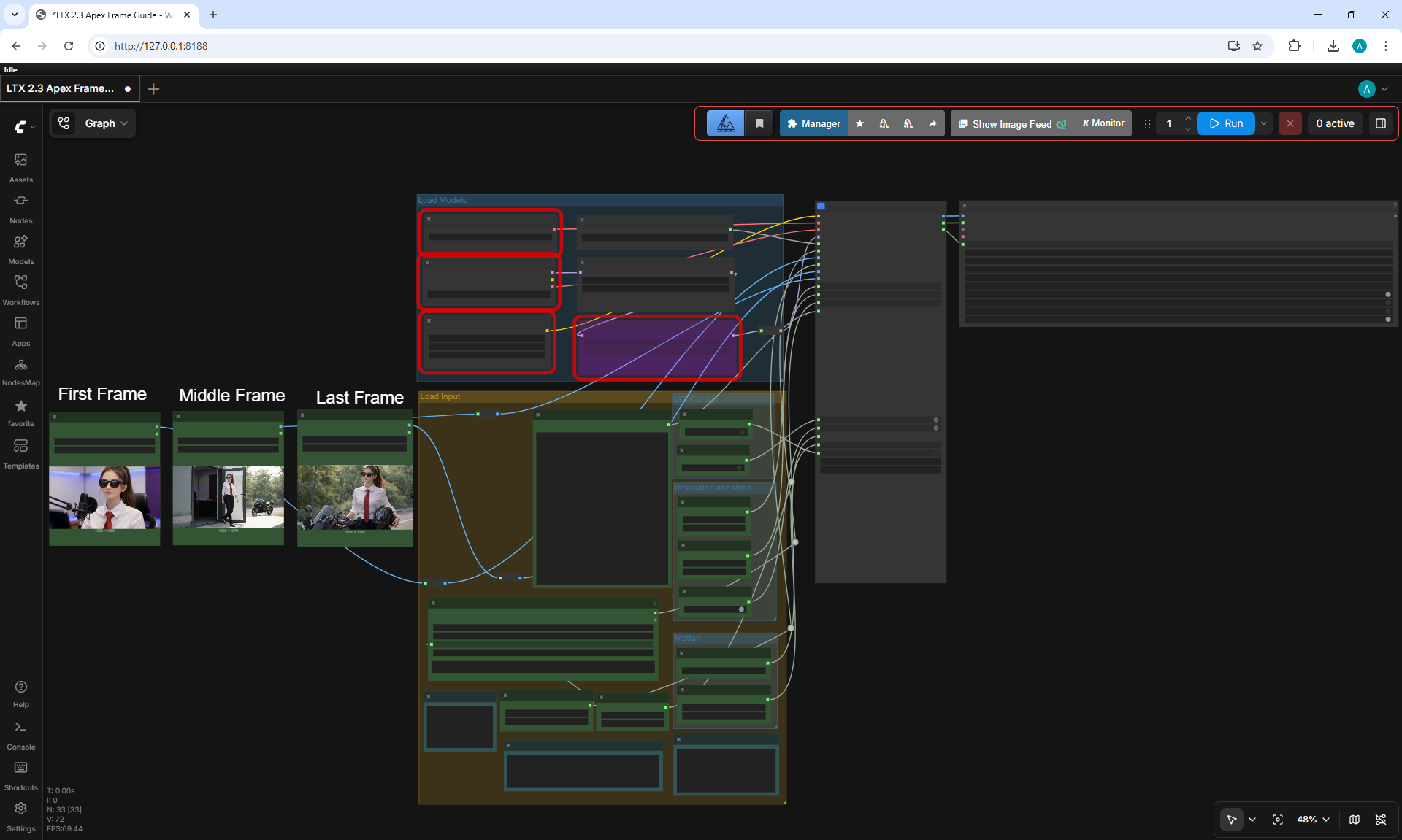
LTX 2.3 ComfyUI Workflow Examples
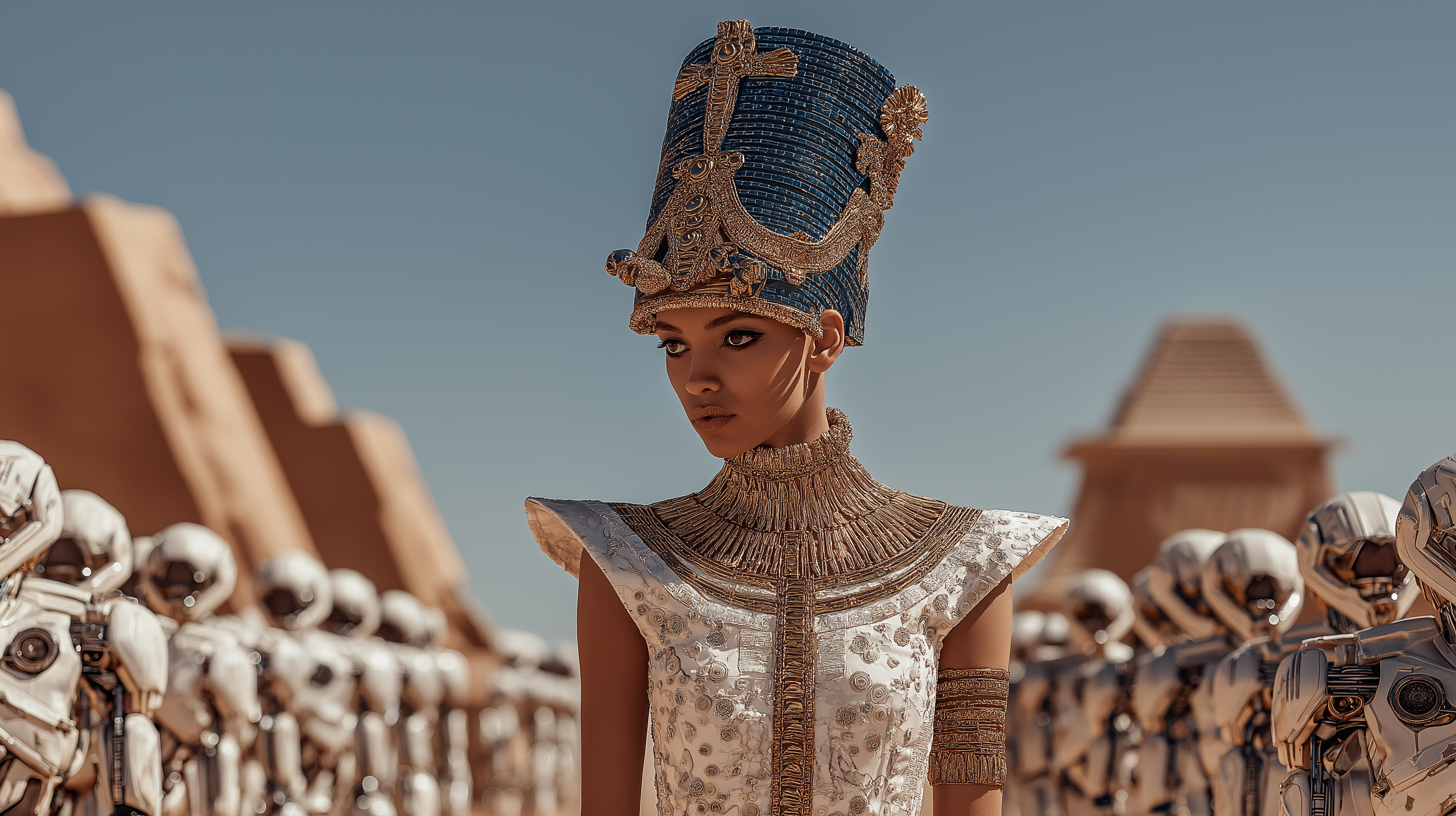

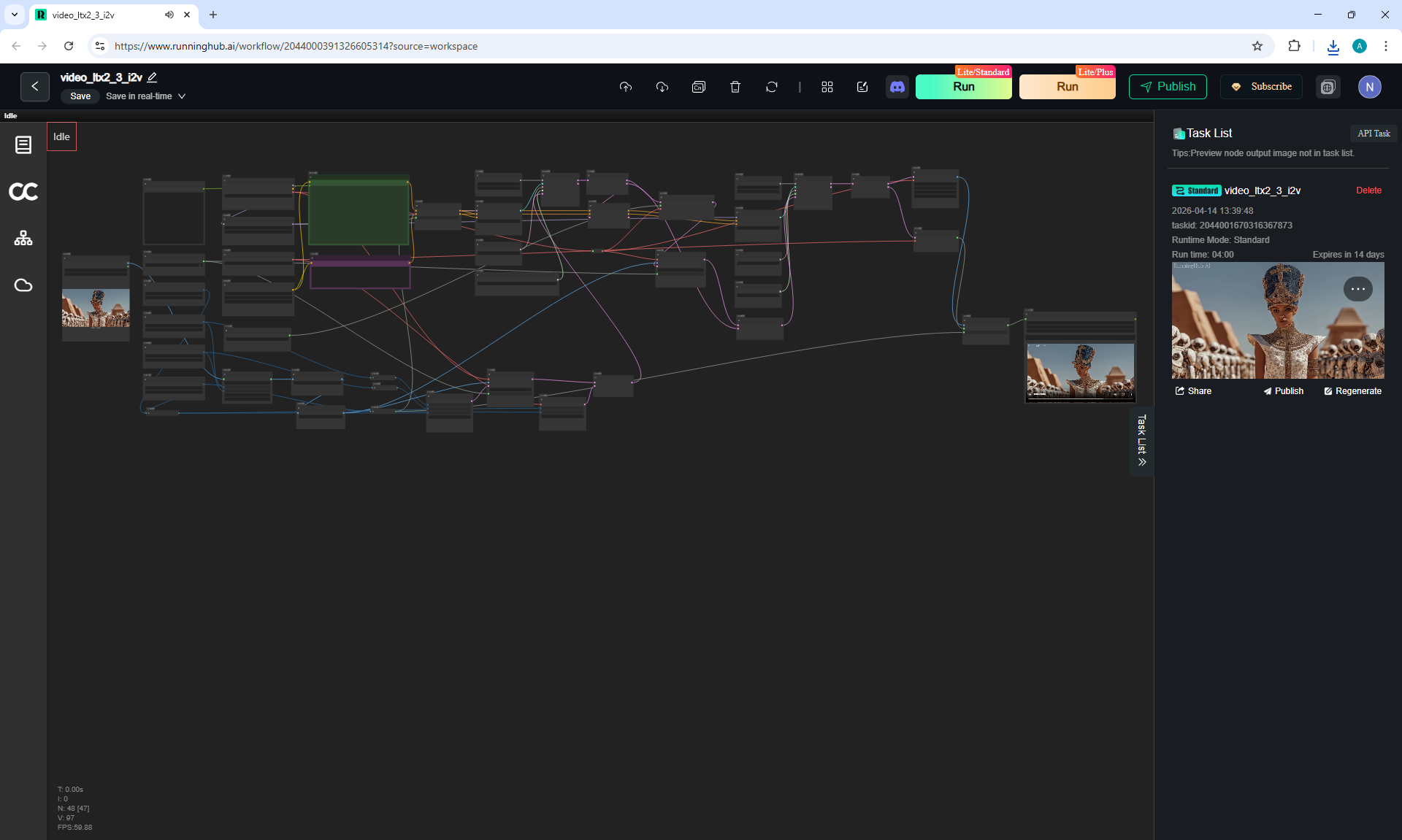
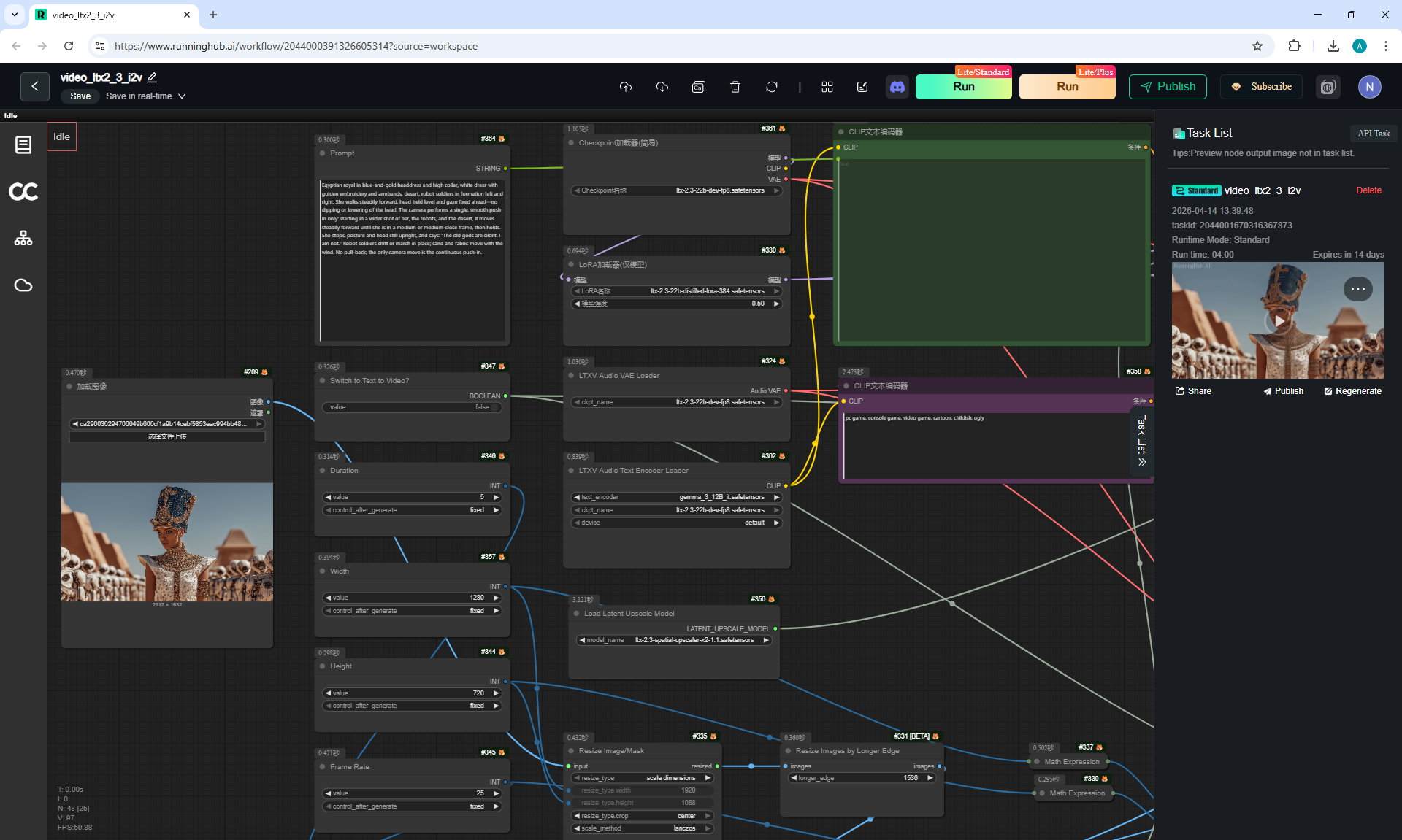
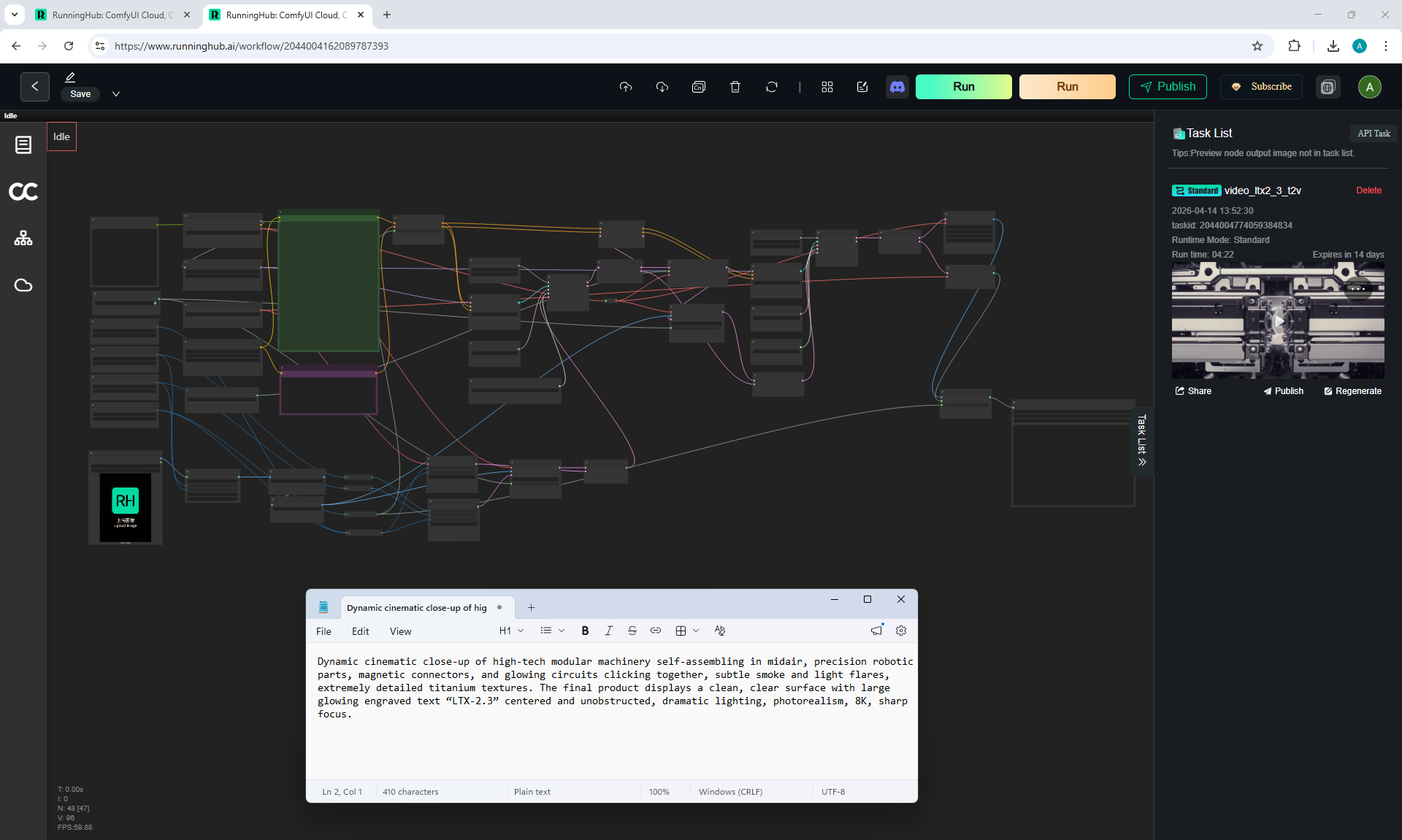
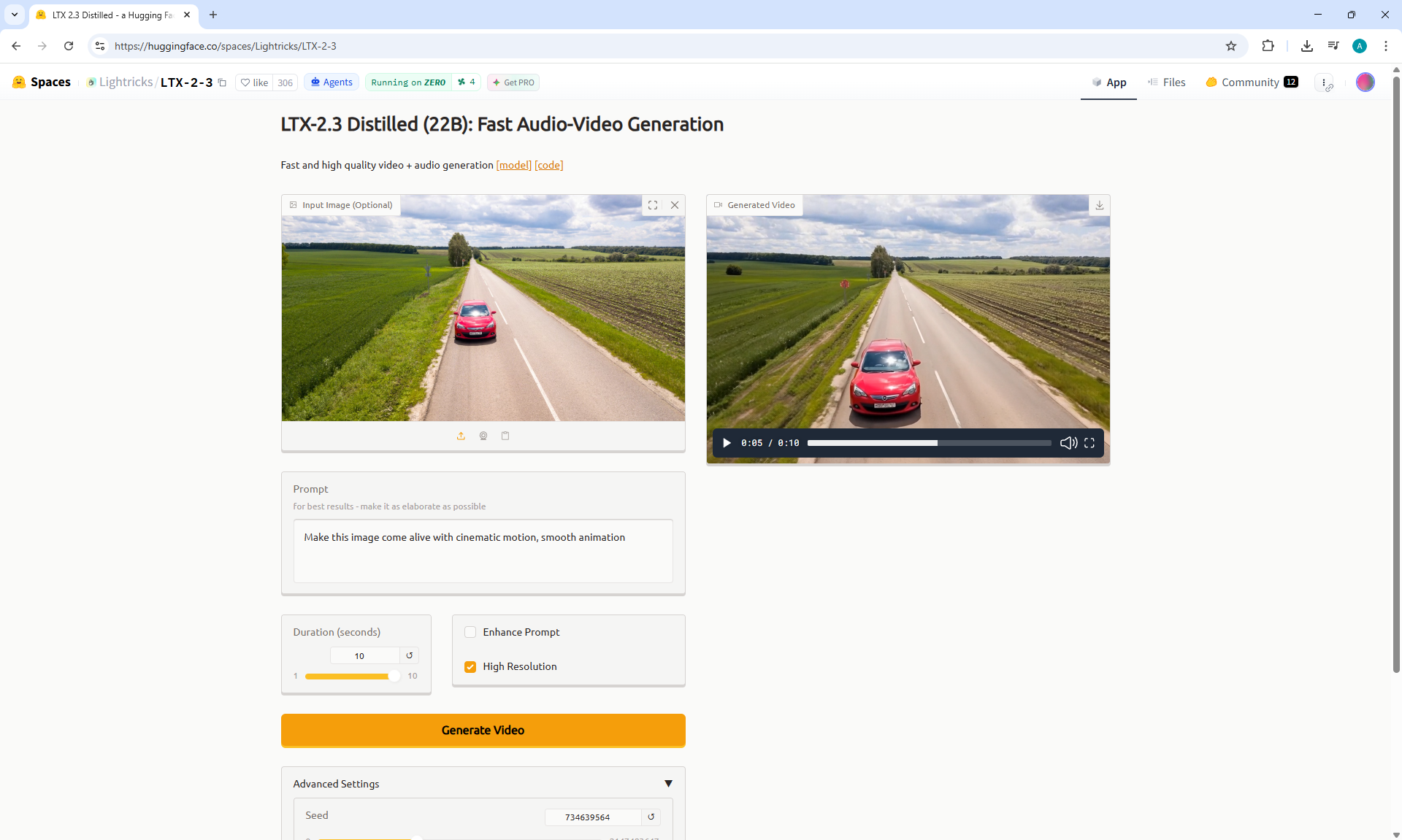
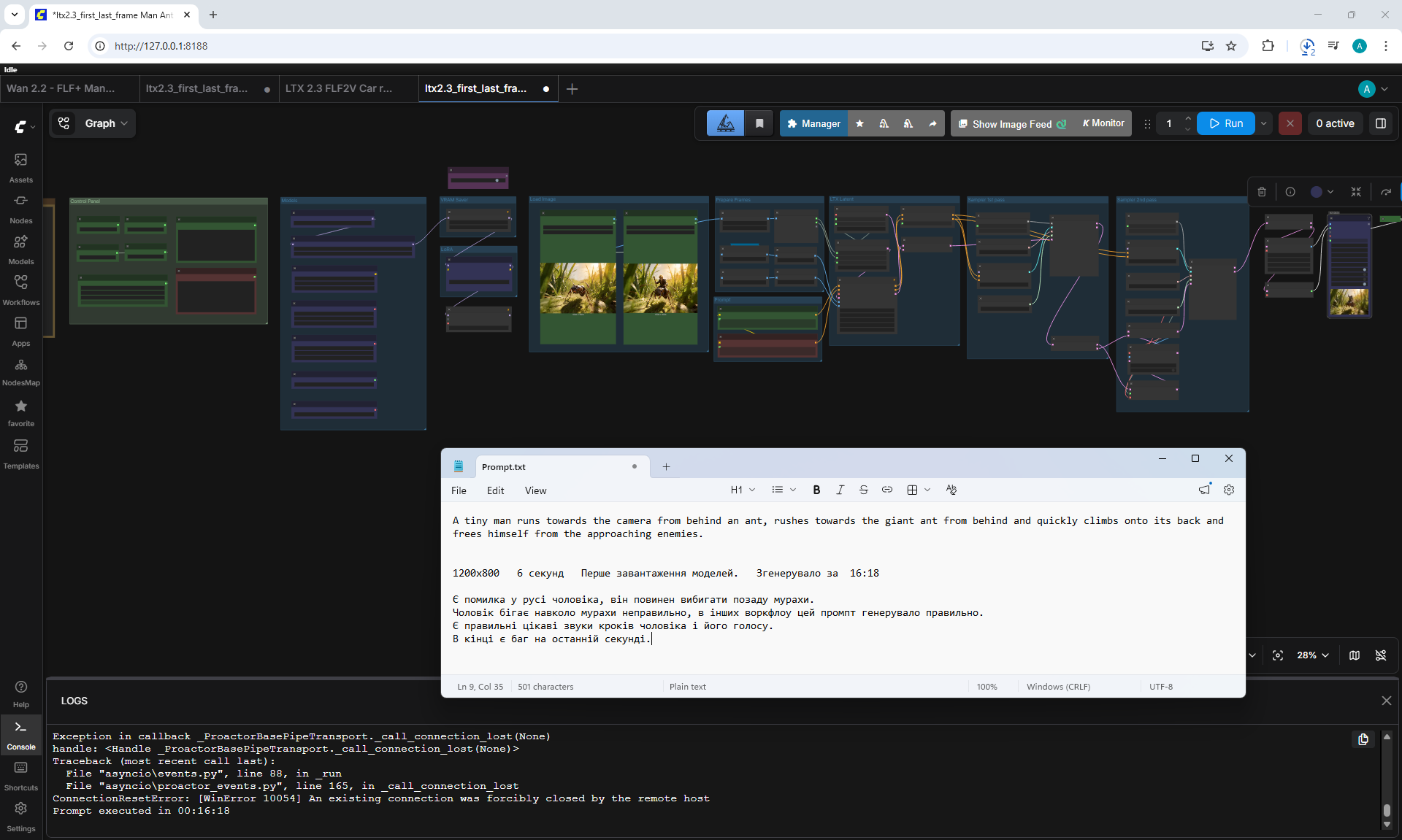
LTX 2.3: Start to End Frame Workflow build from scratch
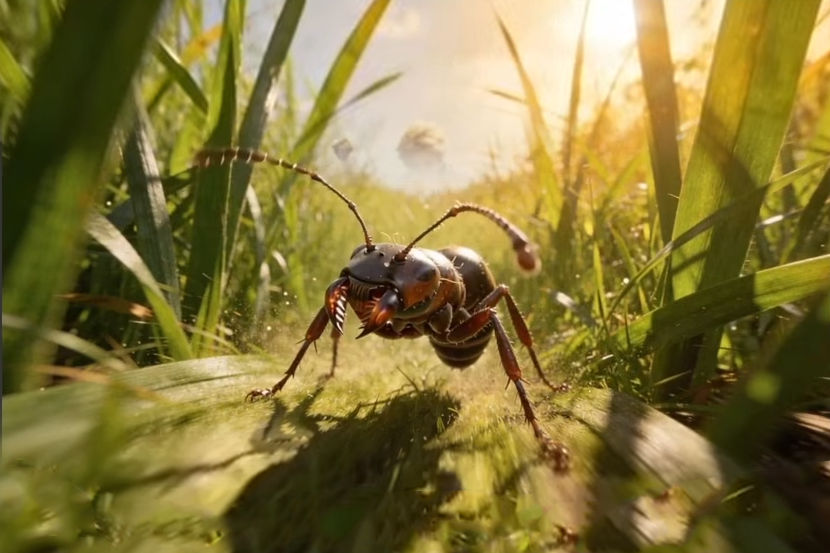
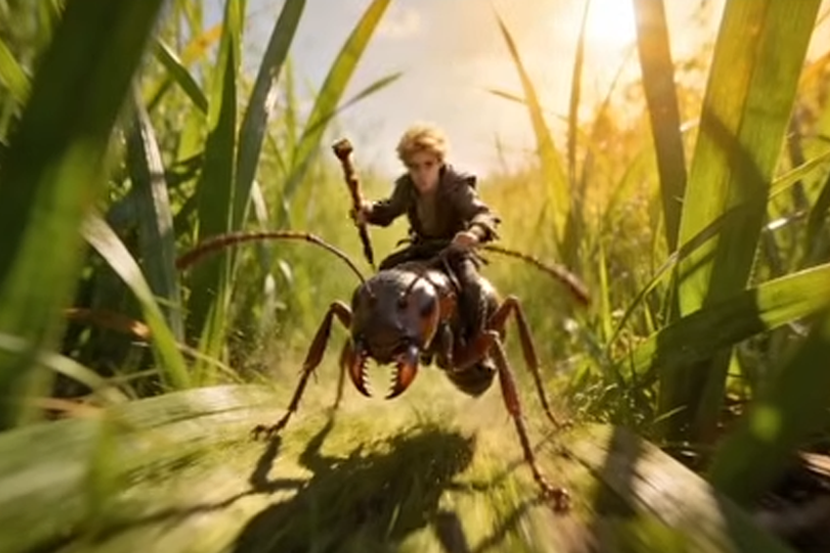
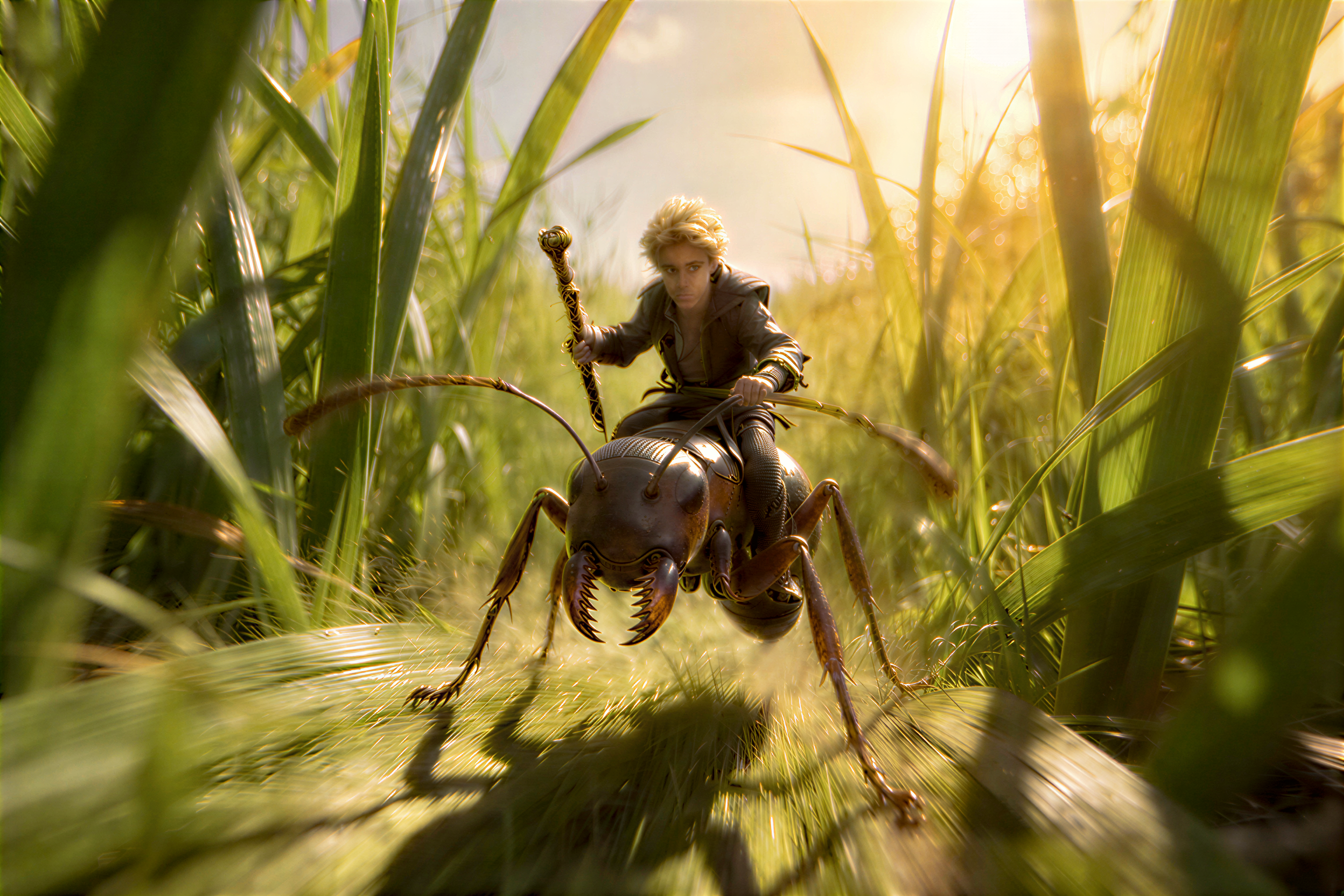
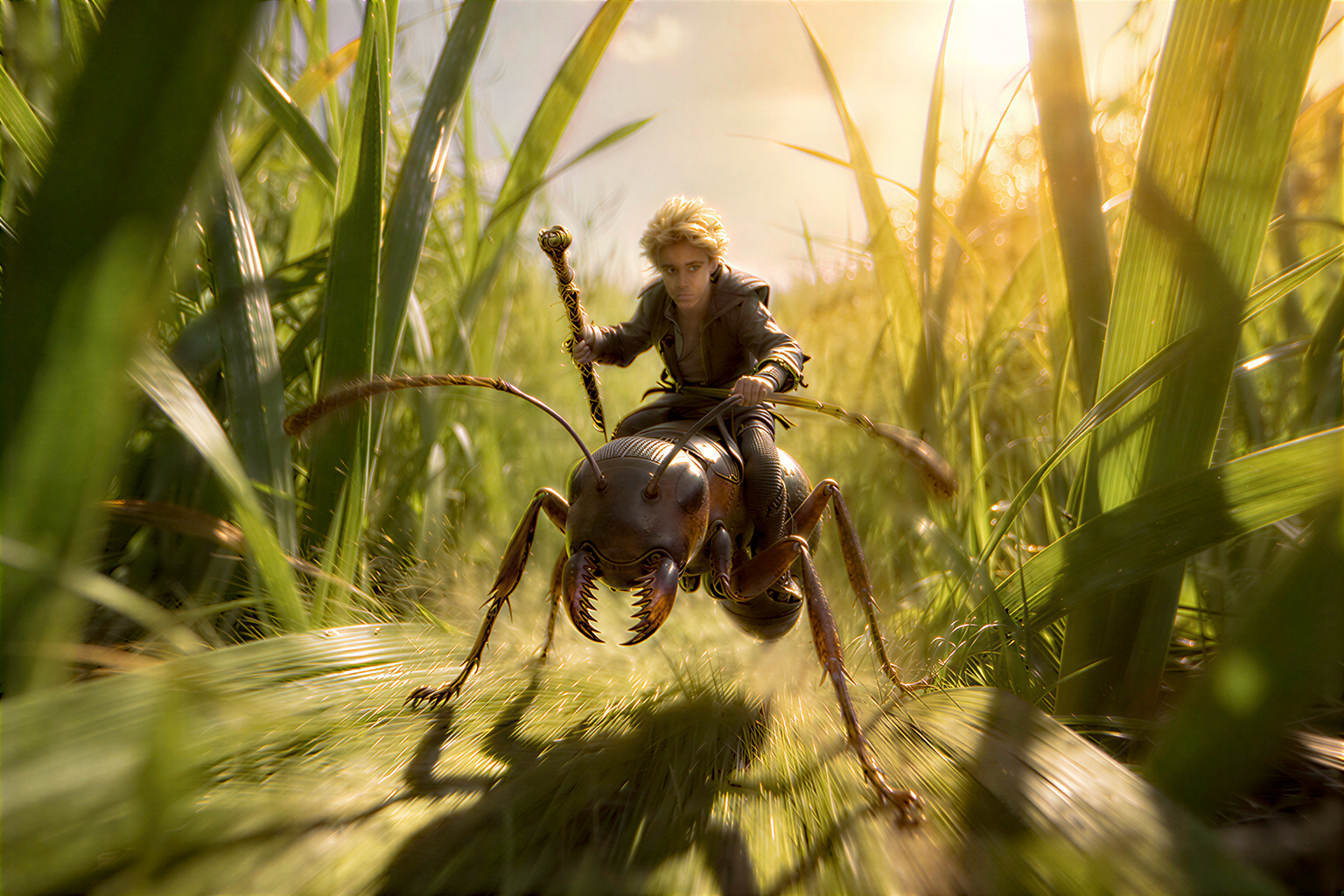
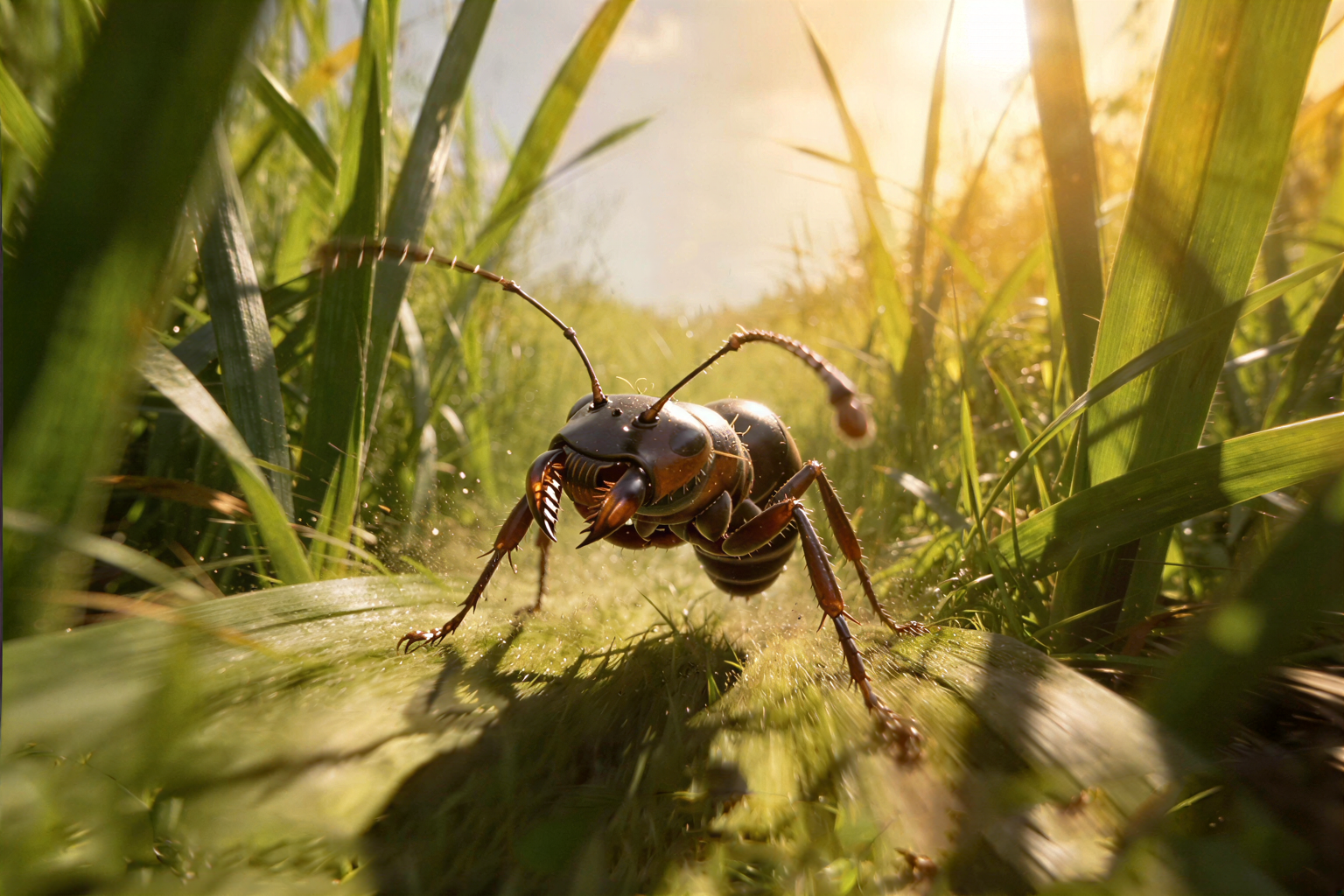




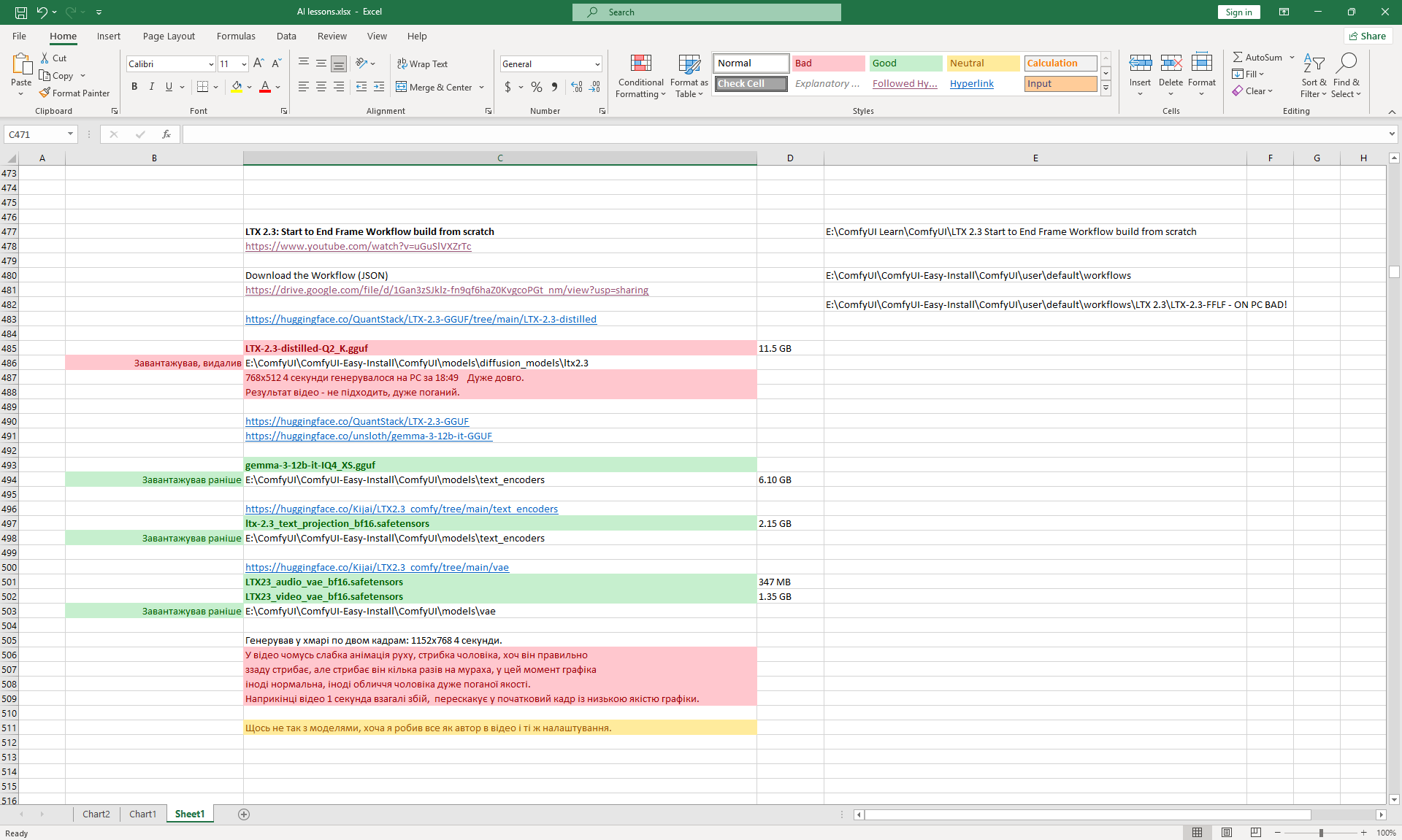
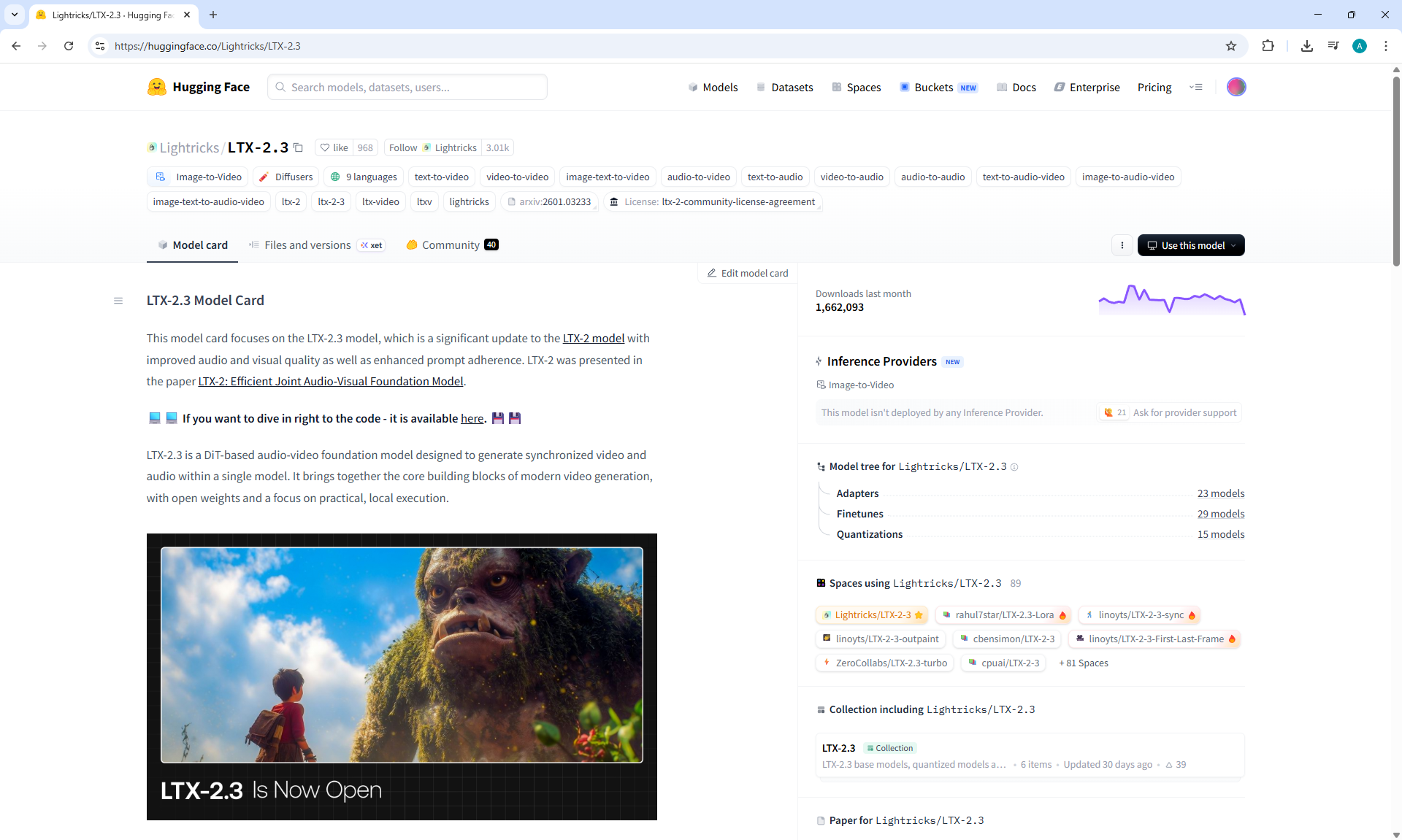
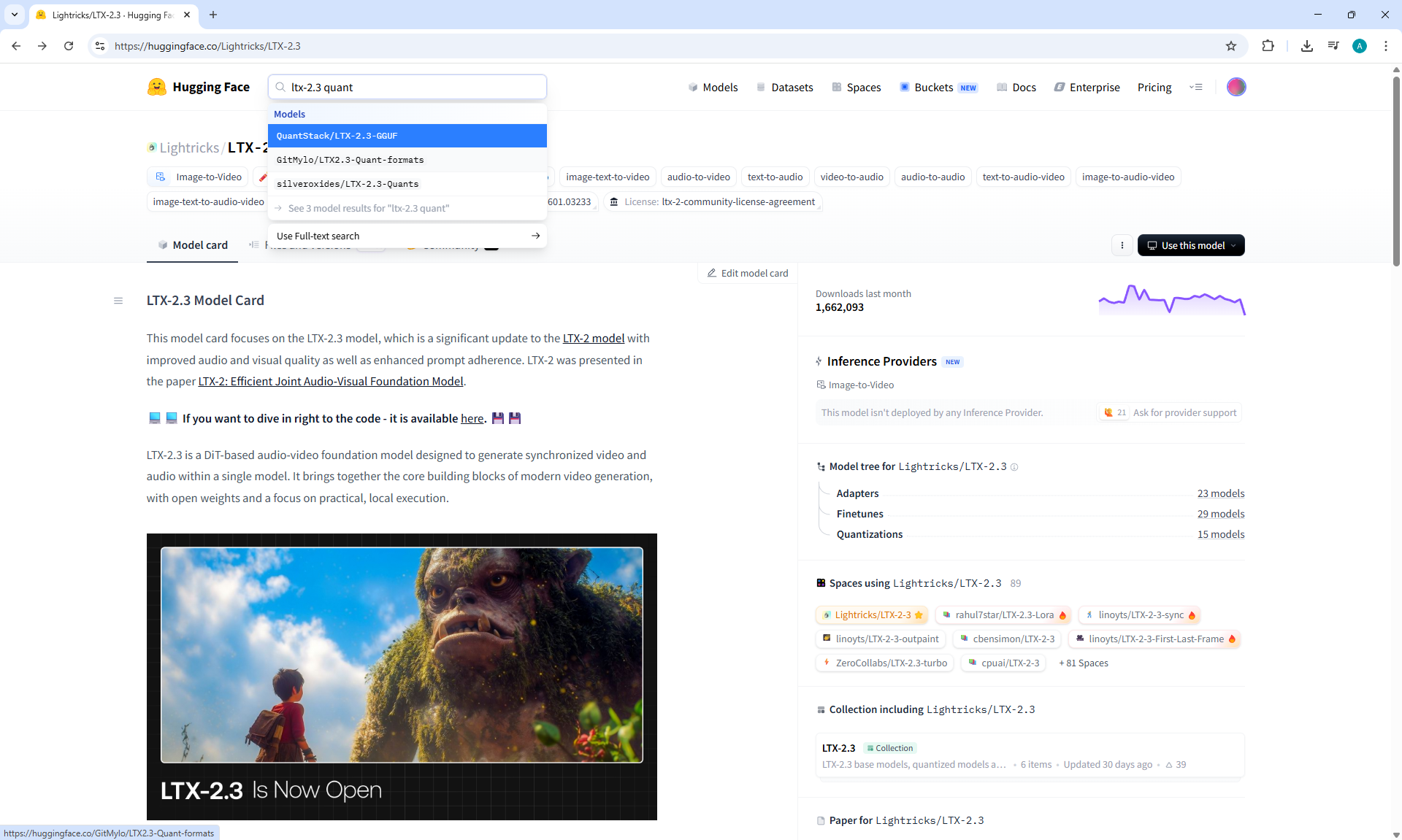
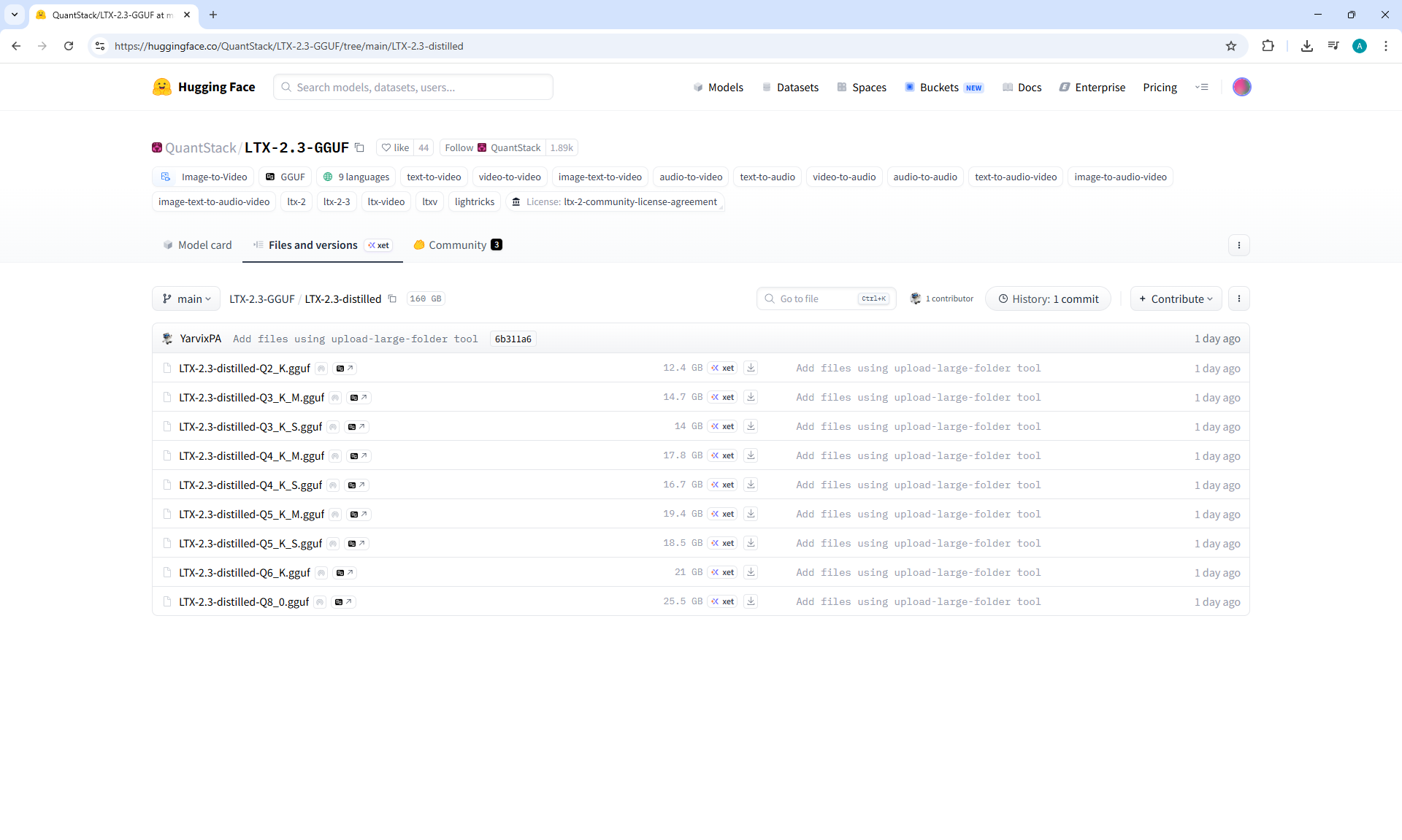
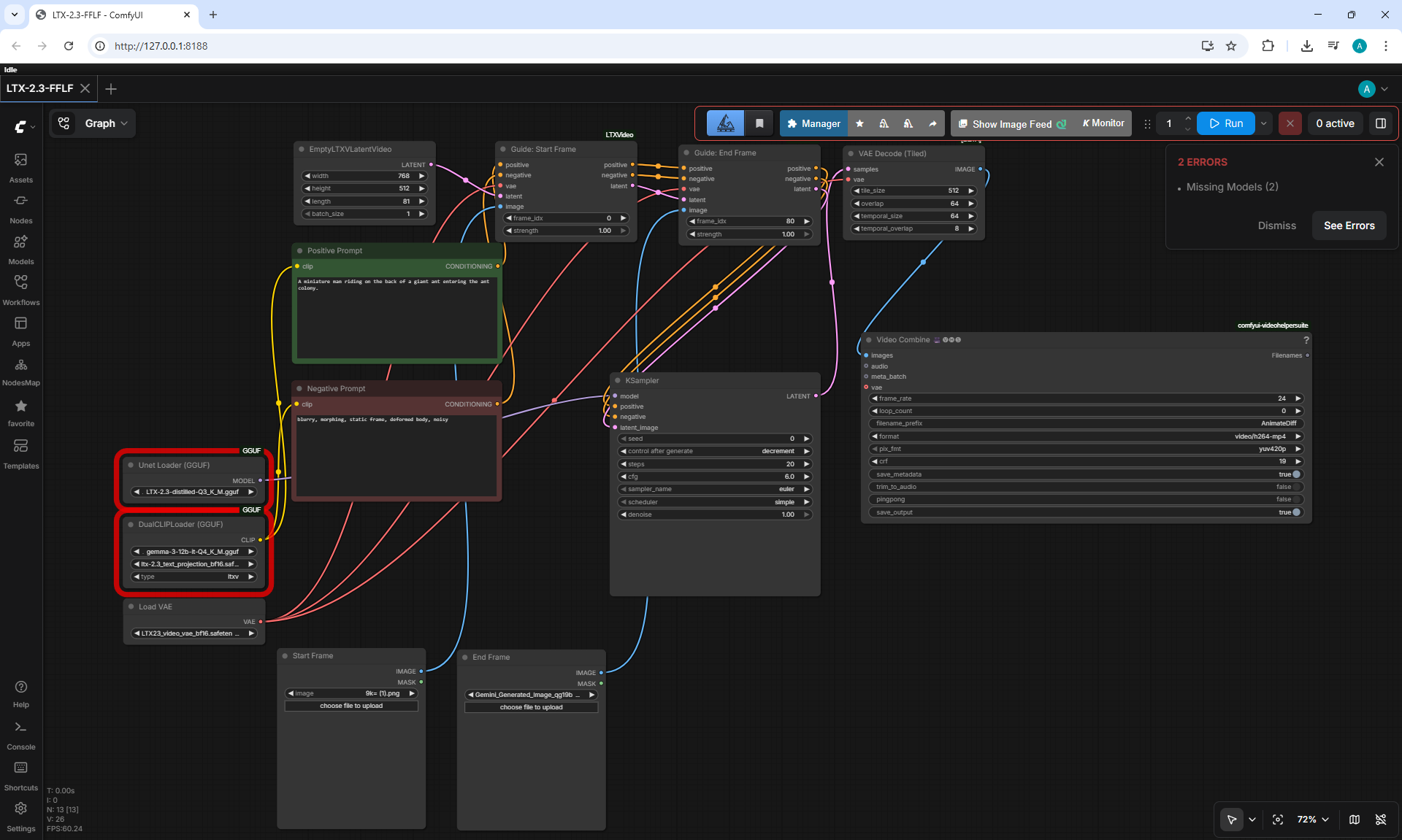
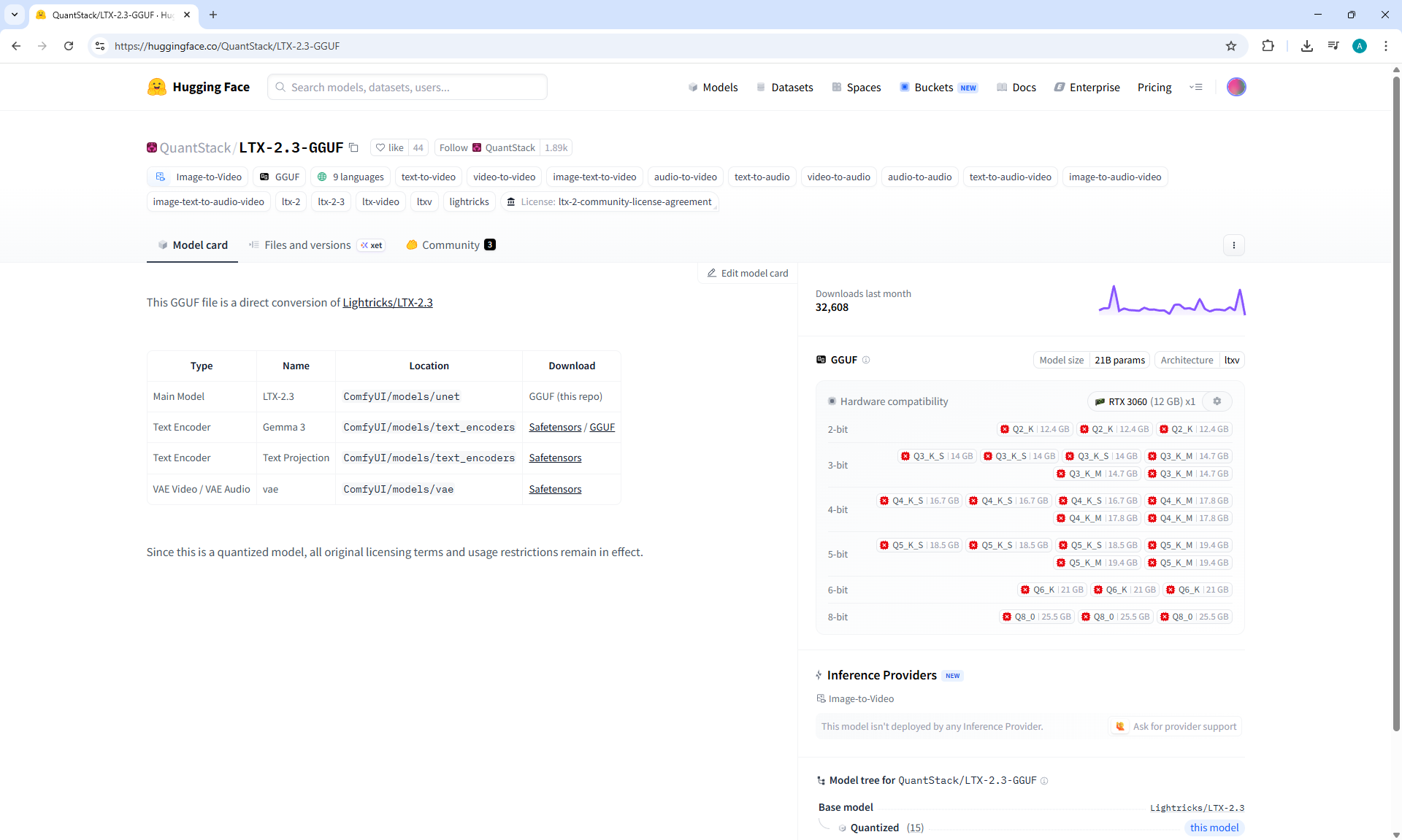
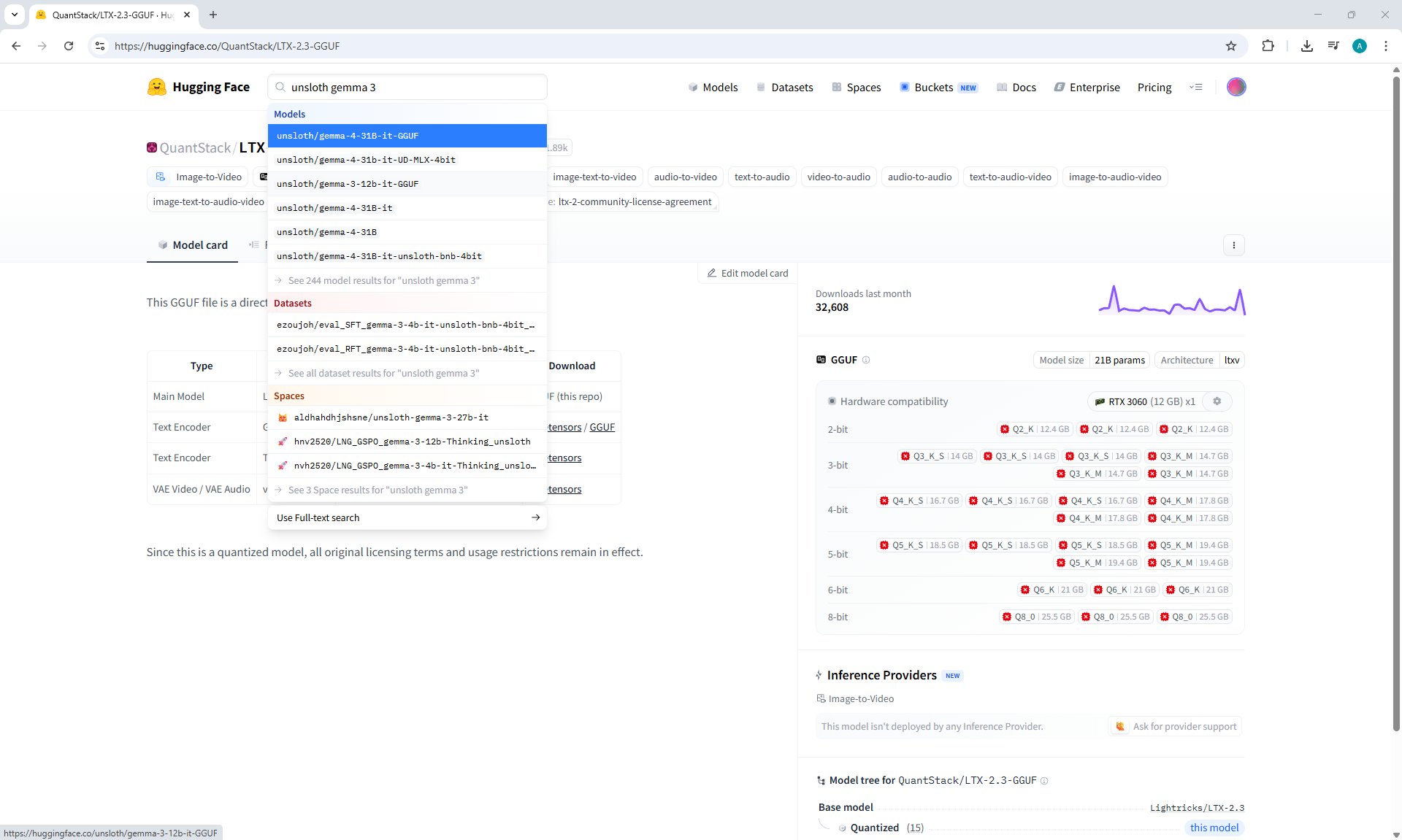
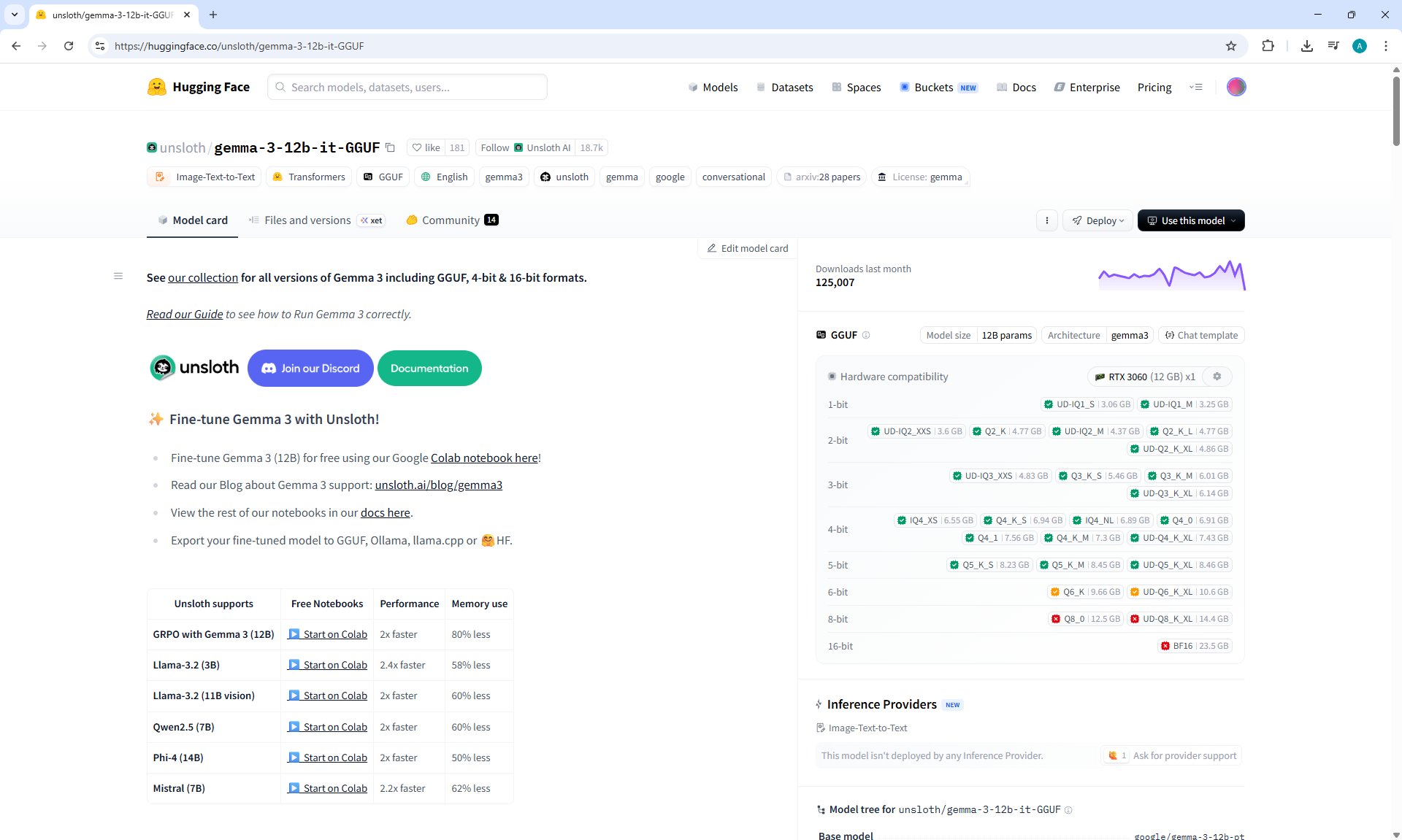
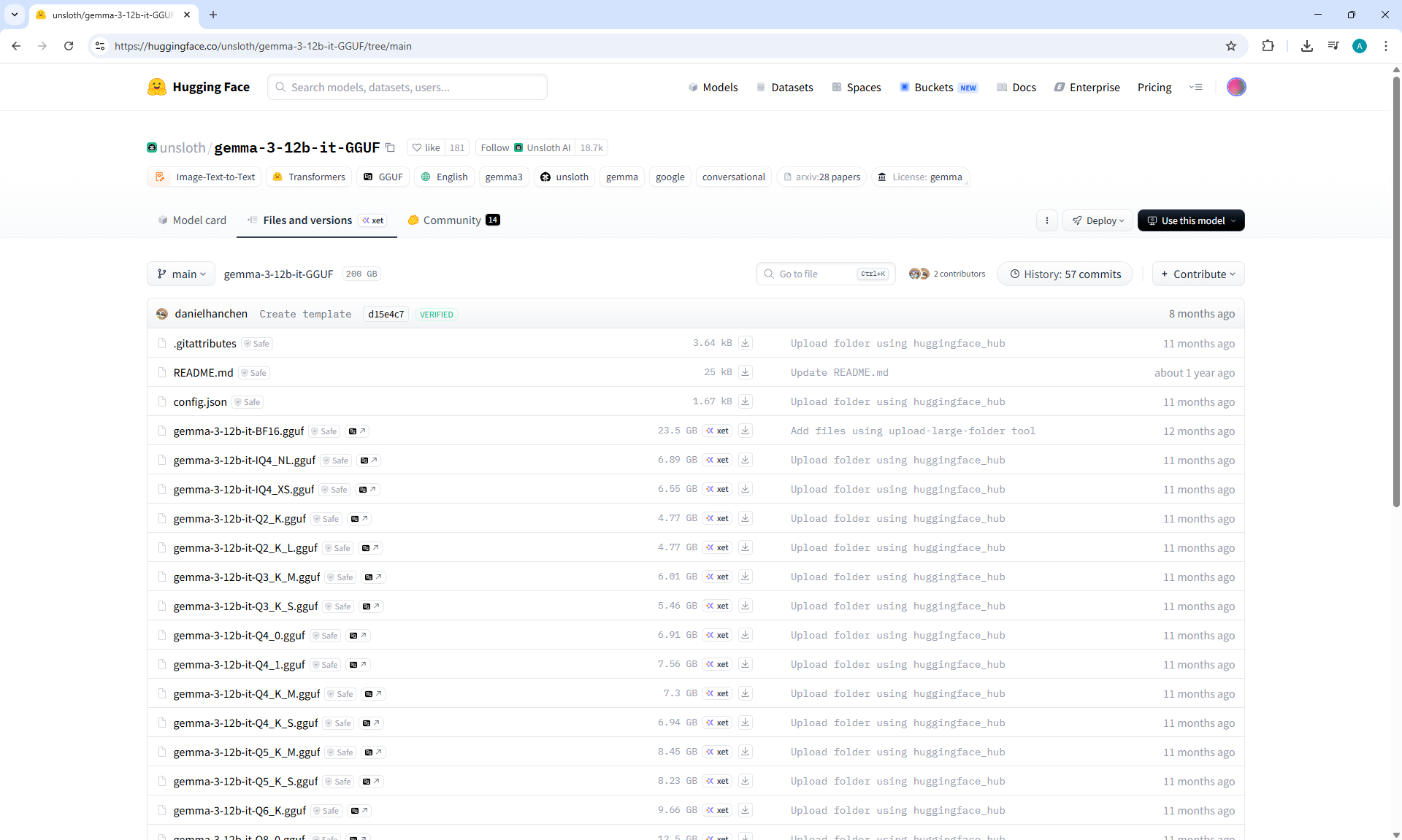
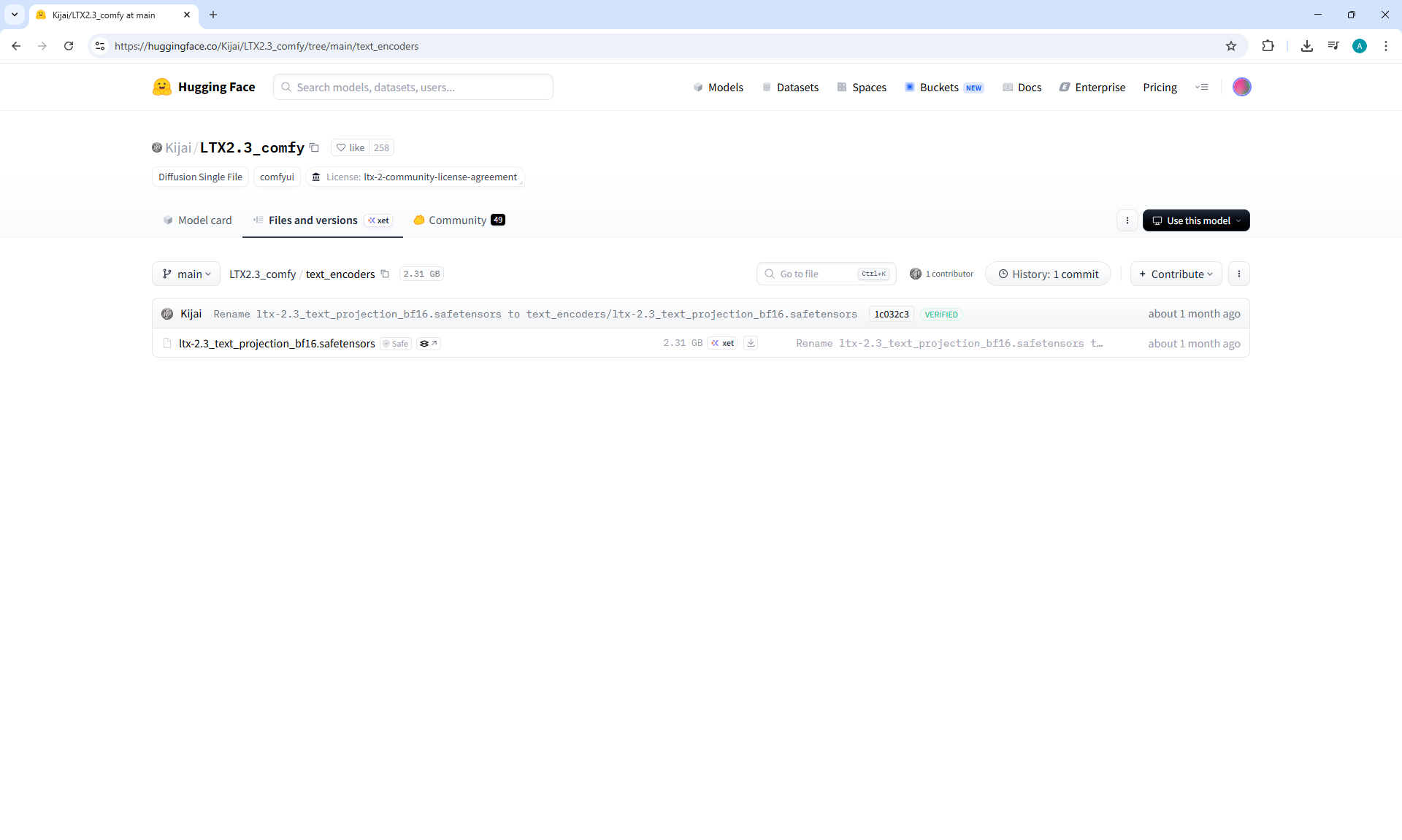
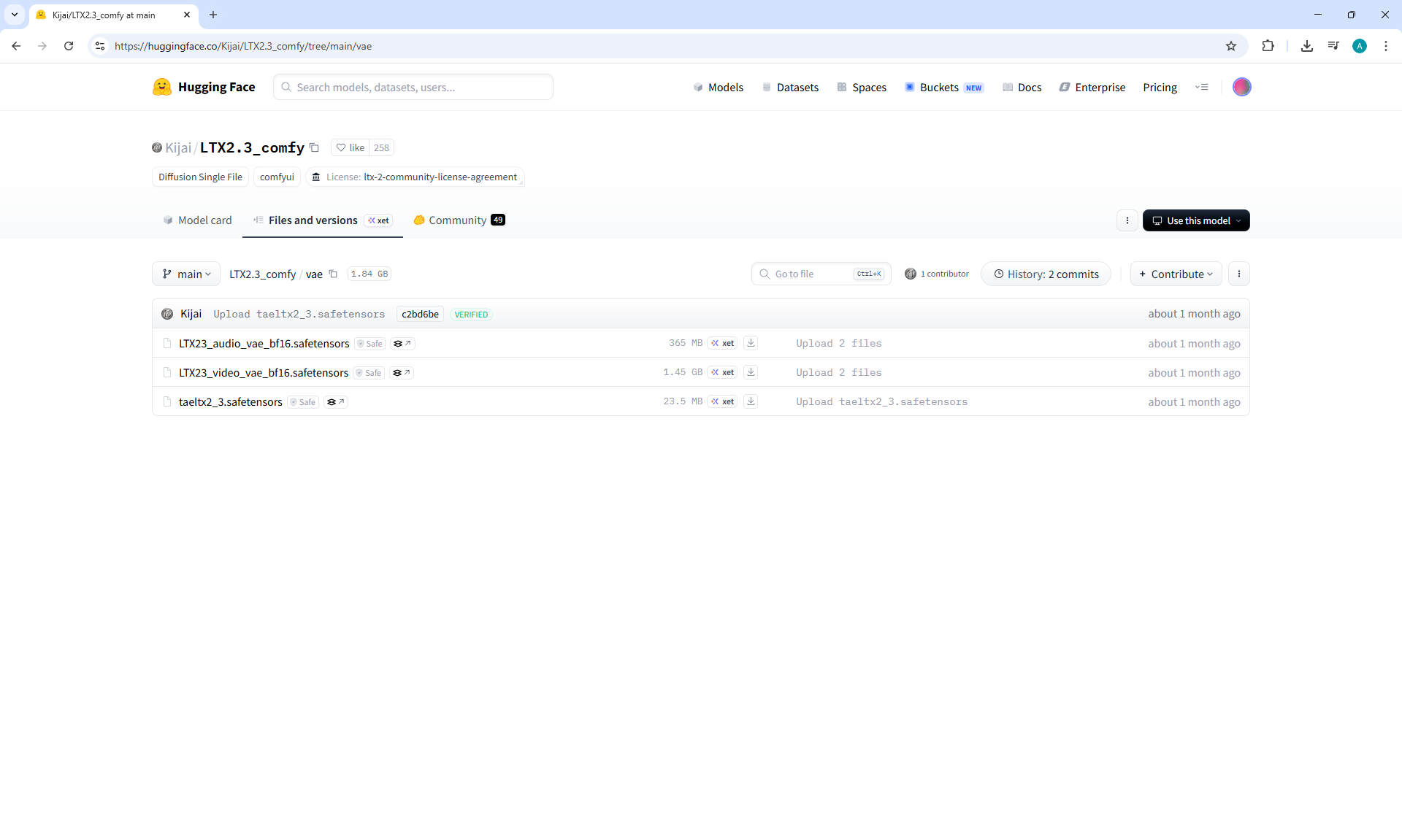
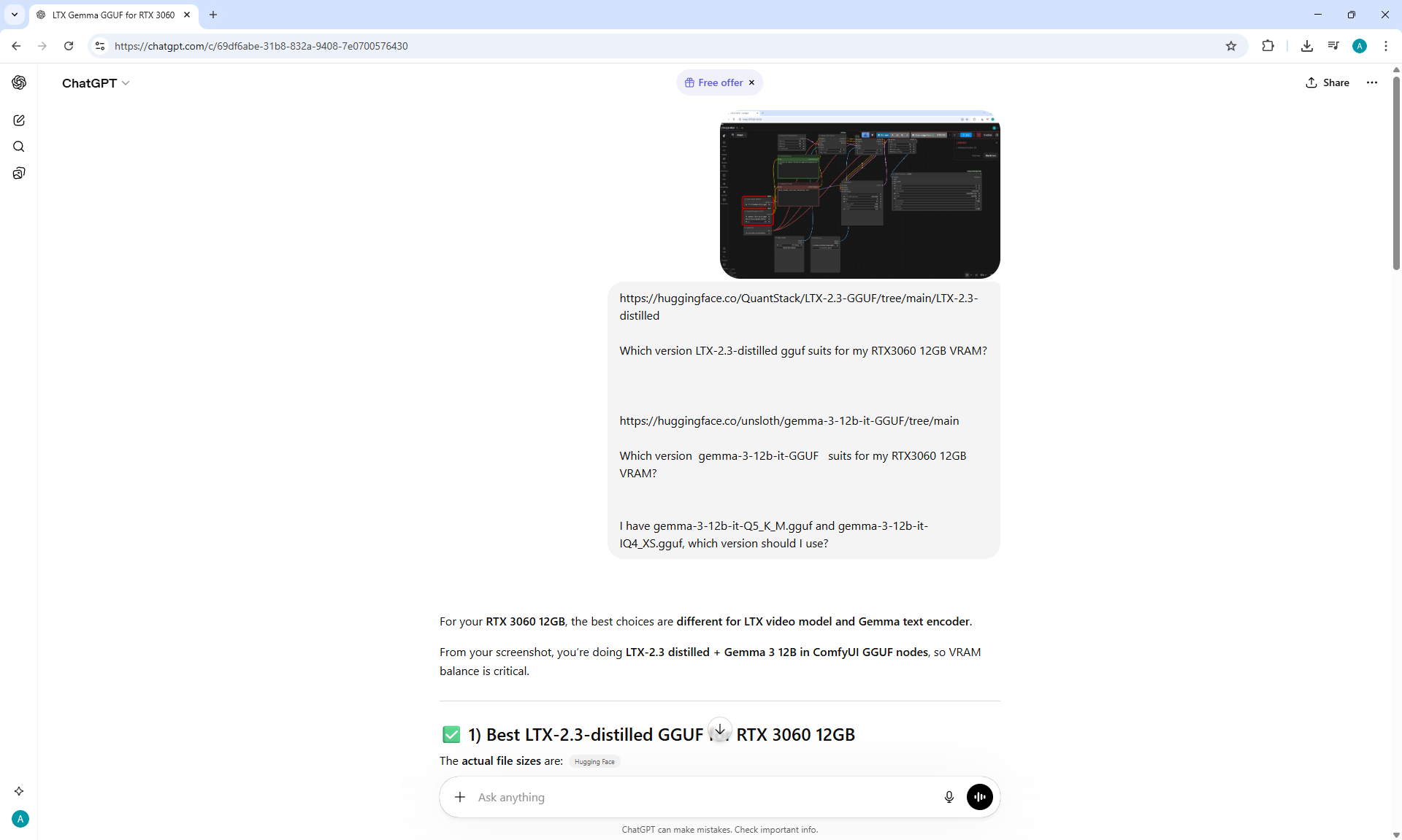
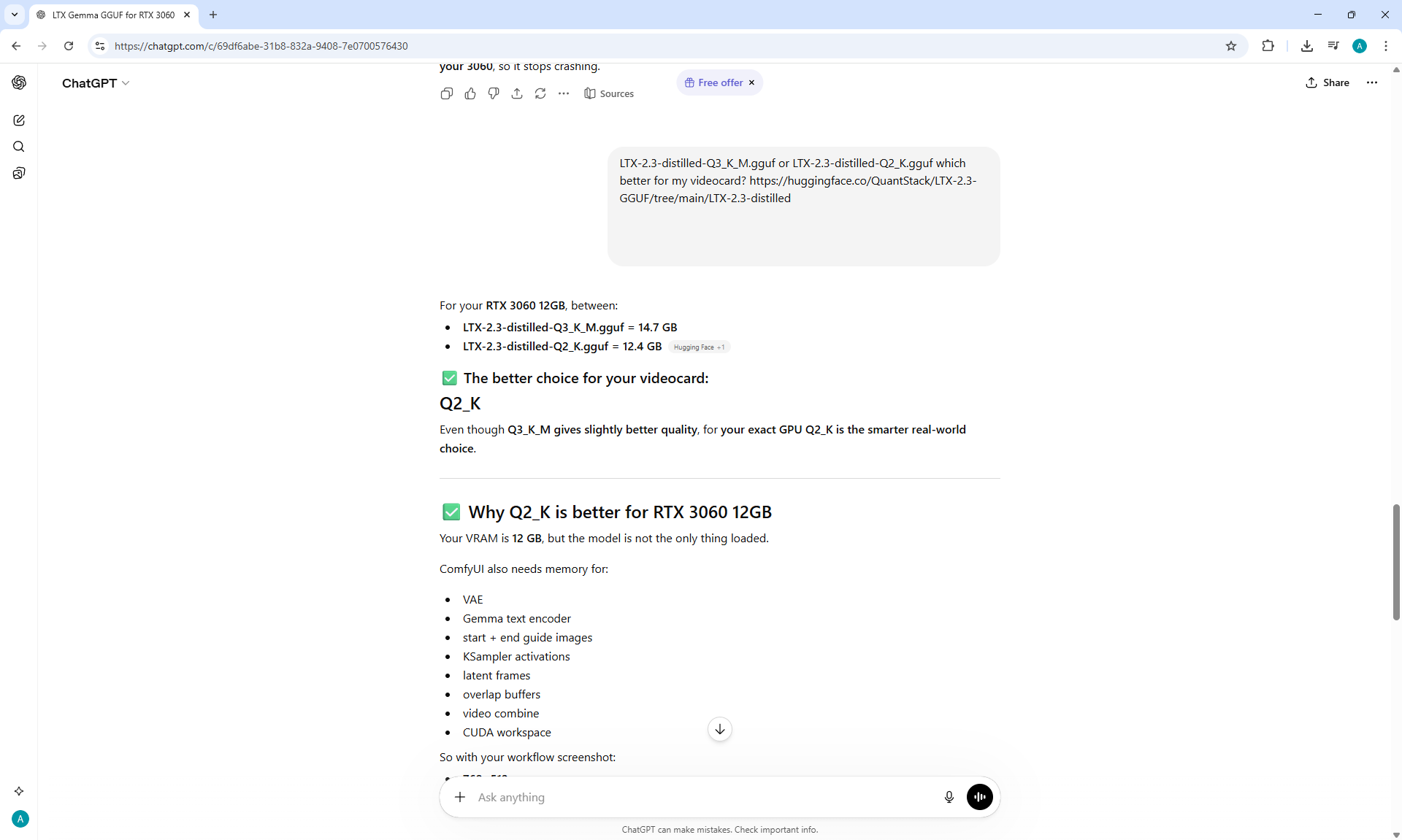
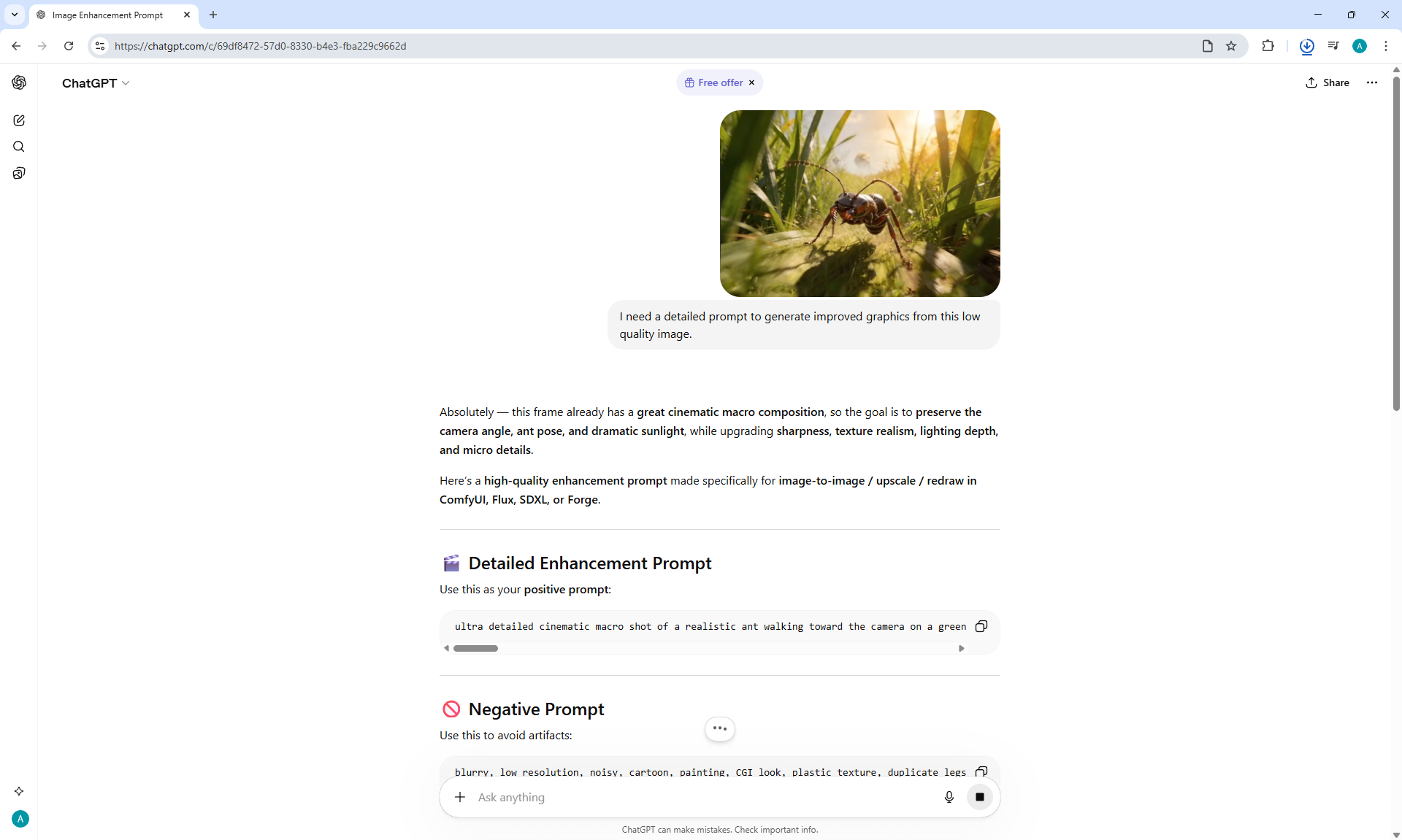
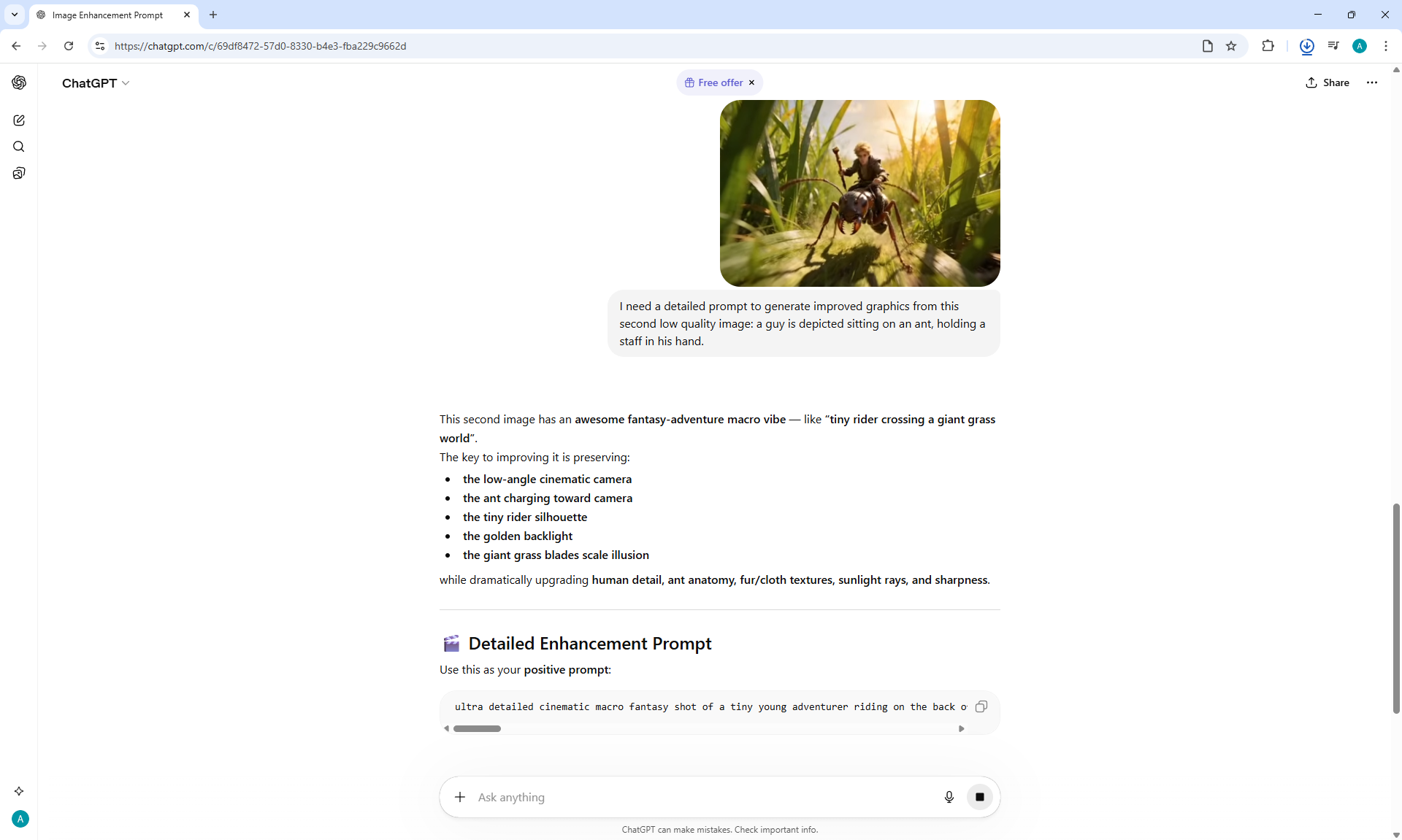
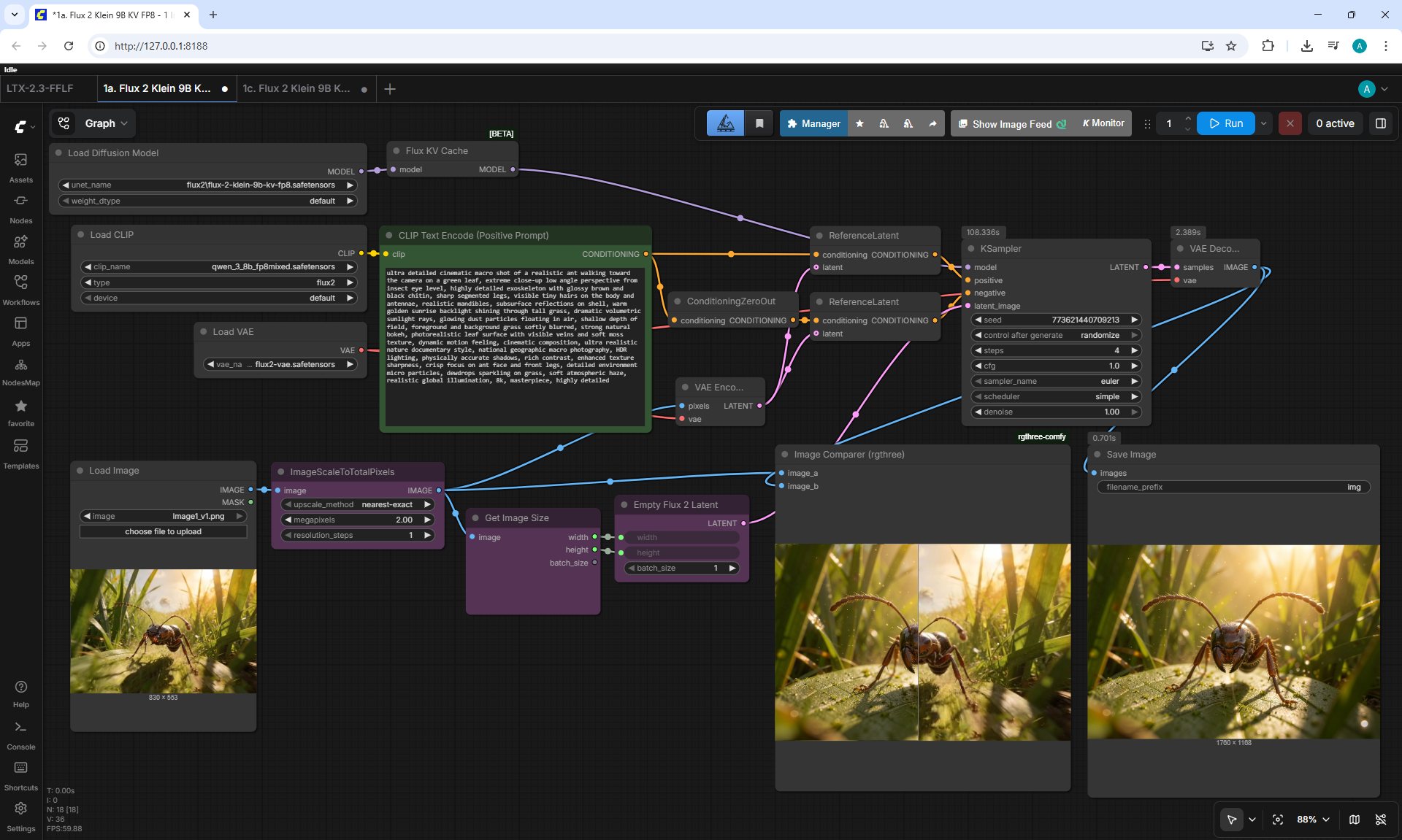
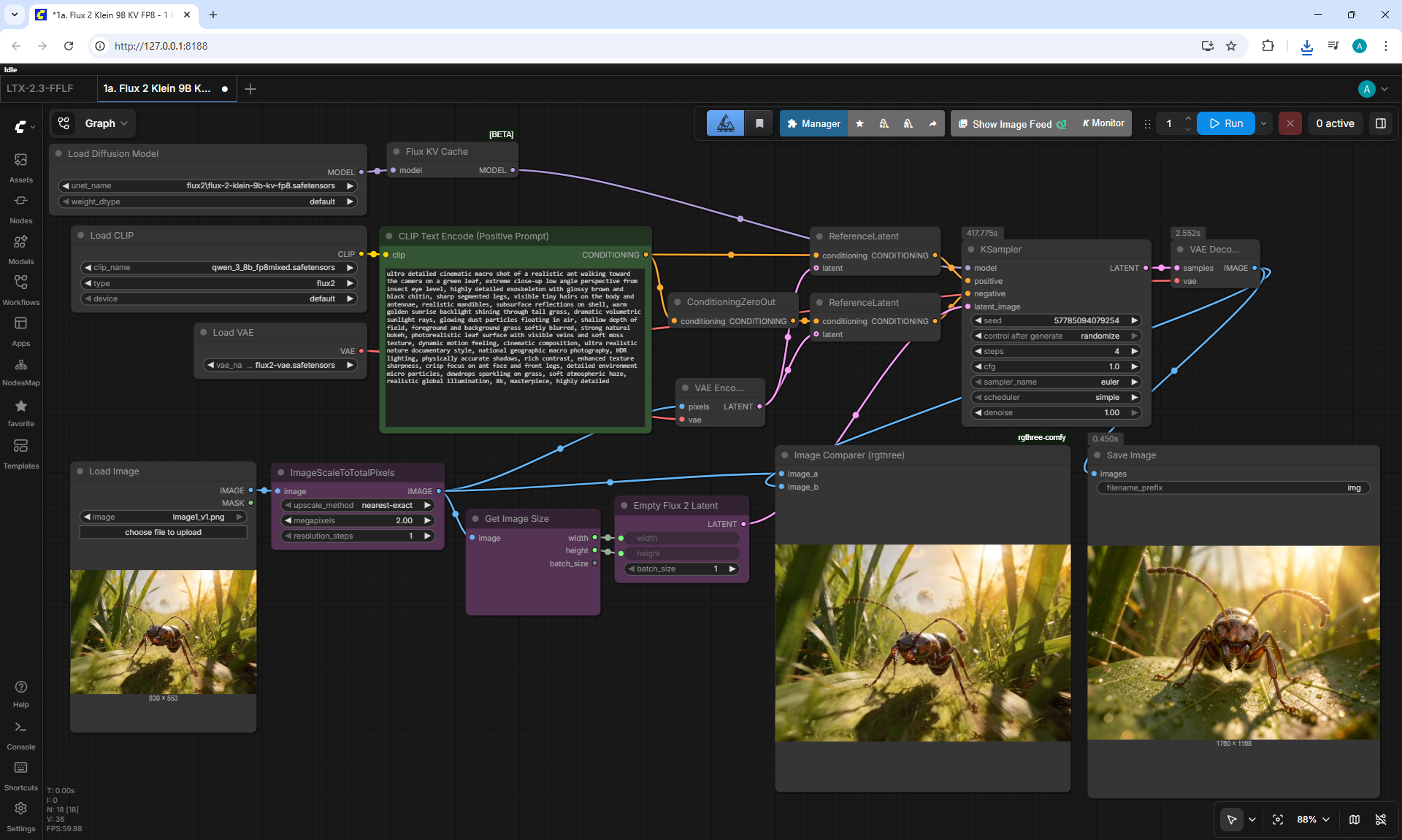
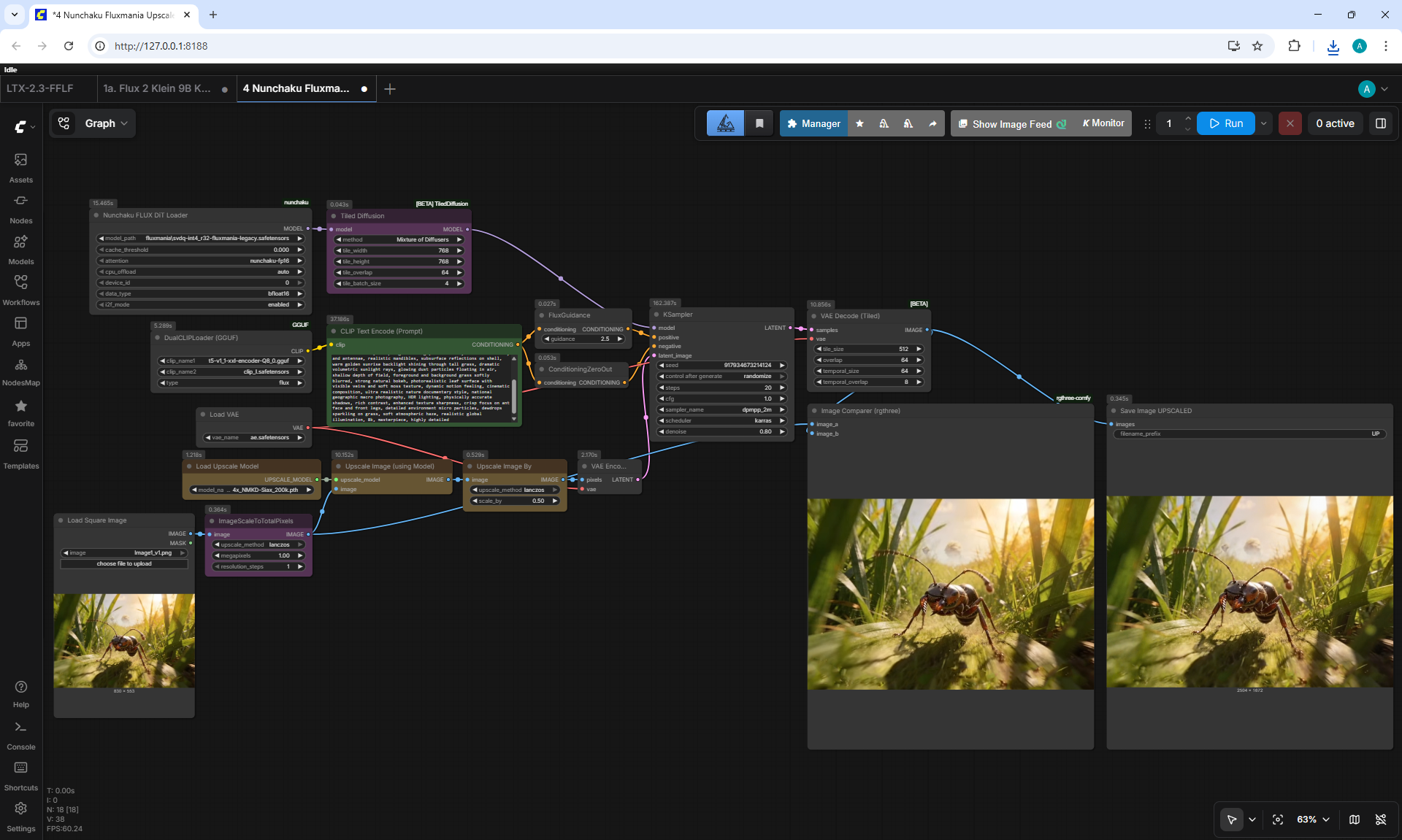
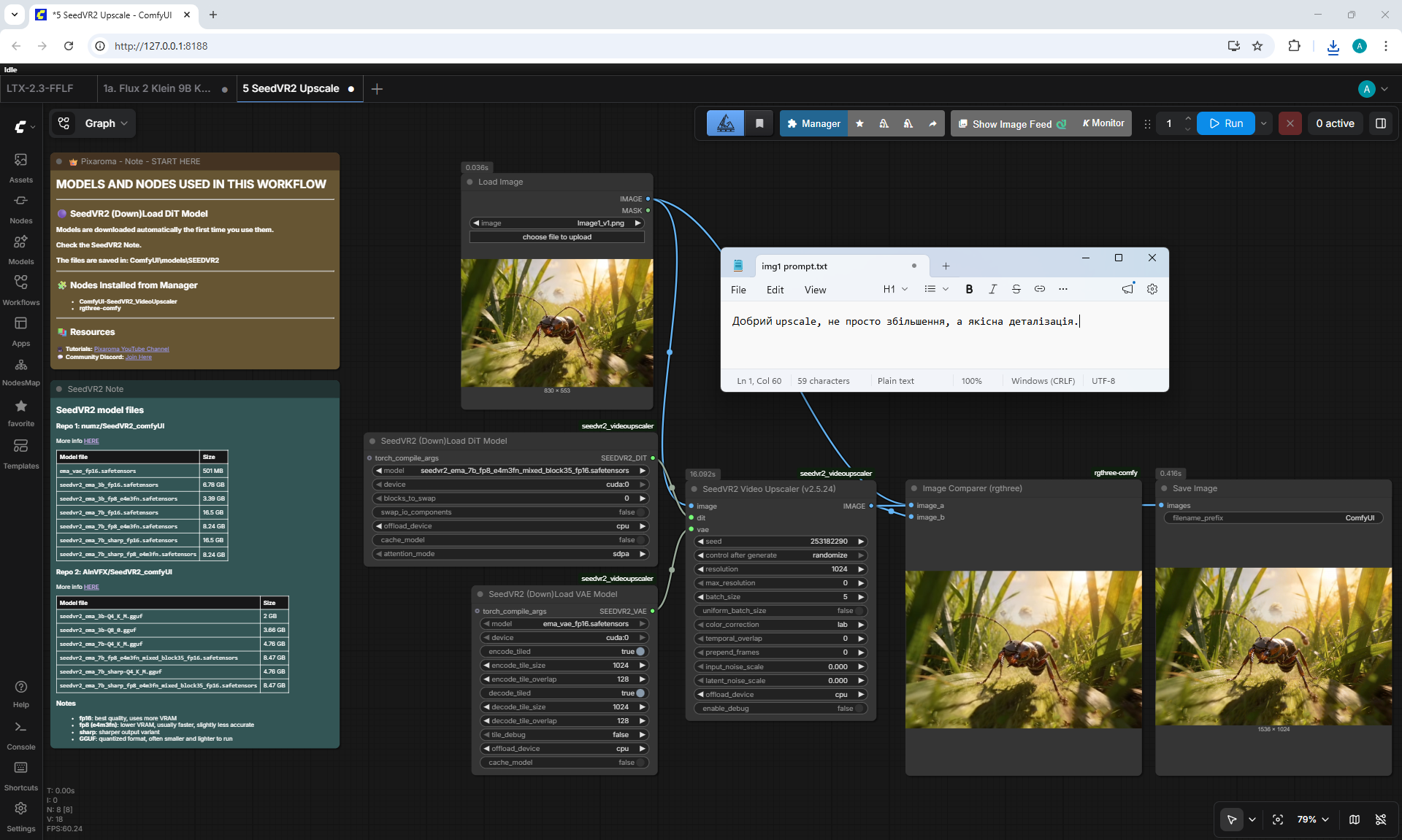
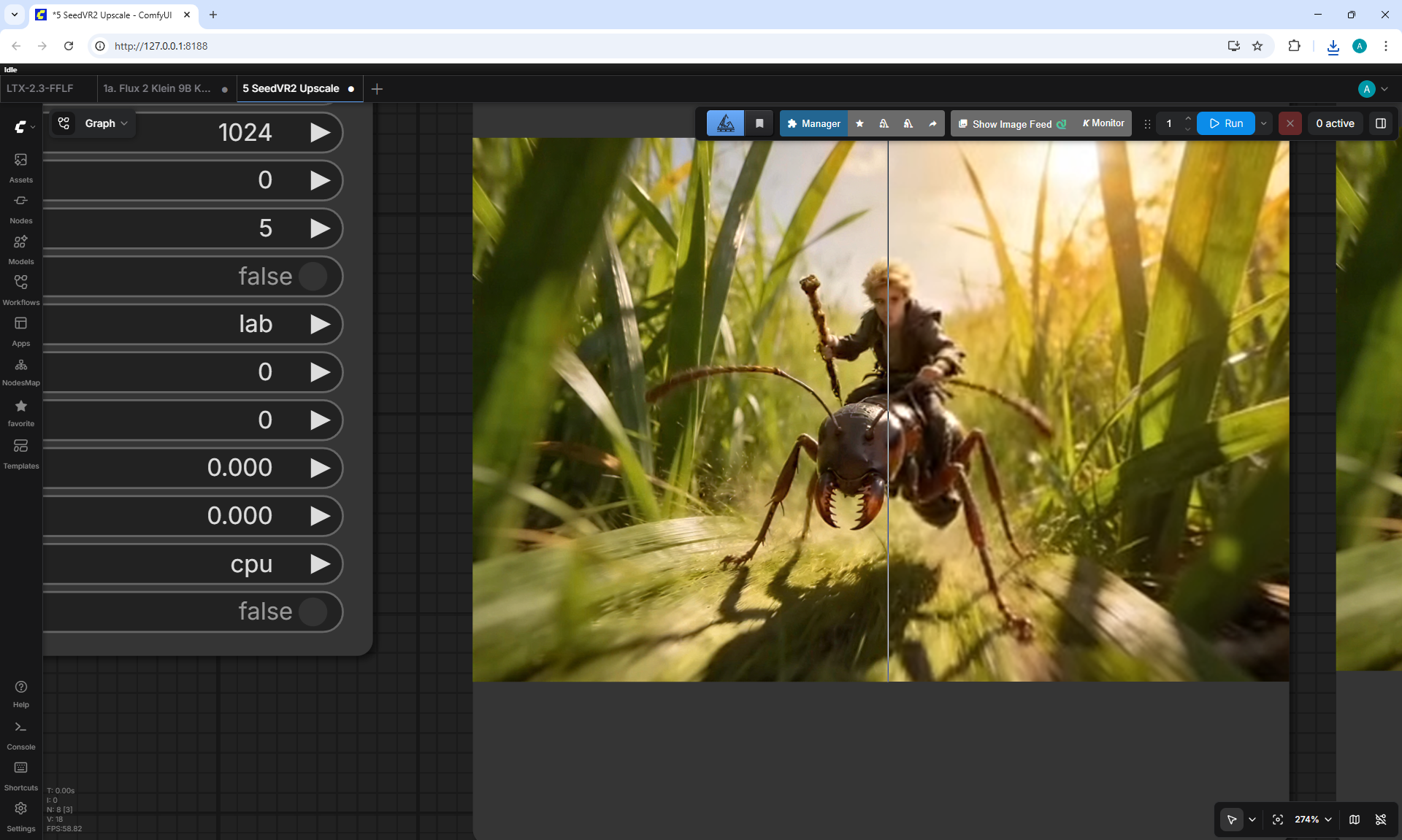
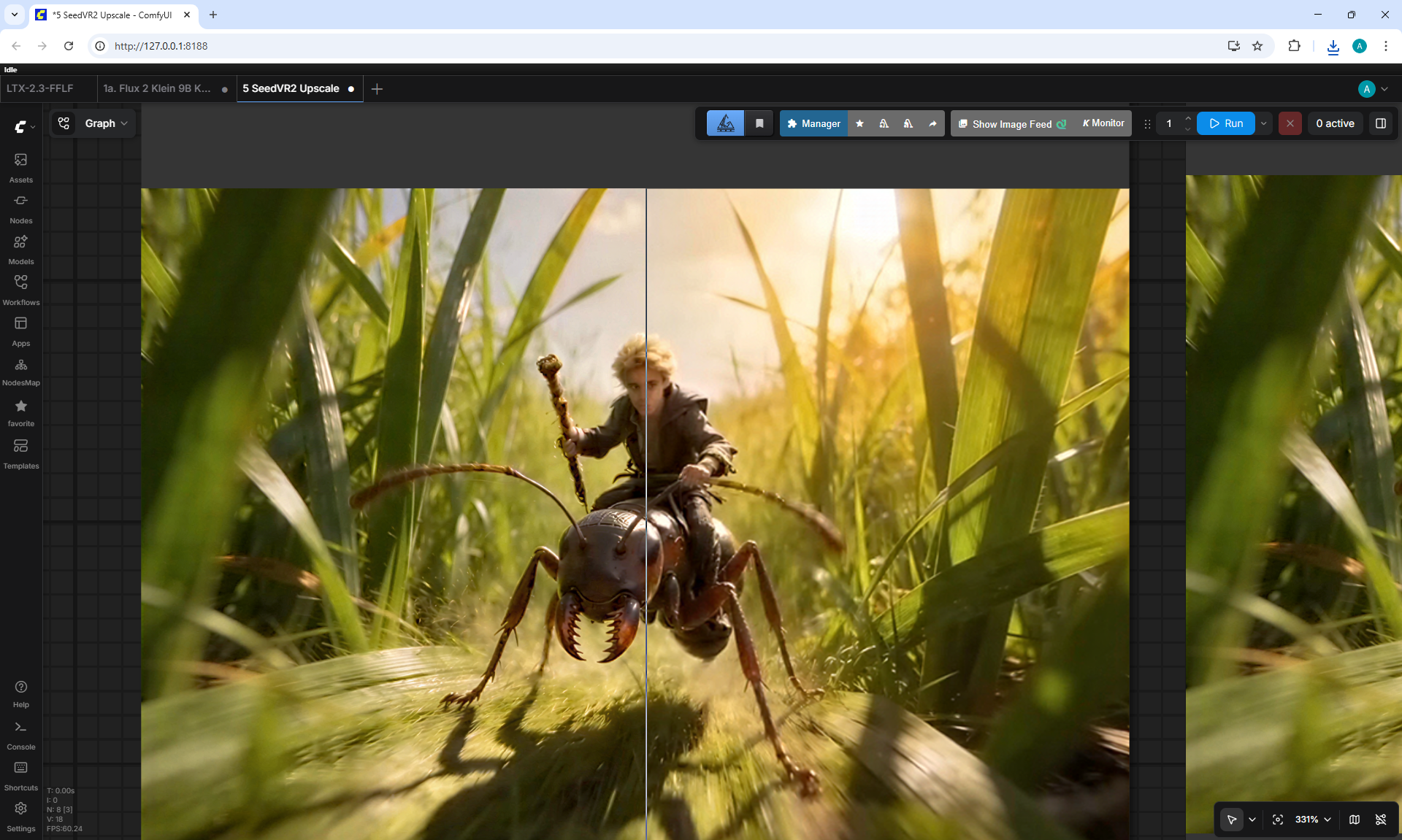
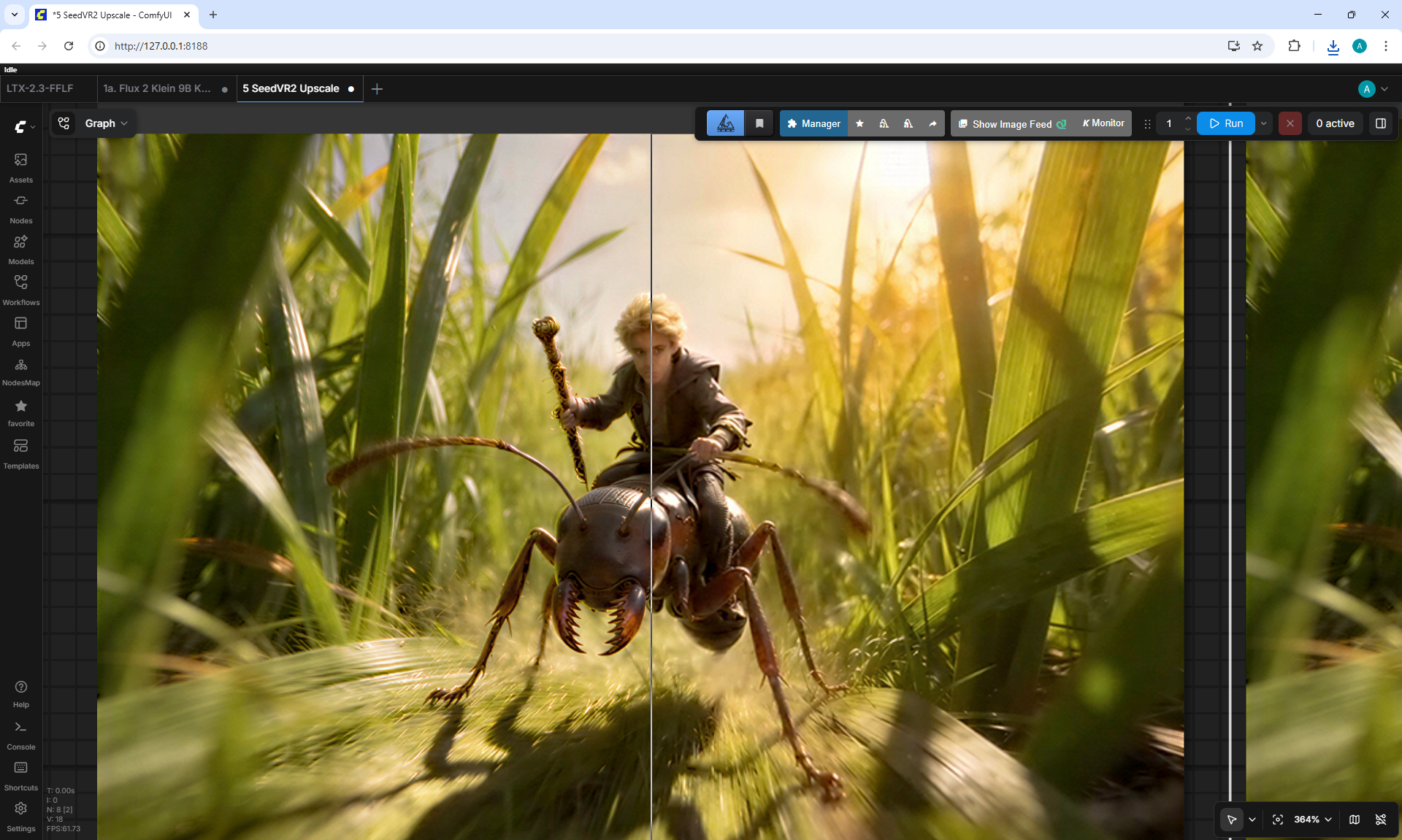
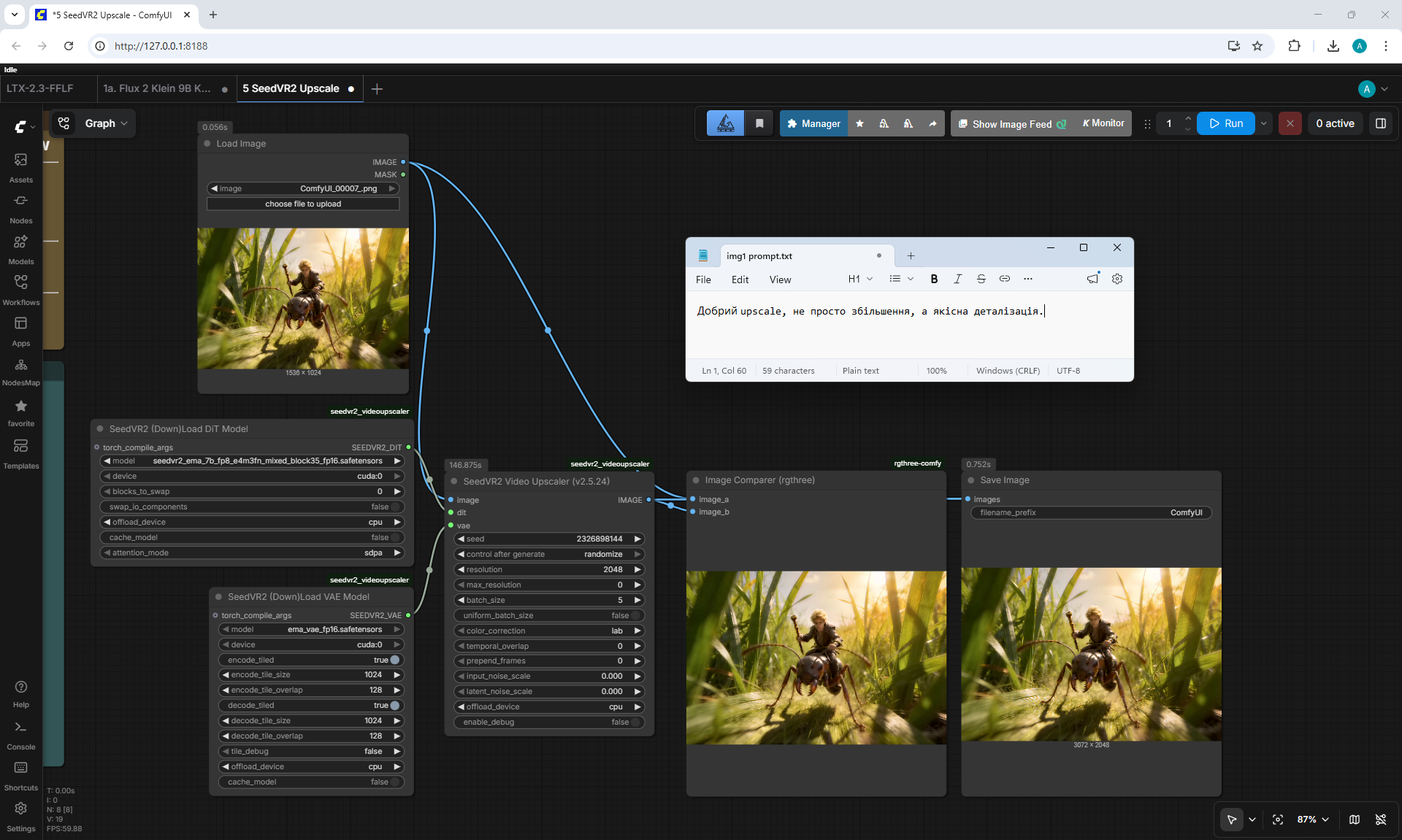
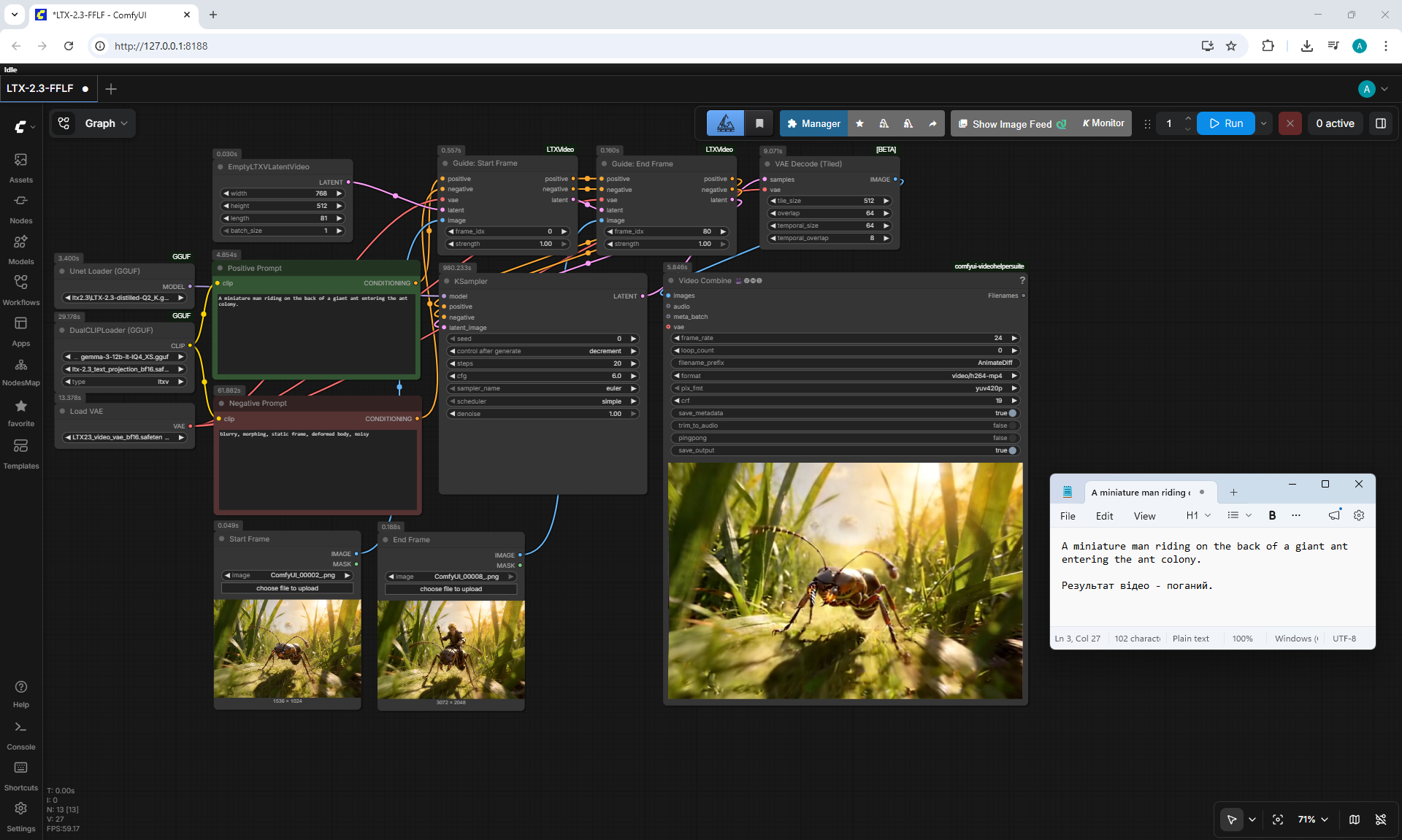
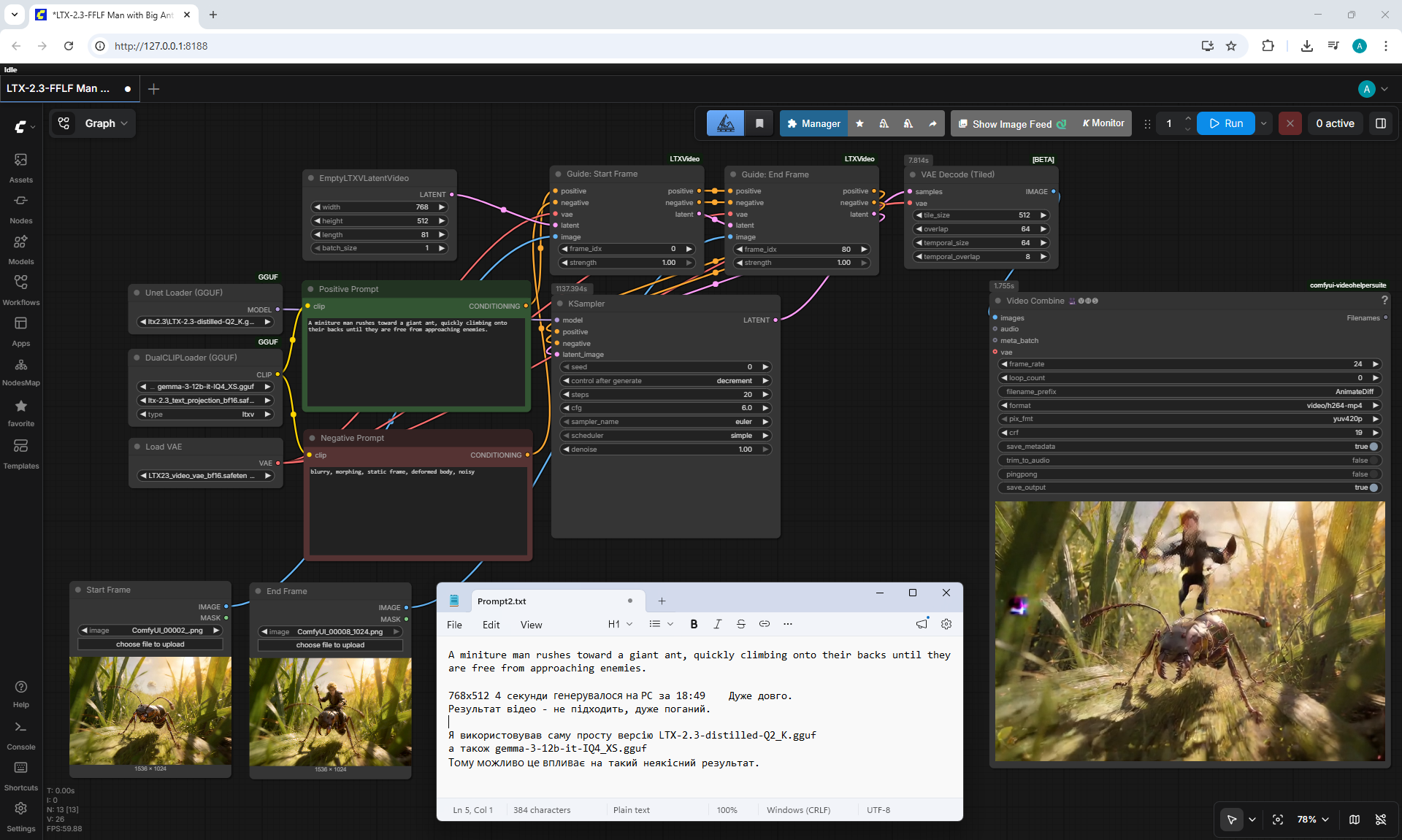
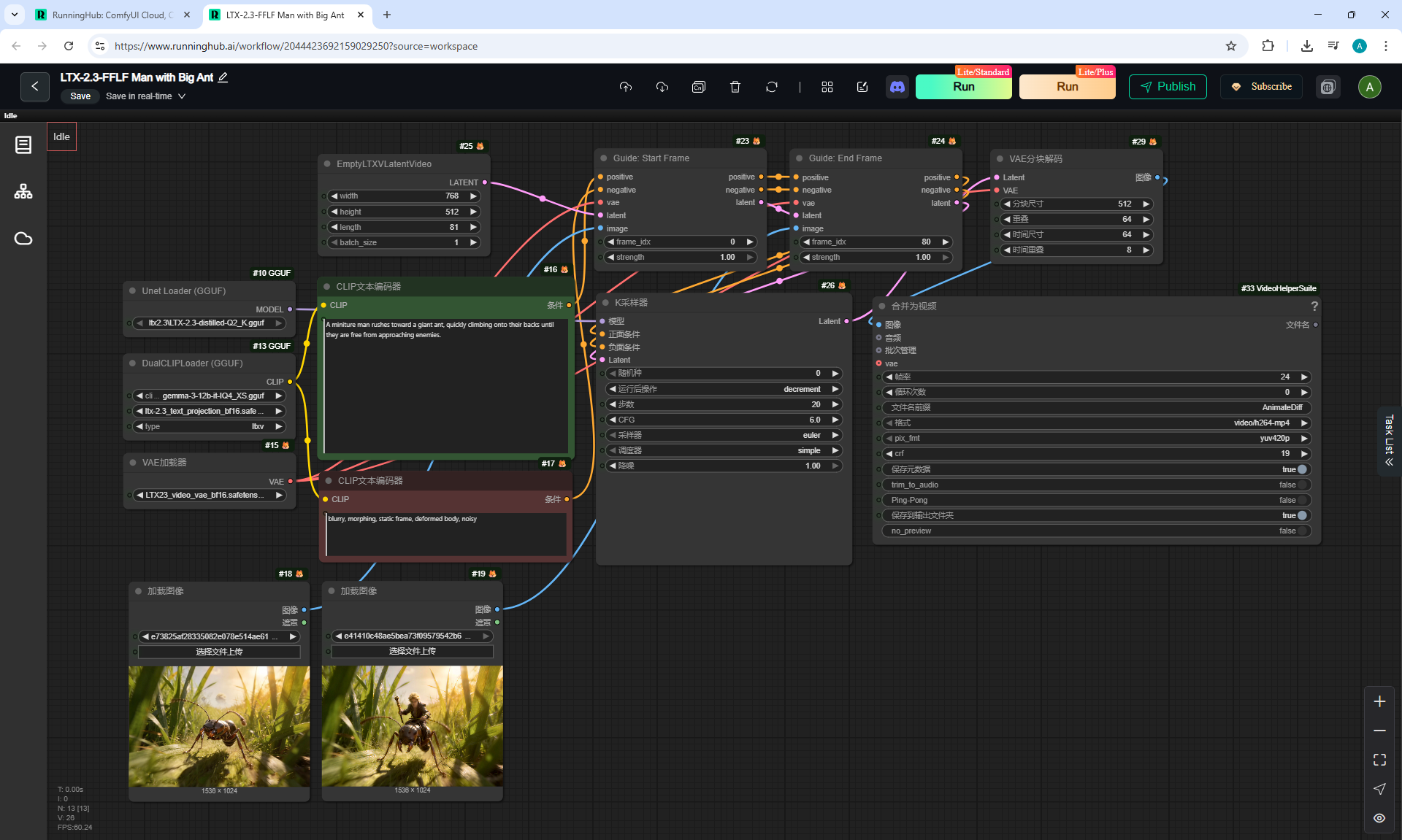
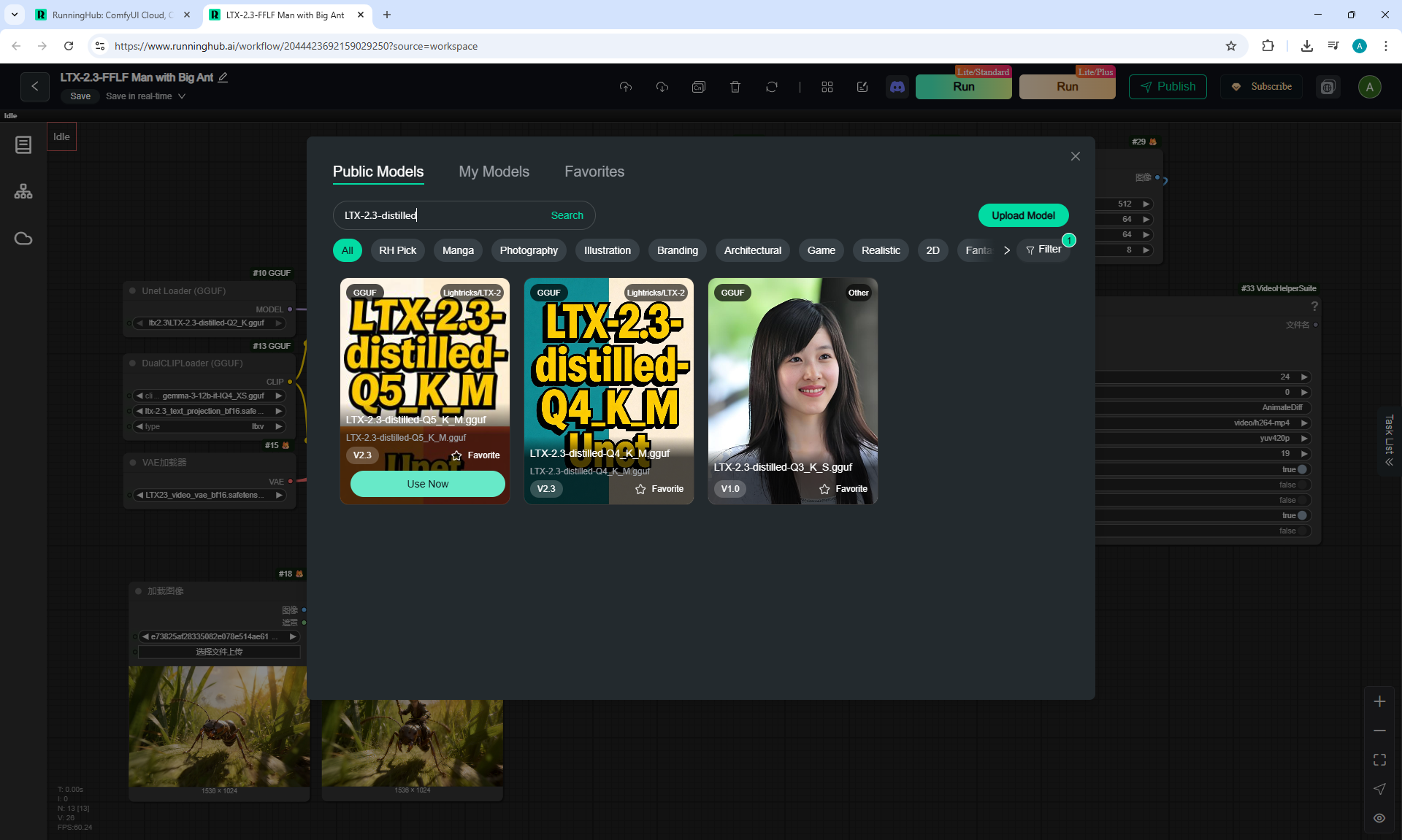
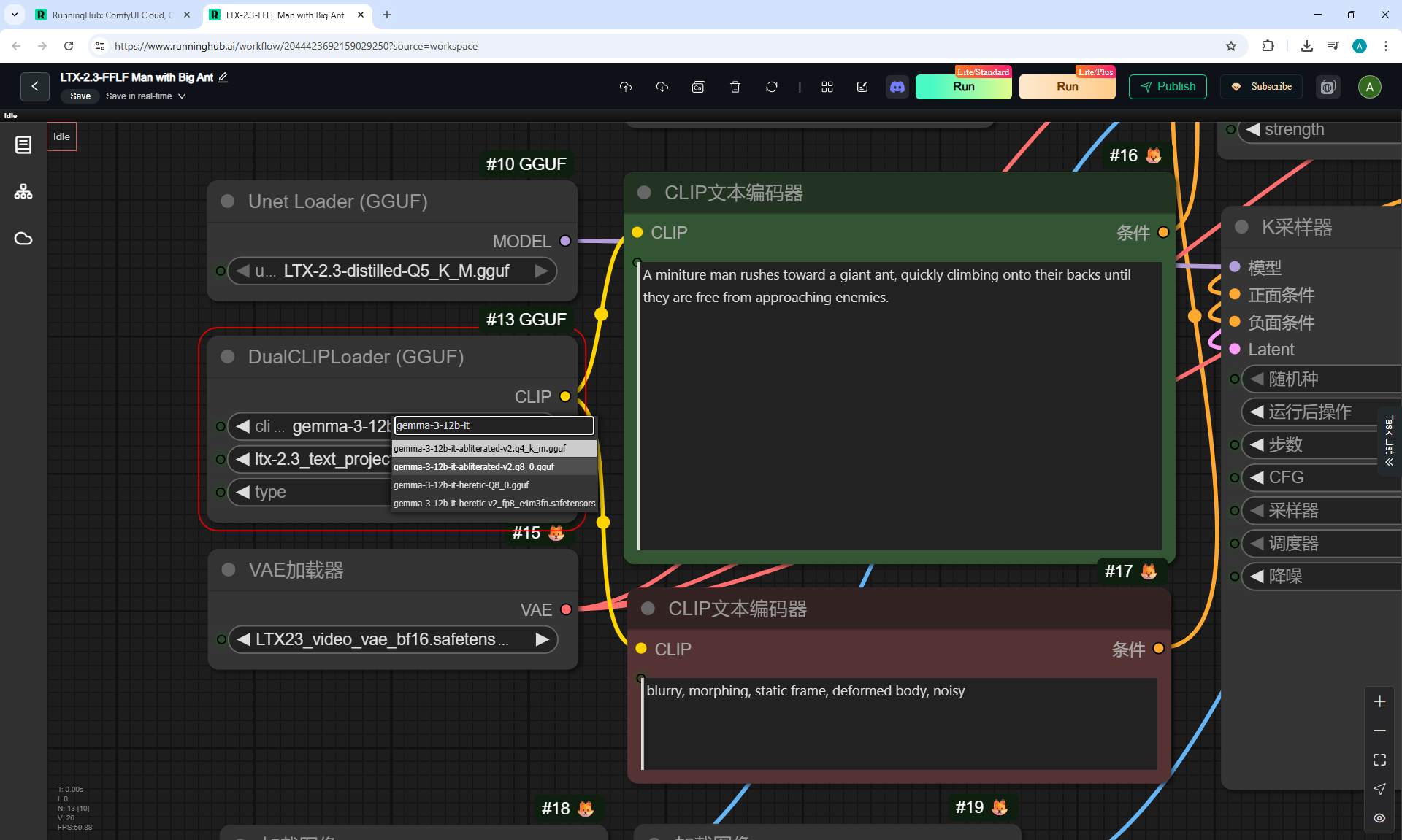
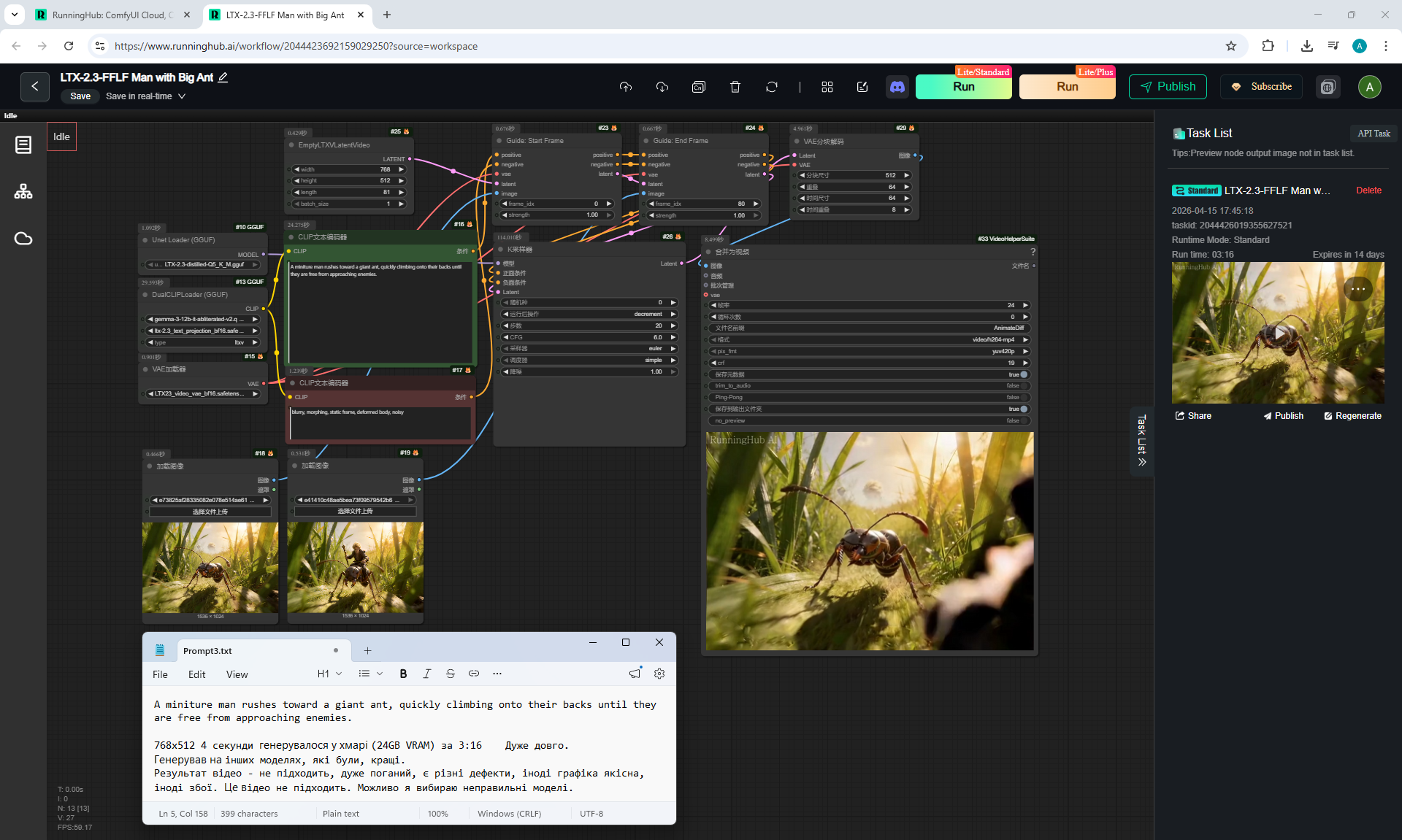
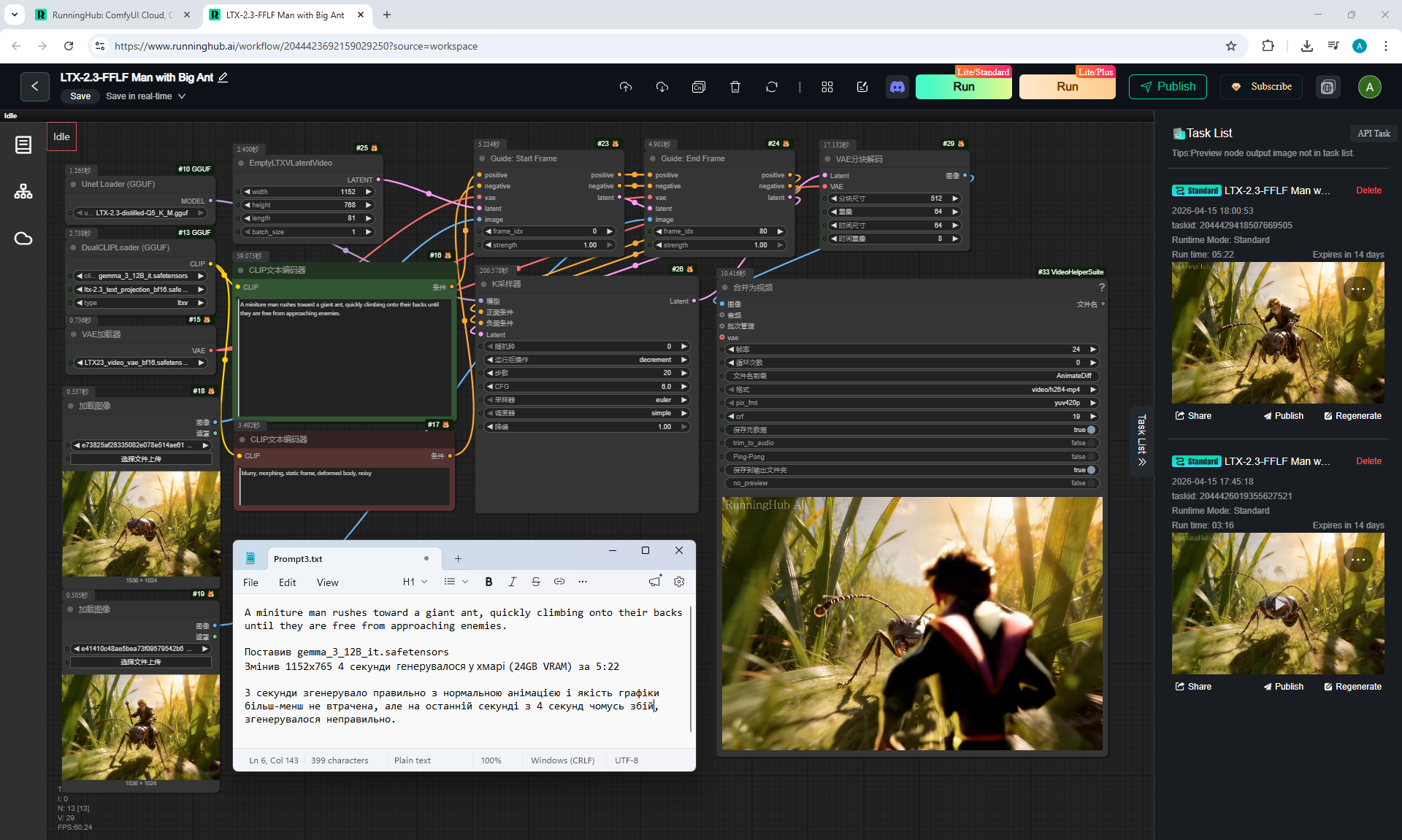
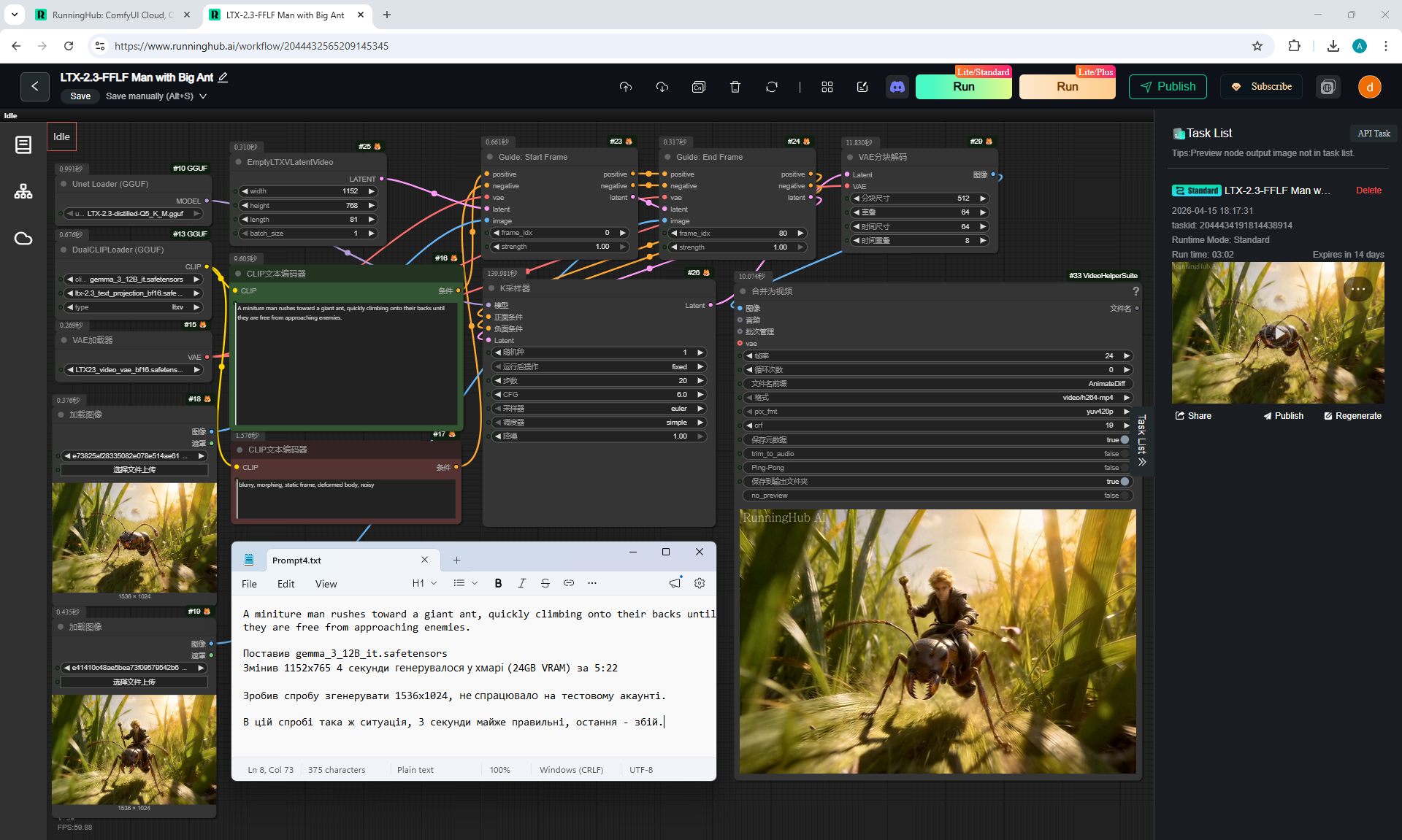
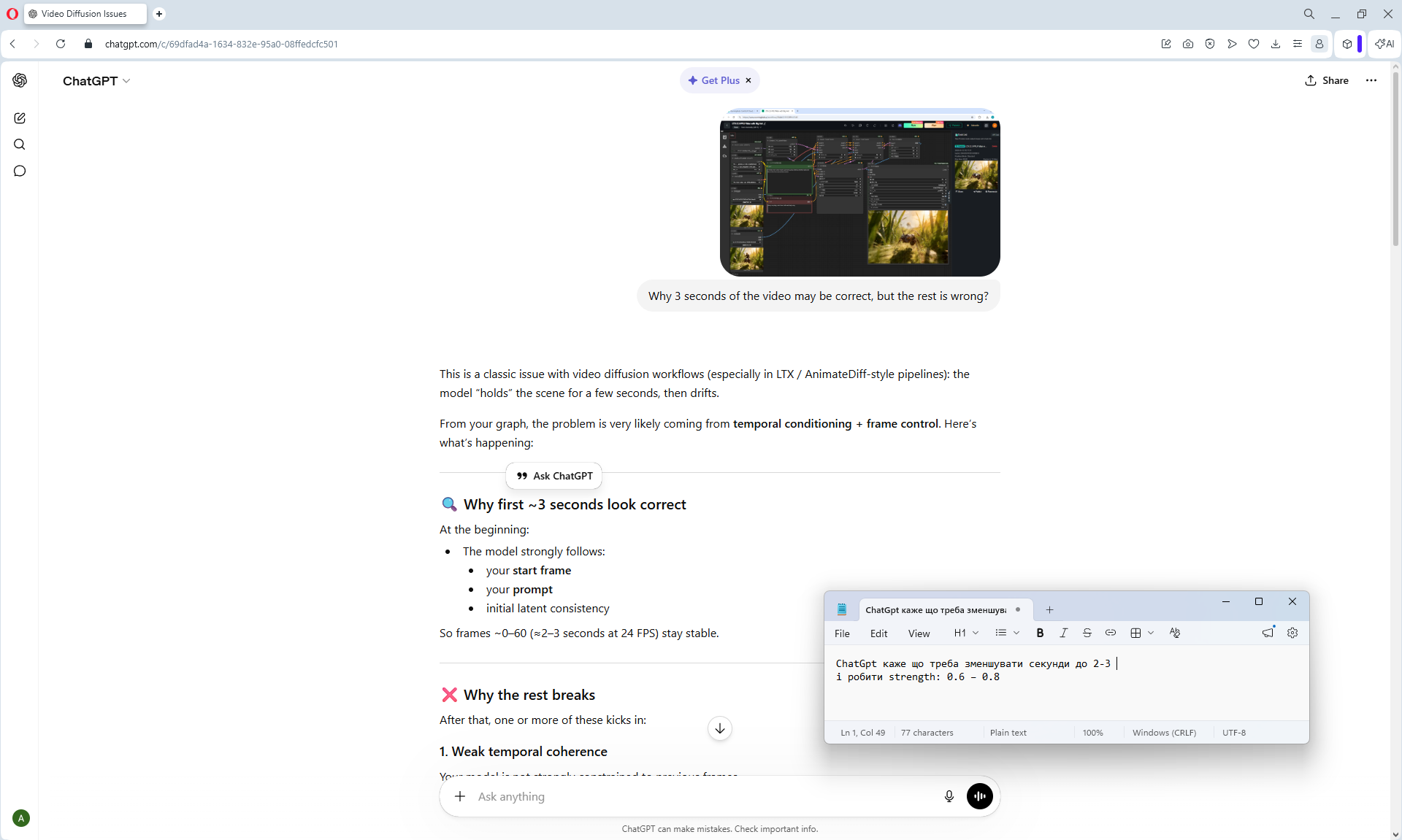
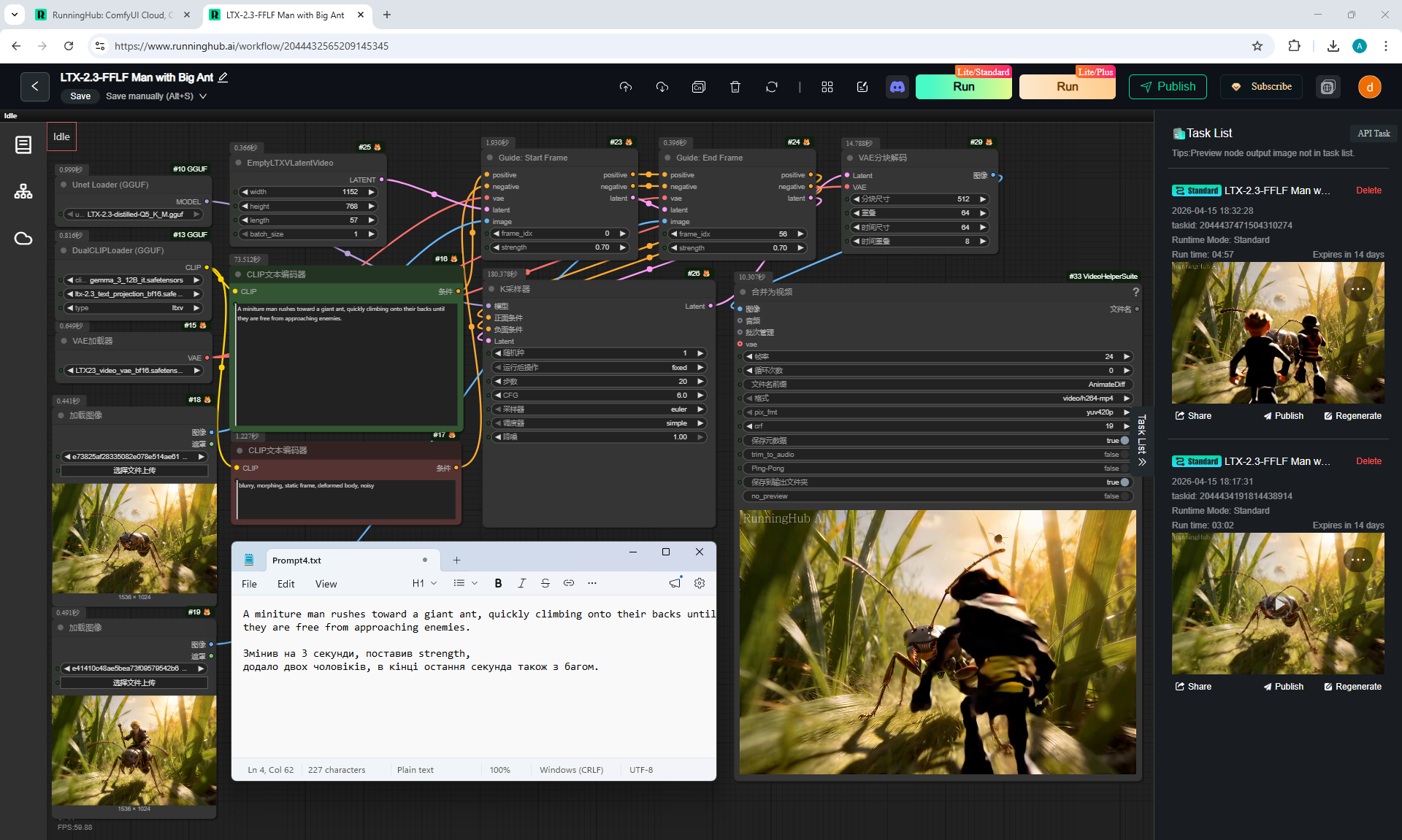
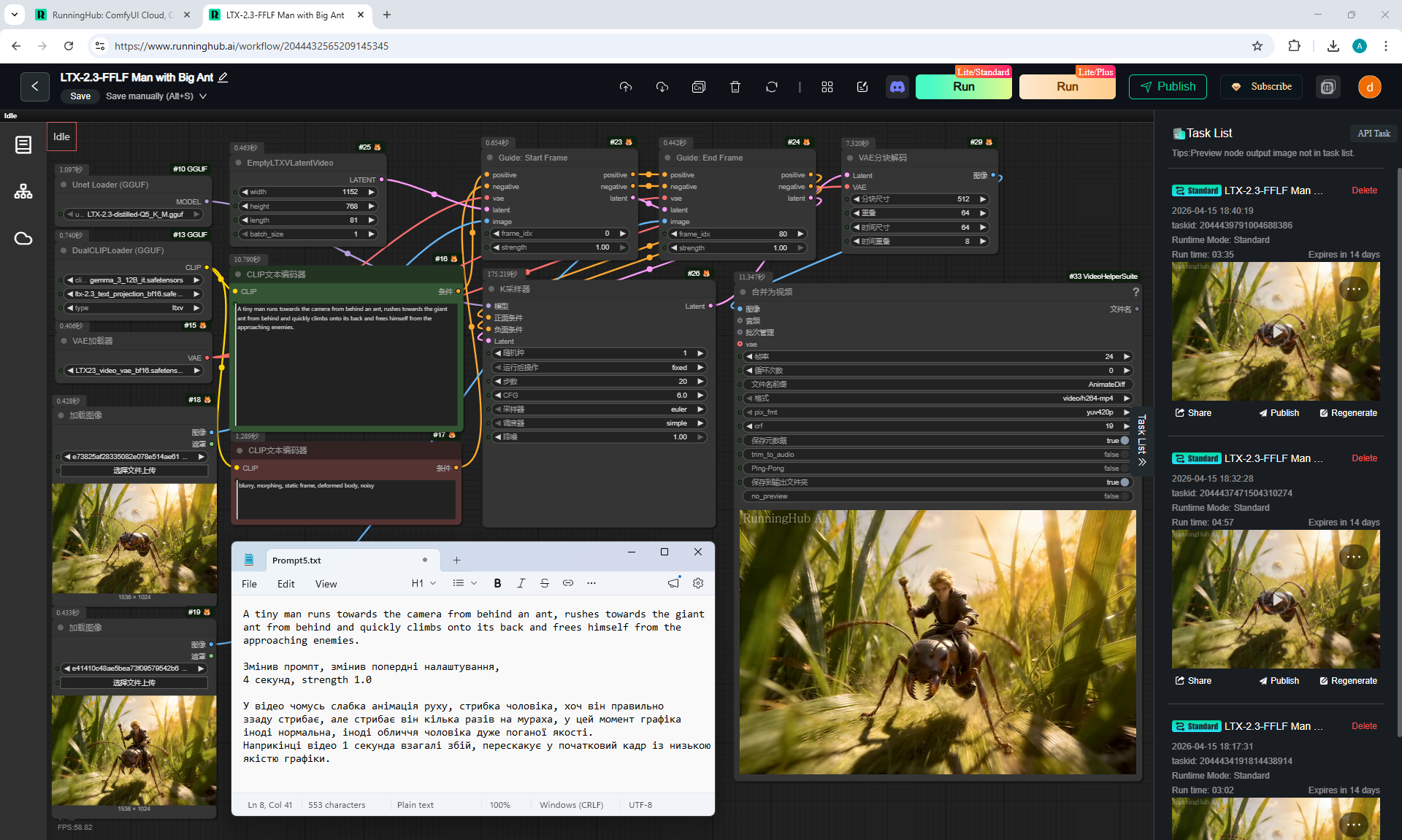
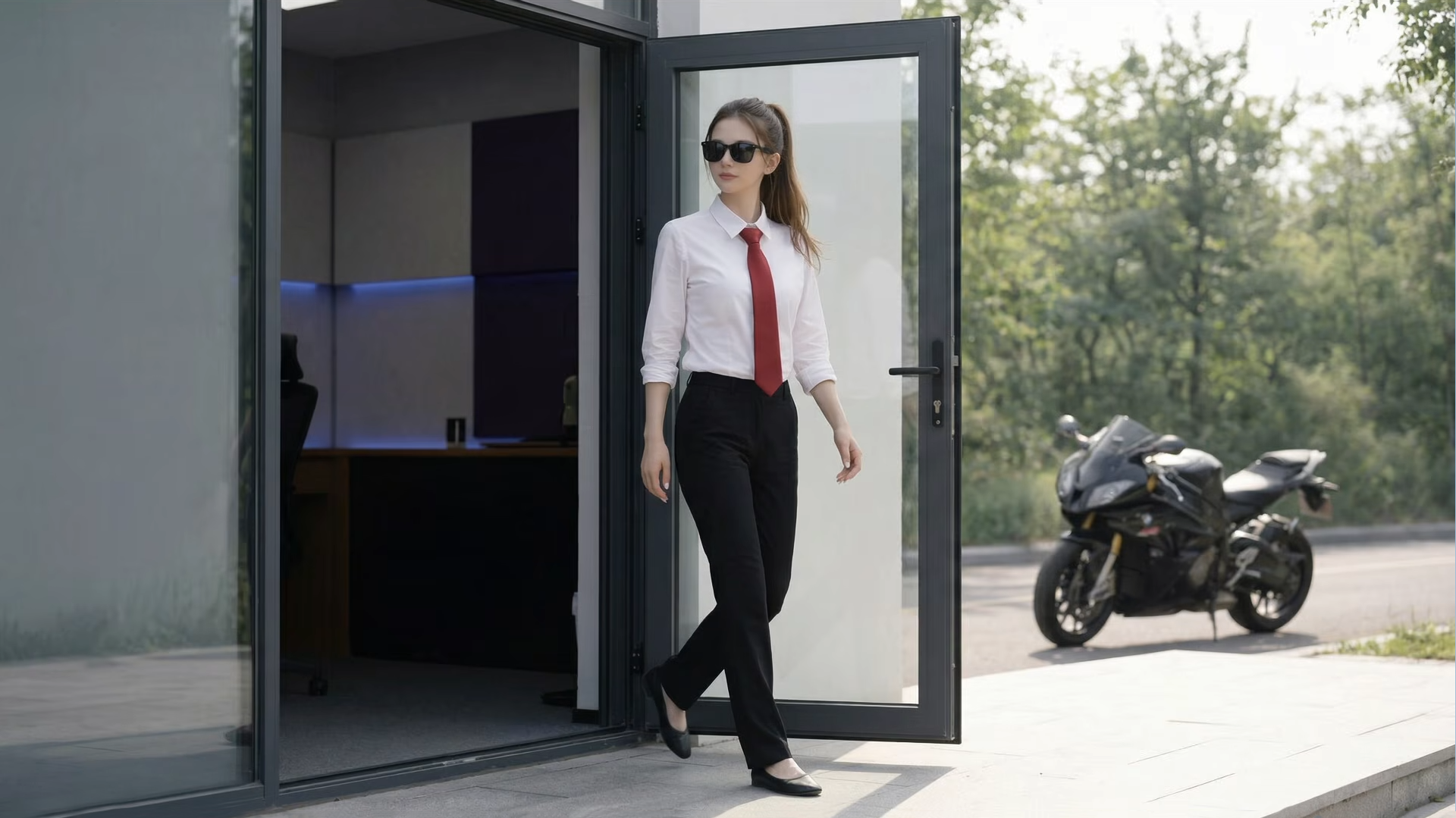

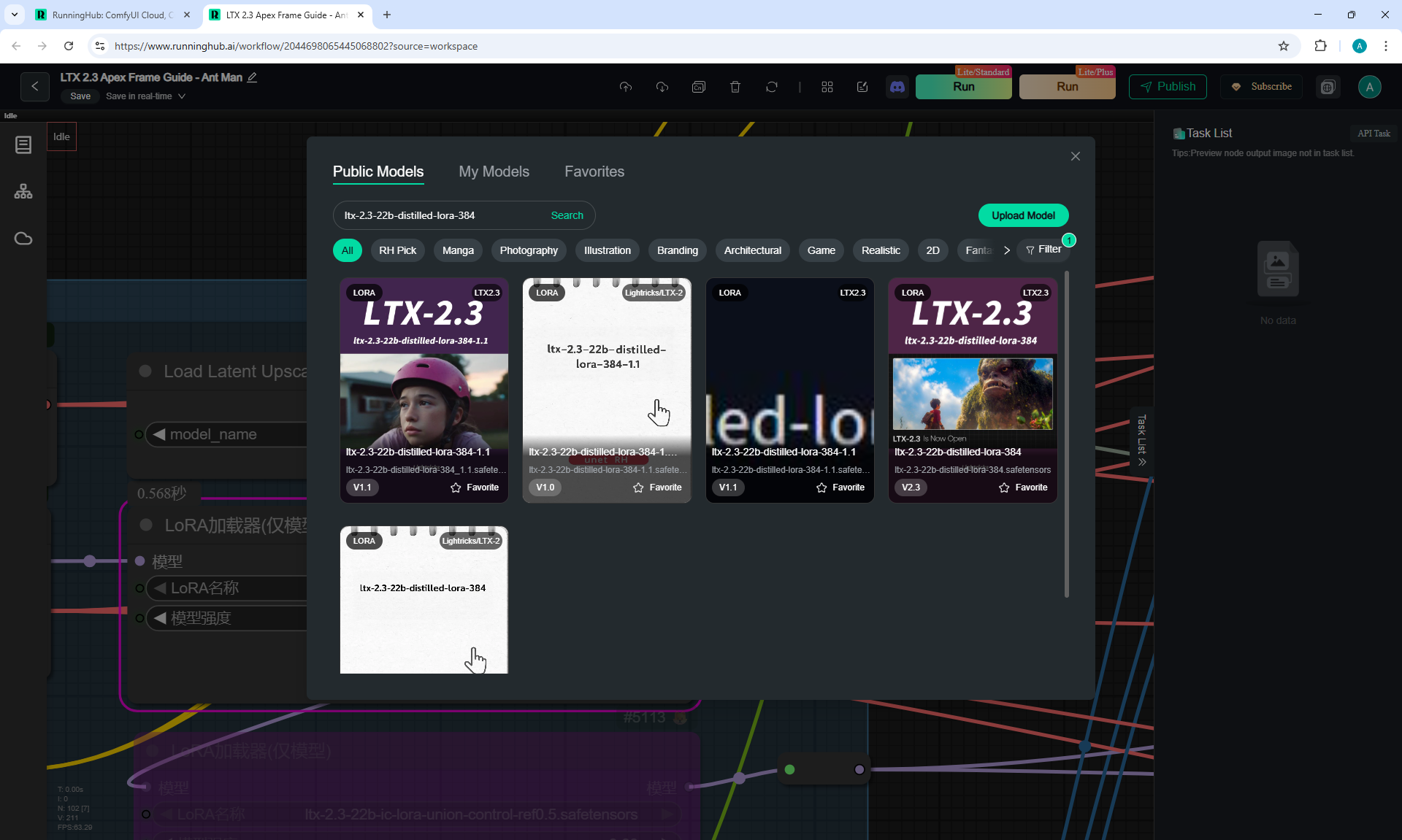
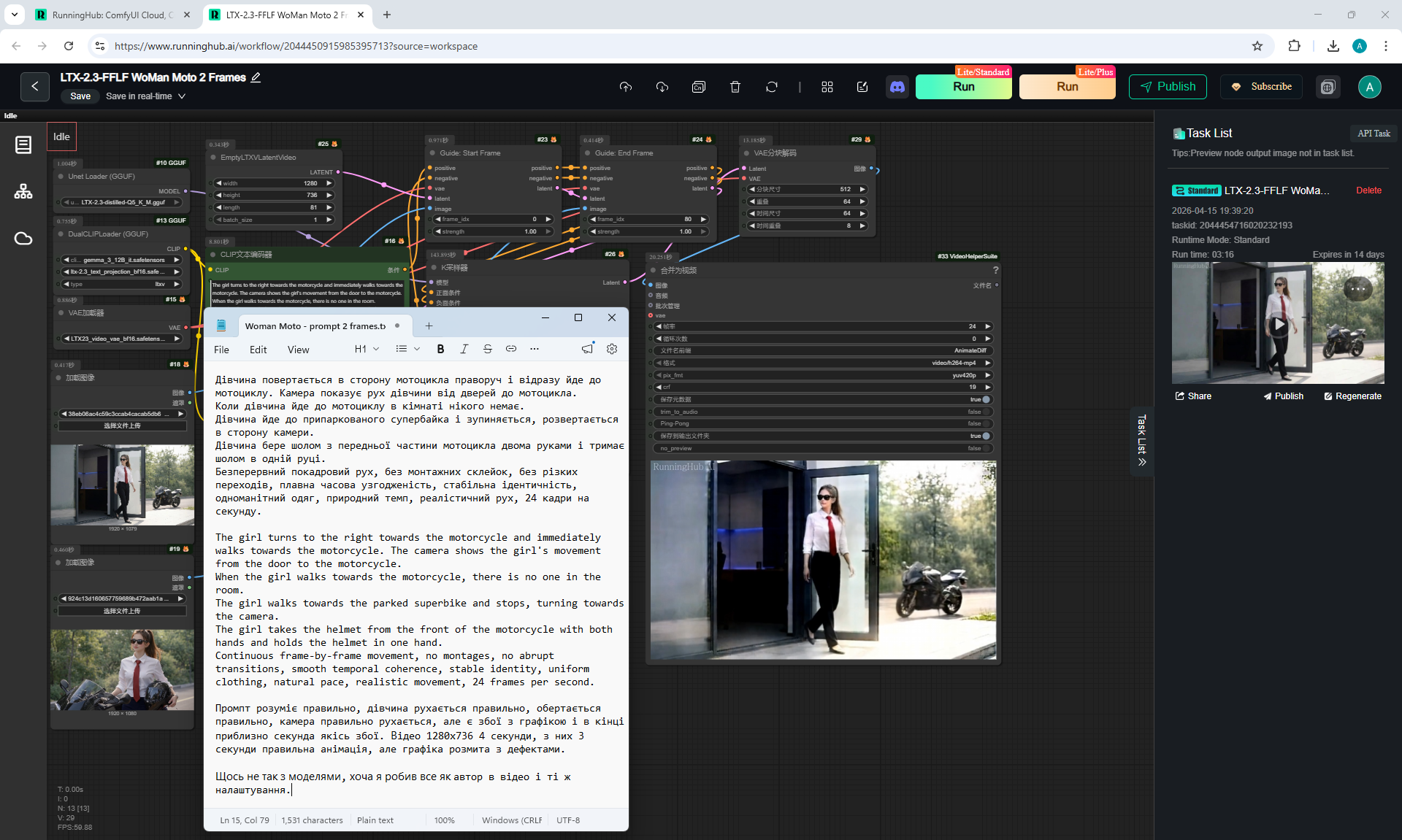
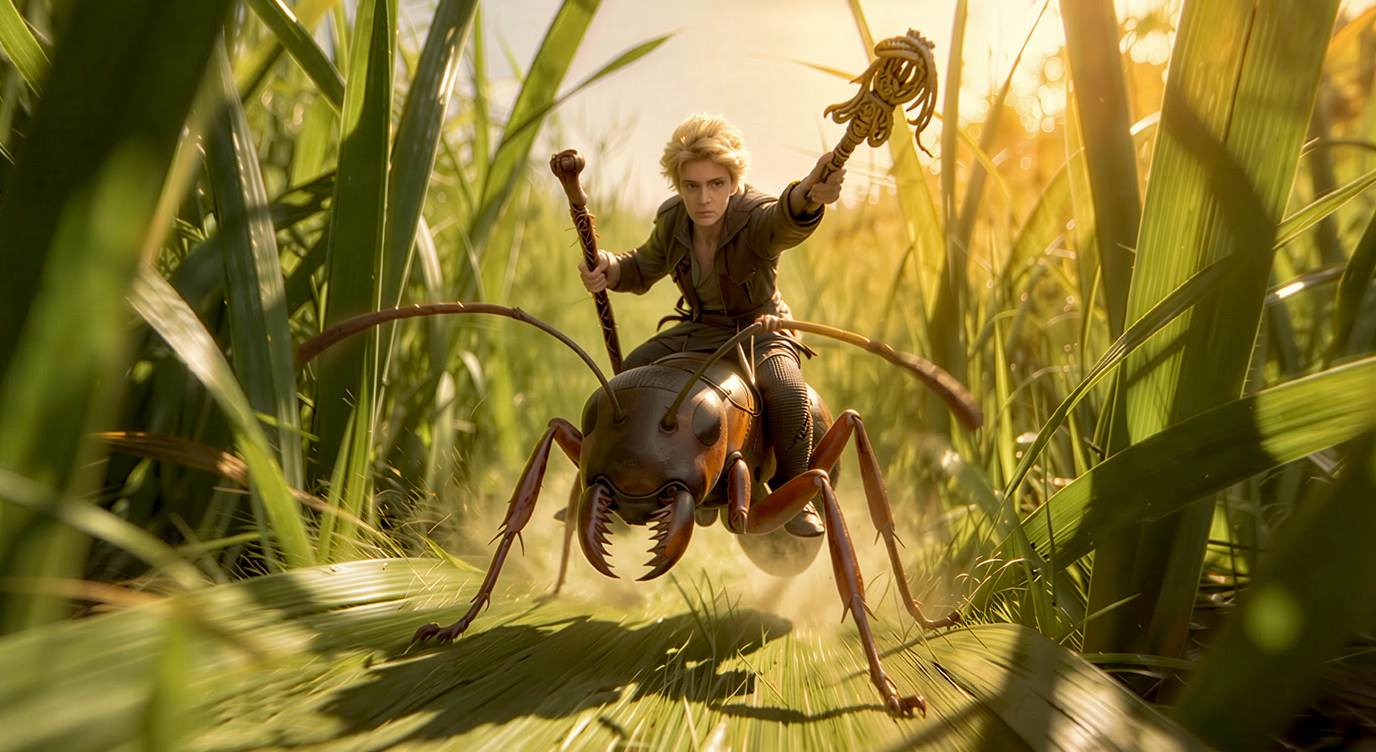
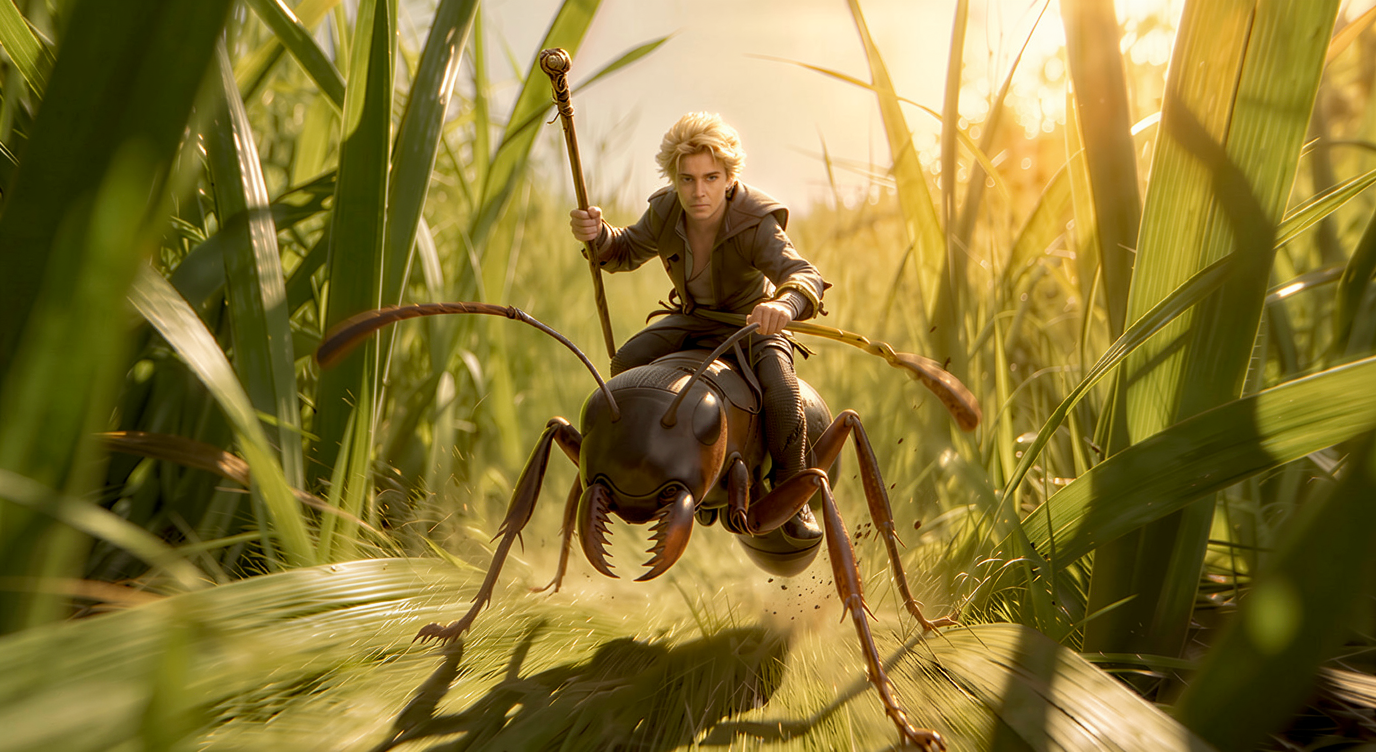
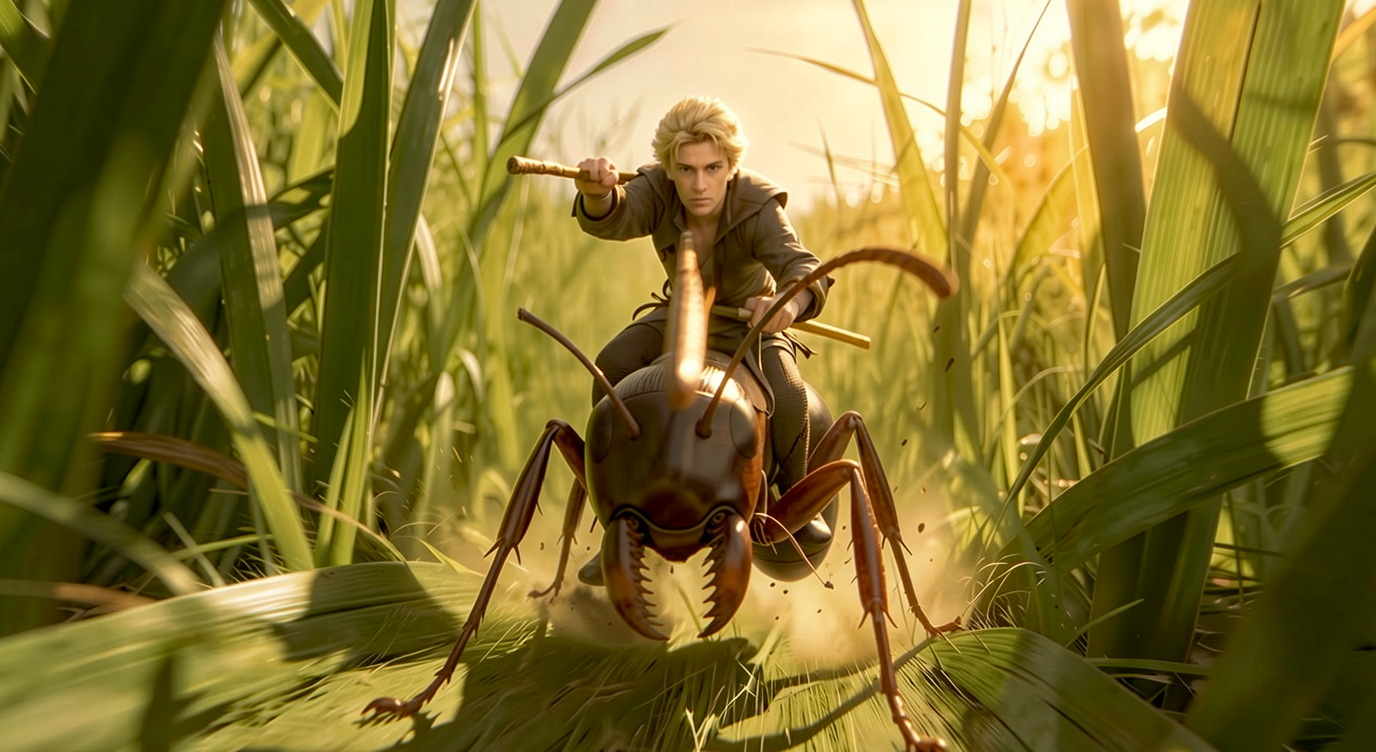













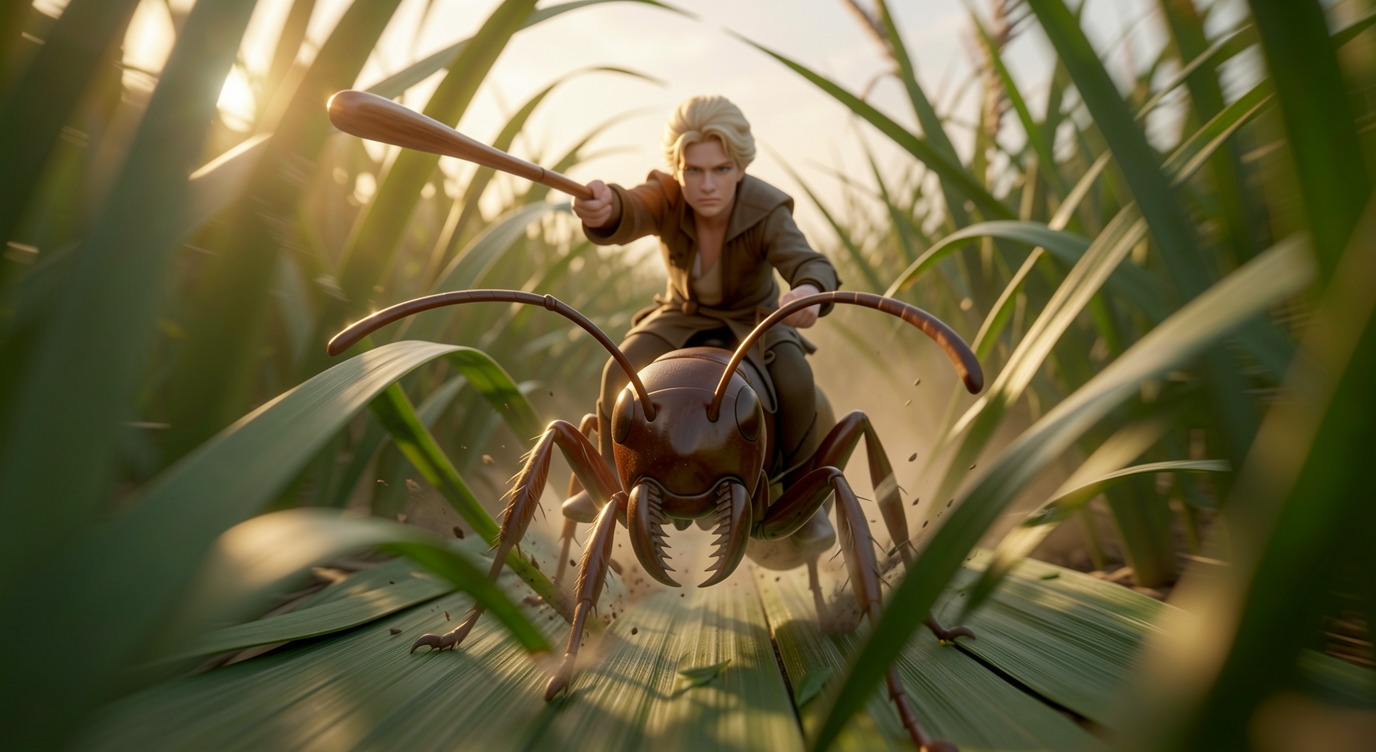
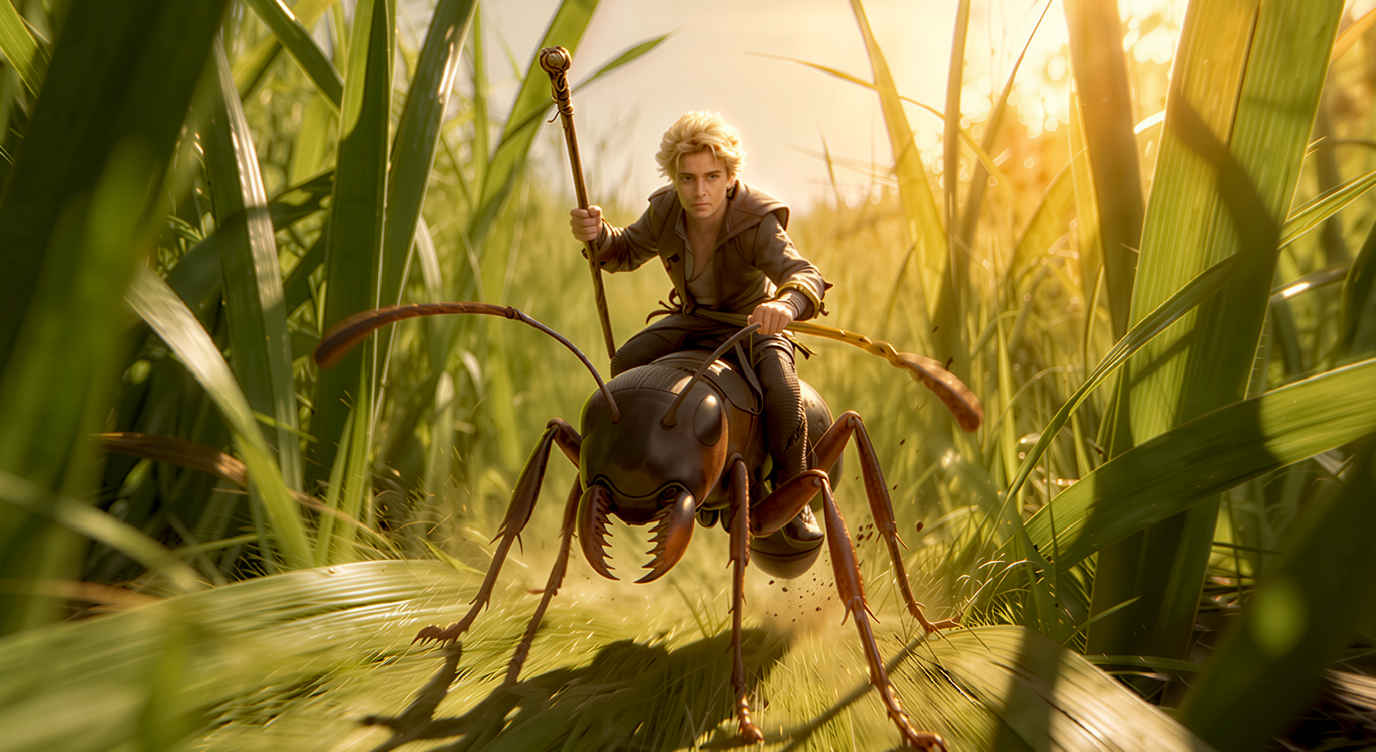
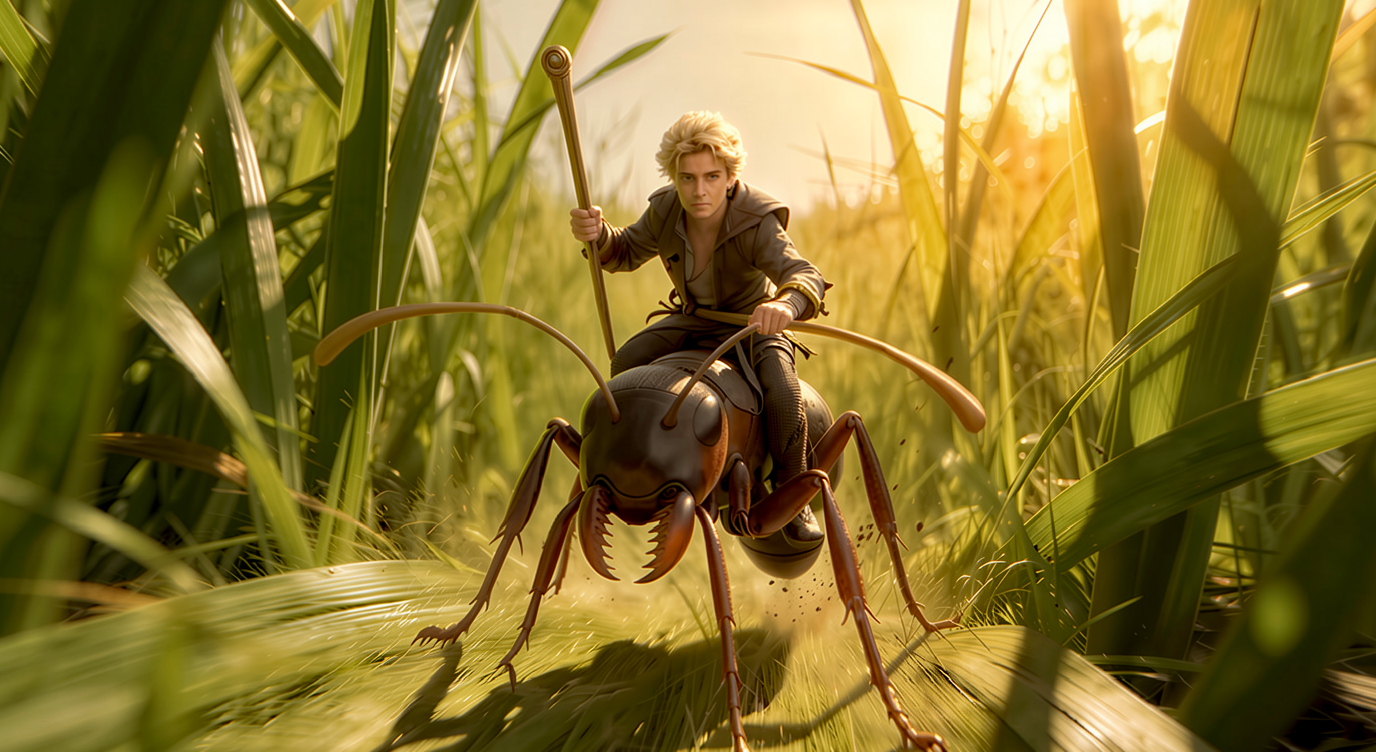
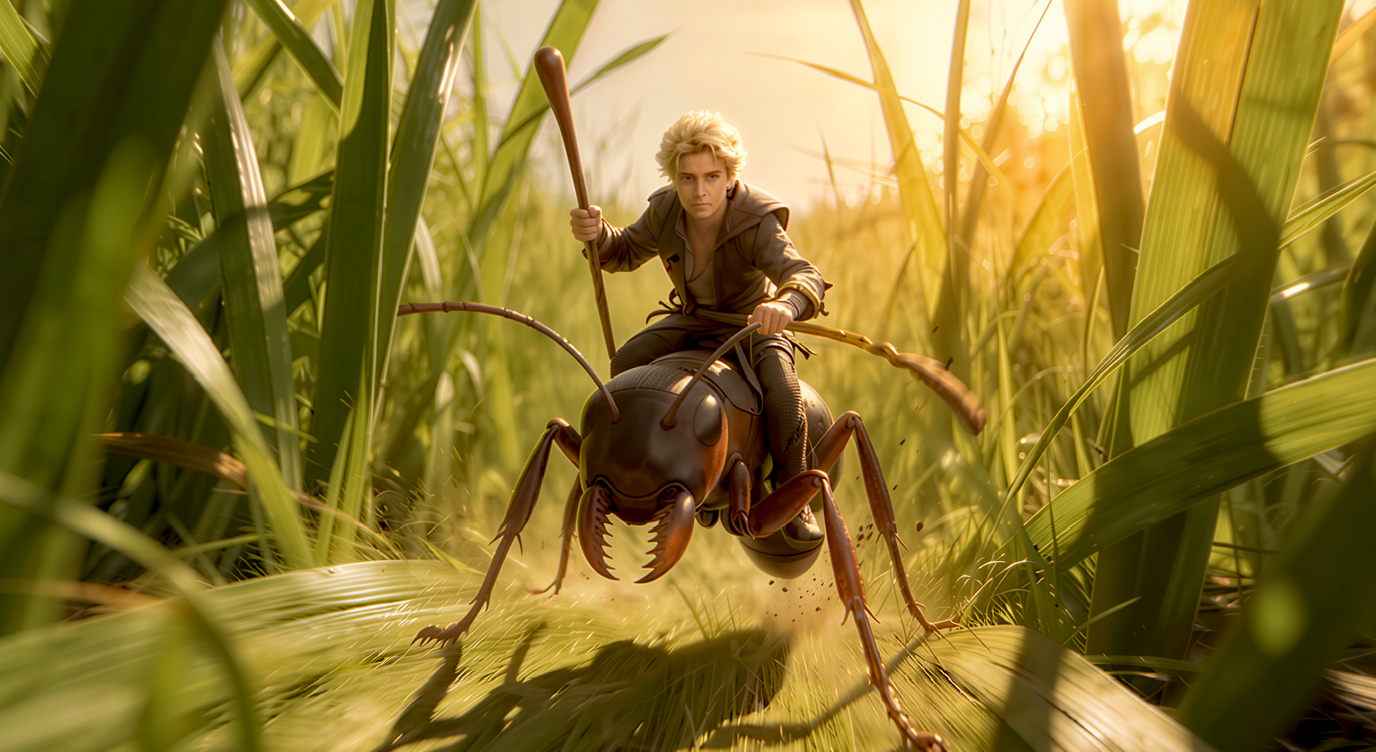

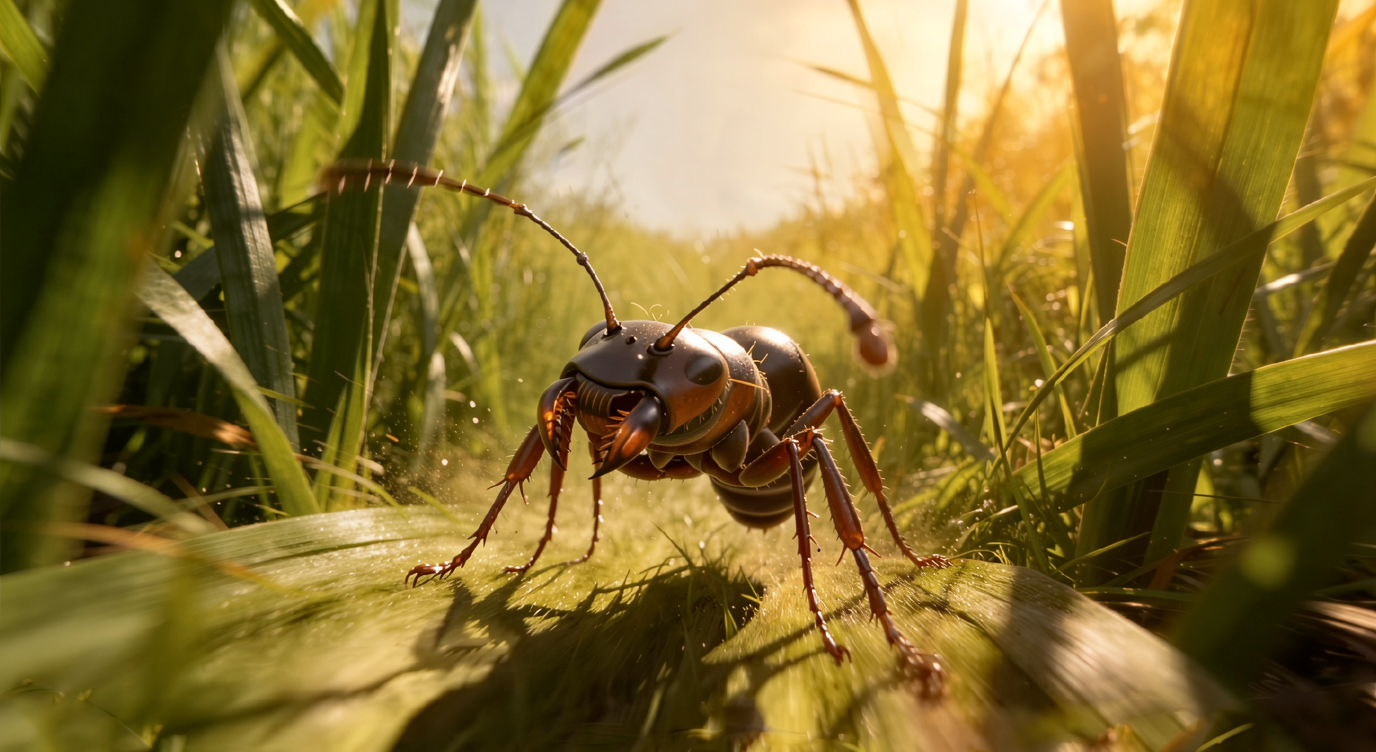








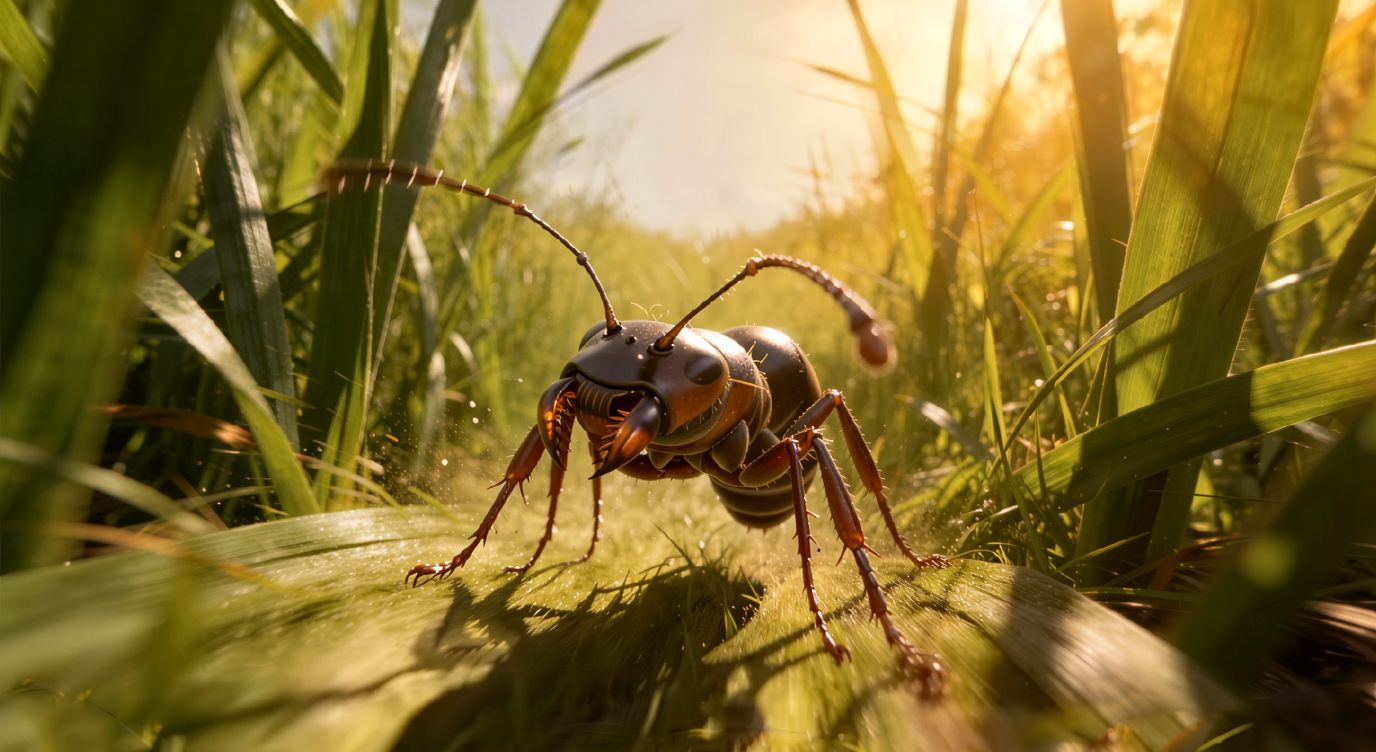


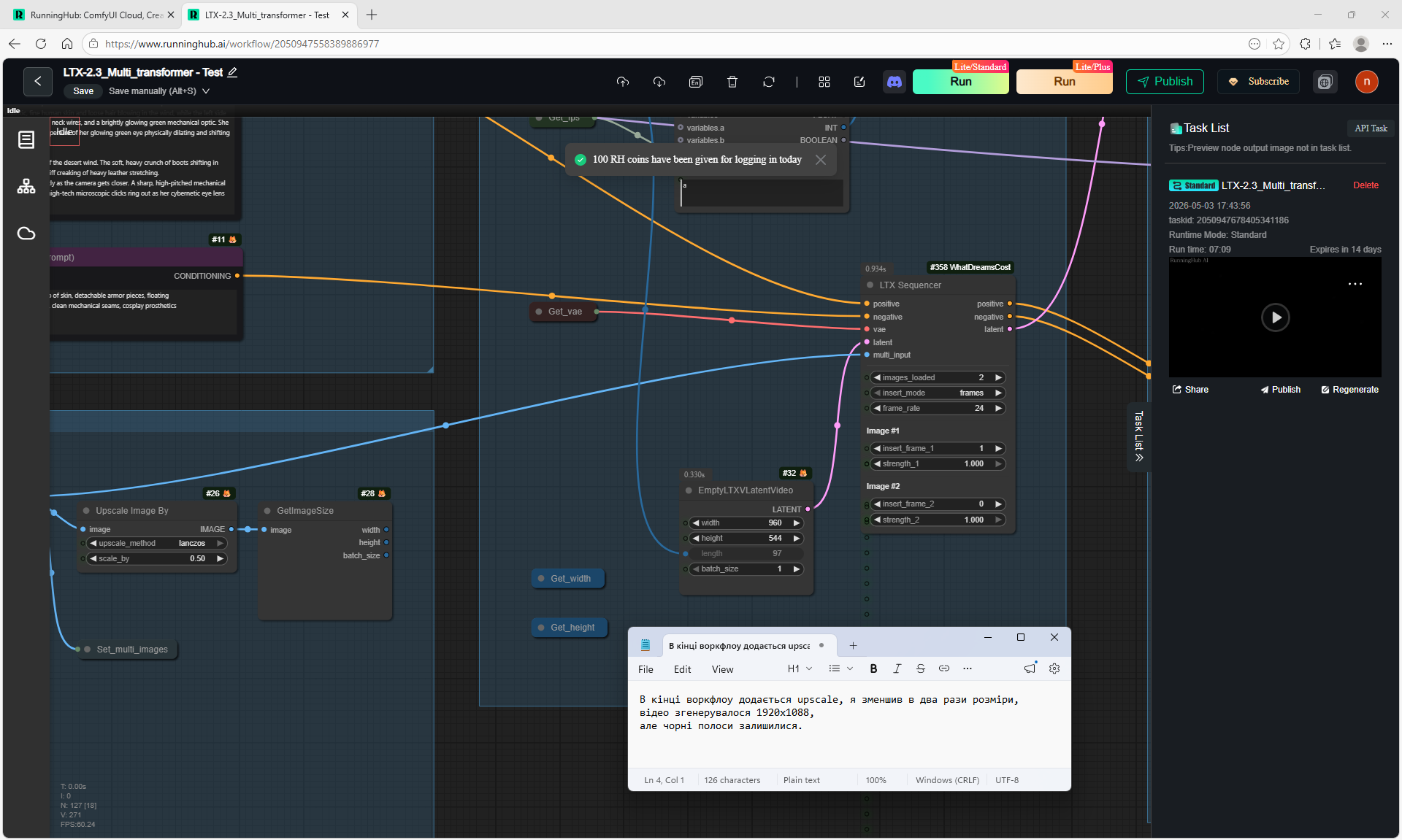
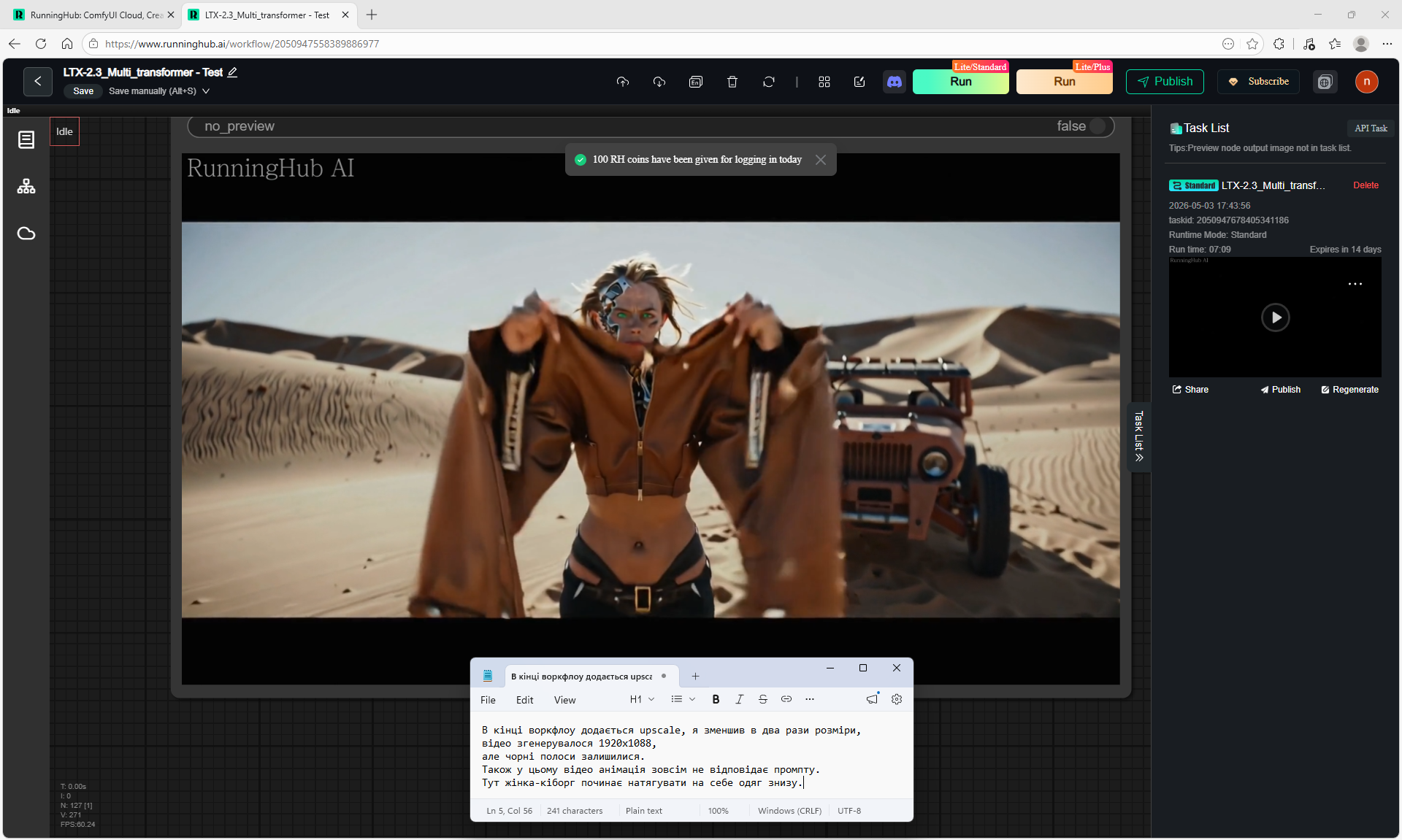
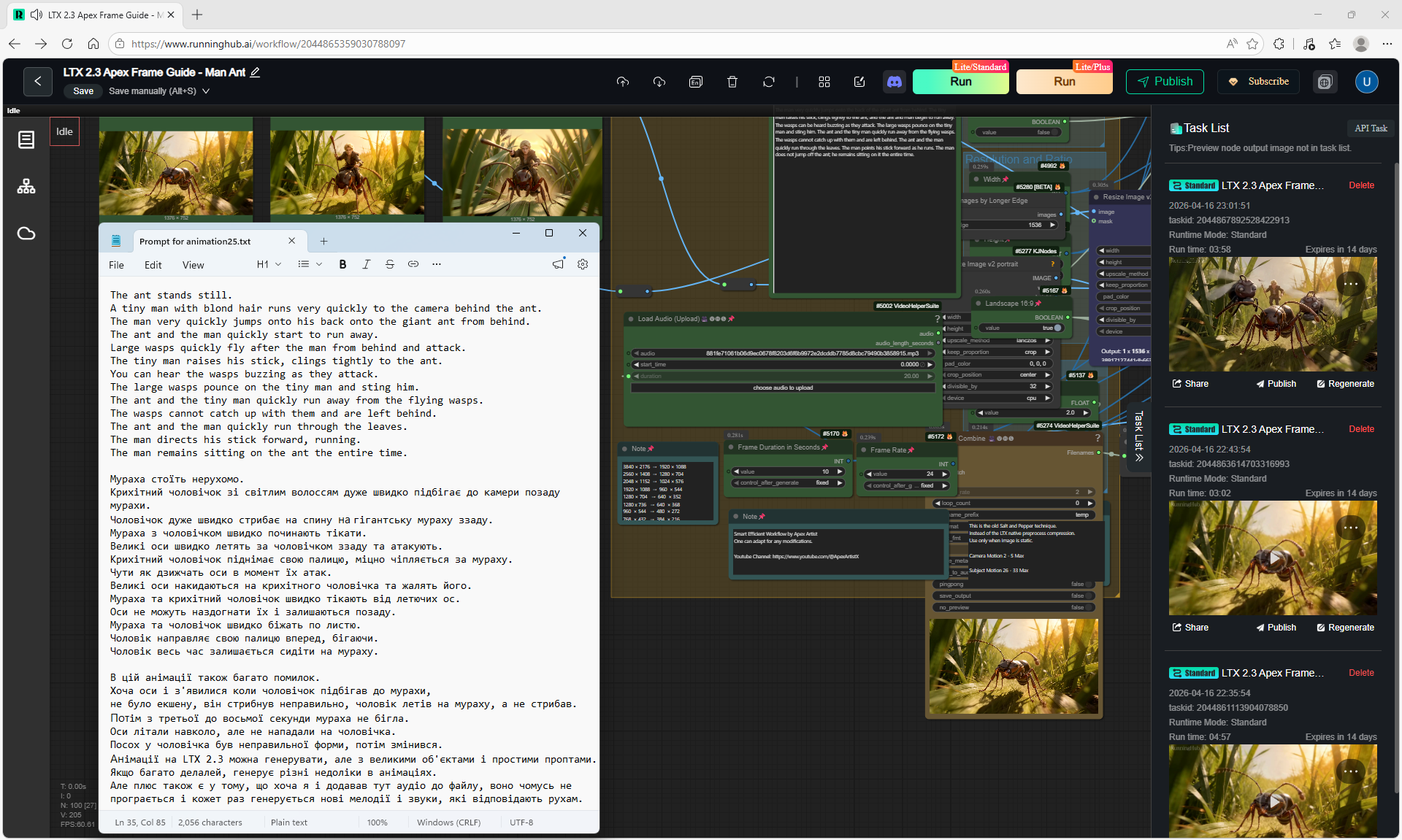
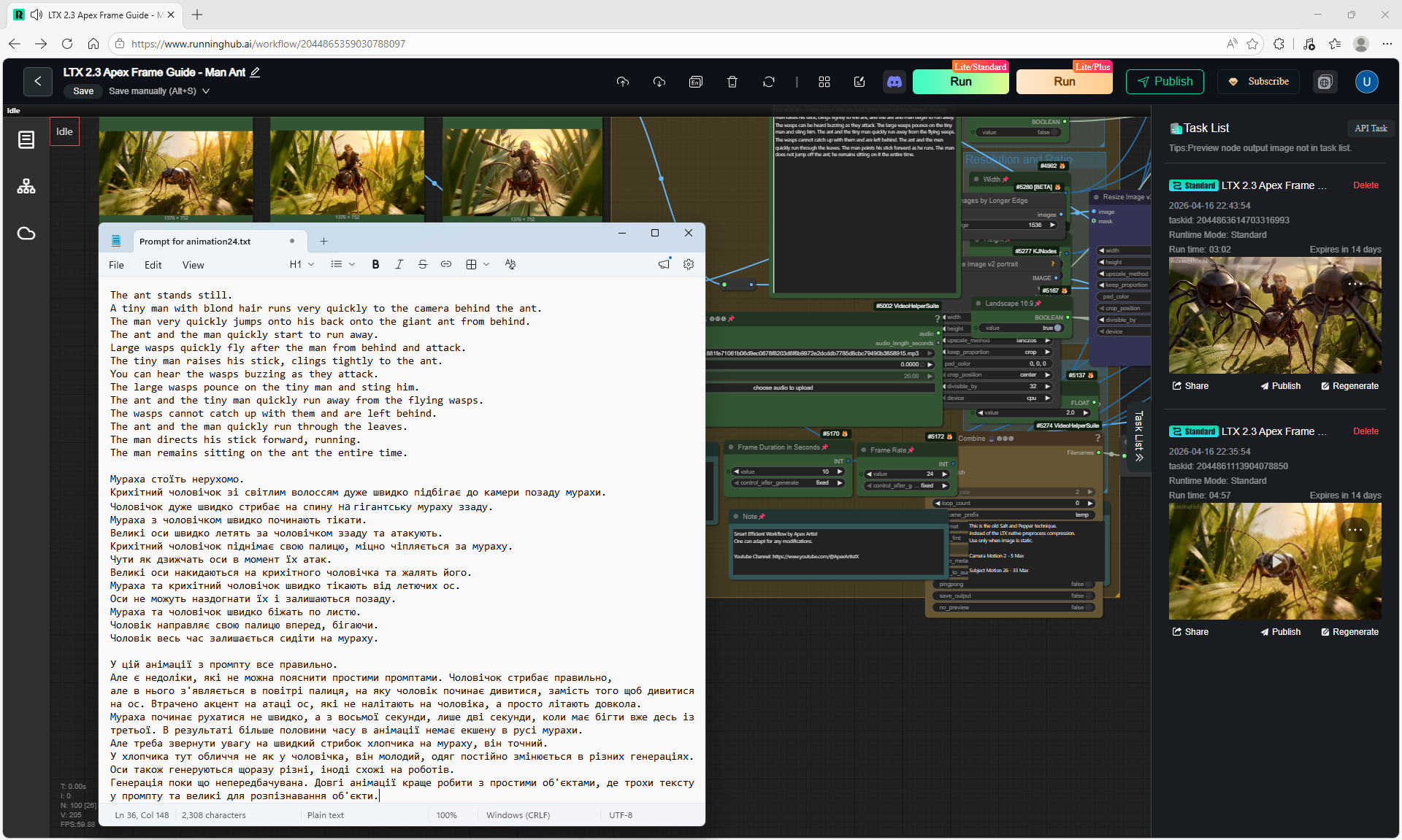
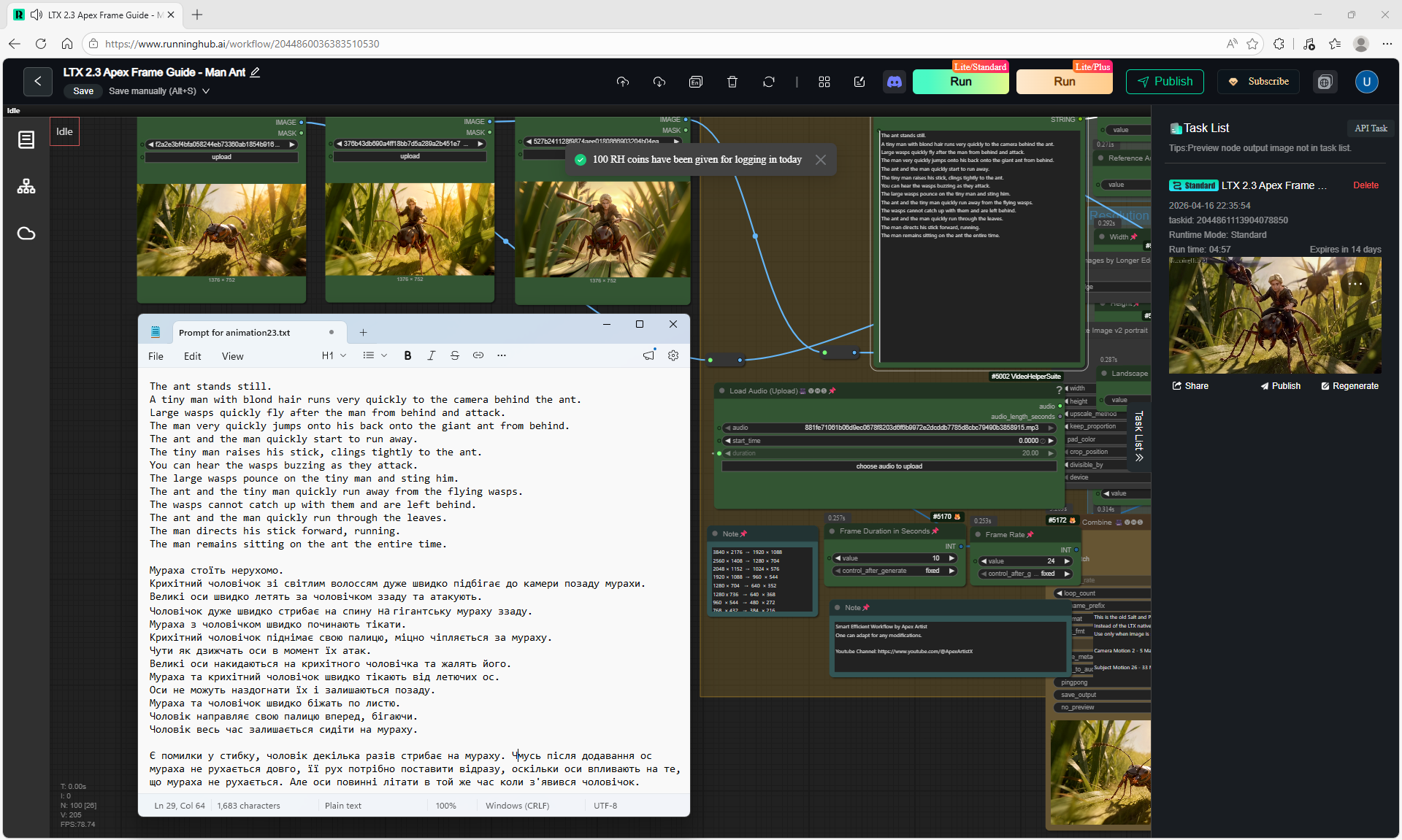
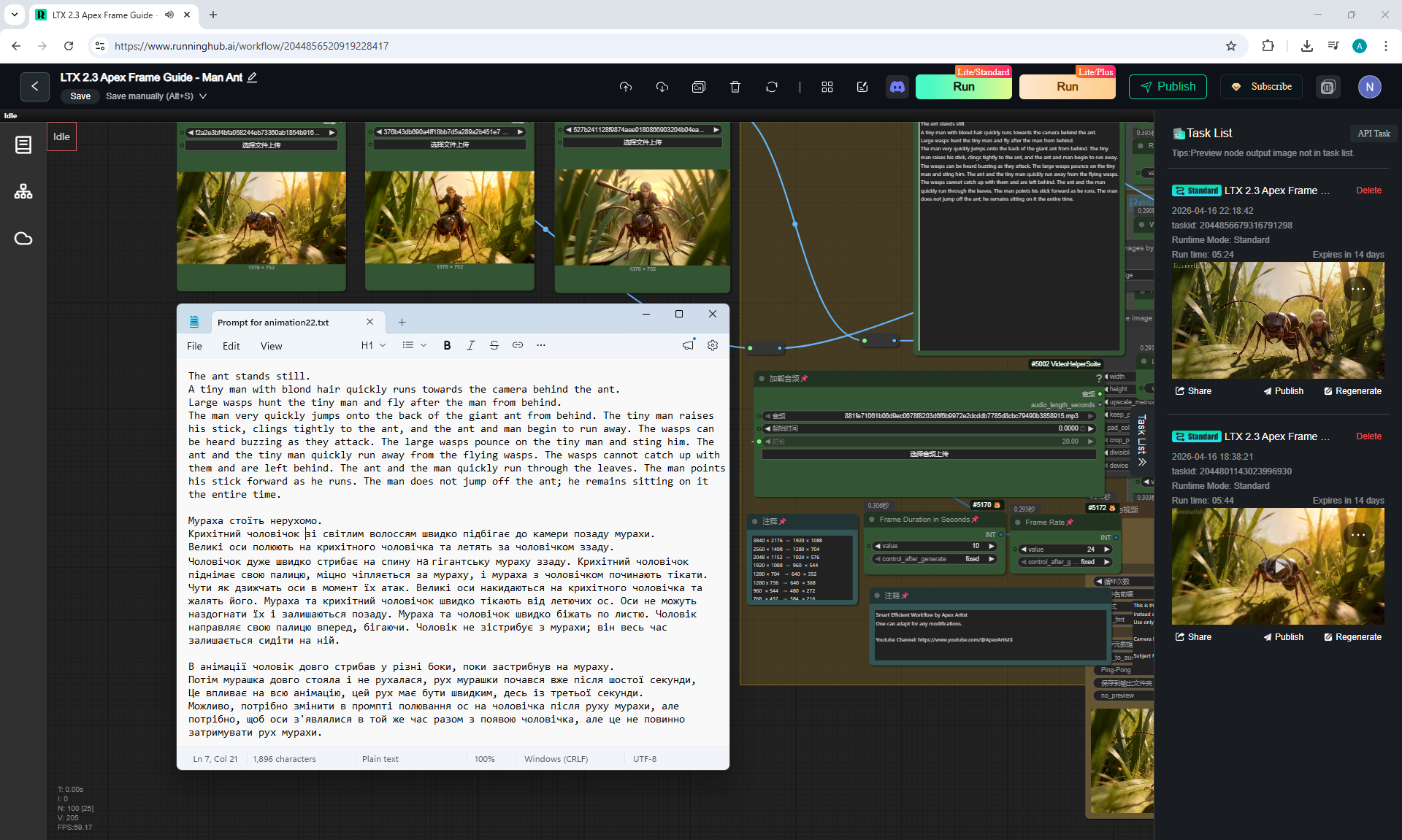
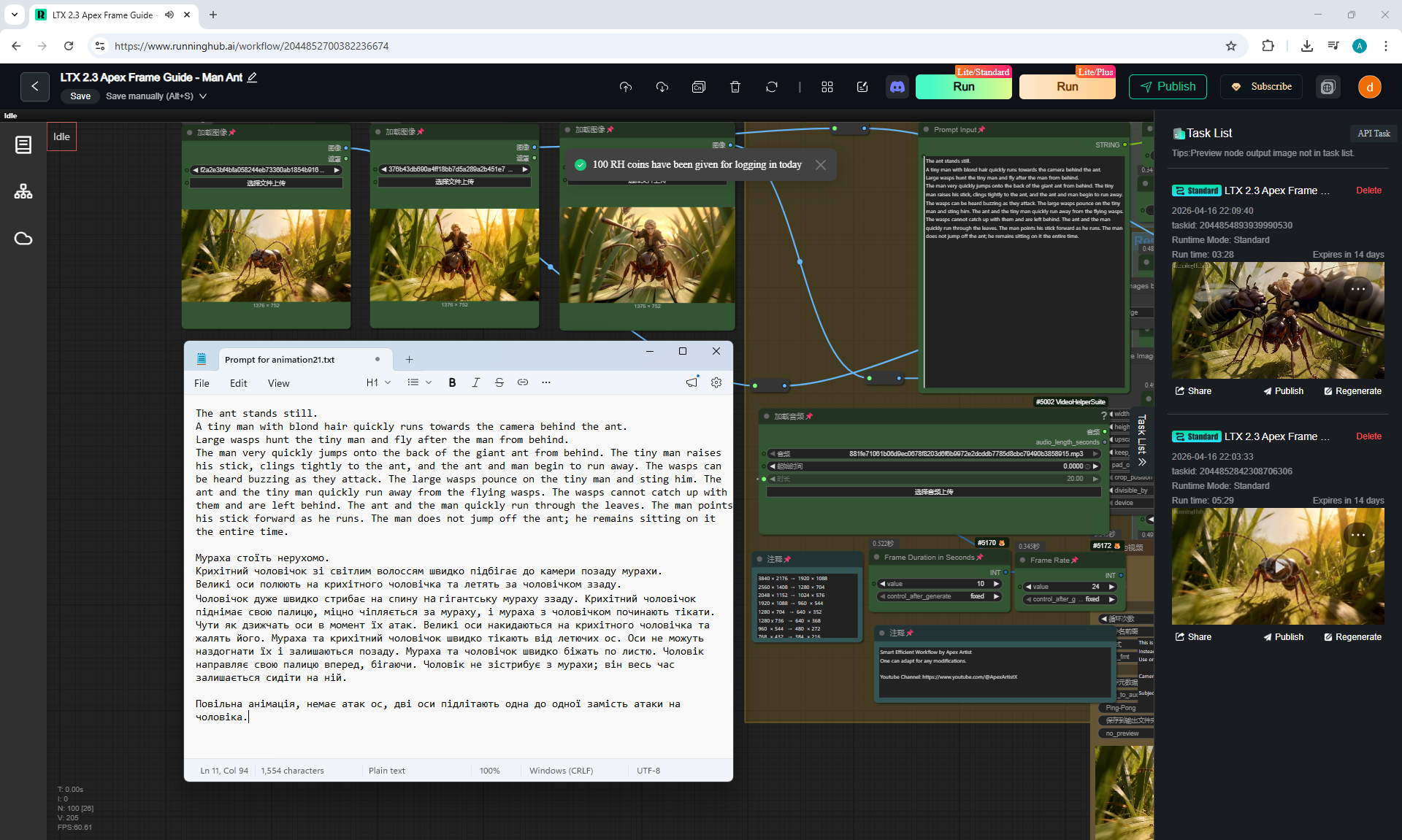
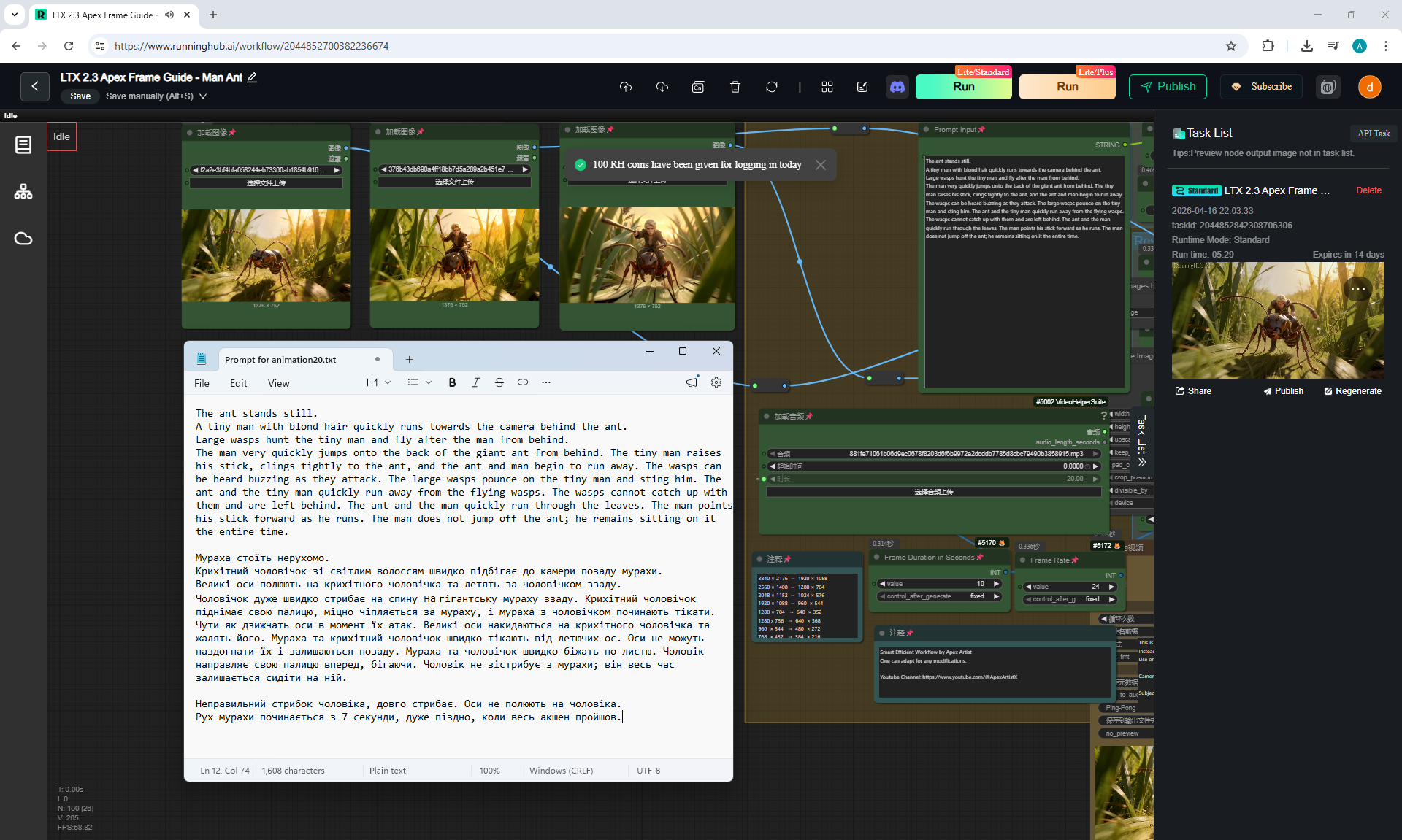
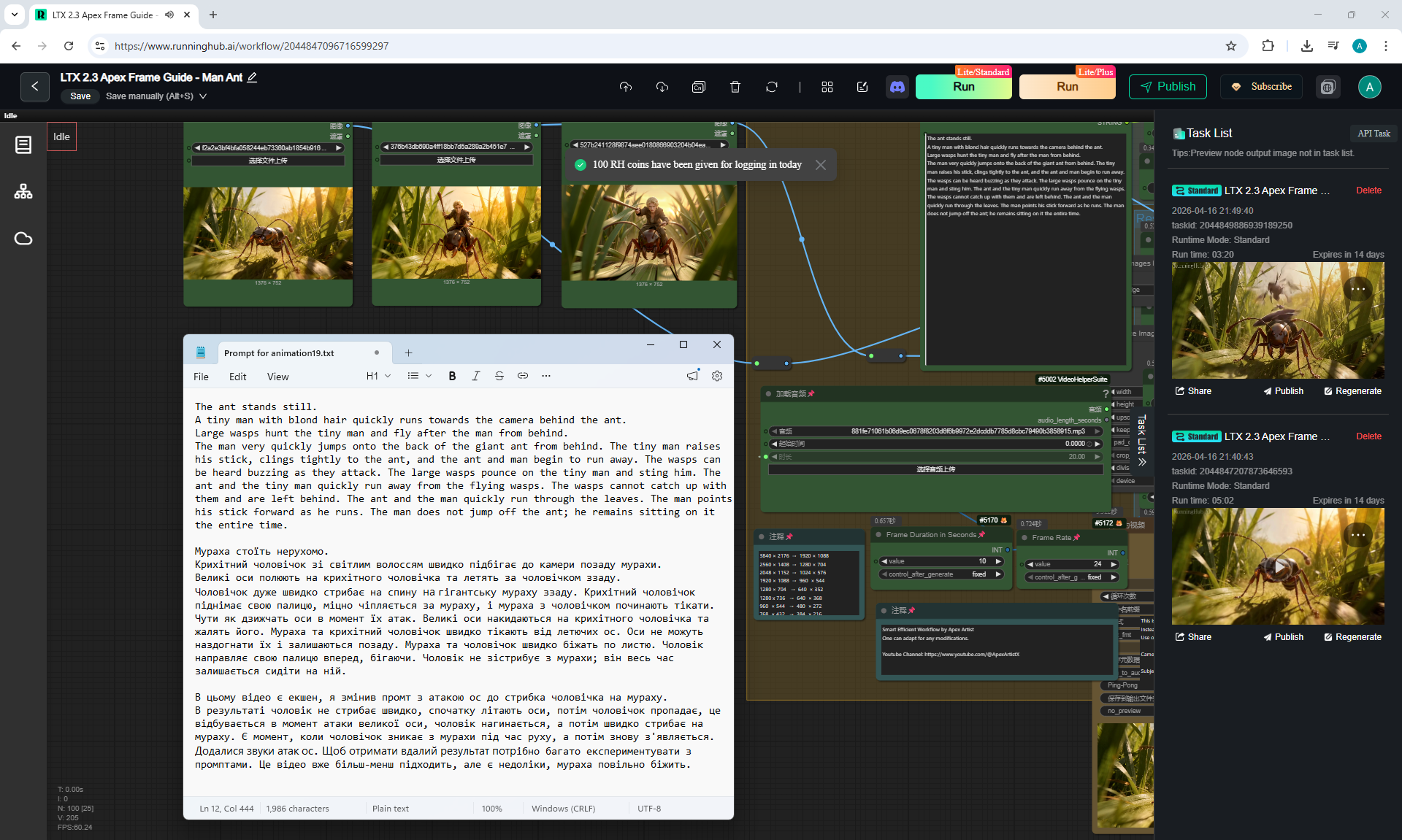
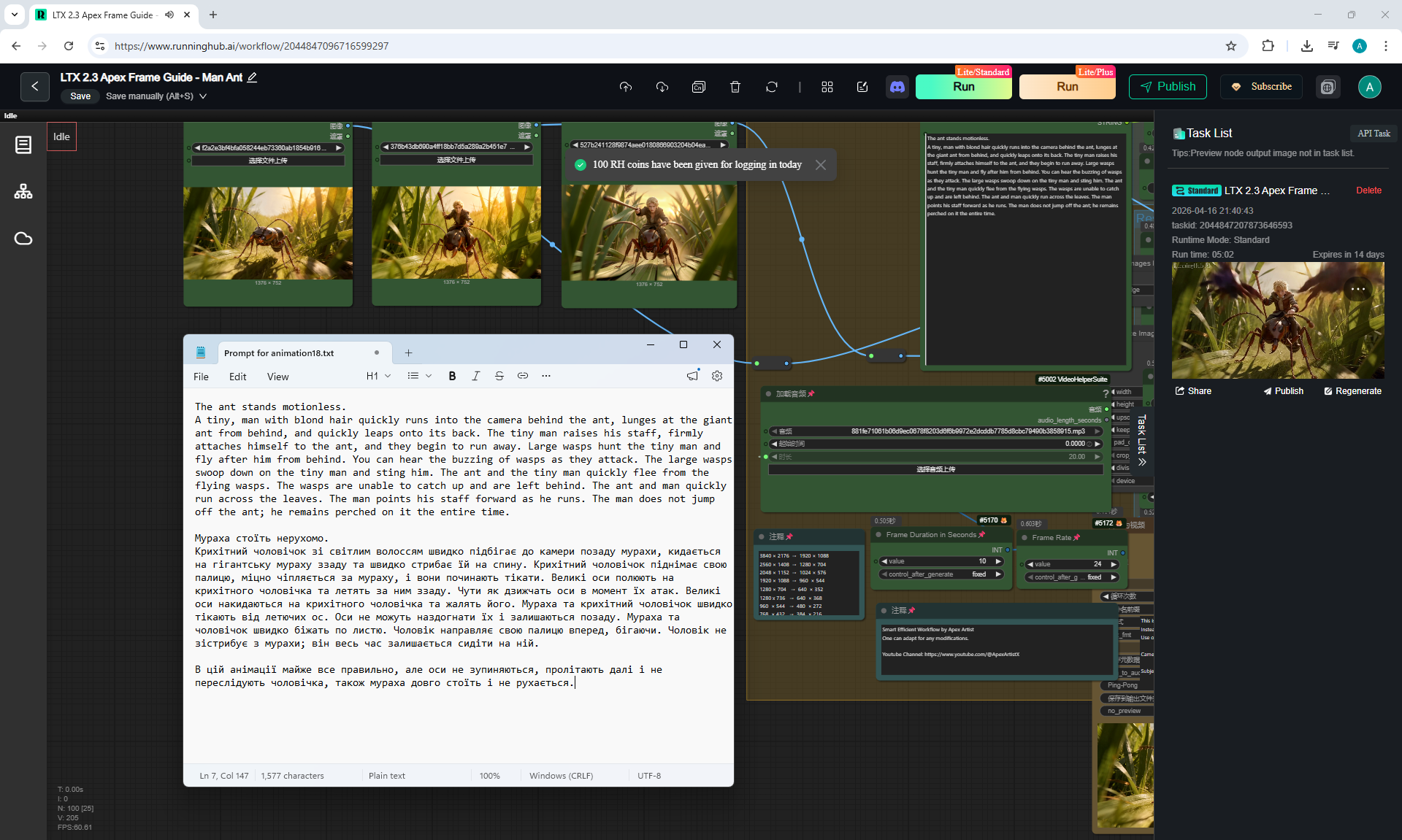
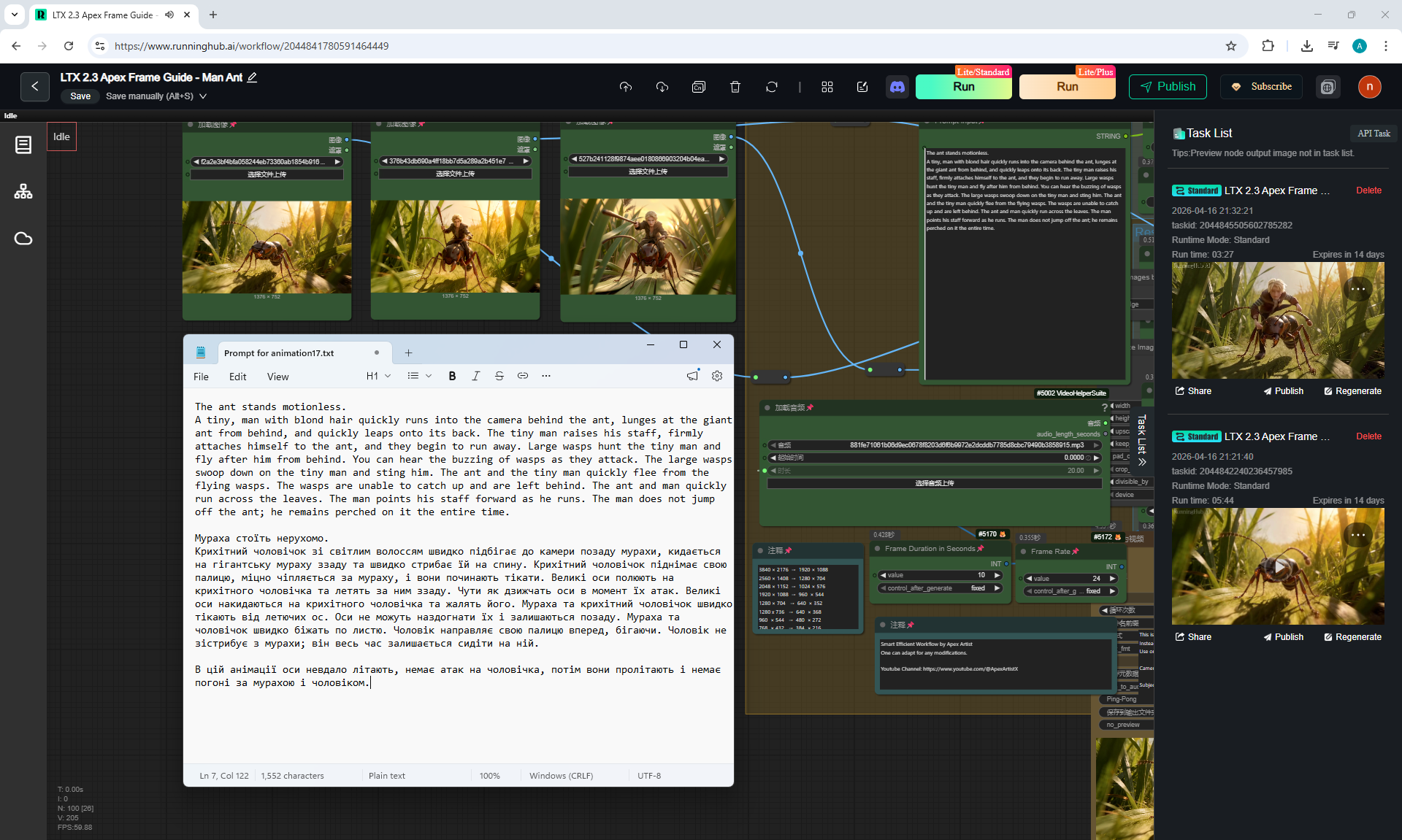
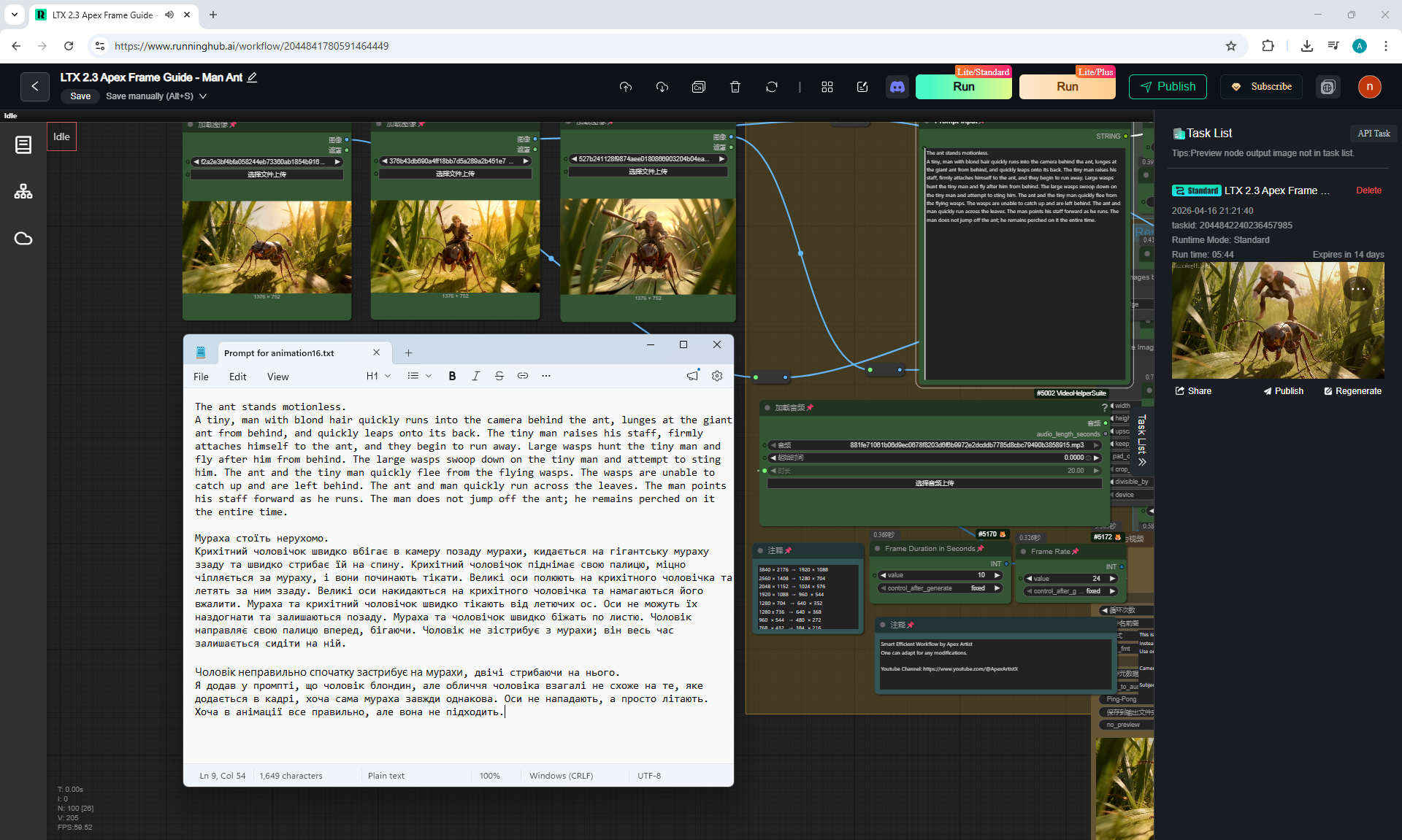
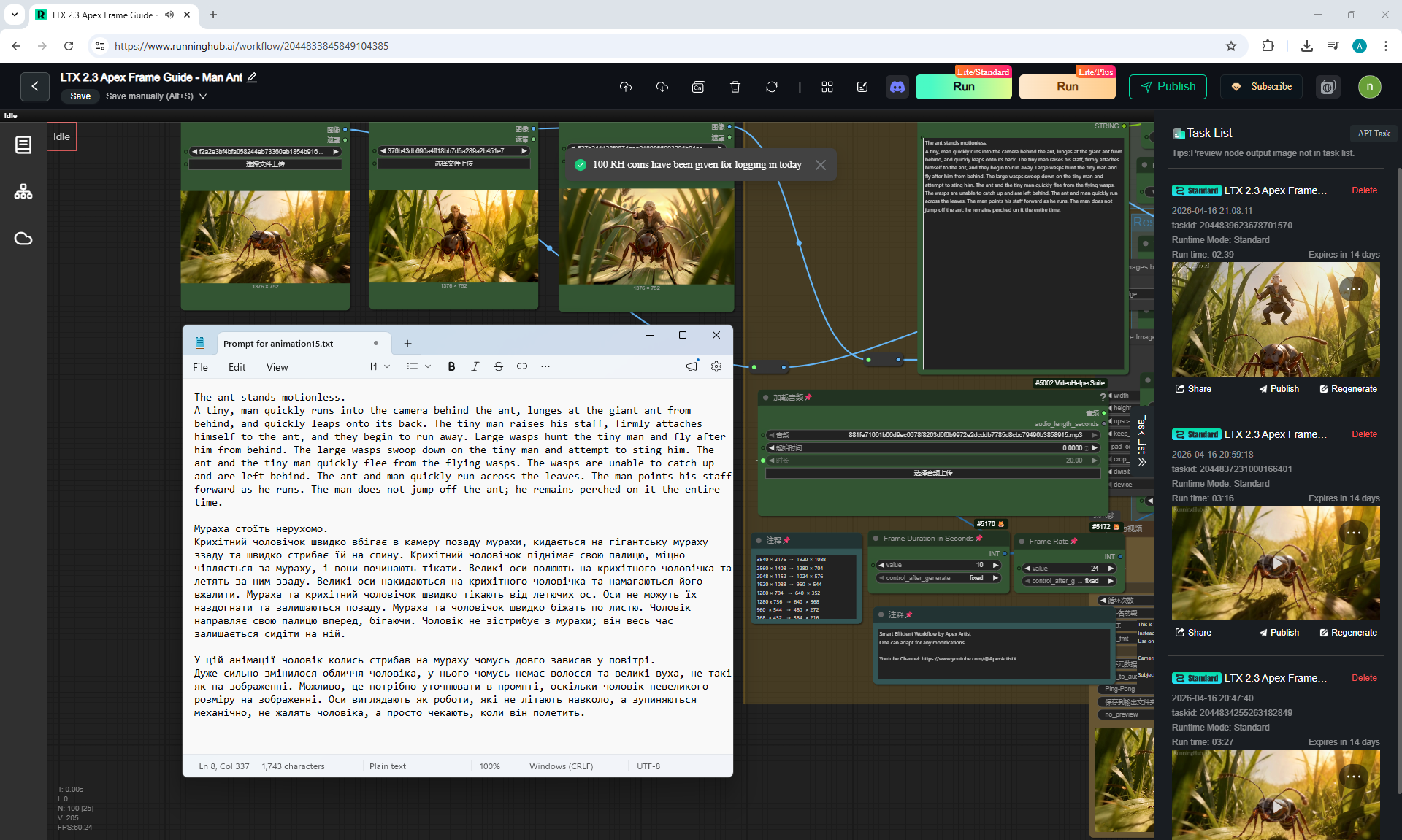
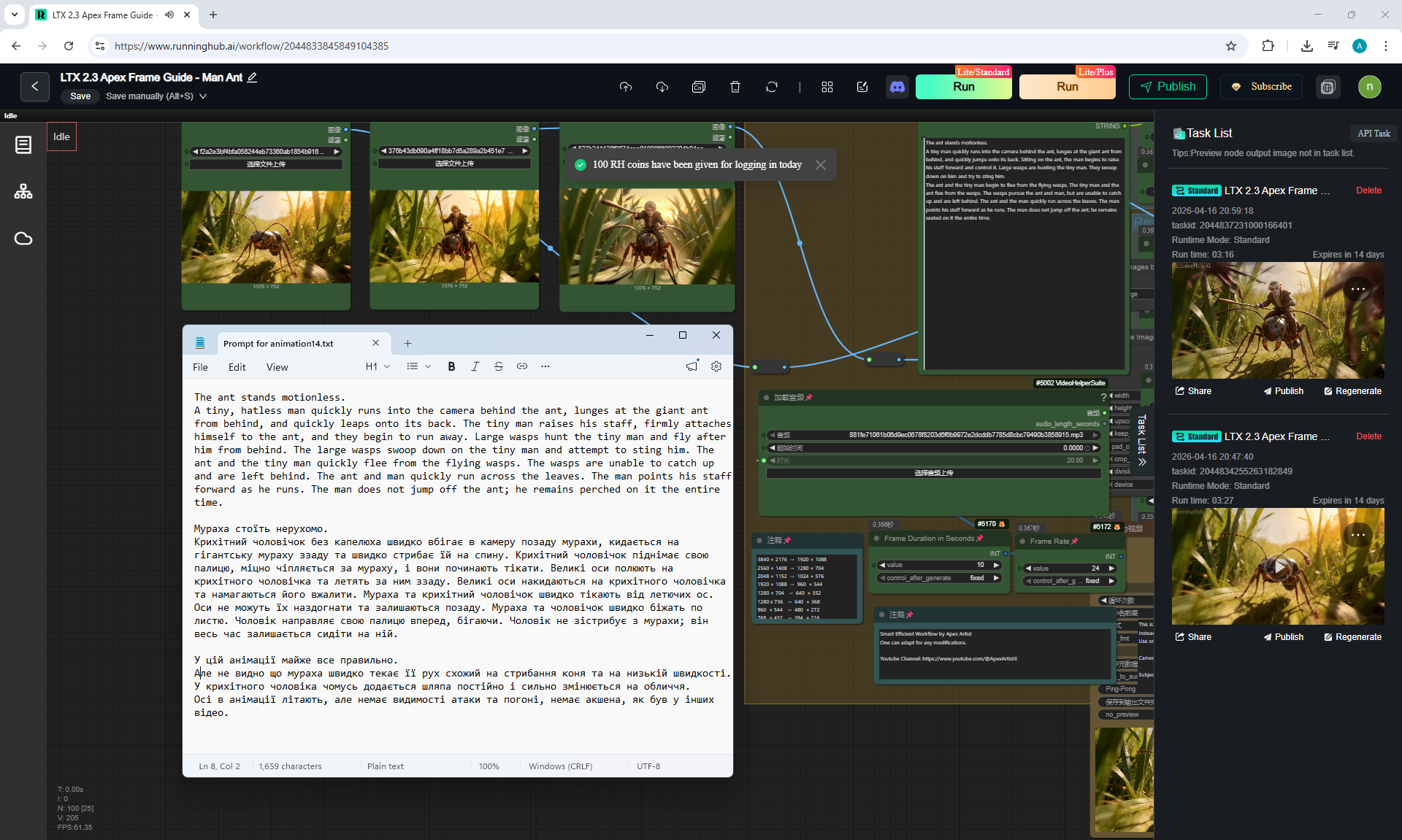
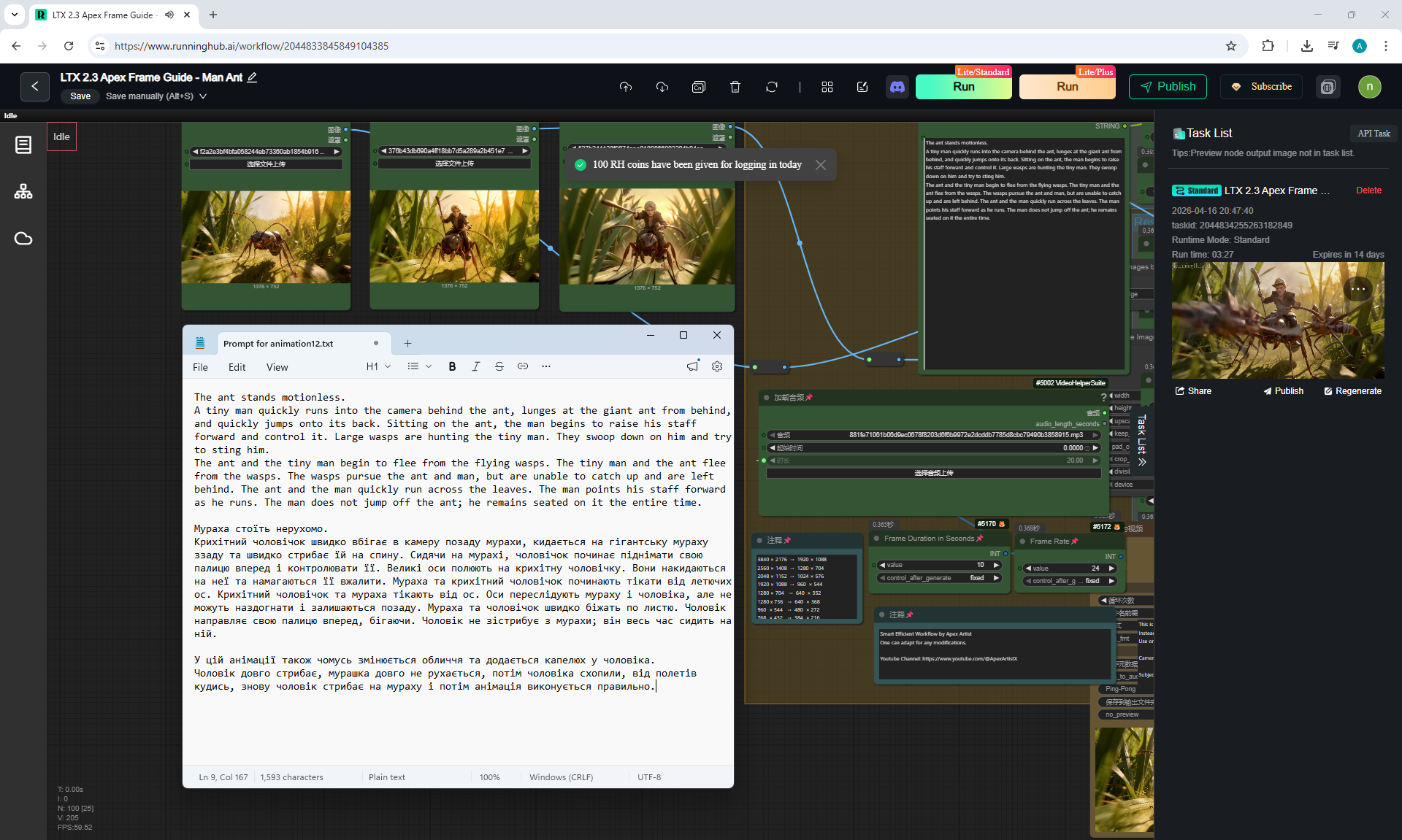
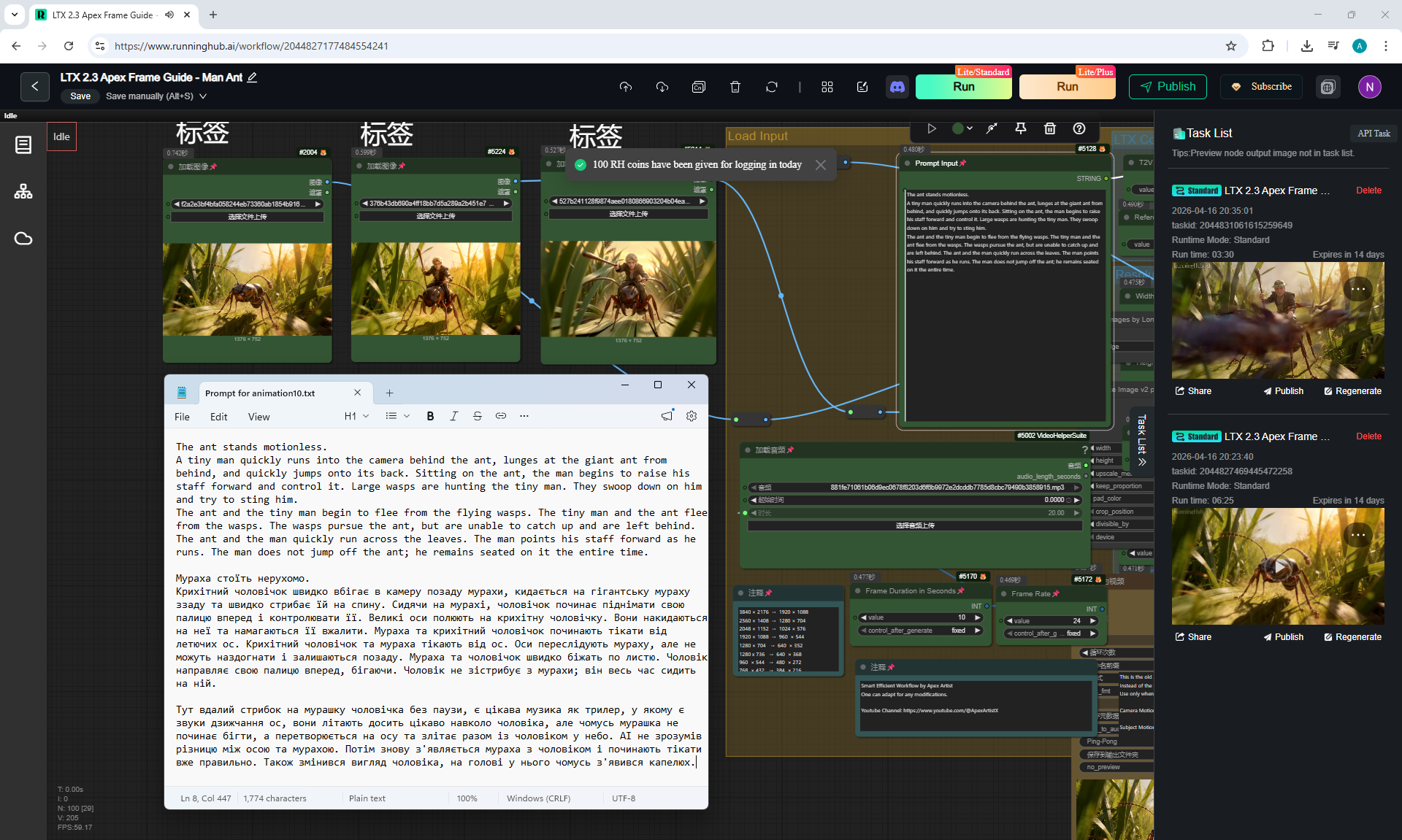
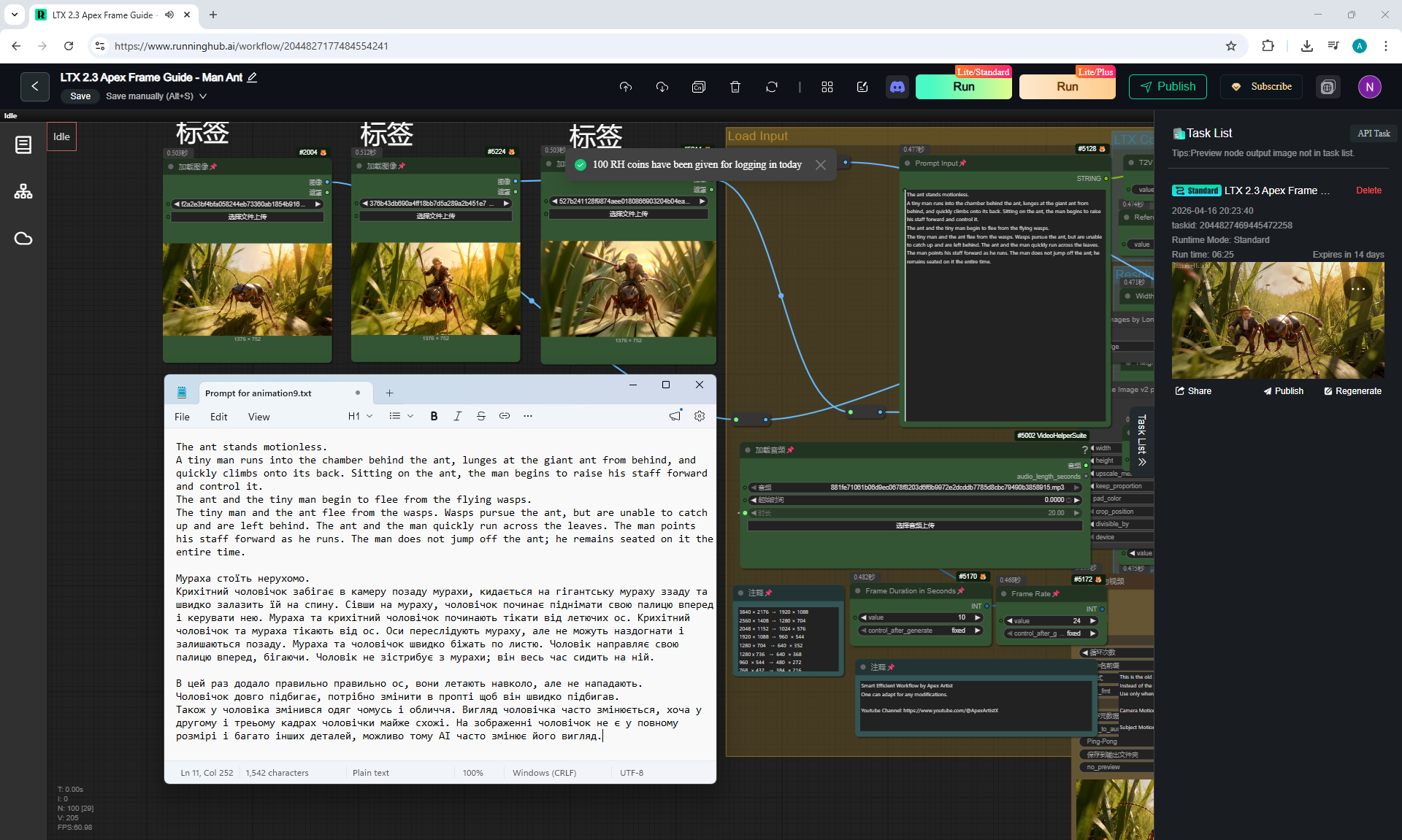
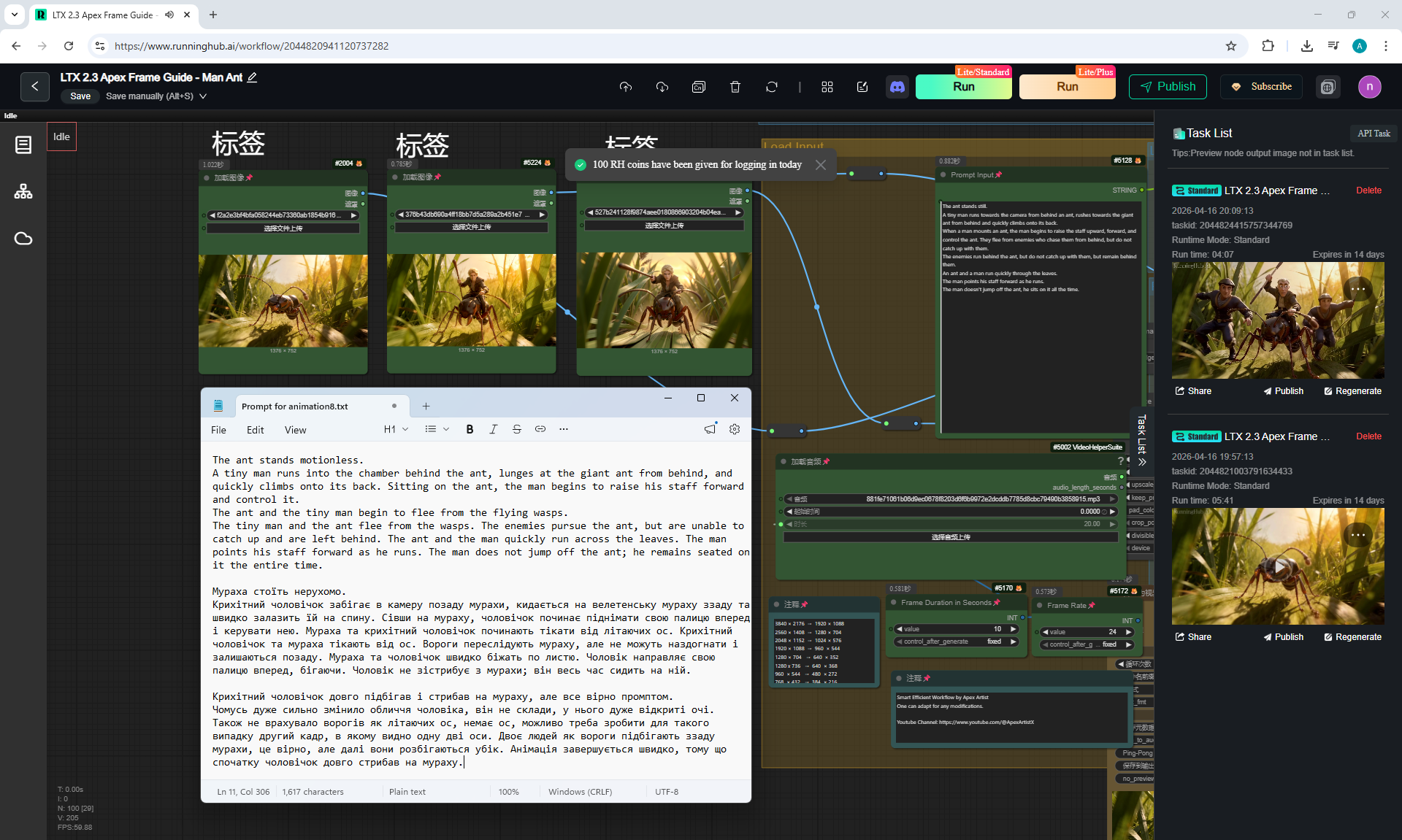
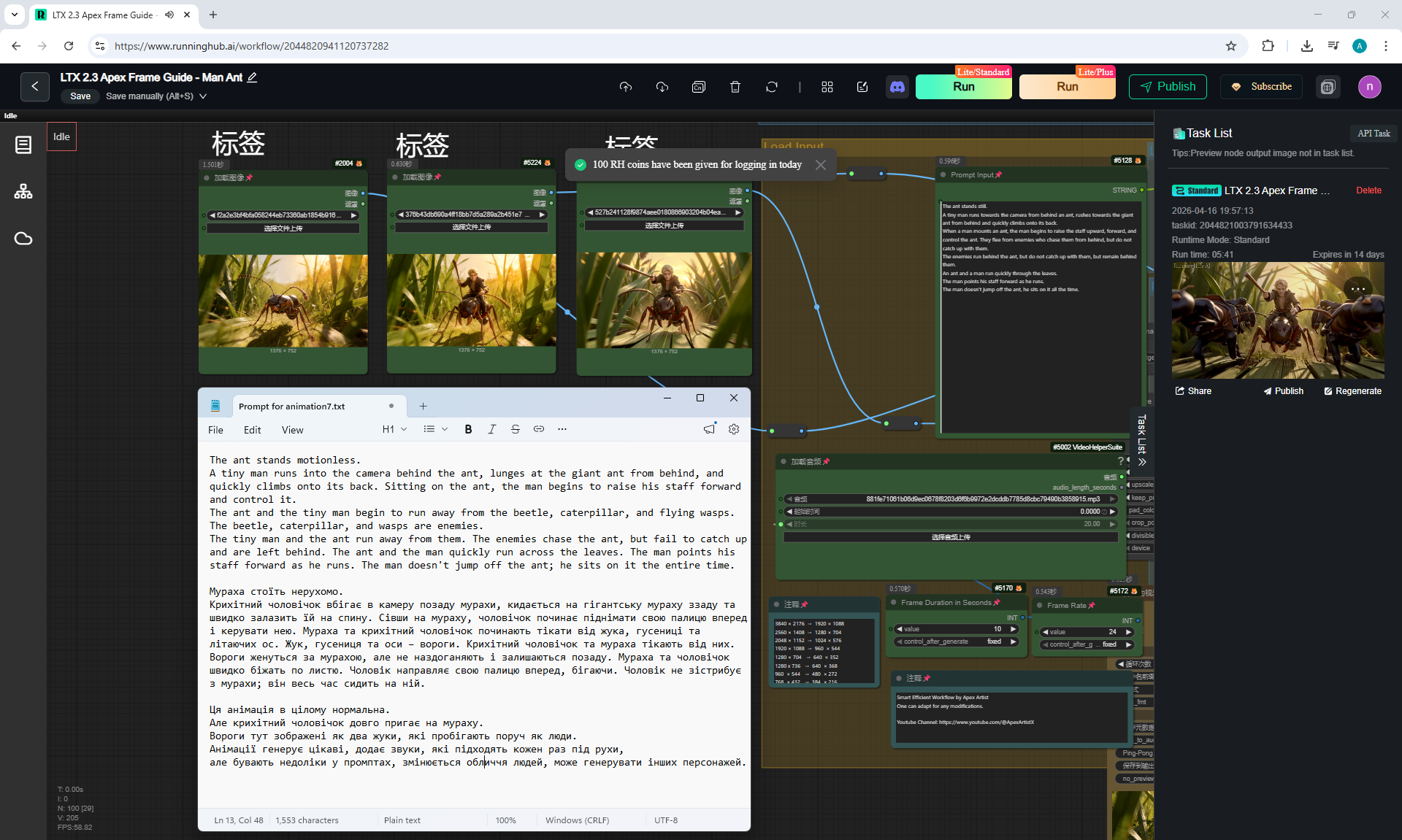
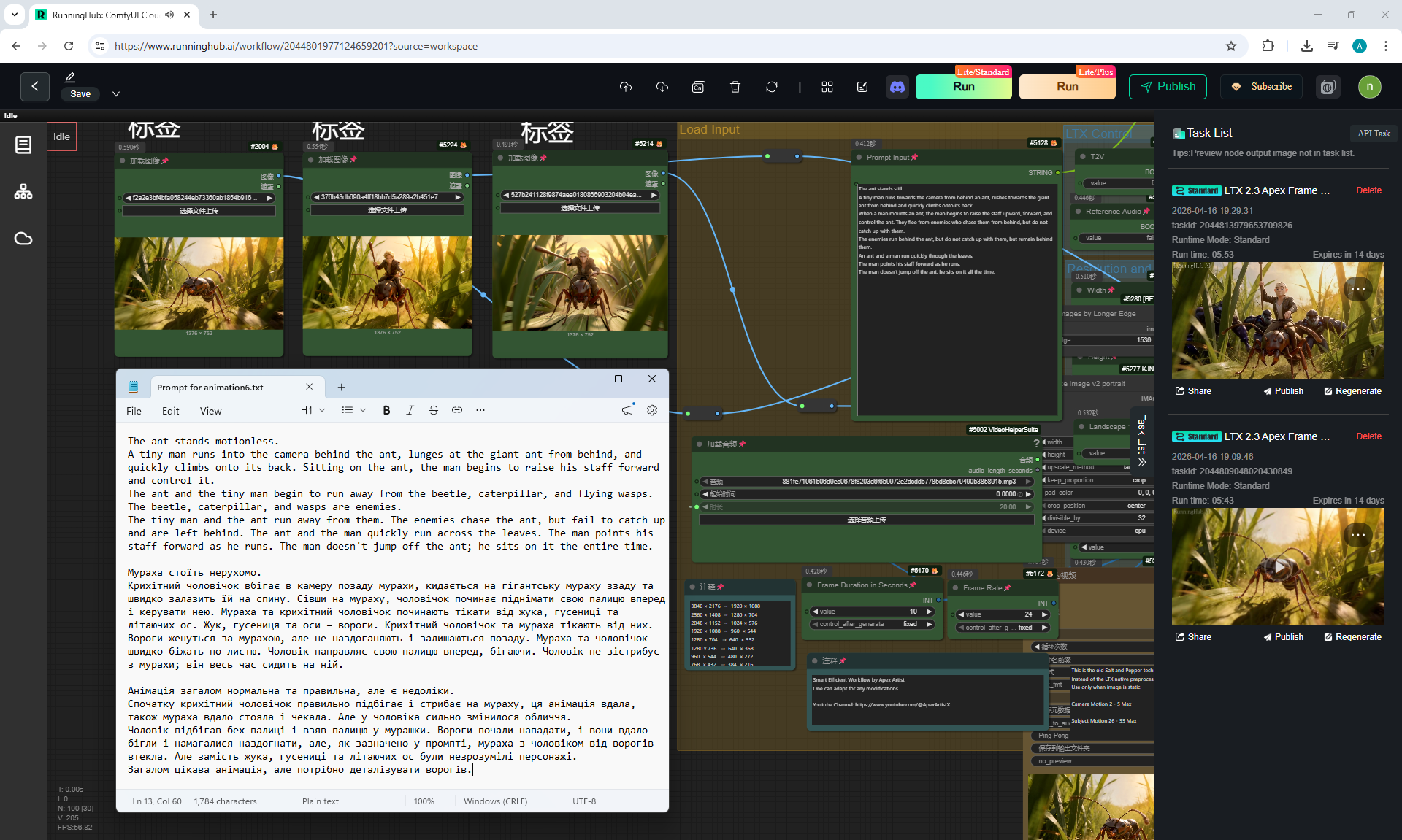
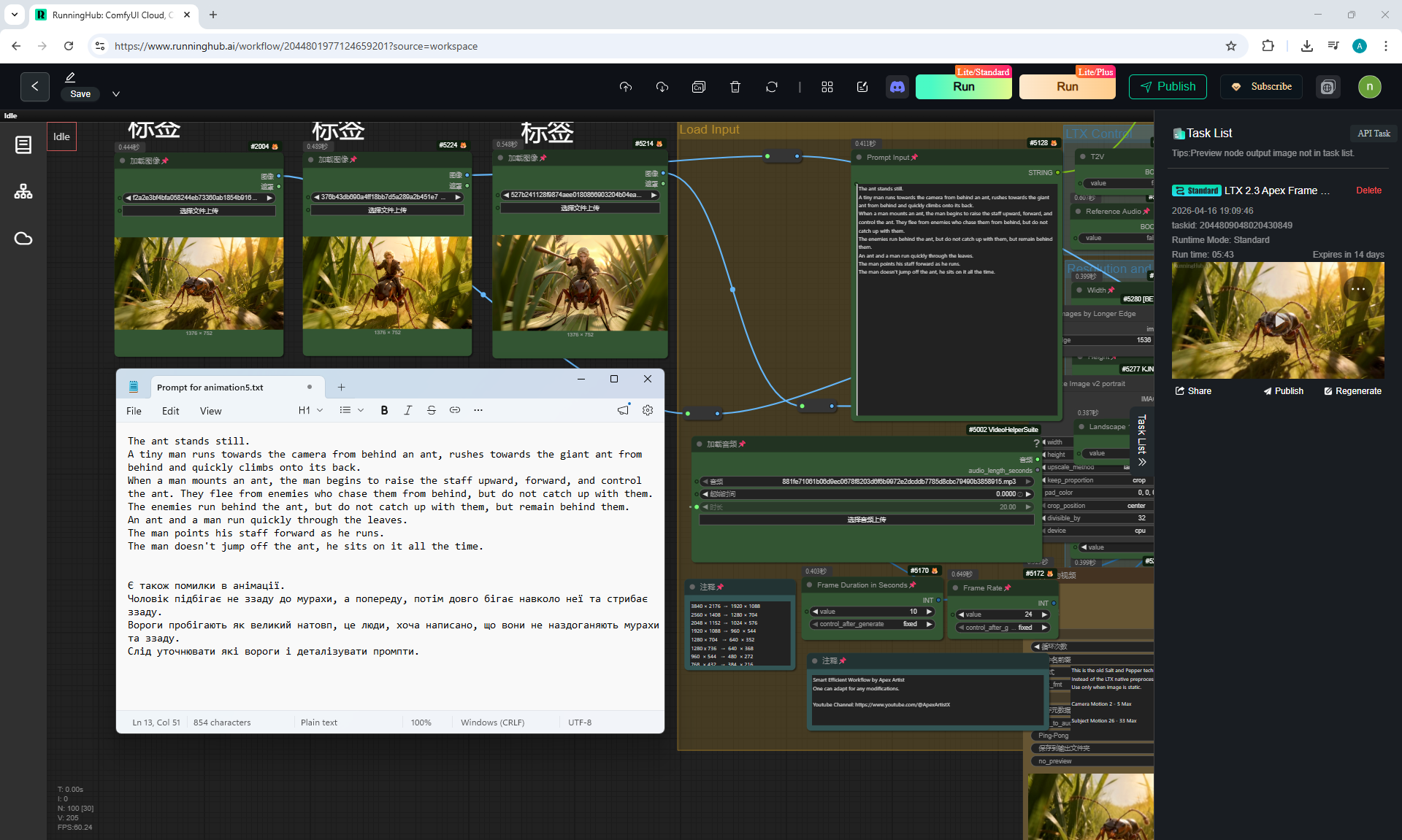
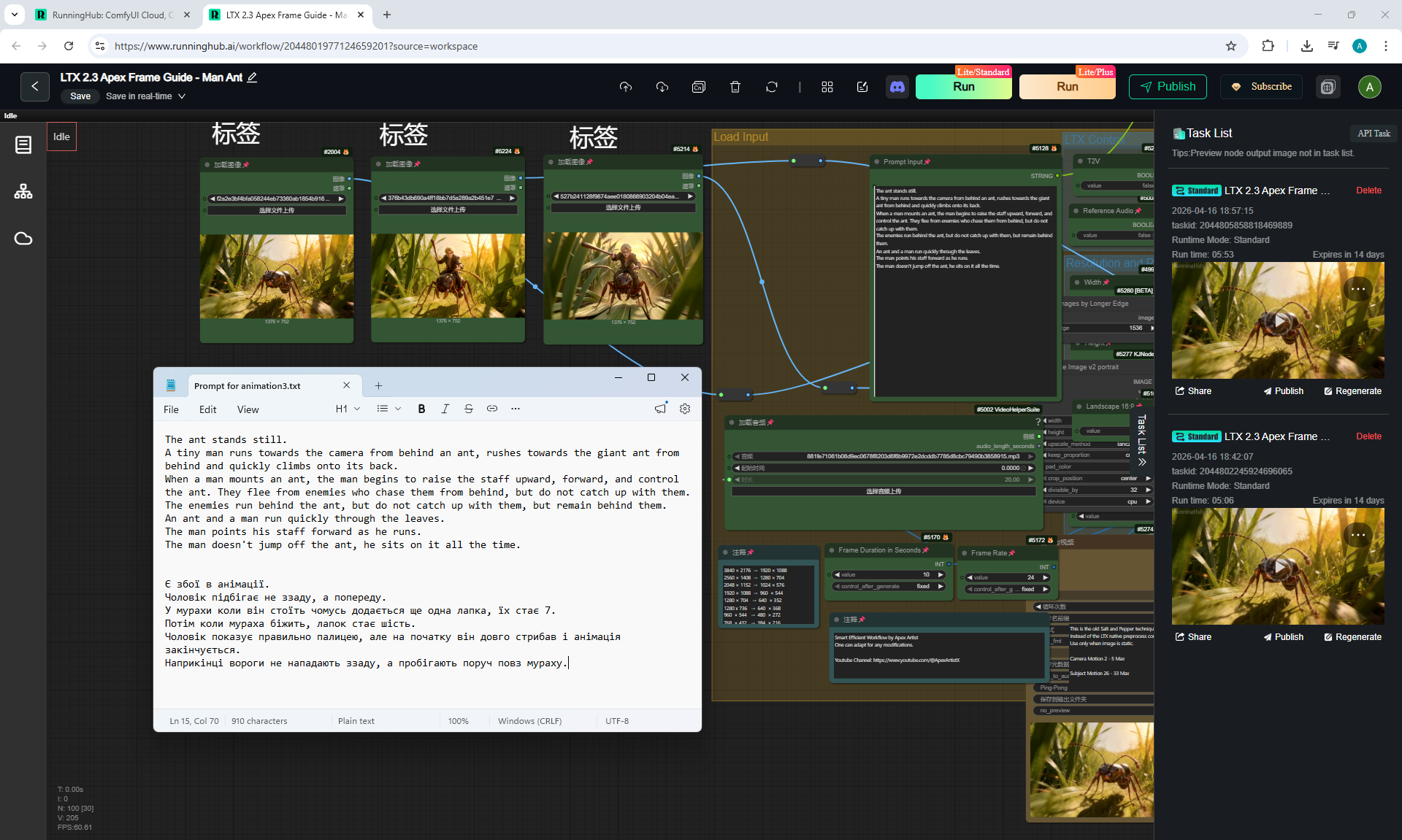
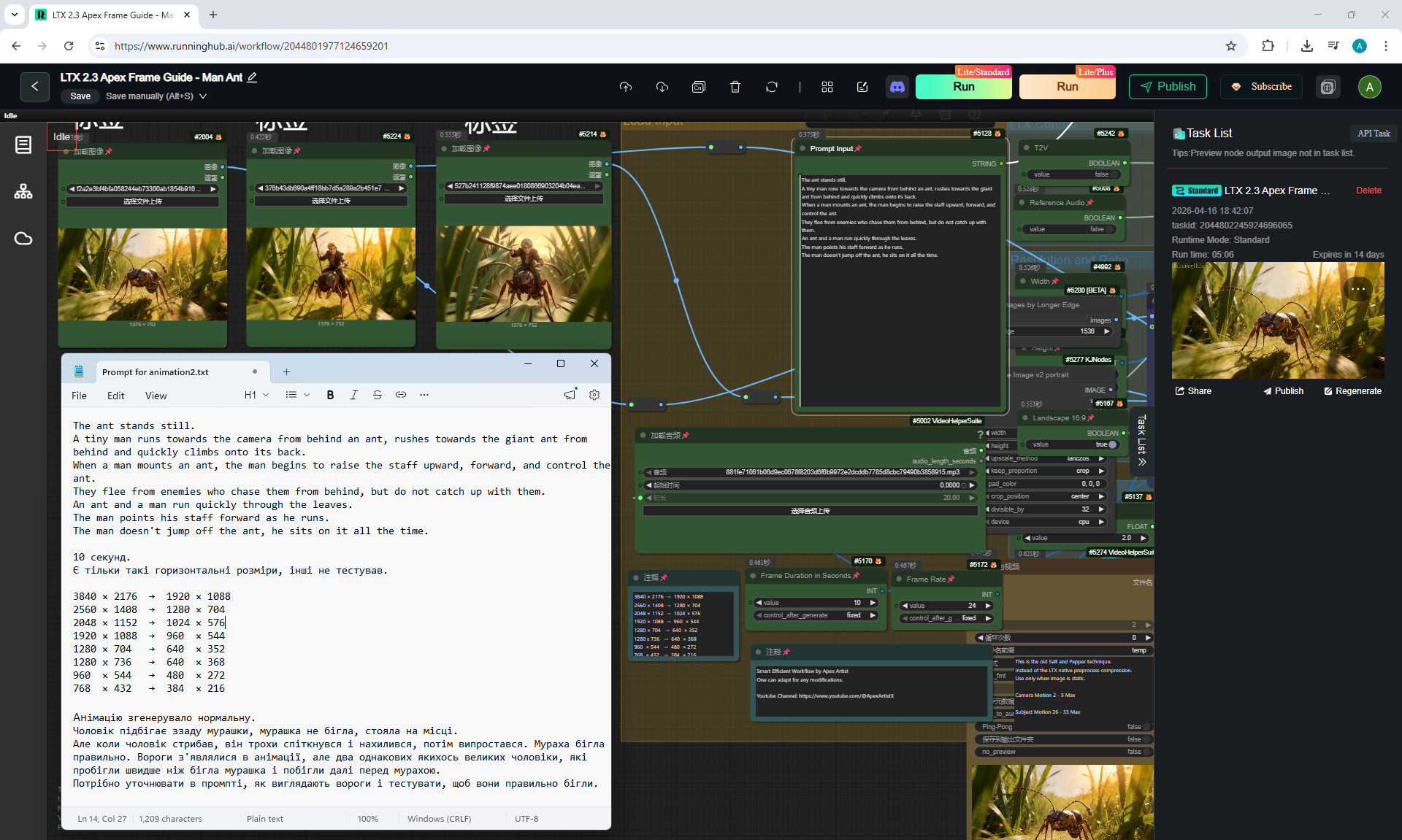
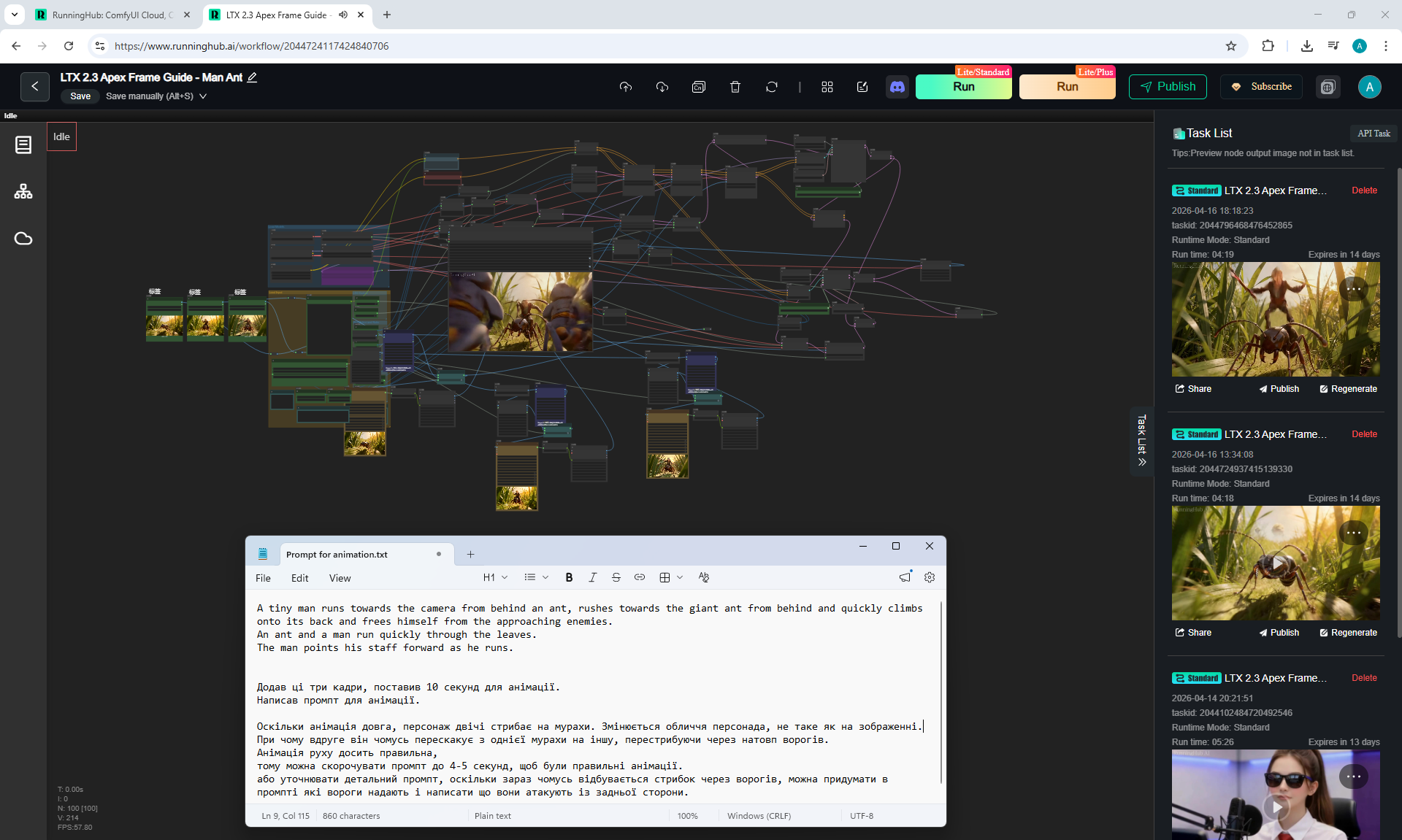
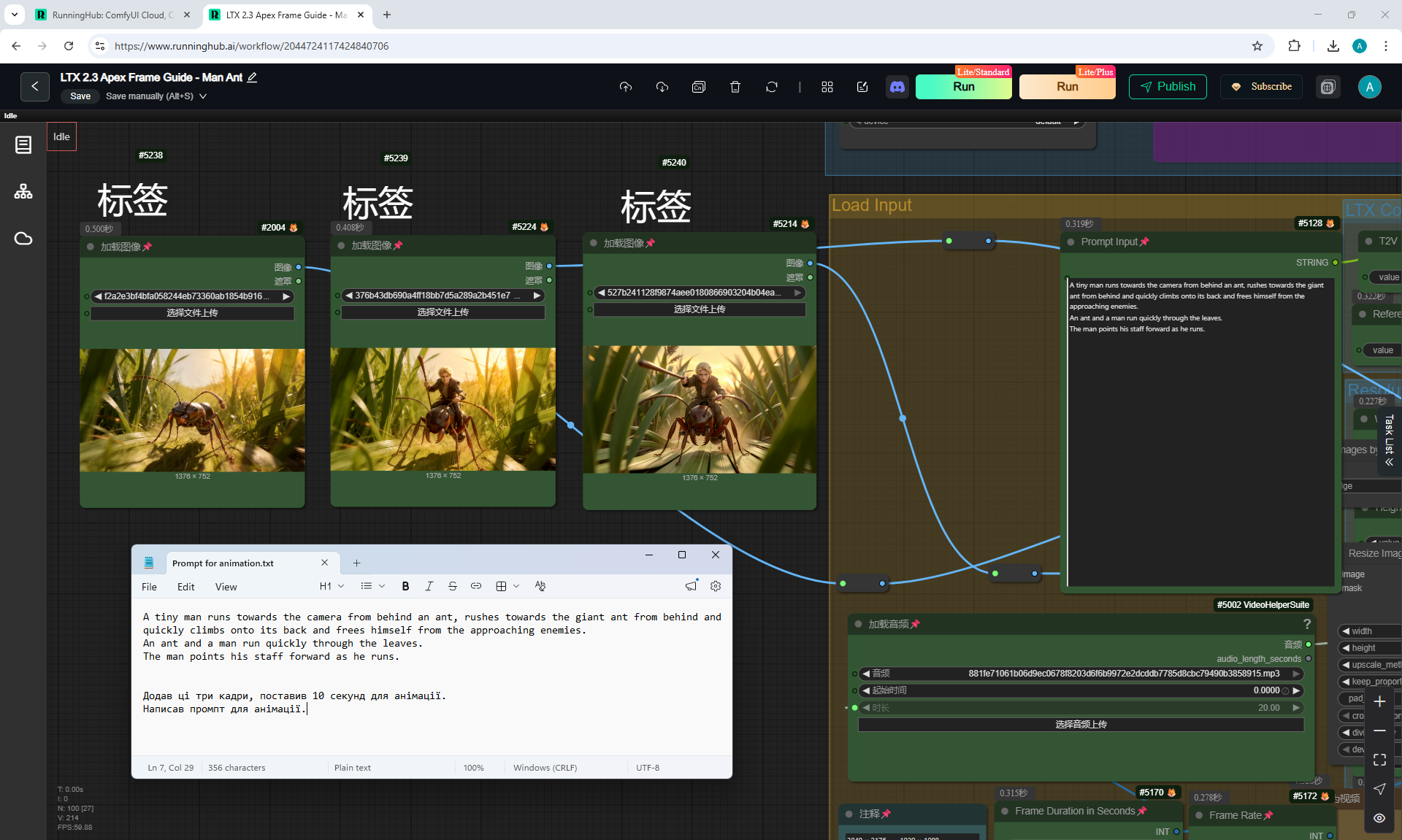
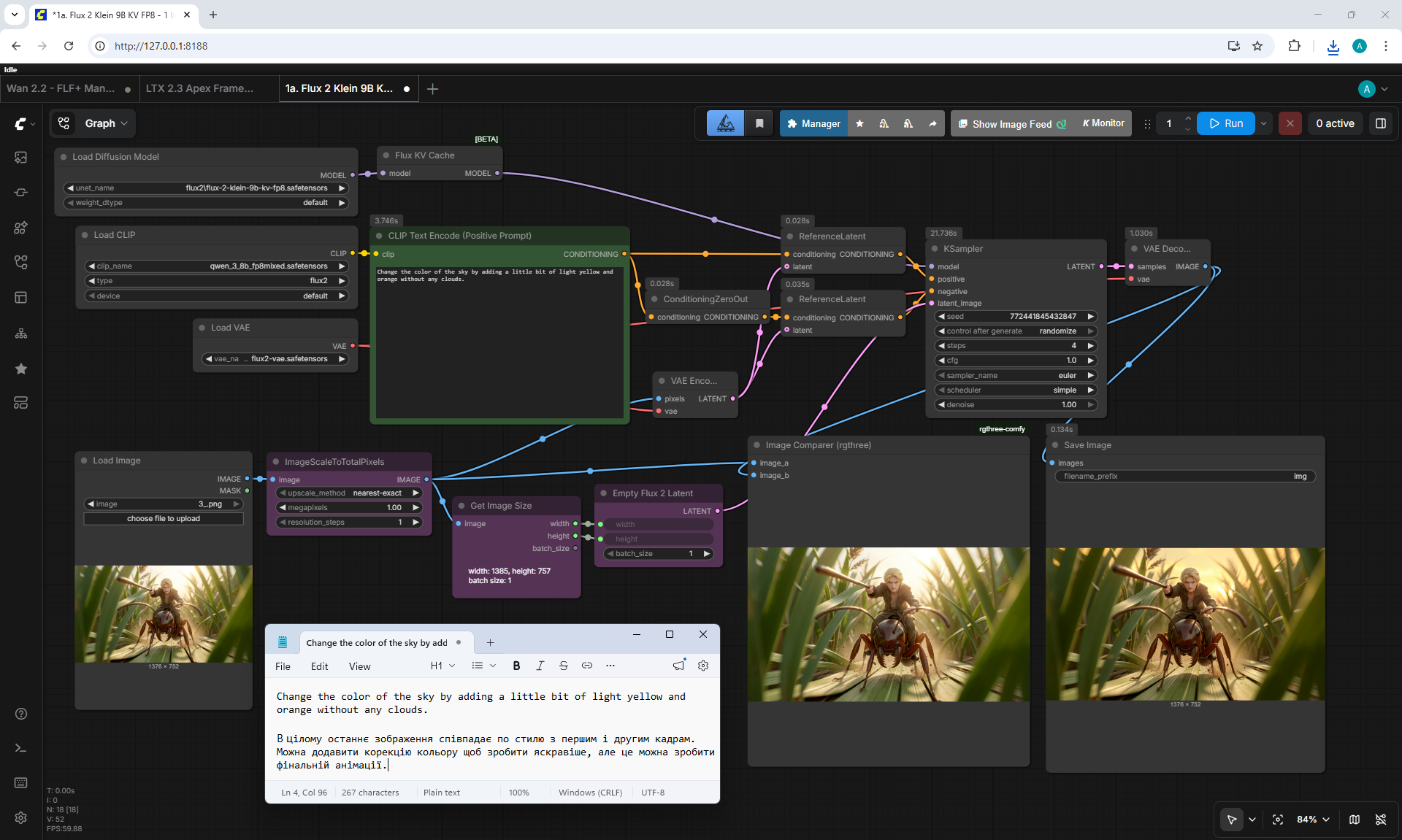
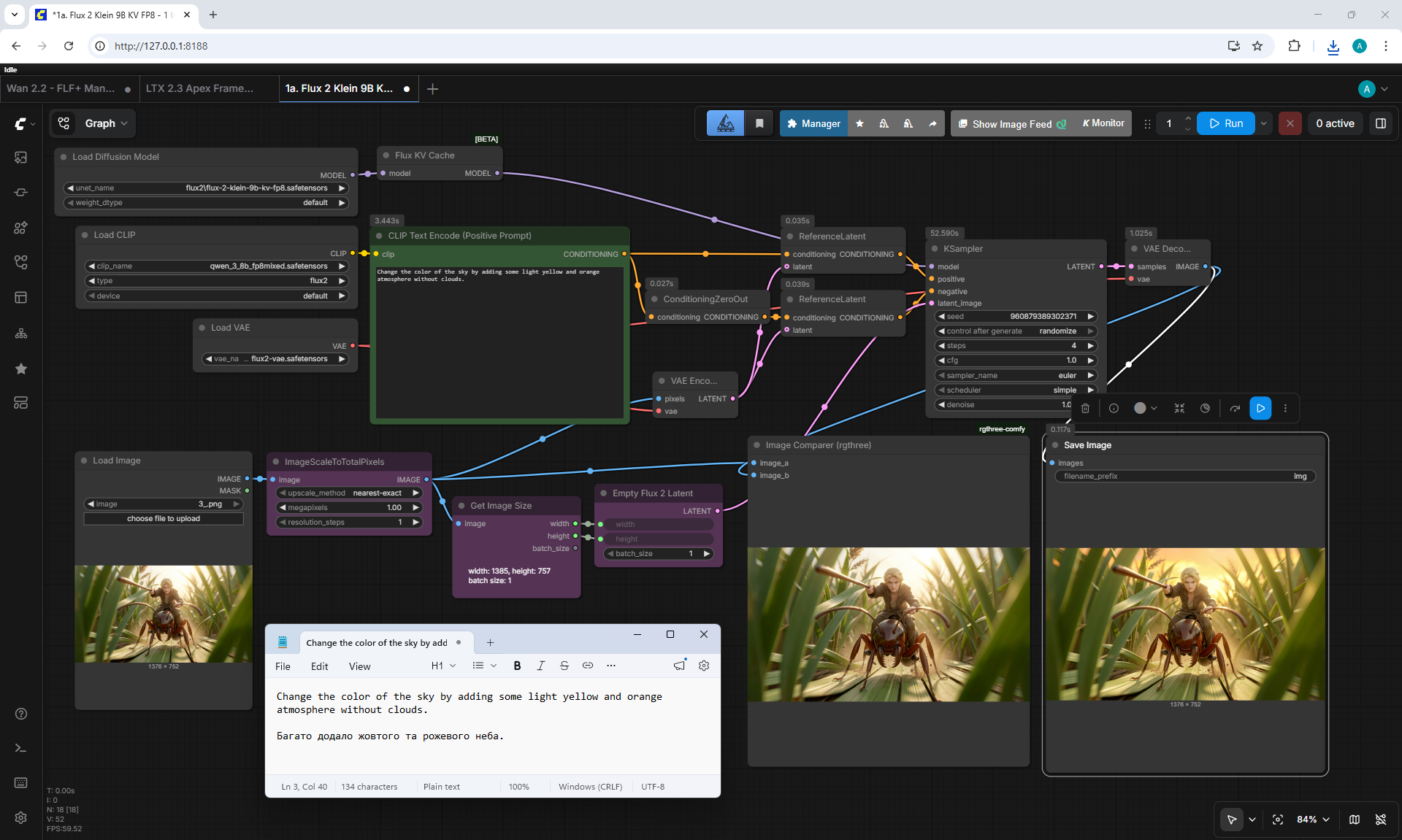
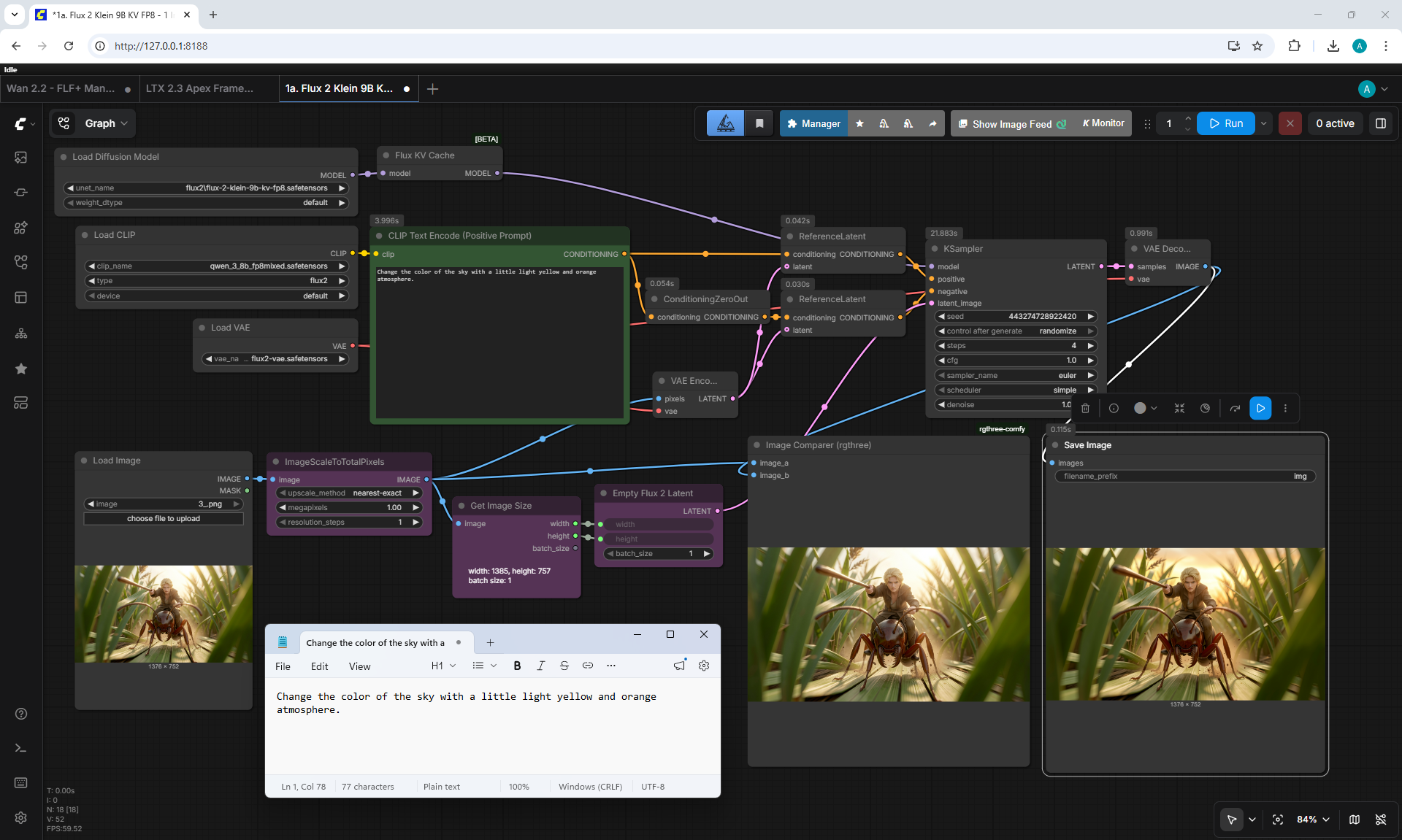
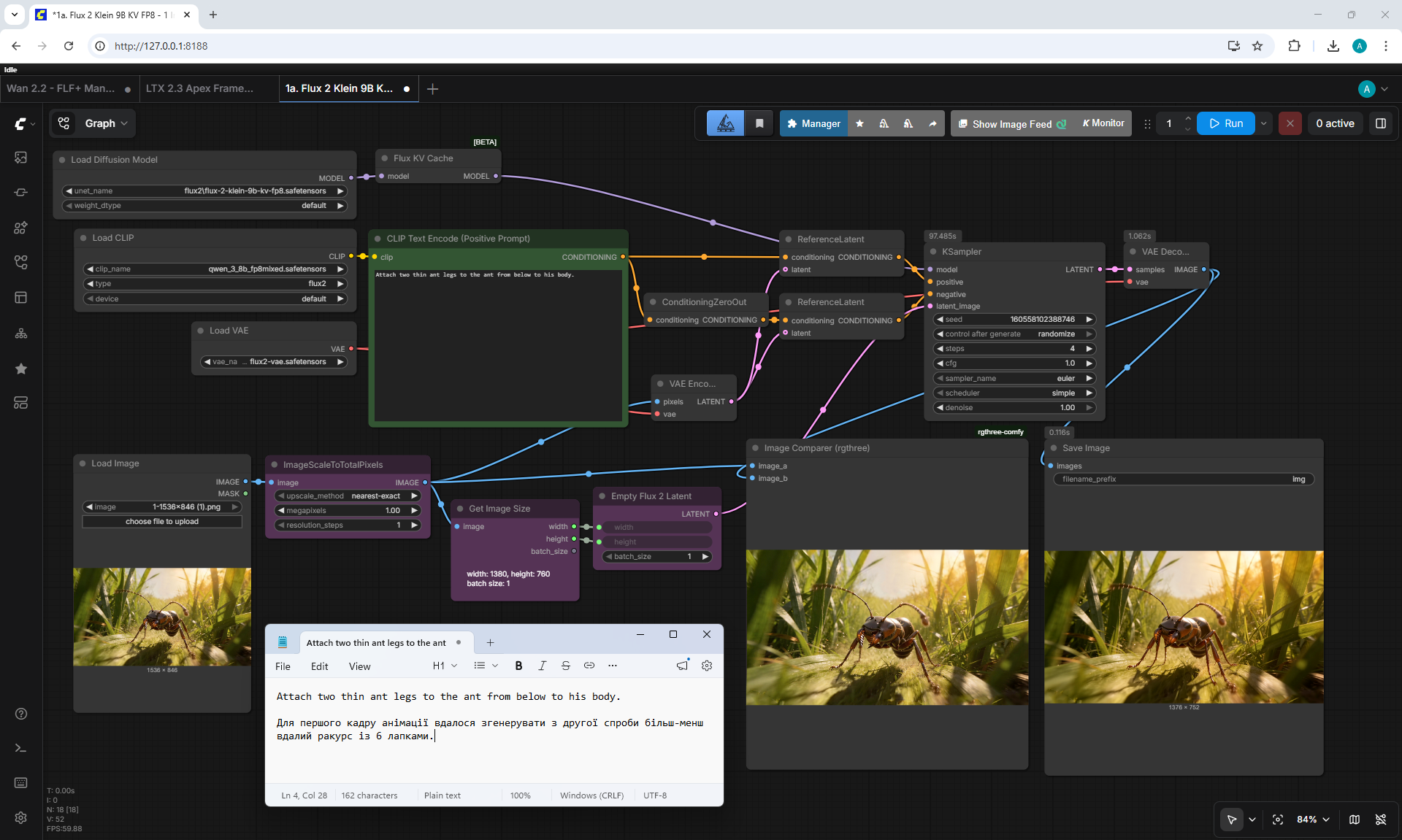
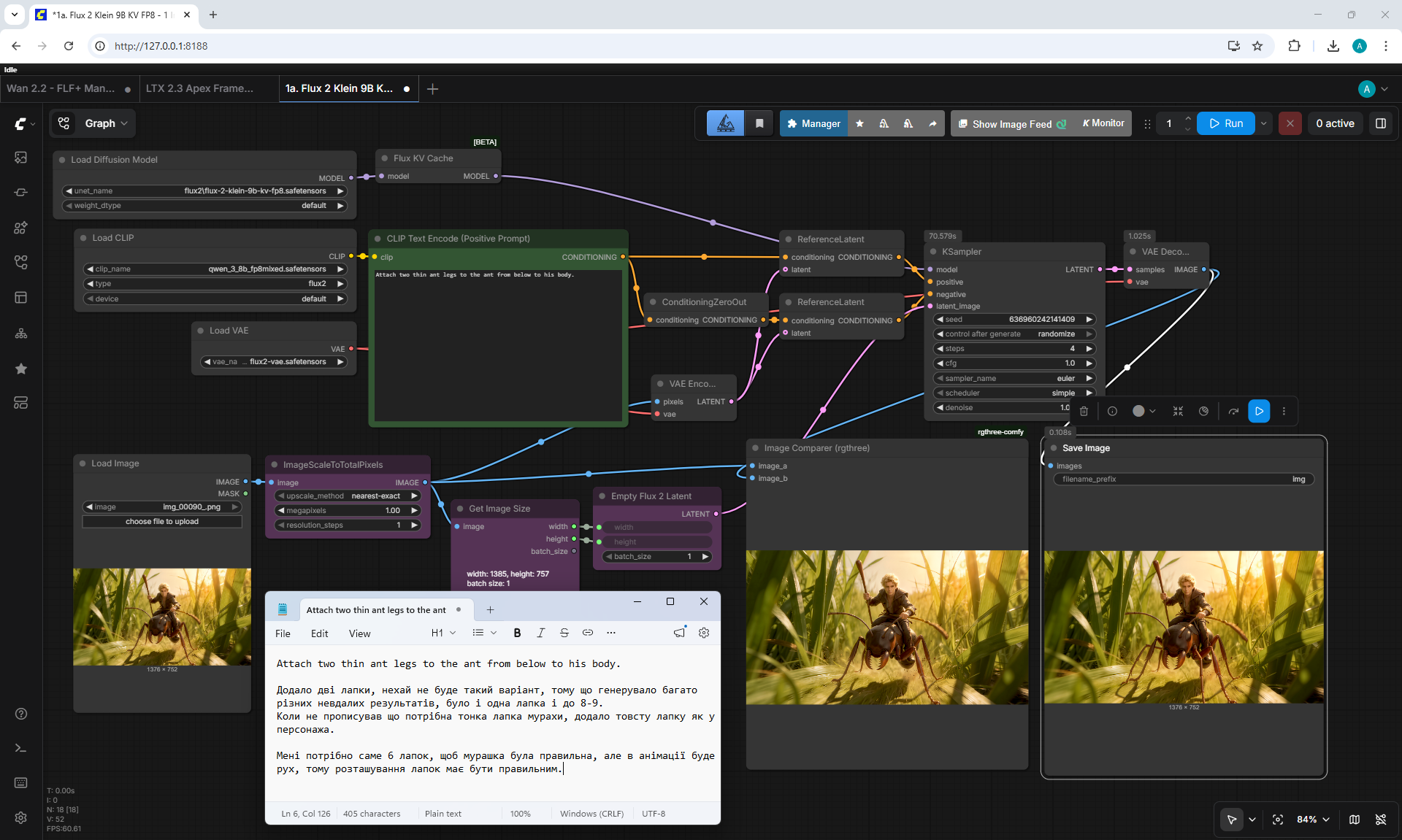
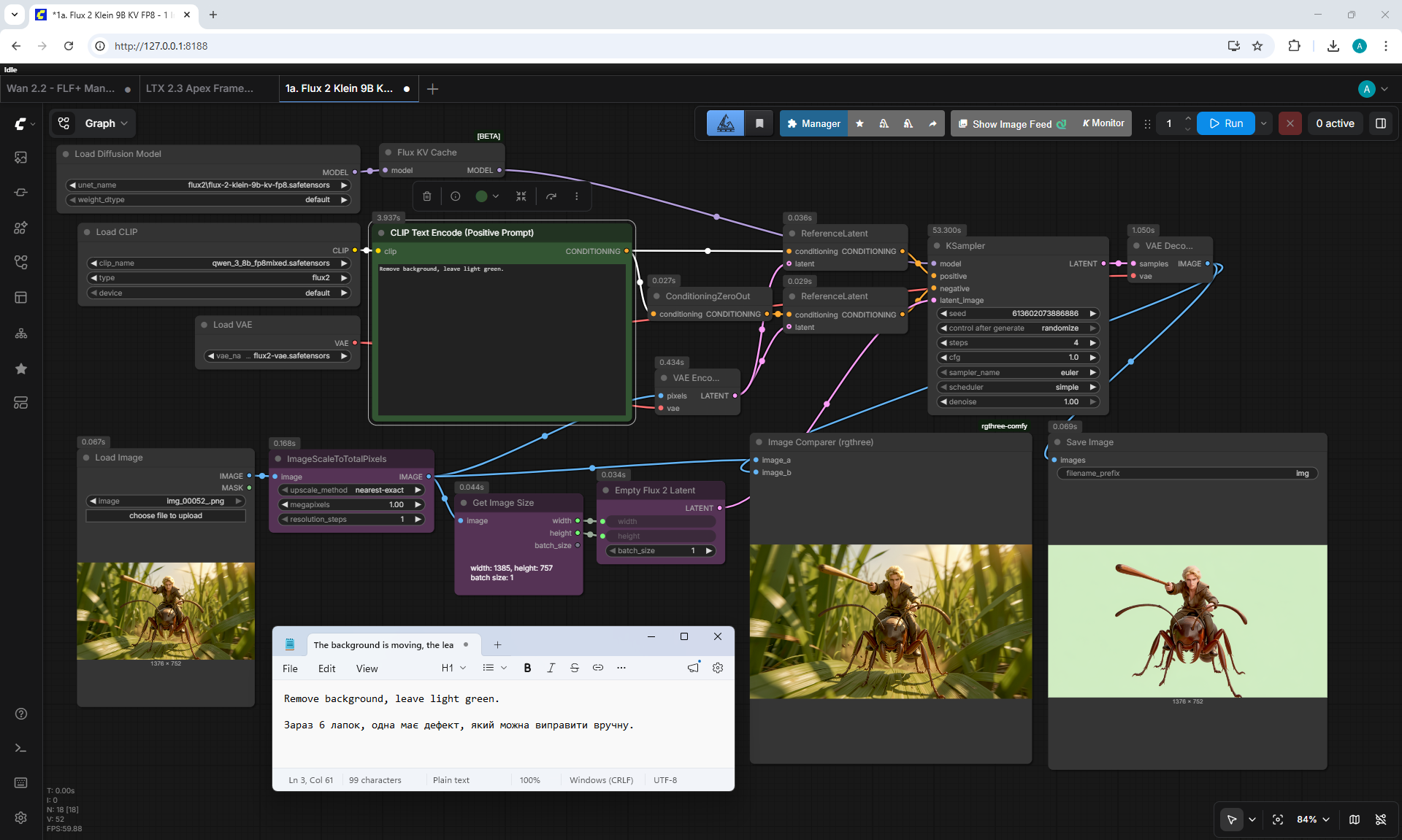
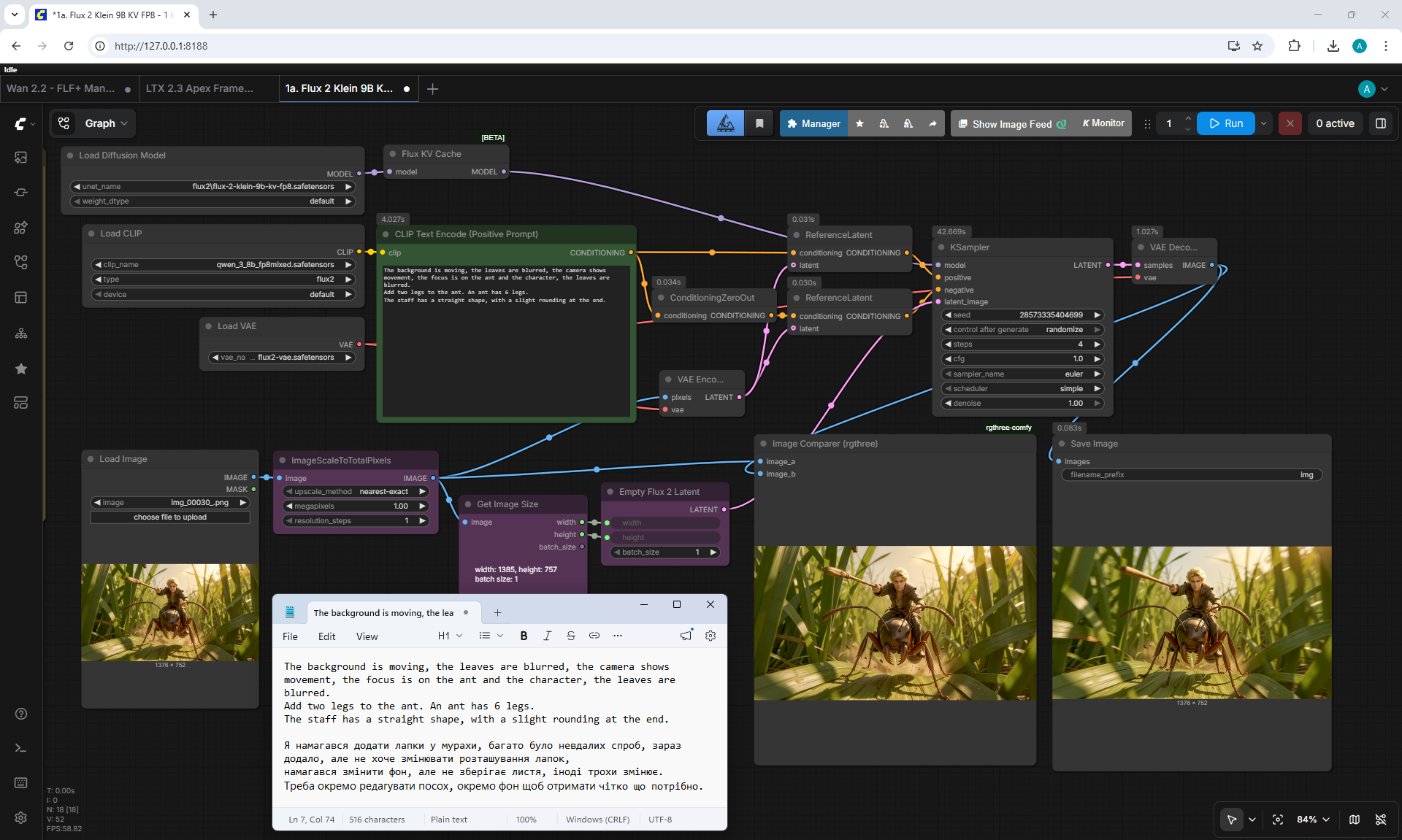
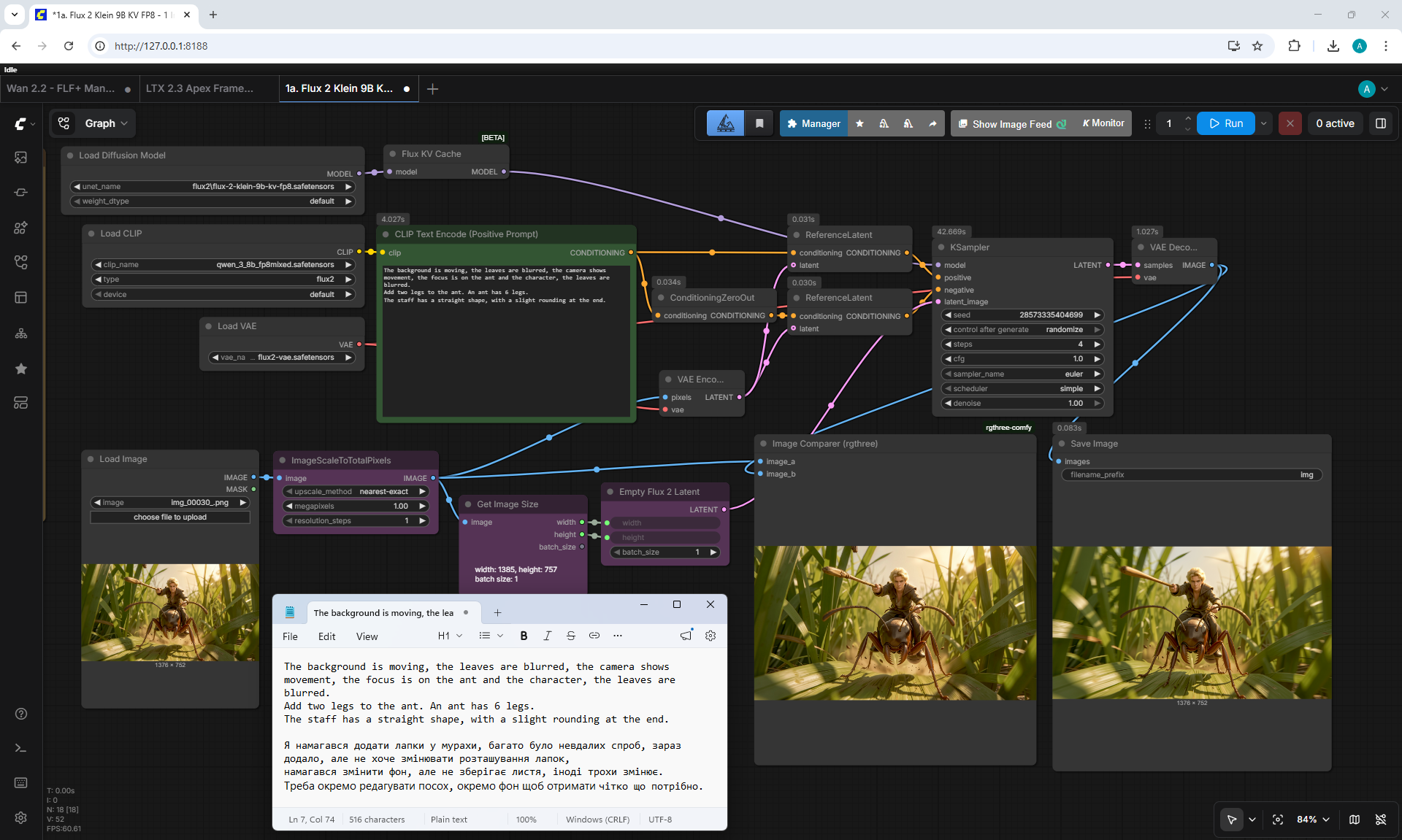
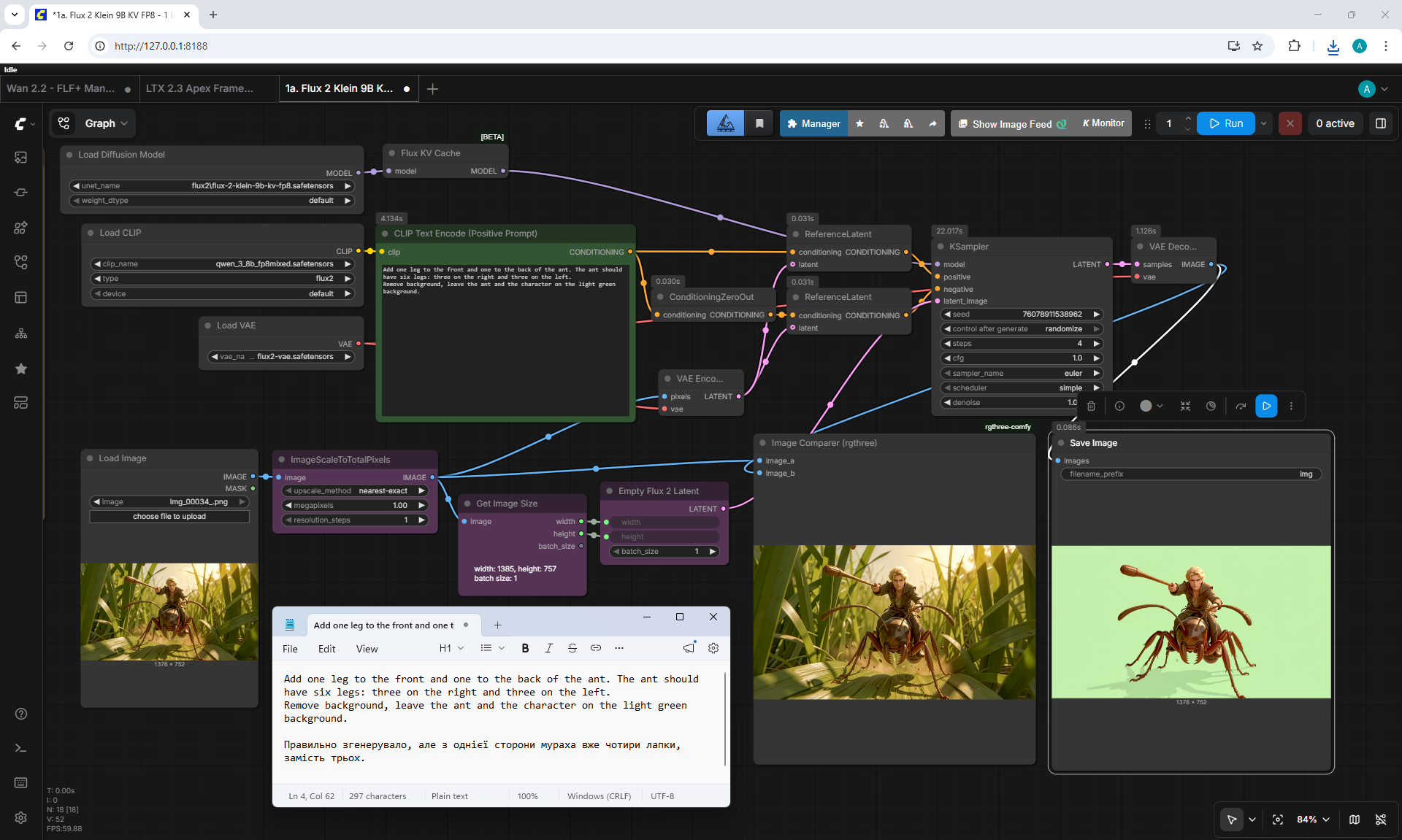
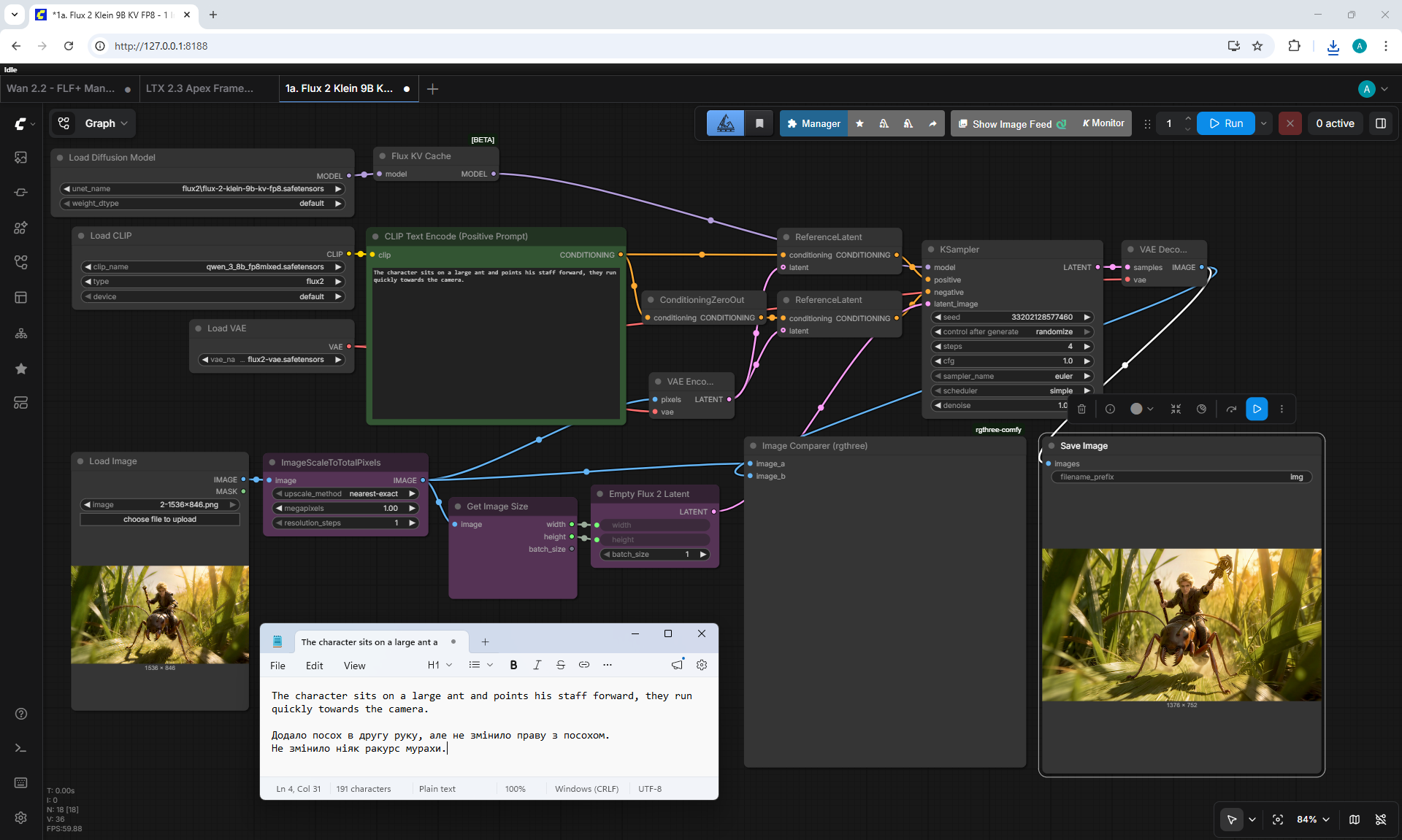
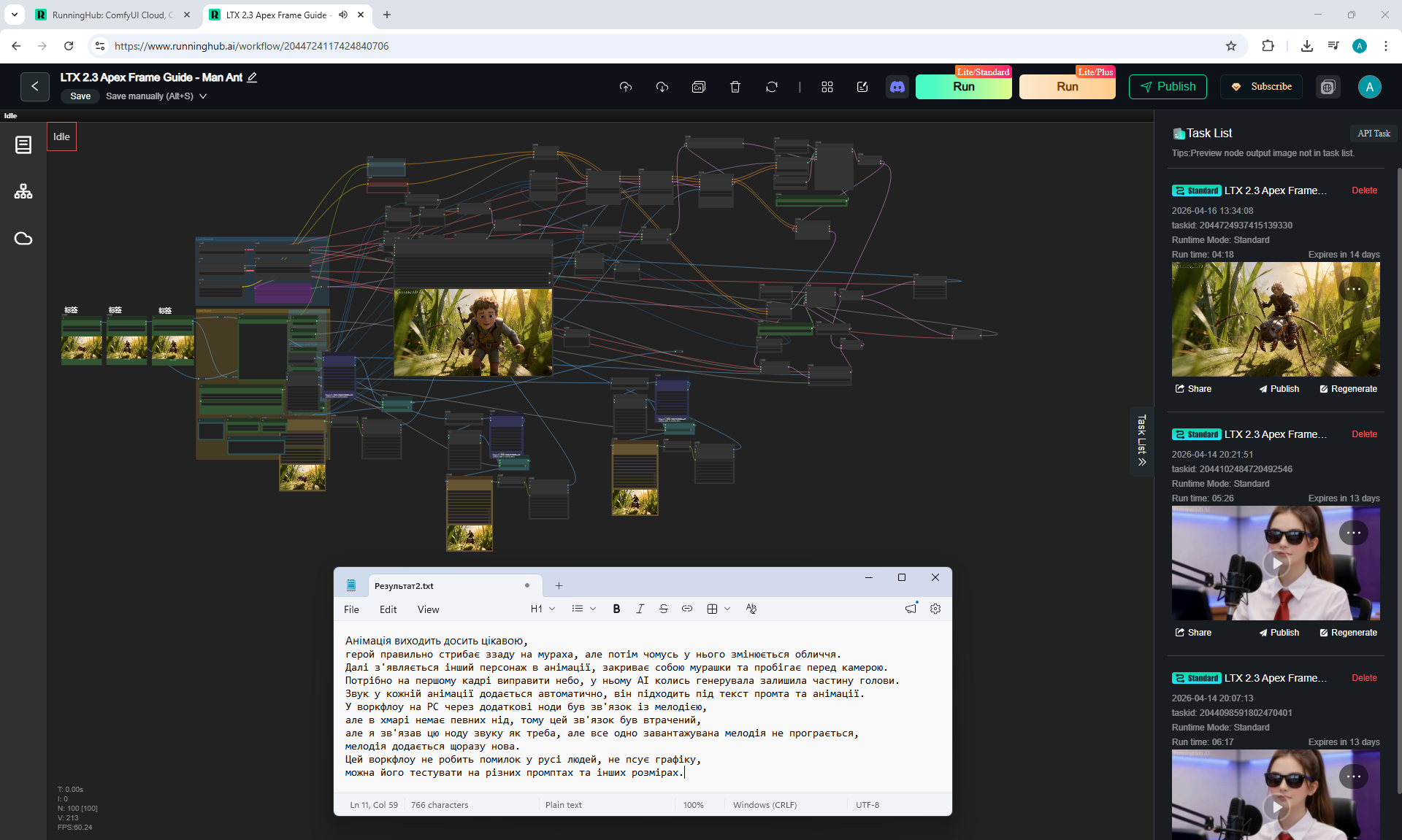
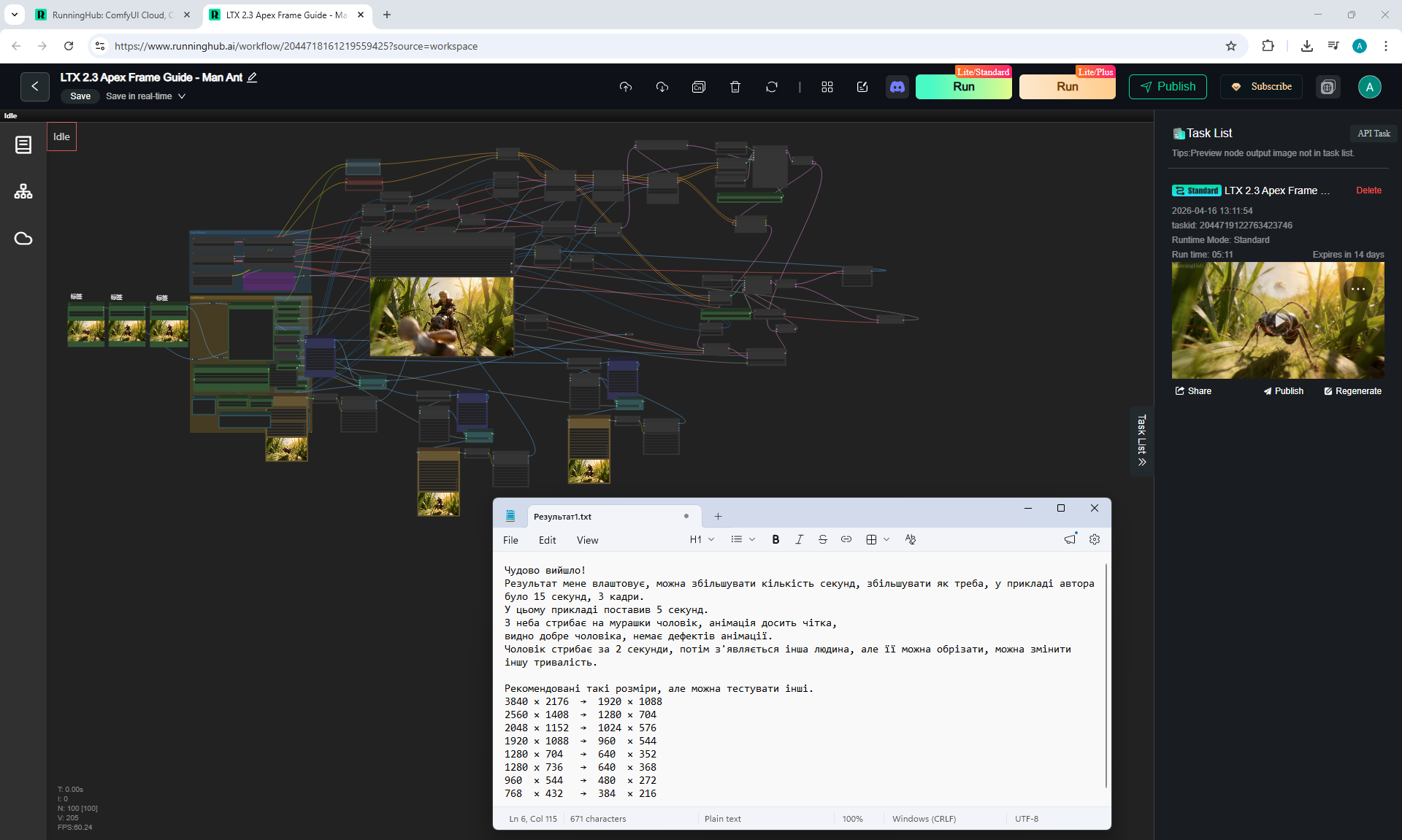
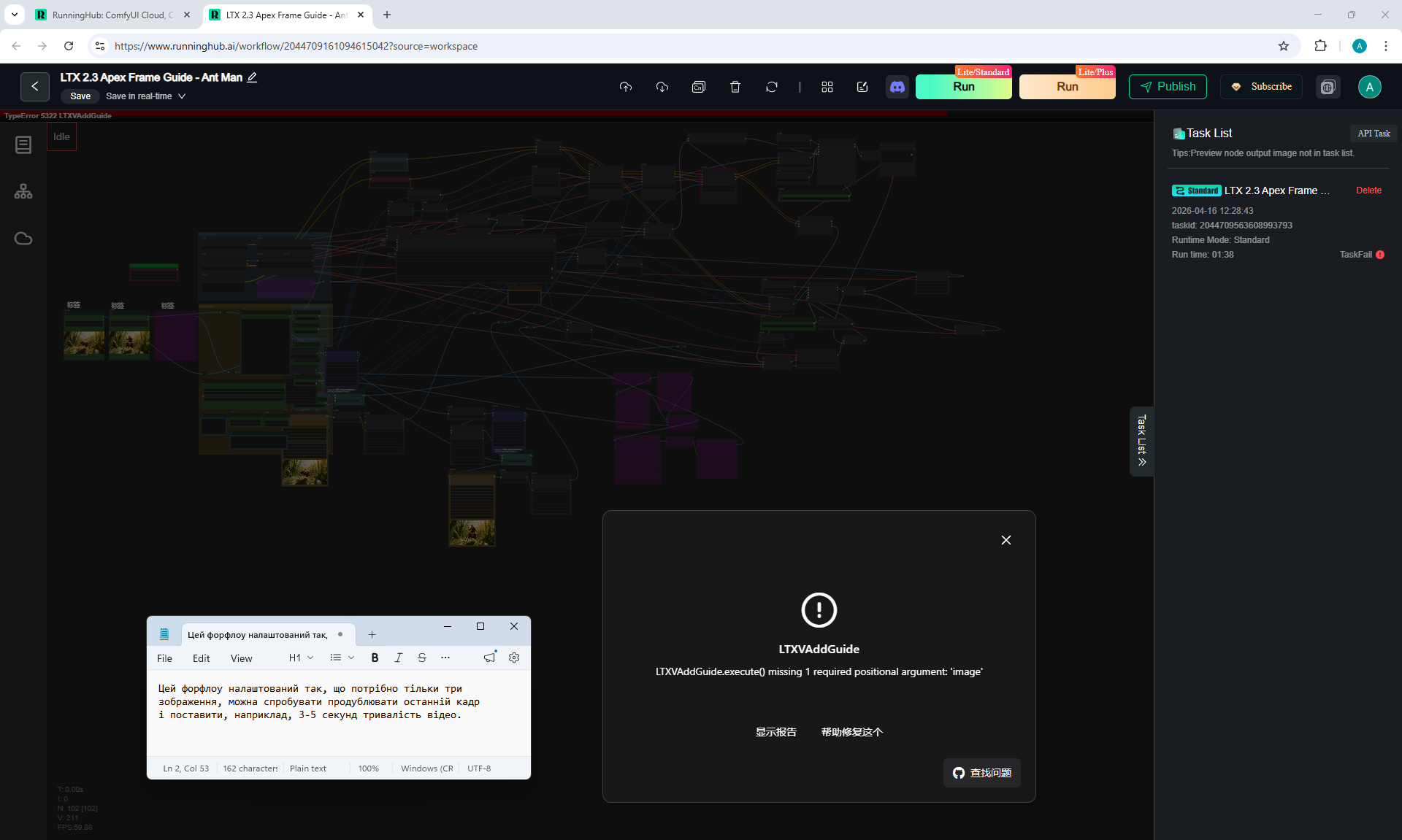
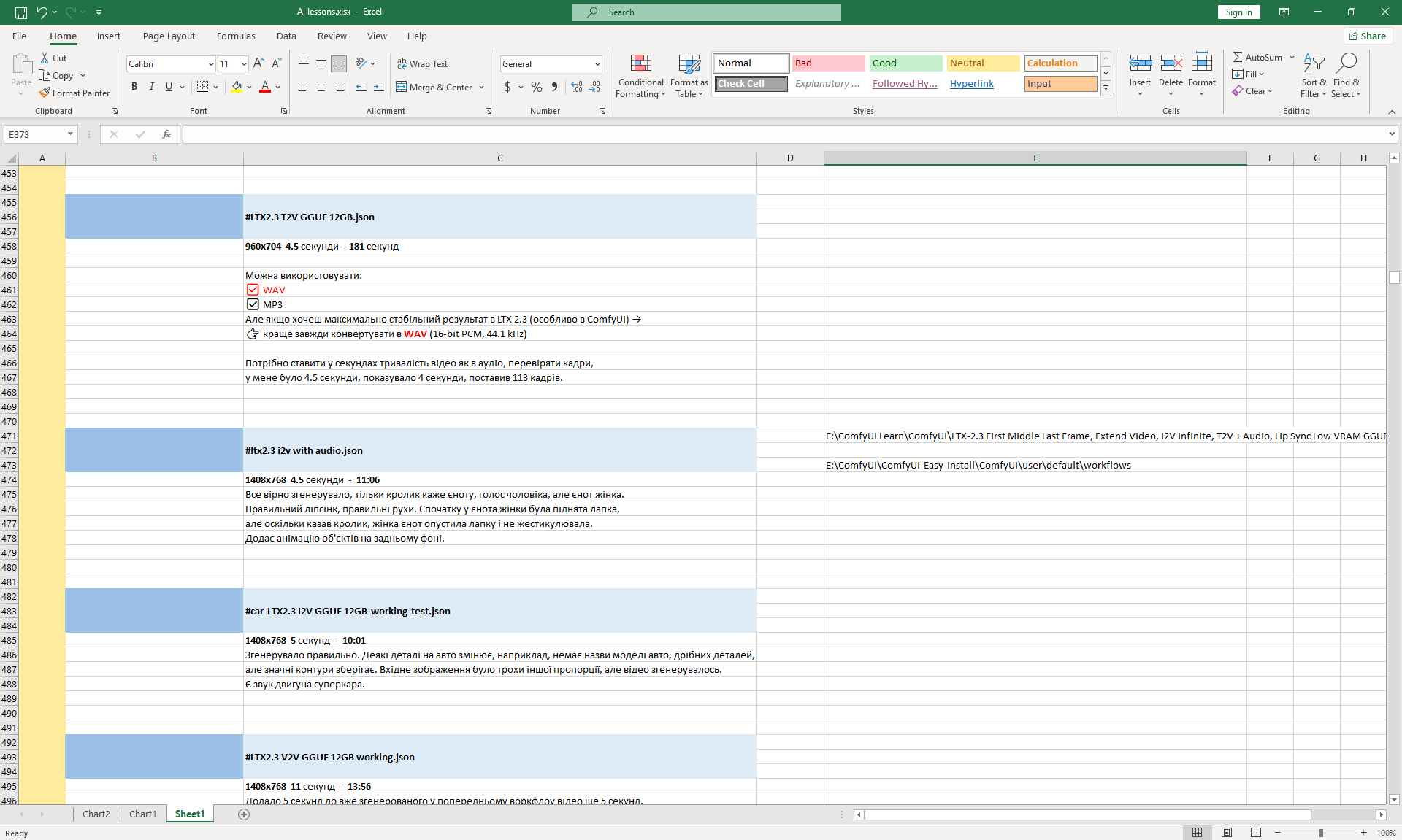
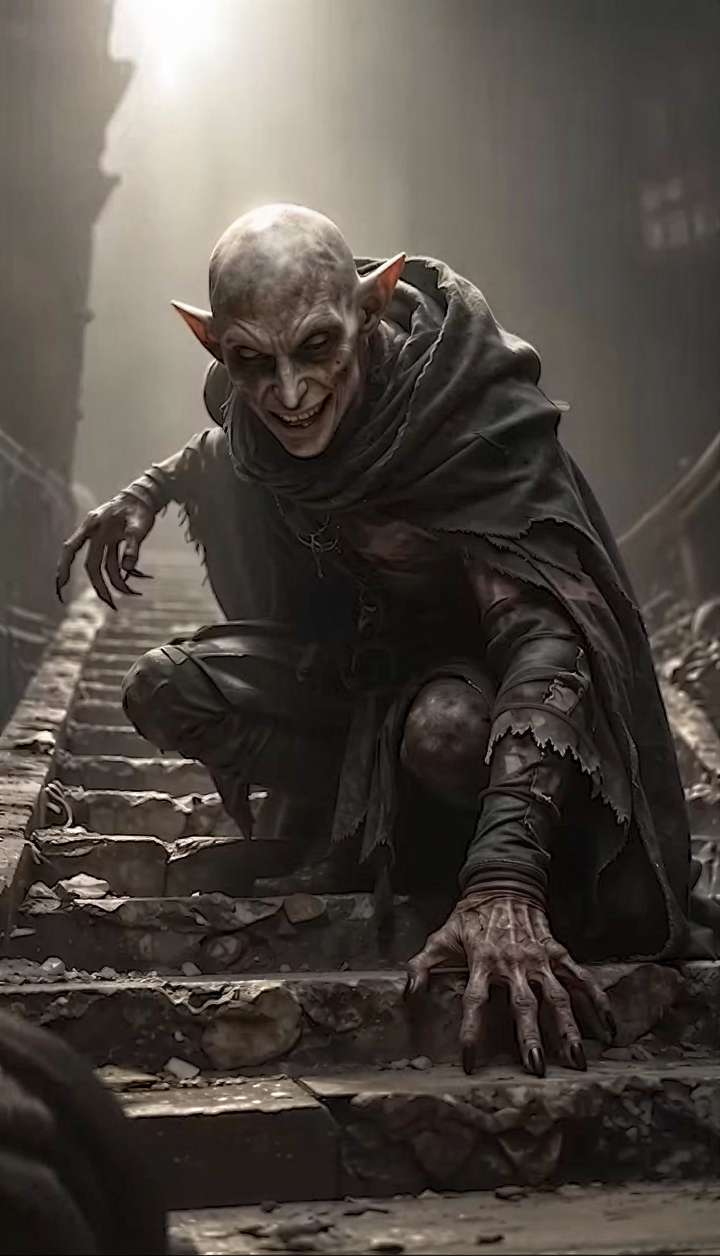
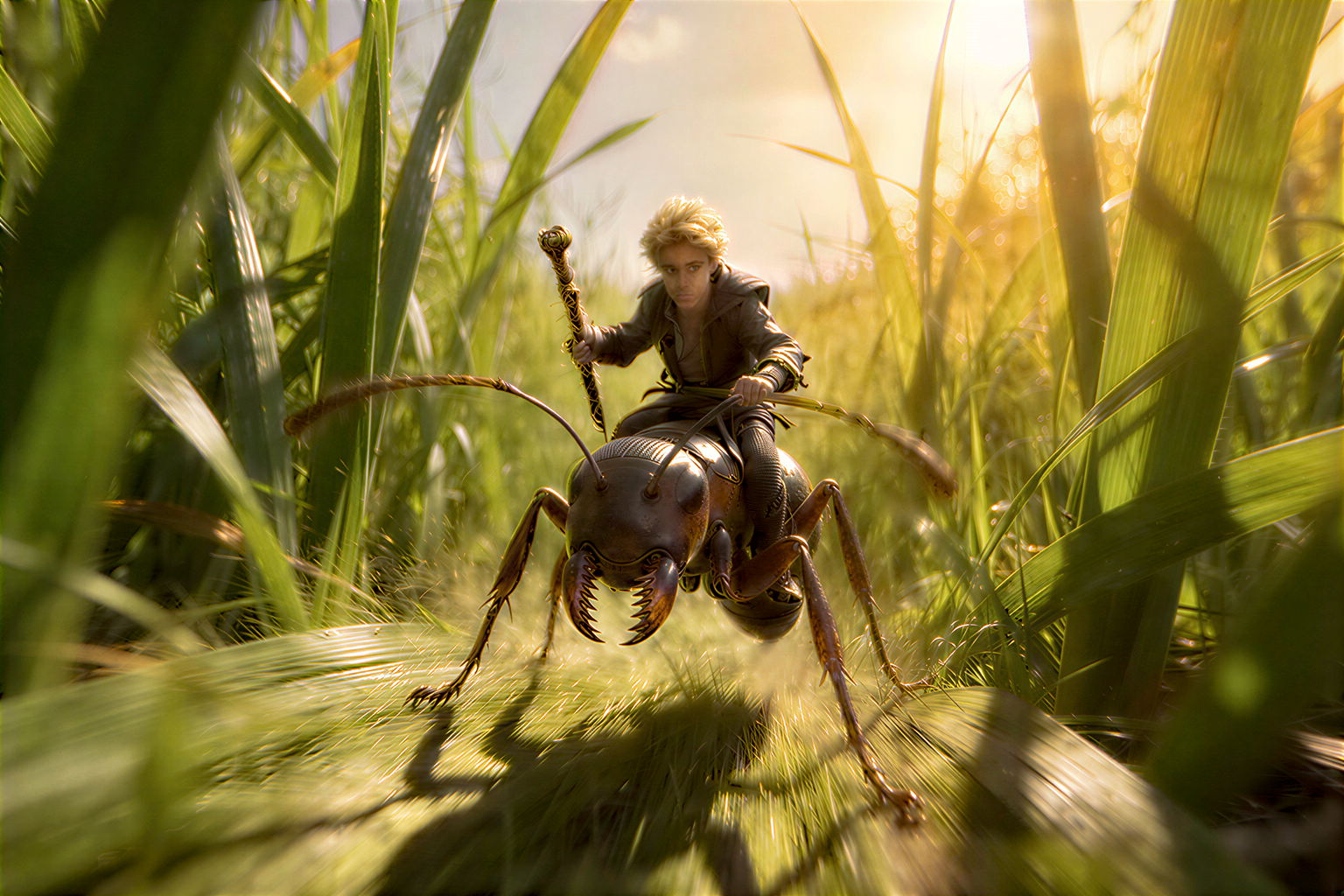
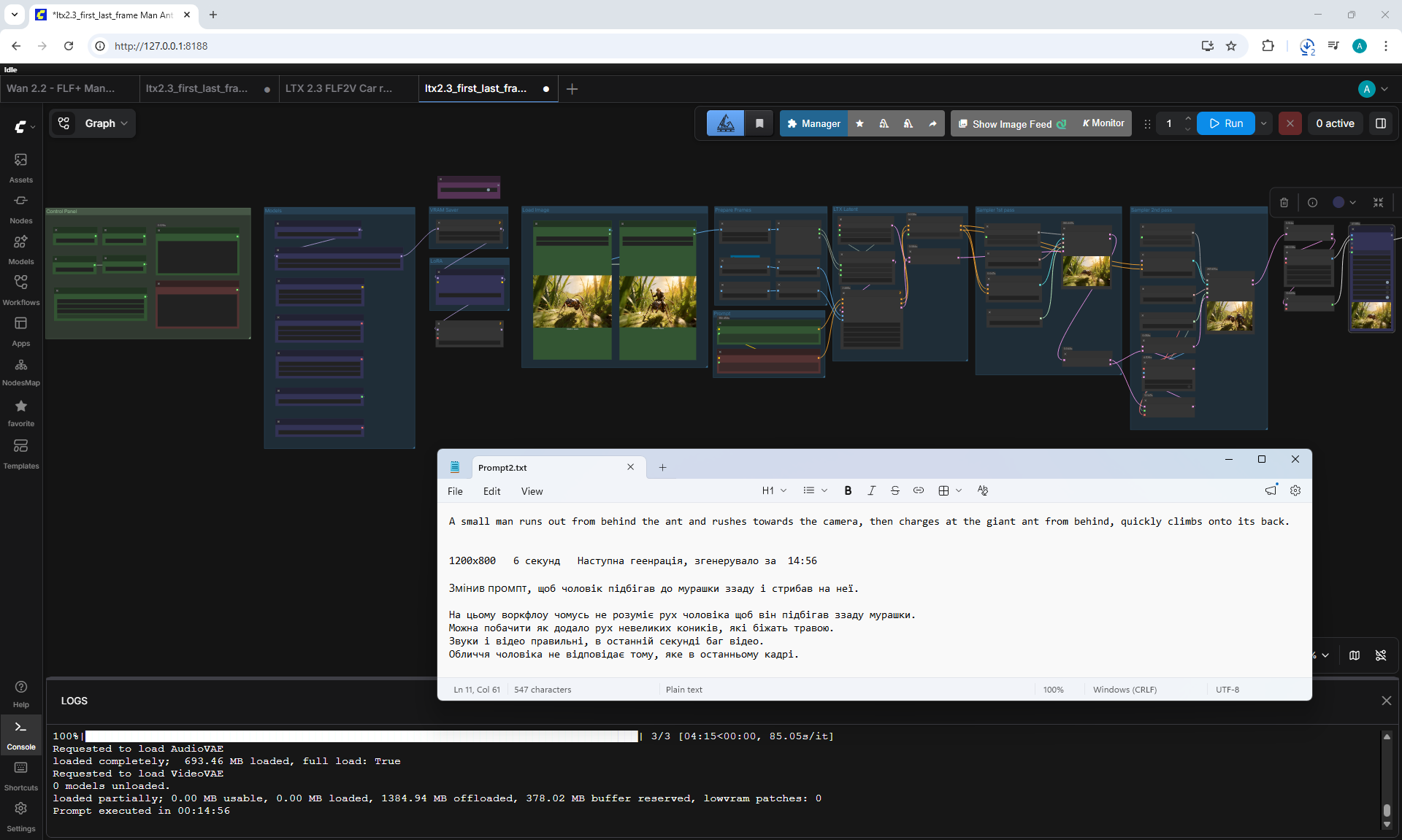
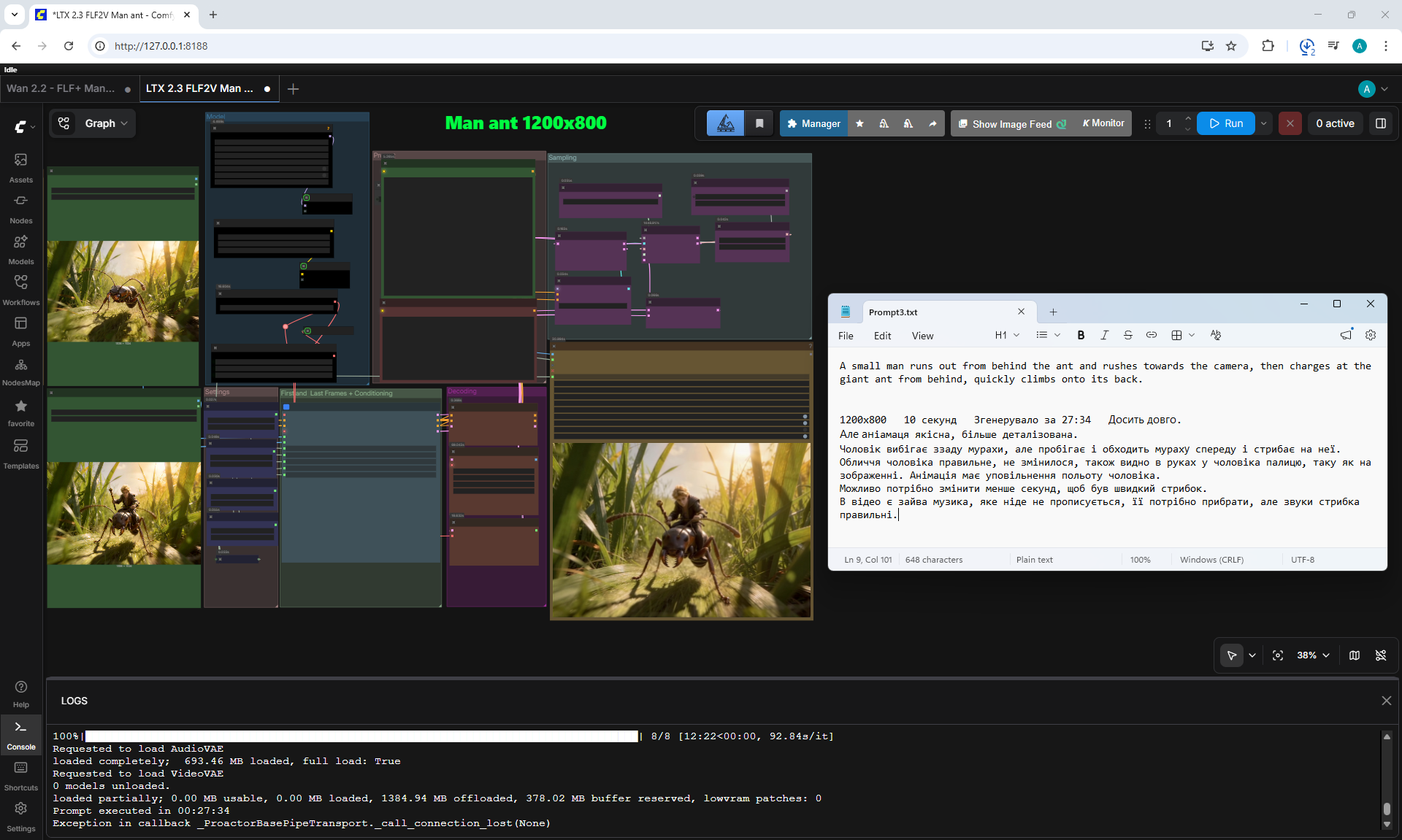
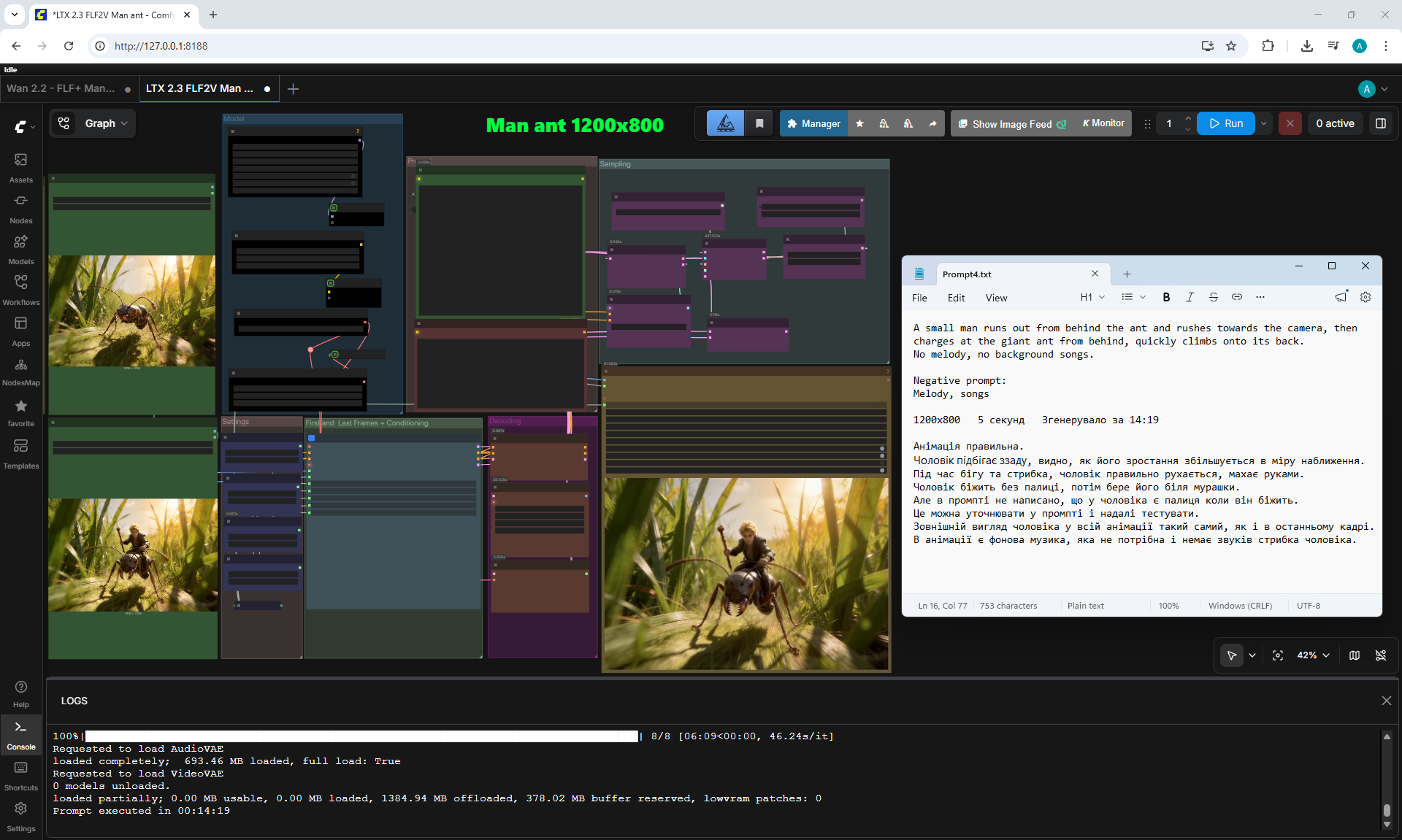
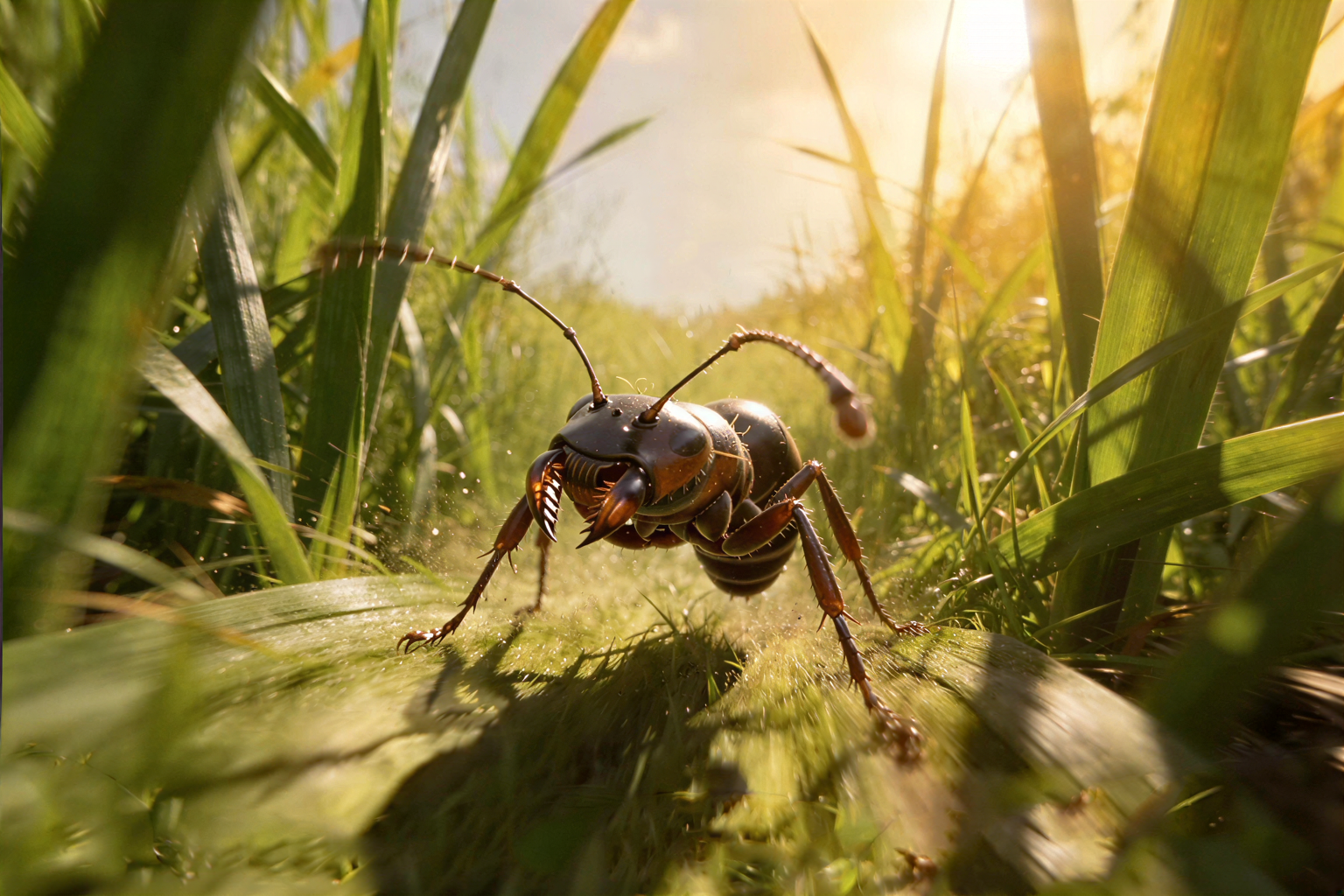
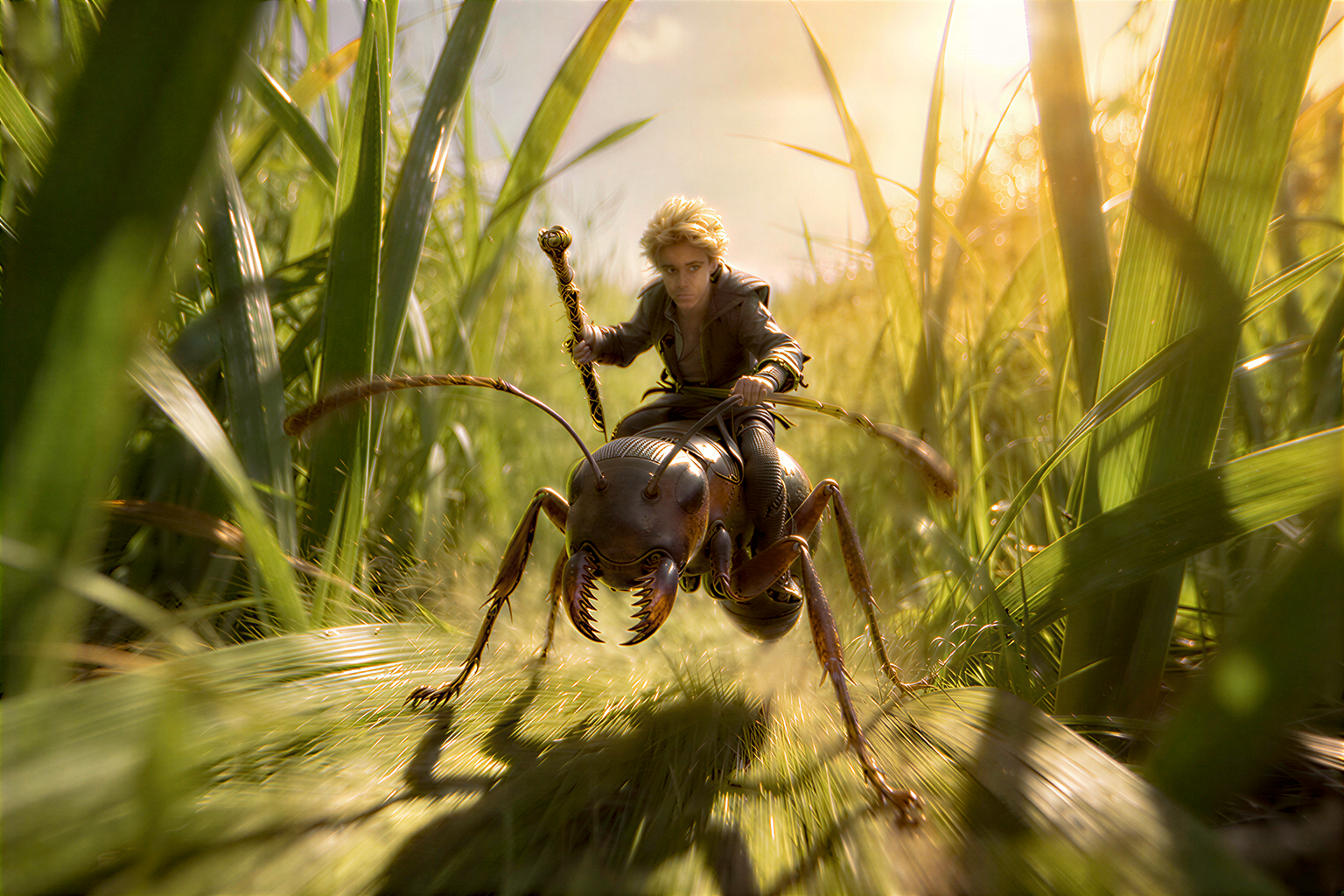
In the 10-second animation, three frames long (from the previous lesson), not everything worked out as expected. My script:
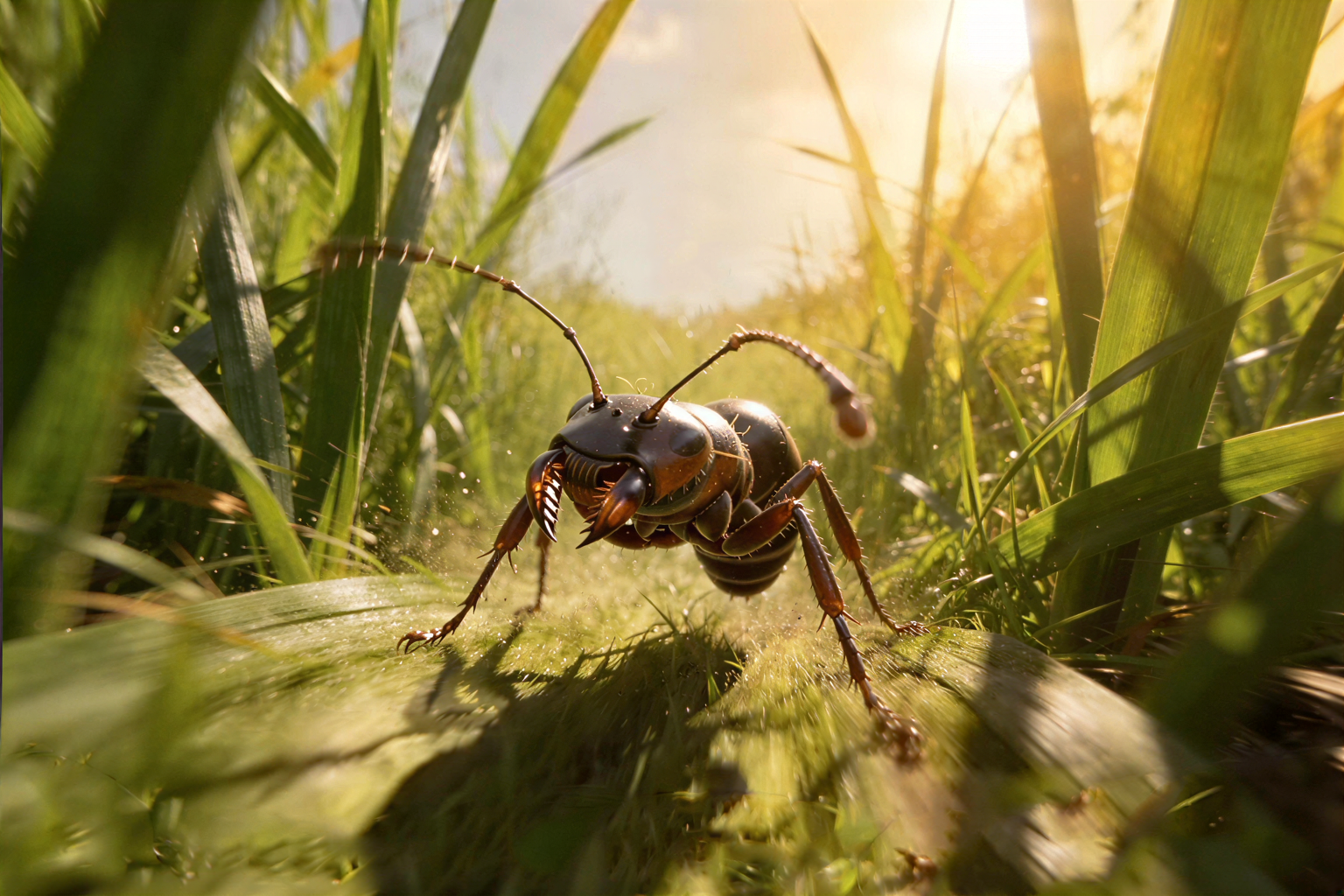
First, an ant stands, a man runs up behind it and jumps on it, escaping from enemies.
The man on the ant runs away from the enemies, then I clarified that he's running from wasps, which are the same size as the ant.
The enemies, and then the wasps, try to catch up, but the man on the ant runs away from them.




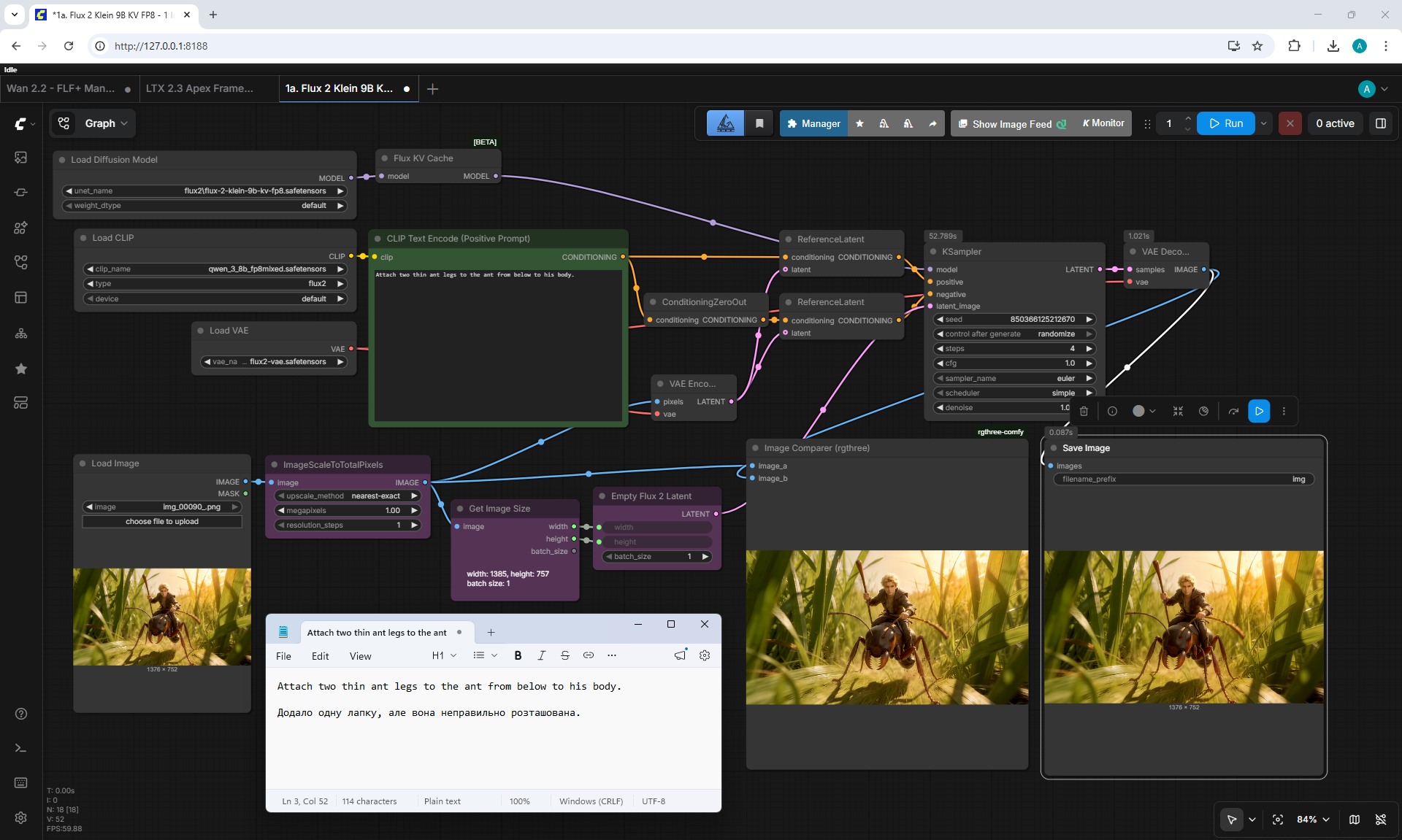
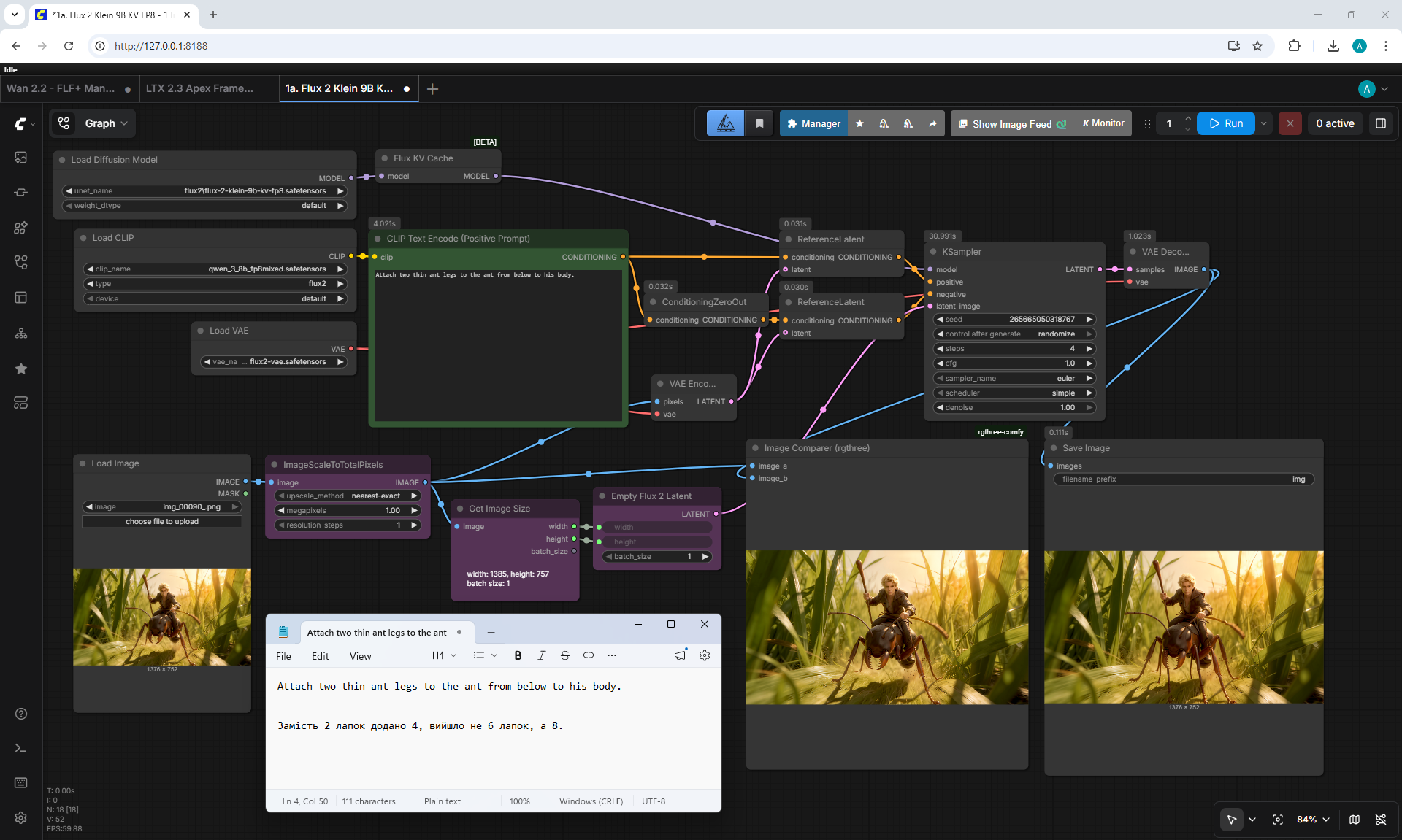
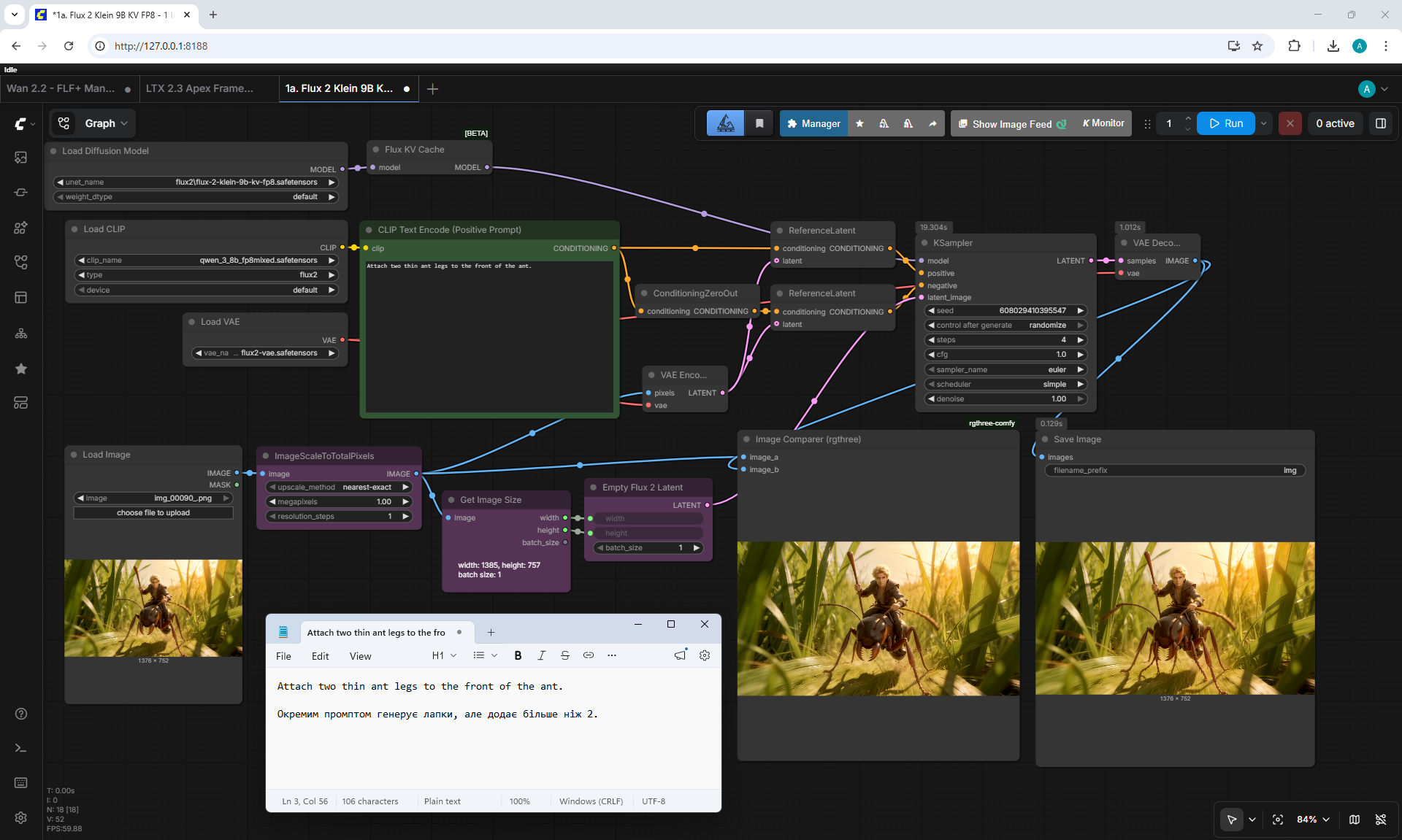
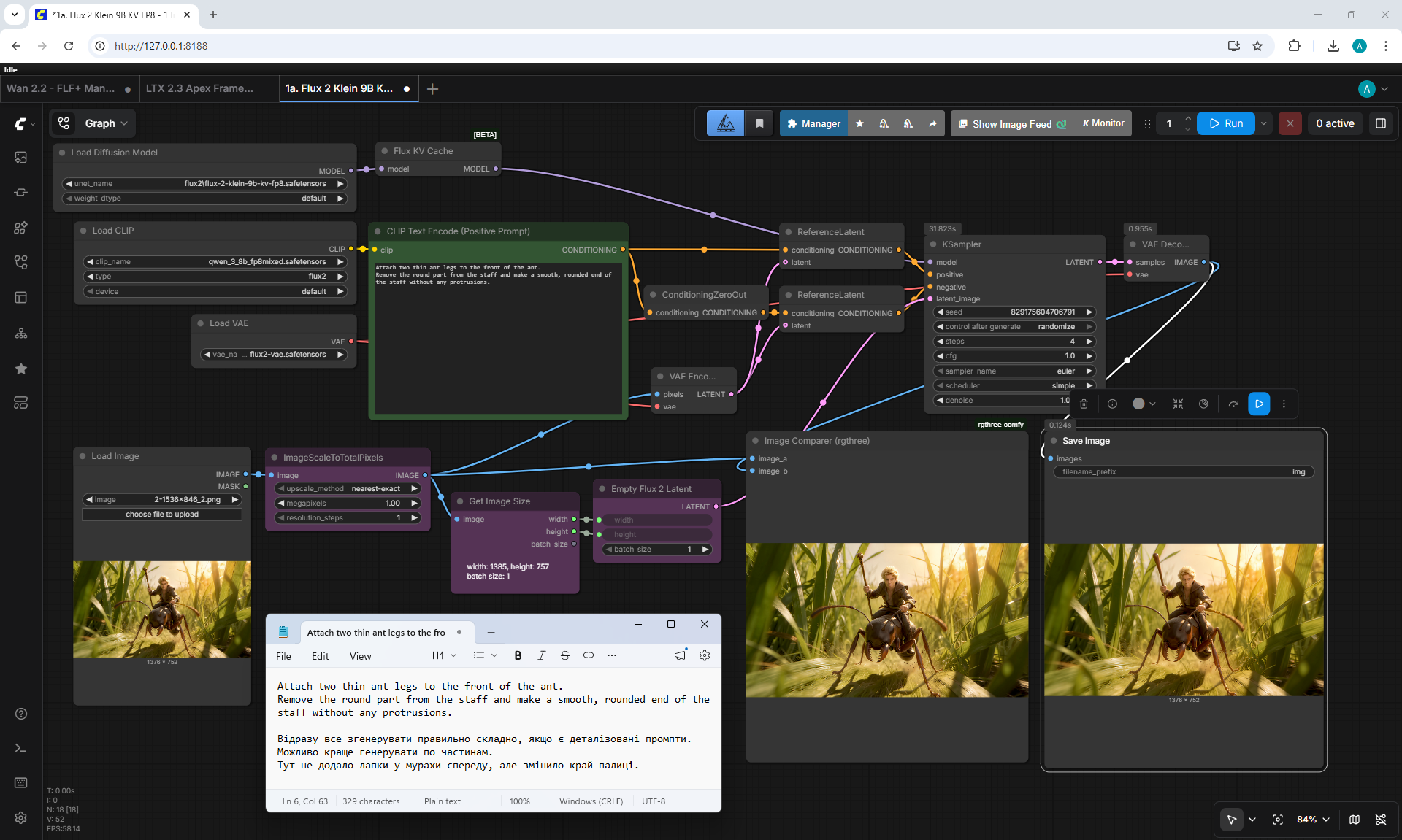
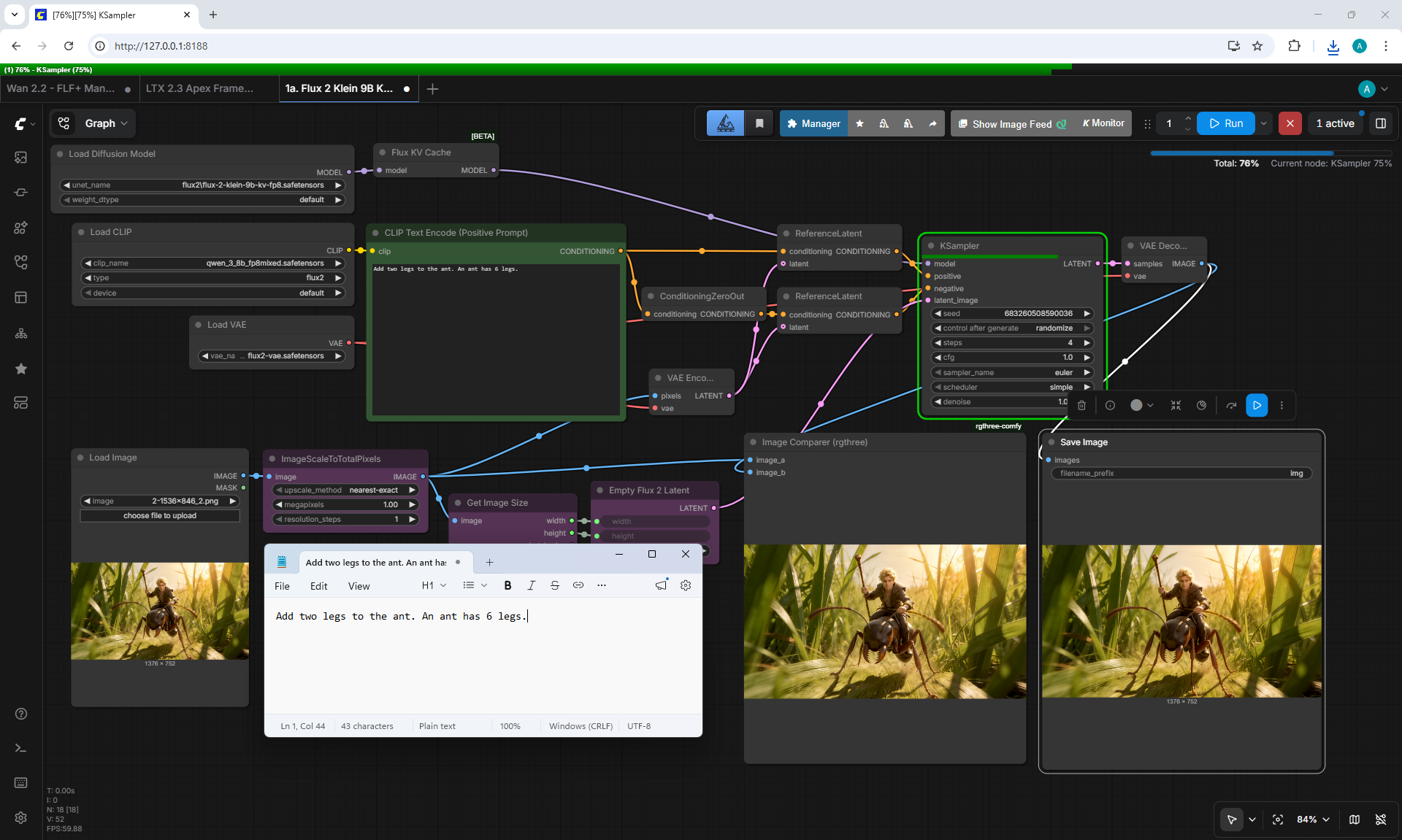
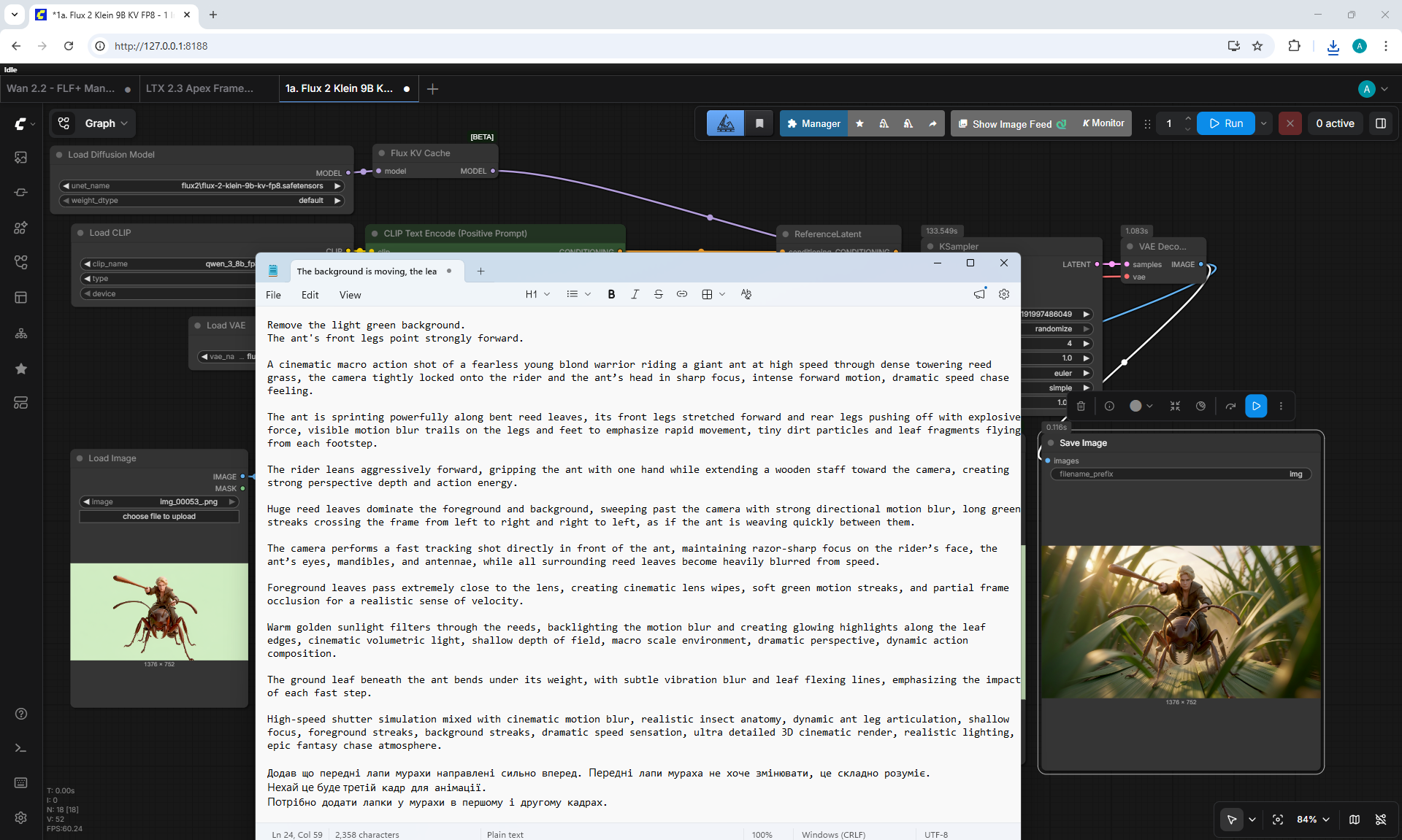
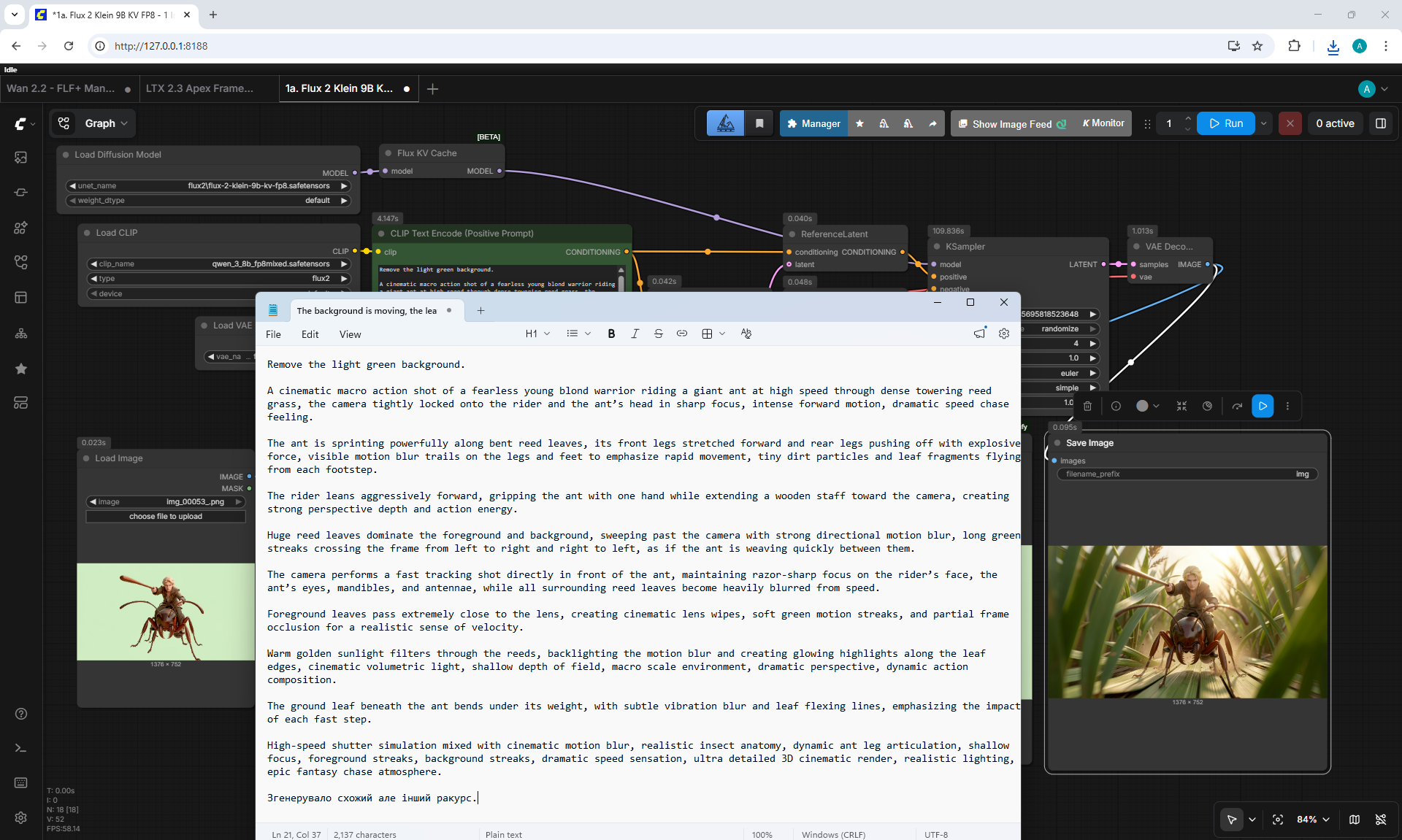
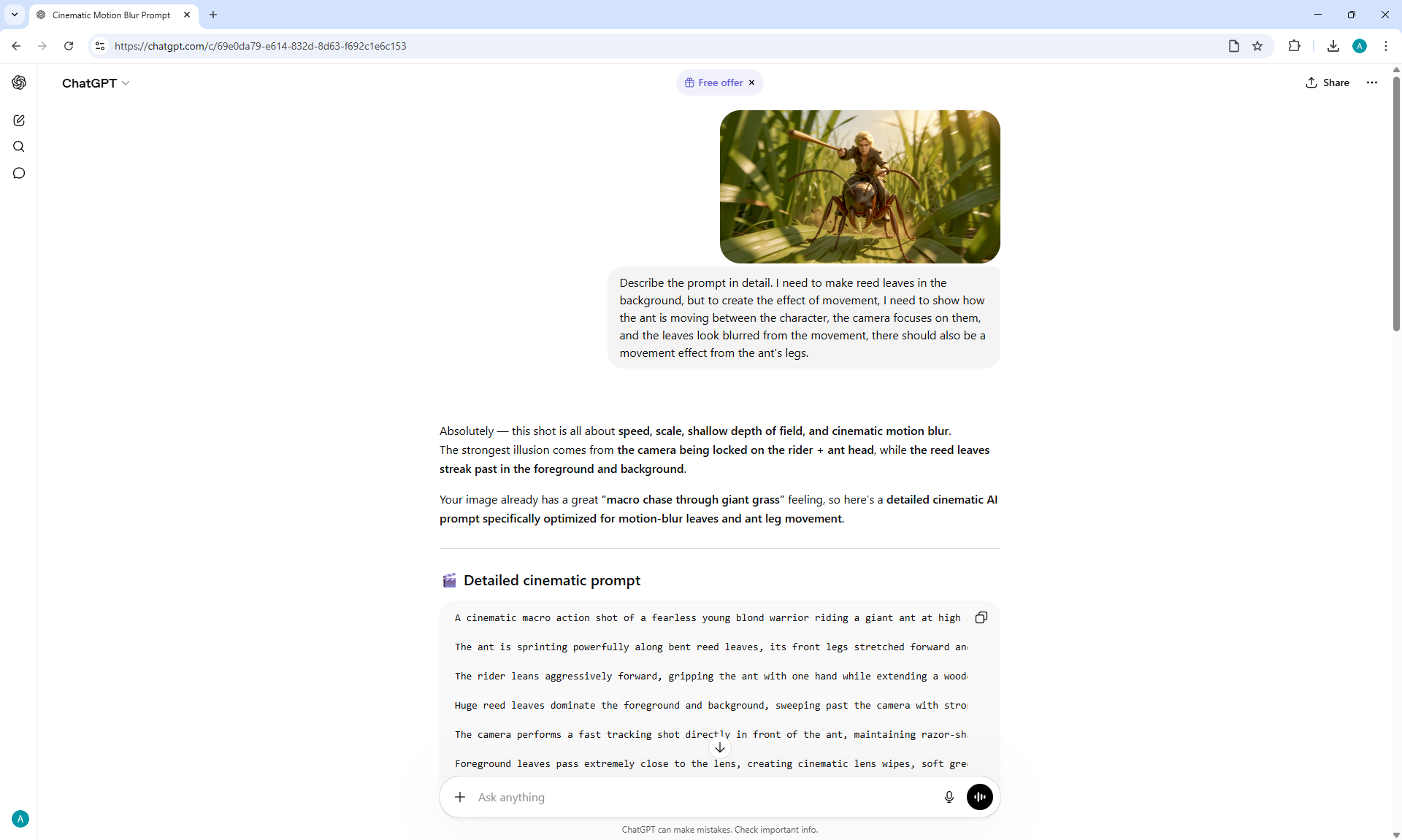
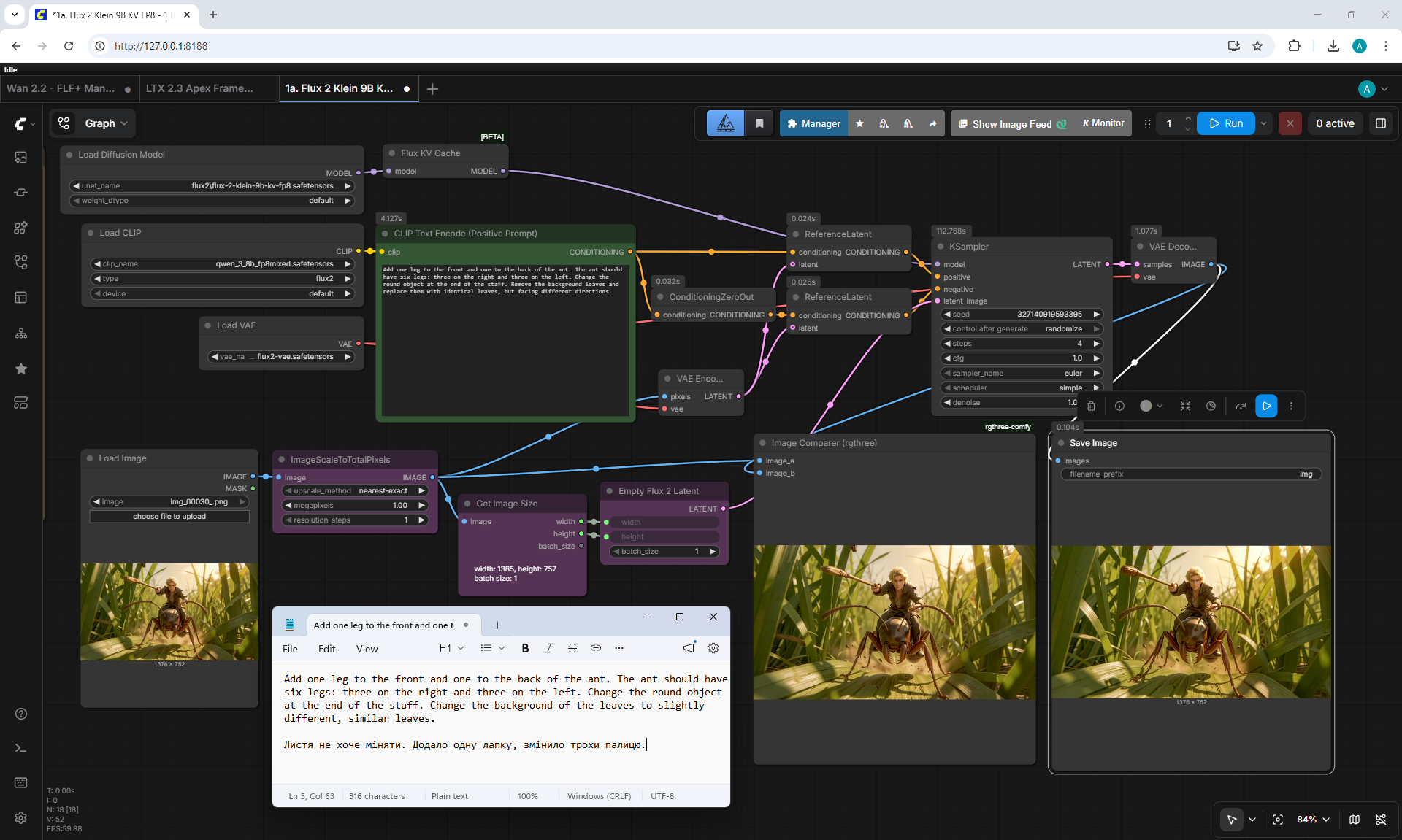
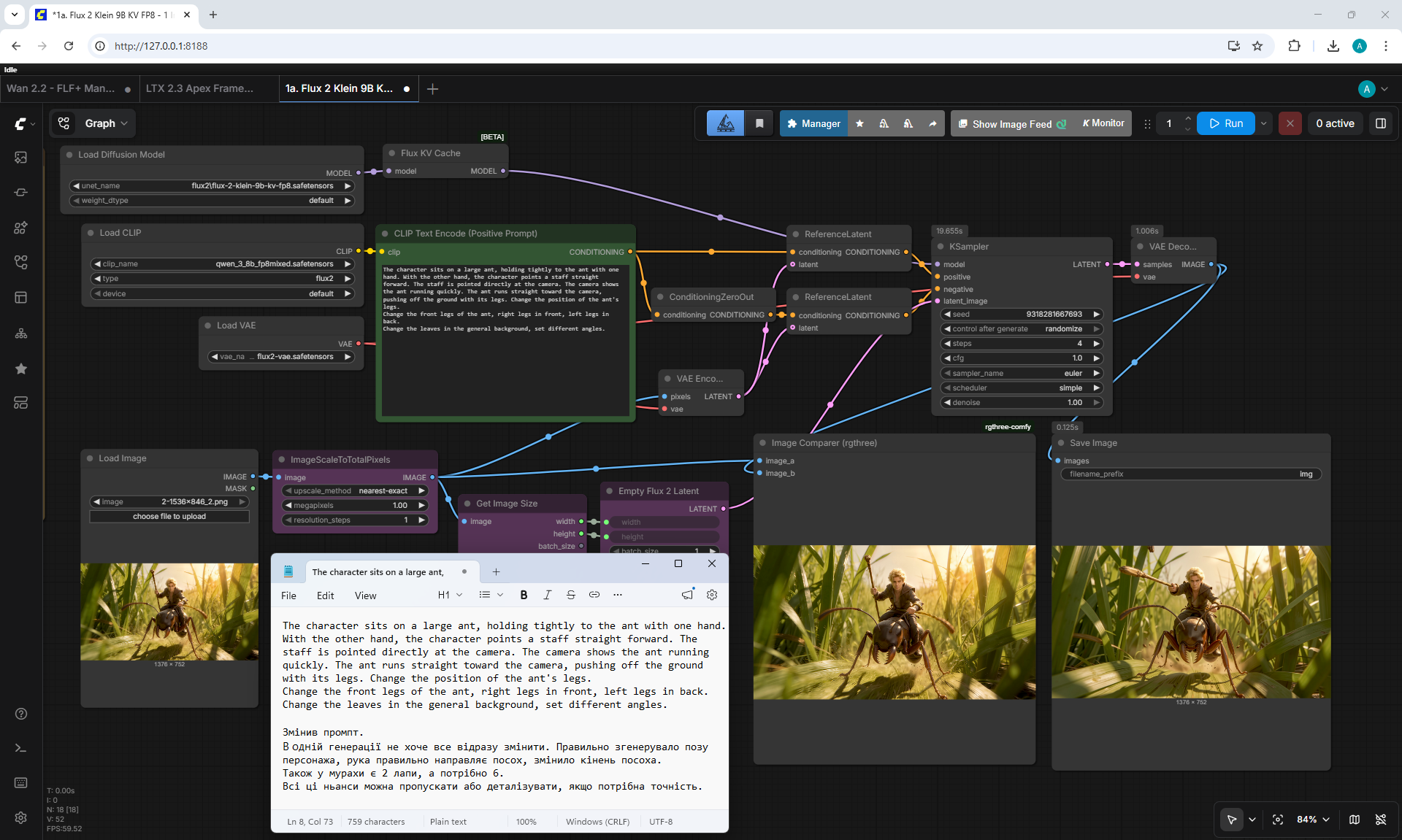
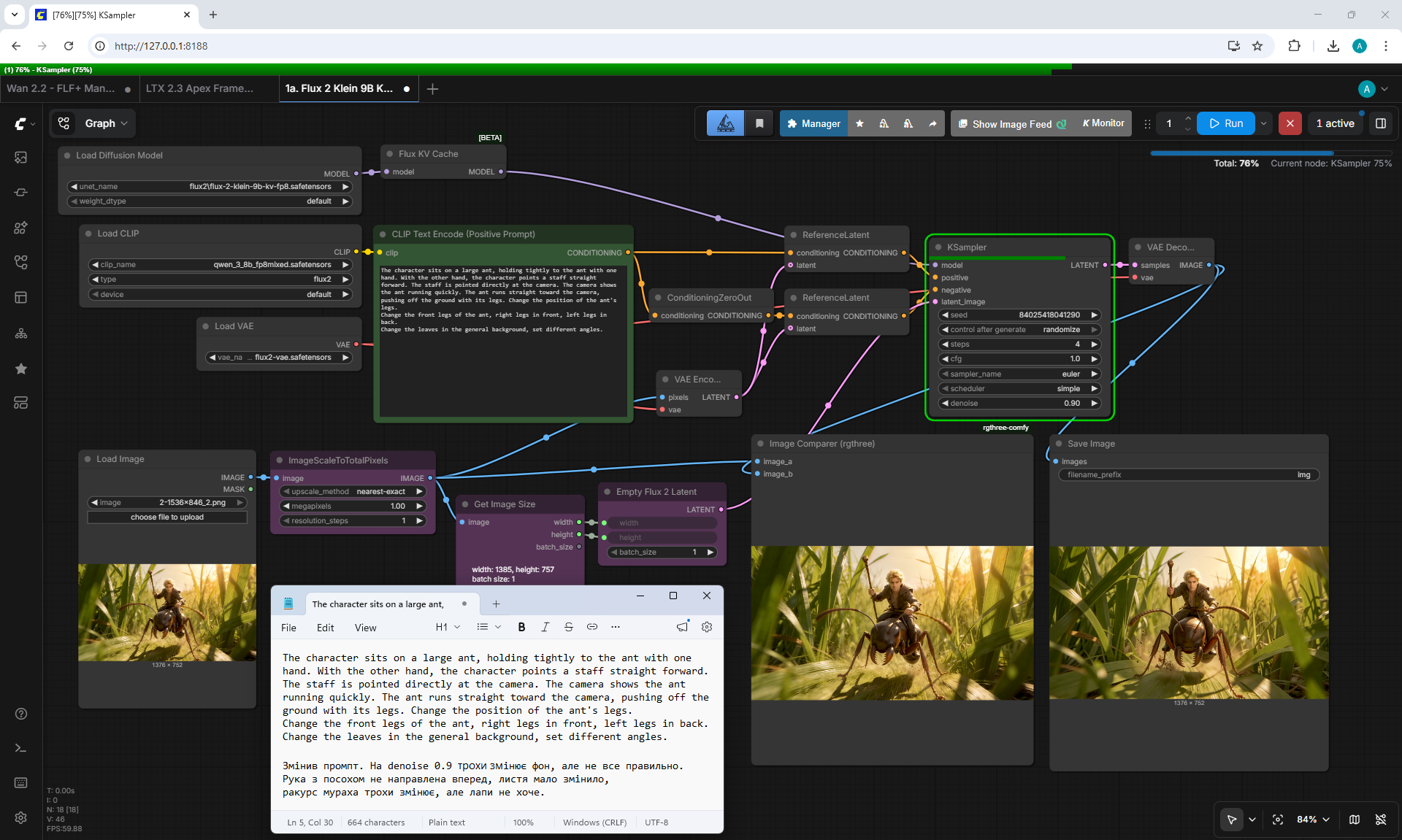
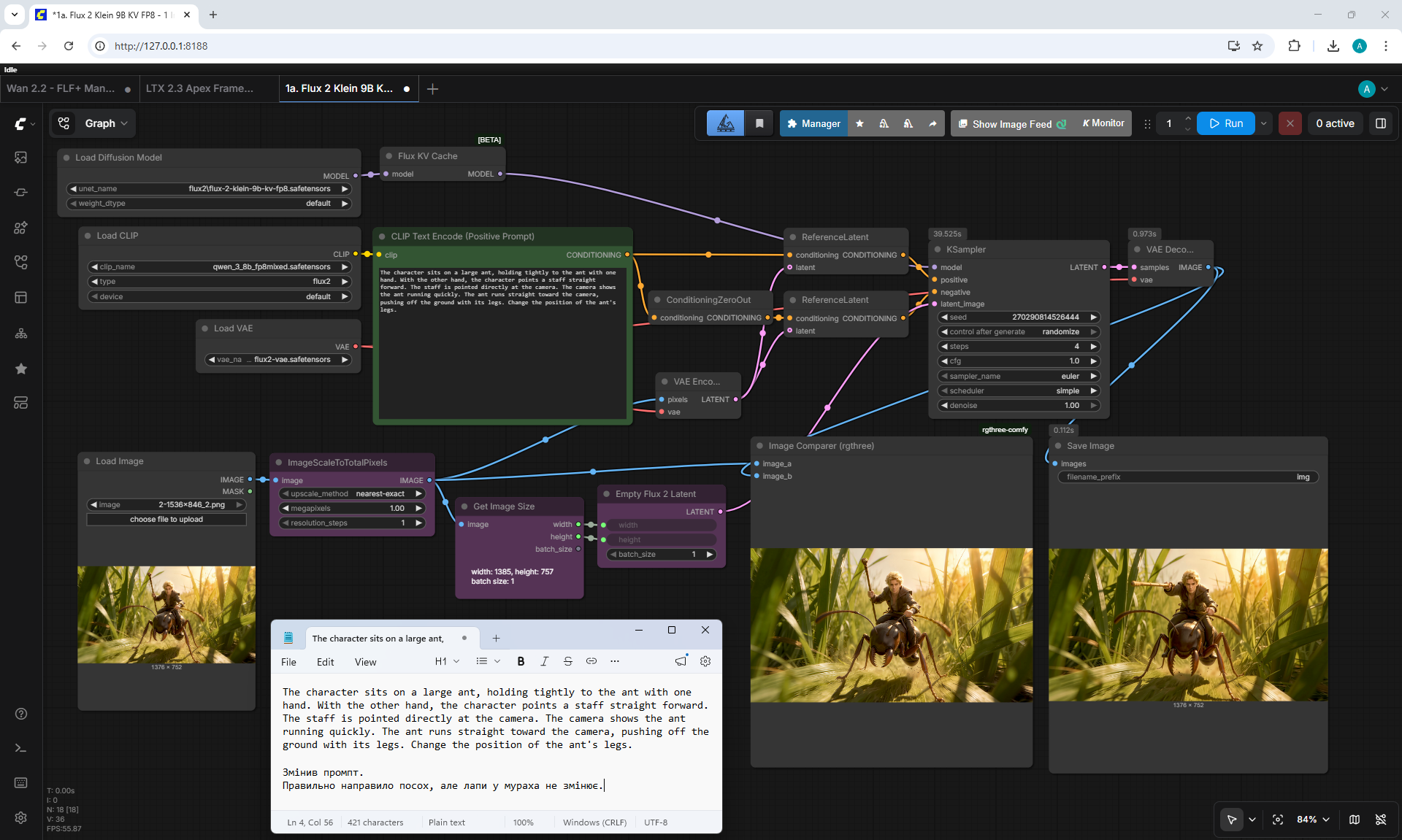
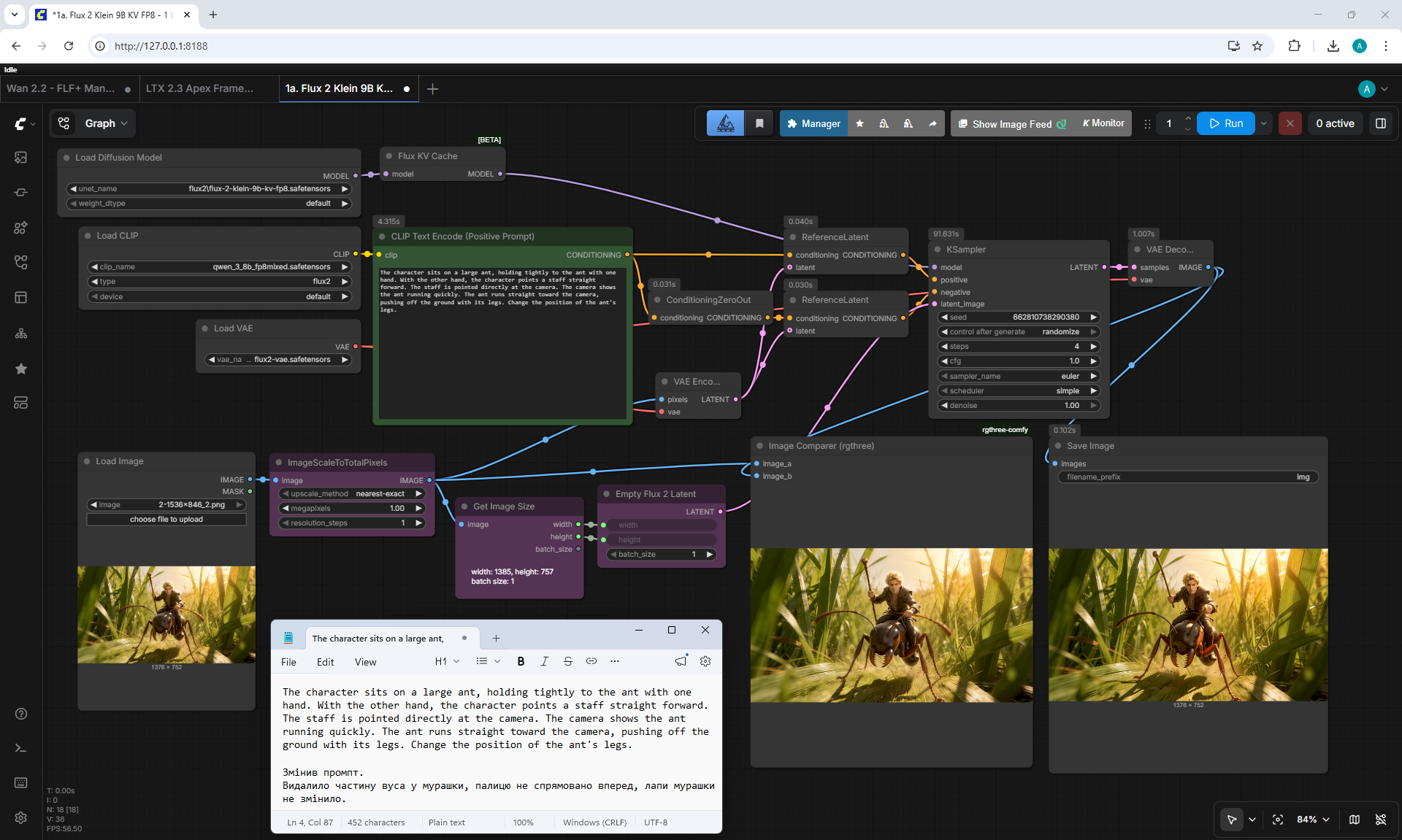
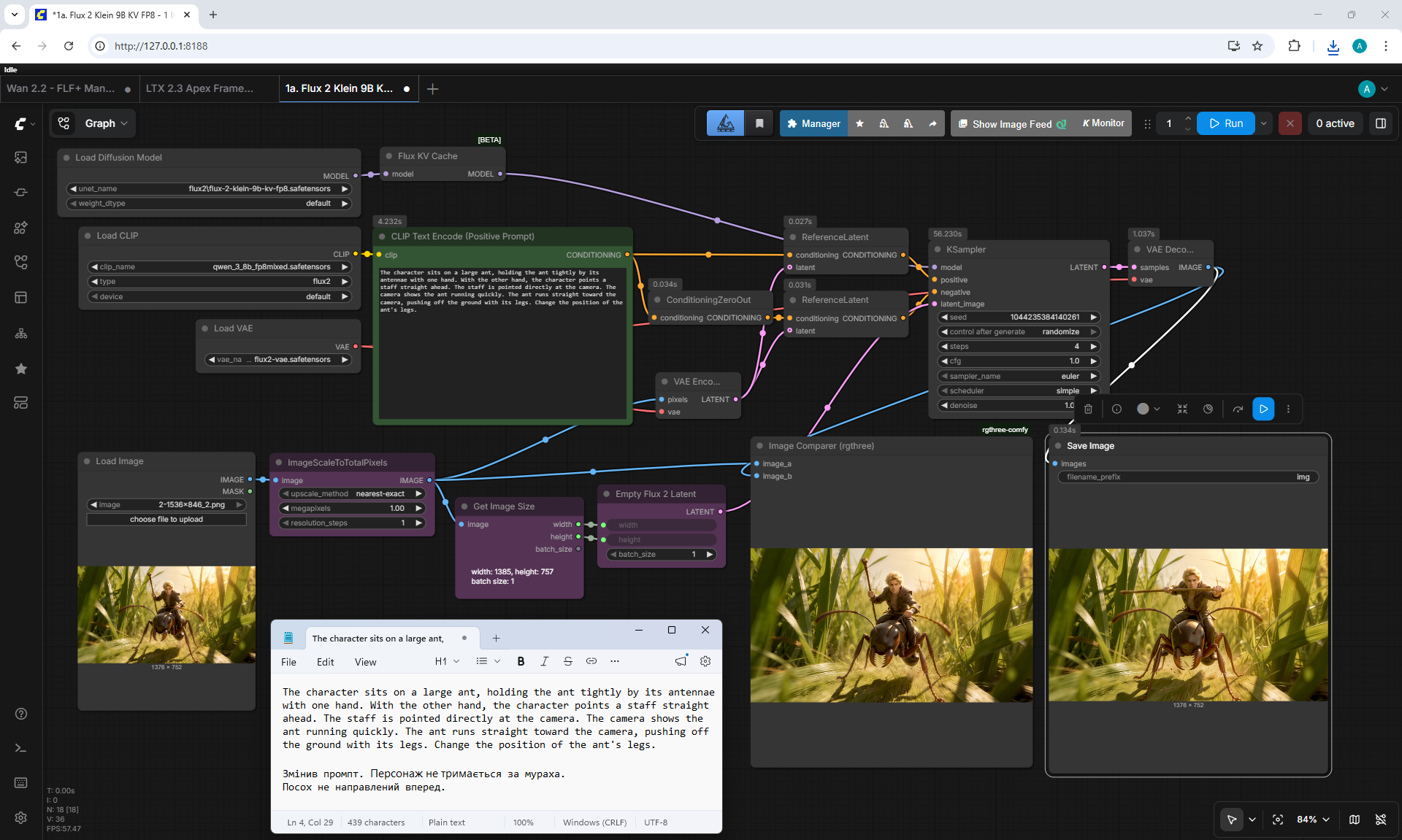
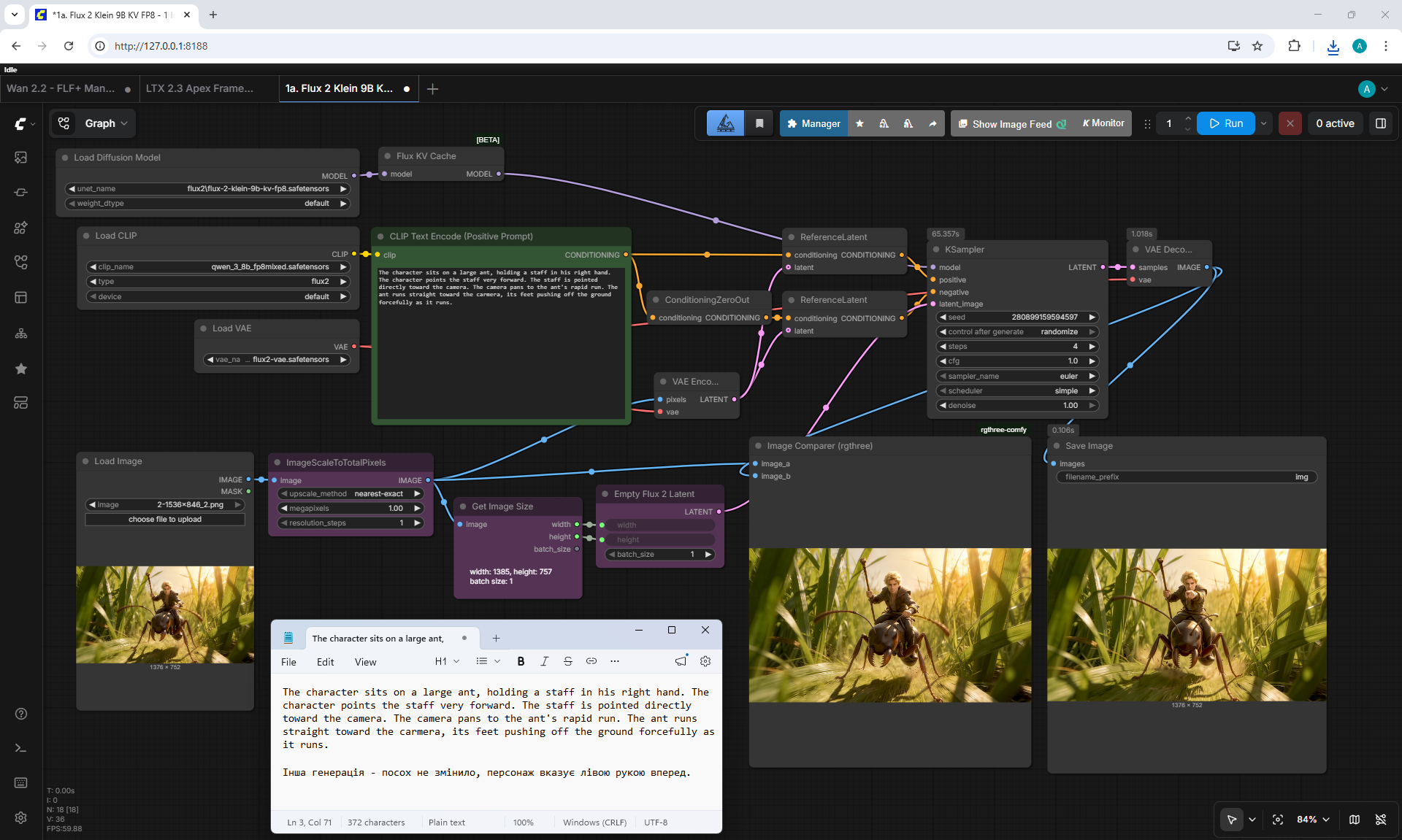
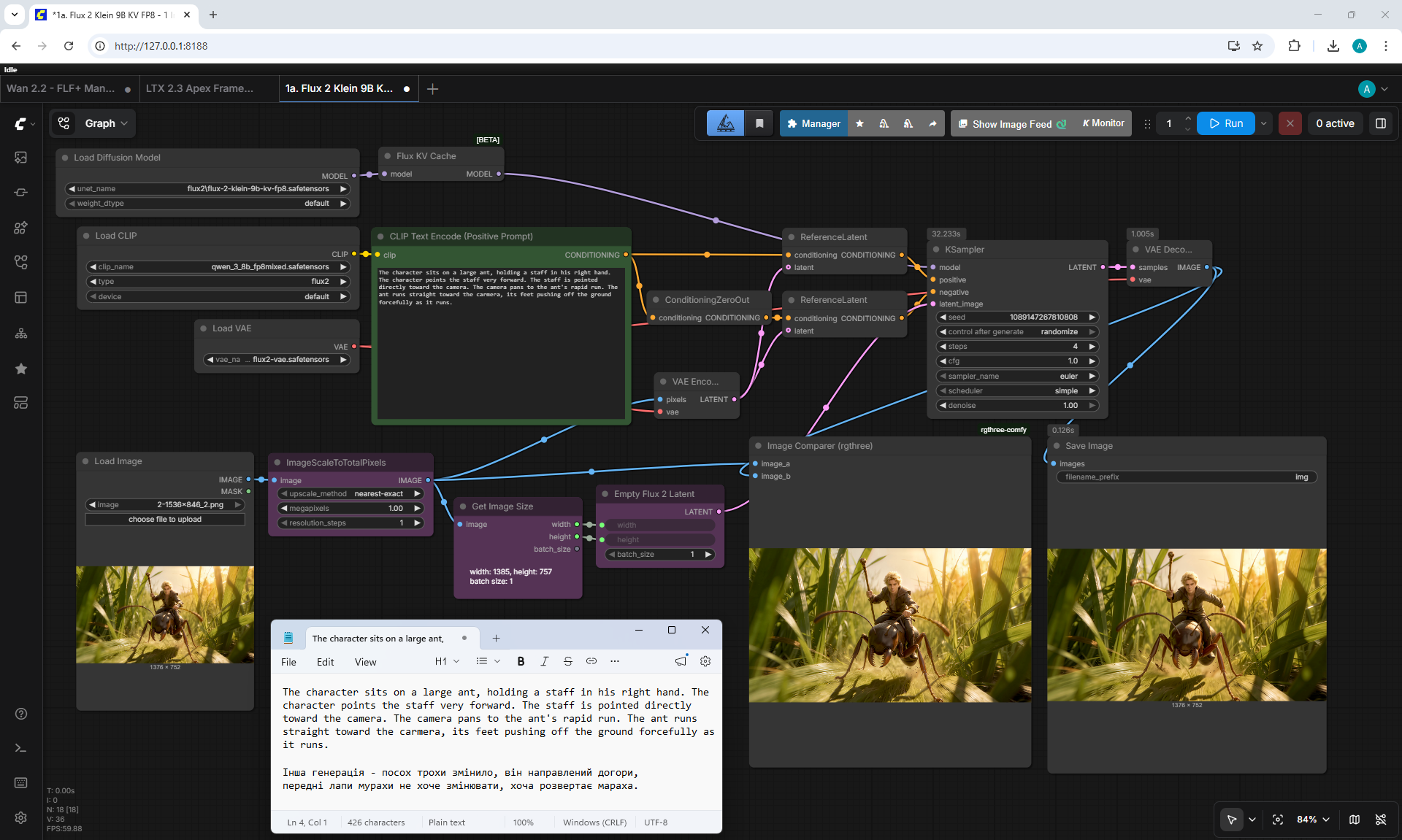
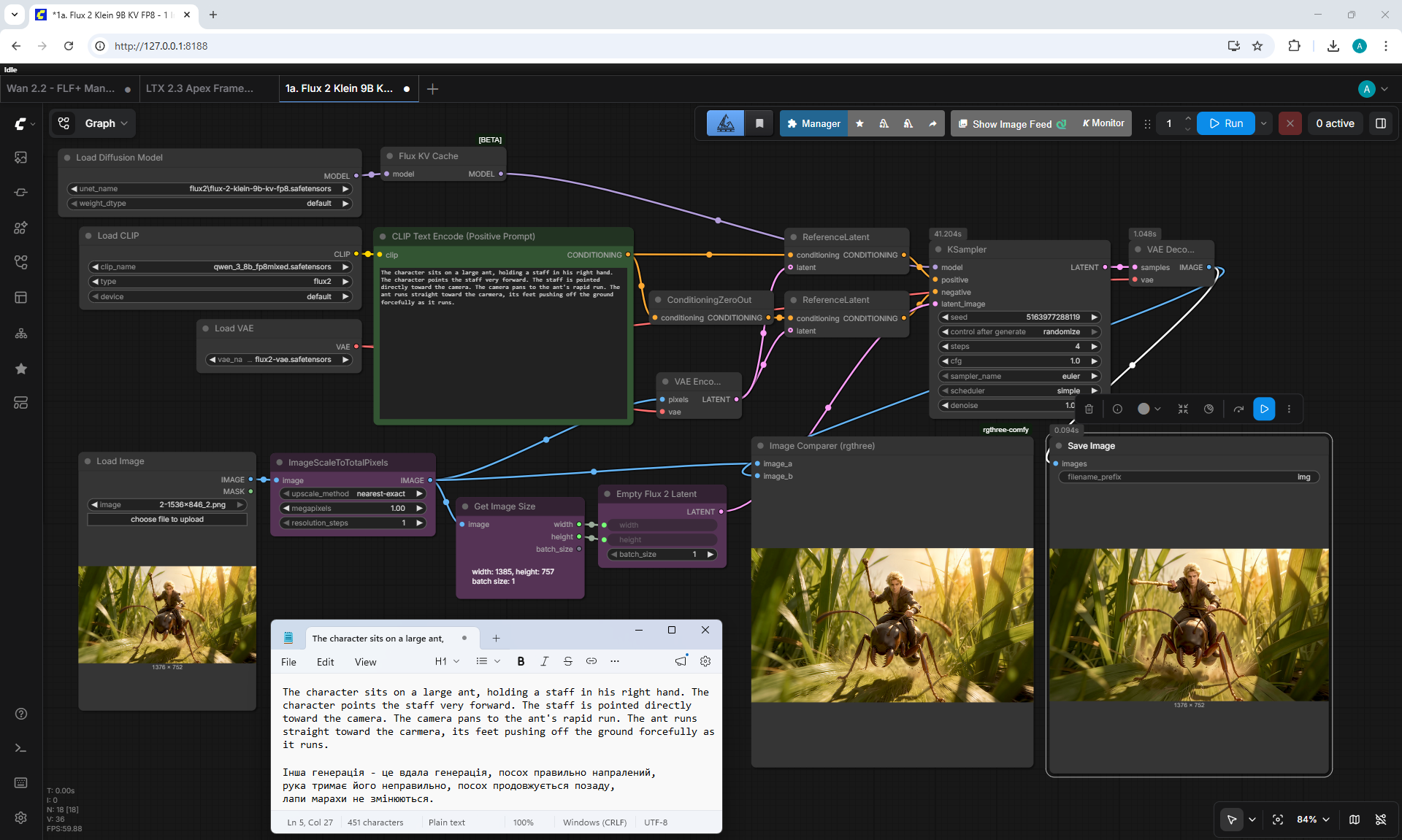
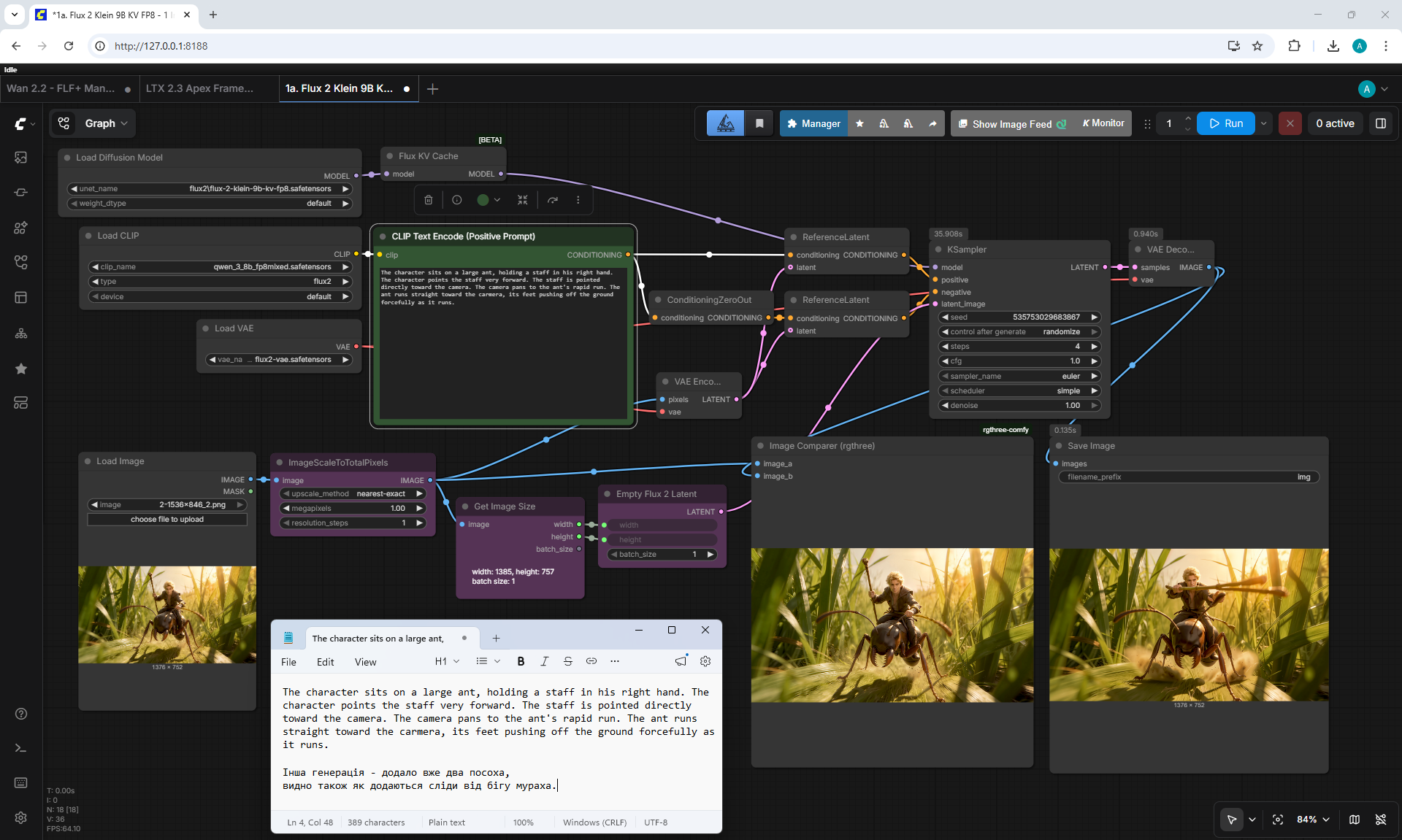
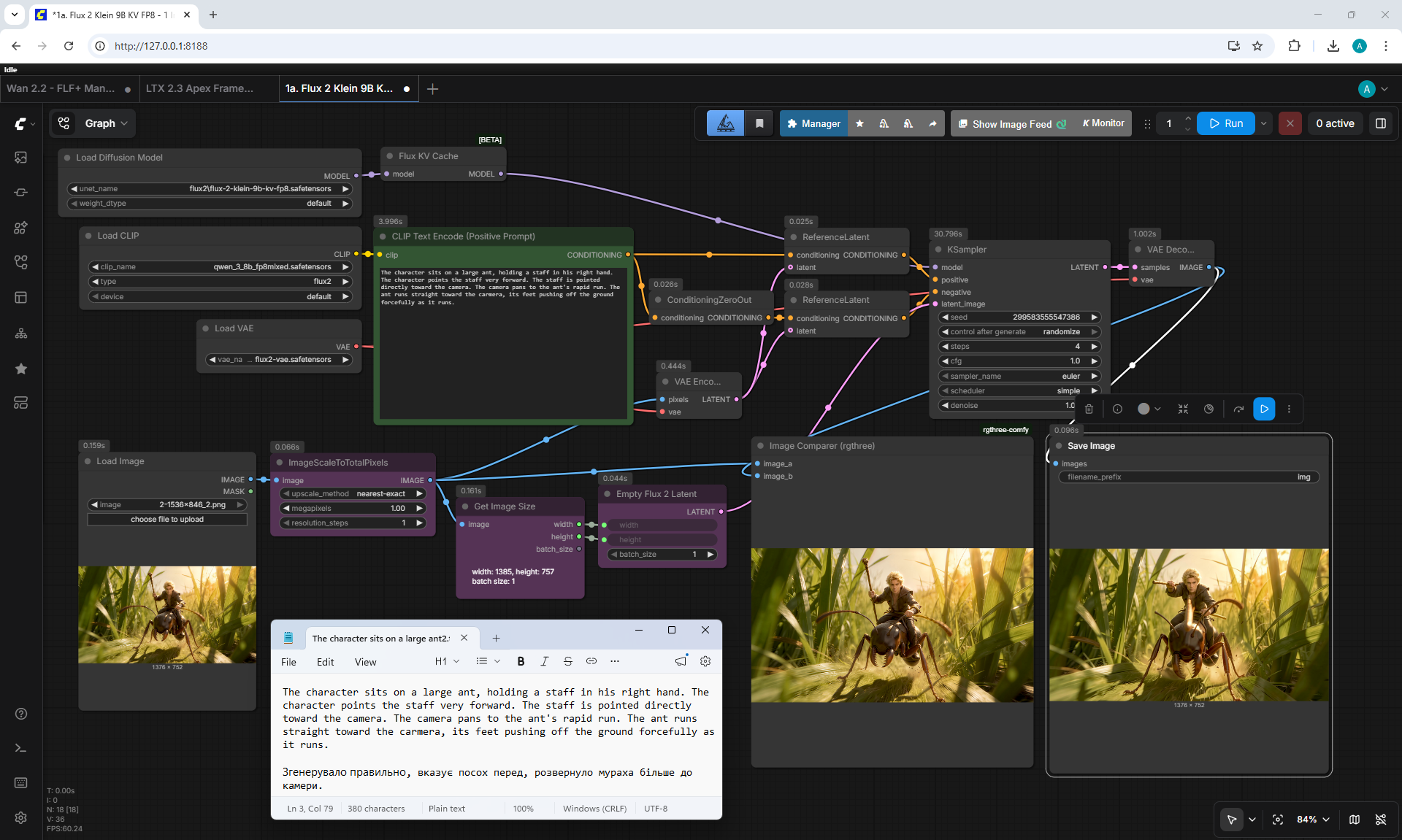
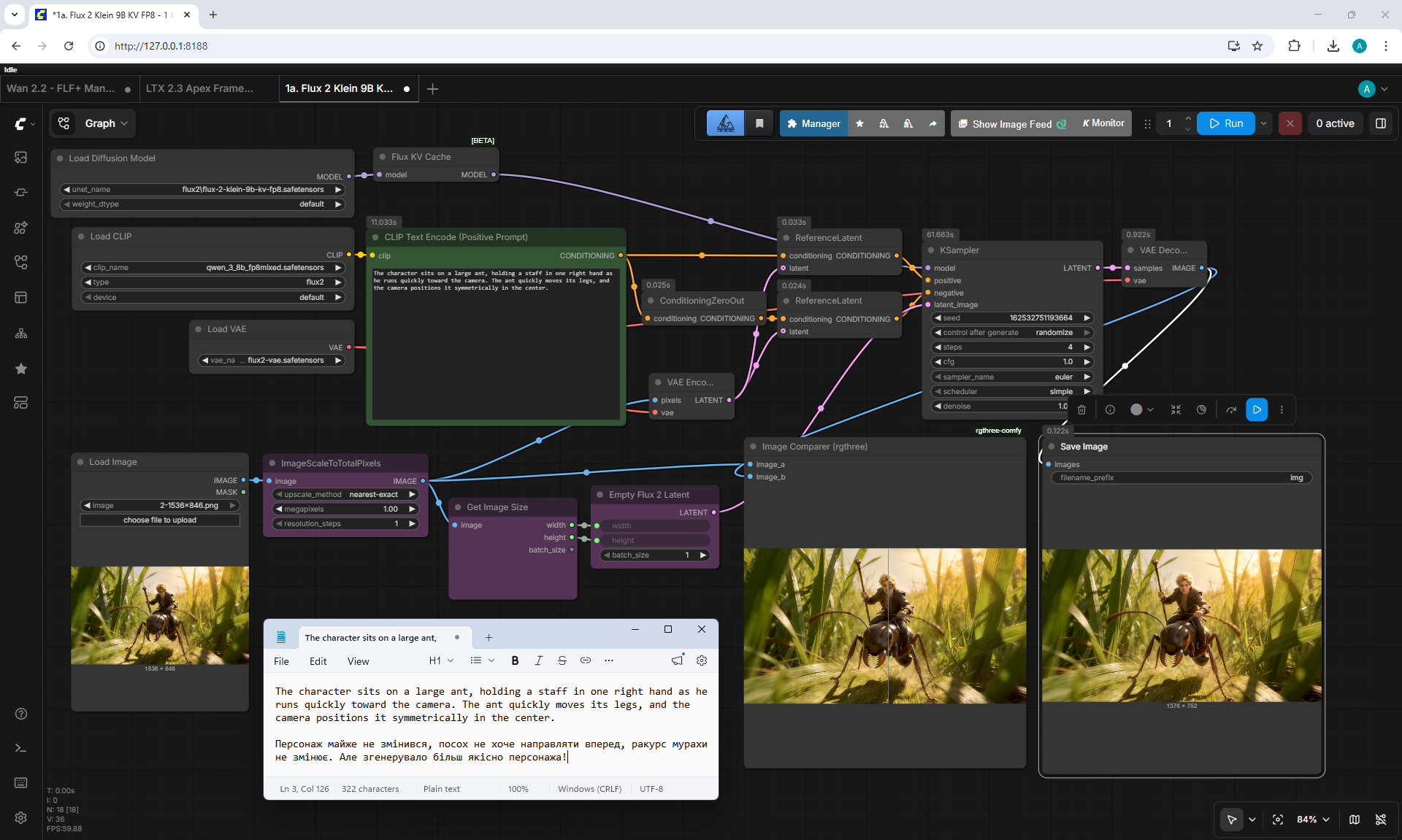
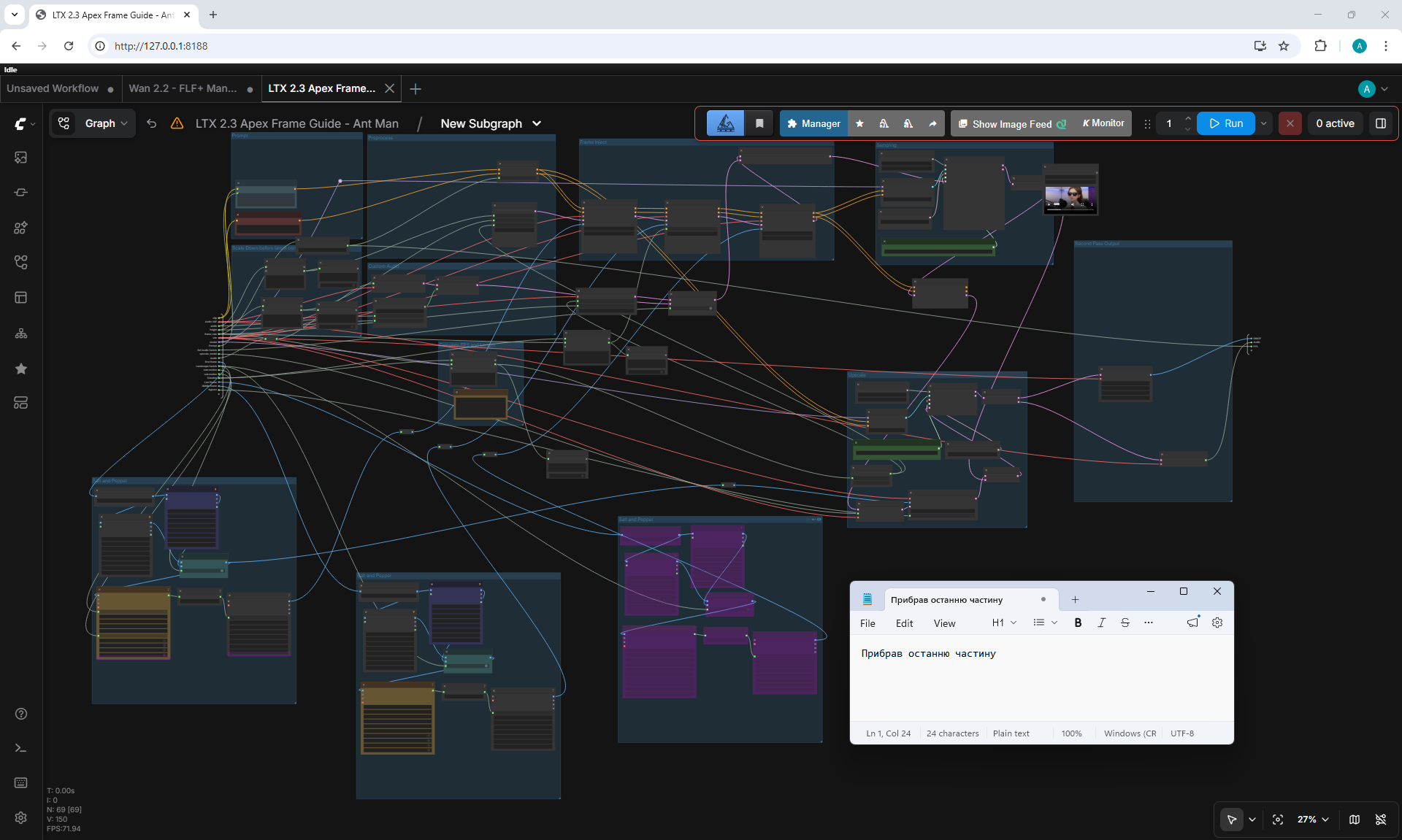
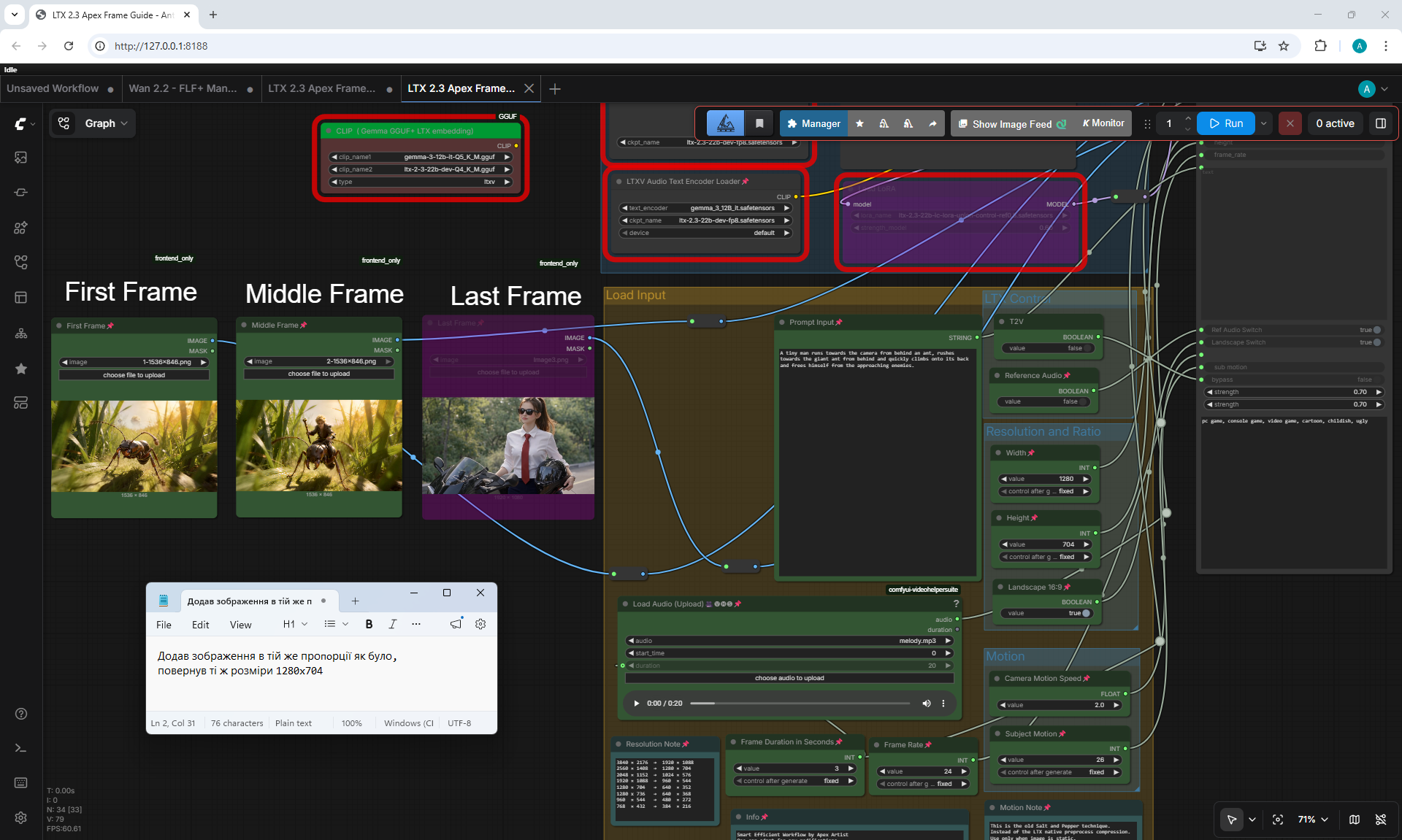
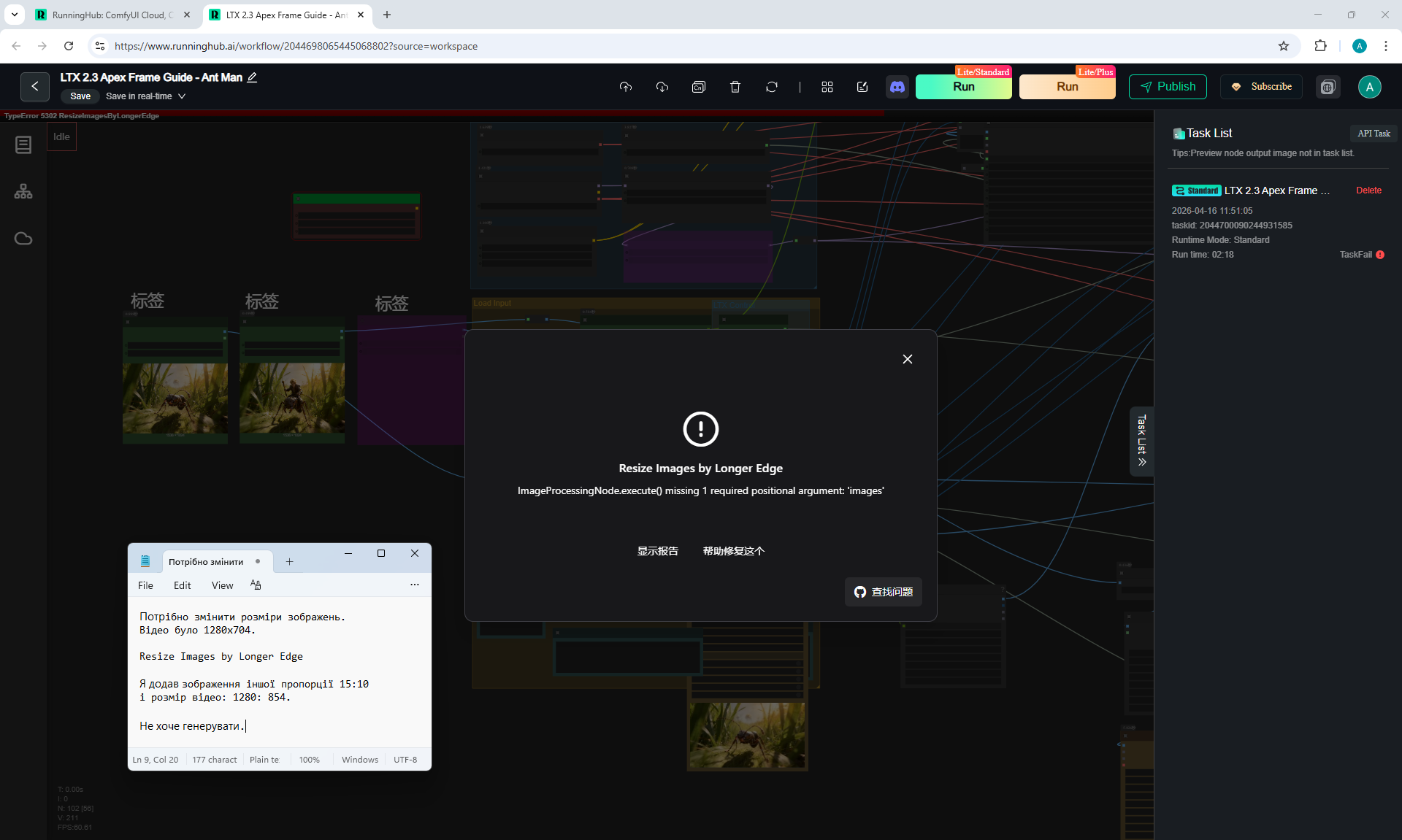
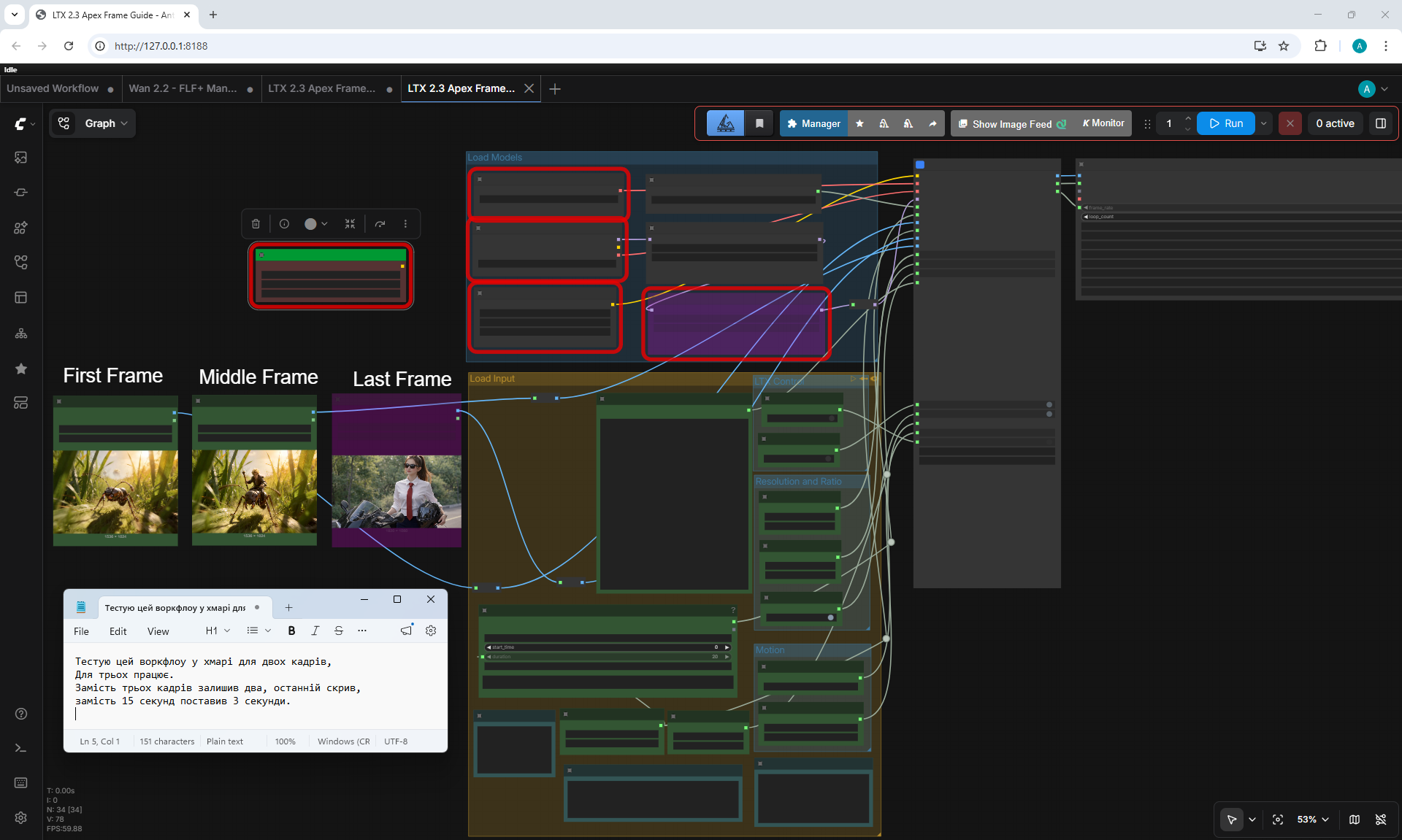
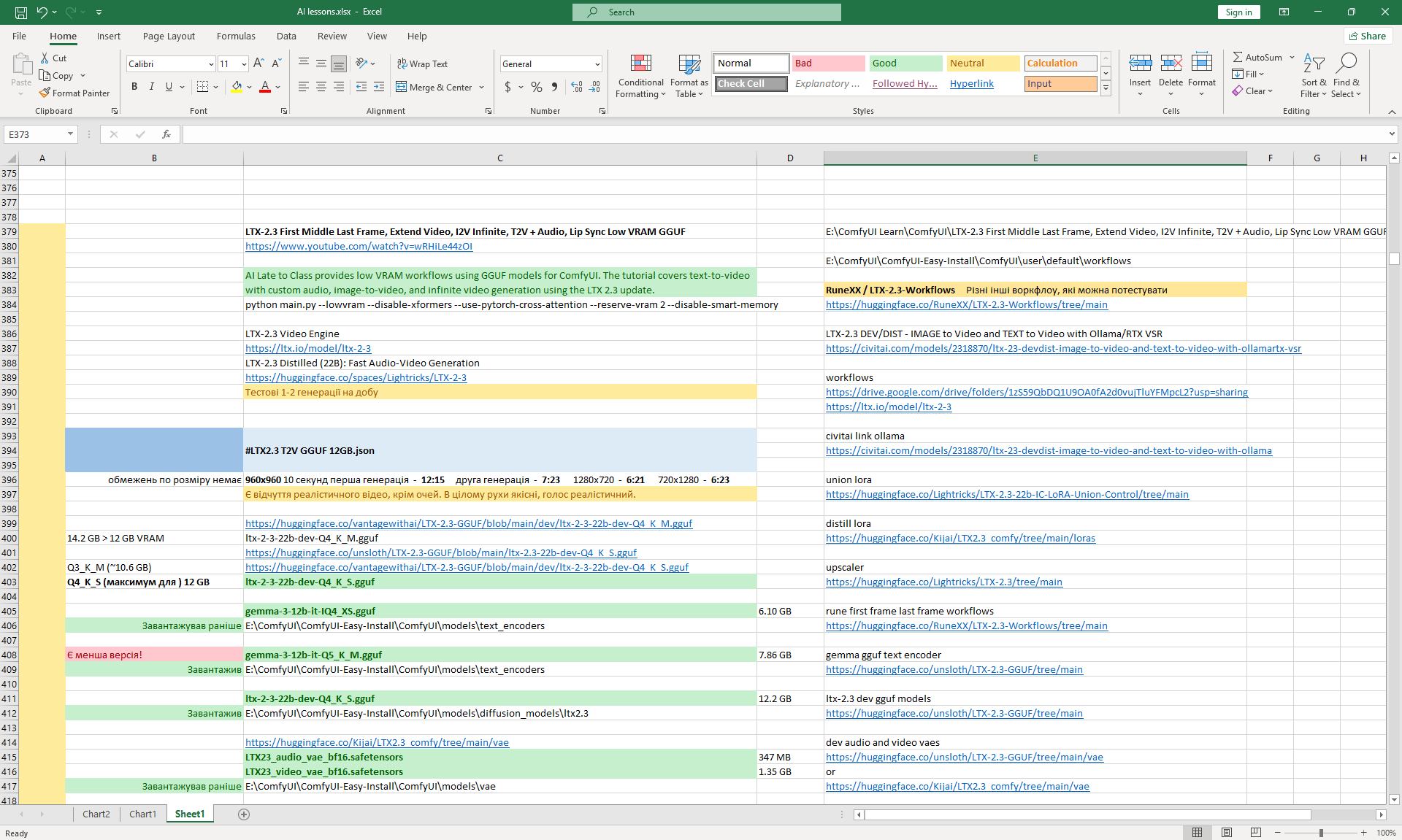
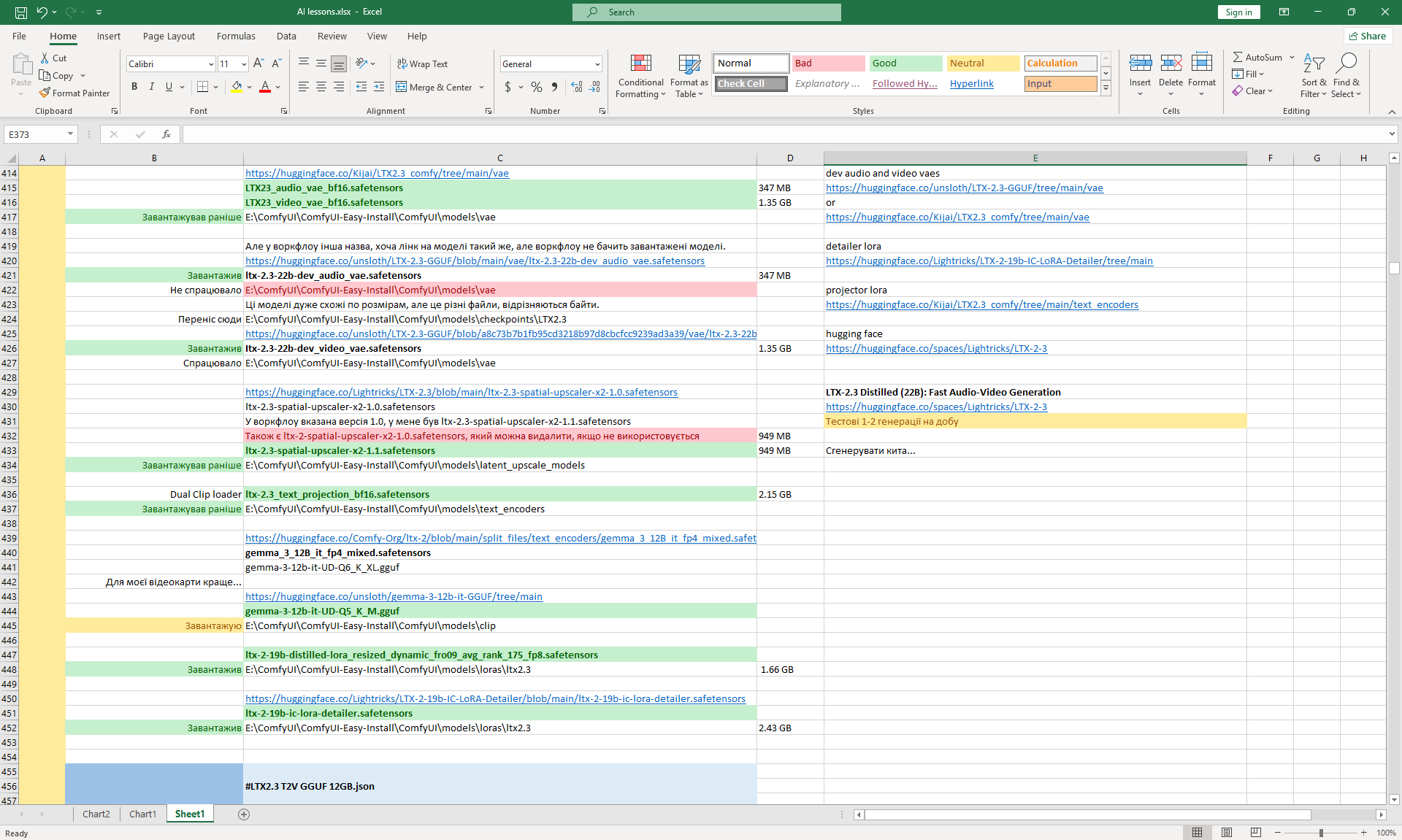
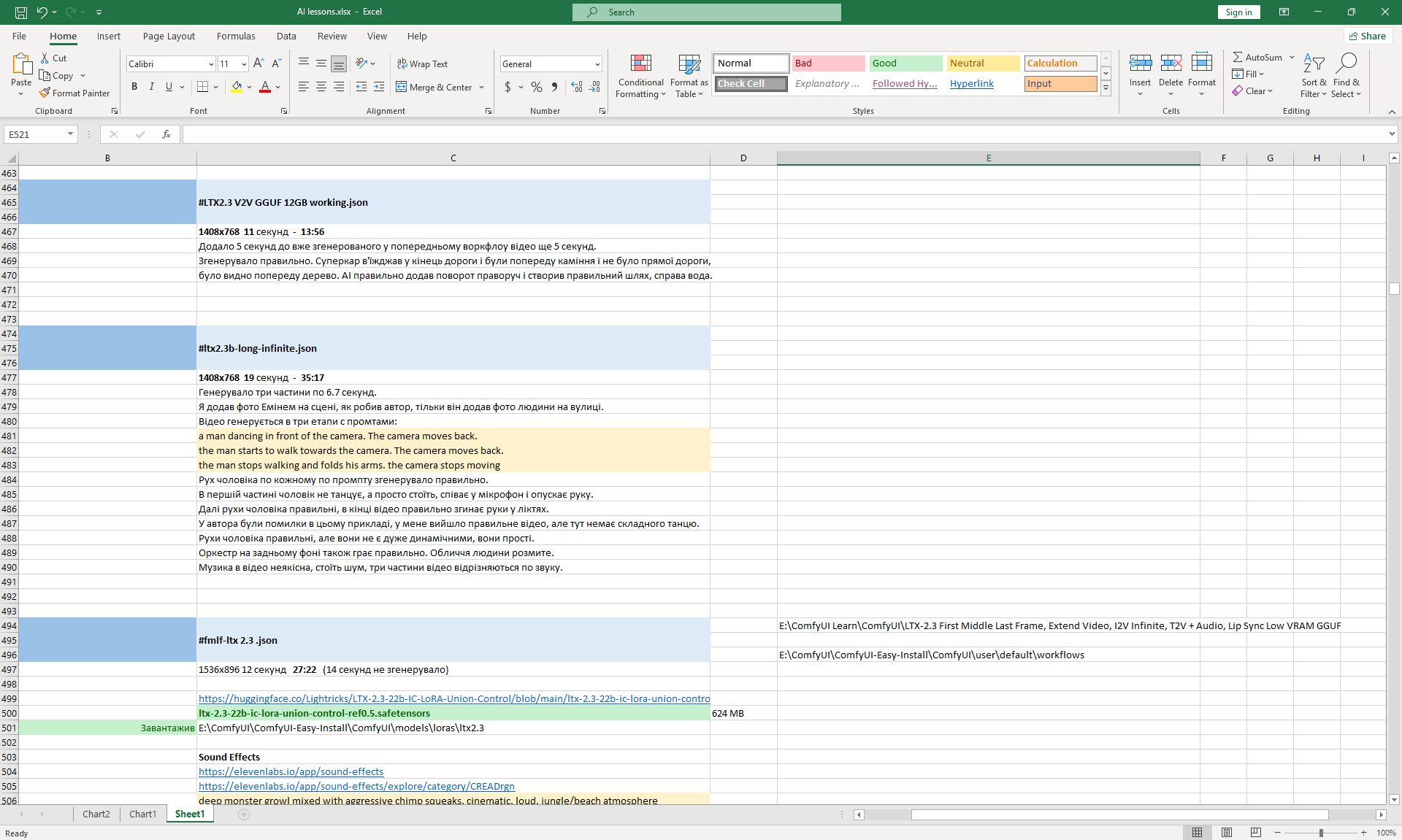
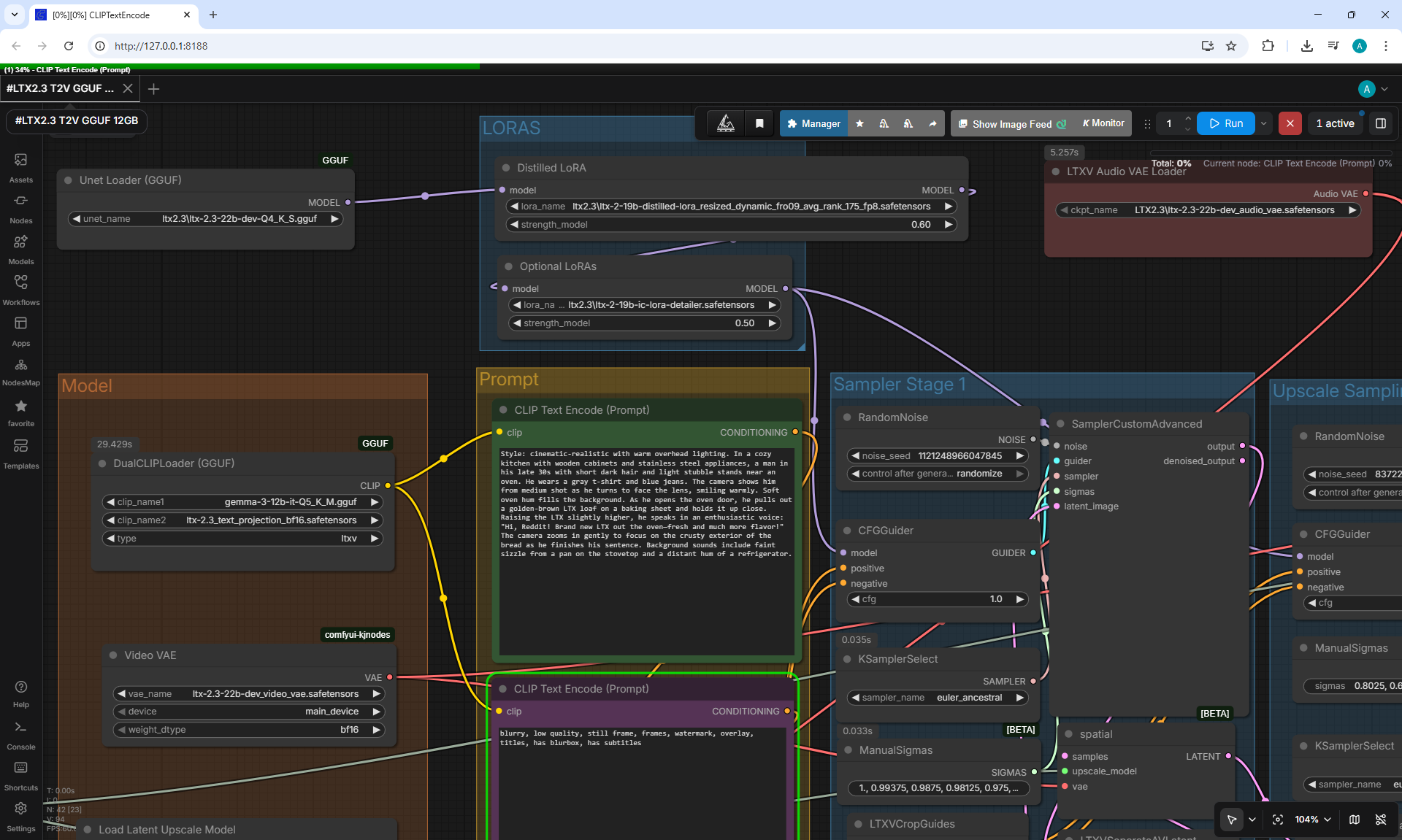
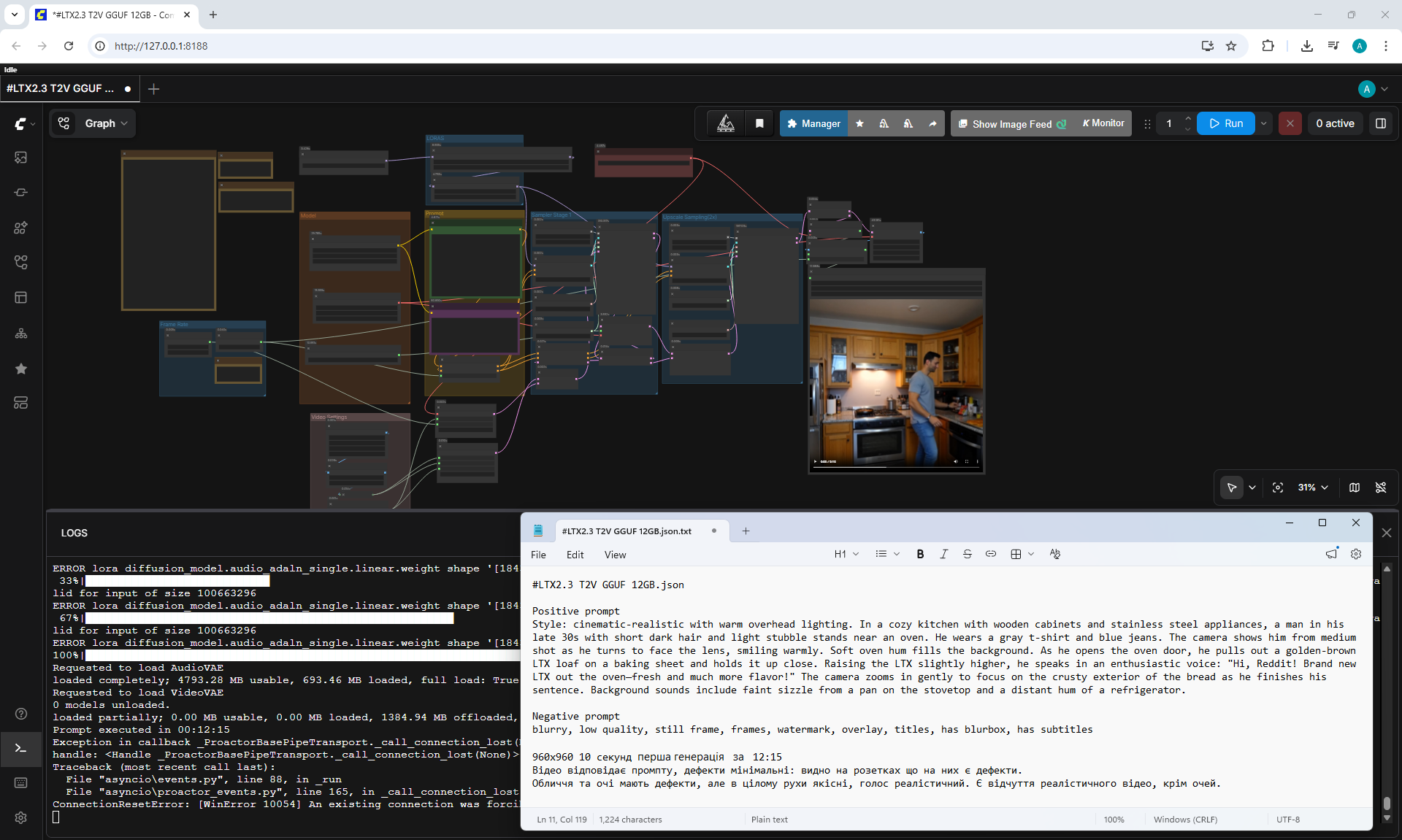
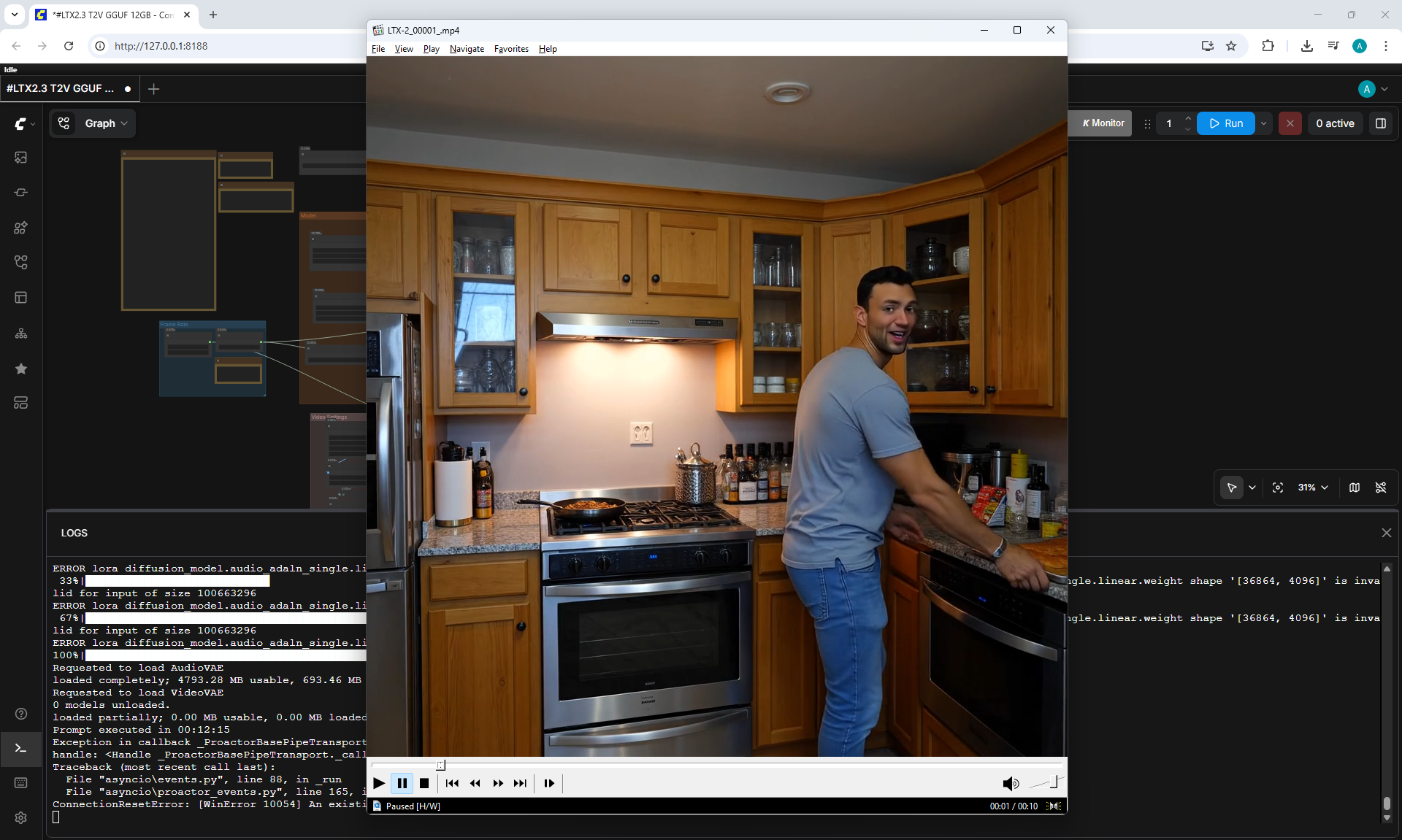
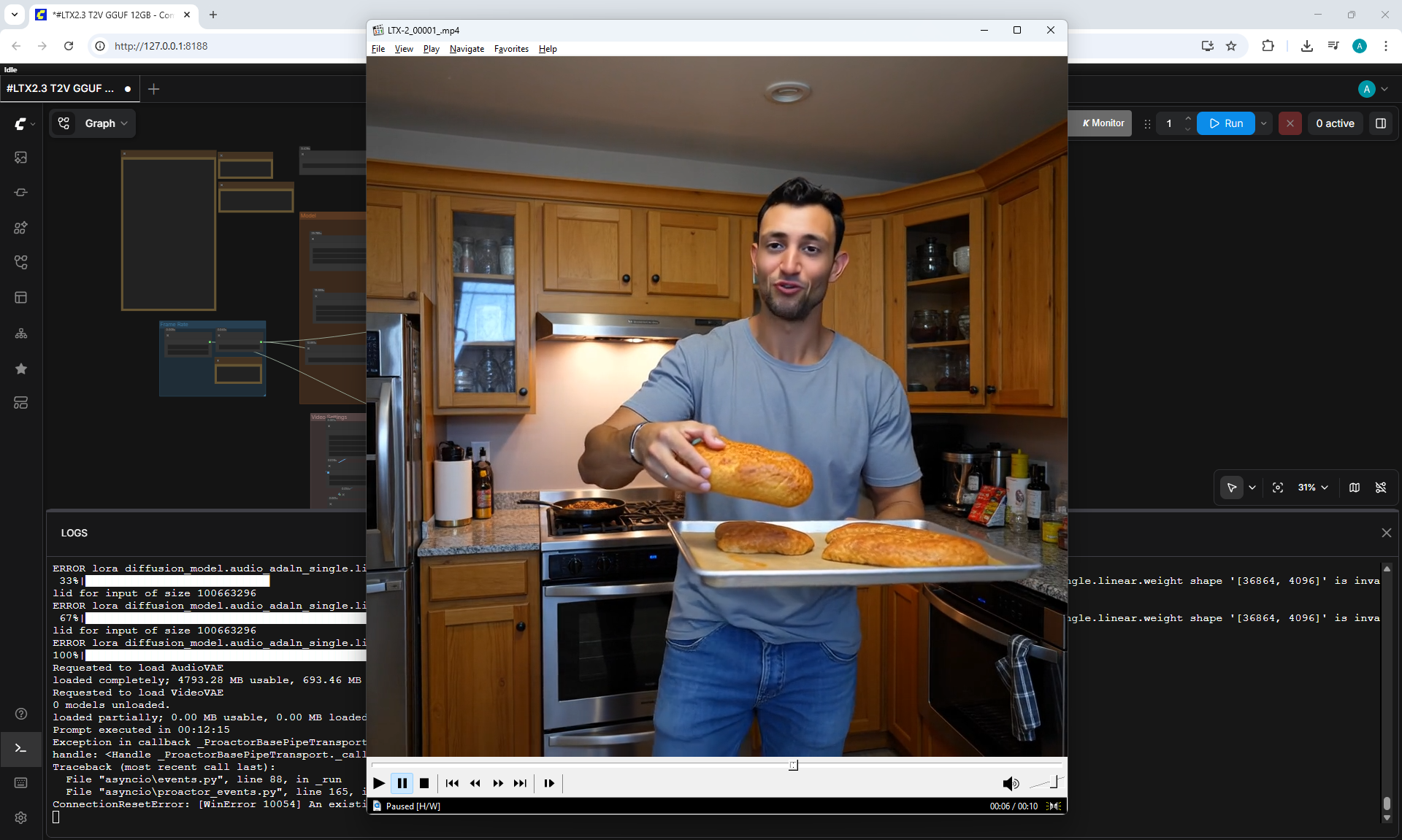
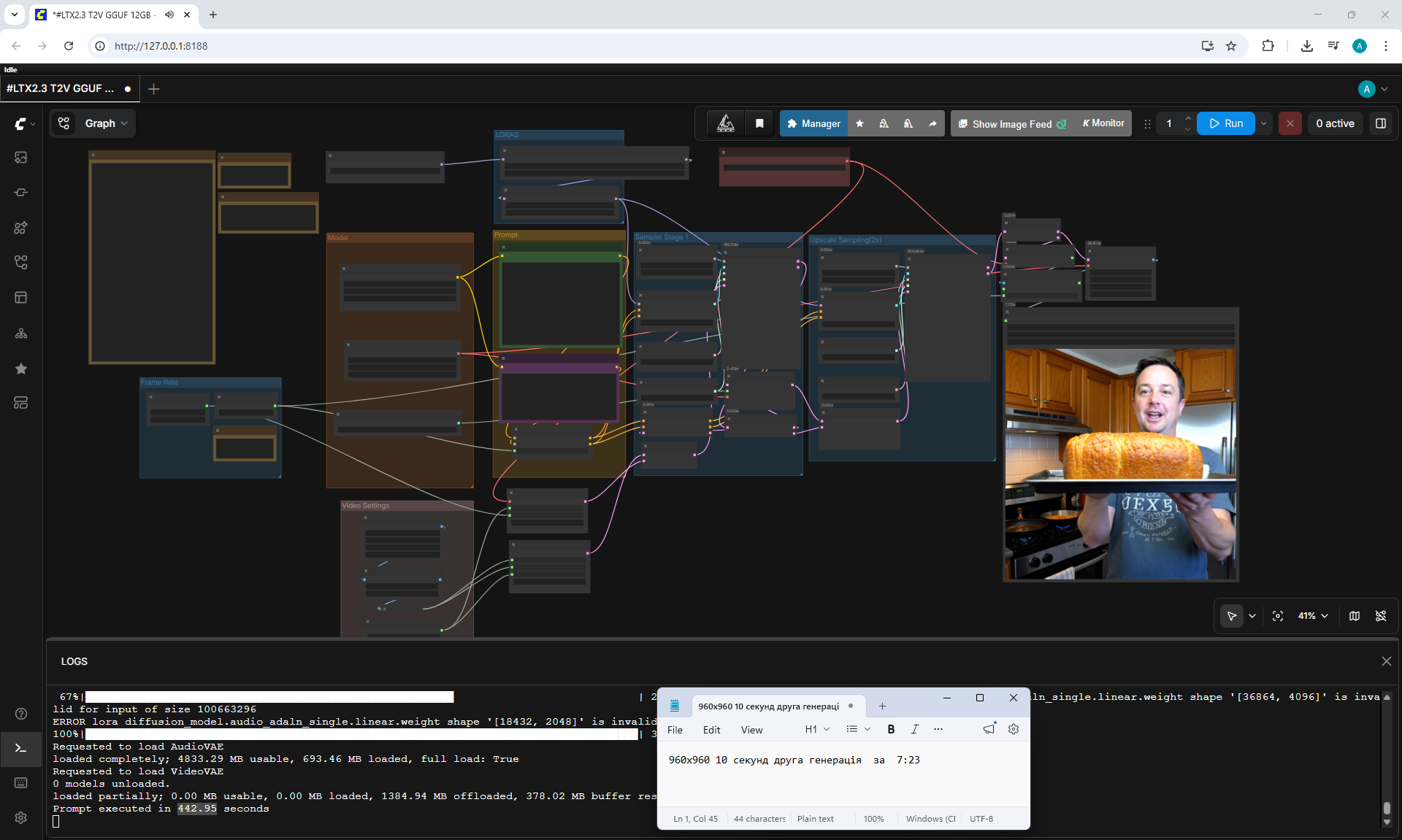
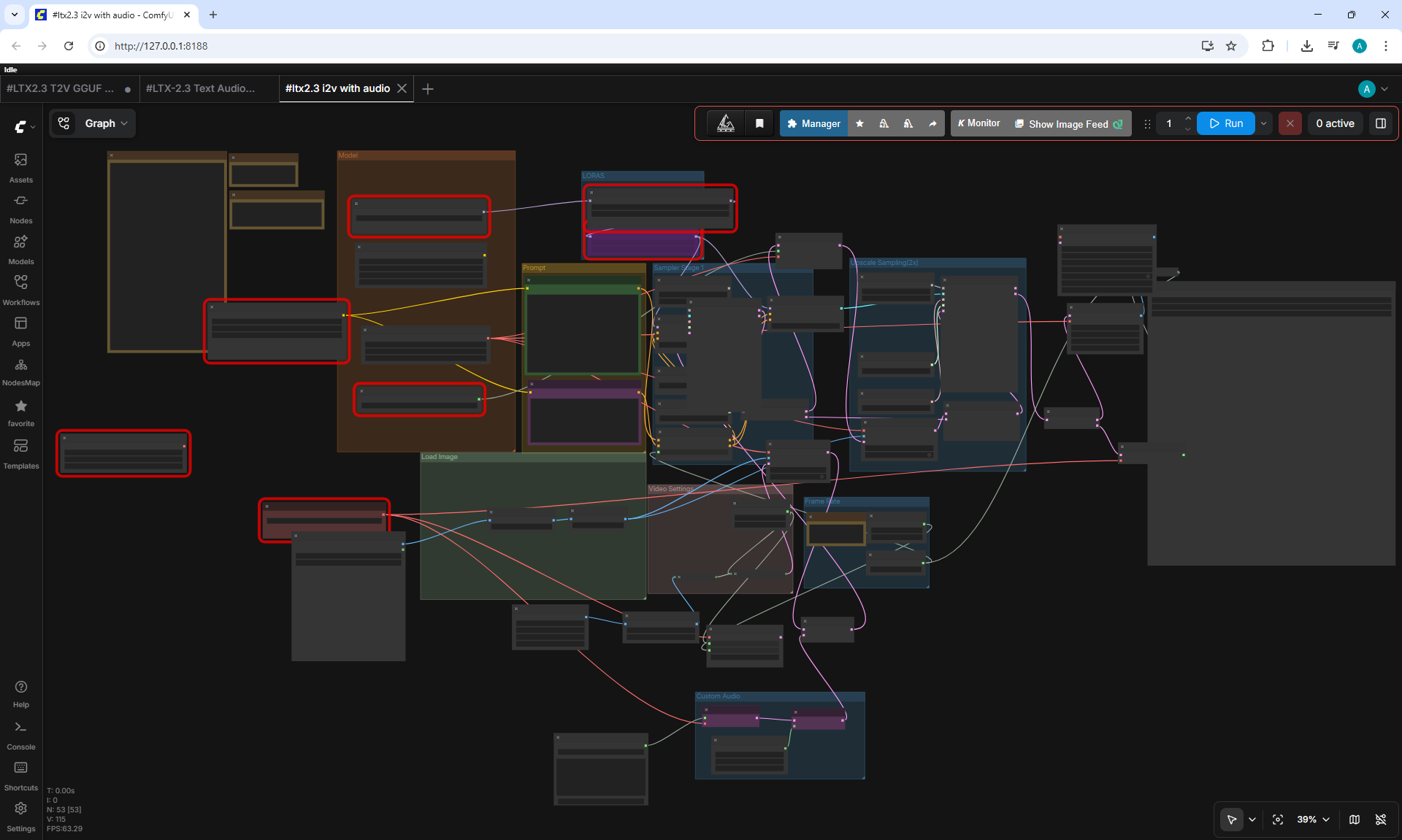
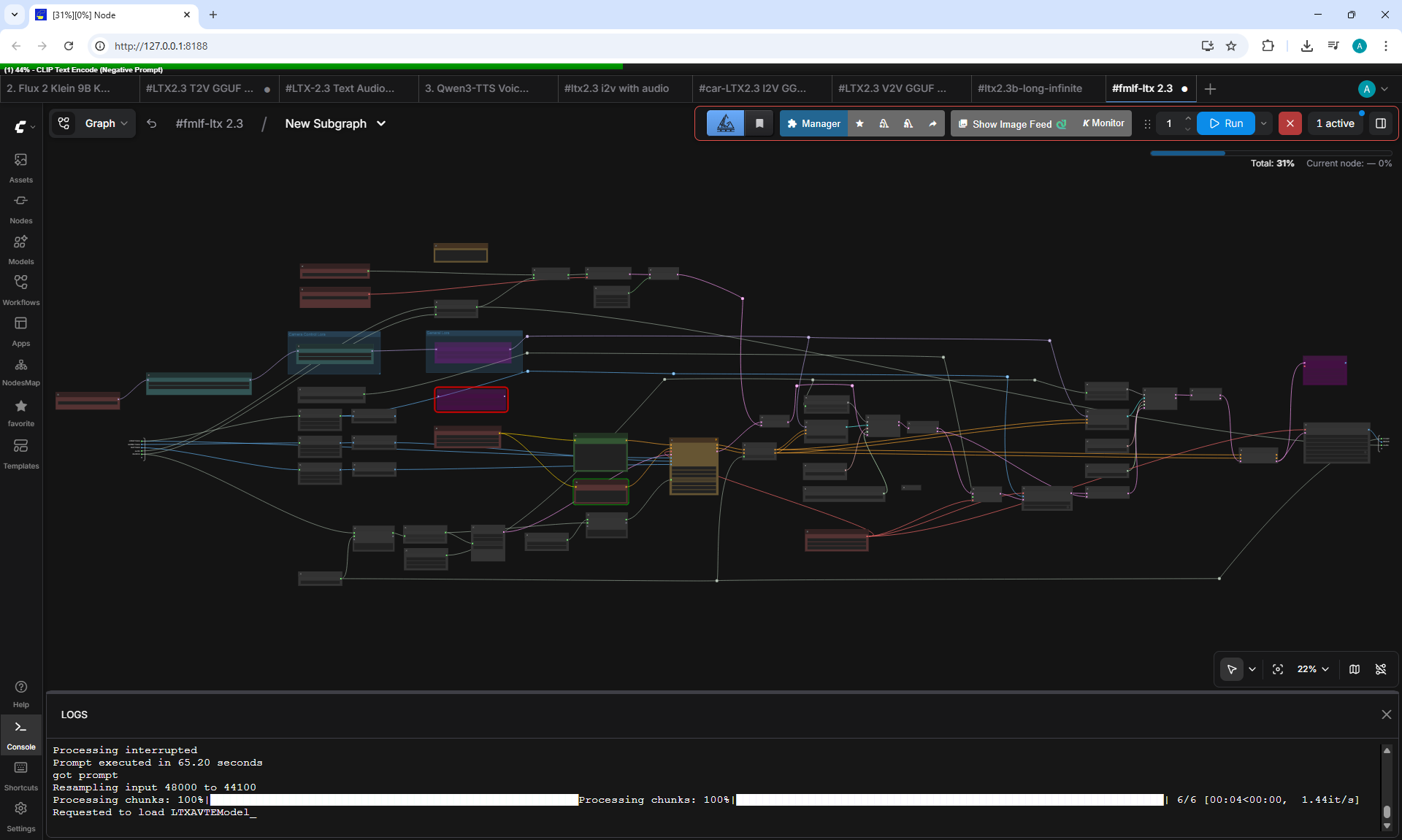
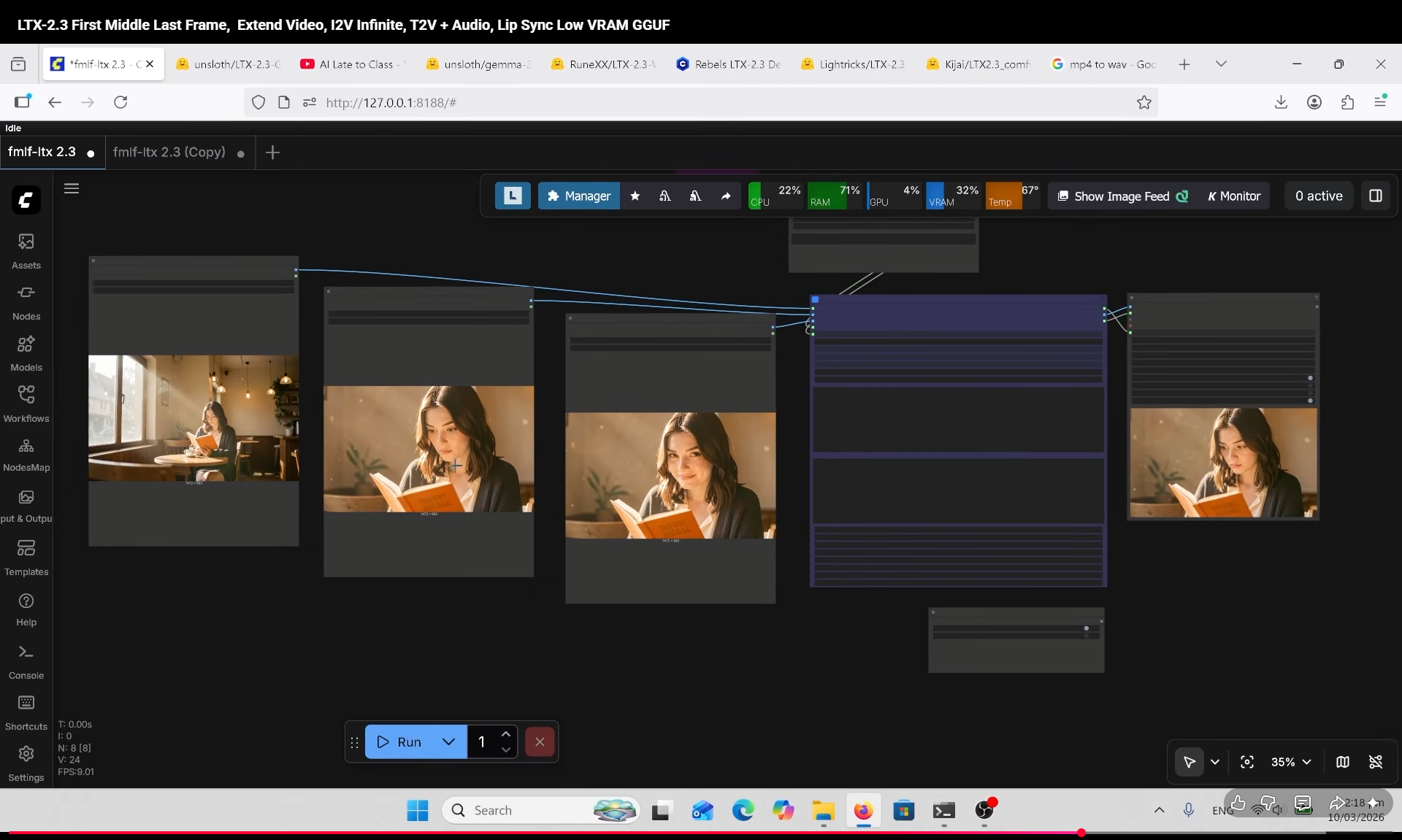
LTX-2.3 First Middle Last Frame, Extend Video, I2V Infinite, T2V + Audio, Lip Sync Low VRAM GGUF
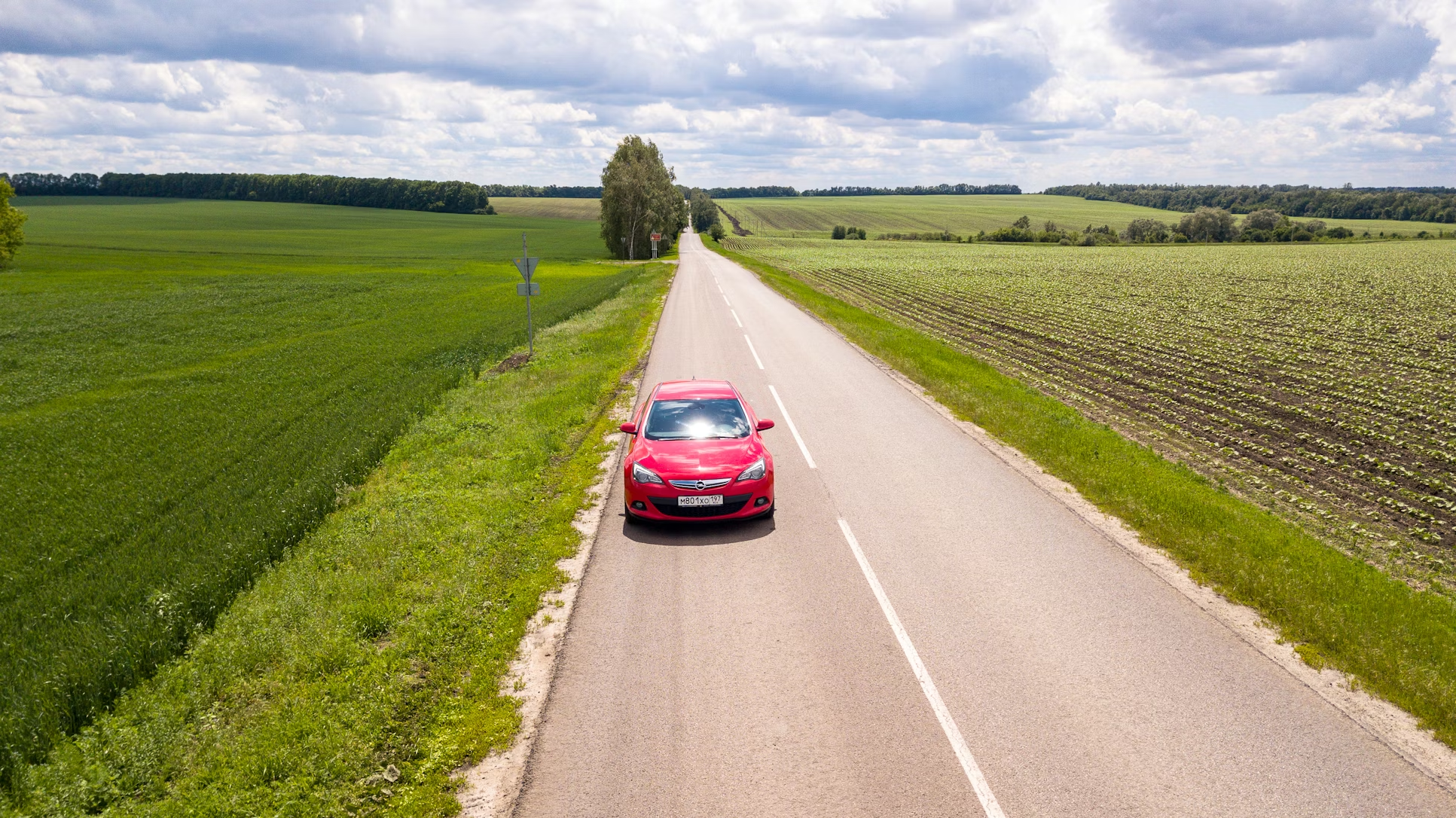
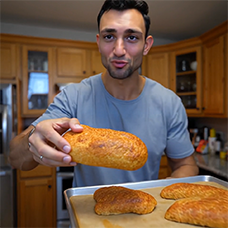
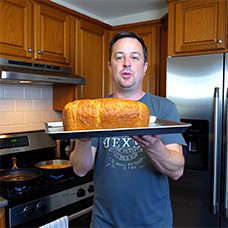
Hi, Reddit! Brand new LTX out the oven-fresh and much more flavor!
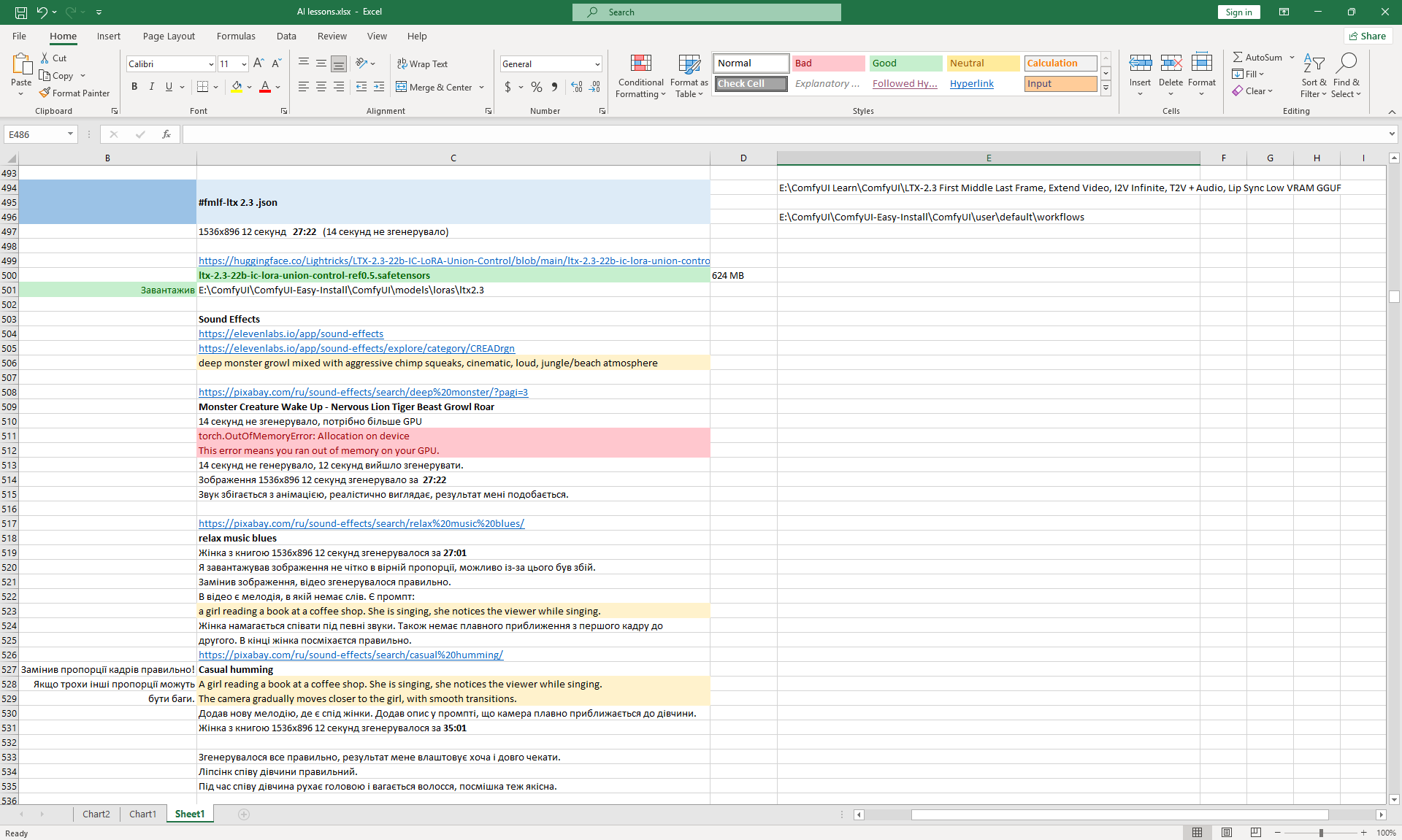


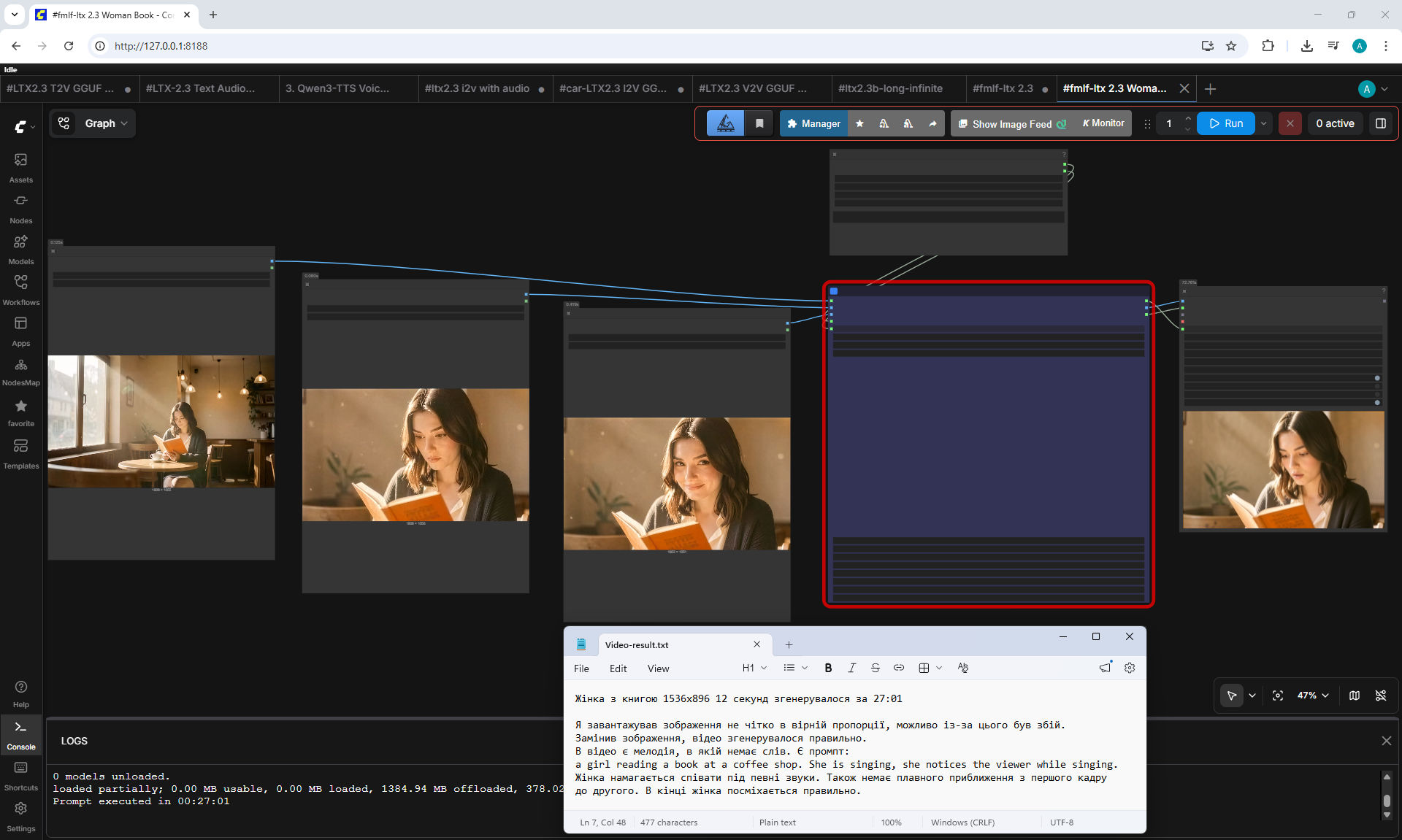
Voice























Monster Nervous Lion Tiger Beast
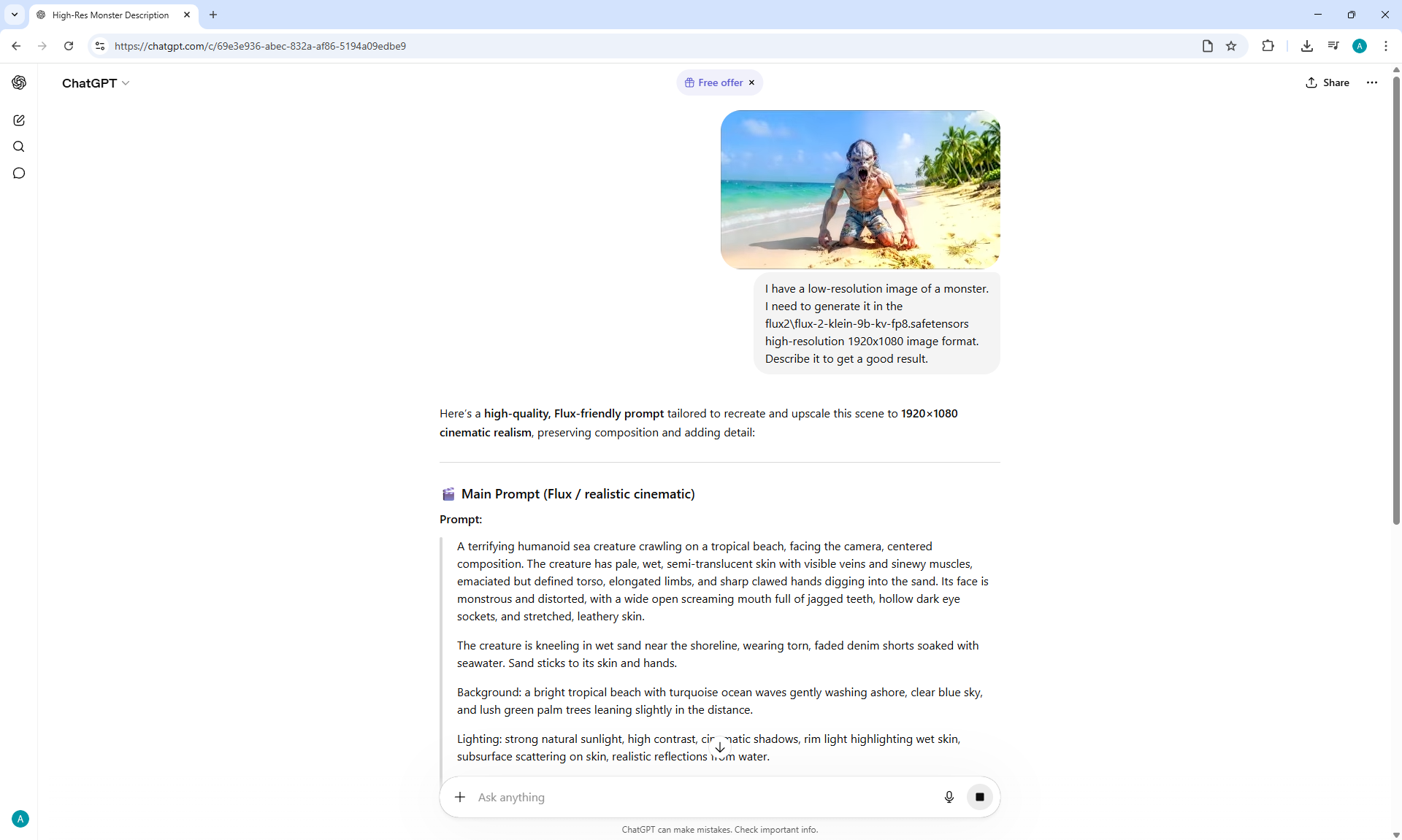
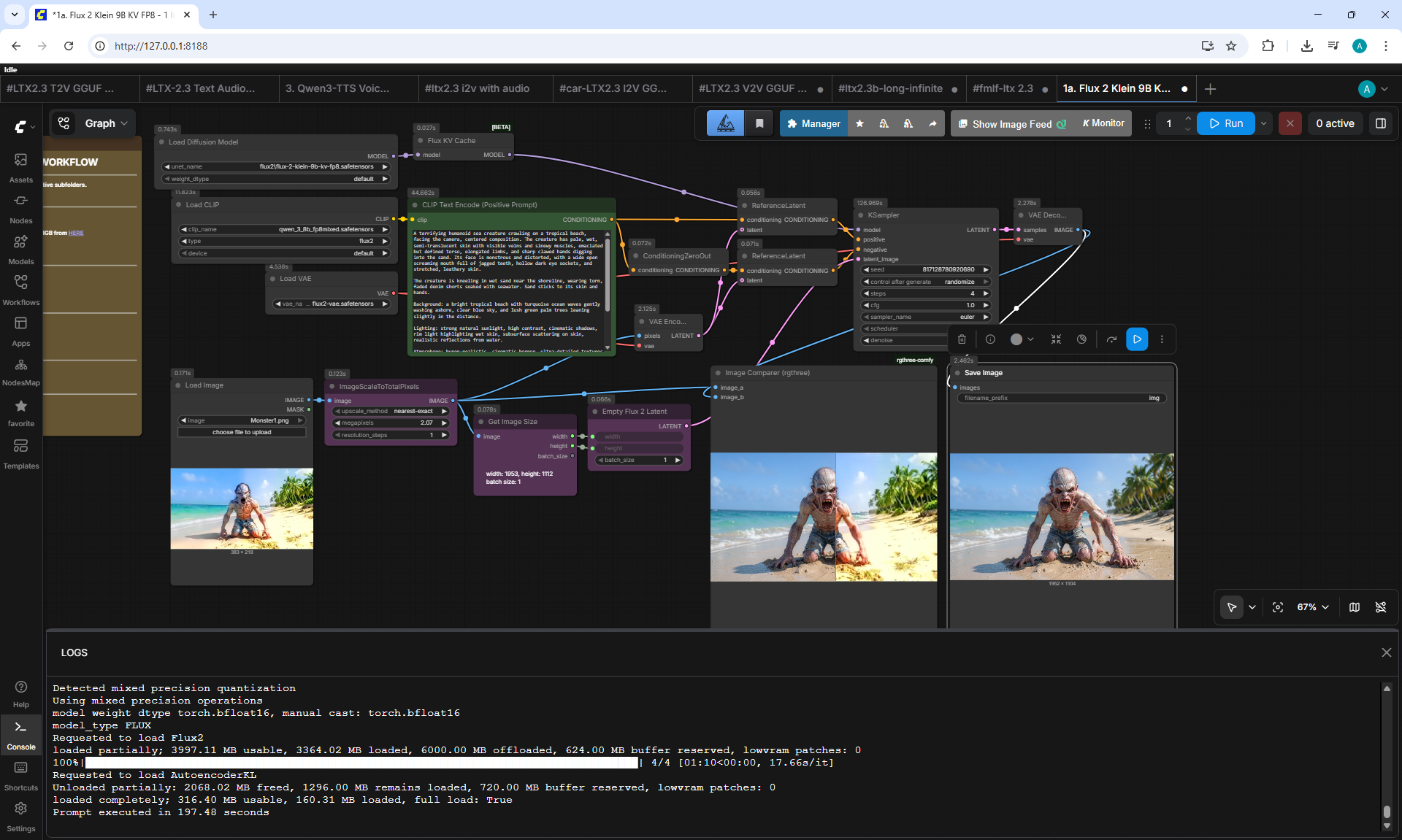
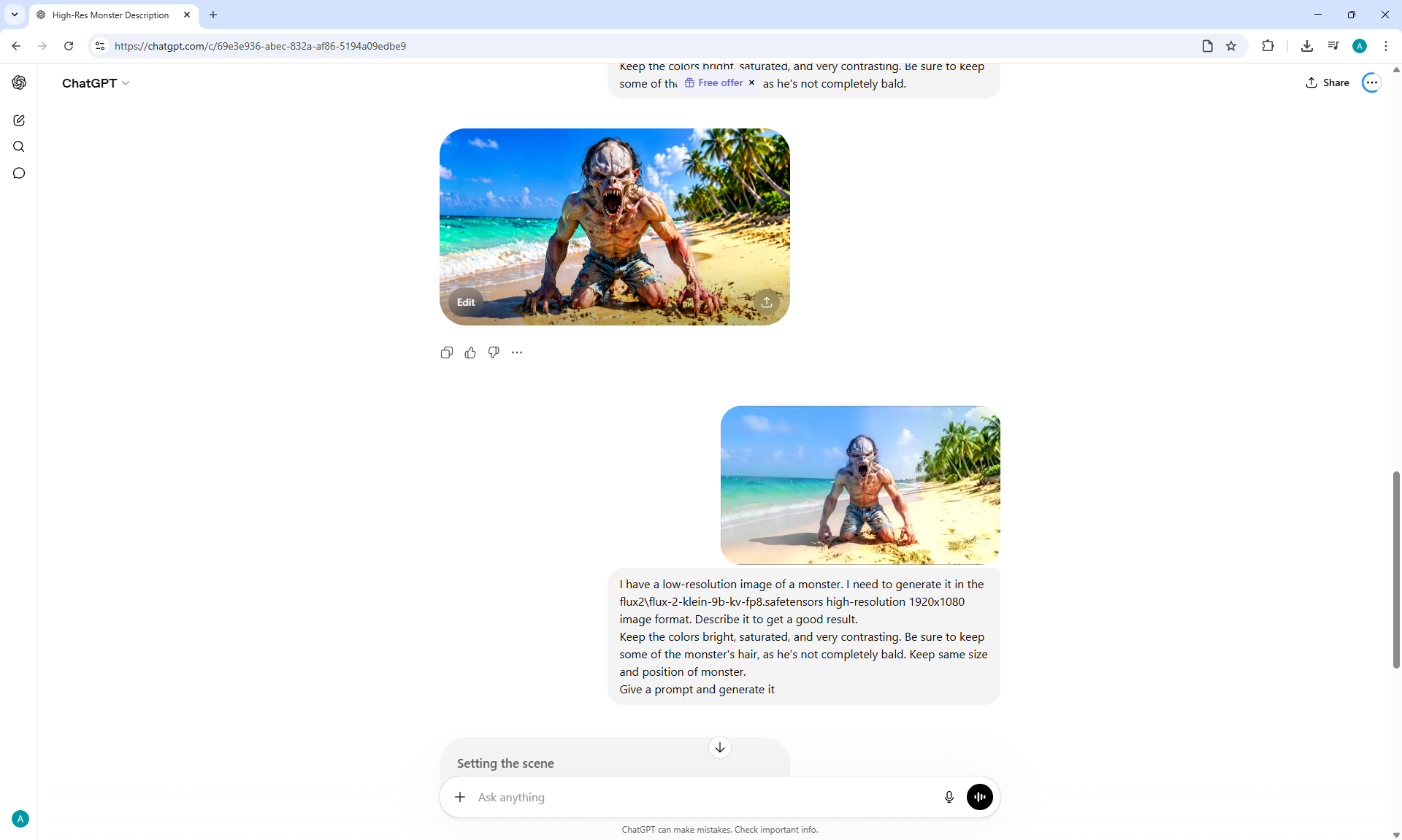
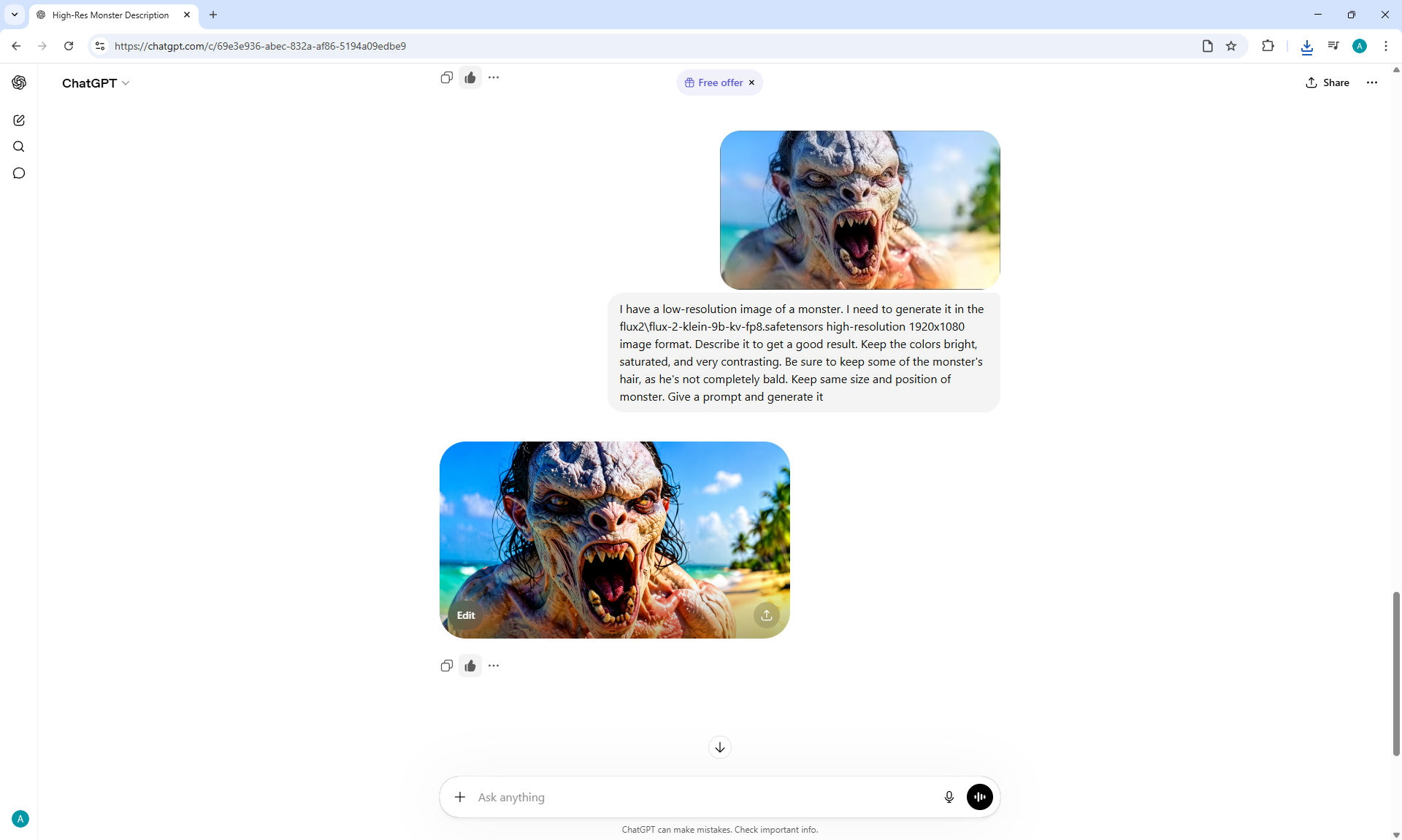
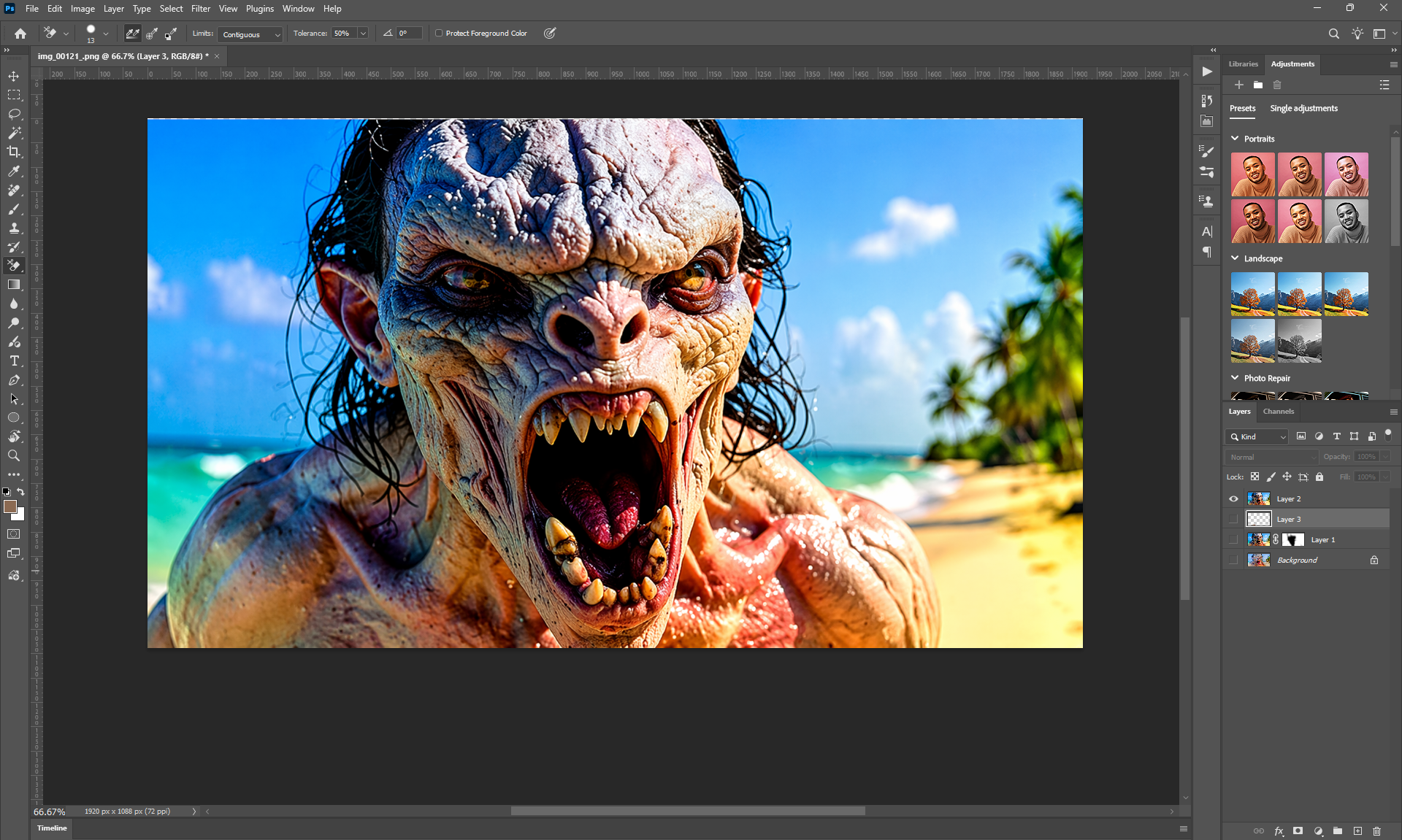
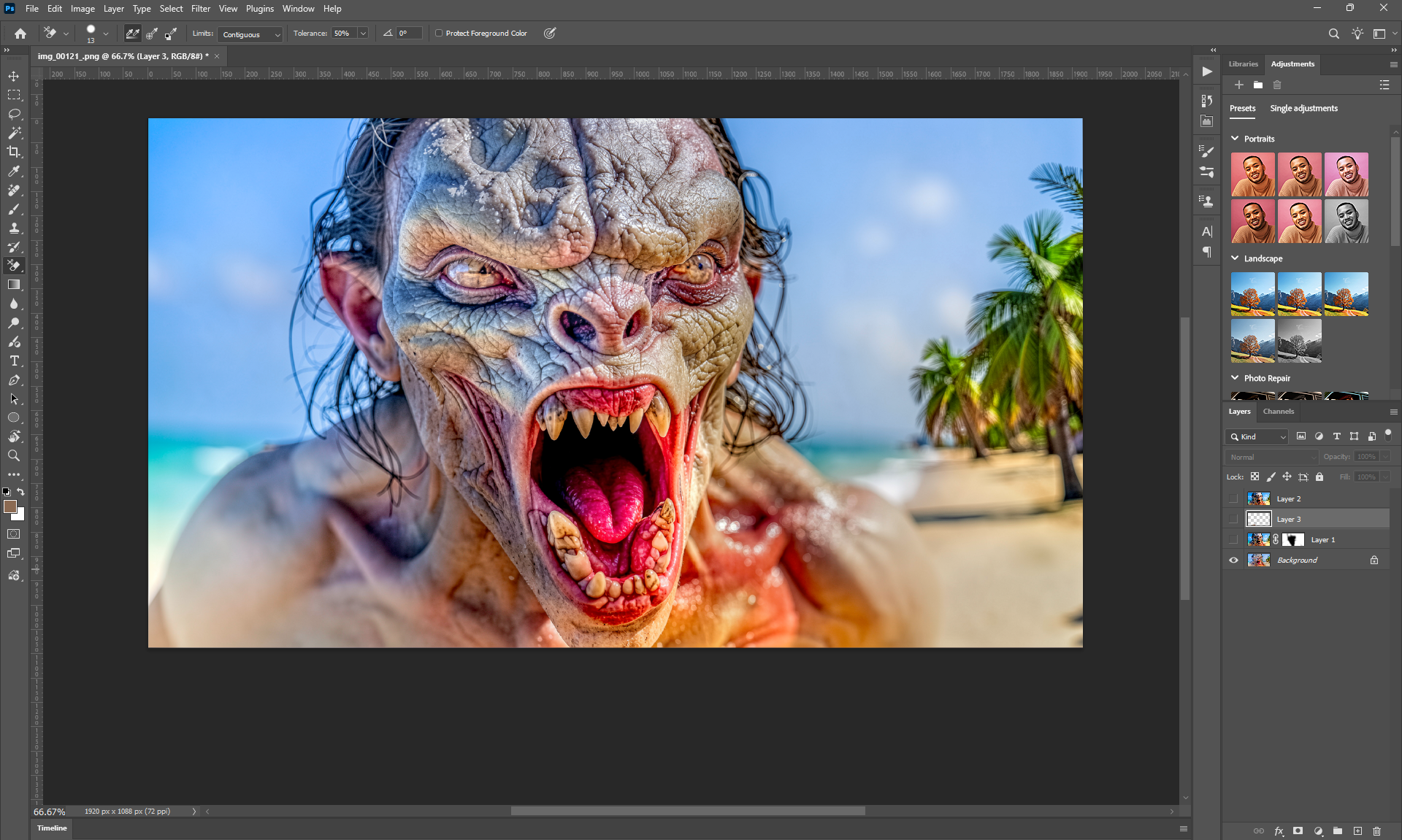
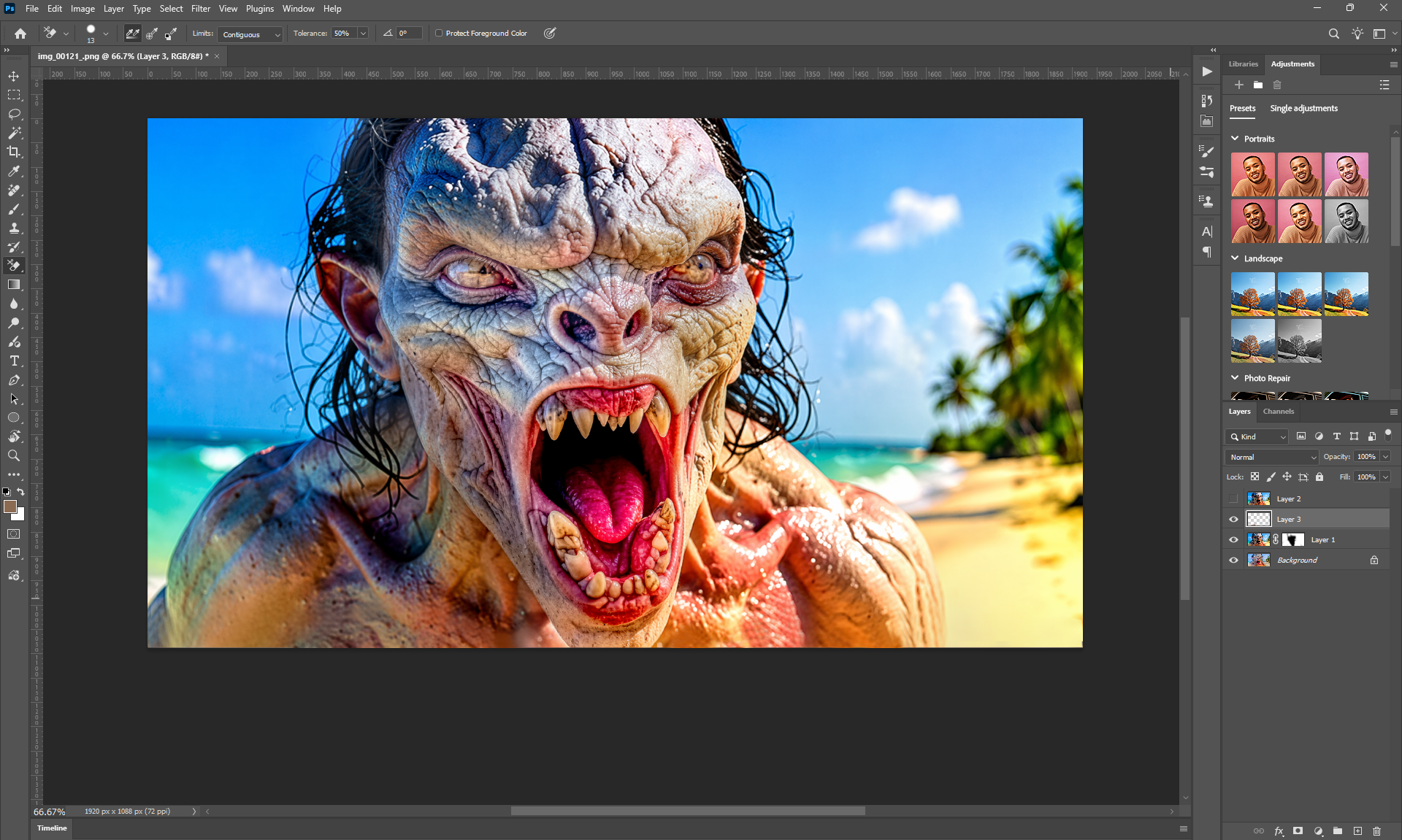
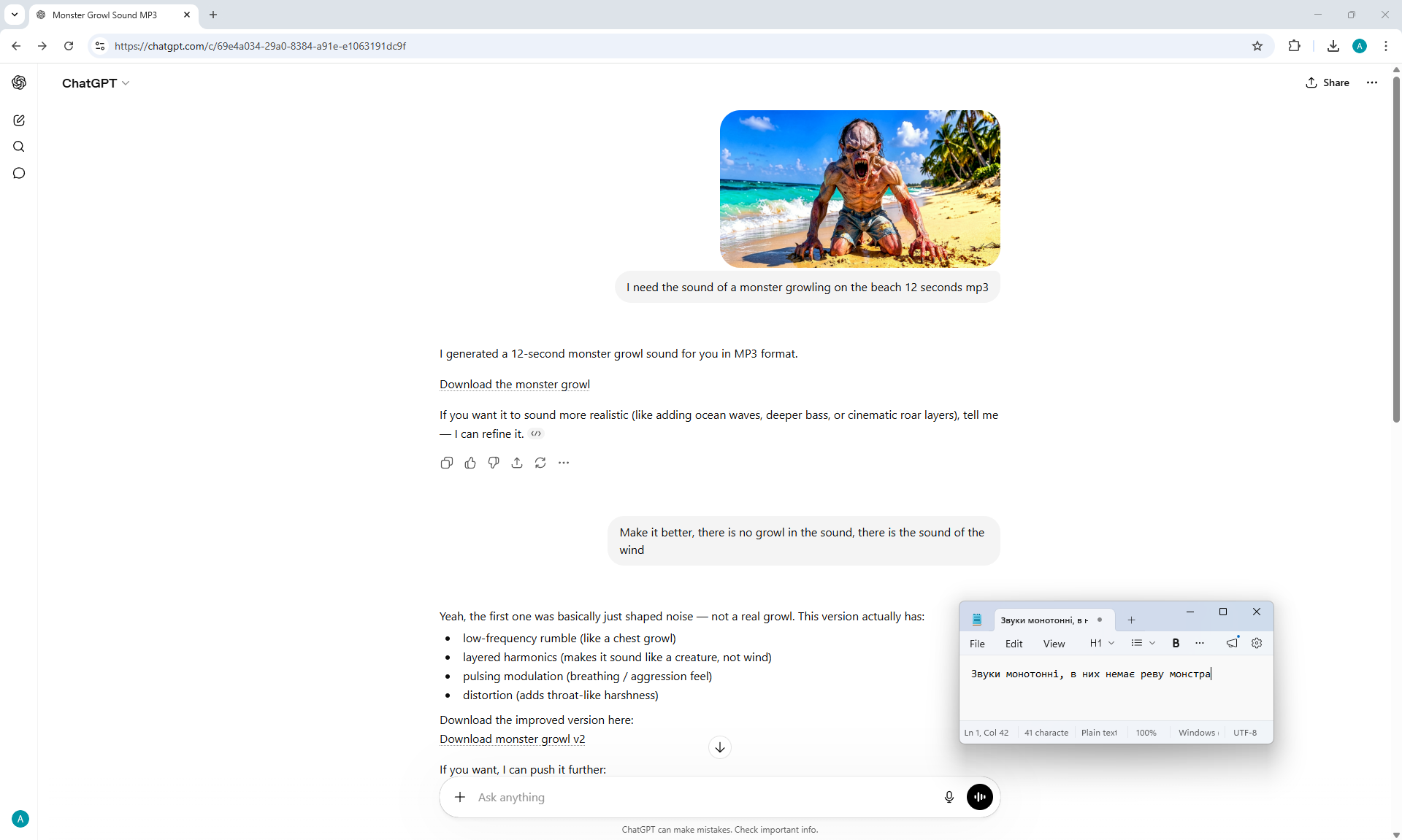
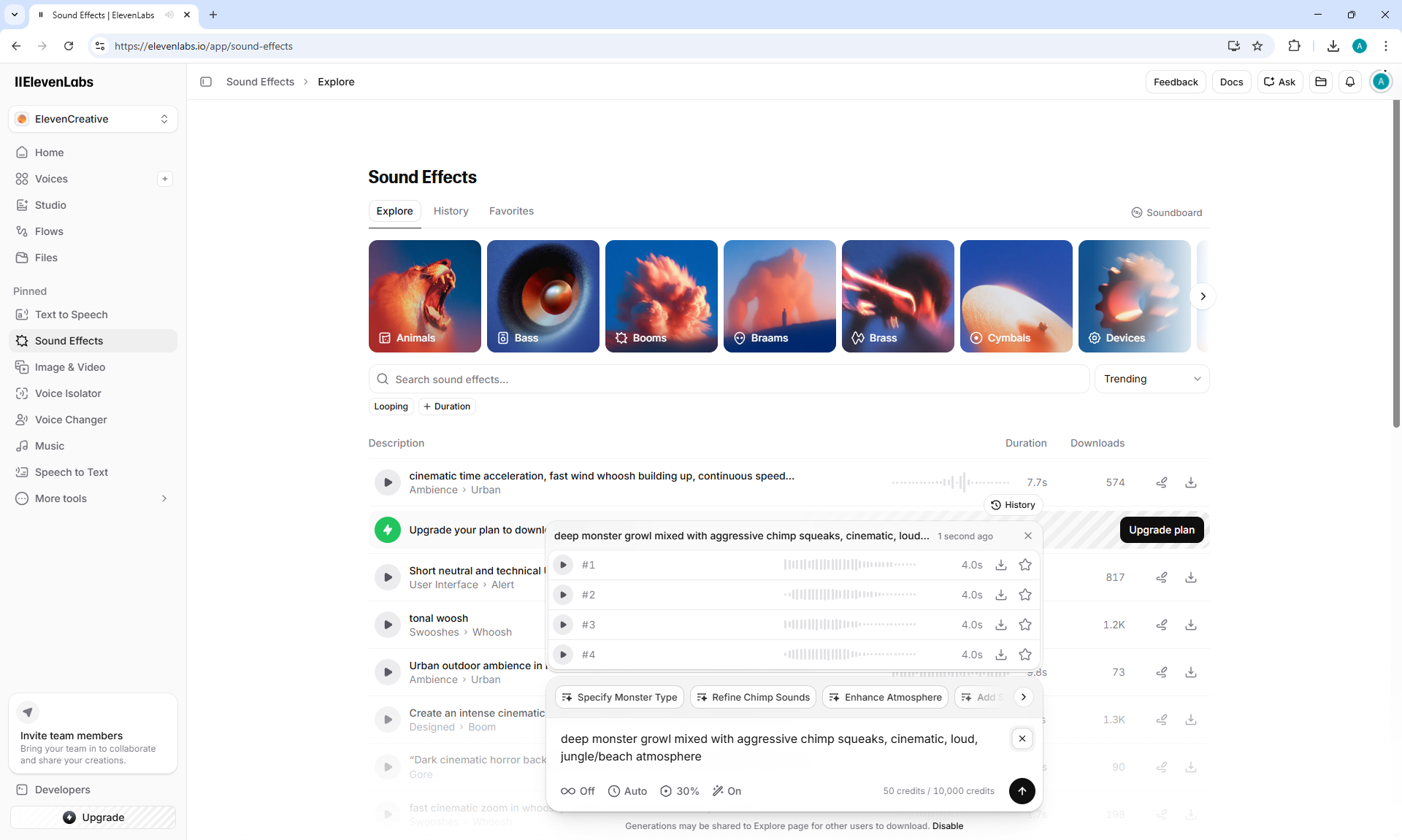
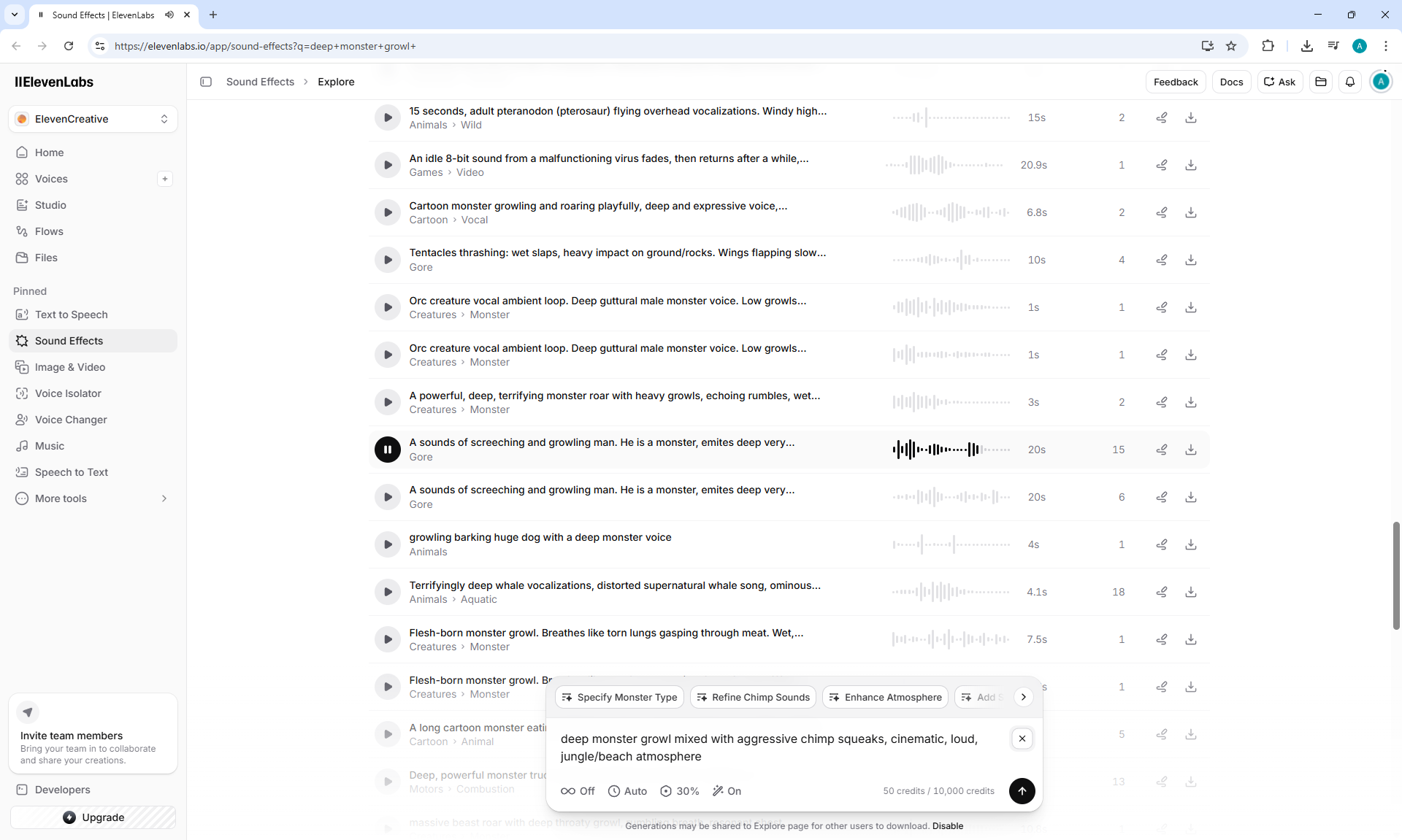
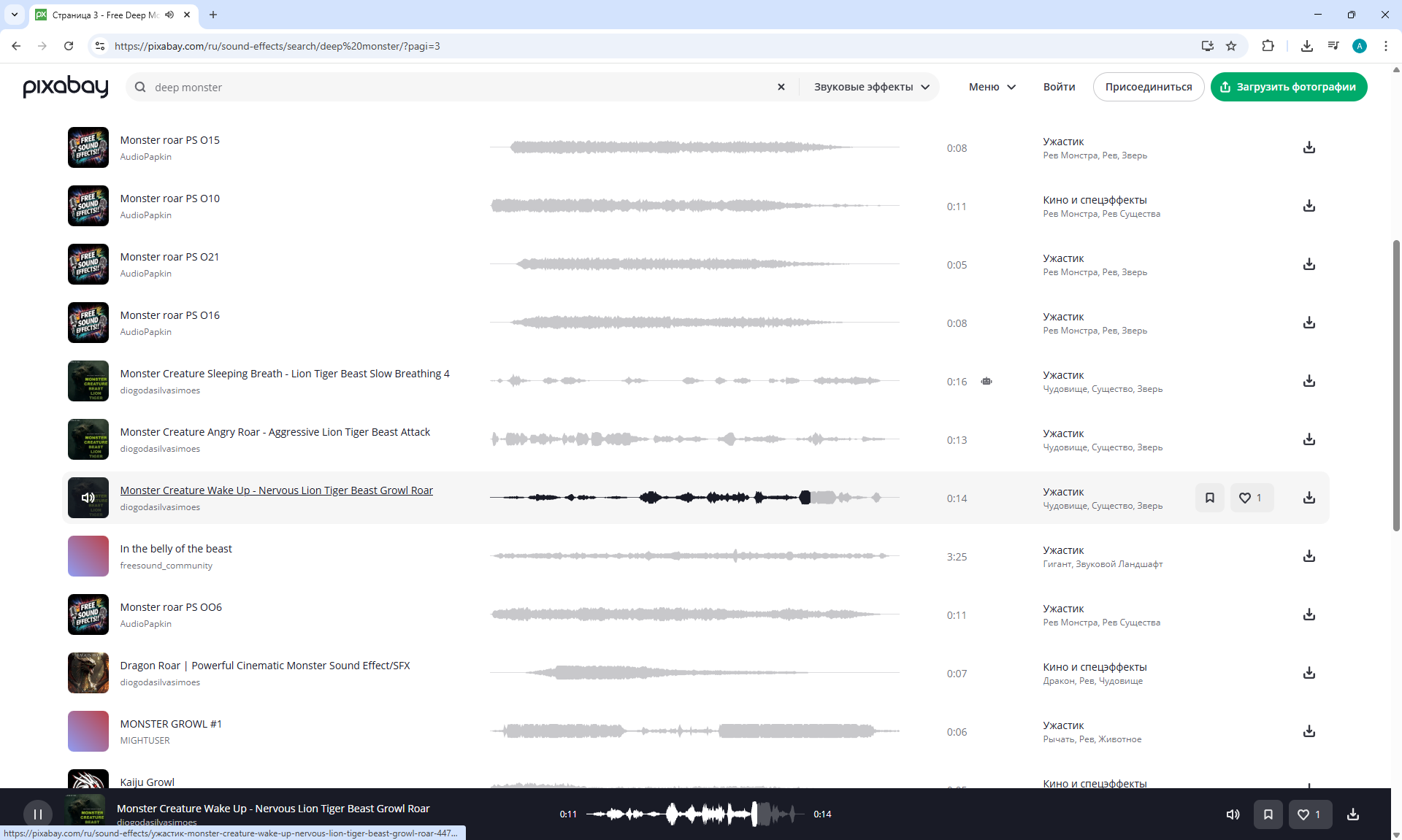
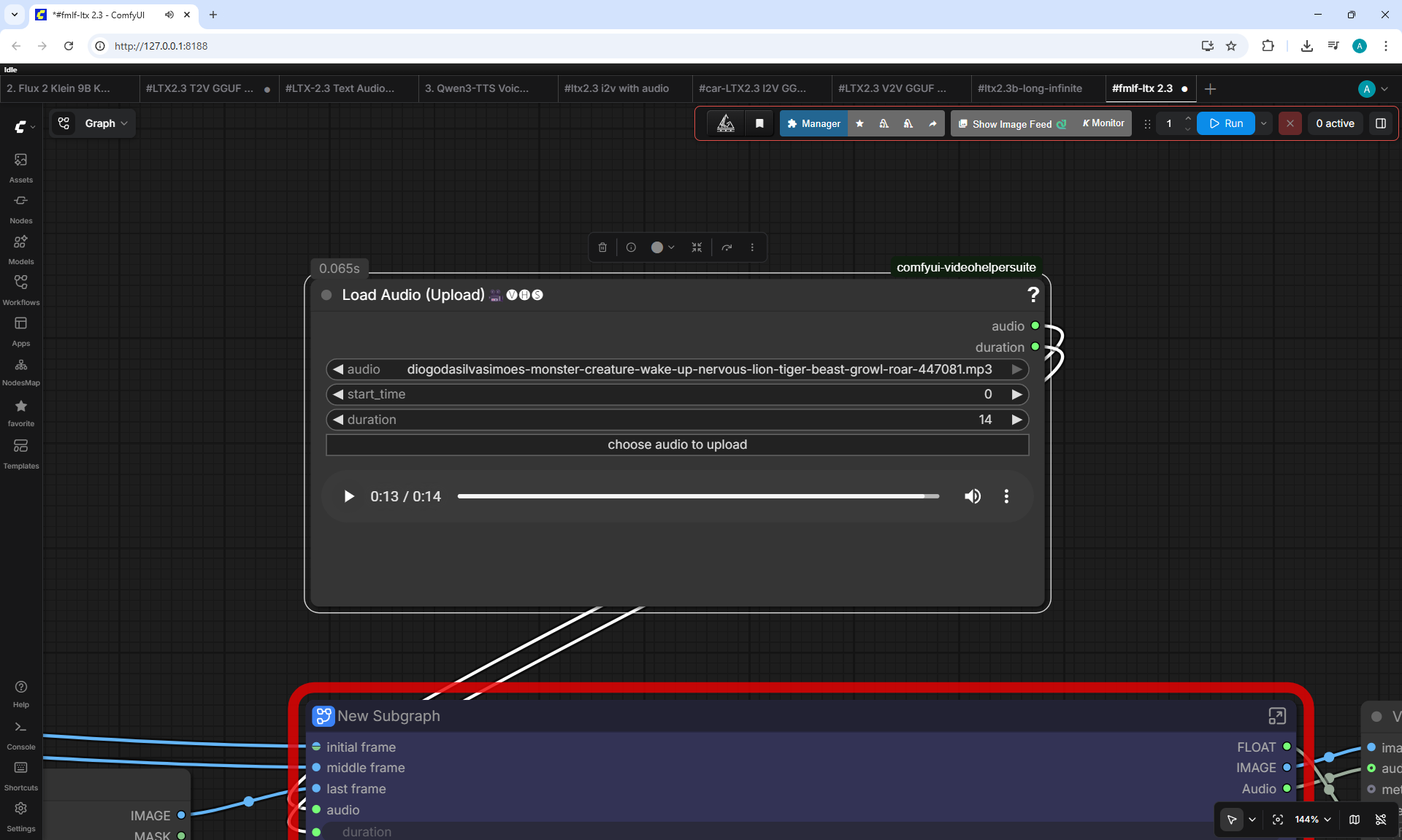
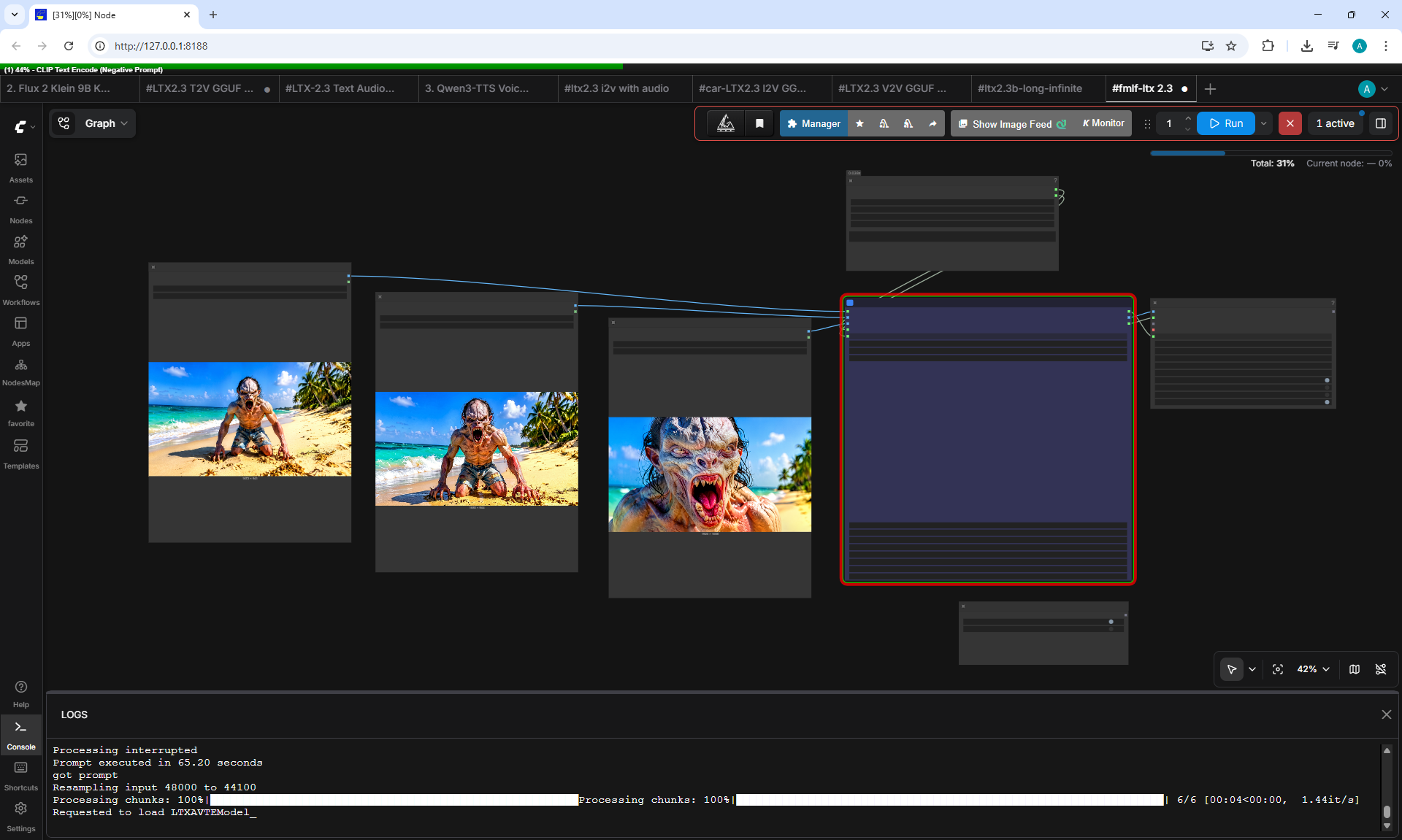
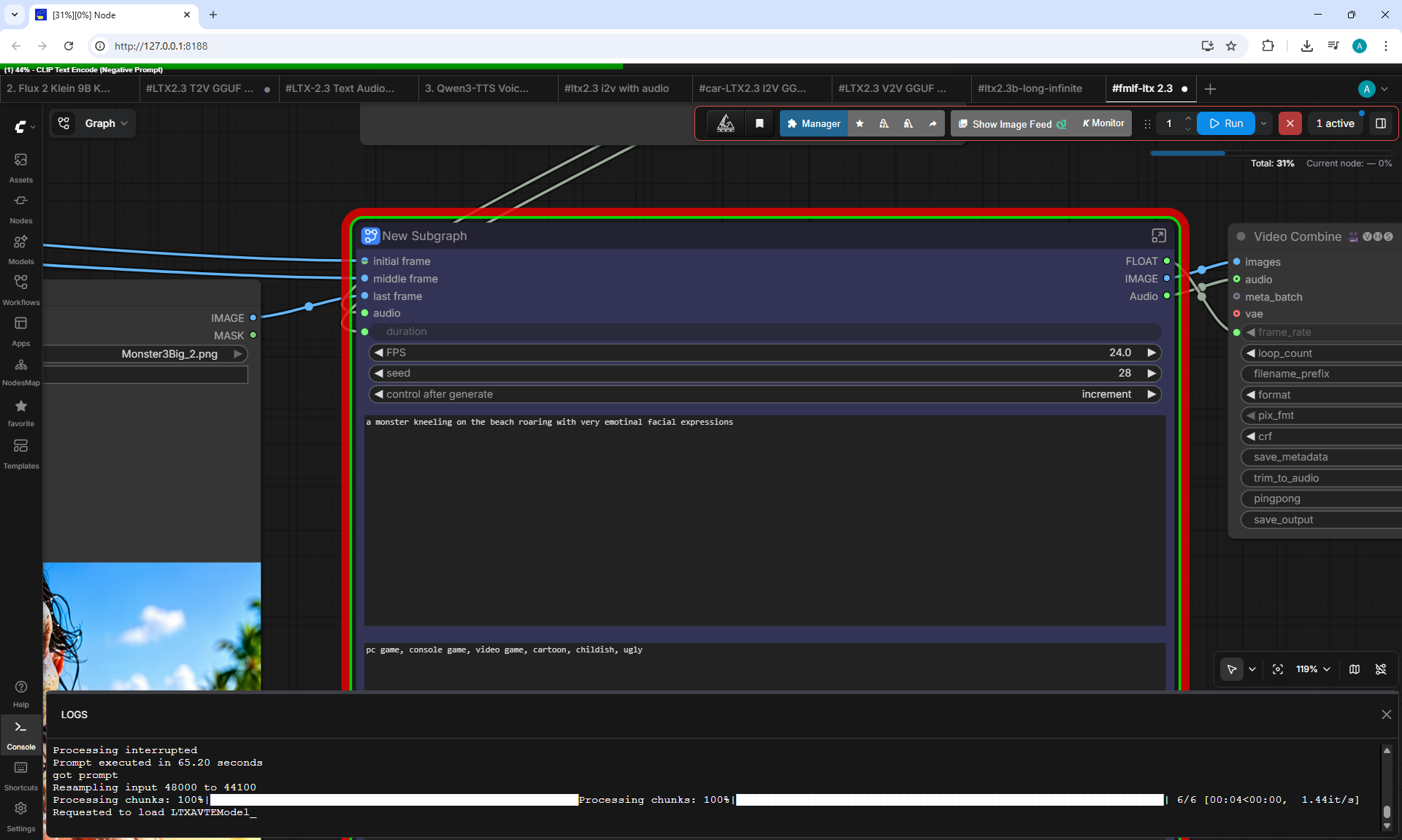








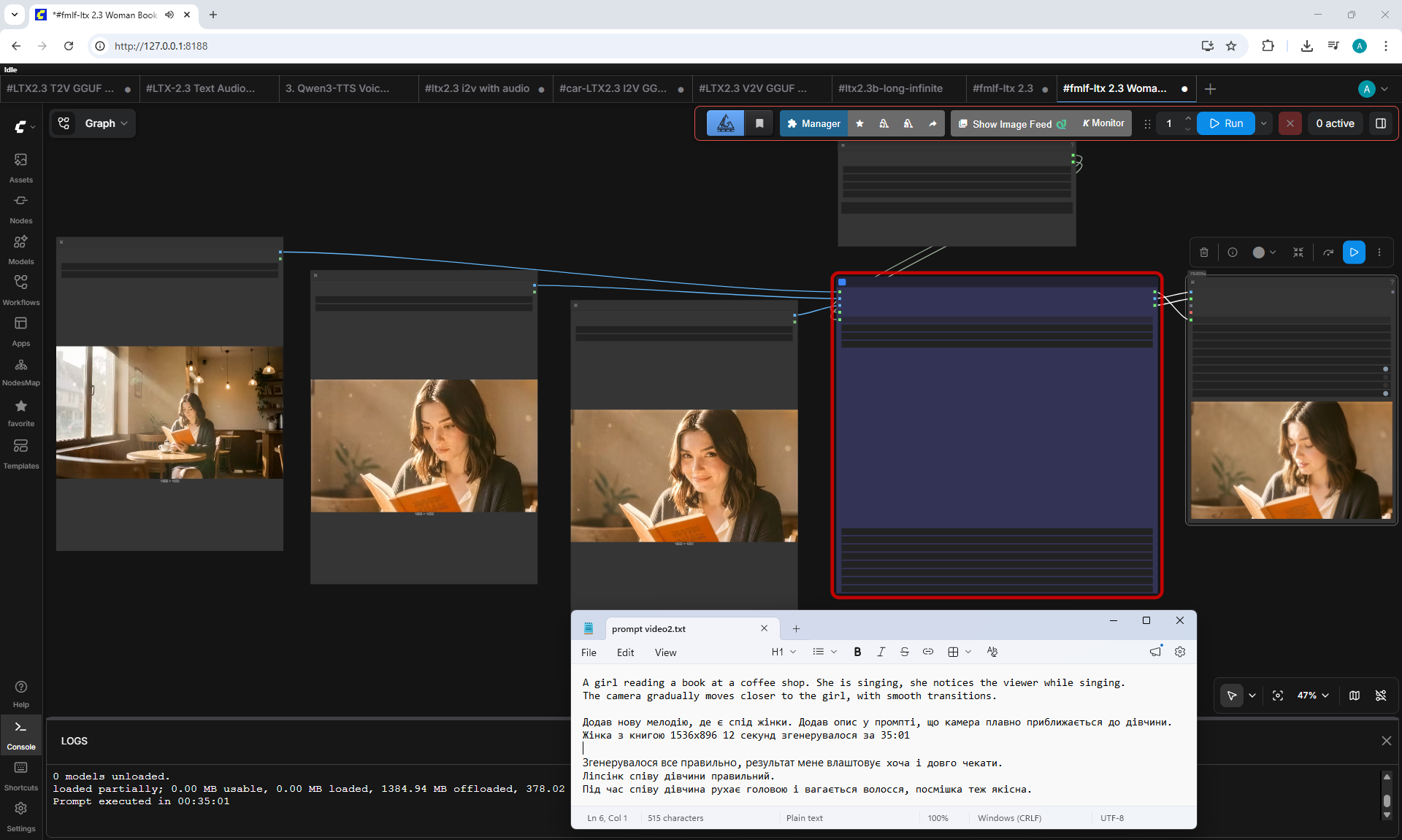
Melody

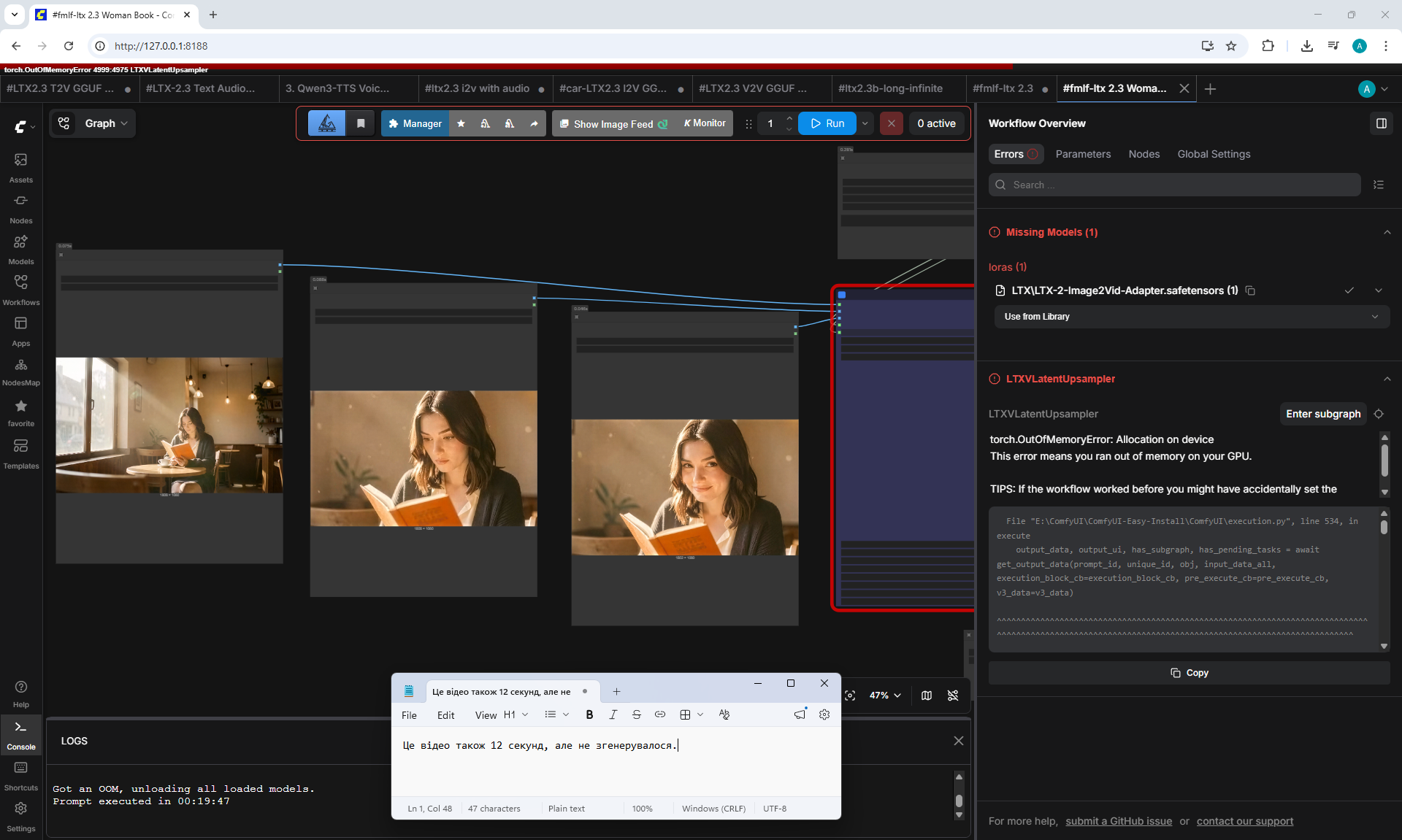
The girl is singing
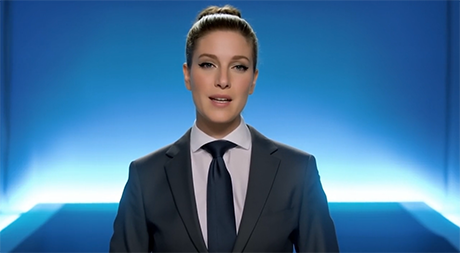
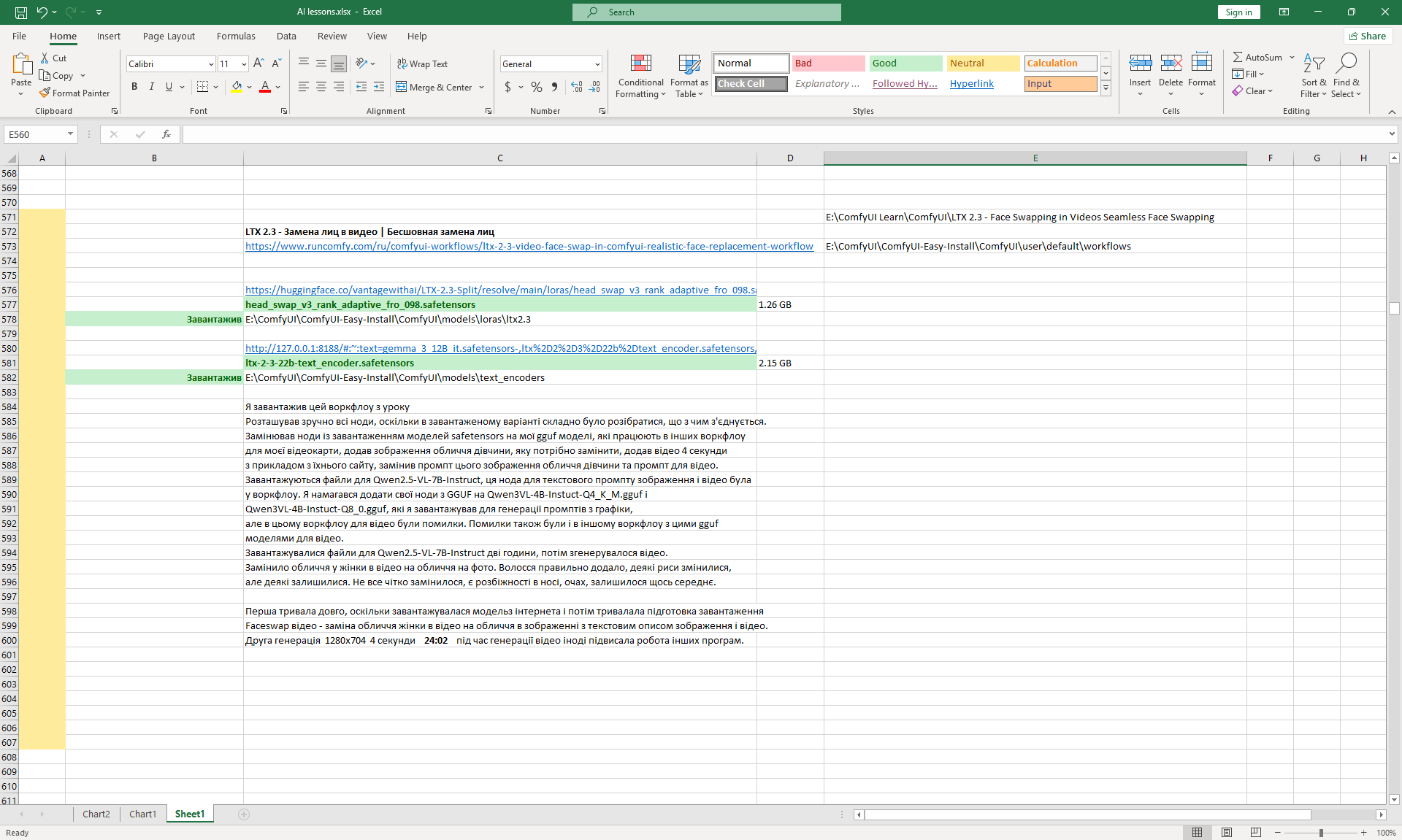
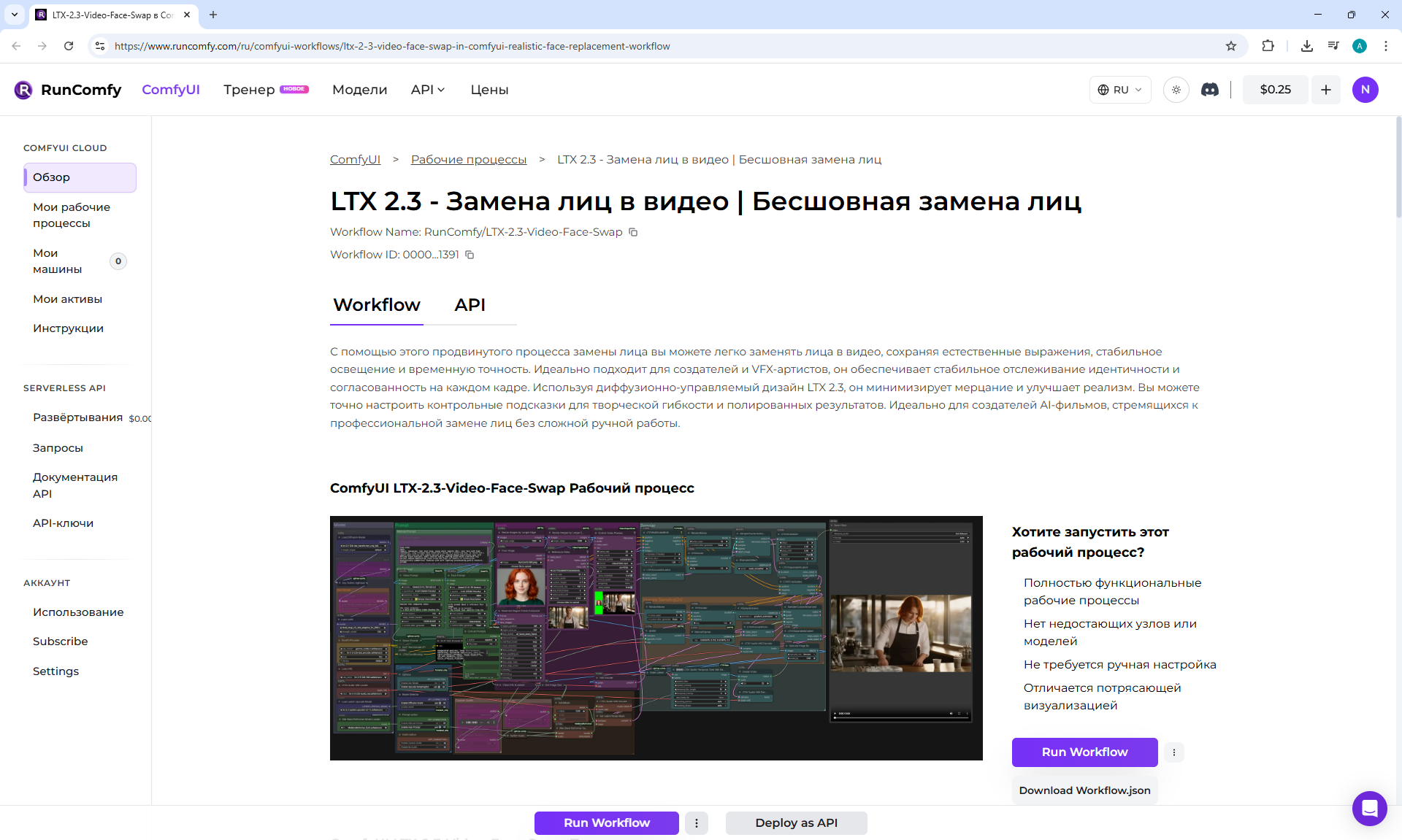
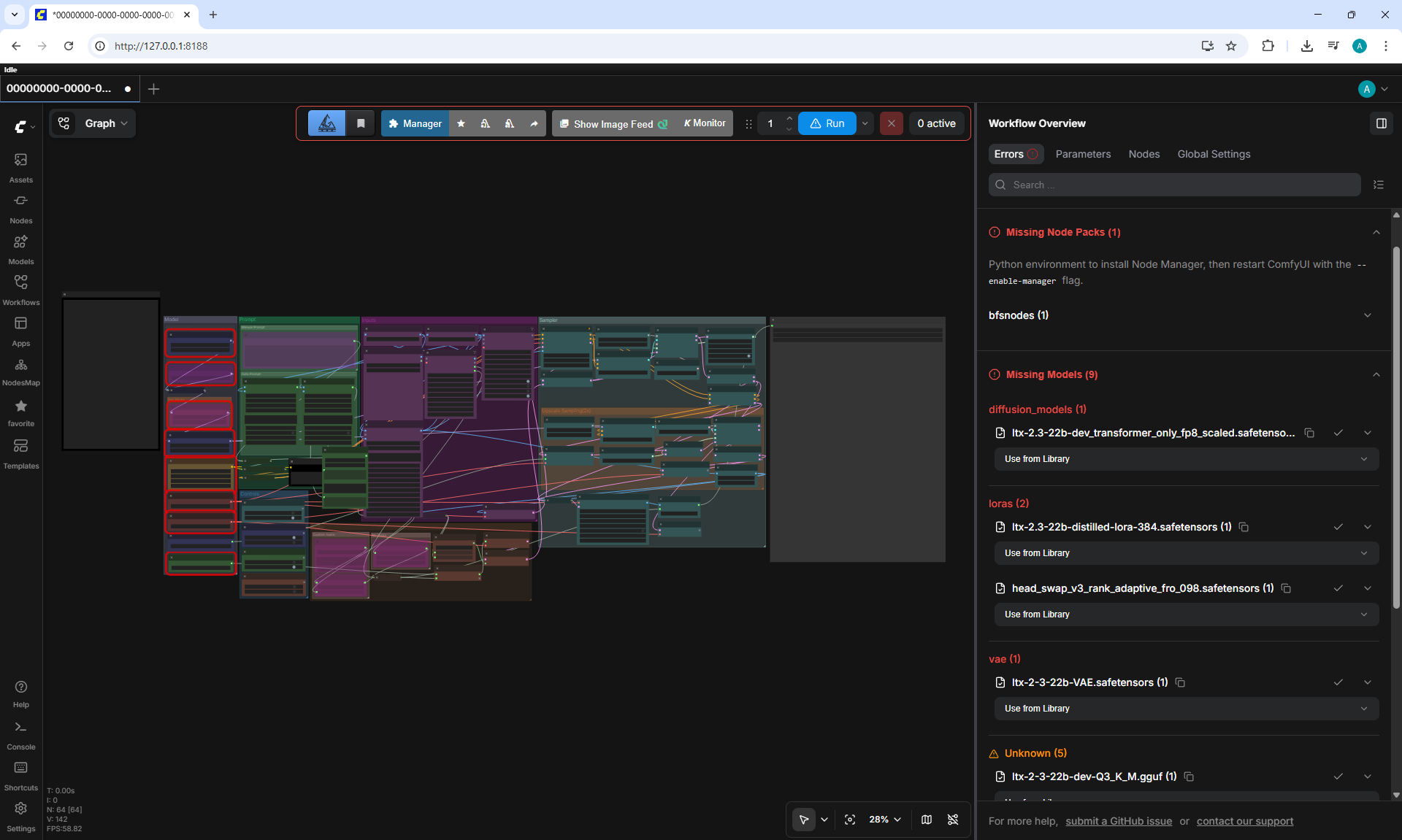
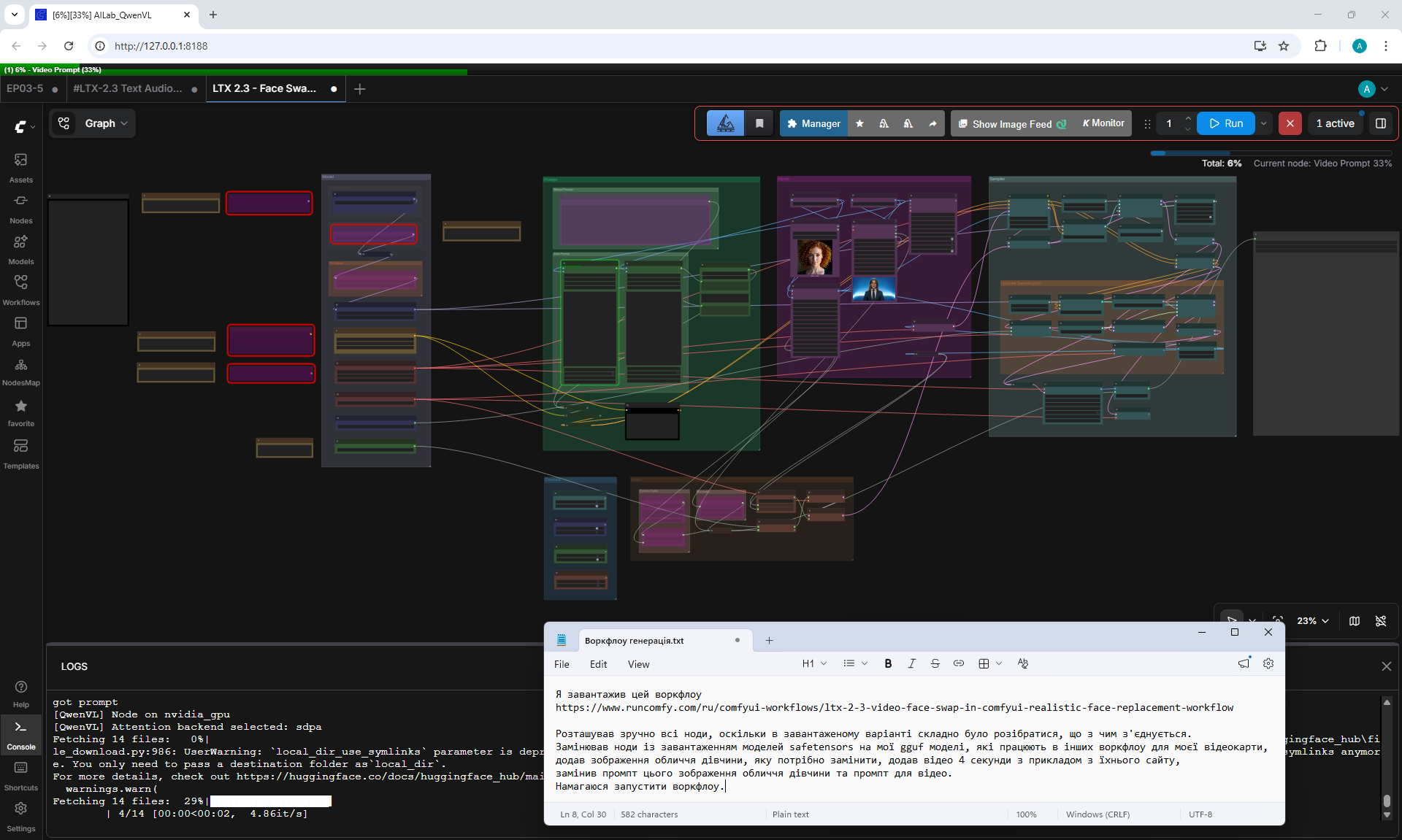
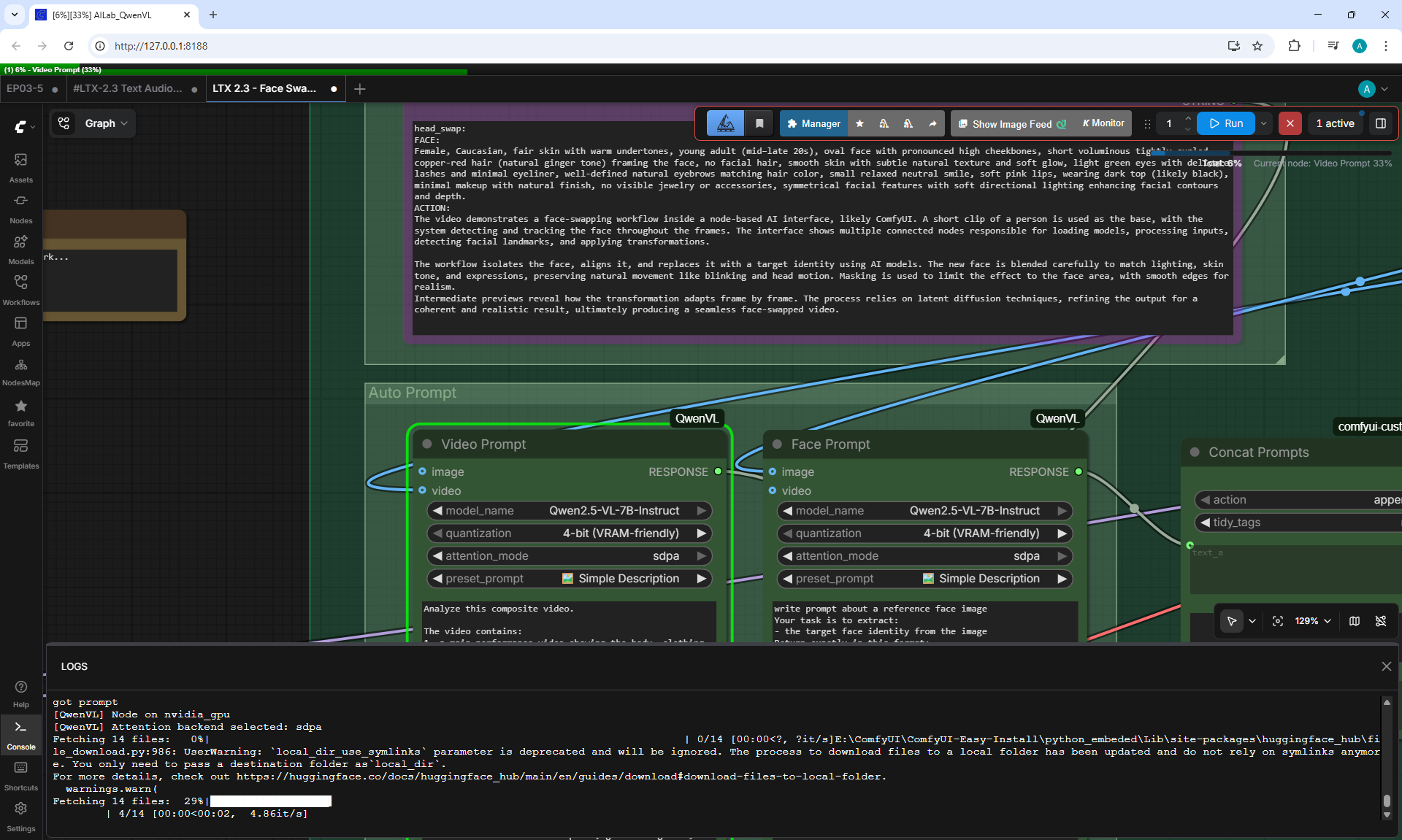
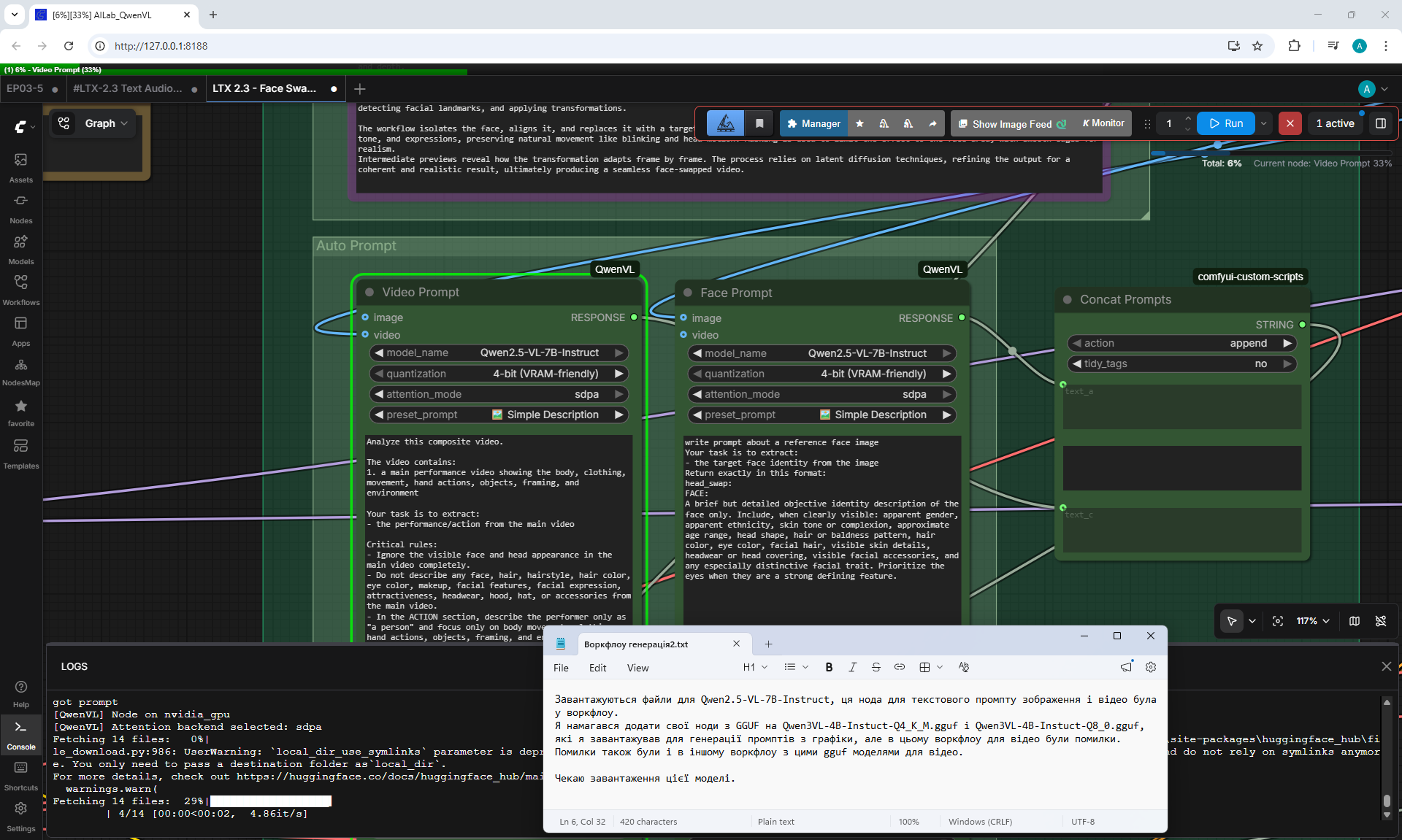
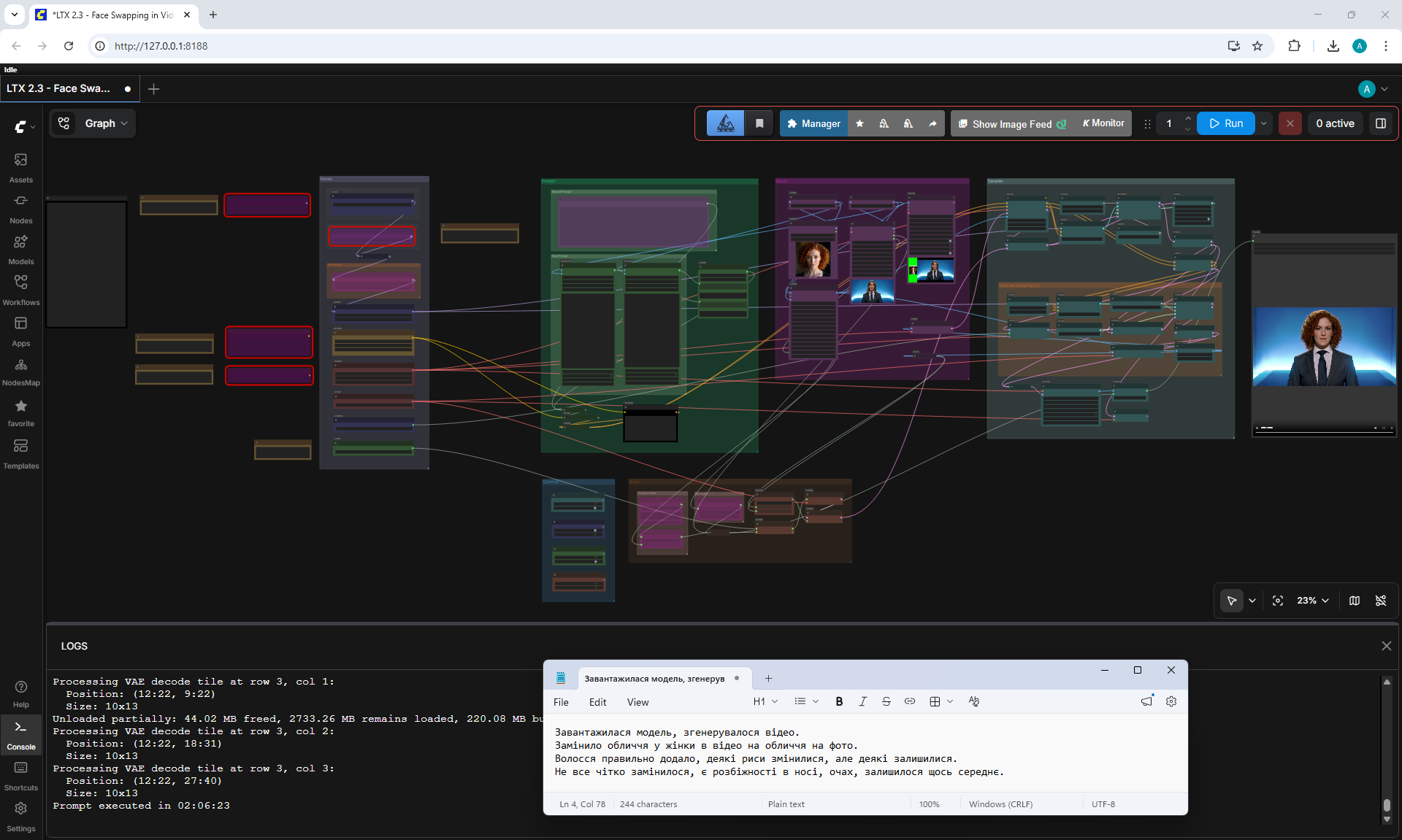
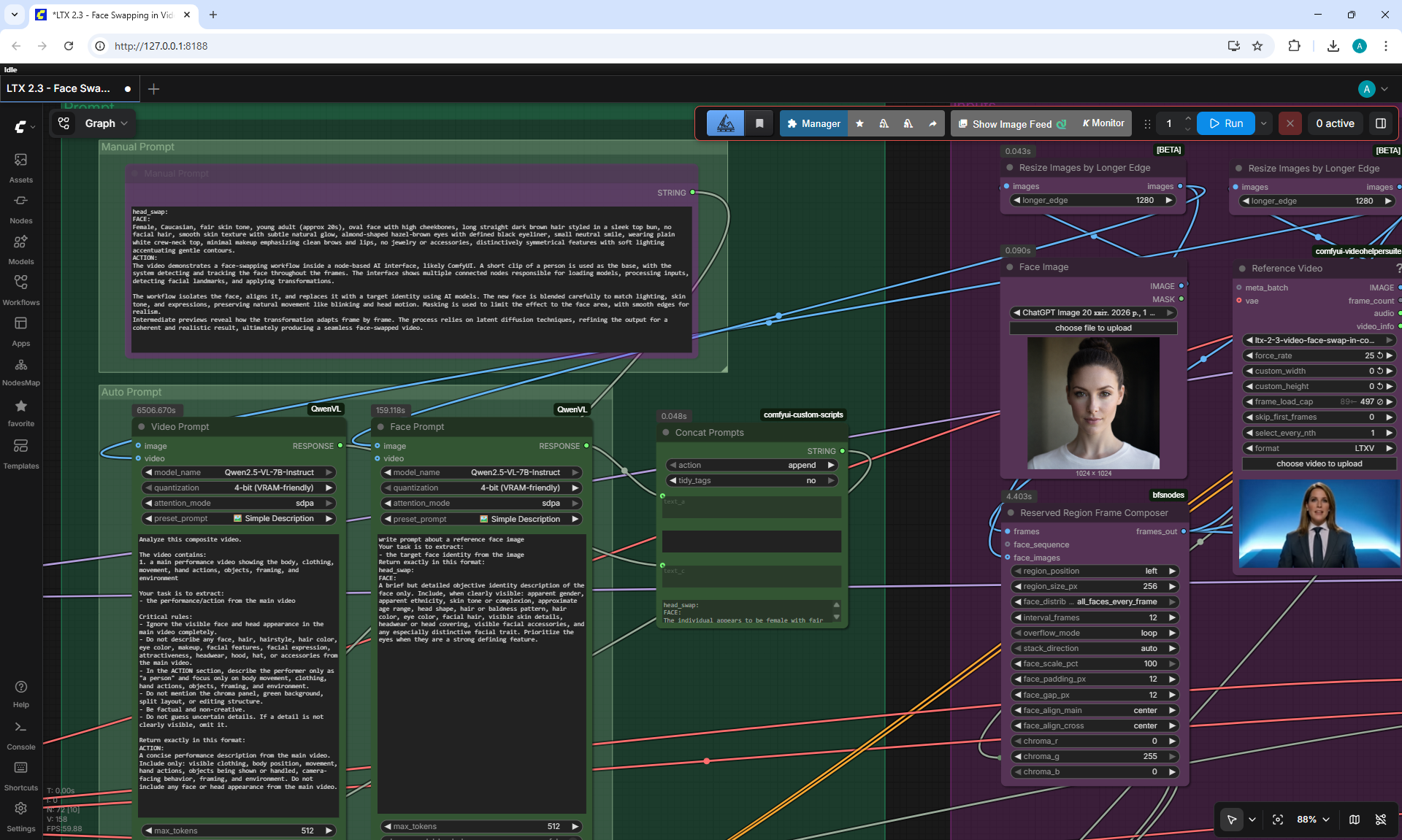
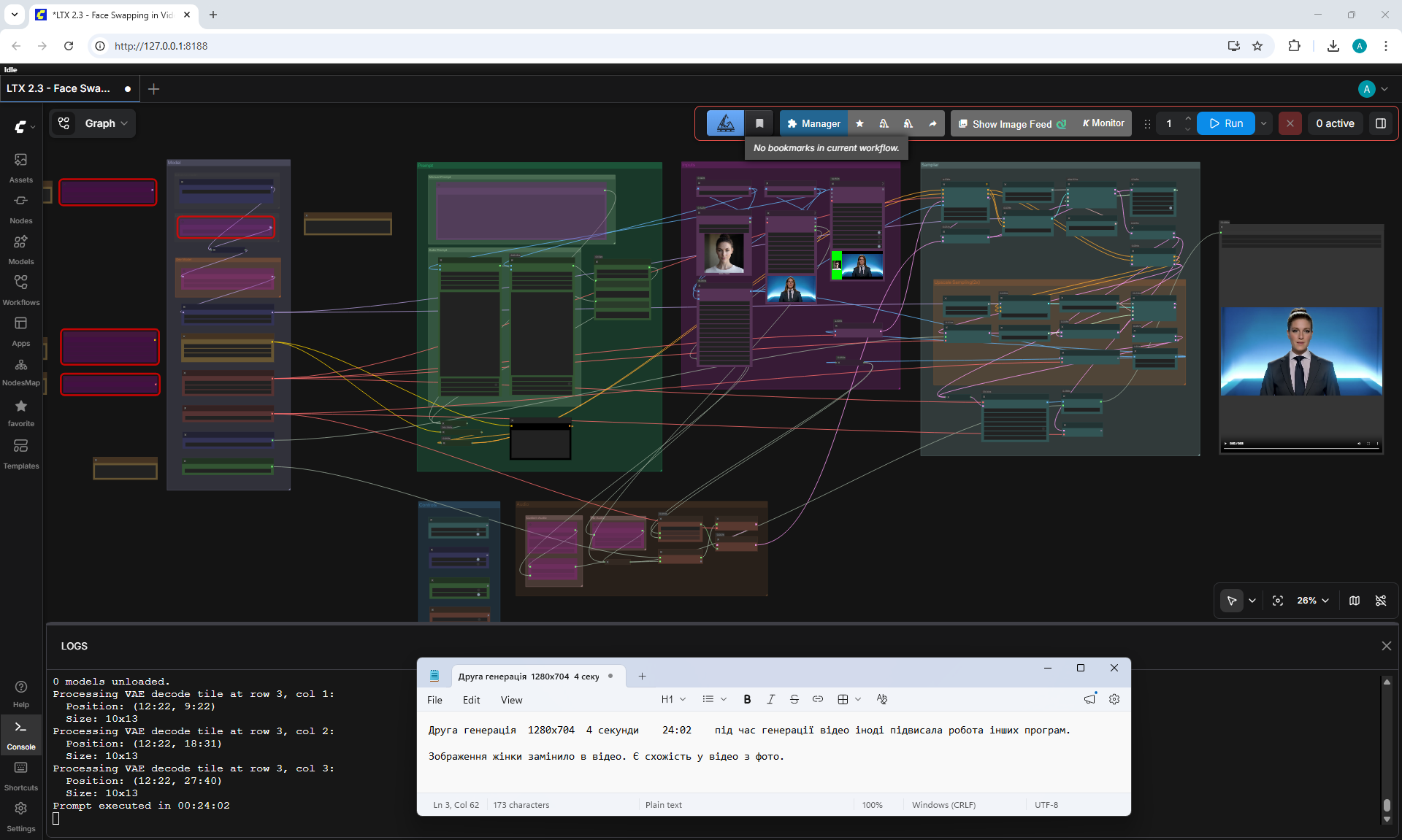
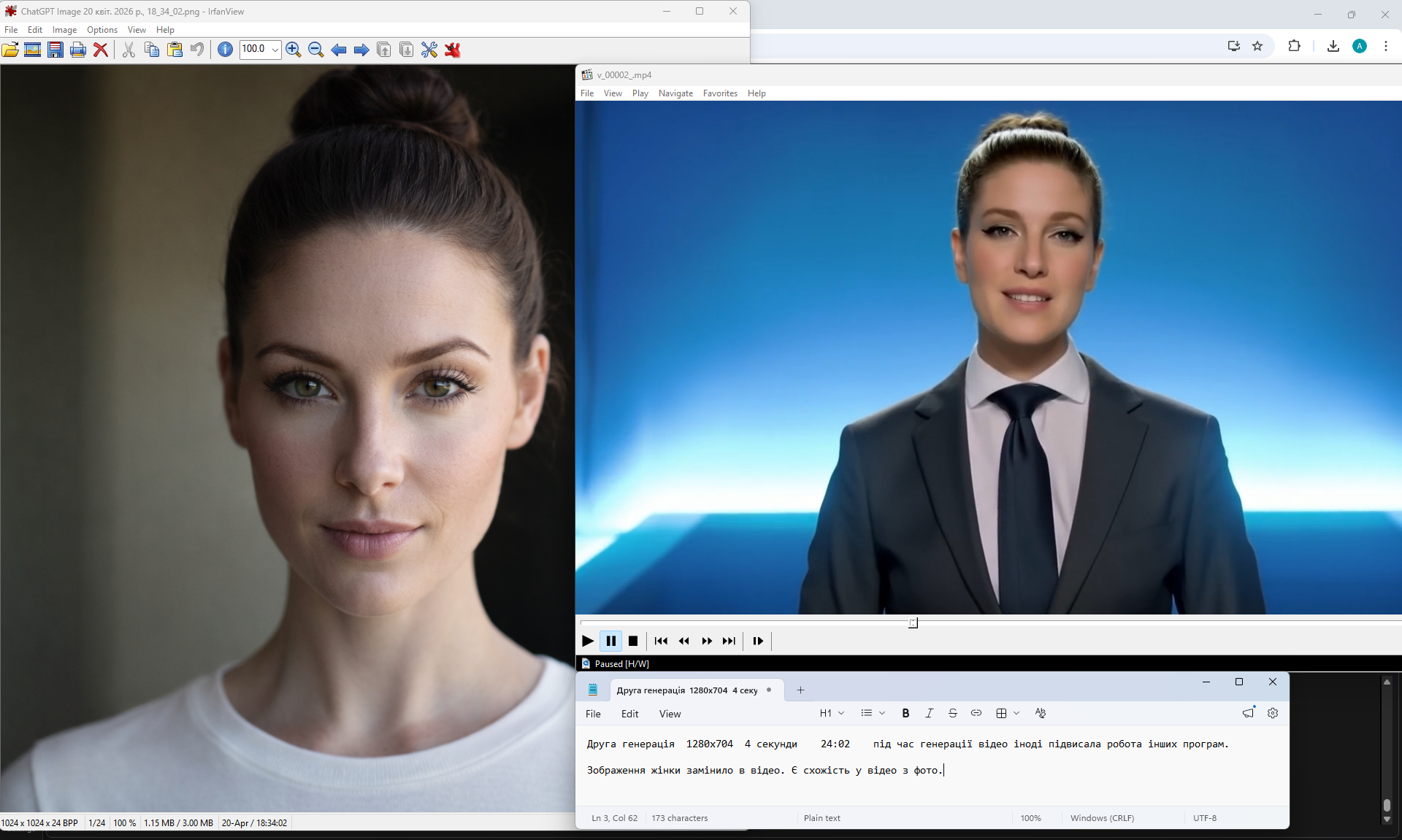
LTX 2.3 Face Swapping in Videos. Seamless Face Swapping
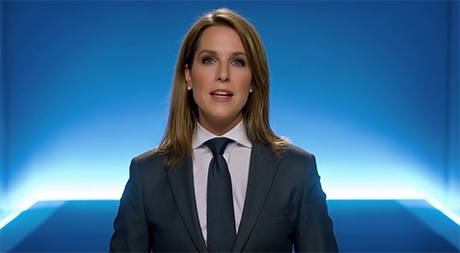
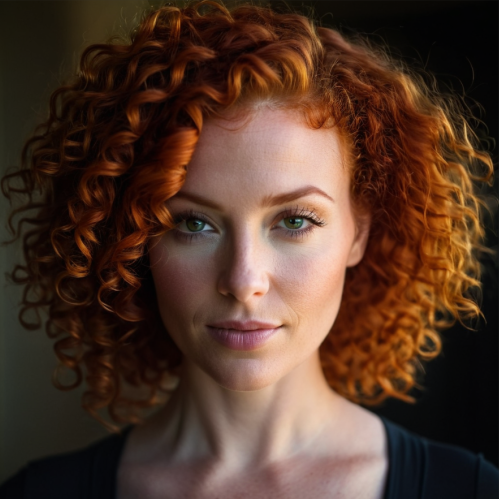
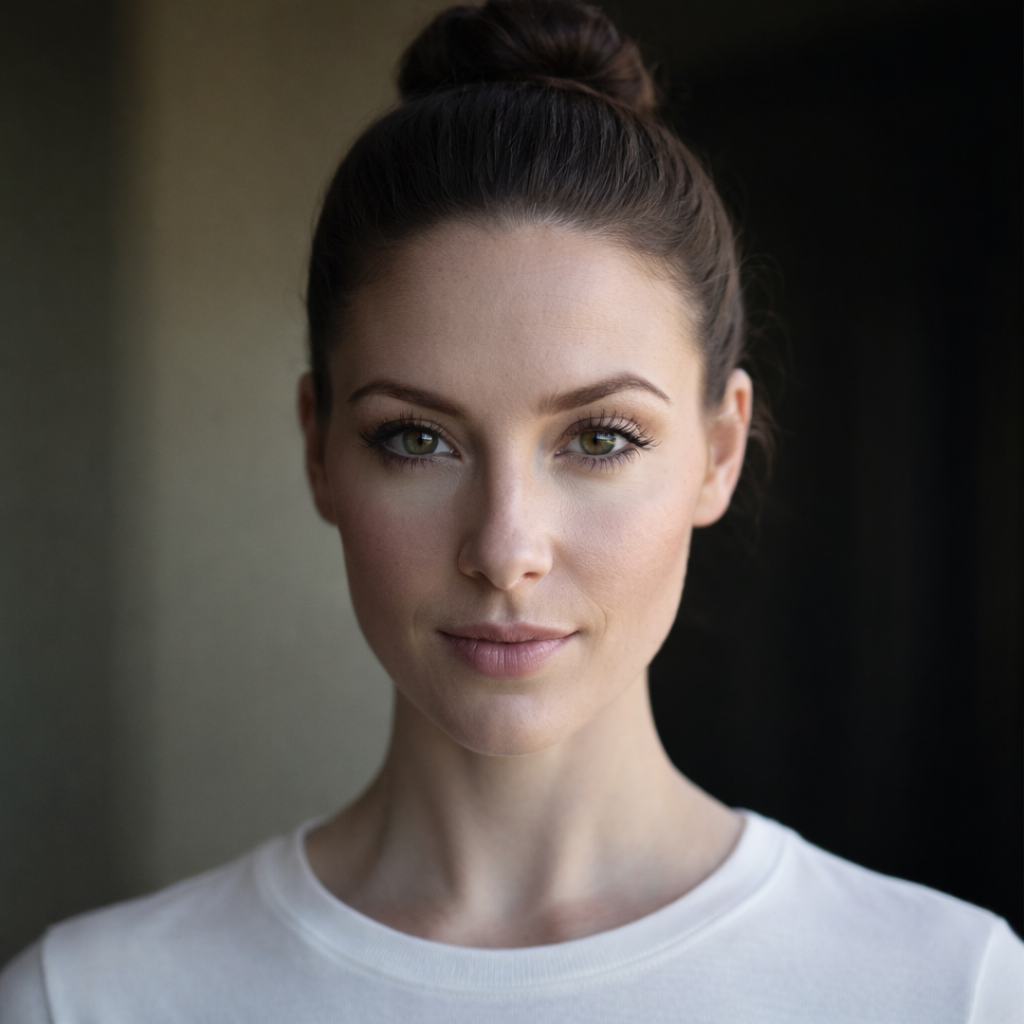
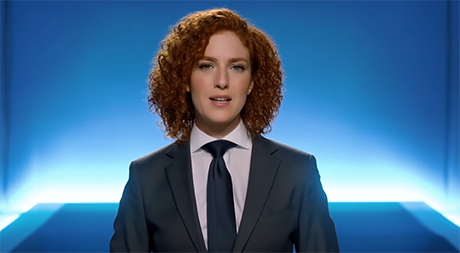
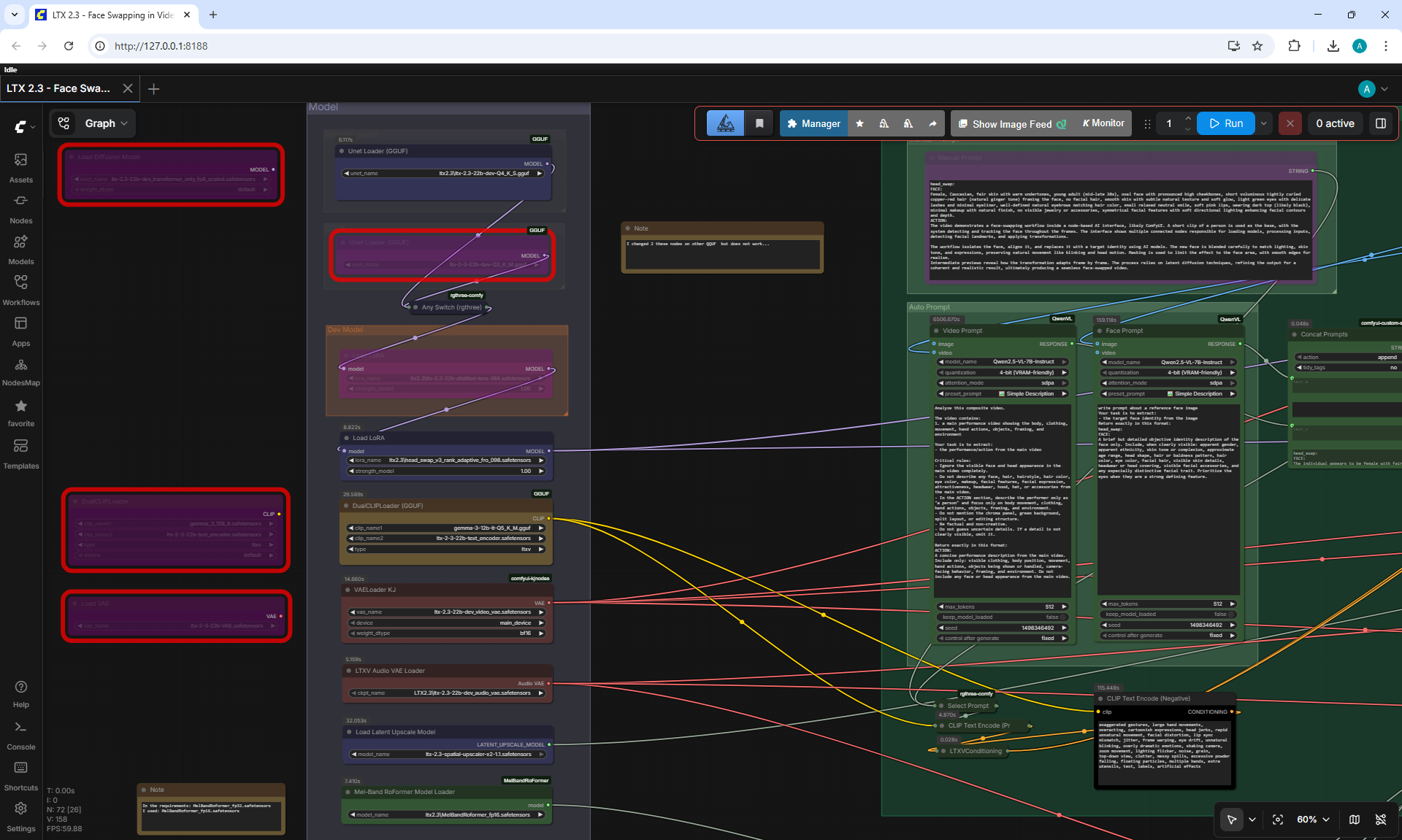
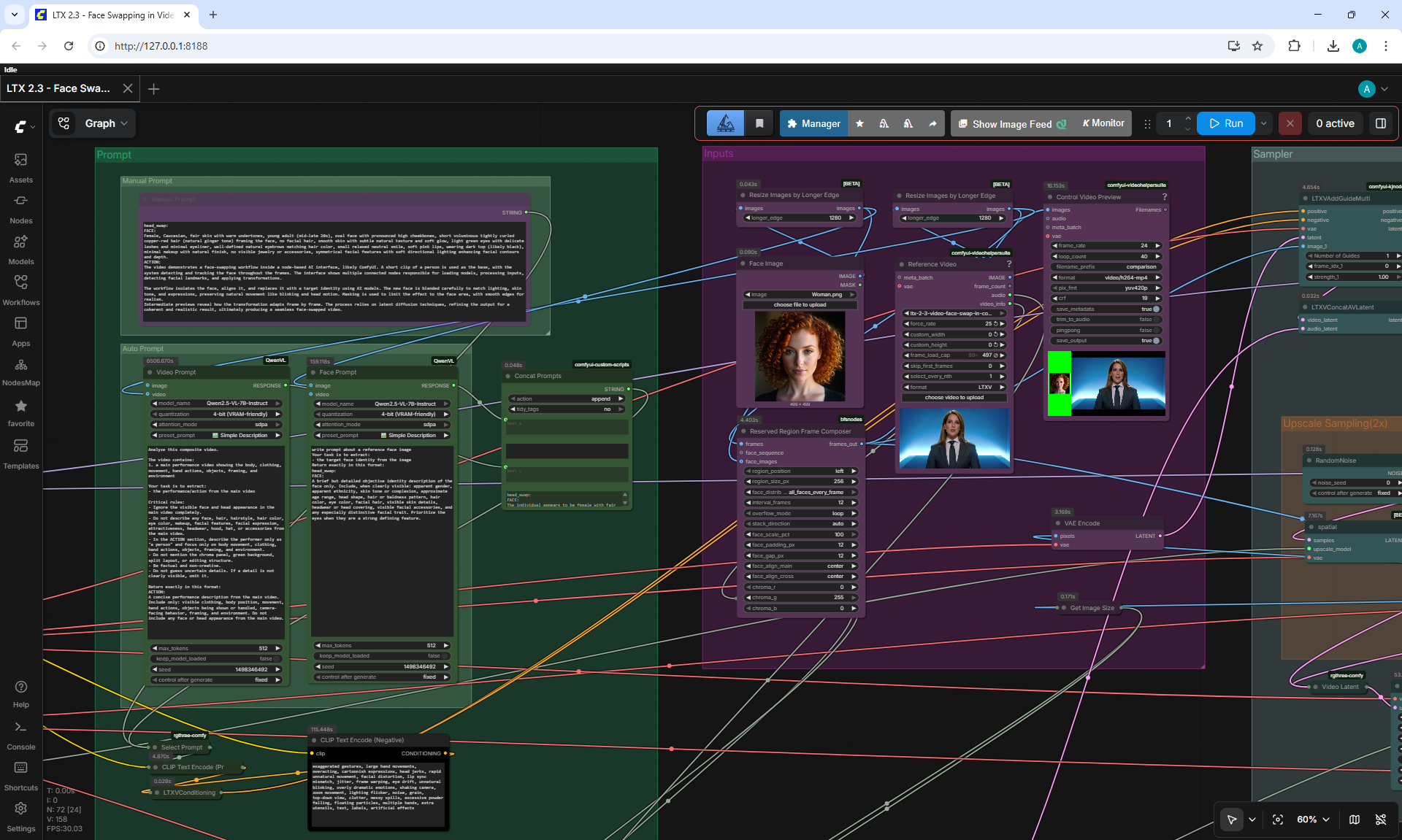
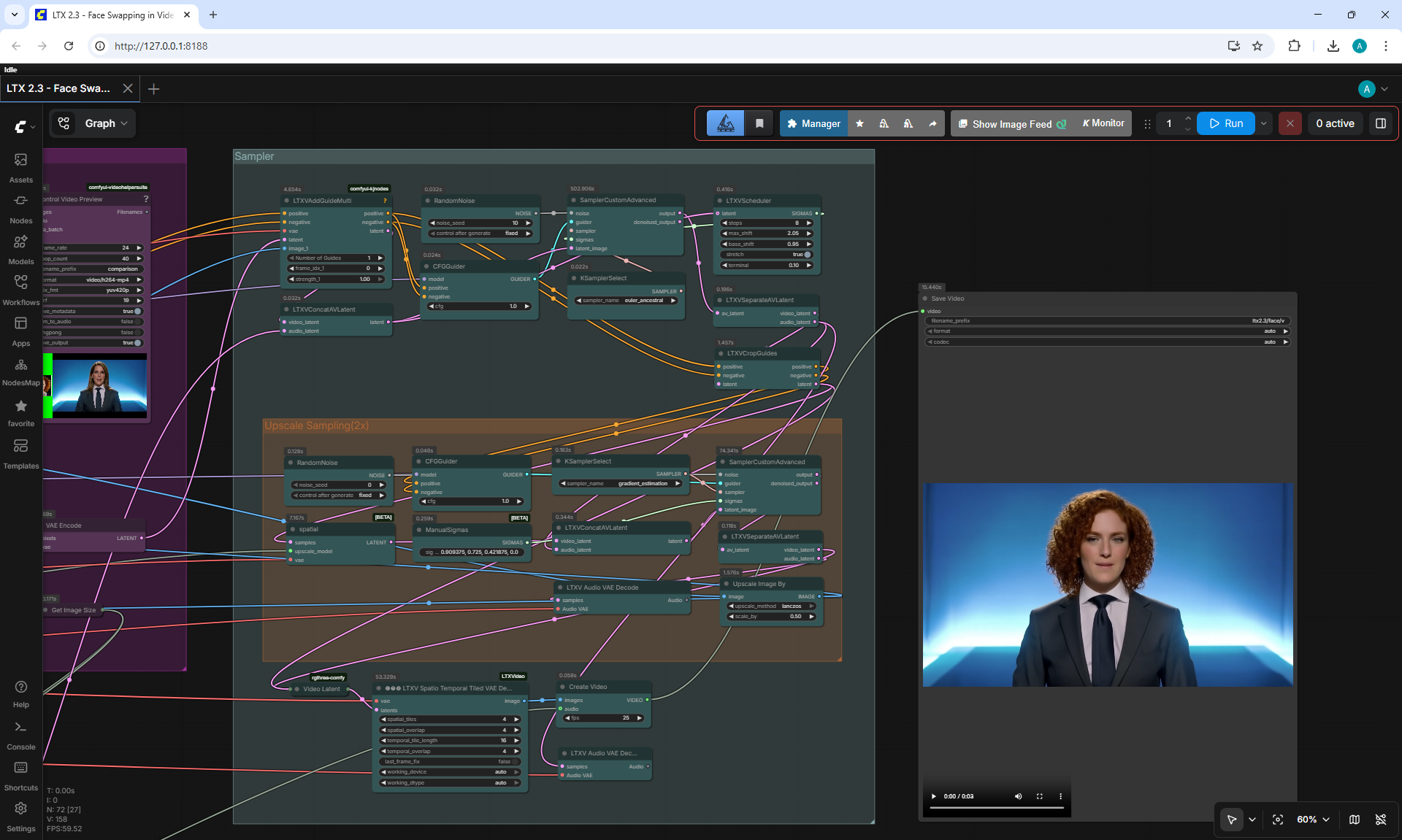
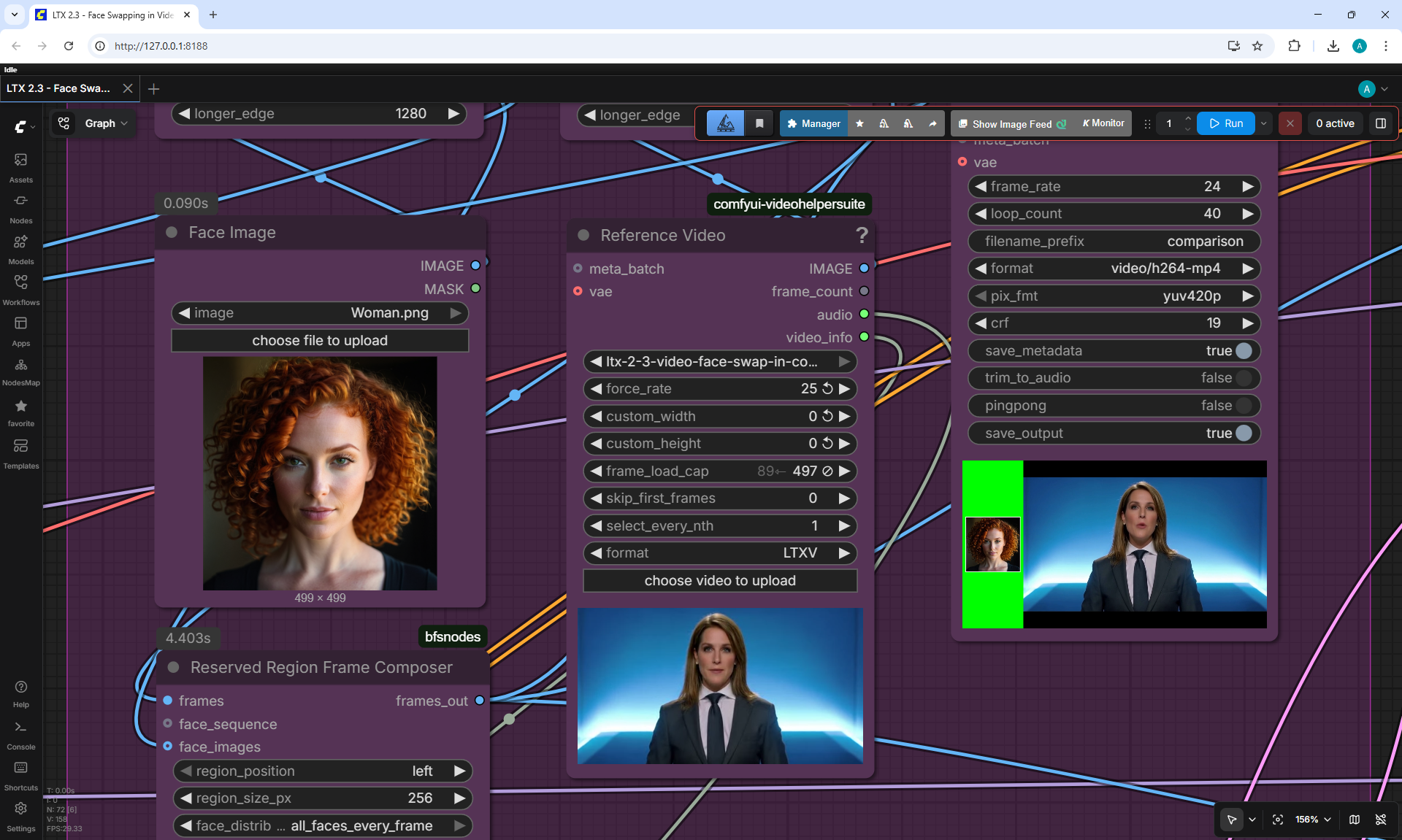
LTX 2.3 First & Last Frame Guide (8GB VRAM ComfyUI Workflow)
/001.png)
/003.png)
/002.png)
/004.png)
/Preview/011.png)
/Preview/012.png)
/Screenshot_0.png)
/Screenshot_1.png)
/Screenshot_2.png)
/Screenshot_3.png)
/Screenshot_4.png)
/Screenshot_5.png)
/Screenshot_6.png)
/Screenshot_7.png)
/Screenshot_8.png)
/Screenshot_9.png)
/Screenshot_10.png)
/Screenshot_11.png)
/Screenshot_12.png)
/Screenshot_13.png)
/Screenshot_14.png)
/Screenshot_15.png)
/Screenshot_16.png)
/005.png)
/006.png)
/Preview/013.png)
/Preview/016.png)
/Screenshot_17.png)
/Screenshot_20.png)
/Screenshot_21.png)
/Screenshot_22.png)
/Screenshot_23.png)
/Screenshot_24.png)
/Screenshot_25.png)
/Screenshot_26.png)
/Screenshot_27.png)
/007.png)
/008.png)
/Preview/014.png)
/Screenshot_18.png)
/009.png)
/010.png)
/Preview/015.png)
/Screenshot_19.png)
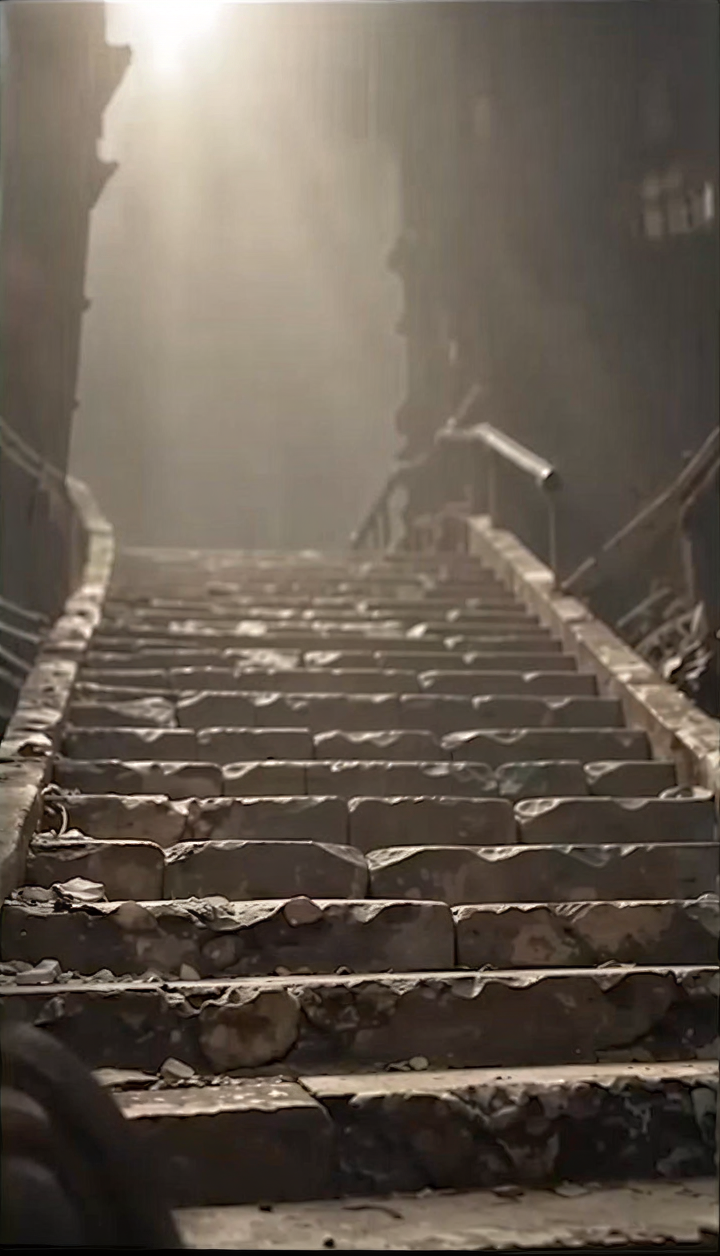
LTX 2.3 I2V First + Last Frame ComfyUI Workflow for Low VRAM









/Screenshot_28.png)
/Screenshot_29.png)
/Screenshot_30.png)
/Screenshot_31.png)
/Screenshot_32.png)
/Screenshot_33.png)
/Screenshot_34.png)
/Screenshot_35.png)
/Screenshot_36.png)
/Screenshot_37.png)
/Screenshot_38.png)
/Screenshot_39.png)
/Screenshot_40.png)
/Screenshot_41.png)
/Screenshot_42.png)
/Screenshot_43.png)
/Screenshot_44.png)
/Screenshot_45.png)
/Screenshot_46.png)
/Screenshot_47.png)
/Screenshot_48.png)
/Screenshot_49.png)
/Screenshot_50.png)
/Screenshot_51.png)
/Screenshot_52.png)
/Screenshot_53.png)
/Screenshot_54.png)
/Screenshot_55.png)
/Screenshot_56.png)
/Screenshot_57.png)
/Screenshot_58.png)
/Screenshot_59.png)
/Screenshot_60.png)
/Screenshot_61.png)
/Screenshot_62.png)
/Screenshot_63.png)
/Screenshot_64.png)




/Screenshot_65.png)
/Screenshot_66.png)
/Screenshot_67.png)
/Screenshot_68.png)


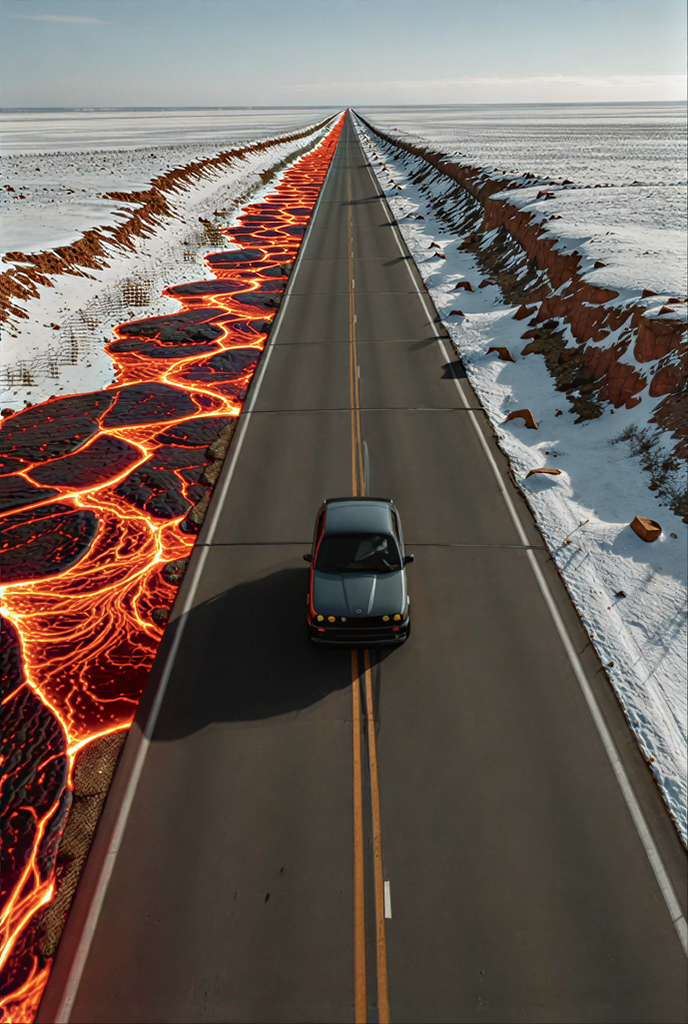



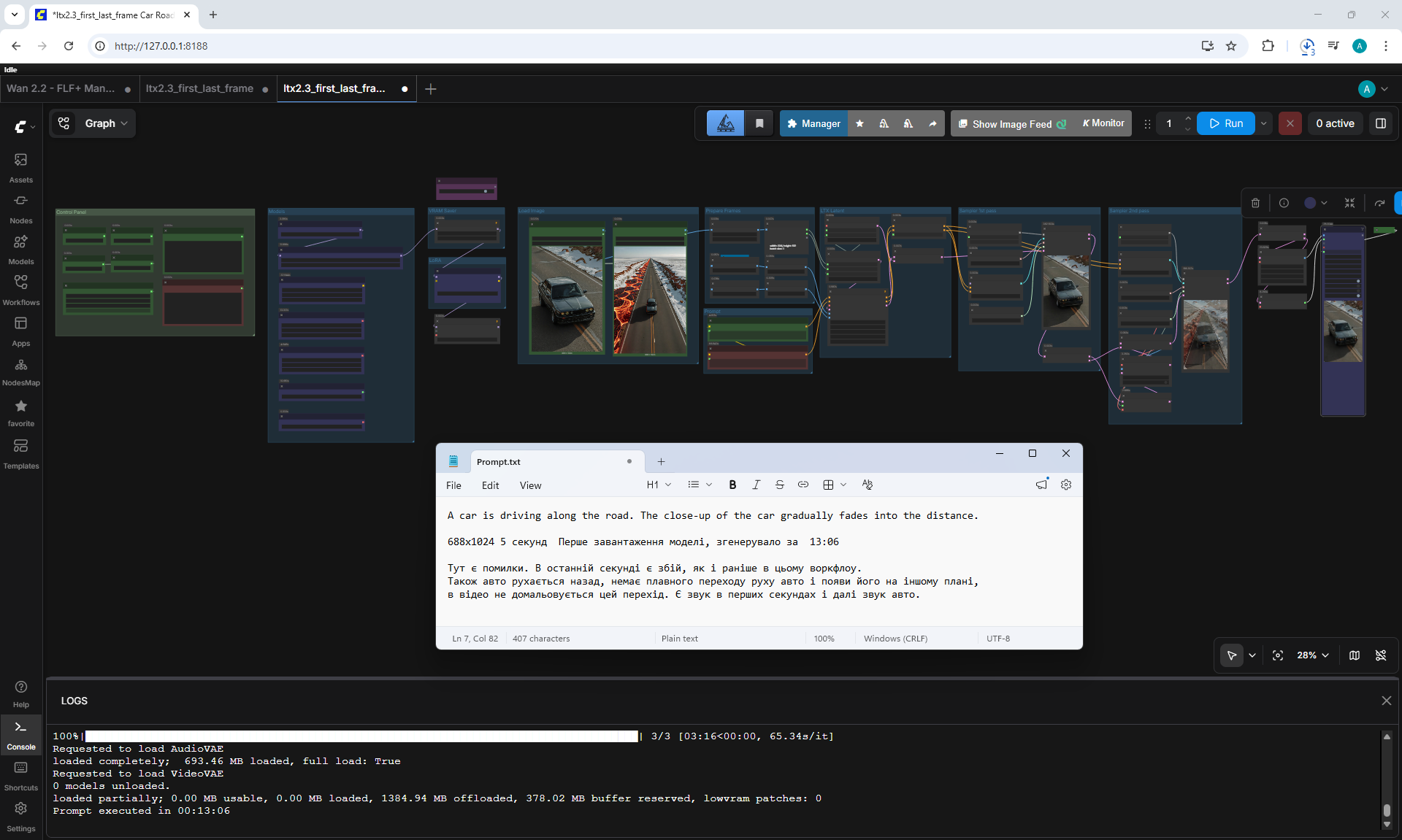
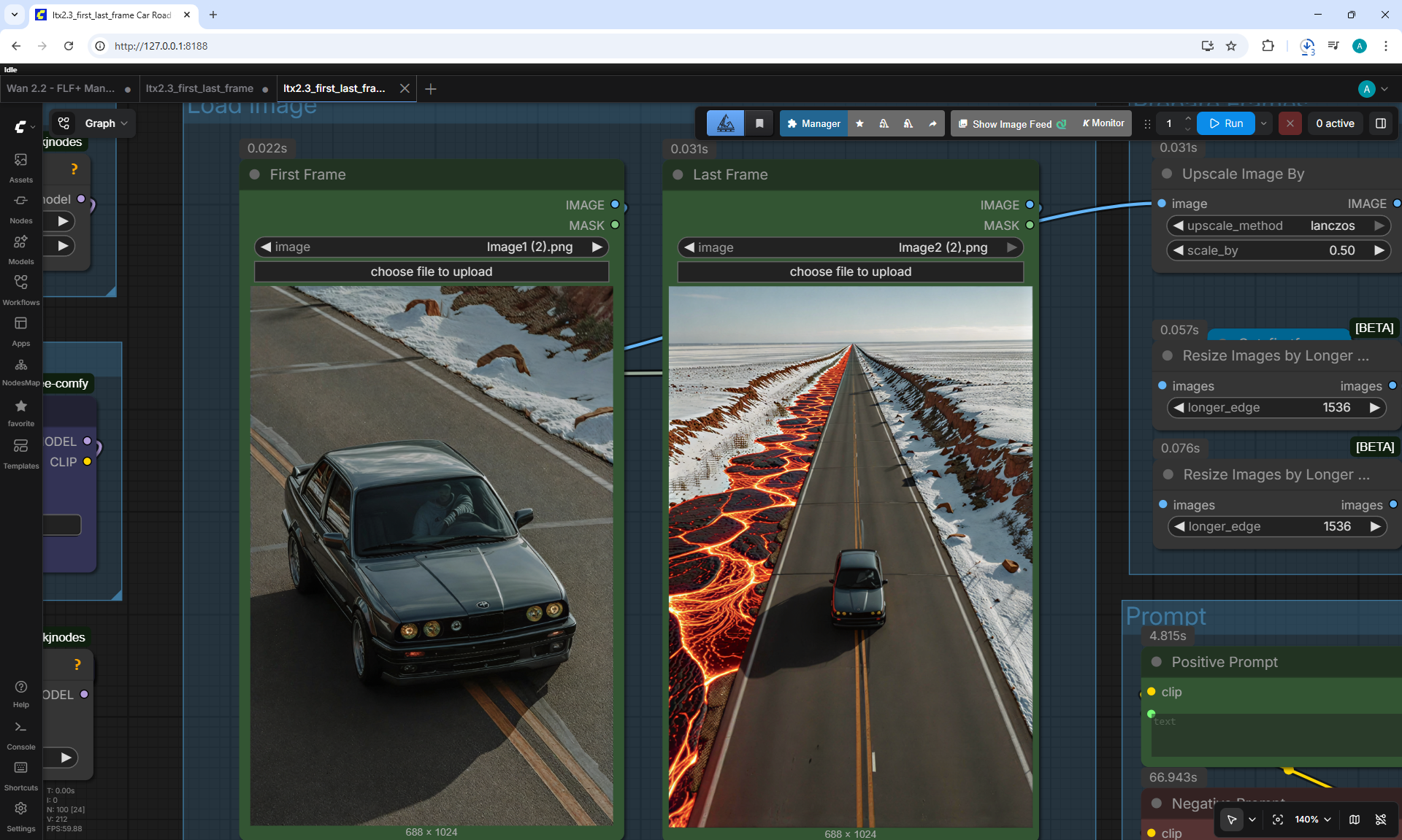
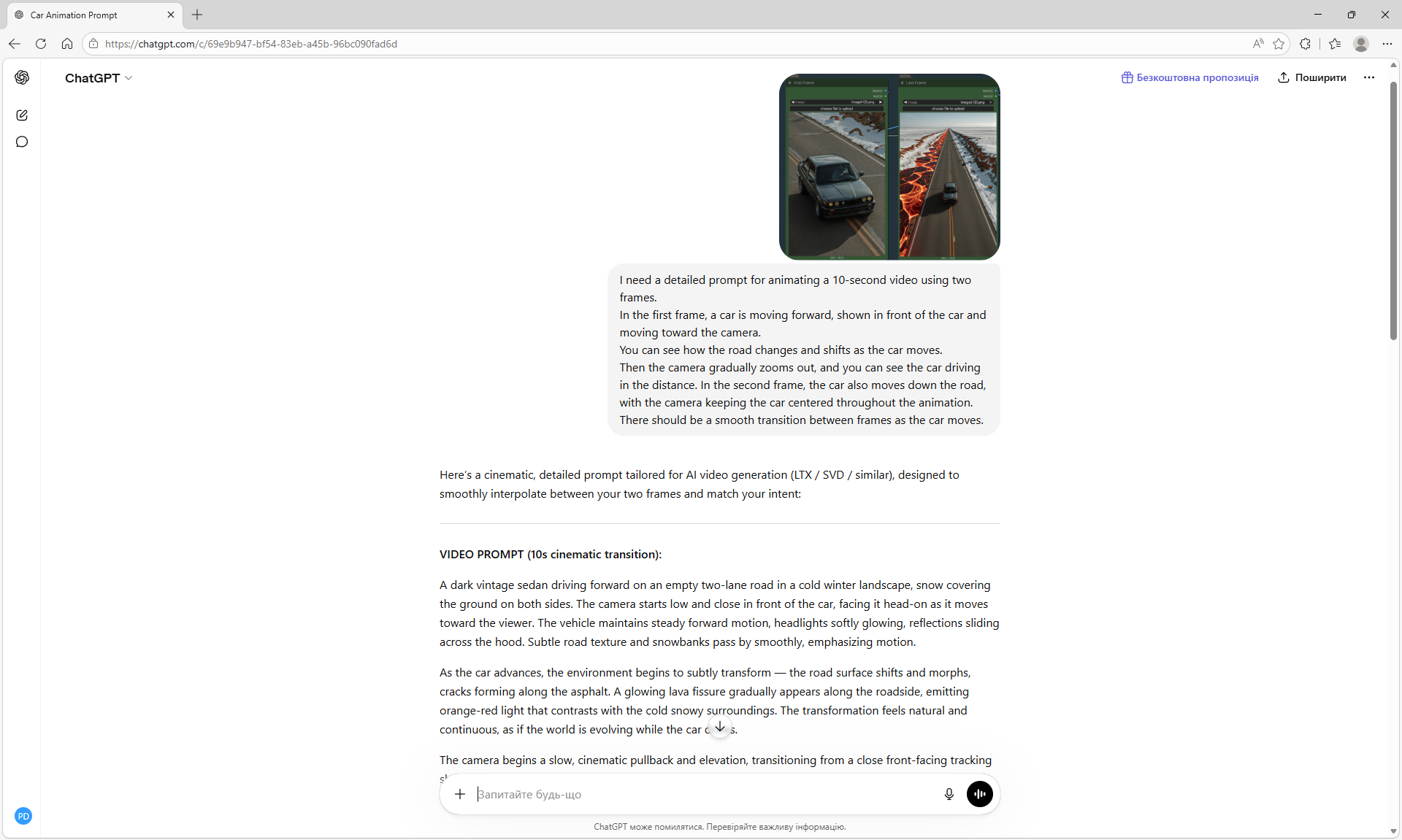
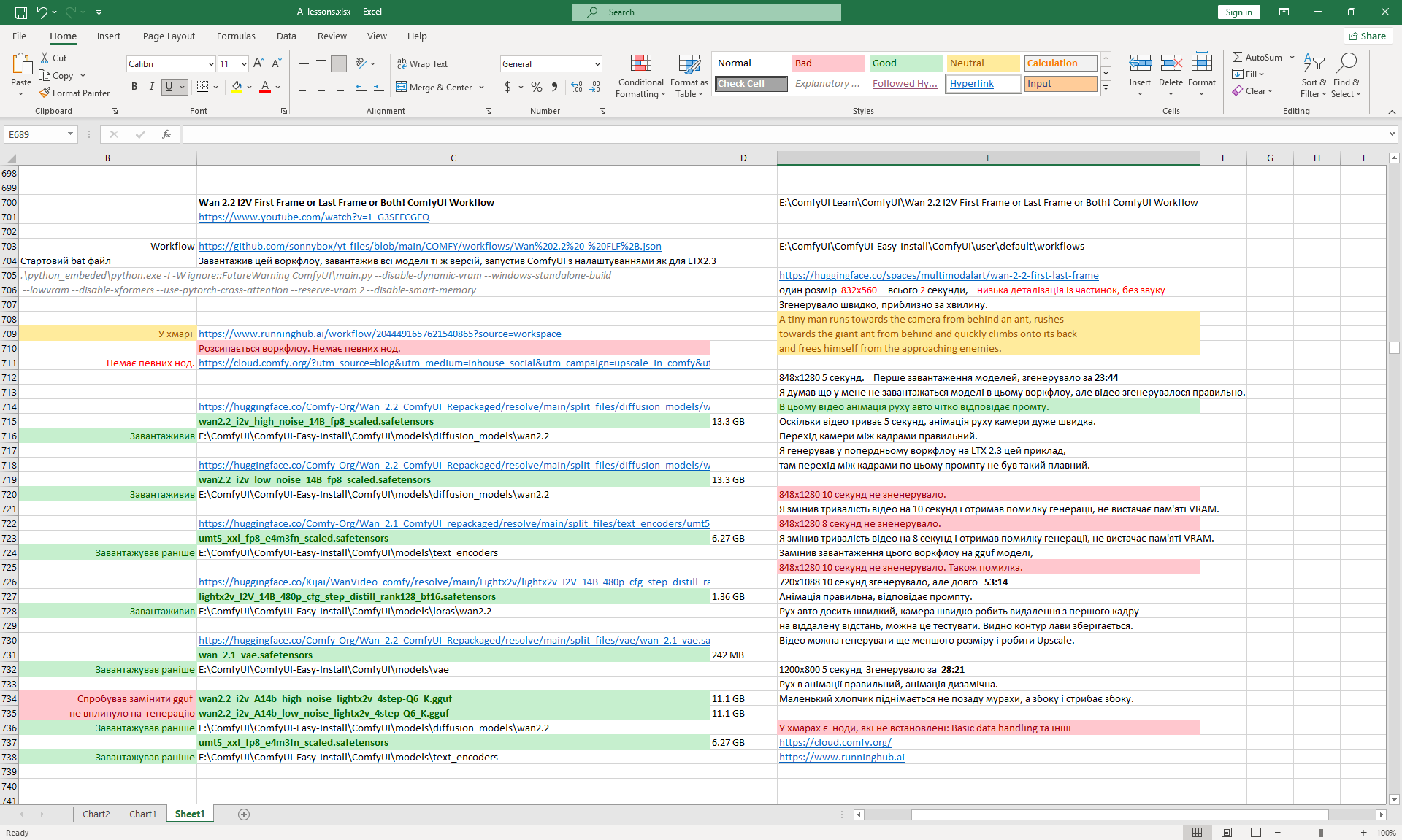
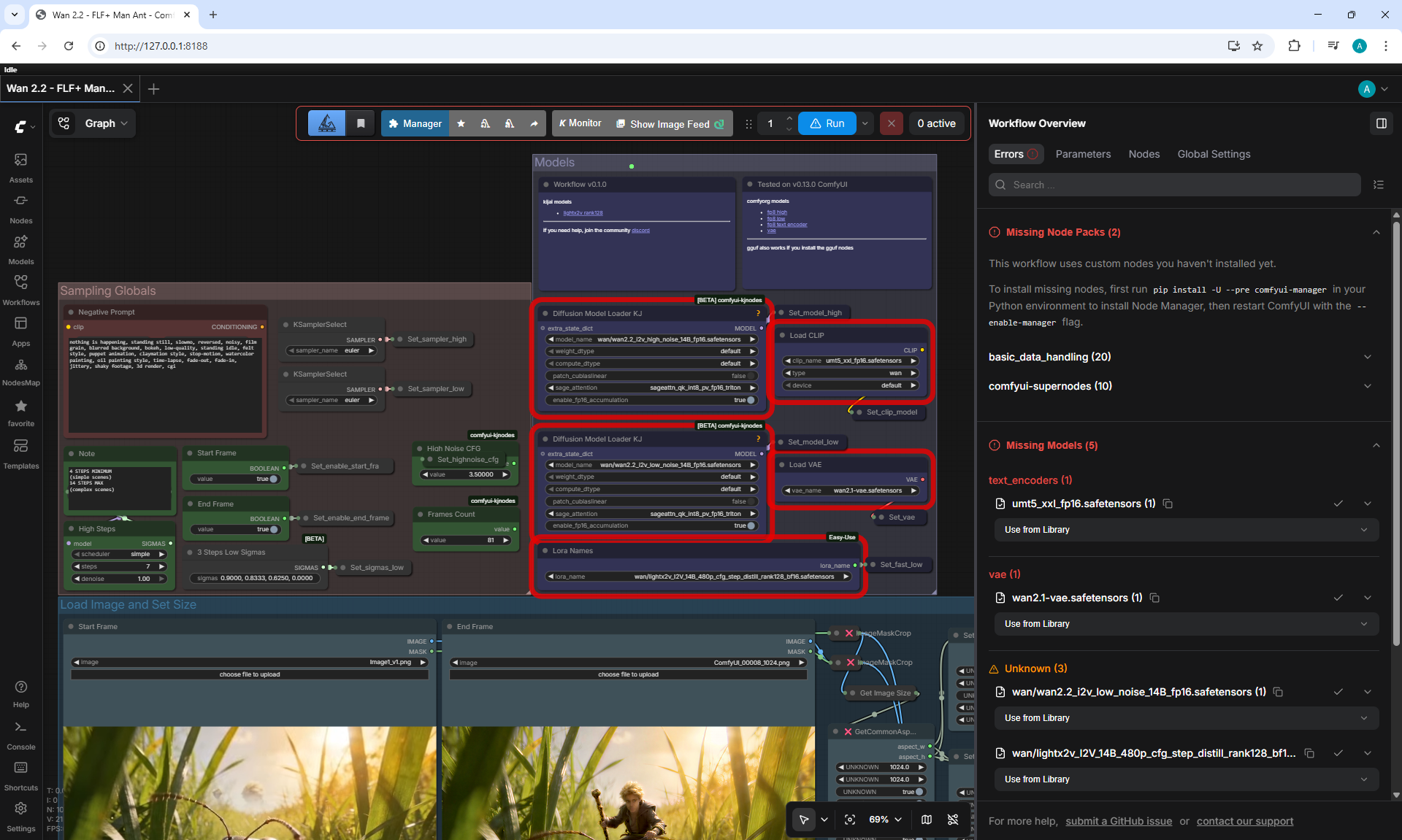
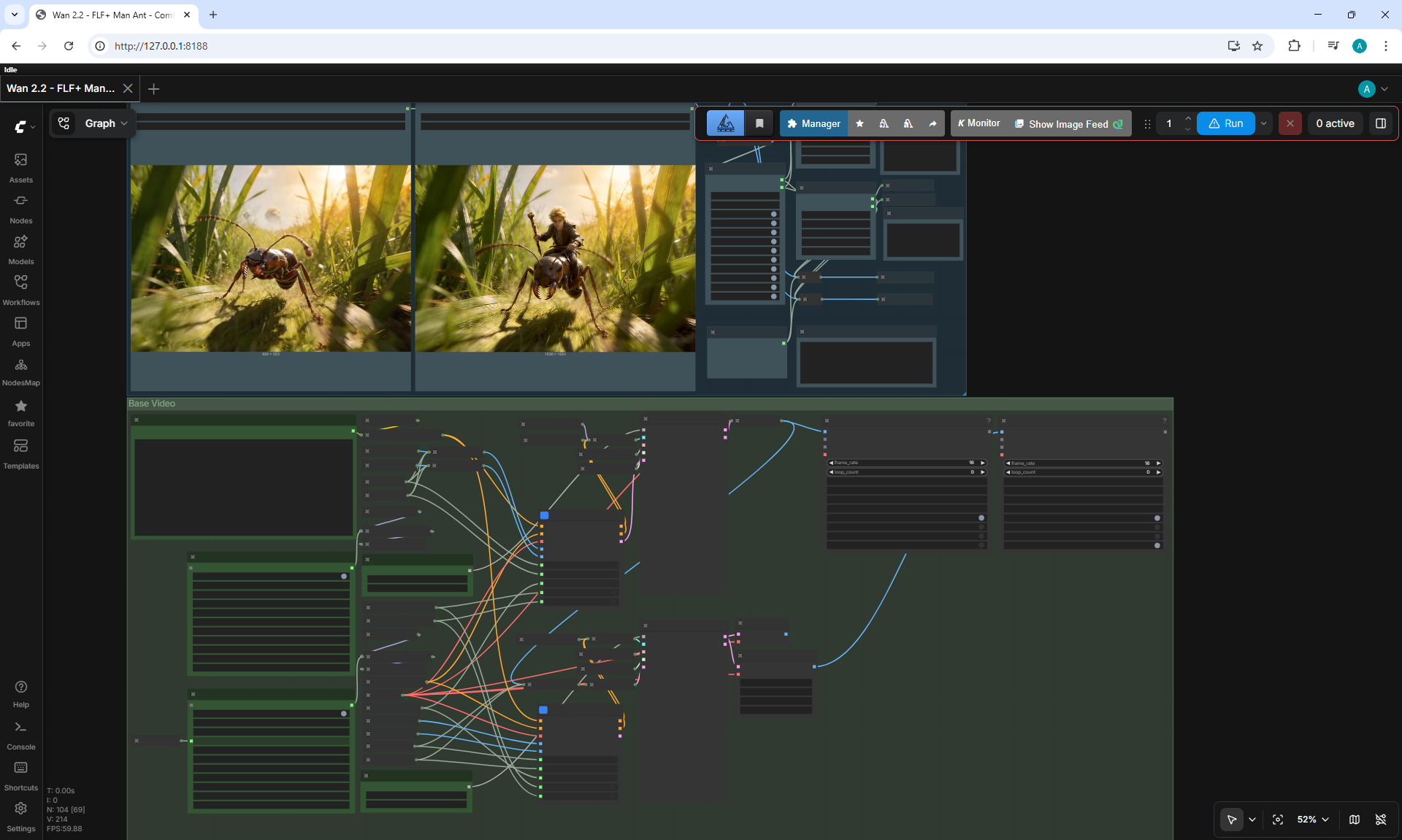
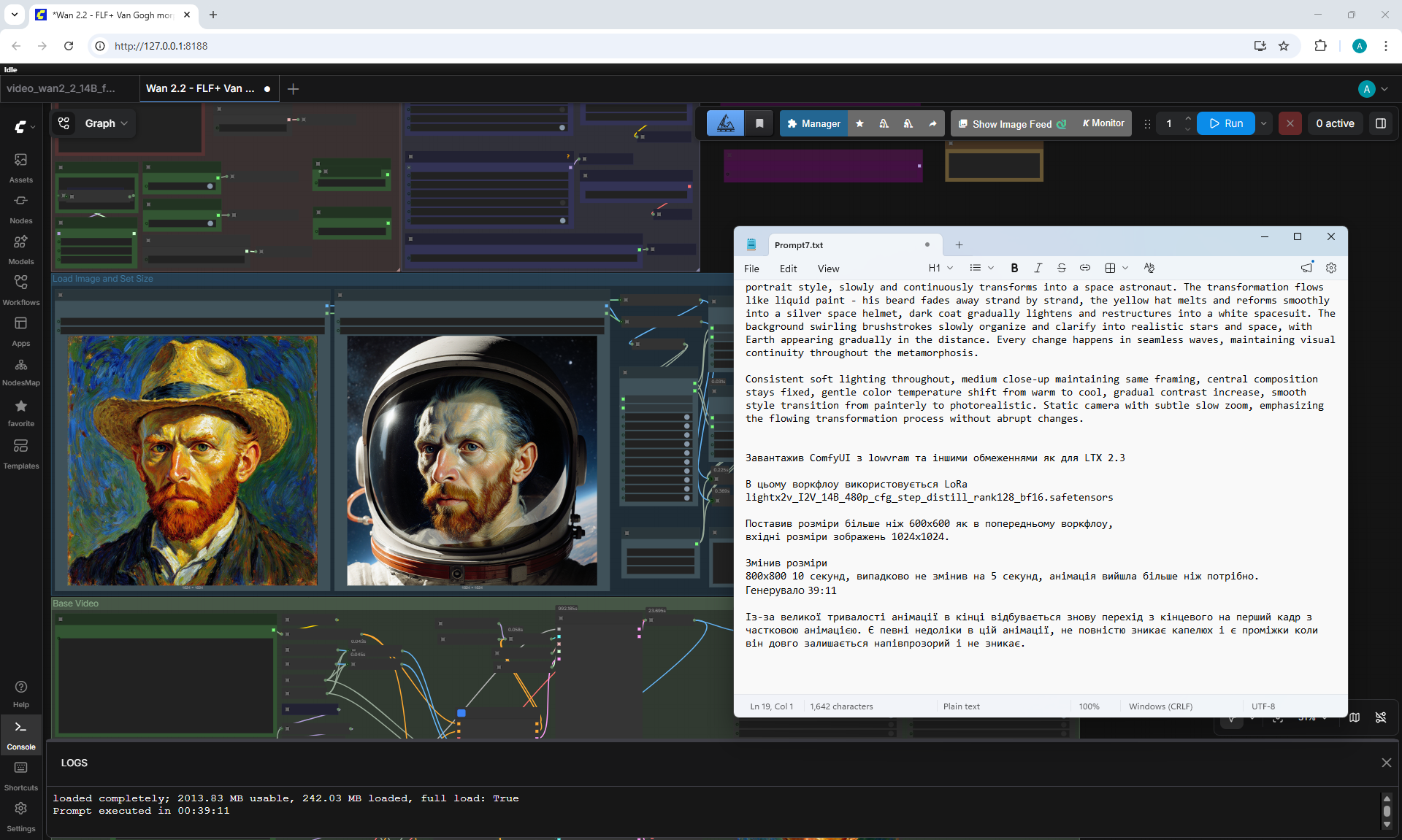
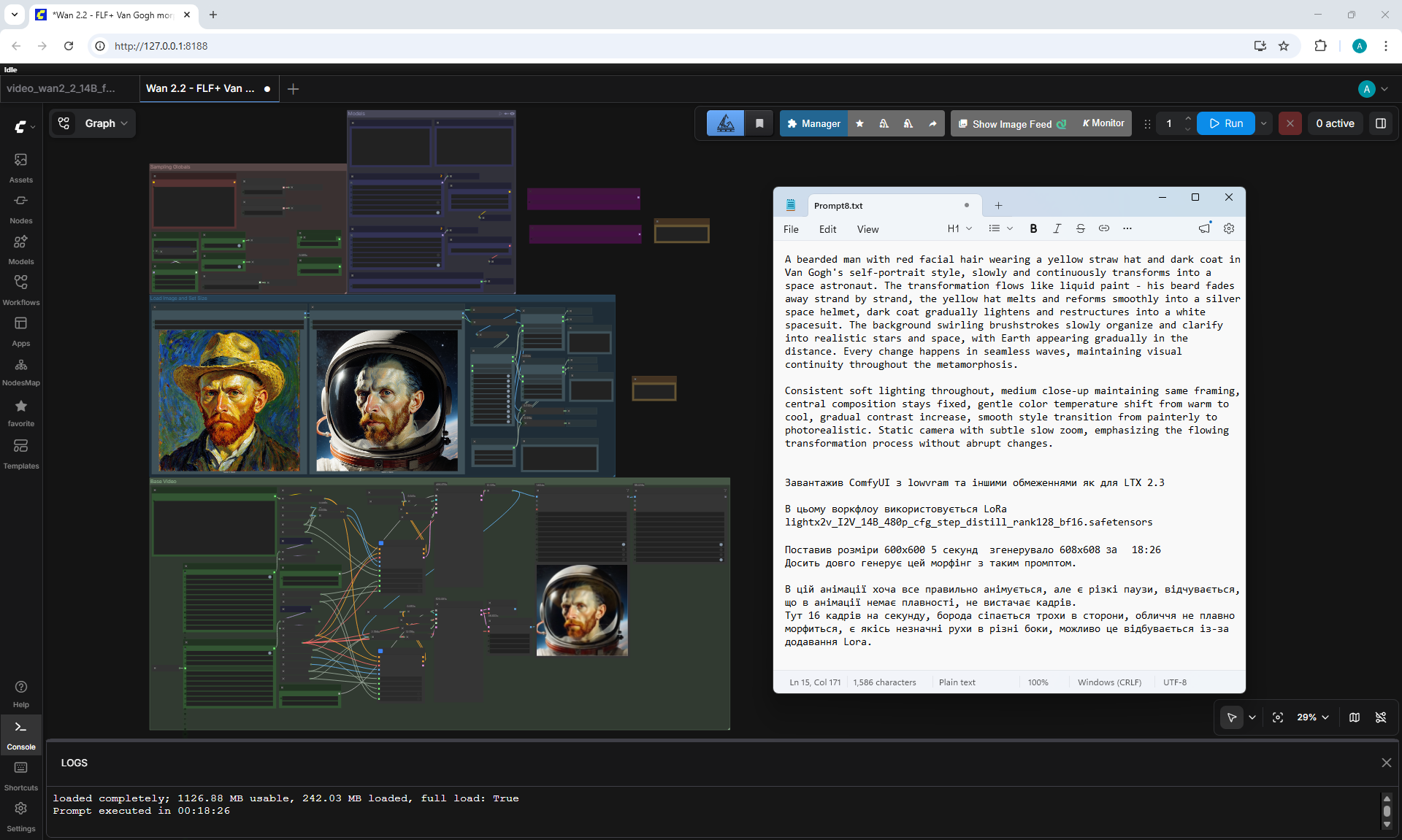
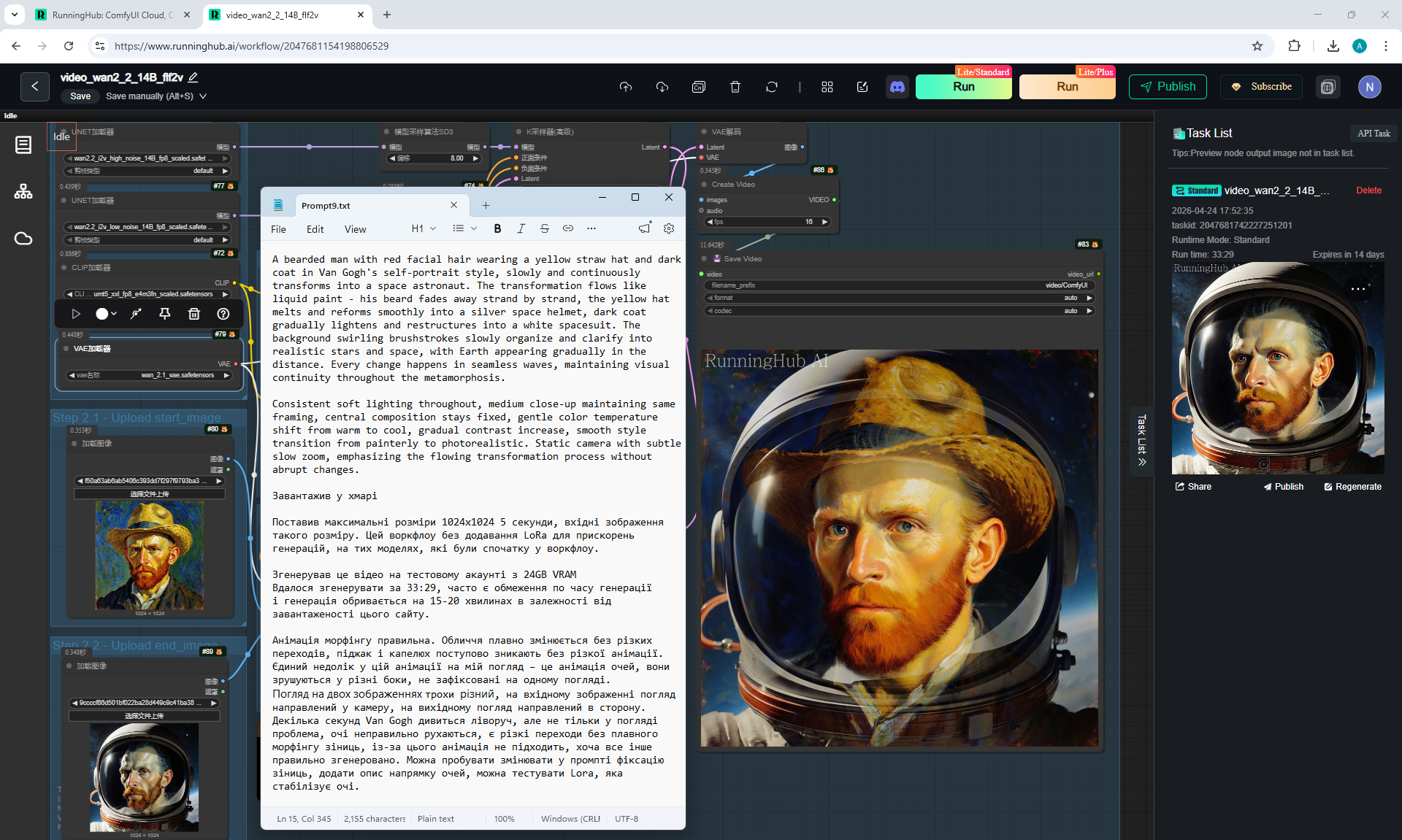
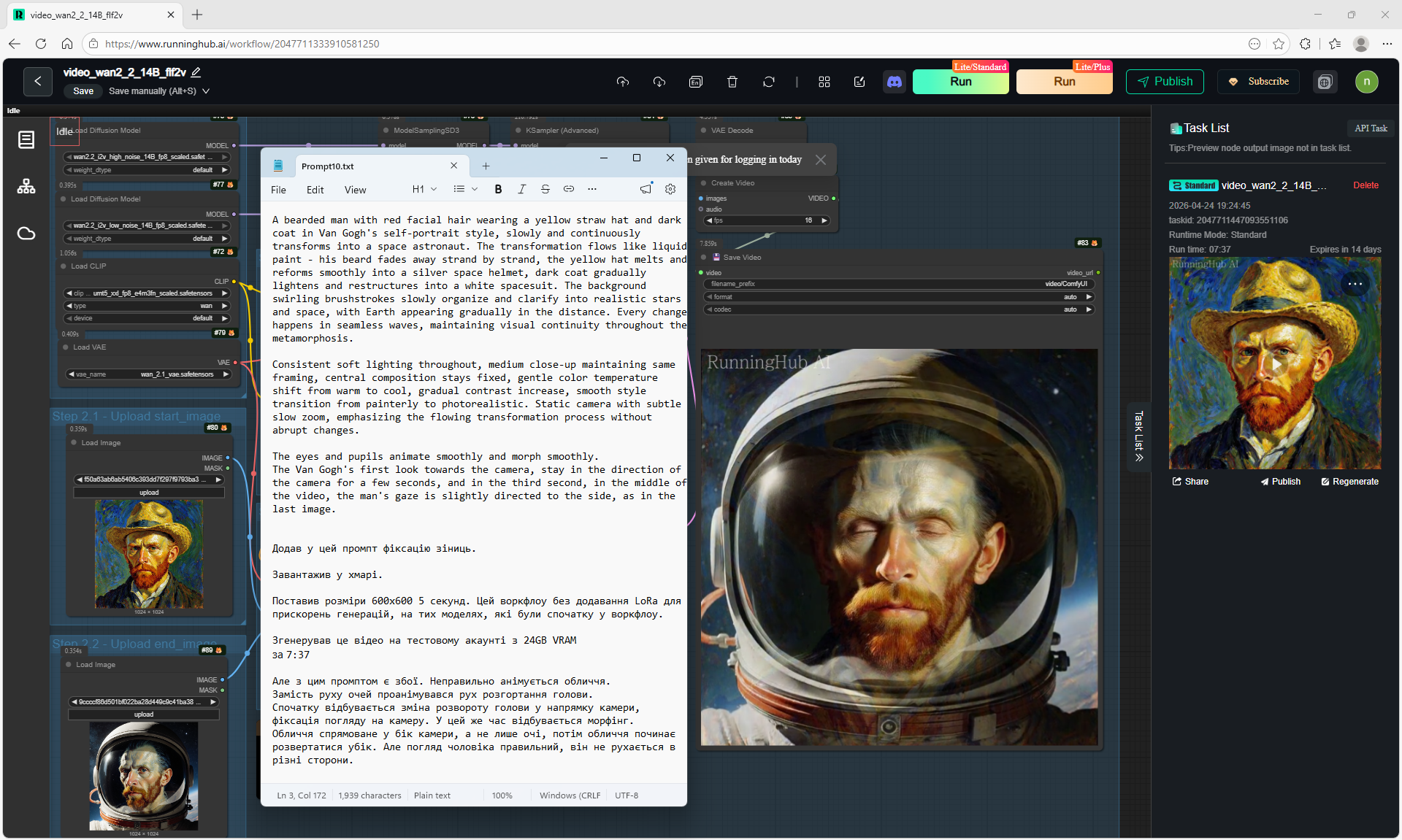
Wan 2.2 I2V First Frame or Last Frame or Both! ComfyUI Workflow




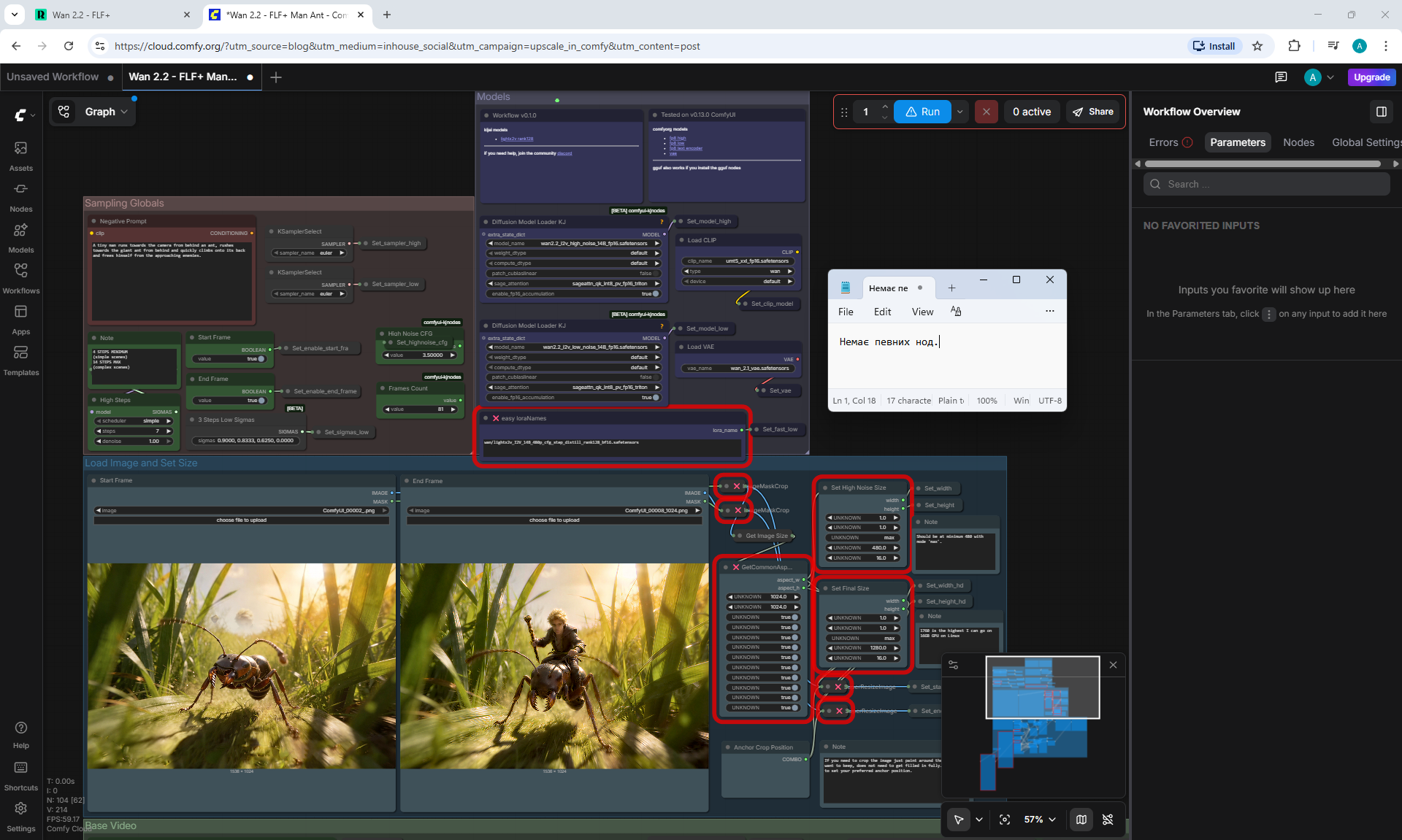
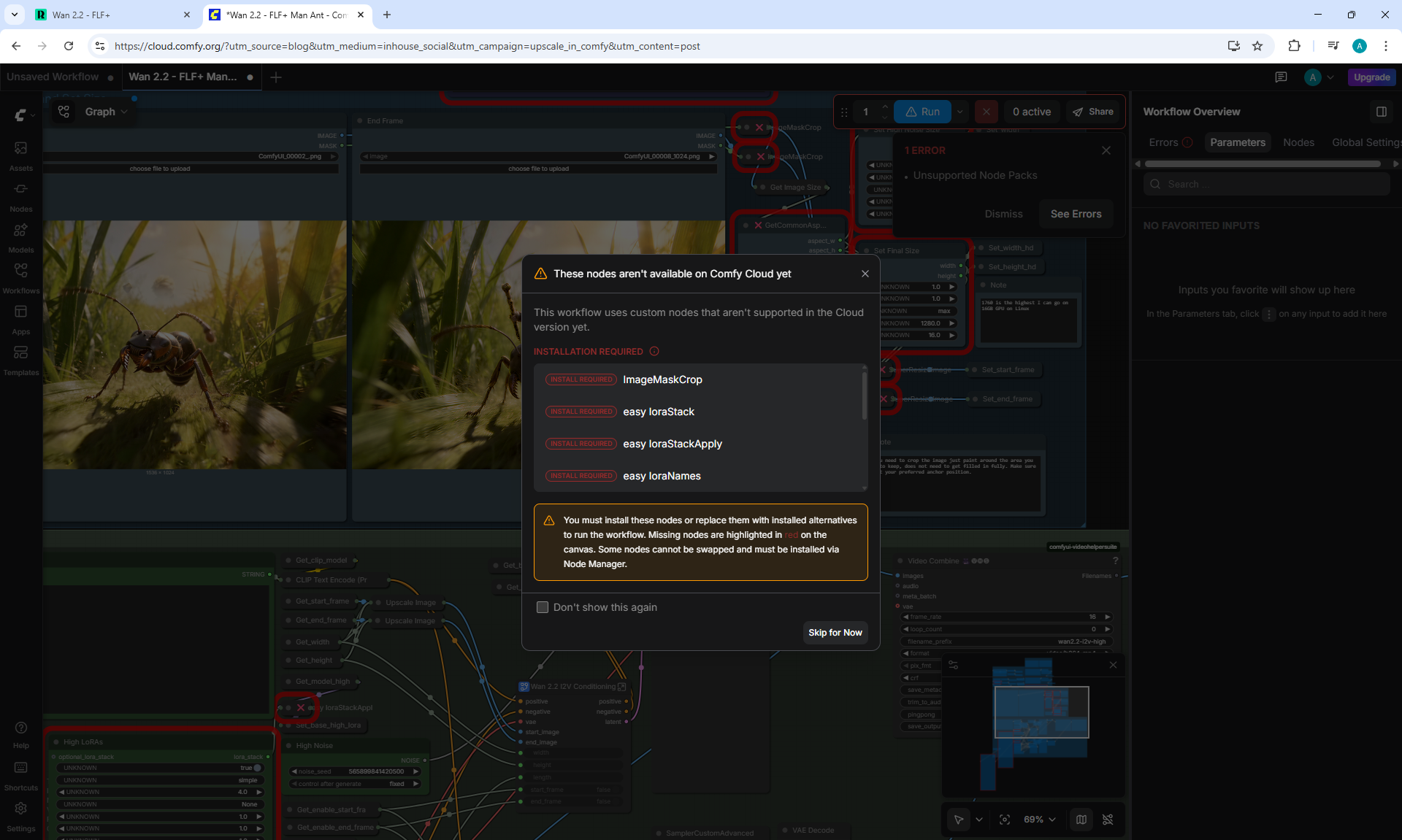
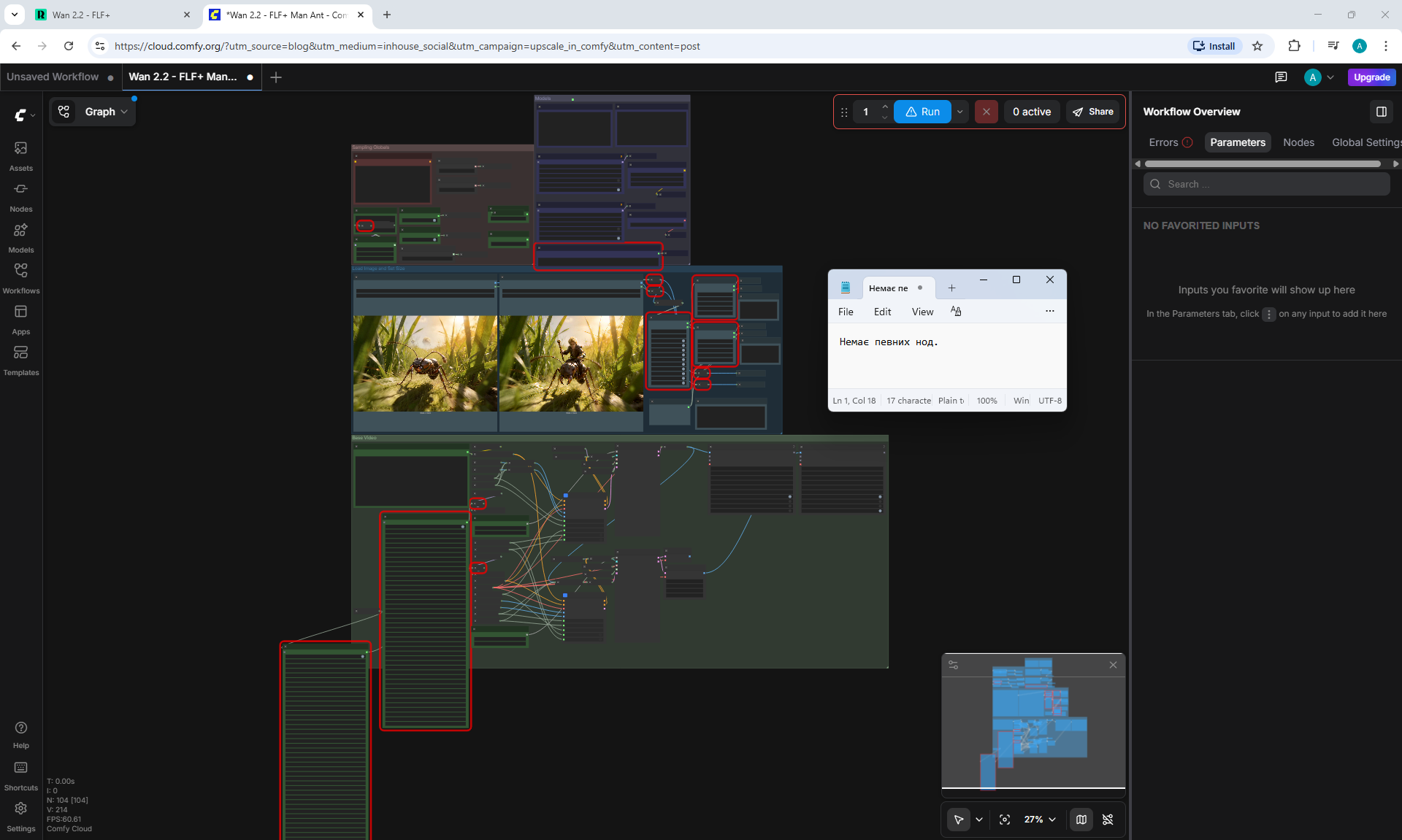
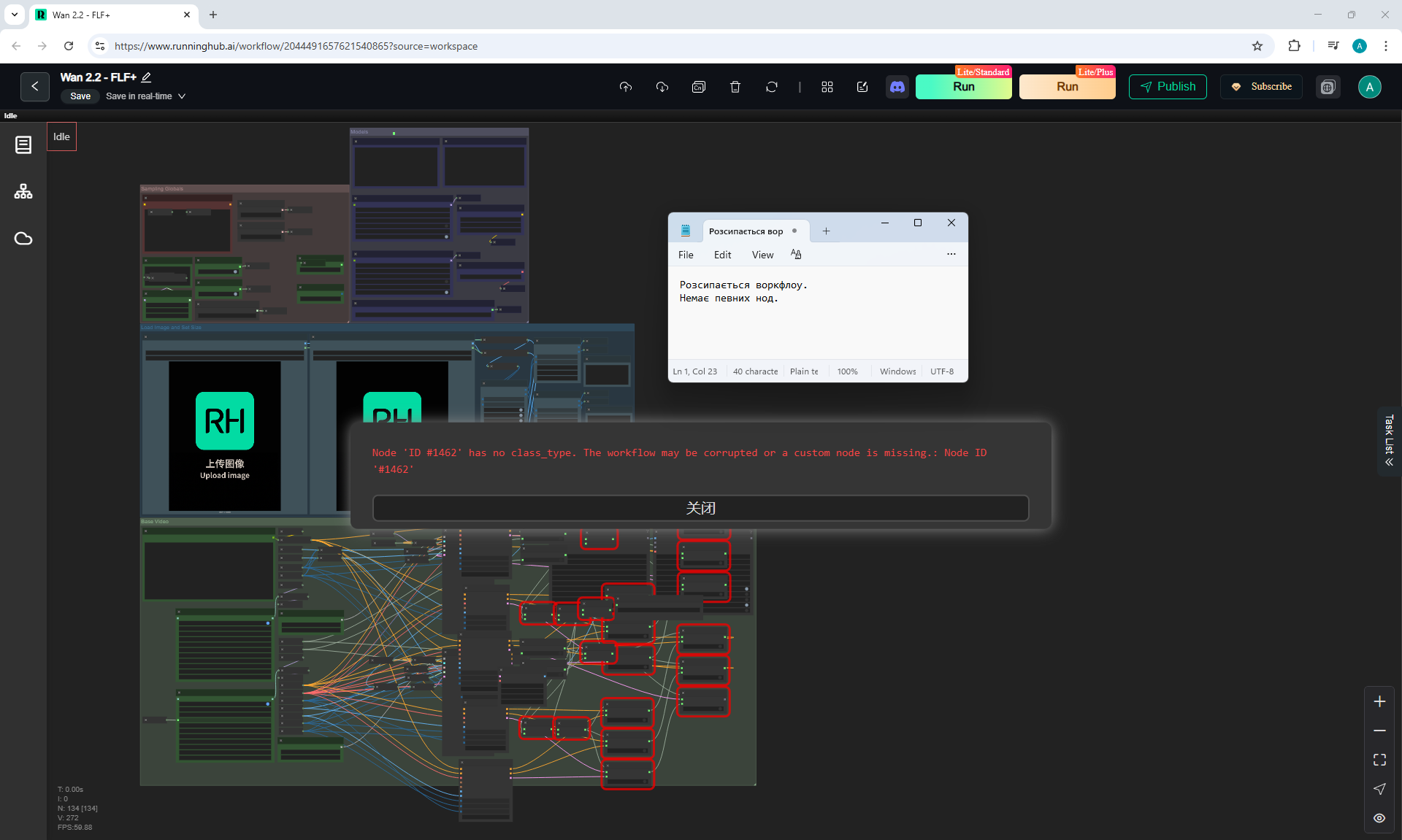
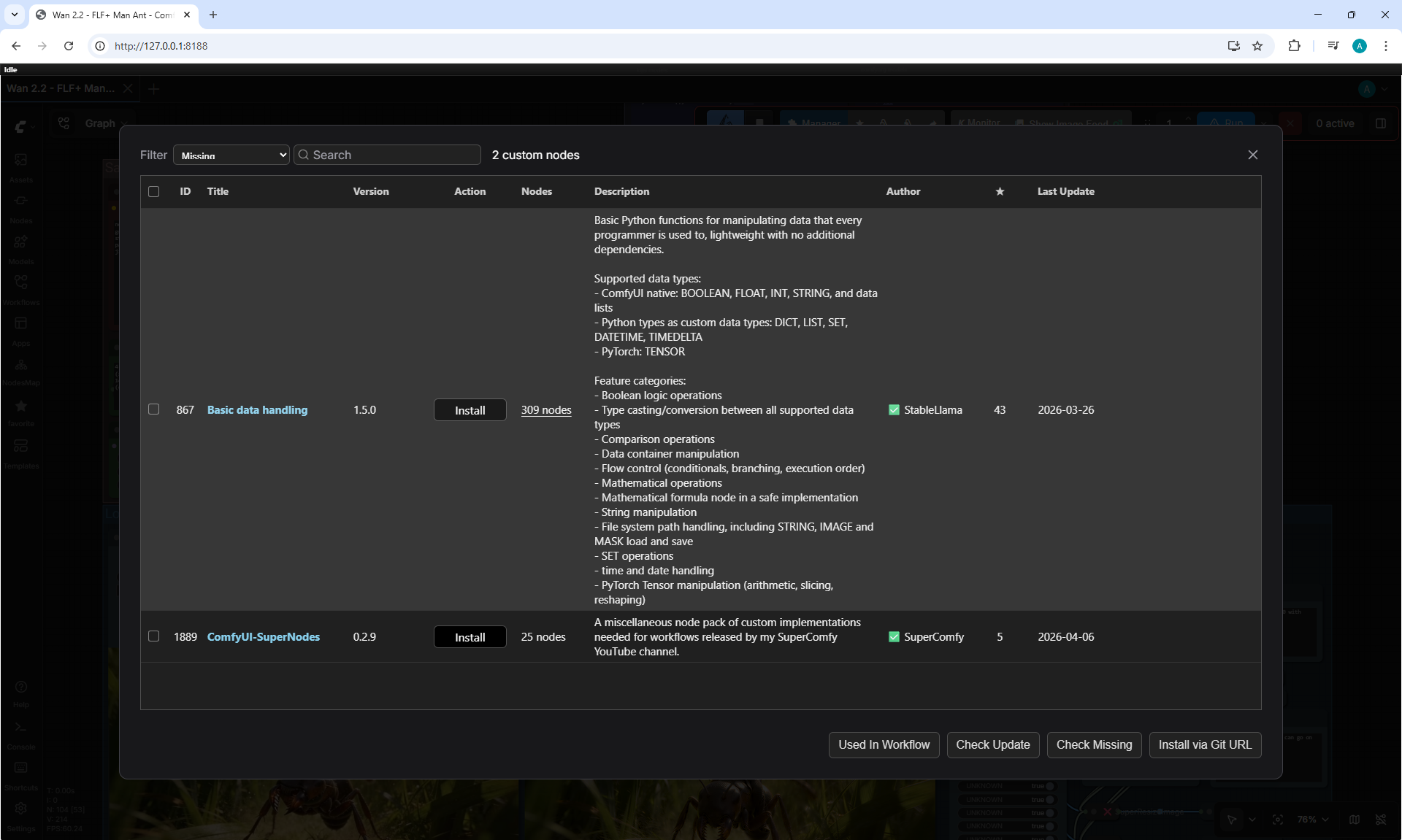
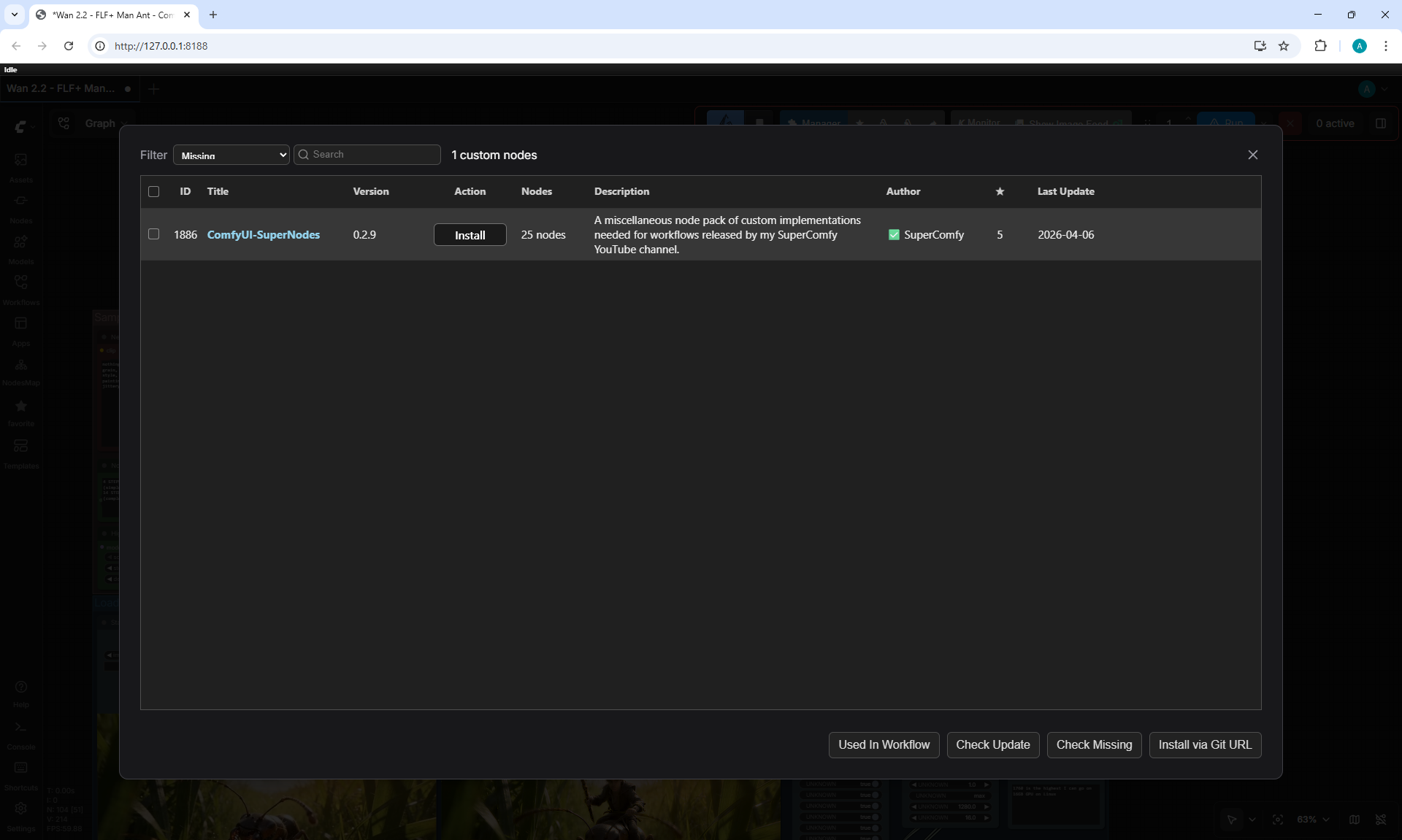
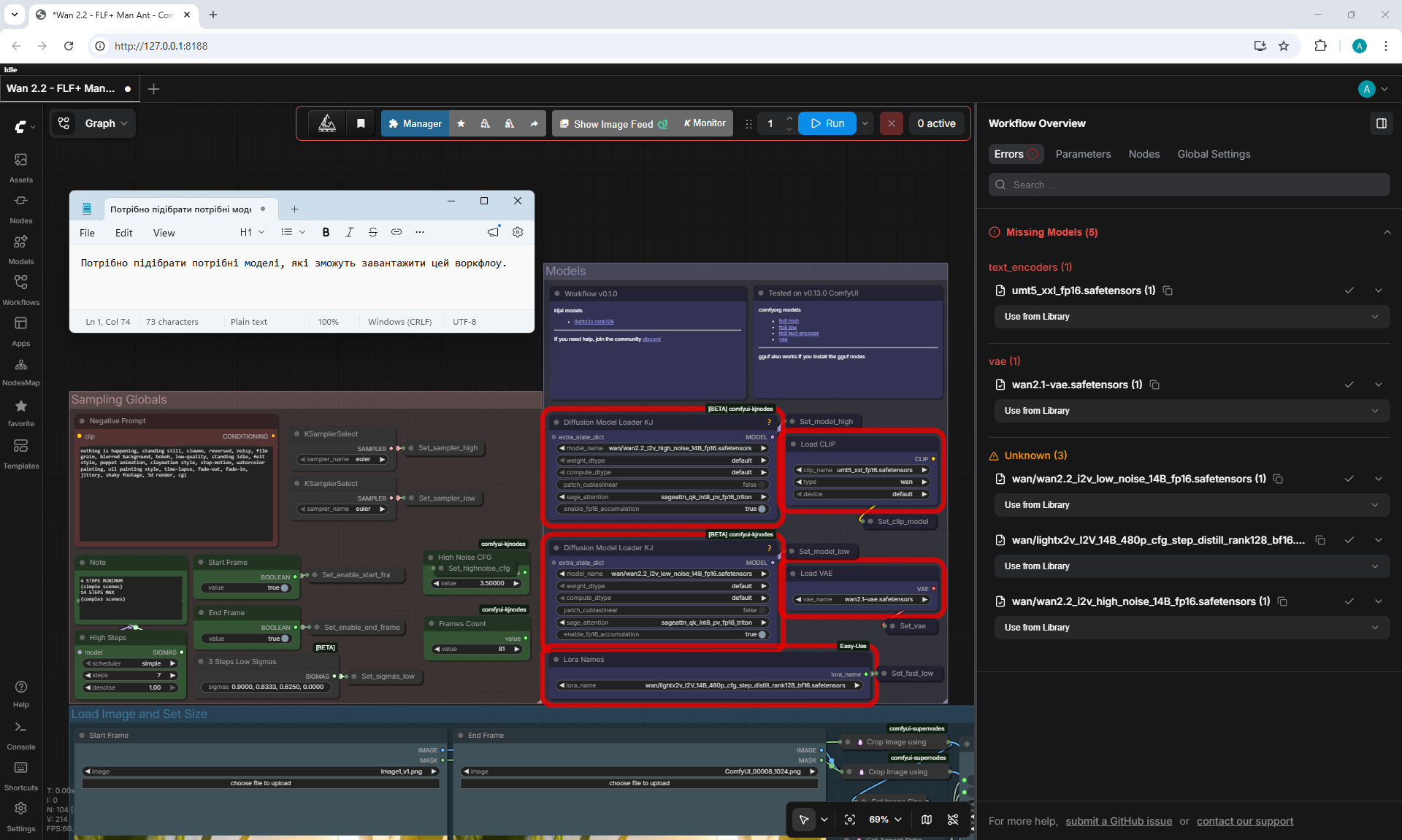
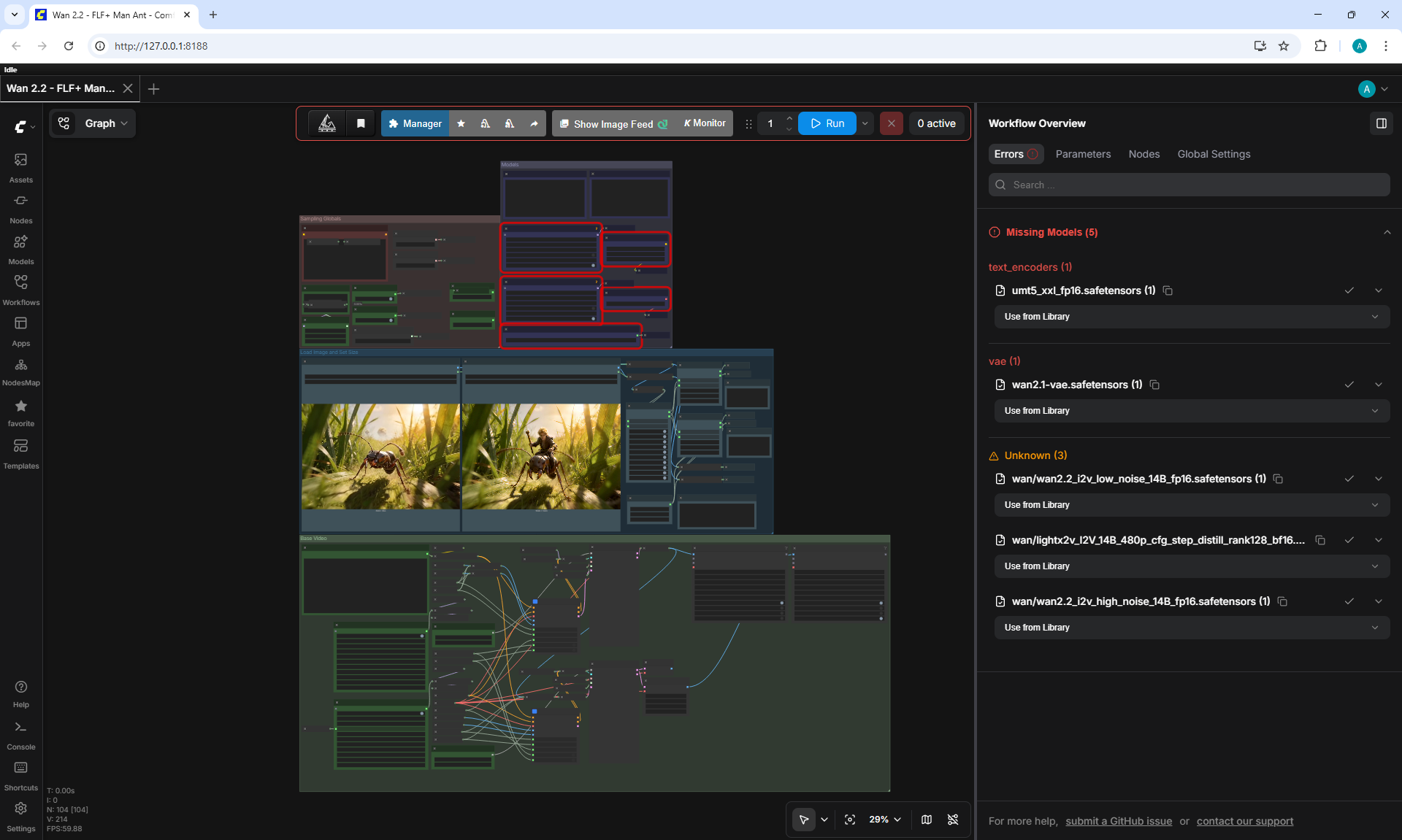
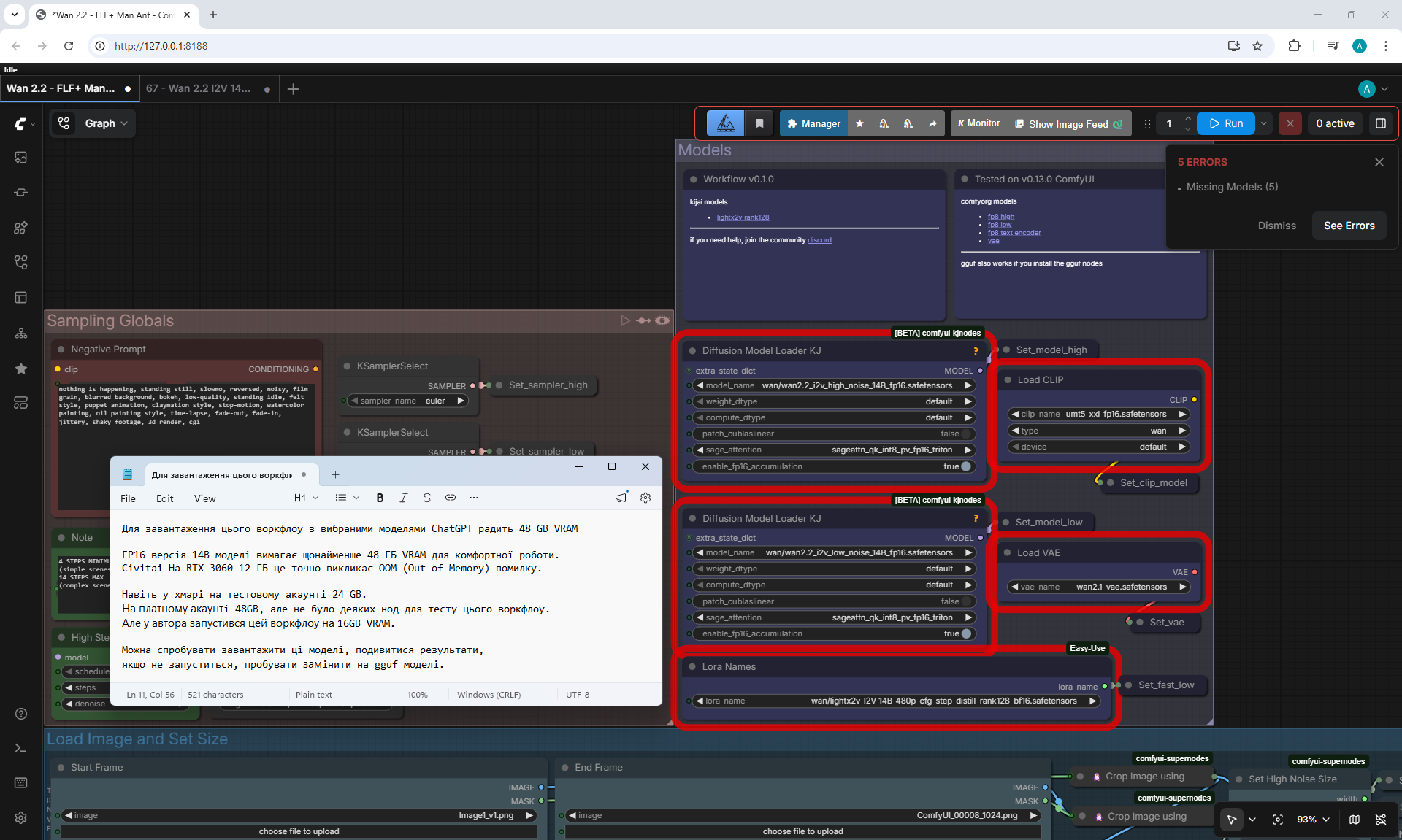
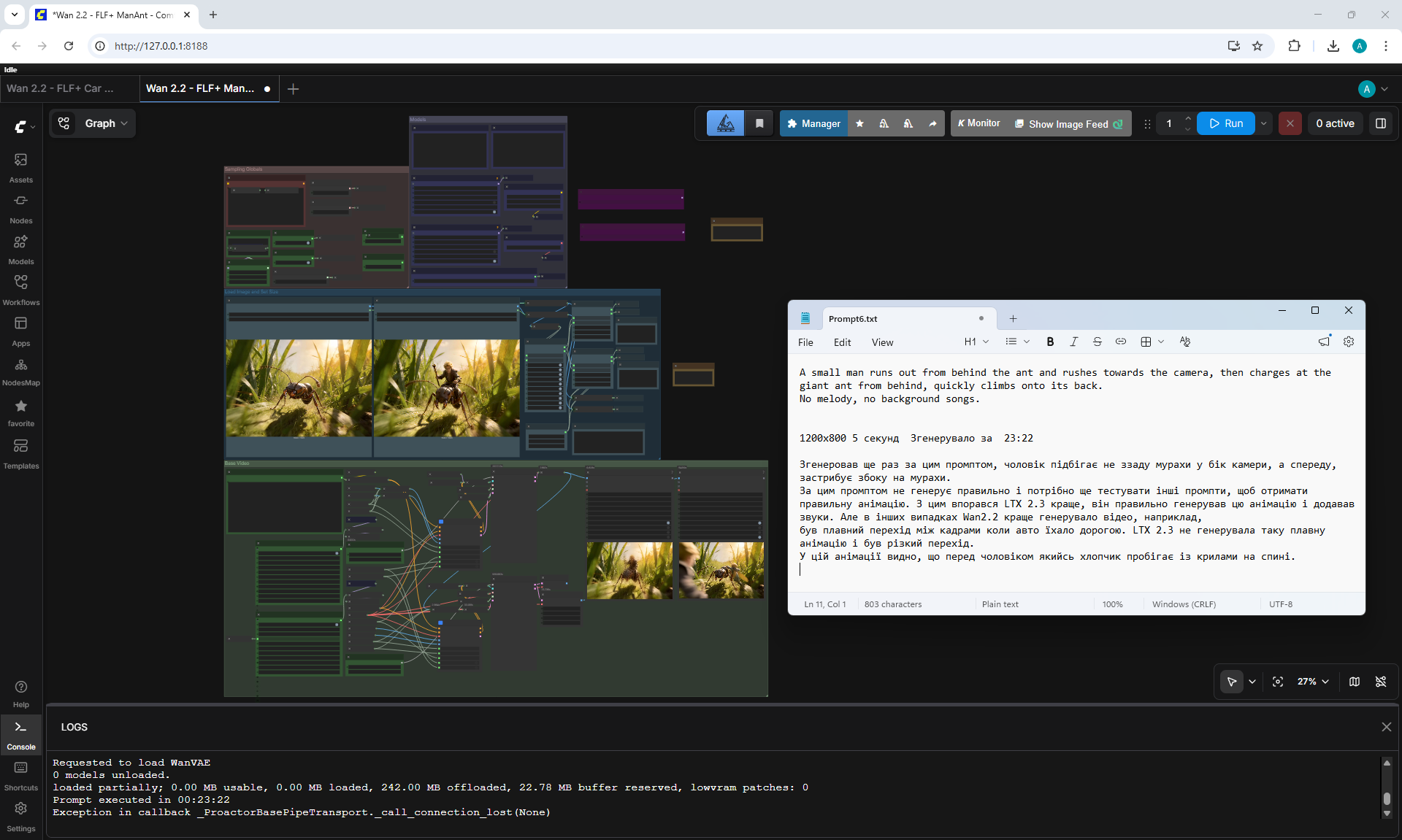
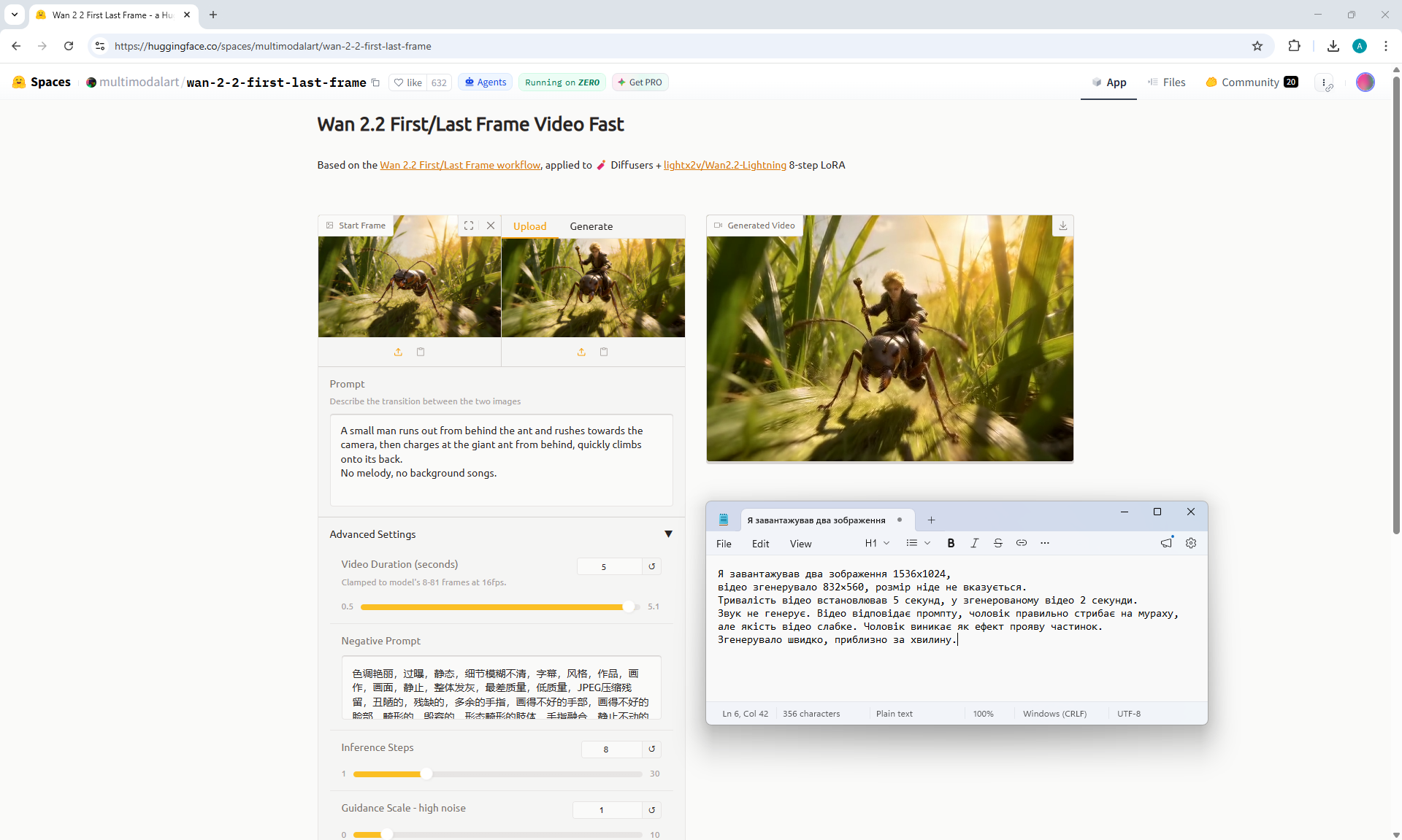
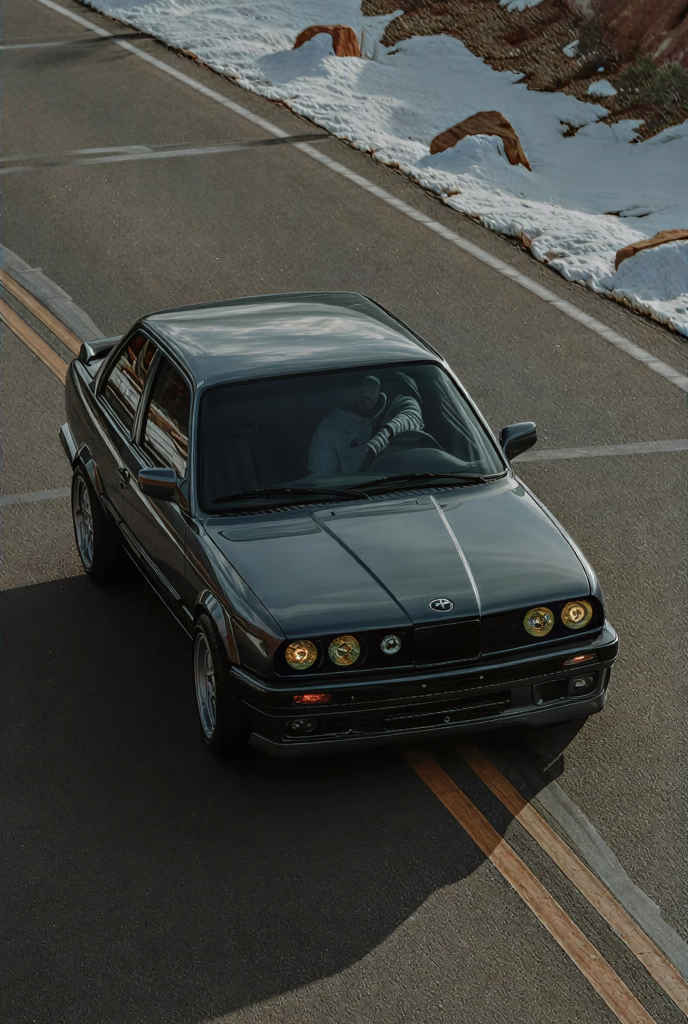
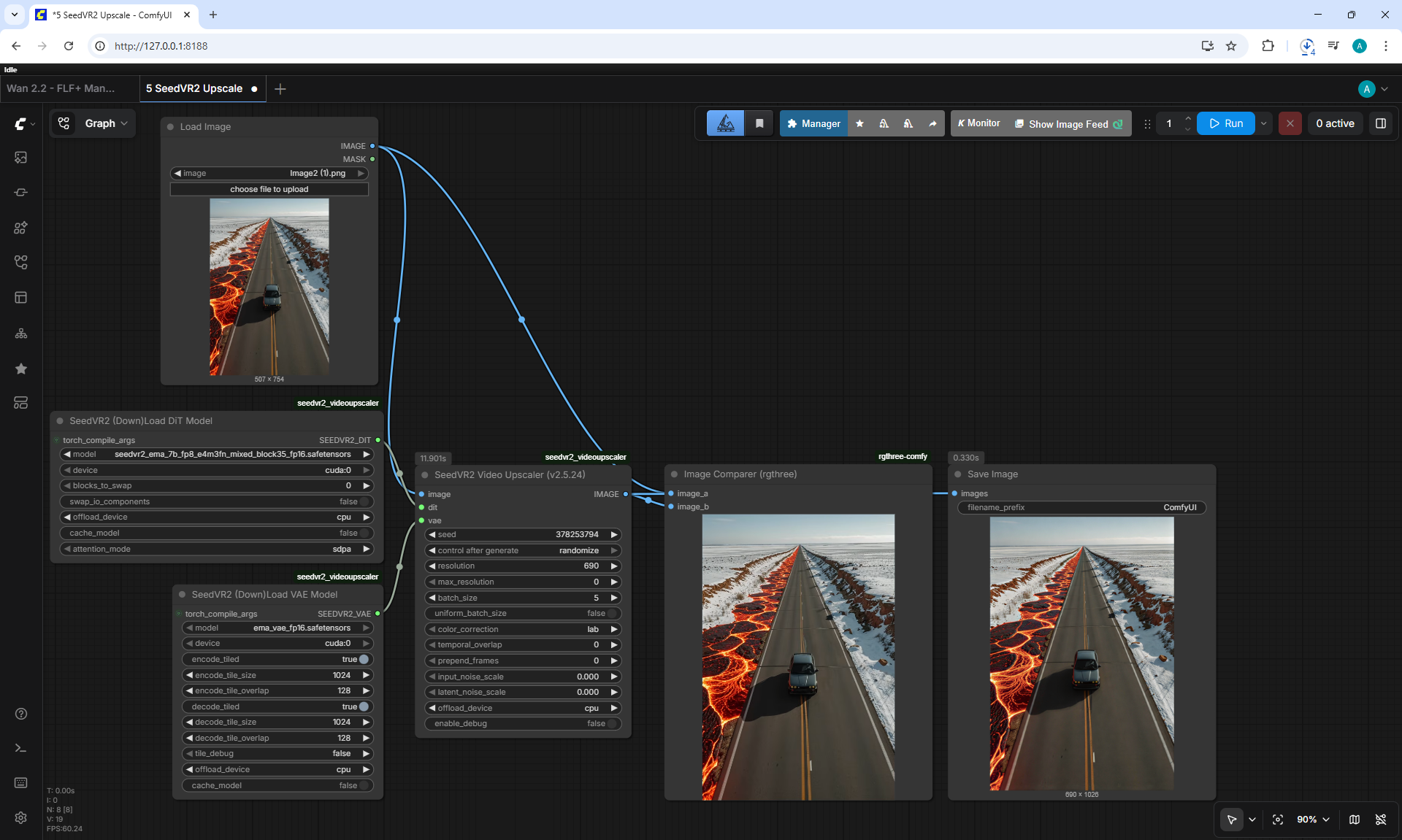
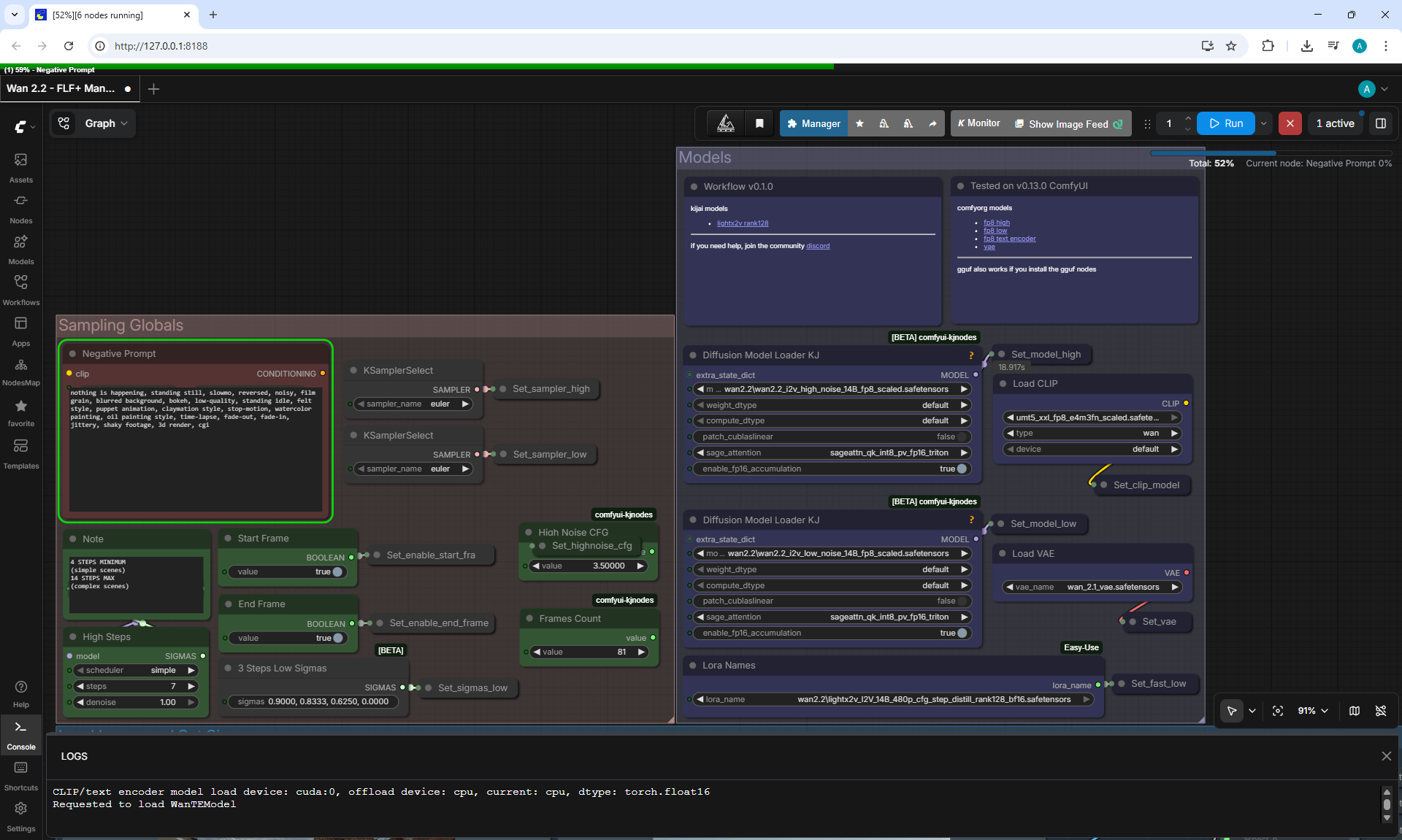
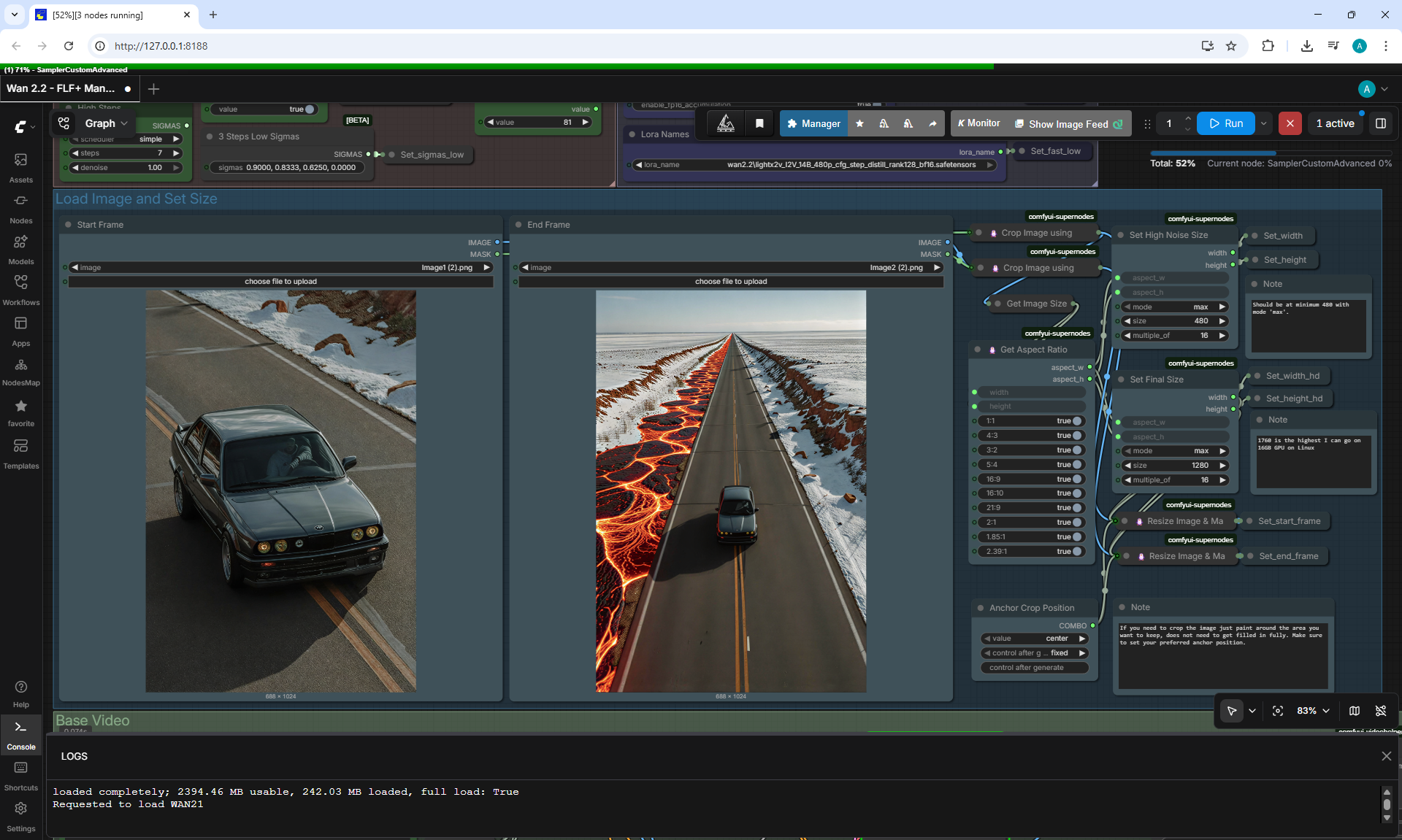
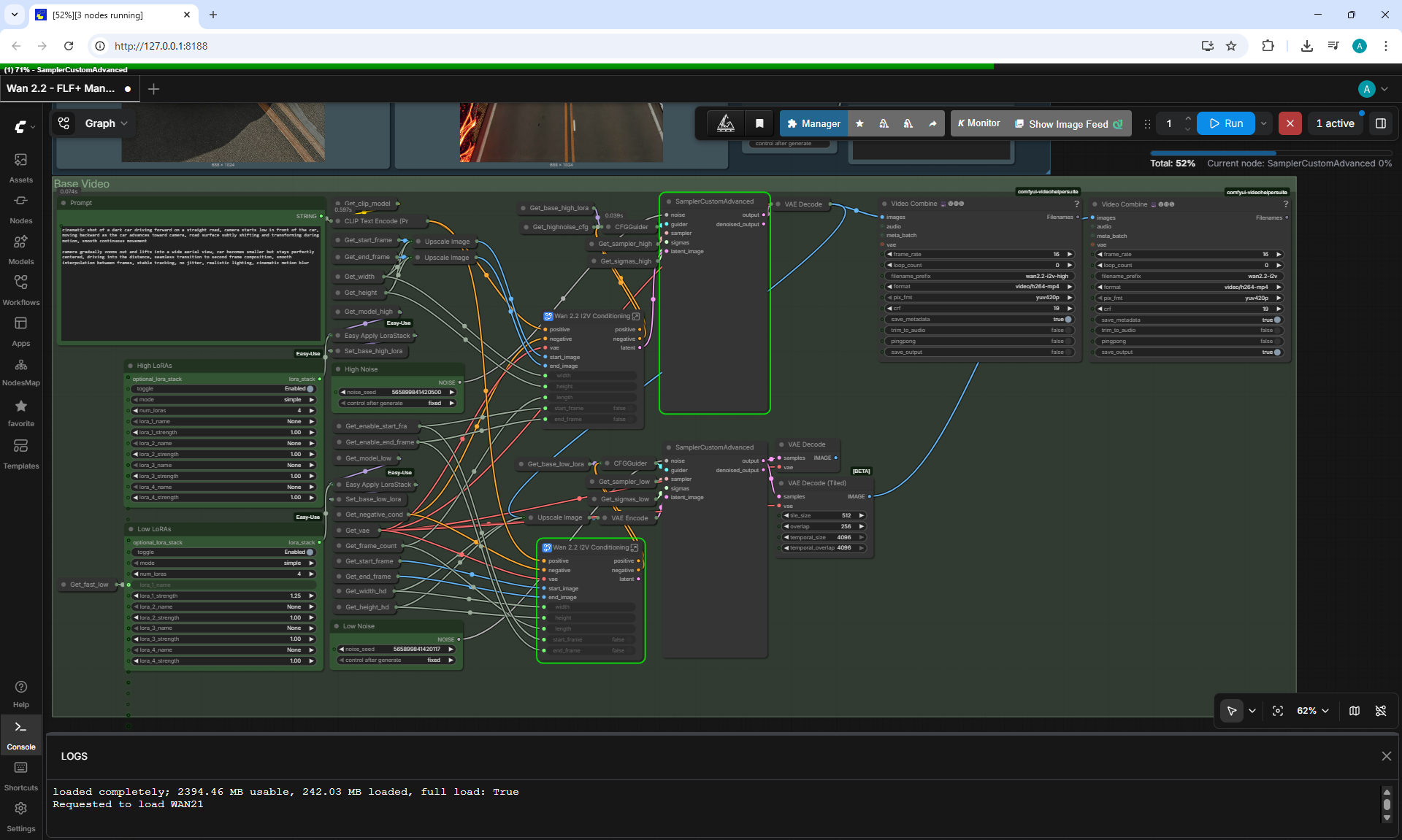
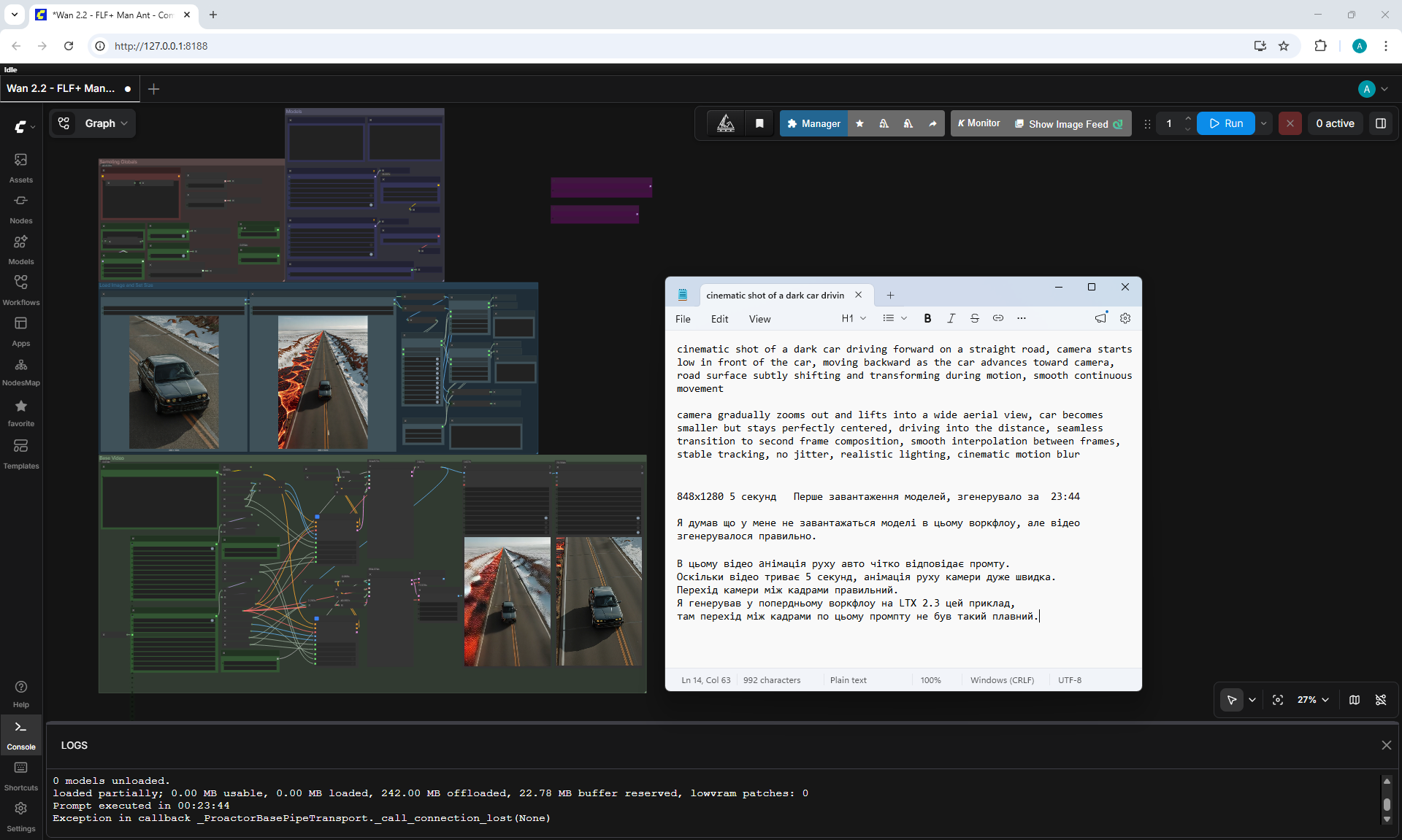
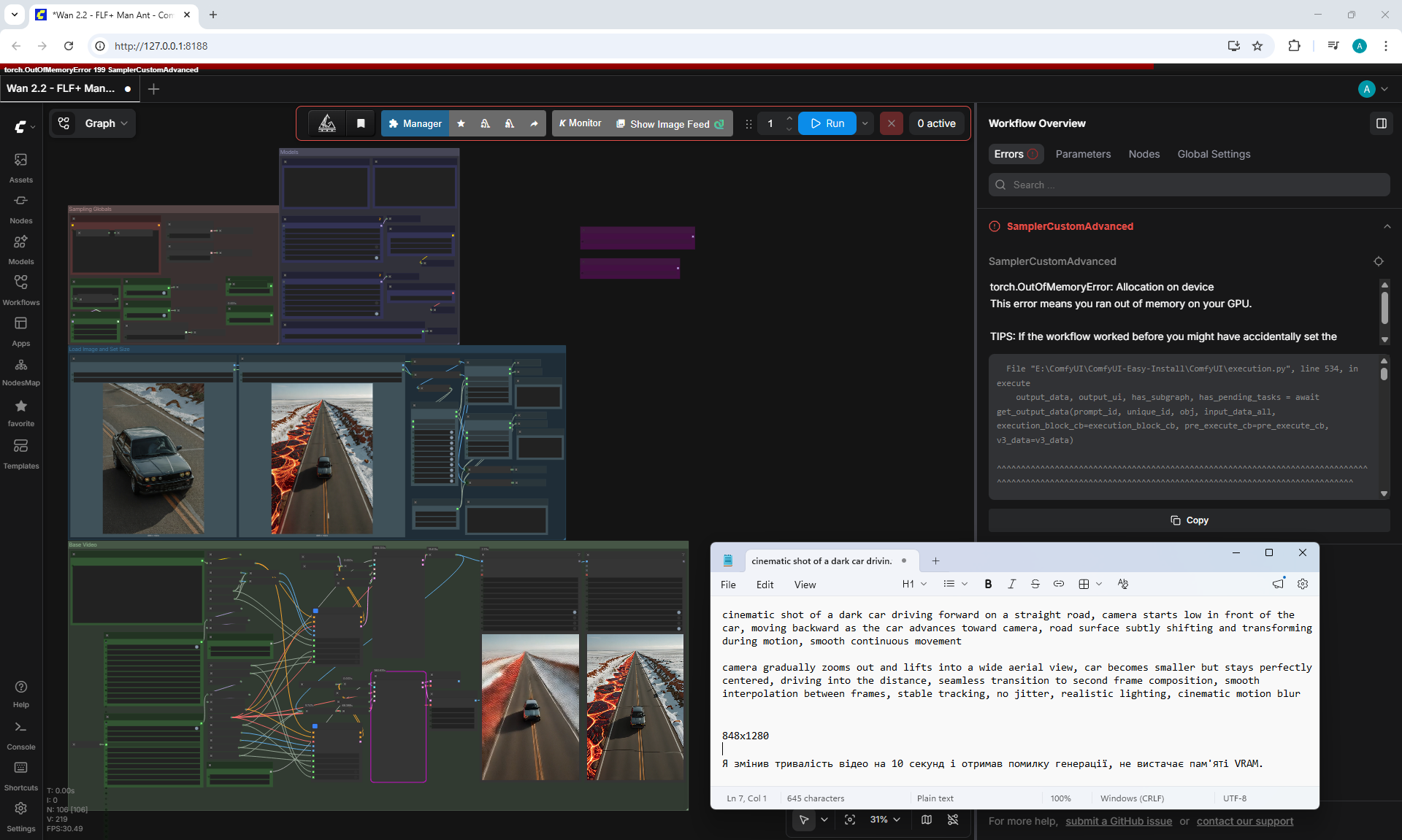
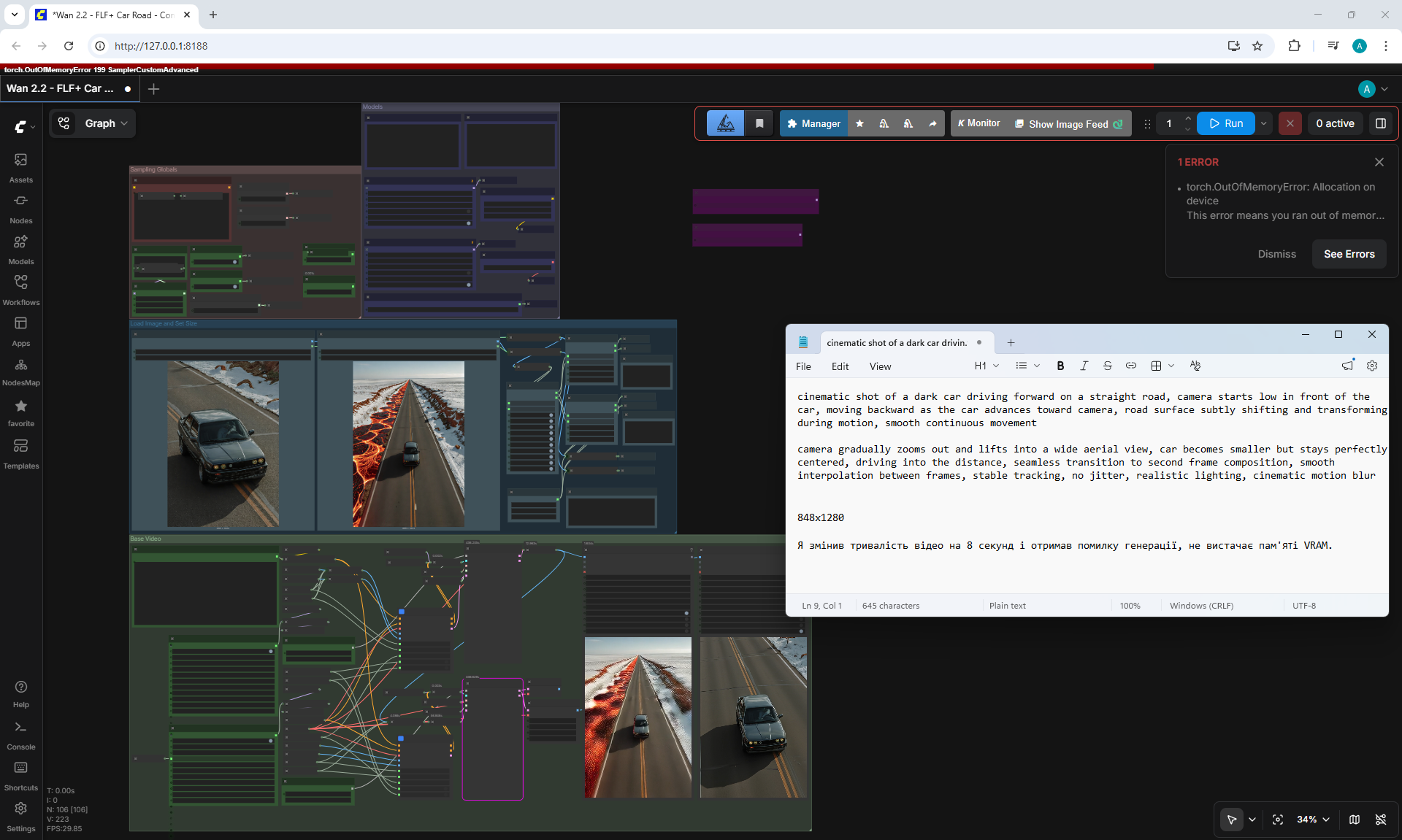
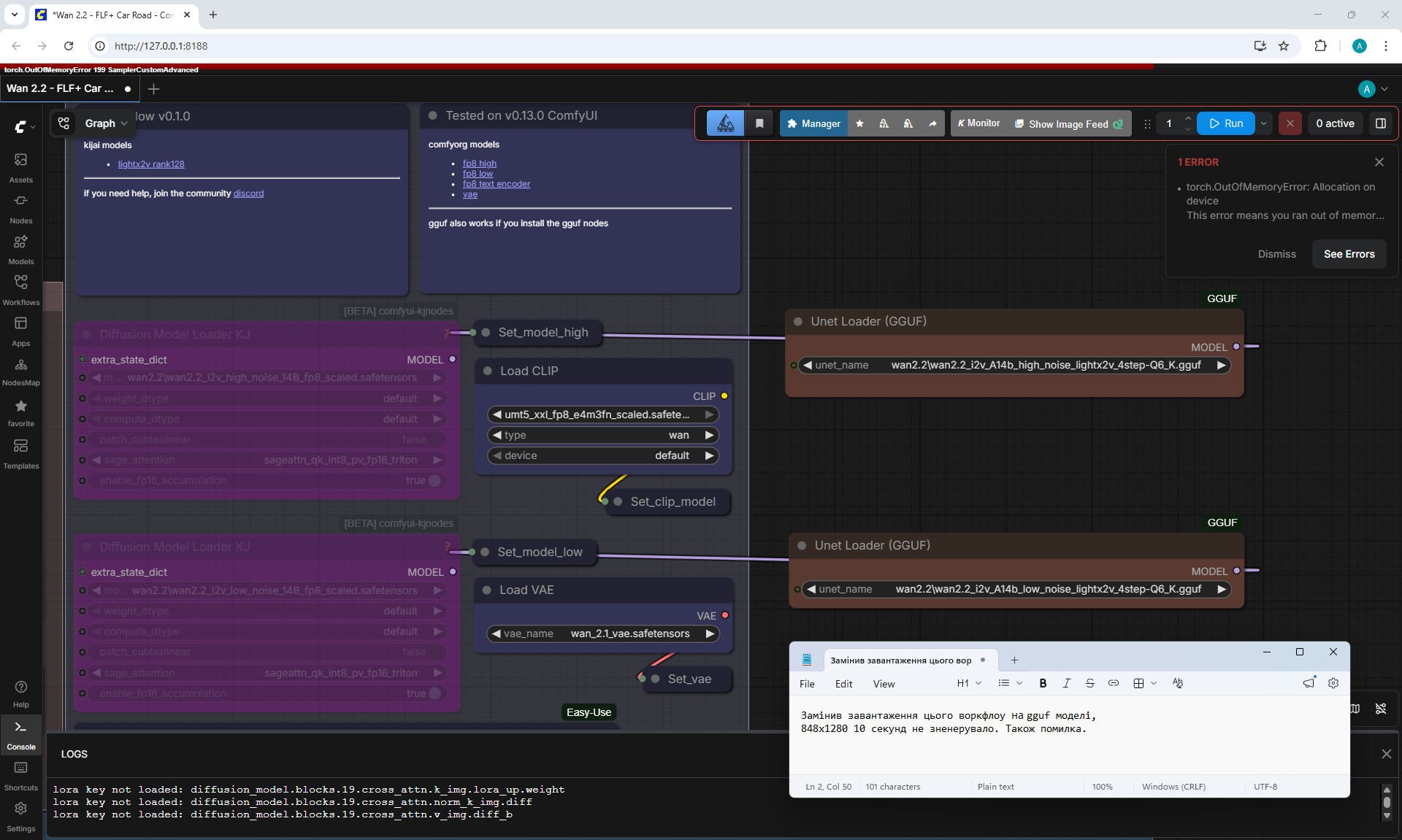
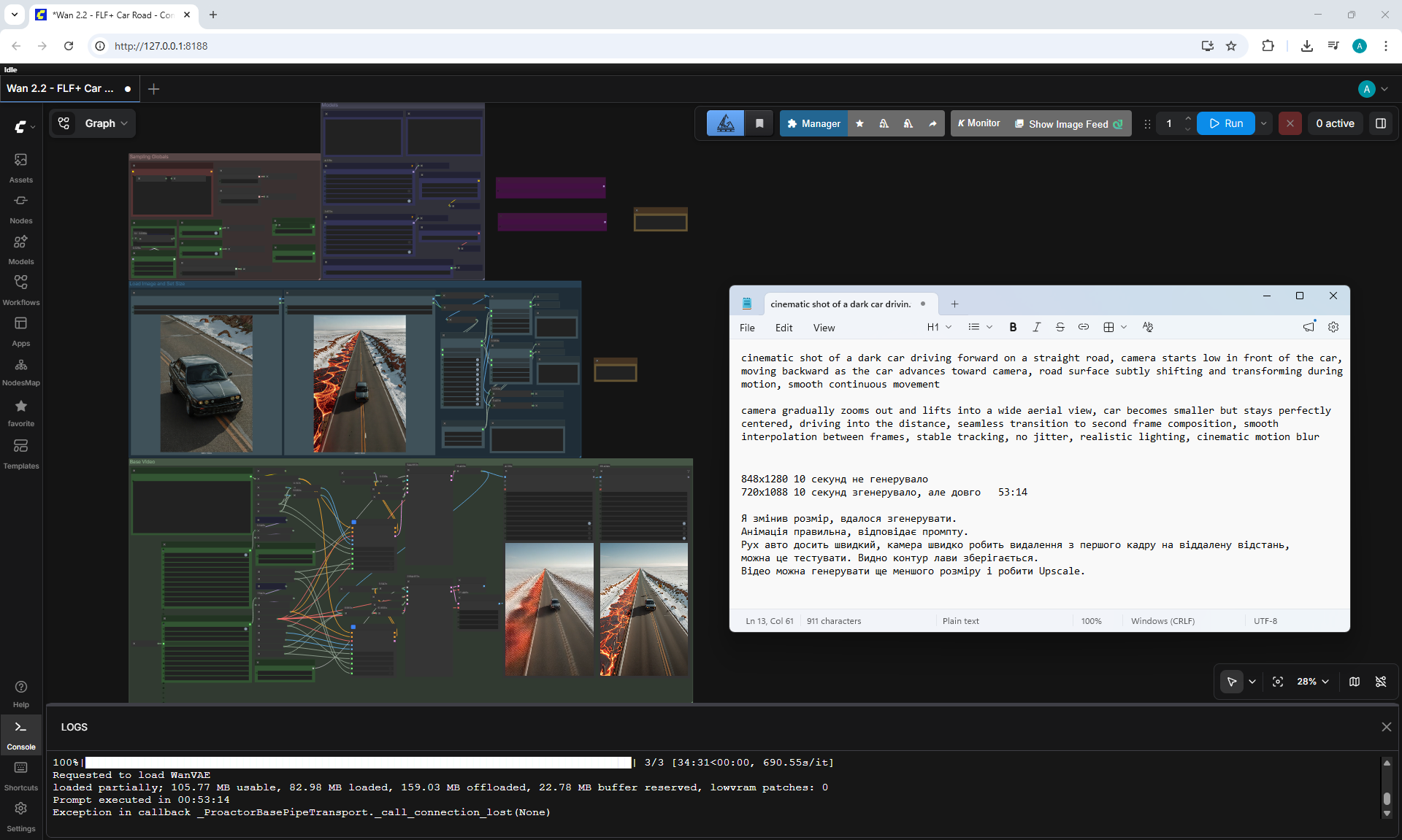
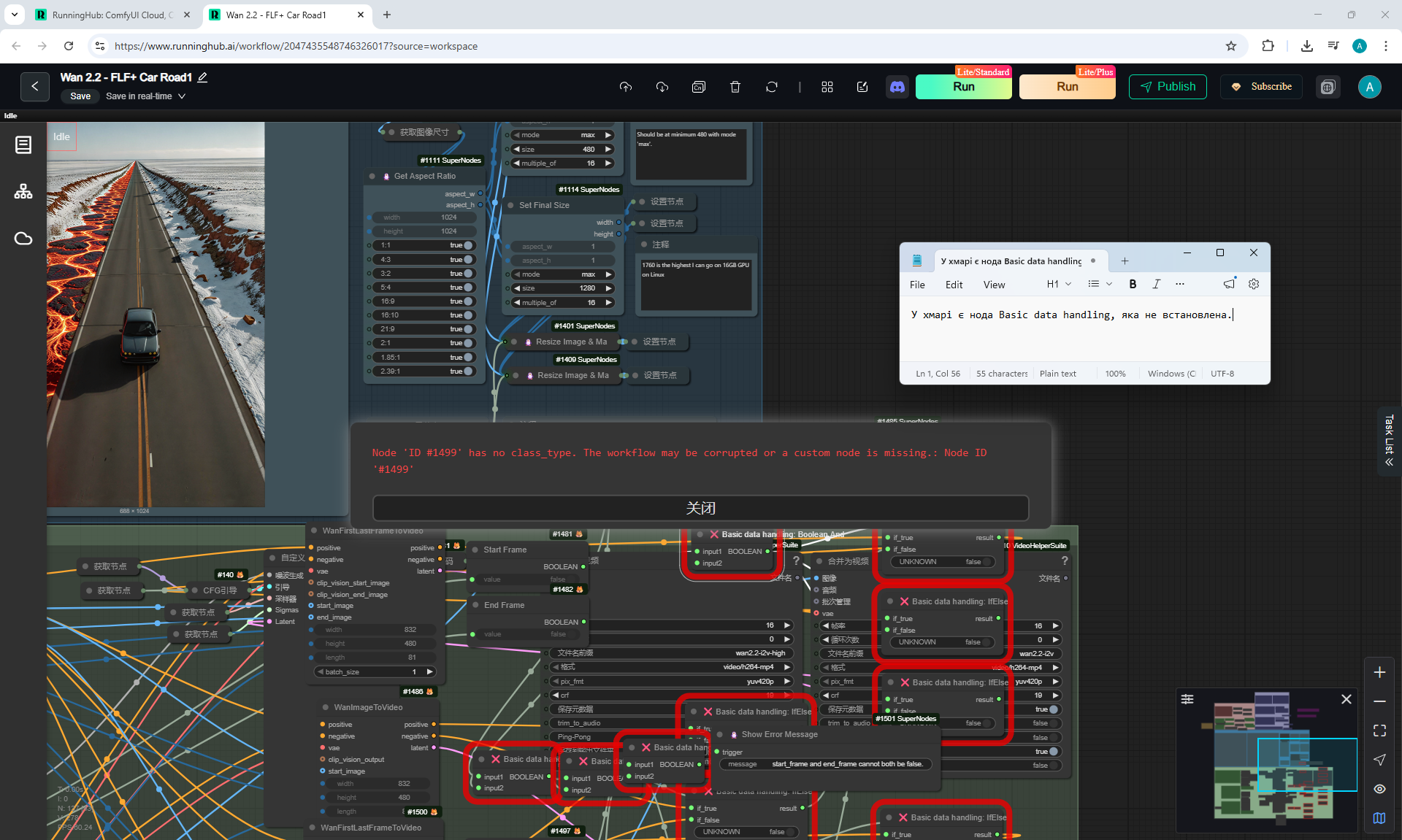
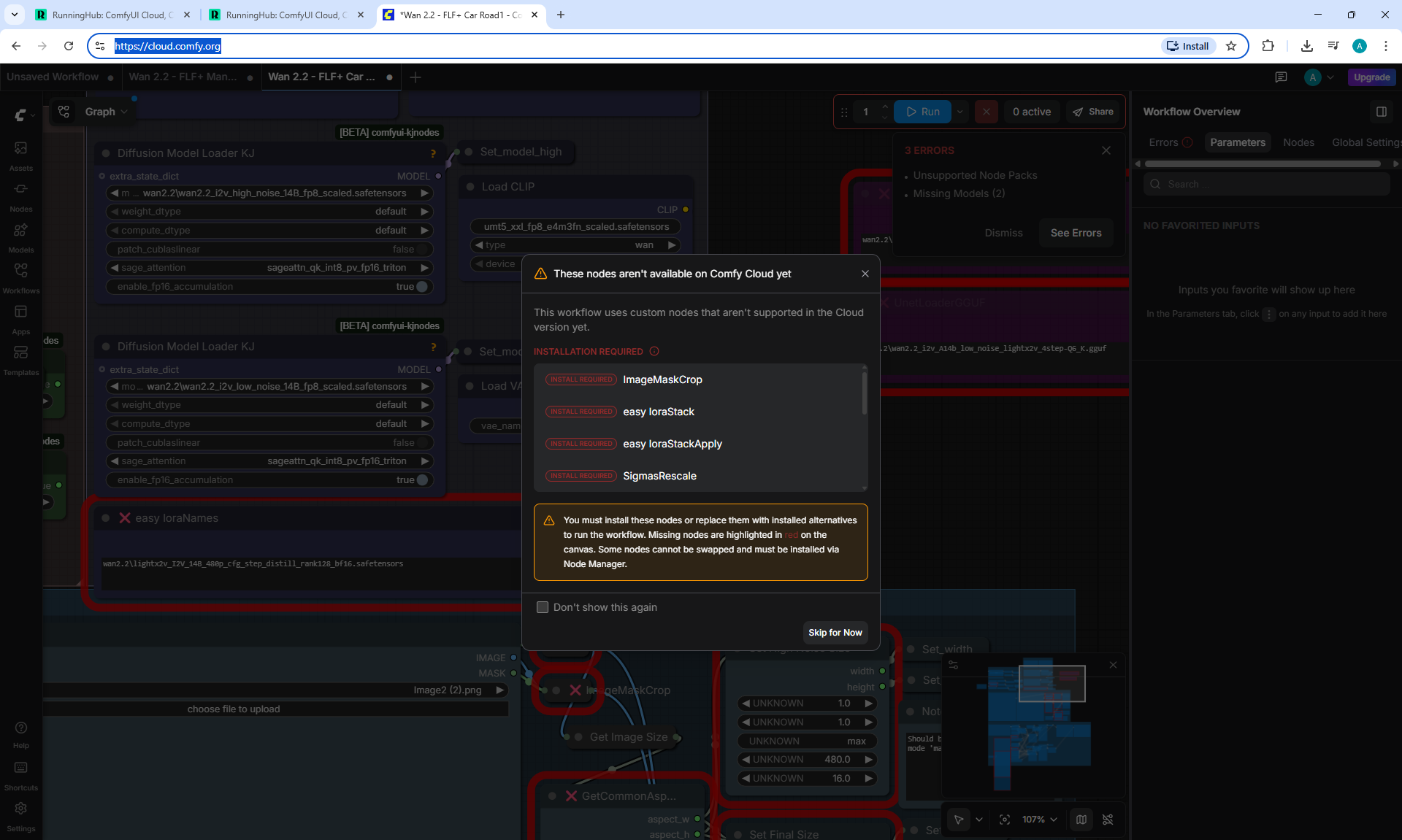




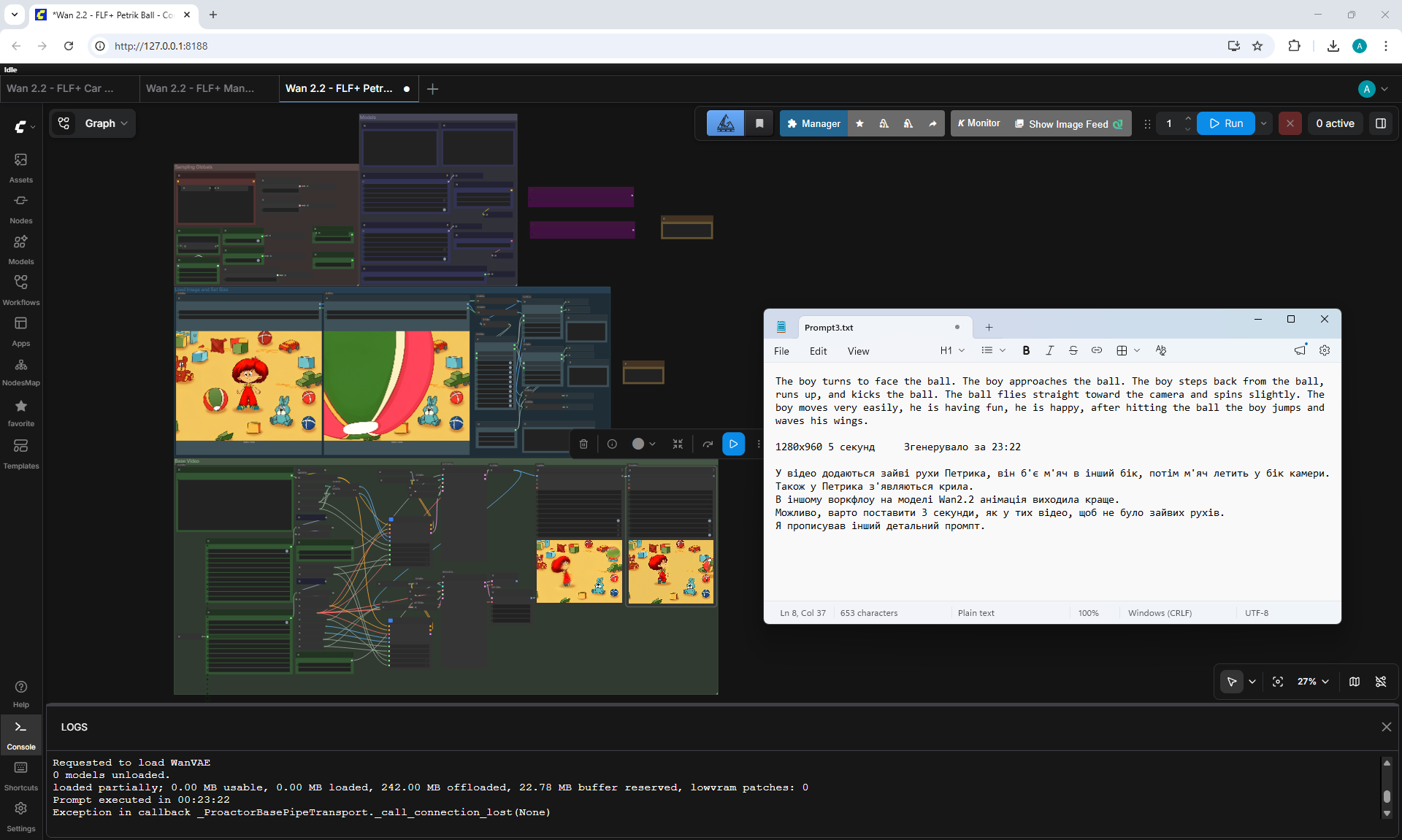
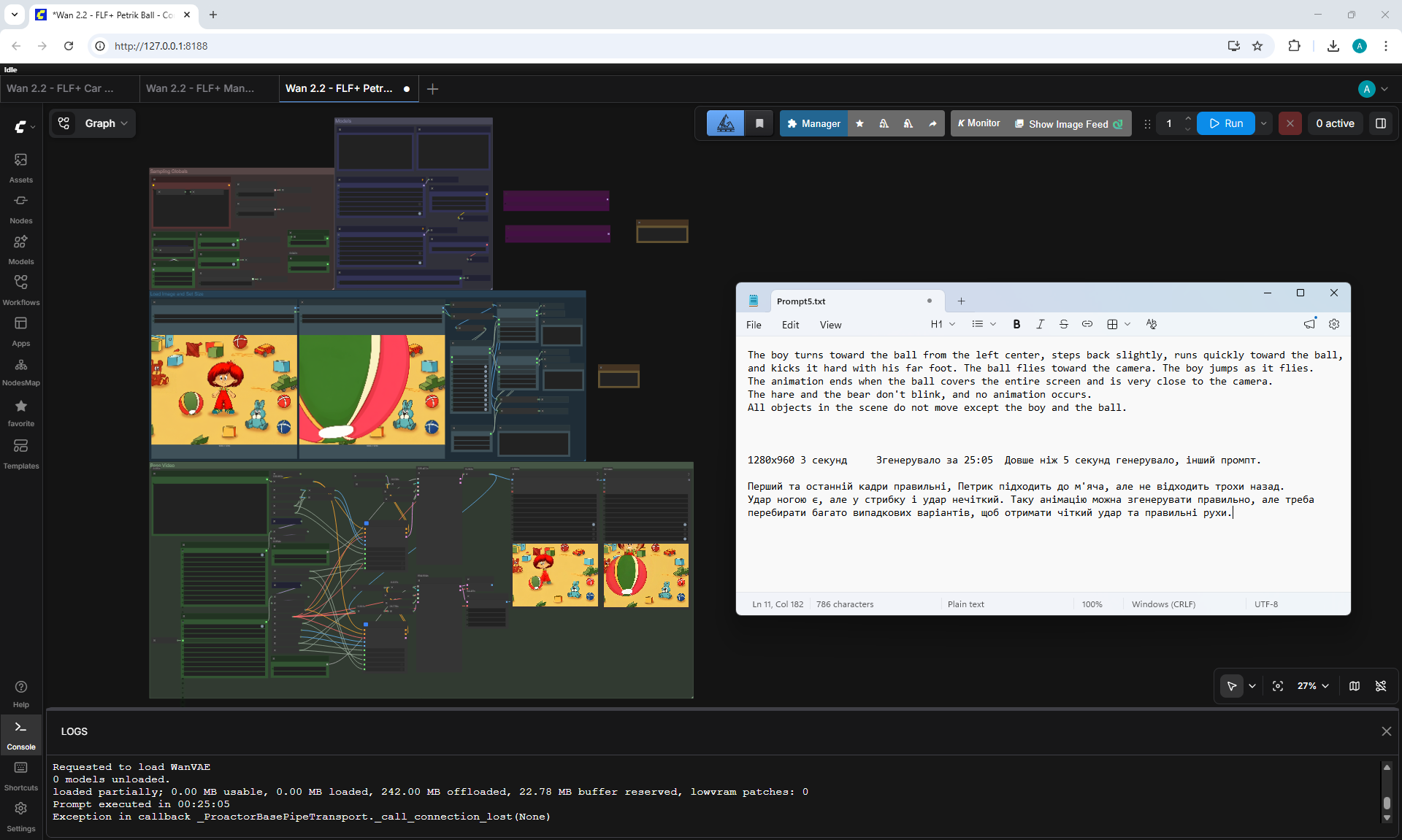
Wan 2.2 14B FLF2V Workflow Example
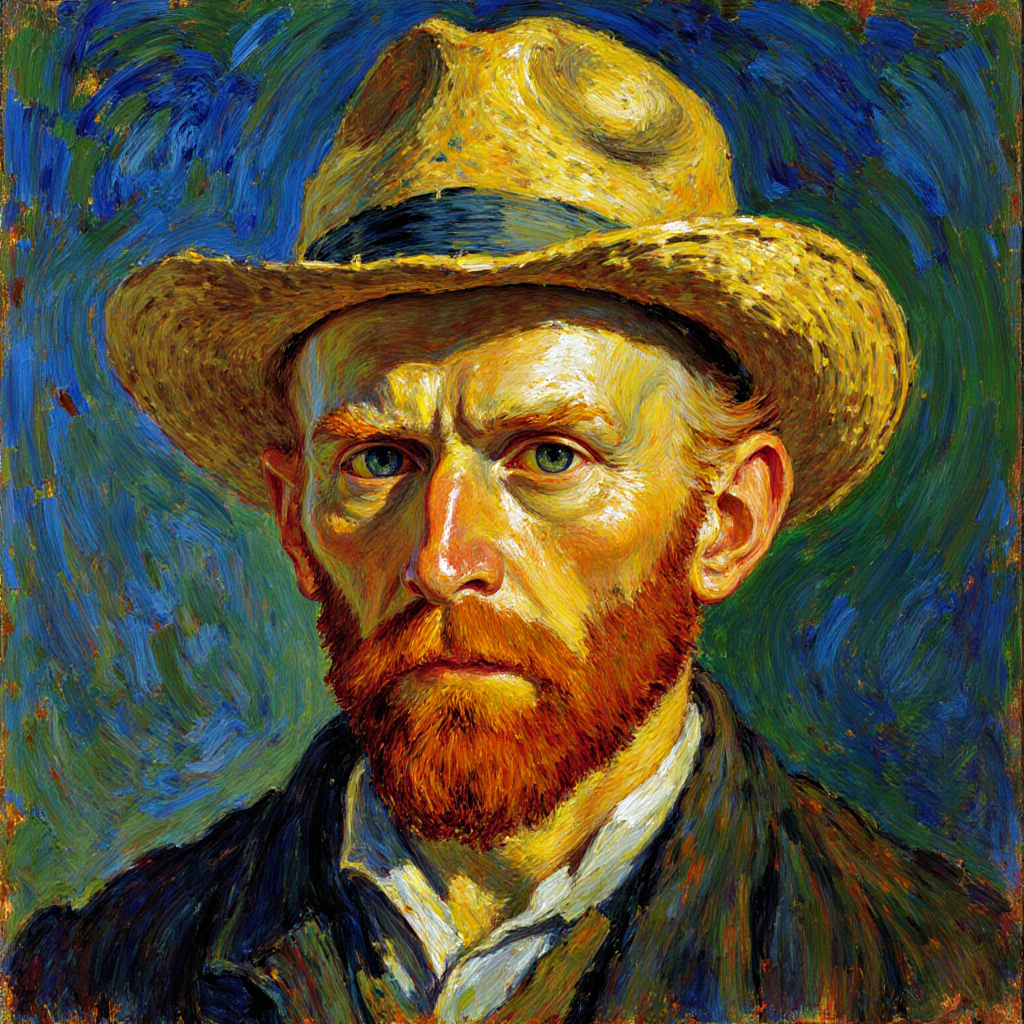






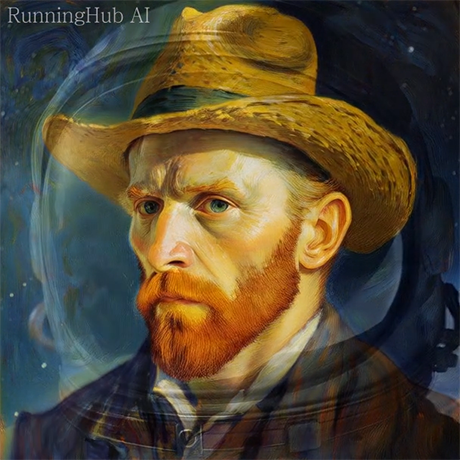
Character sheet for more consistency and flexibility on LTX 2.3 !