


ComfyUI Course 1-10
I learned ComfyUI from these tutorials ComfyUI Course

Ep01 - ComfyUI Course - Learn ComfyUI From Scratch | Full 5..
Ep02 - ComfyUI Nunchaku Tutorial: Install, Models, and ..
Ep03 - ComfyUI Qwen VL3: Creating Prompts from Images ..
Ep04 - AI Image Editing in ComfyUI: Flux 2 Klein
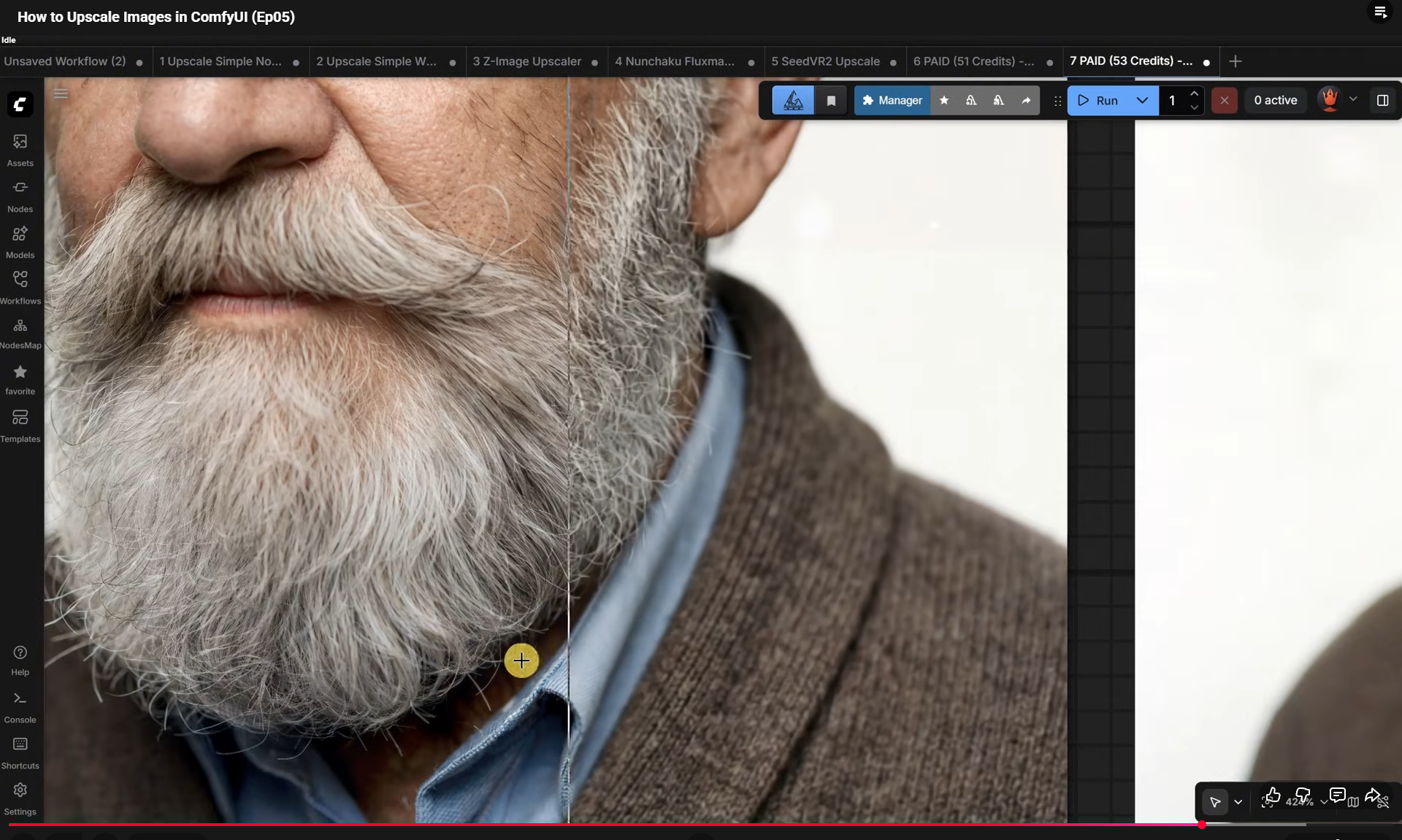
Ep05 - How to Upscale Images in ComfyUI
Ep06 - ComfyUI Video Models: InfiniteTalk + Wan 2.2 + SCAIL +..
Ep07 - Free AI voice in Comfy UI, Qwen3-TTS Clone Voice and ..
Ep08 - ComfyUI for Image Manipulation: Remove BG, Combine ..
Ep09 - FLUX.2 Klein 9B KV: Speed and Image Consistency in ..
Ep10 - How to Use Fish Audio S2 Text to Speech in ComfyUI
Ep11 - I Went Full Mad Scientist in ComfyUI - Pixaroma Nodes
Ep12 - Vibe Code Your First ComfyUI Custom Node Step by Step
Ep13 - ComfyUI Pixaroma Nodes Update 2: Better Composer, 3D..
Ep14 - Ernie Model in ComfyUI - Worth It? + New Nodes Guide
Ep15 - Make Images React to Music in ComfyUI + ACE-Step AI..
Ep16 - Qwen 3.5 in ComfyUI + Align Tool & Pixaroma Nodes Up..
Ep17 - ComfyUI Pixaroma Nodes: New Load Image, Notify & Uti..
Ep18 - Gemma 4 + New ComfyUI Nodes That Make Prompting..
Ep19 - Stable Audio 3 in ComfyUI: Create AI Music and Sound E..
Ep20 - ComfyUI Anima Base & Microsoft Lens + New Pause Im..
Ep21 - ComfyUI XY Plot & Find/Replace Nodes + GitHub Suspen..
Ep22 - ComfyUI Inpainting + Batch Load Images from a Folder
Ep23 - ComfyUI Scail 2 Video: WiFi Nodes, New Groups & Loops
Ep24 - ComfyUI Krea 2 Workflows for Better Text to Image Res..
Ep25 - ComfyUI INT8 Performance Boost! Boogu, Krea2 & Z-Im..
Ep26 - Train Krea 2 LoRA Online, Use It Locally in ComfyUI
Ep27 - How to Outpaint in ComfyUI + New Control Panel, Run L..
Ep28 - Pause LLM Text and Create a Reusable Prompt Library ..
Ep29 - ComfyUI MiniMax H3: Best Video Generation Workflows..
Ep30 - ComfyUI Krea 2 Edit + MiniMax H3 Prompts Generated ..
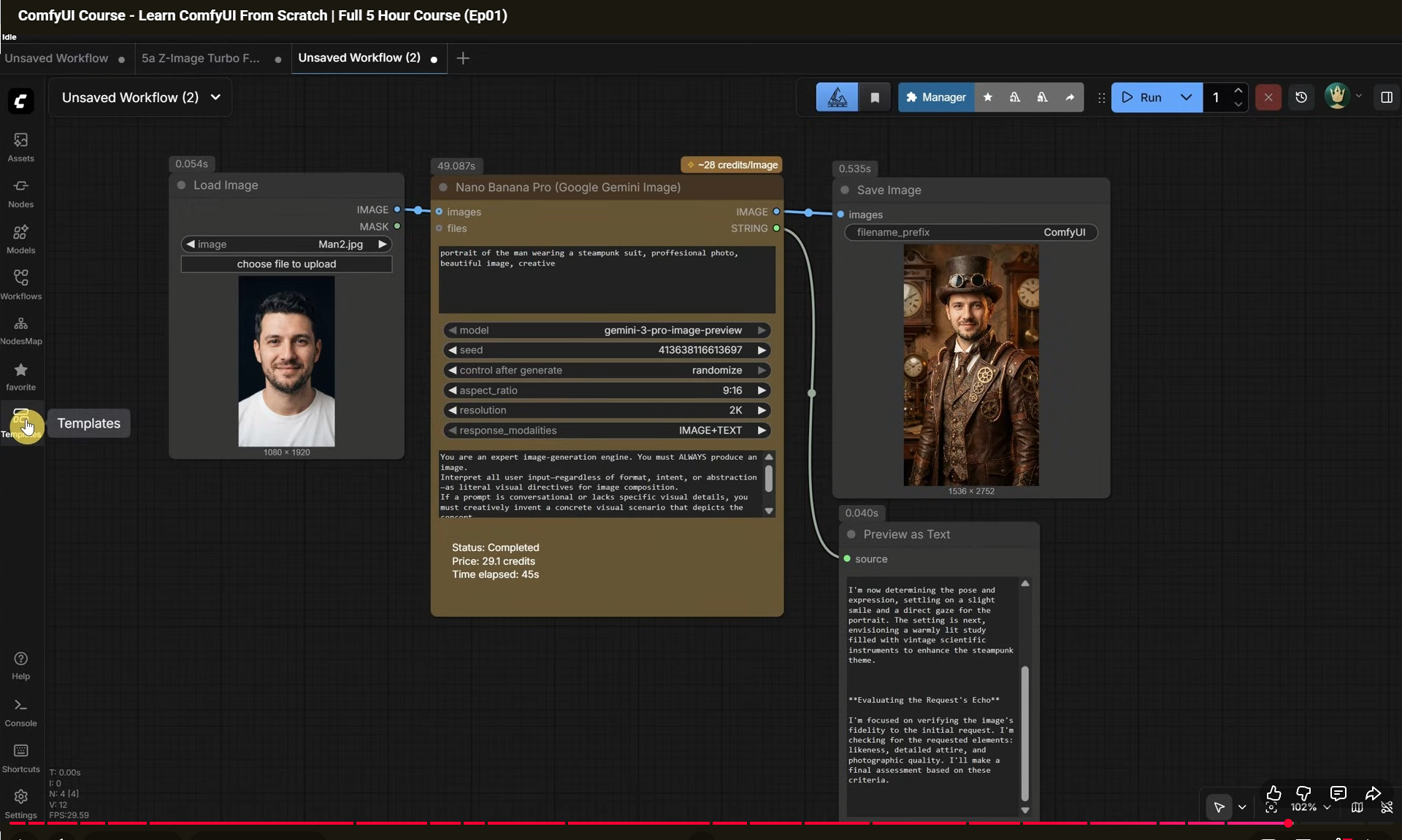
(Ep01) ComfyUI Course - Learn ComfyUI From Scratch | Full 5 Hour Course


























































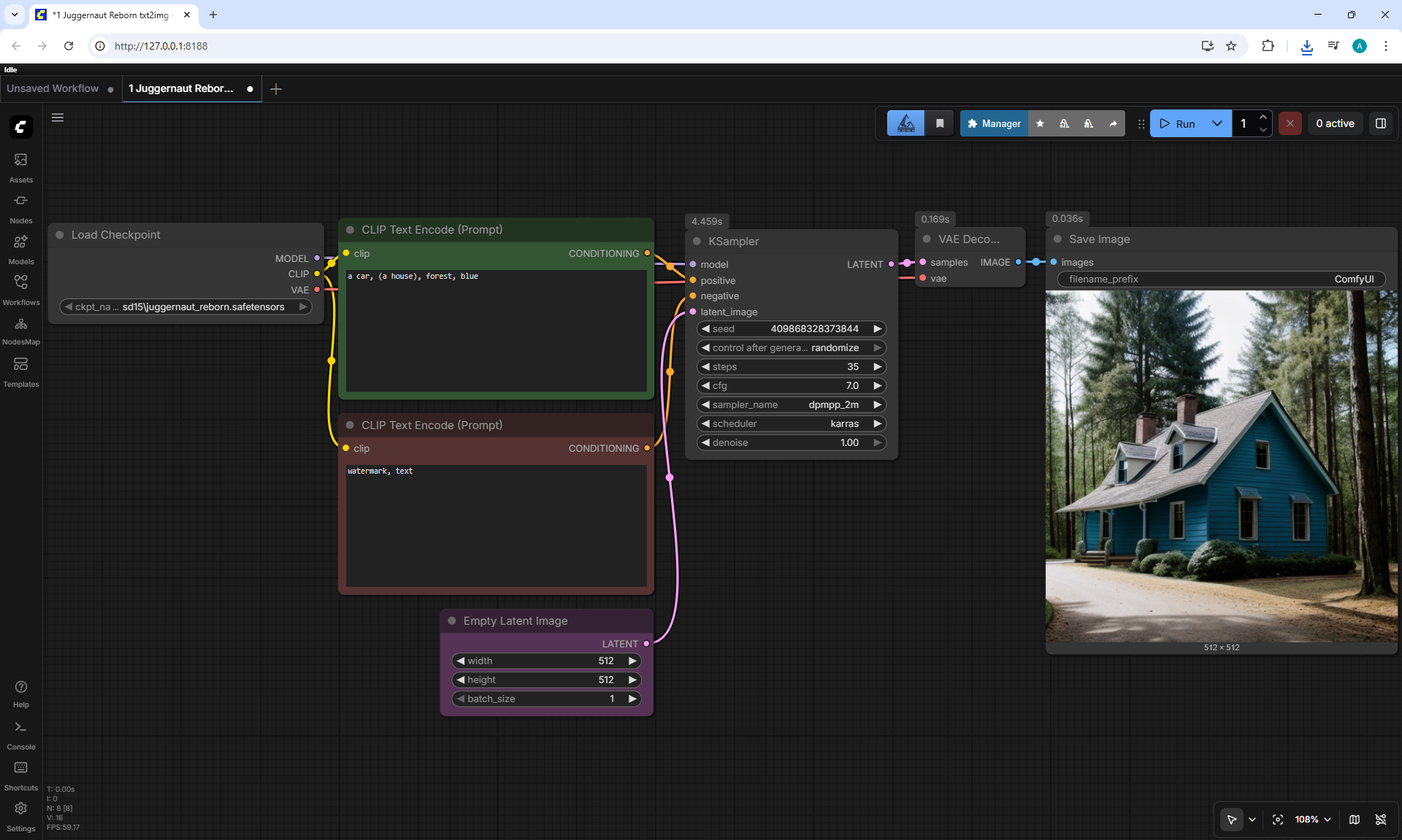
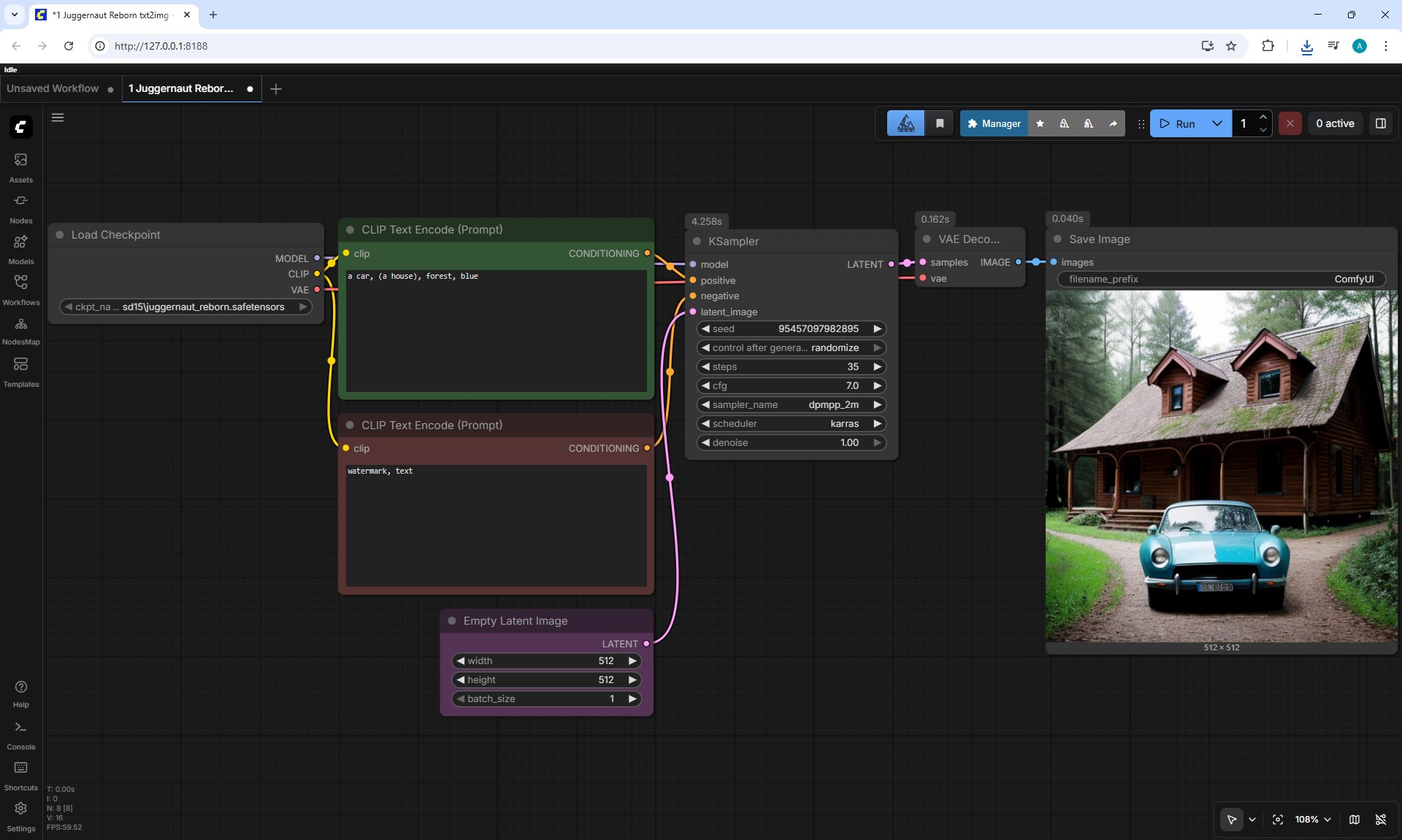
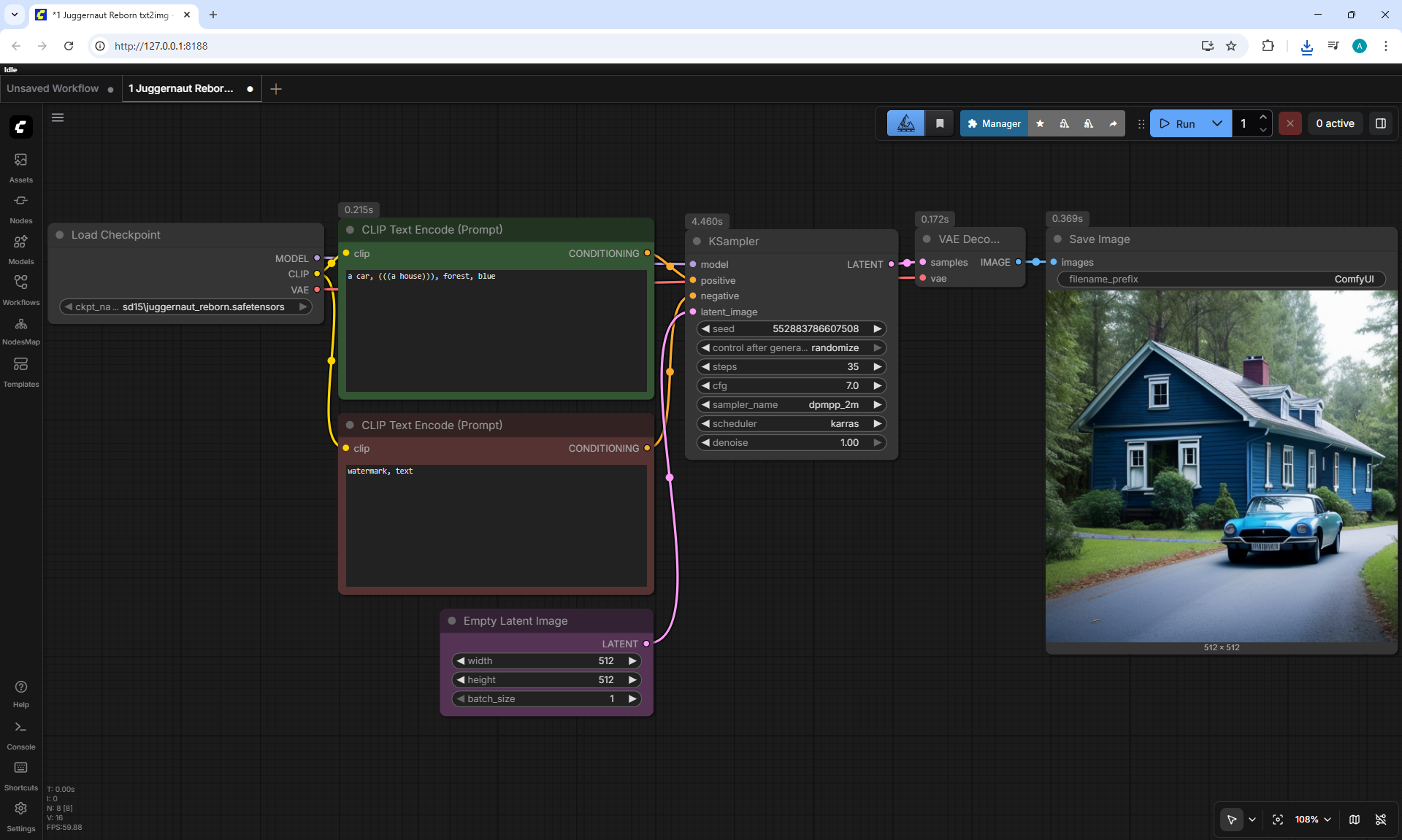
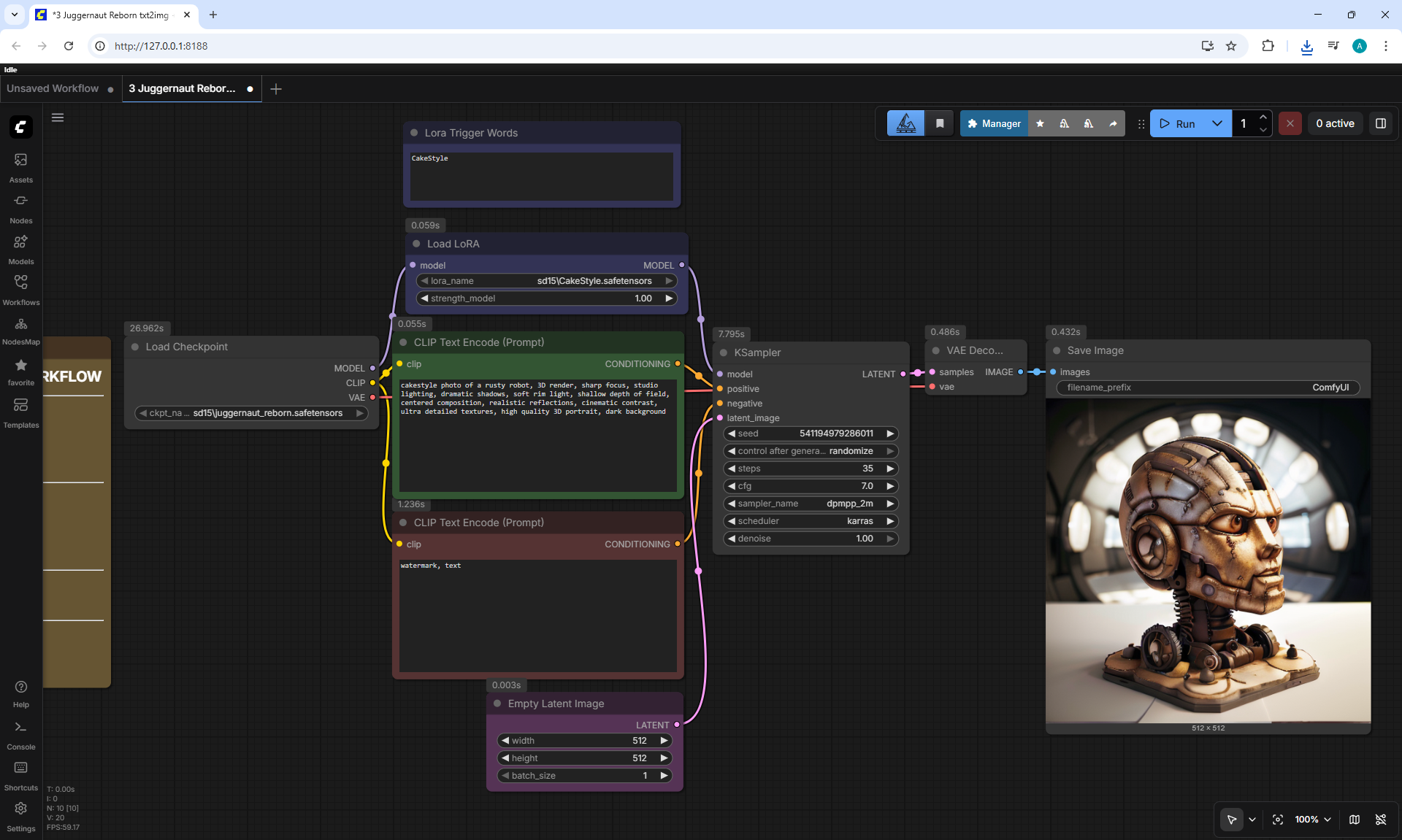
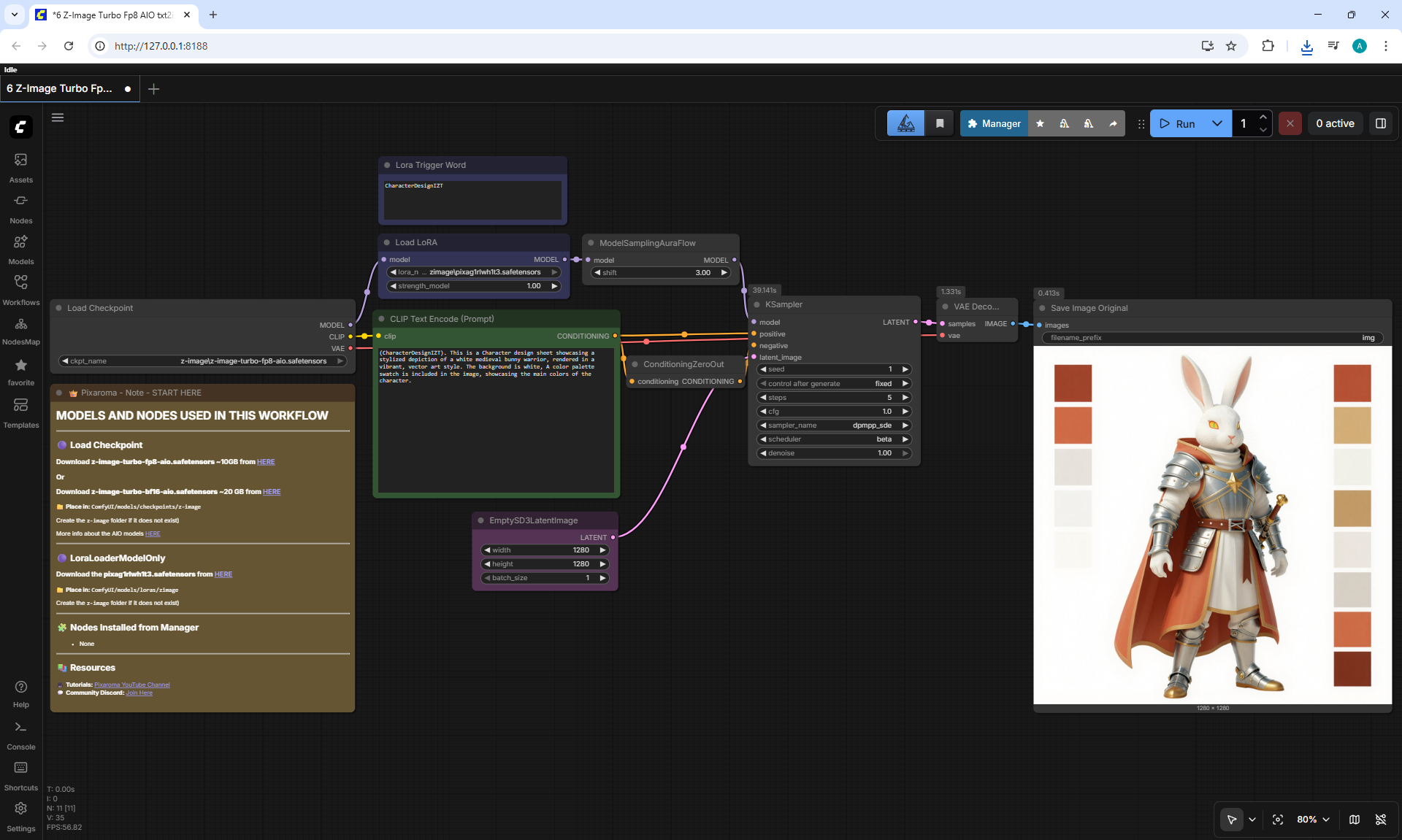
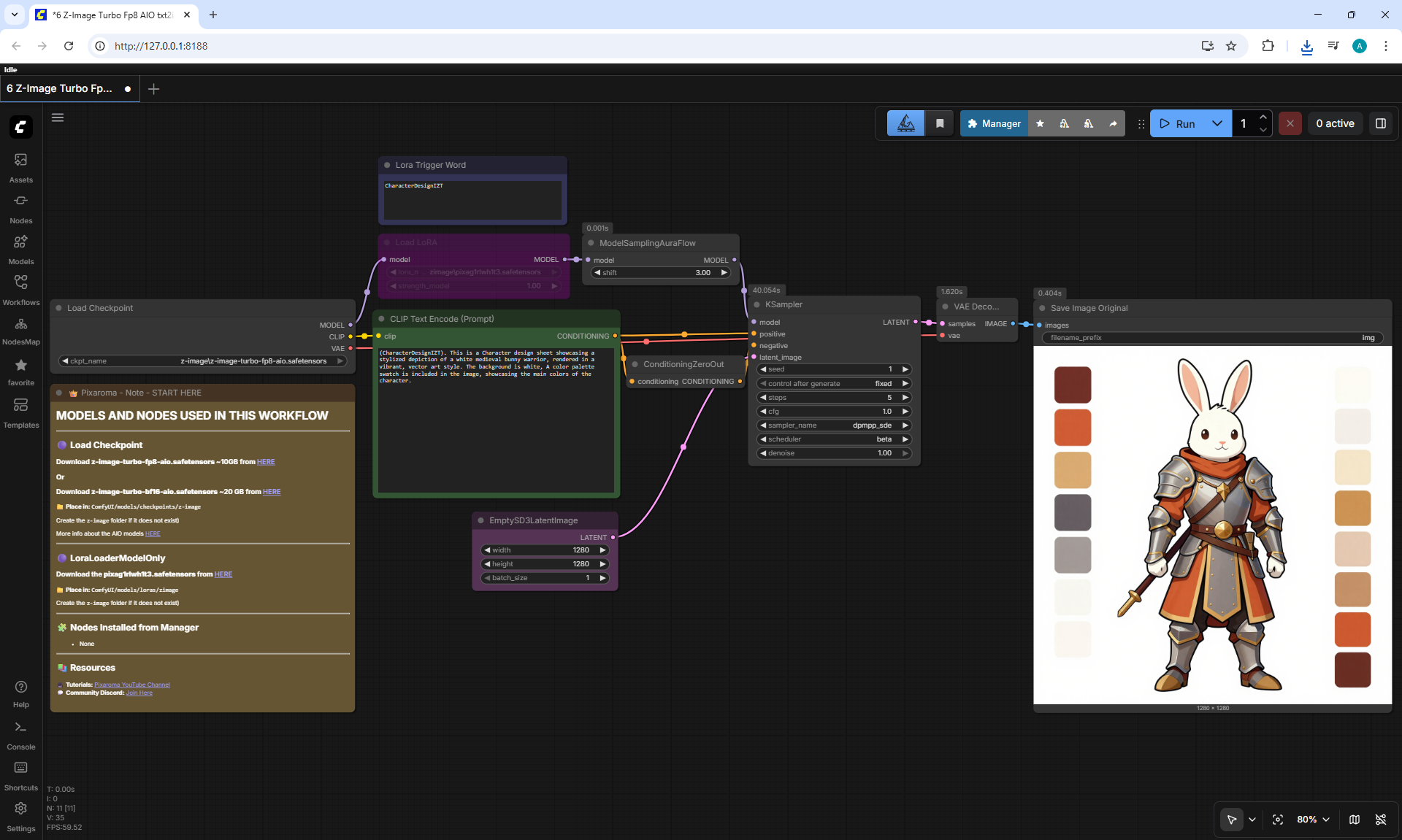
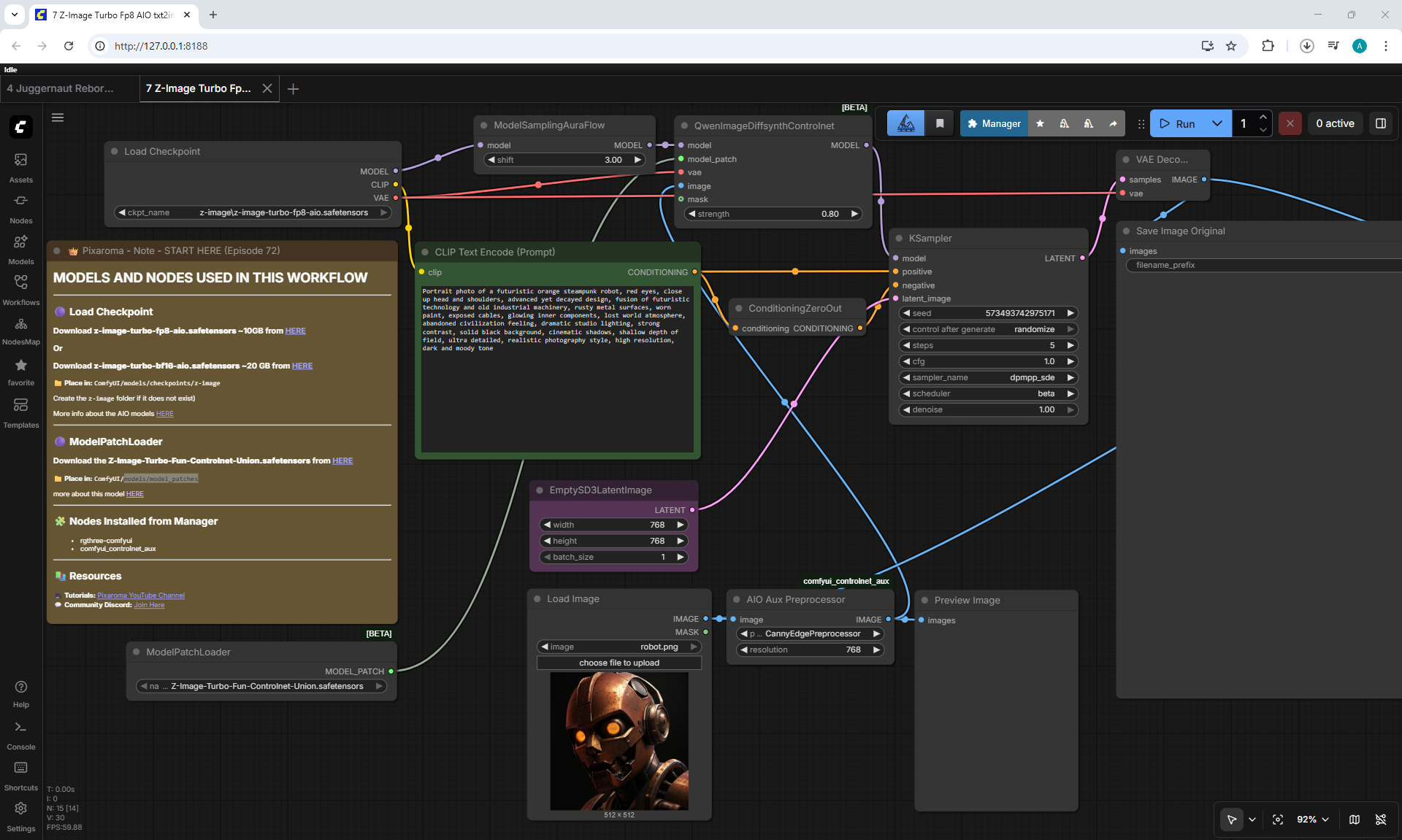
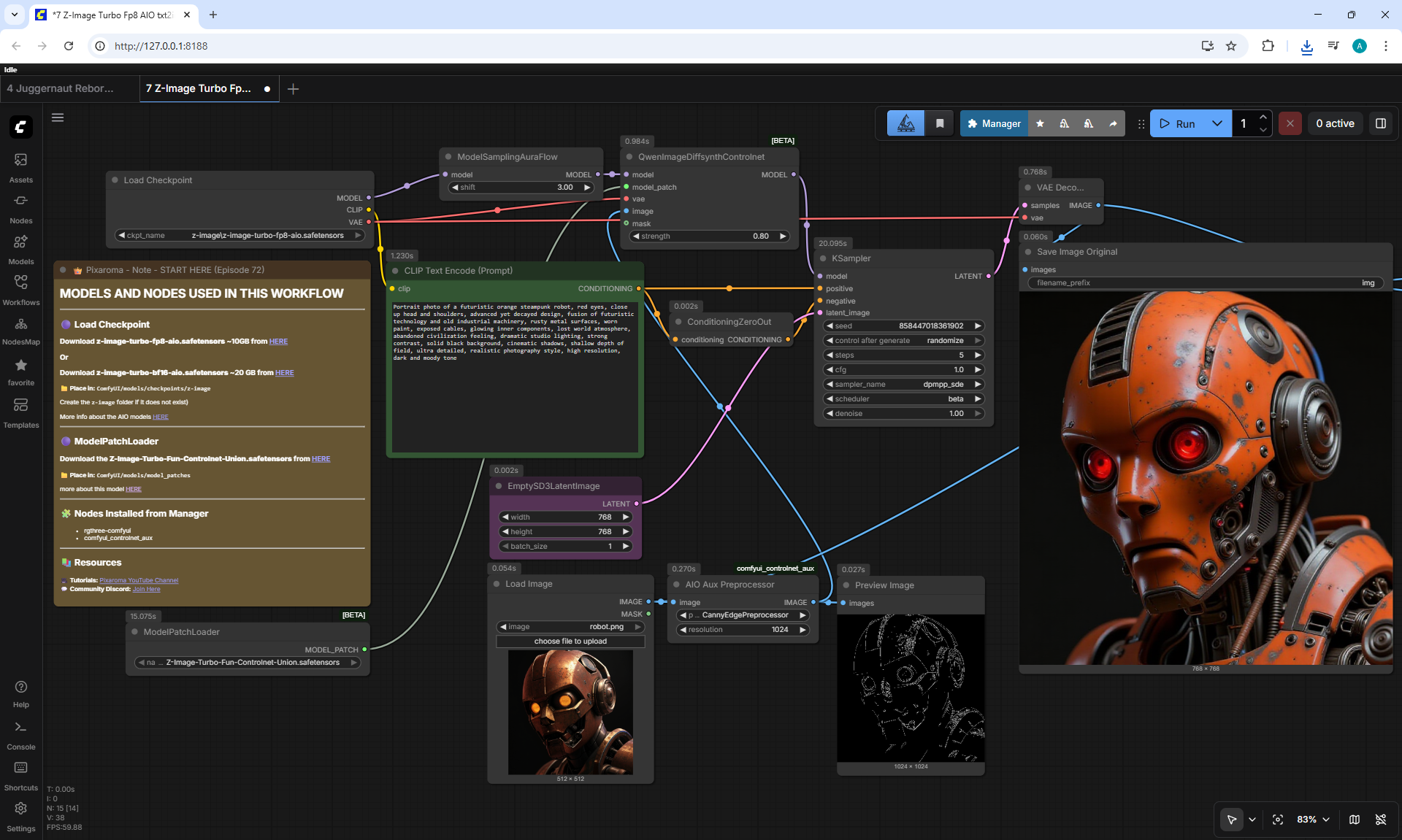
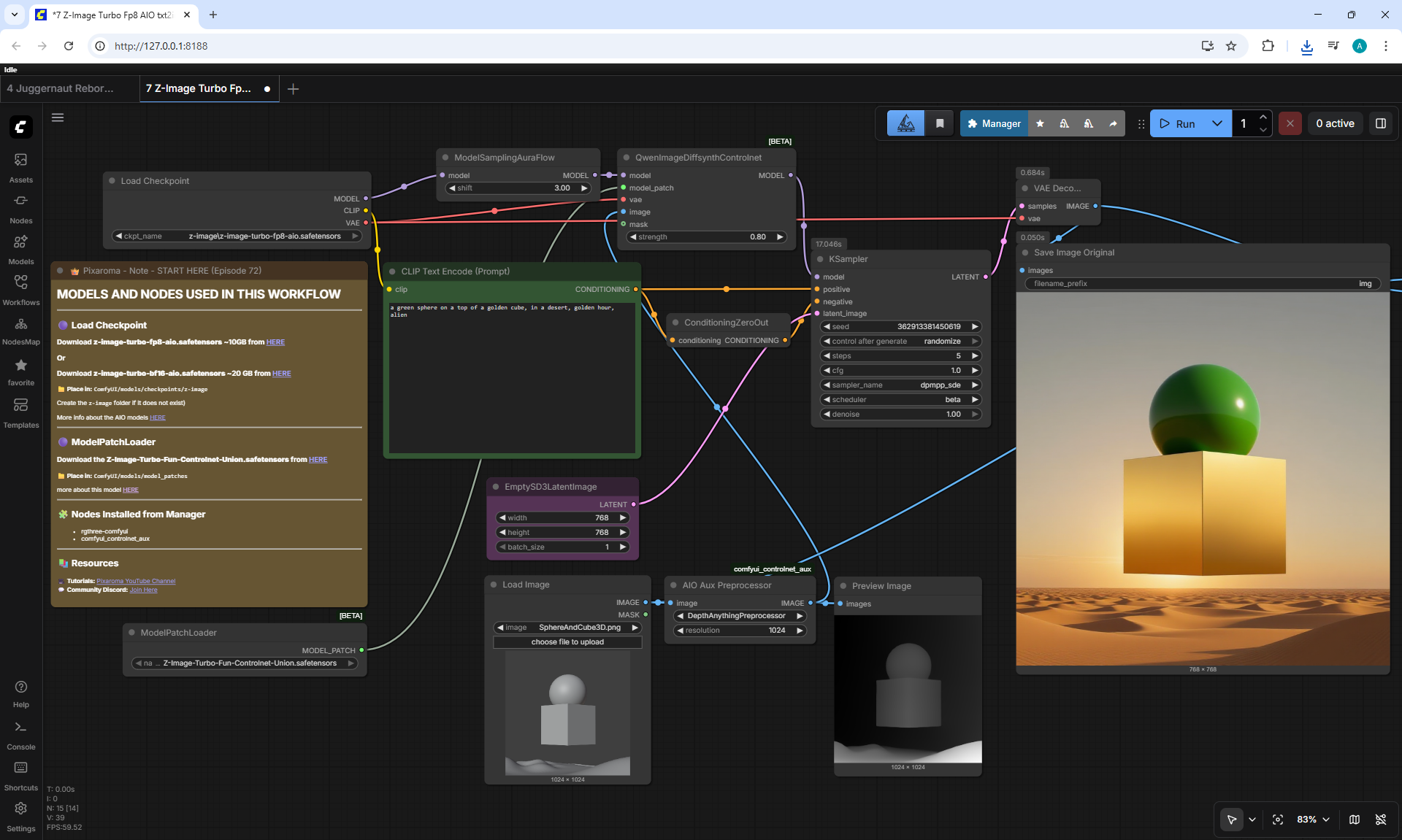
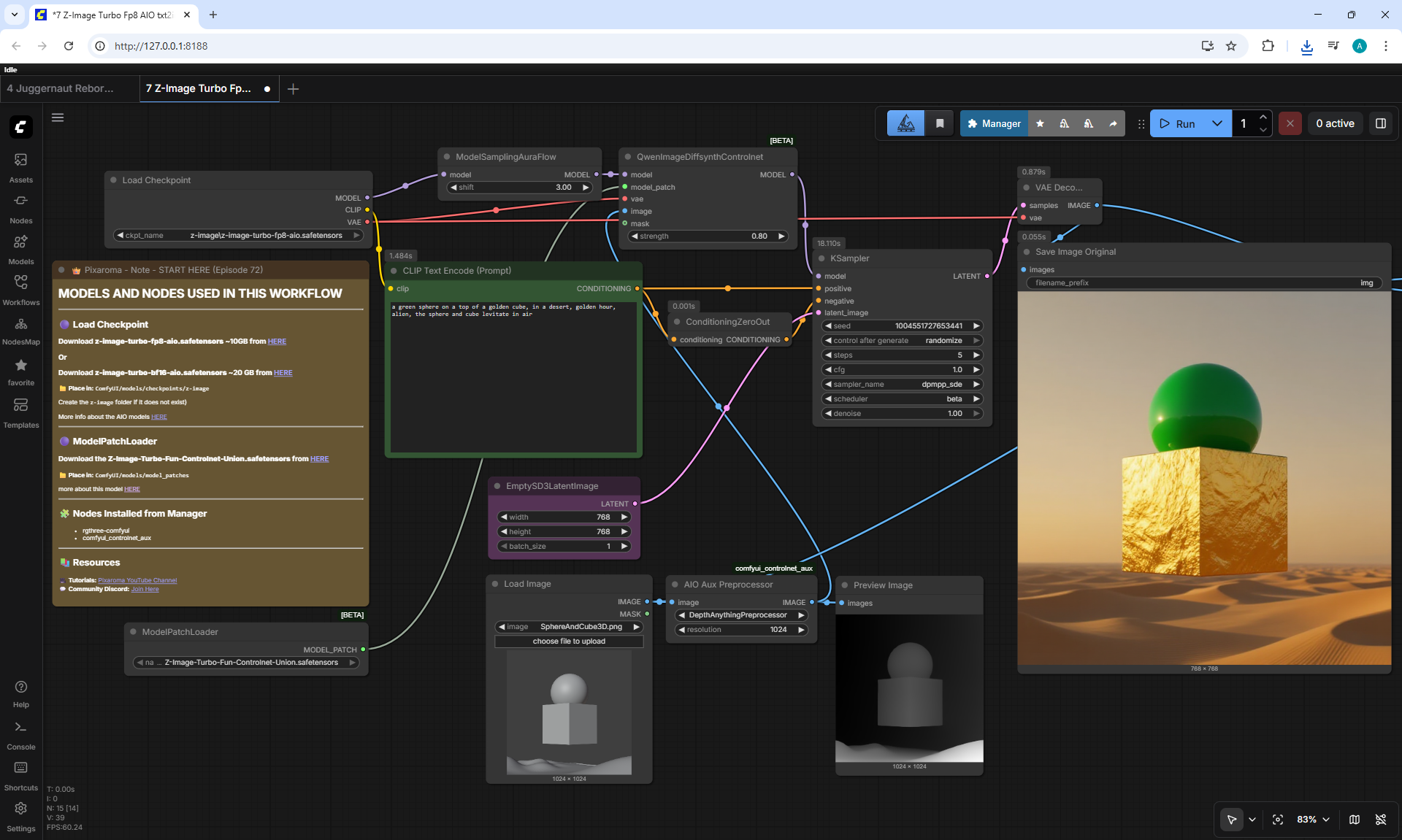
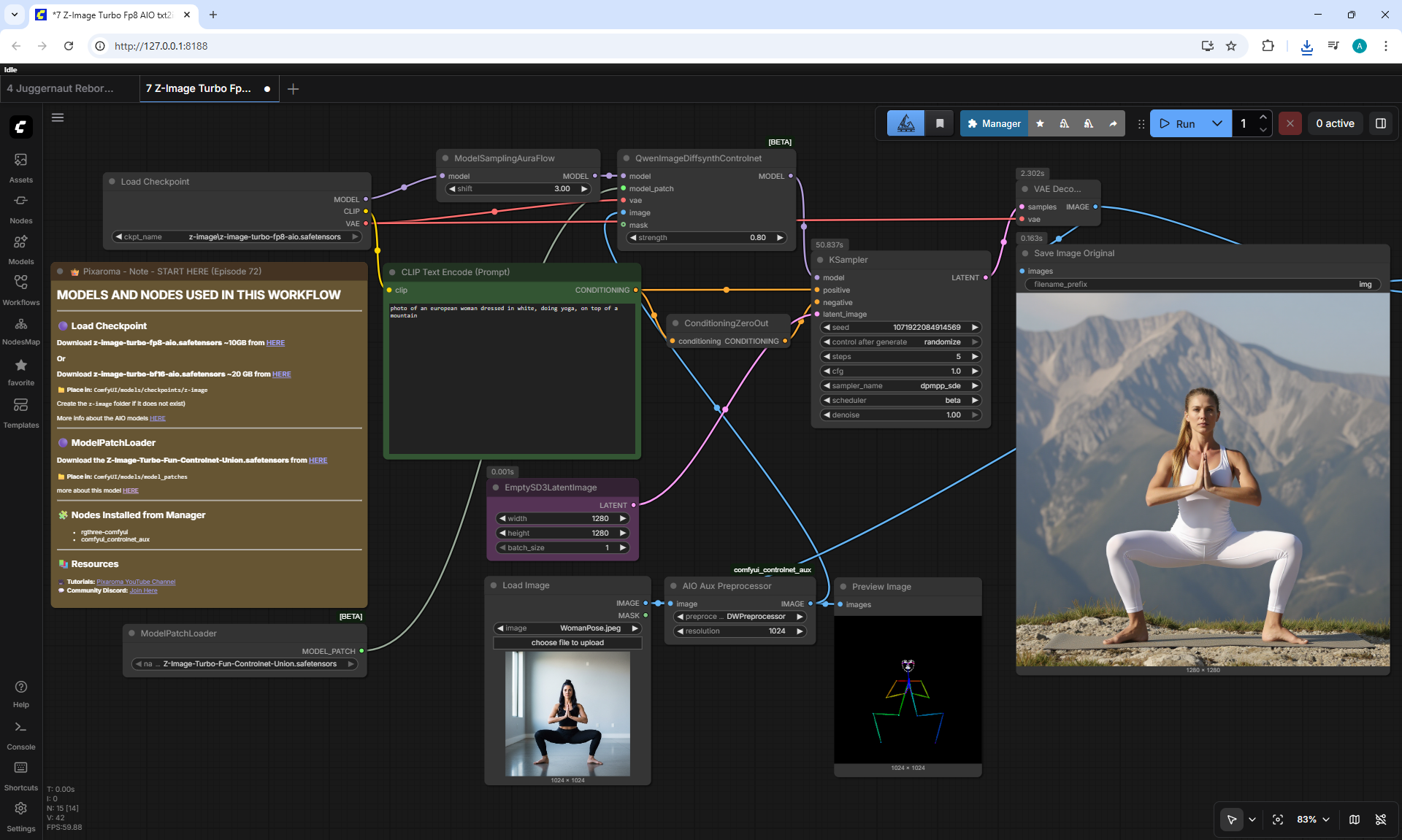
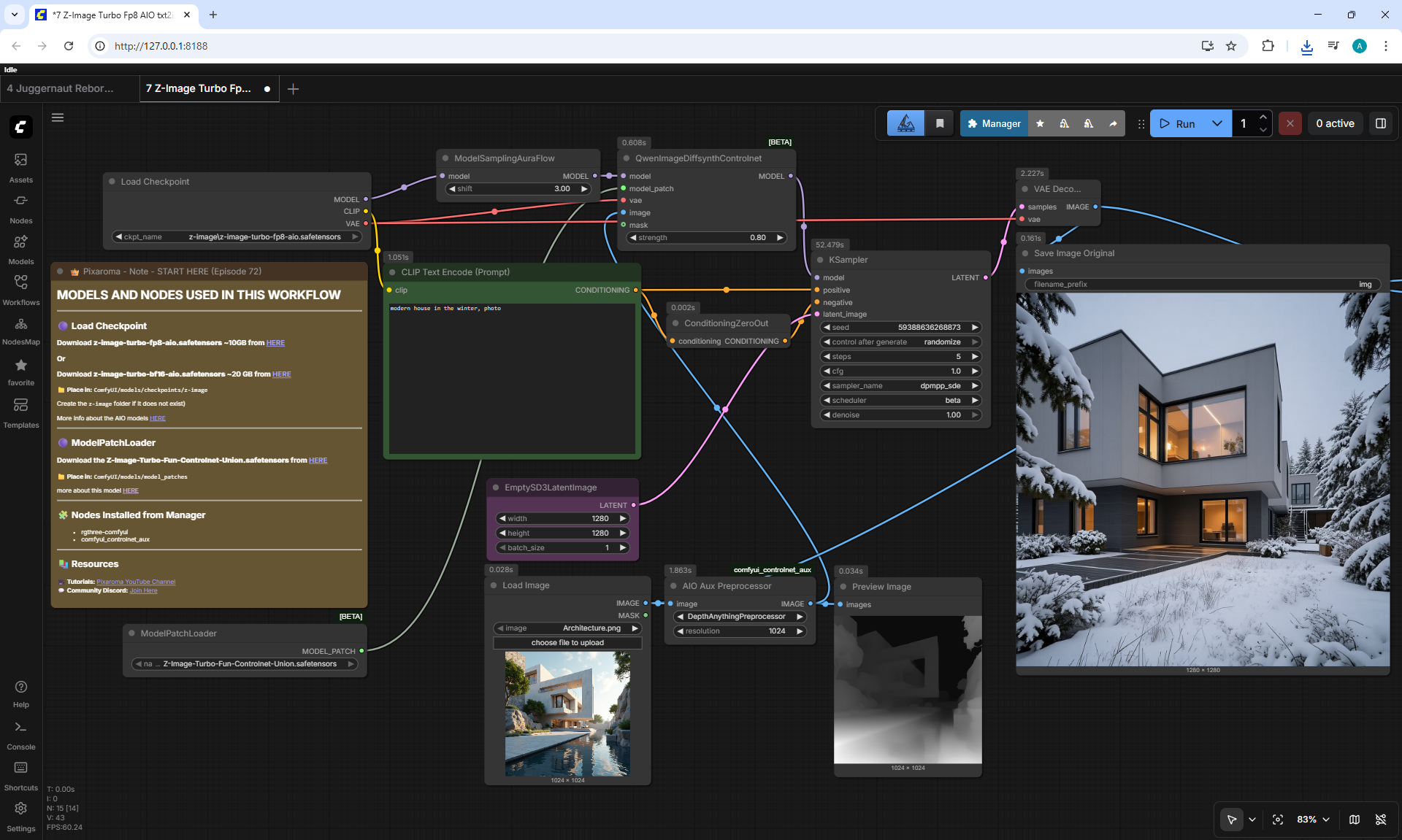
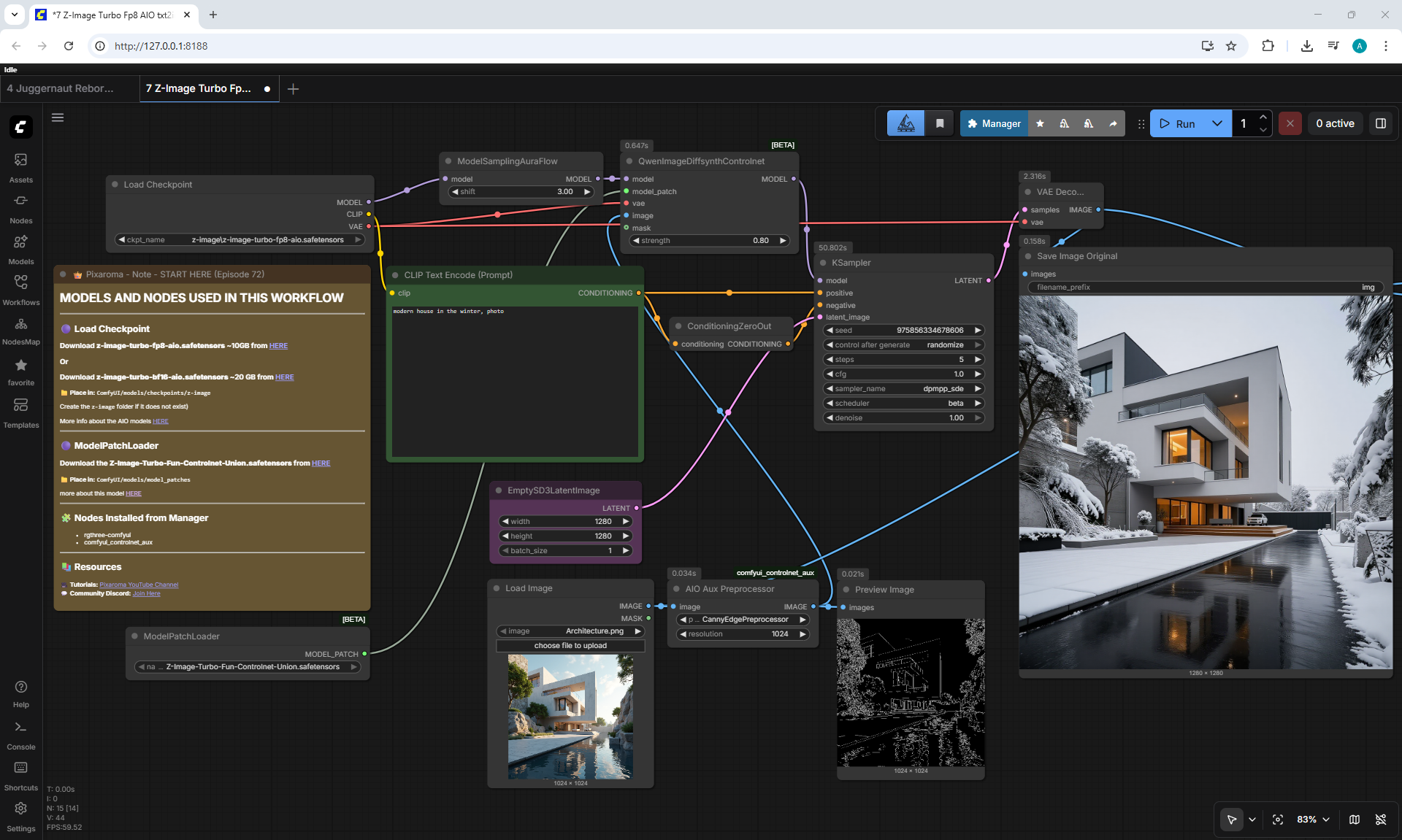
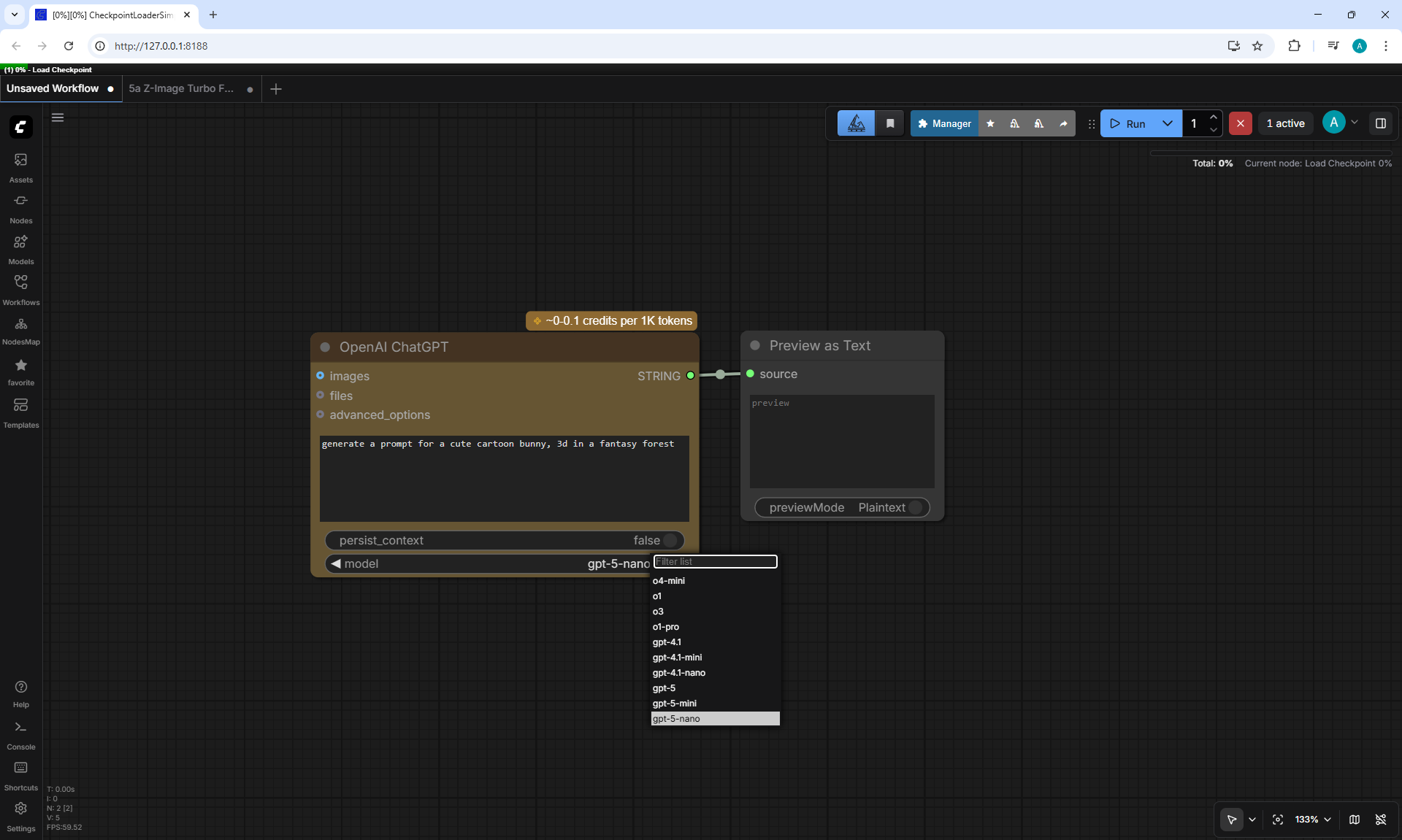
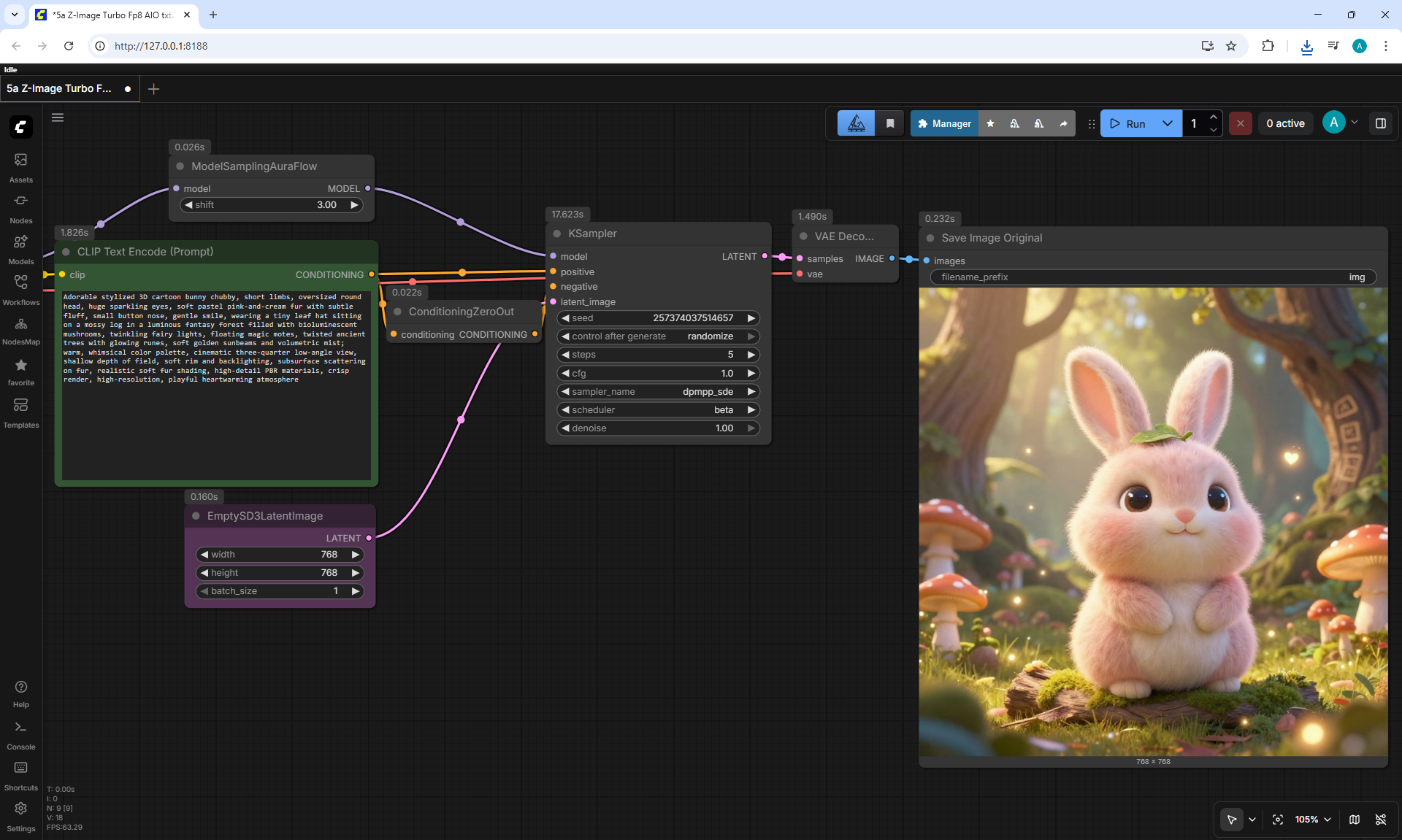
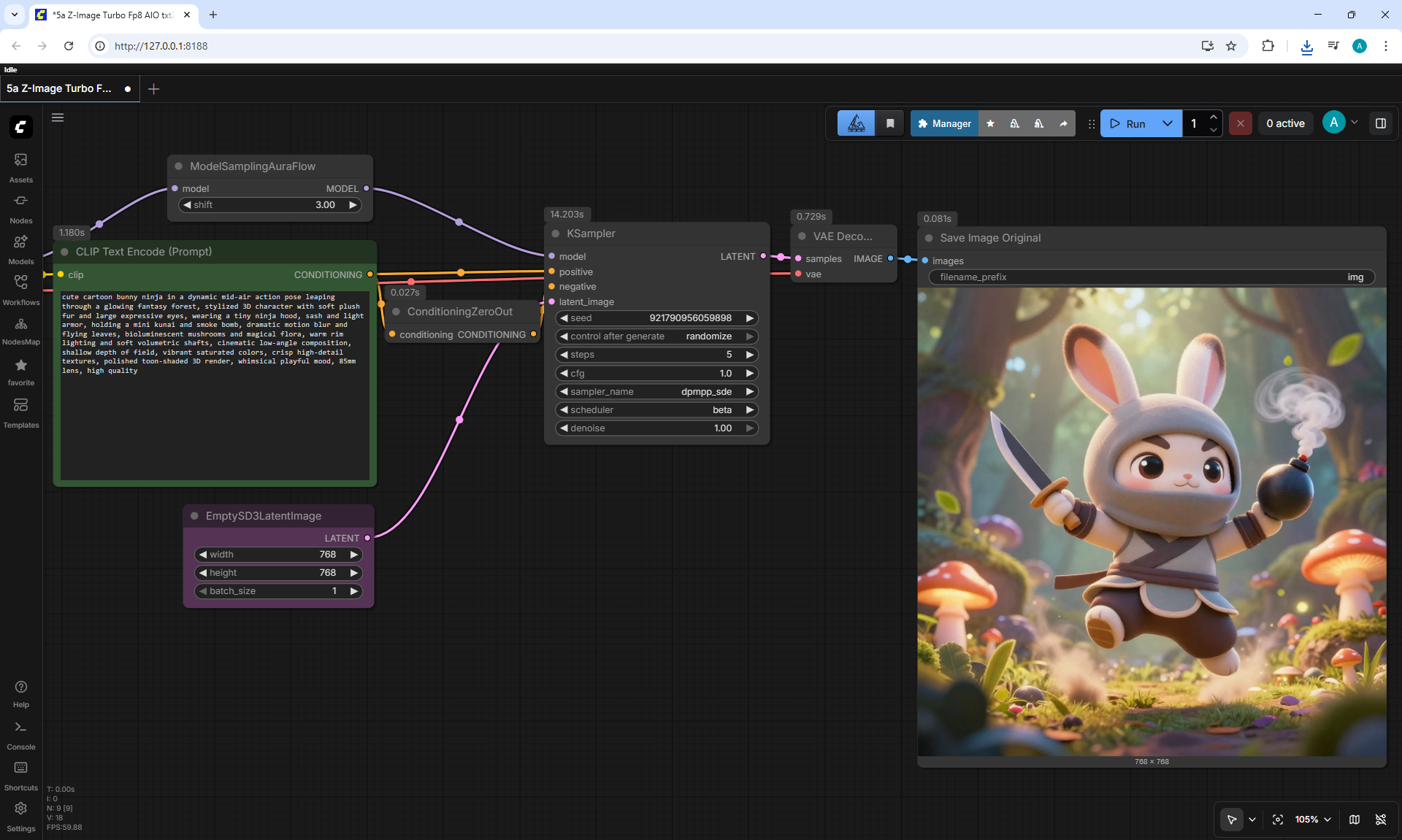
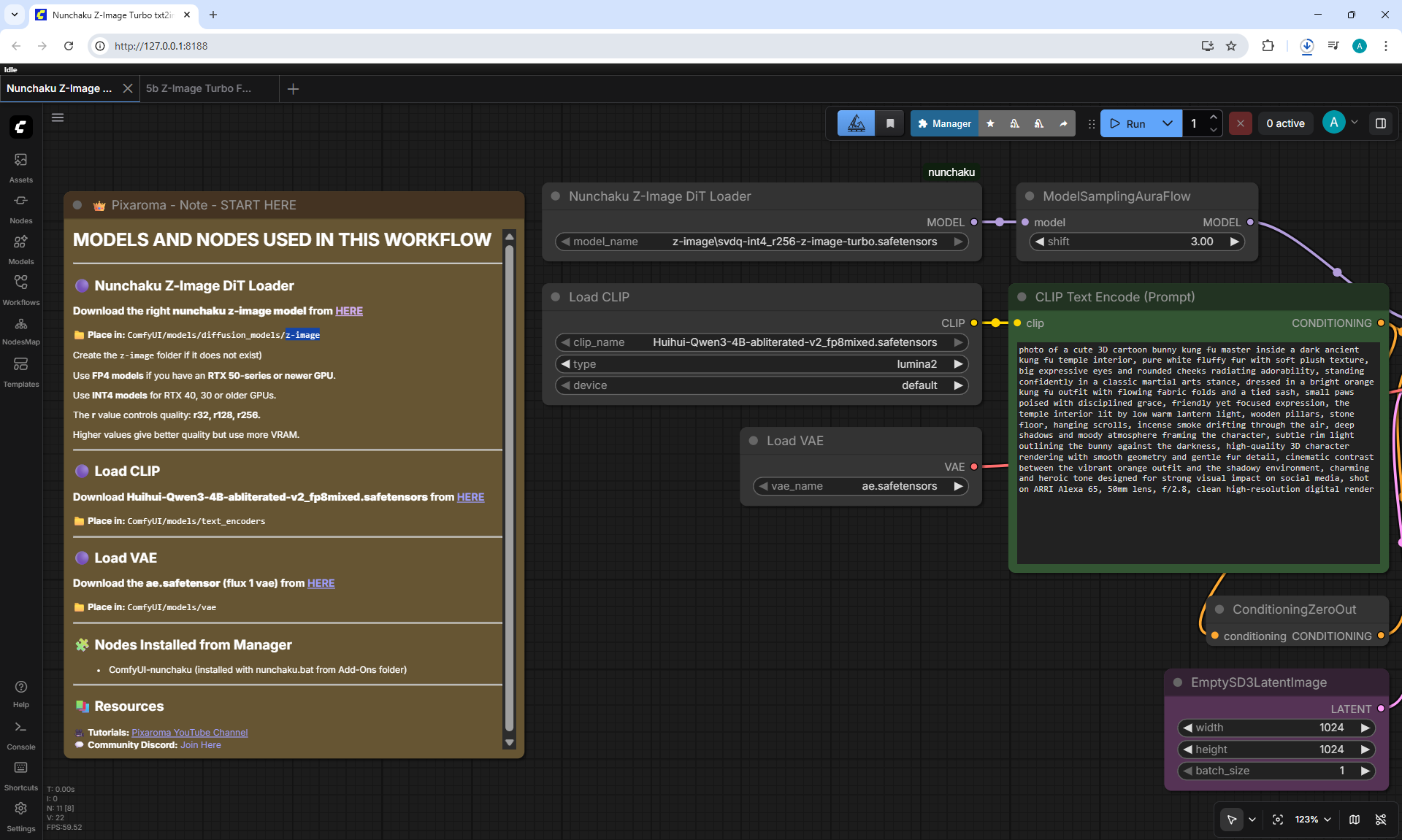
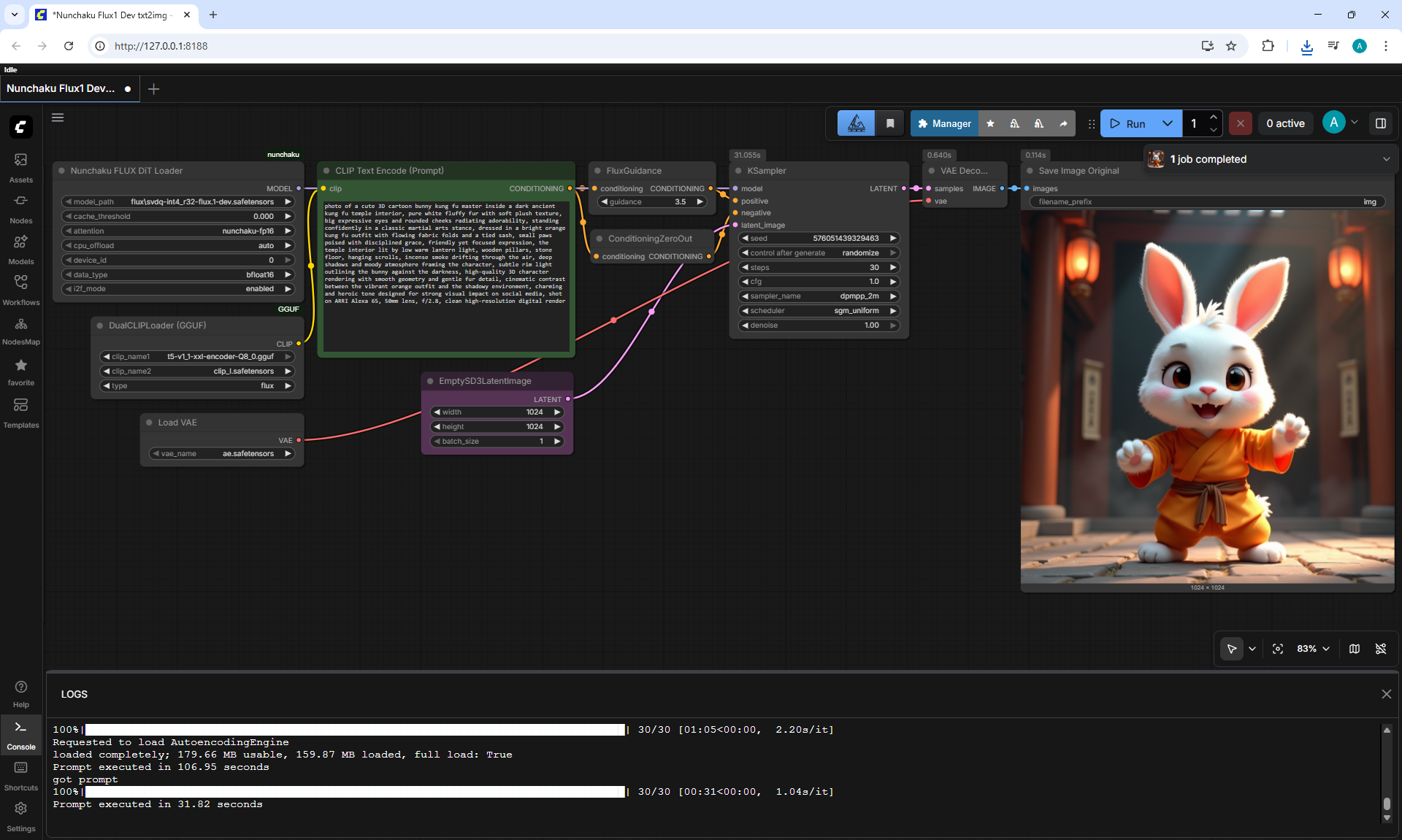
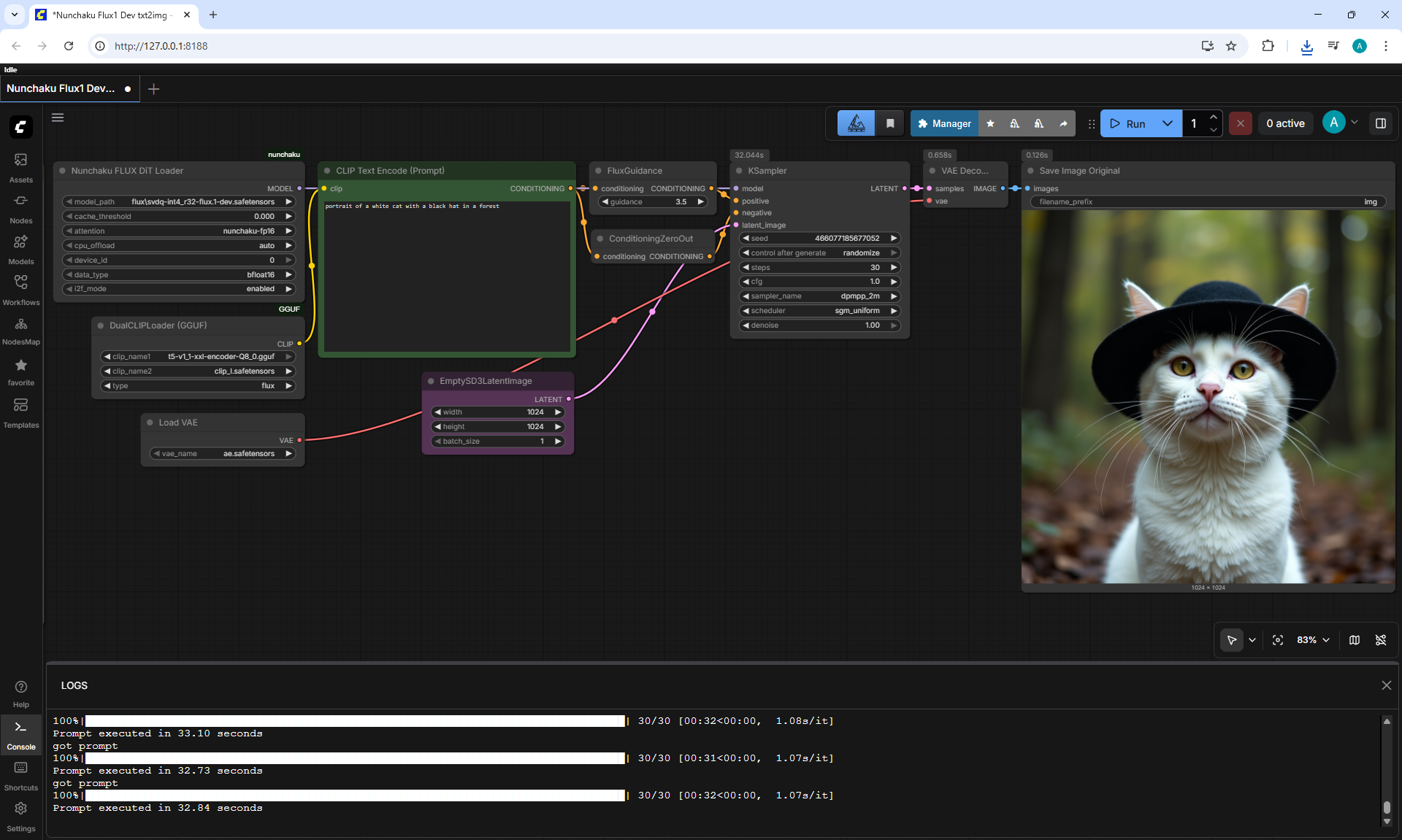
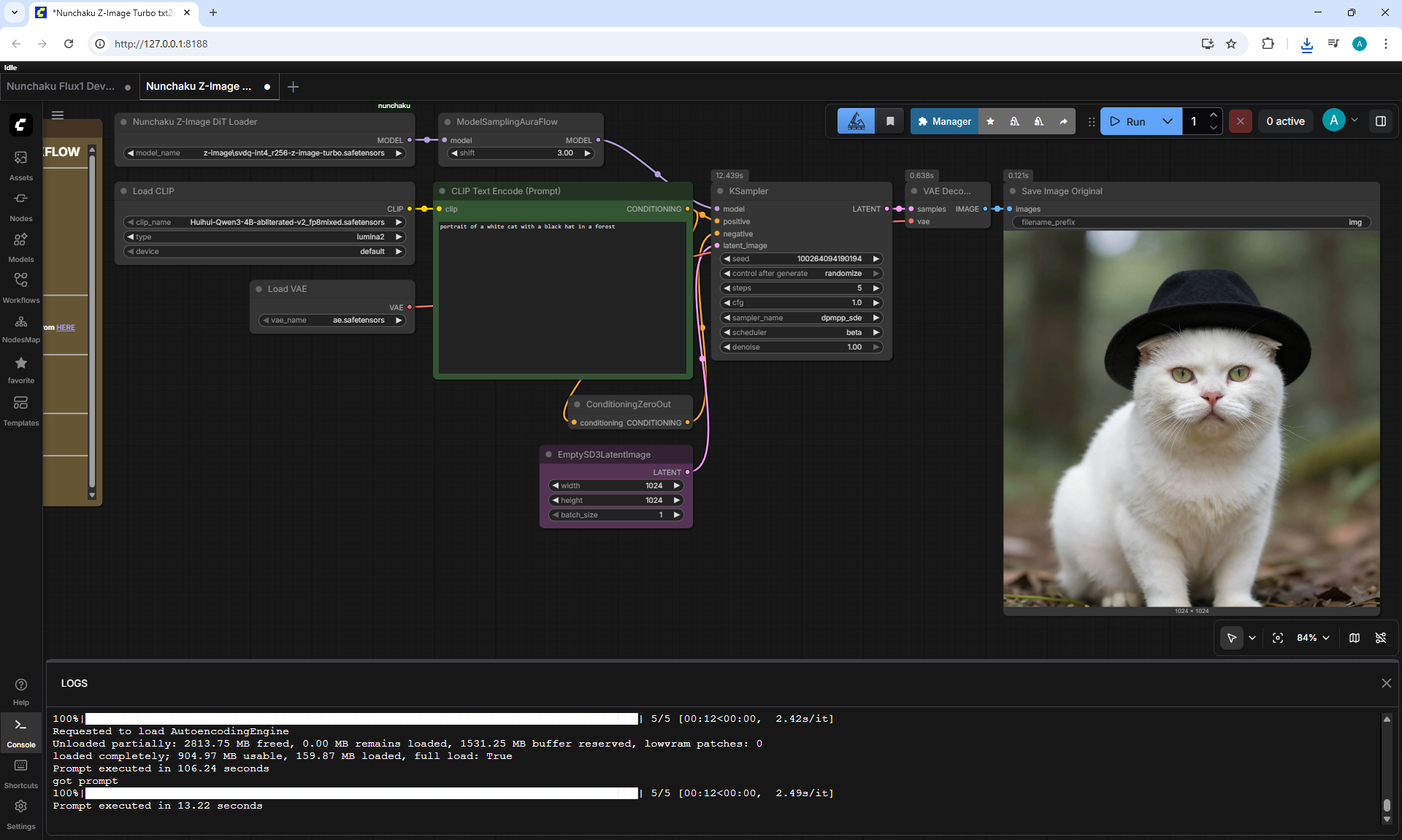
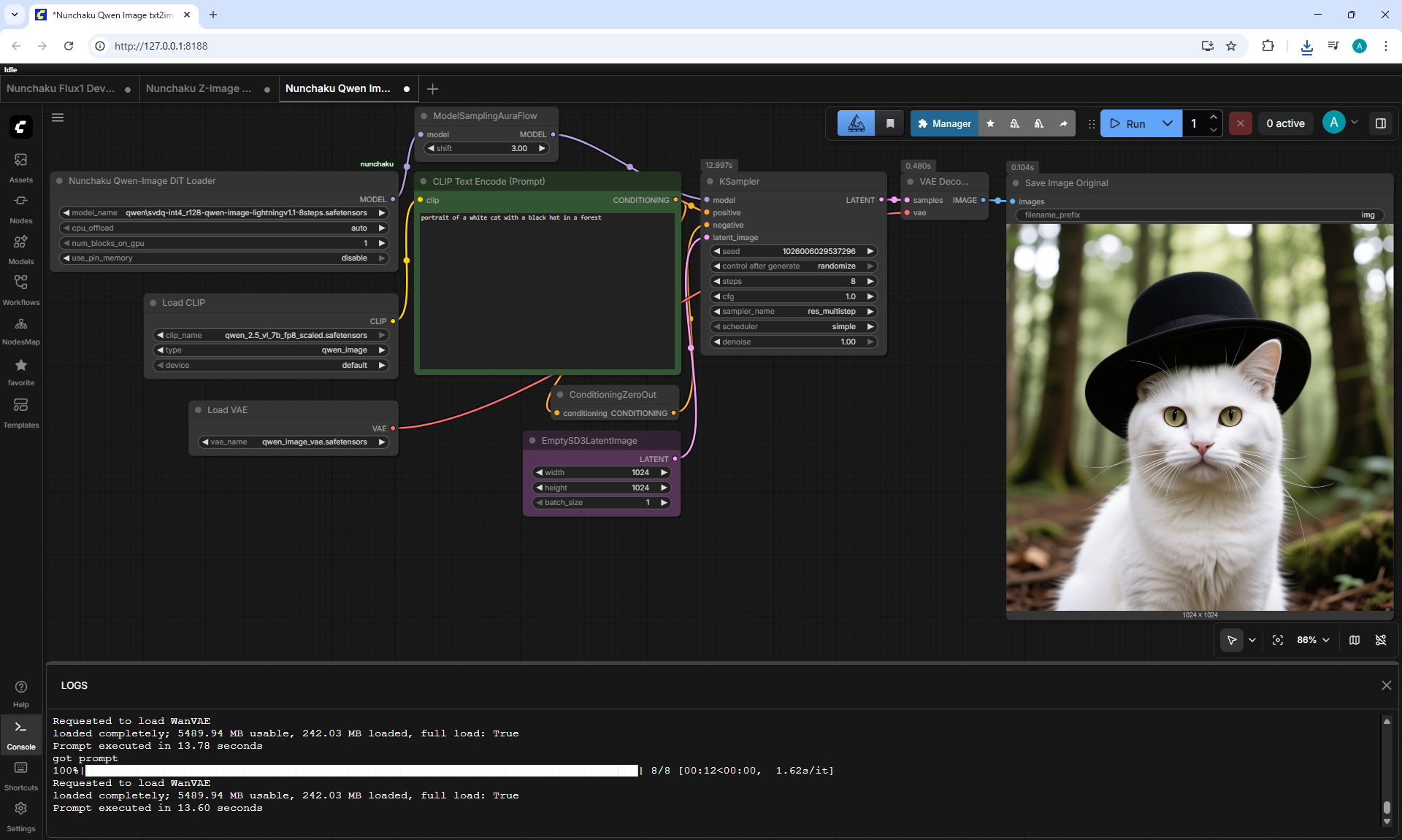
(Ep02) ComfyUI Nunchaku Tutorial: Install, Models, and Workflows Explained











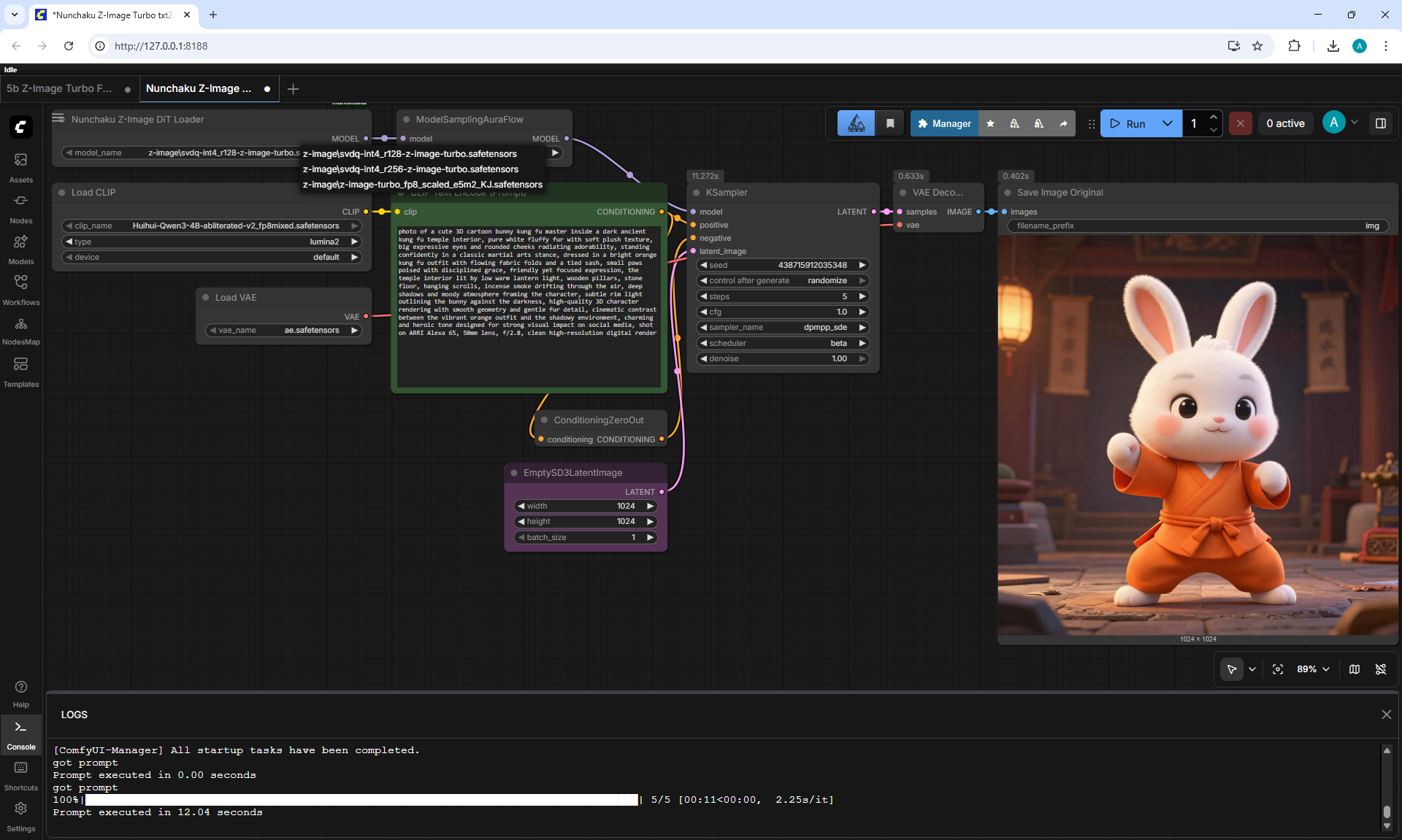
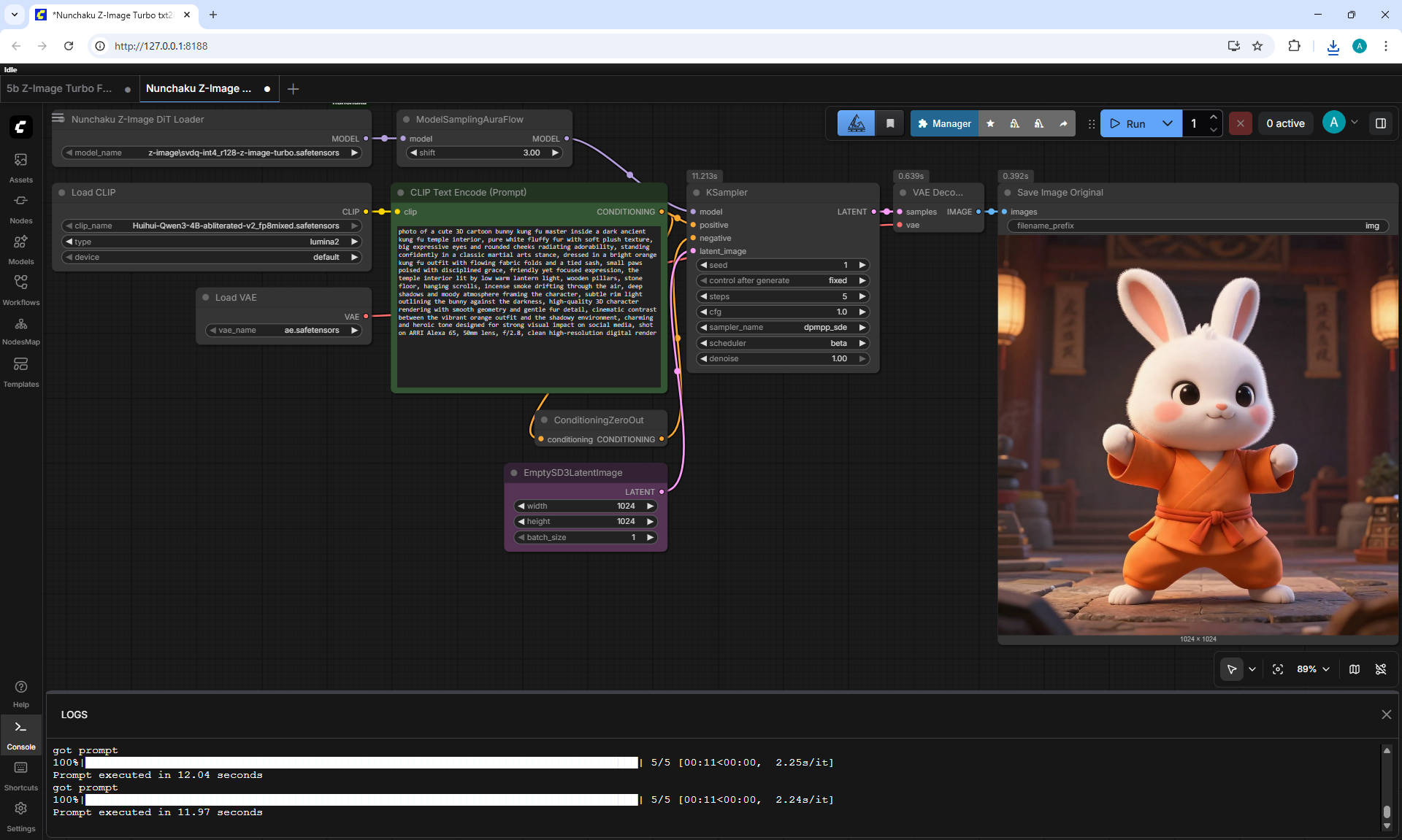
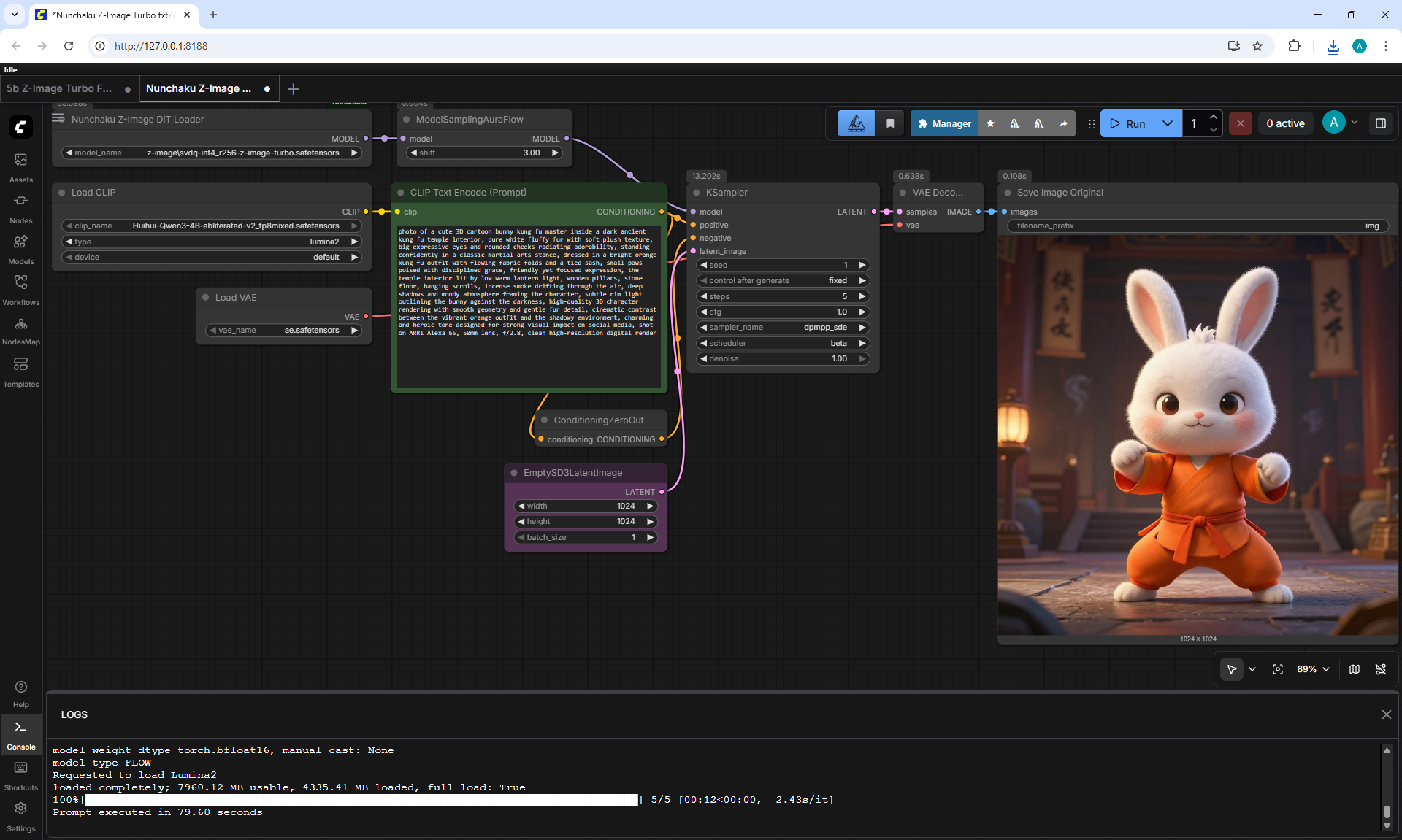
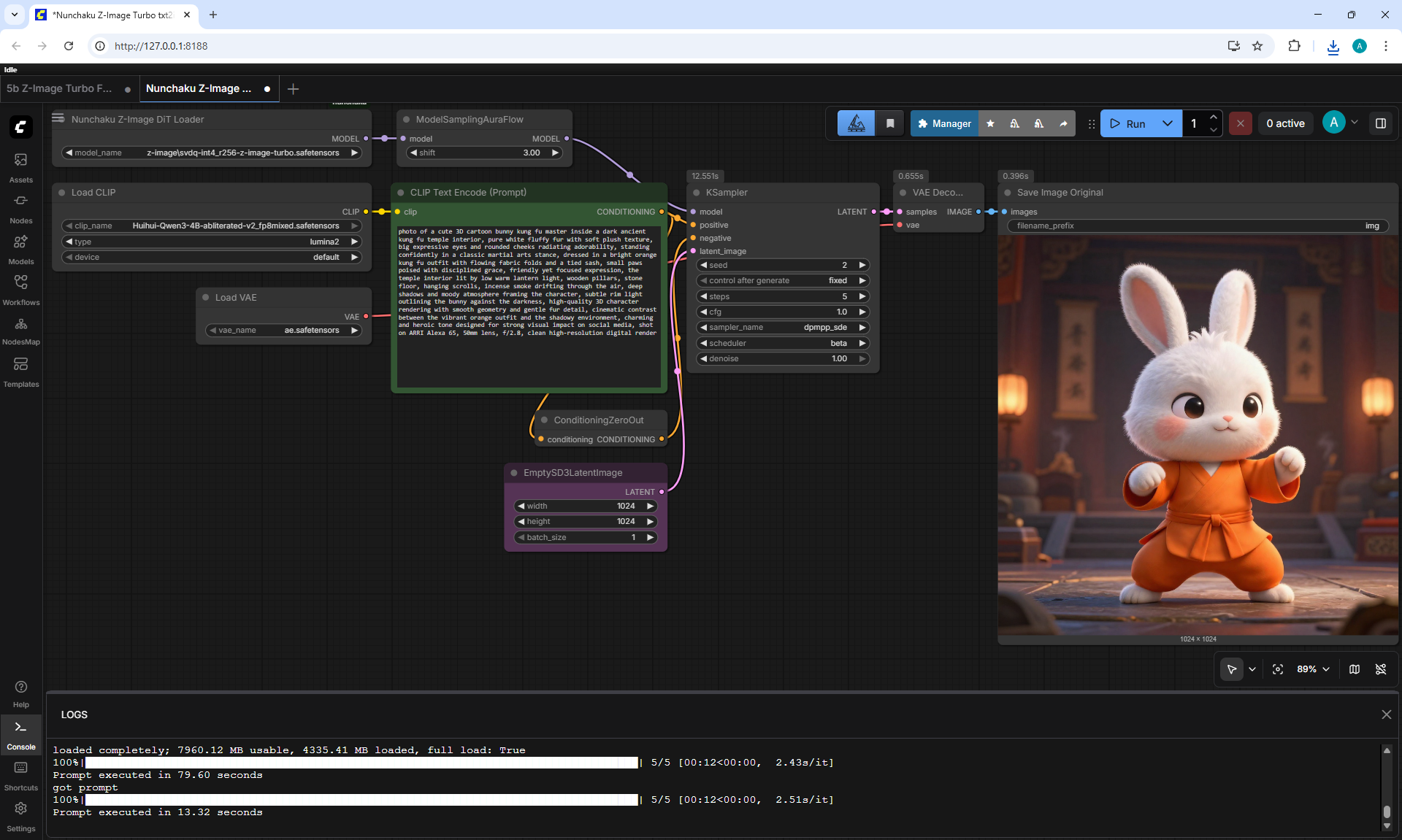
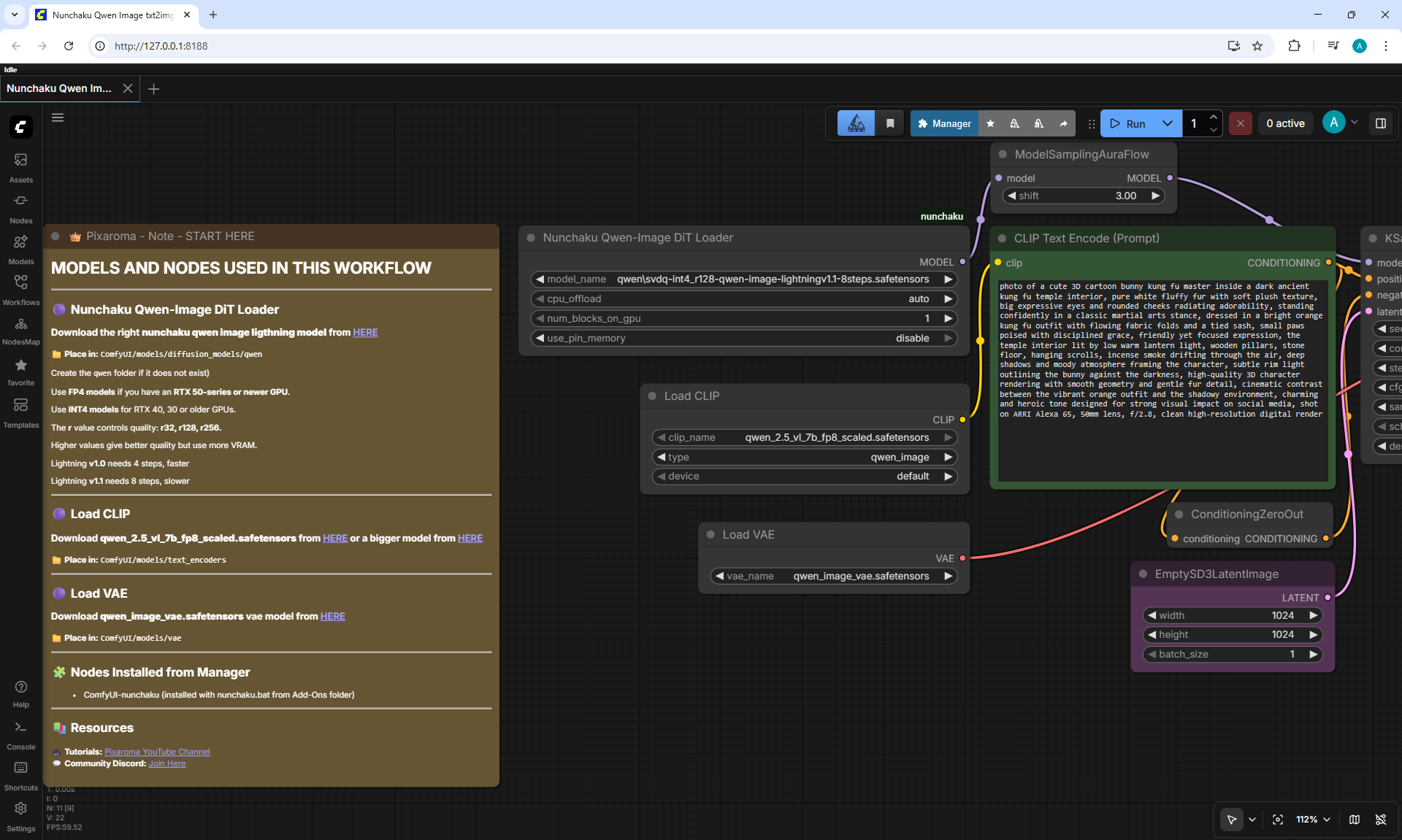
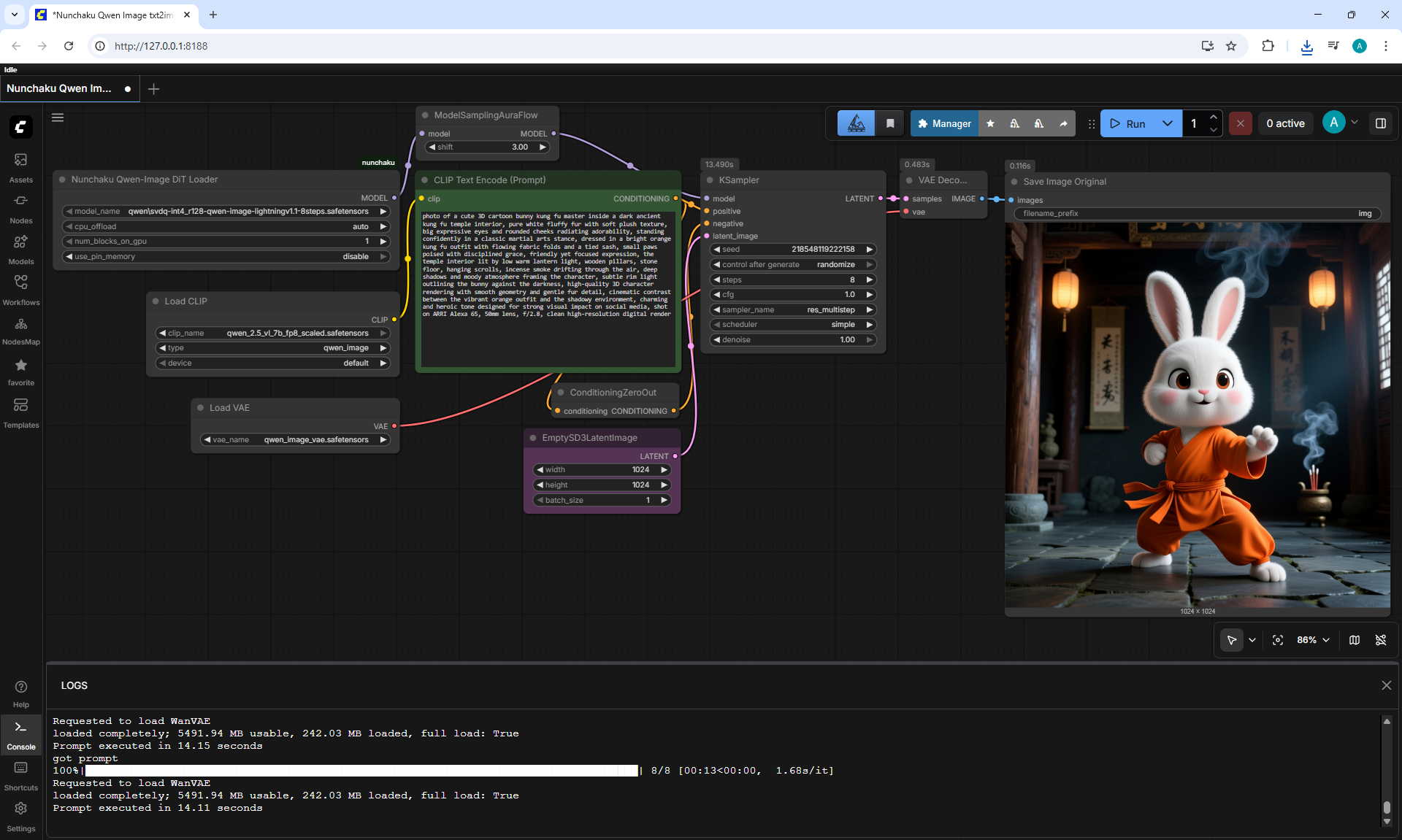
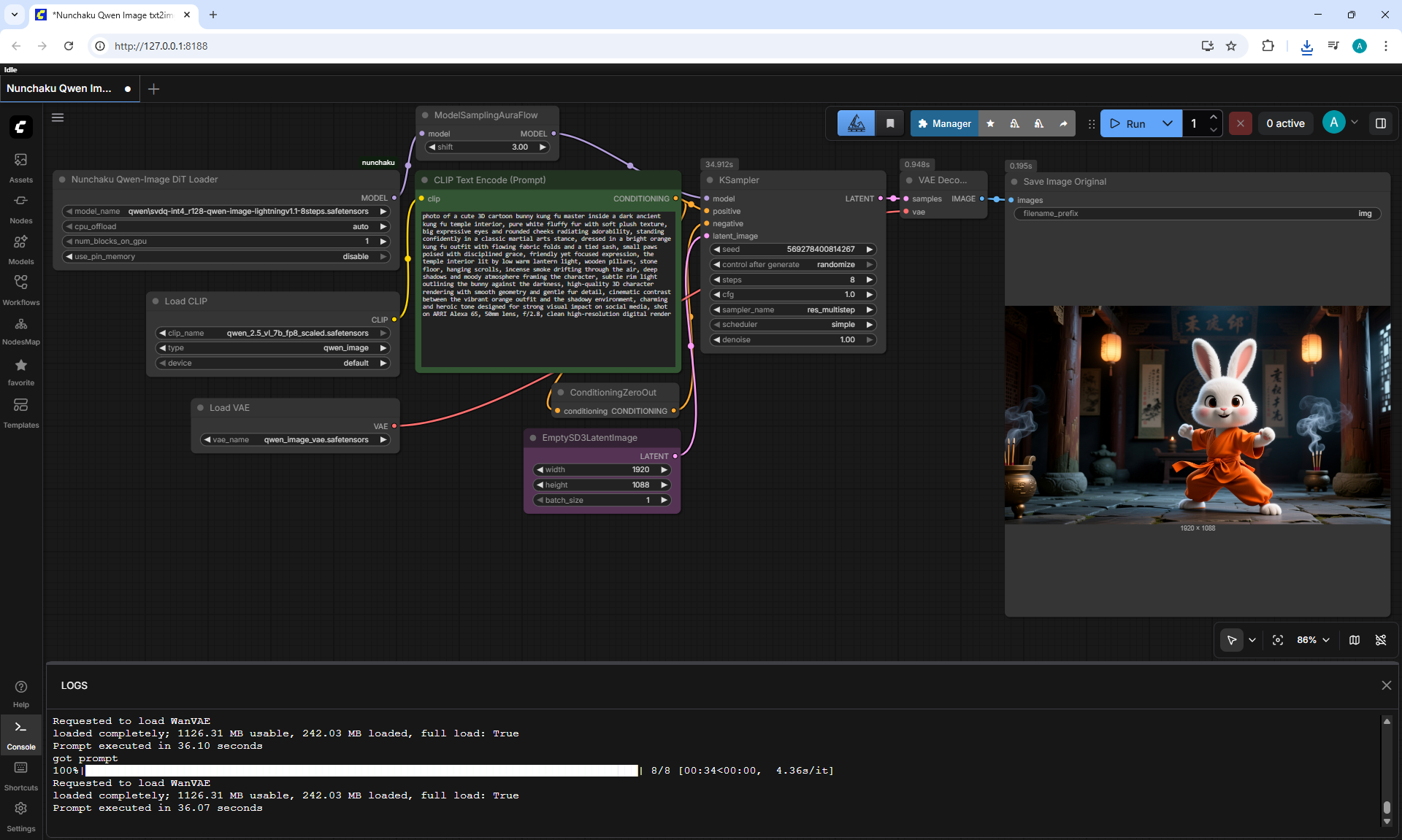
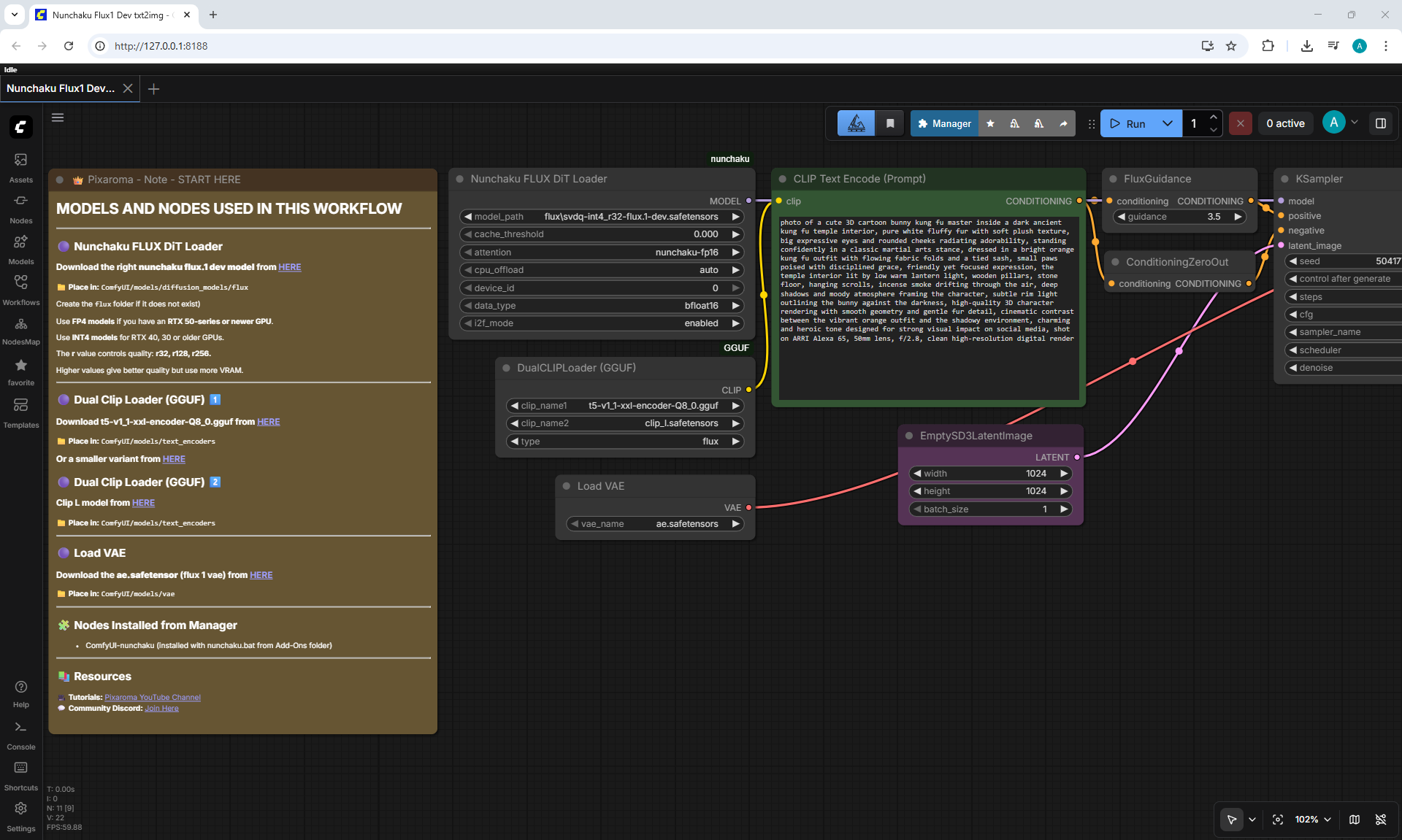
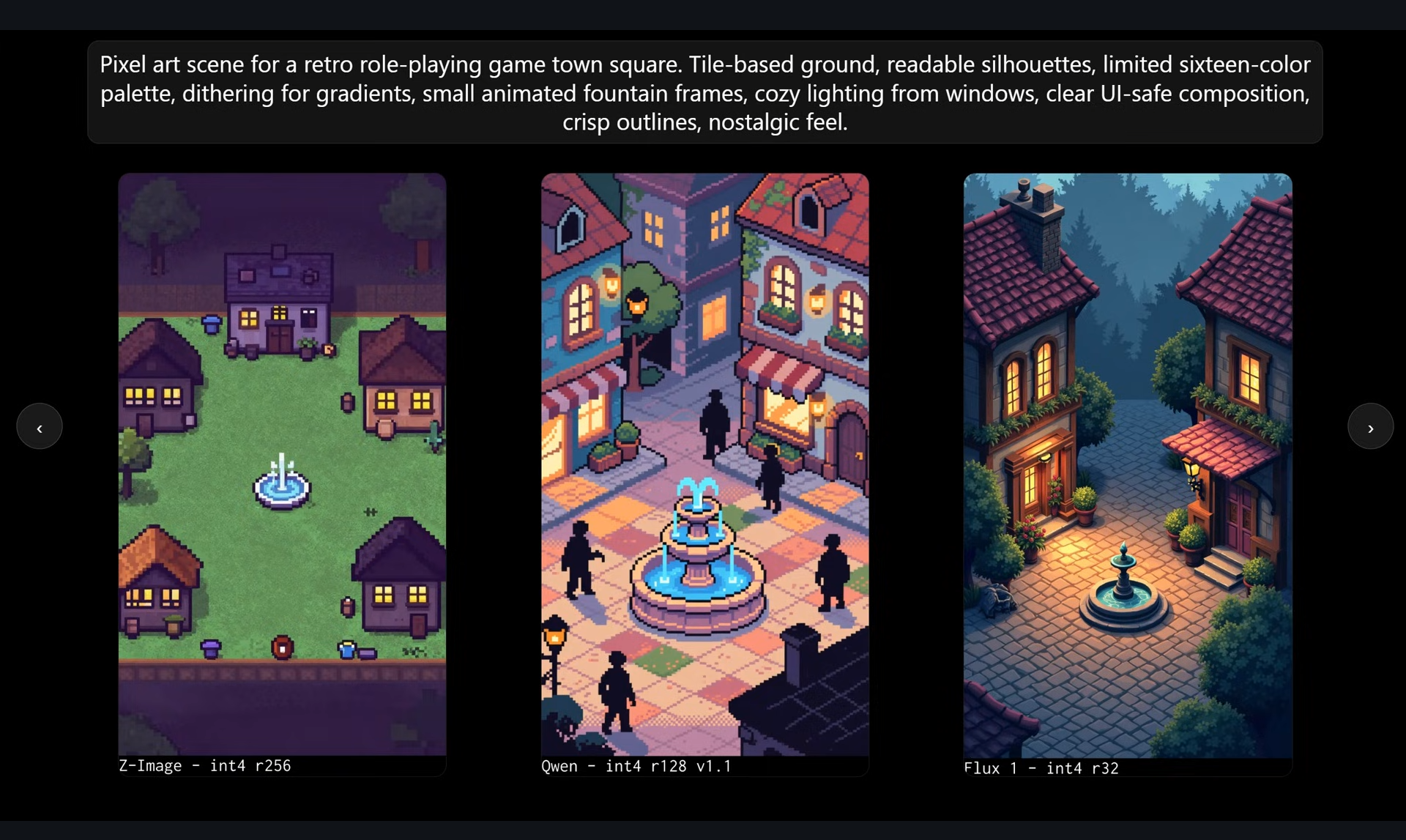
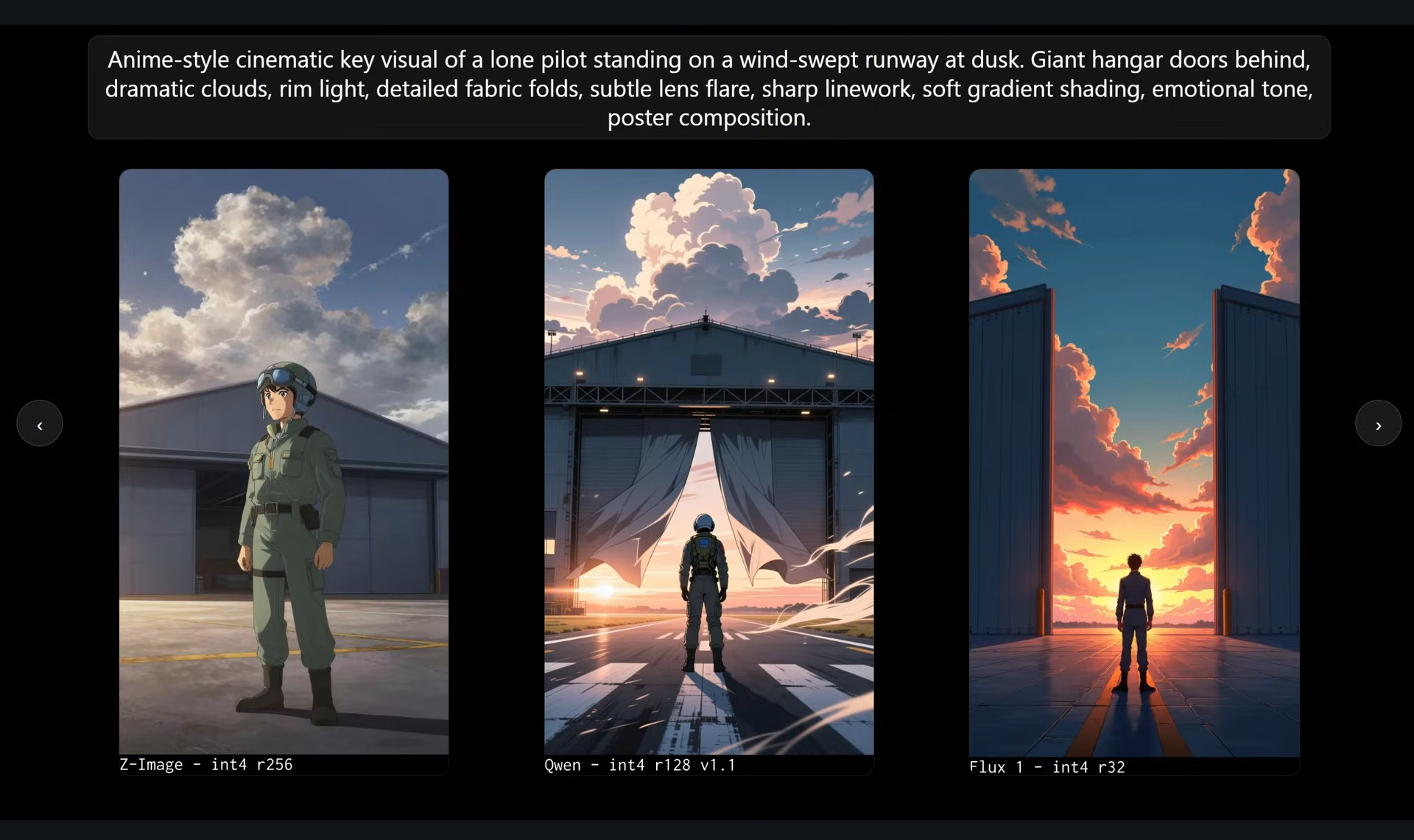
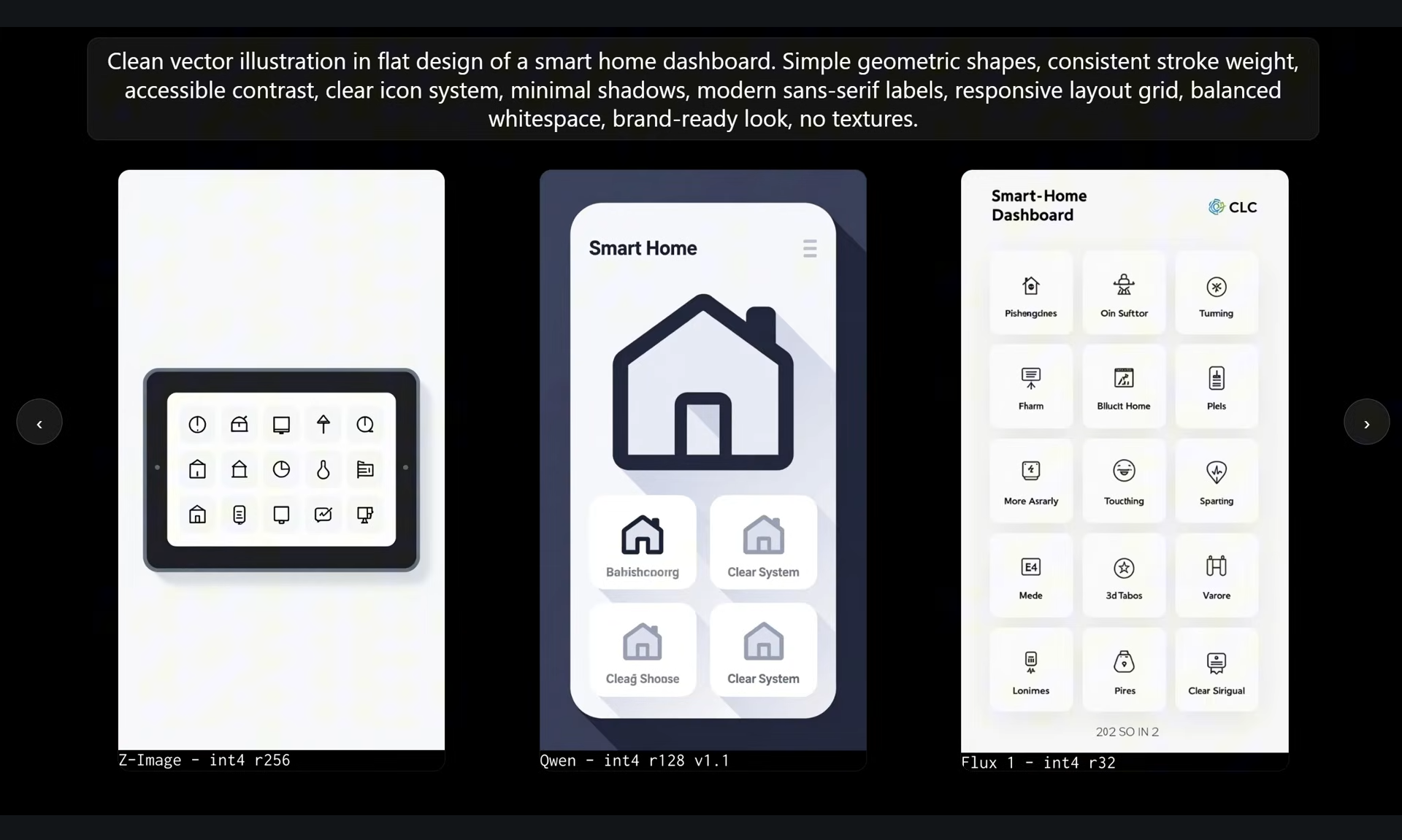
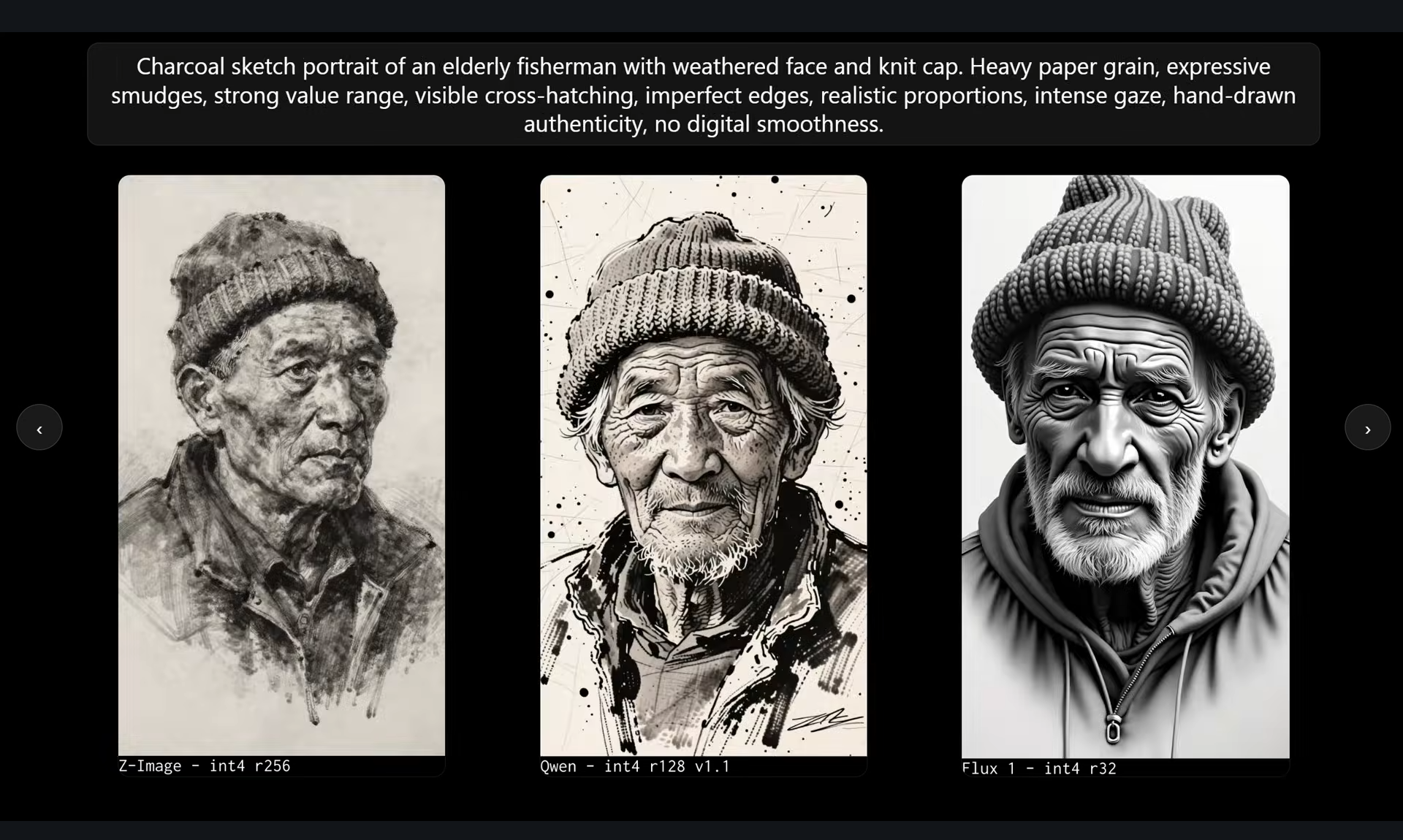
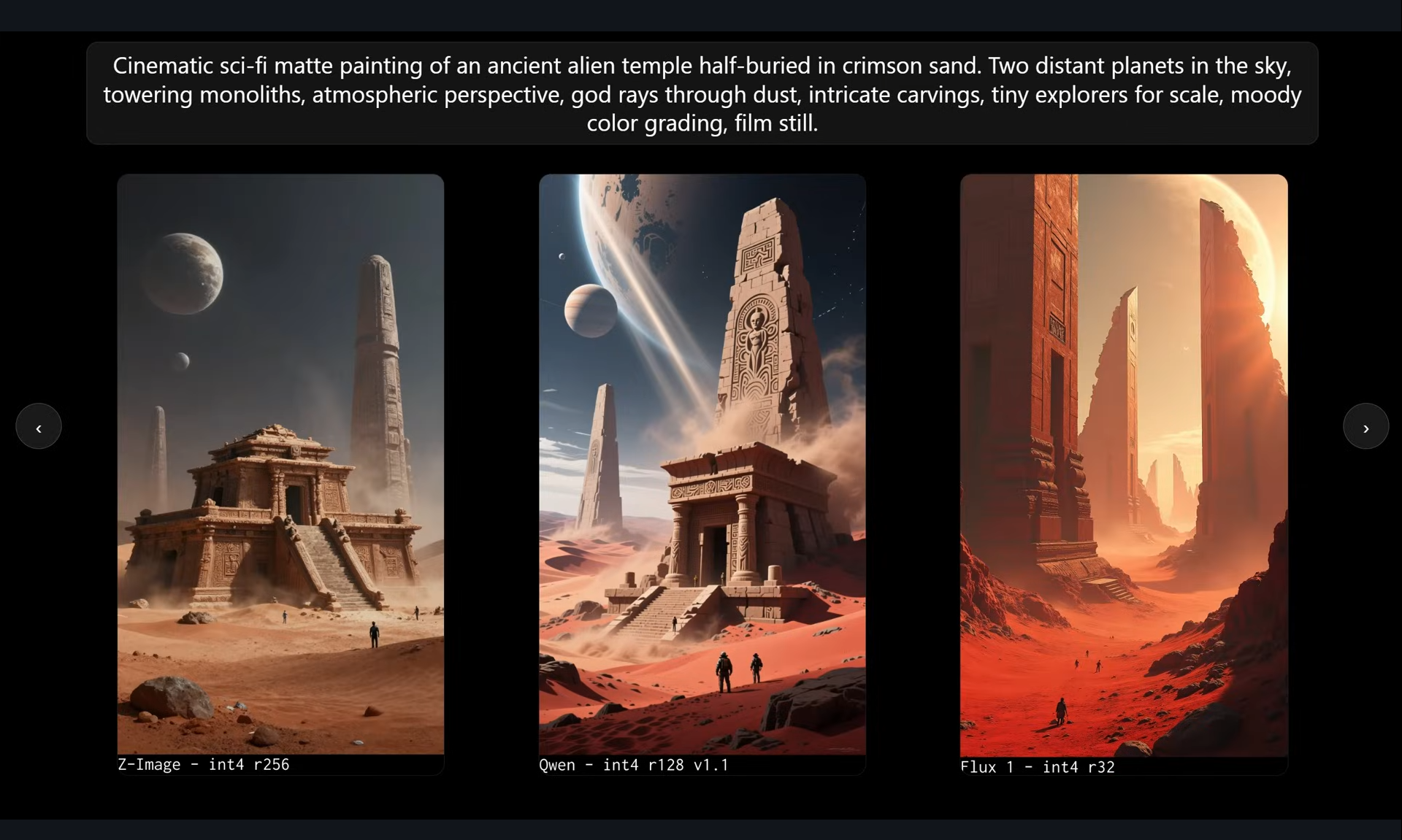
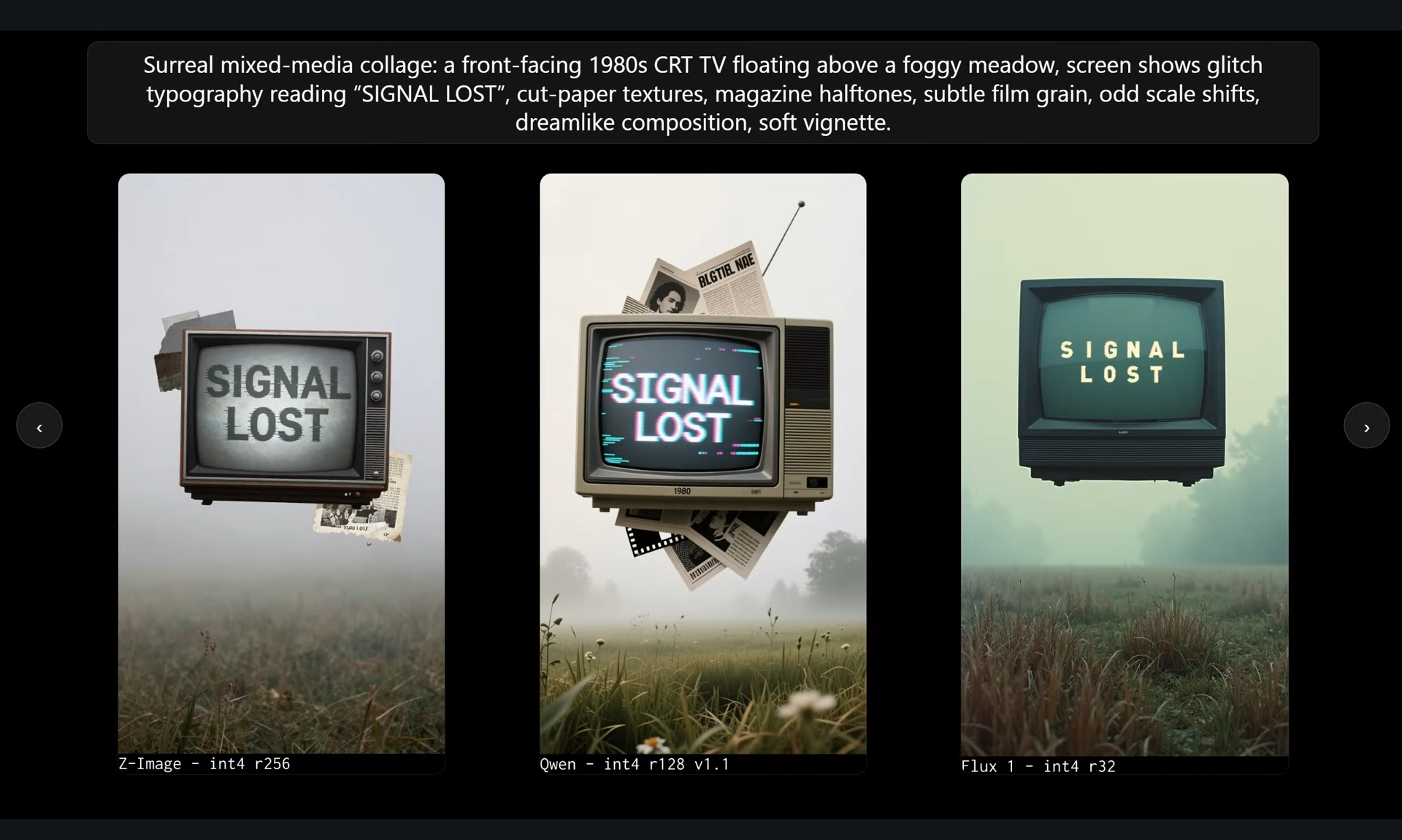
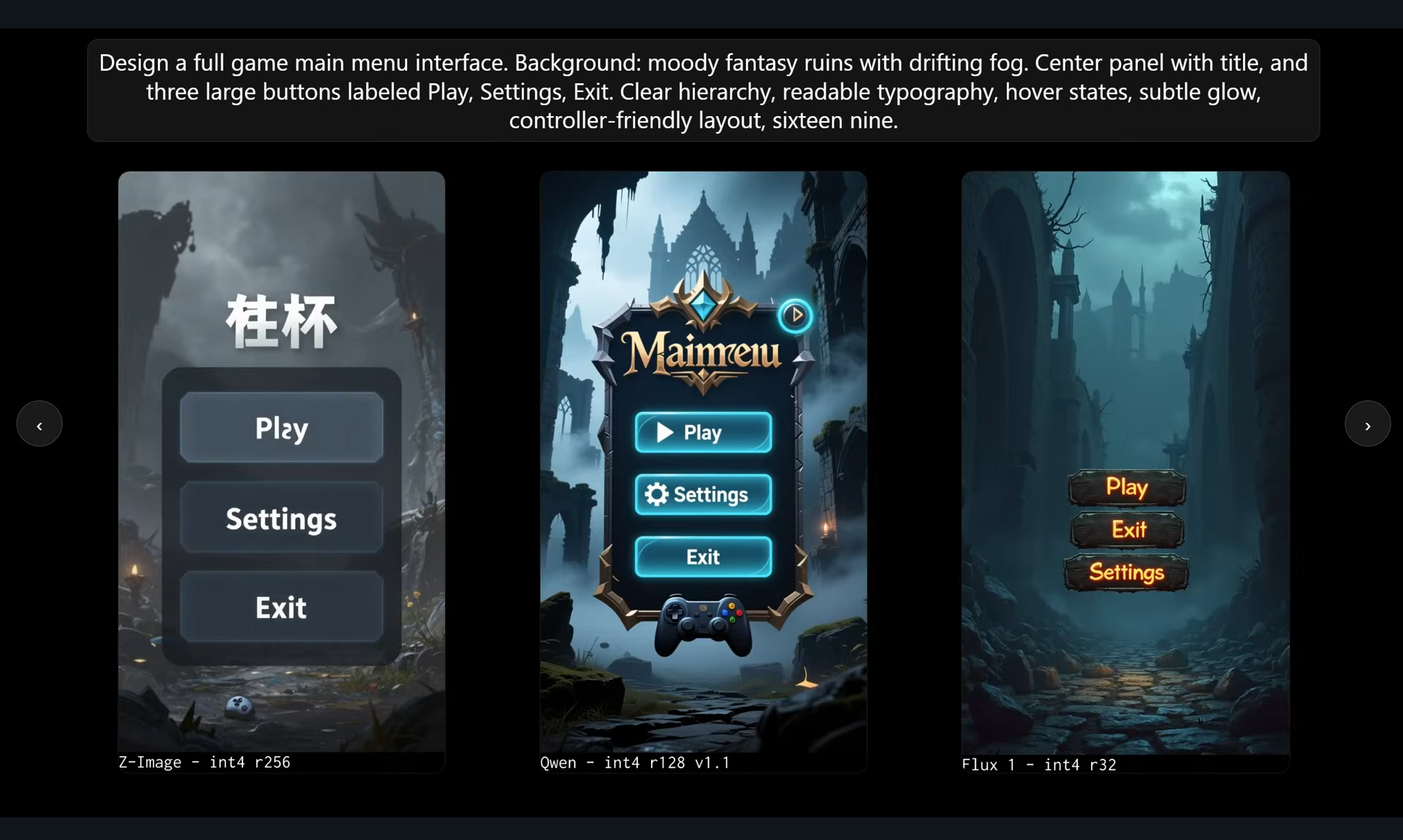
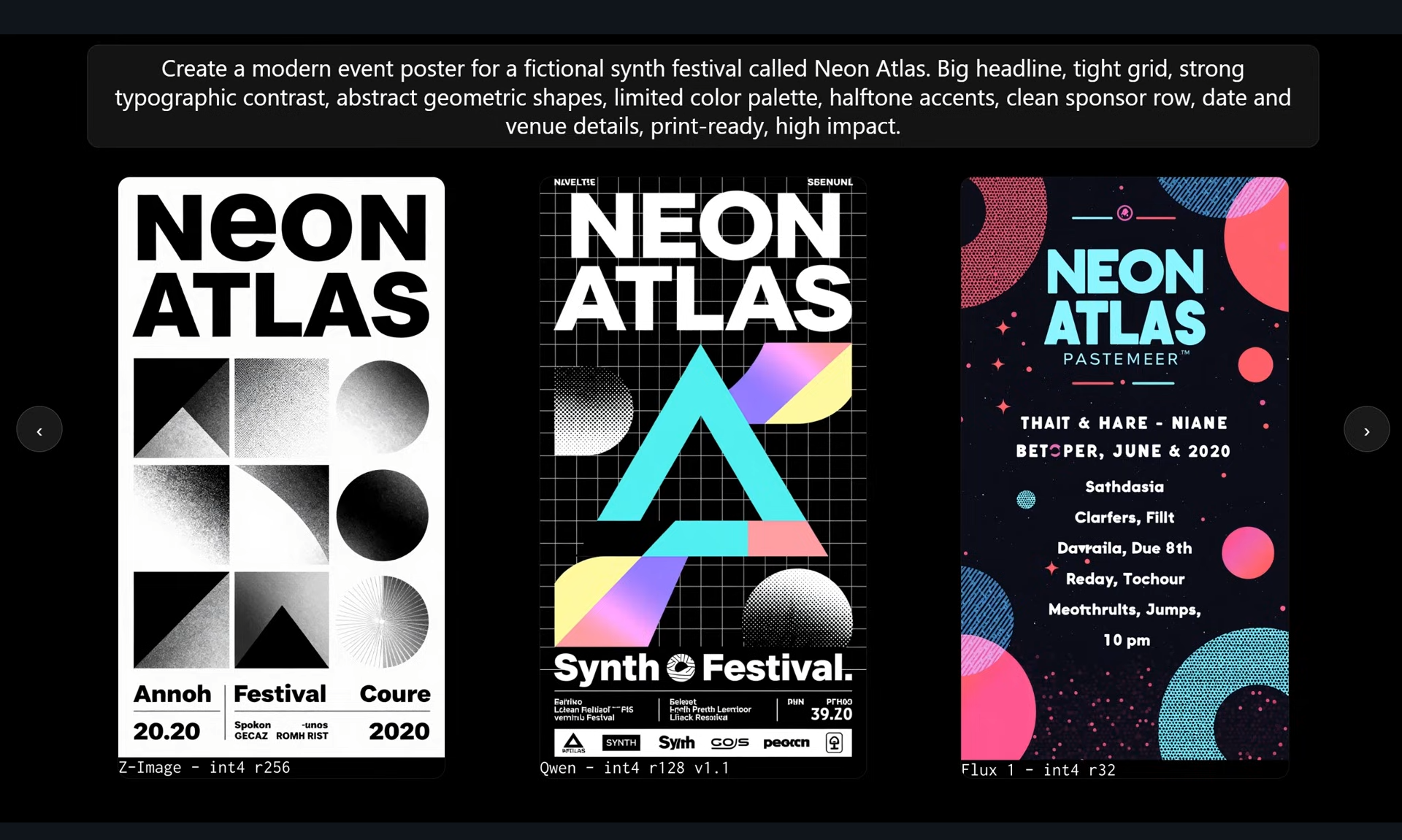
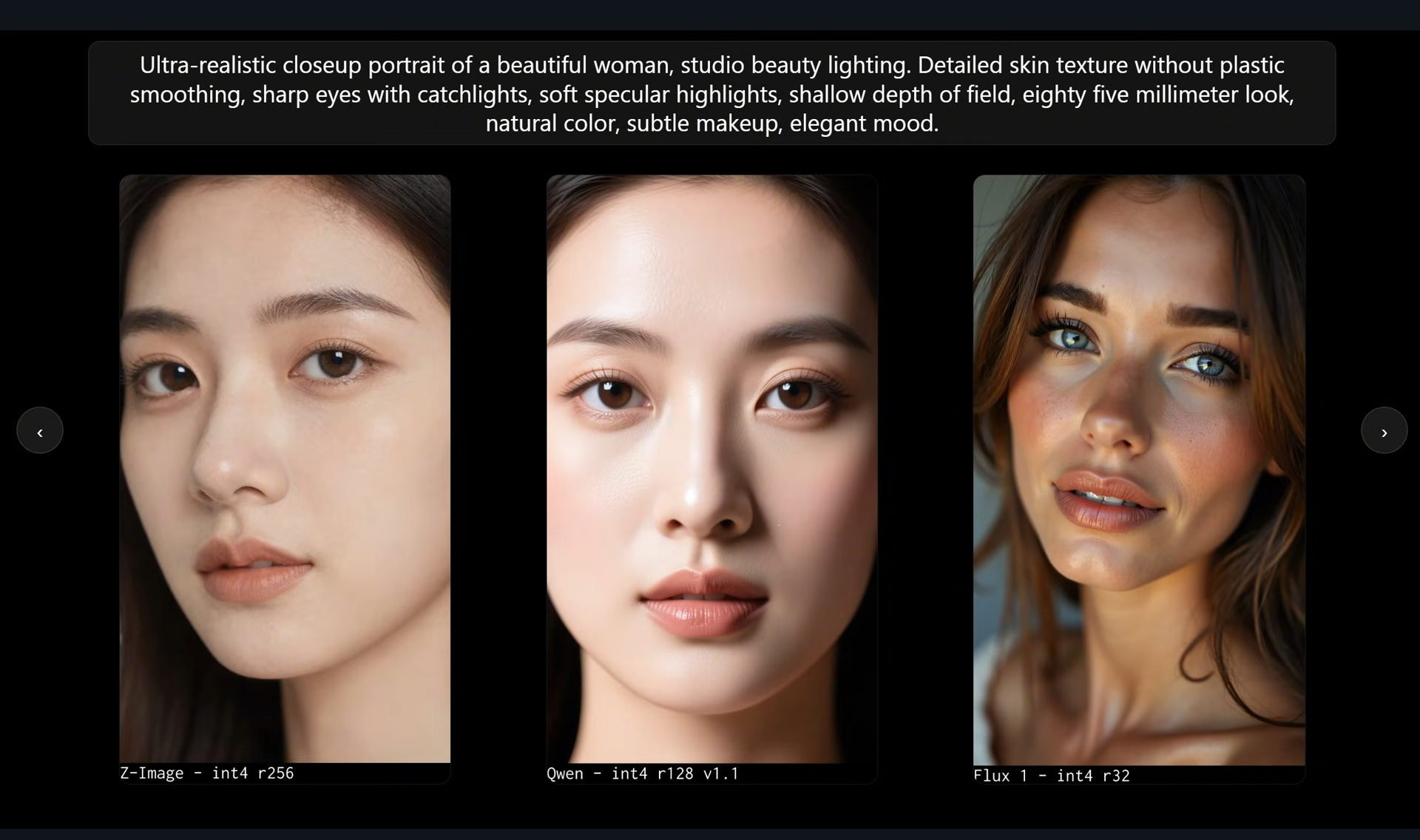
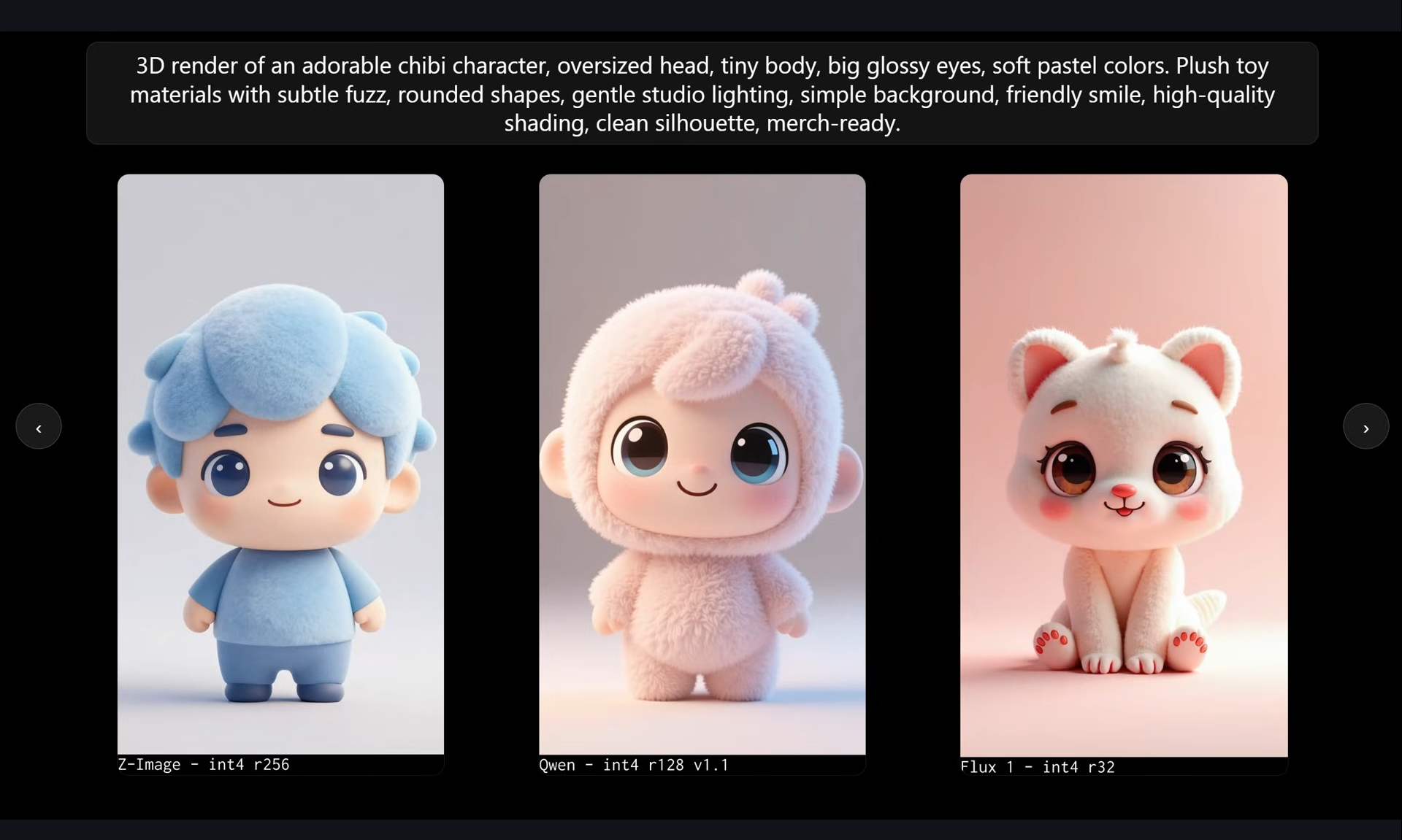
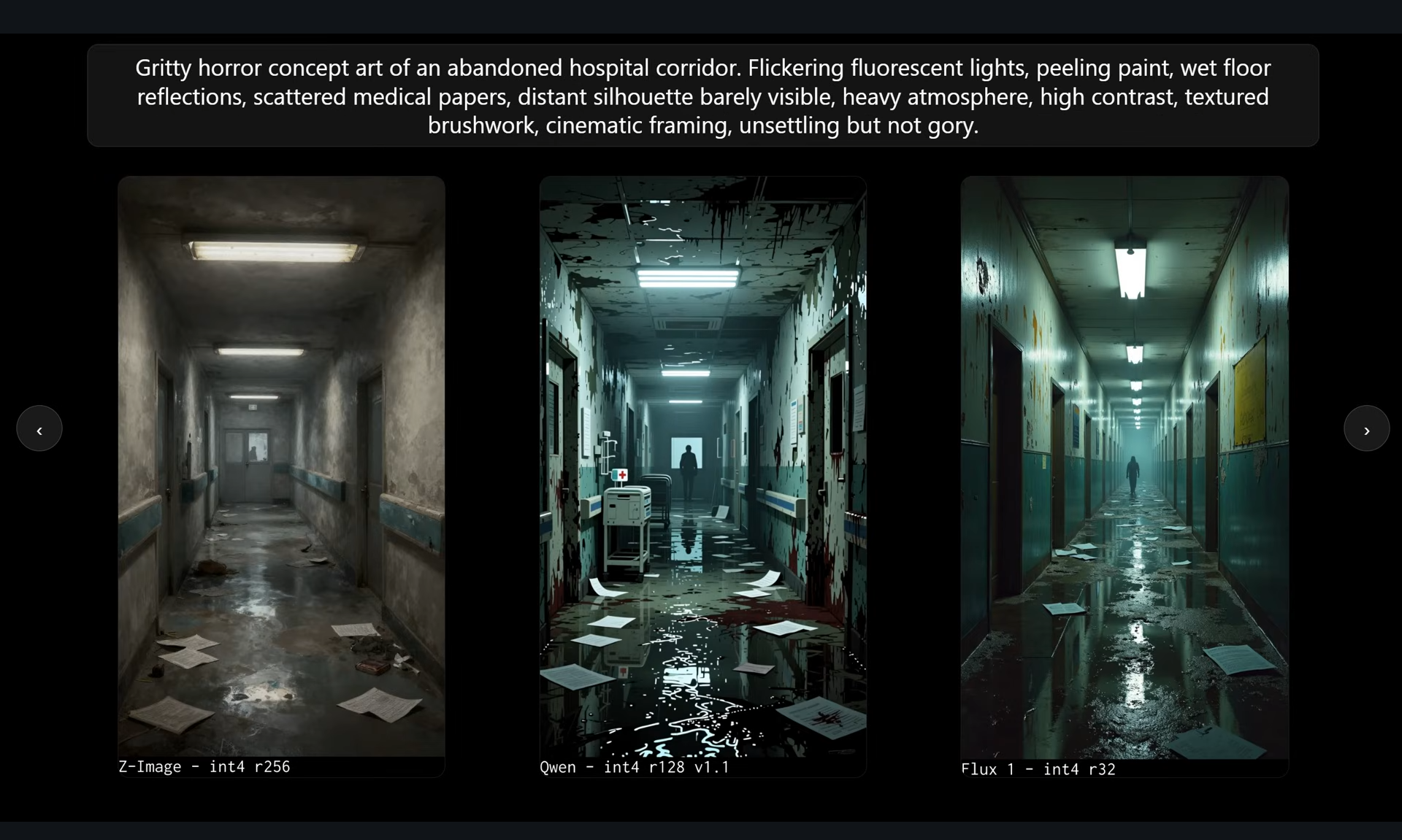
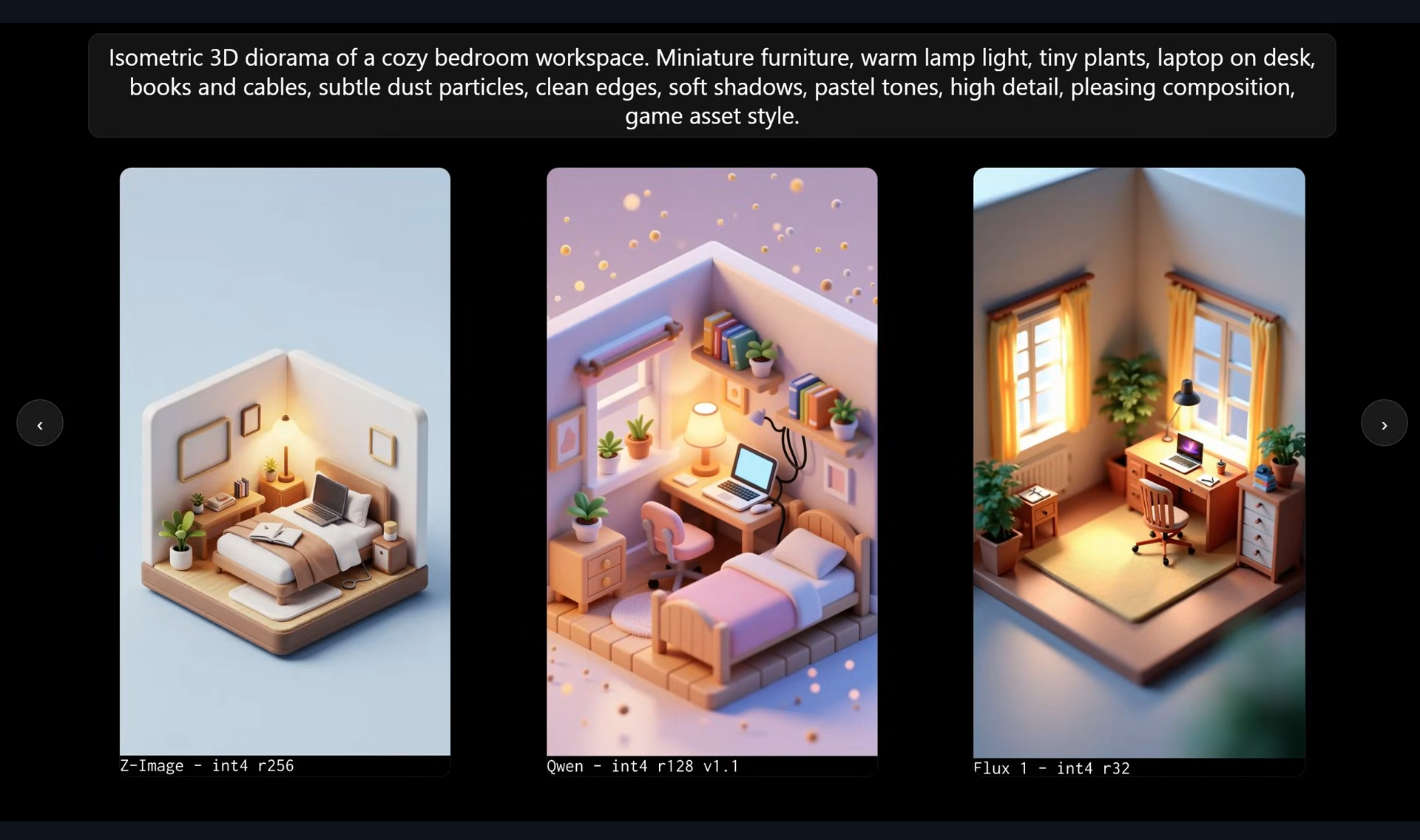
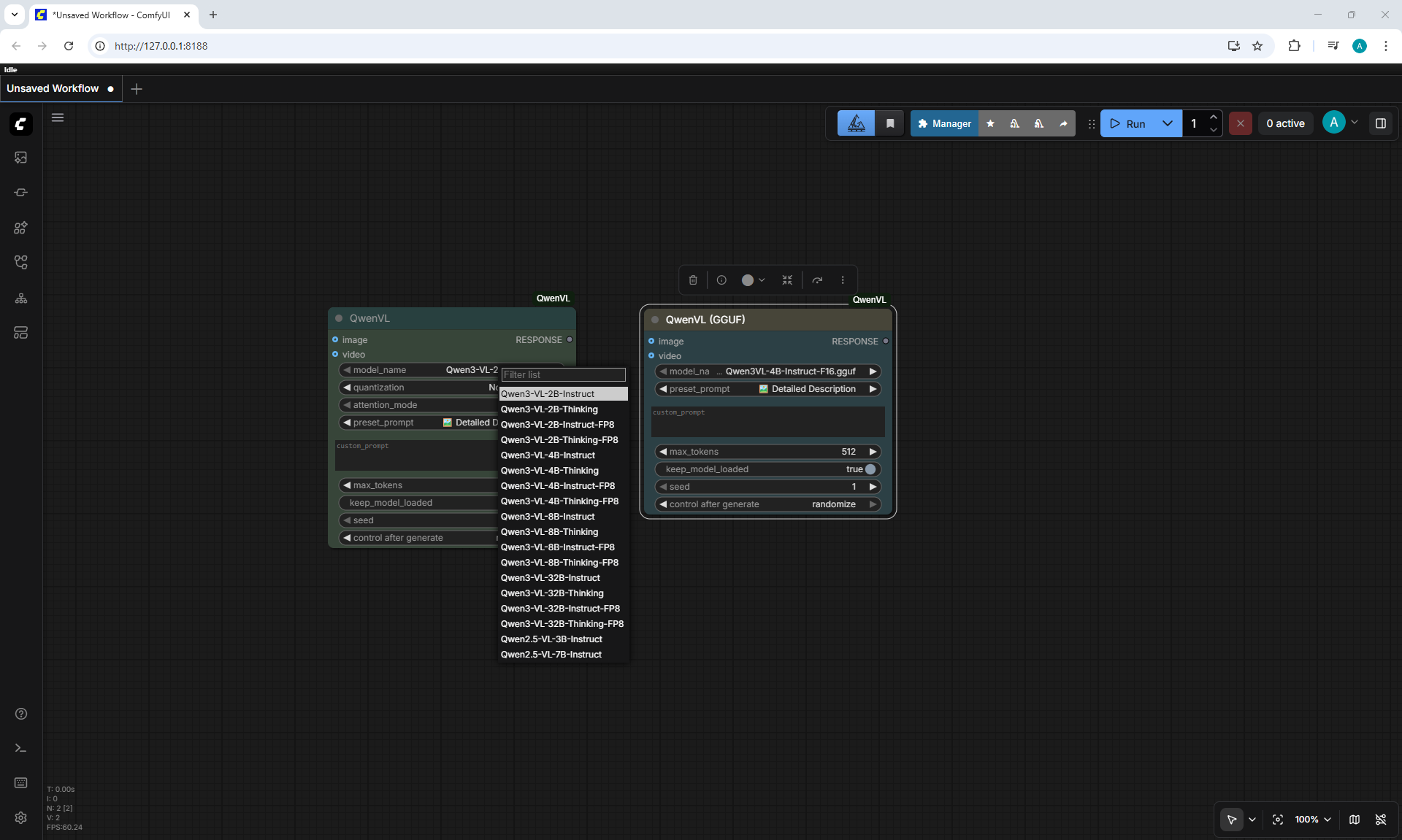
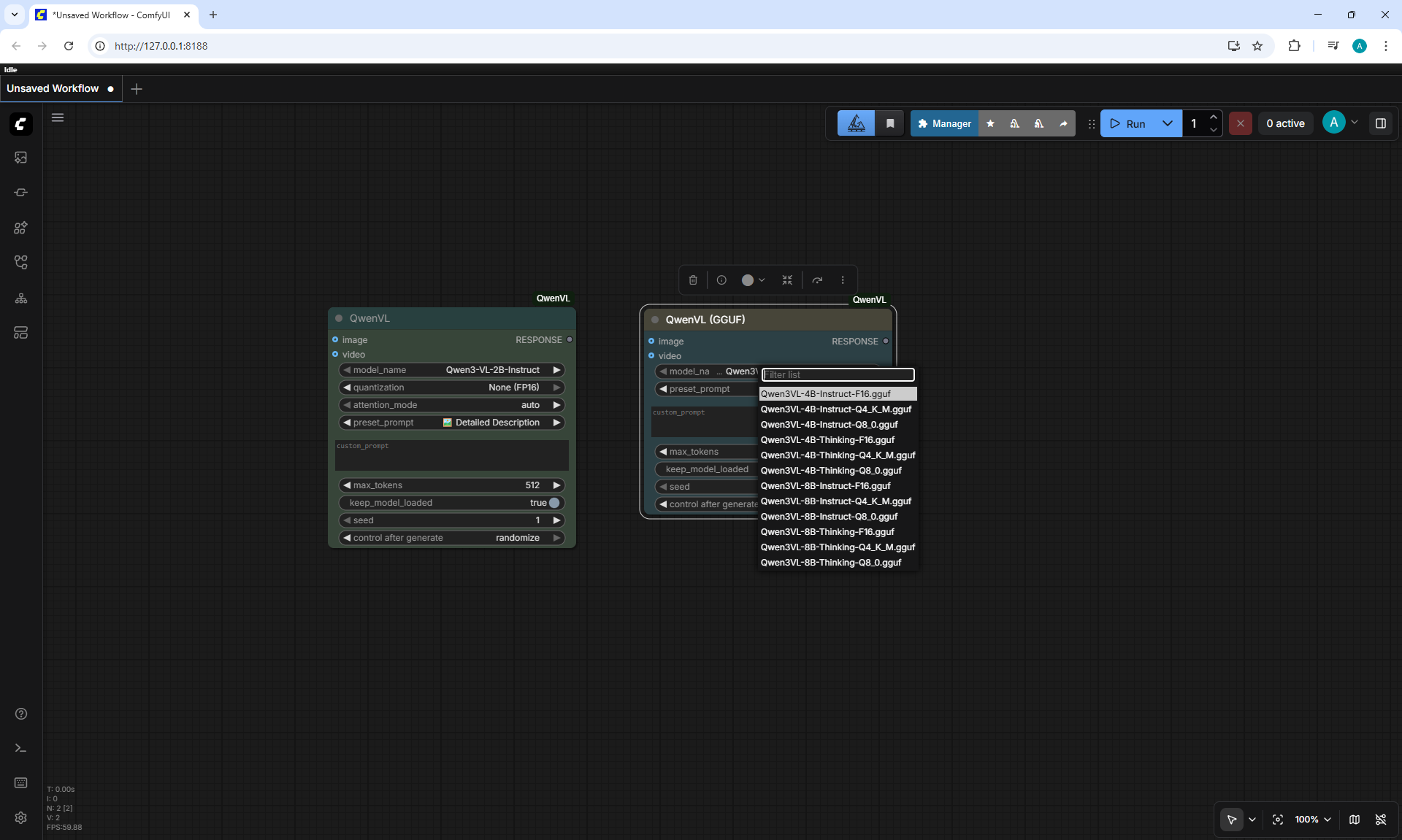
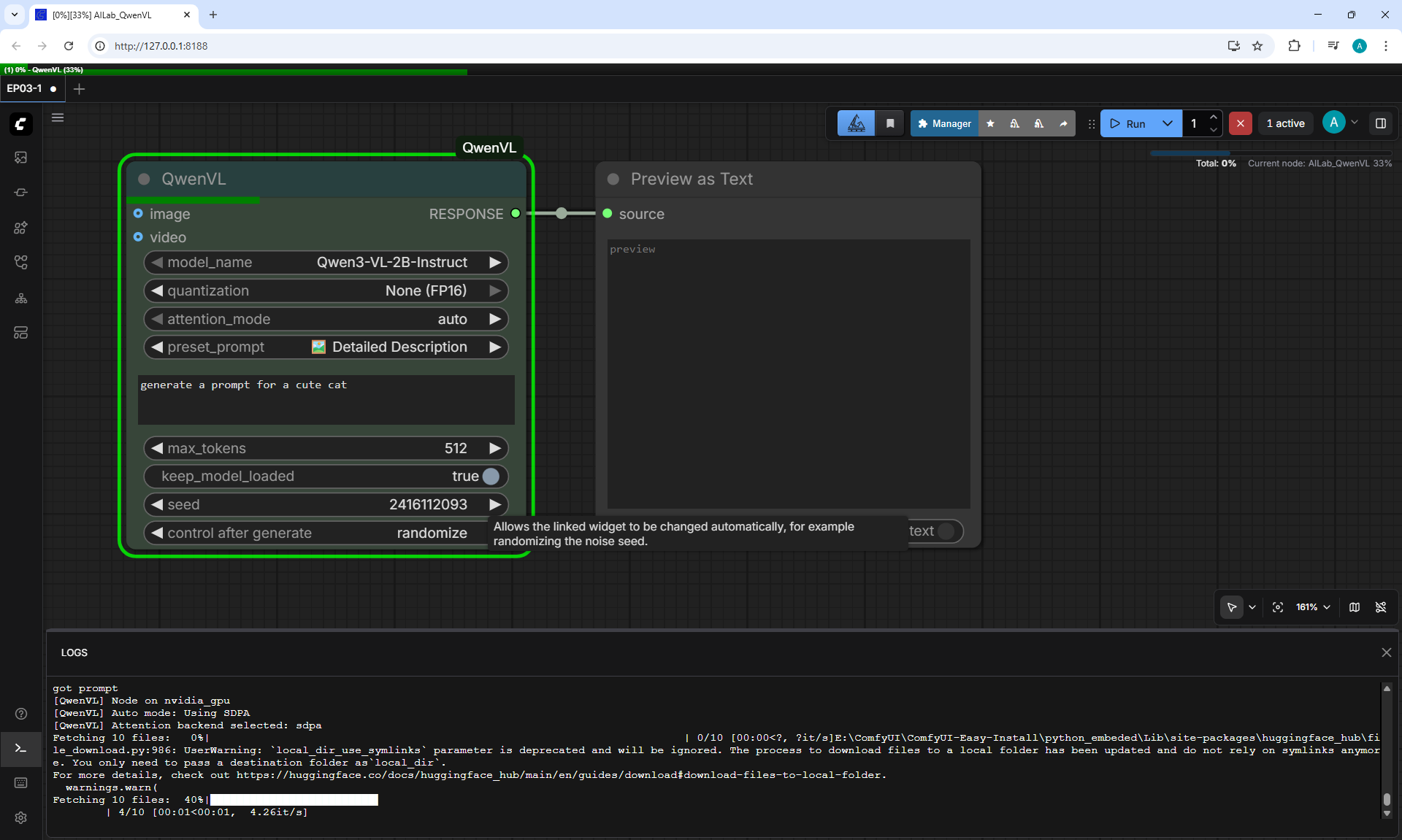
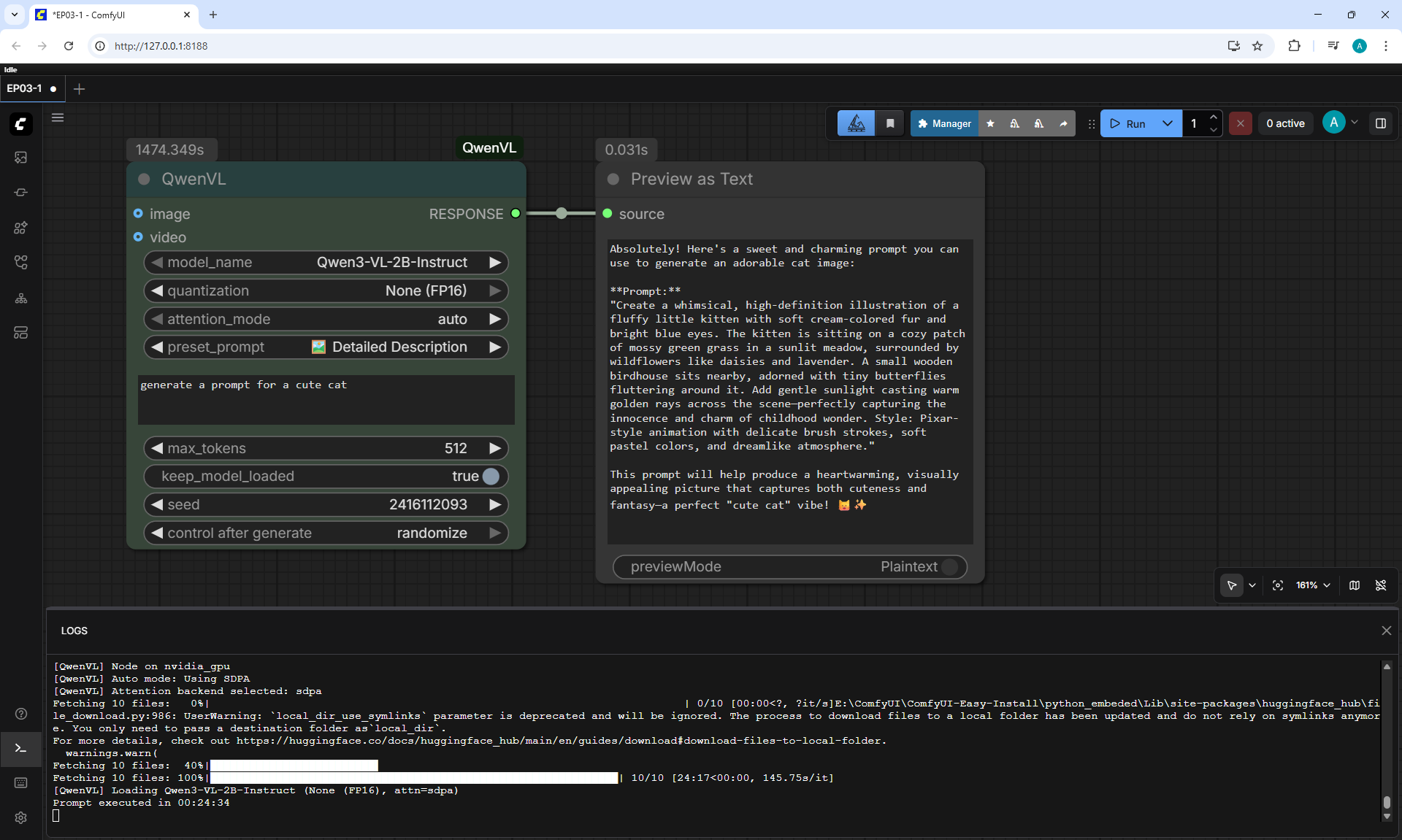
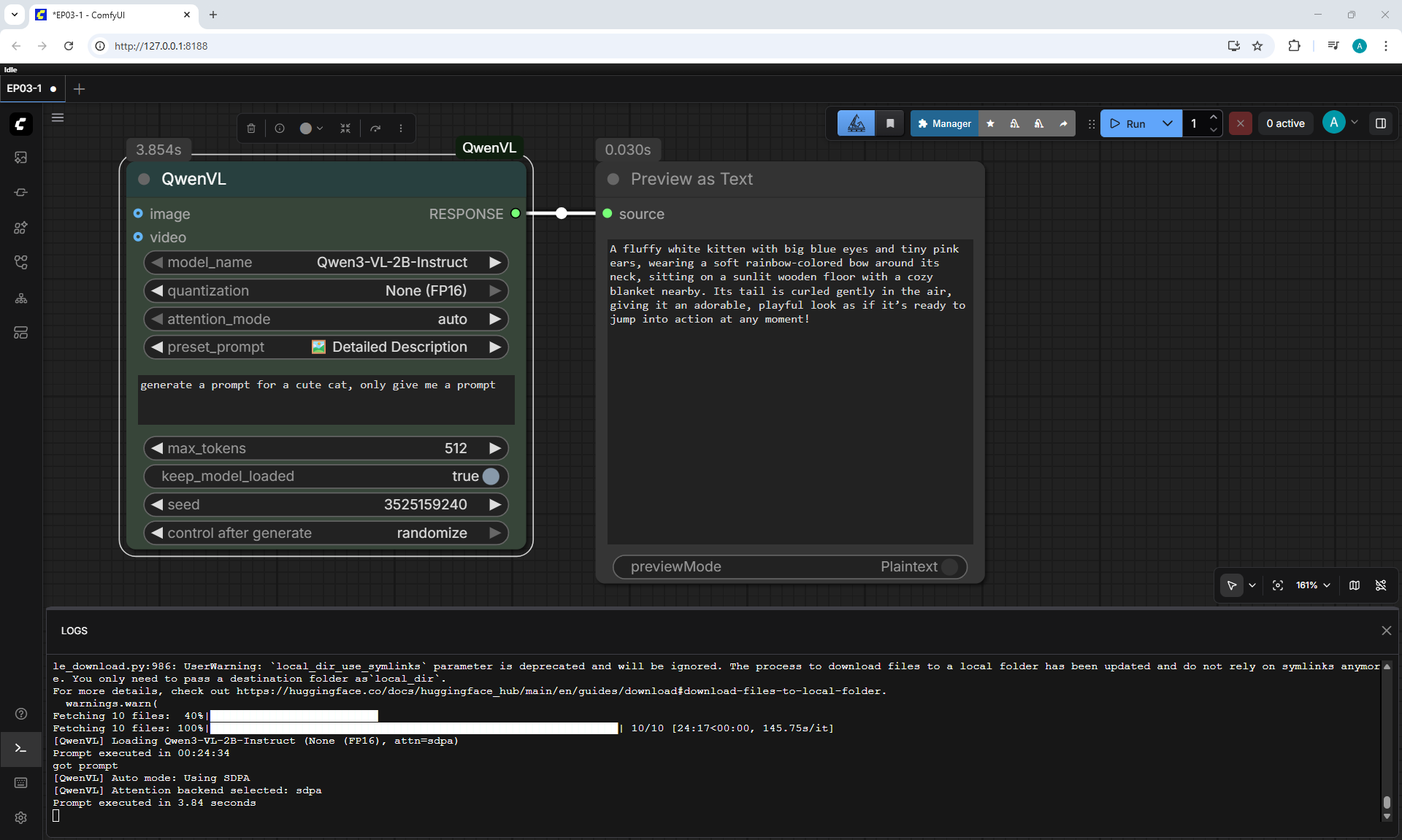
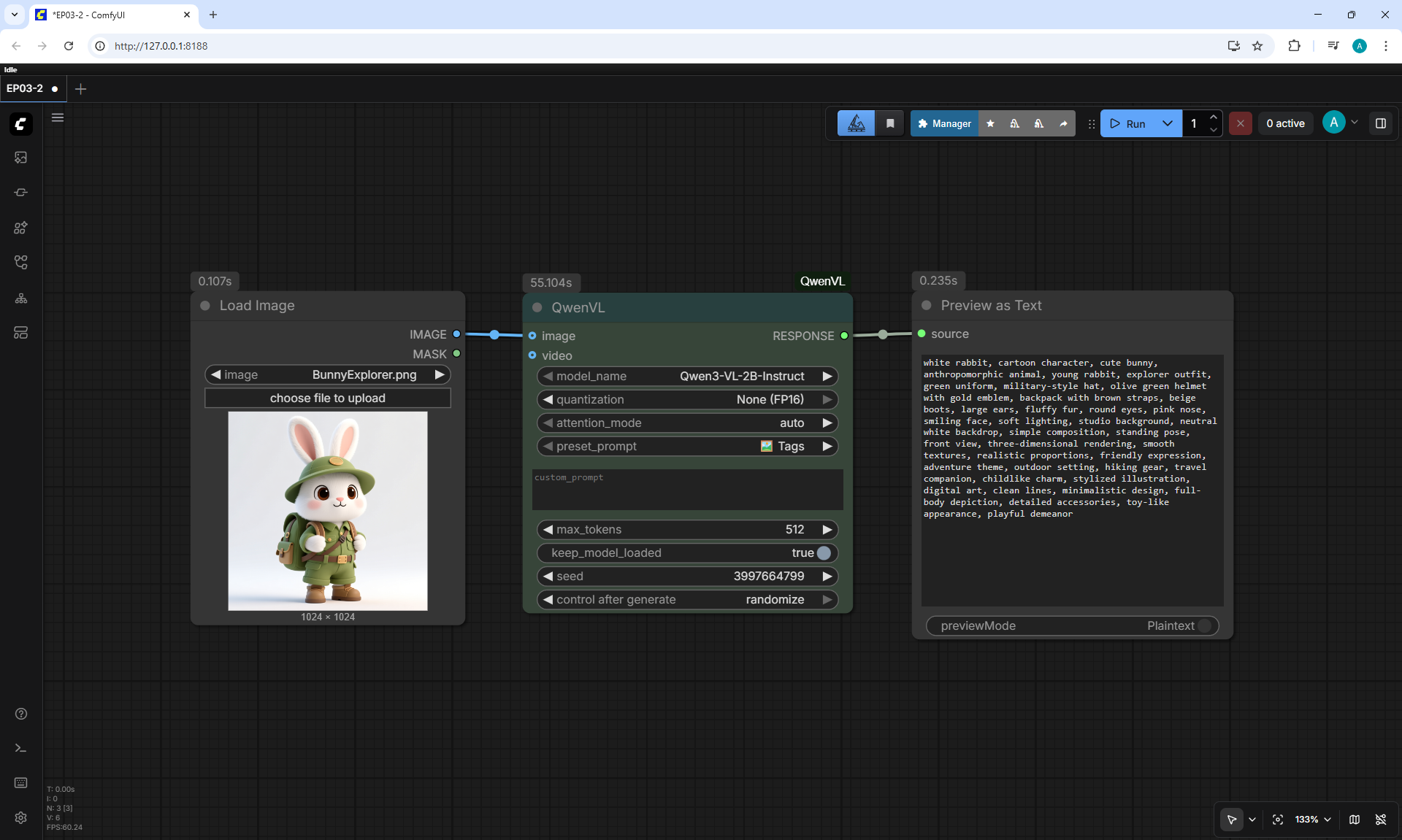
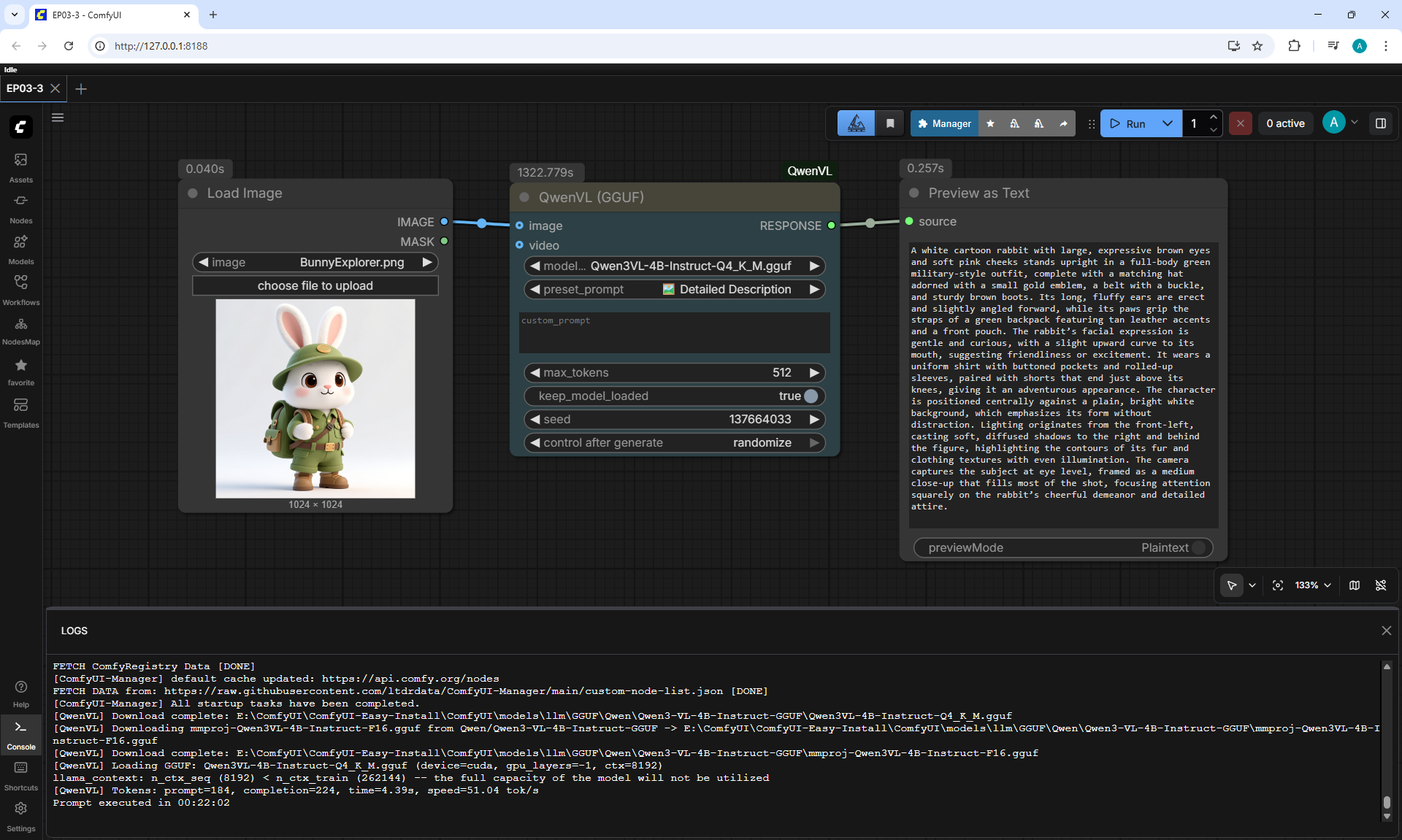
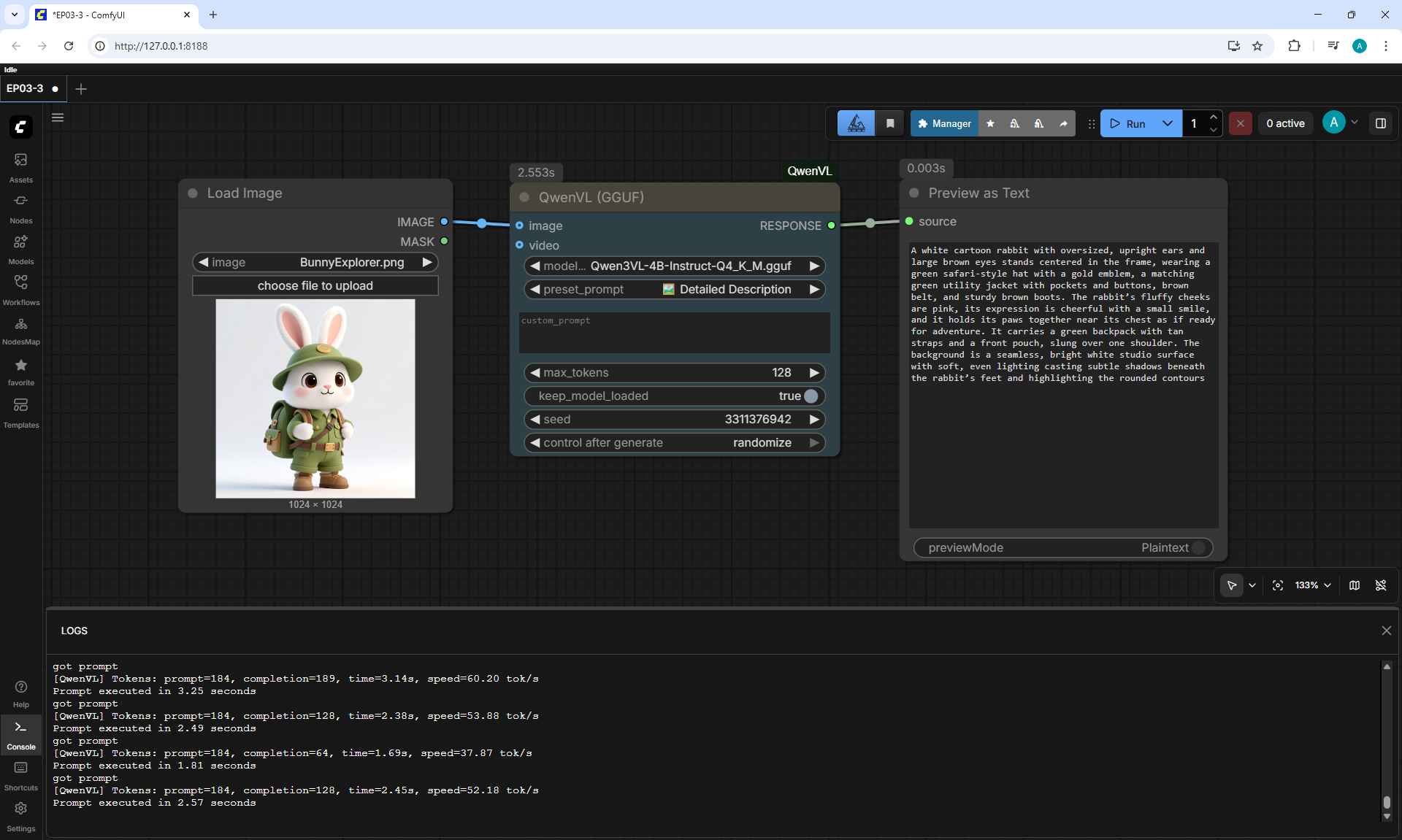
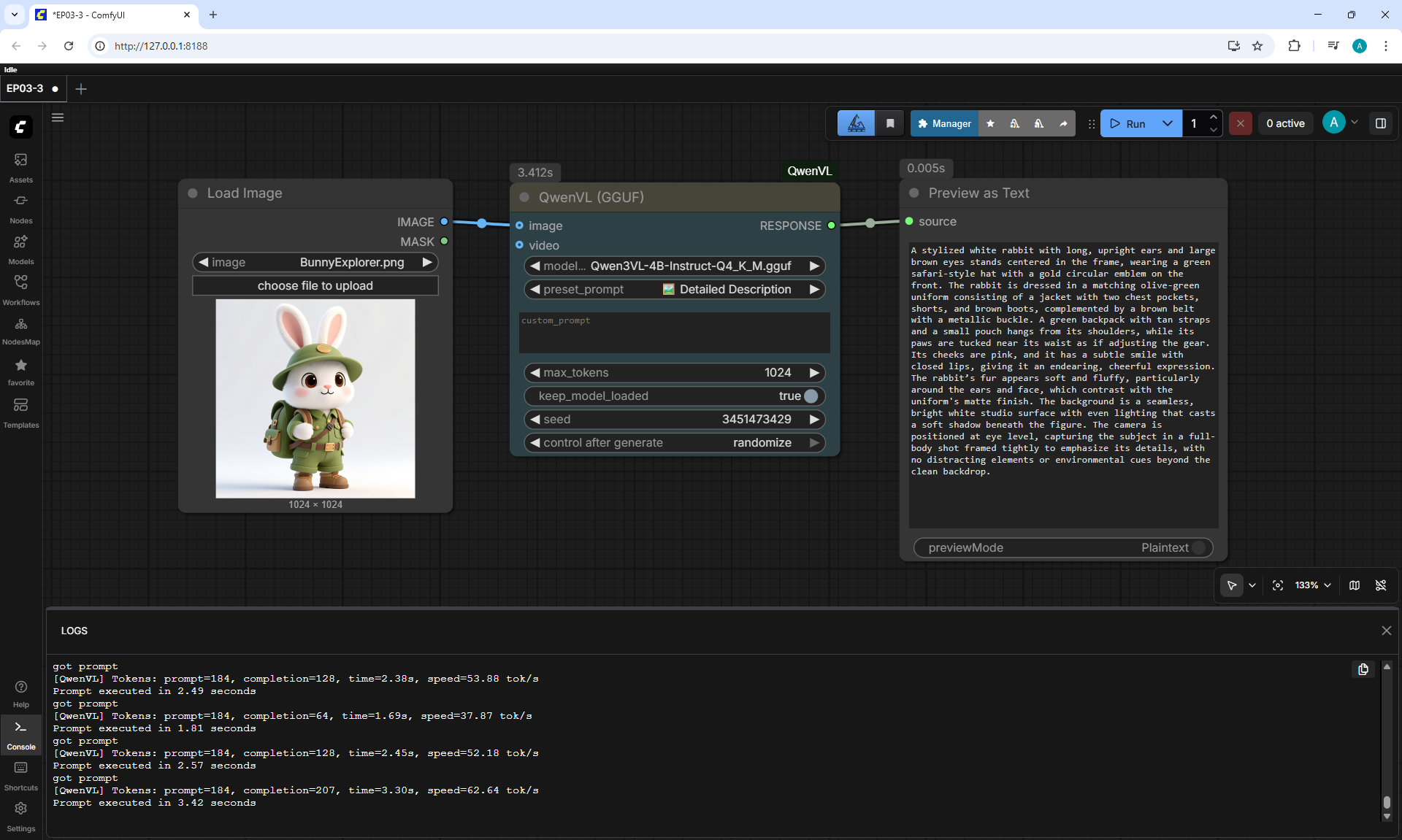
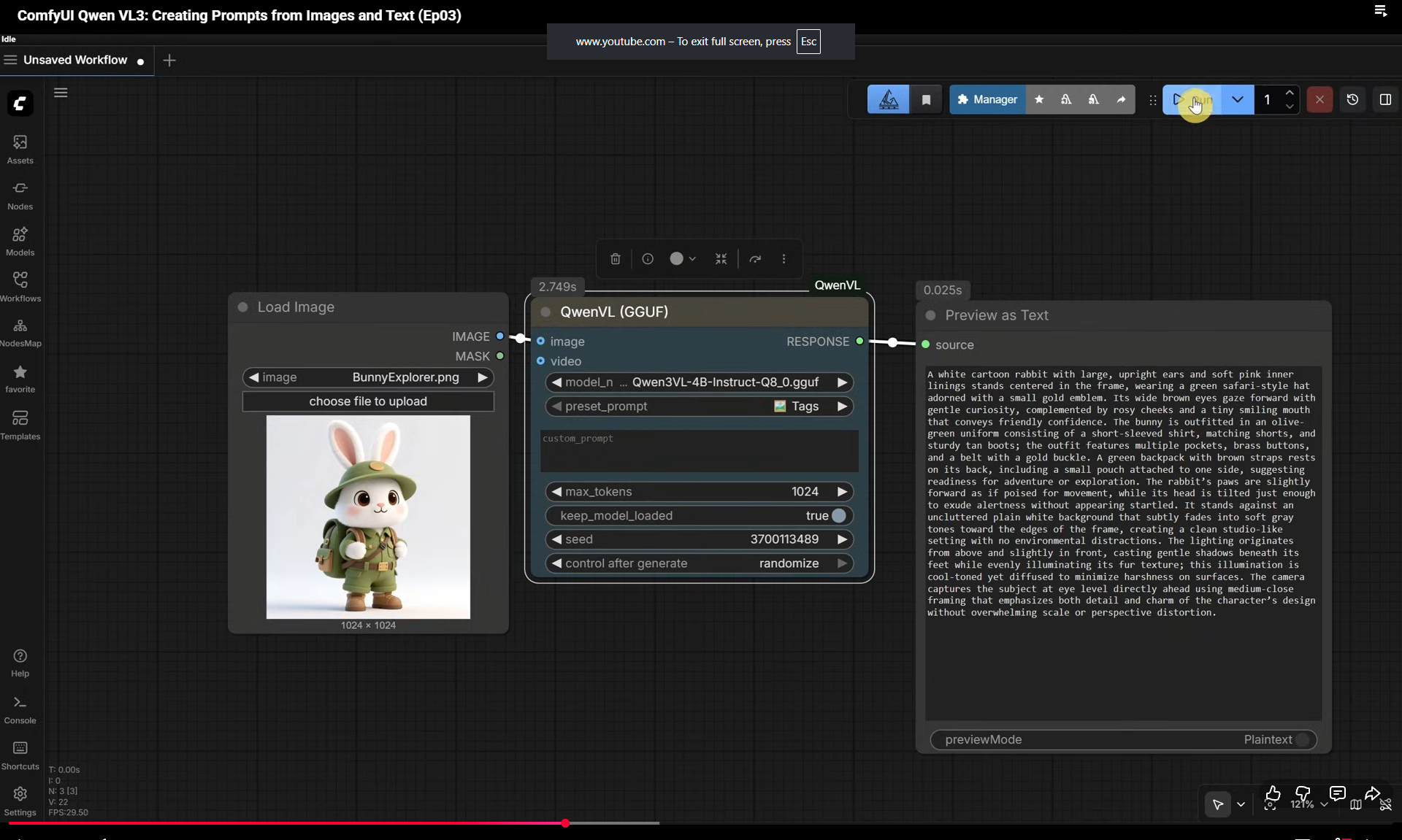
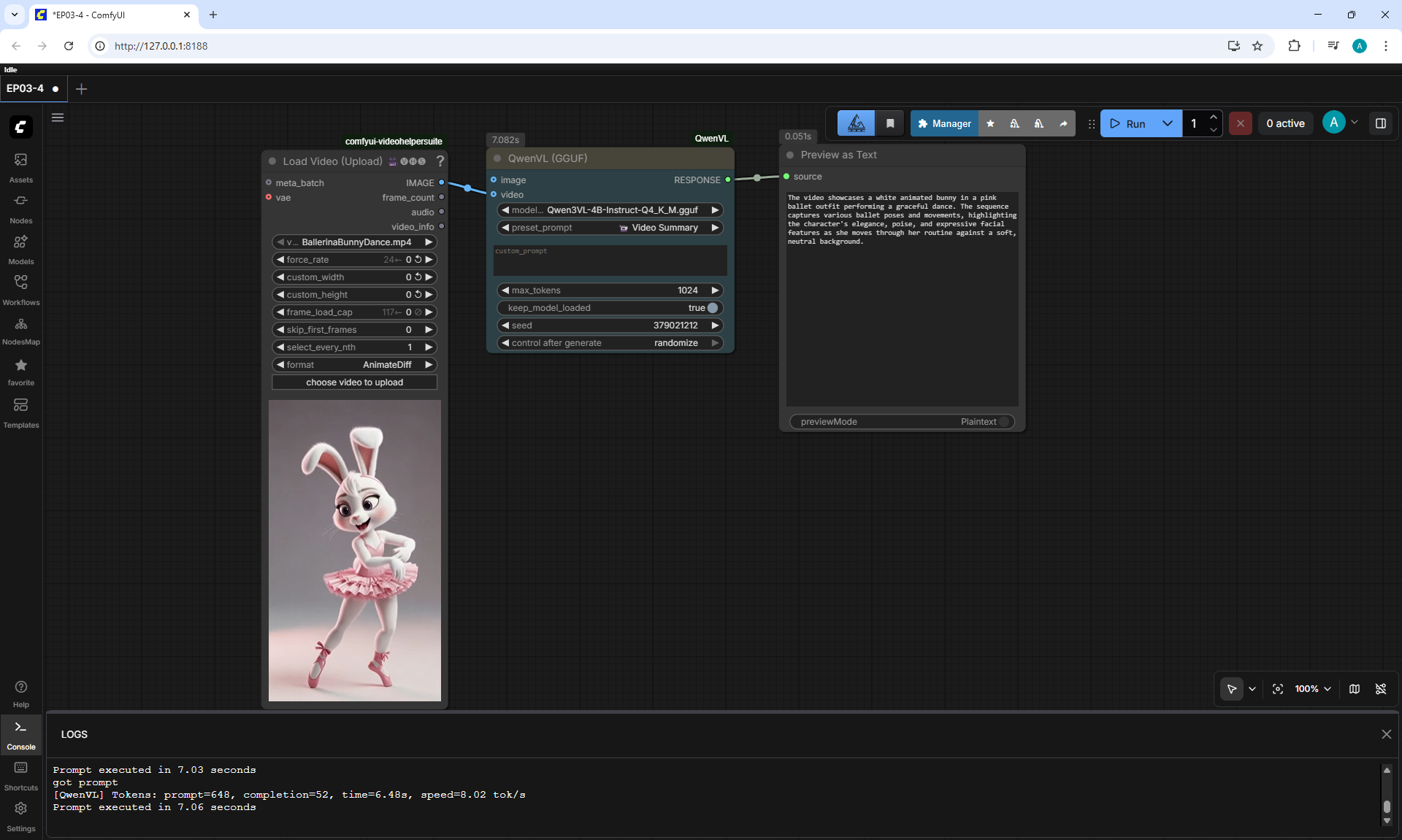
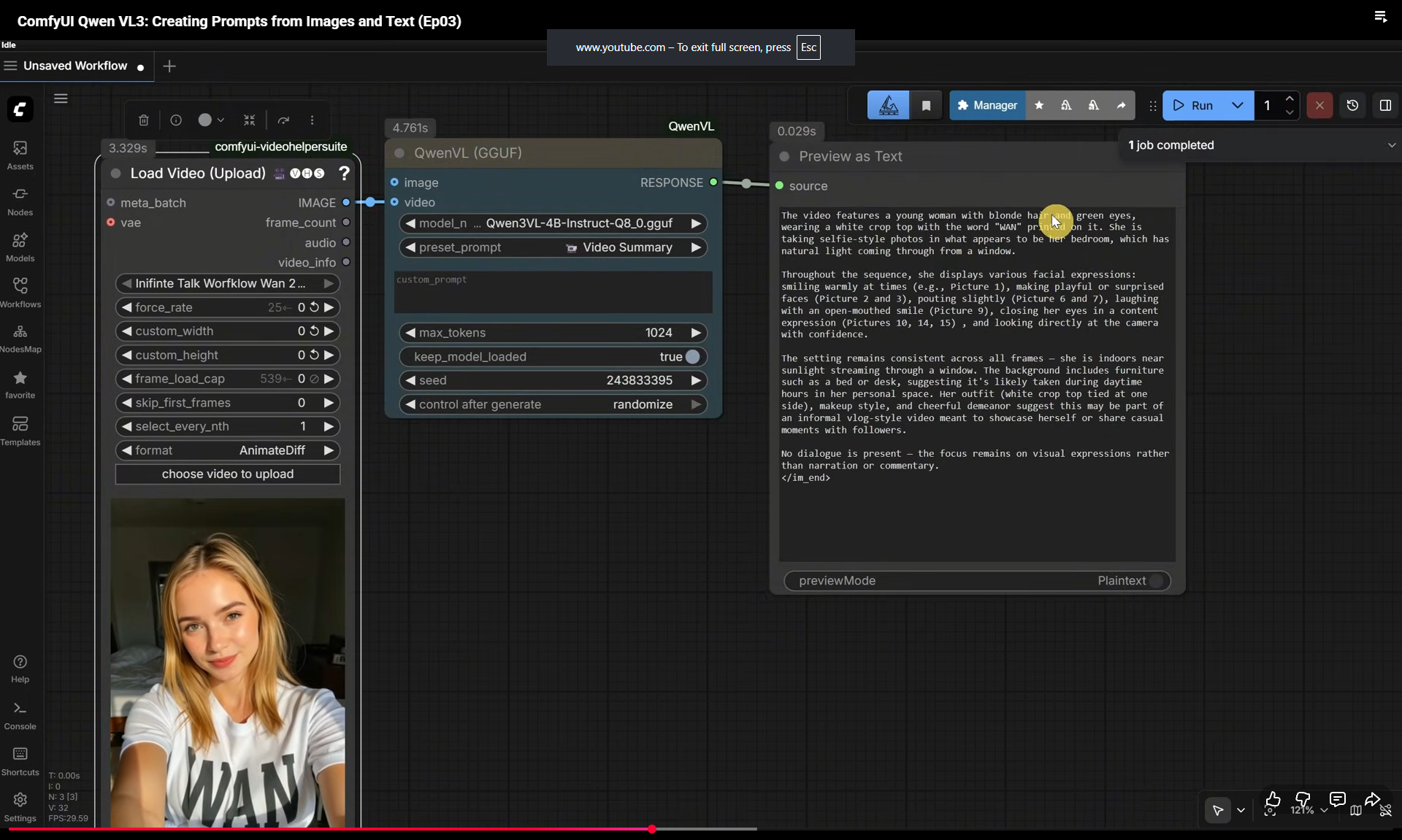
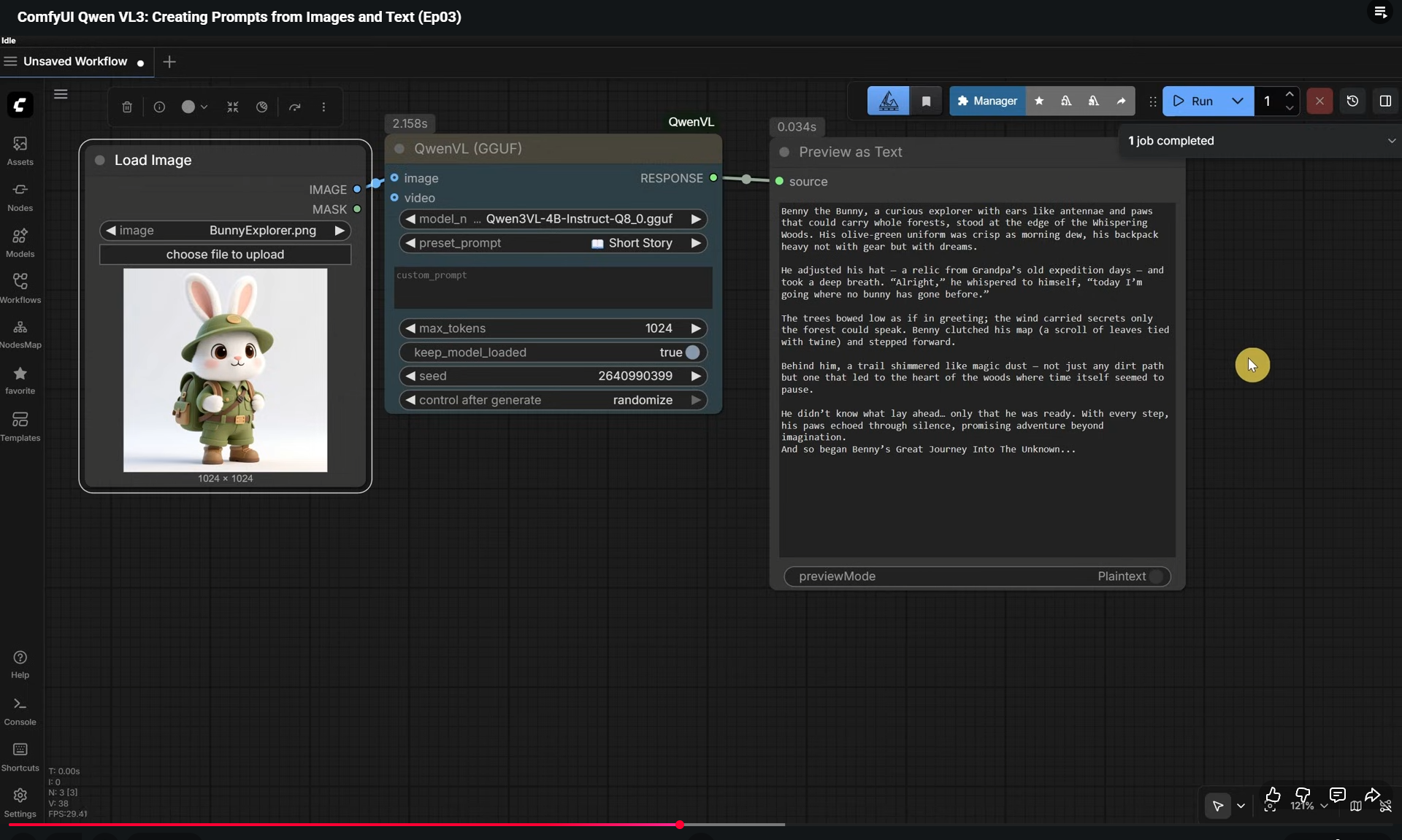
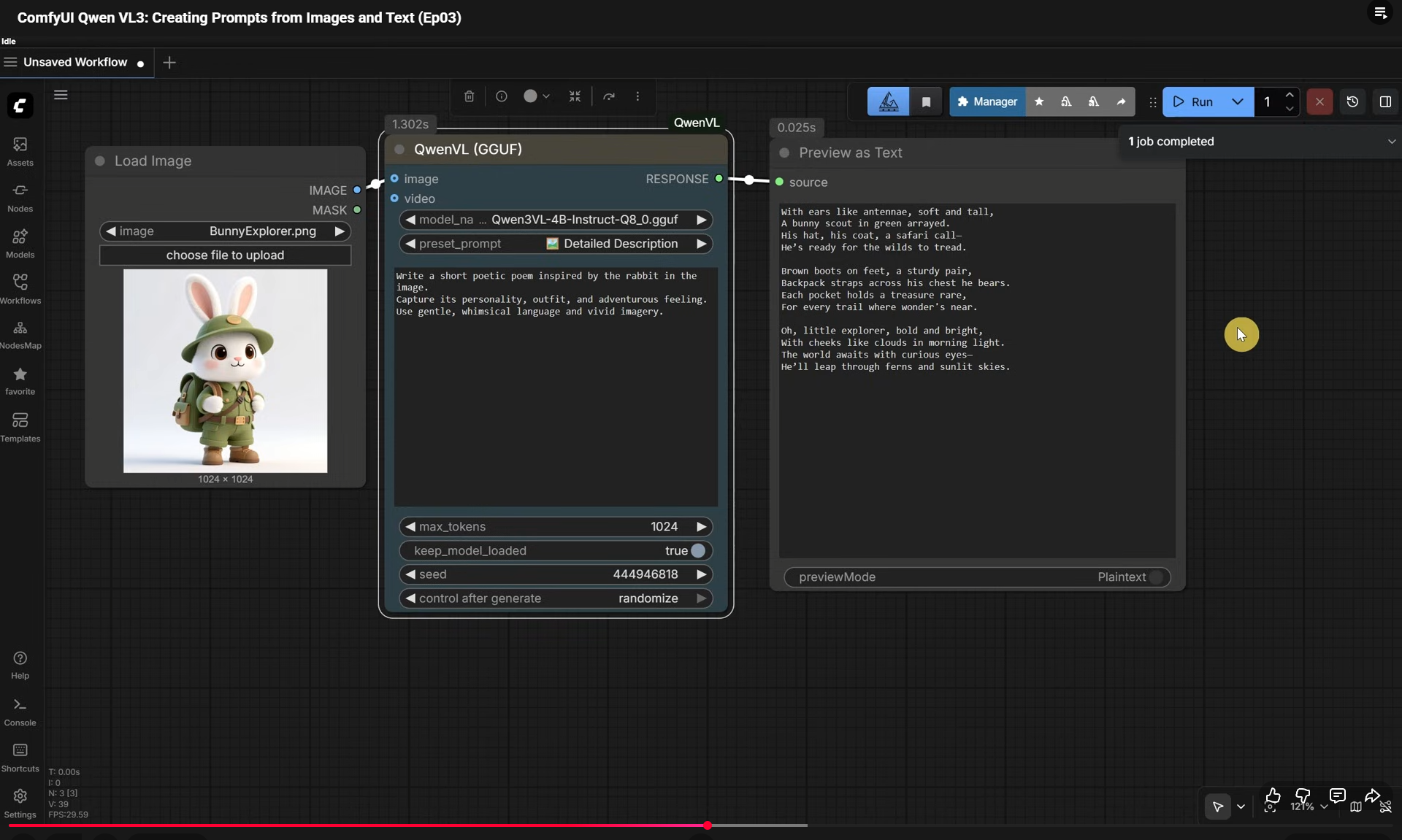
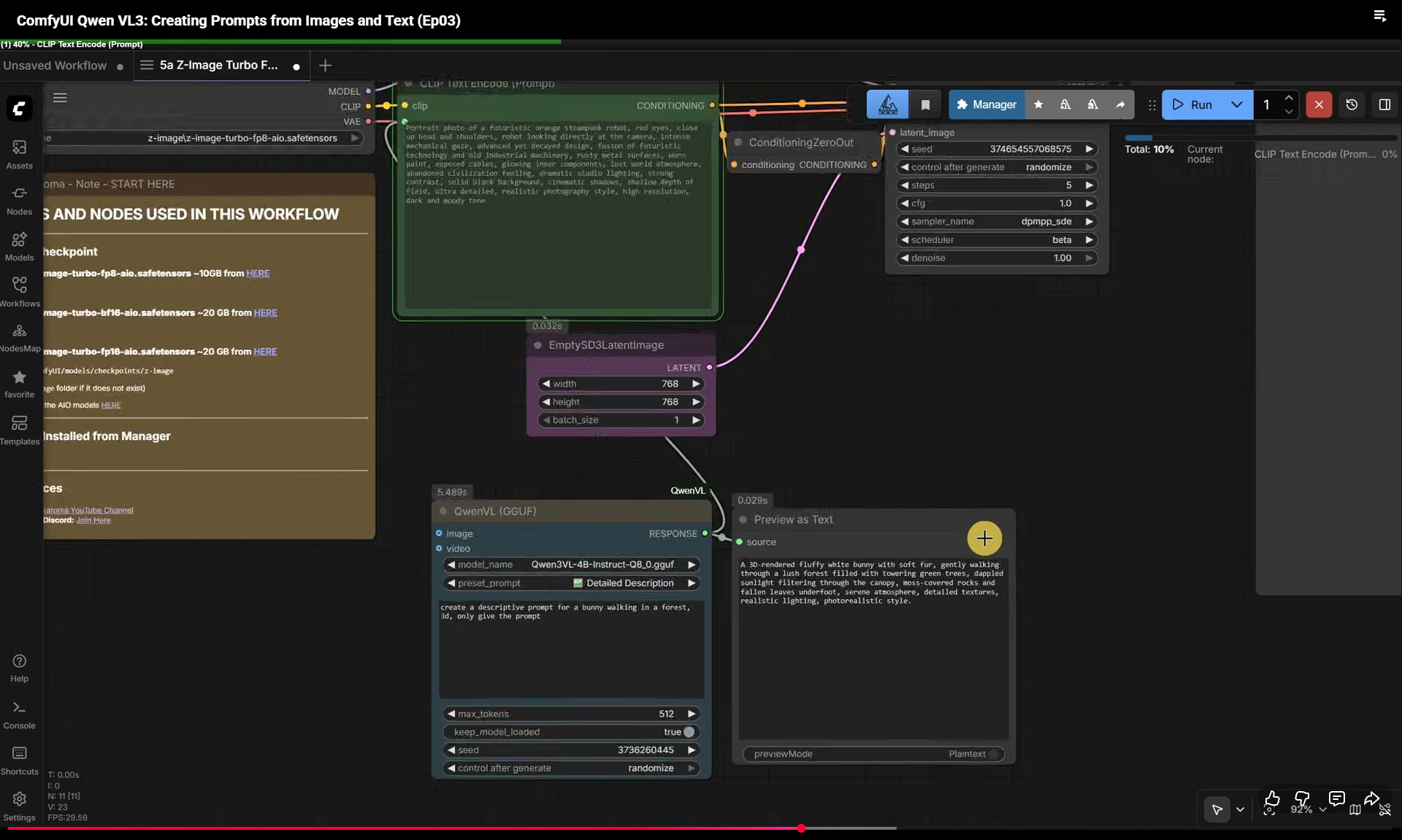
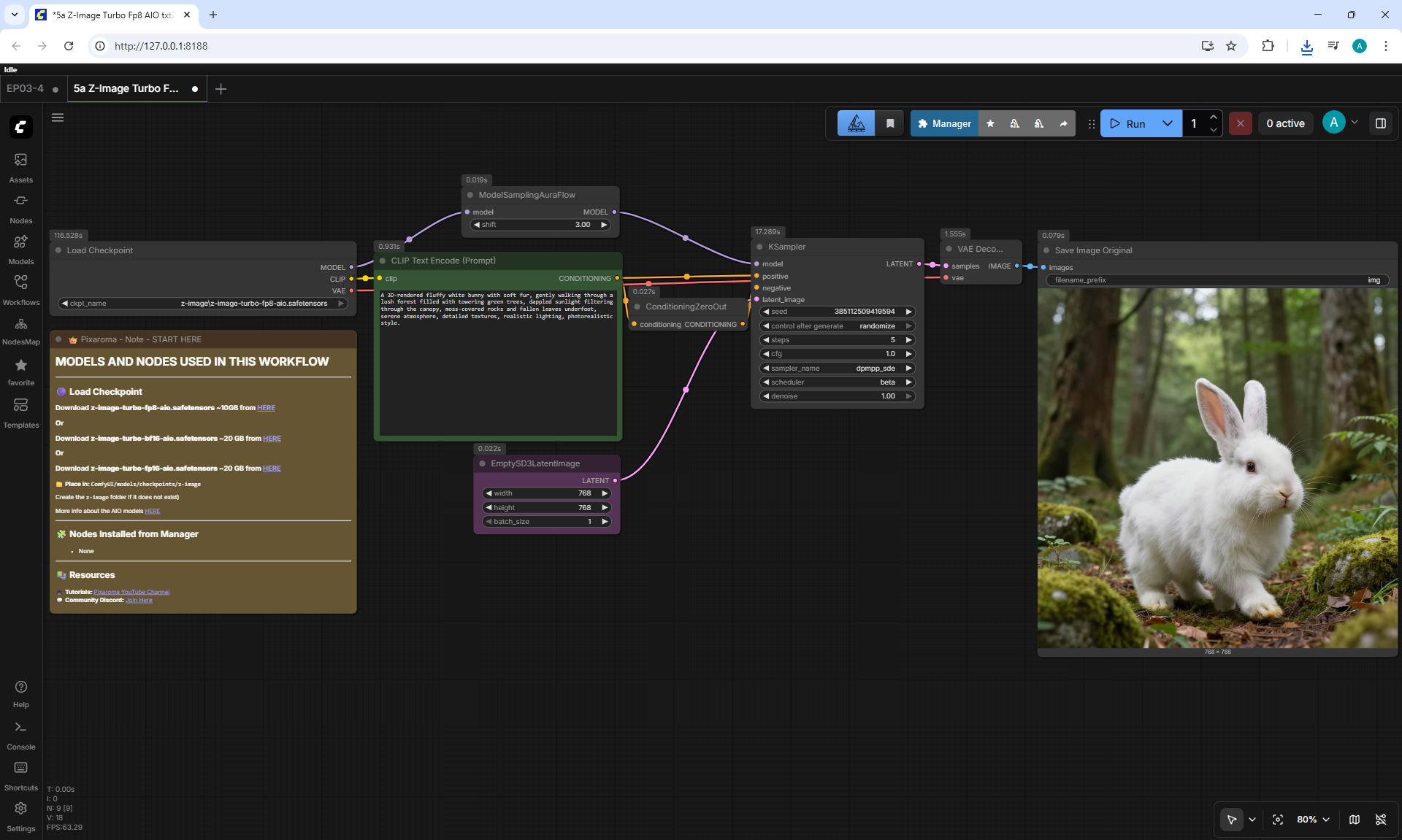
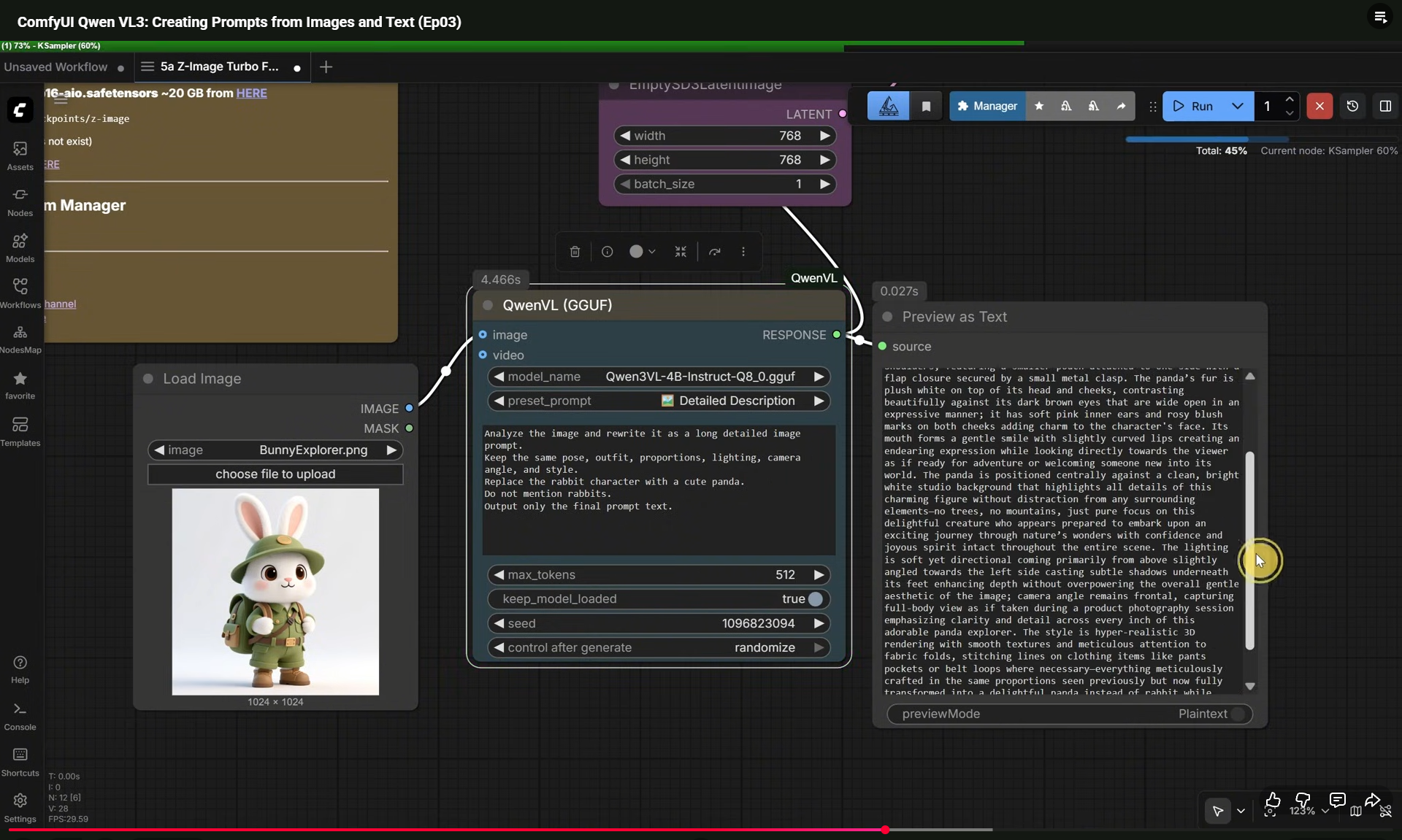
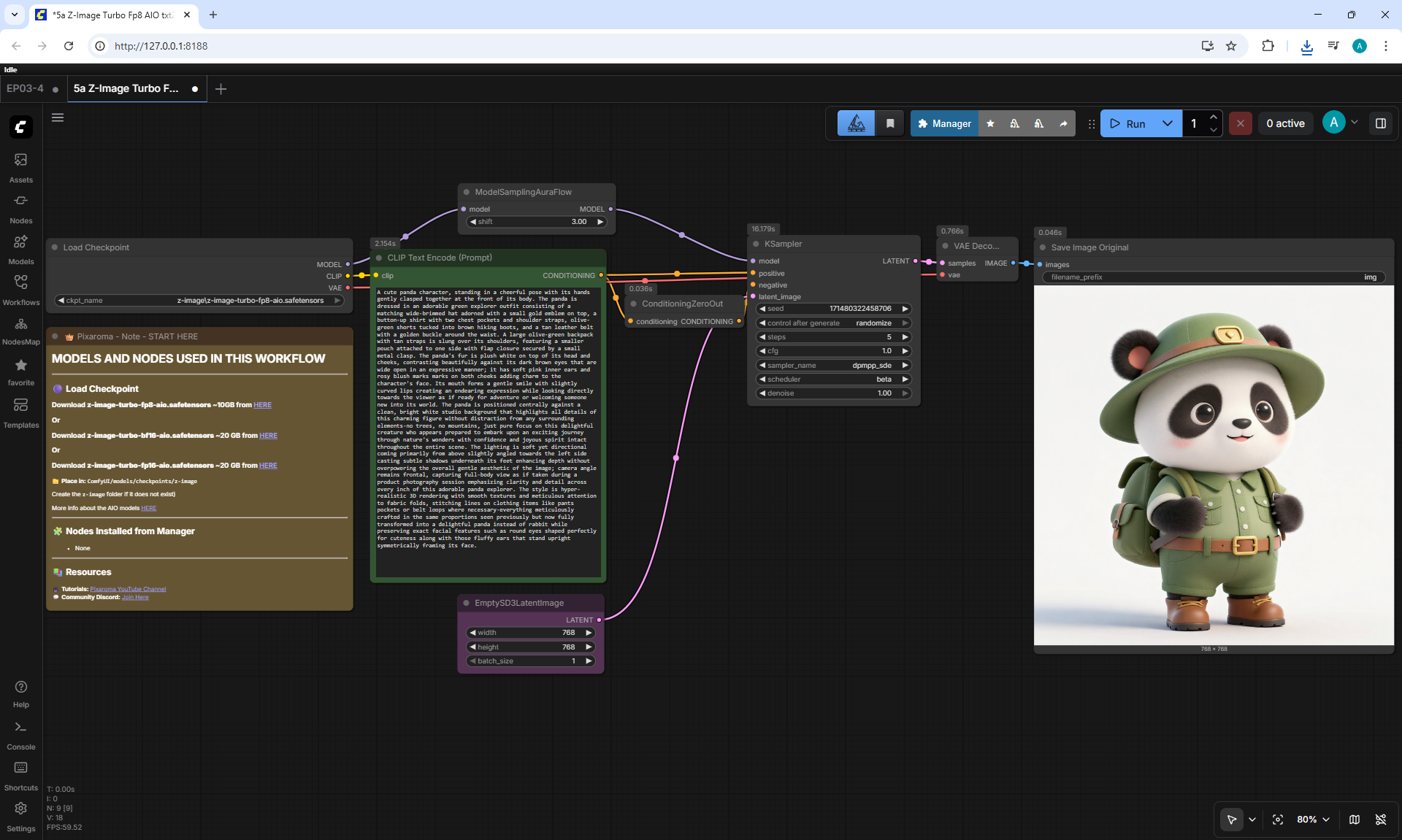
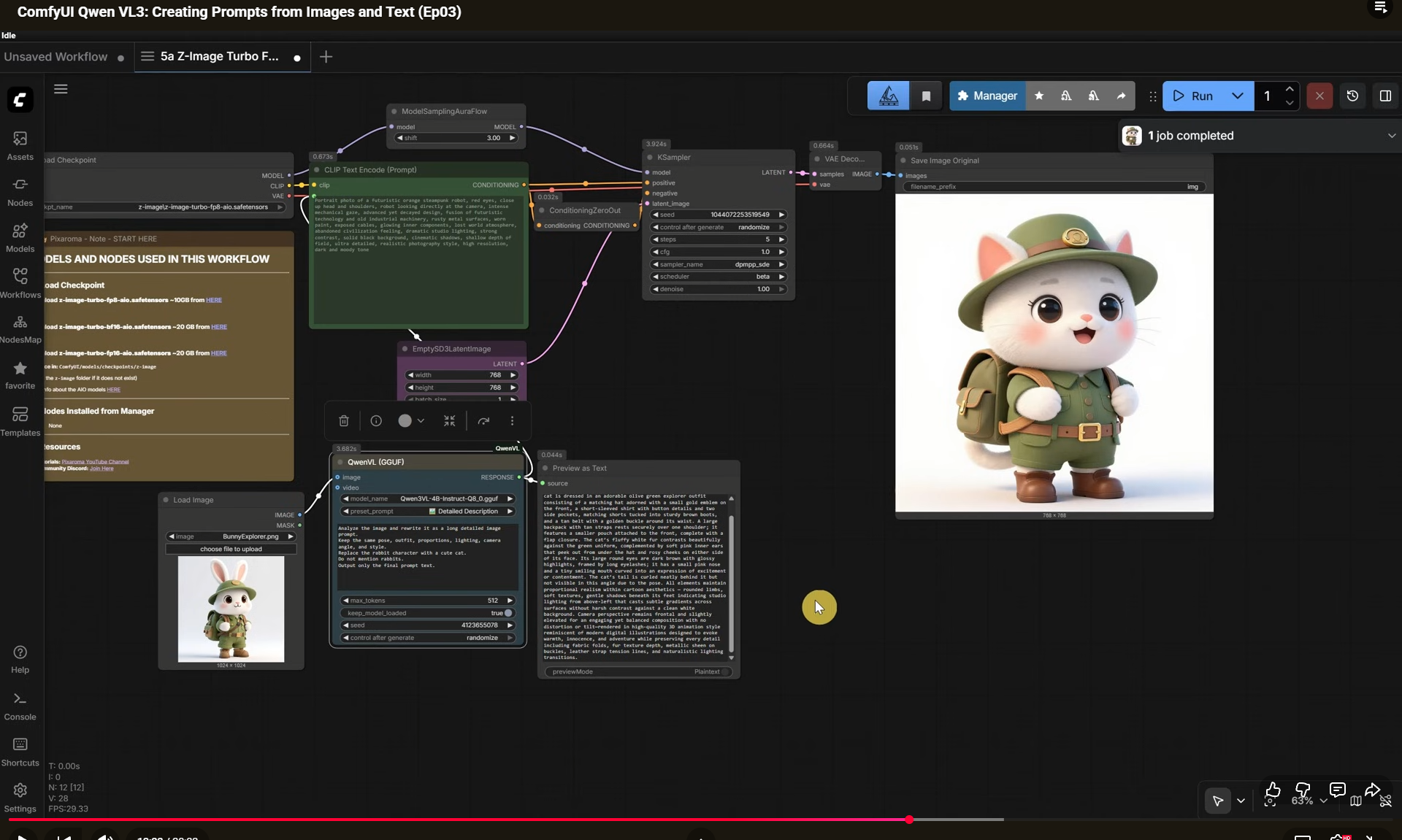
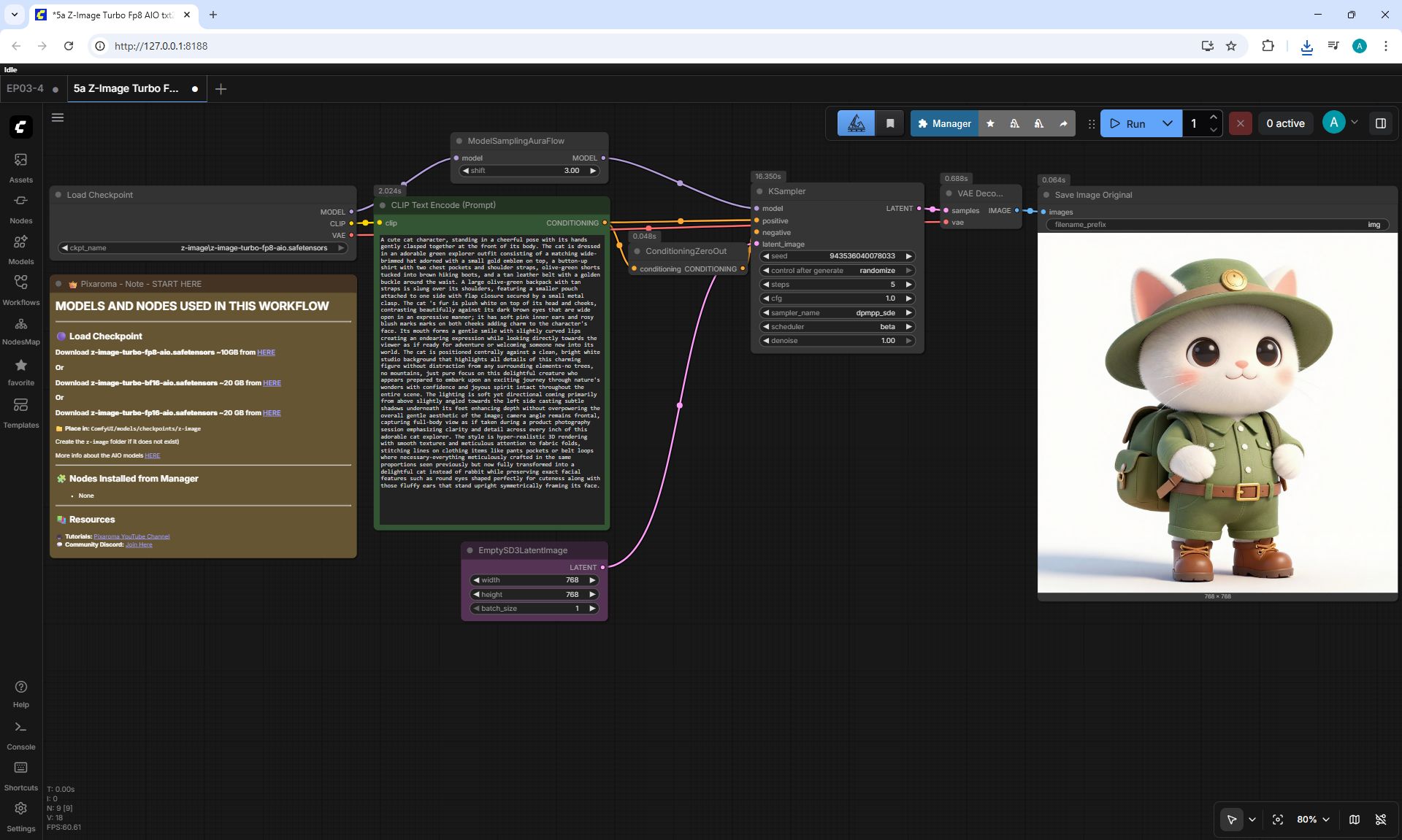
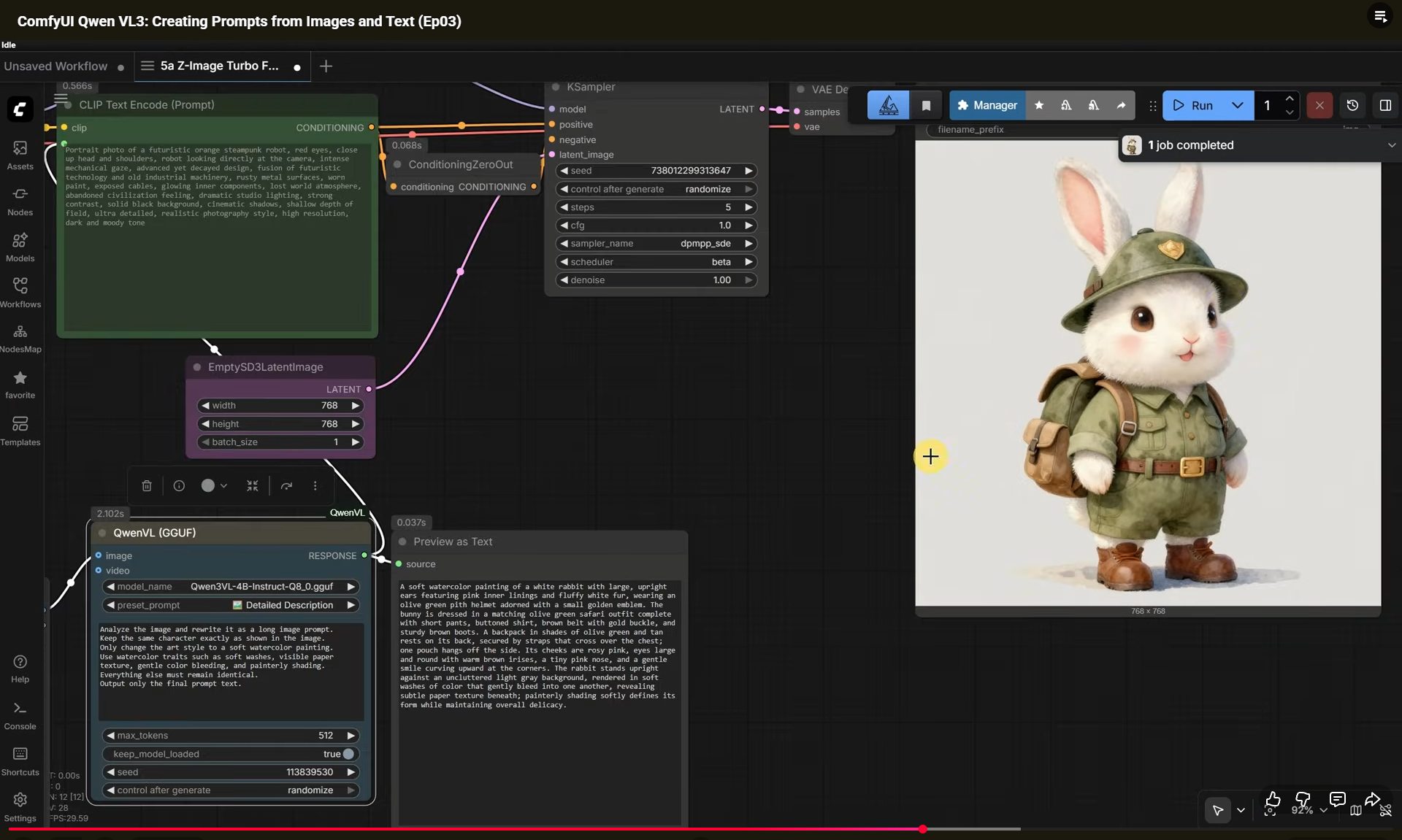
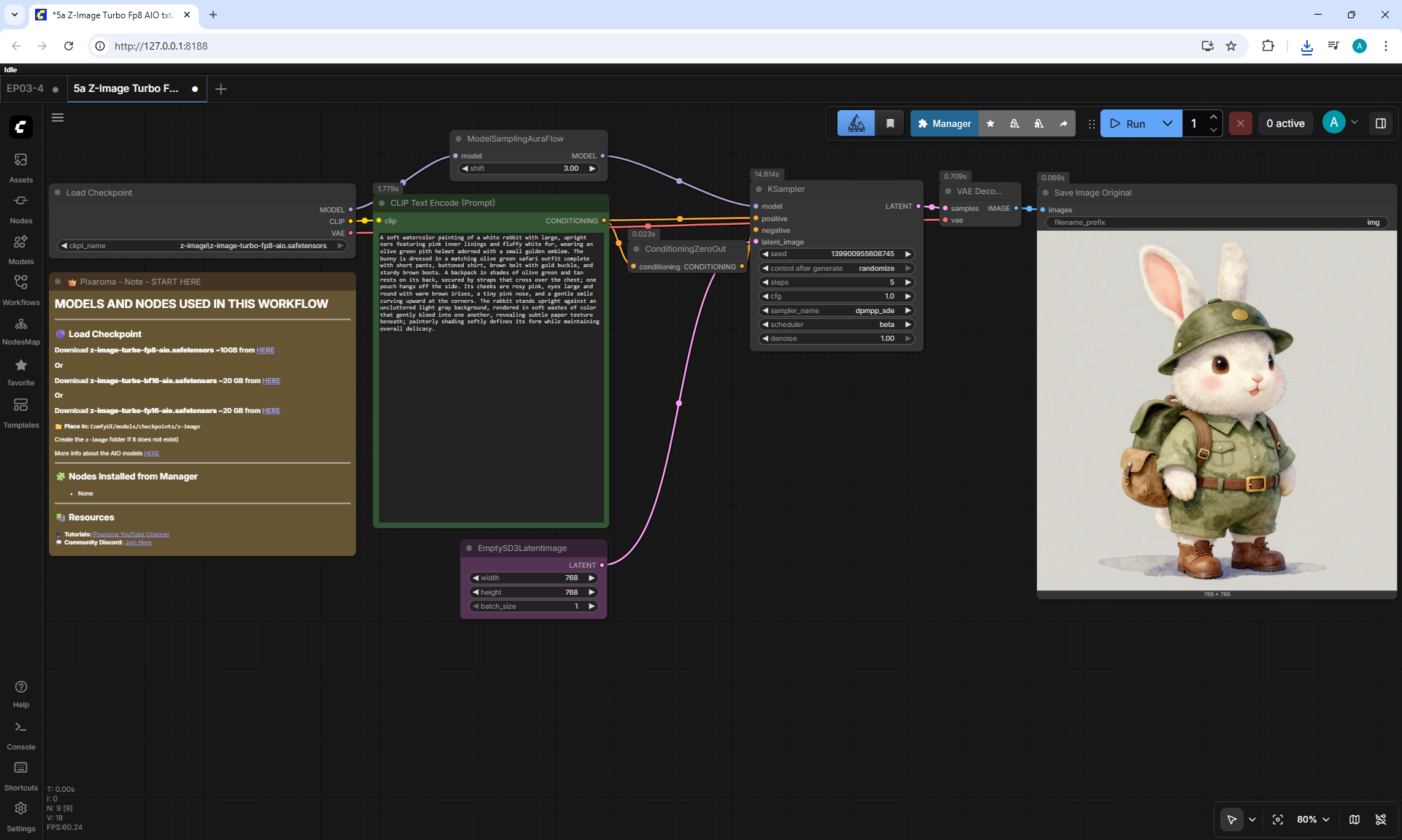
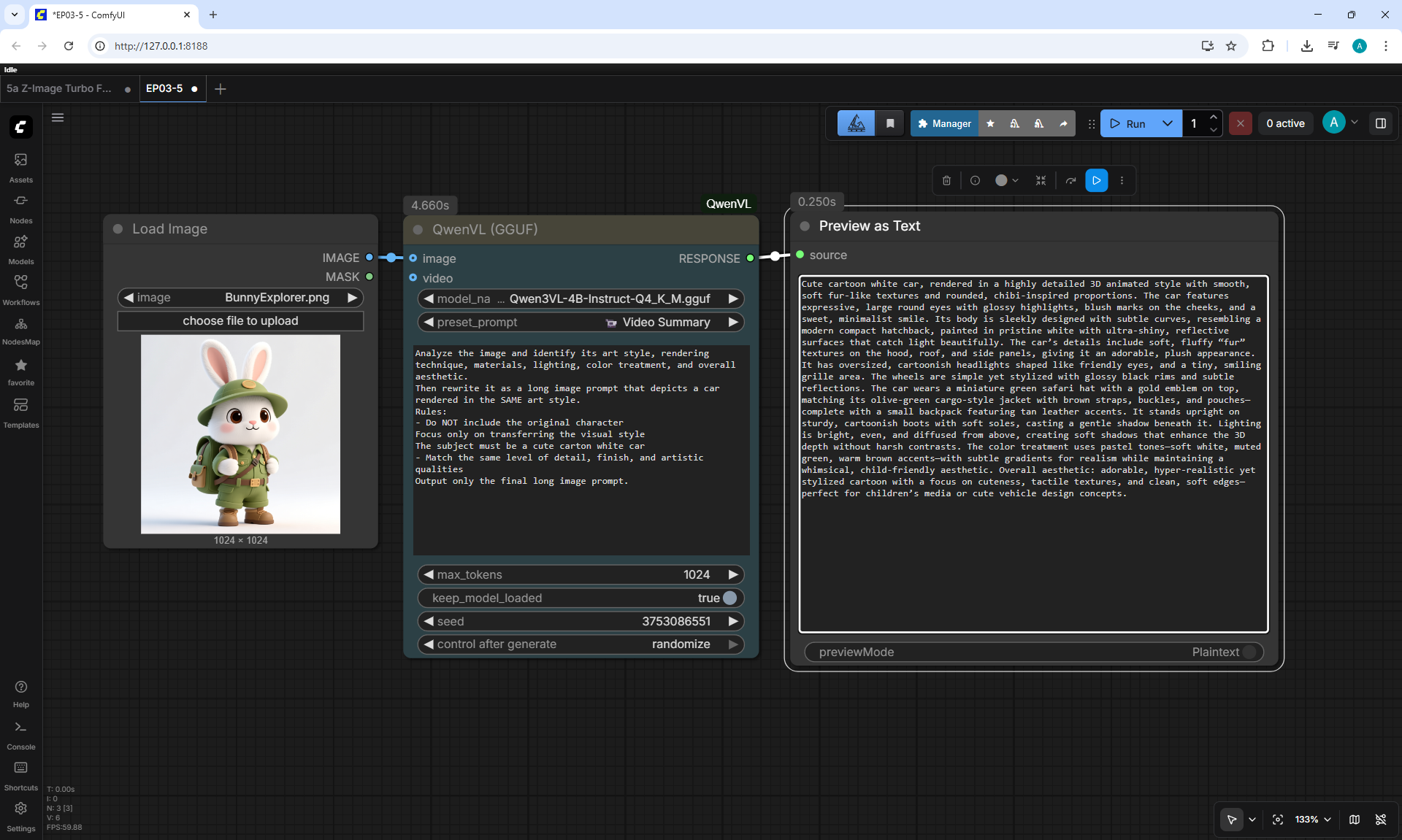
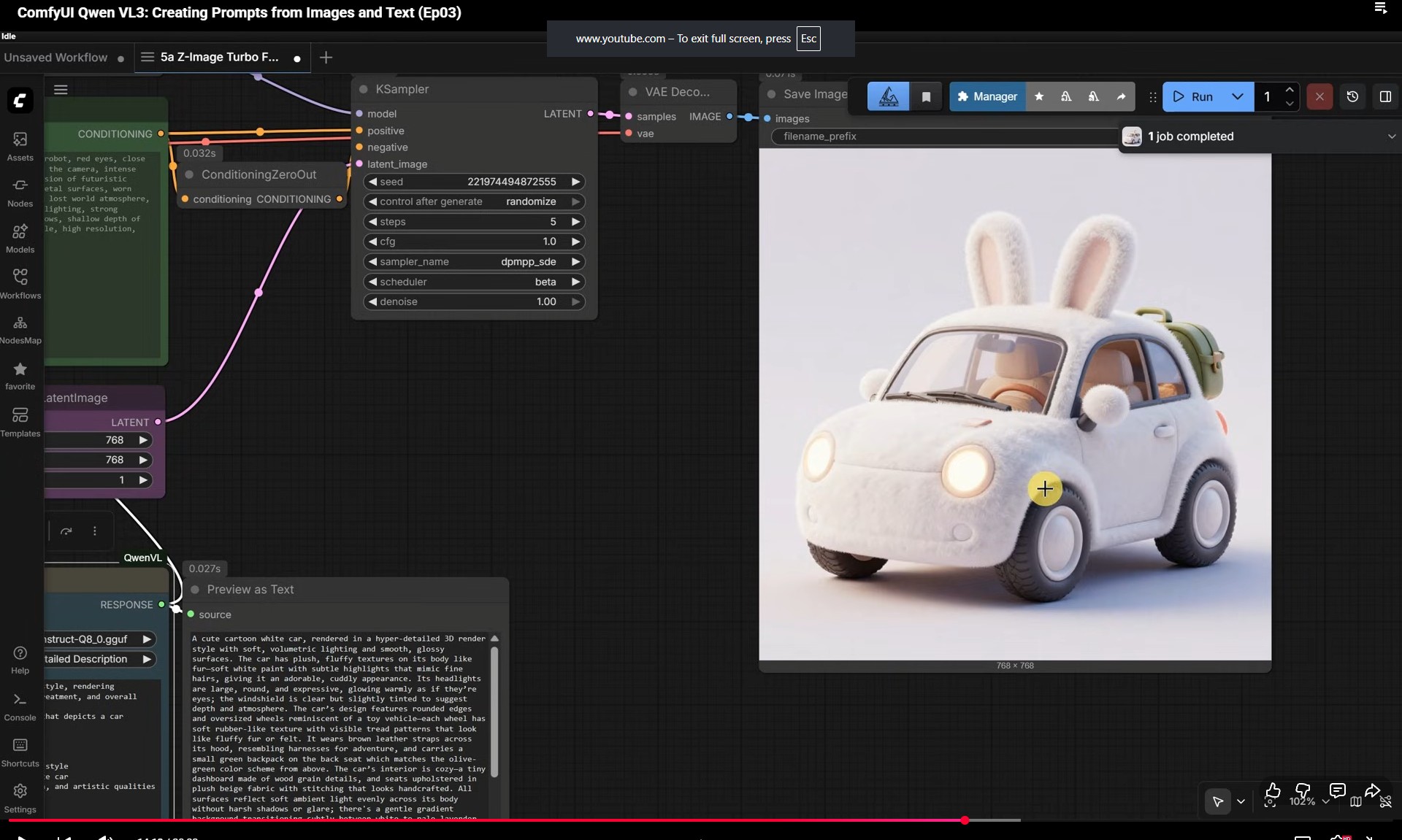
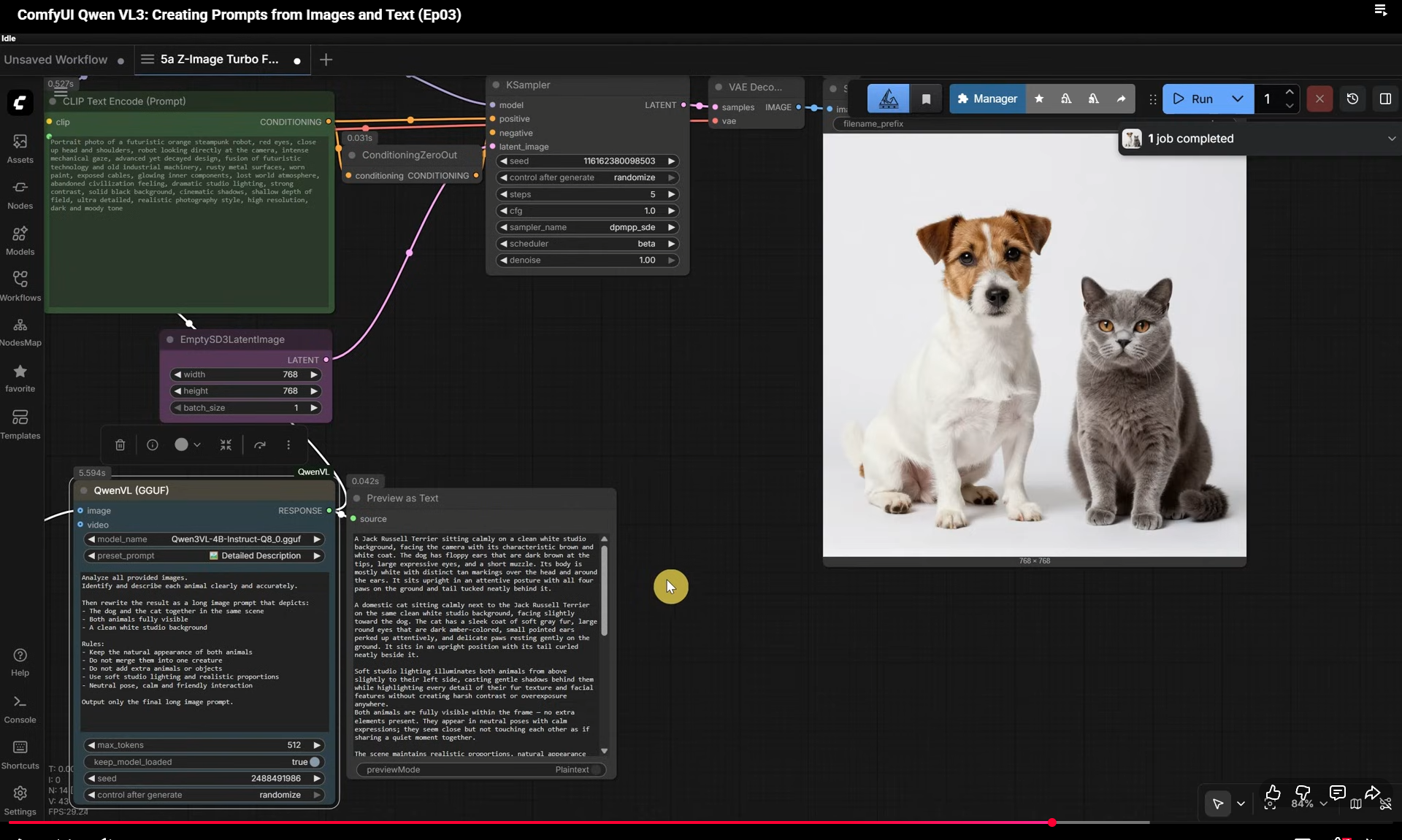
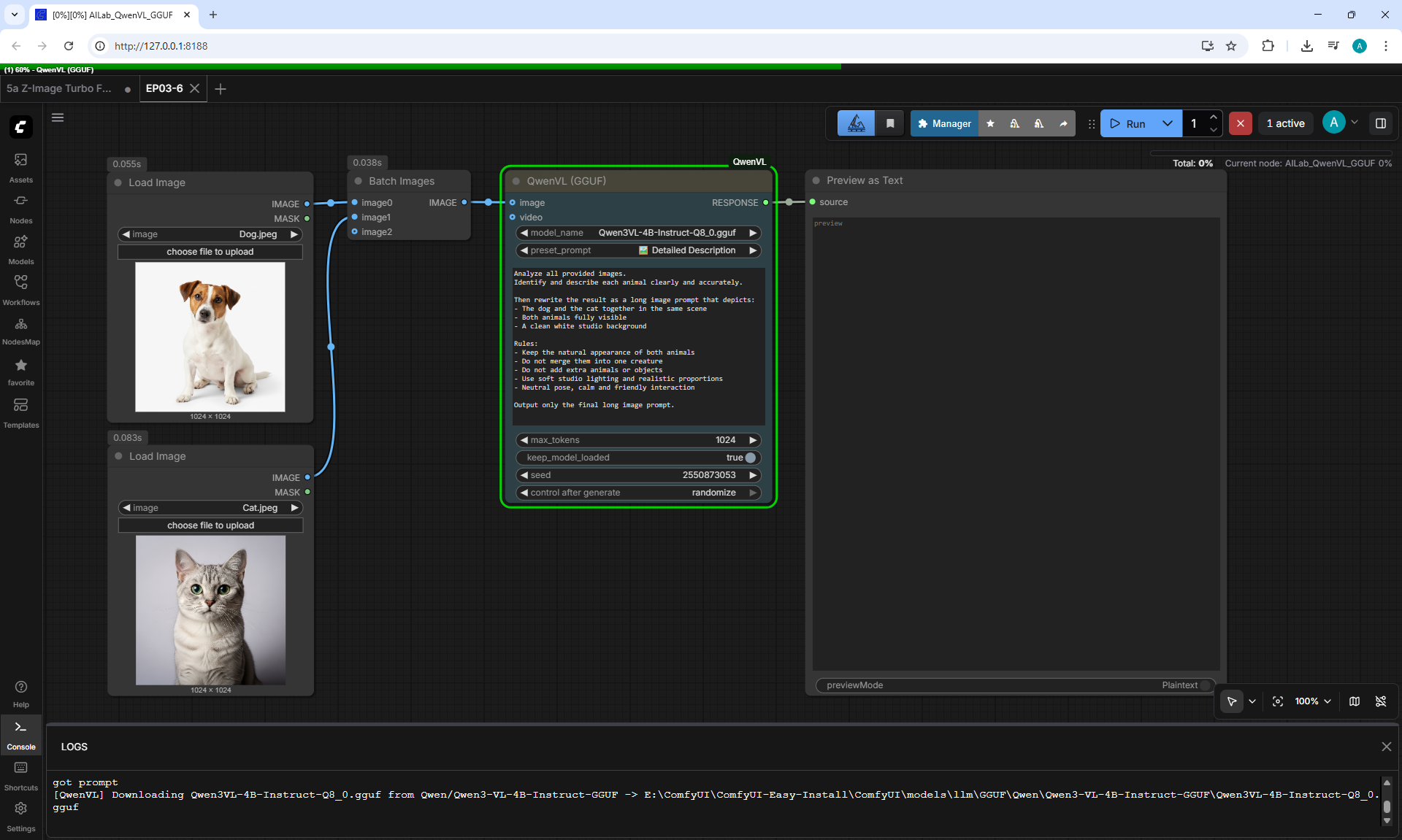
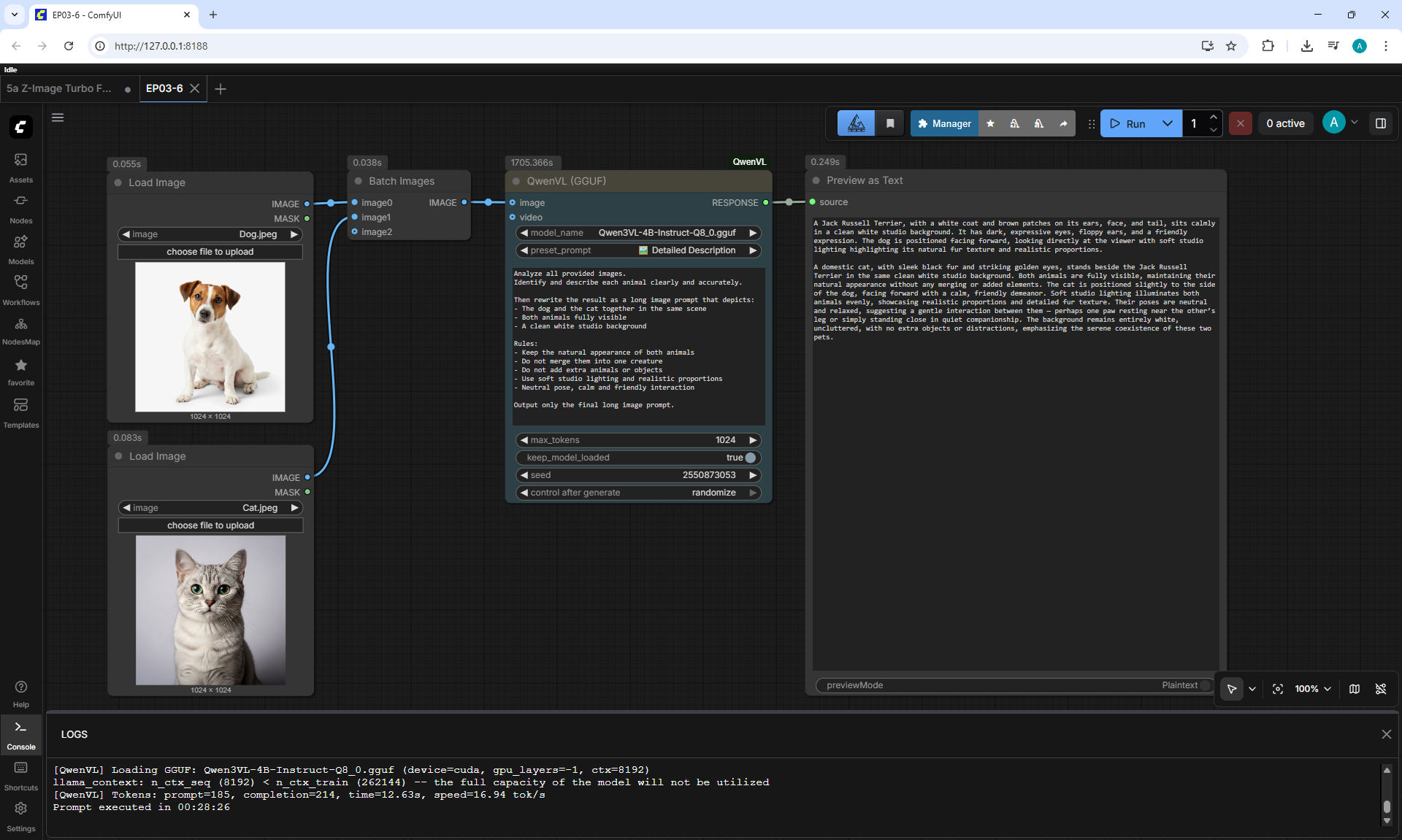
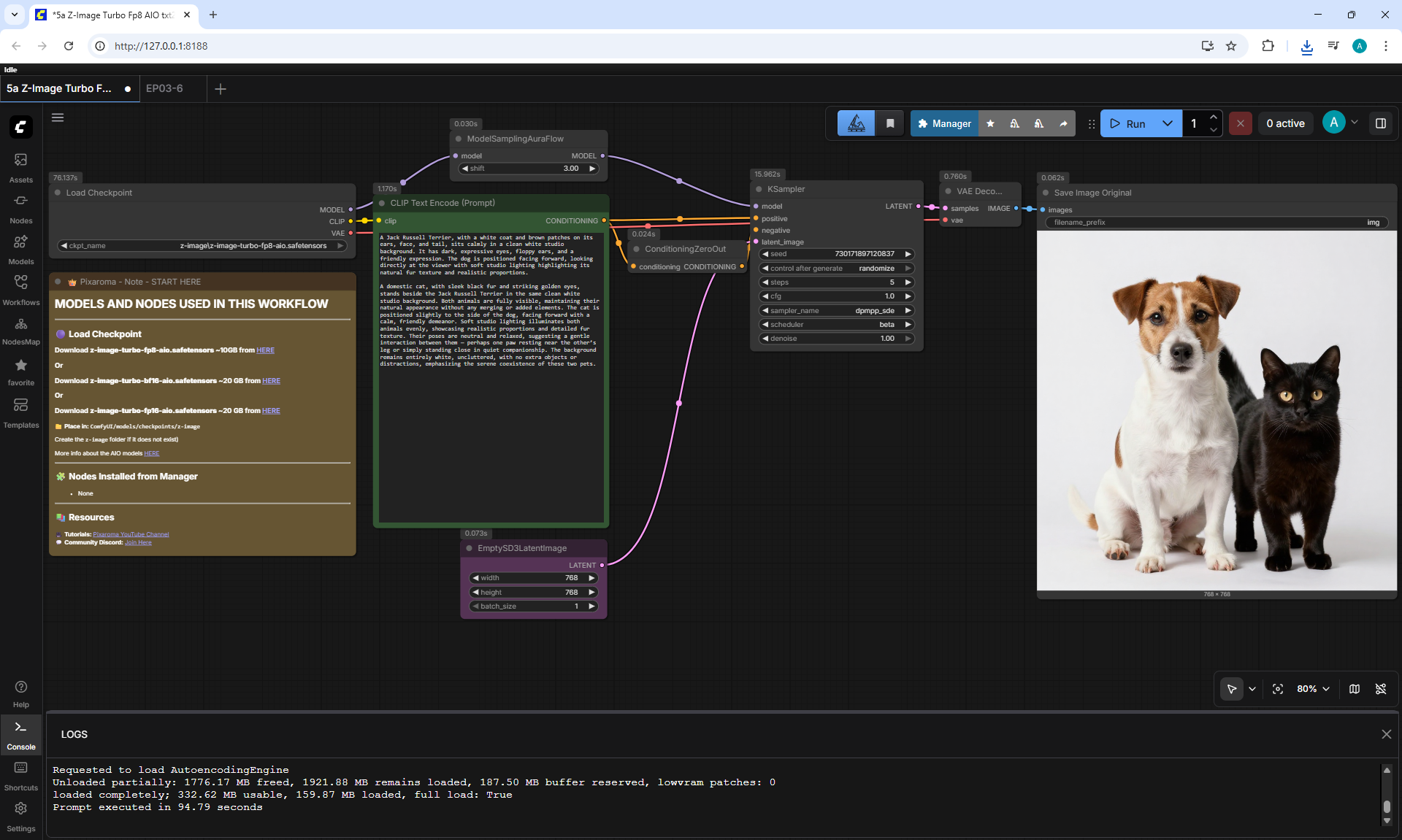
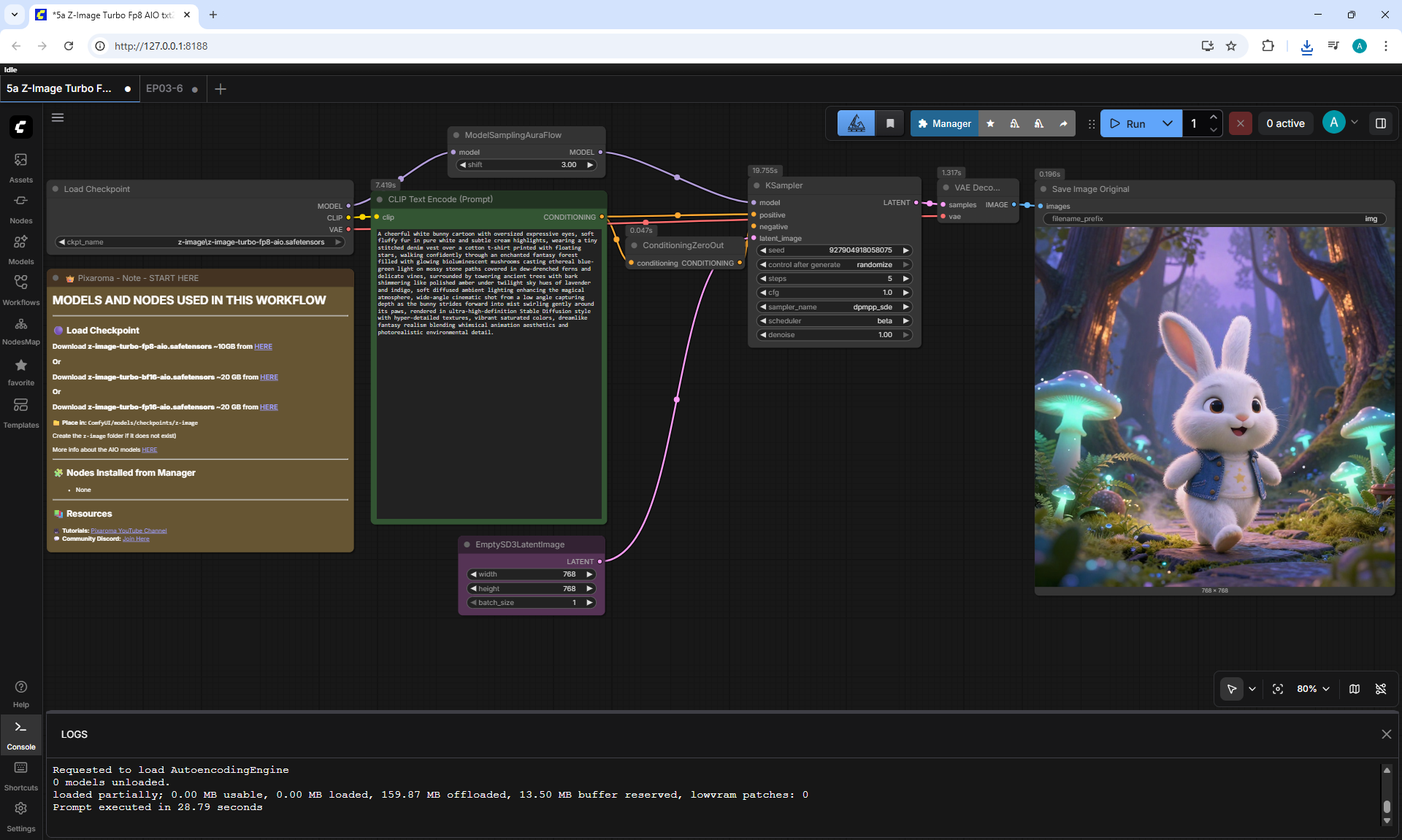
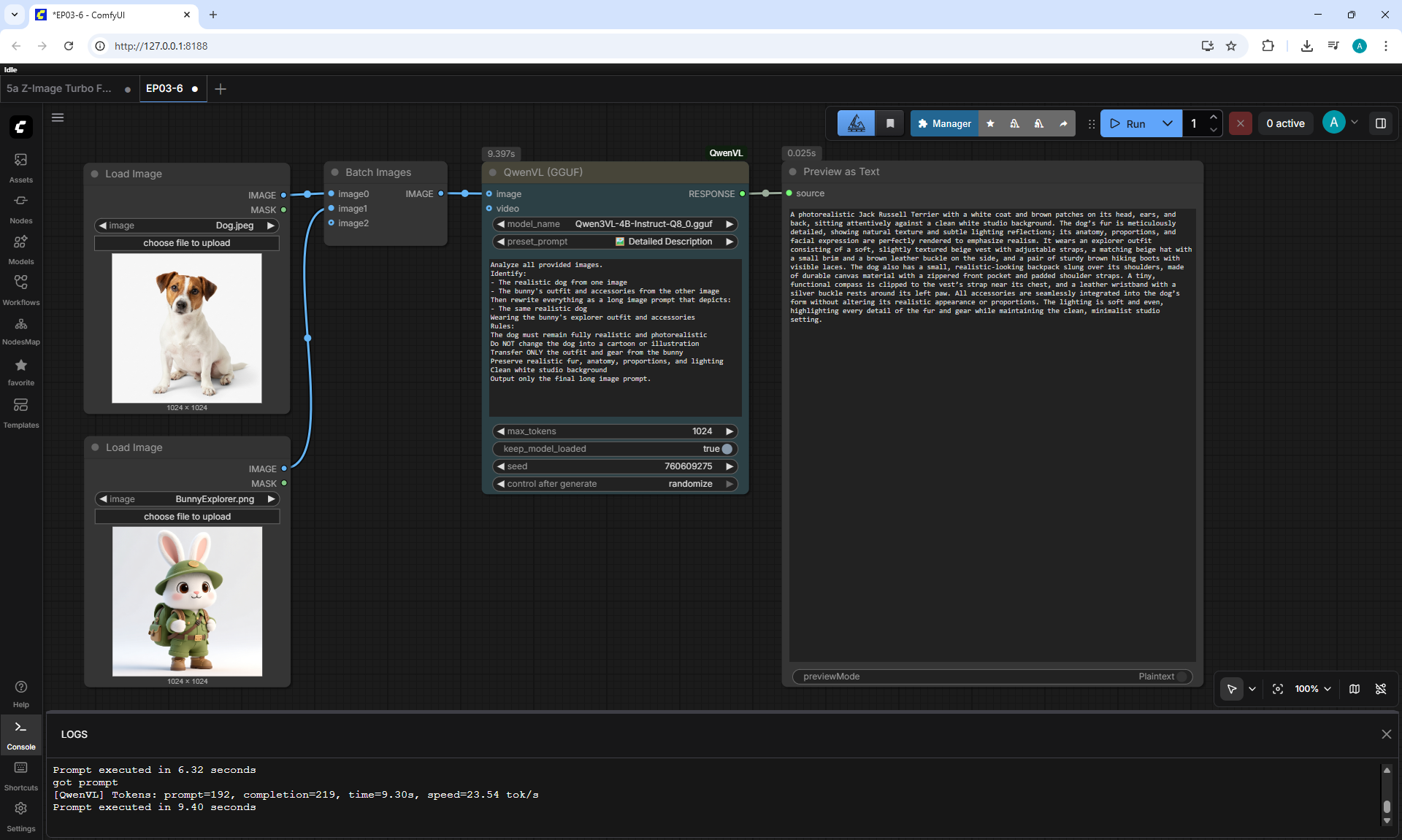
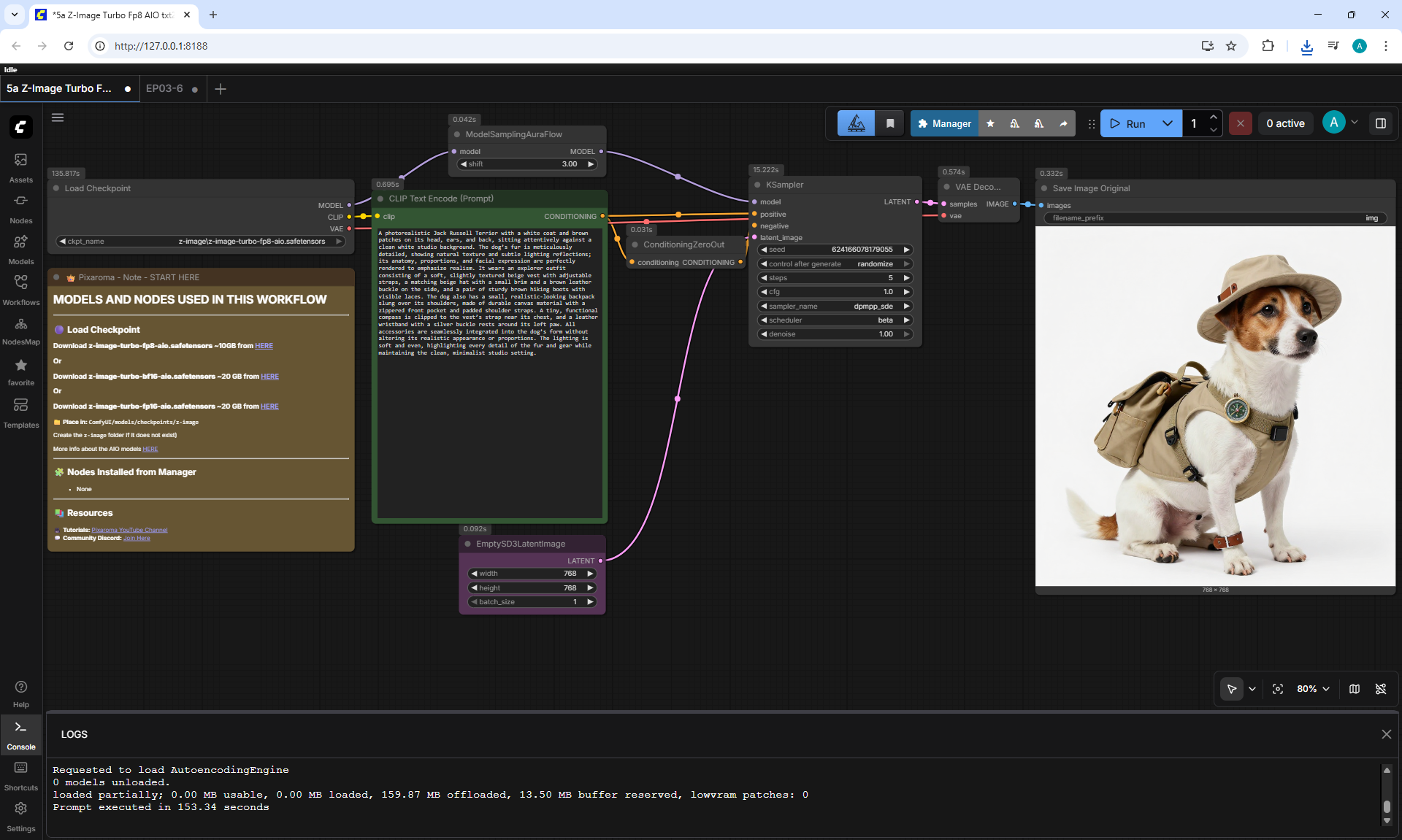
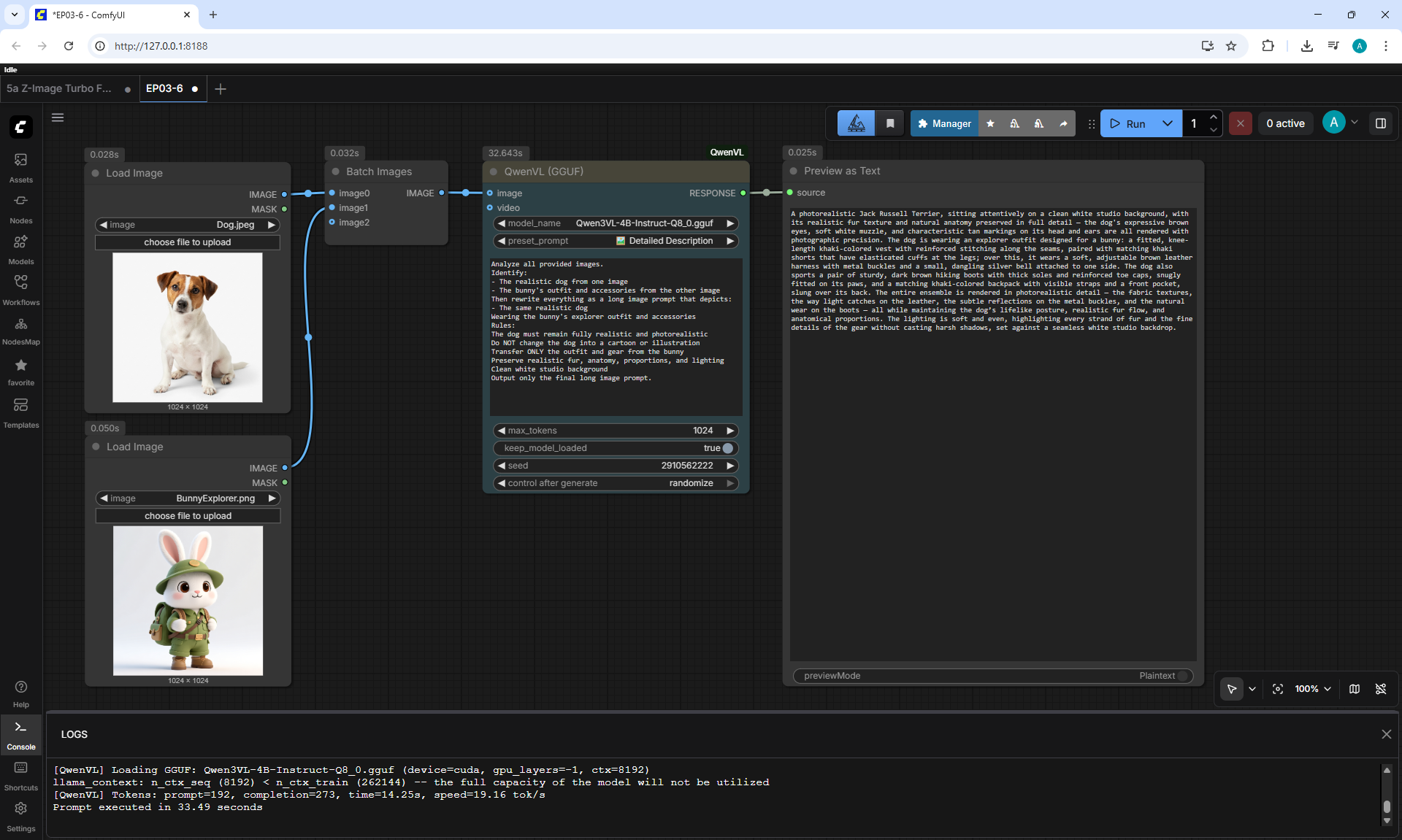
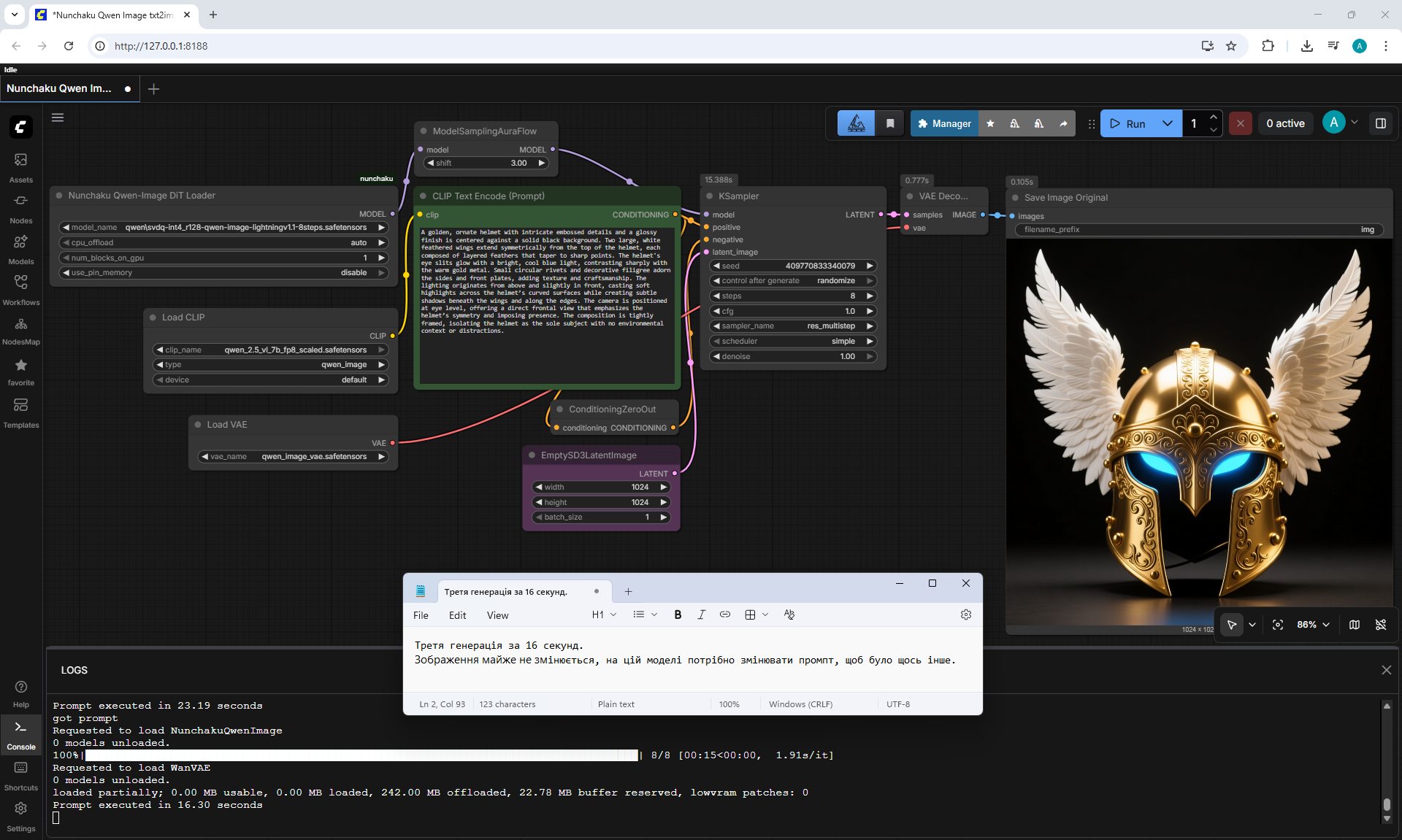
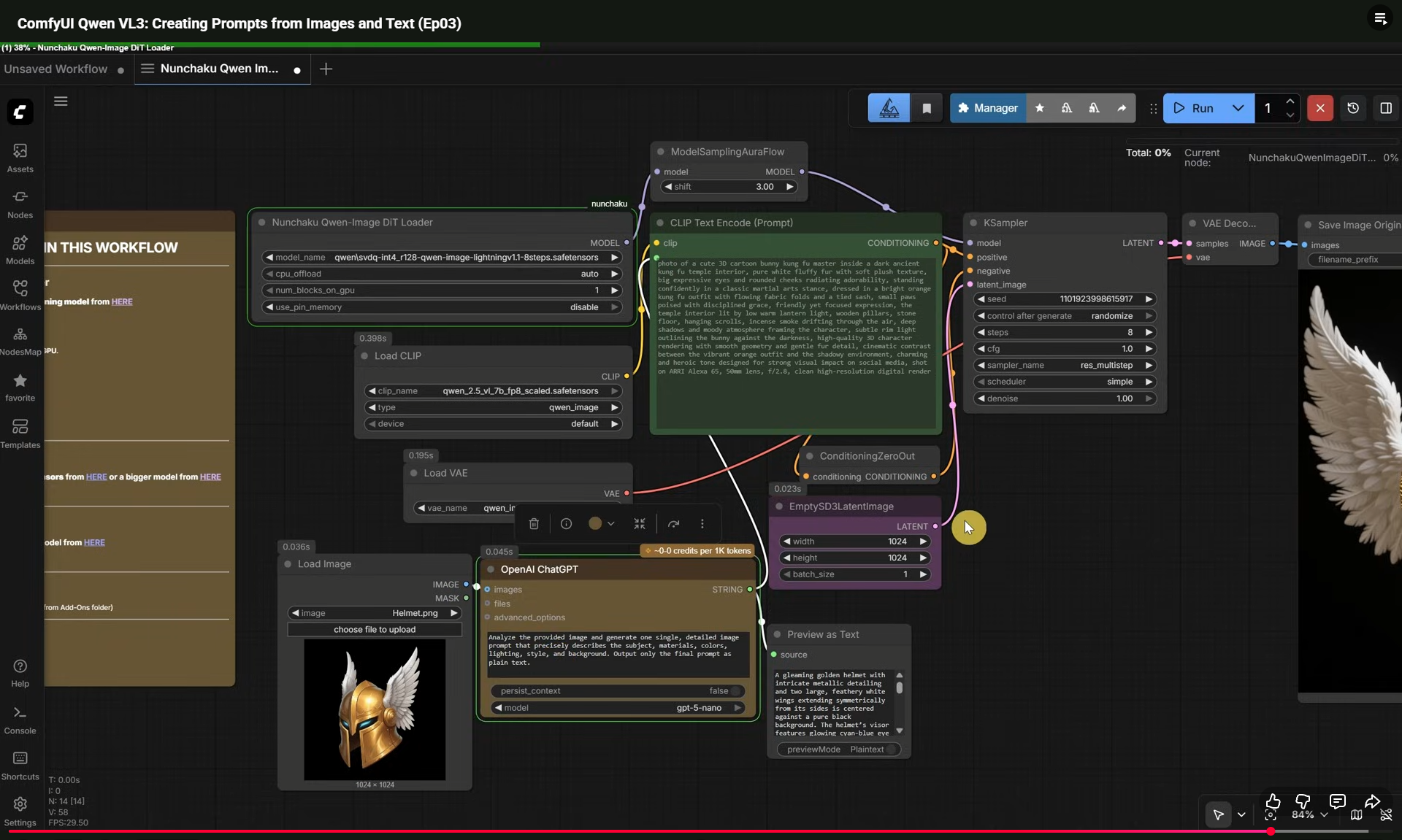
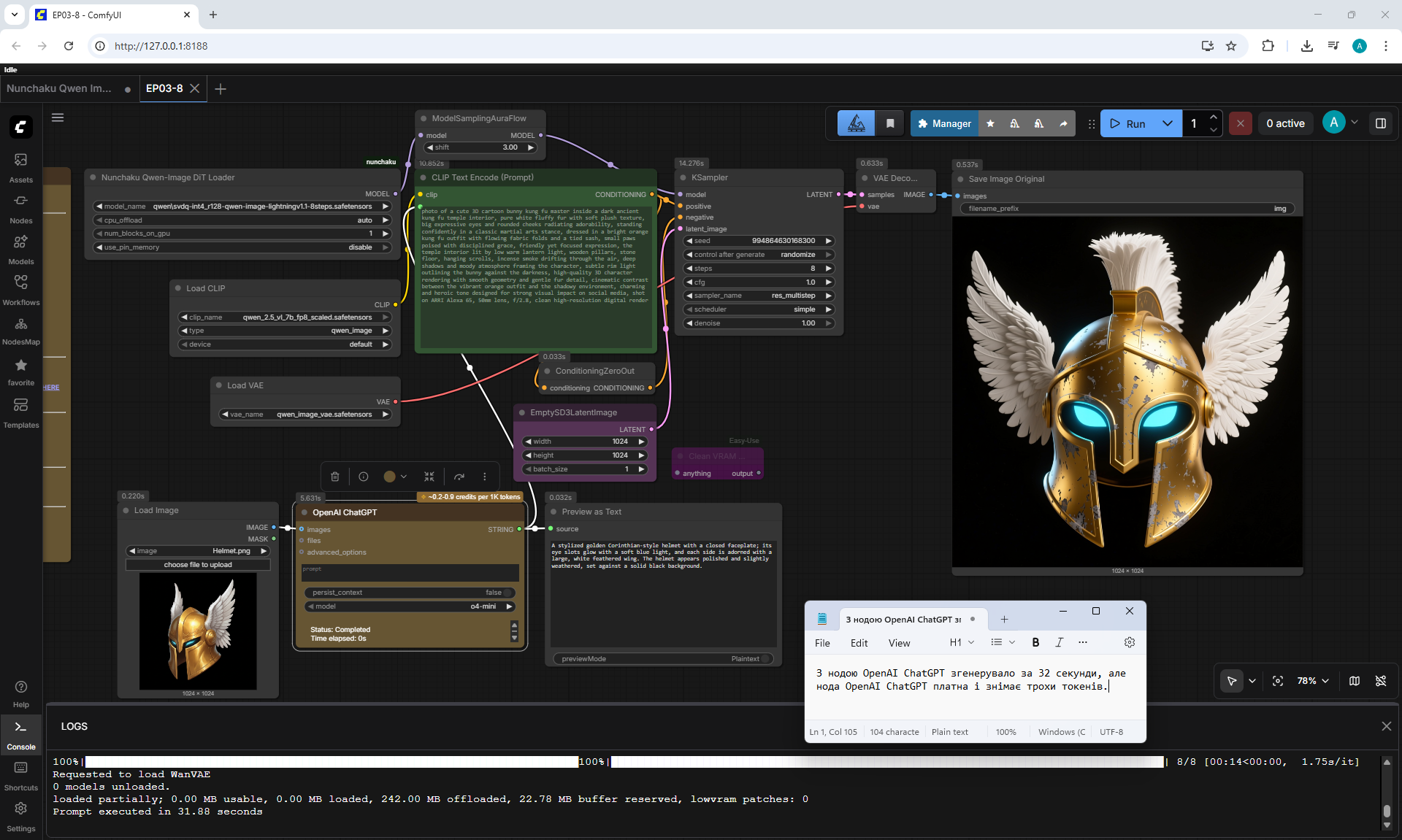
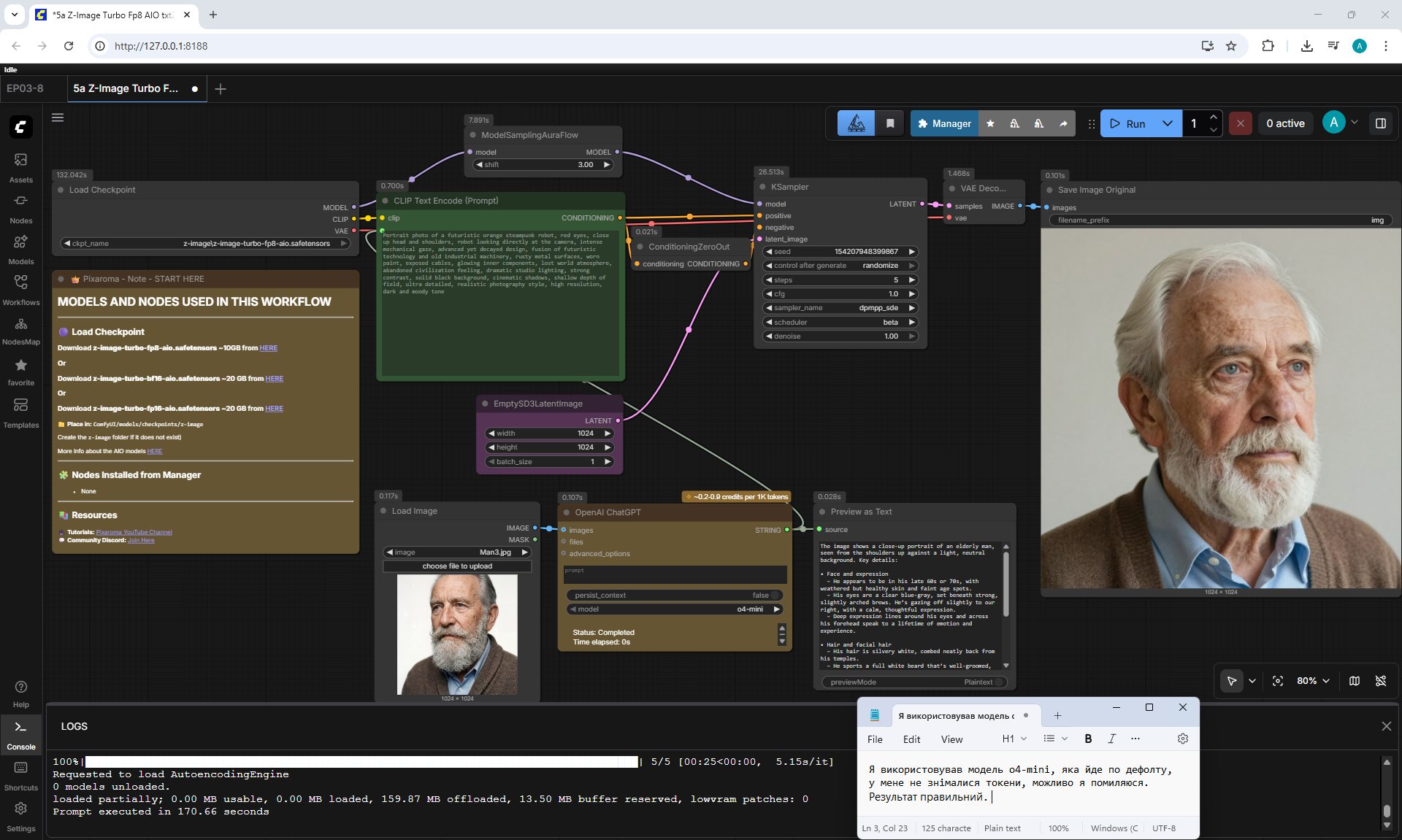
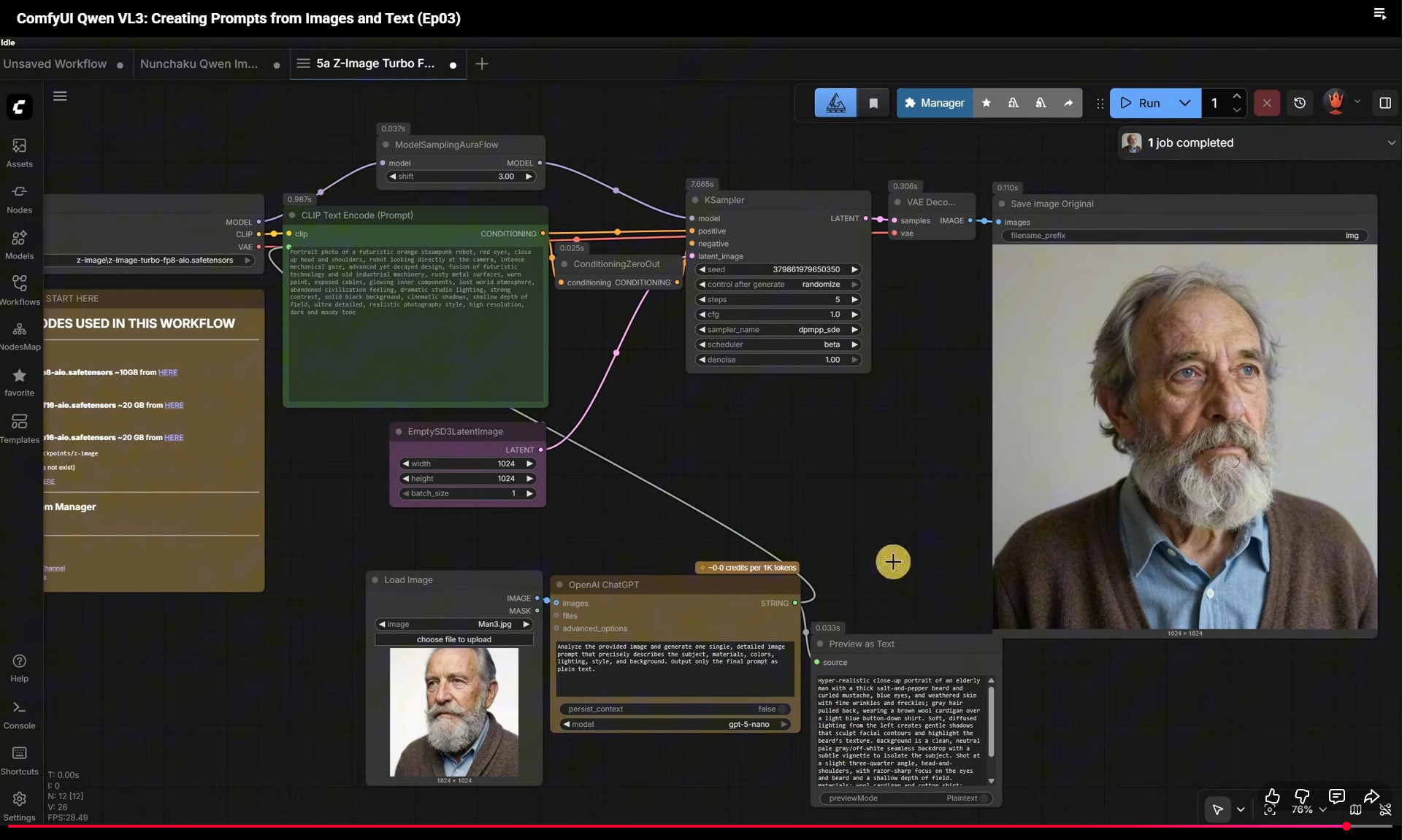
(Ep03) ComfyUI Qwen VL3: Creating Prompts from Images and Text
























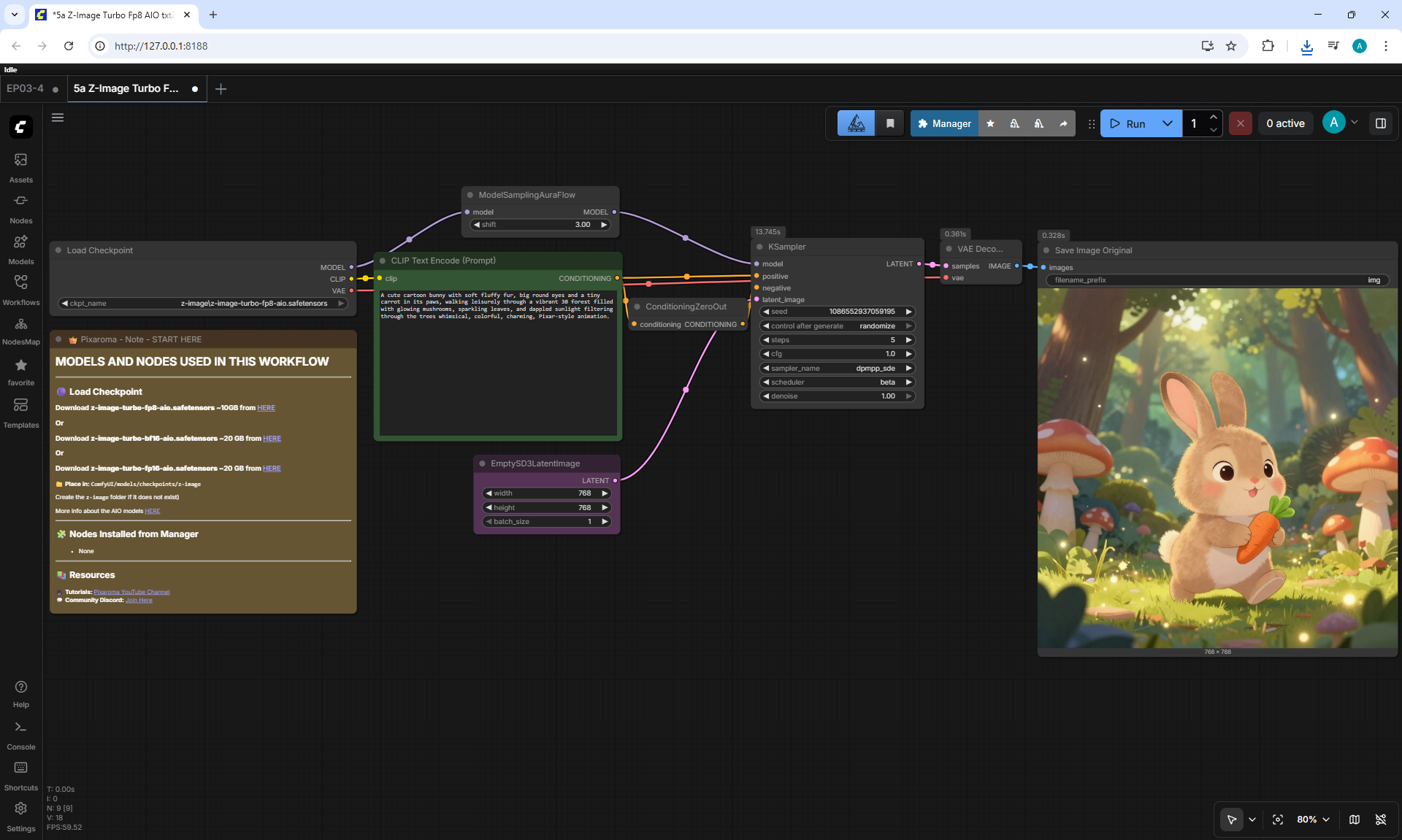
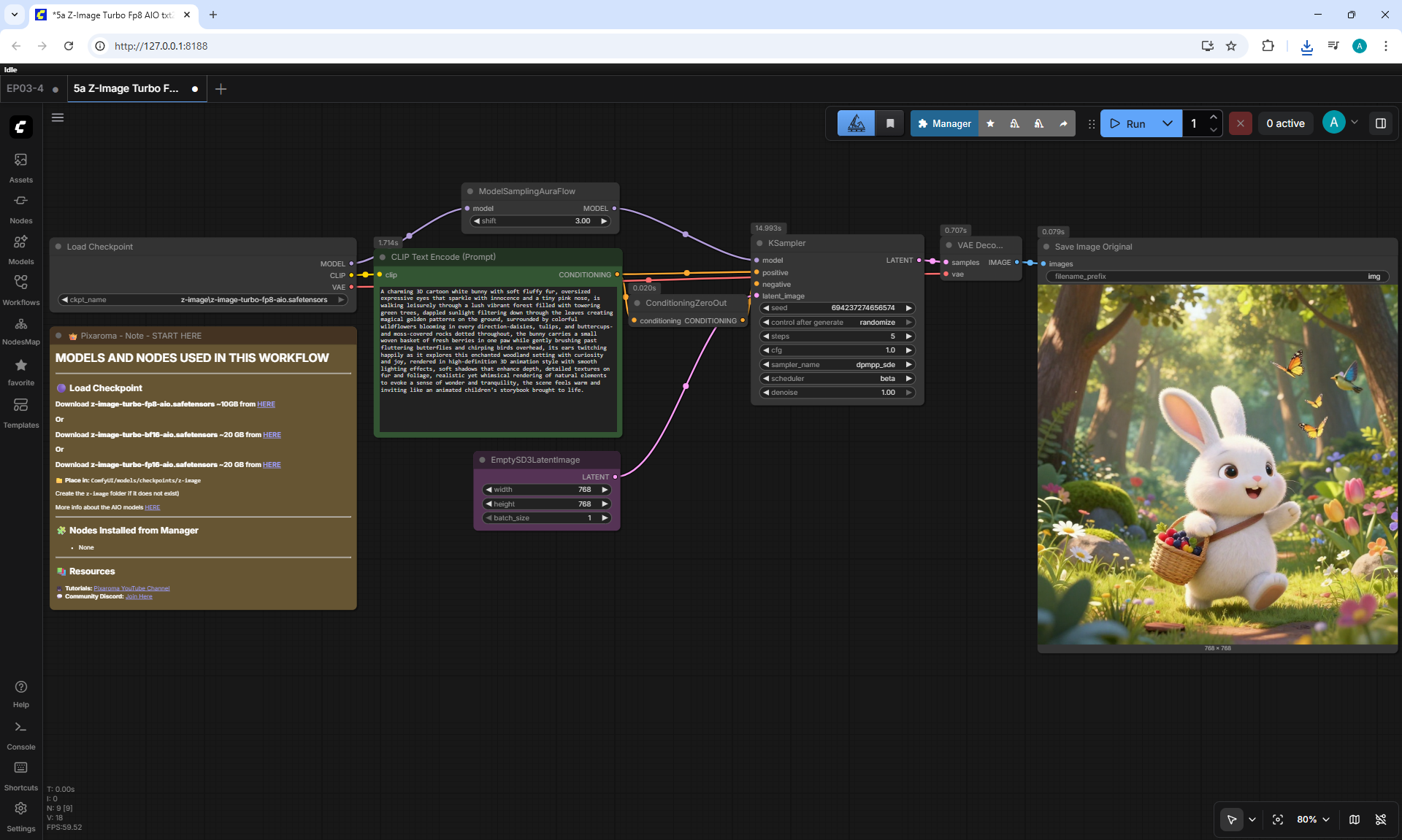
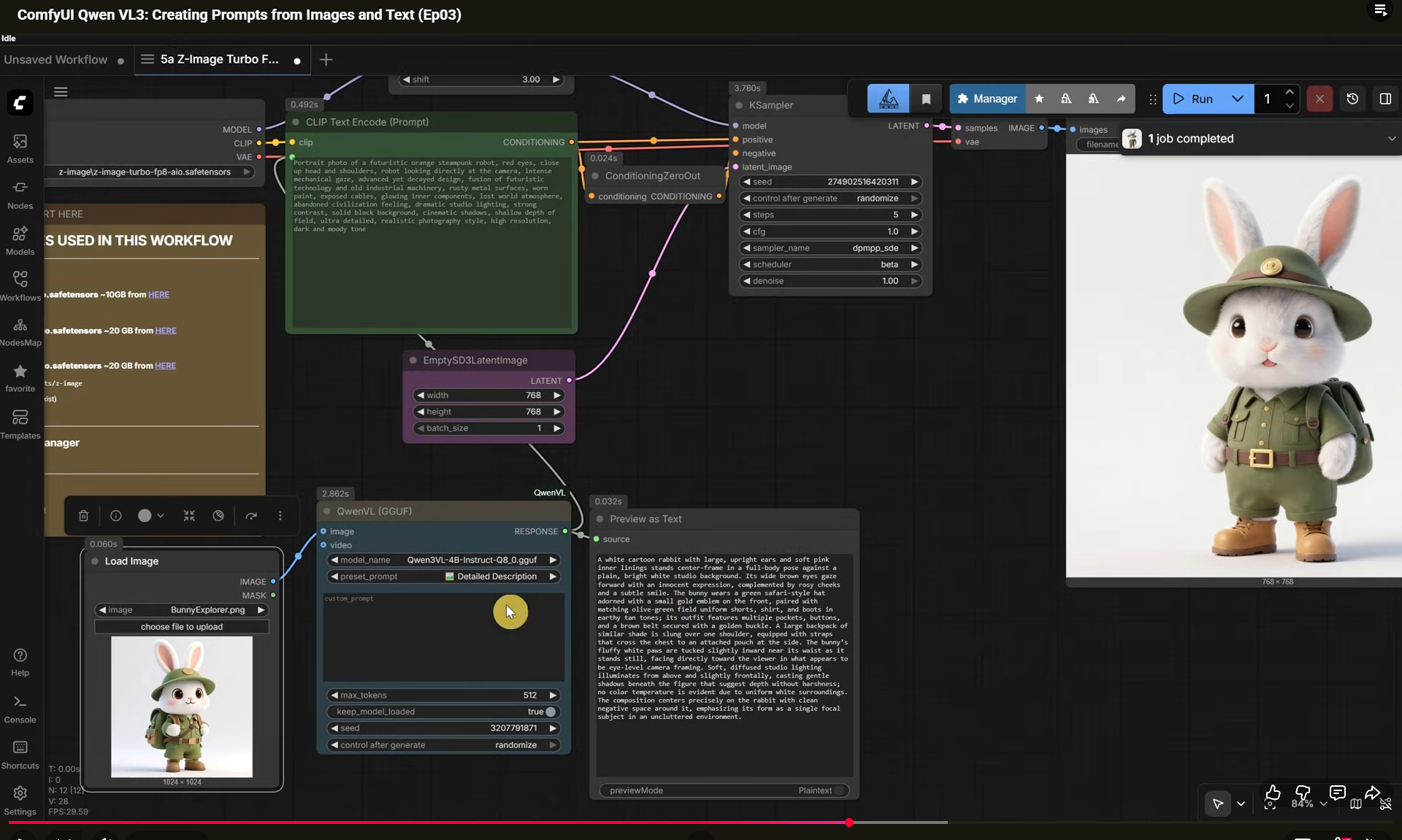
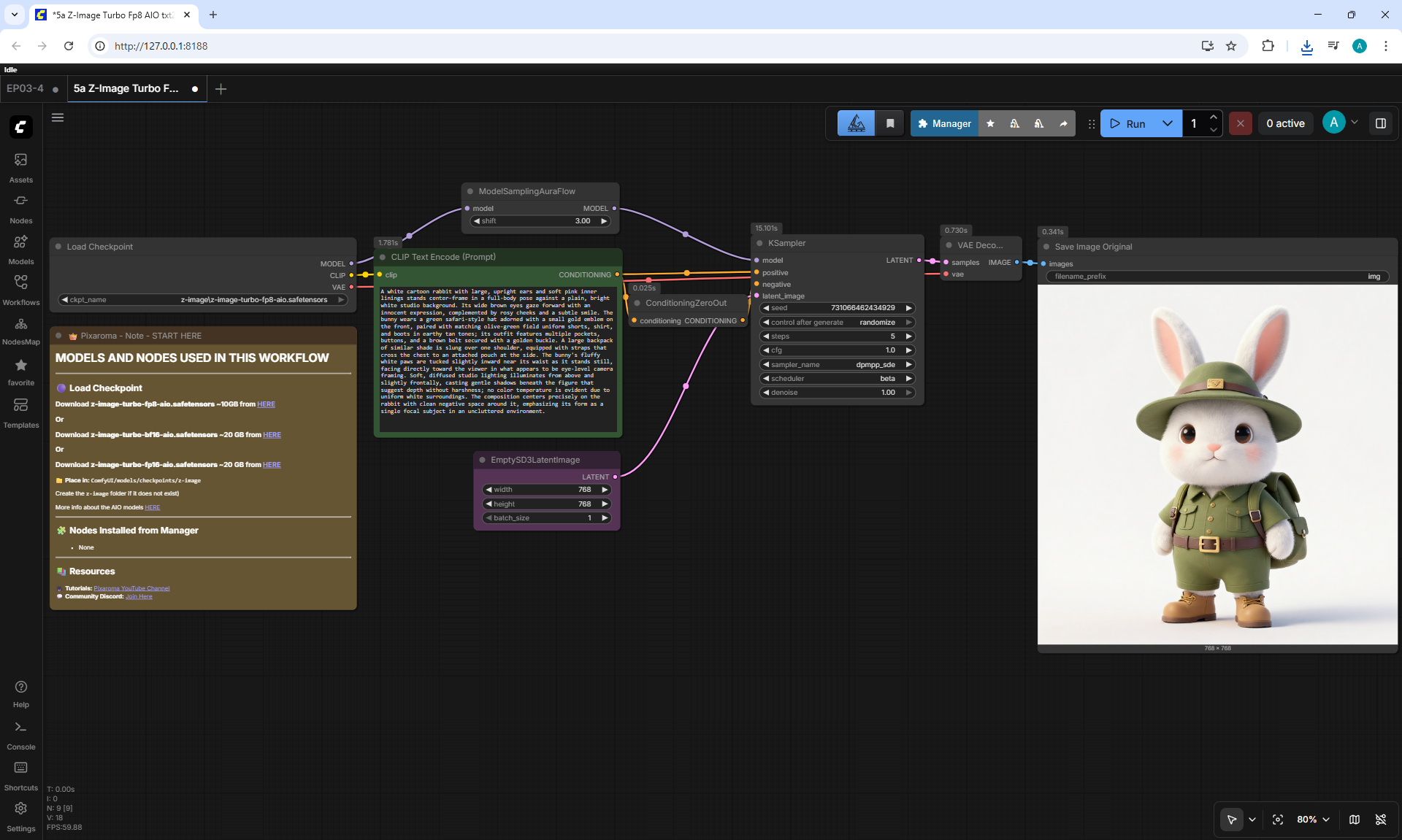
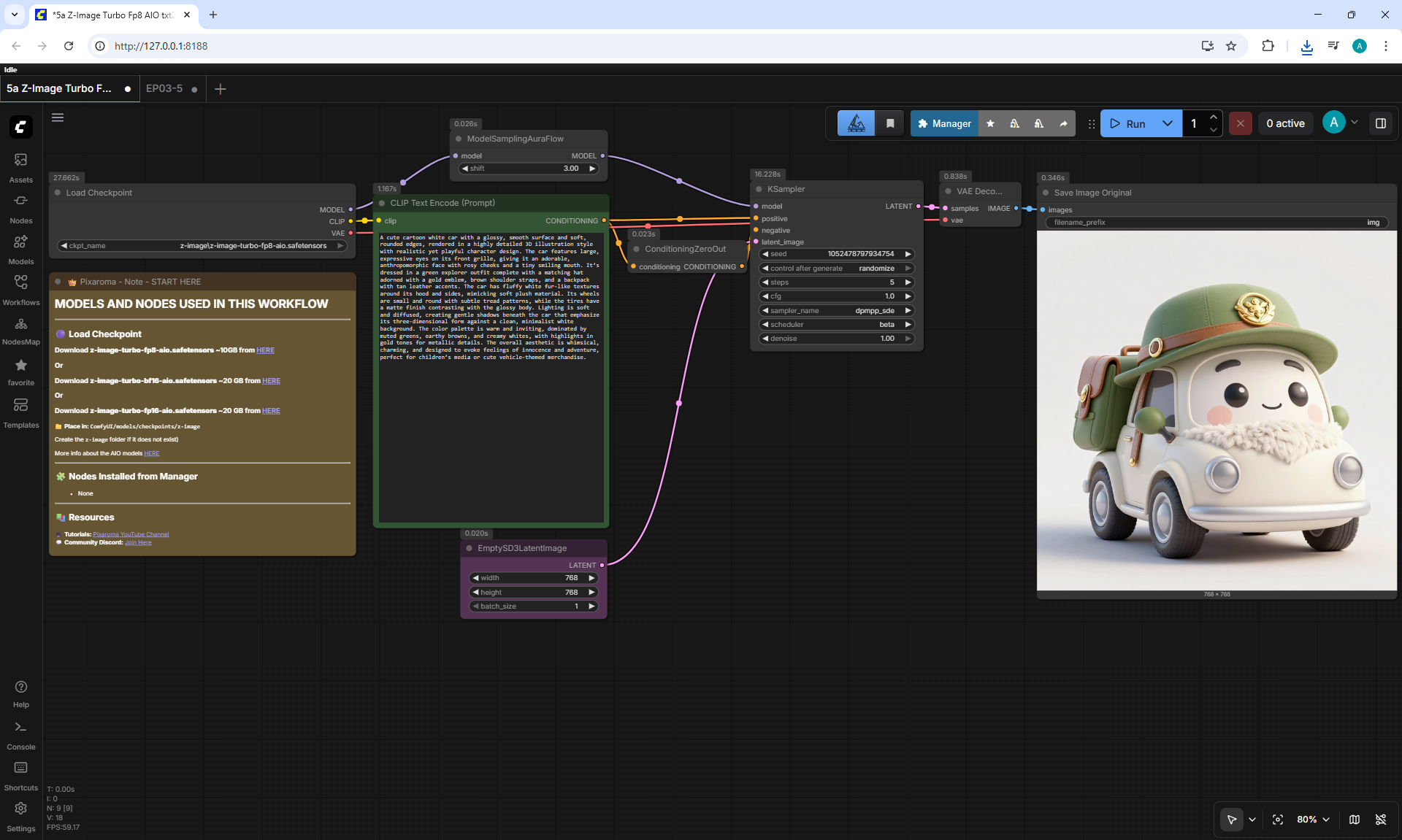
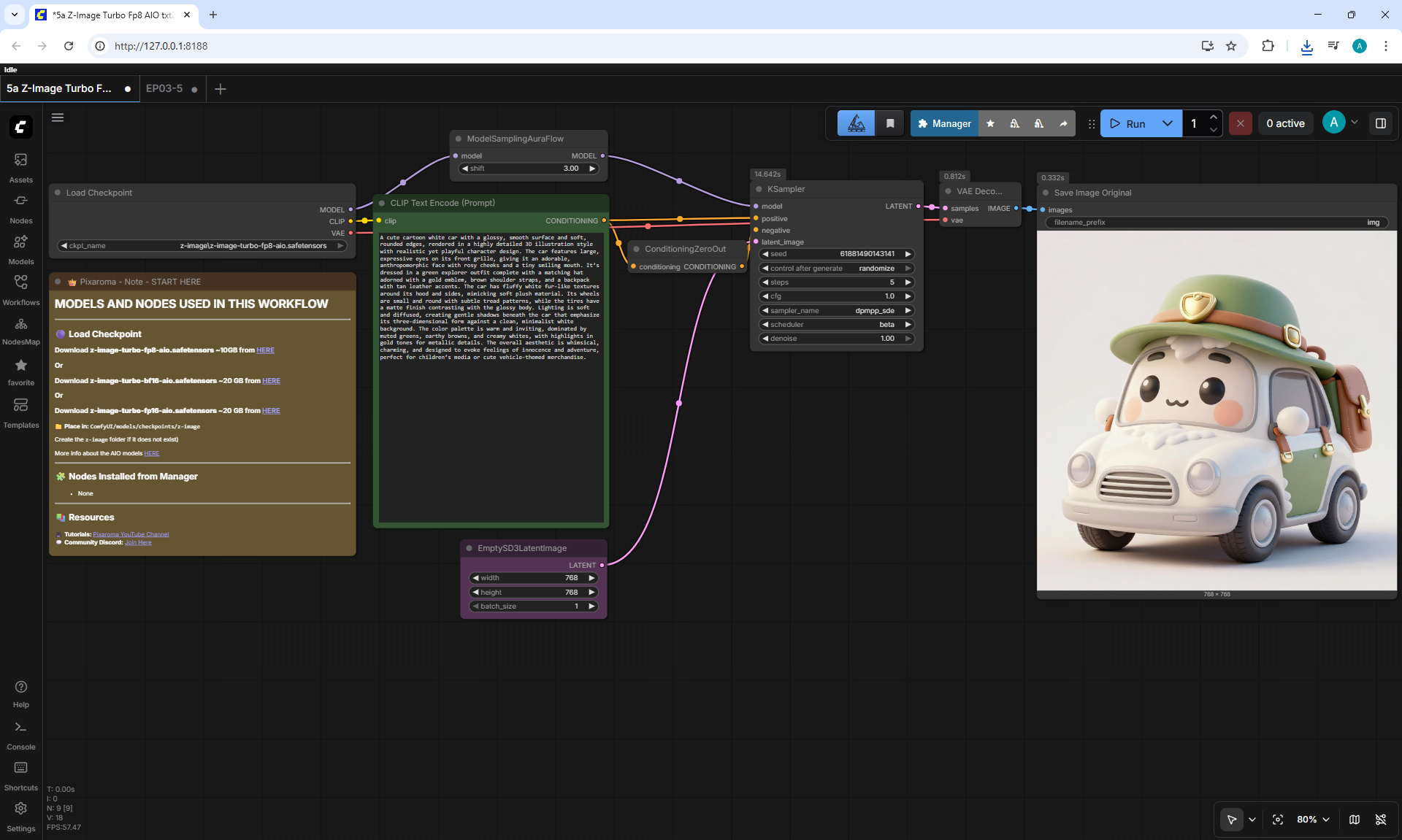
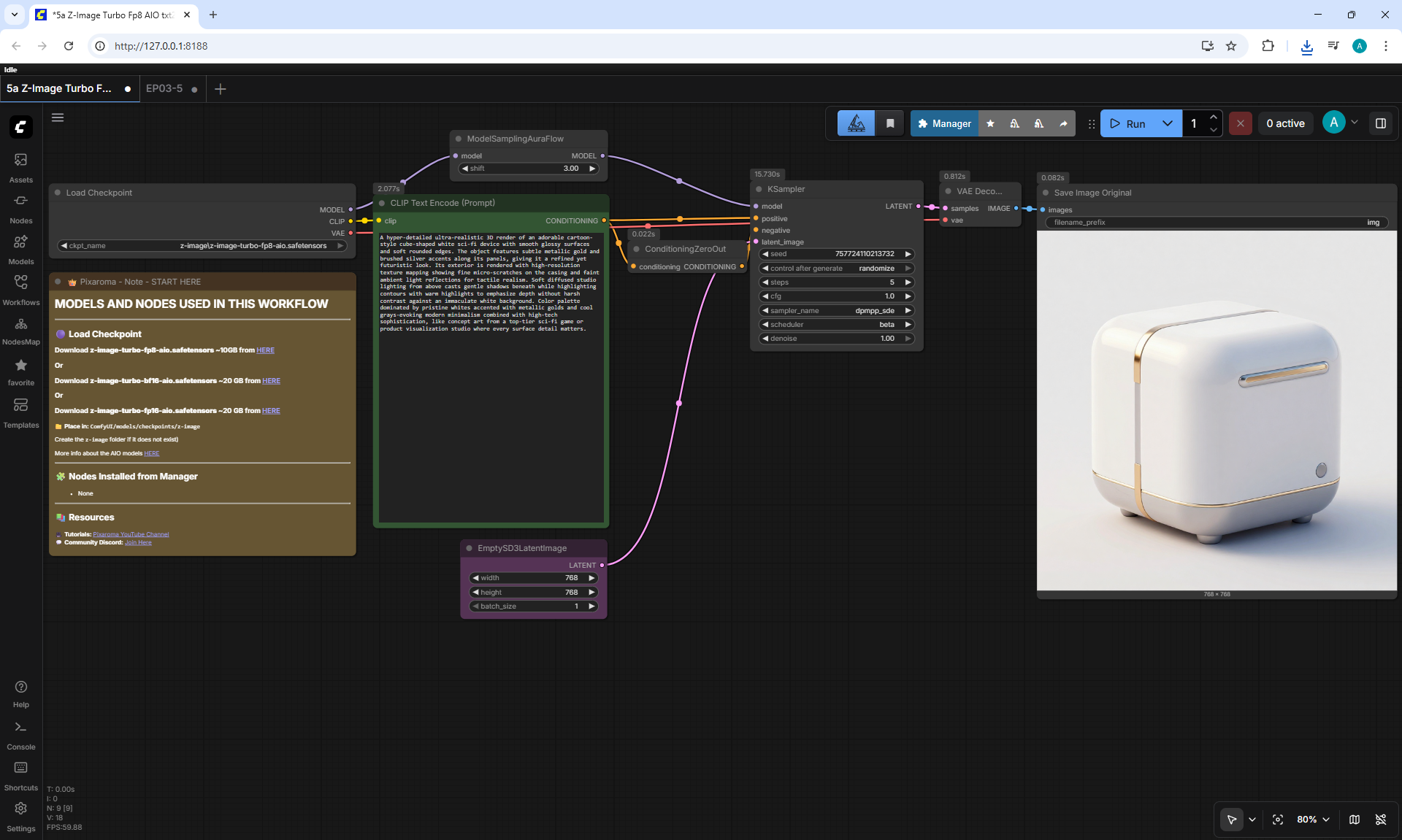
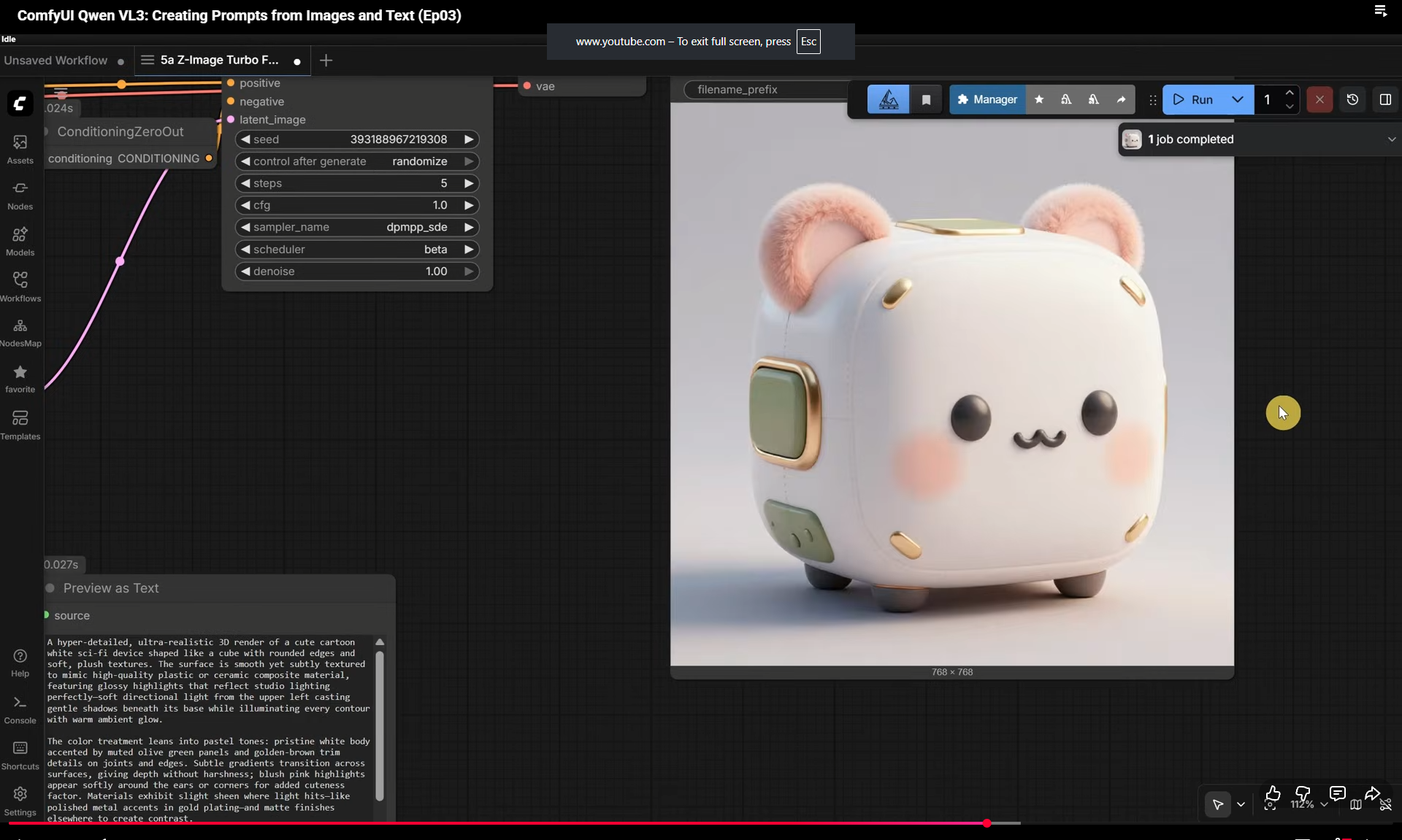
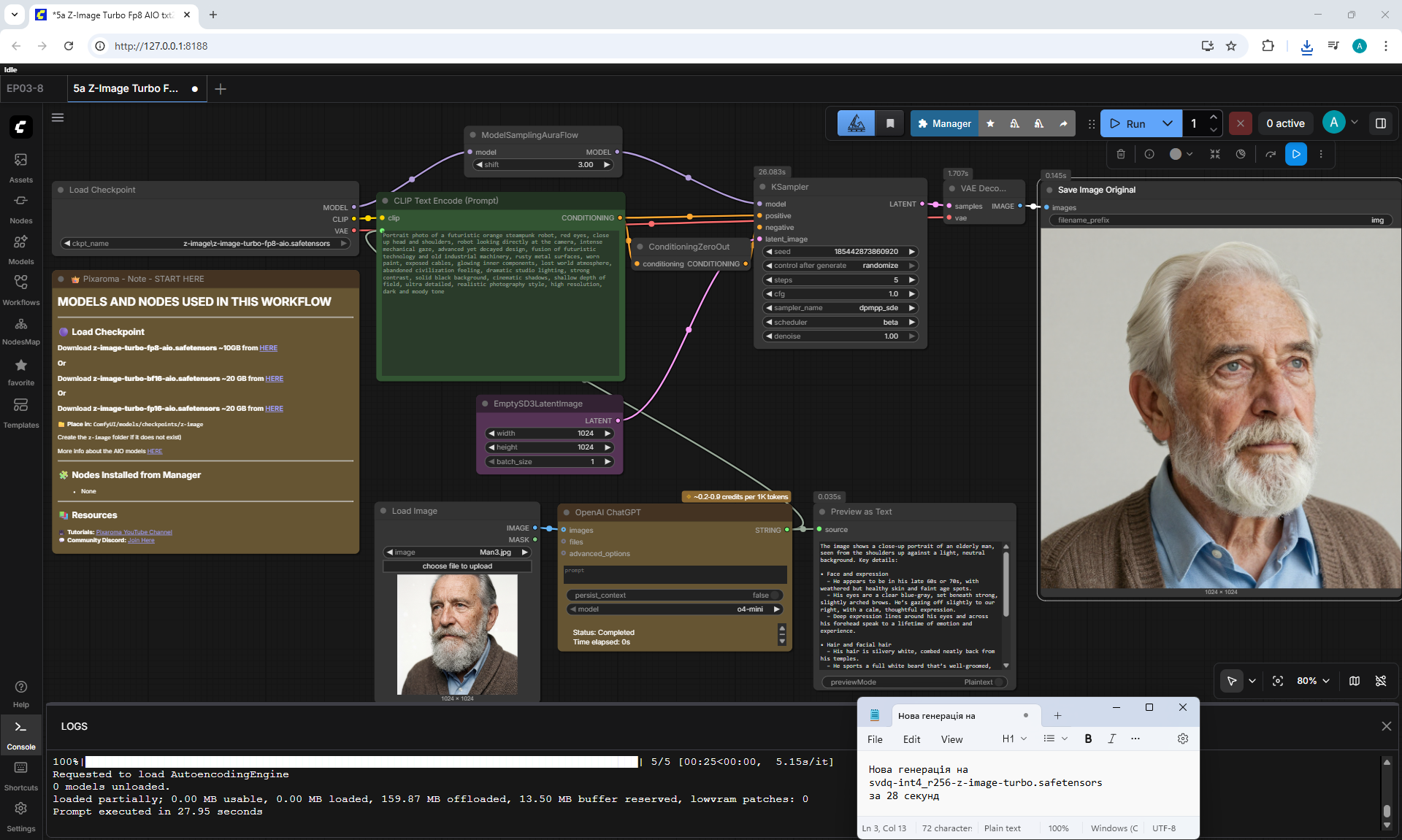
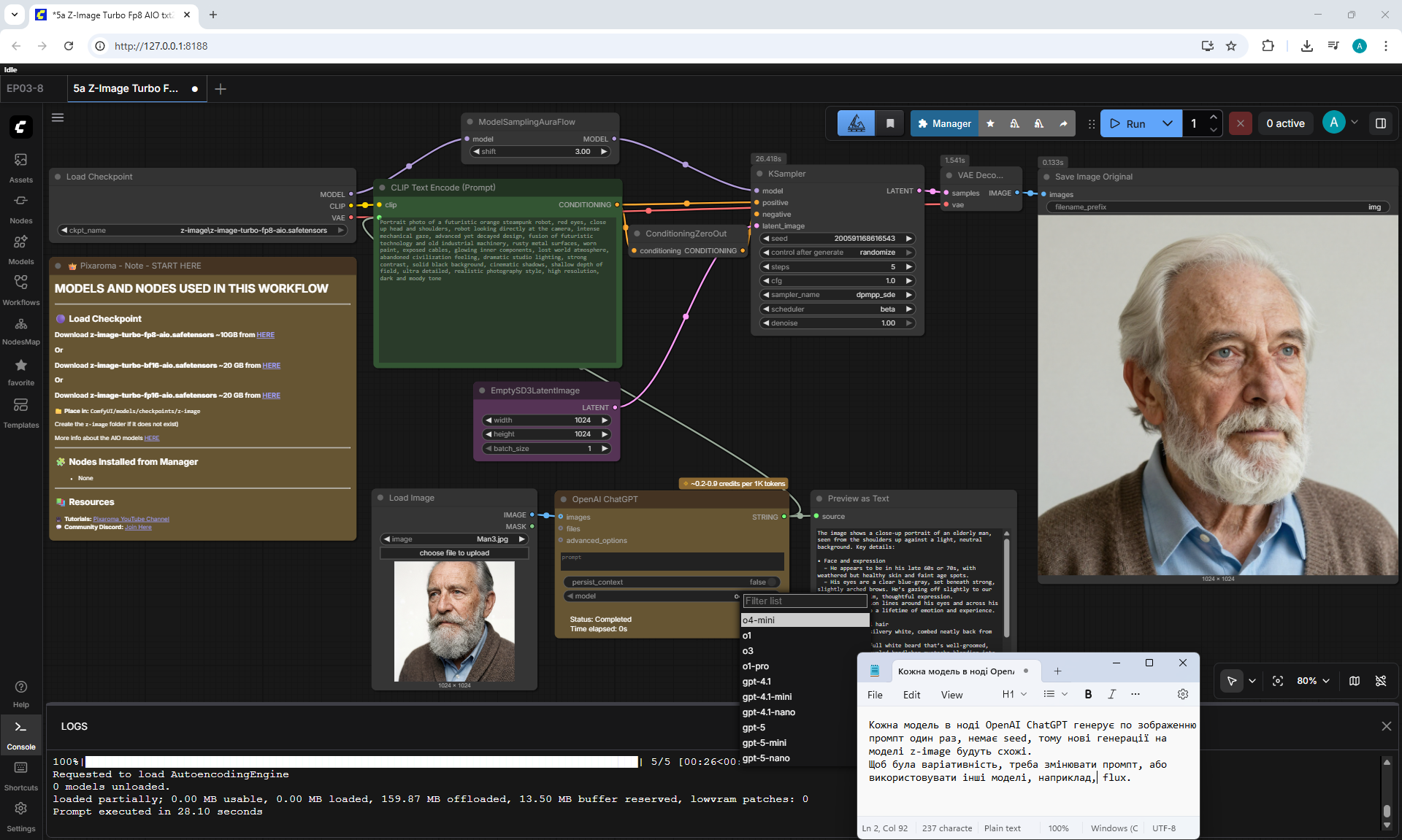
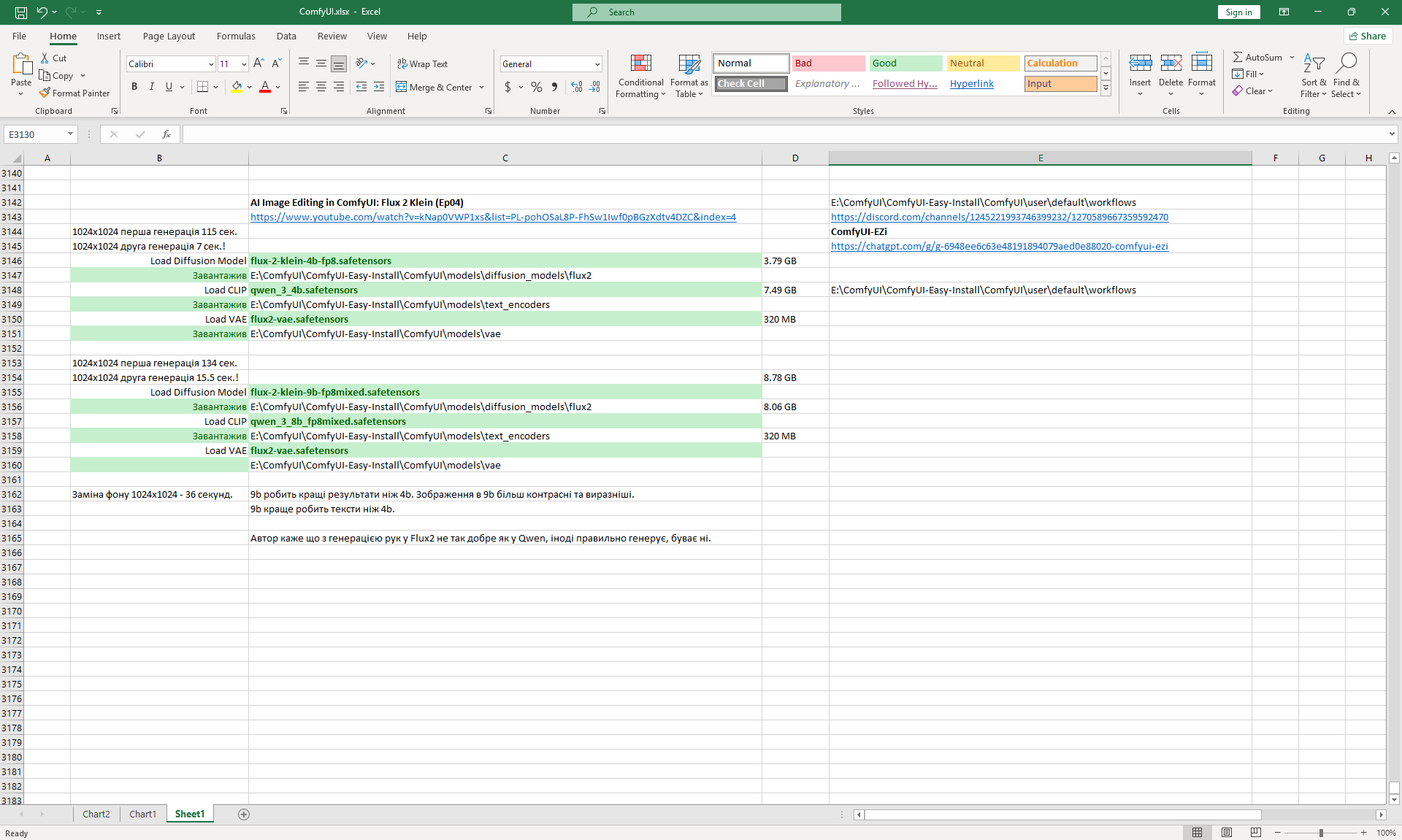
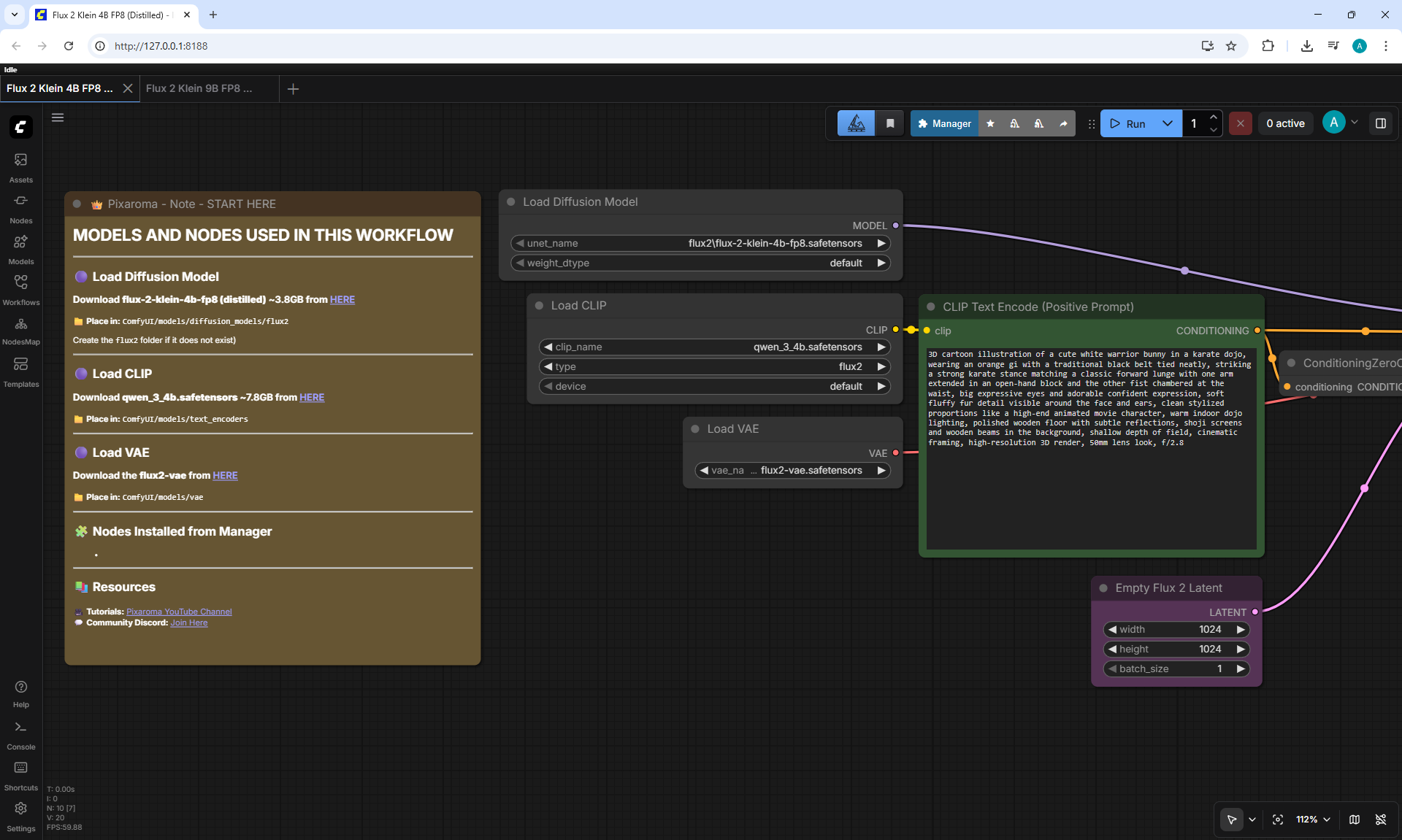
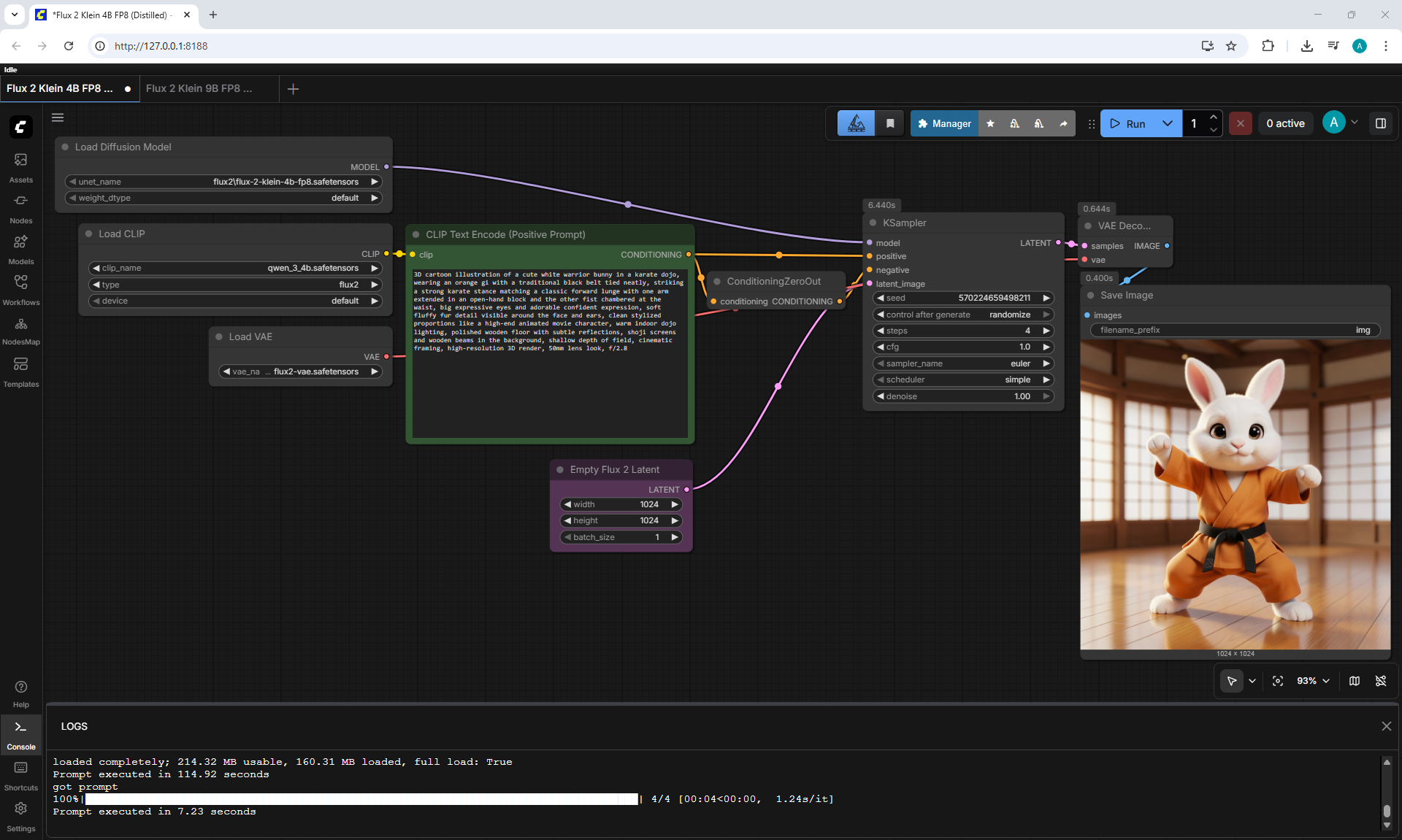
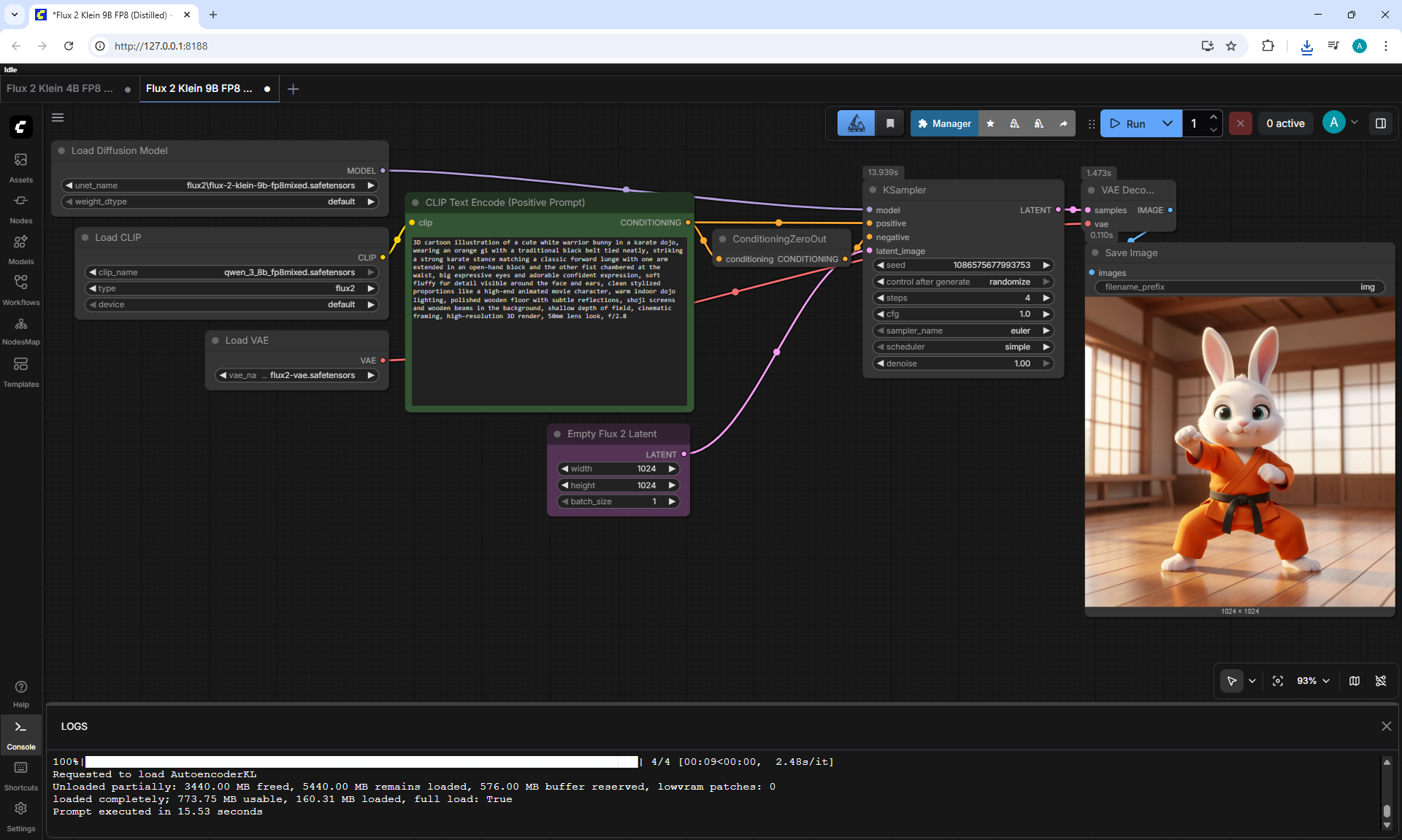
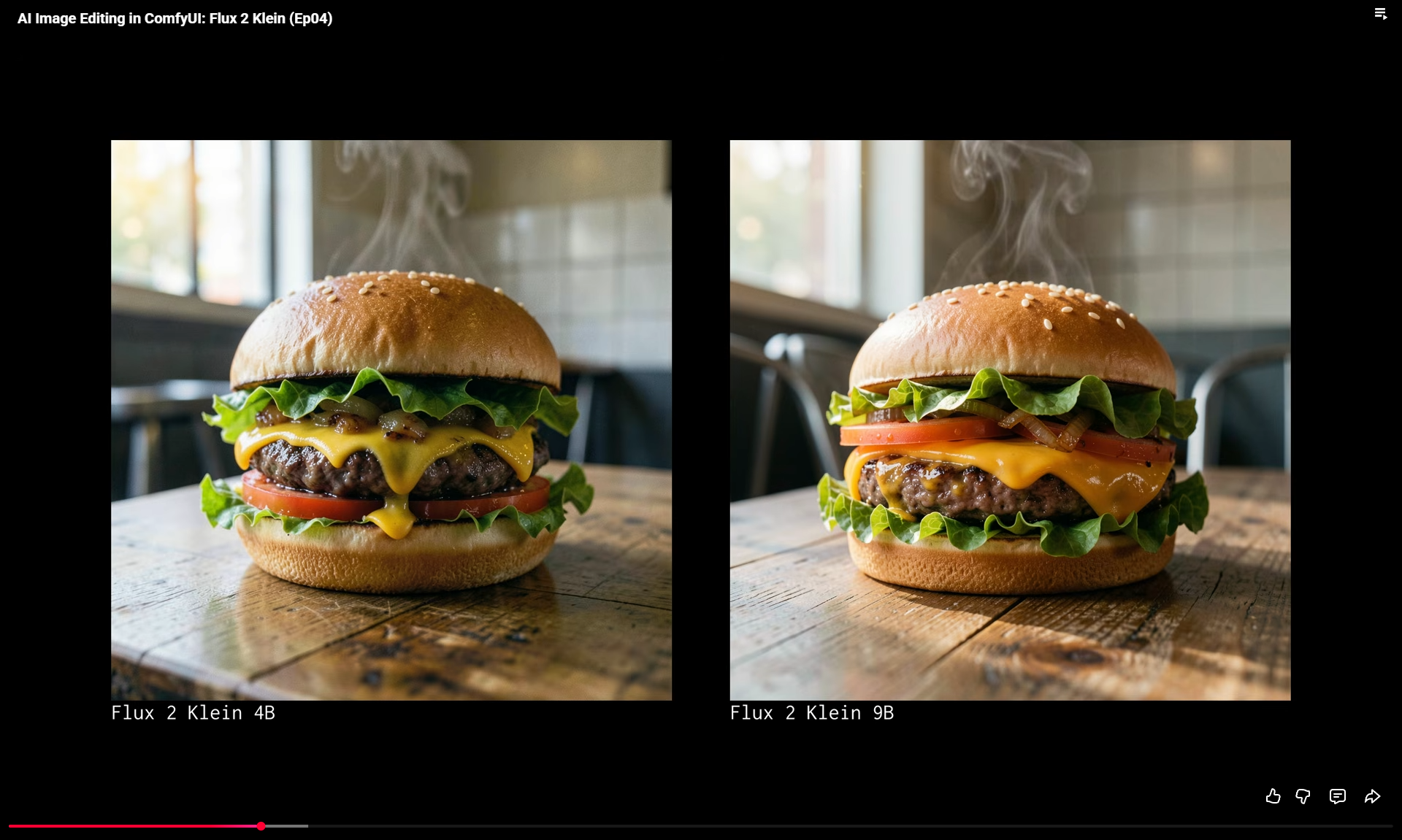
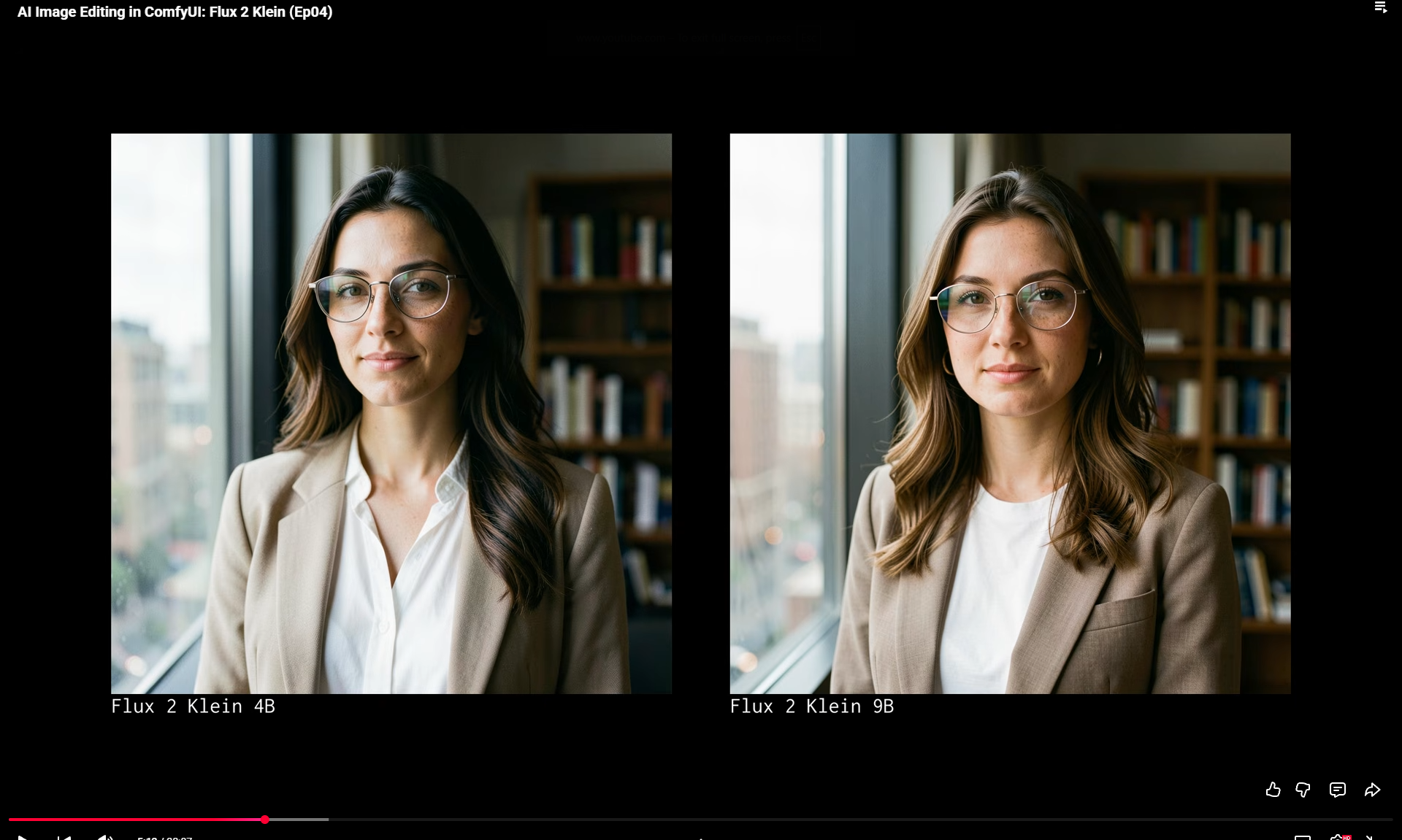
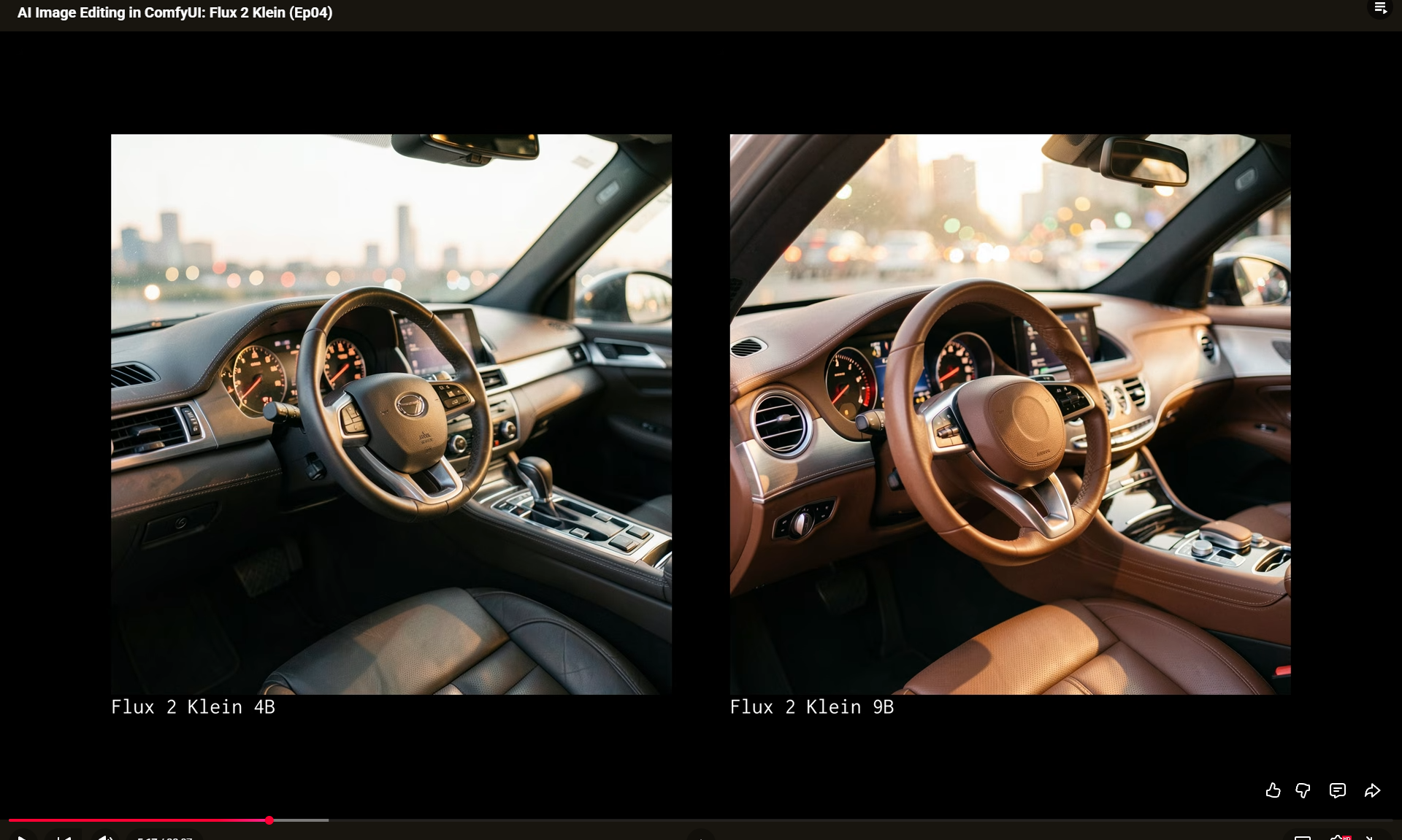
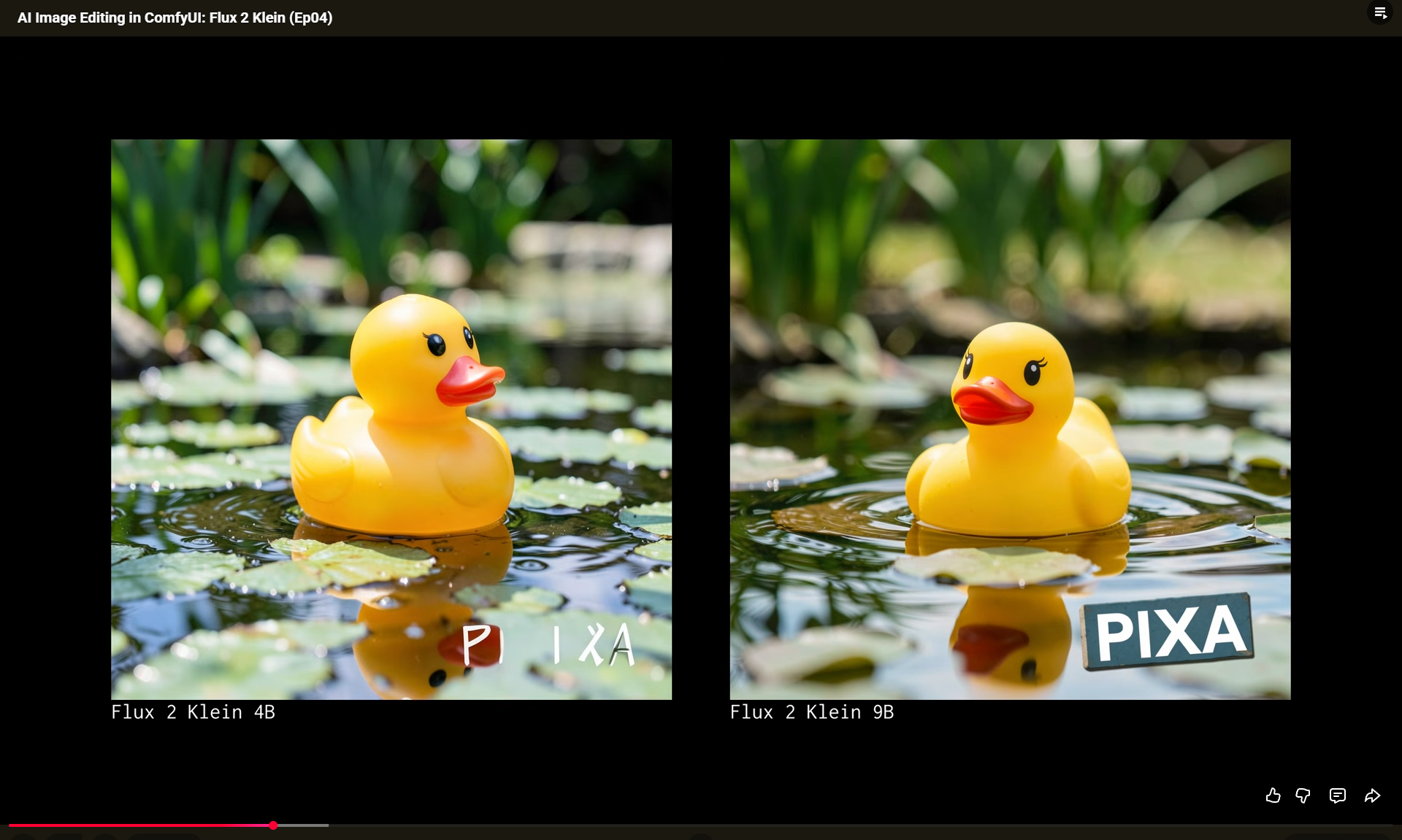
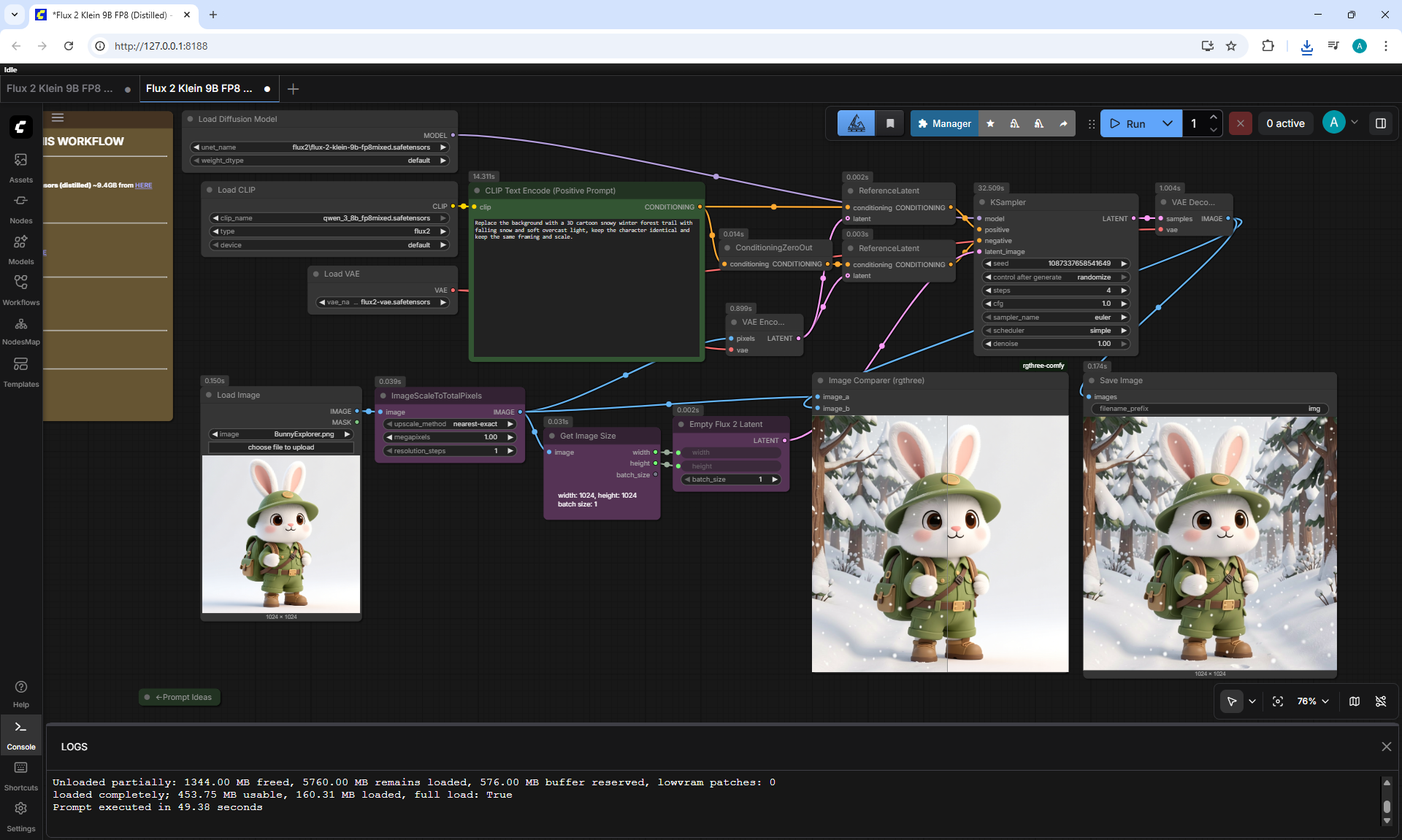
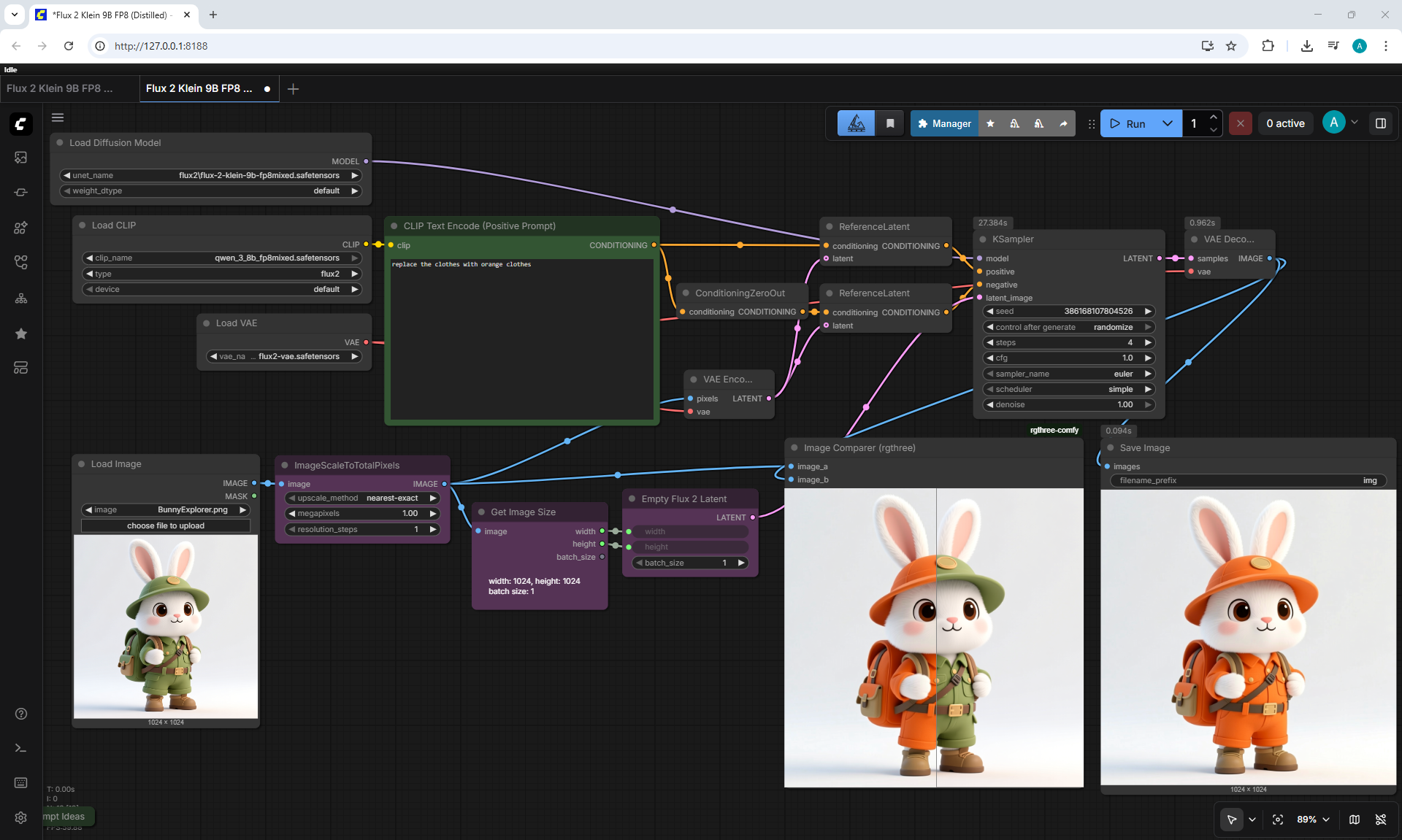
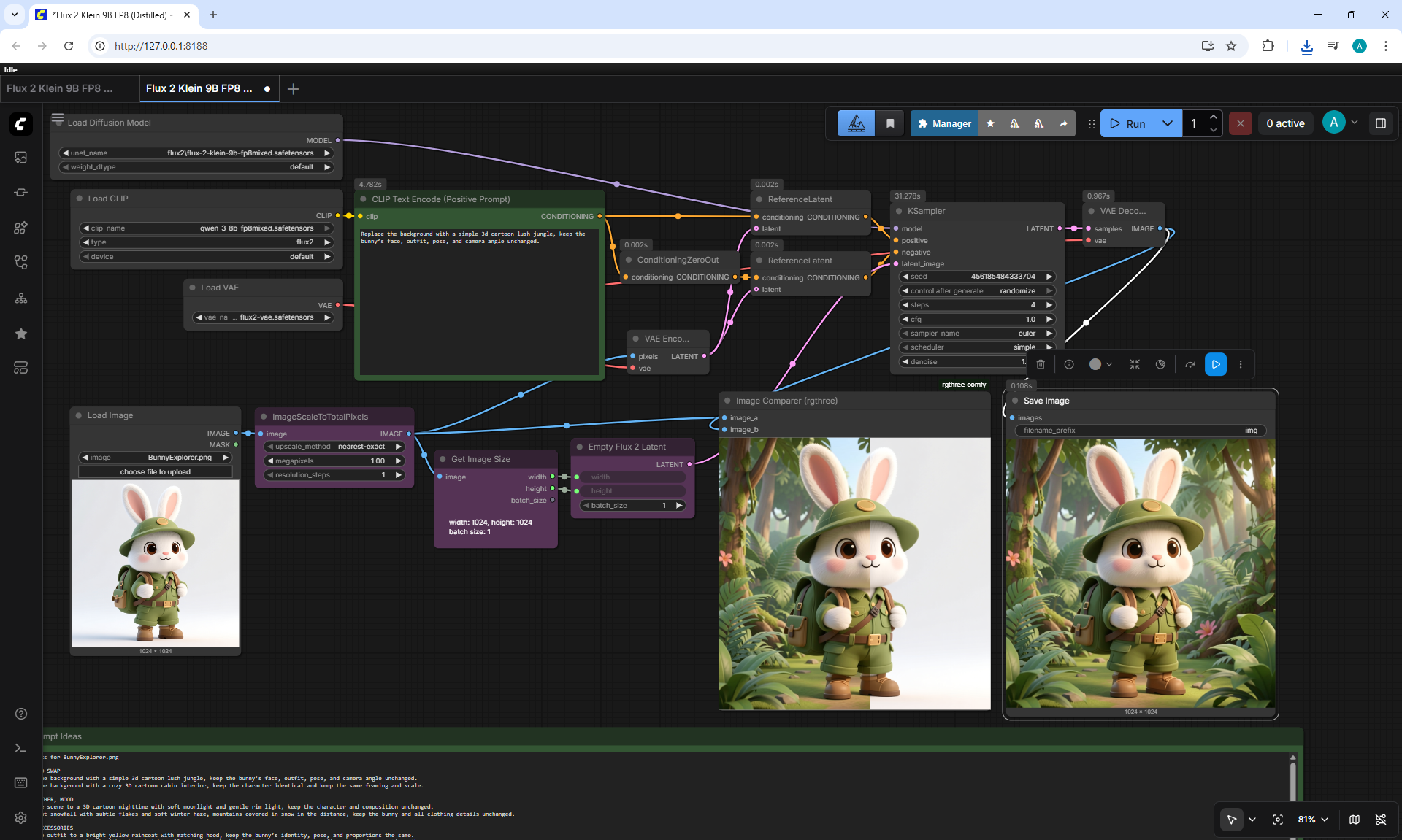
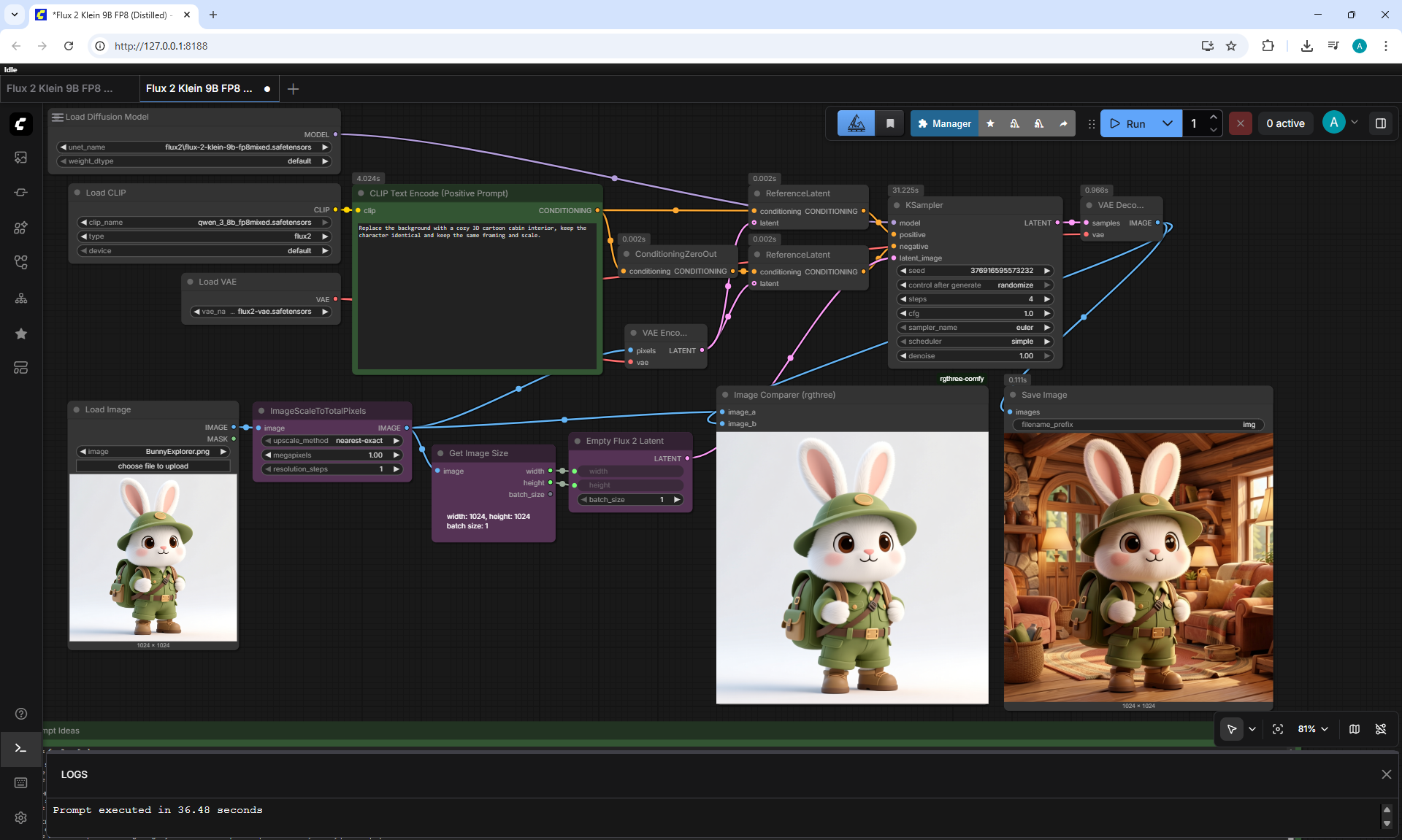
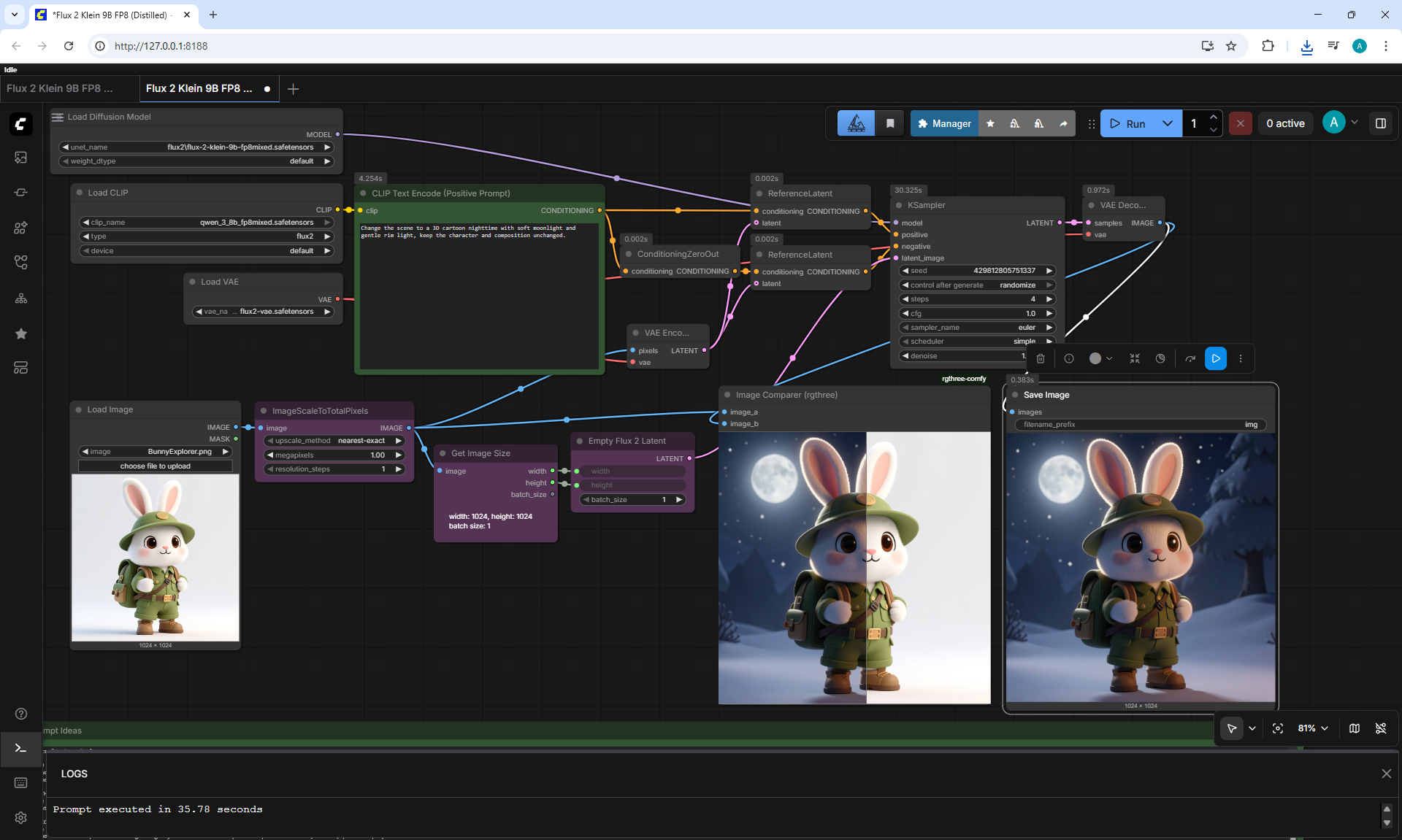
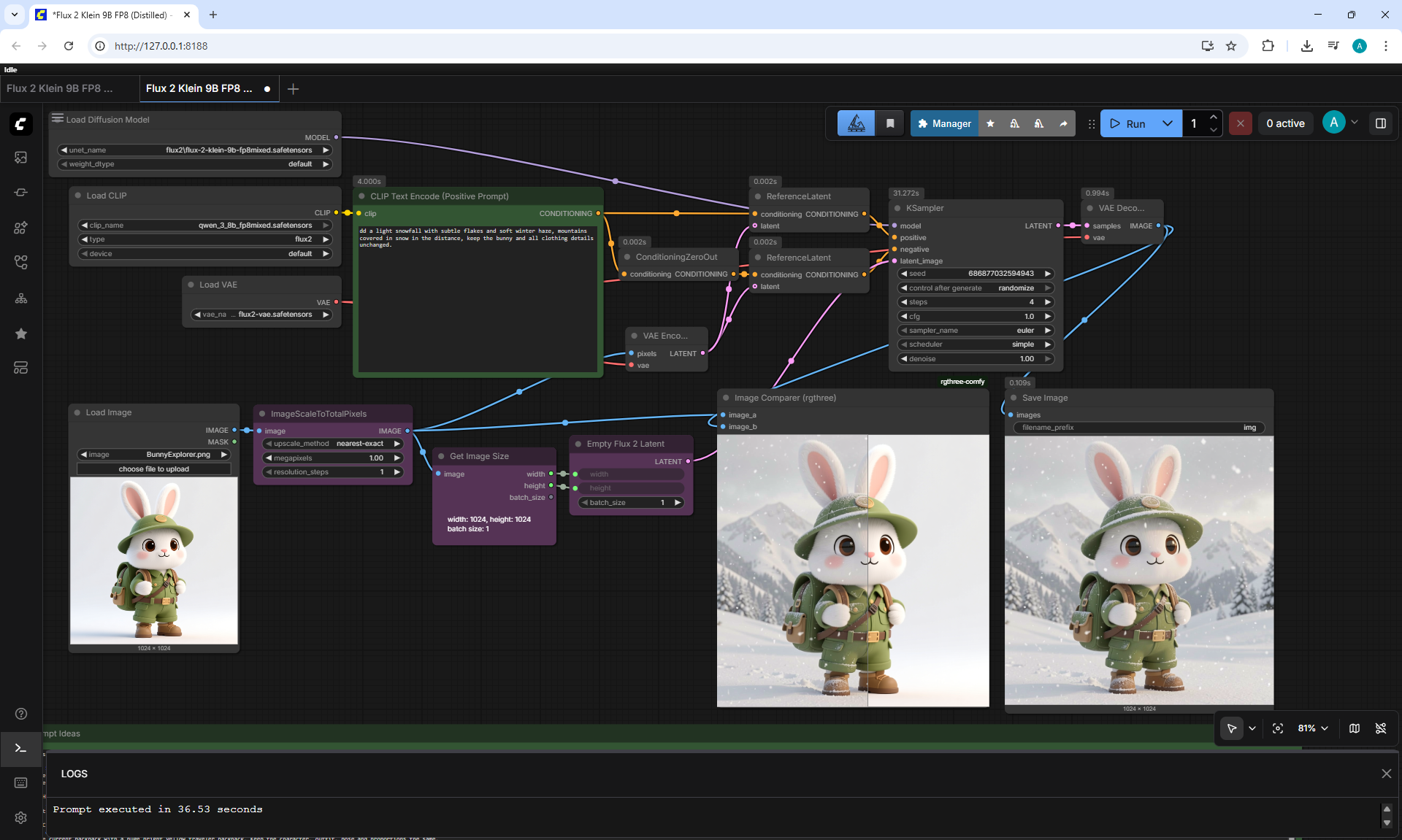
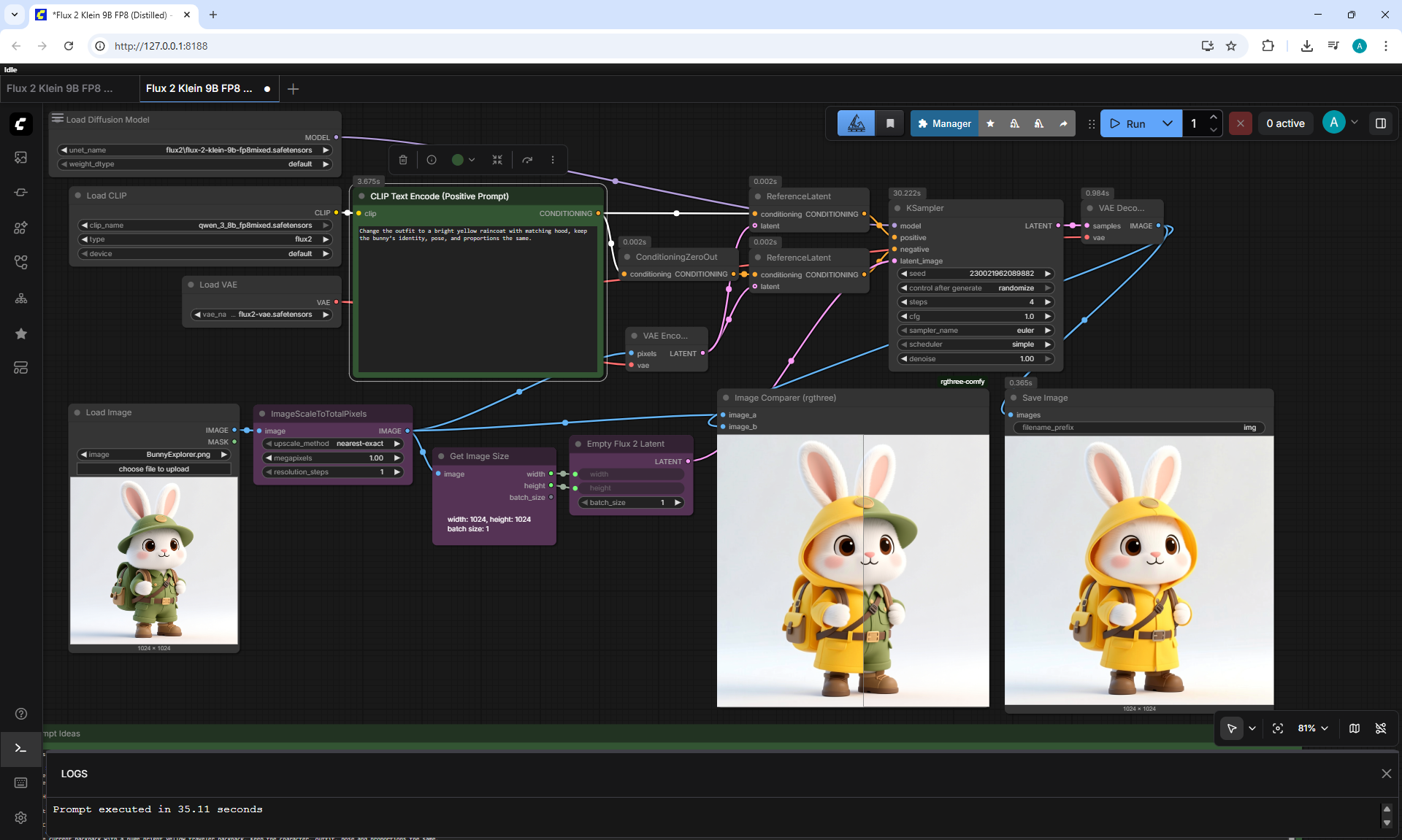
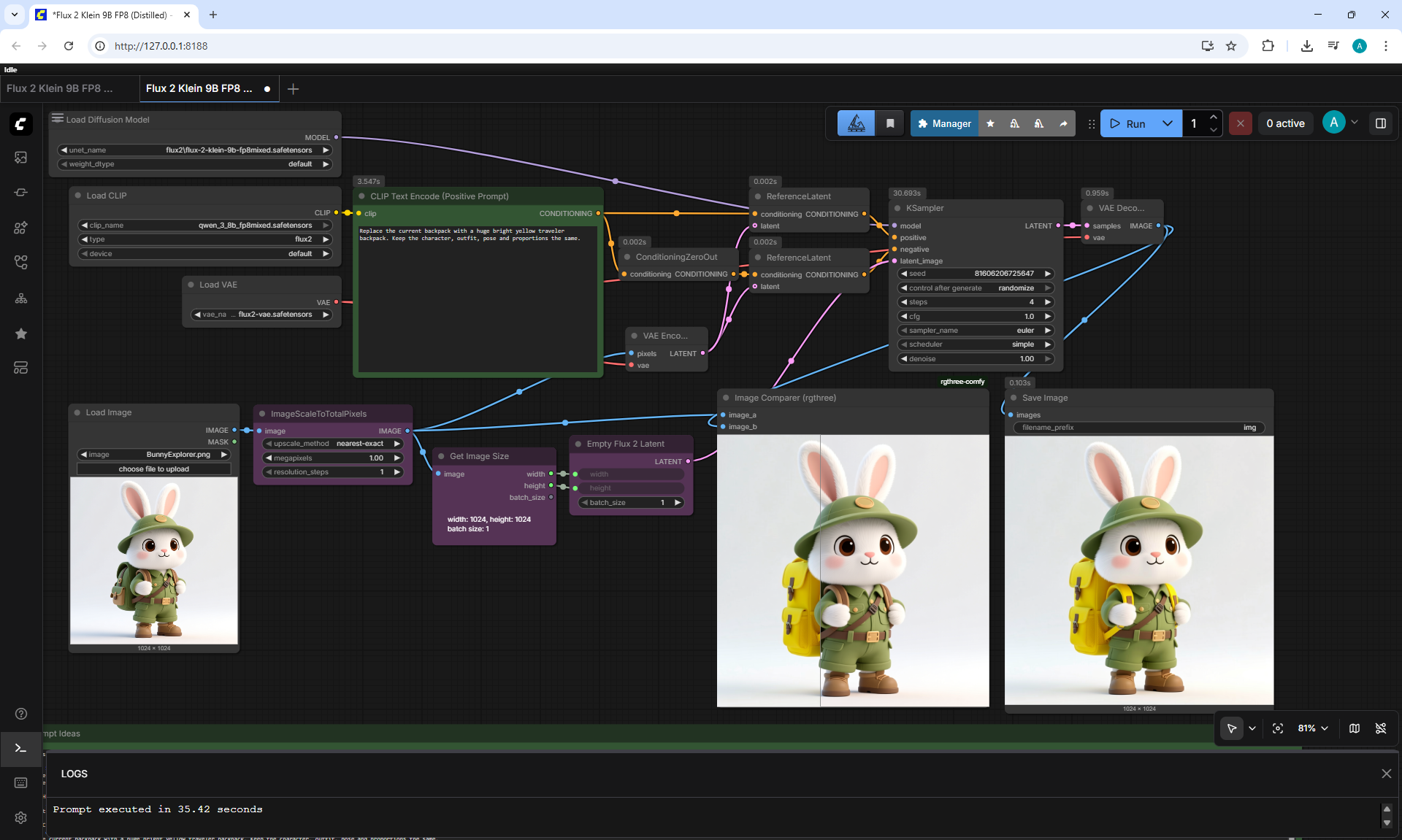
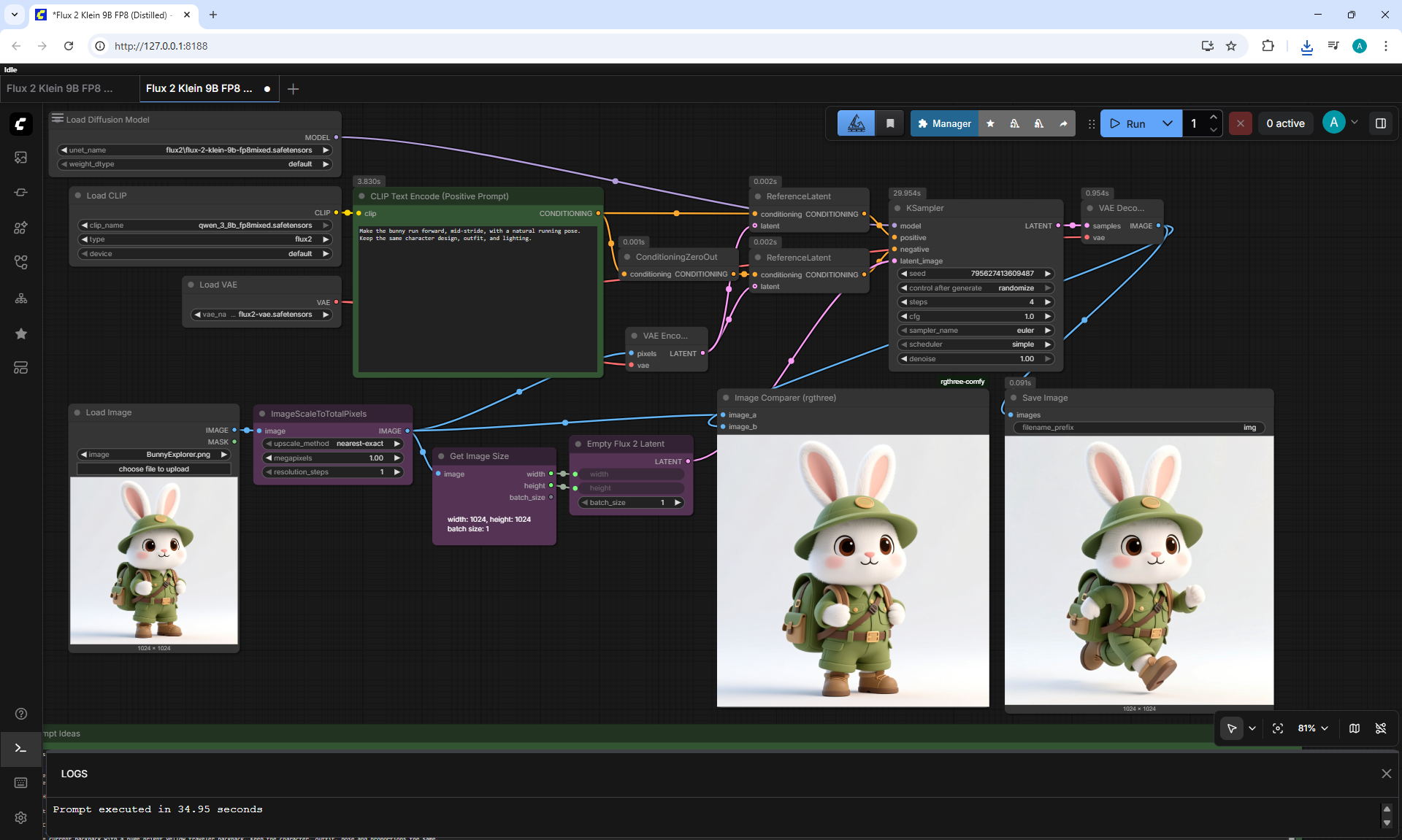
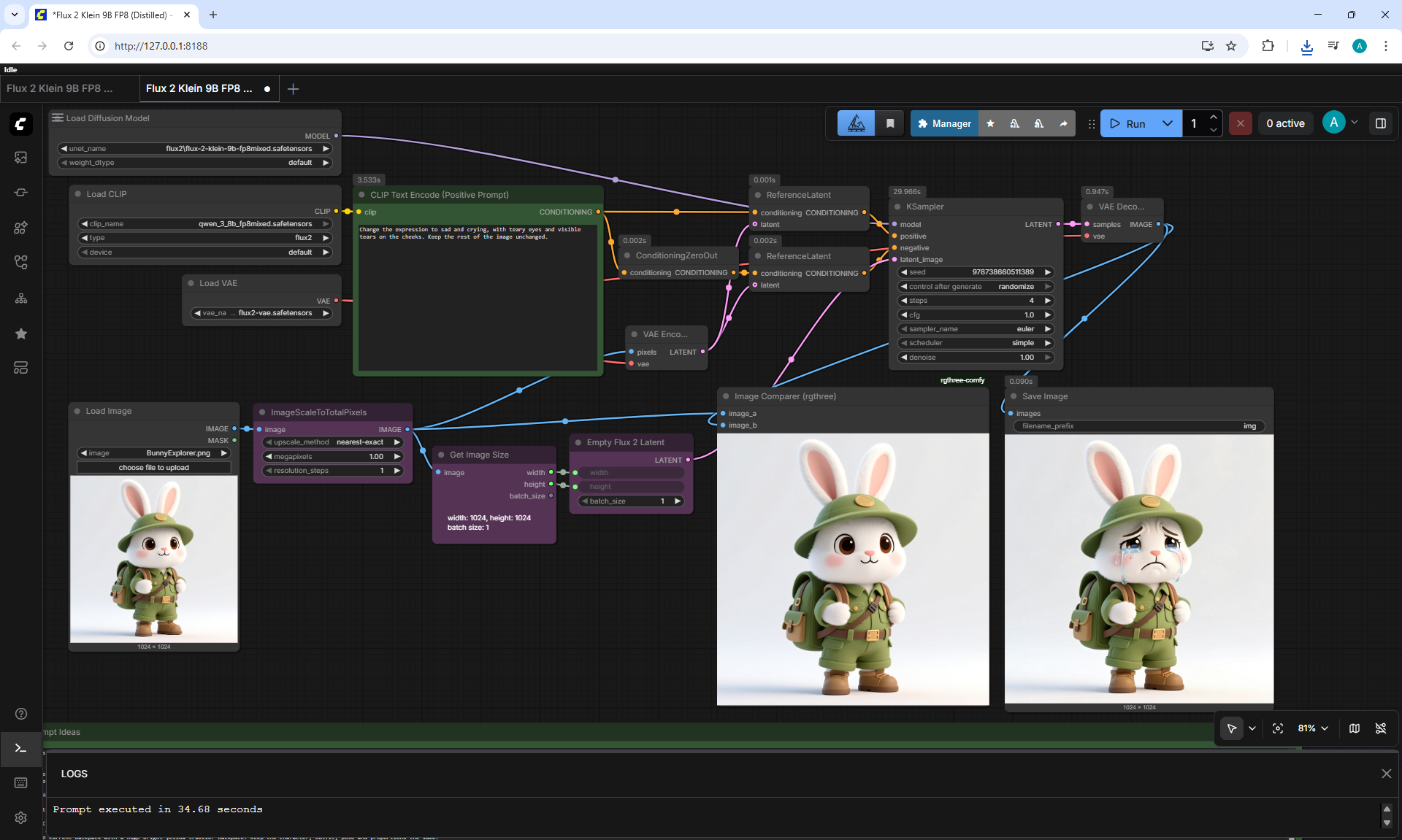
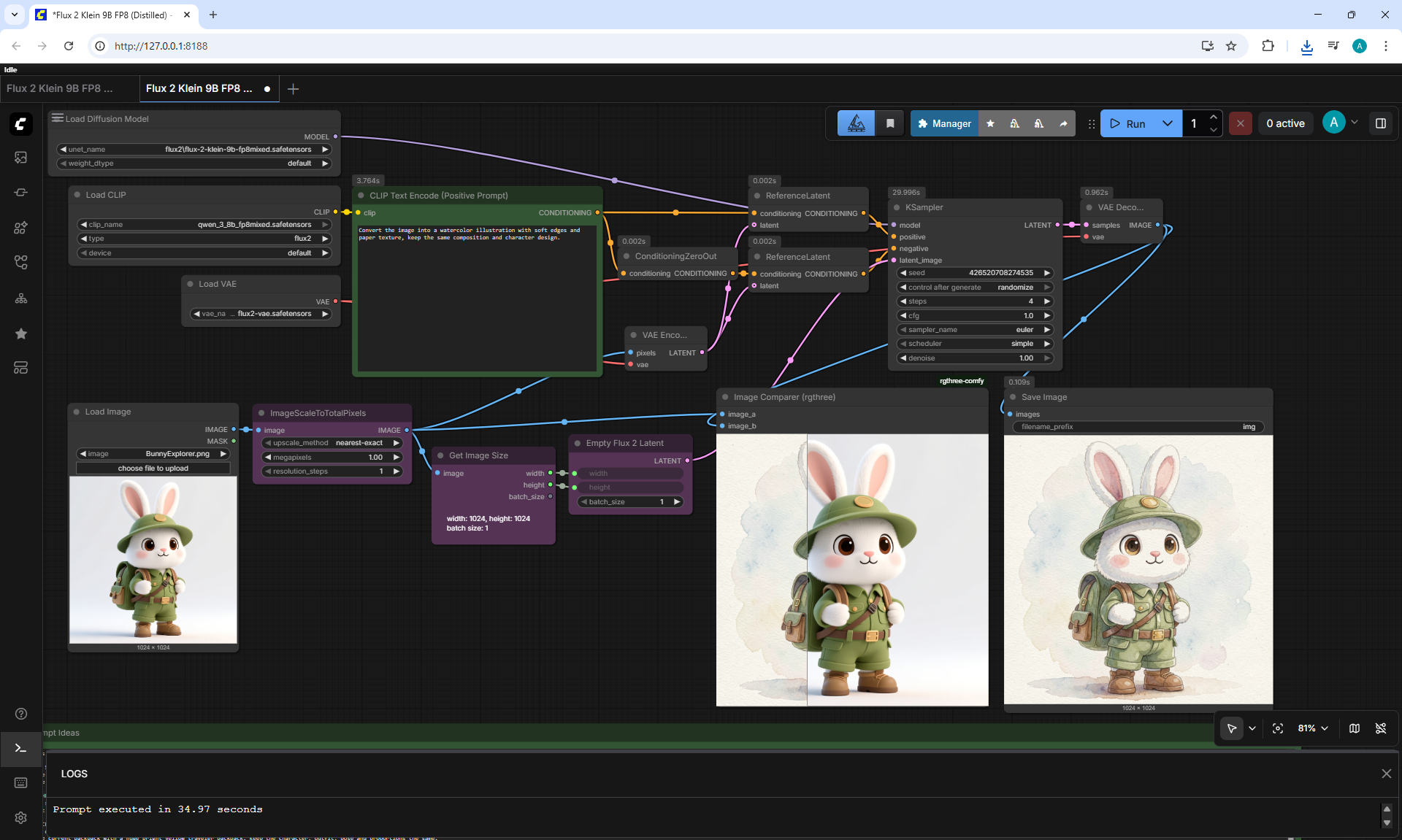
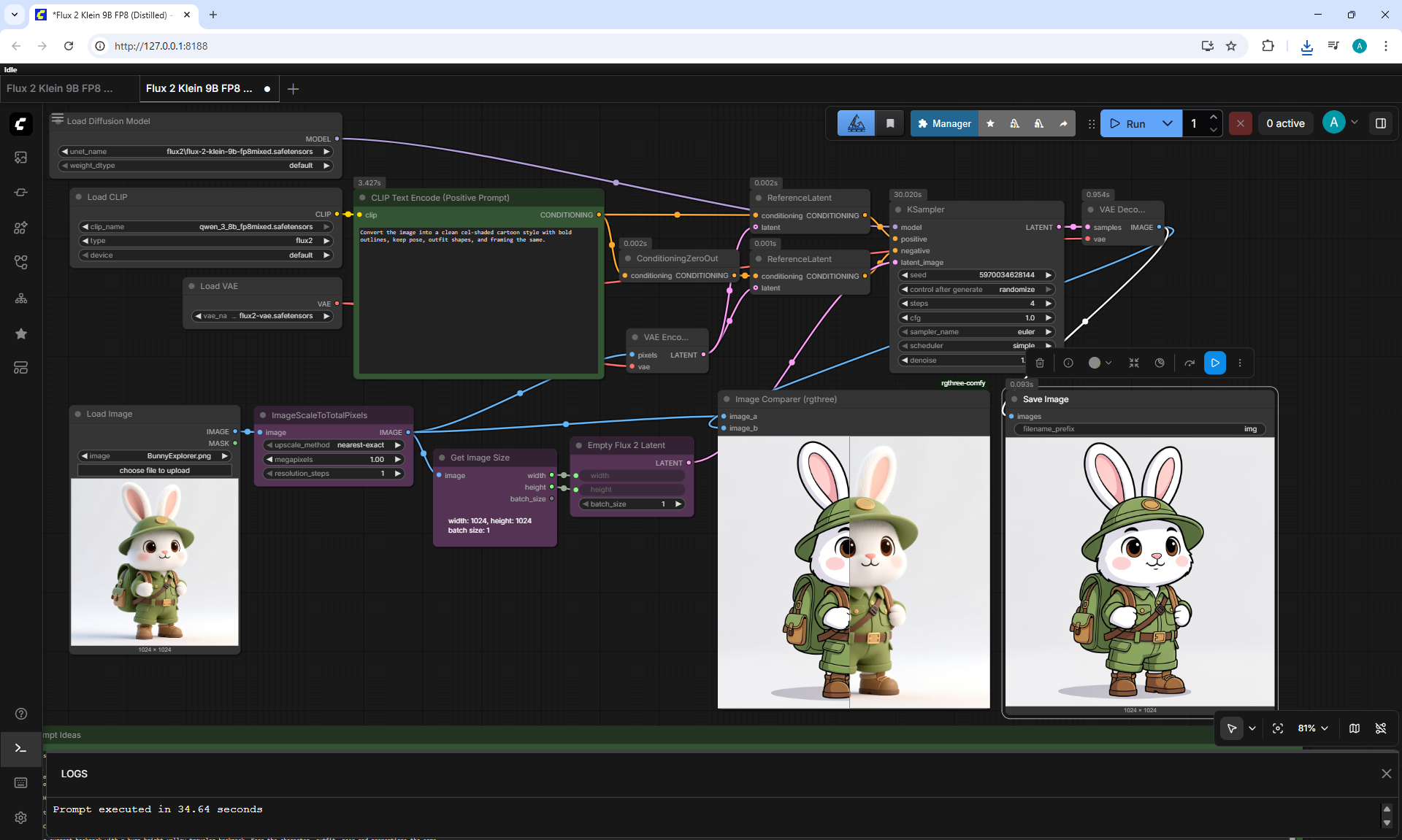
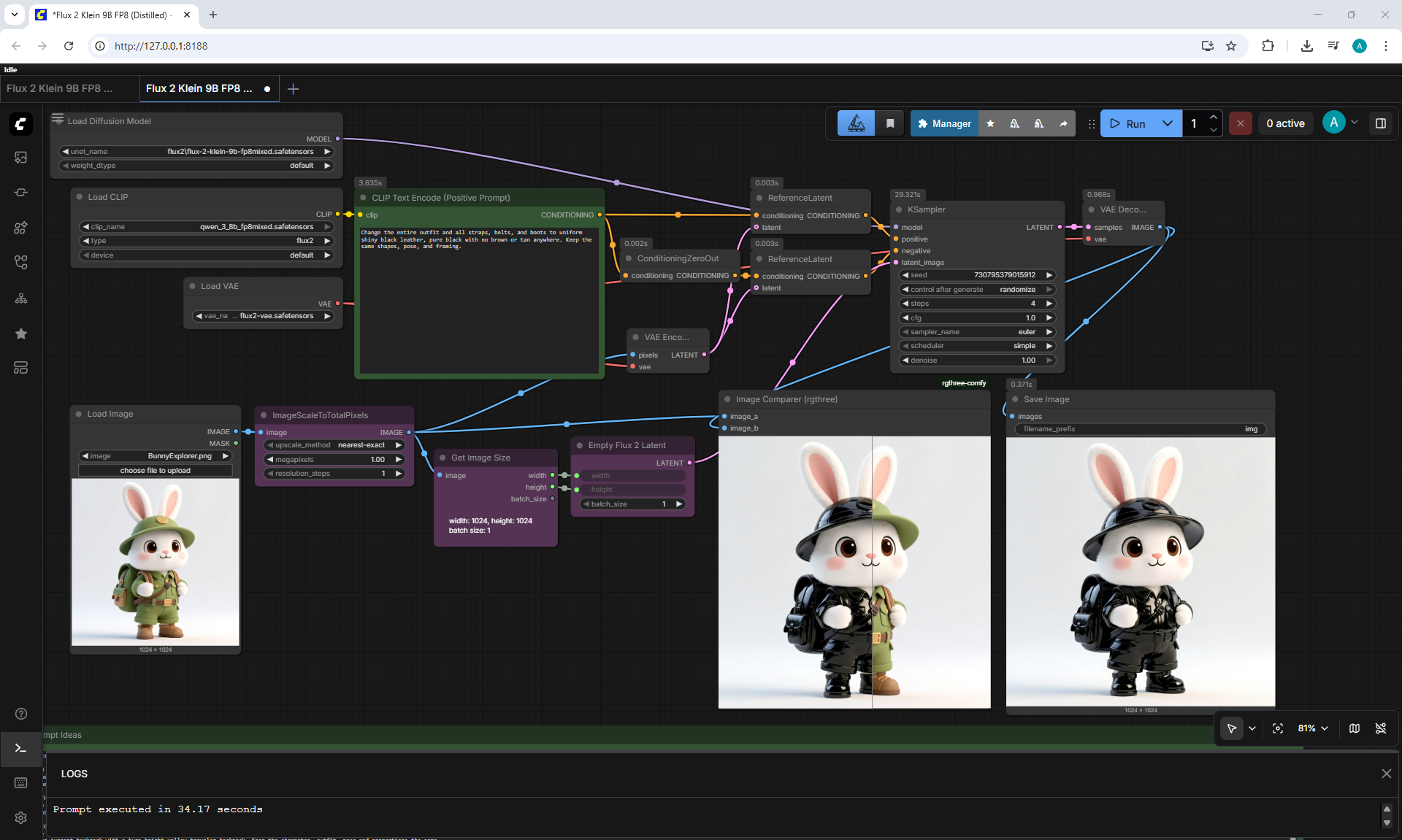
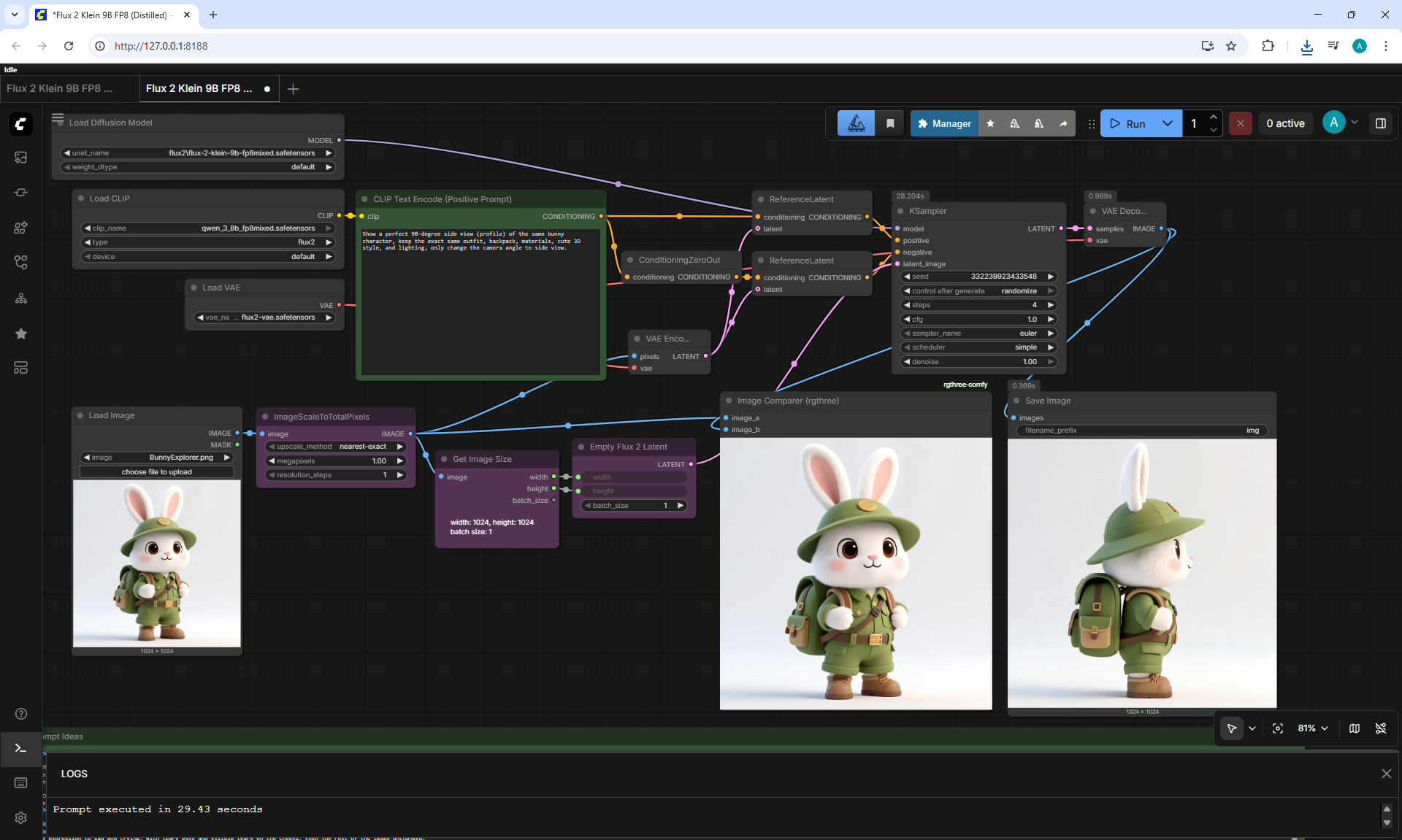
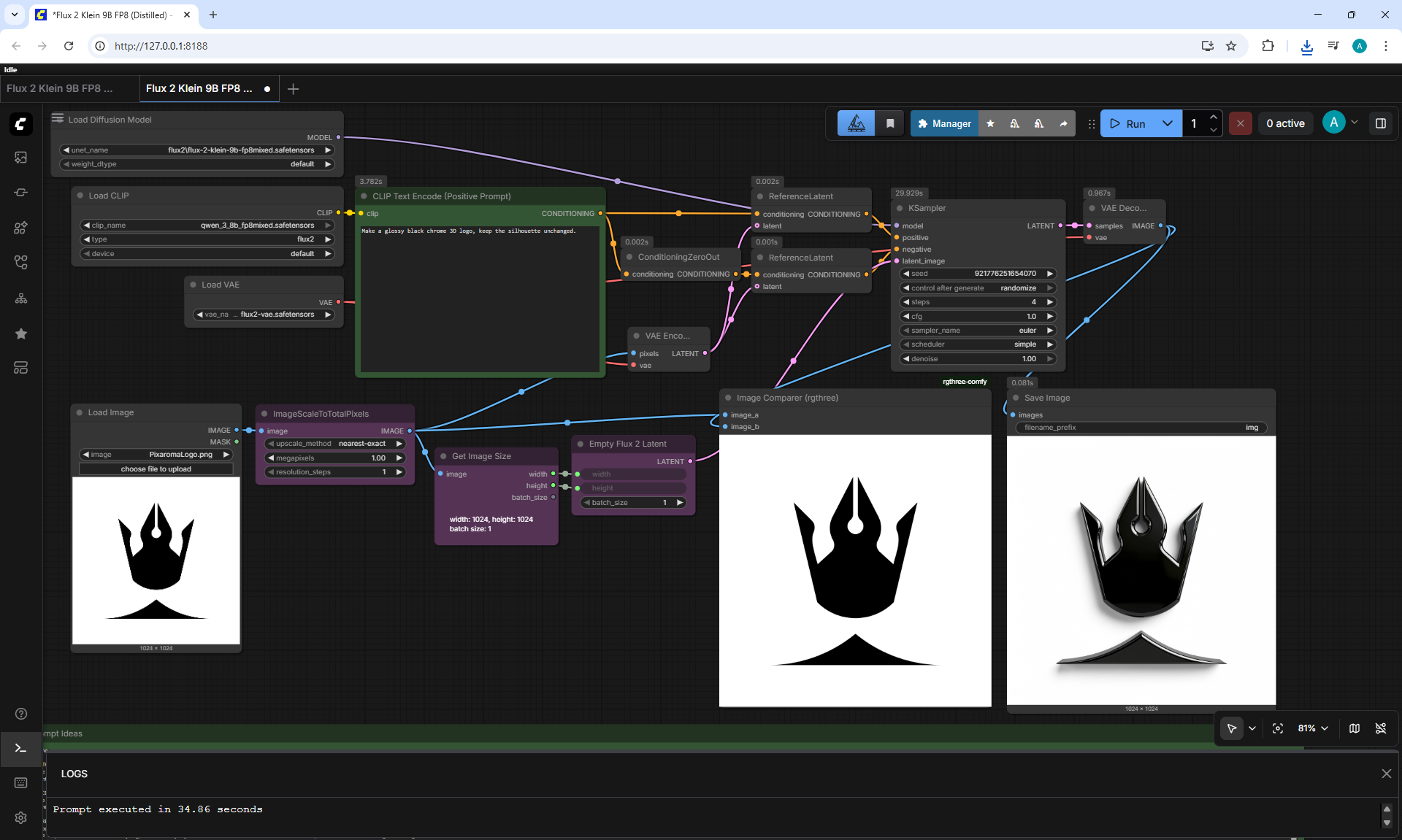
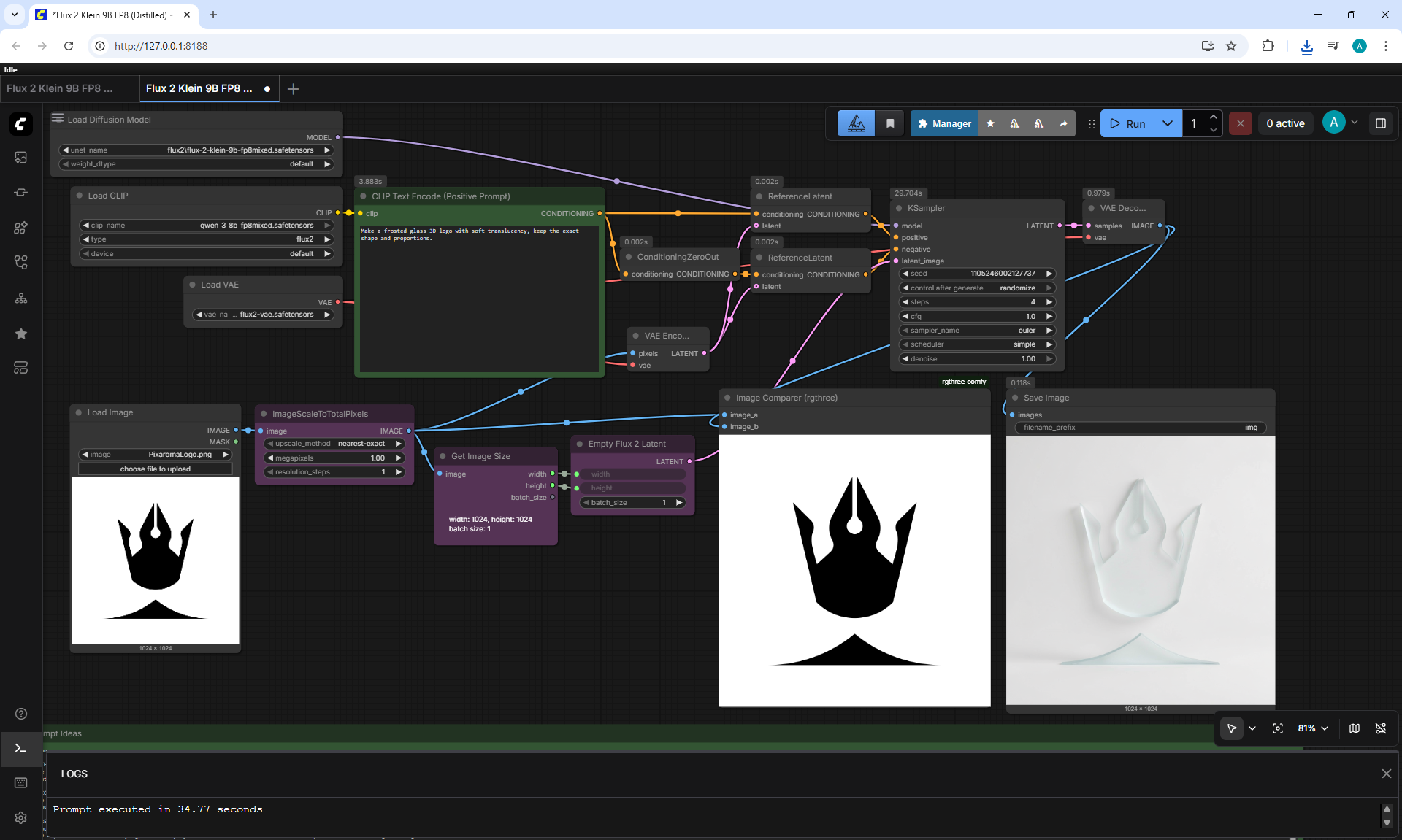
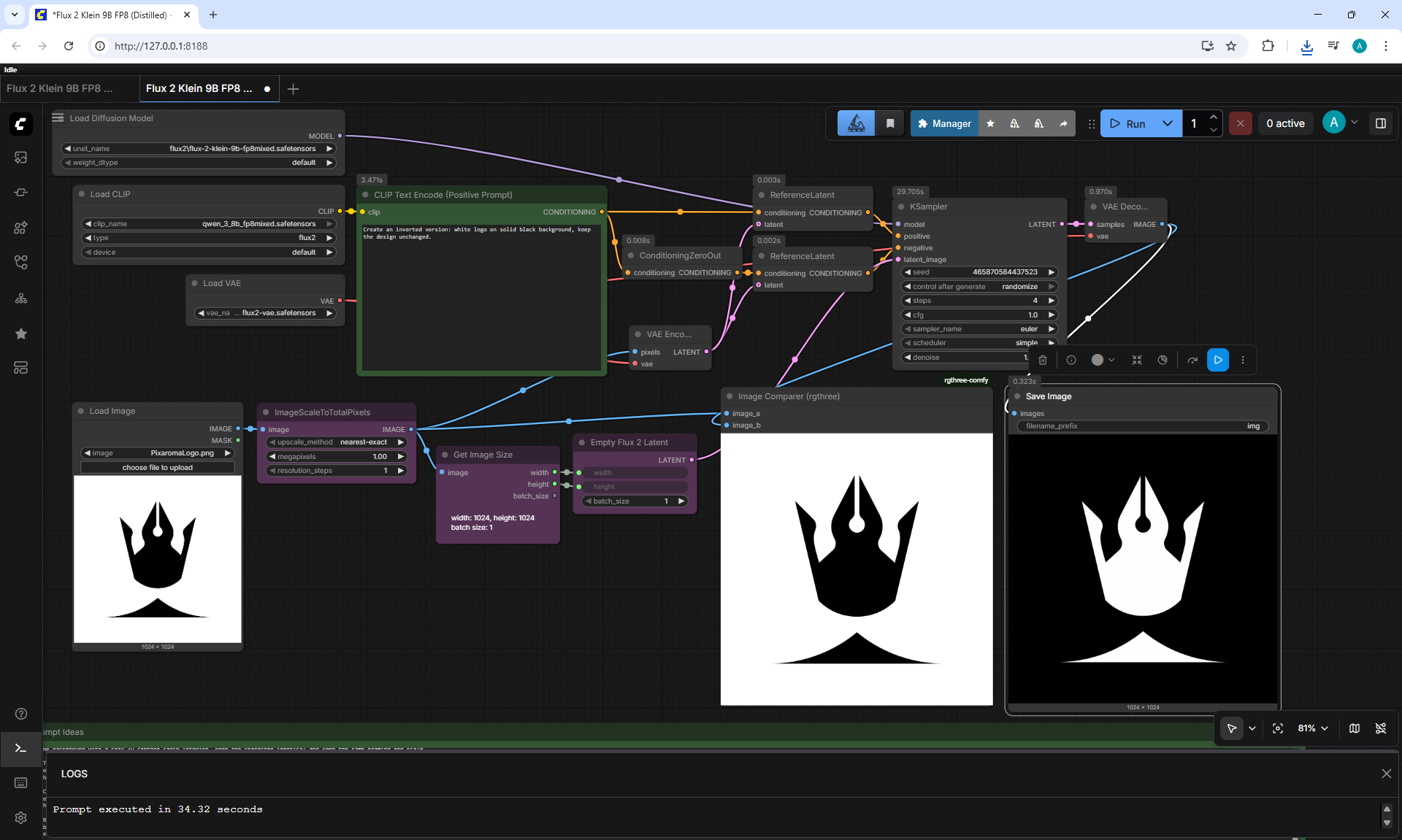
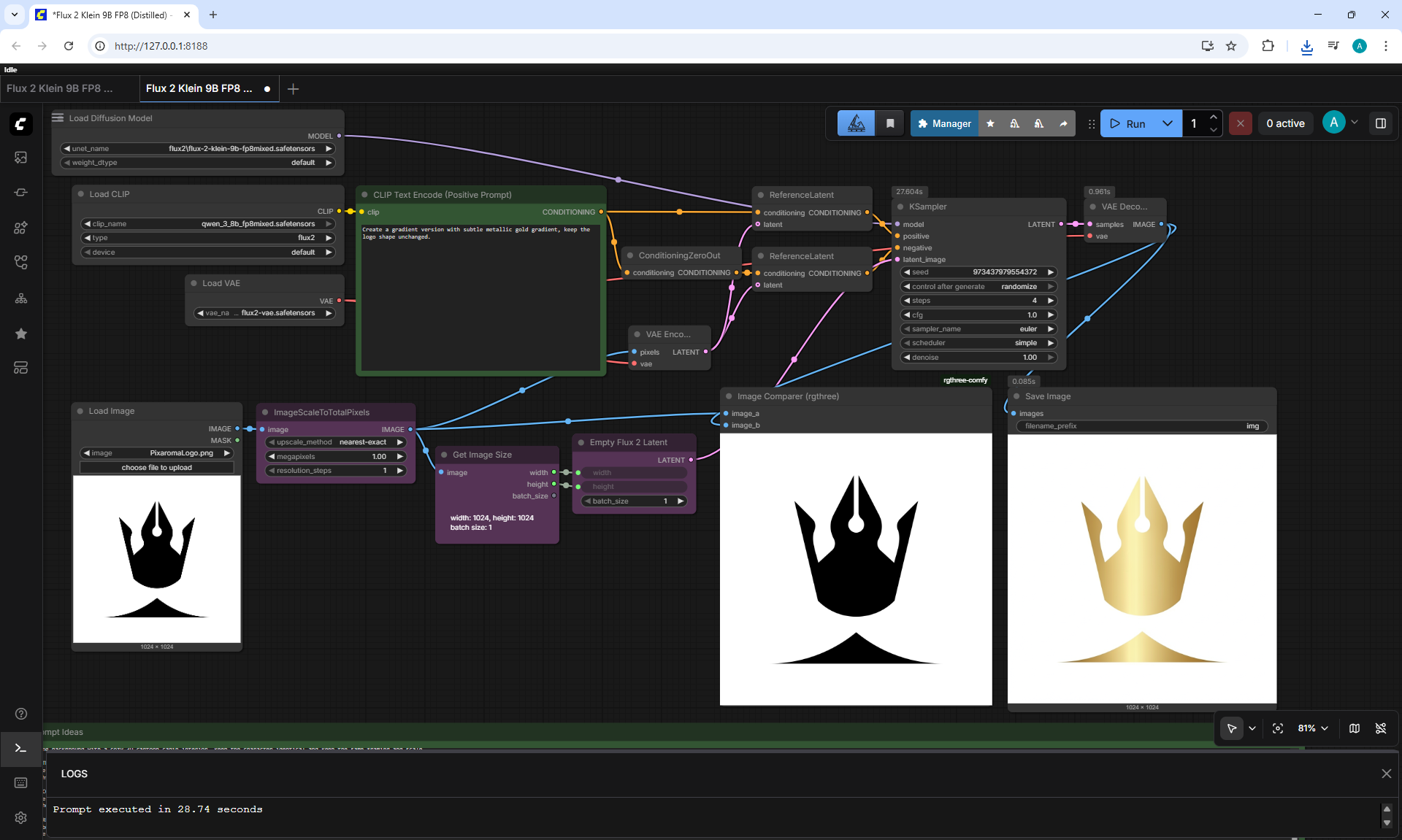
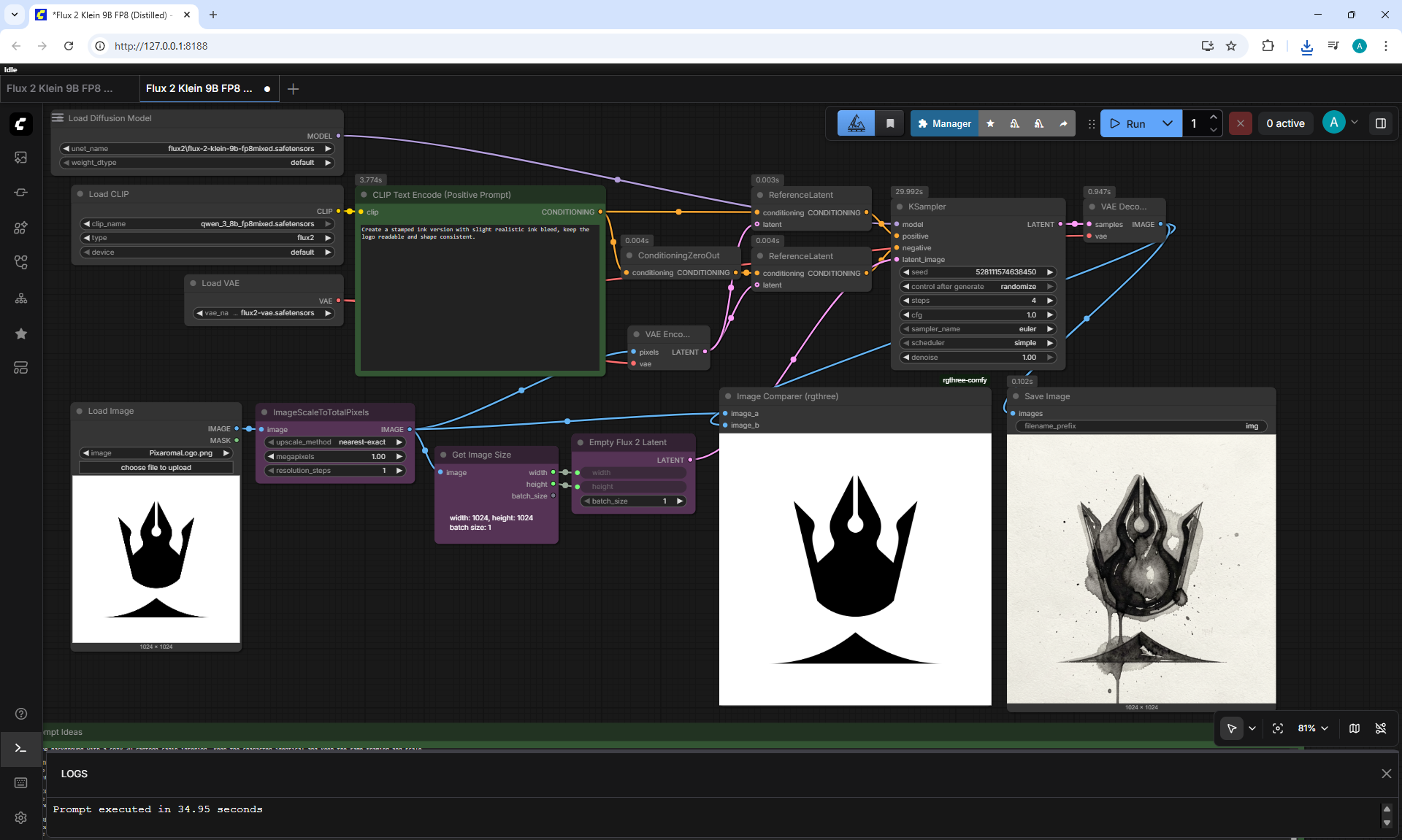
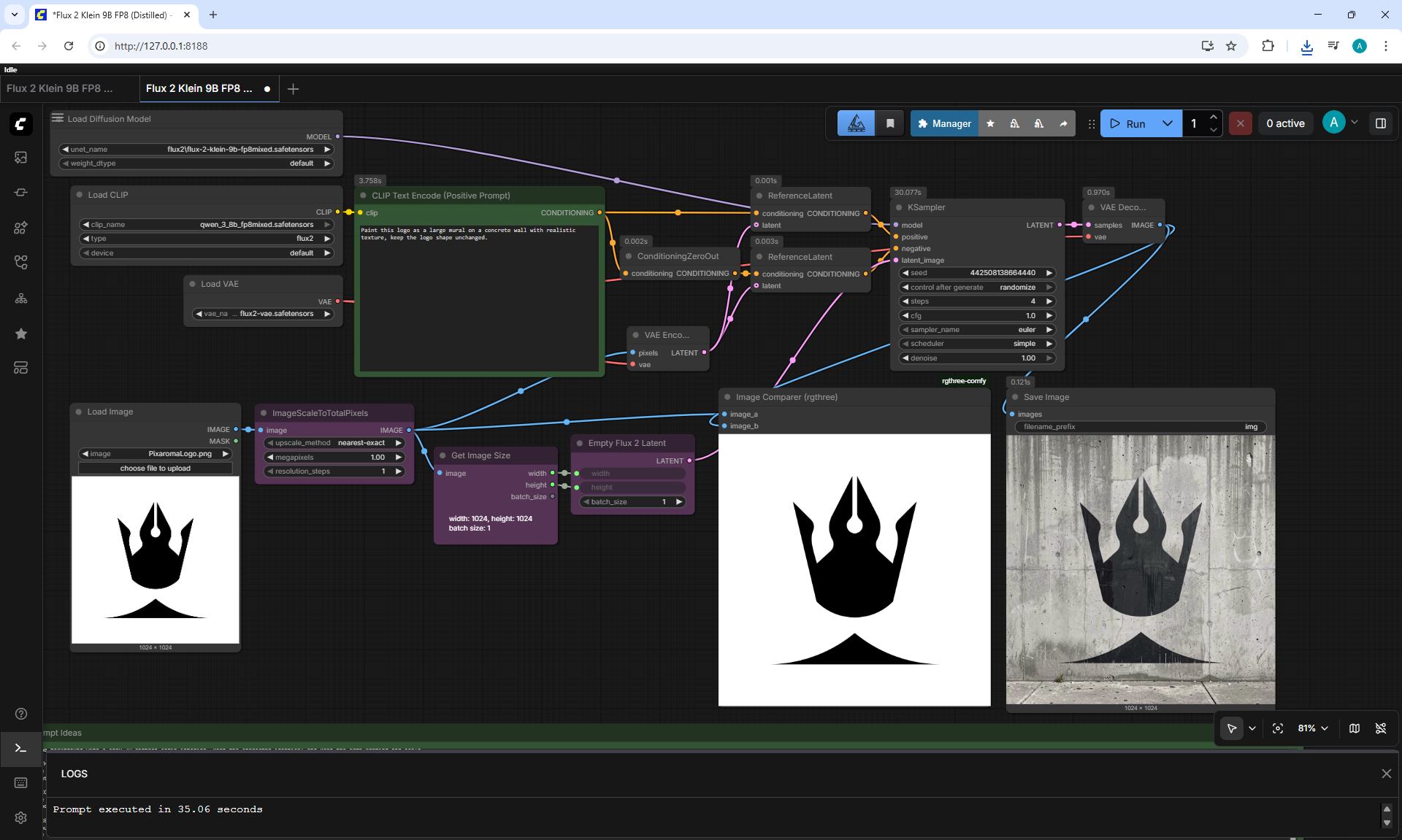
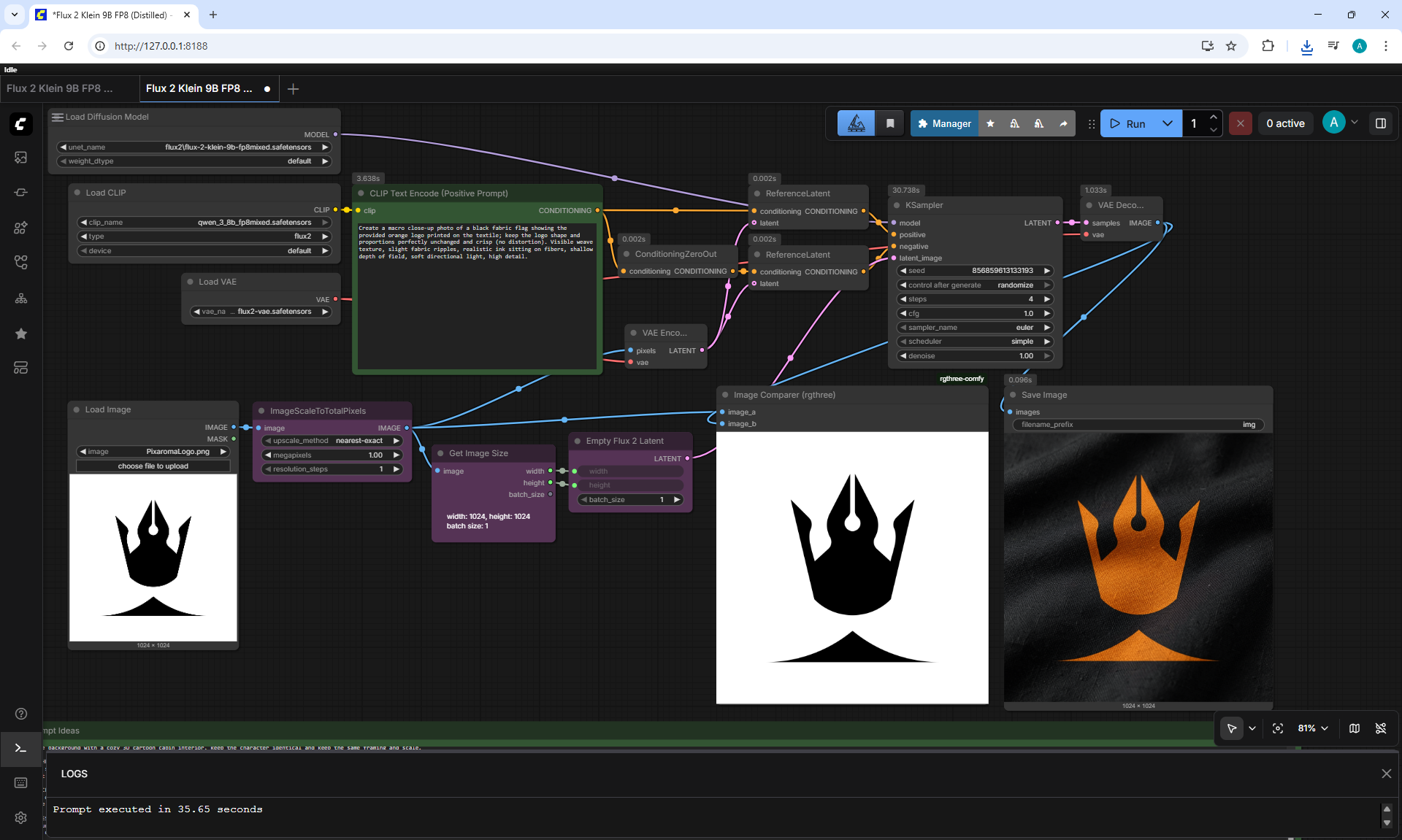
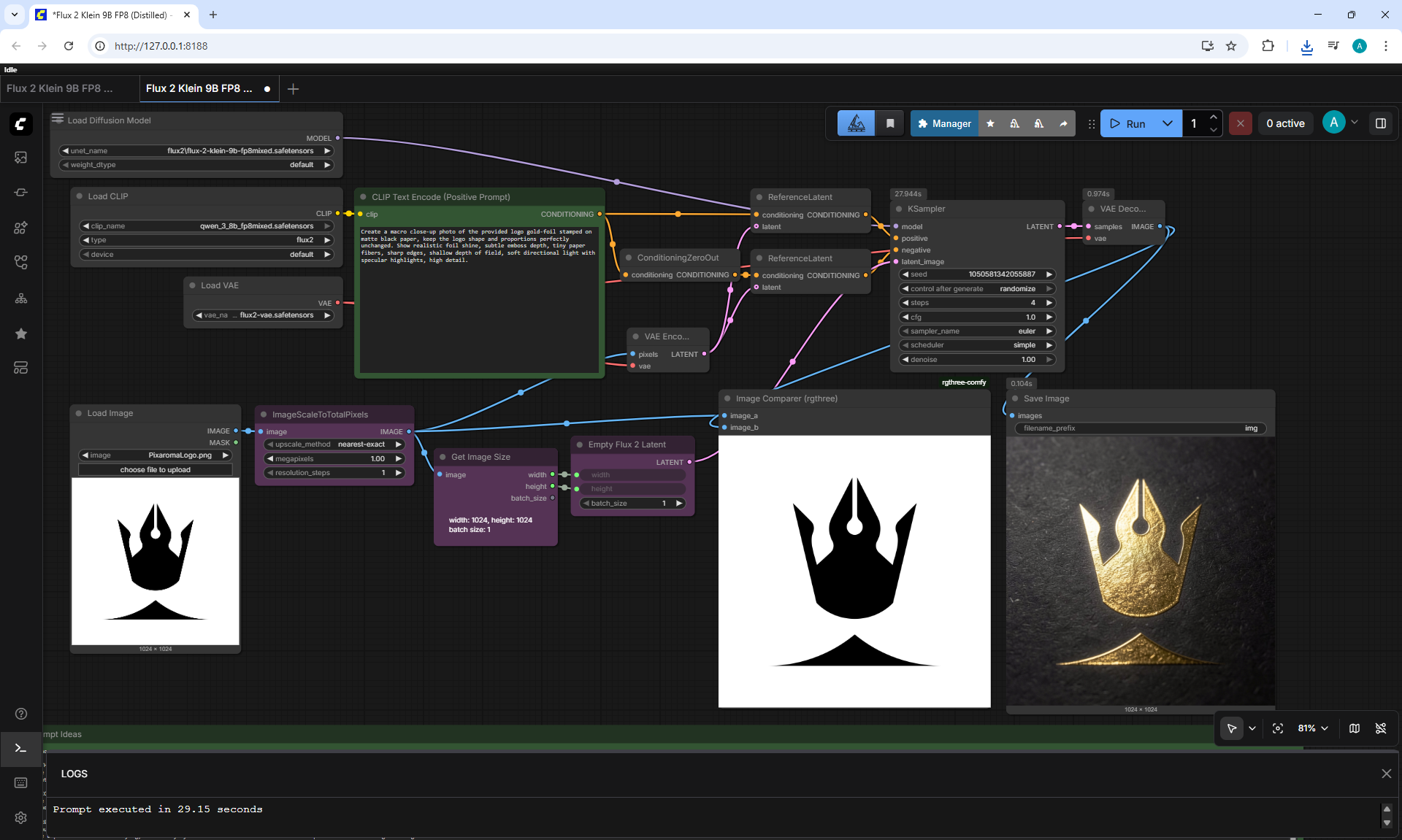
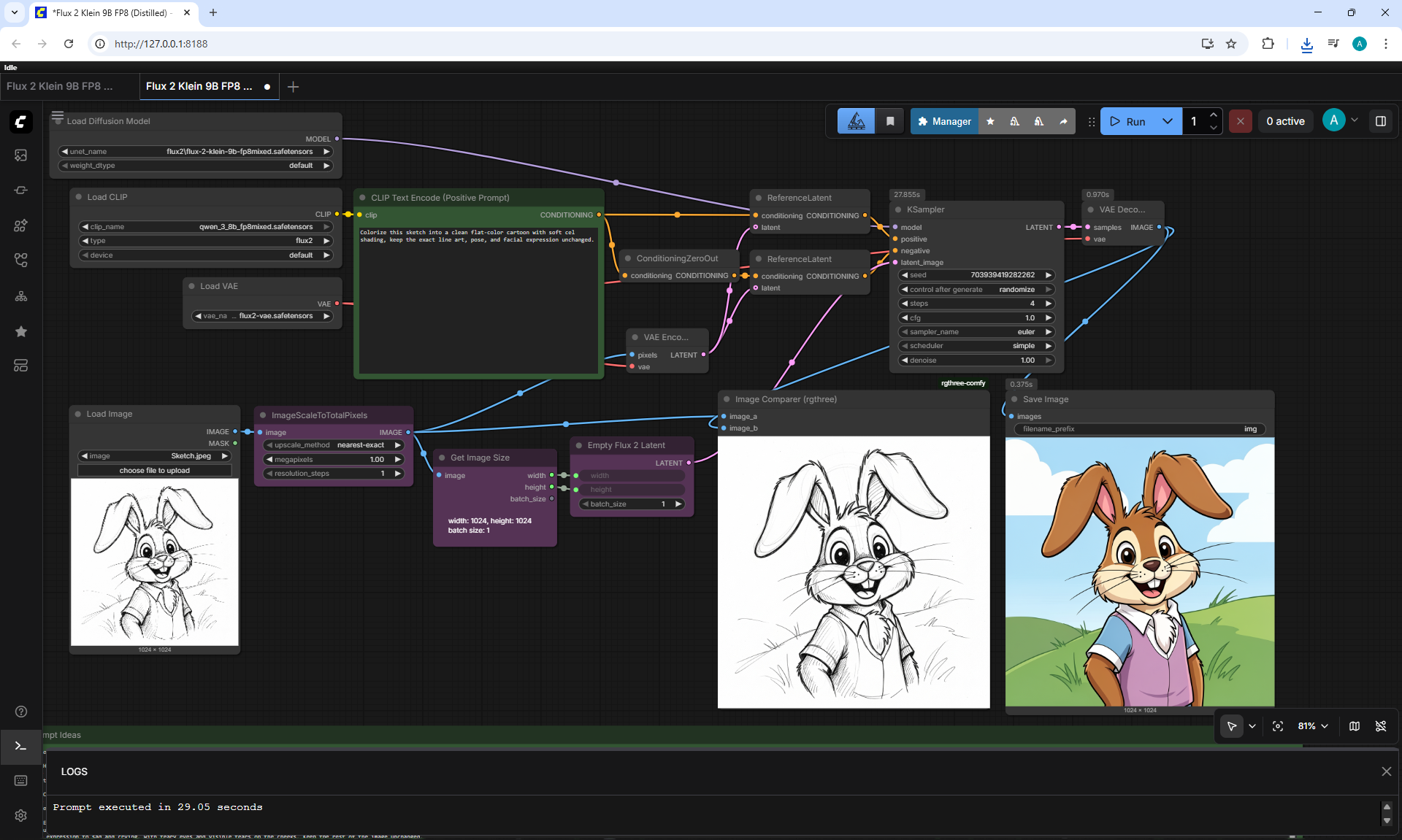
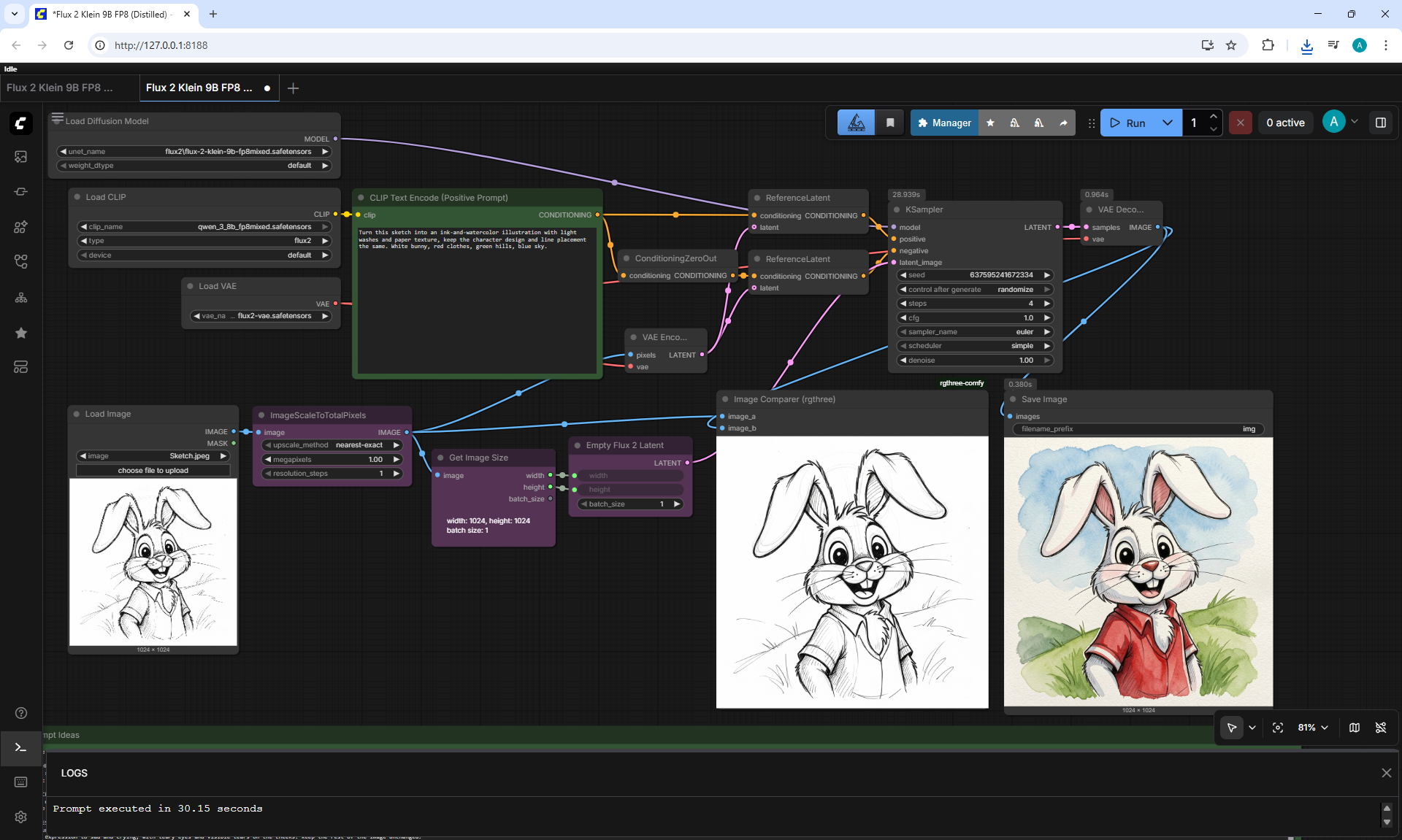
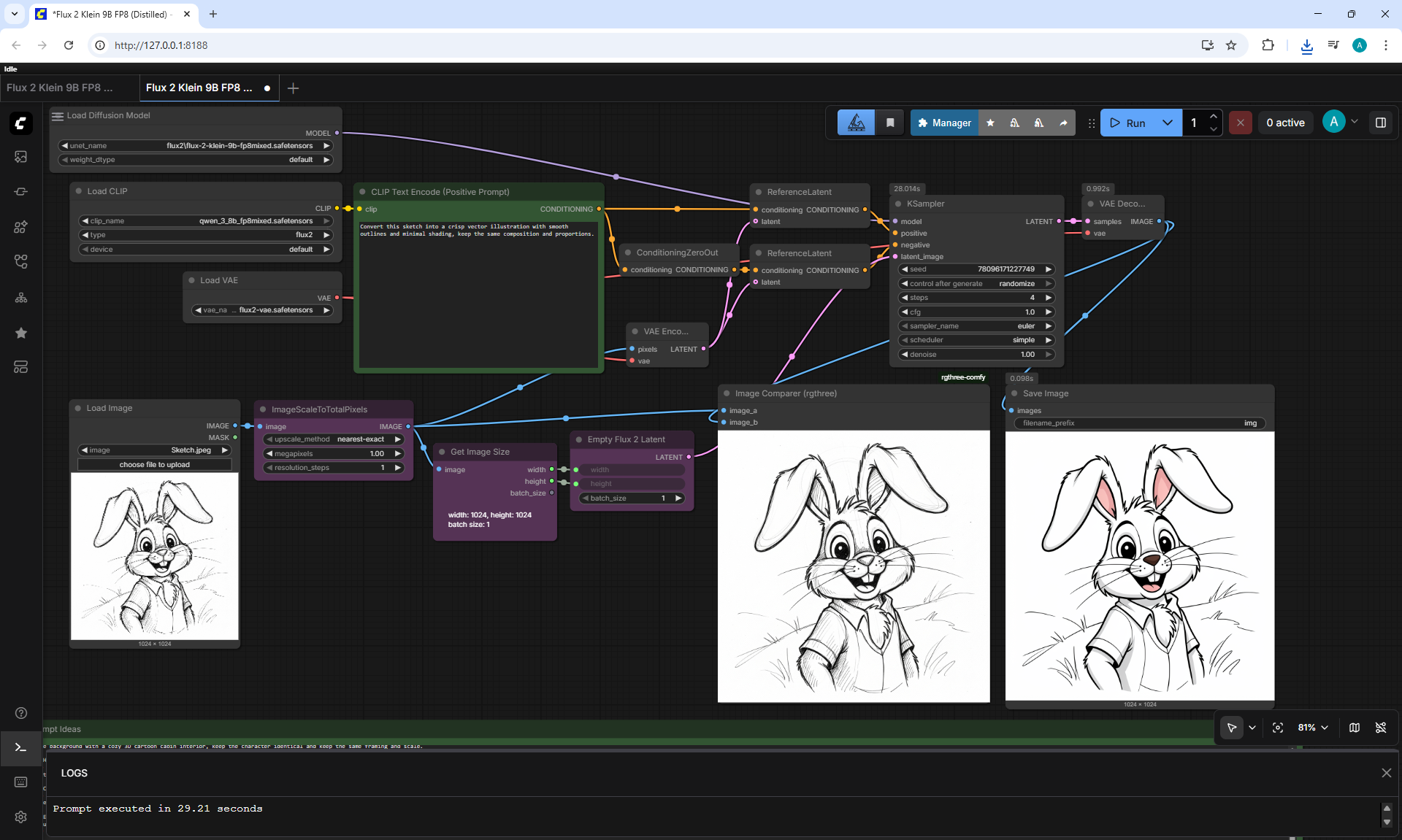
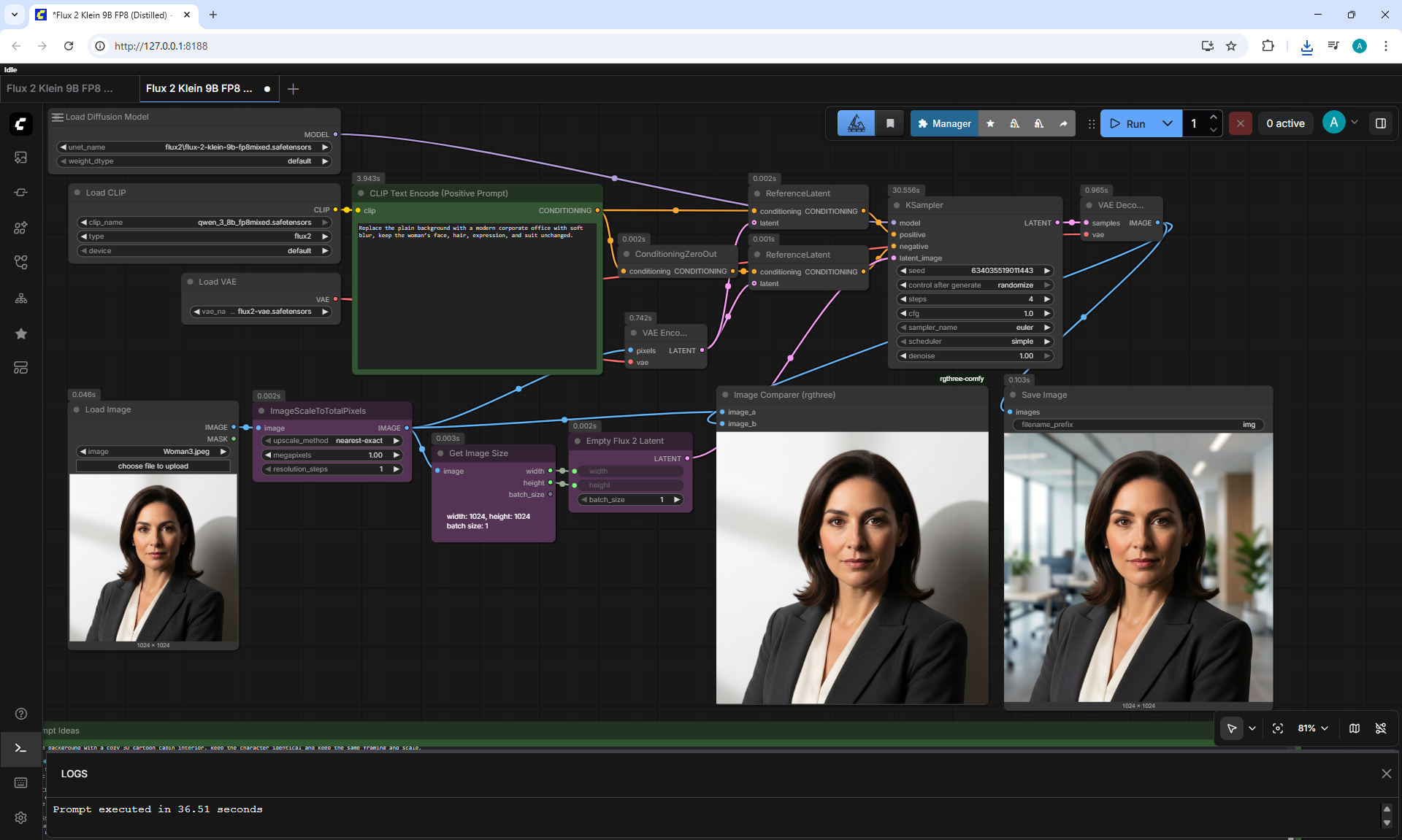
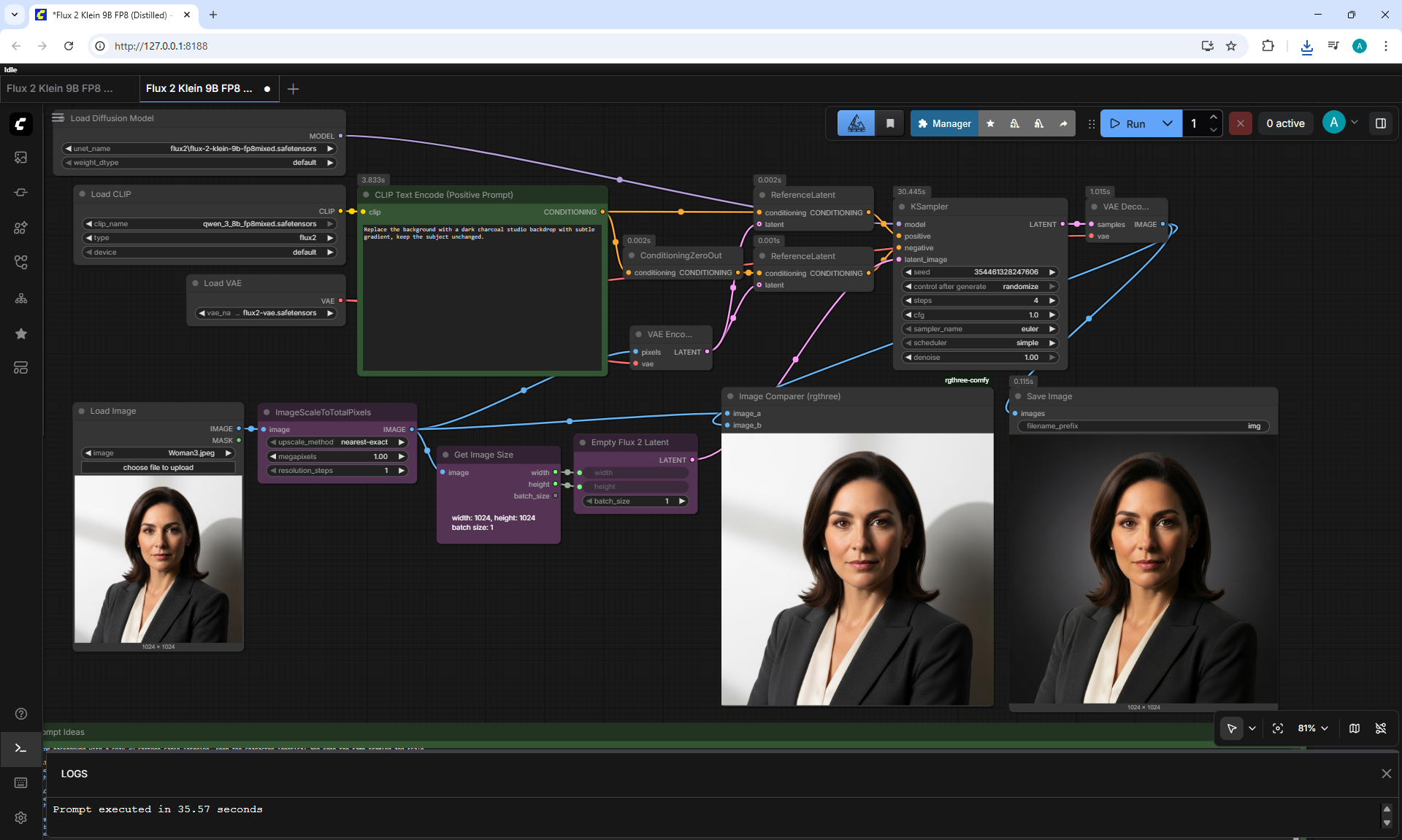
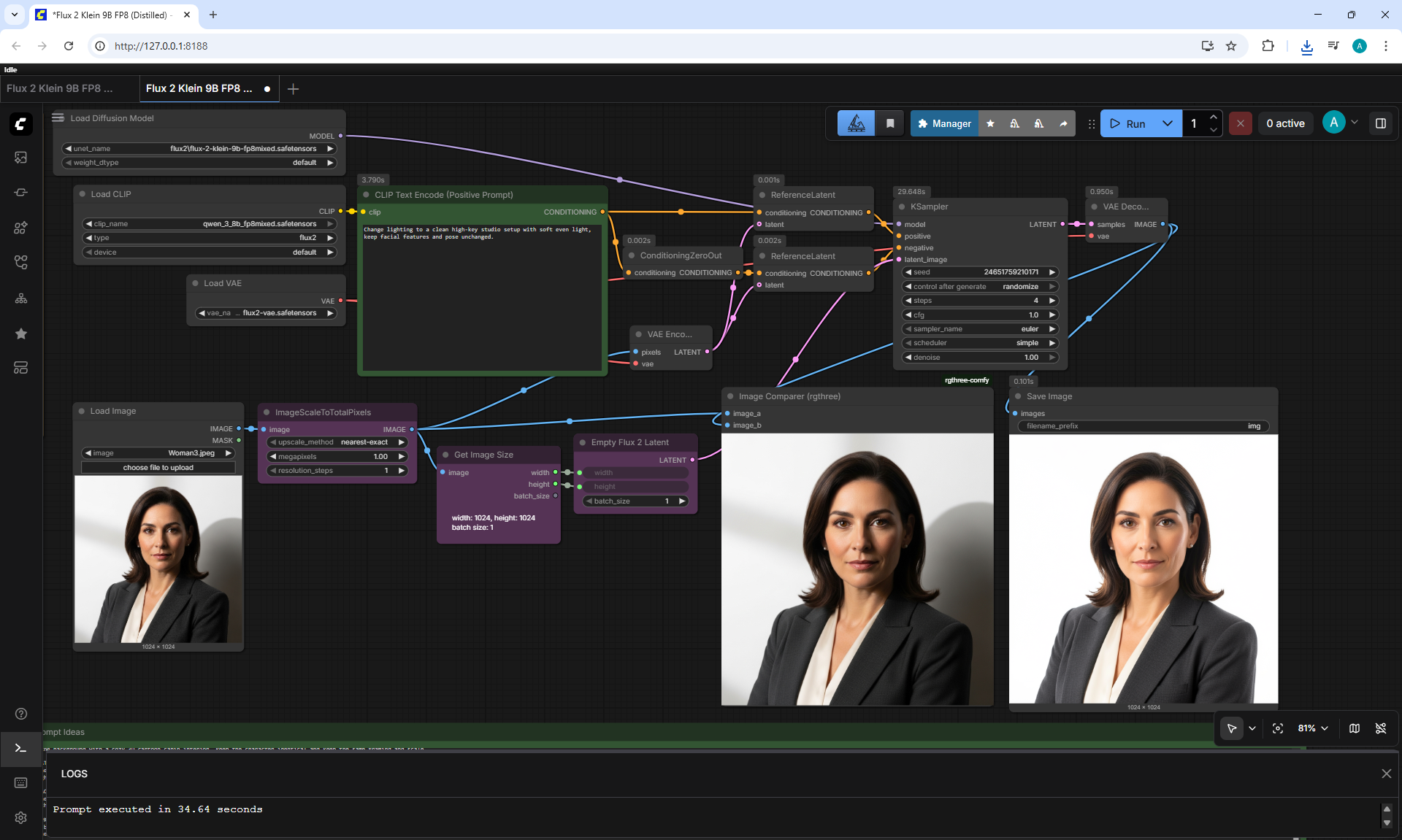
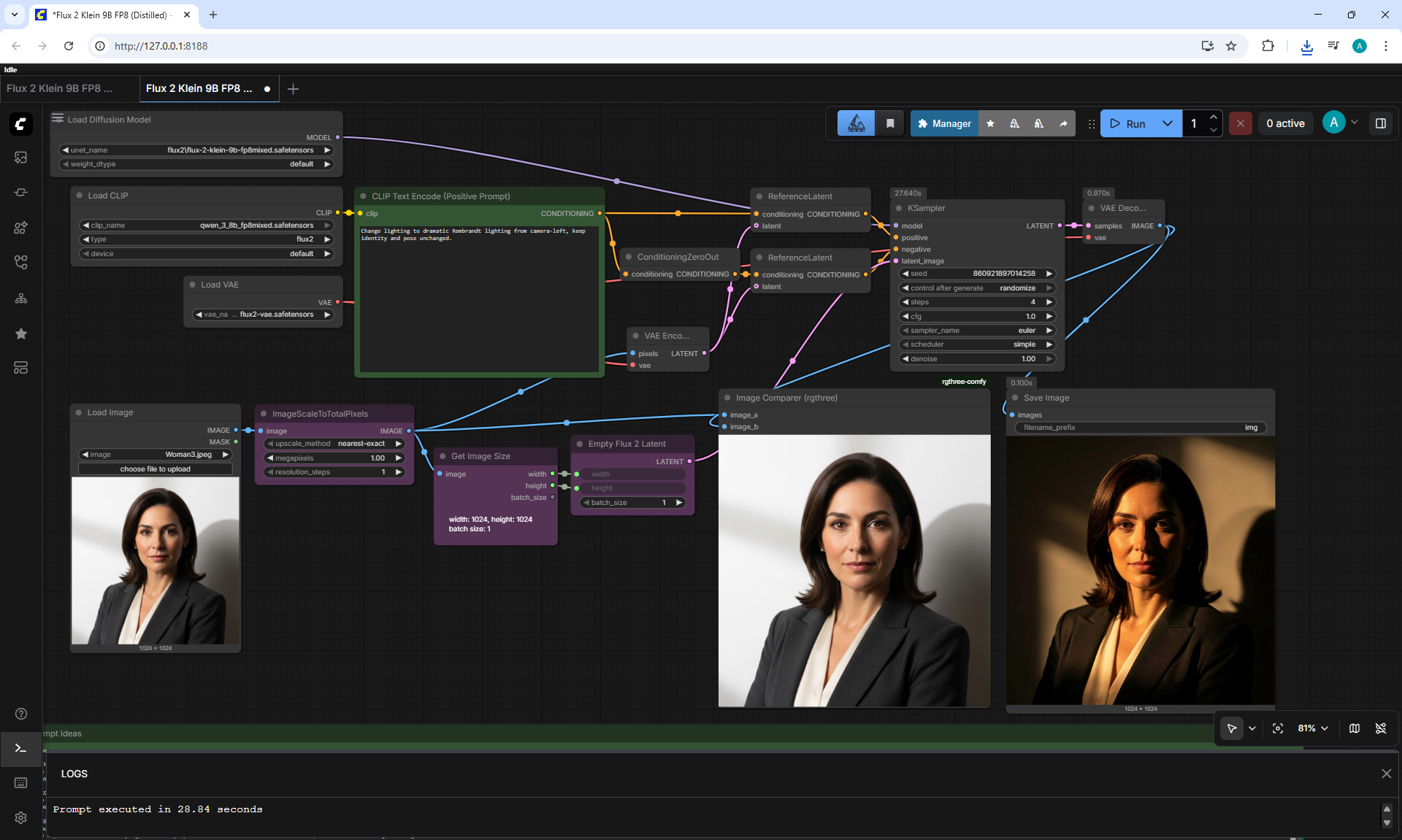
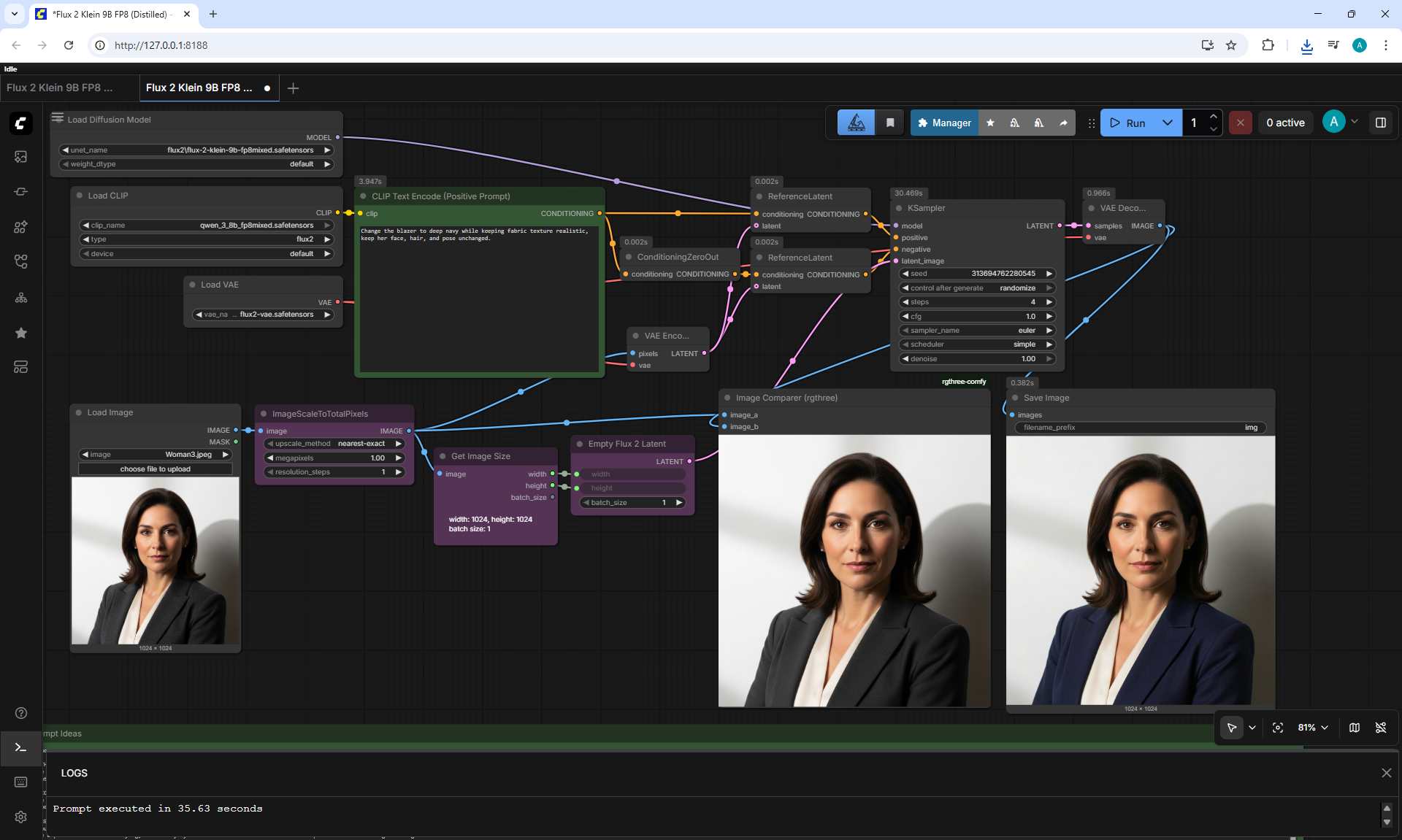
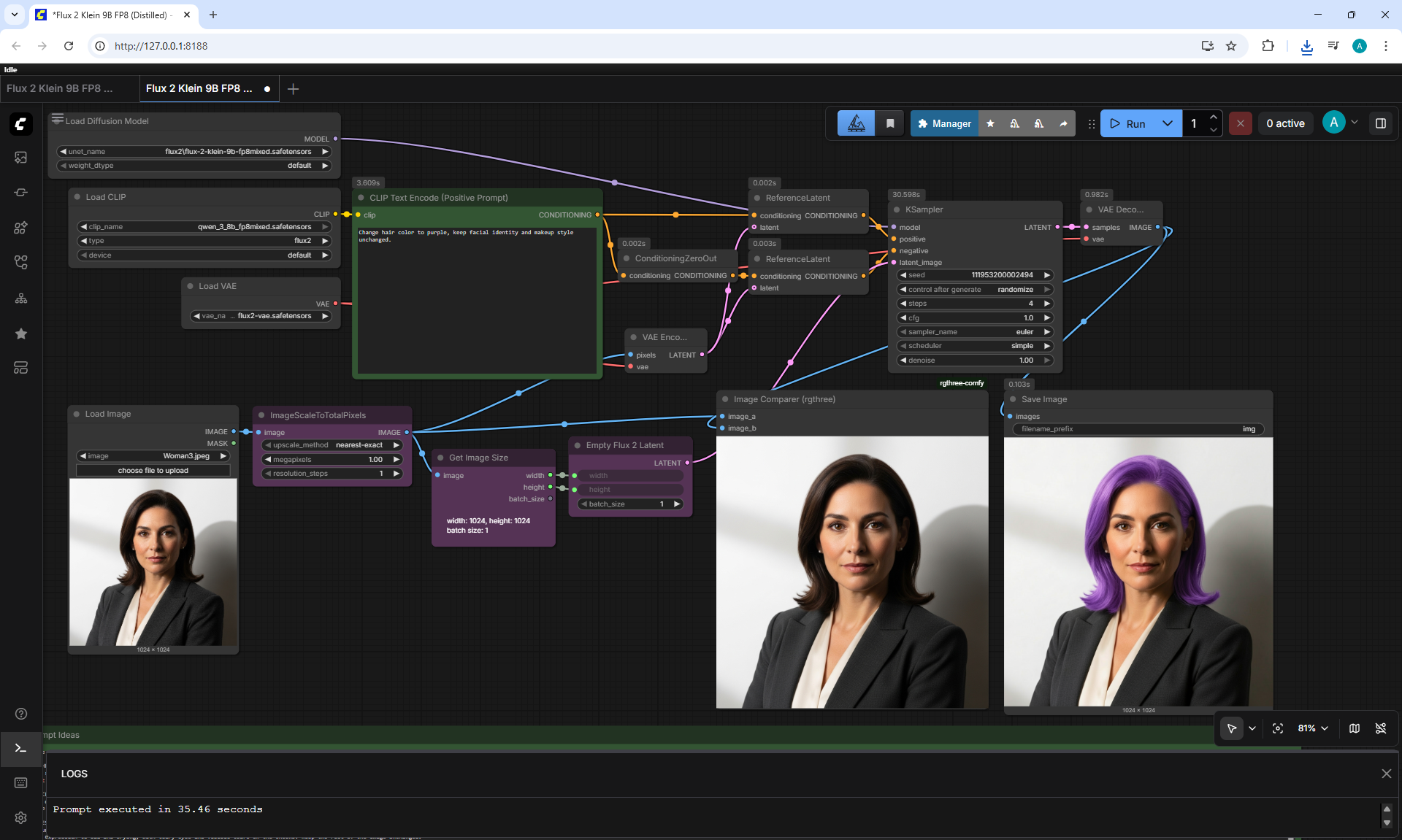
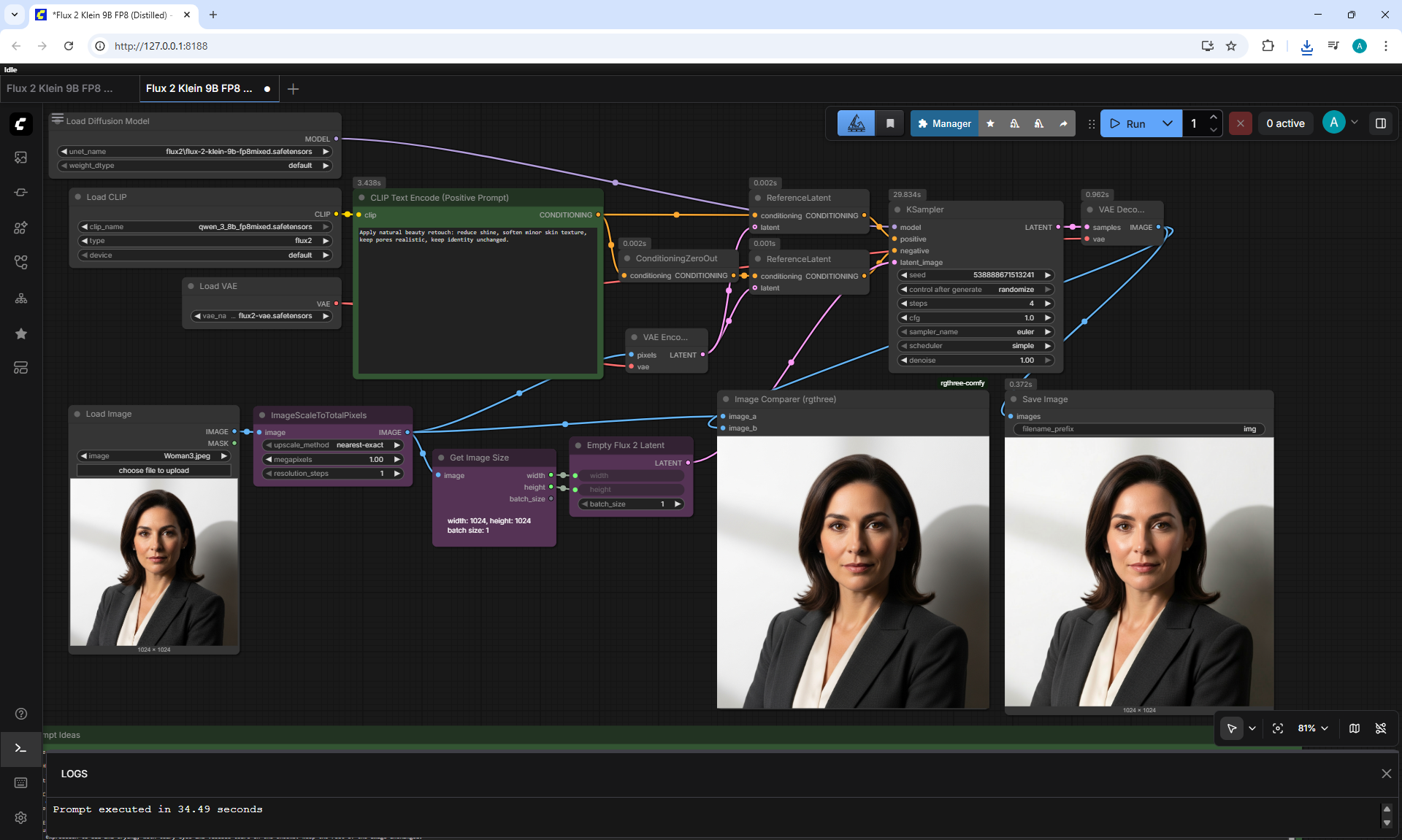
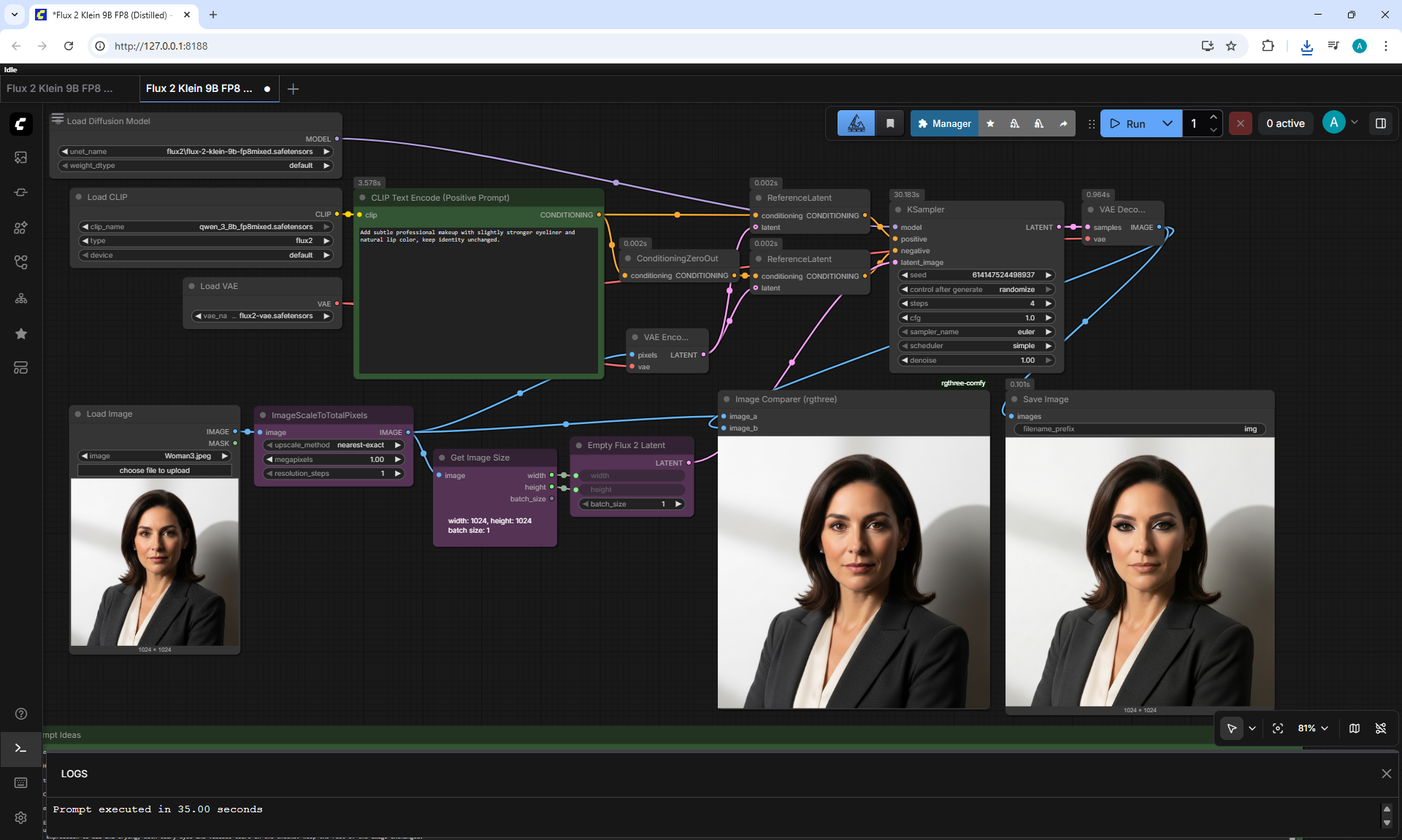
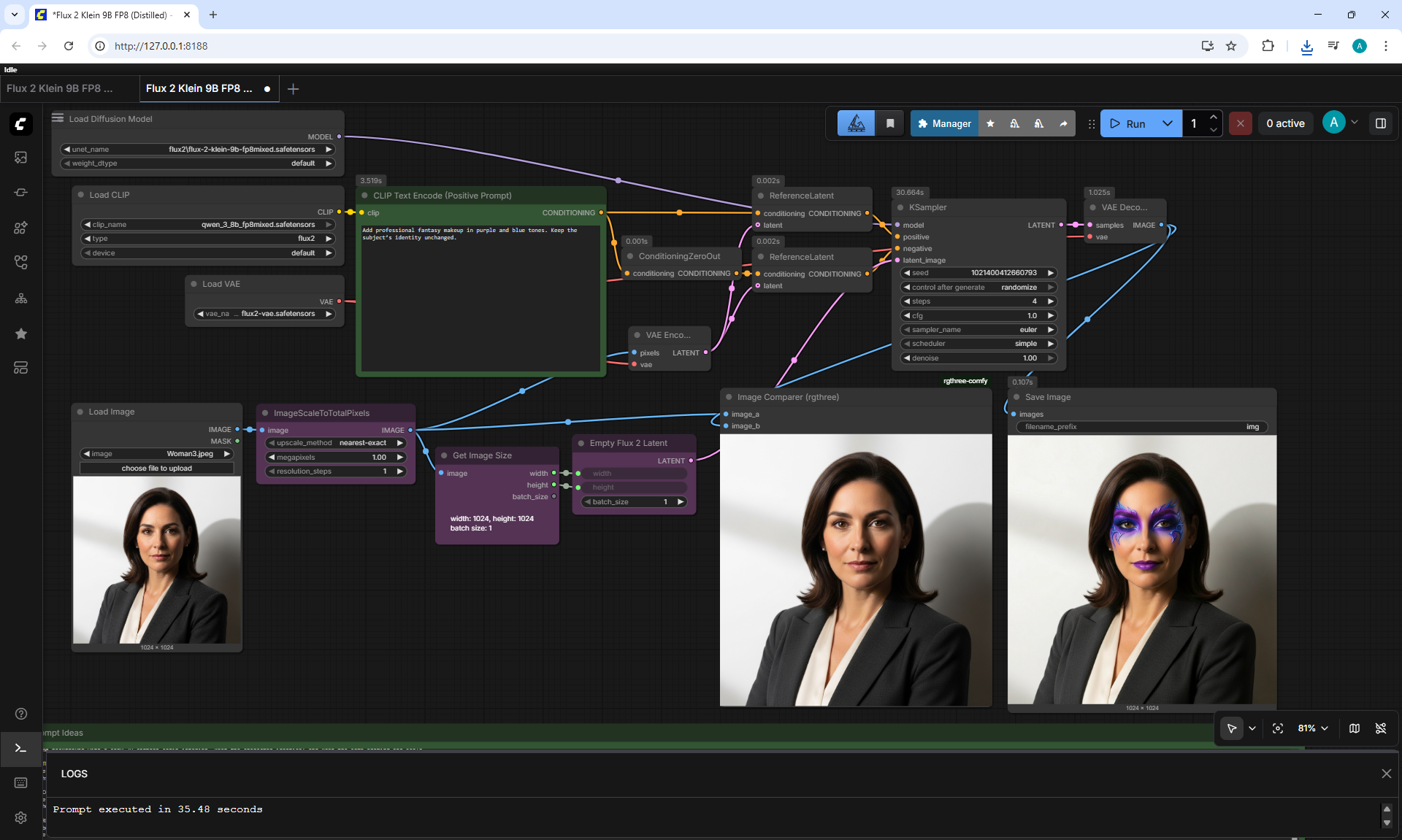
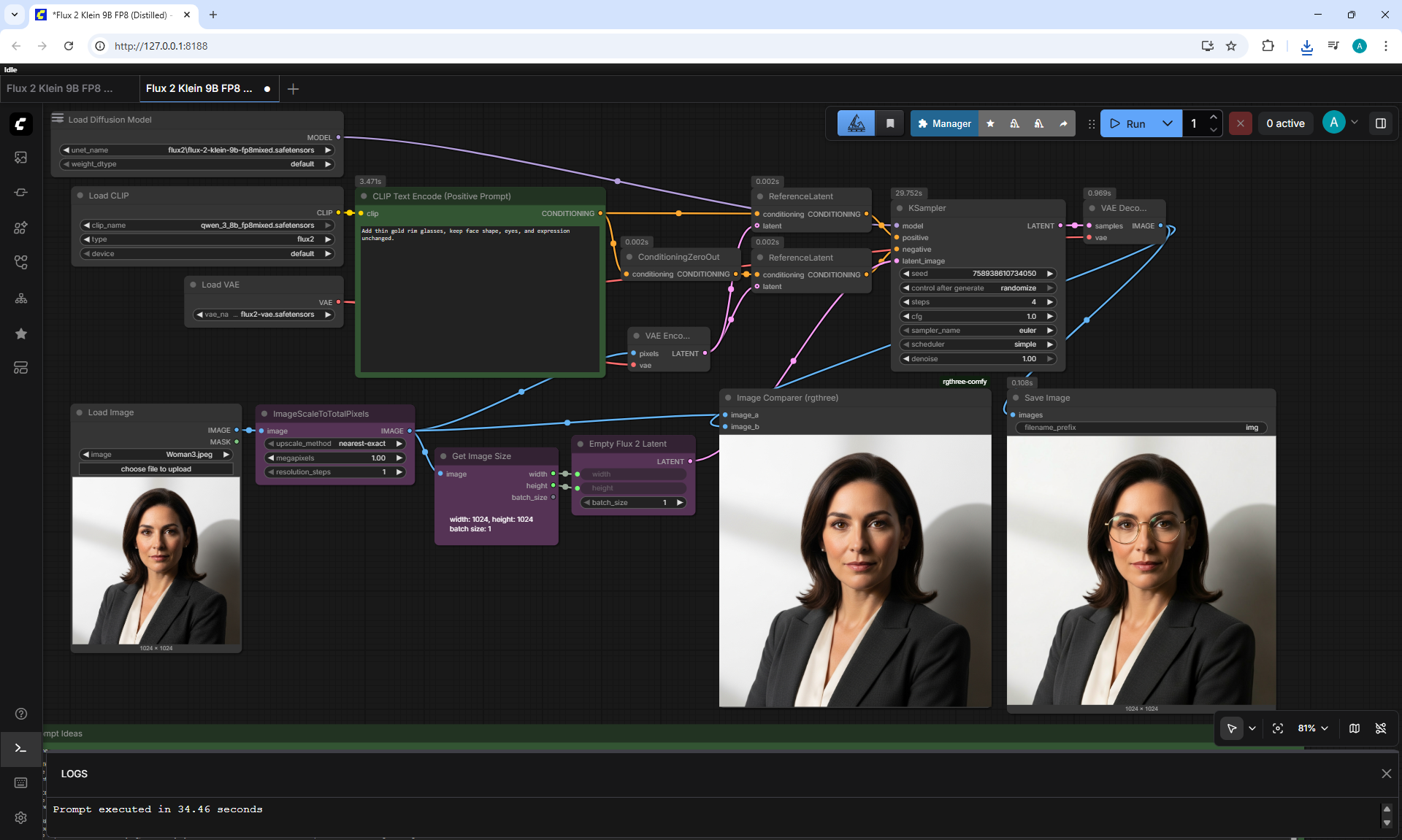
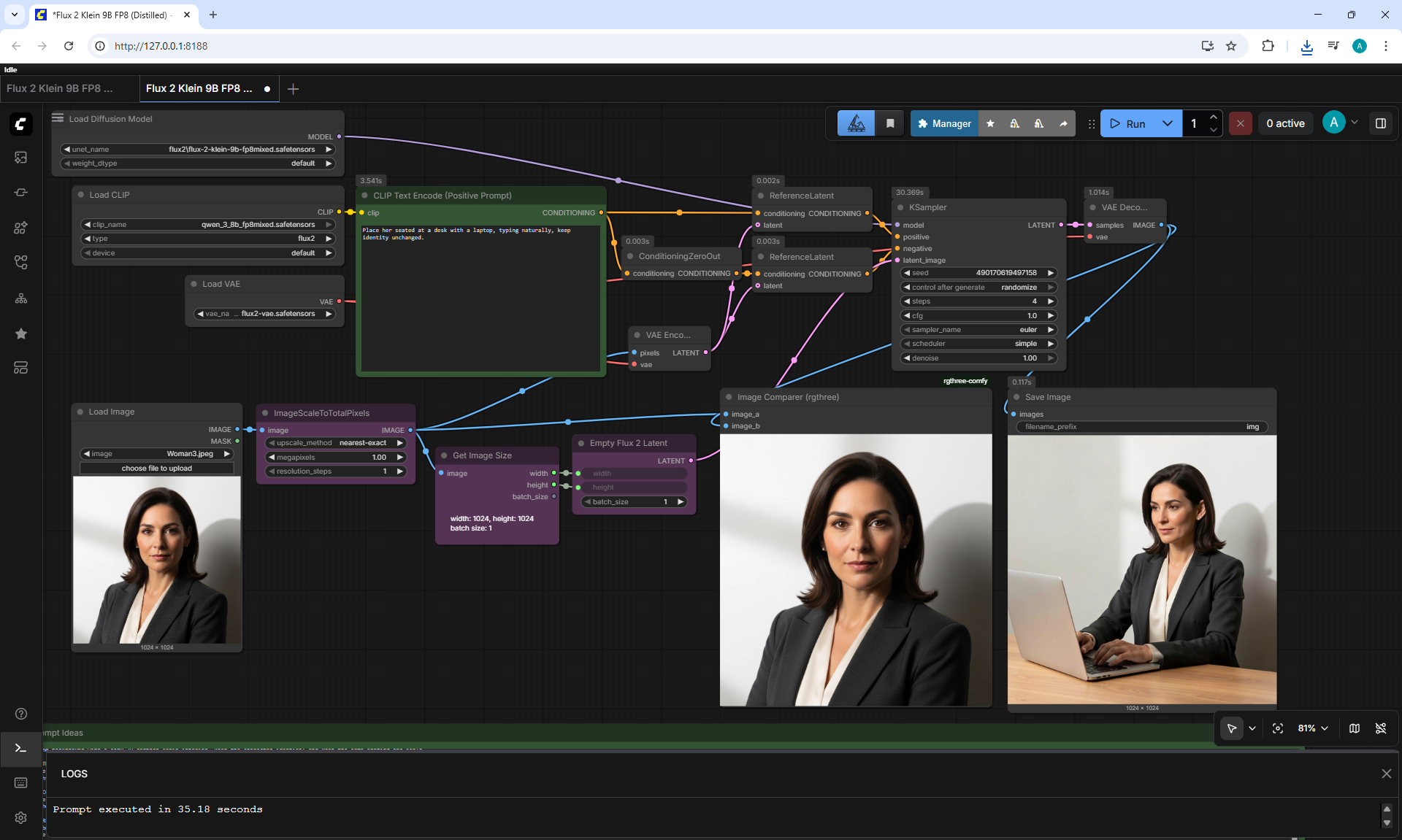
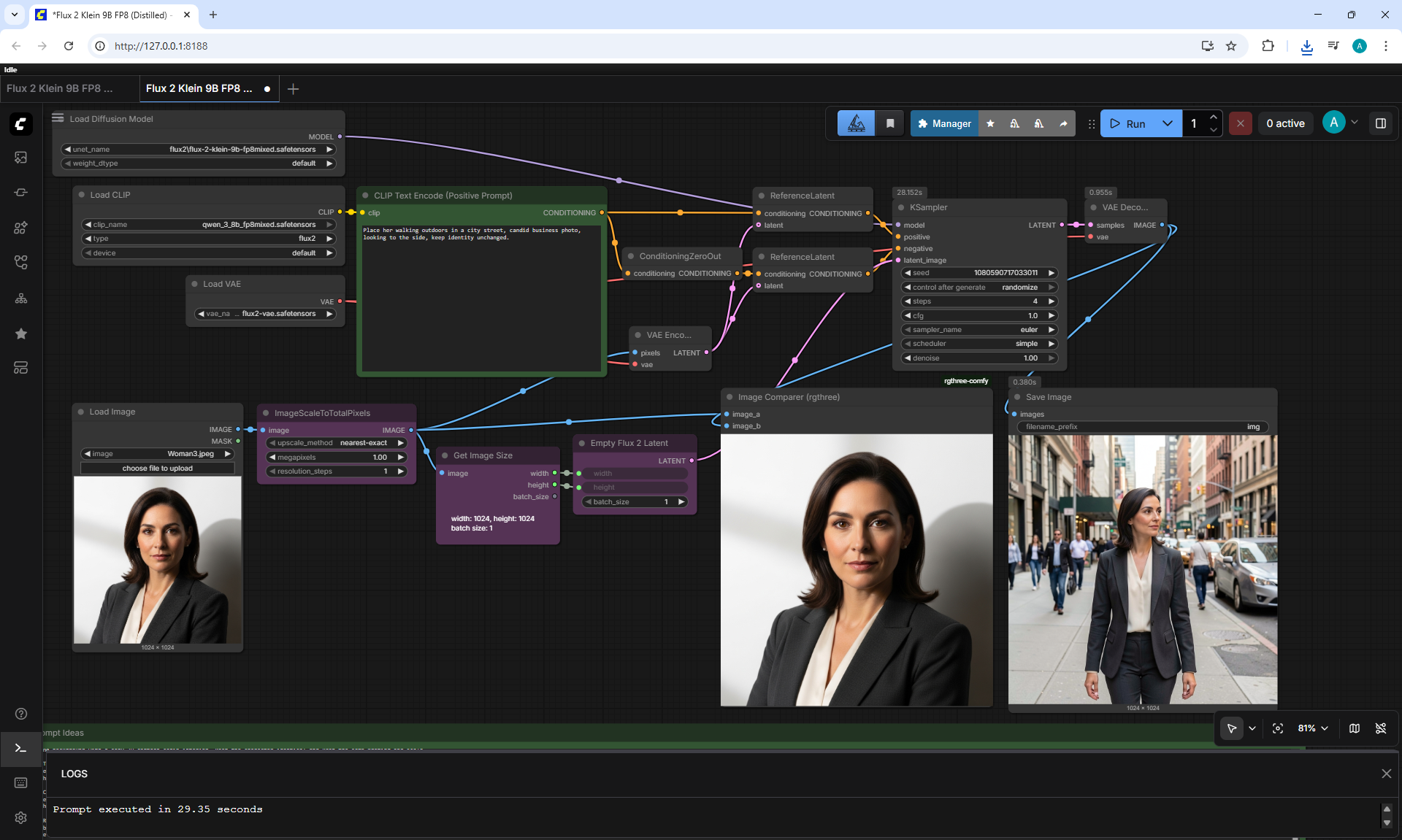
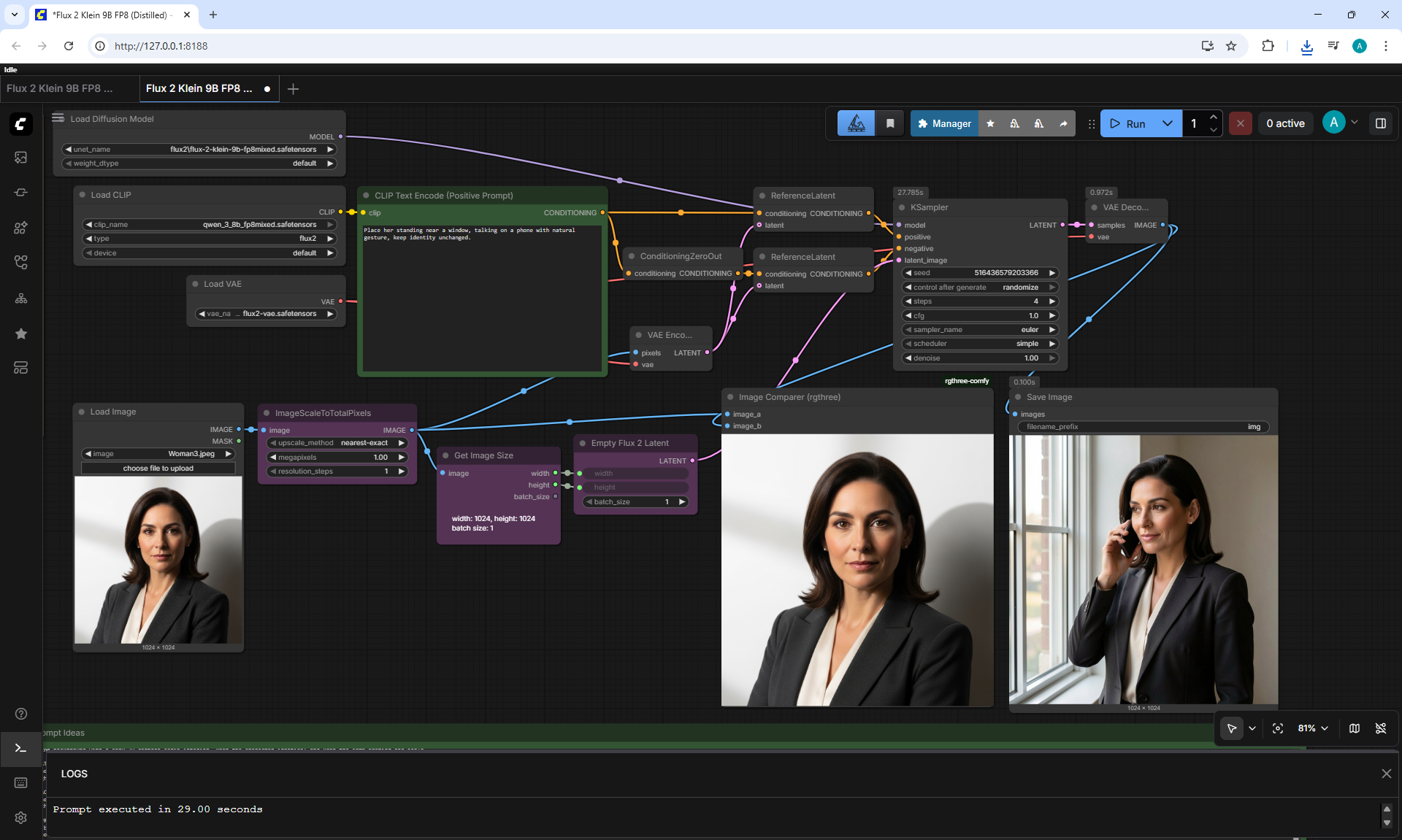
(Ep04) AI Image Editing in ComfyUI: Flux 2 Klein















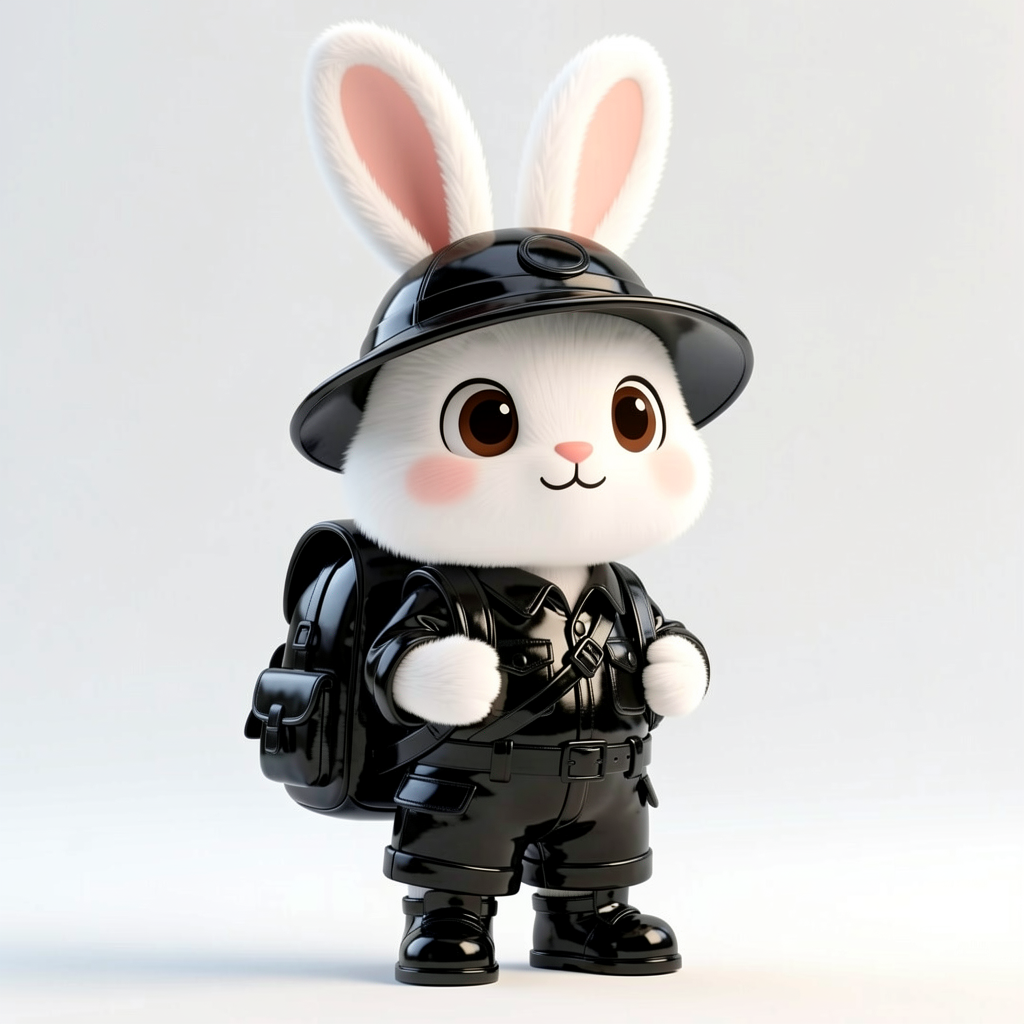















































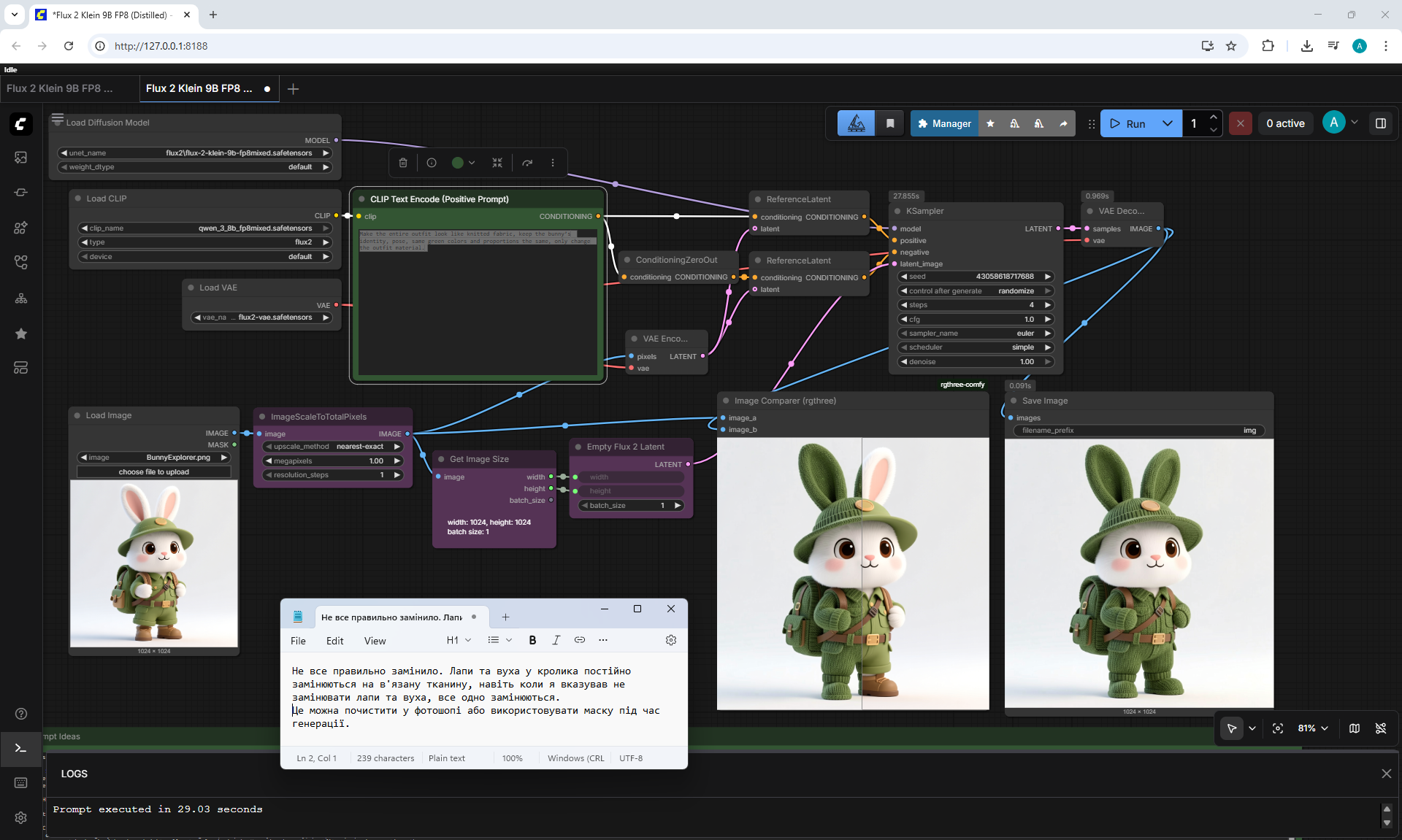
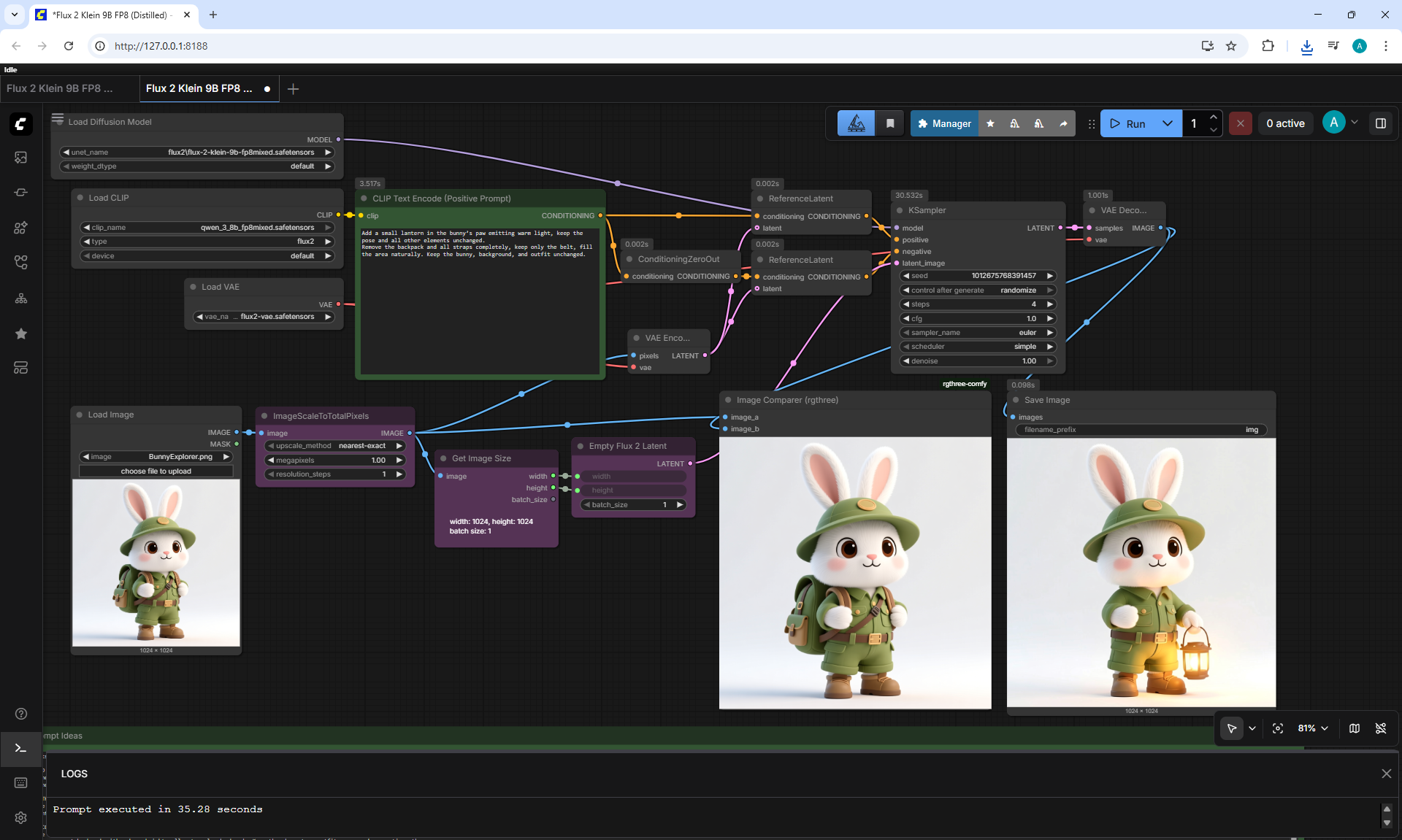
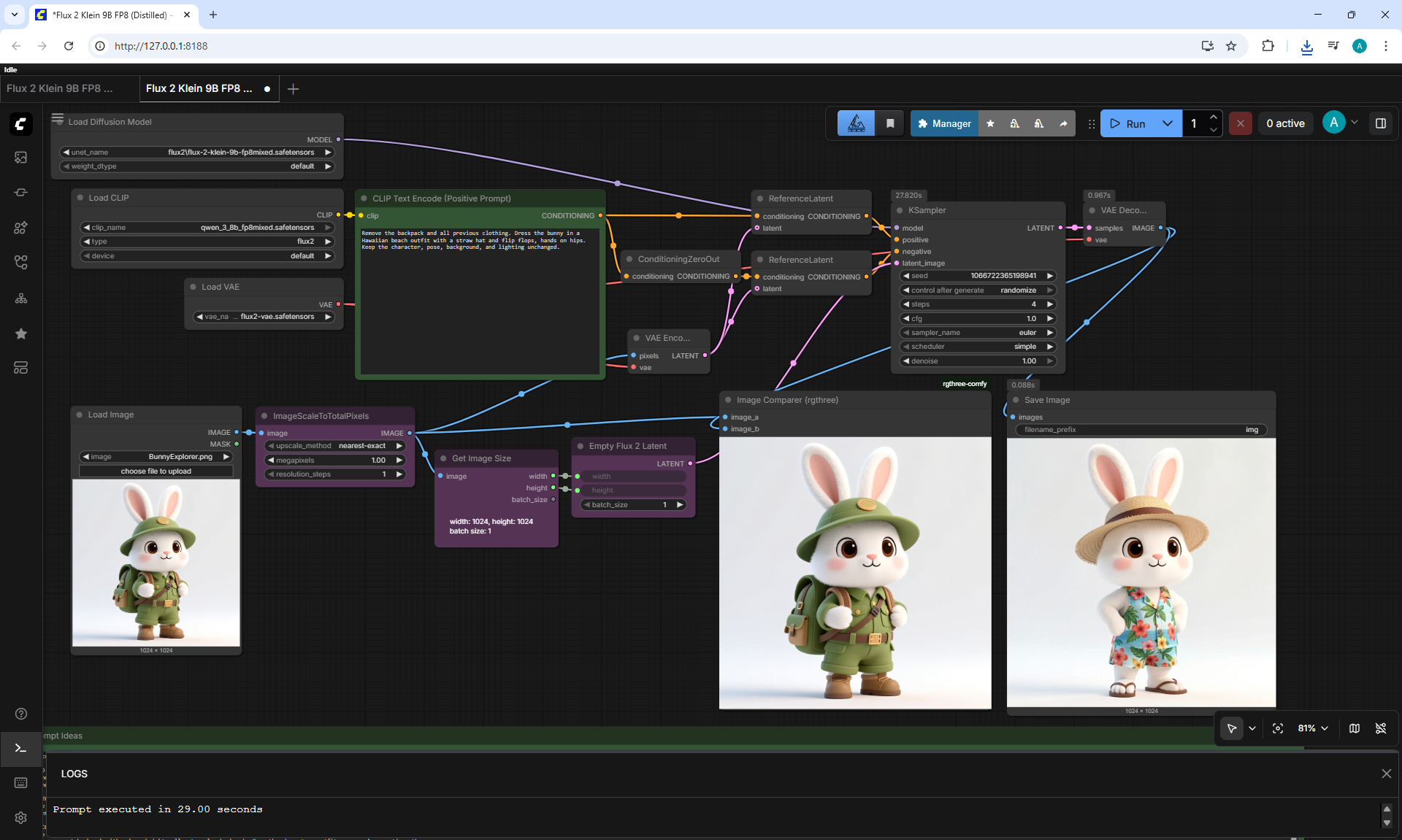
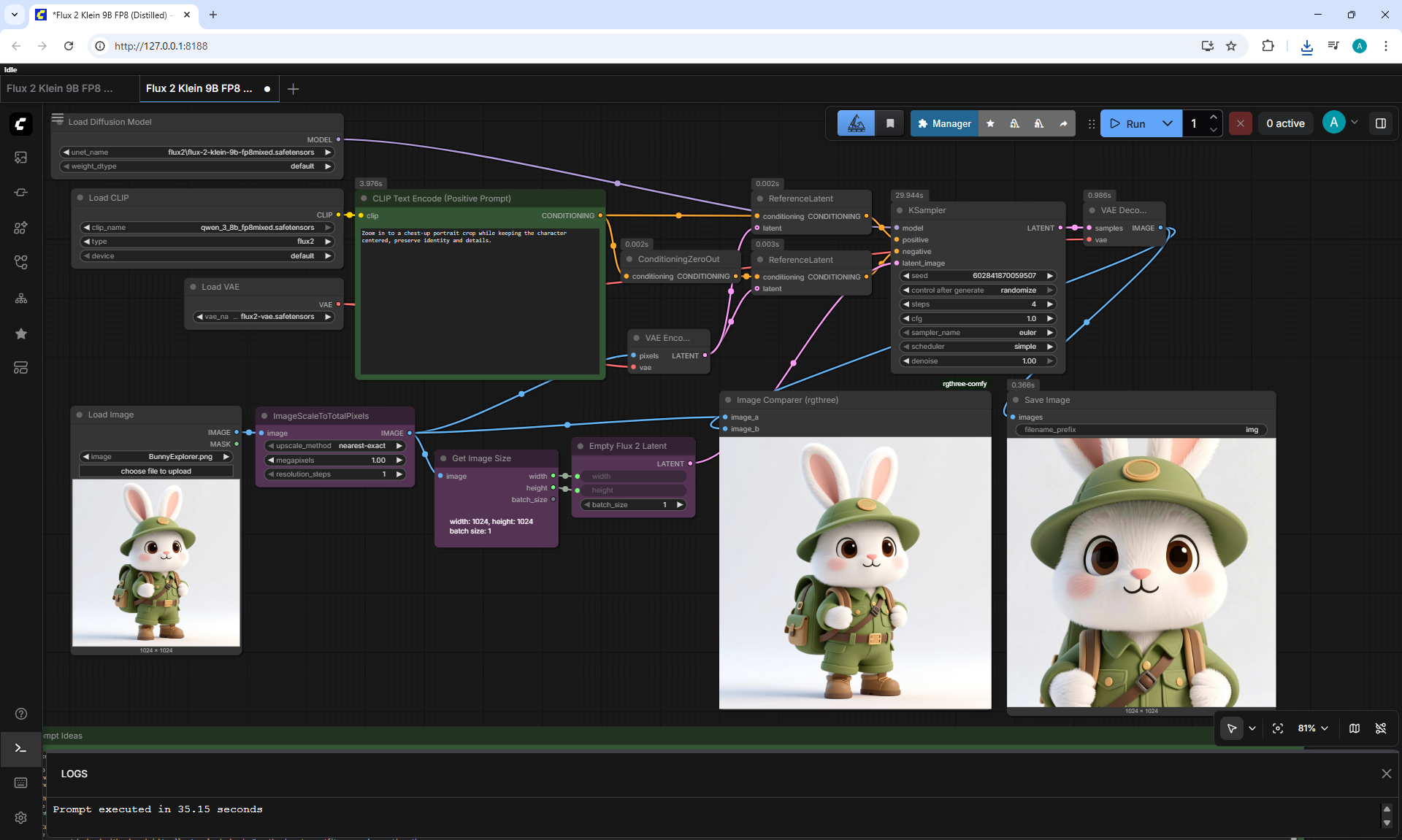
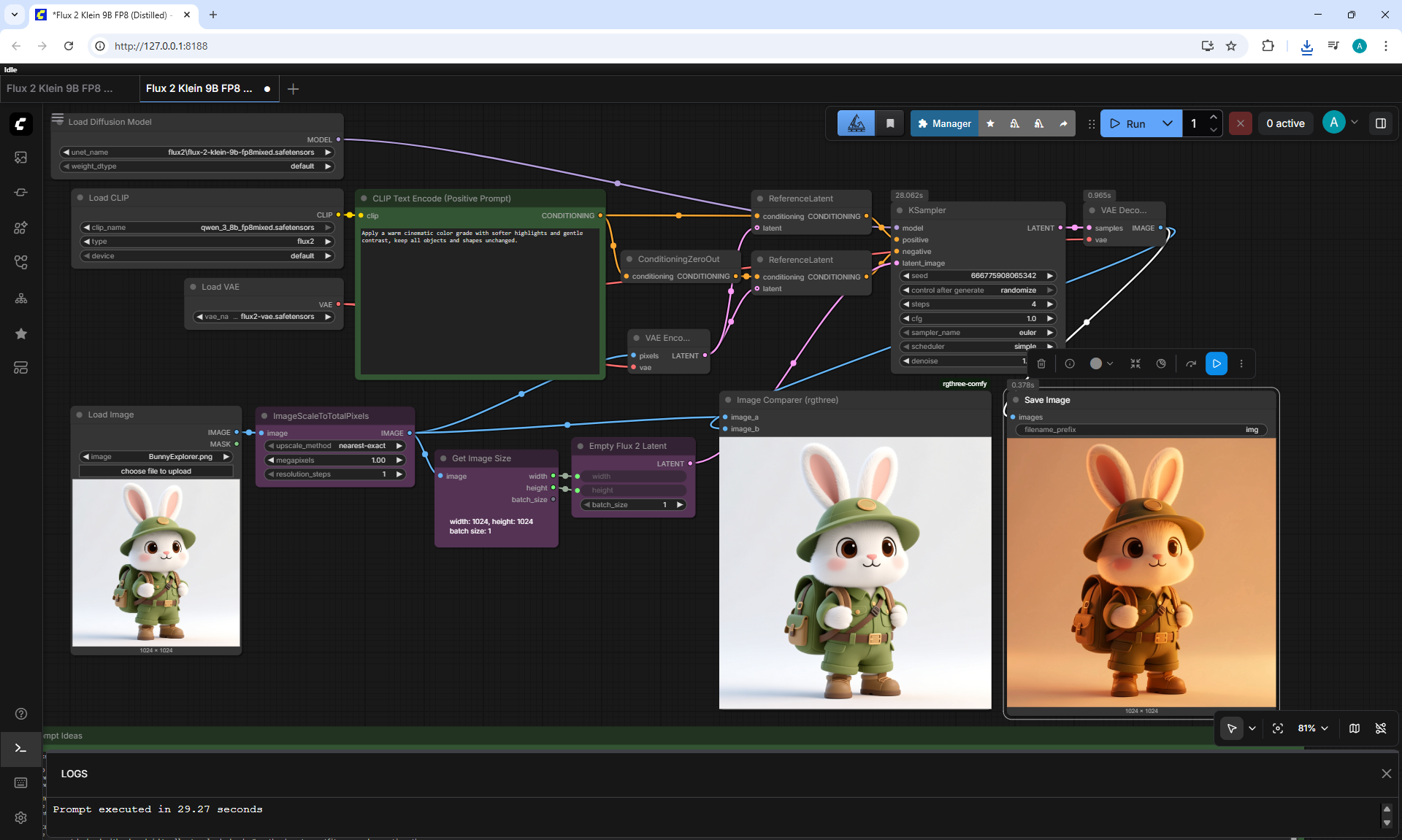
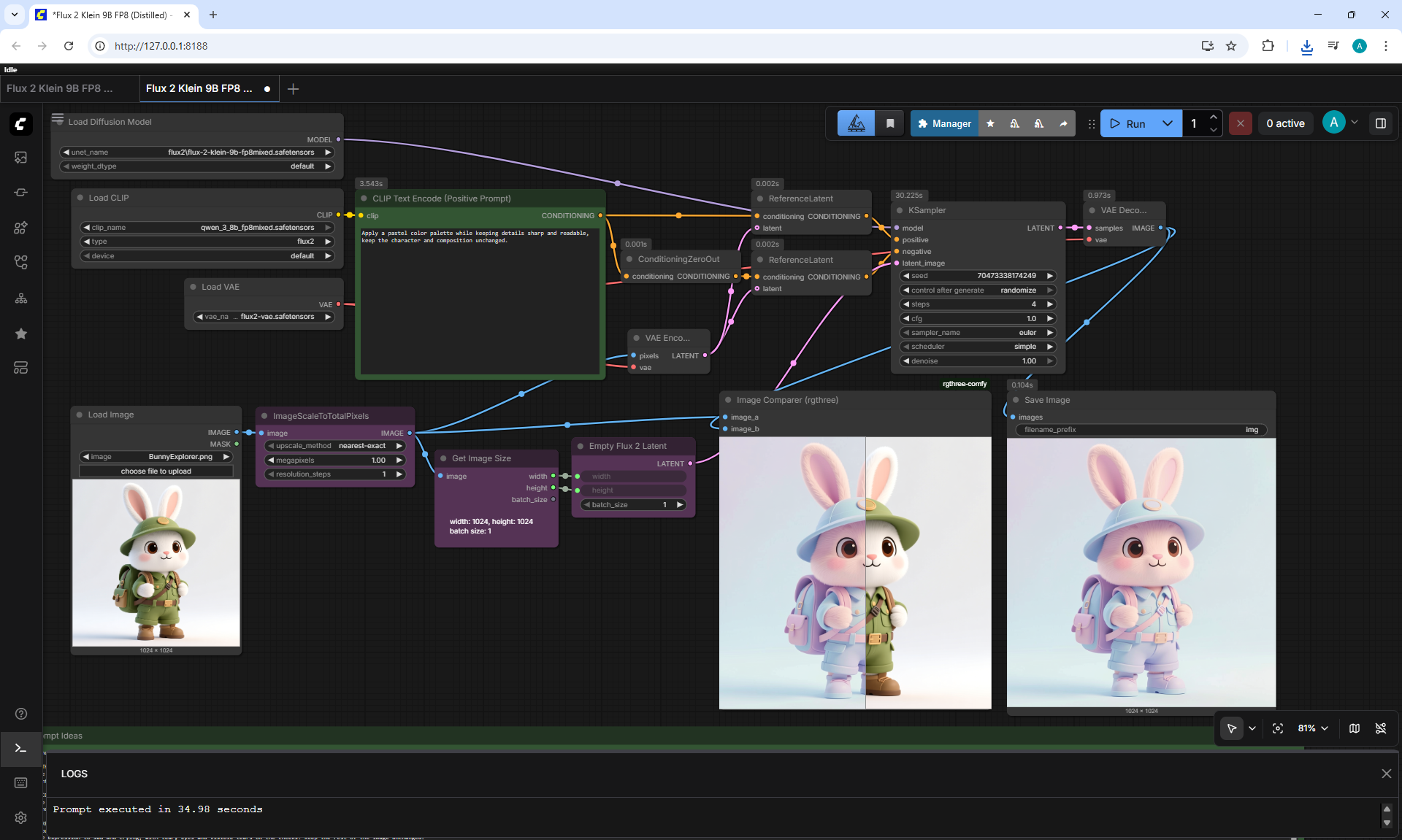
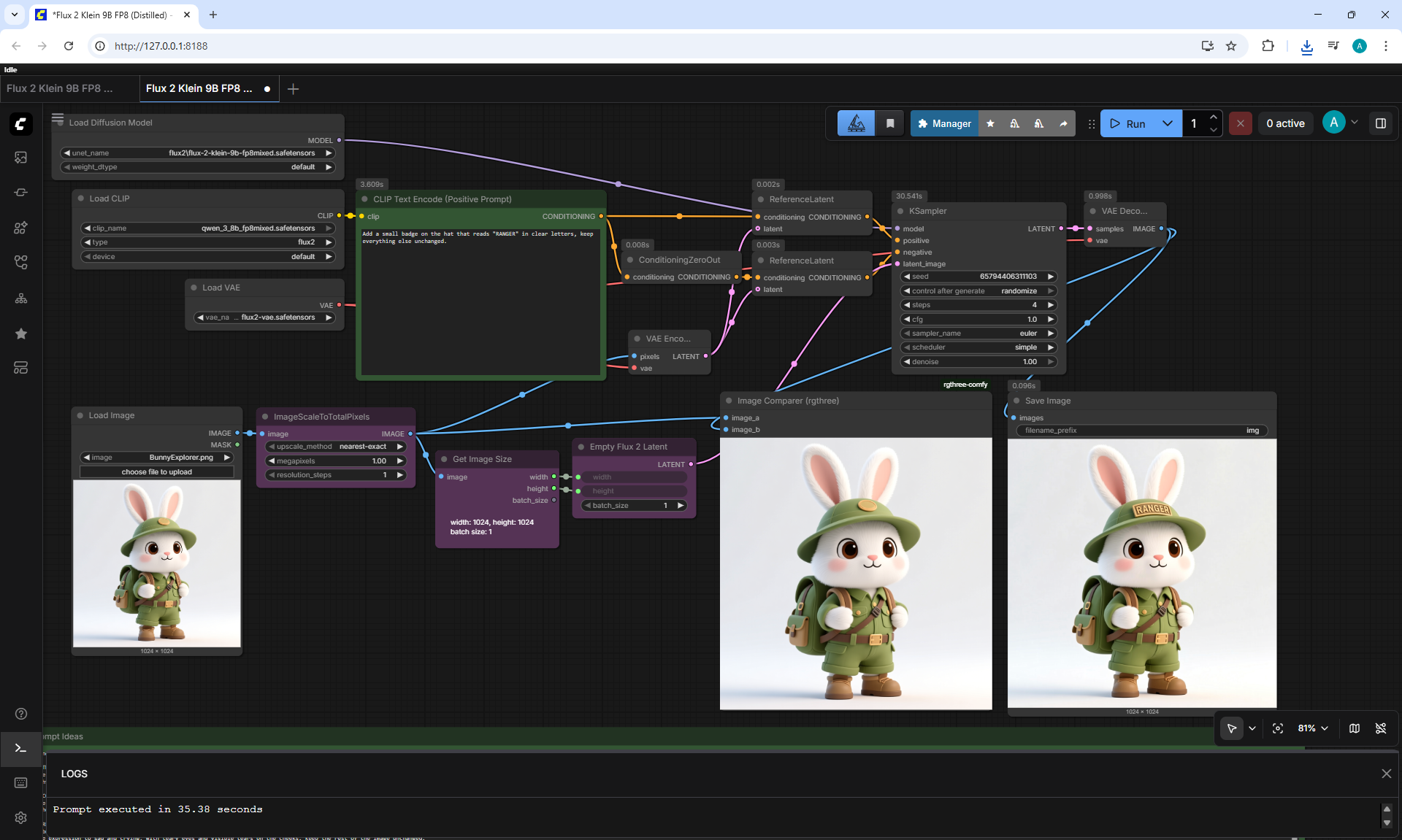
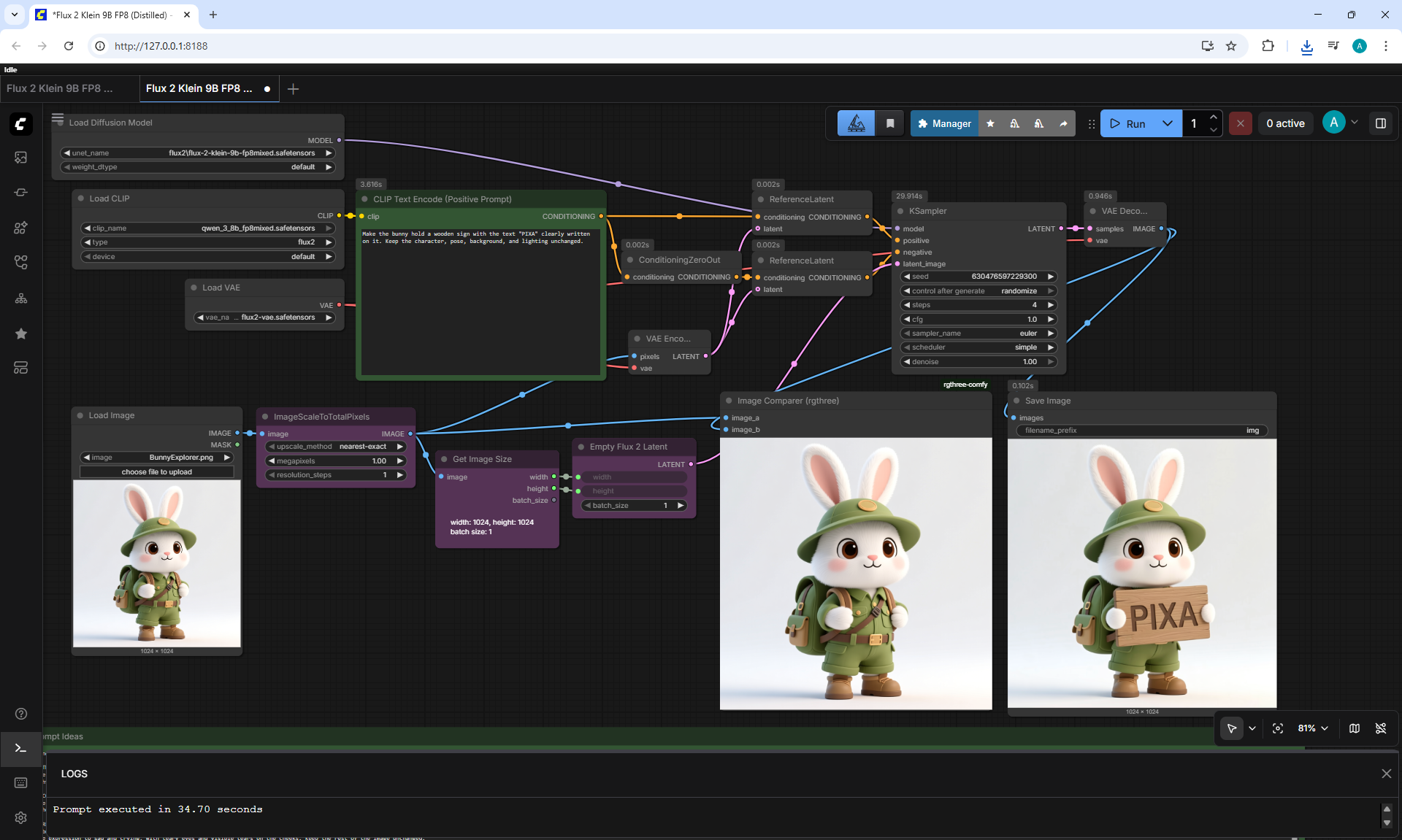
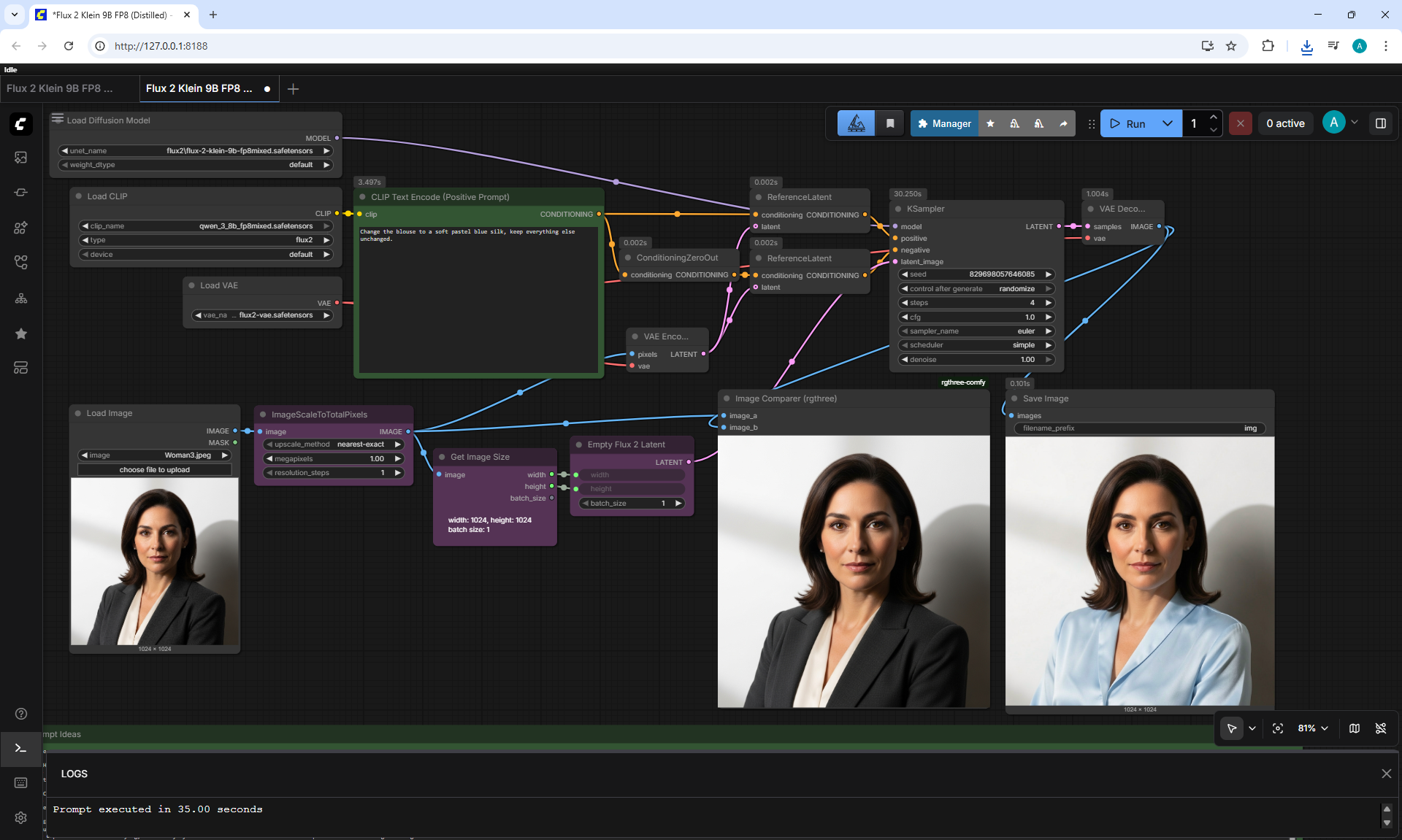
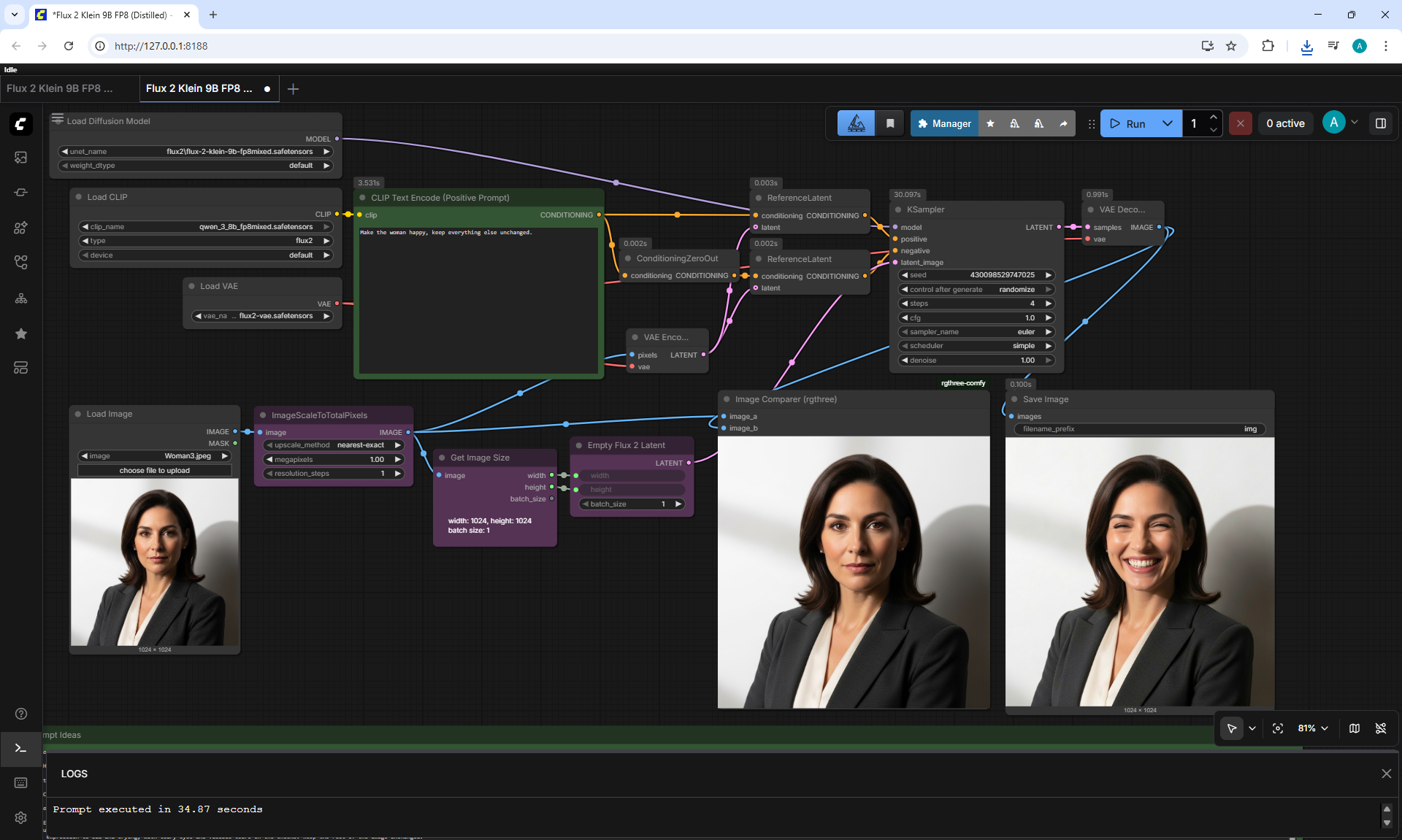
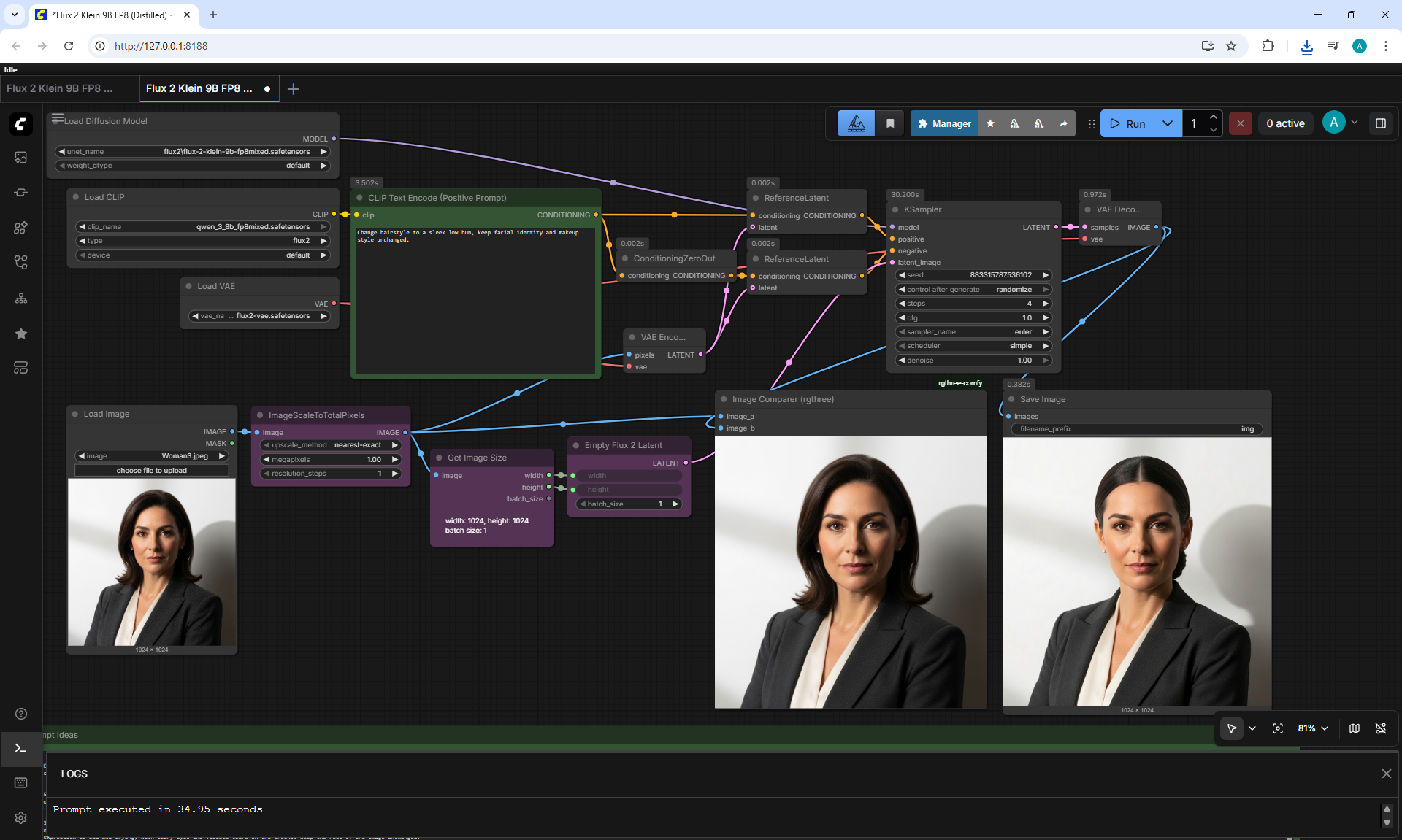
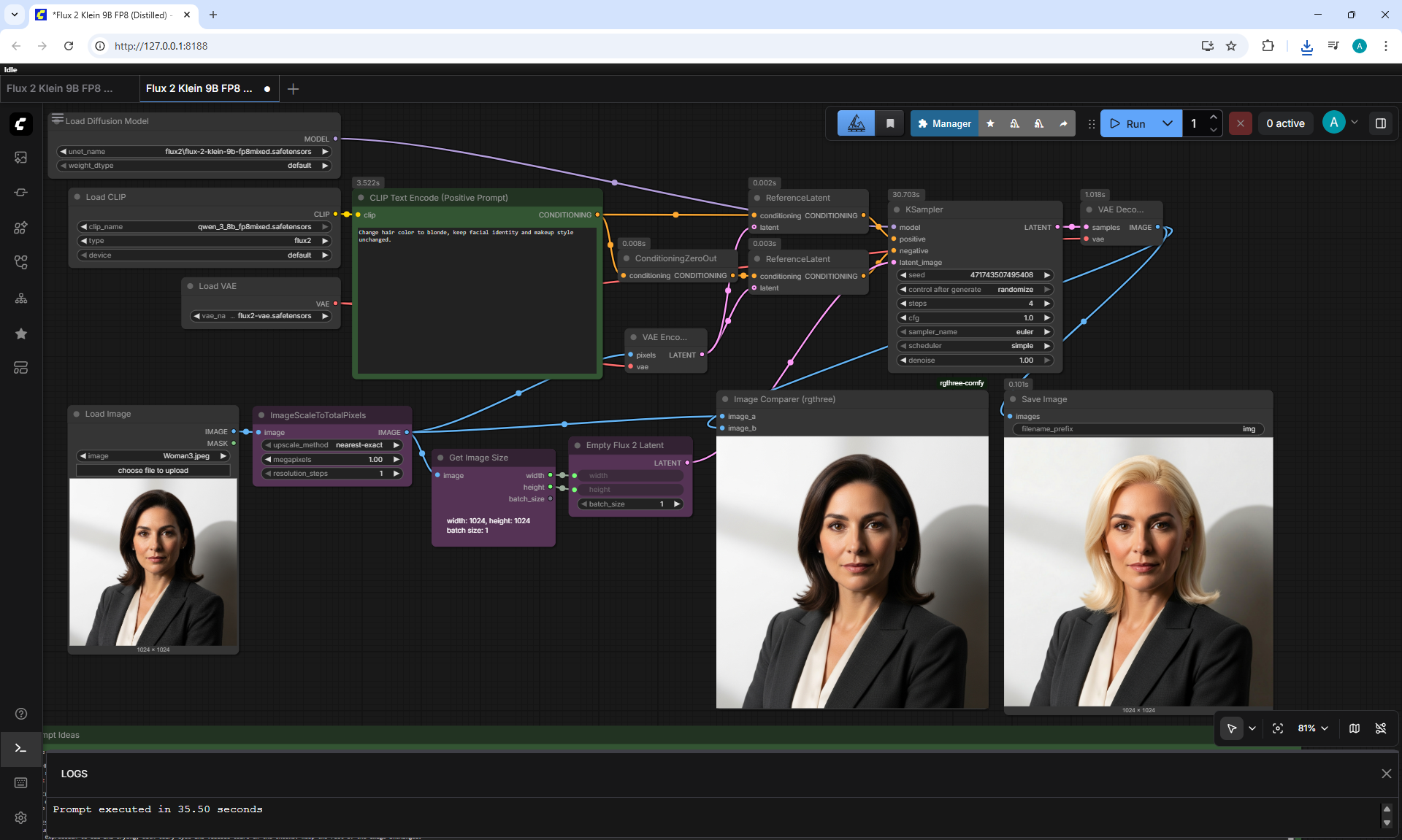
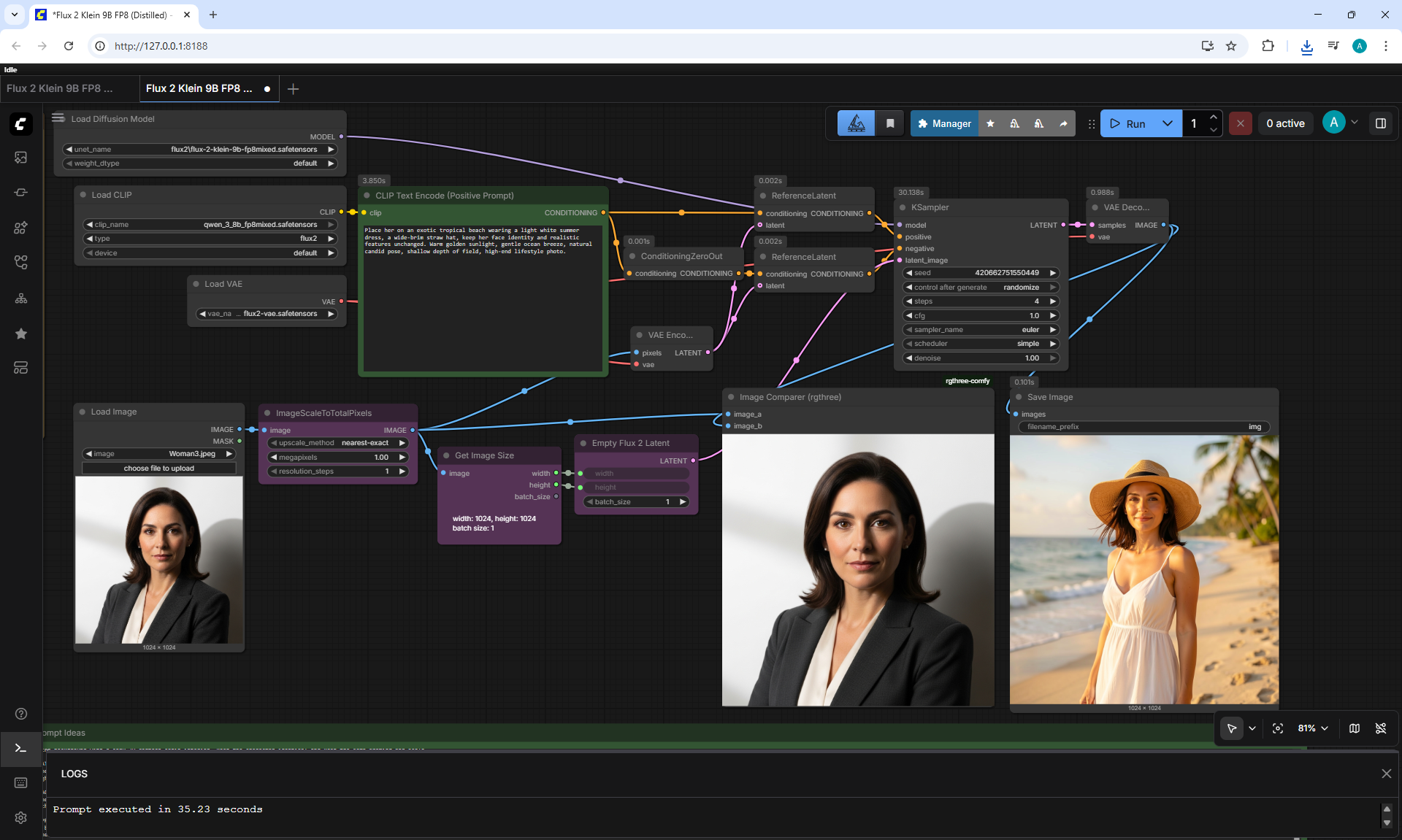
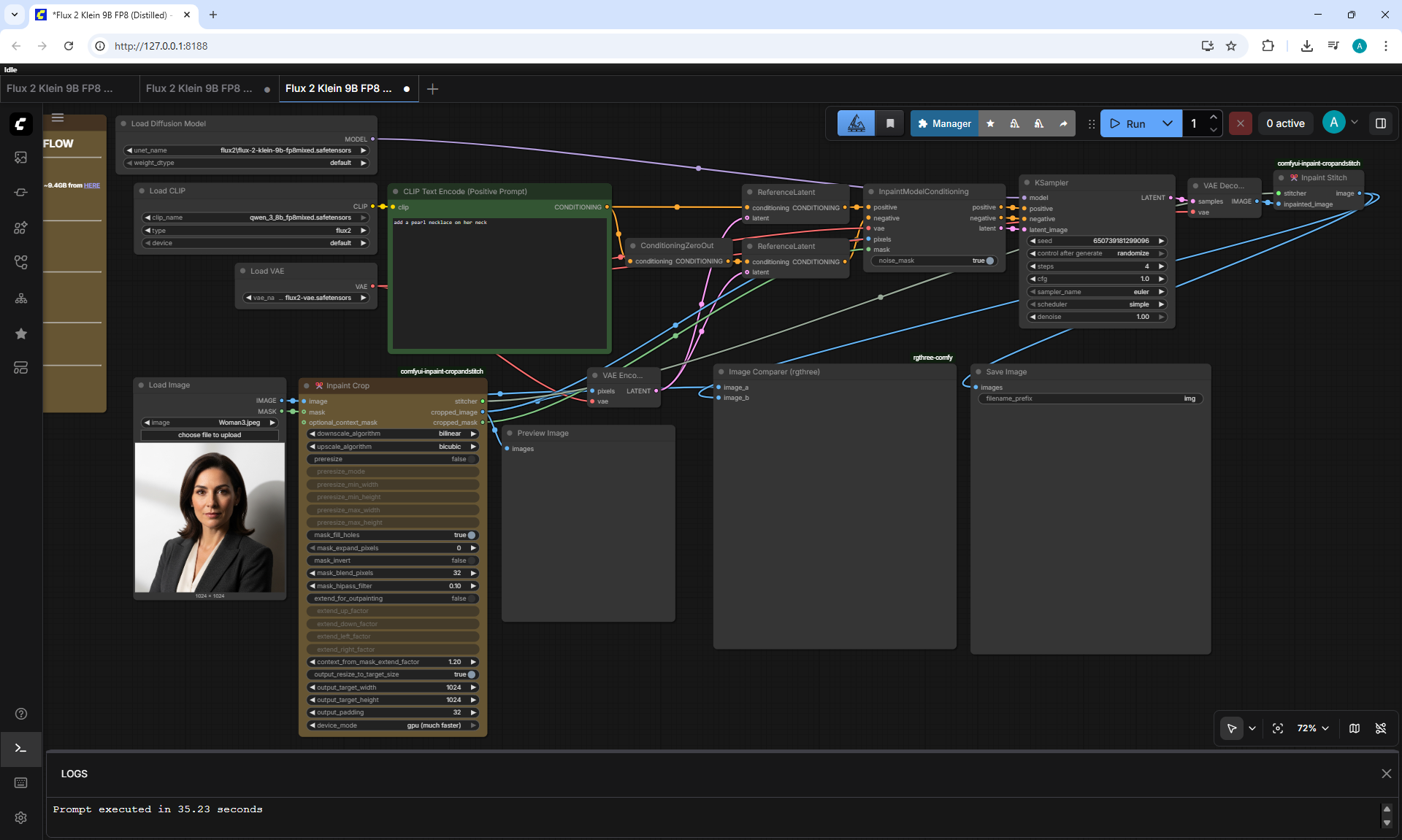
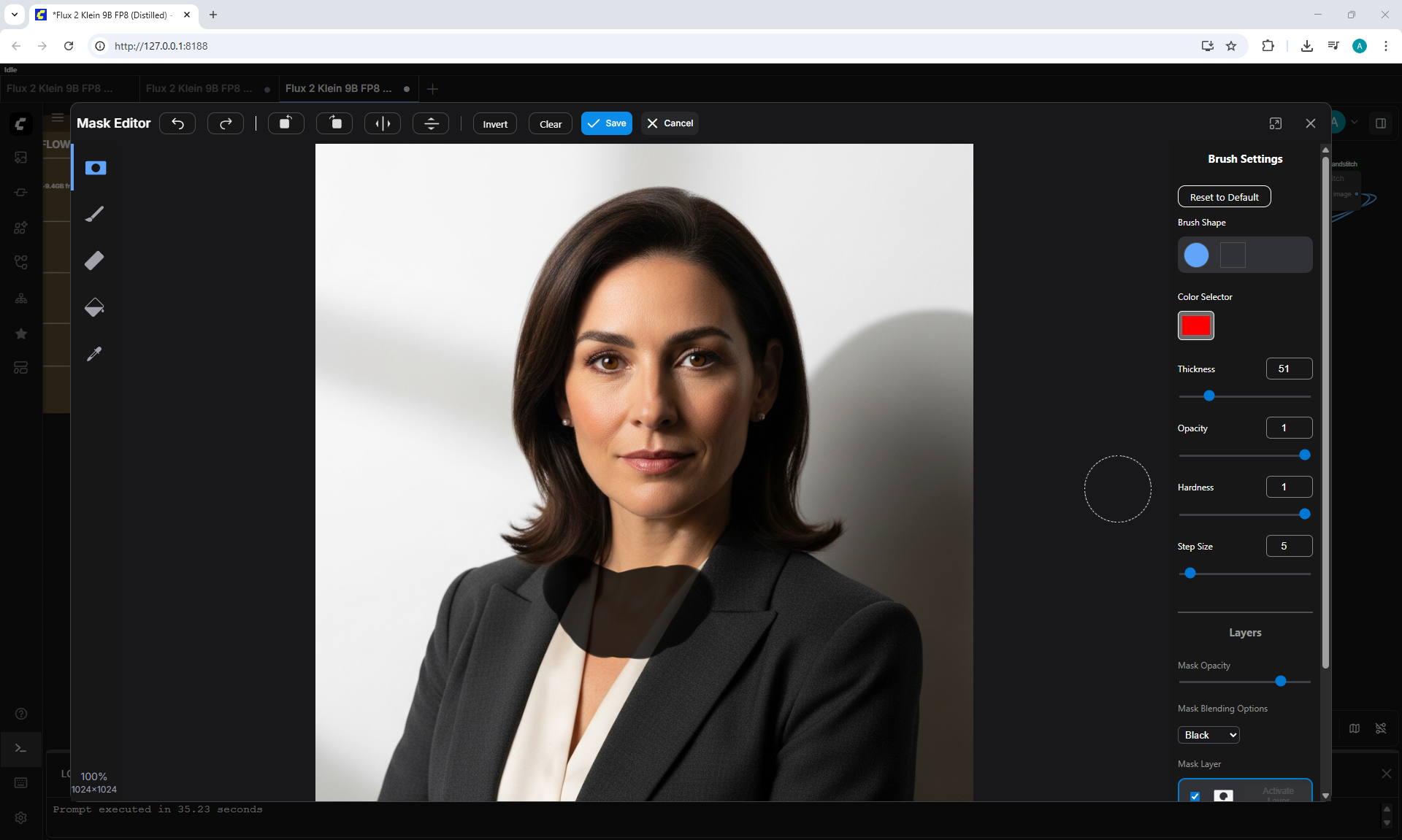
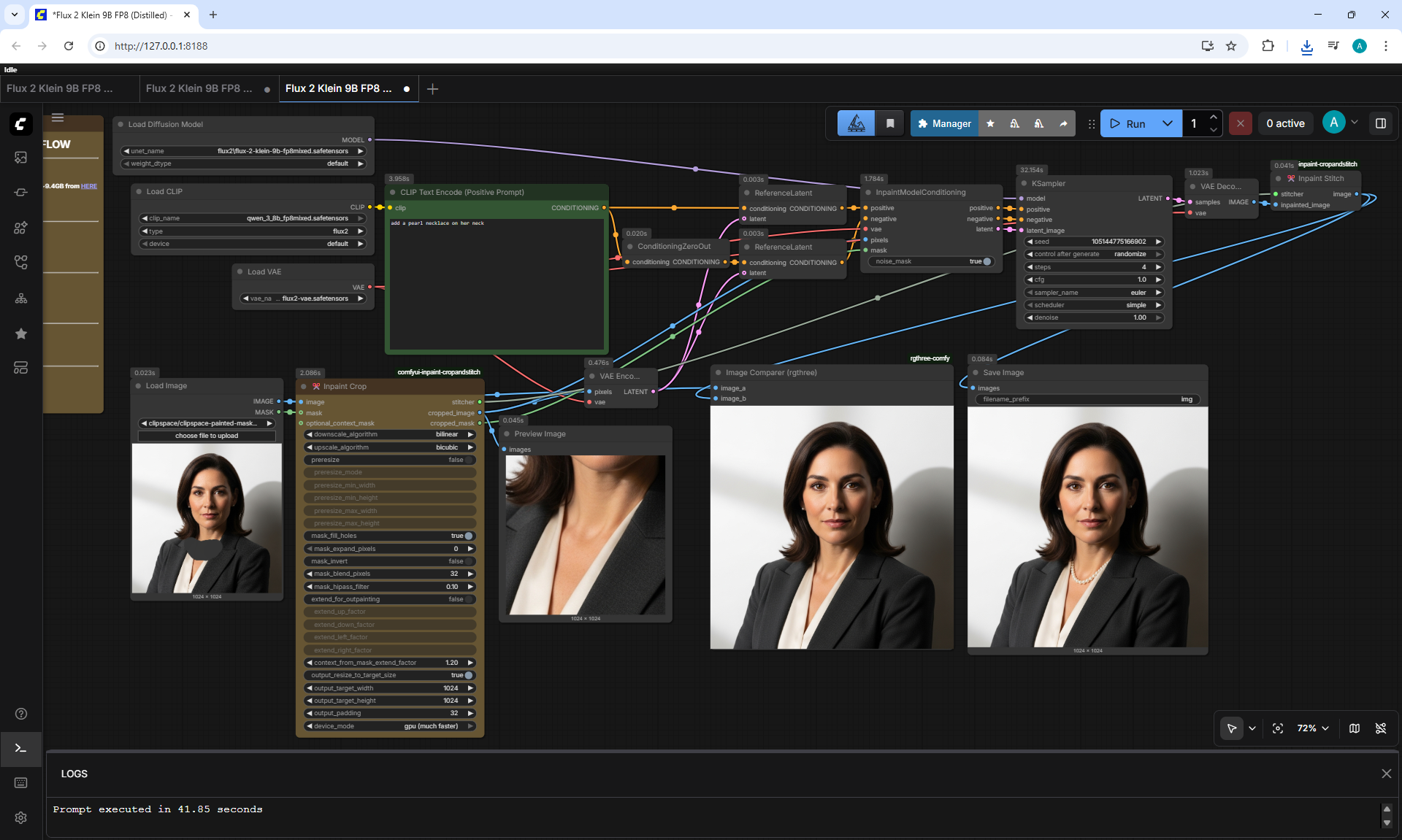
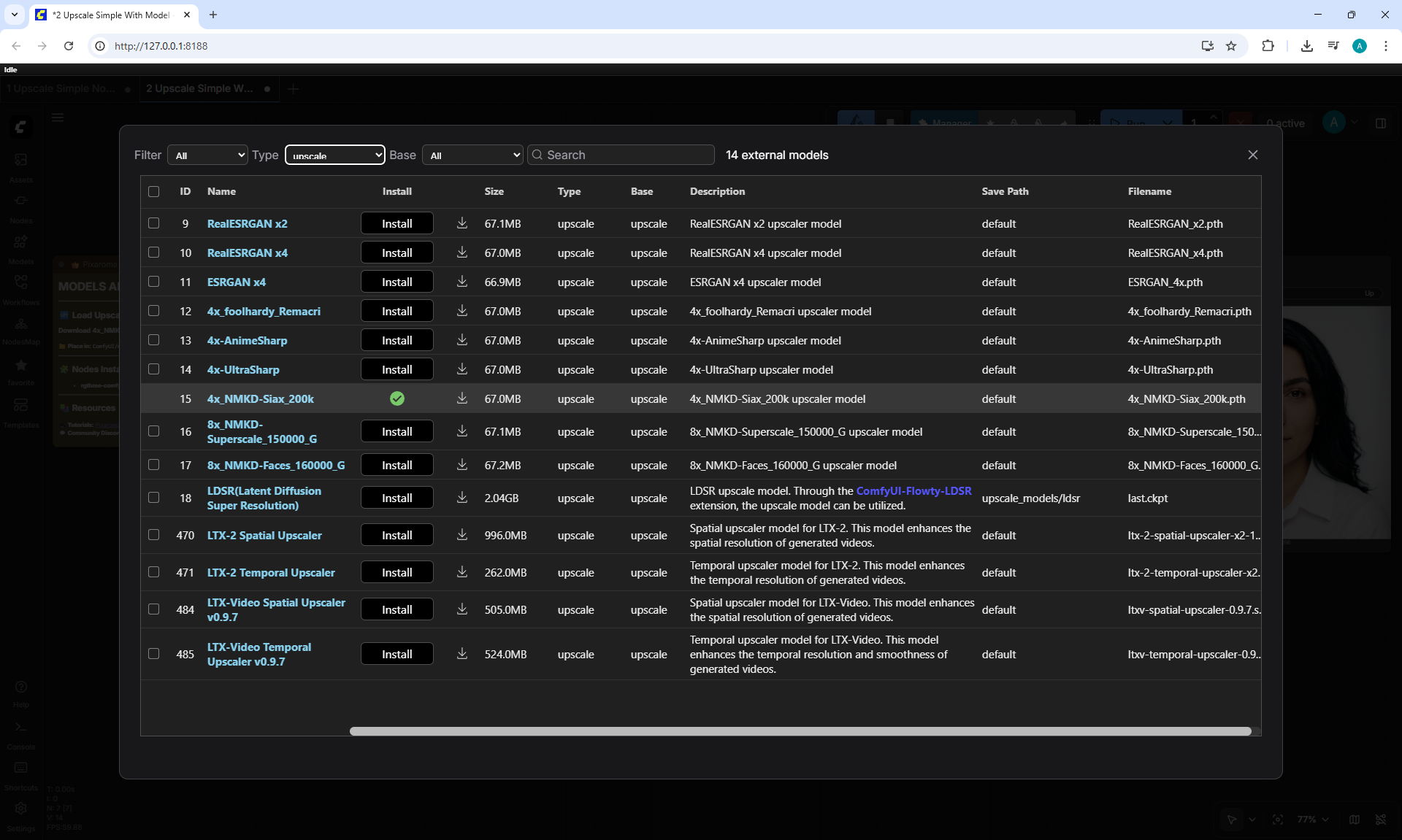
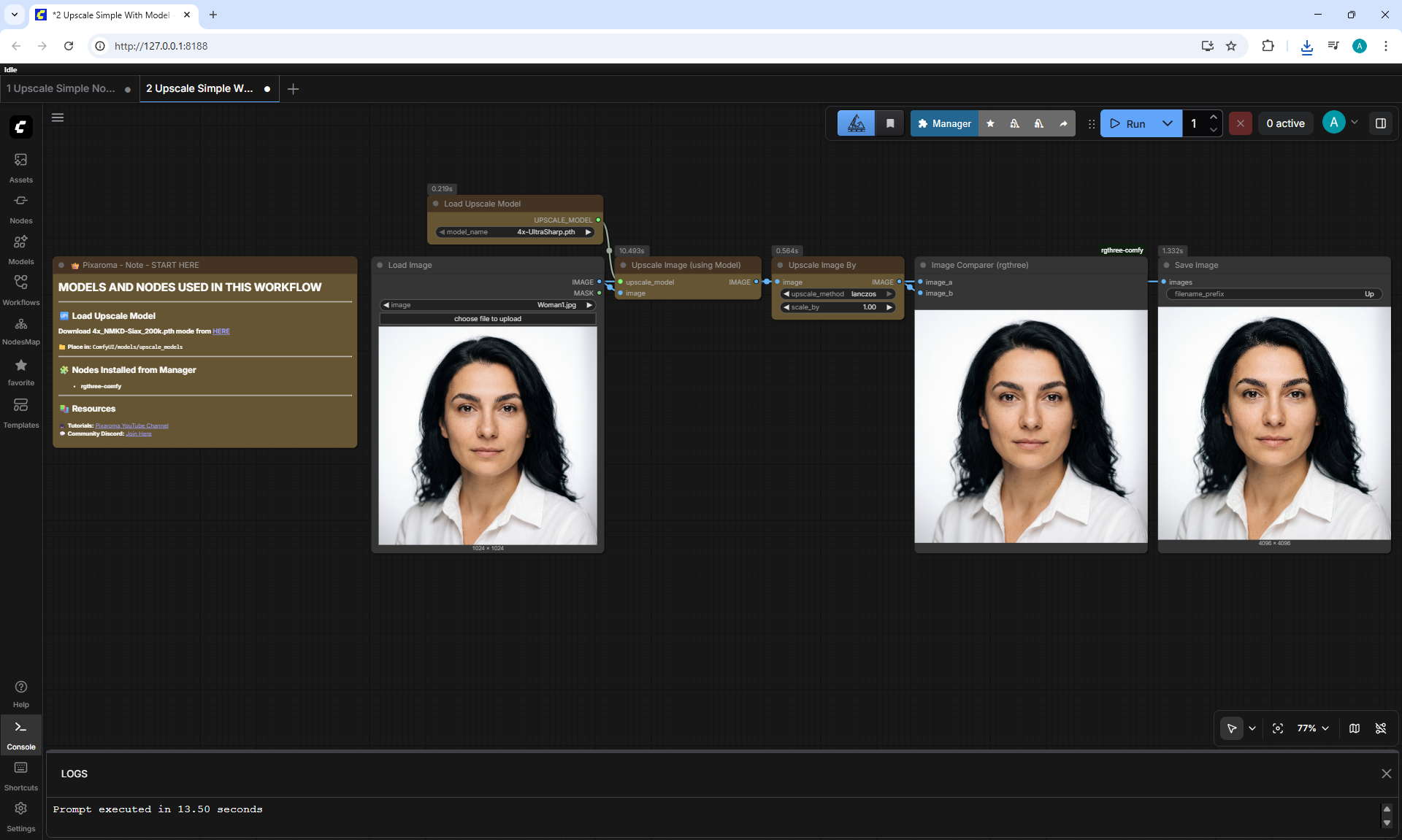
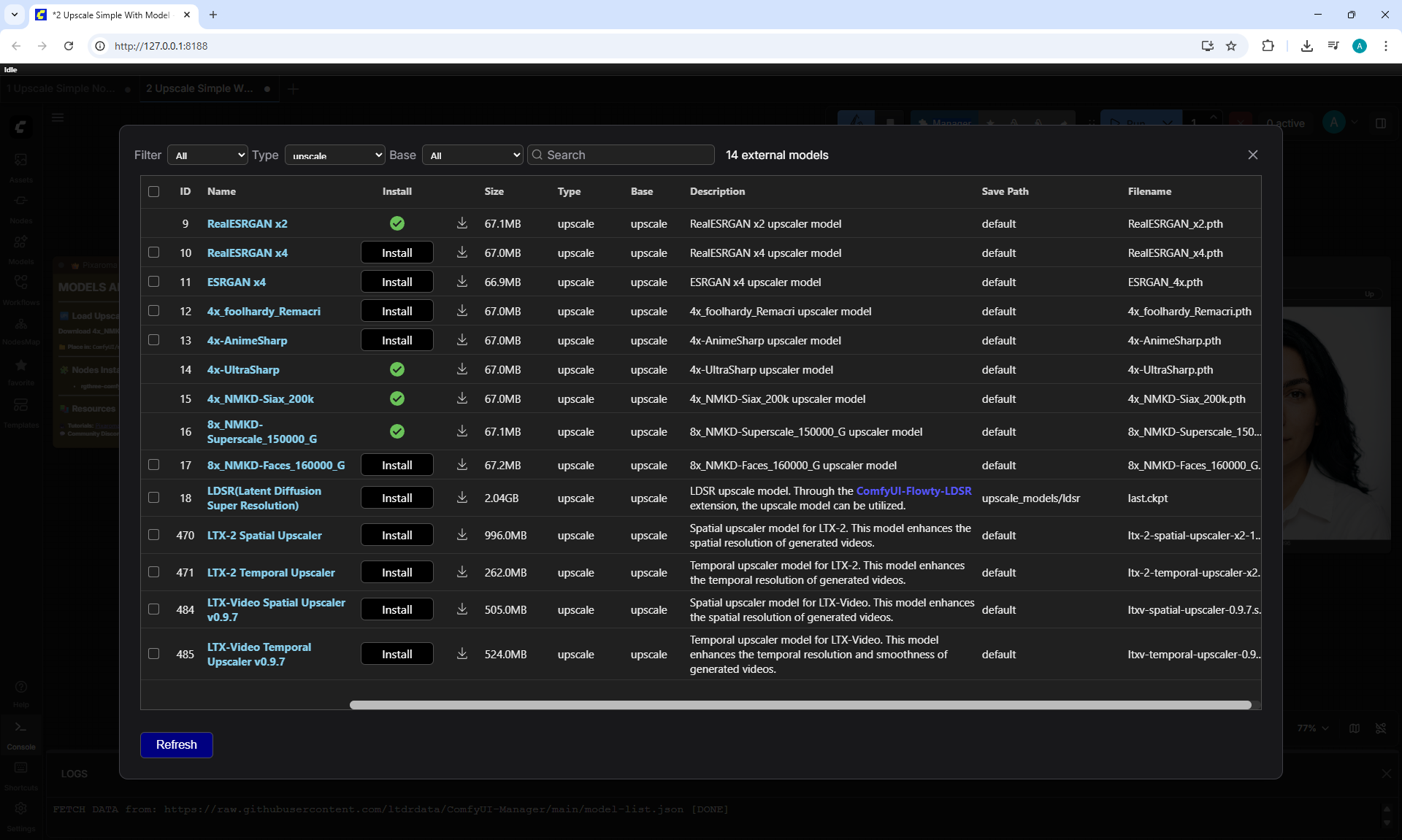
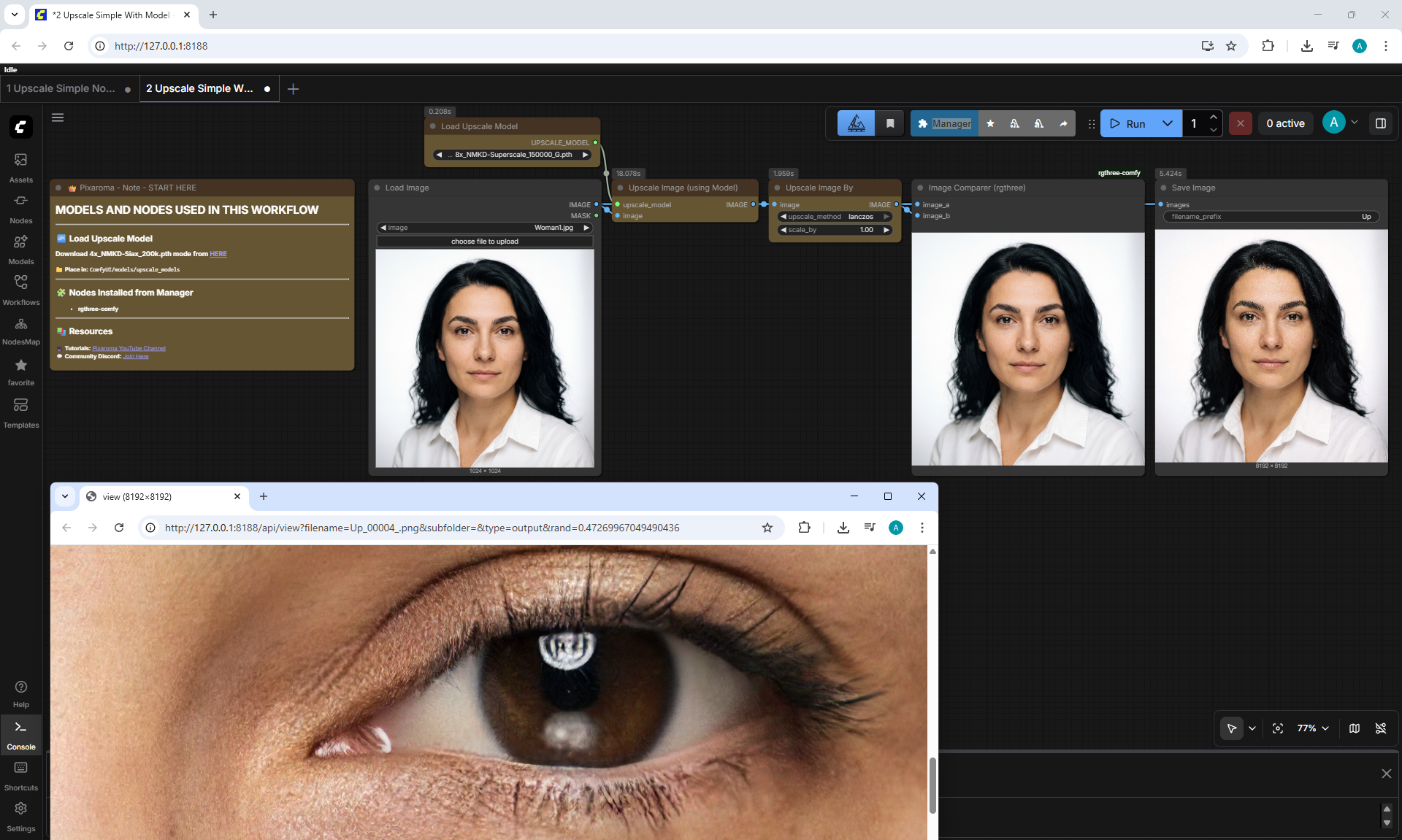
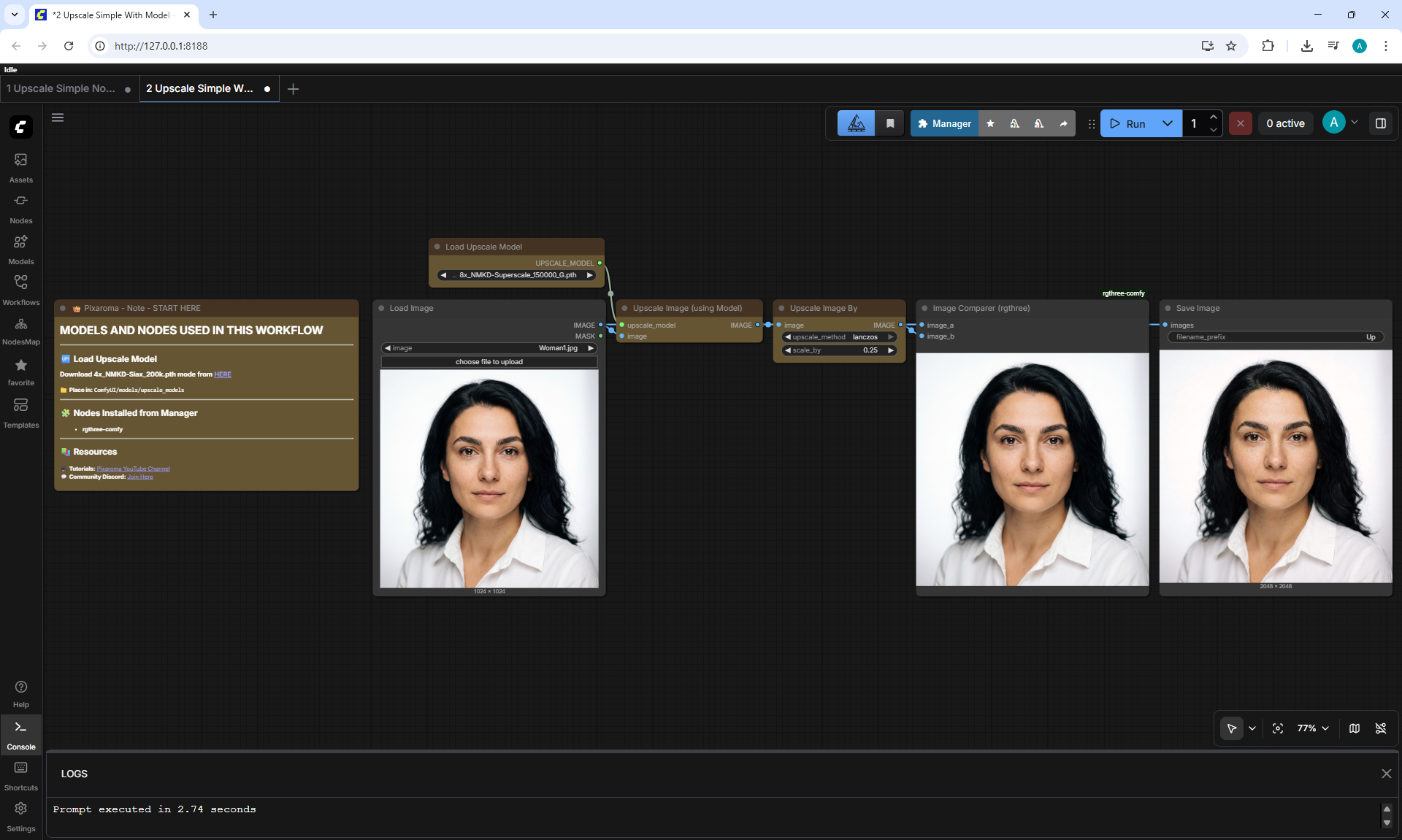
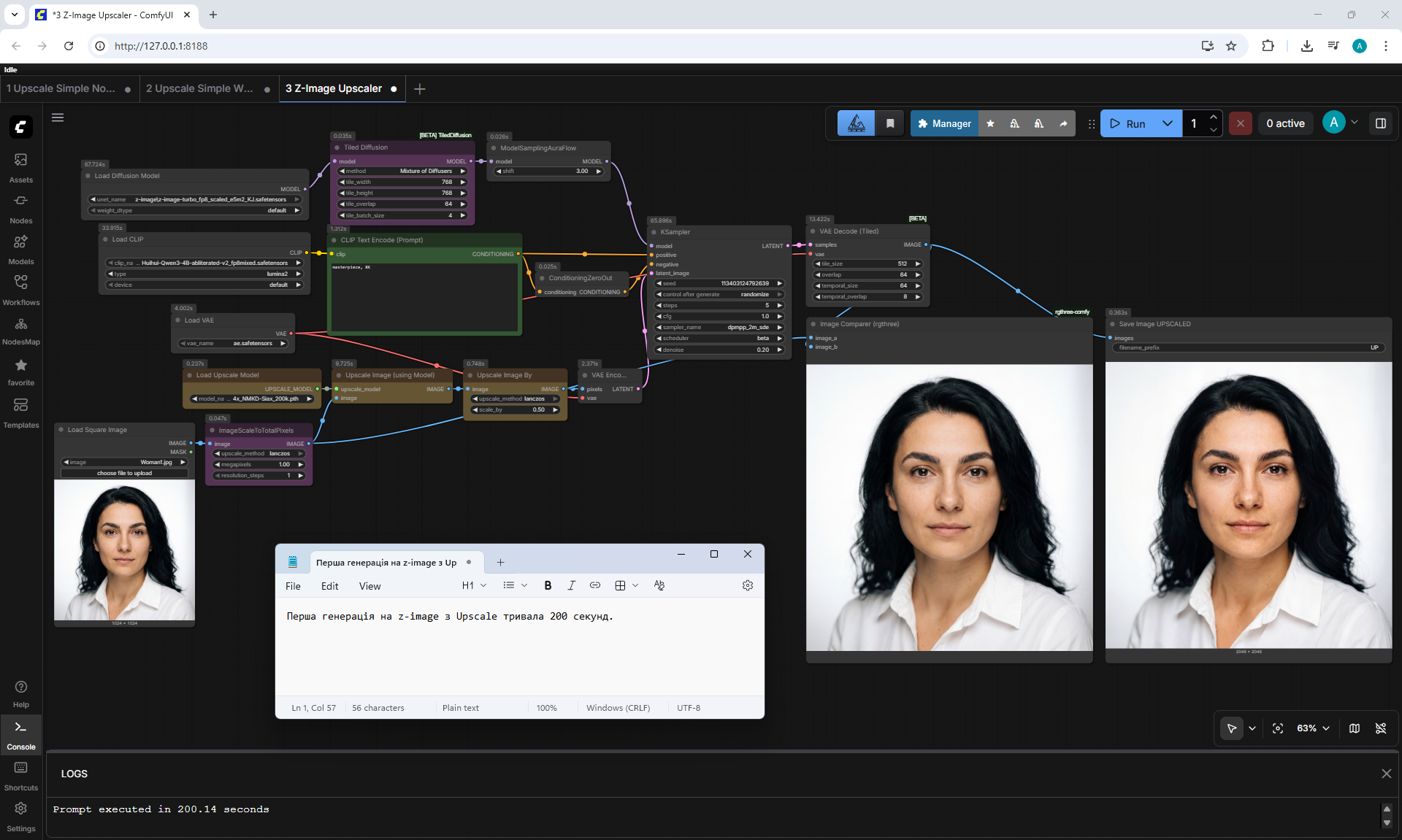
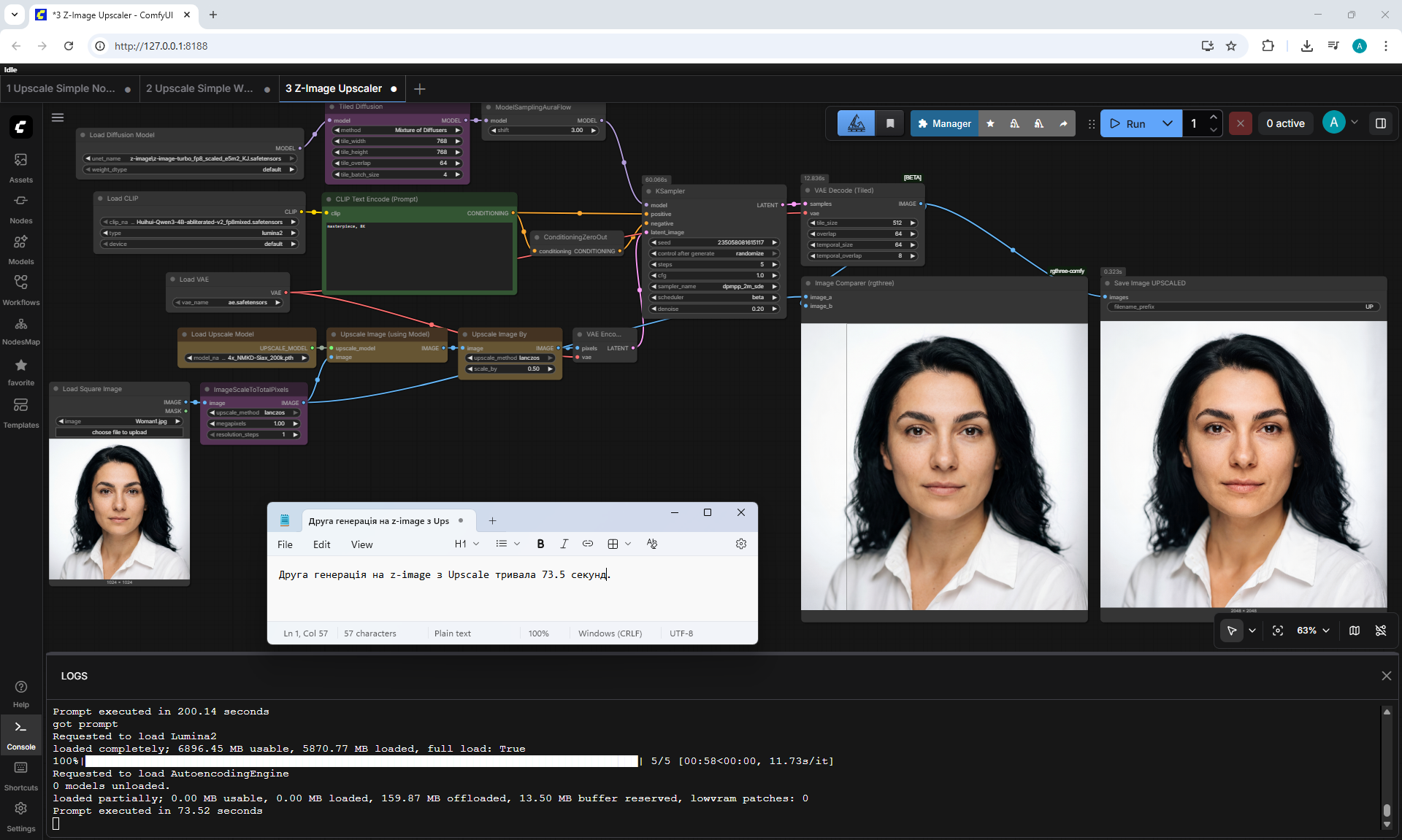
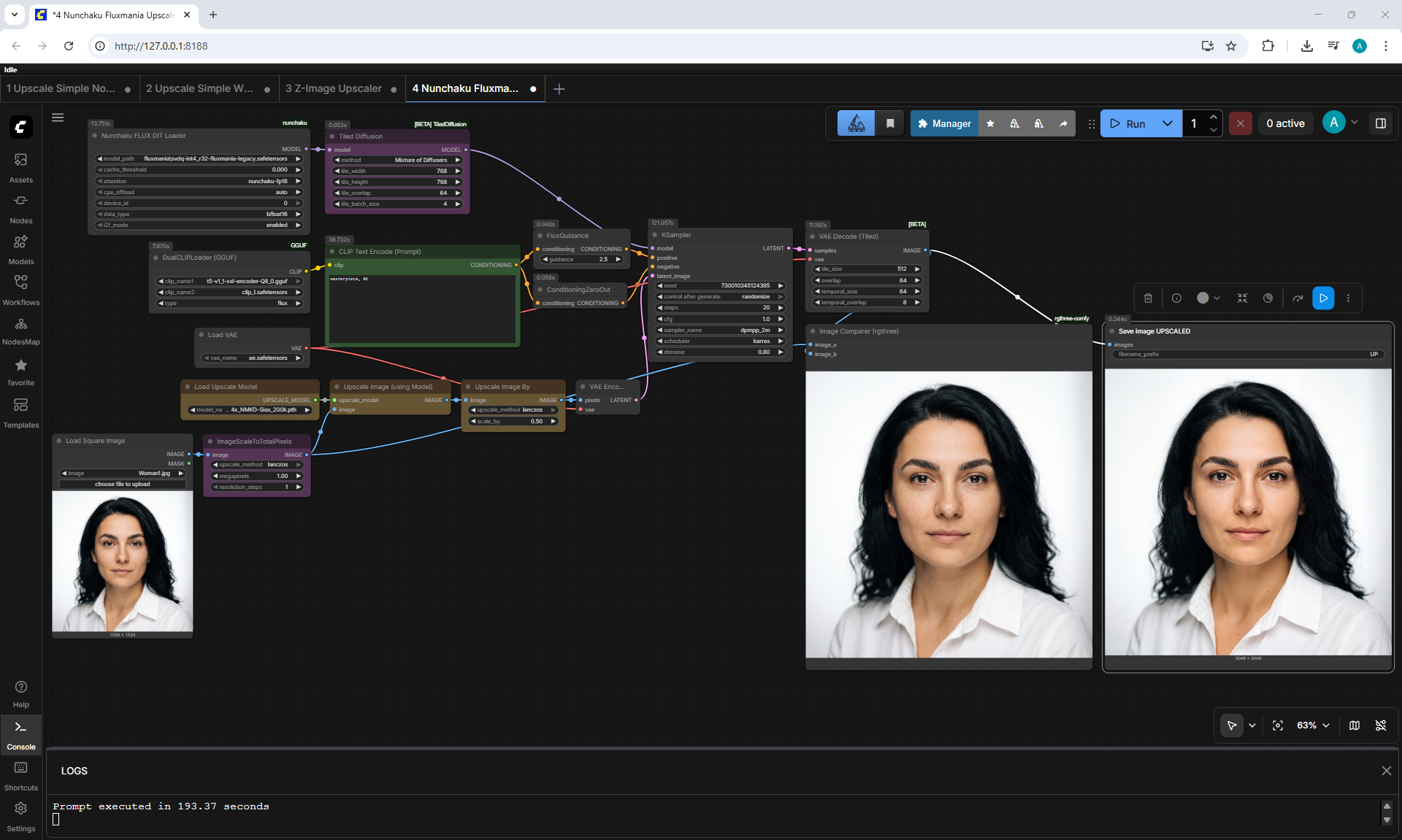
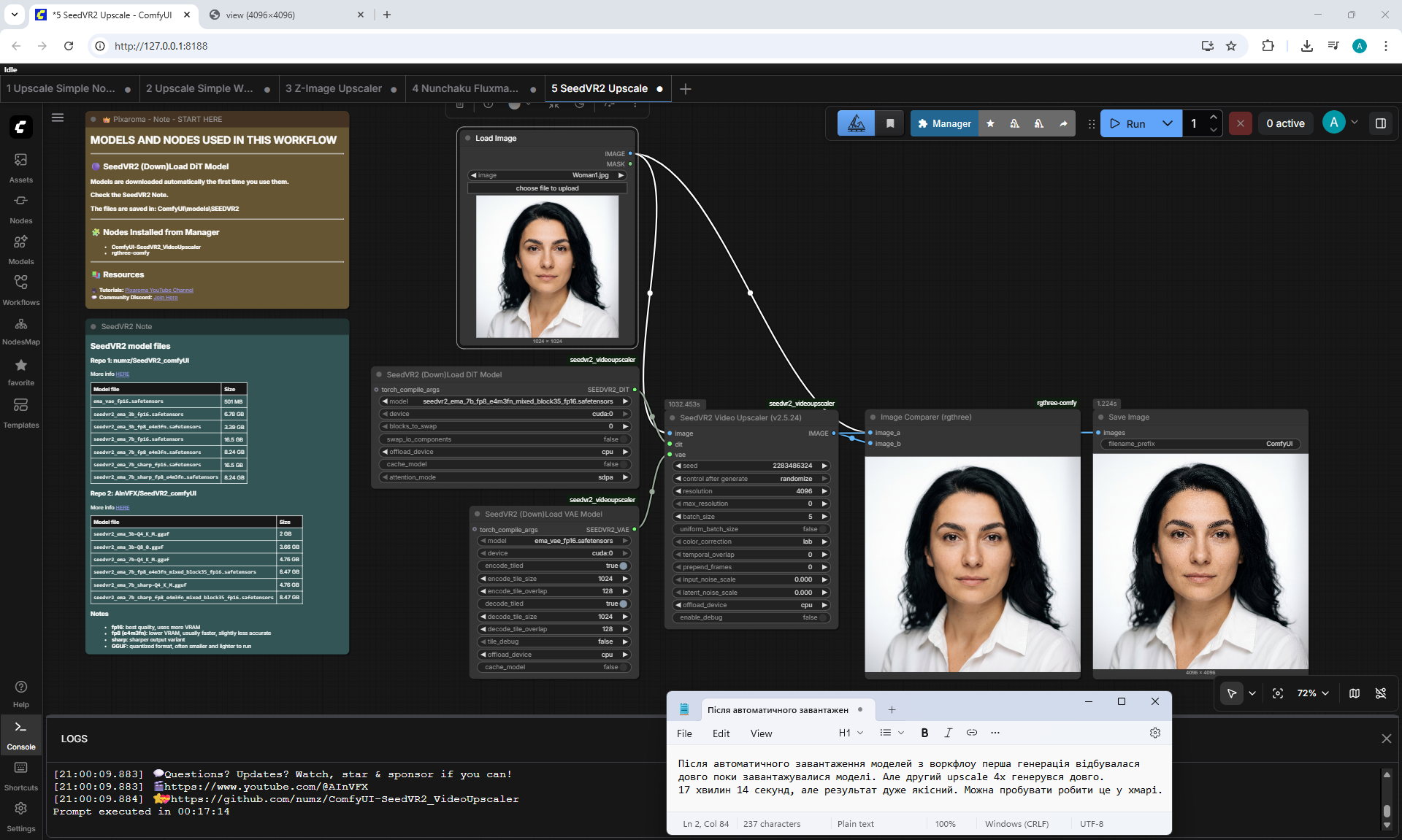
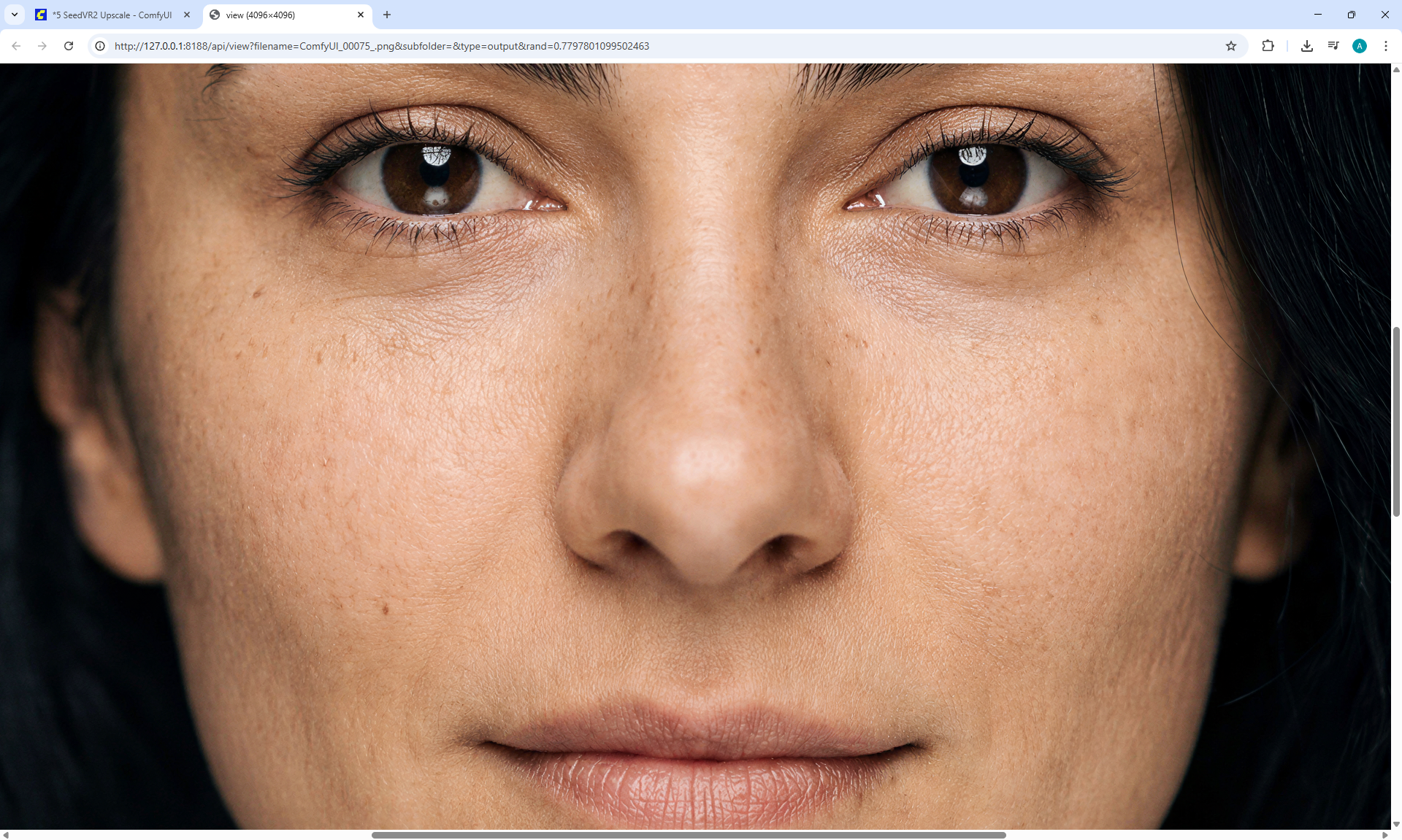
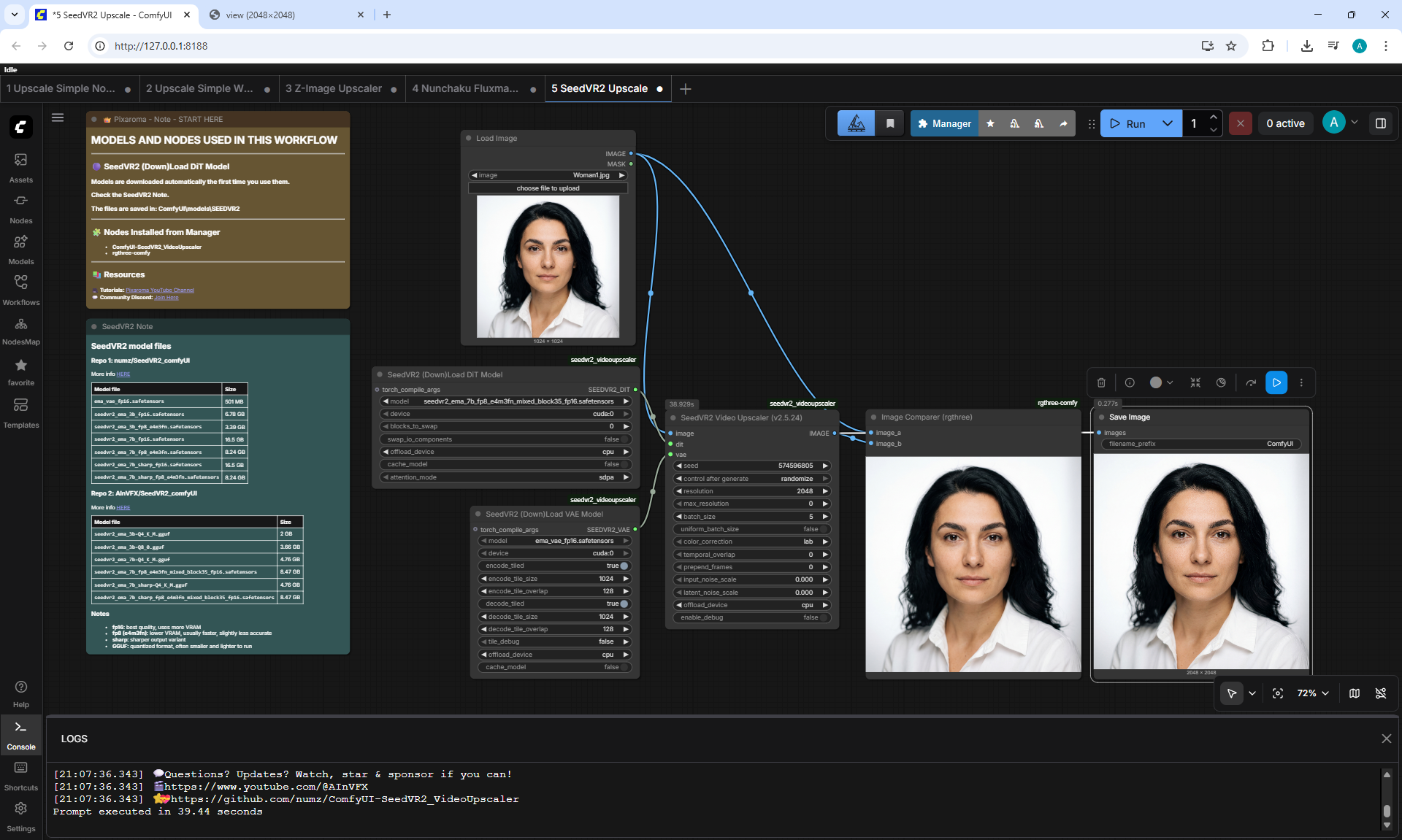
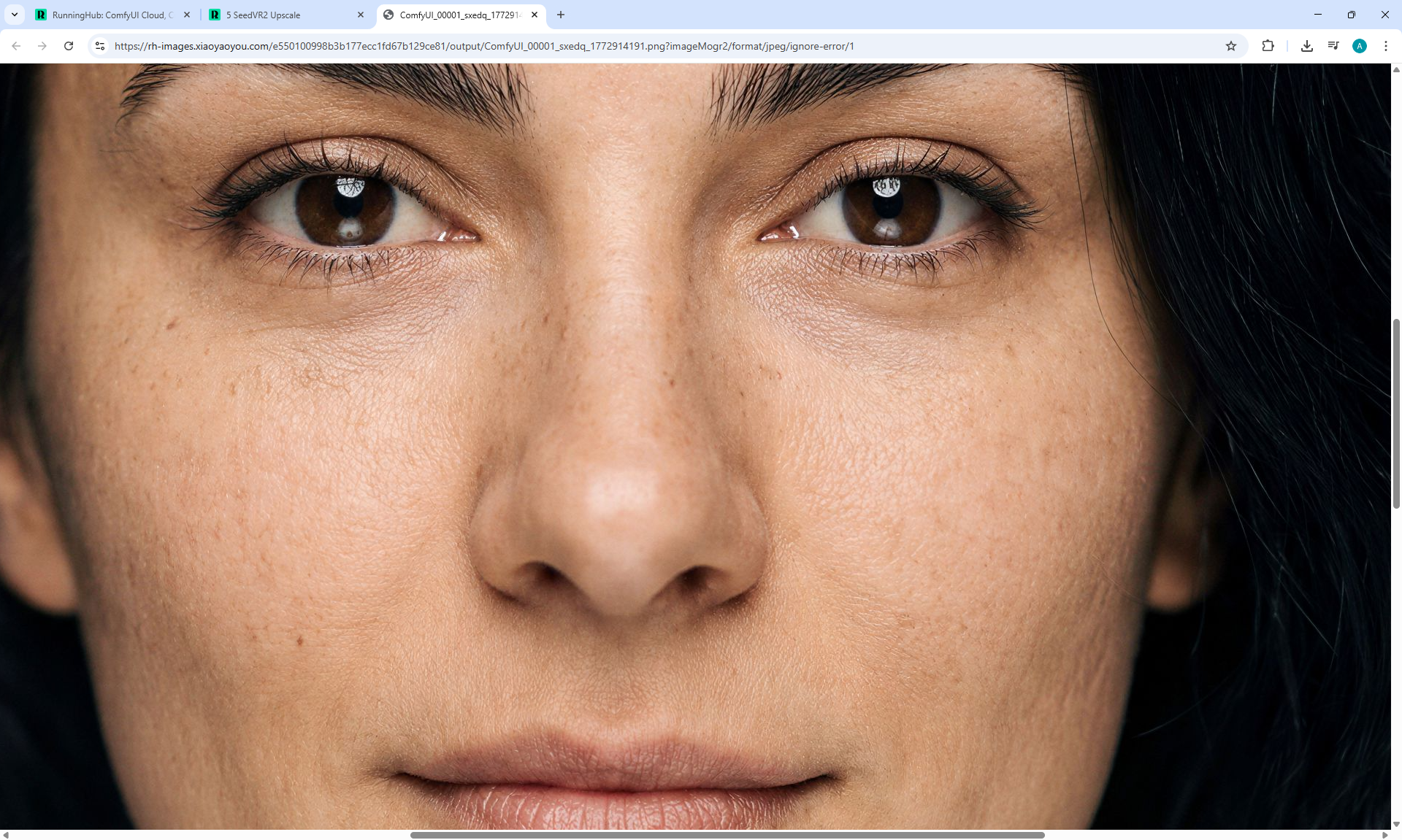
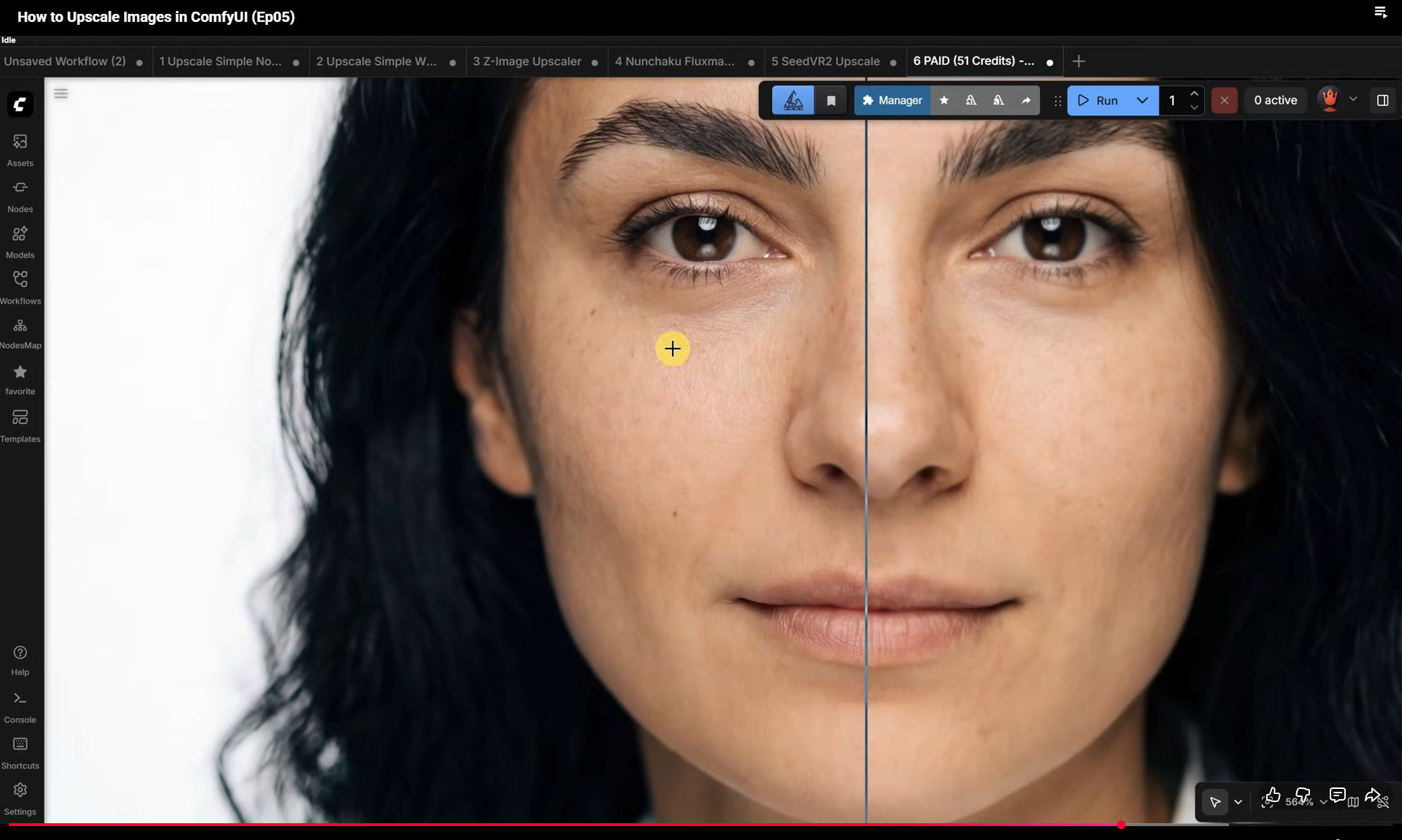
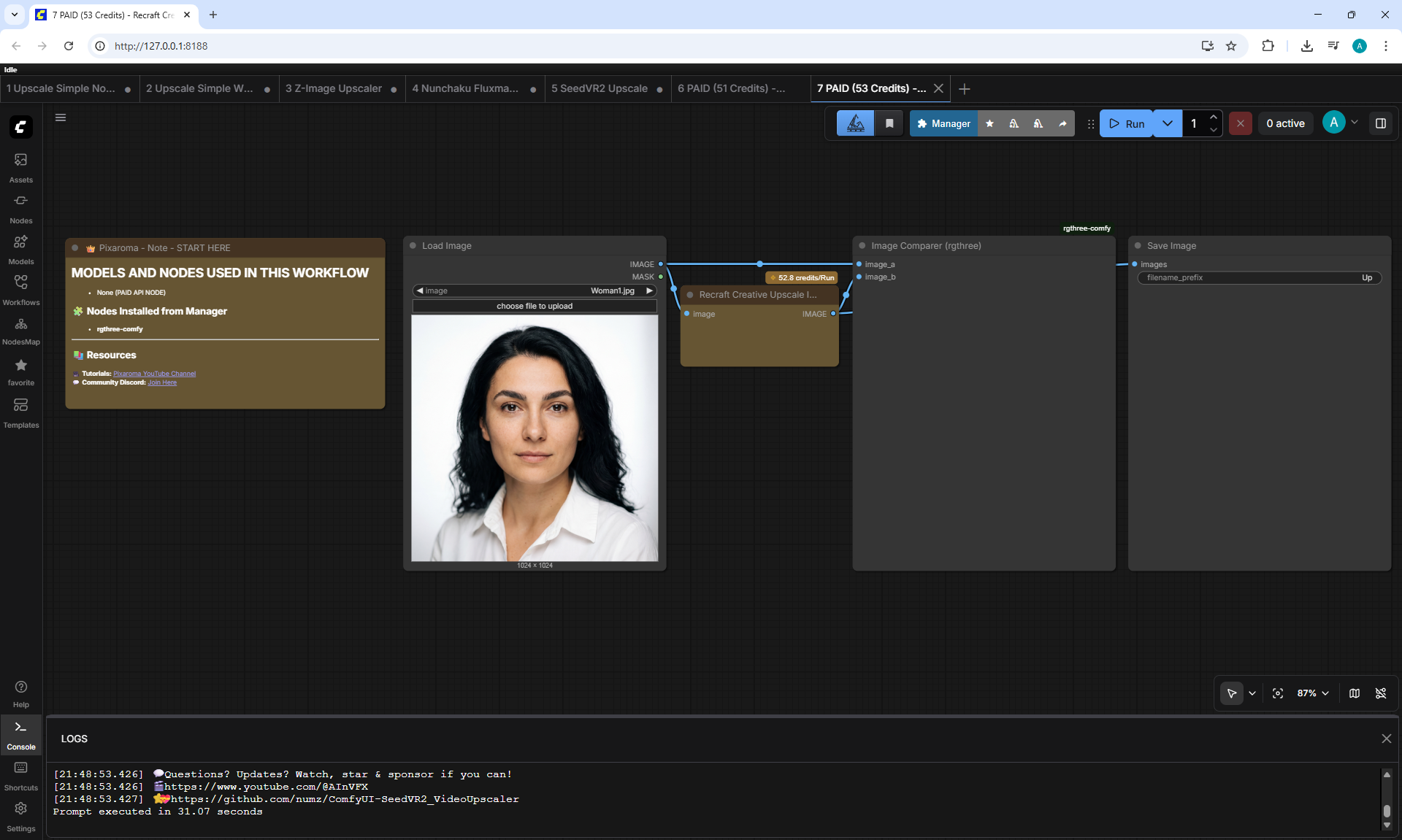
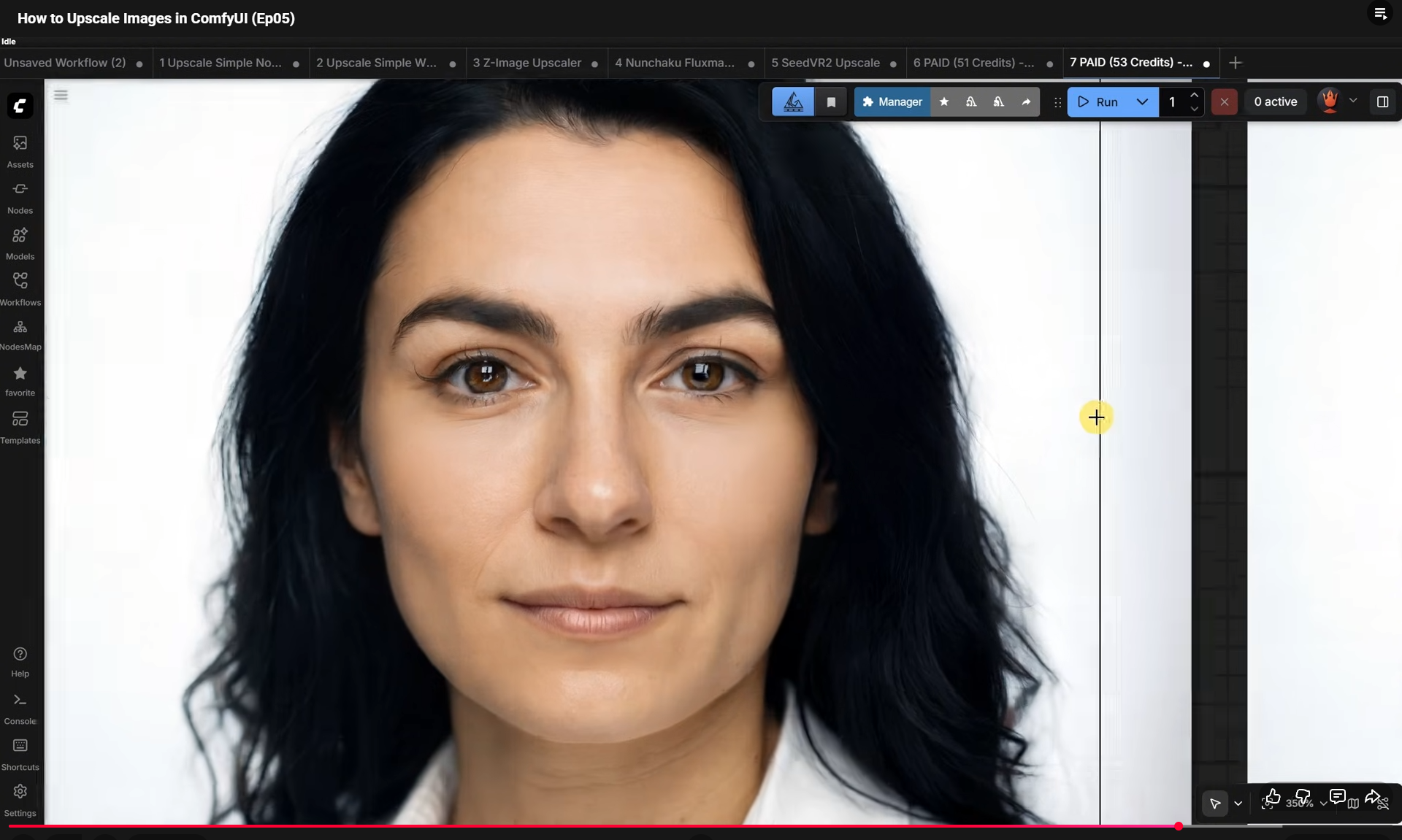
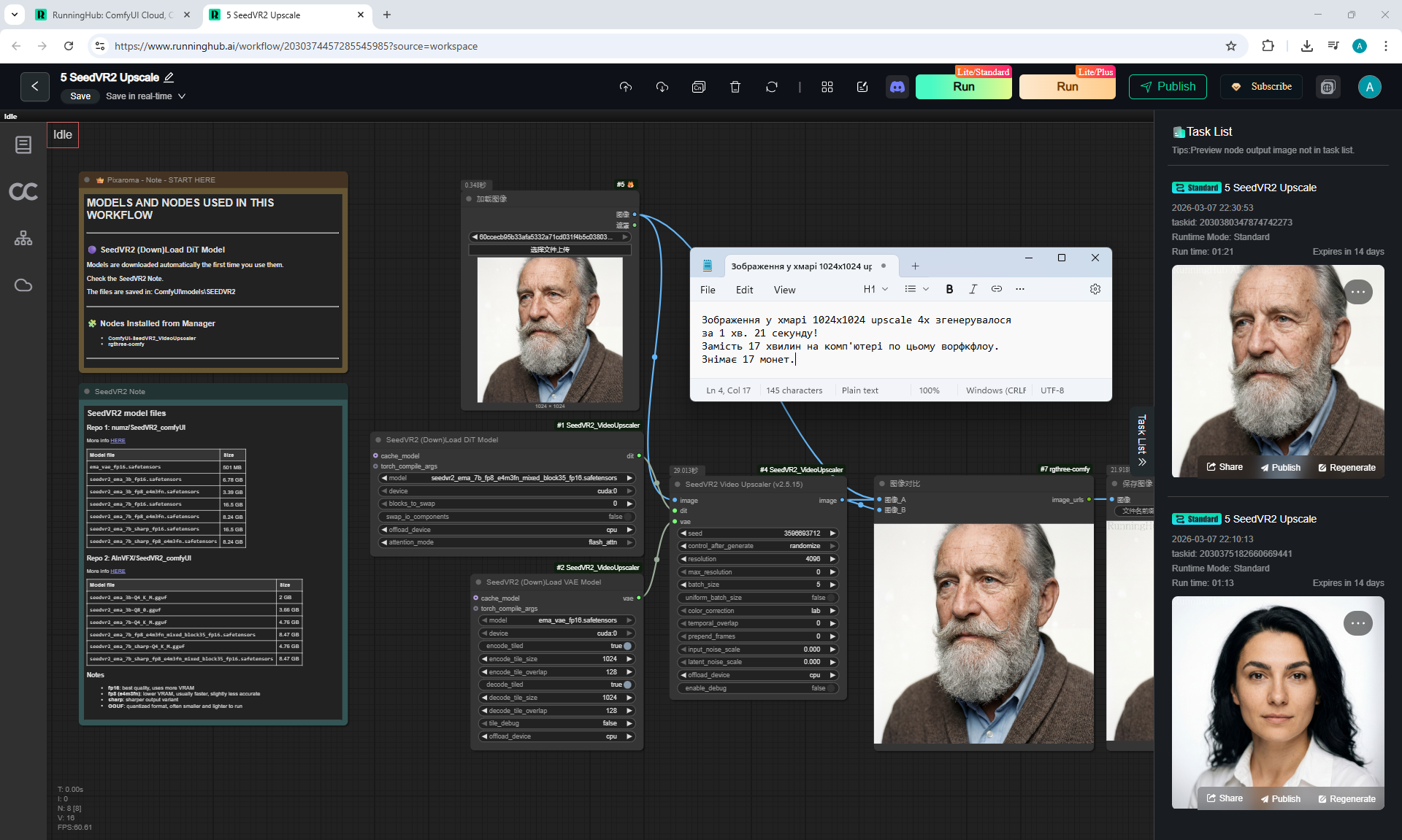
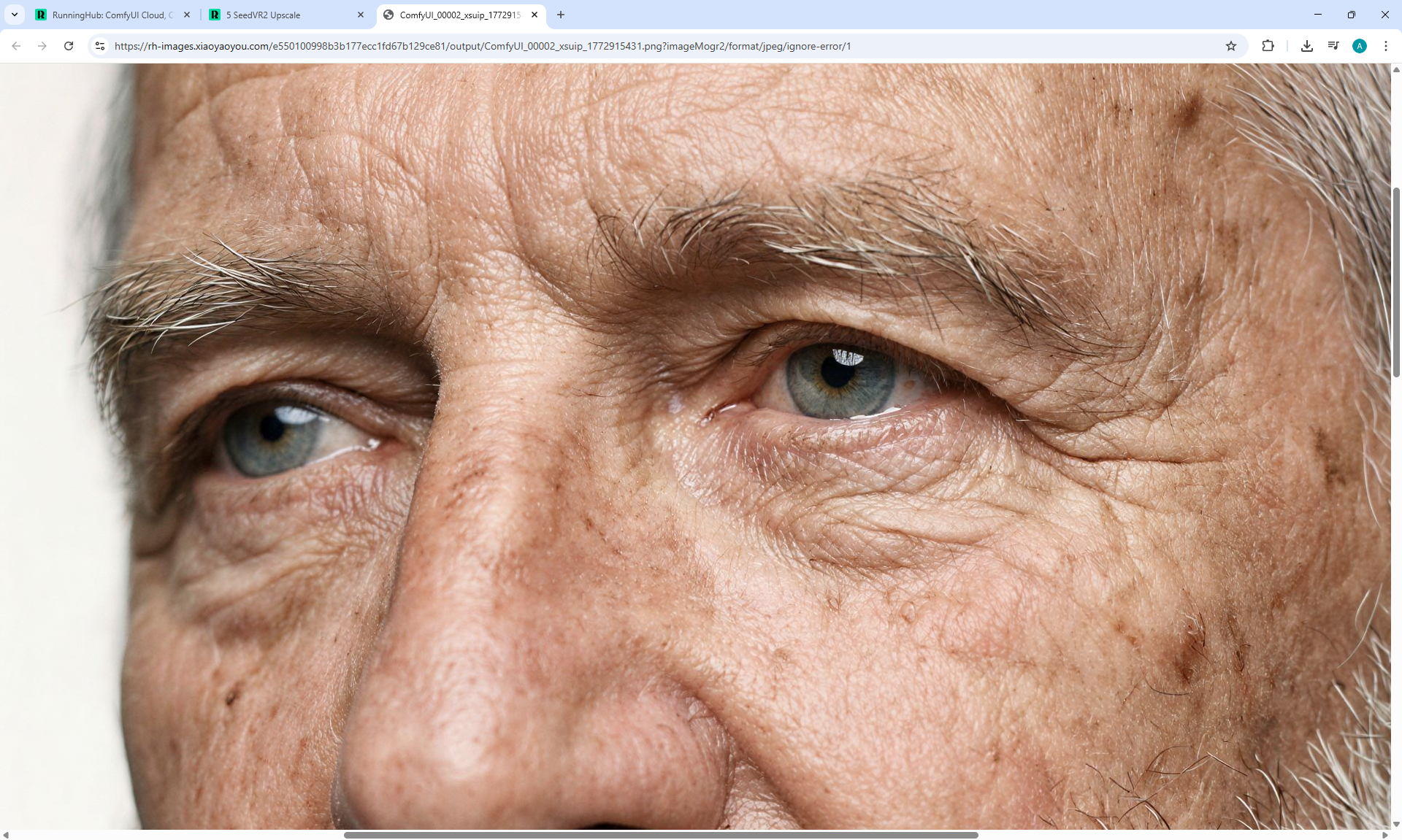
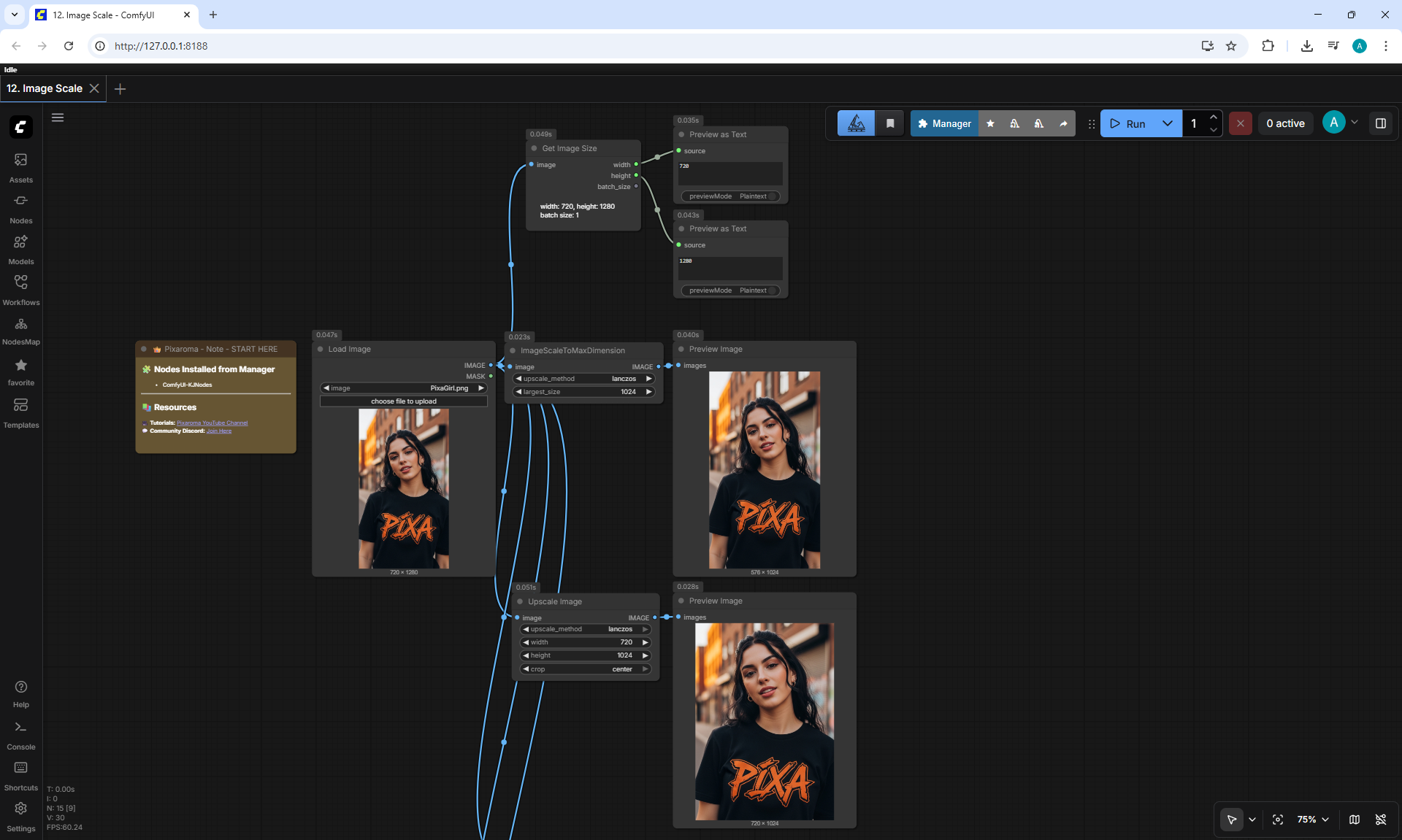
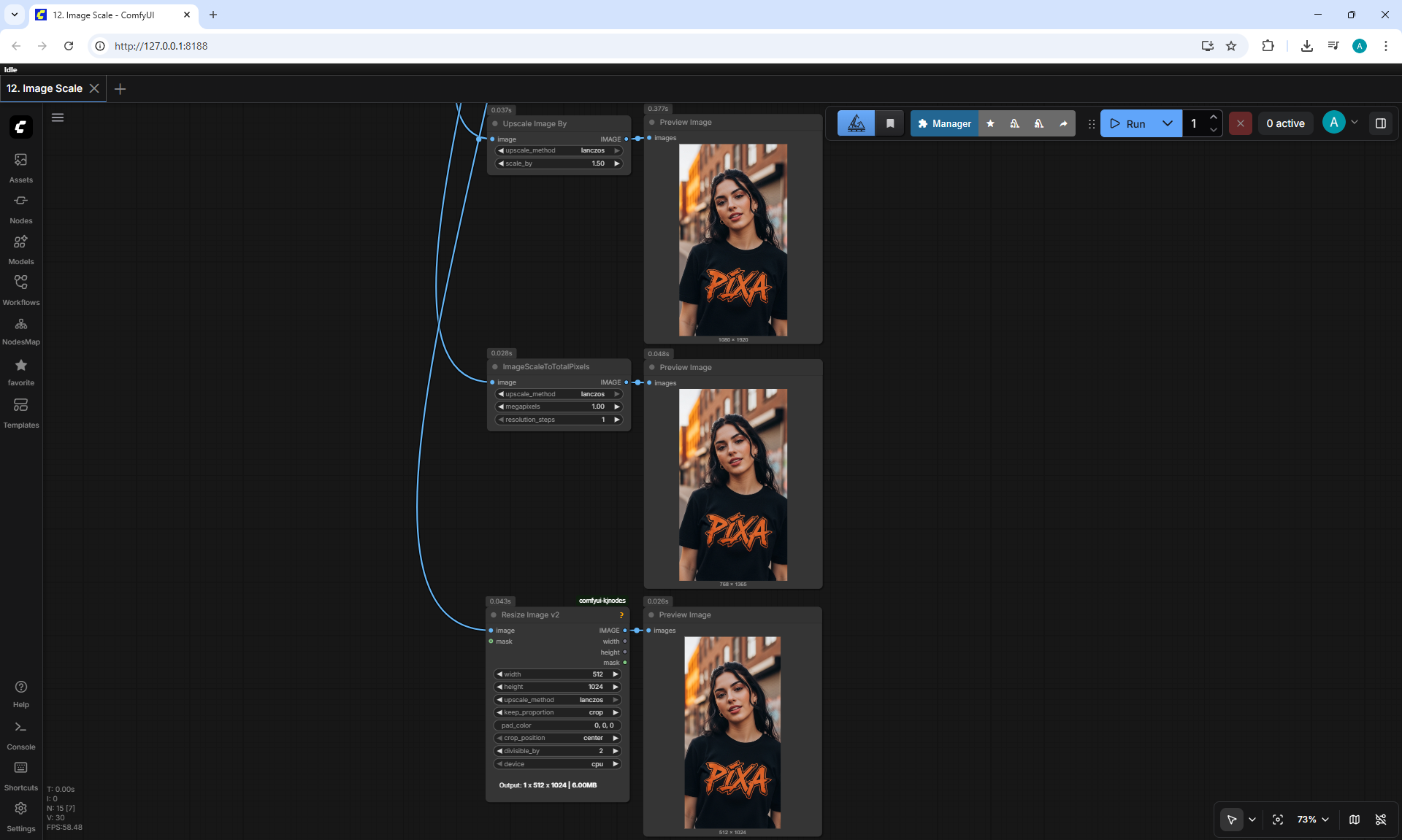
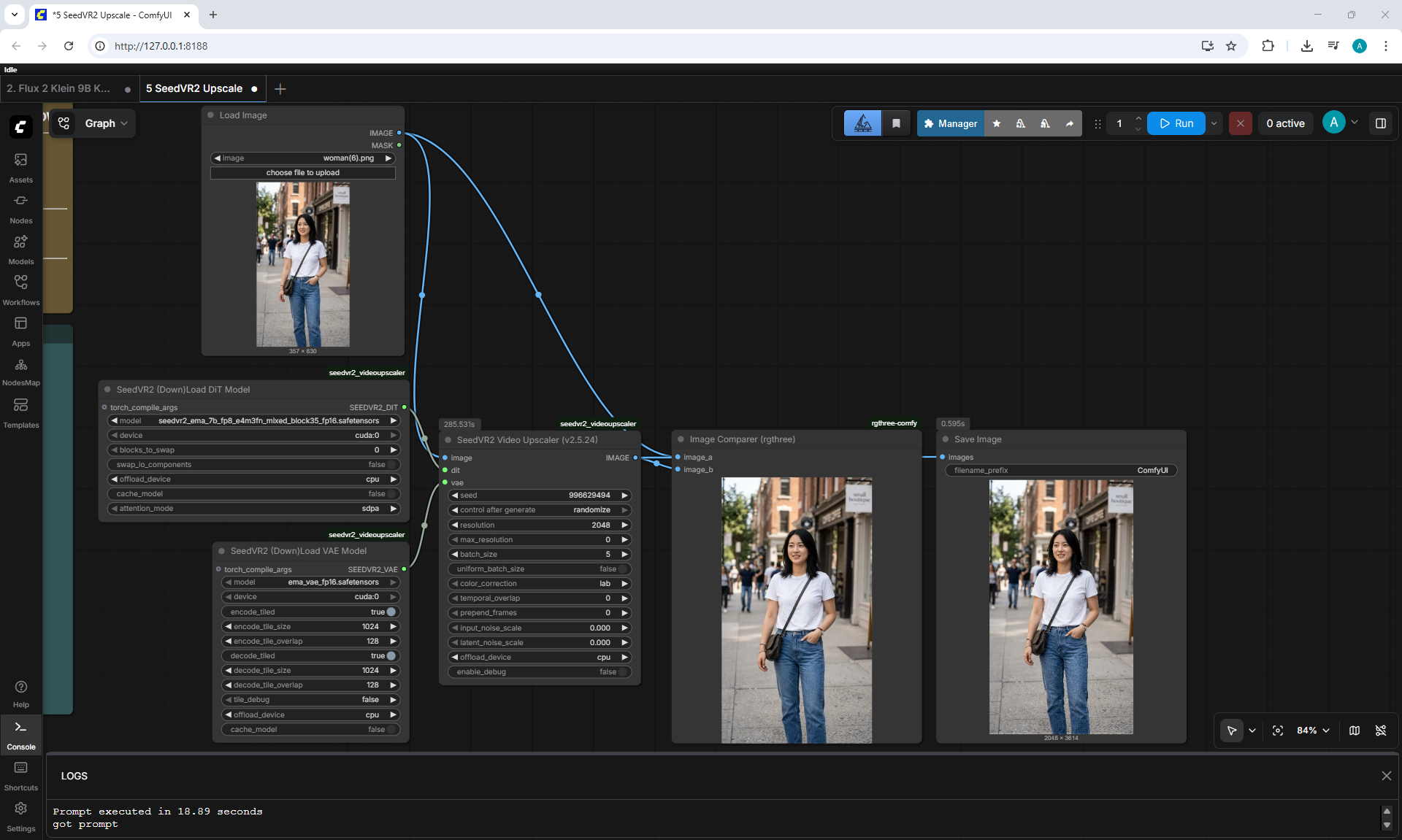
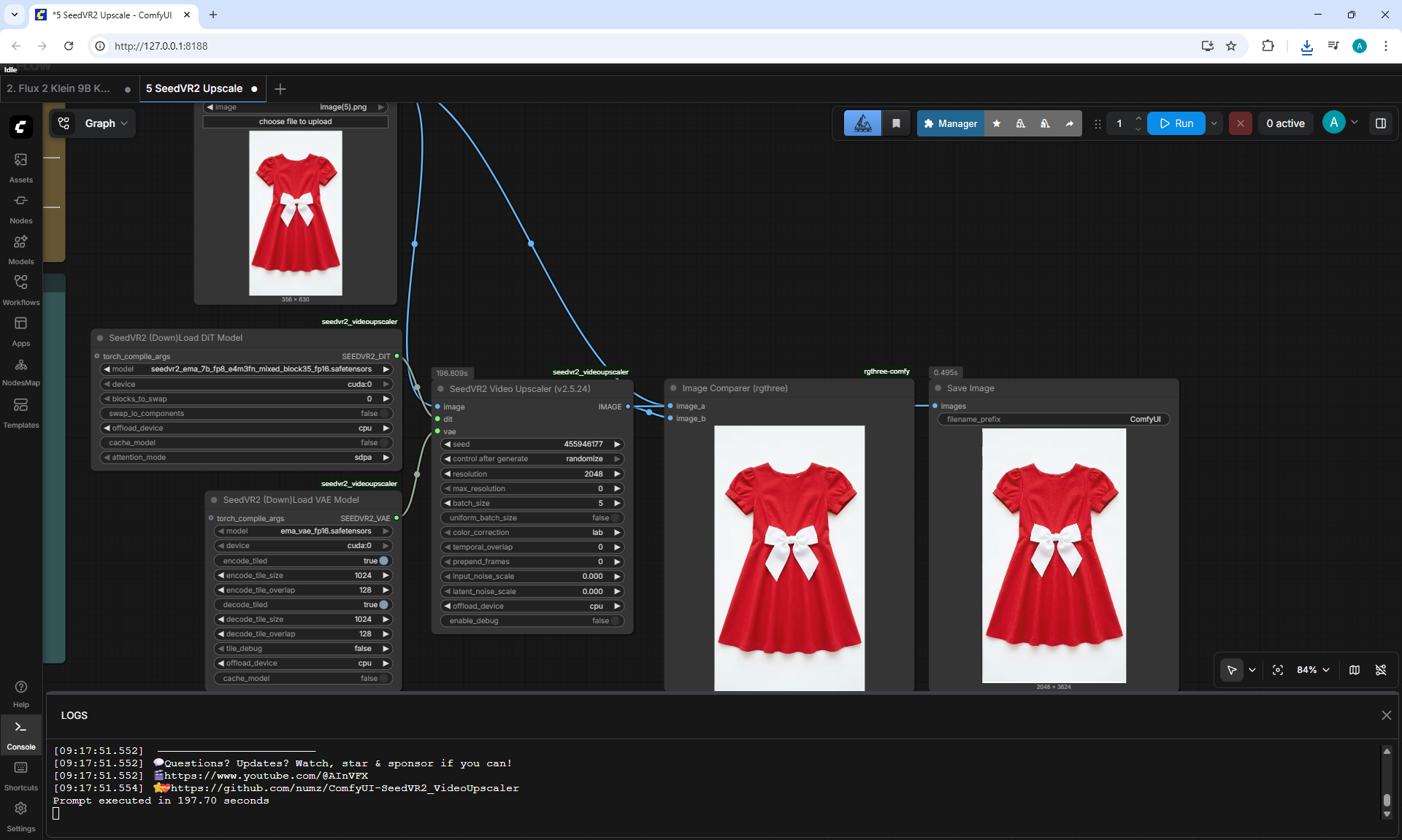
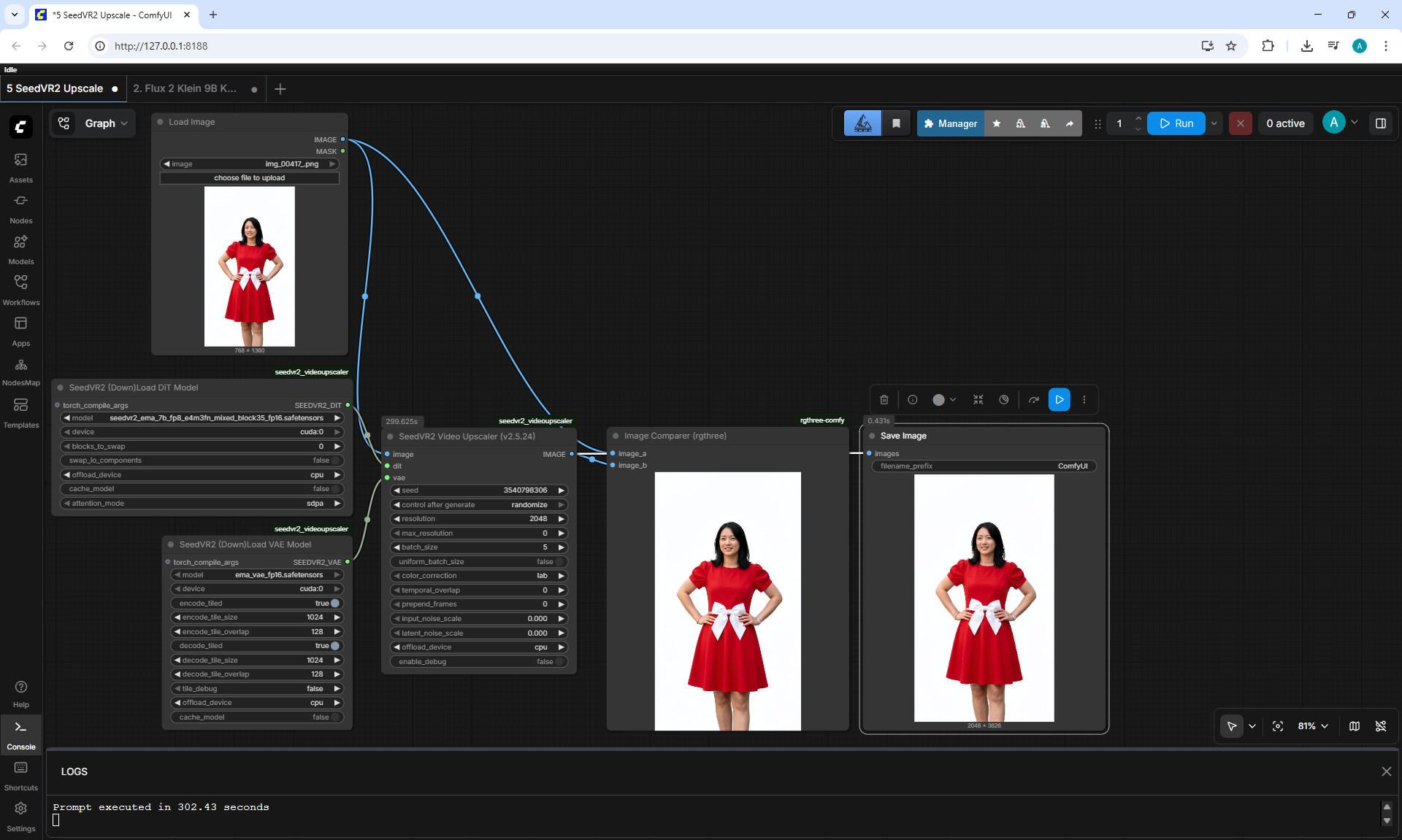
(Ep05) How to Upscale Images in ComfyUI









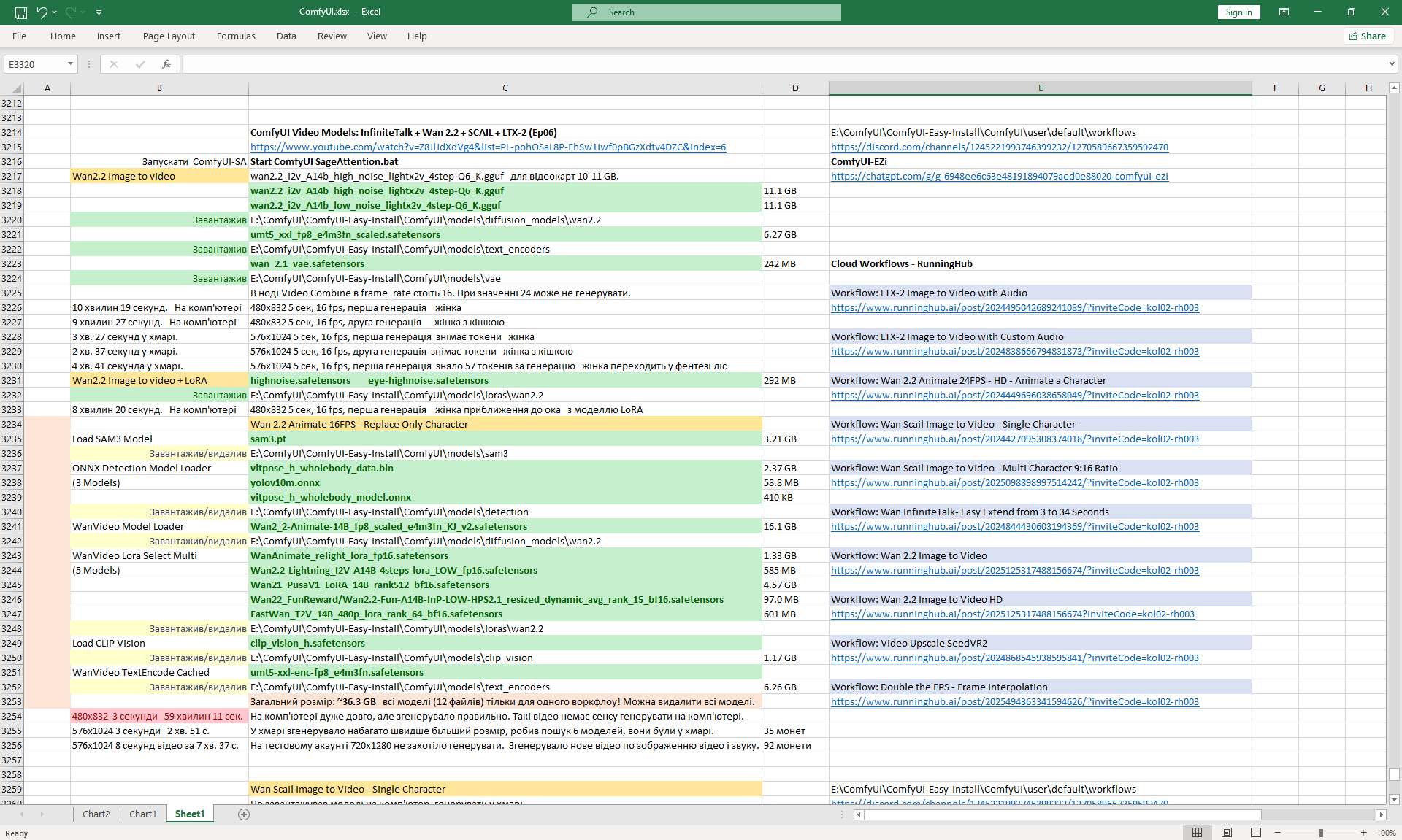
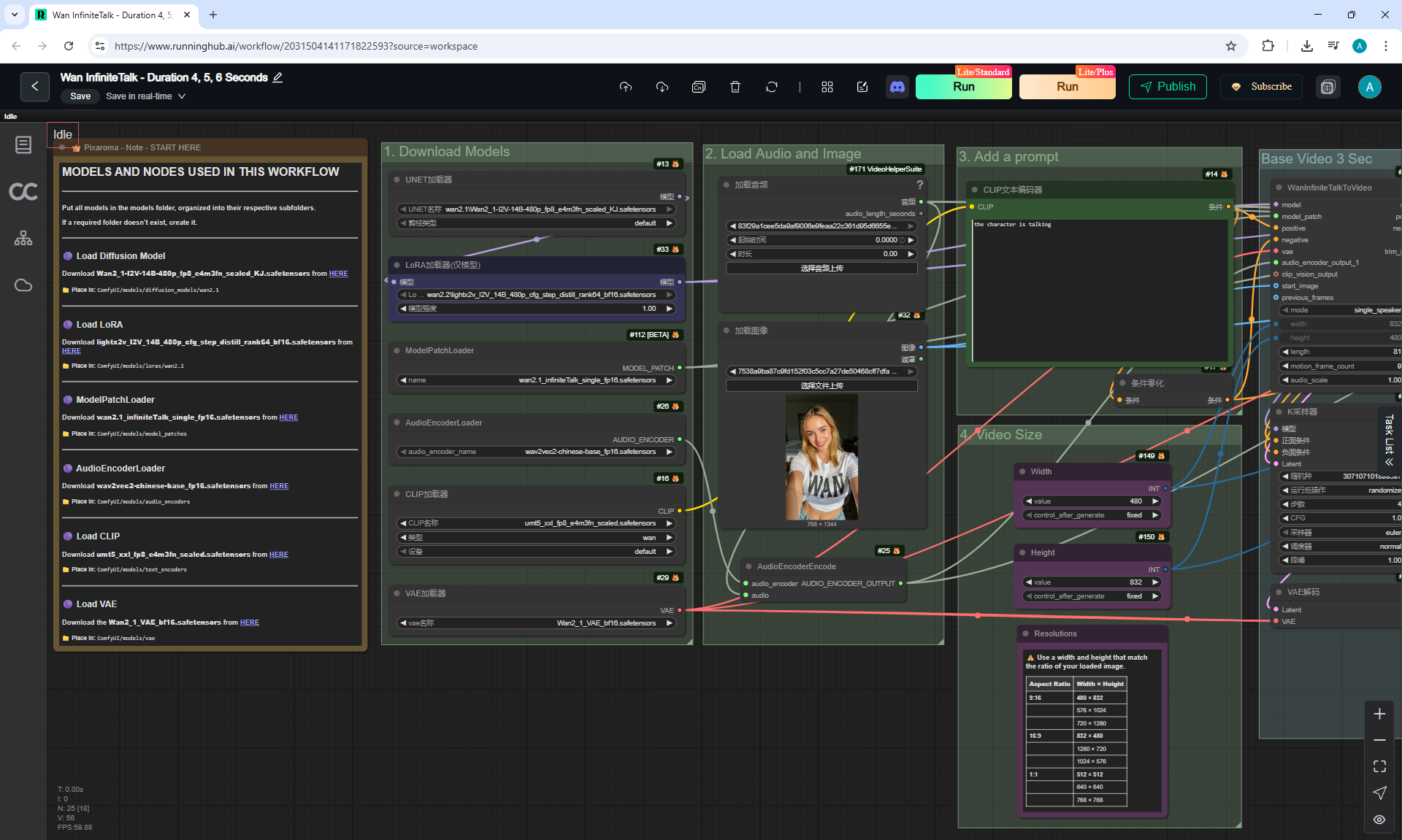
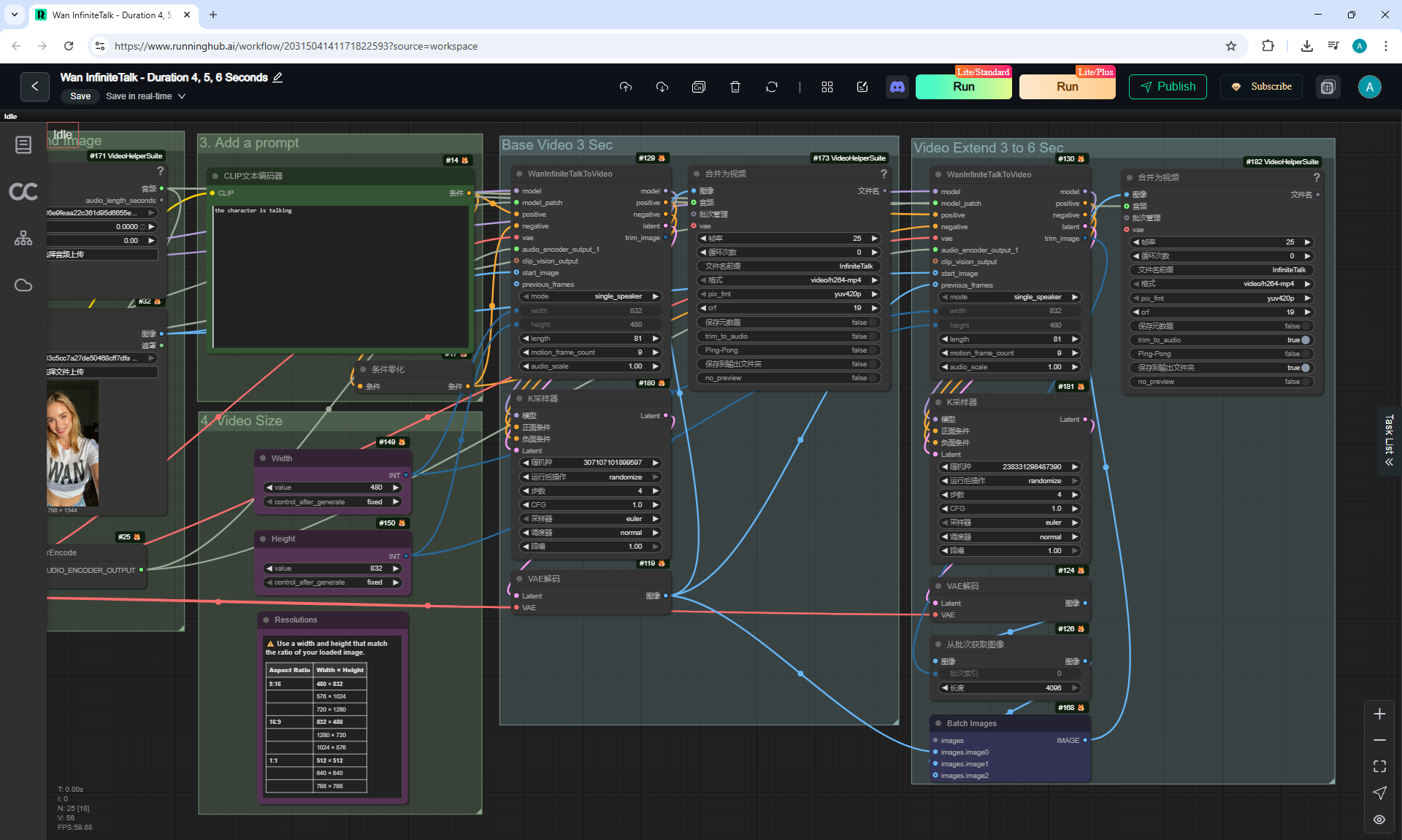
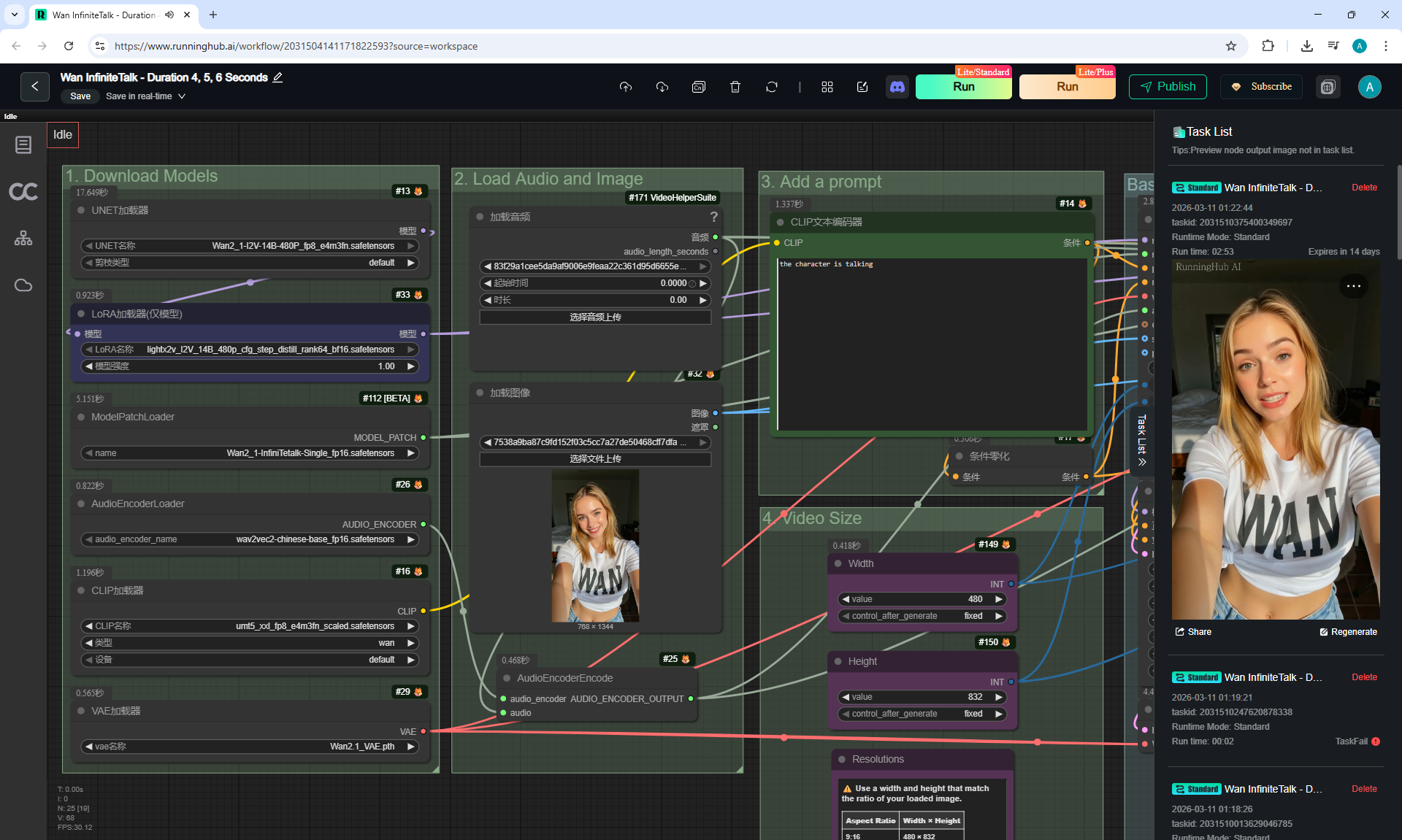
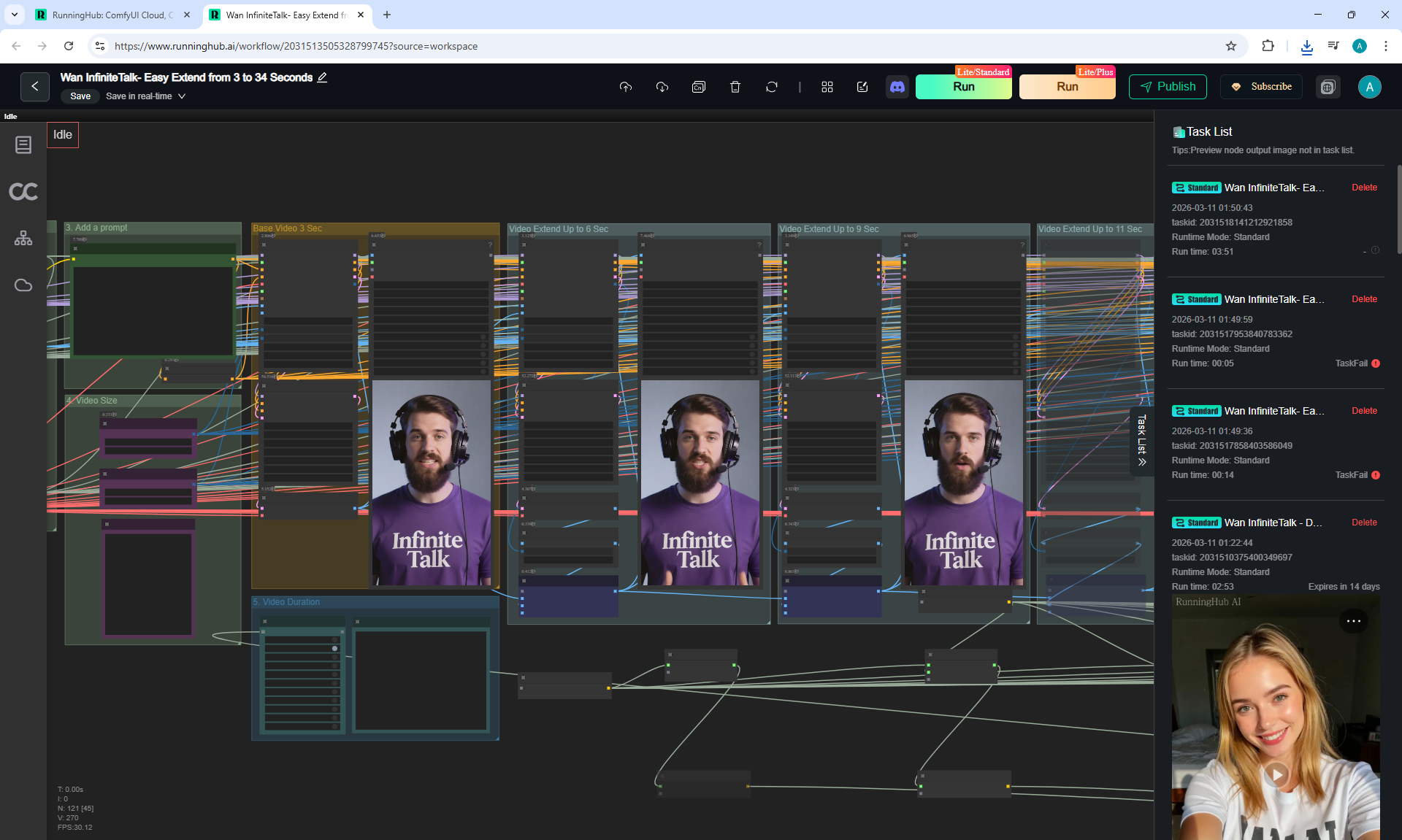
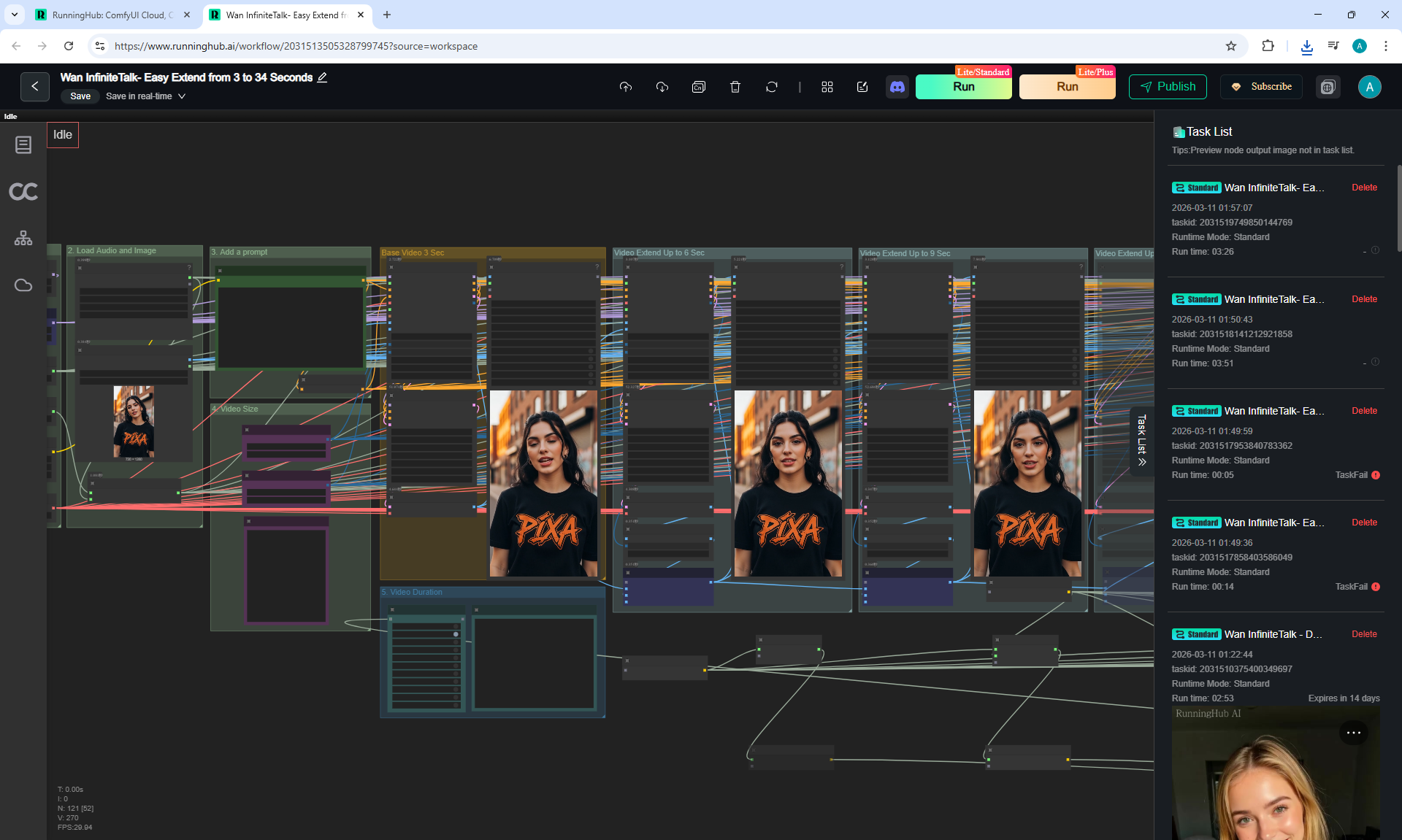
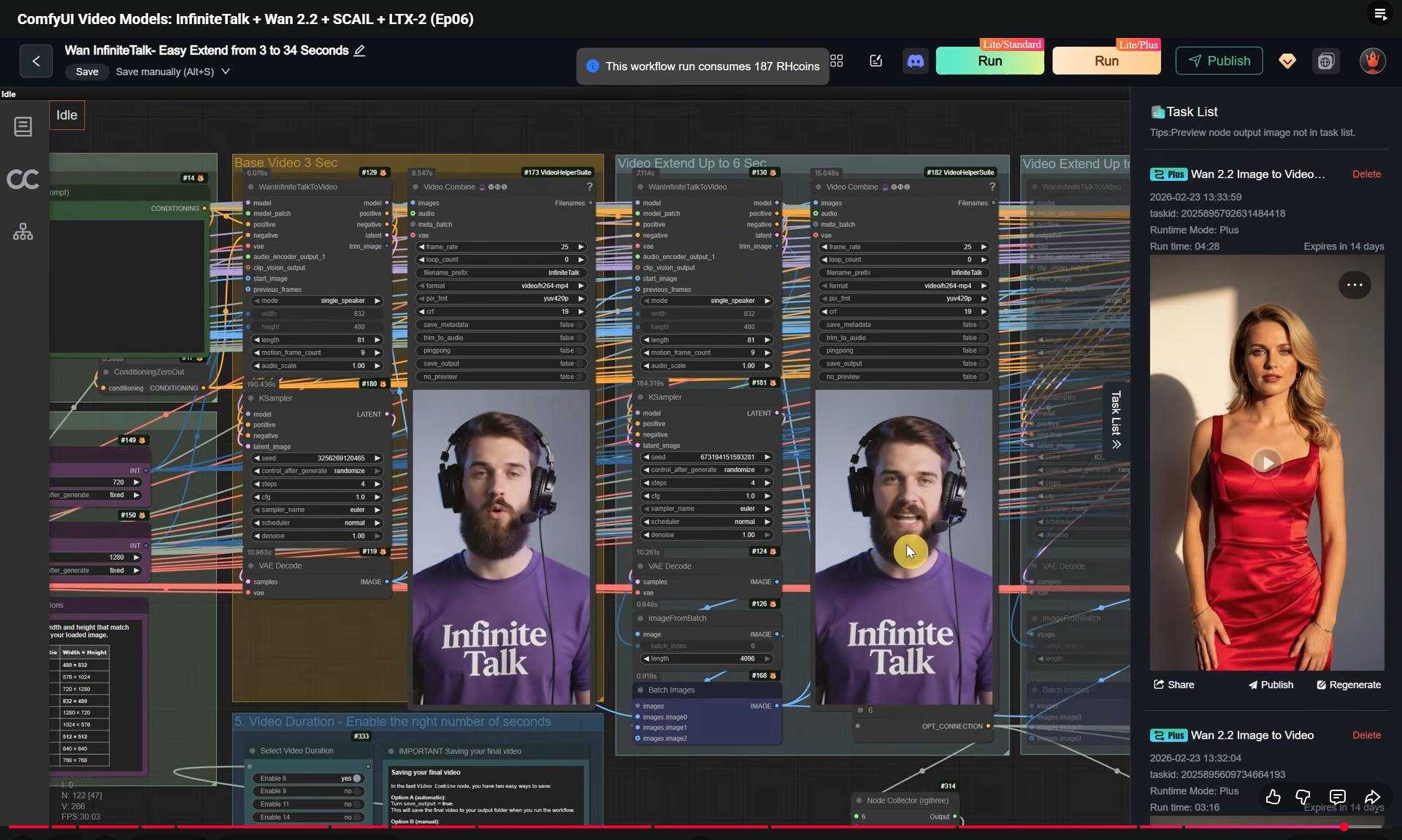
(Ep06) ComfyUI Video Models: InfiniteTalk + Wan 2.2 + SCAIL + LTX-2



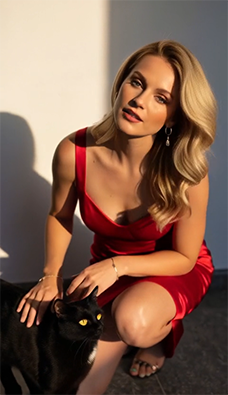
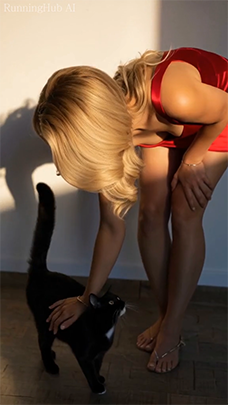
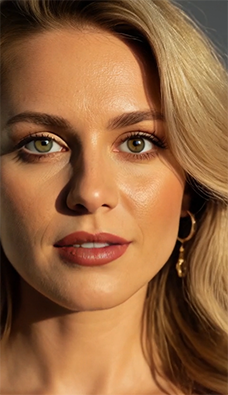


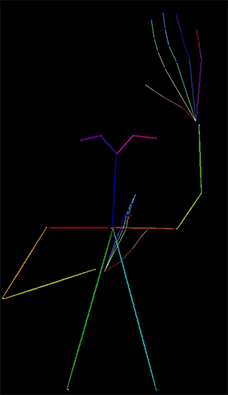
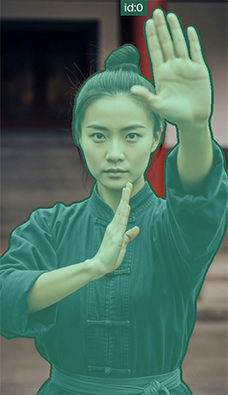



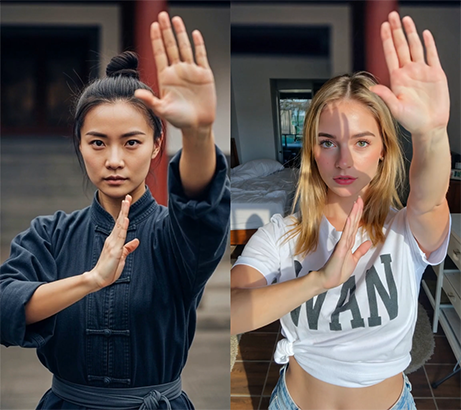
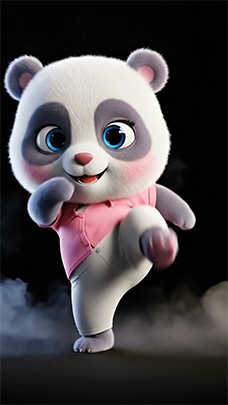
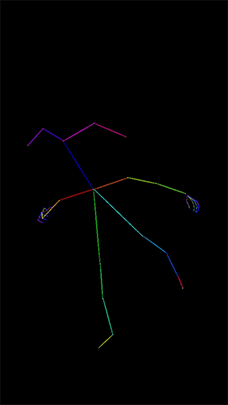
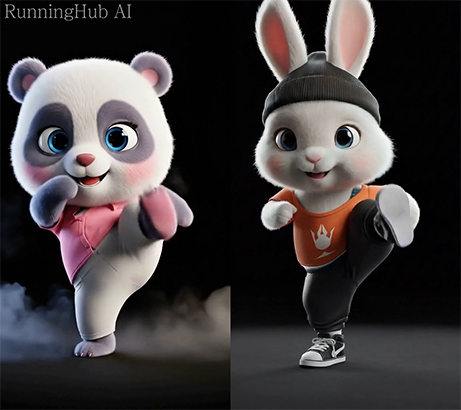
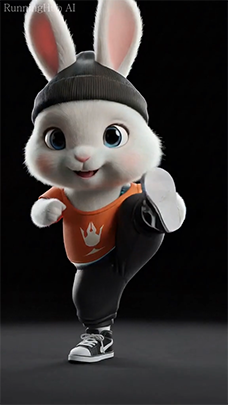
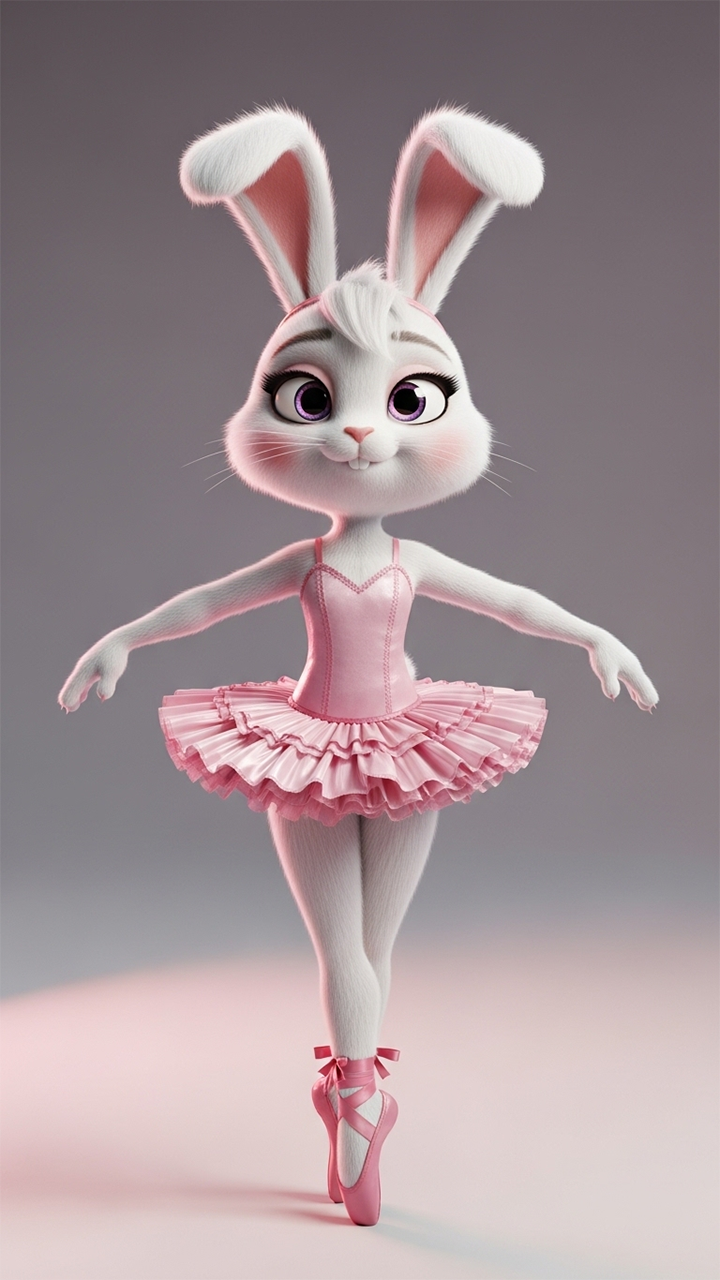
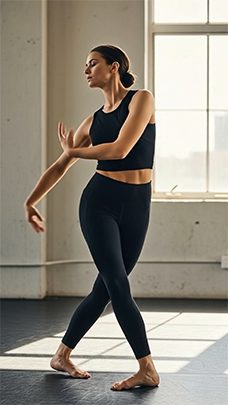
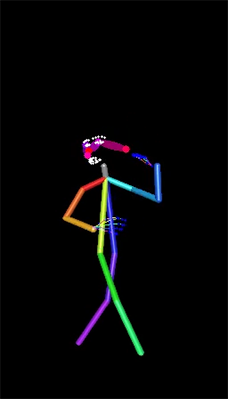
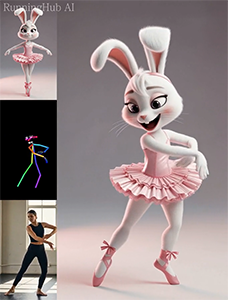

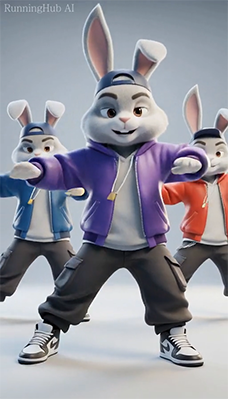

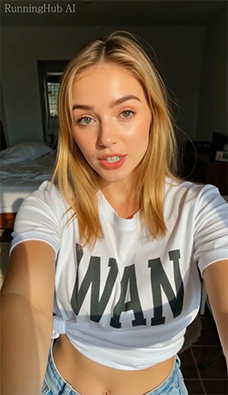
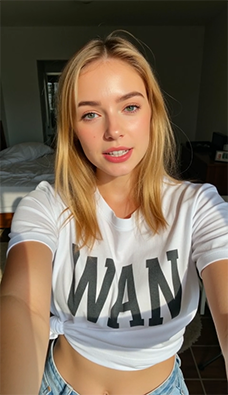
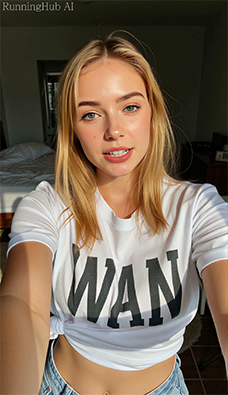
WomanVoice6Sec.mp3. This video is on Wan InfinineTalk
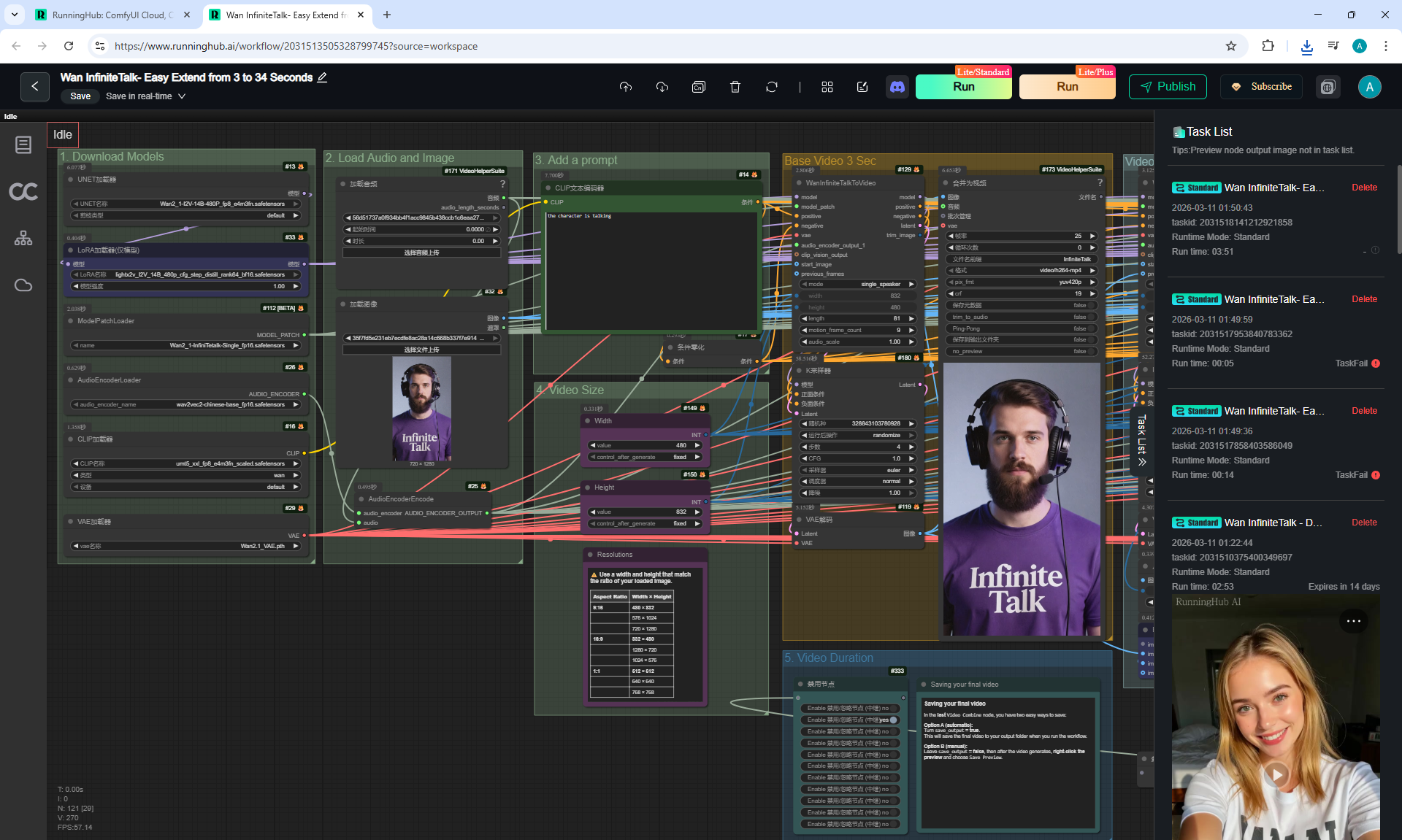
ManVoice42Sec.mp3. This video is on Wan InfinineTalk

WomanVoice9Sec.mp3. This video is on Wan InfinineTalk


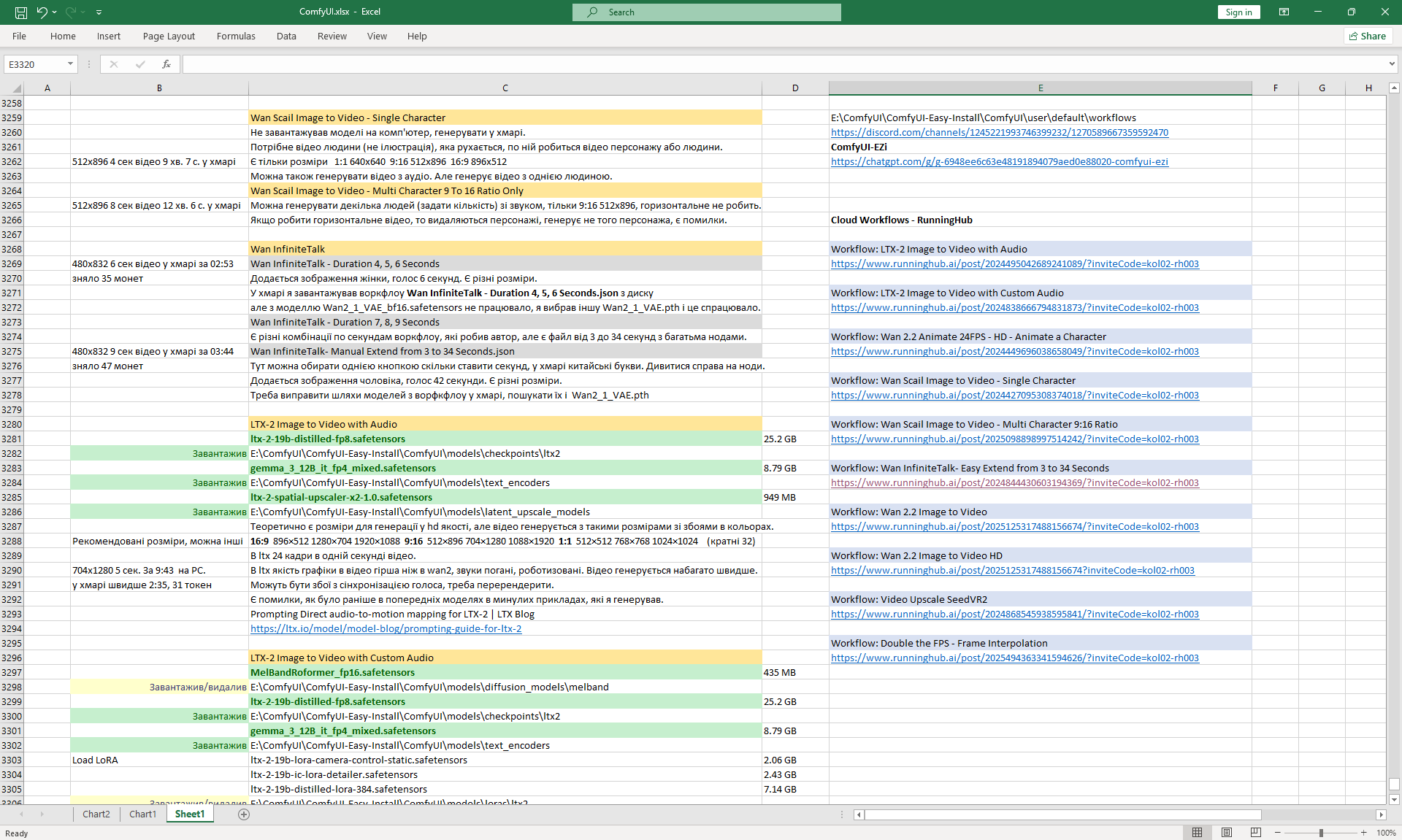
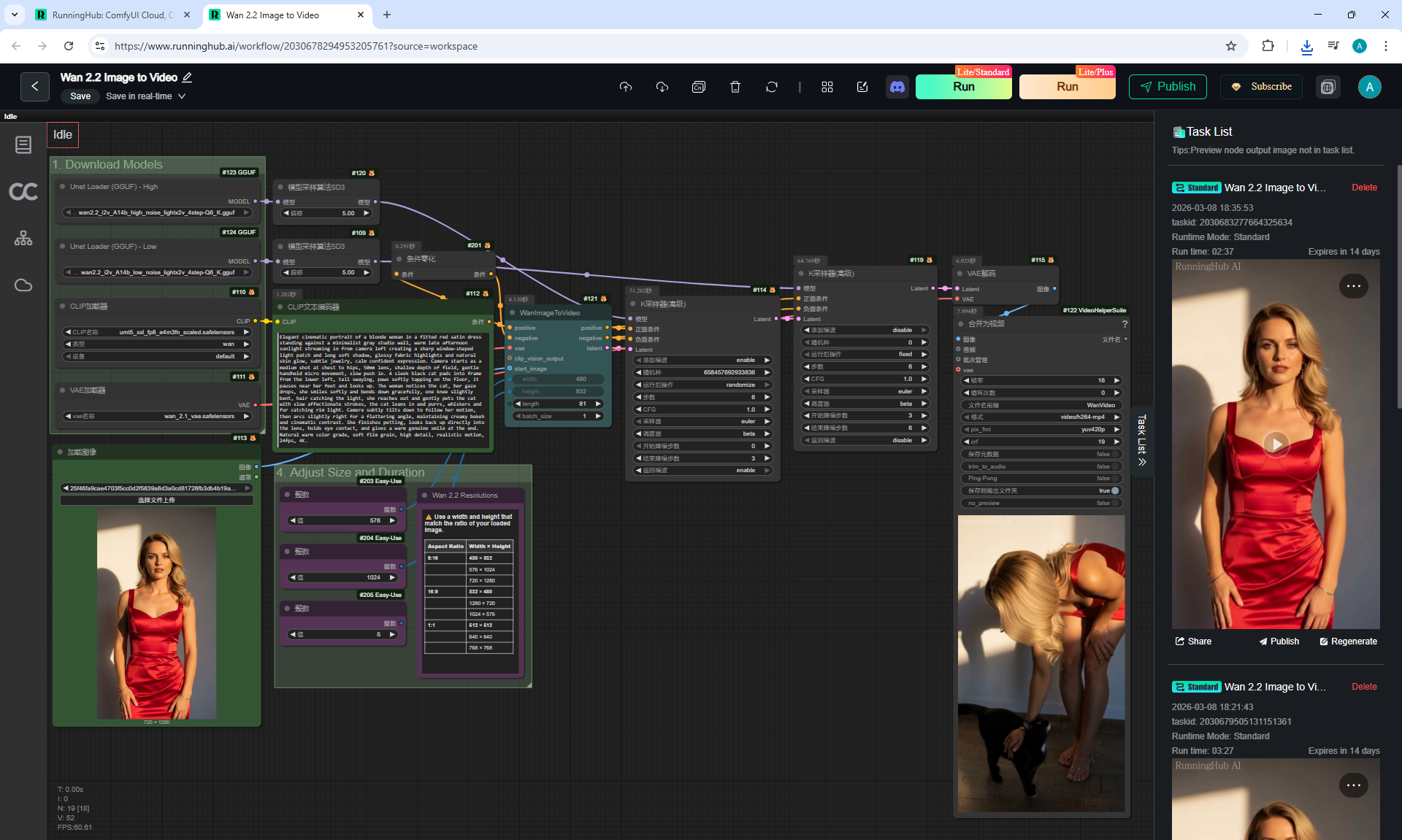
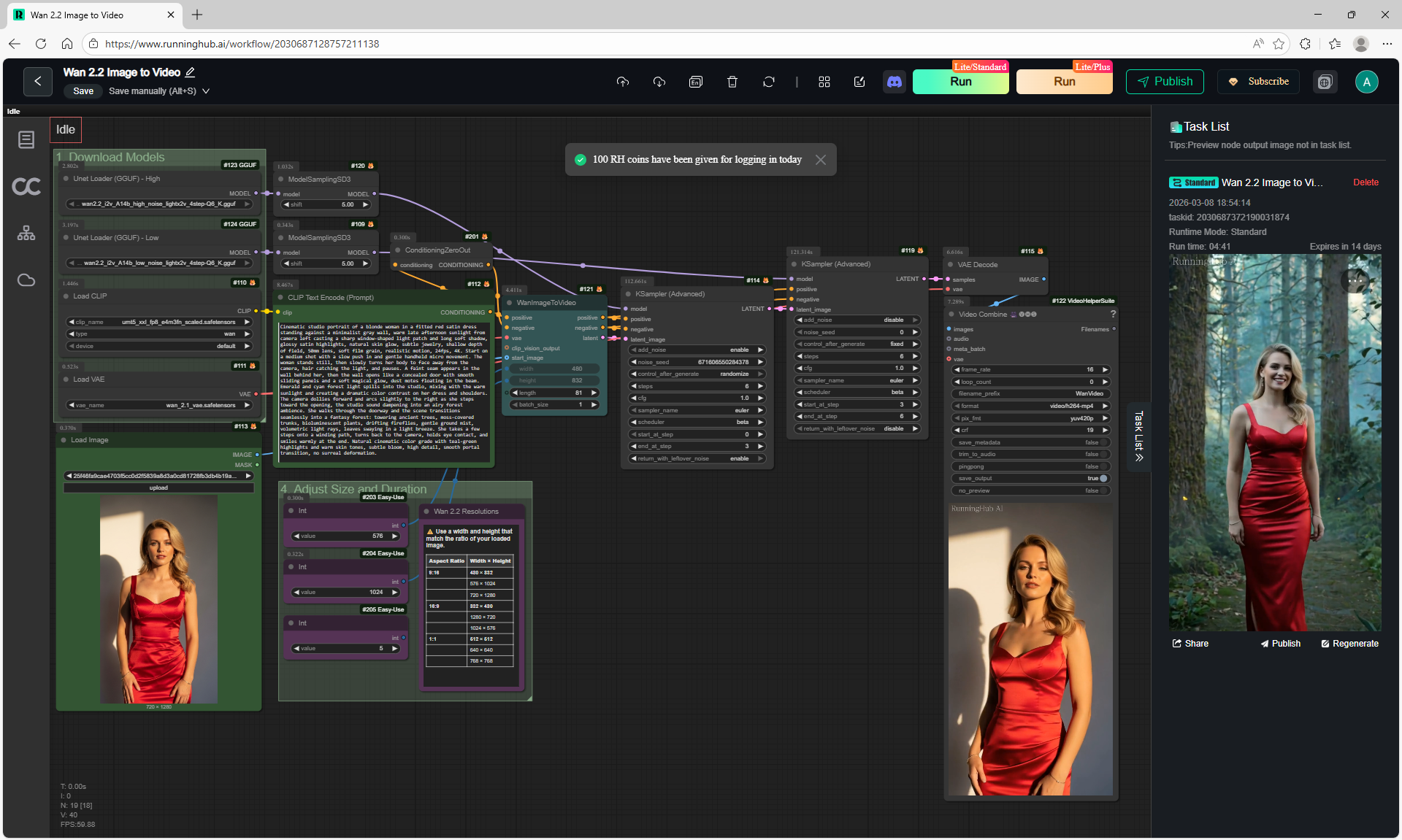
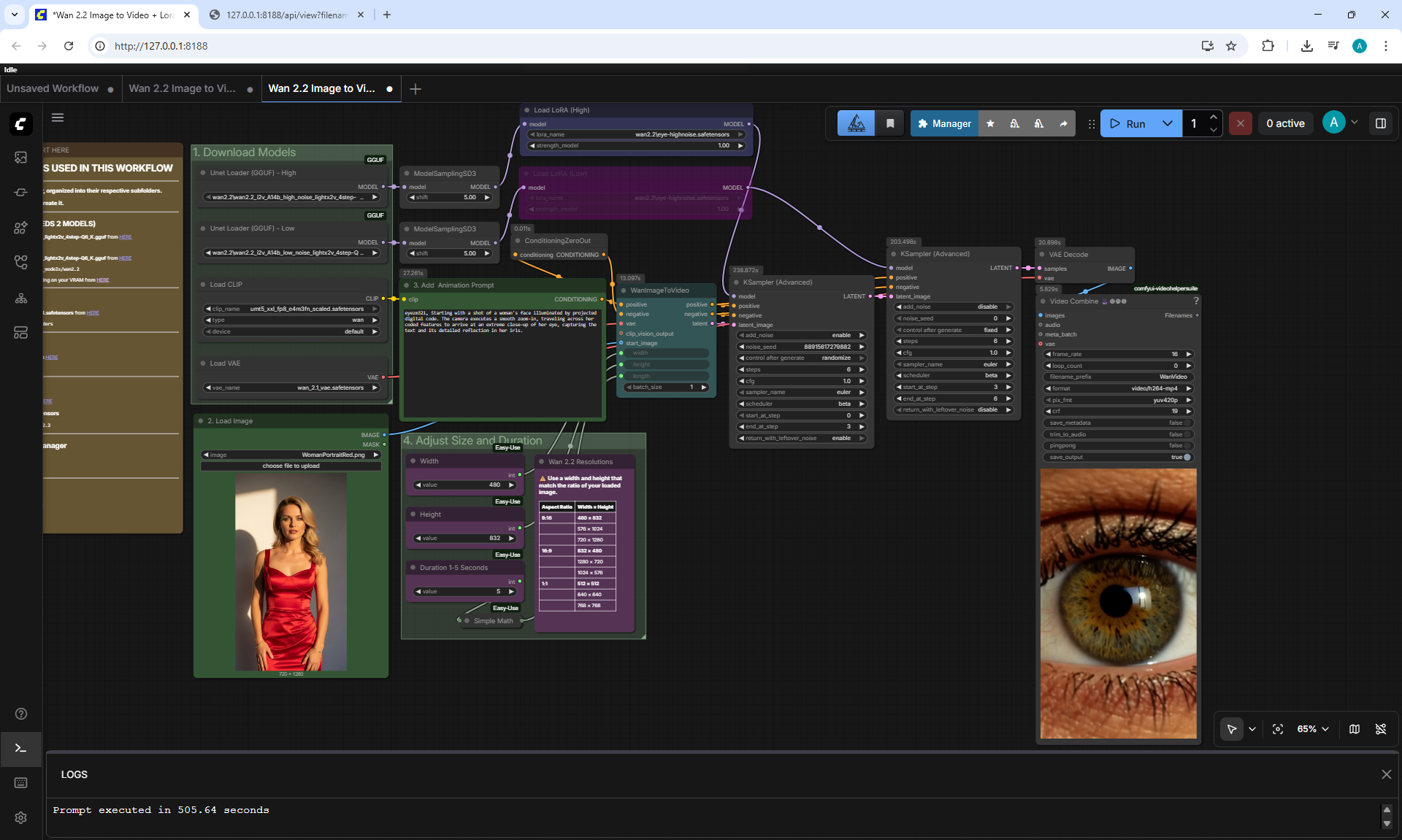
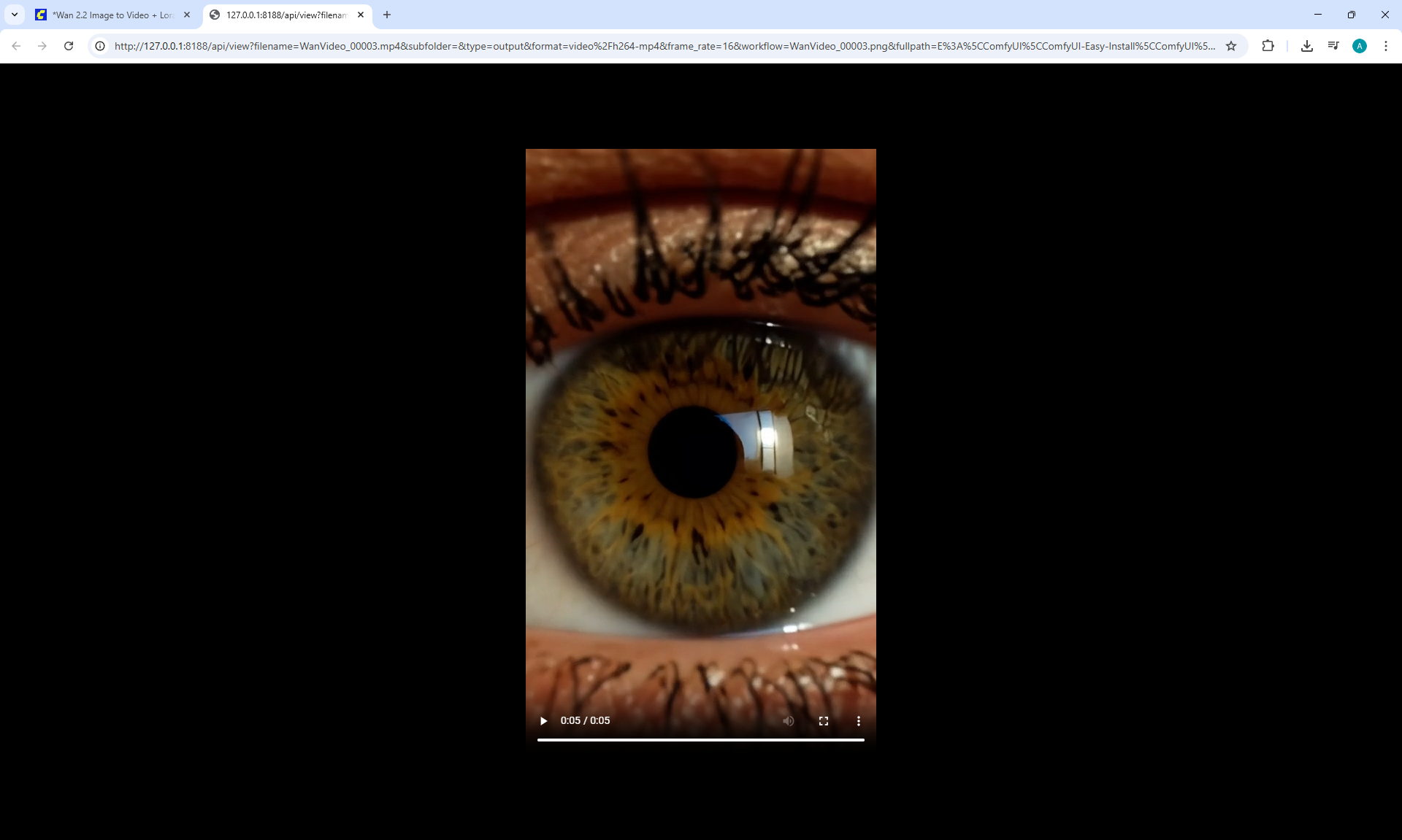
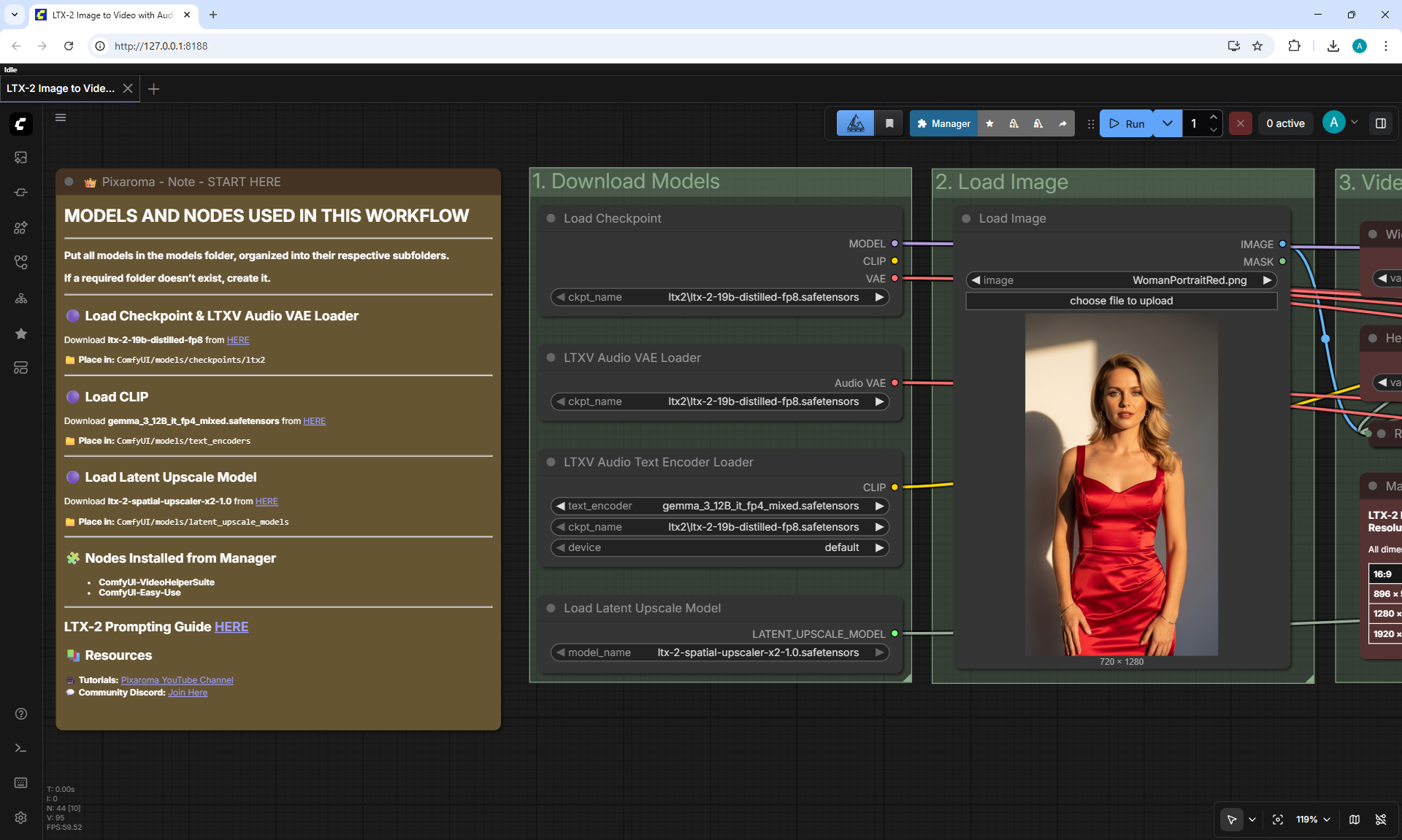
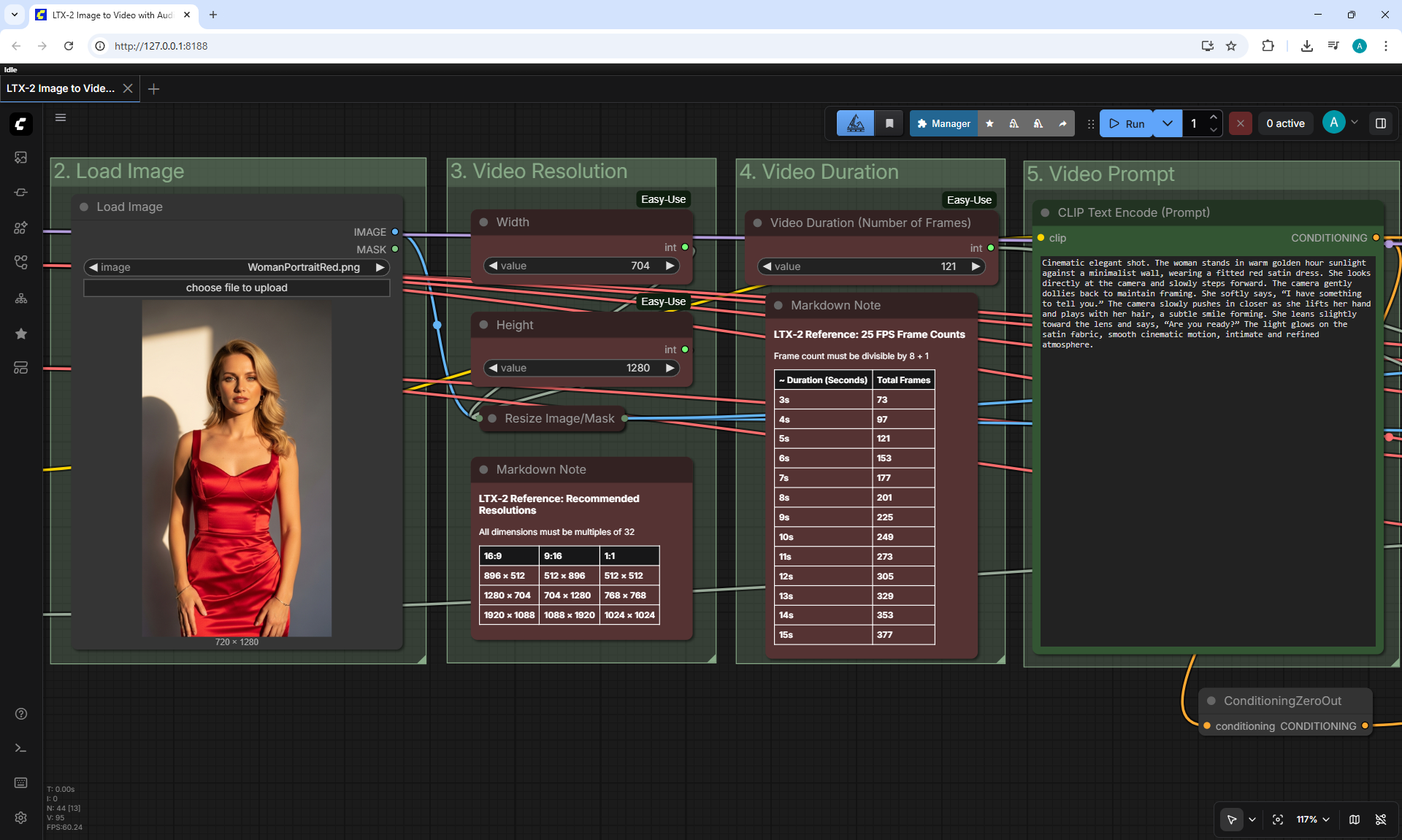
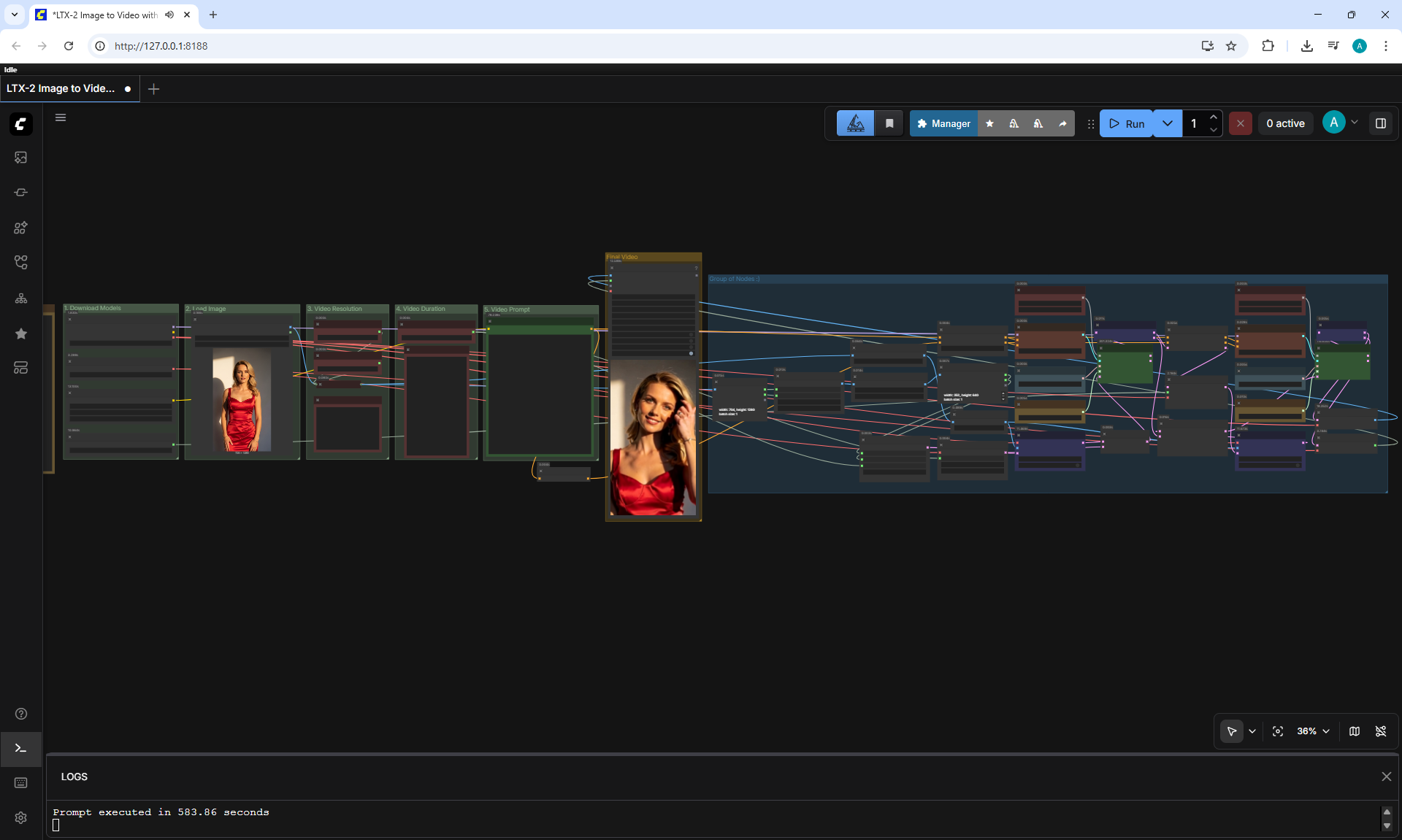
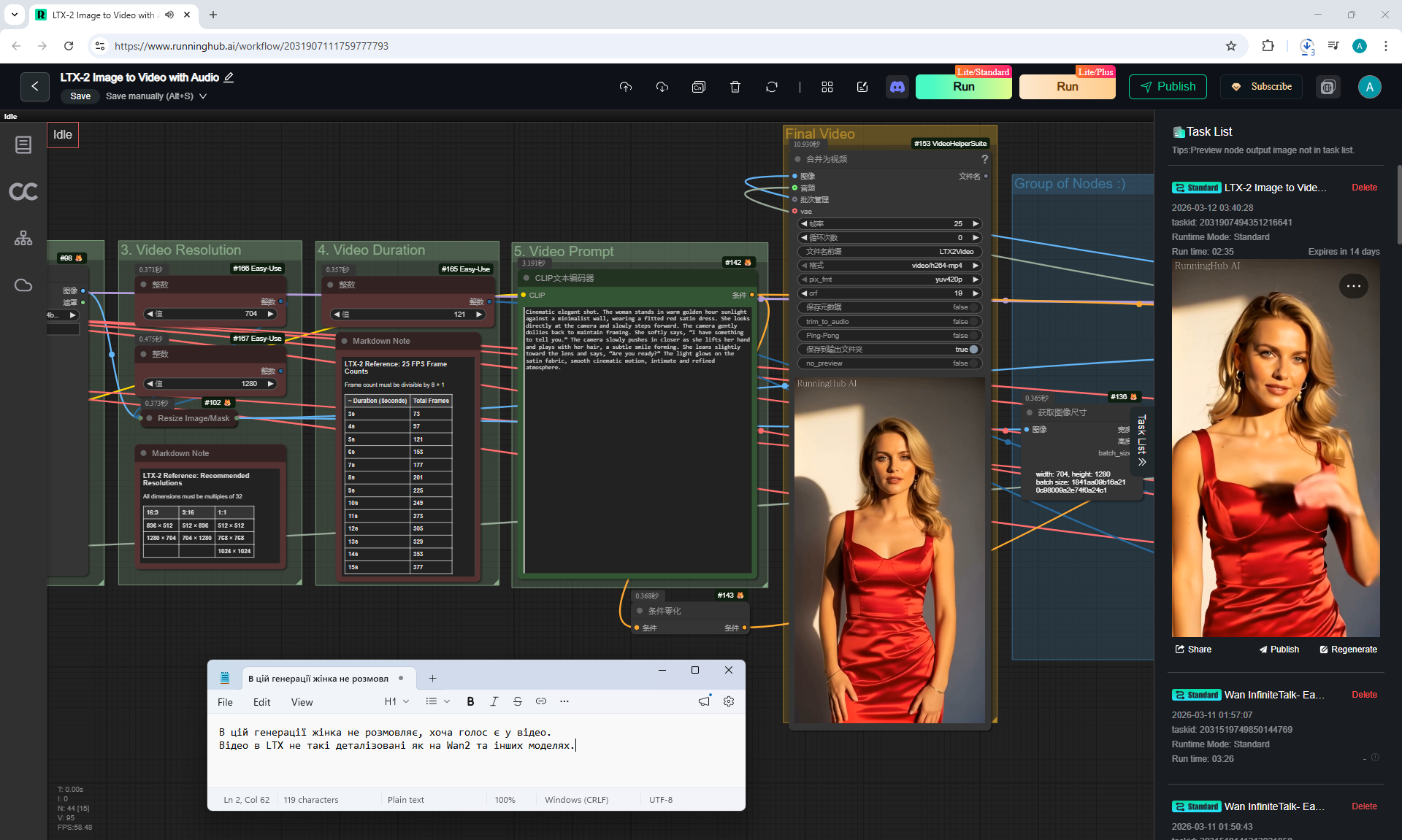
The last two videos were generated in the LTX-2 Image to Video workflow, the text of the woman's voice is written in the prompt and the woman's movements are described. The voice is not clear, robotic and the image quality in the video is worse than in Wan2.2, but it generates faster.
Sometimes the woman does not communicate with her voice. LTX previously had such shortcomings with video quality.
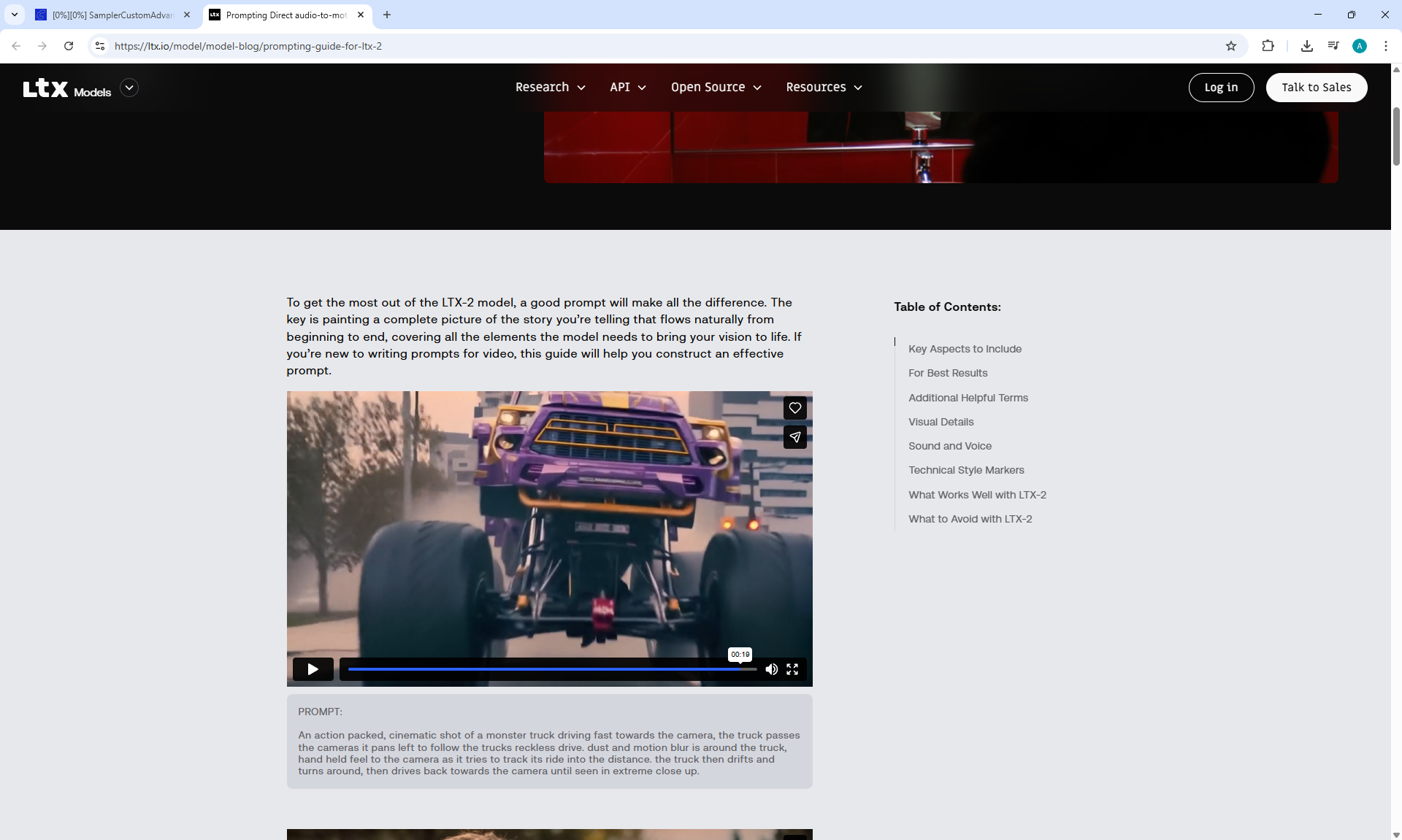
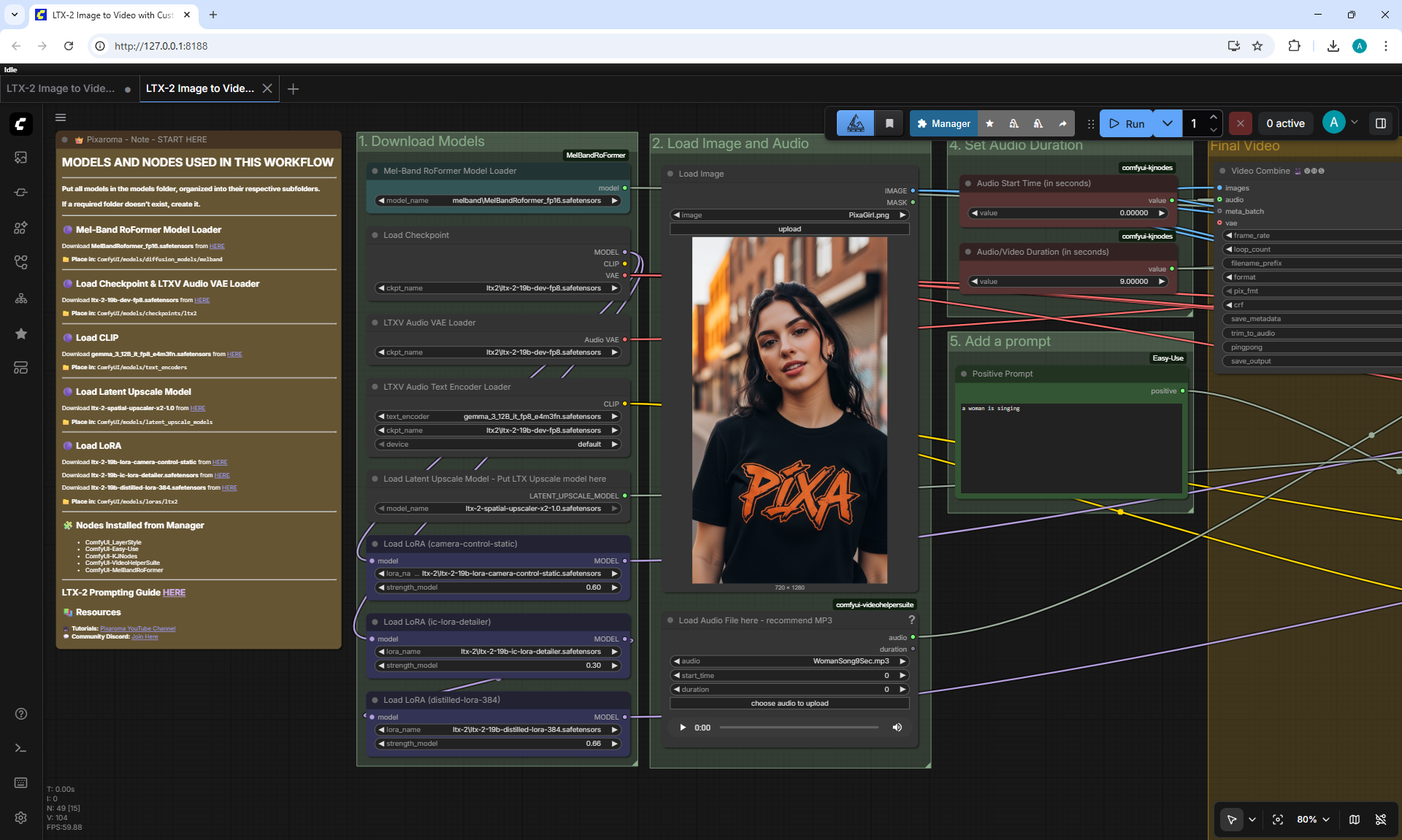
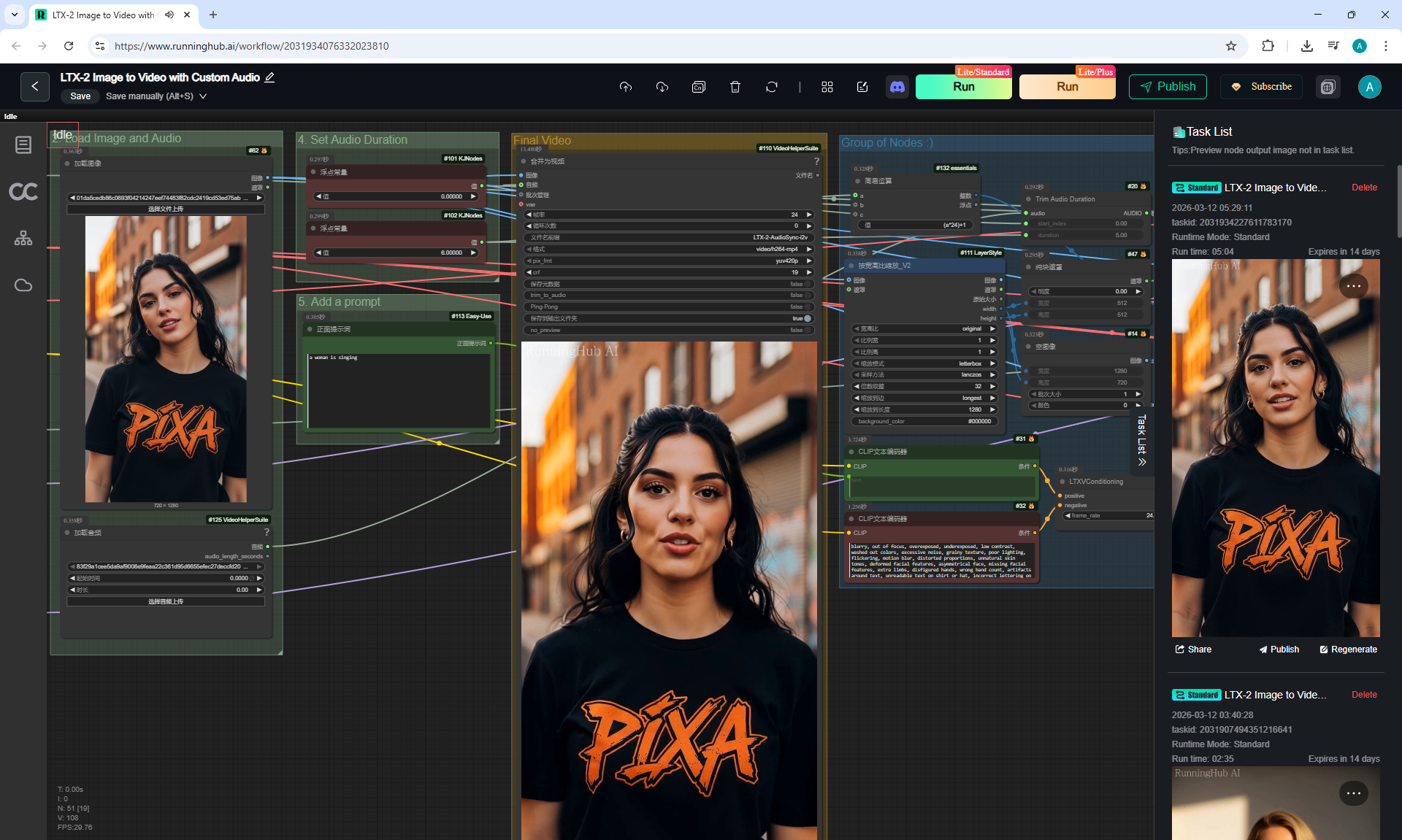
LTX-2 now has the ability to download images and audio.

WomanVoice6Sec.mp3
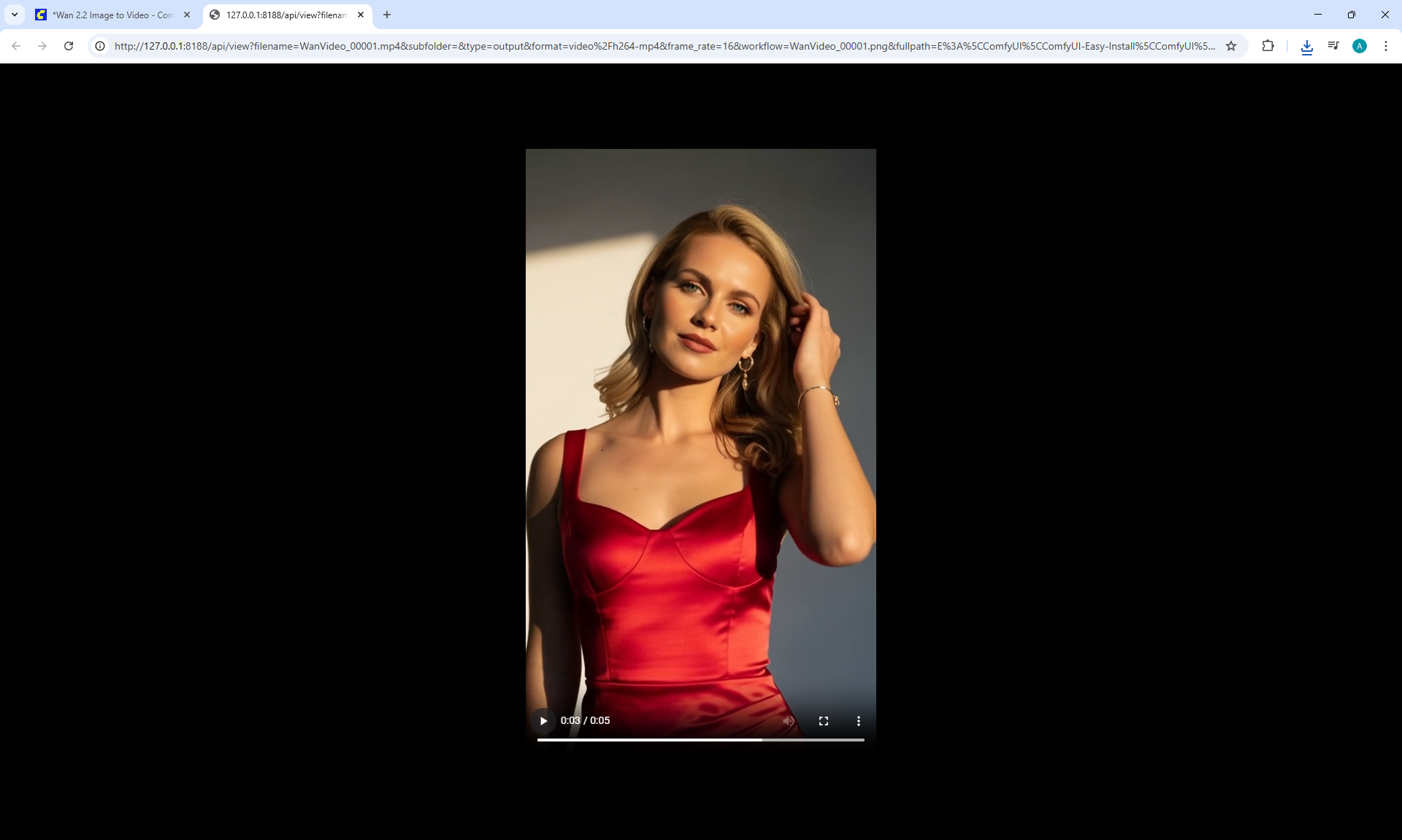
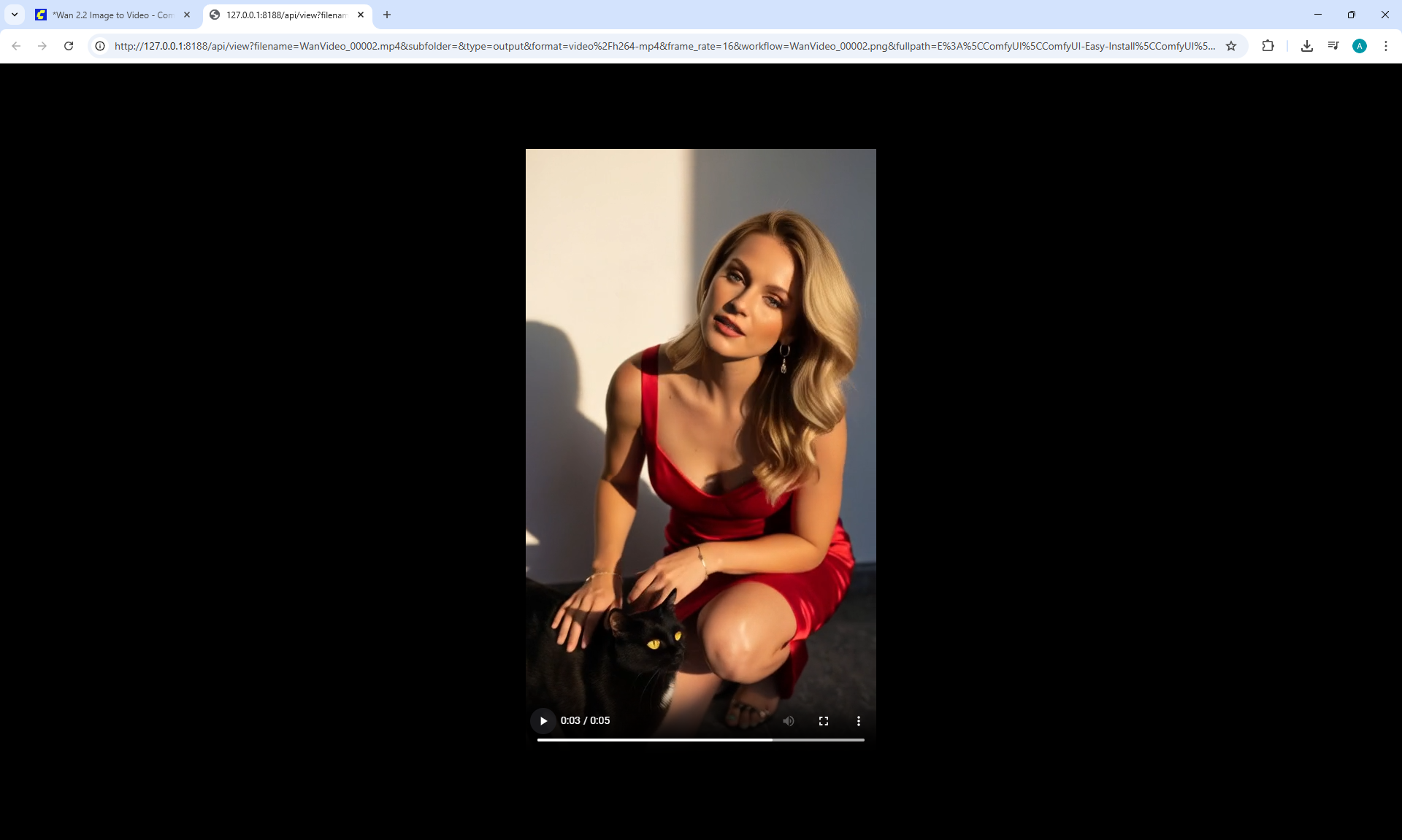
This video is on LTX-2 Image to Video with Custom Audio, it turned out quite well.
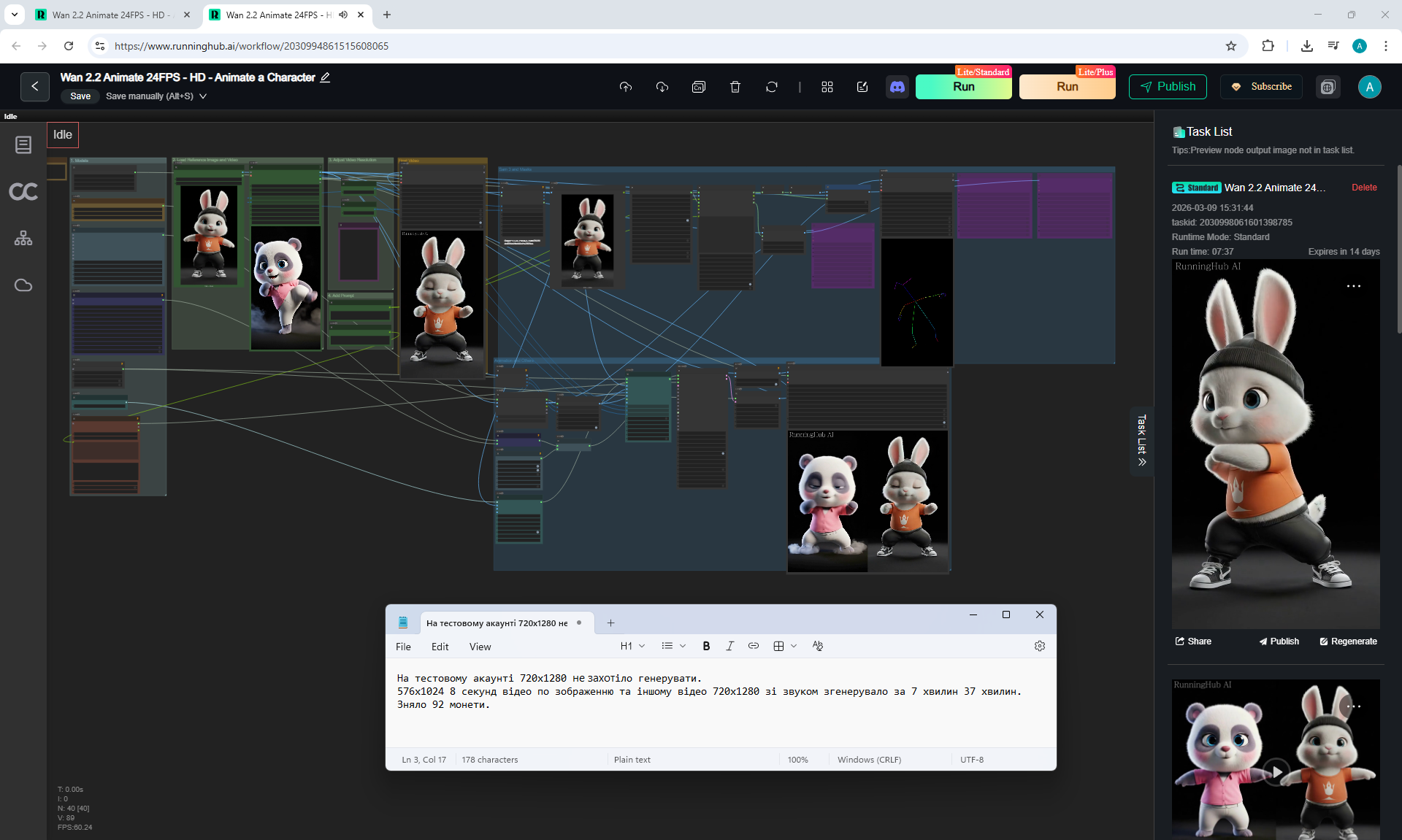
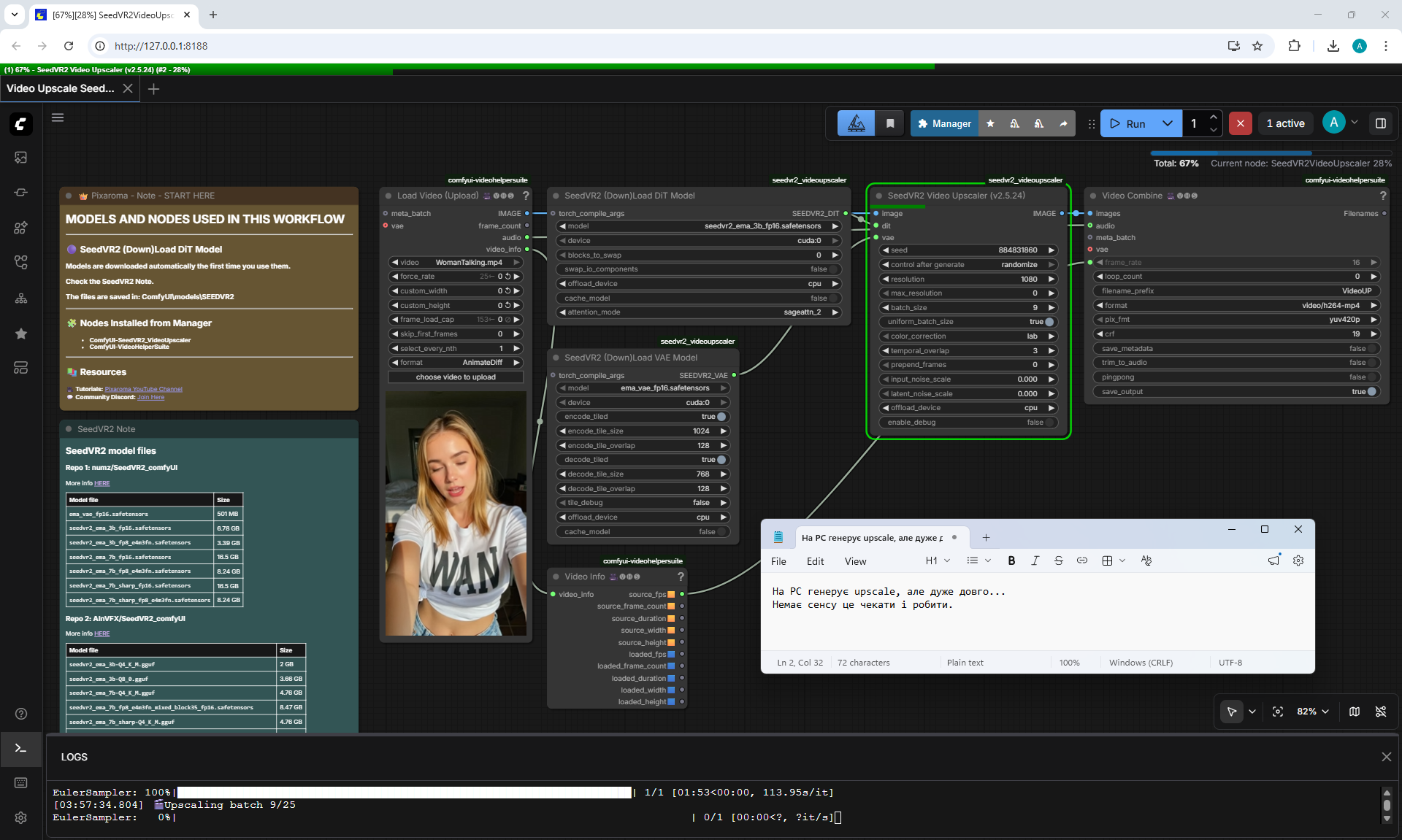
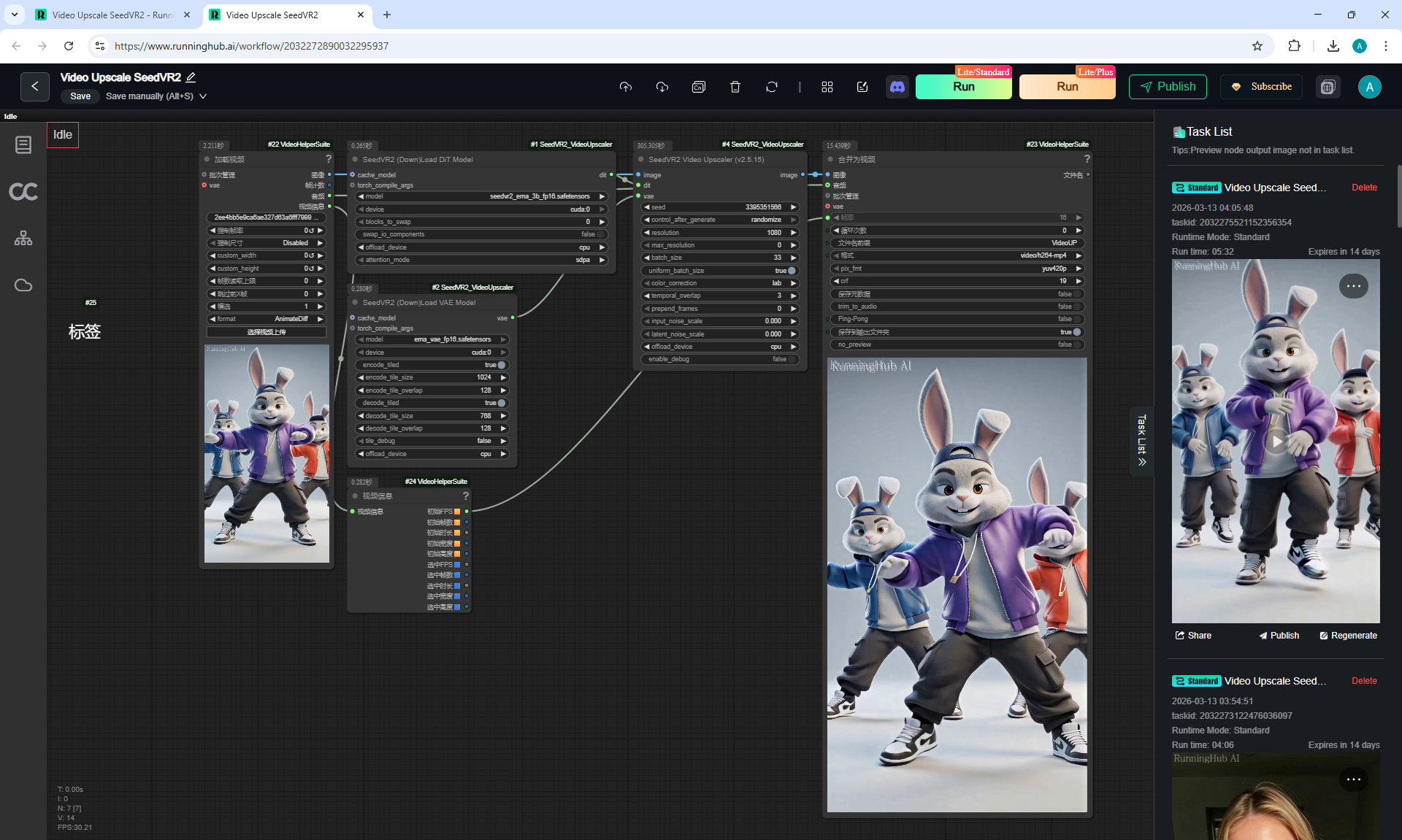
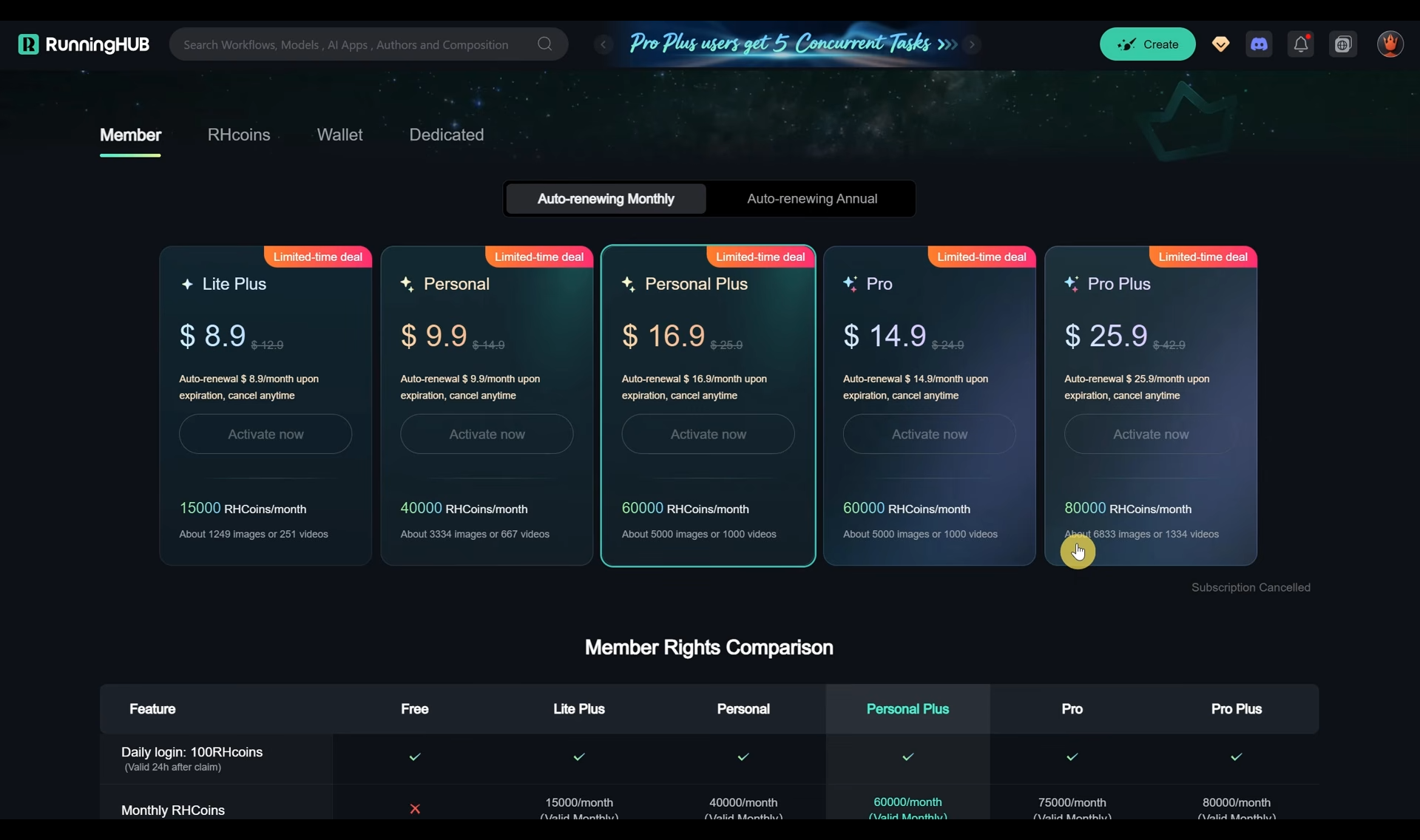
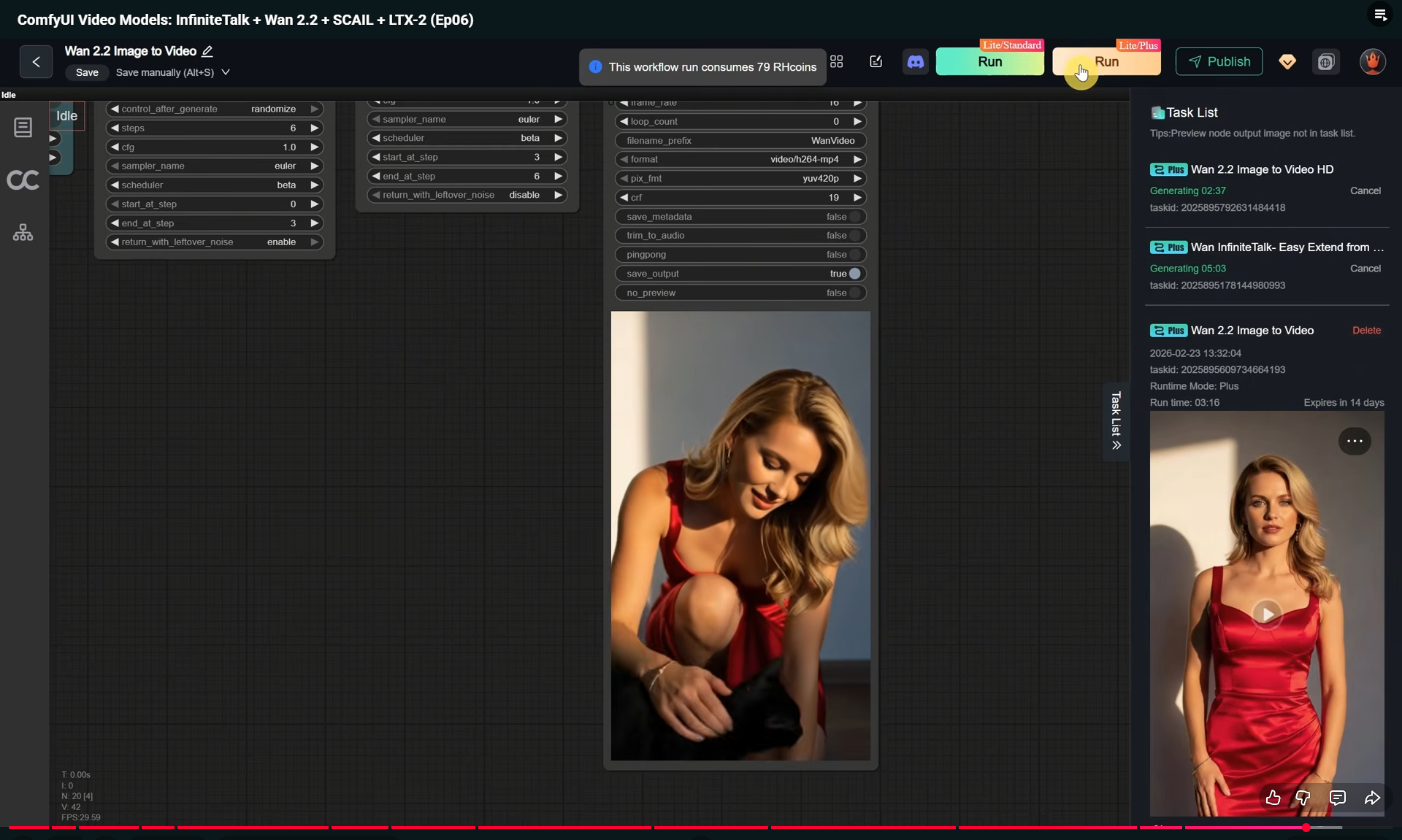
Video 704x1280 6 seconds per image, audio was generated in the cloud for 5 minutes (24 GB Vram), on PC it will take much longer to generate if the video card is weaker.
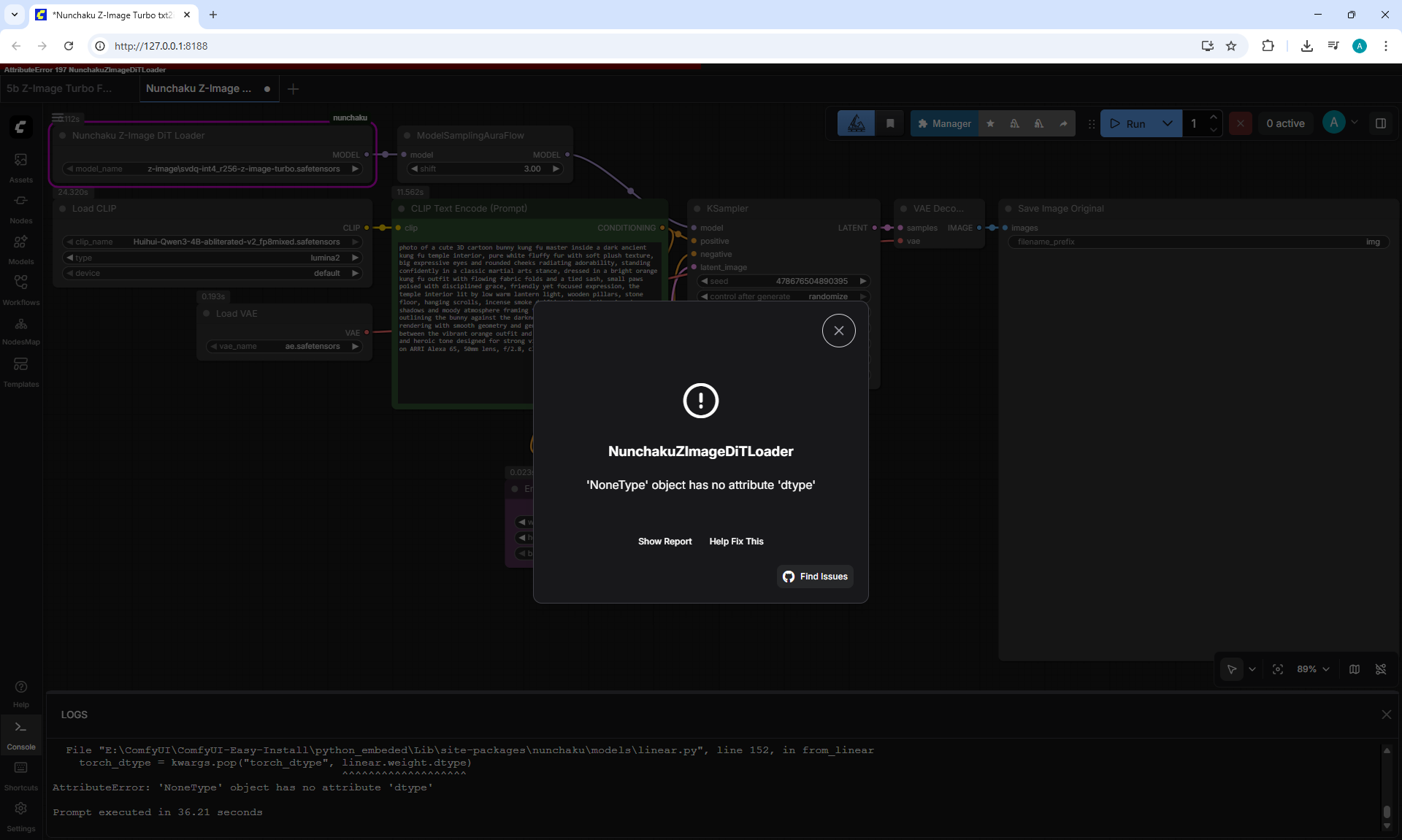
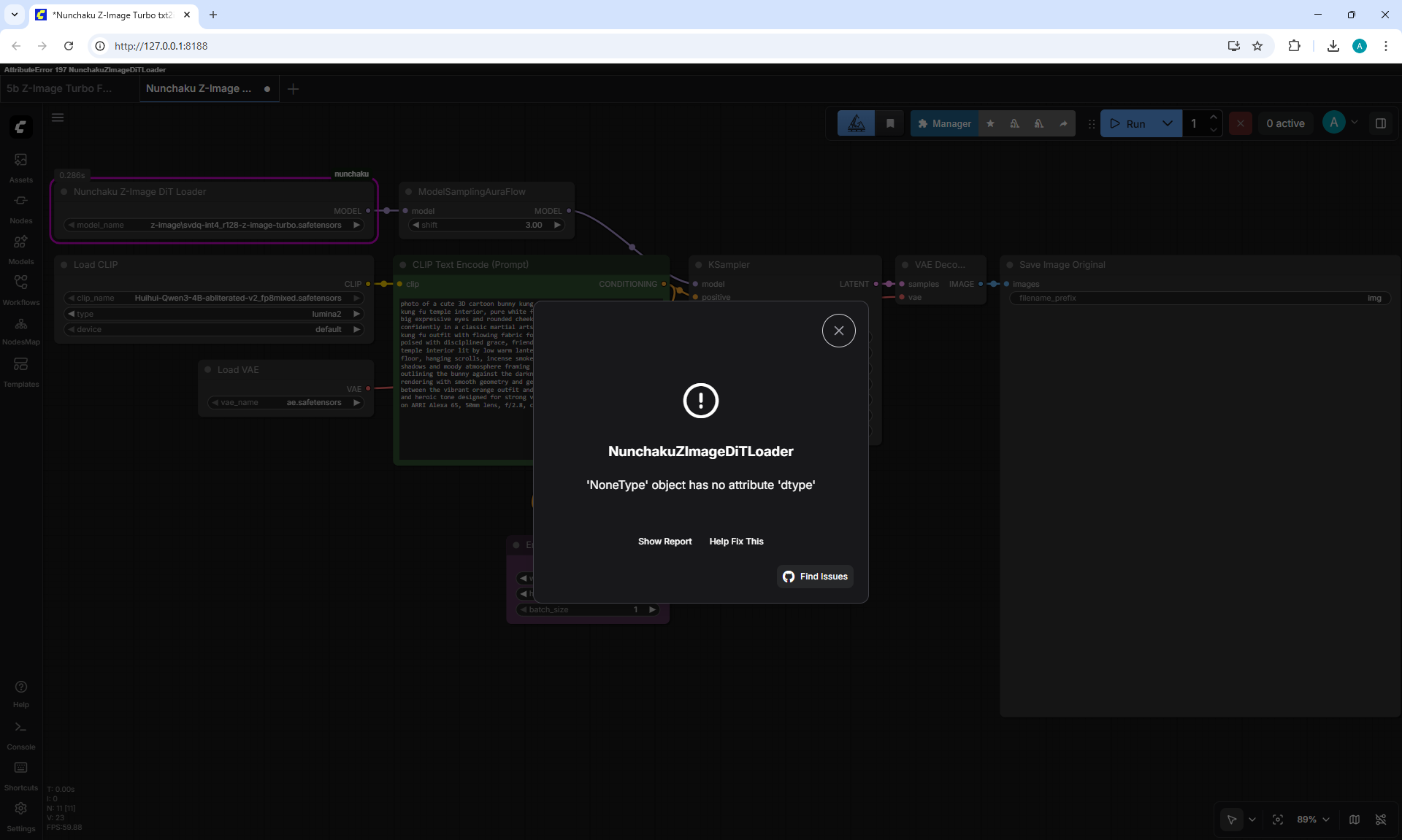
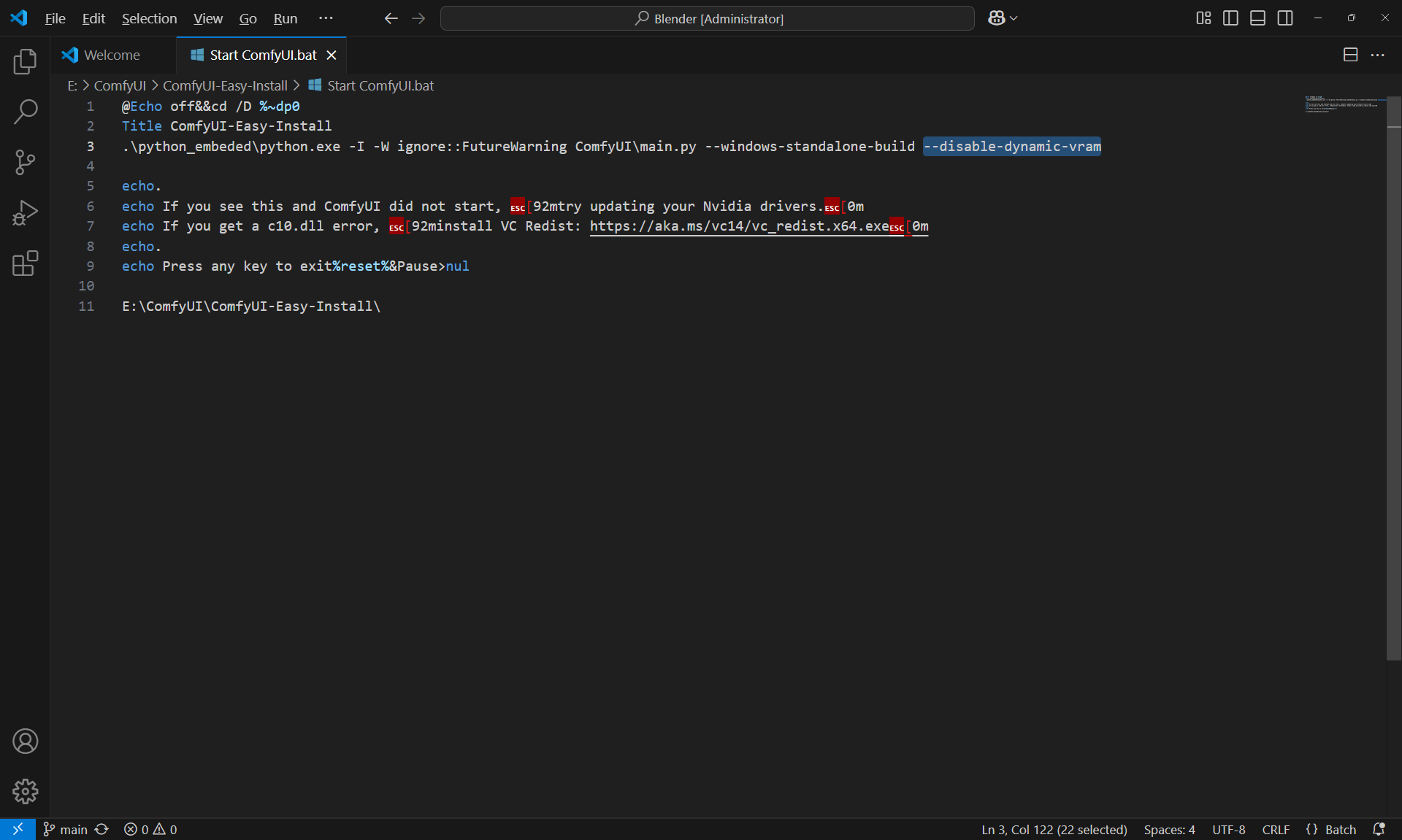
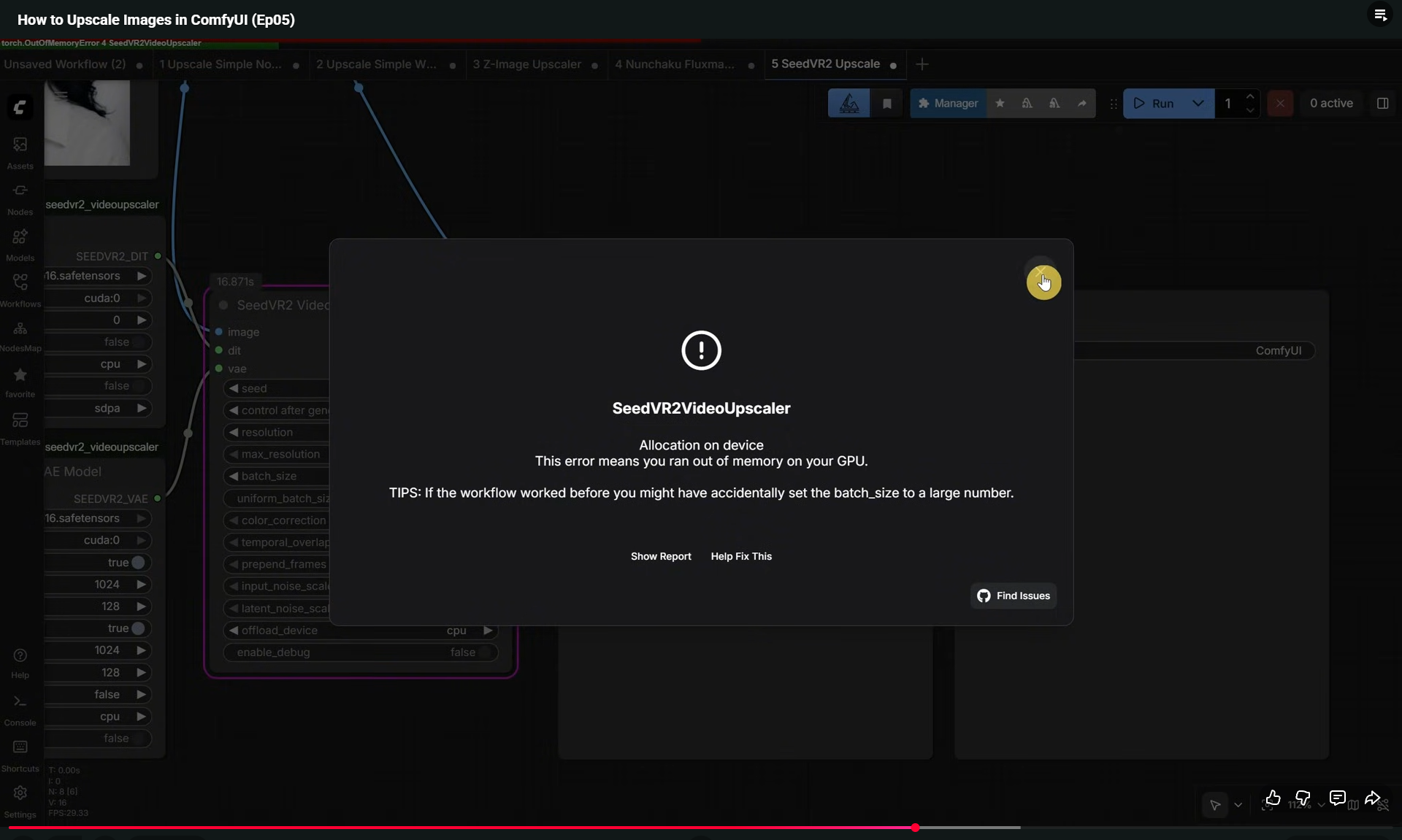
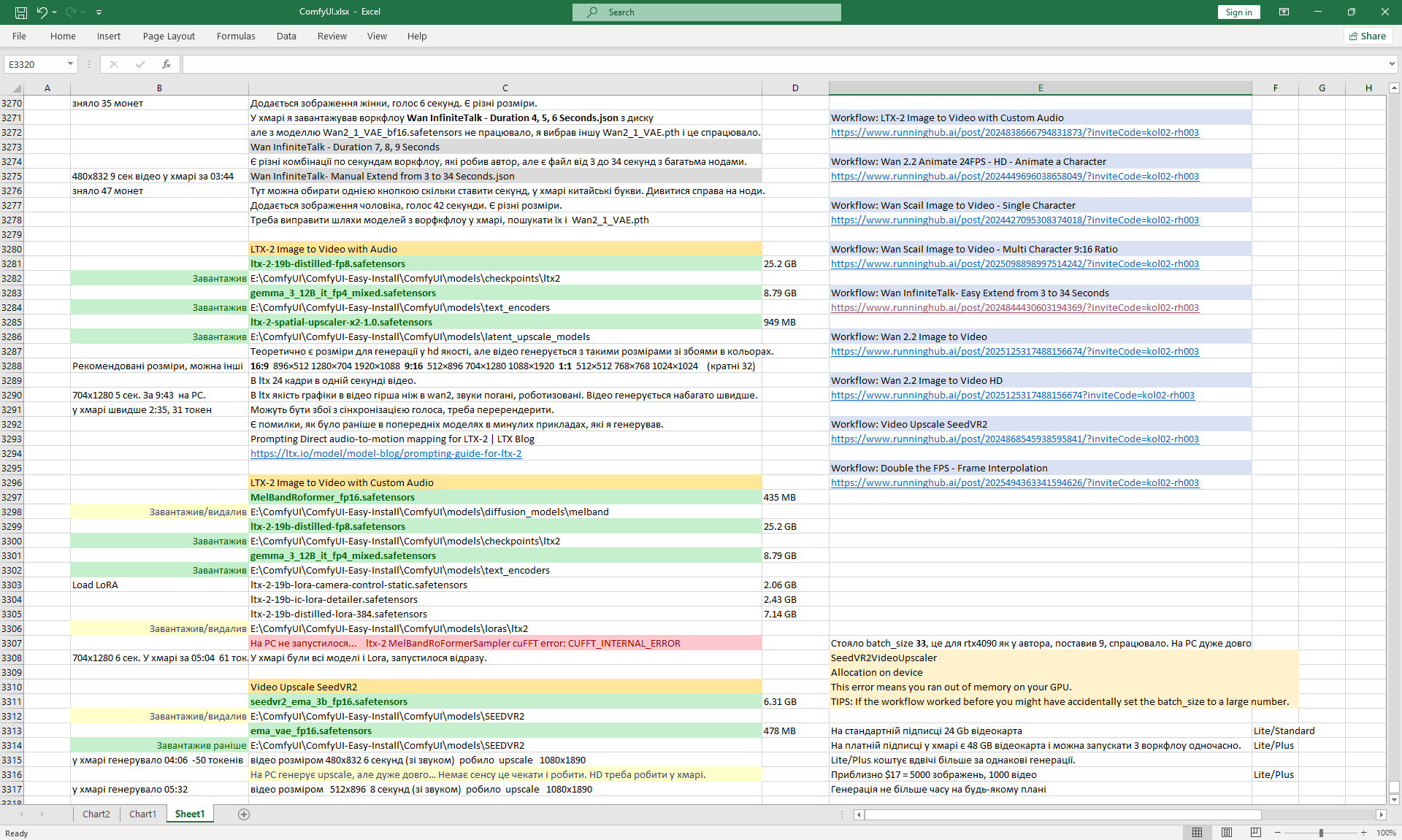
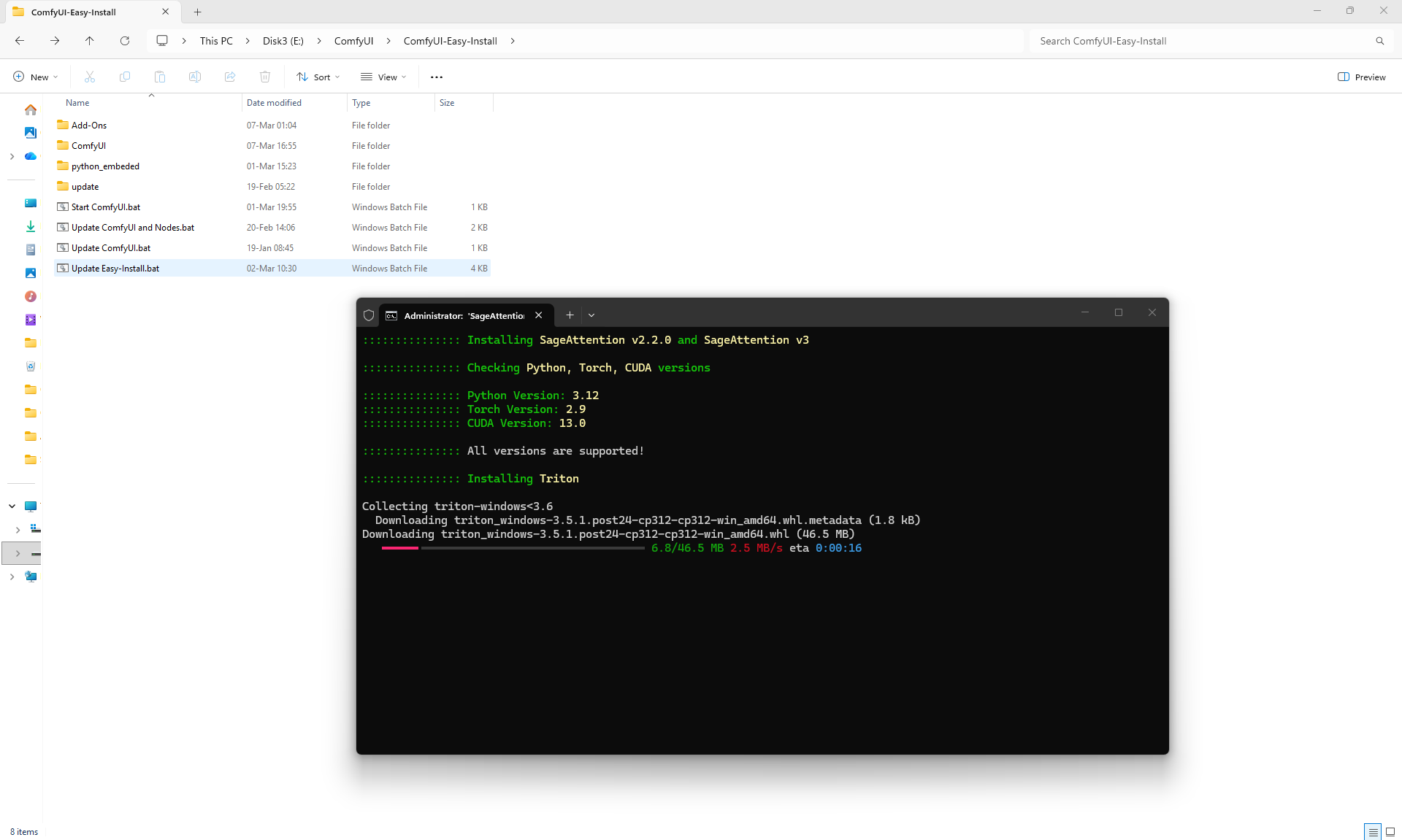
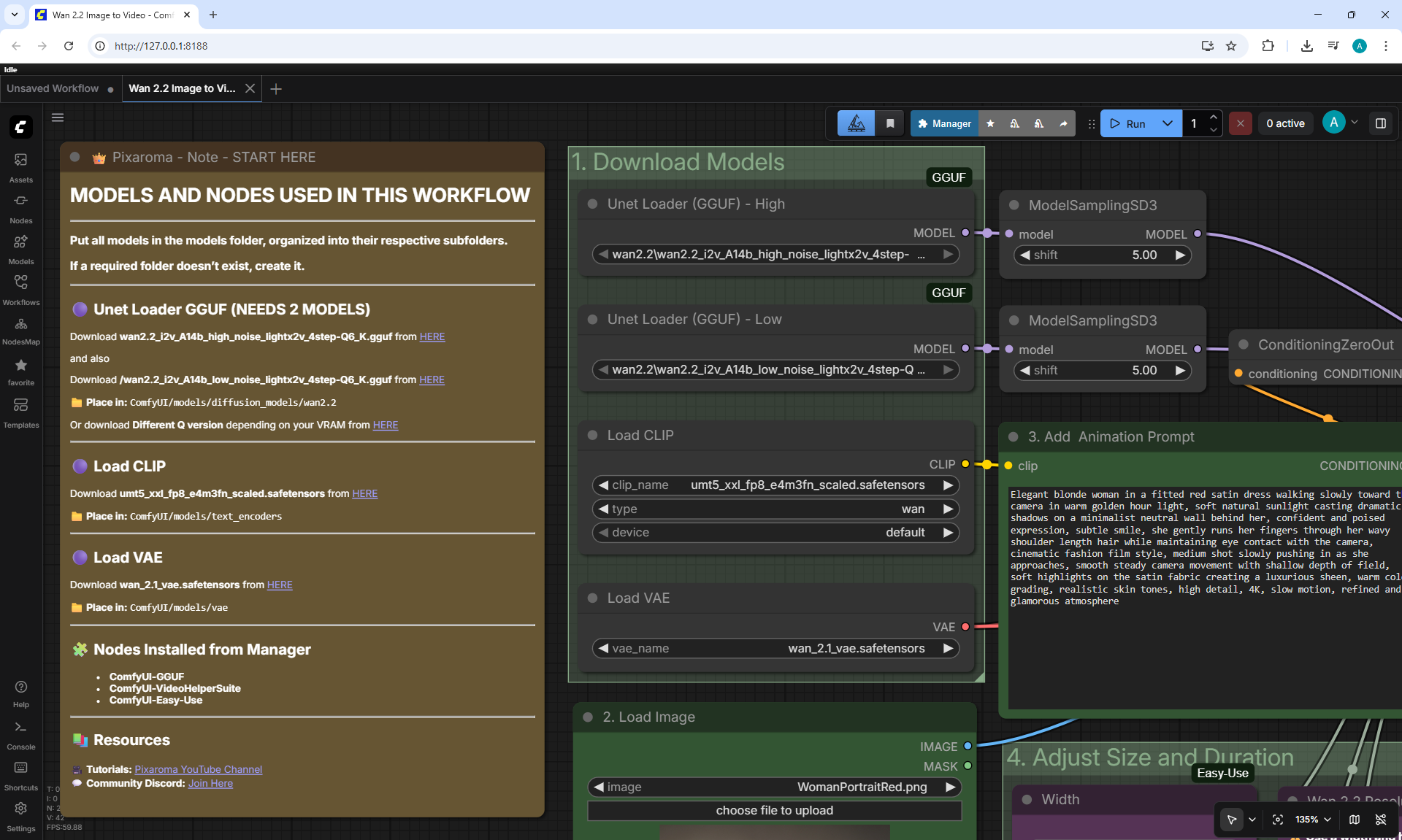
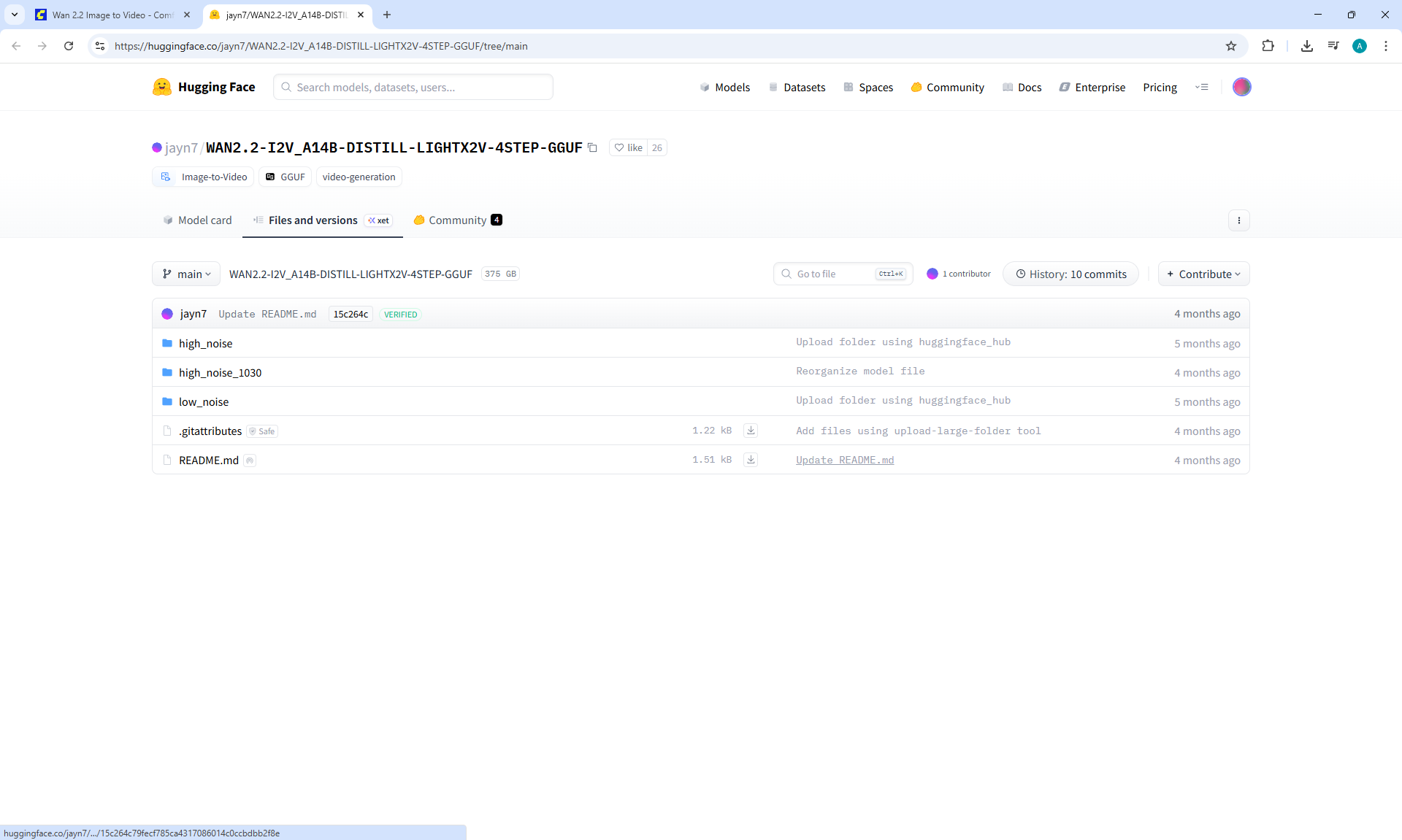
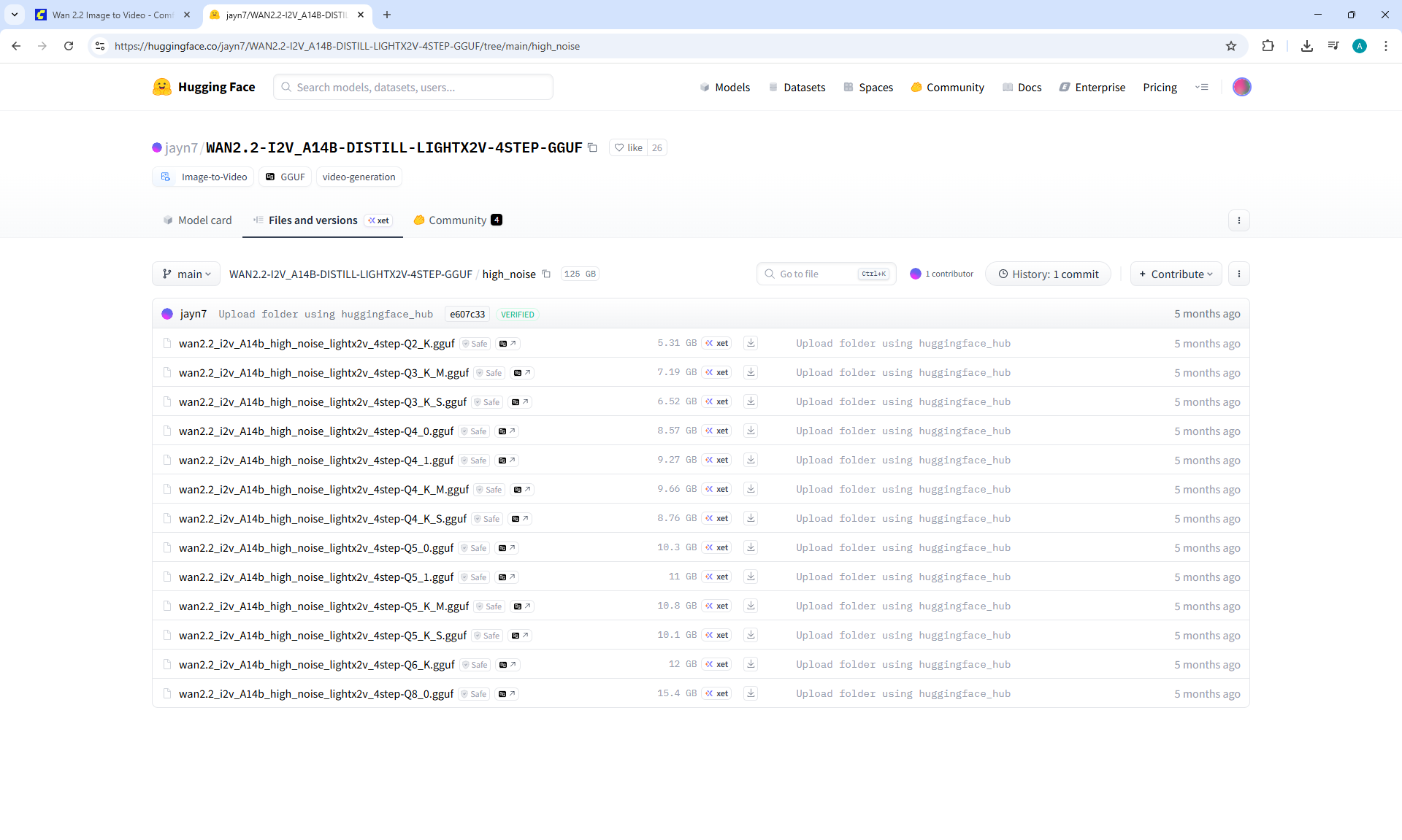
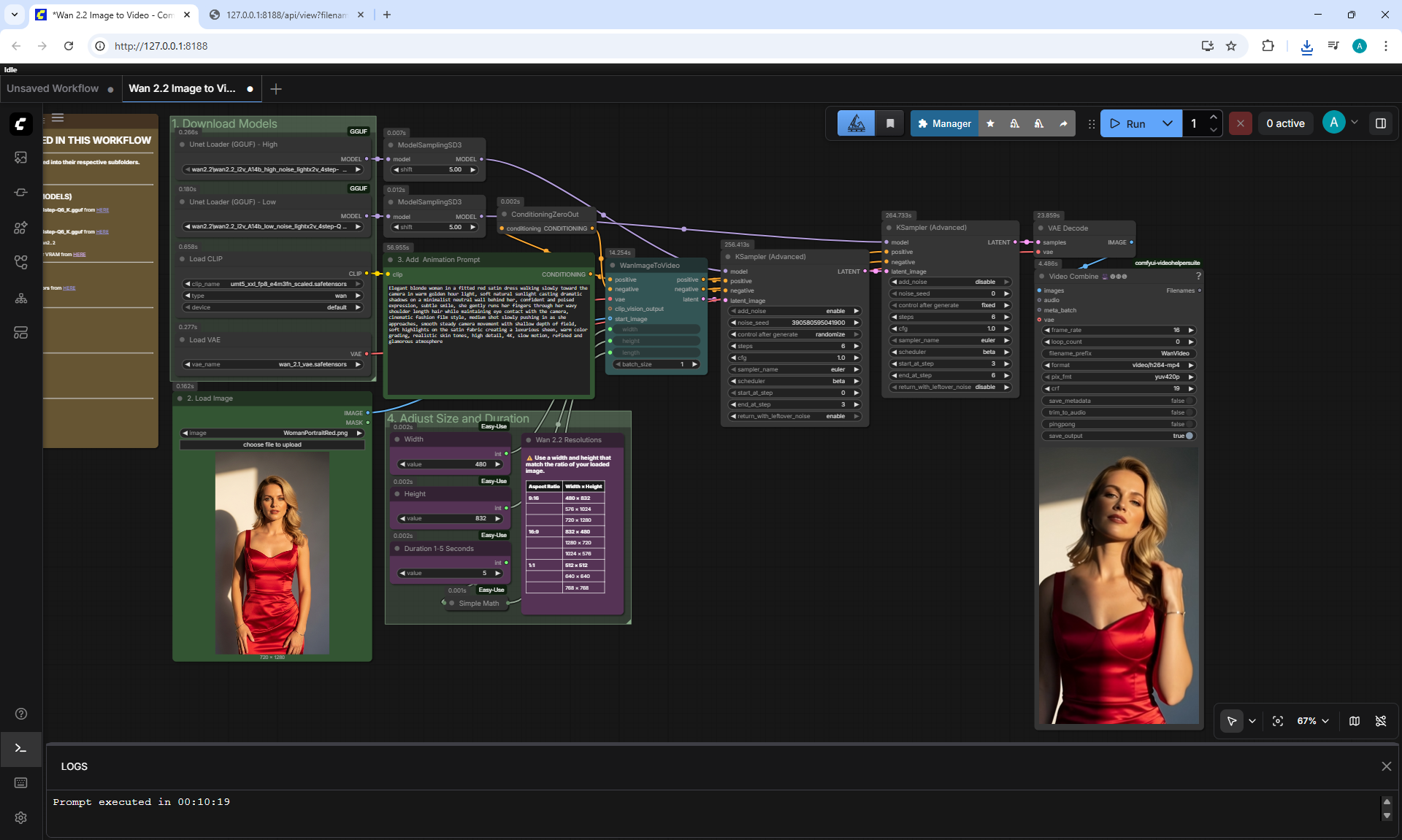
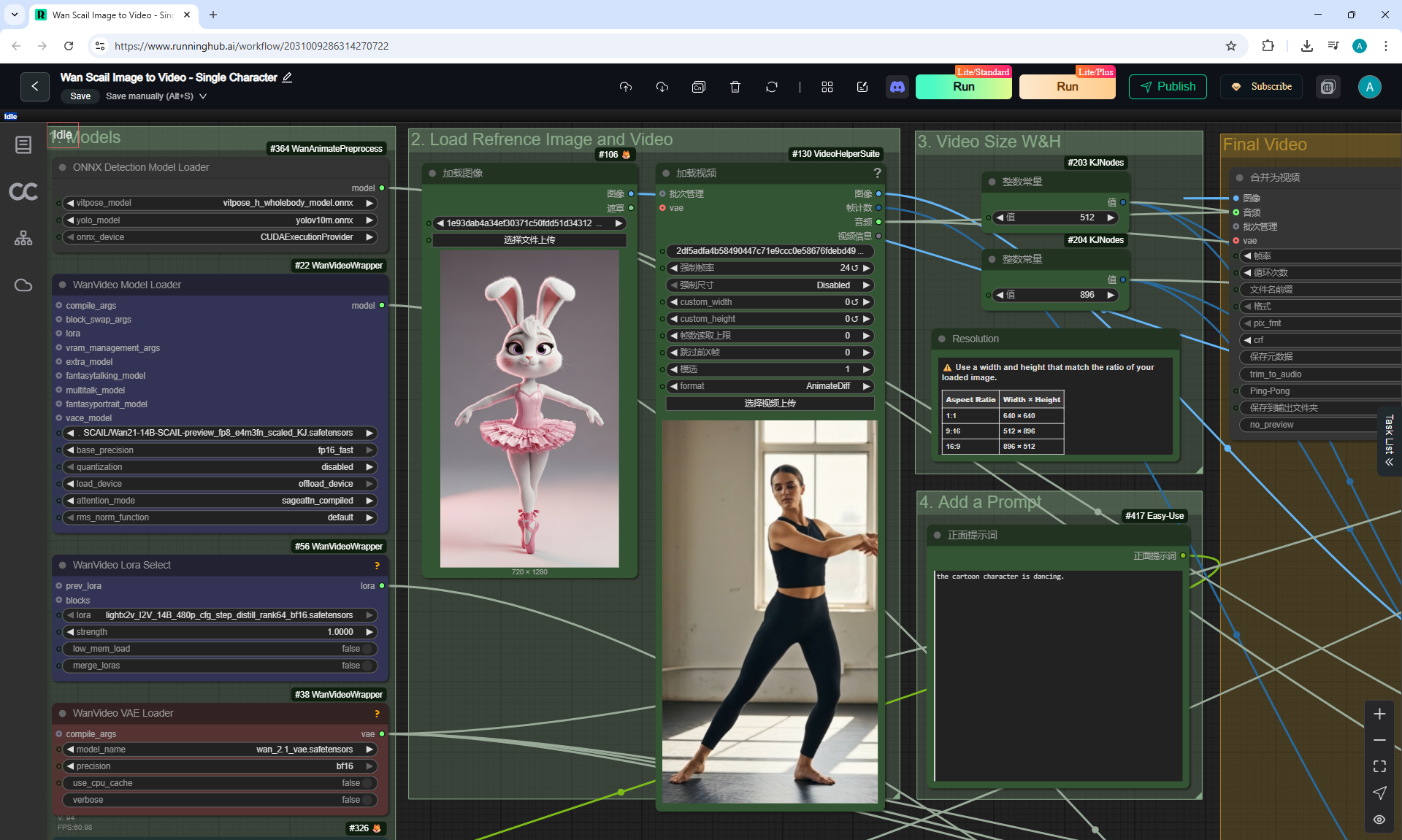
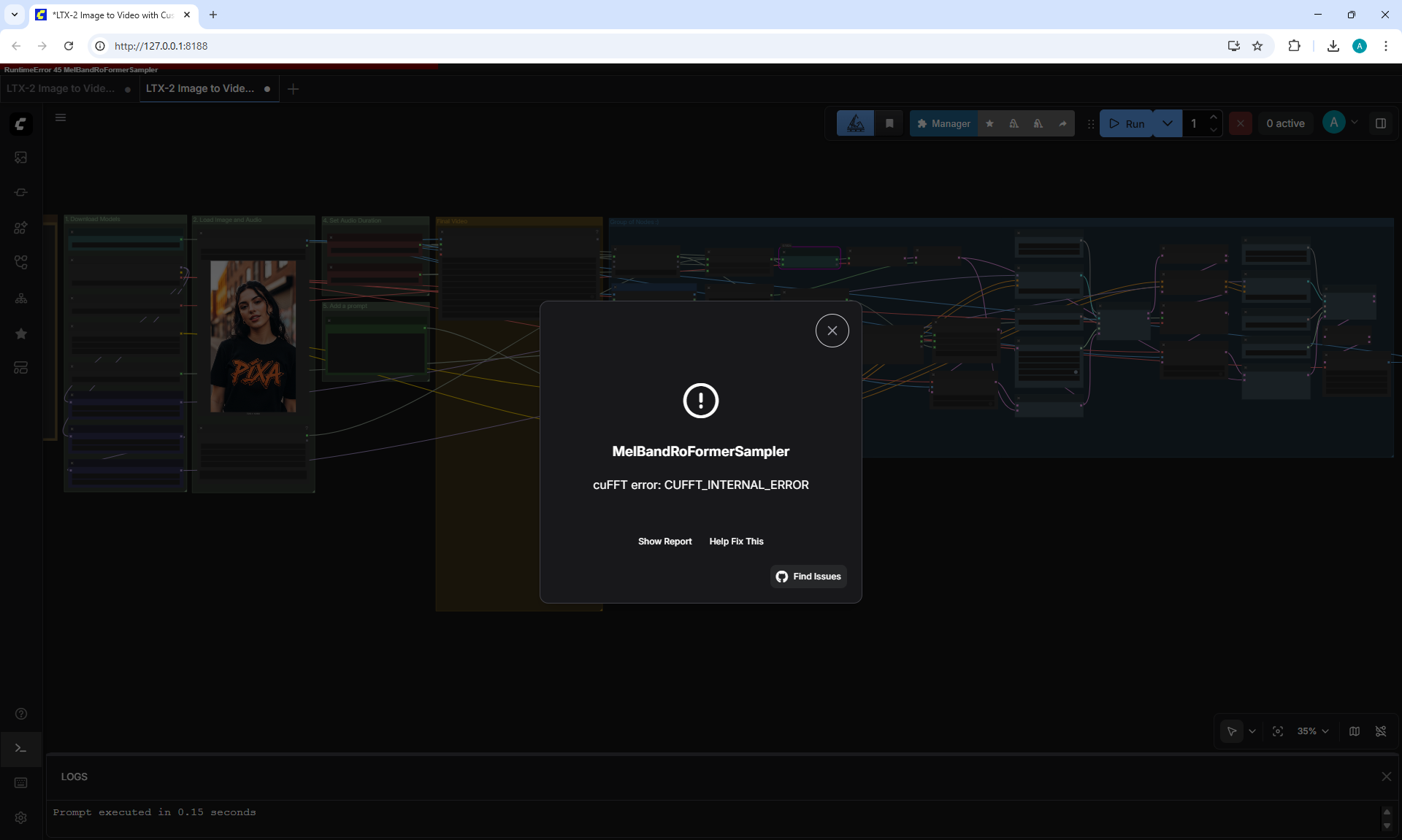
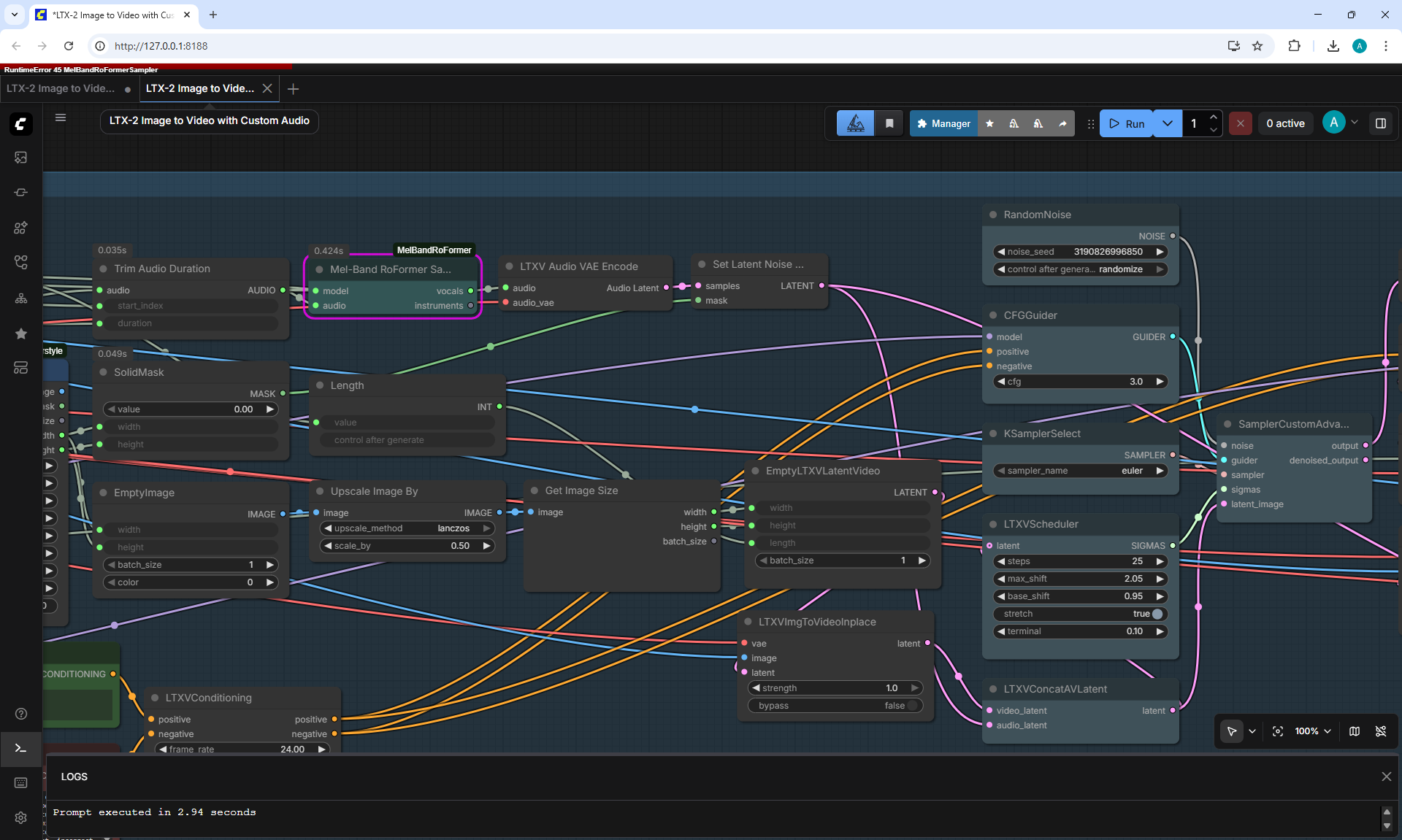
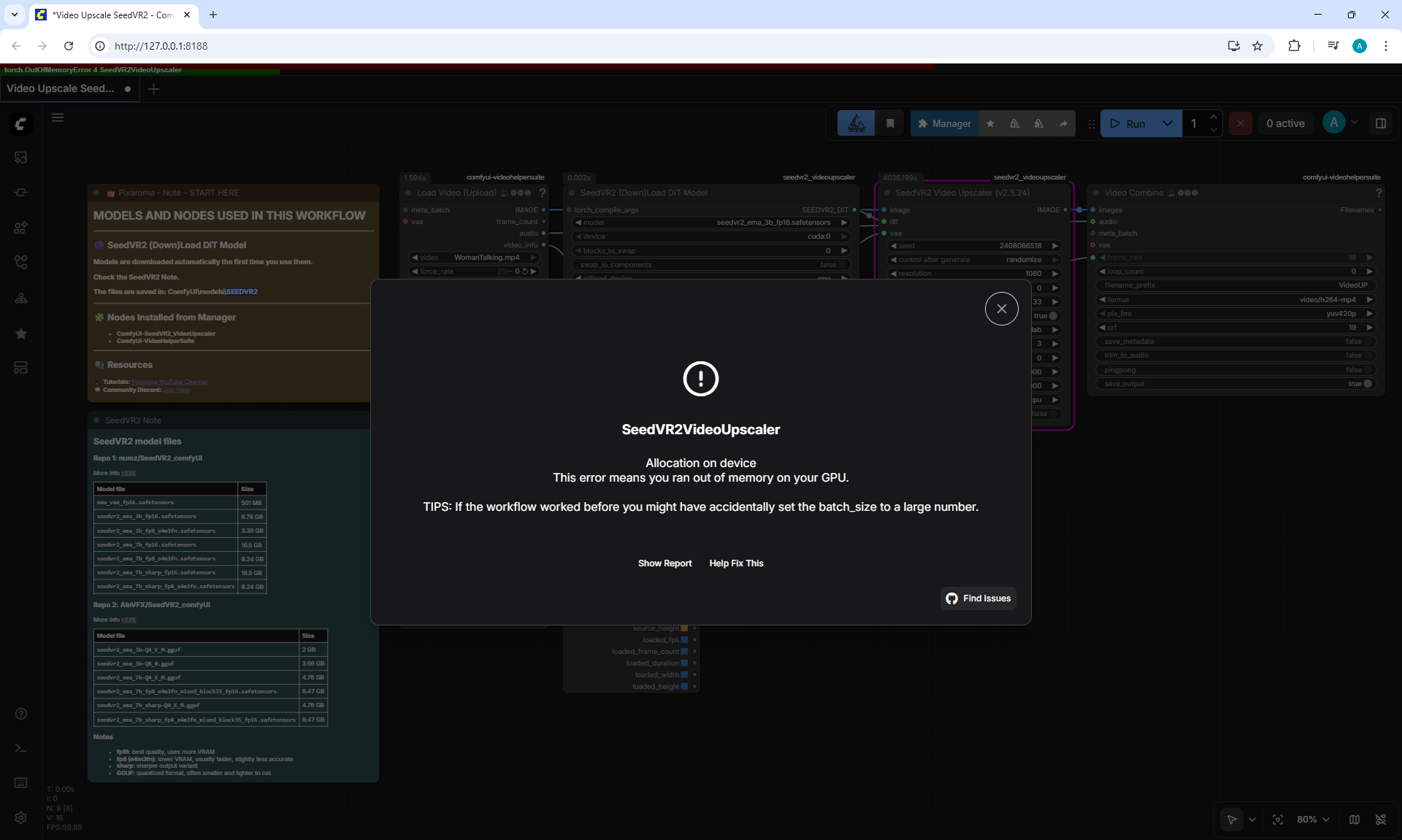
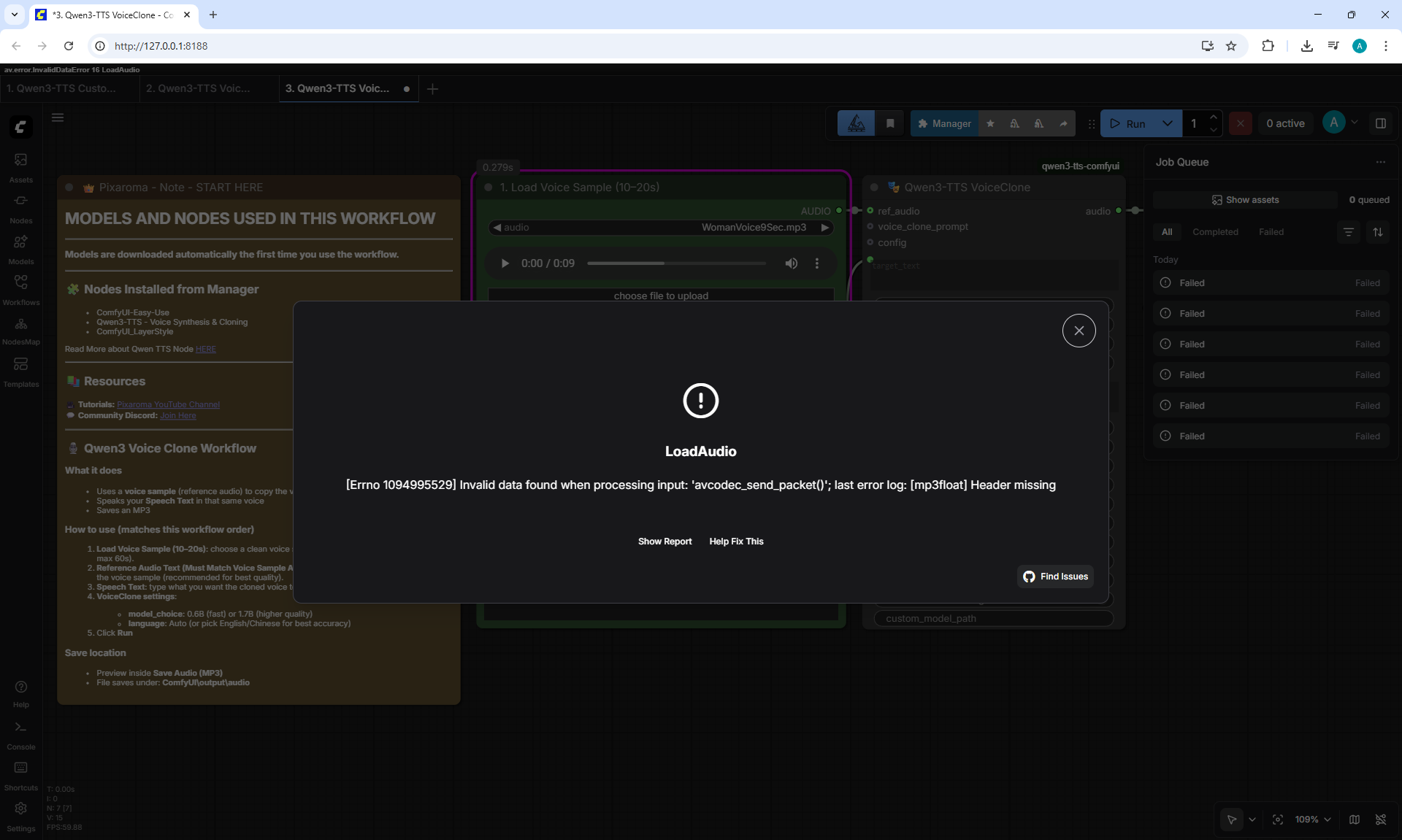
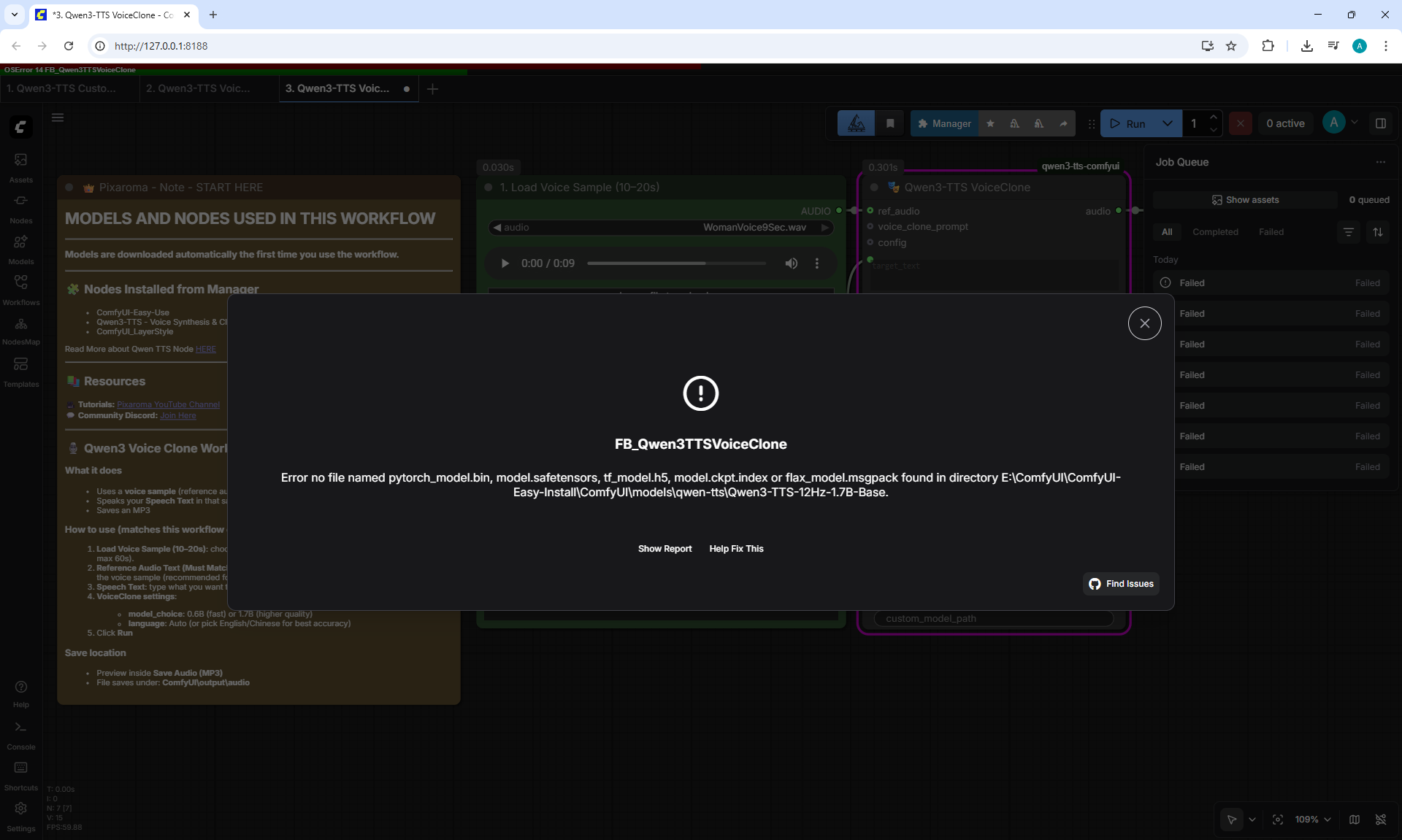
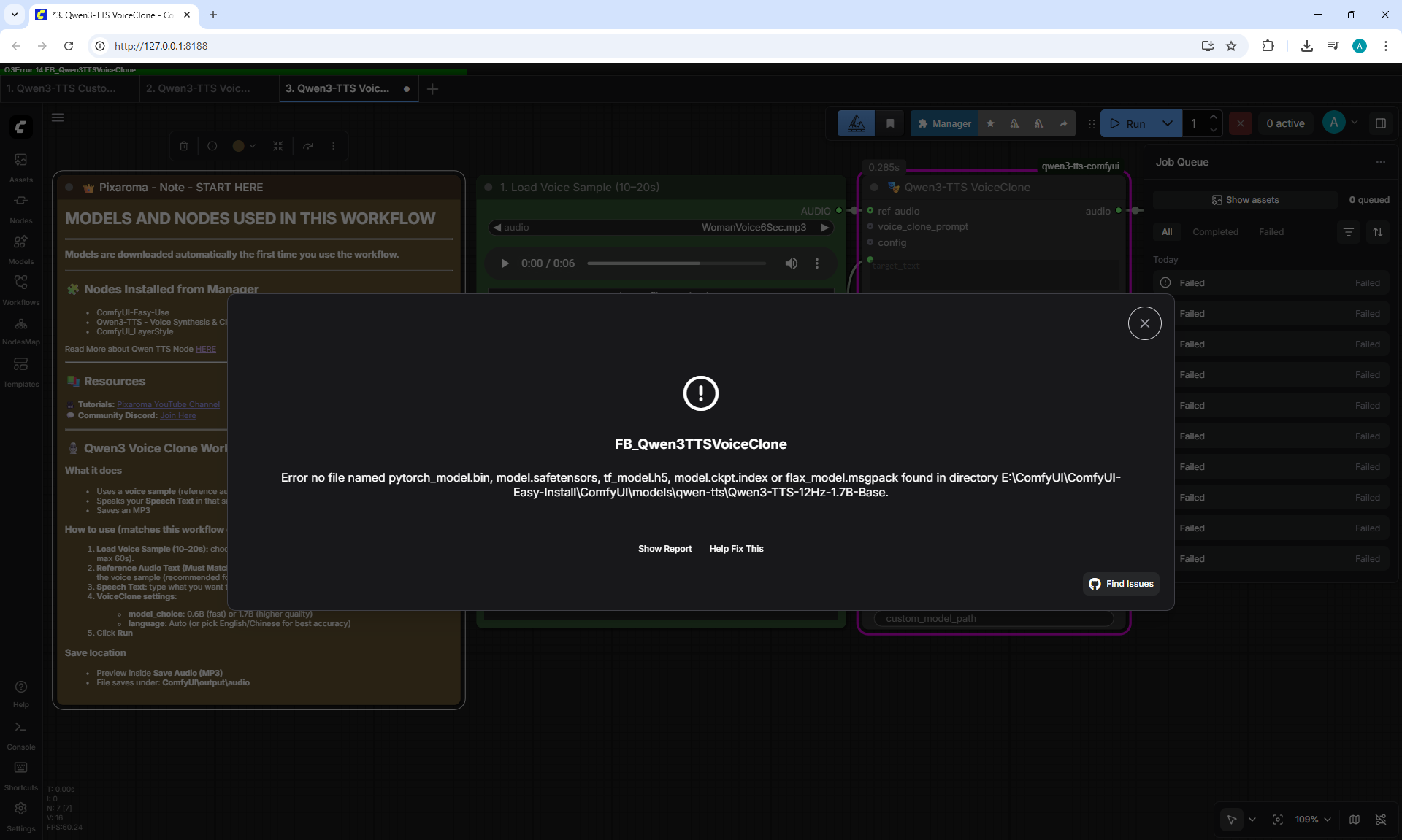
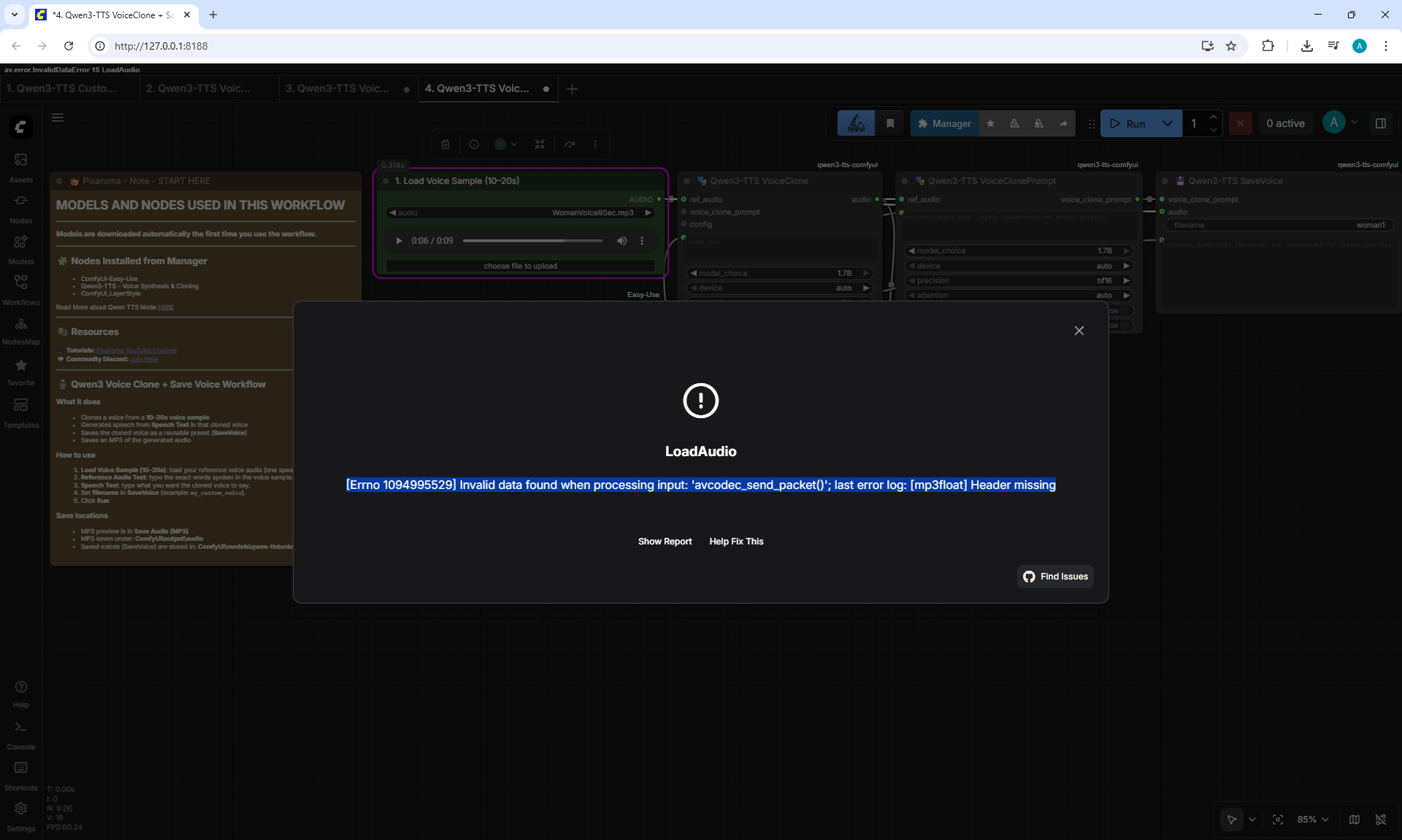
When generating this workflow on PC I had an error.
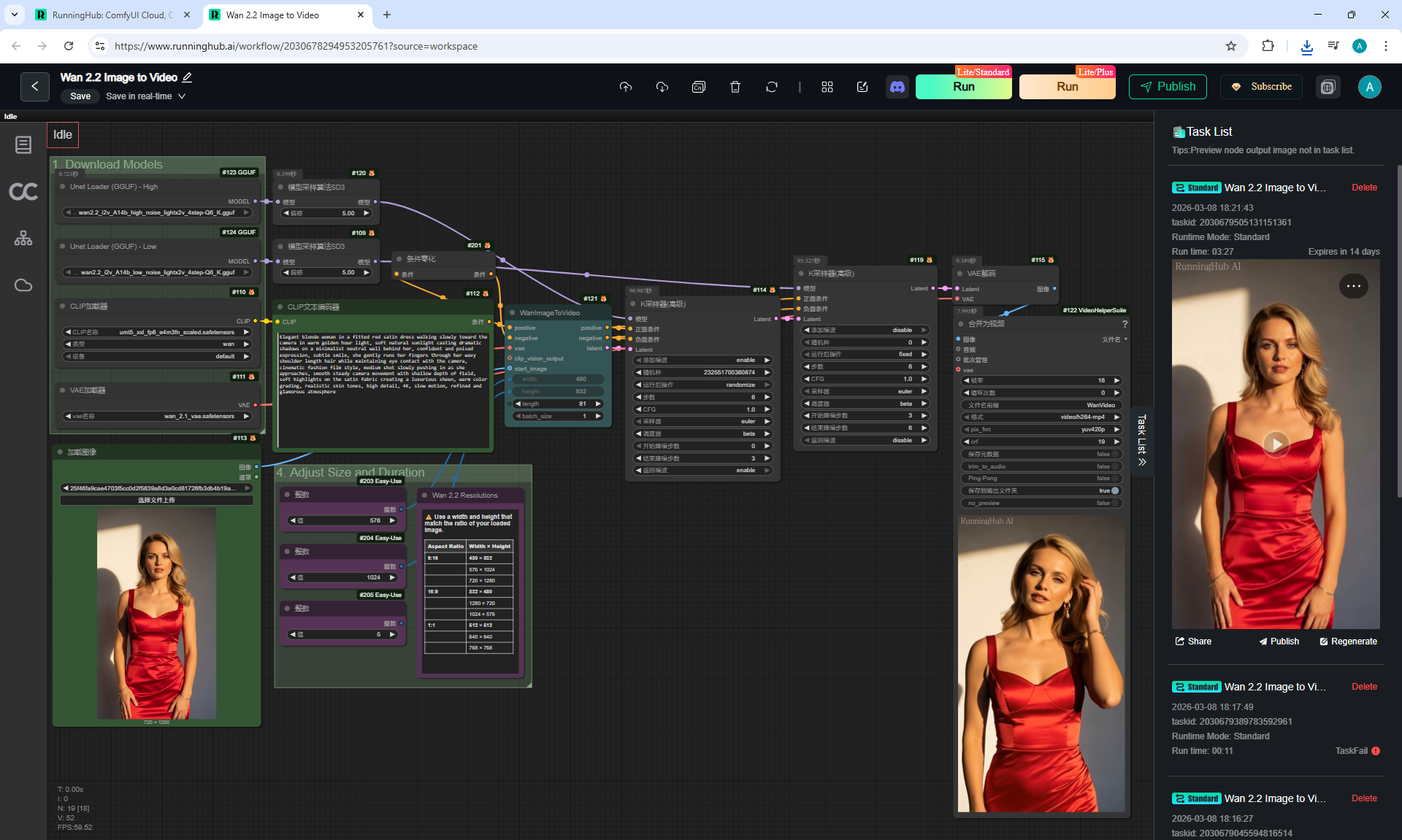
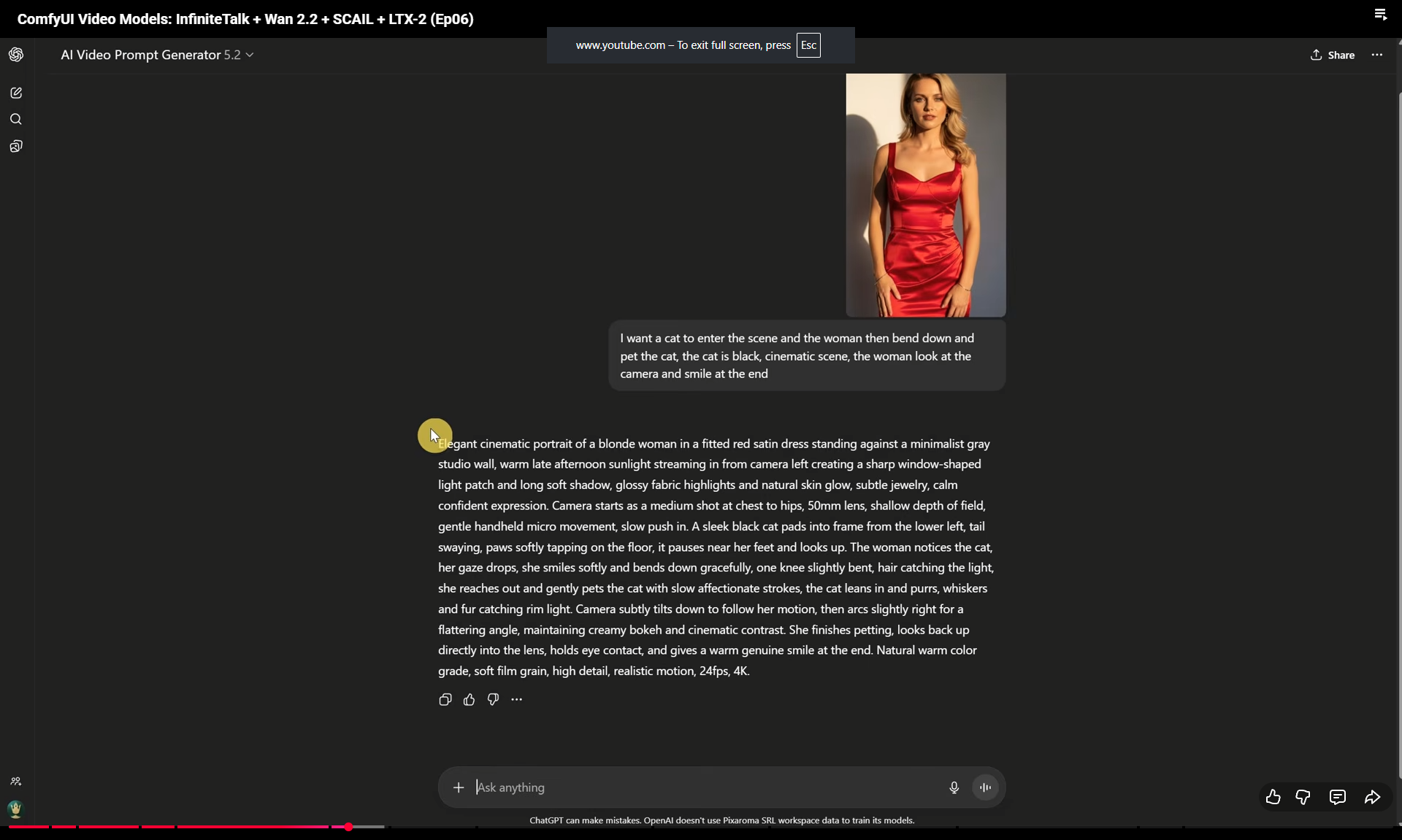
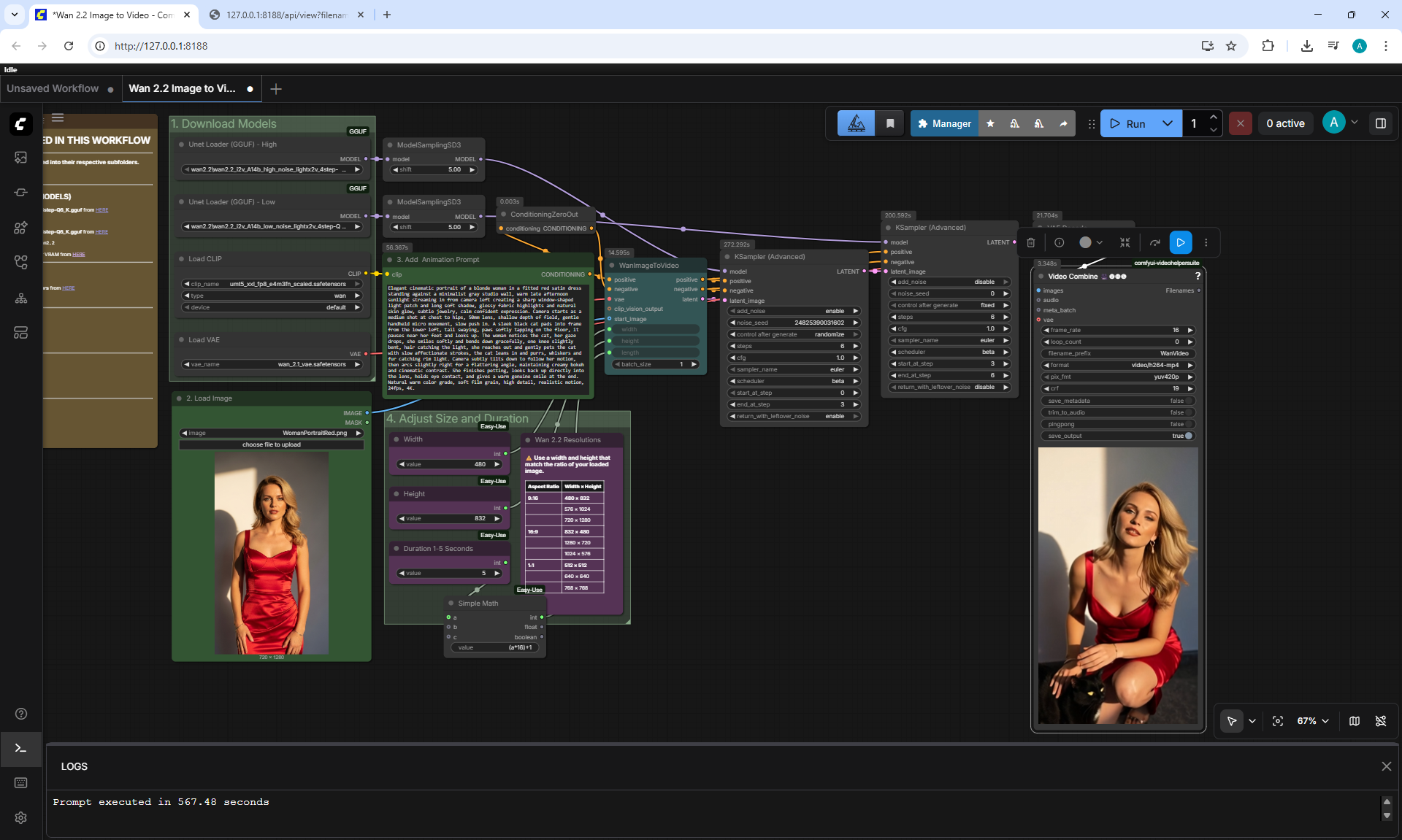
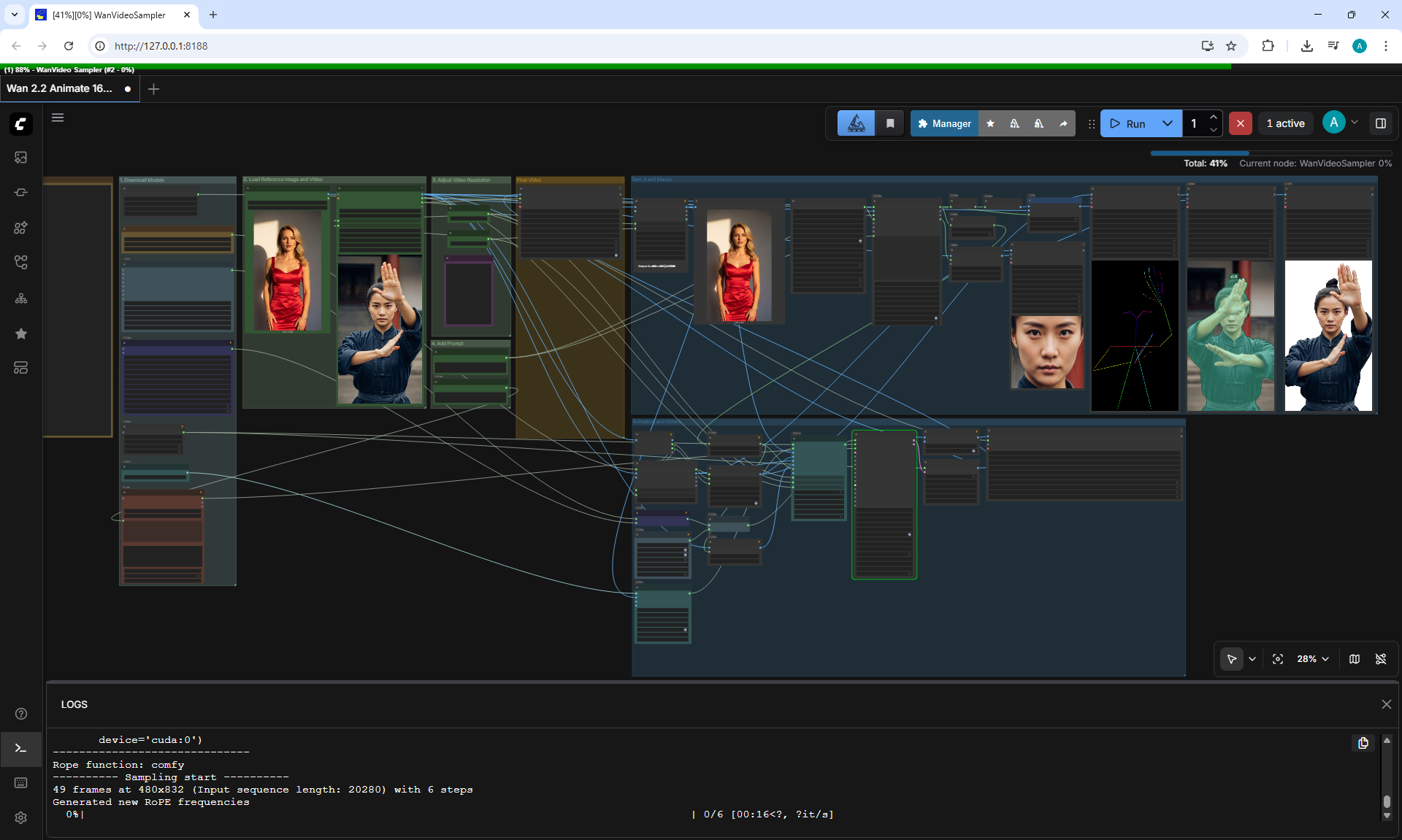
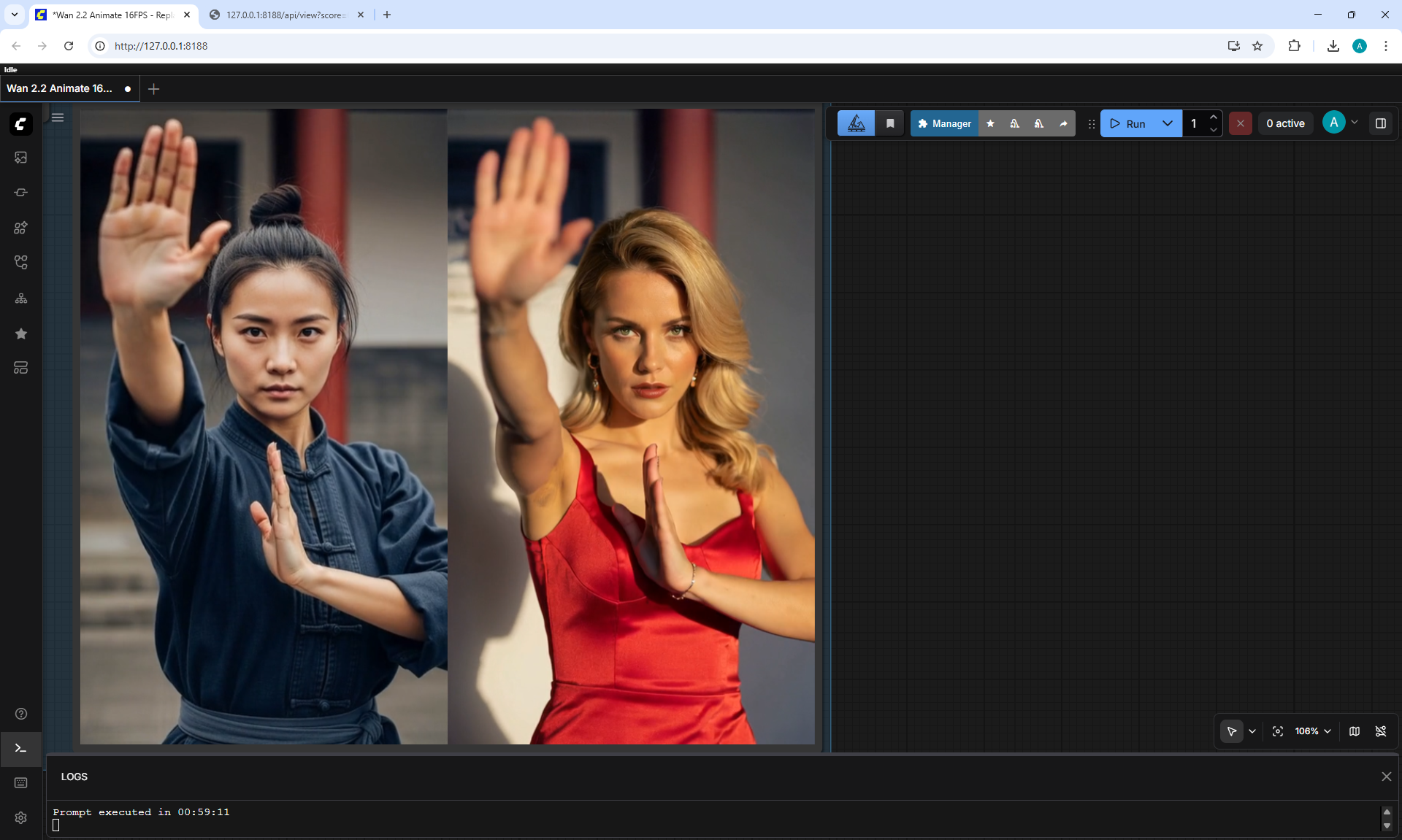
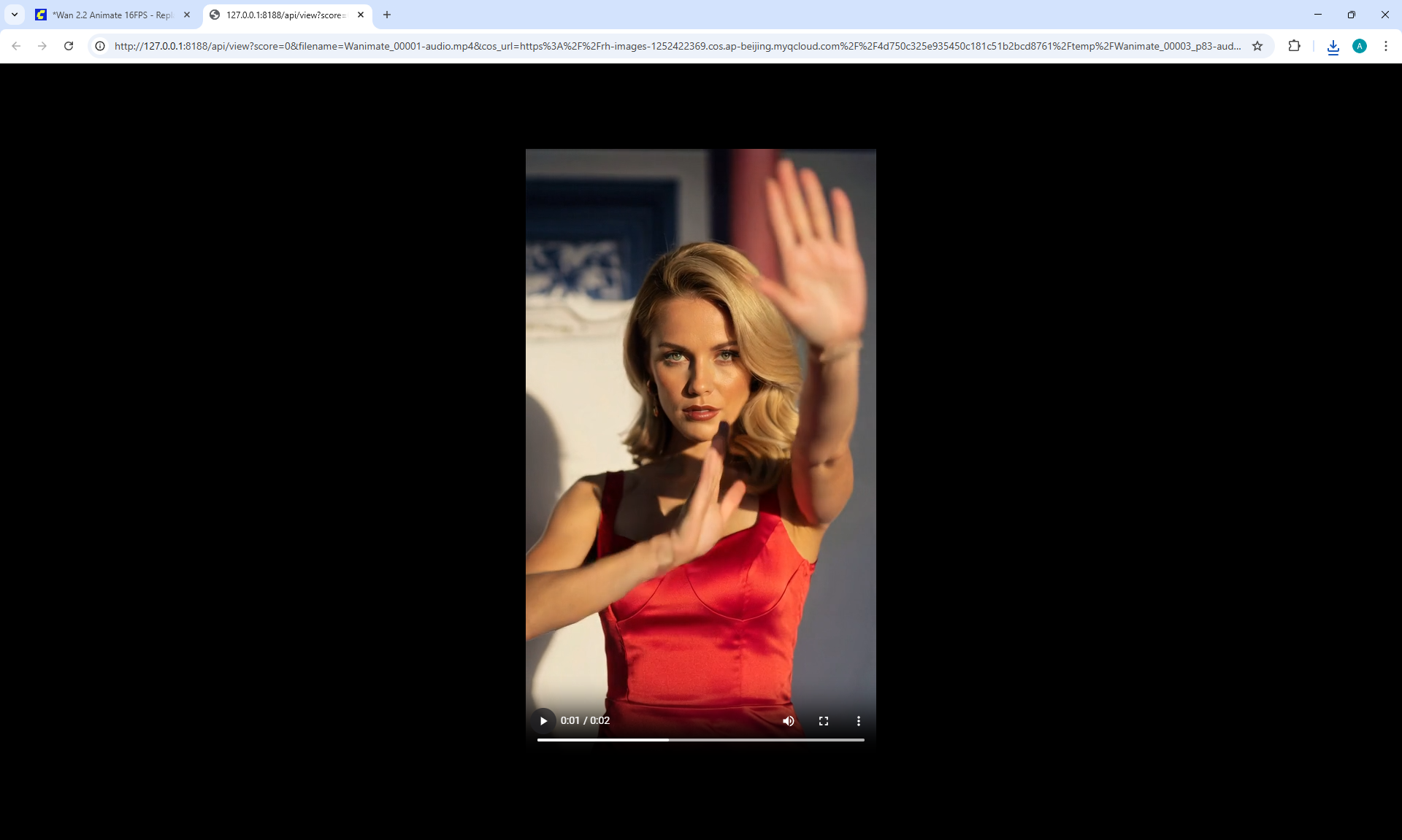
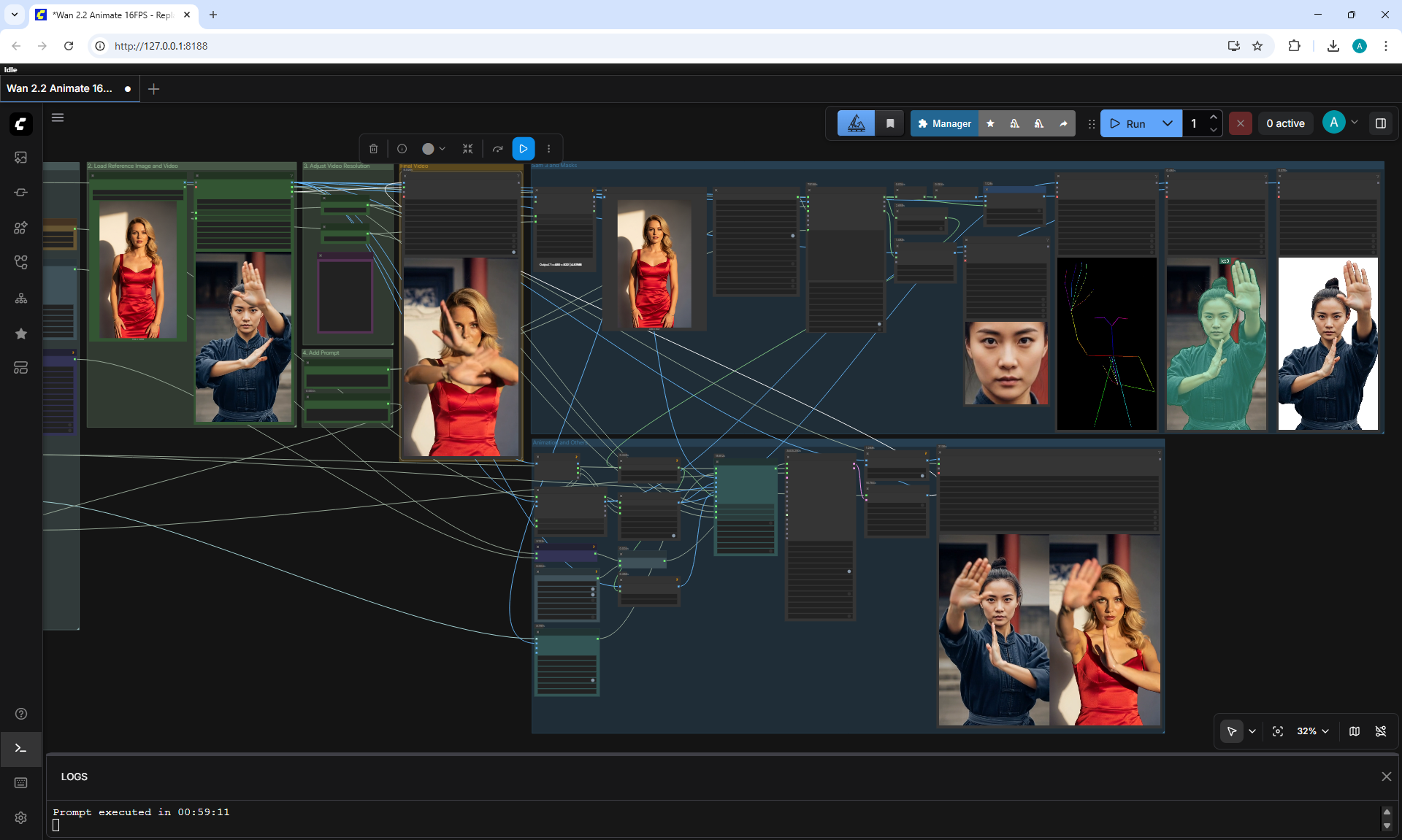
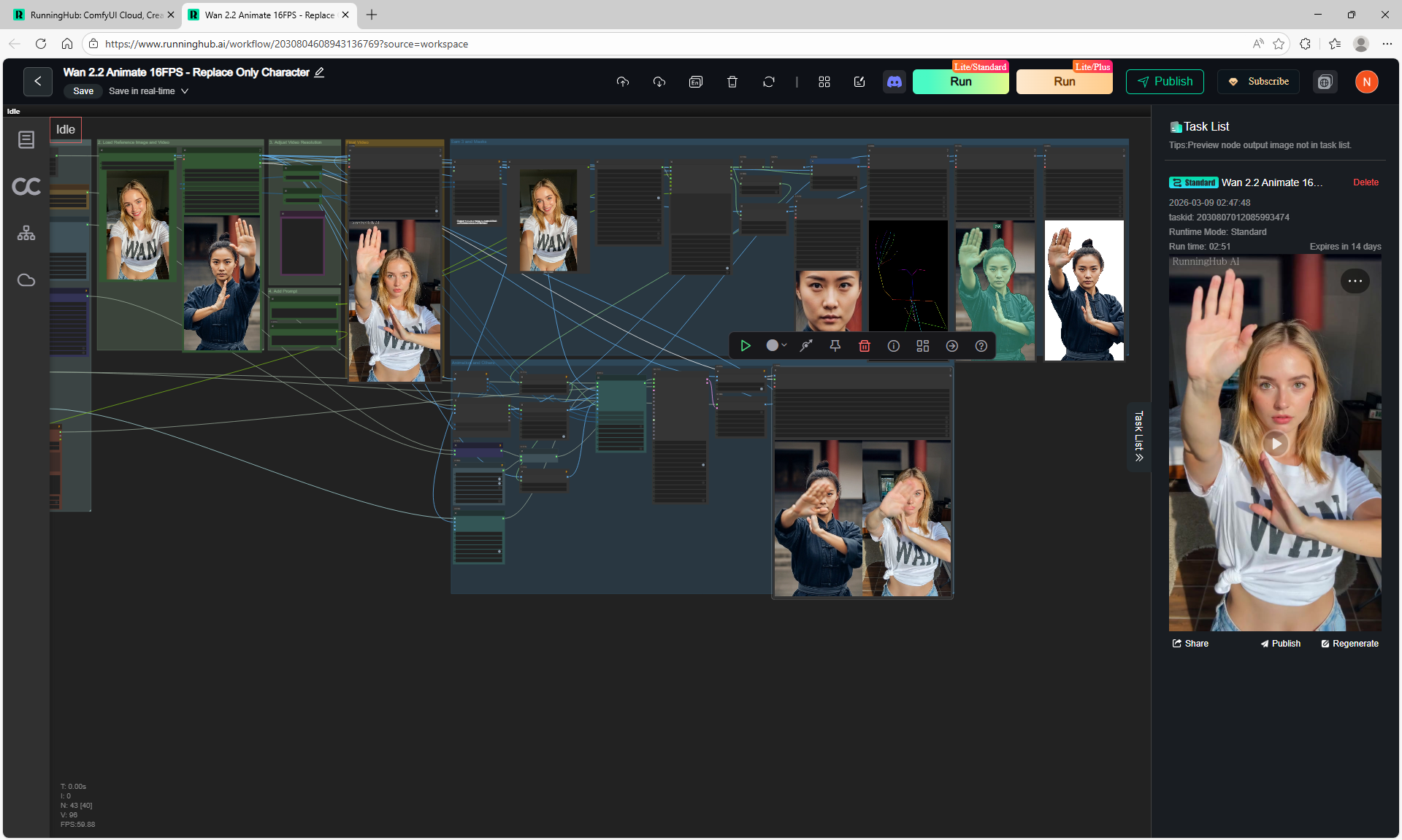
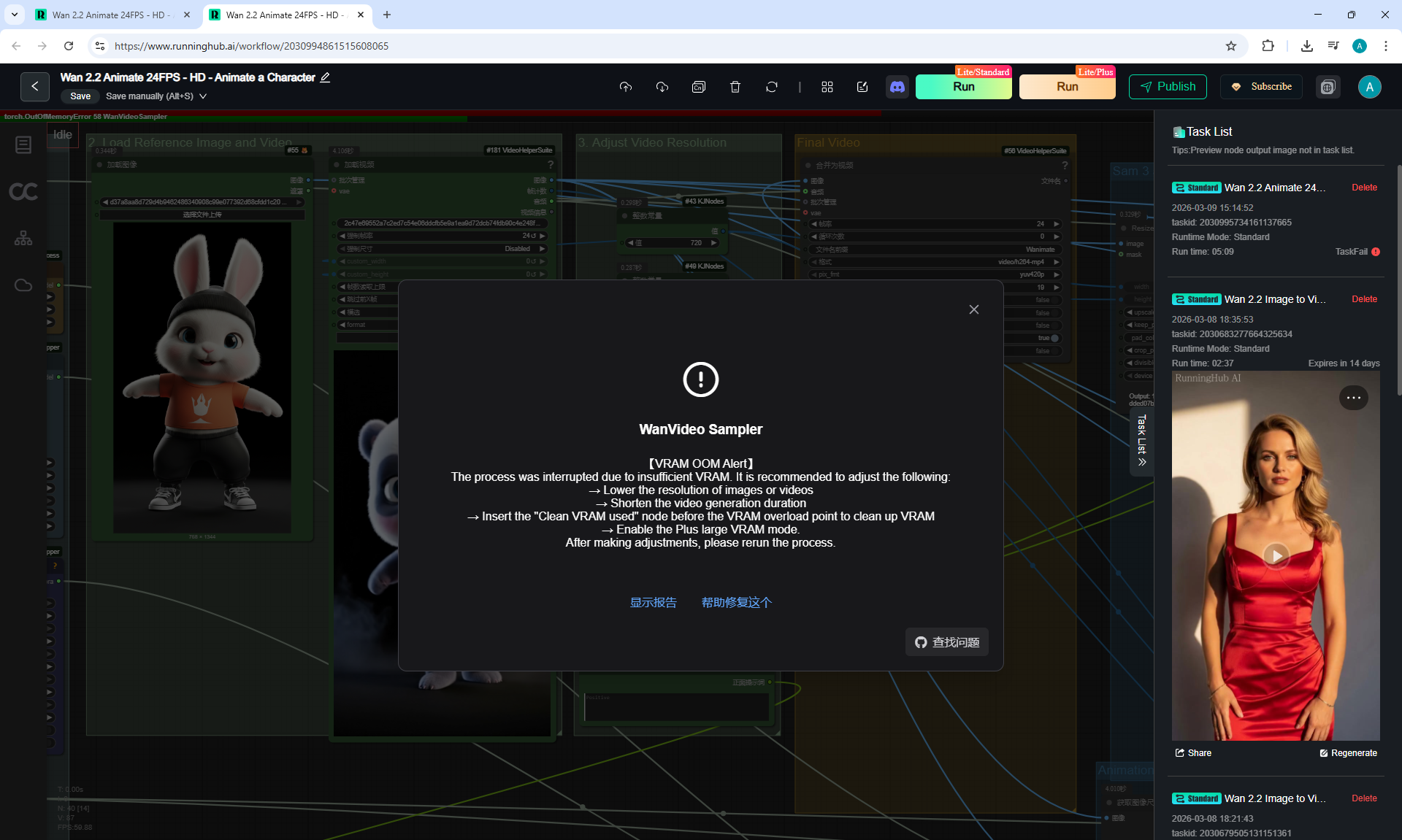
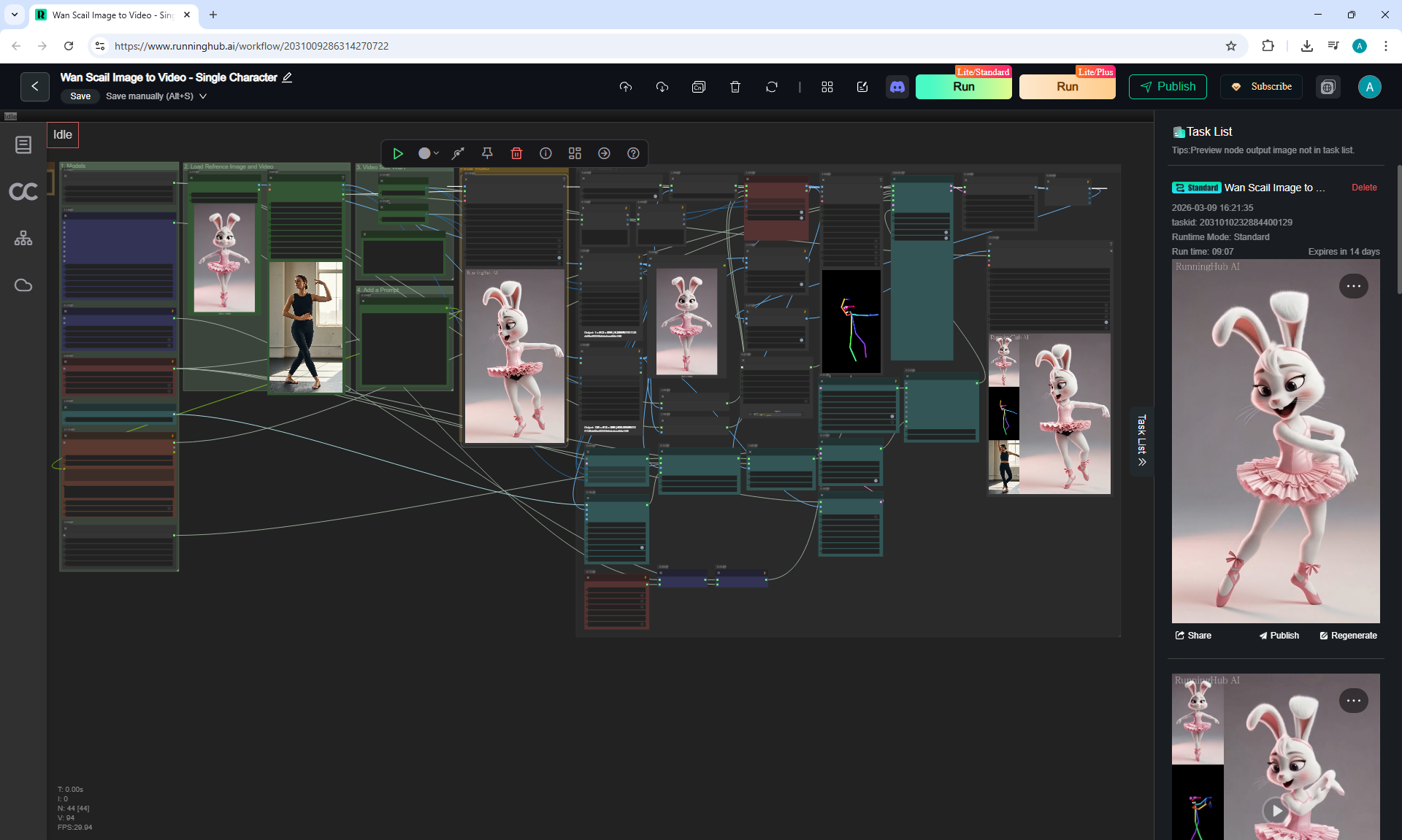
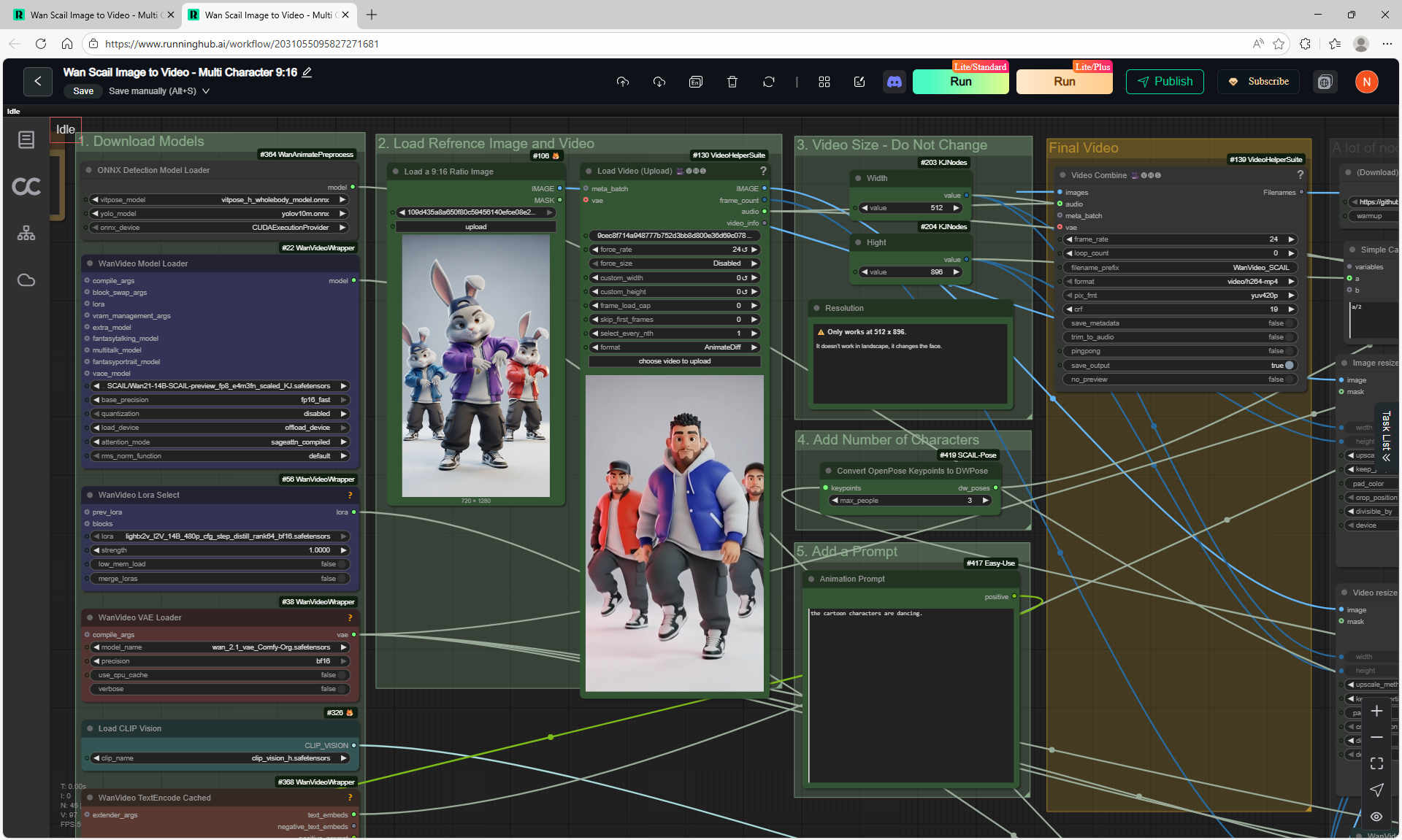
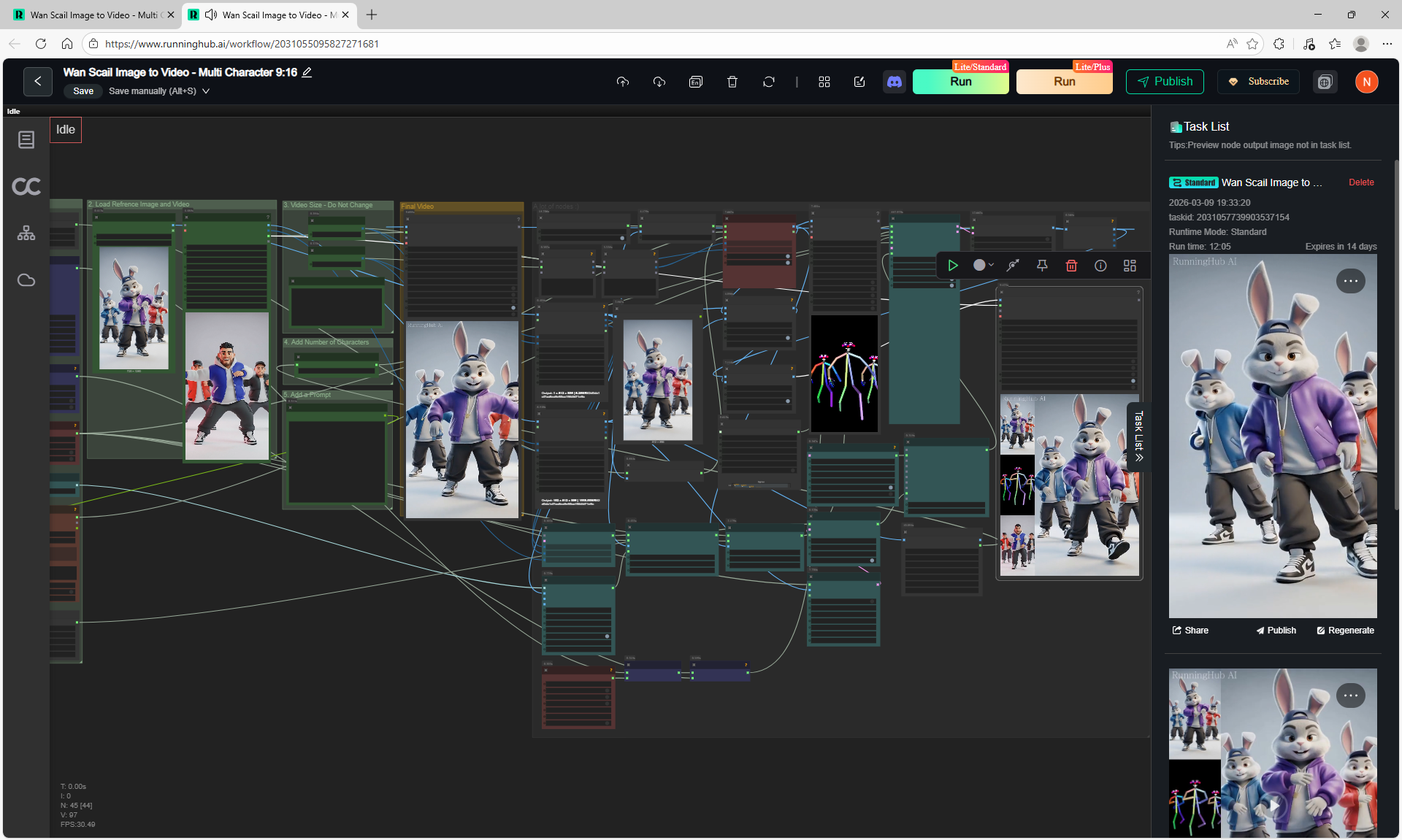
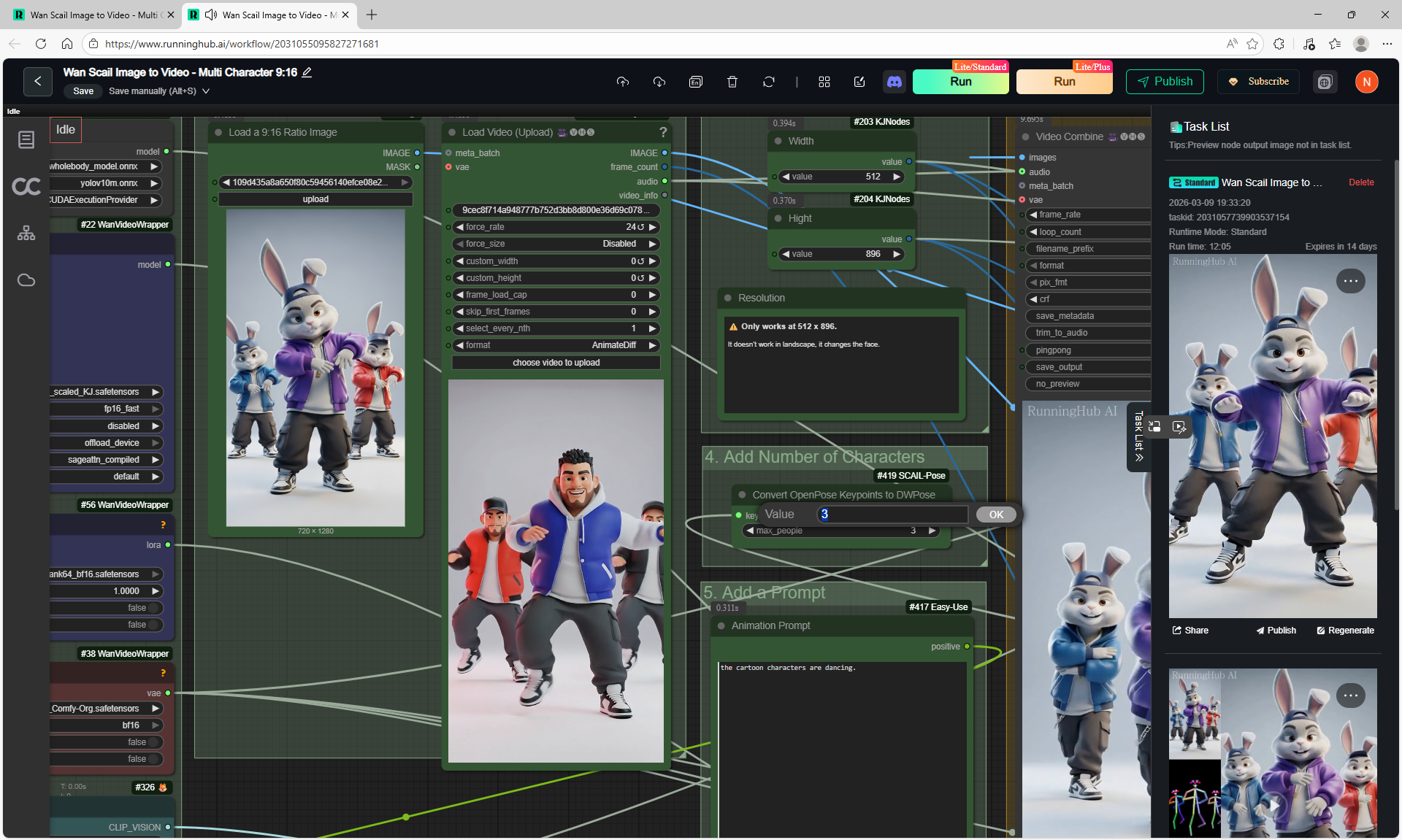
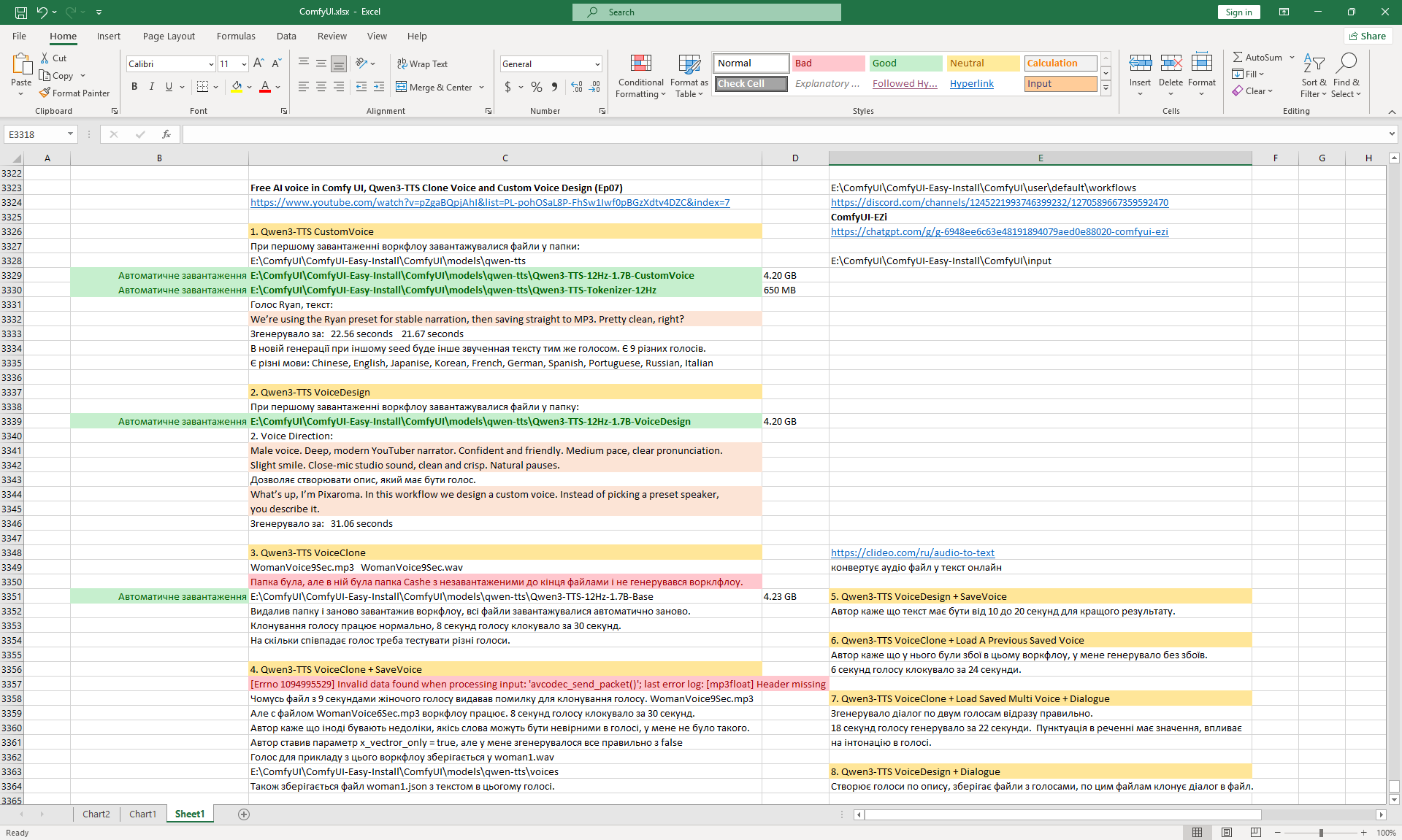
(Ep07) Free AI voice in Comfy UI, Qwen3-TTS Clone Voice and Custom Voice Design
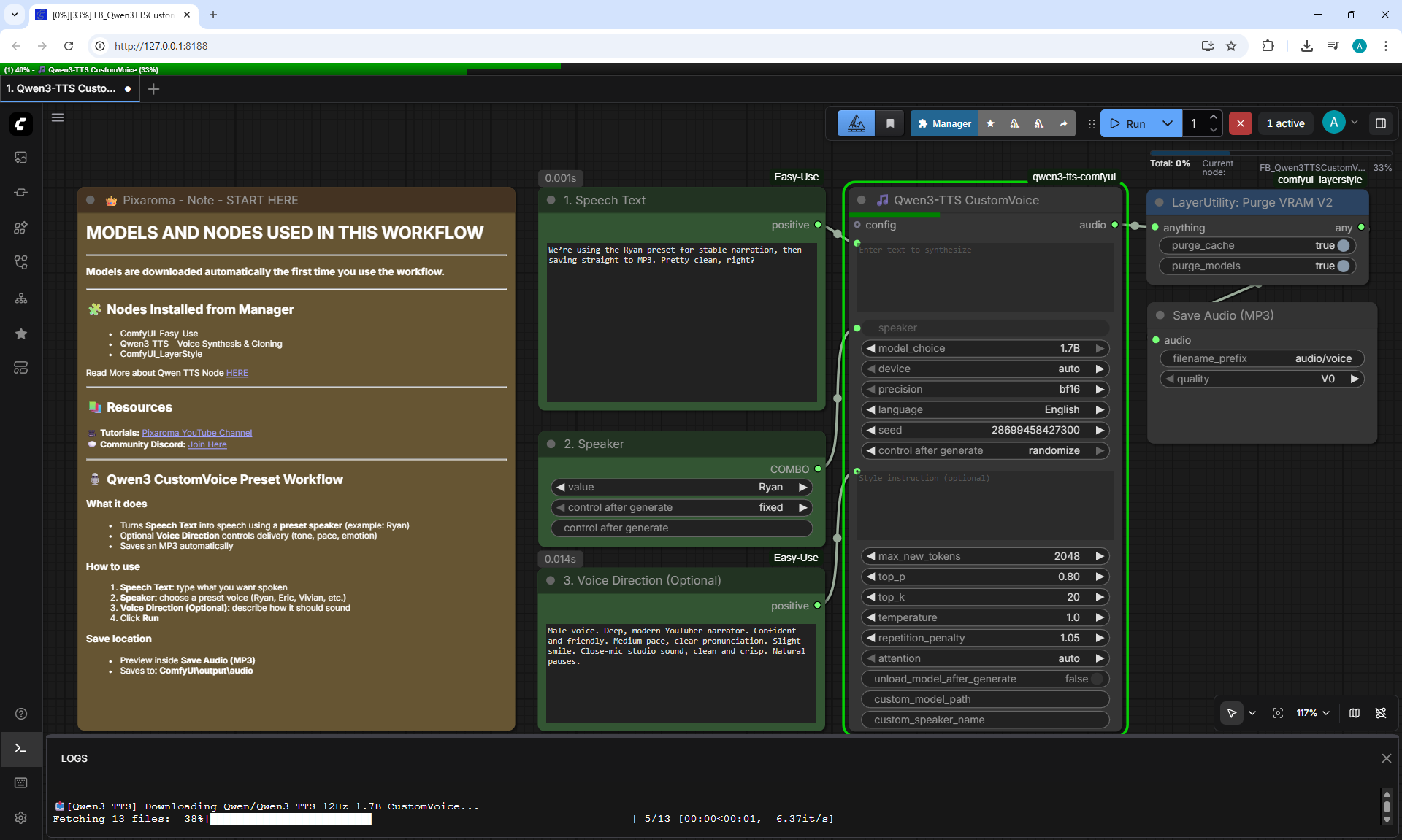
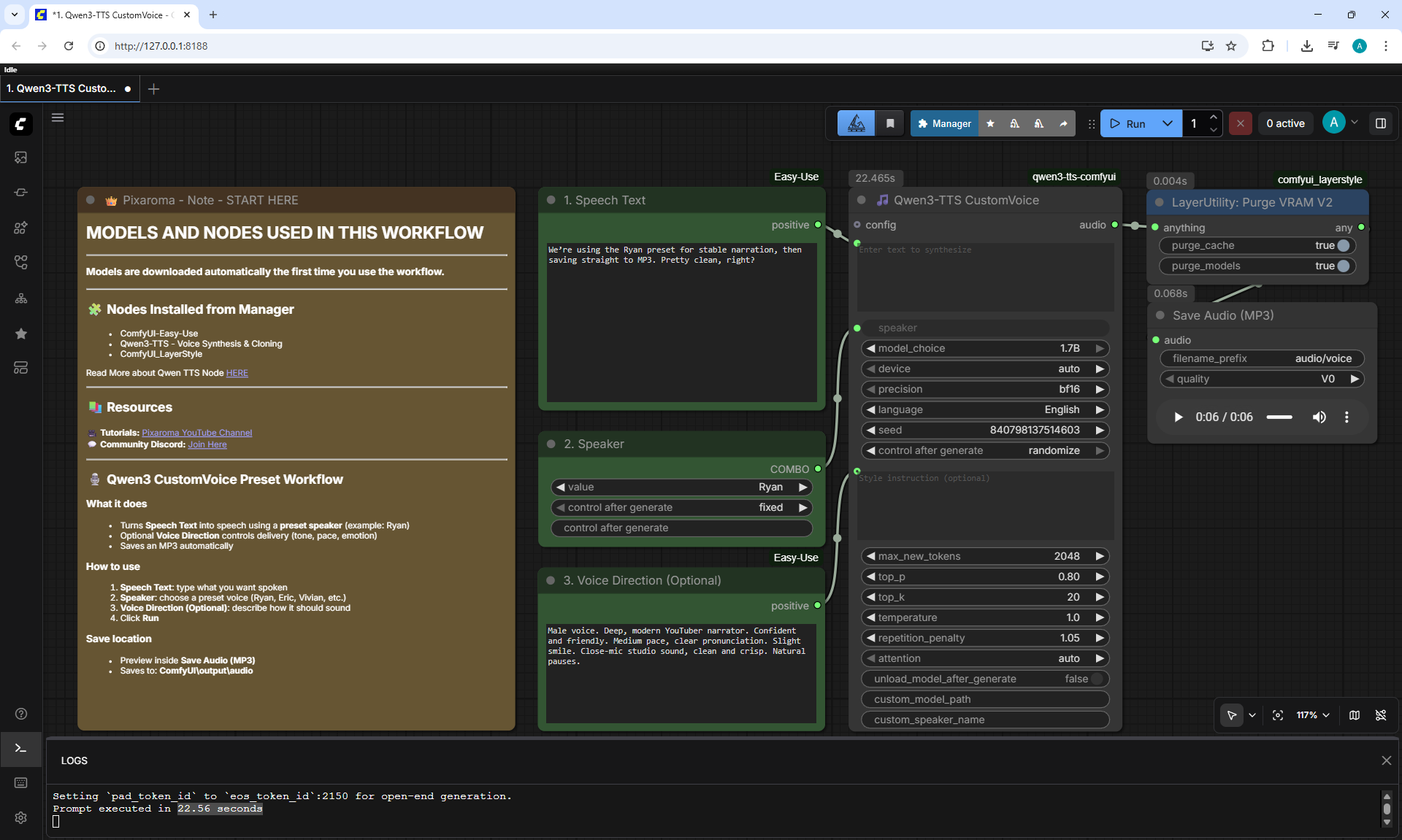
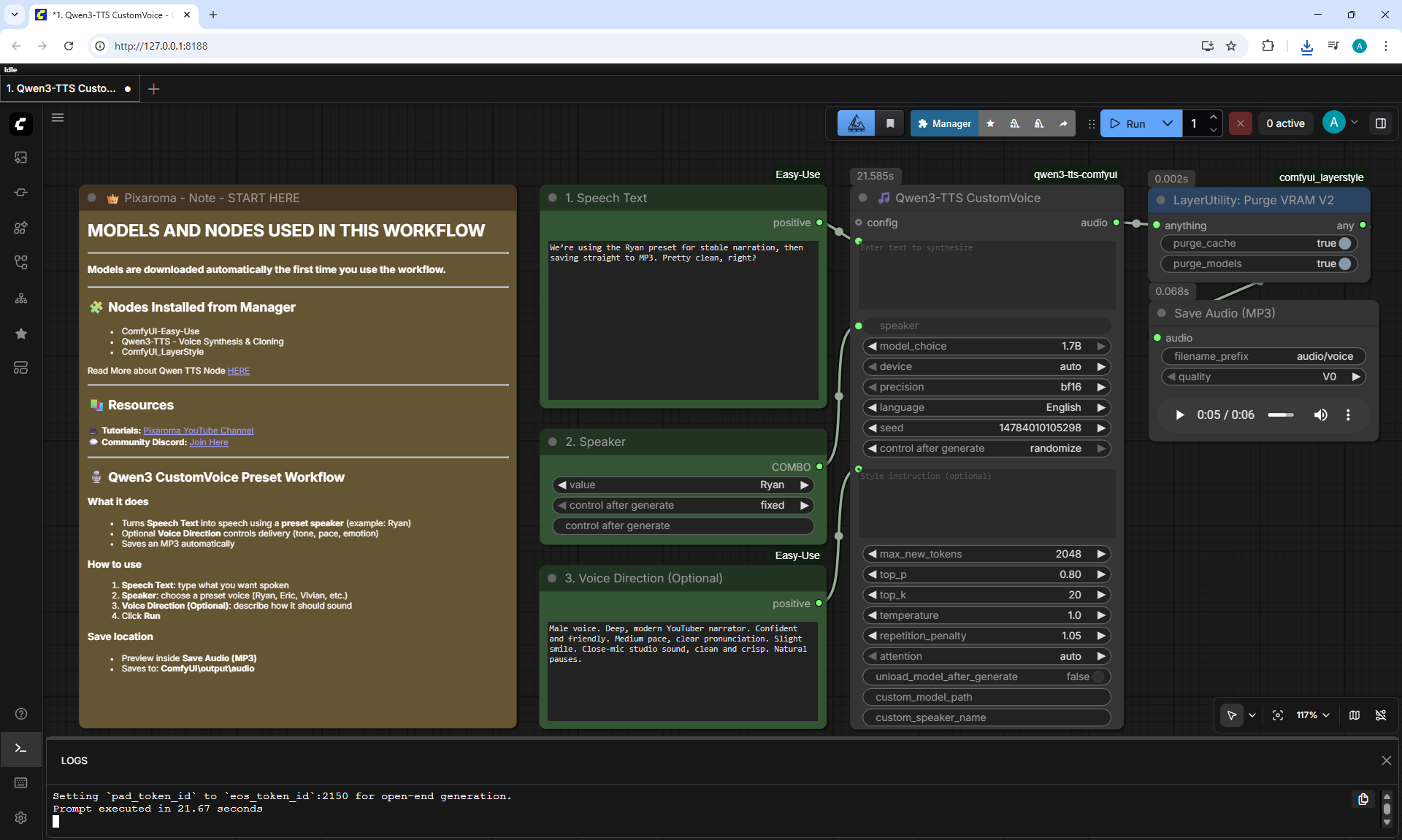
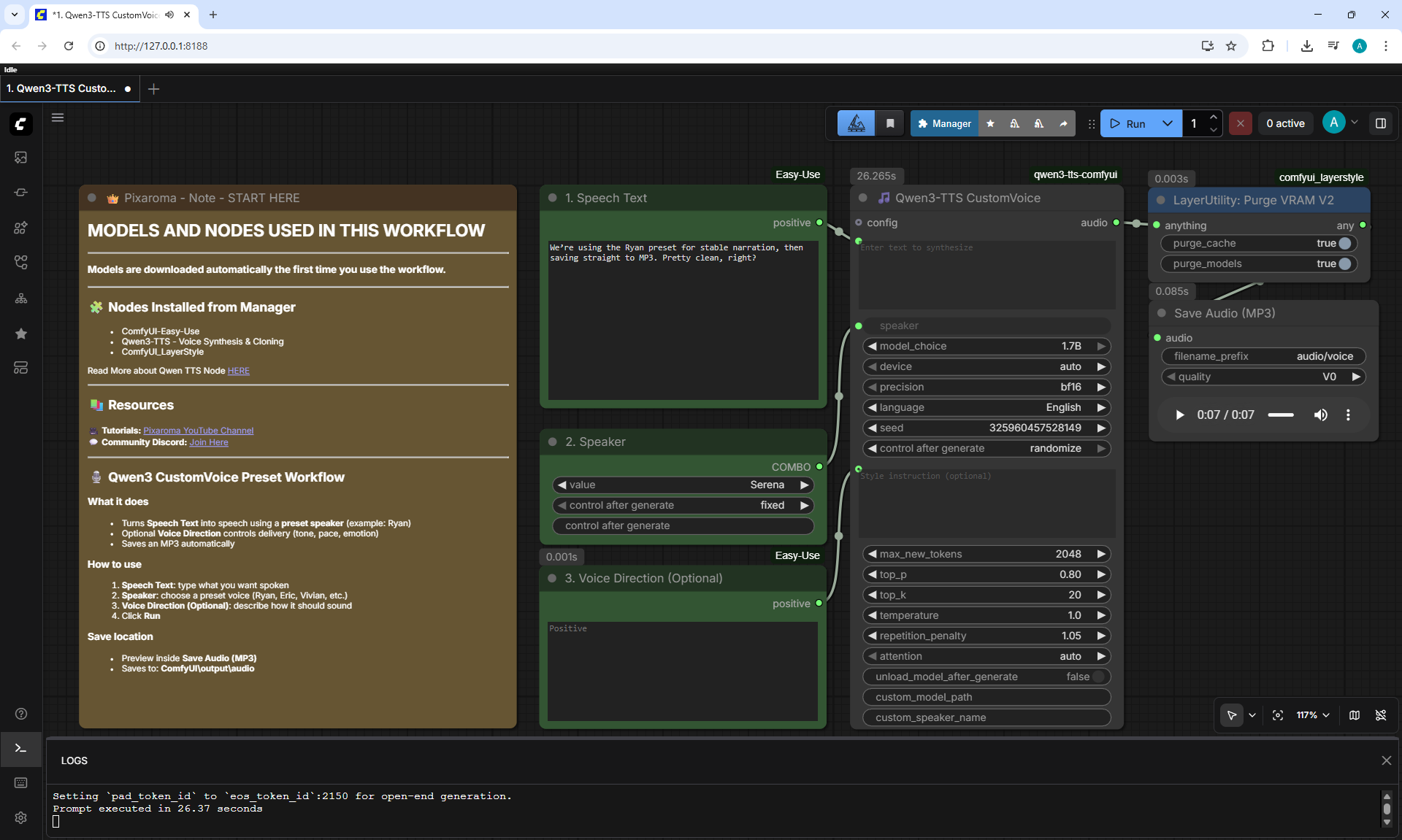
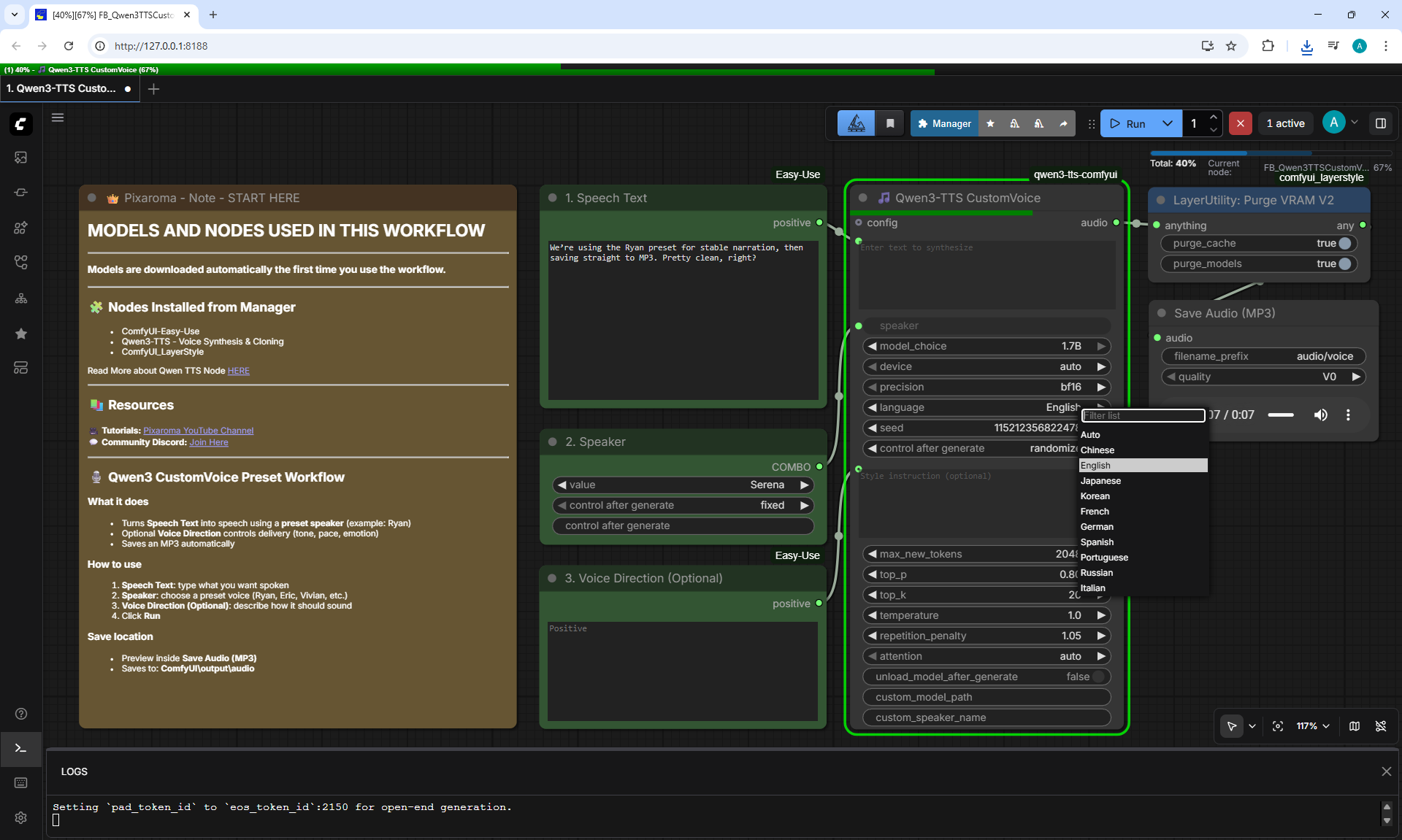
1. Qwen3-TTS CustomVoice
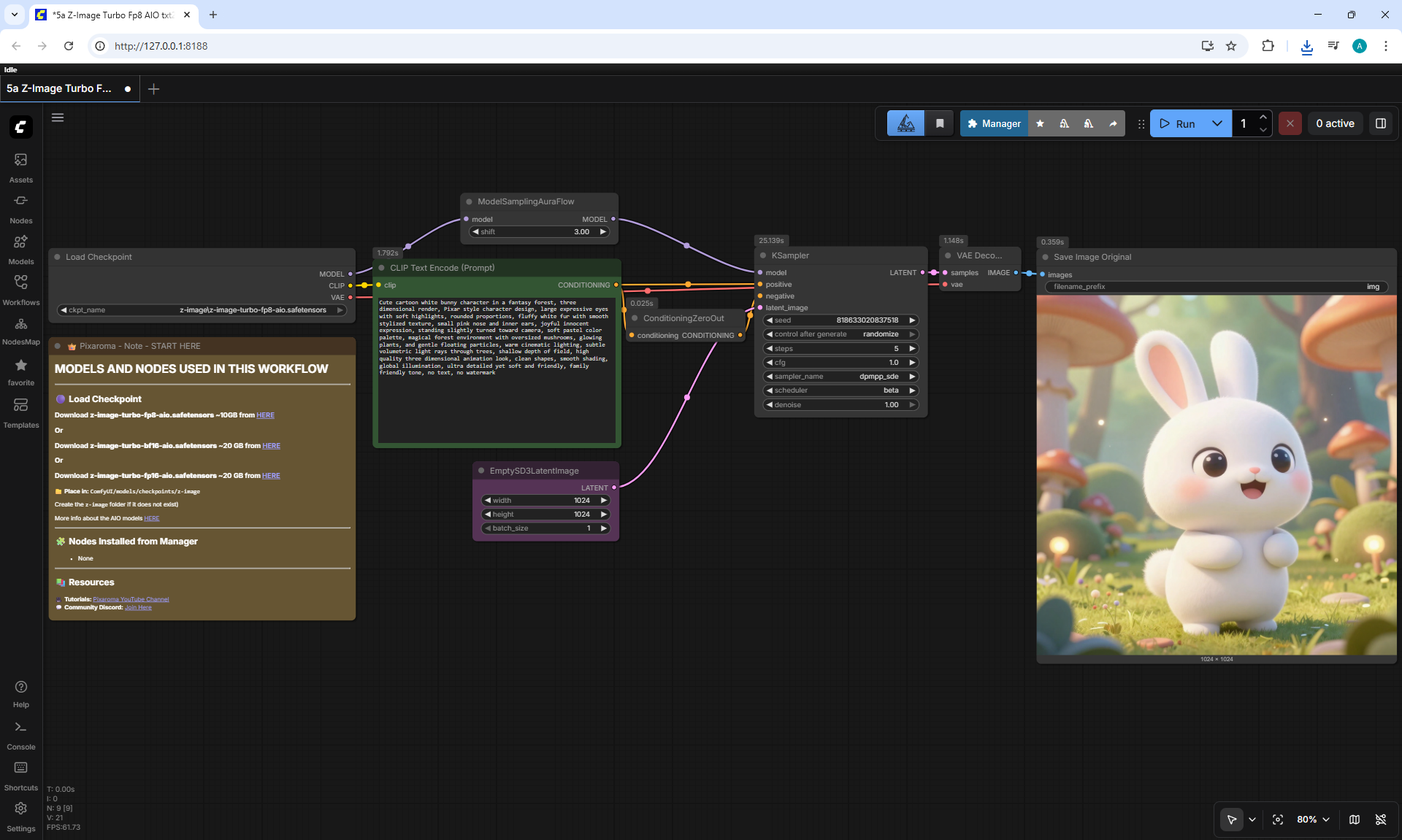
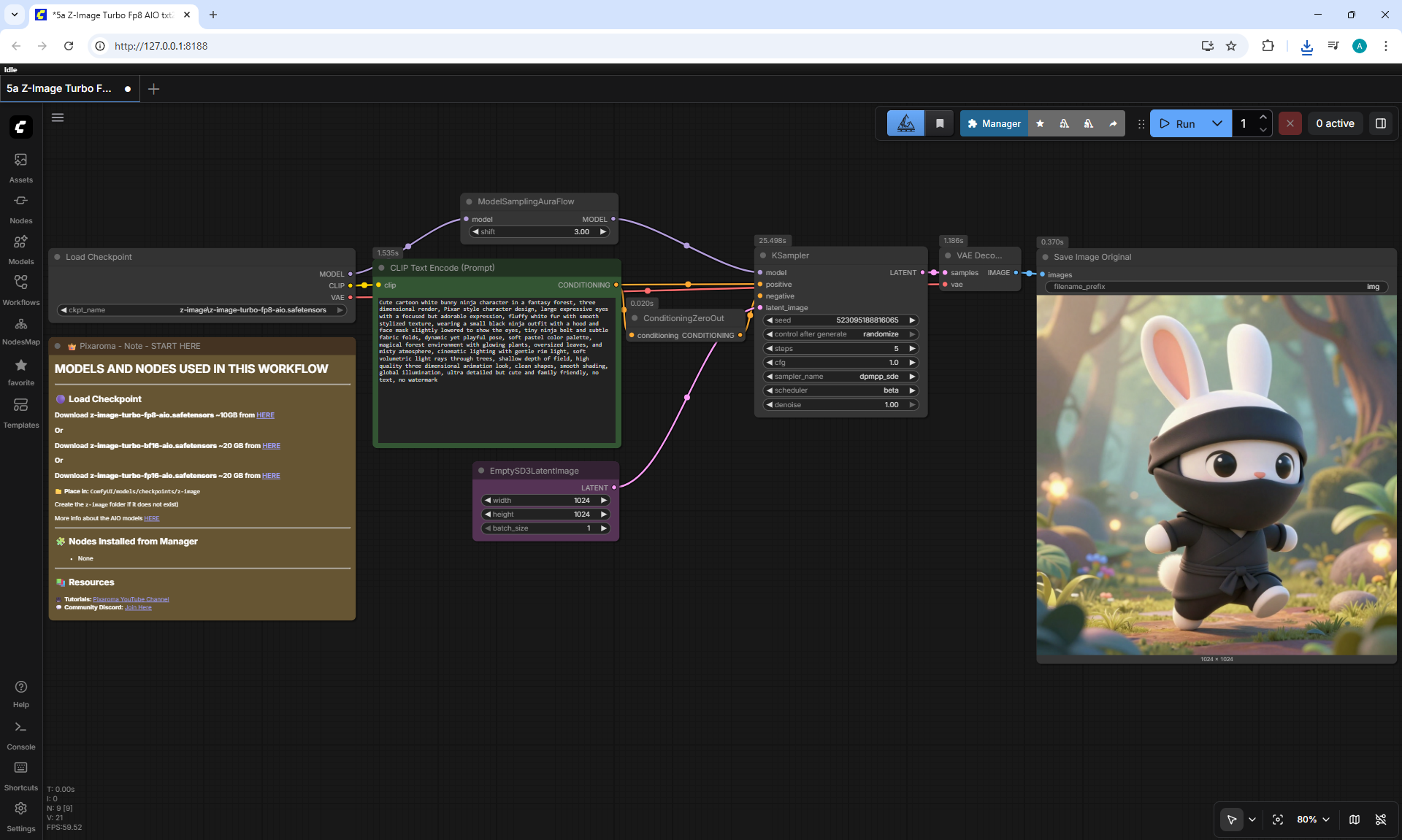
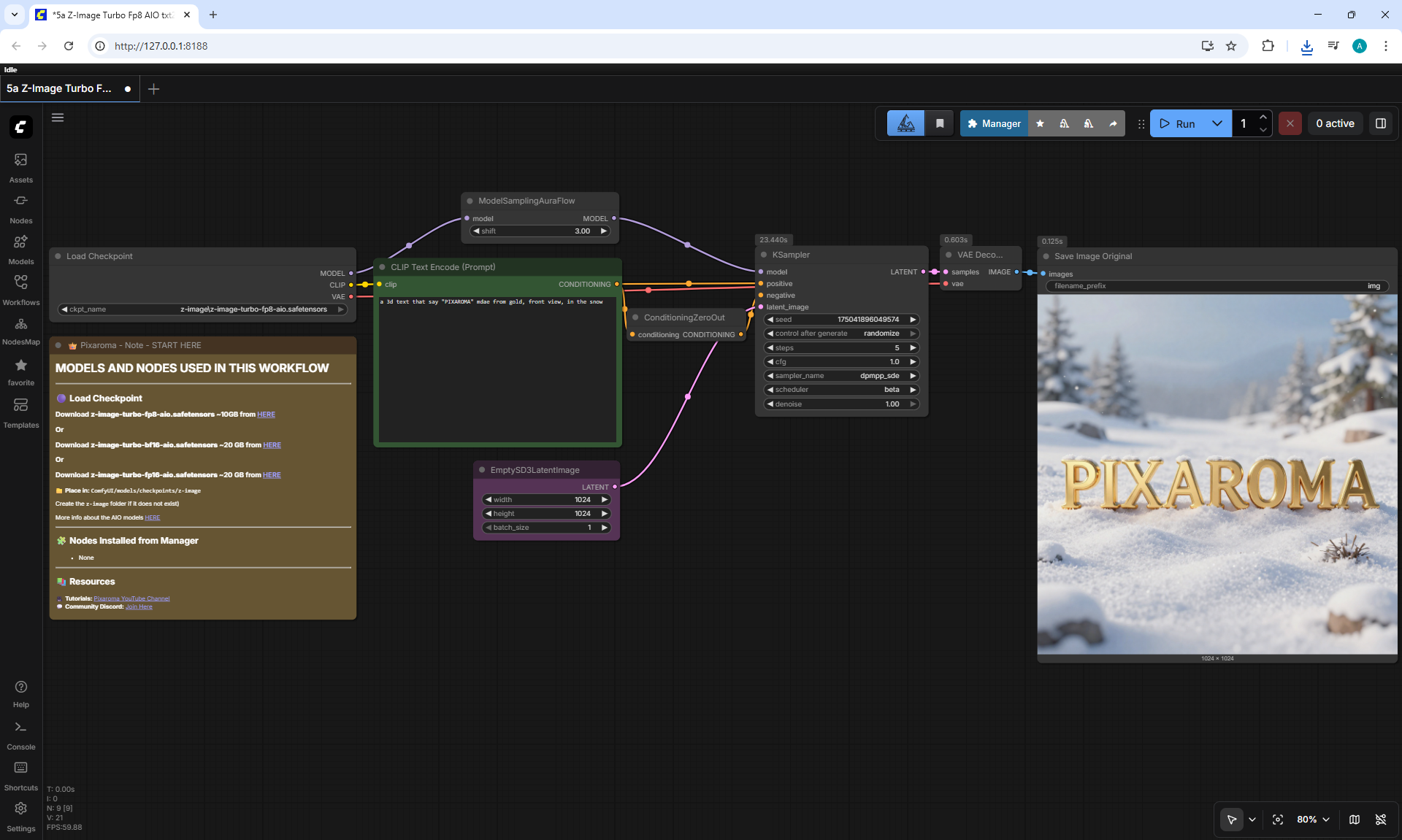
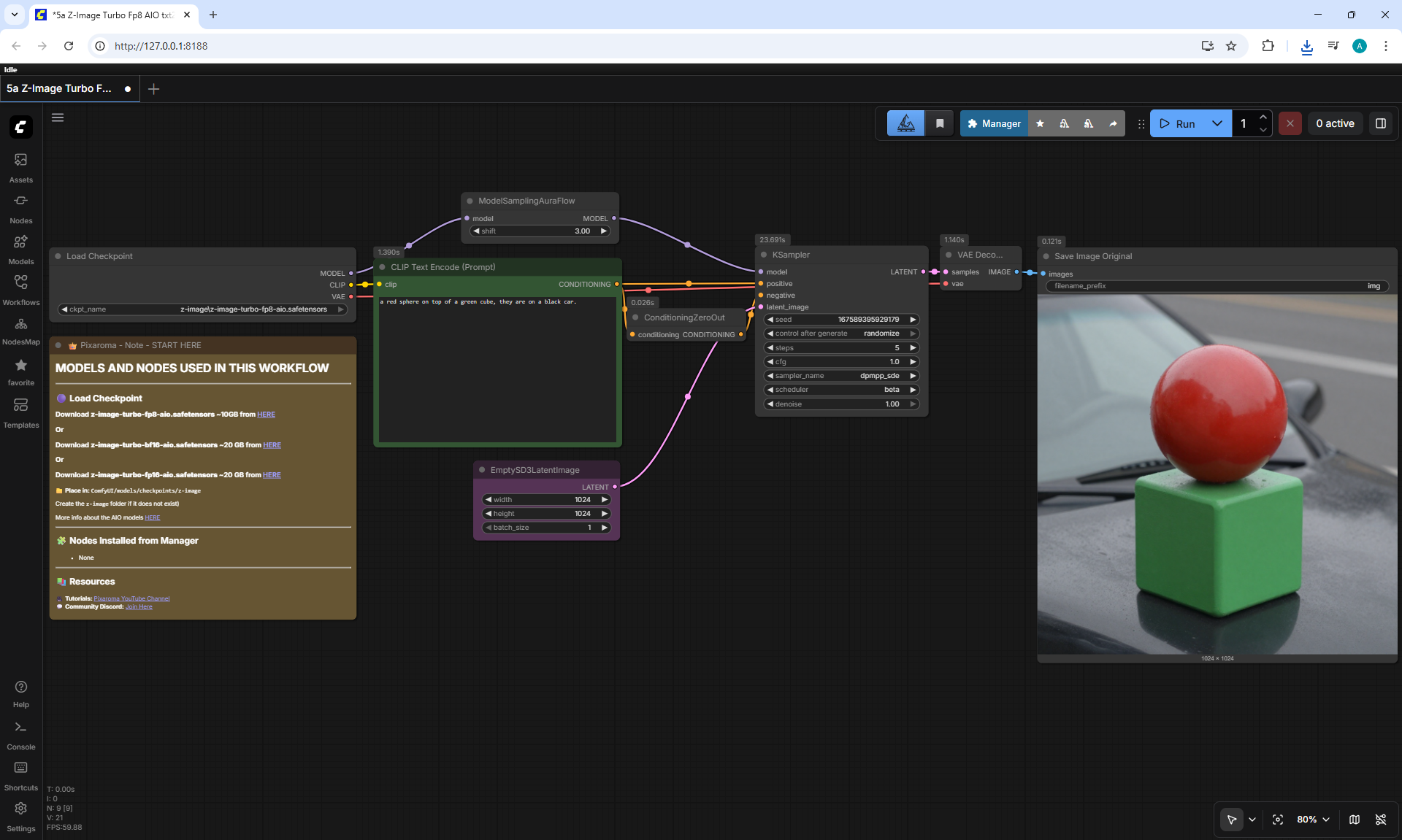
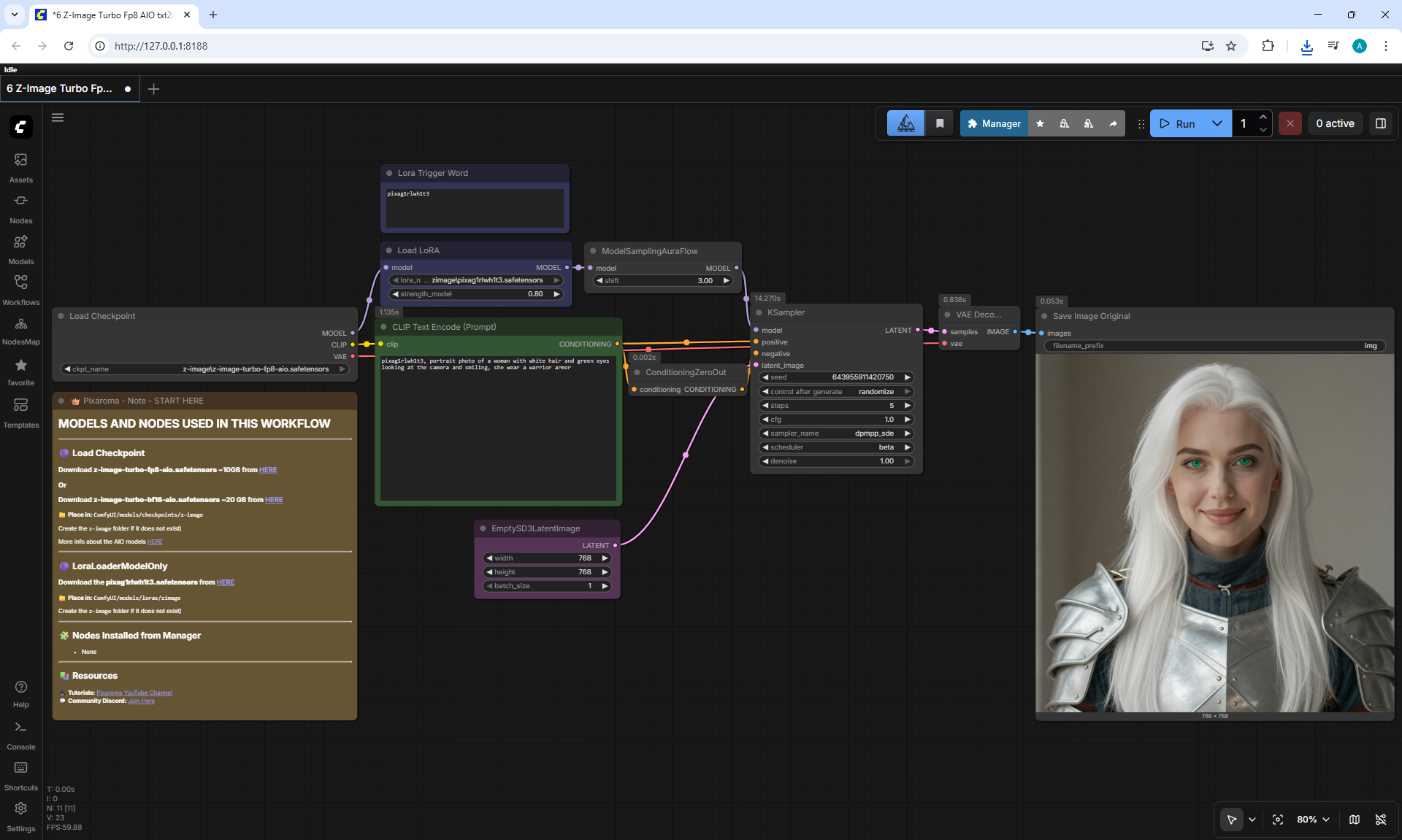
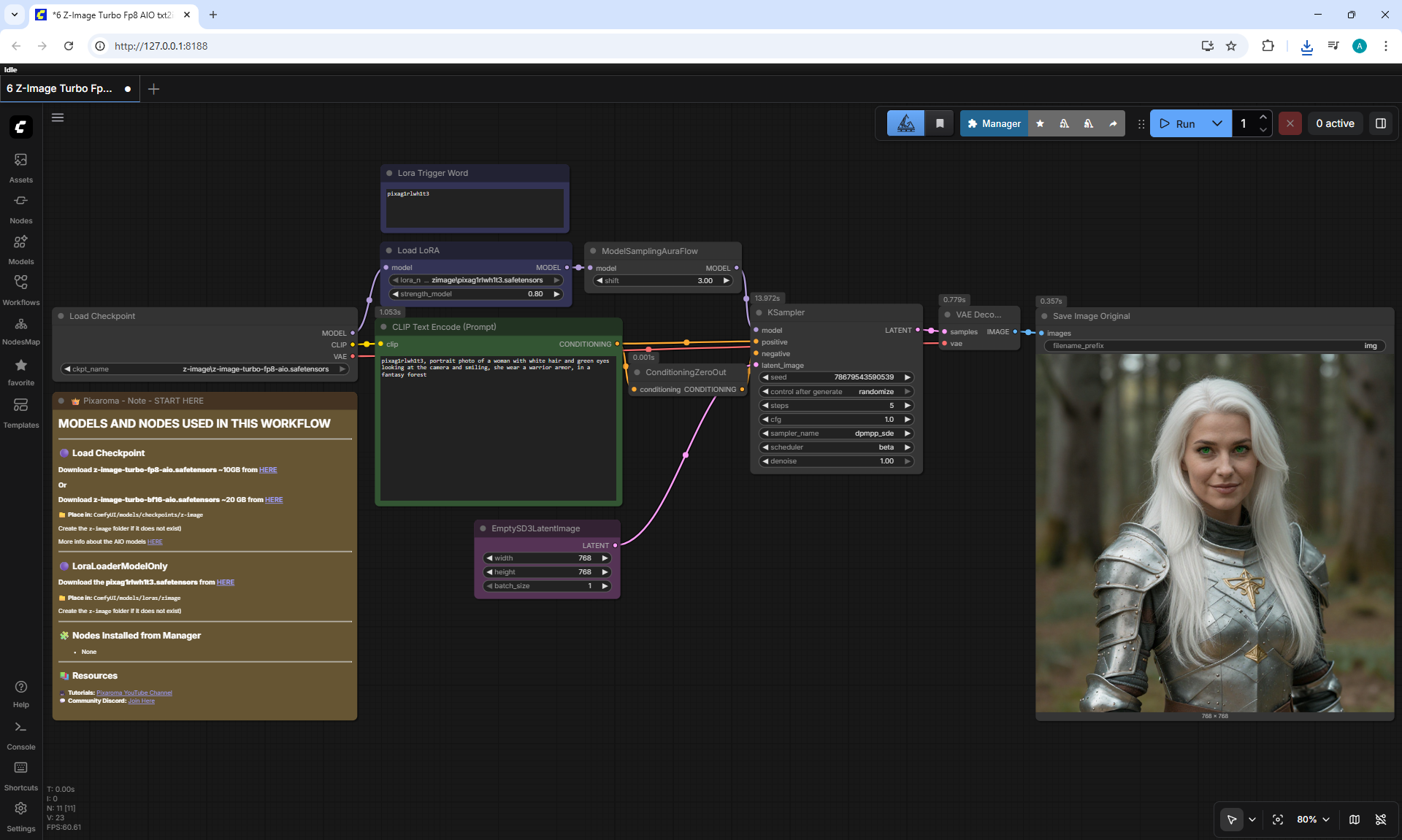
Workflow screenshot
We're using the Ryan preset for stable narration, then saving straight to MP3. Pretty clean, right?
001.mp3
002.mp3
003.mp3
004.mp3
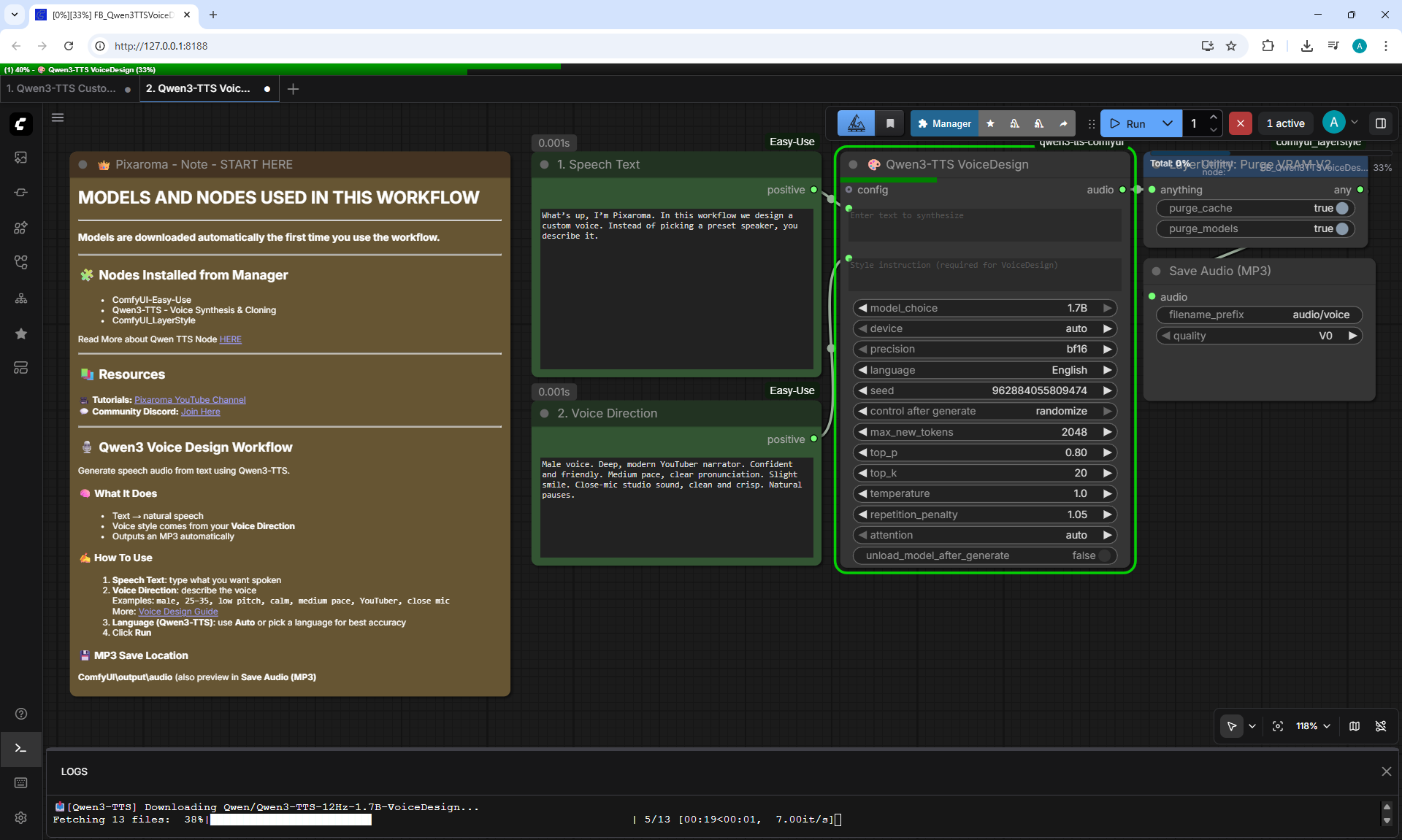
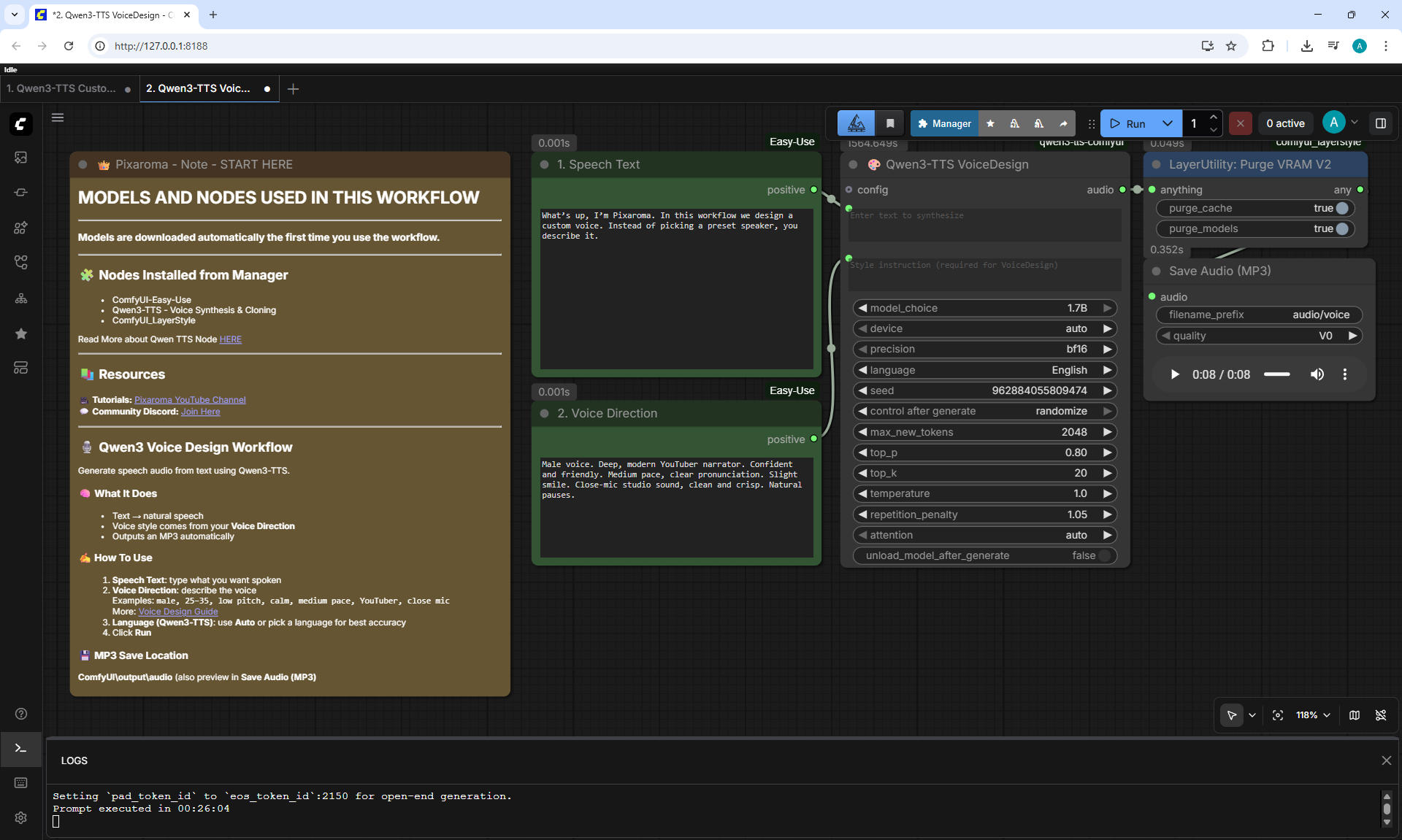
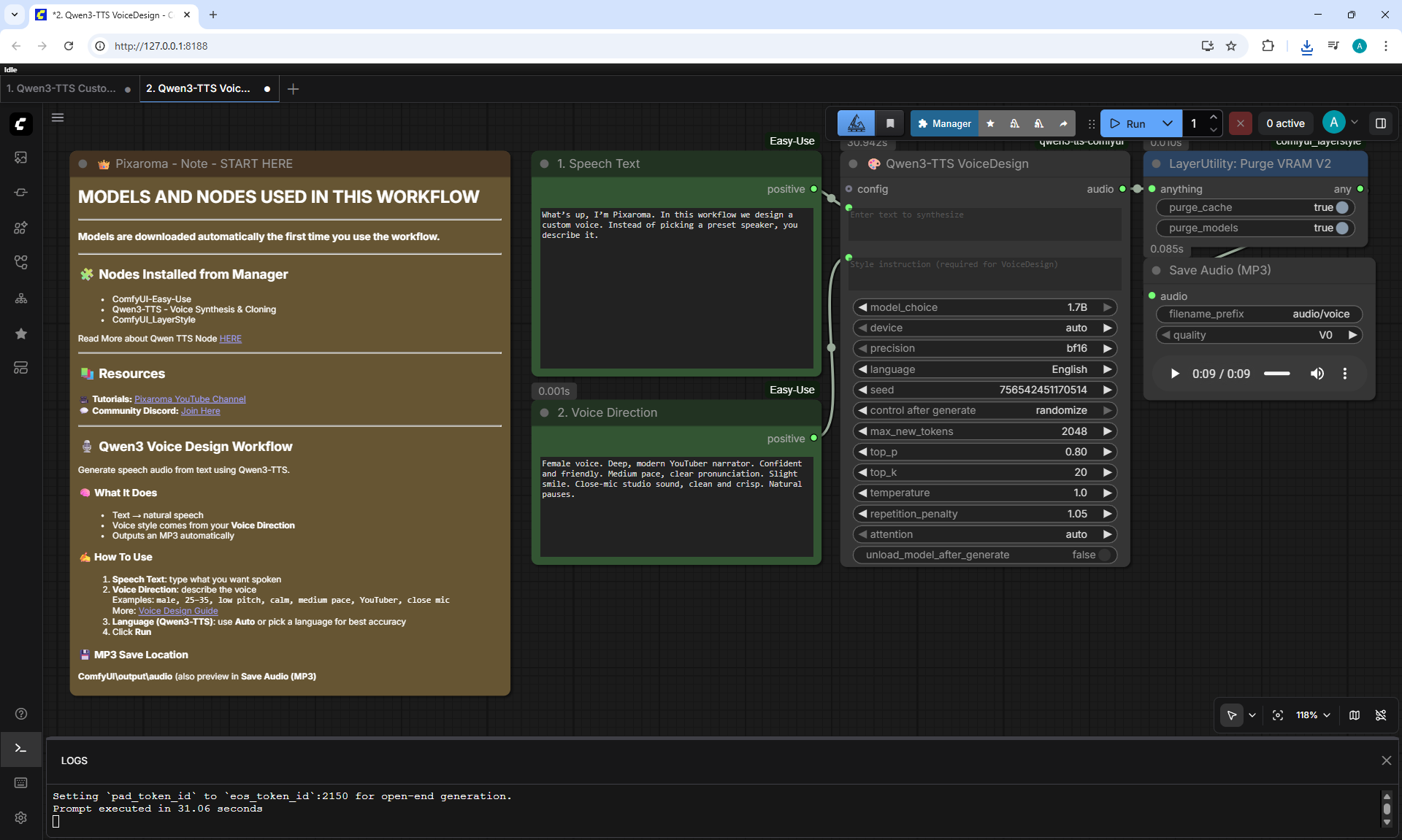
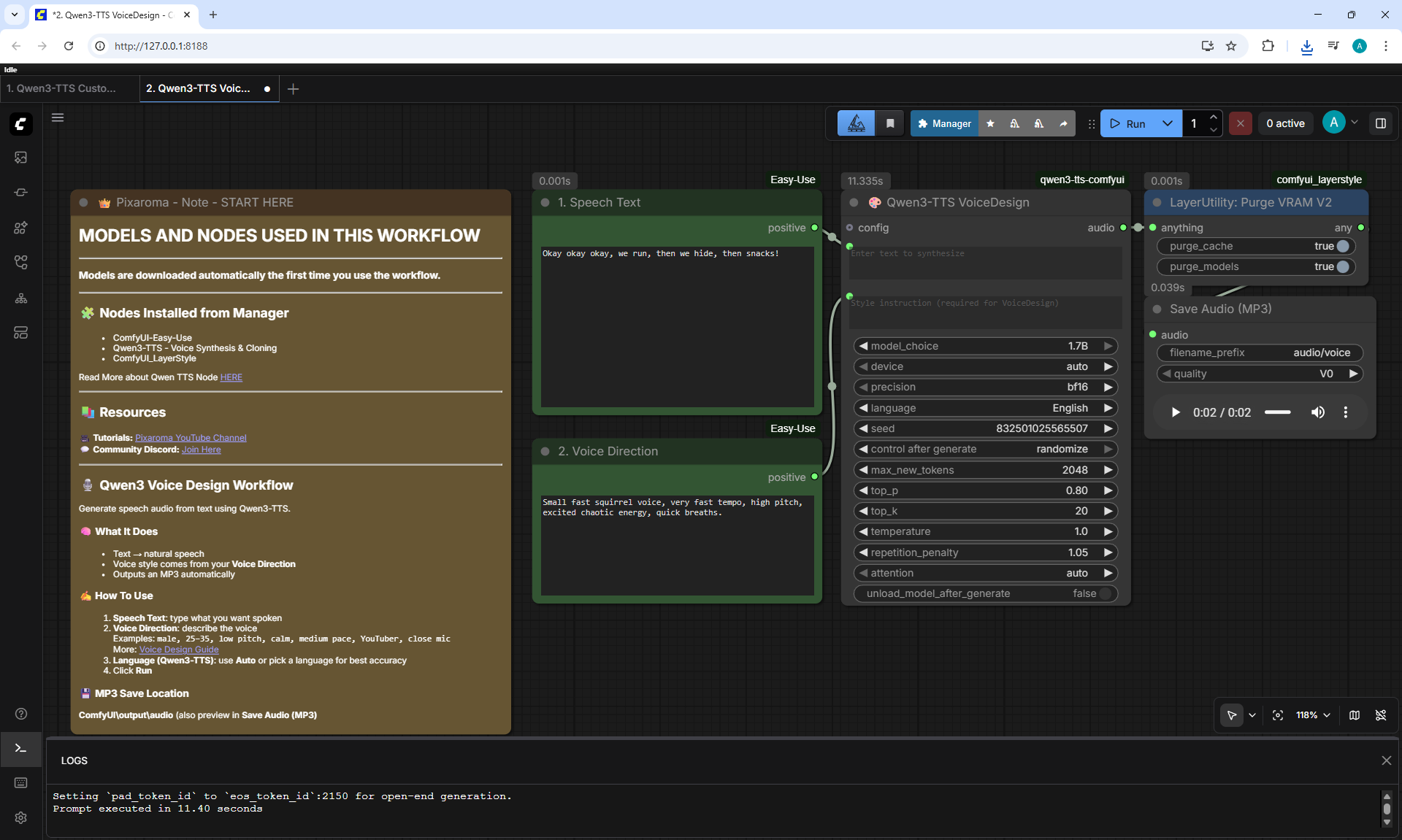
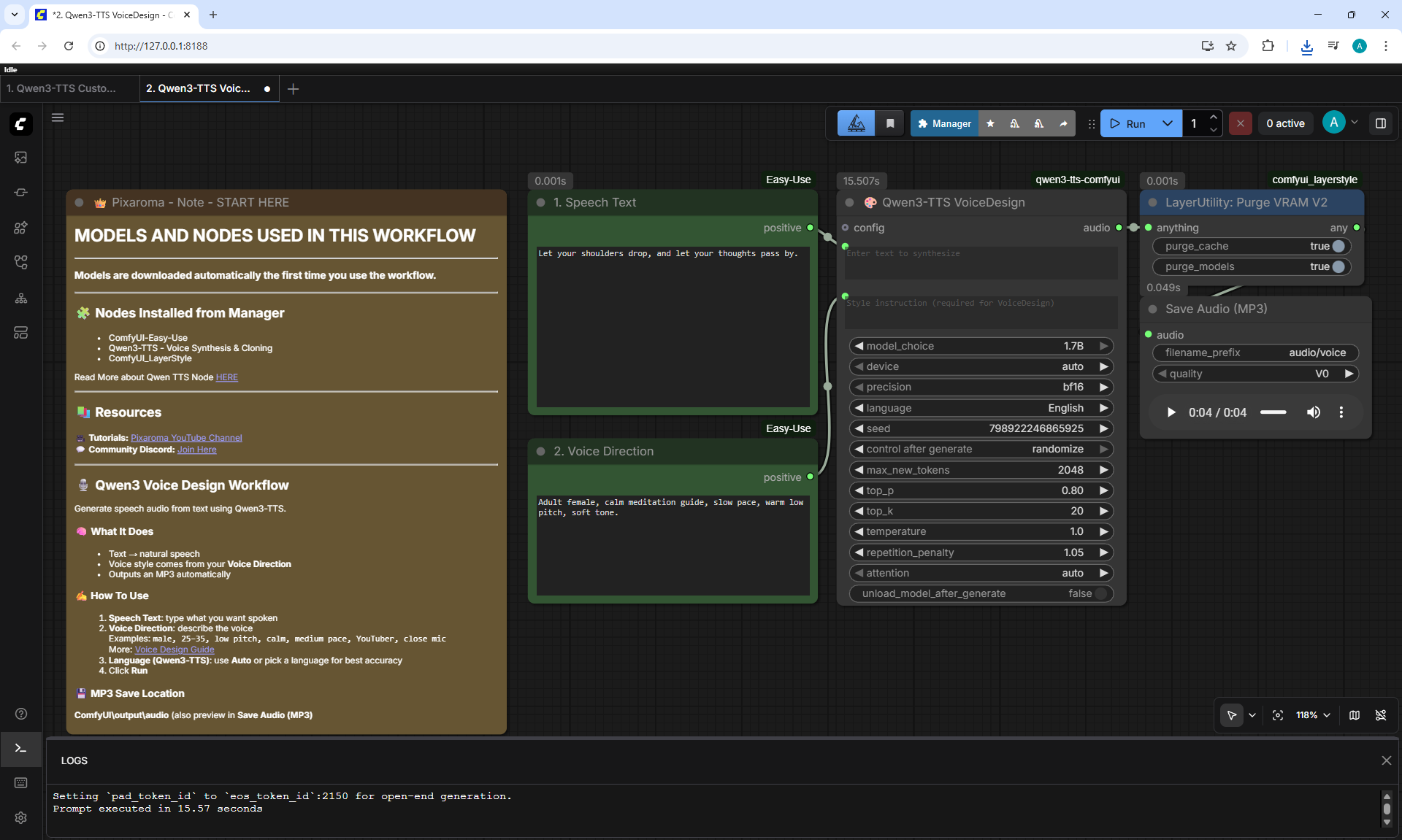
2. Qwen3-TTS VoiceDesign
Workflow screenshot
What's up, I'm Pixaroma. In this workflow we design a custom voice. Instead of picking a preset speaker, you describe it.
005.mp3
006.mp3
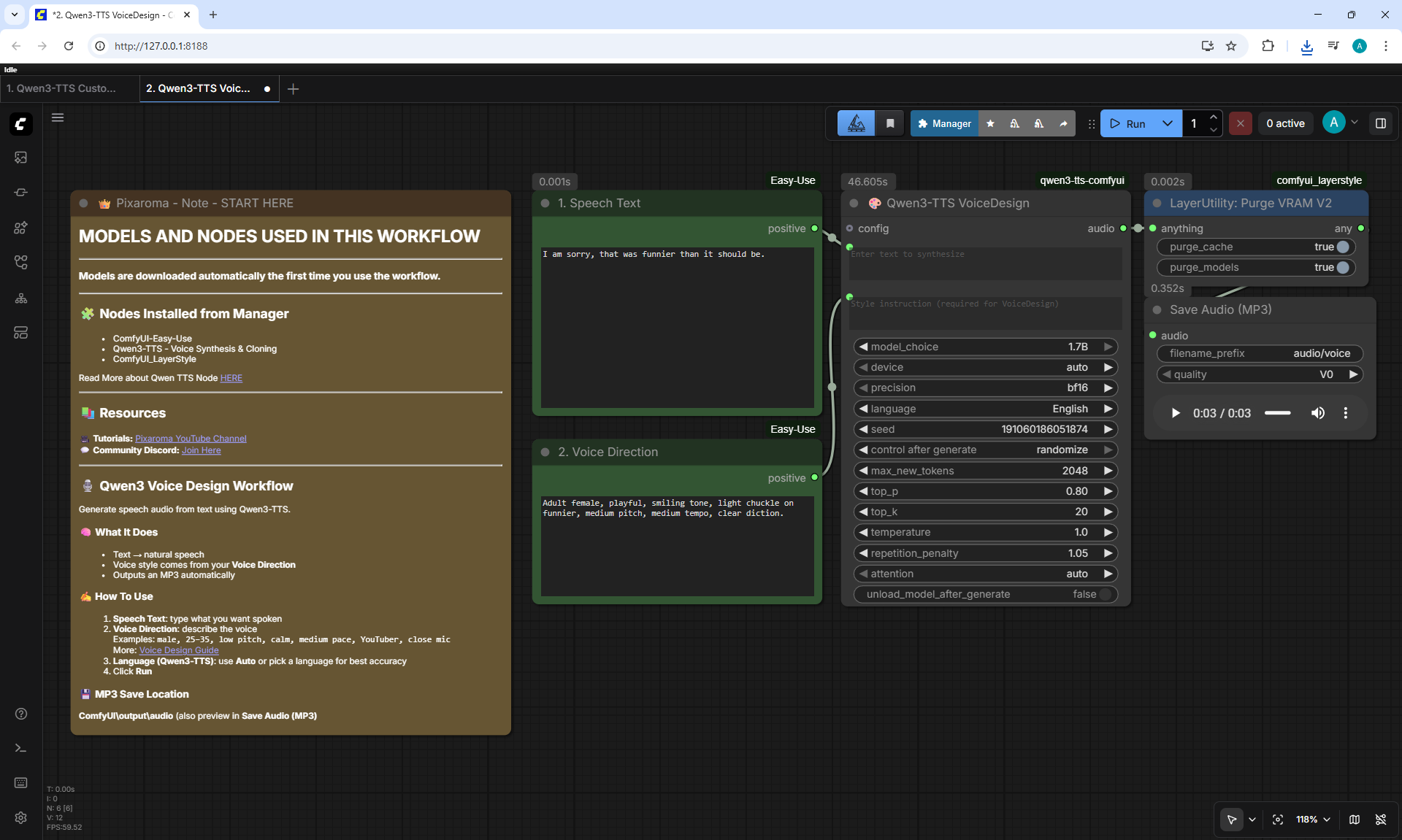
2. Qwen3-TTS VoiceDesign
Workflow screenshot
I am sorry, that was funnier than it should be.
007.mp3
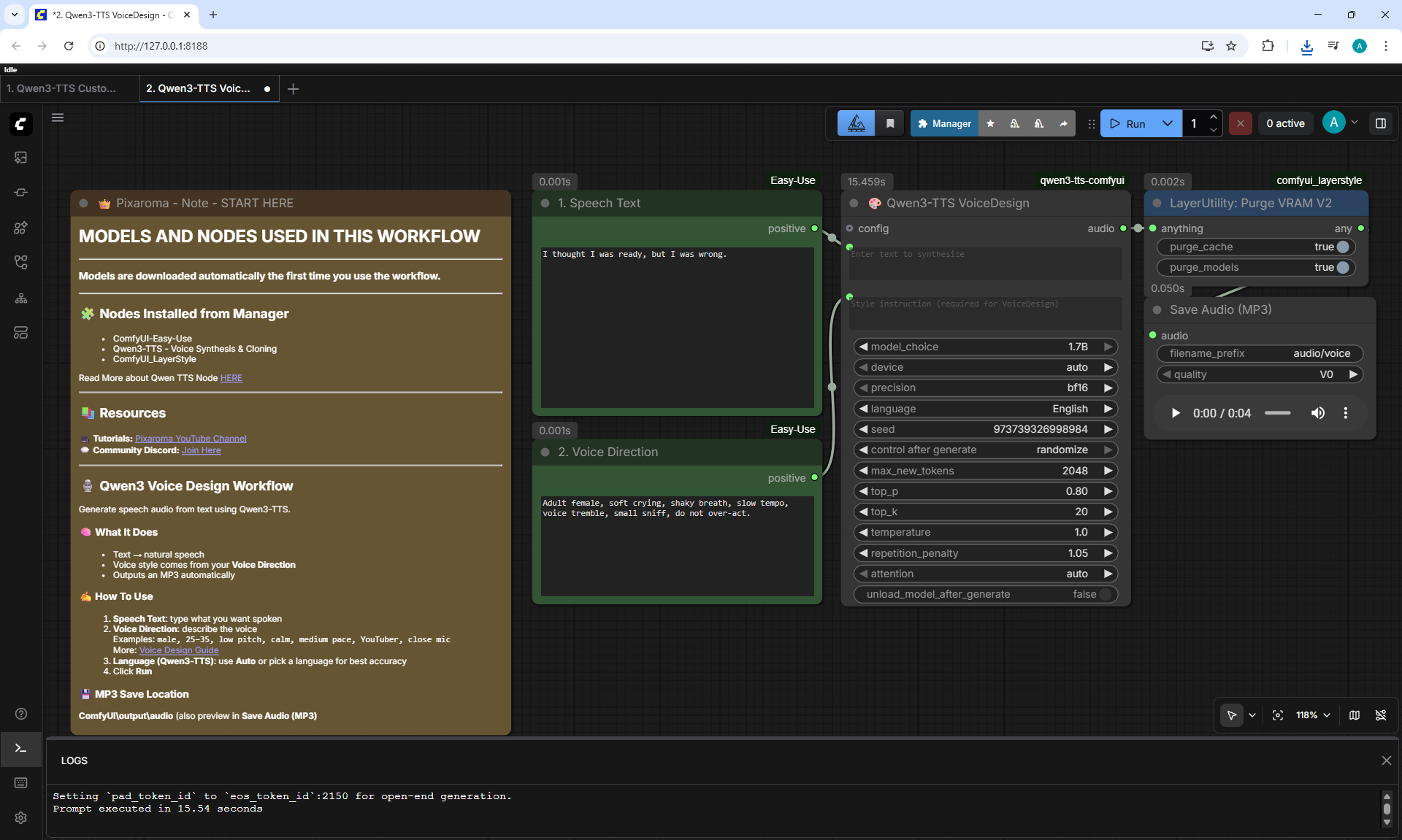
2. Qwen3-TTS VoiceDesign
Workflow screenshot
I thought I was ready, but I was wrong.
008.mp3
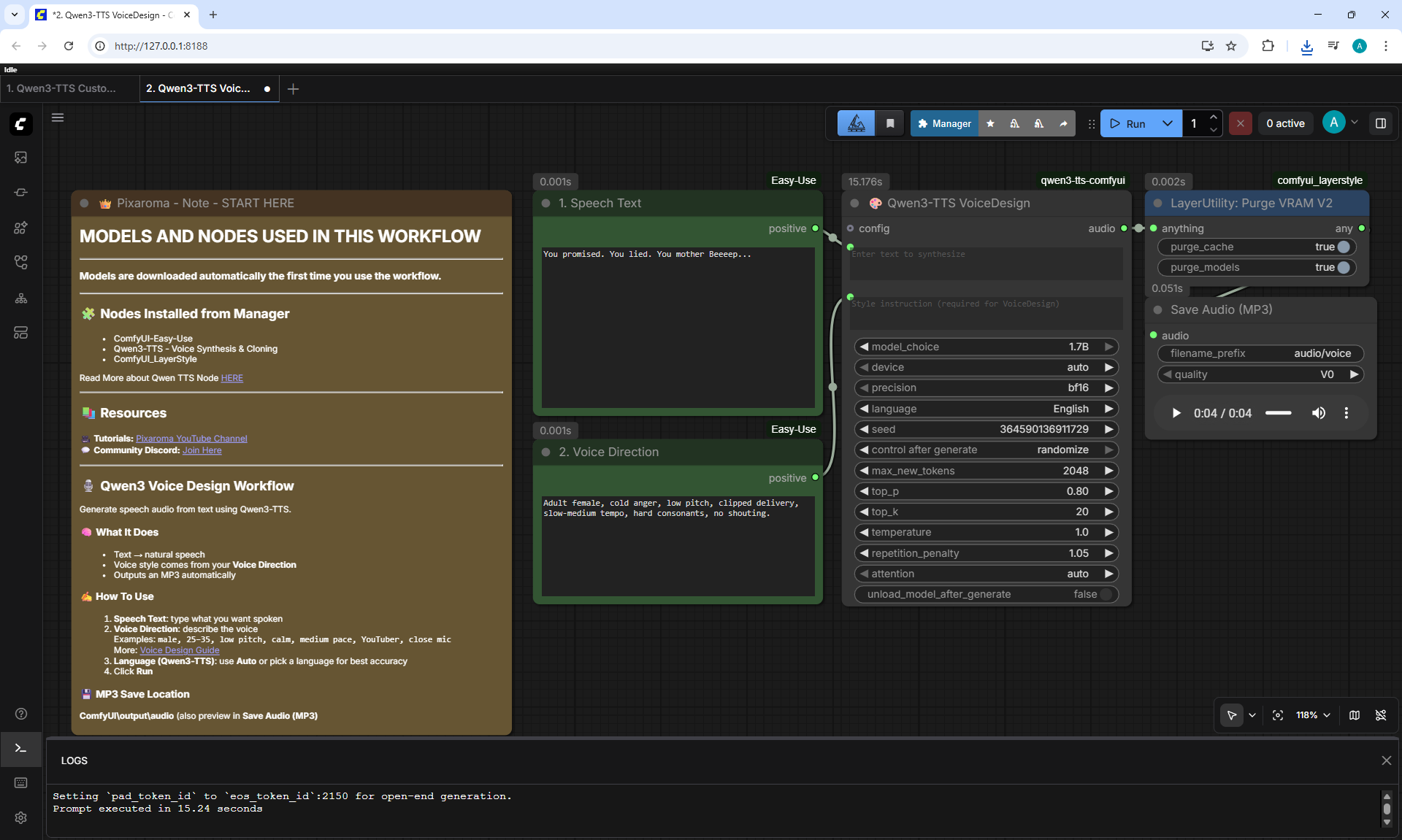
2. Qwen3-TTS VoiceDesign
Workflow screenshot
You promised. You lied. You mother Beeeep...
009.mp3
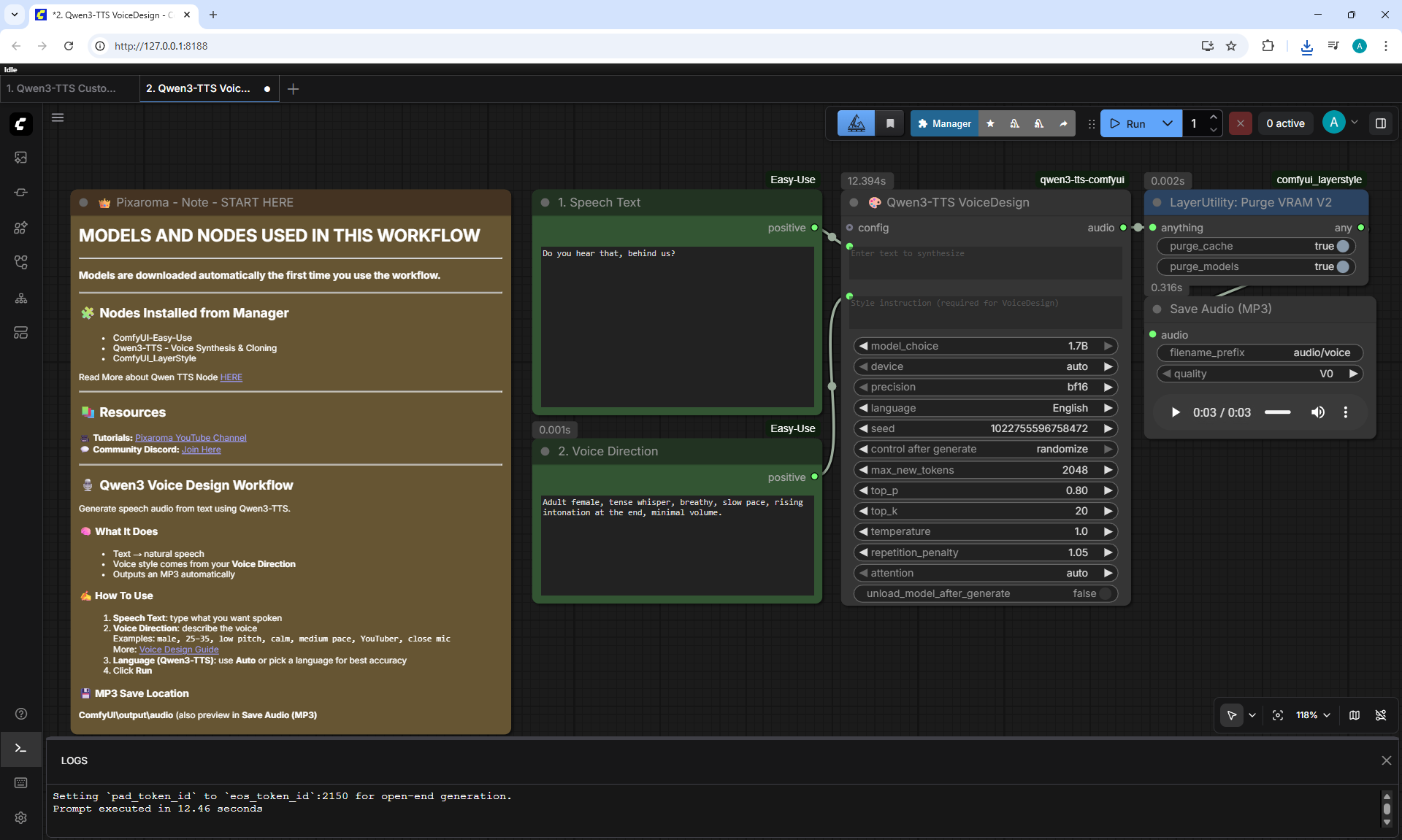
2. Qwen3-TTS VoiceDesign
Workflow screenshot
Do you hear that, behind us?
010.mp3
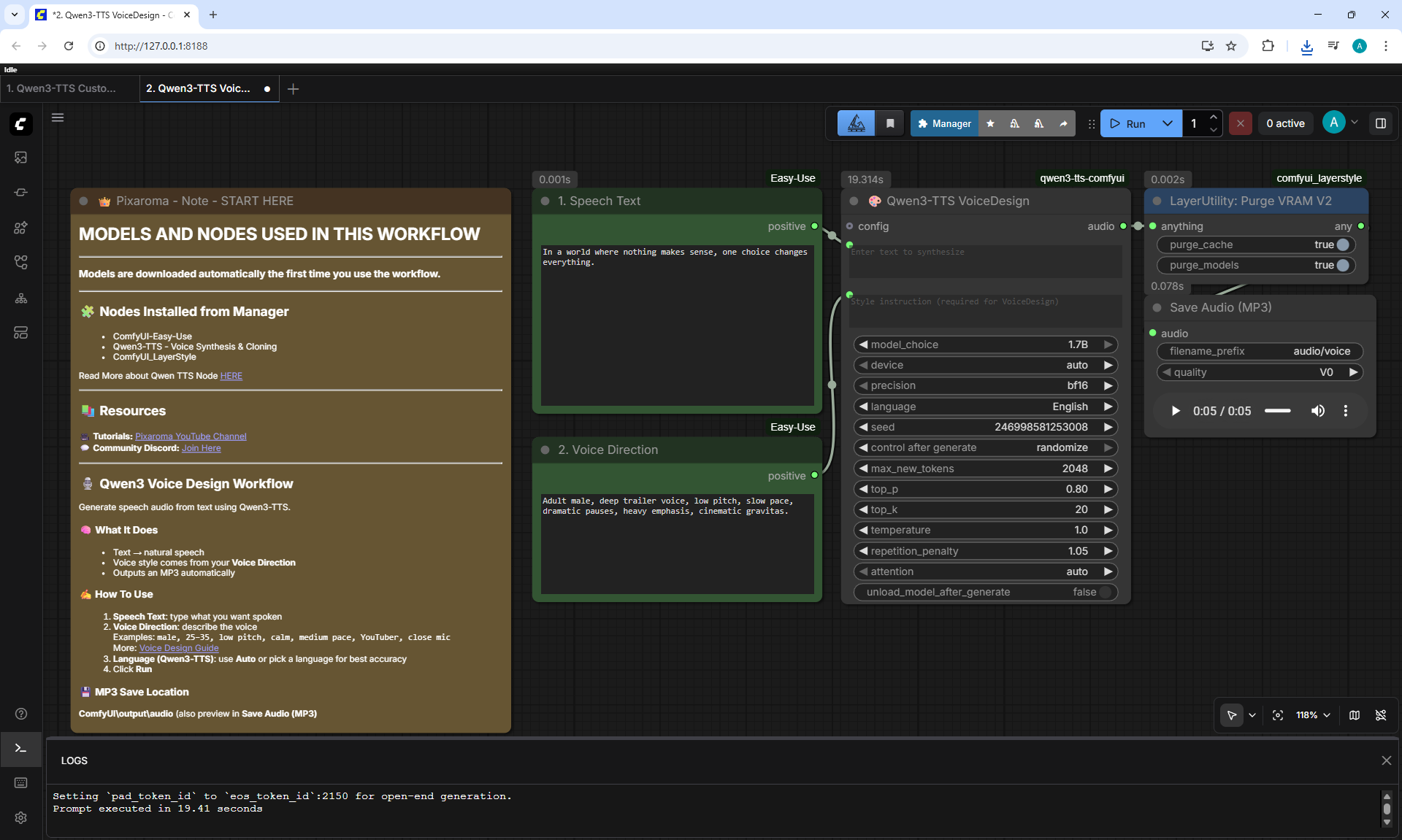
2. Qwen3-TTS VoiceDesign
Workflow screenshot
In a world where nothing makes sense, one choice changes everything.
011.mp3
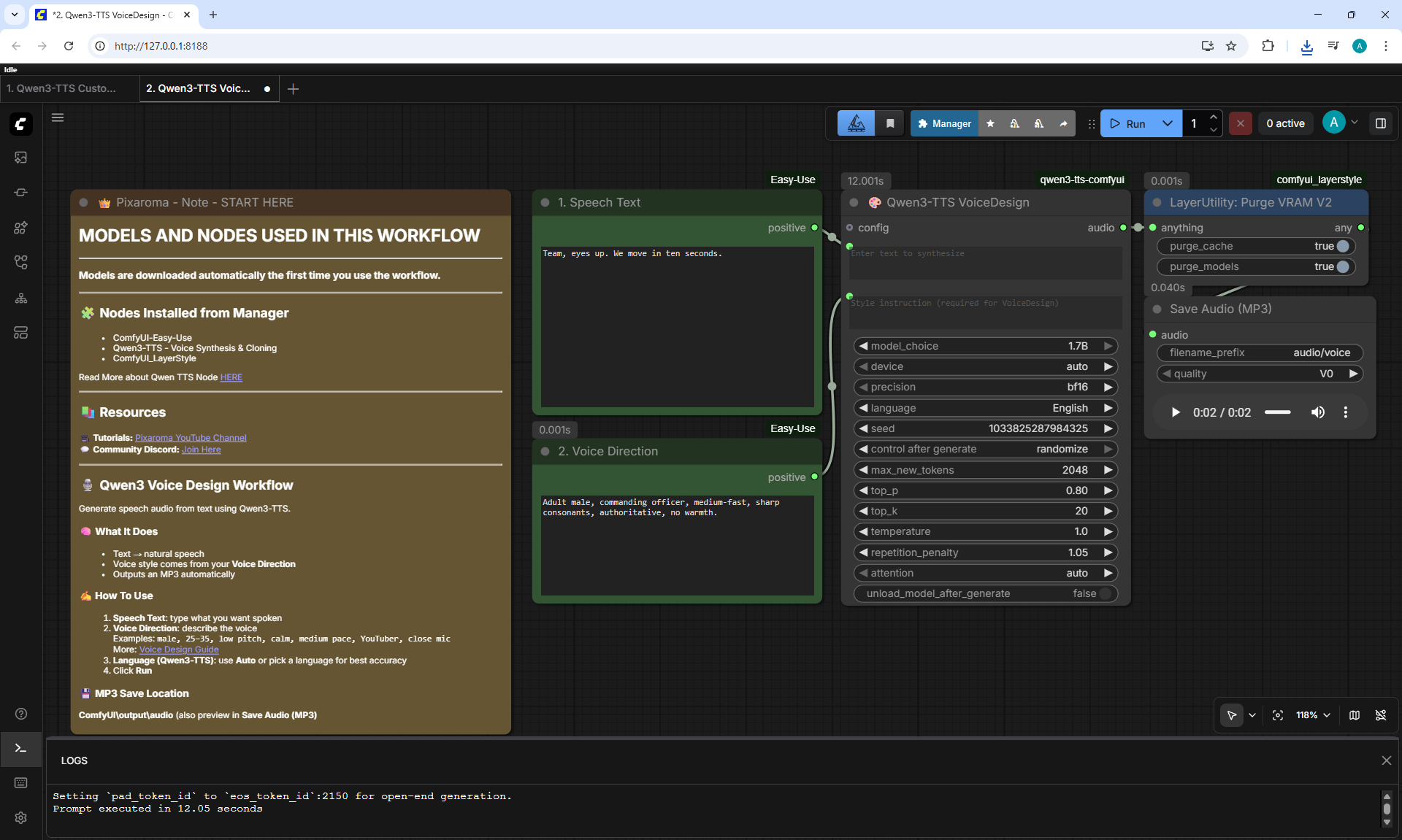
2. Qwen3-TTS VoiceDesign
Workflow screenshot
Team, eyes up. We move in ten seconds.
012.mp3
2. Qwen3-TTS VoiceDesign
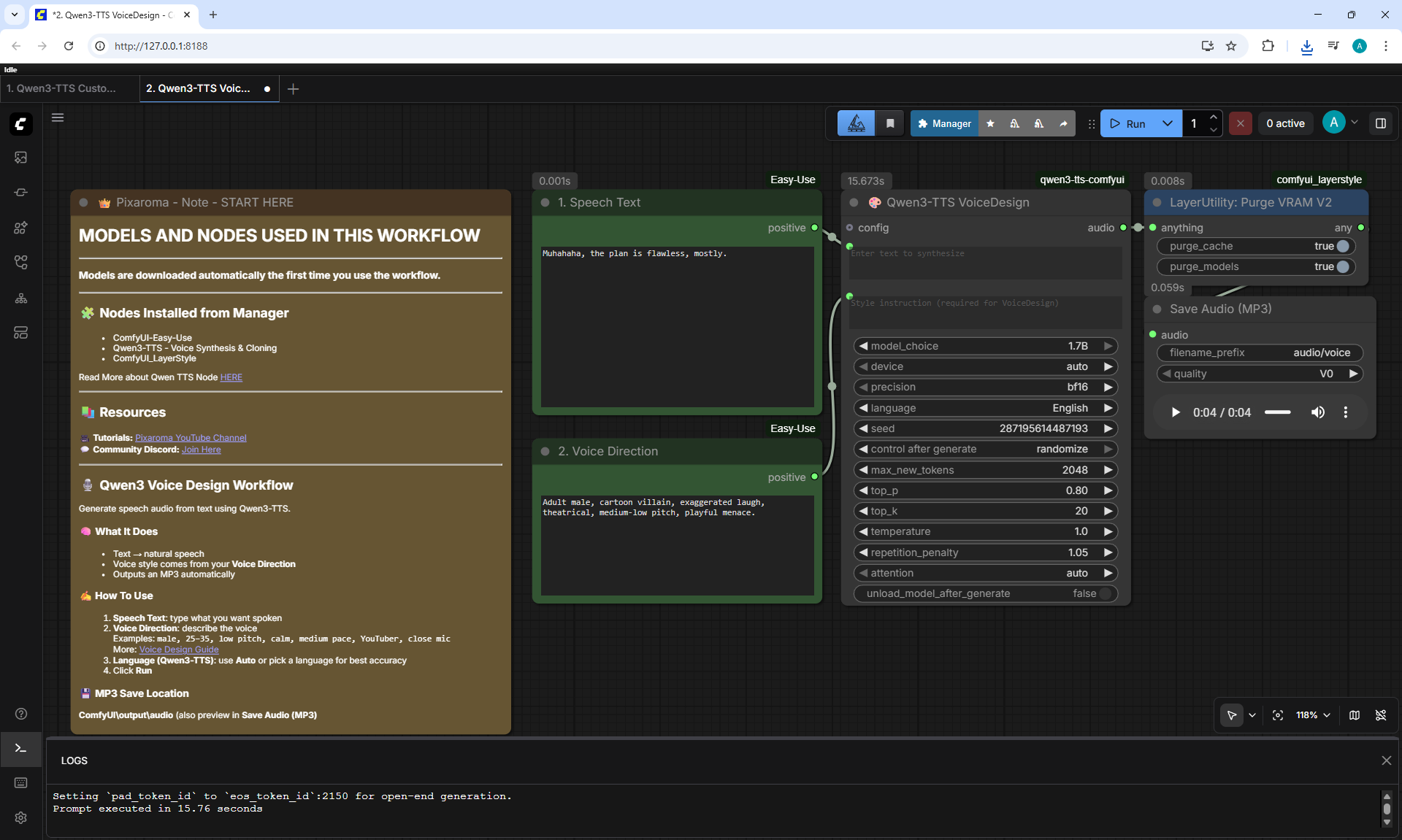
Workflow screenshot
Muhahaha, the plan is flawless, mostly.
013.mp3
2. Qwen3-TTS VoiceDesign
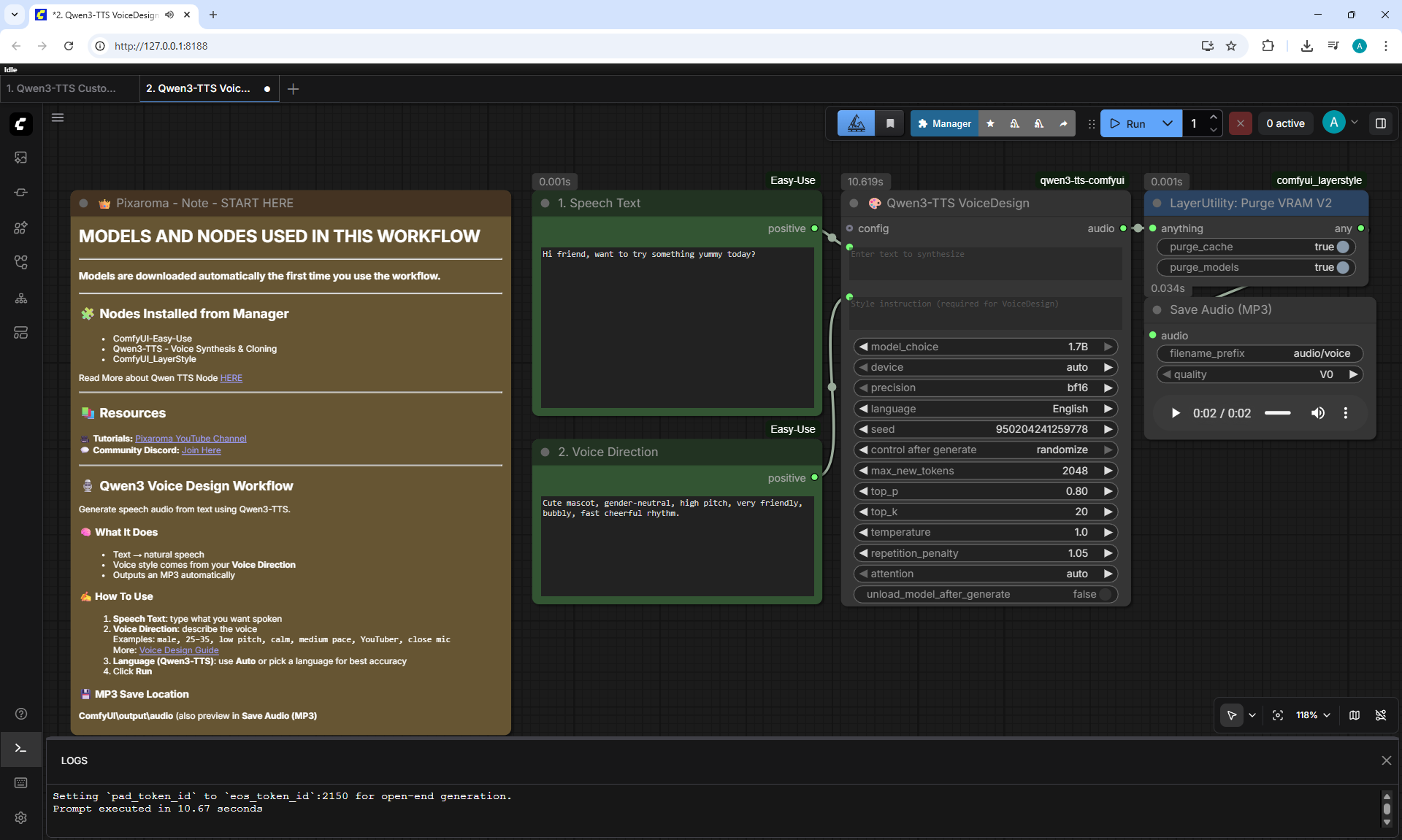
Workflow screenshot
Hi friend, want to try something yummy today?
014.mp3
2. Qwen3-TTS VoiceDesign
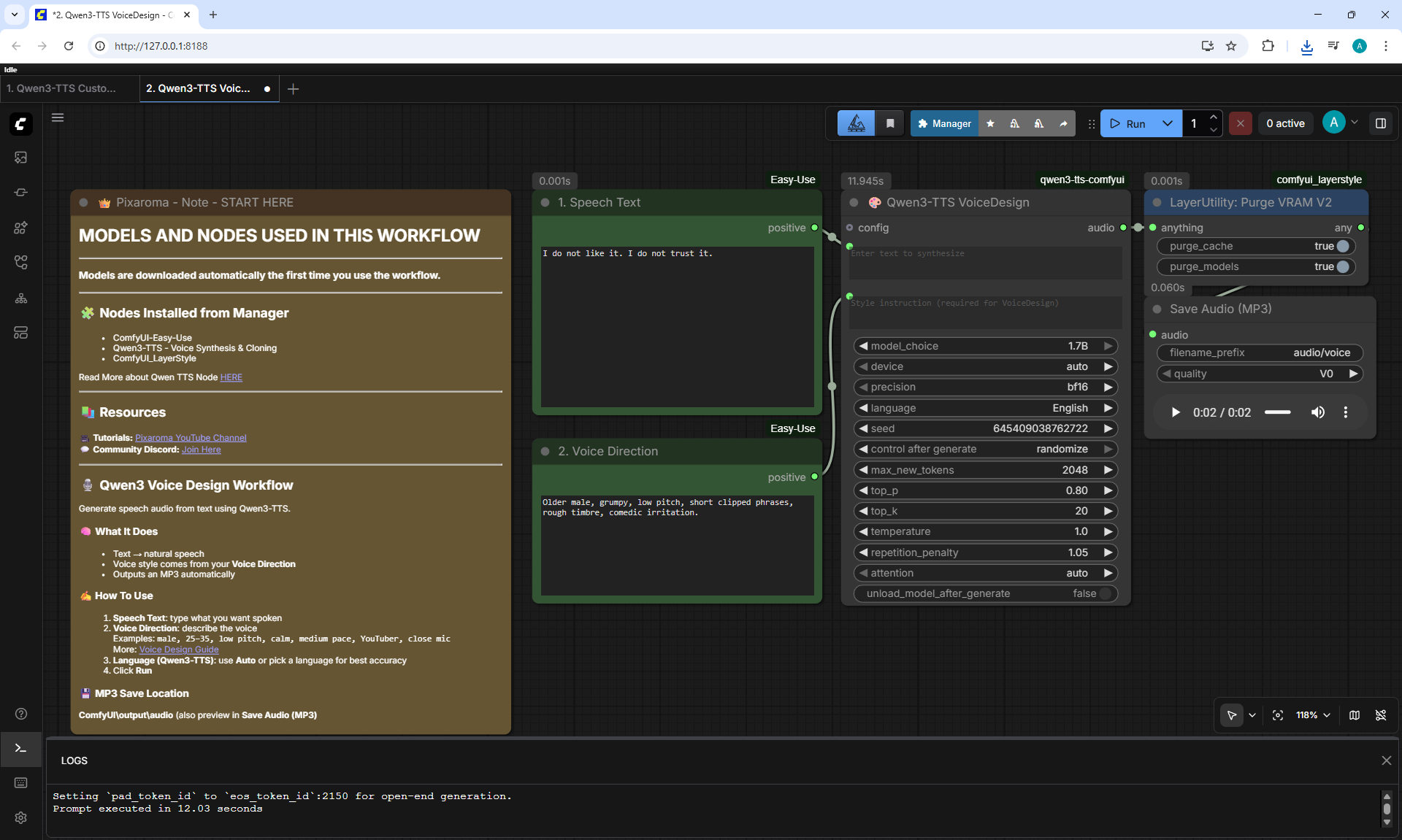
Workflow screenshot
I do not like it. I do not trust it.
015.mp3
2. Qwen3-TTS VoiceDesign
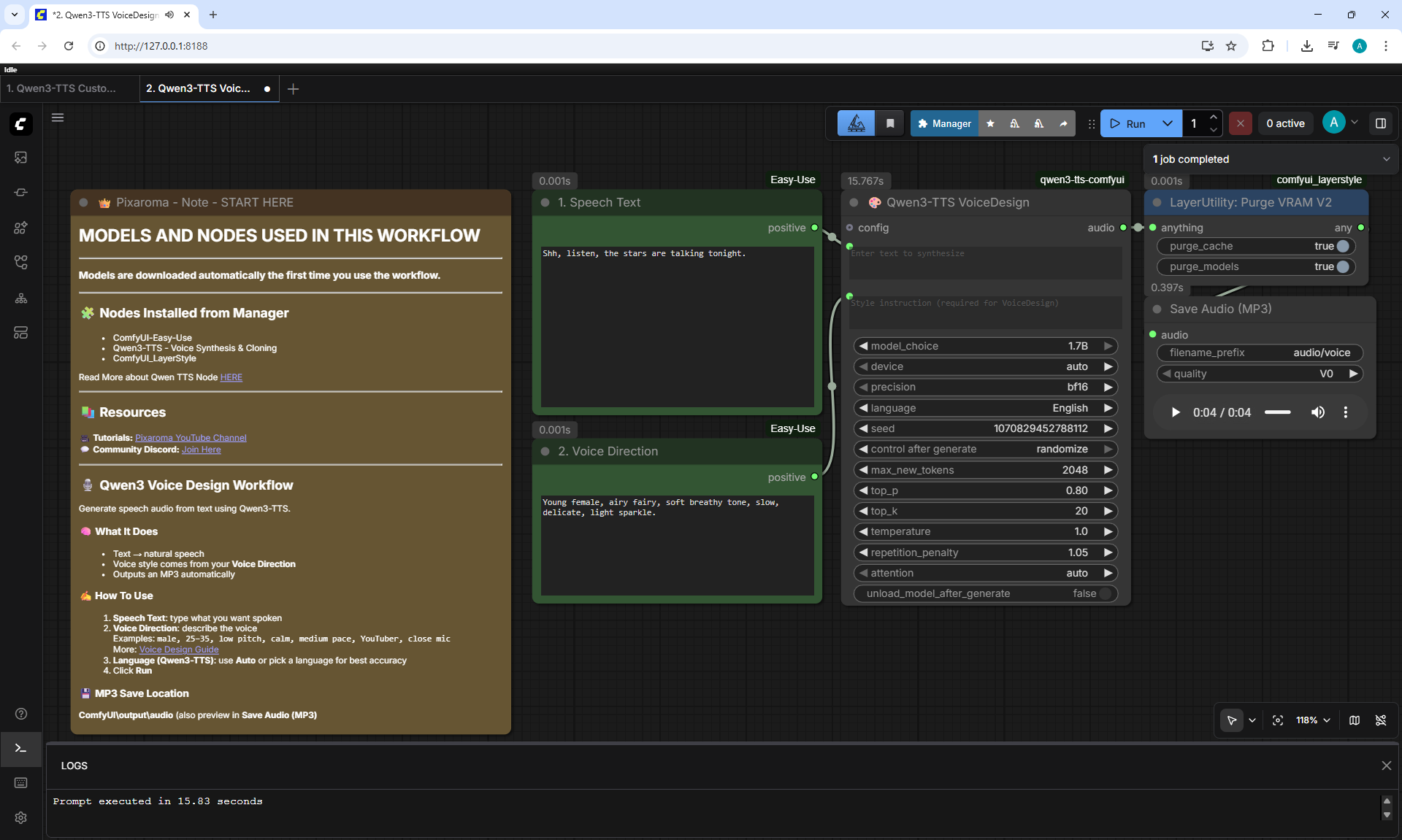
Workflow screenshot
Shh, listen, the stars are talking tonight.
016.mp3
2. Qwen3-TTS VoiceDesign
Workflow screenshot
Okay okay okay, we run, then we hide, then snacks!
017.mp3
2. Qwen3-TTS VoiceDesign
Workflow screenshot
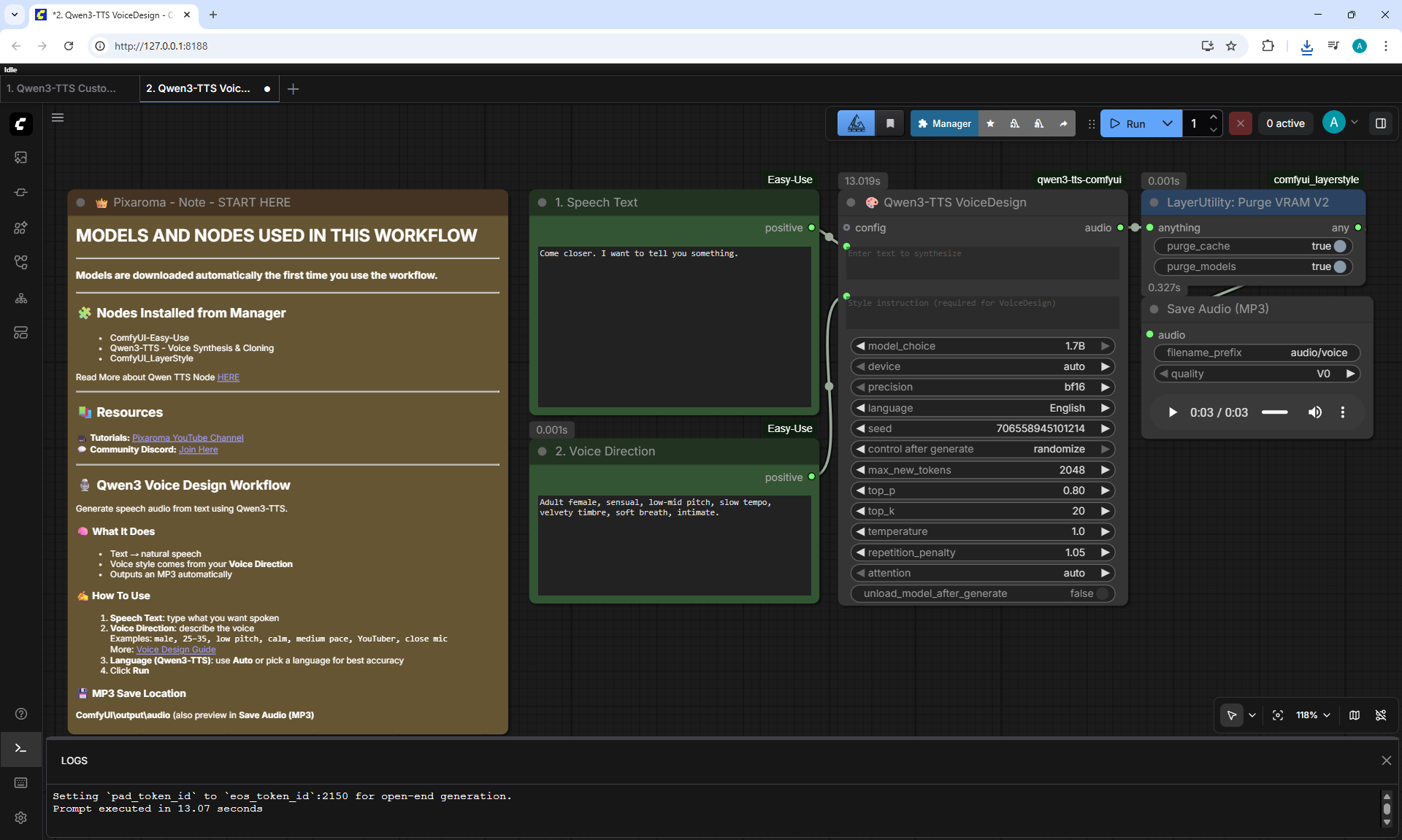
Come closer. I want to tell you something.
018.mp3
2. Qwen3-TTS VoiceDesign
Workflow screenshot
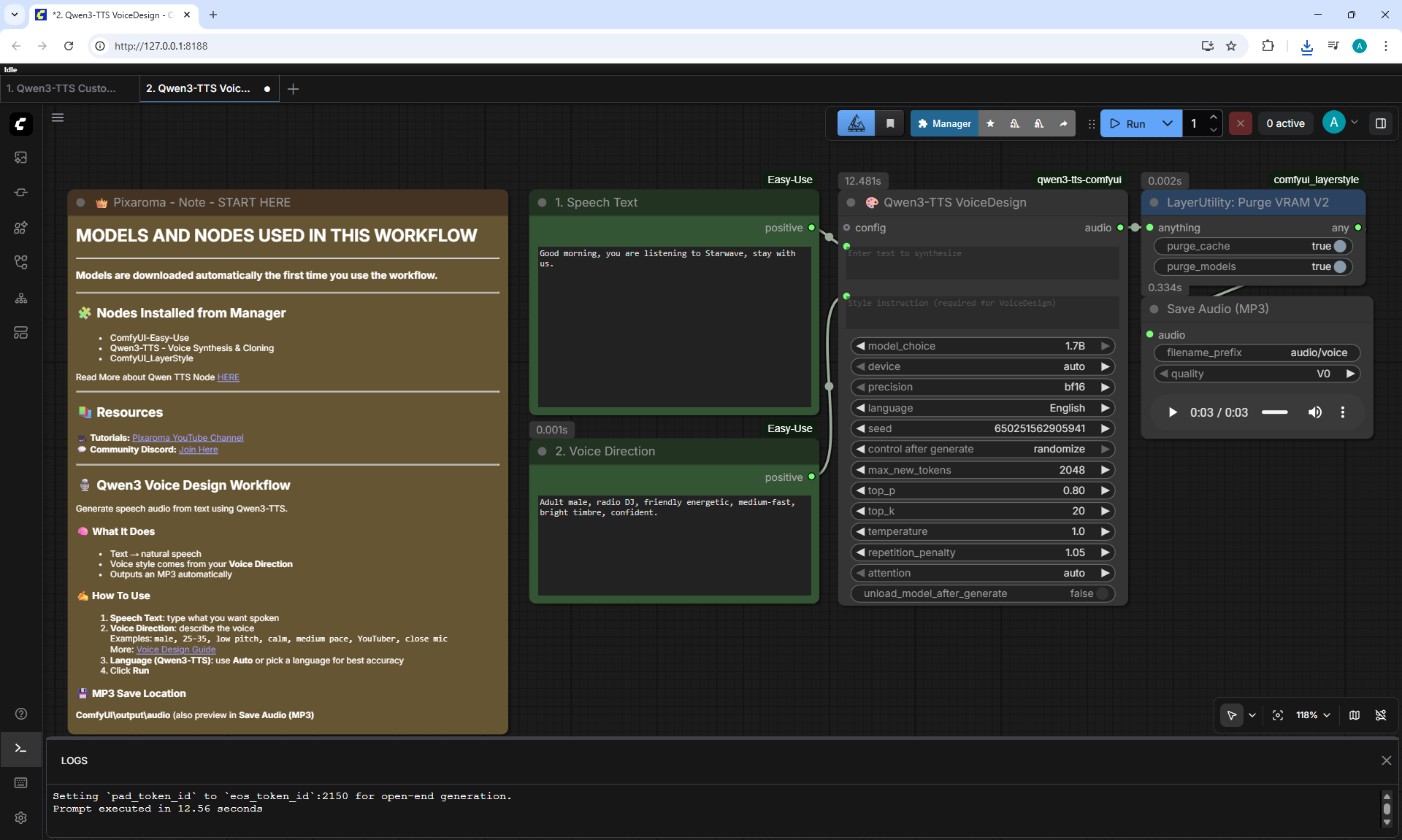
Good morning, you are listening to Starwave, stay with us.
019.mp3
2. Qwen3-TTS VoiceDesign
Workflow screenshot
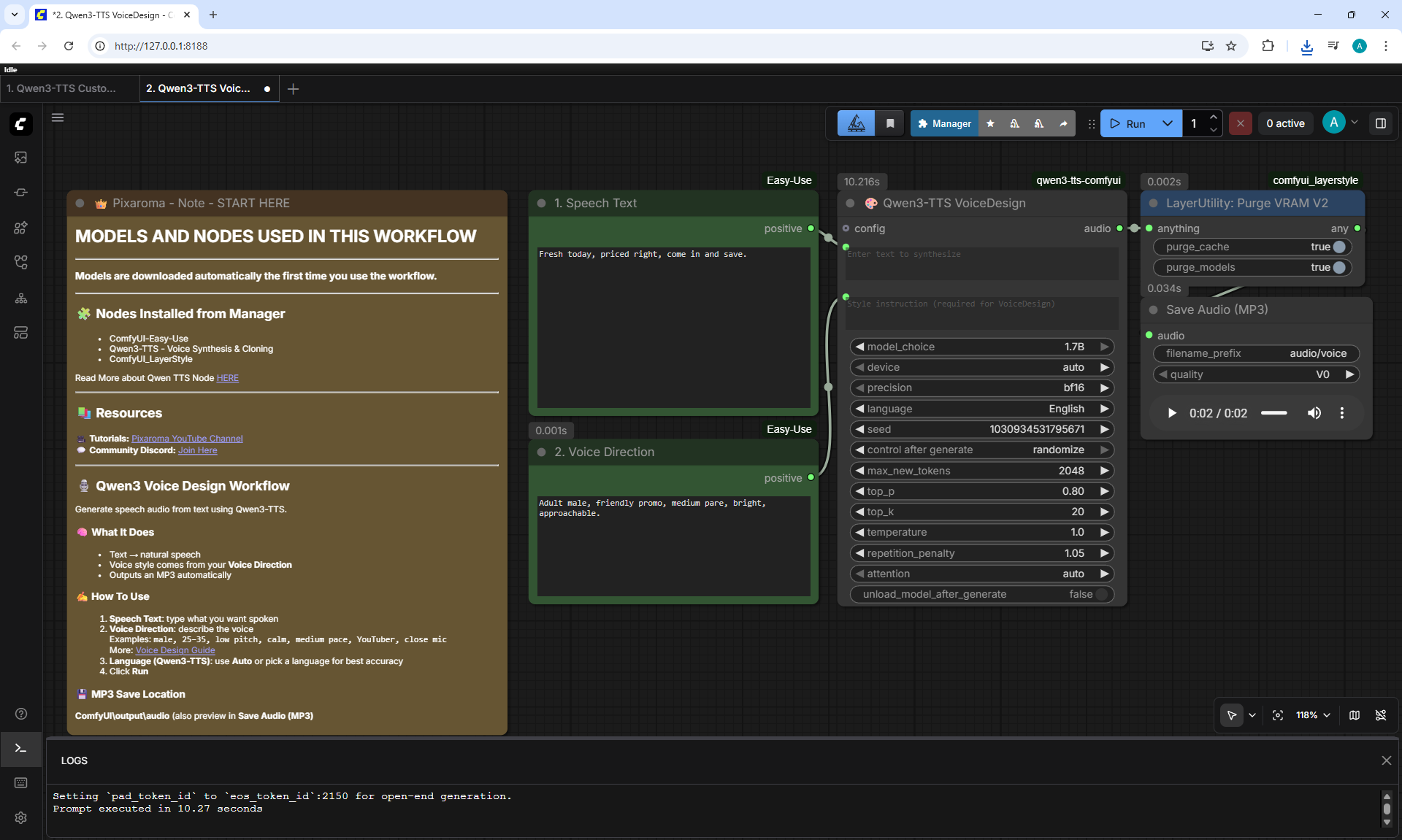
Fresh today, priced right, come in and save.
020.mp3
2. Qwen3-TTS VoiceDesign
Workflow screenshot
Let your shoulders drop, and let your thoughts pass by.
021.mp3
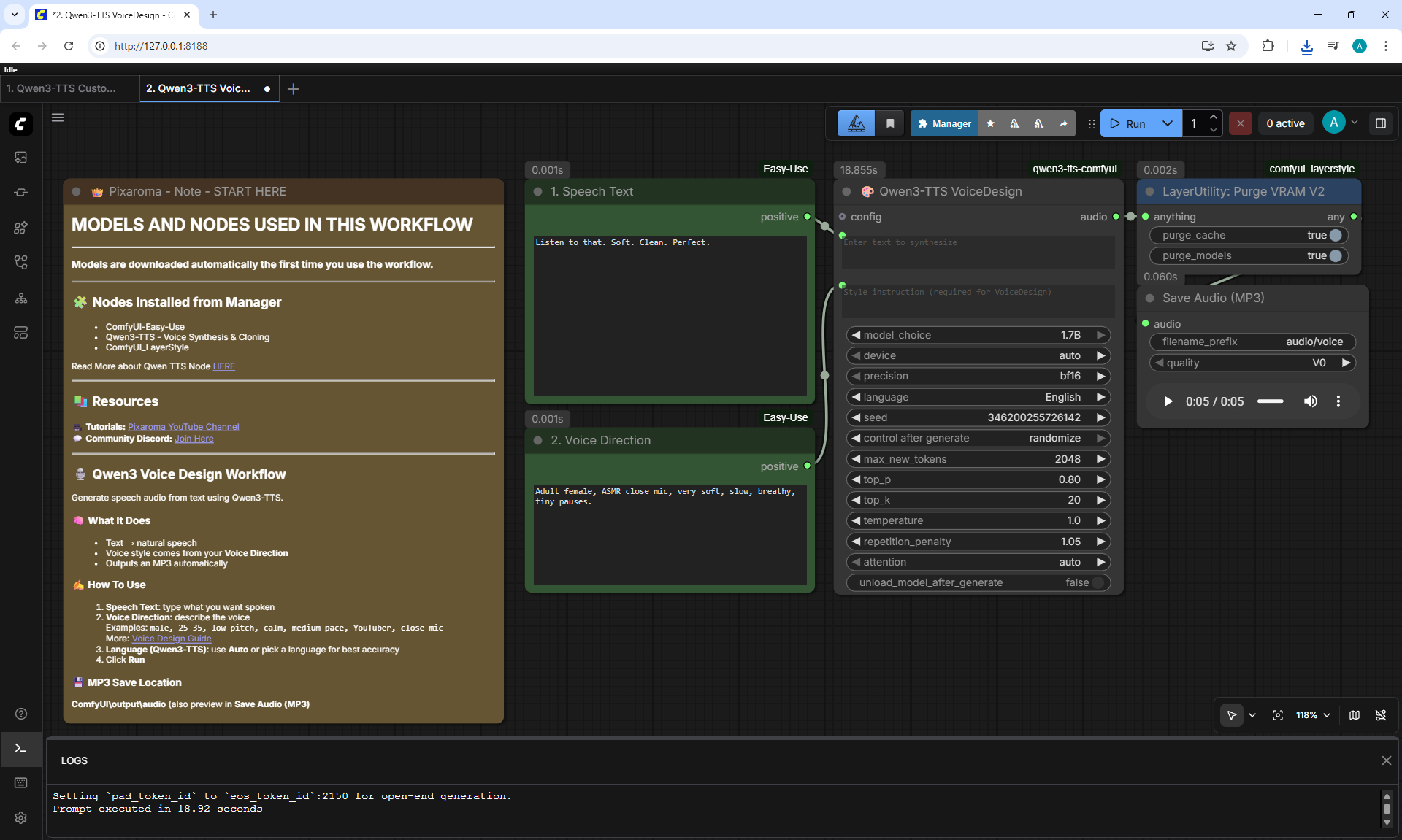
2. Qwen3-TTS VoiceDesign
Workflow screenshot
Listen to that. Soft. Clean. Perfect.
022.mp3
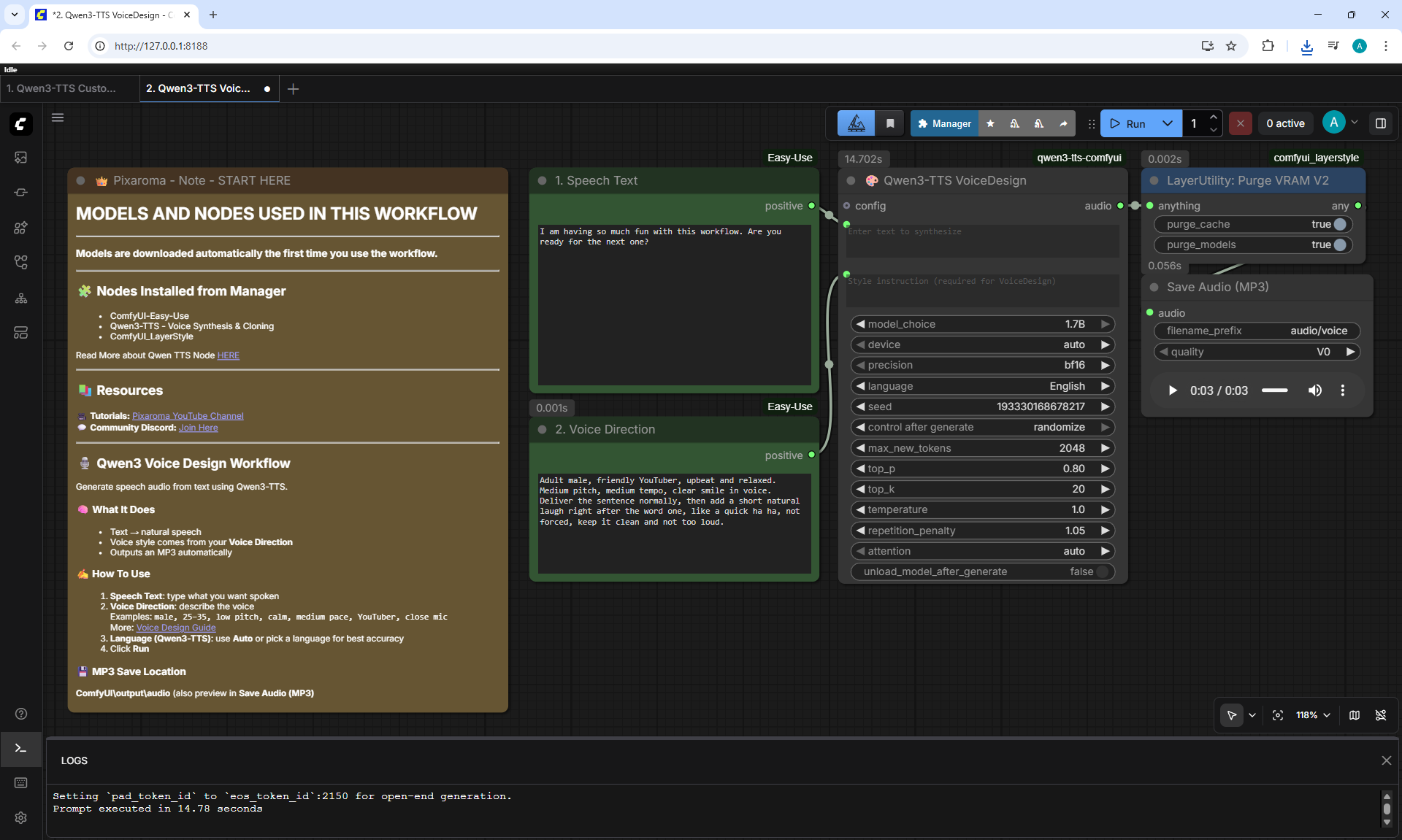
2. Qwen3-TTS VoiceDesign
Workflow screenshot
I am having so much fun with this workflow. Are you ready for the next one?
023.mp3
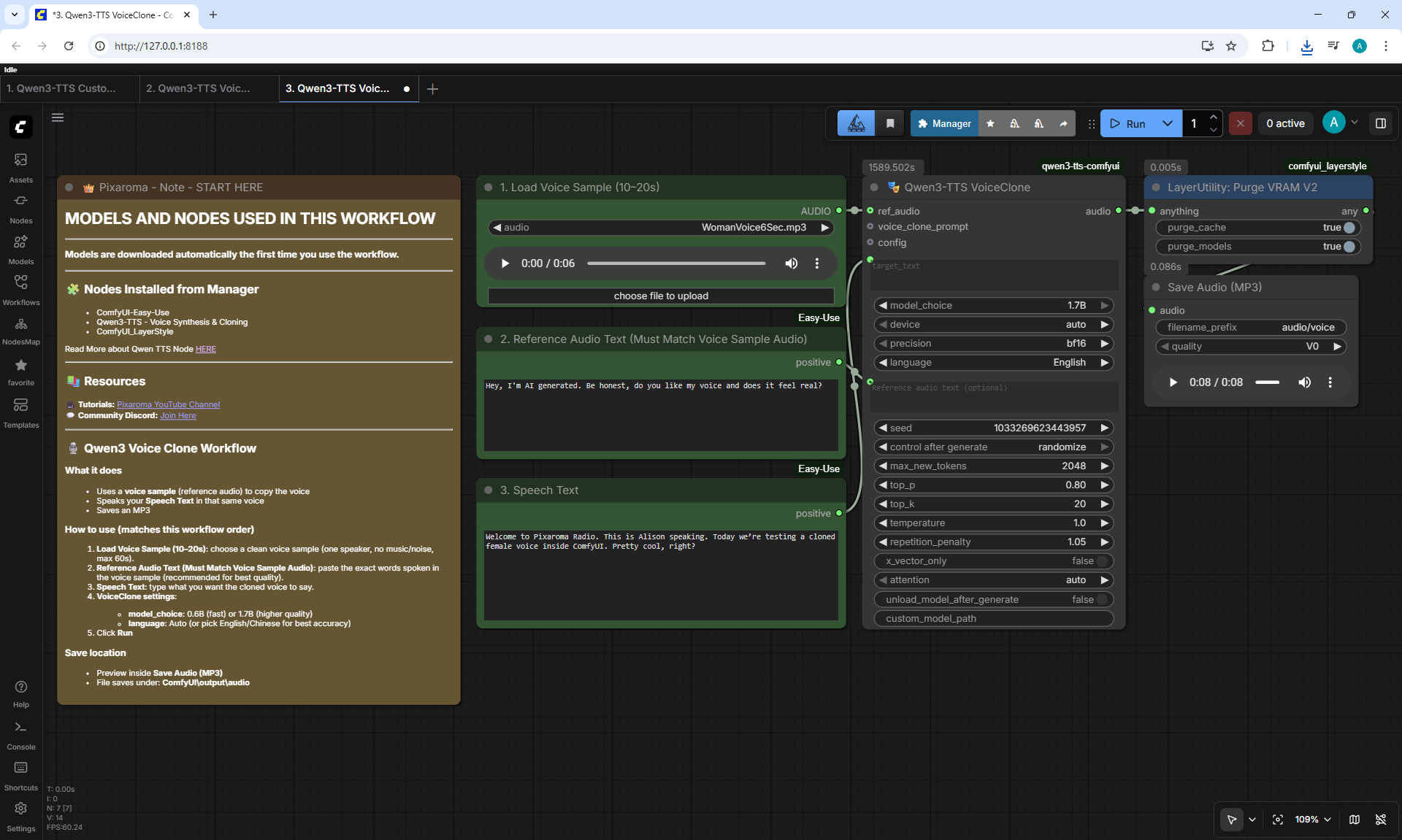
3. Qwen3-TTS VoiceClone
Workflow screenshot
Reference Audio Text (Must Match Voice Sample Audio):
Hey, I'm AI generated. Be honest, do you like my voice and does it feel real?
Speech Text:
Welcome to Pixaroma Radio. This is Alison speaking. Today we're testing a cloned female voice inside ComfyUI. Pretty cool, right?
WomanVoice6Sec.mp3
024.mp3
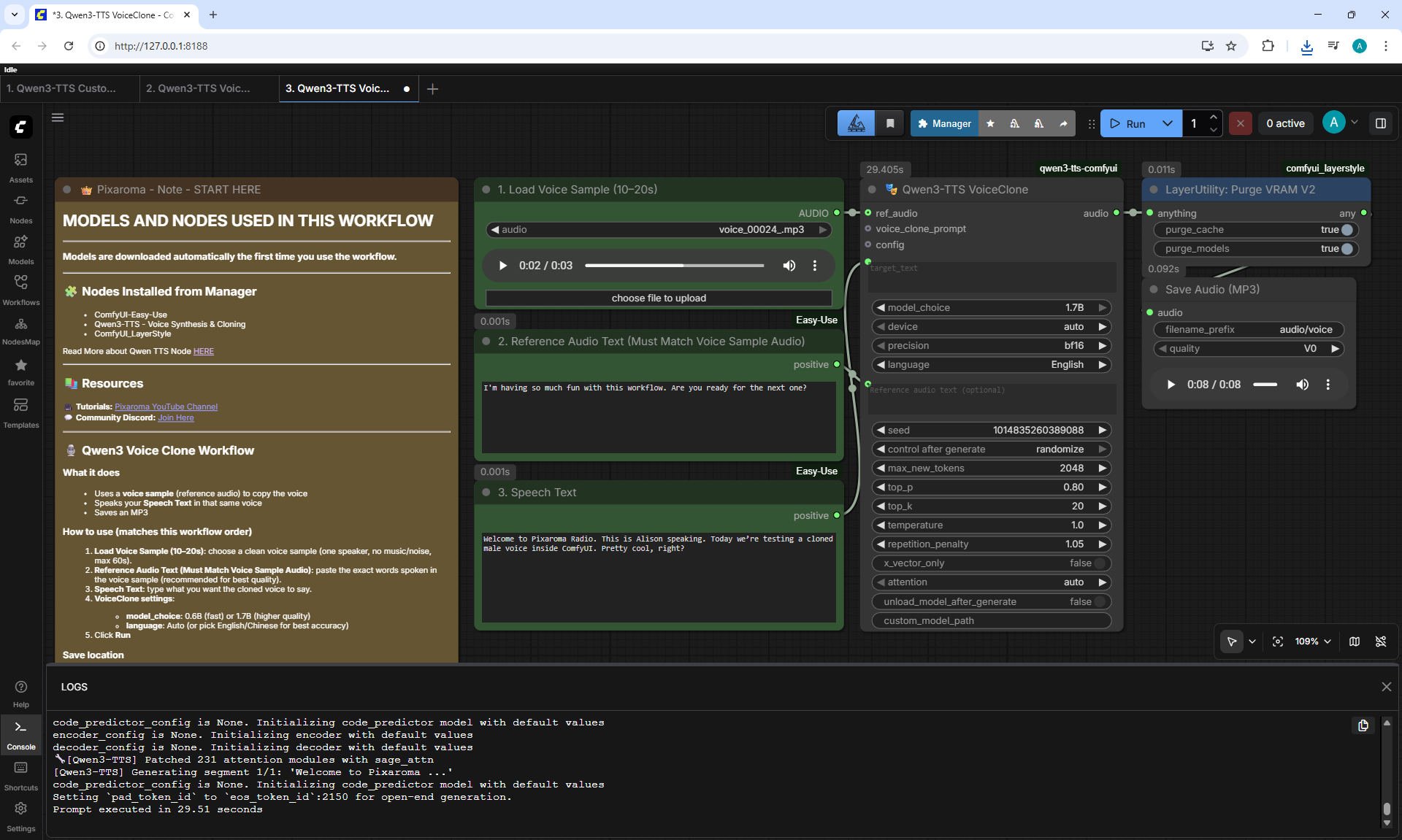
3. Qwen3-TTS VoiceClone
Workflow screenshot
Reference Audio Text (Must Match Voice Sample Audio):
I am having so much fun with this workflow. Are you ready for the next one?
Speech Text:
Welcome to Pixaroma Radio. This is Alison speaking. Today we're testing a cloned female voice inside ComfyUI. Pretty cool, right?
023.mp3
025.mp3
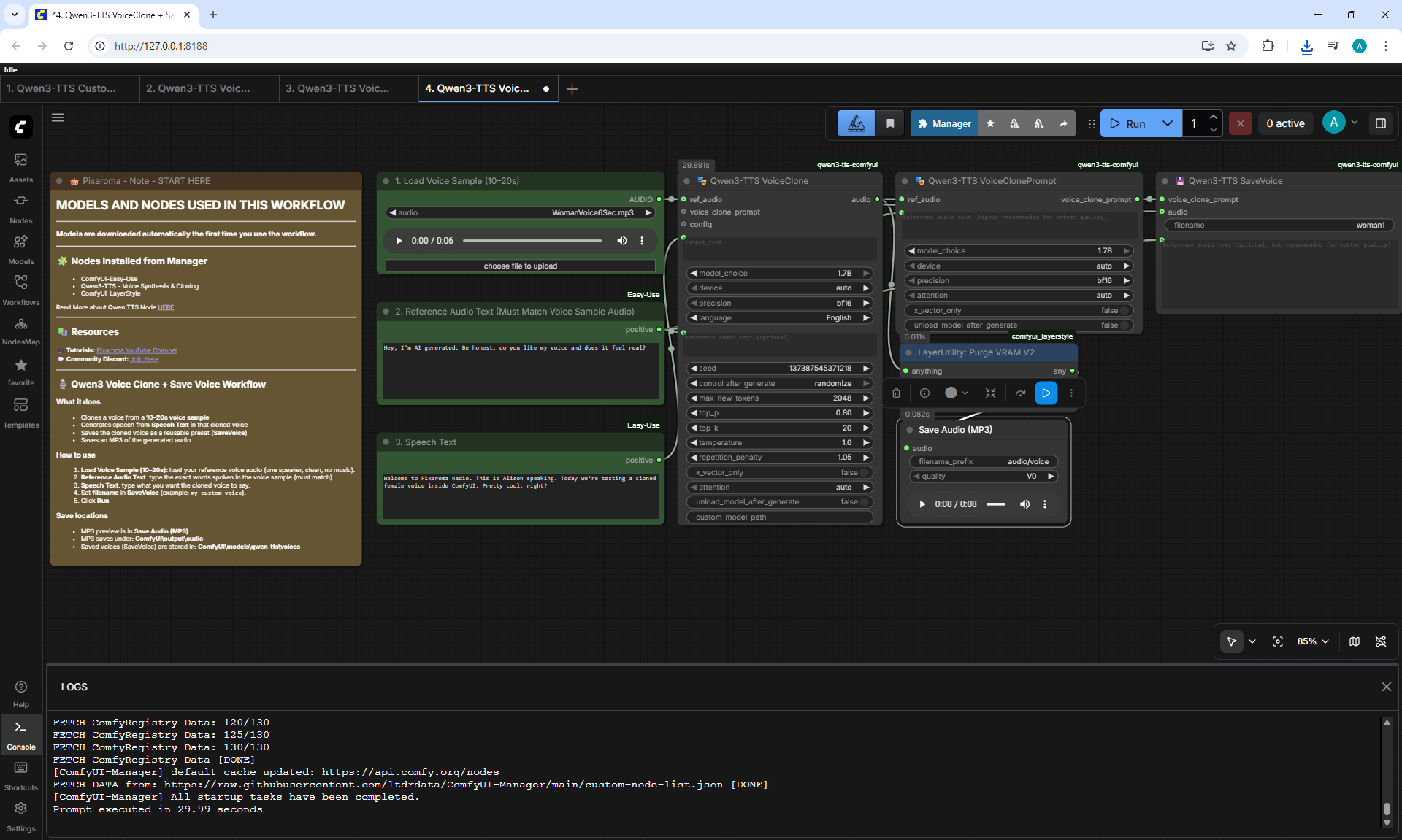
4. Qwen3-TTS VoiceClone + SaveVoice
Workflow screenshot
Reference Audio Text (Must Match Voice Sample Audio):
Hey, I'm Al generated. Be honest, do you like my voice and does it feel real?
Speech Text:
Welcome to Pixaroma Radio. This is Alison speaking. Today we're testing a cloned female voice inside ComfyUI. Pretty cool, right?
WomanVoice6Sec.mp3
026.mp3
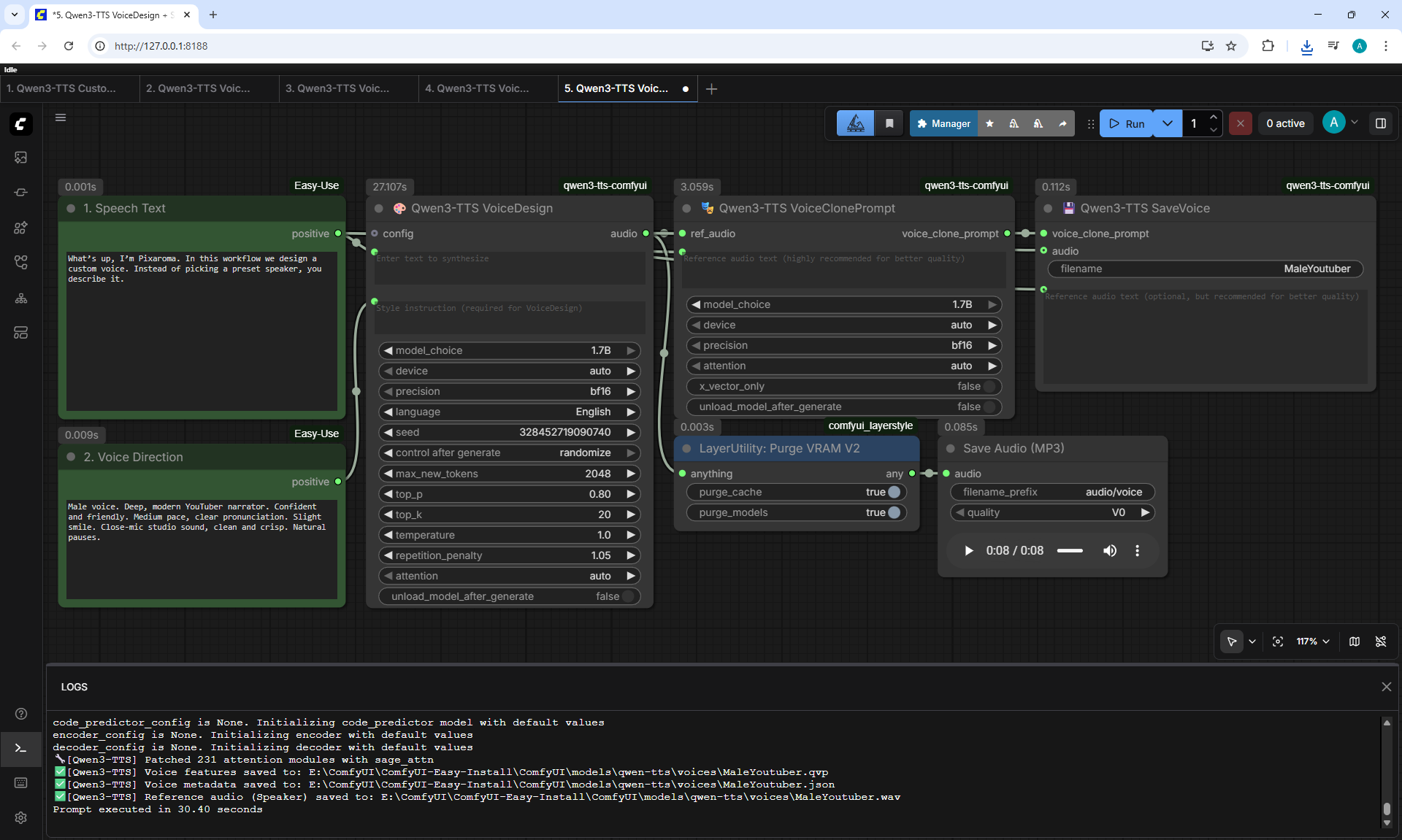
5. Qwen3-TTS VoiceDesign + SaveVoice
Workflow screenshot
What's up, I'm Pixaroma. In this workflow we design a custom voice. Instead of picking a preset speaker, you describe it.
027.mp3
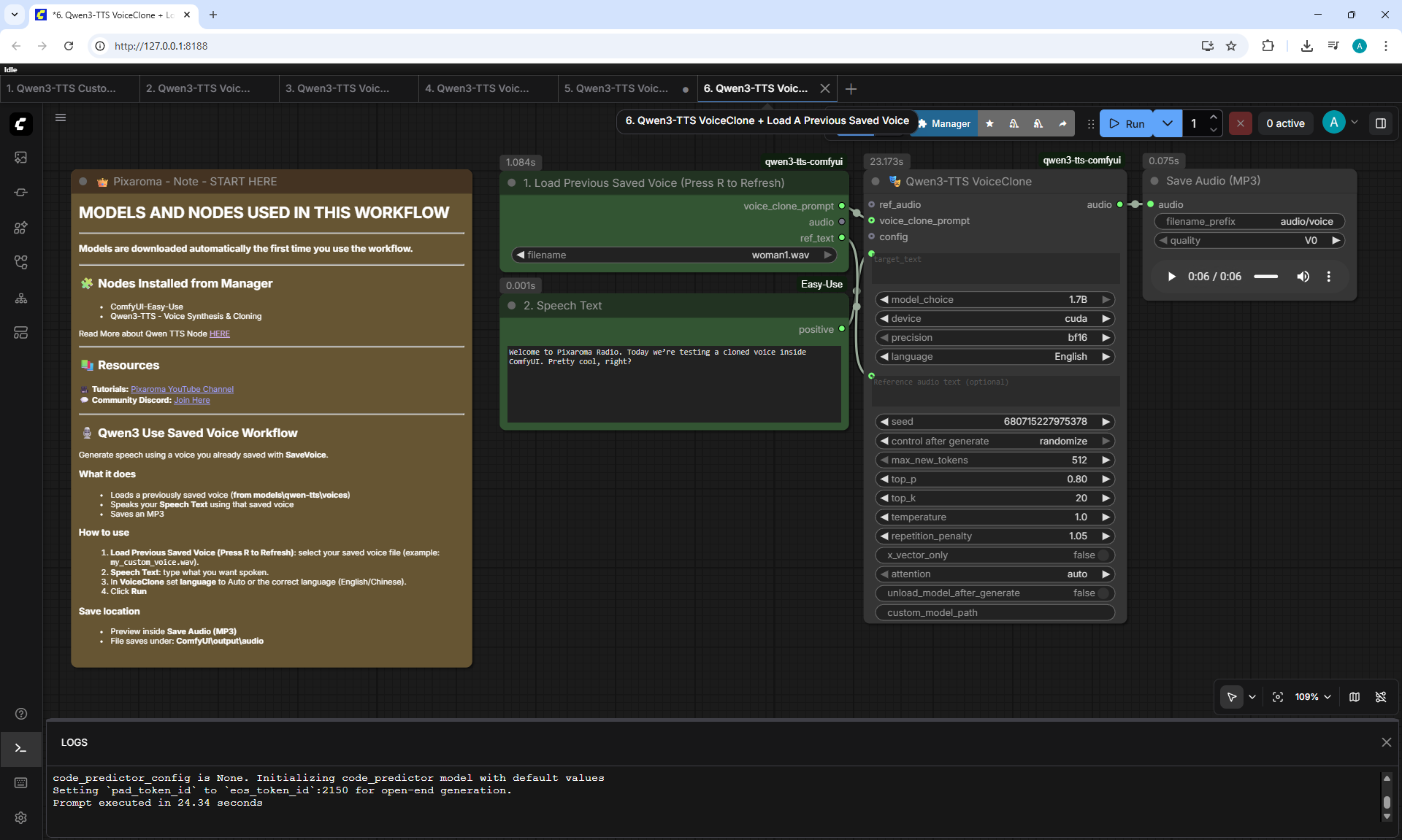
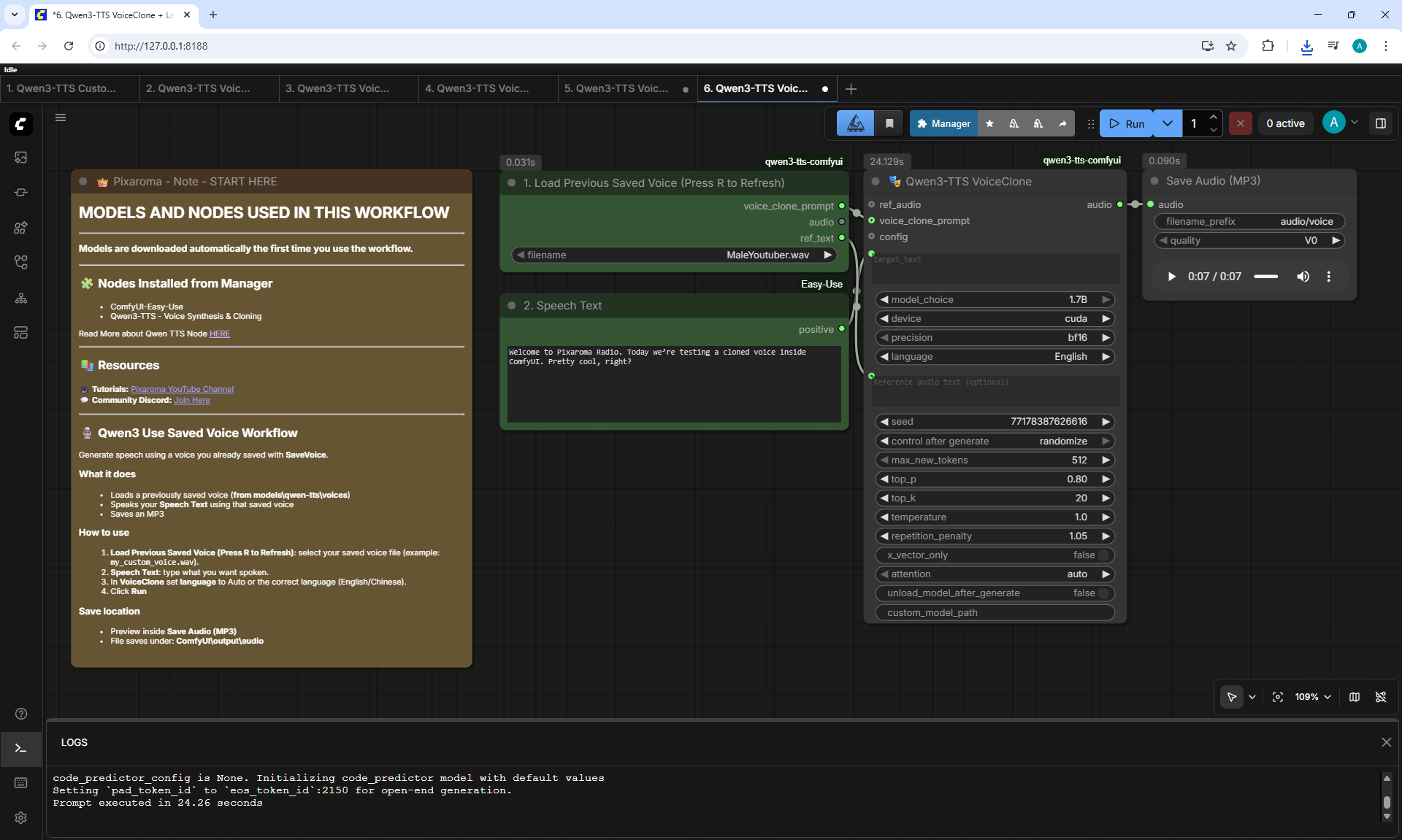
6. Qwen3-TTS VoiceClone + Load A Previous Saved Voice
Workflow screenshot
Welcome to Pixaroma Radio. Today we're testing a cloned voice inside ComfyUI. Pretty cool, right?
Woman1.wav
028.mp3
6. Qwen3-TTS VoiceClone + Load A Previous Saved Voice
Workflow screenshot
Welcome to Pixaroma Radio. Today we're testing a cloned voice inside ComfyUI. Pretty cool, right?
MaleYoutuber.wav
029.mp3
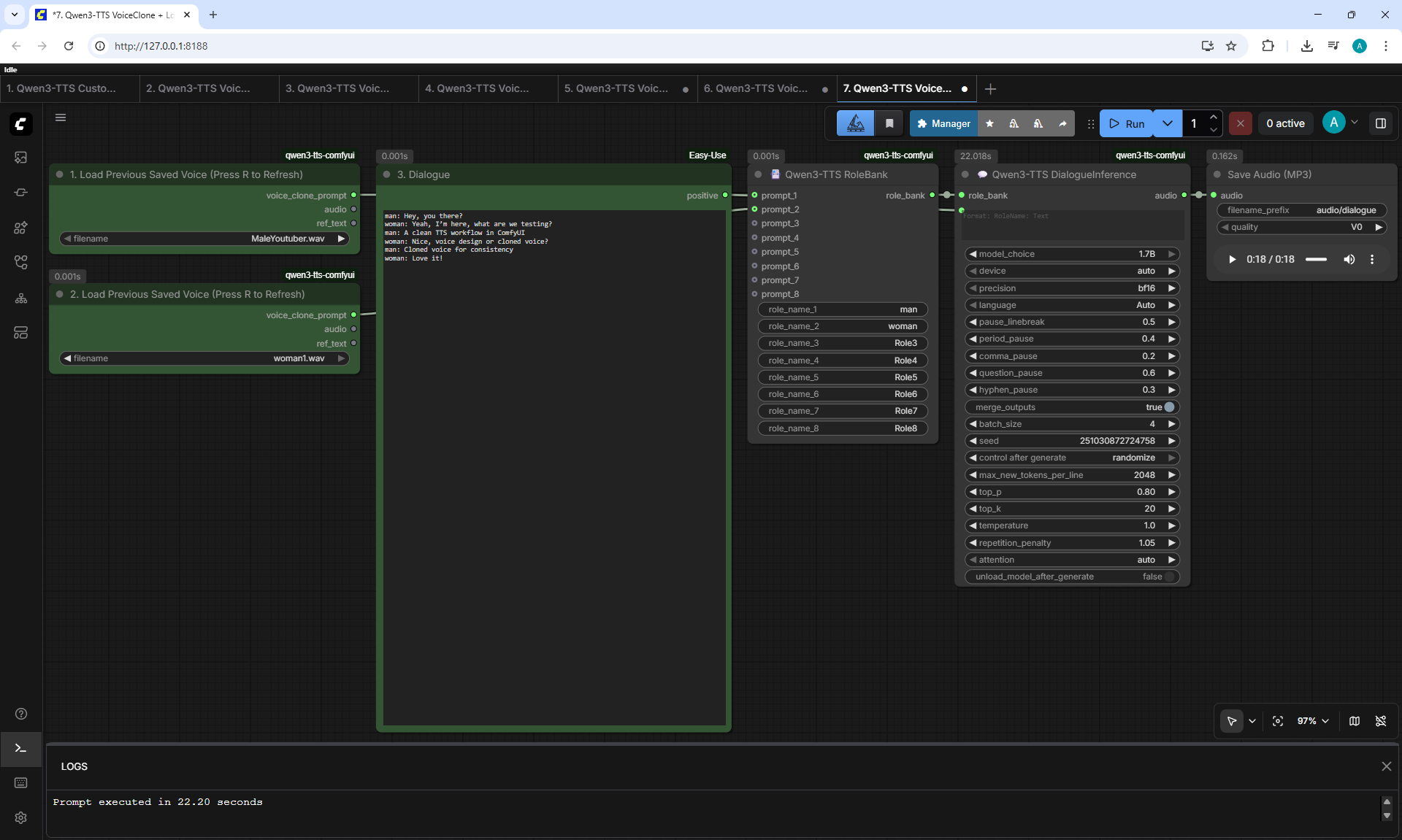
7. Qwen3-TTS VoiceClone + Load Saved Multi Voice + Dialogue
Workflow screenshot
man: Hey, you there?
woman: Yeah, I'm here, what are we testing?
man: A clean TTS workflow in ComfyUI
woman: Nice, voice design or cloned voice?
man: Cloned voice for consistency
woman: Love it!
MaleYoutuber.wav
Woman1.wav
Dialogue1.mp3
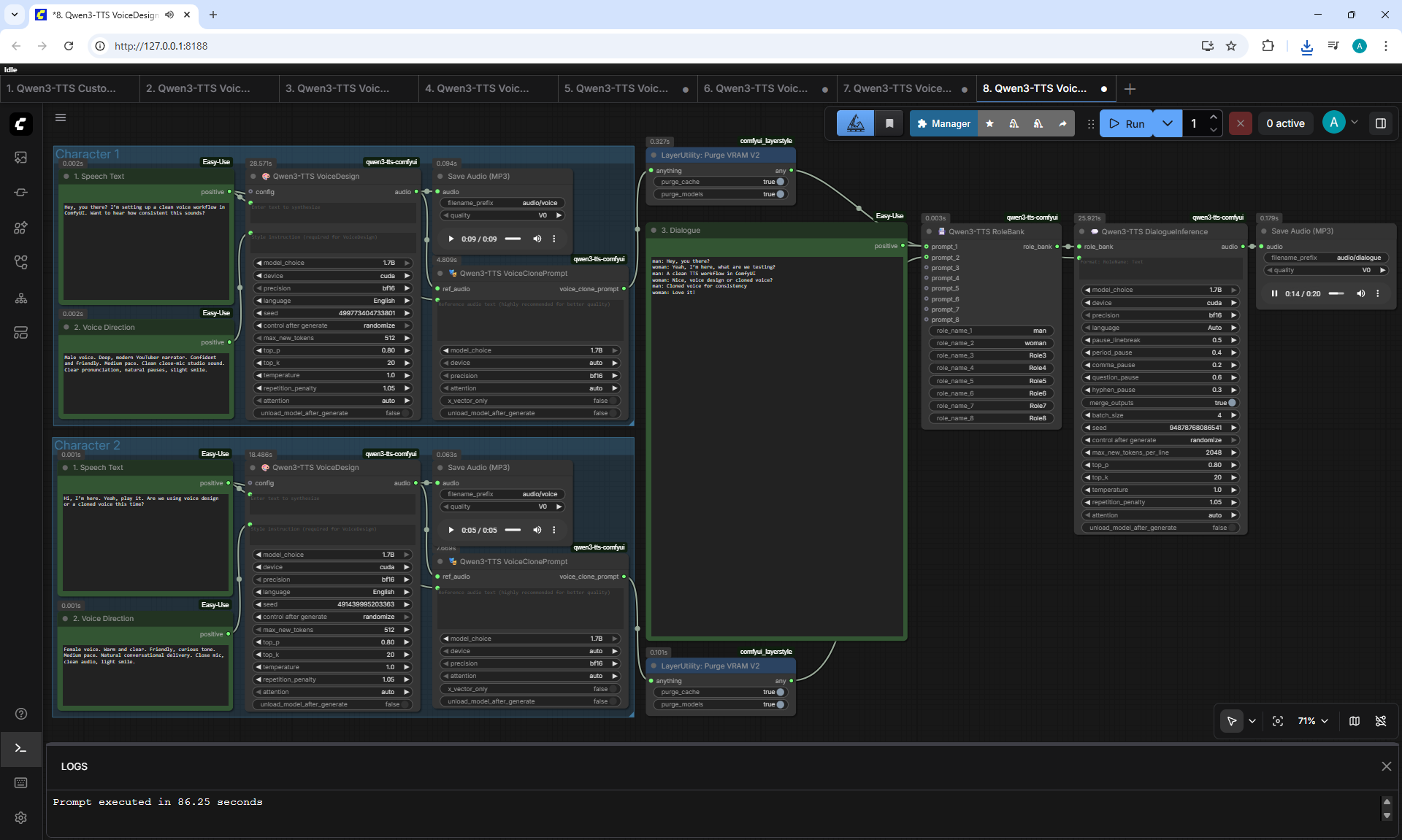
8. Qwen3-TTS VoiceDesign + Dialogue
Workflow screenshot
man: Hey, you there?
woman: Yeah, I'm here, what are we testing?
man: A clean TTS workflow in ComfyUI
woman: Nice, voice design or cloned voice?
man: Cloned voice for consistency
woman: Love it!
Dialogue2.mp3
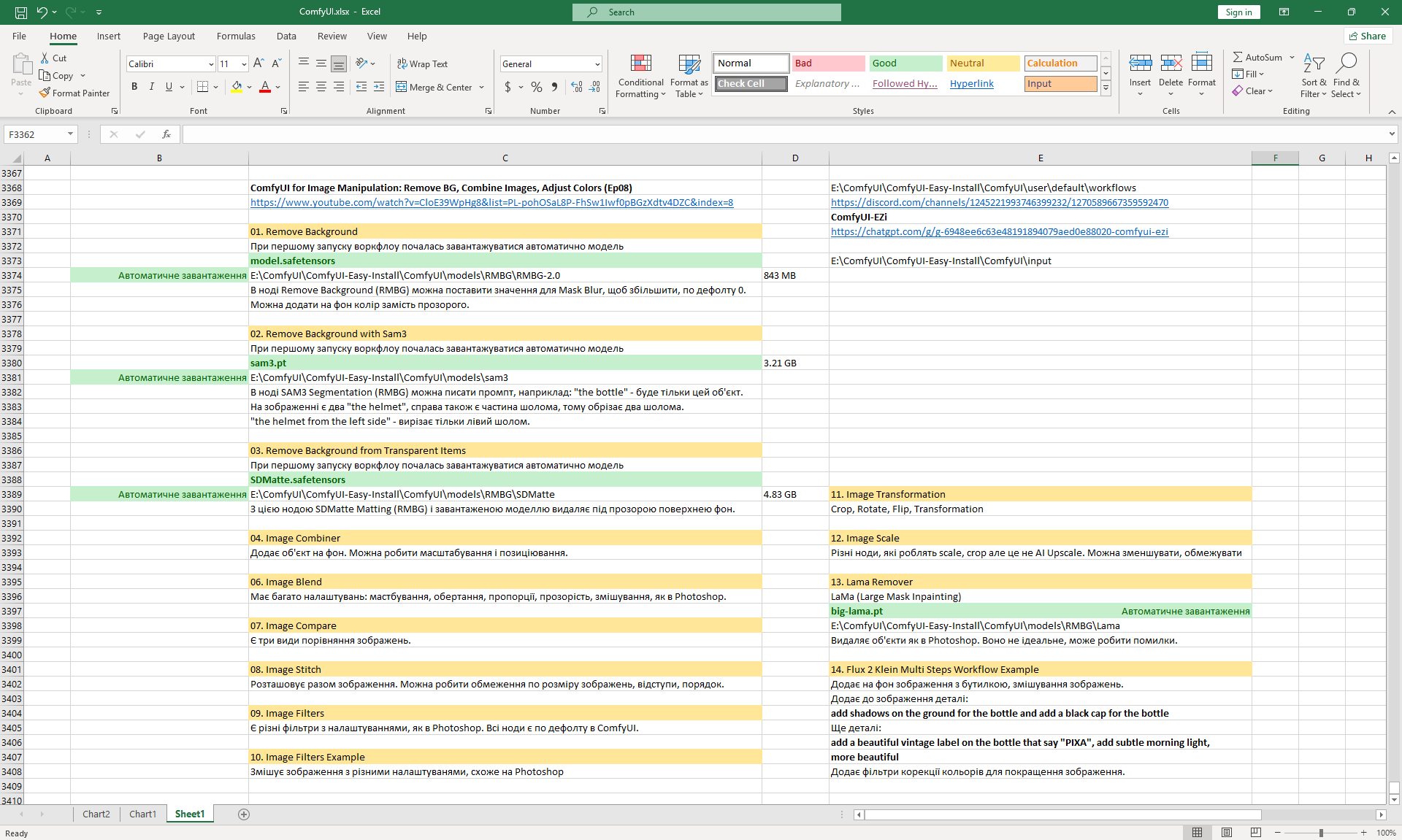
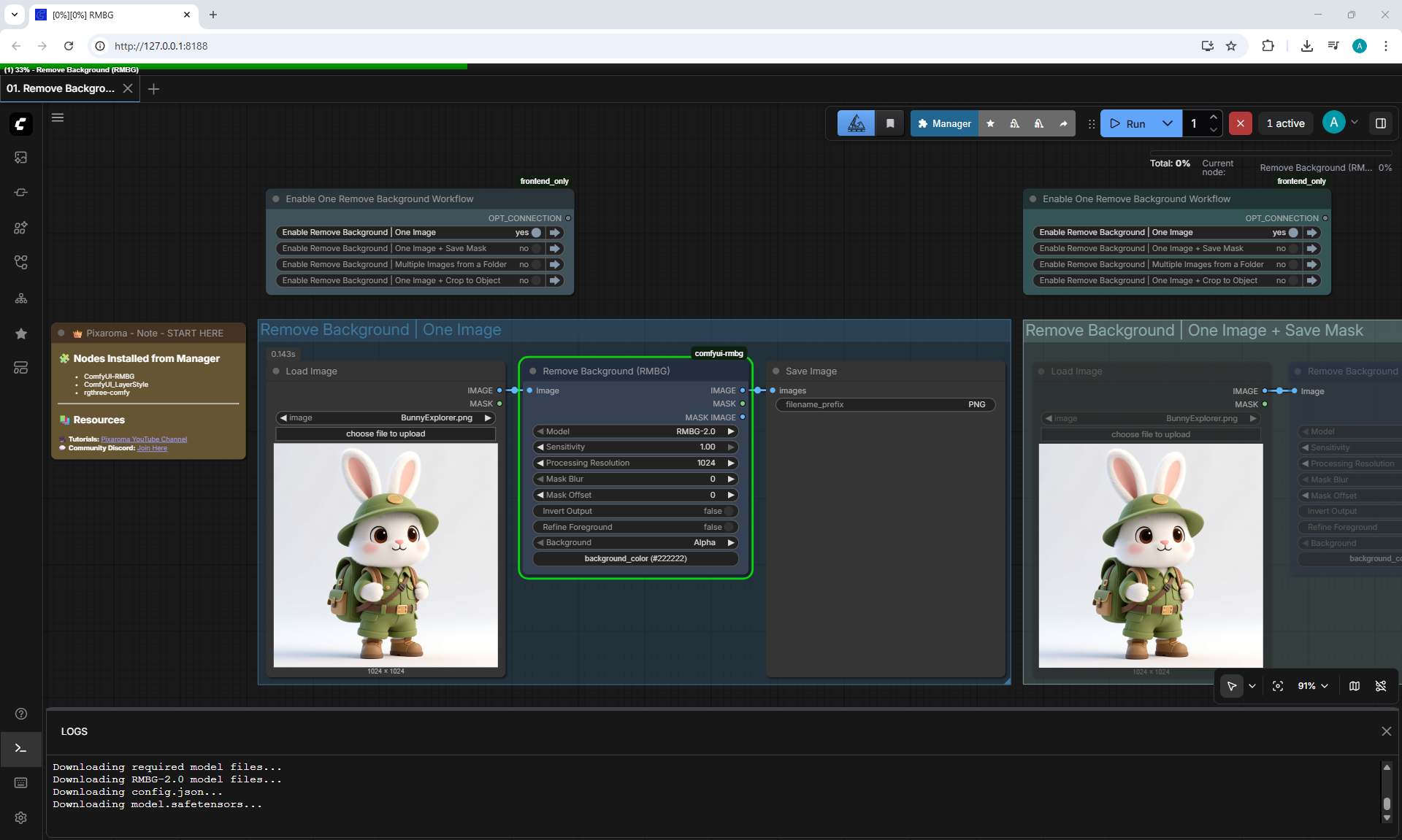
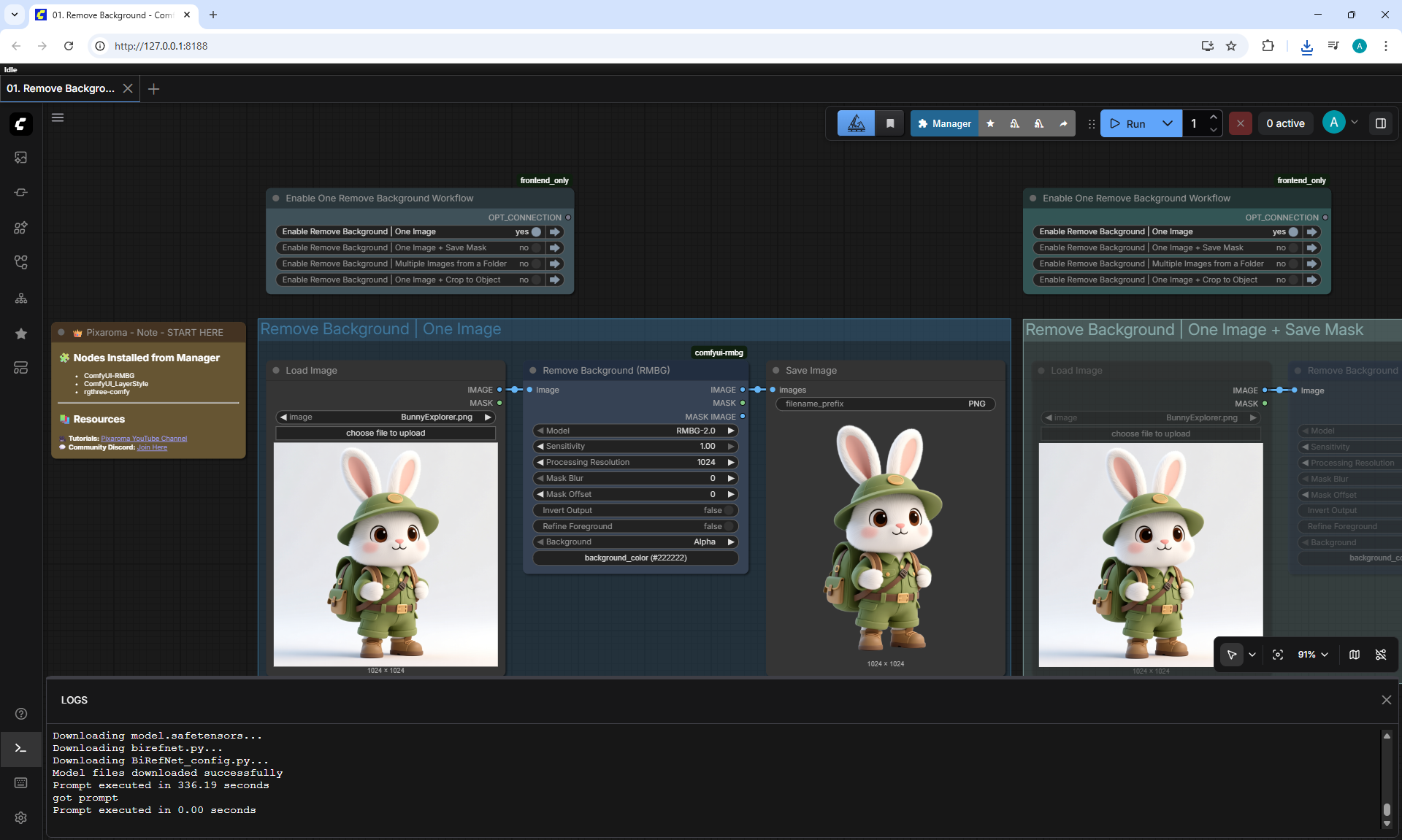
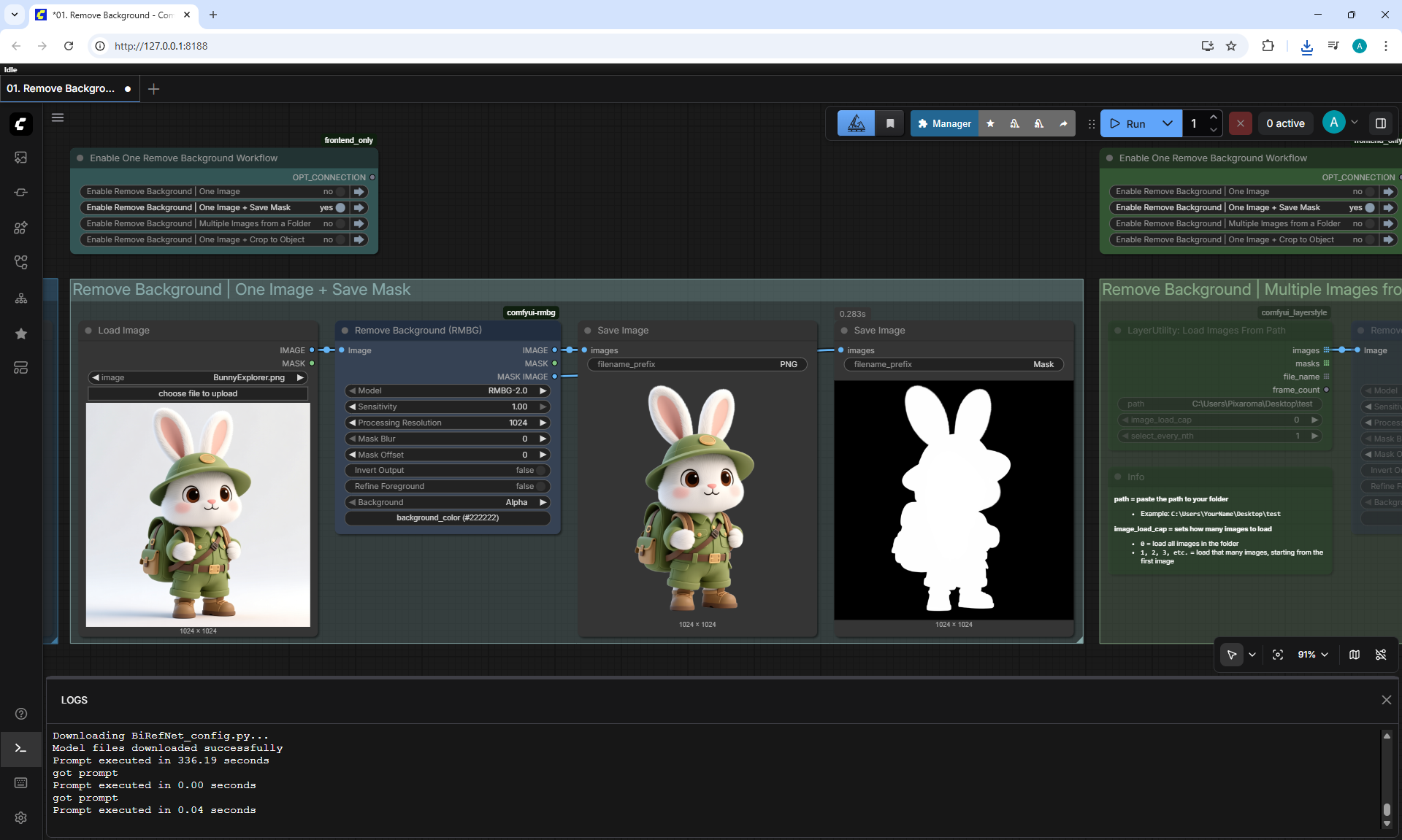
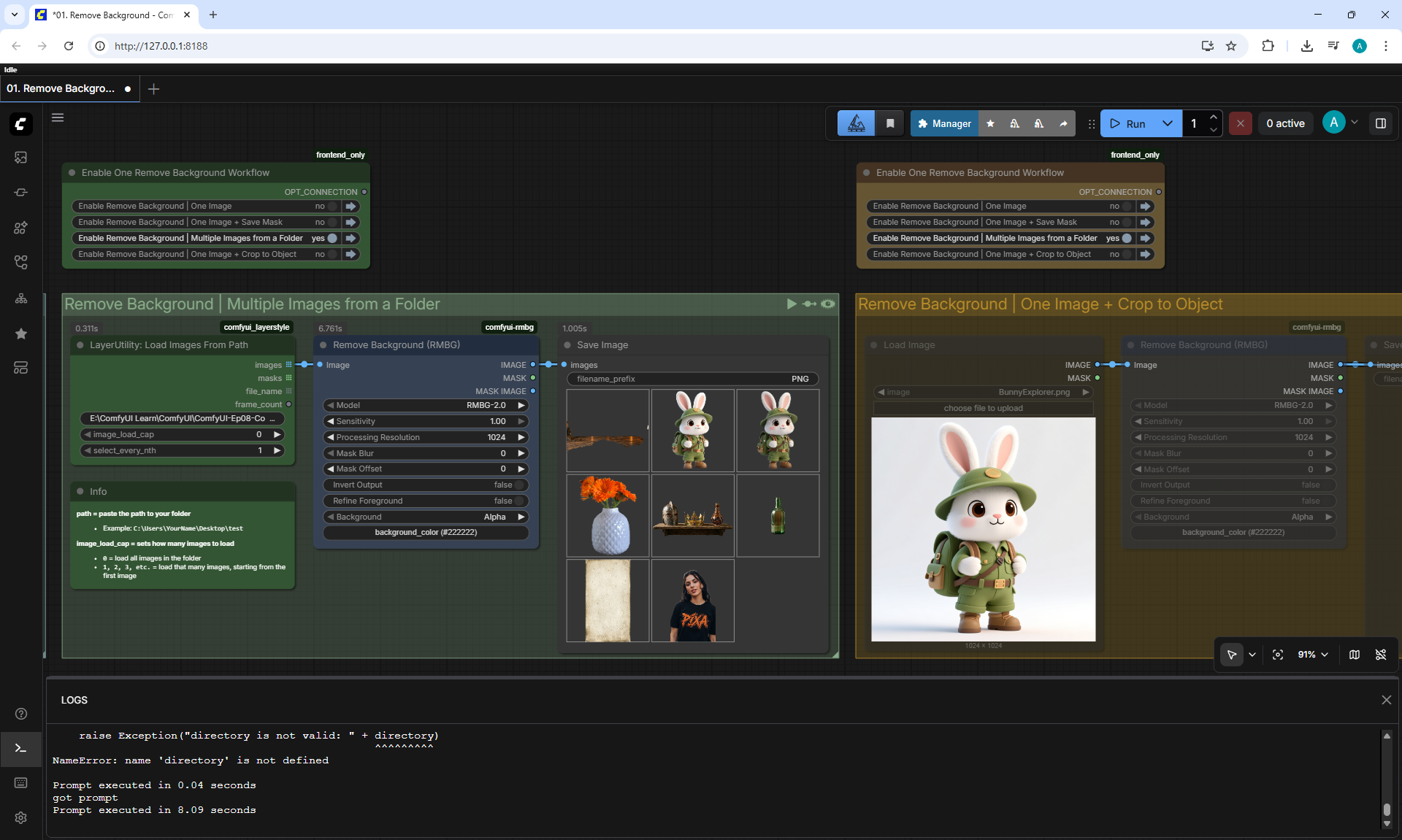
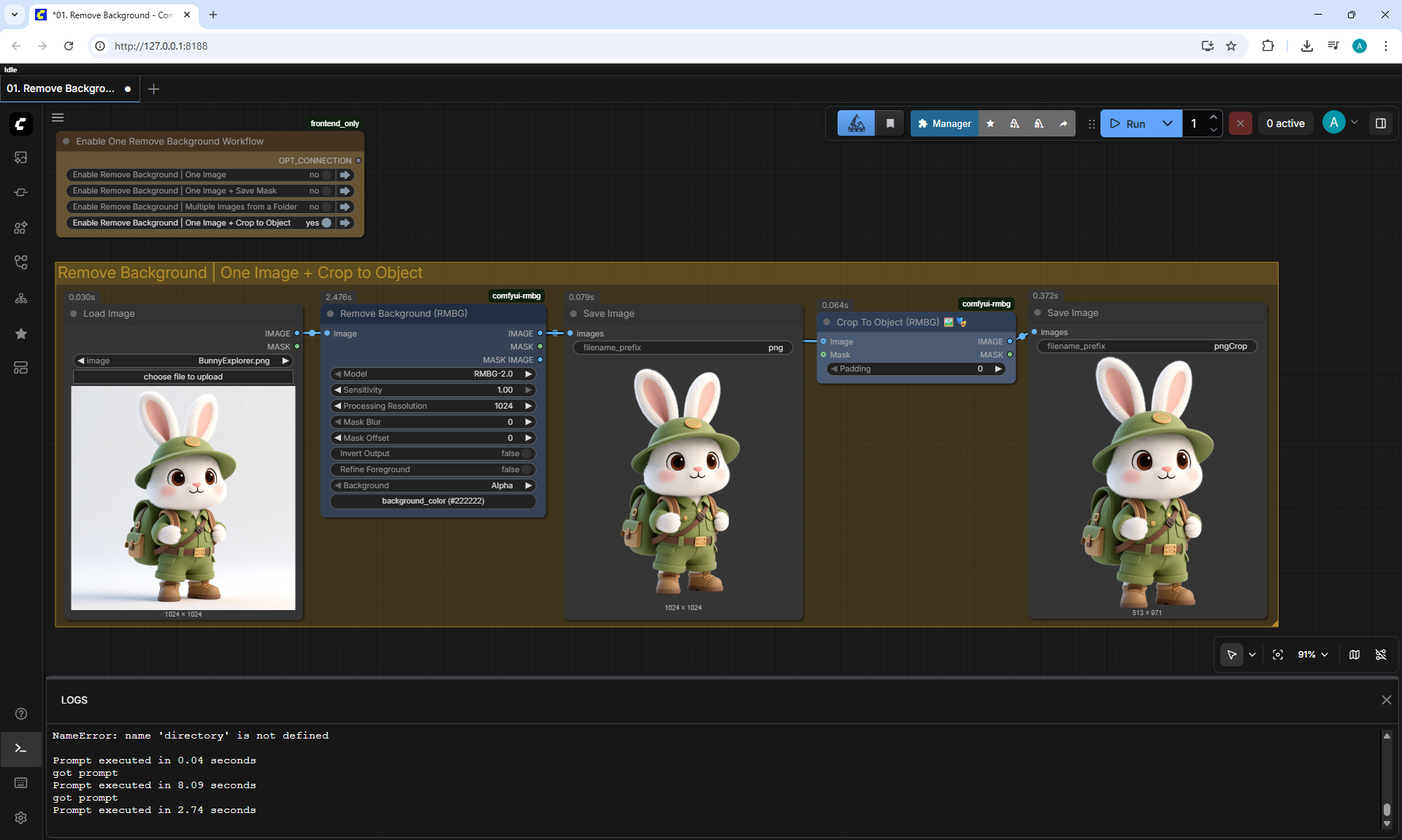
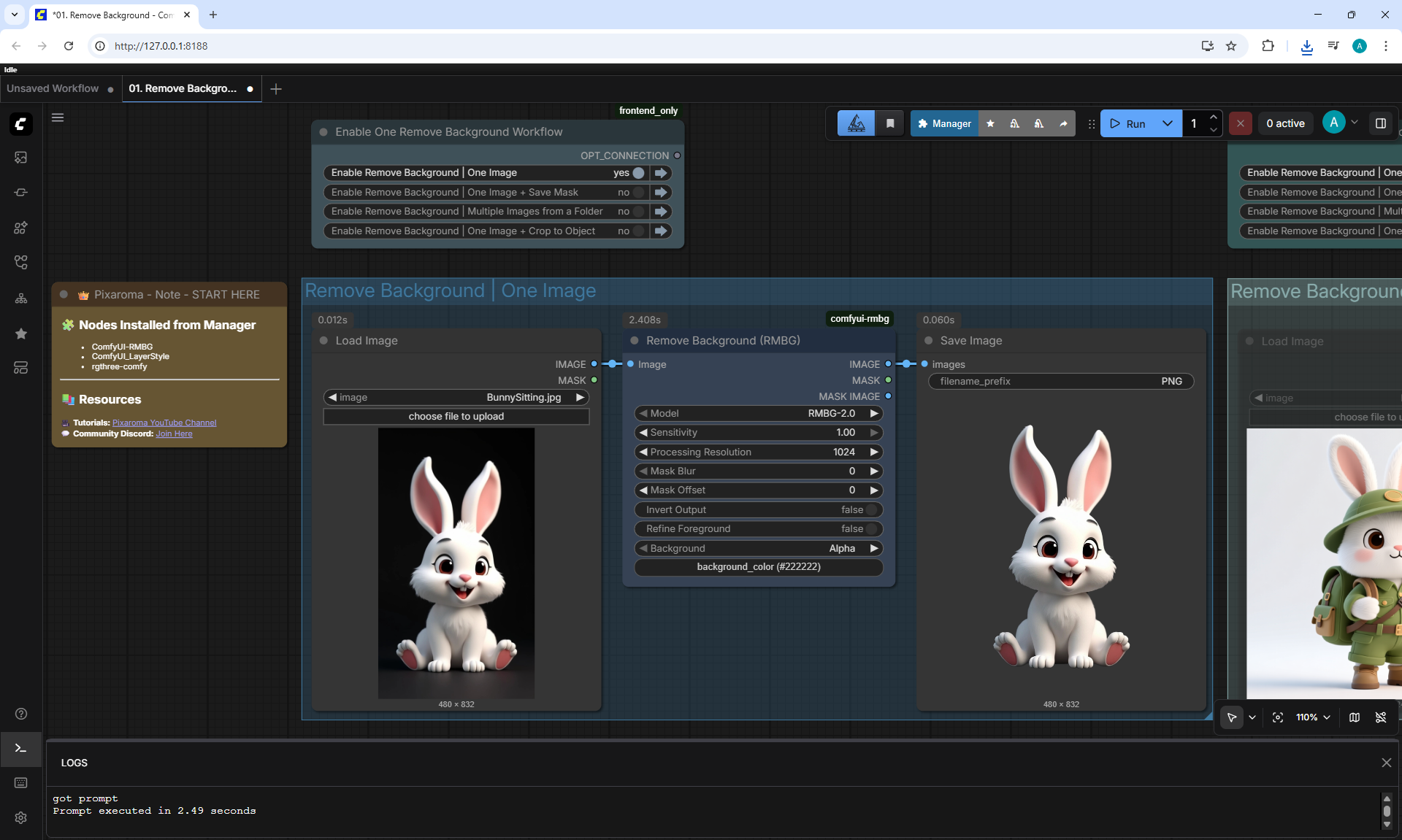
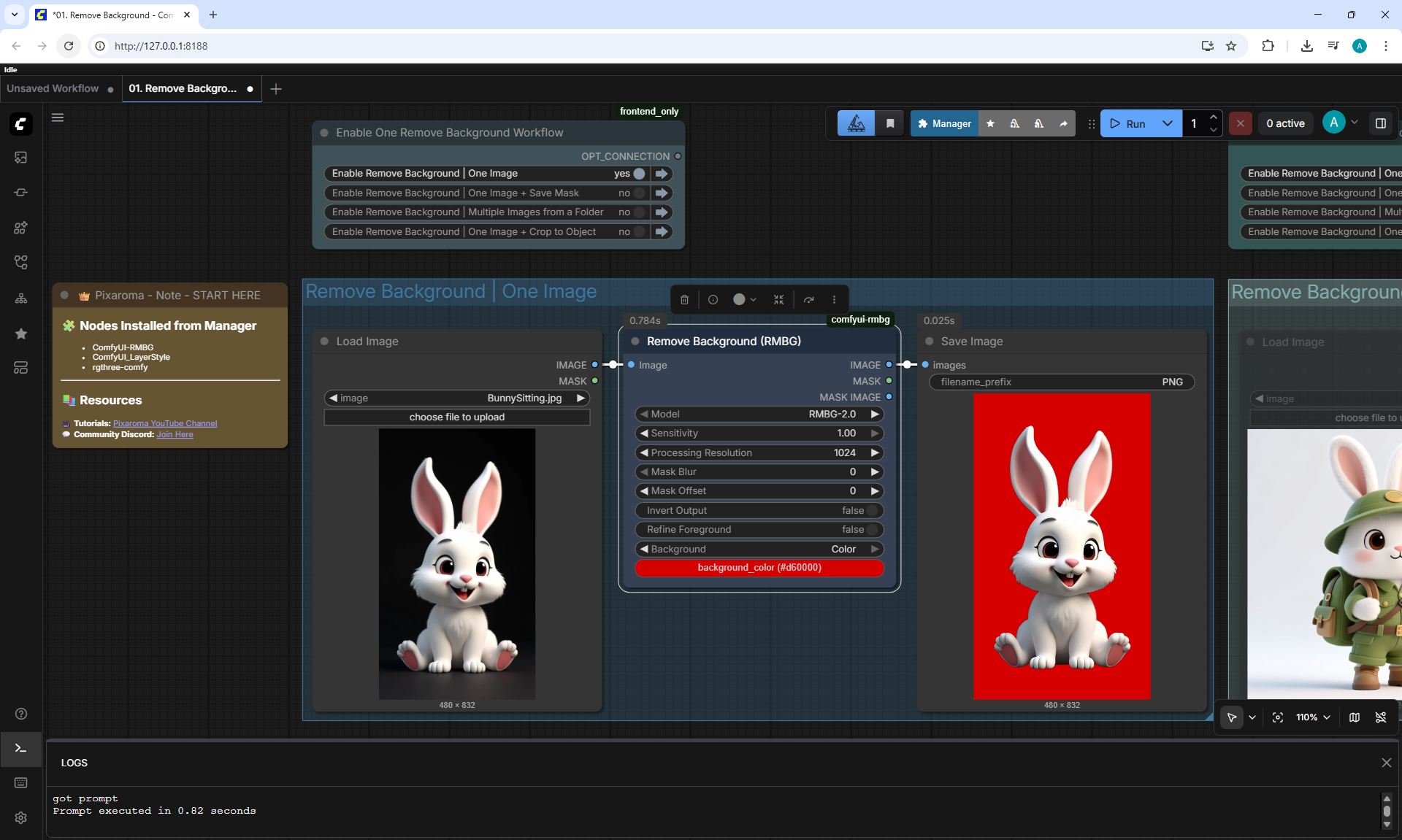
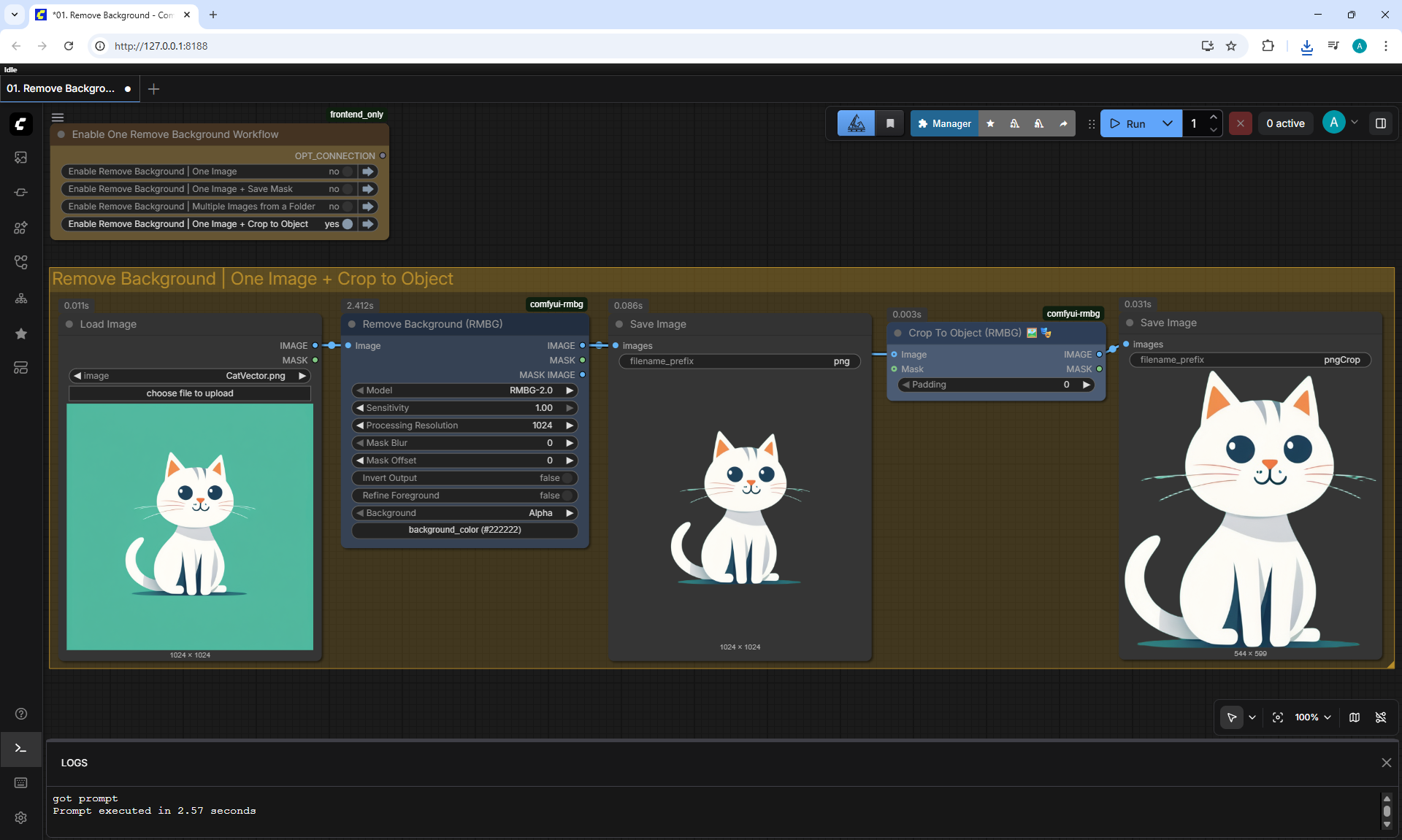
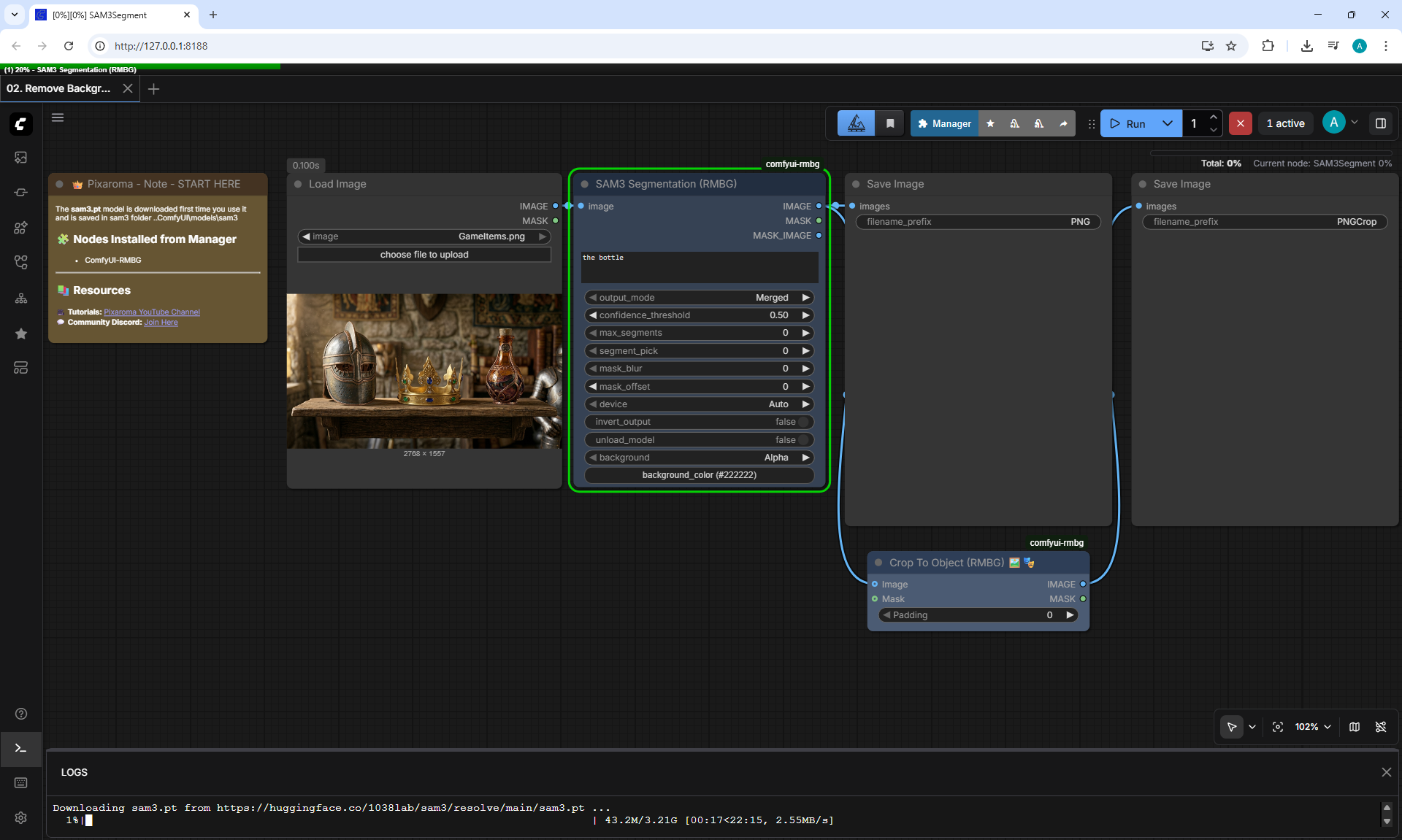
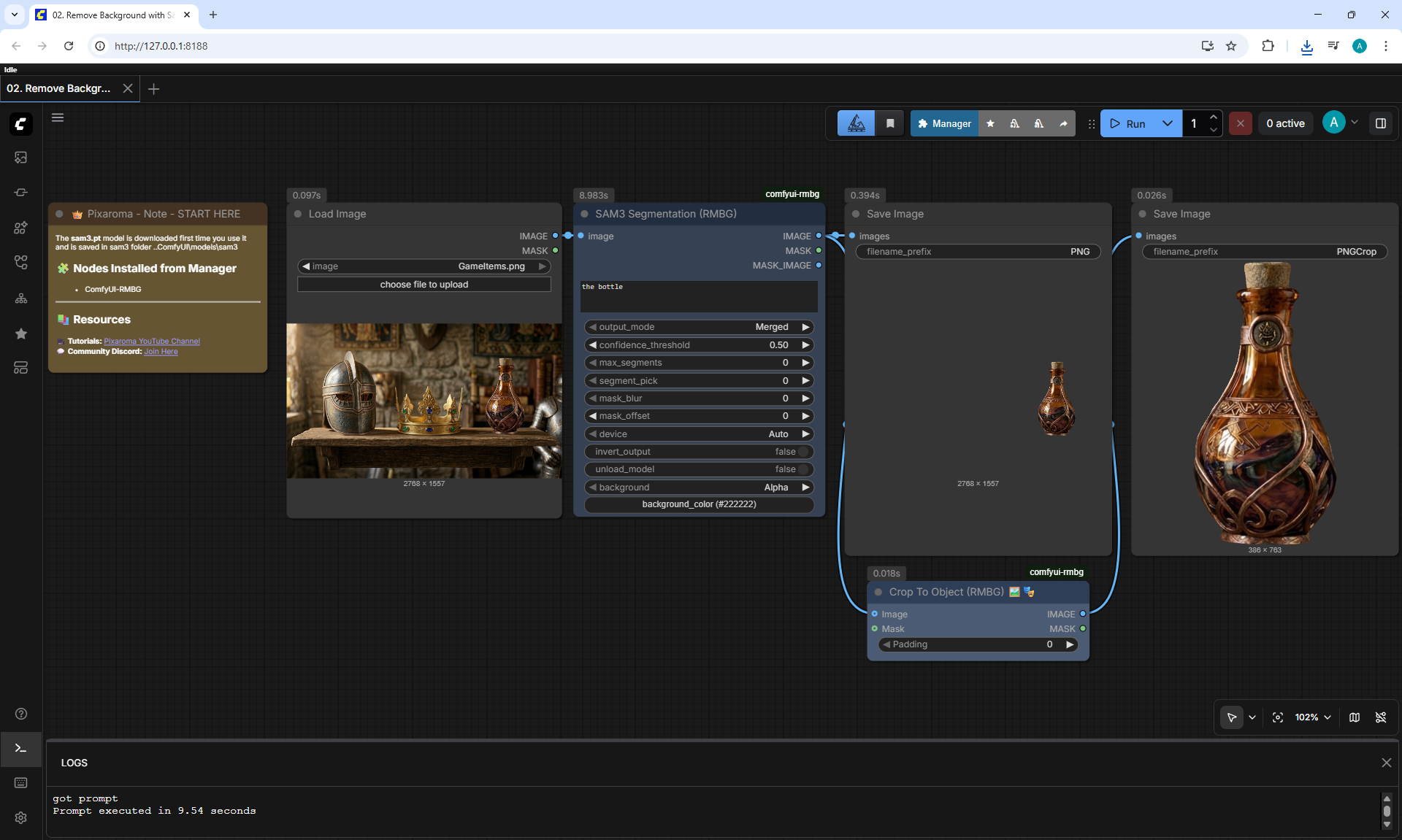
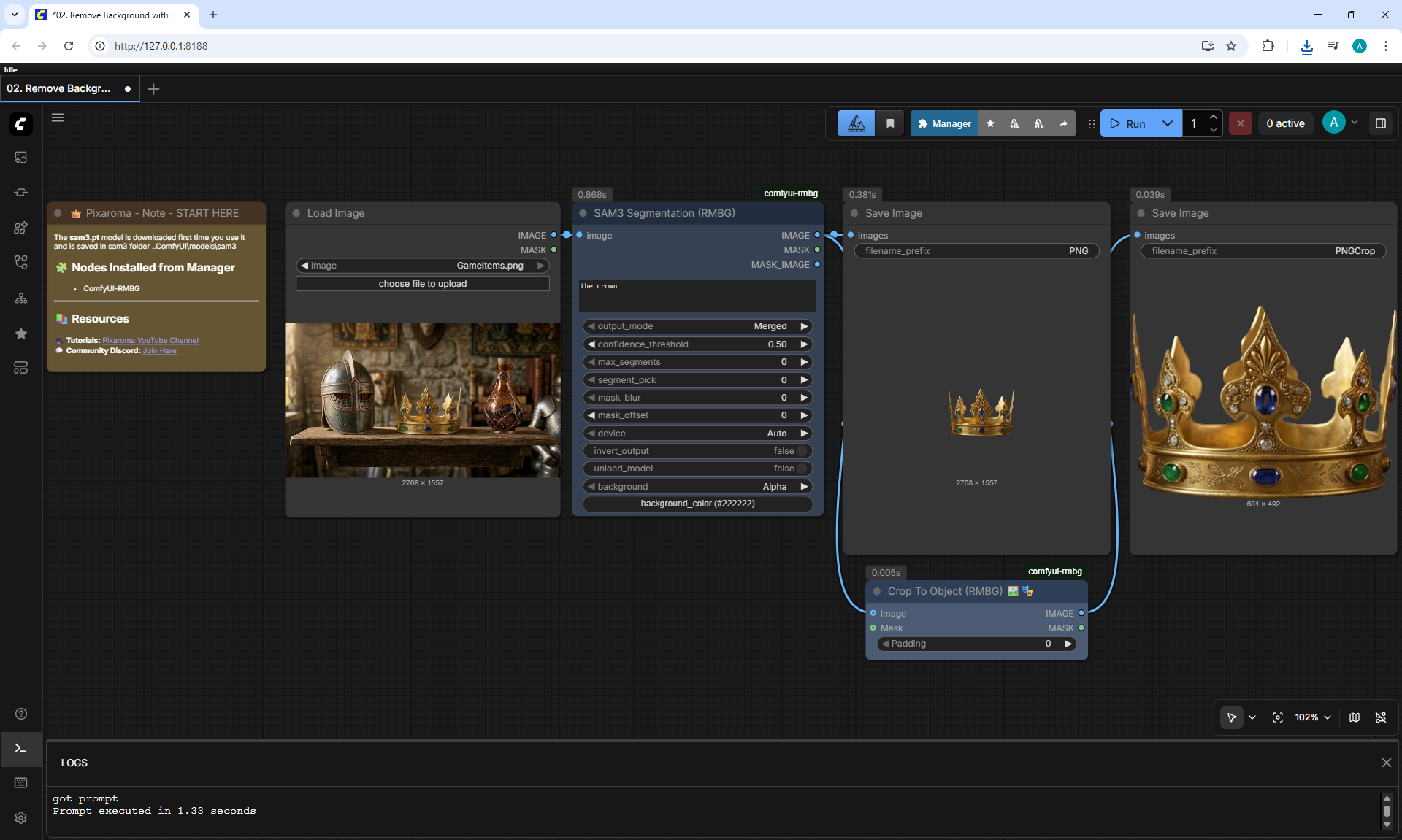
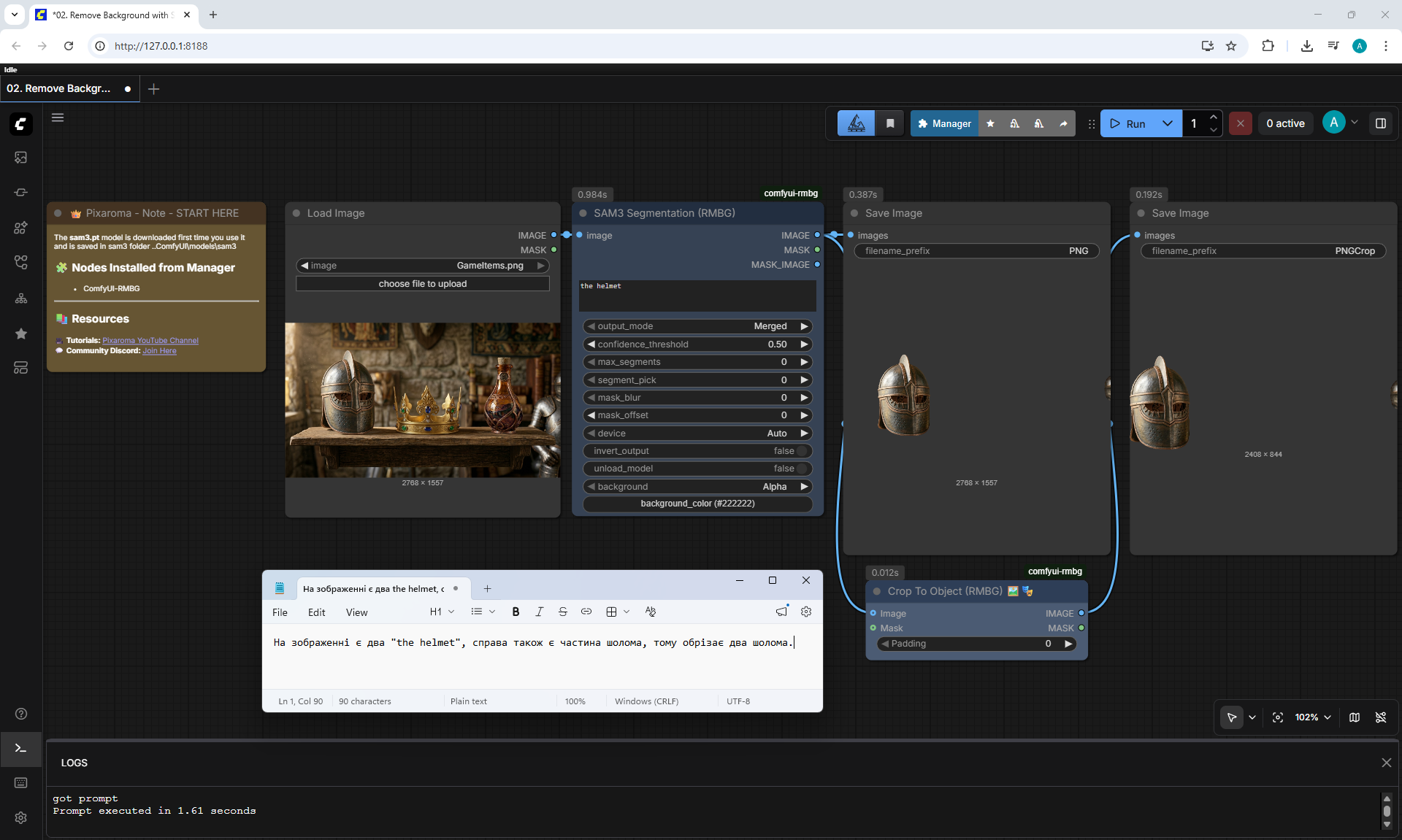
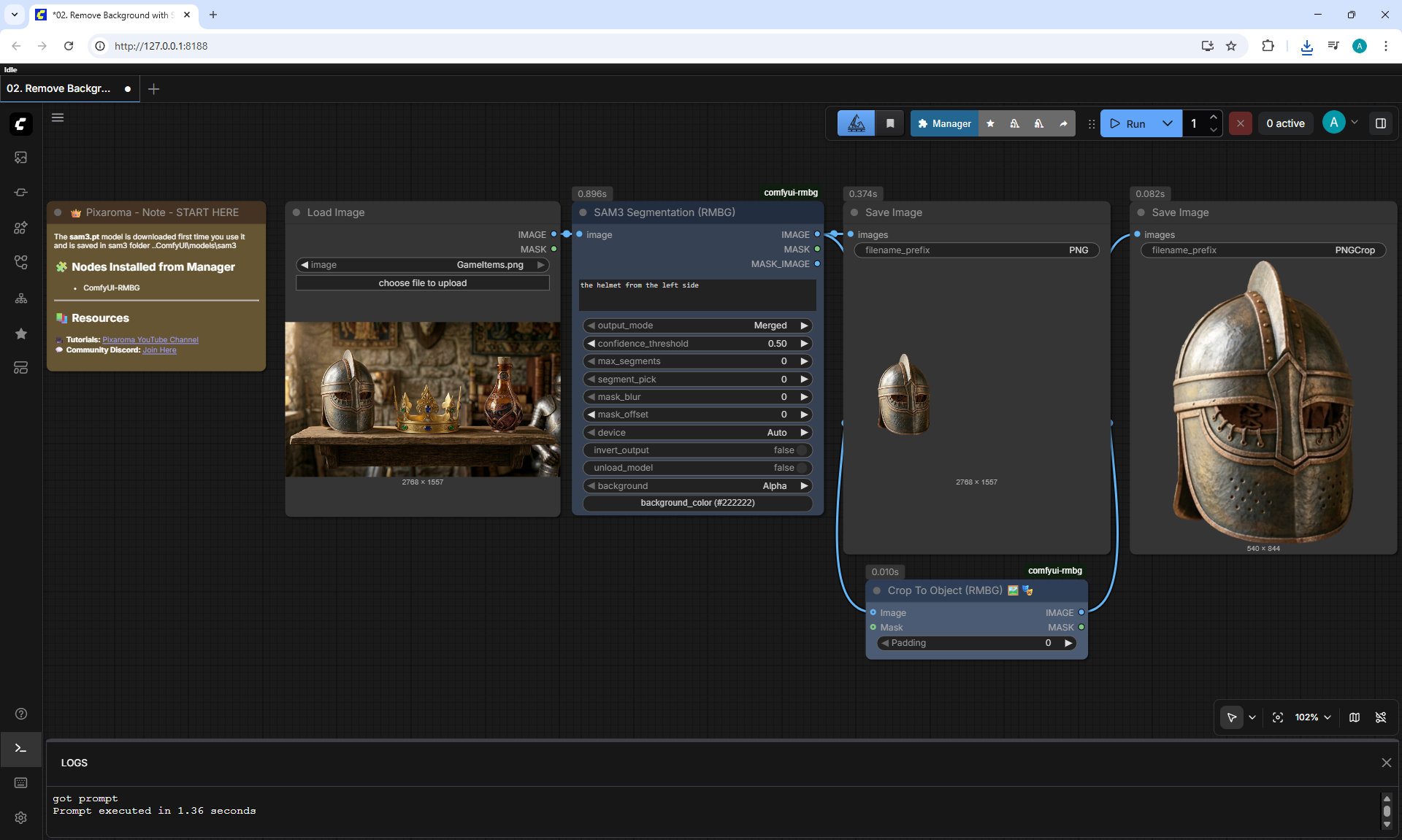
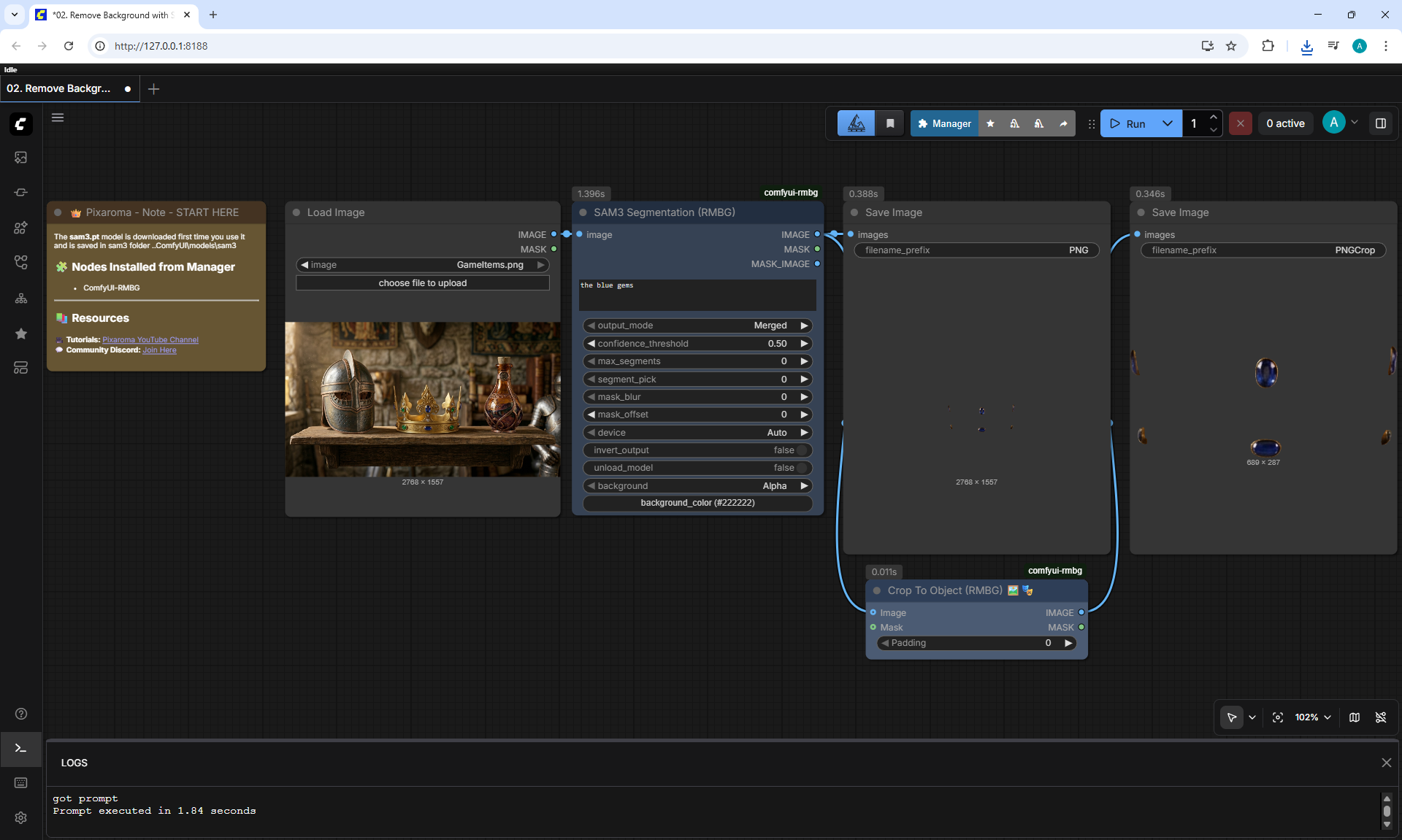
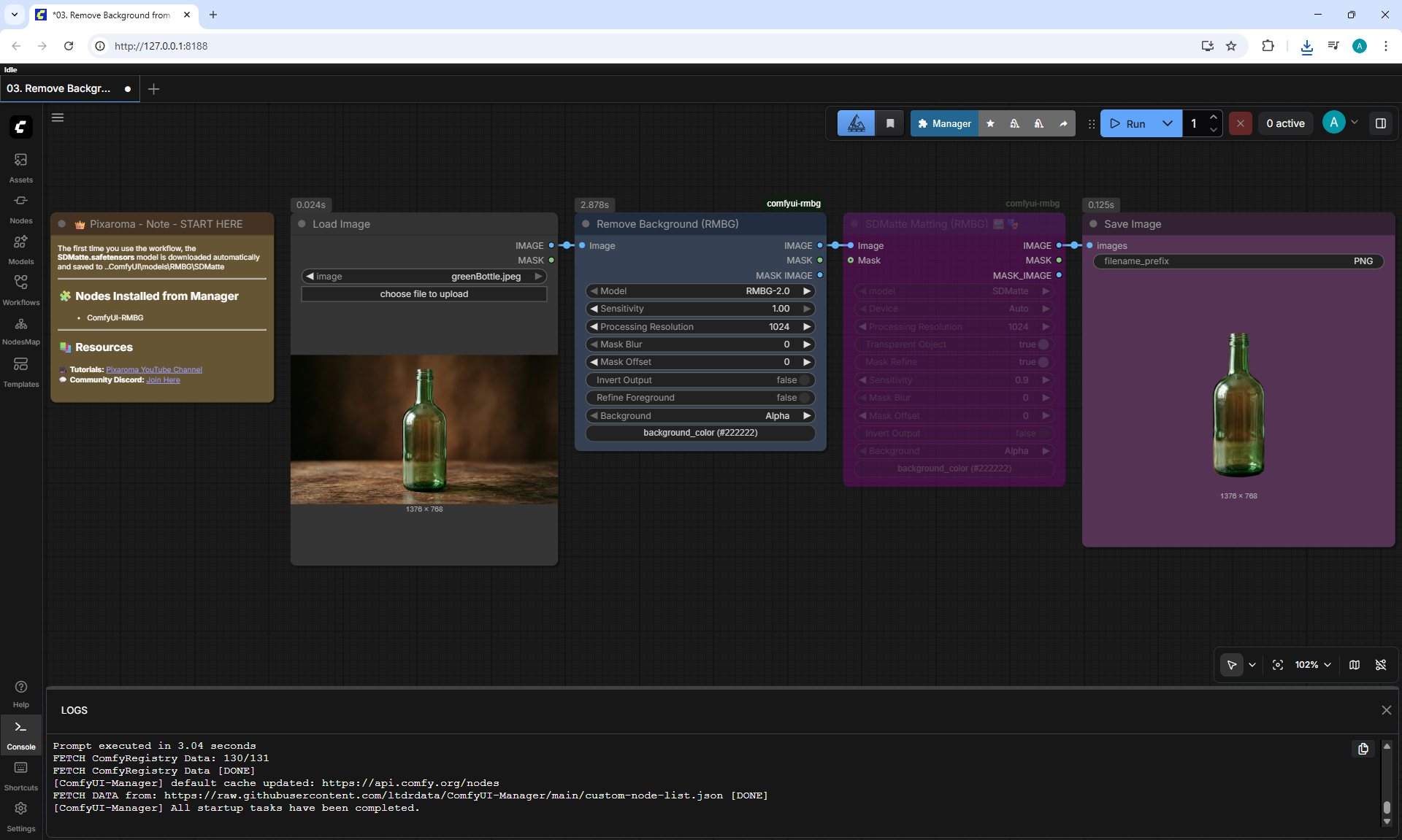
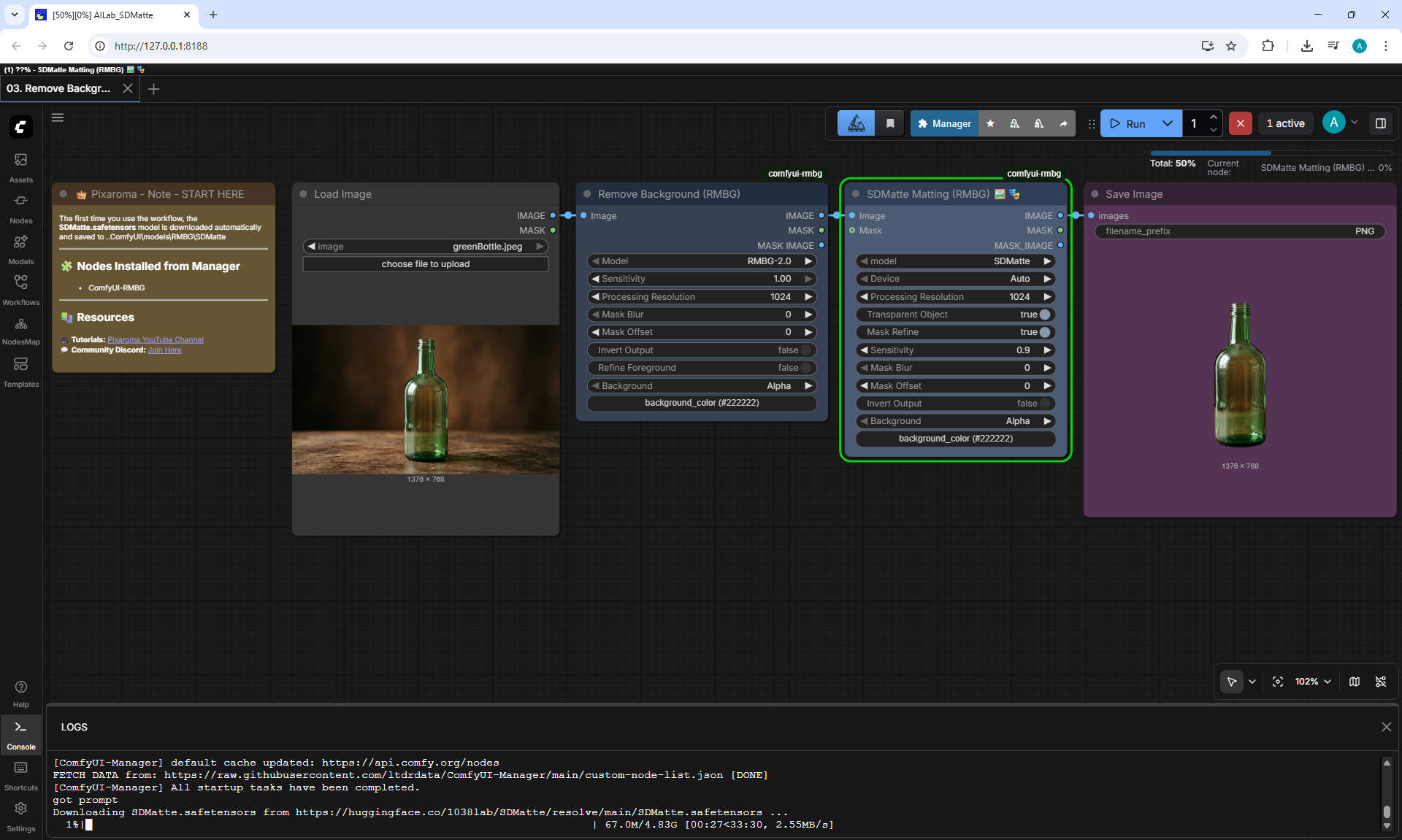
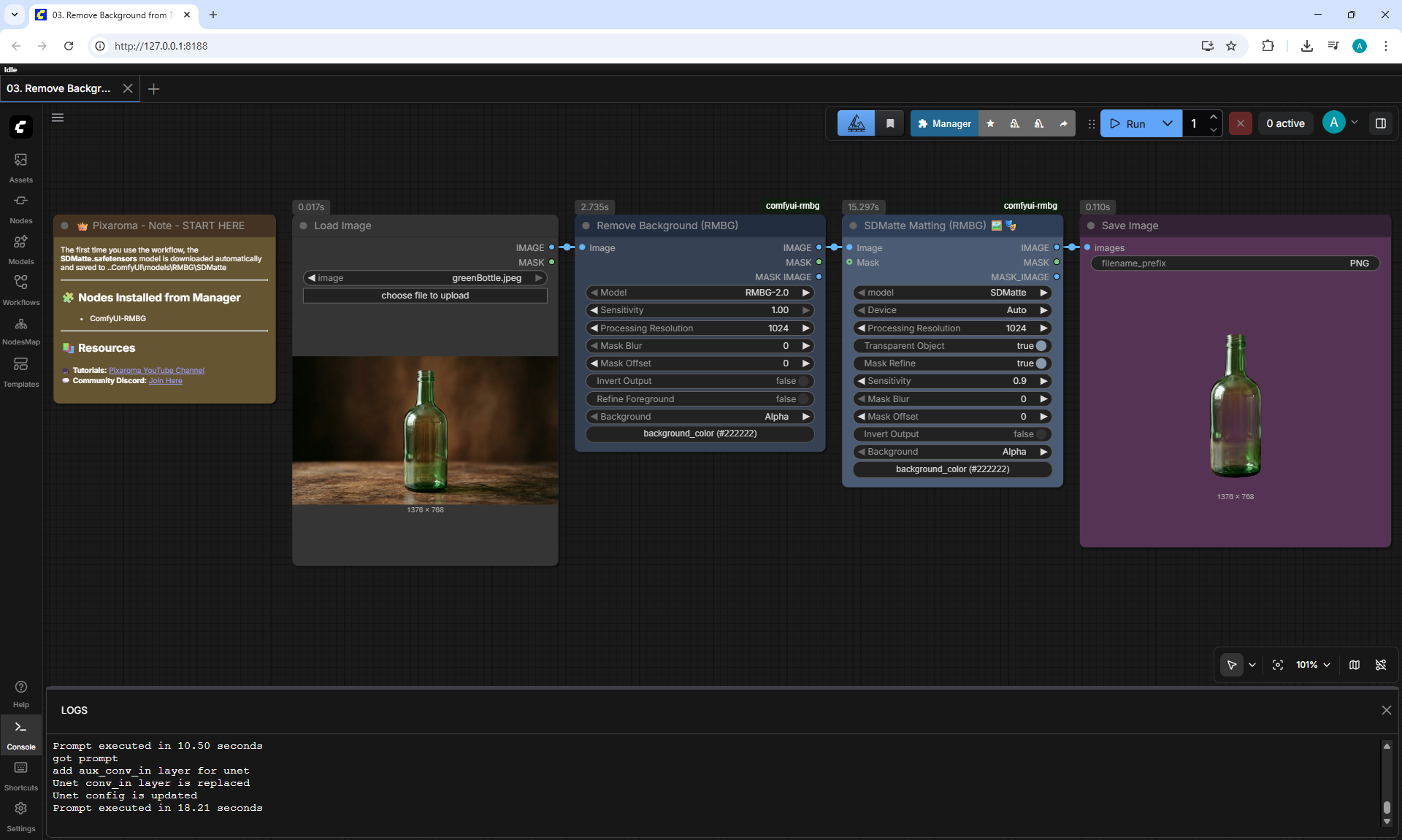
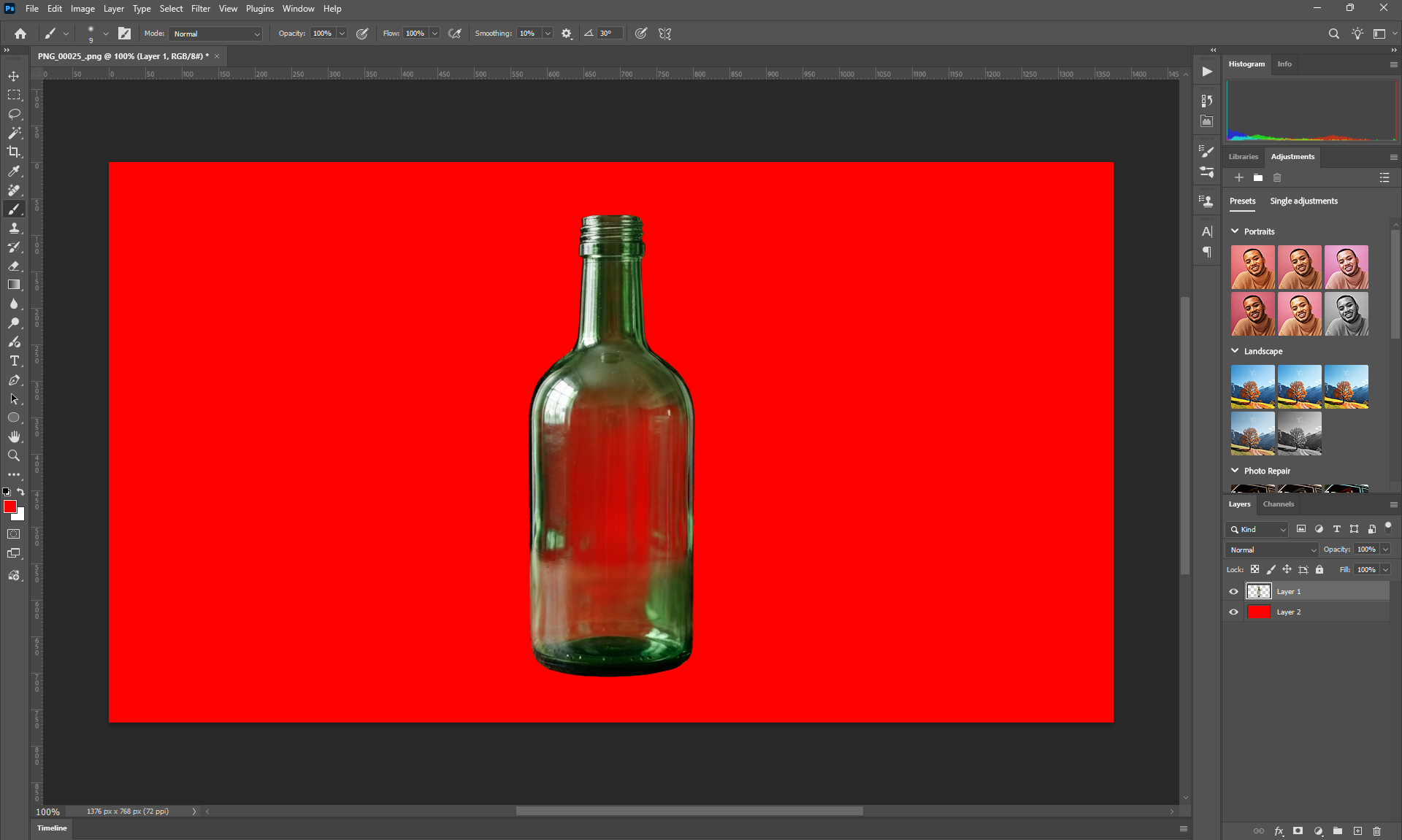
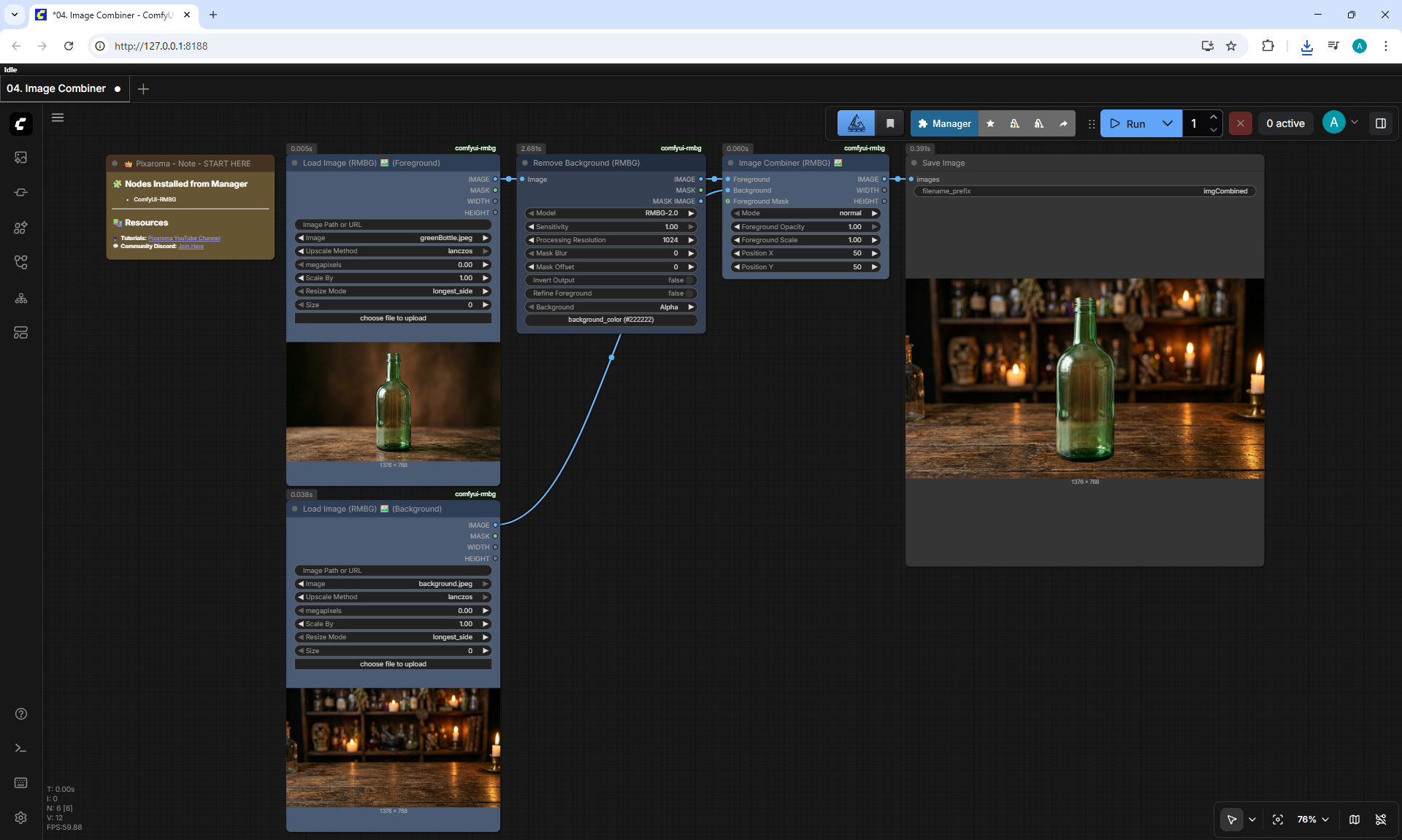
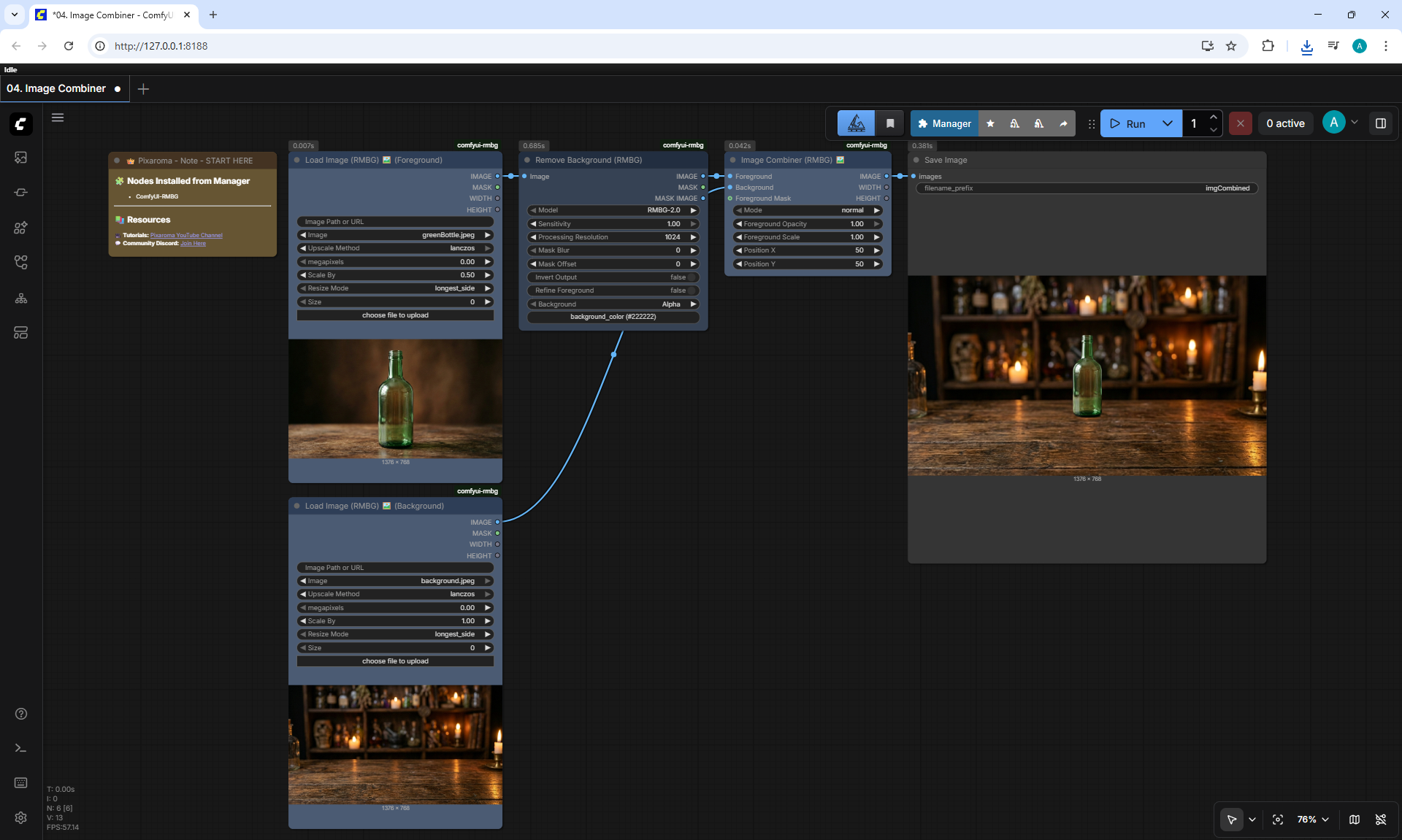
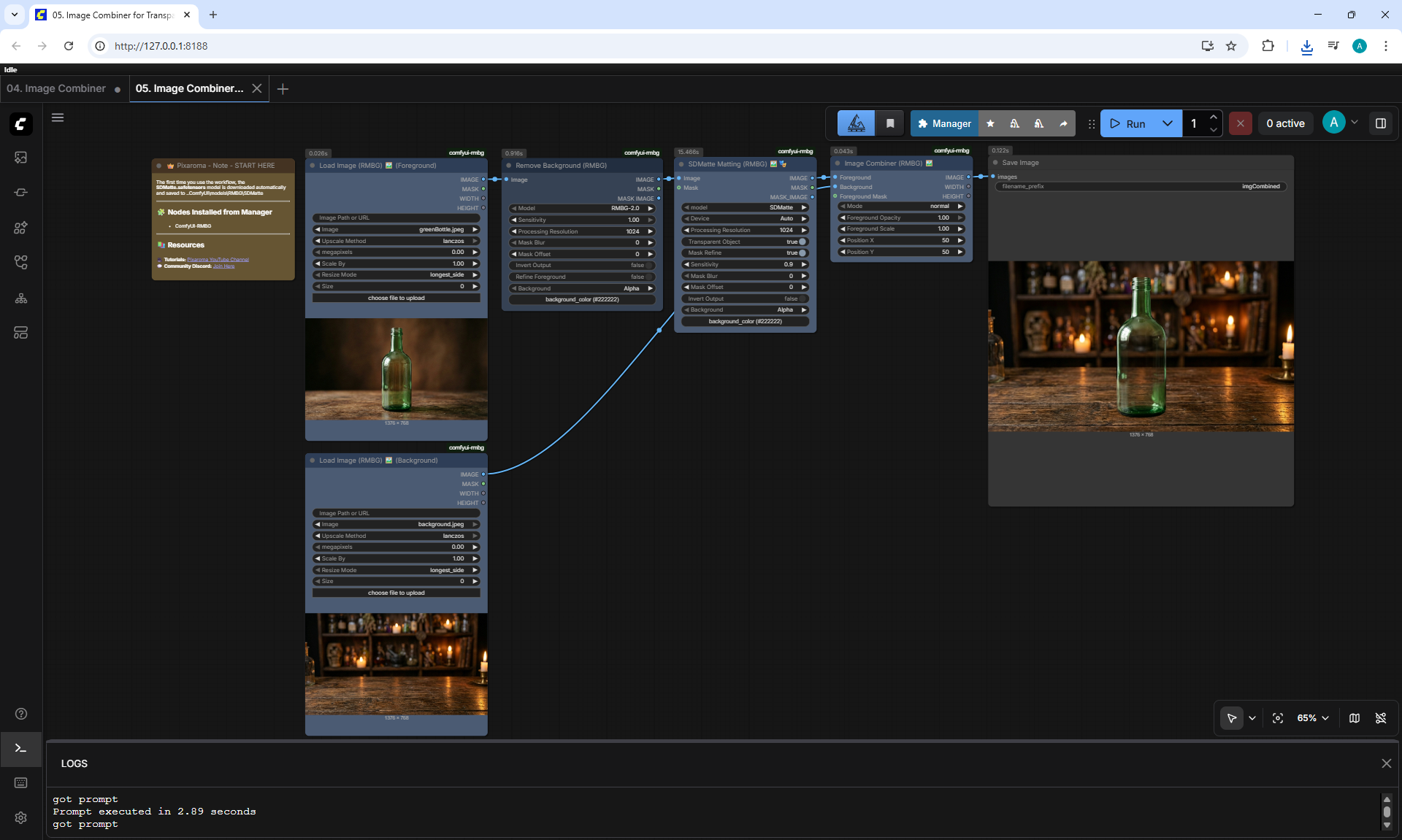
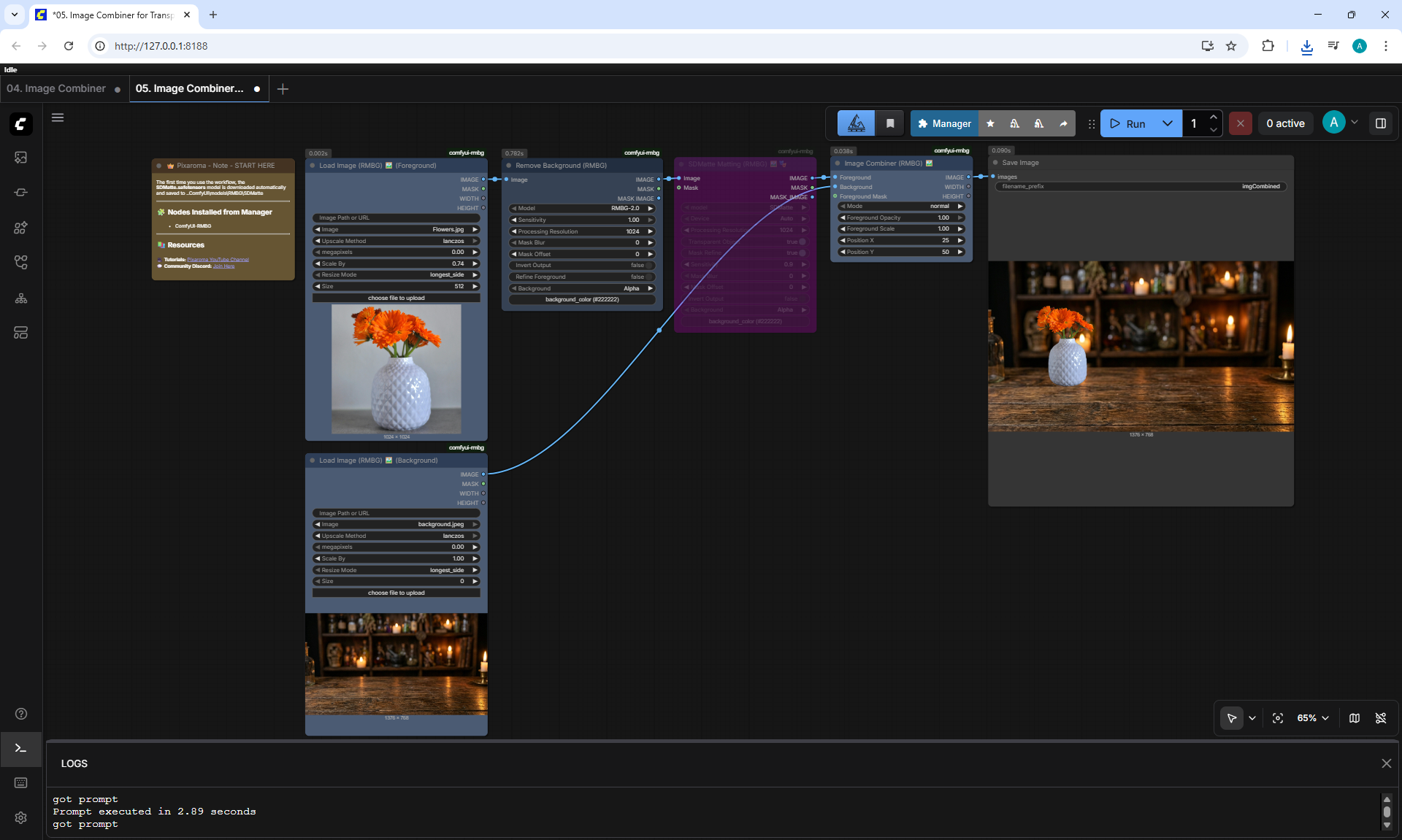
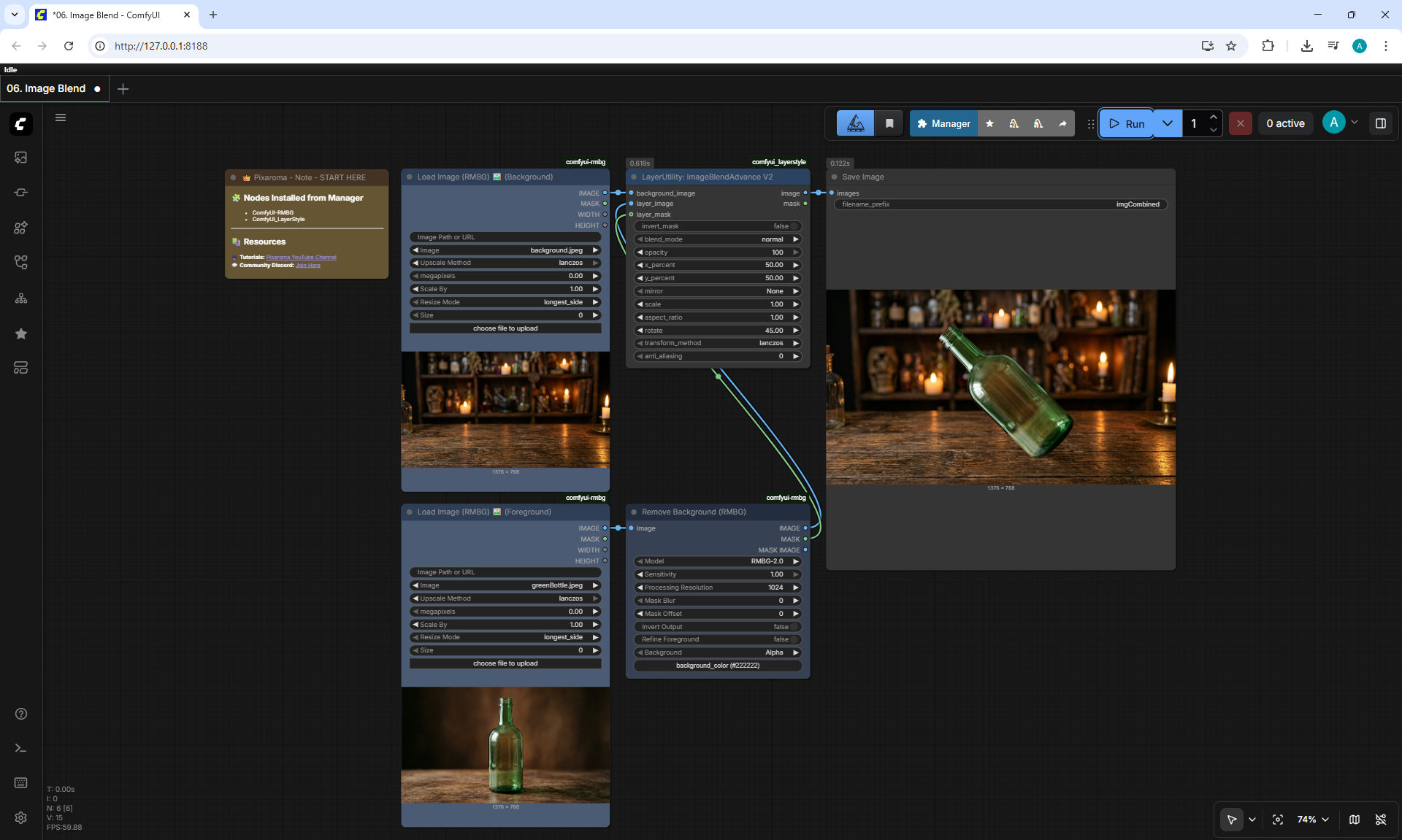
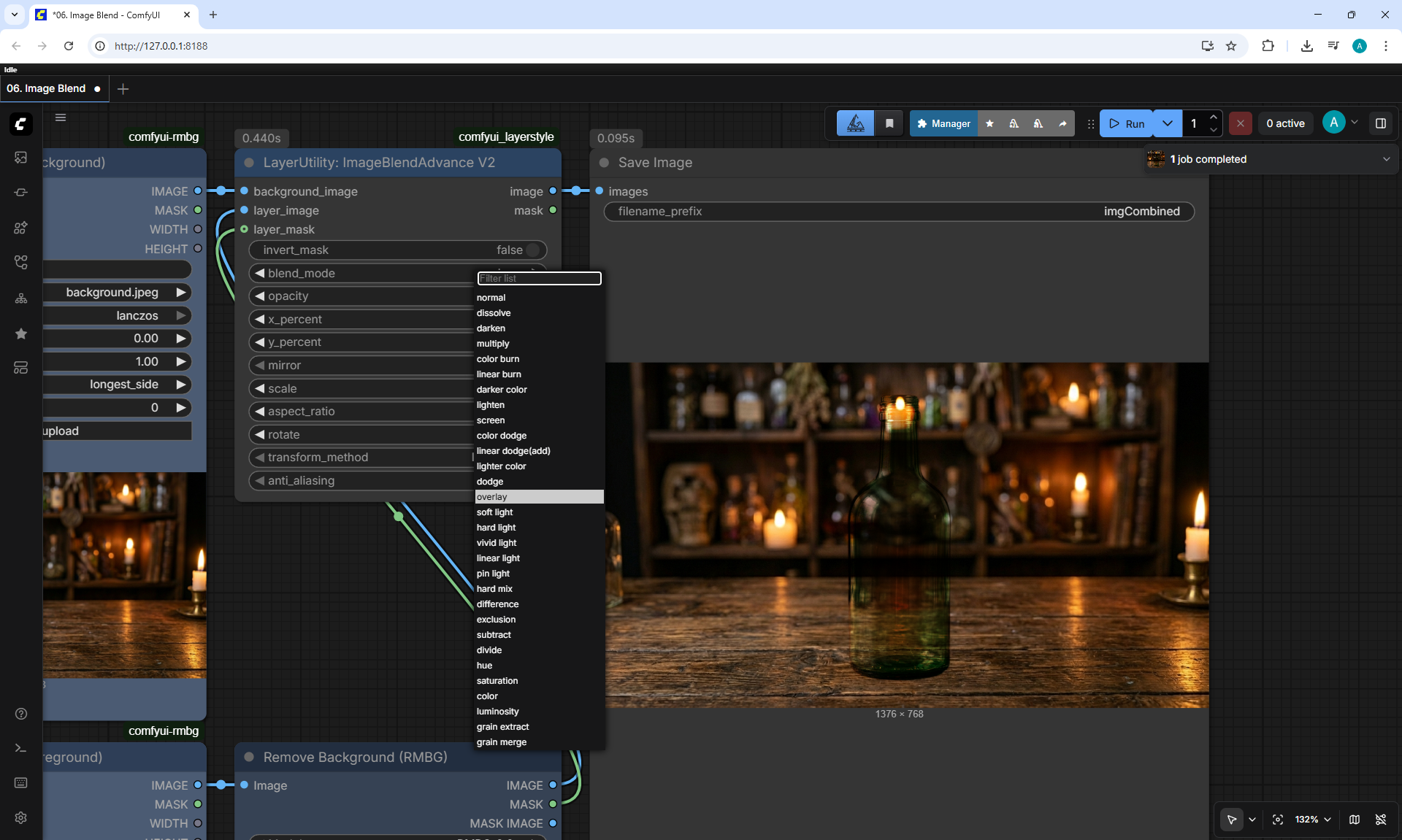
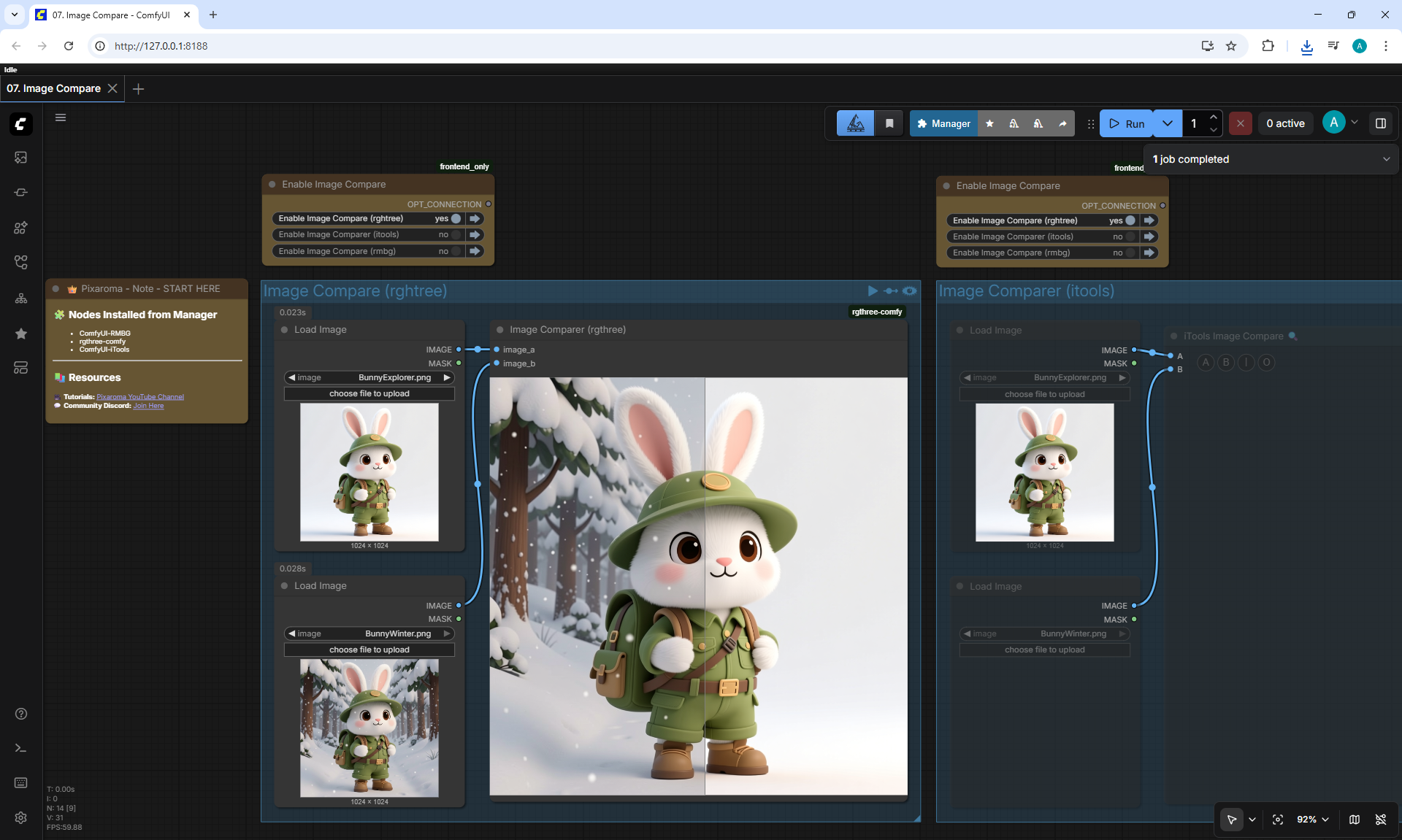
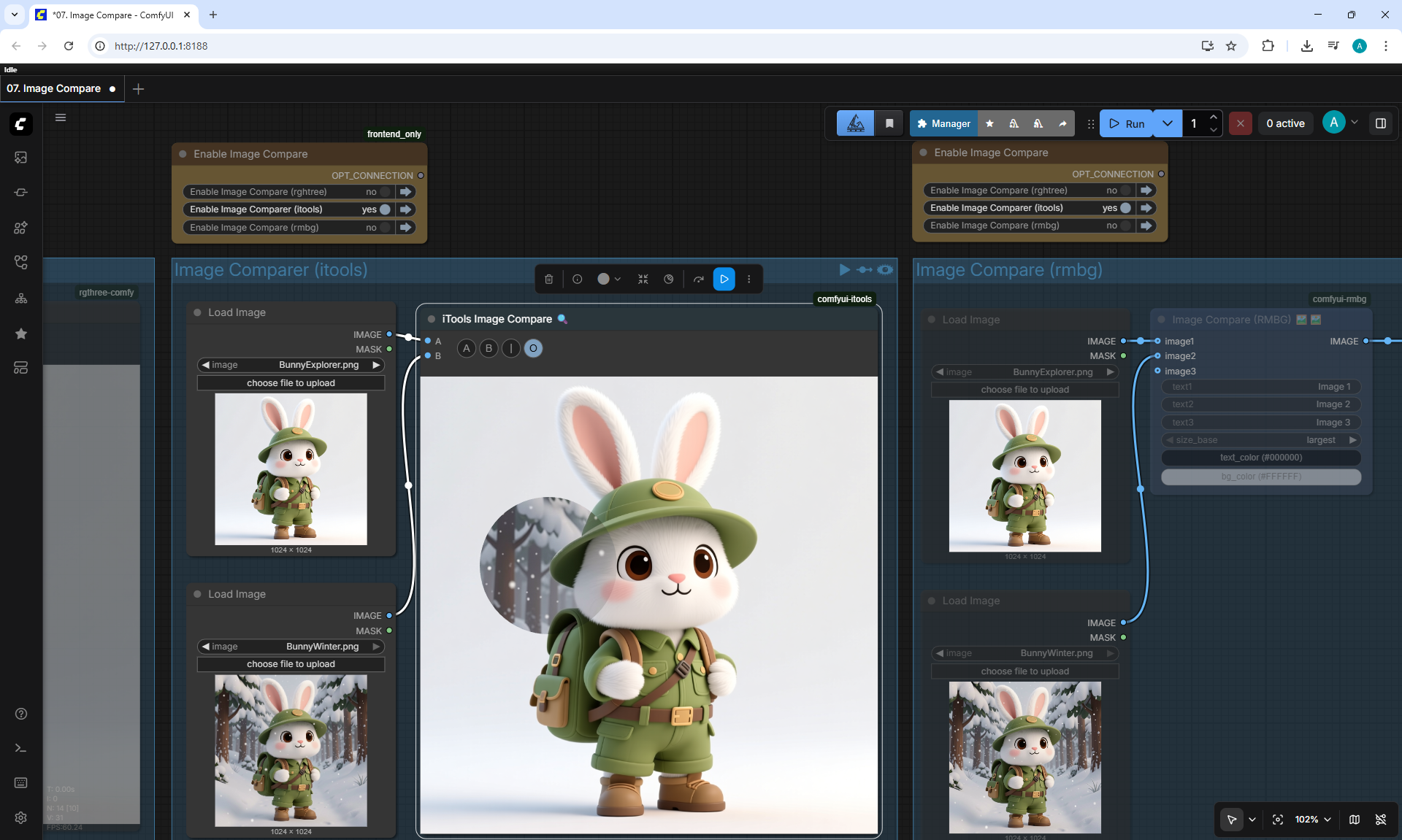
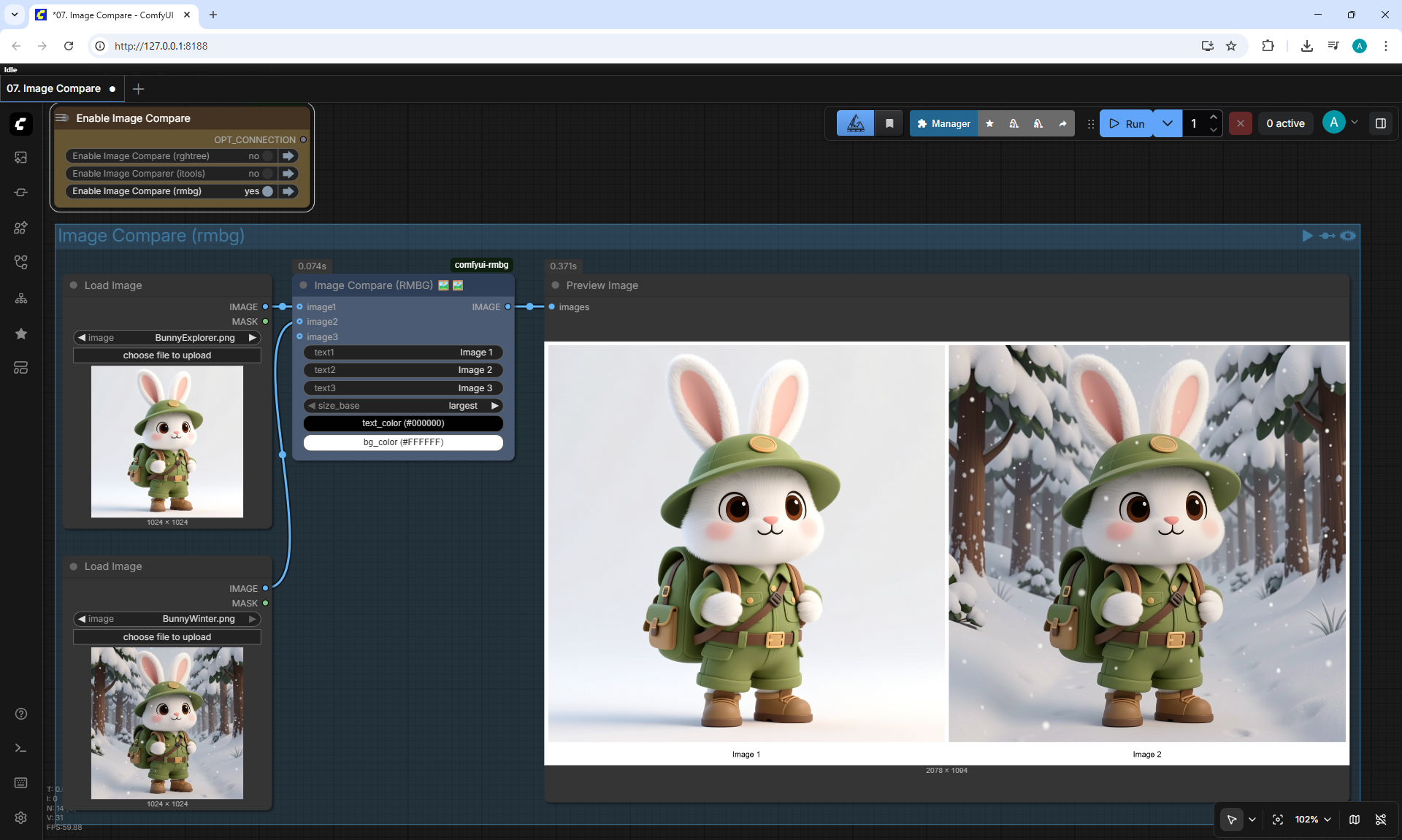
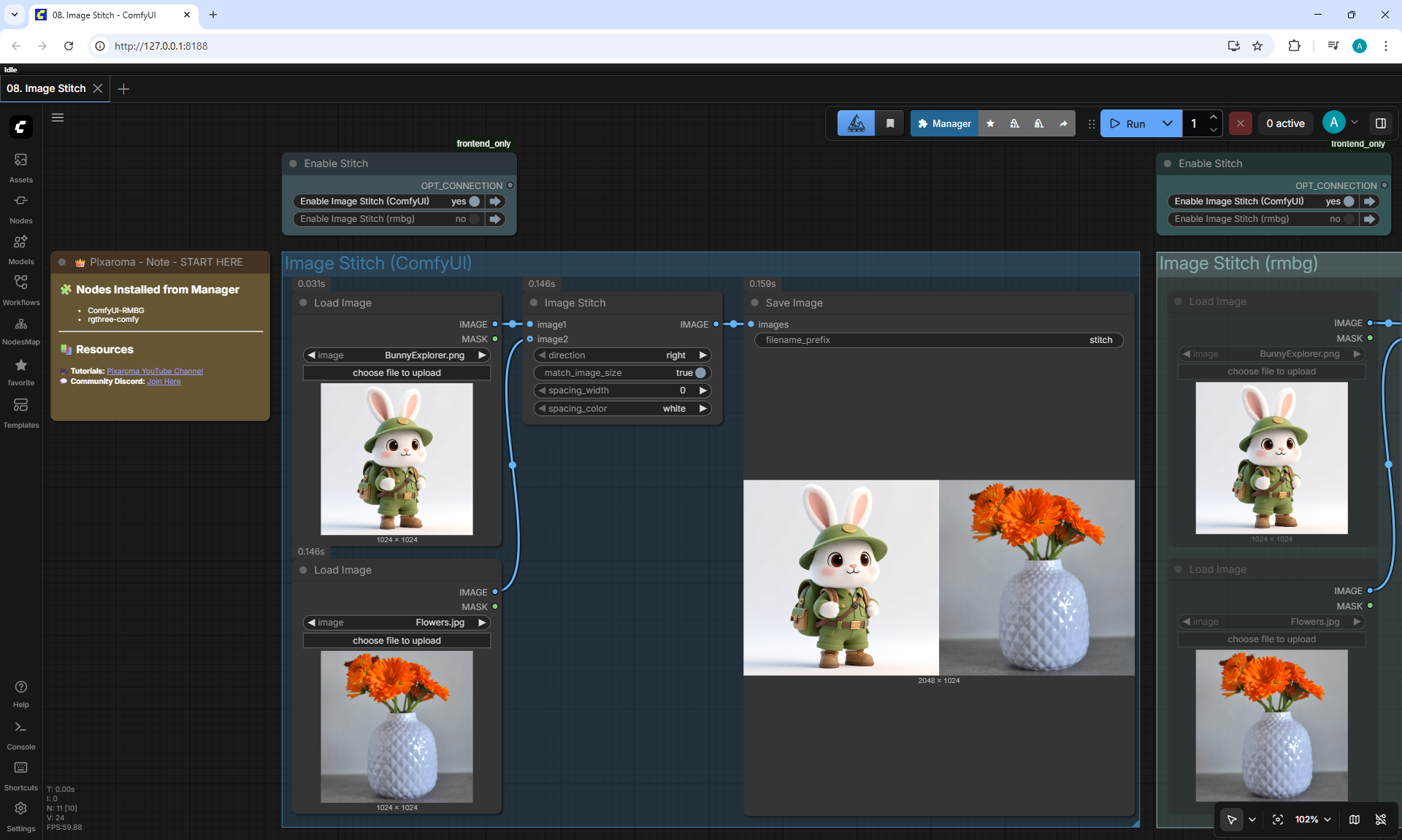
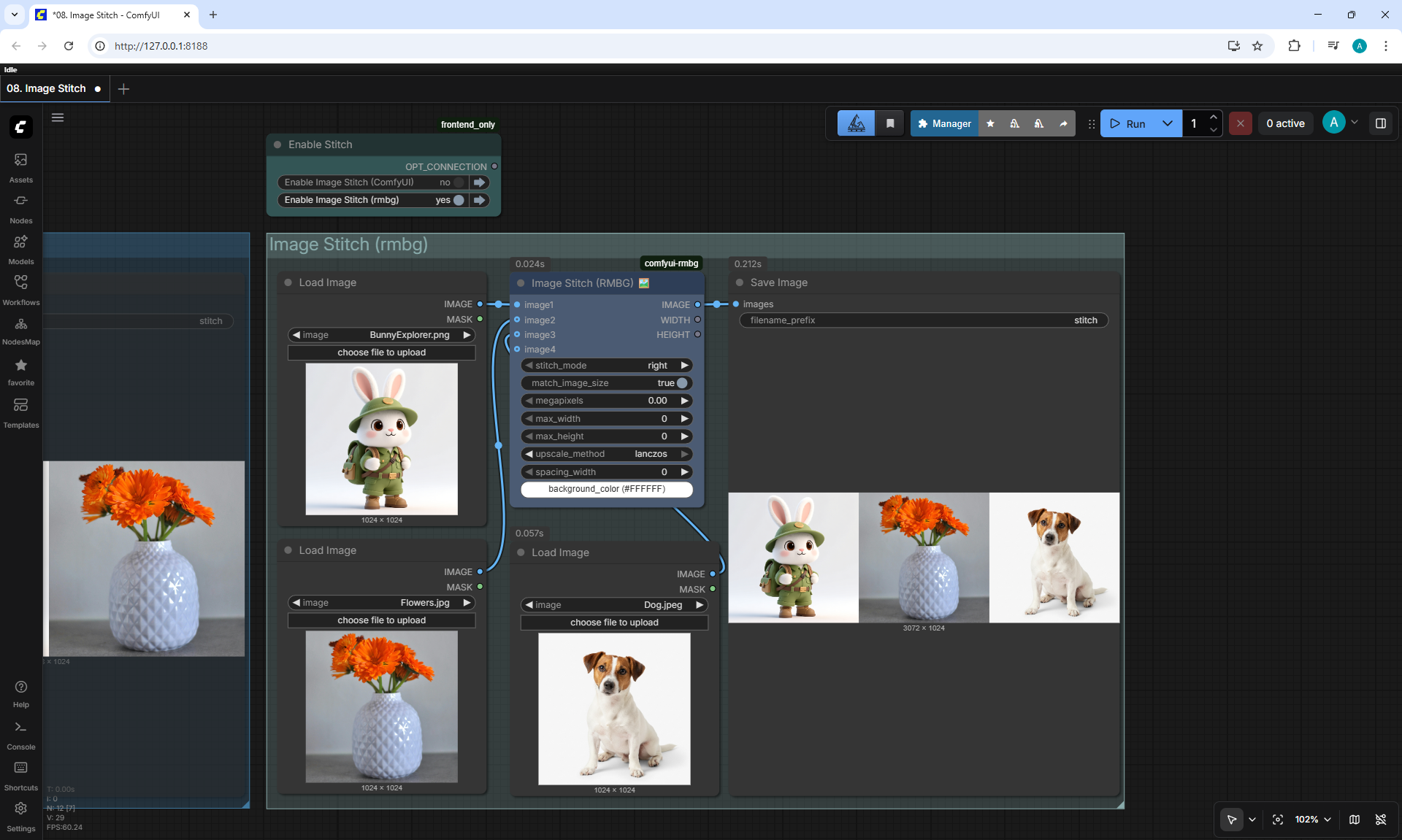
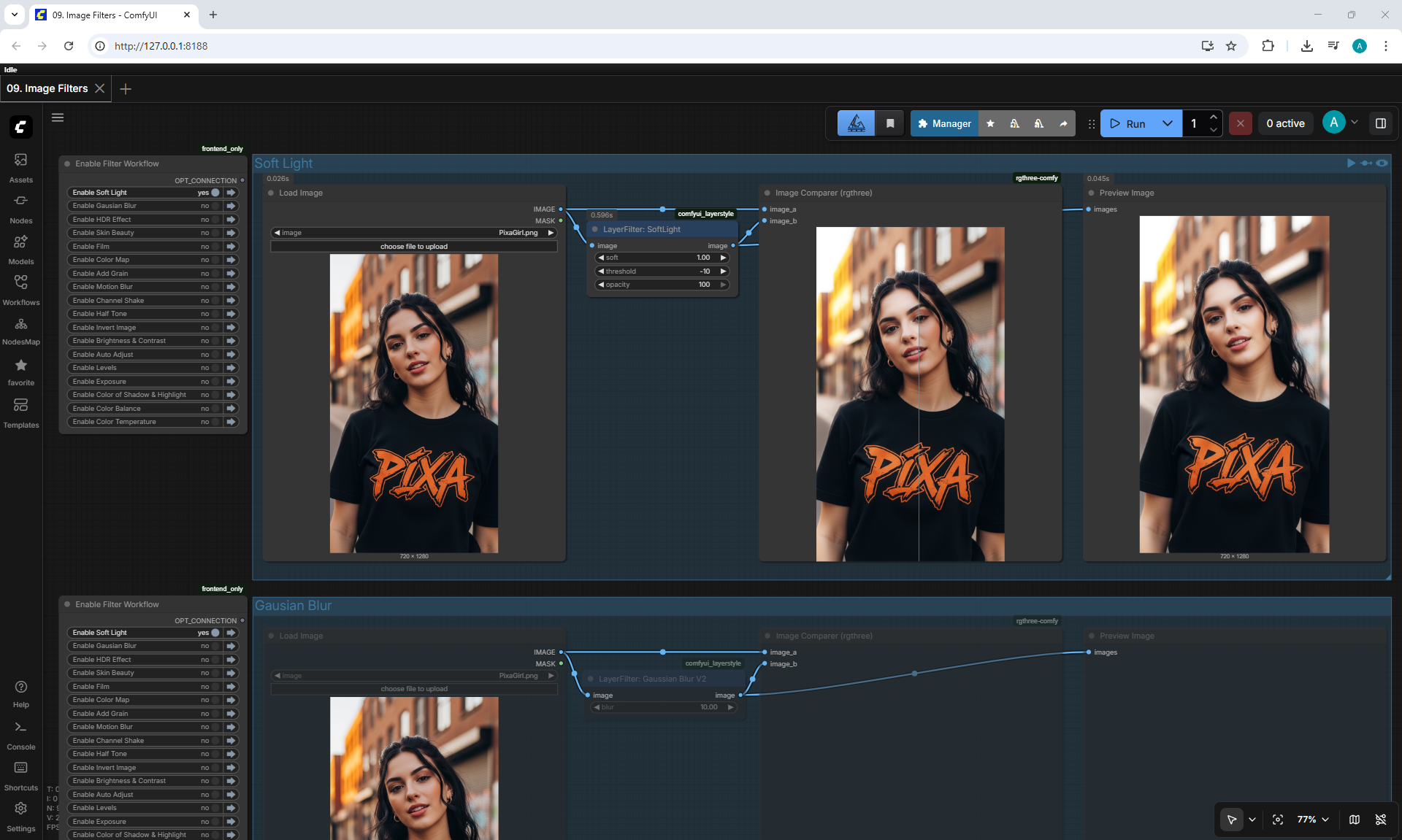
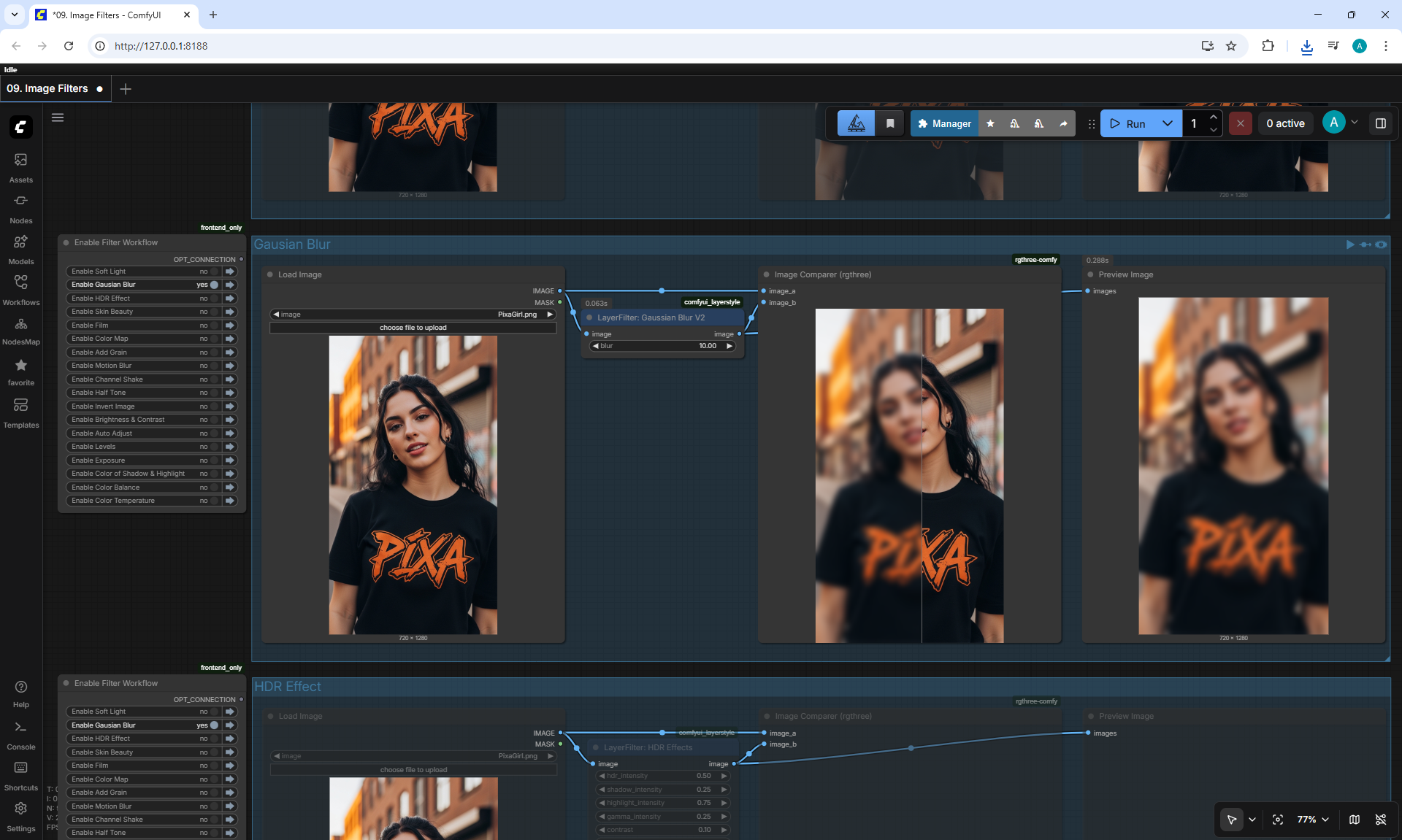
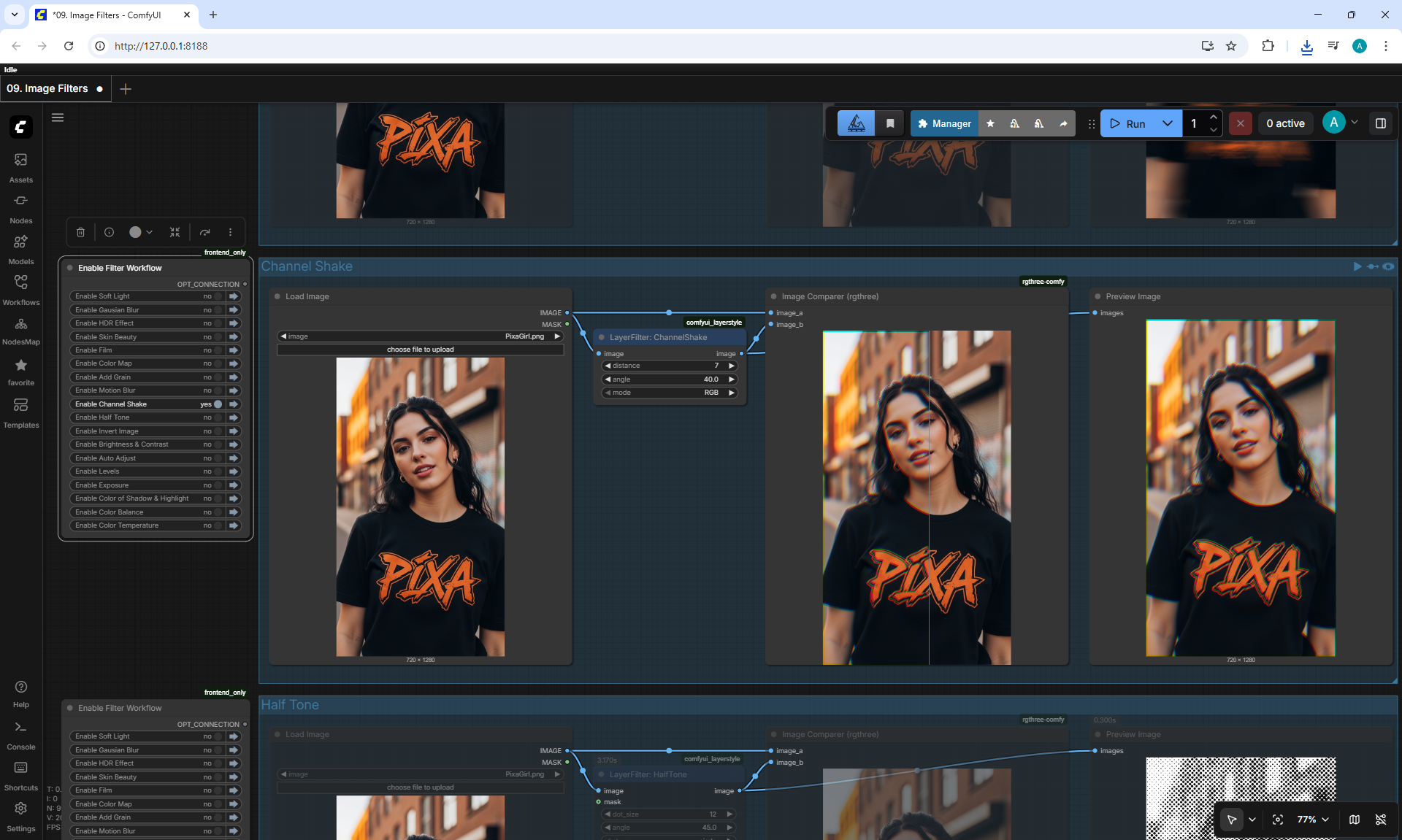
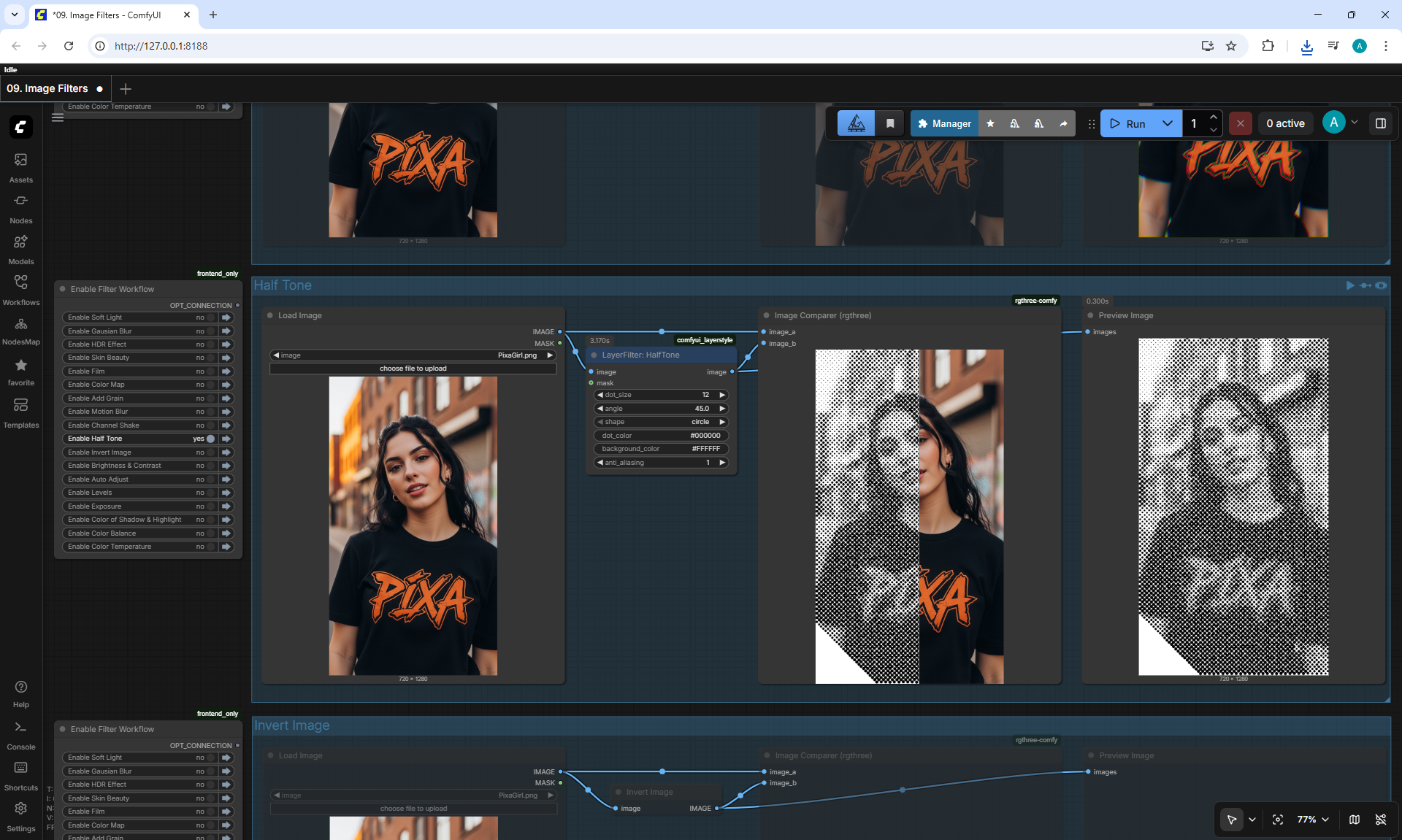
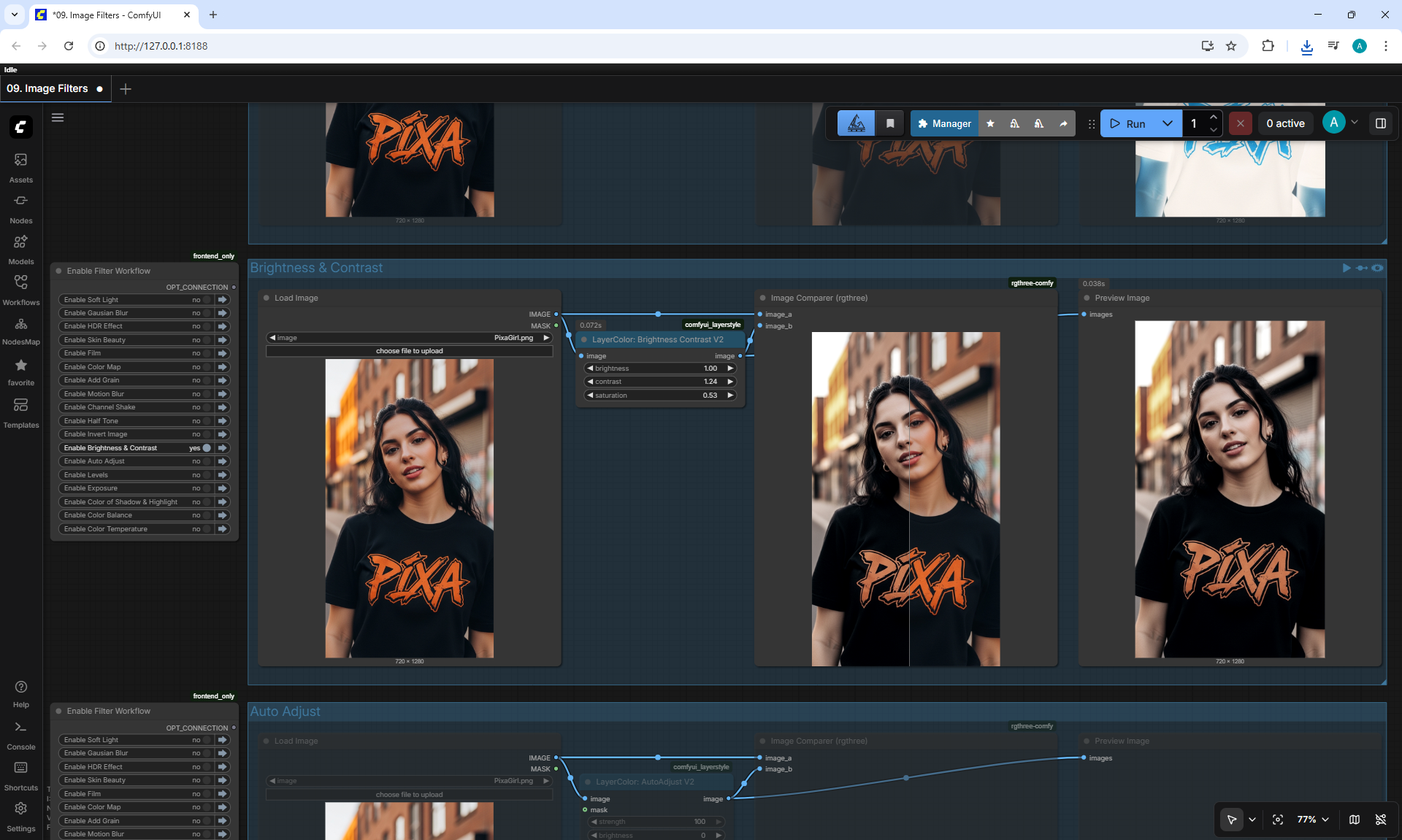
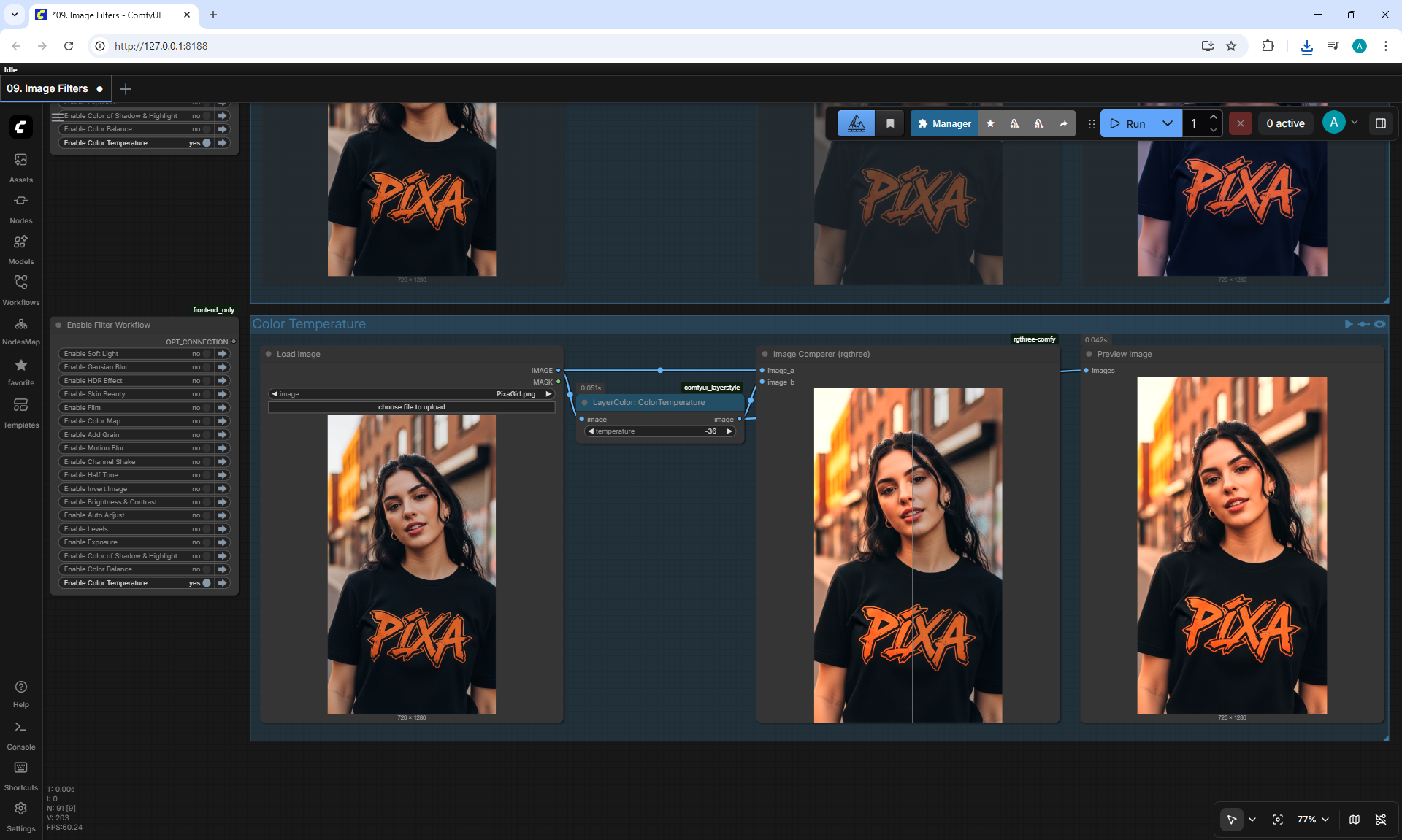
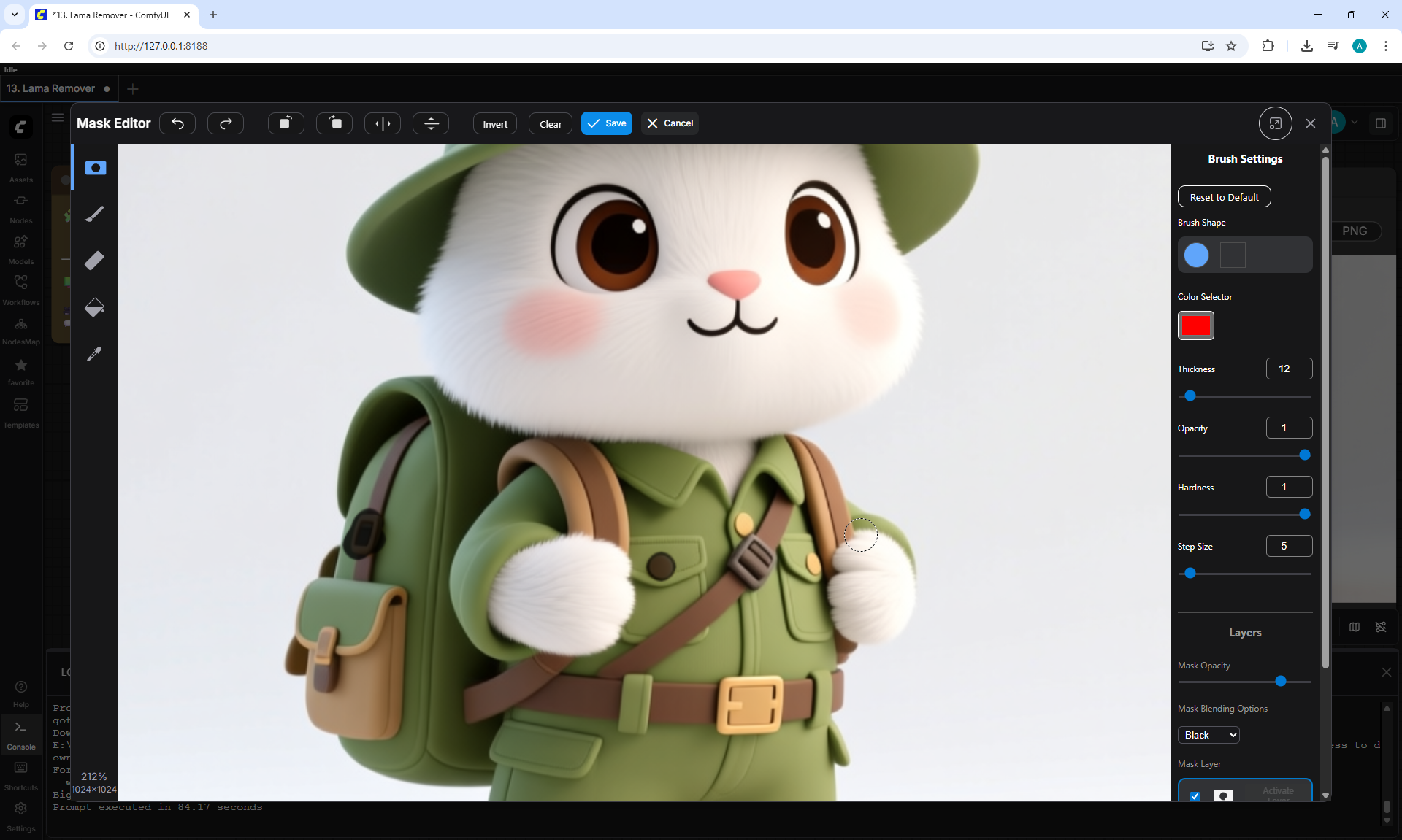
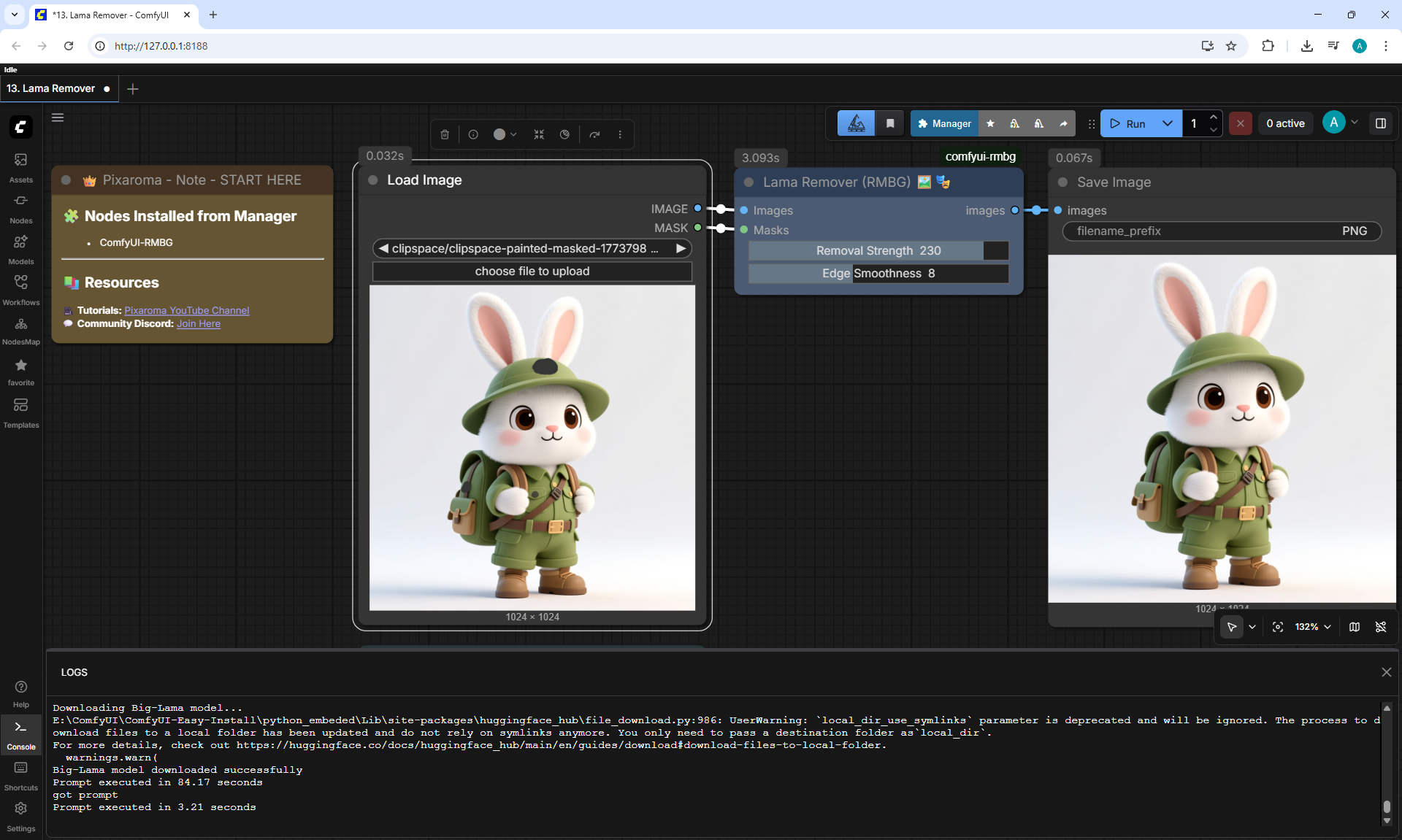
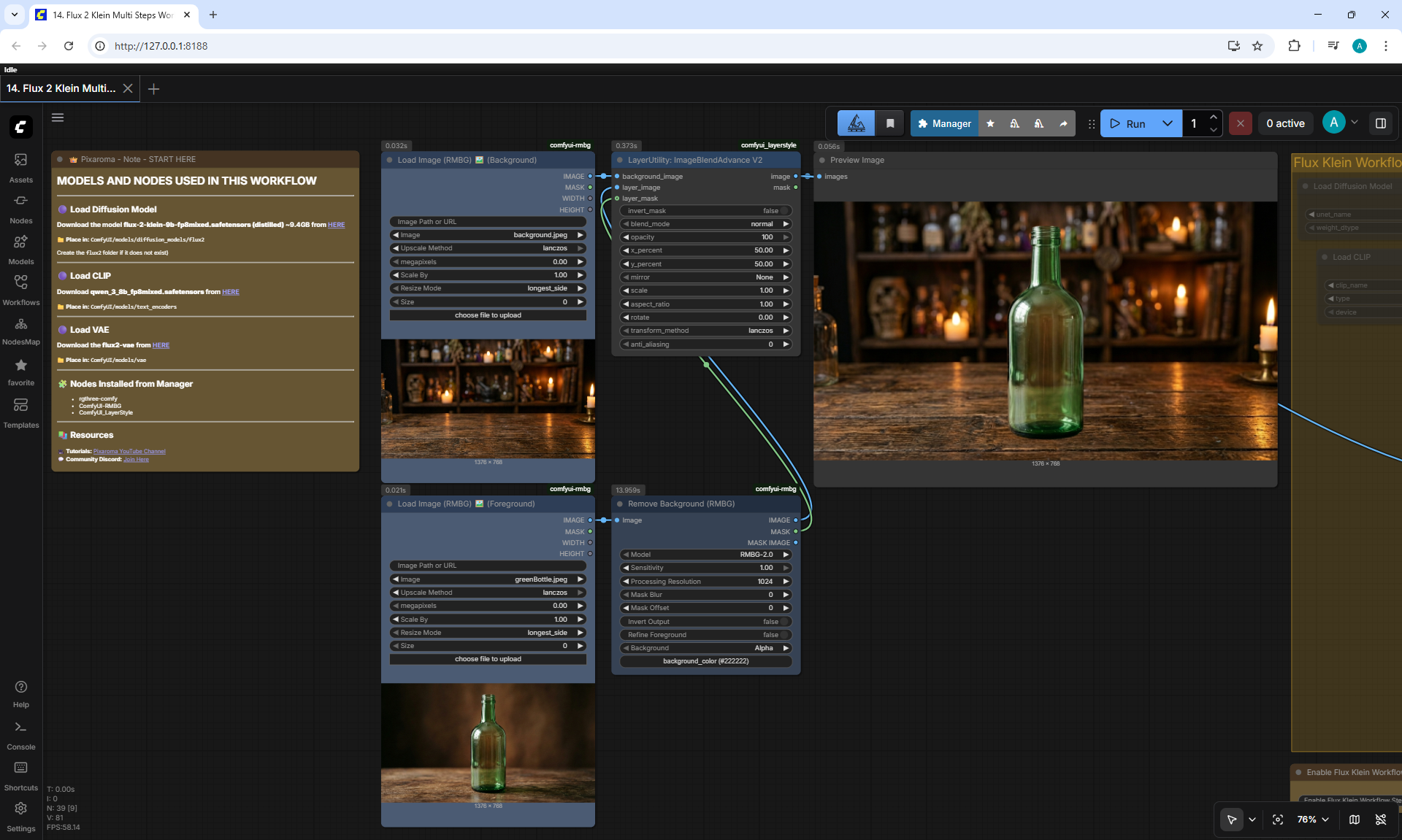
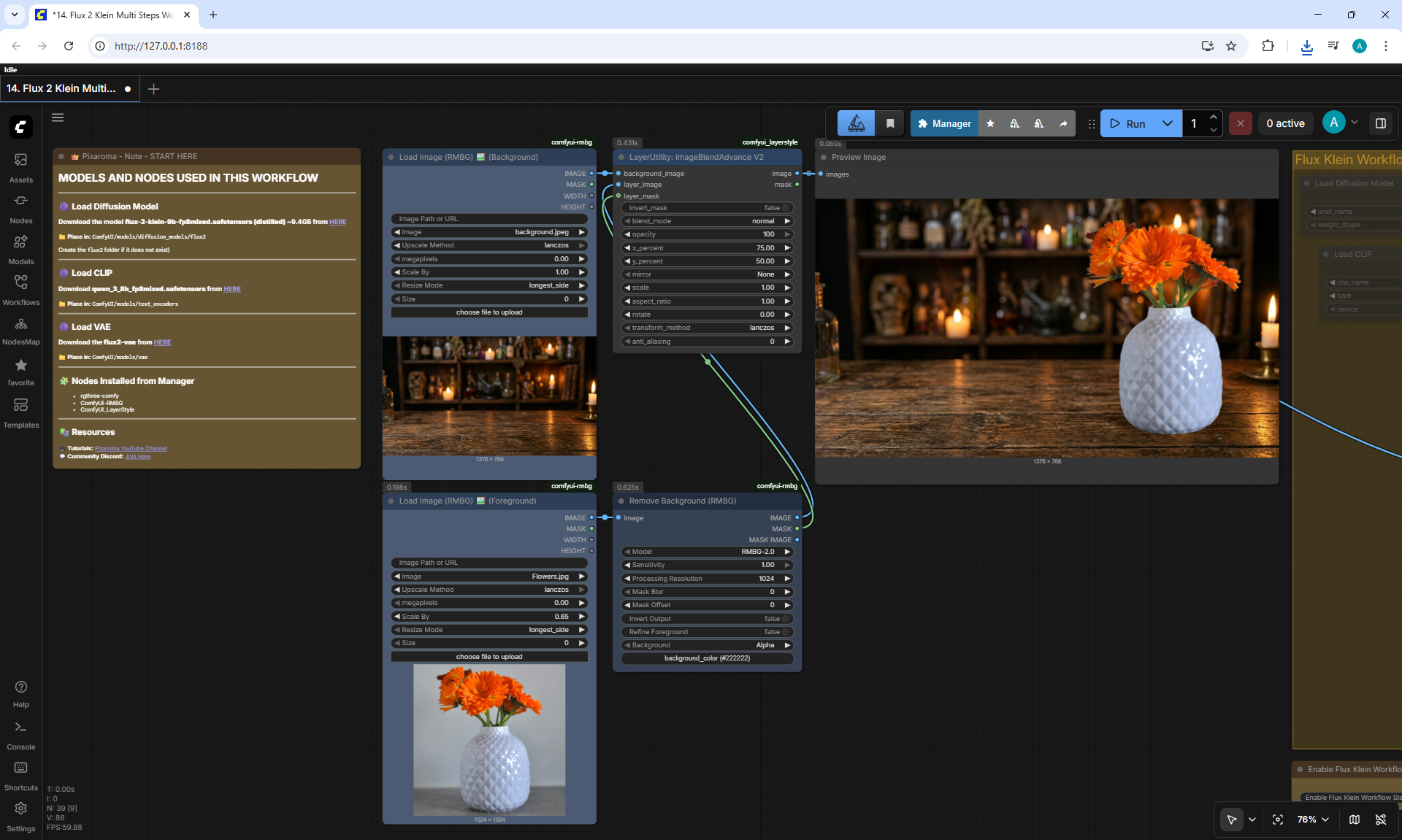
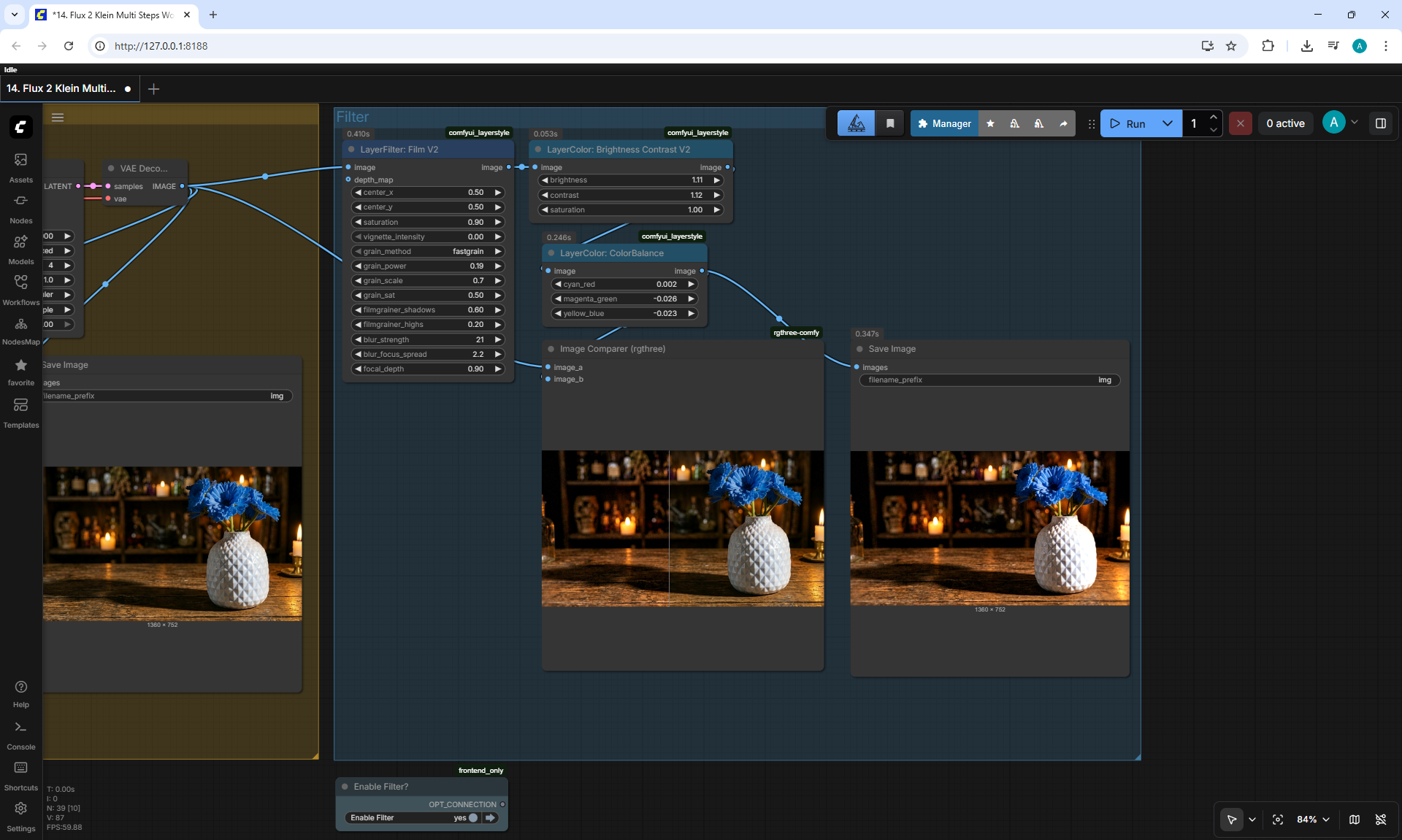
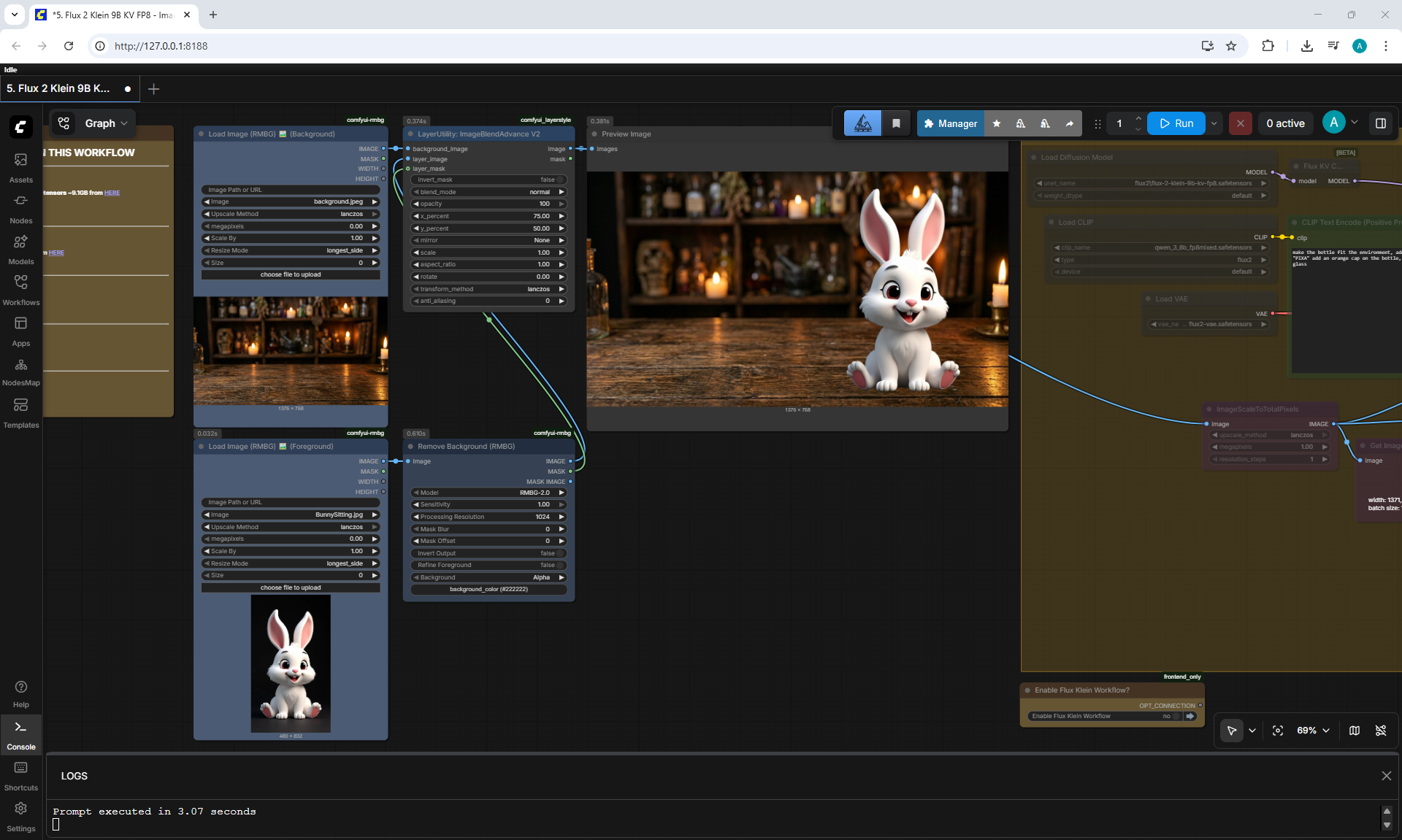
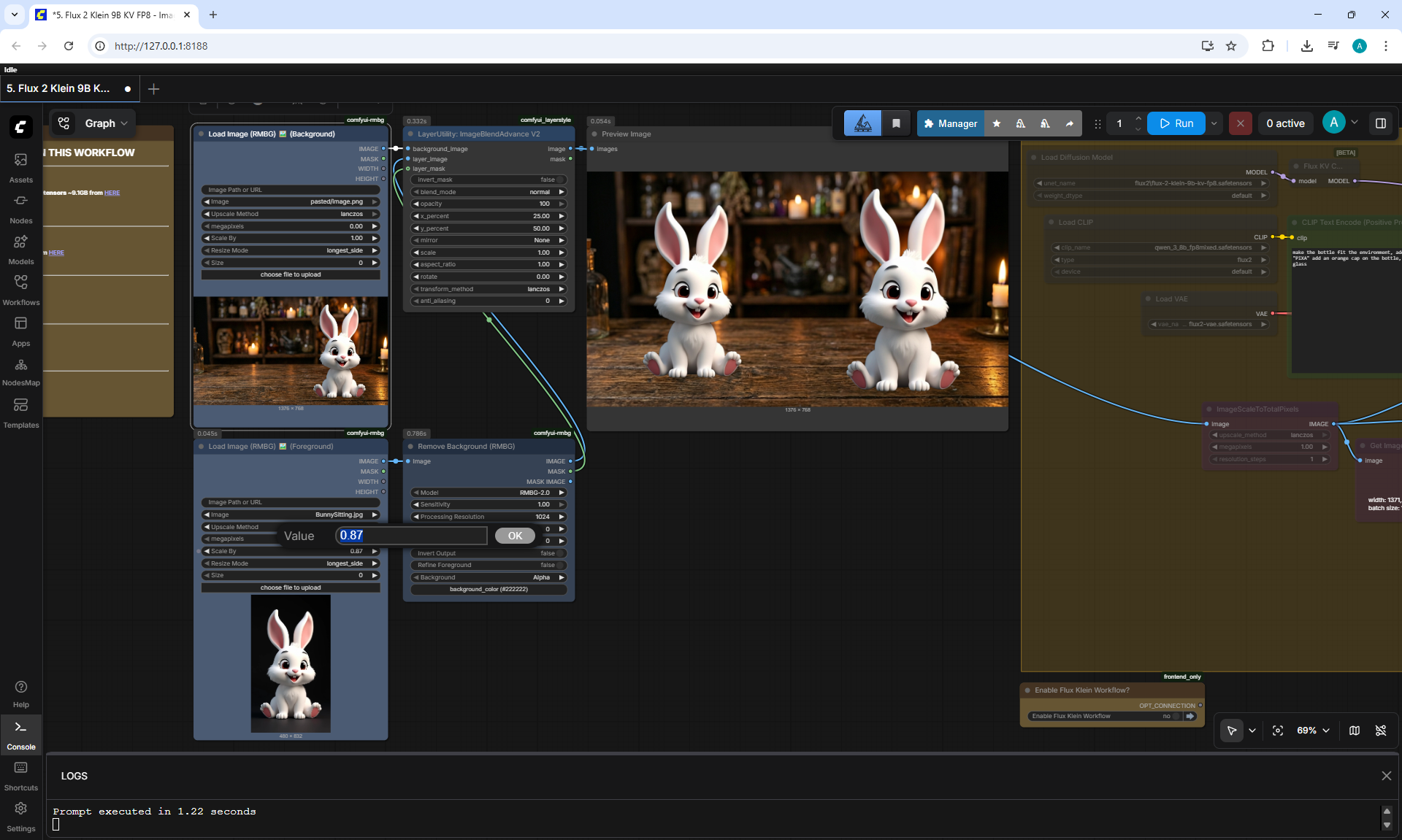
(Ep08) ComfyUI for Image Manipulation: Remove BG, Combine Images, Adjust Colors
























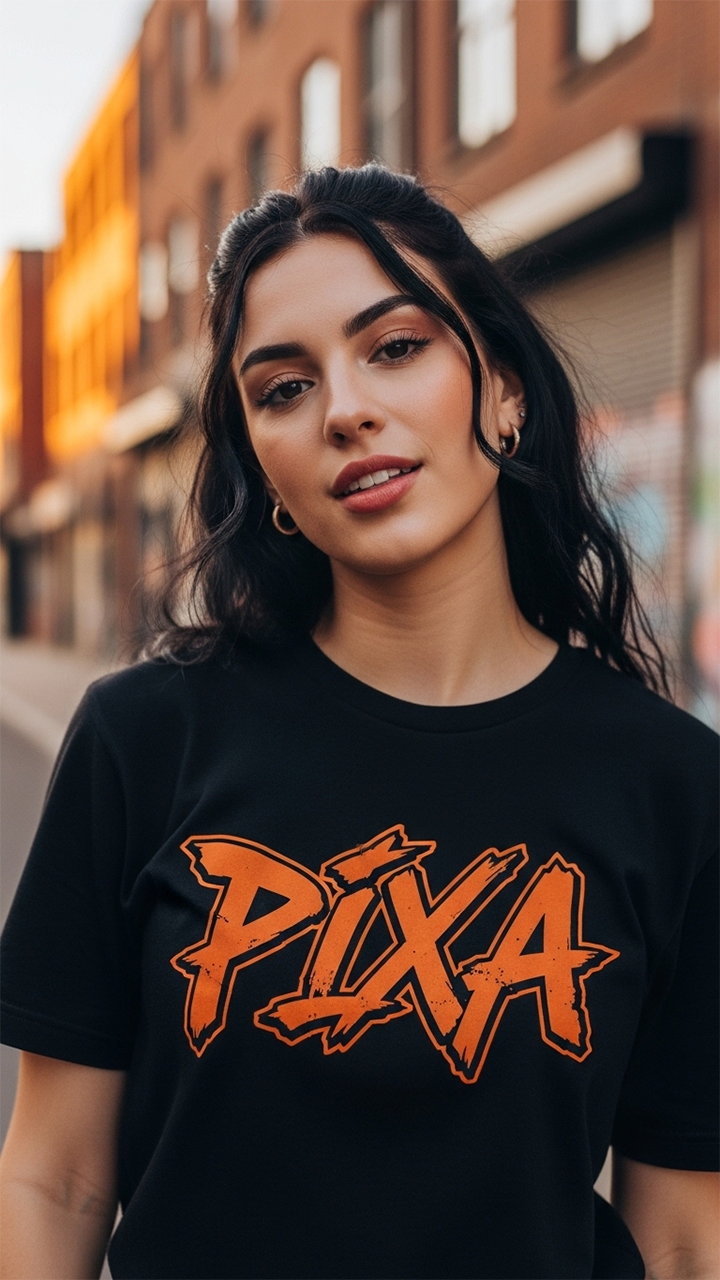
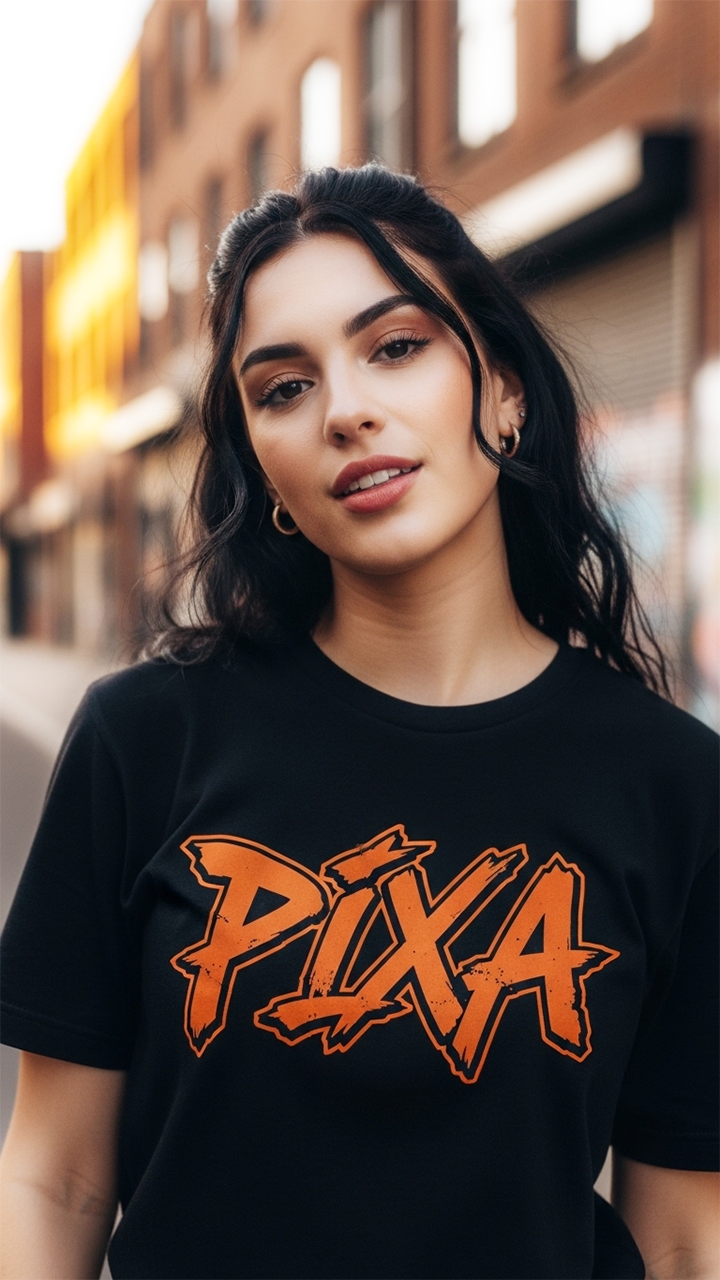

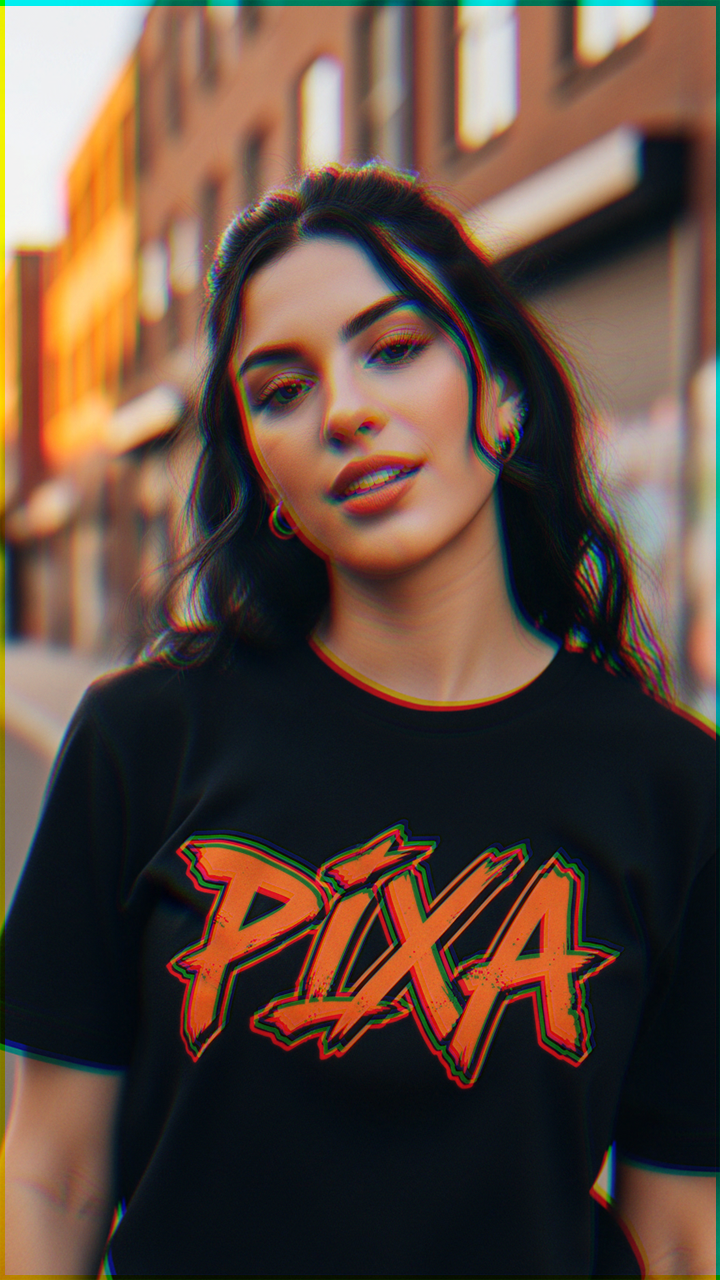

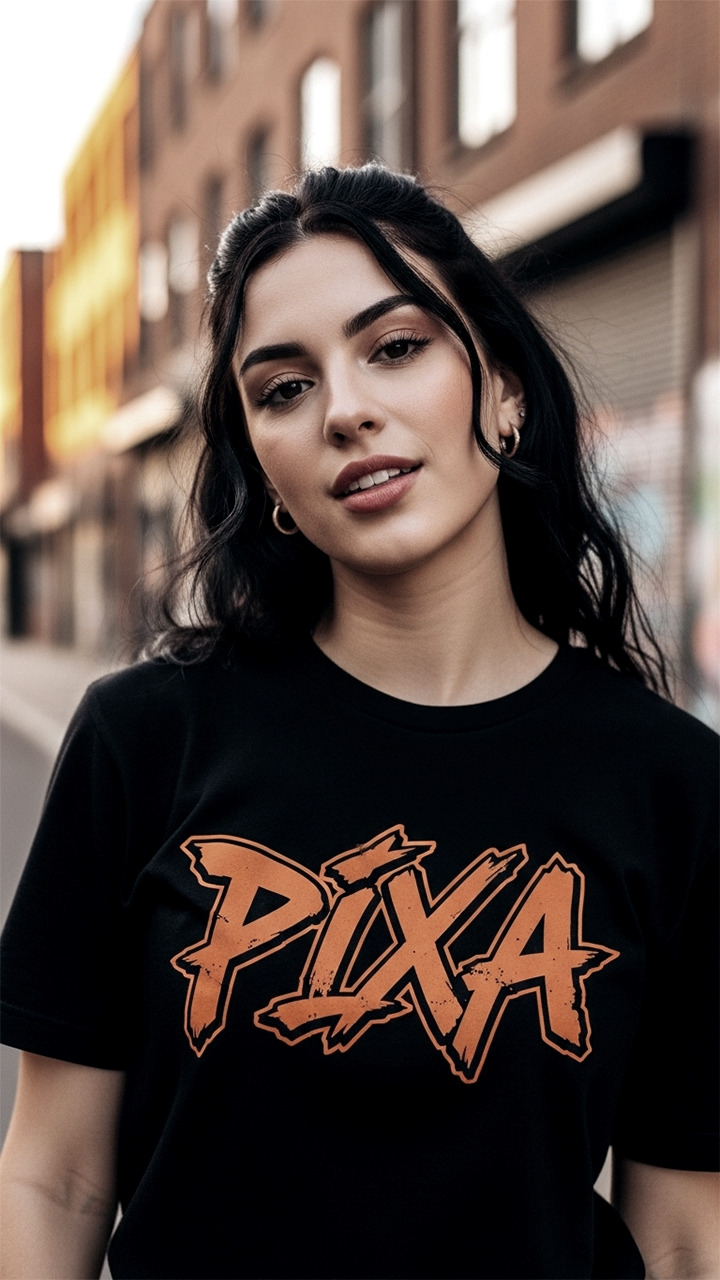











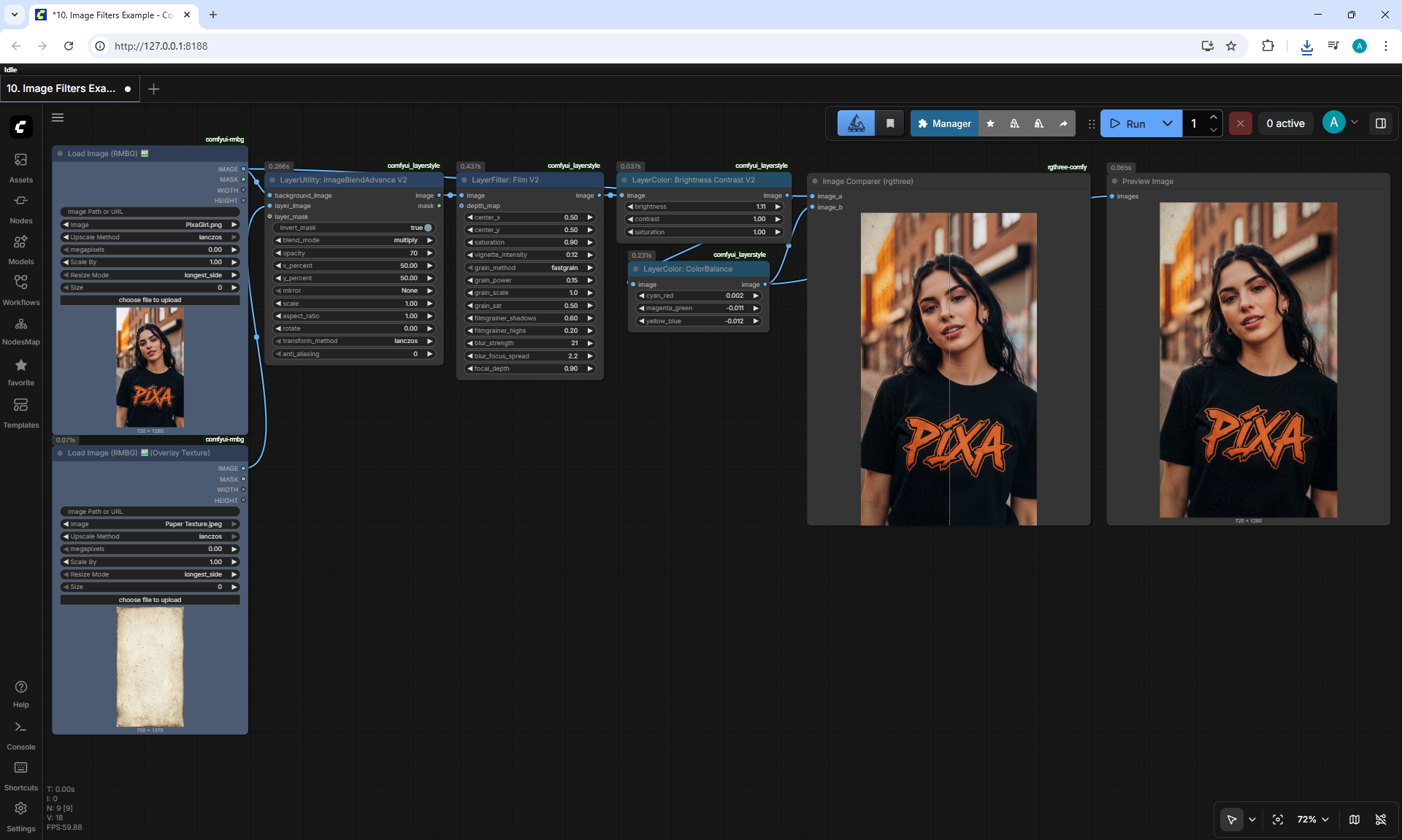
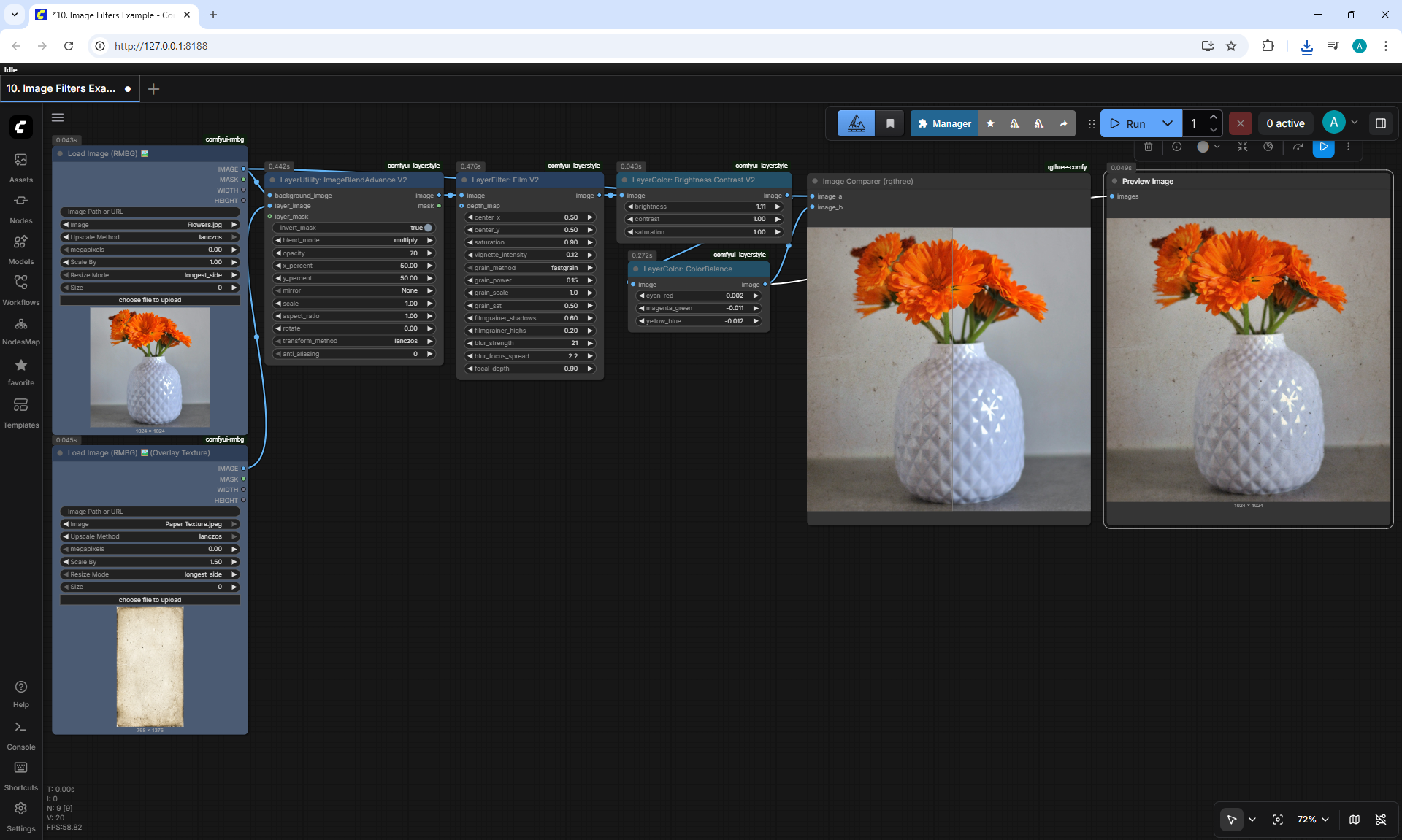
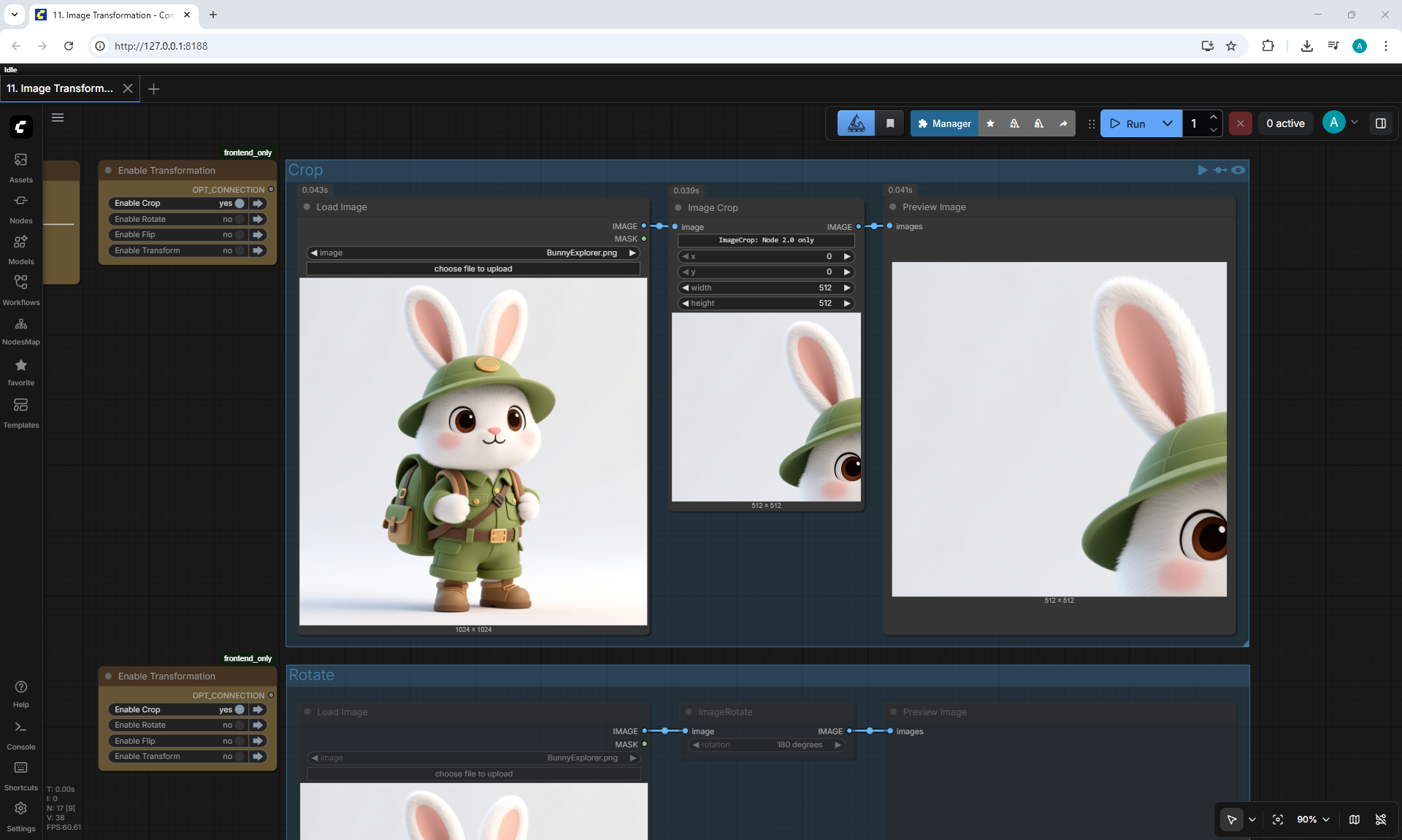
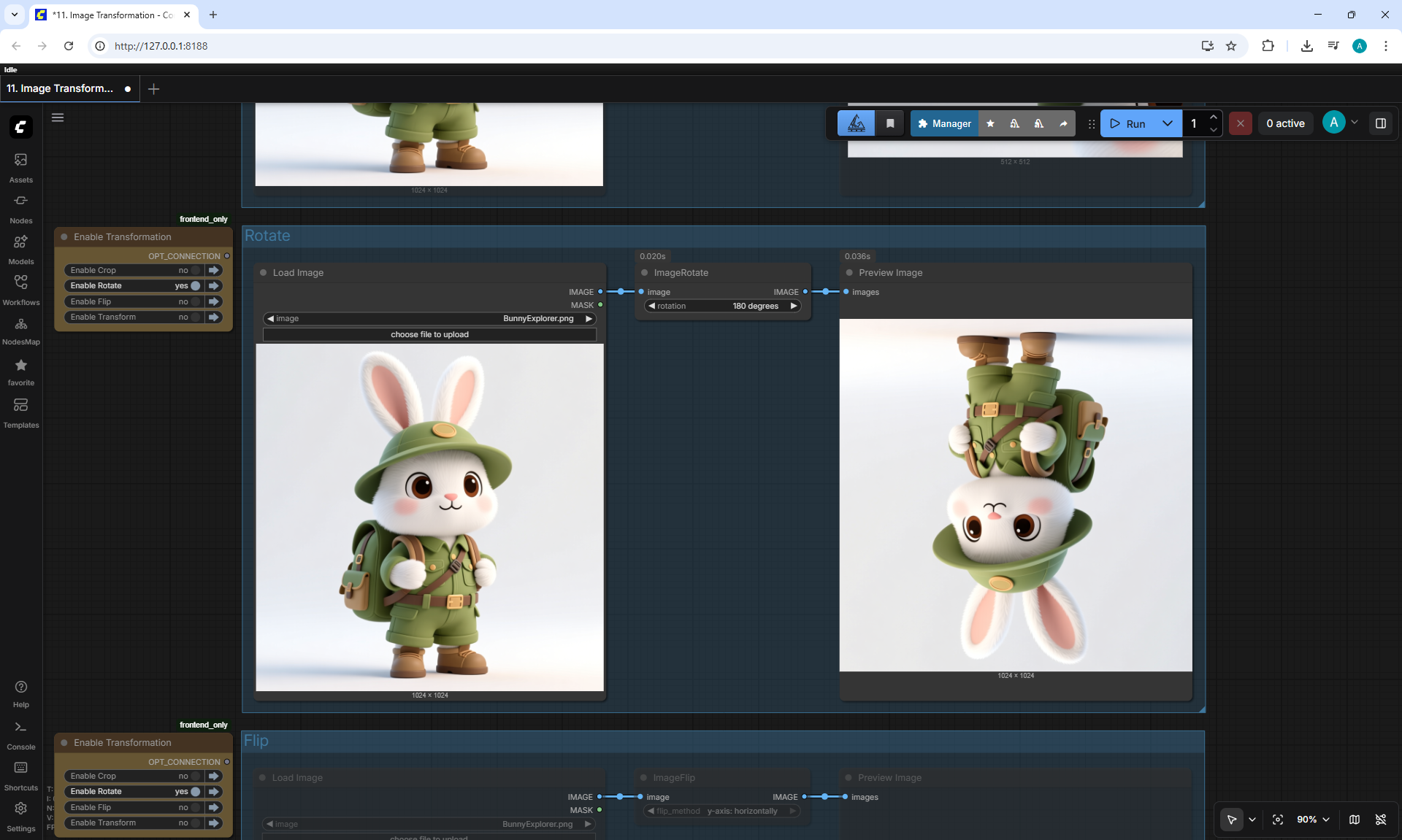
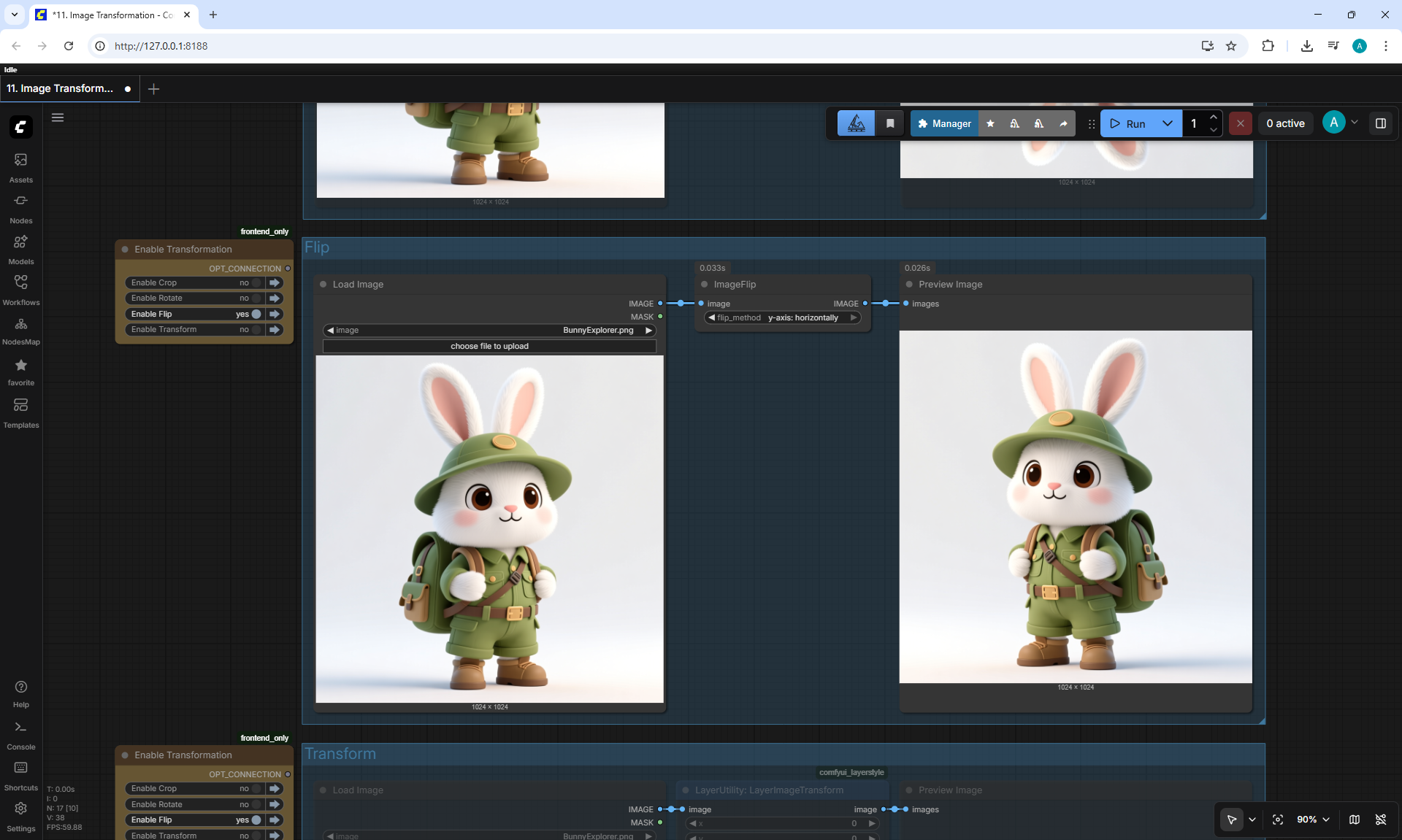
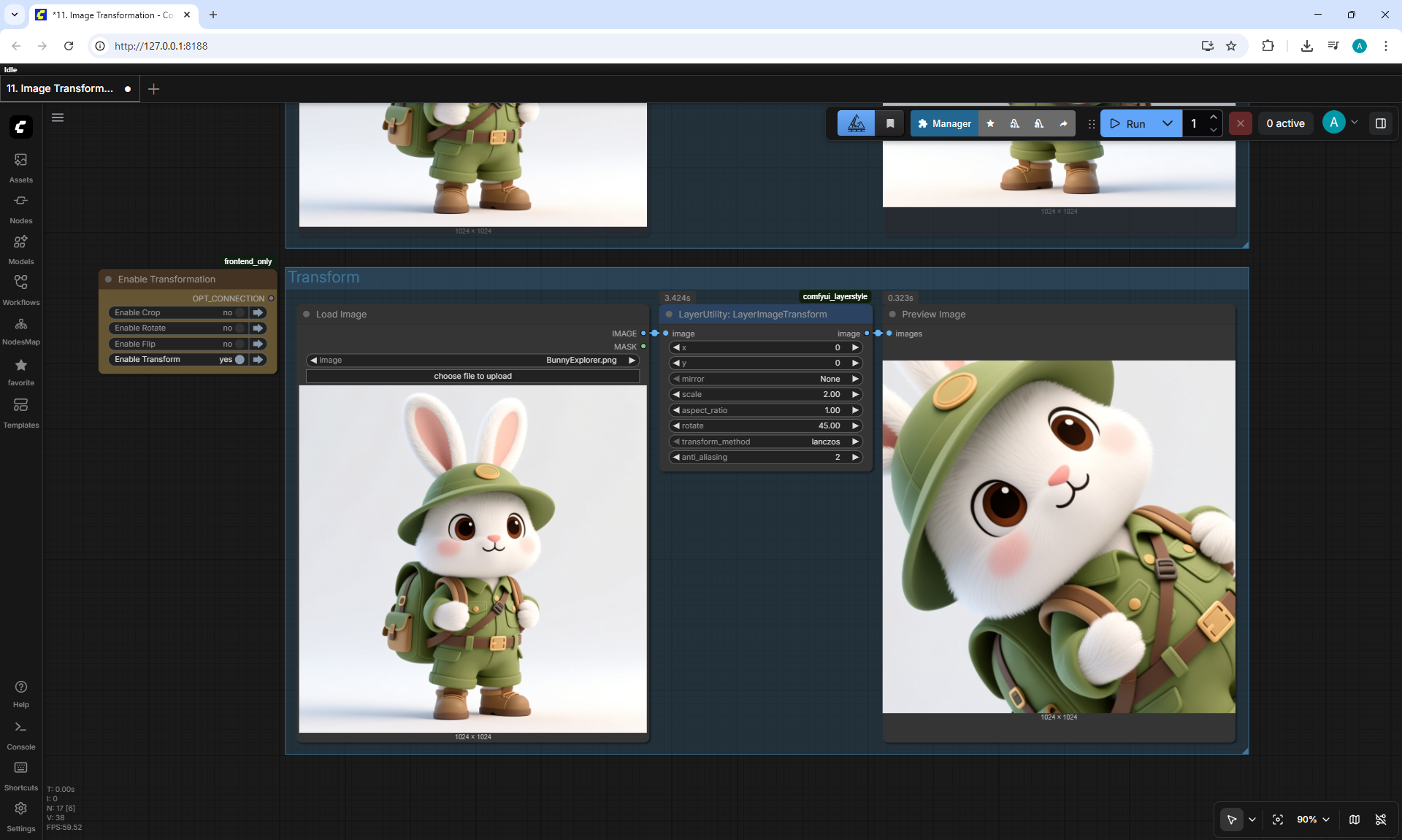
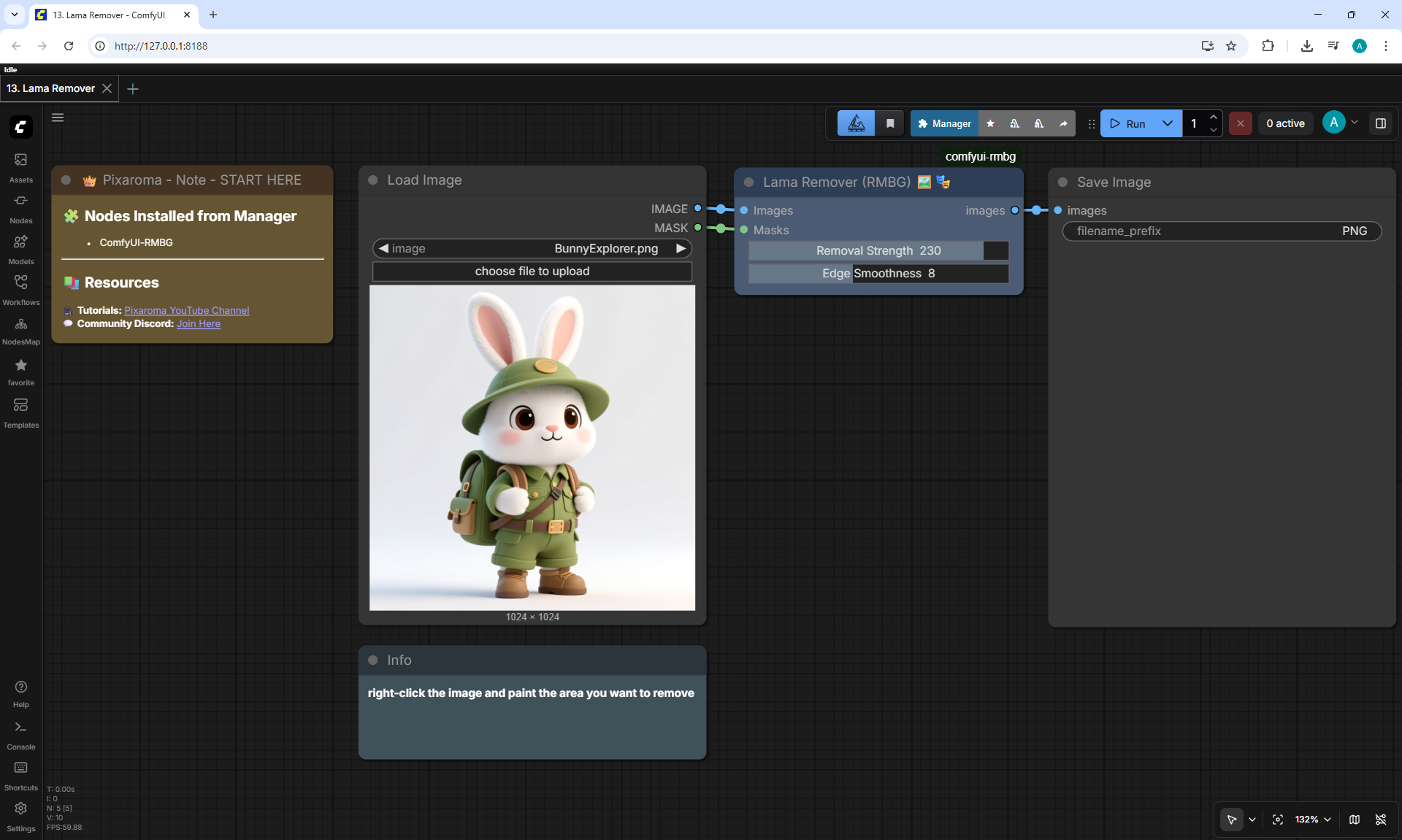
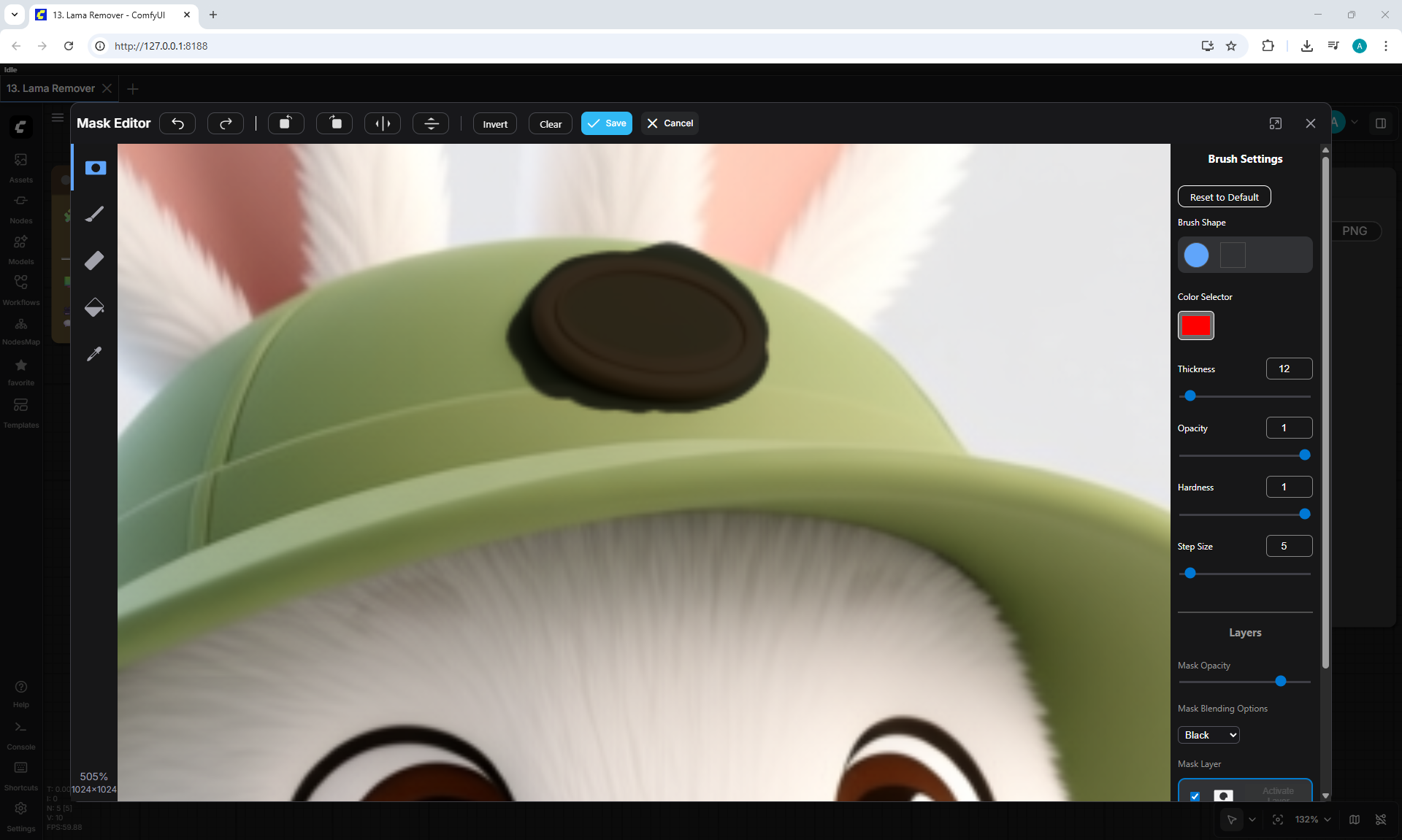
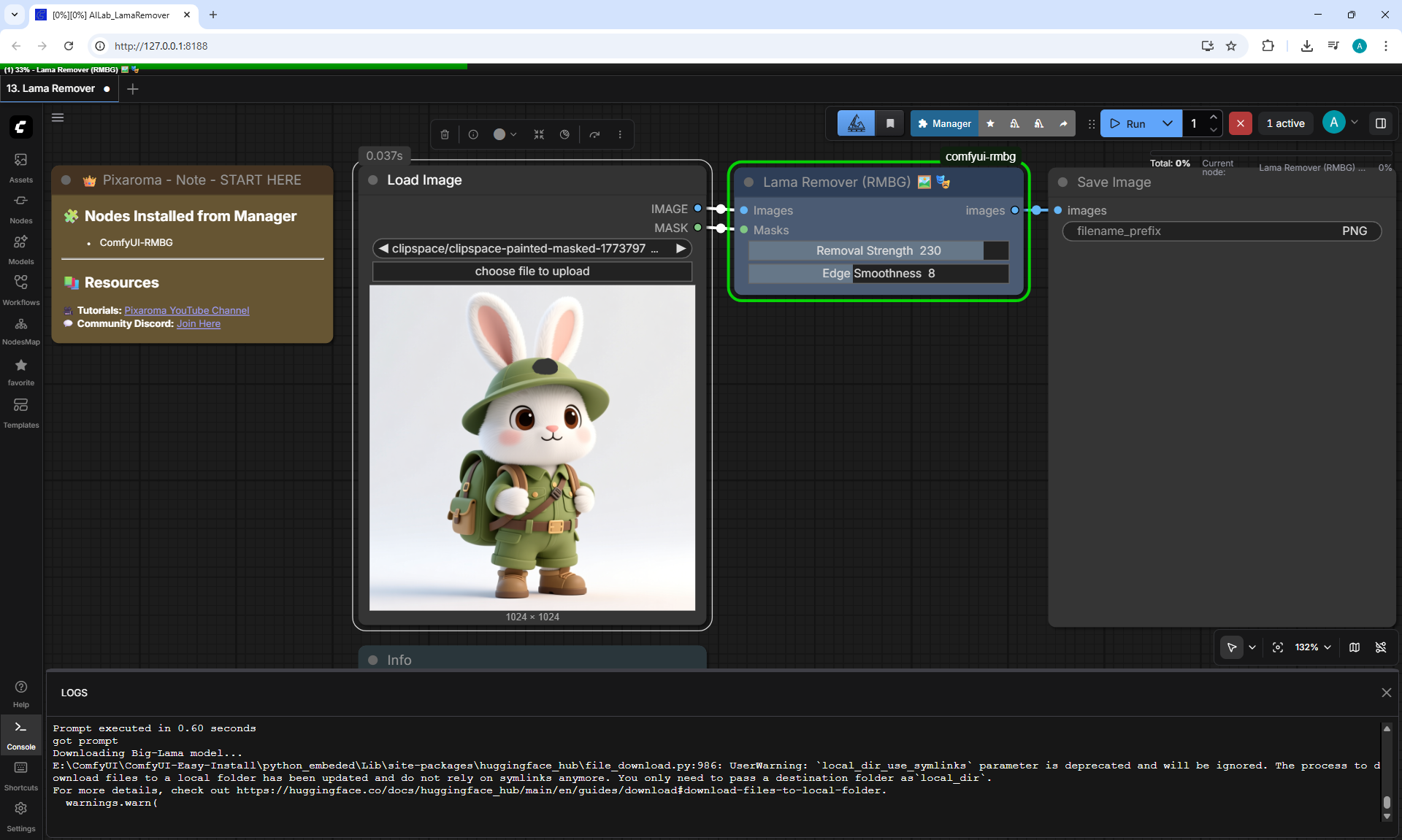
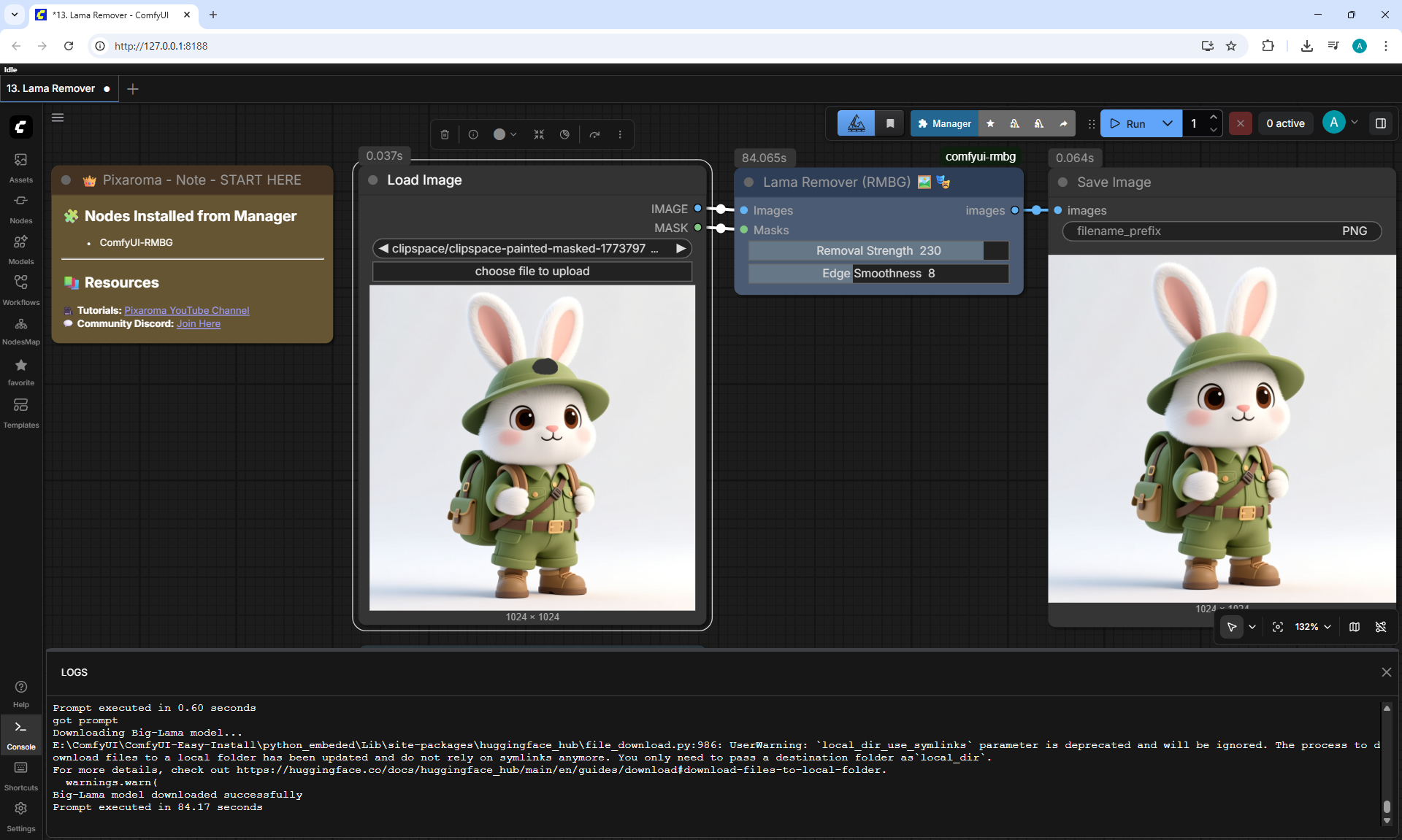
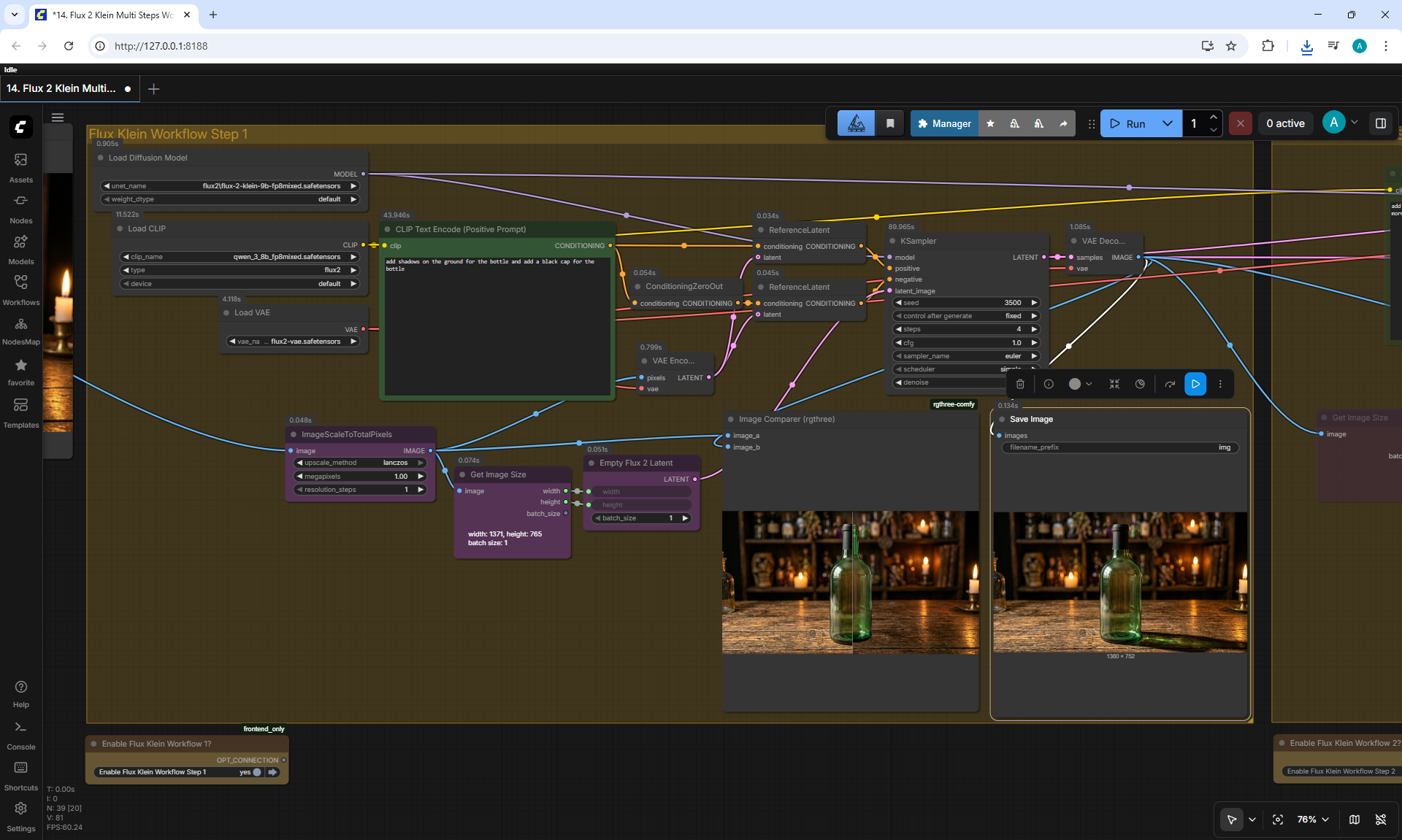
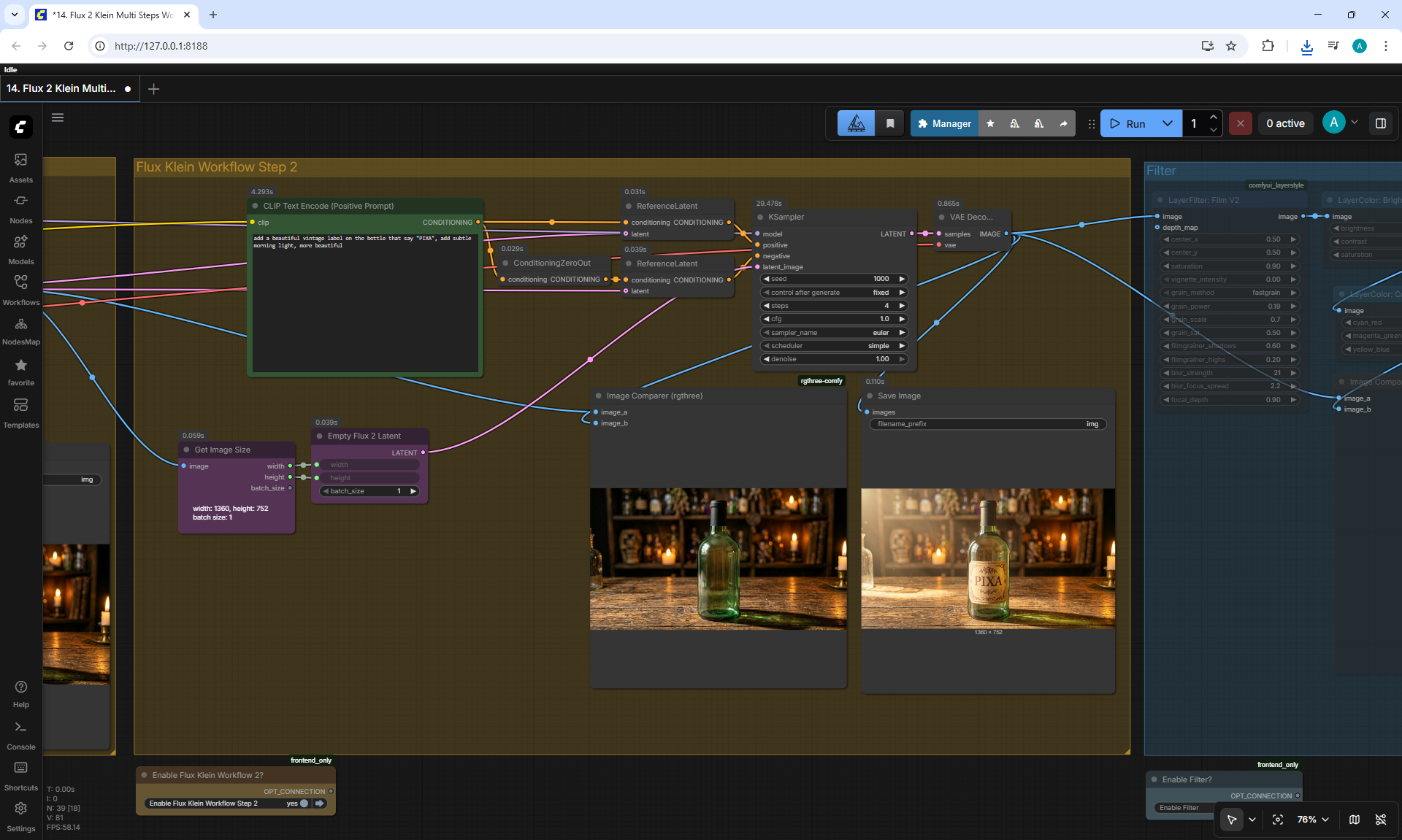
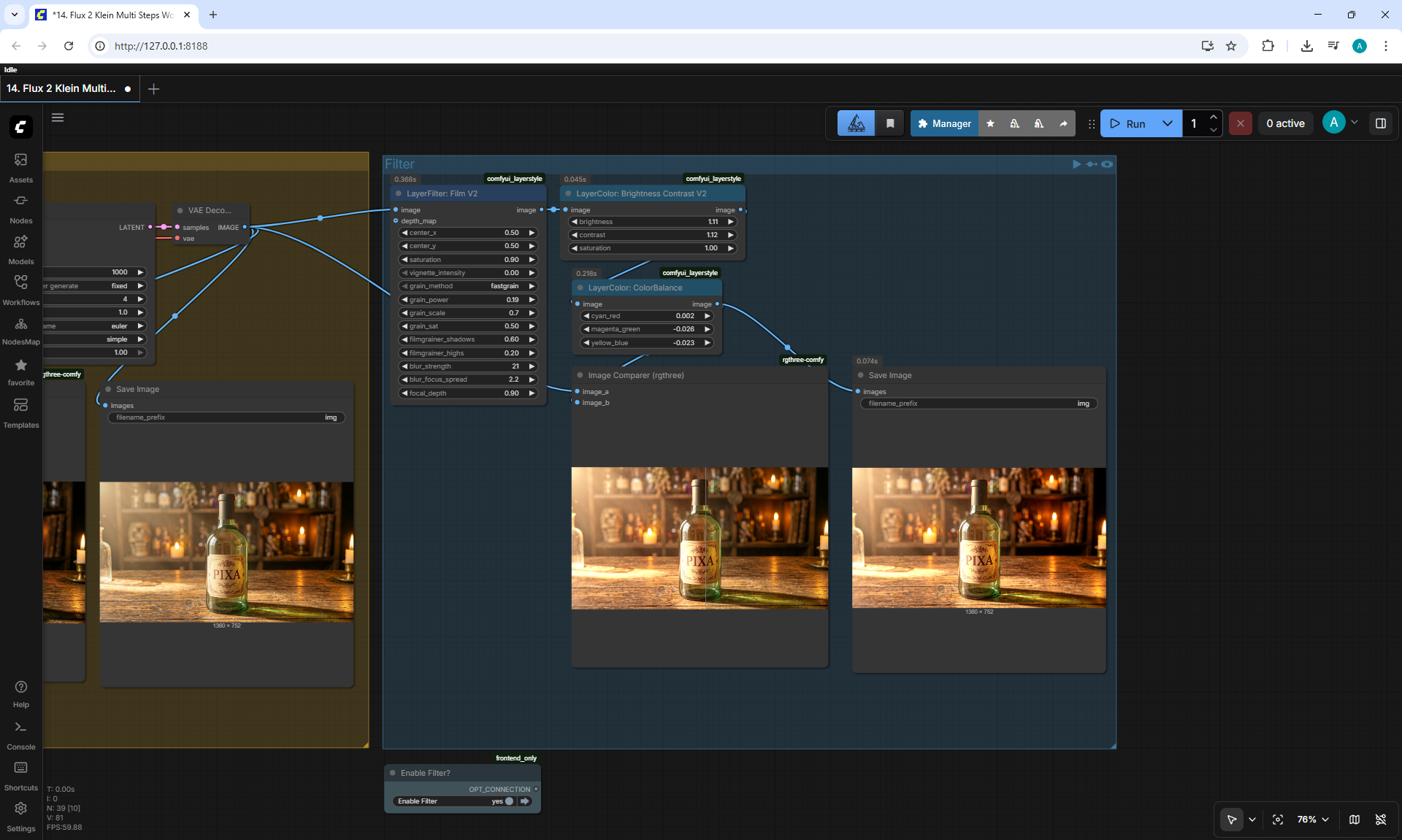
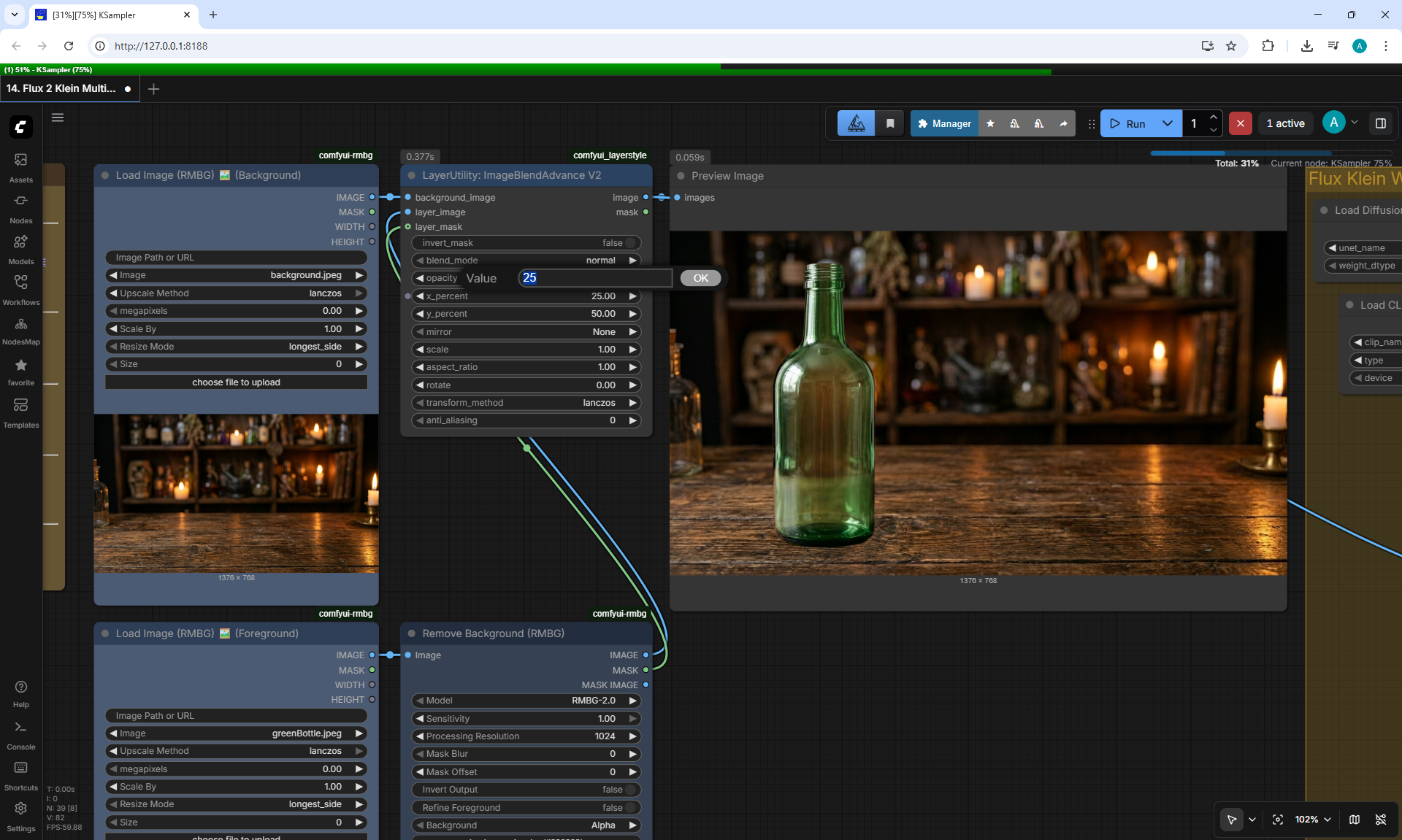
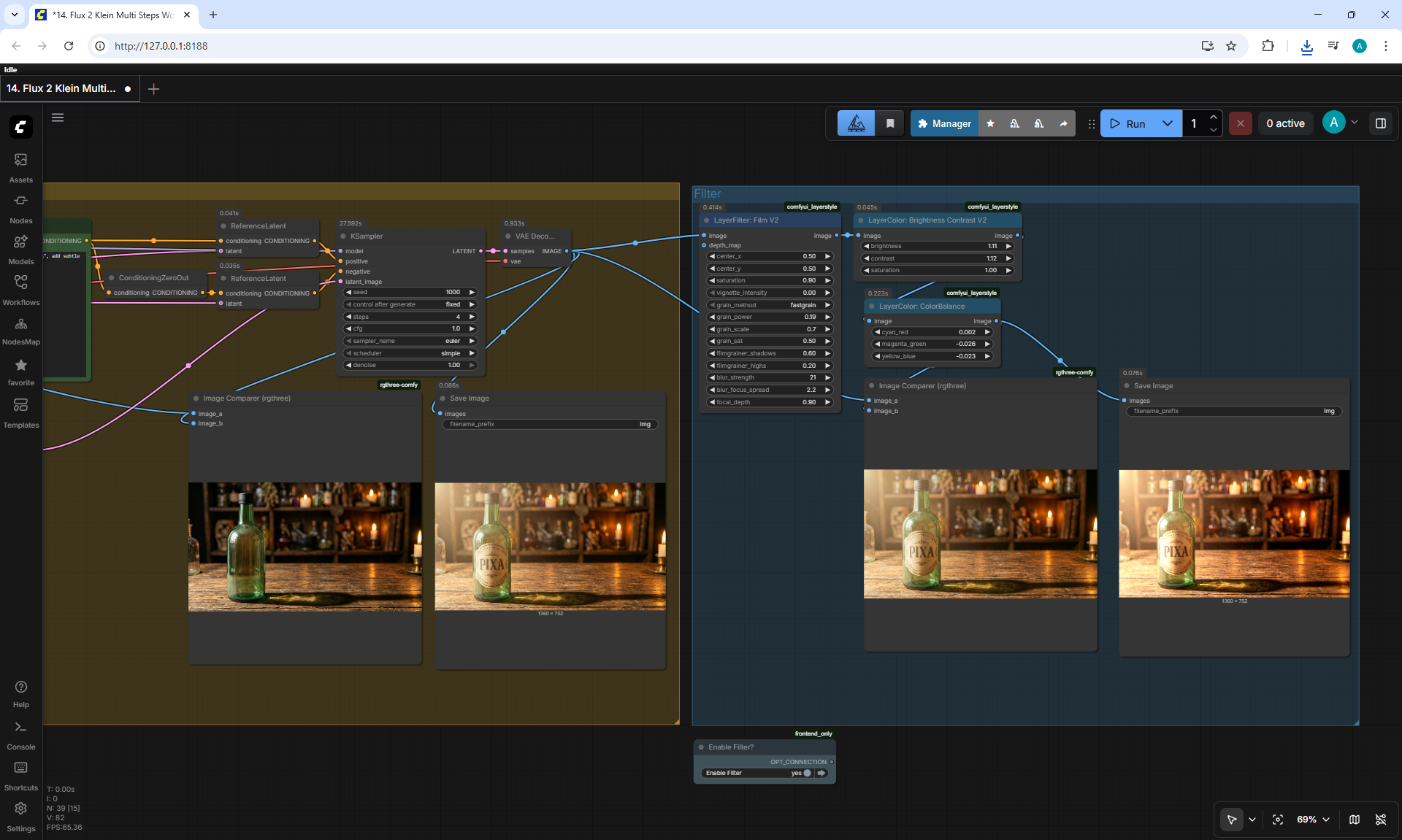
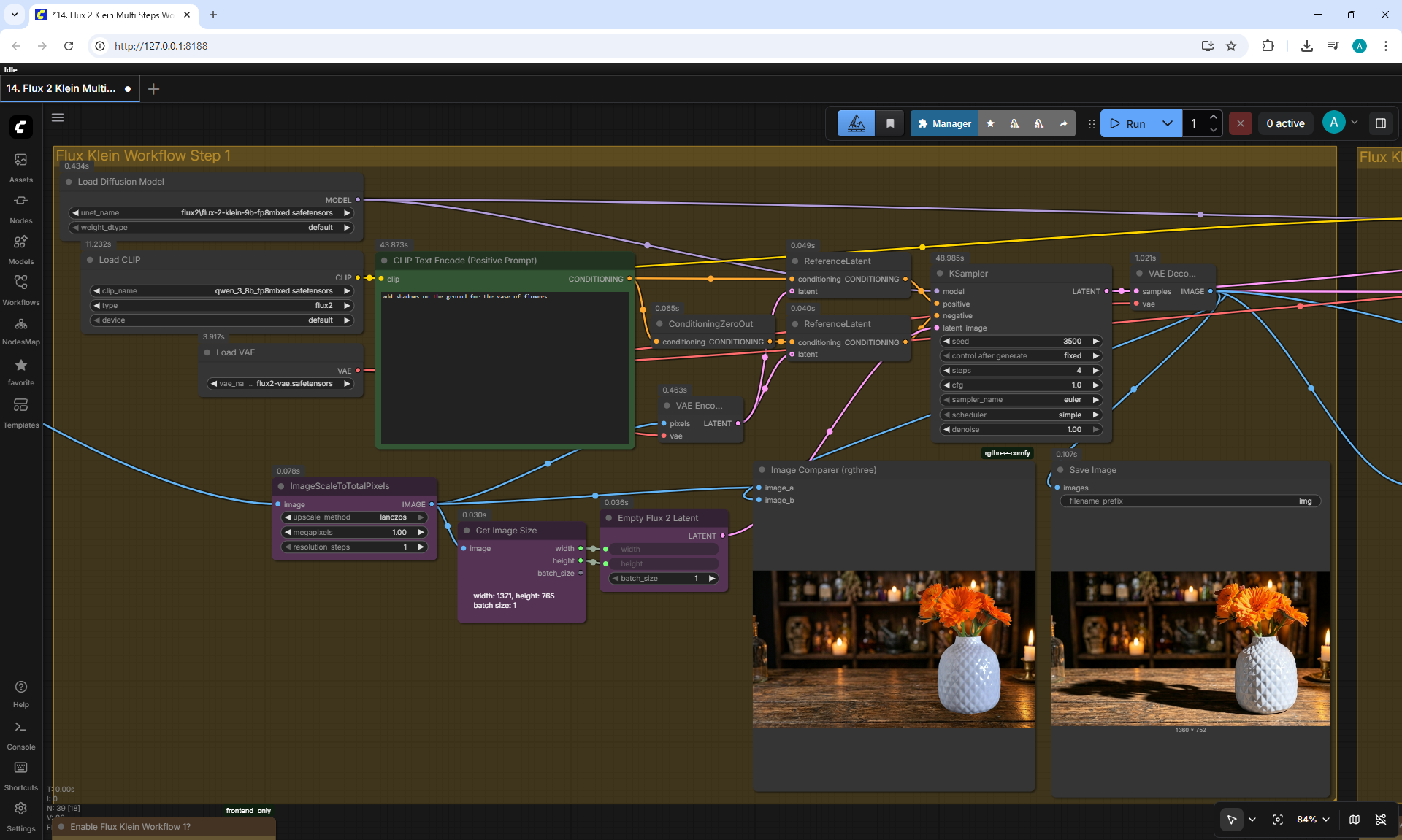
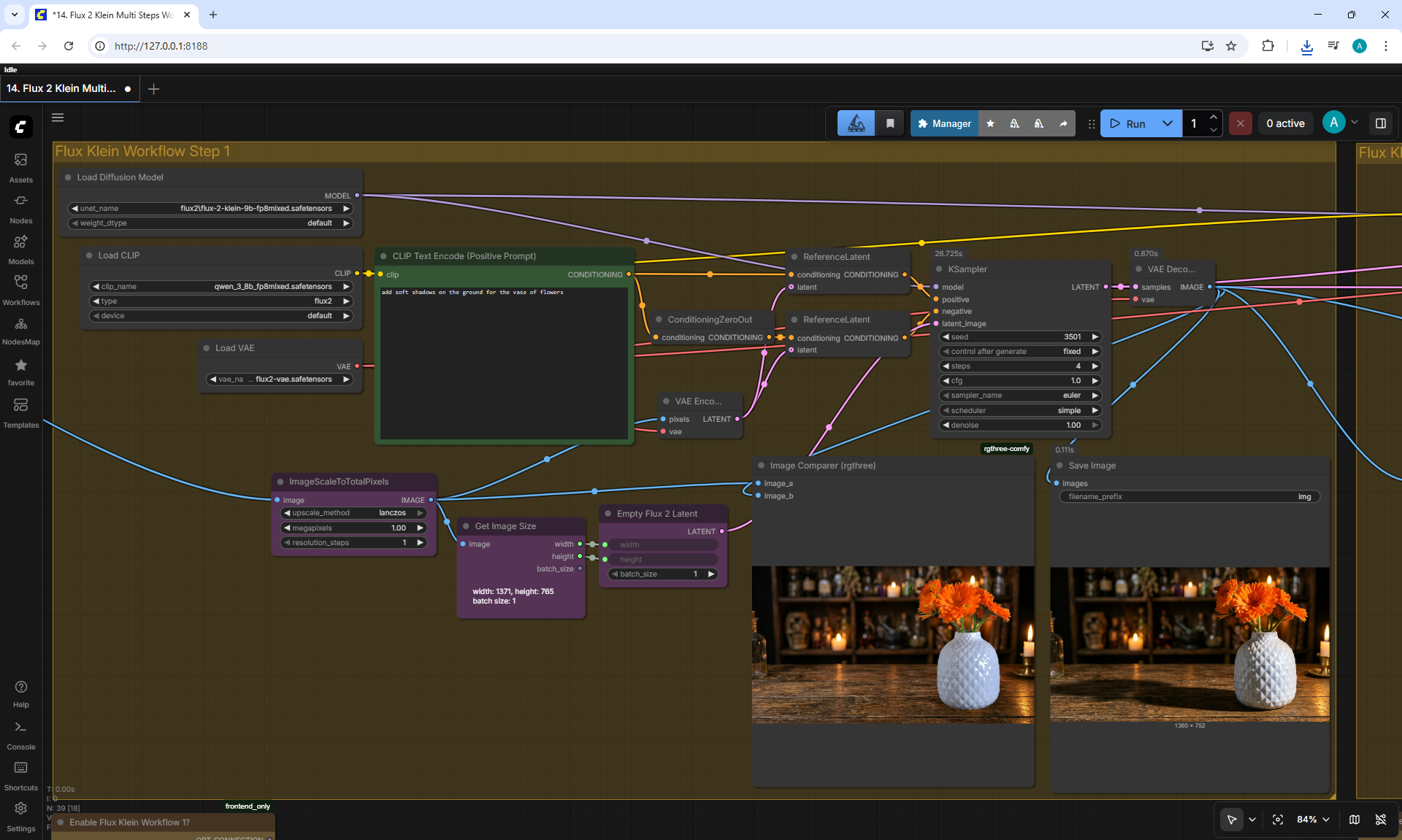
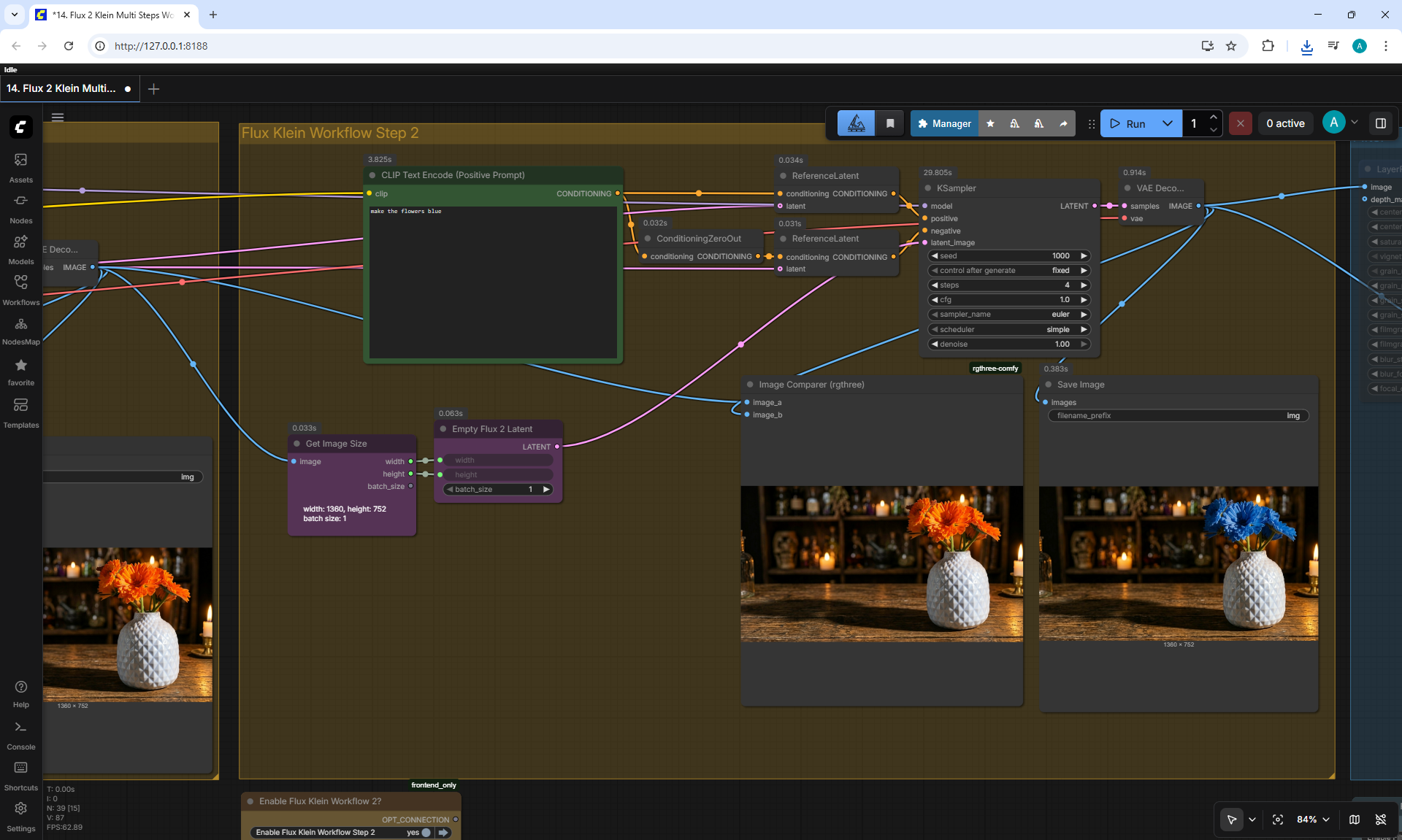
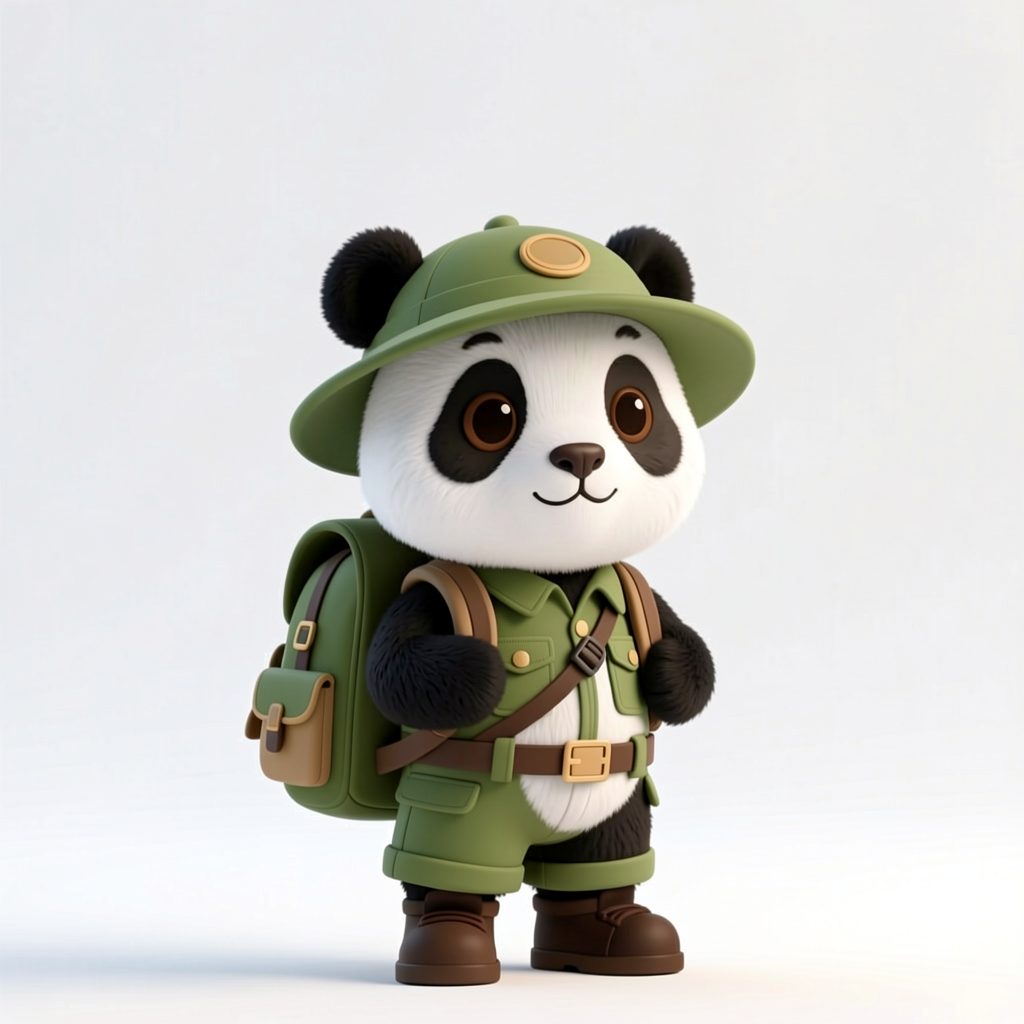
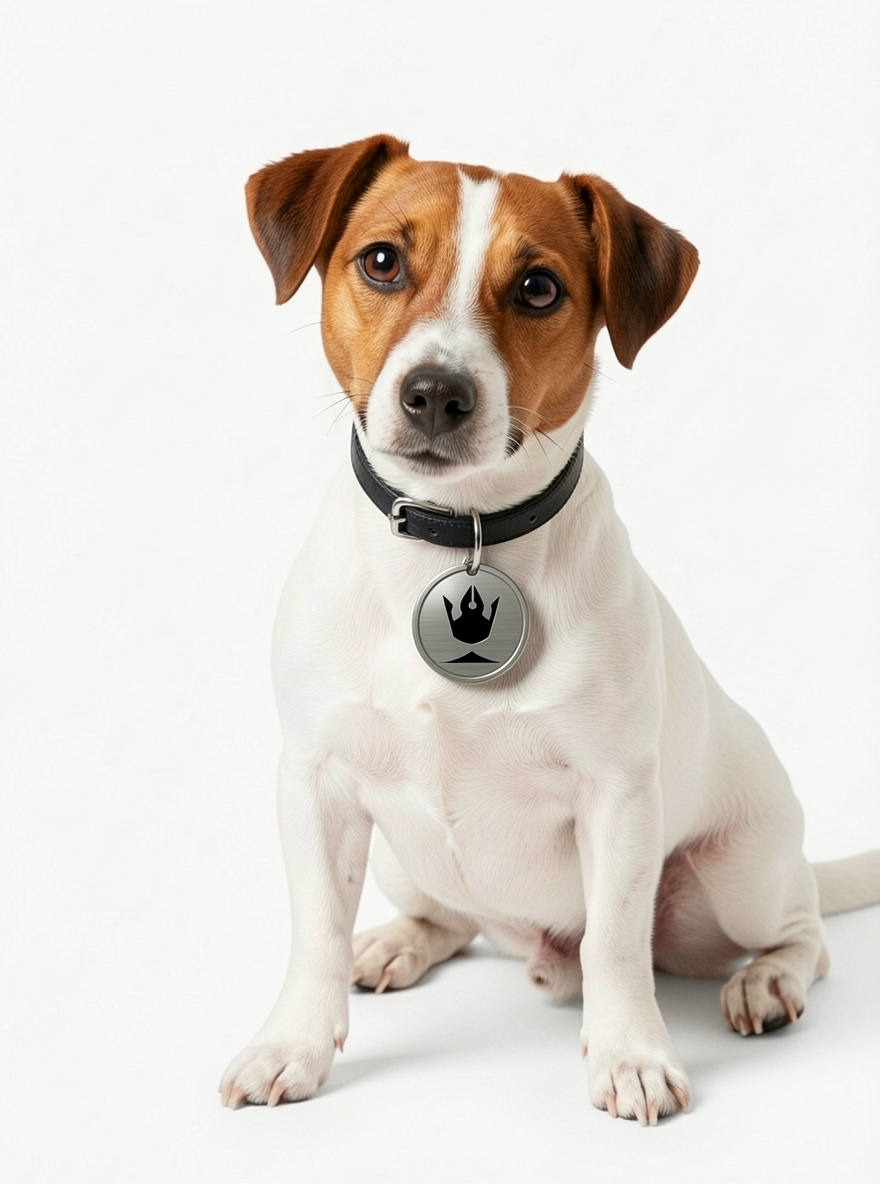
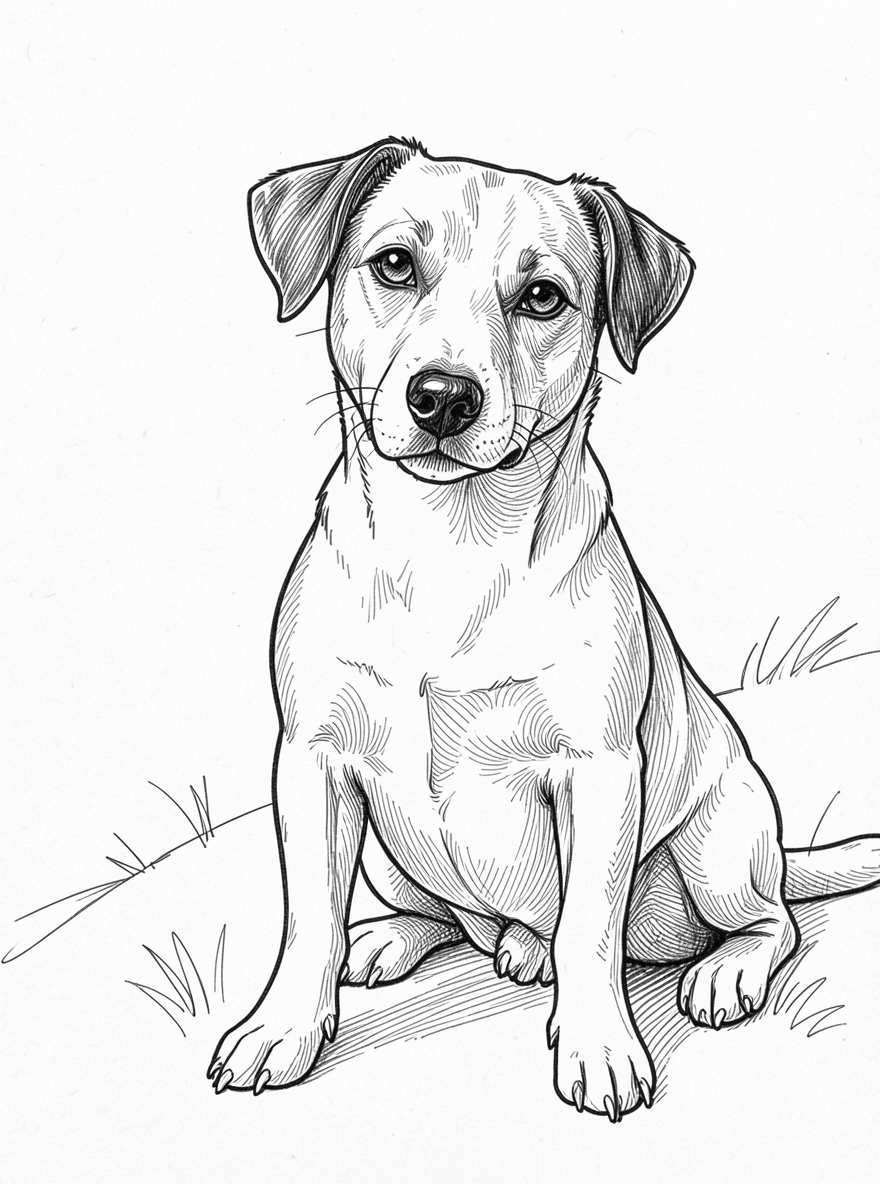
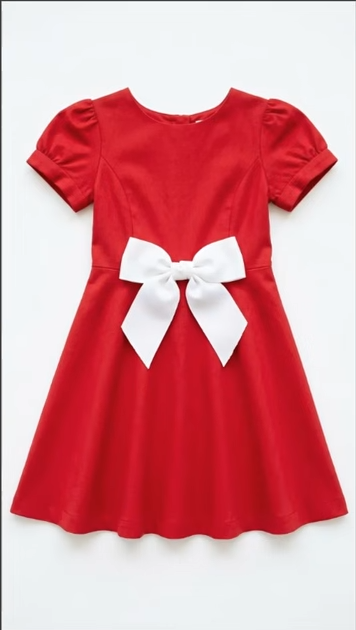
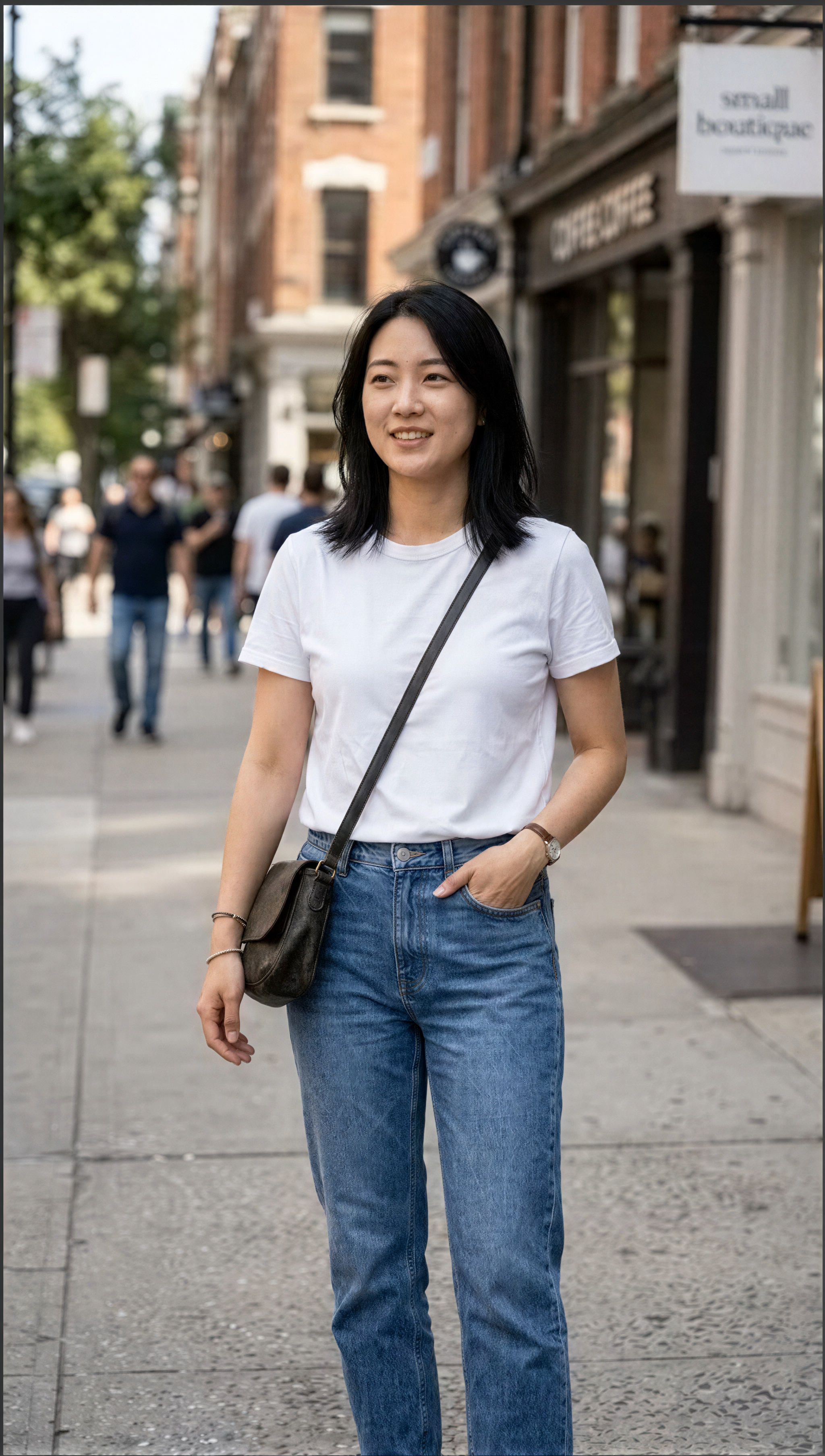
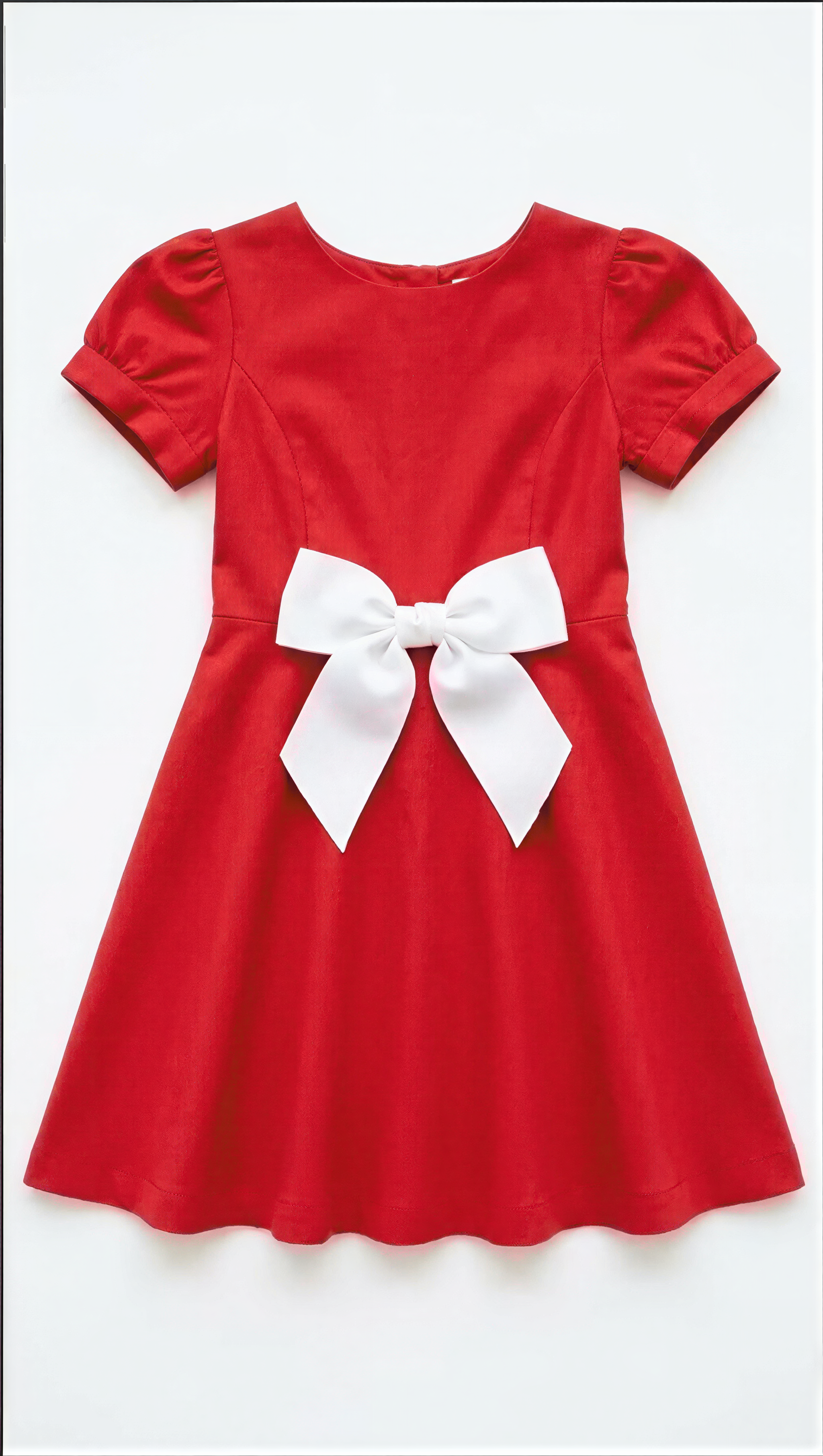
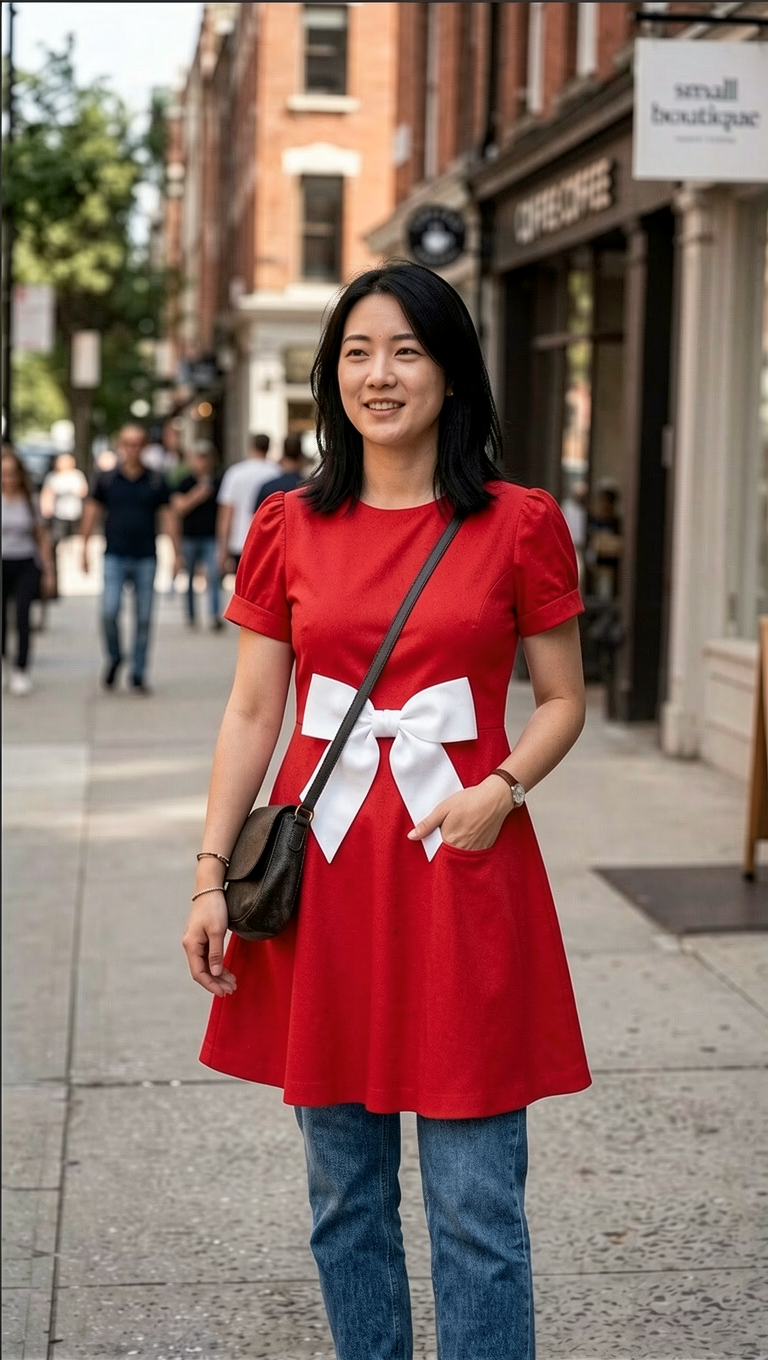
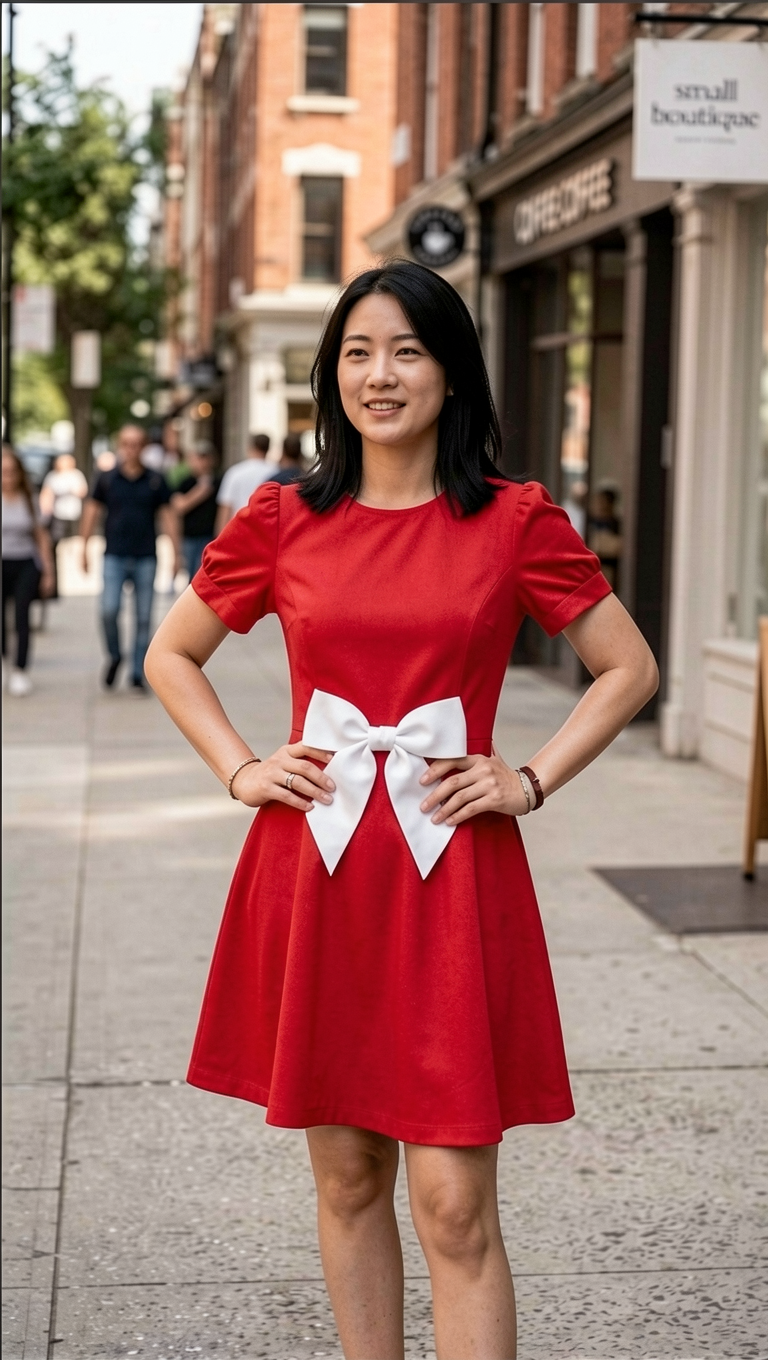
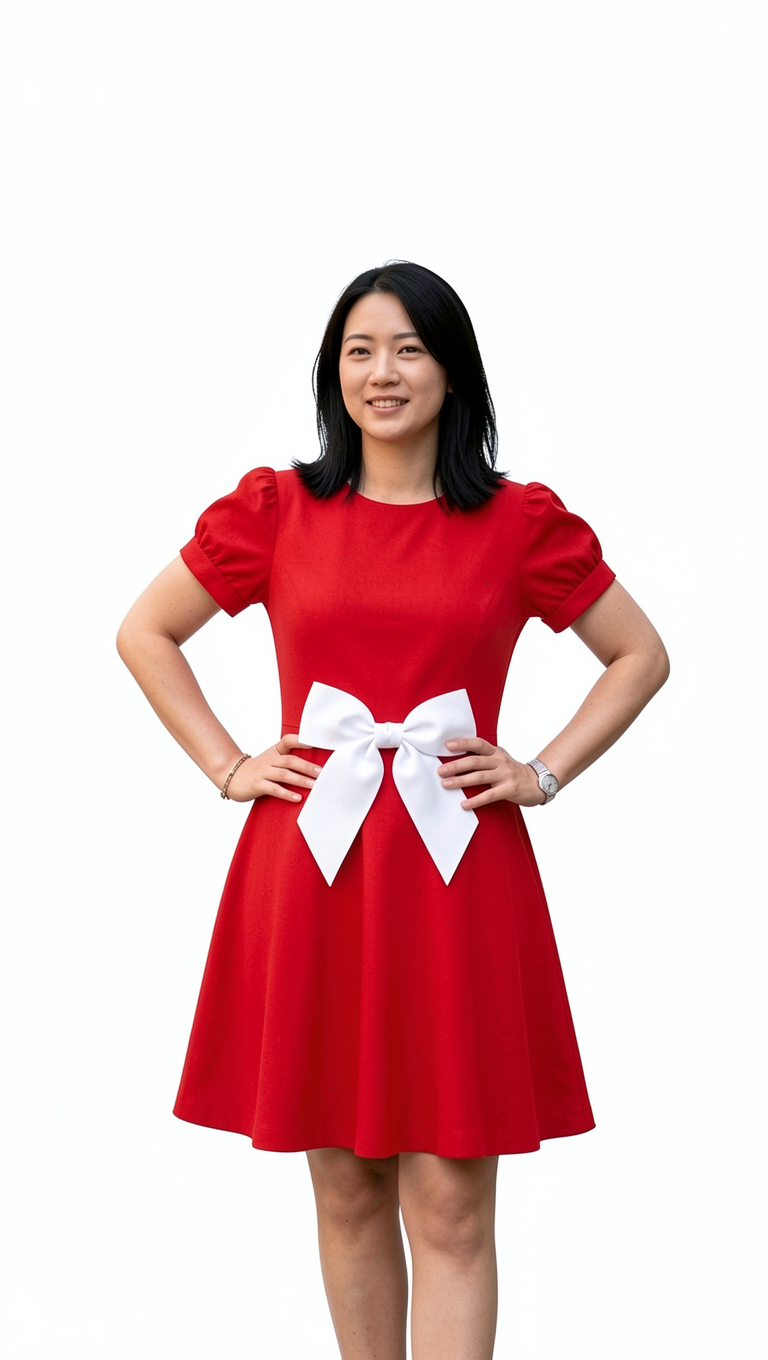
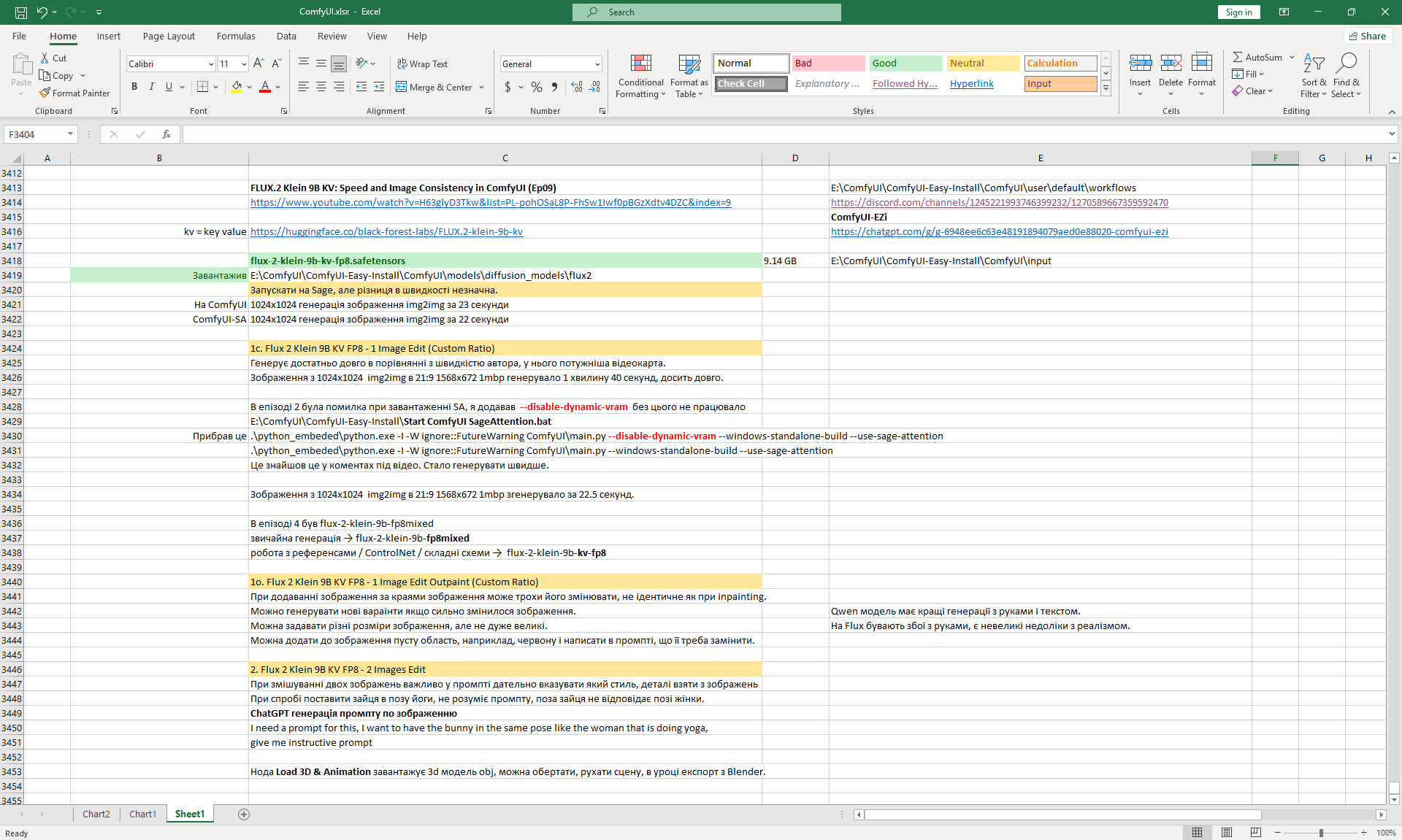
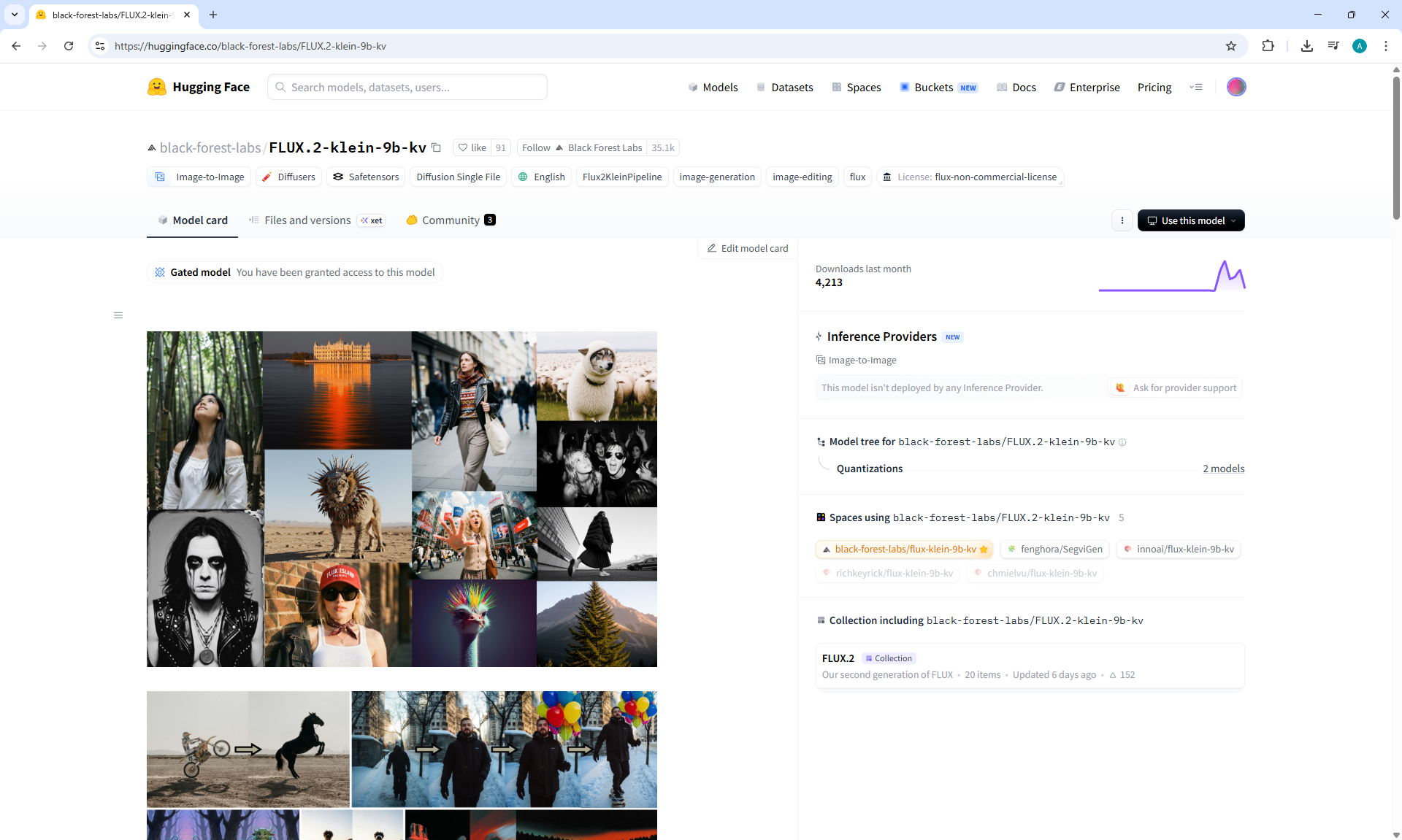
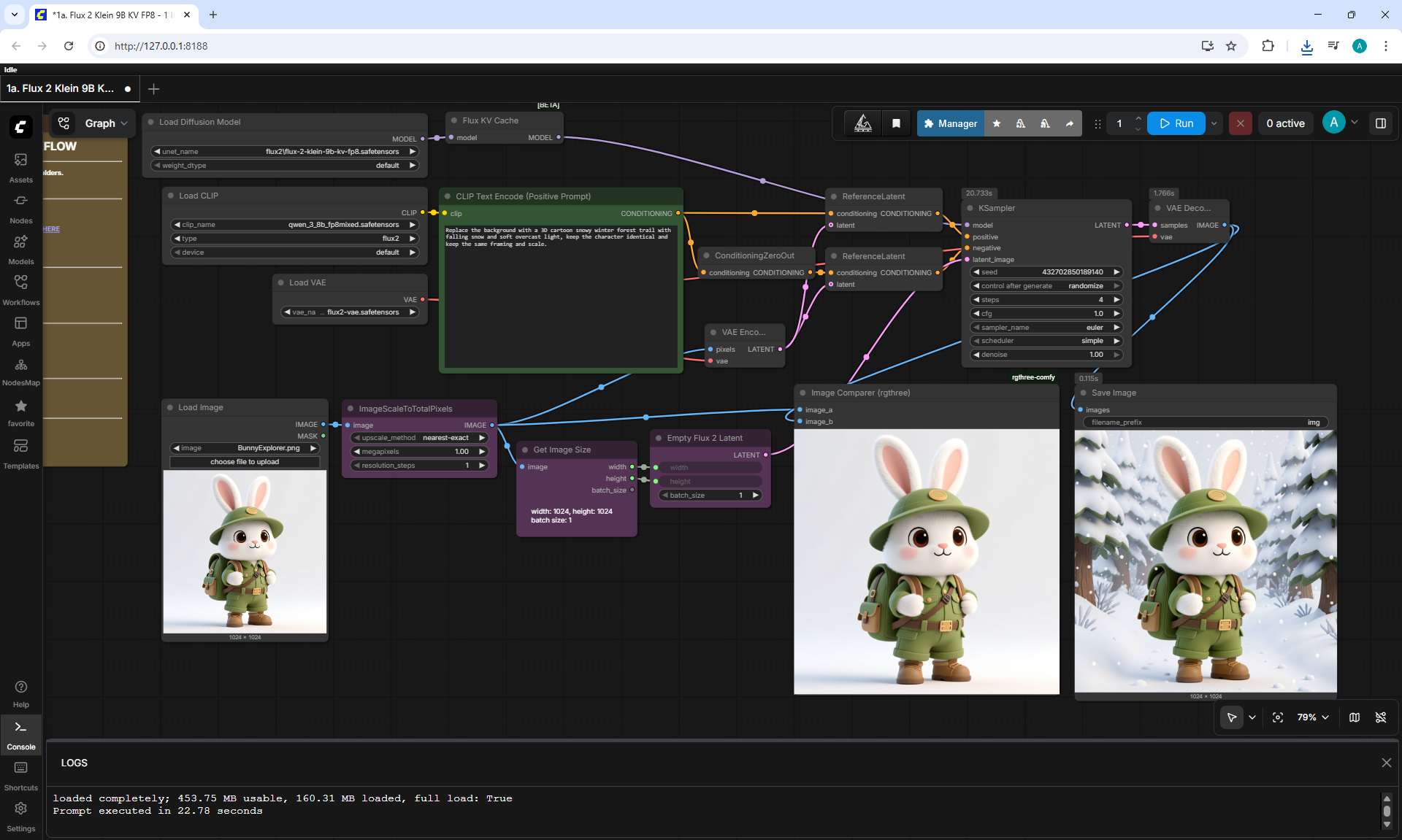
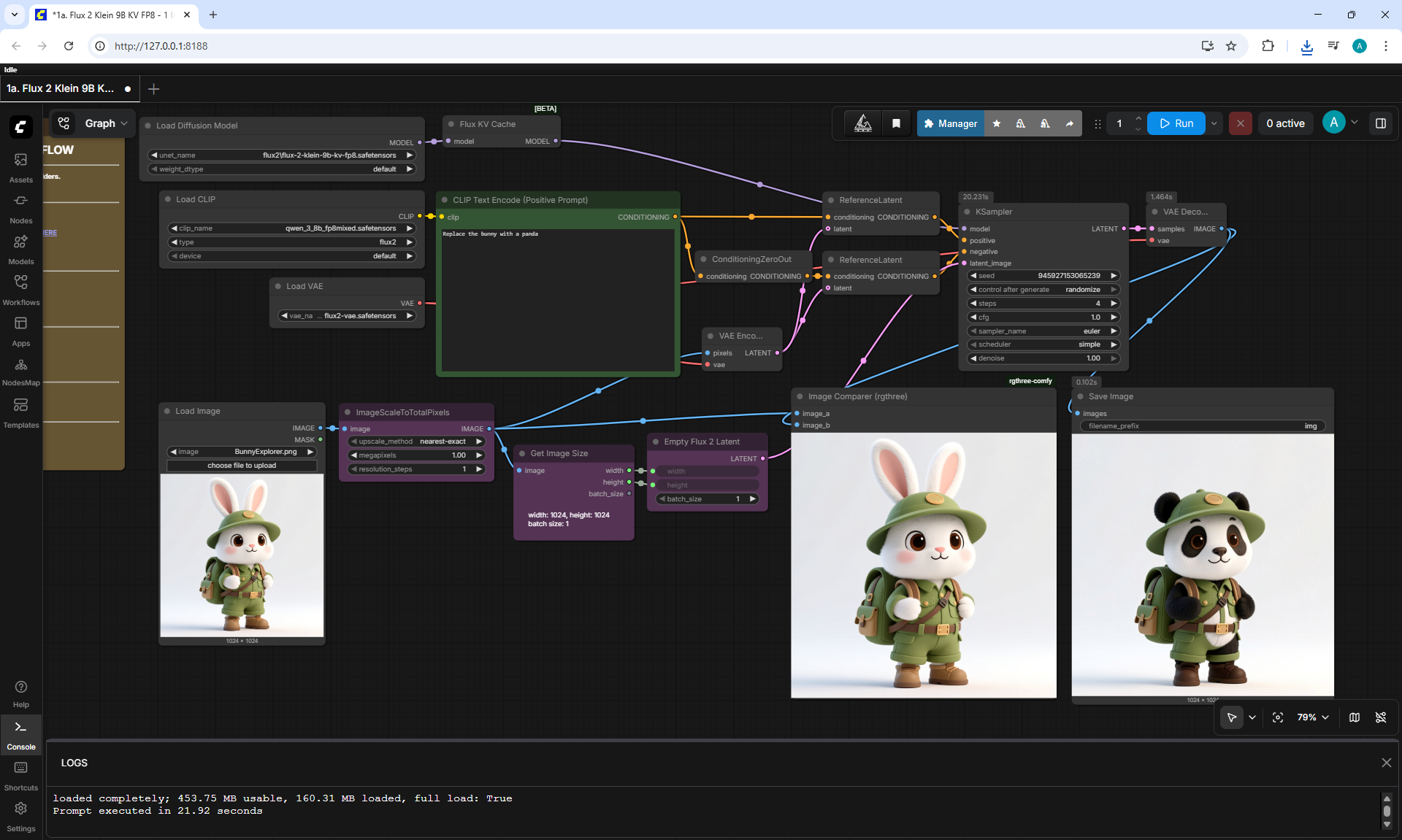
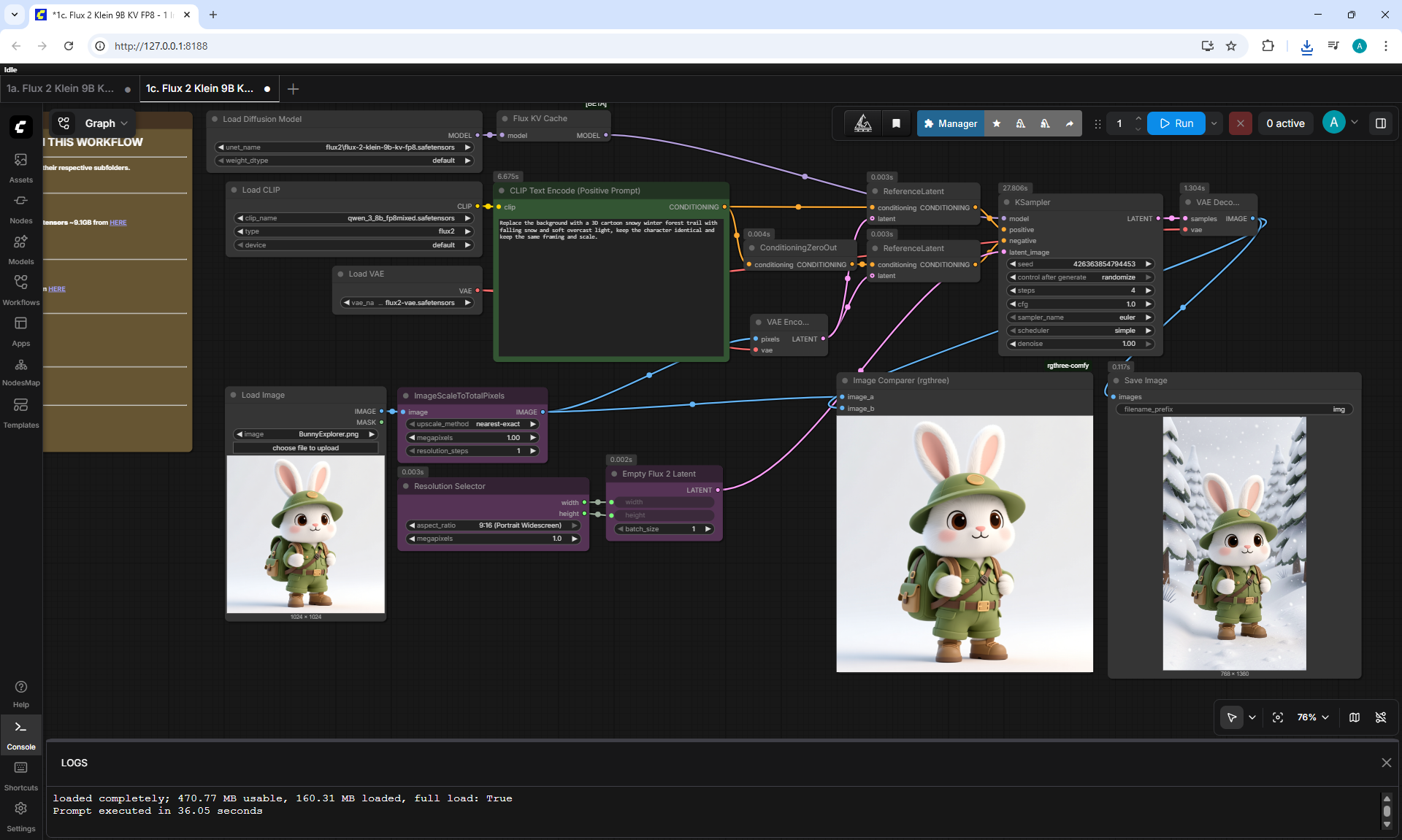
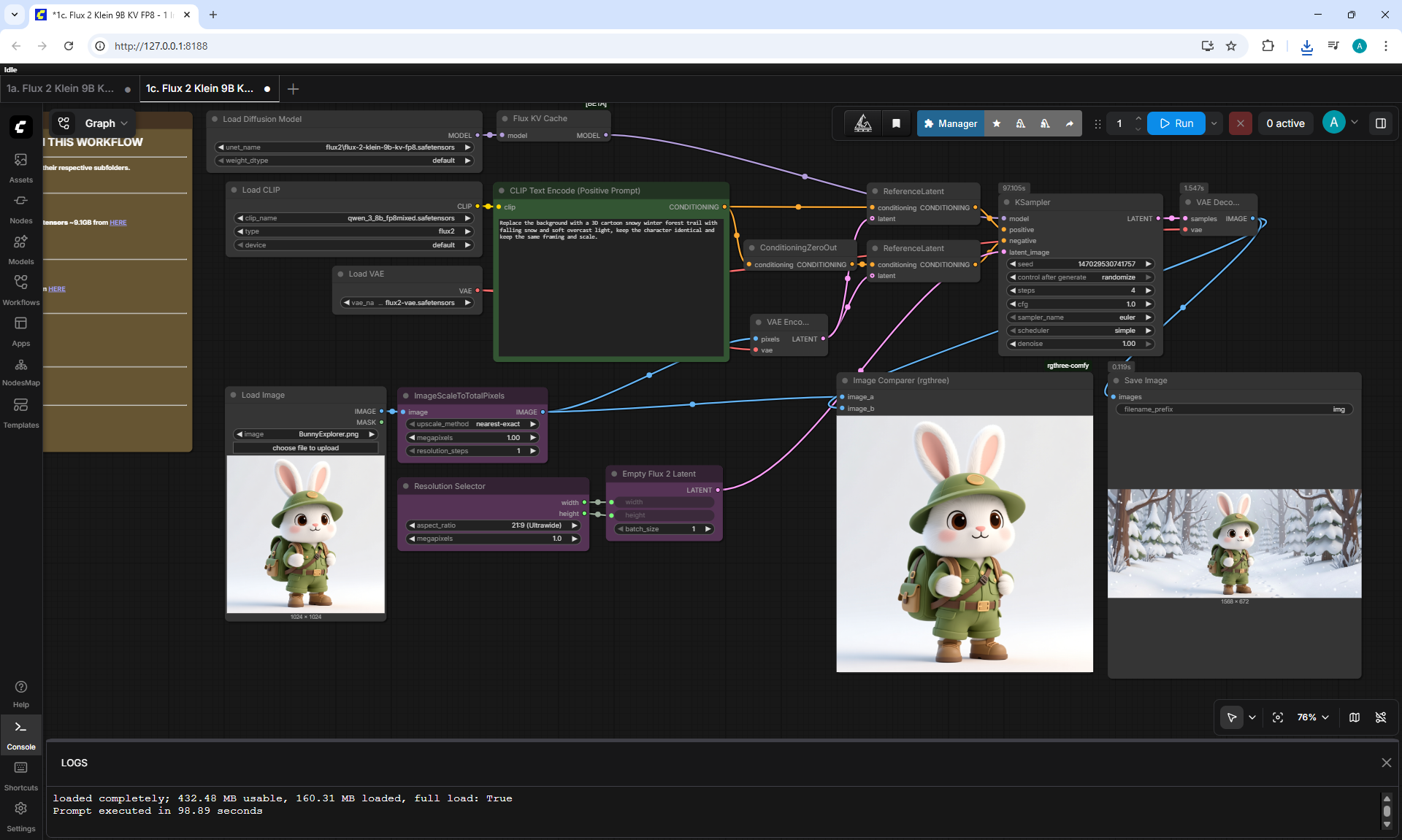
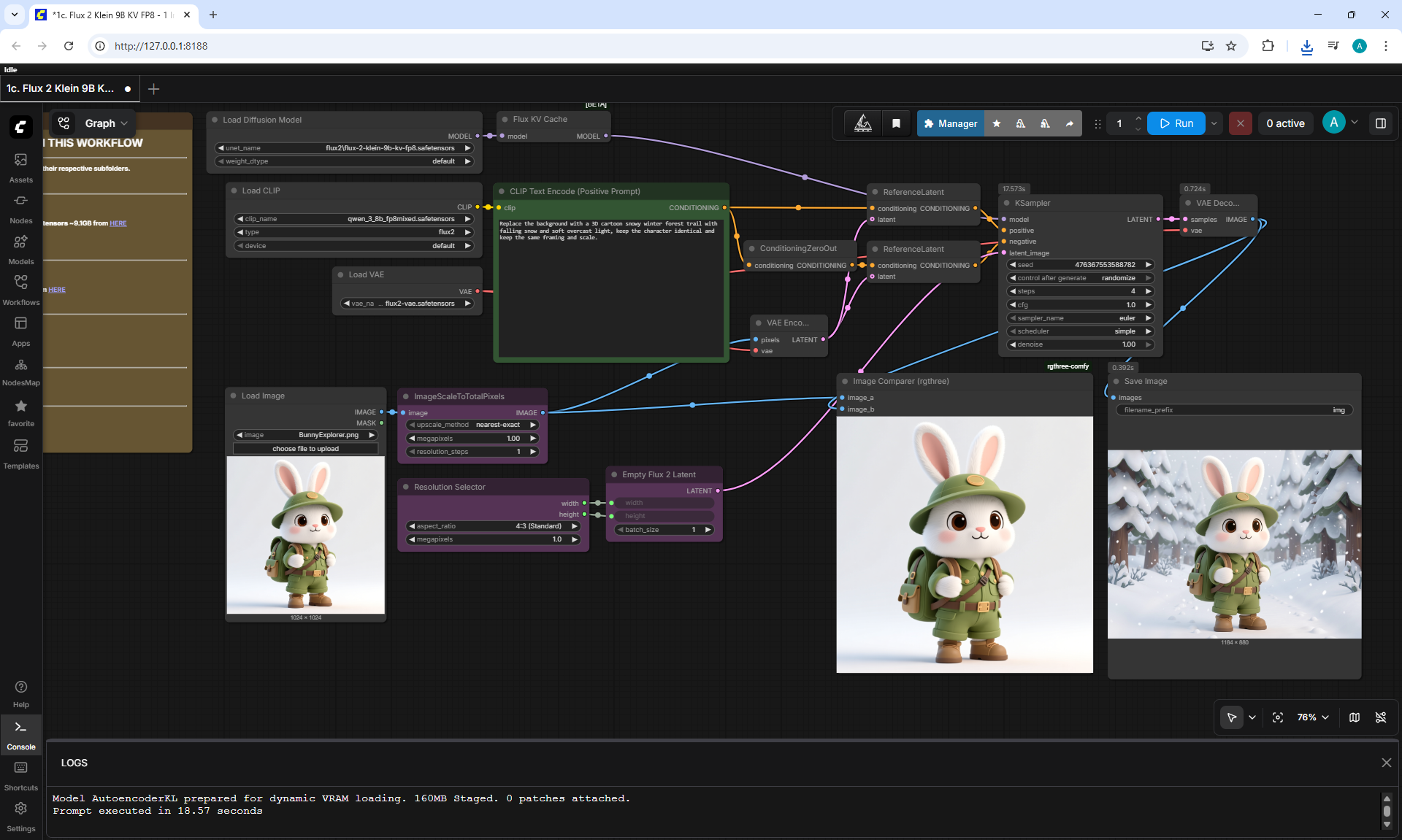
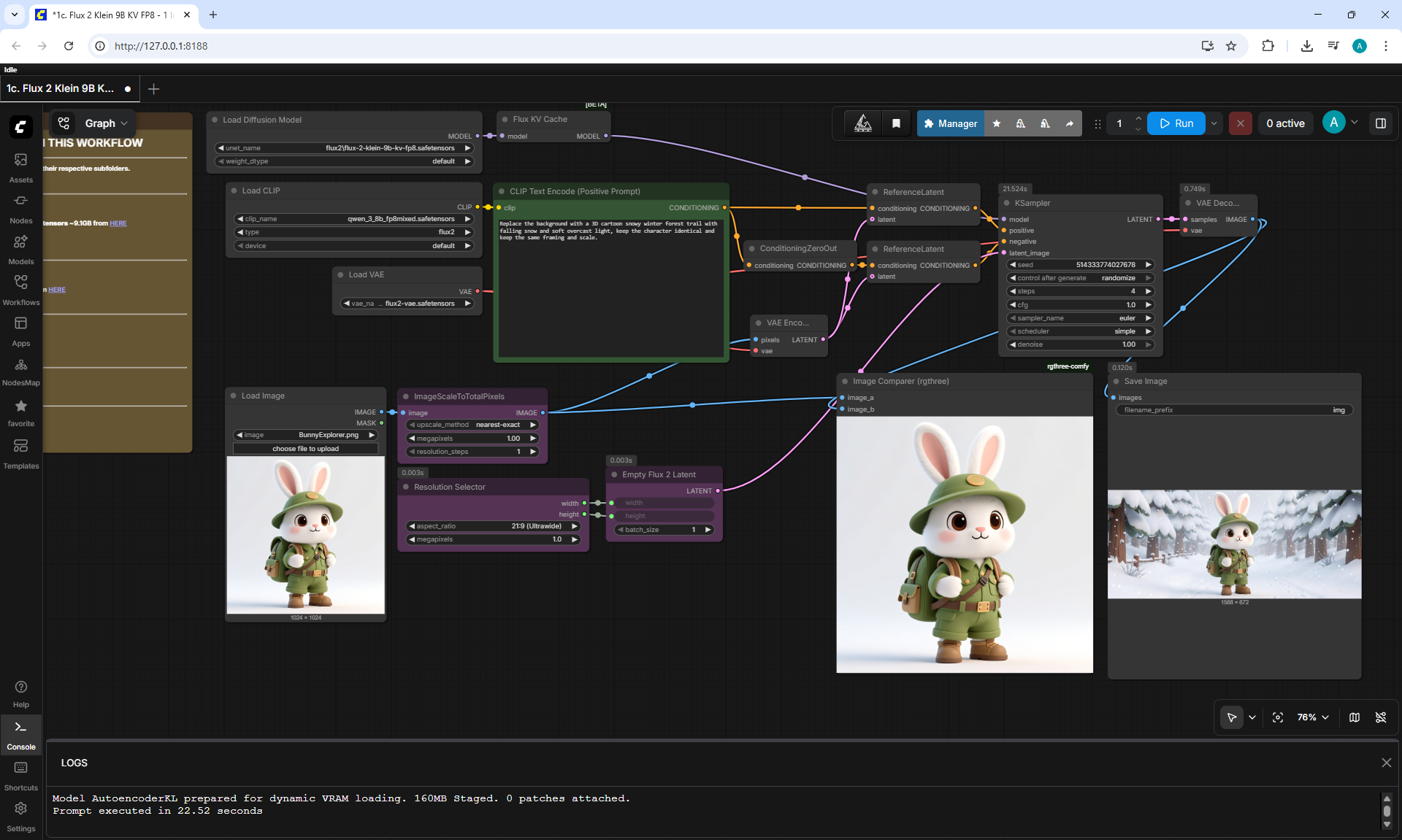
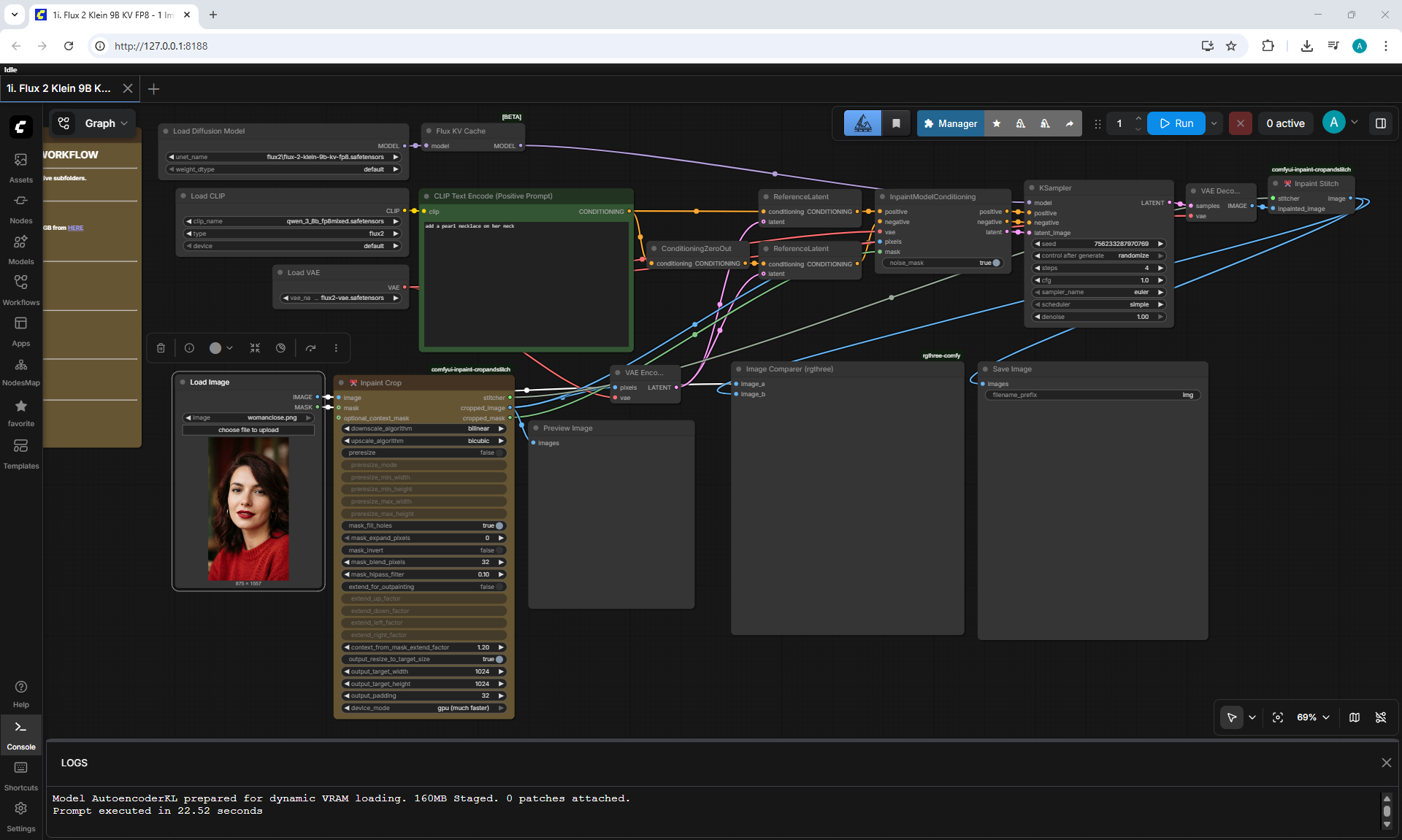
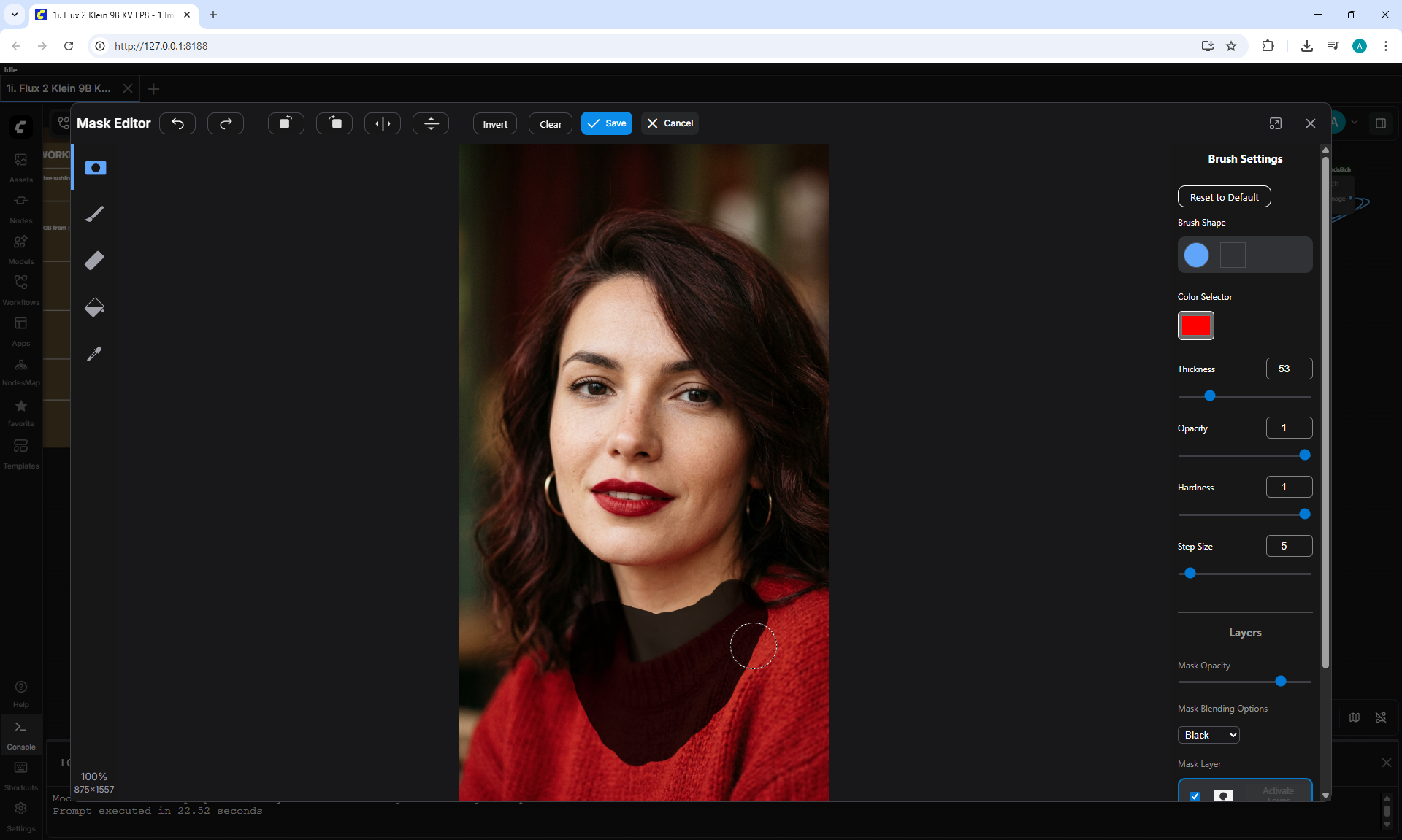
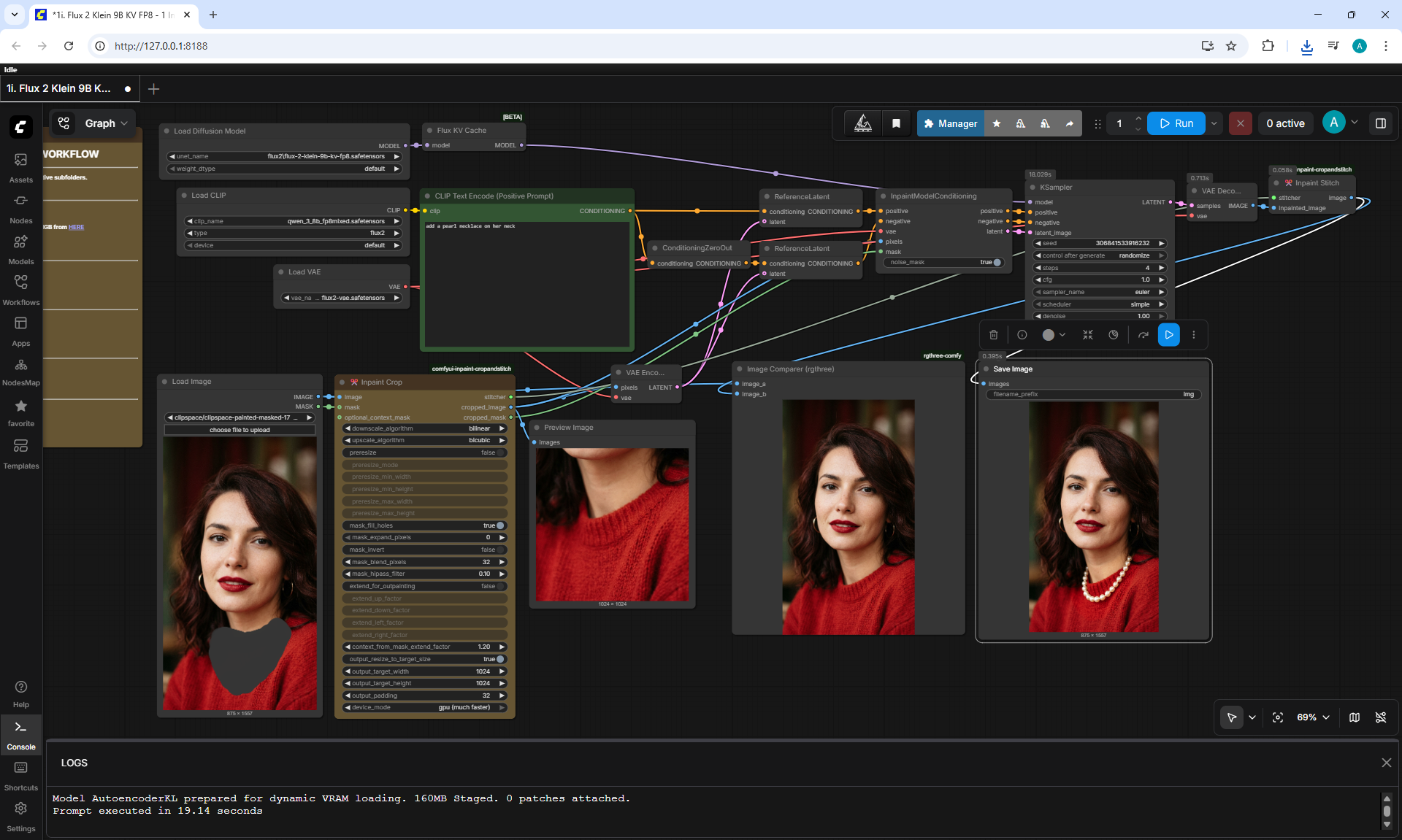
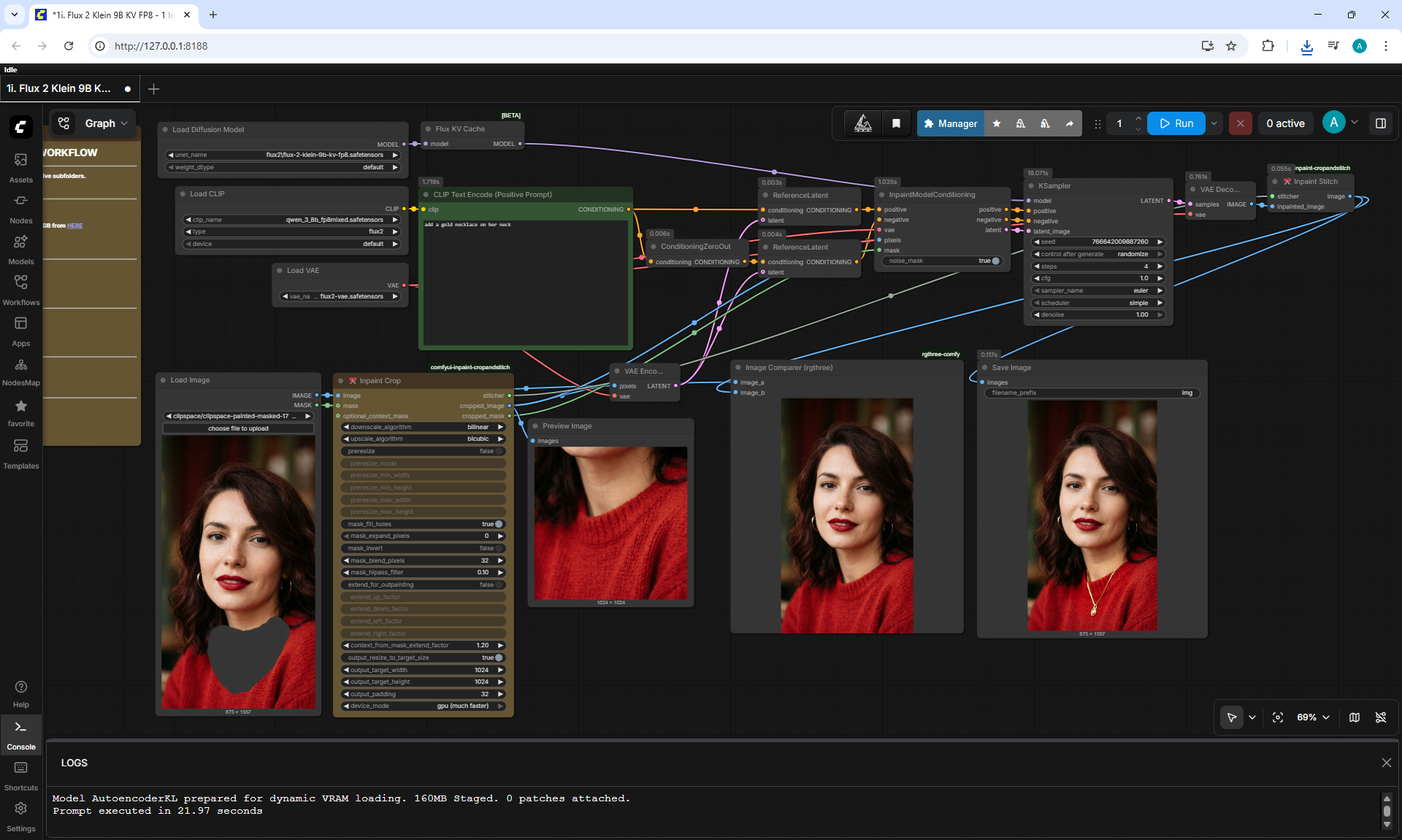
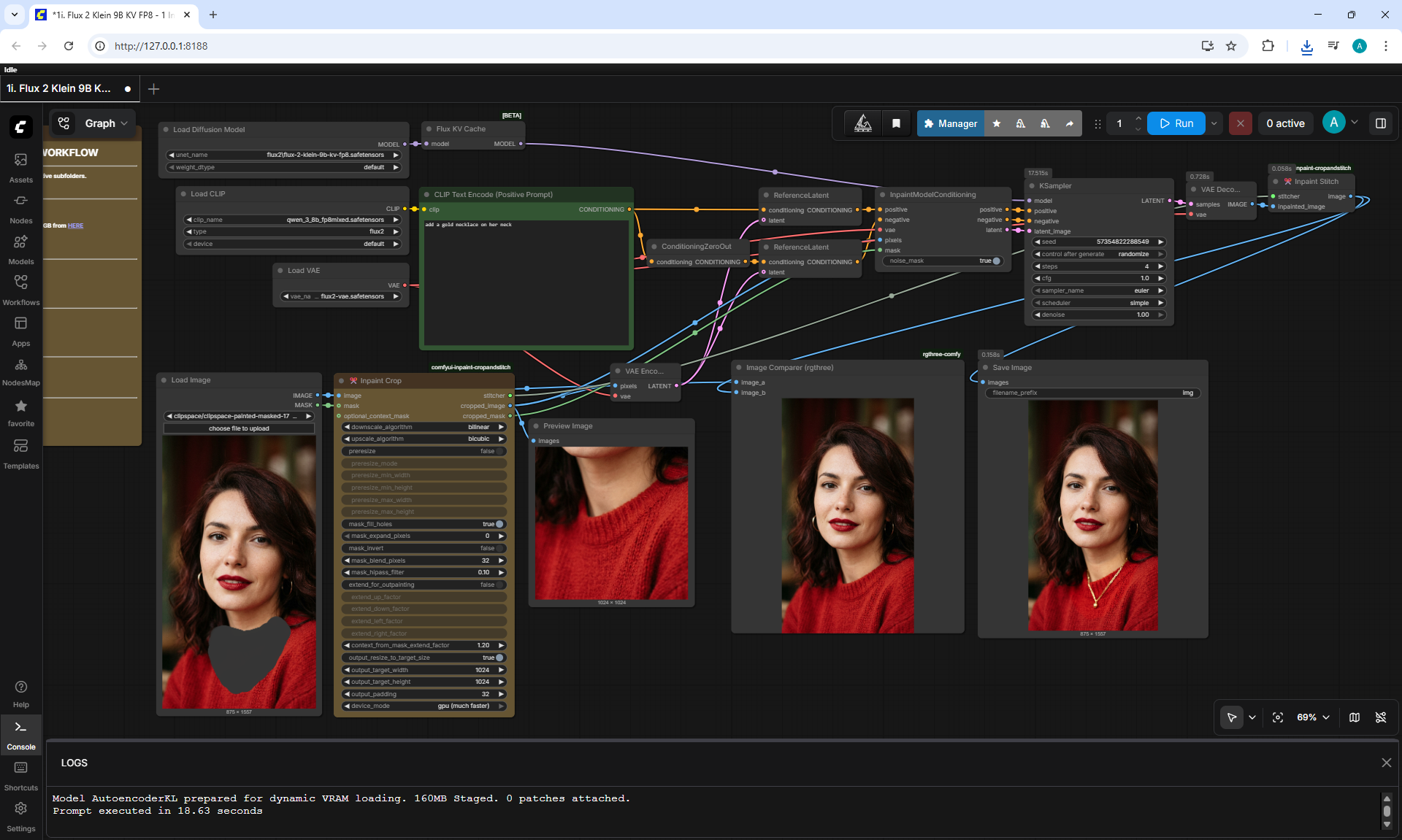
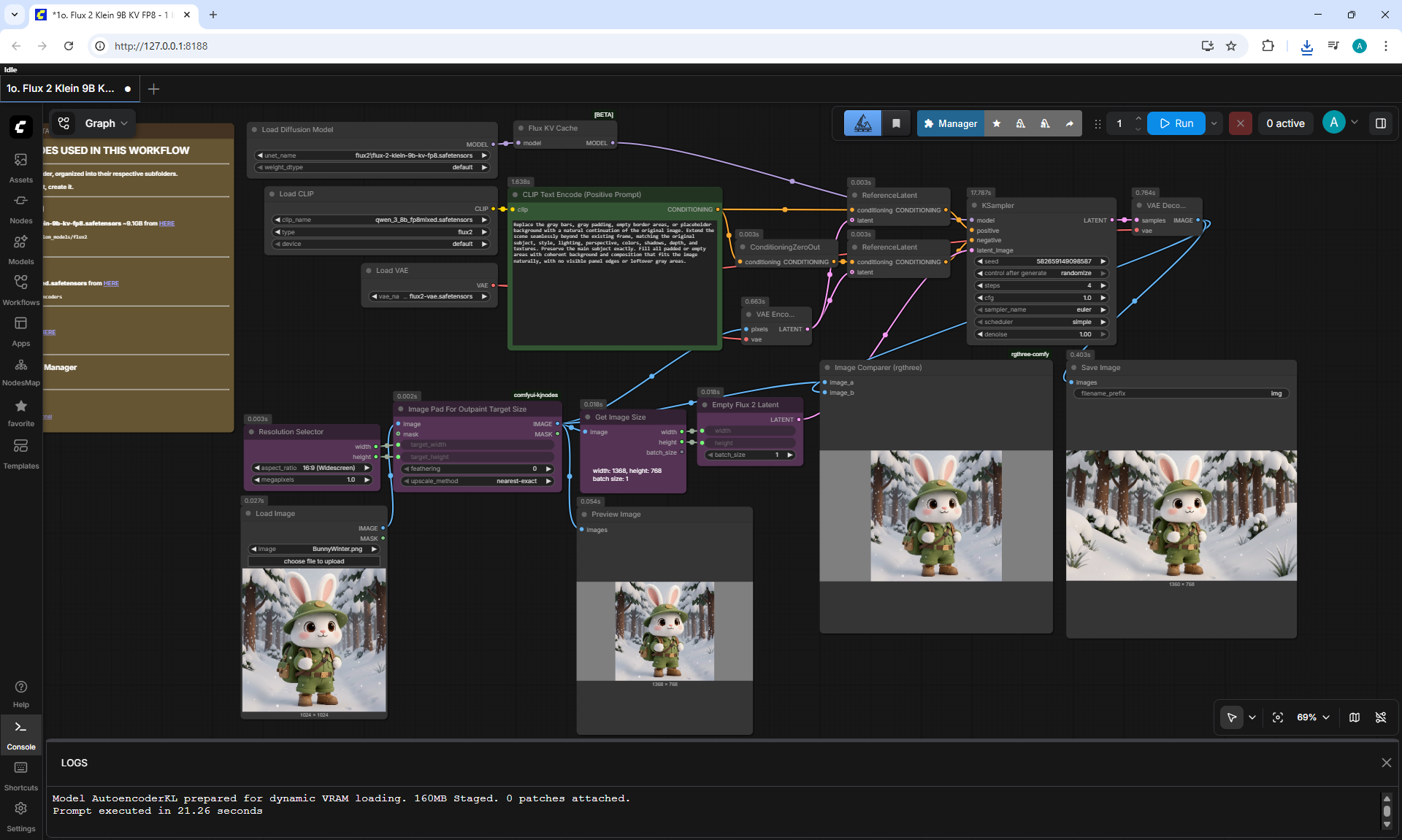
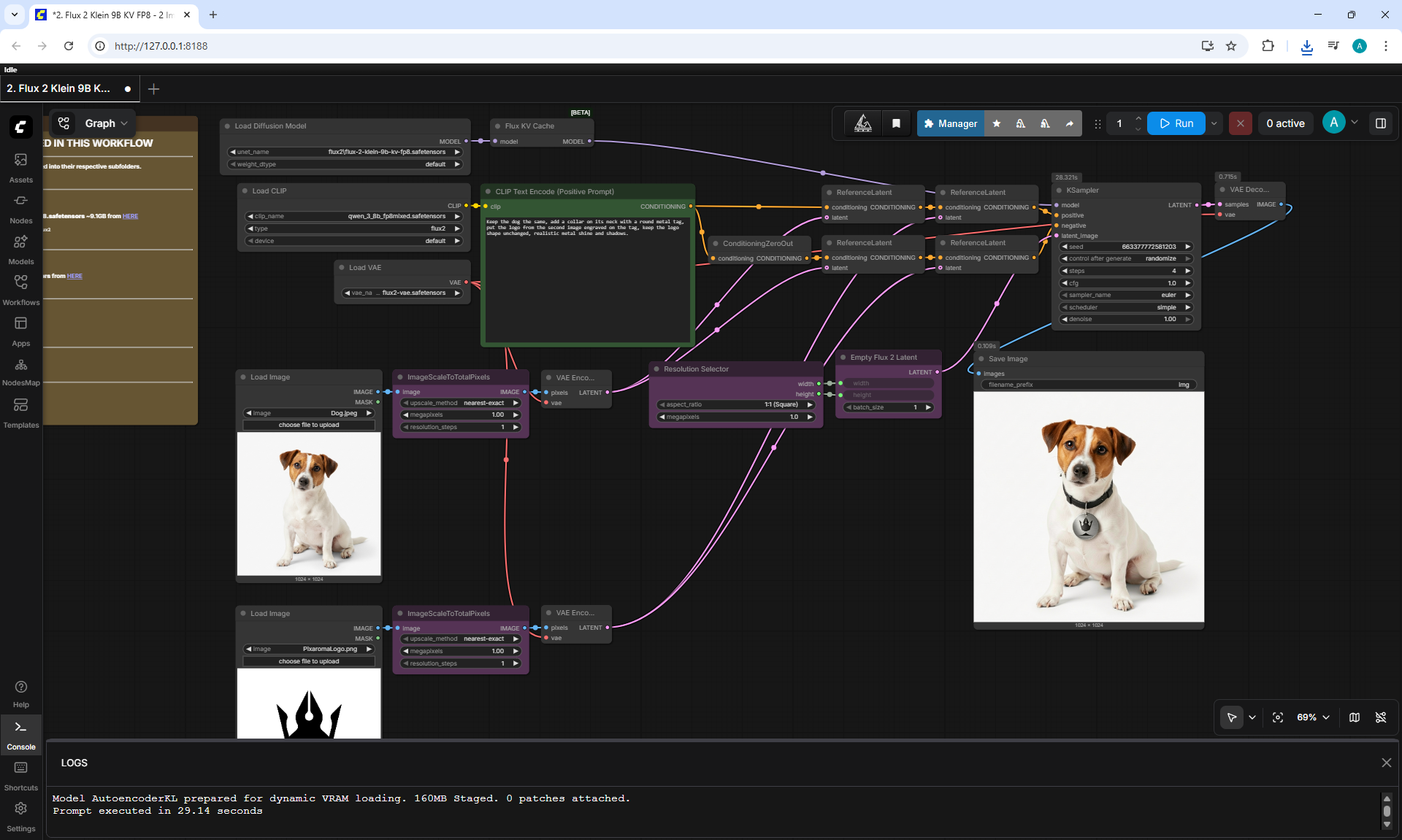
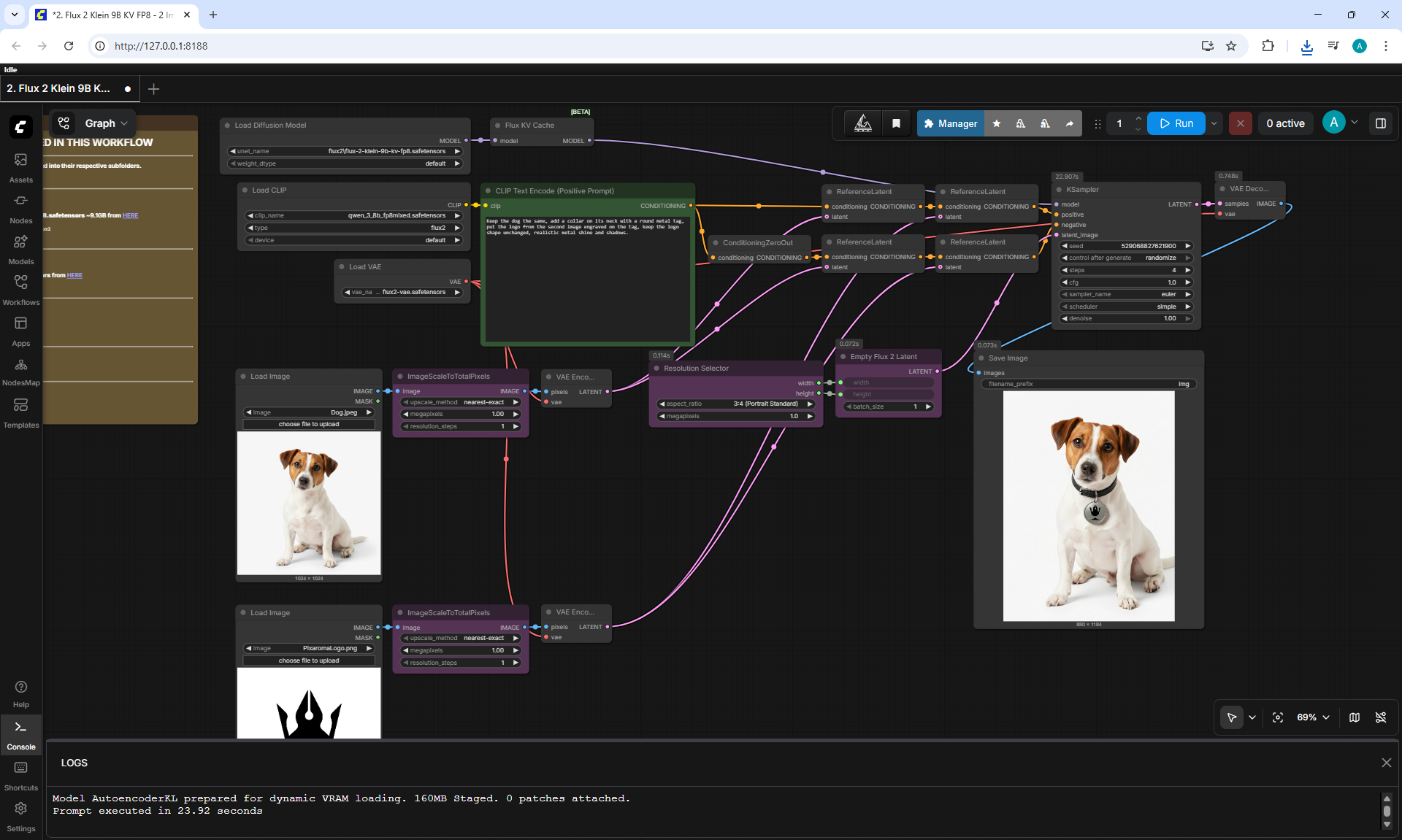
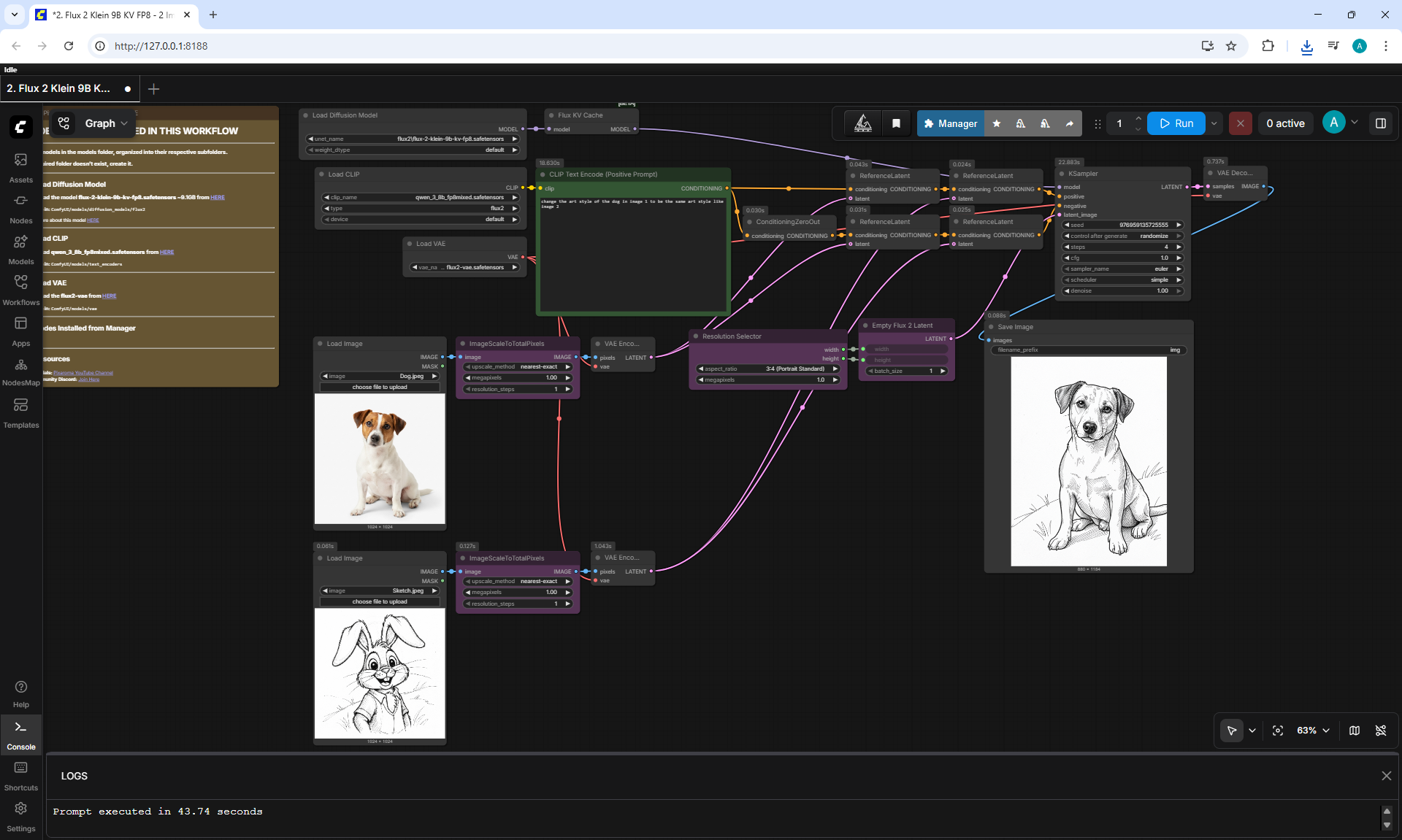
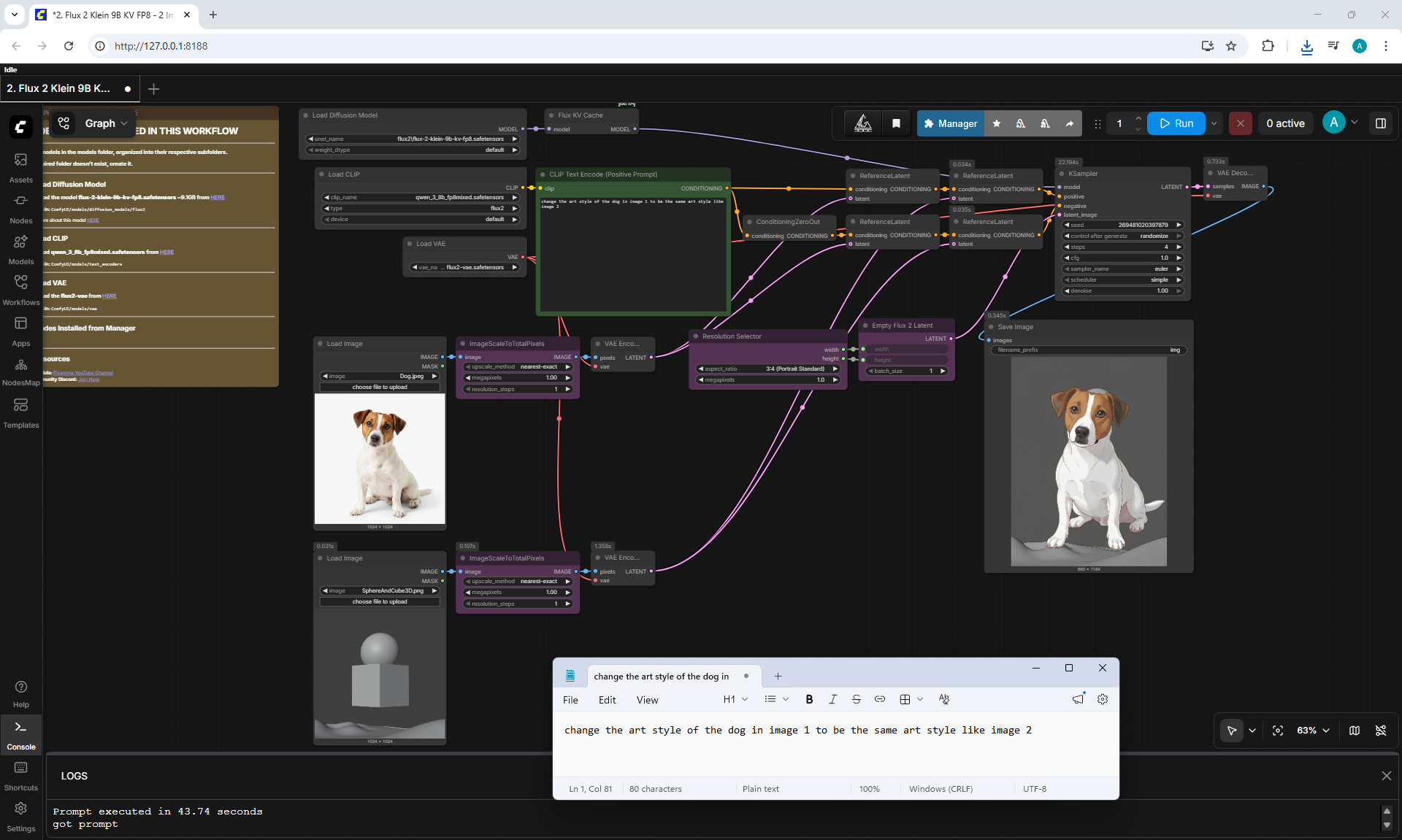
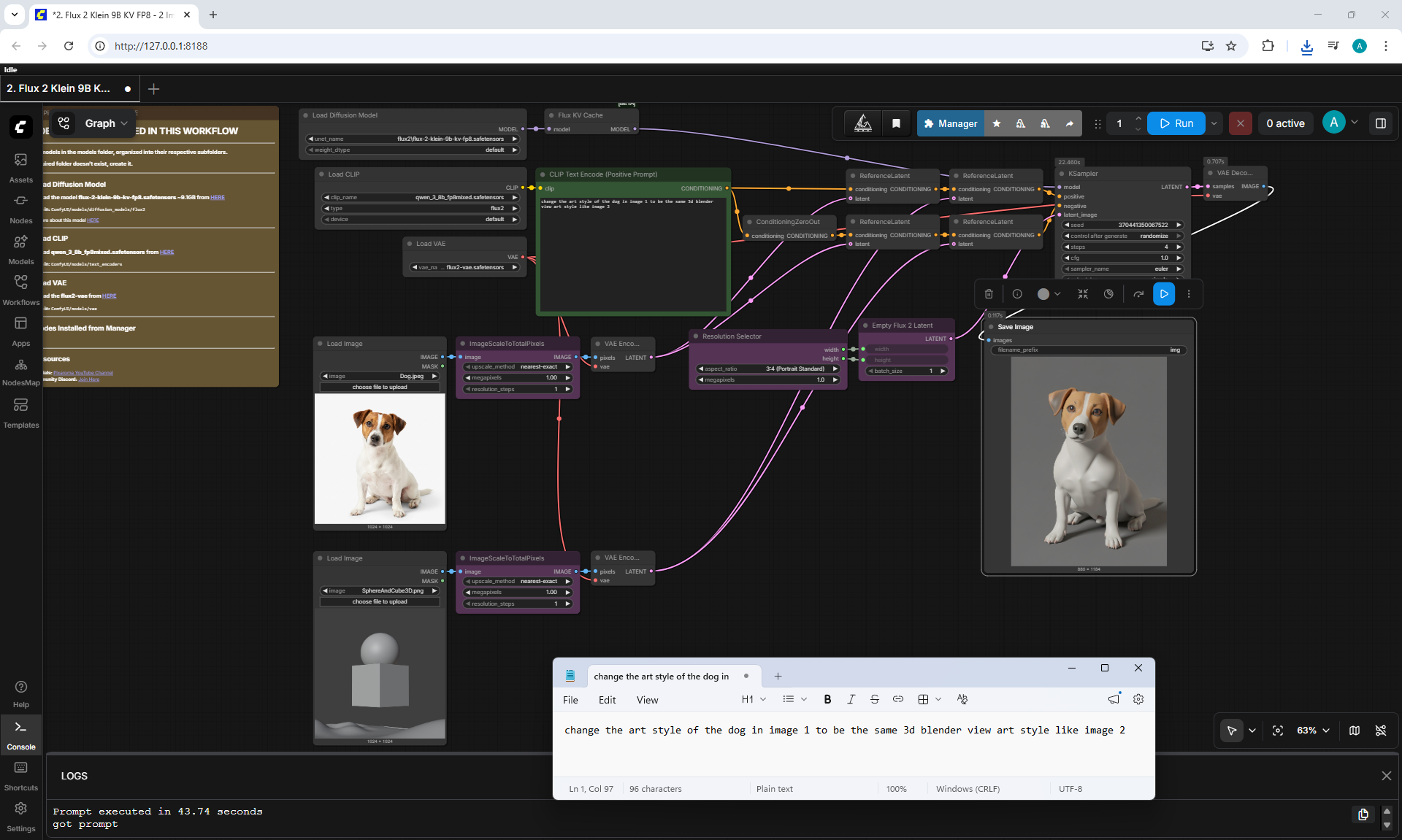
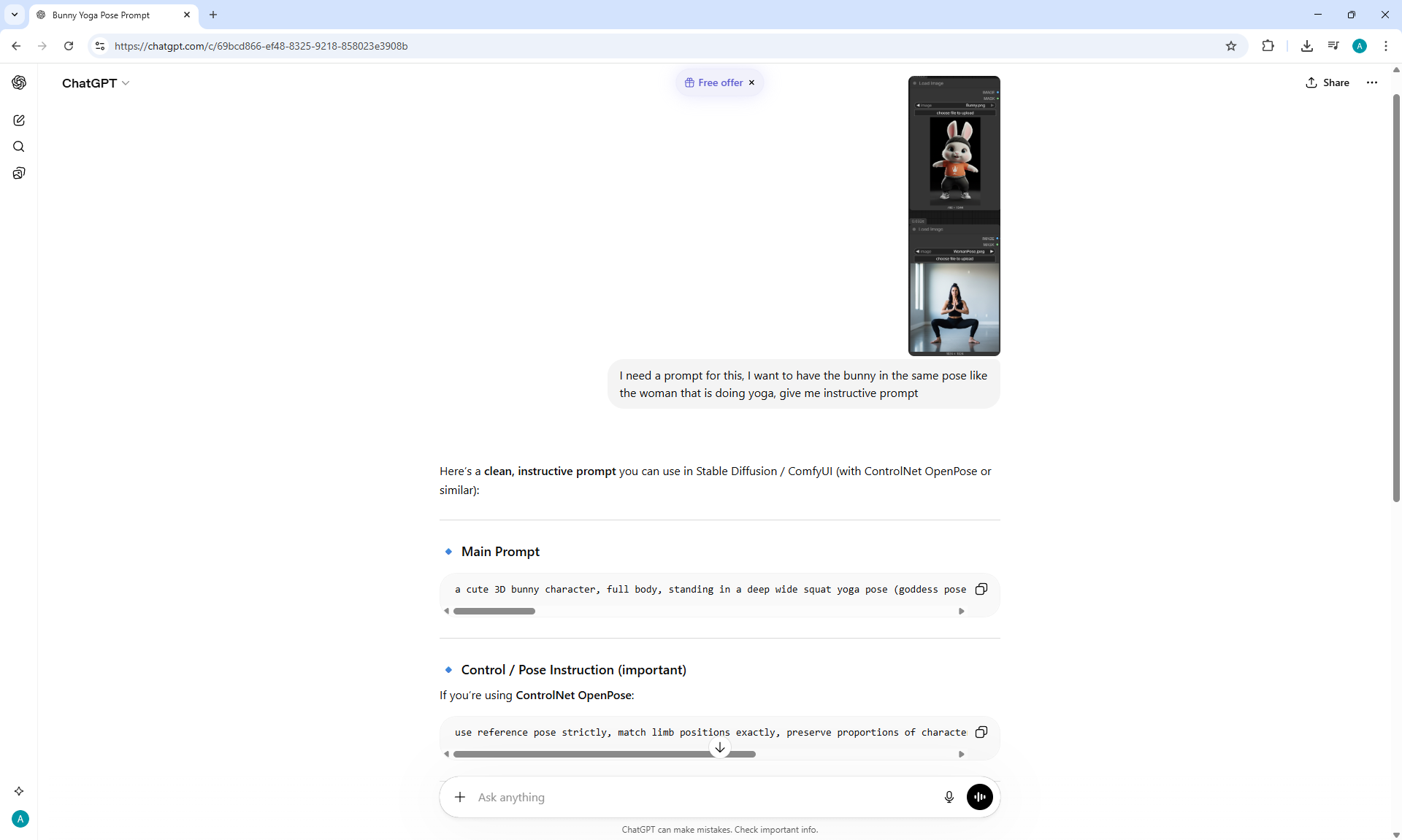
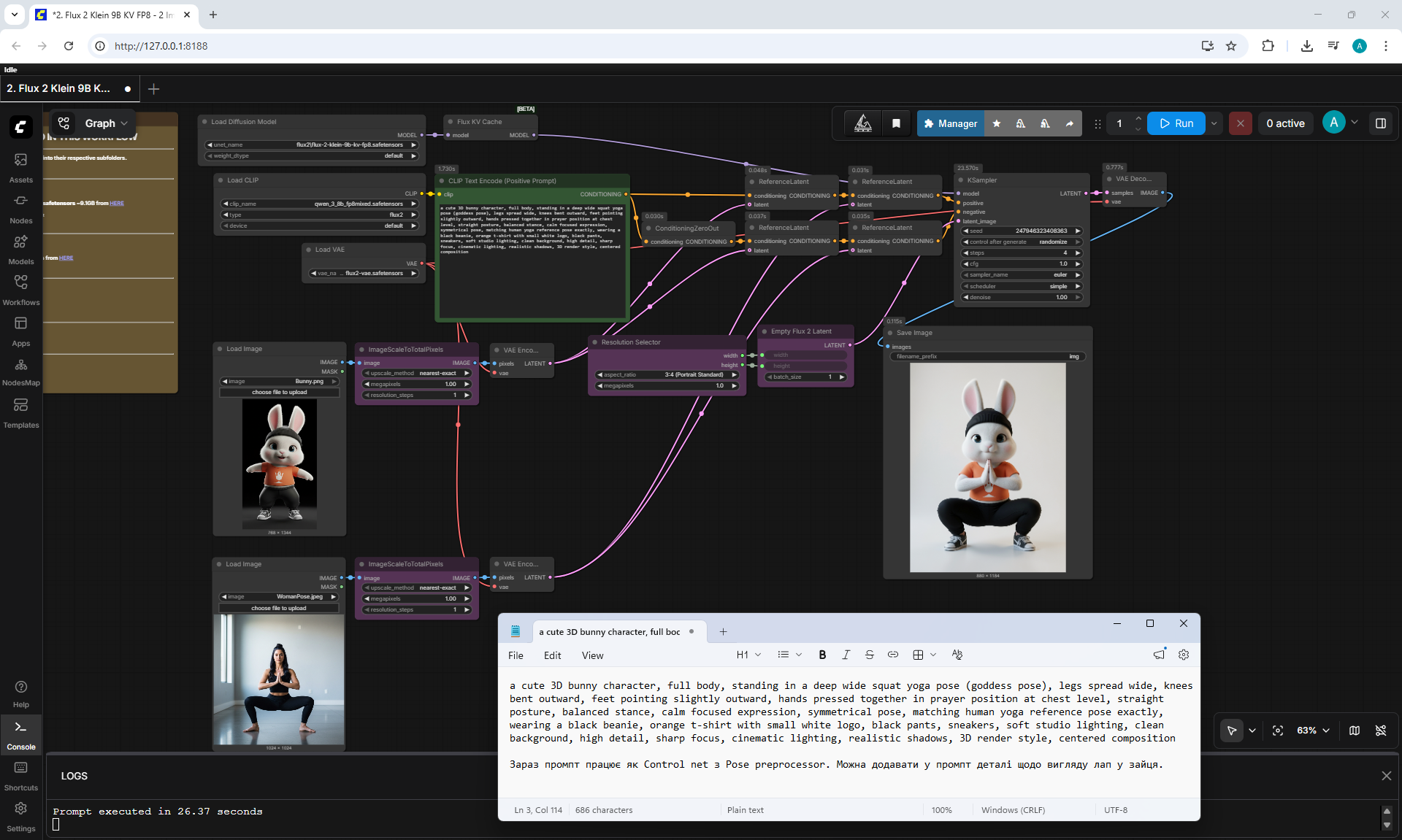
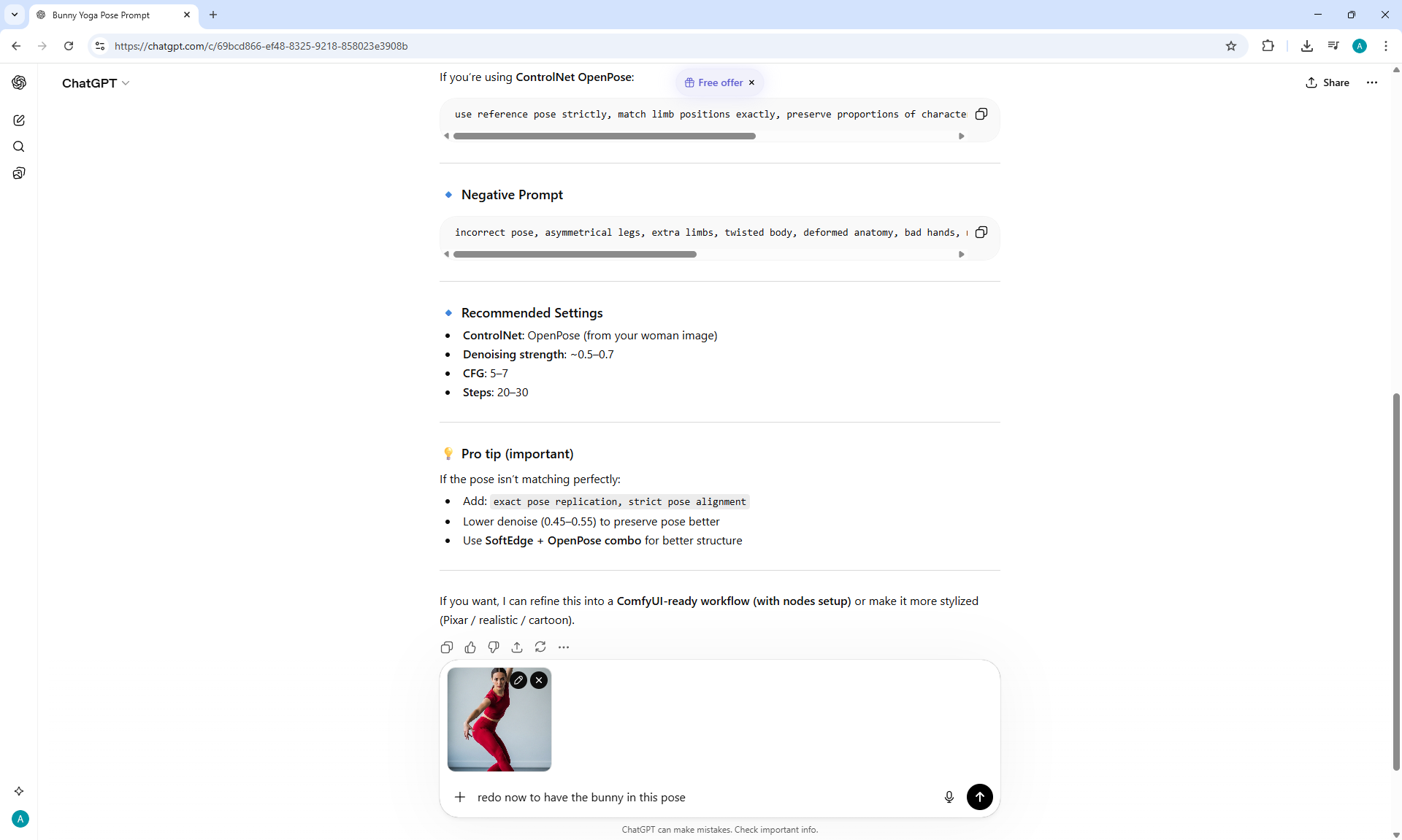
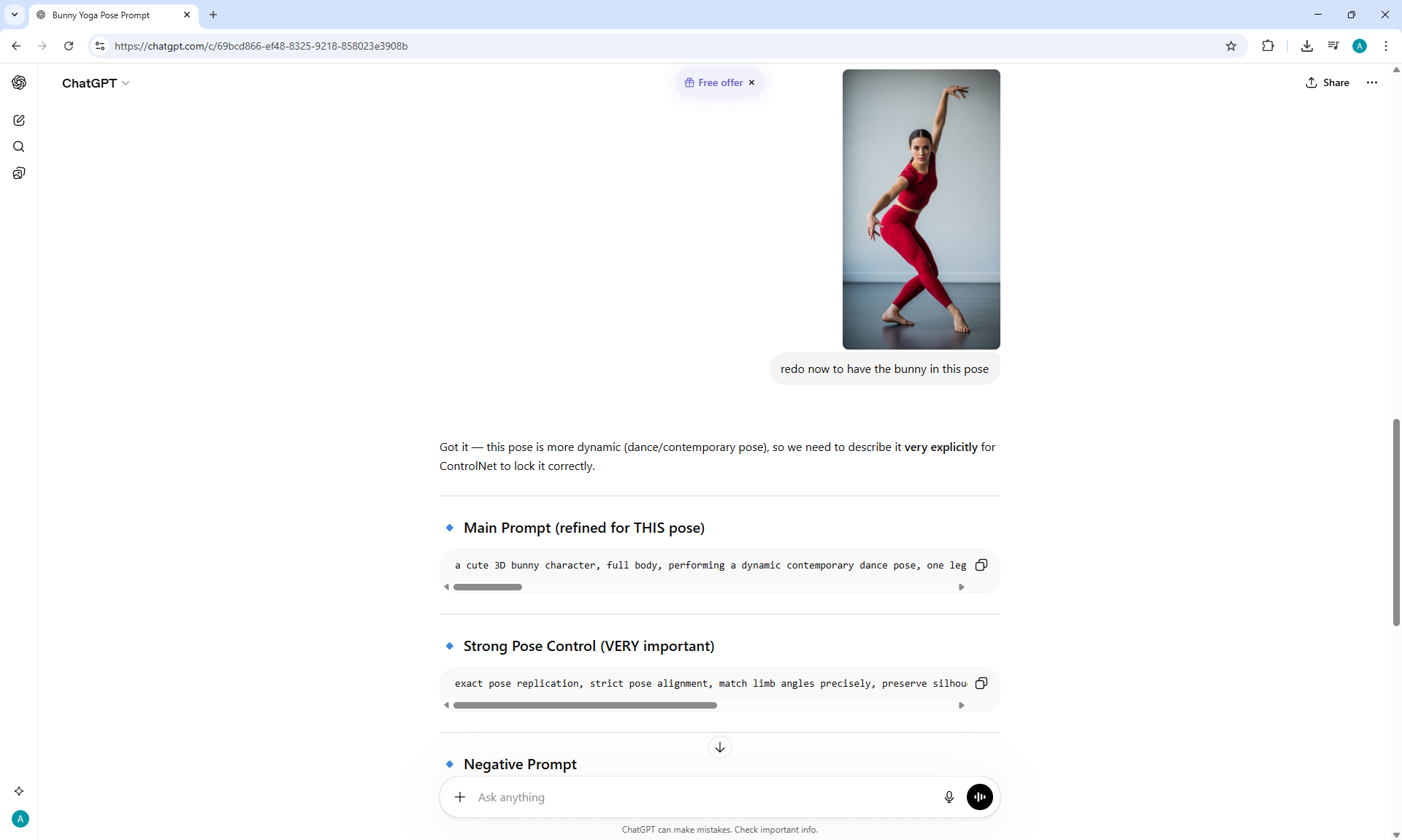
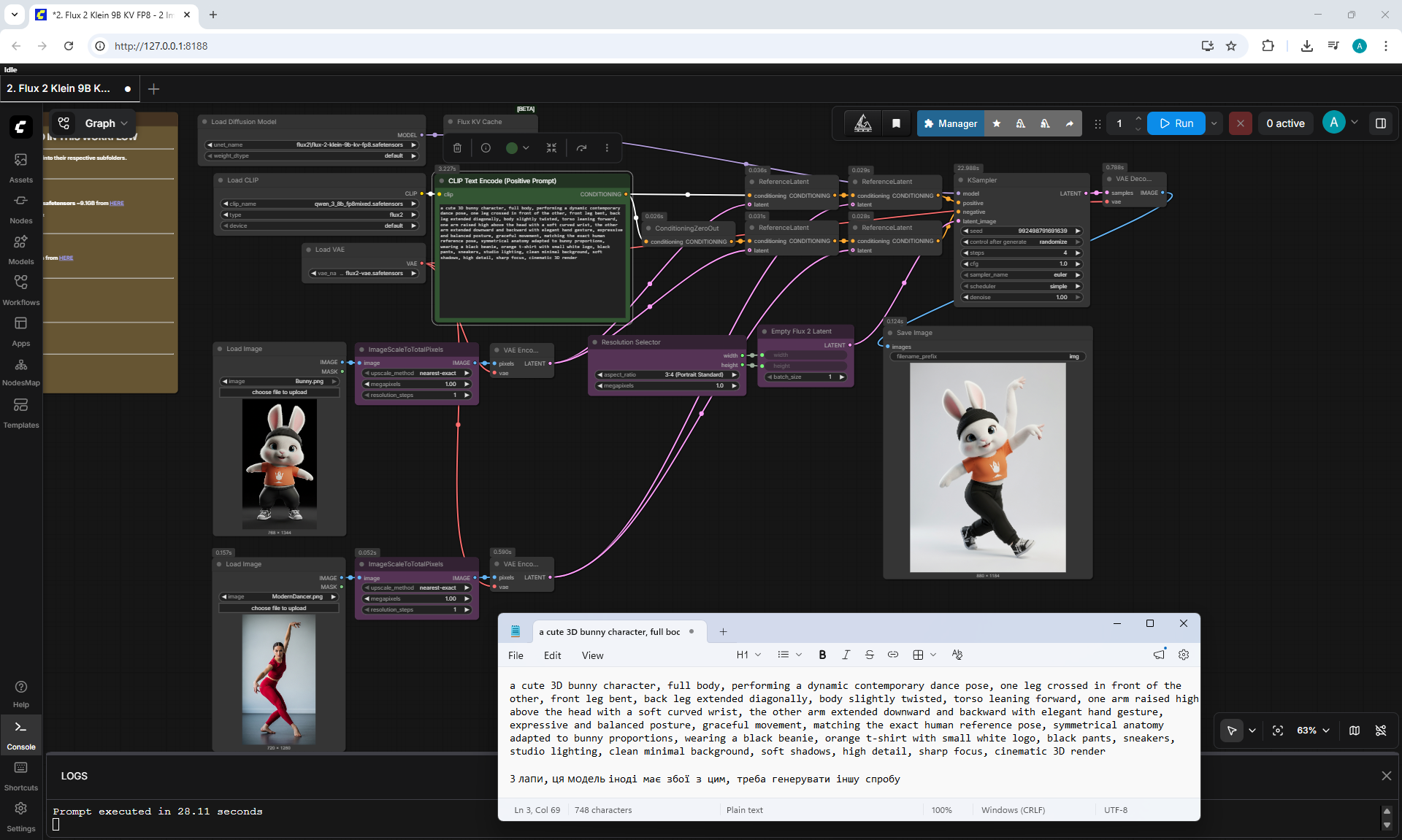
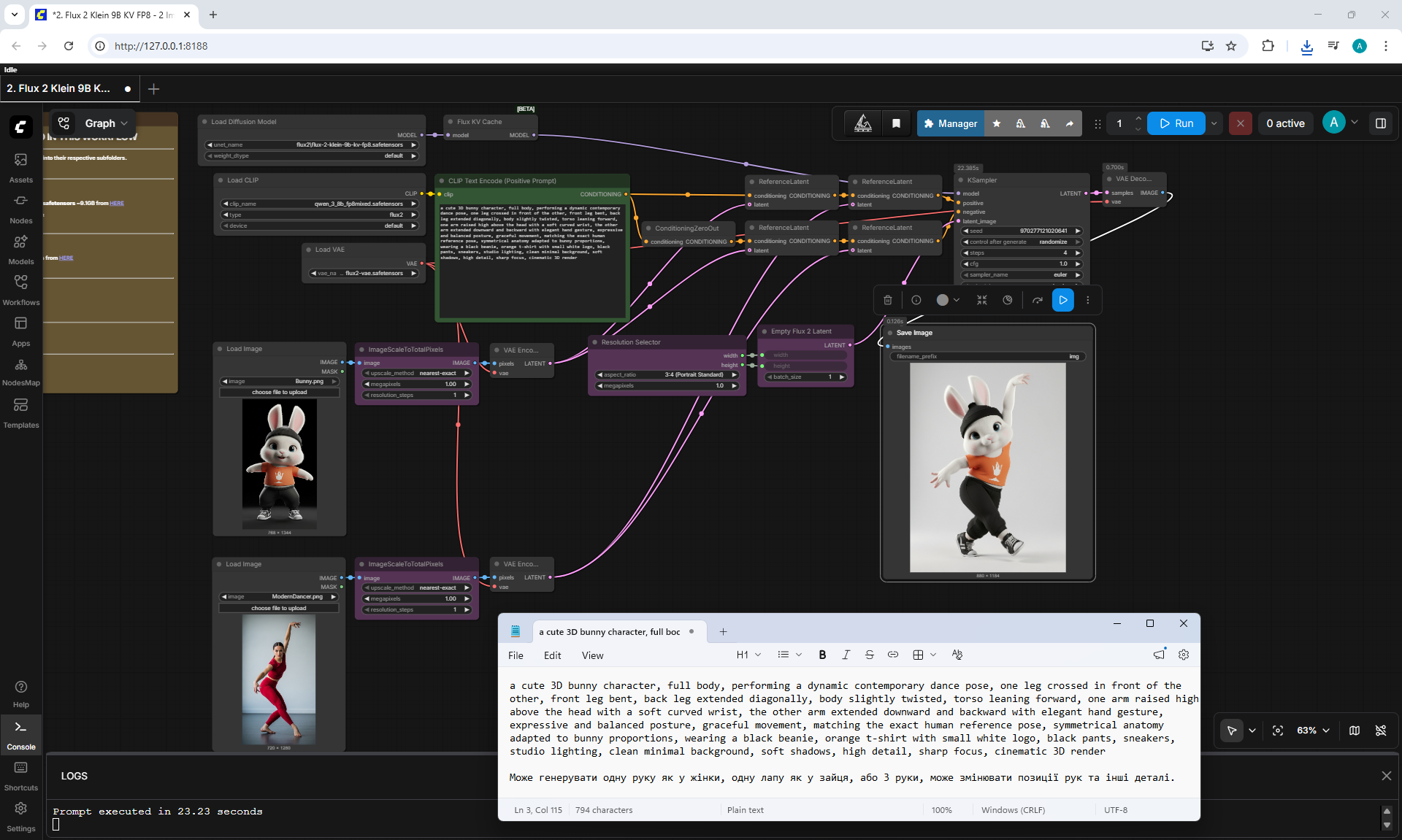
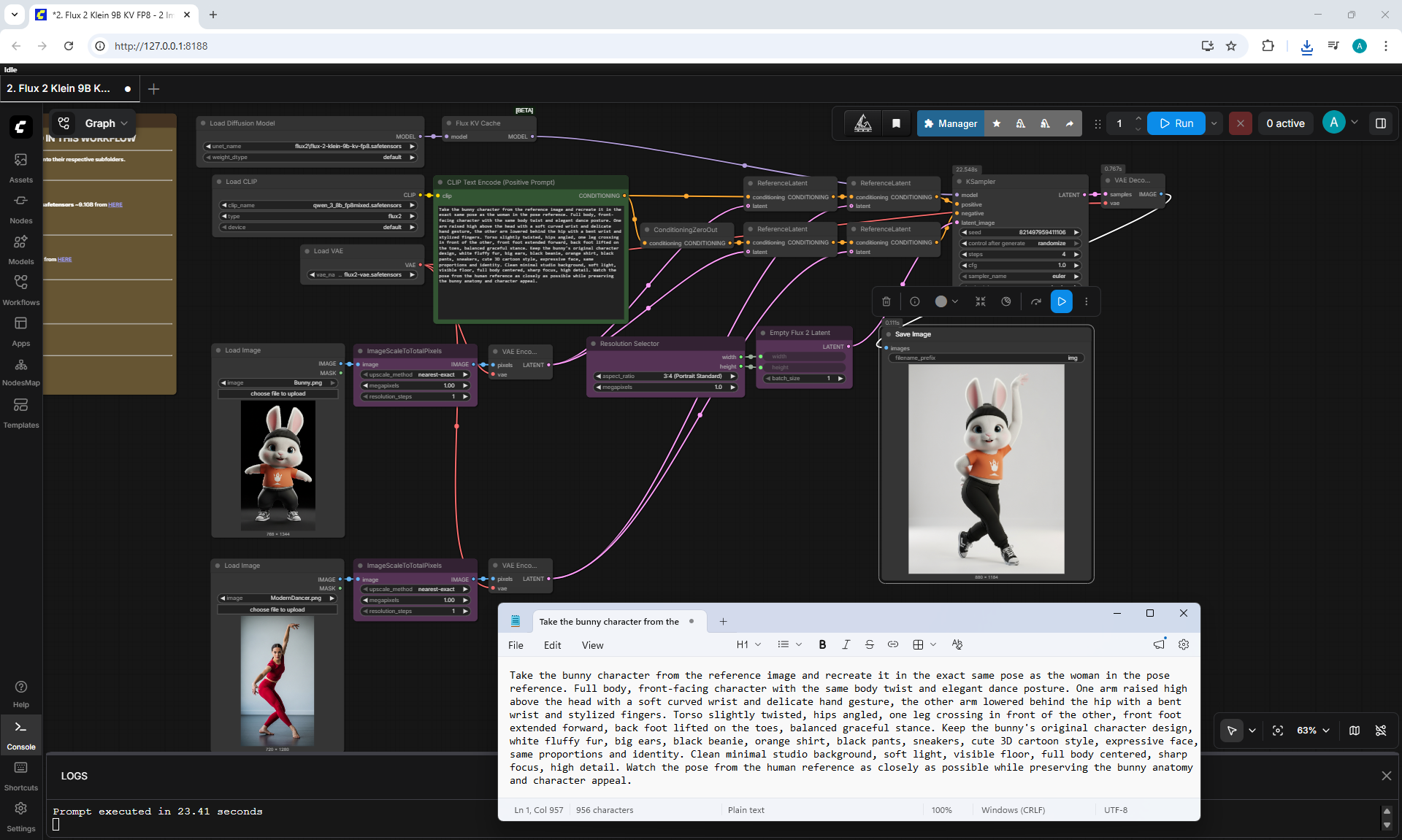
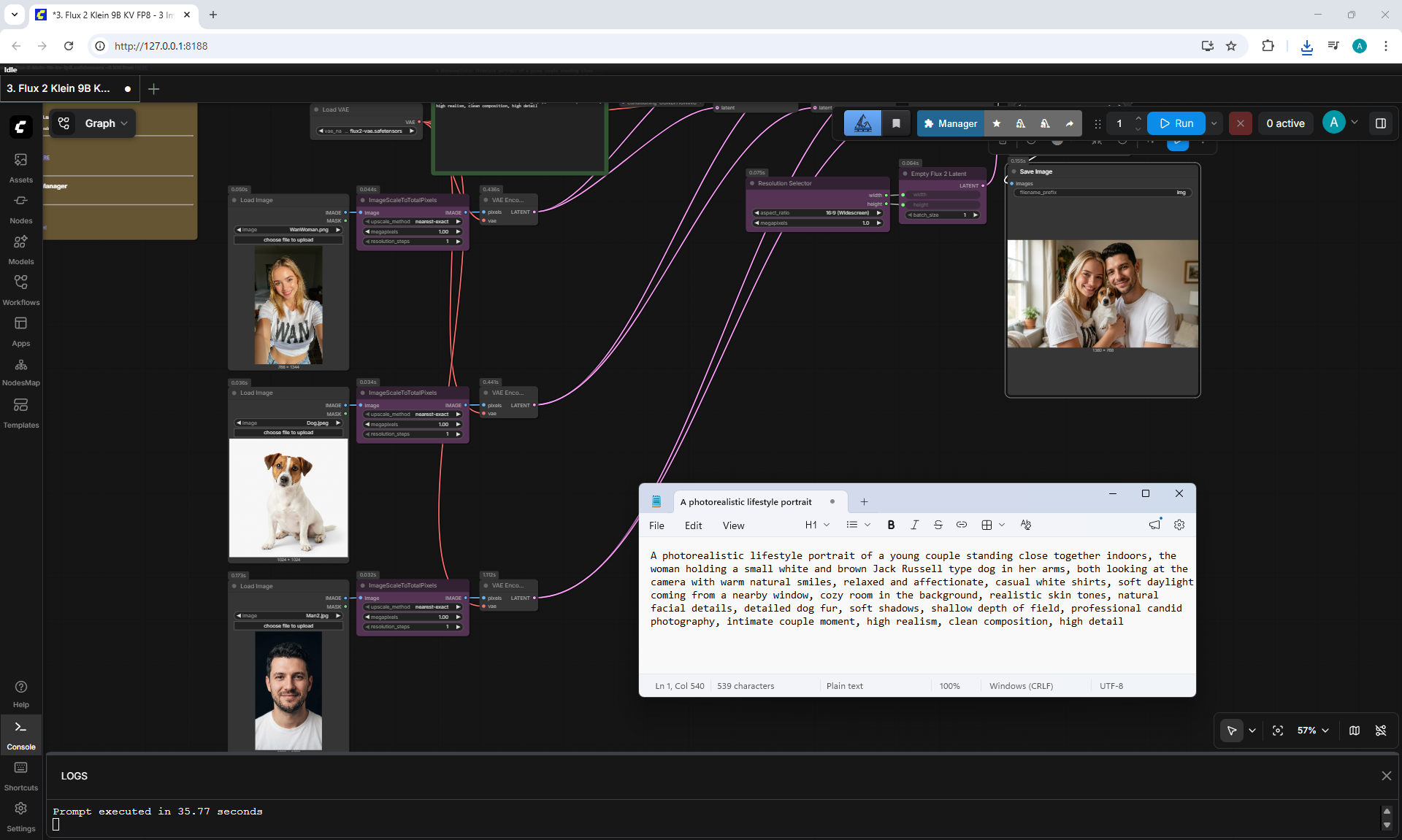
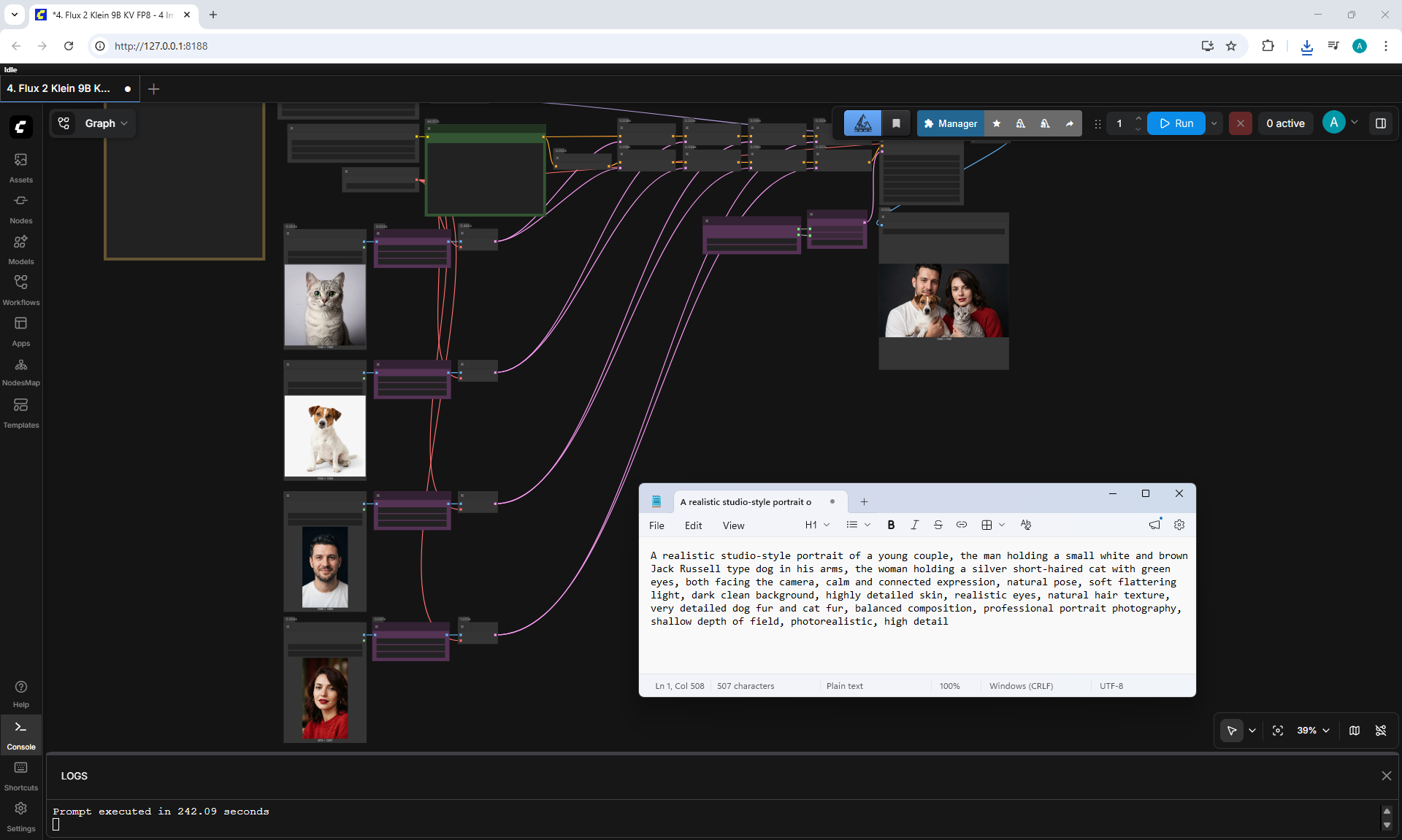
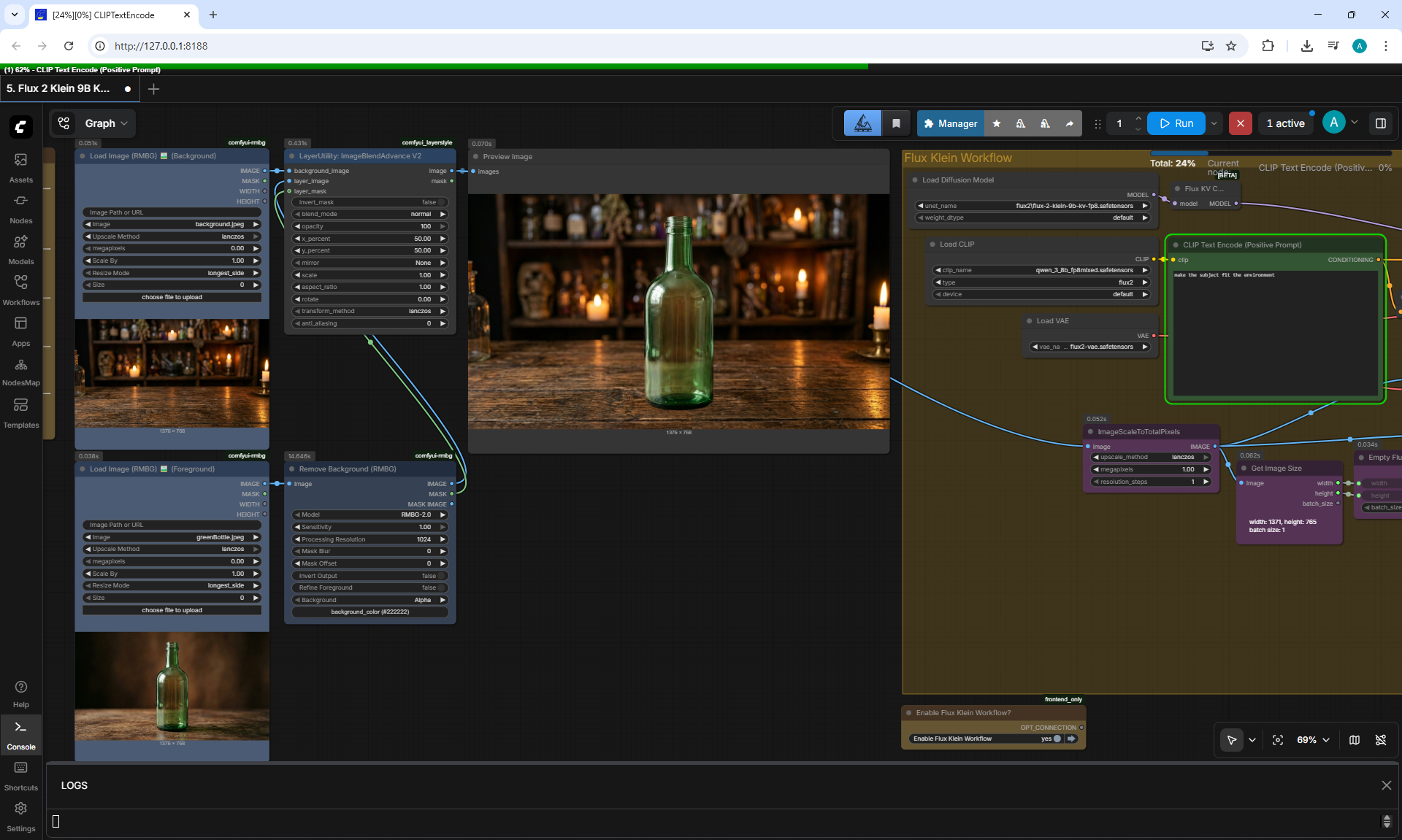
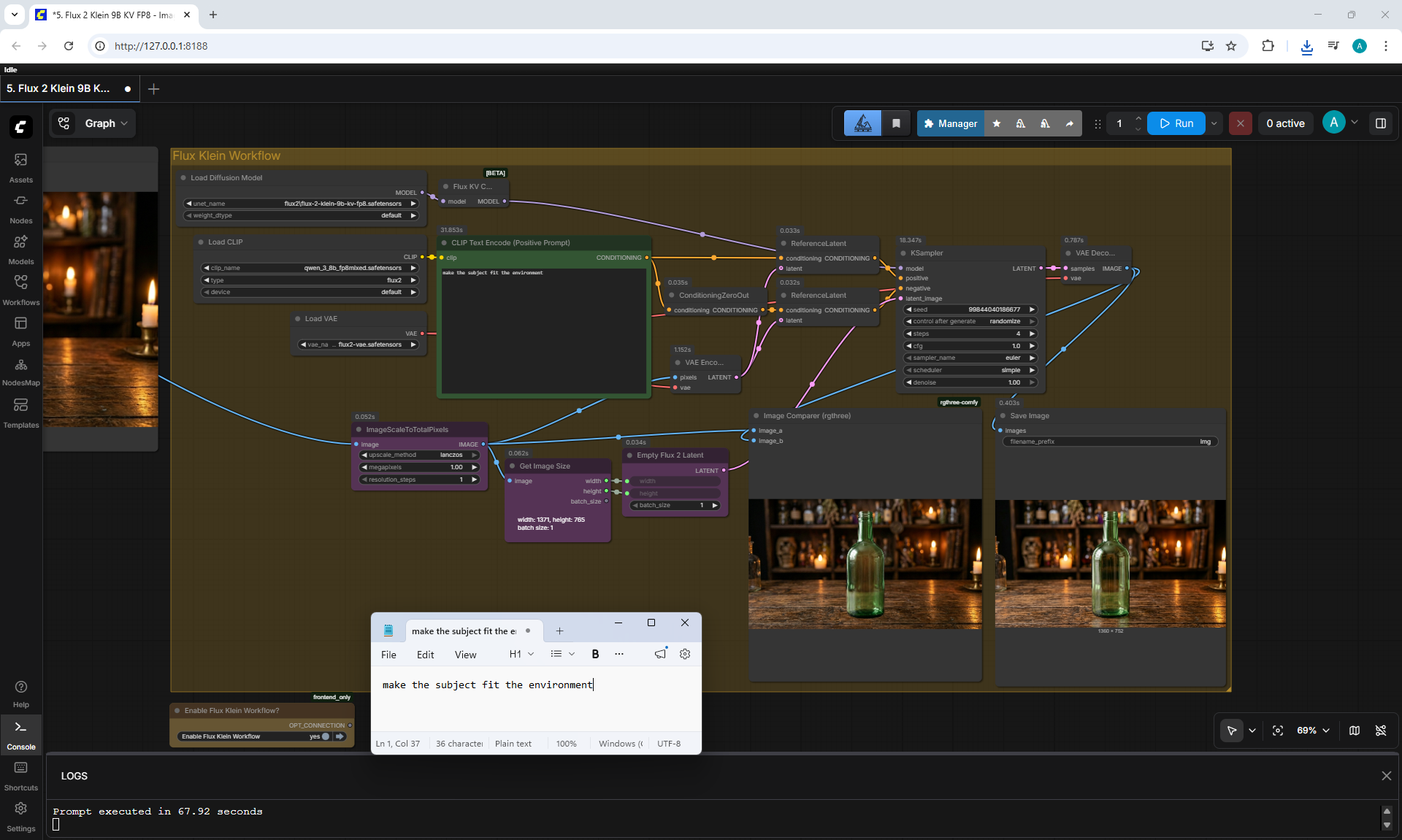
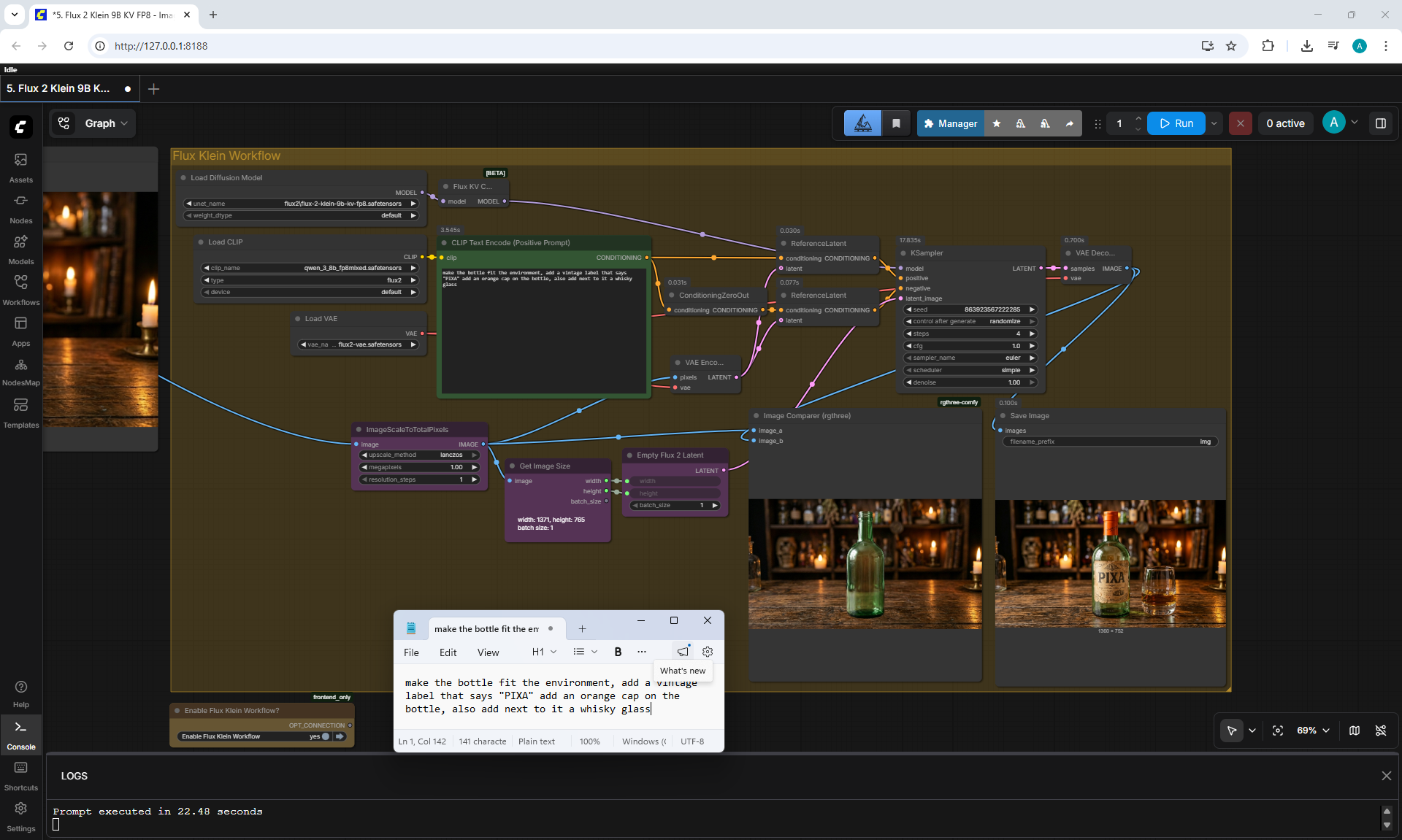
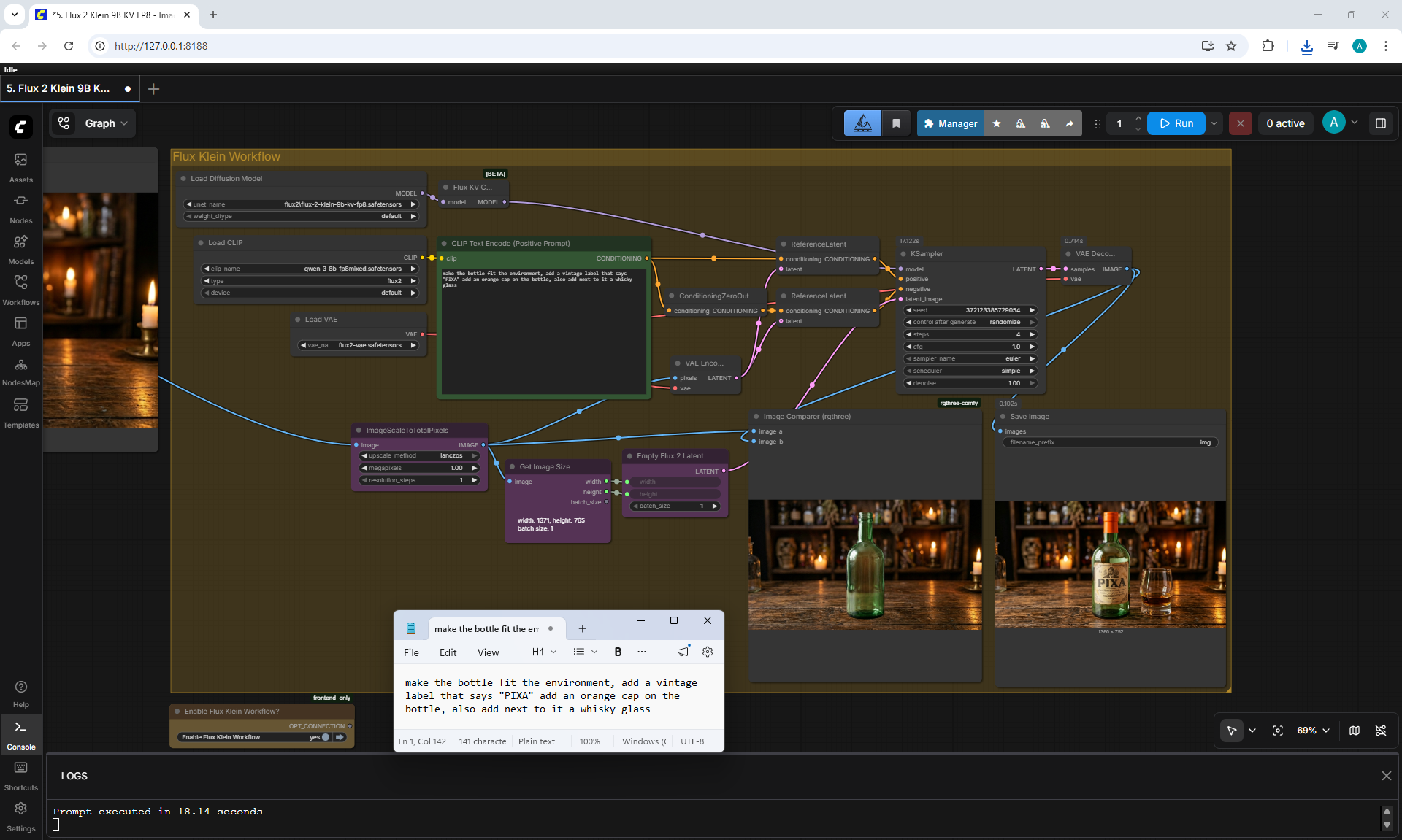
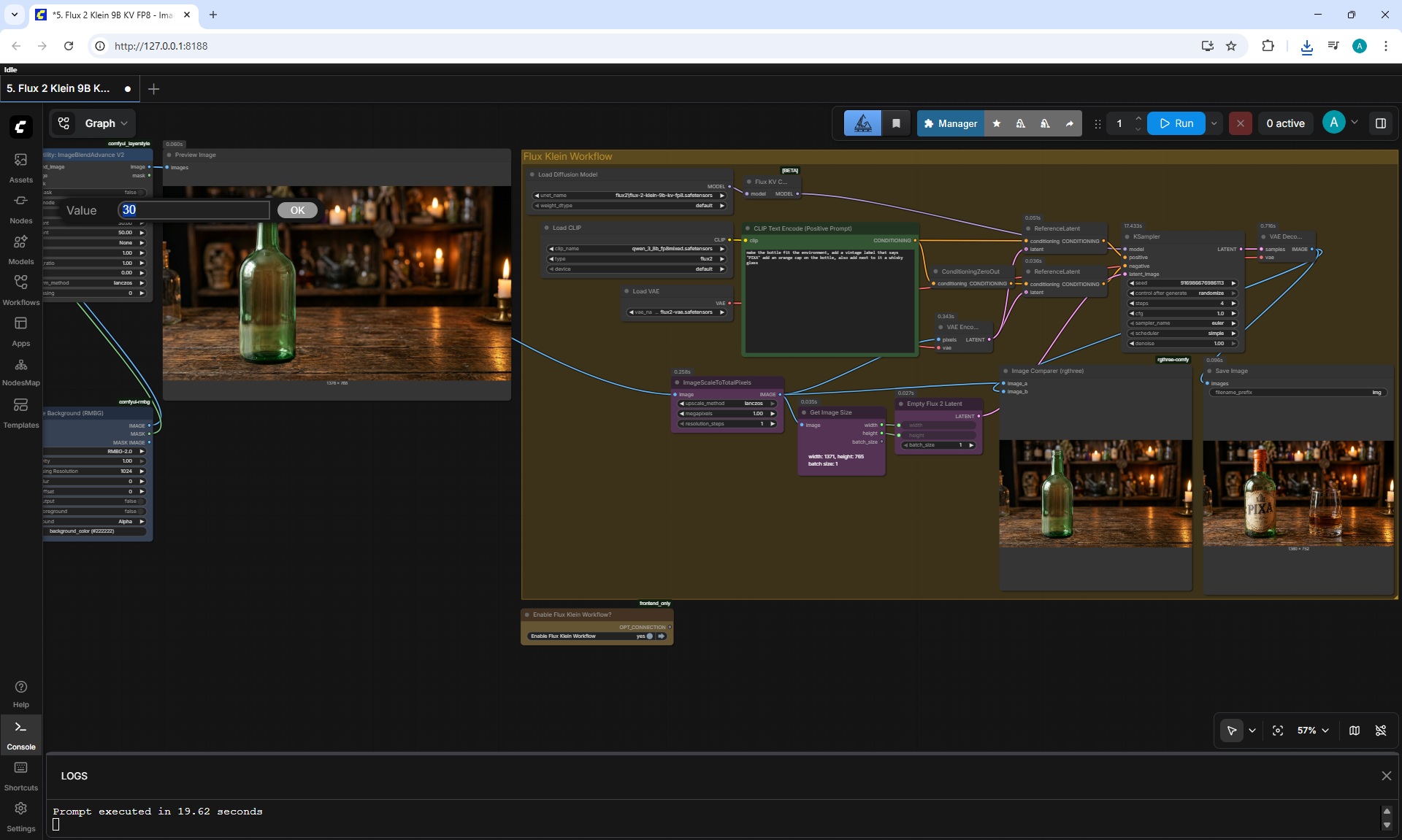
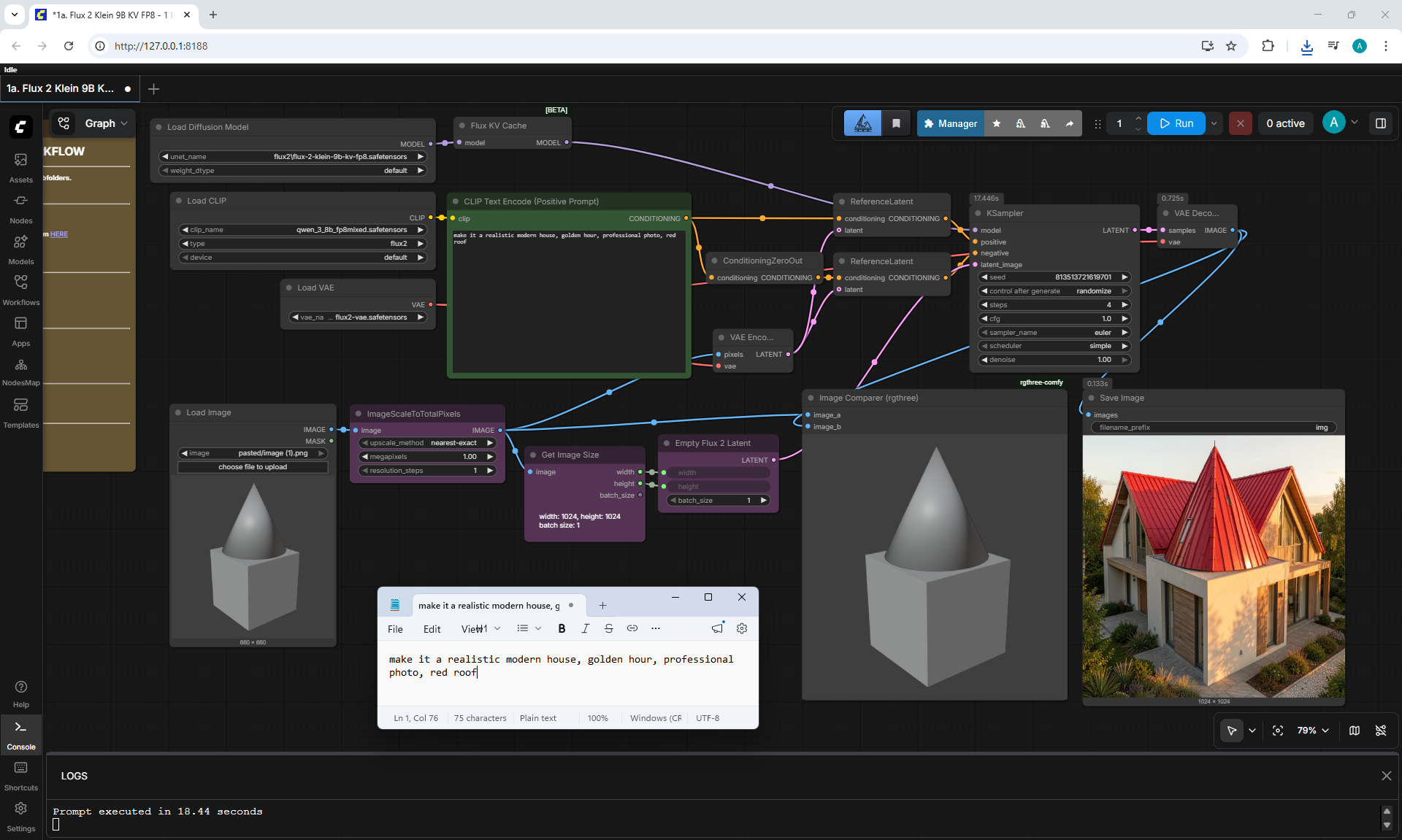
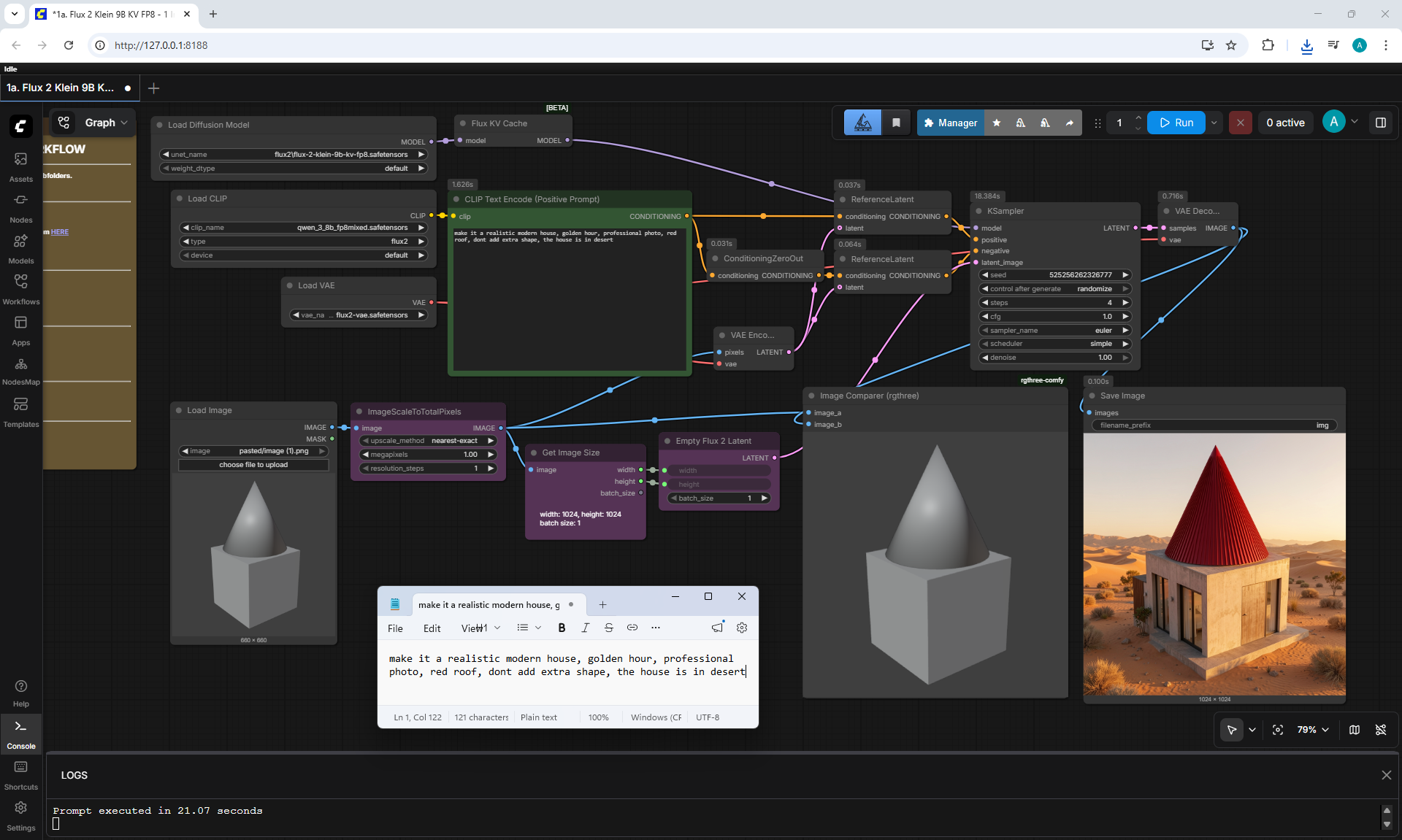
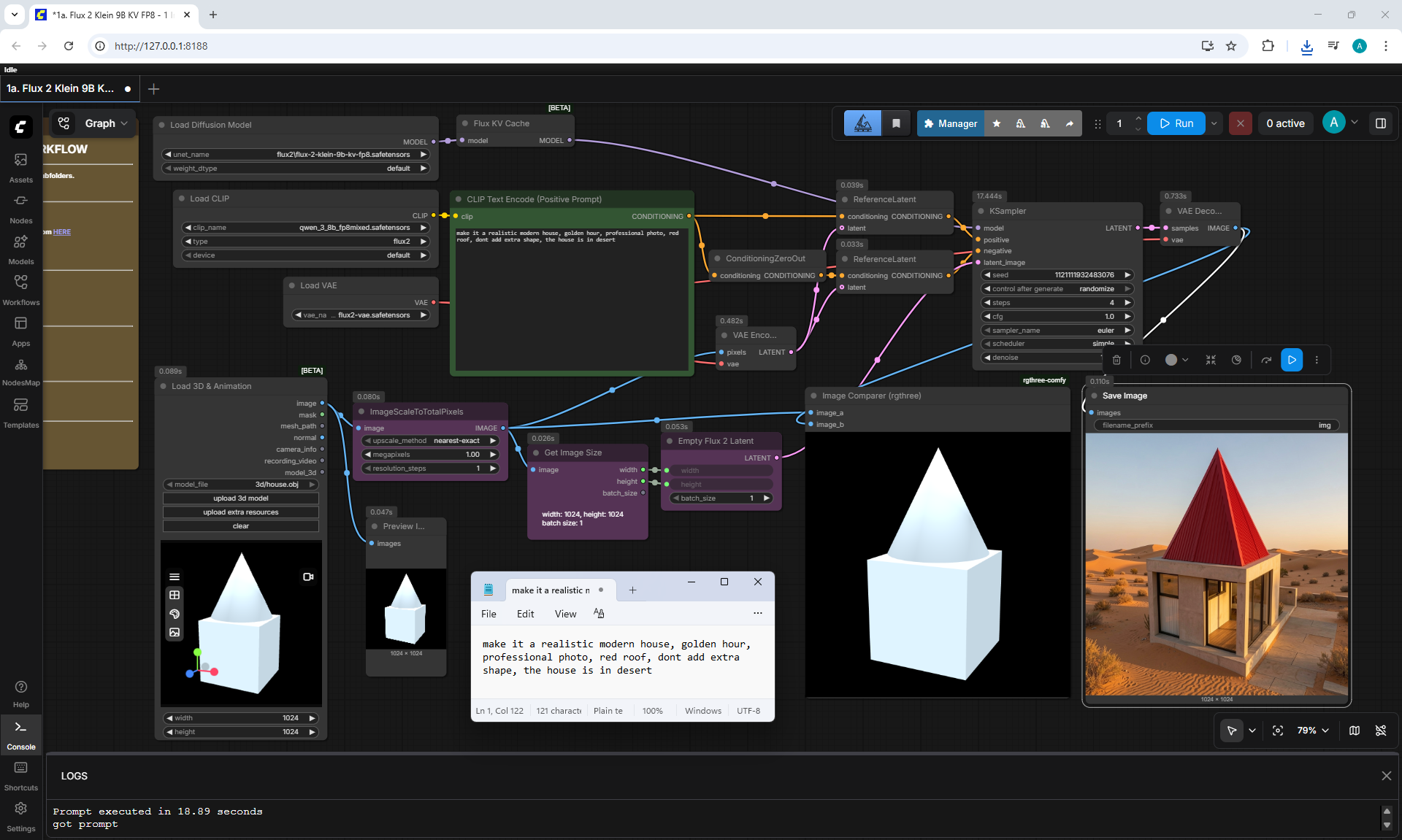
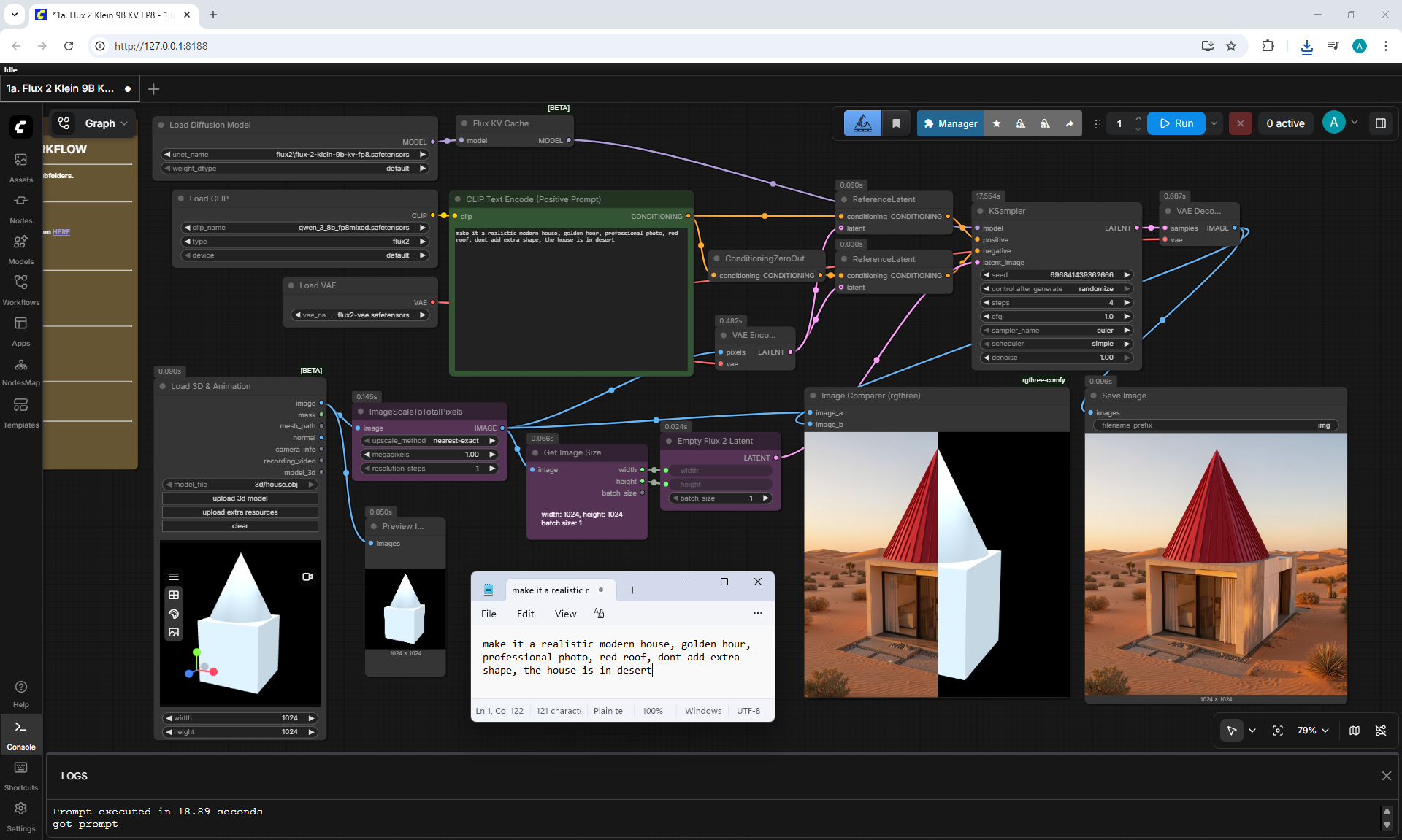
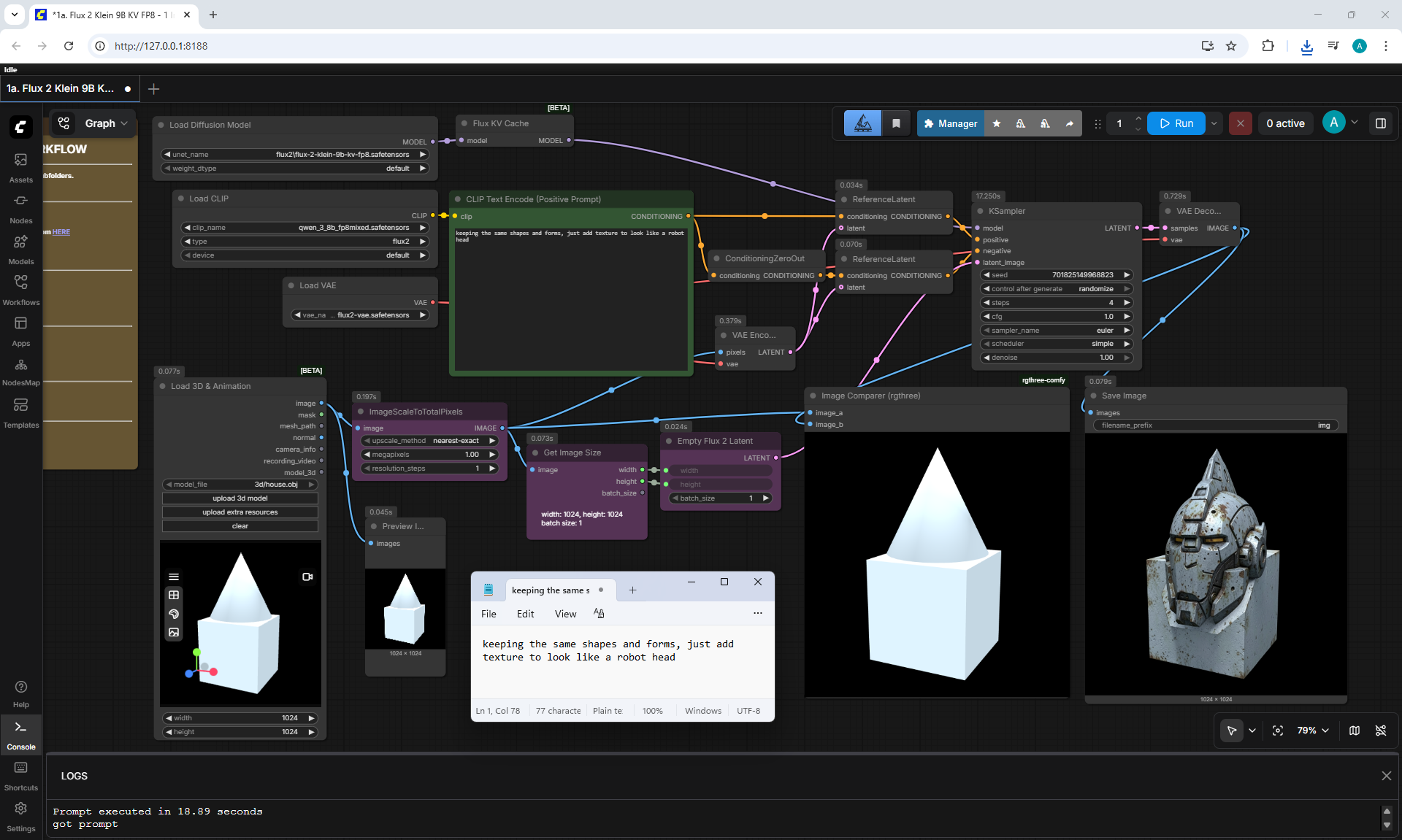
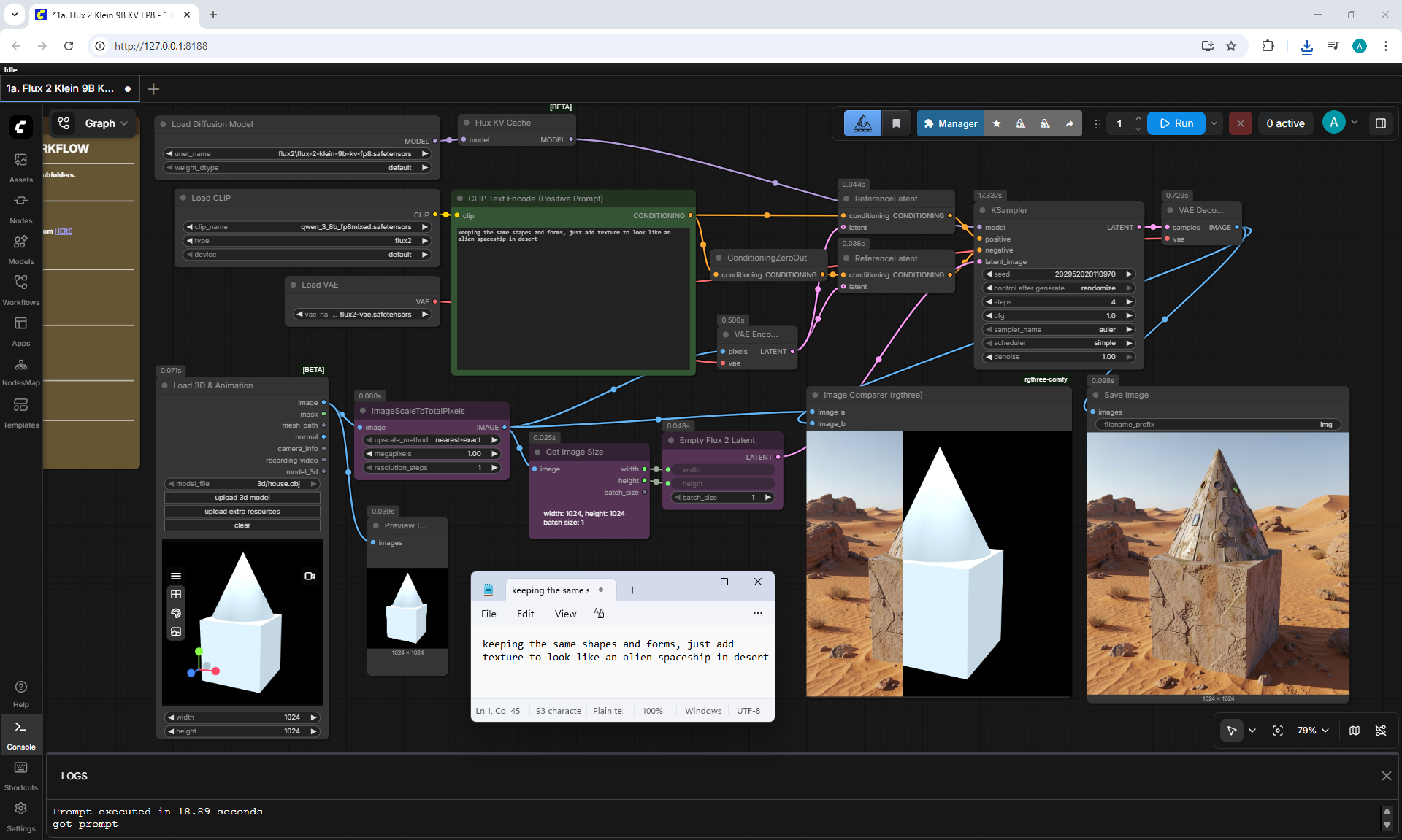
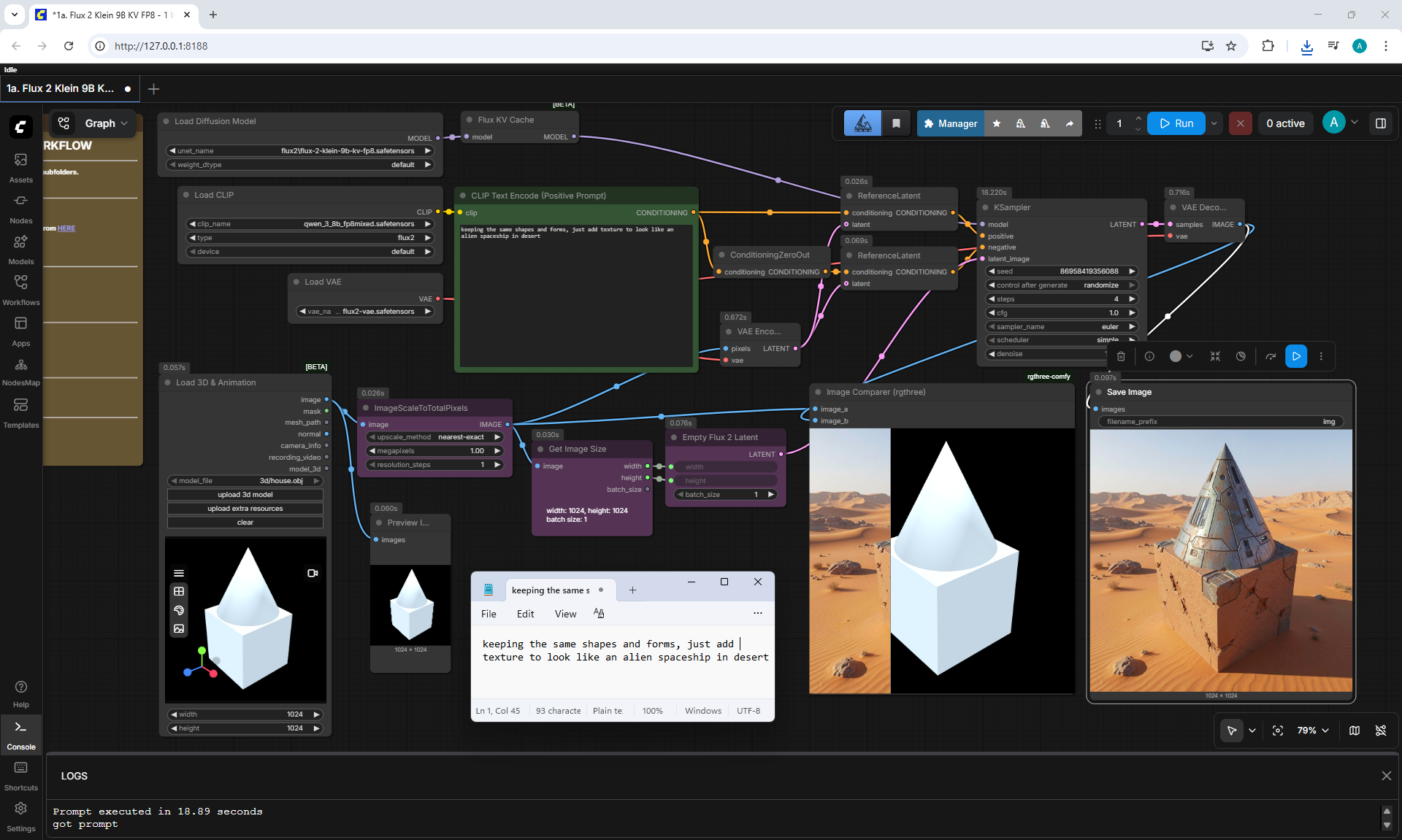
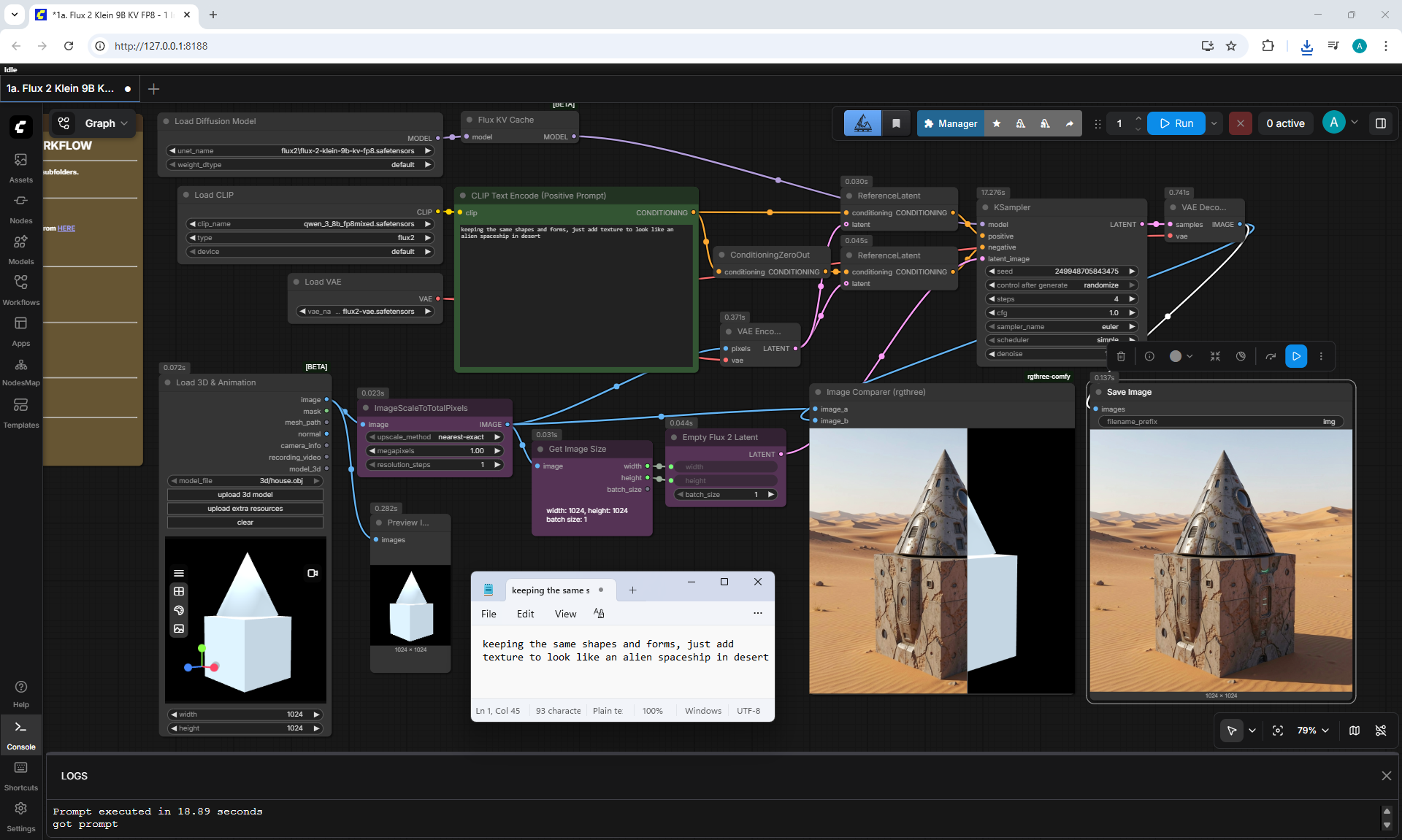
(Ep09) FLUX.2 Klein 9B KV: Speed and Image Consistency in ComfyUI








































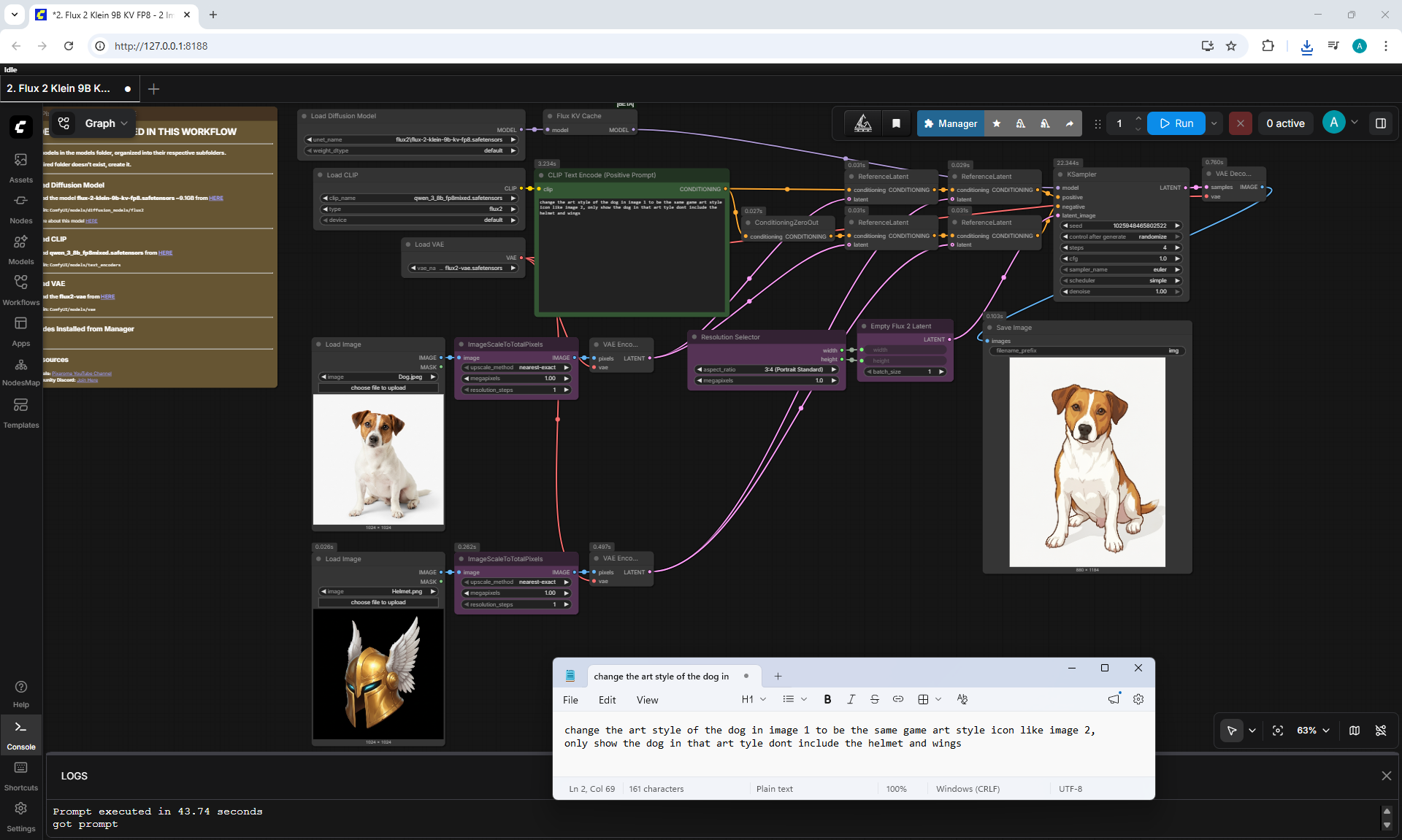
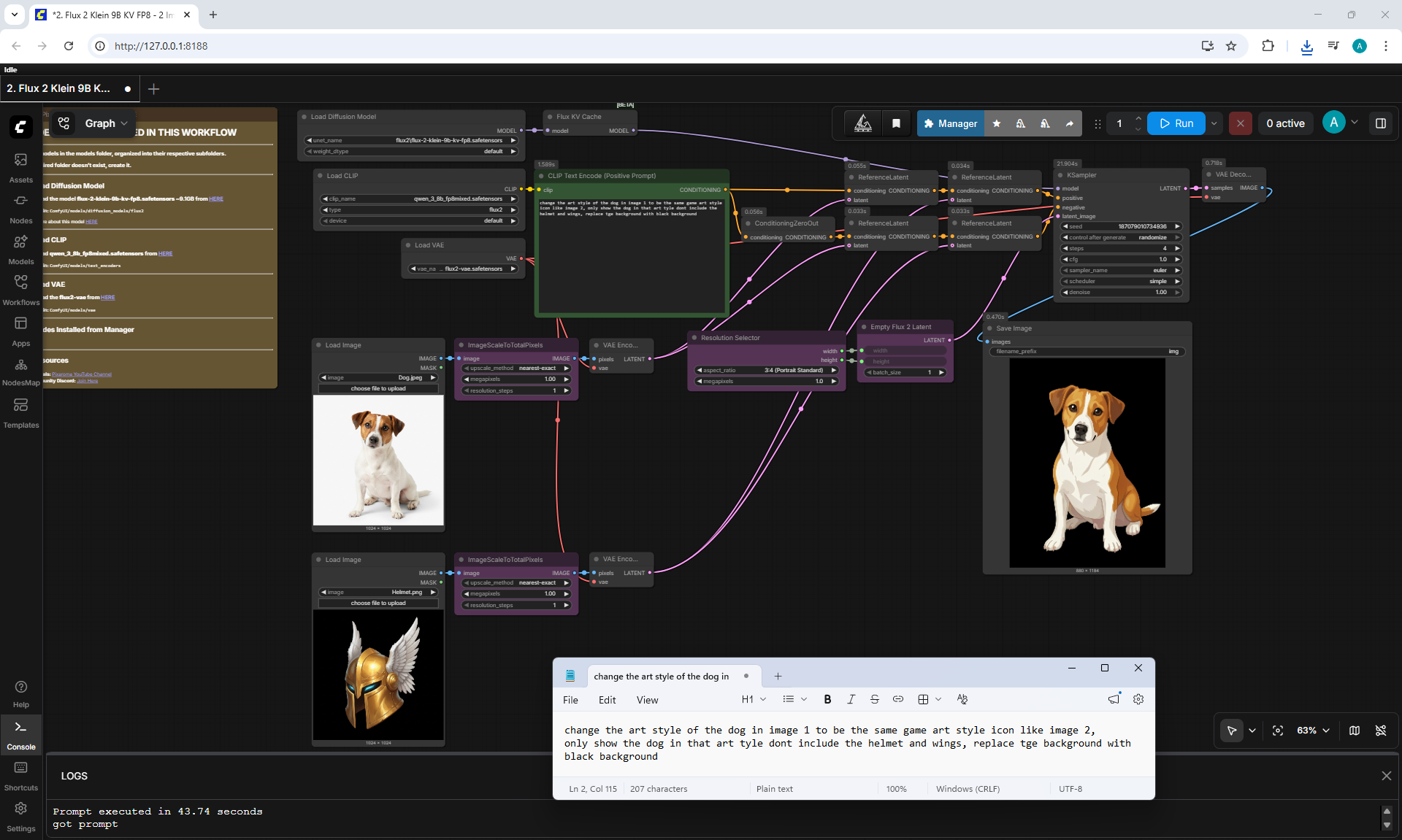
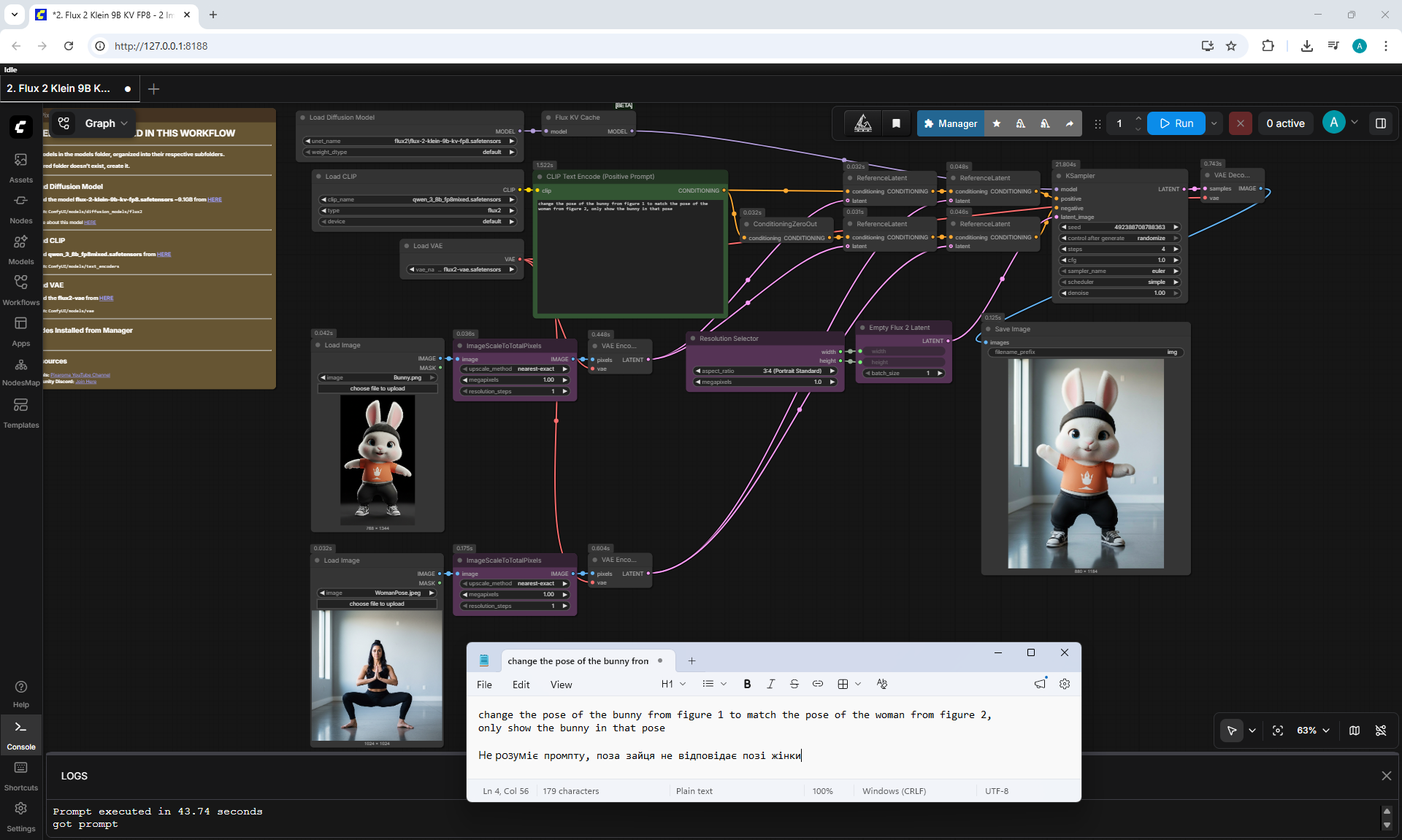
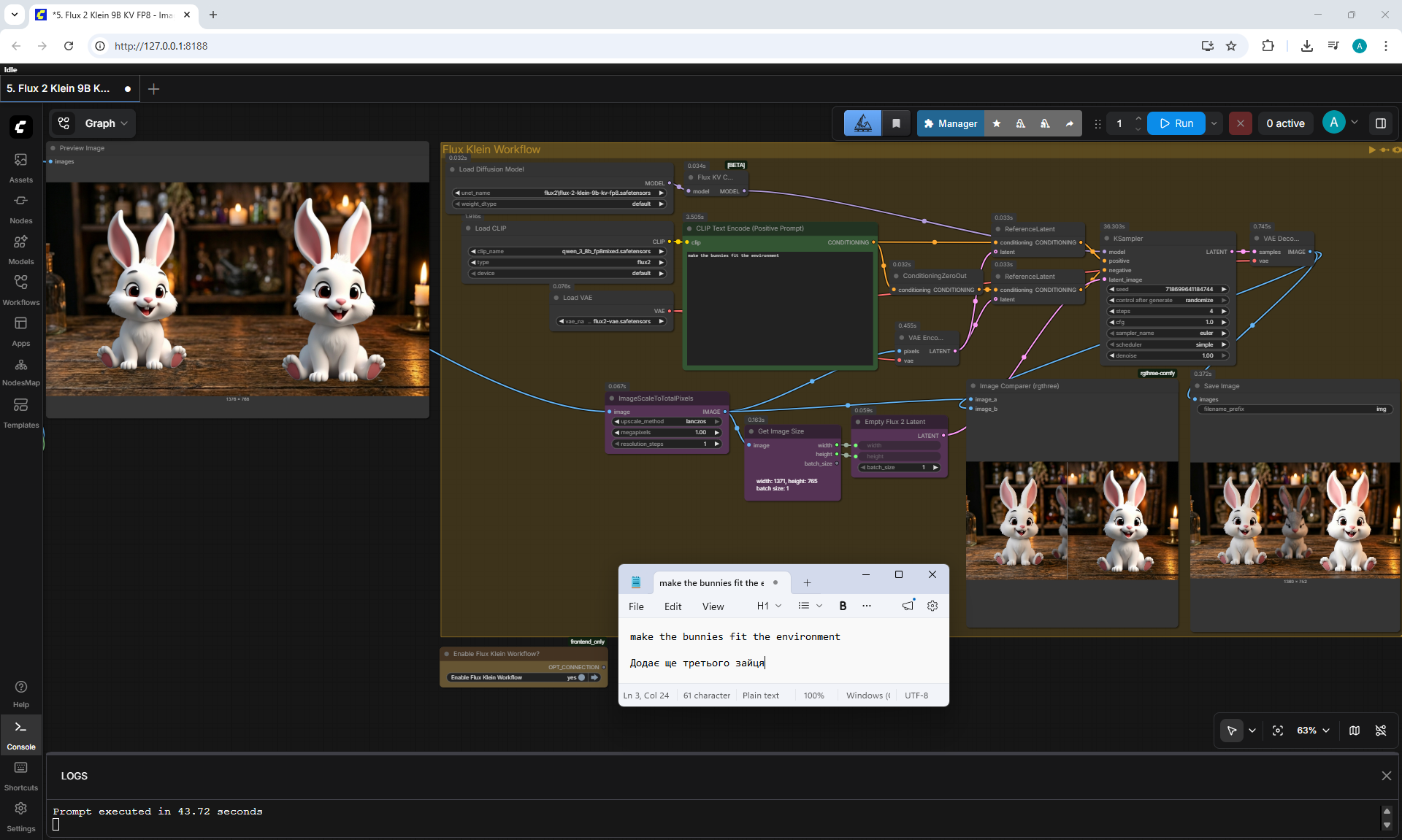
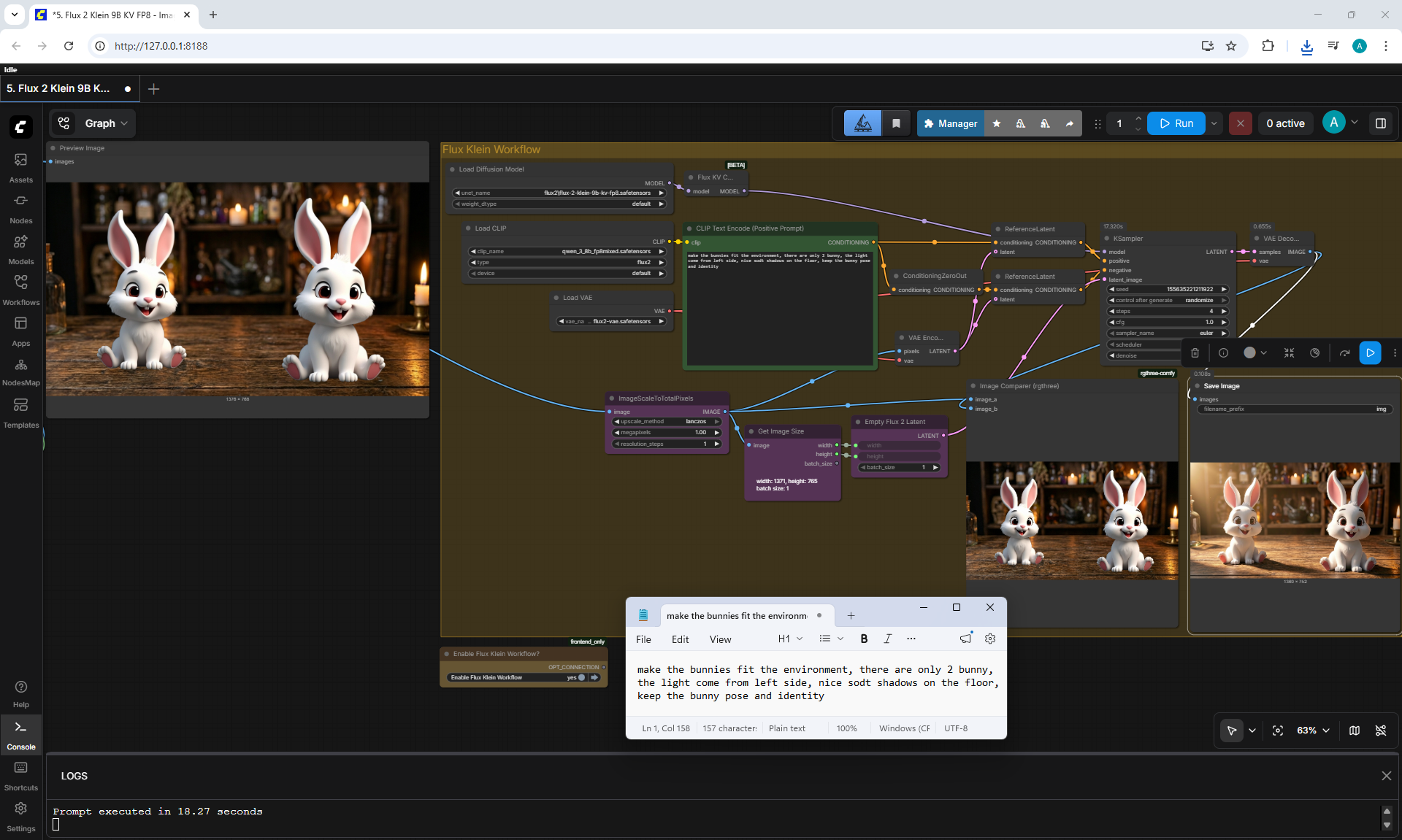
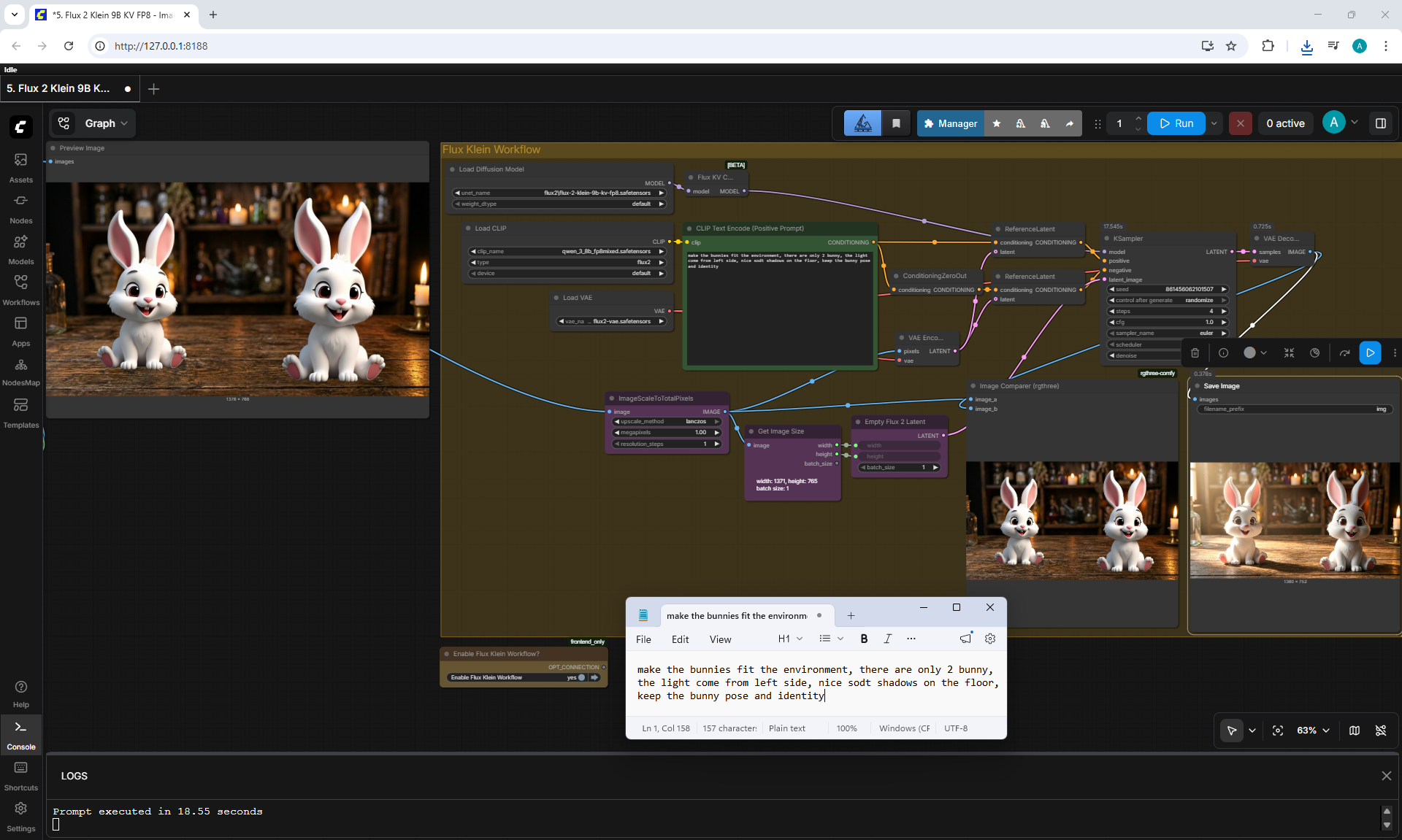
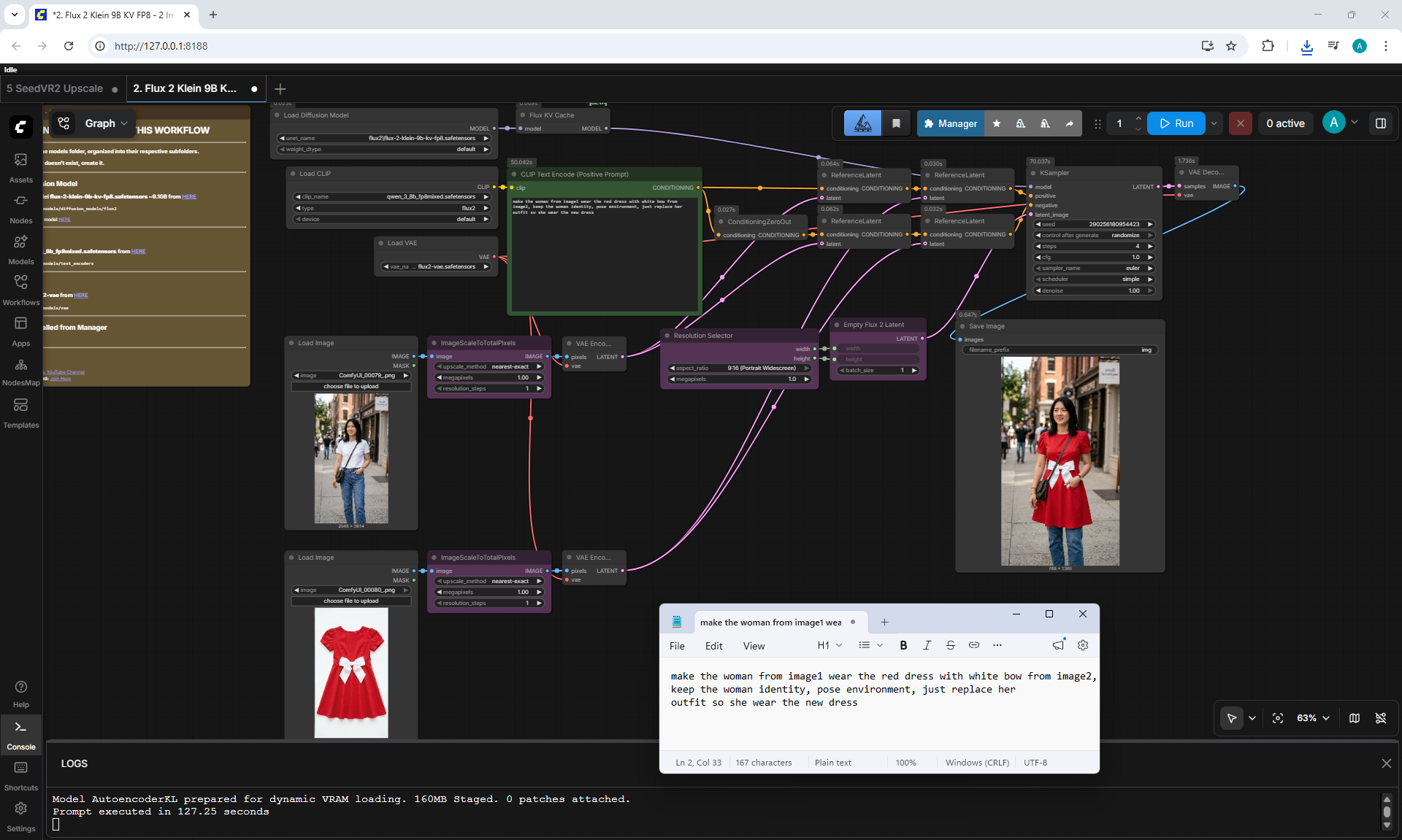
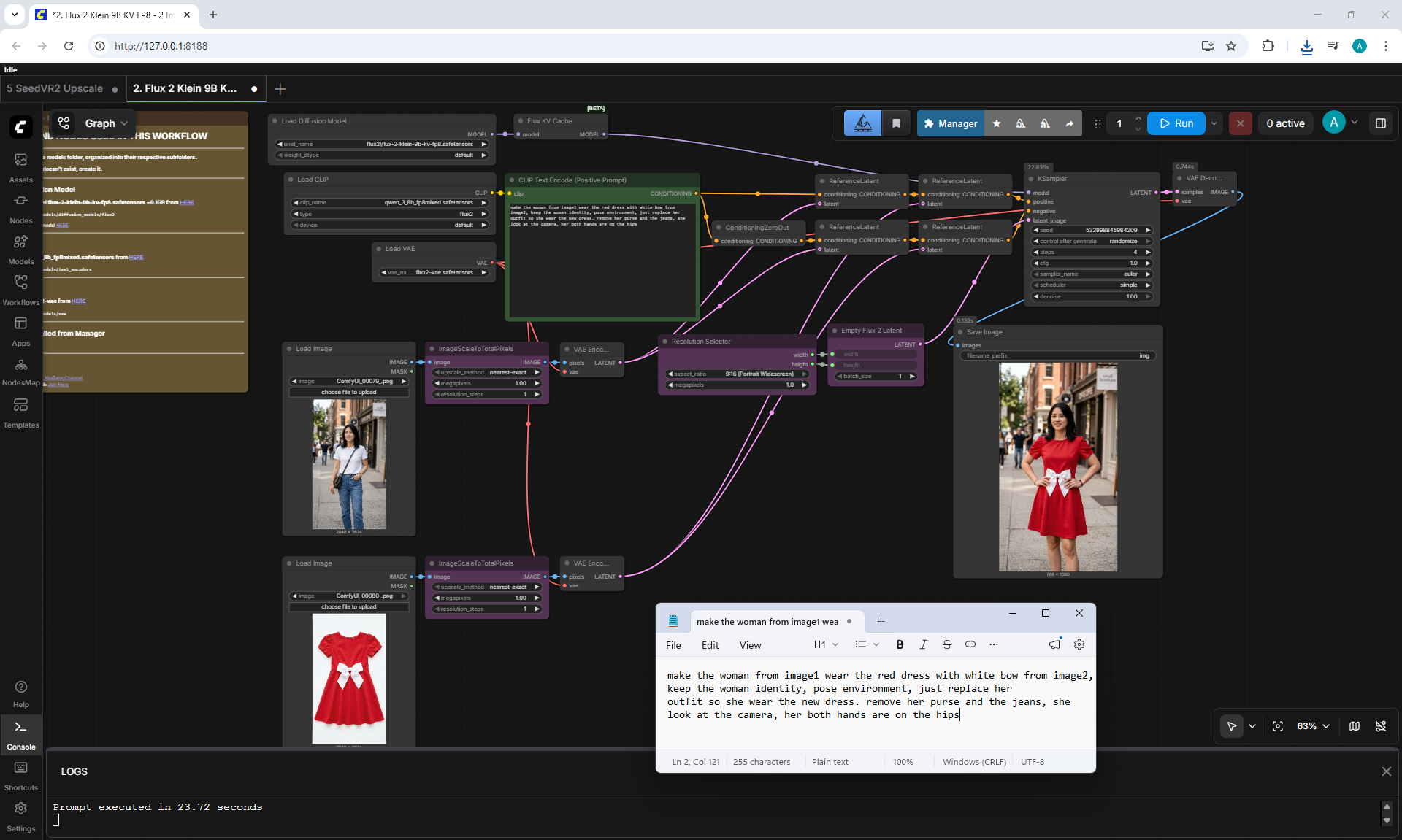
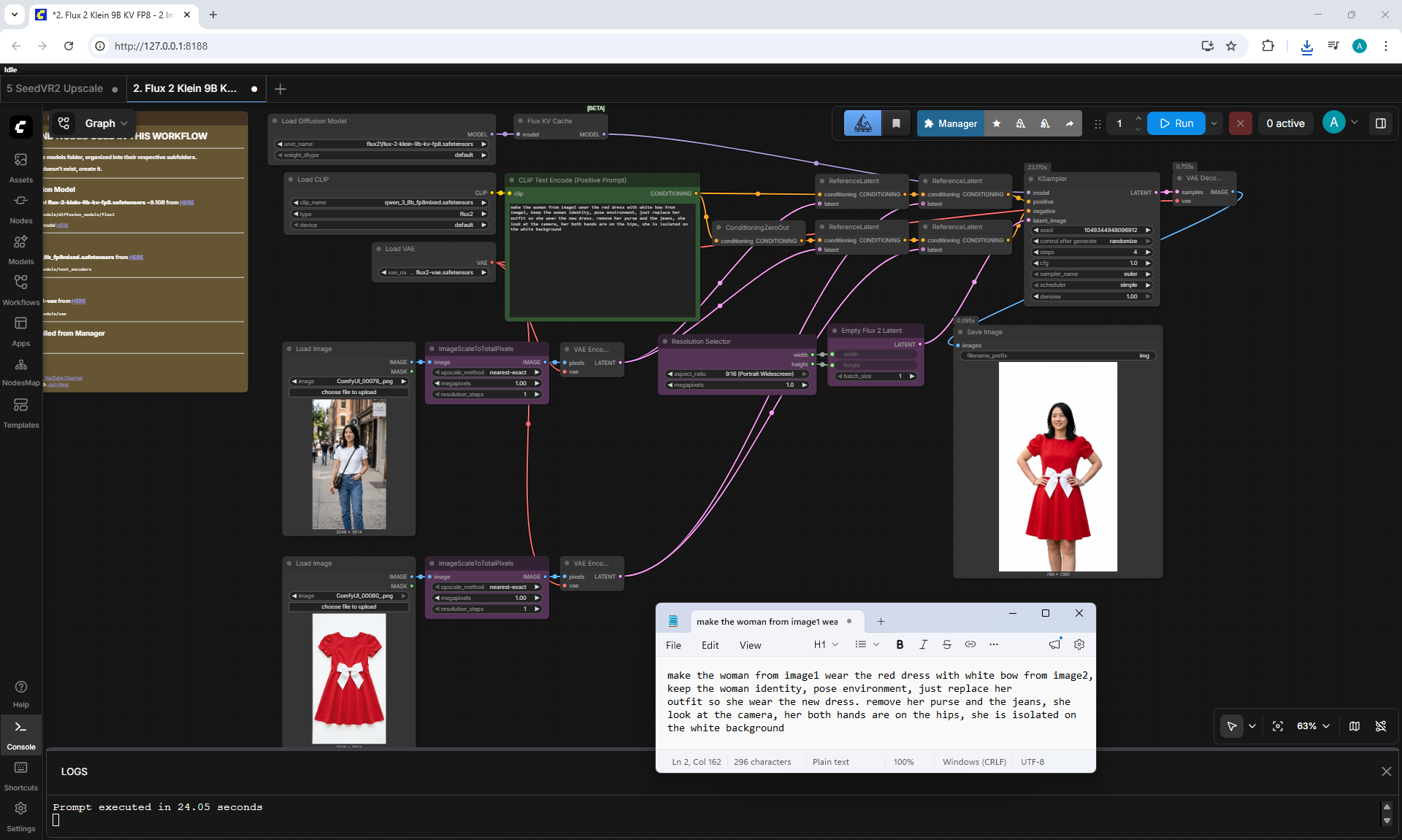
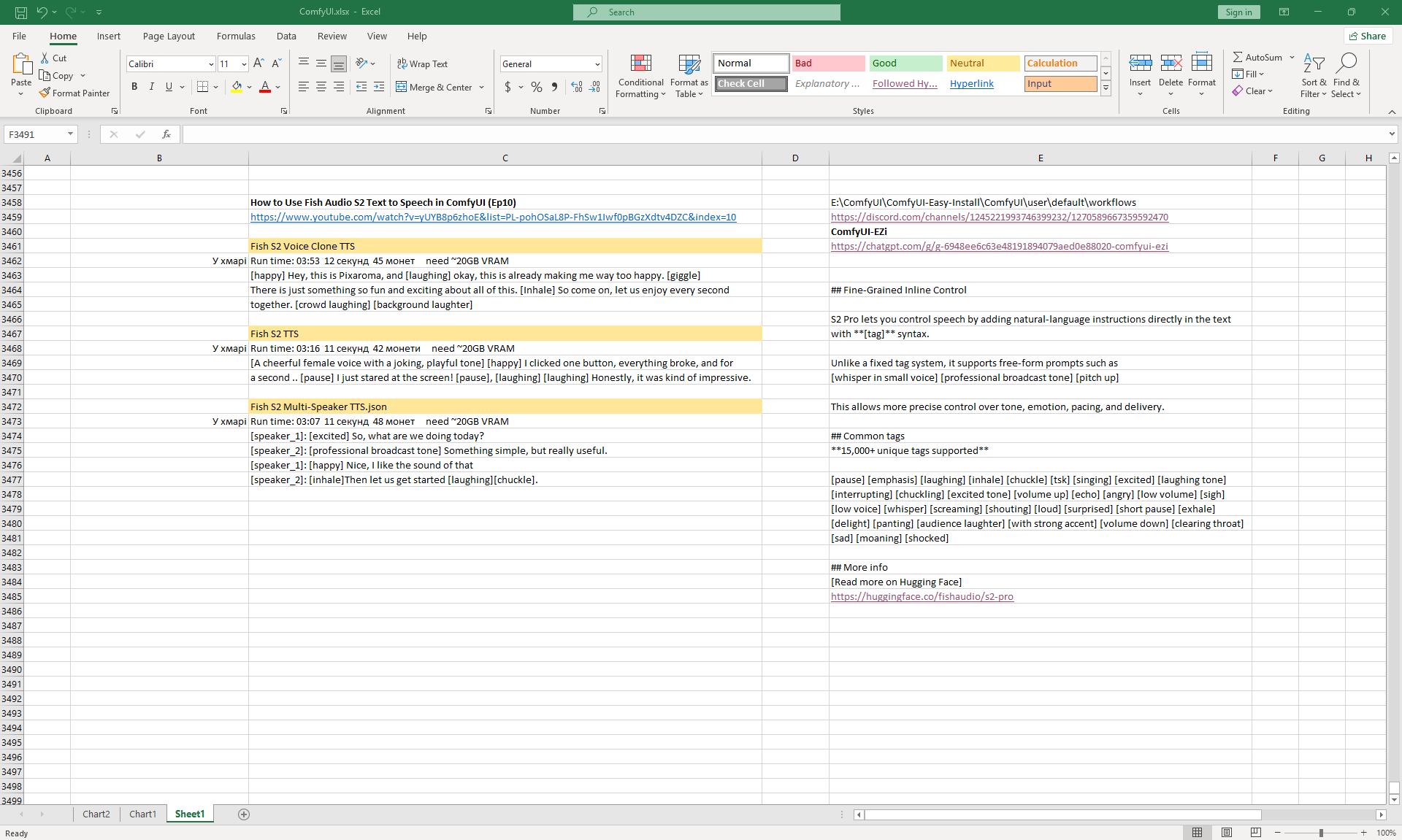
(E10) How to Use Fish Audio S2 Text to Speech in ComfyUI
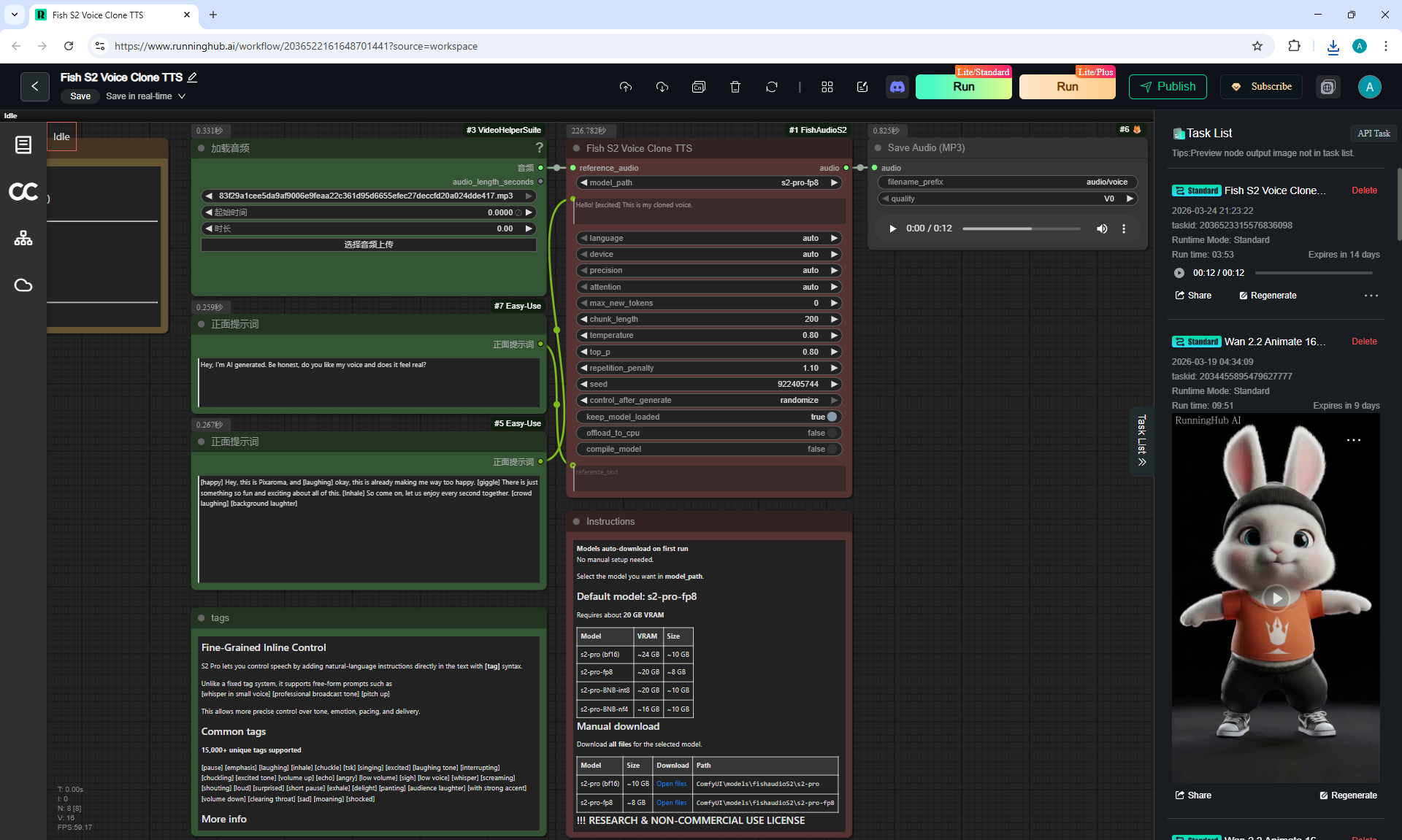
1. Fish S2 Voice Clone TTS
Workflow screenshot
[happy] Hey, this is Pixaroma, and [laughing] okay, this is already making me way too happy. [giggle]
There is just something so fun and exciting about all of this. [Inhale] So come on, let us enjoy every second
together. [crowd laughing] [background laughter]
WomanVoice6Sec.mp3
001.mp3
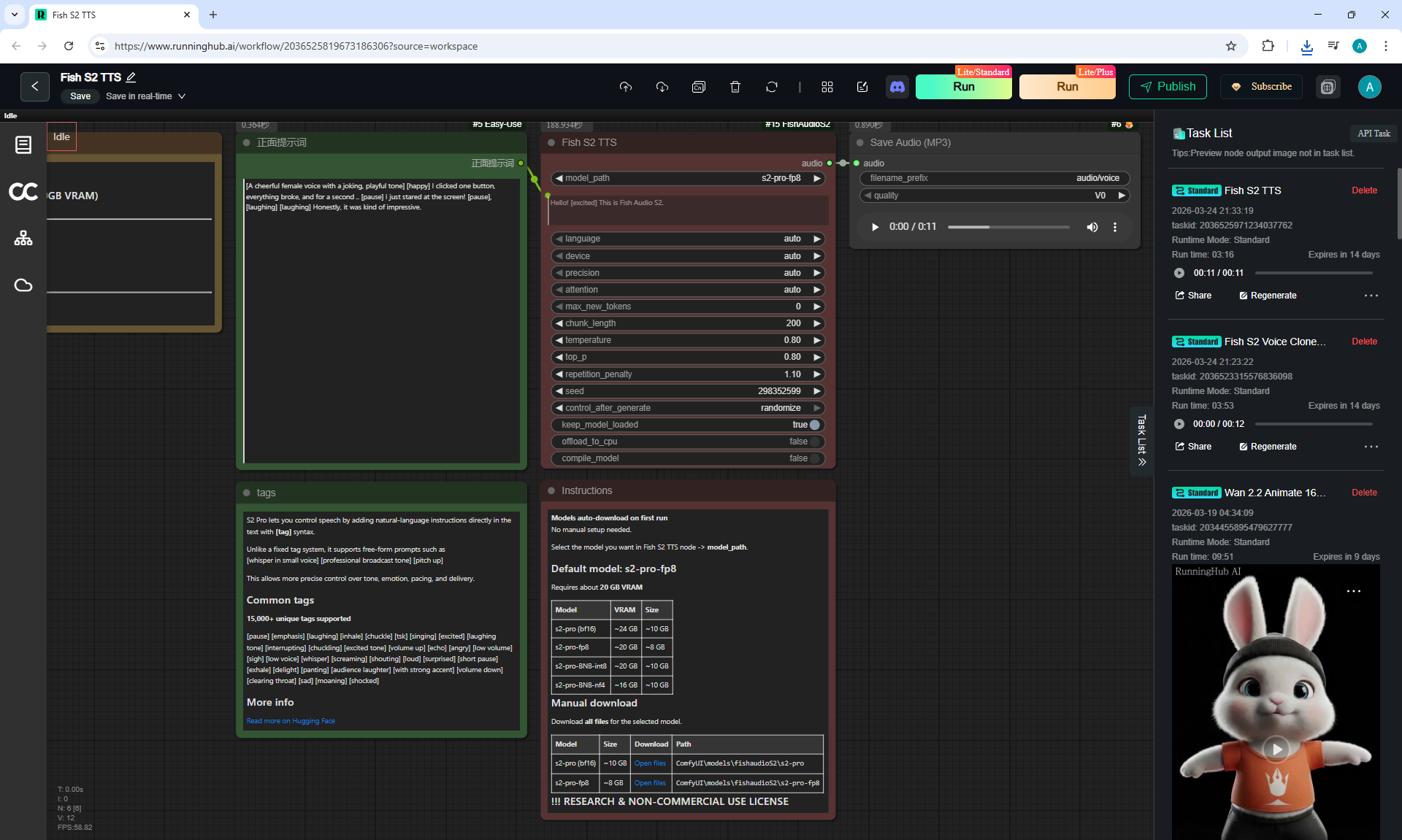
2. Fish S2 TTS
Workflow screenshot
[A cheerful female voice with a joking, playful tone] [happy] I clicked one button, everything broke, and for
a second .. [pause]
I just stared at the screen! [pause], [laughing] [laughing] Honestly, it was kind of impressive.
002.mp3
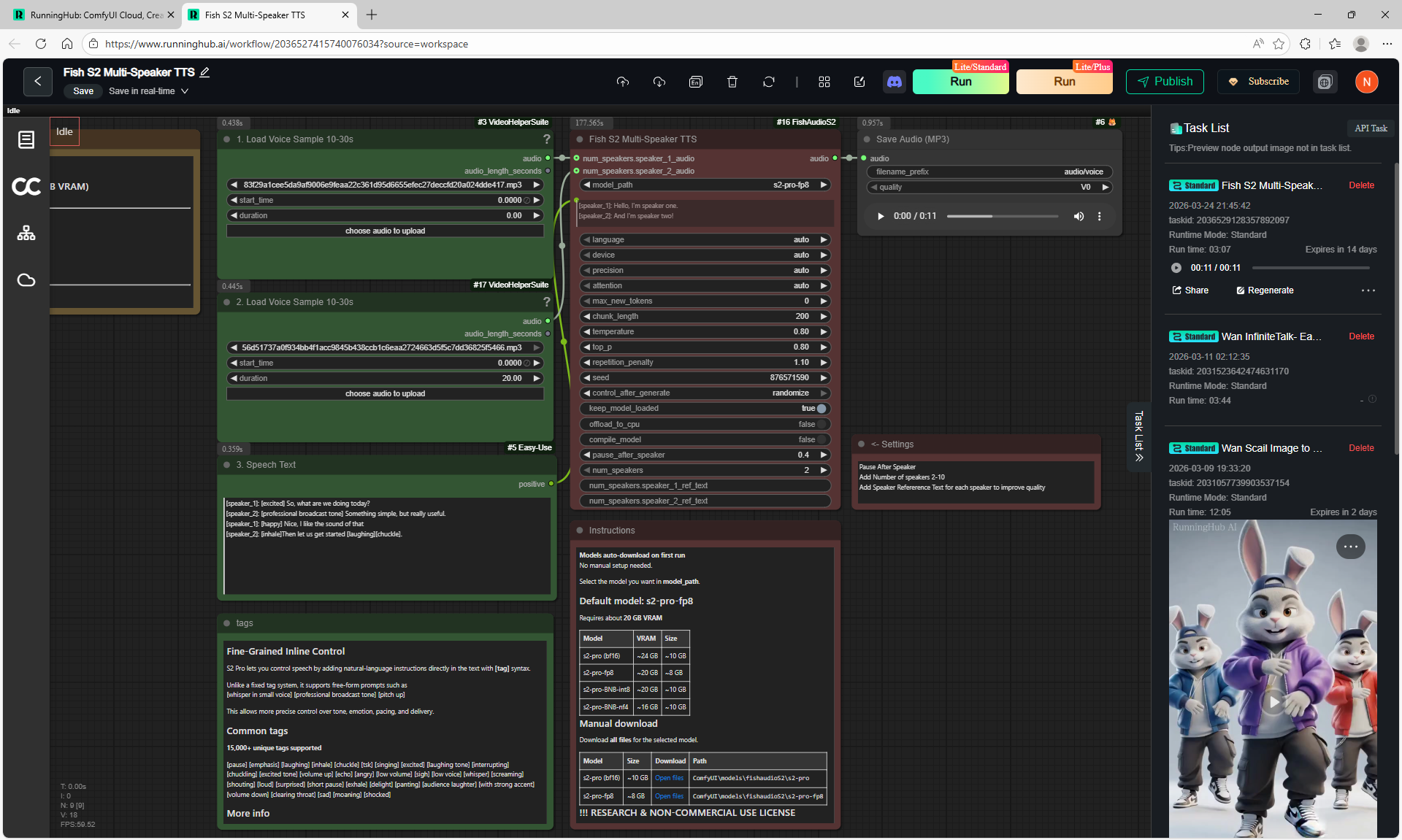
3. Fish S2 Multi-Speaker TTS
Workflow screenshot
[speaker_1]: [excited] So, what are we doing today?
[speaker_2]: [professional broadcast tone] Something simple, but really useful.
[speaker_1]: [happy] Nice, I like the sound of that
[speaker_2]: [inhale]Then let us get started [laughing][chuckle].
WomanVoice6Sec.mp3
003.mp3
ManVoice42Sec.mp3